


Accessories
Chic smartwatch? Say hello to the Huawei Watch GT 5!
Found: my new distance running partner

While sipping a cup of coffee on an afternoon date with my best friends, we pondered how I fell in love with running, especially since I’d always hated it for years. (Read: Confessions of a wishful runner)
I never imagined running more than a 10K on the road or hitting the trails on the weekend, but here we are. I guess it’s safe to say that long-distance running has a way of sneaking up on you. It’s far more addictive, empowering, and easier to ease into than short distances like 3K and 5K.
Reminiscing about my humble beginnings, I decided to put the Huawei Watch GT 5 to the test. With its lightweight design and chic Crystal Blue strap, the smartwatch became my partner-in-crime for both city and trail runs.
Featherweight accessory
I’ve been running long distances for two years now, yet I haven’t committed to a full marathon.
For now, I keep my distances between 15 and 36 kilometers, so I can still have time and energy for my other commitments. Running long distances means being mindful of what you wear—clothes, gear, shoes, and accessories.
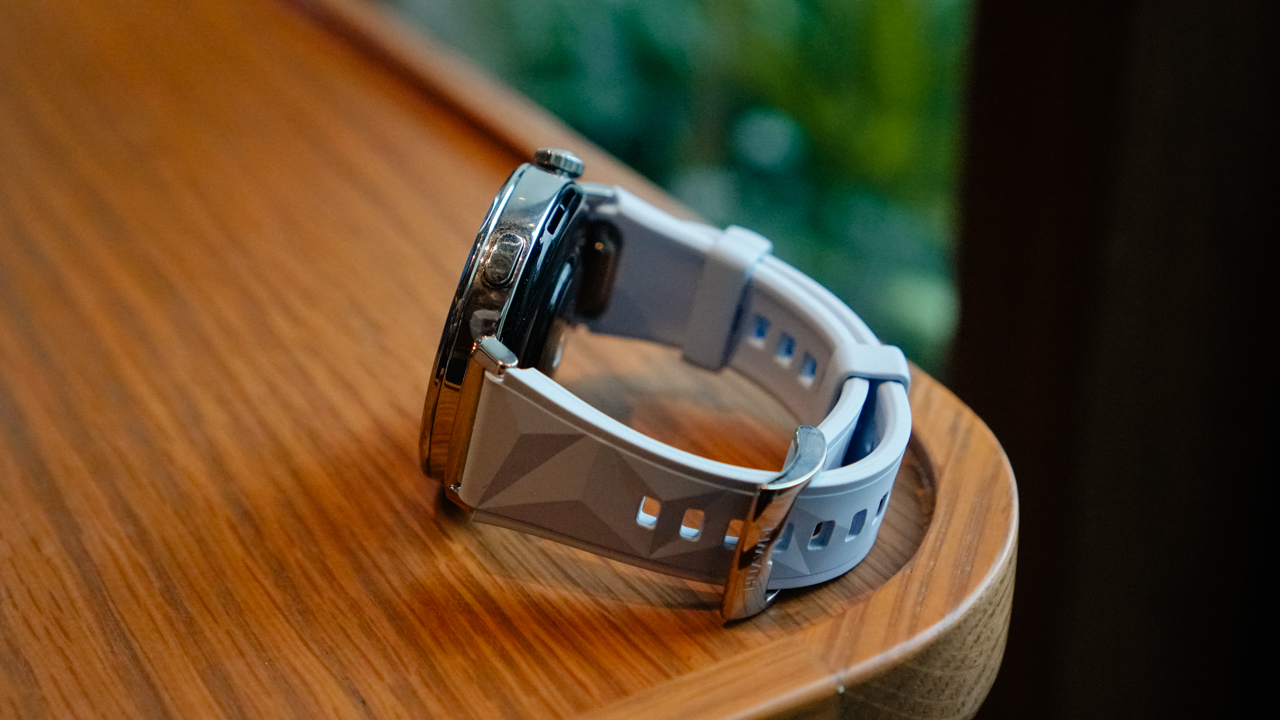
That includes the smartwatch on your wrist. The Huawei Watch GT 5 made it easy to track my distance without feeling weighed down by its size. The 41mm variant felt like a featherweight—I totally forgot I was wearing it until it buzzed to signal each completed mile.
The comfort of the Huawei Watch GT 5 helped keep my focus on the path, not my wrist. I barely felt any itching from the fluoroelastomer strap, and I trust its tracking features enough to maintain my momentum.
Another huge perk? I use both an iPhone and an Android device, so having a smartwatch that isn’t locked into one ecosystem is a game-changer. It tracked my progress seamlessly, giving me one less thing to worry about as I push through each mile.

Trail running
Sometimes, city runs don’t quite give me the runner’s high I crave. On some weekends, I add a level of excitement to my runs by hitting the nearest trails.
Trail running is unpredictable, no matter how prepared and strong you are. It’s got hills, uneven ground, and sometimes, a bit of mud.
Even though the terrain can be tricky, I love how it provides a refreshing break from the repetitive concrete. It’s also mentally engaging—I need to be cautious with every step and hop along winding paths.

I recently visited Mount Ayaas for an 11-kilometer trail run with over 600m elevation gain. With just my smartwatch, a belt bag of gummy bears, my phone, and a 500ml water bottle, I took on the trail alone.
Since the Huawei Watch GT 5 is equipped with Sunflower Smart GPS, it gave me a reassuring “safety net” as I navigated the trail. I was familiar with the route, but the solo adventure made it a bit nerve-wracking.
Thankfully, there’s a route backtracking feature, so if I ever got lost, I knew I could find my way back.
There are also offline contour maps for those who want to explore more remote areas, but that’s an assignment for another day. (I need to stay alive to keep running and testing this watch!)
Pacing yourself
Throughout the trail, the watch’s clear display allowed me to check my heart rate and pace at a glance. I’ve also braved different weather conditions during runs, even getting soaked in the rain on my way back.
The Huawei Watch GT 5 kept up with me, despite my ever-changing pace, terrain, and weather.
If you’re tackling longer runs, monitoring your heart rate is essential to avoid overexertion. The Huawei TruSense technology in the GT 5 is designed for faster and more accurate heart rate readings.
Comparing it with my Garmin epix Pro (Gen 2), the Huawei Watch GT 5 provided real-time heart rate monitoring on par with my other smartwatch.
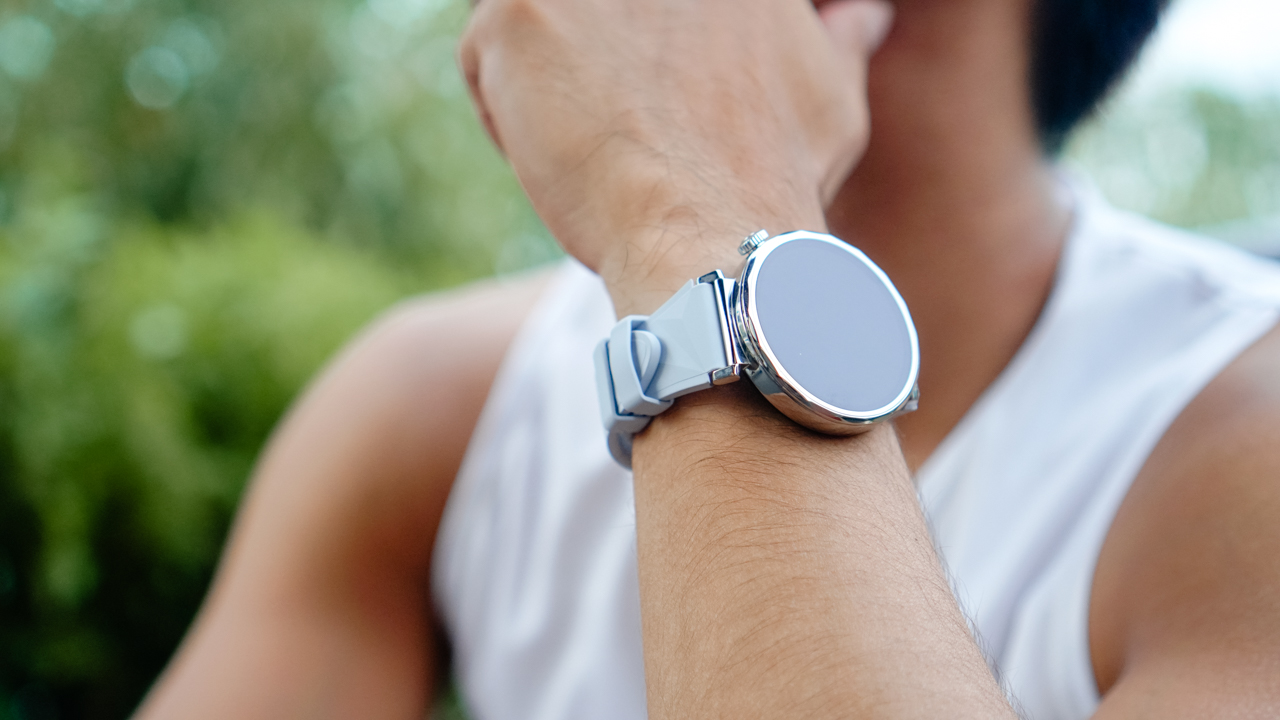
This precision helps me tune into my body, both on long-distance road runs and trail runs. I can pace myself on steep hills and conserve energy, avoiding early burnout on challenging routes.
To be honest, long-distance running is as much a mental game as it is physical. Maybe that’s why I enjoy it so much—I have to strategize, think, and move cautiously rather than rely solely on strength and speed.
In these moments, I rely on the Huawei Watch GT 5’s real-time alerts as gentle reminders to stay focused. Each buzz helps me reframe my mindset, guiding me through the remaining distances on my training log.
Battery life that matches my stamina
If you follow my Instagram Stories, you’ll know how much I love back-to-back races or training sessions. On a perfect weekend, I start my Saturday morning running the trails of Montalban, Rizal. After freshening up, I’ll head to an evening session at my nearest Obstacle Park to test my endurance.
The next day, I’ll run at Car-Free Sundays on Ayala Avenue, where runners gather from six in the morning until ten. After an easy run, I’ll head to Anytime Fitness for an upper body strength session.
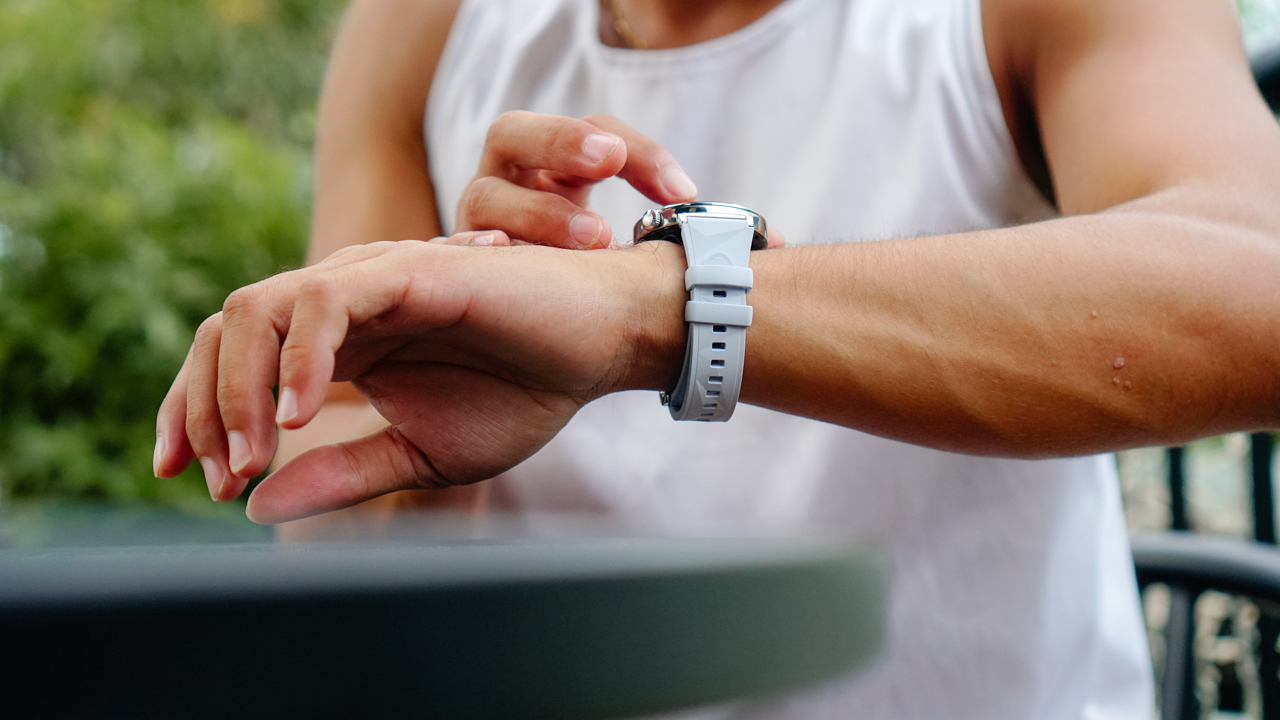
With back-to-back training sessions, the Huawei Watch GT 5’s battery life truly shines. It holds its own alongside my Garmin epix Pro (Gen 2) and outperforms other smartwatches like Apple and Samsung in terms of endurance.
I’ve bid farewell to constant recharging and can freely schedule workouts without worrying about plugging in the watch daily.
The secret to getting stronger
Long-distance running certainly builds strength, but it can only take you so far. My secret to getting stronger is ensuring my body recovers well, which is critical for endurance training as muscles repair during rest.
The Huawei Watch GT 5’s sleep tracking feature has been especially useful, providing detailed reports on my sleep quality. I listen to my body and my smartwatch, using its data to decide when I need to cut back on runs and prioritize recovery.
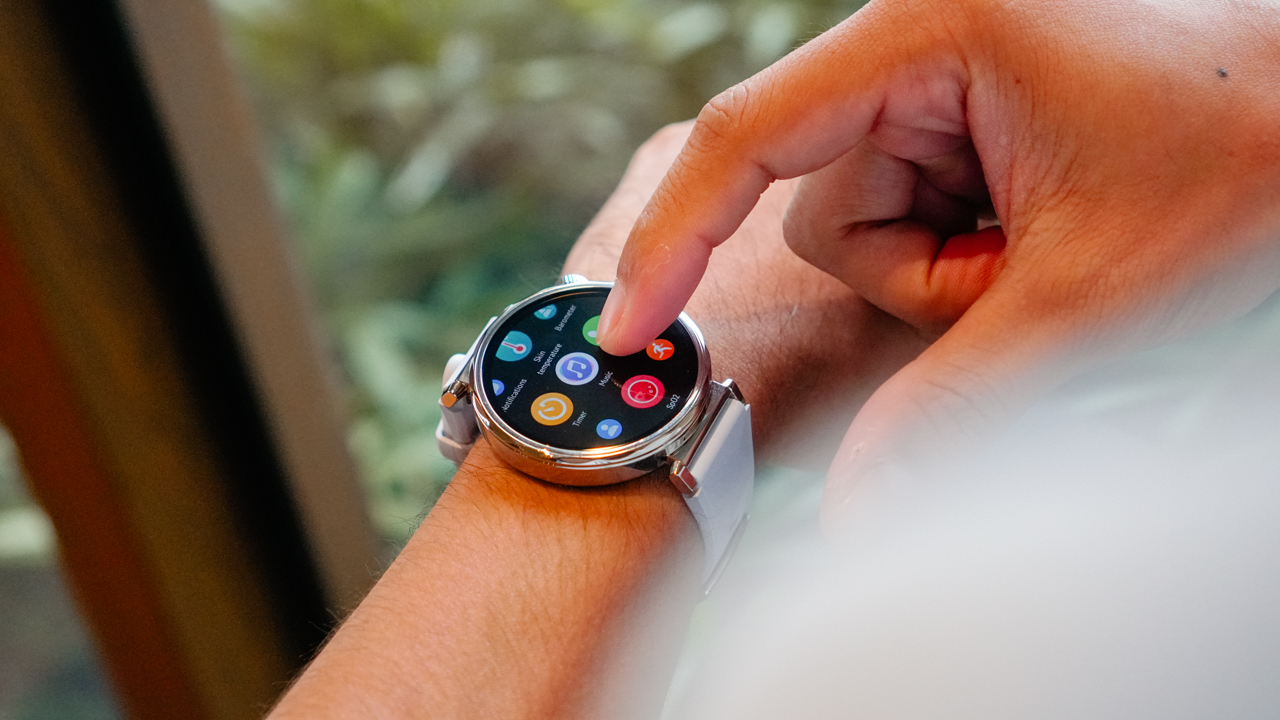
Pondering about my thoughts again, I realized I’ll always love long-distance running. Some days, I’m setting personal records, while other days, it feels like a slog. But every run is part of the process; each step is another part of the story.
With every boost in endurance, the Huawei Watch GT 5 is there to build confidence along the journey.
Is this your GadgetMatch?
For anyone unsure of which smartwatch to choose, I recommend taking a look at the Huawei Watch GT 5.
It’s more than just a fitness tracker—its lightweight design, comprehensive health tracking, and unmatched battery life make it the ideal running partner. (If you’re single, that is.)
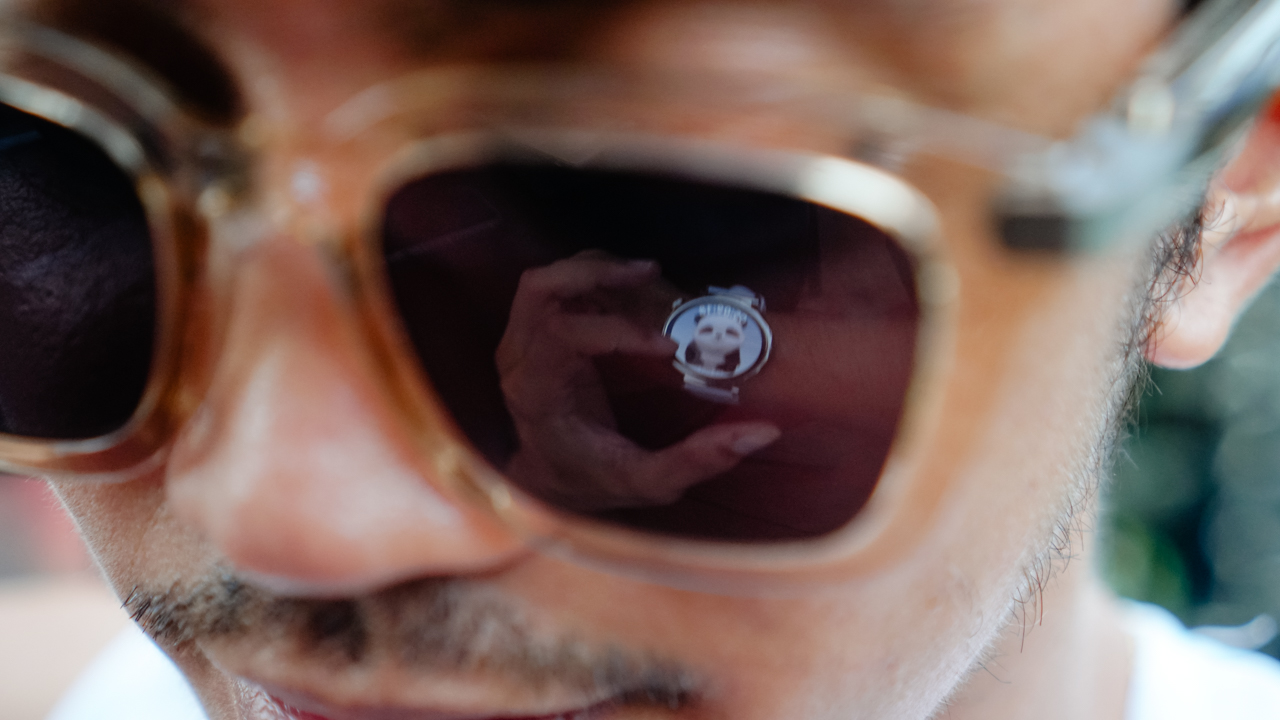
As for me, the Huawei Watch GT 5 has kept up with my adventures. I’ve had a smartwatch that’s not only stylish for post-run brunches but also a reliable accessory on the road and the trail—even if it doesn’t look rugged.
At this point, it’s not just a smartwatch; it’s a must-have accessory for anyone aiming to become a beast while keeping a touch of beauty.
Price, availability
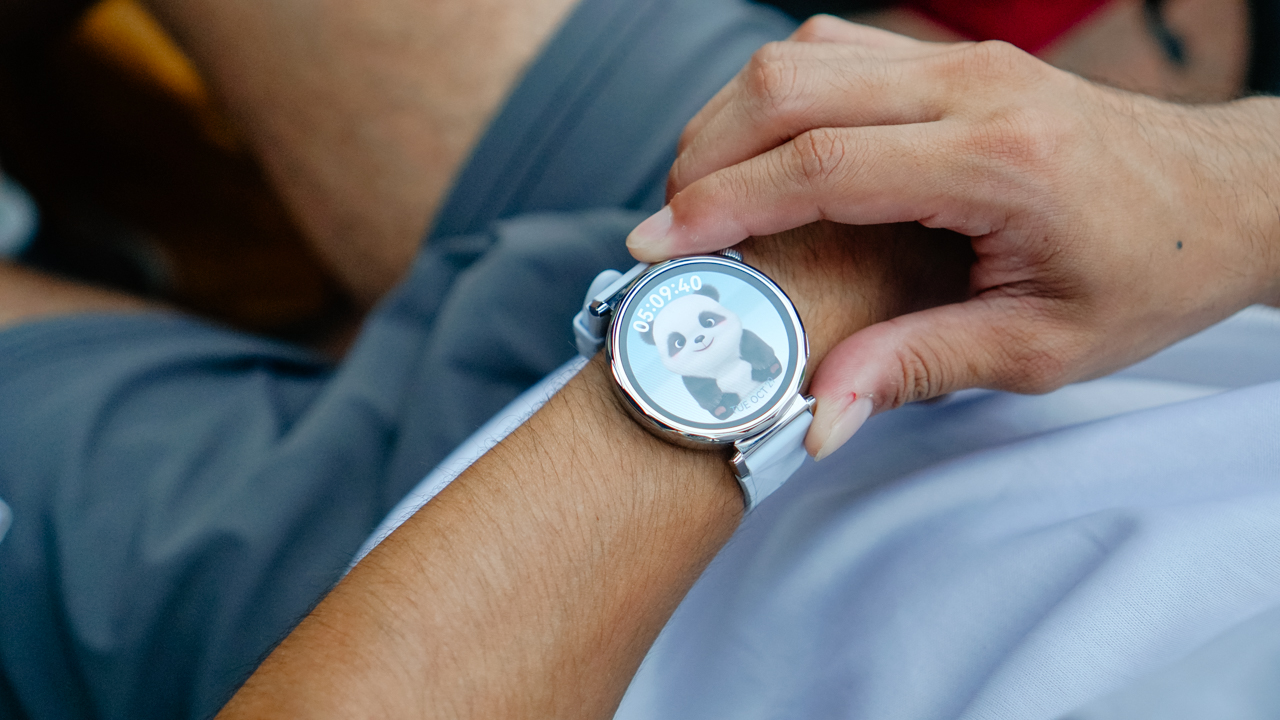
The Huawei Watch GT 5 (41mm or 46mm) starts at PhP 12,999 for the Blue Fluoroelastomer strap, and PhP 13,999 for the Brown Woven or White Leather straps.
Meanwhile, the Huawei Watch GT 5 Pro (42mm) starts at PhP 22,999 for the White Fluoroelastomer strap, and PhP 31,999 for the White Ceramic. Also, the Huawei Watch GT 5 Pro (46mm) retails for PhP 17,999 for the Black Fluoroelastomer strap, and PhP 24,999 for the Titanium.
The Huawei Watch GT 5 series is available on Huawei’s authorized online and offline stores.






Sony has unveiled the ECM-AX10 microphone, the world’s first Eclipsa Audio-certified microphone for smartphones.
Tailored for vloggers, content creators, and even smartphone filmmakers, the ECM-AX10 helps capture video sound that feels more natural, immersive, and true to the moment.
It features four built-in omnidirectional microphone capsules that can record sound from multiple directions. Sony’s spatial audio processing, meanwhile, recreates a sense of space, direction and distance. This makes videos feel more engaging for viewers.

The mic connects directly to compatible smartphones via USB-C and gives creators three easy ways to capture sound: Ambisonics recording for spatial audio production, binaural recording for an immersive headphone experience, and stereo recording for everyday videos and social content.
When used with Sony’s dedicated Spatial Audio Video Tool app, creators can shoot video, check footage, make simple edits and export content with spatial audio.
This allows users to complete the entire production workflow for spatial audio video on their smartphone.
Creators can also utilize the app for publishing in Eclipsa Audio for an immersive experience on YouTube. In addition, binaural recording can be used for 360 Reality Audio for headphone-optimized three-dimensional sound experience, even where Eclipsa Audio is not supported.

The Sony ECM-AX10 is developed with sound engineers to ensure the delivery of authentic and immersive sound.
Sony worked with Sony PCL, a Sony Group company with extensive expertise in planning and producing content and spatial experiences.
The Sony ECM-AX10 will be available in Singapore from October 2026 at selected retail shops and online stores, with suggested retail pricing at SG$ 249.

Living in New York means making every square foot count, so why own multiple gadgets when one can do the job?
In this video, THE Michael Josh takes a look at the Marshall Heston 60. It’s a premium TV soundbar that brings more to the living room than just better sound.
With its sophisticated design, powerful audio, and versatile features, it sits in his living room while doing much more than you might expect from a soundbar.
CHECK IT OUT HERE: https://bit.ly/MarshallHeston
Accessories
Samsung joins the clip-on earbud trend with the Galaxy Buds On
But it’s exclusive to South Korea for now.

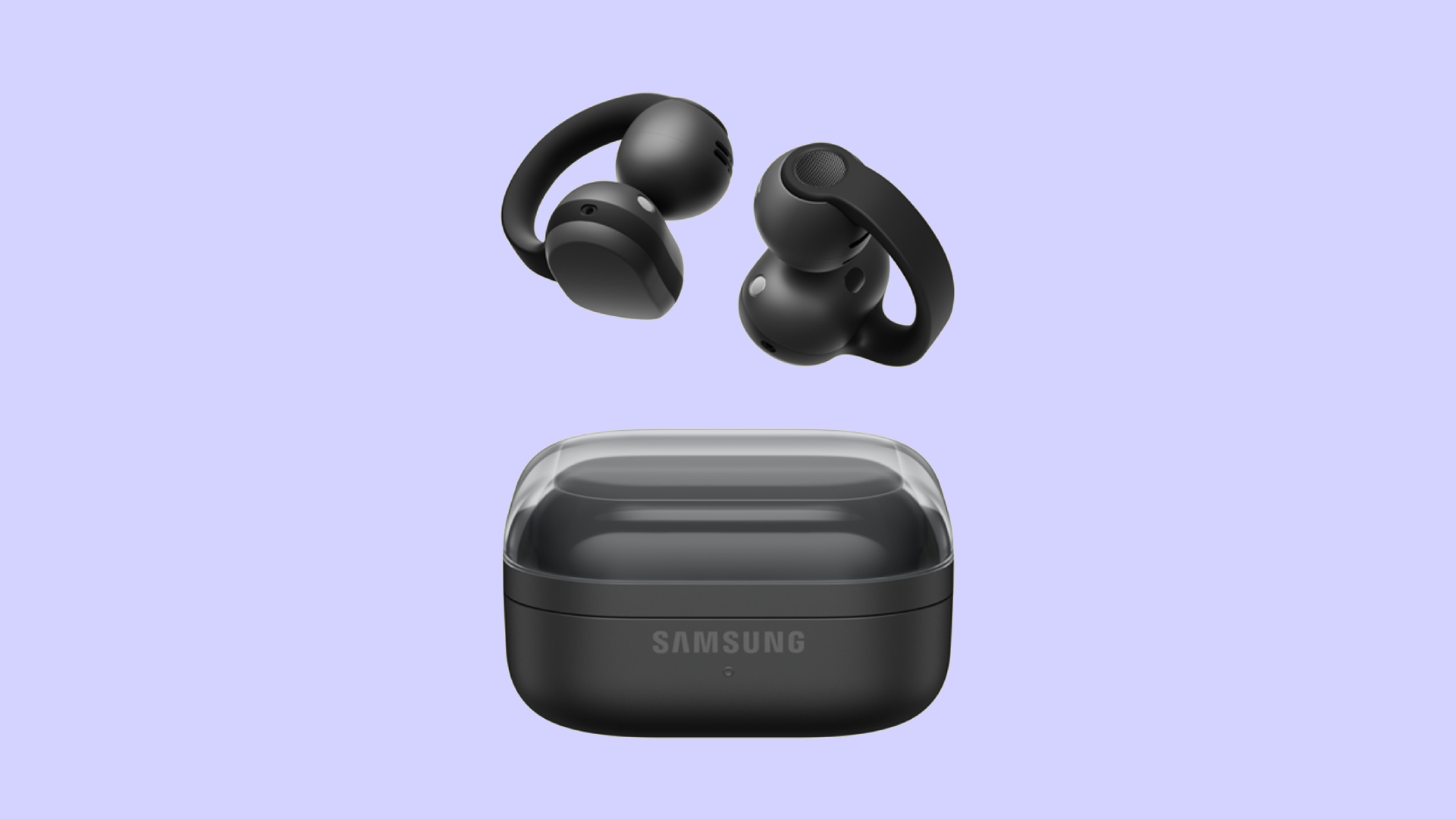
Audio wearables have been getting makeovers as of late. Besides the traditional form factors, the segment is experimenting with bone conduction and clip-on headphones. Today, Samsung is joining that trend with the Galaxy Buds On.
Debuting in South Korea, the Galaxy Buds On is Samsung’s first-ever clip-on earbuds. You’re likely familiar with how these earbuds look like, having seen them grace the ears of many a passerby today. Instead of plugging right into your ear canals, they actually do clip onto your earlobes. Samsung’s take, however, is a little bit heftier, which the brand claims gives it a wider surface area to balance the weight for your ears.
Additionally, the new earbuds has a TwinBoost speaker system. While the system adds better bass to the earbuds, it also adds automatic voice adjustments to better attune the sound according to your environment. It also has an Audio Leakage Reduction feature, so others won’t be able to hear what you’re listening to.
The Galaxy Buds On has a charging case almost identical to the Galaxy Buds4 case. Powered by the Snapdragon S7 Gen 1 Sound Platform, the earbuds can reportedly last up to 9.5 hours on a single charge.
Right now, the wearable is exclusive to South Korea, but Samsung says that a global rollout will happen in the future. In South Korea, the Galaxy Buds On costs KRW 299,000 (or approximately US$ 220).
SEE ALSO: Galaxy Buds4 Pro review: I thought I was done with in-ears

Dragon’s Dogma 2: Dark Arisen launches with new Official Pawns

Score PhP 22,000 in guaranteed freebies when you pre-order the iPhone 18 Pro at Beyond the Box

Sony unveils world’s 1st Eclipsa Audio-certified mic for smartphones

Garmin Approach S72 brings swing metrics, green reading to your wrist

Garmin Enduro 4 promises up to 320 hours of battery life

vivo X500 Series launches with major imaging upgrades

OPPO Find X10 Pro Max is the first phone with a triple 200MP camera system

TECNO CAMON Slim 5G: Price, availability in the Philippines

BYD says that way better EV batteries are coming next year

HONOR Magic9 Pro Max launches in China with ARRI-powered imaging


-
 Philippines2 weeks ago
TECNO CAMON Slim 5G: Price, availability in the Philippines
-

 Reviews2 weeks ago
TECNO CAMON Slim 5G review: Slim on size, big on surprise
-

 News2 weeks ago
Apple wants to release new iPhones more regularly
-
 News2 weeks ago
vivo X Fold6 makes global debut with 200MP camera and 6900mAh battery
-

 Reviews2 weeks ago
HONOR 600S review
-

 Gaming2 weeks ago
Ghost of Yōtei Complete Edition review: More of a great thing
-
 Philippines2 weeks ago
HONOR 600S price, availability in the Philippines
-

 Reviews2 weeks ago
Apple iPhone 18 Pro Series review