
Computers
Lenovo unveils new Workstation Solutions, ThinkStation products
Equipped with the latest Intel and AMD processors, NVIDIA RTX PRO GPUs, and ISV-certified software


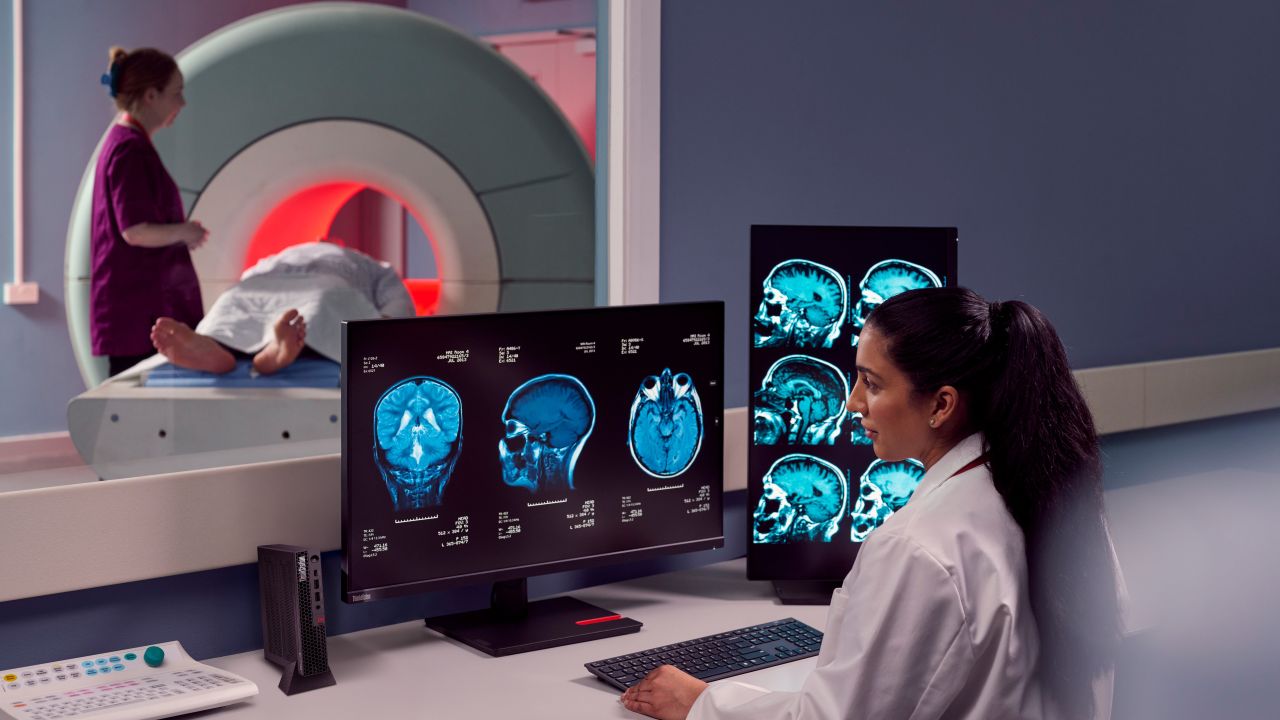
At NXT BLD, Lenovo has announced its new portfolio of Workstation Solutions, which include the newest ThinkStation P2 and P3 desktop workstations.
The Workstation Solutions lineup is a series of purpose-built, expertly-curated industry solutions that meet and exceed the rigorous performance and workflow requirements of various professionals.
These include engineers, designers, architects, data scientists, researchers, and creators. The products are intended to help users from these “critical categories” work smarter, faster, and more cost-effectively.
Under the Workstation Solutions are Lenovo ThinkStation and ThinkPad P Series products with the latest Intel and AMD processors. They also come with NVIDIA RTX PRO GPUs and ISV-certified software.

New Lenovo ThinkStation desktops
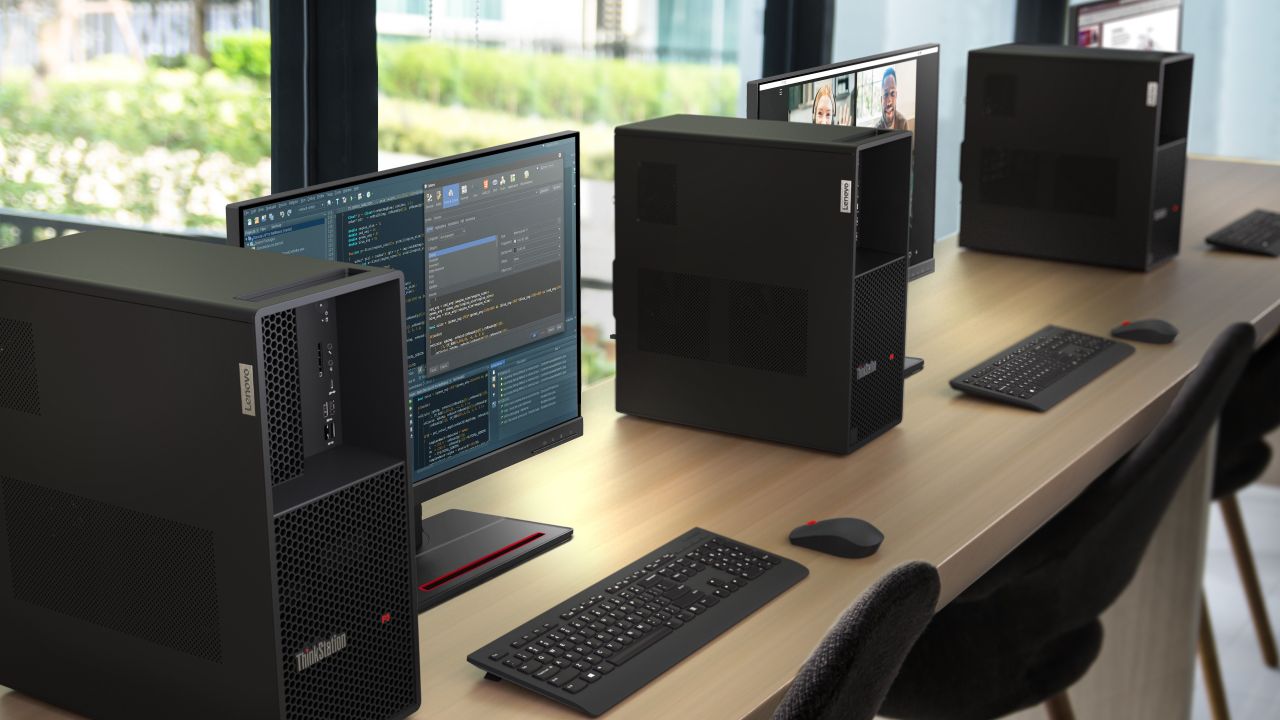
The newest generation of ThinkStation P2 and P3 desktop workstations provide power and performance. They will include NVIDIA RTX PRO Blackwell Workstation Edition GPUs later this year.
These GPUs feature the latest breakthroughs in AI, ray tracing, and neural rendering technology. This way, the most innovative workflows in design, engineering, and more scenarios are powered up.
There are four new models with the following specifications and features:
ThinkStation P3 Tower Gen 2
- Up to Intel Core Ultra 9 Series 2 processors
- Up to NVIDIA RTX PRO 6000 Blackwell Max-Q Workstation Edition graphics (3,500 TOPS)
- Enhanced DDR5 memory with enhanced RAID flexibility
ThinkStation P3 Ultra SFF Gen 2
- Up to Intel Core Ultra 9 processors with integrated NPU
- Up to NVIDIA RTX 4000 SFF Ada Generation Graphics
- Less than four liters chassis volume
- Up to 128GB of faster DDR5 memory (6400 MT/s)
- PCIe Gen 5 for high-speed data transfer
- Additional M.2 slots for more expandable storage

The P3 Ultra SFF Gen 2 has support for the pluggable ThinkStation BMC. It is ideal for remote monitoring, systems management, and hybrid and remote setups.
ThinkStation P3 Tiny Gen 2
- Up to Intel Core Ultra 9 processors (Series 2) with integrated NPU
- Up to NVIDIA RTX A1000 graphics
- Up to 6 independent displays
- Up to 128GB of faster DDR5 memory (6400 MT/s)
- More M.2 slots for expandable storage
- Wi-Fi 7 connectivity
- Thunderbolt 4 support
- Support for AI-optimized workflows
- Easy-to-deploy solution for architecture and engineering, finance, healthcare, and STEM
education
The Tiny, in particular, has a one-liter form factor, combining simple and efficient design with the professional power of a workstation.
ThinkStation P2 Tower Gen 2
- Up to Intel Core Ultra 9 processors (Series 2) with integrated NPU
- NVIDIA Ada Generation graphics
- DDR5 memory at up to 5600 MT/s
- More M.2 slots for expandable storage
- 17 liters volume and tested to Mil-spec standards
- Support for AI-optimized workflows
Meanwhile, the P2 Tower is built for data-intensive tasks requiring reliability and speed. It is ideal for entry-level CAD, product design, STEAM educators, and students.
Lenovo Access
The products also come with Lenovo Access, a portfolio of solutions based on Lenovo Workstations. This is designed to meet flexibility, performance, and security for remote workers.
It is built with a full stack of hardware, software, and services for a faster performance and more seamless experience than public cloud or VDI resources.
The first Lenovo Access Blueprint offered is powered by seven rack-mounted Lenovo ThinkStation P3 Ultra Small Form Factor (SFF) workstations running Mechdyne TGX remote graphics protocol.
This high-performance reference architecture offers a scalable and versatile solution. Each P3 Ultra SFF workstation supports up to the NVIDIA RTX 4000 SFF Ada Generation GPU, delivering up to 5.7GHz turbo clock speeds with Intel Core Ultra processors, as well as support for up to 128GB dual-channel memory and 16TB storage.
And unlike shared or virtualized servers, Lenovo Access offers 1:1 workstation access to the full CPU turbo performance of a workstation. It also allows for real-time, responsive screen and control sharing for design reviews and training.
Furthermore, Lenovo Access supports advanced remote management tools, including Lenovo ThinkStation BMC, Intel vPro AMT, and AMD Dash.






GIGABYTE and Capcom have collaborated for a limited time Resident Evil Requiem-inspired custom PC giveaway.
The setup is inspired by the title, which recently released, and includes an exclusive monitor game bundle to bring players closer to the experience.
Headlining the collaboration is the Umbrella Corporation — Level 3 Access custom rig giveaway. It is one of a kind, fully-built desktop featuring a Z890M AORUS ELITE WIFI7 ICE motherboard and RTX 5080 AERO OC SFF graphics.
Of course, it draws inspiration from the visual identity and atmosphere of Resident Evil Requiem. It also features a GIGABYTE C102 GLASS ICE chassis design and custom GIGABYTE MO27Q28G gaming monitor to complete the setup.

The giveaway runs from March 2 to March 31 via the official campaign website. Fans can enter for a chance to win the custom rig, with no purchase necessary. The only caveat is that they have to be a United States or Canada resident.
Such experience is designed to invite players and PC enthusiasts alike to engage with the collaboration while highlighting GIGABYTE’s premium hardware craftmanship and attention to detail.
In addition to the giveaway, GIGABYTE is also offering a Resident Evil Requiem game bundle with select gaming monitors. Included are AORUS brand monitors, ranging from 27 to 55 inches in size.
This bundle is available until March 31. Customers who purchase eligible models can redeem a digital game code through GIGABYTE’s official redemption platform.
The featured monitor is the MO27Q28G, which has fourth generation WOLED panel with 280Hz refresh rate and 0.03ms response time. It is an ideal monitor to experience the spine-chilling terror and death-defying action of the title.
Computers
AMD announces Ryzen AI 400, AI 400 PRO series at MWC 2026
Offering support for next-gen AI PCs, Copilot+ experiences
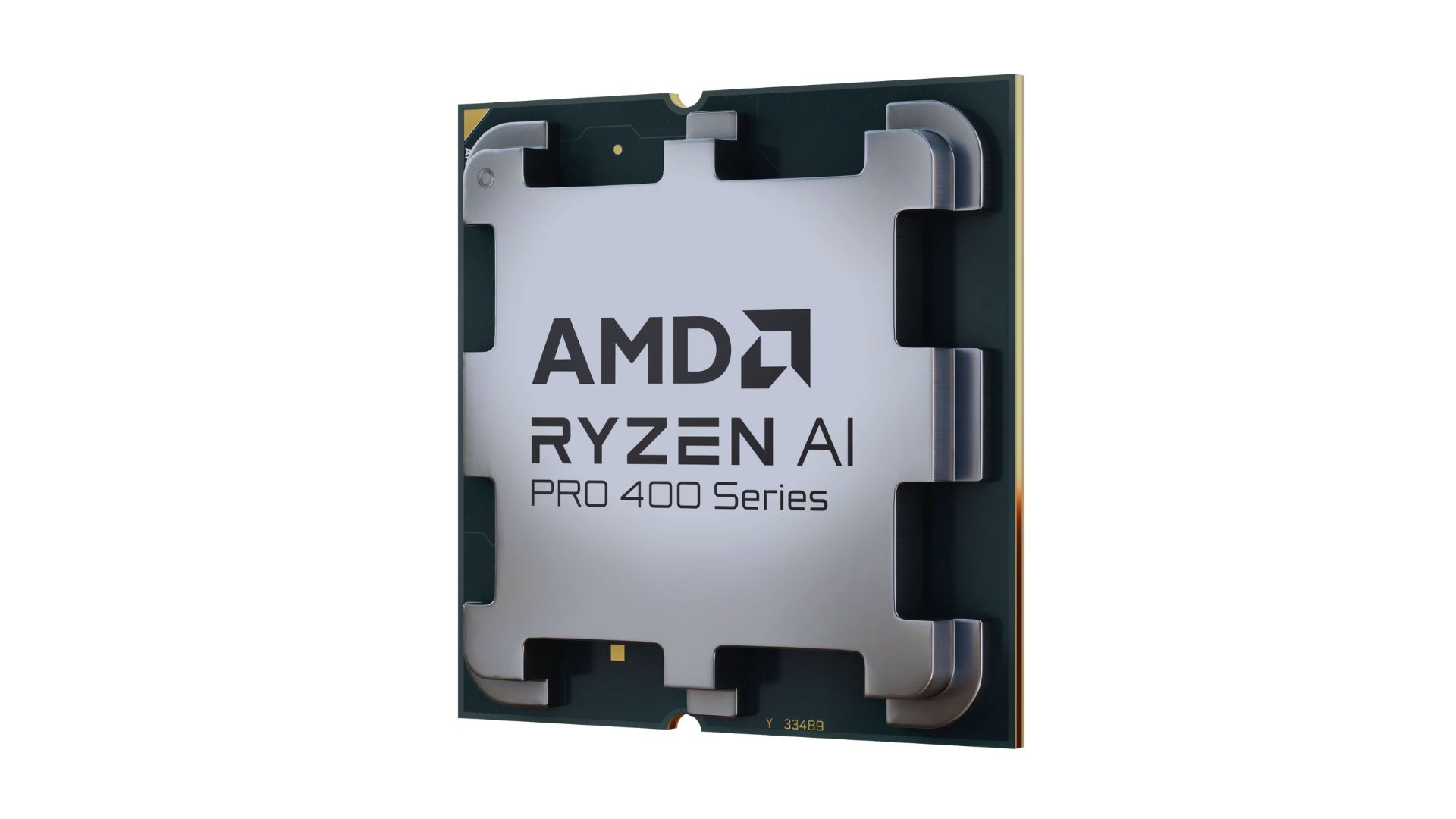
AMD announced new products and initiatives at MWC 2026 Barcelona, headlined by their newest Ryzen AI 400 and Ryzen AI PRO 400 series processors.
These latest processors are built on the AM5 platform and advanced Zen 5 architecture, delivering next-generation experiences for both consumer and commercial scenarios.
The additions enable original equipment manufacturers (OEMs) to offer next-gen AI PCs across high-performance desktops, laptops, and mobile workstations optimized for modern workloads.
Along with dedicated AMD XDNA 2 NPUs and AMD RDNA 3.5 graphics, both series offer up to 60 TOPS of NPU AI compute, exceeding the requirements of Copilot+ PCs.
As such, these enable powerful on-device AI performance, including running LLMs locally and tackling compute-intensive applications for design and engineering.
The Ryzen AI 400 series processors are also the first for next-gen desktop AI PCs to support Copilot+ PC experiences. Featuring an NPU providing up to 50 TOPS of AI compute, these processors enable running AI assistants and productivity tools locally.
In addition, AMD is expanding the Ryzen AI 400 series mobile portfolio to include workstations. Some that are expected to release in Q2 2026 include products from Dell, HP, and Lenovo.
AMD PRO initiative
Furthermore, AMD announced AMD PRO for enterprise-grade security, manageability, and reliability.
This is done through foundational hardware and software designed to simplify IT operations and protect investments over time.
AMD says it will continue to evolve the AMD PRO platform by strengthening both its silicon foundation and software stack.
This will support enterprise IT teams managing distributed AI-enabled PC fleets. Meanwhile, expanded remote management features improve visibility, recovery, and control.

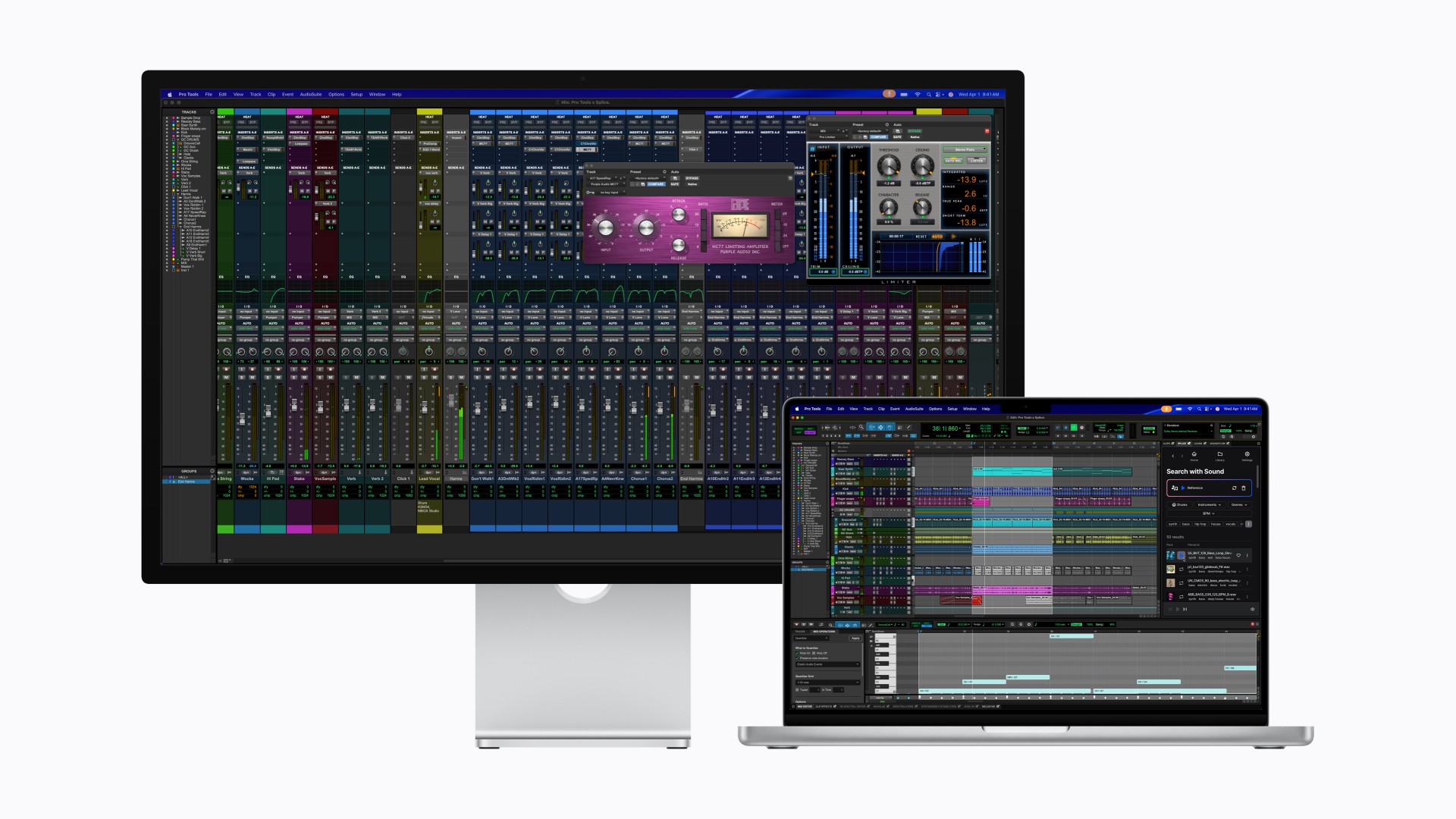
After taking the MacBook Pro to Super Saiyan levels, Apple is now doing the same for the display it pairs with.
With its latest Studio Display family, Apple is splitting the lineup into two clear tiers. The regular Studio Display already feels powered up. The all-new Studio Display XDR transforms.
If this were Dragon Ball Z logic, the Studio Display is Super Saiyan. The Studio Display XDR is Super Saiyan Blue — calmer, more controlled, and operating on an entirely different plane.
A strong base form
The new Studio Display sticks to what already worked: a 27-inch 5K Retina panel with over 14 million pixels, 600 nits of brightness, and P3 wide color. It’s sharp, bright, and more than capable for photo editing, design work, music production, and daily tasks.
Apple upgrades the experience around the screen, too. There’s now a 12MP Center Stage camera with improved image quality and Desk View support. The three-mic array and six-speaker system return, this time with deeper bass and Spatial Audio support.
Connectivity jumps to Thunderbolt 5, allowing users to daisy-chain up to four Studio Displays for nearly 60 million combined pixels. It also delivers up to 96W of charging power for a connected MacBook Pro.
It’s the dependable powered-up form. Strong. Confident. Already more than enough for most creators.
The controlled transformation
Then there’s Studio Display XDR.
This is where Apple goes full Super Saiyan Blue.
The 27-inch 5K Retina XDR panel uses a mini-LED backlight with over 2,000 local dimming zones. It pushes up to 1000 nits of SDR brightness and 2000 nits of peak HDR brightness, alongside a 1,000,000:1 contrast ratio. Highlights hit harder. Blacks stay deep. Blooming stays minimal.
The display also adds Adobe RGB support on top of P3, covering more than 80 percent of Rec. 2020 for HDR workflows. For video editors, colorists, and print professionals, this shifts the XDR from “great display” to “reference-grade tool.”
Motion gets smoother, too. A 120Hz refresh rate with Adaptive Sync dynamically adjusts between 47Hz and 120Hz, reducing latency and making everything from scrubbing timelines to gaming feel more fluid.
Apple even introduces DICOM medical imaging presets and a Medical Imaging Calibrator for diagnostic radiology use in the U.S., pending FDA clearance. It’s a reminder that this panel isn’t just about aesthetics. It’s about precision.
Built for the pro desk
Both displays share the same upgraded 12MP Center Stage camera, studio-quality microphones, six-speaker Spatial Audio system, and Thunderbolt 5 connectivity. The XDR model goes further with up to 140W charging power and additional downstream ports, effectively acting as a high-speed hub.
Pricing and availability
In the U.S.
The new Studio Display starts at $1,599 (U.S.) and $1,499 for education, while the Studio Display XDR begins at $3,299 (U.S.) and $3,199 for education. Both models can be pre-ordered starting tomorrow, March 4, with availability beginning March 11 in select Apple Store locations and authorized resellers.
In Singapore
Pre-orders open on March 9 via apple.com/sg/store and the Apple Store app. Pricing starts at S$2,199 for the Studio Display (S$2,059 for education). The Studio Display XDR begins at S$4,499 (S$4,359 for education).
Optional accessories such as the Magic Keyboard, Magic Trackpad, and Magic Mouse remain available in white and black color options. Apple also offers nano-texture glass and adjustable stand configurations for professional setups.
The message from Apple is consistent: the base Studio Display remains a strong professional companion, while the Studio Display XDR targets workflows demanding reference-grade performance and HDR capability. Pre-orders go live soon, with deliveries and in-store availability following in mid-March.
In the Philippines
Customers can pre-order starting March 4 at apple.com/ph/store.
Studio Display starts at ₱104,999, and ₱97,990 for education. Studio Display XDR replaces Pro Display XDR and starts at ₱219,999, and ₱212,990 for education.
Additional technical specifications, including nano-texture glass and a choice of stand options, are available at apple.com/ph/store.
Magic Keyboard with Touch ID and Numeric Keypad (from ₱10,490), Magic Trackpad (₱6,990), and Magic Mouse (₱5,490) in black or white color options are available at apple.com/ph/store.


Crime on Prime: Streaming platform unveils powerhouse crime, thriller slate

New medieval action RPG, Echoes of Aincrad, out July 2026

GIGABYTE collaborates with Capcom for RE Requiem custom PC

OPPO Find N6 global launch set for March 17

Samsung is done chasing specs, says TM Roh

Xiaomi 17 Ultra is now available outside China

TECNO will showcase the CAMON 50 and POVA 8 series at MWC 2026

The art of being in and behind the frame

HUAWEI MatePad 11.5 S 2026: The better-than-ever 4-in-1 productivity tablet

TECNO MEGABOOK K16s 13th review: No-frills beneath those grills


-
 News1 week ago
Xiaomi 17 Ultra is now available outside China
-

 MWC 20261 week ago
TECNO showcases cool concepts at MWC 2026
-

 MWC 20262 weeks ago
TECNO resurrects modular phones with this new concept
-

 MWC 20265 days ago
Infinix NOTE 60 Ultra makes a motorsport-inspired debut
-

 MWC 20266 days ago
TECNO launches the all-new CAMON 50 series
-

 Reviews1 week ago
Xiaomi Pad 8 review: Slab that slaps!
-

 Reviews6 days ago
TECNO CAMON 50 Ultra review: End of an era?
-

 Reviews1 week ago
Forget the Phone: Xiaomi 17 Ultra Is A CAMERA!