


Apps
Netflix knows what you want and lets you watch without buffering
The best binge-watching experience!

Are you one of the millions of Netflix subscribers like I am? If you are (or even not), I have something interesting to share about how Netflix makes their streaming service the best in the business.
For those who don’t know, Netflix is not what they were before. The company started off as a DVD-rental business — just like your favorite local rental stores back when they were popular. It was in 2007 when they launched their streaming service formerly branded as Watch Now. It was restricted to just PCs and you needed the right browser to be able to play their videos.

It was also in 2007 when the first iPhone from Apple was announced, so two pioneers were born that year and they have yet to properly meet each other.

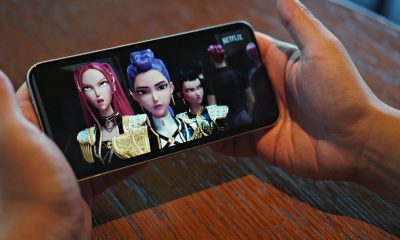
Netflix formally launched their mobile app in 2010 and it changed how we consume content on our phones. Today, more than 60 percent of Netflix members use the mobile app every month. This is why the company is continuously working to make long-form videos more enjoyable on mobile.
When I say enjoyable, it’s not just about showing in HDR, because there’s more to it than just high resolutions.
First, there is personalization. Netflix considers this very important because of the limited screen space on mobile phones, so you have to see the titles you really like first. This feature is not just on mobile; it’s also available on any internet-enabled device you have Netflix on, whether it’s a TV, laptop, tablet, or even game console.

If you can recall, Netflix added mobile previews to their app earlier this year. This lets users get a sneak peek of the content without leaving the homepage and make choosing a show much faster. It works well on mobile since it’s presented in vertical format — no need to turn the orientation of the phone.
Then we have the new feature called Smart Downloads which is currently available on Android phones and tablets. What this does is it identifies the show being watched and automatically downloads the next episode over a Wi-Fi network. It then automatically deletes the downloaded episode after it’s completed. Basically, Netflix makes sure that you can continue watching the next episode while you’re on the road without using up your data plan.

Speaking of saving data, Netflix is also working round-the-clock to make encoding much better. Thankfully, they know how mobile data can be expensive or slow in certain places.
Back then, Netflix streamed their shows in a “one-size-fits-all” bitrate which is great for high-quality streaming but it consumed too much data. Good thing they learned that not all content requires the same encoding bitrate, so they based it on individual titles. 2D animation shows can be compressed at a low bitrate but still be streamed in high quality, while action-packed titles will be meticulously compressed to avoid any compression artifacts.
Netflix didn’t stop there. Their latest innovation called Dynamic Optimizer Encoding now selects the best encoding recipe per shot. Each shot is dynamically encoded to ensure best overall quality which results in, according to Netflix, 64 percent less bandwidth consumption.
Before all this, users could only watch seven hours of content on mobile using 4GB of data. Since the implementation in 2015, viewers can now enjoy 10 hours, and with the per-shot encoding, members can binge-watch for 26 hours with the same amount of data. Soon, this will reach up to 33 hours using the latest AV1 codec which is something Netflix is currently working on.
SEE ALSO: Netflix is testing engagement by putting ads between episode




Apps
Live NBA action on Disney Plus now available in the Philippines
Stream the live action starting November 20th

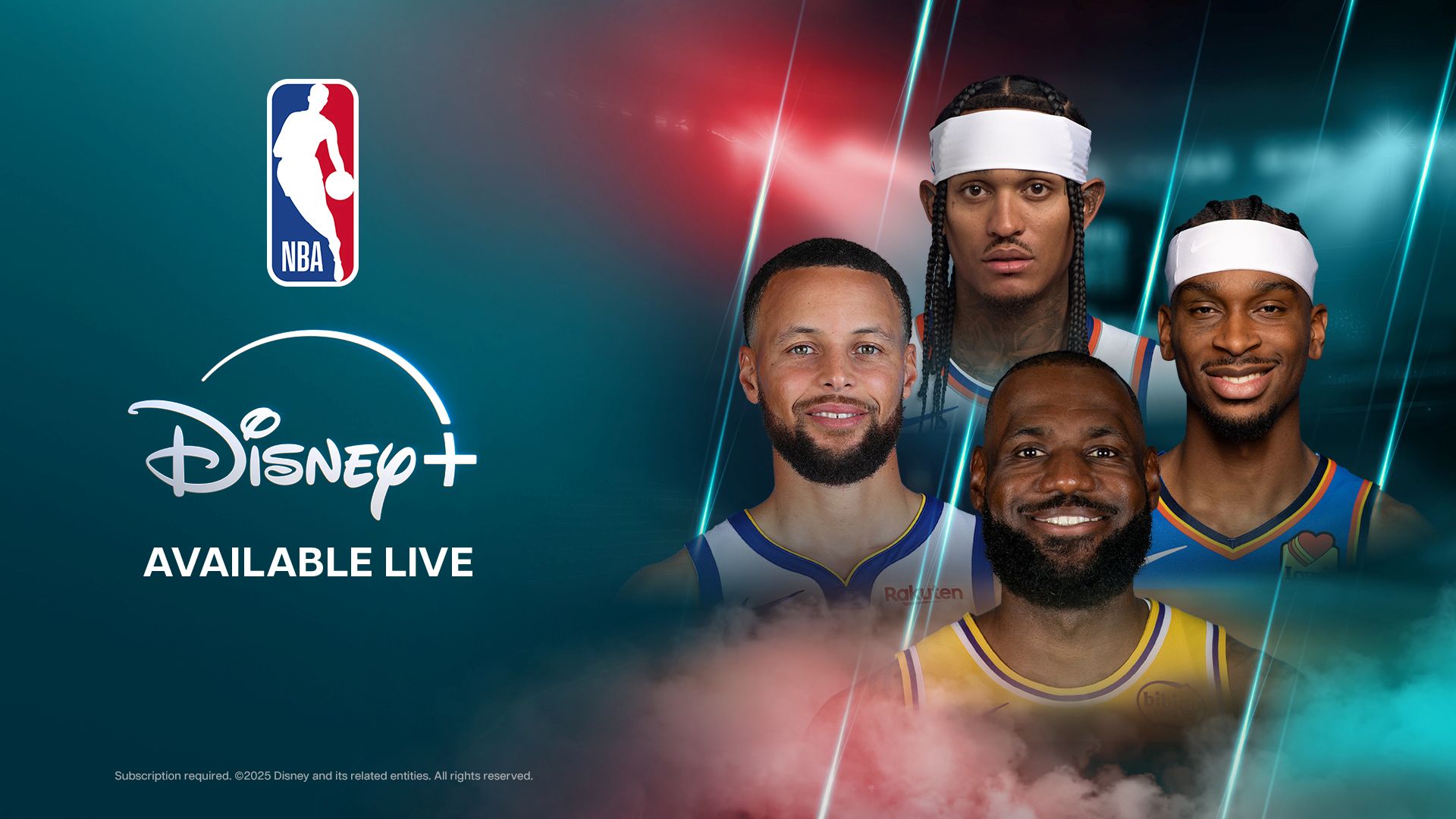
The NBA will now stream live on Disney+ as well for Filipino fans as part of a multi-year agreement.
This marks an expansion of Disney and ESPN’s global relationship with the NBA, bringing live coverage to the streaming platform for the first time.
ESPN, of course, is owned by The Walt Disney Company and is one of the latter’s major divisions.
Under the agreement, fans in the Philippines will get closer to courtside action with special access to live NBA games. There’s also ESPN’s award-winning documentaries and live broadcasts of NBA Countdown too.
Moreover, fans can tune in to legendary voices Shaquille O’Neal, Ernie Johnson, Kenny Smith, and Charles Barkley in real-time with NBA Tip-Off and Inside the NBA.
NBA on Disney+ will officially start on Thursday, November 20 morning (November 19 in the United States) with a double-header featuring these match-ups:
- Houston Rockets at Cleveland Cavaliers (8:00 A.M.)
- New York Knicks at Dallas Mavericks (10:30 A.M.)
Disney+ subscribers will be able to live stream select regular season and playoff games, including marquee events like NBA on Christmas Day, NBA Draft, the NBA All-Star Celebrity Game, and select Summer League Games.
The agreement also includes one NBA Conference Finals series live. Another Conference Finals series and the NBA Finals will both be available to stream on delay as well.
Apps
Don’t get tricked: Spot these financial monsters before they get you
Ghosts are harmless compared to these real-life threats that prey on your hard-earned money.

The spooky season has arrived, but not all monsters wear masks. Some hide behind fake links and shady offers designed to trick you into giving up your hard-earned money.
These are the real-life financial monsters: fraudsters, impersonators, and manipulators who turn everyday moments into horror stories.
According to the Cybercrime Investigation and Coordinating Center, 32% of Filipinos have fallen victim to digital fraud in the past year. And while it’s tempting to think you’d never fall for one, scammers are getting smarter and more creative.
Here’s what to watch out for:
Suspicious links and emails.
Those random texts and emails saying “there’s a problem with your account” or “you’ve won a prize”? They’re classic traps.
Scammers disguise themselves as legitimate companies to steal your information or access your accounts. Always double-check the sender’s address. If it looks off, don’t click.
Grammar gone wrong.
If a message is full of weird typos, awkward phrasing, or off punctuation, that’s a red flag.
Reputable companies review every message they send. When in doubt, don’t reply. Report it to authorities like the PNP Anti-Cybercrime Group or the NBI.
Urgent and emotional messages.
Scammers love to pressure you. They’ll make you feel scared or guilty to get you to act fast.
Real companies won’t threaten or rush you into sharing personal info. Take a breath, hang up, and reach out to the official hotline to verify.
Deals that sound too good to be true.
If someone promises instant money or massive discounts, run. These scams often demand “processing fees” or personal info before disappearing. No legitimate prize will ever require payment upfront.
Behind every scam is a story of someone who deserved better. Sometimes, what started as a simple loan application can turn into a nightmare if a rogue online lender decides to harass someone over payments they didn’t even fully receive.
It’s a familiar story for many Filipinos who’ve been preyed on by unregistered or unethical financial services.
Thankfully, more responsible lenders and financial platforms today (Tala, for example) are working to raise awareness and fight back against these threats.
Some even use advanced systems to flag suspicious behavior, partner with authorities for investigations, and educate communities through financial literacy programs.
At the end of the day, awareness is your strongest defense. So this Halloween, stay sharp because protecting your peace (and your money) will always be the sweetest treat.


It’s nothing new that most productivity subscriptions these days are forcing AI onto their subscribers to justify higher prices. Microsoft, for example, now bundles its Microsoft 365 subscriptions with Copilot and other AI-powered features. However, most users don’t really need or want these features. Apparently, the company recognizes this and offers a cheaper subscription without Copilot. It’s been hidden though, and now Microsoft is in trouble for keeping it hidden.
A few days ago, the Australian Competition and Consumer Commission (ACCC) is suing Microsoft foMicrosoft is ending support for Windows 10r allegedly hiding a cheaper subscription tier and effectively forcing users into a pricier tier (via Reuters). In the country, the price of an individual annual subscription rose by 45 percent.
Currently, the regular tier, dubbed Microsoft 365, packs in access to Microsoft Office, 1TB of OneDrive storage, and Copilot. The allegedly hidden tier contains everything above except Copilot. The Australian organization claims that the company did not clearly tell users about the cheaper subscription.
As a result, the ACCC wants Microsoft to pay around AUD 50 million per breach of the country’s consumer laws. The court is still investigating the ACCC’s claims.
How to access the cheaper subscription
Though the lawsuit is in Australia, the subscription is hidden for most users around the world. Because of how difficult it is to access, the ACCC does have a substantial claim that the company is intentionally hiding the tier. Here’s how to access it:
The tier, officially called Microsoft 365 Personal Classic (or Family Classic), isn’t available if you just go through Microsoft’s list of subscriptions. Currently (and as far as we can tell), you need to attempt to cancel your ongoing subscription. Only after then will Microsoft offer you the cheaper subscription without Copilot or any AI features.
According to Microsoft’s website, the cost of a regular subscription costs PhP 4,899 per year (or PhP 489 per month). In comparison, the cost of the Classic subscription costs only PhP 3,499 per year, which is what the regular subscription used to cost per year.
Is there a risk with going Classic?
Switching to the Classic subscription naturally begs the question: What happens when you go for a subscription that Microsoft desperately wants to hide?
Nothing, really.
If you don’t need Copilot, the Classic subscription saves you from paying for an unnecessary feature. Even if you can just turn off Copilot on a regular subscription, you’re still paying for it.
That said, Microsoft does say that there is a risk. The Classic subscription is just a “limited” option, meaning that there is a chance that the company will stop offering the tier for users.
Currently, Microsoft has not said anything about when (or if) this is happening. It’s also possible that the company might just gatekeep some upcoming features from Classic.
For now, Microsoft 365 Classic remains the only way to keep the subscription price low.


nubia Air Review: The air that’s lighter on your pocket
If you’ve been eyeing that ultra-thin phone everyone’s been raving about but don’t quite have the budget for it, this...


The Running Man modernizes Arnold Schwarzenegger’s classic
It works best when it tries not to be Squid Game Lite.

I thought the Insta360 X4 Air would be easy
Turns out 360 is a whole new challenge

Xiaomi: Smartphone prices will get worse next year

Live NBA action on Disney Plus now available in the Philippines

Clair Obscur: Expedition 33 bags record-breaking 12 nominations at Game Awards

The Legend of Zelda film gets its first official photos

Google Wallet rolls out in the Philippines


-

 Laptops2 weeks ago
Spotlight: ASUS ProArt P16
-

 Gaming2 weeks ago
Razer, JOOLA partner for limited-edition pickleball paddle
-

 News2 weeks ago
The Mate 70 Air is HUAWEI’s clapback to the iPhone Air
-

 Gaming2 weeks ago
The Nintendo Switch is nearing the end of its lifecycle
-

 Deals2 weeks ago
11.11 sale top picks: Phones, tablets, appliances, gaming gear, more
-

 Cameras2 weeks ago
Canon announces EOS R6 Mark III camera, RF45mm f/1.2 STM lens
-
Cameras1 week ago
I thought the Insta360 X4 Air would be easy
-

 Gaming2 weeks ago
Grand Theft Auto VI delayed to November 2026