
Accessories
Razer announces Fortnite collection
Celebrate your victory royale in style


Razer has announced a brand new collection of PC gaming peripherals, this time in partnership with popular online video game Fortnite. The new lineup includes a headset, RGB mechanical keyboard, gaming mouse, and mouse mat all inspired by Fortnite’s iconic Battle Bus and Supply Llama.
Additionally, each product comes with an in-game cosmetic which can be claimed using a redemption card found inside the box.
Razer DeathAdder V3 Pro Fortnite Edition (PhP 10,490)

The DeathAdder V3 Pro is a wireless, ultra-lightweight ergonomic mouse that feels incredibly comfortable to hold. It features responsiveness trusted by pros. The Fortnite Edition comes with the Cliffhanger in-game Pickaxe.
Razer BlackWidow V4 X Fortnite Edition (PhP 6,390)
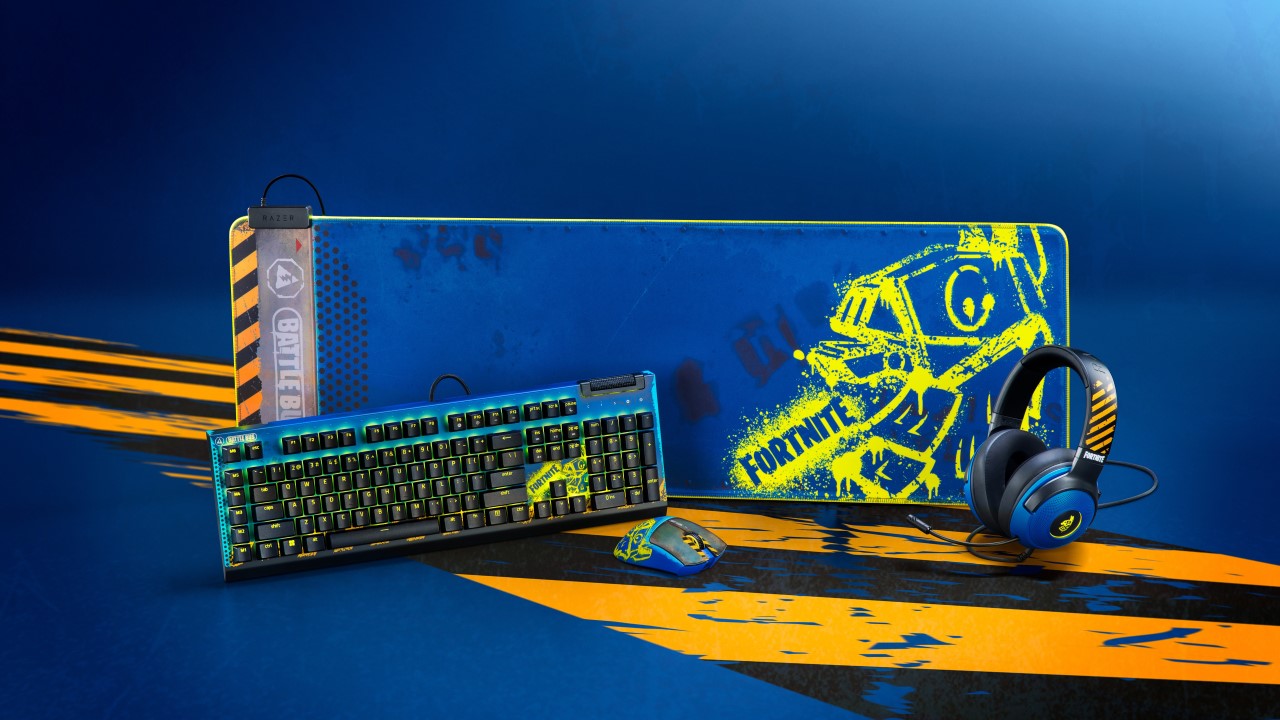
Meanwhile, the BlackWidow V4 X gives users an advanced RGB mechanical keyboard that includes six macro keys. Users will benefit from this accessory’s smooth and silent switches. This product comes with the Demon Skull in-game Pickaxe.
Razer Kraken V3 X Fortnite Edition (PhP 10,490)

Furthermore, the Kraken V3 X is an ultra comfortable RGB headset that provides users an immersive experience and beefy sound. It also lets gamers communicate seamlessly through its crystal-clear microphone. This headset comes with the Raptor in-game Glider.
Razer Goliathus Extended Chroma Fortnite Edition (PhP 6,390)

Lastly, the Goliathus gaming mouse mat features Razer’s unique LED edge lighting powered by Razer Chroma RGB. Its surface is optimized for speed and precision, so users can keep up with whatever game they’re on. The mat comes with the Dauntless Dragon in-game Slider.





Accessories
Bringing Care-a-Lot to my daily carry
This is why my gizmos and workspace finally feel like a warm hug!

Growing up, the Care Bears taught us that sharing was a superpower and that every emotion had a color.
For many of us, the Care Bears weren’t just characters on a screen; they represented a language of kindness and colorful dreams.
Bringing the CASETiFY x Care Bears collection into my daily rotation feels like carrying a small piece of that “Care-a-Lot” magic wherever I go.
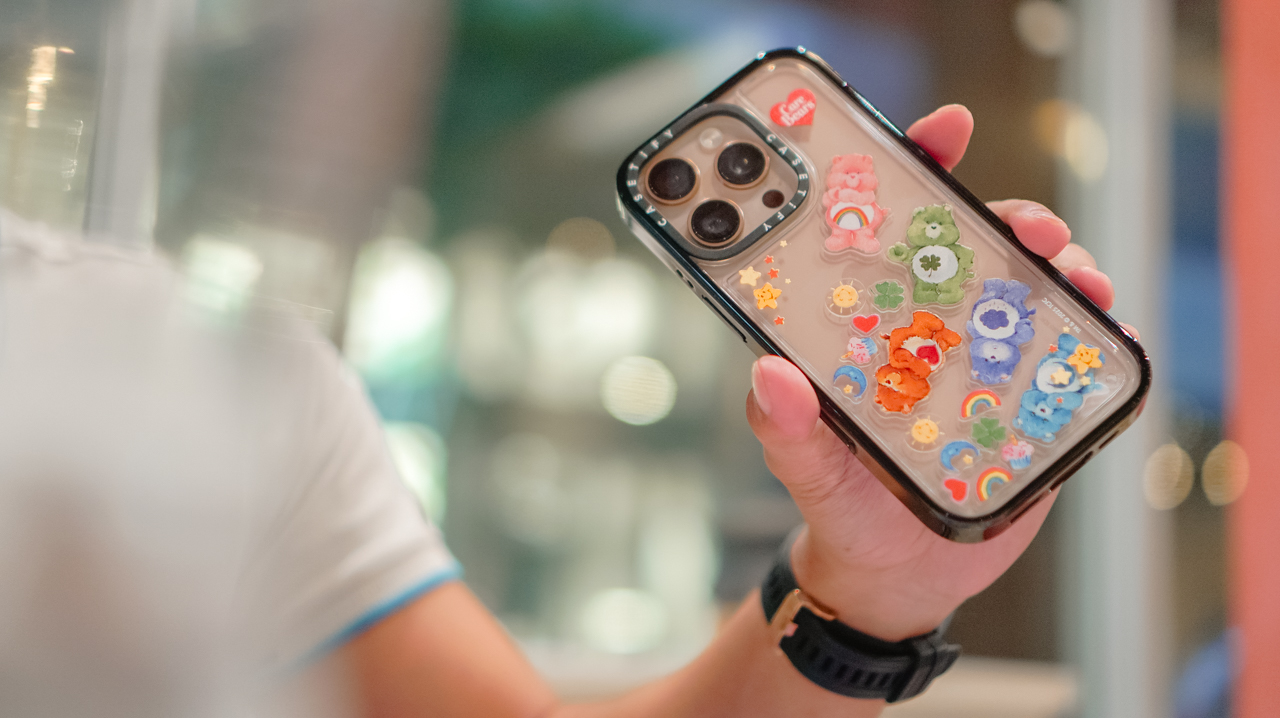
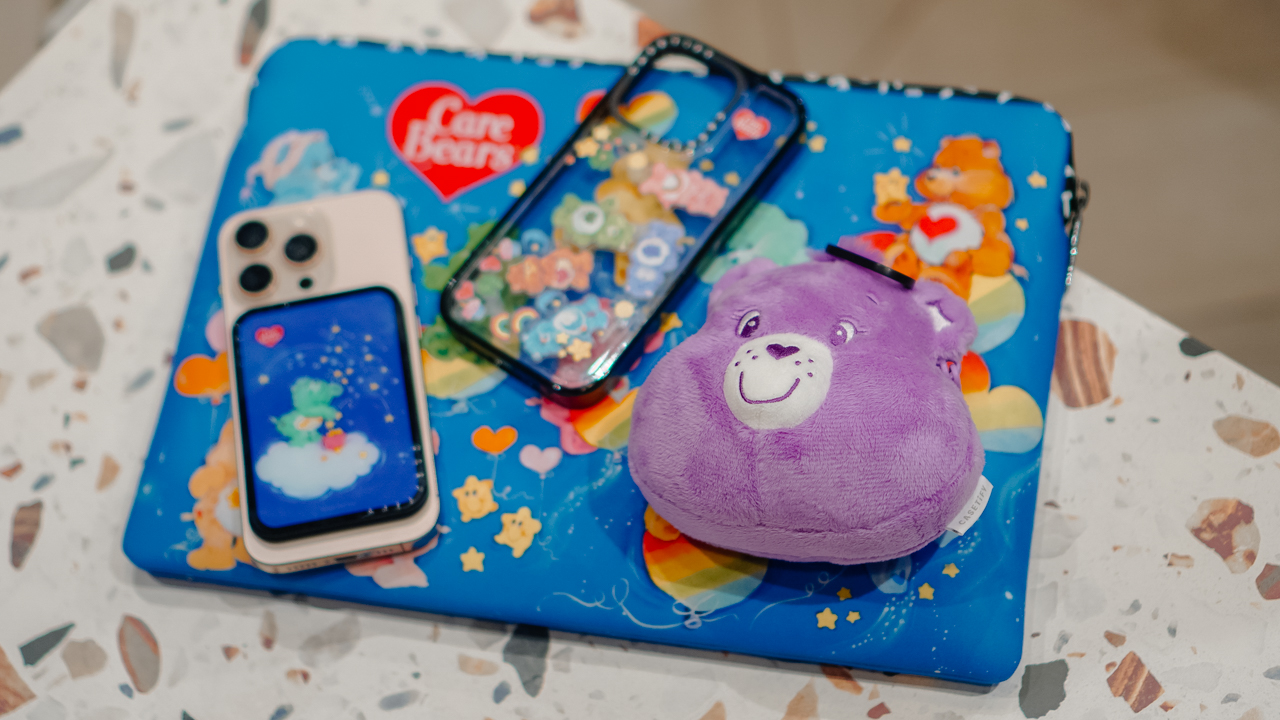
My iPhone 16 Pro now lives in the Care Bears Shake Shake Case (PhP 3,990). It’s a tactile reminder of playfulness in the middle of a busy workday.
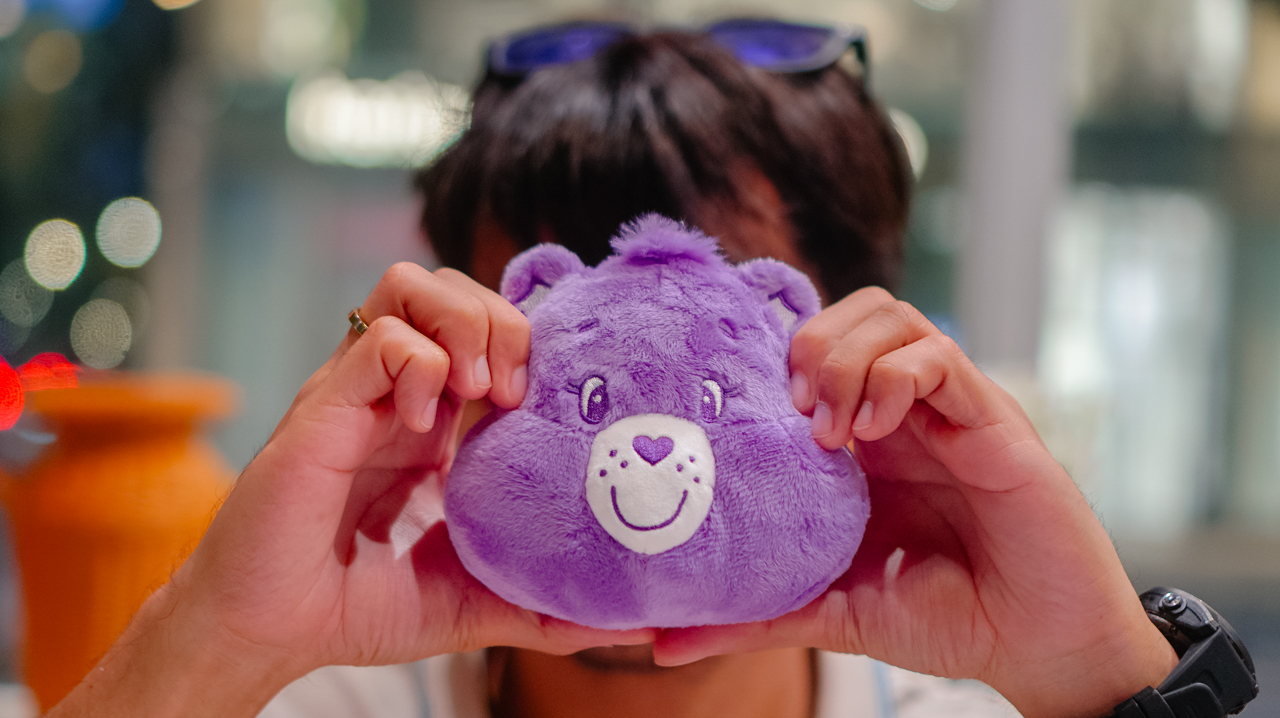
When I’m heading out, the Share Bear Earbuds Pouch (PhP 2,990) clips onto my bag. It keeps my music close while reminding me of the value of sharing. It’s surprisingly versatile, too, fitting my Shokz OpenFit 2+ or even the bulkier case of the JBL Sense Pro.
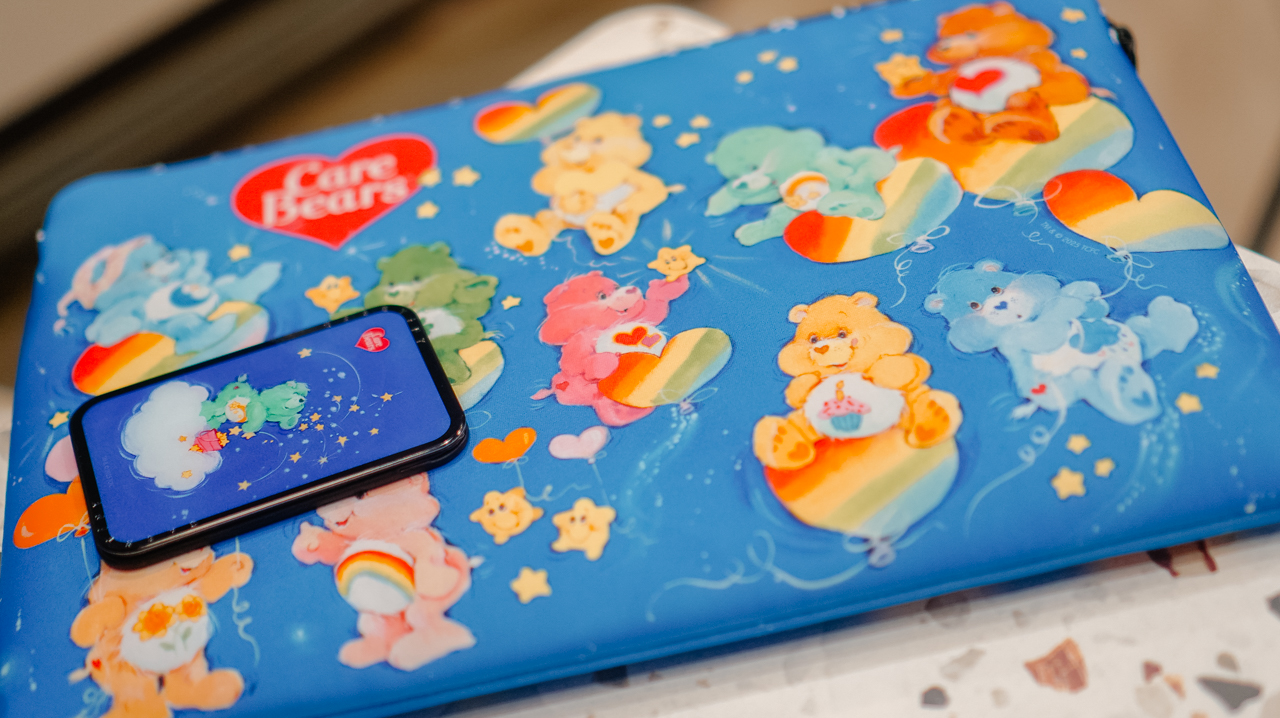
When I switch to a different MagSafe case, the Starry Night Snappy Cardholder Stand (PhP 2,490) magnetically attaches to the back of my phone, adding a bit of celestial whimsy to my day
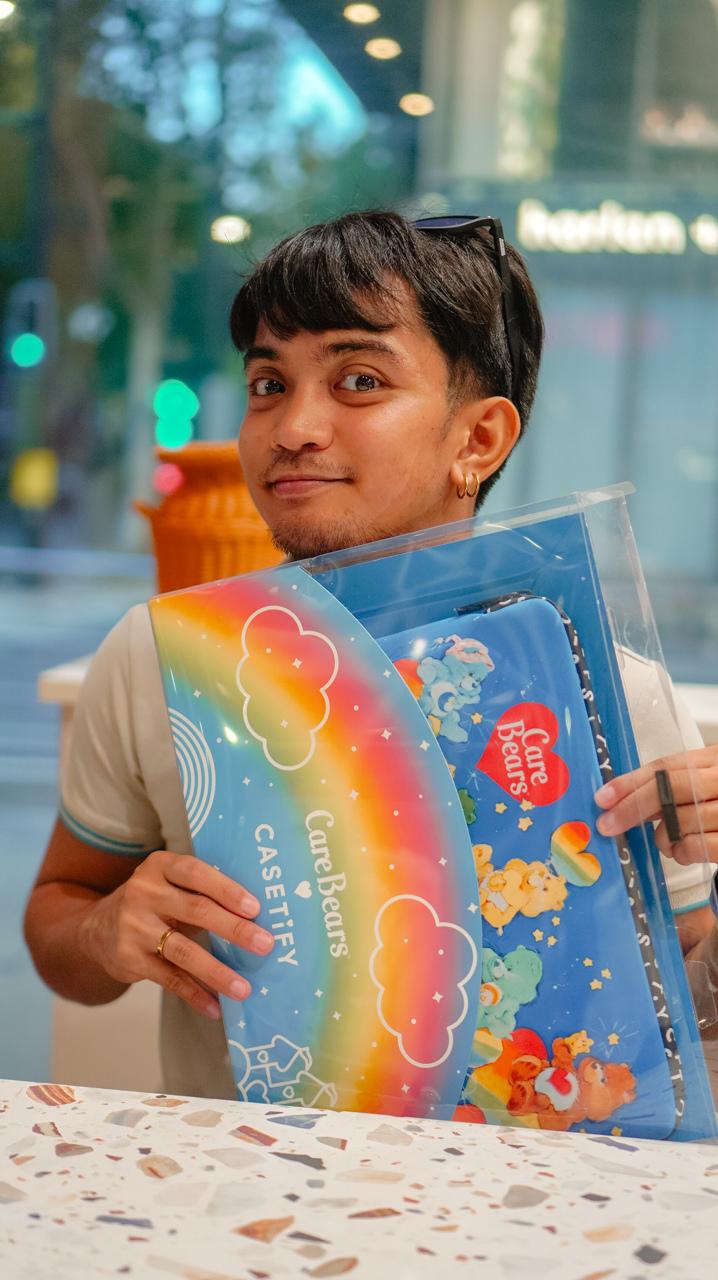
Even my workspace has a new glow. The Twilight Dreams Laptop Sleeve (PhP 3,090) fits my 13-inch MacBook perfectly, wrapping my most important work tool in nostalgic, soft-toned illustrations.
We often look for tech that performs, but we rarely look for accessories that hugs back. This collection does both.
It turns my everyday essentials into a canvas for positivity, proving that even in a digital world, there’s always room for a little more care.
Accessories
CASETiFY relaunches Evangelion collab for 30th anniversary
Fans can now customize their own NERV-ready cases
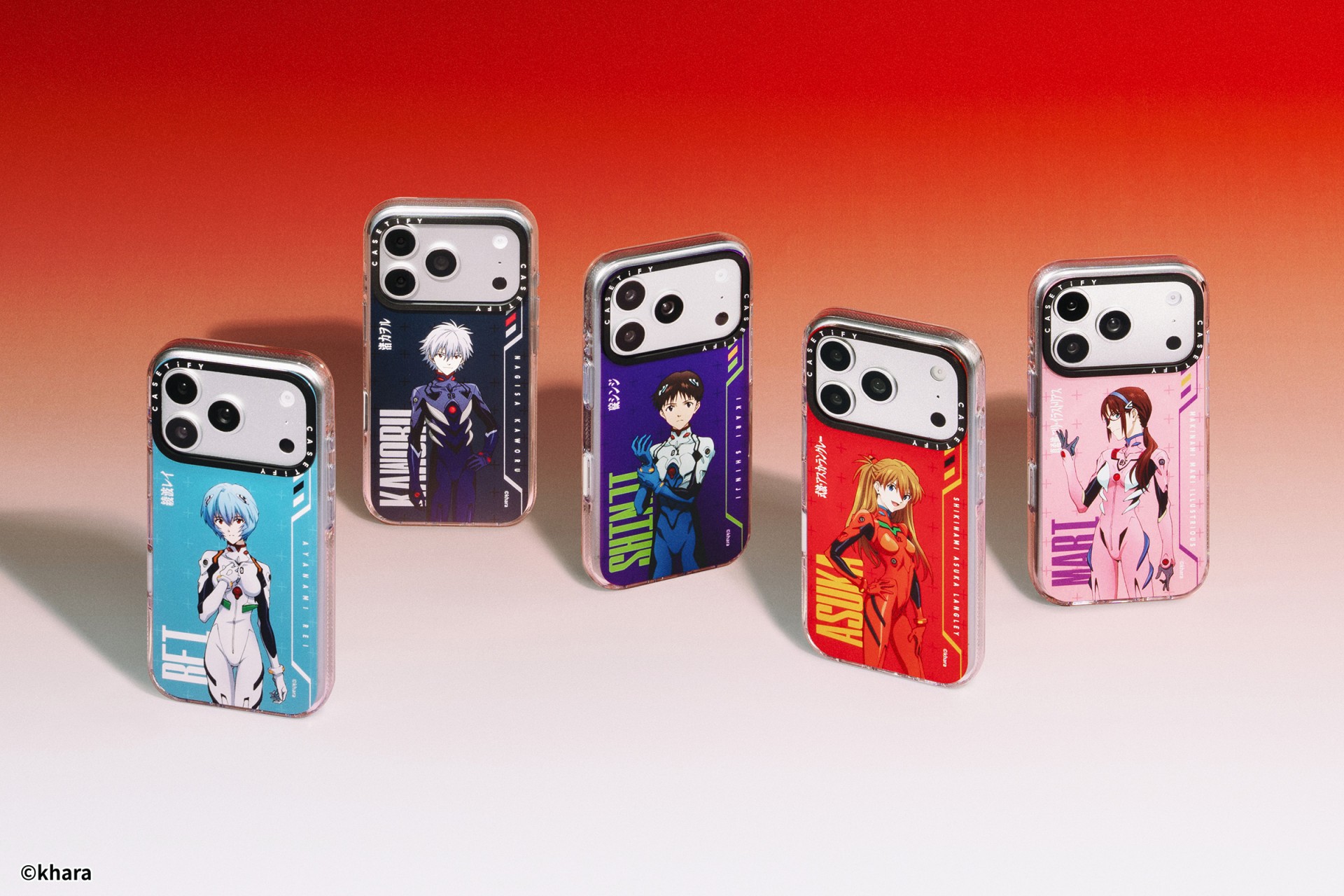
The A.T. Field is activated. To mark 30 years of Neon Genesis Evangelion, CASETiFY has relaunched its highly popular Evangelion collaboration. This time, fans control the sync rate.
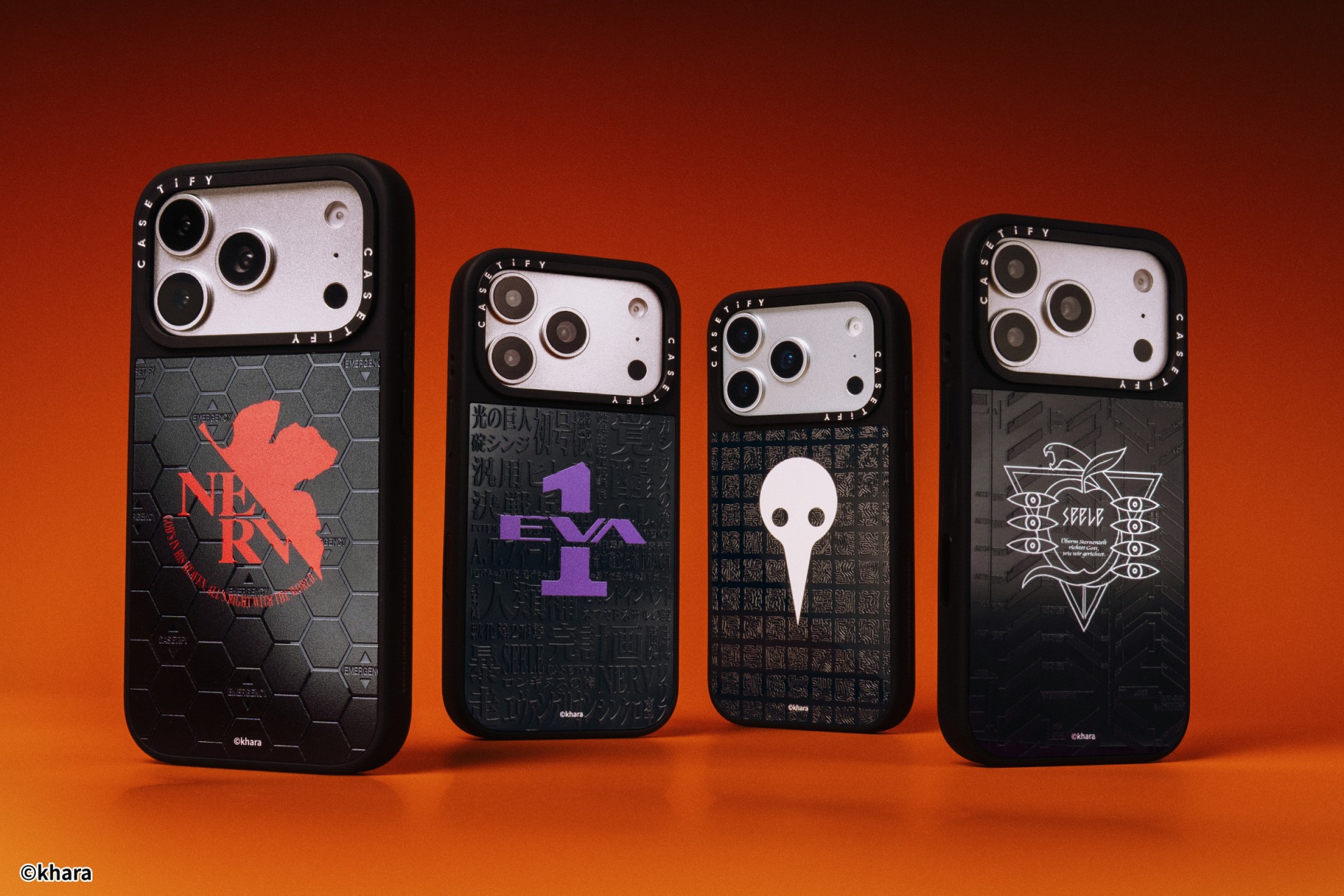
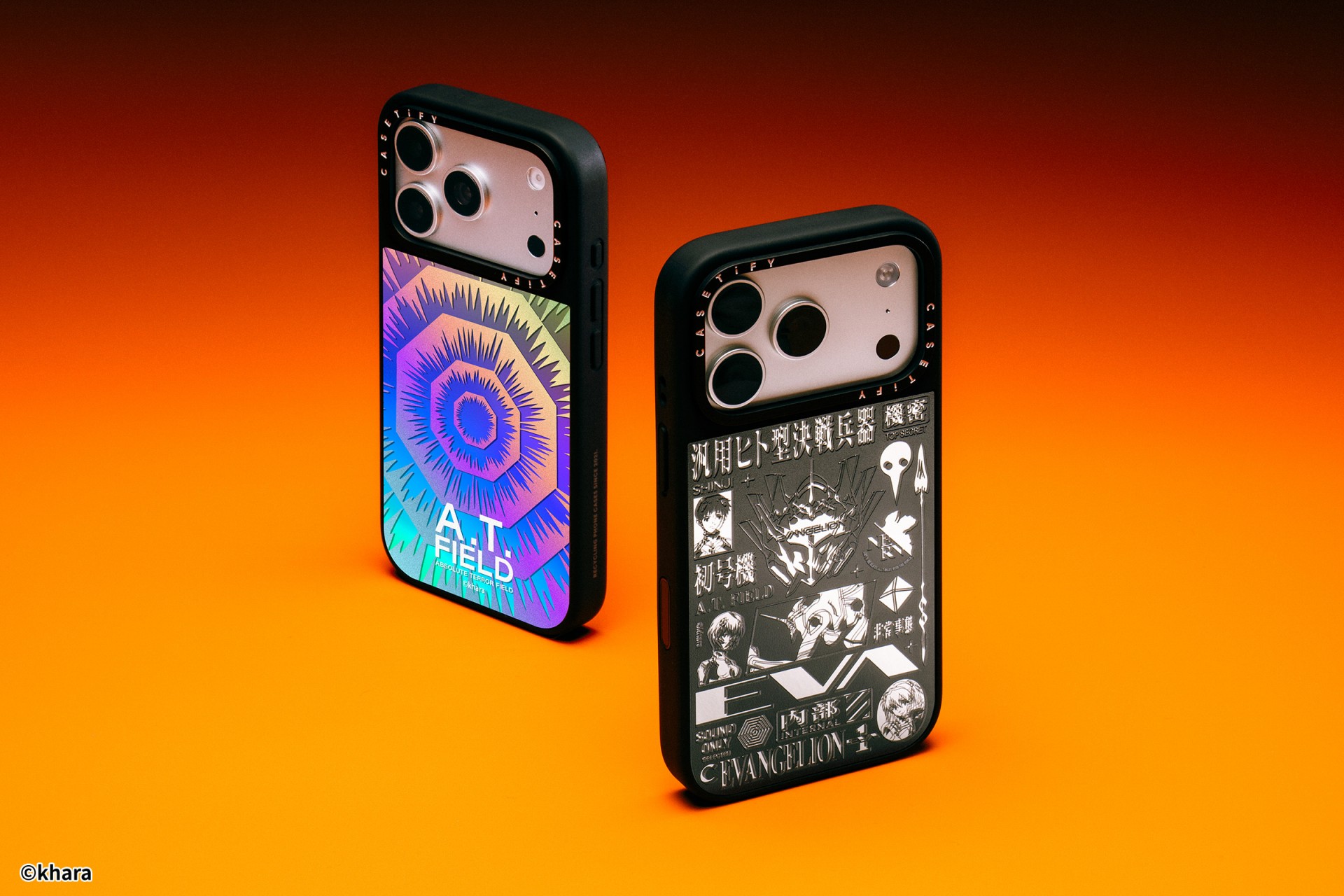
For the first time, buyers can fully customize their Evangelion cases. The drop lets fans mix and match NERV logos, the 4th Angel, character art featuring Shinji Ikari and Rei Ayanami, and bold background graphics. The result is a case that feels like a personal unit build, straight out of the series’ control room.
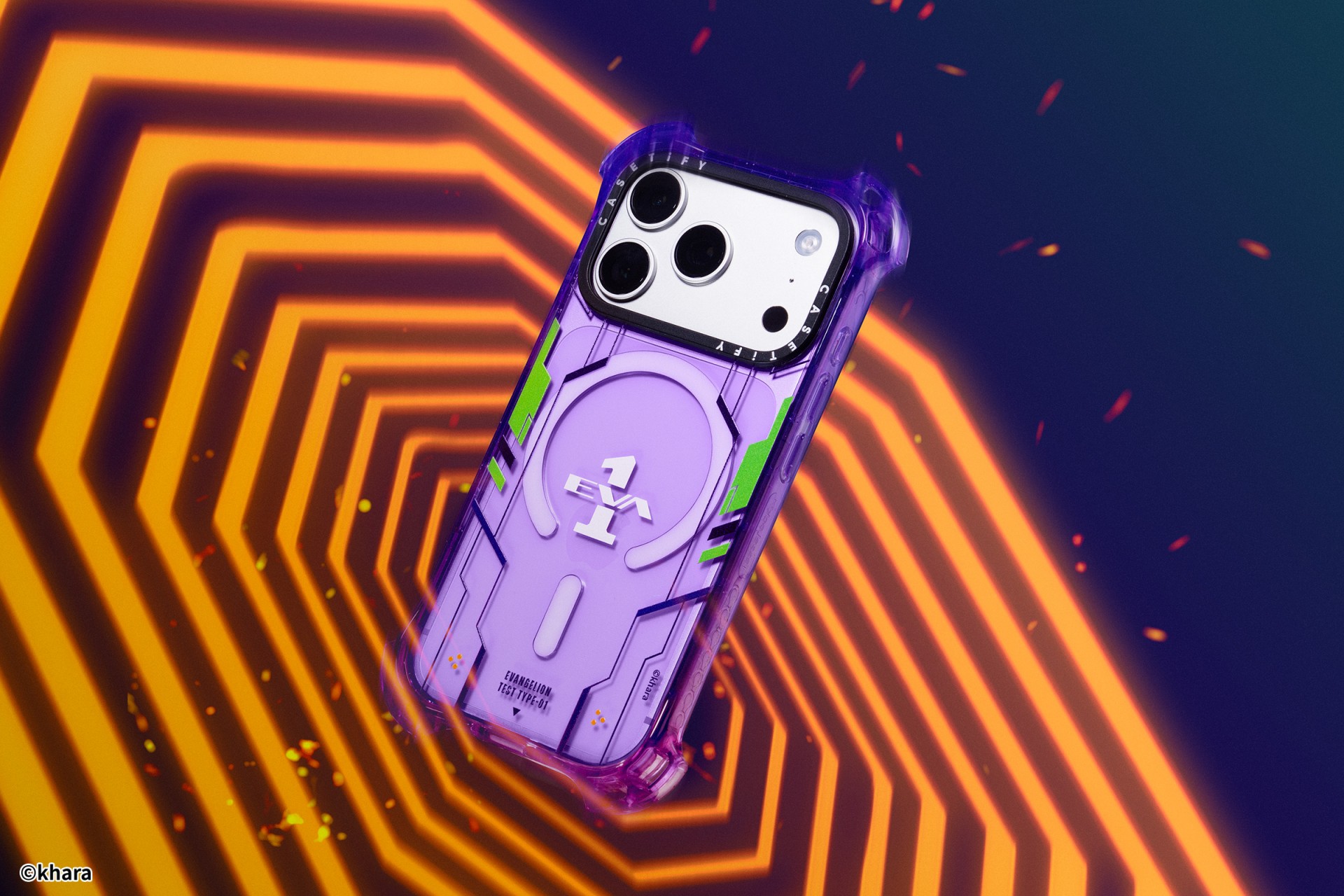
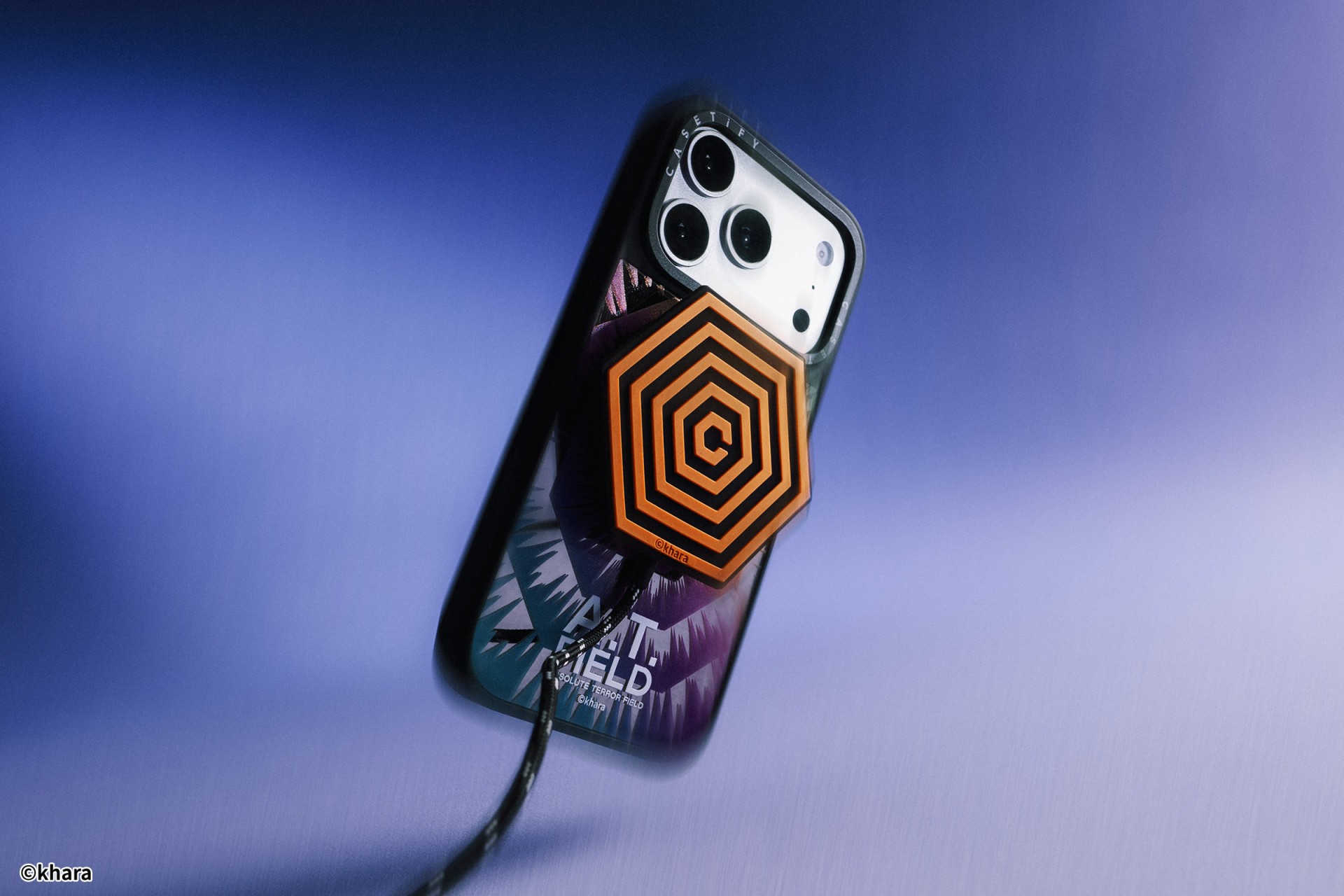
The lineup pulls directly from Evangelion iconography. Designs include classic NERV insignias, holographic “A.T. Field” defense graphics, “Active Time Limit” warnings, and the official 30th Anniversary emblem. Each case uses CASETiFY’s signature impact protection, turning your device into a pocket-sized defensive barrier.
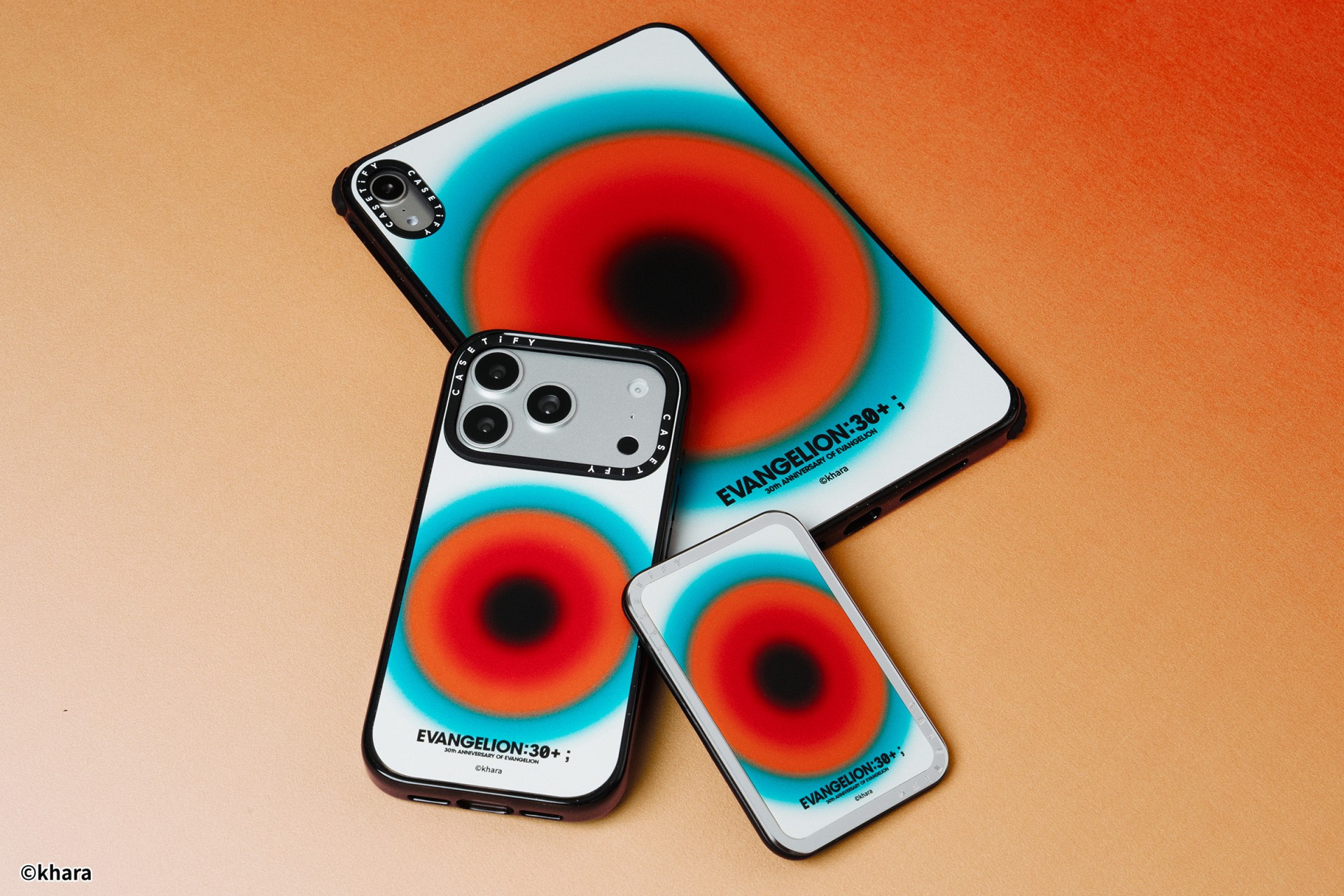
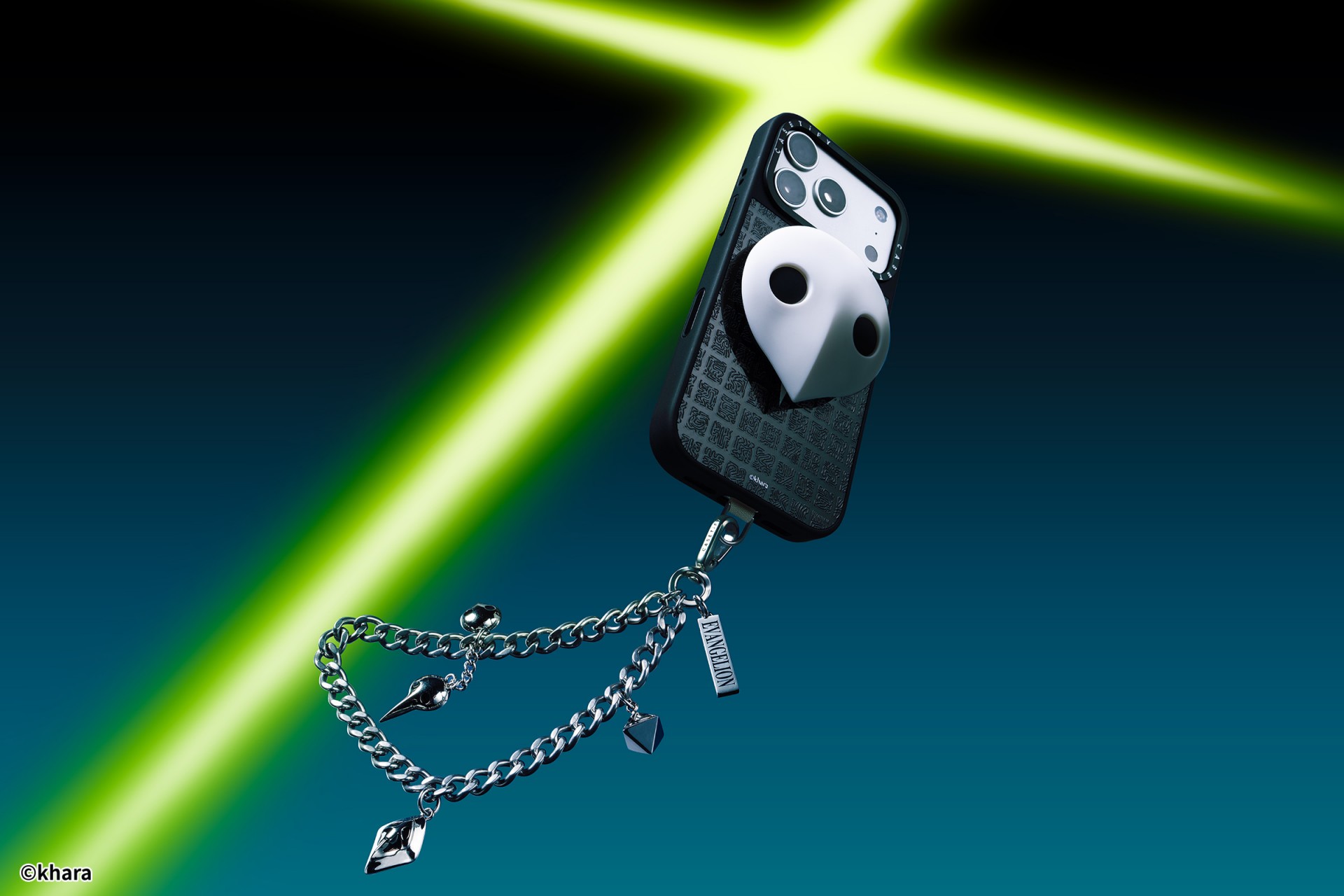
The collection goes beyond phone cases. Fans can also pick up matching AirPods cases, MagSafe wallets, watch bands, and laptop and tablet sleeves to complete their everyday tech setup.
Android users are included in the rollout. The collection supports devices like the newly released Samsung Galaxy S26 series, making it a timely drop for those looking to suit up their latest flagship.
The Evangelion collection is now available via the official CASETiFY website.

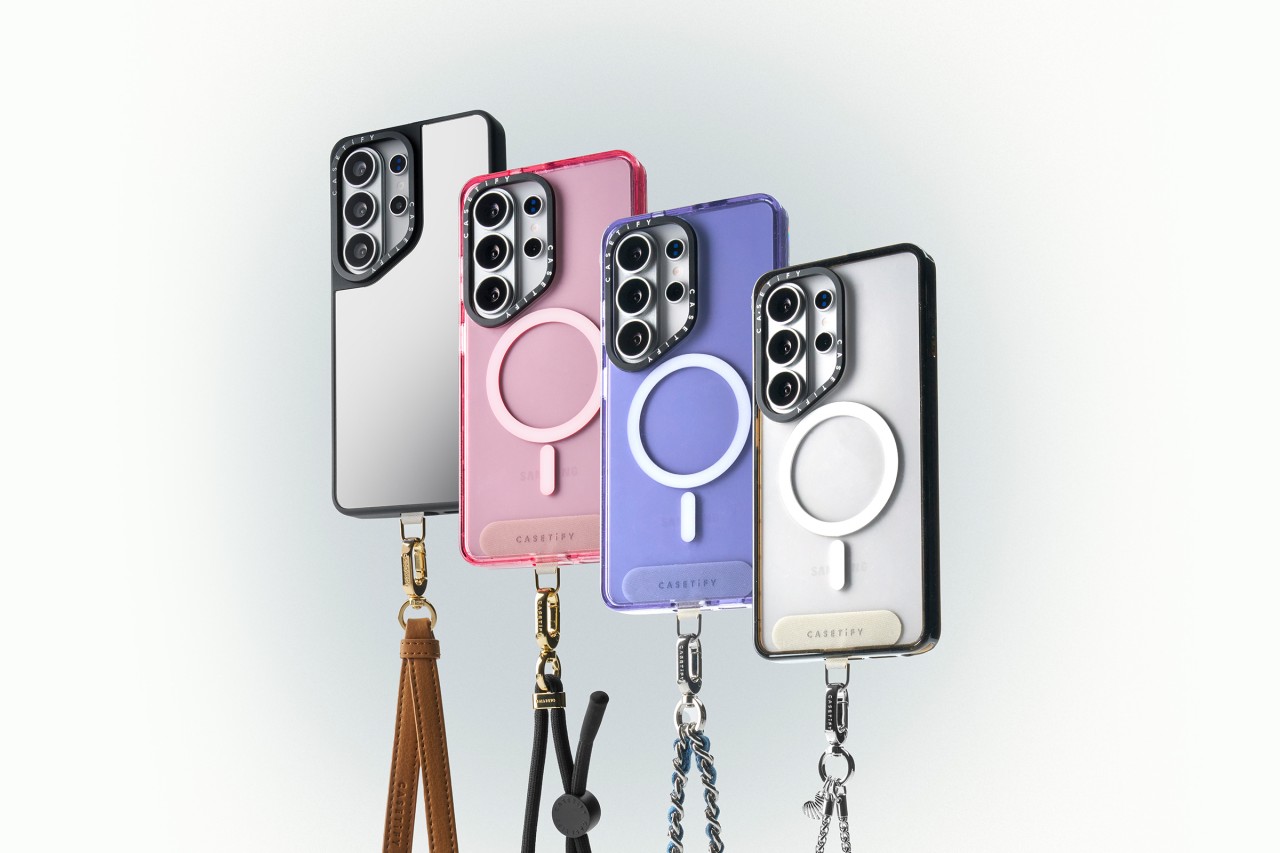
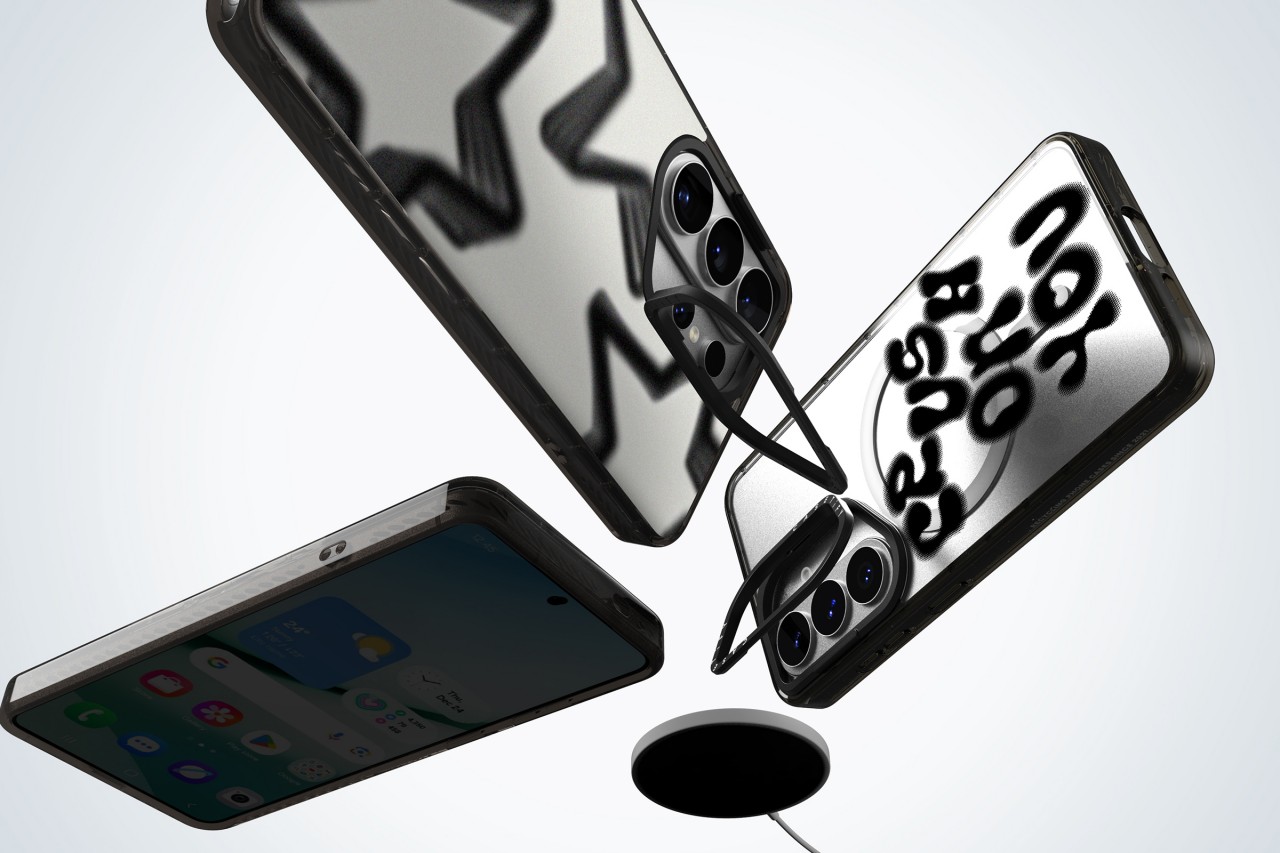
CASETiFY has unveiled its full lineup of cases and accessories for the Samsung Galaxy S26, timed with the flagship’s global debut.
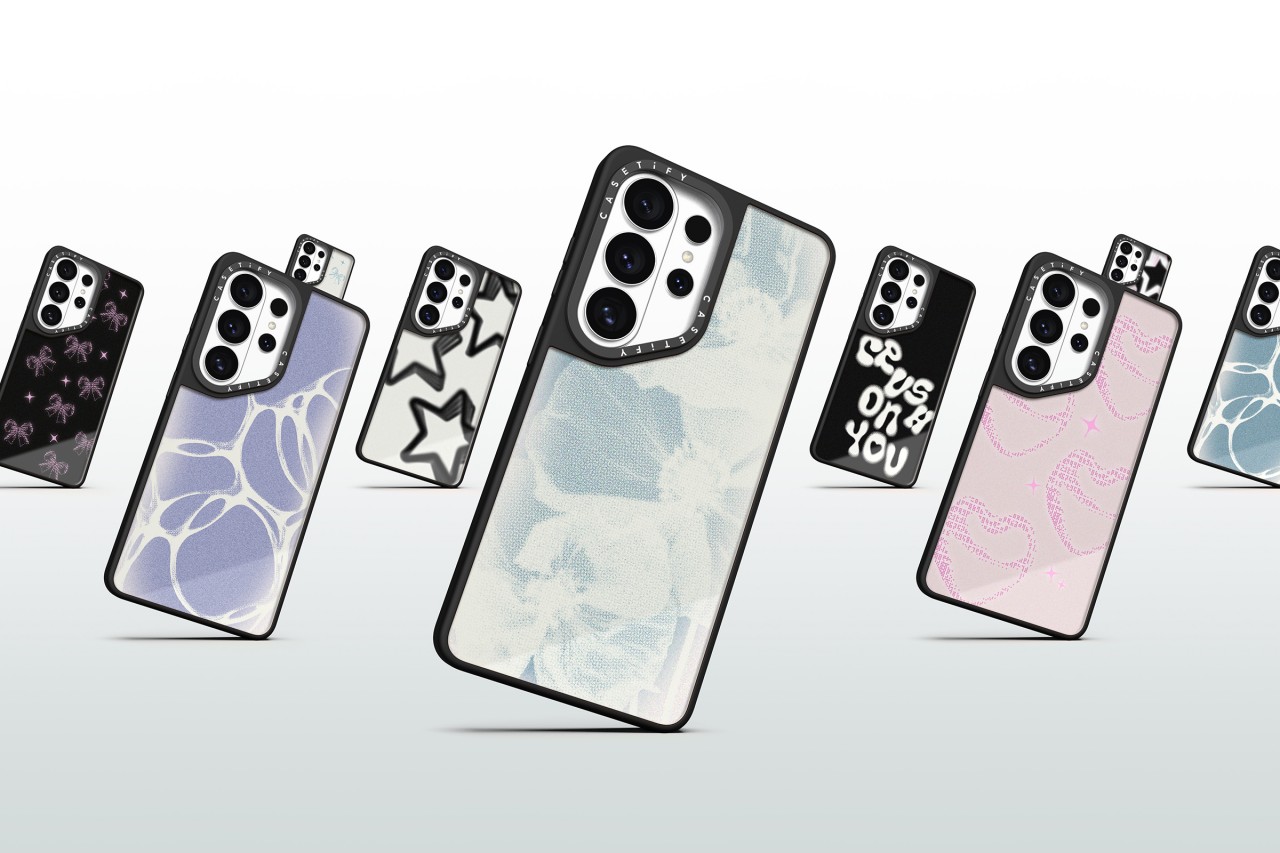
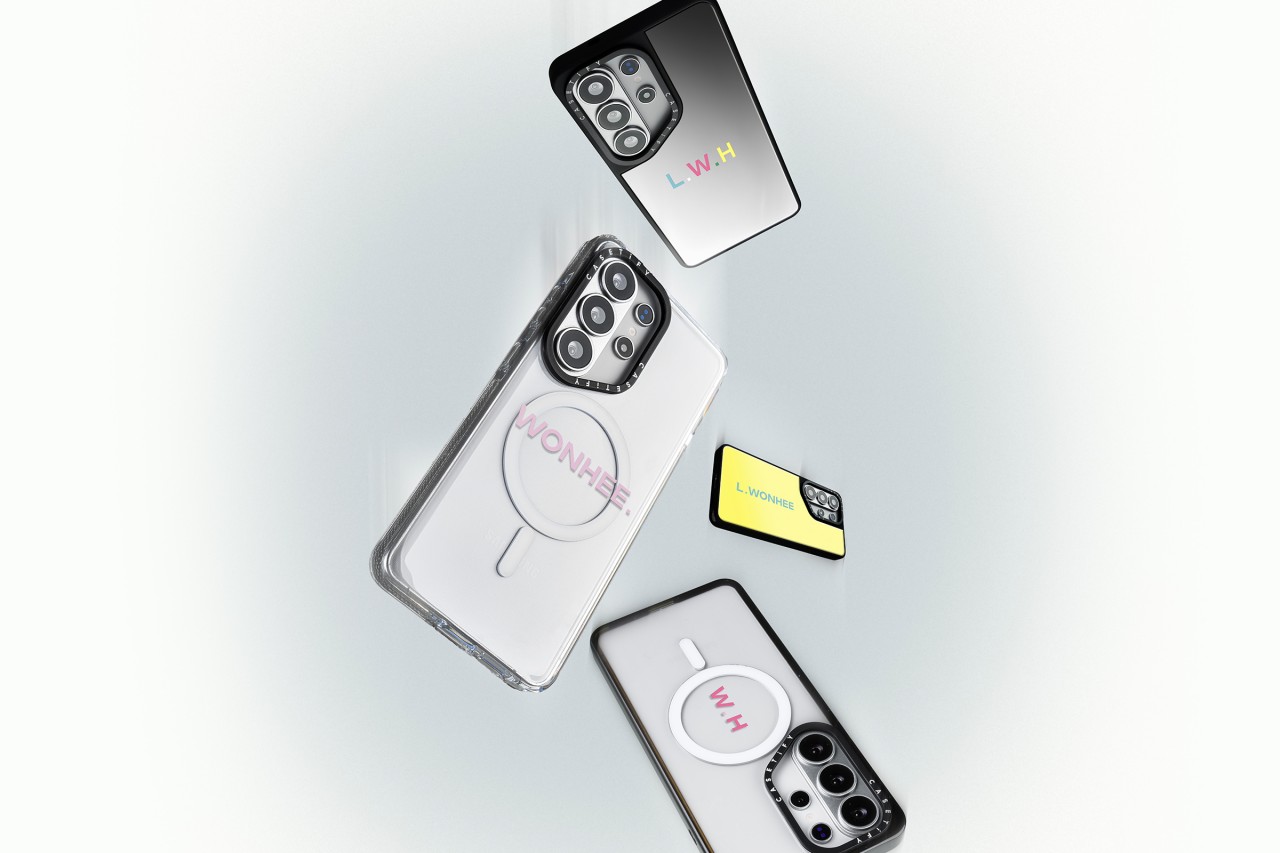
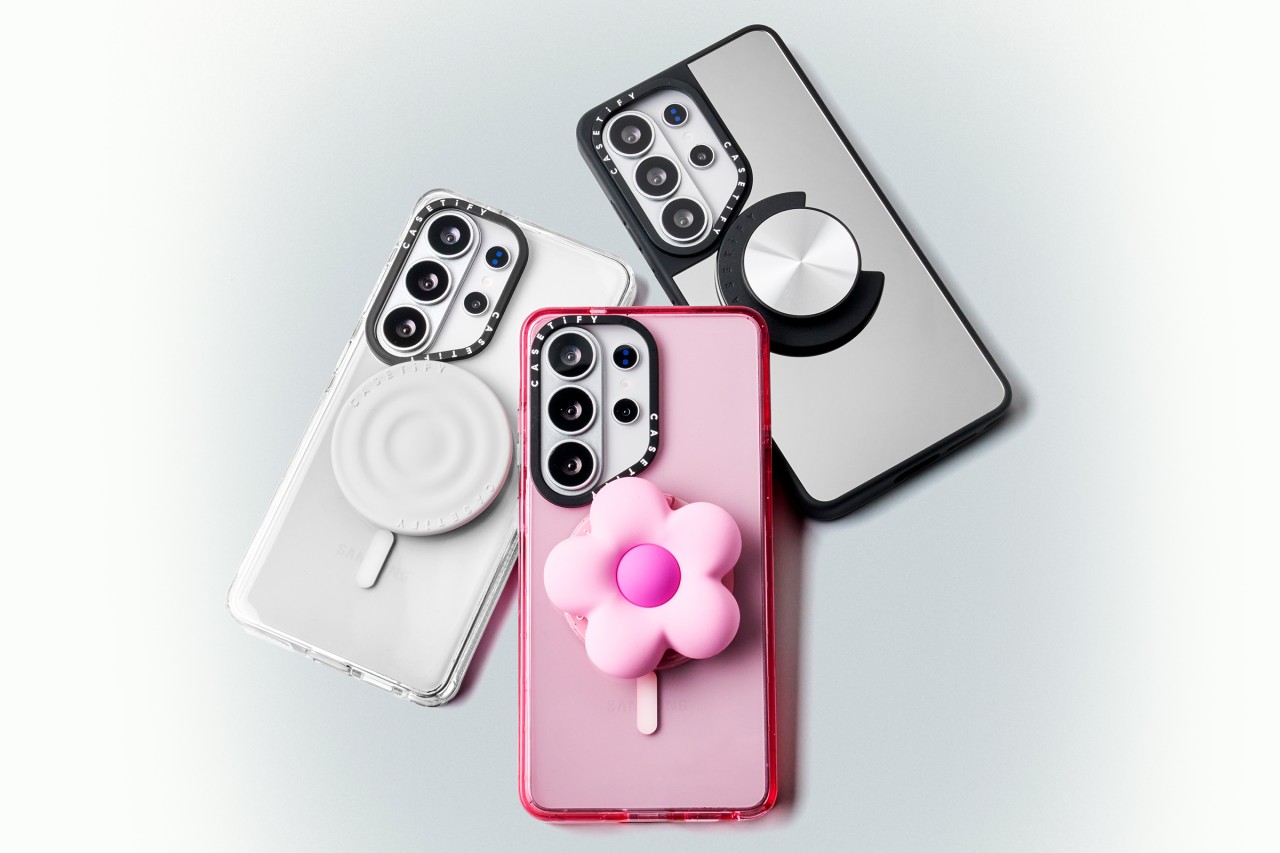
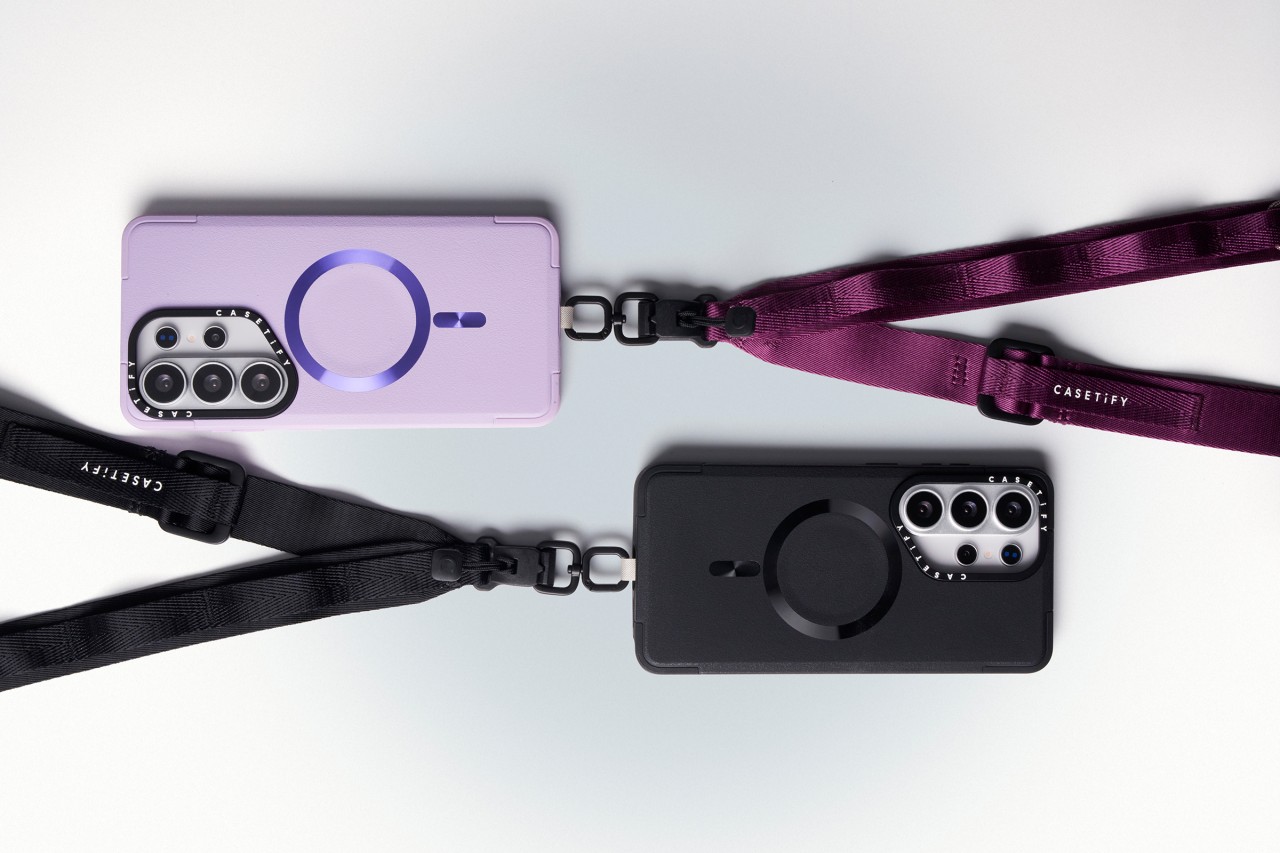
The new collection blends protection with personalization. Users can customize cases with photos and text or choose from bold, artistic prints across multiple case styles. The lineup also includes phone charms, body straps, magnetic accessories, screen protectors, and camera lens covers built specifically for the Galaxy S26.
Orders opened on February 25, 2026 via CASETiFY’s website.
Built for protection and everyday use
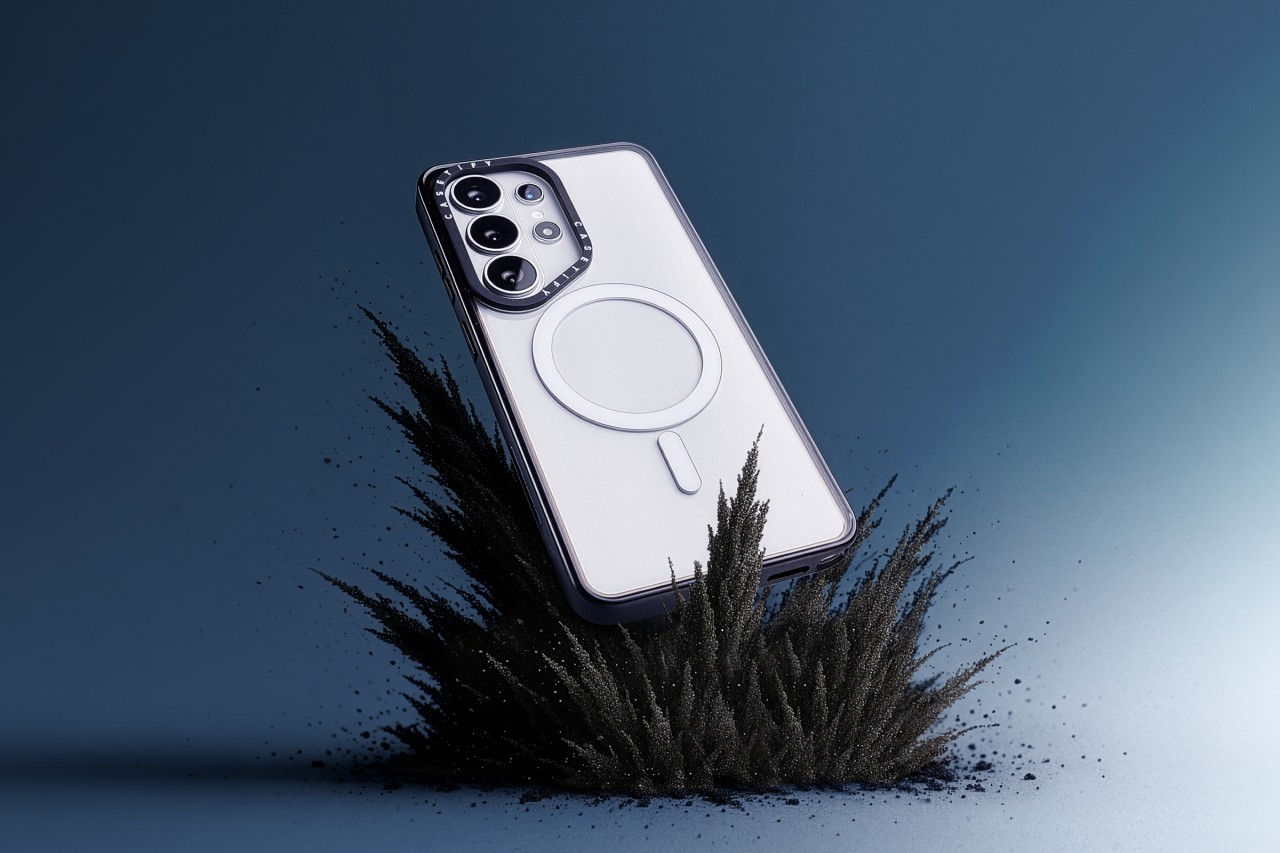
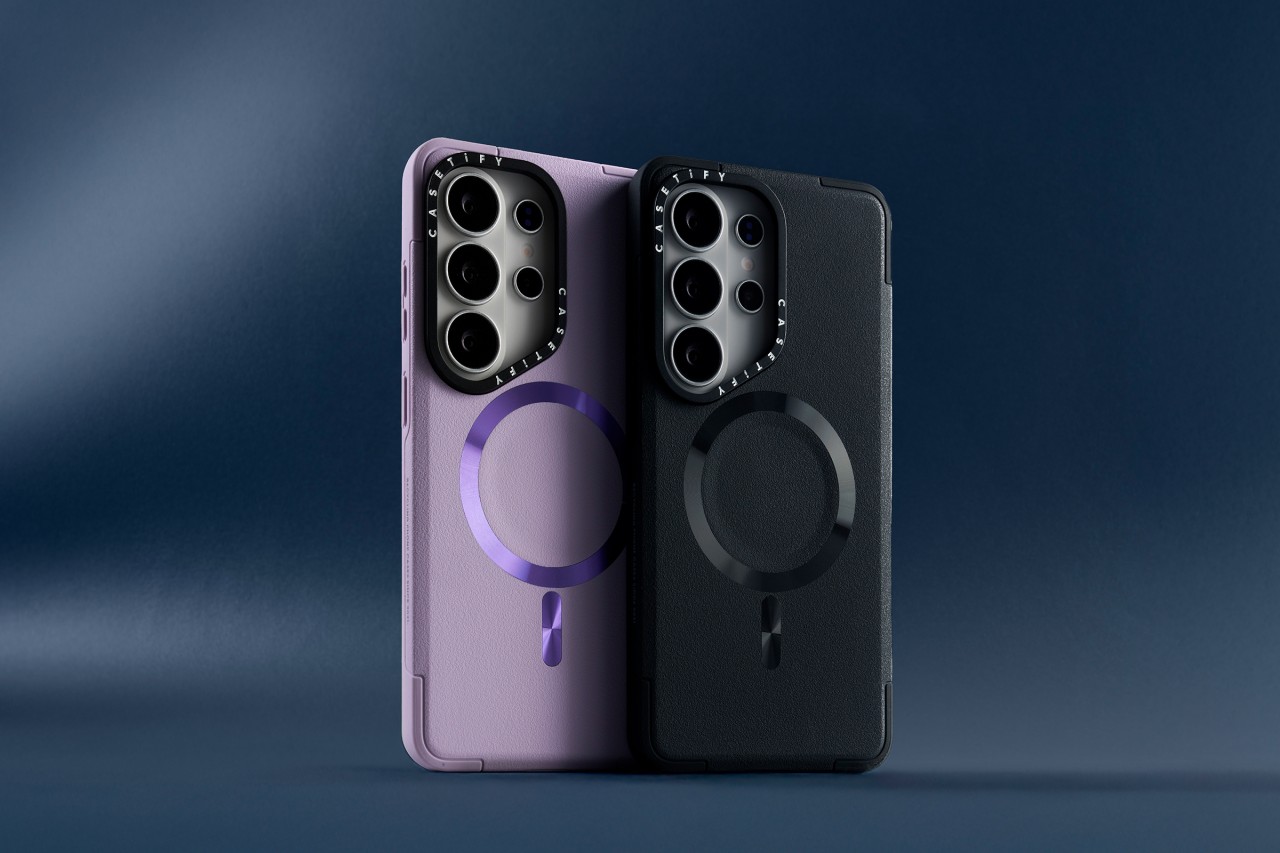
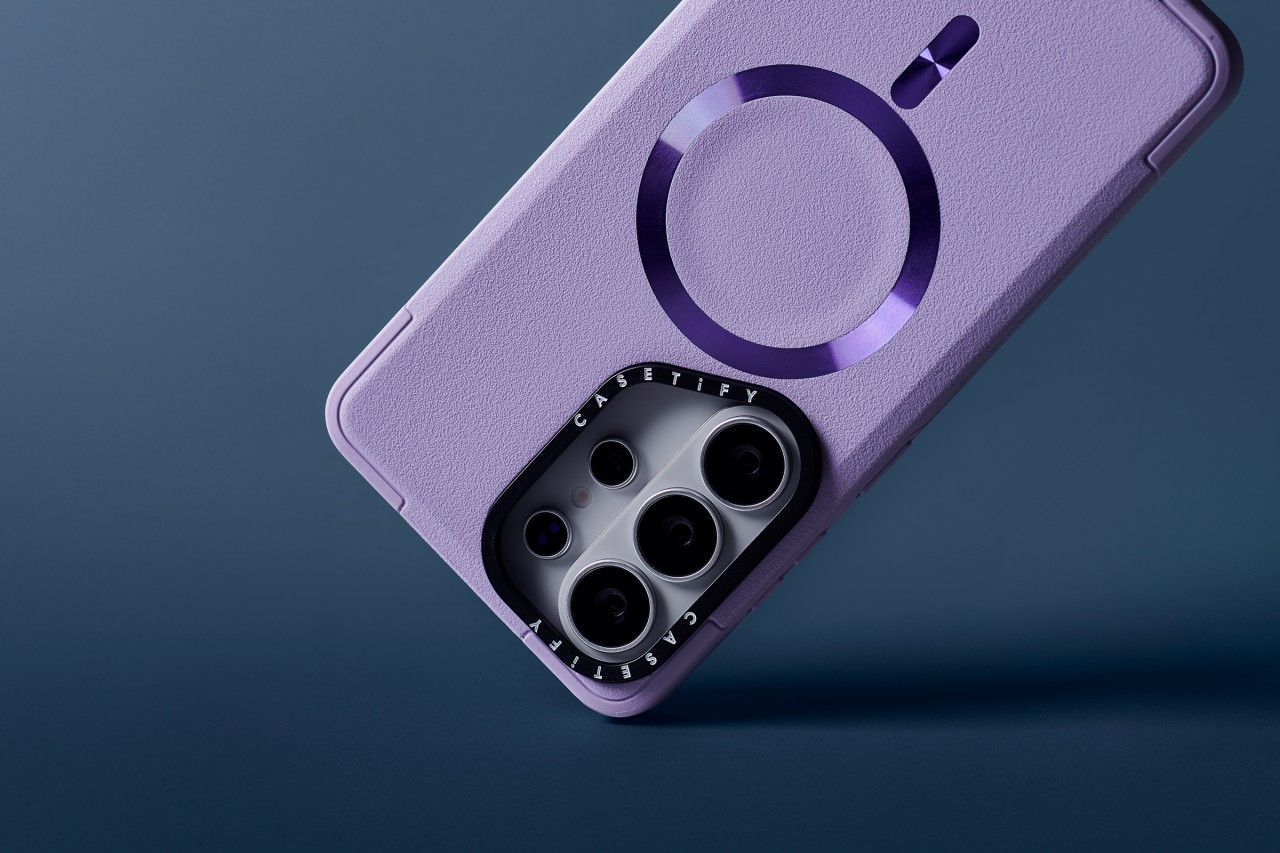
Leading the lineup is the Impact Ring Stand Magnetic Case ($85). It features a lifted camera ring with a built-in stand that adjusts from 0 to 150 degrees for hands-free viewing. The case carries 6.6-foot drop protection, 3x MIL-STD-810G certification, EcoShock cushioning, and CASETiFY’s Duo-Lock bonding system. It also supports wireless charging and magnetic accessories.
The Impact Magnetic Case ($70) increases drop protection to 8.2 feet with 4x MIL-STD-810G certification. It adds side sockets for charms and a raised bezel for screen protection.
For those who prefer a transparent look, the Impact Clear Magnetic Case ($70) focuses on long-lasting clarity and anti-yellowing materials. It offers 6.6-foot drop protection and 3x MIL-STD-810G certification.
Slim, glossy, and grip-focused options
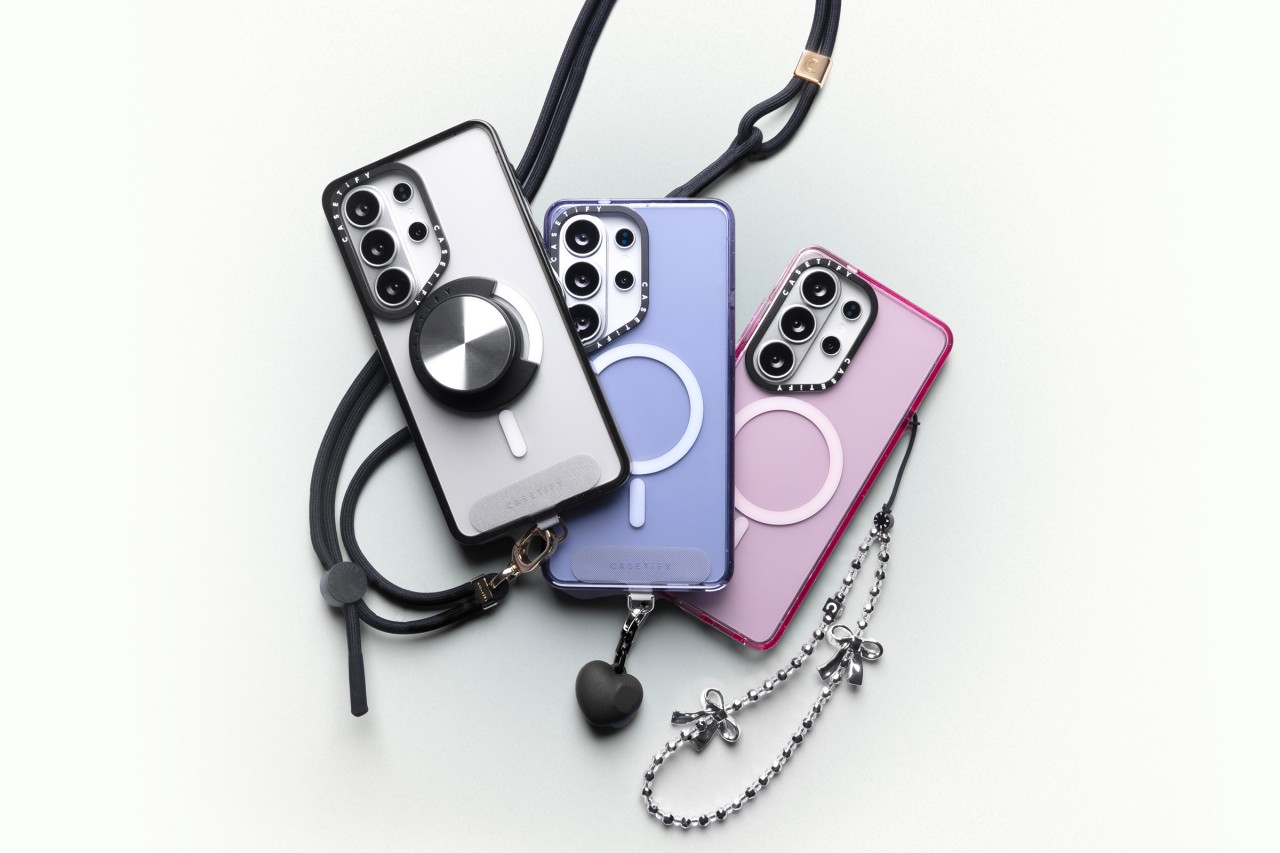
The Mirror Magnetic Case ($70) adds reflective functionality with 4.9-foot drop protection, while the Compact Magnetic Case ($55) targets users who want a lightweight, slim profile with 4-foot drop protection.
The Glaze Magnetic Case ($70) stands out with a scratch-resistant glossy finish and anti-print peel-off technology, paired with mirror functionality and magnetic compatibility.
Rounding out the collection is the Force Case by CASETiFY ($55), designed for enhanced grip and durability. It delivers 6.6-foot drop protection, 3x MIL-STD-810G certification, Duo-Lock bonding, and full wireless charging support.
With multiple case styles and accessory options, CASETiFY’s Galaxy S26 collection gives users room to match their device to their personality without compromising protection.


POCO X8 Pro Max review: A new beast from the far east
That "Pro Max" naming superlative is more than justified


POCO X8 Pro Iron Man Edition review: Midrange phone in superhero armor
POCO x MK15


Now Playing: Project Hail Mary
It's a treat for those who loved the original book.

OPPO Find N6 launches globally with near crease-free foldable display
POCO X8 Pro Max review: A new beast from the far east
POCO X8 Pro Iron Man Edition review: Midrange phone in superhero armor

POCO X8 Pro Series launches in Singapore with early bird prices

POCO X8 Pro Series: Price, availability in the Philippines


-

 MWC 20262 weeks ago
Infinix NOTE 60 Ultra makes a motorsport-inspired debut
-

 Computers2 weeks ago
AMD announces Ryzen AI 400, AI 400 PRO series at MWC 2026
-

 Reviews1 week ago
The Xiaomi 17 shoots Leica dream
-

 Laptops2 weeks ago
Apple unveils MacBook Pro with M5 Pro and M5 Max
-

 Gaming2 weeks ago
Ubisoft confirms Assassin’s Creed: Black Flag remake
-

 Hands-On2 weeks ago
OPPO Reno15 F 5G hands-on
-

 Gaming2 weeks ago
PlayStation will stop releasing its games on PC
-
 Computers2 weeks ago
Apple unveils Studio Display and all-new Studio Display XDR