
Philippines
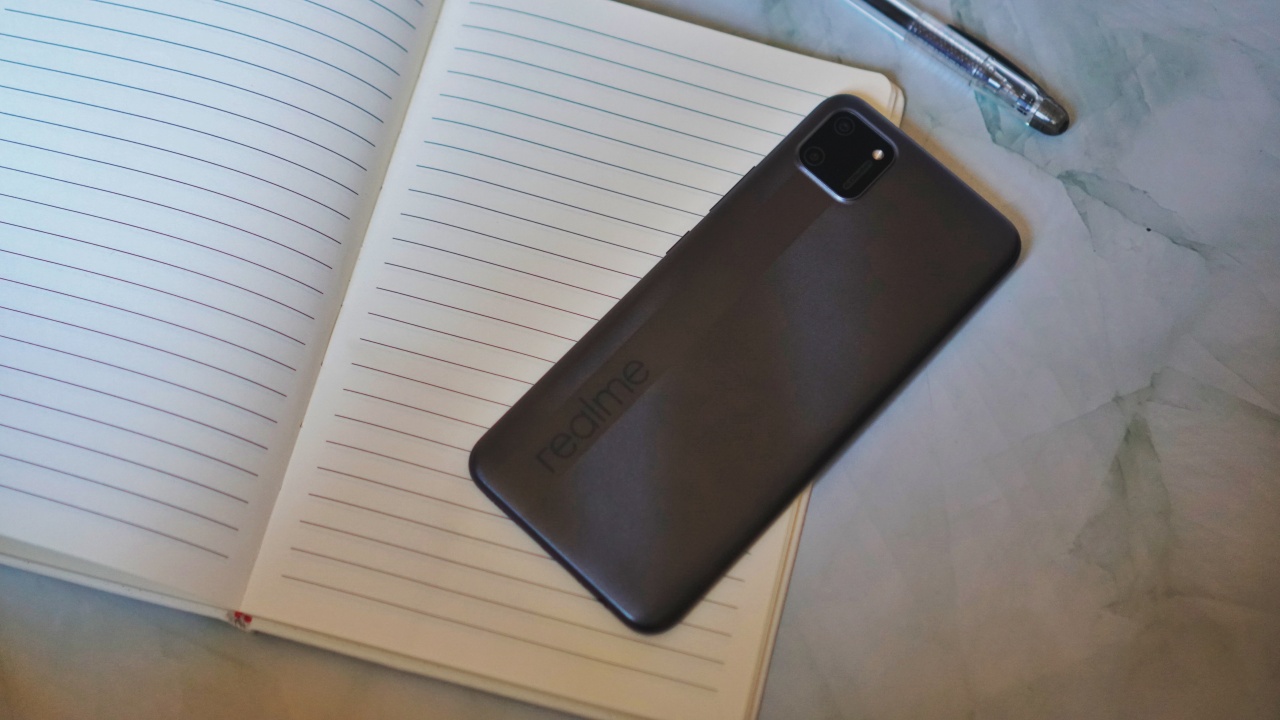
The realme C11 works well for distance learning
We consulted a teacher, then put the phone to the test

When realme reached out to ask if we wanted to review the realme C11, it came with a promise to donate the units. It’s a good cause and one that we gladly wanted to be indirectly part of.
The smartphones will be turned over to a non-government organization to support the youth in the planned distance learning setup in the upcoming school year. While I personally support the call for an academic freeze, we want to be able to help in any way we can in suggesting devices for these endeavors.
To start, I needed to check on a few things first. One is the minimum spec requirements for distance learning smartphones — one specified by the Philippines’ Education department. Second, I spoke with a teacher to get an idea about how distance learning will be executed. Here’s what I found.
Bare minimum specs
Below is a table showing the minimum requirements for a smartphone to be effectively used for distance learning next to the specs of the realme C11.
| Distance Learning, Smartphone Minimum Tech Specs | realme C11 | |
| Processor | Octa-core 2 GHz | Mediatek Helio G35 (Octa-core 2.3 Ghz) |
| Memory | 2GB | 2GB |
| Display | 6”, IPS LCD | 6.5” |
| Storage | 32GB | 32GB |
| Network | GSM / HSPA / LTE
Wi-Fi 802.11 b/g/n Bluetooth |
GSM / HSPA/ LTE / 4G
Wi-Fi Bluetooth 5 |
| Ports | Micro USB or Type C, 3.5mm Audio Jack | Micro USB port, 3.5mm Audio Jack |
| OS | Android 8.1 | Android 10, realme UI |

Next, I sent a teacher some questions about how this smartphone will be used by the student in a distance learning setup. Answers have been edited for brevity.
What will students need to access for distance learning?
It depends on the platform the school will use. These can be Google Classroom, Edmodo, Zoom, etc. But certainly, the most accessed sites will be Google and Wikipedia.
Facebook and Messenger may also be used for communication and publishing of some projects. However, this is also dependent on the teacher handling the class.
What are the must have apps?
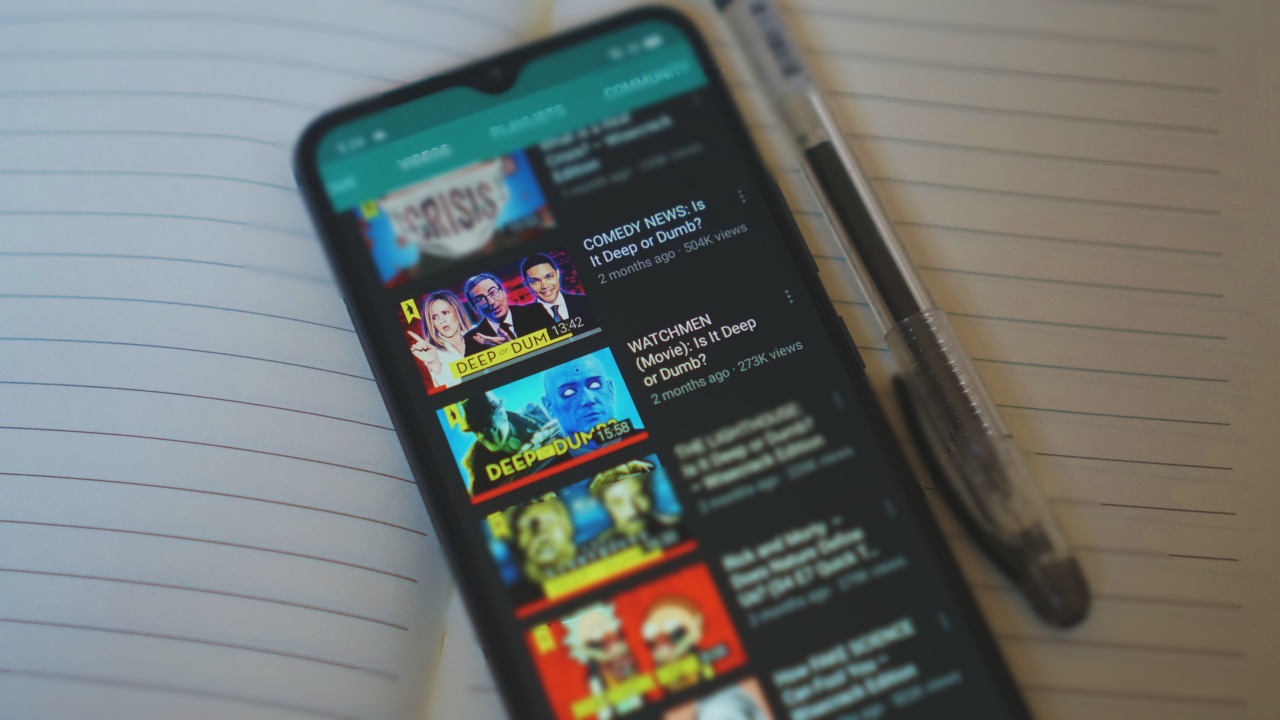
YouTube, Google Apps (Docs, Sheets, Slides) or any office app, Dictionary, A notepad app, Web browser, and Email.
How long will they need to be on the phone?
Our planned schedule will start at around 9AM and will end at around 2PM. That’s five 45-minute classes with 15 minutes of break in between. There’s also a 30-minute lunch break at 11:45AM. It may vary from day-to-day but that’s the general plan.
This also does not yet include consultation time. For us, we’ll do 15 minutes at the start and at the end of the day to help make-up for the interaction that will be lost due to the nature of an online class.
Any final notes?
It’s certainly possible to have online classes despite the student only having a smartphone. Given of course that the smartphone can access everything mentioned previously.
Usually for lectures, the students will only really have to listen to the lectures on video. The teacher can opt to pre-record the classes and make it available for on-demand viewing so the students can access it even after class hours. The rest of the activities will be handled offline and be disseminated via communication apps.
How does the realme C11 handle the activities mentioned?
So now, we go back to the realme C11. On paper, it certainly meets the baseline requirements. But does it fare in practice?
Let’s first go to the apps. Some of the apps the teacher mentioned come pre-installed on the C11. YouTube, a notepad app (Google Keep), Email (GMail), as well as a browser (Chrome).
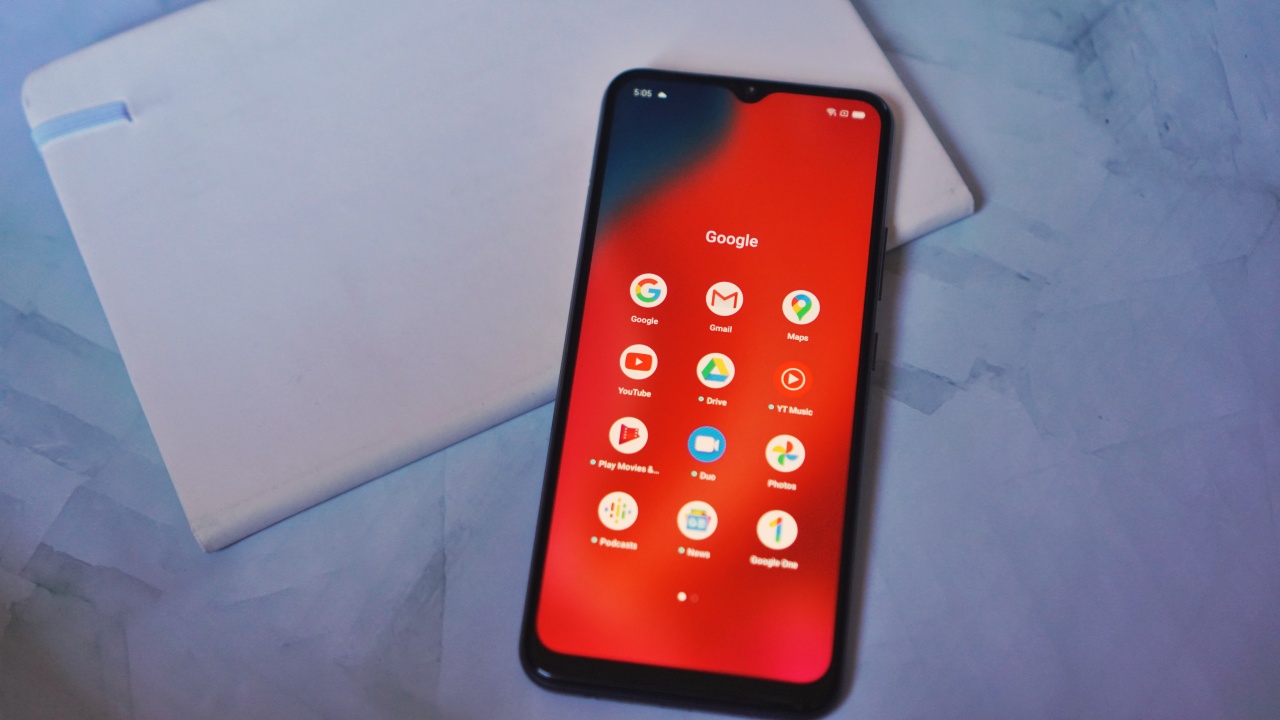
The rest — like the GSuite apps like Docs, Sheets, and Slides — you’ll have to download from the Playstore.
The processor, memory, and storage combination should be able to handle those apps with no problem. In fact, I experienced very little difference running these same apps on phones that are nearly thrice its price.
Google apps typically work well especially on devices that aren’t spec-monsters. This was also one of my tips on maximizing budget phones — Google is your best friend.
Facebook and chat apps
The Facebook app was also pre-installed on the phone. However, unlike the Google apps, you can actually feel the phone struggling to run it.
This is where another tip comes in — use the Lite version of apps. I quickly uninstalled the standard Facebook app and replaced it with Facebook Lite and also downloaded Messenger Lite.
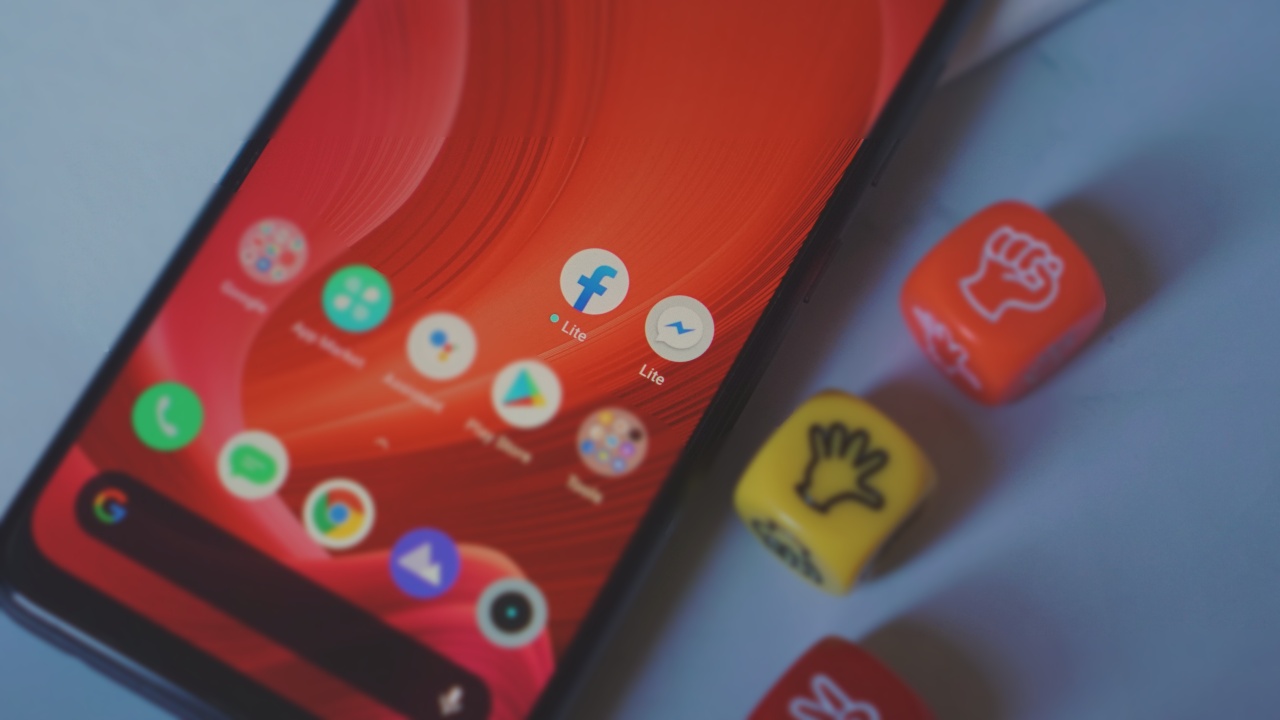
These apps consume less bandwidth and puts less pressure on your chip and memory but are still able to do the basic stuff you need from said apps.
The same apples for other apps. If there’s a lite version, it’s prudent to get those for phones at this level.
Battery endurance
This was a slightly trickier test to do. At first, I figured I’d look for some 45-minute videos on YouTube but the search alone would take time. Instead, I opted to time the YouTube usage.
I was religious with it though. The first two 45-minute sessions of running videos on loop, I was able to do 15-minute breaks in between. After that, I got busy with other work and just let the phone be on loop until I wrapped up my work day.
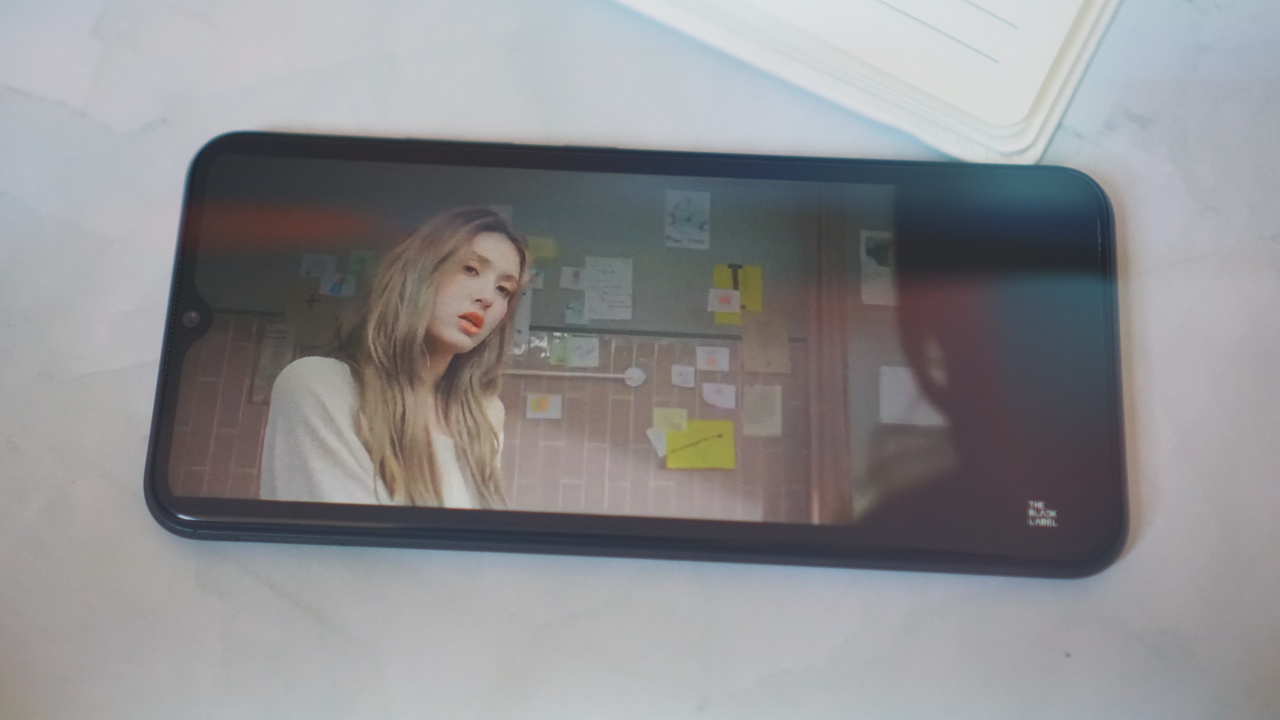
The results were astonishing. I had some K-Pop playlist that kept running for close to six hours. The phone didn’t quit on me at all. And it still had some juice to spare.
Naturally, usage will vary from person to person. But, it’s safe to say the phone can more than last the demands of daily online classes.
Good build quality
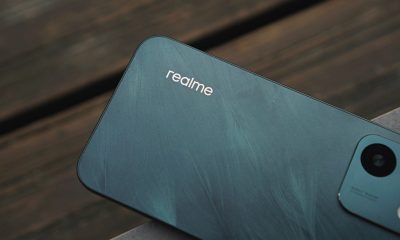
While we’re on the topic of endurance, I’d also like to note the build quality of the realme C11. It feels sturdy and is just overall nice to handle.
It doesn’t have the fancy IP ratings and what not so you should still take extra care in handling it. But if the C11 is an indication of how 2020 budget phones are built, then that’s a good thing.
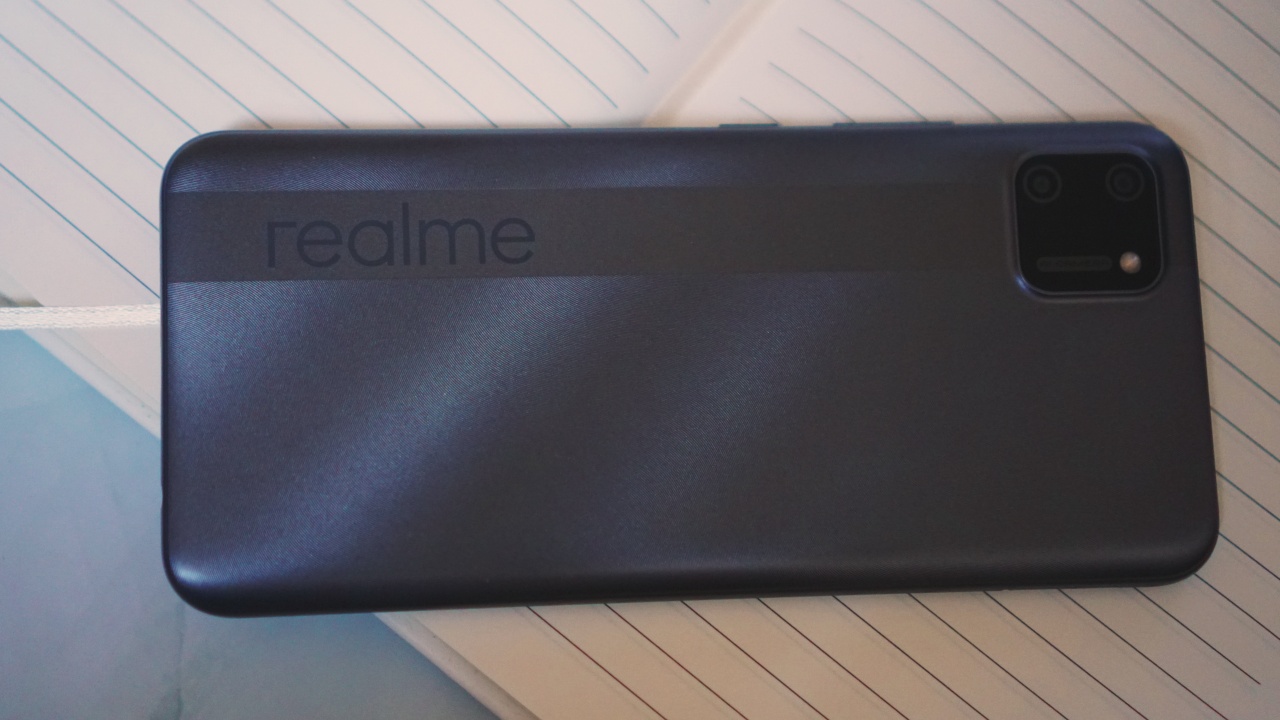
They don’t feel cheaper than phones twice their price and appear like they can handle a beating.
Not entirely relevant to the topic but worth mentioning
Of course, a kid can’t be all just about studying. Just like any normal, developing human being, a student needs to engage in other activities to stimulate her/his brain.
Thankfully, a smartphone grants access to several things as well — particularly, games. I tried playing Call of Duty Mobile because it’s still really the only mobile game I enjoy. While I still managed to get some kills, the entire experience isn’t exactly pleasant.
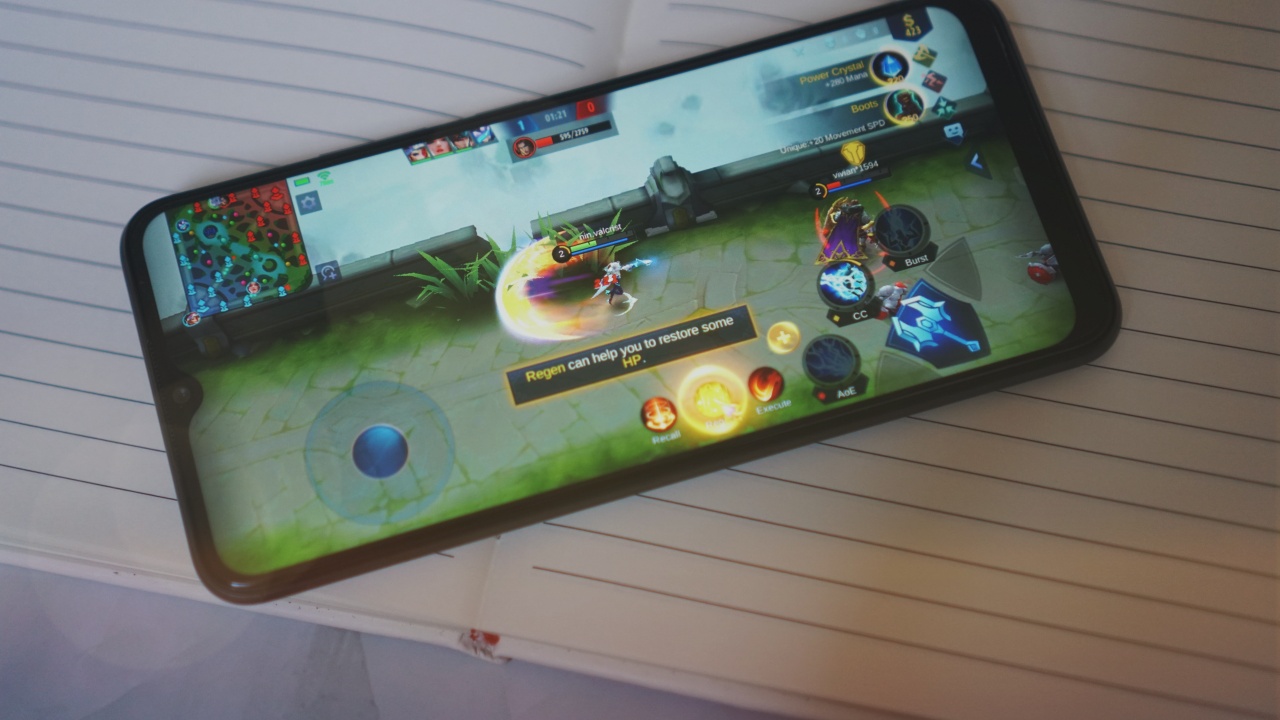
I switched over to Mobile Legends and the phone ran it much more smoothly than CoD. So when picking games to play, try to steer clear of those that lean towards fast action and require intense graphics.
The realme C11 also has two rear-cameras. A 13MP main camera and a 2MP main sensor. They’re… okay.
If a student needs to take a few snaps of notes it can handle it.
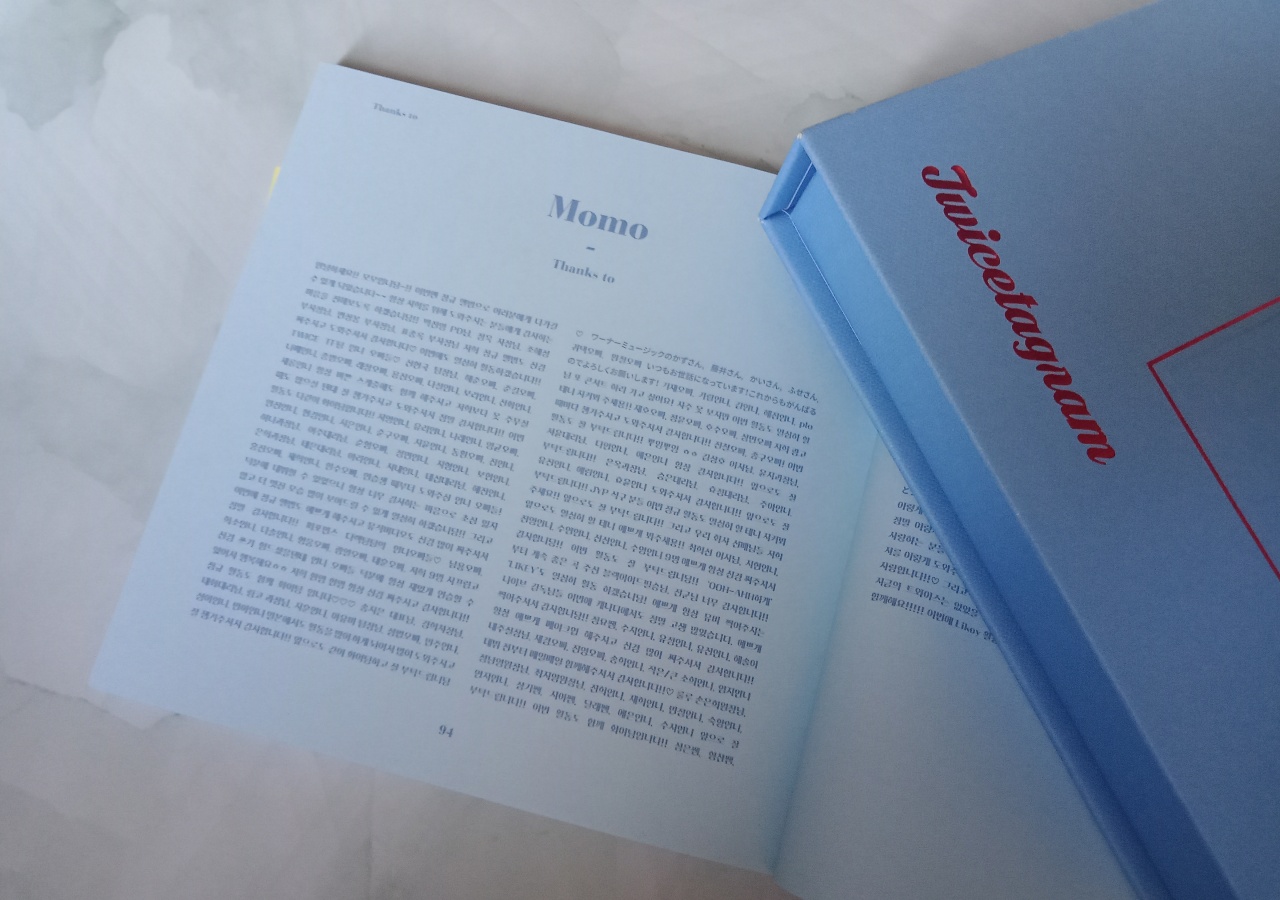
The text is in Hangul, but I trust you get the point.
Should the student take interest in photography, she/he will quickly realize the inherent wonders of natural lighting.
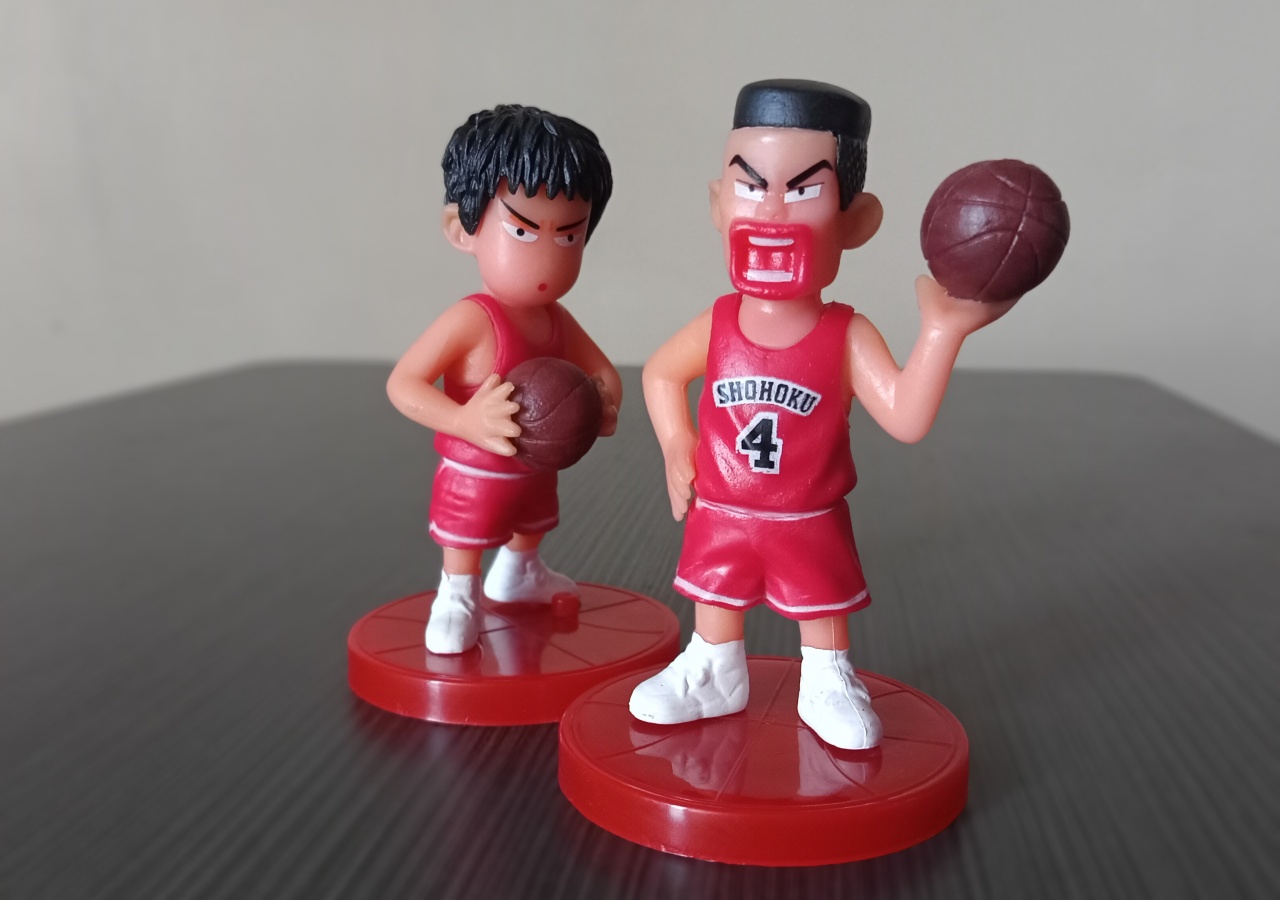
That’s Mitsui and Akagi from Slam Dunk
The phone struggles in dimly lit areas, but takes okay photos under natural light.

View from my window
Is the realme C11 a distance learning GadgetMatch?
As far as distance learning goes, the realme C11 does have the chops to assist a student in the learning process.
Of course, there are other key factors. These include school and/or teacher’s distance learning program, access to a reliable Internet, and an environment that encourages learning. But those are other concerns altogether.
As a tool to help a student move along, the realme C11 delivers without a hitch. It will be available in Mint Green and Pepper Gray and will retail for PhP 4,990 (around US$100). A fair price for what you’re getting.
It will be initially launched exclusively on Shopee starting 6PM on July 23. Fans can get up to 8 percent off using Shopee’s voucher code GADGETZONE8. The voucher is valid from July 23 to August 8. It will then be available nationwide starting July 24, 2020 at realme stores, kiosks, partner dealers nationwide and Home Credit.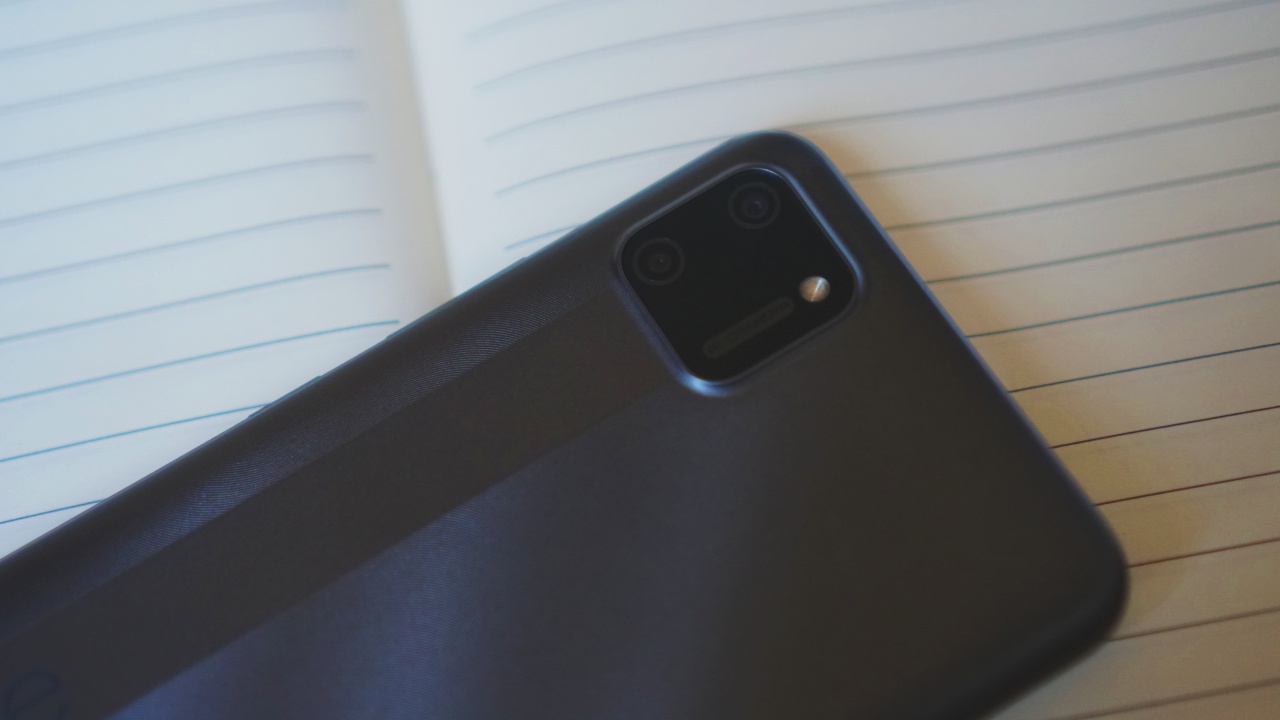
As mentioned earlier, realme is donating a number of realme C11 units to a non-government organization (Young Focus Organization) to be distributed to children before the start of the school year on August 24.
Young Focus’ vision is to improve the mental, physical and social well-being of young people in poor communities by means of education, health care and personal support.
This is realme’s contribution to Young Focus’ “Quality Education for All” campaign. Some of the prominent partners of Young Focus are Binibining Pilipinas and Miss Universe, through Ms. Universe 2018 Catriona Gray.




News
Shokz OpenFit Pro launches at Power Mac Center, brings open-ear noise reduction
Open-ear, now quieter
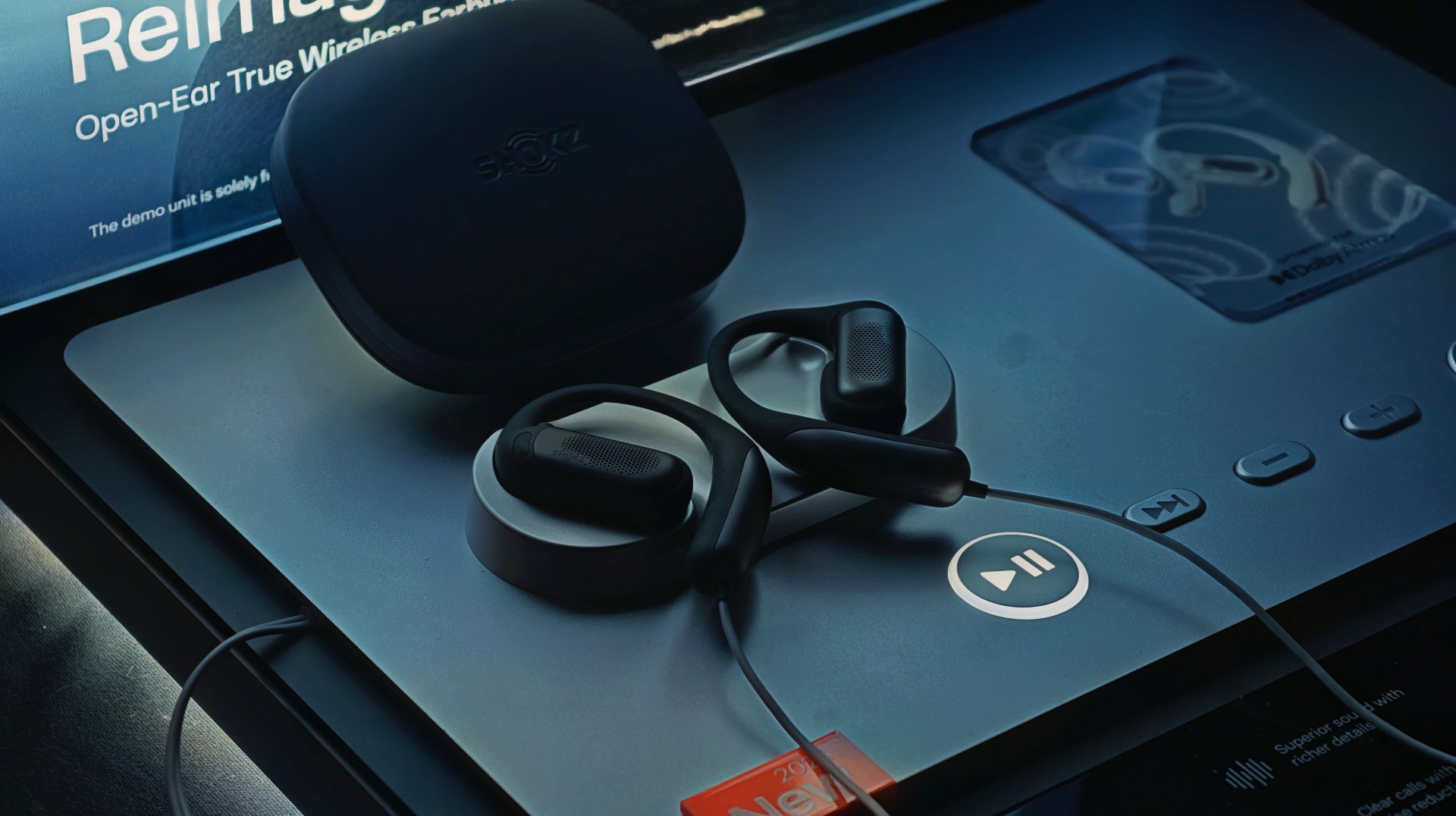
There’s a certain kind of listener this is built for. The kind who wants music on, but not the world off.
That’s exactly where the new Shokz OpenFit Pro steps in. Now officially available at Power Mac Center, the latest from Shokz pushes open-ear audio further with a feature that feels almost contradictory at first: noise reduction—without shutting you out.
It’s a balancing act. And from what we’ve seen at the launch, it’s one Shokz is leaning into hard.
Open-ear, but with focus when you need it
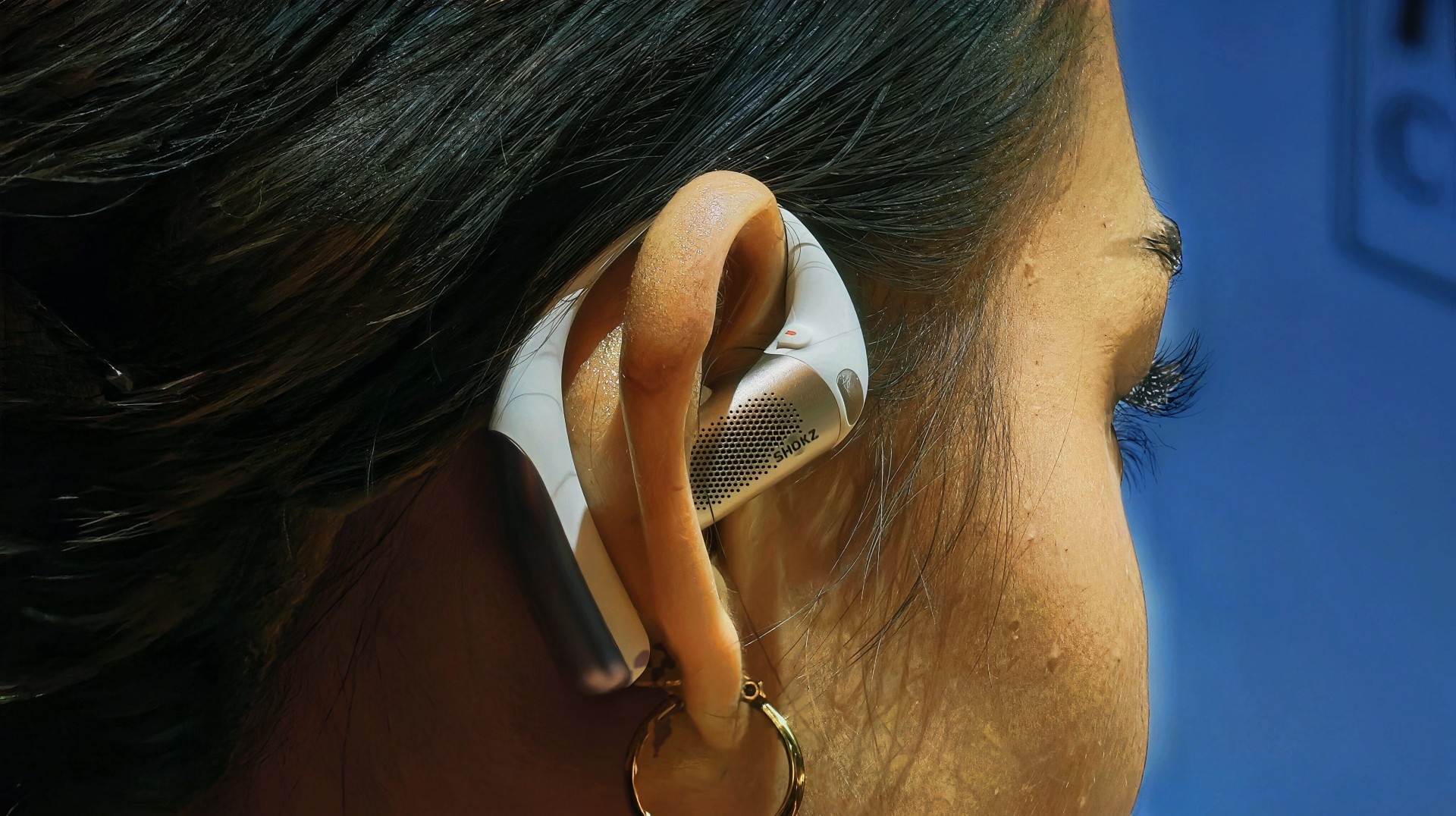
The headline feature here is Open-Ear Noise Reduction—a first for Shokz.
Instead of sealing your ears like traditional ANC earbuds, the OpenFit Pro keeps its signature open design. You still hear your surroundings, but now you can dial in a “focus mode” when things get too noisy.
It works through a triple-mic system paired with an ear-adaptive algorithm, which predicts in-ear noise and counters it with reverse sound waves. The result isn’t total silence, but a cleaner listening experience in places like offices, gyms, or busy streets.
It’s not about isolation. It’s about control.
Bigger sound, richer detail
Shokz is also going after better sound this time.
The OpenFit Pro uses a new Shokz SuperBoost™ dual-diaphragm driver, designed to deliver deeper bass and more detailed highs while keeping distortion low. The 11 × 20 mm driver performs like a larger speaker, giving it more room to breathe compared to typical open-ear buds.
There’s also Dolby Atmos support with head tracking, adding a more immersive layer—especially for supported content.
Built to stay on, all day
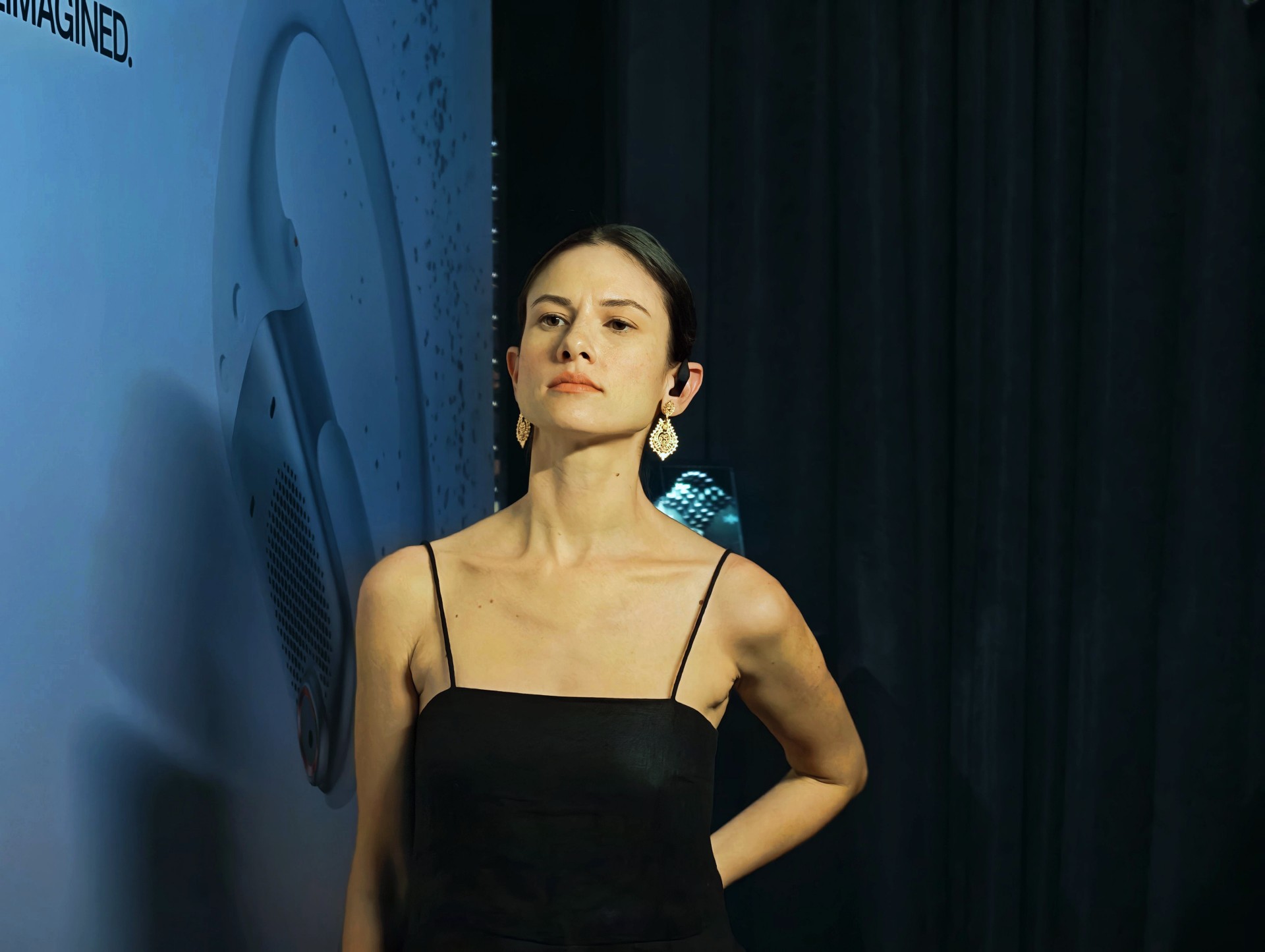
Comfort is still a big part of the pitch.
The earbuds use Ultra-Soft Silicone 2.0 and a flexible nickel-titanium ear hook that adapts to different ear shapes. They’re designed to stay secure whether you’re working out, walking, or just going through your day.
The build leans premium too, with an ultra-slim aluminum unibody design that keeps things lightweight and clean.
Calls, battery, and everyday extras
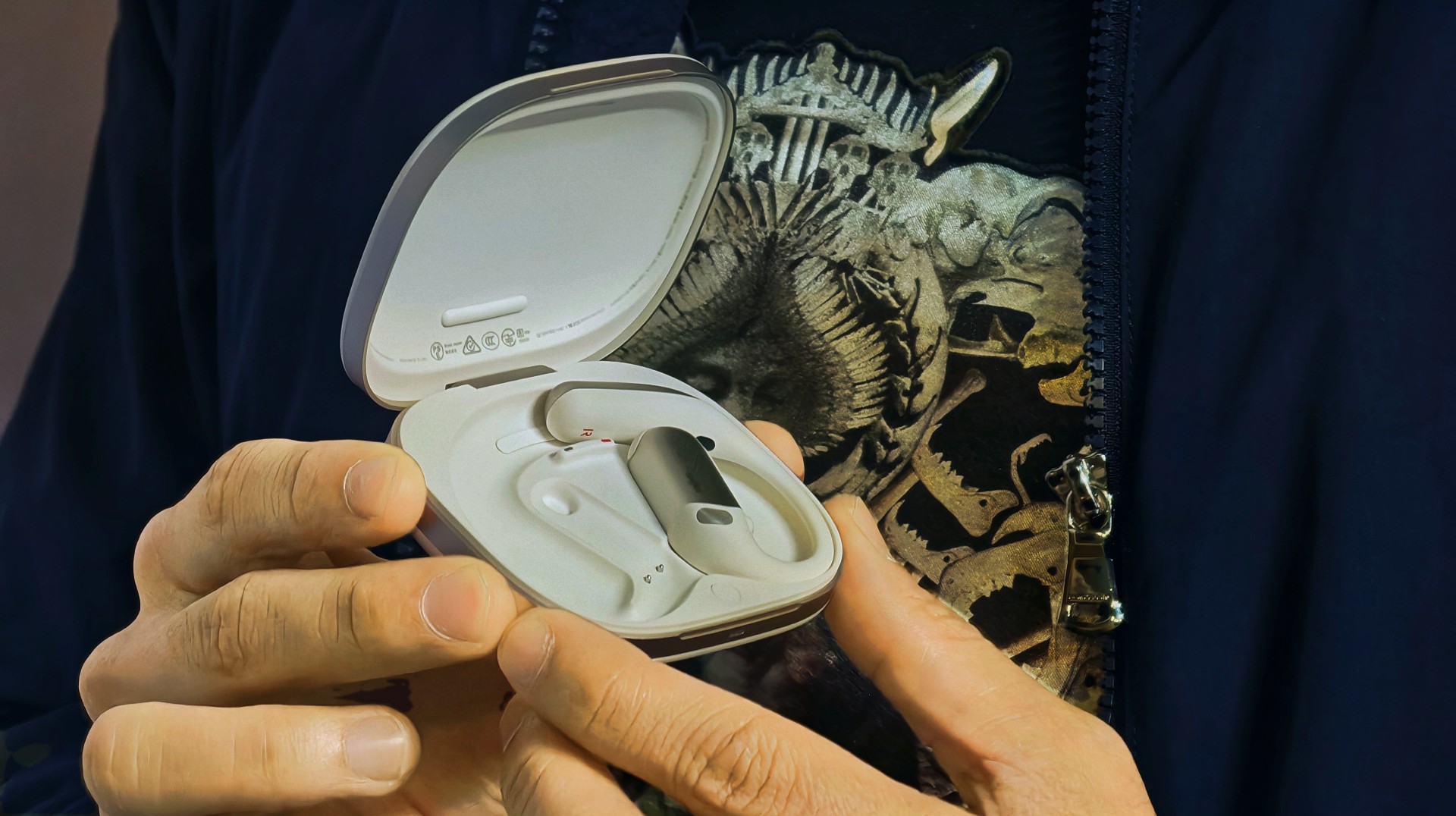
On the practical side, the OpenFit Pro checks a lot of boxes:
- AI-powered triple-mic system for clearer calls (with wind resistance up to 25 km/h)
- Up to 50 hours total battery with the case
- Up to 12 hours listening time (6 hours with noise reduction on)
- 10-minute quick charge = up to 4 hours playback
- Qi wireless charging support
- Multipoint pairing, smart wear detection, and Bluetooth 6.1
It’s also IP55-rated, making it suitable for workouts and light rain.
A different take on listening
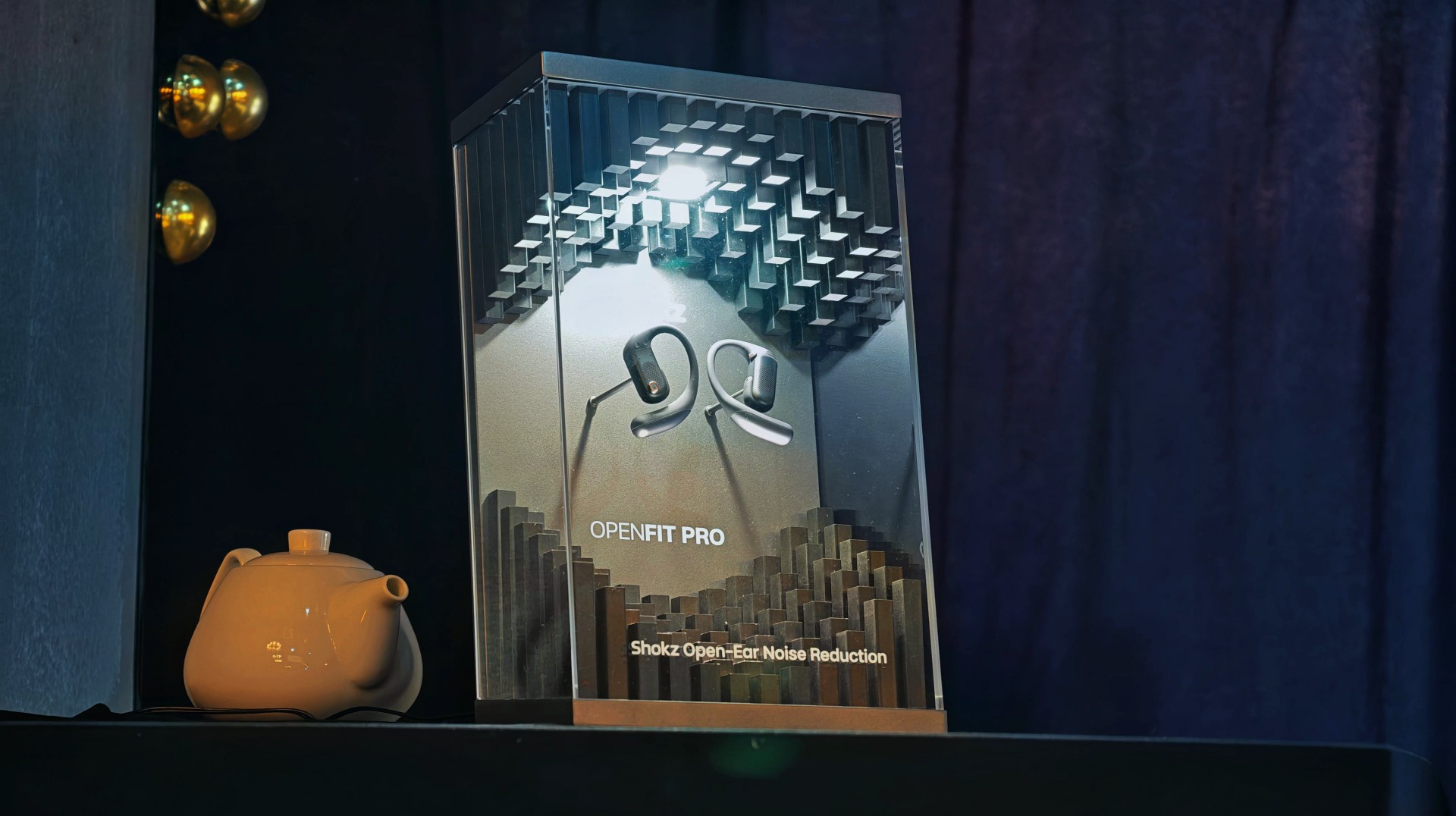
Open-ear audio has always been about awareness and comfort.
With the OpenFit Pro, Shokz is trying to add a third layer: focus on demand.
It doesn’t replace traditional noise-cancelling earbuds. It doesn’t try to. Instead, it gives you the option to stay present—while still tuning the noise down when it matters. And for a lot of people, that might be the better everyday choice.
Price and availability
The Shokz OpenFit Pro retails for Php 14,990 or PhP 2498.33/mo for six months with select credit cards. It’s available in Power Mac Center locations nationwide.
Gaming
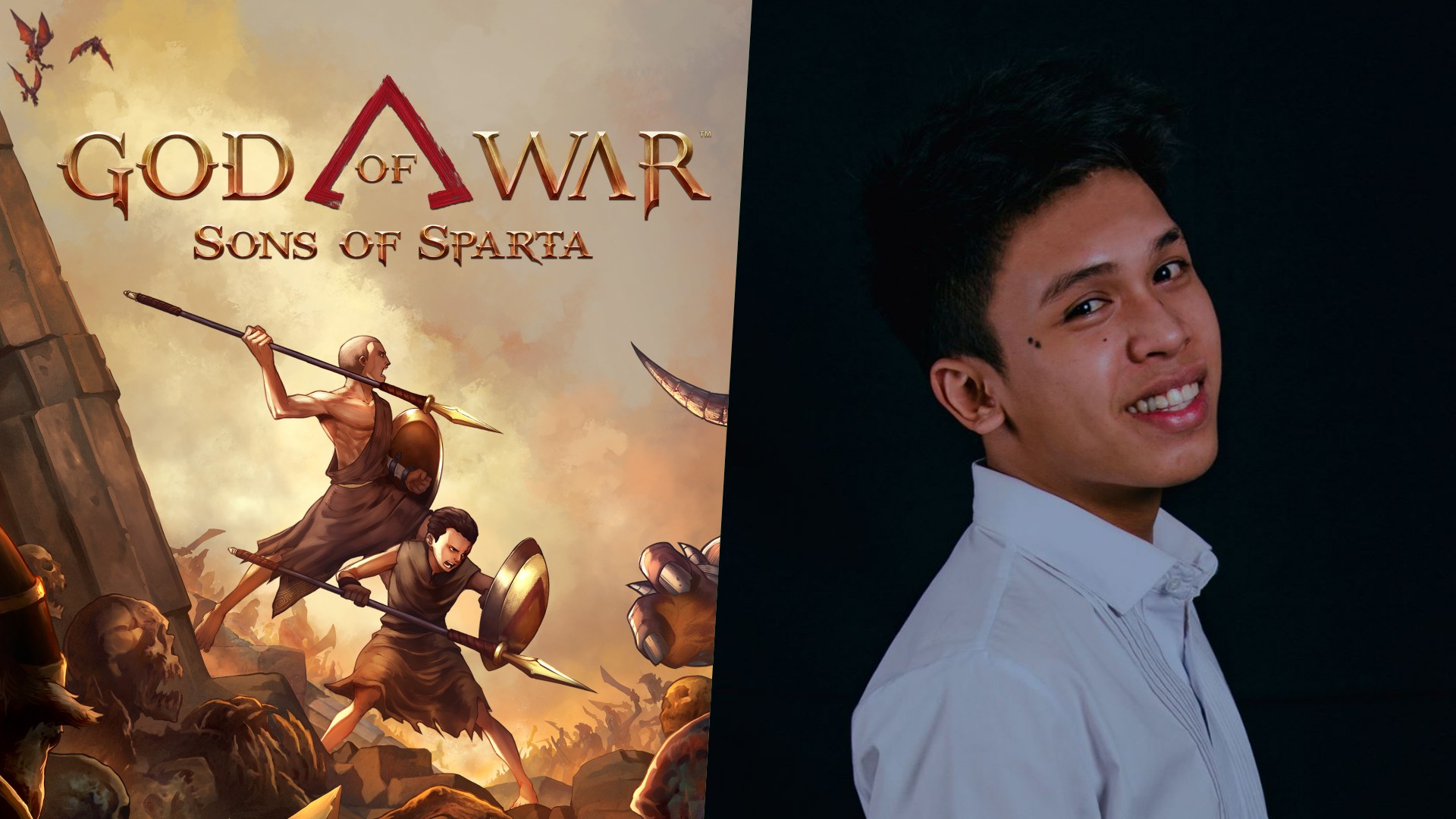
God of War: Sons of Sparta takes a more contained approach to Kratos
Filipino devs were part of it.

There’s a version of God of War that lives in most people’s heads. It’s loud. Cinematic. Heavy with consequence. The kind of game that feels bigger than you.
God of War: Sons of Sparta isn’t that. At least, not in the way you expect.
It’s more contained. 2D. Pixel art. But spend a little time with it, and you start to see what it’s trying to do. Not replace the modern games. Not outdo them.
Just… revisit something familiar from a different angle.
A different take on Kratos
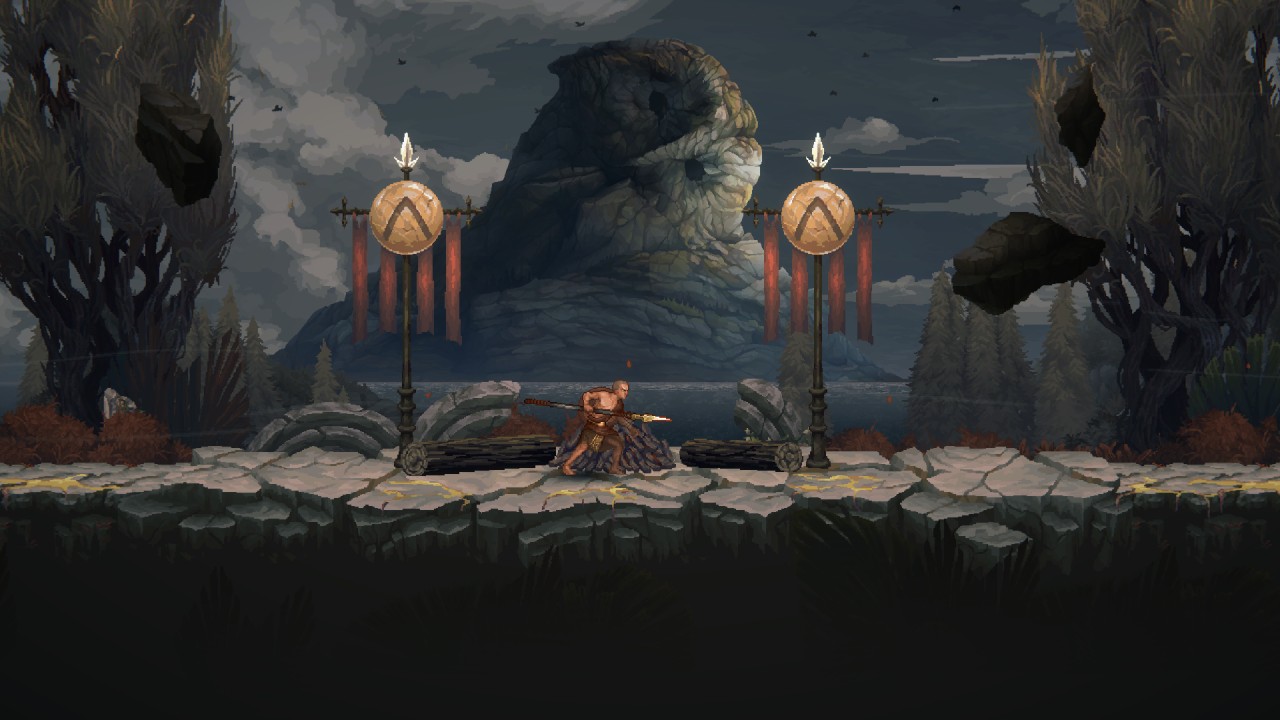
Instead of gods and world-ending stakes, Sons of Sparta focuses on Kratos earlier in his life, training as a Spartan alongside Deimos. It’s more contained. More personal.
You’re still fighting through brutal encounters. But the framing feels different. Less about destiny, more about who Kratos was before everything spiraled. And somehow, even in pixel form, it still feels like God of War.
Where Filipino developers come in
One of the more interesting parts of this project is how it came together.
Mega Cat Studios worked closely with Santa Monica Studio to build the game. That includes a strong presence from their Philippine team.
But it’s not framed as a separate unit.
“There is no separation between Mega Cat Pittsburgh and Mega Cat Philippines,” says Art Director Janley Clavio.
“We operate as one phalanx, and were part of the game from the beginning.”
That last part shifts the narrative from “support work” to actual collaboration.
The kind of work you feel more than you see
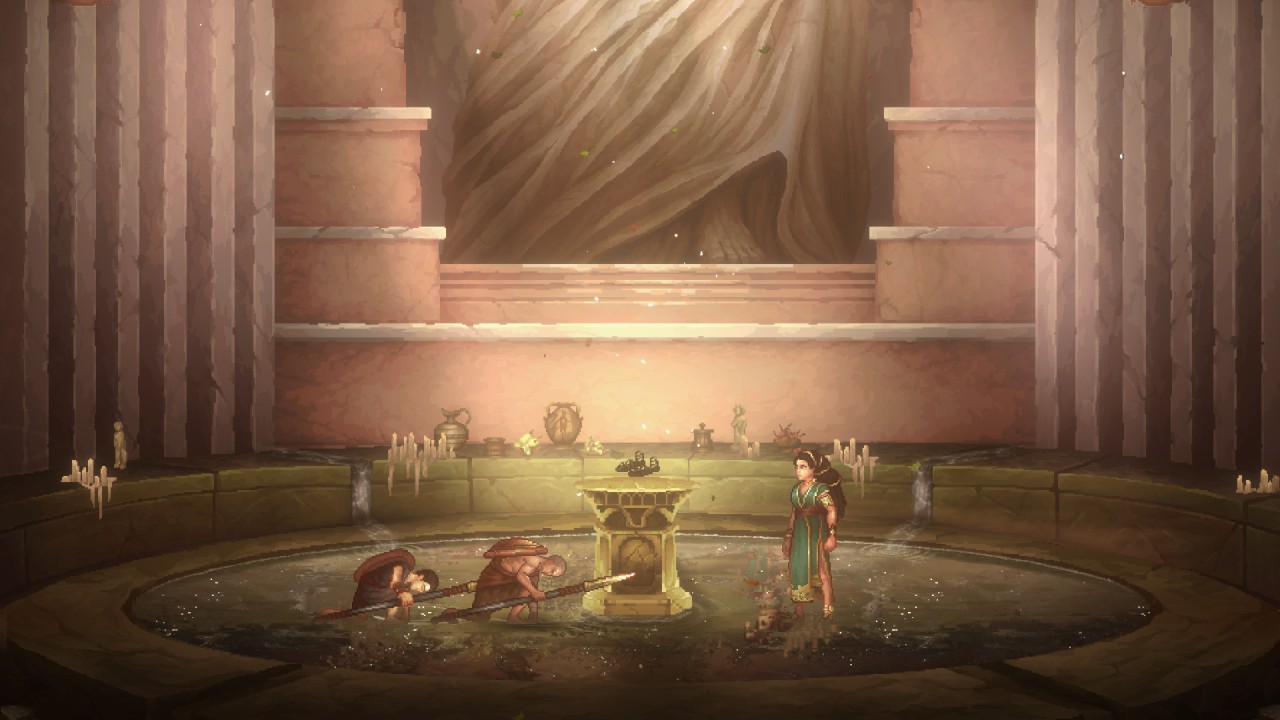
The team contributed to environment art, asset production, and overall polish across different areas of the game. Not the flashy headline stuff. But the kind that shapes how the game feels moment to moment.
“Our work supports the player experience without pulling attention away from the story,” Clavio explains.
Think temple interiors and ruined battlefields. Small details that hint at what happened in a place before you got there. It’s subtle. But it adds up.
Staying true to God of War—even in 2D
Working on God of War comes with a certain weight. Fans know how this world is supposed to look and feel. So, even if Sons of Sparta shifts genres, the expectation doesn’t really change.
“We had to make sure it wasn’t just any retro pixel art game—it had to be a God of War pixel art game,” Clavio says.
That meant studying the details. How materials look. How lighting behaves. How environments guide you. And then translating all of that into something simpler—but still recognizable.
A team that knows when to hold back
One thing that stands out from the conversation is restraint. There’s an understanding that when you’re working on something like God of War, you don’t need to reinvent everything. You just need to get it right.
“When you’re working on something fans already love, your job is to enhance it—not reinvent it.”
That mindset shows up across the game. It respects what came before, but still finds space to do its own thing.
Small details, personal touches
There are also a few quiet nods tucked into the game. Nothing too obvious. Nothing that breaks immersion. But enough for the team to leave their mark.
“For our Filipino artists, it’s a point of pride knowing that a little piece of our culture helped shape a world millions of players will explore.”
It’s not something the game calls attention to. But it’s there.
Not just another spin-off
Sons of Sparta is easy to label as a side project. And sure, it kind of is.
But it’s also a good example of what happens when different teams come together with a clear understanding of what they’re building.
A more contained God of War game that still feels like it belongs. A different perspective on a familiar story. And a project where Filipino developers weren’t just involved. They were part of the process from the start.
It doesn’t try to be the biggest entry in the series. And honestly, it doesn’t need to be.
Accessories
Jackery SolarSaga series: Free power for small devices
Portable solar panels can charge small gadgets directly

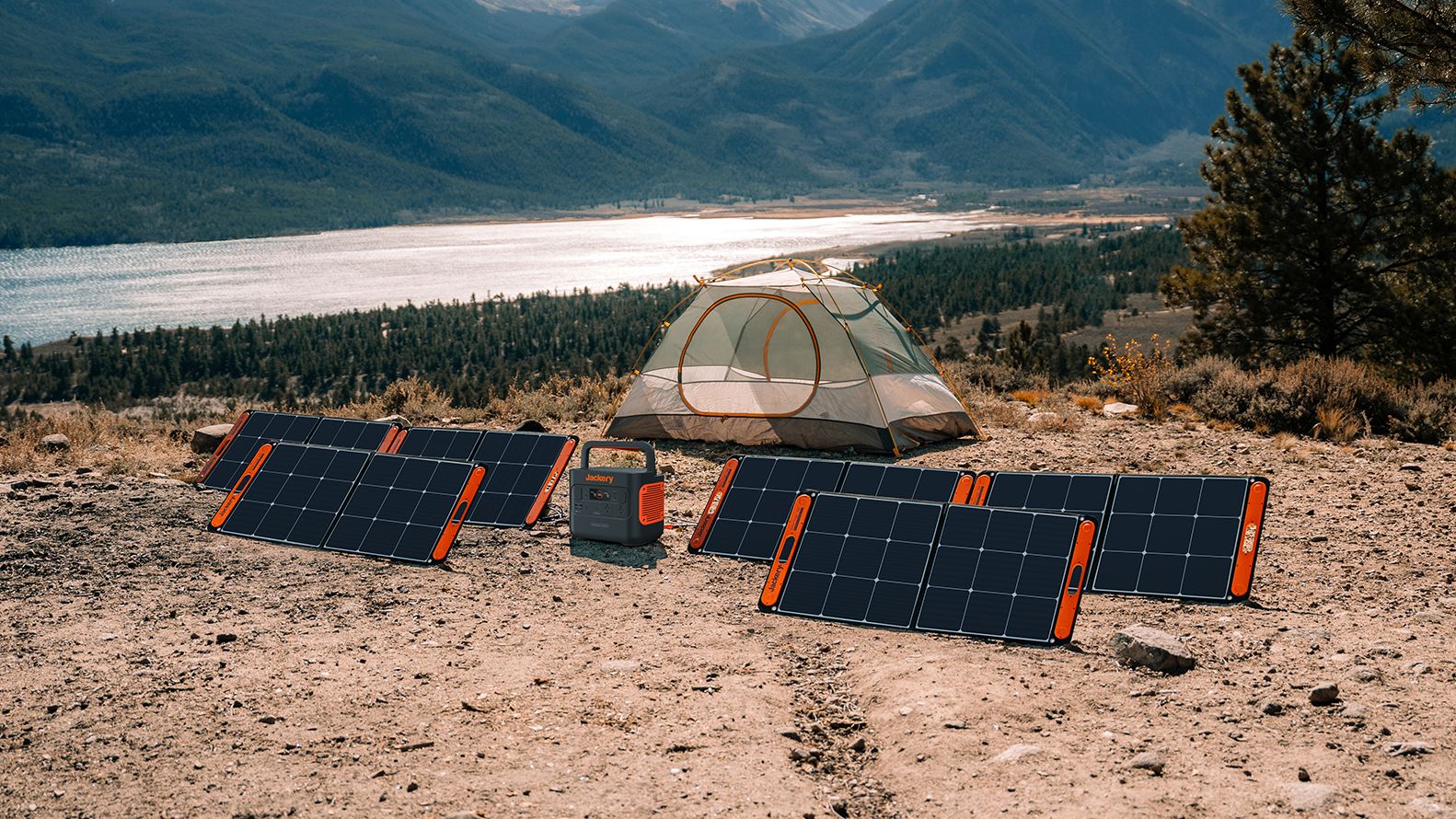
As fuel prices continue to surge as of late, one of the ways to make up for the additional expenses is to turn to alternative power sources. That’s including solar power.
And Jackery is here to help Philippine consumers, with the availability of their portable SolarSaga panels.
These solar panels are an alternative to traditional and permanently installed rooftop solar panels. They are engineered for modern and mobile life with portable, lightweight, and sleek designs. They are built primarily to be set up and put away easily, and charge small devices directly.
Simply put the Jackery SolarSaga panels where sunlight is available, and it will convert up to 25% of sunlight into usable energy.
To charge small gadgets like phones and portable fans, or even smartwatches, the SolarSaga panels come with a USB-C and USB-A port.
Another way is connecting the SolarSaga to Jackery’s Explorer power stations like the Explorer 300 Plus or 1000 Plus.
From there, users can power up devices, essentially for free. On its own, the Jackery SolarSaga panels are available in 100W and 200W variants.
The panels are also IP68 rated for water and dust resistance. This makes them usable outdoors when brought to adventures like camping, picnics, or beach trips.
The panels are already available through Jackery’s Lazada and Shopee platforms, as well as Techroom’s Lazada and Shopee accounts.


WWE 2K26 lets you live out all the fantasy matches you could want
But you have to play for hours and hours to unlock everyone.


The HONOR X8d is serviceable
Steady but slow?


POCO X8 Pro Max review: A new beast from the far east
That "Pro Max" naming superlative is more than justified
WWE 2K26 lets you live out all the fantasy matches you could want

Shokz OpenFit Pro launches at Power Mac Center, brings open-ear noise reduction

How the Ford Ranger is powering community resilience

God of War: Sons of Sparta takes a more contained approach to Kratos

Samsung brings AirDrop support to Quick Share with Galaxy S26 series


-
Reviews6 days ago
POCO X8 Pro Max review: A new beast from the far east
-

 News6 days ago
POCO X8 Pro Series: Price, availability in the Philippines
-

 Laptops2 weeks ago
Apple MacBook Neo Review
-

 Apps1 week ago
Google Maps is finally getting a 3D mode
-

 Entertainment2 weeks ago
The internet is thirsting over the One Piece Season 2 cast
-

 Features1 week ago
Galaxy AI on the Samsung Galaxy S26 Ultra
-

 Automotive2 weeks ago
BYD is reportedly considering an F1 team
-

 Gaming2 weeks ago
Resident Evil Requiem will get a story expansion