

Hands-On
Smart ZTE Blade A75 5G speed test and hands-on
How far can a budget 5G smartphone take you?

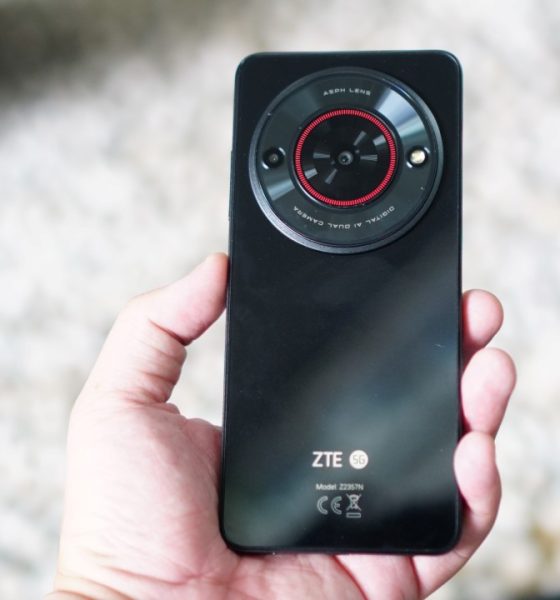
Late last month, Philippine telco giant Smart announced a sub-US$ 100 5G-capable smartphone: the Smart ZTE Blade A75 5G. It’s a collaboration with Chinese company ZTE, intended to make 5G technology more accessible for Filipinos.
Aside from its 5G capability, the phone comes with the usual specs expected of an extremely affordable device. It has 4GB of base RAM with 4GB of expansion, and 128GB of internal memory.
The Smart ZTE Blade A75 also has a 50MP main camera, the usual 720p resolution screen, a Unisoc T760 octa-core processor, and a 5,000mAh battery.
Smart ZTE Blade A75 5G speed test
Now, all these features make up for a reliable budget device on paper. Having stable 5G signal means being able to consume content at a better quality, and staying connected wherever you are, at least on 5G-ready areas.
According to Statista, the average 5G mobile connectivity speed is at 375.4 Mbps. To test whether the ZTE Blade A75 can at least be competitive when it comes to 5G connectivity, we brought the handset to different parts of Metro Manila and more.
📍Bonifacio Global City (BGC), Taguig
We unboxed the device inside a popular cafe in BGC, Taguig City. After setting the phone up and activating the 5G SIM, the download speed ranged from about 60Mbps to 80Mbps.
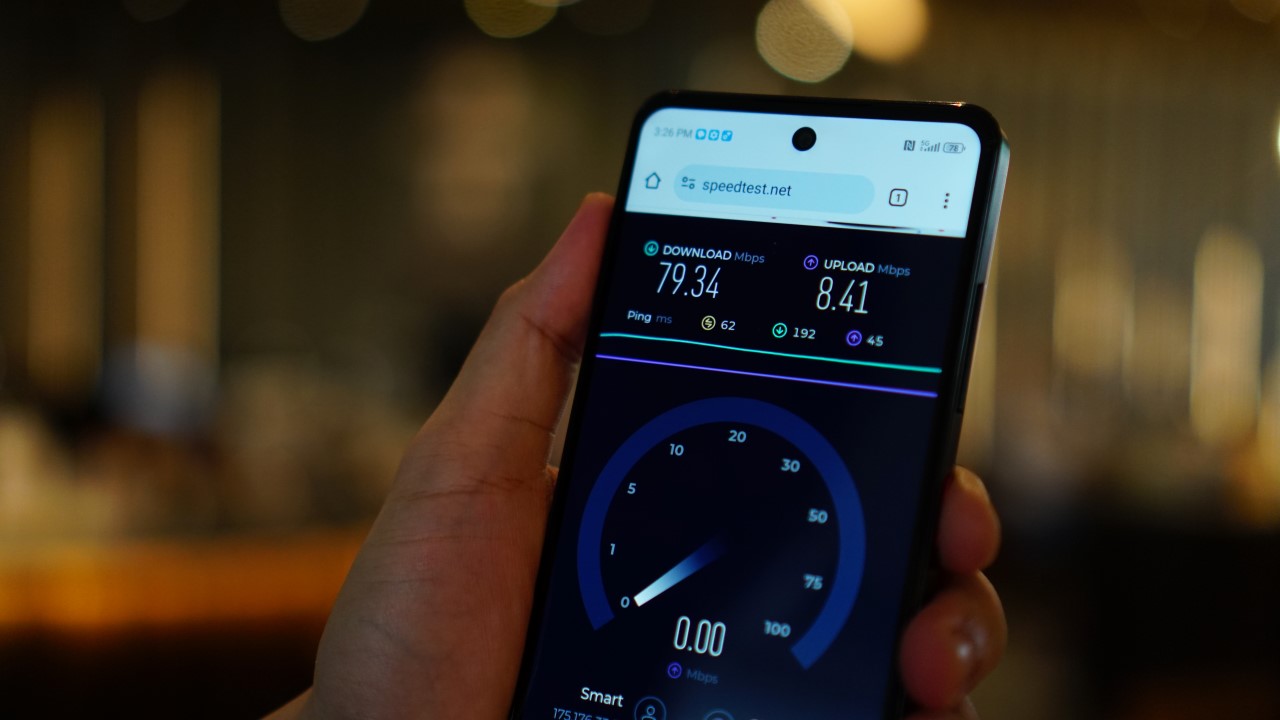
Testing the Smart ZTE Blade A75 coincided on a week where I had several trips, so I was able to bring the phone along.
📍Pasig City

I stayed for a few days in a cheap accommodation along Shaw Boulevard in Pasig City, just right next to the bustling Ortigas CBD.
I got download speeds of below 100Mbps indoors, but that shot up to about 150 to 200Mbps once I stepped outside the lobby.
📍Cubao, Quezon City
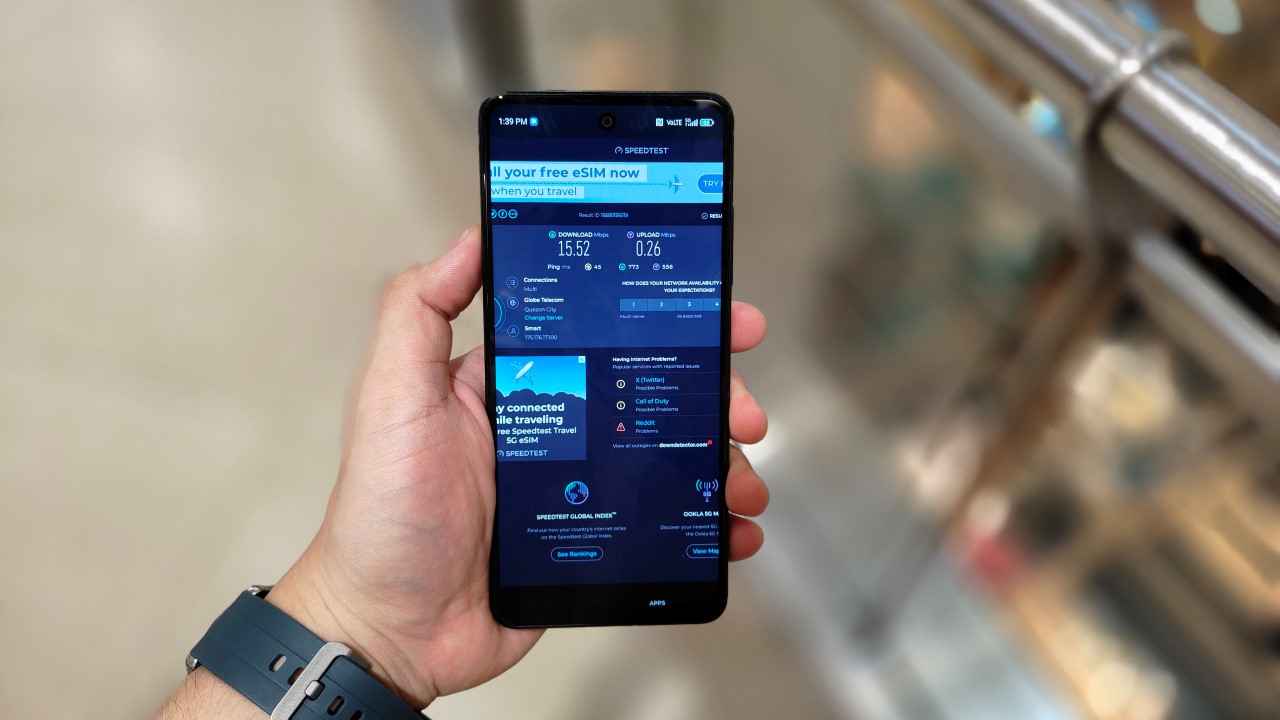
Inside Gateway Mall 2.
In Quezon City, I went to different malls to check how the device is able to connect to the 5G network in spite of being surrounded by concrete walls from several directions.
From the malls’ lower levels, the phone struggled, registering anywhere from just 10 to 30mbps. There were also dead spots in the areas close to the MRT station here. The phone switched to the 4G network.
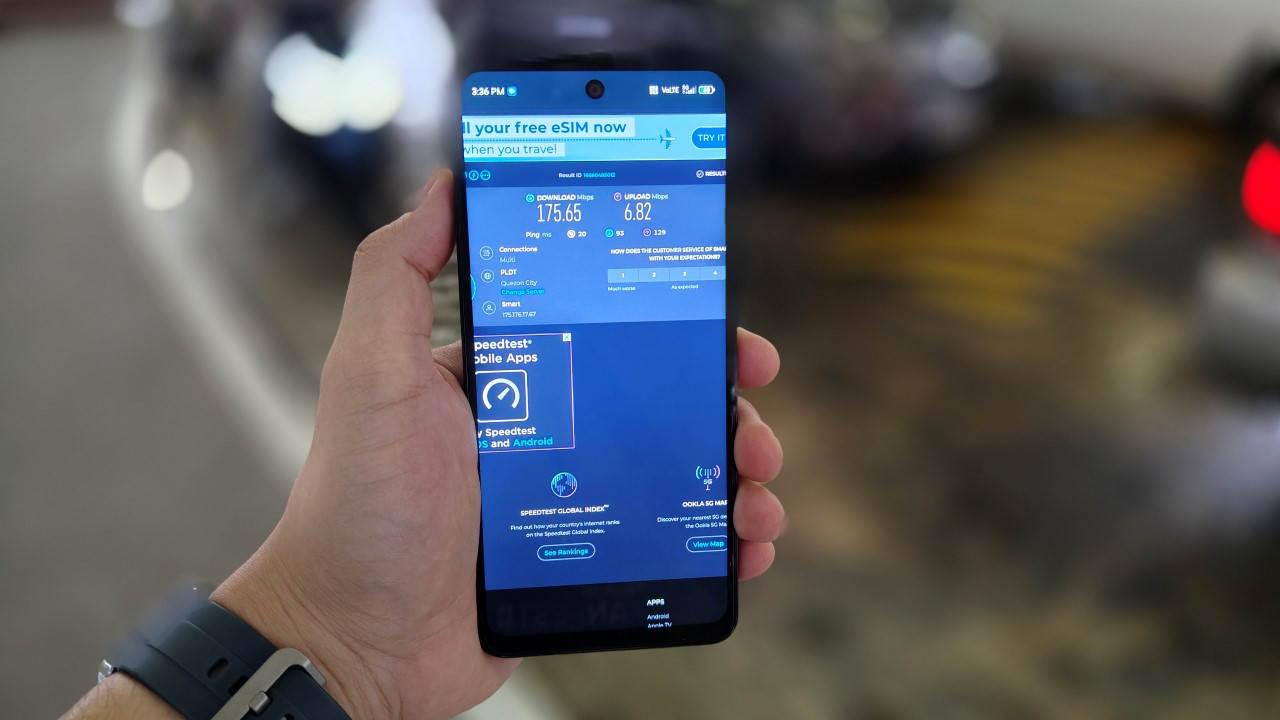
Outside Gateway Mall.
Although, once, there was an outlier result inside Farmer’s Plaza, at a download speed of 455.39mbps. Outside, the speed once again picked up, reaching just below 200mbps.
Obviously, there several factors affecting network speeds, from walls to congestion and many more. When you’re in the heart of Cubao, chances are there are flocks of people watching events inside the Smart Araneta Coliseum, which also affects the bandwidth allocation in the area.
📍Makati City
I was quite surprised the signals inside One Ayala were disappointing. Perhaps, it’s the congestion of the vicinity, as this area is a chokepoint for those traversing the MRT station here, as well as those enroute to the many malls in the area. Not to mention, the One Ayala building itself has upper floors for corporate spaces.
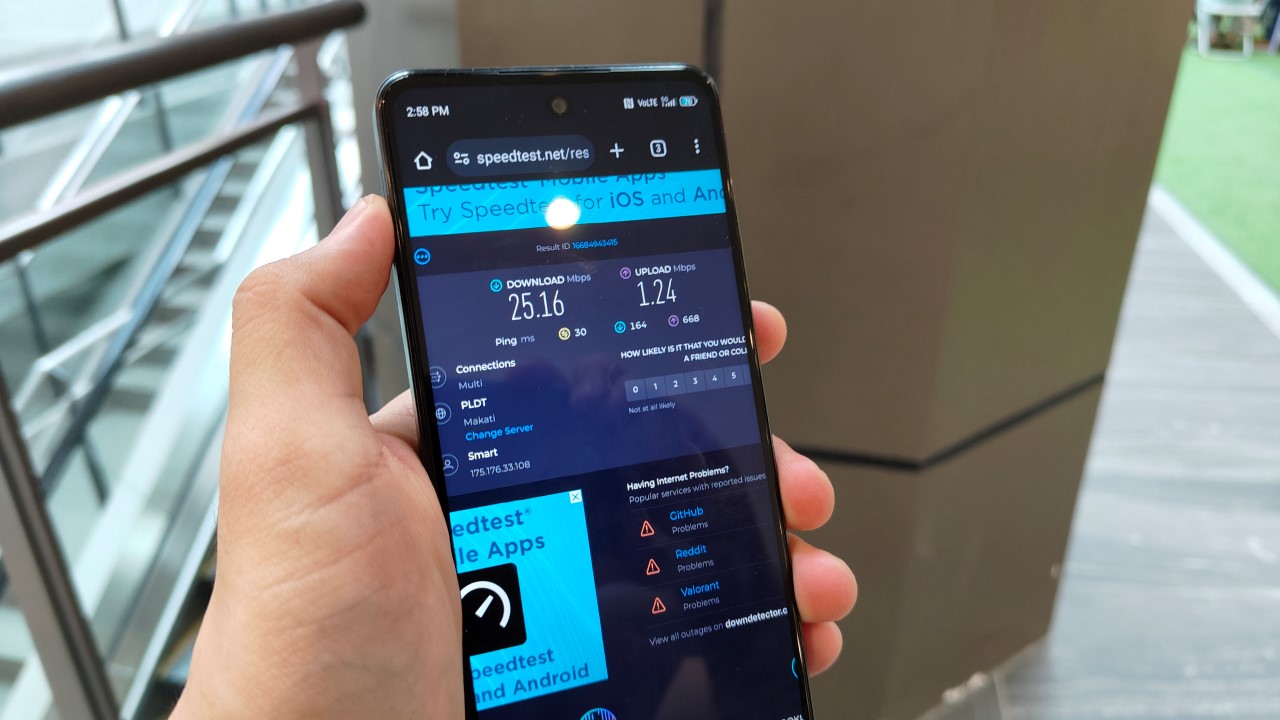
Speed test inside One Ayala (concourse level) in Makati City.
But whenever I was close to a window or a certain establishment’s veranda area, the ZTE Blade A75 gave me speeds of about 150 to 200Mbps yet again.
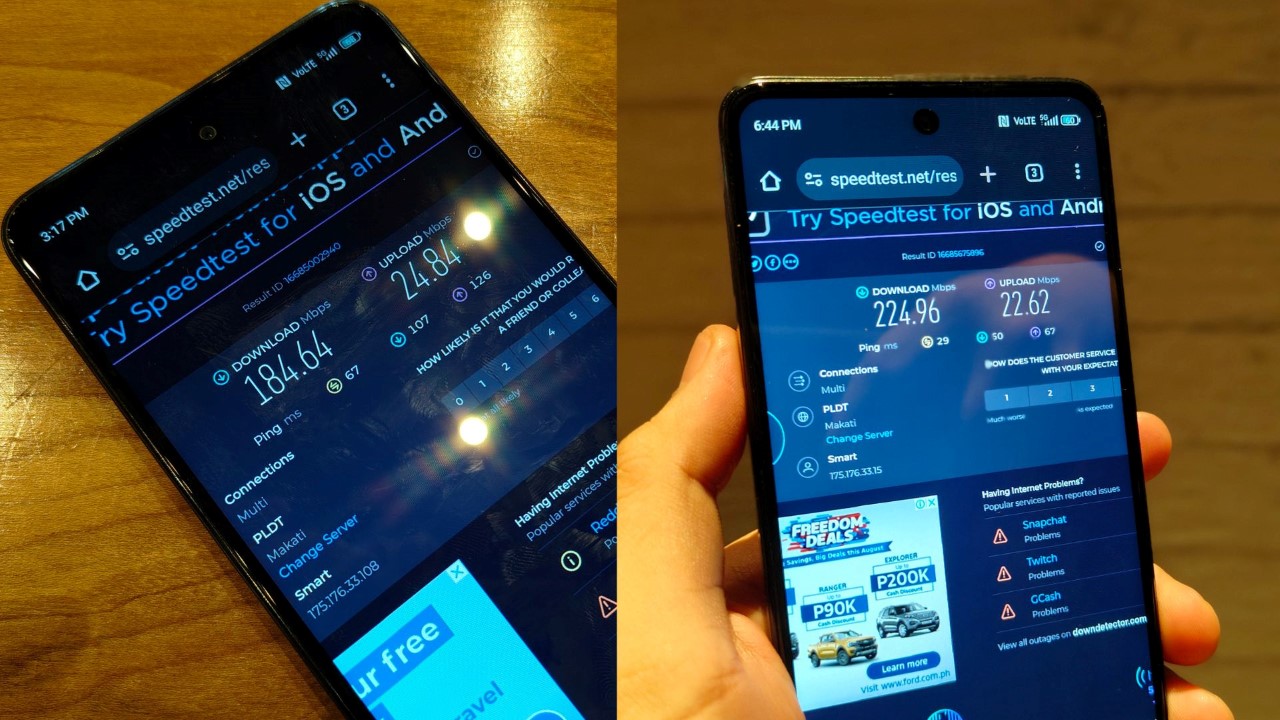
Technically inside other establishments but nearby windows or veranda areas.
It increased even further when I stayed inside a coffee shop in the fourth floor of Glorietta, but by the window. And this was during the night, where the “internet rush hour” usually happens.
🚌In transit: Paranaque City and beyond
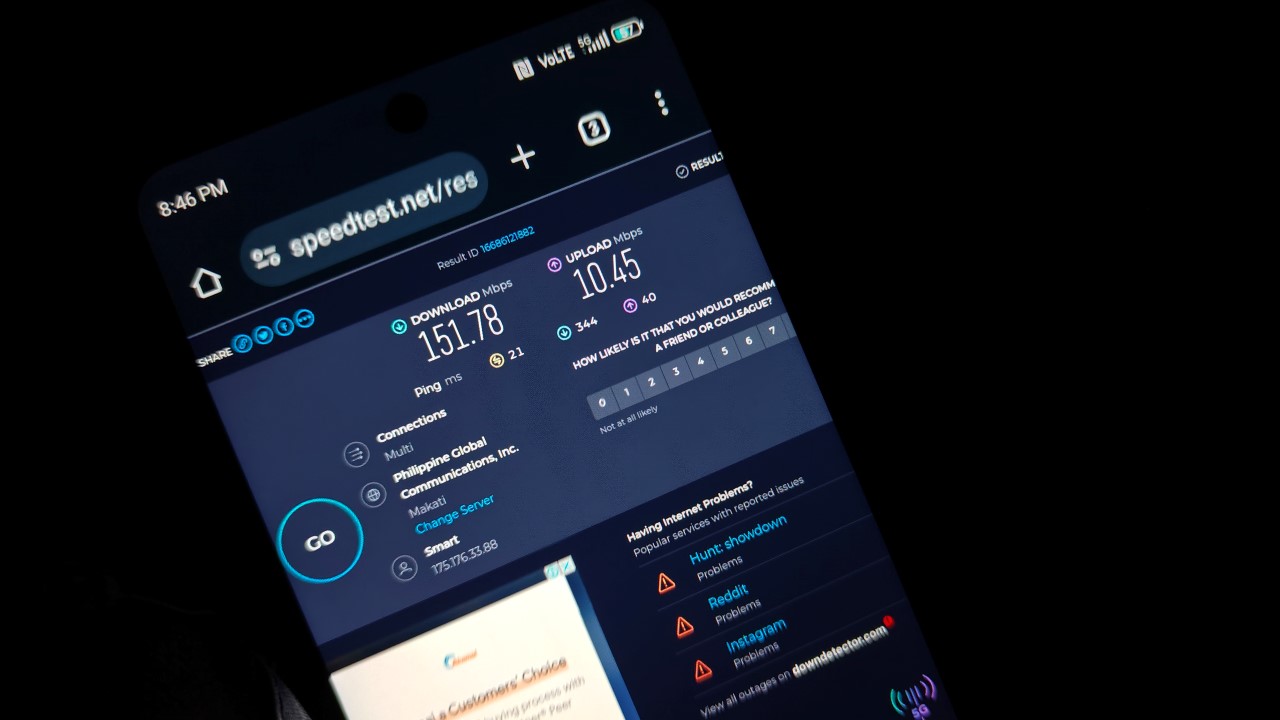
For more challenging scenarios, we also tested to see how the ZTE Blade A75 faired when in transit and from inside a moving vehicle.
As someone who travels frequently across cities, watching content is my main way of passing time especially when the traffic is heavy or if ever I got caught up in rush hour.
Surprisingly again, the internet download speed was still above par while traversing NAIAX. This was just past the Newport World Resorts complex and as you see NAIA Terminal 3 from a distance.
🚌In transit: Bacoor and Imus, Cavite
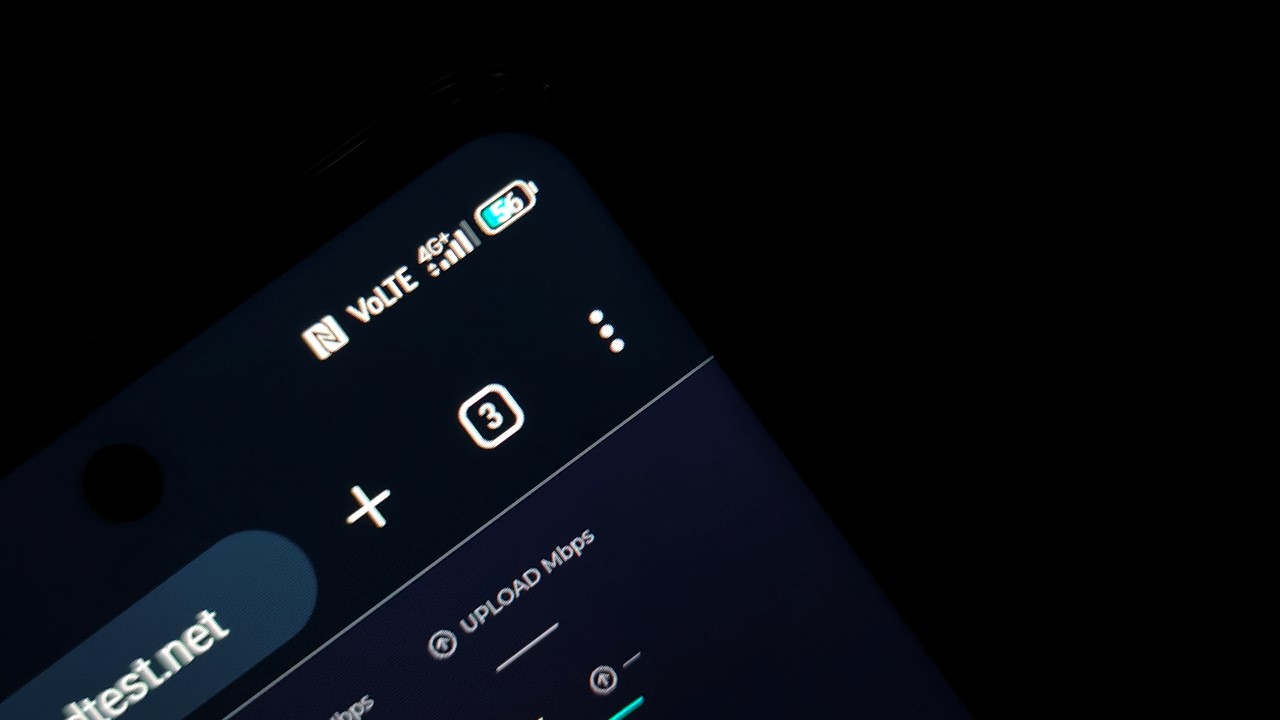
Best to just look at the Manila Bay scenery from Cavitex when travelling to Southern Luzon, especially during golden hour where the sunset can look picturesque.
For the usual dead spots along Cavitex, the device once again switched to 4G and sometimes, even 3G/H+. This was quite expected given that I have been using a SIM from the same network for my other smartphones.
It only picked up when I reached the busy parts of Aguinaldo Highway close to a main mall here. Once the van I was riding reached the City of Imus, I was amazed at how the speed shot up to more than 300Mbps.
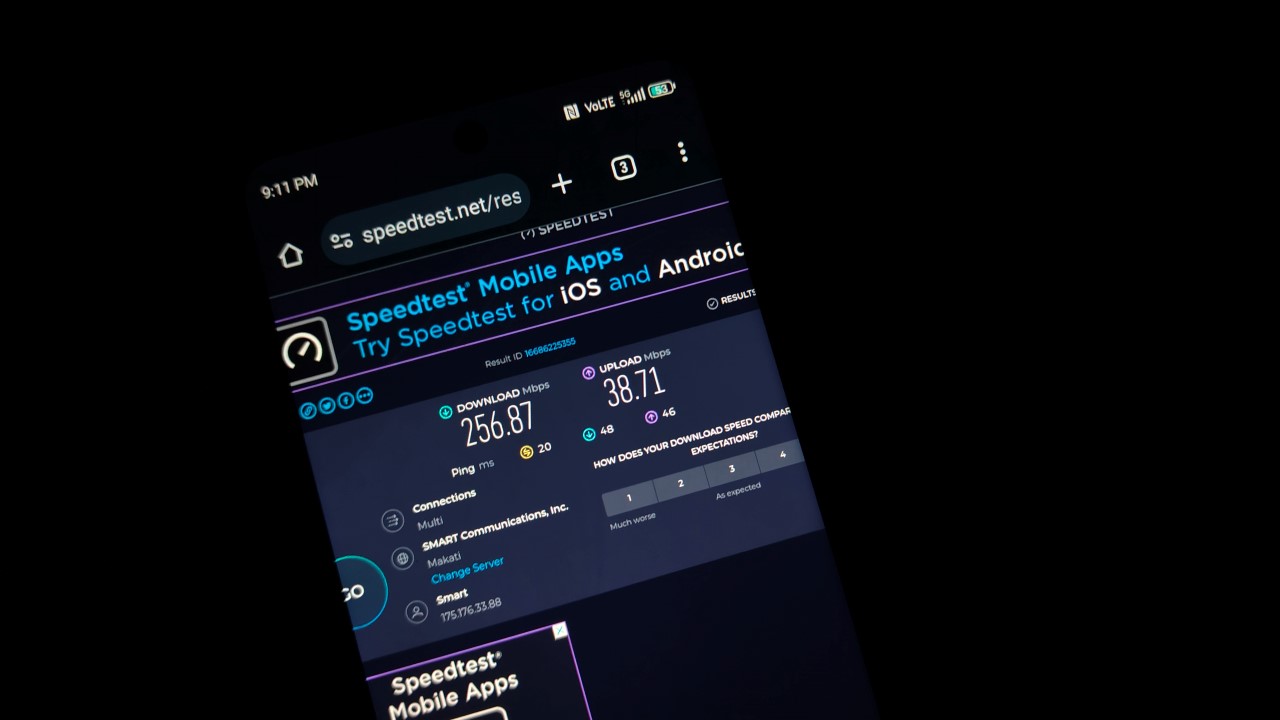
Speed check while along Aguinaldo Highway, Imus, Cavite.
With many local coffee shops springing left and right in Cavite, having this stable signal can be helpful for freelancers like me who often thrive in remote work setups.
📍At home
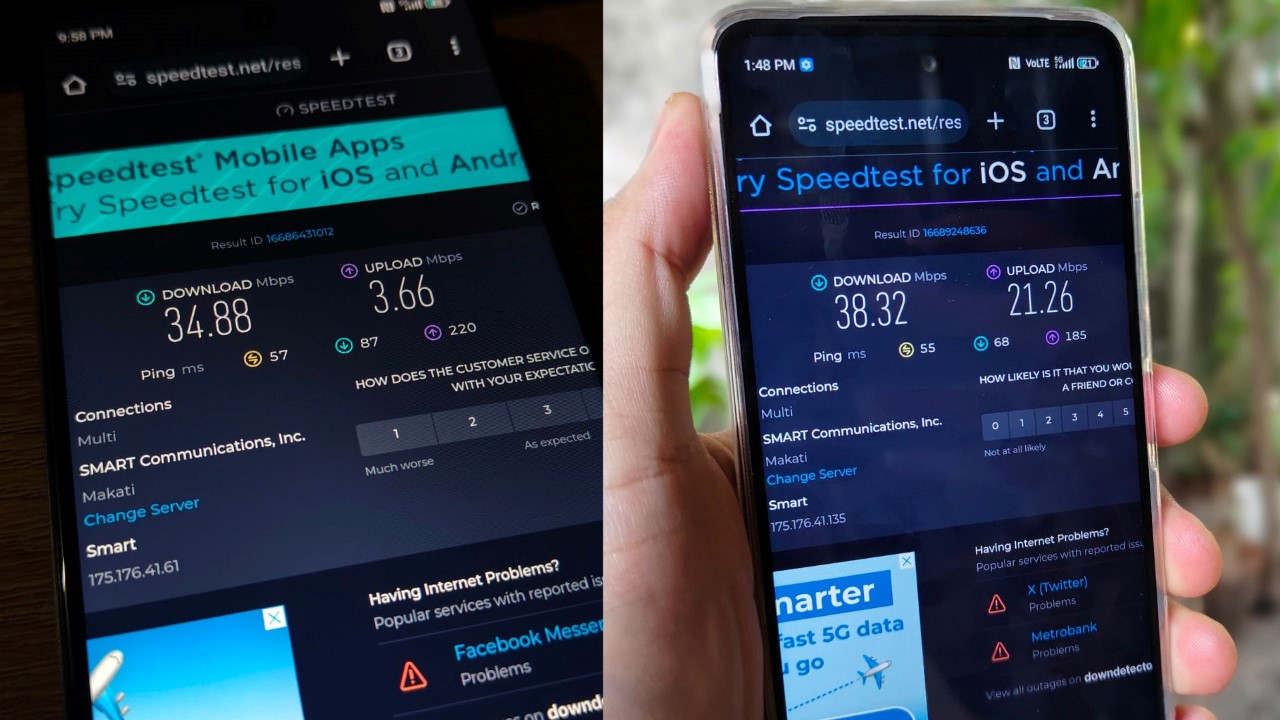
Finally, I had similar results when I tested the device while at home. That’s for both indoor and outdoor tests.
Nevertheless, a 30Mbps speed is actually enough to stream content at 720p quality or play online multiplayer games.
Interestingly, the upload speed was above 20mbps, which is decent if I decide to go on a livestream or virtual meeting session. That’s of course, using the ZTE Blade A75 as a hotspot device.
Know your ‘speed limit’
While the Blade A75 can generally support reliable 5G speeds, it’s important to remember that it is still ultimately budget handset. We cannot isolate the 5G capability feature and judge it in a vacuum.
5G capability is usually reserved for devices starting with the lower midrange segment at the very least, because the hardware and software complement the internet speed.
I like Smart’s intent to democratize 5G, but perhaps, smartphone manufacturers should also begin making materials for such handsets a lot cheaper.
Make no mistake, phones that cost about US$ 200 already have much better specs than, say, about two to three years ago. And the average 4G internet speed is usually sufficient for browsing at HD or FHD, as well as gaming.
But the trend with budget phones seems to be that you have to choose which features you have to sacrifice to save money. Some phones in the segment offer durability and shock or water resistance. But they’re not smooth. Others are a little more fragile but can give you decent performance. The same goes with Smart’s handset.
Expect slowdowns
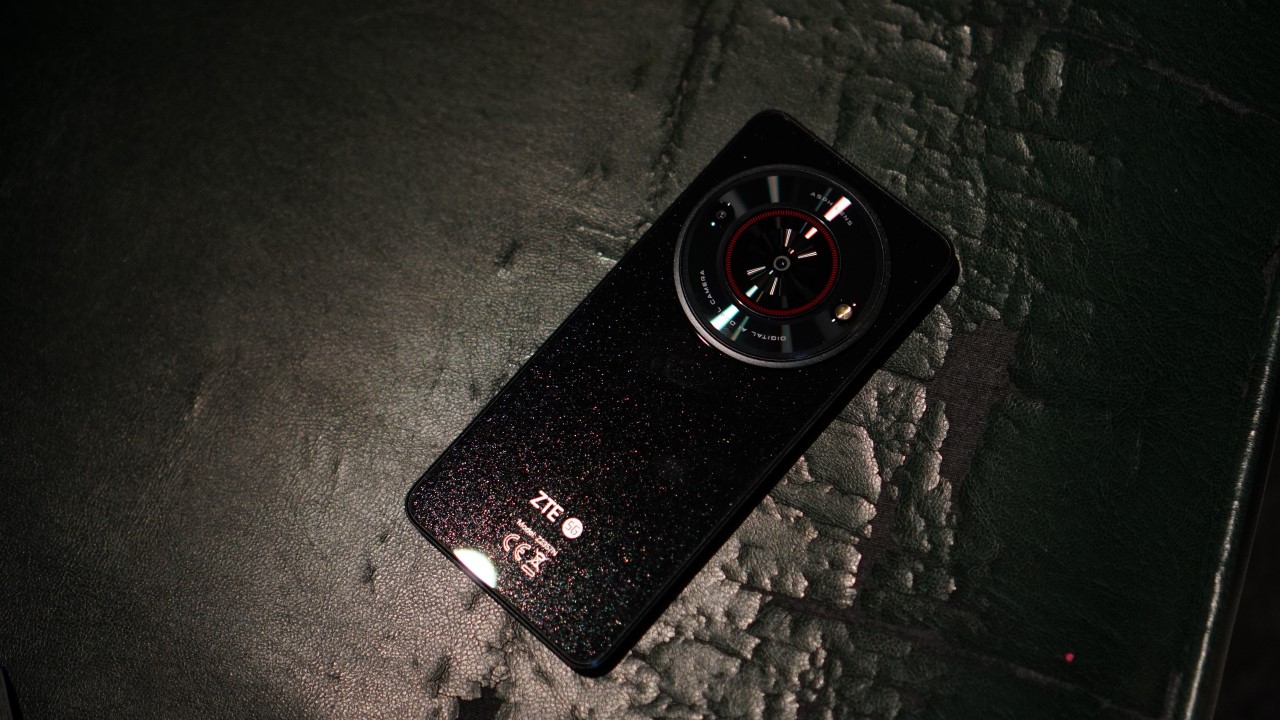
All that said, expect slowdowns or delays on Smart’s device whenever there are multiple apps open. These are all natural considering its limits. In my case, the screen isn’t exactly smooth at times. Everything else is also cheap. It’s not necessarily a negative thing. It’s just what it is.
For instance, when turning up the volume to full, the speakers produce sound that’s a little distorted and lacking in clarity. There are many delays in responsiveness too whenever tapping or swiping on the screen.
Another caveat is the lack of fast charging on this device. It takes about three hours to charge it to 100 percent. I can’t confidently say this can be a BudgetMatch for TNVS drivers for instance, who have to keep multiple apps open and turn on location services and real-time navigation apps when in duty.
Perhaps, a workaround here would be to utilize this device as a mobile hotspot. If you happen to have an extra phone or have extra income to purchase one, the Smart ZTE Blade A75 will definitely be a huge help.
With budget-friendly prepaid promos from Smart, I don’t see any problem why this device can’t be used as a channel for blazing fast data.
Sample photos

The Blade A75’s shooter is primarily for your documenting needs, and not for social media-worthy captures. It does its job but results, as expected, lack clarity and sharpness at times.
At the very least, you can get legible details at up to 3x zoom should you need to record important information. The camera works well for close-ups, too. Think of reviews for your ecommerce buys, proofs for deliveries, and more practical scenarios.
You just have to be patient with shooting because the shutter doesn’t respond fast enough. You also have to be extra still right after tapping because it won’t process right away.

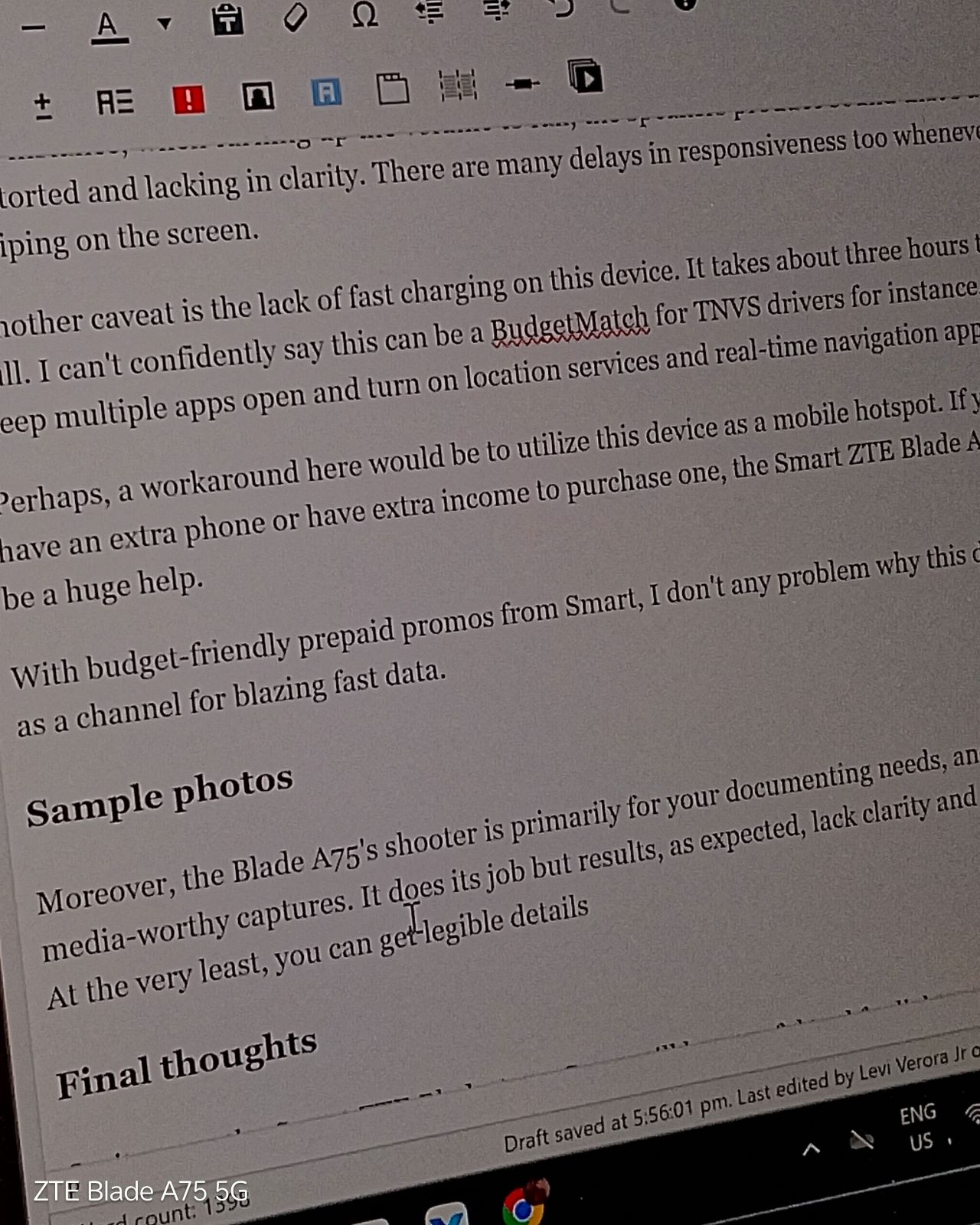
Zoom in further and it the results look as if taken by a 2MP camera from an those old QWERTY mobile phones.
The camera system does have HDR for better detail retention at times. It may or may not process the photo well for against-the-light captures.
Moreover, it even has a portrait mode but expect segmentation errors. As for videos, it works as is, but if your hands are shaky, good luck.

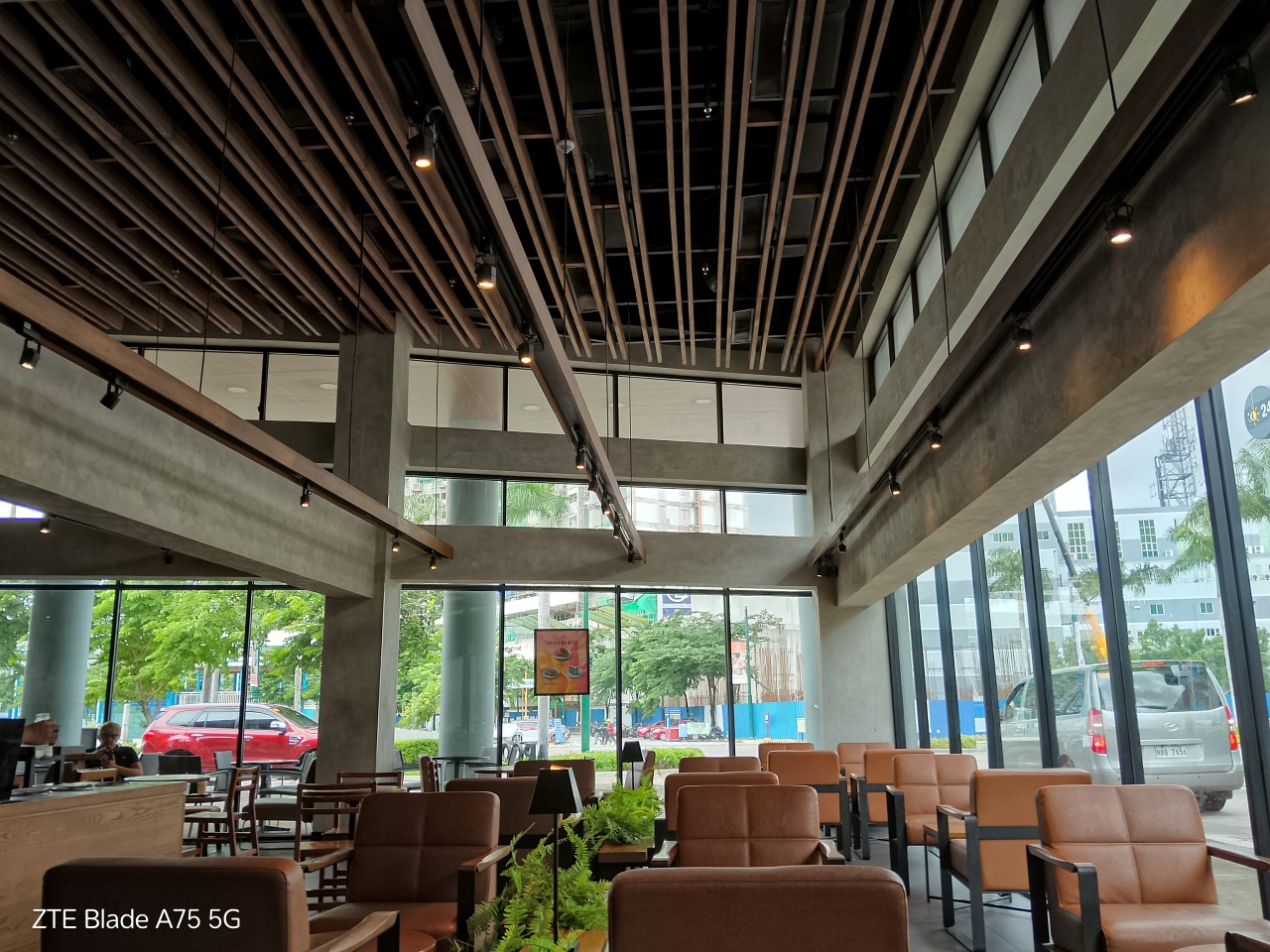



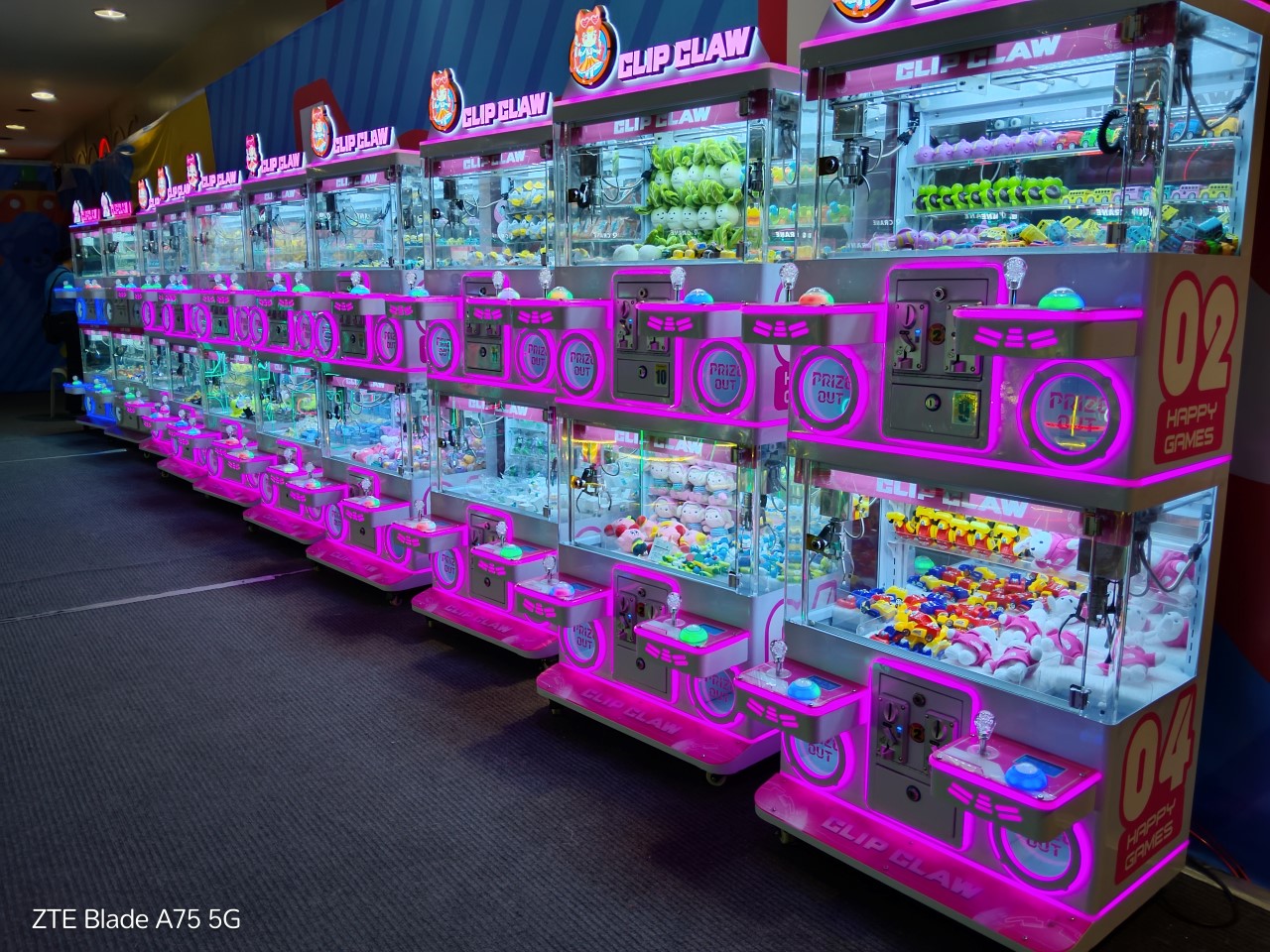
In fairness, light absorption is generally decent. Night mode can get you sufficient brightness for some shots.


Final thoughts
On its own, the Smart ZTE Blade A75 5G can still be a useful tool for light everyday use. You can take photos with it and use it to browse social media with stable connection speeds. You can upload as many stories and videos as you please if you’re on an unlimited 5G promo, too.
How long it performs at par for its asking price in the long run ultimately depends on how well you take care of it and keep the overall usage in moderation.
Smart ZTE Blade A75 5G specs:
- Unisoc T760 processor, up to 2.2GHz
- 4GB RAM + 4GB RAM expansion
- 128GB internal storage
- MyOS based on Android 13
- 6.6-inch HD+ (720 x 1612) display, 120Hz
- 50MP AF main camera plus 2MP extra camera
- 8MP selfie camera
- 5,000mAh battery
- Dual SIM (one exclusively for Smart/TNT, another for all networks)






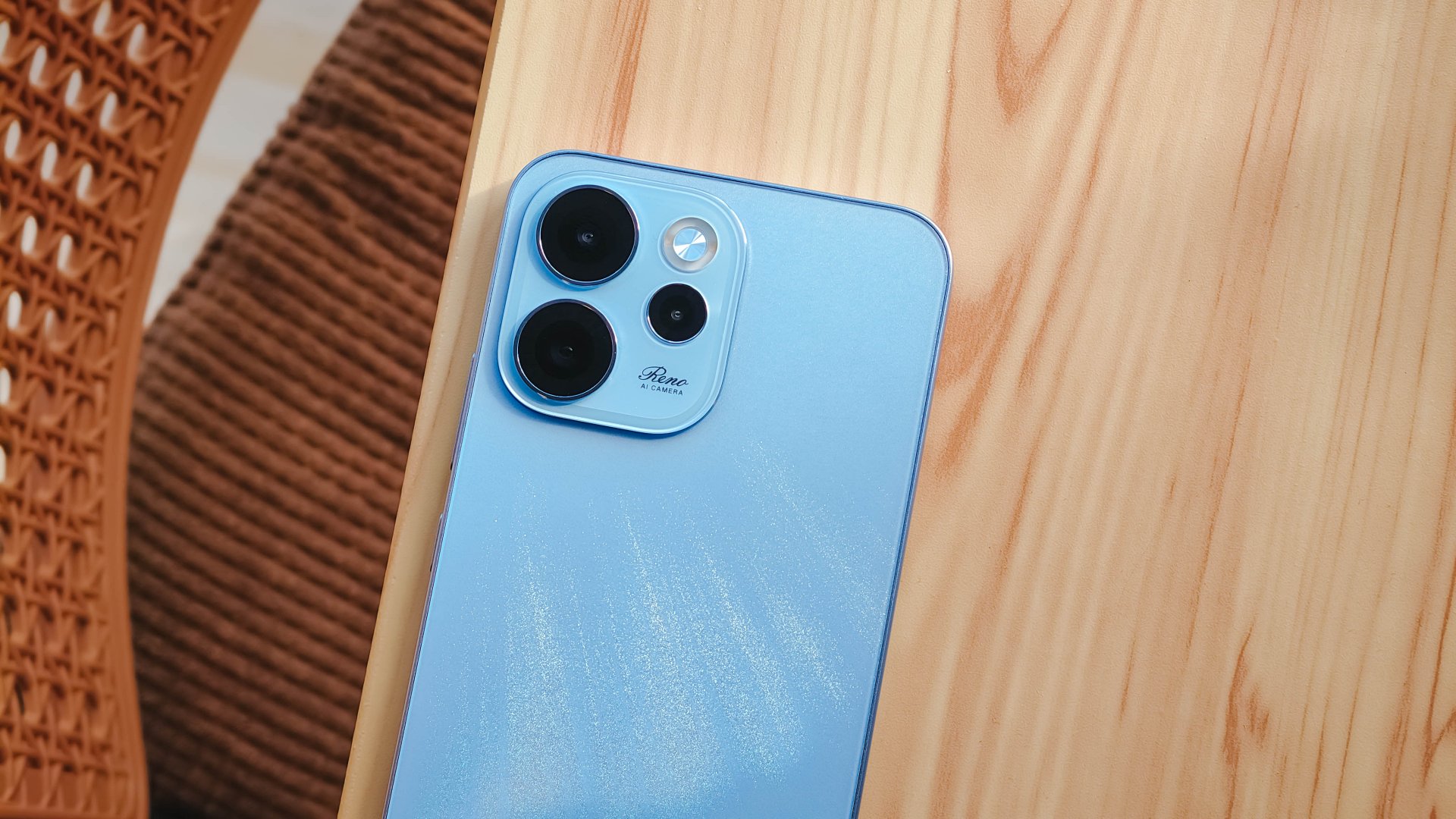
The OPPO Reno15 Series 5G made its way to the Philippines last month, and reception has been pretty great so far.
With a powerful camera package, AI, and a slew of upgrades, there’s a lot to love and not much negative to say. But that’s with both the standard and Pro models.
On the other hand, with the Reno15 F 5G — the series’ supposed budget-friendly “lite” variant —there were more question marks than exclamation points.
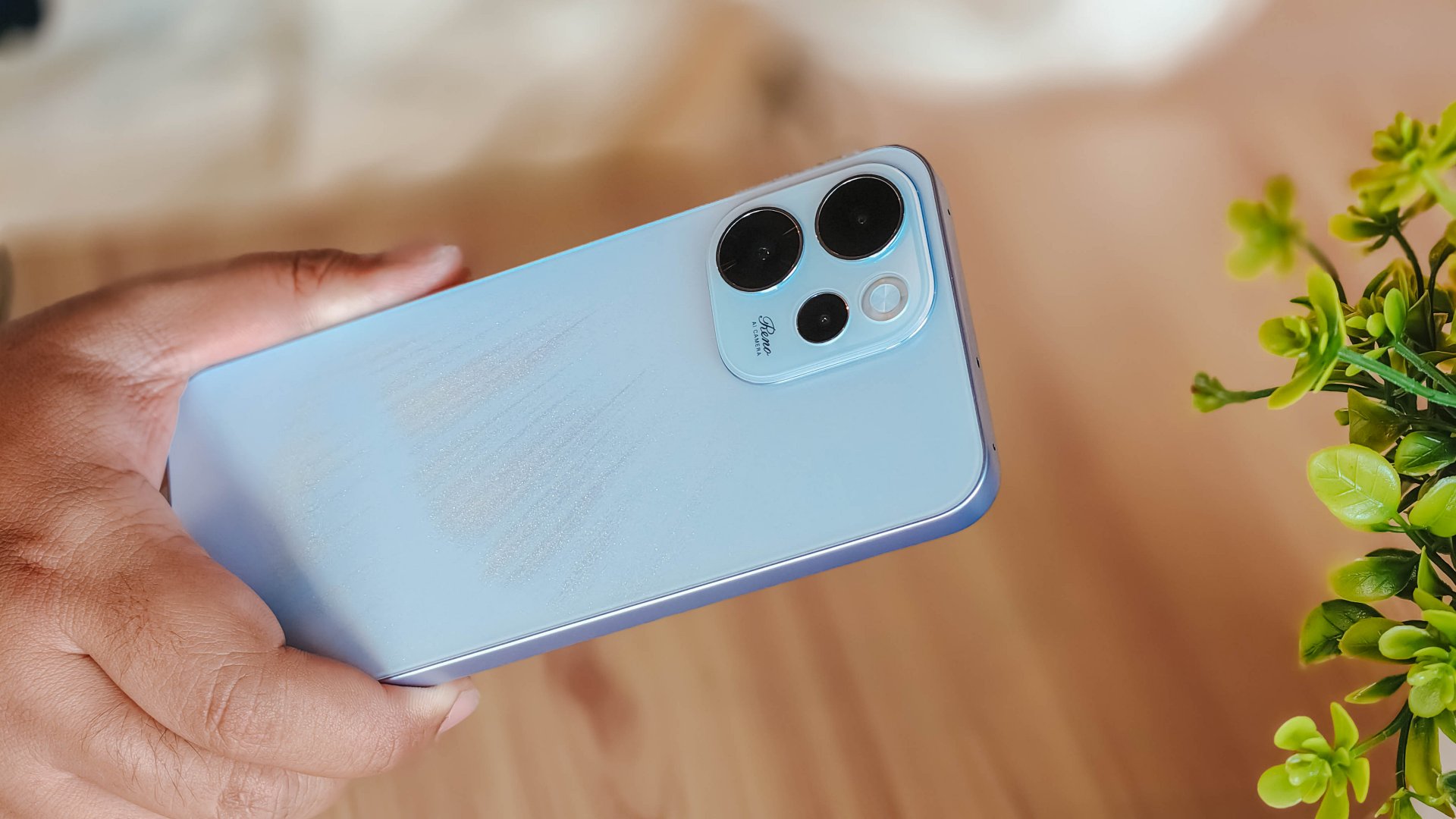
I attack this piece once more from a consumer standpoint: shelling out PhP 23,000 to PhP 26,000 for a midrange smartphone that feels and performs like it’s a few notches below its segment doesn’t sound too pleasant.
Performance
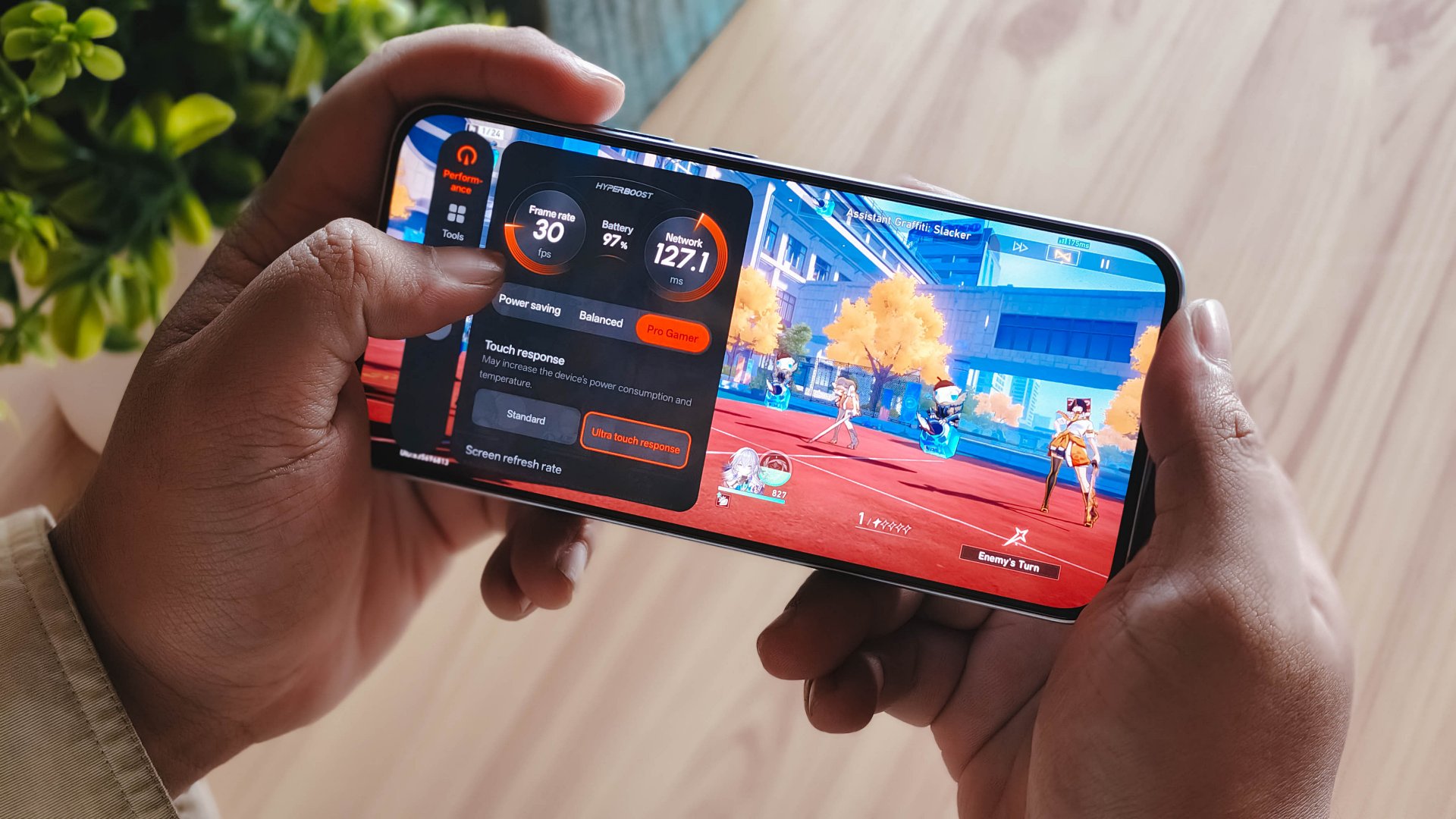
With a Snapdragon 6 Gen 1 processor, the OPPO Reno15 F performs pretty much like any sub PhP 20,000 mid-ranger. It’s acceptable, but does not punch above its weight as expected.
No major hiccups for light and casual usage. But performance struggles a lot for demanding video games.
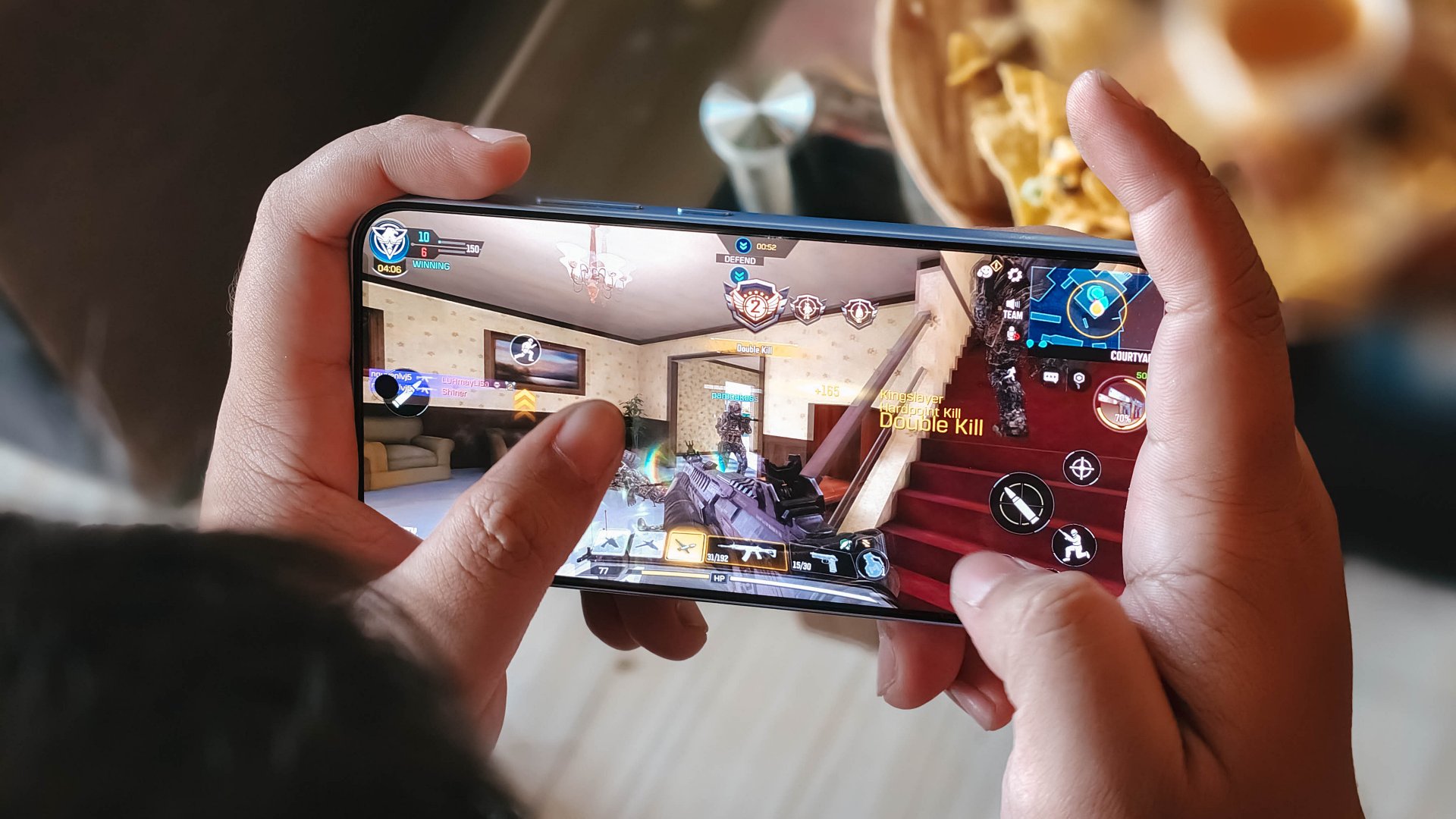
It also heats up significantly just 10 minutes into a title like Honkai: Star Rail. This is a stark contrast to the marketed 25℃ and up to 10 hours straight of smooth gameplay.
Although, the experience was still enjoyable with several wins and MVP runs in Call of Duty Mobile. It only means the F variant remains a more camera-centric phone rather than an a hard-hitting all-arounder.
As with other devices, the 7000mAh battery with 80W SUPERVOOC is a strong suit. You’re fueled from dawn ’til dusk, with much to spare. Recharging takes a breeze, too.
Display
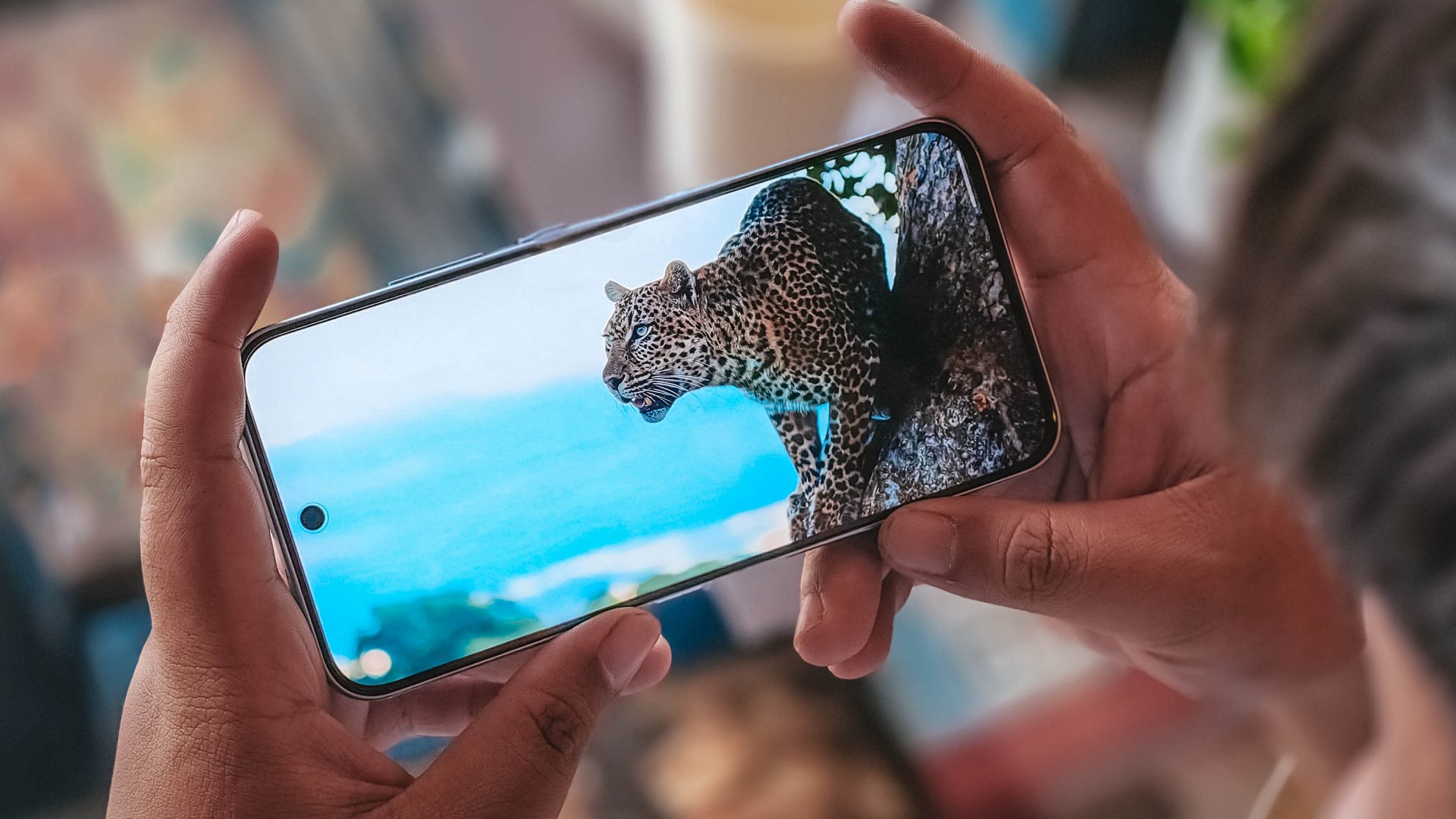
The OPPO Reno15 F has a 6.57-inch 120Hz display, with a 92.8% screen-to-body ratio. At least, that allows you to focus on content on the screen.
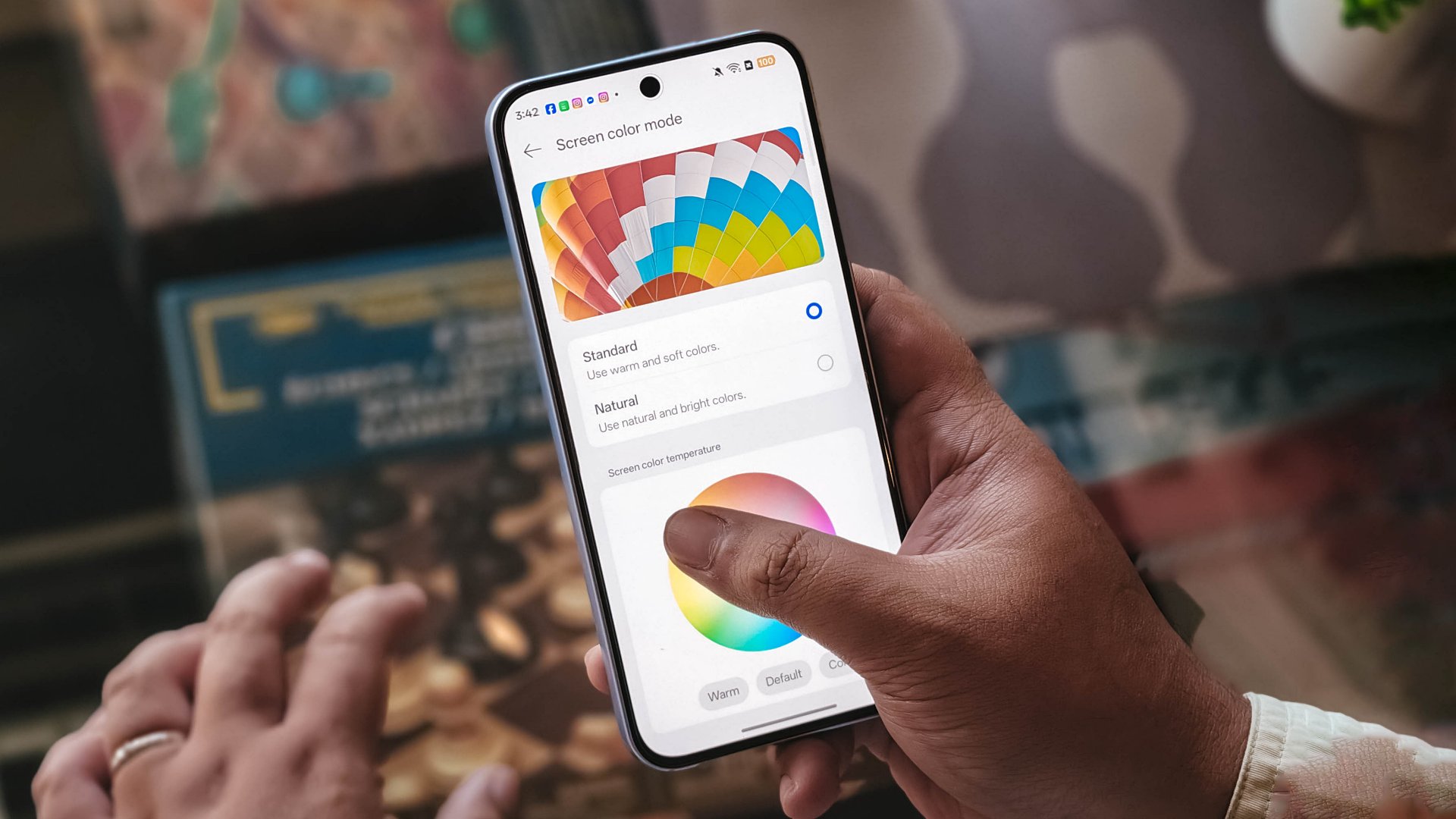
Content leans more towards the cooler tone, so you’ll have to adjust it manually if you want a warmer or more vivid look.
The 397ppi pixel density is fine to ensure sharper visuals, while the 1400 nits peak brightness is helpful outdoors.
Camera

The device’s 50MP main camera captures decent quality. The color science leans on being natural anew, without being too dull nor washed out. You can pull off smooth portraits too.
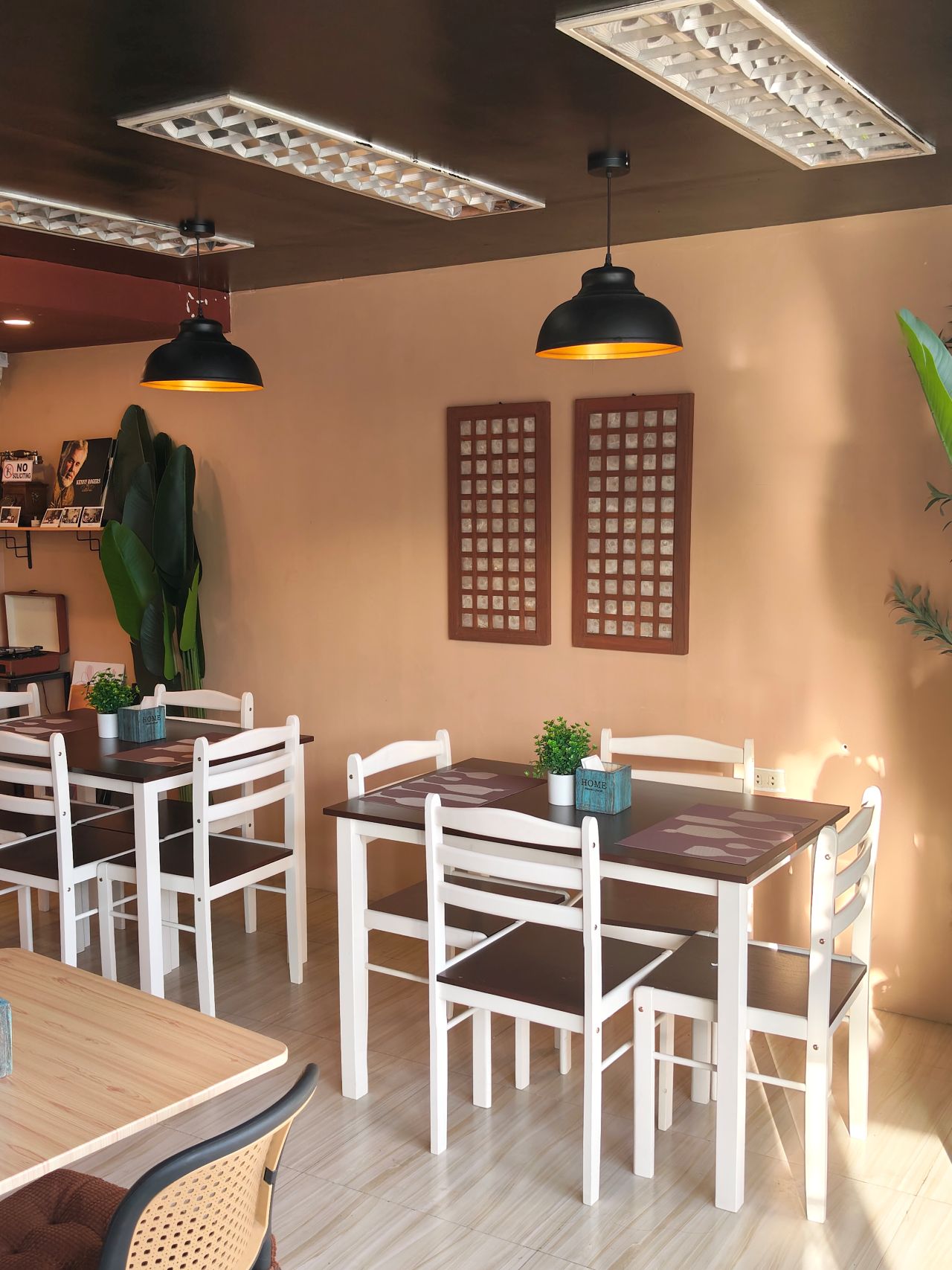
I hardly used the phone for stills as I focused on videos, but here are some samples, on the occasions I was able to take the handset with me:











The 50MP front camera is an intriguing add-on, as it is capable of up to 4K video and a wide 100° field of view.

What this does is it essentially removes the need to flip your phone for the popular “0.5” shots. And the quality doesn’t get compromised given the pixel count.
Here are some selfies from different focal lengths:




To its credit, filming with the back camera at 60fps does look and feel smooth, although it can be improved.

Same with the front camera; and the zoom range can be switched from 0.6 to 2x without cutting the recording.
Although, it’s still best to use a selfie stick or small tripod if you’re just after talking head videos.
Speaking of which, here are a few I’ve made with just this device:
@manilaconnoisseur Naka 99 pesos pala ‘yung large Golden Milk Tea ni @highlandscoffeeph until February 28! Oolong base, cream, and okay pala ang chickpeas as sinker along with red jelly. #highlandscoffee #goldenmilktea #oolongmilktea #freeupsize
@manilaconnoisseur Laging sold out ‘yung fun run? Try The Conqueror Virtual Challenges. Stay motivated in your running era, make every run count, and get cool medals after every completed challenge. You can even get a free run or discounted bundles! @theconquerorchallenges #virtualrun #funrun #runningera #staymotivated
But for travel and on-the-go captures, as OPPO markets for the series in general, even the Reno15 F can cover a lot of background along with your or your groups’ faces.

Make no mistake, there are some useful AI editing features here. In particular, AI Portrait Glow gives your raw capture an effect to make it look it was taken with flash.
I do not recall the device heating up as well when taking many photos or videos, so you can say it’s more optimized for that task rather than gaming.
Connectivity issues
Meanwhile, AI LinkBoost 3.0, as in the case of the OPPO A6 Pro, doesn’t seem to punch above its weight either.
Once, I also played Mobile Legends: Bang Bang and the session opened to a jittery start despite being on Wi-Fi and having a stable connection. I don’t know what triggered this.
Design, feel
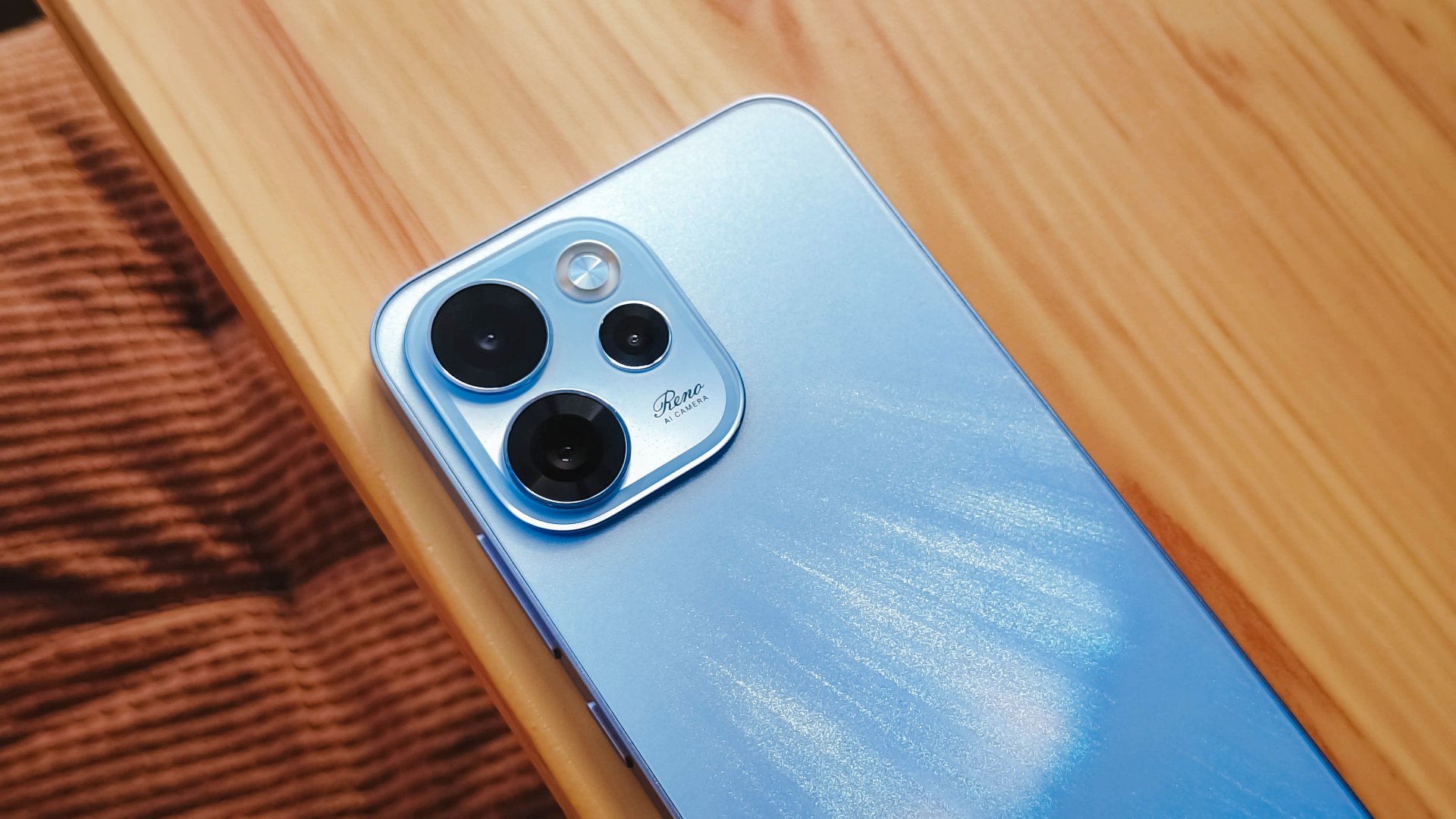
We got the Aurora Blue variant which does kind of resemble the northern lights when you tilt the phone a certain way and when light hits its back panel.
The cursive “Reno” on the large, protruding camera island gives it more style.
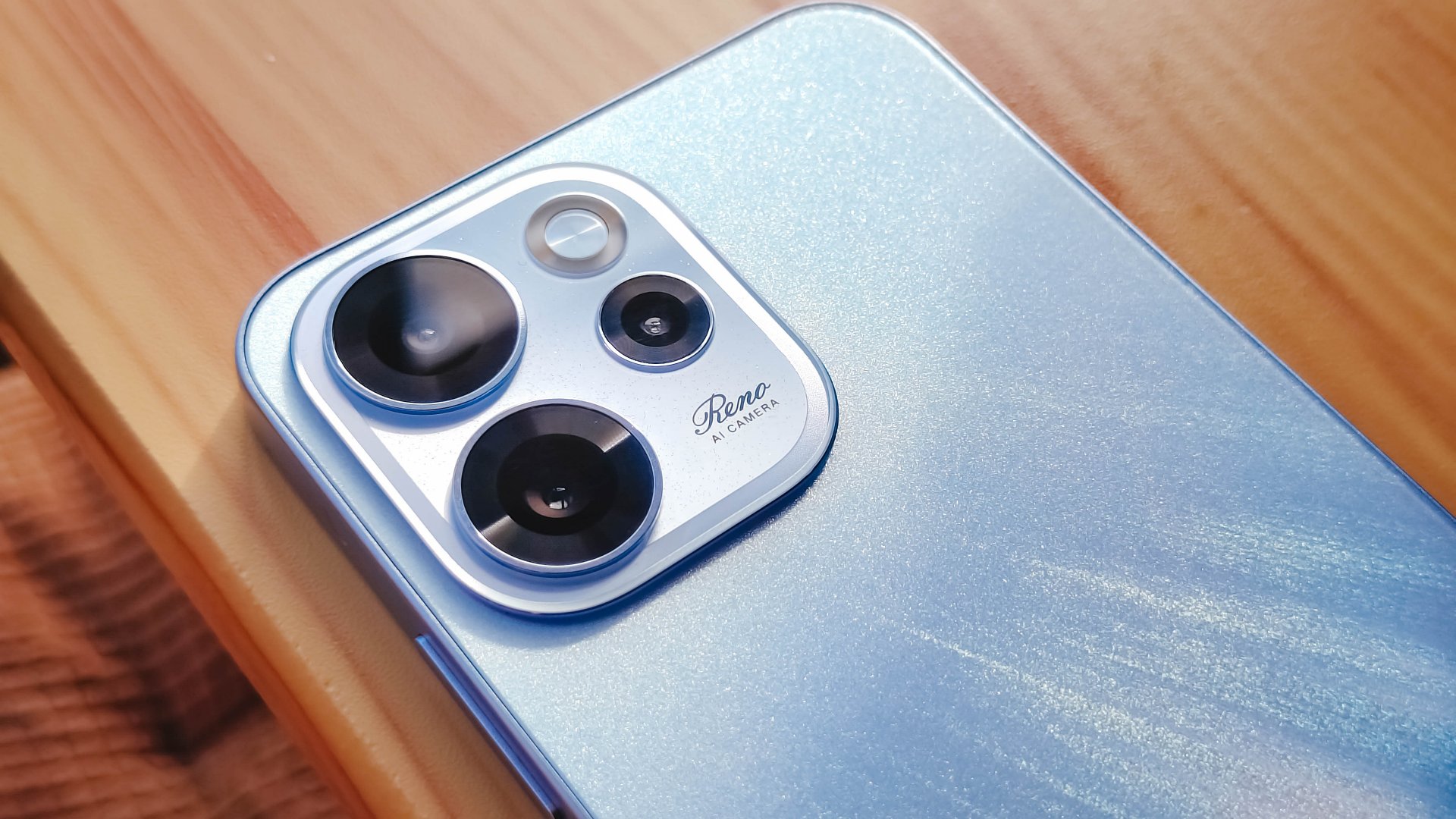
However, it’s all just aesthetics. On the downside, the phone is all sorts of slippery.

I couldn’t hold it properly without think of it slipping away from my hands; nor could I put it on my lap with confidence.
So I guess it’s good that it has structural integrity and waterproofing, because you’ll need that.
oplus_16
The 6.57-inch body does have a good balance between being too compact and too large, like ultras and pro maxes.
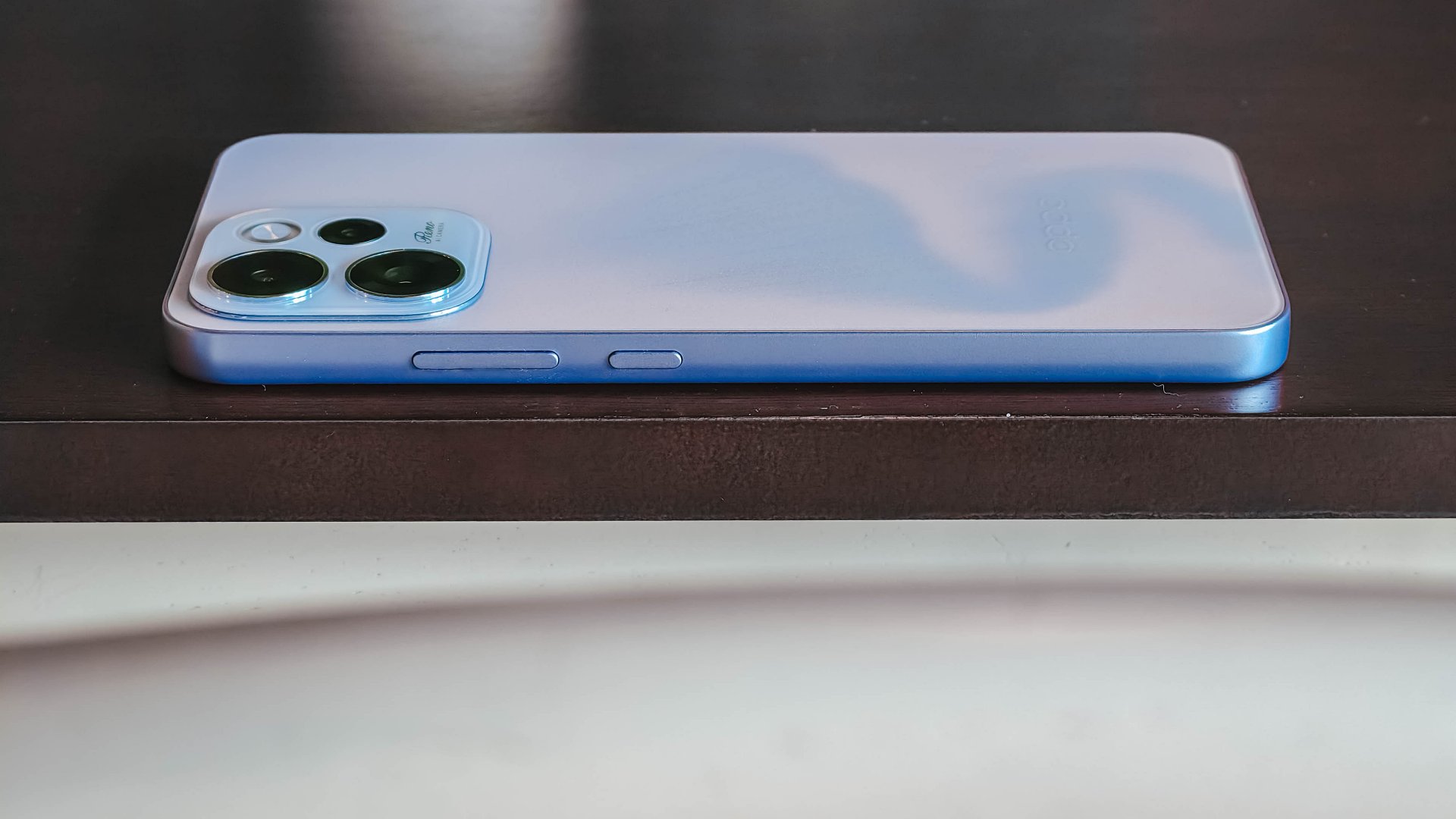
It has a squarish body and has already adapted to the premium, aluminum frame look from the sides.

Is this your GadgetMatch?
Sadly, the OPPO Reno15 F 5G is a Swipe Left unlike its bigger, more capable siblings. There are plenty of plus points for the camera package but take that away, and I don’t see much difference between the Reno15 F and something like the A6 Pro.
Granted, the asking price of this phone will drop significantly in a few months. But throw in a little more, and you’ve got a legitimate mid-ranger that’s more on the premium side rather than the cheap end of the spectrum.


Apple finally has a MacBook for the budget-conscious!
In this video, we take a look at the latest MacBook Neo — Apple’s most affordable laptop at $599.
It’s the perfect first computer for students, families, and anyone who’s always wanted a Mac but couldn’t justify the price.
Here’s our exclusive hands-on with the all-new MacBook Neo for you to check out.
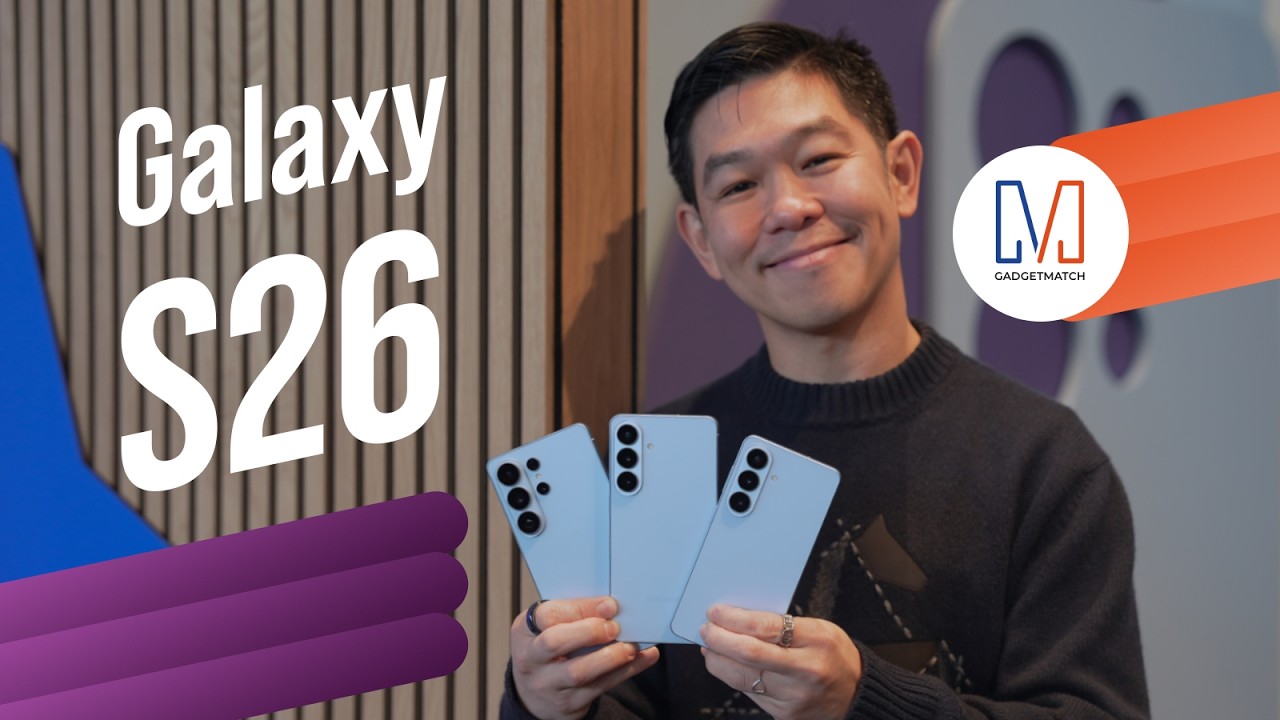
Did Samsung push forward or play it safe with the Samsung Galaxy S26 Series? Well, it’s a little bit of both.
Here’s our Hands-on with the new Samsung Galaxy S26 series to find out.
PRE-ORDER and SAVE up to $900 with enhanced trade-in credit:


Cinema in a box: PLDT Home Life unveils StreamTV+

Crime on Prime: Streaming platform unveils powerhouse crime, thriller slate

New medieval action RPG, Echoes of Aincrad, out July 2026

GIGABYTE collaborates with Capcom for RE Requiem custom PC

OPPO Find N6 global launch set for March 17

Xiaomi 17 Ultra is now available outside China

TECNO will showcase the CAMON 50 and POVA 8 series at MWC 2026

The art of being in and behind the frame

HUAWEI MatePad 11.5 S 2026: The better-than-ever 4-in-1 productivity tablet

TECNO showcases cool concepts at MWC 2026


-
 News1 week ago
Xiaomi 17 Ultra is now available outside China
-
 MWC 20261 week ago
TECNO showcases cool concepts at MWC 2026
-

 MWC 20266 days ago
Infinix NOTE 60 Ultra makes a motorsport-inspired debut
-

 MWC 20262 weeks ago
TECNO resurrects modular phones with this new concept
-

 MWC 20261 week ago
TECNO launches the all-new CAMON 50 series
-

 Reviews1 week ago
TECNO CAMON 50 Ultra review: End of an era?
-

 Reviews1 week ago
Xiaomi Pad 8 review: Slab that slaps!
-

 Reviews1 week ago
Forget the Phone: Xiaomi 17 Ultra Is A CAMERA!