

Accessories
The GameSir G8 Galileo is great for PS Remote Play
While we wait for the PlayStation Portal

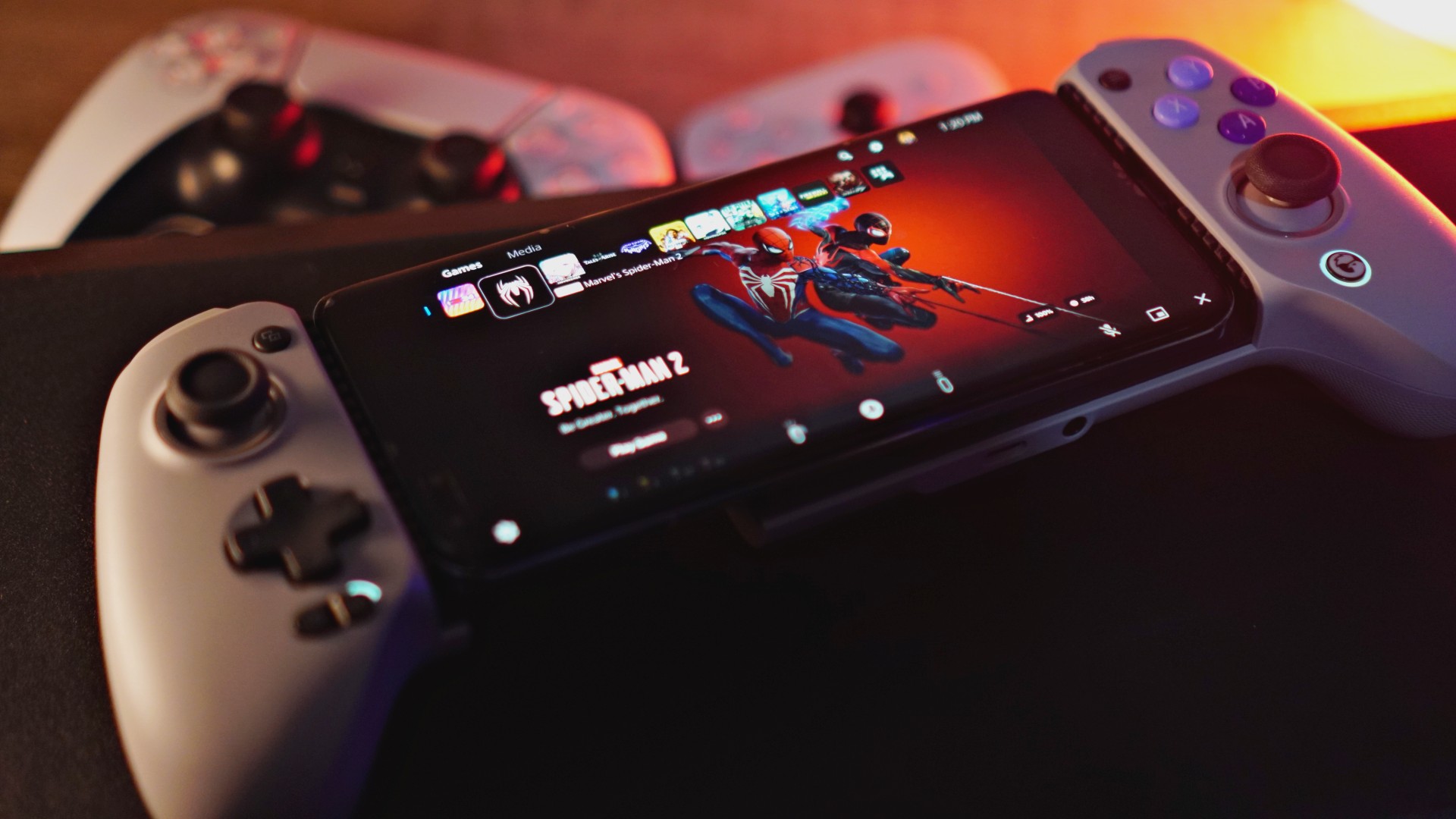
We happen to be in a region where the PlayStation Portal has yet to be released. Good thing, PS Remote Play is available and GameSir has a controller you can hook up to your smartphone that’s readily compatible. Enter the GameSir G8 Galileo.
You might not see it right away, but the biggest difference with the G8 Galileo compared to other smartphone controllers (even the ones GameSir made themselves) is it’s actually full size.
Watch our unboxing.
@gadgetmatch Unboxing the Gamesir G8 Galileo. Best smartphone controllers right now? #gaming #mobilegaming #remoteplay #RemotePlay #remoteplayps5 #mobilecontroller #controller #controllers
Most smartphone controllers prioritize portability. Thus, they’re more compact. That means smaller face buttons, smaller thumbsticks, and generally smaller overall profile.
Usable, sure. But not exactly ideal for people with chubby hands like yours truly.

BackBone One | GameSir G8 Galileo
This is also one of the primary reasons why, despite owning a Backbone One, I’ve rarely used it for its intended purpose. And the reason why the PlayStation Portal is appealing to me.
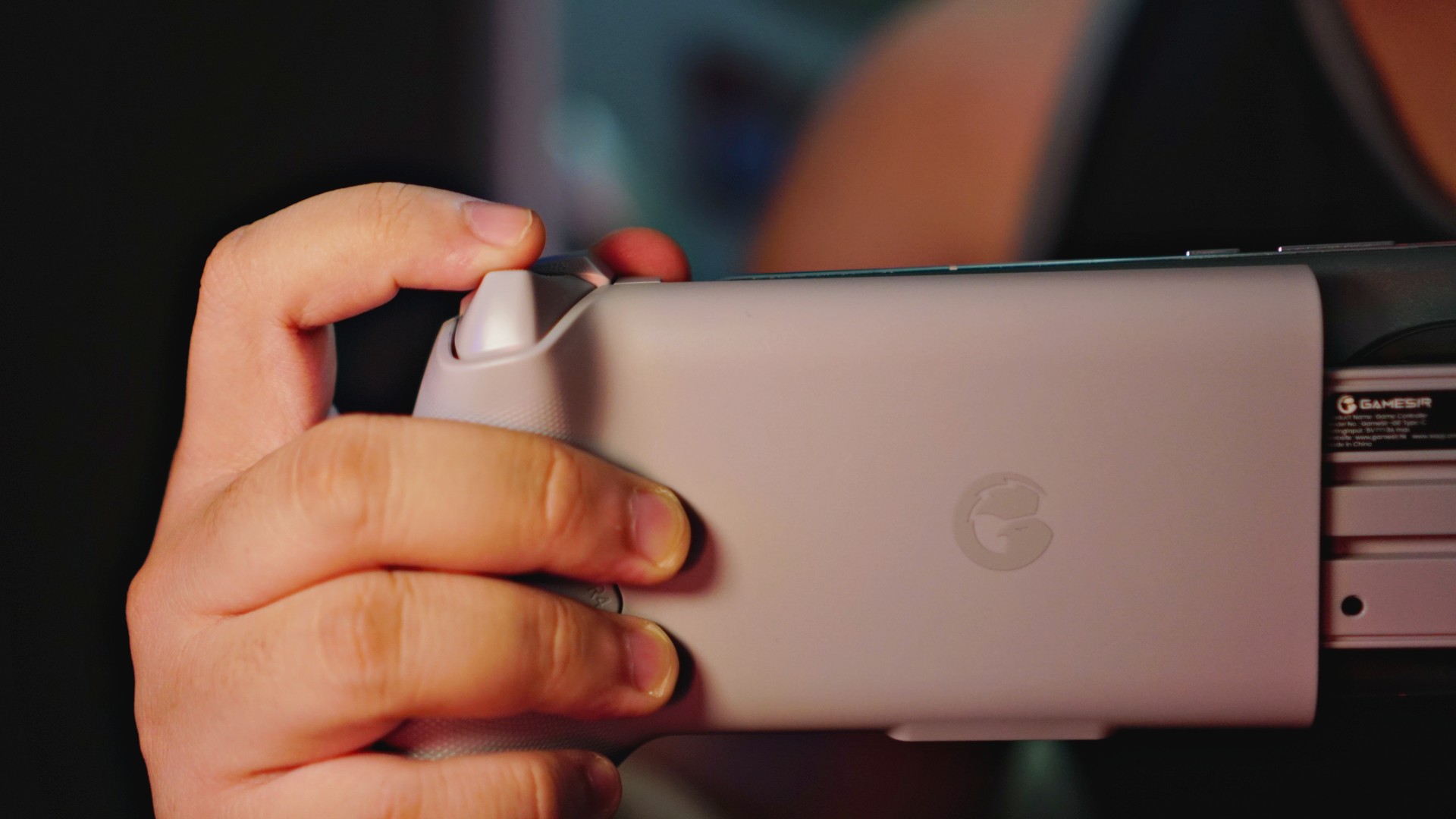
The GameSir G8 Galileo changes all of that because of its size. It’s also not just larger. Its ergonomics are great too. Your hands will sit nicely on the nice, curved handles for a more comfortable, more enjoyable handheld gaming session.
PS Remote Play
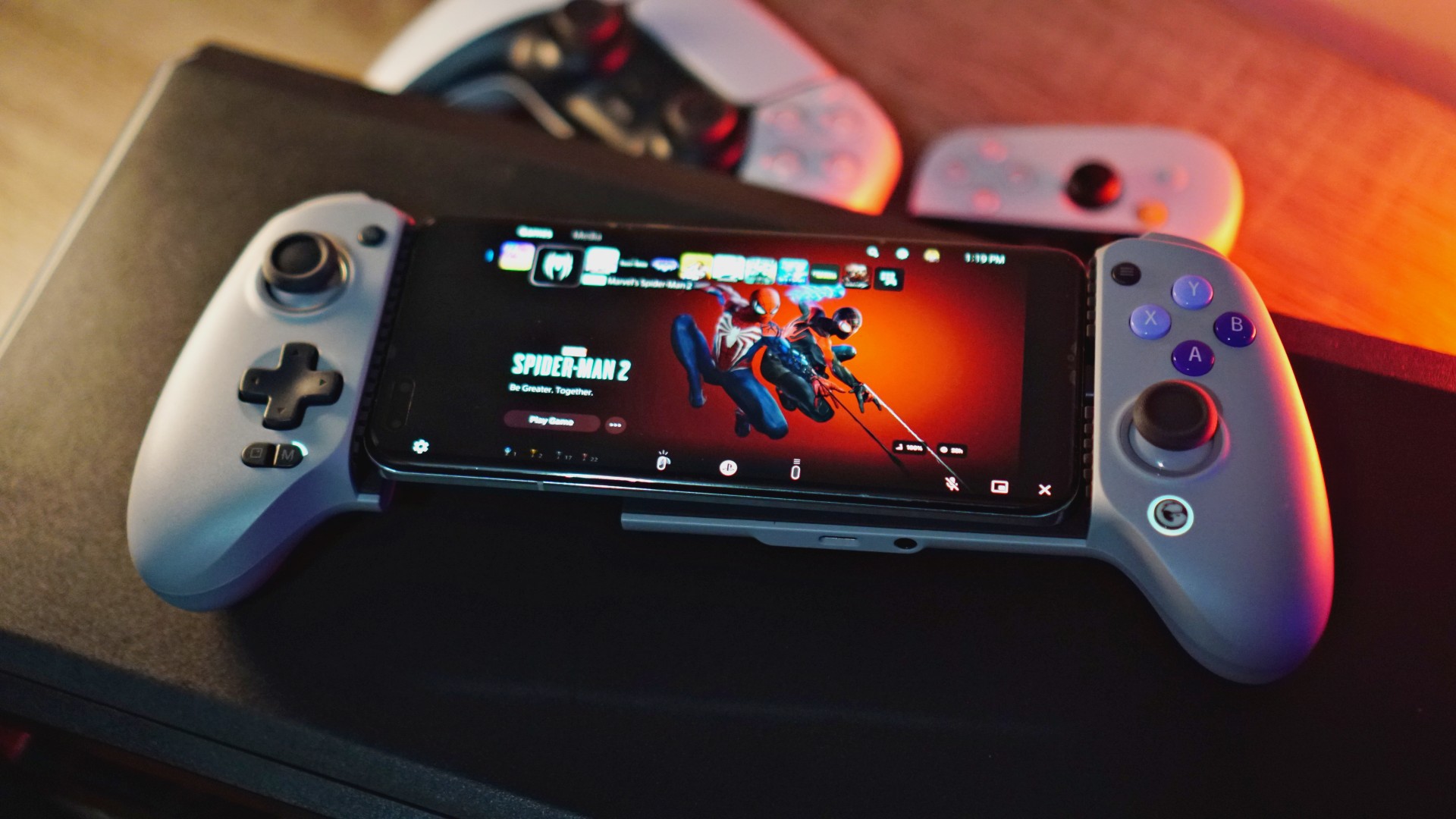
Another big area of convenience is you don’t necessarily have to have the GameSir app to make it work. Simply download the PS Remote Play app, register, and fire it up.
To make sure it’s on PS Remote Play compatible mode, just press the Share and Options buttons simultaneously. Those are the tiny buttons on the left and right hand side of the controllers right above the left thumb stick and the face buttons.
Upon pressing simultaneously, make sure the color on the GameSir logo on the lower right part of the controller is white. That’s how you know it’s on PS Remote Play mode.
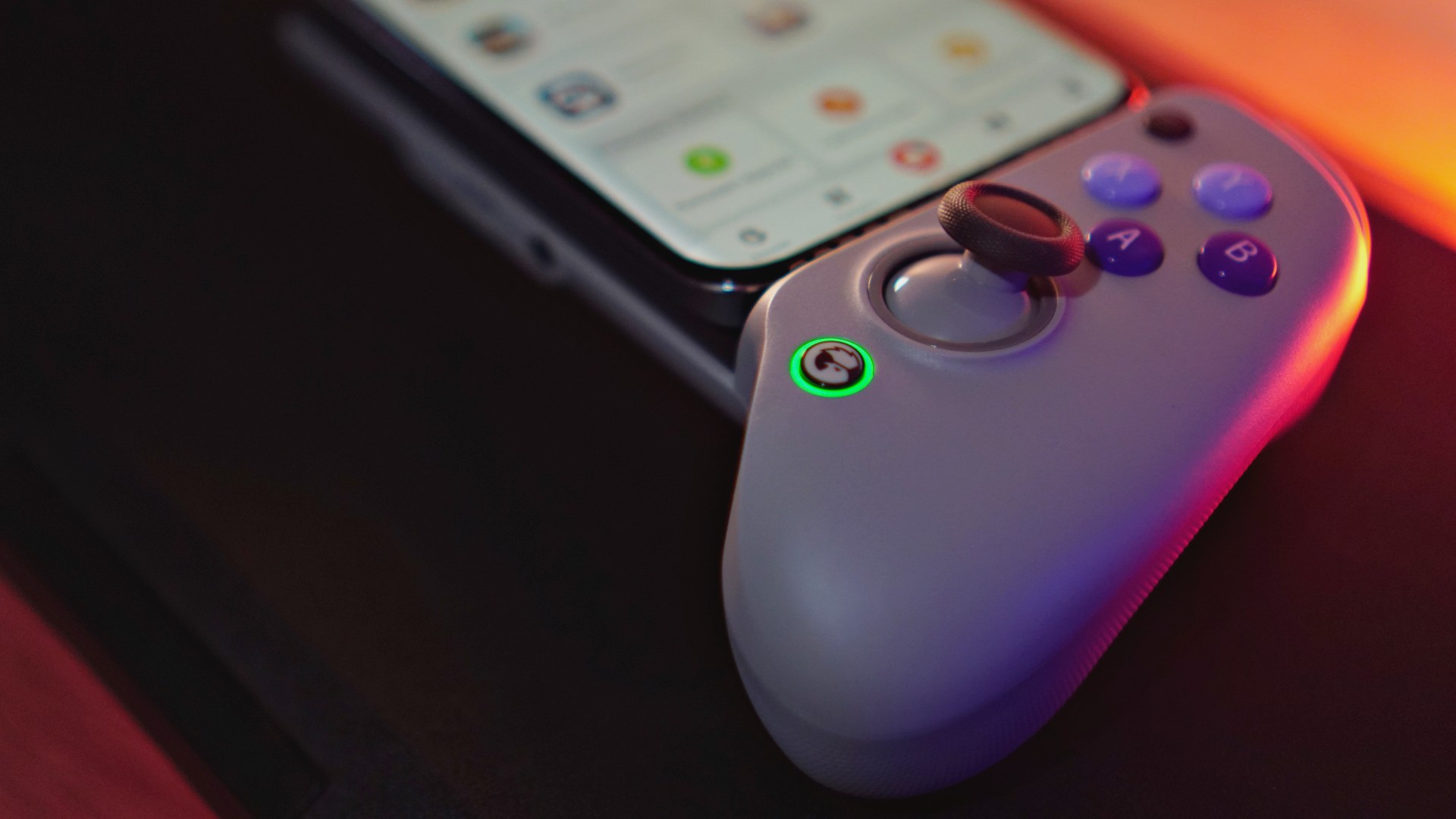
Currently green so you have to press the buttons for Remote Play.
Once done, just easily plug-in your smartphone with a USB-C port on GameSir’s signature flexible USB-C plug and off you go.
Actual play time
Here’s a quick Marvel’s Spider-Man 2 gameplay using the GameSir G8 Galileo along with the HONOR Magic5 Pro with Remote Play:
Playing #SpiderMan2PS5 via Remote Play using an HONOR Magic5 Pro and the new @mygamesir G8 Galileo. pic.twitter.com/q6eDBYAq1E
— rodneil (@rodneilquiteles) November 30, 2023
This under a minute clip, naturally, isn’t representative of the entire Remote Play experience. Anyone who has tried it before knows that with extended play time, you’ll likely experience a few hiccups here and there. That’s just the nature of the beast.
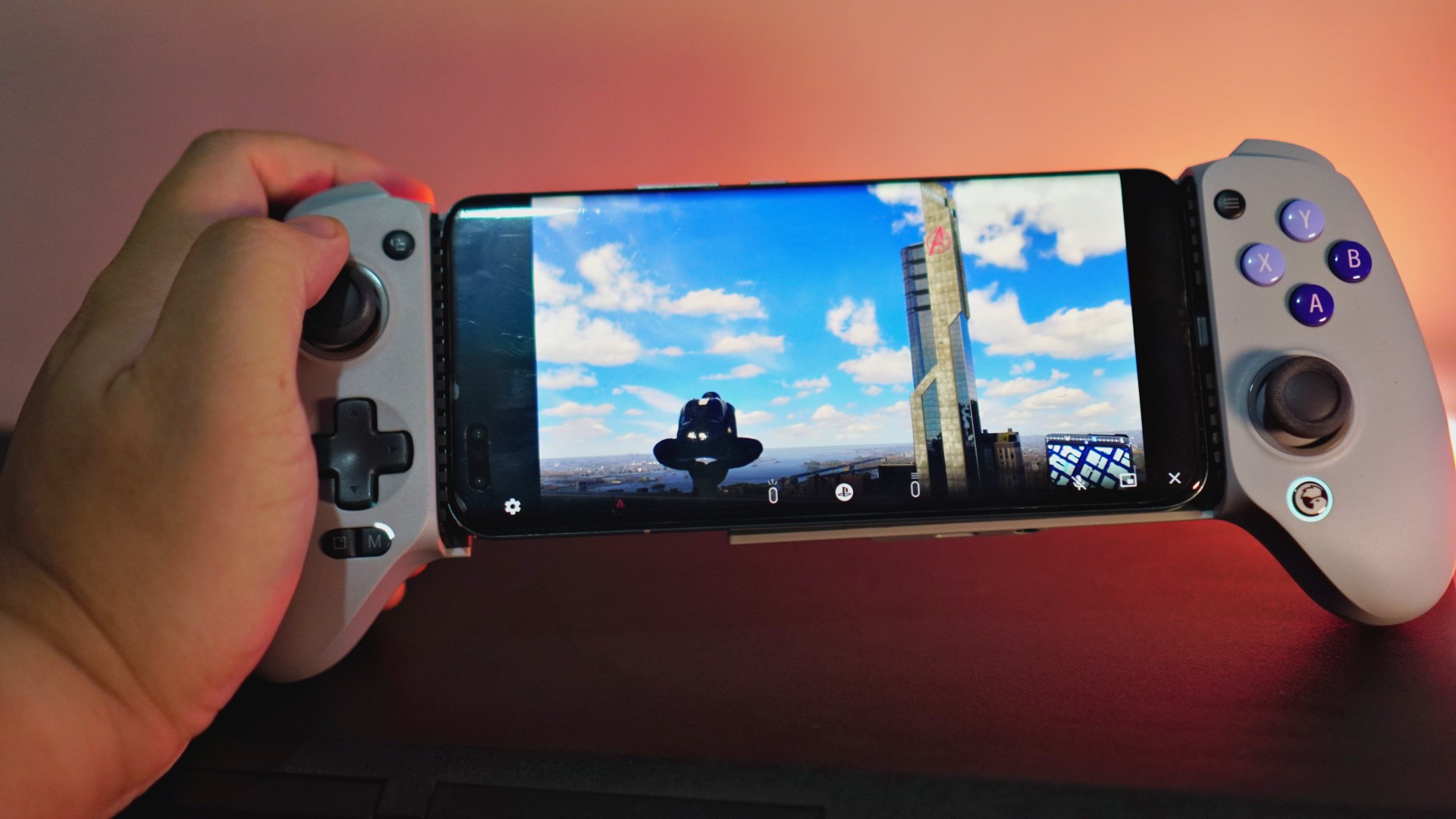
That said, this whole set-up has been generally great. Other than Spider-Man 2, I’ve managed to play a handful of quick NBA 2K24 games like this. I still racked up a handful of wins despite suffering from occasional latency trouble.
The feel of the controller is fantastic and is easily the most enjoyable out of every other smartphone controller that I’ve tried before. And I’ve tried a few other than the Backbone One. There’s the GameSir X3, GameSir X2 Pro-Xbox, and the Razer Kishi V2.
Compatible games, mapping
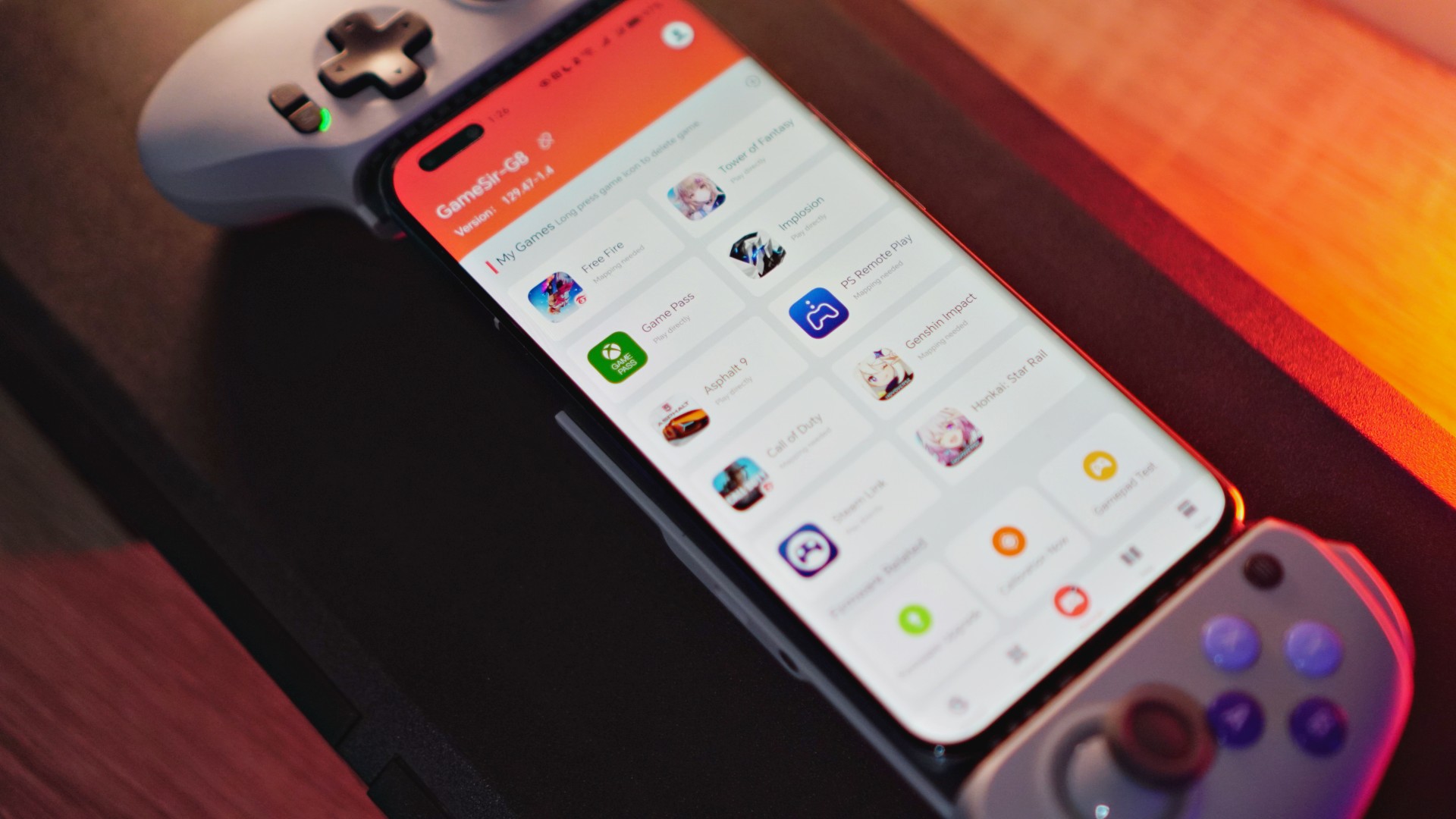
Depending on the platform you’re on, the GameSir G8 Galileo will work on multiple other games. If you’re an iPhone 15 Series user, Remote Play, select Apple Arcade games, and even the AAA games set to release for that iPhone will work with this controller.
For Android users, it’s the usual handful of controller supported games that will work with this. For everything else, you’ll have to resort to mapping — a task for those with patience.
If you need more tutorials on how to get it working, just follow GameSir on Facebook or YouTube. They constantly post tutorials.
You can buy the GameSir G8 Galileo here: https://bit.ly/gsg8galileo
Use G8Creator on the Coupon Code for 10% off.




Accessories
Manila turns up the volume at COVE
Sony Philippines launched its ULT TOWER lineup at Beyond the Beat, with SB19 joining the ULT Squad.

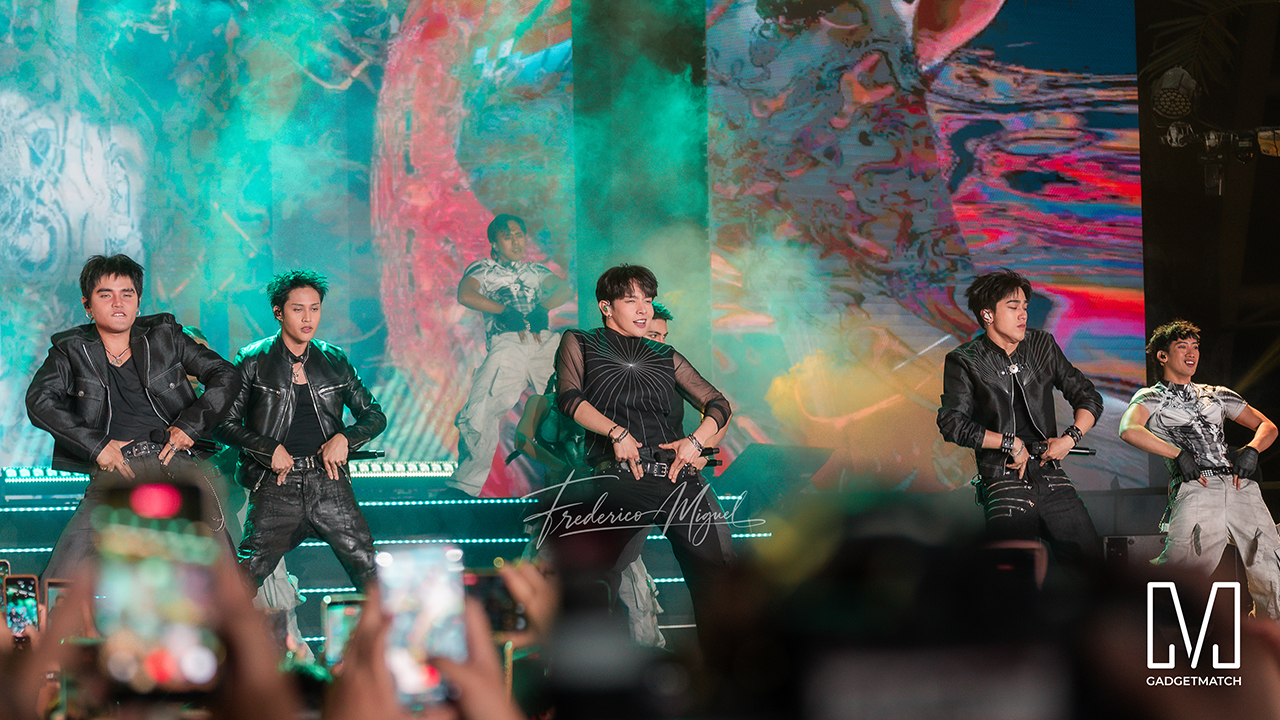
Sound and style shared the floor at COVE Manila in Okada Manila. Sony Philippines opened its doors for Beyond the Beat: The Next-Level ULT POWER SOUND Experience.
The event marked the company’s biggest ULT POWER SOUND launch in the country, and Sony paced the program like an exclusive night out.
Stacked ULT Towers filled the space. Guests styled themselves with designer pieces from Alser Lumawag, and SB19 closed the evening as the newest Sony ULT Squad members.
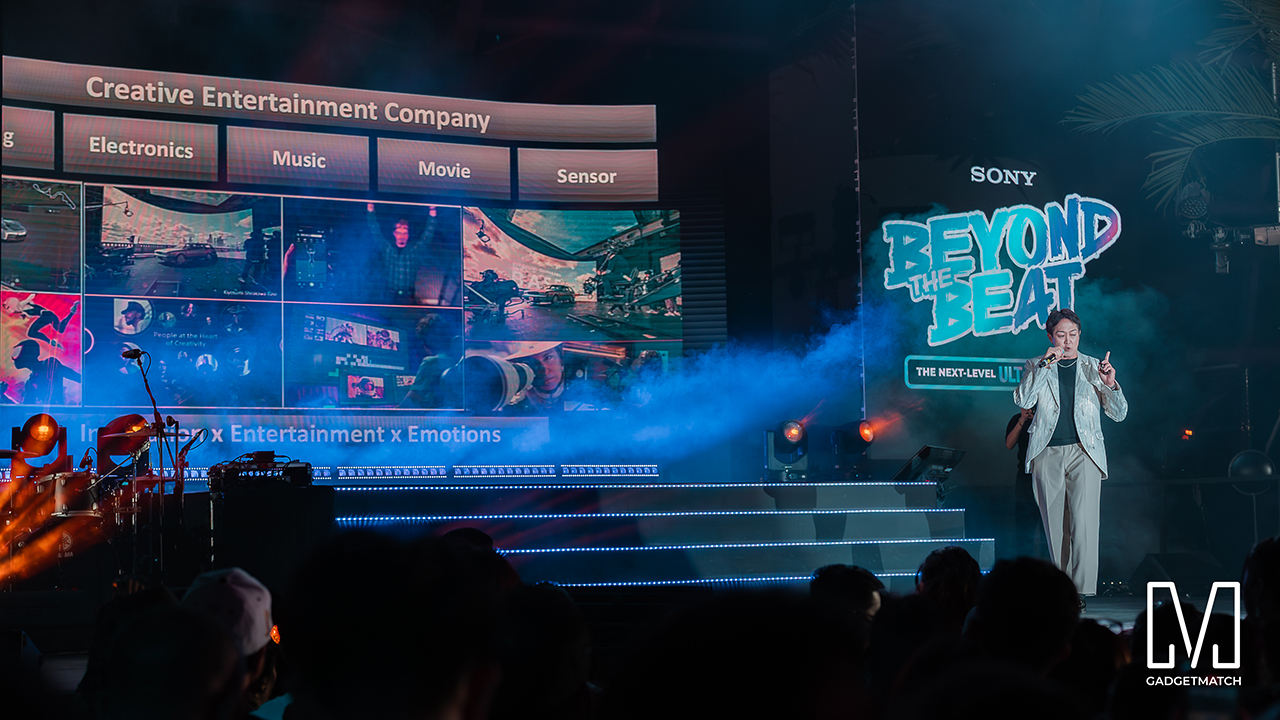
MySony members from every tier joined industry guests while the new ULT TOWER lineup set the tempo.
The towers take center stage
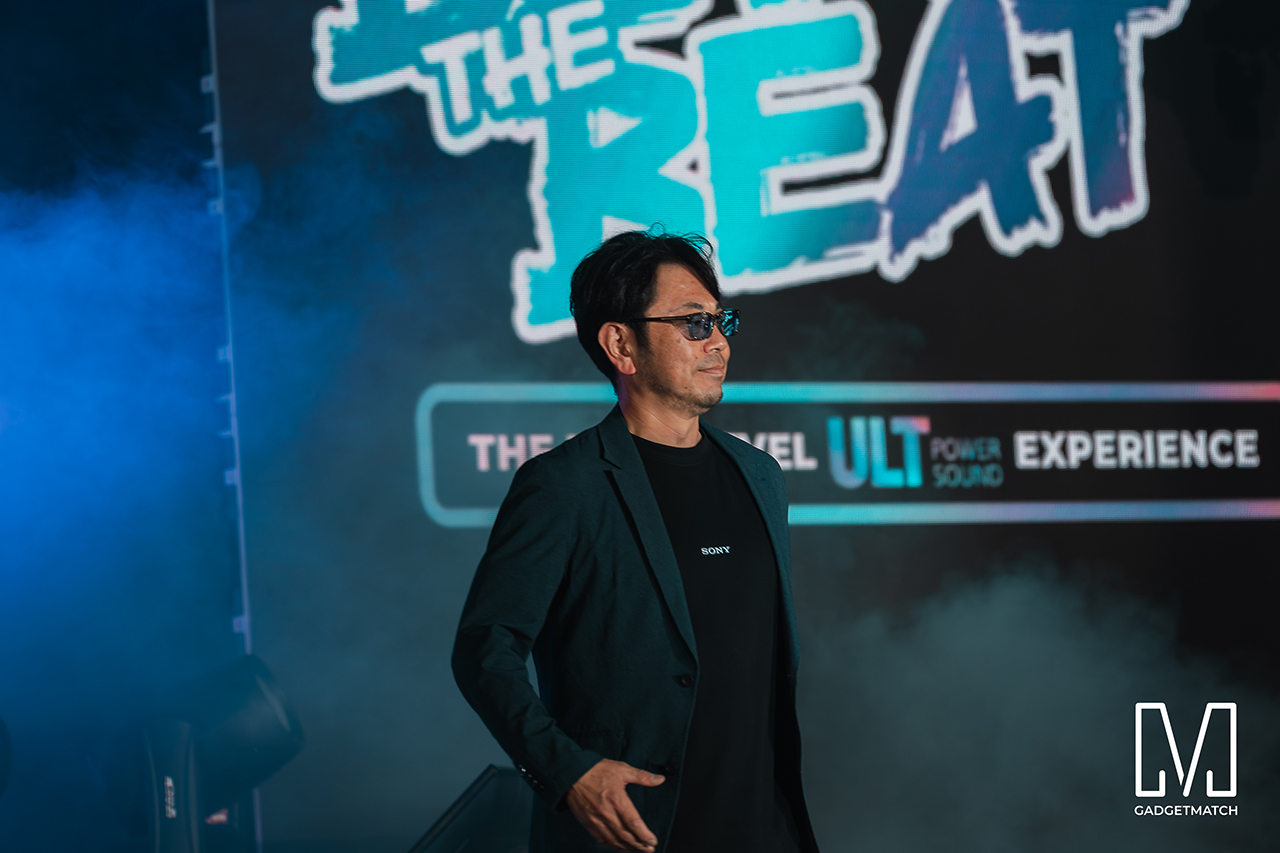
Shuhei Sugihara, Sony Philippines’ President and Managing Director, opened the program.

Product Marketing Specialist Keira Ambubuyog then introduced the newest additions to the lineup.
Arbie Bandiling of Personal Audio Systems unveiled the latest ULT Squad video. The clip introduced the artists and personalities fronting the campaign.
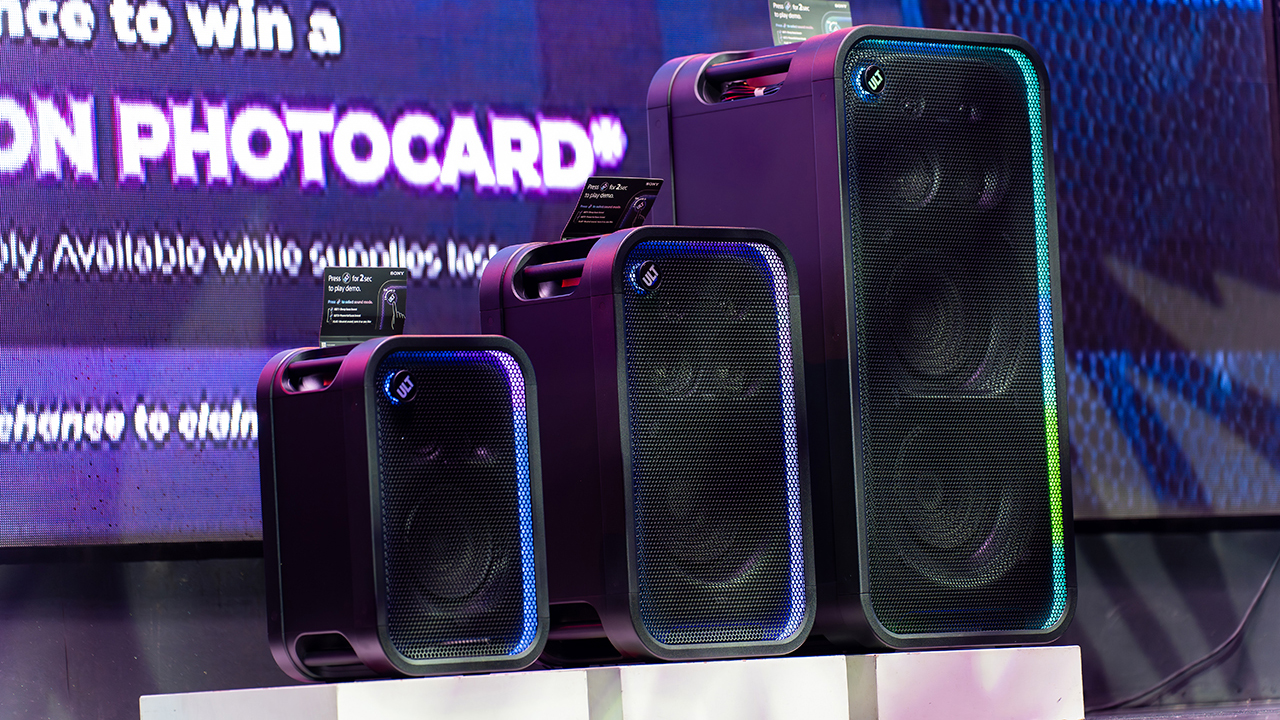
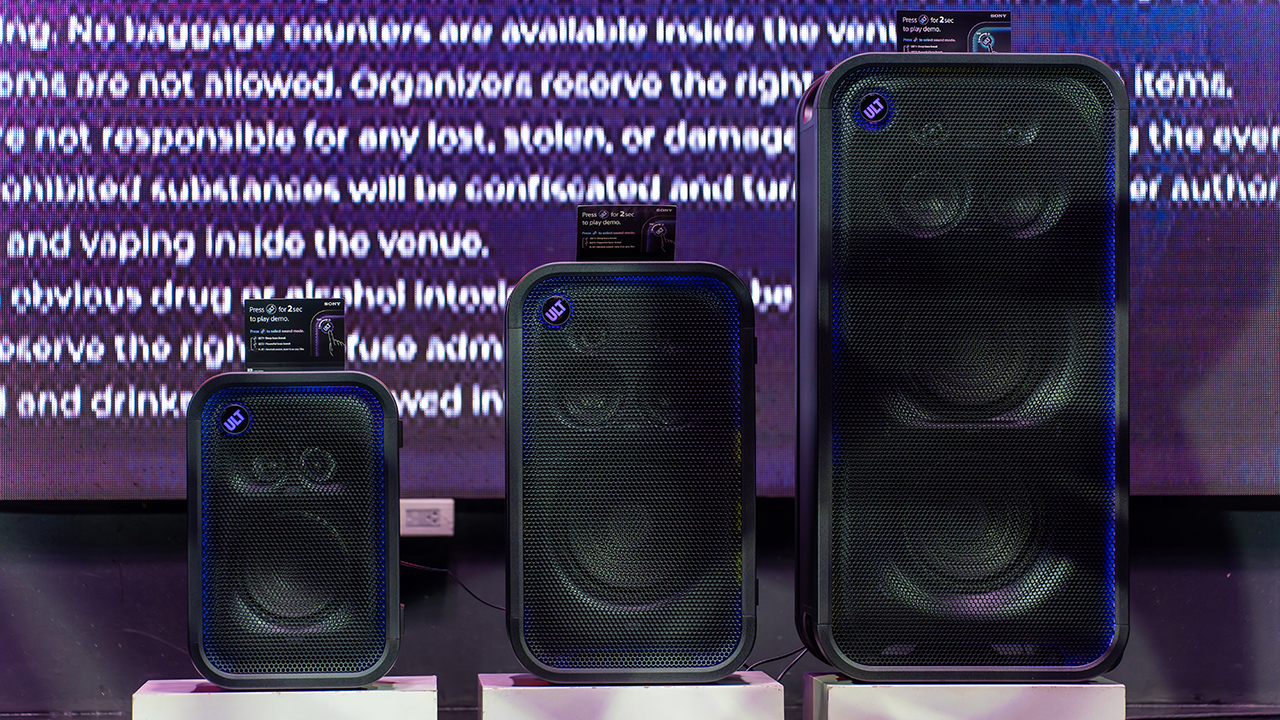
The lineup features the ULT TOWER 5, ULT TOWER 7, and ULT TOWER MAX. The new series pairs large circular woofers and high-capacity cabinets with ULT DUCT technology.
This design delivers stronger low-frequency bass than earlier models. The ULT TOWER MAX leads the series, described as Sony’s most powerful bass speaker yet.
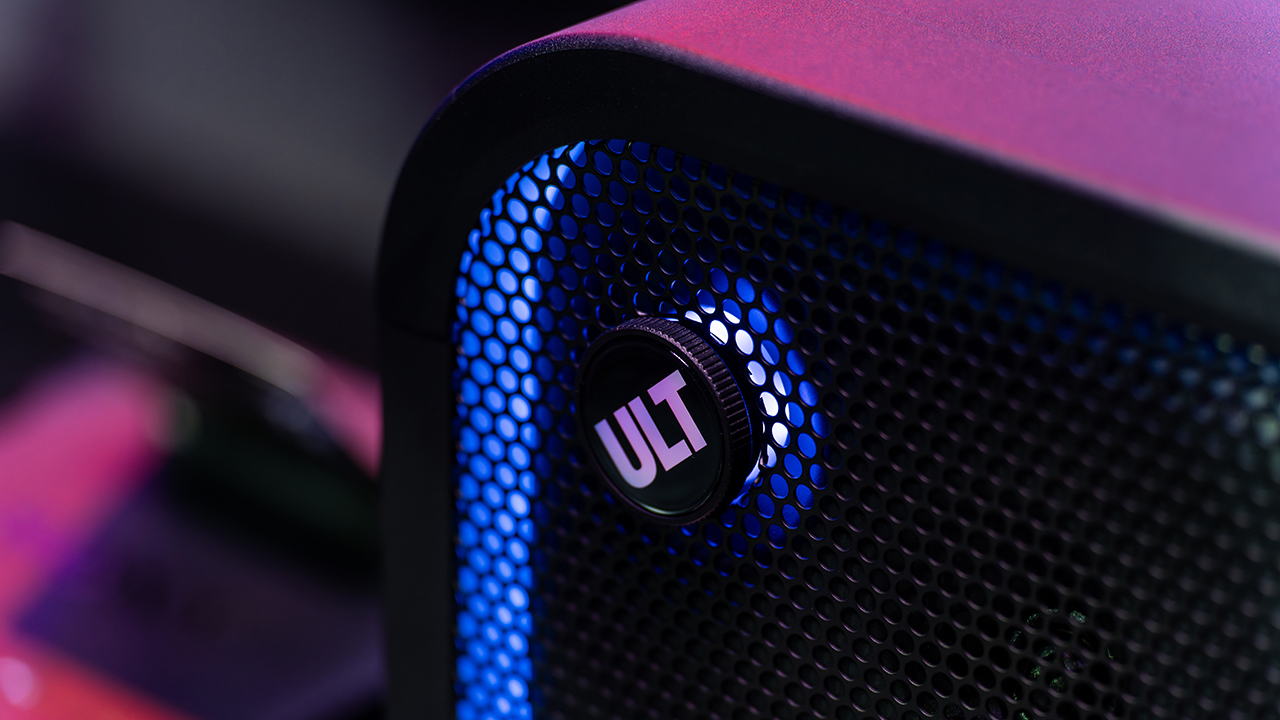
On another note, Sony pitches the ULT TOWER 7 as stage-worthy sound in a portable frame. Meanwhile, the compact ULT TOWER 5 targets smaller gatherings and features karaoke and DJ capabilities.
Experiential zones bring the sound to life
Guests explored the lineup across several interactive event zones. Step into the Beat paired an arcade-inspired setup with stacked ULT Towers and a dance pad. ULT Selfie Club handled photo ops.
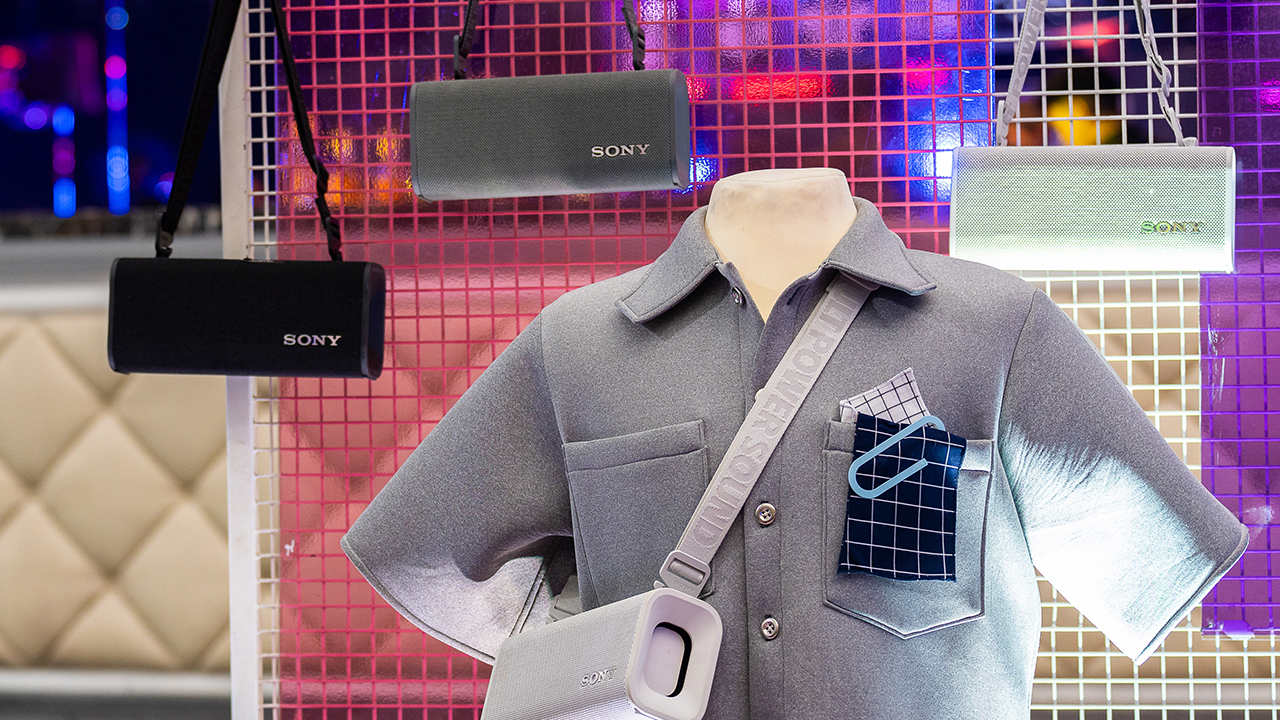
Nearby, ULT Cover Star let guests style ULT Field speakers alongside designer pieces from Alser Lumawag. Here, the speakers served as chic fashion accessories.
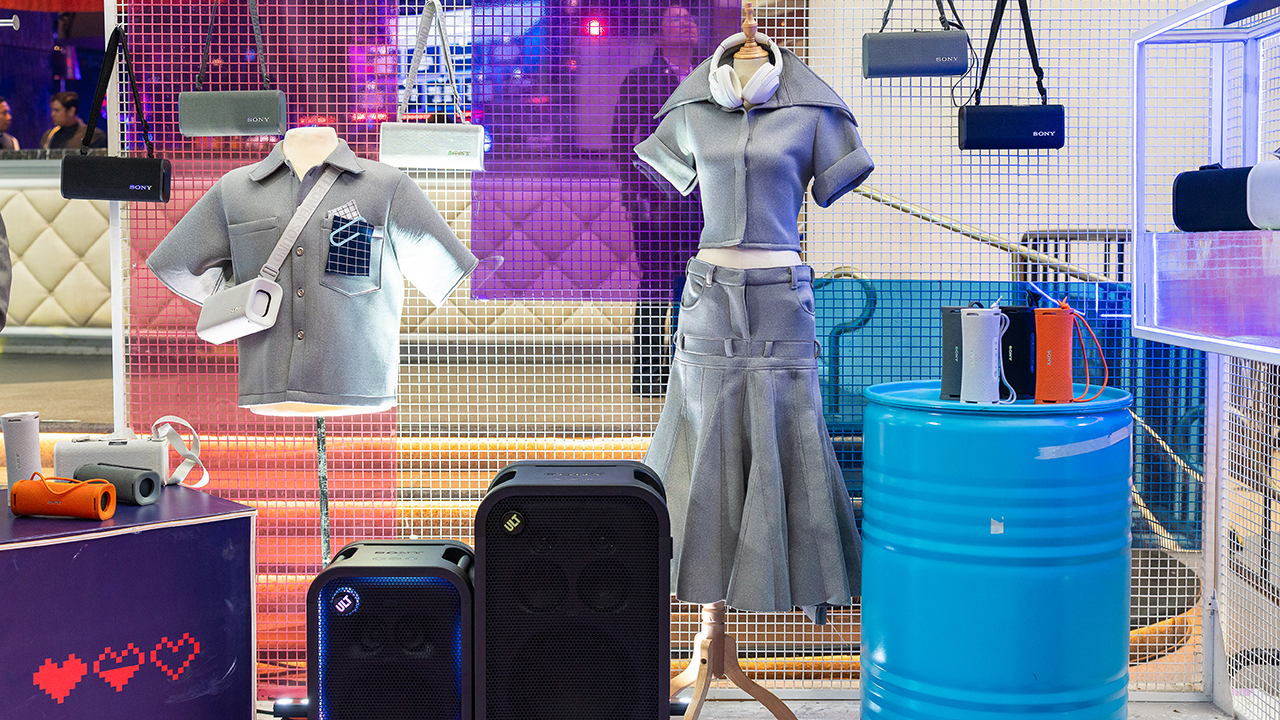
The Bass District gave VIPs and influencers a private, nightlife-inspired lounge. Karaoke Lounges invited everyone else to grab a mic and test the party-ready towers firsthand.
The ULT Squad shows up
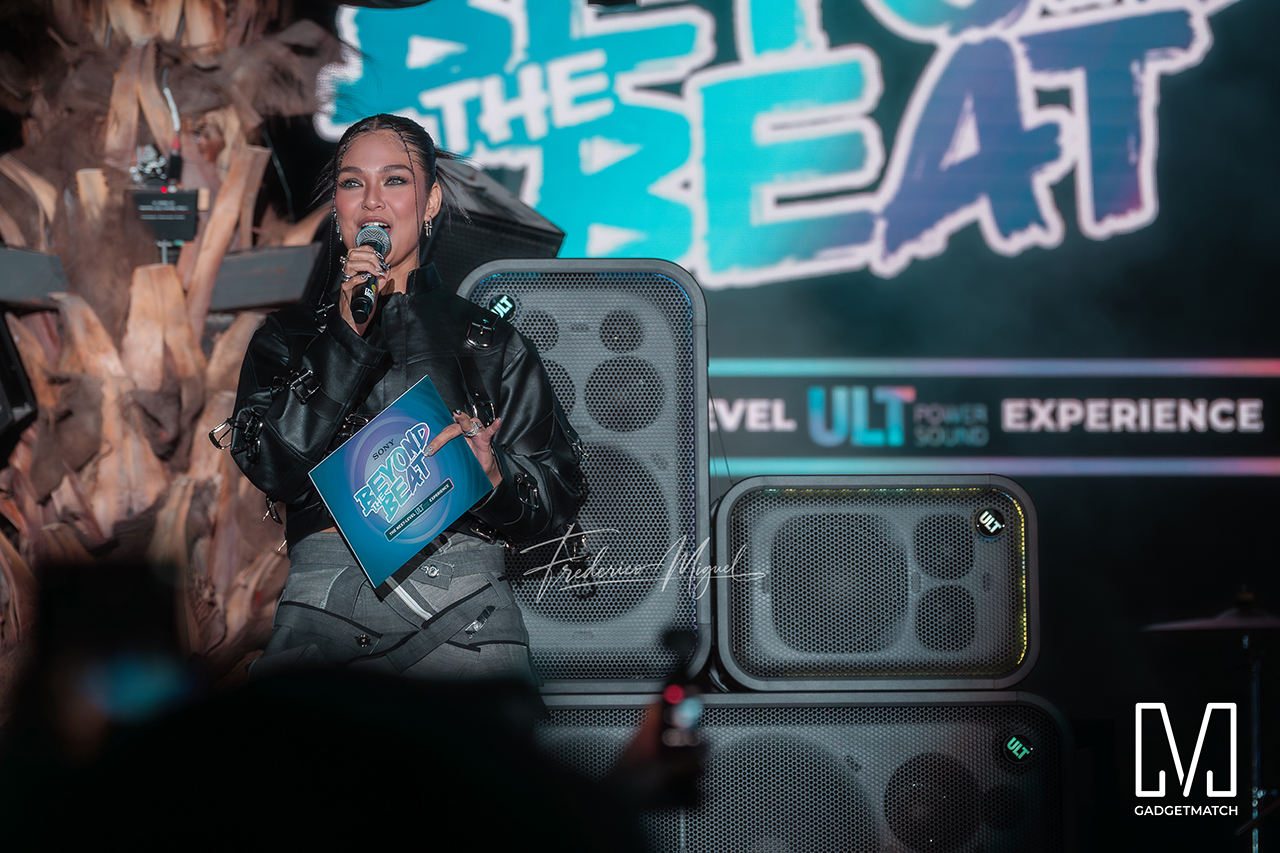
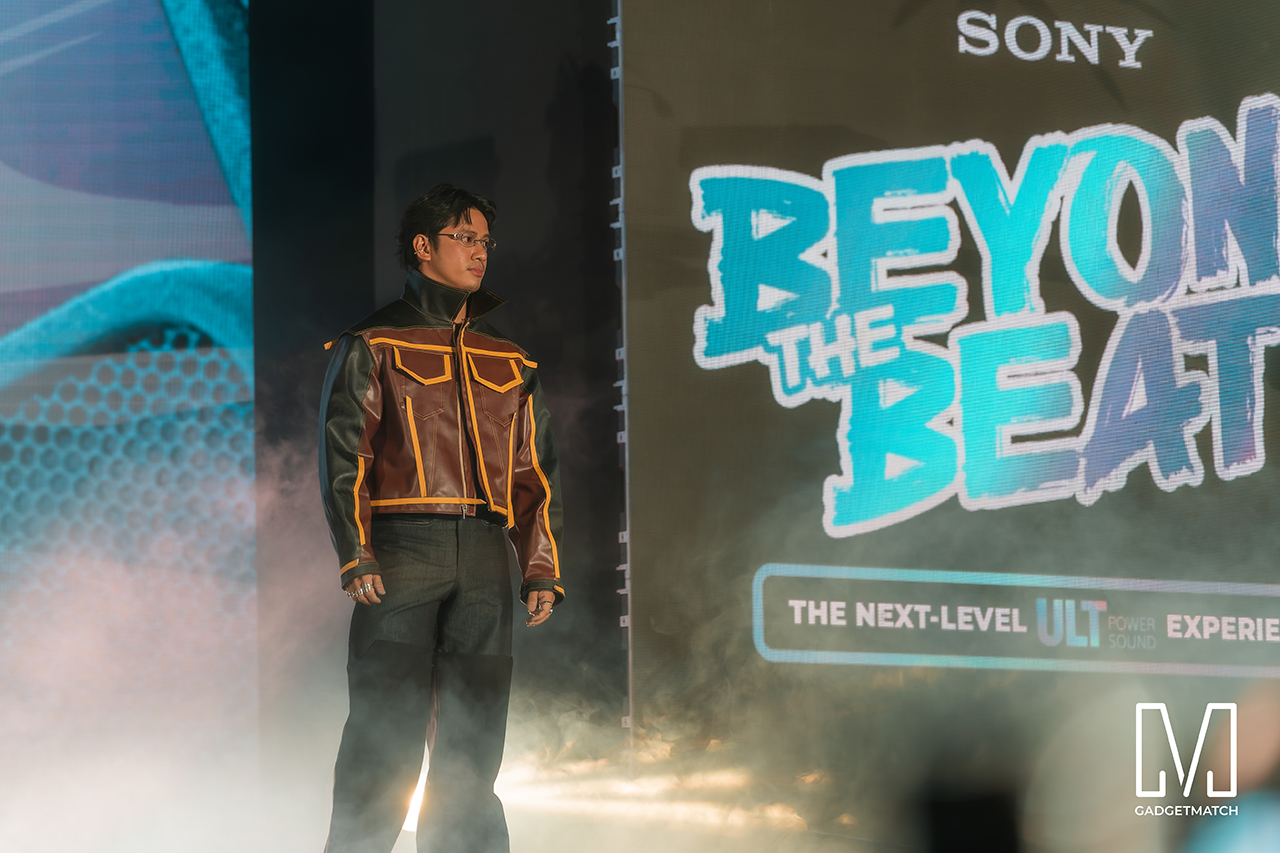
Fashion influencer and ULT Squad member Angelique Manto-Guison hosted the night.
A-Team opened the show with a high-energy routine before Carlos Serrano III took the stage. David Guison and Jacqueline Jala walked the stage with ULT Models in elevated fashion, and Jeremy G followed with a dynamic musical performance.

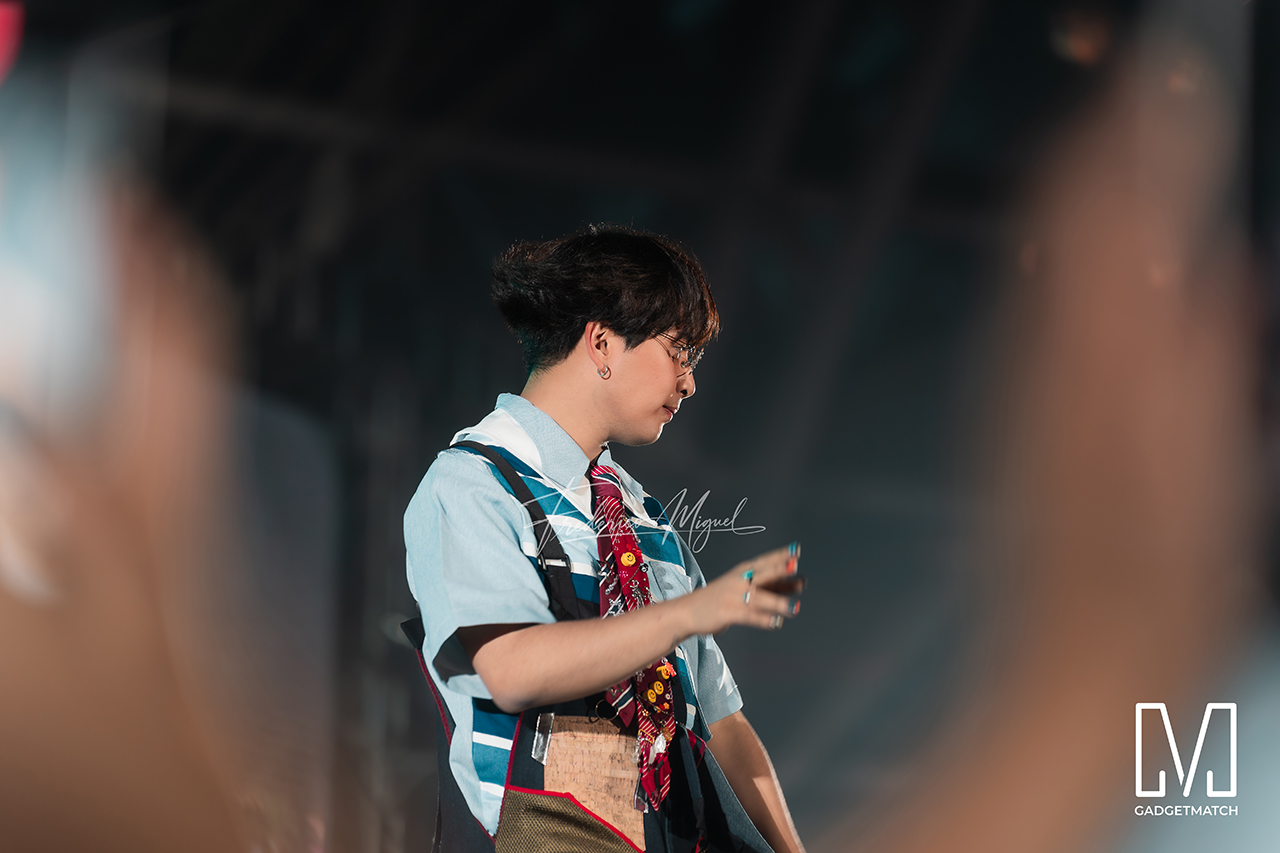
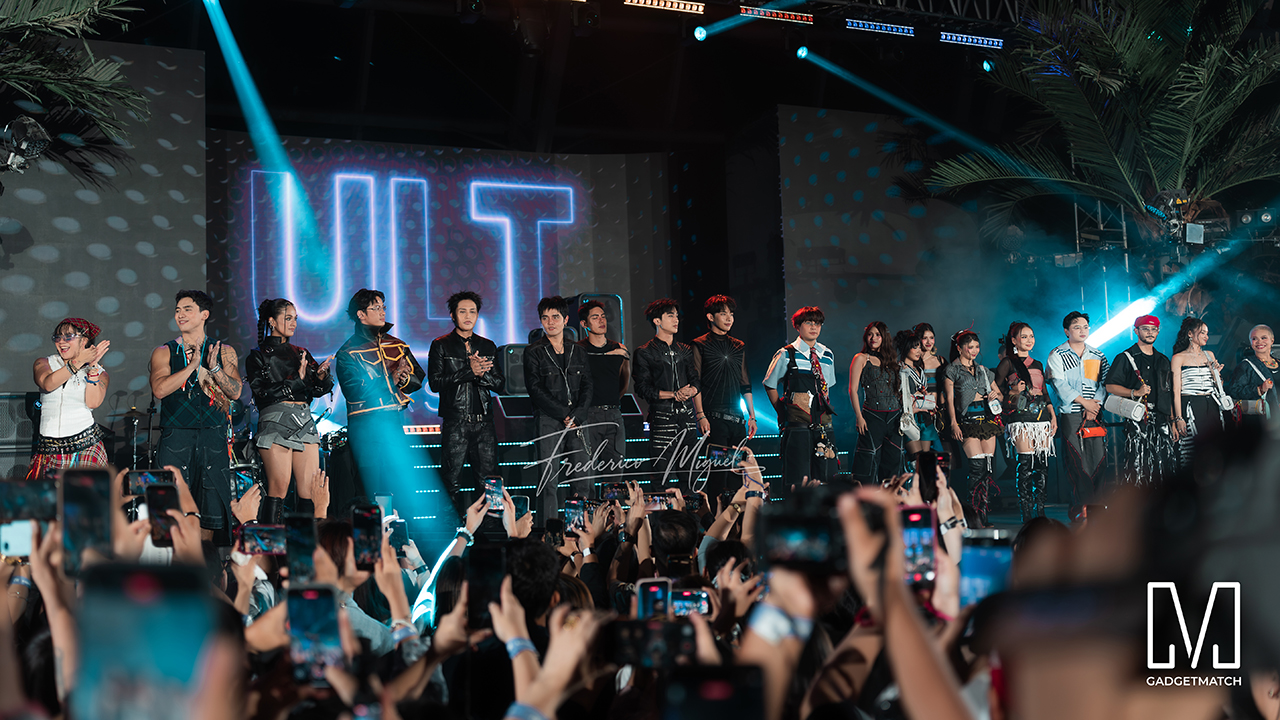
KAIA brought a youthful pop sound, while Maki delivered a set in his signature style.
SB19 closed the night, making their debut as the newest Sony ULT Squad members. Sony pairs its sound technology with the group’s influence in Filipino music. This collaboration positions the Squad as a platform for artists shaping contemporary music culture.
The ULT TOWER MAX, ULT TOWER 7, and ULT TOWER 5 are now available at Sony Centres and authorized dealers nationwide.
Accessories
Jackery Explorer 300D: Power and portability in one
Uninterrupted workflows for digital nomads, freelance creatives, more

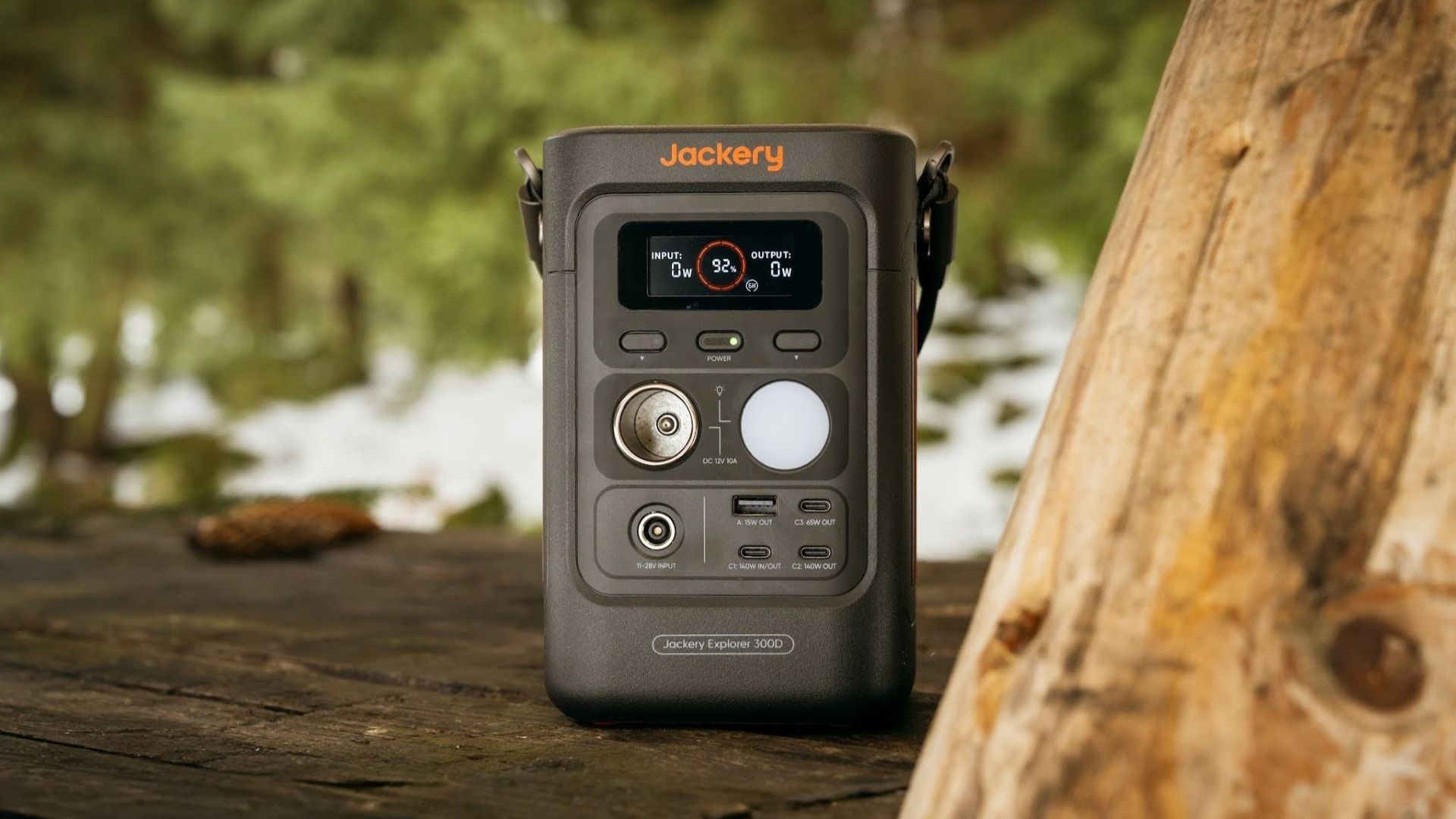
For digital nomads, freelance creatives, and even work-from-home professionals, staying productive on the move means carrying around multiple gadgets, cords, adapters, and power banks to survive the day.
Having to carry such weight, quite literally, is vital for maintaining workflow continuity.
For a more seamless experience and to have just one extra portable device to power all working parts, there’s the Jackery Explorer 300D.
Launched just last month, this grab-and-go offering from Jackery is designed for the modern lifestyle.
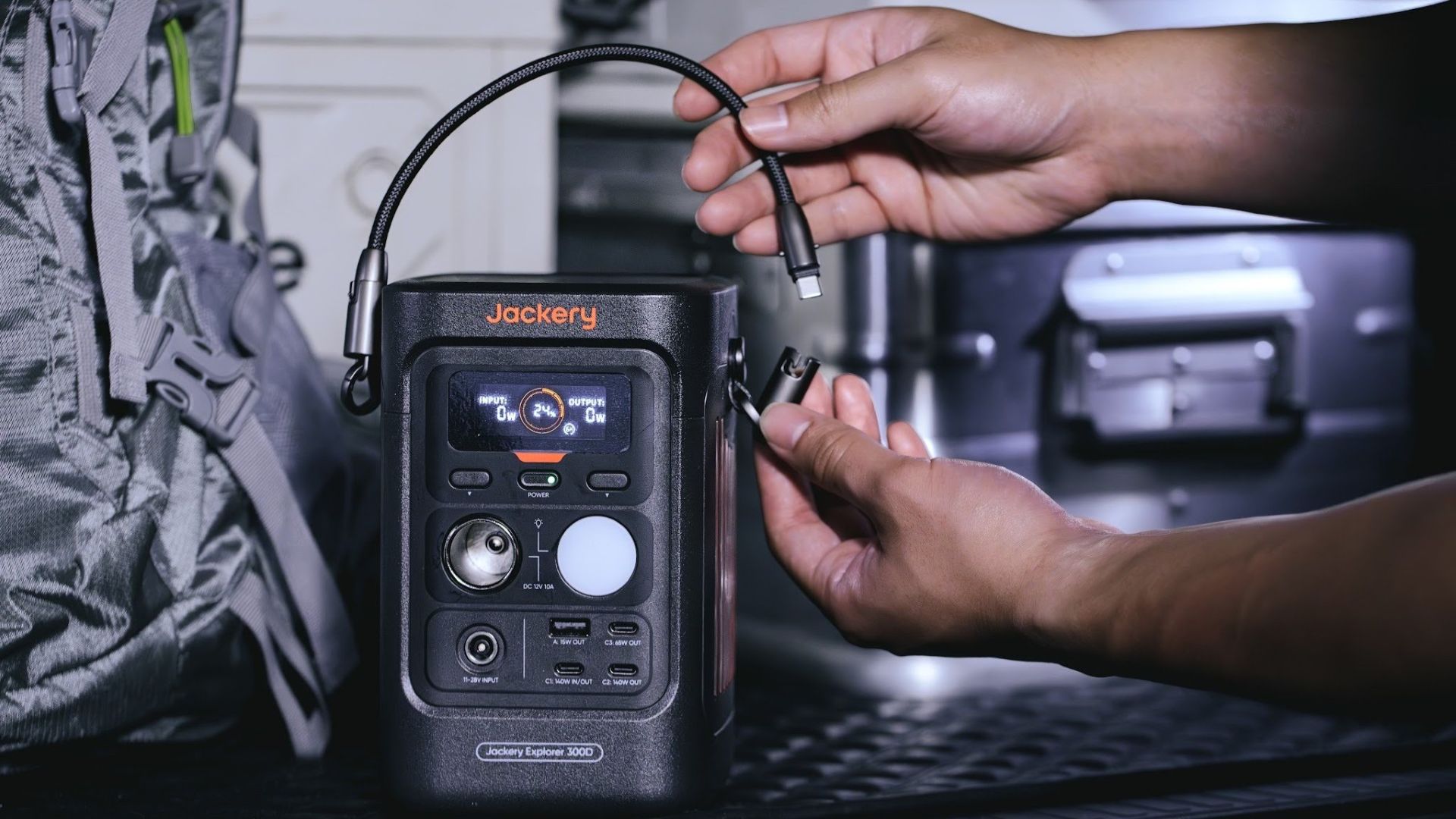
It moves away from Jackery’s traditional aesthetic with a sleek, speaker-like form factor. It weighs just 2.5 kilograms and is 64% smaller than standard 300W units in the market.
This ultra-compact size was made possible by a smart engineering choice of swapping bulky traditional AC wall outlets for highly efficient DC-only and USB-C ports — which also helps eliminate idle power loss.
With a 288Wh capacity, the Jackery Explorer 300D holds enough juice for up to nine power banks.
It can keep a Type-C fast-charging laptop for up to three to four full cycles, a Wi-Fi router alive for hours, and recharge cameras or drone batteries up to five times for a lengthy production day.
For smaller gadgets like smartphones and portable fans, the power station can juice them up for up to 22 times.

It can even charge five devices simultaneously with a total of three USB-C ports, a USB-A port, and a DC 12V car charger port.
All these ensure users are never disconnected, wherever they may set up their mobile office.
Another brilliant touch is the two-in-one shoulder strap that easily unclips to double as a heavy-duty 140W USB-C charging cable.
The everyday carry is available via Lazada and Shopee, and at the official Jackery kiosk in SM Fairview, as well as other partner stores.
Accessories
Apple is reportedly working on its own gaming controllers
It might launch under the Beats brand.

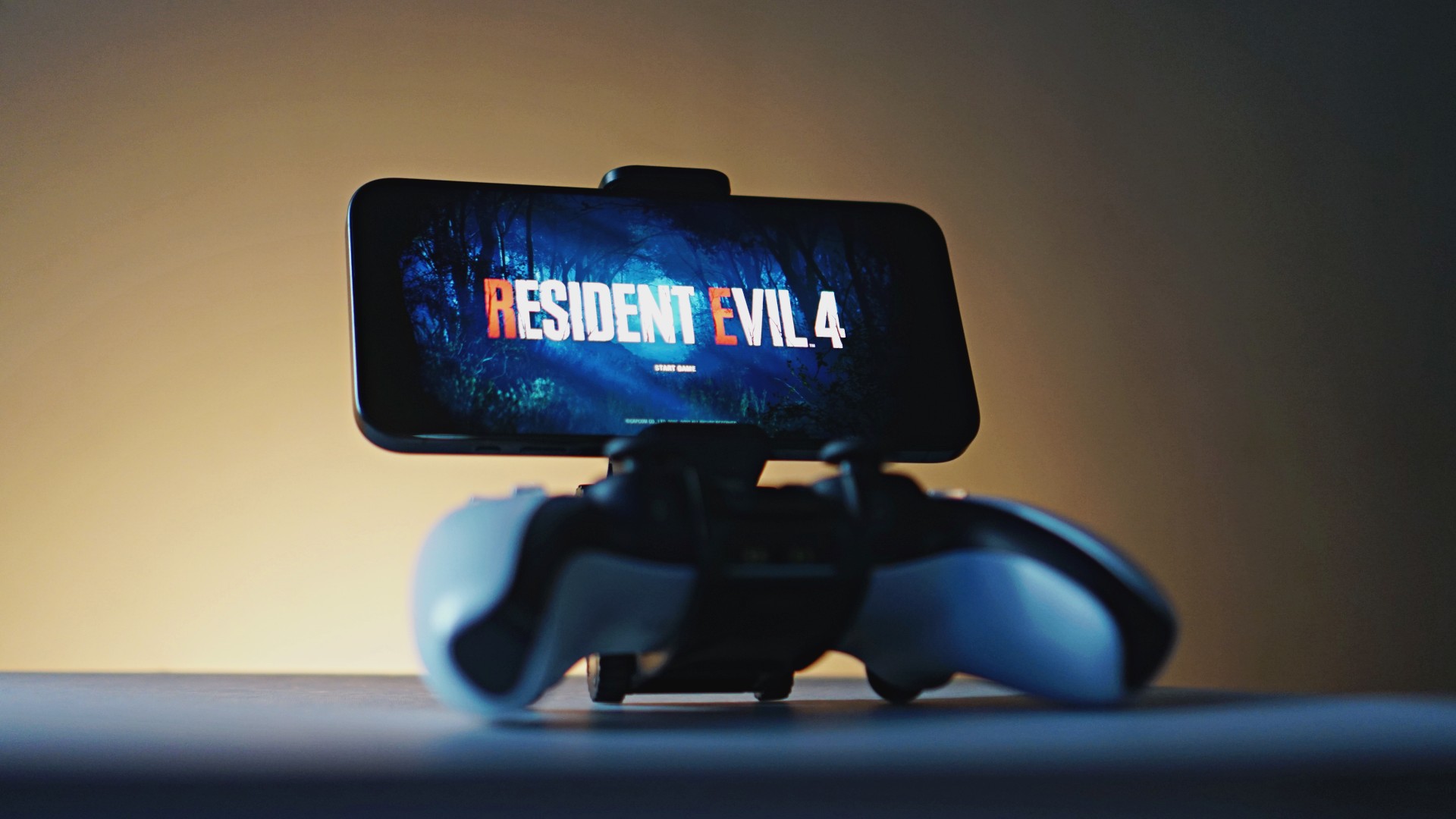
Last week, the iPhone Duo changed how you look at the ubiquitous smartphone. Foldables are in, and Apple is right there with it. But the company isn’t stopping with the foldable segment. Apple is reportedly working on its own branded game controllers.
According to Bloomberg, Apple has been working on a controller since last year. Further, a piece of code linked to macOS 27.4, spotted by MacRumors, includes references to two unknown gaming controllers.
Because Apple just concluded its huge event this month, it will likely be a while before we see confirmation of this controller. And it could be anything. Of course, because the Duo is fresh on our minds, the easiest answer is a mobile controller than can maximize the foldable’s ability to stand by itself. It could also use Apple’s larger screens like the iPad, the MacBook, or the Mac. Some even speculate that this could be Apple’s stronger push into the gaming market.
Outside of the actual hardware, the reports are also claiming that the controller will arrive by way of Beats, rather than from Apple itself. At first, the branding comes off as a surprise, but then again, Beats hasn’t really evolved past an audio brand in a long, long time. Is it time to revitalize Beats as something more than just a peddler of headphones?
SEE ALSO: First Look: Apple iPhone Duo


DJI Lito X1 review: Is this the best lightweight drone for creators?
Making a strong case as a travel companion and a capable B-cam!


REDMI Note 17 Pro Max review: A new breed born from AI greed
Welcome to the new normal


Marvel’s Wolverine review: When the claws come out
A brutal, cinematic superhero adventure

Manila turns up the volume at COVE

Epson Lifestudio Grand Plus EH-LS970B with 4K projection, more launches

Jackery Explorer 300D: Power and portability in one

Nike’s Alphafly 4 is built for the part of the marathon ~that actually hurts~

SEGA, Netflix announce Crazy Taxi film adaptation

realme 16T 5G with 8000mAh battery, IP69 Pro rating launches in PH

HUAWEI Pura X View is 2026’s first WIDE slab-type smartphone

REDMI reveals the refreshed Note 17 and Note 17 Pro series

REDMI Note 17 Series: Price, availability in Singapore

The CAMON Slim 5G is TECNO’s latest ultra-slim smartphone


-
 News2 weeks ago
HUAWEI Pura X View is 2026’s first WIDE slab-type smartphone
-

 News2 weeks ago
iPhone 18 Pro series: Price, availability in the Philippines
-
 Singapore2 weeks ago
iPhone 18 Pro series: Price, availability in Singapore
-
 News2 weeks ago
iPhone Duo: Price, availability in the Philippines
-
 News2 weeks ago
HUAWEI Mate XT 2 tri-fold launches with Kirin 9050 Pro
-
 News2 weeks ago
vivo introduces refurbished versions of X300 FE, X300 Ultra for less
-
 News2 weeks ago
iPhone Duo: Price, availability in Singapore
-

 Accessories2 weeks ago
CASETiFY upgrades iPhone 18 cases, teases iPhone Duo lineup