

Gaming
Lenovo Legion 5 Pro review: A professional’s gaming laptop
Less flash and color, but certainly brings the thunder

It’s very rare that a gaming device is given some level of “professional” treatment in its design. As I’ve observed, a lot of gaming devices tend to have something flashy about it from the design itself. Whether it’s an RGB logo or a matrix of LEDs, these often either bring out more features, or simply provide creative options. However, it’s pretty rare to find a gaming laptop that doesn’t get in your face about it.
When such devices exist, it’s often quite bland even on the hardware side. Apart from simple yet subtle designs, some devices don’t have quite the power and performance as a flashy, RGB-laden gaming machine. However, with Lenovo’s latest offering, they’re trying to break that notion that “professional” can be powerful.
I got the chance to take a look at the Lenovo Legion 5 Pro, a gaming device that promises to bring gaming power in a non-flashy design. With the “Pro” title attached, you would think it’s an upgraded version of the Legion 5 from a few months back. However, this laptop makes its case to be a subtle version, but a more powerful one to boot.
To start, here’s what the Lenovo Legion 5 Pro offers:
It has a 165Hz refresh rate display, with a 16:10 aspect ratio
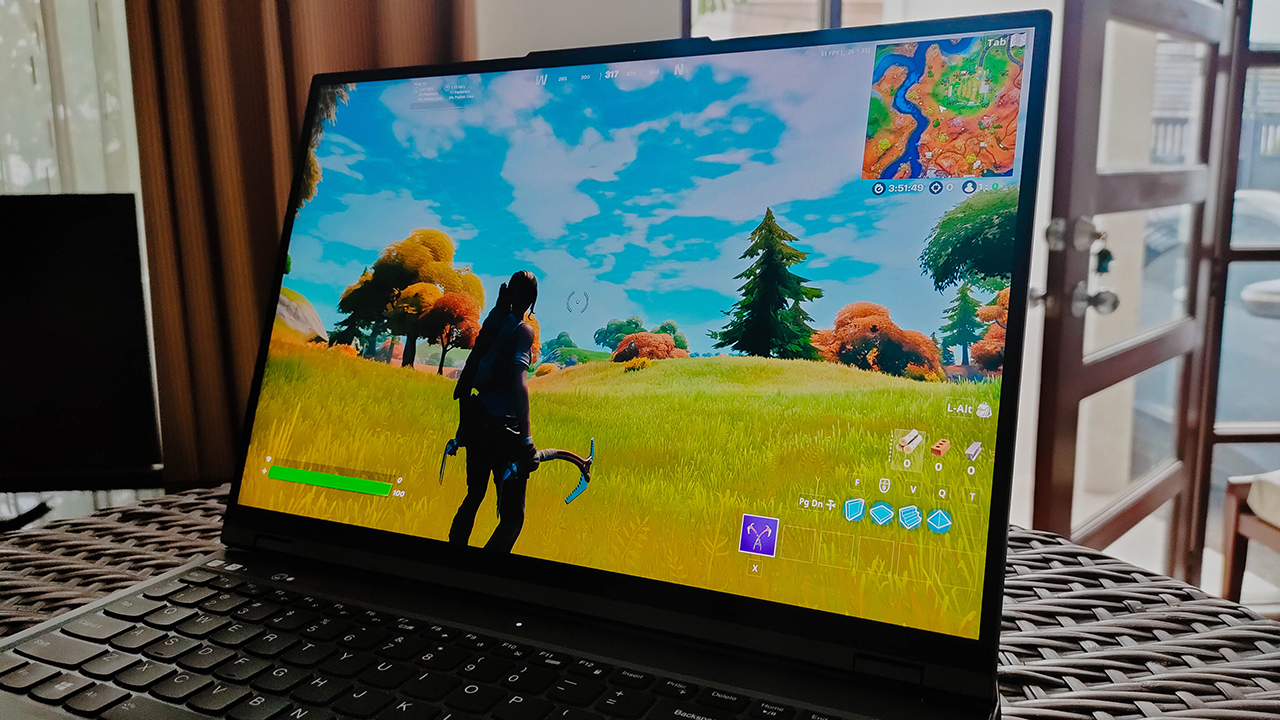
The big LED Legion logo is placed in the middle of the lid
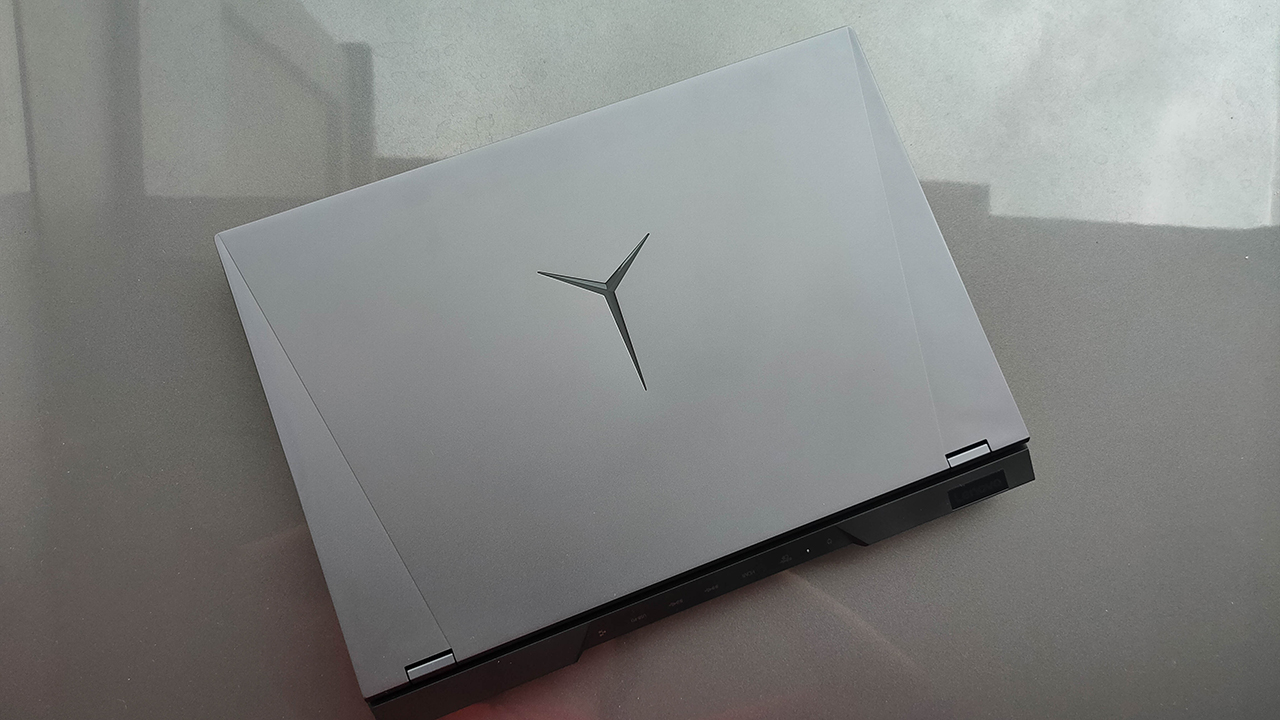
Most of the media, connectivity, and the charging ports are placed at the back

It comes in a subtle, Space Gray-esque color
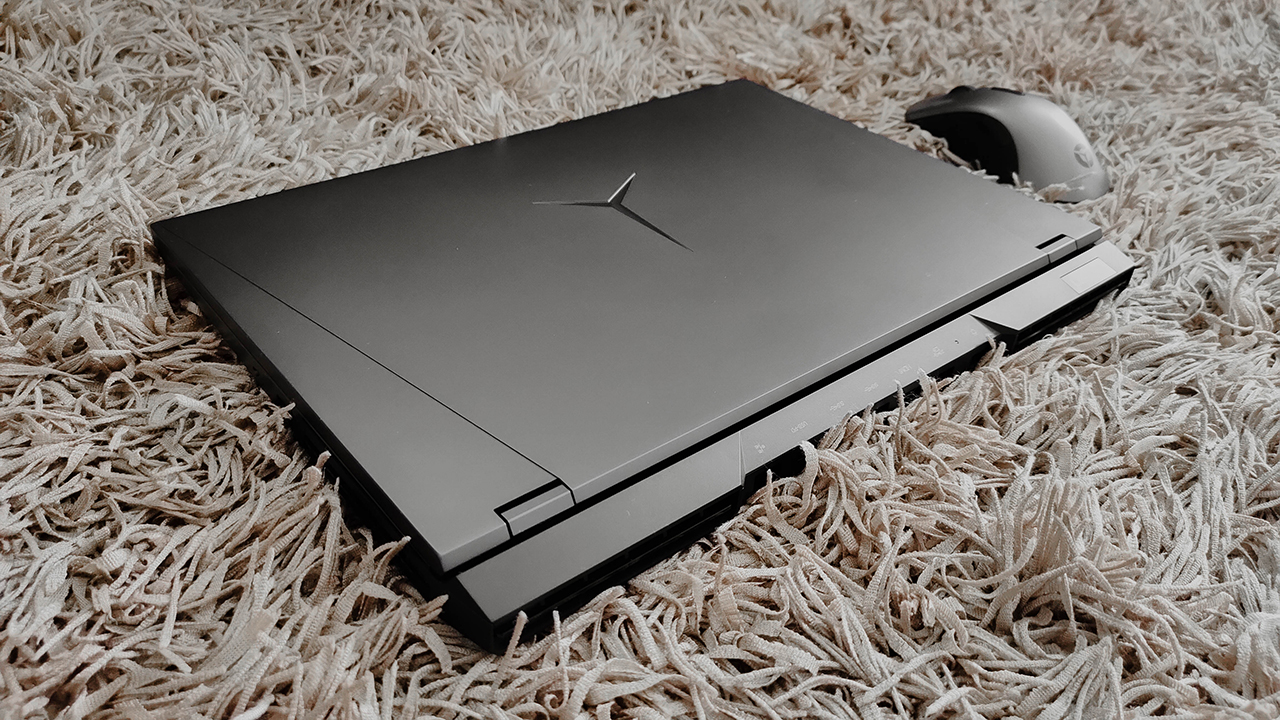
Design without flash, in a good way
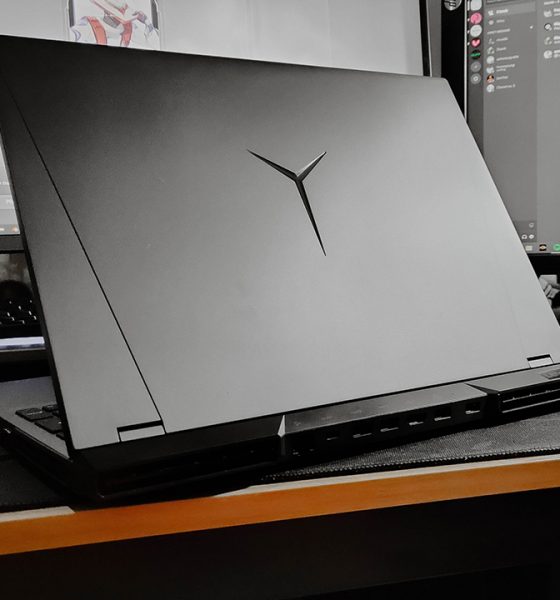
Out of the box, I was genuinely surprised that the unit came in a Space Gray-like colorway with no indication of any RGB in it. I thought that, as a gaming laptop, it’s a “standard” to have some amount of RGB within the device. Apparently, for the whole build, I can’t find a single trace of RGB on it. However, there are units with an RGB keyboard, so keep that in mind.
Also, they’ve decided to plaster the LED Legion logo as the centerpiece of the lid cover. In previous Legion devices, it’s usually just sitting within the Legion letters to the side. Honestly, I’m a big fan of them doing this considering that it’s the only design piece on the lid with any lights on before.
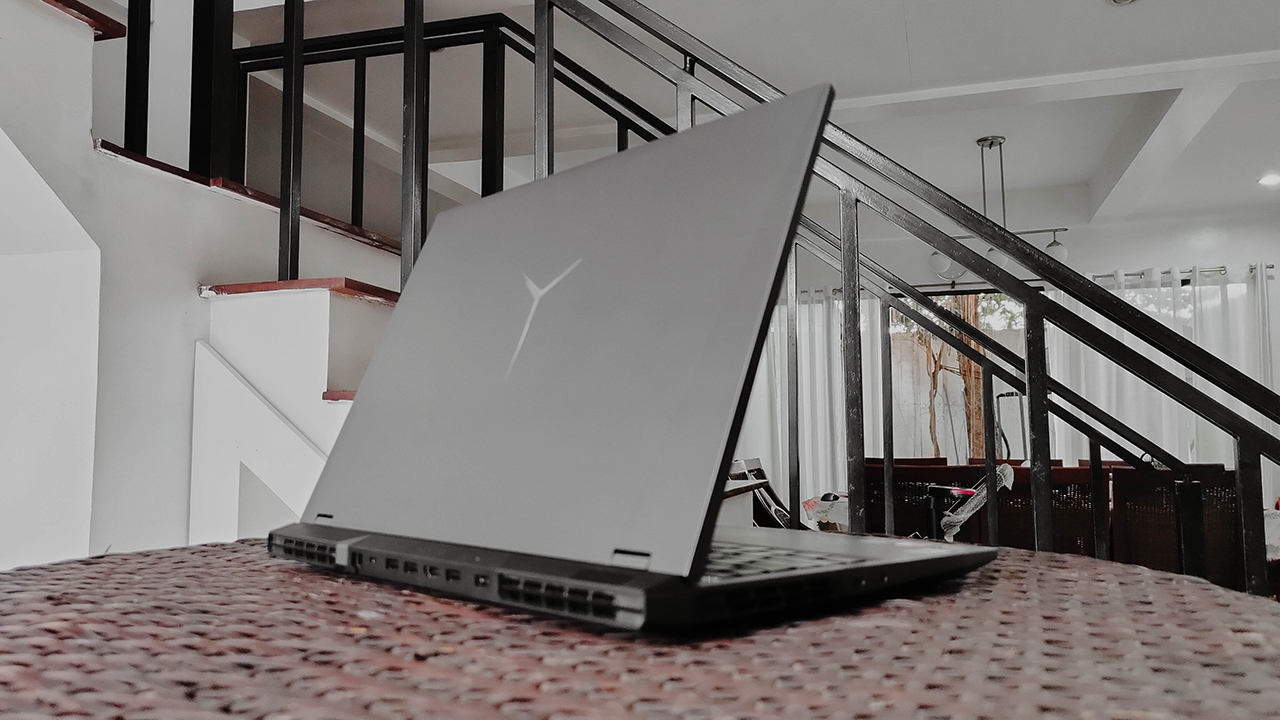
It’s a subtle way of introducing a brand new gaming laptop. From all angles, it doesn’t show anything remotely flashy, giving it a “Pro” feel and look. It’s so subtle, it might even pass as a thick ultrabook that most young professionals use for their own daily grind. Underneath it, however, is an entirely different story.
Competitive gaming power fitting for the best
Inside this subtle machine are gaming-ready hardware oozing with power for the competitive gamer. This includes an AMD Ryzen 7 5800H and an NVIDIA RTX 3070, which on paper brings the thunder when it comes to competitive gaming. Also, with an AMD chip powering the system, you could expect some power-efficient performance, as well.
| Title | Avg. FPS (highest possible settings, no DLSS) |
| Fortnite Battle Royale | 87-93 FPS |
| Cyberpunk 2077 | 57-62 FPS |
| Shadow of the Tomb Raider | 79 FPS |
| VALORANT | 194-201 FPS |
| Counter Strike: Global Offensive | 240-250 FPS |
| Rocket League | 258-266 FPS |
| Madden NFL 21 | 117-120 FPS |
| Apex Legends | 75-79 FPS |
| Battlefield V | 88-93 FPS |
For this part, let’s get the obvious out of the way: this device provides stellar gaming performance. With all the games I ran through it, it was absolutely no sweat at all while playing at their highest settings. However, I didn’t particularly think it was perfect enough to maintain the same quality of gameplay all throughout.
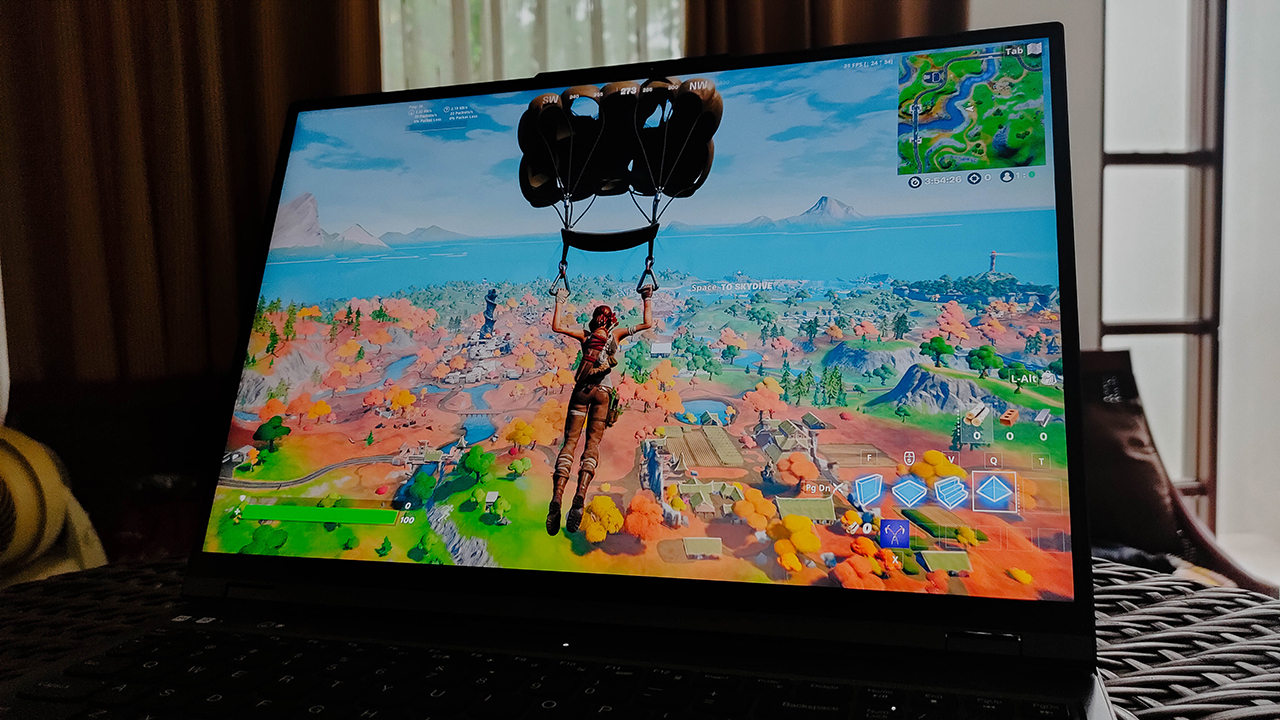
Ray-tracing on an RTX 3070 was just… okay
| Title | Avg. FPS (w/ RTX DLSS + ray-tracing on) |
| Fortnite Battle Royale | 37-43 FPS |
| Cyberpunk 2077 | 42-44 FPS |
| Shadow of the Tomb Raider | 64 FPS |
See, the moment I cranked up the ray-tracing in supported games, it made these games barely playable. Now, Shadow of the Tomb Raider and Battlefield V were the exceptions, but in Battlefield’s case, the setting could not be toggled at all. I don’t particularly know why that happened, but this was one of the first games to introduce ray-tracing.
Fortnite and Cyberpunk 2077 hovered around the 40 FPS area, when cranked to a high ray-tracing setting. Even though I could see the reflections and the lighting effects in their full glory, it tanked my gameplay for Fortnite to an extent. In Cyberpunk’s case, it wasn’t a huge bother since I could take everything in quite nicely.
Potential for the creator in you
Apart from the obvious gaming capabilities, you can do so much more with this device thanks to its hardware. Depending on the content you wish to create, the Legion 5 Pro handles those tasks quite well. Of course, most of the credit will go to the RTX 3070 inside the machine doing all the graphical work in the process.
Creating photo and video content
In terms of photo and video editing, my experience was seamless, to say the least. A huge factor was the fact that the display of the device comes in a 16:10 aspect ratio. In essence, there’s a lot of workspace real estate to maximize your application windows on. Plus, it’s an anti-glare display with a 100 percent sRGB color gamut for more accurate colors while editing.
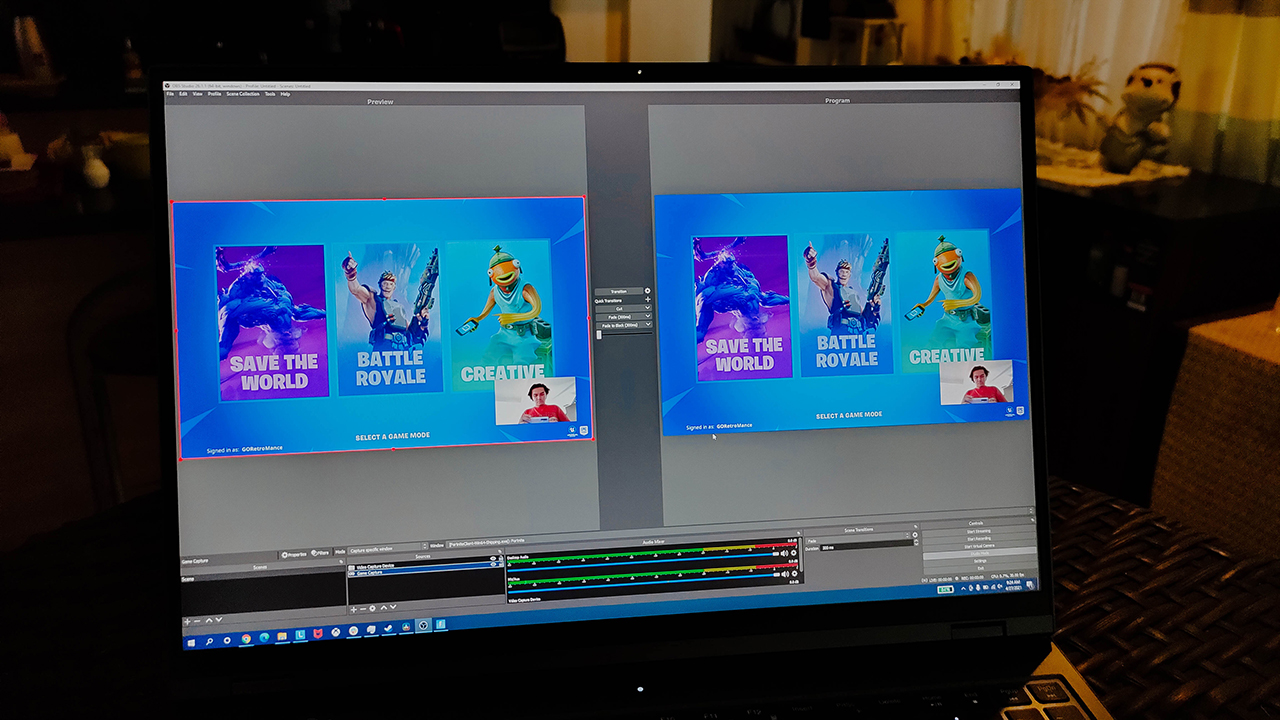
When it came to rendering videos, the RTX 3070 proved its worth in that department. Even for an 8GB VRAM GPU, it holds up when you run heavy-duty renders on it. In rendering my attempts of getting good at VALORANT caught on video, it took about 5-6 minutes on average to render 8-9 minutes with color effects and transitions. Meanwhile, renders on Blender took about 15-16 minutes on average, right around where i expected it to be.
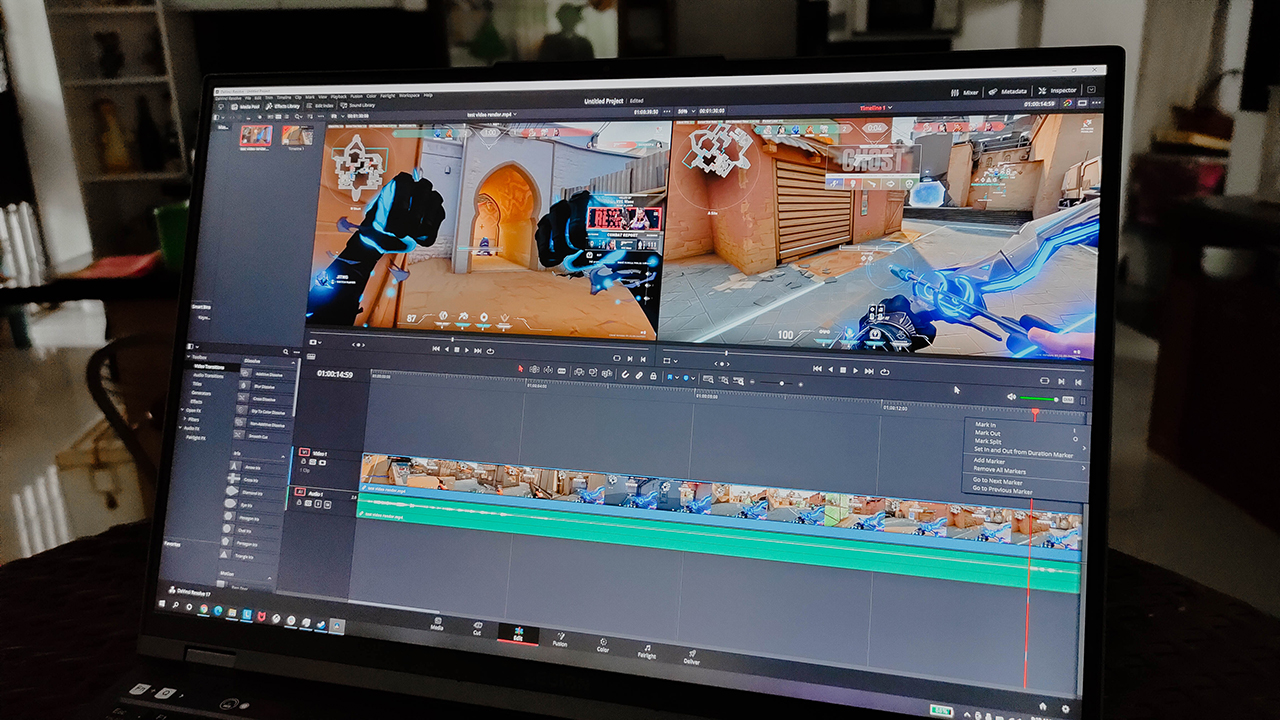
Streaming and video conferencing
If you plan to pick up a laptop for streaming purposes, this is one sound recommendation in my book. Obviously, you will be running both your games and either OBS or Streamlabs in the background. Honestly, I didn’t feel any sort of hiccups when managing the workload, and I could still pop off in some games.
Although, there is just one slight thing I don’t recommend you doing: using the webcam to stream. See, it’s a 720p camera that, upon initial previews, isn’t the best in terms of image quality. When taking pictures and videos with it, the content produced lacks a good amount of detail that doesn’t complement the high quality gameplay.
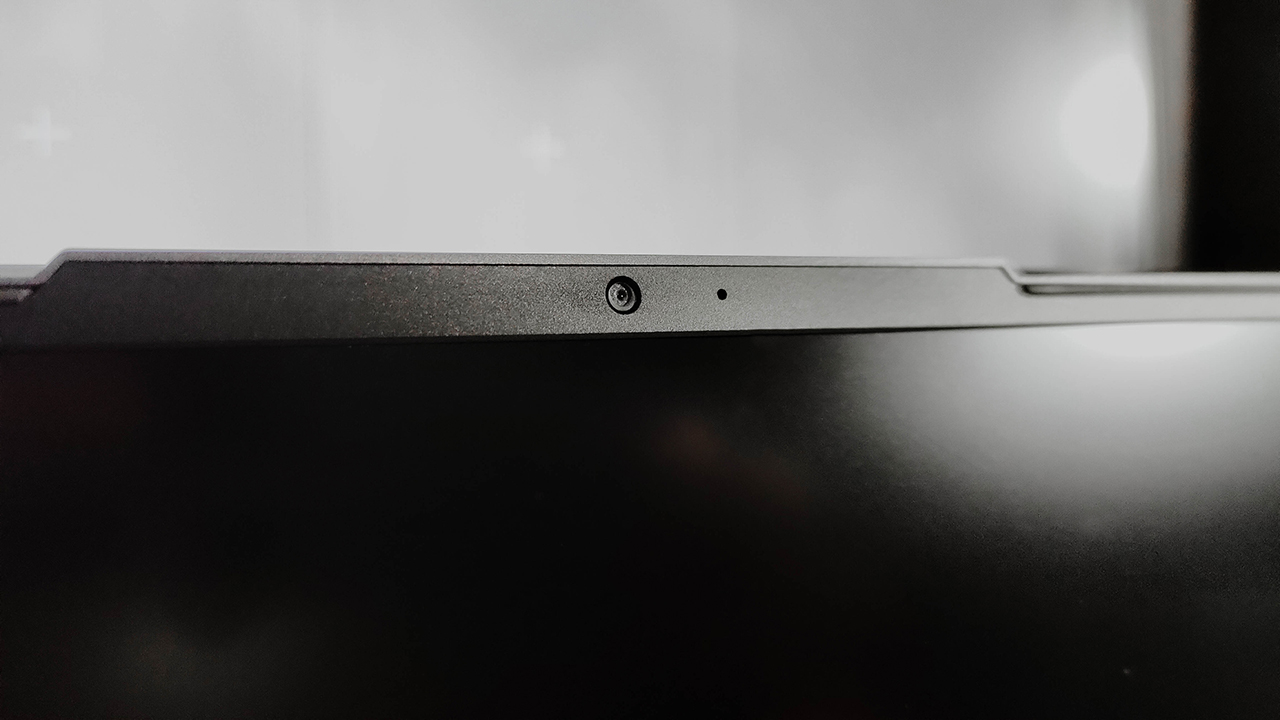
If you want to go on video calls with your buddies, it gets a pass from me. Even with the dip in quality, it still shows your face in a way that’s not overly grainy. If you don’t plan to use the camera, there’s a physical switch at the right side to turn it off. It’s a nifty touch to have it on the side instead of being above the lens.
Lasts for as long as you’d expect
Factoring in all of the workload I subjected it to, the Legion 5 Pro lasted as long as I expected it to. On average, I got about 6-7 hours using it for productivity, video editing, and light gaming at 60 FPS. Even with an AMD chip inside, I could only squeeze out that much as compared to other gaming laptops with AMD chips inside.
Solely using this device to game at a high frame rate limited the battery life to just two hours. I tried limiting the frame rate to 60FPS while on battery, and I only got an additional 40 minutes on average. It’s not that surprising considering the GPU this device comes with, so make sure the charger is just nearby when you’re knee-deep into a game.

Speaking of that charger, it gives the device roughly two hours before being fully charged. The Legion 5 Pro brought a 300W charging brick to its full package, which is literally massive. When I turned on Rapid Charge on Vantage, it cut the full charge time by 20-25 minutes, so it brings you back in the game.
Stayed a little cooler for the most part
For such a subtle, professional-looking device, it actually heats up quite significantly. Now, Lenovo designed its Coldfront 3.0 to focus on improving heat management for the power-hungry components. It doesn’t mean the device won’t heat up under heavy workload, but it’s ideally supposed to alleviate some of that heat better.
My response to that is, well, it somewhat did that but with some things to call out. First off, it heated up when I was playing for longer hours, but not to an uncomfortable state. Usually, the keyboard is the first component hit by any severe warmth due to heavy workload. I was genuinely surprised that, at least on that aspect, they managed to fix that problem.
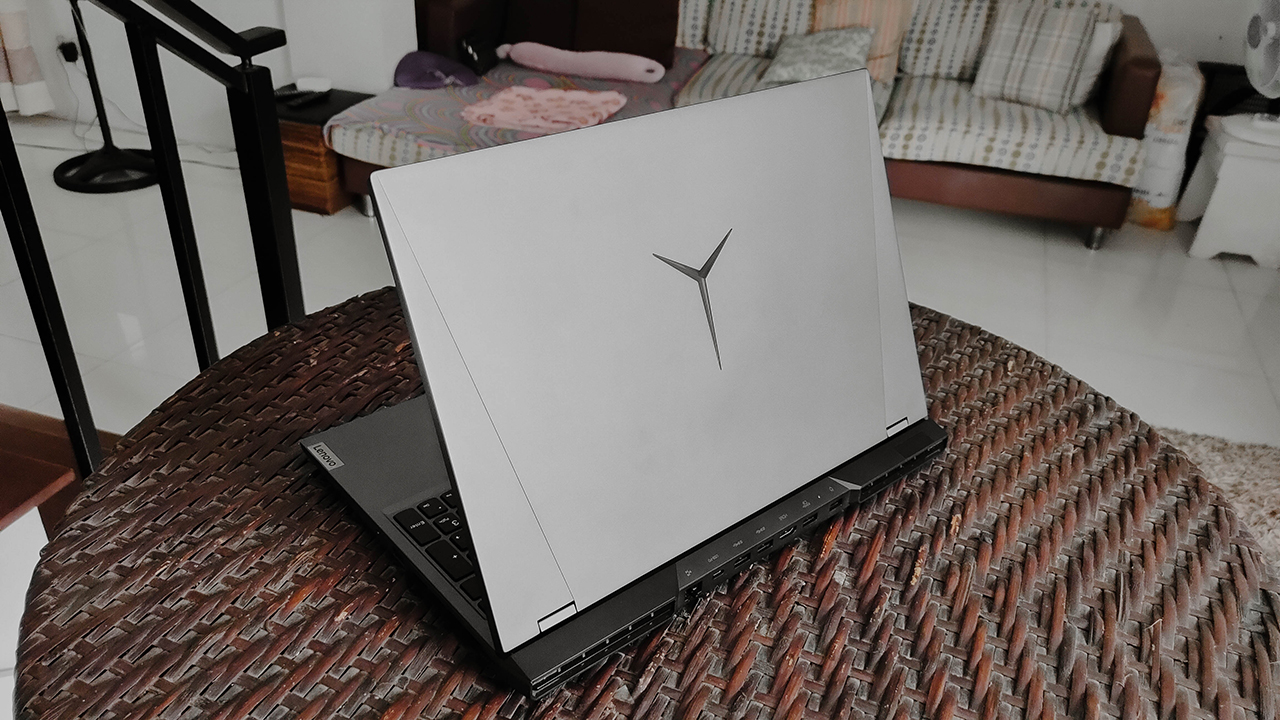
Second, when under heavy workload and hot air pumping out of the vents, you’re better off using a table. As much as I like to emphasize that this is a laptop, it grew a little too warm for my liking when I placed it on my lap. If it’s any consolation, I tried playing games with the laptop on my lap so that’s an “mb” on my end.
Is this your GadgetMatch?
Starting at PhP 84,995, the Lenovo Legion 5 Pro gives you a well-rounded gaming machine to work with. It comes with the gaming-ready hardware that will surely help bring out the best in you, in a form factor that isn’t flashy. Plus, it offers some content-creating capabilities that will give you more reasons to continue using the device for the whole day.
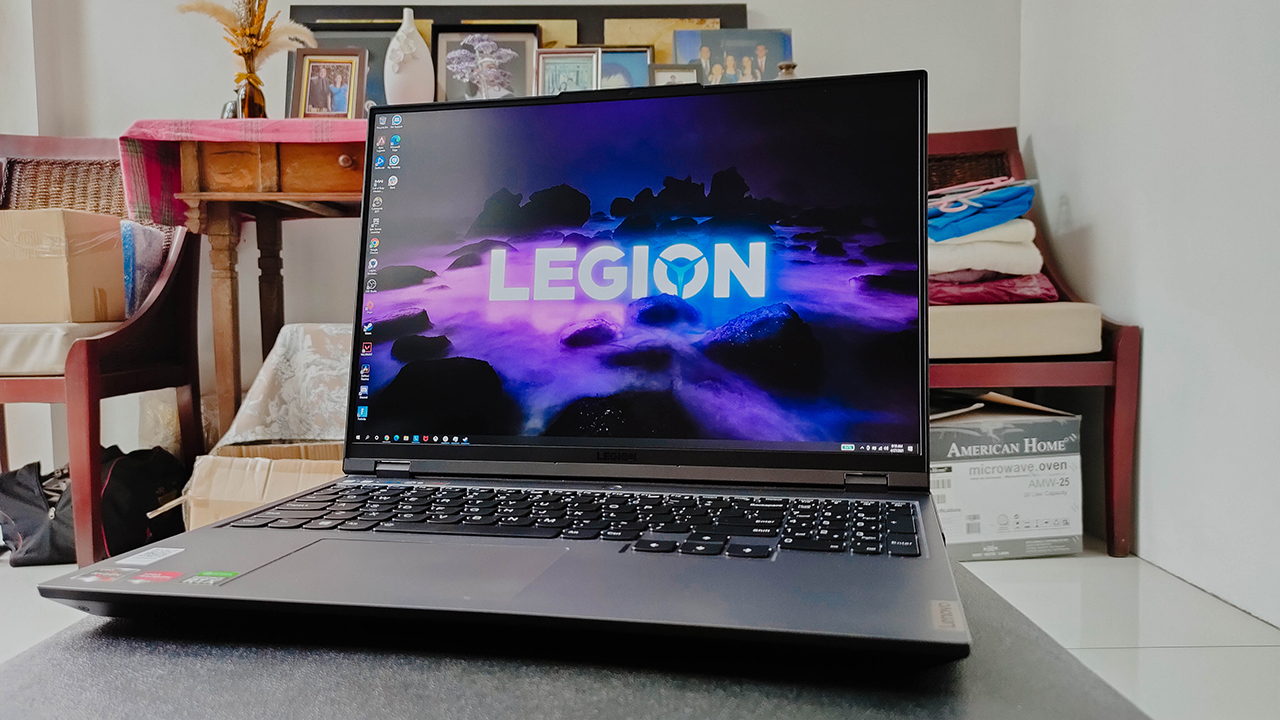
With a massive charger to boot, it gets you right back into your work or gameplay when you take a break. Also, the device addressed some of the cooling issues from the past that made the experience a little bit better. It’s not a huge step-up, but it’s one I’m honestly happy they took.
Overall, the Lenovo Legion 5 Pro shows you that you don’t really need all that RGB in a hardcore gaming machine. Sometimes, it’s better to just be subtle and let the hardware shine through. If you plan to take this device to the workplace, don’t make it obvious that you’re getting them one-taps.








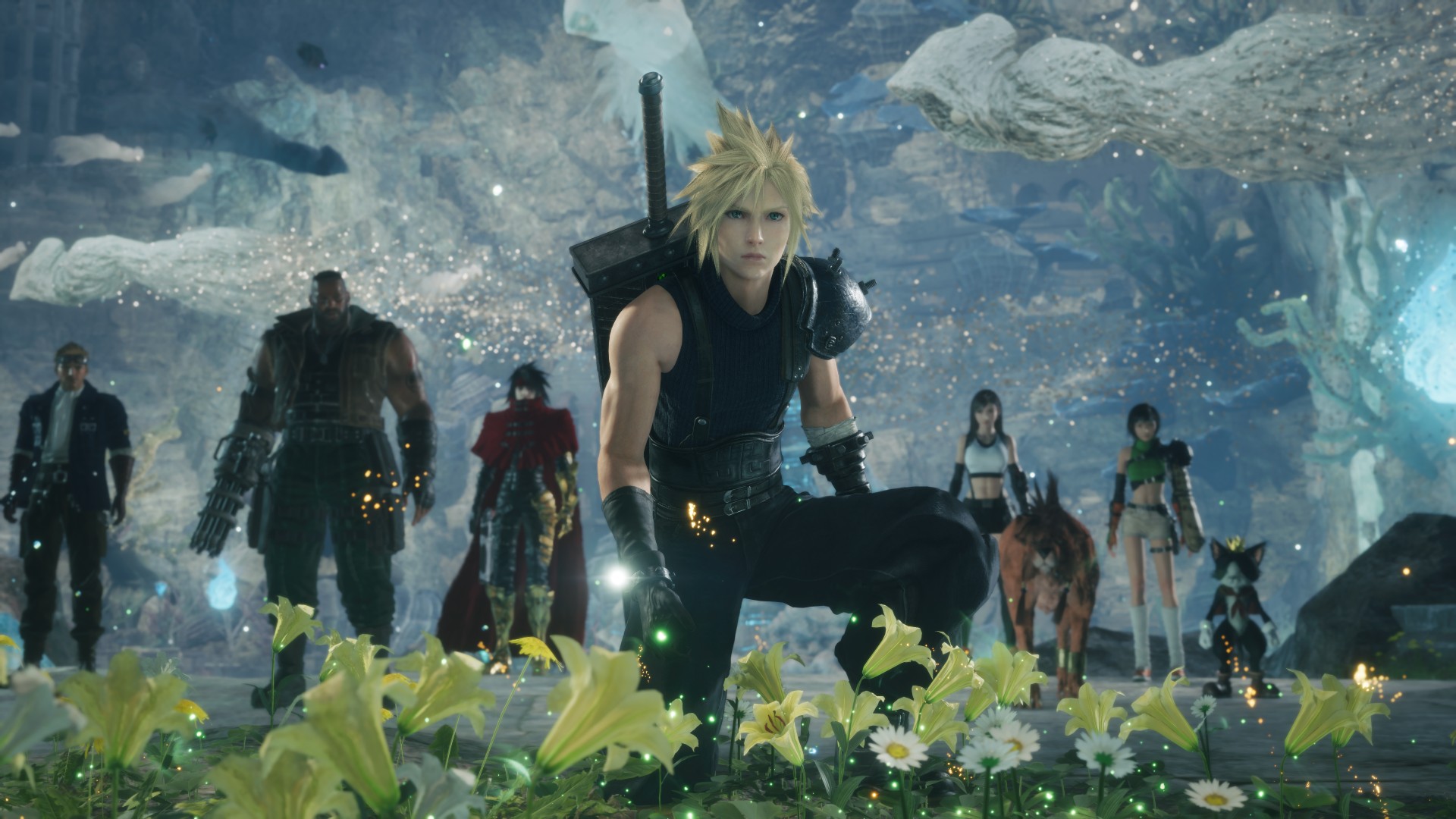
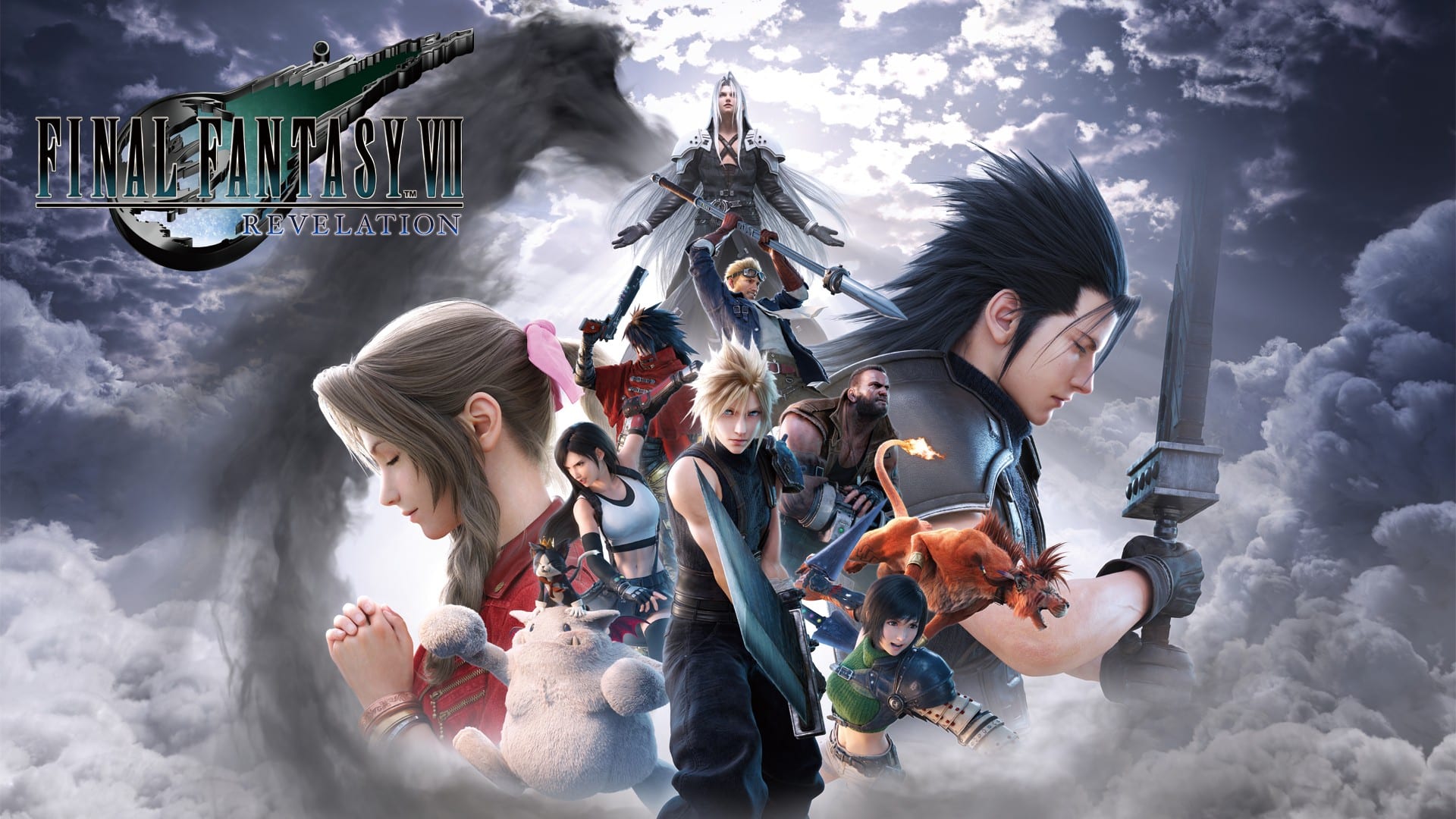
I have had the privilege of interviewing Final Fantasy VII Revelation game director Naoki Hamaguchi before, back when Final Fantasy VII Rebirth was still on its way to release.
So, naturally, I have massive FOMO seeing all the interviews that have come out since Tokyo Game Show.
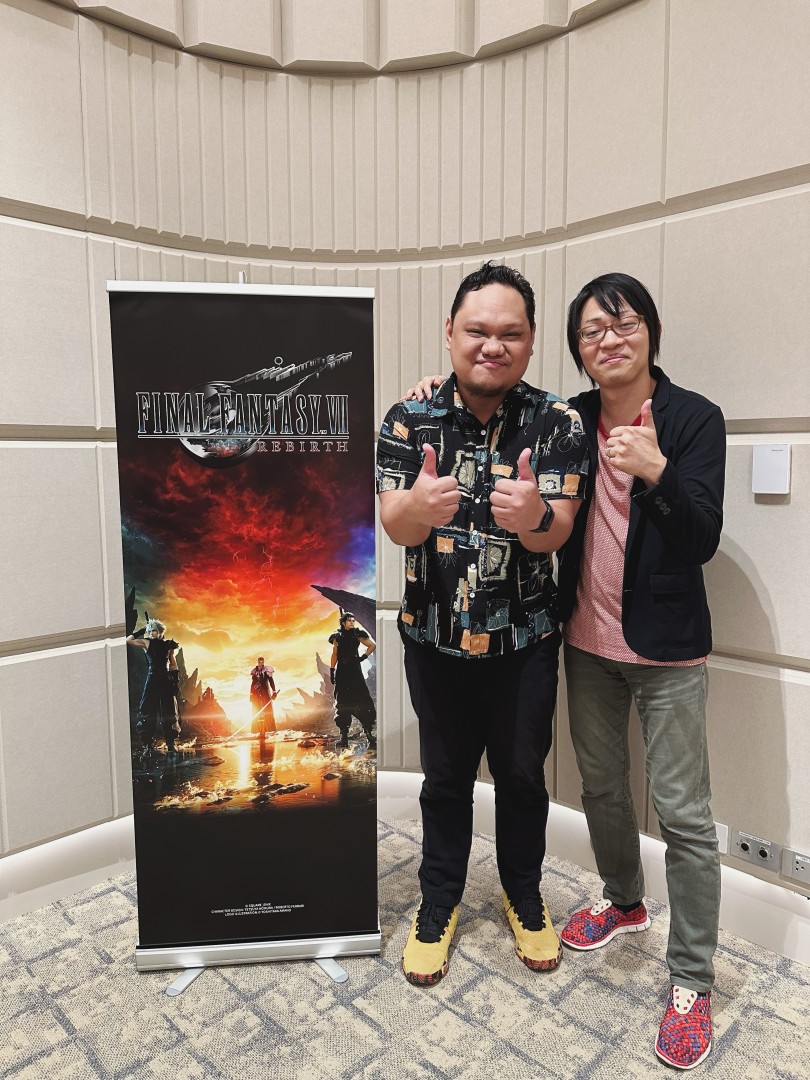
GadgetMatch Managing Editor Rodneil Quiteles with Final Fantasy VII Rebirth game director Naoki Hamaguchi
Rather than sulk about it, we’re doing the next best thing: collecting the bits and pieces Hamaguchi has shared across those interviews, along with his own comments and clarifications, as we get closer to the final installment of the Final Fantasy VII Remake trilogy.
We’re now roughly six months away from Revelation’s April 8, 2027 release, and there’s already a surprising amount we know about the game.
You’ve probably already heard about the huge open world, the Highwind, new playable characters, FITS, and the two story DLCs.
But Hamaguchi has also dropped plenty of smaller details that haven’t received nearly as much attention.
Here are 11 things you probably missed.
1. Some armor can link three Materia together
Let’s start with one of the biggest gameplay deep cuts.
Revelation will have armor with three linked Materia slots.
That might sound like a small upgrade, but linked Materia are fundamental to how Final Fantasy VII‘s build system works. More linked slots mean more room to experiment with combinations and create specialized setups.
Hamaguchi also revealed that some Materia are restricted to specific FITS, meaning the game’s new outfit-based combat system isn’t purely about choosing a role and calling it a day.
The Materia system is getting its own layer of experimentation on top of FITS.
Interestingly, Hamaguchi told Wccftech that this was a detail nobody had asked him about before. Wccftech interview on Materia and FITS
And that makes this exactly the kind of detail we wanted to dig up.
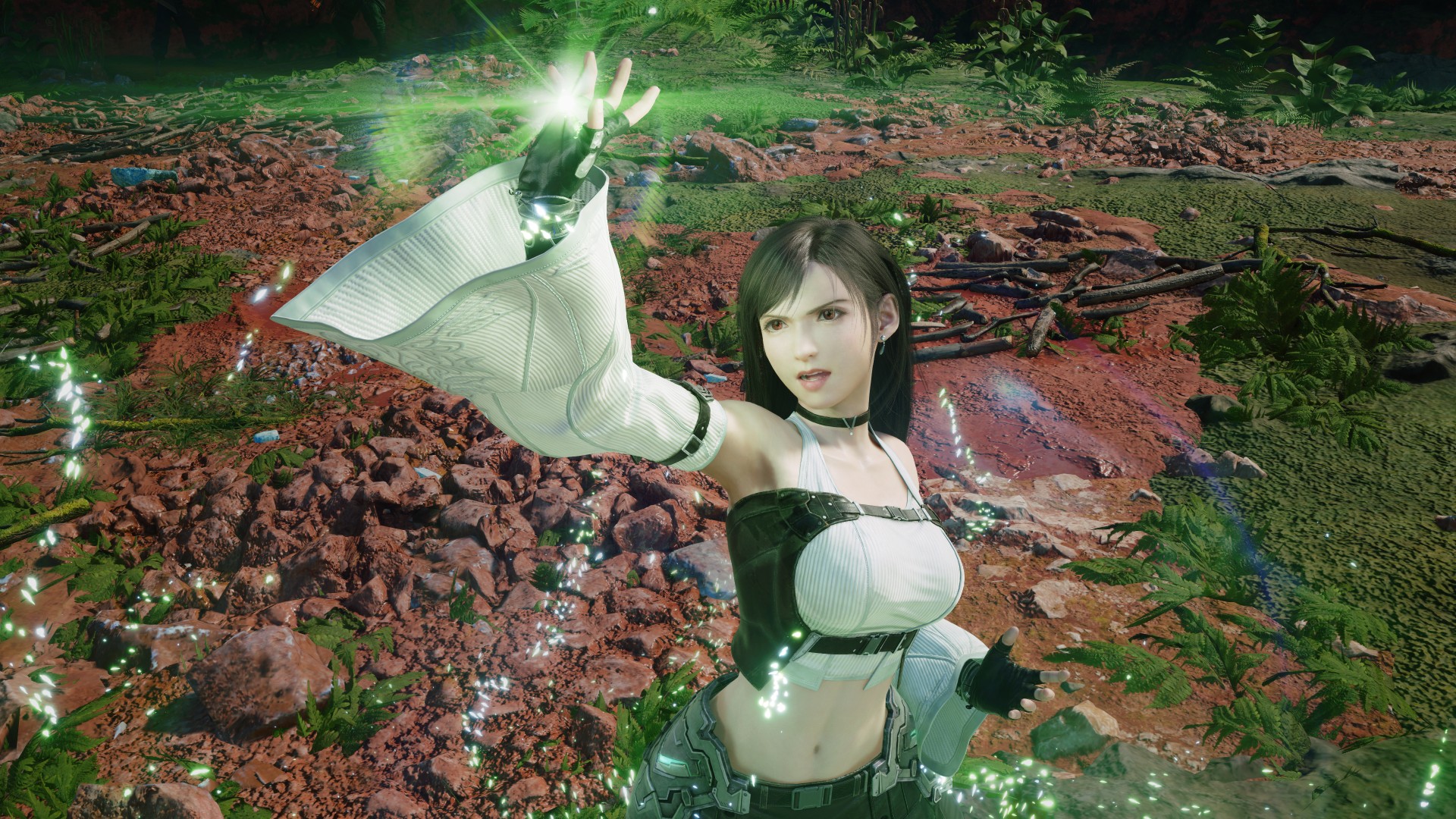
2. Master Materia isn’t coming back
Here’s another one for longtime Final Fantasy VII players.
Don’t expect to eventually turn your Materia collection into the original game’s ridiculously powerful Master Materia.
Hamaguchi explained that Master Materia was deliberately left out because it could break the game’s balance, particularly when it comes to summons.
That makes sense in a game where combat is much more action-focused than the original.
Instead, Revelation is expanding the existing Materia system with new combinations and more ways to customize characters.
It’s a very different approach from simply recreating the original game’s endgame progression. Wccftech interview on Materia and FITS
3. Some Materia are locked to specific FITS
FITS already looks like one of Revelation’s biggest changes to character customization.
The four combat-oriented outfits aren’t just cosmetic loadouts, either.
Hamaguchi revealed that certain Materia can only be equipped to specific FITS.
That means the game is effectively asking you to think about two layers of character customization at once: which FITS you’re using and which Materia you’re slotting into it.
It could also mean that the “best” setup isn’t necessarily about stacking the strongest Materia on your favorite character.
You’ll have to work around the rules of each FITS. Wccftech interview on Materia and FITS
4. The team considered bringing back Double Cut and 4x Cut
Here’s one that could easily disappear beneath all the bigger announcements.
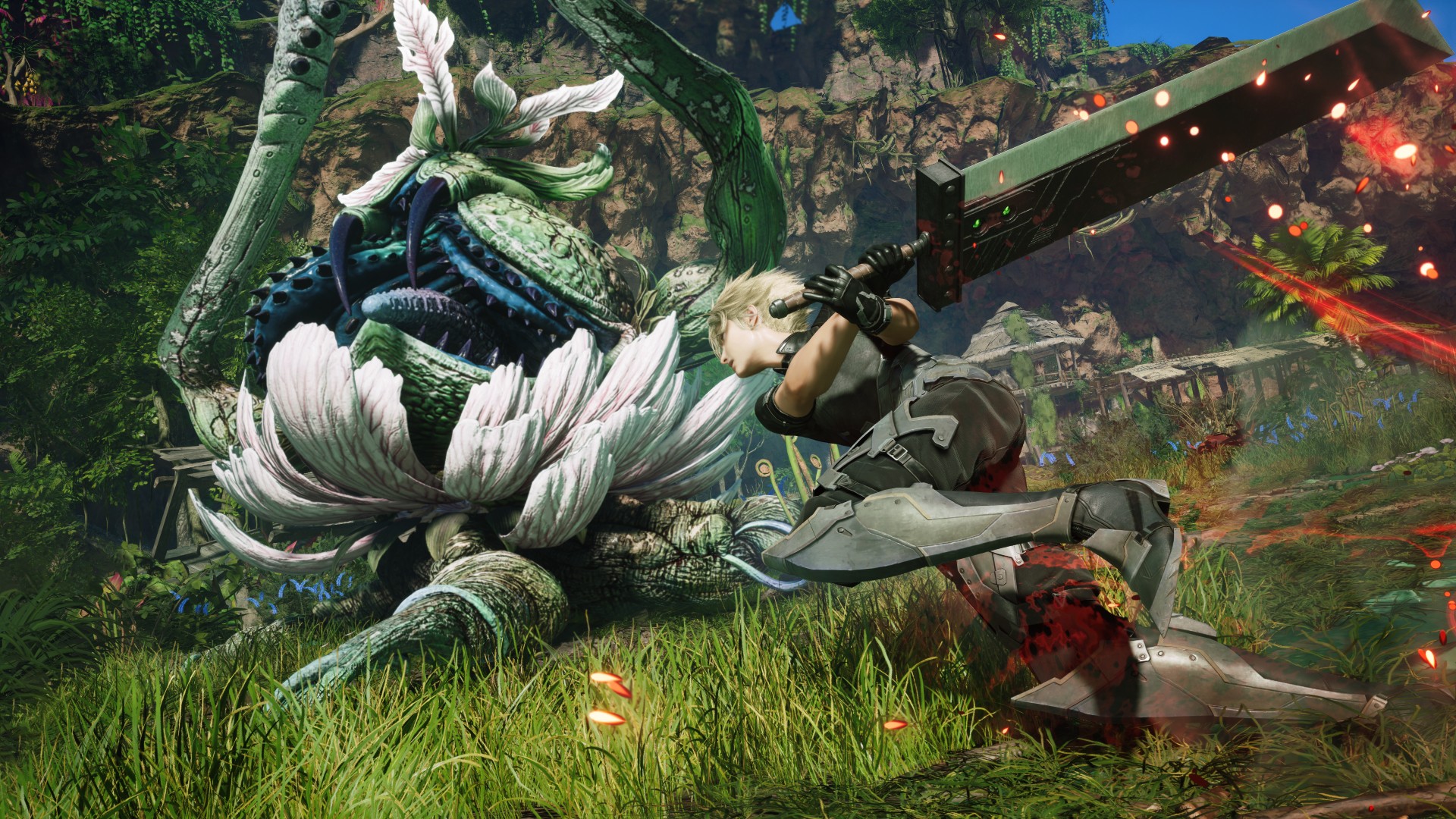
Hamaguchi discussed how the team considered bringing back classic Materia such as Double Cut and 4x Cut.
Ultimately, those ideas didn’t fit the game’s action-oriented combat particularly well.
It’s a fascinating example of the team deciding where Revelation should preserve the original game’s ideas — and where simply recreating them wouldn’t make sense.
The Remake project has always involved translating systems designed for a turn-based RPG into a modern action RPG.
This is another example of that process happening behind the scenes. Wccftech interview on Materia and FITS
5. Knights of Round gets its own storyline
We knew Revelation would bring back plenty of familiar elements from the original.
But Knights of Round isn’t simply returning as another summon.
Hamaguchi has described dedicated content surrounding the summon, structured similarly to how Gilgamesh received his own story content in Rebirth.
That means one of the most iconic summons in the original Final Fantasy VII is being given considerably more room to exist as part of the world.
For longtime fans, this is exactly the kind of expansion that makes the Remake trilogy interesting.
The team isn’t merely recreating the things we remember. It’s finding ways to turn familiar elements into new experiences. JCR Comic Arts‘ reproduction of the interview
6. Yes, Johnny’s clones are back
Of all the things to survive into the final game, this might be one of the most delightfully ridiculous.
Johnny returns.
And, somehow, his clones return too.
Hamaguchi has confirmed that Johnny will have his own side content in Revelation, continuing one of Rebirth’s strangest recurring bits.
It’s also a reminder that the Remake trilogy isn’t suddenly going to become completely serious just because we’re approaching its conclusion.
If anything, Revelation appears to be bringing along plenty of the weirdness that made Rebirth such a bizarre and memorable RPG. Wccftech‘s Hamaguchi interview
7. The snowy section brings back stamina management
Remember the Great Glacier?
That icy section of the original Final Fantasy VII is making a return in Revelation, and Hamaguchi has confirmed that stamina management will once again be part of the experience.
This isn’t simply a matter of walking through another snowy environment.
You’ll have to manage Cloud’s stamina as you make your way through the area, creating a gameplay sequence that deliberately echoes the original.
It’s another example of Revelation using nostalgia as a starting point rather than simply recreating an old location. Shacknews‘ interview with Hamaguchi
8. The PC version is being built to run more smoothly than Rebirth
PC players have another reason to pay attention.
Hamaguchi has specifically talked about making Revelation’s PC version run more smoothly than Rebirth.
That’s significant because Rebirth’s PC release became a major talking point around its performance and image quality.
Rather than treating the PC version as an afterthought, Square Enix says the lessons from Rebirth are feeding into the final game’s development.
We’ll obviously have to wait until we can actually play it to judge whether those ambitions translate into a better release.
But at least the team knows exactly what players will be watching for. Wccftech on Revelation’s PC version
9. FITS started as something much simpler
FITS looks like a major part of Revelation’s identity now.
But the idea apparently started much smaller.
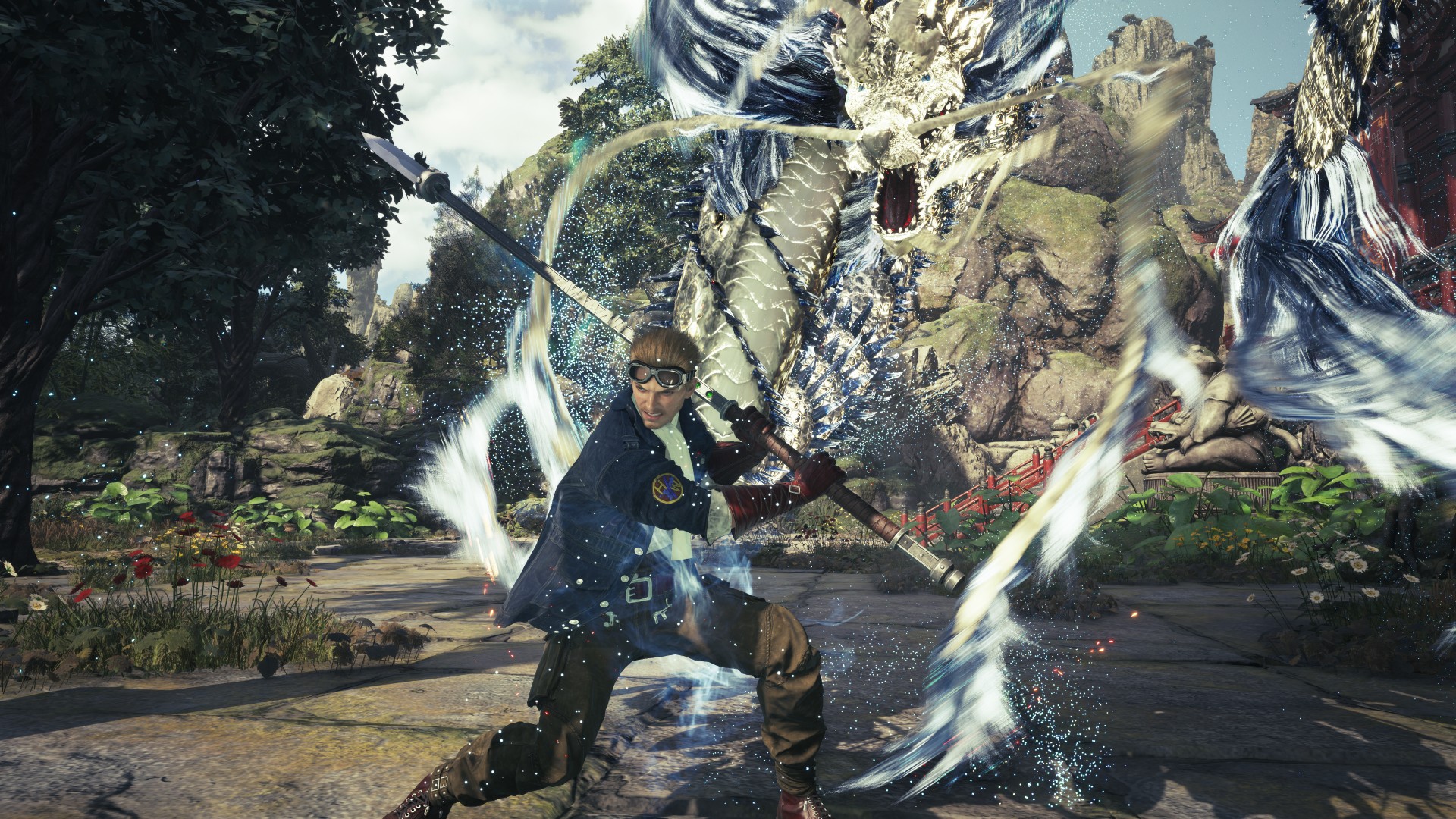
Hamaguchi explained that the team initially considered simply putting Warrior or Black Mage symbols on the characters’ outfits.
That eventually evolved into the full FITS system, with distinct outfits representing different combat roles.
It’s a neat example of how a seemingly small visual idea can eventually become an actual gameplay system.
And it explains why FITS feels like more than just an excuse to give the cast new outfits for the finale. Wccftech‘s Hamaguchi interview
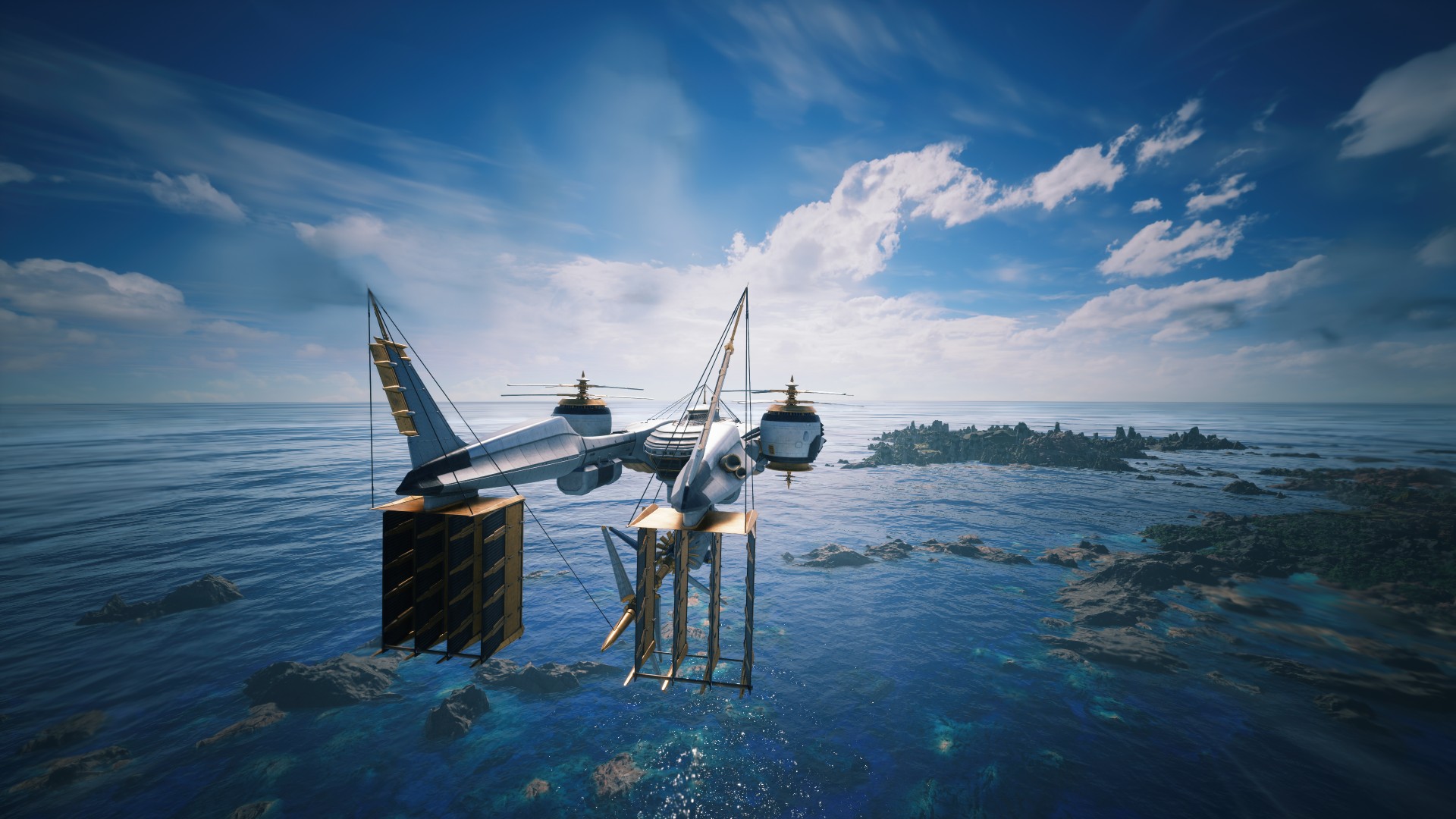
10. The Highwind actually changes as you explore
The Highwind isn’t just your fancy new way of getting around the world.
As you explore Revelation’s massive world, the airship will also become more lively, with changes to the people aboard it and their dialogue.
That makes the Highwind feel more like a moving part of the world rather than another menu disguised as a vehicle.
It also fits with Hamaguchi’s broader philosophy for Revelation: the game is supposed to give players more freedom while still making the journey itself feel meaningful. GamerBraves‘ interview with Hamaguchi and Kitase
11. Hamaguchi really doesn’t want this to become “his” Final Fantasy VII
And this might be the most important detail of all.
Hamaguchi has repeatedly emphasized that the original Final Fantasy VII remains at the heart of the project.
In a recent post, he clarified that the Remake trilogy has always been developed with fans in mind, rather than as his own personal reinterpretation of the classic.
That philosophy is particularly interesting heading into Revelation.
The trilogy has made enormous changes to the original story. It has introduced new characters, expanded existing ones, changed the structure of the world and played with expectations about where the story is going.
But Hamaguchi says the goal isn’t to turn Final Fantasy VII into something that exists purely because the developers wanted to make their own version of it.
It’s still Final Fantasy VII first.
And that philosophy could ultimately be what determines whether the trilogy sticks its landing. GamesRadar on Hamaguchi’s “personal fan project” comments
That’s only the stuff you might have missed
The 11 details above are the ones that stood out to us precisely because they aren’t the usual Revelation talking points.
But Hamaguchi has shared a lot more over the past few months.
So, if you’re trying to keep track of where we actually stand six months before launch, here’s everything else we know.
Story and structure
This is still one connected trilogy
Hamaguchi recently clarified something that had apparently been misunderstood in some of his earlier comments.
Remake, Rebirth, and Revelation are intended to be experienced as one connected journey.
However, Square Enix doesn’t view them as one RPG artificially chopped into three pieces.
Instead, the team considers them three full-scale RPGs, each designed to provide a satisfying standalone experience while contributing to the larger trilogy. Hamaguchi’s clarification on X
That’s an important distinction when we eventually judge whether Revelation feels like a complete game.
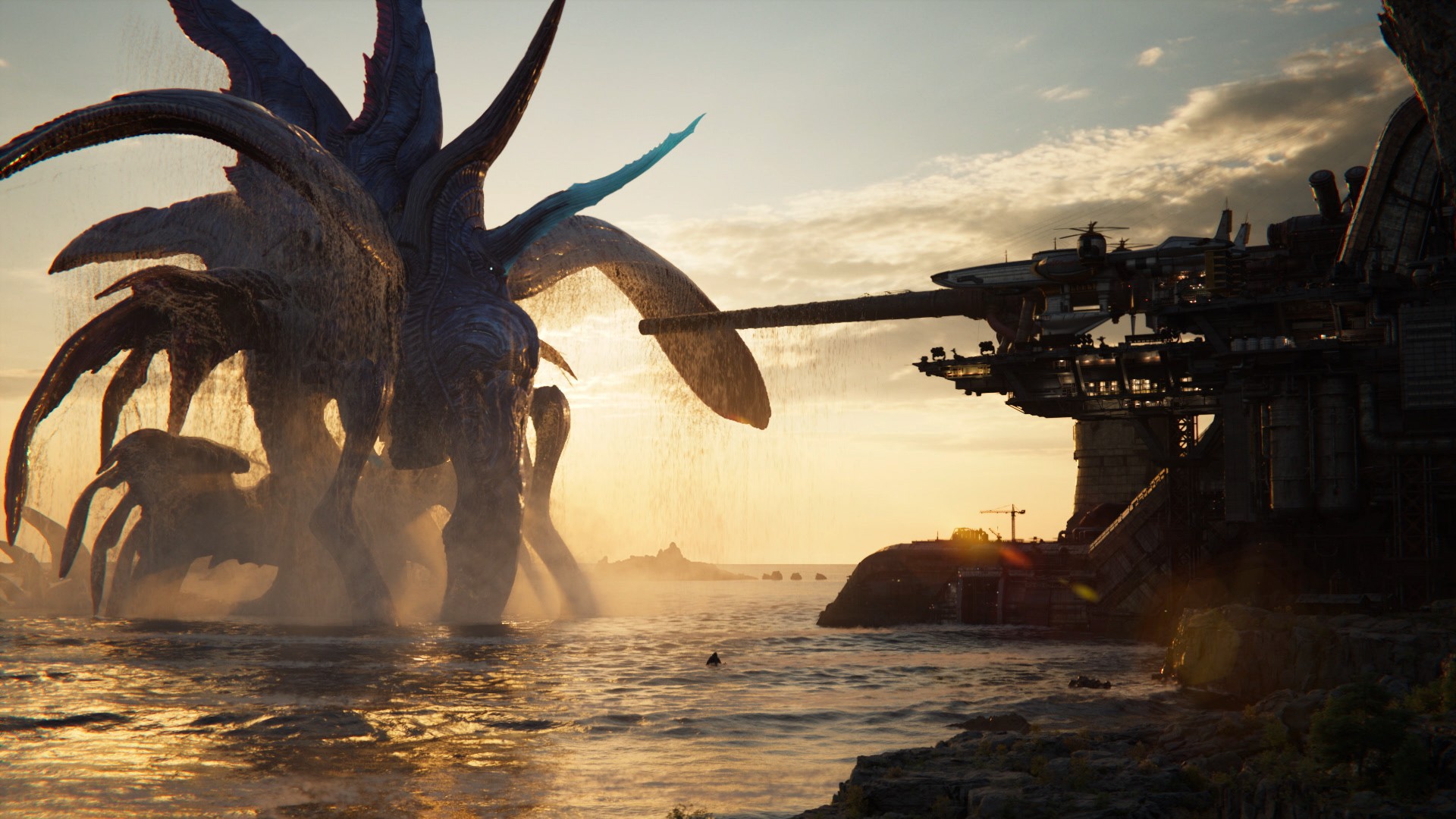
The theme this time is “resolve”
Remake centered on change and the desire to escape fate.
Rebirth placed considerable emphasis on bonds between characters.
For Revelation, Hamaguchi has described the central theme as resolve — the determination to make a choice and see it through.
The Japanese concept is tied to ketsui, which also informed the thinking behind the game’s title. MMO.net‘s Hamaguchi interview
Choices matter more
Hamaguchi has also said Revelation contains more situations where player choices can influence not just progression, but the direction of the storytelling itself.
That makes the game’s “resolve” theme more than just a marketing phrase.
We’ll have to see how substantial those choices actually are. Automaton‘s interview with Hamaguchi
The world and exploration
It’s the biggest world yet
Remake was focused and densely packed.
Rebirth opened things up into a traditional open-world structure.
Revelation takes another step by adding verticality to that formula.
Hamaguchi describes it as a “spatial open-world experience.” RPG Site‘s interview with Hamaguchi

The Highwind arrives relatively early
One of the biggest structural changes is how quickly the game gives players access to the Highwind.
Once players have it, the game essentially tells them to go wherever they want.
That is a major philosophical shift from the more directed opening portions of the trilogy. Automaton‘s interview with Hamaguchi
Guidance is stronger — perhaps too strong
Square Enix has added more on-screen guidance specifically because the developers don’t want players who aren’t familiar with open-world games to get lost.
But there was an interesting twist: experienced players told Hamaguchi the guidance could be too aggressive.
The team is therefore considering ways to let players customize how much guidance they receive. Hamaguchi’s guidance clarification on X
Combat and progression
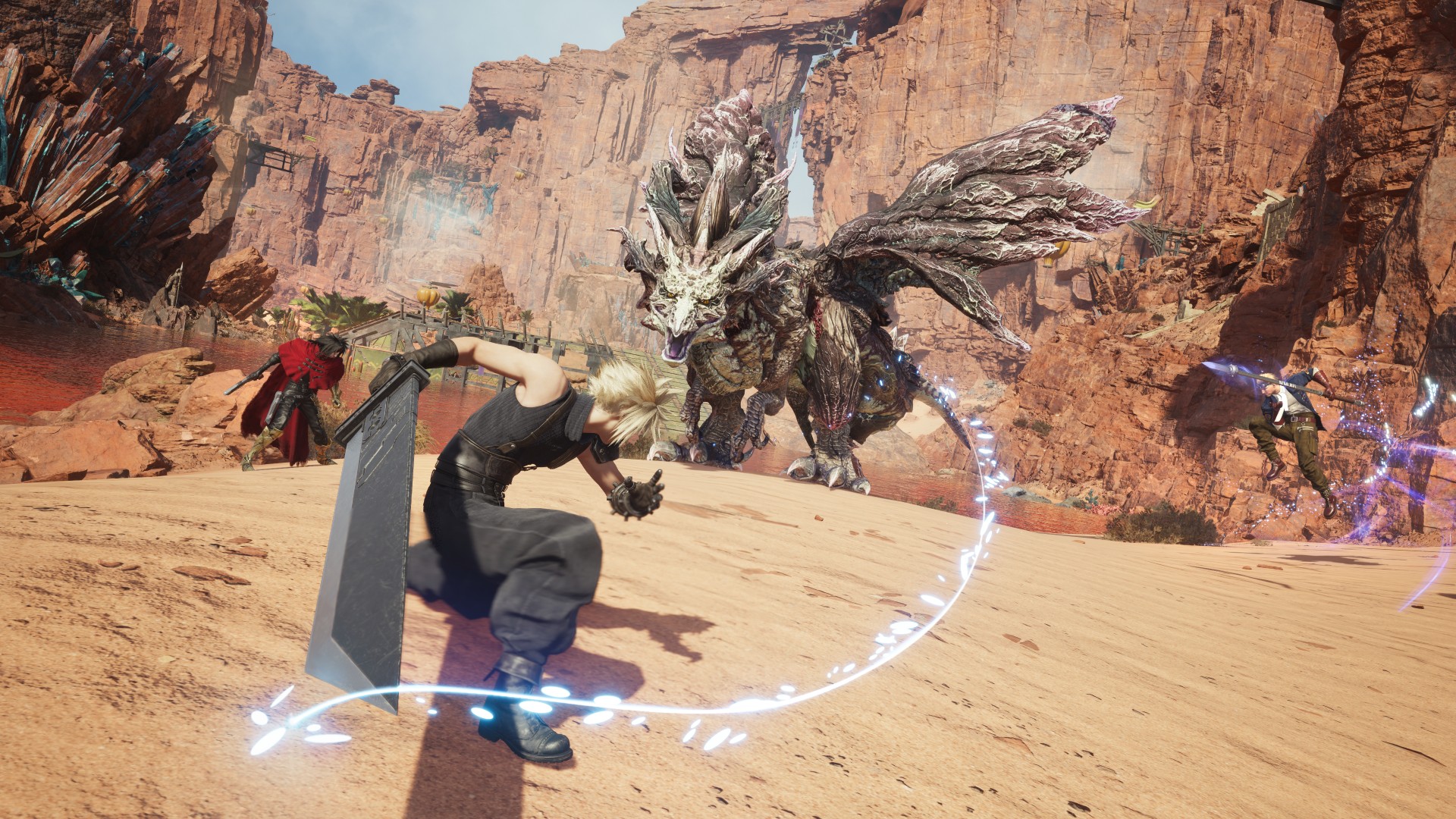
FITS is a major new layer
The four FITS roles are built around combat functions rather than simply representing the developers’ favorite Final Fantasy jobs.
Hamaguchi has also explained that FITS evolved specifically from the team’s desire to expand the combat possibilities introduced in Rebirth. Wccftech‘s Hamaguchi interview
Auto-leveling is optional
Players who don’t want to spend as much time grinding can automatically bring characters up to the recommended level for the story.
It’s another example of Revelation trying to accommodate different types of players without removing progression altogether. Hamaguchi’s auto-level clarification on X
You won’t need to restart from Level 1
After finishing the story, Chapter Select returns.
That’s particularly important because Hamaguchi says there are objectives, outcomes and discoveries that players won’t necessarily see in a single playthrough.
The team wants players to experiment without feeling like they’re throwing away an entire save. Hamaguchi’s multiple-playthrough clarification on X
Side content and minigames
The minigames aren’t going away
If you were hoping Revelation would finally calm down with the minigames, sorry.
Hamaguchi considers their sheer variety an important part of what makes Final Fantasy VII feel like Final Fantasy VII.
The difference this time is that minigames are less tied to combat progression.
Instead, their rewards lean more toward cosmetics and customization. Automaton‘s interview with Hamaguchi
Minigames can be made easier or skipped
Players can adjust minigame difficulty, including setting them to Easy.
More importantly, they can skip them immediately rather than being forced to complete a minigame just to move on.
That’s a potentially significant quality-of-life improvement after some of Rebirth’s more divisive side activities. Automaton‘s interview with Hamaguchi
Rewards should be clearer
Hamaguchi also says the team has worked to make the reward structure more transparent.
Players should have a better idea of what they’ll get for completing a particular activity before investing their time in it.
Again, that’s something we’ll want to test ourselves.
DLC and the finale
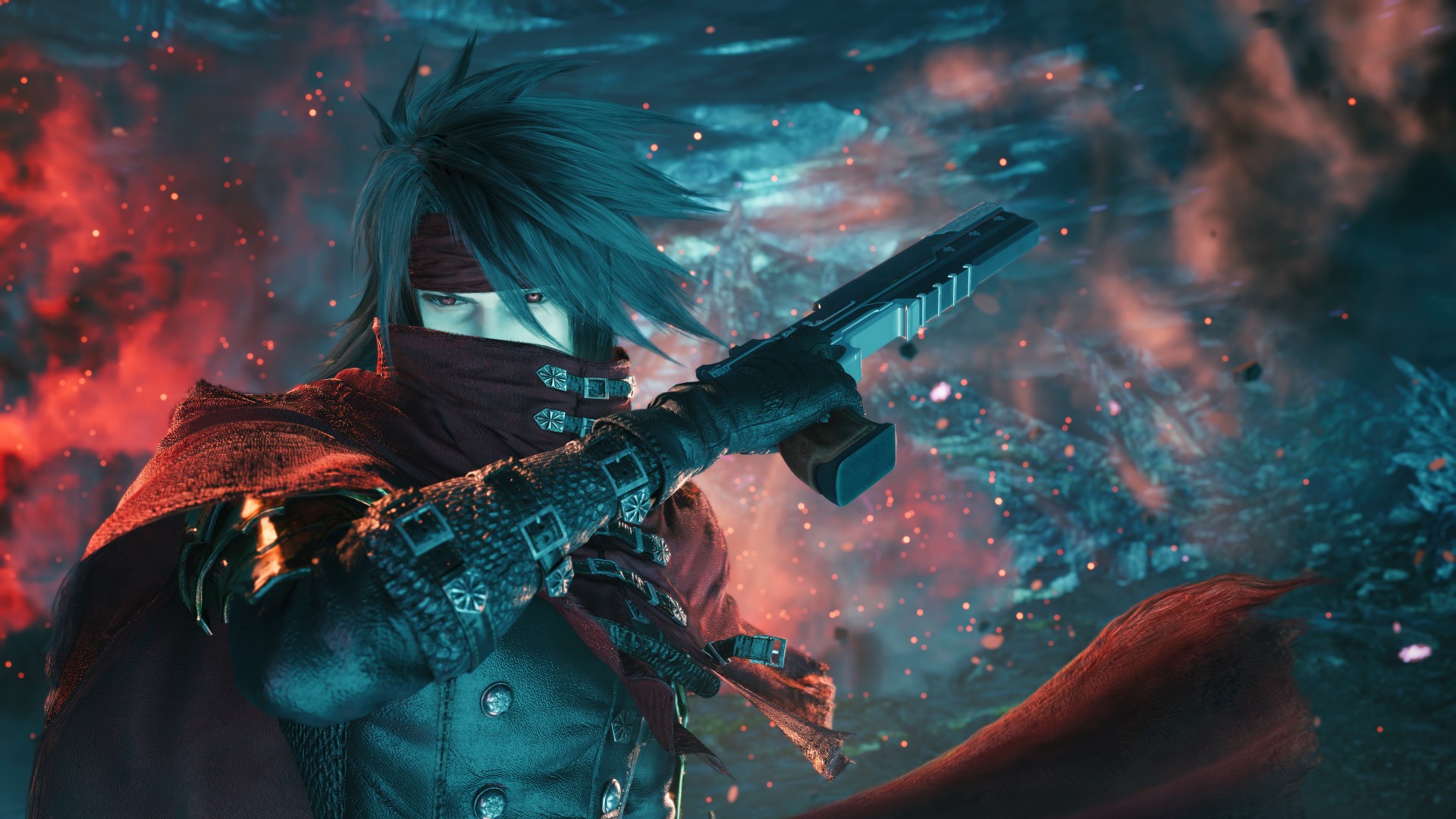
Fan Favorite Vincent Valentine
Sephiroth and Vincent are getting story DLC
Square Enix has announced two story DLCs, one focused on Sephiroth and another on Vincent.
Hamaguchi says the decision was inspired by the response from fans after Revelation was announced.
He also stresses that these stories aren’t intended to replace anything from the main game’s conclusion. Hamaguchi’s DLC announcement on X
The original story remains the priority
This is important because it’s easy to interpret DLC announcements as Square Enix holding things back for post-launch content.
Hamaguchi has framed the DLC more like the character-focused expansion seen with Episode INTERmission: additional stories that explore characters without replacing the main narrative. Ourinsaneblogs‘ TGS interview with Hamaguchi
What we still don’t know
And this might be the most important section to keep updated as we get closer to launch.
How exactly does it connect to Advent Children?
Hamaguchi has acknowledged the wider Final Fantasy VII universe and the importance of things like Advent Children, Crisis Core, and Dirge of Cerberus.
But there is no clean confirmation that Revelation simply ends by directly setting up Advent Children.
That’s still something we’ll have to discover.
How much do our choices actually matter?
We know choices can affect progression and aspects of storytelling.
We don’t yet know the full extent of those consequences.
That’s going to be one of the biggest things to investigate once we can play the finished game.
How big is “big”?
We’ve heard a lot about scale.
We’ve seen the world.
We’ve heard about the Highwind and vertical exploration.
But there’s still a difference between a large map and a world that genuinely feels worth exploring.
That’s another question for the eventual review.
The bottom line
Six months before release, Final Fantasy VII Revelation is already shaping up to be an absurdly ambitious finale.
It’s bigger than Rebirth. It’s more open. It’s more vertical. It has a new combat customization system, a revamped Materia setup, more meaningful choices, an earlier Highwind, a ridiculous number of minigames, and two post-launch story expansions.
But the smaller details are arguably more interesting.
- Three linked Materia slots.
- FITS-locked Materia.
- No Master Materia.
- Johnny’s clones.
- Knights of Round getting its own storyline.
- A returning stamina mechanic in the snow.
- A PC version specifically targeting better performance.
- And a combat system that started life as nothing more than symbols on everyone’s clothes.
Those are the details that make Revelation feel less like “the third Final Fantasy VII Remake game” and more like a game that has spent years trying to figure out exactly what the finale should be.
We’ll find out whether all of those ideas come together when Final Fantasy VII Revelation launches on April 8, 2027.
And yes, we will absolutely be keeping this list updated as Hamaguchi inevitably gives us even more things to obsess over.
Gaming
The Ace Combat 8: Wings of Theve launch event is happening this week
Head to Orchard Central from October 7 to 11 for exciting experiencies


The Ace Combat 8: Wings of Theve official launch event is happening this week in Singapore.
From October 7 to 11, Ace pilots are all invited to report to the Stage Area outside Molly Tea at Orchard Central (181 Orchard Rd., Singapore, 238896) from 11:00 AM to 9:00 PM daily.
Open to the public, the launch event commemorates the arrival of the first mainline entry in the Ace Combat series after seven years.
The title promises to elevate the franchise to new heights, harnessing the power of Unreal Engine 5 and proprietary technology to create a visually stunning and ultra-realistic aerial experience.

Players will take to the skies and rise above every challenge to earn their place among the elite.
At the event, visitors can take on the Ace Combat 8: Wings of Theve Hanging Bar Challenge for a chance to top the leaderboard and win prizes.
Fans can also meet and snap photos with special guests, momoko_pigsfly (Wednesday to Thursday) and djharharuka (Friday to Sunday). Exclusive freebies are up for grabs as well, while stocks last.
SEE ALSO: ACE Combat 8: Wings of Theve Review
Gaming
The regular PlayStation 5 is getting an AI upscaling feature
The feature debuts with Wolverine and Ghost of Yotei.


If you’re an owner of a regular PlayStation 5, watching a PS5 Pro owner might touch you with a tinge of jealousy. Besides the upgraded console’s better hardware, it also has something called the PlayStation Spectral Super Resolution (PSSR), which uses AI to improve resolution and framerate. Unfortunately, that feature isn’t available on the regular console. But Sony is throwing the classic console a bone today by adding Quick Spectral Super Resolution (QSSR), which does the same as PSSR but on the older machine.
Since the introduction of PSSR, fans and developers alike have asked whether the older console can have a version of the technology. Developed with AMD, QSSR is an AI upscaling feature that improves performance for modern games on the PlayStation 5. For now, the feature is debuting first on Ghost of Yotei and Marvel’s Wolverine via a set of patches. Moving forward, Sony will also allow its developers to add the feature for their respective games.
Now, the choice of games is deliberate. Marvel’s Wolverine is still fresh on everyone’s mind. Meanwhile, Ghost of Yotei has just released a Complete Edition, which packs in a new story expansion and a roguelike mode. You don’t even need to Complete Edition or the corresponding paid upgrade to enjoy the new feature.
SEE ALSO: Ghost of Yōtei Complete Edition review: More of a great thing




Garmin Enduro 4 promises up to 320 hours of battery life

Spotlight: Marshall Heston 60

Apple sets home-themed event on October 13

ASUS Zenbook 14 lineup expands with new colors and processors

OPPO Find X10 Series launches globally October 21

vivo X500 Series launches with major imaging upgrades

OPPO Find X10 Pro Max is the first phone with a triple 200MP camera system

BYD says that way better EV batteries are coming next year

TECNO CAMON Slim 5G: Price, availability in the Philippines

HONOR Magic9 Pro Max launches in China with ARRI-powered imaging


-
 Automotive2 weeks ago
BYD says that way better EV batteries are coming next year
-
 Philippines1 week ago
TECNO CAMON Slim 5G: Price, availability in the Philippines
-
 News2 weeks ago
HONOR Magic9 Pro Max launches in China with ARRI-powered imaging
-
 Reviews1 week ago
TECNO CAMON Slim 5G review: Slim on size, big on surprise
-

 Smartphones2 weeks ago
TECNO CAMON Slim 5G teases an ultra-slim design ahead of launch
-

 Reviews2 weeks ago
TECNO POVA 8 Pro Tonino Lamborghini review
-

 News1 week ago
Apple wants to release new iPhones more regularly
-

 Computers2 weeks ago
ROG brings out the ultra-stylish G1000 gaming desktop