

Gaming
ASUS ROG Zephyrus M16: Big power in a compact form factor
Exceptional specs, solidly built body

Whenever I see any device with the ROG branding, I automatically get the impression of how good the device may be even without actually knowing what its features are. I guess it’s true with others too as sending my friends a photo of the hefty ROG box containing this device, garnered excited reactions.
That’s because ROG devices actually live up to its reputation of being amazing gaming devices. A proof of that is in my recent visit to a PC store in Makati where I asked the salesperson which among their gaming laptops is their current best offering in their store and the response I got is a confident, ROG Zephyrus.
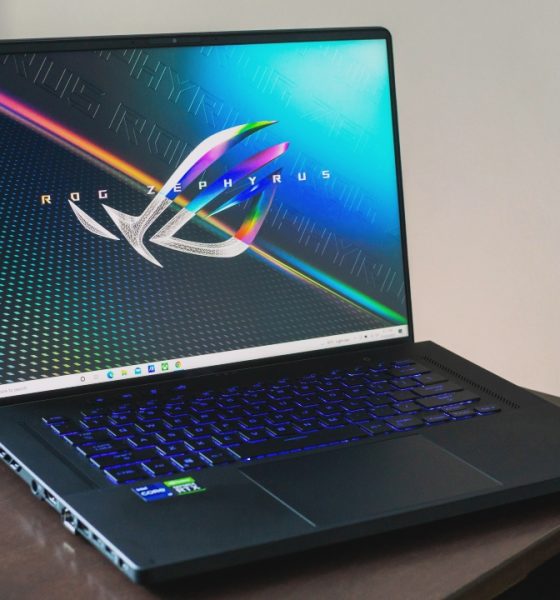
Get ready to be blown away as we take a closer look at the ASUS ROG Zephyrus M16.
What comes in the box
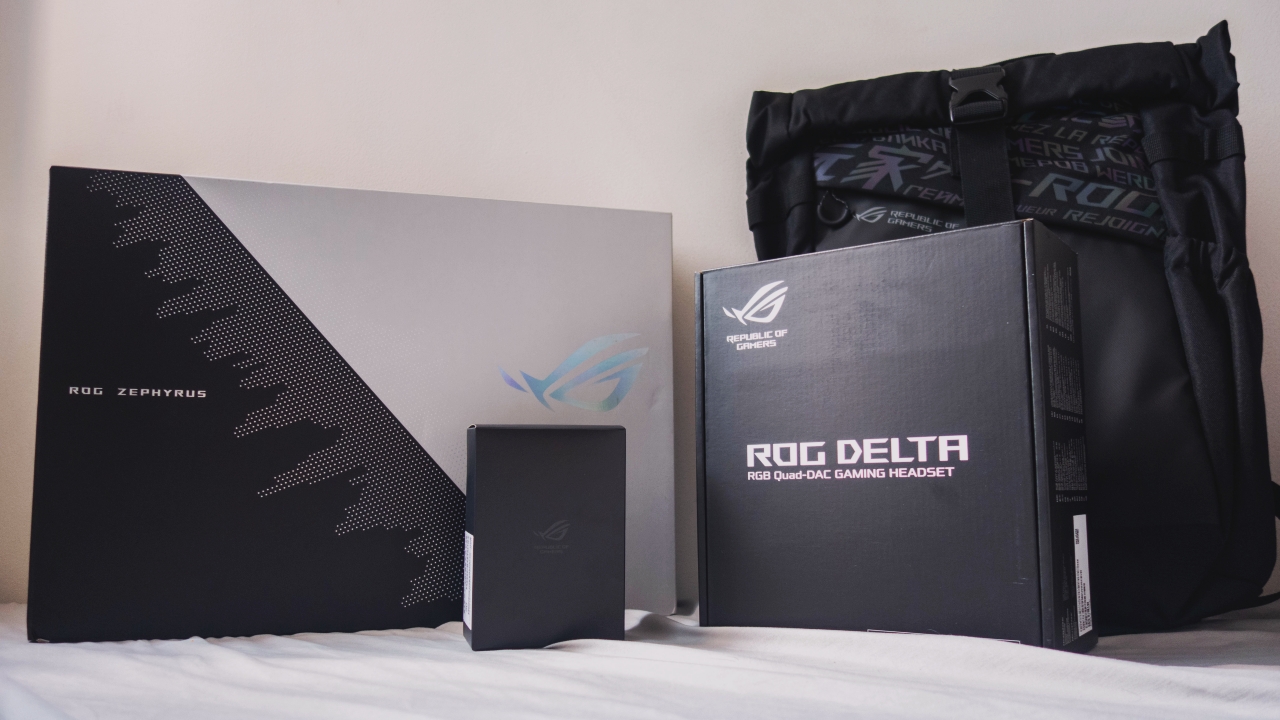
The whole package came in a large ROG box containing three main items.
First, we get the ROG Zephyrus backpack. Then, there’s a black box which contains the ROG Delta gaming headphones. Lastly, there’s the white Zephyrus box which contains the star of the show — the Zephyrus M16 along with the ROG Chakram Core gaming mouse, the 240W charger and the 100W USB-C charger.
Tough build with a small footprint
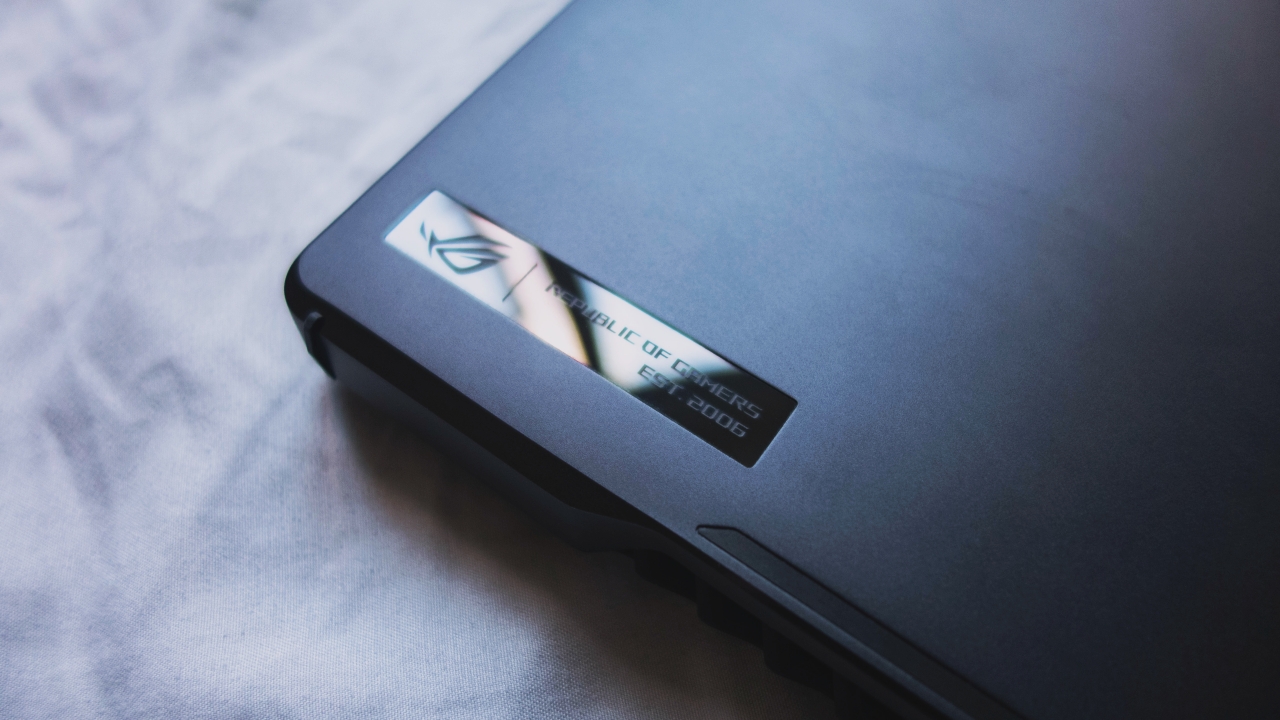
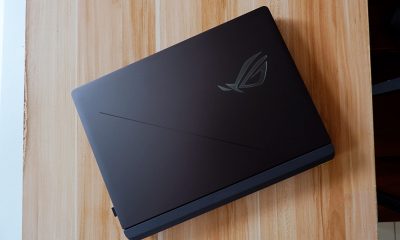
Going straight for the laptop, just as I laid my hands on the actual unit, I could already tell how solidly built this device is. The outer shell is made of aluminum with machine cut holes that looks elegant with just a slight hint of being a gaming laptop with its branding.
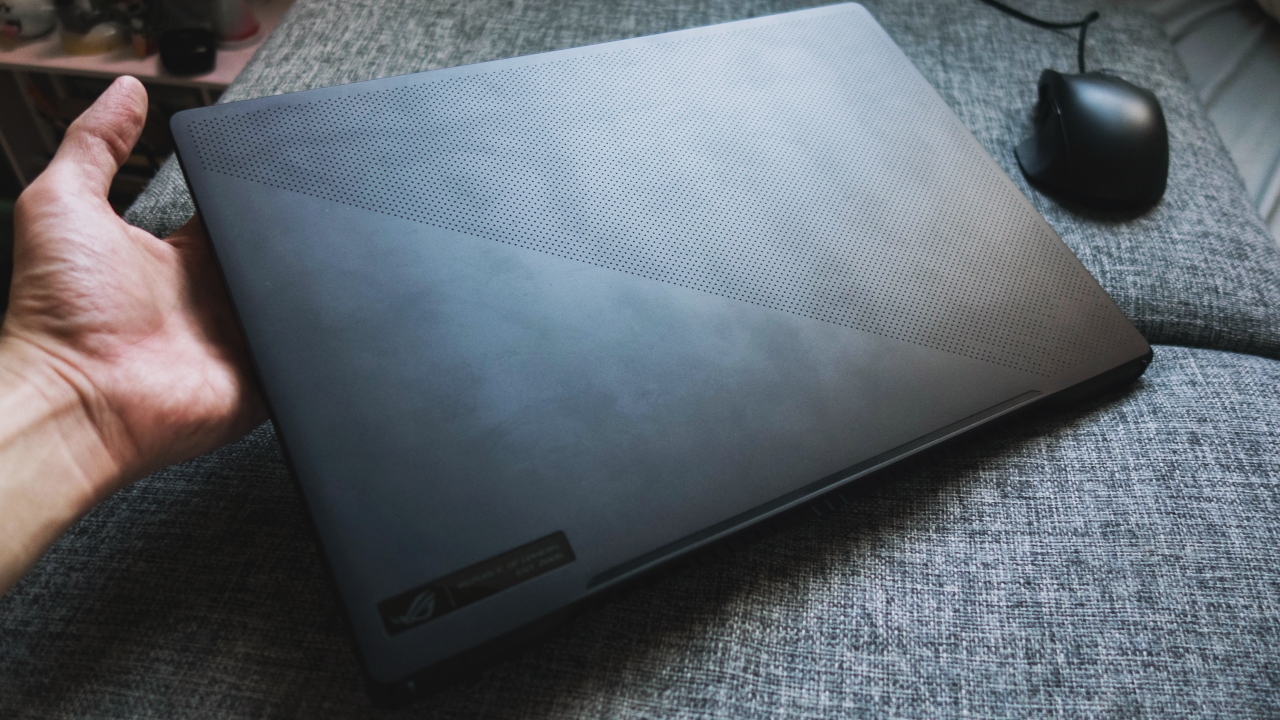
Some people might prefer laptops with a bit more flare, but I’m personally inclined towards this more serious look. This could easily pass n a corporate setting without getting too much attention for being a gaming laptop.
On their website, ASUS markets the Zephyrus M16 as a laptop with a 16-inch display fitted in a 15-inch chassis. And it’s true. It’s relatively compact with its length measuring only 13.98 inches. This would actually fit laptop bags designed for 15-inchers and placing it beside my old 15-inch Dell G3 made the latter look jurasically huge.

For the bottom half, you might want to get your cleaning cloths ready as the soft matte finish is an easy smudge magnet. While this design decision adds to the premium feel of the unit, it does require a bit of maintenance to keep it from looking like a nasty mess.
Good port selection but placement could do better
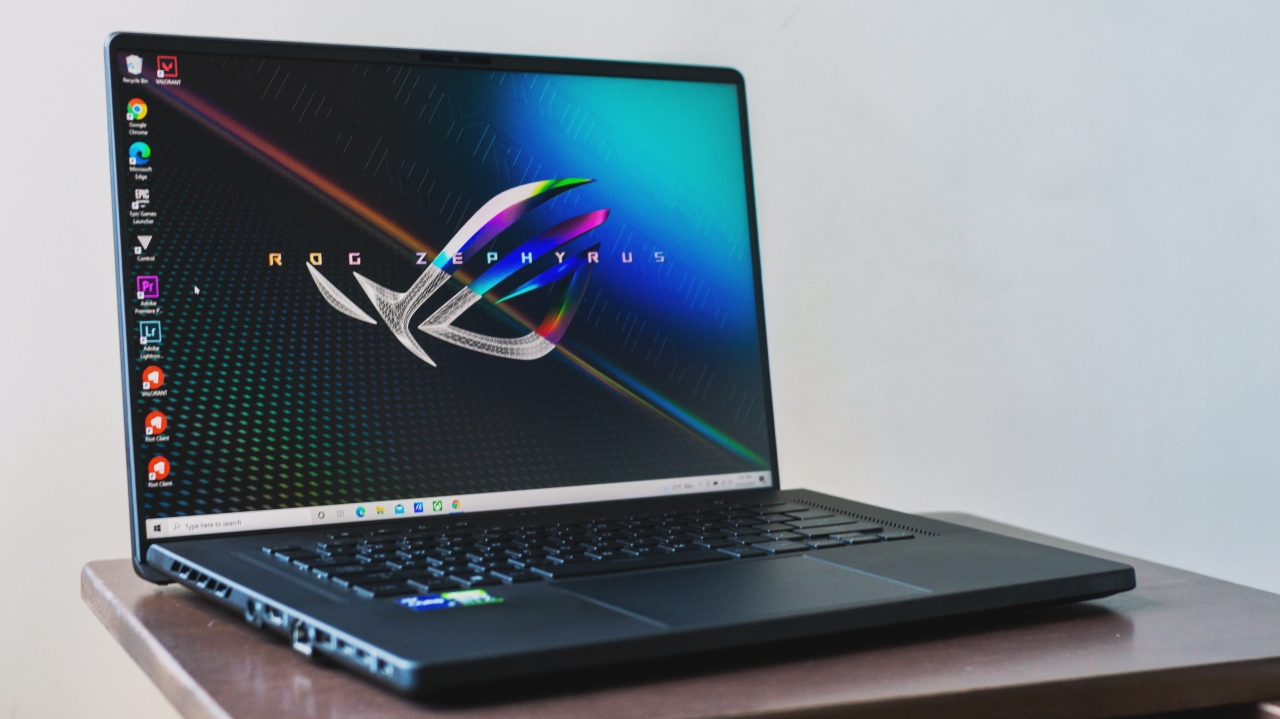
A vast amount of ports are also present here on the Zephyrus M16. On its right we can find the charging port, HDMI, RJ45, USB-A, two USB-C Thunderbolt 4 ports which doubles as a charging port and a 3.5mm combo audio jack. On the left is a microSD card reader and another USB-A port.
I do, however, have mixed feelings with the placement of these ports
None of the ports are placed at the rear portion of each side. The location of the charging port in the middle of the left side sets the wire of the charger to partially cover the exhaust vents of the device when plugged in.
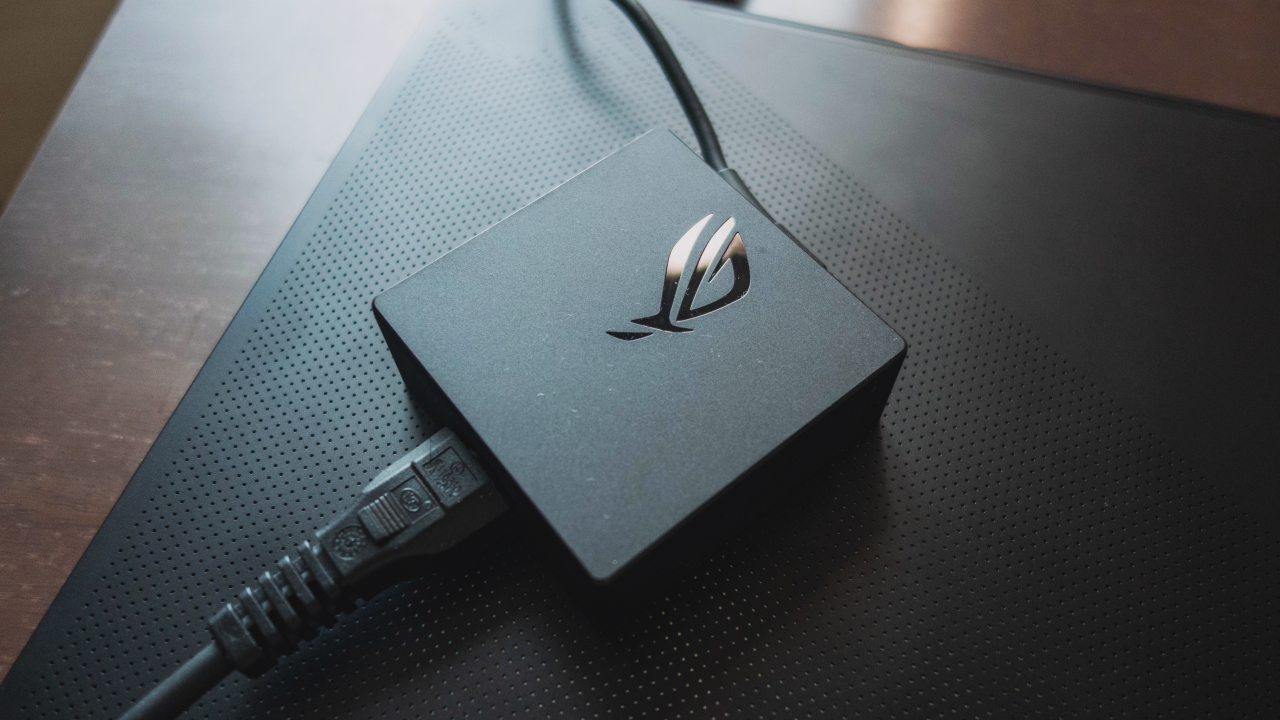
If you then decide to use the 100W charger, you’ll have to bear with having to plug it on the USB-C port near the front of the device.
The USB-A port on the right would have also been nice if it were placed around the back as its current placement feels a bit intrusive when plugging an external mouse.
I understand that the designers might have had to give some room for ventilation or make use of that space around the rear part of the chassis, but the positioning could have been better for at least the essential ports for an obstruction-free experience.
Big, bright and vibrant display
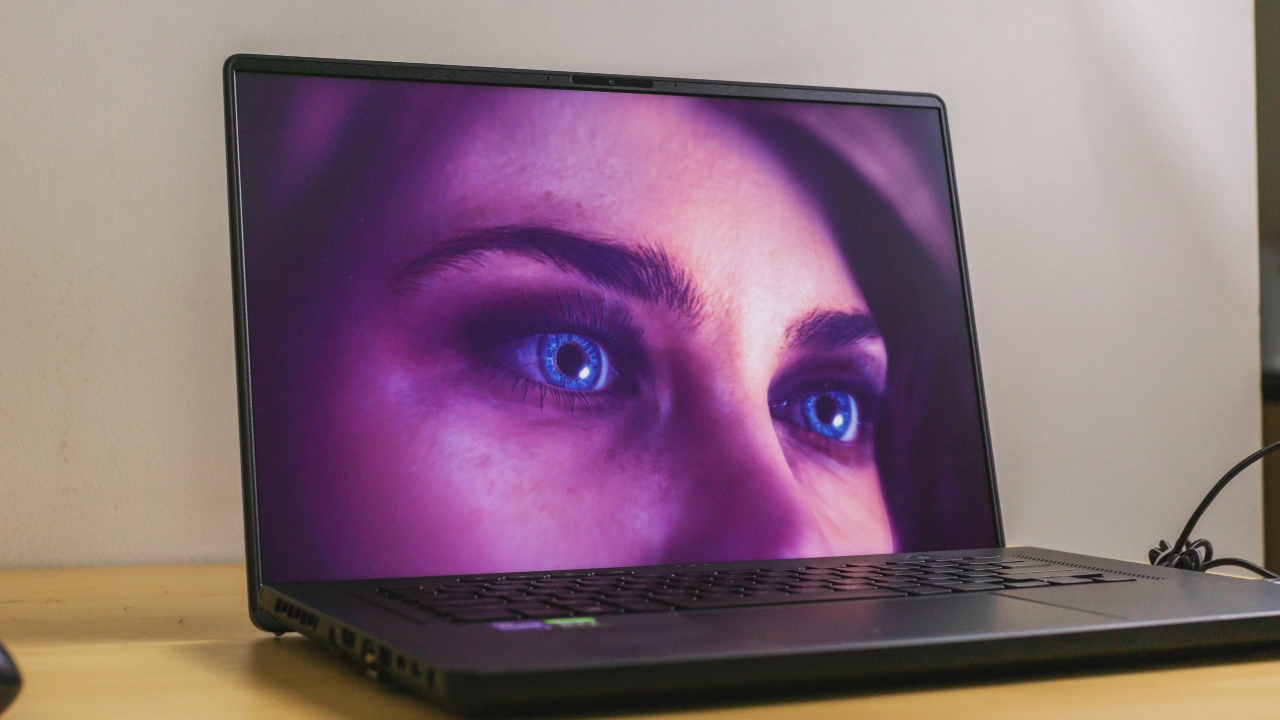
The display is actually the first thing that wowed me on the M16. It’s a 16-inch 2560 X 1600 IPS panel with a 165Hz refresh rate and an aspect ratio of 16:10. It’s vibrant and punchy because it’s an IPS and while not as fast as a TN panel, it’s still relatively fast at 165Hz.
Plus, this being a WQXGA panel, we’re adding more screen real estate vertically and when we combine that with the 100% DCI-P3 color gamut and the Pantone validation, we’re seriously getting ourselves a productivity beast.
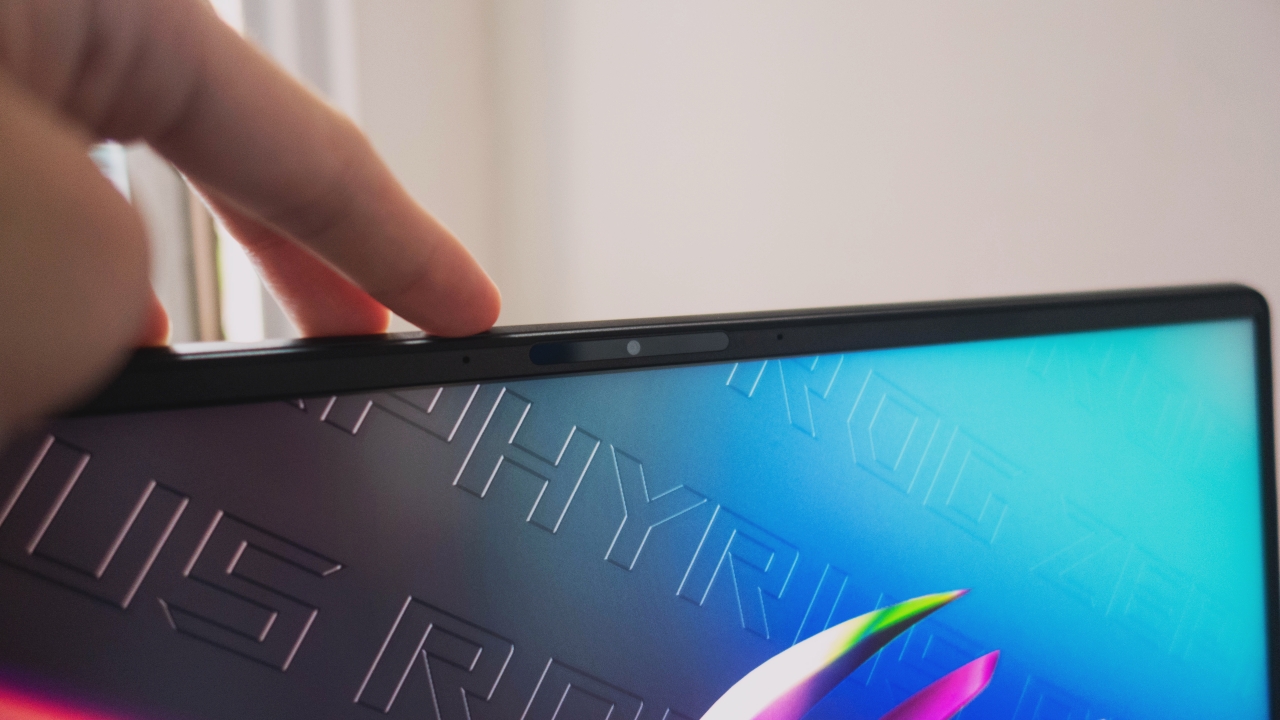
This also gets close to being bezel-less with this display as it’s bezels are really thin but still manages to house a 720p webcam.
Let’s also take time to appreciate the Ergo Lift hinge on the M16 that seamlessly hides the chin of the display panel as the bottom half of the device is raised upon opening the lid. Very clever.
A good keyboard, a massive trackpad and an external mouse

For its keyboard, we have an RGB lit keyboard which has a nice tactile feedback and it feels phenomenal. It doesn’t feel mushy, the key travel is a bit more pronounced than others and the typing angle brought by the Ergo Lift hinge makes it comfortable and satisfying to use.
We’re also getting a massive trackpad on the M16. I could say it does perform great as I never found myself reaching for the external mouse for tracking and touch gestures are easily executed without much errors.
However, I don’t know if this is caused by the size of the trackpad or just poor palm rejection but this is the first time I’ve ever experienced a trackpad that gets in the way of my typing. Because my palms often touch the trackpad when typing, this often results in accidental key presses.
We do get a toggle to disable the trackpad in one of the function keys so I guess that could also be a solution.
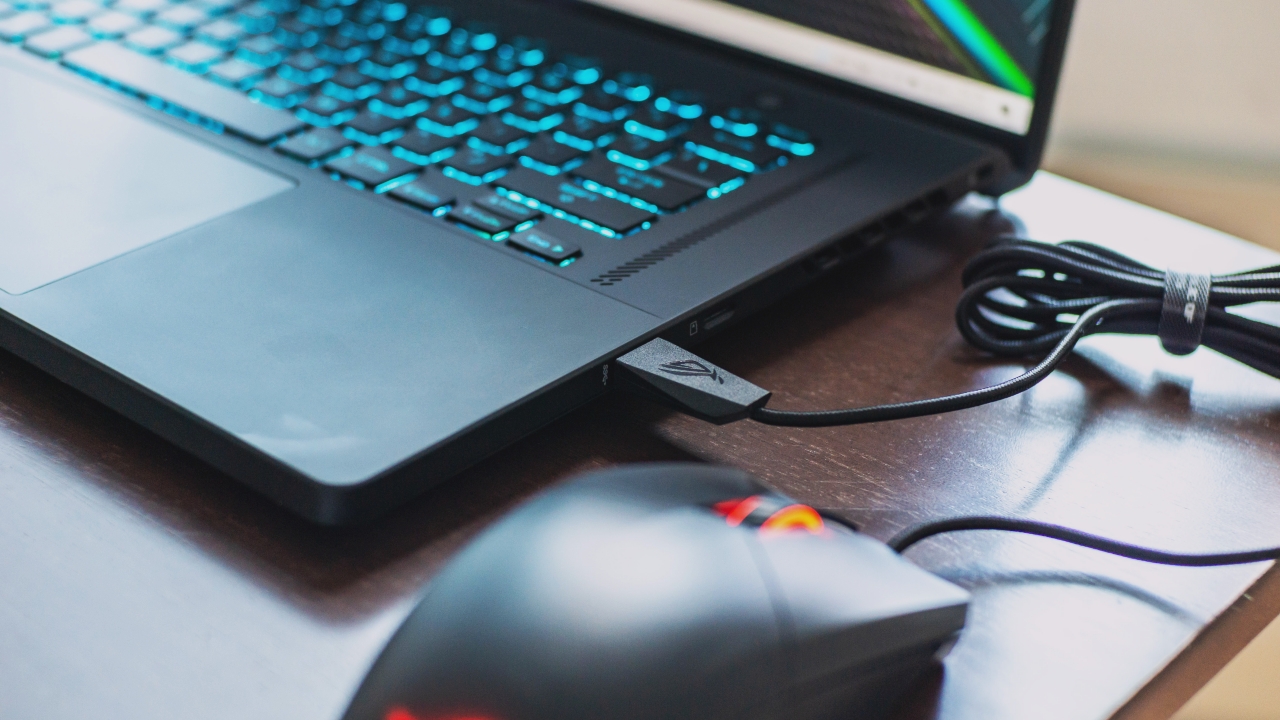
As an alternative, we have the bundled ROG Chakram Core which is a right-handed wired gaming mouse that features a programmable thumb joystick.
It’s a full sized mouse that fits comfortably in my medium sized hand. I think this would fit best for palm grip users but from the perspective of a claw grip user, I didn’t have any issues with this as well.
Unquestionable performance
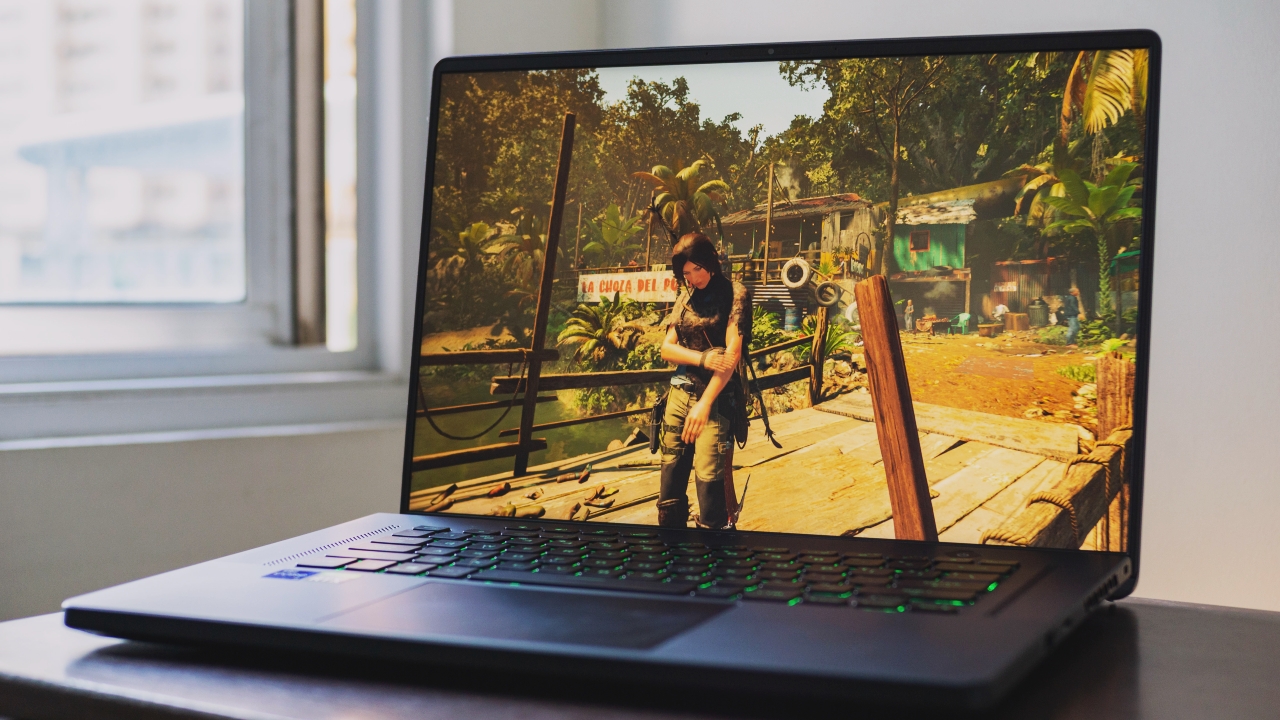
Onto the most exciting part, the Zephyrus M16 packs an 11th gen Intel Core i9 11900H processor paired with the RTX 3070 with 32GB of DDR4 RAM and 2TB SSD internal storage.
This is so far the beefiest specced laptop I’ve experienced.
As expected, games like Valorant won’t be a problem running on these specs and that’s exactly what we experienced. Very fluid movement and zero lags even without boosting the Armoury Crate to performance mode.
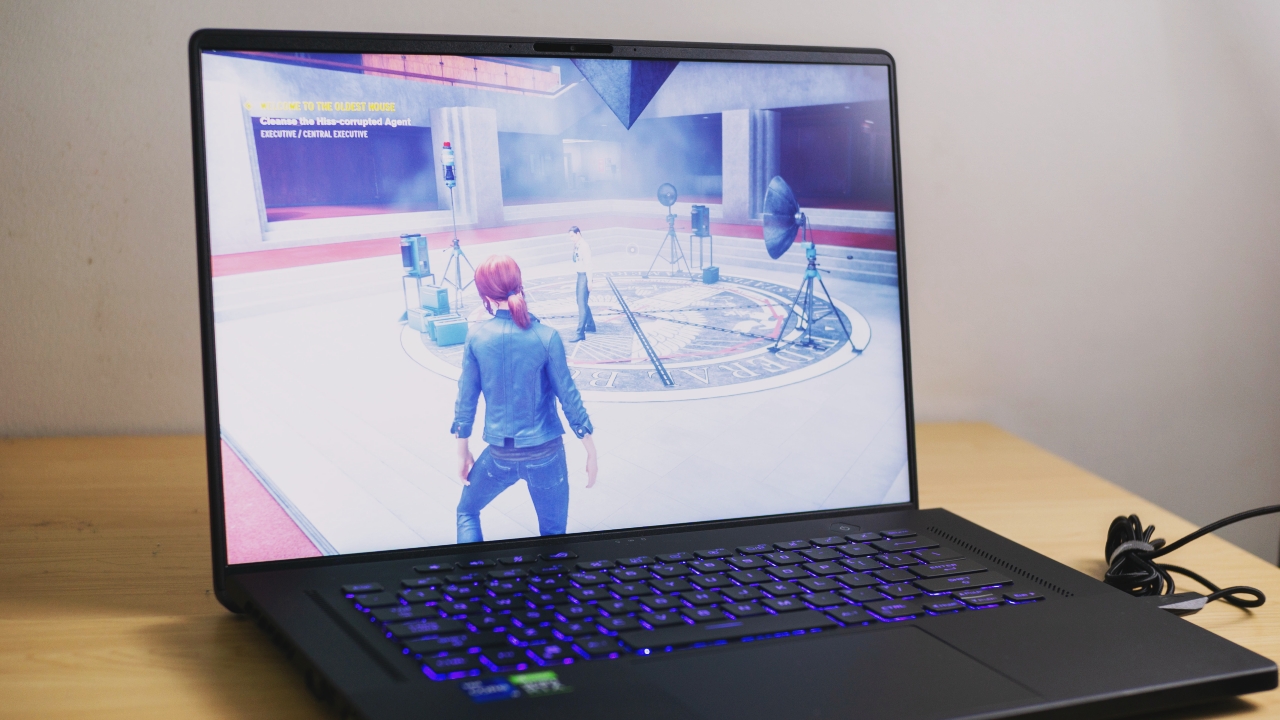
For a more challenging and graphically demanding game like Control though, the game ran well on its default settings, but maxing out everything including ray tracing and other effects at 1440p did show some stutter. So for this one, we’re still gonna hold back a bit on the settings and resolution for the smoothest experience.
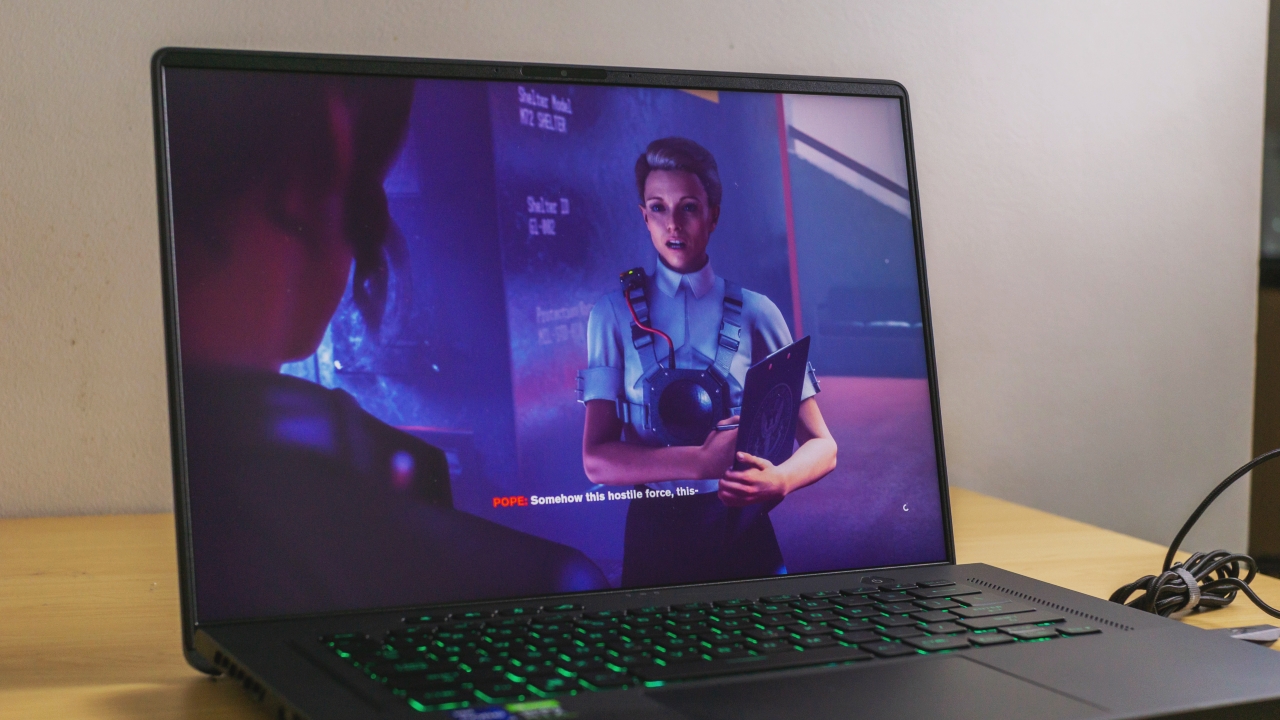
Do note that Control is a very heavy game and most of its additional graphic settings don’t give much difference visually anyway, so keeping some settings on medium or high is still looks stunning on the M16.

On my Shadow of the Tomb Raider test, I ran the benchmark maxing out every setting and got a 64 FPS average at 1440p resolution which are pretty amazing results for a laptop. This would go even higher if we’re playing on 1080p so if more FPS is your thing, you can opt to go for that.
We also experienced pretty decent temperatures on this unit as according to the ROG Armoury Crate, we’re getting around 69 to 73 degrees Celcius in game and would only occasionally hit the 80 degree mark during intense scenes. That’s very respectable for an Intel Core i9 in a compact laptop but it did come at the expense of being noticeably loud.
Speakers and the ROG Delta Headphones

According to ROG, the Zephyrus M16 actually has a six speaker setup. I didn’t really hear the benefits of this but it does sound pretty decent and clean but that’s about it. It won’t be able to fill up a room as its volume just isn’t very loud.
It had to turn on subtitles for games I’m playing as I was having a hard time hearing the dialog audibly. So for a more immersive experience, the ROG Delta headphones is what you’ll want to use for your long gaming sessions.
It’s a USB-C powered pair of headphones that are stylish and solidly built. It sports an ROG logo with breathing RGB lighting, a digital volume rocker and a switch for the RGB light.
Sound-wise, I do believe this sounds close to neutral and does seem balanced which isn’t what I usually experience on a pair of gaming headphones but it’s actually what I prefer.
I was expecting it to be boosted on the bass as gaming headphones often have this characteristic but that isn’t the case on this one. In fact, I did feel that it was rolled off a bit on the low end which gives us more clarity and less rumble.
All in all, this pair does give a pleasurable experience for gaming as the closed back and its noise cancellation forces you to focus on tackling your adventure.
Battery life and charging

It’s pretty common for gaming laptops not to have very good battery life as we do have a lot of power hungry components running. With the Zephyrus M16, we’ve experienced pretty similar results with other gaming laptops at around six hours of normal use.
Gaming on battery only got us about 45 minutes on Shadow of the Tomb Raider before everything became unplayably laggy just as power saving mode kicked in at 20 percent of battery remaining.
As for its charging, considering that this is a 240W charger, the results aren’t very fast getting us from empty to full in 1 hour and 45 minutes. With the 100W charger, it took us from ten percent to full in 2 hours and 8 minutes which is acceptable especially if we consider its pocket friendly size.
Is the ASUS ROG Zephyrus M16 your GadgetMatch?
Despite some minor inconveniences, there’s nothing in particular that I could say we would really hate with the Zephyrus M16.
It’s definitely a laptop designed for gaming enthusiasts who’d really want to get the best experience in a compact package and I don’t think they would be disappointed with gaming on this one.
The price tag of PhP 159,995 may sound too steep for many of us but the exceptional specs, solidly built body, a beautiful 16-inch 16:10 display, great keyboard, huge trackpad and a superb bundle of accessories, are a mouthful to say but these in itself says we’re not getting ripped off.
But if you’re not willing to shell out that much, a slightly less powerful variant with an RTX 3060, 16GB of RAM and a 1TB SSD is also available for PhP 139,990 while a variant with a Core i7, 16GB RAM, 1TB SSD and an RTX 3060 is available for PhP 129,990.

So to sum it all up, at the level where it competes, the Zephyrus M16 is definitely a beast of a gaming laptop in a compact form factor that easily stands out as a great contender.





Gaming
CRISIS CORE -FINAL FANTASY VII- REUNION physical edition now available for Switch 2
Zack Fair’s story comes to Switch 2.

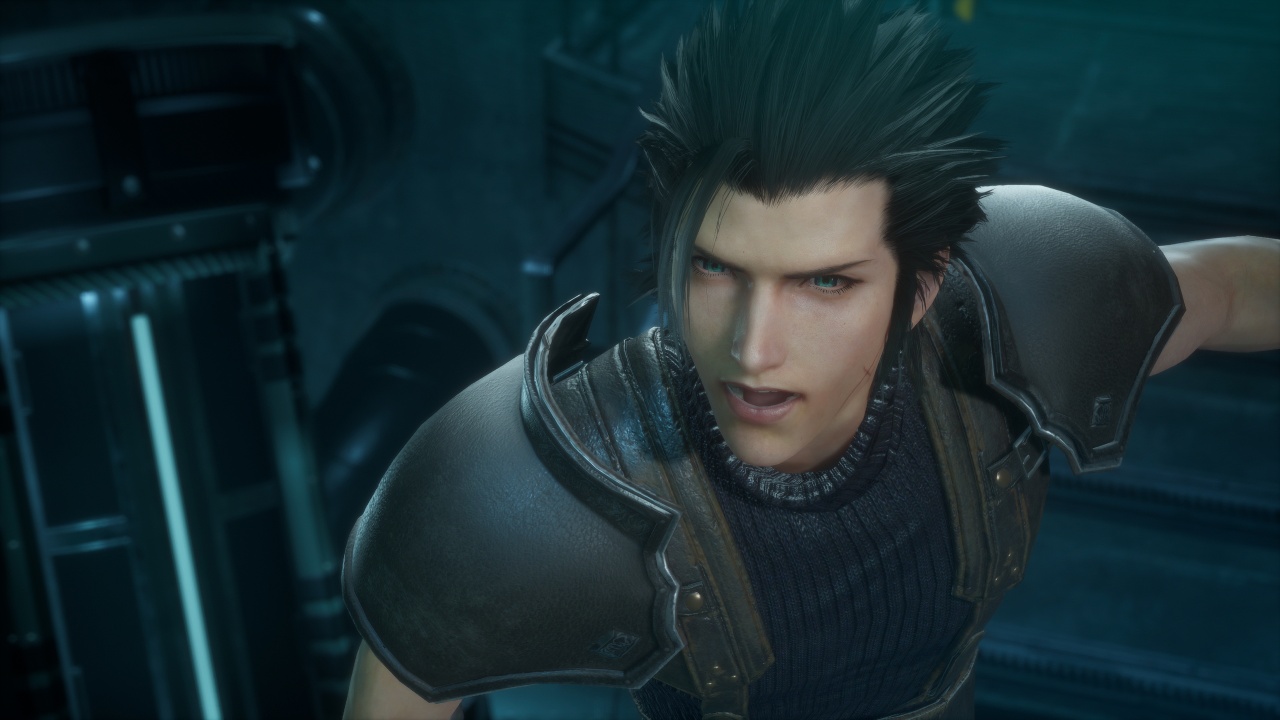
Bandai Namco Entertainment Asia and SQUARE ENIX have released the physical edition of CRISIS CORE -FINAL FANTASY VII- REUNION for Nintendo Switch 2 in Southeast Asia.
Players can also purchase the game digitally on the platform. Availability may vary by region and retailer.
Zack Fair’s story returns
Set in the mako-powered metropolis of Midgar, CRISIS CORE -FINAL FANTASY VII- REUNION follows Zack Fair, a young operative in Shinra’s elite SOLDIER unit.
Zack investigates the mysterious disappearance of SOLDIER operatives alongside his mentor, Angeal, and the legendary Sephiroth. His journey reveals the events that shaped the world of FINAL FANTASY VII and his connection to Cloud Strife.
The game revisits Zack’s story with an HD graphical overhaul of its character models, user interface, and environments. It also features fully voiced dialogue in English and Japanese, alongside an updated action-combat system.
Players can trigger Limit Breaks and Summons as they battle their way through the story. The game also supports handheld and docked play on Nintendo Switch 2.
A look back at Zack’s legacy
Originally released as a remaster of the PSP classic, CRISIS CORE -FINAL FANTASY VII- REUNION offers a refreshed take on one of the franchise’s most significant prequel stories.
In our GadgetMatch review, we explored how the remaster brings Zack Fair’s journey to modern platforms while preserving the emotional core of his story.
The release also gives players another way to experience the events leading into FINAL FANTASY VII, ahead of the upcoming FINAL FANTASY VII REVELATION, the third and final entry in the FINAL FANTASY VII Remake series.
For more information about CRISIS CORE -FINAL FANTASY VII- REUNION and other Bandai Namco Entertainment Asia titles, visit the official website.
Gaming
Dune: Awakening makes it way to the PS5 and Xbox Series X
Surviving the harsh land of Arrakis one sandstorm and bloodlust at a time


Back in June of 2025, Funcom released its multi-nominated open world survival game, Dune: Awakening. Inspired by the renowned movie franchise, the game takes place within the deserts of Arrakis as players survive and thrive through intense combat and strategic decision making. Now, in the big 2026, Funcom is finally bringing that experience to PlayStation 5 and Xbox Series X|S players as Dune: Awakening officially launches on console!
For the newbies finally getting it on console, here’s all you need to know:
Take the lead or do it together
Dune: Awakening takes you into the desolate land of Arrakis, and gives you the option to do it on Single Player or Multiplayer upfront. Through your own bidding in strategy, combat, and resource management, your goals are simple: survive the terrain, make more allies than enemies, and conquer the land through your affiliation to the powers that be.
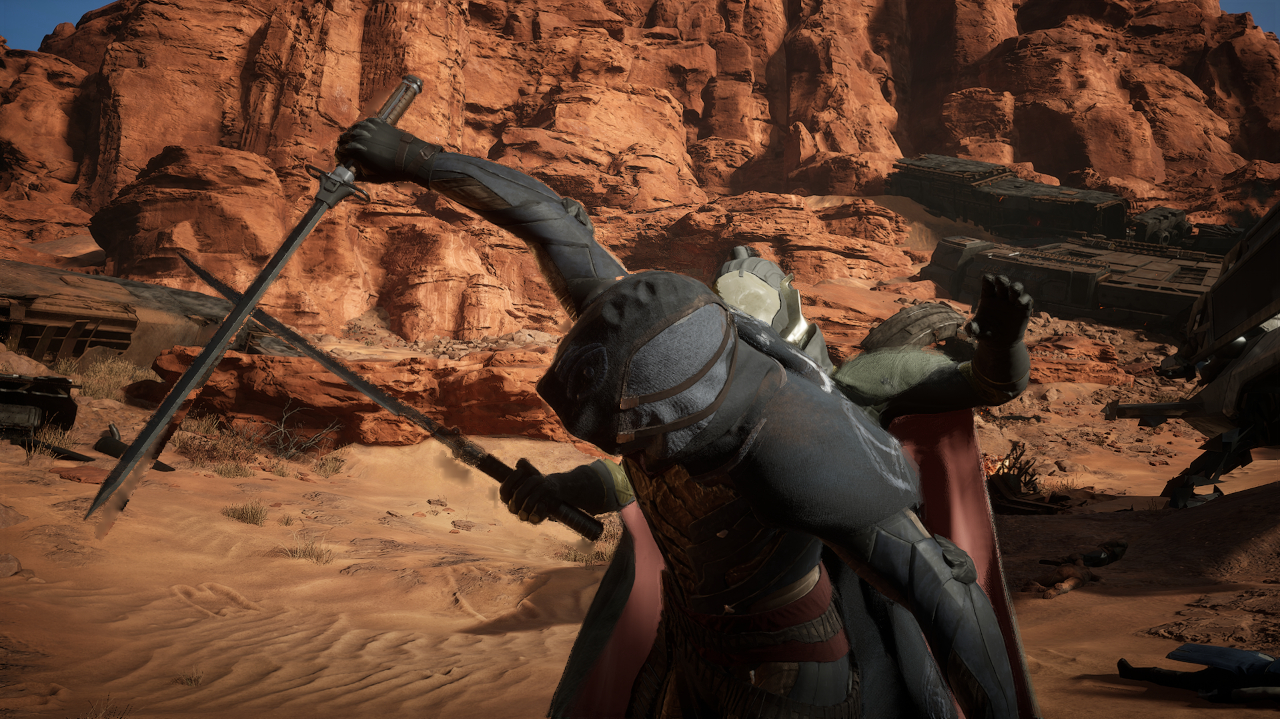
This version of the game is as exact and as one-to-one as it possibly could with the PC version released last year, down to the story arcs, quests, and PvE/PvP areas you take on. Since launch, Funcom has introduced new weapons, areas, and cosmetics through DLCs that will be available to console players, as well. Also, several key features in story and mission progression that have changed on the PC version will take into effect.
If you want to engage with multiplayer, it is still a viable option when you want to gather more resources and reinforce your bases against other players and the natural elements. However, you still won’t be able to host your own server on a console just yet, as it is more stable to do so on the PC version.
Become whoever and whatever to survive
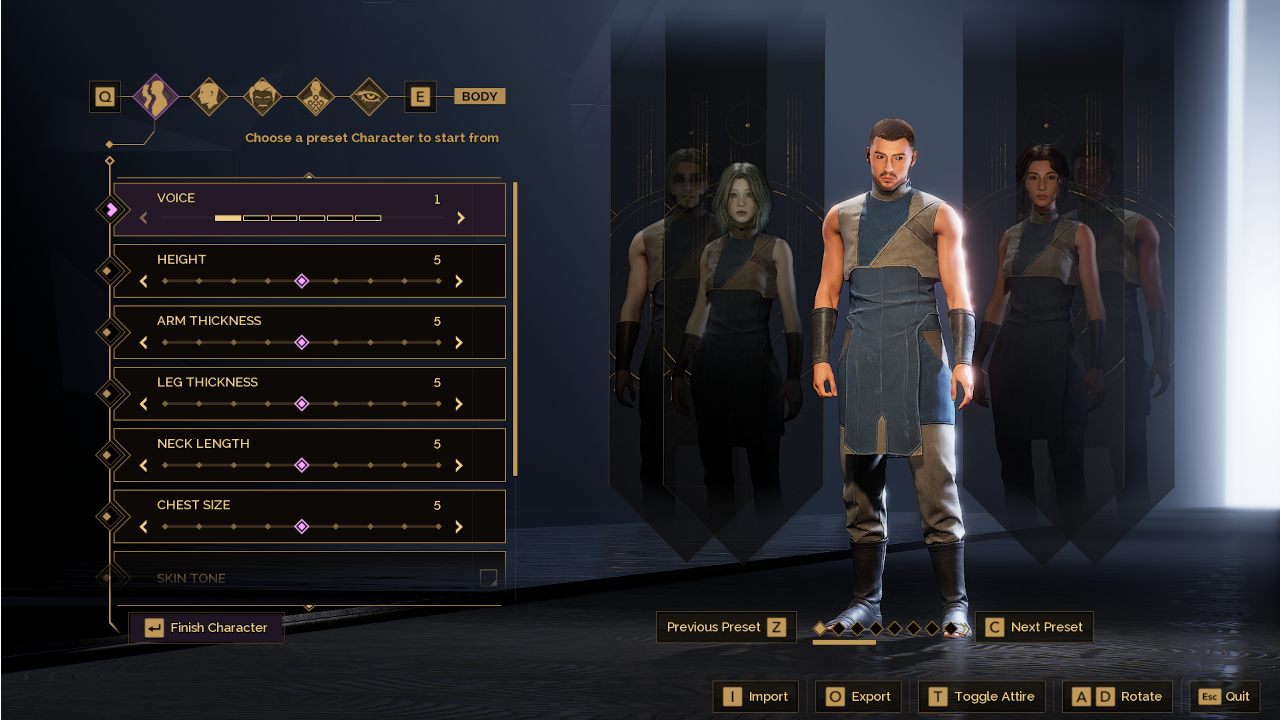
Character customization became the game’s bread and butter through its extensively library of features and unique take on story progression. As you begin your journey, Lady Jessica welcomes you in and asks you on your origin story, mentorship, and initial skill set — all of which are to your choosing based on your play style. Honestly, none of these completely influence the difficulty in progressing the story too much but it will give you full control of the experience.
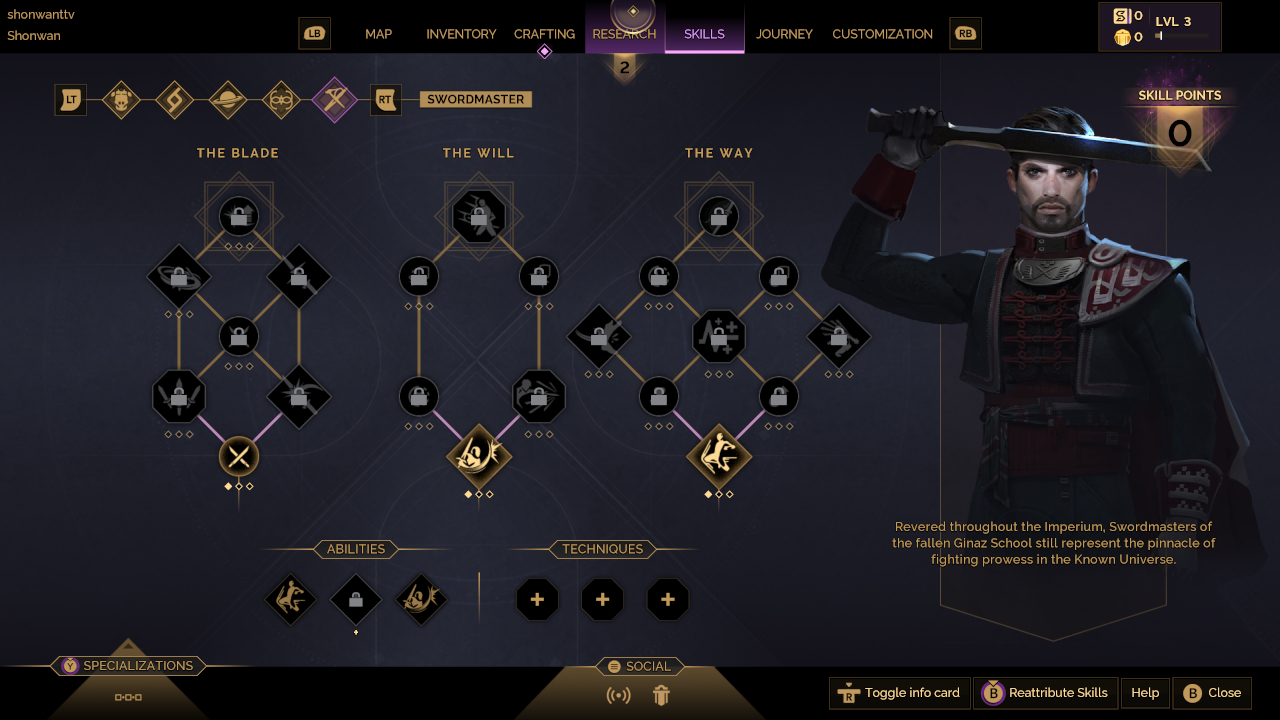
As you progress further into the game, you will unlock more skills and abilities to aid you in your quest for power and survival. These will help you earn XP, along with accomplishing tasks, gathering resources and researching newer technologies, plus engaging in combat both within the PvE and PvP areas. Ultimately, you and, potentially, other players must build enough rapport and influence to shape the world of Arrakis to your liking.
Consistent visual expectations
For most players on the PC version, graphical fidelity relied heavily on the hardware of choice. When transitioning the game into a console-friendly environment, Funcom worked out the details seamlessly by adding a Performance and Quality mode. In this fashion, you can opt for crystal-clear graphics at a decent 30 FPS or go for a constant 60 FPS to keep up with the action.
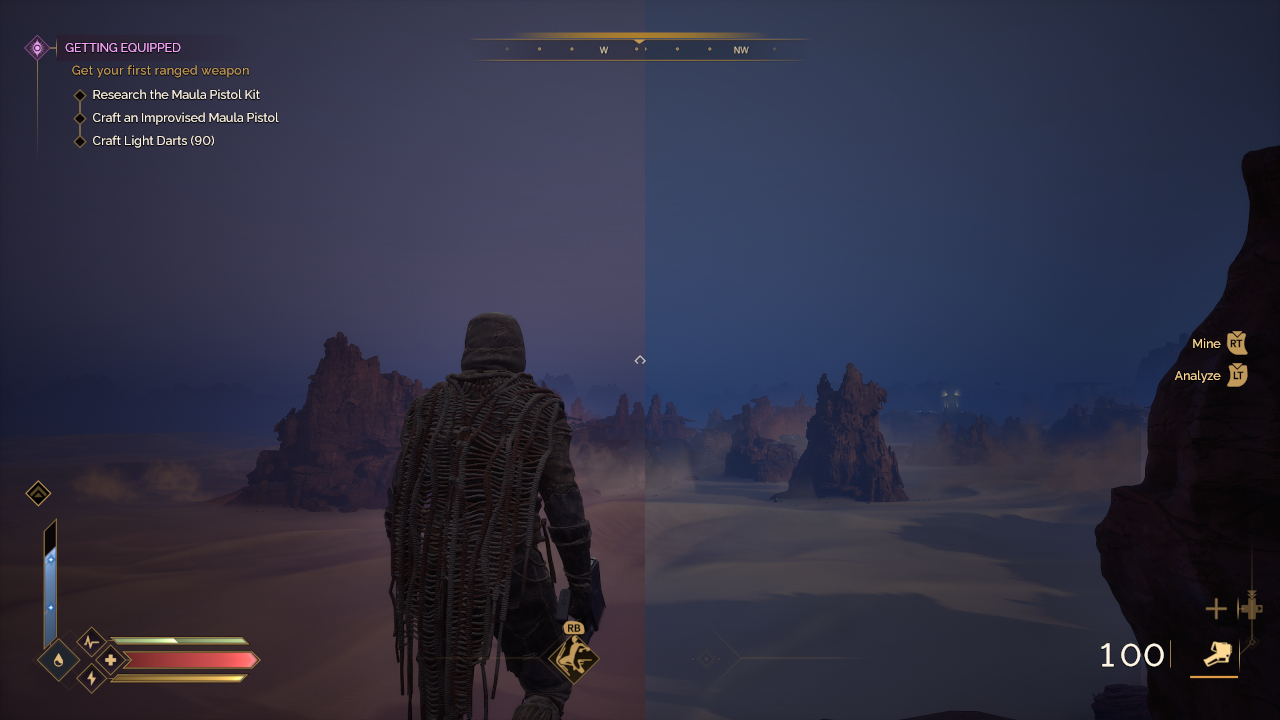
Left: Performance | Right: Quality
No matter which mode you choose, the overall visual identity of the game doesn’t change drastically. Environments look rich and vibrant, while the tiniest of details within character models are preserved. Although, given frame rate differences, rendering of background elements also reflects that but it won’t ruin the gaming experience.
Dune: Awakening will be available on the PlayStation 5 and Xbox Series X|S on September 22. For Xbox Game Pass owners, this will also be a Day One release with Play Anywhere support and cross-play within Xbox and PC players upon launch.
Funcom has also planned an exciting map update later this year plus potential DLC tie-ins to the upcoming Dune: Part Three theatrical release in December.

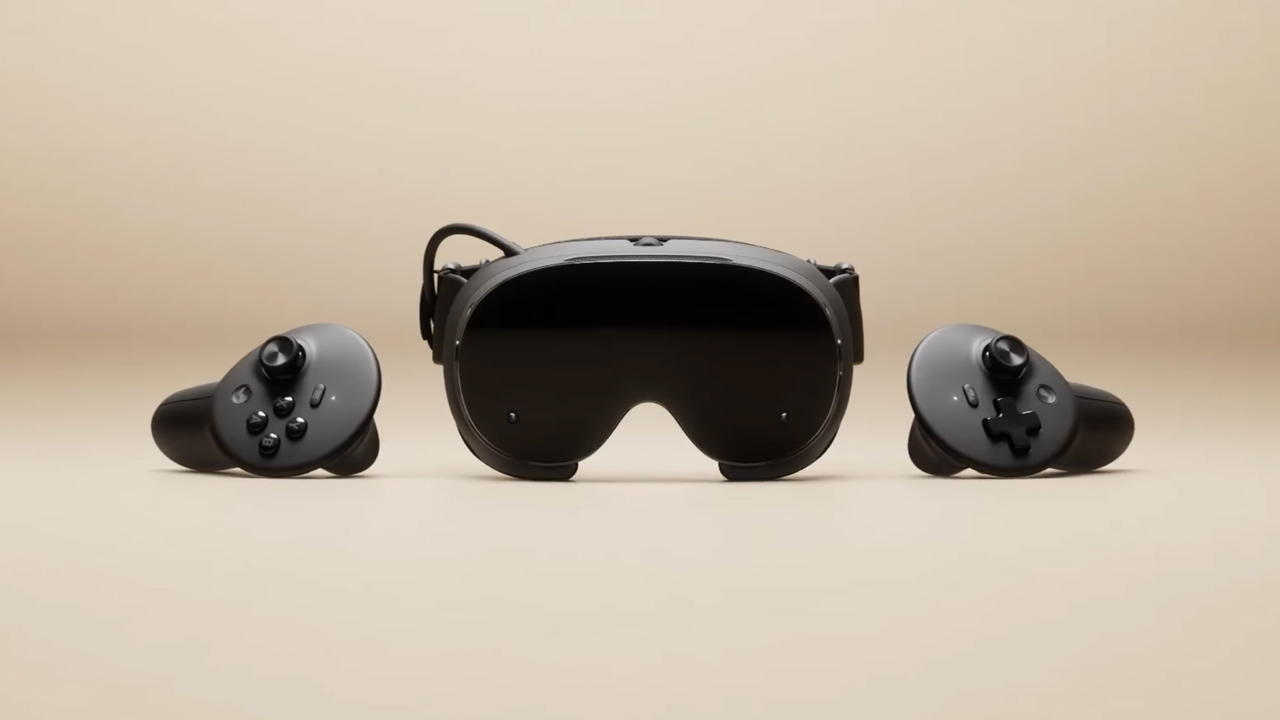
The trifecta is complete. Almost a year after announcing their new hardware, Valve has finally unveiled the price tag of the Steam Frame, complementing the Steam Machine and Steam Controller revealed a few months ago.
Whereas the Steam Machine is a console of its own, the Steam Frame is a traditional VR headset with a pair of controllers for both hands. Unfortunately, despite being in a different segment, the headset is not immune to the rising prices of technology. The Steam Frame will start at US$ 1,059 for a 256GB model and can go up to US$ 1,299 for the 1TB model. On the plus side, each box will come Half-Life: Alyx packaged along with the headset.
Here’s a more detailed rundown of what you’re getting. The Steam Frame will ship with the Snapdragon 8 Gen 3 chipset, paired with 16GB of RAM. Each eye comes with a 2160 x 2160 LCD screen, putting out images at up t0 a 144Hz experimental refresh rate. As mentioned above, the headset will start with 256GB of storage but can go up to 2TB. It will come packaged with SteamOS 3 and a rechargeable 21.6Wh battery.
This might be a hard buy for some. The industry currently has more affordable options, for one. Also, virtual reality isn’t the most thriving segment of gaming today.
If you’re still decided on buying one, however, Valve is using its lottery system. Interested customers can sign up from now until September 17. The company will then randomize the purchasing order. Those who draw the first ones in the lottery can get a purchase email as soon as September 18. Meanwhile, anyone who registers after September 17 will automatically be put at the back of the queue.
SEE ALSO: Valve announces its own console called the Steam Machine


DJI Lito X1 review: Is this the best lightweight drone for creators?
Making a strong case as a travel companion and a capable B-cam!


REDMI Note 17 Pro Max review: A new breed born from AI greed
Welcome to the new normal


Marvel’s Wolverine review: When the claws come out
A brutal, cinematic superhero adventure

Chimelong’s newest attraction might be the robots themselves

Xiaomi 18 Pro series is launching globally, Xiaomi confirms

Google Photos can now censor your kid’s face better

CRISIS CORE -FINAL FANTASY VII- REUNION physical edition now available for Switch 2

Smart launches AI.Smart, an affordable AI workspace

realme 16T 5G with 8000mAh battery, IP69 Pro rating launches in PH

HUAWEI Pura X View is 2026’s first WIDE slab-type smartphone

REDMI reveals the refreshed Note 17 and Note 17 Pro series

REDMI Note 17 Series: Price, availability in Singapore

The CAMON Slim 5G is TECNO’s latest ultra-slim smartphone


-

 News4 days ago
vivo X500 Series launches with major imaging upgrades
-

 Hands-On2 weeks ago
Apple iPhone 18 Pro Series Hands-on
-

 Gaming2 weeks ago
BlizzCon 2026 announces World of Warcraft: Forever and Diablo V
-

 Singapore6 days ago
Epson Lifestudio Grand Plus EH-LS970B with 4K projection, more launches
-
Reviews1 week ago
REDMI Note 17 Pro Max review: A new breed born from AI greed
-

 News3 days ago
OPPO Find X10 Pro Max is the first phone with a triple 200MP camera system
-

 News4 days ago
vivo introduces OriginOS 7 with smarter multitasking and AI features
-

 Gaming2 weeks ago
Valve unveils price of the Steam Frame