
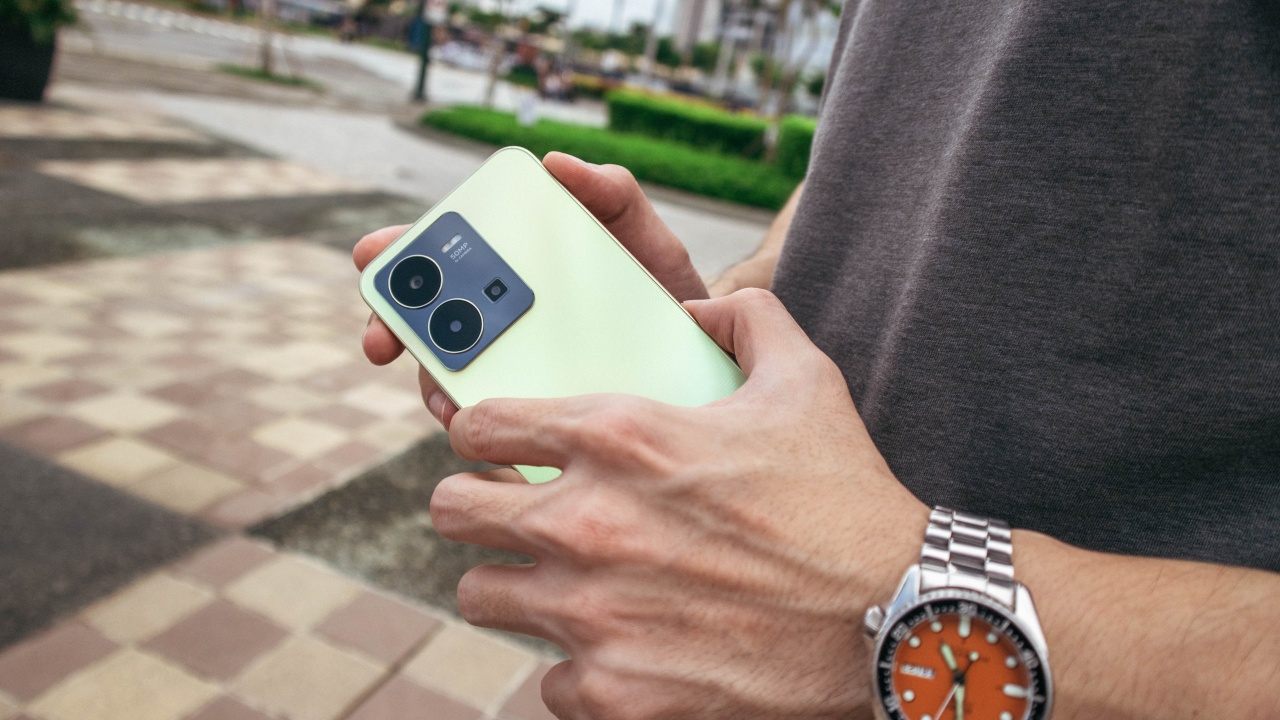
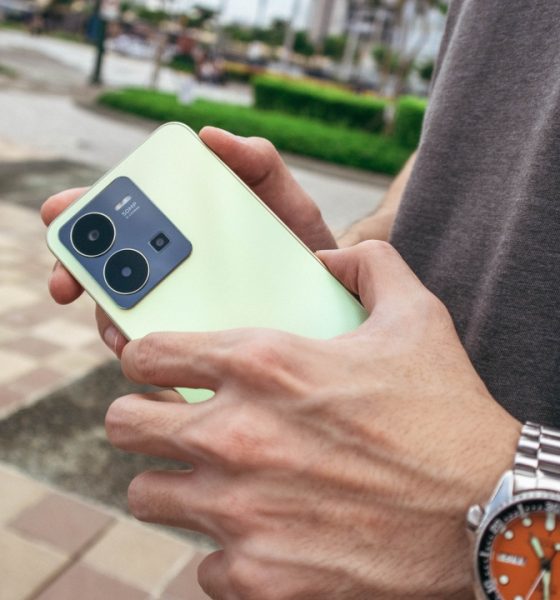

We know that the Y series is vivo’s entry-level line of smartphones and is among their highest selling variants to date. So, it does feel confusing that the vivo Y35 still belongs in this category as a lot of its features already belong to a higher class.
It has everything a Y series should be but also a lot to take it to the next level.
That’s exactly what we’re going to discuss as we talk more about the identity crisis this phone is having and why it actually is pretty good.
Specs
A quick recap of the specs before we proceed. The vivo Y35 is running on the Snapdragon 680 chipset with 8GB RAM plus 8GB of extended RAM, it also has a large internal storage of 256GB and is being powered by a 5,000mAh battery with a 44W Flash Charge.
Designed like a Y series and that means beautiful
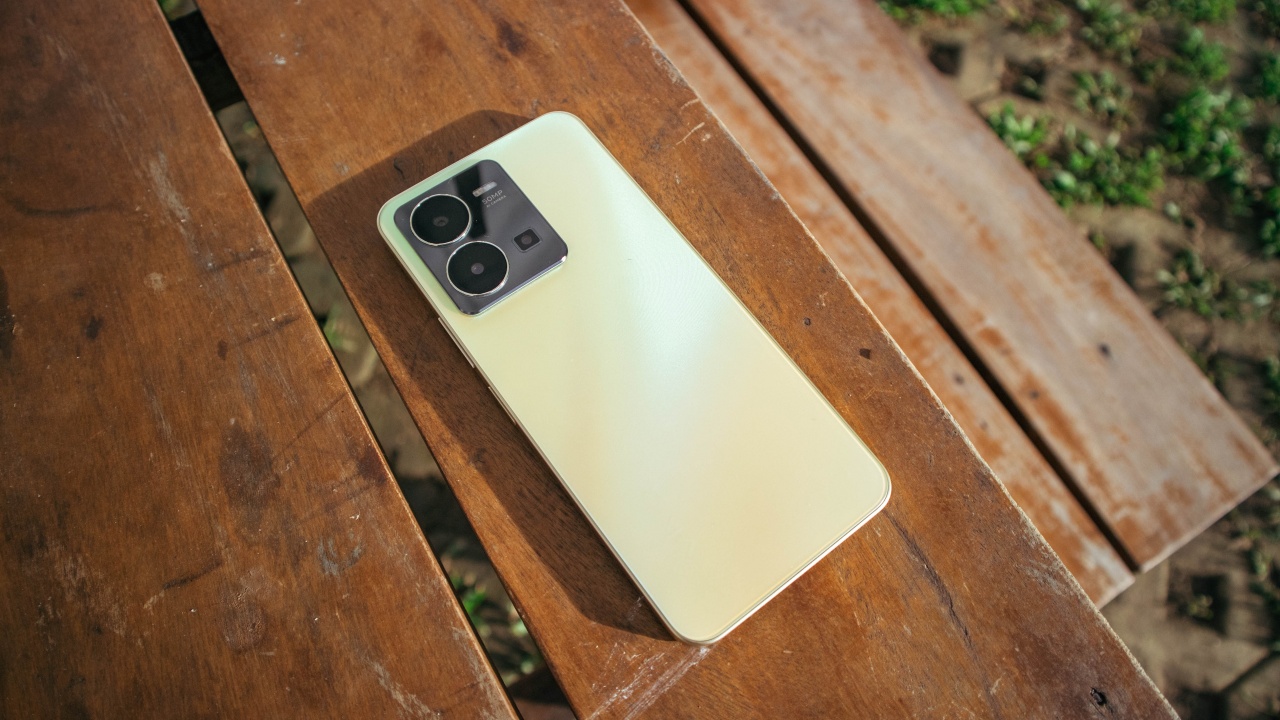
The way this phone is designed looks and feels almost exactly like vivo’s other entry-level offerings. It’s not necessarily a bad thing since their designs are recognizably attractive and are pretty well built.
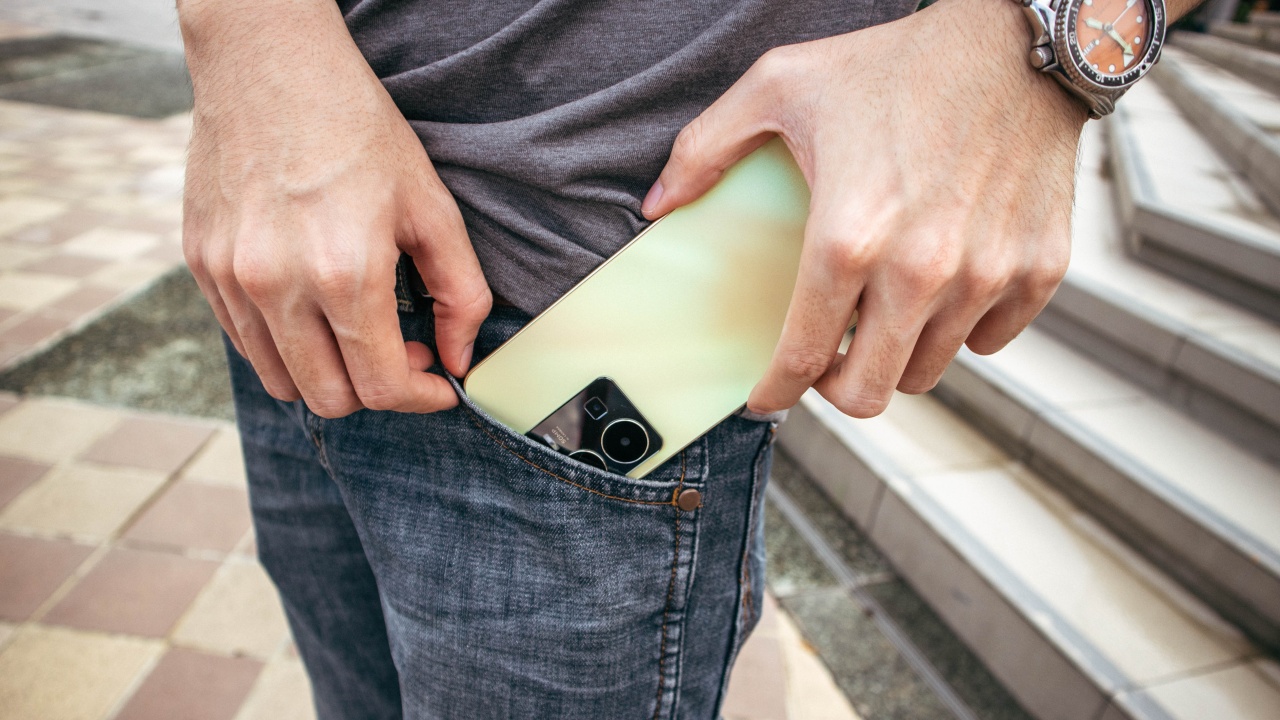
With this one, the size feels slightly thicker and heavier on the hands. It can be both a blessing and a curse especially for people with bigger hands. I like that it feels a bit chunky. It makes it easier to grip though it also bulges a bit in my pants’ pocket.
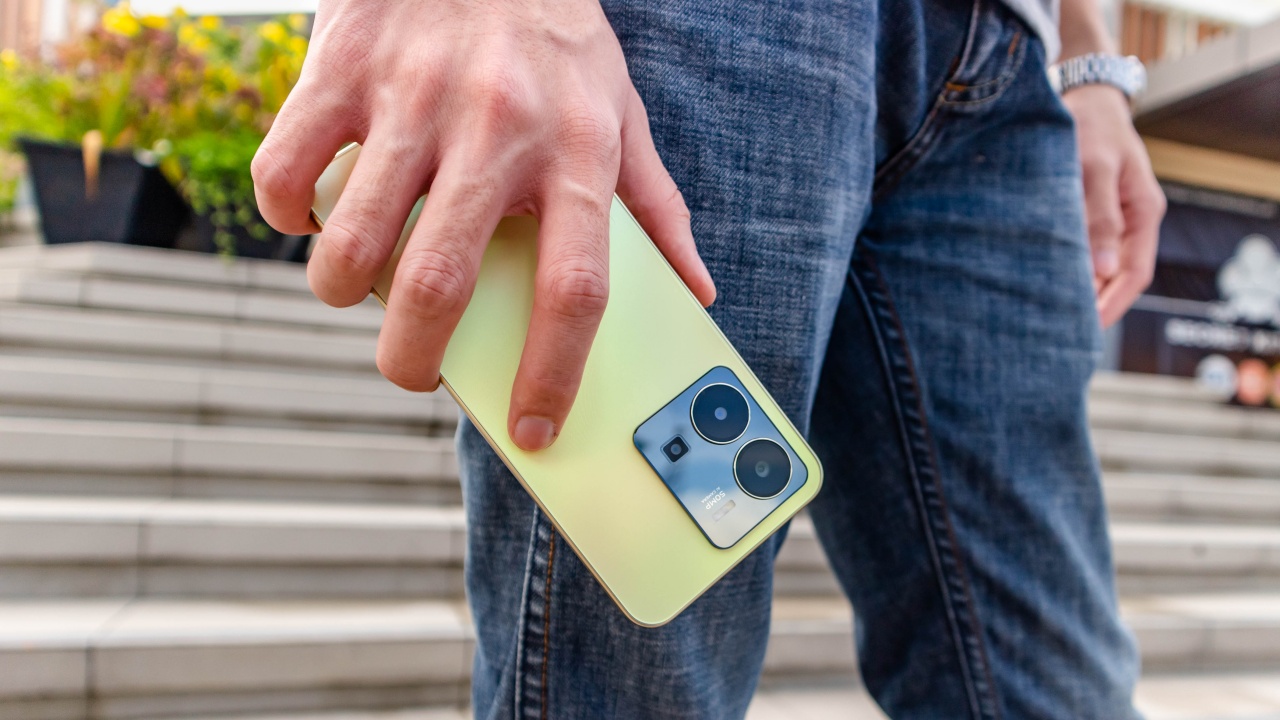
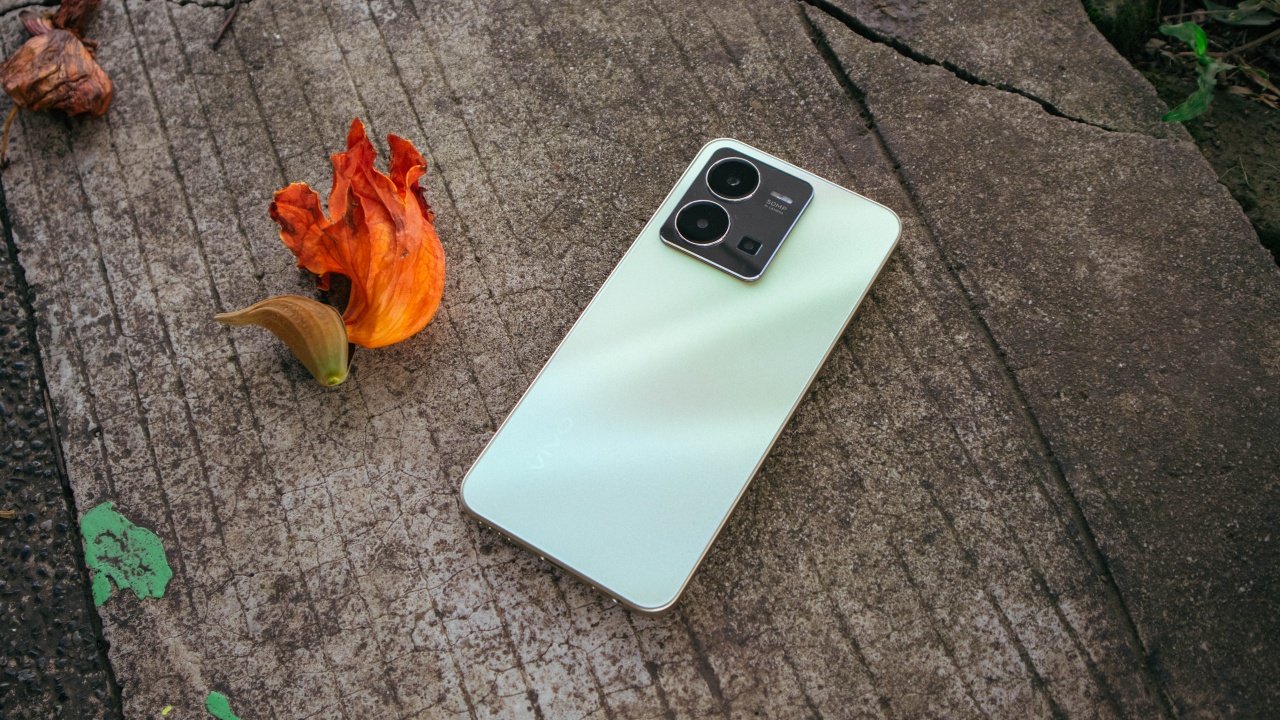
It’s commendable that for a relatively affordable phone, I feel proud to bring out even in sophisticated engagements. Contrasting the camera module’s dark gray mirror finish with the Dawn Gold colorway of the whole body is picture-perfect.
Plus, I greatly appreciate that they finally went with a matte textured back case which doesn’t attract smudges.
Responsive Display
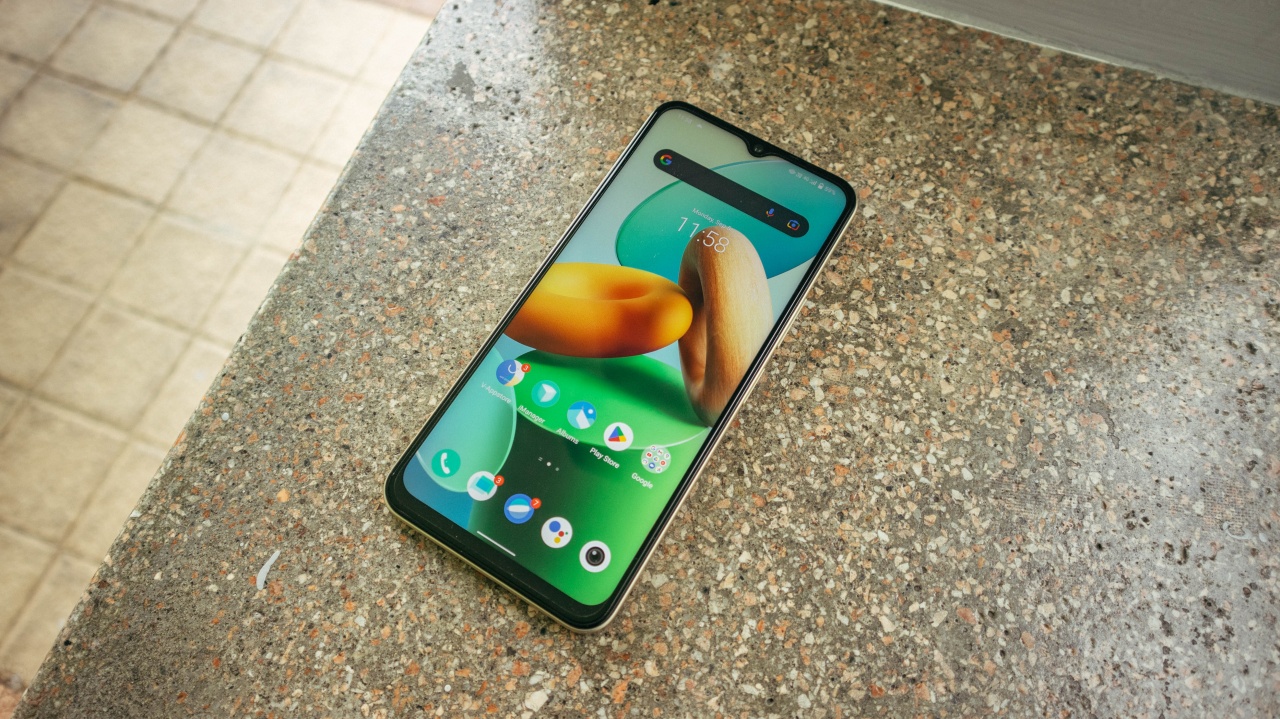
If you place the Y35 side by side with other budget phones from vivo, you’ll probably think they’re all using the same screens. Most of them still have a chin and a dew drop front camera design. But on paper, most of them slightly differ.
The one on the Y35 is a 6.58-inch, full HD+, IPS display but now boasts a 90Hz refresh rate. So it does feel a bit more responsive adding to its overall user experience.

Given that this isn’t AMOLED, we can’t expect it to have the same vibrance of that kind. But at least the viewing angles are decent and colors are nicely saturated.
Outdoor usage may be a bit of a struggle but not to the point that it gets annoying.
Battery and Charging is its best feature
One of the highlights on the Y35 is its fast charging capabilities. vivo claims this phone can charge up to 70 percent in just 34 minutes. It’s quite unusual to experience in this category of smartphones.
Based on my personal test, the 44W Flash Charge on this was able to get a 20 percent increase in just ten minutes of charging. And from 15 percent, it took a whole hour and two minutes for it to get fully charged.
Not entirely the same as vivo’s claims but still remarkably fast. Especially if we consider that most entry-level phones do take more than two hours to get fully charged.
This means we can now change our overnight charging habit to just charging before we prepare ourselves for leaving the house.

Battery performance was also fairly good. I managed to use this mostly on data connection, streaming a whole bunch of YouTube videos in a four-hour bus trip to Baguio and I ended the whole day still with 58 percent battery remaining.
That’s pretty decent for a 5,000 mAh battery if you ask me.
Built for Multi-Tasking
Aside from the large RAM and storage, there really isn’t much to go crazy about the Y35’s hardware and performance. Apps run more or less the same as other Snapdragon 680 powered phones. But the benefits of having more RAM is quite noticeable.
It can surely handle running apps side by side on multi-window mode but not absurdly responsive. It also manages to return to apps I have running in the background without having to wait for it to load all over again.
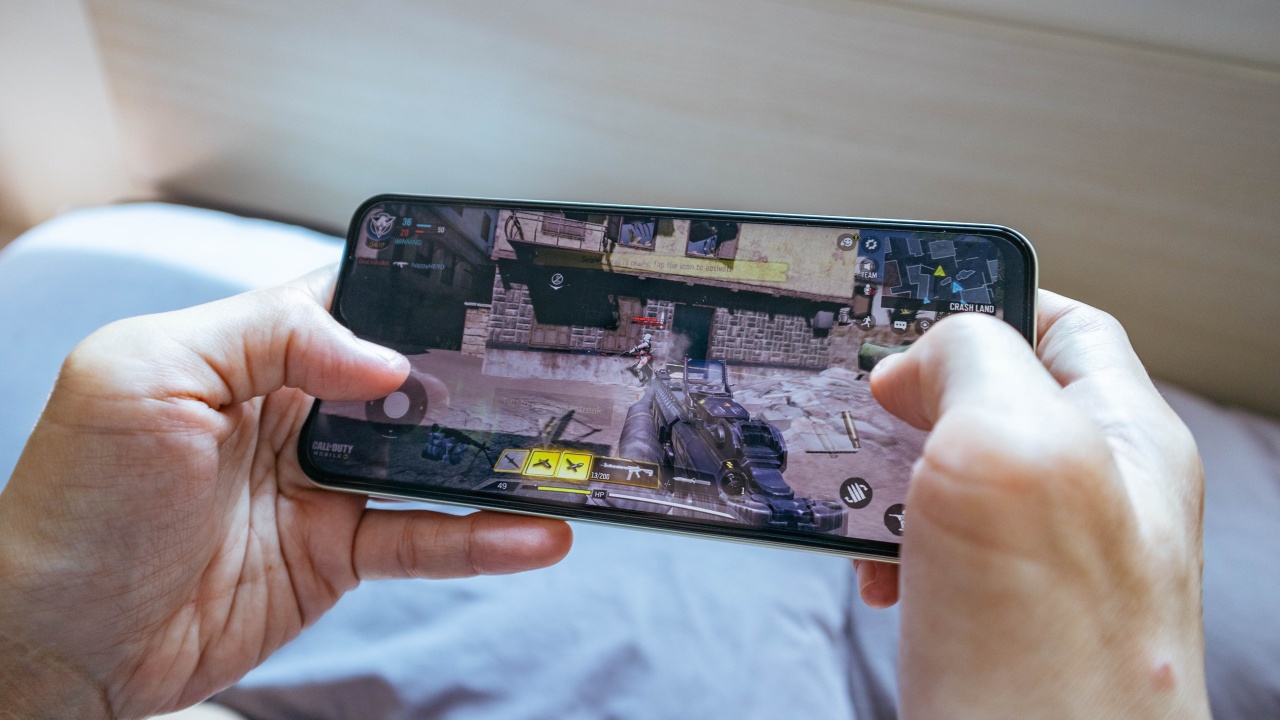
I assume games may have also benefited from the large available RAM as Call of Duty: Mobile is able to run lag-free at very high settings with high FPS enabled.

But I feel that among the games I’ve tried, Genshin Impact had a more significant benefit from its specs. Despite being very demanding, the Y35 seemed pretty comfortable handling this game at its default setting with no noticeable slowdowns.
At medium setting, slowdowns did become evident but dropping a few settings to low made the game run at nearly its full speed. I even managed to configure some settings to a combination of high graphic options and this worked out pretty well, too.
Cameras that take Insta-worthy snaps

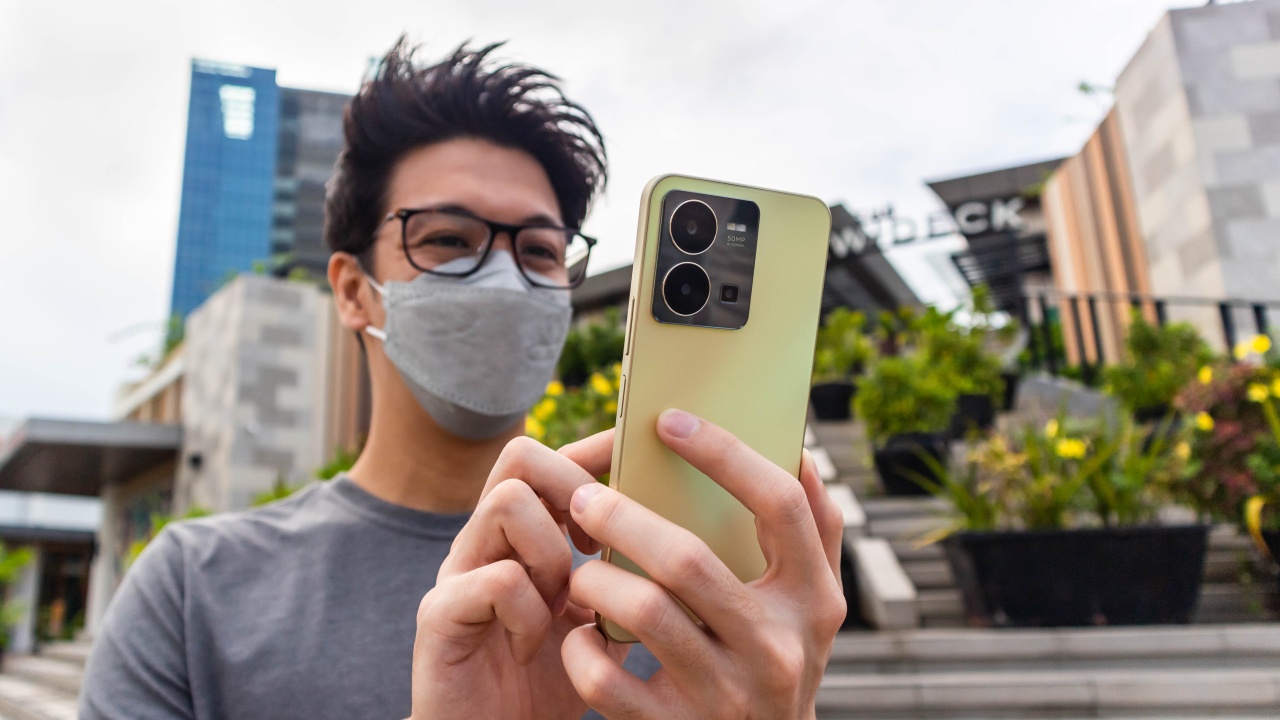
Like the display, I was also expecting the camera to be the exact same one that came with the Y35’s more affordable siblings. With 50MP for its main camera, 2MP bokeh shooter, 2MP macro camera and 16MP selfie camera, on paper, these do seem very similar.
But having the chance to use a lot of them, I can say that that isn’t the case. Image quality has improved but not so drastically.



It often gets the colors where I want them and looks Insta-worthy but so long as we manually adjust the exposure slider. Not doing so will mostly result in an overly exposed image which isn’t too appealing.



I noticed that it still has difficulty capturing details in background subjects like leaves of trees. However, I may belong in the minority who actually likes the look of its softness. It kind of reminds me of old digicams which make some shots feel nostalgic if that makes sense.




What I really liked was the ability to recover quickly after taking a shot. I think this could also be a product of its hardware specs and not the camera itself. Whatever it is, it helps ease shooting. The Y35 manages to snap at fast moving subjects allowing me to catch candid moments as it happens.
Is the vivo Y35 your GadgetMatch?

Priced at PhP 14,999 as of writing, the vivo Y35 does seem to be pushing against the boundaries of the entry-level category. For just a little bit more, a lower mid-range phone isn’t too far off which would likely be better in most cases.
Having this consideration in mind, I think the Y35 would be an ideal fit for people eyeing a budget phone who are willing to stretch their pockets a bit for more features.
It’s fast enough for daily tasks and games. and is capable of capturing the moment with its decent cameras. It’s also a fast and vibrant display, and best of all, it charges fast and won’t easily die down on you. Plus it also looks really nice, albeit with the notch design.
Basically, it’s a phone that gets the job done with a few extras here and there. Maybe vivo can consider calling this a Y series Plus or Pro?
The vivo Y35 is available in Dawn Gold or Agate Black colors at their Shopee, Lazada, Tiktok Shop and vivo e-store and all vivo Concept stores nationwide.



With lesser options around, choosing your next best tablet shouldn’t be as daunting as buying a shiny new smartphone.
However, that seems like a misconception. Buying the right budget tablet that matches your needs is still, and will always be, a hard task.
But, the presence and existence of the all-new TECNO MEGAPAD 2 might just persuade and prove you otherwise.
Luring allure
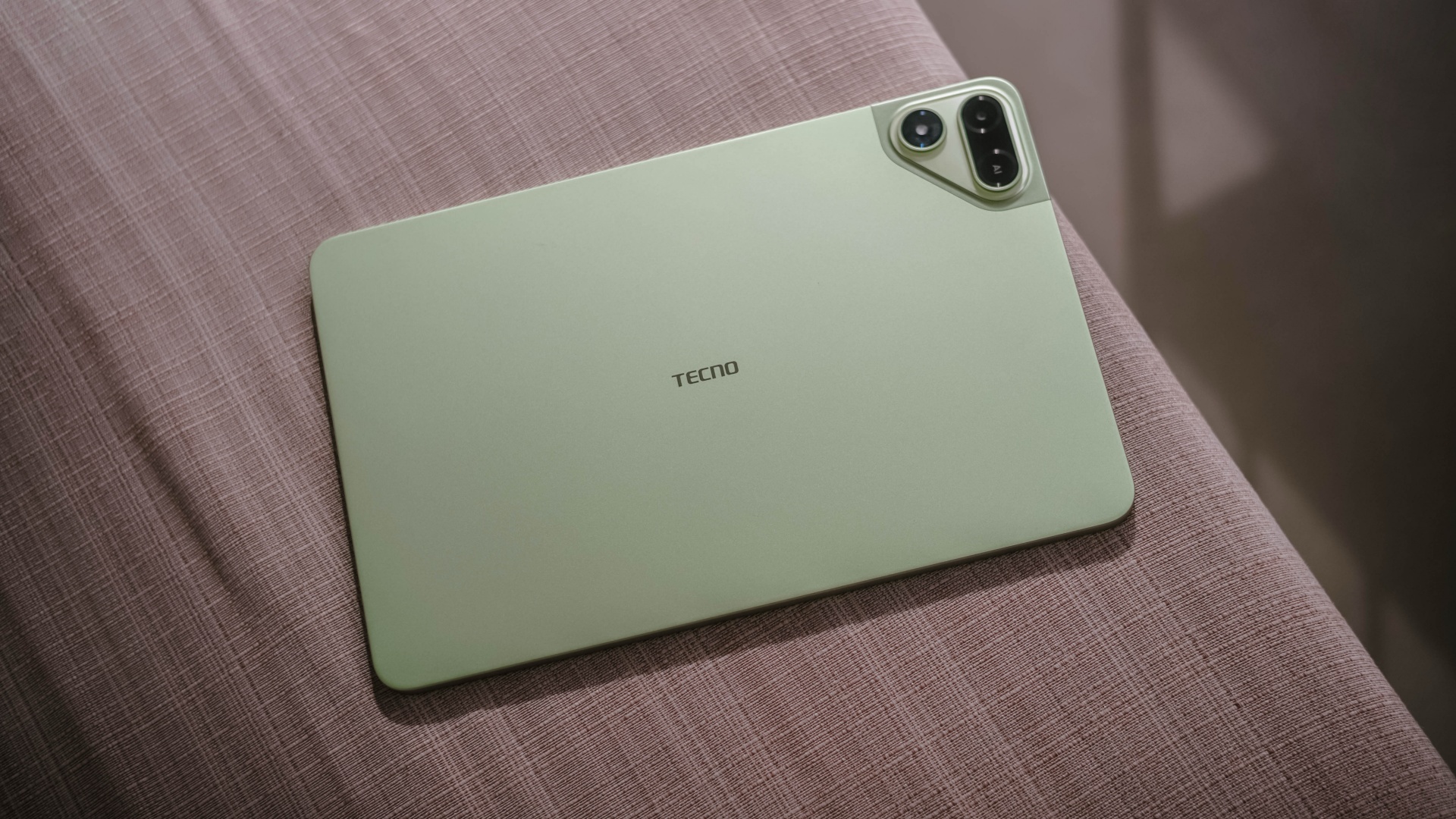
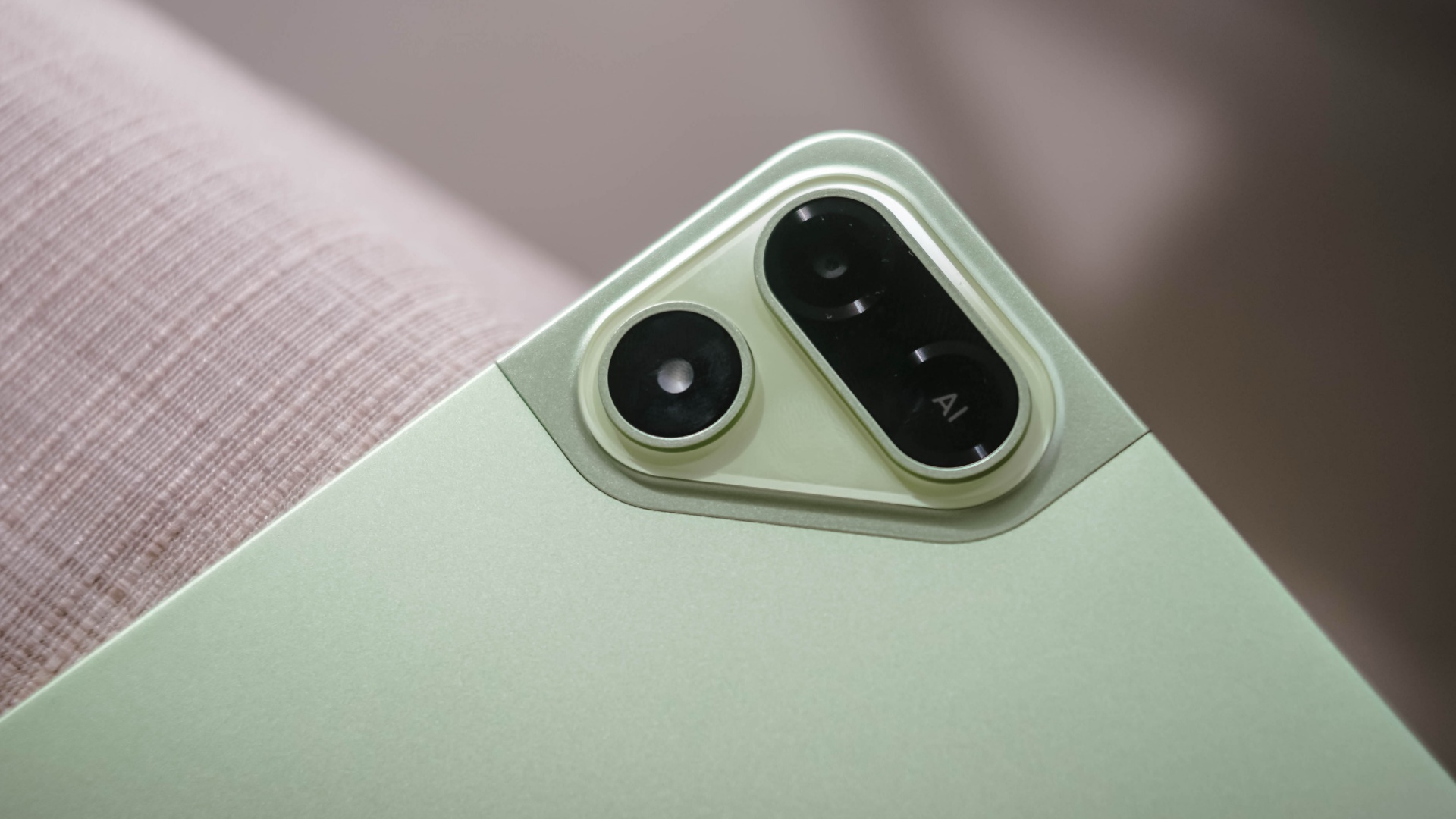
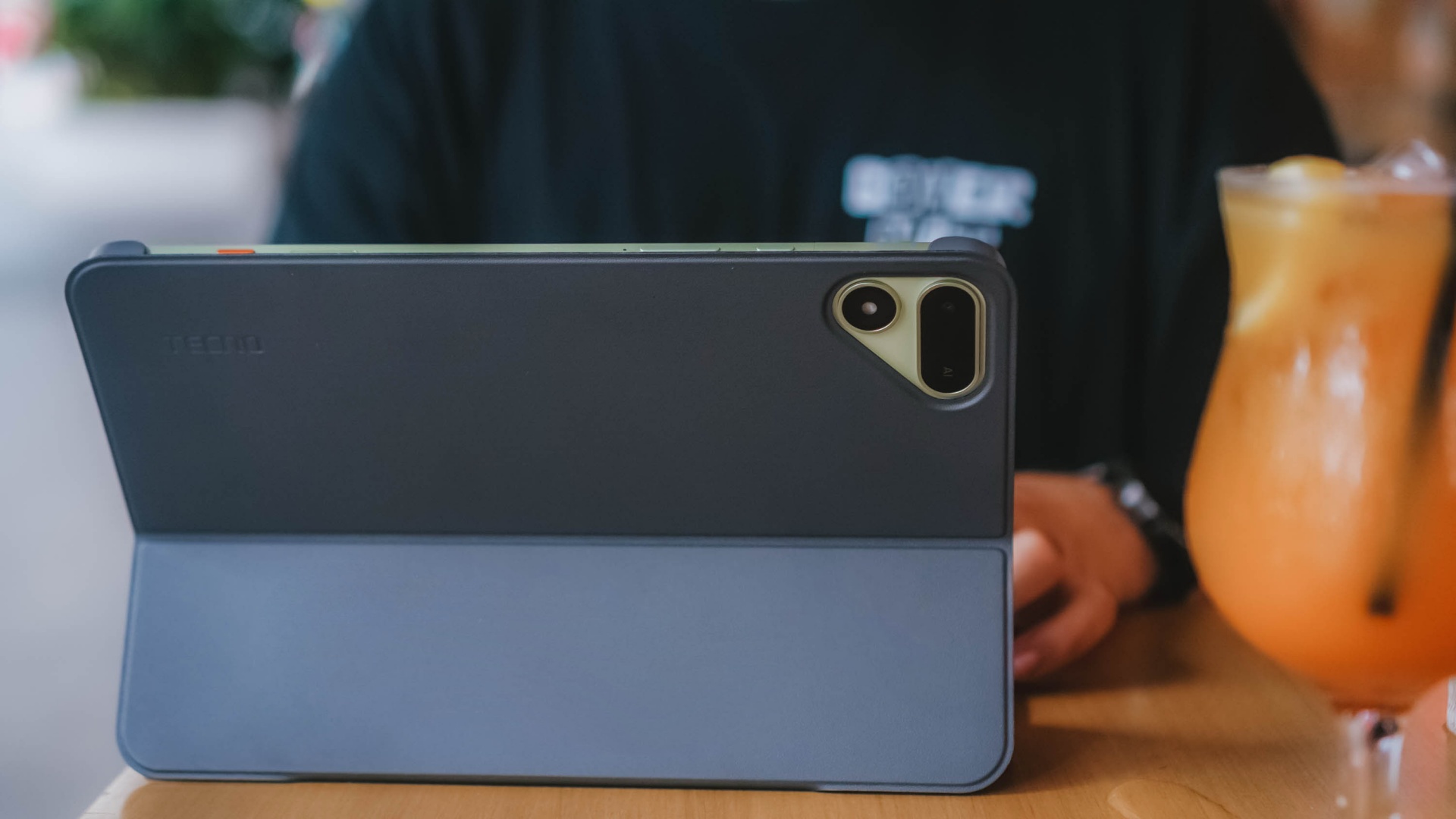
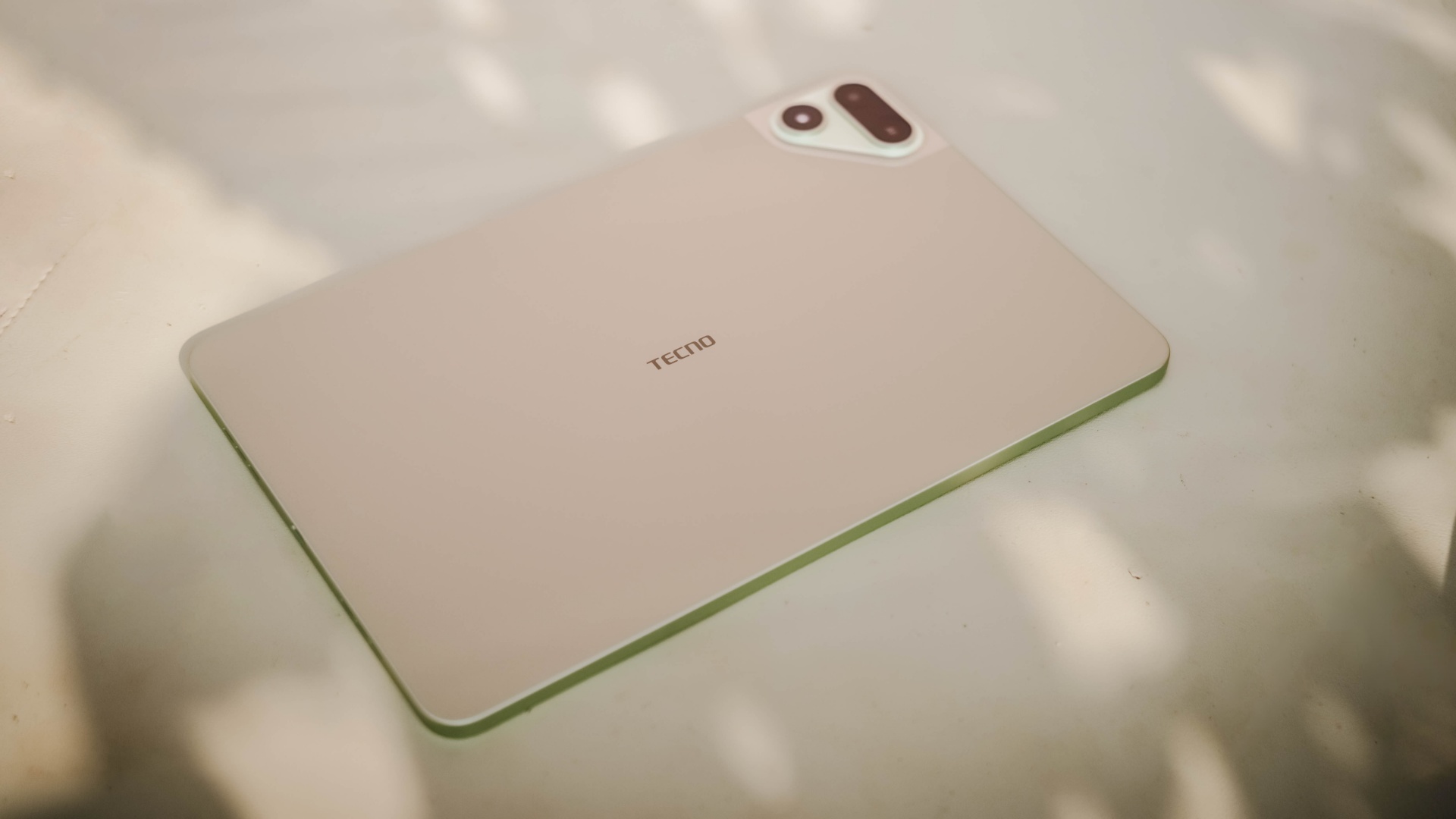
The TECNO MEGAPAD 2 review unit I rock comes in this Light Green colorway.
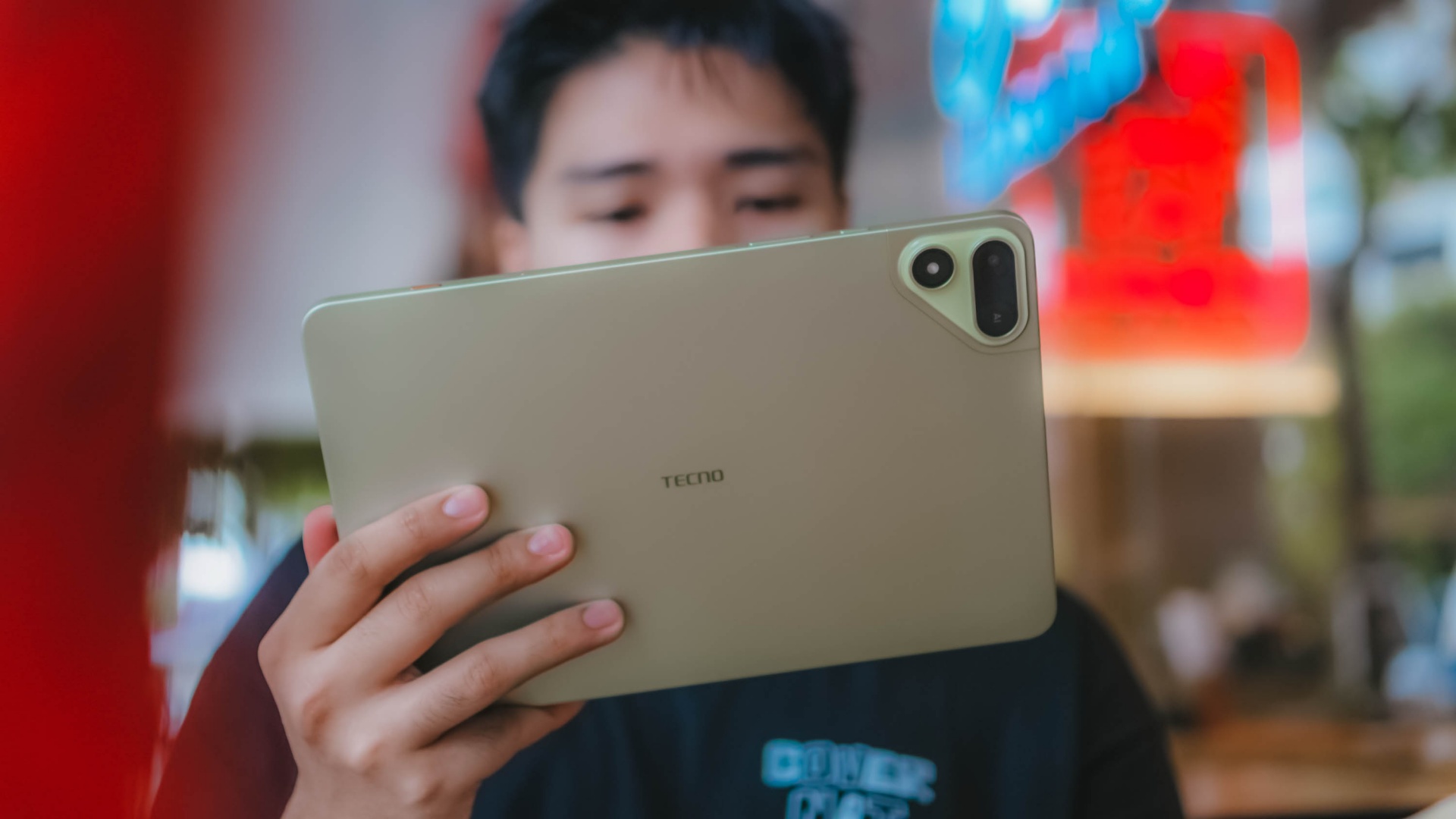
Personally, I prefer this a whole lot better over the overhyped Cosmic Orange hue or the plain ol’ Space Grey shade.
Now, despite the category it belongs to, TECNO’s MEGAPAD 2 is surprisingly built premium.
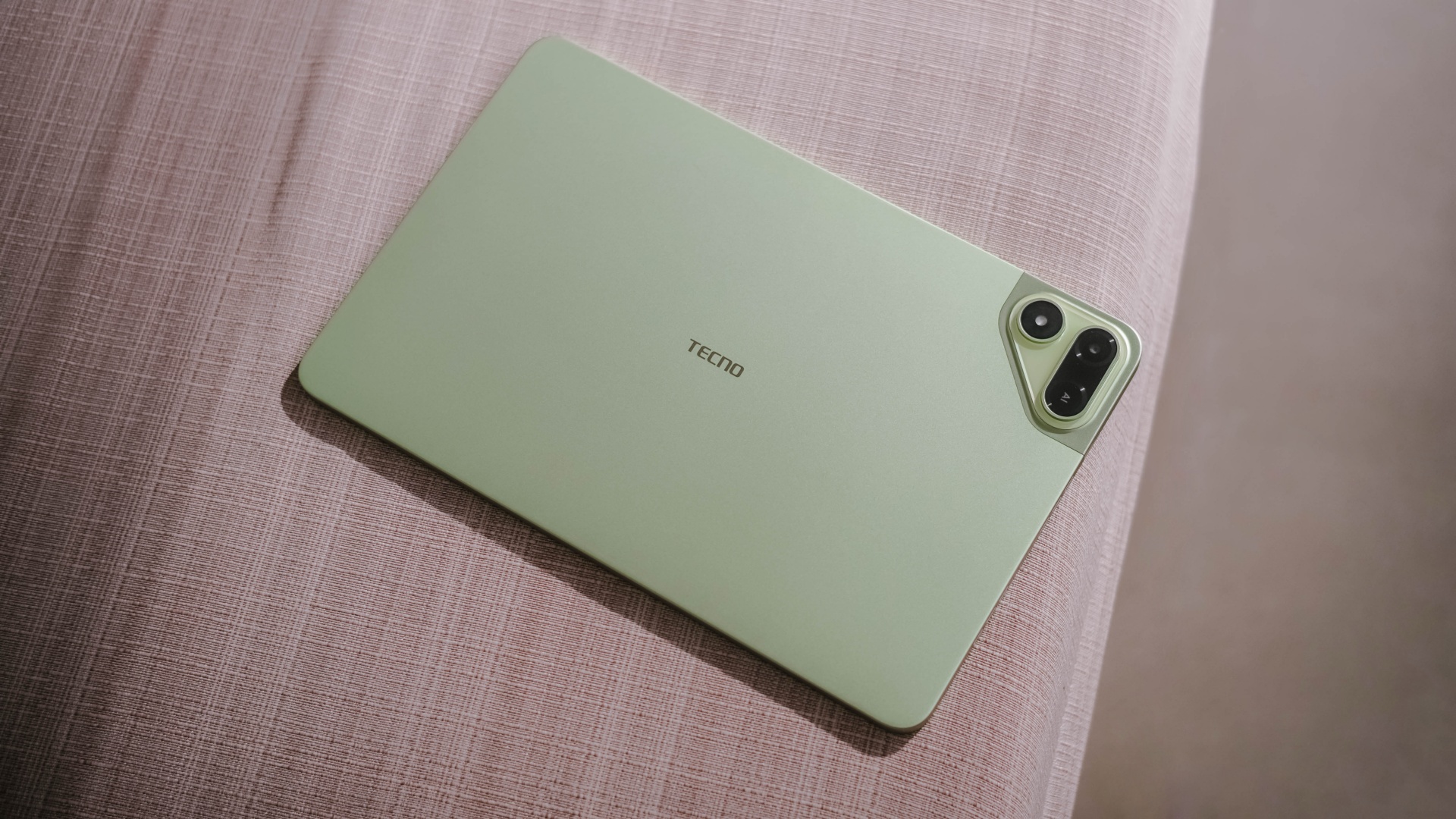
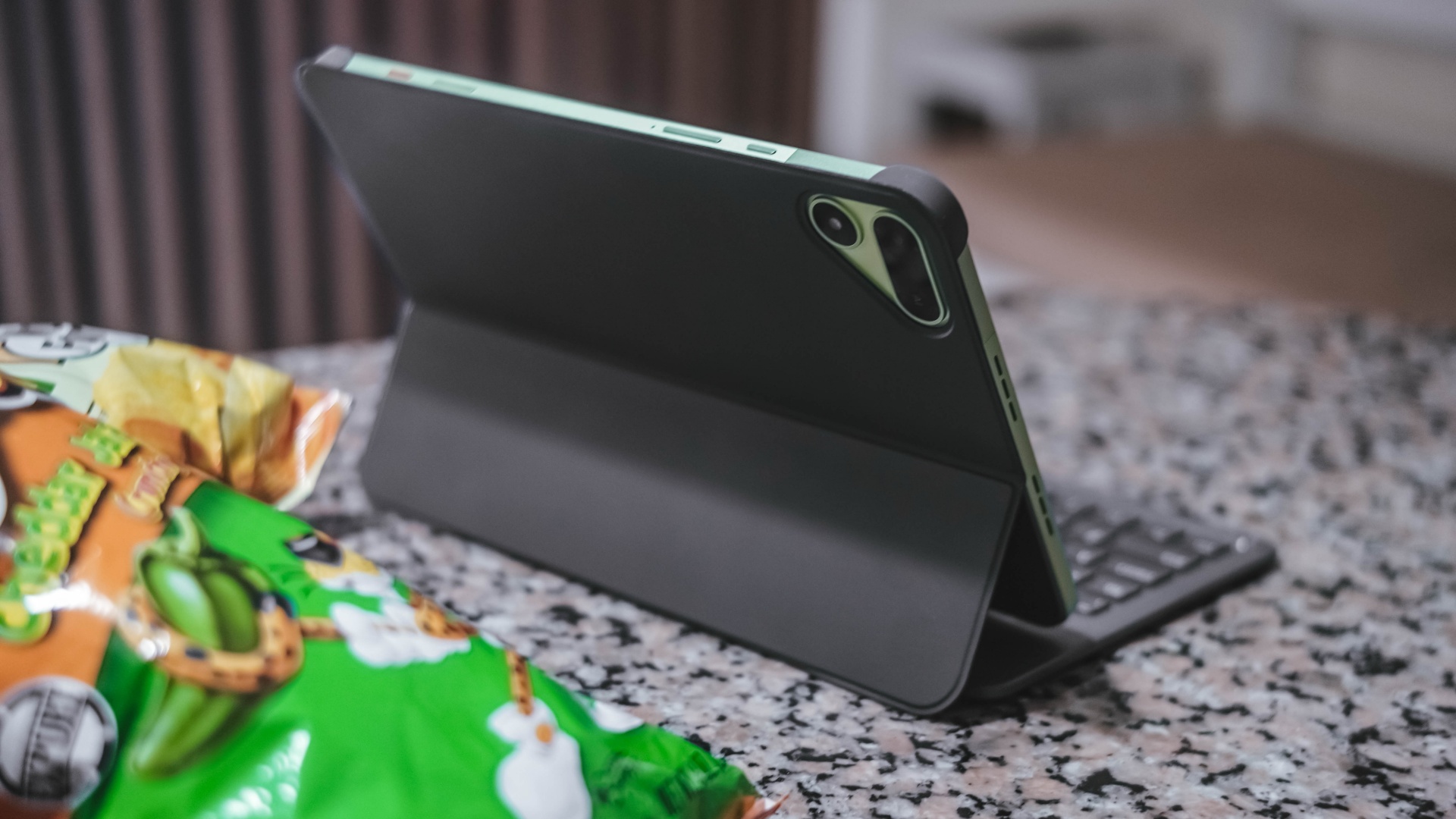
As opposed to icky plasticky budget tablets (or a mix of metal and plastic), this pad features a full metal build — buttons included.
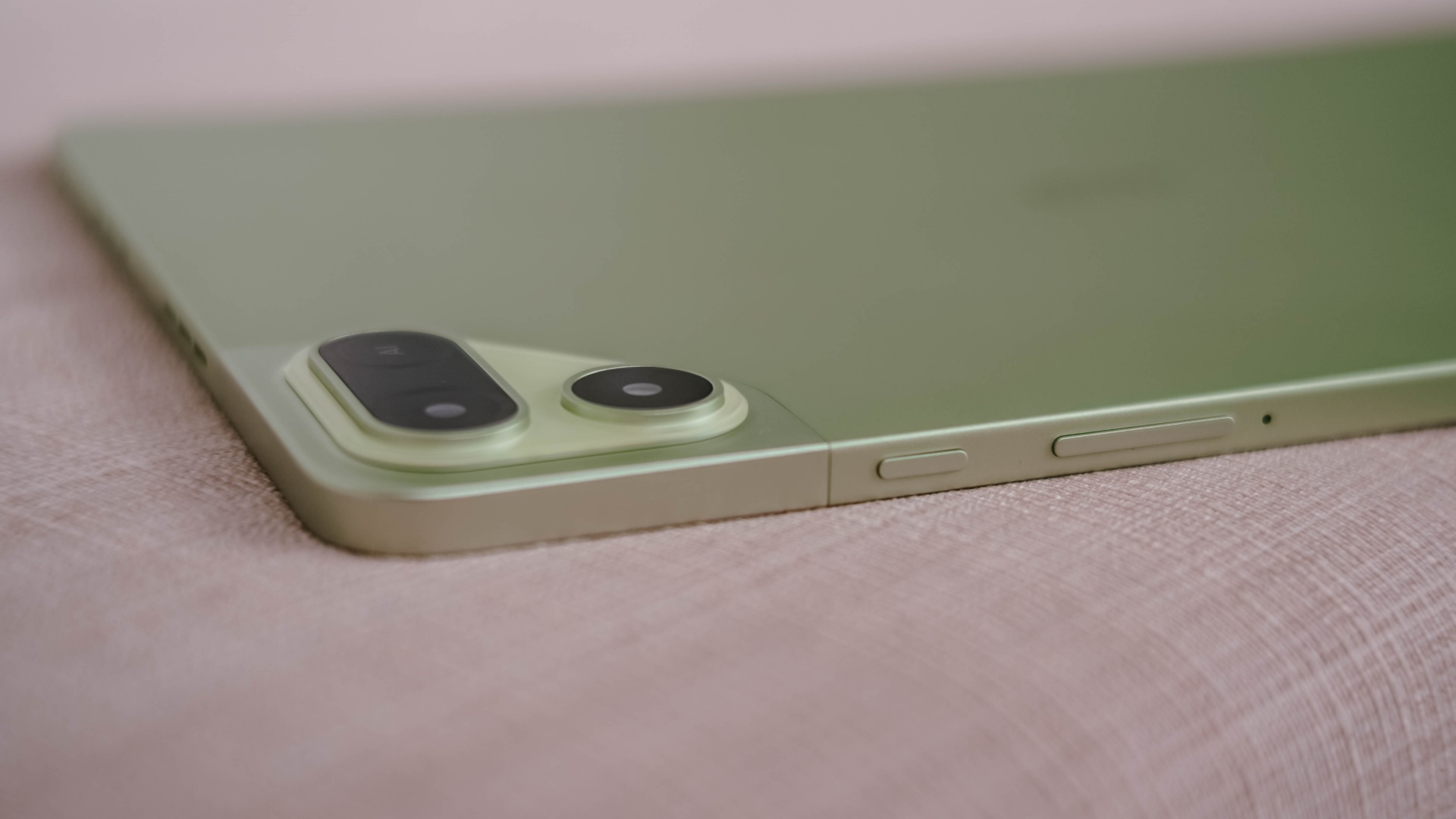
And now that it’s mentioned, the trim is oh-so-slim at just 6.6mm — which is the slimmest in its class so far. Most tablets measure close to or beyond 7mm.
Whether you use it one-handed (or two), holding it won’t be too sore with its heft of 547 grams.
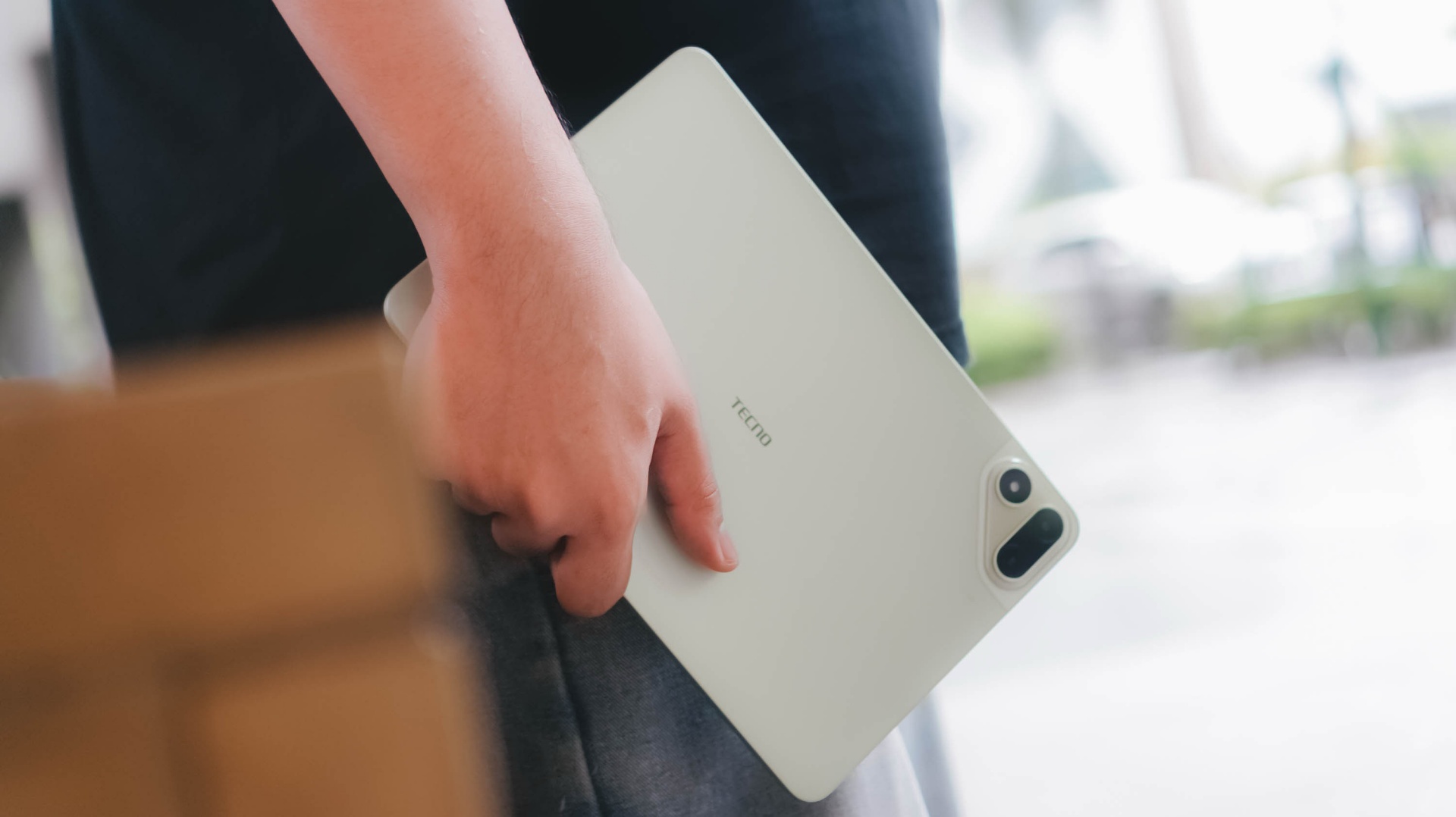
And with the given material, it feels solid enough when held without the budget feel.
Its size is the prize
Unlike usual 10- or 12-inch tablets, the TECNO MEGAPAD 2 features the sweeter screen spot.
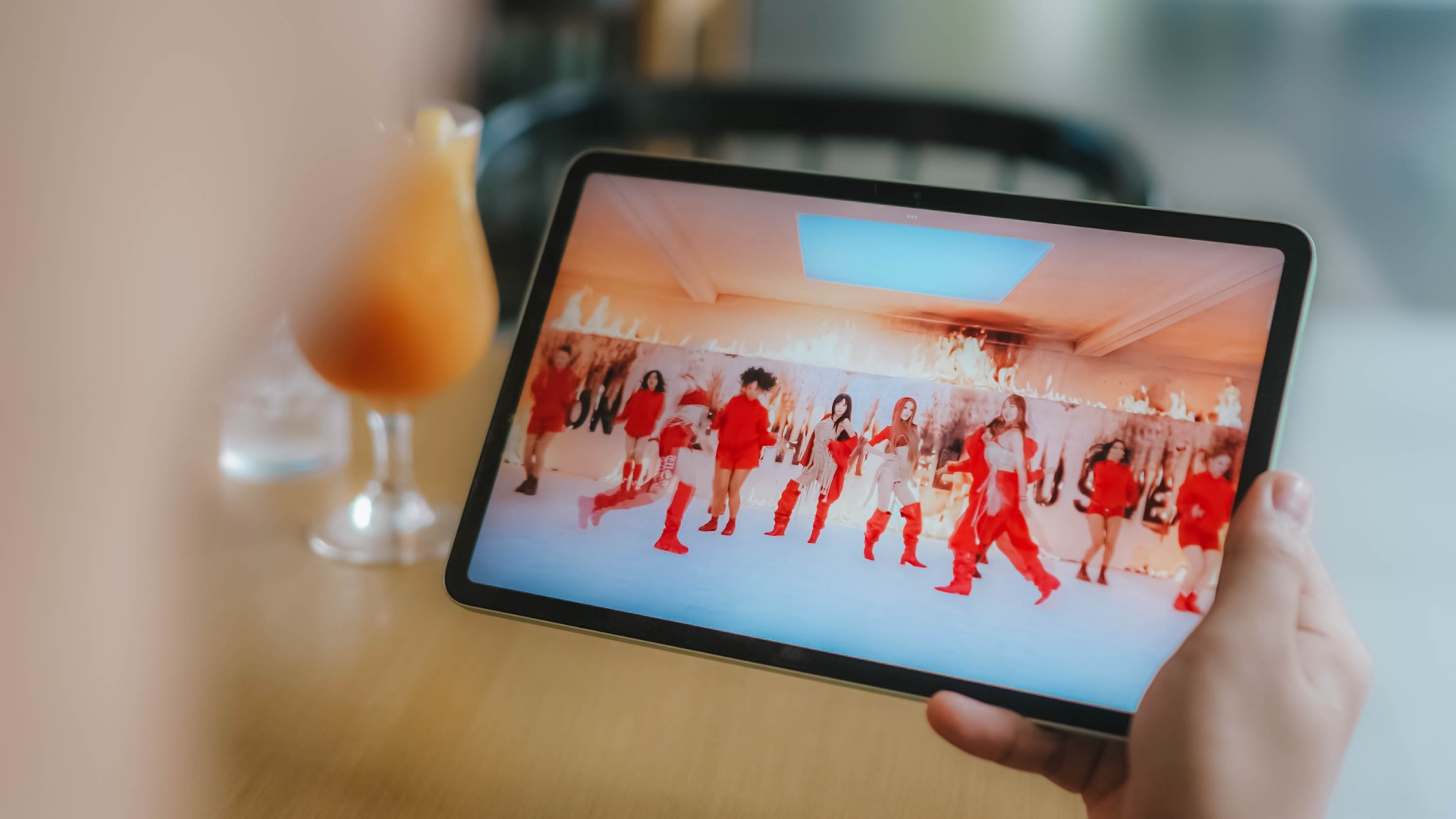
On paper, it’s an 11-inch 90Hz LCD display with a 2.5K display resolution. This makes it sharper than other Full HD+ tablet displays in the market today.

Of course, the main purpose of a tablet’s existence is none other than its visual immersiveness.
Admittedly, I enjoyed binge-watching Netflix’s Spooky In Love — which is starred by the very versatile Park Eun-bin together with the uprising actor, Yang Se-jong.
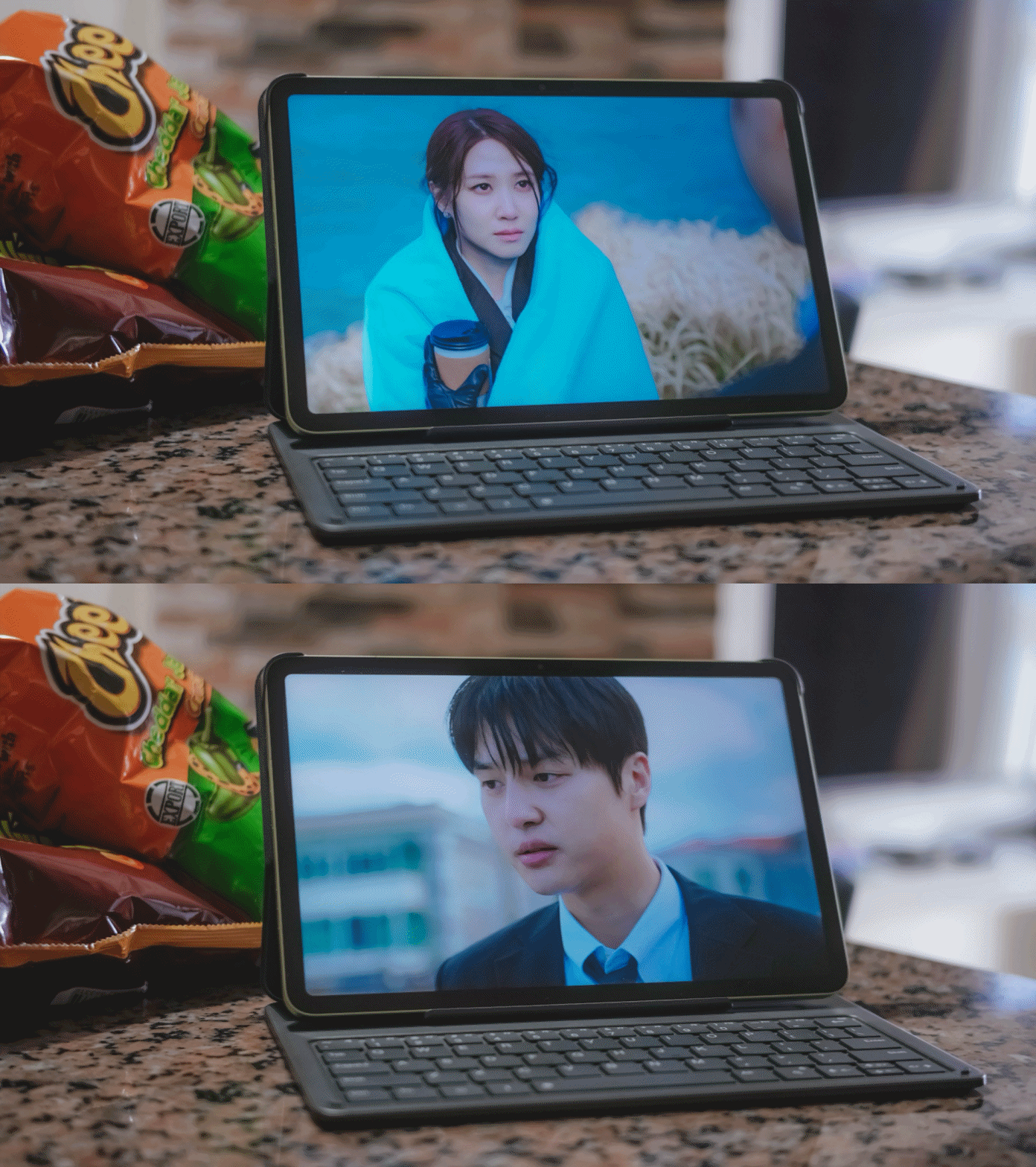
They both perfectly define what TECNO and the MEGAPAD 2 are in a nutshell: an uprising brand that offers a versatile tablet in both features and price range.
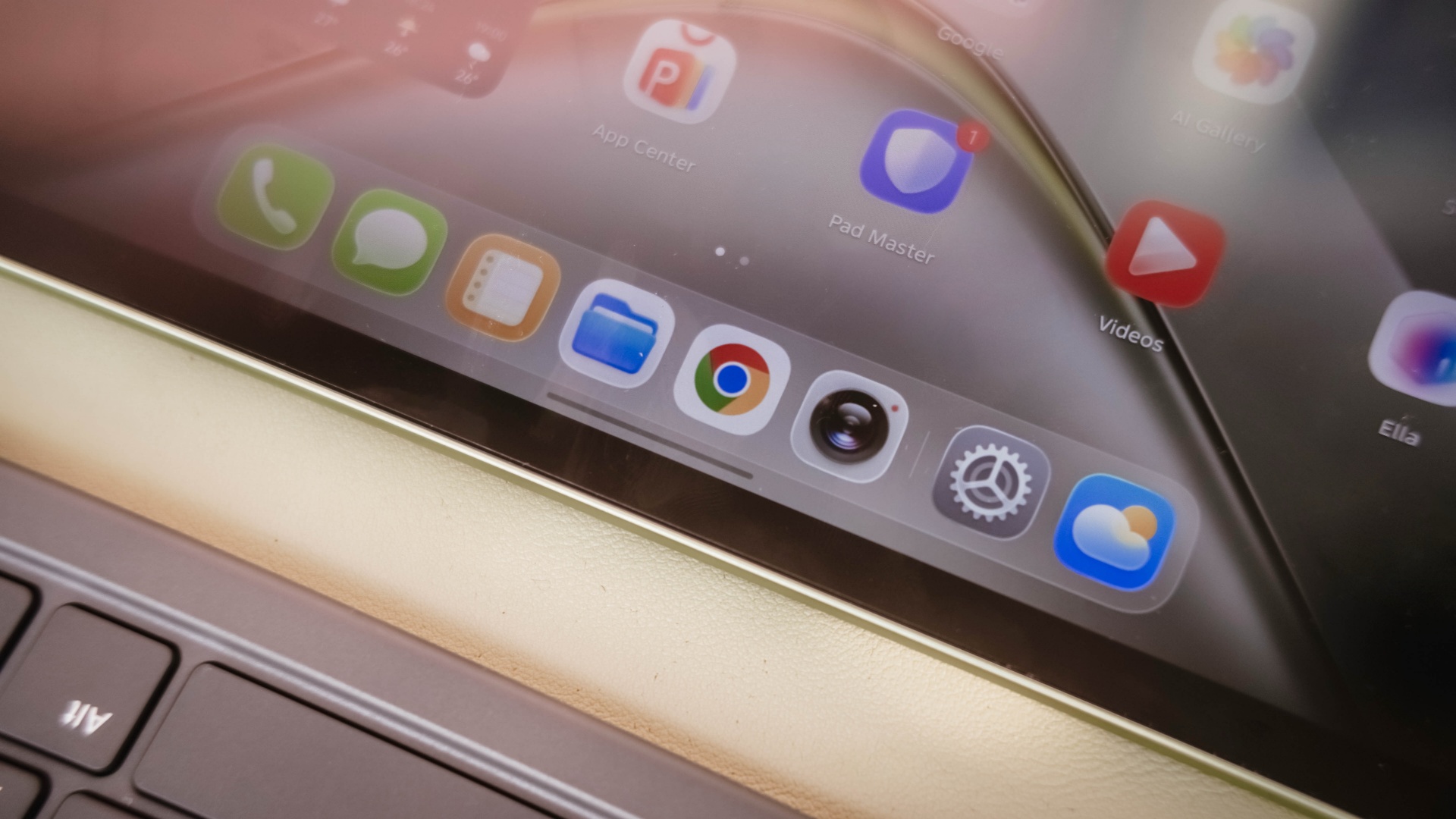
Color accuracy looks settling enough with colors that truly pop. Display bezels are surprisingly narrow too.
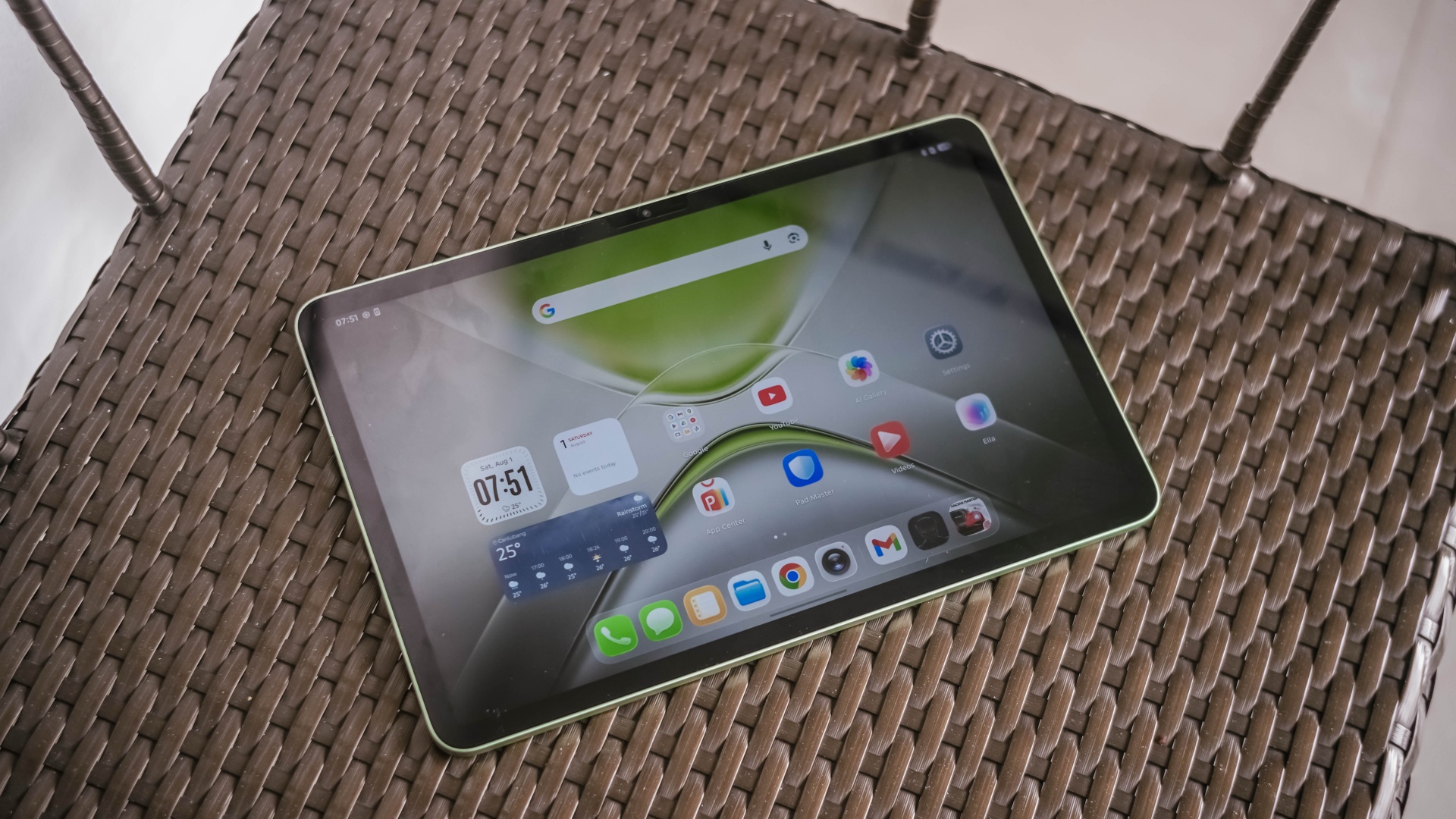
However, under harsh sunlight, that 550 nits of maximum brightness simply won’t make the cut. The panel is just too glossy and reflective for it to not to be mentioned.
The MEGAPAD 2 also boasts quad speakers powered by DTS. It’s a complete delight to make this tablet a portable music player.
On my queue are none other than Young K’s jampacked ‘YOUNGEST’ full-feature album consisting of 15 tracks.
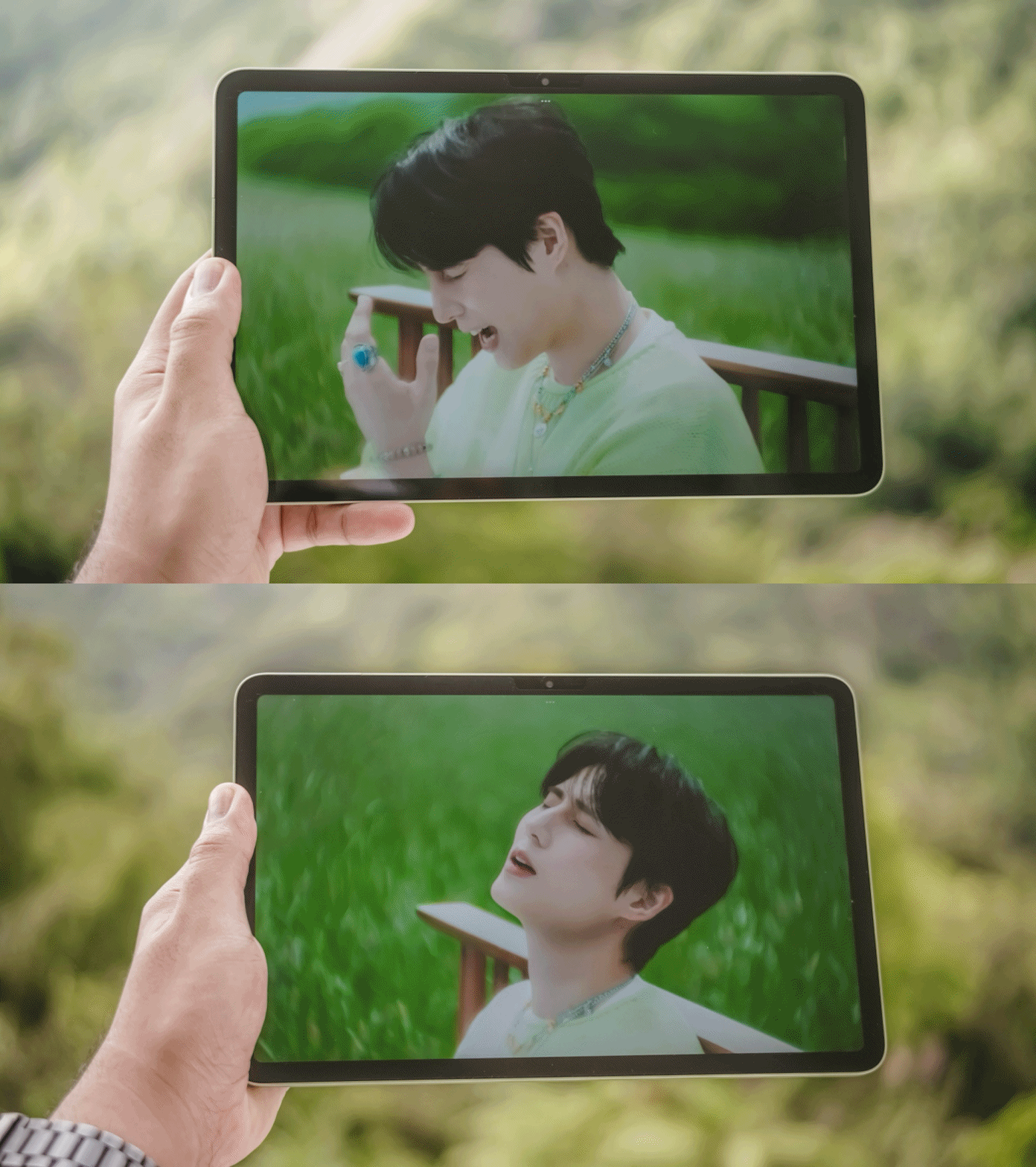
That goes together with summer-studded comeback tracks with KISS OF LIFE’s ‘SWEAT’.

Let’s not forget fromis_9’s long overdue full album after three long years featuring ‘Vitamin ME’.
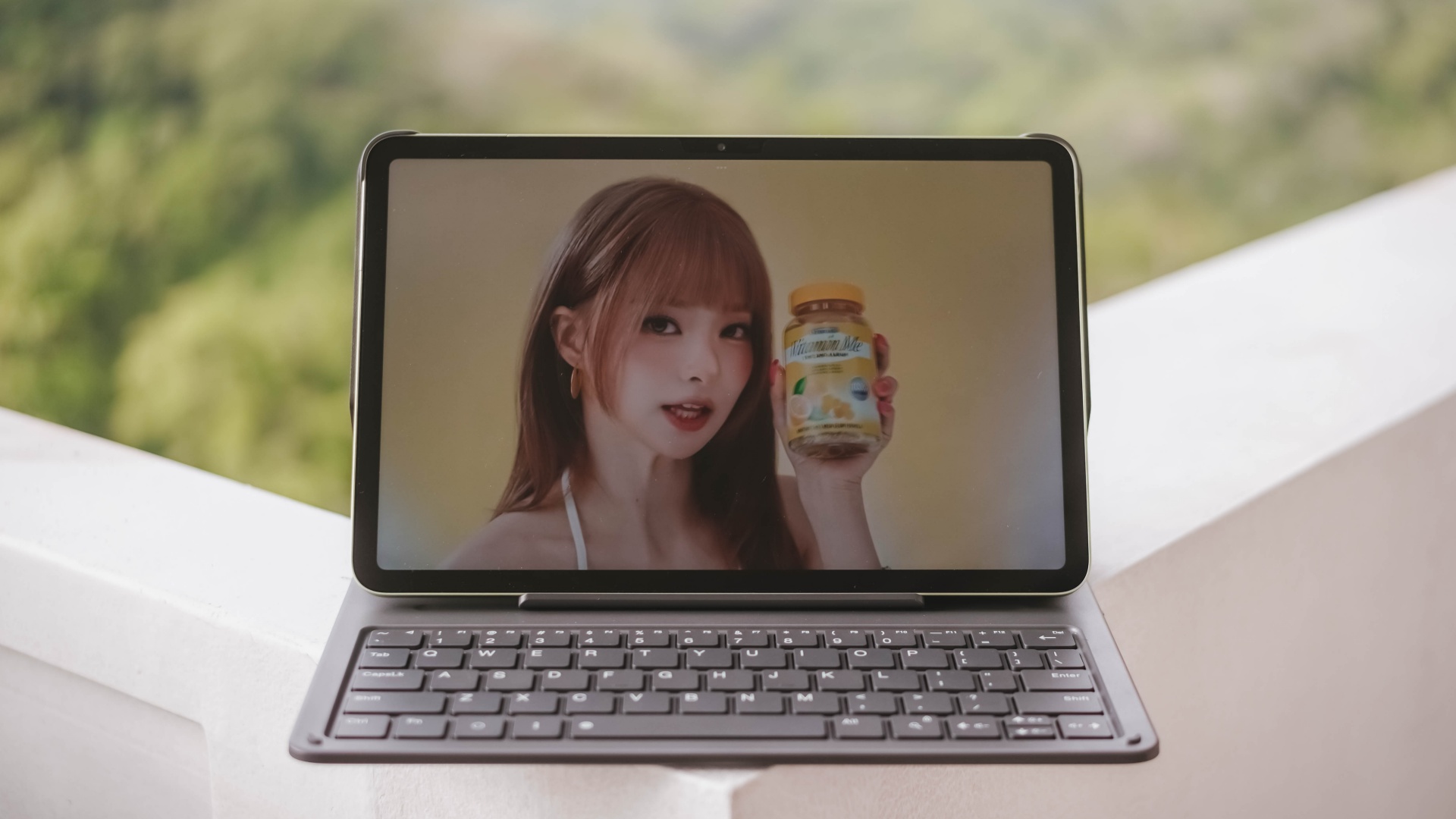
Although this isn’t the best-sounding in any tablet I’ve tried, not having enough thumps and oomphs, loudness is more than enough to fill the void of my room that reaches all the way to the nearby living room and bathroom.
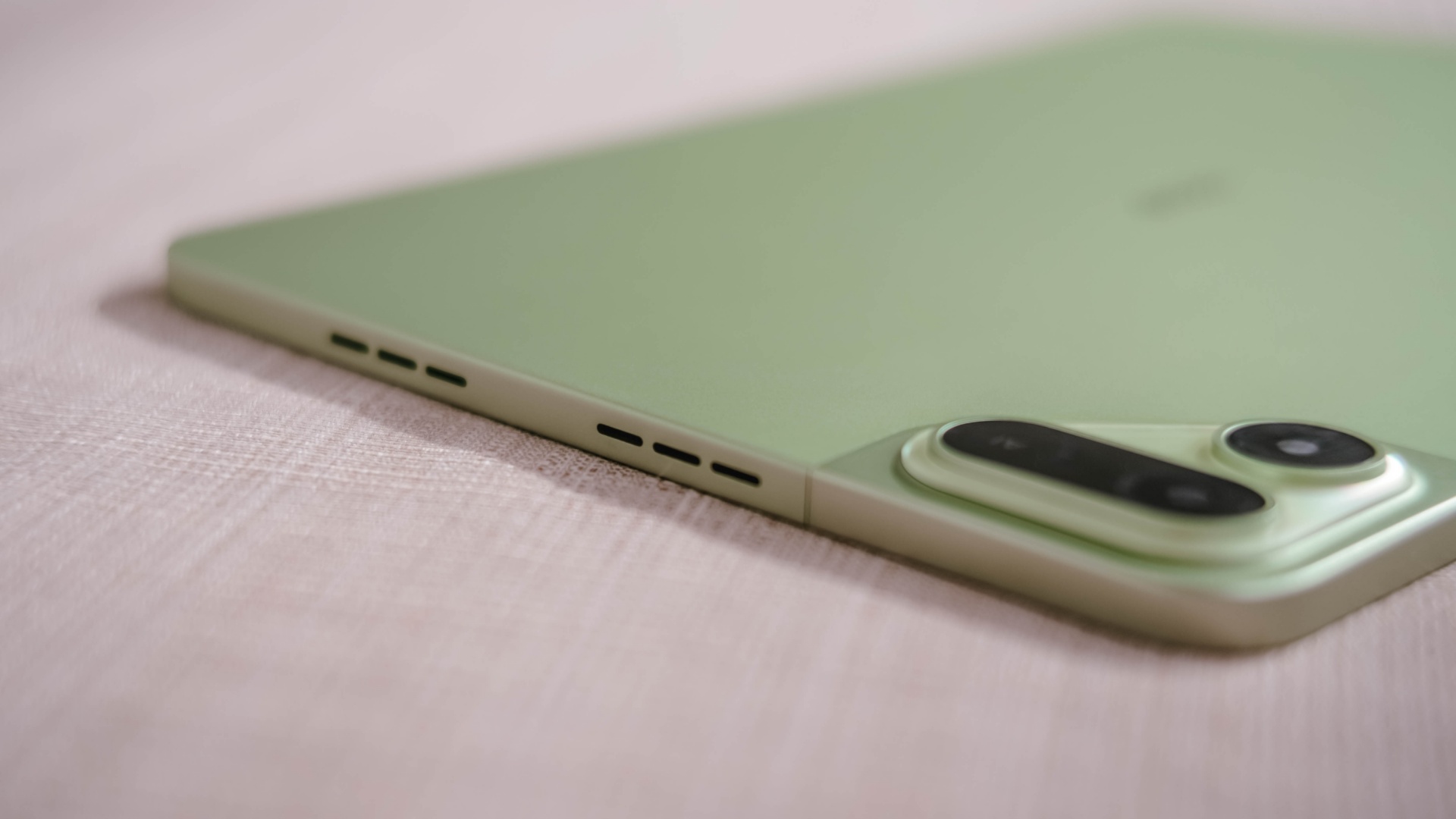
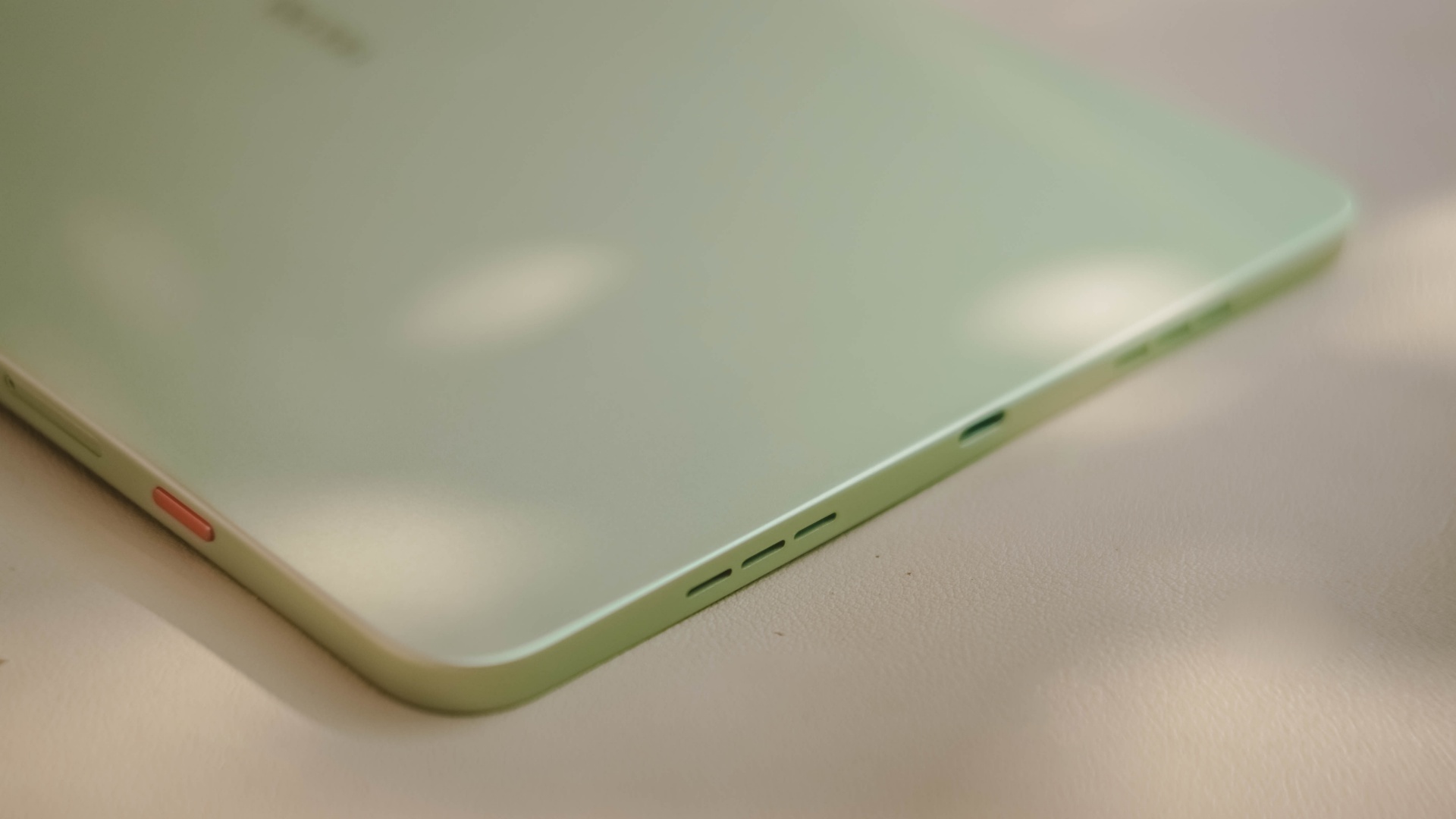
Also, having four speakers are still better than the usual (two) stereo speaker setup of most tablets in this segment.
Passable and plausible
The elephant in the room is none other than the inclusion of MediaTek MT8781 — or popularly known as Helio G99.
Obviously, this SoC (System on a Chip) can only do so much. That excludes power-hungry games.
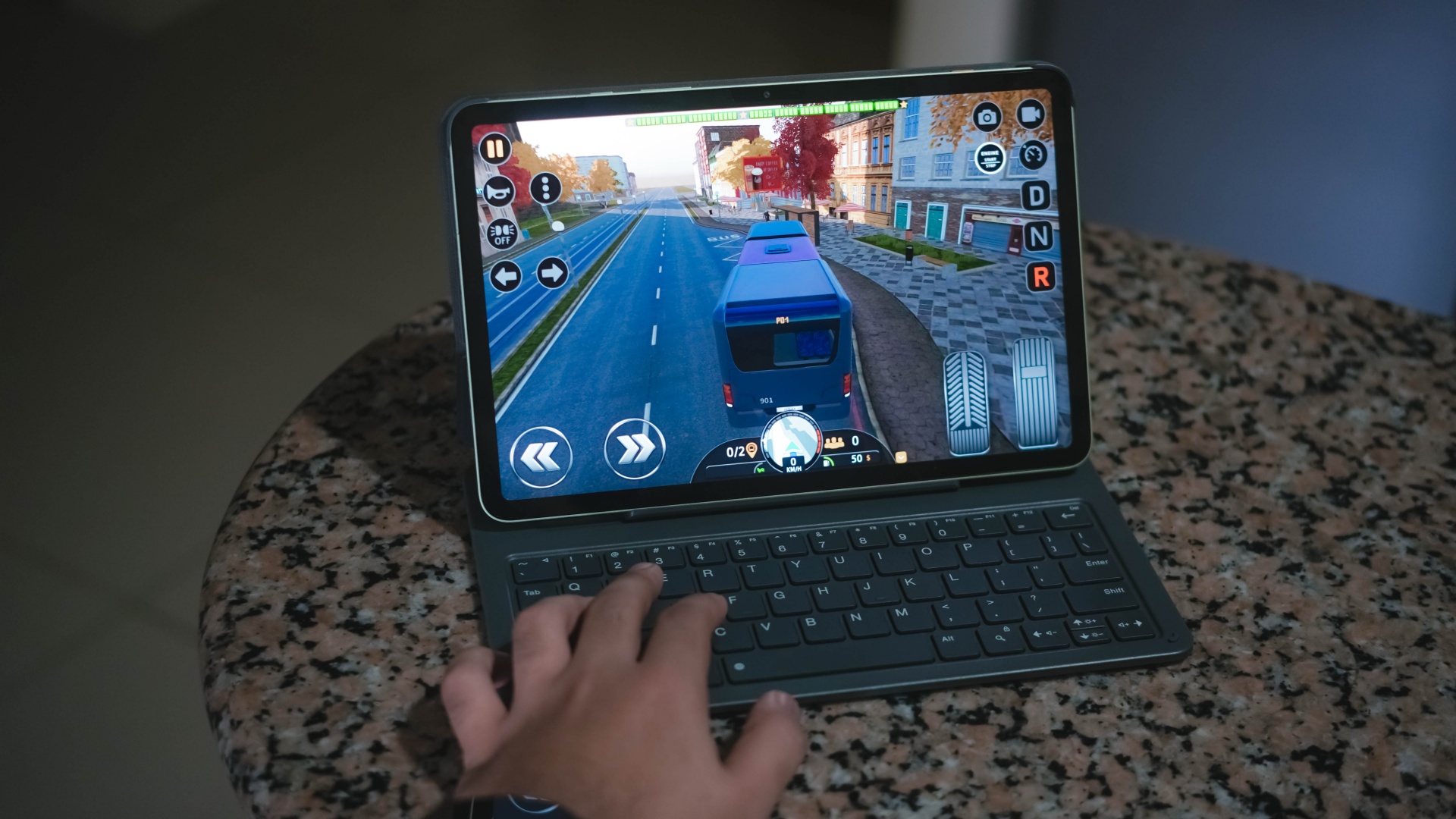
Albeit, it can still run most titles — as long as you set it in lowest graphics settings possible. Lucky if it runs medium at best, like how it did in Bus Simulator: EVO.
That being said, the MEGAPAD 2 can still do more than just the basic of tasks.
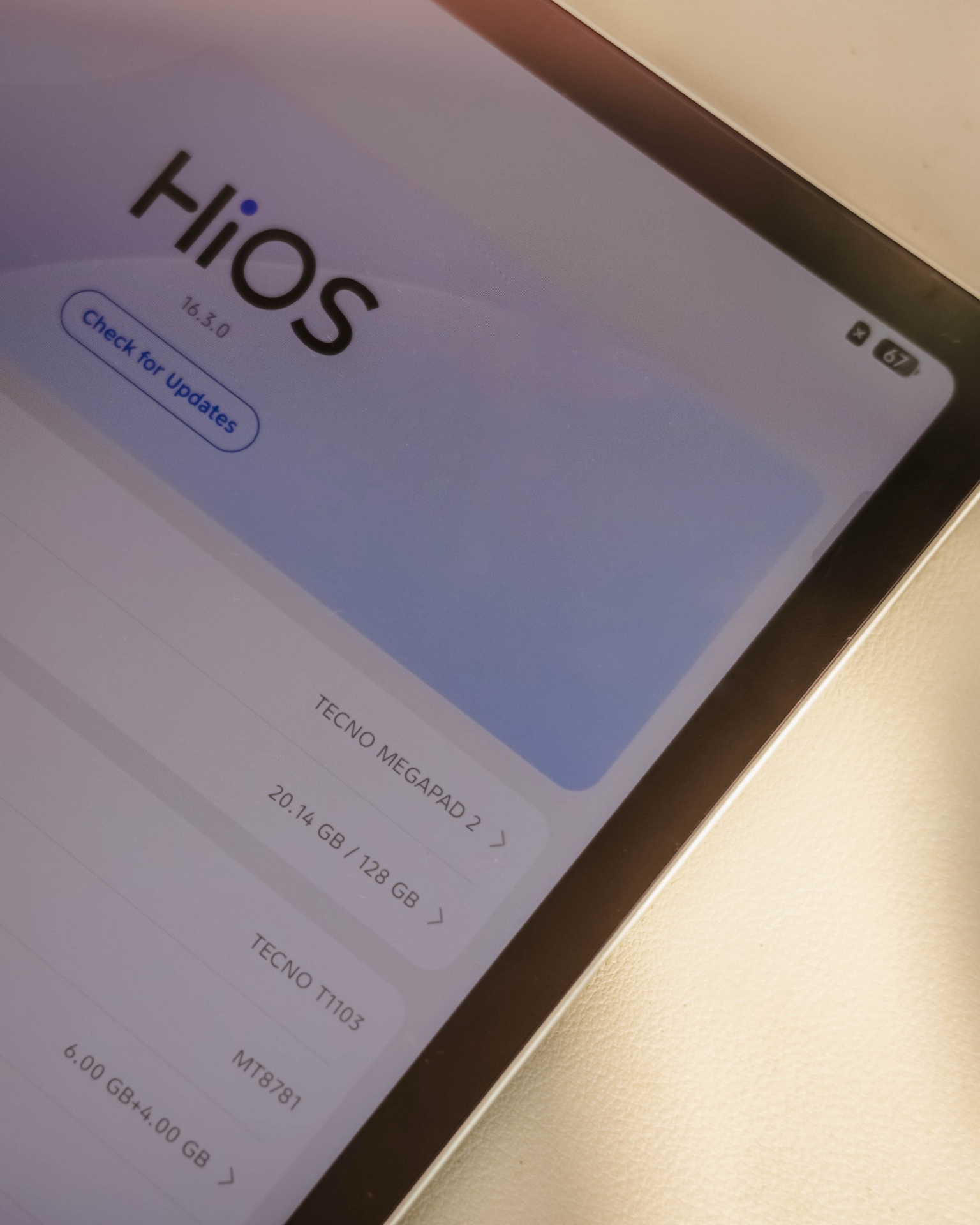
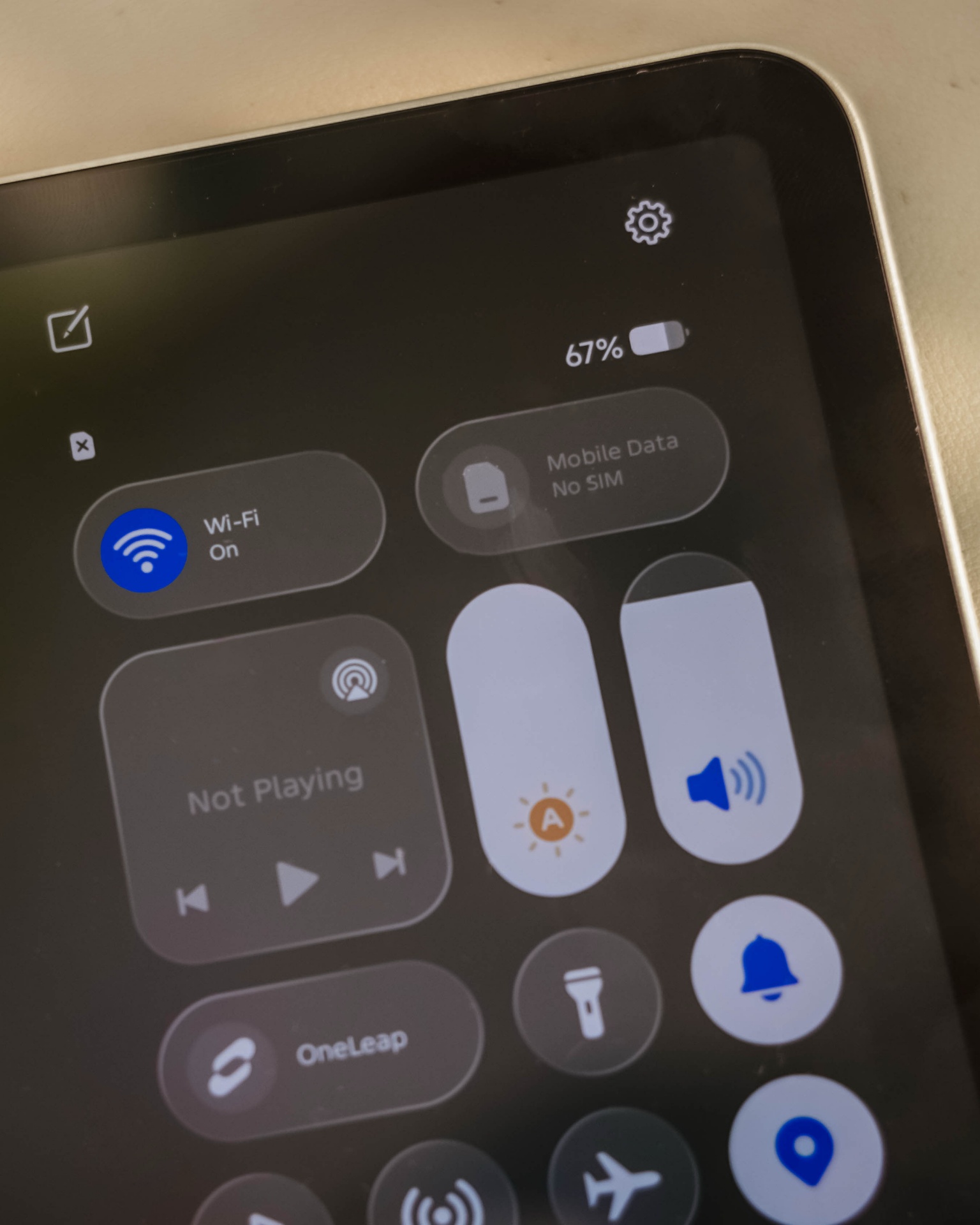
Given my weeks with this tablet, it surprised me how TECNO’s HiOS 16 felt fast. Animations are fluid. Scrolling was buttery-smooth. App-switching was also a breeze.
This proves that benchmarks aren’t everything — and not all mall promodisers go past beyond the usual sales talk.
This is also me trying to say that the brand of chipmaker and number of cores in a processor aren’t enough basis to say how “fast” and “capable” a device is. Software optimization shouldn’t be downplayed as it’s also an important factor to consider.
Sentiments aside, the MEGAPAD 2 has a slot for one nano SIM card that can provide speedy 4G LTE speeds. That’s a good addition if you work outdoors a lot.
Aside from the usual 128 or 256GB internal storage, it also supports up to 2TB of microSD card just beside the SIM slot — which is something you cannot have in modern smartphones and high-end tablets nowadays.
Base pad for two base users
The MEGAPAD 2 is a tablet that can be for everyone. However, two base users came up to my mind when writing this piece.
1. Learners and yearners
Students are obviously one of the biggest target markets of budget pads.
First, there’s the AI Problem Solving feature. Feed it your complex problem through typing or use its 8MP rear camera to capture the whole page and let TECNO AI do the process for you.
For the smaller kiddos, there’s a dedicated study hub dubbed “LearnUp” with free learning resources and a child-friendly interface. Another would be the Learning Center featuring thousands of K-12 lessons, stories, cartoons, songs, and so much more.
For those learning new languages, AI Translation can be of a great help.
It’s not limited to just translating texts, images, and app content, there’s even AI Captions that can translate 30+ language offline (and 160+ languages when connected with the cloud) while watching videos.
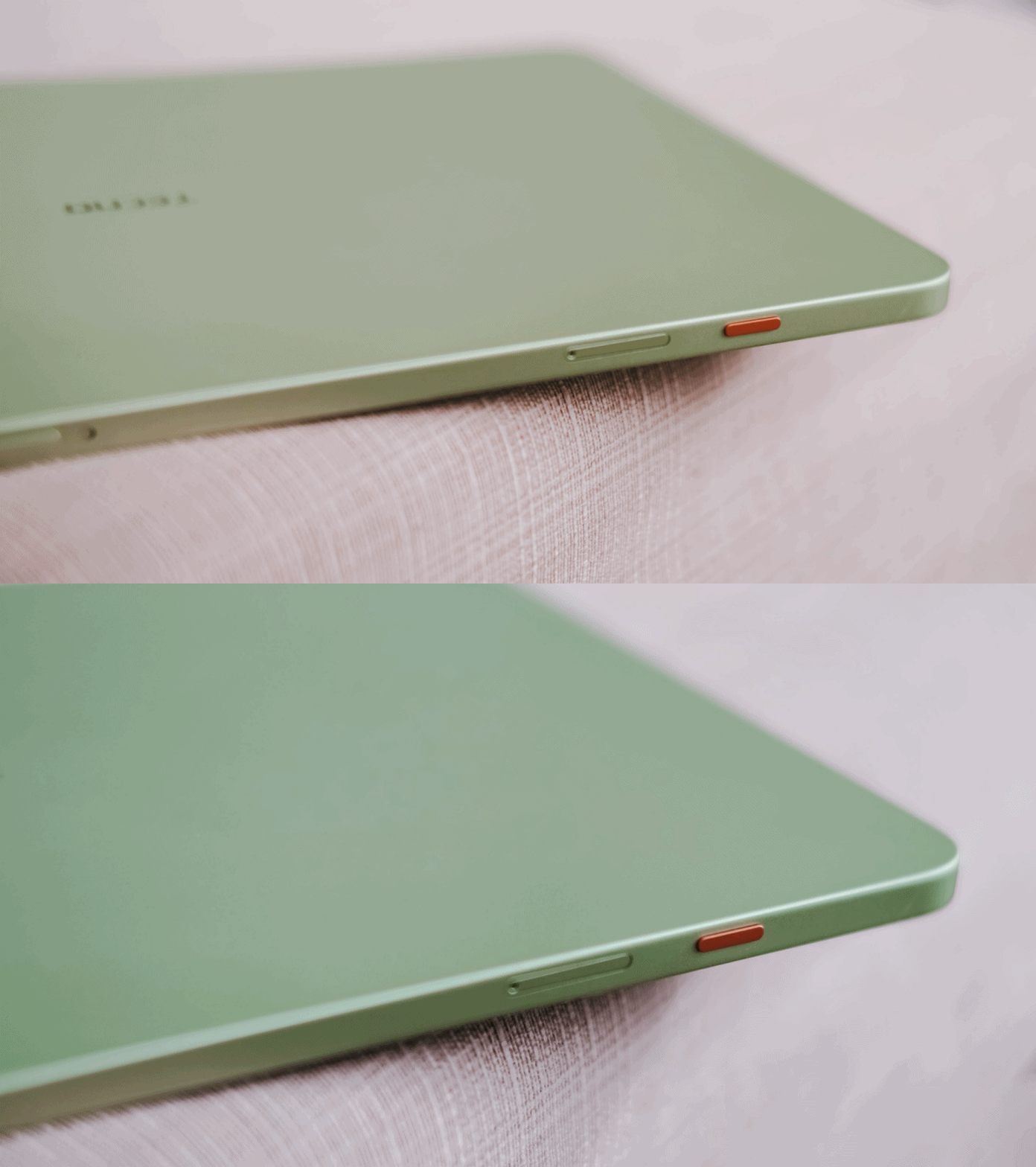
Thankfully, TECNO has a dedicated OneTap AI button to summon these AI features in one go. Best thing is that, they don’t want to completely lock you in as app assignments are still configurable in settings.
Lastly, if your child is feeling extra artsy, there’s even the TECNO MEGA Pencil that’s sold separately. Fire up the AI Drawing Board and the MEGAPAD 2 can transform your sketches into better ideas.
2. Productive pros
Other than kids and students, the MEGAPAD 2 is also directed towards working professionals. Teacher, manager, you name ’em!
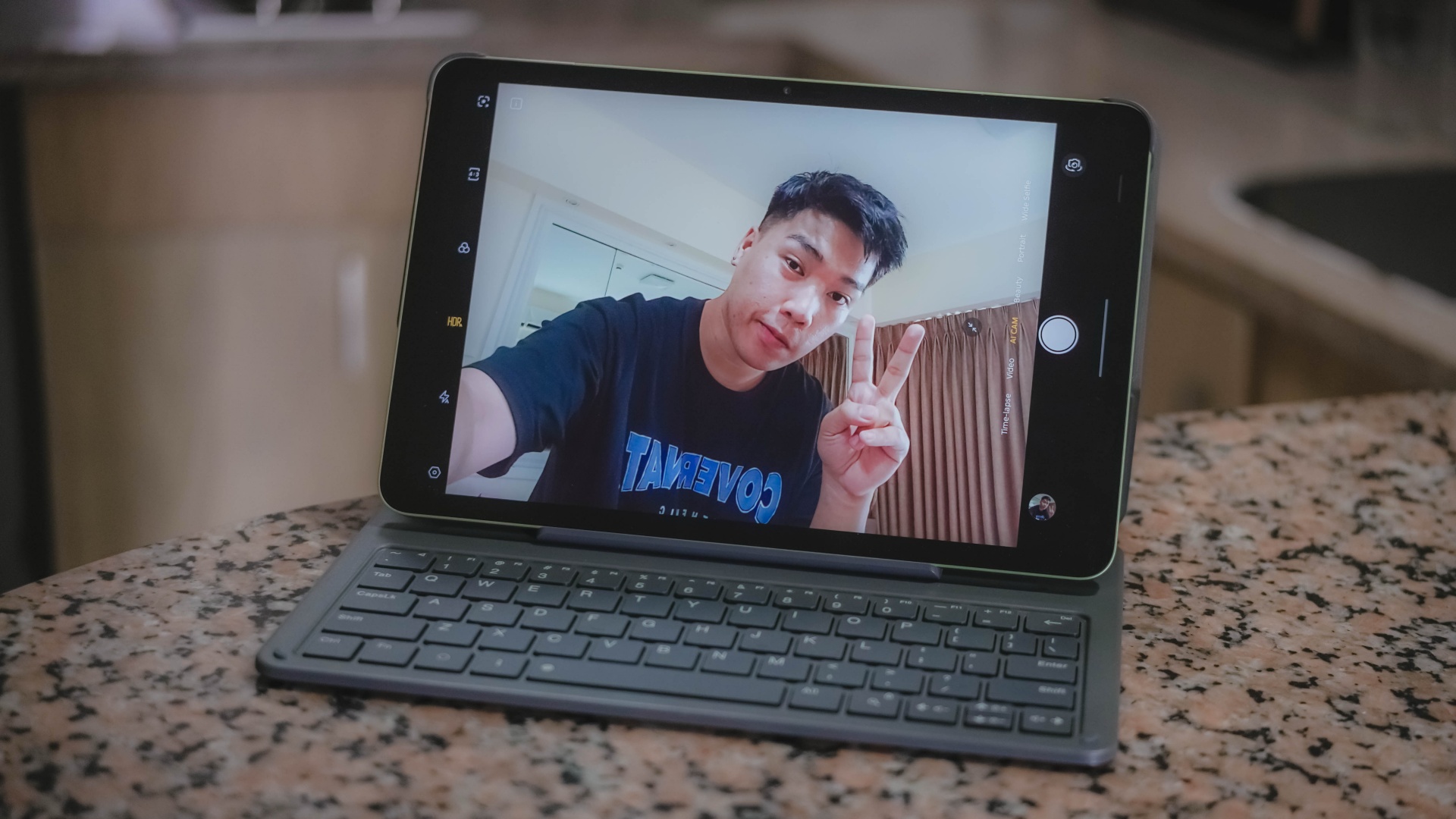
Aside from its rear camera, that 8MP front camera matters too — mostly for video calls and meetings on the go.
AI SnapMemo and MindHub are also helpful tools that do more than just capturing and keeping screenshots. And by that, it can analyze and even summarize the content you kept.
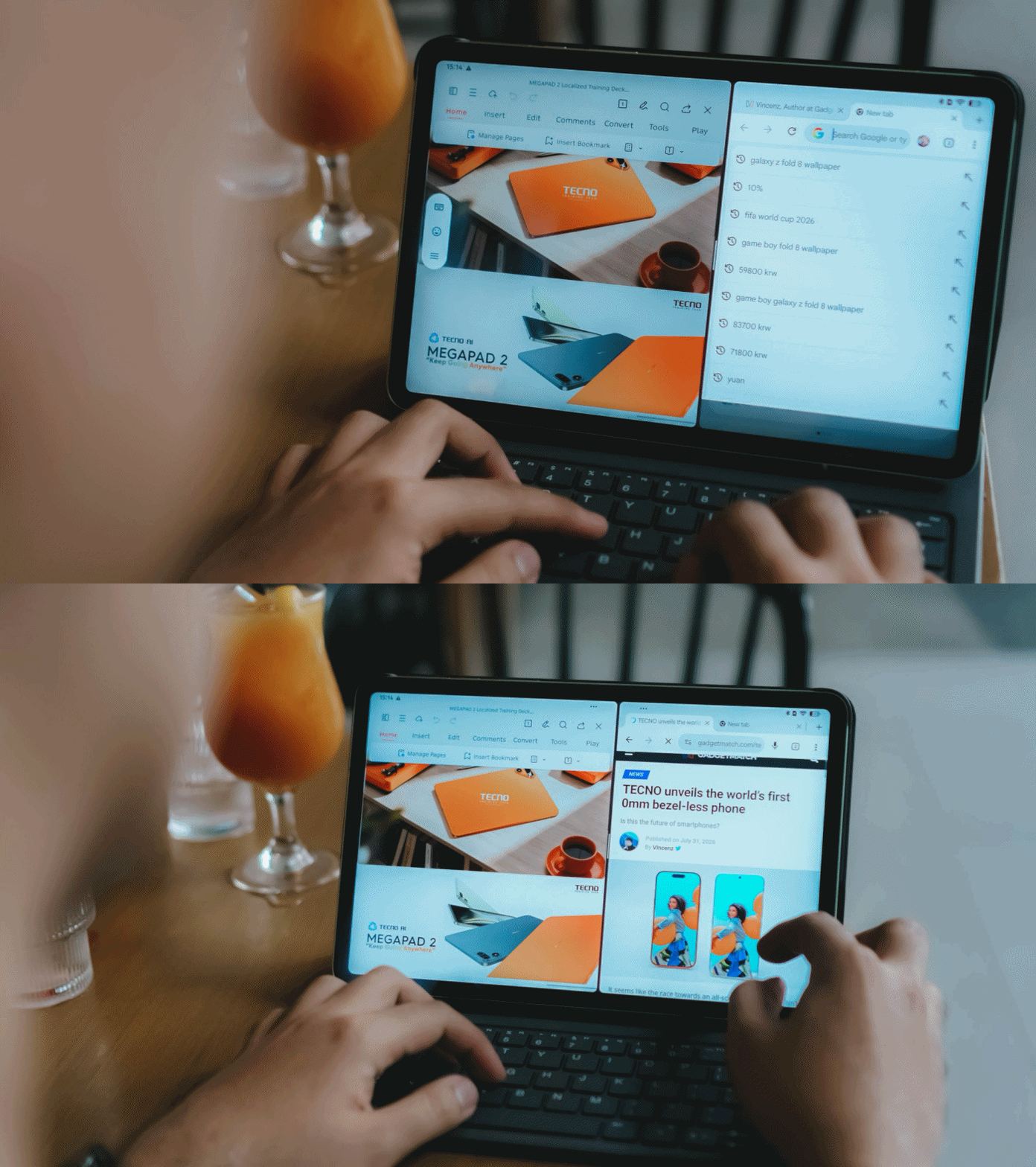
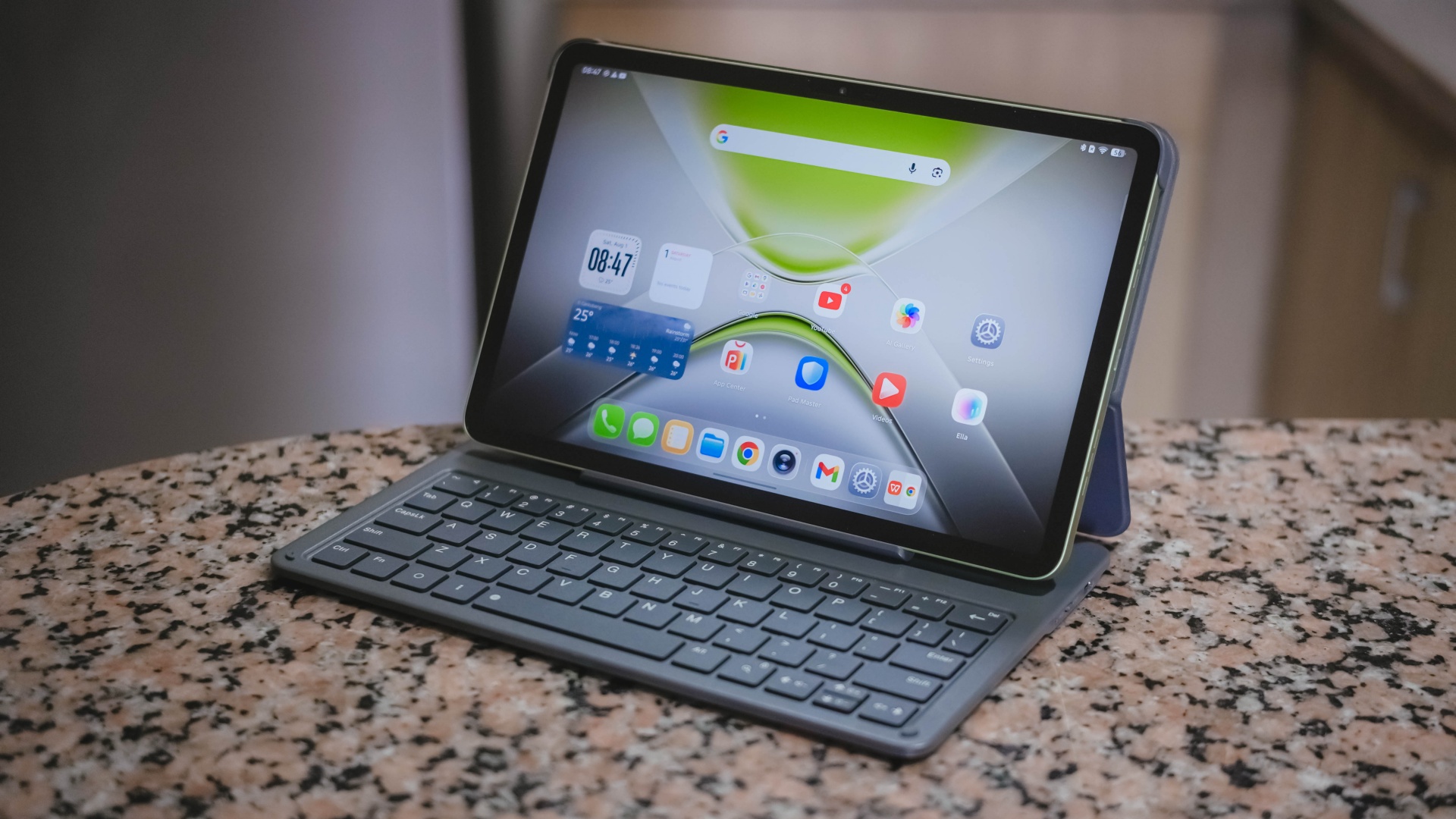
With that bundled Bluetooth keyboard alongside the ability to do split-screen multitasking, it’s easier to switch between two active apps side by side.
One can even scroll through spreadsheet cells or do several slides — especially with the WPS Office pre-installed upon initial set-up.
My only gripe about this accessory is how flimsy and easy it is for the display to fall down.

I just wish the recessed part on the keyboard would have been much deeper for the display stand to sit and lock in securely.
It’s also worth pointing out that it’s paired via Bluetooth and not pogo pins. That means you have to turn on that side switch and charge it via the USB-C port separately.
-
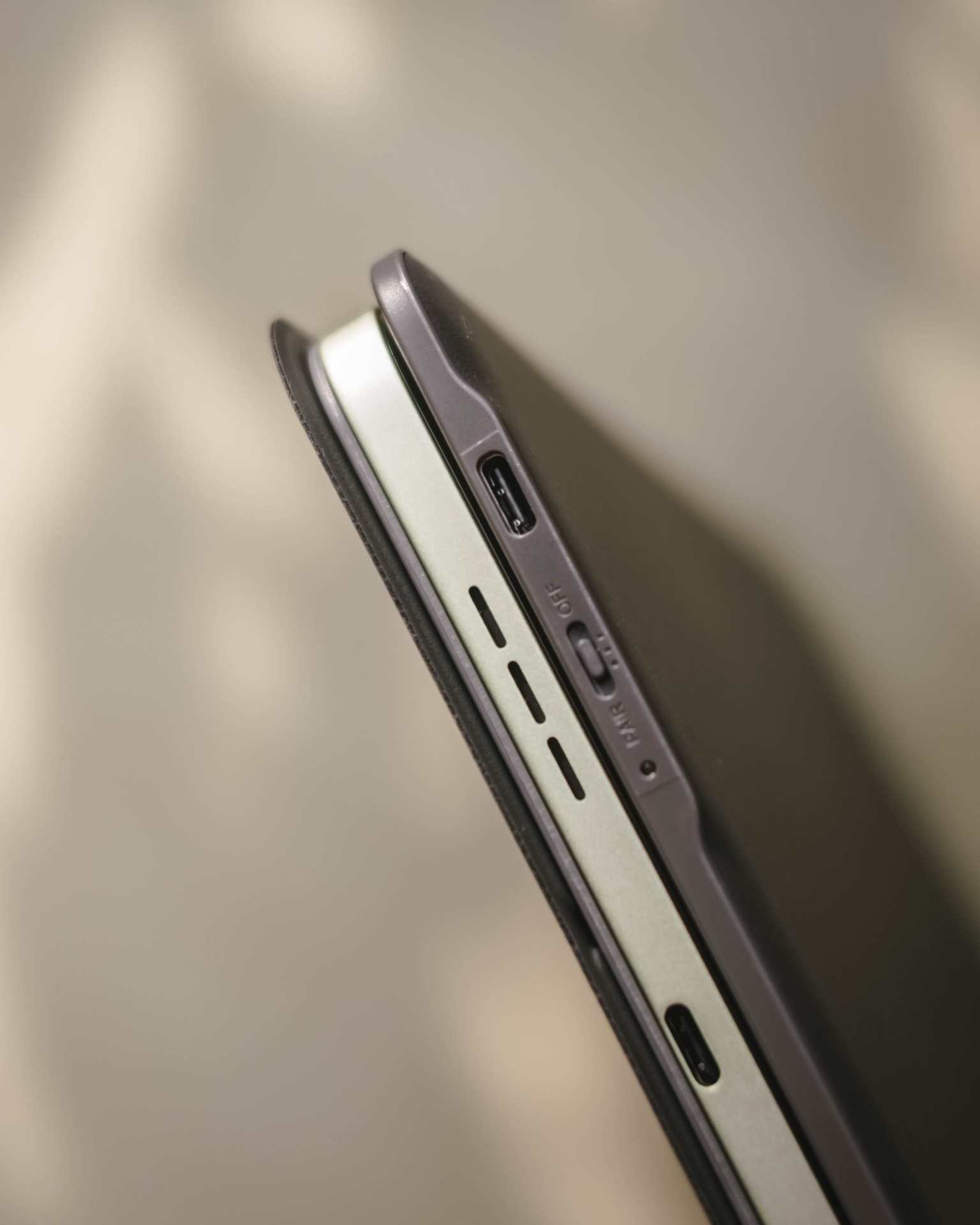
- Side switch and USB-C port
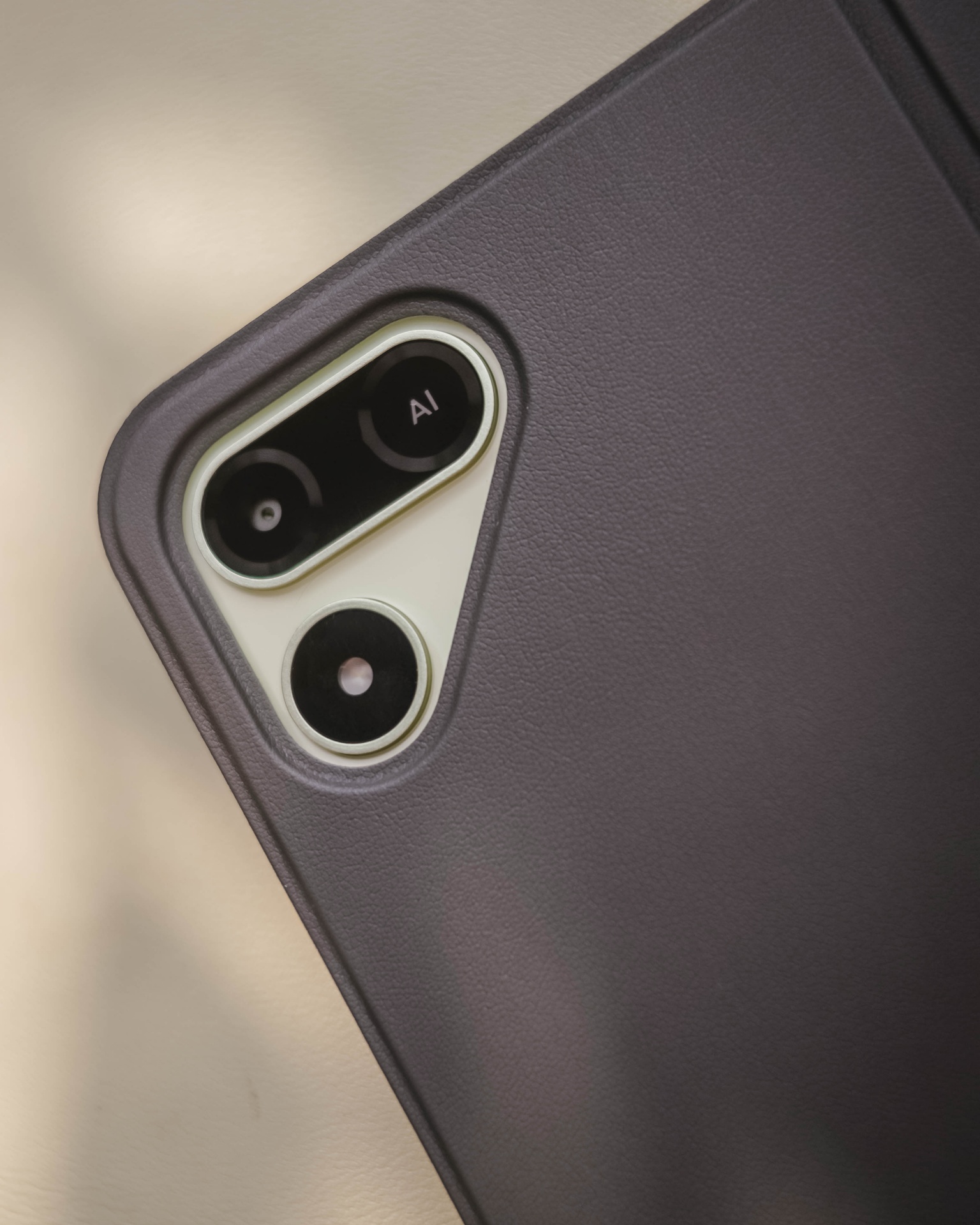
Still, it’s a bundled accessory that feels solid and also serves as the tablet’s full-on protection.
Moving over, TECNO’s OneLeap Ecosystem is also helpful as a productivity leverage. Not only it eases file transfers across your devices, it even maximizes a triple-screen setup when paired with your TECNO smartphone plus laptop (or PC).

Overall, the MEGAPAD 2 serves a great purpose not limited to doom-scrollers and binge-watchers. It can also be a trustworthy companion for students and paid professionals alike.
Made to last
The TECNO MEGAPAD 2 admittedly doesn’t have a MEGA battery capacity.
Compared to its competitors that boast 9000+mAh, the MEGAPAD 2 has a smaller 8200mAh tank.
Use-case will always vary. If you use the tablet for binging several episodes of a single K-Drama or lengthy documentaries on YouTube as early as 10 in the morning at around 70% brightness, it can last on or before dinner time.
When placed in standby mode or letting it rest overnight over your table top, it won’t consume much and can last more than a day (or two to three days at max). That’s shocking to witness considering it has an aging and less-efficient 6nm Helio chipset.
If its battery completely depletes, TECNO has bundled a proprietary charging brick and cable out of the box.
@gadgetmatch MEGA in size for 2 base users. Meet the TECNO MEGAPAD 2 💪🏼✌🏼
However, it has a painfully slow 18W charging — requiring you more than two hours to fully fill it.
TECNO MEGAPAD 2
|
|
START TIME (From 0%) |
3:40PM |
5 minutes |
3% |
10 minutes |
5% |
20 minutes |
12% |
30 minutes |
19% |
45 minutes |
28% |
1 hour |
38% |
1 hour 15 minutes |
50% |
1 hour 30 minutes |
60% |
1 hour 45 minutes |
70%
|
I obviously just gave up counting right after going over the 100-minute mark.
Is the TECNO MEGAPAD 2 your BudgetMatch?
With a starting price of PhP 16,999 for the 6+128GB model and PhP 19,999 for the 8+256GB variant, the TECNO MEGAPAD 2 is strategically situated along the budget tablet league.
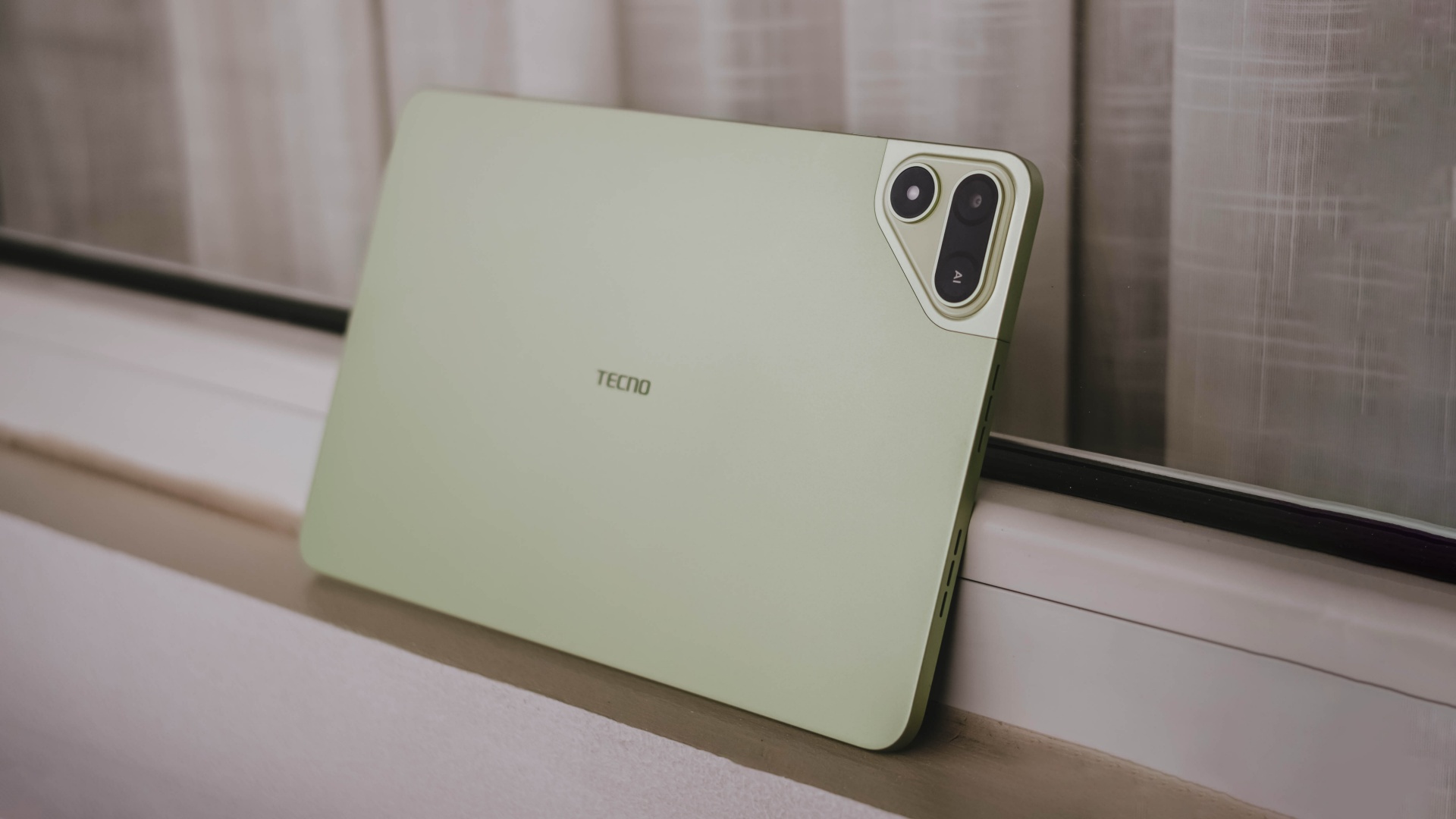
If you value performance, the MEGAPAD 2 is obviously a Swipe Left. There are other tablets that offer the newer and more power-efficient MediaTek Helio G100 SoC such as the OPPO Pad SE, REDMI Pad 2, and even the TechLife Pad Plus 2.
Samsung even offers the Galaxy Tab A11+ with a 5G-capable Dimensity 7300 chipset. Albeit, it has a higher price mark despite having the same base configuration and smaller 7040mAh battery.
That only means the MEGAPAD 2 still stands a chance.
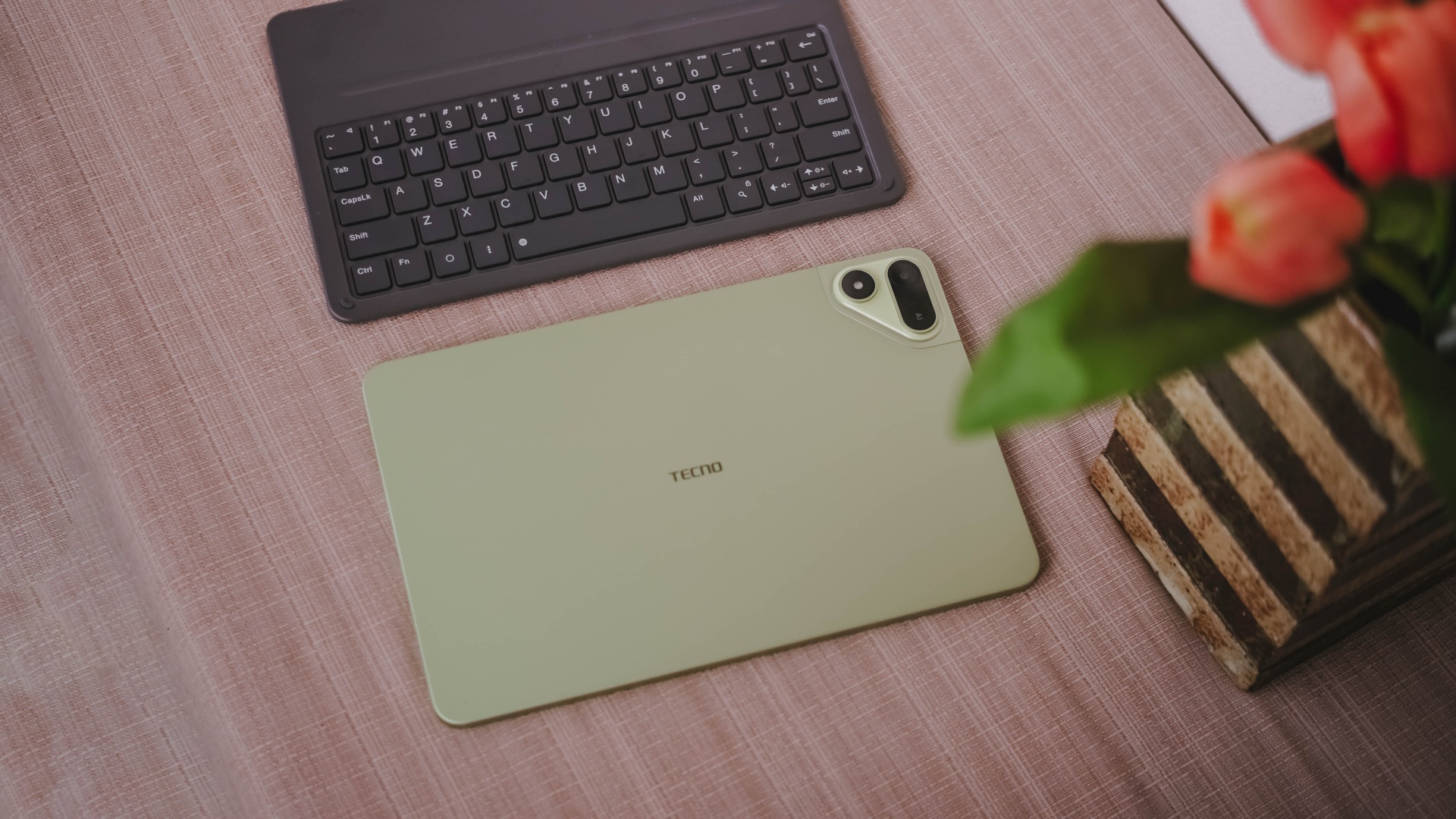
Although the HONOR Pad X8b (its closest rival) is compelling enough with its beastly 10,1000mAh battery, the MEGAPAD 2 still gains a Swipe Right with its larger memory (6GB versus 4GB). How can I even forget the keyboard bundled when you purchase this mighty pad?
And in all honesty, it still surprises me how TECNO managed to make their latest pad run a smooth, well-optimized, and even AI-powered software suit despite its aging core.
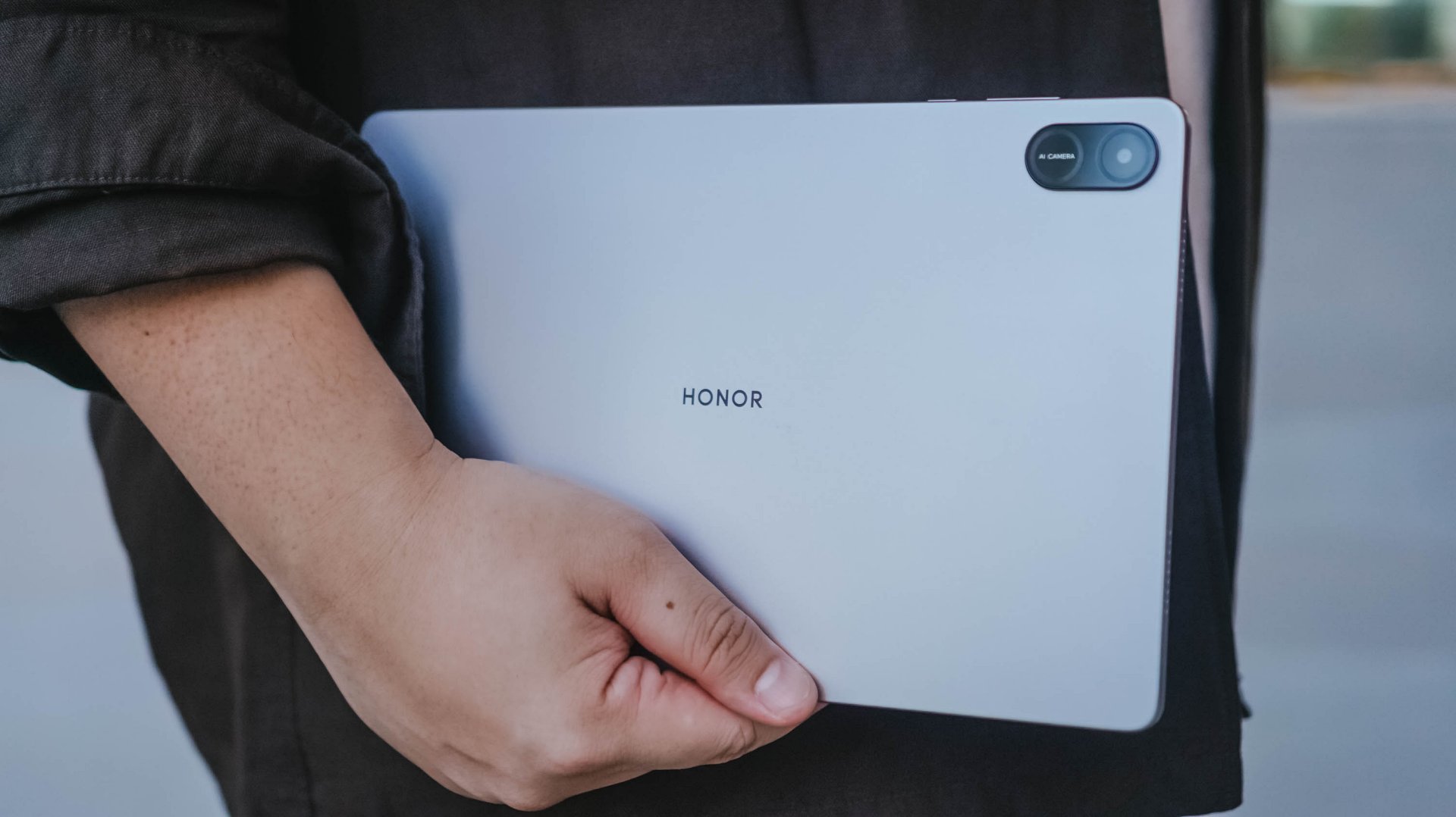
HONOR Pad X8b | 2026
Given that HONOR’s Pad X8b rocks a Snapdragon 680 4G chipset, it only has the a limiting AI ability with Google Gemini — which cannot do everything for users who rely on AI assistance for the apps they use and/or tablet tasks they do for work or school.
Let alone, the MEGAPAD 2 is an afforda-blet with a full metal body and full-on audiovisual experience — especially with its brighter and sharper display. Camera flash for document scanning not even forgotten.
Gaming
MARVEL Tōkon: Fighting Souls review: Easy to pick up, hard to put down
Welcomes casual and experienced fighting game players

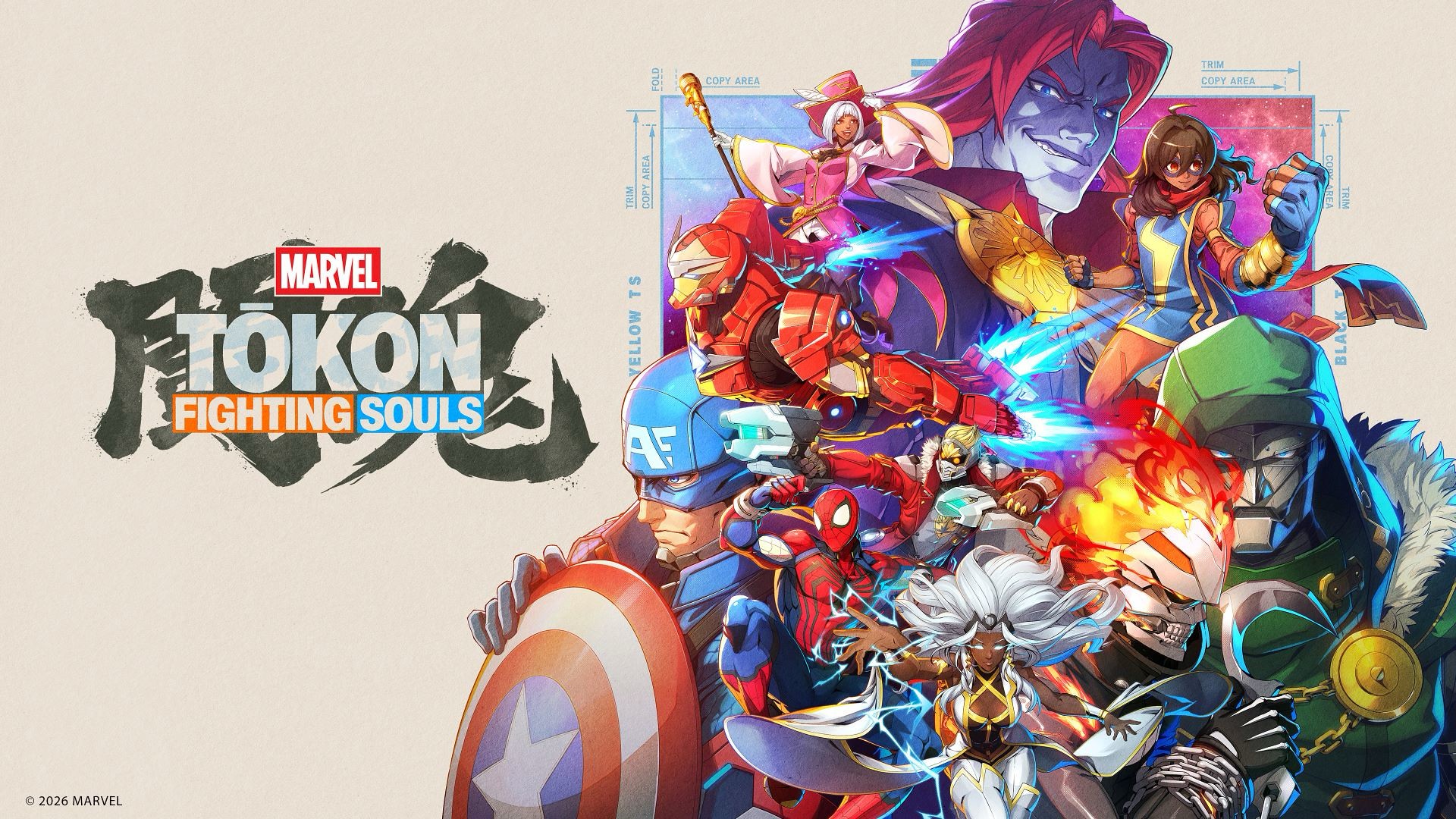
MARVEL Tōkon: Fighting Souls feels like a spiritual successor to the Marvel vs. Capcom fighting games of old — just without the Capcom bit, obviously.
That comparison isn’t just because it features a roster of Marvel heroes and villains throwing hands at each other. Tōkon captures that same feeling of putting together a team of characters you love, watching them bounce off one another, and slowly figuring out how to make them work together.
I’ve always been a casual fighting game player. I can play a little bit, but I’m a benchwarmer at best. I do watch tournament matches every now and again, though, and I can tell when real skill is involved.
It’s kind of like basketball to me. I may not be particularly good at it, but I know a good play when I see one.
After spending some time with Tōkon, I can see the appeal.
It’s welcoming enough for someone like me to jump in and have fun, but there’s enough depth underneath the simple controls to reward players who want to take the time to master it.
The tutorial is important
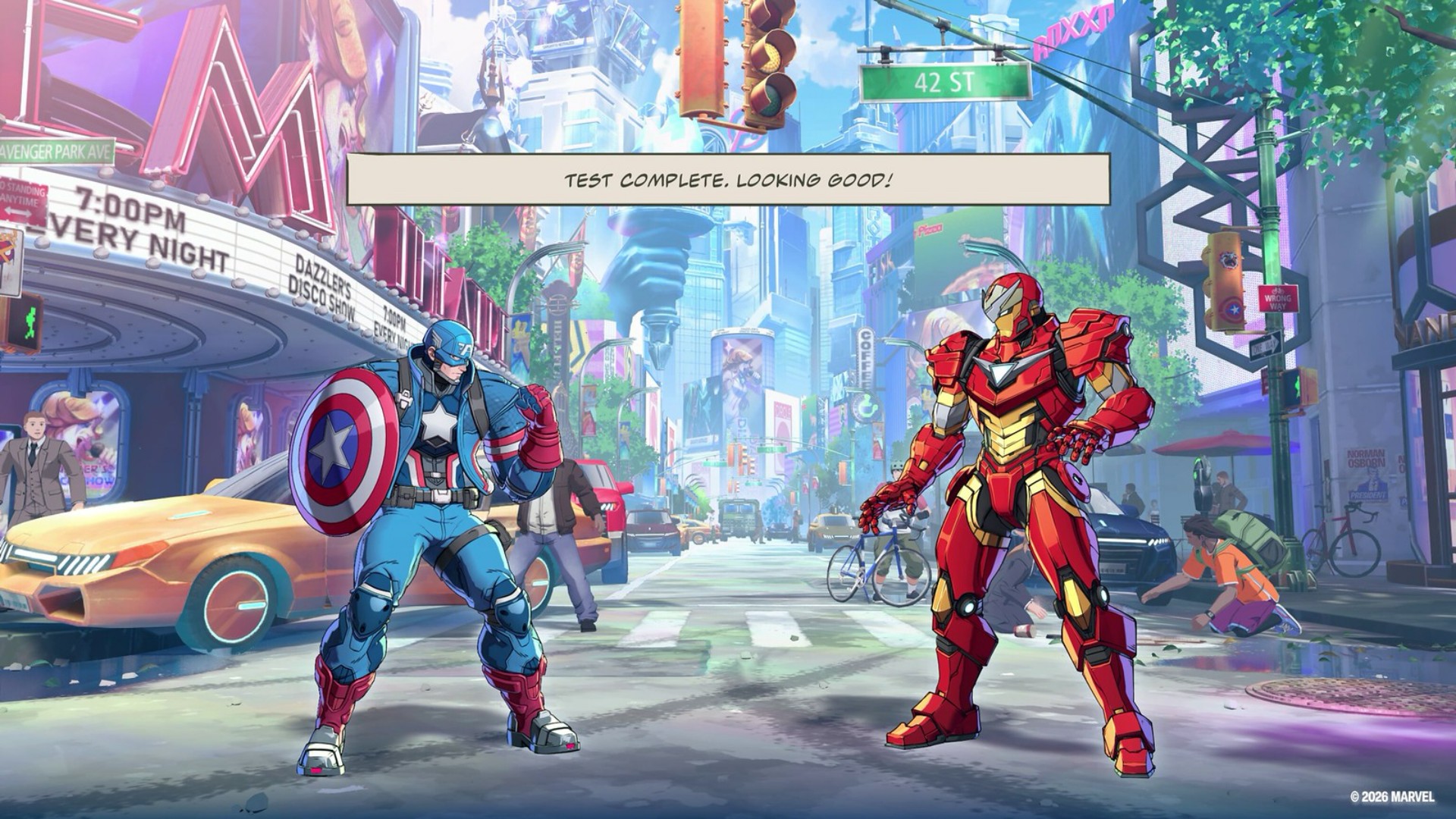
I handled the tutorial portion during the demo, so when I got the full game I jumped straight into Story Mode.
That said, the tutorial is very important.
The button presses seemed easy enough to follow at first. But the deeper the tutorial went, the more complex it started to feel.
That’s not necessarily a bad thing. In fact, it does a good job of gradually guiding you through the game’s mechanics instead of throwing everything at you at once.
Anyone who’s ever played a fighting game at any capacity will have an understanding of how the general mechanics work.
But Tōkon layers its own systems on top of those familiar fundamentals.
The tutorial essentially takes you through the Training Mode. It’s great for getting a feel for how to execute the unique moves per character.
I’m a firm believer that you should just throw yourself at a match and only go back to training if you hit a wall and can’t advance or seem unable to overcome your opponent.
That’s how I prefer to learn.
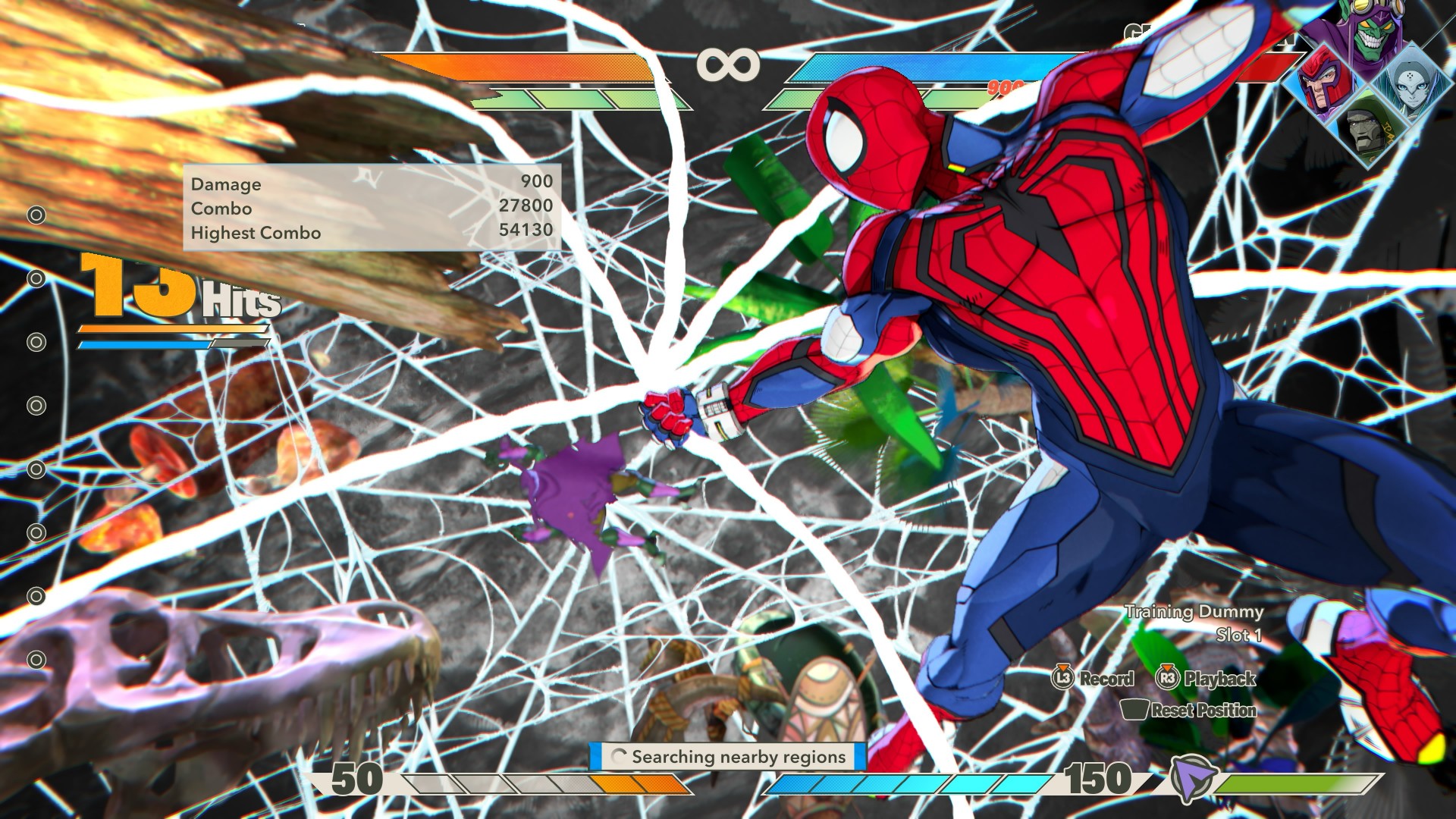
MARVEL Tōkon: Fighting Souls OPEN BETA_20260726134748
And Tōkon makes that approach viable because the fundamentals don’t feel intimidating.
The game’s official materials also emphasize this balance. It offers adjustable controls, traditional and quick inputs, easy chain combos, character guides, training, and other ways to learn the game’s systems.
There’s more than enough here that the game should feel welcoming to both casual and hardcore fighting game fans.
Four characters, one fight
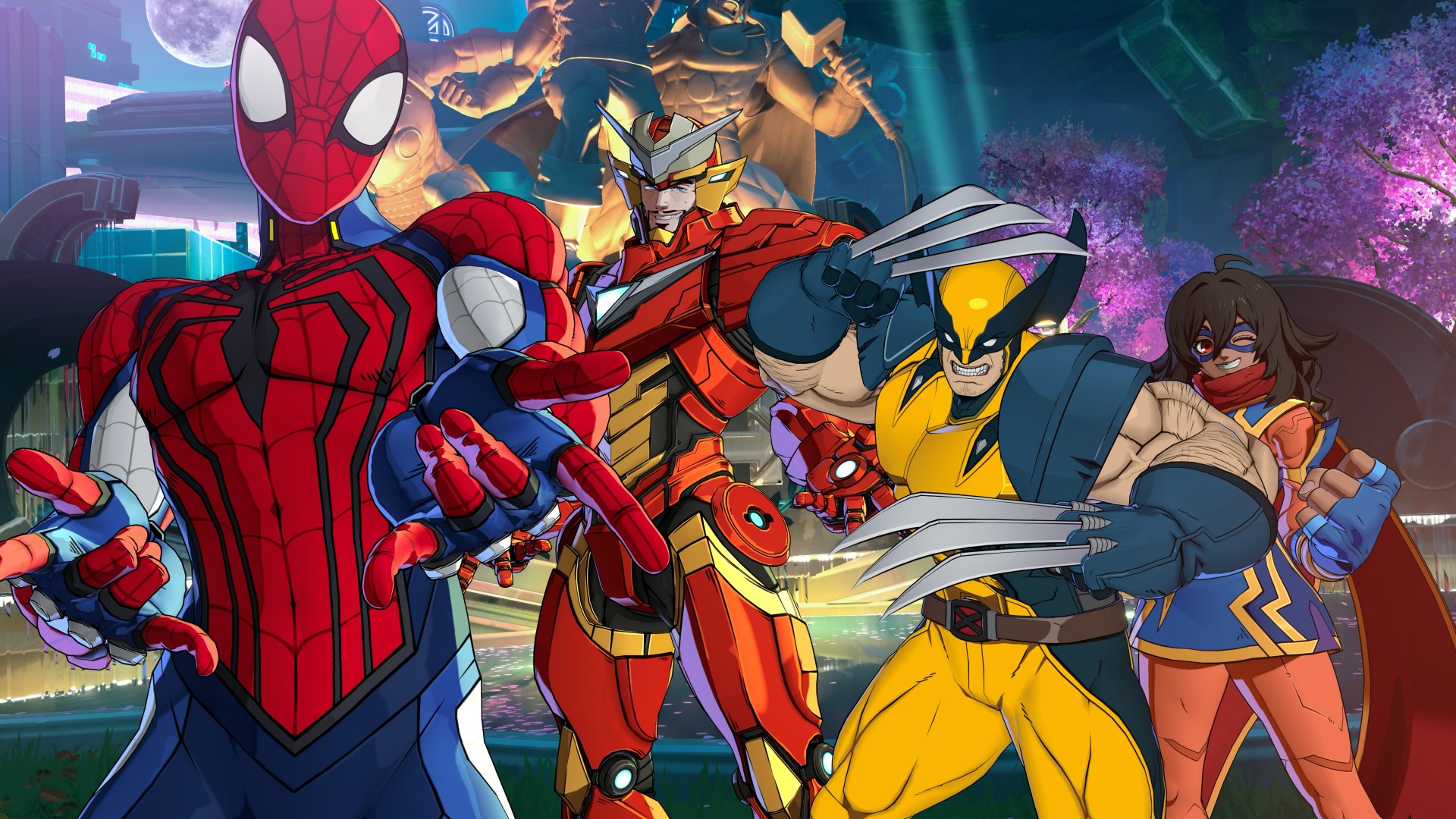
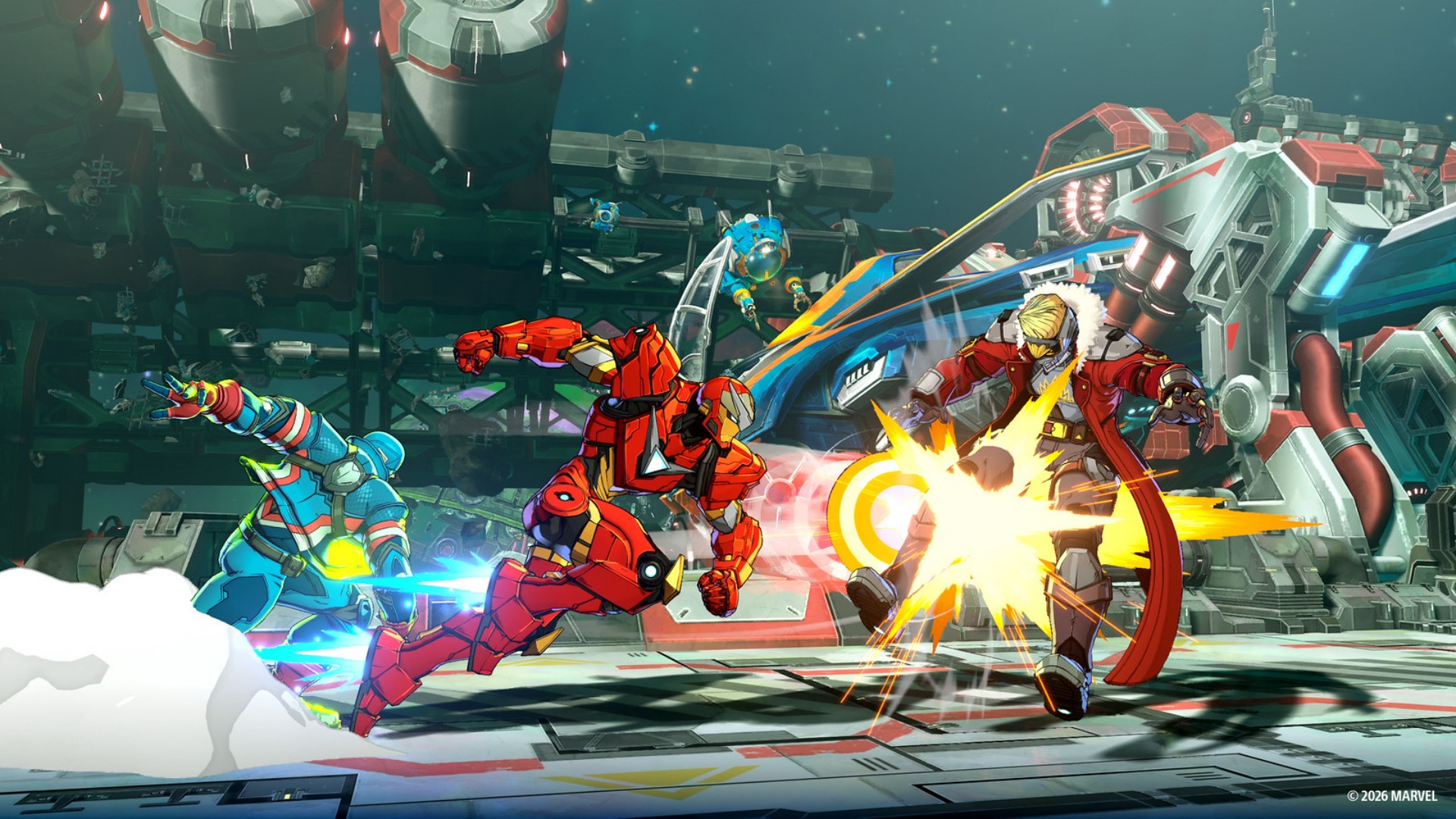
The biggest thing to wrap your head around is probably the game’s 4v4 structure.
You pick four characters: one main fighter and three assists. But you don’t immediately have access to your entire team.
You only get access to the first assist initially. You unlock the other two after a Stage Break happens in a match. A Stage Break is when you finish a combo with the opposing character flying through an extended area of the fighting stage.
So it’s entirely possible to go an entire match without unlocking all your assist characters.
Now that I’ve spent more time with it, though, getting to a Stage Break is actually fairly easy. Landing and chaining combos doesn’t feel too complicated to pull off, so you can get access to the rest of your team without having to perform some impossibly technical sequence.
The assists are great.
You simply hit X or Cross (or the bottom-most face button) for a generic assist, but combining right + X or down + X gives you long-range and air-launch assists.
These are great for opening up your opponents to combos or countering their moves.
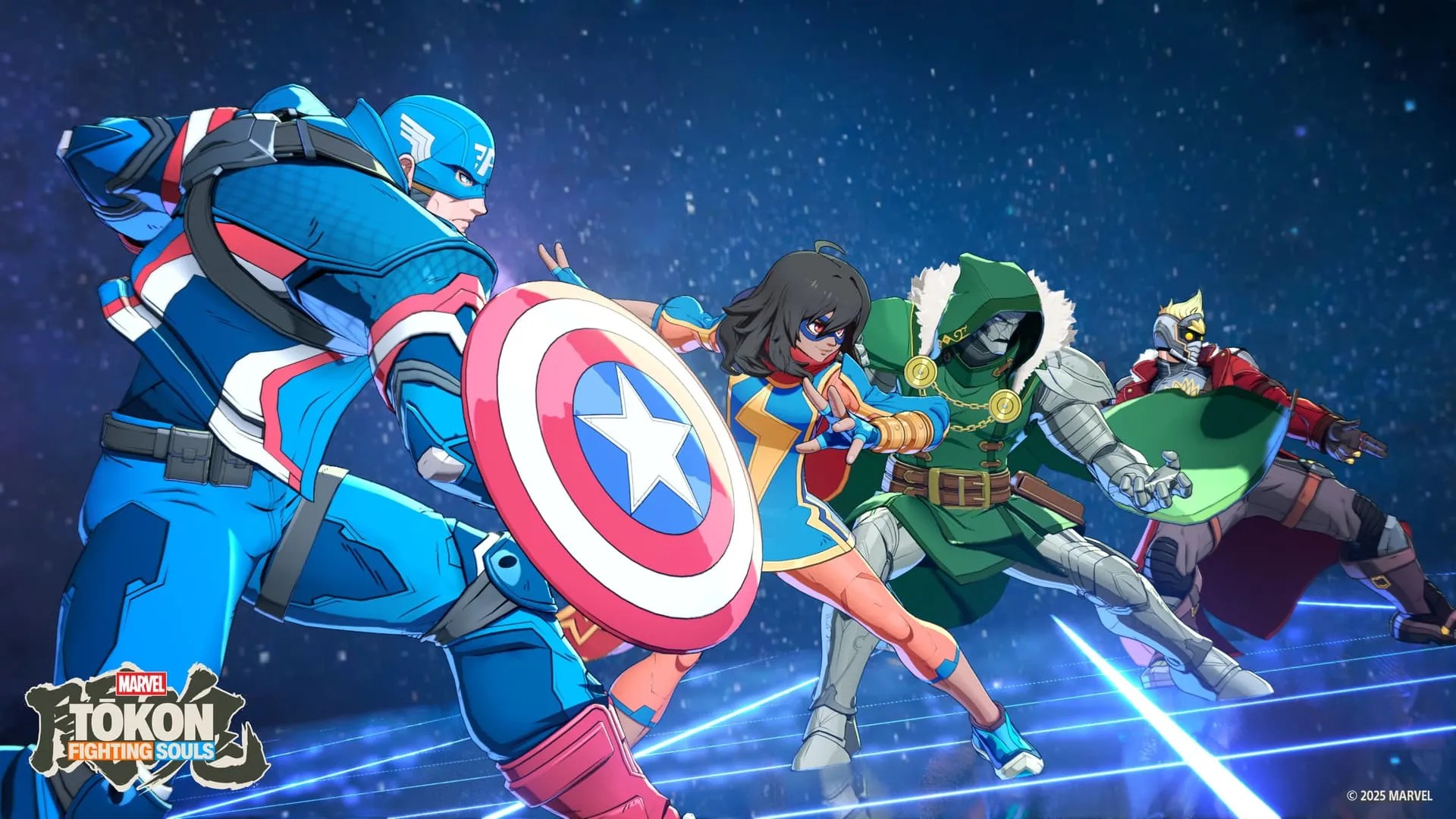
Once you have all your assists available and fill the gauge all the way up to 150, you can execute a Super Attack with every single one of your characters joining the assault.
It’s a fantastic payoff for building up your team.
This is also where Tōkon starts feeling like more than a simple fighter.
The controls are easy enough to understand, but the deeper you get into a fight, the more you start thinking about when to call an assist, how to extend a combo, when to counter, and when to save your resources.
It’s the same kind of satisfaction I get from Dragon Ball FighterZ or Guilty Gear Strive.
Simple controls can get you started.
The complexity comes from figuring out what you can actually do with them.
Spider-Man is my guy
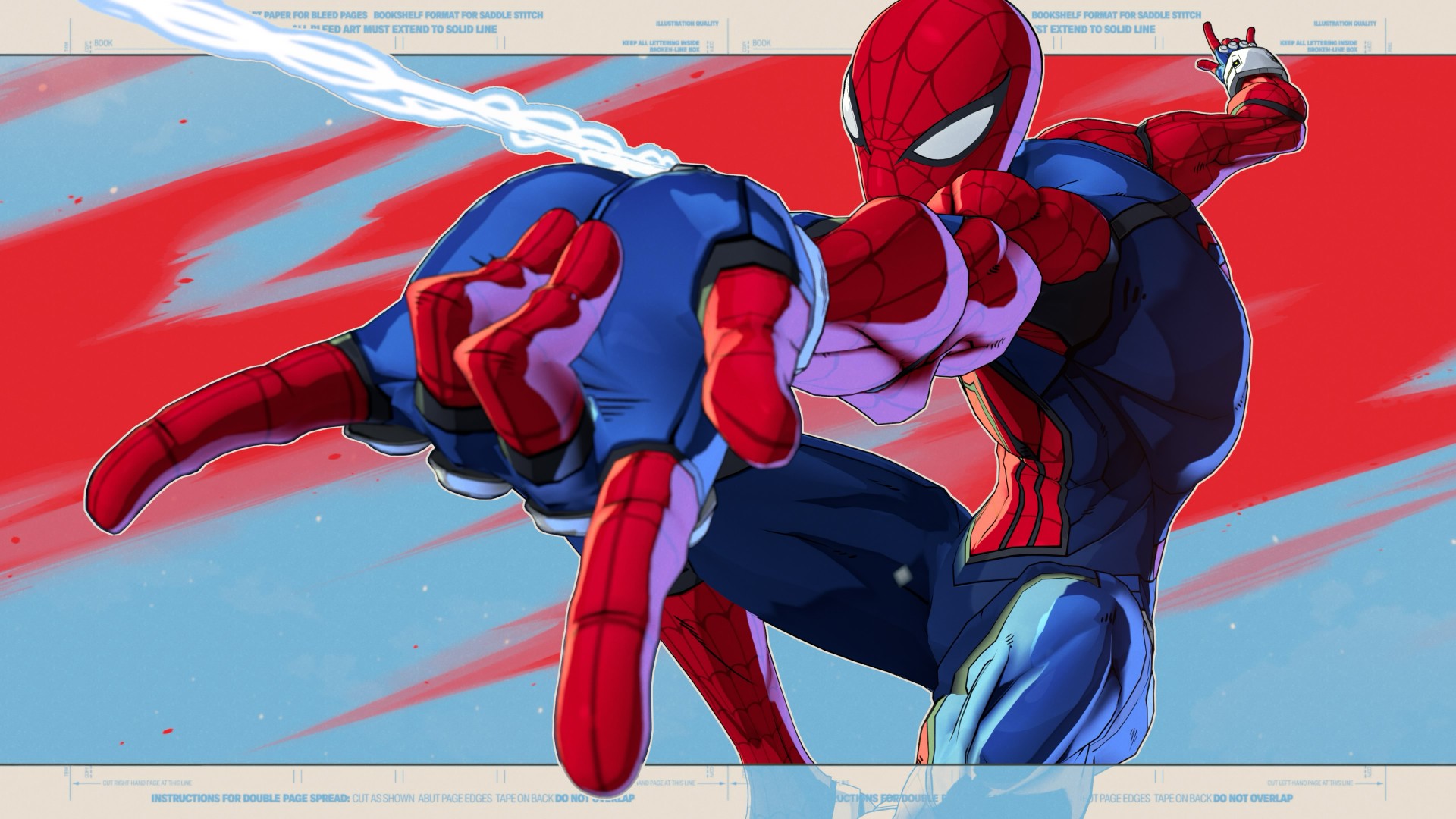
I spent most of my play time using my favorite character of all time: Spider-Man.
Honestly, he feels a little trickier to play than most.
His special move involves him shooting a web, and you can either follow it up with a combo or use it to swing away from attacks.
That little bit of flexibility makes him feel very Spider-Man.
You’re constantly darting around the fight, looking for an opening while also having a way to get yourself out of trouble.
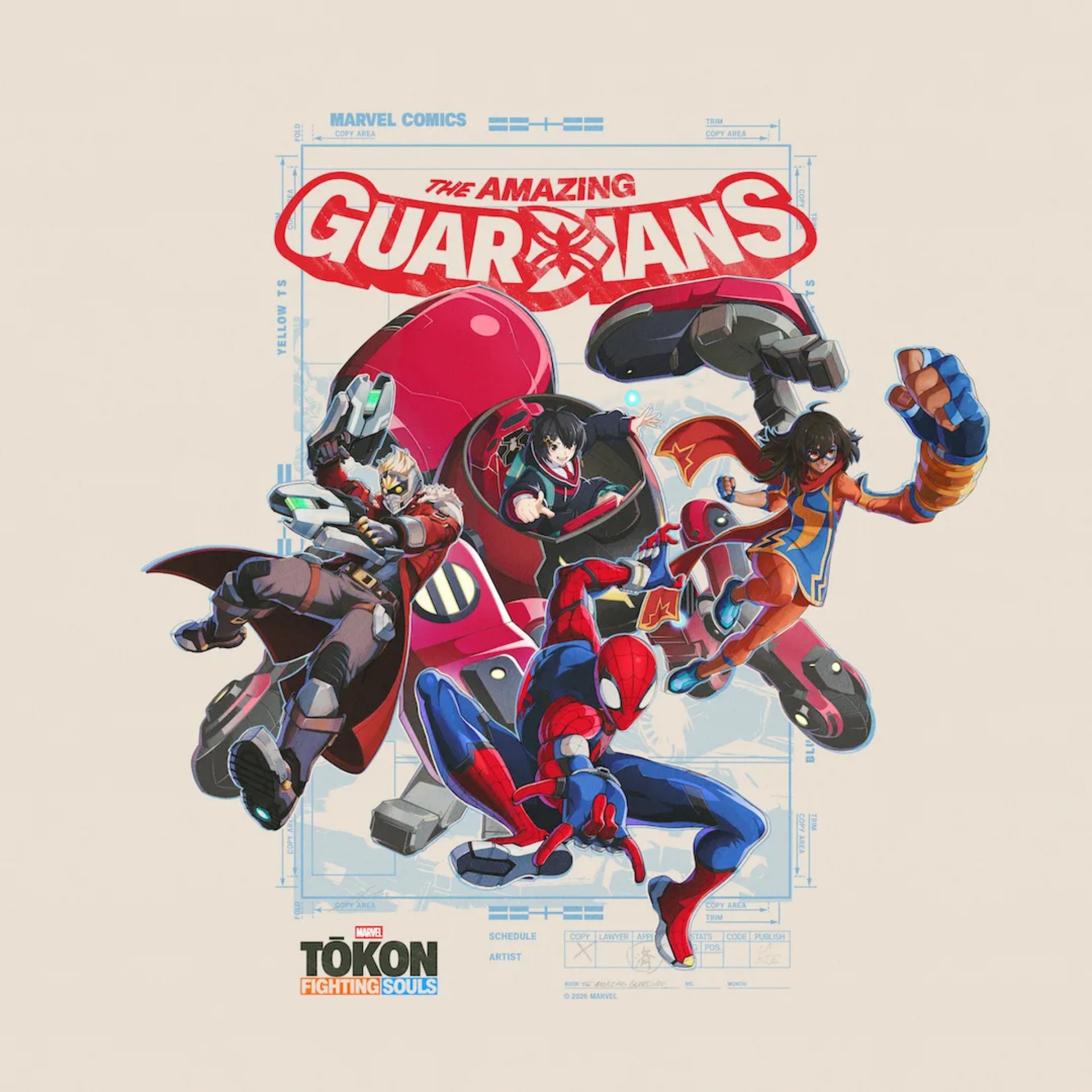
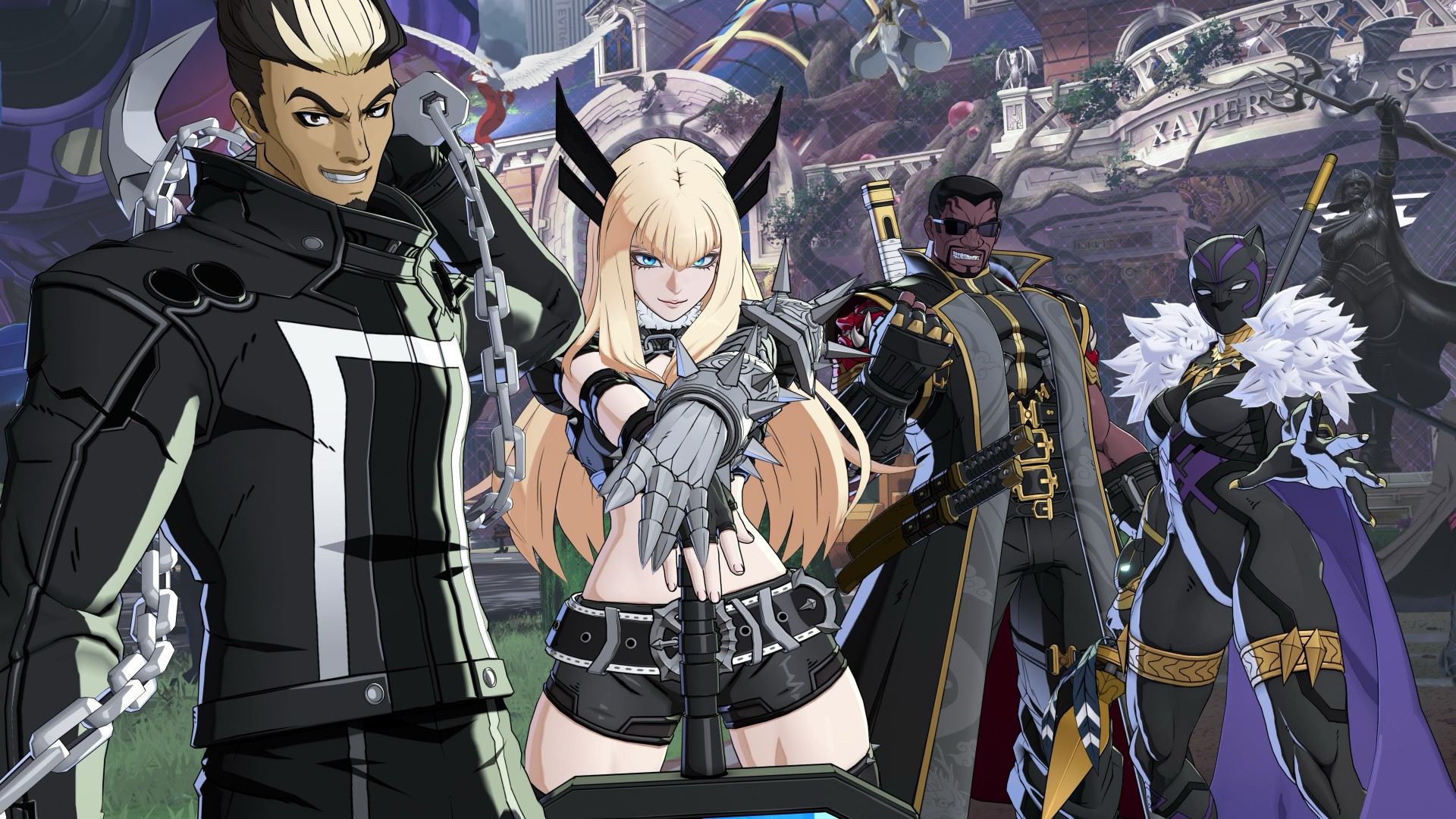
I initially played him with his teammates set by the game: Ms. Marvel, Peni Parker, and Star-Lord.
But outside of the story, I usually always have Wolverine up next.
He’s an aggressive damage dealer and a button masher’s delight.
That’s part of what makes Tōkon’s roster work.
Going through Story Mode gives you a chance to get a feel for how each character handles and who fits your style the most.
With 20 characters available at launch, there’s enough here to mix and match, and you’re bound to find a set that you feel at home using.
And sometimes the character you expect to like isn’t the one you end up enjoying the most.
The characters change how you play
The character I wasn’t particularly interested in but was surprisingly fun for me to use was Blade.
It probably has to do with the types of movement I associate with each character.
With Spidey, I’m always darting around.
With Wolverine, I’m always rushing the enemy.
But with Blade, I suddenly move with more measure.
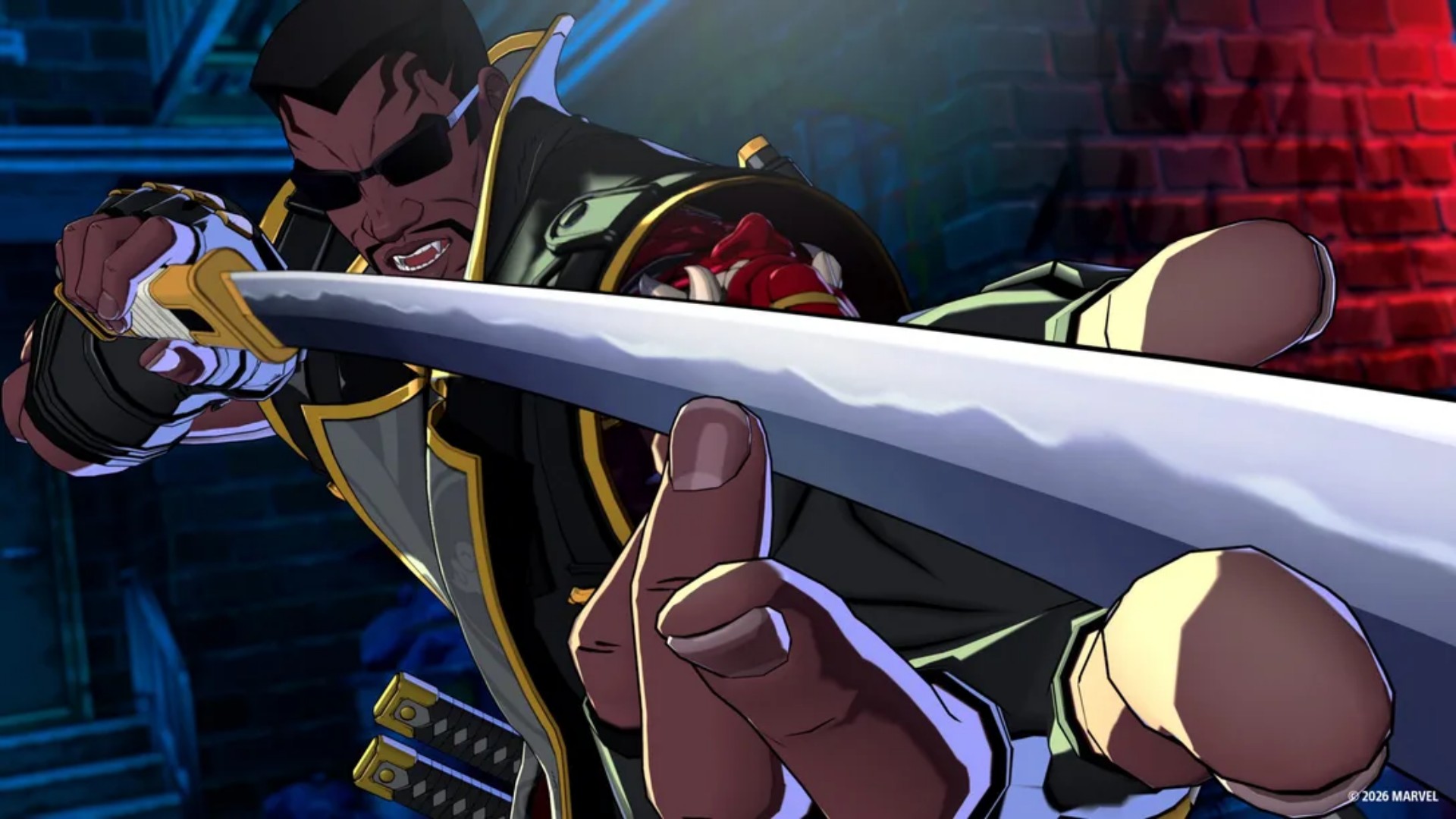
Something about his stance and attacks makes me want to approach the fight a little more deliberately.
Ms. Marvel was also a character I didn’t care much for at first but ended up enjoying using.
Mostly also because she forces me to dial back a bit and be more deliberate with my movements.
That’s one of the more enjoyable things about Tōkon.
The roster doesn’t just give you different characters with different movesets. It encourages you to approach fights differently.
You’re not necessarily going to play the same way with every character. And that makes finding the right team more rewarding.
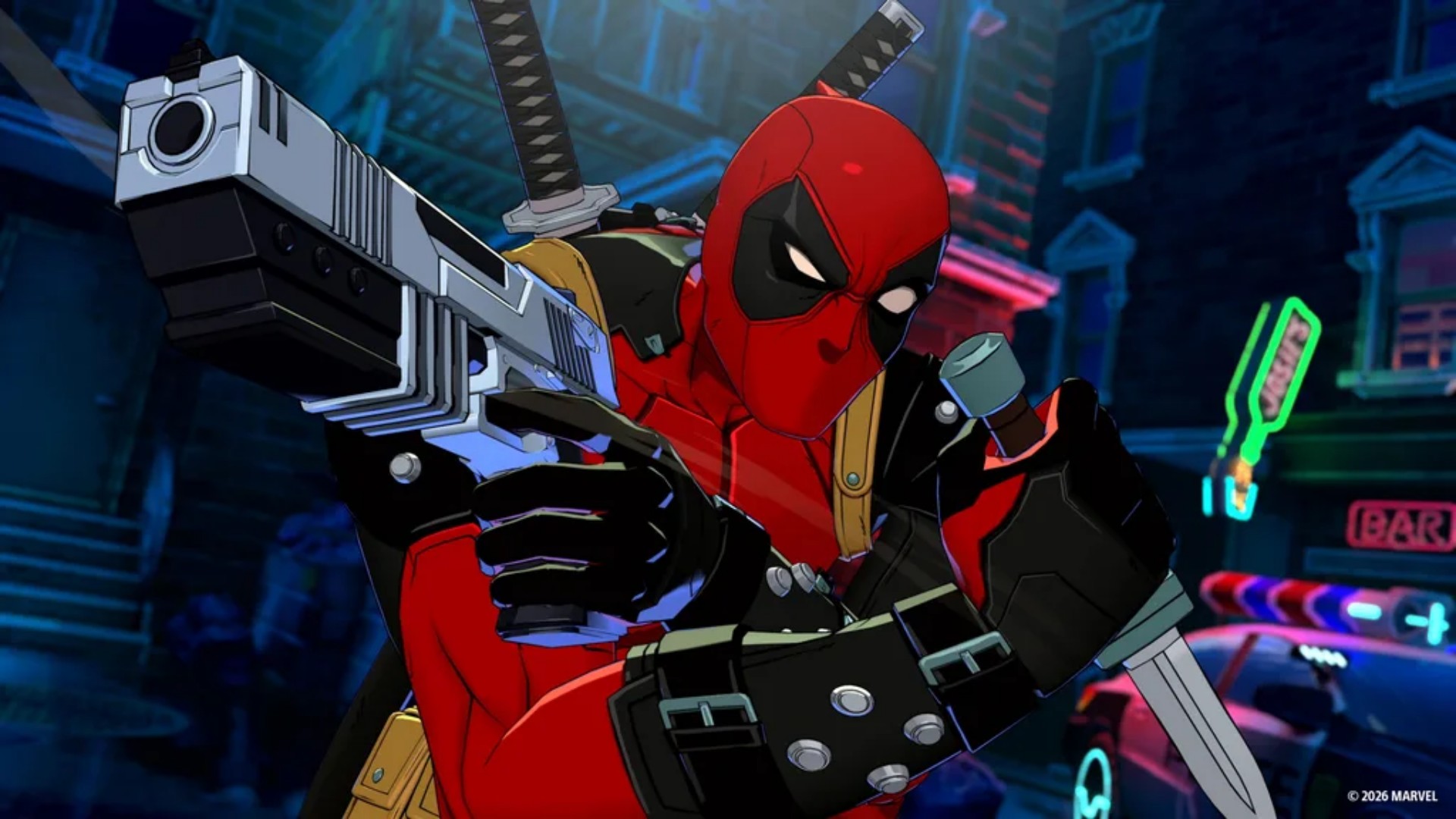
Deadpool, meanwhile, has a lot of Easter egg references from other games and franchises.
I haven’t seen them in my own playthrough, though, so it’s frustrating me a bit.
View this post on Instagram
That probably says something about how much Marvel fan service Arc System Works has packed into the game.
Even when I’m not finding the references myself, I know I’m probably missing something.
Losing doesn’t feel cheap
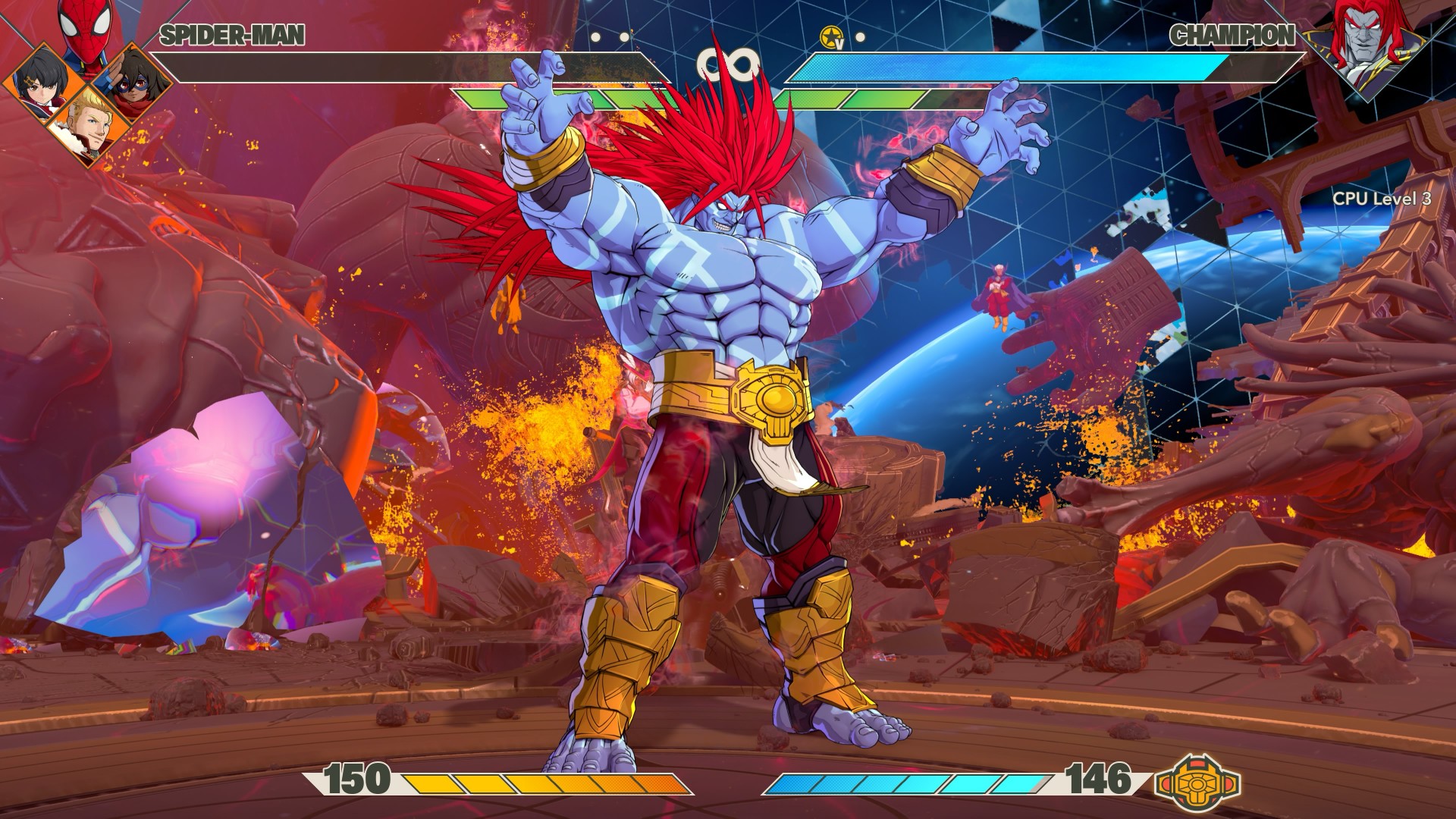
This might be one of the biggest compliments I can give Tōkon.
When I lose matches, it never feels like it’s because the opponent got some sort of buff or something.
I can clearly see where I mistimed a block or a counter, and that led to a devastating string of combos that led to my demise. I don’t mind losing when I understand why I lost.
There’s a difference between getting beaten and feeling like the game simply decided that you were going to lose. Tōkon generally makes me feel like the former.
I’m not suddenly going to pretend I’m good at fighting games. I’m still a casual player. But I can recognize when I made a mistake.
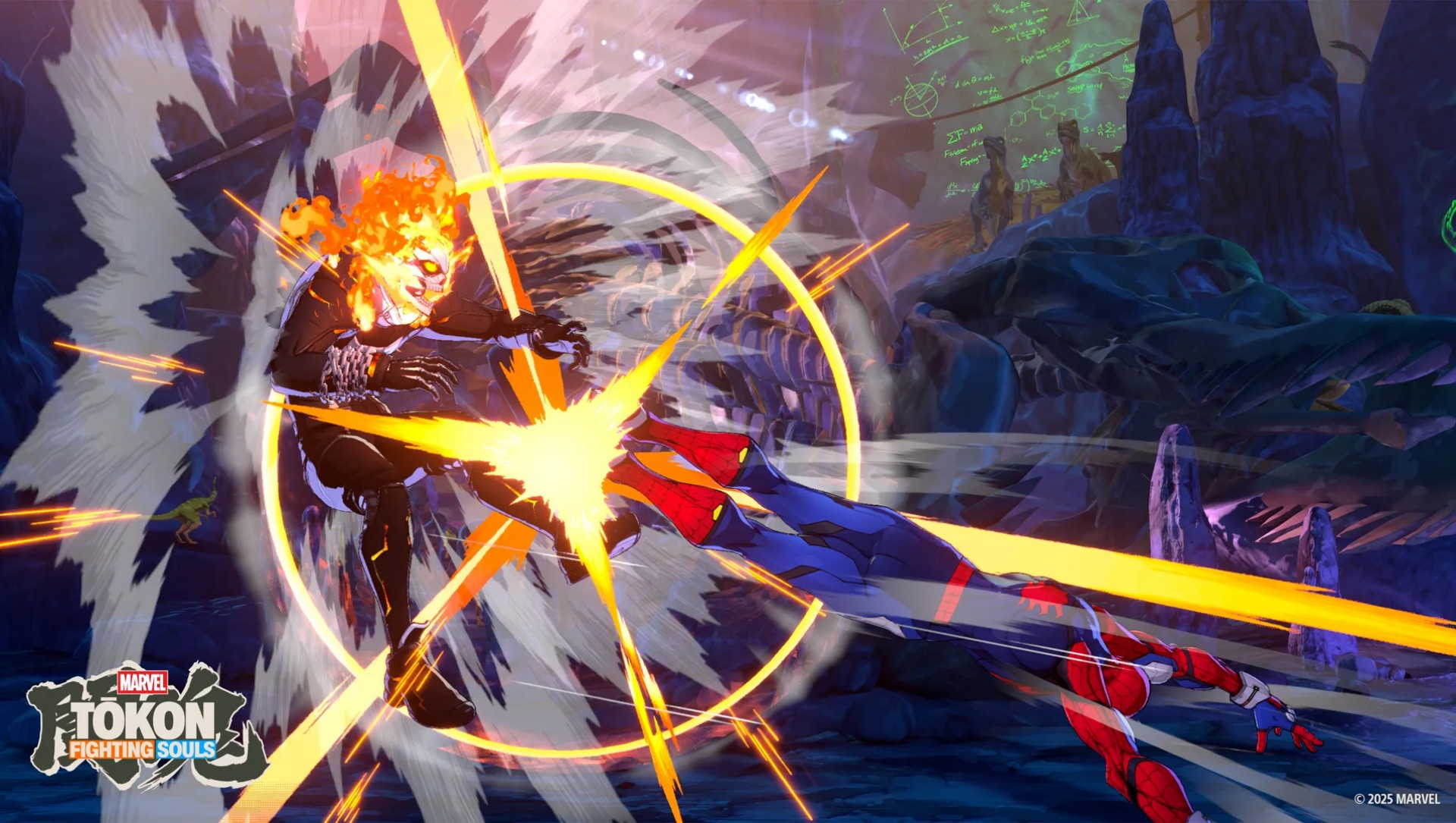
And when I watch a really good player put together a sequence, I can appreciate the skill involved even if I have absolutely no idea how to replicate it.
That’s where I think Tōkon strikes a good balance.
The game lets me enjoy fighting games at my level while leaving the door open for players who want to take things much, much further.
It’s anime as hell
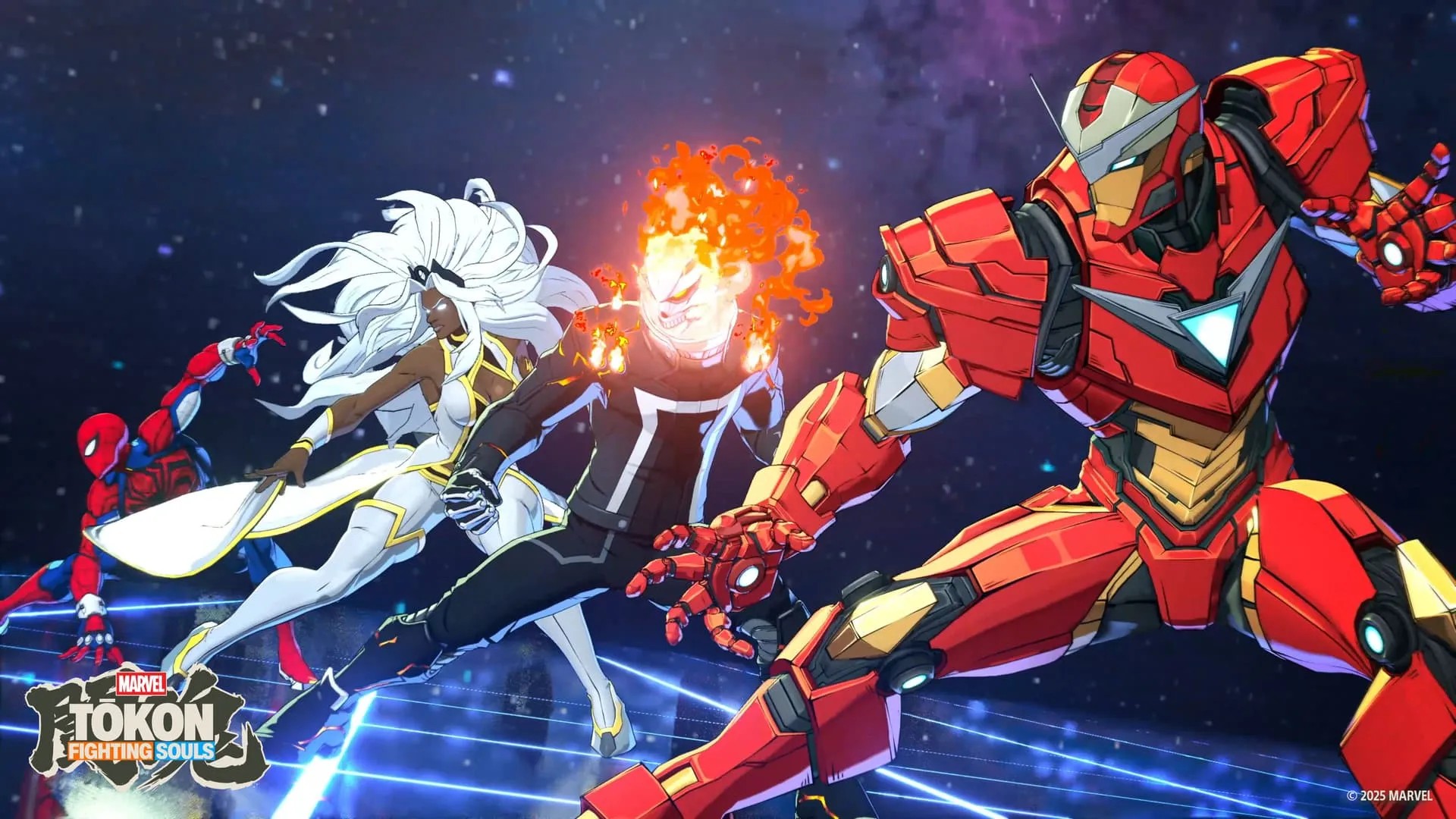
The anime-coded art style has been telegraphed since the game was first announced, so there shouldn’t be any surprises here.
There are plenty of character costume color combinations to choose from, while the animations are truly eye-popping without feeling extremely overwhelming.
The characters move with the kind of exaggerated energy you’d expect from an Arc System Works fighter, but it still feels distinctly Marvel.
Every fight feels like a comic book panel suddenly came to life.
The presentation is particularly good at making the big moments feel big without turning every attack into visual noise.
And then there’s the opening sequence. It is so anime intro-coded and I NEVER skip it. It’s so hype!
Don’t expect a deep Marvel story
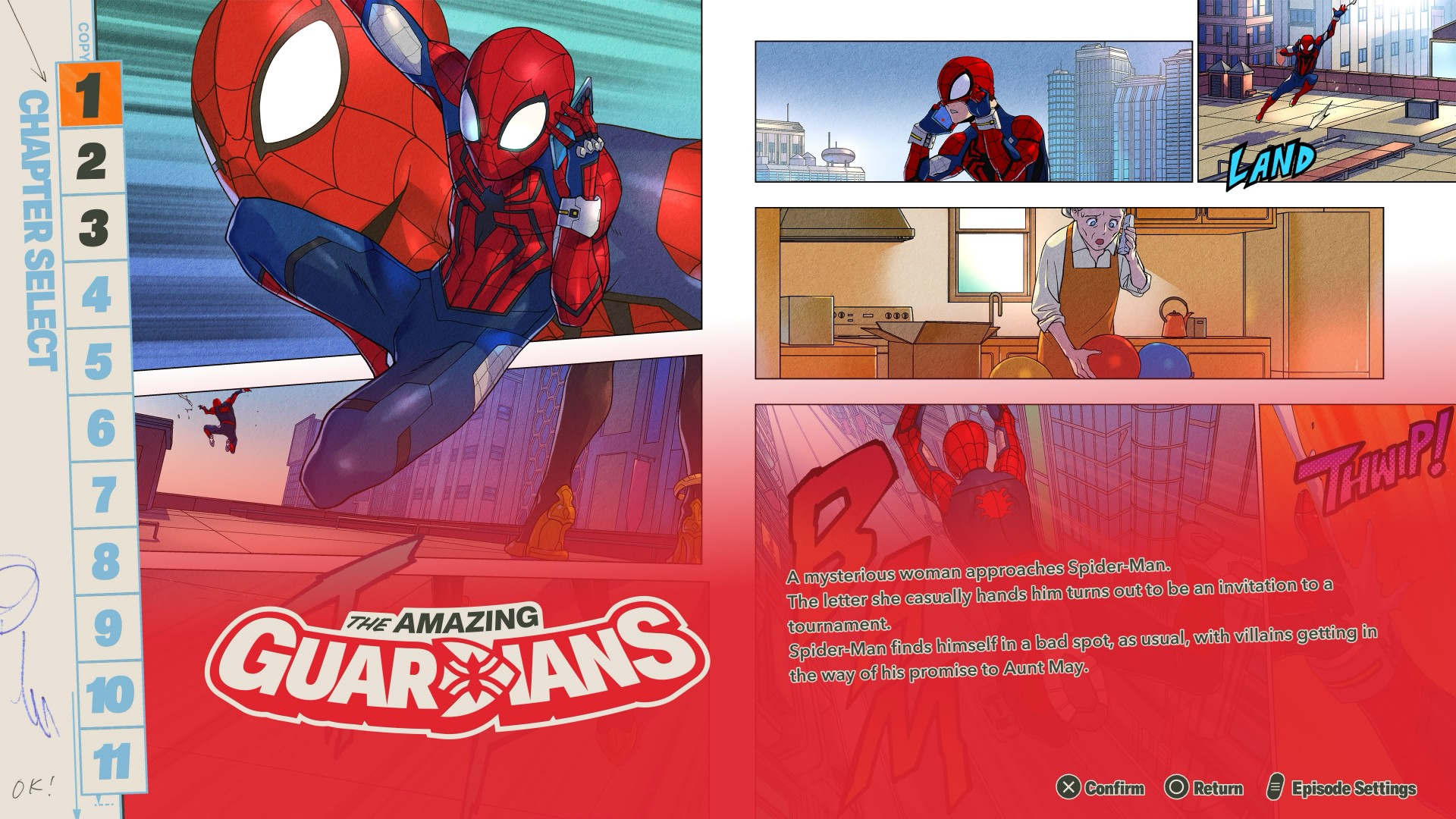
You don’t have to play through each character for Story Mode.
The characters are divided into teams of four, giving each group its own story. The presentation is a mix of anime cutscenes and comic-book-panel-style storytelling.
It’s… alright.
If you’re after any real deep storytelling here, you’re not playing the right game.
There’s enough to keep you mildly entertained, but halfway through your third team you’d probably be over it and would want to just jump straight into fighting — which is the core of the game anyway.

The story gives you an excuse to spend time with different teams and characters.
It lets you learn how they play while giving you a little context for why they’re fighting together.
But Tōkon’s real appeal isn’t its story. It’s what happens when the fight starts.
The fighting is the story

The more time I spend with Tōkon, the more I think this is where the Marvel vs. Capcom comparison makes the most sense.
You pick characters you love, put them together, and figure out how they work.
Then you discover that the character you weren’t interested in is suddenly the one you can’t stop playing.
That’s the loop. And it’s a good one.
Tōkon feels like it understands that a fighting game doesn’t need an elaborate narrative to make you care about its characters.
Sometimes all you need is a character you like, a team that feels good, and a fight that makes you want to hit rematch.
The sound of a good fight
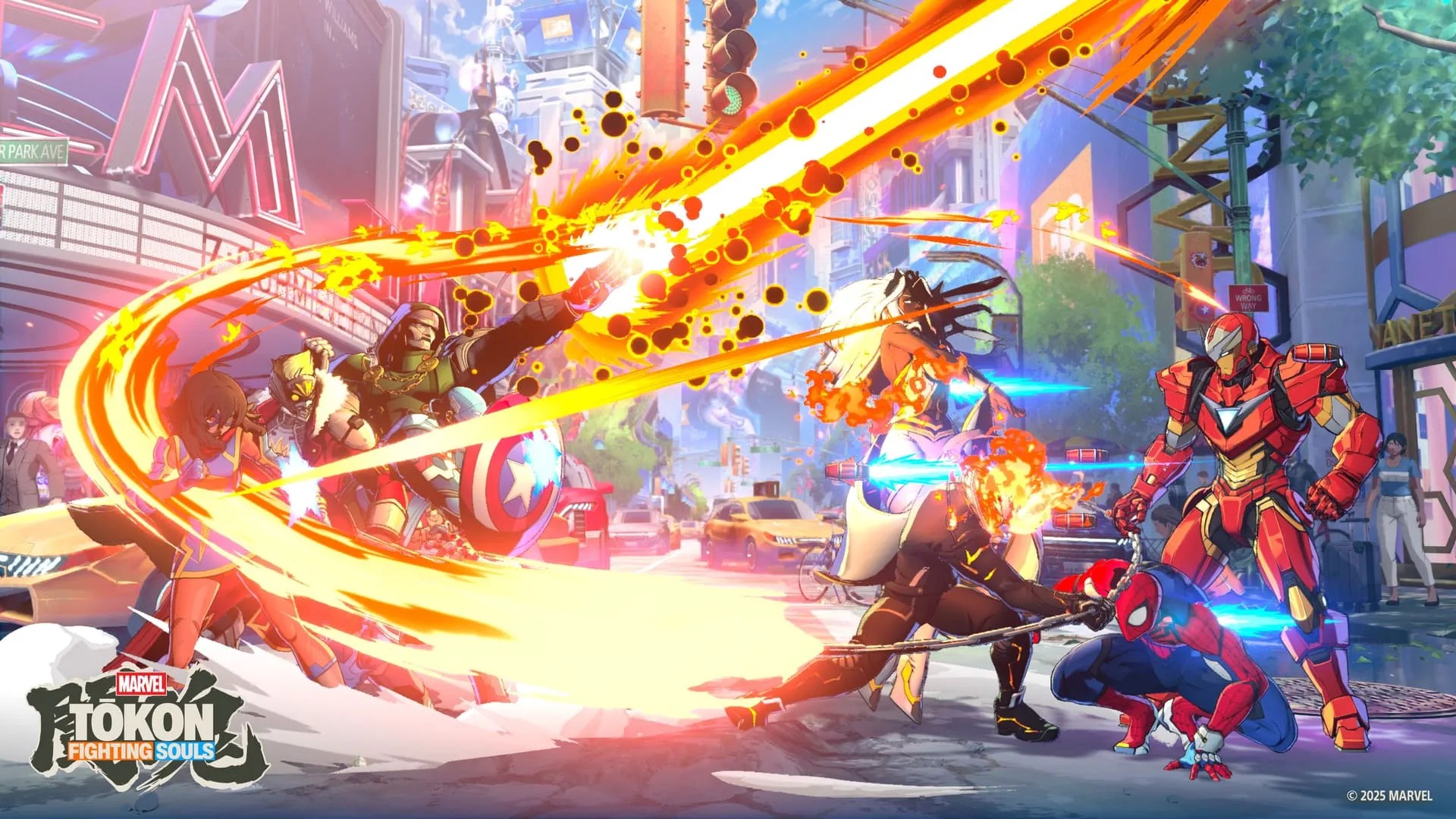
I have to be honest — and a bit embarrassed — I love listening to music, but audio is almost always the last thing I notice when I review games.
I want to say the audio here perfectly complements the visuals.
Nothing feels jarring or out of place.
The music feels appropriate for every stage of the fight, while the in-fight dialogue matches the reactions to what’s happening on screen.
(My setup is an LG C2 TV with a Samsung soundbar. Suffice it to say, I FEEL every hit adequately).
Arc System Works also specifically called out music and sound as areas of focus for Tōkon. After playing it, I can see why.
It runs excellently on PS5
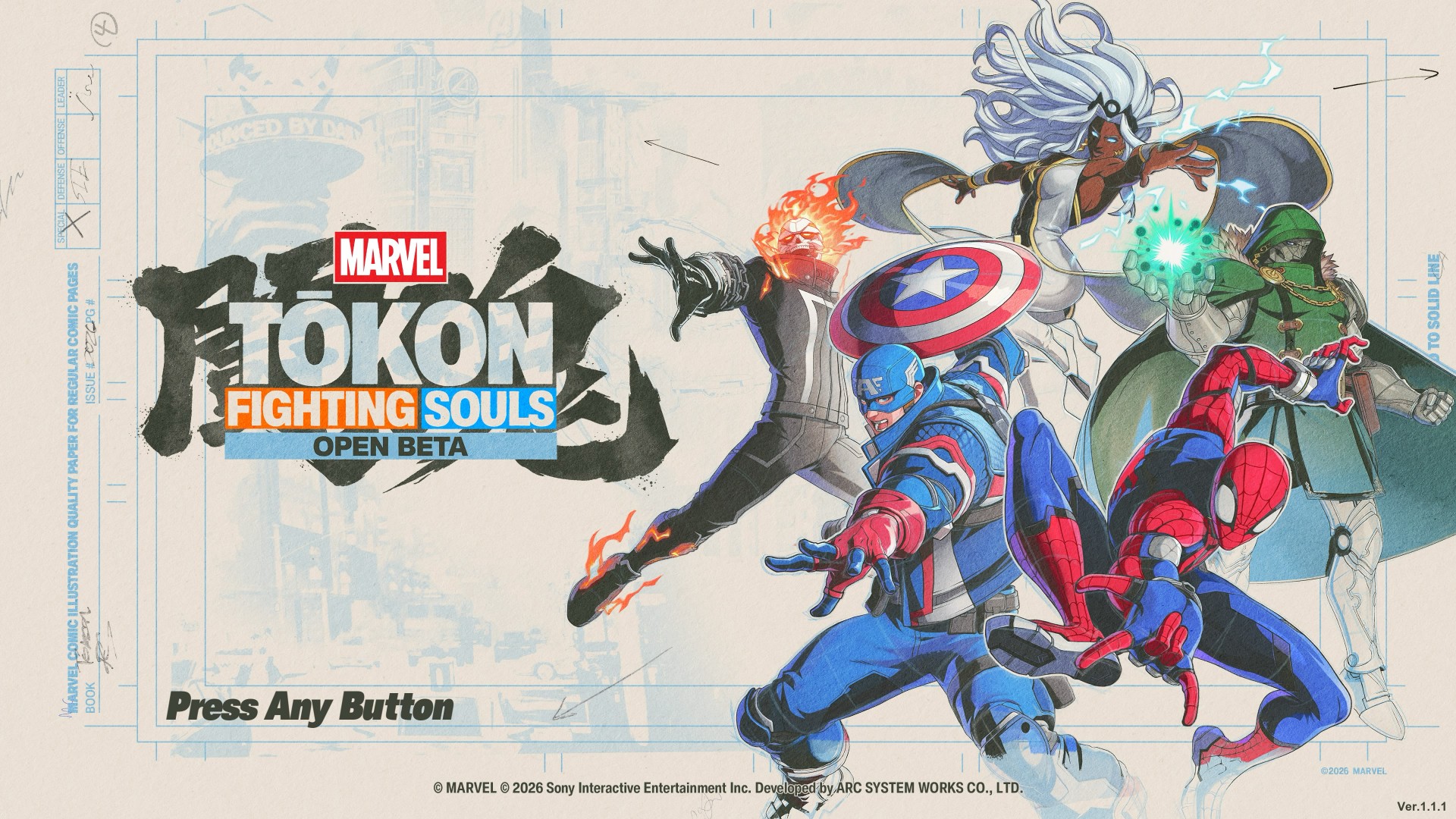
MARVEL Tōkon: Fighting Souls OPEN BETA_20260726110851
On PS5, MARVEL Tōkon: Fighting Souls runs excellently.
My runs were mostly PvE, and I encountered no issues whatsoever.
Any input lag is just me having stubby fingers — nothing to do with the game’s performance.
The game also benefits from the PS5’s presentation, with its colorful effects and huge character animations looking particularly good on a big screen.
I played on a 55-inch TV and it made those big super attacks especially satisfying to watch.
The PC version, however, had a much rougher launch.
It was only recently that a patch was released, and we also had challenges redeeming the PC version.
So if you’re deciding between platforms, the PS5 version is the one I can comfortably speak for based on my experience.
Online is where I struggle
MARVEL Tōkon: Fighting Souls OPEN BETA_20260726140314
I don’t like talking about this. I get my ass handed to me too much. But if you’re talking about getting into matches, it does get challenging.
I wait a good five to seven minutes before I can hop into online matches.
And once I do get into a fight, let’s just say my win rate isn’t exactly something I’m going to frame on the wall.
The game’s online offering includes Casual and Ranked matches, along with online lobbies and Room Matches.
The real question for more competitive players will be whether the online community can sustain quick matchmaking as the player base settles after launch.
For a casual player like me, though, the bigger hurdle is simply finding someone willing to beat me up.
A cute little detour
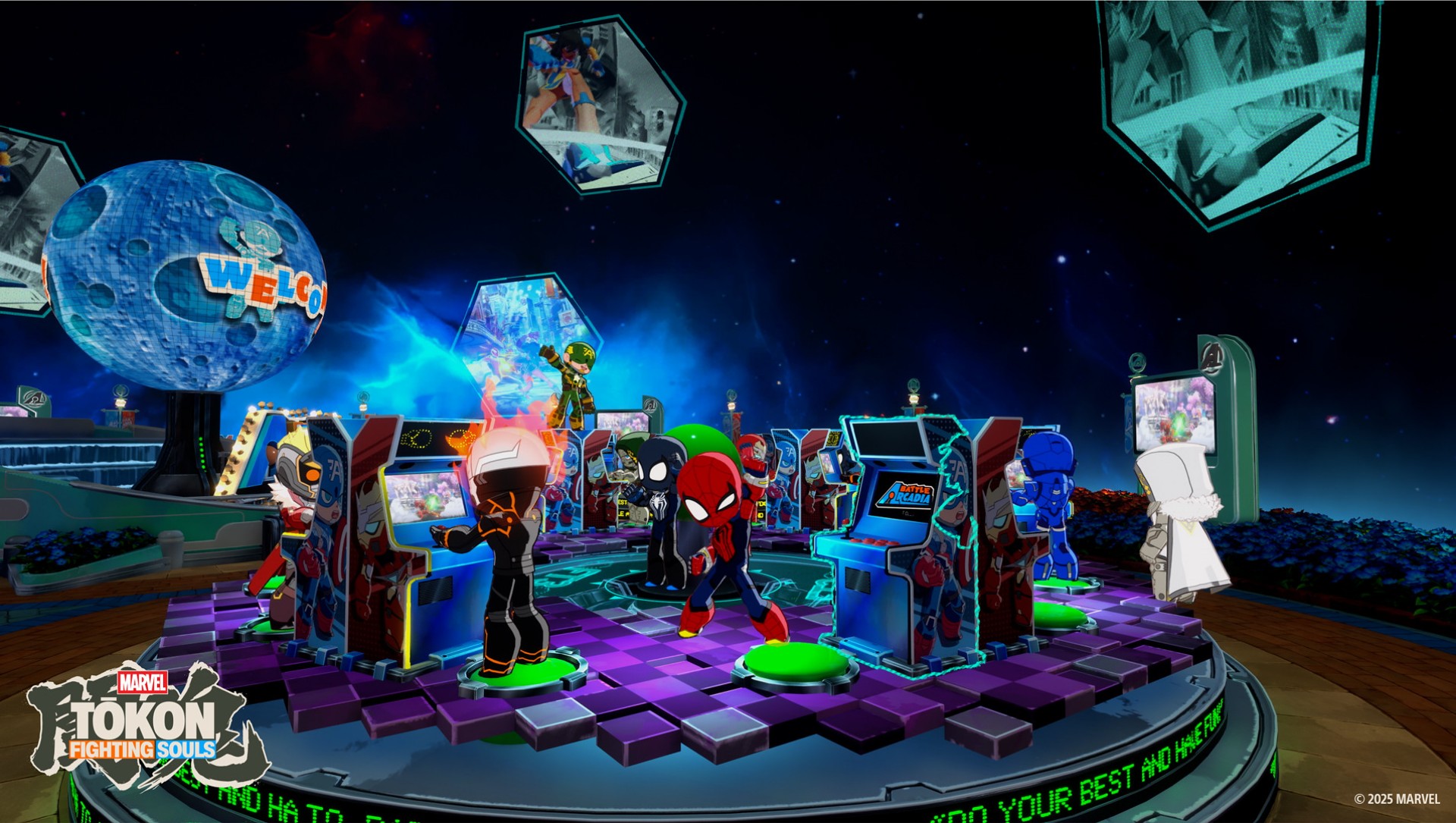
There’s also Arcadia Rumble, a bit of a platformer-type game with the characters rendered in chibi form.
It’s nothing groundbreaking. But I particularly enjoyed the chibi looks as a chibi enjoyer.
The chibi version is an Arc System Works staple, and it’s a cute little change of pace from the much more intense main game.
You don’t need to play it to appreciate Tōkon. But I like that it’s here.
I’m already looking forward to more
The launch roster is already substantial, but I’m particularly excited about the first DLC character: Phoenix Cyclops.
Scott Summers is my guy. And we’re getting the cosmic version? I am waiting with bated breath.
That’s probably the best place to leave Tōkon.
I came into this expecting a fun Marvel fighting game.
What I got was a fighter that is easy enough for a casual player like me to pick up, while constantly reminding me that there is a much deeper game waiting underneath.
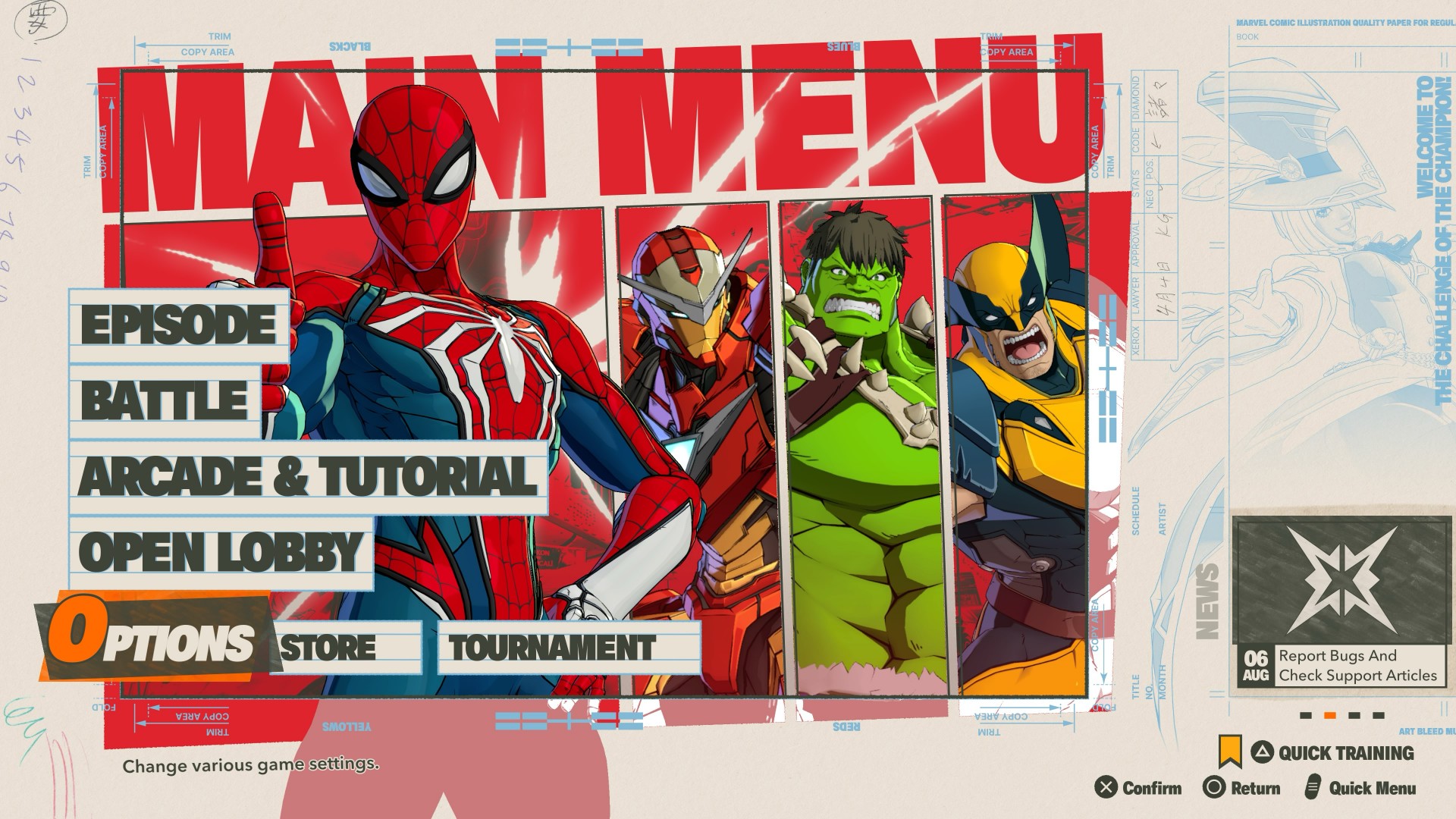
It’s not that Tōkon is simple.
It’s that it does a good job of making complexity feel approachable.
You can mash buttons with Wolverine and have a great time. You can swing around with Spider-Man and look for openings. And you can slow things down with Blade or Ms. Marvel and learn to be more deliberate.
If you want to go deeper, the systems are there waiting for you.
Now pickup a controller and take on MARVEL Tōkon: Fighting Souls

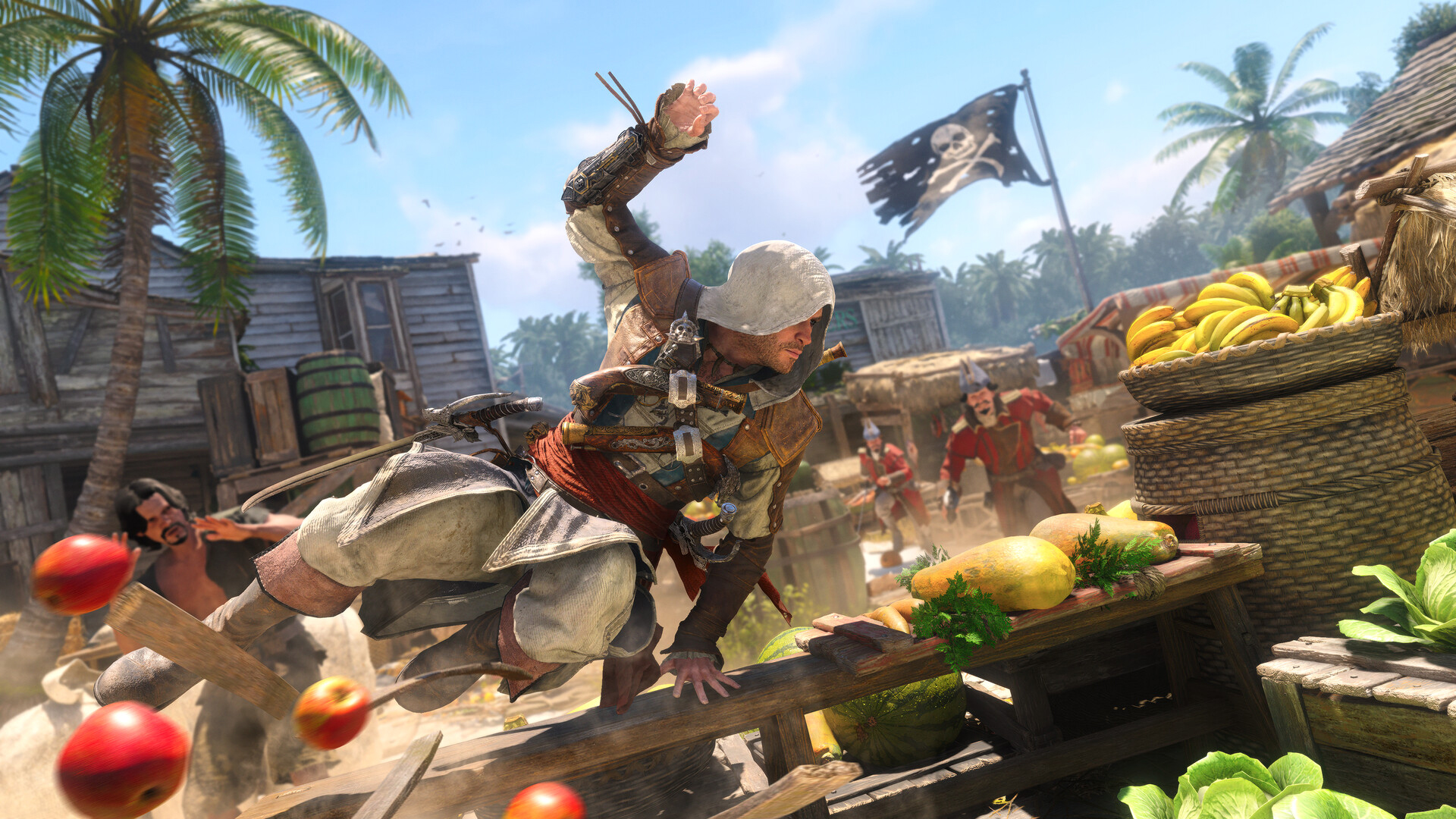
Like any millennial, I love a good dose of nostalgia. These days, however, nostalgia is no longer a scarce resource. Remakes and reboots abound, the entertainment world heavily seesaws between all the franchises that made our child- and teenagerhood so fun. Today, the ever-spinning roulette lands on Assassin’s Creed Black Flag.
Launched not too long ago, the original Black Flag was a pirate life simulator disguised as an Assassin’s Creed game. It was a refreshing breath of fresh air for the series coming after the controversial ending of Desmond Miles’ arc. Unsurprisingly, the game is still the most universally lauded entry in the entire franchise. So, if you ignore how recently it came out, Black Flag makes sense as the first Assassin’s Creed to ever get a remake.
But do we actually need this much nostalgia?
New clothes for the original
Assassin’s Creed Black Flag Resynced plays like a dream. It’s the original game but with updated graphics and combat.
Now, the original game still plays very smoothly today. I’d even hazard that the original graphics are still serviceable today, albeit tinged with a tiny bit of datedness. Basically, if I boot up my copy of the original, there’s a very good chance that I’d still find it perfectly modern.
That said, Black Flag Resynced has amazing graphics. There’s a clear difference that elevates the original to heights that put it at par with the newer games. Parkour and combat are also smoother. If you’ve played Shadows or Valhalla, Black Flag Resynced is easy to pick up (or pick up again, for most of you).
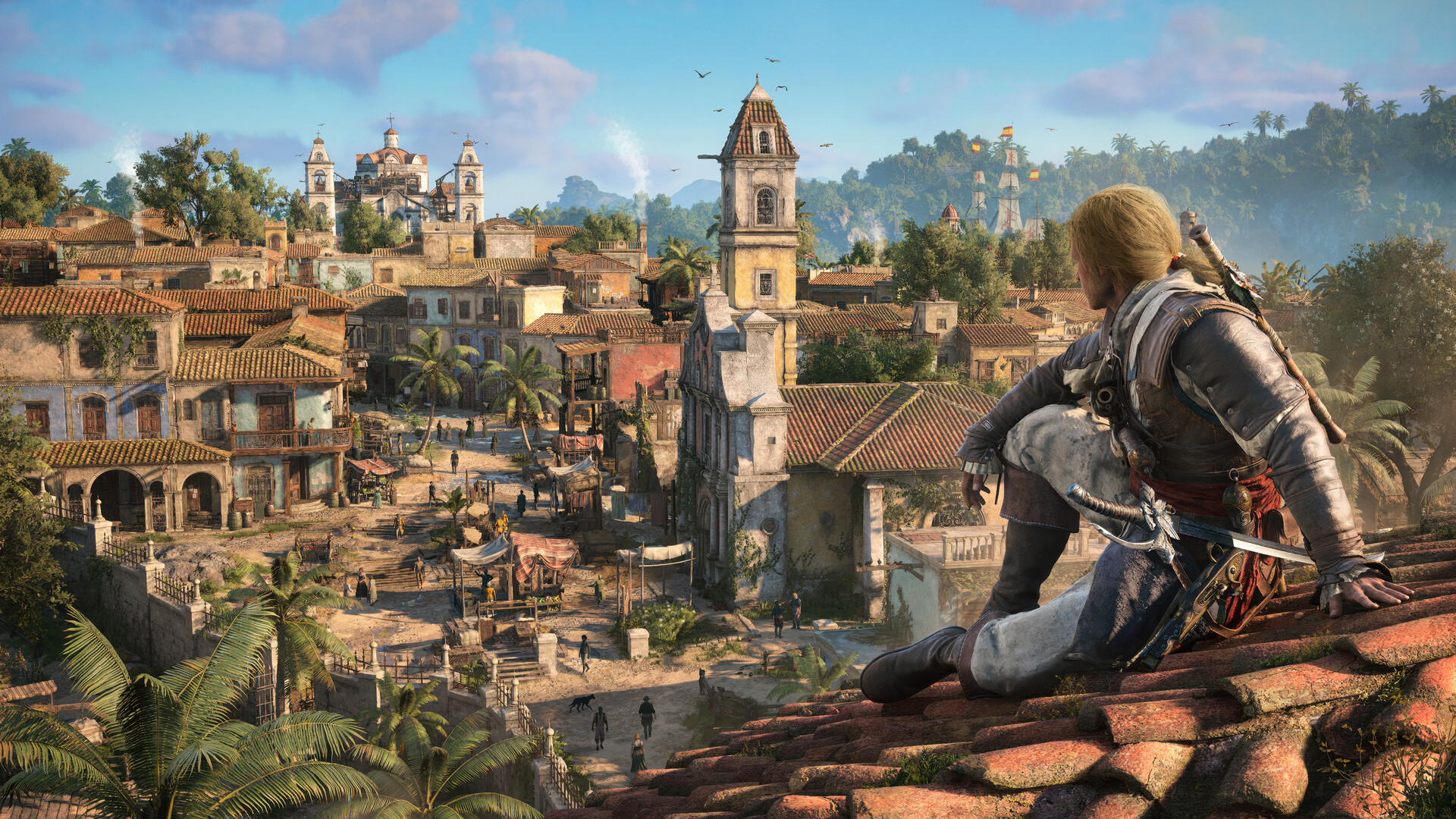
There are a few additions, including story content for some characters or even entirely new ones introduced. To be honest, I don’t think they add a lot to the experience, but the additions aren’t bad things at least.
The real meat comes from the tinier quality-of-life changes added to the overall game. For example, those pesky trailing missions are now gone. Stealth is better. Finally, that terrible modern-day storyline was completely removed.
It’s fair to say that Black Flag Resynced is a better version of the game than its original. But, again, is that really enough to warrant buying a new and even more expensive version of a game you bought long ago?
The problem with nostalgia
Earlier this year, I played Yakuza Kiwami 3 & Dark Ties, a remake of the eponymous game from the Yakuza franchise. Though the new version had a substantial expansion bundled inside, it was essentially a trip down memory lane clothed in a “new” skin.
Yes, the nostalgia is largely effective. But after a while, the doubt crept in: It’s just a reskin with some new content. Worse, the reskin is a coat of paint that the series has been using for so many years now.
Black Flag Resynced starts to feel the same. Eventually, the appeal of playing a beloved game runs out, especially since it’s a game that hasn’t been out long enough to develop a more intense form of longing. As such, there’s a bigger burden for it to prove why it should exist.
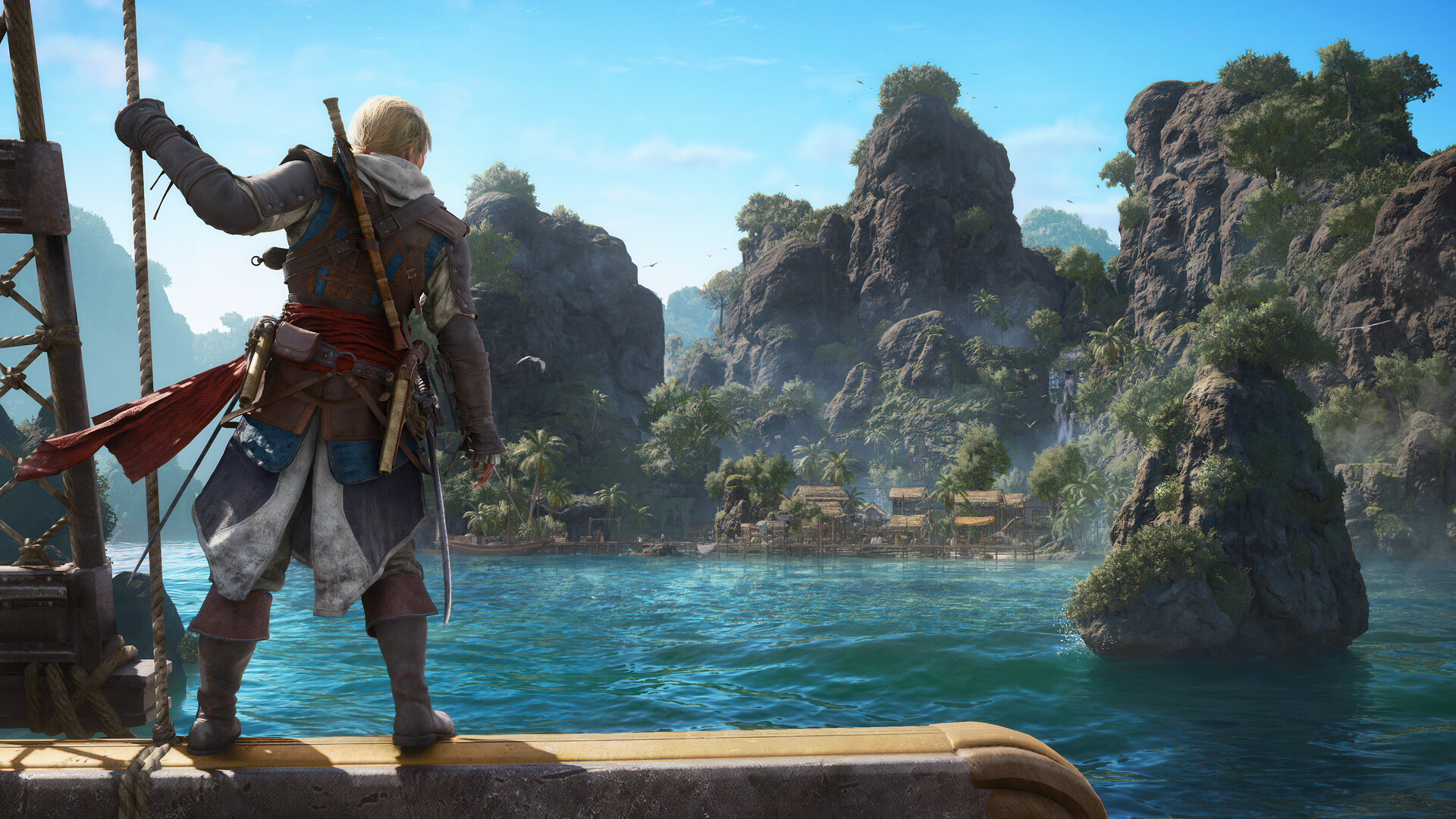
It’s a hard sell. The original game is just much too recent. In fact, it still holds up well today, despite some inconveniences. The new version is, like Yakuza Kiwami 3, mostly translating the game into a modern system familiar to modern players. But it’s a system that hasn’t really changed much over the years. With another game following the same format, it’s all blending into a homogenous soup.
The Assassin’s Creed franchise needs a reinvention. Though the previous Shadows fulfilled a generational wish to bring the series to feudal Japan, it was just another Assassin’s Creed game but with two protagonists. It’s the same thing with Black Flag Resynced, just another Assassin’s Creed game but with better graphics (and ship combat).
Nostalgia is doing a lot of heavy lifting in Black Flag Resynced. The game isn’t really a reinvention, and if you’ve played the newer titles recently, nostalgia might not be enough.
Is Assassin’s Creed Black Flag Resynced your GameMatch?
If you’ve played the original and just want to experience the same game on a modern system, then Black Flag Resynced is perfect for you. It’s the same enjoyable experience with a bundle of small quality-of-life improvements.
However, it doesn’t reinvent the wheel. If you’re tired of the same old Assassin’s Creed formula, the remake probably won’t do much for you, either.

TECNO MEGAPAD 2 review: Eyes on the size
The MEGA pad for two base users

MARVEL Tōkon: Fighting Souls review: Easy to pick up, hard to put down
Welcomes casual and experienced fighting game players


Now Playing: Assassin’s Creed Black Flag Resynced
Nostalgia does a lot of heavy lifting.
TECNO MEGAPAD 2 review: Eyes on the size

UNDERTALE: The Determination Symphony gets two more shows

HUAWEI Pura X View is 2026’s first WIDE slab-type smartphone

These Polaroid x Pokémon cameras are just the cutest things
MARVEL Tōkon: Fighting Souls review: Easy to pick up, hard to put down

VinFast debuts two-wheeler models, opens 21 e-motorcycle showrooms

CASETiFY revives Spider-Man collection for Brand New Day

OnePlus officially leaves the United States and Canada

Xiaomi debuts SkyNomad Series featuring new Kunlun platform

FINAL FANTASY X | X-2 HD Remaster launches on Nintendo Switch 2


-
 Laptops2 weeks ago
ROG STRIX G16 Review: Building for the moment
-

 Singapore6 days ago
REDMI Note 17 Series focuses on long-term reliability
-

 Laptops2 weeks ago
30 days later with the ASUS ExpertBook Ultra: Like seeing an ex
-

 News5 days ago
realme 16T to come with 8,000mAh battery, 7-year battery health guarantee
-

 Philippines2 weeks ago
Smart opens HUAWEI Pura 90s Series pre-orders with exclusive freebies
-

 News2 weeks ago
TCL expands mobile lineup with latest NXTPAPER series
-
 Gaming2 weeks ago
Marvel Wolverine Limited Edition PS5 bundle SEA pricing
-
 Reviews1 week ago
Samsung Galaxy Z Fold8 Review