
Lifestyle
Canva unveils new AI-powered Visual Suite, Brand Hub
It’s a Brand New Era!


Canva has just announced a new suite of brand management features along with AI-powered design tools at Canva Create.
Ushering in a Brand New Era to help teams and organizations of all shapes and sizes, the world’s only all-in-one visual communication platform focused on empowering brands to scale various creative outputs.
Canva is embarking upon a decade as a powerhouse design platform, with more than US$ 1.4 billion in annualized revenue and over 125 million monthly users.
Moreover, organizations such as FedEx, Starbucks, and even Zoom are embracing the all-in-one design platform — making Canva a home for every brand.
Brand Hub
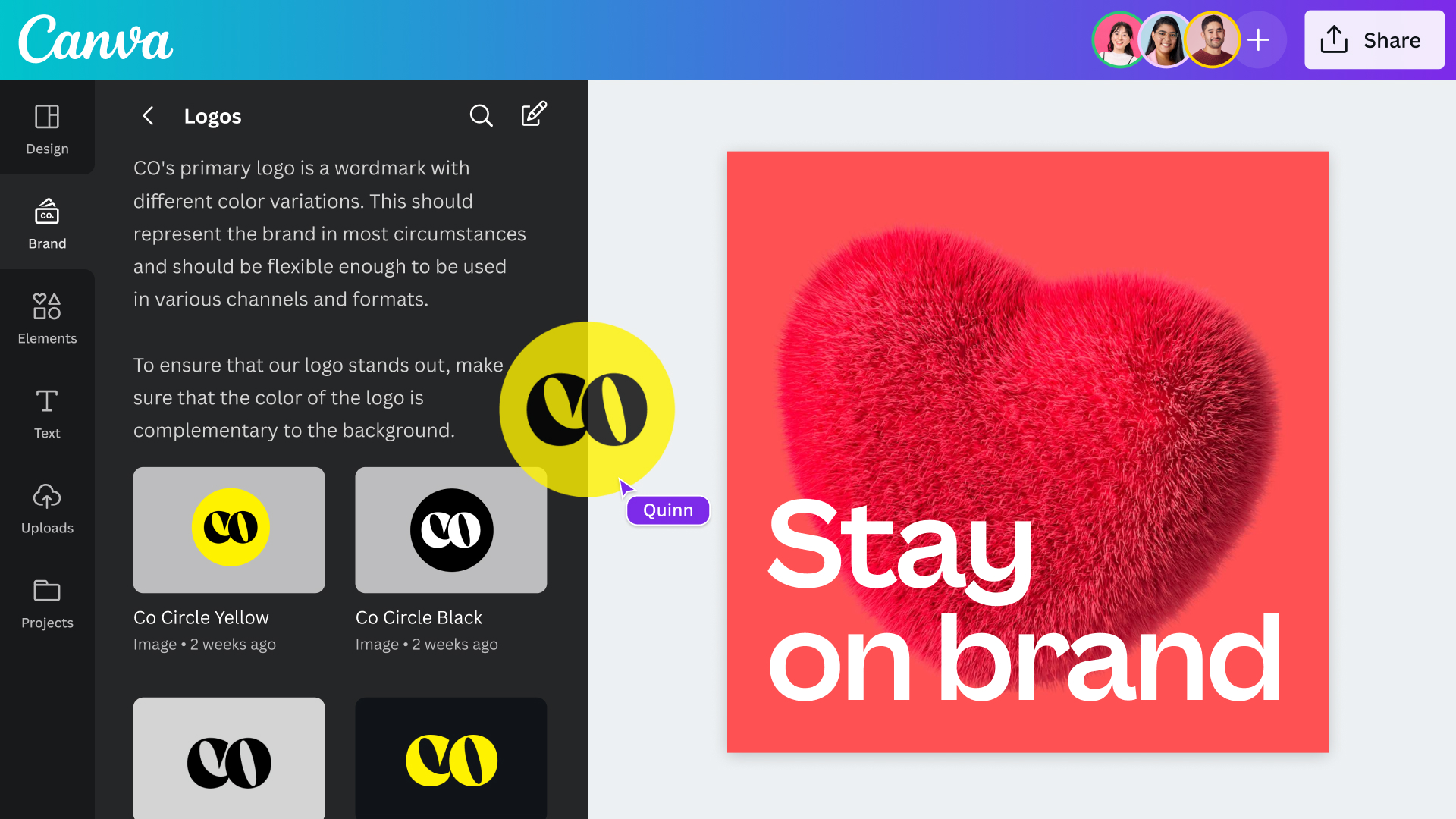
Visual communication efforts are at an all-time high. With every organization regardless of size and industry producing high volumes of content, Canva’s new features help teams create with efficiency while staying on brand.
- Brand Kit: Create a Brand Kit with logos, colors, fonts, icons, imagery, graphics, and brand guidelines. Teams will never have to scramble for the right assets and are empowered to create on-brand, standout content.
- Magic Replace: Instantly update brand assets across your entire company with a single click, from changing the logo in your company presentations to swapping out photography.
- Brand Templates: Design and share Brand Templates for teams to quickly create on-brand, compelling content. Save time on repetitive design tasks and scale up content output.
- Brand Folders: Set up Brand Folders to keep branding organized and accessible. Create individual folders to group unique branding for specific events, campaigns, teams, or projects.
- Brand Guidelines: Organizations’ brand guidelines be automatically and contextually surfaced within the Canva Editor as teams create designs, ensuring everyone is equipped with the knowledge to best represent their brand.
- Brand Controls: Set brand controls and have the confidence teams are always designing on-brand content. Admins can limit fonts and colors, eliminating the need to check hex codes or look out for unapproved fonts.
- Approval Workflows: Admins can use approval workflows directly in Canva, ensuring designs are reviewed and approved before being published.
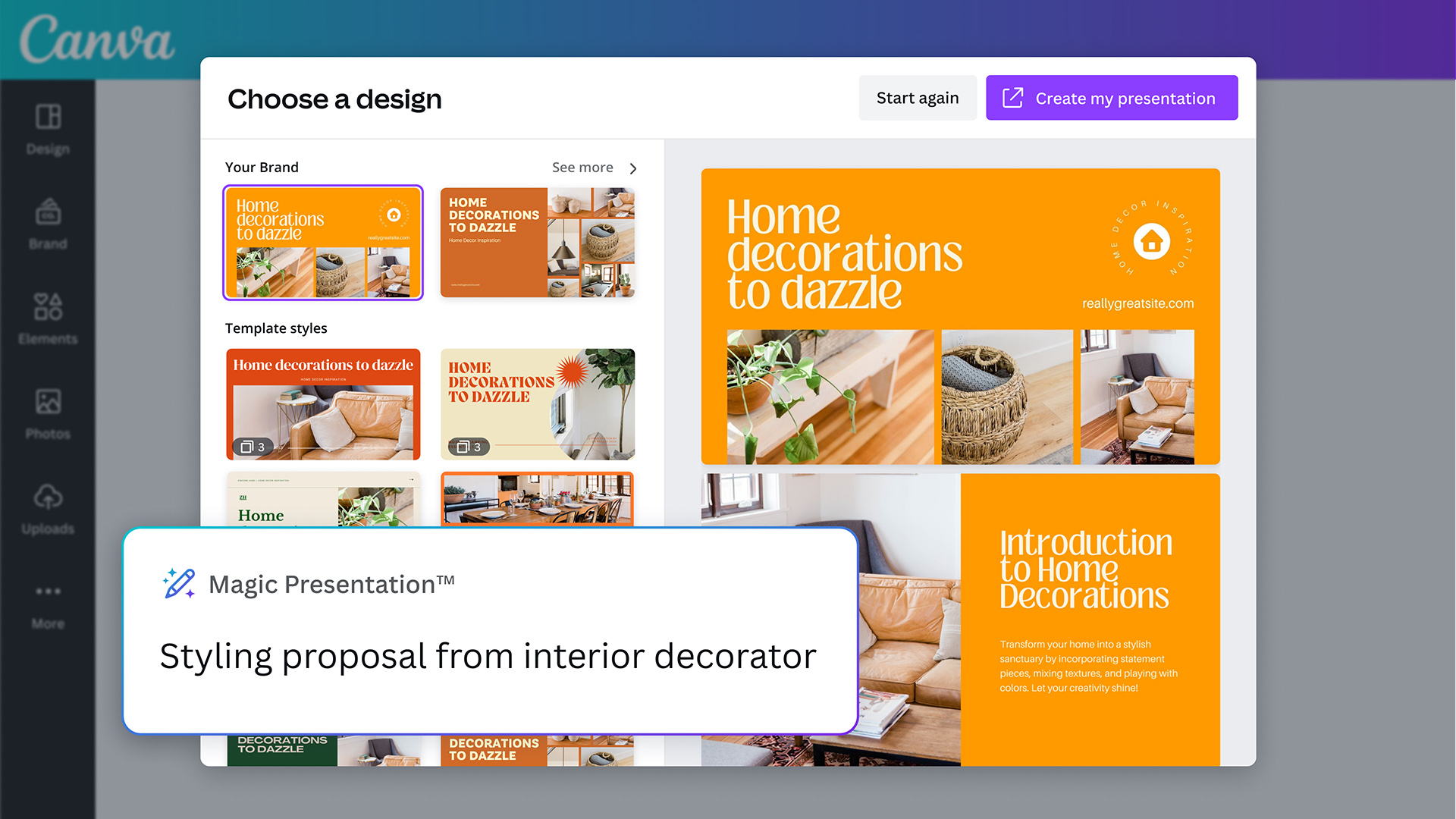
AI-powered Visual Suite
Canva has also unveiled a collection of new AI-powered tools that hastens the design processes of any creative team.
- Magic Design: Simply upload an image then select a style, and Magic Design will create a curated selection of personalized templates ready for you to download to further customize.
- Magic Edit: Add or replace anything in an image. Identify where to add something, describe it to Magic Edit, and watch as it appears.
- Magic Eraser: Clean up unwanted details in images with Magic Eraser. Brush over the area and watch as the distraction is magically removed.
- New Presentations: Create engaging and on-brand presentations in no time. Prompt the editor and watch as Magic Design generates a range of presentations with an outline and content on each slide.
- Canva Assistant: Unlock the best of Canva with the tap of a button. Search for eye-catching elements, get recommendations for images and layouts, or generate custom AI content to elevate your designs.
- Beat Sync: Automatically match video footage to the soundtrack. No more manual editing. Save time and instantly find the perfect moment to play with the beat.
- Translate: With the click of a button, automatically translate the text in designs to over 100 different languages and connect with audiences anywhere in the world.
- Magic Write: Create content from a simple text prompt in seconds. Canva’s AI-powered copywriting assistant is now available across the entire Visual Suite including Presentations, Videos, and Websites making it easier than ever to write everything from website copy or presentation summaries.
Highly requested features
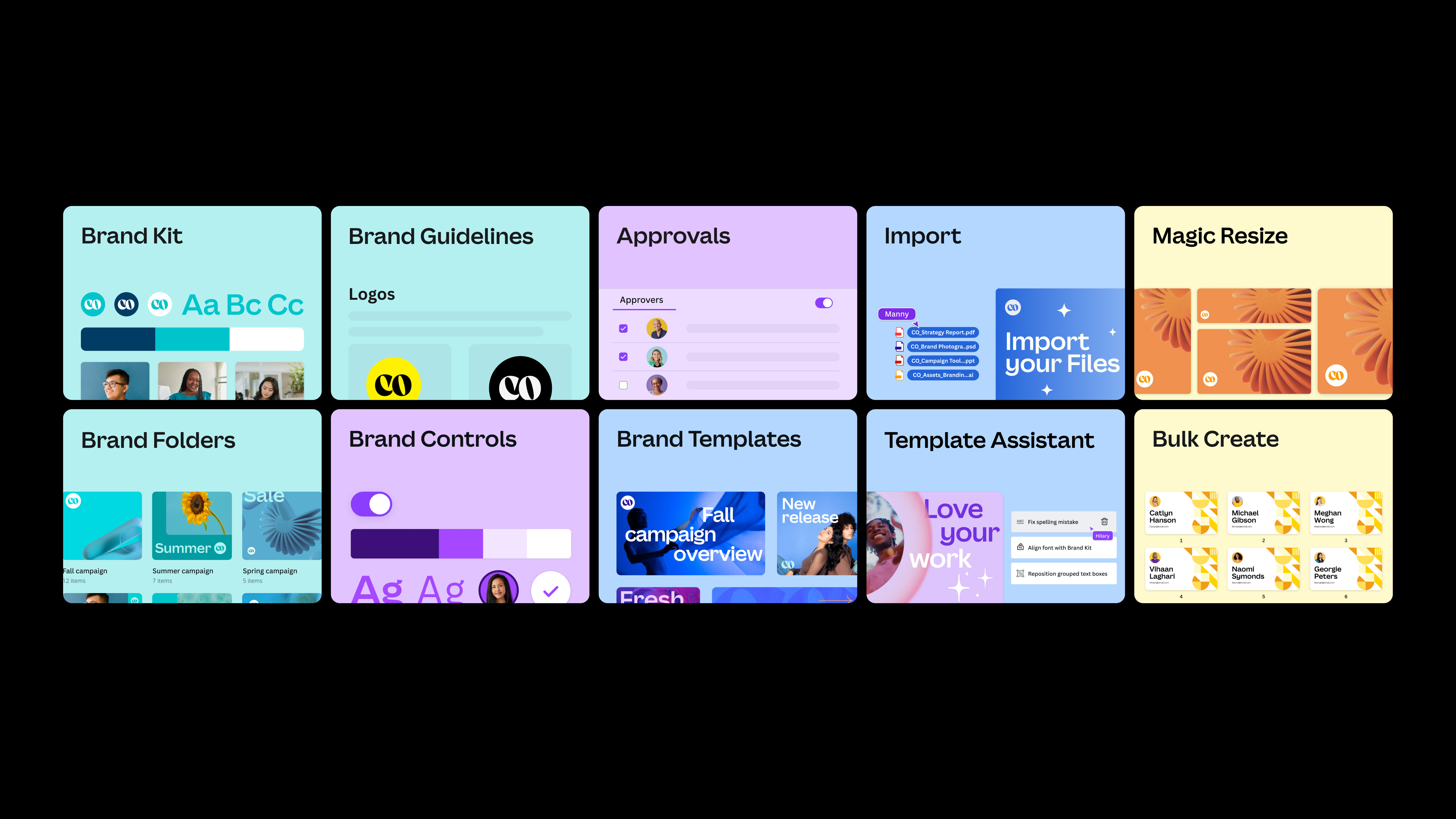
Canva also debuted an array of highly-requested features from its global community, while making an improvement to existing ones.
- Draw: Unleash creativity with freehand drawing, underlines, or annotations. Sketch a simple shape, like a circle, and Shape Assist will transform it into a perfectly polished circle. Easily turn ideas into flowcharts, mind maps, and more.
- Layouts: Add content to a page and be recommended layout ideas for a design.
- Styles: Develop a signature look and feel by matching current designs to previous work. Find inspiration by browsing suggested color palettes and font pairings.
- Layers: Adjust elements without affecting other parts of the design. See all elements in one place — whether it’s text, shapes, images, or video.
- Gradients: Quickly add gradients to any background, shape, table cell, or frame.
- Precision Position Tools: Customize positioning, alignment, spacing, and sizing with ease. Select one or several elements, then open the new Position panel and customize everything from one place.
- Alt Text: Create alt text for media, images, and elements that describes what’s happening, providing extra context for those with visual impairment or accessibility needs.
- Smart Design Imports: Drag and drop any file straight into the editor to transform it into an editable Canva design. Design Imports are now easier, faster, and more precise than ever.
- 953 New Fonts: 953 of the world’s most popular fonts are now available including Arial, Avenier, Courier, Helvetica, and Times New Roman.







Automotive
The Kia EV3 brings gallery-worthy design in a compact electric form
The 2025 World Car of the Year turns daily driving into functional art.

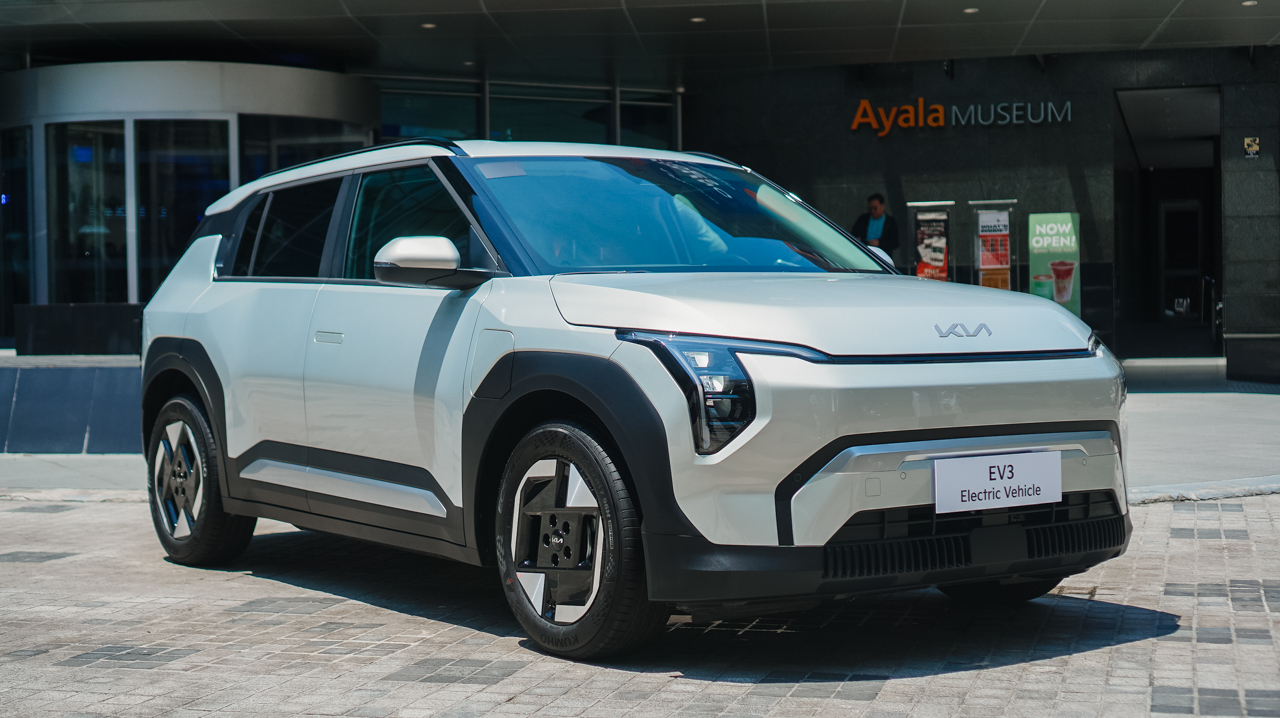
The all-new Kia EV3 officially debuted against the architectural backdrop of the Ayala Museum.
Named the 2025 World Car of the Year, the compact electric SUV redefines daily driving as functional art. It also holds prestigious Red Dot “Best of the Best” and iF Design awards.
Sculpted like a modern piece of design
The EV3 shares the forward-thinking design philosophy of the acclaimed EV5 and EV9.
Its exterior features an evolved Digital Tiger Face paired with signature LED lighting. Sculpted geometric surfaces and flush door handles maintain a smooth silhouette.
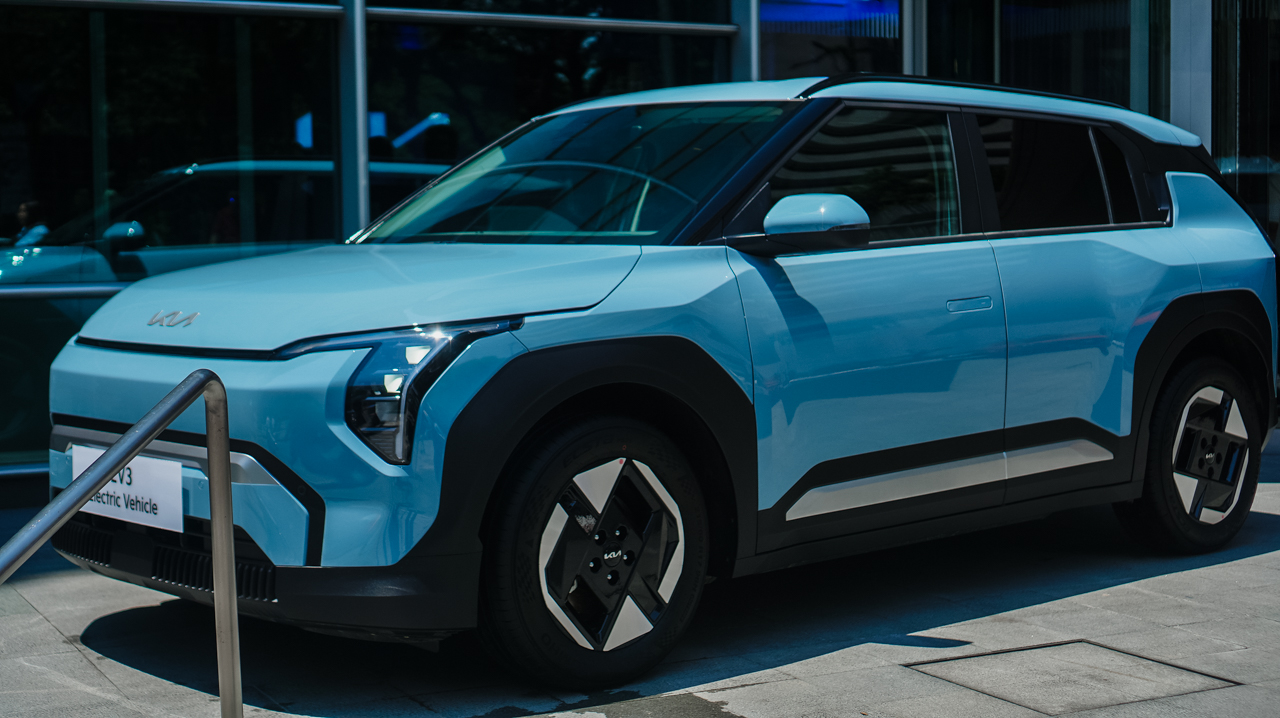
A tailored rear spoiler, roof rails, and 17-inch alloy wheels complete the profile. The result looks composed and elegant, especially when parked outside a contemporary gallery.
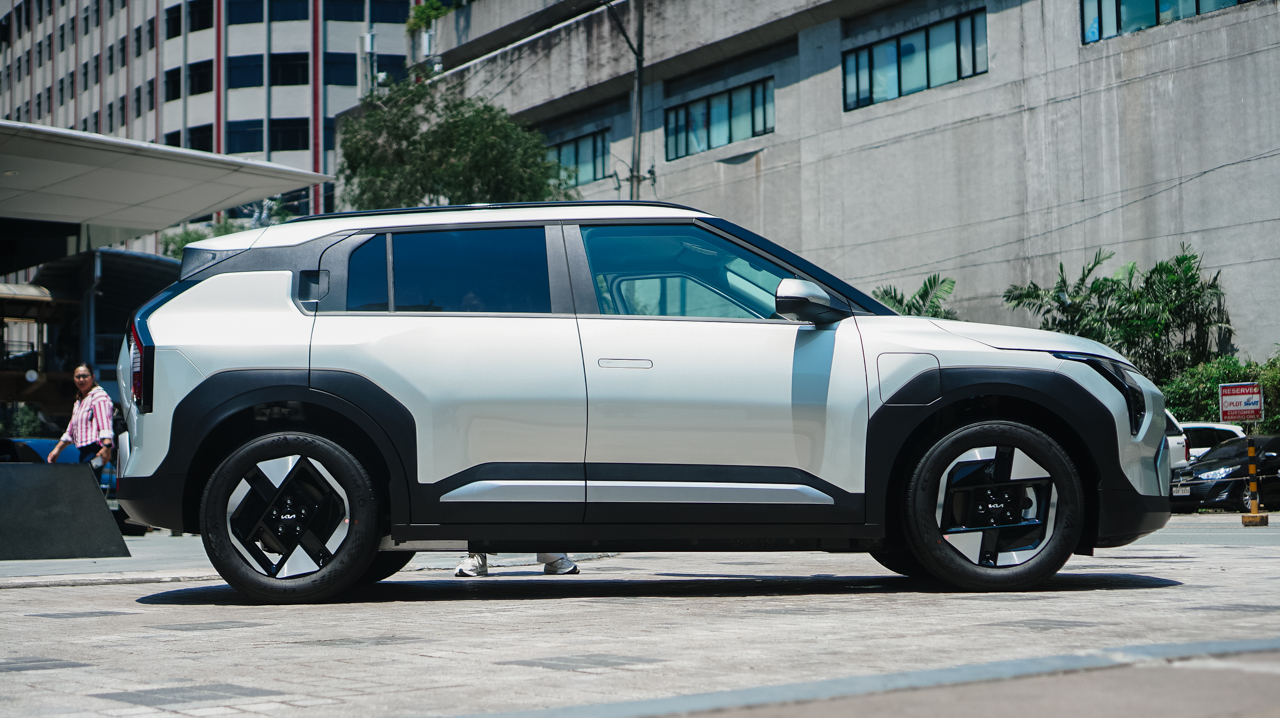
Beneath its sculpted skin lies instant, whisper-quiet electric power. A front-mounted motor generates 204 PS and 283 Nm of torque.
A 58.3 kWh battery delivers up to 511 kilometers of range on a single charge (NEDC). Replenishing energy fits seamlessly into a busy lifestyle.
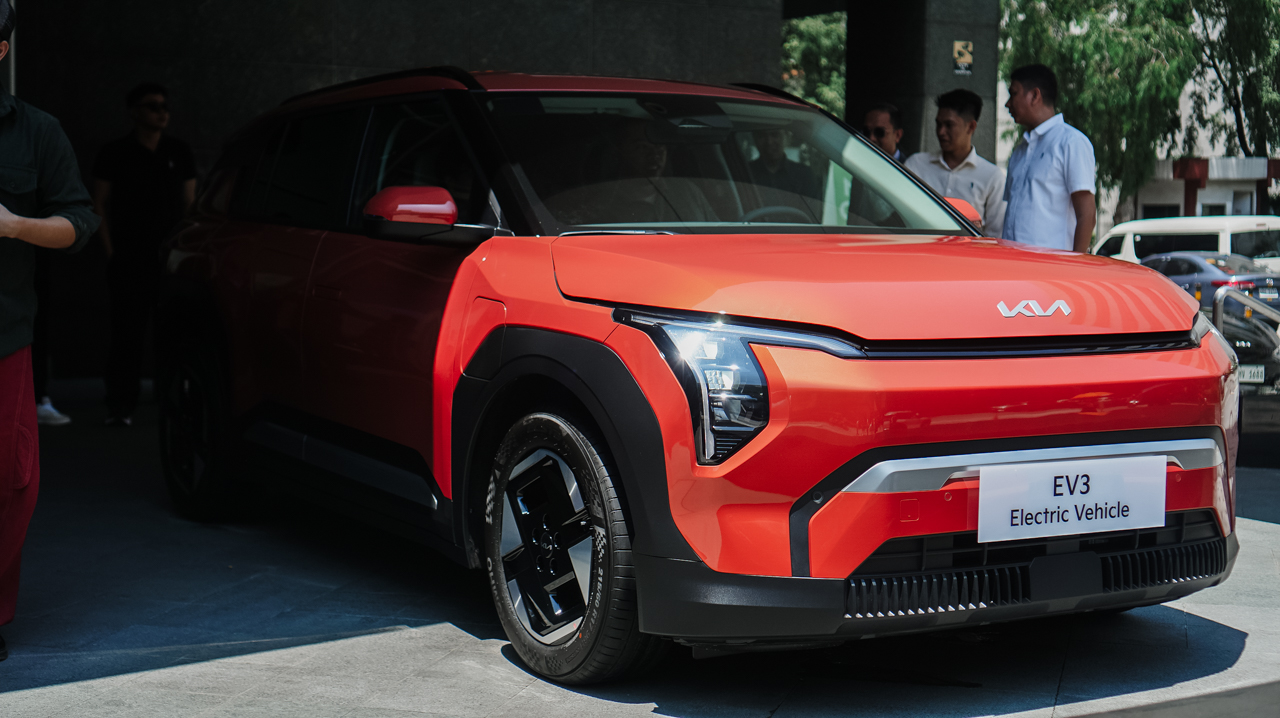
Standard 11 kW AC charging goes from 10 to 80 percent in roughly 5 hours and 20 minutes. Meanwhile, 350 kW DC Fast Charging restores the same charge in just 29 minutes.
A digital sanctuary, literally
Inside, the cabin opens into a clean, modern sanctuary.
A striking 30-inch Triple Panoramic Display centers the dashboard. It unifies the instrument cluster, climate settings, and infotainment beneath one sweeping glass surface.
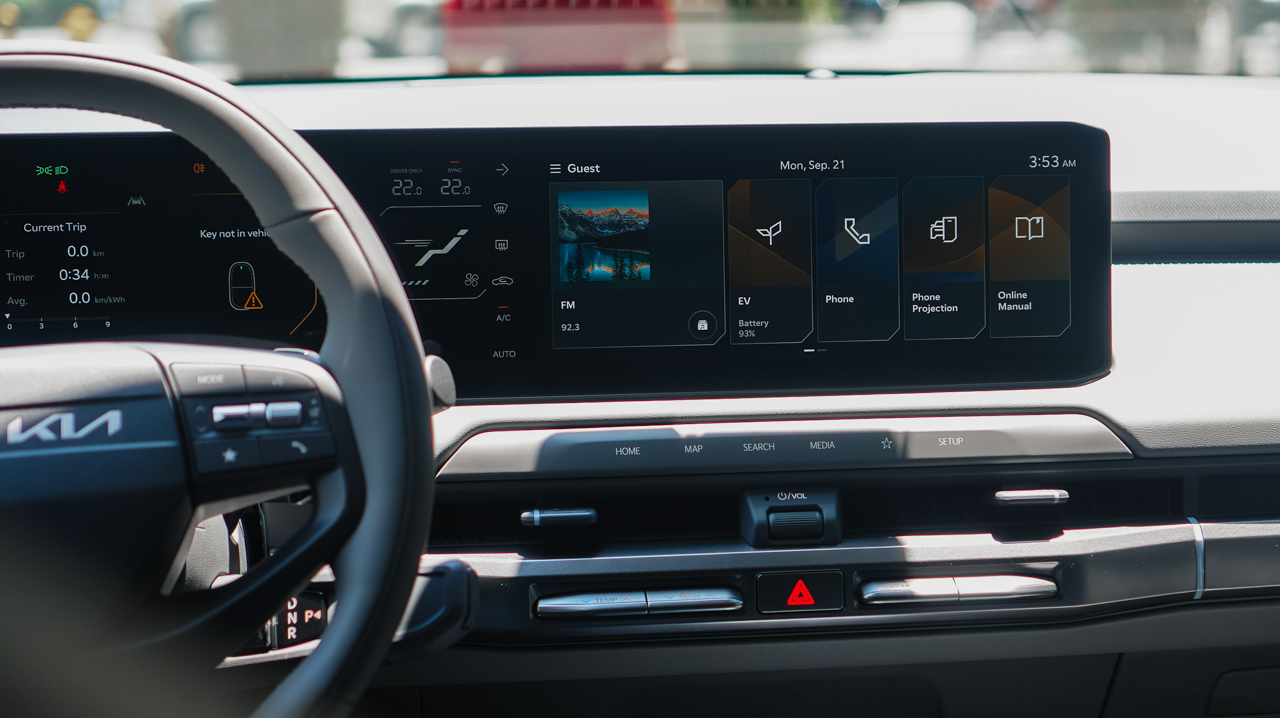
Leather upholstery and an eight-way power driver’s seat prioritize comfort, and the power lumbar support ensures relaxed driving on longer journeys.
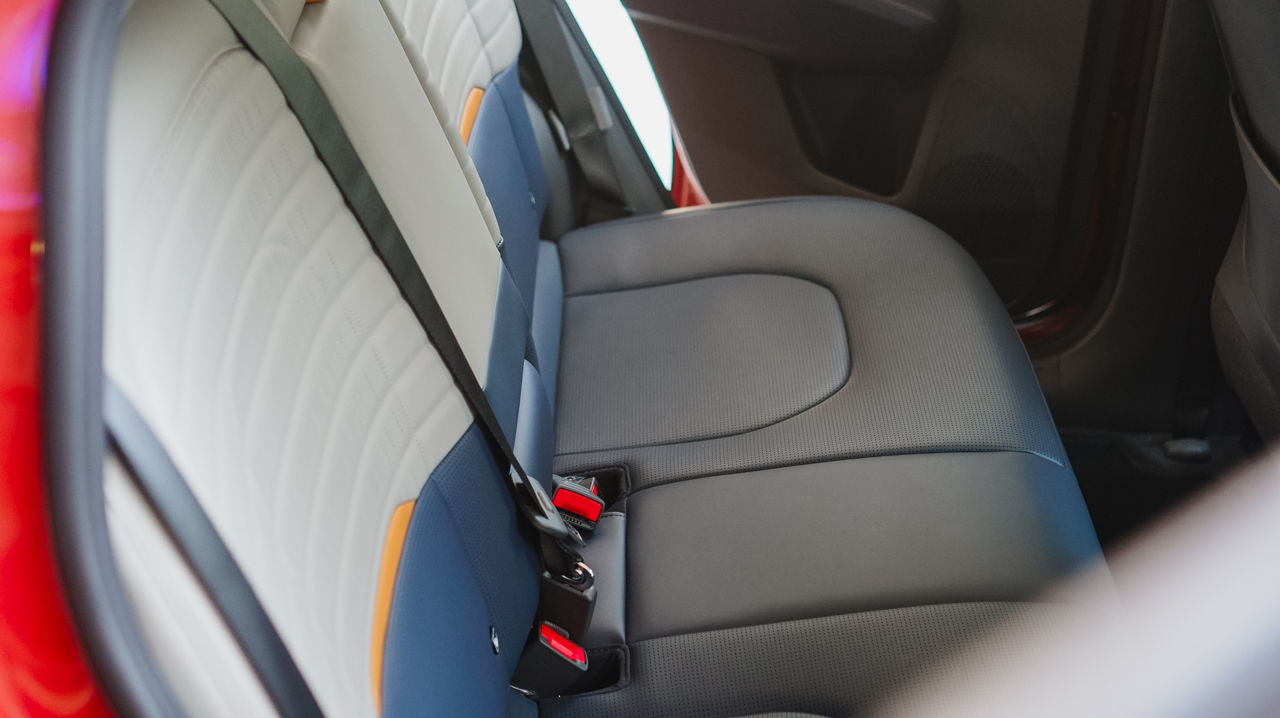
There’s also a sliding central console tray that creates an adaptable workspace on the go. On another note, connectivity remains effortless throughout the interior space. The system supports wireless Apple CarPlay and Android Auto.
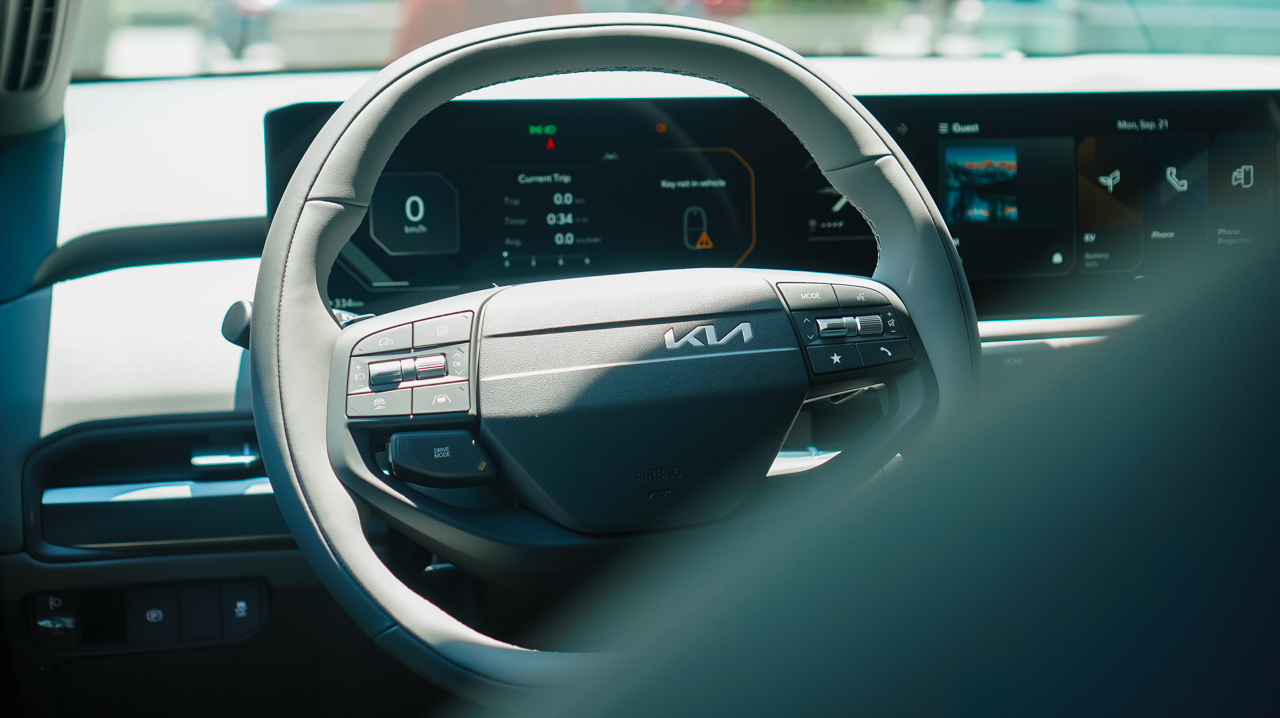
Additionally, dual wireless charging pads, five USB-C ports, and six speakers keep devices powered and entertained. For weekend getaways, 60:40 split-folding rear seats easily expand cargo capacity.
Intuitive safety
Intelligent peace of mind comes standard through the Kia DriveWise suite.
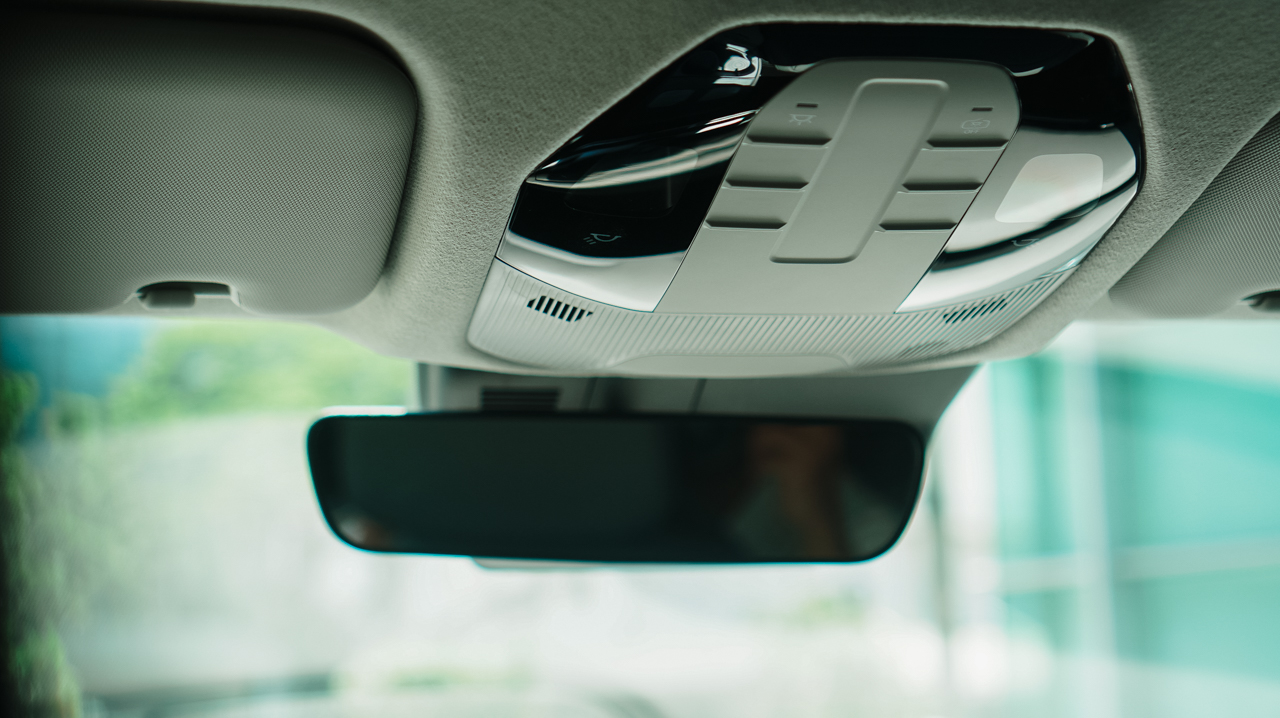
Active features include Advanced Smart Cruise Control and Forward Collision Avoidance with Autonomous Emergency Braking.
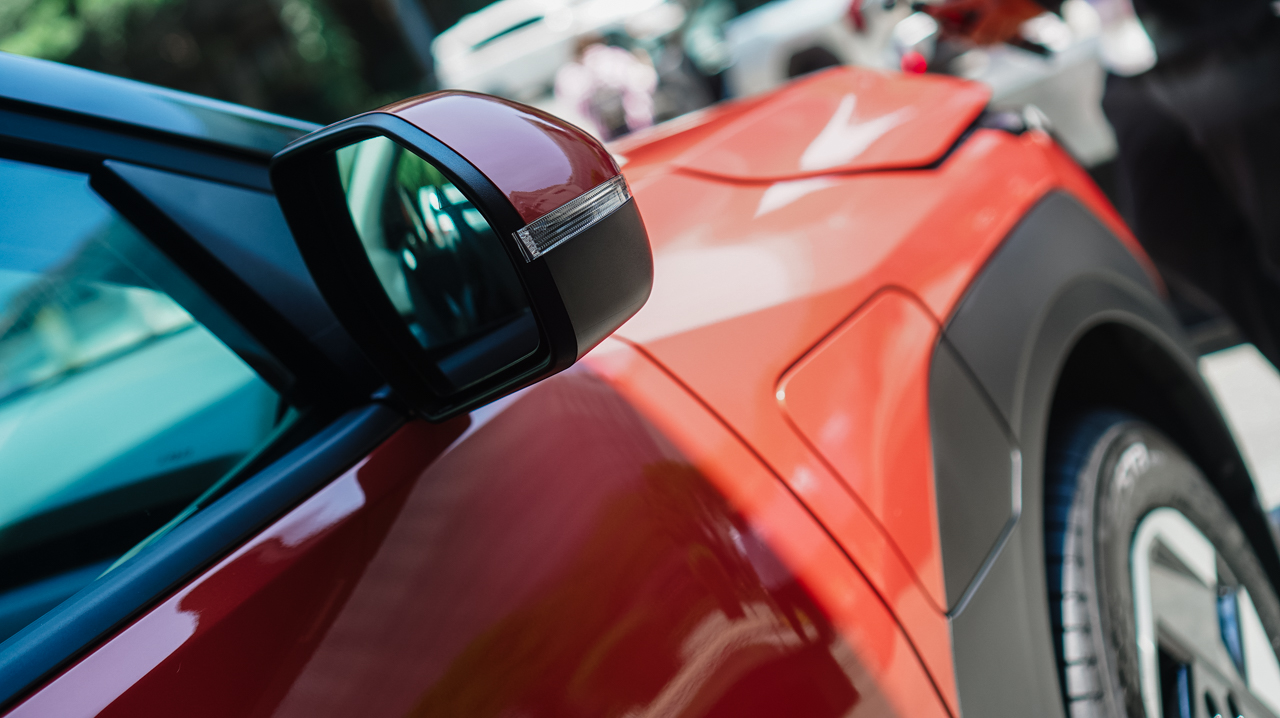
Lane Keeping Assist, Lane Following Assist, Blindspot Safety Warning, and Rear Cross Traffic Safety assist at every turn.
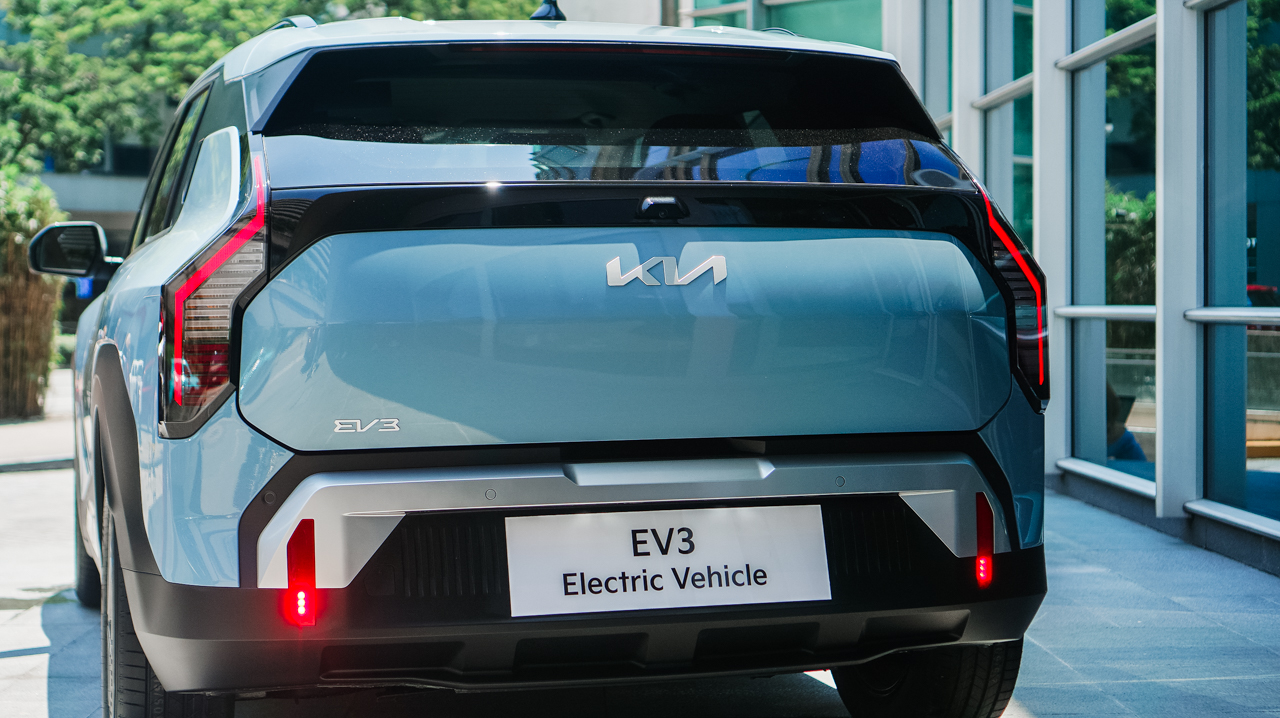
Seven airbags protect the front, side, and curtain areas. Electronic Stability Control, Hill-Start Assist, parking sensors, and a rear-view camera complete the protective core.
Price, availability
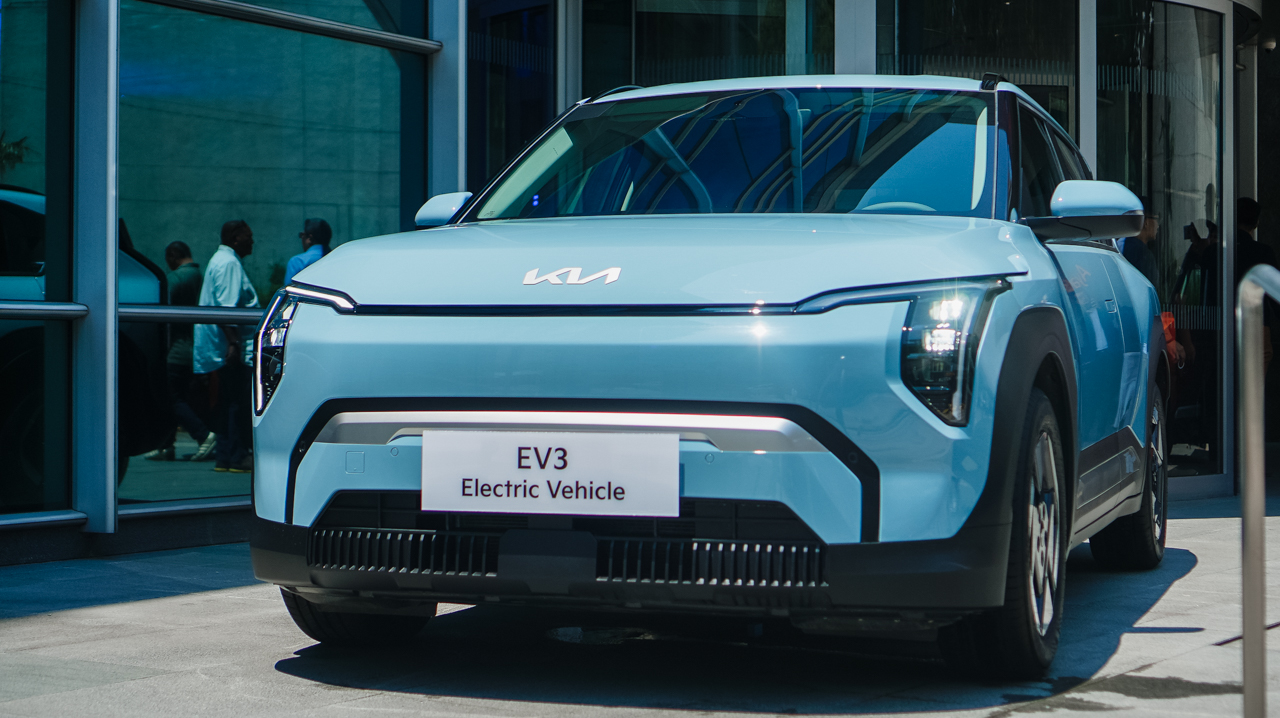
The Kia EV3 starts at PhP 1,898,000, inclusive of a home wall charger. An introductory offer reduces the price to PhP 1,868,000, saving early buyers PhP 30,000. Reservations also include five years of free Preventive Maintenance Service.
Kia provides a five-year or 160,000-kilometer vehicle warranty. The high-voltage battery carries an eight-year or 160,000-kilometer warranty.
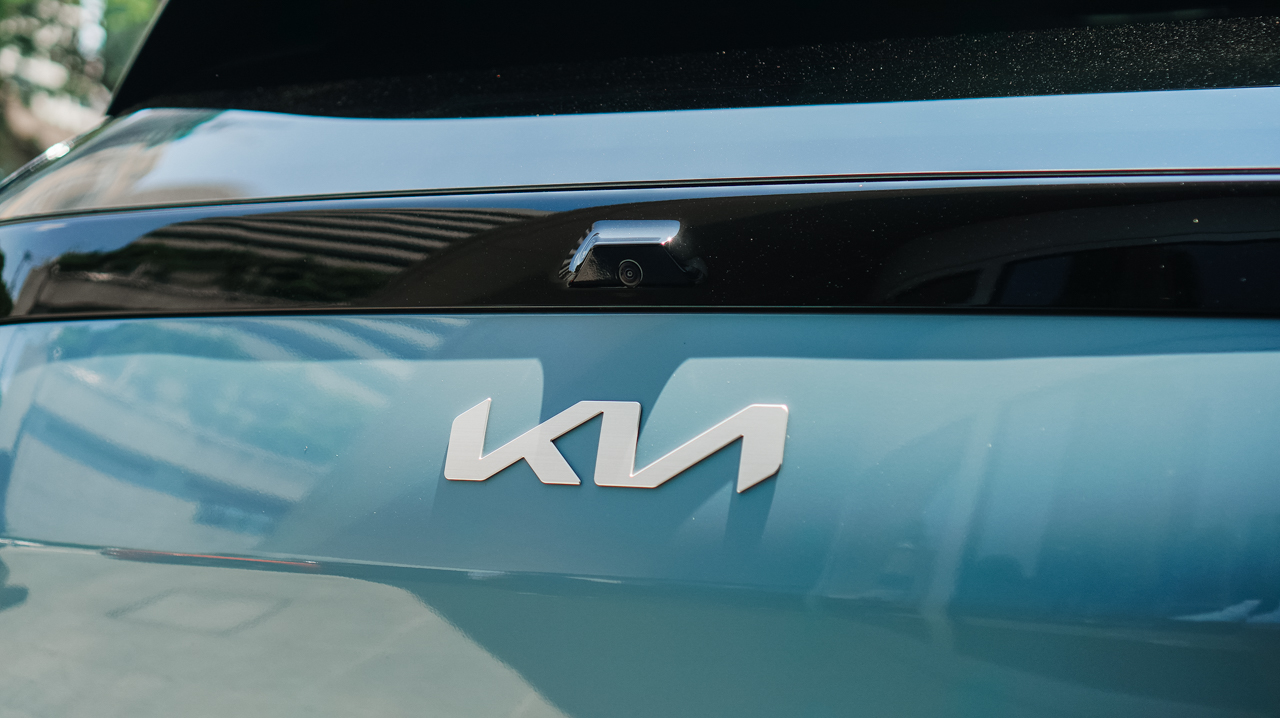
The EV3 comes in seven curated exterior colors. Options include Aventurine Green, Snow White Pearl, Aurora Black, Terra Cotta, Frost Blue, Shale Grey, and Ivory Silver.
Accessories
Manila turns up the volume at COVE
Sony Philippines launched its ULT TOWER lineup at Beyond the Beat, with SB19 joining the ULT Squad.
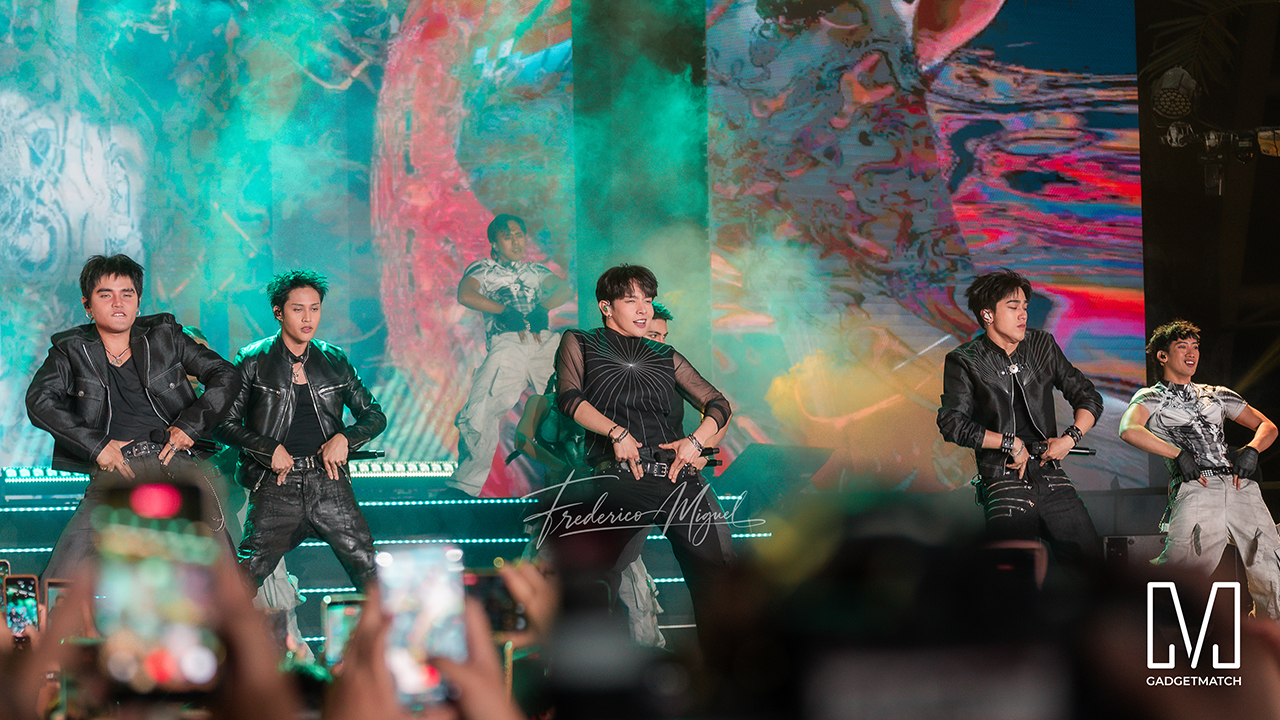
Sound and style shared the floor at COVE Manila in Okada Manila. Sony Philippines opened its doors for Beyond the Beat: The Next-Level ULT POWER SOUND Experience.
The event marked the company’s biggest ULT POWER SOUND launch in the country, and Sony paced the program like an exclusive night out.
Stacked ULT Towers filled the space. Guests styled themselves with designer pieces from Alser Lumawag, and SB19 closed the evening as the newest Sony ULT Squad members.
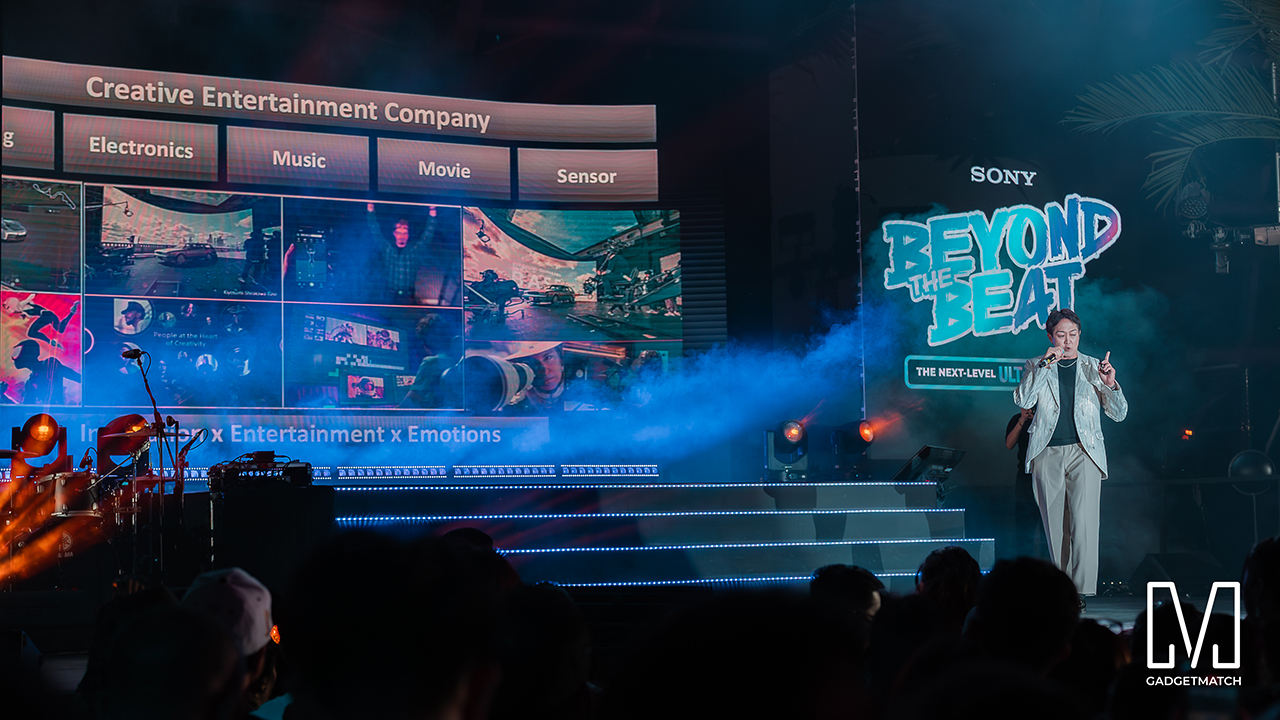
MySony members from every tier joined industry guests while the new ULT TOWER lineup set the tempo.
The towers take center stage
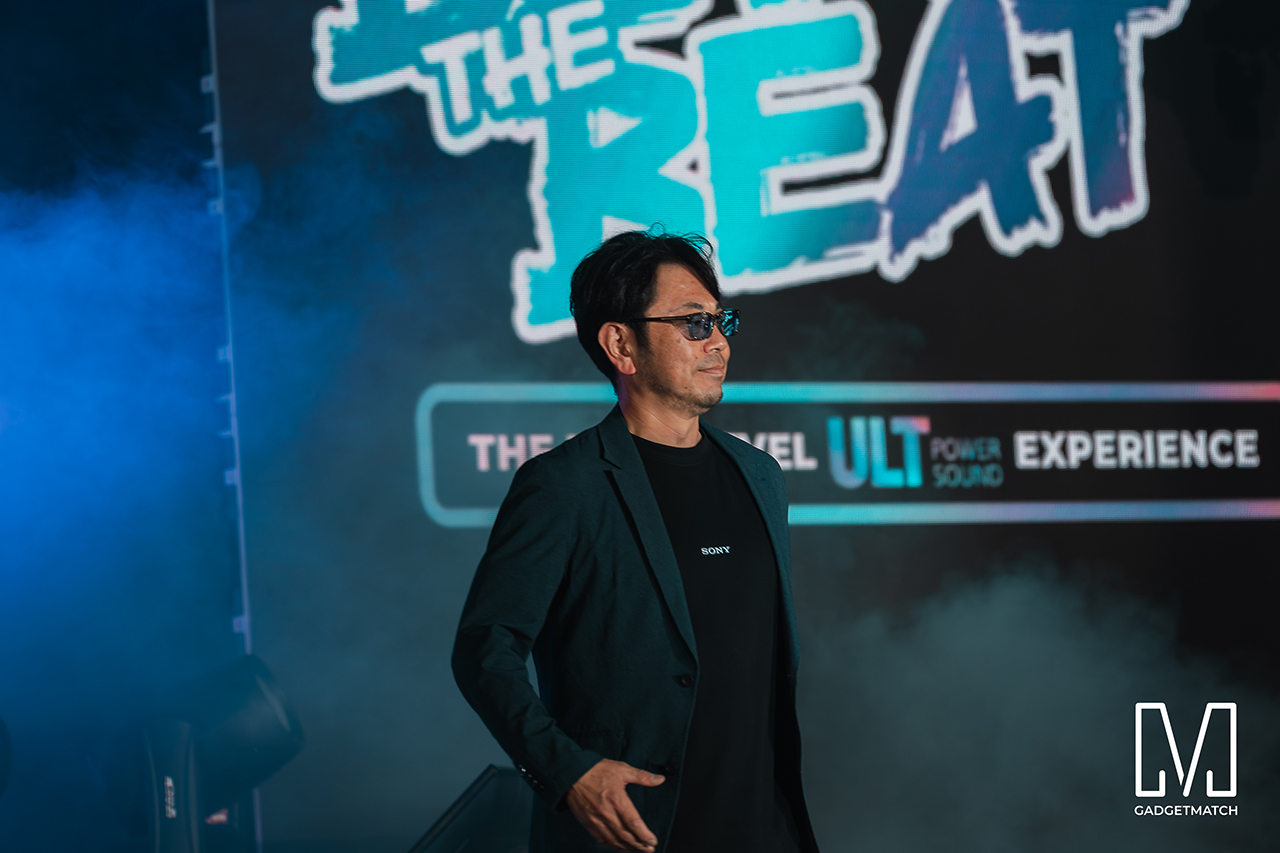
Shuhei Sugihara, Sony Philippines’ President and Managing Director, opened the program.

Product Marketing Specialist Keira Ambubuyog then introduced the newest additions to the lineup.
Arbie Bandiling of Personal Audio Systems unveiled the latest ULT Squad video. The clip introduced the artists and personalities fronting the campaign.
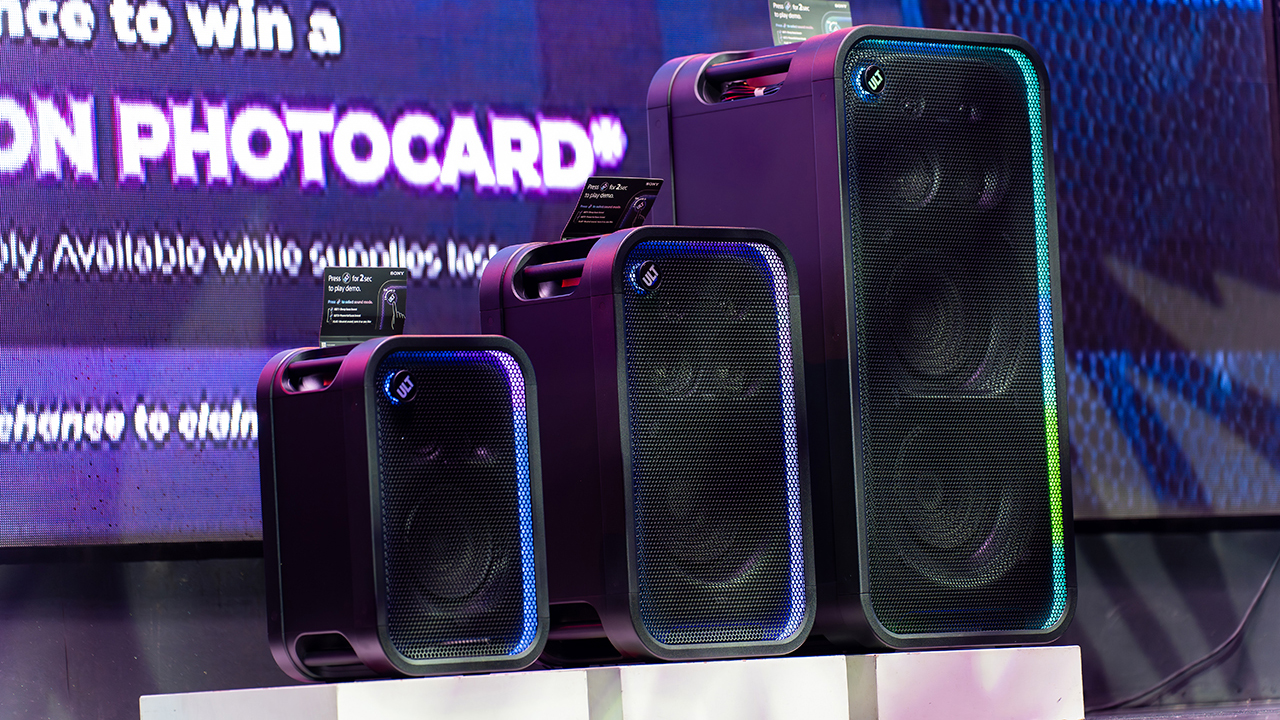
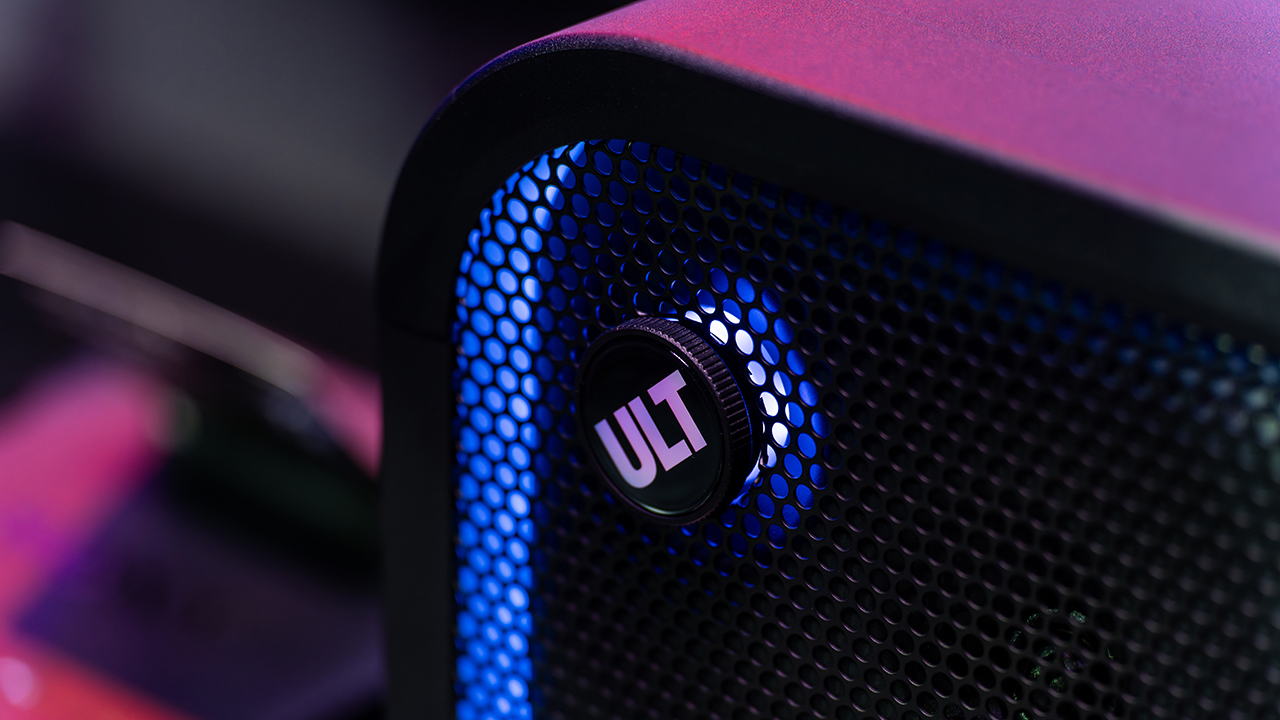
The lineup features the ULT TOWER 5, ULT TOWER 7, and ULT TOWER MAX. The new series pairs large circular woofers and high-capacity cabinets with ULT DUCT technology.
This design delivers stronger low-frequency bass than earlier models. The ULT TOWER MAX leads the series, described as Sony’s most powerful bass speaker yet.
On another note, Sony pitches the ULT TOWER 7 as stage-worthy sound in a portable frame. Meanwhile, the compact ULT TOWER 5 targets smaller gatherings and features karaoke and DJ capabilities.
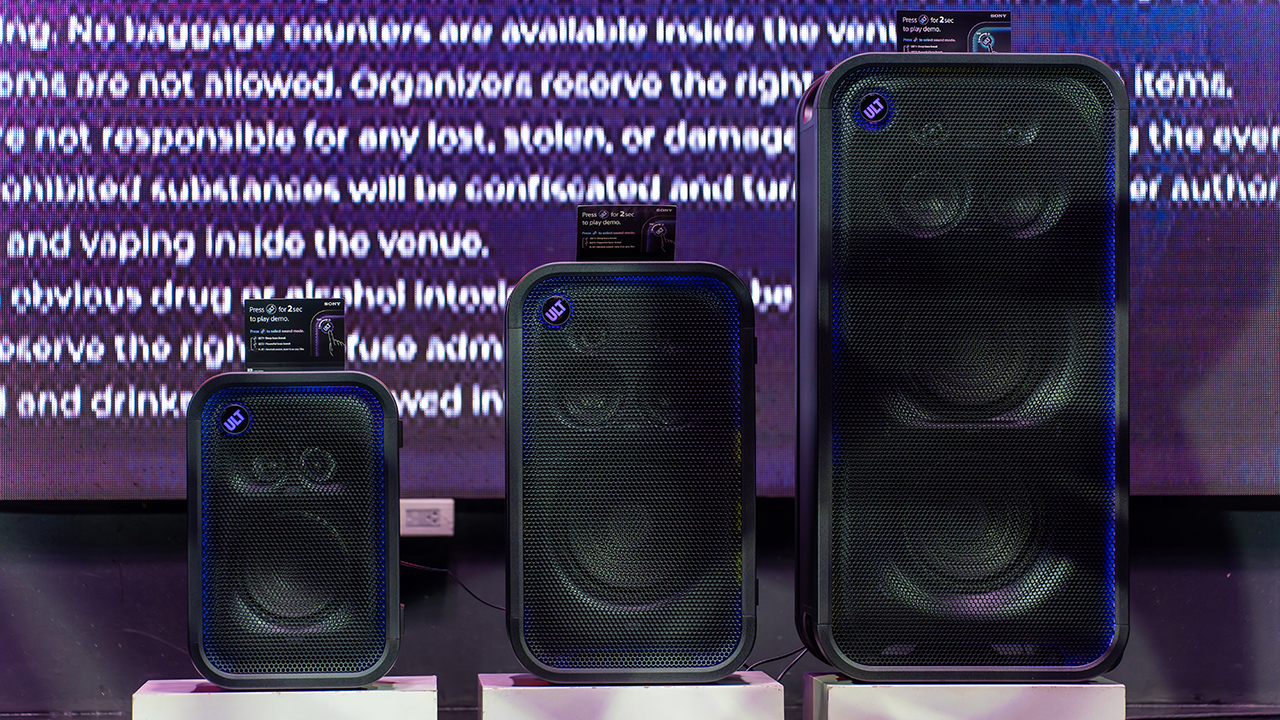
Experiential zones bring the sound to life
Guests explored the lineup across several interactive event zones. Step into the Beat paired an arcade-inspired setup with stacked ULT Towers and a dance pad. ULT Selfie Club handled photo ops.
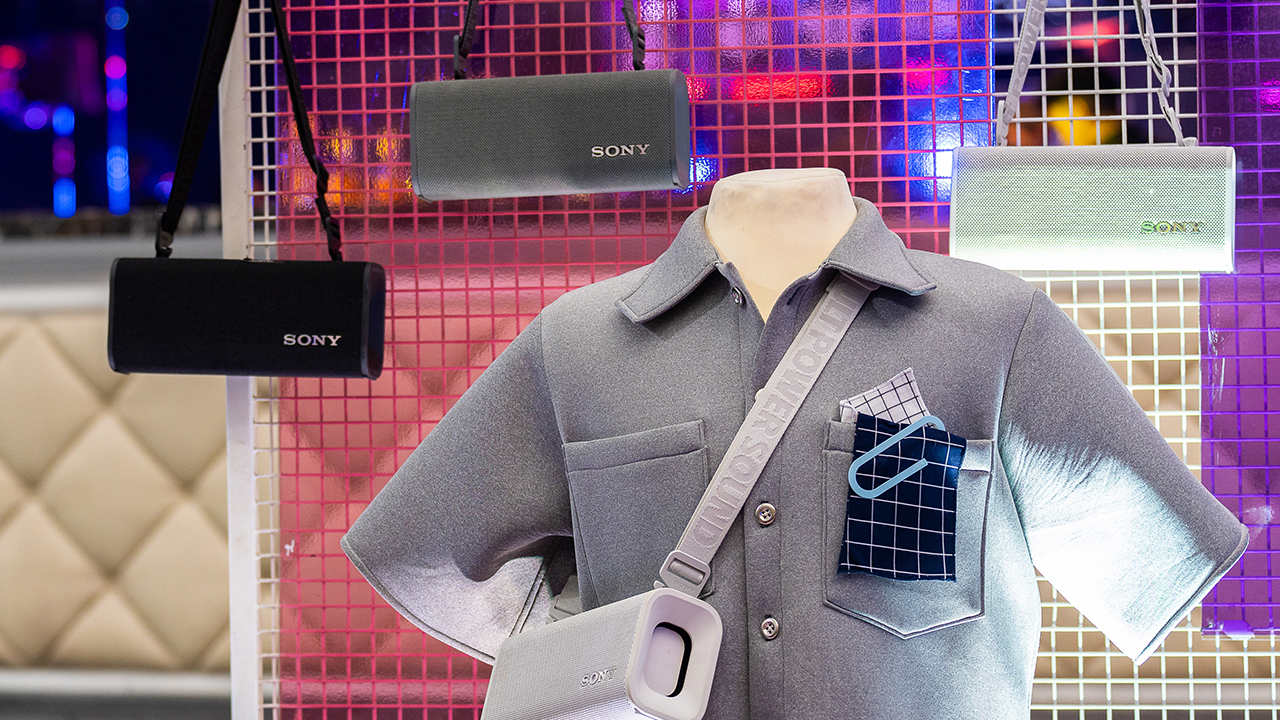
Nearby, ULT Cover Star let guests style ULT Field speakers alongside designer pieces from Alser Lumawag. Here, the speakers served as chic fashion accessories.
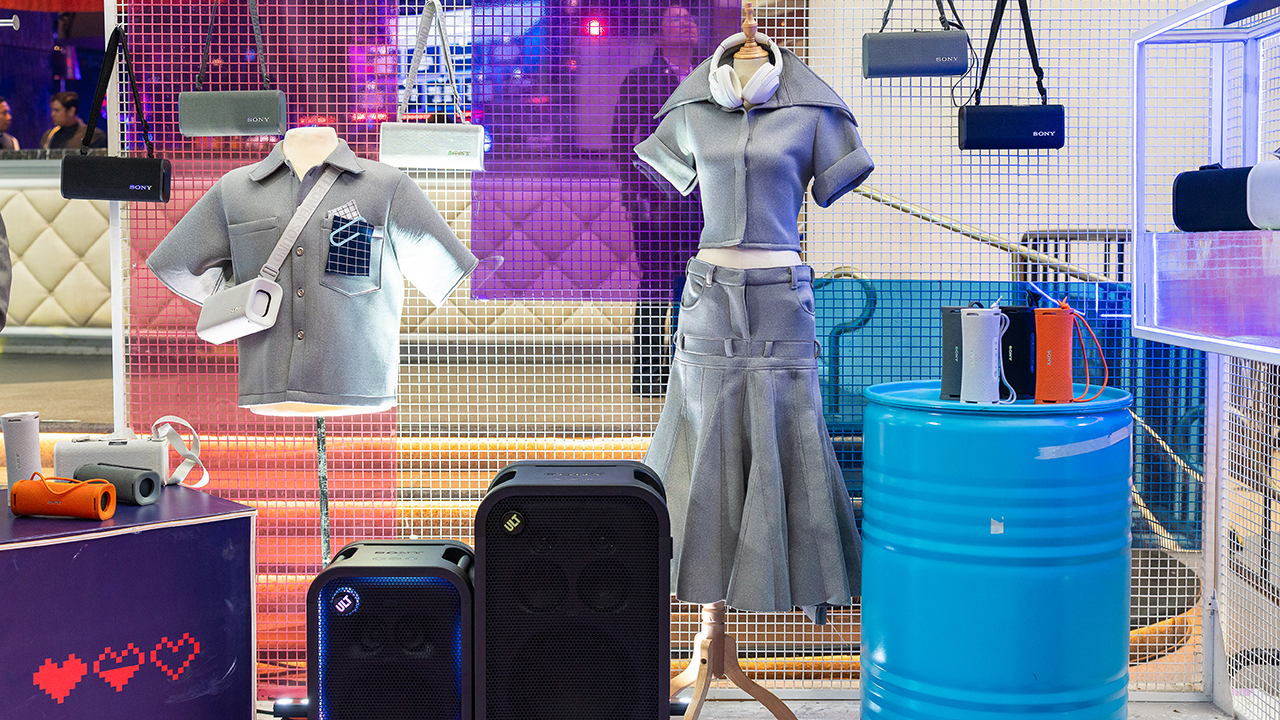
The Bass District gave VIPs and influencers a private, nightlife-inspired lounge. Karaoke Lounges invited everyone else to grab a mic and test the party-ready towers firsthand.
The ULT Squad shows up
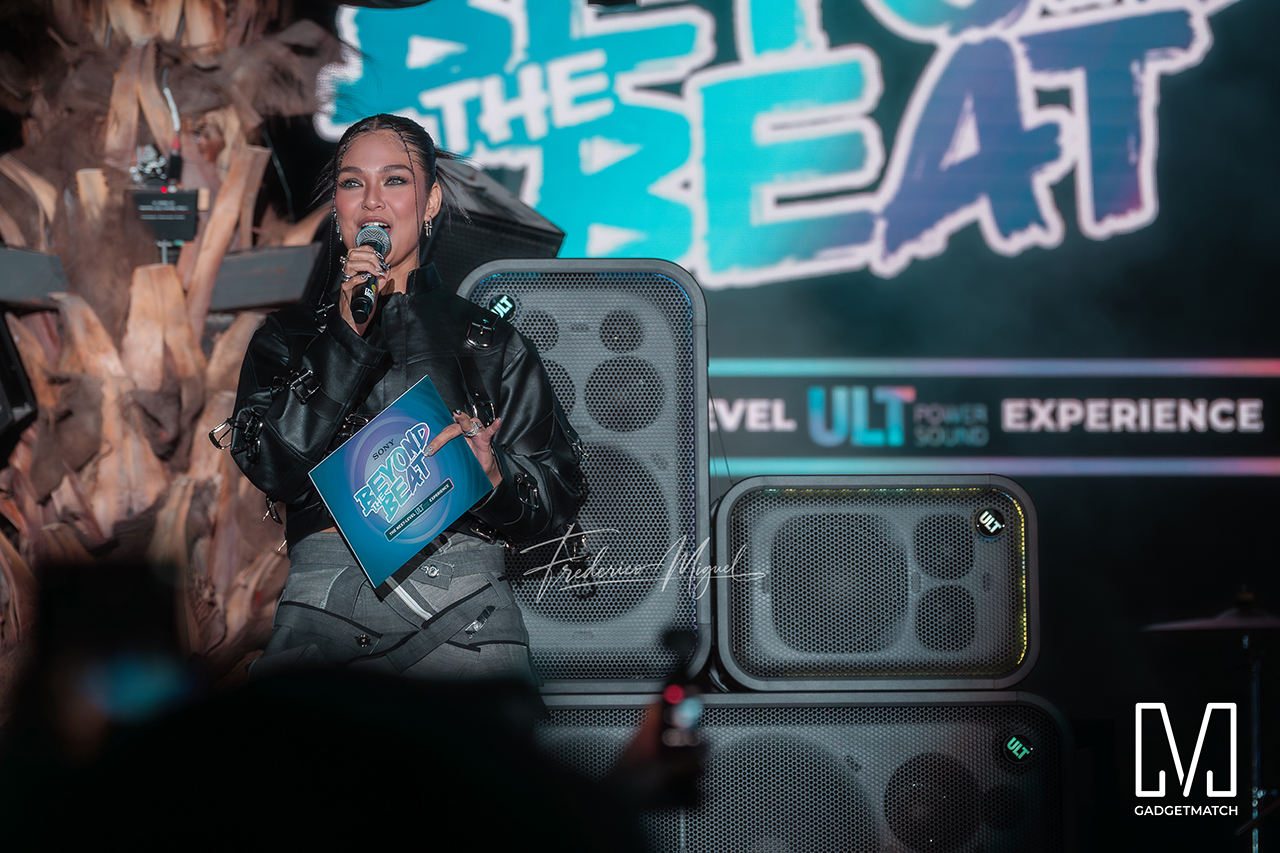
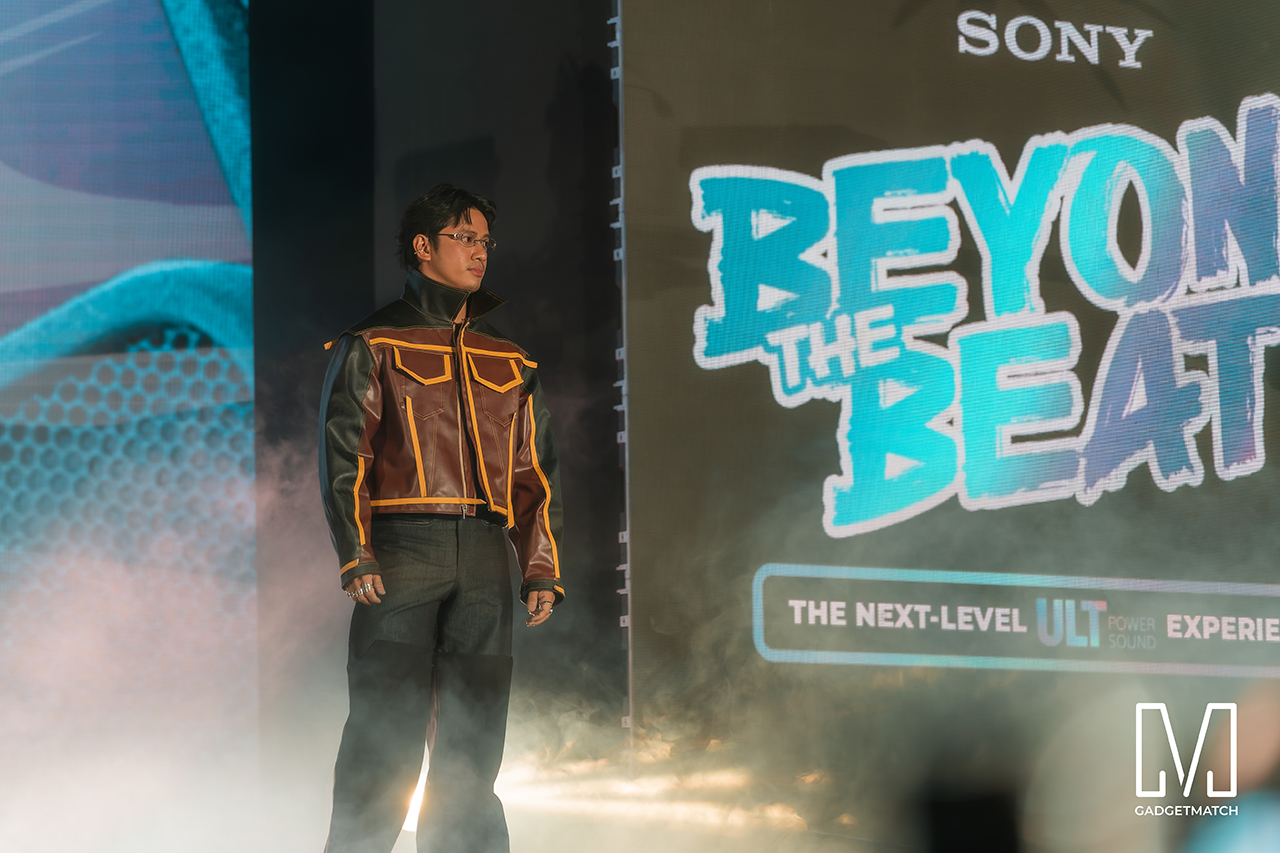
Fashion influencer and ULT Squad member Angelique Manto-Guison hosted the night.
A-Team opened the show with a high-energy routine before Carlos Serrano III took the stage. David Guison and Jacqueline Jala walked the stage with ULT Models in elevated fashion, and Jeremy G followed with a dynamic musical performance.
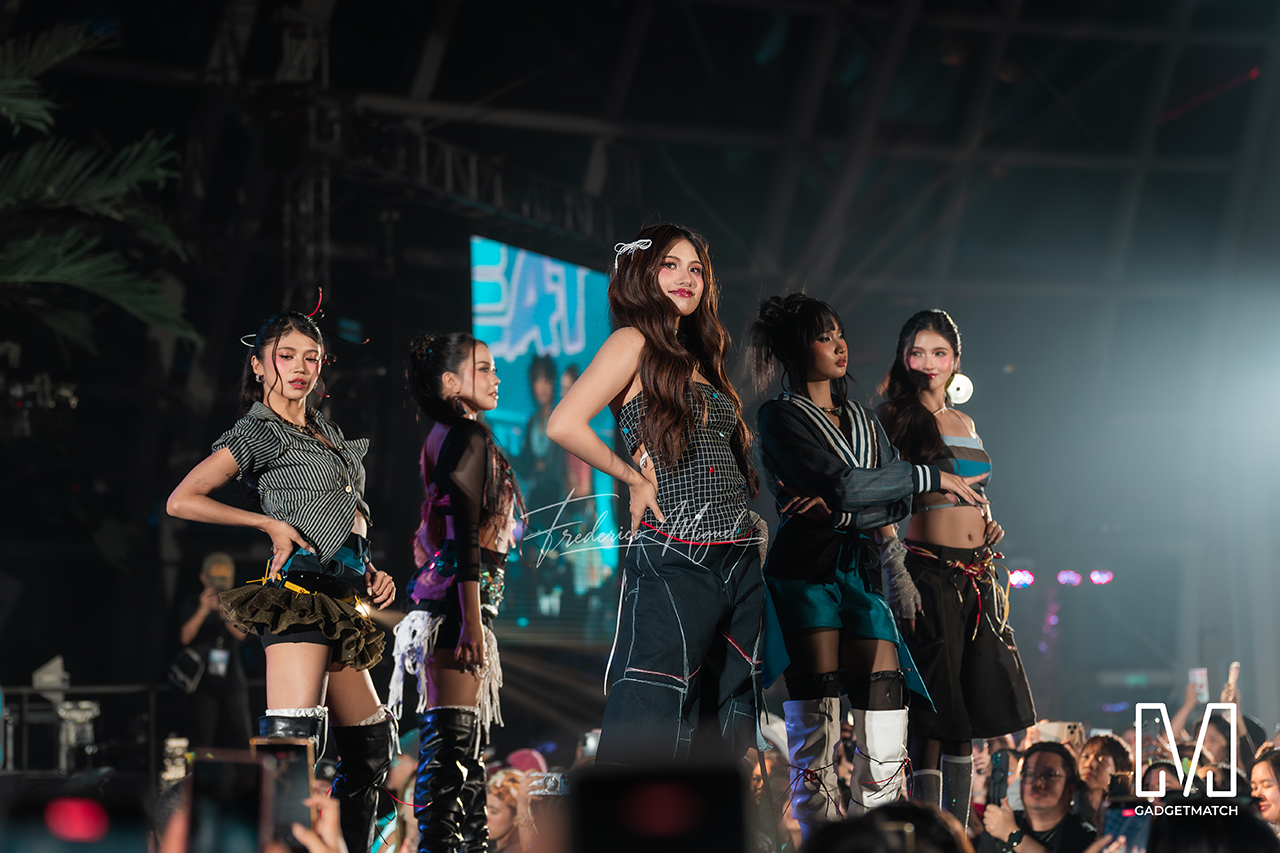
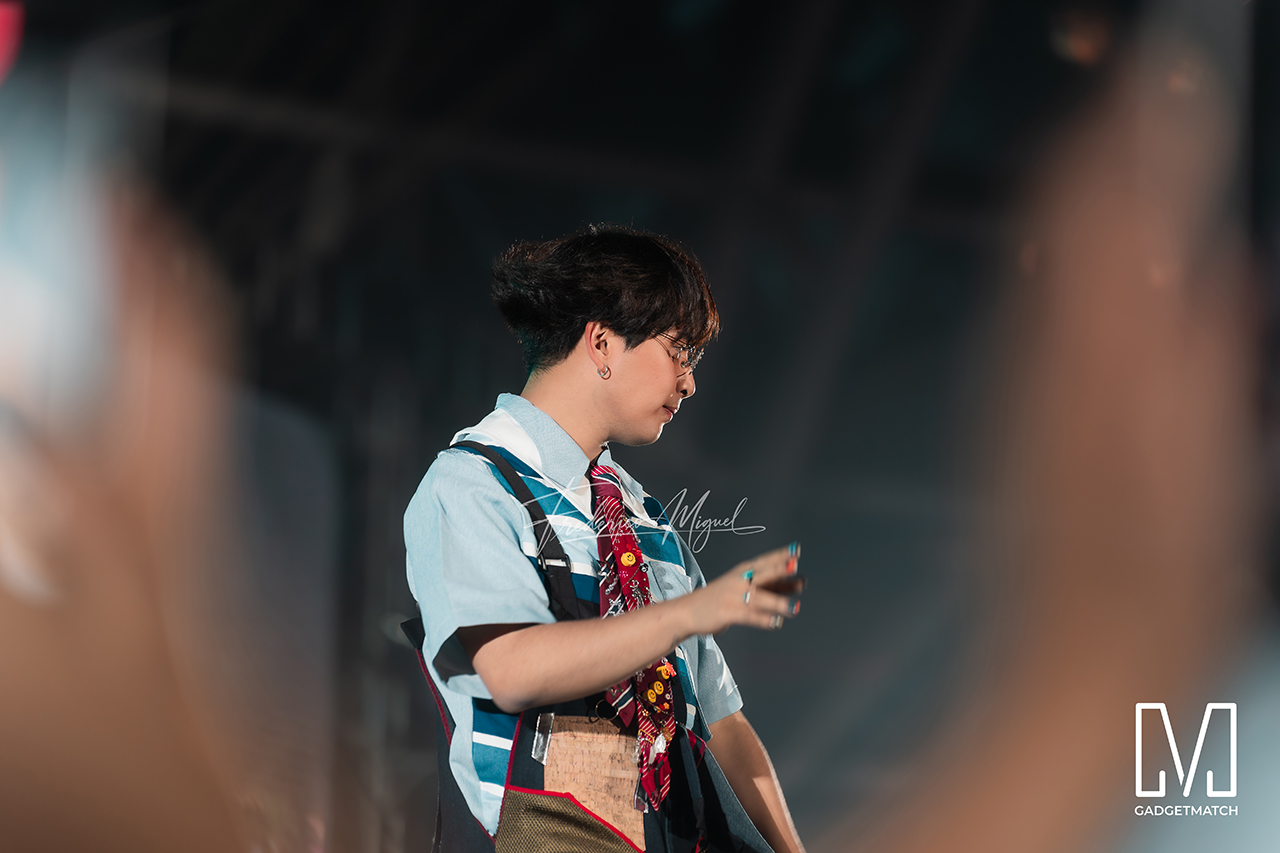
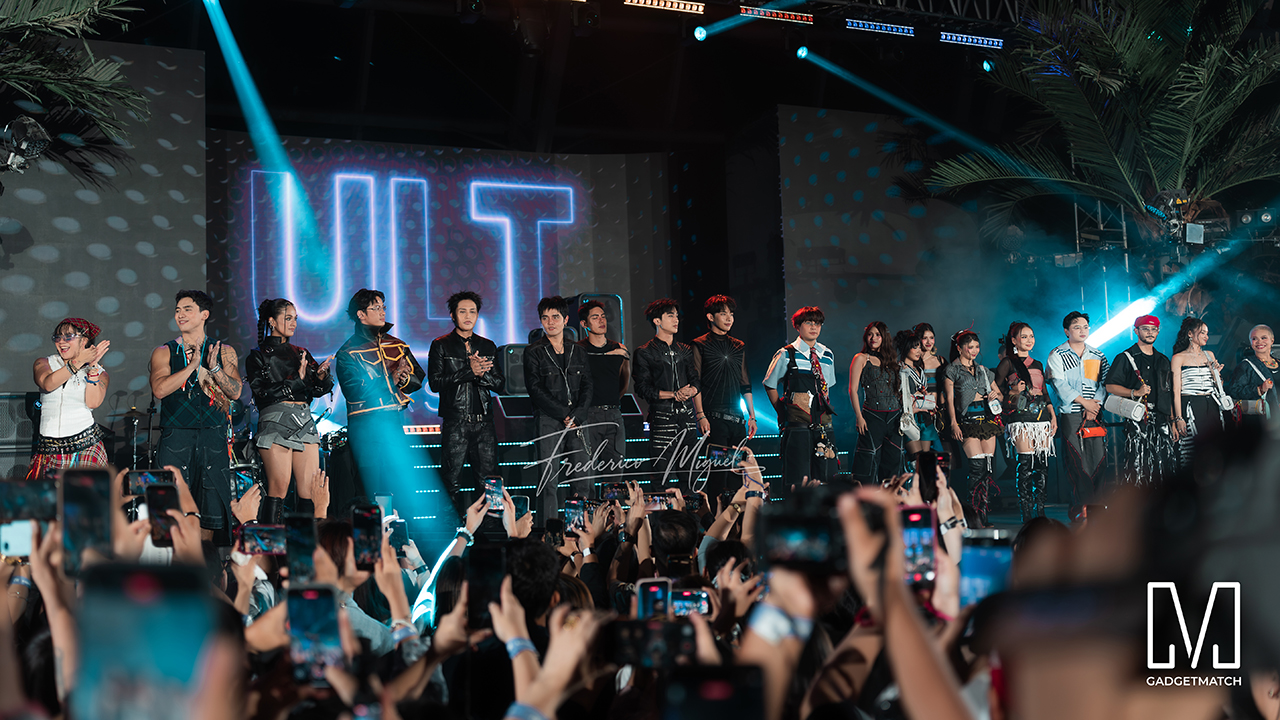
KAIA brought a youthful pop sound, while Maki delivered a set in his signature style.
SB19 closed the night, making their debut as the newest Sony ULT Squad members. Sony pairs its sound technology with the group’s influence in Filipino music. This collaboration positions the Squad as a platform for artists shaping contemporary music culture.
The ULT TOWER MAX, ULT TOWER 7, and ULT TOWER 5 are now available at Sony Centres and authorized dealers nationwide.
Lifestyle
Nike’s Alphafly 4 is built for the part of the marathon ~that actually hurts~
Made to protect your stride when fatigue sets in.
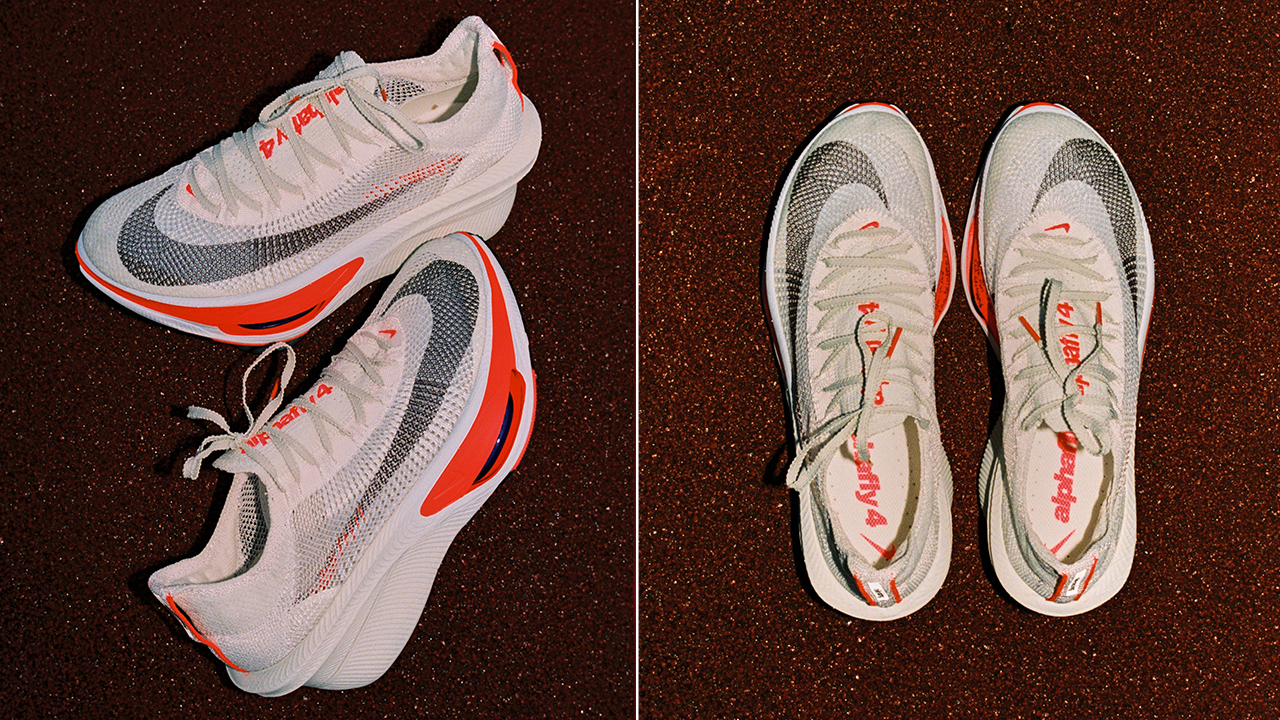
Every marathoner knows the exact moment the race truly begins.
It’s not at the starting line amidst the early morning excitement, but around the 32-kilometer mark, when your legs begin to feel heavy and your form starts to fall apart.
Nike designed its latest marathon racer specifically for that critical window. The Alphafly 4 shifts the focus away from chasing sheer top-end speed, targeting instead the physical breakdown that happens late in a long run.
By studying how fatigue alters a runner’s mechanics over time, Nike rebuilt its flagship distance shoe to help athletes maintain their stride when energy starts to dip.
Holding the line when fatigue sets in
On the road, the shoe operates as a complete, unified system designed to protect your stride.
A redesigned Atomknit upper wraps the foot with breathable support, using targeted midfoot cables and an integrated heel unit to keep your fit secure without adding unnecessary weight or friction over long distances.
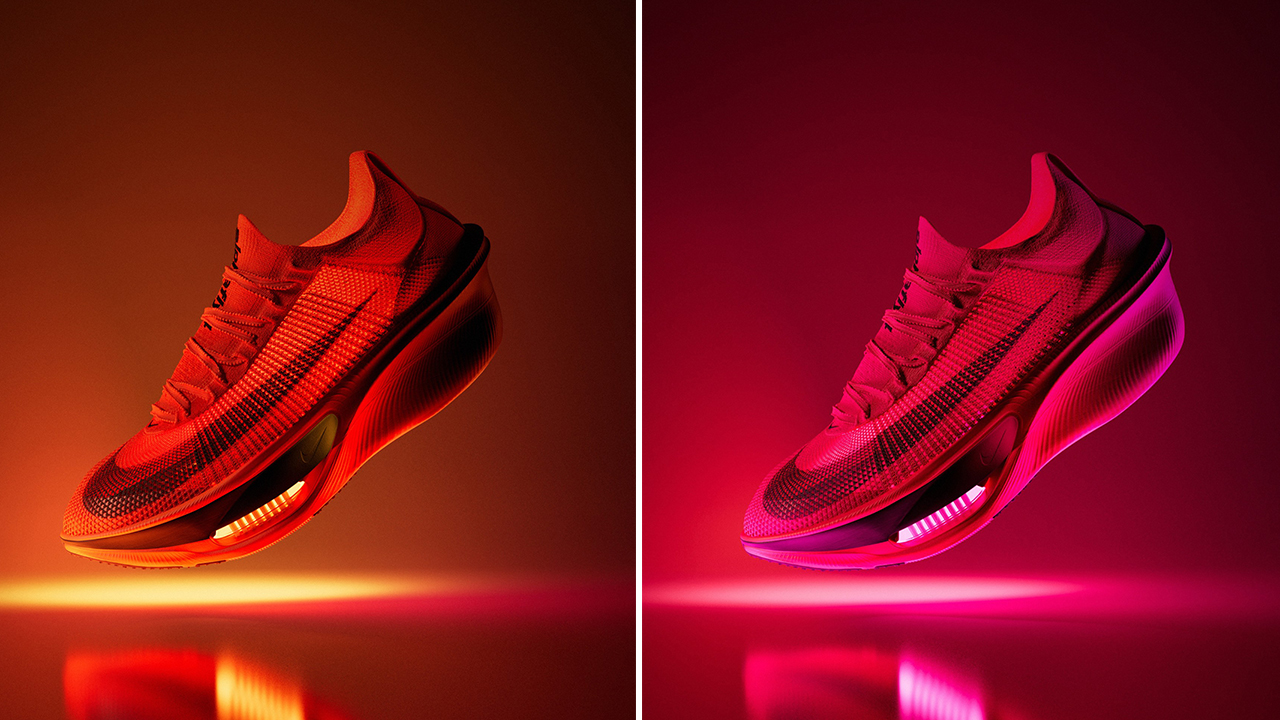
Underfoot, the new ZoomX LT foam layer works alongside Nike’s contoured carbon-fiber Flyplate. The lighter foam returns maximum energy with every footfall, while the plate smooths out your rolling motion.
Together with dual forefoot Air Zoom units and a durable Fast Shot outsole, the setup keeps your cadence consistent and your legs feeling fresh well into the back half of the race.
As Emily Farina from the Nike Sport Research Lab notes, their goal was to help runners stay confident, balanced, and capable from the start line all the way to the finish.
Built on the miles that came before
That focus on real-world endurance stems directly from athlete testing.
Nike developed the shoe using feedback from its Project Dreamweaver initiative and extensive trials with women distance runners, prioritizing stability and comfort alongside high performance.
The lineage carries significant weight. The Alphafly family has grounded some of distance running’s greatest moments, from historic sub-two-hour efforts to major course records.
With the Alphafly 4, that legacy translates directly into everyday marathon training, helping athletes hold their target pace just a little bit longer. Marathoners won’t have to wait long to feel the difference on race day.
The Nike Alphafly 4 drops in an early, limited release on September 17 at nike.com, followed by a wider global release on October 29 online and at select retail stores.


DJI Lito X1 review: Is this the best lightweight drone for creators?
Making a strong case as a travel companion and a capable B-cam!


REDMI Note 17 Pro Max review: A new breed born from AI greed
Welcome to the new normal


Marvel’s Wolverine review: When the claws come out
A brutal, cinematic superhero adventure

Xiaomi 18 Pro series is launching globally, Xiaomi confirms

Google Photos can now censor your kid’s face better

CRISIS CORE -FINAL FANTASY VII- REUNION physical edition now available for Switch 2

Smart launches AI.Smart, an affordable AI workspace

A Discord ban won’t save your kids

realme 16T 5G with 8000mAh battery, IP69 Pro rating launches in PH

HUAWEI Pura X View is 2026’s first WIDE slab-type smartphone

REDMI reveals the refreshed Note 17 and Note 17 Pro series

REDMI Note 17 Series: Price, availability in Singapore

The CAMON Slim 5G is TECNO’s latest ultra-slim smartphone


-

 News4 days ago
vivo X500 Series launches with major imaging upgrades
-

 Hands-On2 weeks ago
Apple iPhone 18 Pro Series Hands-on
-

 Gaming2 weeks ago
BlizzCon 2026 announces World of Warcraft: Forever and Diablo V
-
 Singapore6 days ago
Epson Lifestudio Grand Plus EH-LS970B with 4K projection, more launches
-
Reviews1 week ago
REDMI Note 17 Pro Max review: A new breed born from AI greed
-

 News3 days ago
OPPO Find X10 Pro Max is the first phone with a triple 200MP camera system
-

 Gaming1 week ago
Valve unveils price of the Steam Frame
-

 News4 days ago
vivo introduces OriginOS 7 with smarter multitasking and AI features