


I have always wanted to get my hands on a SteelSeries headset. You see, in gaming circles, it’s a popular brand among gamers looking for a relatively affordable option for gaming headsets. Along came the SteelSeries Arctis Nova 5 Wireless with a high promise when it comes to delivering quality audio for gaming.
Competitively priced
Let’s get the affordable part out of the way. The SteelSeries Arctis Nova 5 Wireless retails for PhP 7,765/ USD 129.99. That’s right around the ballpark of one the more popular recommendations among gaming circles – The SteelSeries Arctis Nova 7 which, depending on where you’re looking, ranges from USD 150-170.
Among gaming-centric headsets released relatively recently, it’s also priced quite competitively. It’s more affordable than the Razer BlackShark V2 Pro (2023), Sony INZONE H7 and H9 (the H3 is wired so that’s a non-starter here), and PlayStation’s Pulse Elite.
It’s also a lot more affordable than “mainstream” headset options like the Sony WH-1000XM series and Airpods Max.
While compelling, pricing alone isn’t the determining factor in making this purchase decision. So, what kind of value are you getting exactly?
Headset highlights

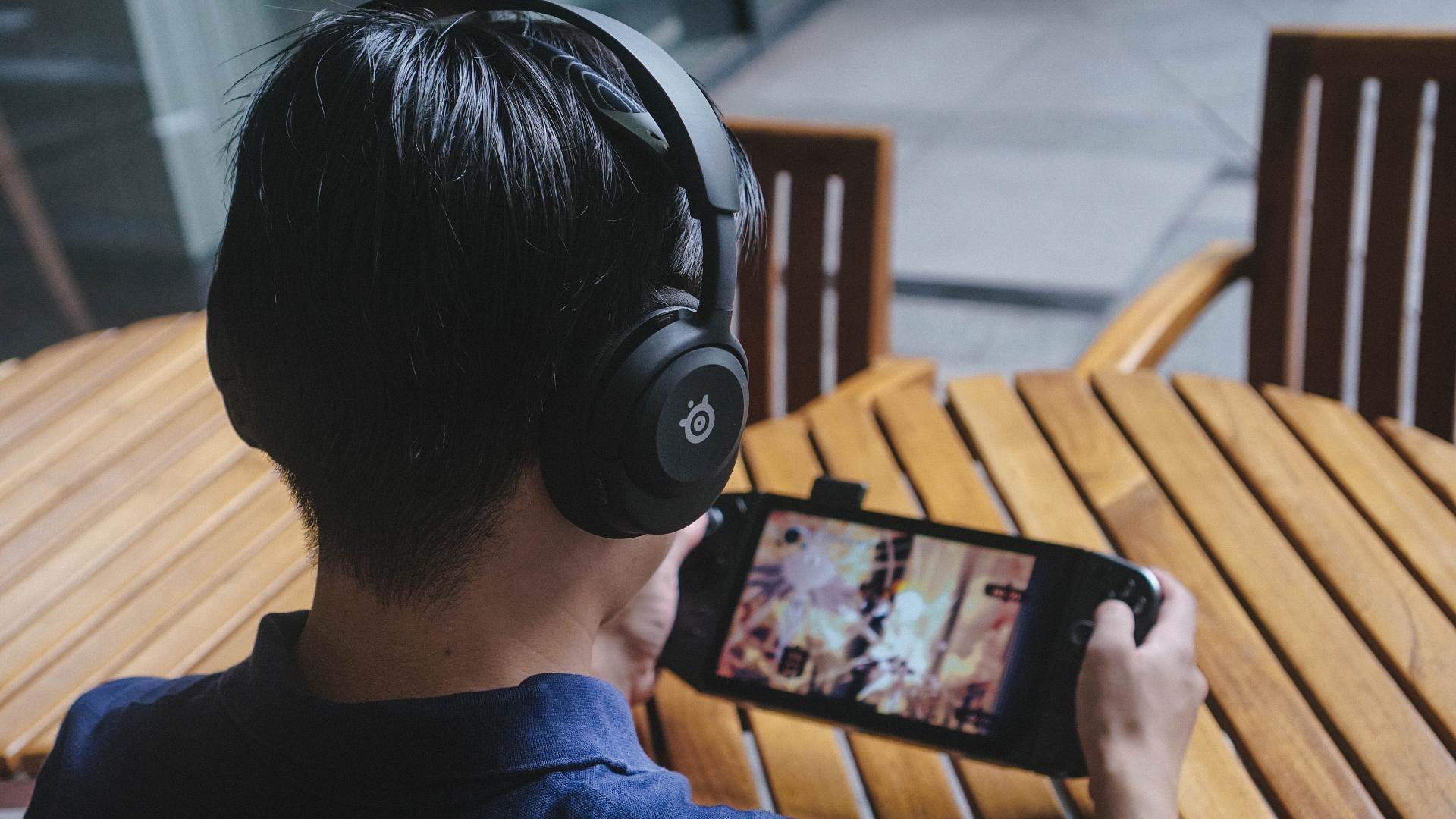
That’s our News Editor Luigi wearing the Arctis Nova 5
To me, the Arctis Nova 5 offers five features that help its case as the “default option” for gaming-related headset recommendations.
Game specific presets through the companion app.
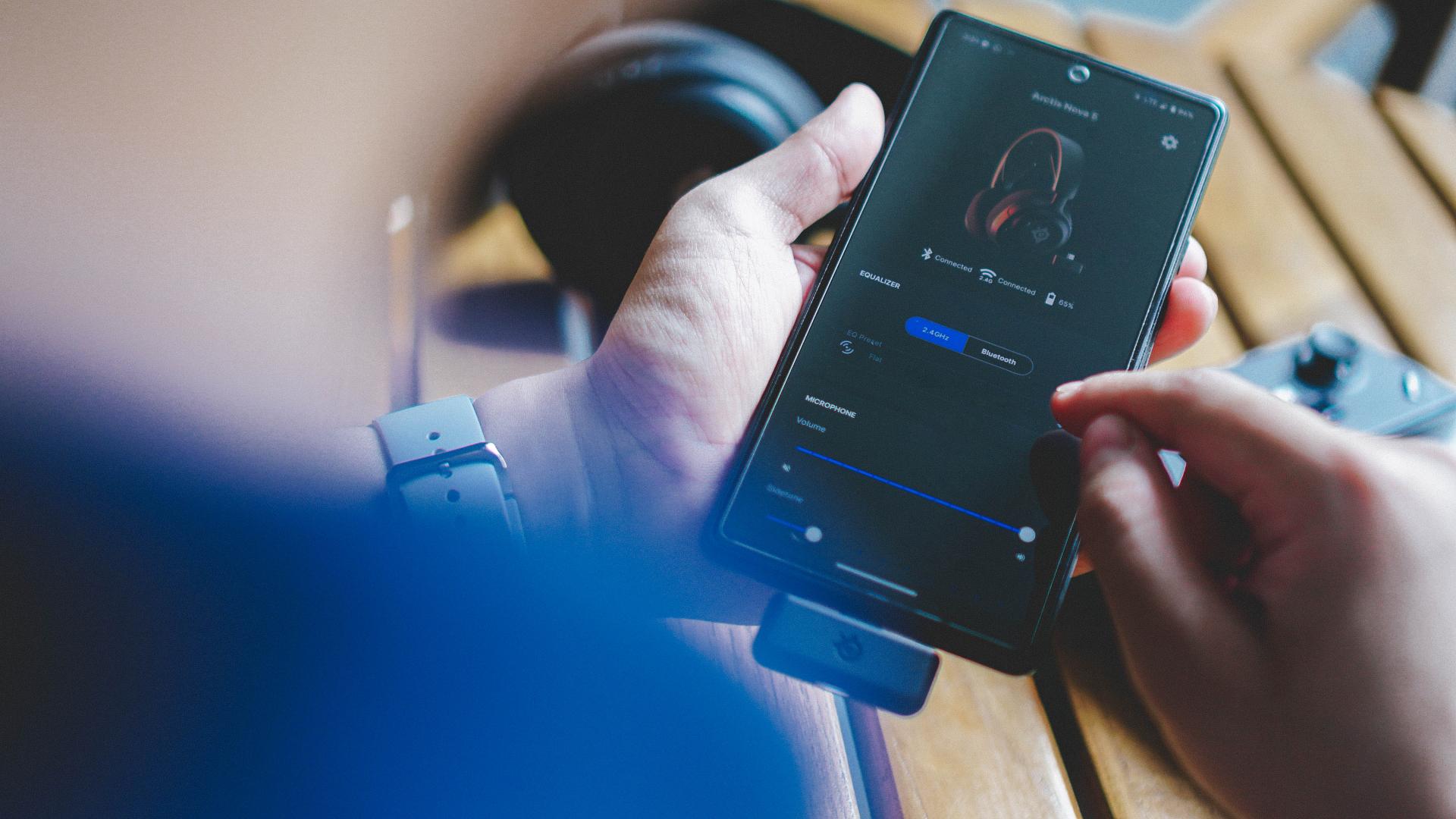
The Arctis Nova 5 has a companion app available for iOS and Android. Through the app, you get a robust list of game preset equalizers already optimized for plenty of games. The list includes first person shooters like Call of Duty: Modern Warfare and CS: GO, sports games like NBA 2K24 and EA Sports FC 24, and popular titles like Baldur’s Gate 3, Genshin Impact, Tekken 8, and much, much more.
Many of the titles are recently released games. If the specific game you’re looking for isn’t on the list, just pick one that’s close to that game’s genre and it should work like a charm. For instance, I always fire up Returnal when testing audio products because it has one of the best sound designs on any game ever. Unfortunately, that title isn’t available as a preset. So, I chose any of the shooter games like COD and Hell Divers 2 as the preset and I found that these worked well with the game.
By default, the equalizer is set to flat and I found that it works well for most media consumption. I tried switching things up and used music-focused titles like Hi-Fi Rush but felt that flat was still best for general music listening and video viewing.
Lightweight.
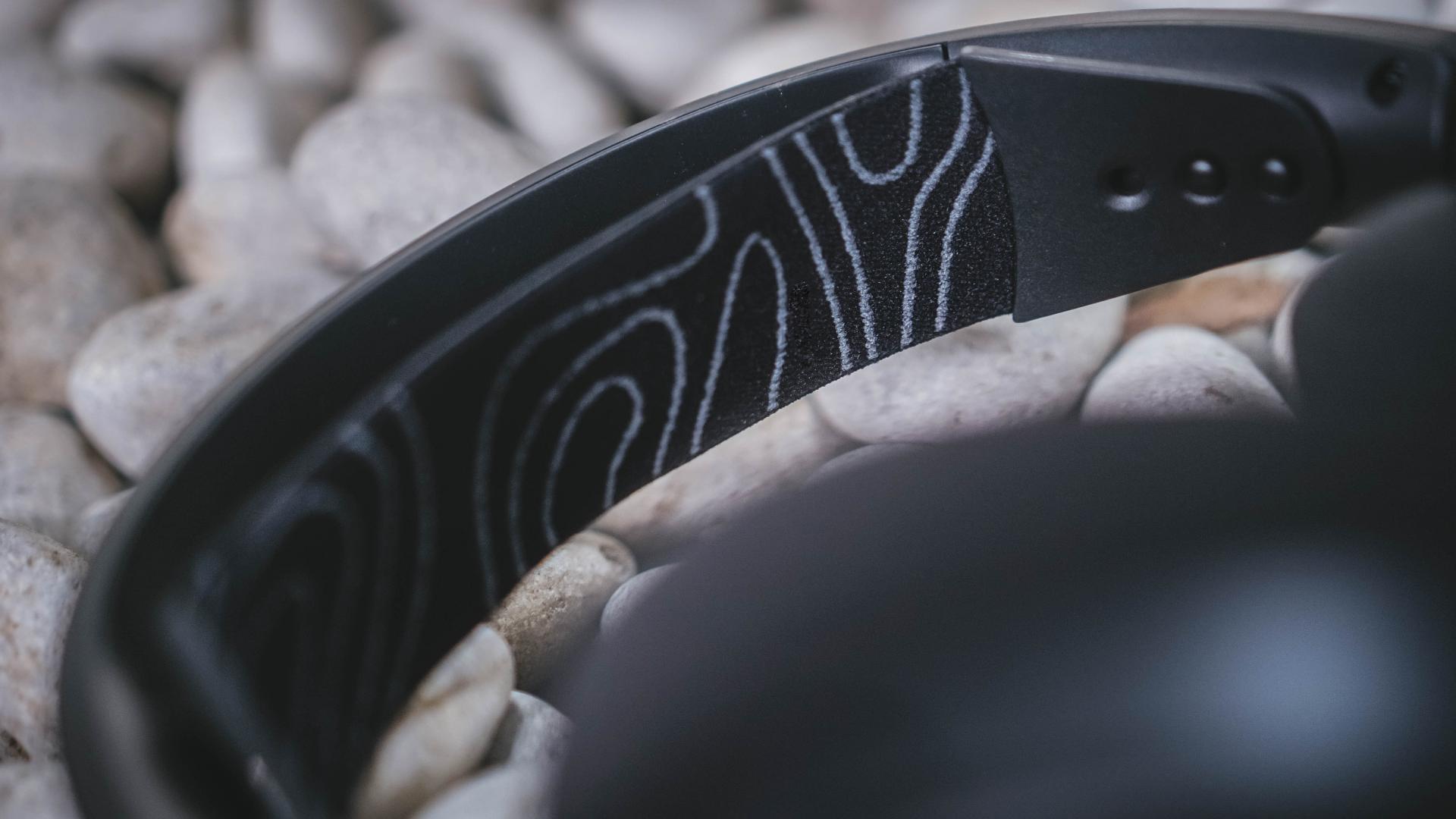
The headset is mostly made of plastic making it extremely light. That means there’s absolutely no strain whatsoever on your head when wearing it for an extended period.
Some might view this as a markdown in build quality. However, I think the weight and price byproducts balance the steady but not stellar build.
Battery Life.
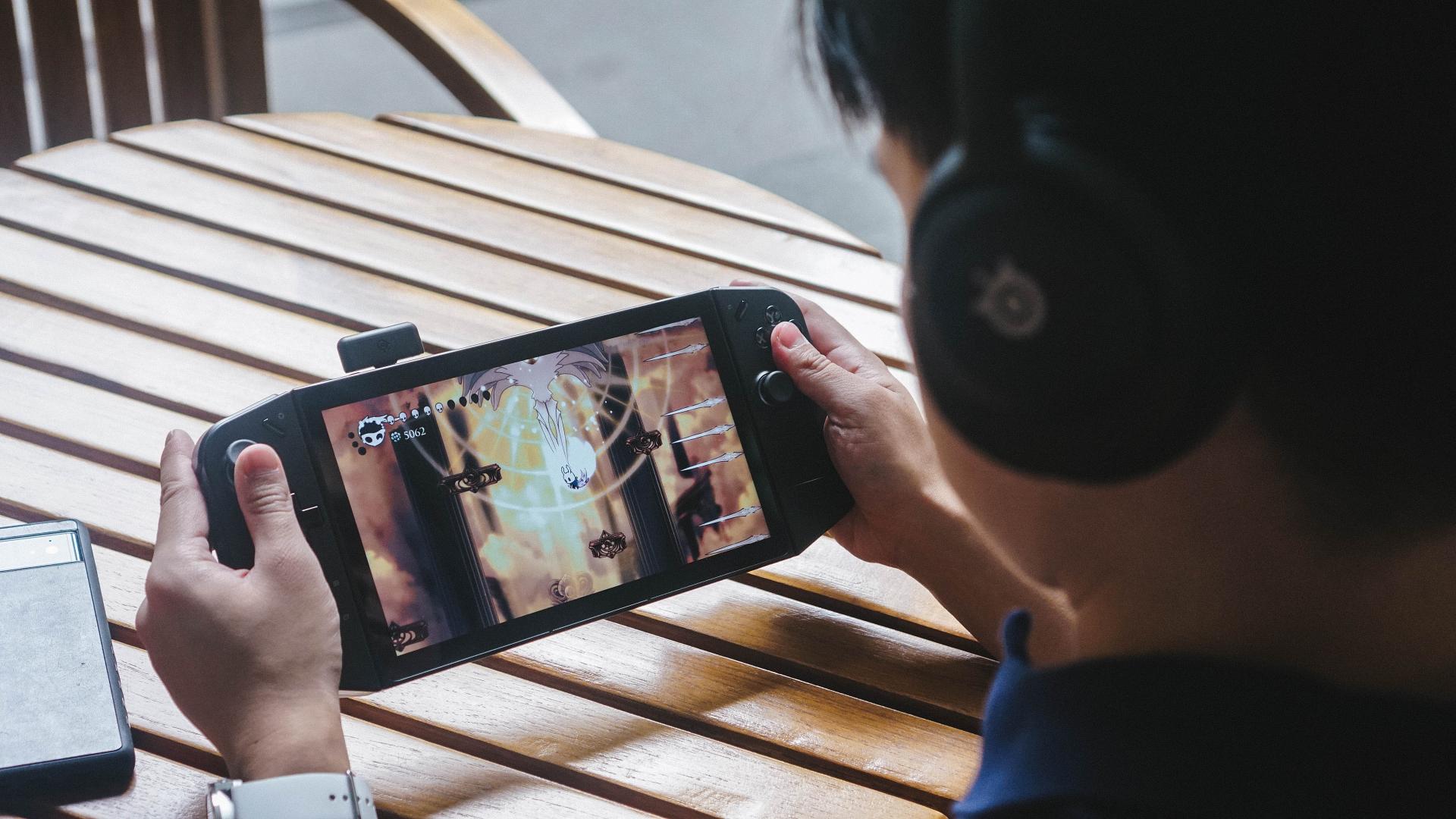
The Arctis Nova 5 promises a 60-hour battery life (or the equivalent of 8-hour gaming sessions every day for a week). Further, USB-C fast charging can juice up to six hours in just 15 minutes.
Naturally, I don’t game for eight hours a day (nor should you, unless that’s how you make a living). In my mixed use of music listening, video viewing, video conferencing, and gaming for roughly 20 hours per week, I only felt the need to charge the thing once every two weeks. That’s elite.
There’s one outlier when I brought it to an overseas work trip. I charged the headset once towards the end of the trip, right before the flight back, to make sure I had enough juice for the plane ride.
Connectivity.

The headset’s claim to versatility in connectivity lies in two connection options: 2.4Hz dongle and direct Bluetooth.
The direct Bluetooth connection means it can seamlessly pair with most smartphones and laptops, and PCs. Meanwhile, the 2.4Hz dongle connection means you can use it with anything that has a USB-C port.
In my time with the device, I used it on the following devices:
- Legion Go
- PlayStation 5
- ROG Ally
- iPhone 14 Pro Max
- MacBook Pro
- Huawei MateBook X Pro
- ASUS ZenBook DUO (2024)
- OPPO Find N3
- Samsung Galaxy Z Fold5
- Xiaomi Pad 6S 12 Pro
- …and possibly more
That’s quite an exhaustive list. And yes, it works on a Nintendo Switch too.
ClearCast microphone.

The Arctis Nova 5 is now my default headset when taking video calls because of the ClearCast mic. For one, I love the way it’s tucked into the left earcup. Unlike Razer’s BlackShark V2 (2023) whose microphone is an attachment that can easily be misplaced.
Second, I asked for feedback from those I was in a call with and got feedback that my audio is pretty clear and crisp. I won’t be recording any voice overs with this mic, but for calls, it’s more than good enough. I imagine the same is true for co-op games, of which I do not play because I suck as a teammate.
Almost perfect
There are a few things I wish the SteelSeries Arctis Nova 5 Wireless had to make it my default headset for everything I do.
Active Noise Cancellation (ANC).
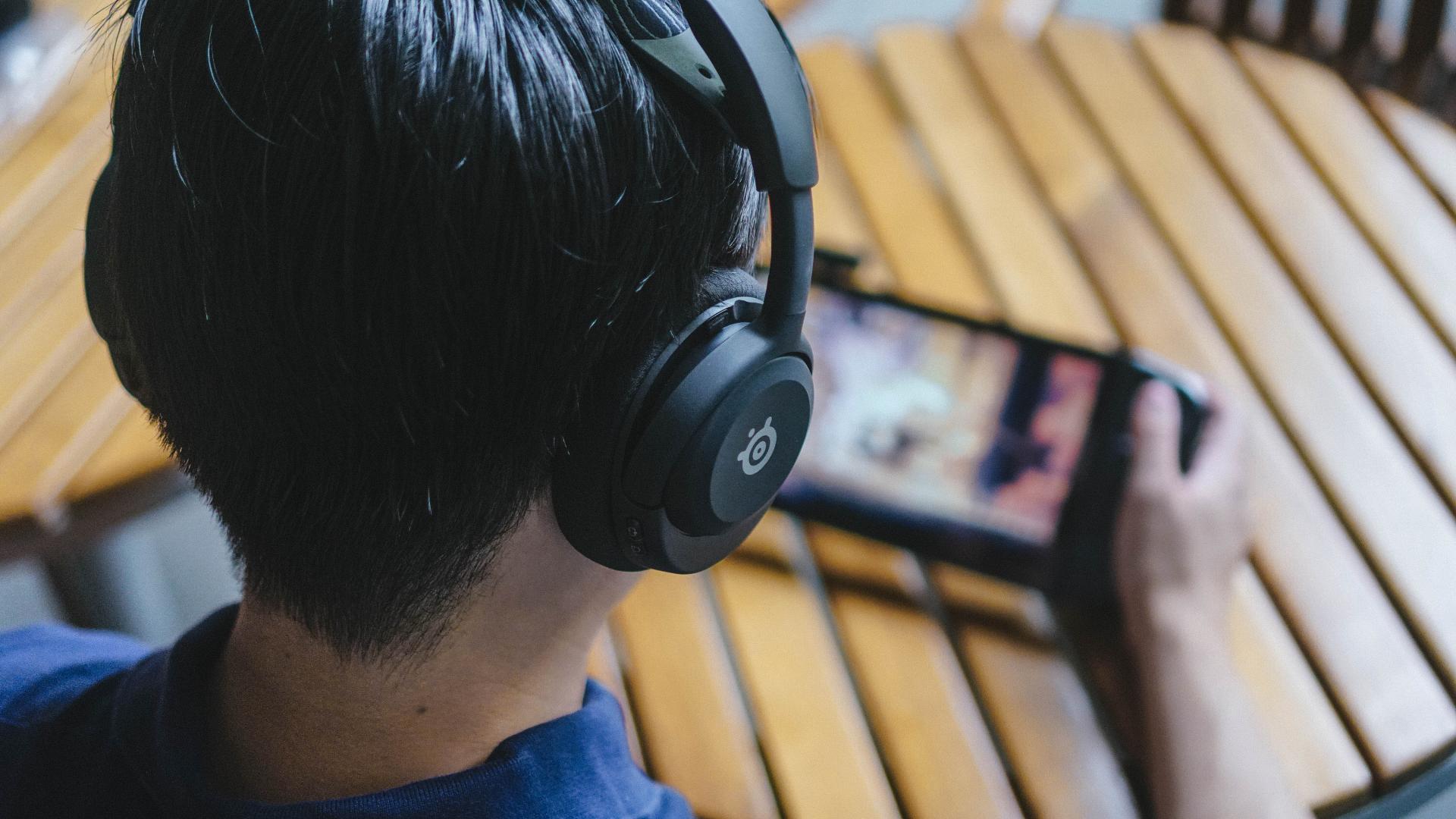
This one really drives me nuts because I’ve really only extensively used headsets with active noise cancellation over the past half decade. Even some minor active noise canceling would have made this a no-brainer recommendation for me. Alas, that is not the case.
I mentioned earlier that I took this with me on an overseas work trip. That was not ideal at all. Coming from the Sony WH-1000XM4 and even the soundcore Space One headsets, I severely missed the active noise canceling feature. I could hear the buzzing sound and worse, a crying, whining child during the flight.
The lack of this feature is bearable in most settings like in your home while playing and while out and about walking or inside a buzzing café. But for traveling, it is best to have something that has ANC.
In-app equalizer adjustment.
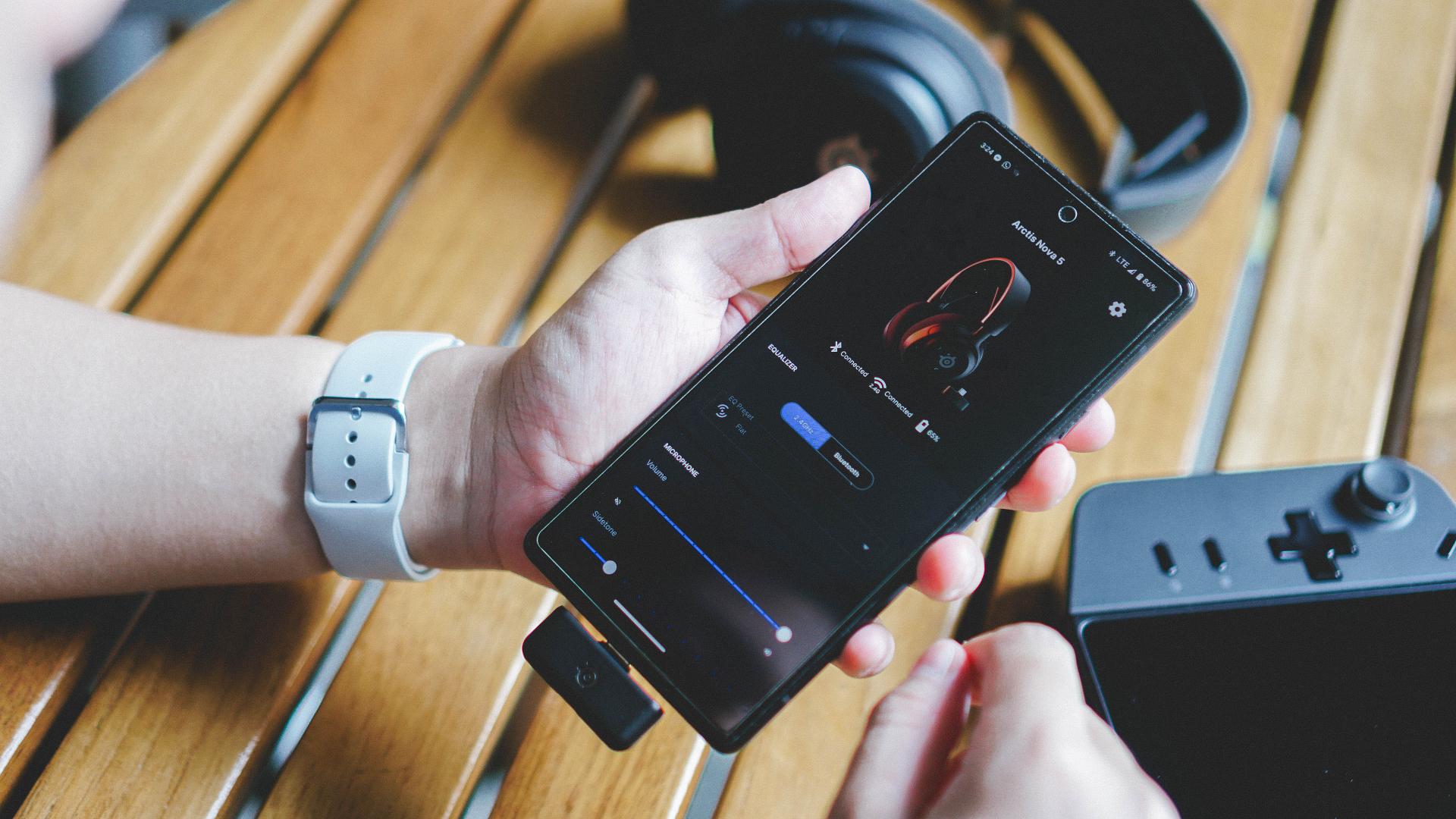
The presets are great and all, but it doesn’t allow for personalized tweaking to make it sing the way you want to. The only way to change the equalizer is to switch it to any of the game presets as well as a flat and focus options. Focus ups the voice while flat is… just flat.
As of writing, your best option is to try every single available preset and find which one works best for you when it comes to uses outside of gaming. It’ll probably take an entire weekend day if you’re truly meticulous about it.
I wish it had slots for 2-3 personalized presets that users can switch to. I fervently hope this comes in a future app update.
A slot for the 2.4Hz USB-C dongle.

I tend to misplace tiny things. In fact, as of writing, I am unsure where I placed this exact USB-C dongle. I am also currently at a loss as to where I placed another tiny USB dongle, but that’s for a controller.
The dongle that comes with the Arctis Nova 5 is so tiny that I’m sure they could’ve figured out a way to include some kind of pouch in the headset itself to store it. They were able to figure out the mic part, perhaps they could have done the same for the dongle.
I’m sure I’ll find the dongle with a clean sweep of my room but some way to safely carry it with the headset would have done wonders.
Is the SteelSeries Arctis Nova 5 Wireless your GadgetMatch?
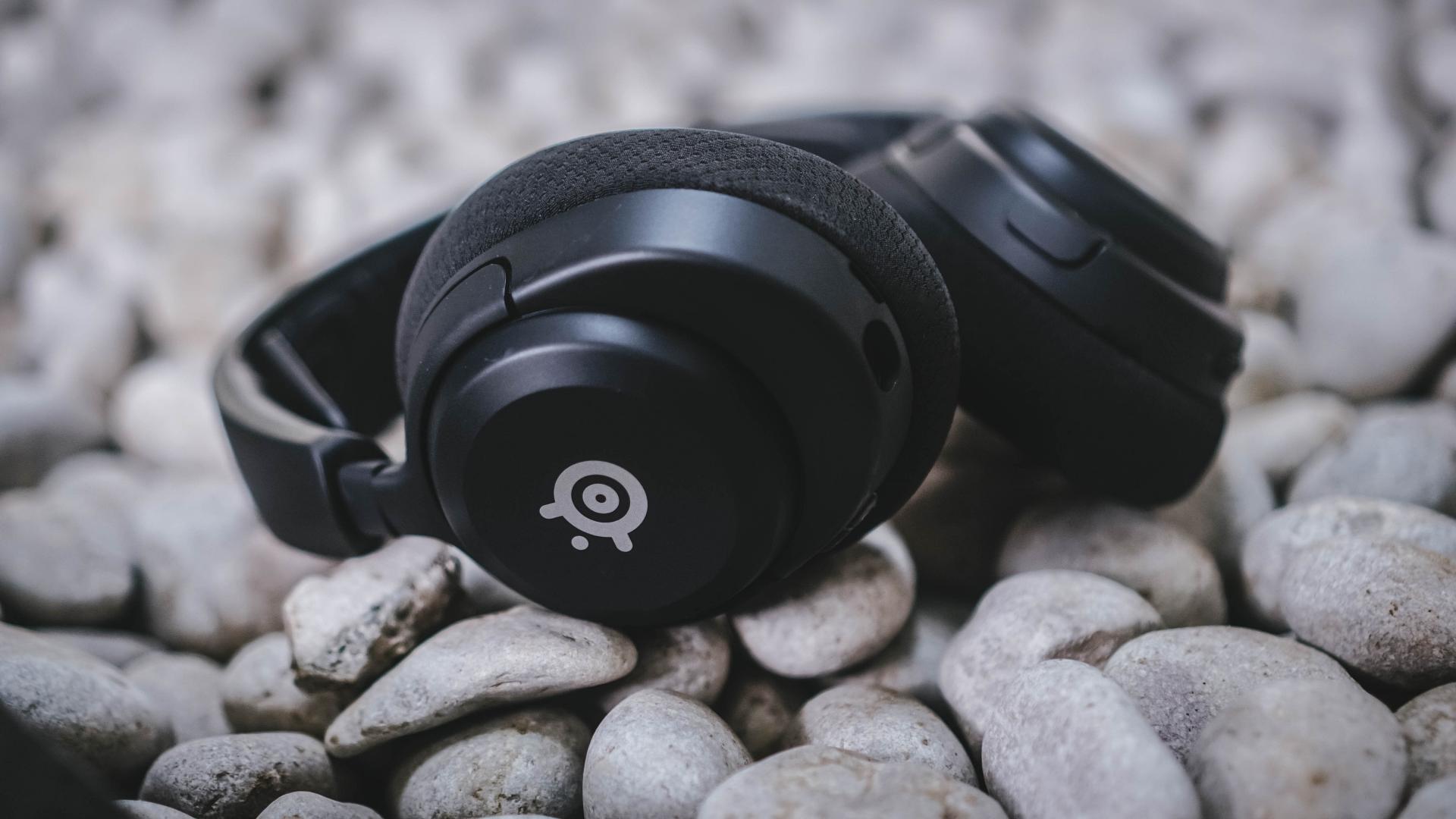
As far as gaming-focused headsets go, the SteelSeries Arctis Nova 5 Wireless could soon replace its older sibling, the Arctis 7, as the top recommendation among console gamers. The sound quality is top-notch and the presets really do help in making you feel immersed in the gameplay.
That same level of immersion can also be experienced when listening to music that’s perfectly mixed. I strongly recommend using this with Apple Music for lossless sound. The sound isolation is elite and works both in gaming and music.
Some level of active noise canceling would have taken this over the top for me. I’m not even looking for something on par with Sony’s XM-series. Even something to the level of the soundcore Space One would have done the trick. If that comes in a future product, SteelSeries, you know where to find me.
That said, the Arctis Nova 5 is still a product I can recommend. The value you’re getting for what you’re paying outweighs any drawback I found. It’s a really good gaming headset and one you should consider if you’re in the market for one.






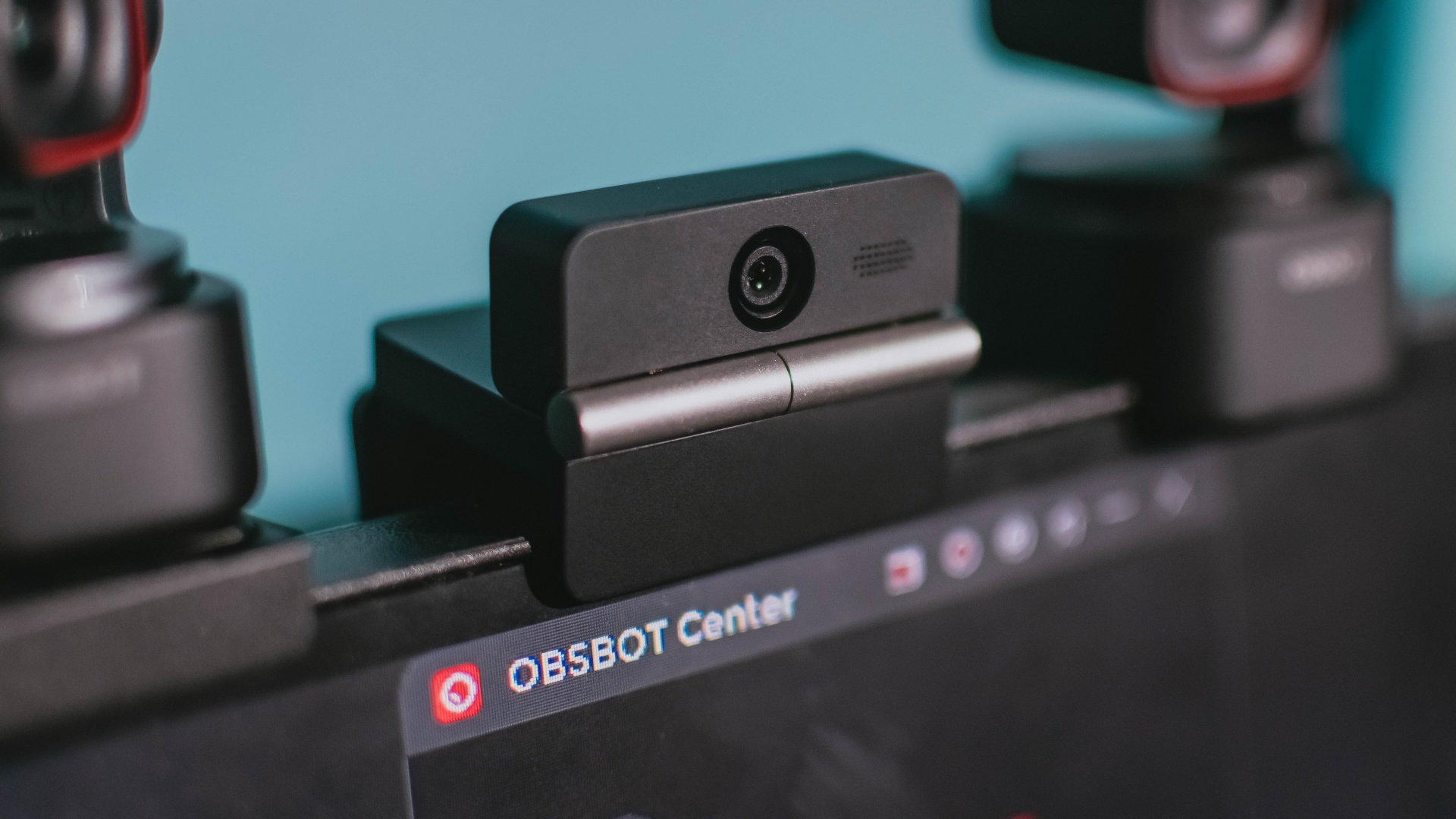
Phones flip and fold. Now webcams do too.
Foldable screens have found their way into phones, tablets, and laptops in recent years. Now, OBSBOT is taking that idea in a considerably smaller direction: the webcam.
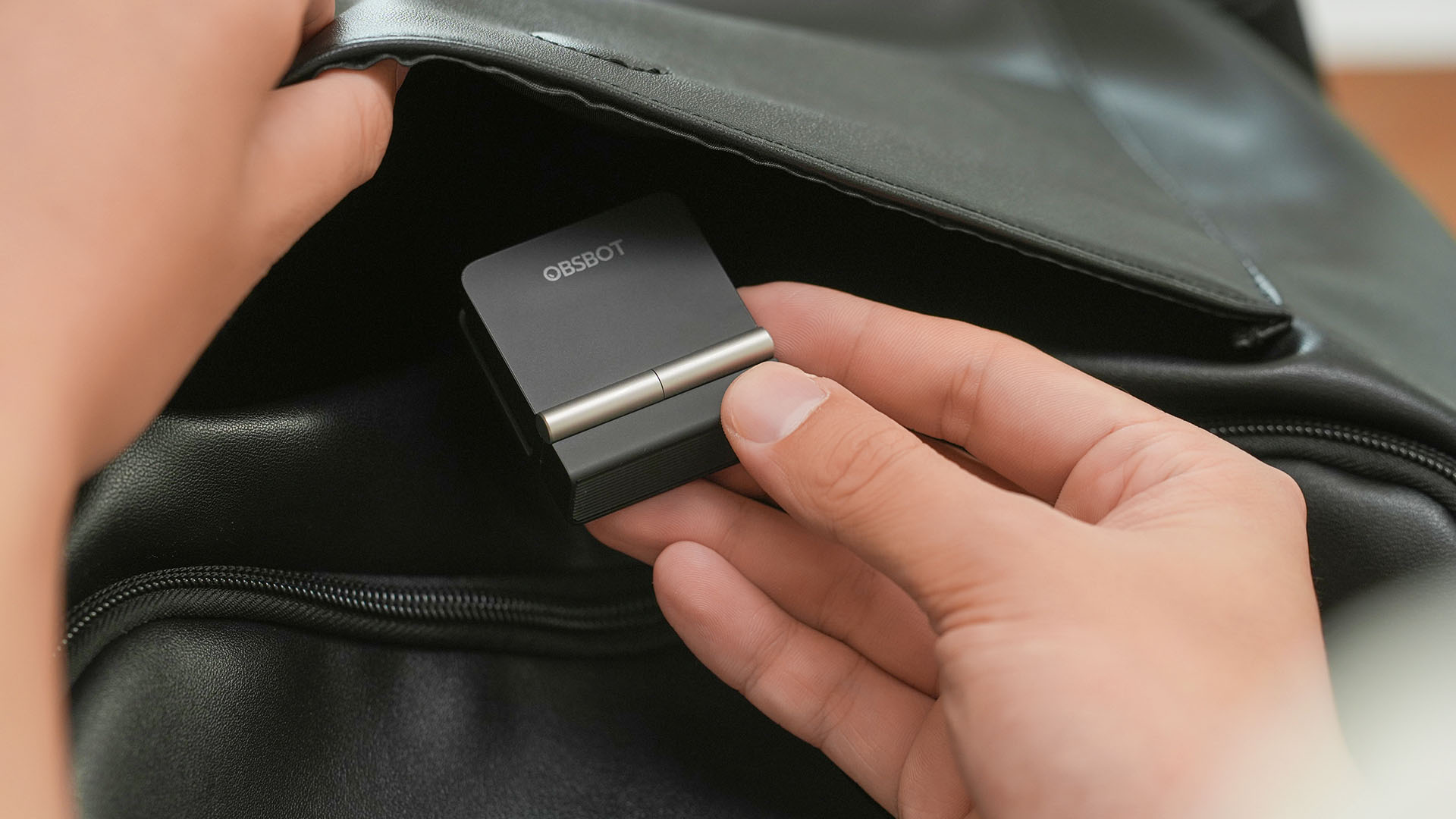
The OBSBOT Meet Flip is the company’s first foldable 4K webcam packing:
- 1/2-inch stacked CMOS sensor
- intelligent audio
- a collection of AI-powered meeting tools
All of these inside a body weighing just 37.7 grams.
A fold that does something, not just a gimmick
The OBSBOT Meet Flip isn’t foldable just to make it easier to throw into a bag.
Closing the webcam physically blocks the lens and puts the device into sleep mode. Open it when you want to be seen, flip it shut when you don’t.
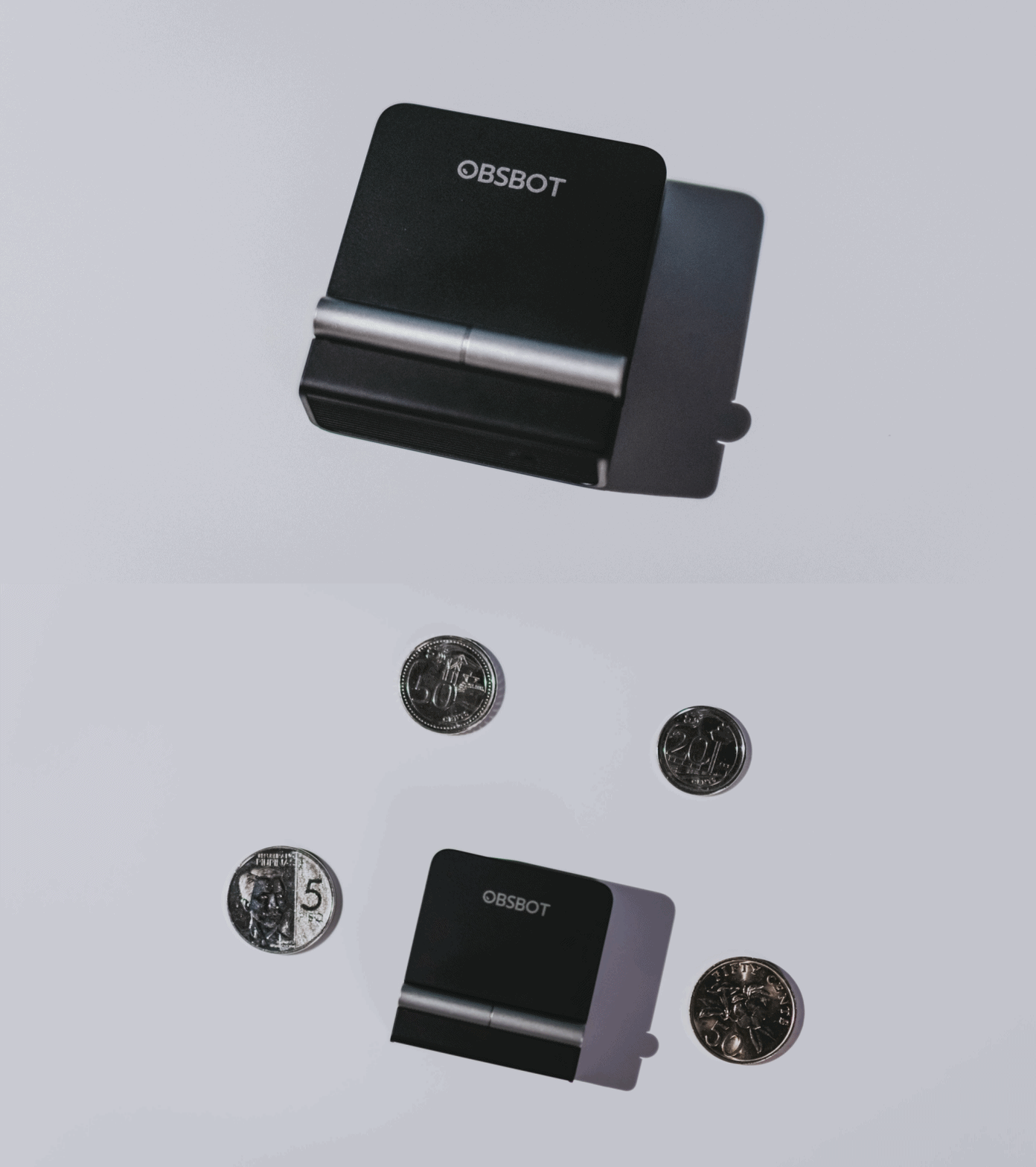
A physical privacy cover isn’t novel in itself. What’s clever here is how it’s part of the folding design.
As someone with a love-hate relationship with data privacy, I almost always keep some physical barrier over my laptop webcam. And if I can avoid having a webcam there entirely, even better.
Serious camera hardware in a pocket-sized webcam
Despite its size, OBSBOT hasn’t treated the Meet Flip like a basic laptop-camera replacement.
Inside is a 1/2-inch Exmor RS stacked CMOS sensor with Quad Bayer technology, capable of recording 4K UHD at 30 fps or 1080p at 60 fps. It also packs an f/1.8 aperture, HDR, PDAF autofocus, ISO 100–6400, and up to 4x digital zoom.
At its core is a 1/2-inch Exmor RS stacked CMOS sensor with Quad Bayer technology.
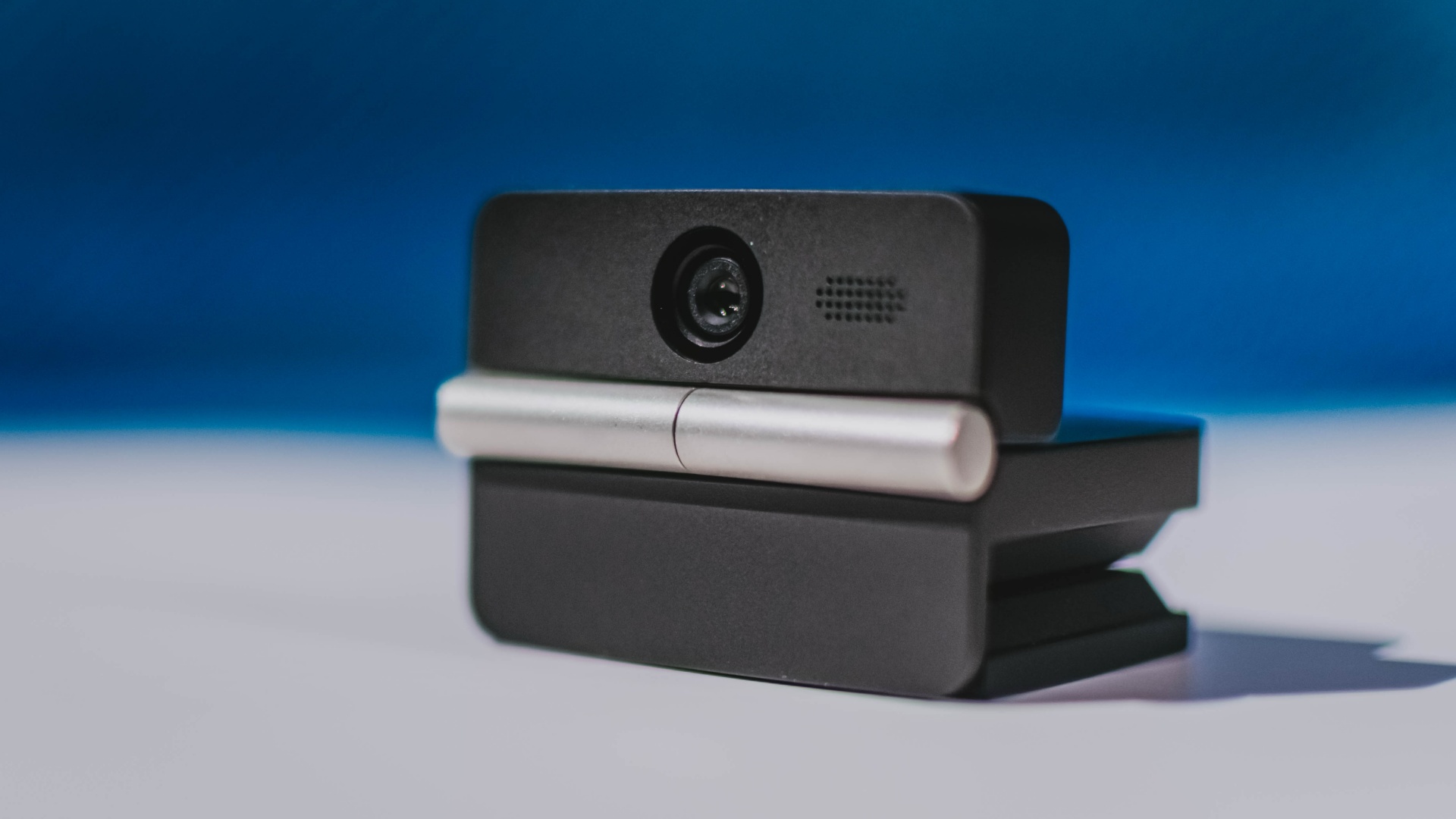
It can record:
- 4K UHD at 30fps
- 1080p at 60fps
You also get:
- f/1.8 aperture
- HDR
- PDAF autofocus
- ISO 100–6400
- up to 4x digital zoom
On paper, that gives the Meet Flip a better shot at handling the situations built-in laptop webcams often struggle with: dim rooms, harsh backlighting, changing lighting conditions, or simply moving around in front of the camera.
HDR helps keep faces visible against bright backgrounds, while PDAF autofocus continuously adjusts focus as you move closer to or farther from the lens.
The wider f/1.8 aperture should also help in less-than-ideal lighting.
The point is that once the Meet Flip is set up, you shouldn’t have to spend much time thinking about the camera itself.
It listens differently depending on the room setup
The Meet Flip also uses an intelligent dual-microphone system combining omnidirectional and directional microphones.
Instead of relying on one pickup pattern for every situation, it offers four audio modes for different setups:
Directional Mode focuses on sound coming from the front, making it the obvious choice for solo calls.
Dual-Directional Mode listens to both the front and rear of the webcam, which could be useful for interviews or conversations between two people sitting across from each other.

Smart Omni Mode is designed for group meetings, picking up voices from around the room.
And Pure Audio Mode provides unprocessed left and right stereo channels for users who would rather handle the audio themselves in post-production.
Auto Gain and AI Noise Reduction also work across the first three modes, helping clean up audio without requiring much manual adjustment.
It gives the Meet Flip more flexibility than a typical webcam microphone, especially if you regularly switch between solo calls, interviews, and group meetings.
AI that doesn’t intrude
AI has become an almost obligatory addition to new hardware in 2026, but several of the Meet Flip’s features put it to work on real-world meeting annoyances.
AI Auto Framing keeps you in frame, with options for:
- Group
- Single Close-up
- Upper Body
- Full Body
Gesture controls can also toggle Auto Framing or adjust the zoom without reaching for a keyboard or mouse.
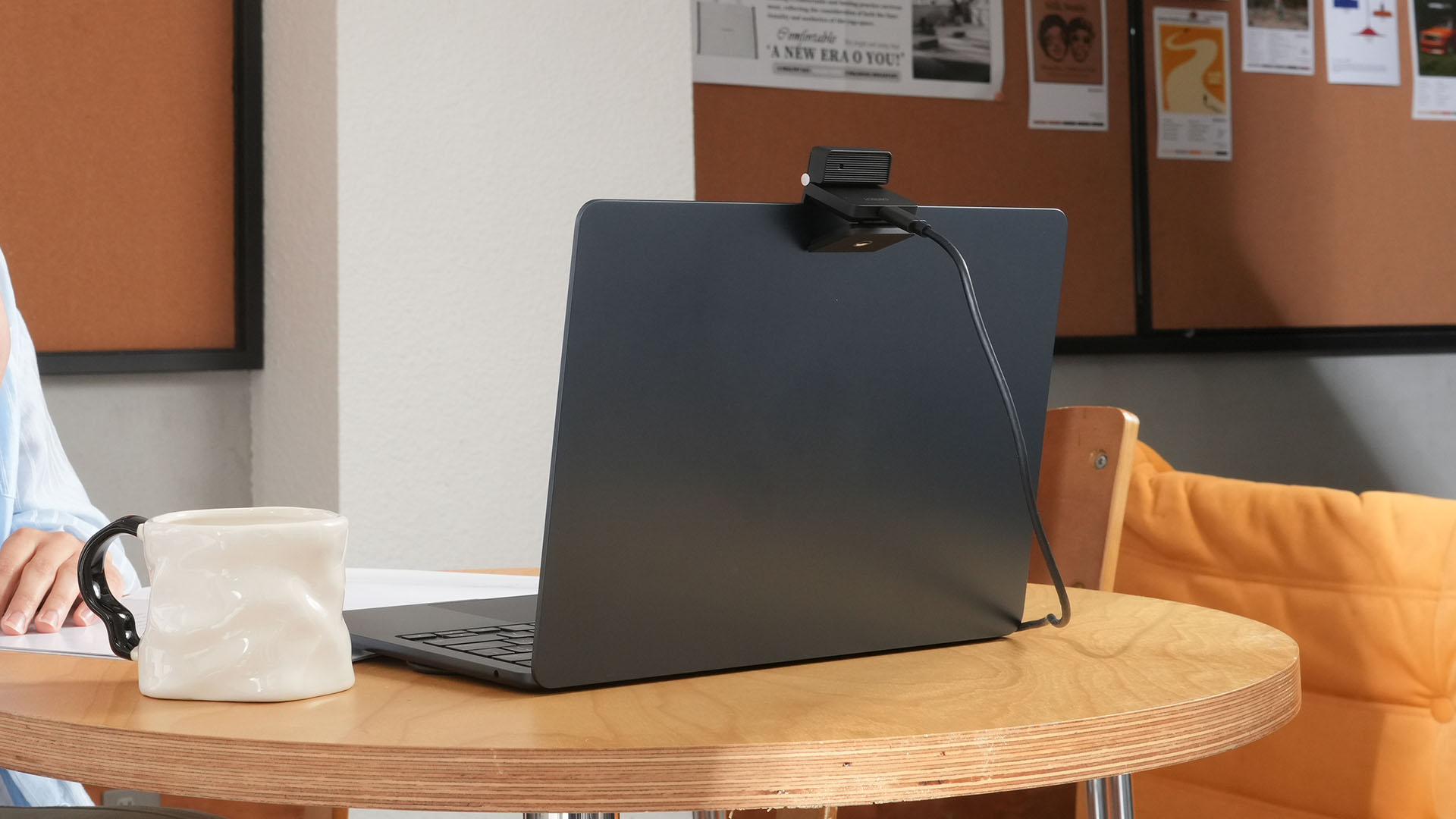
More interesting is AI Magic Notes.
Through OBSBOT Center, it provides real-time transcription and can automatically generate meeting summaries with key points, decisions, and action items. It works across Google Meet, Zoom, and Microsoft Teams.
Although AI Magic Notes is offered as a subscription service, every Meet Flip includes 120 complimentary minutes to get started.
MORE with OBSBOT Center & OBSBOT Live
There are plenty of other software features as well. OBSBOT Center includes:
- Background Blur and Background Replacement
- Real-Time Beauty Mode
- Picture-in-Picture overlays
- Smart Eye Tracking
- Teleprompter support
- Detailed image adjustments
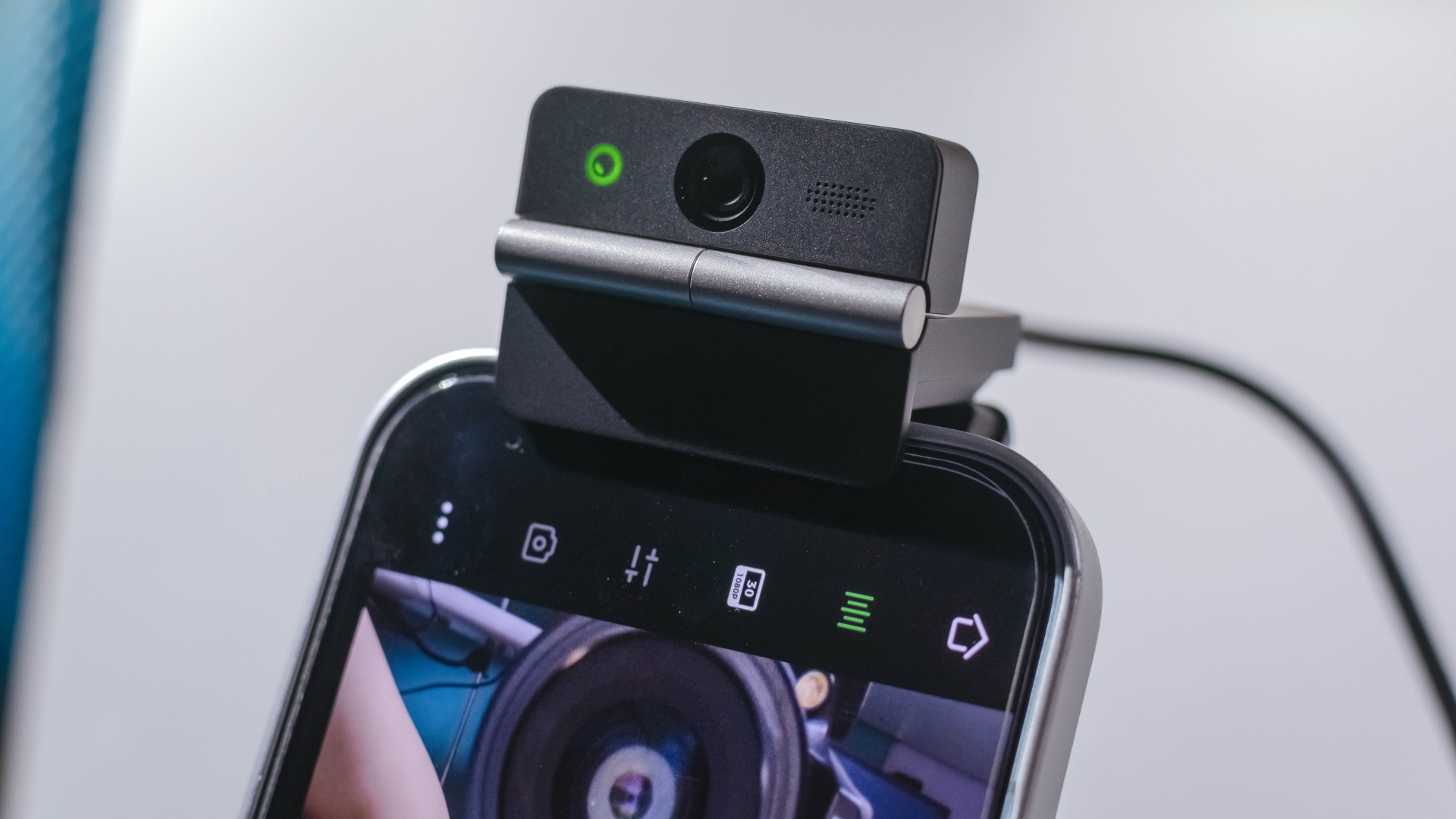
The Meet Flip isn’t limited to laptops or desktops either. Through OBSBOT Live, it can connect directly to smartphones and tablets over USB-C for mobile streaming and content creation.
Flip it open. Fold it away.
None of those features reinvent the webcam on their own.
Taken together, though, they make the Meet Flip a more thoughtful take on a piece of hardware whose basic design and features have barely changed.
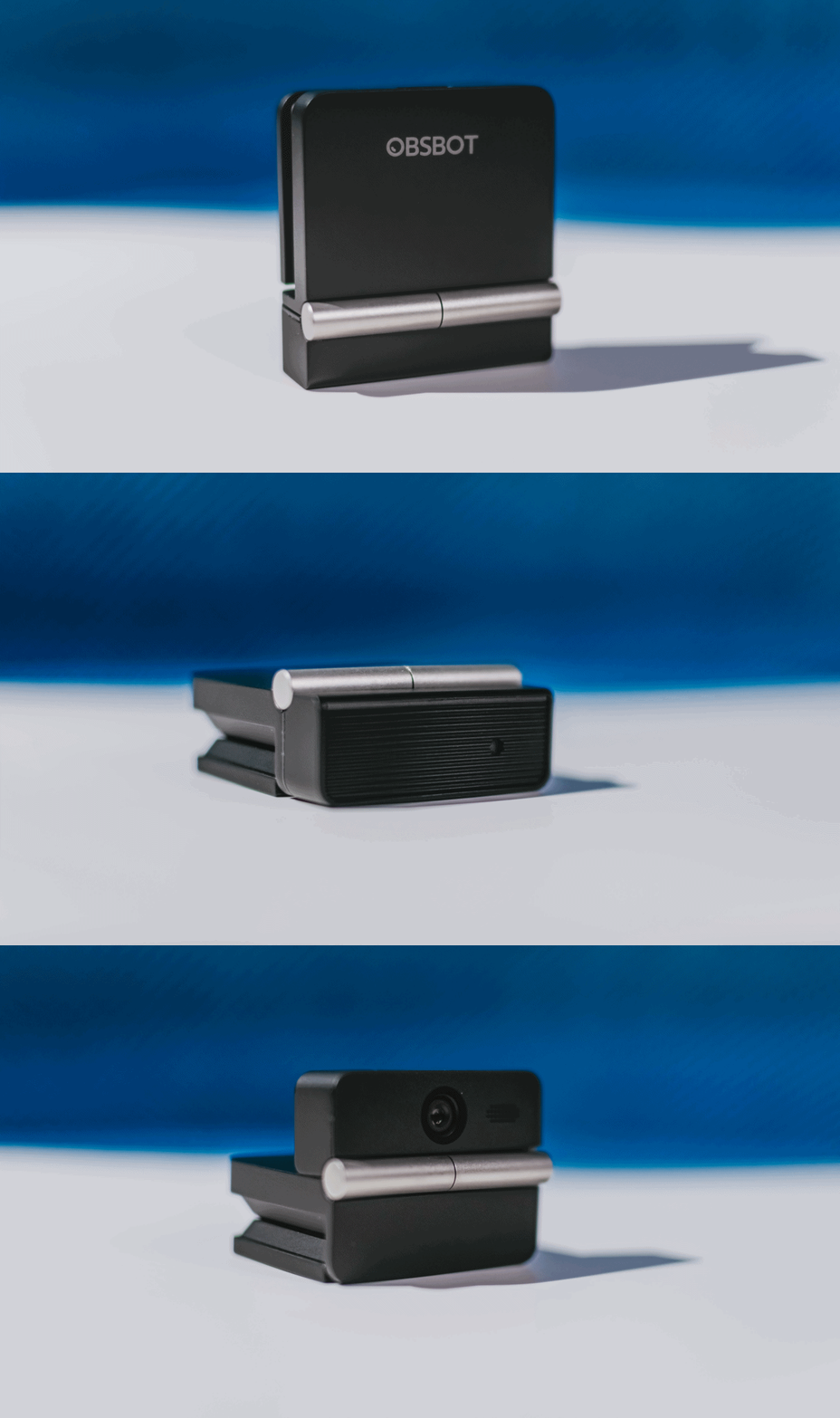
The flip may grab your attention first, but it’s how OBSBOT uses that design alongside its camera, audio, and software features that makes the Meet Flip interesting.
The OBSBOT Meet Flip is now available at US$ 119 and is currently available through OBSBOT’s official store, Amazon US, and select retailers.
Accessories
England, Wales start banning Meta Glasses
The smart glasses are now banned in courtrooms.


Earlier this year, New York became the first state to issue a blanket ban against smart glasses in courtrooms. The new regulation marks one of the first public spaces to prevent the contentious devices. Now, England and Wales are following suit in their courtrooms by banning Meta glasses inside.
As reported by The Guardian, courtrooms in both countries will confiscate Meta Glasses from those taking them into the building. Owners can retrieve them again upon exit.
Like the decision in New York, the English and Welsh bans are simple enough to follow. As it is everywhere, it’s forbidden to record video inside courtrooms in England and Wales. Because Meta Glasses have cameras (and are primarily used for their video capturing capabilities), they fall under prohibited items.
Notably, smartphones are not included on this list, despite having sizable cameras themselves. Although, to be fair, it’s much more difficult to discreetly record video using a smartphone. Smart glasses pride themselves with the ability to take videos seamlessly.
Meta Glasses are having such a moment today. Though some users, especially creators, are excited for them, a significant chunk of the population is concerned over their ability to take videos without subjects knowing they’re being recorded. Some users have even found ways to disable the built-in LED indicators which should, in theory, warn the public that the glasses are recording. It’s since turned into a privacy nightmare.


What if smart glasses could make you more present instead of recording everything around you? Check out MemoMind or back it up on Kickstarter.
After spending time with the MemoMind One around New York City, THE Michael Josh wanted to answer one question: Do smart glasses actually become more useful when they stop trying to be a camera?
In this video, we take a look at the MemoMind One — a new pair of AI-powered smart glasses that take a very different approach.


Samsung Galaxy Z Fold8 Review
8 Galaxy Folds later, Samsung finally nailed It!


30 days later with the ASUS ExpertBook Ultra: Like seeing an ex
Felt exactly as I remembered.

ROG STRIX G16 Review: Building for the moment
Setting it up however you want to make the most out of it

OBSBOT Meet Flip Hands-on
Samsung Galaxy Z Fold8 Review

Smart showcases cloud gaming platform in partnership with Blacknut

What your smartphone color choice reveals about you

New EV player XPENG to launch in the Philippines in September

Hands-on: Samsung Galaxy Z Fold8, Flip8, Ultra

VinFast debuts two-wheeler models, opens 21 e-motorcycle showrooms

Garmin launches its first screenless fitness band

Sony announces new FX5 full-frame camera

NBA 2K27 cover athletes unveiled: Wemby, Clark, DRose


-
 Automotive2 weeks ago
VinFast debuts two-wheeler models, opens 21 e-motorcycle showrooms
-

 News2 weeks ago
OnePlus officially leaves the United States and Canada
-

 Gaming2 weeks ago
Call of Duty: Modern Warfare 4 clip shows Losing Ground 1st look
-

 Gaming2 weeks ago
Genshin Impact opens Snezhnaya in Version 7.0 this August 12
-
Laptops6 days ago
ROG STRIX G16 Review: Building for the moment
-

 Gaming1 week ago
Tides of Annihilation opens first public demo at Gamescom 2026
-
 News1 week ago
Google will force Android users to use Gemini next month
-

 Gaming1 week ago
Street Fighter 6 adds first Filipino fighter Yasmine to its roster