
Gaming
Dunk City Dynasty: Pre-register now to get launch rewards
Get a limited avatar, more launch rewards


NetEase Games has officially opened global pre-registrations for Dunk City Dynasty. The NBA and NBPA licensed street basketball game will release later this year for Android and iOS.
Signing up now will enable players to secure launch rewards, including an exclusive avatar once the game becomes available.
What’s more exciting is that the more hoopers who pre-register, the more launch rewards will become available. Talk about teamwork.
Here’s what’s up for grabs:
- Limited Avatar: Unlock upon pre-order
- Novice Growth Pack: Unlocked at 500,000 preorders
- Star Development Pack: Unlocked at 1 million preorders
- Superstars Gift Box: Unlocked at 2.5 million preorders
- Star Player Kuminga: Unlocked at 5 million preorders
Dunk City Dynasty features NBA superstars like Stephen Curry, Kevin Durant, Jayson Tatum, Giannis Antetokounmpo, Joel Embiid, and Luka Dončić.
Of course, players can also choose from renowned NBA franchises like the defending champion Boston Celtics, Milwaukee Bucks, Golden State Warriors, and Los Angeles Lakers, to name a few.
The game will allow friends to play 24/7, anywhere and anytime. Players can also choose from the Lightning 11-Point Games and the 5V5 Full-Court Clash.
As for personalization, hoopers can also customize their characters with pieces of clothing, accessories, and more.
Dunk City Dynasty will be free-to-play. For more on the upcoming mobile game, visit its website here or watch the trailer below:






Gaming
CRISIS CORE -FINAL FANTASY VII- REUNION physical edition now available for Switch 2
Zack Fair’s story comes to Switch 2.
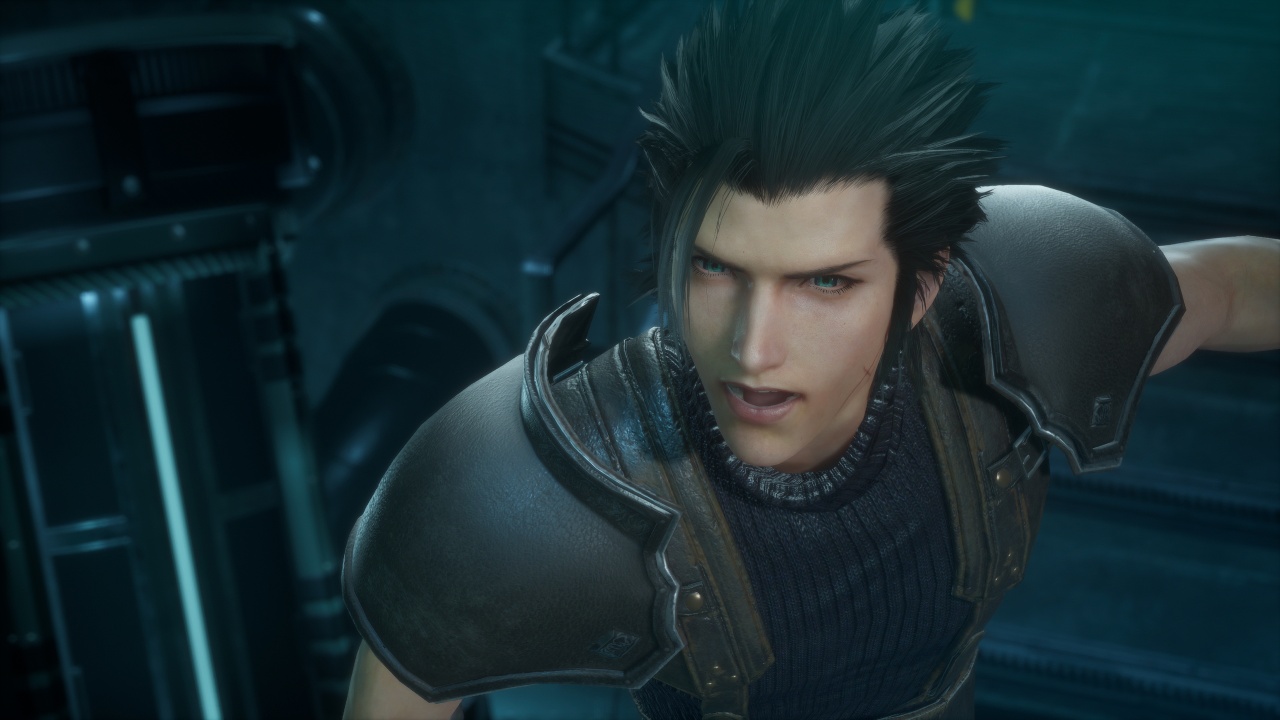
Bandai Namco Entertainment Asia and SQUARE ENIX have released the physical edition of CRISIS CORE -FINAL FANTASY VII- REUNION for Nintendo Switch 2 in Southeast Asia.
Players can also purchase the game digitally on the platform. Availability may vary by region and retailer.
Zack Fair’s story returns
Set in the mako-powered metropolis of Midgar, CRISIS CORE -FINAL FANTASY VII- REUNION follows Zack Fair, a young operative in Shinra’s elite SOLDIER unit.
Zack investigates the mysterious disappearance of SOLDIER operatives alongside his mentor, Angeal, and the legendary Sephiroth. His journey reveals the events that shaped the world of FINAL FANTASY VII and his connection to Cloud Strife.
The game revisits Zack’s story with an HD graphical overhaul of its character models, user interface, and environments. It also features fully voiced dialogue in English and Japanese, alongside an updated action-combat system.
Players can trigger Limit Breaks and Summons as they battle their way through the story. The game also supports handheld and docked play on Nintendo Switch 2.
A look back at Zack’s legacy
Originally released as a remaster of the PSP classic, CRISIS CORE -FINAL FANTASY VII- REUNION offers a refreshed take on one of the franchise’s most significant prequel stories.
In our GadgetMatch review, we explored how the remaster brings Zack Fair’s journey to modern platforms while preserving the emotional core of his story.
The release also gives players another way to experience the events leading into FINAL FANTASY VII, ahead of the upcoming FINAL FANTASY VII REVELATION, the third and final entry in the FINAL FANTASY VII Remake series.
For more information about CRISIS CORE -FINAL FANTASY VII- REUNION and other Bandai Namco Entertainment Asia titles, visit the official website.
Gaming
Dune: Awakening makes it way to the PS5 and Xbox Series X
Surviving the harsh land of Arrakis one sandstorm and bloodlust at a time

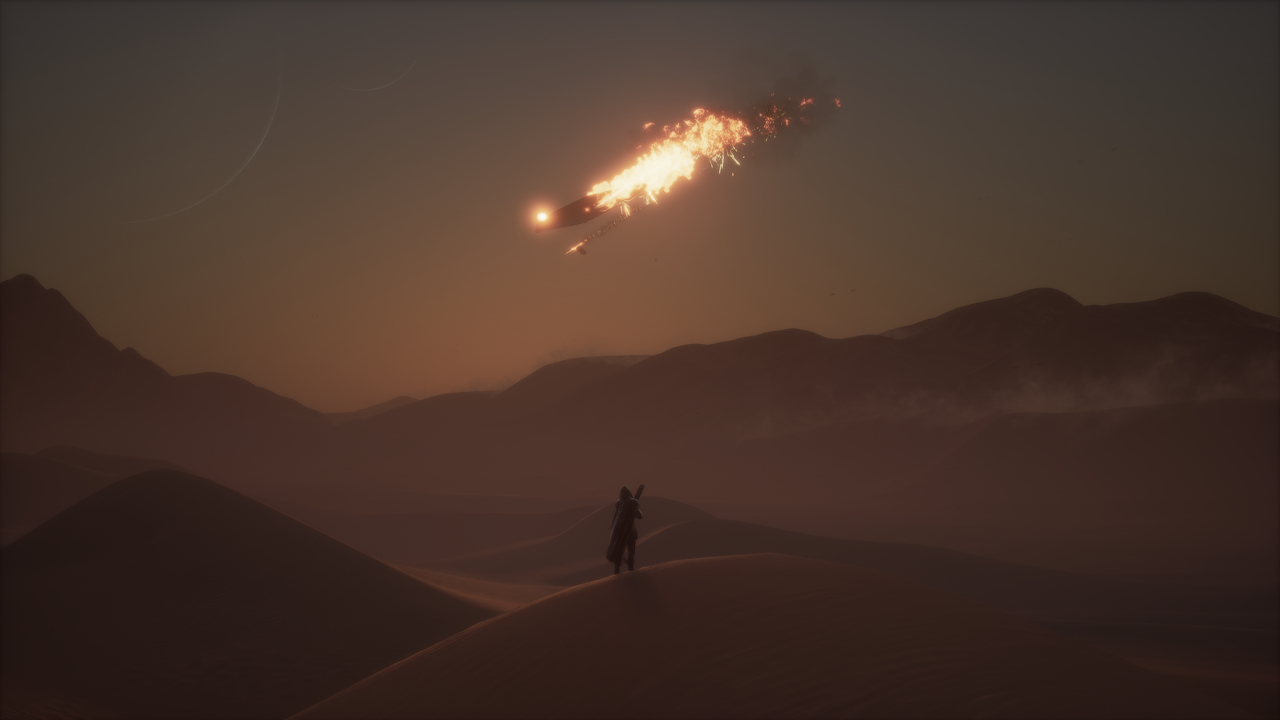
Back in June of 2025, Funcom released its multi-nominated open world survival game, Dune: Awakening. Inspired by the renowned movie franchise, the game takes place within the deserts of Arrakis as players survive and thrive through intense combat and strategic decision making. Now, in the big 2026, Funcom is finally bringing that experience to PlayStation 5 and Xbox Series X|S players as Dune: Awakening officially launches on console!
For the newbies finally getting it on console, here’s all you need to know:
Take the lead or do it together
Dune: Awakening takes you into the desolate land of Arrakis, and gives you the option to do it on Single Player or Multiplayer upfront. Through your own bidding in strategy, combat, and resource management, your goals are simple: survive the terrain, make more allies than enemies, and conquer the land through your affiliation to the powers that be.
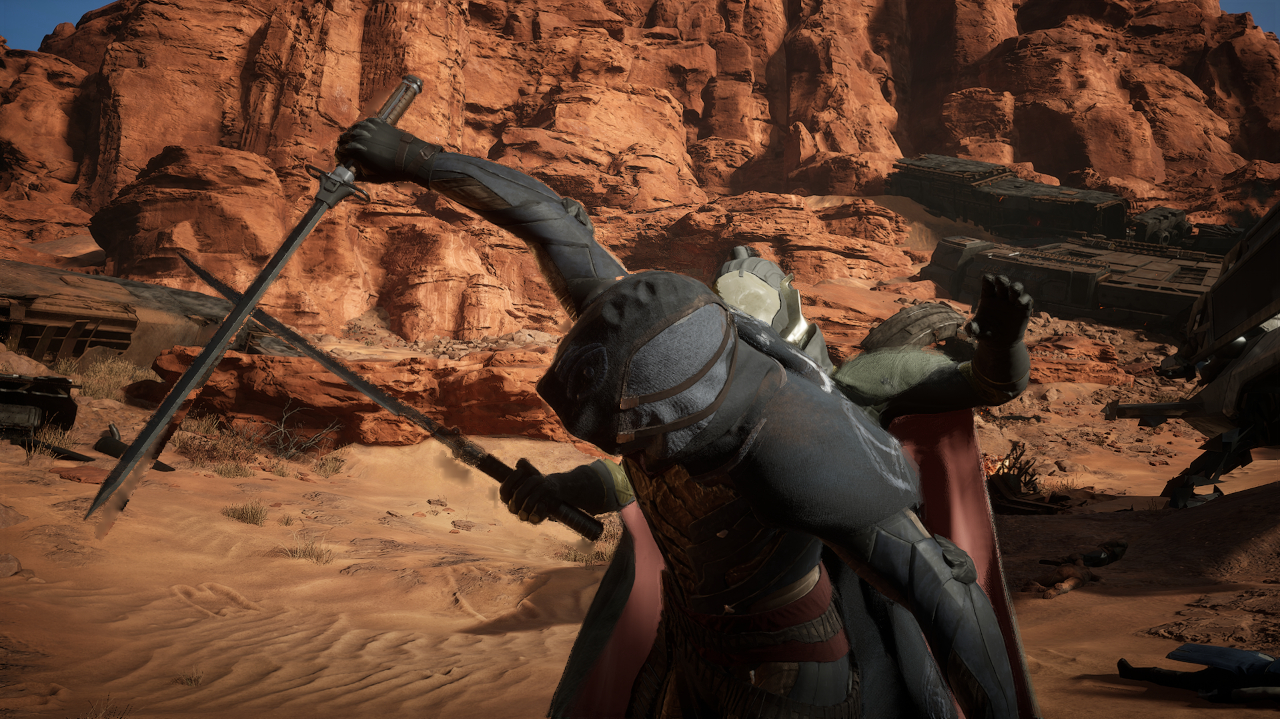
This version of the game is as exact and as one-to-one as it possibly could with the PC version released last year, down to the story arcs, quests, and PvE/PvP areas you take on. Since launch, Funcom has introduced new weapons, areas, and cosmetics through DLCs that will be available to console players, as well. Also, several key features in story and mission progression that have changed on the PC version will take into effect.
If you want to engage with multiplayer, it is still a viable option when you want to gather more resources and reinforce your bases against other players and the natural elements. However, you still won’t be able to host your own server on a console just yet, as it is more stable to do so on the PC version.
Become whoever and whatever to survive
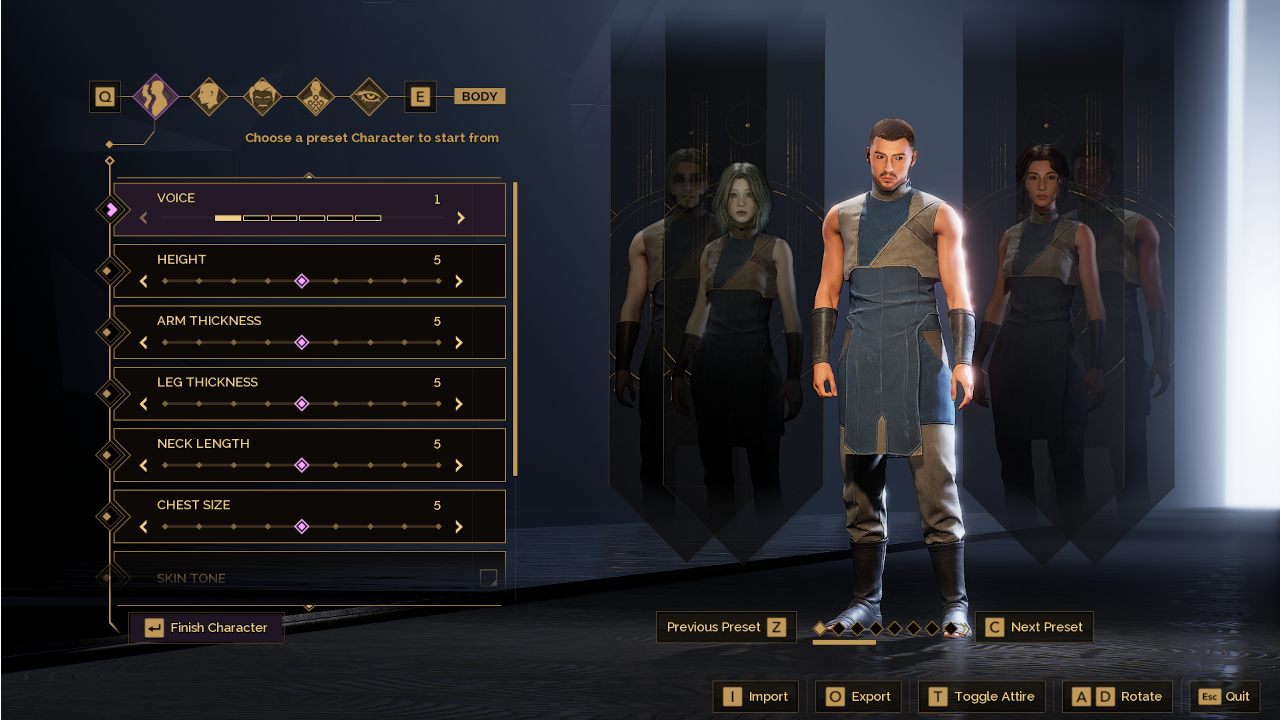
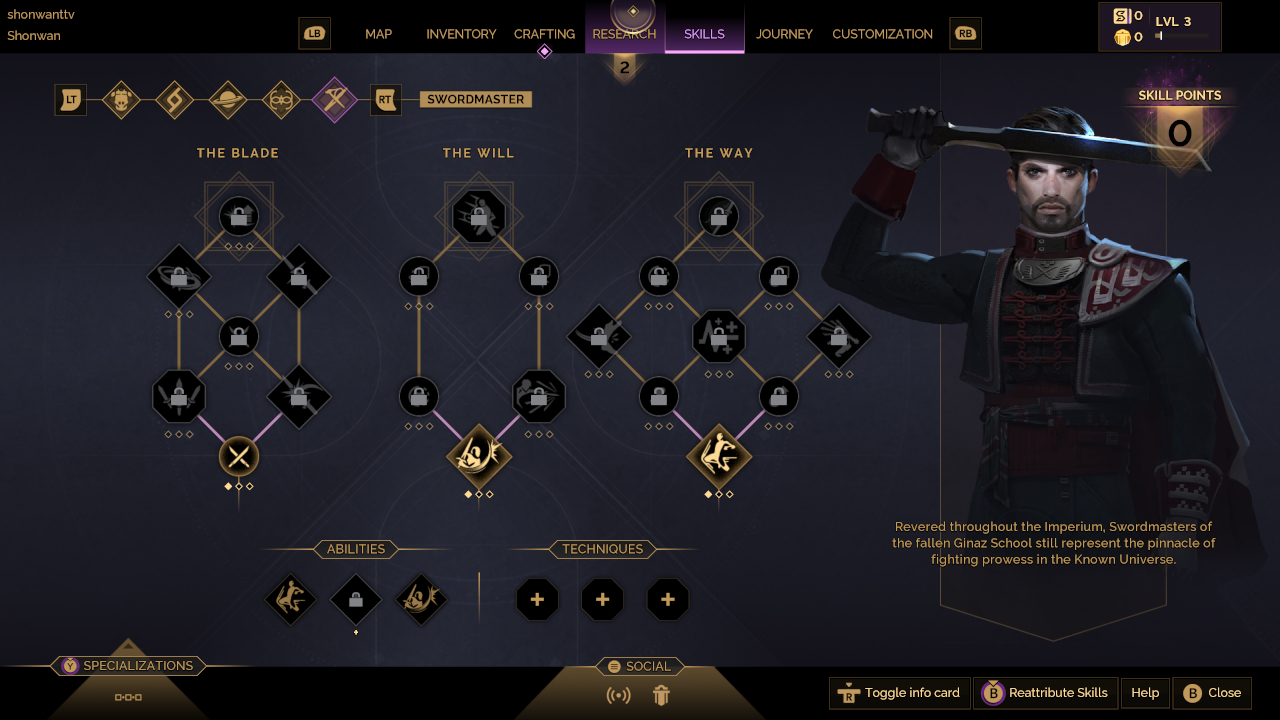
Character customization became the game’s bread and butter through its extensively library of features and unique take on story progression. As you begin your journey, Lady Jessica welcomes you in and asks you on your origin story, mentorship, and initial skill set — all of which are to your choosing based on your play style. Honestly, none of these completely influence the difficulty in progressing the story too much but it will give you full control of the experience.
As you progress further into the game, you will unlock more skills and abilities to aid you in your quest for power and survival. These will help you earn XP, along with accomplishing tasks, gathering resources and researching newer technologies, plus engaging in combat both within the PvE and PvP areas. Ultimately, you and, potentially, other players must build enough rapport and influence to shape the world of Arrakis to your liking.
Consistent visual expectations
For most players on the PC version, graphical fidelity relied heavily on the hardware of choice. When transitioning the game into a console-friendly environment, Funcom worked out the details seamlessly by adding a Performance and Quality mode. In this fashion, you can opt for crystal-clear graphics at a decent 30 FPS or go for a constant 60 FPS to keep up with the action.
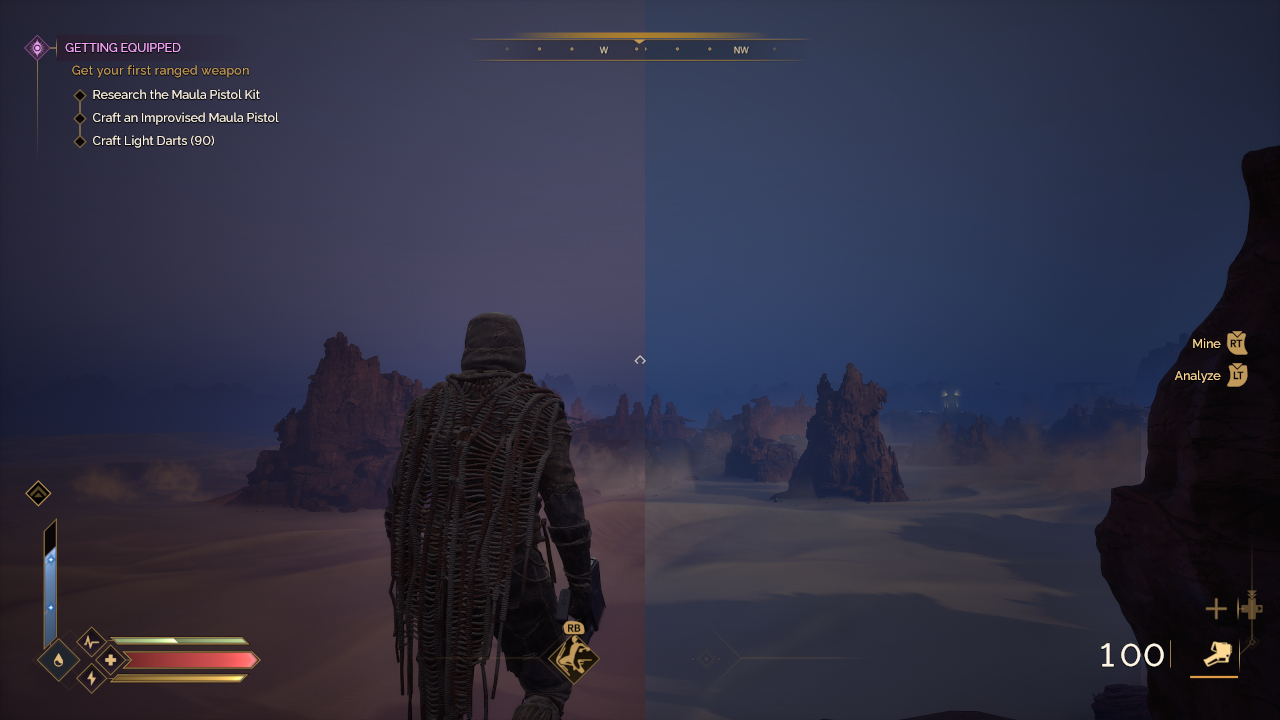
Left: Performance | Right: Quality
No matter which mode you choose, the overall visual identity of the game doesn’t change drastically. Environments look rich and vibrant, while the tiniest of details within character models are preserved. Although, given frame rate differences, rendering of background elements also reflects that but it won’t ruin the gaming experience.
Dune: Awakening will be available on the PlayStation 5 and Xbox Series X|S on September 22. For Xbox Game Pass owners, this will also be a Day One release with Play Anywhere support and cross-play within Xbox and PC players upon launch.
Funcom has also planned an exciting map update later this year plus potential DLC tie-ins to the upcoming Dune: Part Three theatrical release in December.

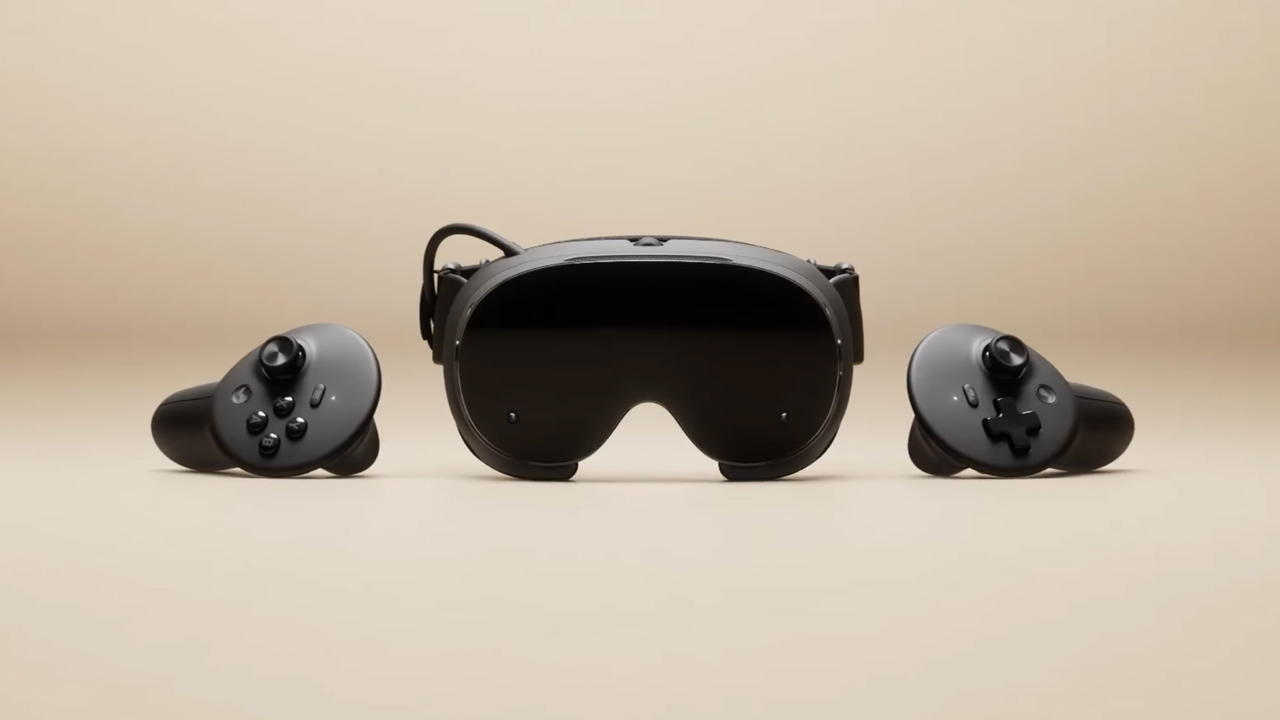
The trifecta is complete. Almost a year after announcing their new hardware, Valve has finally unveiled the price tag of the Steam Frame, complementing the Steam Machine and Steam Controller revealed a few months ago.
Whereas the Steam Machine is a console of its own, the Steam Frame is a traditional VR headset with a pair of controllers for both hands. Unfortunately, despite being in a different segment, the headset is not immune to the rising prices of technology. The Steam Frame will start at US$ 1,059 for a 256GB model and can go up to US$ 1,299 for the 1TB model. On the plus side, each box will come Half-Life: Alyx packaged along with the headset.
Here’s a more detailed rundown of what you’re getting. The Steam Frame will ship with the Snapdragon 8 Gen 3 chipset, paired with 16GB of RAM. Each eye comes with a 2160 x 2160 LCD screen, putting out images at up t0 a 144Hz experimental refresh rate. As mentioned above, the headset will start with 256GB of storage but can go up to 2TB. It will come packaged with SteamOS 3 and a rechargeable 21.6Wh battery.
This might be a hard buy for some. The industry currently has more affordable options, for one. Also, virtual reality isn’t the most thriving segment of gaming today.
If you’re still decided on buying one, however, Valve is using its lottery system. Interested customers can sign up from now until September 17. The company will then randomize the purchasing order. Those who draw the first ones in the lottery can get a purchase email as soon as September 18. Meanwhile, anyone who registers after September 17 will automatically be put at the back of the queue.
SEE ALSO: Valve announces its own console called the Steam Machine


DJI Lito X1 review: Is this the best lightweight drone for creators?
Making a strong case as a travel companion and a capable B-cam!


REDMI Note 17 Pro Max review: A new breed born from AI greed
Welcome to the new normal


Marvel’s Wolverine review: When the claws come out
A brutal, cinematic superhero adventure

Chimelong’s newest attraction might be the robots themselves

Xiaomi 18 Pro series is launching globally, Xiaomi confirms

Google Photos can now censor your kid’s face better

CRISIS CORE -FINAL FANTASY VII- REUNION physical edition now available for Switch 2

Smart launches AI.Smart, an affordable AI workspace

realme 16T 5G with 8000mAh battery, IP69 Pro rating launches in PH

HUAWEI Pura X View is 2026’s first WIDE slab-type smartphone

REDMI reveals the refreshed Note 17 and Note 17 Pro series

REDMI Note 17 Series: Price, availability in Singapore

The CAMON Slim 5G is TECNO’s latest ultra-slim smartphone


-

 News4 days ago
vivo X500 Series launches with major imaging upgrades
-

 Hands-On2 weeks ago
Apple iPhone 18 Pro Series Hands-on
-

 Gaming2 weeks ago
BlizzCon 2026 announces World of Warcraft: Forever and Diablo V
-

 News3 days ago
OPPO Find X10 Pro Max is the first phone with a triple 200MP camera system
-
Reviews2 weeks ago
REDMI Note 17 Pro Max review: A new breed born from AI greed
-

 Singapore6 days ago
Epson Lifestudio Grand Plus EH-LS970B with 4K projection, more launches
-

 News4 days ago
vivo introduces OriginOS 7 with smarter multitasking and AI features
-

 Gaming2 weeks ago
Valve unveils price of the Steam Frame