
Reviews
HONOR 600 Pro review
For the visionaries who want a flagship experience without the premium price tag.

For a long time, my phone was just a digital scrapbook; an uncurated repository for messy, unfiltered memories.
The moment I decided to embrace the life of a “creator,” my relationship with my gear had to undergo a fundamental, almost spiritual, shift.
I didn’t just need a tool that could take quality photos. I needed a creative partner that could help me weave a cohesive, aesthetic narrative on the go.
As I navigated this change, the HONOR 600 Pro landed on my desk like a fresh copy of Runway. And honestly, I was obsessed before I even turned it on.
On paper, it’s a spec-heavy powerhouse with a slim body housing a staggering 7,000mAh battery and a 200-megapixel camera system with pro-grade stabilization.
But in practice? It’s the assistant catches the shots I almost missed. It corrects the mistakes I inevitably make when I’m too caught up in the moment.
Orange is The New Black, literally
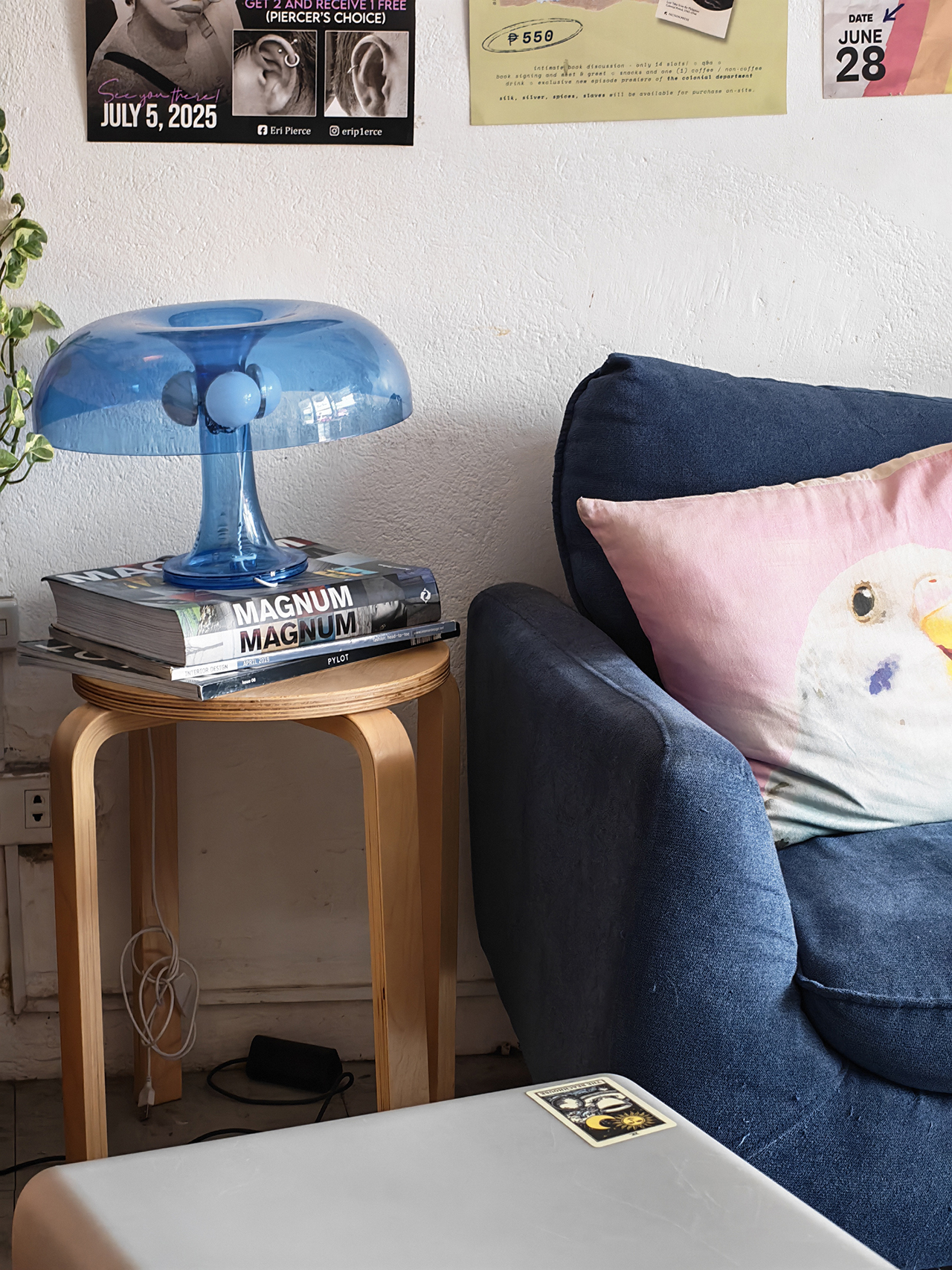
I recently found myself at Club Punta Fuego for a much-needed weekday reprieve, finally “trying” to appreciate the Mediterranean-inspired scenery I usually take for granted.
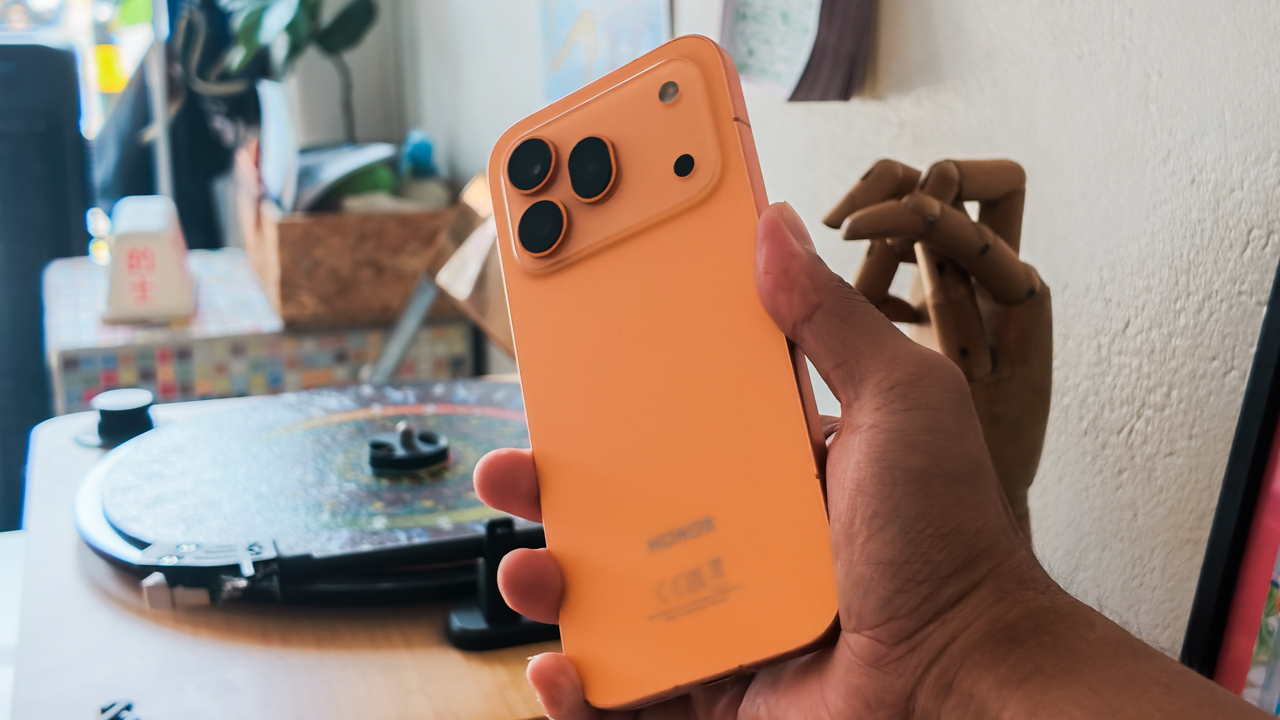
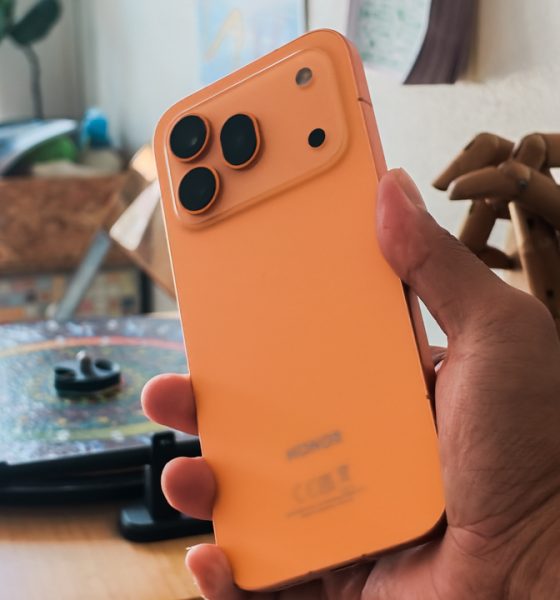
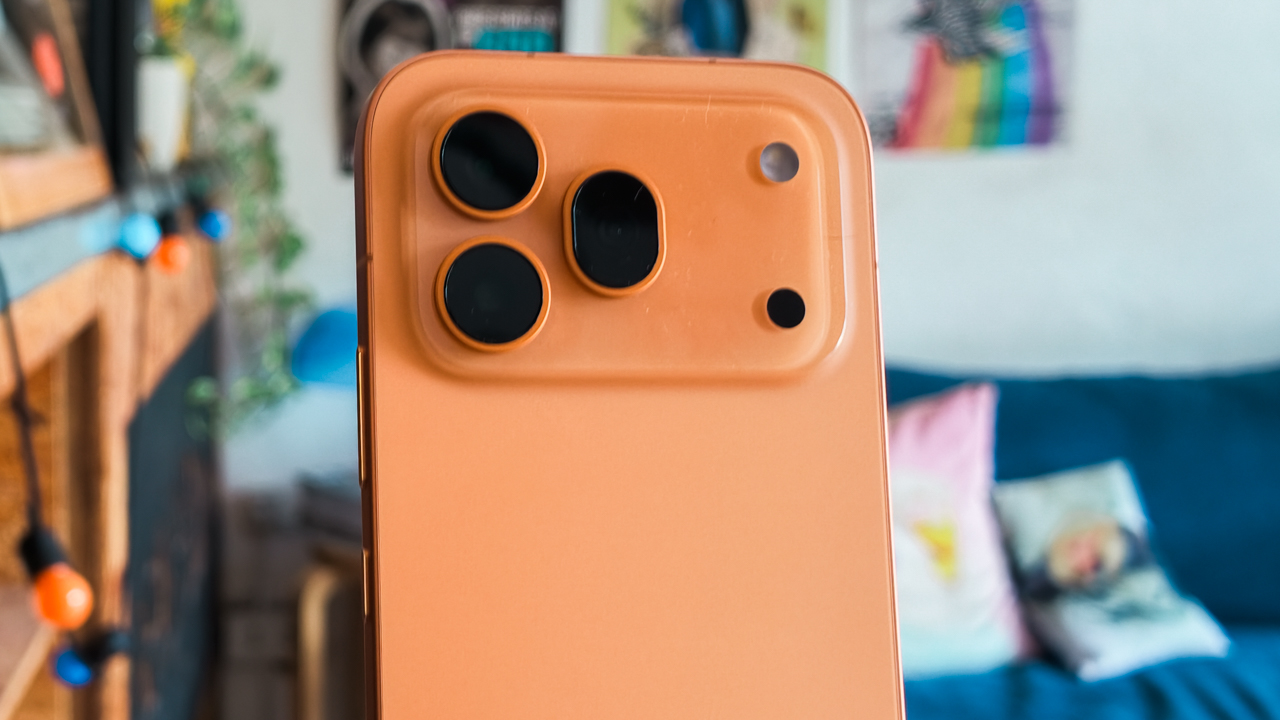
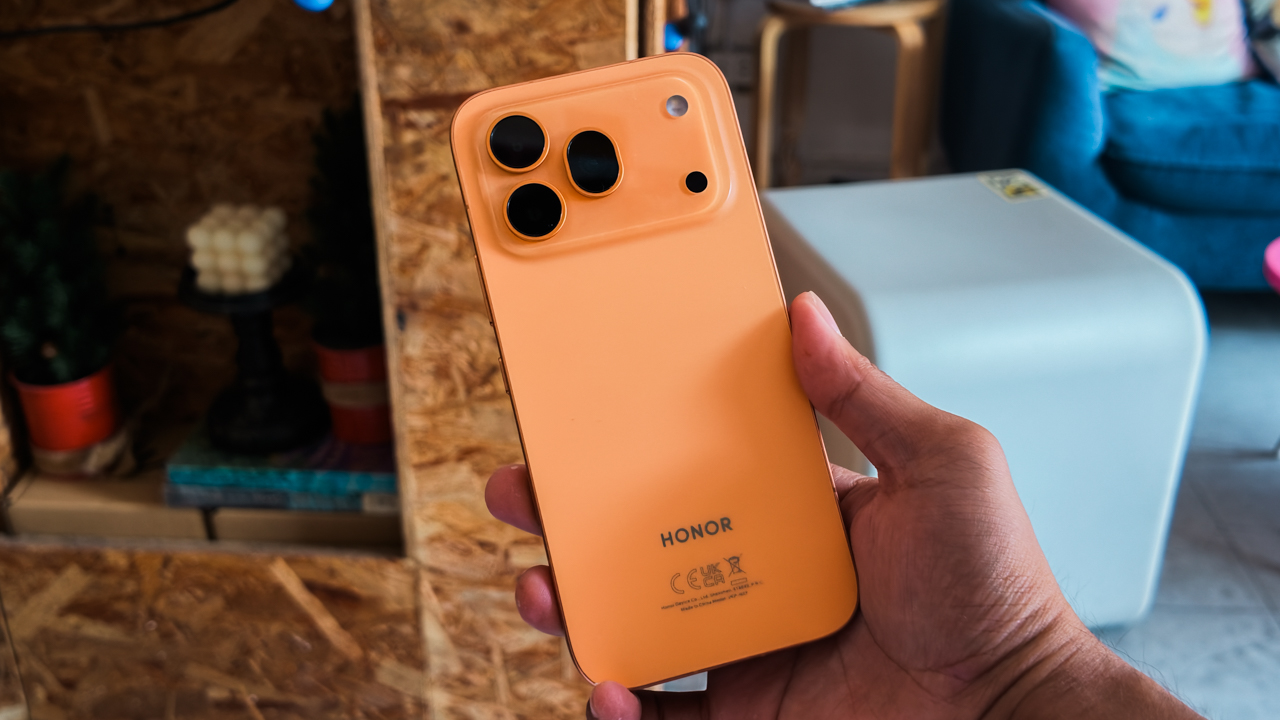
I took the new HONOR 600 Pro in Orange, and let me tell you, it fits the look of an exclusive enclave perfectly. It’s vibrant, bold, and undeniably luxe.
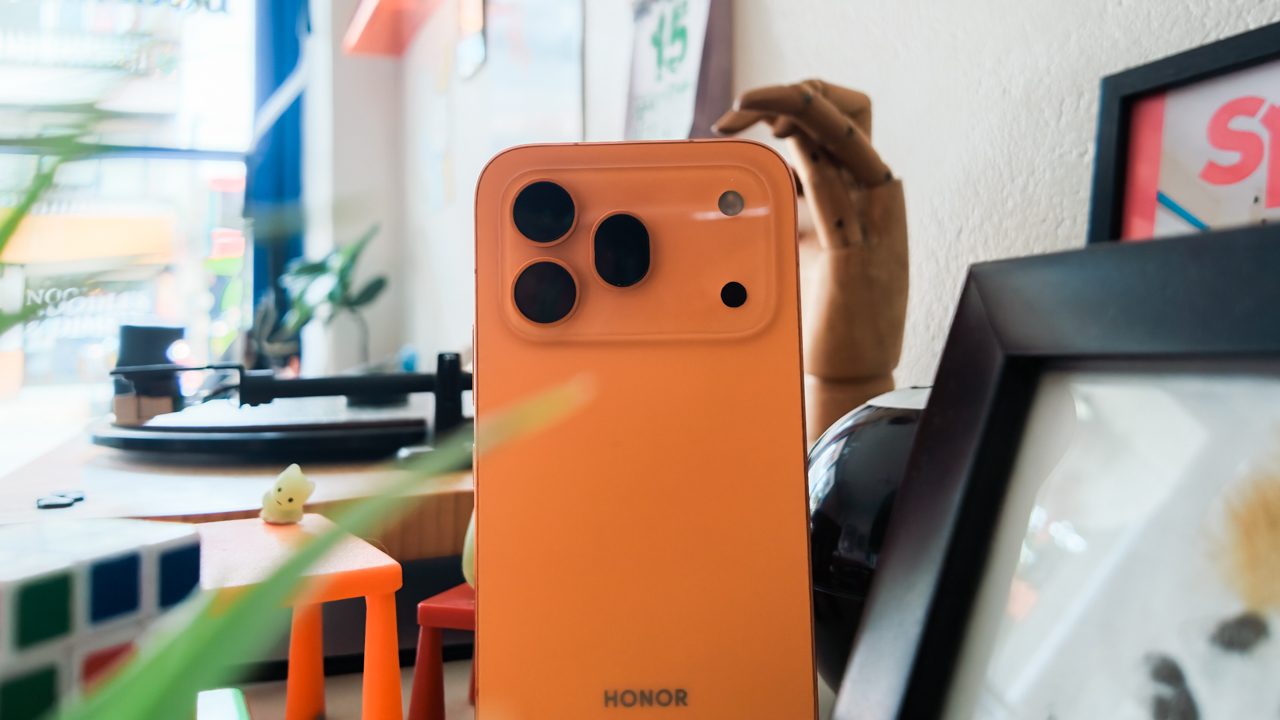
I used to live in a Spanish-inspired village atop a mountain ridge, which made me forget how much I adore the view of villas terraced masterfully into a cliffside with their sun-drenched stucco walls and terracotta roof tiles.
The craftsmanship of the phone reflects that same level of thought. Its unibody cold-carving process gives it a clean, unified appearance that feels curated rather than manufactured.
Held without a case — because slapping a plastic shell on this would be a fashion crime — it feels soft and ergonomic with a matte metal frame.
It makes it feel significantly more expensive than its price tag suggests.
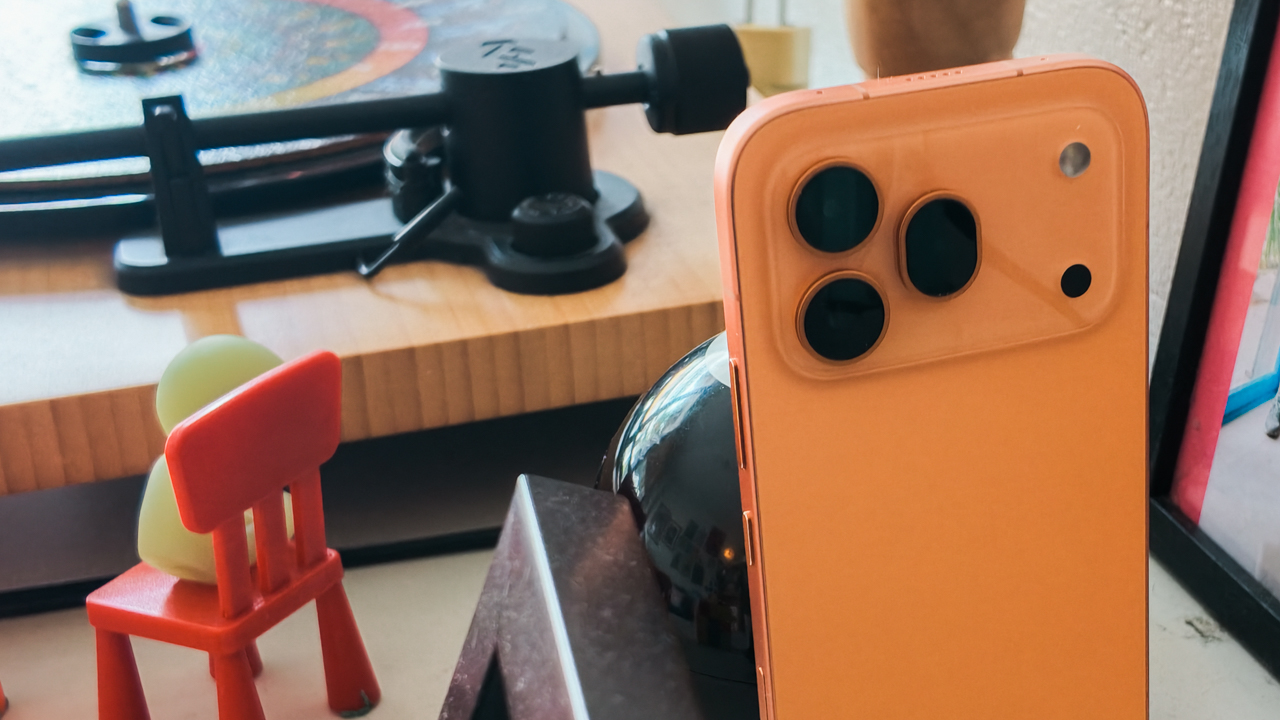
But what’s truly shocking is that something this sophisticated possesses rugged-level protection. With IP68, IP69, and IP69K ratings and an SGS 5-stars certification for drop and crush resistance, I don’t have to baby this phone when I’m throwing it into my classic local-made leather handbag.
My very own assistant button
Coming from an iPhone, the transition was surprisingly painless.
The size, ergonomics, and button placements are so similar to what I’m used to that I didn’t have the usual “tech-tantrum” trying to find the volume rocker.
But while my iPhone 16 Pro has that dedicated Camera Control, the HONOR 600 Pro counters with a dedicated AI Button that is, frankly, much more versatile.
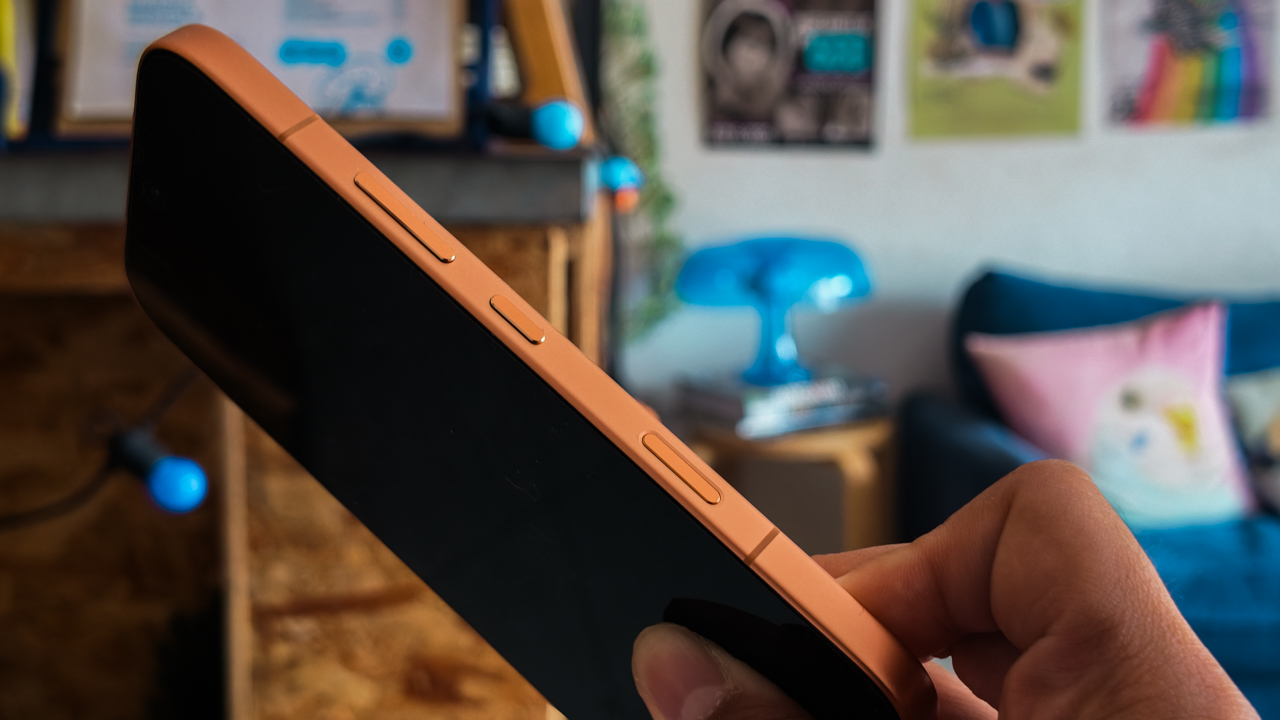
It’s HONOR’s response to the need for instant access, allowing you to choose exactly how you want to use it with short, double, or long presses.
For my own sanity, I set the short press to “no action” because I tend to click things for fun while I’m talking with my hands.
For the Double Press, I assigned the Camera option. It’s essential for when your fingers are wet from the pool and you simply cannot be bothered to swipe a screen.
The Long Press is where it gets truly editorial. You can choose from a suite of “Emily Charlton-level” efficiency features: AI Screen Suggestions, AI Settings Agent, AI Photos Agent, HONOR AI, AI Memories, or Google Lens.
I chose Google Lens ’cause I am an insatiably inquisitive person who needs to know exactly what species of exotic flower or obscure architectural style I’m looking at.
200-megapixel blueprint
As I transition from a journalist who observes to a creator who defines the aesthetic, “serviceable” gear is a firing offense.
When you are jet-skiing out to a yacht, hauling a trunk of professional lenses is not only impractical. It’s tacky.
You need one tool that performs with the precision of a seasoned editor under pressure.

It was while capturing sun-drenched stucco and terracotta of those terraced villas that I realized the HONOR 600 Pro makes photography feel like an indulgence again.
To the hardcore tech purists currently salivating over sensor charts: yes, it features a massive 200-megapixel main camera sitting on a 1/1.4-inch sensor.
But let’s be clear: this is for the artist who understands that the real magic lies in the 16-in-1 pixel binning, which creates a 2.24µm super pixel.
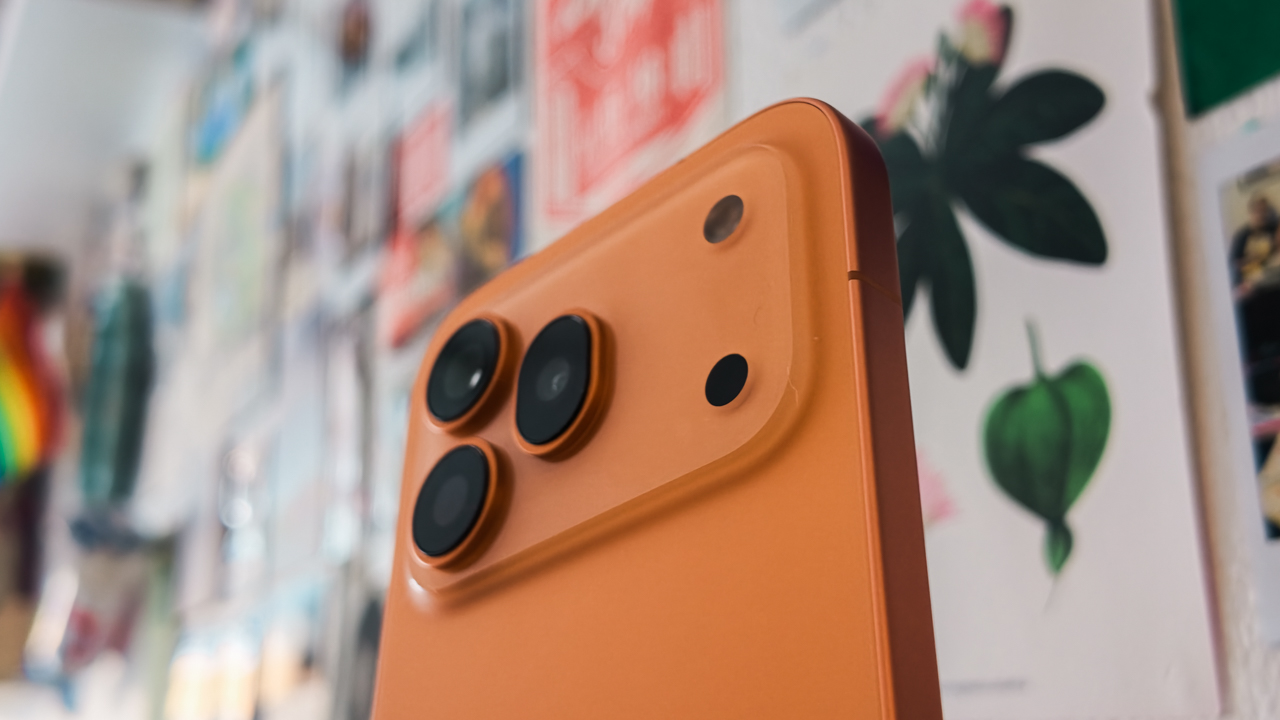
It ensures that every travel shot looks “expensive” and crisp, rather than the grainy, “budget” output we’ve come to expect from anything below the premium price bracket.



Aesthetically-pleasing story
What truly piqued my interest, however, is how this device effectively removes the indignity of tedious post-processing.
The AI-Color Engine steps in as a bespoke digital colorist. It eliminates those amateur yellowish or reddish casts that plague conventional smartphones.


For those of us who have spent far too many hours in Adobe Lightroom, the Magic Color feature is a total obsession.
It offers one-tap emulations from iconic brands like Kodak and Fujifilm. As someone whose favorite travel memories are usually defined by a specific Fujifilm recipe, seeing that fusion of professional color science in a device that fits in my clutch was… groundbreaking.


Unshakeable composure
Most of the time, I am quite literally in transit — flitting between velvet-roped lobbies and airport tarmacs — and if there is one thing I’ve learned, it’s that the world doesn’t pause for a pretty shot.
I may have inadvertently cultivated that frantic image of an “old person” desperately chasing a subject out of a moving car window. But in this industry, speed is a requirement, not a choice.
Surprisingly, the HONOR 600 Pro possesses a level of composure that most humans lack under pressure. It features a Dual-OIS system — the only one in its segment — that has achieved a CIPA 6.0 professional certification on the main camera. It’s got an even more impressive CIPA 6.5 for the periscope telephoto.






To the hardcore tech crowd currently hyperventilating over a specsheet: this isn’t about benchmarks or raw processing data.
It’s about the fact that I can take handheld night shots at 10x zoom and maintain a crystalline sharpness that usually requires a tripod and a very patient assistant.
For the artist who wants that premium flagship stability without the expensive price tag, this 50-megapixel periscope telephoto is your secret weapon, hitting an industry-leading 120x digital reach.
The real magic happens at 7x, where the AI Super Zoom 2.0 kicks in to refine architectural lines and textures that lesser phones would simply blur into oblivion.
Curating the perfect moment
Being out and about most of the time means I occasionally forget to “capture the moment” in full motion.
Or, more frequently, I fail to get the shot I want because the composition is ruined by a stray tourist in the background.
While my biggest flaw is a Miranda Priestly-level obsession with perfection when it comes to composition, I’ve found my own Andy Sachs in the Moving Photo Eraser.
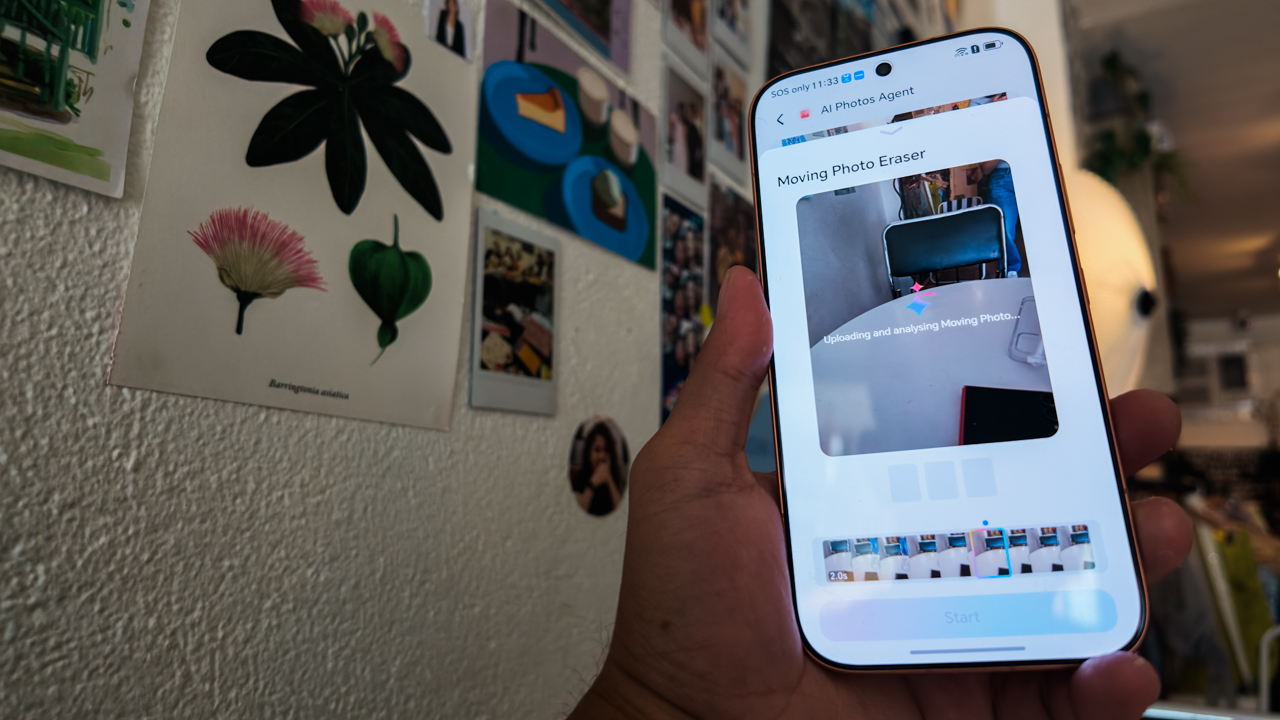
It allows me to remove unwanted people from my shots with a single, elegant tap, ensuring the focus remains solely on me or the intended aesthetic.
But the feature that truly gave me pause is the AI Image to Video 2.0. Last year, generating image-to-video content felt a bit like wearing a lumpy, cerulean sweater: utilitarian, but lacking soul.
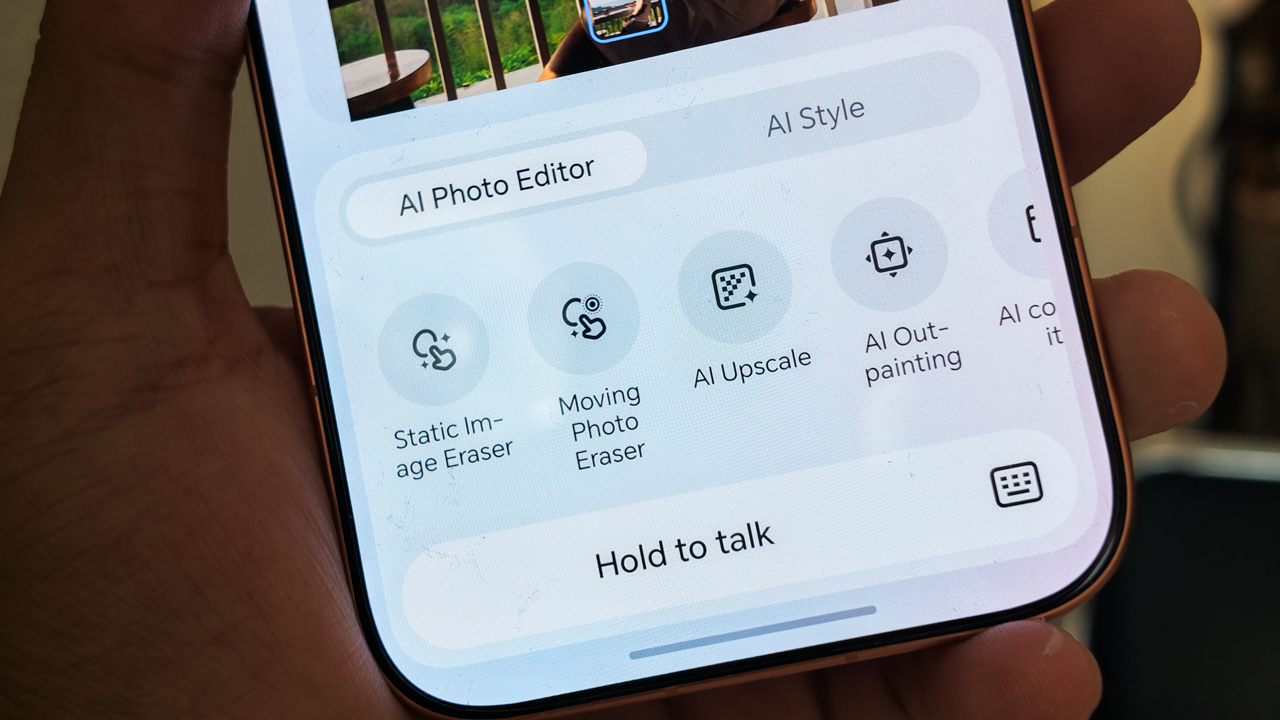
This time around, the experience is different. Using simple text prompts, you can create cinematic 3-8 second video sequences from still photos. While social media is currently drowning in “AI slop,” my colleagues and I have come to realize that AI only gets sloppy when the user is mediocre.
When I took this feature for a spin, I utilized the first-and-last frame mode to shape my story instead of letting the machine generate random clips.

My human touch enabled me to take two images captured during a sunset at a cliffside restaurant in Punta Fuego and turn them into a sophisticated narrative.
Instead of a digital mess, I produced a video of me looking into the camera before turning back to the sun-drenched horizon.
This feature is a literal lifesaver for creators who get so caught in the moment that they only take photos. It allows you to “stitch” those memories into high-gloss reels and stories after the fact.
A diplomatic relationship
I’m going to be real with you: even though I’m a multi-device person, my life is essentially lived inside my iPhone 16 Pro.
The upgraded OneHop technology made my career pivot much smoother because it enables seamless connectivity with my existing gear.

All the high-resolution photos and videos I take on the HONOR 600 Pro can be transferred to my iPhone or MacBook with a single tap.
It means I don’t have to adjust the workflow I’ve spent years perfecting. You just download the HONOR Connect App, activate OneTap, and suddenly your Android and your Apple gear are speaking the same language.
Uninterrupted workflow
In the world of media and publishing, there is no such thing as a “definitive end time.”
You are either on, or you are irrelevant. To survive the pace, I require a workflow that refuses to stutter. I need my own, high-functioning Emily Charlton.
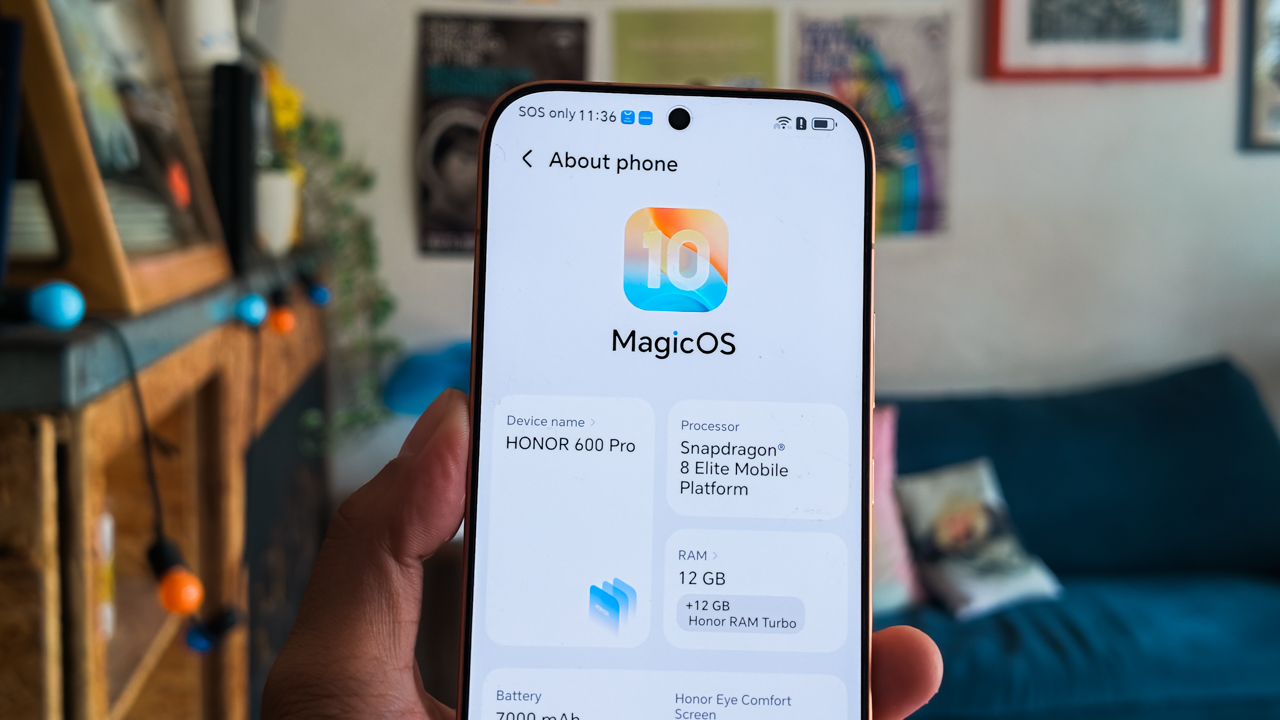
The HONOR 600 Pro delivers this through the Snapdragon 8 Elite processor, which provides the massive computational headroom required for real-time AI video generation.
Powering this relentless hustle is a 7,000mAh battery — the most substantial in the history of HONOR’s Number Series — miraculously tucked into that razor-thin 7.8mm profile.
It offers a genuine two-day endurance that feels like a literal lifesaver, especially in the tropics where the heat usually saps a battery’s will to live before lunch.
When I do find a spare moment to top up, the 80W Wired and 50W Wireless SuperCharge get me back to 50% faster than it takes for me to apply my BLK Radiant Glow Filter.
And because I’m often the only one in the room with my life together, the 27W Wired Reverse Charging means I can even bail out a colleague whose iPhone has inevitably died mid-interview.
Now Playing: Olivia Dean’s “A Couple Minutes” (Live from The MOBO Awards 2026)
With the sudden, bold resurgence of Orange dominating the pop culture, all my summer-exclusive citrus items suddenly felt relevant again.
Watching Olivia Dean’s performance at the MOBO Awards 2026 — bathed in that mesmerizing, warm orange stage lighting — was a vibe-check.
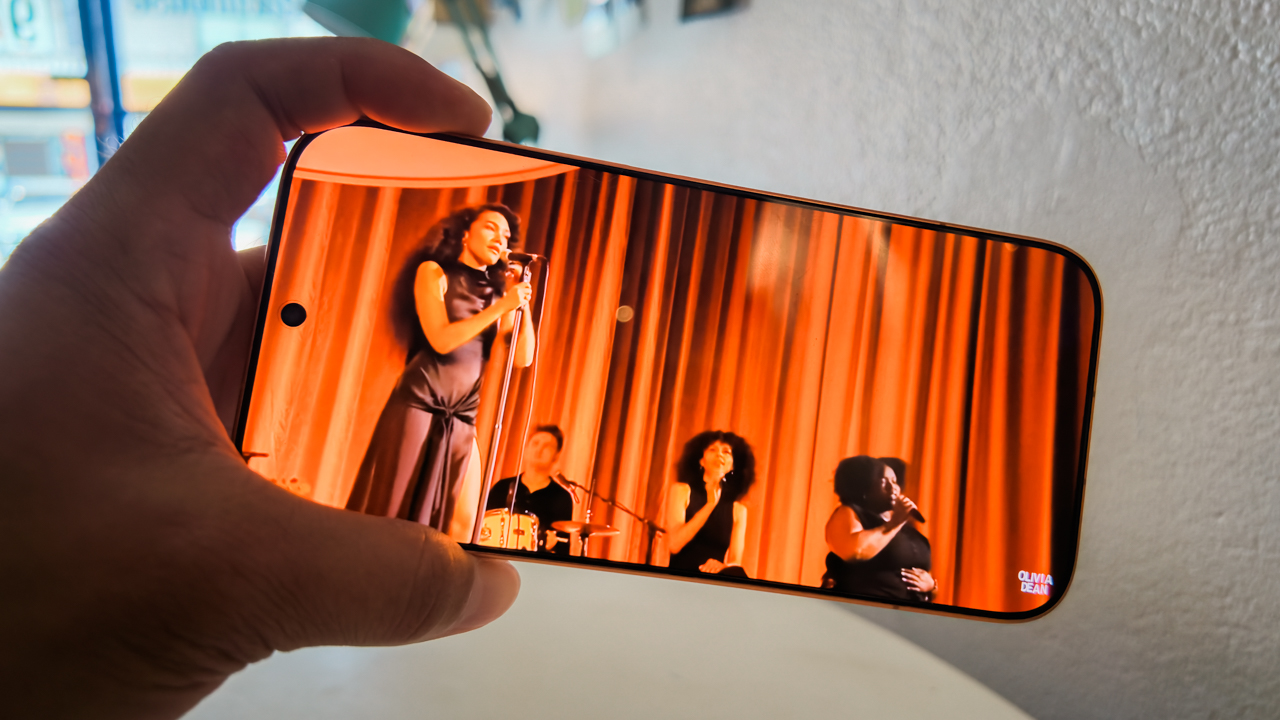
The screen hits an astronomical 8,000 nits of peak brightness, but its true editorial utility lies in Sunlight Mode. It sustains 4,000 nits even in the most unforgiving outdoor glare.
I was able to quite literally “tune” in and enjoy those ‘a couple minutes’ of soul — pun absolutely intended — on this 6.57-inch display while lounging at the Lower Beach Club at Punta Fuego.
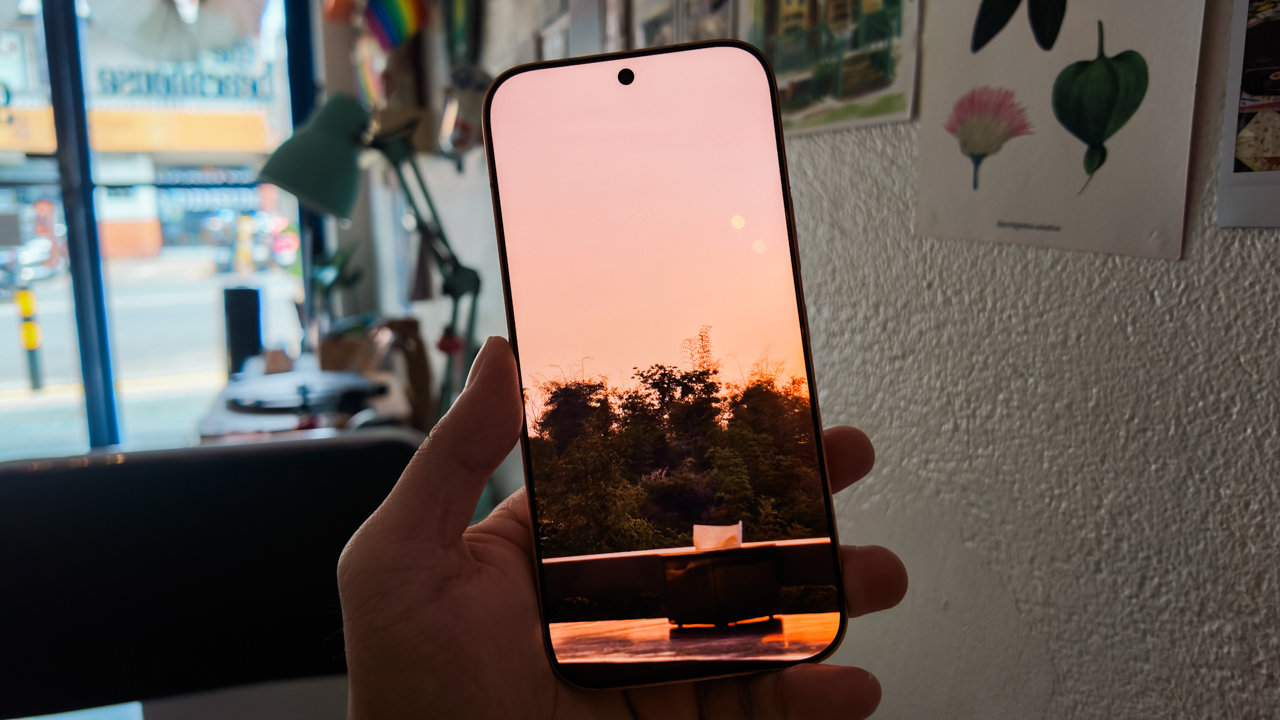
This level of luminance also allowed me to curate my Instagram edits while completely sun-drenched, without the indignity of squinting or removing my sunglasses.
For its segment, the HONOR 600 Pro’s display is the highest visual standard in its class. It possesses a 3,840Hz dimming frequency to keep your eyes fresh and a 120Hz refresh rate that makes every frame of content look as vibrant and fluid as the real thing.
Price of perfection
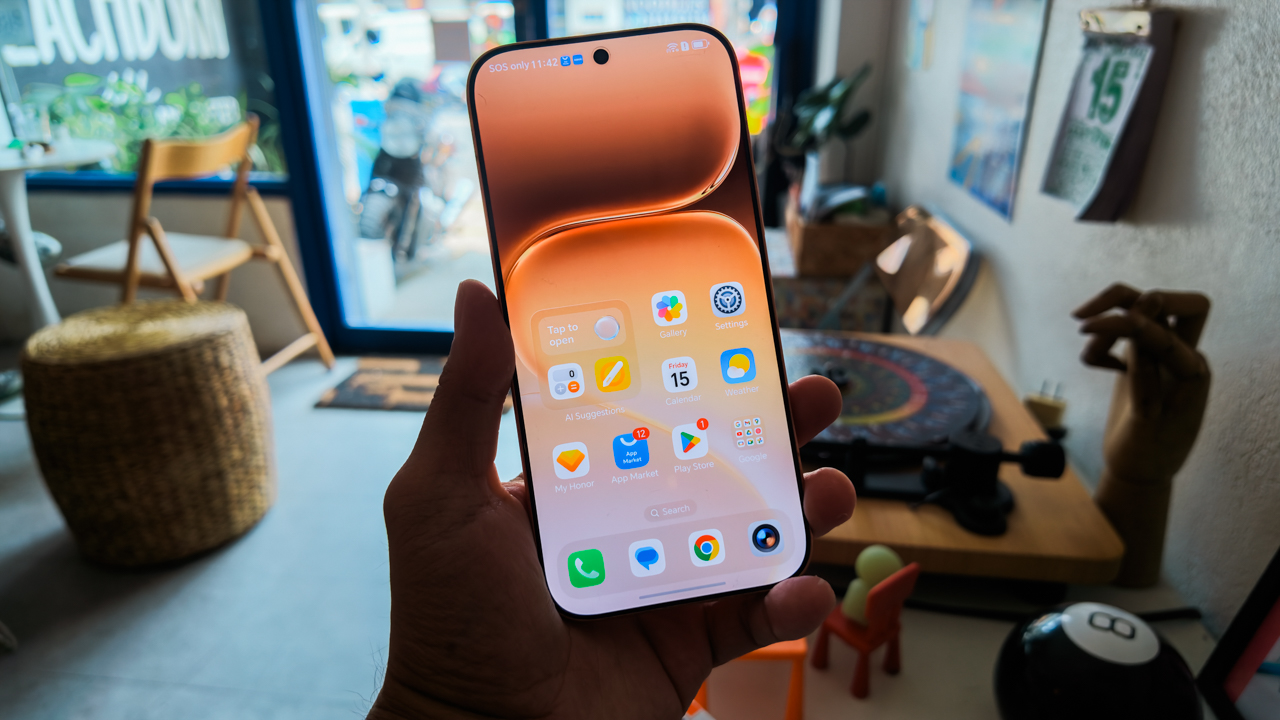
The HONOR 600 Pro comes in Orange, Golden White, and Black. In Europe, the 12GB/512GB model is priced at EUR 999.99, while in the UK, it retails for GBP 899.99.
In the Philippines, this same variant retails for PhP 49,999 — a sweet spot for those who remember when flagships didn’t cost a literal fortune. Meanwhile, Malaysia offers a 12GB/256GB variant for MYR 3,099 and a 12GB/512GB variant for MYR 3,299.
Is the HONOR 600 Pro your GadgetMatch?
I have little to say regarding the hardware of the HONOR 600 Pro, simply because excellence rarely requires an apology.
Even the software — an area often cluttered with the “AI slop” of less refined brands — is executed with a level of intentionality that feels more like a seasoned intern than a buggy beta.
While it rivals the sleekest competitors in its class, the HONOR 600 Pro wins on sheer pedigree, specifically through its Magic Color and AI-Color Engine.
The photographer in me is relieved to finally have a tool that eliminates the need for a grueling color-grading suite.
In a way, the HONOR 600 Pro is the best choice for the creator who refuses to choose between a powerhouse and prêt-à-porter.
If you are someone who finds joy in soulless benchmarks and overclocking a processor until it screams, let me be clear: Swipe Left and move along. This isn’t for you.
For the artist, visionary, and creators who has a premium taste but knows that a professional-grade experience shouldn’t cost the price of a vintage Vespa, Swipe Right. At its price range, it offers the flagship soul we all miss from the days before prices spiraled.
For me, it’s a Super Swipe. Even though you’re getting a device that sits at the highest end of its bracket, it delivers the nuance of a well-lit portrait, the stability of a high-speed chase, and a battery that survives even the most double-booked day.
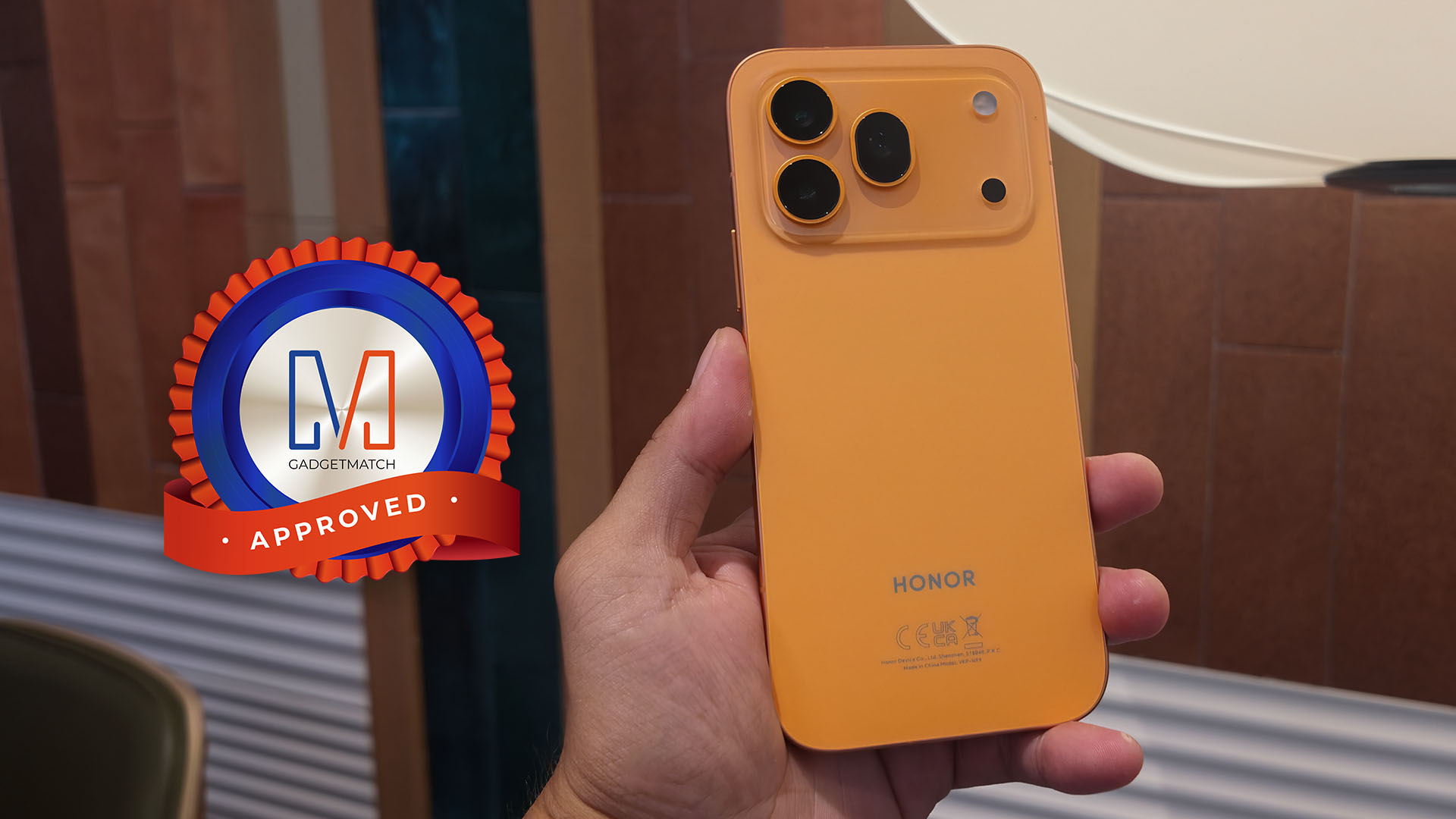
And for that, we are giving it the GadgetMatch Seal of Approval. It’s for the visionaries who know that “that’s all” is never actually enough.





Laptops
30 days later with the ASUS ExpertBook Ultra: Like seeing an ex
Felt exactly as I remembered.

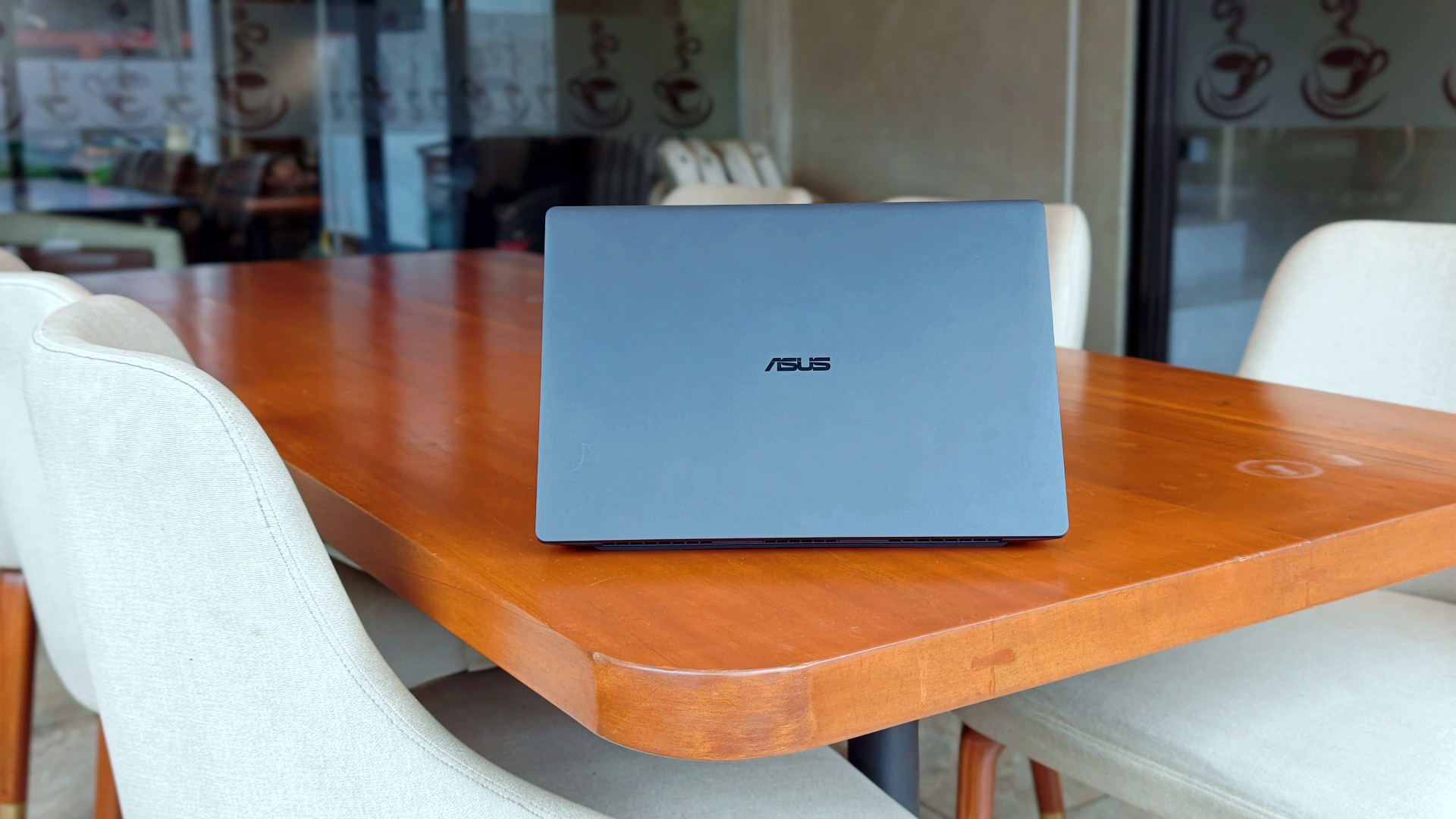
I genuinely thought that was it.
The review was done. The feature was out. ASUS had already collected the laptop. In my head, the campaign was over.
Then, out of nowhere, they sent it back.
Between the original review period and this unexpected encore, I ended up living with the ExpertBook Ultra for close to 30 days.
I wasn’t expecting to spend more time with it, but I certainly wasn’t going to complain. If anything, I just hoped they wouldn’t ask for it back again anytime soon.
Picking it back up felt familiar.
Like seeing an ex.
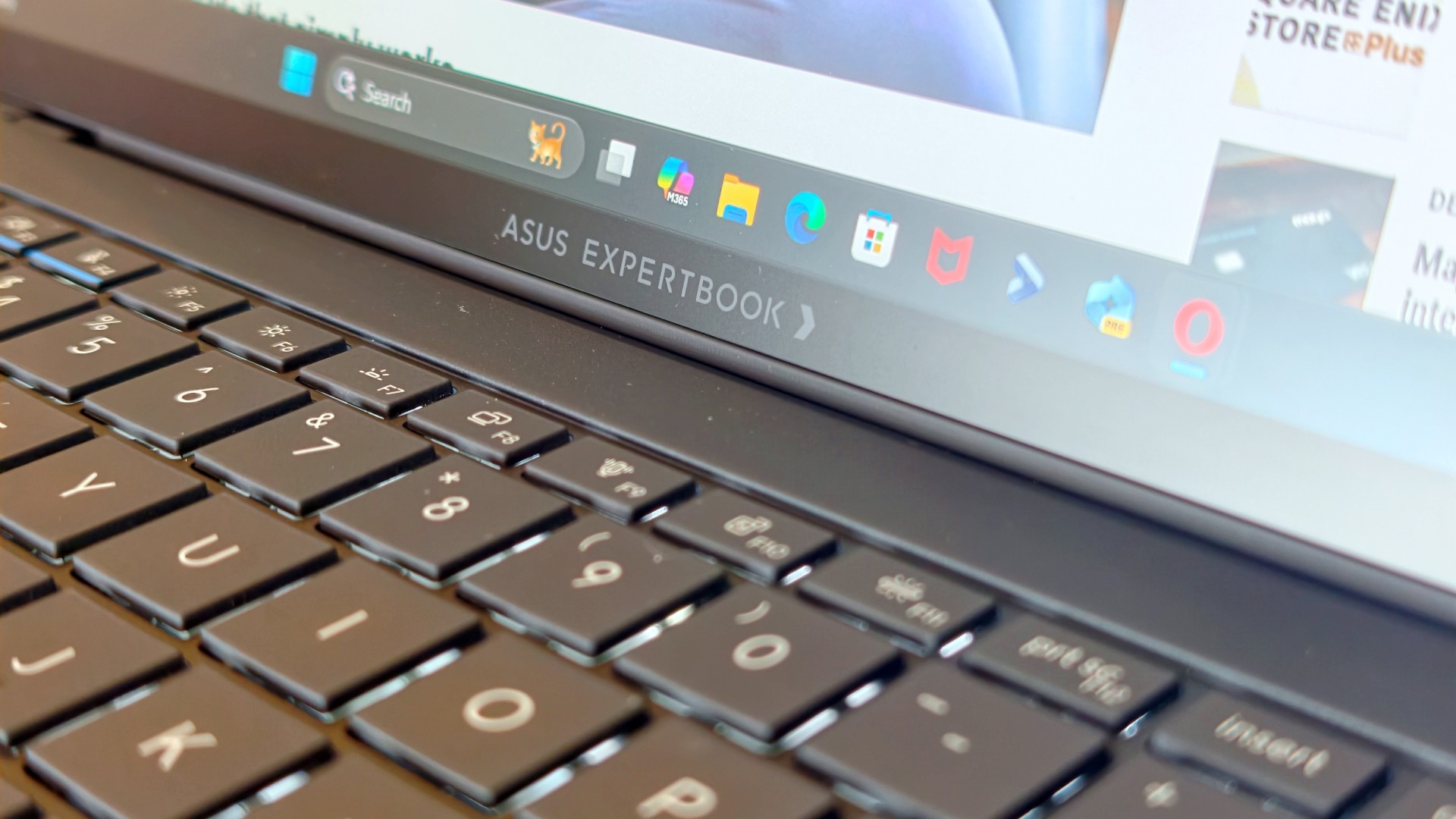
The butterflies came back almost immediately. So did everything I remembered about it.
It also got me thinking.
Maybe the best follow-up to a review isn’t spending another week with a laptop. Maybe it’s asking yourself one simple question:
How much did you actually miss it after it was gone?
That question was surprisingly easy to answer.
It still feels impossibly light
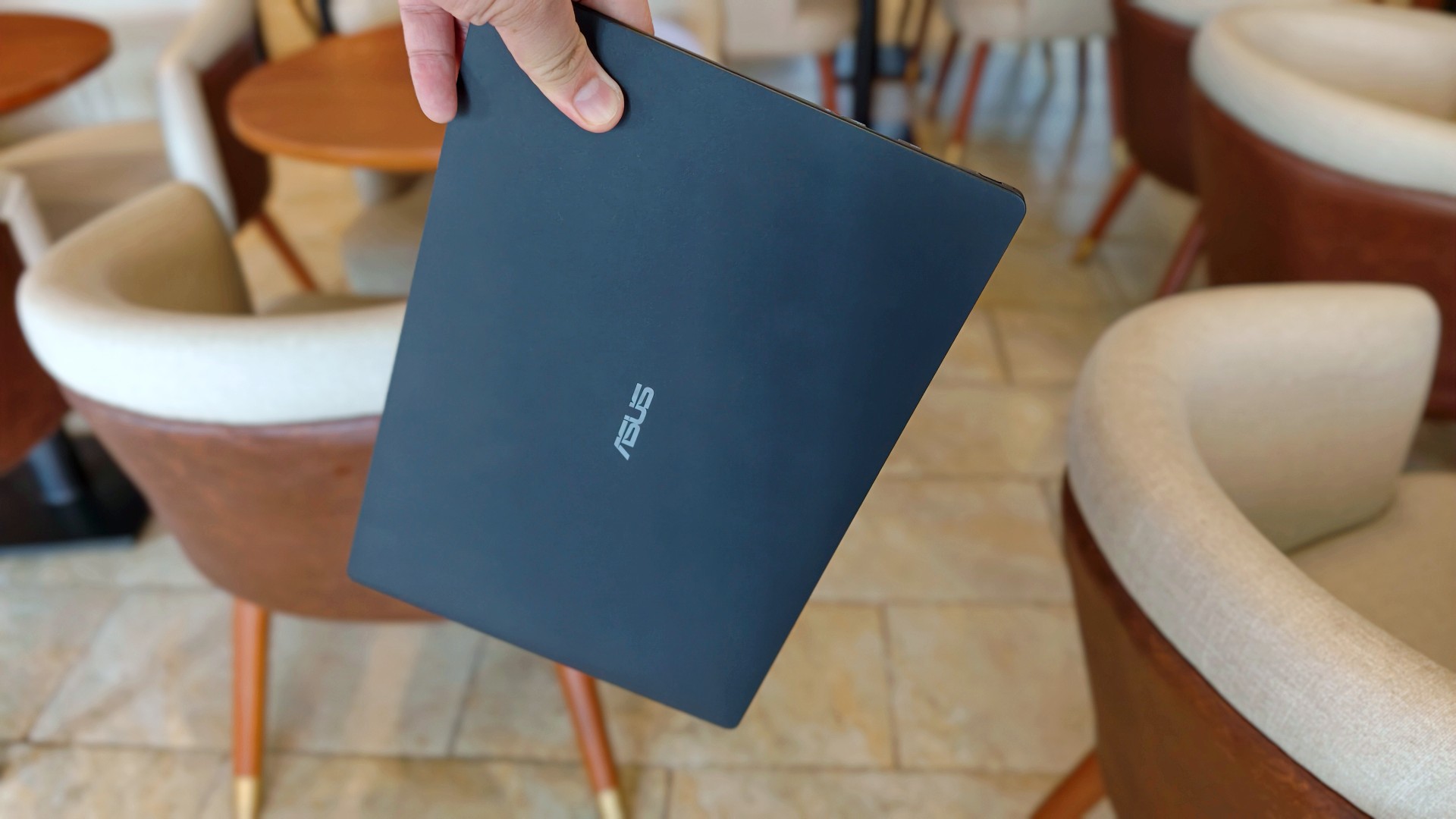
The first thing I noticed wasn’t the display. It wasn’t the keyboard either.
It was the weight.
That became painfully obvious on days when I absolutely had to bring my laptop around. The 0.99kg starting weight really does make a difference when you’re bouncing between cafés, meetings, and wherever else work decides to take you.
So when the ExpertBook Ultra came back, it slipped right back into the same routine. Same cafés. Dinner after. Then back home where work usually followed me all the way to bed.
Most definitely inside the Bravo Tote V2. I upgraded my bag too lol.
The thing I noticed almost immediately wasn’t that it was light. I already knew that. It was how quickly everything came back.
Like we never parted.
The ASUS ExpertBook Ultra is still everything I want my MacBook Pro to look and feel like.
I still have a weird relationship with the Nano Ceramic finish
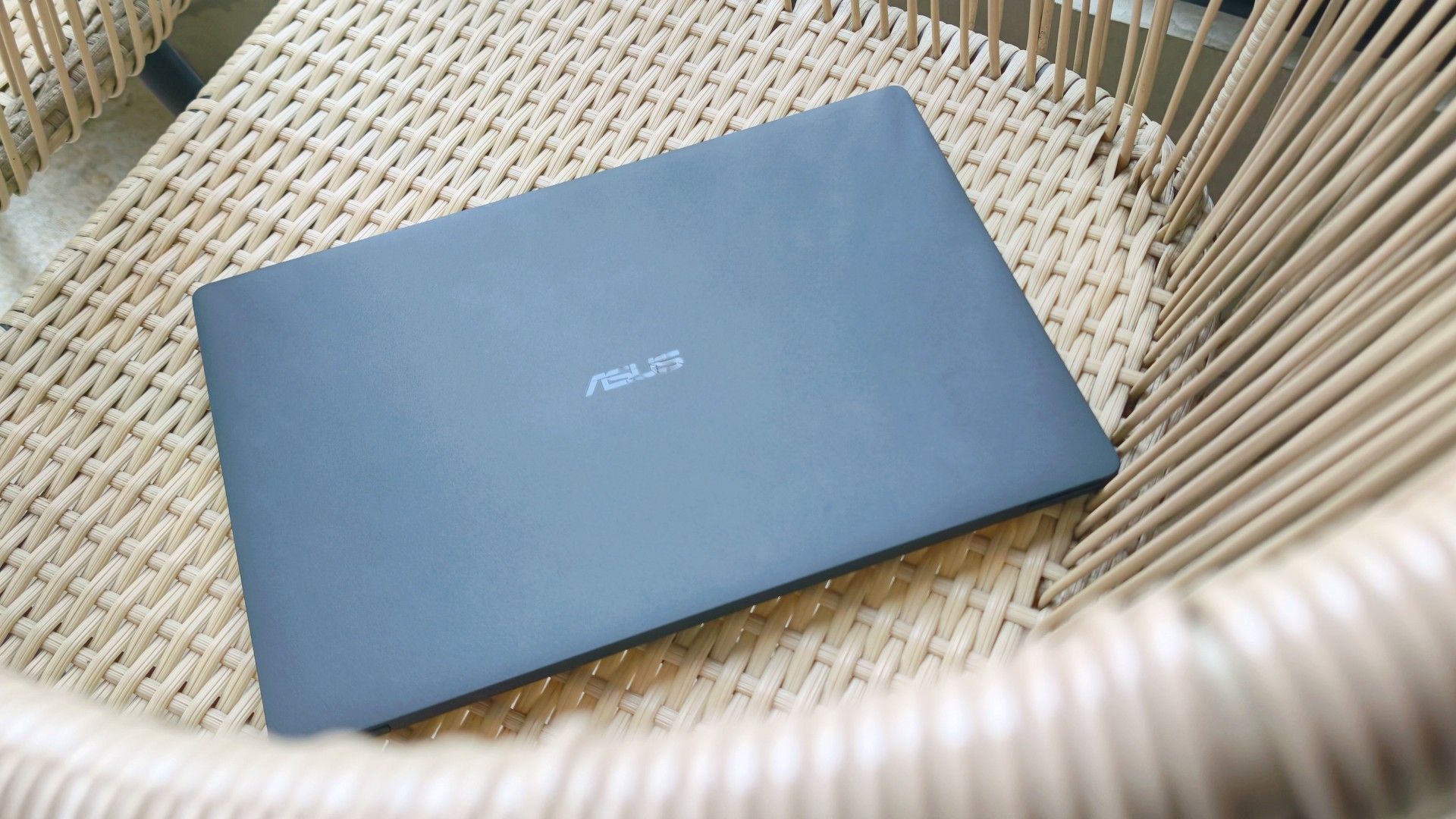
I know this sounds ridiculous, but I still catch myself running my hand across the lid before opening the laptop.
It’s just become part of the ritual.
Pick it up. Marvel at how light it is. Run my hand across the 9H Nano Ceramic finish. Then get to work.
One of the things I wondered after ASUS took the laptop back was whether I’d still care about the finish once the honeymoon phase had worn off. It felt like one of those features that would naturally lose its magic over time.
Apparently not. If anything, the time apart made me appreciate it even more. And as I continued to use it, these words came to mind: “I wish we never parted. I wish you stayed. And I wish you never go away.”
I forgot how much I liked working on it
One thing that didn’t change while the ExpertBook Ultra was away was the kind of work I do.
The breadth and depth of it certainly didn’t magically change. I still spent my days coordinating projects, replying to emails, juggling deadlines, and letting ChatGPT help me process unresolved feelings and questionable timing in between writing articles.
That also meant I wasn’t really the target audience for some of the ExpertBook Ultra’s AI for Work features. I appreciated having tools like MyExpert, AI ExpertMeet, and Copilot+ within reach, but my workflow rarely called for them. Most days, I was simply too busy doing the work instead of exploring new ways to do it.
Although, I will say I did a lot more coordination work than the emotionally charged reviews and features I usually enjoy writing.
I also started editing a reel before eventually handing it over to one of our video editors for reasons completely unrelated to the ExpertBook Ultra. Rodneil issue.

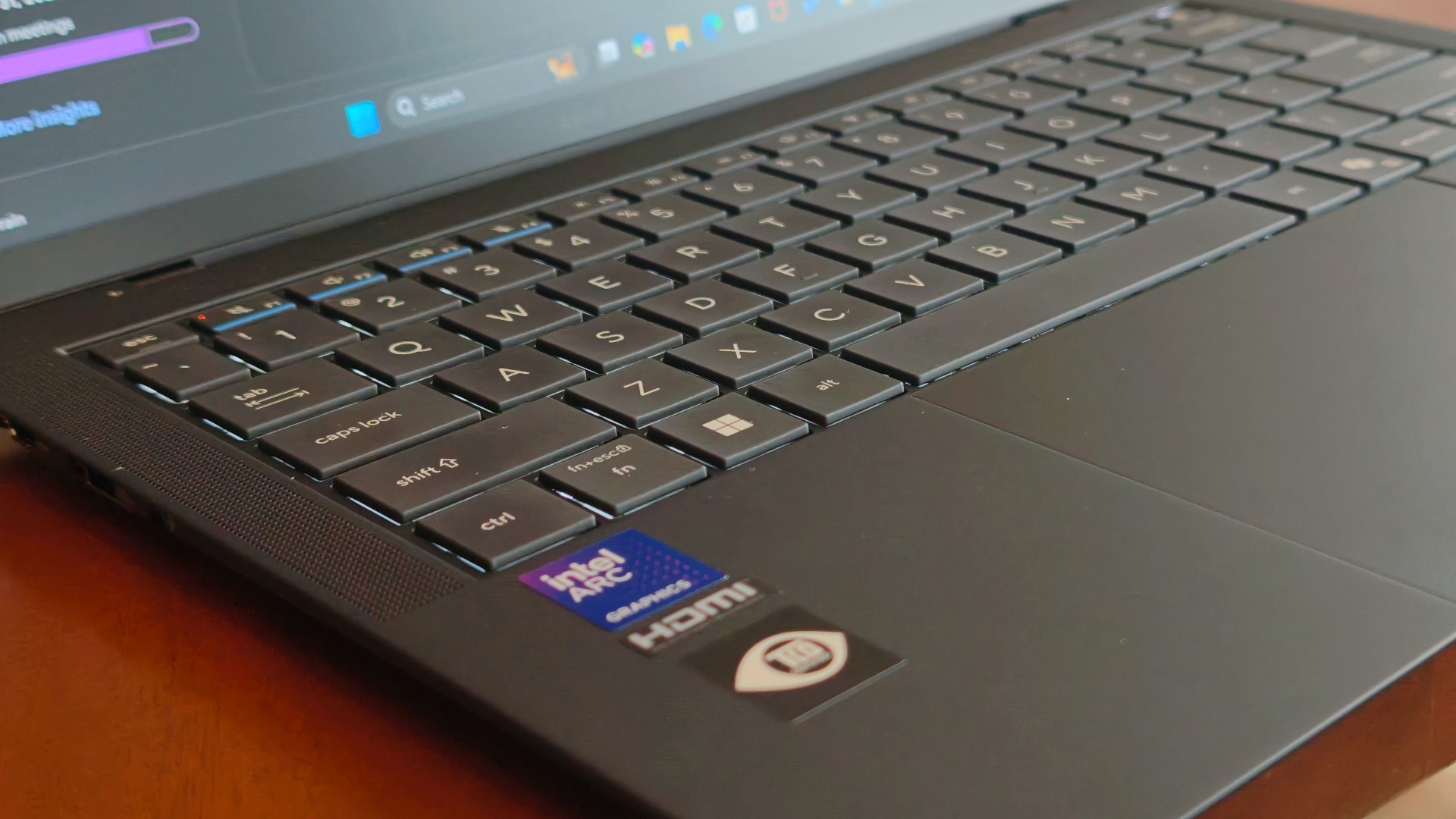
The keyboard, though, was just as lovely as I remembered. The 1.5 mm key travel still struck a nice balance between comfort and responsiveness, while the ASUS ExpertCool keyboard with its Excimer UV coating gave me one less thing to worry about during long workdays.
People often say a good keyboard is one you stop thinking about. I never did.
Every now and then I’d be halfway through an article and randomly catch myself appreciating how good it felt to type on. It’s one of those things you don’t expect to notice after days of use, but somehow you still do.
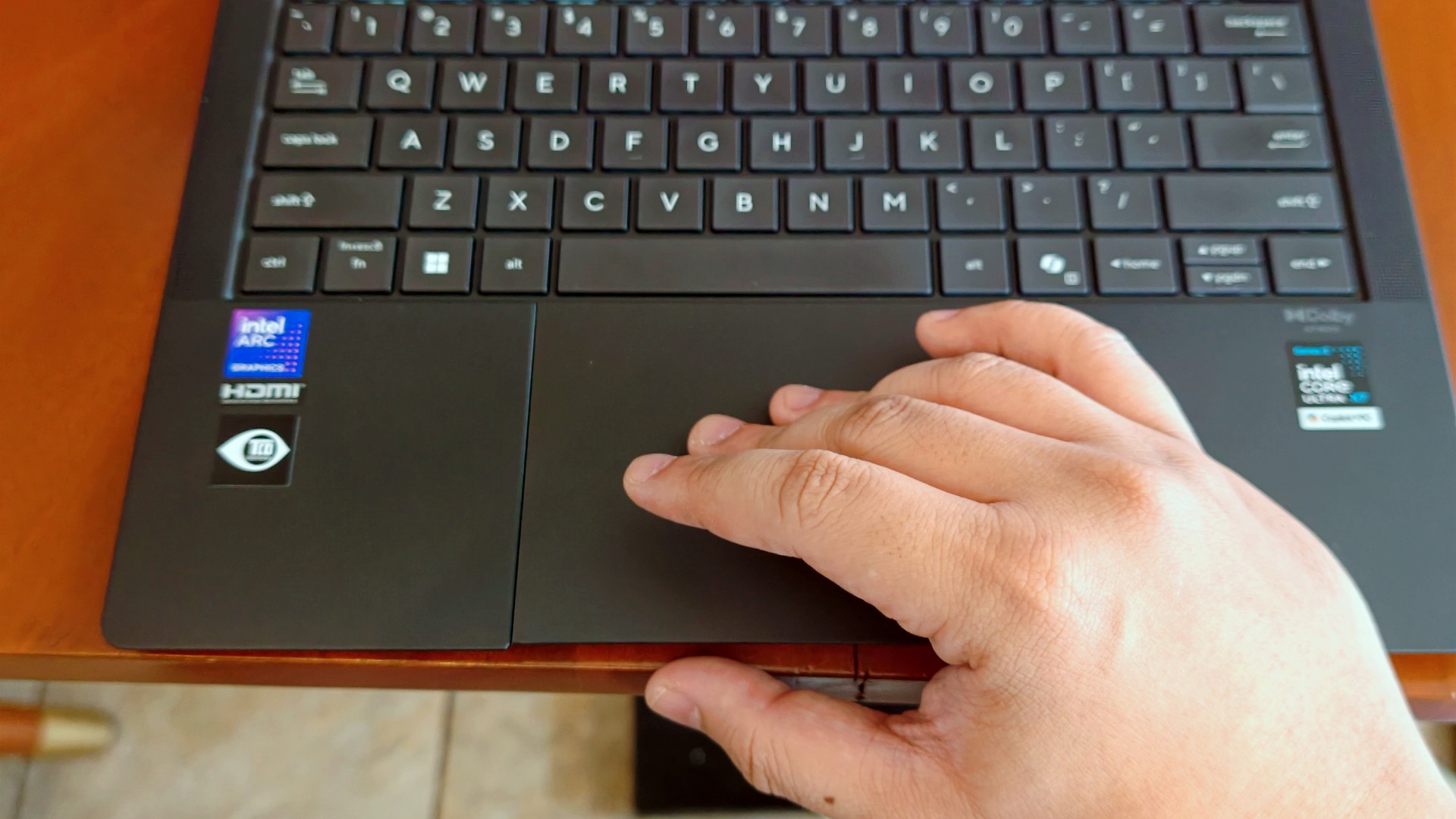
The haptic touchpad, on the other hand, started feeling like it was fighting me a little this time around. I still think that’s more of a software thing than an ASUS thing. If there’s one thing Apple still has over practically everyone else, it’s the MacBook trackpad.
That said, I still never found myself reaching for a mouse.
I got distracted… again (thanks, 3K Tandem OLED)

Eventually, though, my brain would tap out.
That’s usually when I’d stop pretending to be productive and switch to whatever was helping me decompress that week.
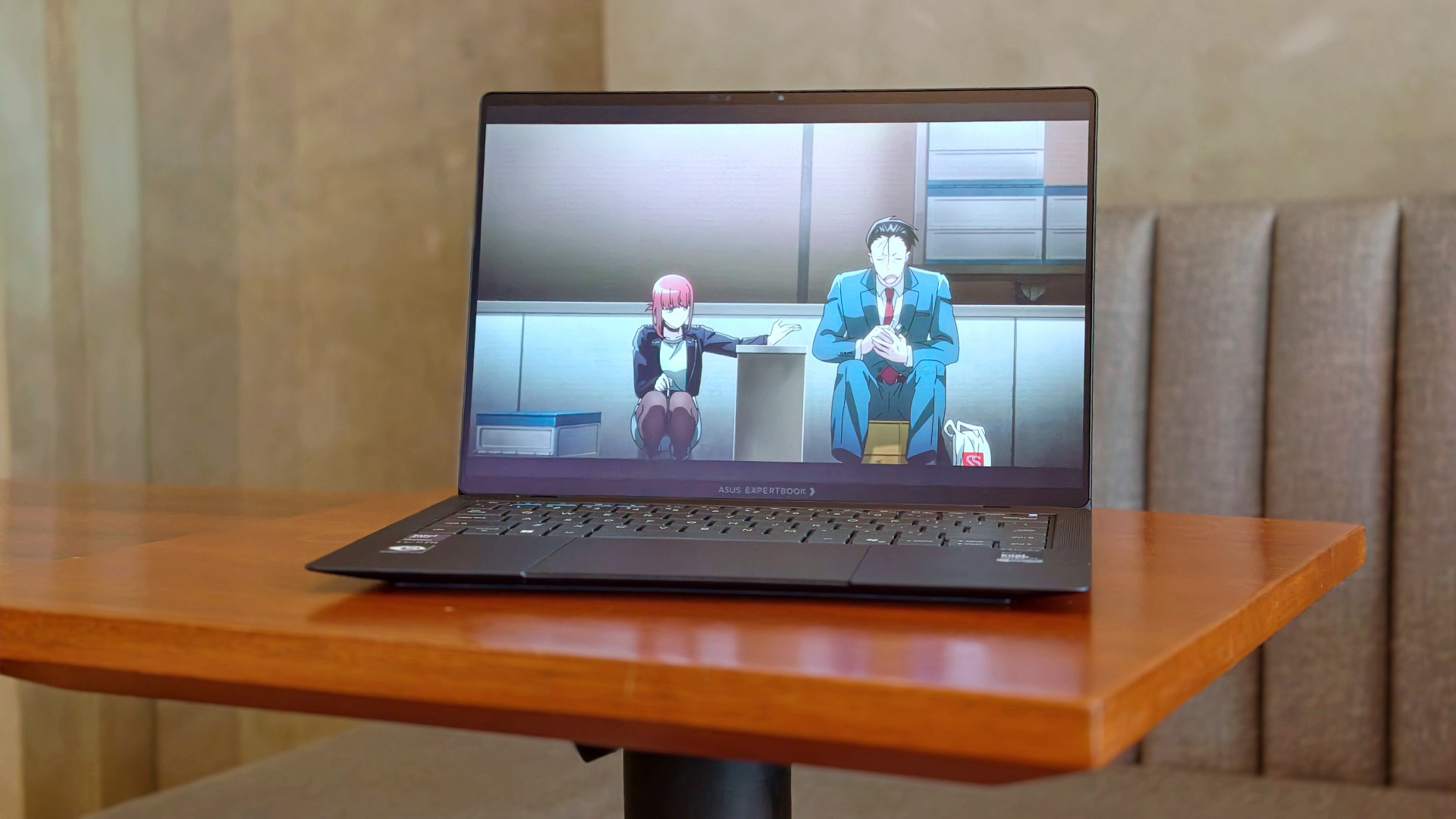
This time, it was See You at Work Tomorrow. I initially watched for second female lead Kang Mina (due for a lead role, btw) but got hooked with the rest of the cast pretty quickly.

I also started Smoking Behind the Supermarket With You. It’s quietly become one of my comfort shows of late.
And naturally, there were the occasional fancams. This time, mostly of Kim Chaewon during LE SSERAFIM’s PUREFLOW concert stops.
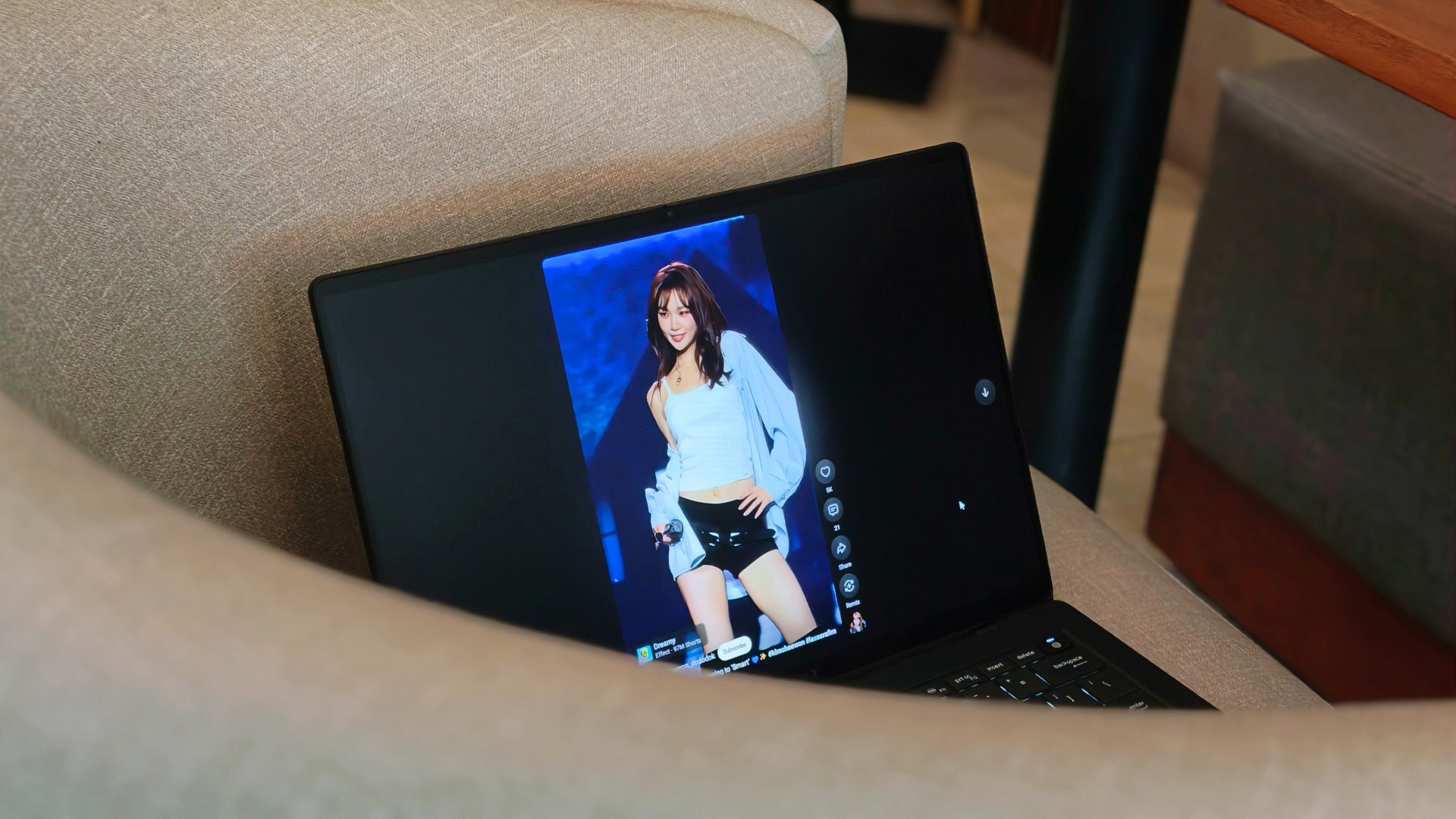
Funny enough, I don’t think I consciously appreciated the 3K Tandem OLED display as much this time around. I think I just got used to how good it looked.
Somewhere between deadlines, comfort shows, anime, and Chaewon fancams, I stopped noticing the display altogether. I just enjoyed whatever happened to be on it.
That’s probably the highest compliment I can give it.
Turns out, I hadn’t changed my mind

One of the reasons I was genuinely happy the ExpertBook Ultra came back was because I wanted to see whether I’d remembered it too fondly. After all, that’s usually what time does. You remember the good parts, forget the little annoyances, and convince yourself something was better than it actually was.
That never happened here.
If anything, getting the laptop back just reinforced the conclusions I had already come to the first time around. It still feels impossibly light. I still think it’s everything I want my MacBook Pro to look and feel like. And yes, I still wish it ran macOS.
Sorry, Windows.
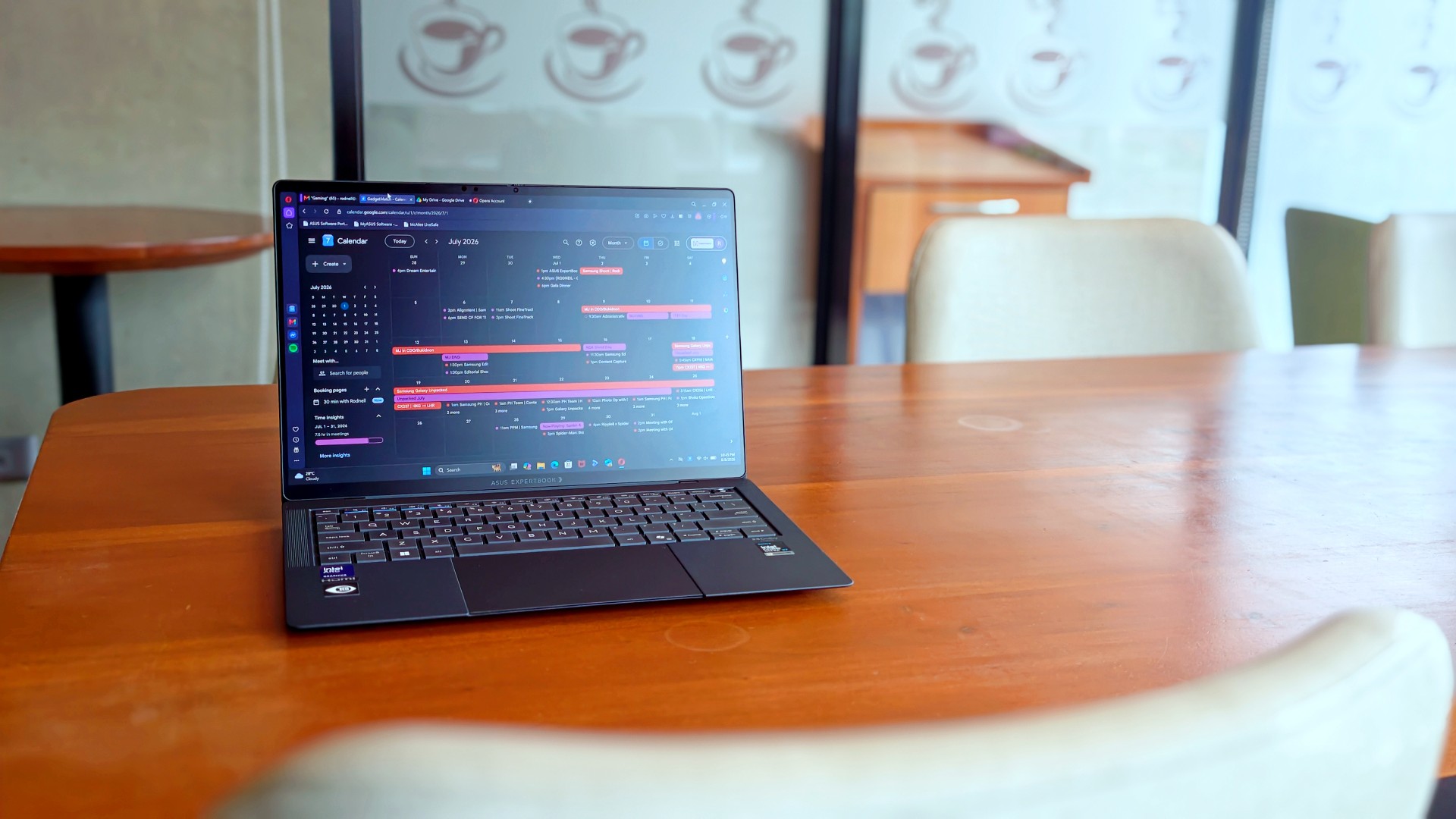
What surprised me more was that I never really found myself looking for reasons to disagree with my original review. I wasn’t paying attention to the little things anymore. Nor was I trying to re-review the laptop or see if I’d somehow missed a fatal flaw the first time around.
I just… used it.
It stopped feeling like a review unit and simply became the laptop I reached for whenever I had work to do or wanted to unwind with a K-drama at the end of the day. Looking back, that’s probably why nothing really changed. I had already formed my opinion. Getting it back just confirmed it.
The person I picture using this laptop also hasn’t changed. It’s still for people who’ve made strides in life and want a machine that reflects where they are while keeping up with everything they’re taking on.
That’s who I pictured when I first wrote about the ExpertBook Ultra.
Funny enough… That’s still who I picture today.
Sometimes the best review begins after the review ends

When ASUS took the laptop back, there was actually some relief. It signalled that the campaign was over.
That feeling didn’t last very long.
I couldn’t help but long for it shortly after, especially on days that I absolutely had to bring a laptop around. The weight really does play a big factor during days like this. And as ridiculous as it sounds, I never quite got over the Nano Ceramic finish either.
That’s probably what surprised me the most. Not that I still liked the ExpertBook Ultra. I already knew that.
It was realizing just how much of the experience stayed with me after it was gone.
If you’ve been considering the ExpertBook Ultra, my advice probably hasn’t changed after spending close to 30 days with it. Don’t buy it because it’s the lightest laptop around or because it packs every feature under the sun. Buy it because you want a machine that quietly gets out of your way and lets you focus on the work that matters. That’s what it ended up doing for me.
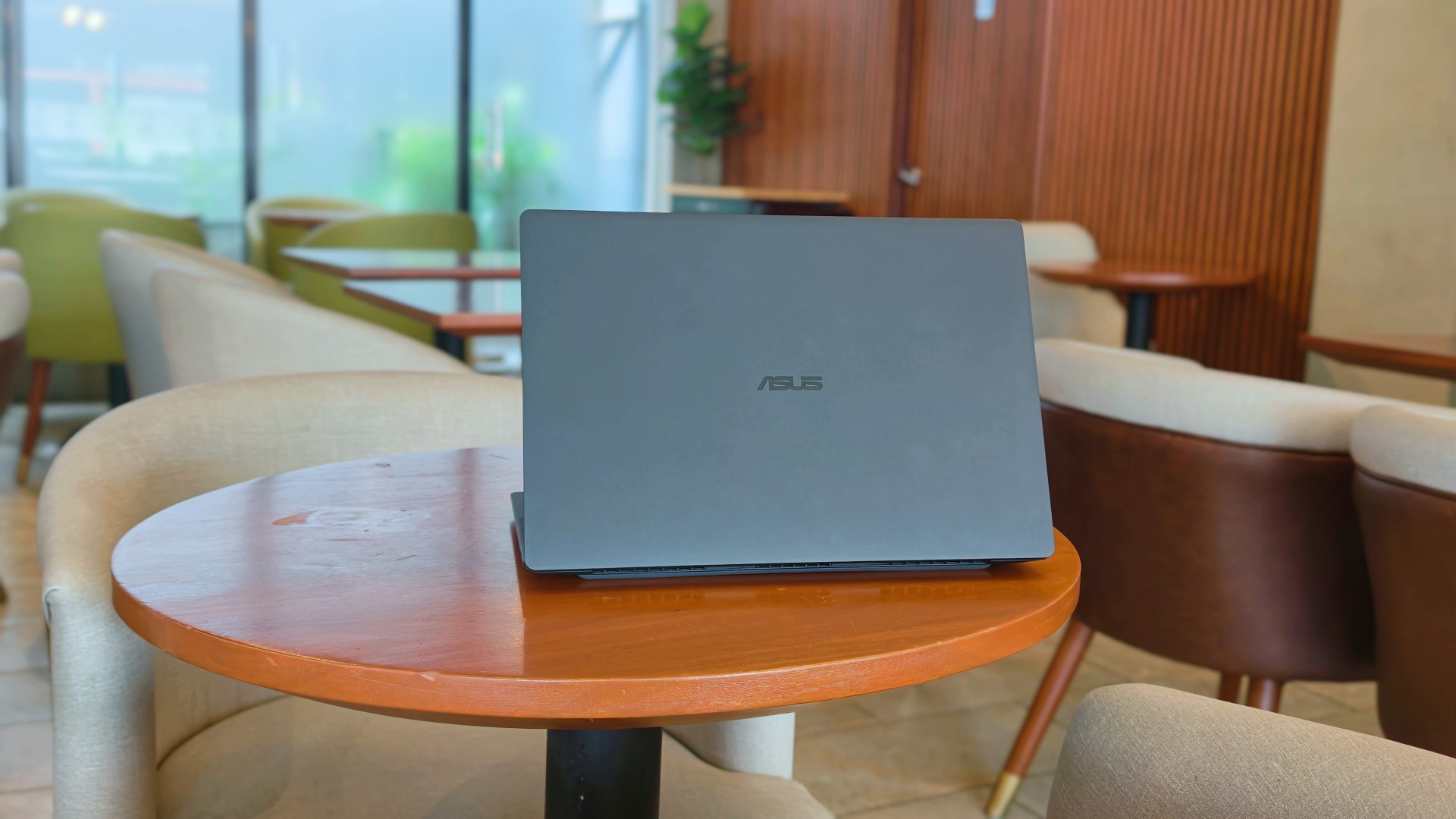
After this reunion, the ASUS ExpertBook Ultra will likely leave me again. Some exes are just like that. They’re meant to be exes.
And while they don’t stay, they leave an imprint on how you go about life moving forward.
I just know some part of me will always look for the best that I’ve found with the ExpertBook Ultra whenever another laptop lands on my desk.
Is that fair? Perhaps not. But it is what it is.
Thinking of making the switch?
If you’ve been considering the ASUS ExpertBook Ultra, ASUS Business Philippines is currently running an Early Bird Bundle Promo until August 31, 2026. Purchase any ASUS ExpertBook Ultra from participating ASUS Expert Stores and select tech retailers to receive over Php 13,000 worth of freebies, including an ASUS 100W GaN Charger and SSI Gift Certificates. (DTI Fair Trade Permit No. FTEB-261070 Series of 2026.)
The ASUS ExpertBook Ultra starts at Php 129,995 and is available through select ASUS authorized stores and tech retailers nationwide.
Every purchase also includes a 3-year battery and charger warranty extension, with upgradeable warranty coverage of up to 5 years, giving you added peace of mind long after you’ve taken it home.
Where to buy:
ASUS ExpertBook Ultra: https://ph.asus.click/ExpertBookUltra-WheretoBuy
ASUS Expert Store – Lazada: https://ph.asus.click/ASUSExpertBookStoreLazada
ASUS Expert Store – Shopee: https://ph.asus.click/ASUSExpertBookStoreShopee
For businesses, ASUS Business Philippines also offers flexible configurations tailored to your organization’s needs. To learn more about volume purchases, visit:
https://ph.asus.click/Business-VolumePurchase

Laptops
ROG STRIX G16 Review: Building for the moment
Setting it up however you want to make the most out of it

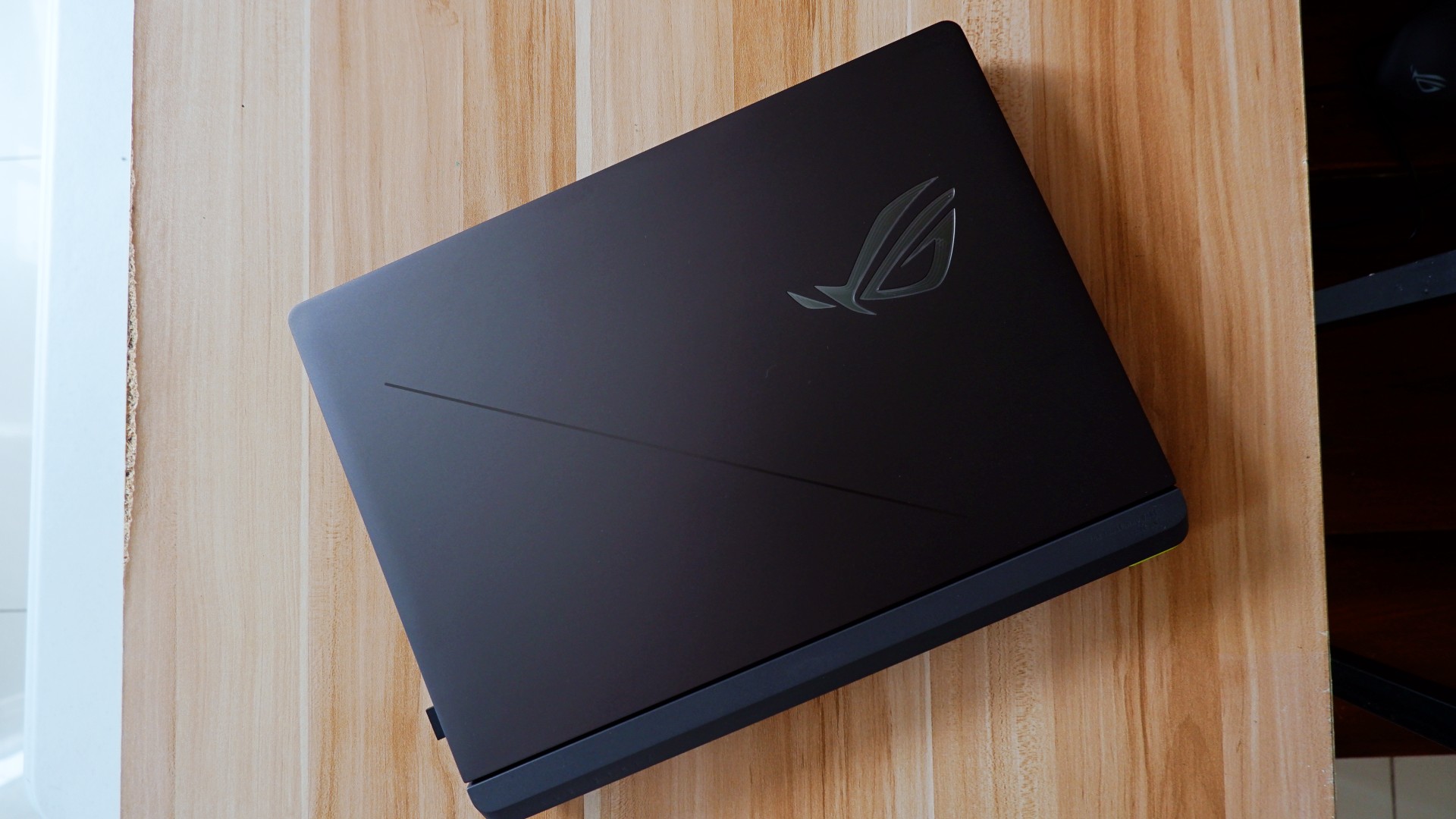
As someone who loves to build PCs, gaming laptops do not completely appeal to me as much as it would for other people. Apart from the limited capacity to tinker and upgrade parts, in some cases, gaming performance doesn’t feel the same as an actual desktop PC.
Also, there’s the ever-present concern on its portability given that most gaming laptops come in rather hefty clam shells.
The other thing is that given we now have more portable ways to play the game, gaming laptops feel behind in the game. Handhelds like the ASUS ROG Ally X make it easy to just bring the games with you even if you won’t be able to play all genres anyways.
However, there are still those that dare to take the chance on the clam shell for all the other, non-gaming aspects it excels in.
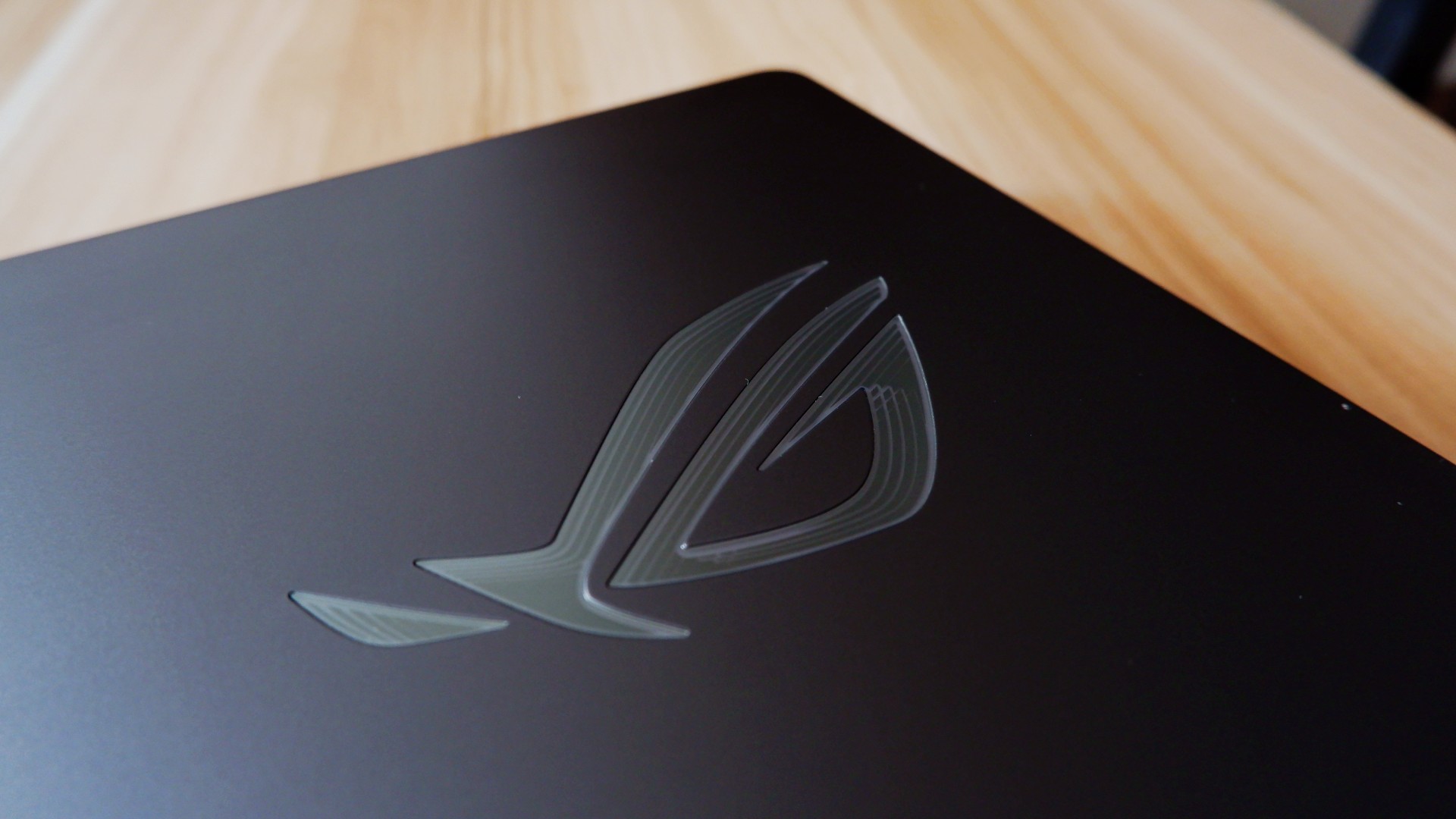
So, when ROG came to us with the ASUS ROG STRIX G16, I wanted to give it a shot to see if it’s something worth totally investing in.
On paper, it promises to be an excellent device for all of its intended use cases, but you can say that about anything at this point. There has to be something different that truly makes this device worthwhile in 2026.
Performance-maxxing at its finest

If it isn’t obvious yet, I think that this new version of the ROG STRIX G16 performs absolutely well with the hardware it comes with.
Powered by the new Intel Core Ultra 9 and an NVIDIA RTX 5080, it covers every little use case you need it for. Editing spreadsheets, creating videos from scratch, playing RTX-compatible games with high quality details – it honestly can do no wrong.
On the outside, the device sports a 16-inch, 2.5K ROG Nebula Display, maxed out with a refresh rate of 300hz. While it does come in the unorthodox 16:10 aspect ratio, it doesn’t totally ruin the viewing nor gaming experience in my opinion.
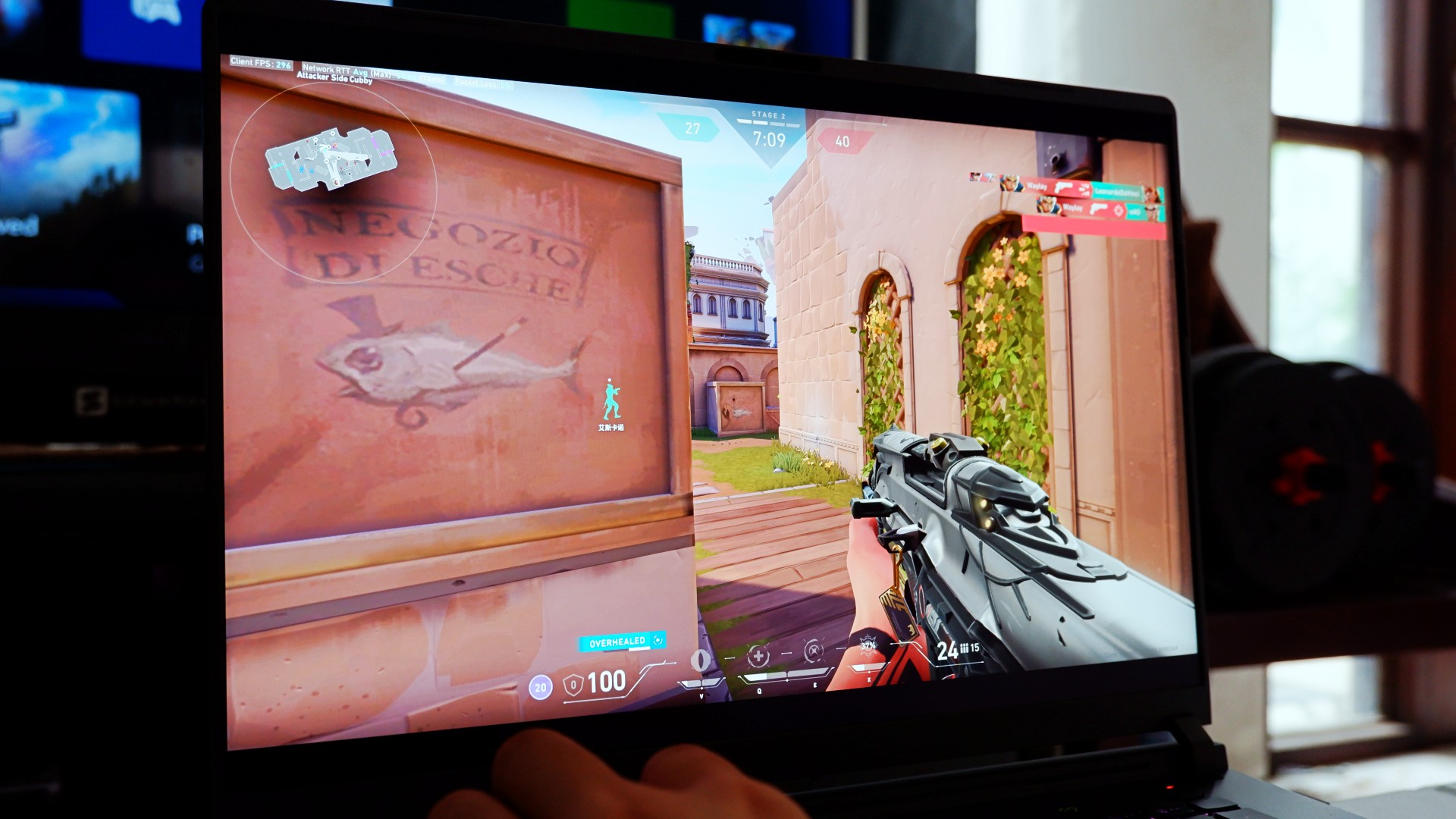
Also, that high enough of a refresh rate already puts this display within the competitive gaming tier of performance. So, expect to hit more headshots when you play on this device, hopefully.
The thing is, for me, this is expected coming out from ASUS ROG. Great internal hardware, matched with the external hardware to maximize the gaming experience – it’s what they’re known for.
At this point, they’ve continuously raised the bar on maxing out gaming and productivity performance that it bears no repeating past this point.
So, what’s new?
Designing the experience your way
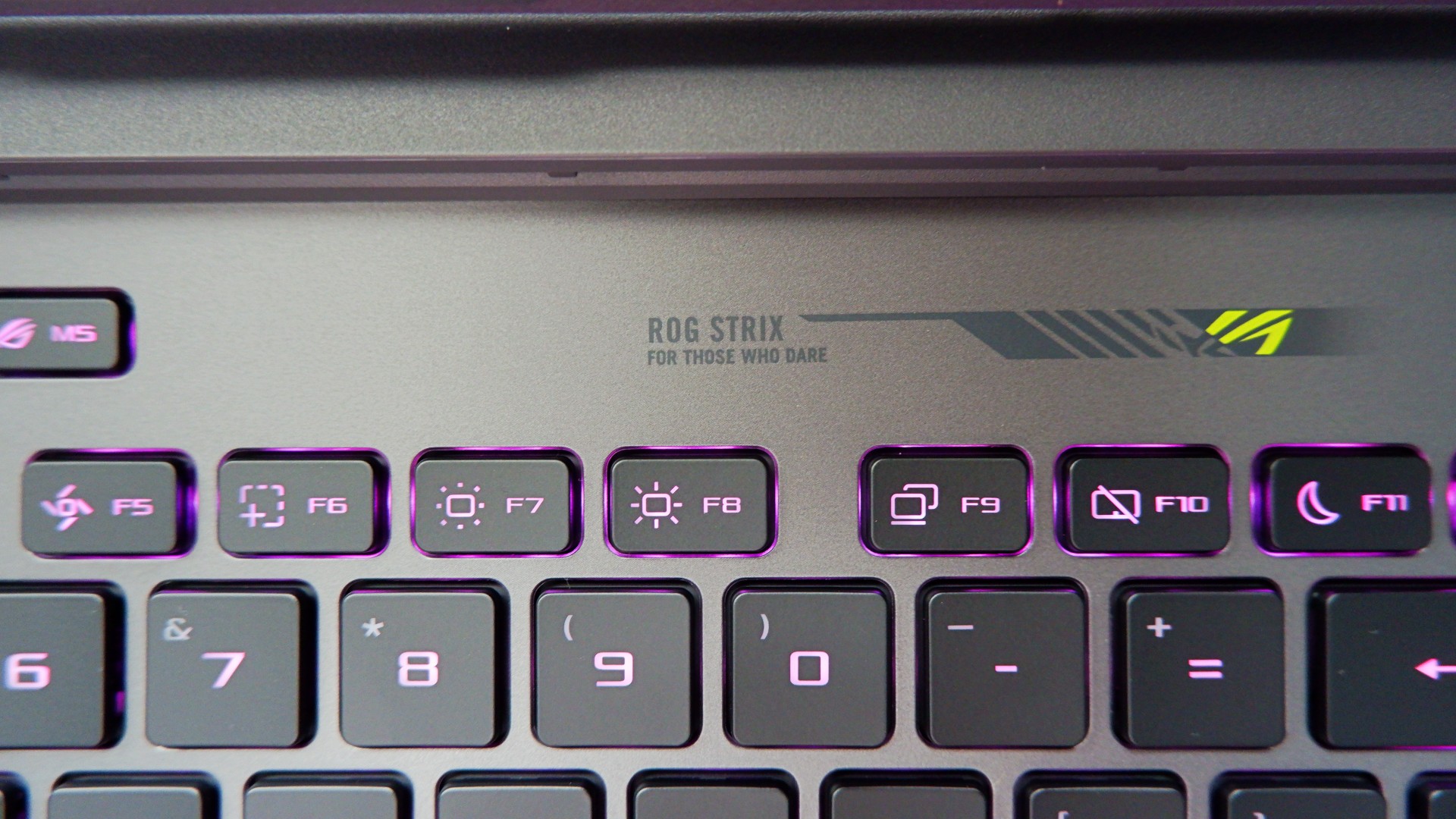
The ROG STRIX G16 for 2026 sports a rather subtle, nearly minimalist physical appearance upon unboxing. Bannered by an LED ROG logo and several nods to their brand messaging, it’s as unassuming as one would expect.
Once you turn it on, you are greeted with the flash of RGB light strips surrounding the keyboard and the underside of the laptop – all fully customizable on Armoury Crate. If you ask me, that’s not even the best part.
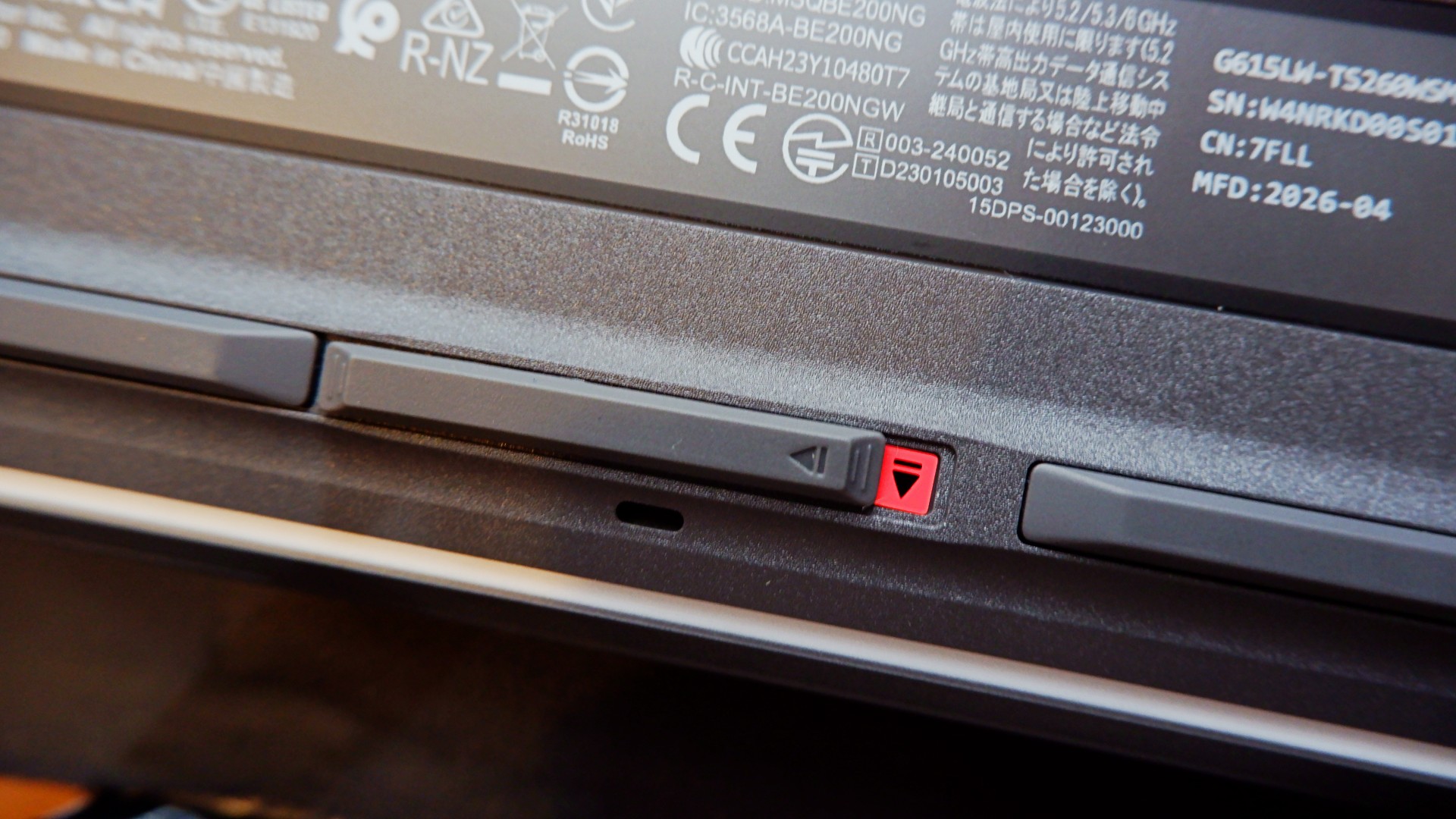
When you flip the device to the underside, you will notice this peg that can pass off as its rubber footing. However, inspect it further and it’s actually a switch that, when slid to the left, unlocks the protective cover of the laptop’s internal hardware.
Once unlocked, it allows you to easily add another M.2 SSD storage or expand your RAM to 64GB, which is a huge deal on its own.
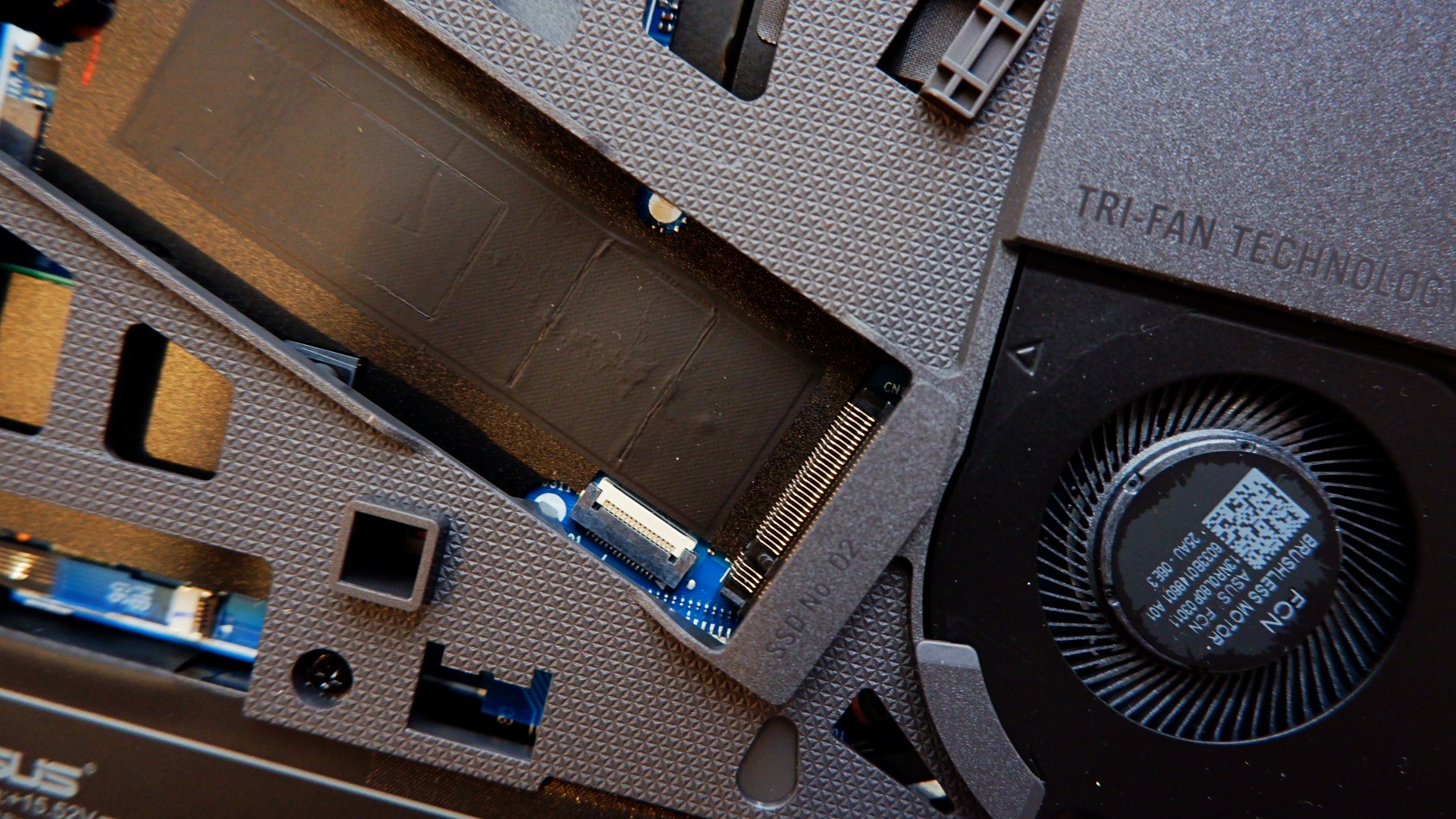
Upgrading your laptop was never this easy nor safe to do, considering that you will normally need to remove the screws and potentially void the warranty. With the ROG STRIX G16, both of those worries are eliminated for you to craft the perfect gaming machine.
The only thing, though, is it’s still a pretty bulky machine that made some weird tweaks to the other components.
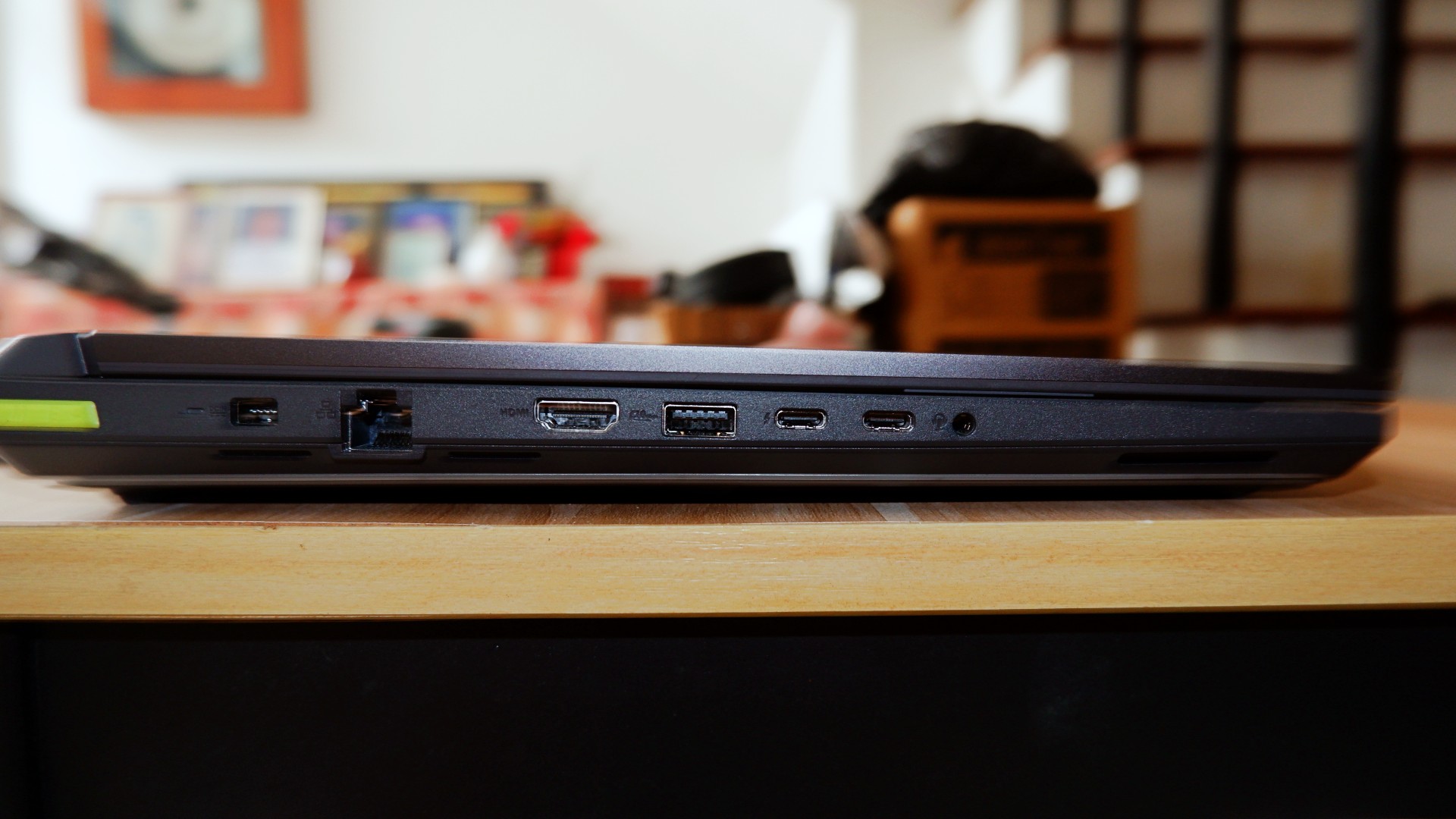
I’m personally not a fan of the unbelievably large trackpad and the somewhat awkward key travel while typing due to the switches being small for my hands. External peripherals are a must, but the components having weird quirks are not a total deal breaker.
No heat in the moment
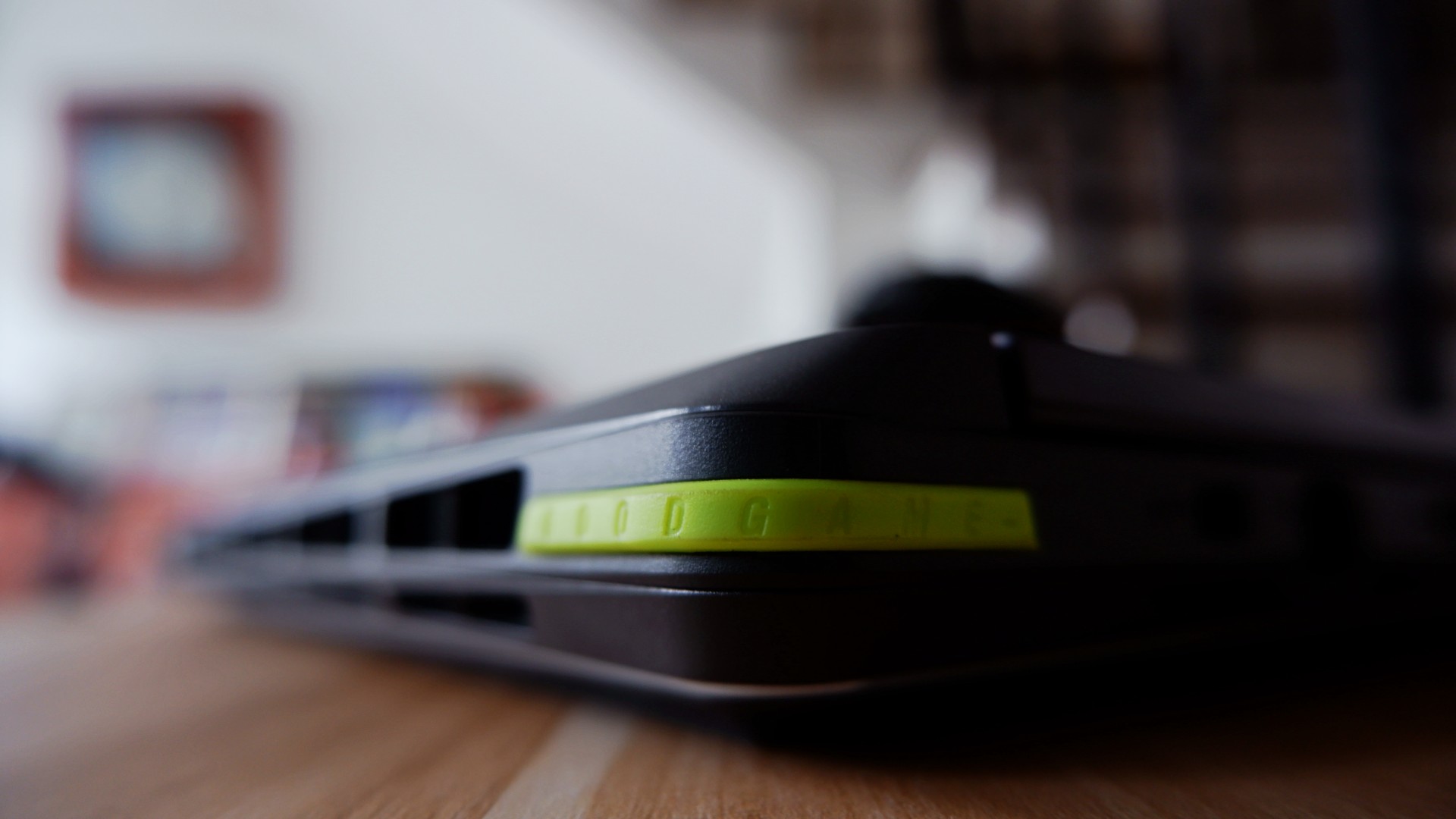
ROG brings its new Intelligent Cooling system that it applied to the 2026 version of the STRIX G16, which promised better heat dissipation on paper. Part of the design choice to accompany this was to open up most ventilation on the rear end, unlike other models that still evenly distributed it to the sides.
This, to me, was a welcomed change especially with Intel chips that typically throttle during intense workloads.
The most obvious pain point I had before was immediately addressed by this new cooling system. Effectively, they made the heat dissipate through one ventilation area so it no longer affects other parts of the laptop to make the experience uncomfortable long term.
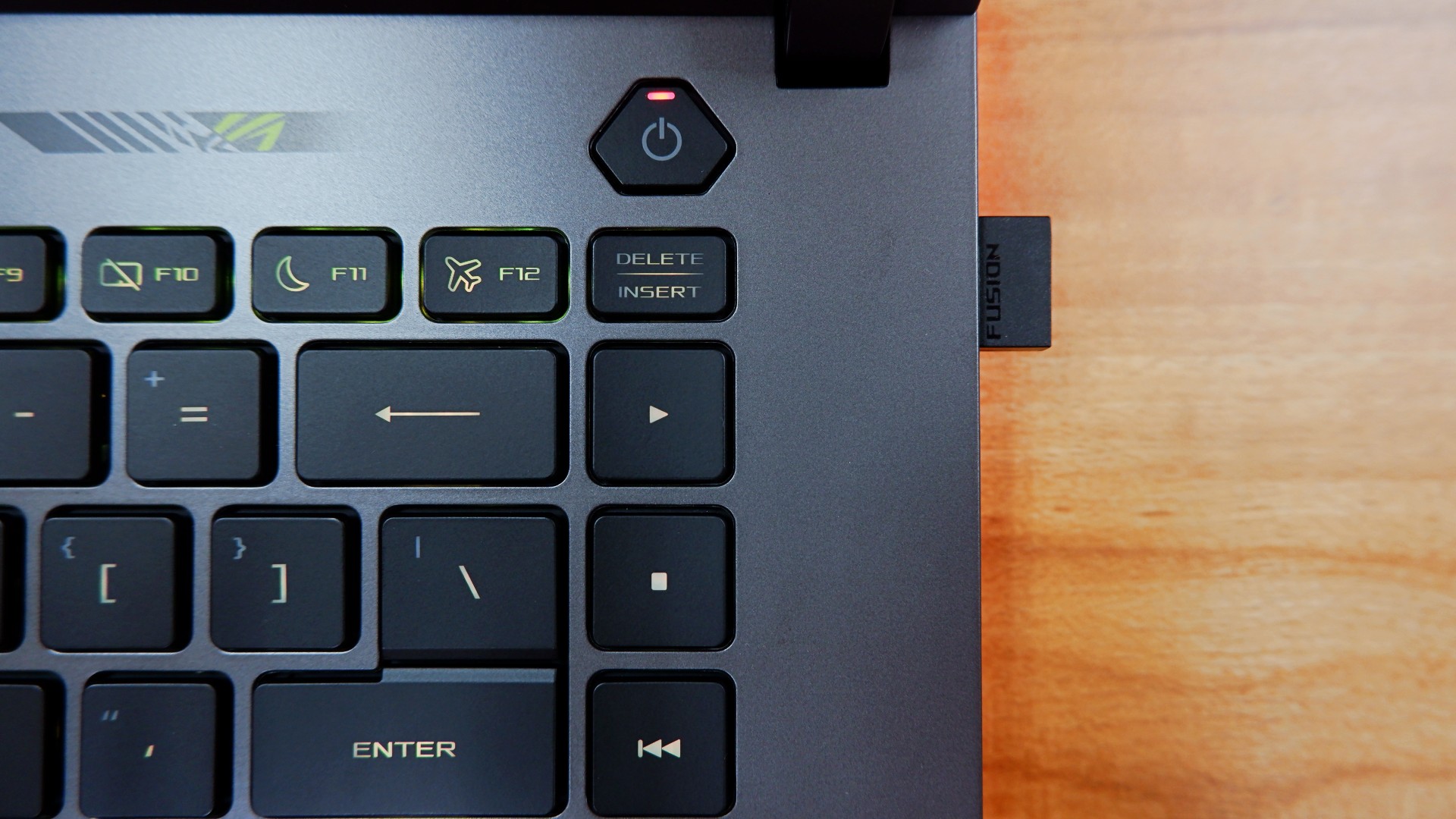
One example of this: the keyboard doesn’t take the heat after three hours of non-stop play on Performance mode while the system is throttling to achieve better frame rates.
Even after I shut down the laptop after use, the underside doesn’t get too warm either. I initially thought it had to be if that was an area you would have easy access to.
Well, I’m glad to never attempt to fry eggs on a laptop ever again, at least!
Battery levels that keep you in the clutch

For a device this powerful, it’s not a surprise to me that the battery drains quickly when you’re on the move. In my regular usage, I tallied around four to five hours before zero, only slightly improved to five and a half when leaving the device idle for a while.
Surprisingly enough, increasing the intensity of the load cuts these numbers only by a bit – clocking in three and a half hours maximum with heavy gaming.
Fortunately enough, the 380W charger charged it back to full at a quicker time and pace as its battery drain time.
Going from none to done took an average of two hours when idle, nearly two and half hours when in use while charging.
To me, this is more than enough time to go on a break when the games are tilting you too much. You can also use the 100W USB-C charger if you want to keep the laptop idle for longer and it will take four hours.
Is the ROG STRIX G16 your GadgetMatch?
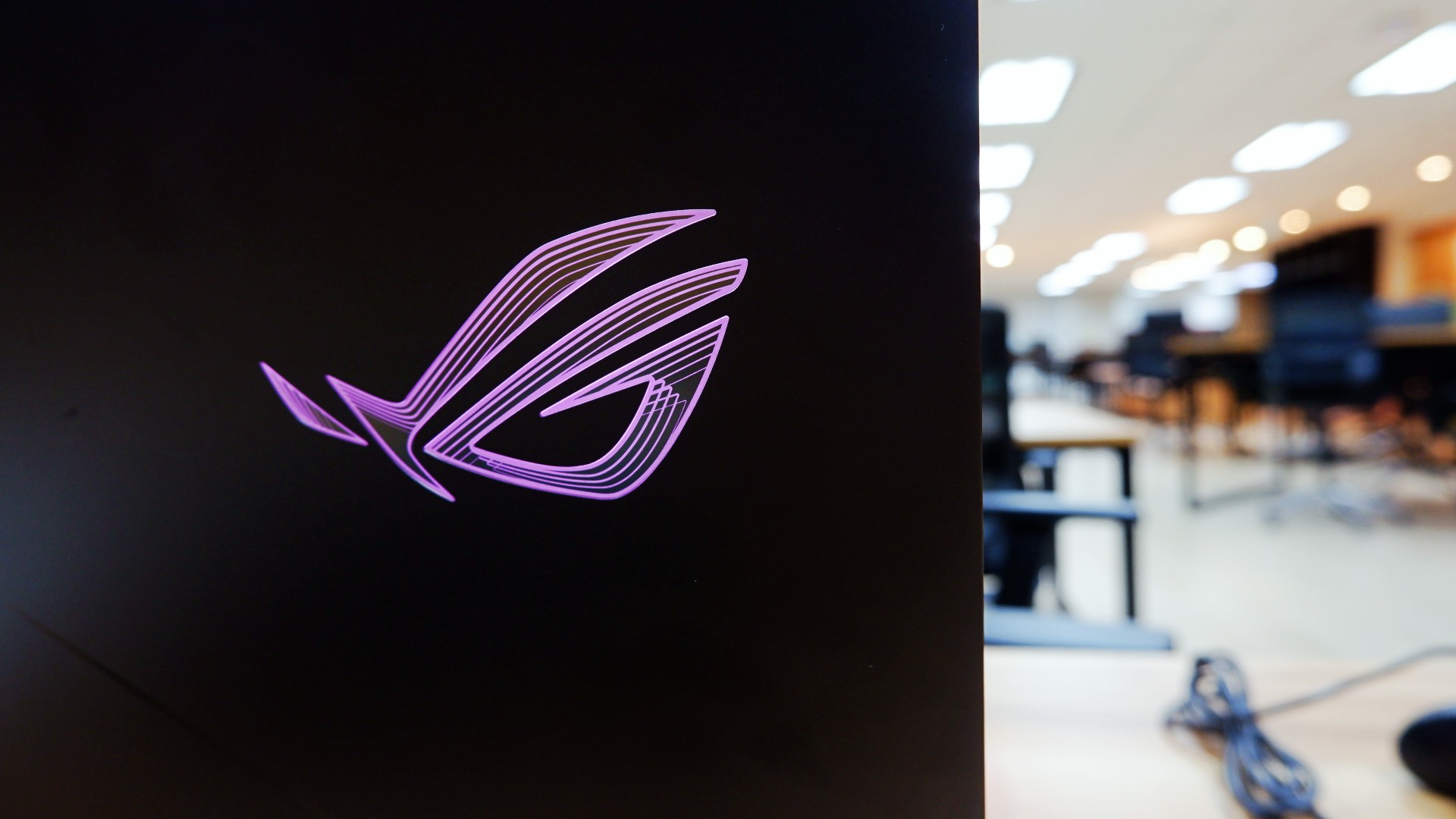
For a laptop priced at a whopping PhP 319,995, the ASUS ROG STRIX G16 is the kind of all-around machine you can build to capture any moment. On its own, the performance truly speaks for itself whether you need it for work in the day or play till the wee hours.
However, when you’re willing to tinker around the machine like I was, you can unlock so much more out of it, especially in the hardware department. It’s a bonus that this machine lets you do it a lot easier without risking any warranties to be voided.
Admittedly, I still have some more questions about the design philosophy and longevity because of the hardware pre-built in.
For one, some design choices truly made it feel like you could only enjoy this with additional peripherals at your disposal. Plus, the battery charges fast to compensate for how quickly it runs out, too.

Although these aren’t deal breakers for me but for others, you might want to take note and try it out too.
Overall, you can’t go wrong with a machine that lets you achieve great performance when you’re willing to dig deeper into it.
As someone who loves to build PCs, this is one of the few gaming laptops that appeals to me while ignoring the obvious dent on my wallet. Even with other options out there, this might just be the one that you can future-proof as long as you can afford to do so!
Reviews
realme C100: Enduring and durable in spite of entry-level realities
Enough power but needs more agility

Several smartphone brands have successfully balanced cost and capability in the entry-level and midrange segments. realme, on the other hand, appears to still be navigating this refinement process after the realignment in budget handsets.
The brand’s latest mass market offering, the realme C100, highlights an aggressive focus on physical endurance and battery capacity.
These are two welcome additions to give consumers more value for what they purchase. Yet, there are compromises in other areas that ultimately hold the package back from being a worthy everyday utility.
Long battery life

Bannering the realme C100 is its 8,000mAh Titan battery. This substantial boost in capacity translates to better longevity on a day-to-day basis.
For just casual usage patterns, it can easily last even up to four days. When left on standby, it can even stretch to an impressive nine days or so.
When finally time to recharge, the device supports 45W SUPERVOOC fast charging, which is ample for its segment.
As smartphone brands lean toward offering larger batteries, it’s a positive trade-off for those who don’t plan on purchasing power banks any time soon.
Unoptimized performance
The C100 is powered by a MediaTek Helio G92 Max processor and runs on the Android 16-based realme UI 7.0.
Performance is inconsistent at best. Light social media scrolling and casual streaming aren’t met with hiccups.

But, with gaming, the handset falters a bit, even with the supposedly less demanding titles like Mobile Legends: Bang Bang. There are frame drops, stutters, and a it of lag that disrupts the overall experience.
That’s even with GT Mode turned on.

This would also considerably hamper the workflow of utility workers’ daily routines, should they choose this.
Thankfully, with a long battery life, the C100 is still something you can wield to stay connected throughout the entire day, especially for commuters, students, and young professionals.

However, the lack of 5G connectivity is also a downer, especially if you’ll need a better and faster network.
Ideally, I would put it as chiefly just a tool for constant comms and something you’d put on your desk — expecting new messages, emails, and notifications or updates here and there.
Inferior display
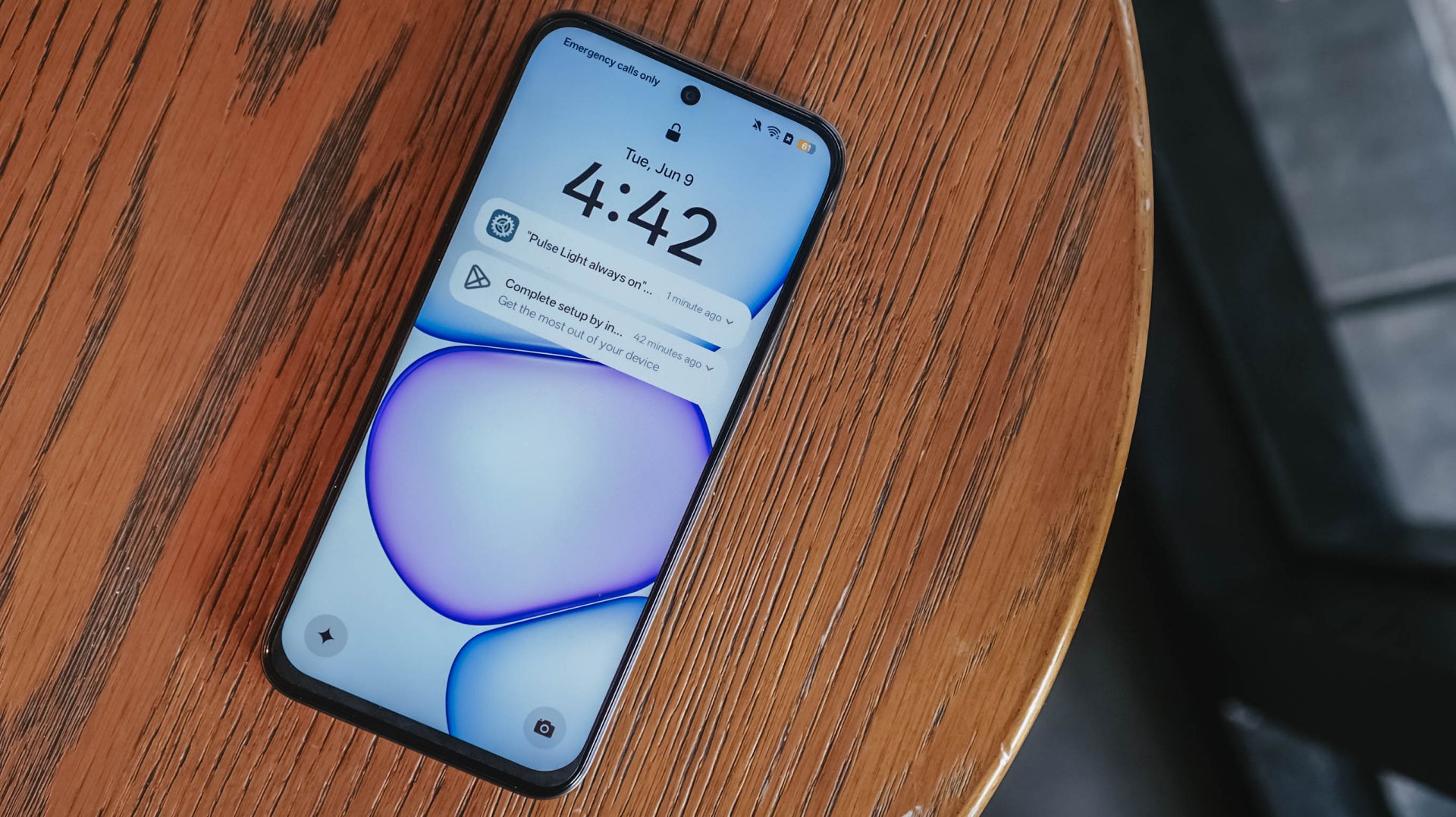
In front, the realme C100 sports a 6.8-inch 120Hz display on paper. It has an HD+ resolution but the pixel density sits at just a mere 256ppi.

There’s visible graininess or lack of distinct sharpness, be it streaming YouTube or viewing photos you’ve just taken with the device.
The same hardware limitation reminds me of past compromises in previous C series entries. Photos appear muddy and noticeably soft on screen, so it’s difficult to judge image clarity until files are transferred to another display.

The 1,200 nits of peak brightness helps a bit, although it is still a bit trickier to see things under the bright sunlight.
Cameras: Decent, as usual

For its camera, the realme C100 has quite the standard 50MP main camera. It’s decent for captures in terms of color and detail, but I’ve seen better overall quality from previous C series entries.
It’s tough when its indoors and under low light conditions — as expected. Naturally, you can’t expect the same detail outside of 1x zoom.
Some quick samples:

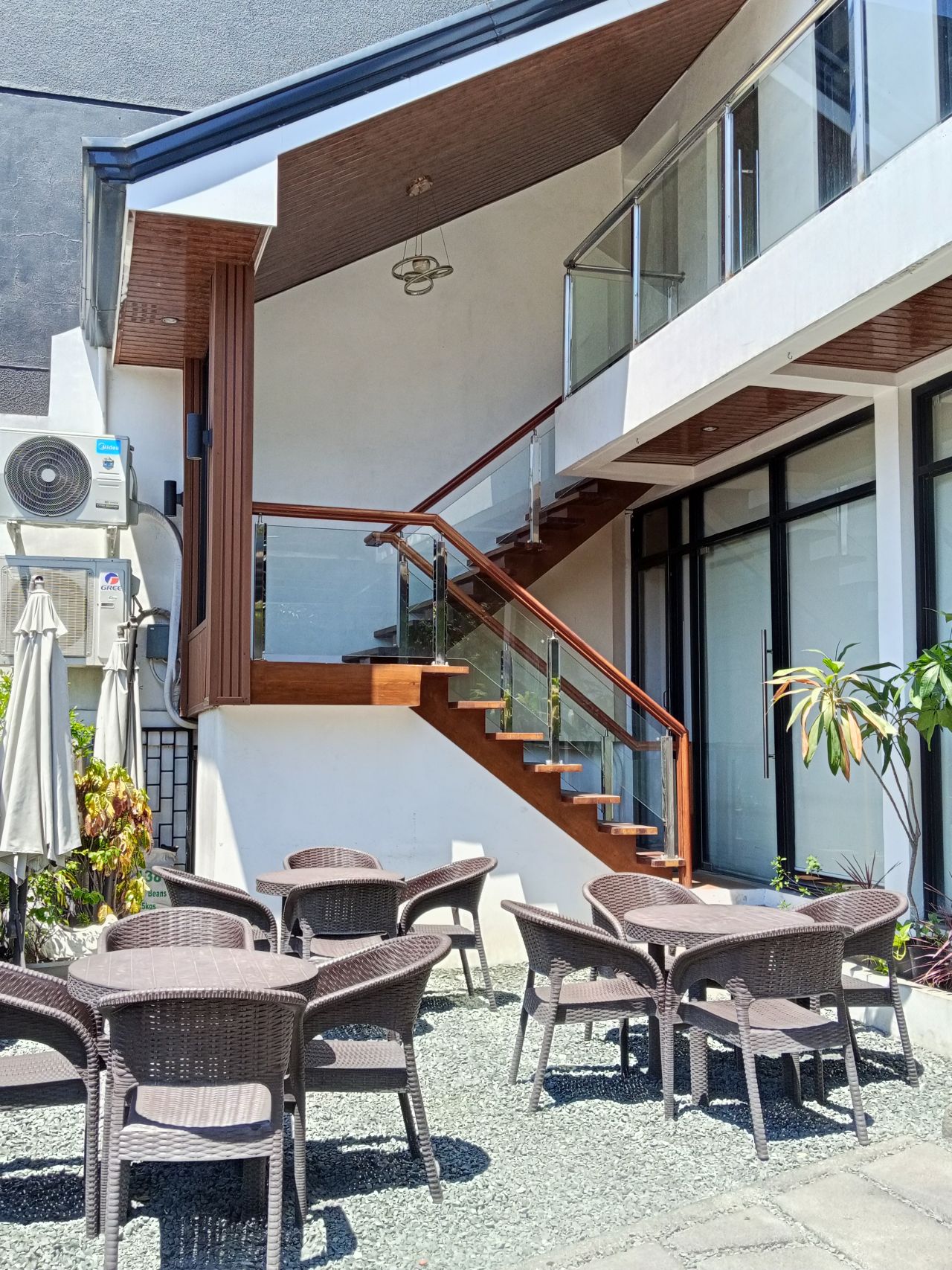








It’s a you-get-what-you-paid for on the stills department; something you’d use for documentation more rather than artistic captures. I would have hoped for more stability with filming, so you can use it for quick reels or splice them for vlogs.
When I asked my nephew to use the phone for a bit, he didn’t take too many images, which tells a lot about what the camera package can offer.
Look and feel
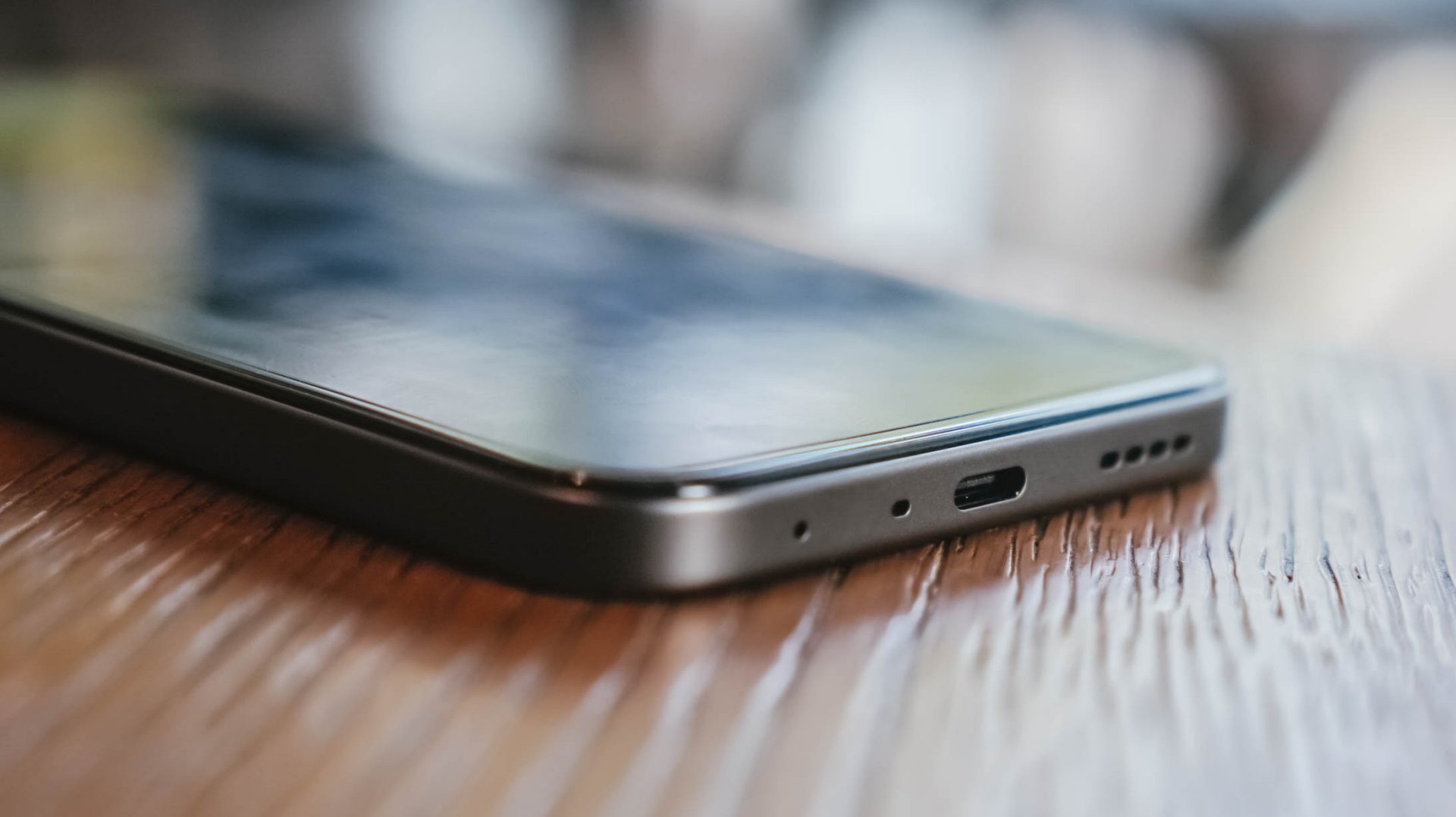
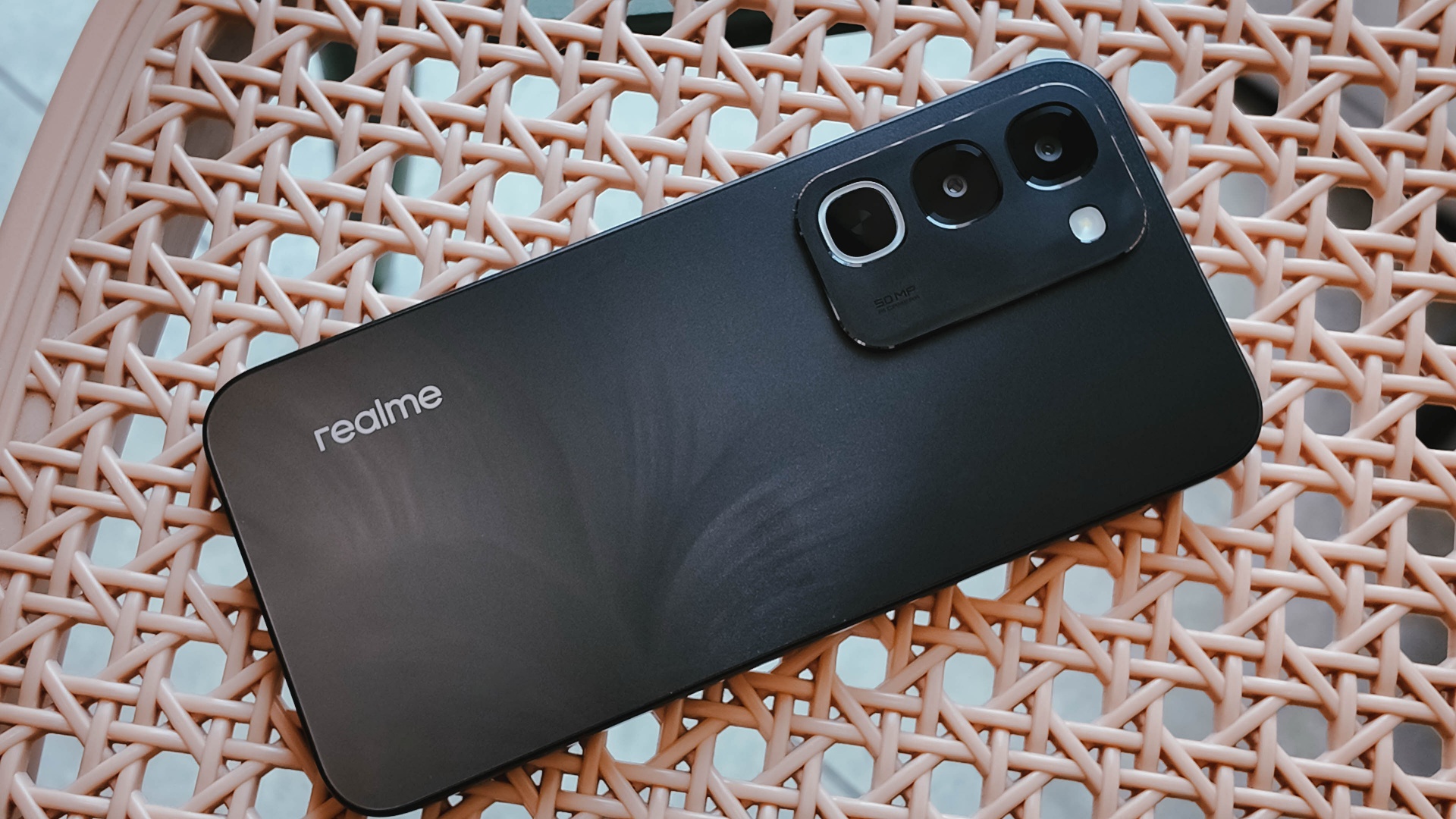
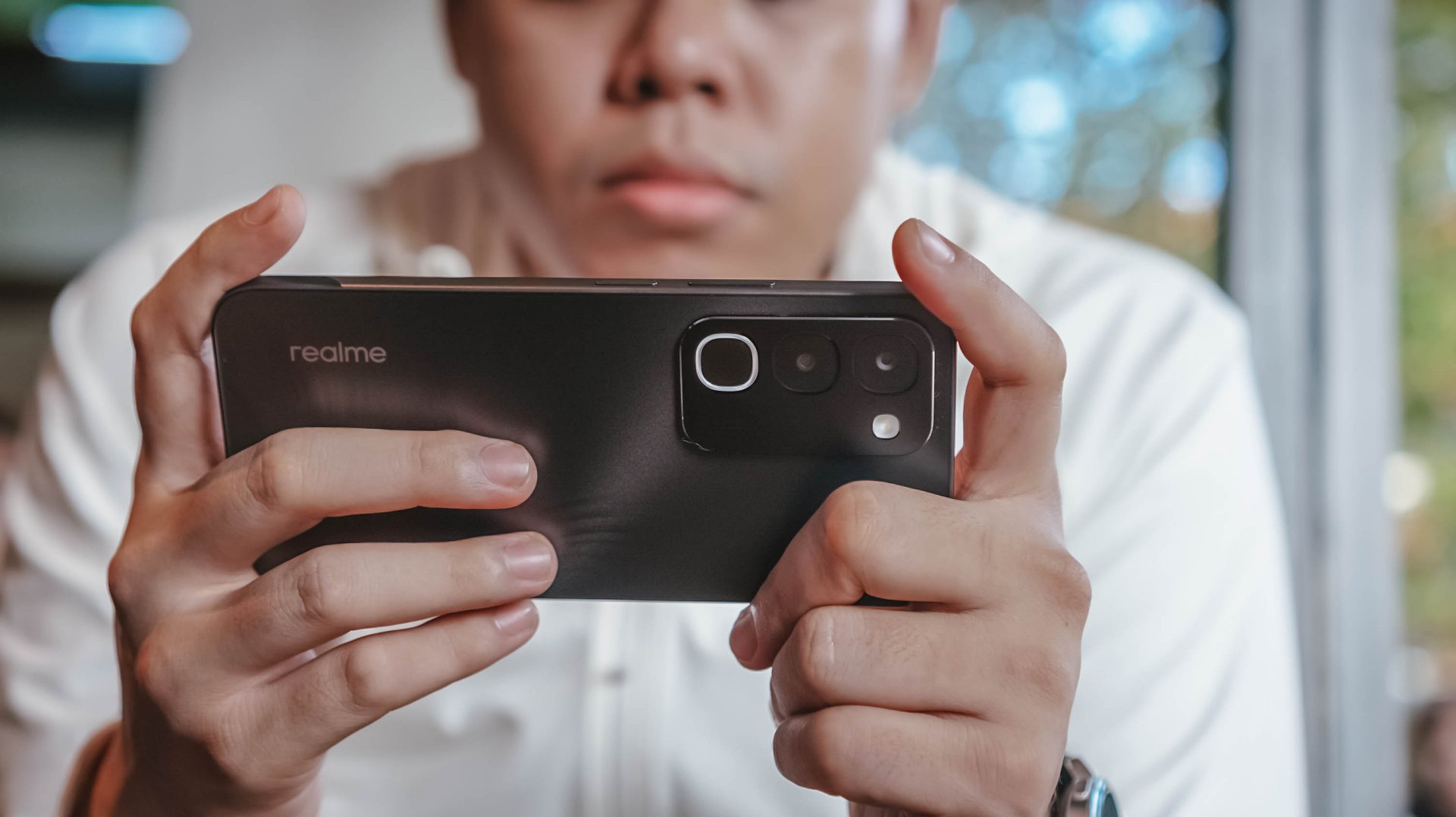
Onto its appearance, the device comes with a simple, squarish build with a faux triple camera island at the back.
It’s nothing we haven’t seen before, though in the place of round cameras, they look more like app icons shape-wise.
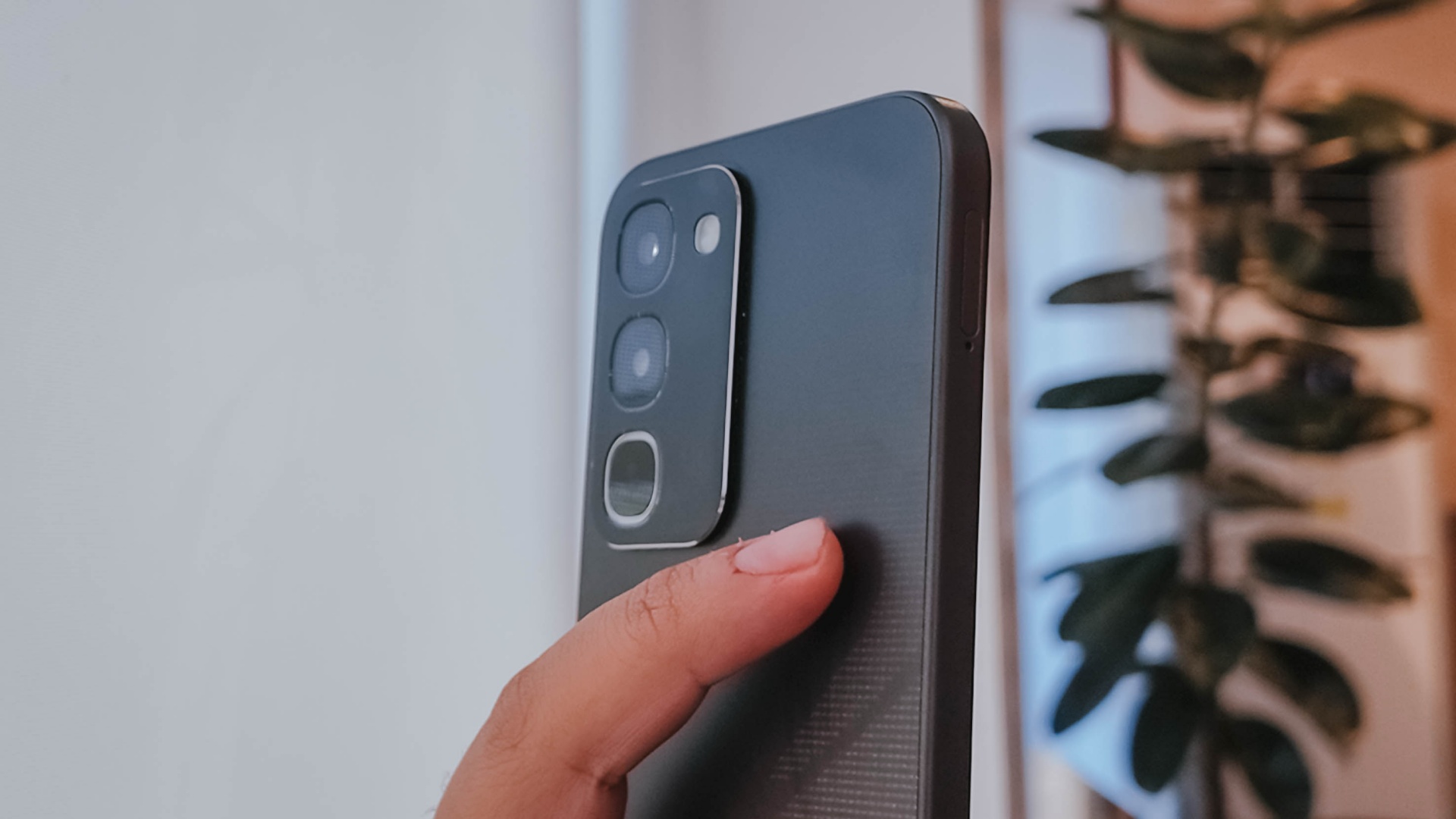
There’s slightly curved corners, just the right amount of thickness, a decent 90.4% screen-to-body ratio, and a bit of weight given the larger battery.
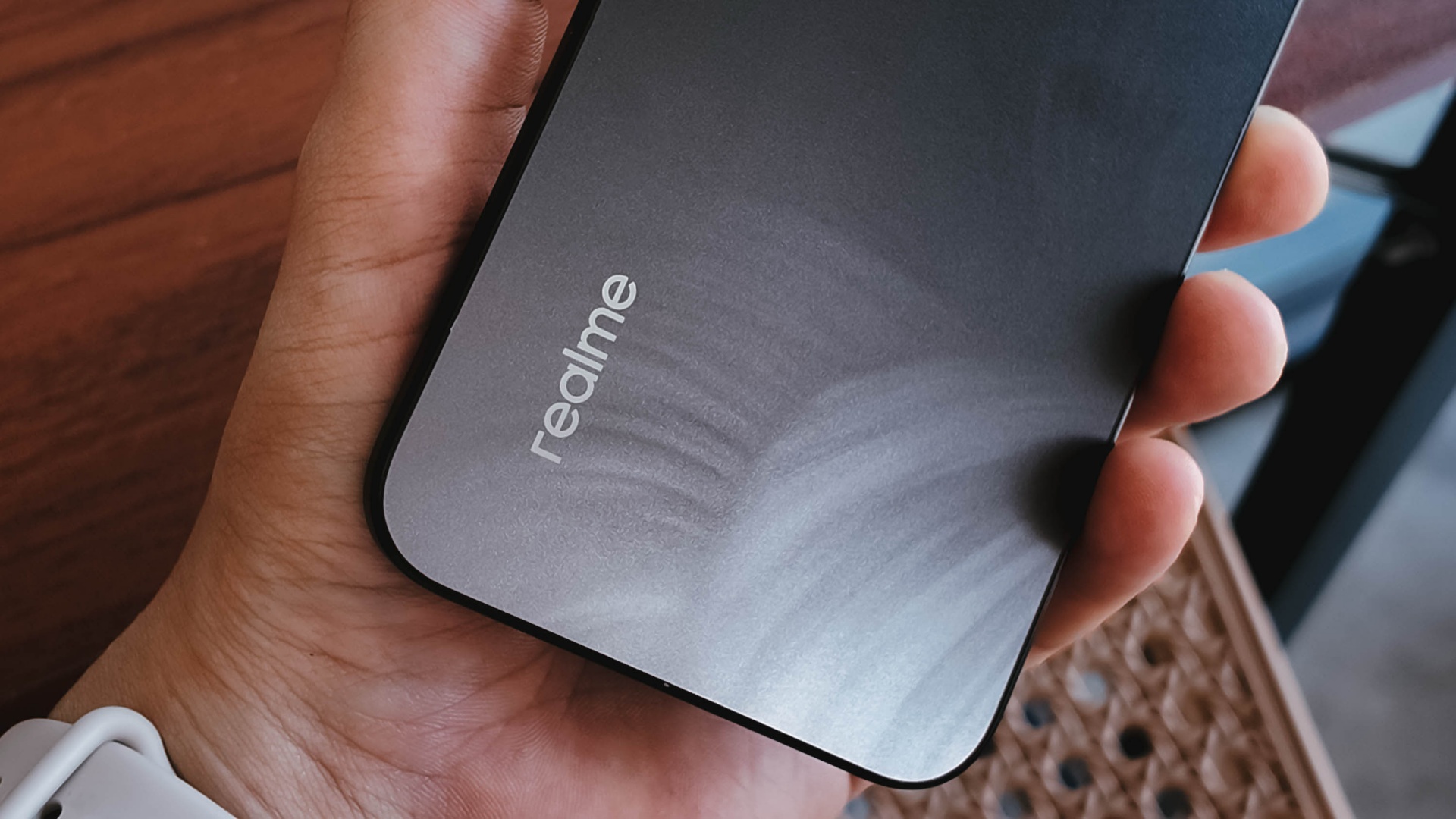
To its credit, the phone has a good grip and a less slippery back, even with its fancy design.
It is obviously great to have ArmorShell Glass protection too, as durability and ruggedness are two non-negotiables in this segment to remain competitive.
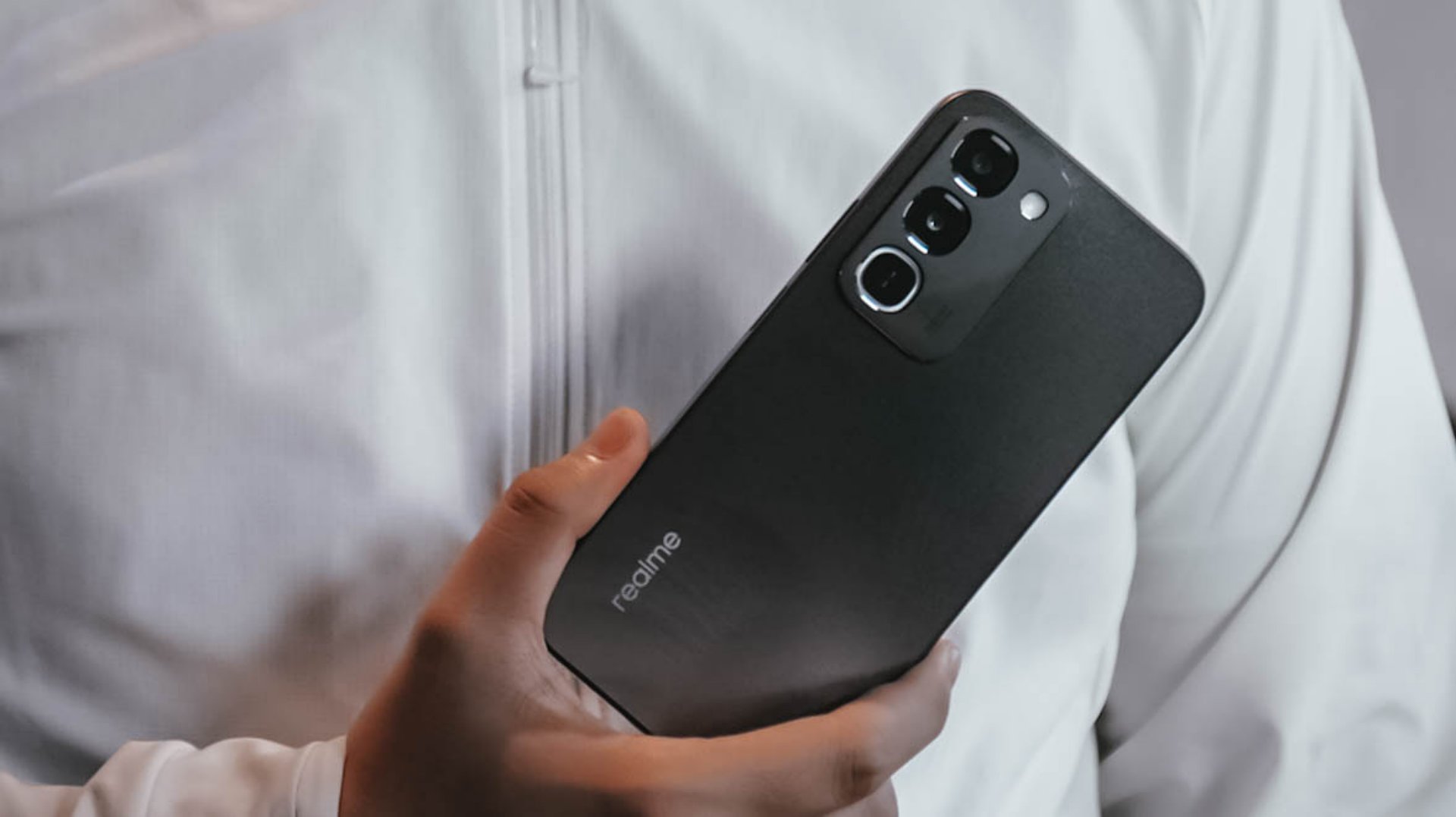
Aside from that, the phone boasts of IP66, IP68, IP69, and IP69K dust and water resistance. The display itself is also optimized for wet touches through Rain Touch Mode.
Is this your BudgetMatch?
For consumers prioritizing raw survival metrics, the final verdict leans toward a Swipe Left. It’s close though.
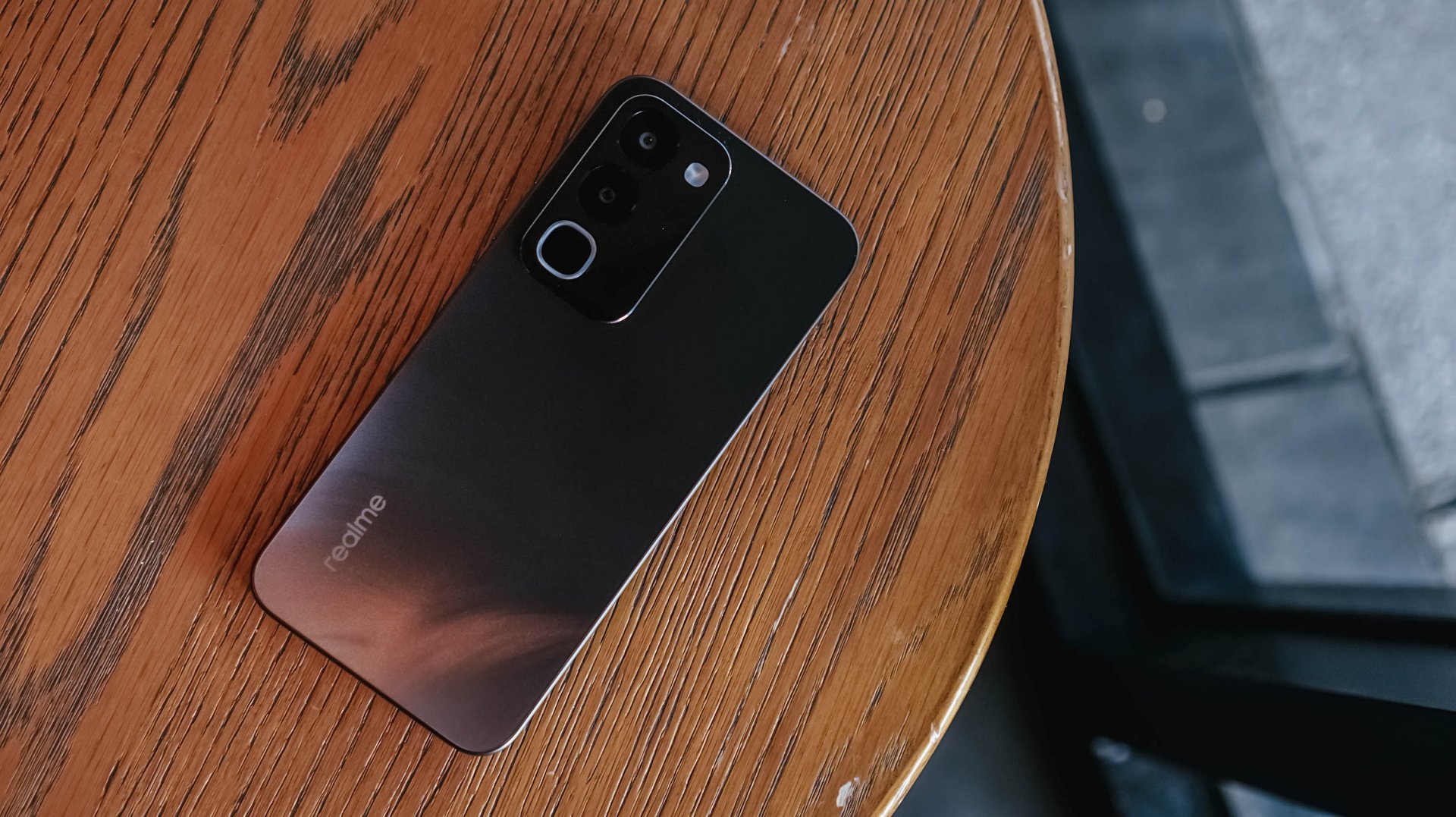
While the market shift toward military-grade drop resistance, high-tier IP waterproofing, and massive batteries makes sense as they save users from the hidden or unexpected costs of broken screens, liquid damage, and purchasing extra power banks, smartphones still requires a baseline level of operational smoothness.
At this price point, there are multiple cheaper alternatives with a more stable and responsive user experience.
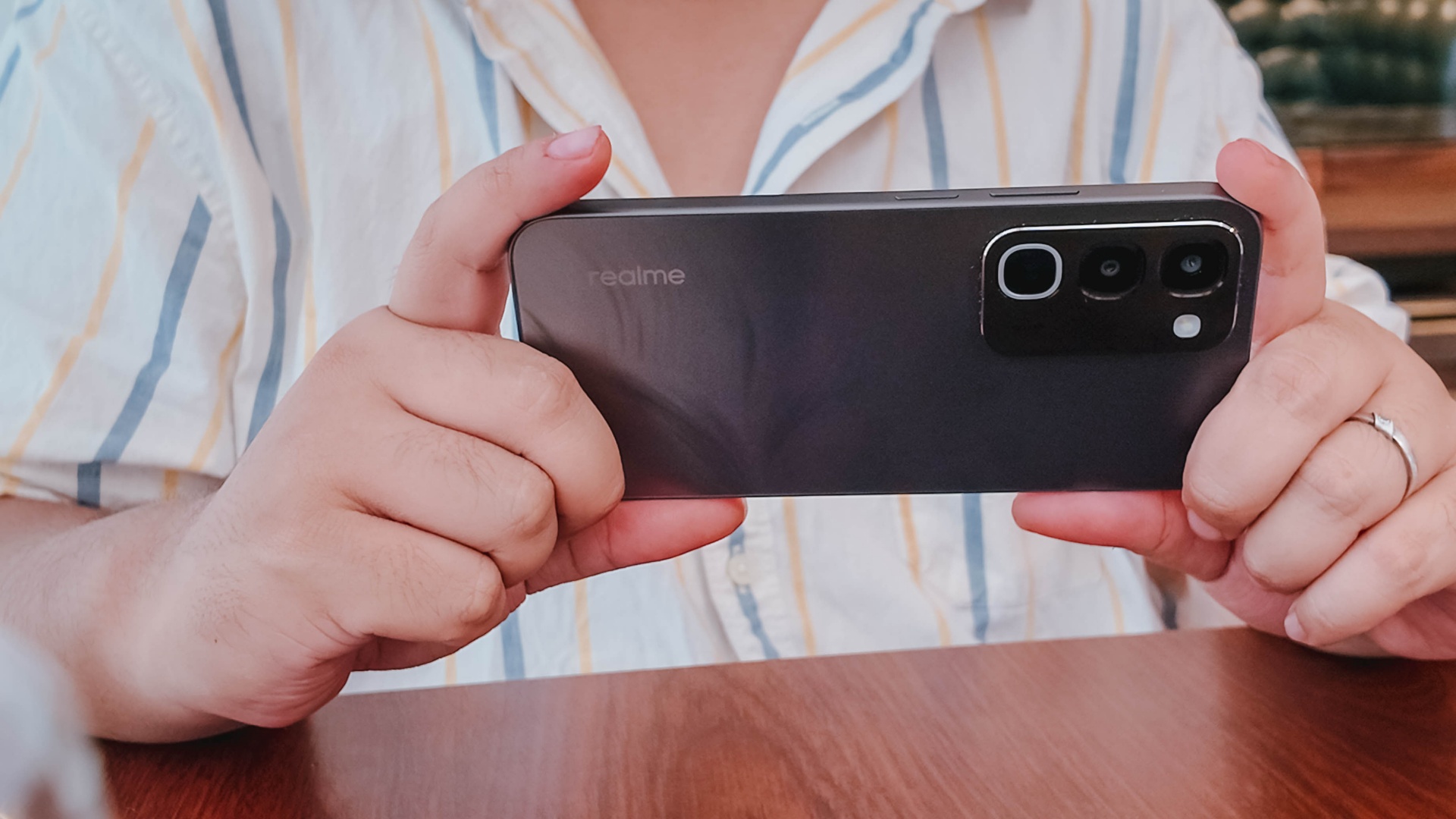
There are also niche options providing a better gaming experience or camera performance, if either one is what you’re after.
There is just too many trade-offs with this particular unit, leaving some critical boxes unchecked.


30 days later with the ASUS ExpertBook Ultra: Like seeing an ex
Felt exactly as I remembered.

ROG STRIX G16 Review: Building for the moment
Setting it up however you want to make the most out of it


realme C100: Enduring and durable in spite of entry-level realities
Enough power but needs more agility

New EV player XPENG to launch in the Philippines in September

Box office: Brand New Day set to surpass US$ 2 billion, drives Marvel’s Spider-Man 2 resurgence

Insta360 X6 brings 8K 360 Capture, AI-powered editing

Ghost of Yotei gets a story expansion in October

Pixel 11 Pro Fold brings an improved foldable experience

Hands-on: Samsung Galaxy Z Fold8, Flip8, Ultra

VinFast debuts two-wheeler models, opens 21 e-motorcycle showrooms

Garmin launches its first screenless fitness band

Samsung releases teaser with Spider-Man: Brand New Day Easter eggs

Most of the world’s PlayStations will be officially useless by 2028


-
 Automotive1 week ago
VinFast debuts two-wheeler models, opens 21 e-motorcycle showrooms
-

 Automotive2 weeks ago
Xiaomi debuts SkyNomad Series featuring new Kunlun platform
-

 News1 week ago
OnePlus officially leaves the United States and Canada
-

 Gaming2 weeks ago
Call of Duty: Modern Warfare 4 clip shows Losing Ground 1st look
-

 Automotive2 weeks ago
GAC launches new trio of MPVs
-

 News2 weeks ago
TECNO unveils the world’s first 0mm bezel-less phone
-

 Gaming2 weeks ago
Genshin Impact opens Snezhnaya in Version 7.0 this August 12
-

 News1 week ago
Google will force Android users to use Gemini next month