
Gaming
MSI GS65 Stealth Thin Review: The company’s best yet?
A very unassuming gaming laptop


Taiwanese company MSI welcomed the year by introducing a fresh lineup of gaming laptops sporting the new 8th-gen Intel processors. One of these beasts is the GS65 Stealth Thin.
It carries the title as the world’s first laptop equipped with 144Hz display in a slim 4.9mm frame and enjoys performance perks from NVIDIA’s Max-Q design.
On paper, the GS65 has all the muscle power to be the ultimate gaming laptop. We put it to the test, so join us to see how it holds up as an everyday device for both work and play.
Let’s kick things off with its design.
The GS65 doesn’t offer anything flashy at first glance
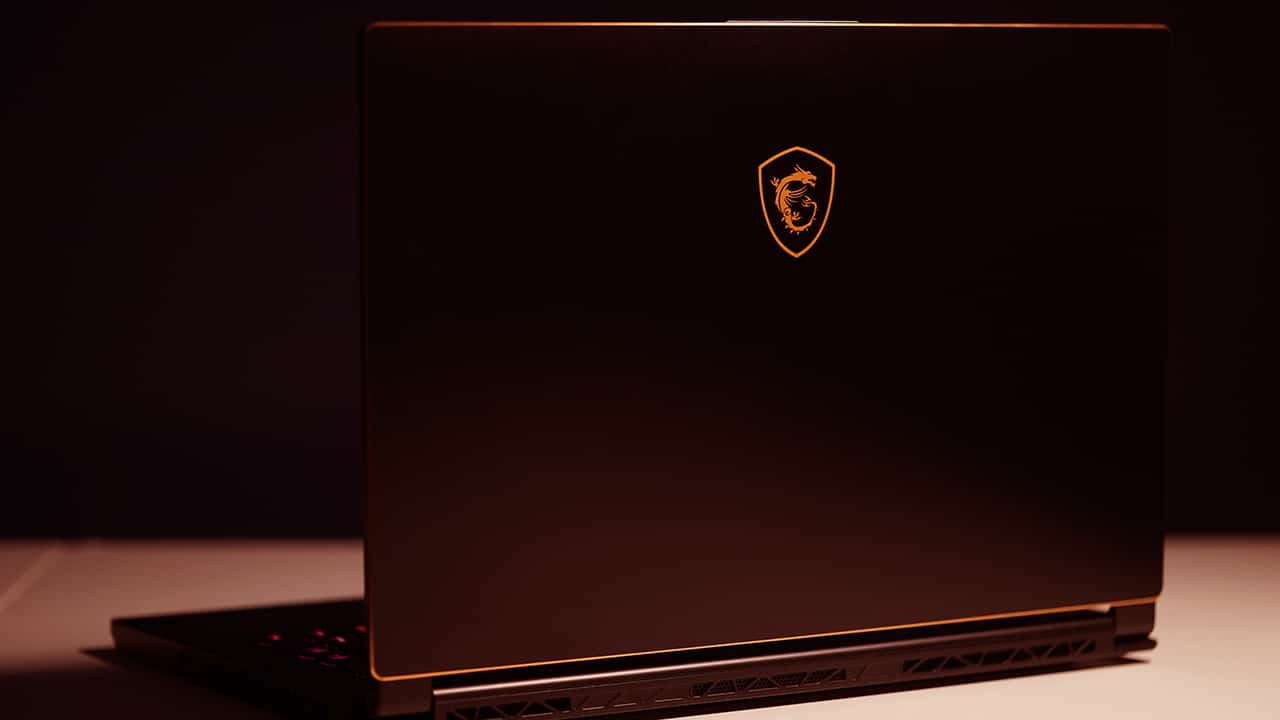
It has a minimalist approach with its black coating
It has gold edges

MSI does away with the usual red highlights for the GS65
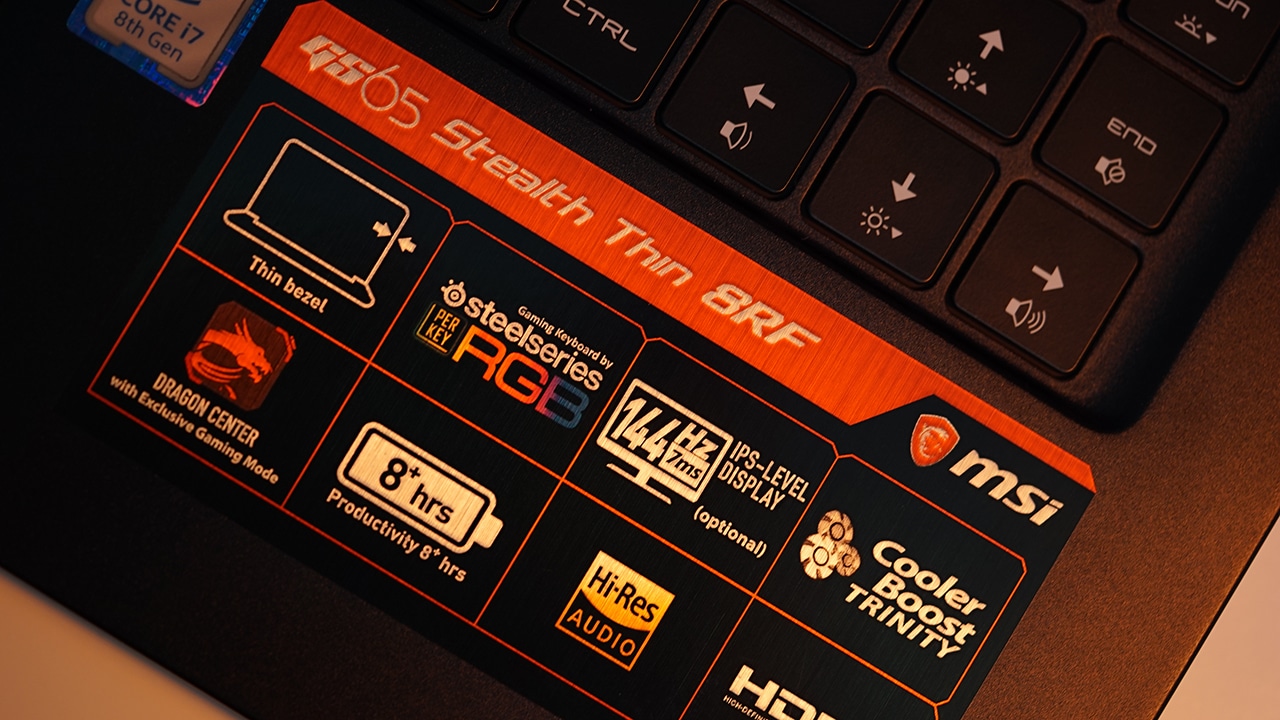
Bezels are impressively thin

It boasts 4.9mm thin bezels with an 82 percent screen-to-body ratio
A fingerprint scanner is built in but isn’t activated yet

It’s still coming through an update
Here’s a webcam placement done right

Even with slim bezels, MSI was still able to put the webcam up top unlike on other laptops
There’s a stylish yet functional hinge

Small details like this hinge look good and serve a purpose
It’s nicely thin and light

Bringing it around is easy thanks to its light and thin form factor
Sides are lined up with ports…

USB 3.1, Thunderbolt 3, Mini DisplayPort, HDMI, charging port
One thing to note, though: Since the company made the GS65 lightweight, they used mostly plastic for the chassis. The trade-off is a flex in the panel near the power button. It’s also the same case for the palm rest that has a slight creak which could get bothersome in the long run.
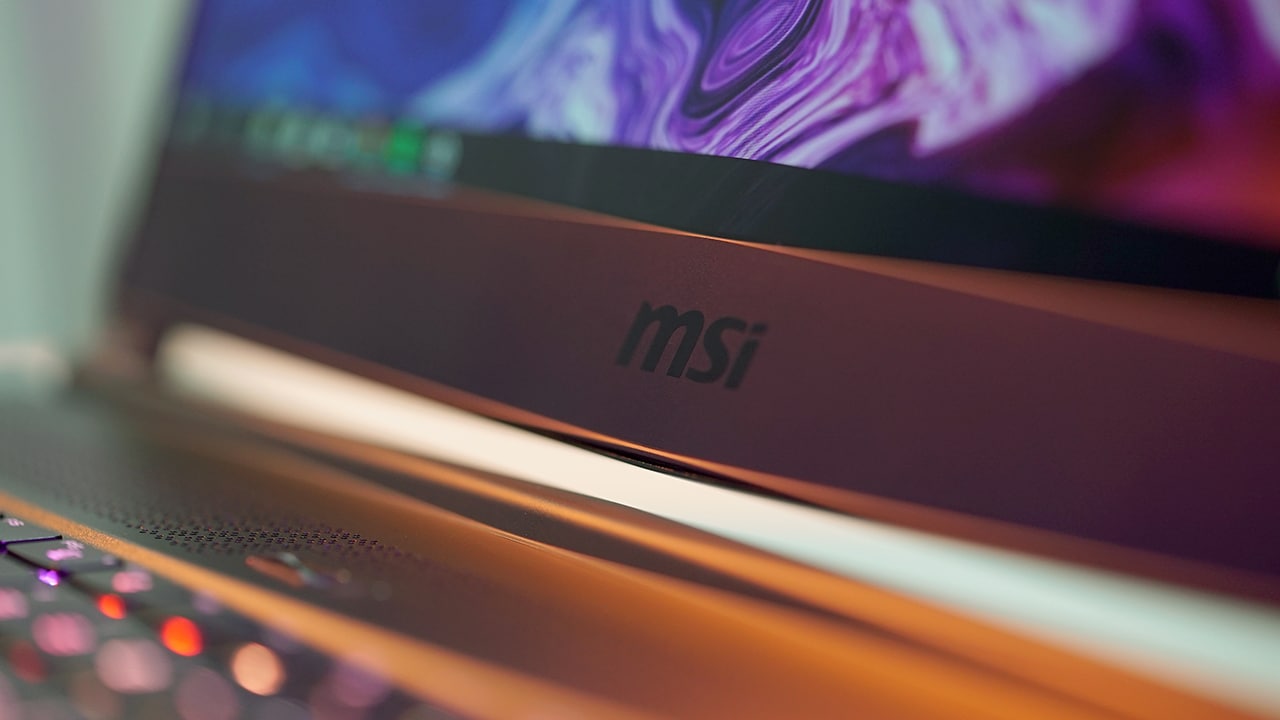
Also, if we would nitpick, we could still see a chin with the company’s logo. Even then, it’s still not an eyesore to the general aesthetics of the laptop.
Great for multimedia
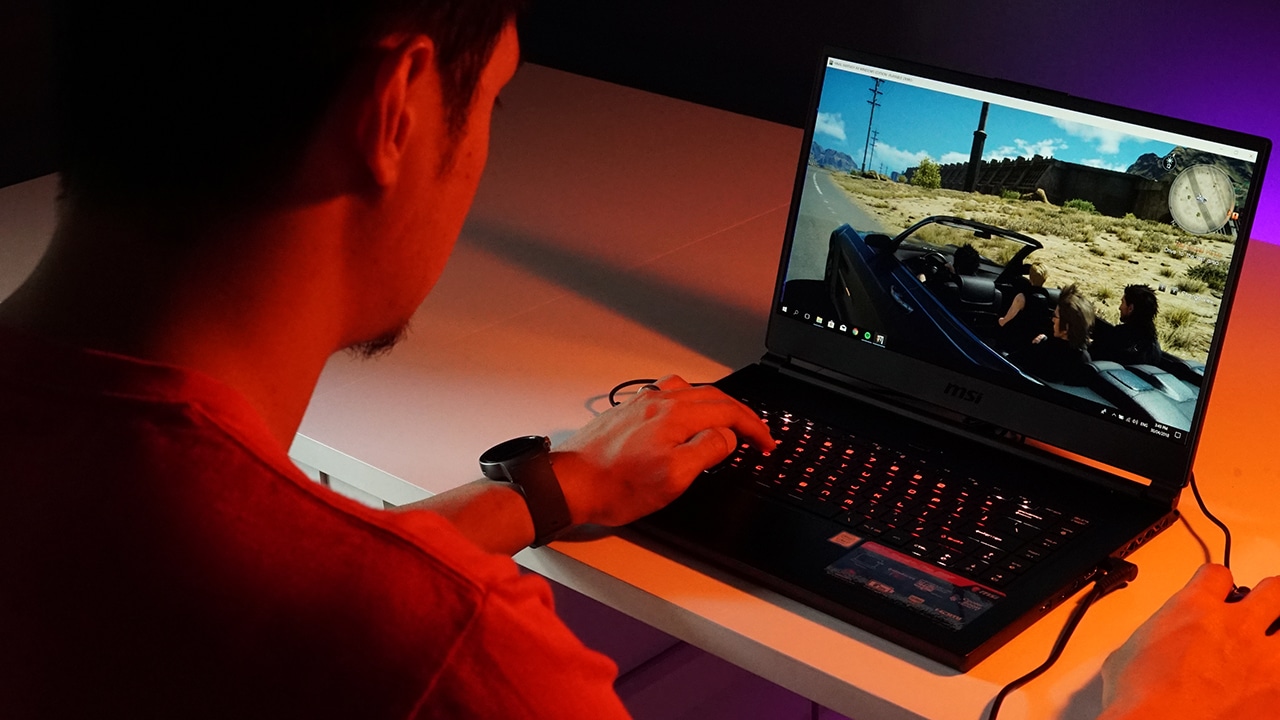
The Stealth Thin touts a 15.6-inch display which is just the right size for productivity and gaming on the go. Undoubtedly, what makes the display look really appealing are the thin bezels that go with it. It just shows how the company wasted no space and maximized this area.

As mentioned earlier, the screen has a refresh rate of 144Hz and is coupled with a 7ms response time. This translates to really fluid movement, especially while playing games. It could even make or break a match.
In terms of quality, the sharpness of details adds to the overall immersion. Colors are lively and vivid without going overboard so that’s always a good thing. When outdoors, bright glares aren’t much of a problem thanks to the display’s finish.
Speakers are placed underneath, which I have mixed feelings about. Playing games or listening to music while on a table has louder than average volume and it’s all fun. Transferring to a couch or any surface with cloth, however, makes sound muffled and the volume gets greatly reduced.
Of course, audio performance is more immersive when using dedicated headphones. It also supports hi-res audio so that’s another perk when you go for the Stealth Thin.
A very customizable keyboard
The keys are made in partnership with Steel Series and it cements the idea that MSI wants its users to really enjoy using the laptop.

Where these keys shine is in lights customization. Keys that light up aren’t new, but the Stealth Thin boasts per-key RGB lighting that users can tweak.
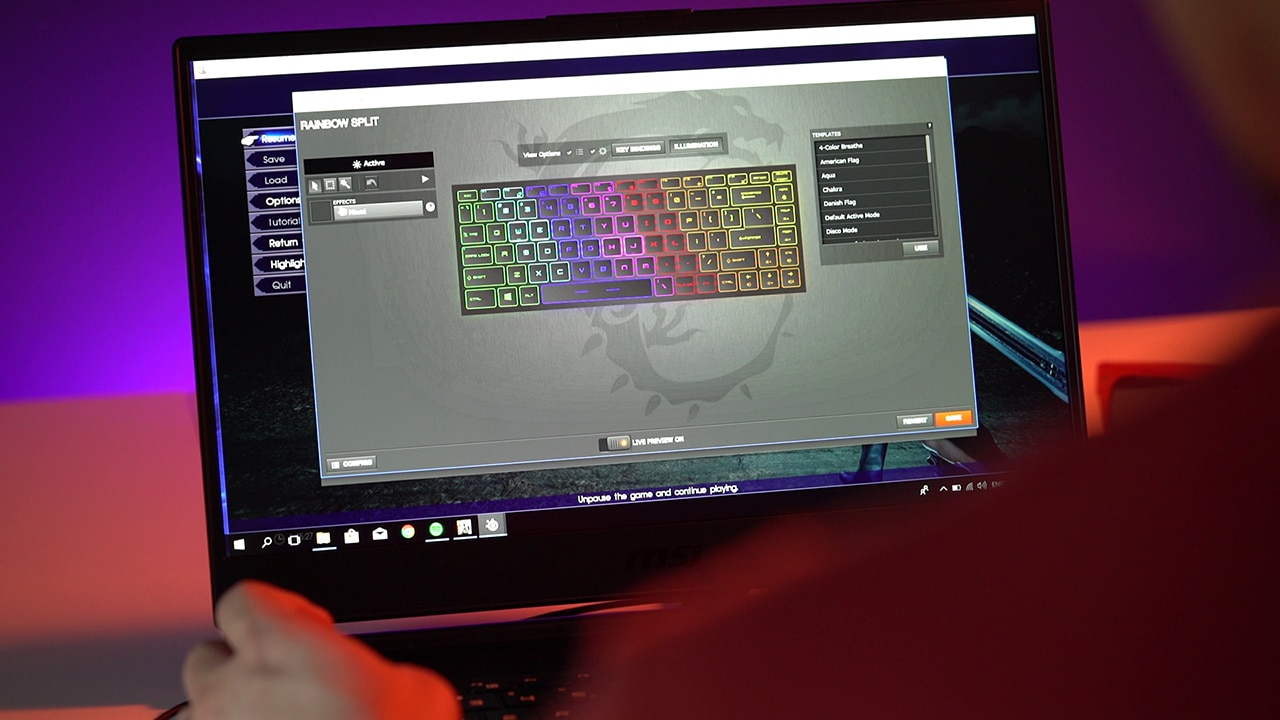
Additionally, even the behavior of lights can be altered to suit your current mood. You can have it sweeping or just a regular glow, among others. The font style is also a bit different here, and it’s a good kind of different which goes well with the overall look of the laptop.

Gamers comfortable with a full-sized mechanical keyboard might be thrown off with the GS65’s short travel keys, but these are a joy to type on and aren’t that bad for FPS games.
Interesting things under the hood
Running the show is a new Intel Core i7-8750H chipset with six cores and 16GB of RAM. From those alone, you know this portable rig isn’t just made for computing grades in Microsoft Excel.
Top those off with NVIDIA’s GeForce GTX 1070 graphics with Max-Q tech and you get a machine that doesn’t hold back when more processing power is required of it.
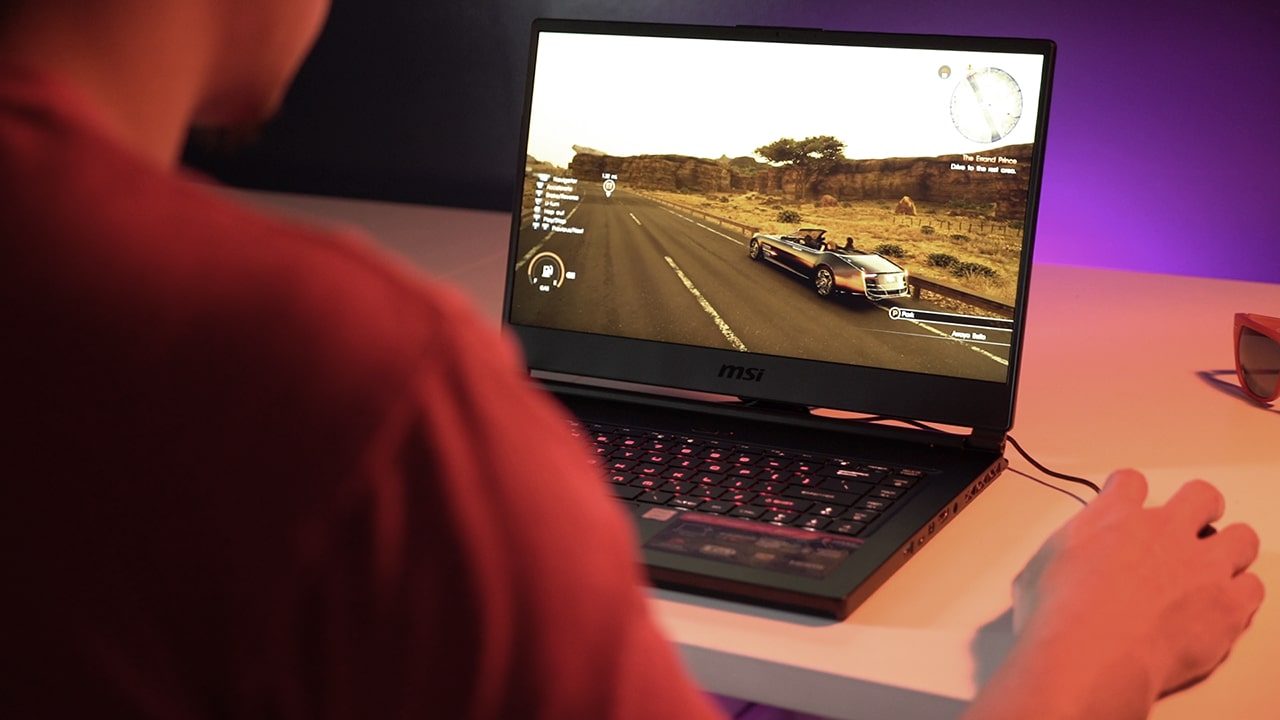
I have been using the Stealth Thin for both work and play — editing videos for GadgetMatch and exploring the land of Eos in Final Fantasy XV. The laptop hasn’t backed down while doing either.
Even without G-Sync embedded in its display, the 144Hz refresh rate made the graphics smooth and screen tearing was nonexistent throughout my time with it. Its underside gets warm but NVIDIA’s efficient Max-Q made it possible to achieve such performance while keeping things relatively cool for the chassis.
As for the battery, the GS65 is pretty much like most gaming laptops — lasting an average of less than three hours with constant usage. What’s interesting, though, is that the power brick is now smaller than usual so it’s easier to bring around.
Is this your GadgetMatch?
There’s a lot to love about the Stealth Thin. There’s the minimalist exterior with elegant gold highlights, 144Hz display with attractively slim bezels, fully customizable keys, and internals that beg to be unleashed. This laptop is basically a combo of great design, powerful specs, and an enjoyable experience all in one portable package.
There are some drawbacks, of course. We’re not fans of how the inside panels bend and creak, and the hit-and-miss performance of its external speakers. Still, if you can look past those, we think this is one of MSI best gaming laptops yet.

The MSI GS65 Stealth Thin is available for pre-order in the Philippines for PhP 134,995 or US$ 2,612 for the GTX 1060 model with a 256GB SSD. There’s also a GTX 1070 variant (our review unit) with a 512GB SSD which retails for PhP 169,995 or US$ 3,289 when converted.
It’s cheaper in the US with a starting price of US$ 1,799. For what it offers, the GS65 is actually affordable compared to others in its league.








Valve has been embroiled in an odd war as of late. A few weeks ago, the New York Attorney General filed a lawsuit against the gaming company for allegedly encouraging children to gamble through loot boxes primarily found in Counter-Strike 2. Today, Valve is fighting back by declaring how little its loot boxes have to do with gambling.
For years, governments have had a problem with loot boxes. To them, the mechanic makes it too easy for gamers to fall into a gambling addiction. In essence, loot boxes are earnable packs that contain a single or a number of random items that the player can use for their game. Most of the time, these items are purely cosmetic and don’t give a gameplay advantage.
Like Blizzard before it, Valve is also defending its loot boxes as non-essential to how players engage with their games. “There is no disadvantage to a player not spending money,” their statement reads.
Additionally, Valve says that their loot boxes are no different from Pokémon cards and Labubu blind boxes. As such, the company is also defending their users’ right to transfer obtained items to other users, as with two players trading cards or Pop Mart figurines.
Now, these items have monetary value in the market. In the same way, a rare Counter-Strike 2 skin can fetch thousands of dollars. However, Valve says that they are already proactive in shutting down accounts made only to gamble and avoiding pro-gambling businesses.
Valve is capping off its statement by saying that the NYAG is forcing the company to collect more information from its users, especially those using VPNs to prevent being located in New York. The company says that it will continue to protect user data, despite the demand.
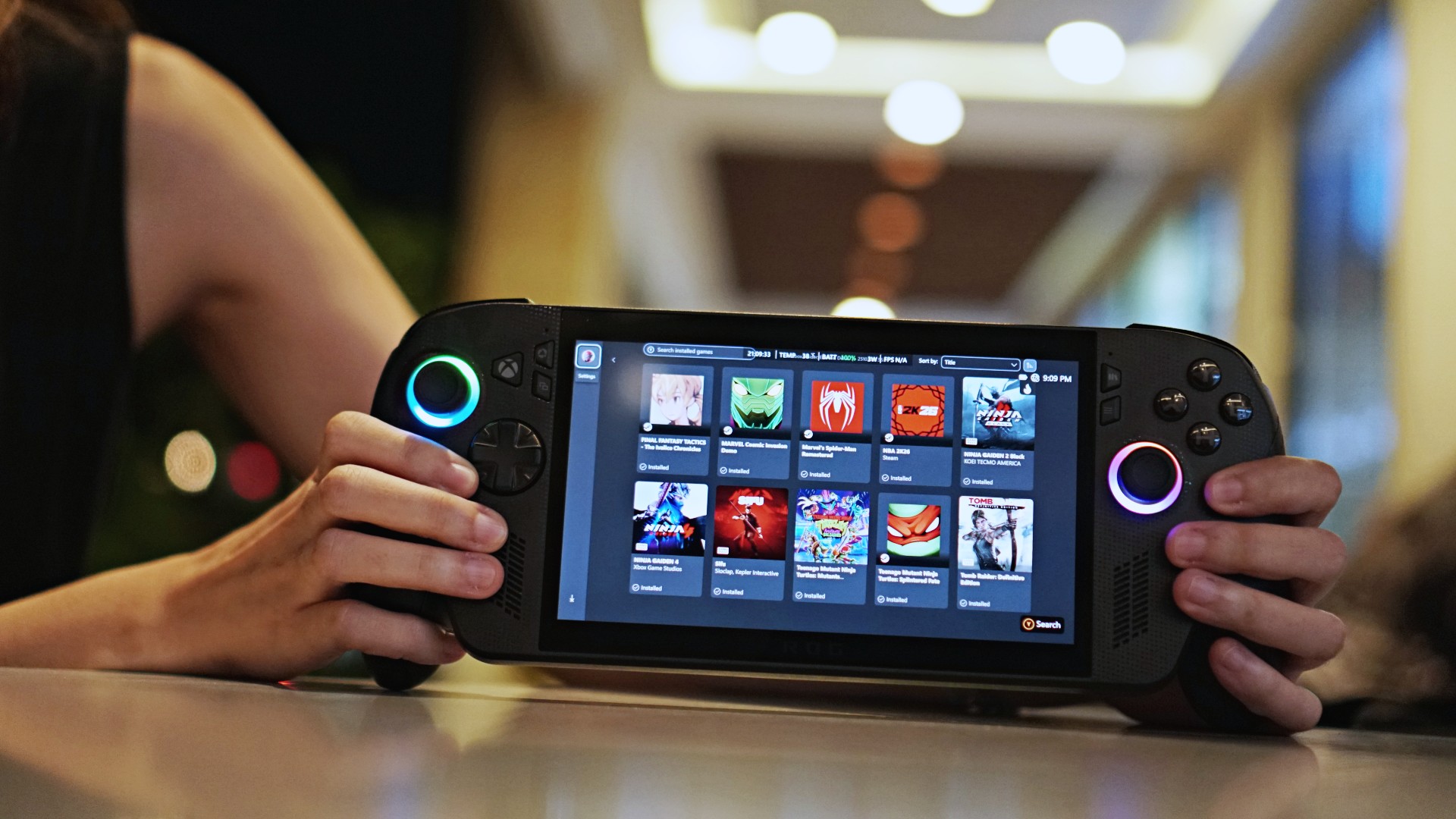
What is an Xbox? For the past year and a half, Microsoft will tell you that anything can be an Xbox. Now, with Project Helix on the horizon, Xbox wants to bring the idea of playing anywhere to the next level. Microsoft will start rolling out its new Xbox Mode to PCs in April.
Since the very first device out in the market, handheld consoles have changed how people play games. Naturally, a lot can already be said about the portability and the convenience of its hardware. But the software needs a special shoutout, too.
Though they are essentially PCs at heart, these consoles are built explicitly for gaming. Fiddling around with Windows isn’t ideal. Instead, they have special software that can collate all of a user’s games into one hub.
The new Xbox Mode, adapted from the ROG Xbox Ally X’s Xbox Full Screen Experience, will do just that but on an actual PC. As announced via an official blog post, Xbox will release the new mode to Windows 11 devices in April, starting with select markets. Like the software used in handheld consoles, Xbox Mode should include all the available games from the Game Pass, Steam, and the Epic Games Store.
Right now, the feature will likely go up against Steam’s Big Picture Mode, which does the same thing but only for Steam titles. However, it should also transition neatly to Project Helix. Xbox is now ramping up the development of its next-generation console codenamed Project Helix. The upcoming machine will be a high-end PC and a gaming console rolled into one, making it perfect for Xbox Mode.
SEE ALSO: Project Helix is Xbox’s next console, and it plays PC games
Gaming
Resident Evil Requiem will get a story expansion
There’s no word yet on when the story expansion will drop.


Resident Evil Requiem, Pokémon Pokopia, and Slay the Spire 2. Between these three, gamers today are eating well and good. Or rather, they’re not, because of how addicting of a time sink these titles are. The latter two especially are built to be played over and over for weeks and months. Now, Resident Evil Requiem is working on something, so you also won’t forget about it in a few months’ time.
Via an official post on Resident Evil’s social media platforms, Capcom has confirmed that a story expansion is coming to the horror game. Currently, the base game doesn’t take long to beat, especially when compared to other RPGs today. The expansion should add more content to explore the story’s world.
Right now, Capcom can’t share a timeline for the update’s launch. However, in the meantime, the developers are cooking up a few minor updates to keep the game alive. For one, the game will receive performance updates to improve the smoothness of gameplay and fix bugs. It will also get a photo mode for all you Leon-holics out there.
Finally, in May, the base game will get a “minigame” added to the main game. There’s no word as to what this minigame is, so we’ll have to wait for when it drops.
Resident Evil Requiem is out now on all major platforms. The game features the survival horror style of the modern Resident Evil games, while serving up the classic action gameplay with the return of Leon S. Kennedy as a co-protagonist with Grace Ashcroft.
SEE ALSO: Resident Evil Requiem is out now



Disney+ launches a TikTok-coded vertical feed called Verts

Google Maps is finally getting a 3D mode

KPop Demon Hunters is officially getting a sequel

Bringing Care-a-Lot to my daily carry

Galaxy AI on the Samsung Galaxy S26 Ultra


-

 News2 weeks ago
Xiaomi 17 Ultra is now available outside China
-

 MWC 20261 week ago
Infinix NOTE 60 Ultra makes a motorsport-inspired debut
-

 MWC 20262 weeks ago
TECNO showcases cool concepts at MWC 2026
-

 MWC 20261 week ago
TECNO launches the all-new CAMON 50 series
-

 Reviews1 week ago
TECNO CAMON 50 Ultra review: End of an era?
-

 Reviews2 weeks ago
Xiaomi Pad 8 review: Slab that slaps!
-

 Reviews2 weeks ago
Forget the Phone: Xiaomi 17 Ultra Is A CAMERA!
-

 MWC 20261 week ago
TECNO unleashes Tonino Lamborghini collection