
Laptops
ASUS Transformer 3 Pro review


Some people want high-powered gaming machines; others already have simple laptops that can do it all. The ASUS Transformer 3 Pro is part of a tiny gray area in between, and it’s quite the niche.
If you’re familiar with Microsoft’s line of Surface convertibles, you’ll know what you’re getting with the Transformer 3 Pro. They look and function alike, but the ASUS has a few more tricks up its sleeve.
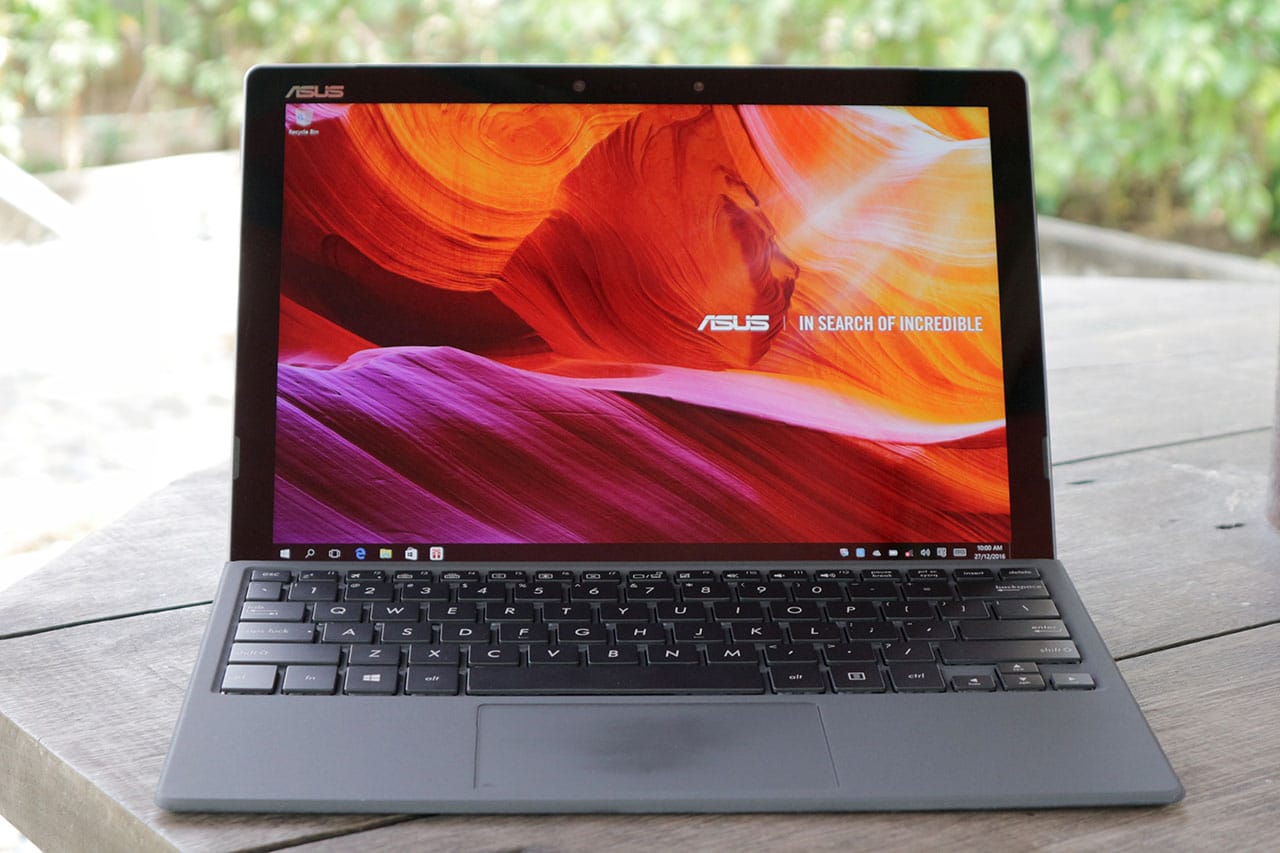
The model I’m reviewing here is also known as the T303U. If you want to get technical, mine has a decent configuration with a sixth-generation Intel Core i5 processor, 8GB of memory, and 512GB SSD storage.
Not bad, eh? The only downside is the price: PhP 69,995 in the Philippines, or about $1,400 in most markets. That’s pricey, so you better read on before making the investment.
It’s surprisingly comfortable in all positions
What bothered me when I reviewed previous convertibles were the awkward resting positions on my lap. The Transformer 3 Pro manages to break that curse.
The main unit comes with a built-in kickstand, which is as long as the entire tablet part and has 155 degrees of flexibility. This means it can easily rest on any type of surface, whether you have the bundled keyboard case attached or not.
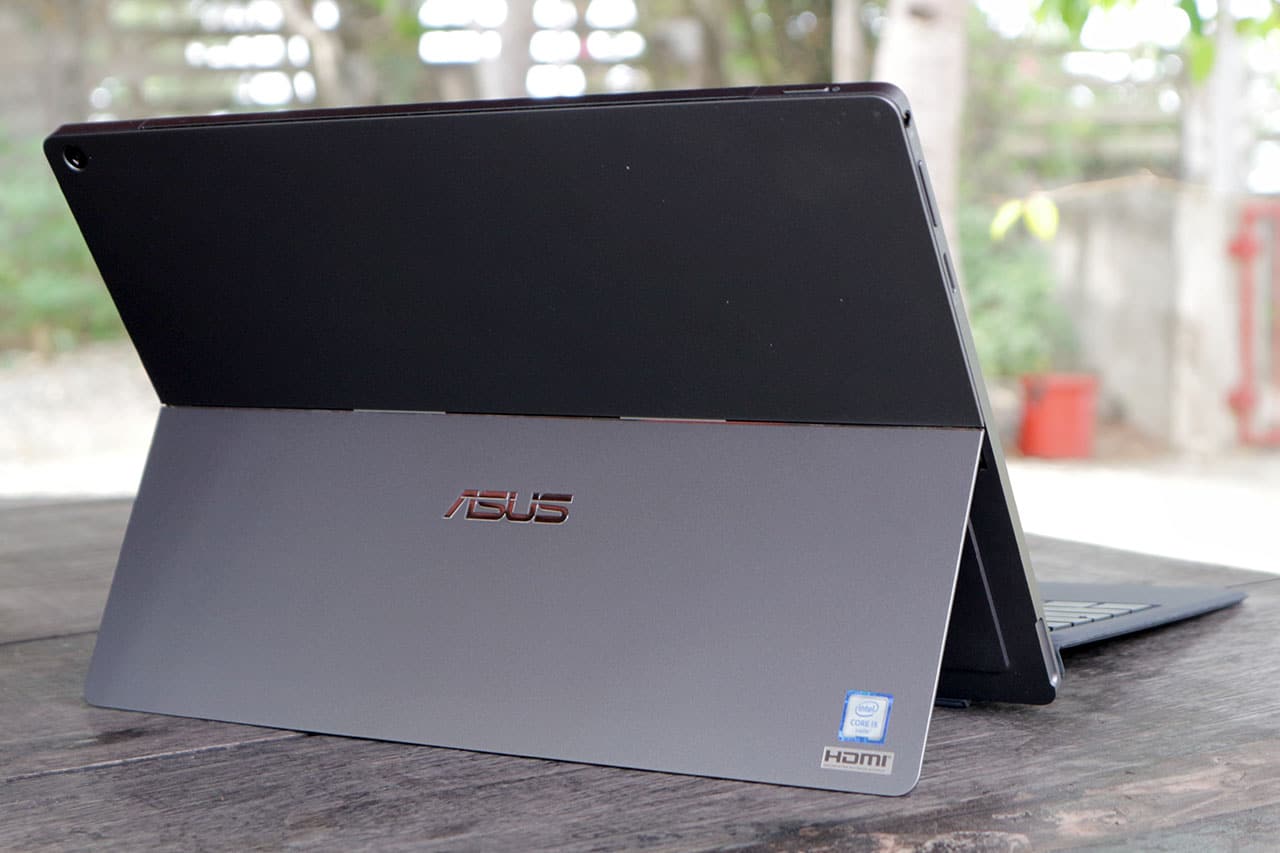
Latching on the keyboard is as simple as letting the magnets of both units attract one another. And even with the two parts put together, the whole thing feels so light. The tablet weighs in at about 790g, but you’d think it’s lighter thanks to the slim 8.35mm profile.
This thing can run fast
Based on the specifications we mentioned earlier, you can already tell this convertible can blaze through everyday tasks. The question is: How far much farther can it go?
Without a dedicated graphics card, the Transformer 3 Pro will struggle when handling high-definition video editing or playing games like Tomb Raider or the new Doom. But that’s to be expected, really.

What you can get away with is heavy editing on Photoshop while having several tabs open at the same time in Chrome. I’m writing this review on a Transformer 3 Pro, and I’m split-screening Google Docs with YouTube videos playing and Photoshop ready in the background.
But expect lots of heat on top
Obviously, you’re going to experience lots of heat when putting a laptop-level Core i5 chipset in a thin tablet. It doesn’t help that the whole thing is made of “premium alloy.” Solid? Yes, but the heat spreads all over the top half of the unit.
Since the Transformer 3 Pro doesn’t have the lighter Core M processor found in most convertibles — or even in the cheaper non-Pro Transformer 3 — a cooling fan had to be installed, and it blows hot air upwards.

That’s a good thing, actually, as it keeps heat away from your face or lap. Still, you’ll want to give the tablet some time to cool down before slipping it back in your bag, especially if you save the heavy loads towards the end of your work session.
Speakers get loud; display’s not that bright
Something I enjoy using during my time with the Transformer 3 Pro are the loud front-facing stereo speakers. They’re a breath of fresh air after all the crappy speakers I’ve had to endure with other tablets. This is one of the few instances where I don’t have to reach for external speakers just to watch Netflix flicks.

On the other hand, the screen isn’t that bright. While I appreciate the perfectly sized 12.6-inch 2880 x 1920-pixel display, the overall sharpness and well-saturated colors aren’t enough to make the screen clearly readable under sunlight. It’s a shame, since convertibles like this are designed to be used absolutely anywhere.
Wonky trackpad and keyboard, ugh
Here we go again: another Windows convertible, another awkward trackpad. Expect it to miss double-clicks and right-clicks, and mistakenly zoom in on whatever you’re viewing when you least expect it. I’d sometimes reach a point where I’d have to restart the whole thing just so it would go back to “normal.”
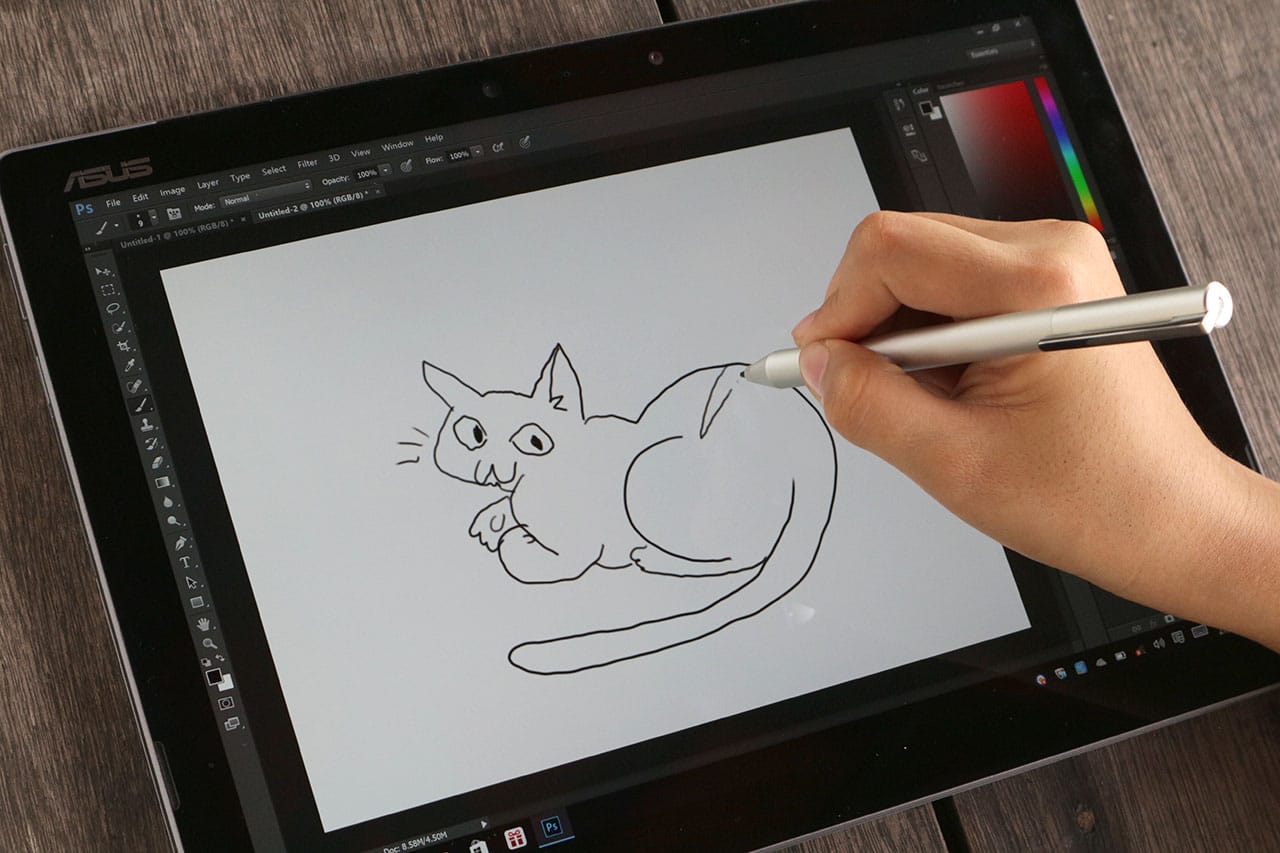
Same issues apply to the bundled pen. Although it works a lot like the one that comes with the Microsoft Surface line, with 1024 levels of pressure and two physical buttons for mouse-like controls, it’s difficult to write legibly or draw anything beyond rough sketches. Fortunately, the pen makes use of a removable AAAA battery instead of built-in charging like the Apple Pencil, and ASUS bundles the hard-to-find battery in the box.
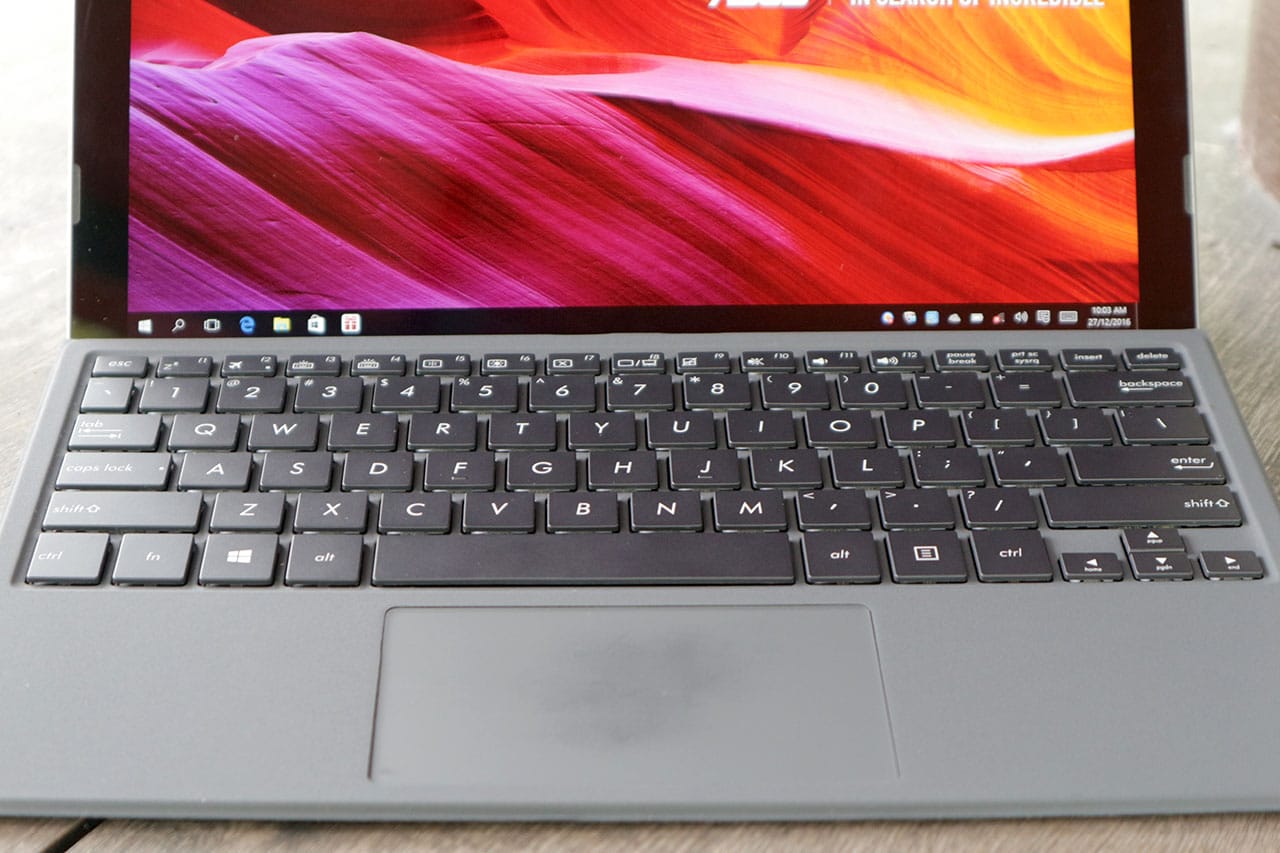
The keyboard isn’t that great, either. While I appreciate the well-spaced keys and their relatively long travel, they have too much resistance, requiring stronger presses while typing. You’ll get used to it eventually, but you also have to deal with a glitchy connection to the tablet. Any slight nudge, and it’ll disconnect instantly; that’s a problem if you move a lot while it’s on your lap.
On the bright side, the keyboard has evenly distributed backlighting. This is invaluable while working in the dark, since the keyboard has an all-black design. You can also choose from three brightness levels.
Hello, ports and cameras
The latest tech trend I hate most is sacrificing connectivity options in favor of a single USB Type-C port and multiple dongles. Apple’s new MacBook started this horrible idea, and companies have been following suit in order to trim down components and rip off consumers with extra accessories. ASUS is having none of that here.

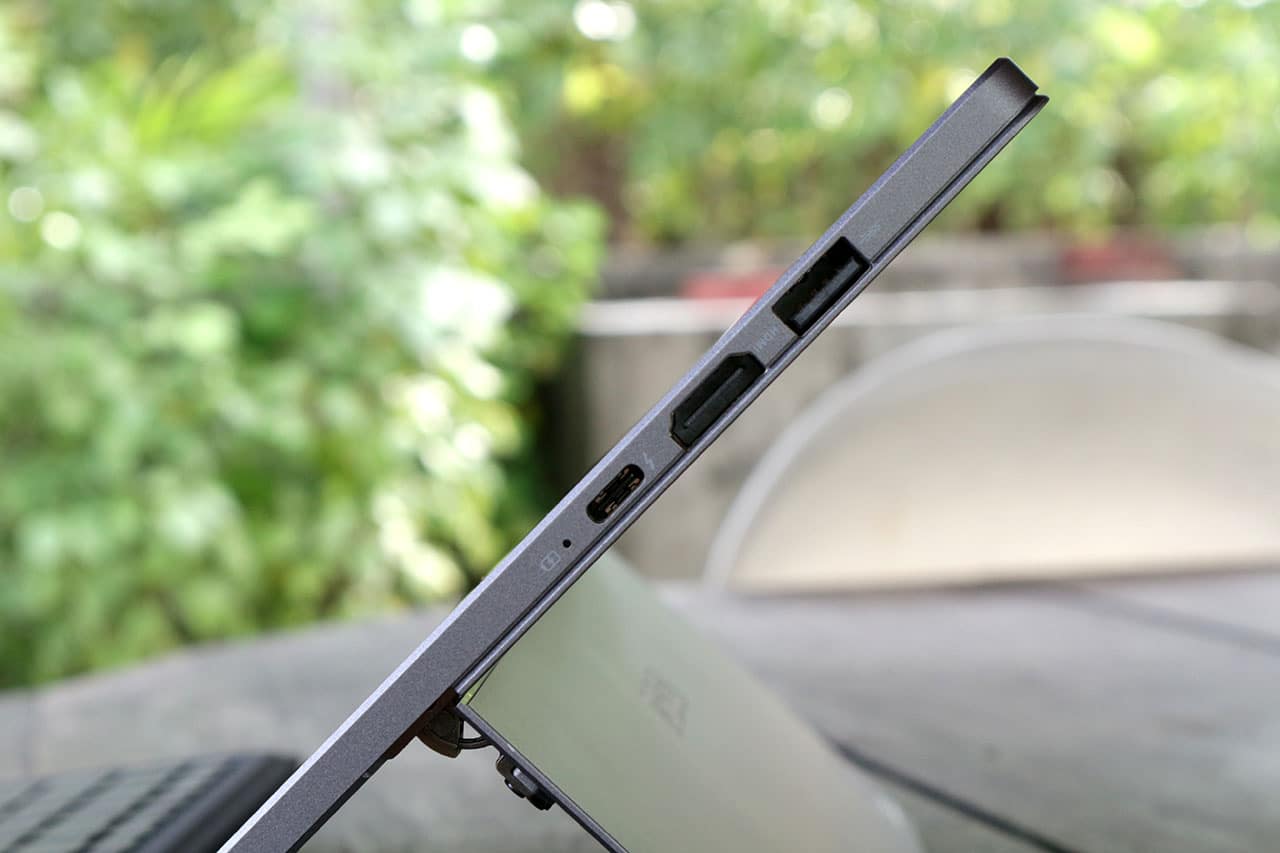
For starters, the Transformer 3 Pro has a single full-sized USB 3.0 for all those flash drives you have lying around, and a USB Type-C port with Thunderbolt 3 support. Then you have a full-sized HDMI port, microSD slot, and — thank goodness — a 3.5mm headphone jack. I never had to consider bringing adapters along for a trip.
Finally, we have a 13-megapixel camera at the back, and a 2-megapixel shooter in front with an infrared camera beside it. I honestly never thought of using the main camera for taking pictures — and don’t have any sample photos, sorry — but the front-facing camera works flawlessly for Windows Hello, which allows you to log in using your beautiful face.
Where art thou, battery life?
This part hurts the most. As much as I love the speed and overall completeness of the Transformer 3 Pro, its battery life is terribly average.
I’d normally expect at least six to seven hours of usage on a single charge from a convertible; this hybrid can manage only four hours with brightness set at 50 percent and Wi-FI turned on the whole time. And that’s if you’re lucky — three and a half hours is the norm if you go beyond simple web browsing and add photo editing into the mix.
At least you get fast charging. It took me less than two hours to reach a hundred percent, and that’s for a battery capacity much larger than any smartphone’s.
Is this your GadgetMatch?
Of all the Microsoft Surface clones that have been released, the Transformer 3 Pro does it best, and even eclipses the pioneer in a few aspects, such as physical connectivity and audio-visual quality.
This Transformer is also a step above the Core M-equipped convertibles we’ve reviewed recently, thanks to a much more powerful Core i5 processor coupled with plenty of storage and memory. Yet, in spite of all the goodness, you must take some things into consideration before investing in this product.
For one, it’s a little too powerful — yes, you read that right. You don’t need this much processing muscle for surfing the web and light editing. That’s why there’s a plain Transformer 3 with a starting price of only $799. What’s the difference? It has a more energy-efficient Core M processor and a single USB Type-C port, but comes with two additional speakers and an even thinner frame.
And, no matter how you look at it, the Transformer 3 Pro is expensive. For the same price, you could afford an ASUS gaming laptop with a real graphics card and better keyboard-trackpad combo. Sure, you’d end up with a heftier notebook without a touchscreen, but it’s far more capable in all other aspects.
[irp posts=”8791″ name=”ASUS ZenFone 3 Deluxe review”]






This is coming from someone who has done countless unboxings and has touched a wide variety of devices — the ASUS ExpertBook Ultra was… alright.
My first impression was that it certainly didn’t wow me as much as I expected it to after having read the brief, nor even after attending the tech seminar where ASUS laid out its vision for the laptop.
That’s probably the strangest thing about the ExpertBook Ultra. Because after having spent more time with it, the laptop grew on me.
Put cheekily, the ASUS ExpertBook Ultra wasn’t the laptop that made my head turn. Instead, it was the laptop that kept showing up consistently. Before I realized it, it’s become the one I wanted to keep coming back to.
And I think that’s the best way to describe my experience with ASUS’ flagship business notebook.
The laptop sneaks up on you.
Built to be carried

I got the laptop right after Computex 2026 coverage. That meant my days were closer to how they normally are. That also meant I had to be more intentional about going out and bringing it with me as I tackled my day-to-day duties.
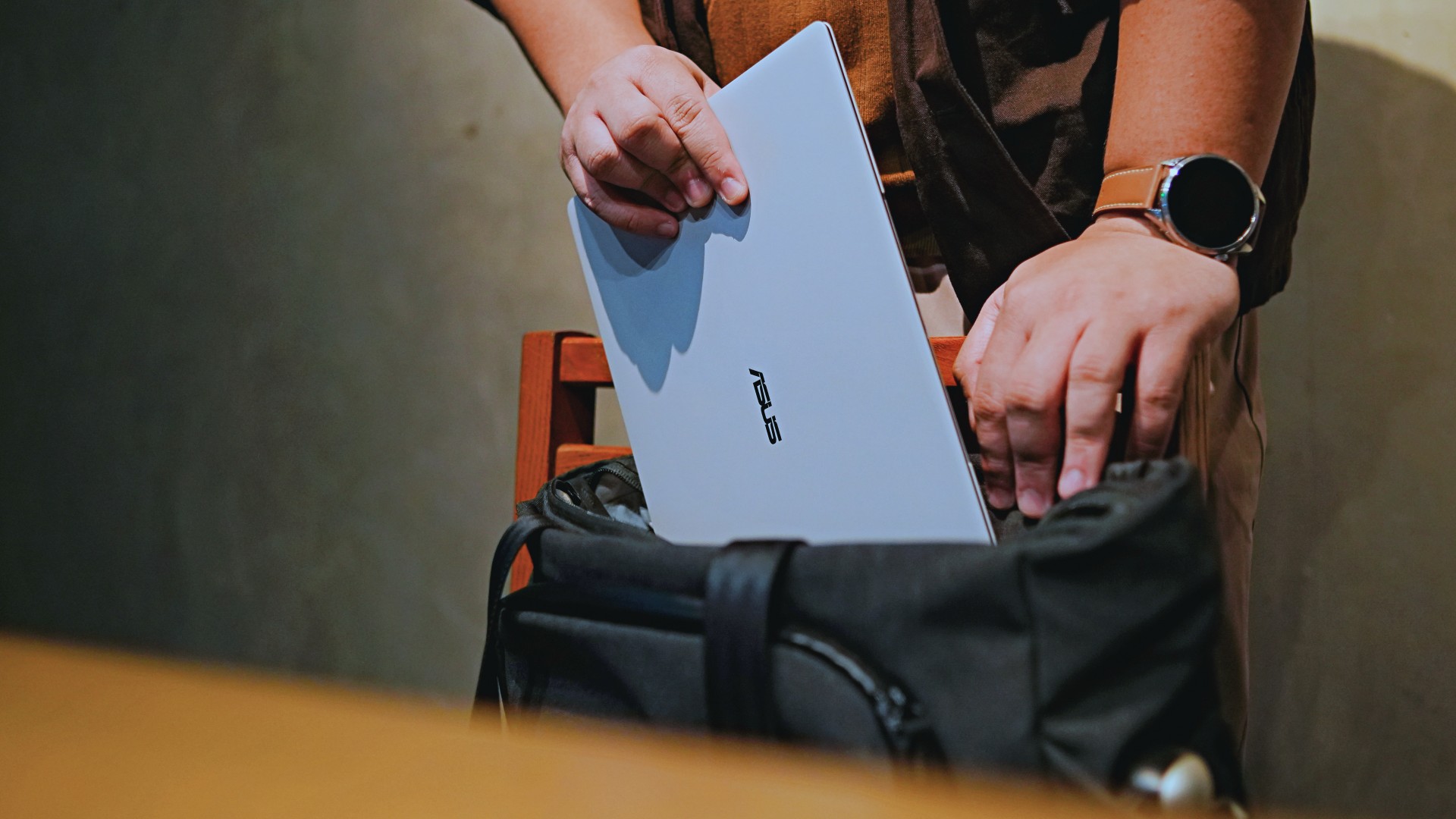
I normally carried it using my trusted EDC — the Alpaka Bravo Tote — and I have to say it definitely felt lighter than my usual laptop, which is the MacBook Pro M4.
The Apple laptop I regularly carry is, I have to admit, chunkier than I would prefer. So having the ExpertBook Ultra for about a week or so literally felt like some load was taken off my shoulders.
Did I ever forget it was there? I wouldn’t go that far.
But if you’re asking me which one I’d rather carry based on build and weight alone, I would, with no hesitation, reach for the ExpertBook Ultra.
That says a lot considering how attached I am to my usual setup.
ASUS likes talking about how light the ExpertBook Ultra is. Normally, that’s the sort of marketing line I acknowledge and quickly move past.
This time, I actually felt it.
The Nano Ceramic effect

One of the first things ASUS will tell you about the ExpertBook Ultra is its Nano Ceramic finish. I’ll admit, it felt like one of those things that sounds good on a slide presentation.
It’s one of those things that look gimmicky at first but actually feels incredible once you come across it on a daily basis.
It’s still early, so you can consider this very much part of the honeymoon phase with the laptop. Even so, the Nano Ceramic finish continues to inspire a bit of awe every time I pick it up.
I do feel like a little weirdo caressing the laptop ever so gently before I begin the day’s work wherever I may be. But that’s just a testament to how good it feels to touch.

And yes, it does reinforce the feeling that, “Hey, I’m working on a pretty fancy piece of machinery.”
It’s easy to underrate the effects of that feeling, but it’s those little intangible things that can sometimes help unlock perspectives and possibilities.
That’s not something you’ll find on a spec sheet. But it’s absolutely part of the experience.
A display that’s difficult to stop staring at

It also helps if STAYC Isa is on screen.
The display is magnificent.
As Captain America would say, “I can look at this all day.” Not the exact phrase, but you’re smart. You get it.
The OLED and matte coating is just a killer combo. Kind of like the Chaewon and Yeji “That’s a No No” challenge collab. Pardon the months-old K-pop reference. I’ve been so busy I haven’t really kept up with what’s new.
Anyway, the combination just comes at you unapologetically and you have no recourse but to bask in it. Maintaining the deep blacks and crisp colors is such a gift to your eyes.
I often sit right next to big windows when I’m out in cafés and the light did nothing to dull the effect of the display.

Two love, two love. I’m falling.
It was so good I often found myself fully diving into STAYC’s 2 LOVE music video in between writing this very review and coordinating with my team.
The matte coating deserves special mention here.
OLED panels already look fantastic. Pairing one with a matte finish that helps cut reflections without sacrificing the strengths of OLED makes for one of my favorite laptop displays in recent memory.
Typing just clicked

This is one of my favorite keyboard experiences. Things just clicked right from the start. No awkward feeling-out phase whatsoever.
I was touch typing like I was Doctor Strange trying to look into over 14 million possible outcomes and still landing on the right key every single time.
The keys feel closer to chiclet-style keyboards than anything else. Even so, the spacing is perfect and the travel satisfying.
Then there’s the haptic touchpad.

I typically don’t like using mice, especially when I’m out and about. With most Windows laptops I’ve used in the past, that eventually becomes a necessity.
That wasn’t the case with the ExpertBook Ultra. It’s easily one of the best-feeling touchpads I’ve used in recent memory.
My standard for touchpads has always been MacBooks. While the software is also doing some heavy lifting in that particular setup, the ExpertBook’s own comes pretty close.
That’s not praise I hand out lightly.
Performance that feels like overkill
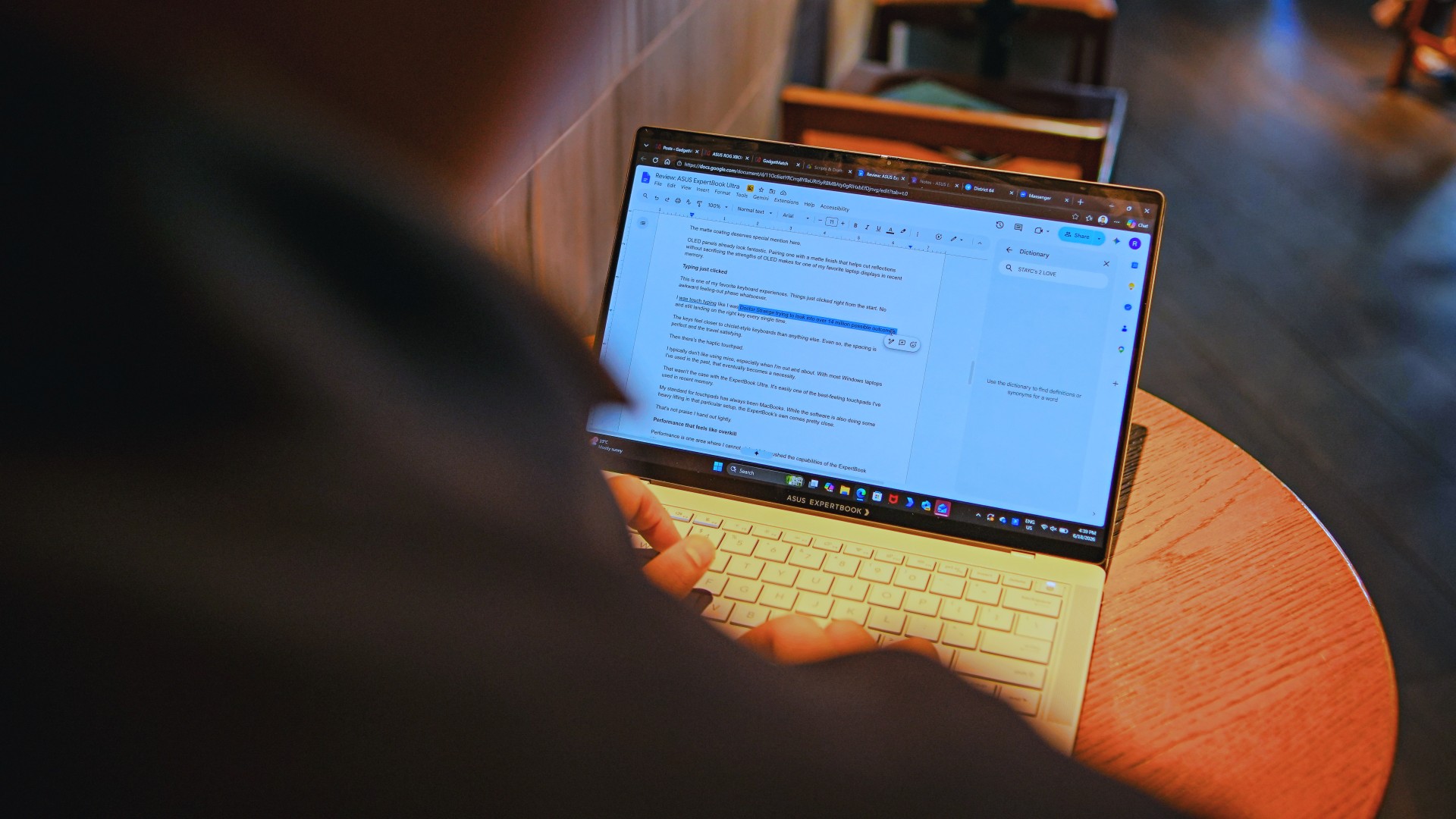
Performance is one area where I cannot claim I fully pushed the capabilities of the ExpertBook Ultra.
Most of my tasks are browser-based. Plenty of tabs open, sure, but I don’t think I ever came close to really testing the capabilities of this business notebook. I imagine that would be the case for most of ASUS’ target audience.
Upon seeing the specs, I already knew this was going to be a bit of an overkill for my own use case. My time with it only proved that assessment.
The most I did with it was jump between browser tabs and chat apps, letting ChatGPT help me process unresolved feelings and questionable timing while I dealt with coordinating shoots, writing scripts and reviews, and dealing with external forces that leave me feeling drained.
Never once did the laptop feel slow. Never once did I find myself waiting.
What noise?
Speaking of things I didn’t notice, let’s talk about fan noise.
Again, since I didn’t really push this thing to its absolute limits, the fan never really kicked into high gear at any point during my time with it.
The same goes for thermals.
No task I did ever raised the temperature to uncomfortable levels. The laptop simply went about its business. Which, come to think of it, is probably the most business-laptop thing I can say about it.

Battery life that simply works
I was very impressed with its overall efficiency.
When I go out to work, I typically don’t stay out longer than five to six hours. Most of the time that’s five to six hours of really focused work—with some K-pop loving in between.
Being generally risk-averse, I still always brought my usual charger with me. Not once during my time with the device did I feel the need to plug in while working outside.
I would typically end my café work days somewhere between 30 to 40 percent and only juice the thing up once I got home while it was closed and not in use.
That’s exactly the kind of battery experience I want from a business laptop.
The AI question
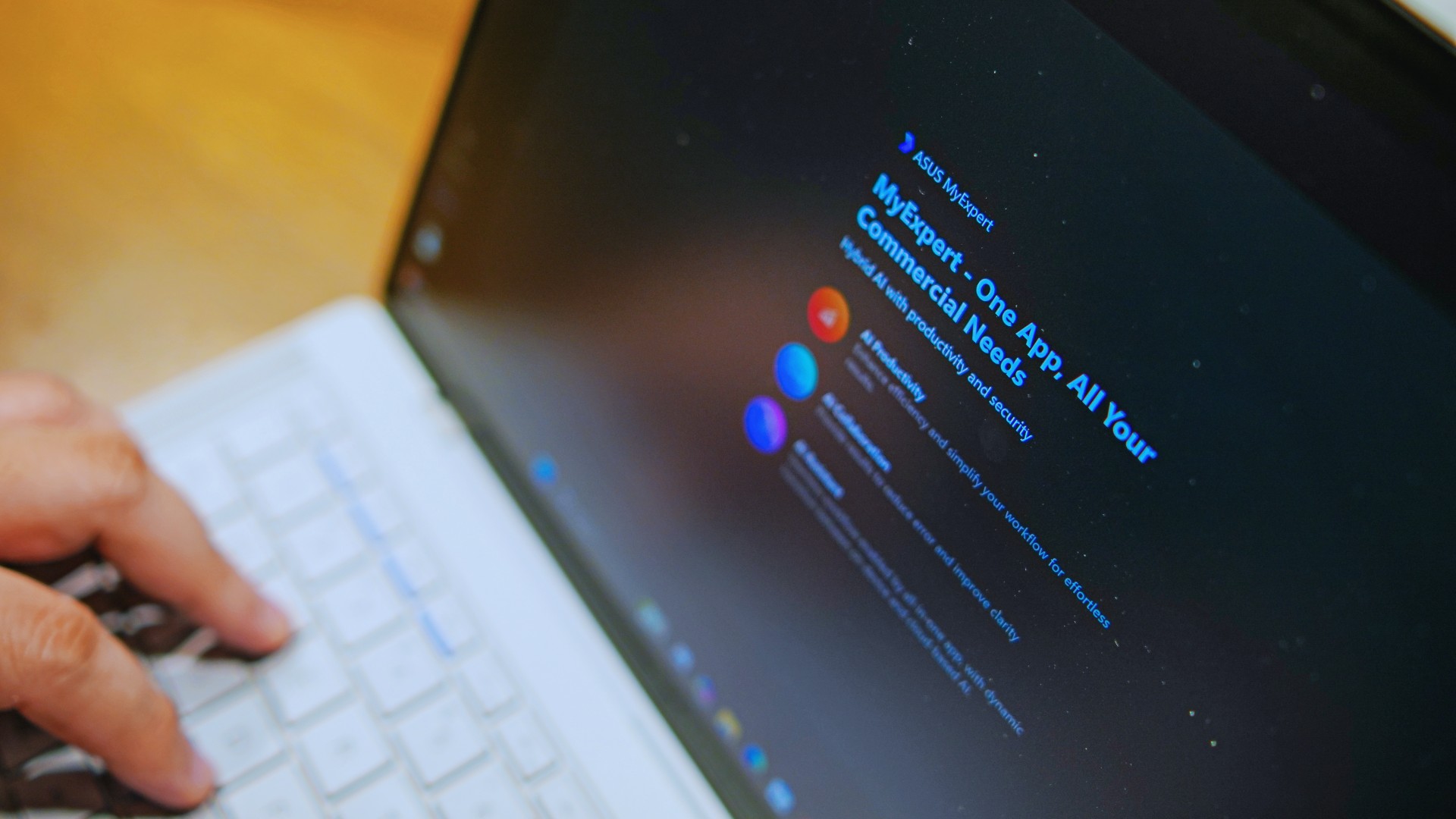
The thing I struggle with when it comes to AI features on this machine is that a lot of them are Windows-based and that’s just not the AI I find reliable.
Right now, many of these features are nice-to-have.
I’m sure one of ASUS’ target users will likely find a use case for them.
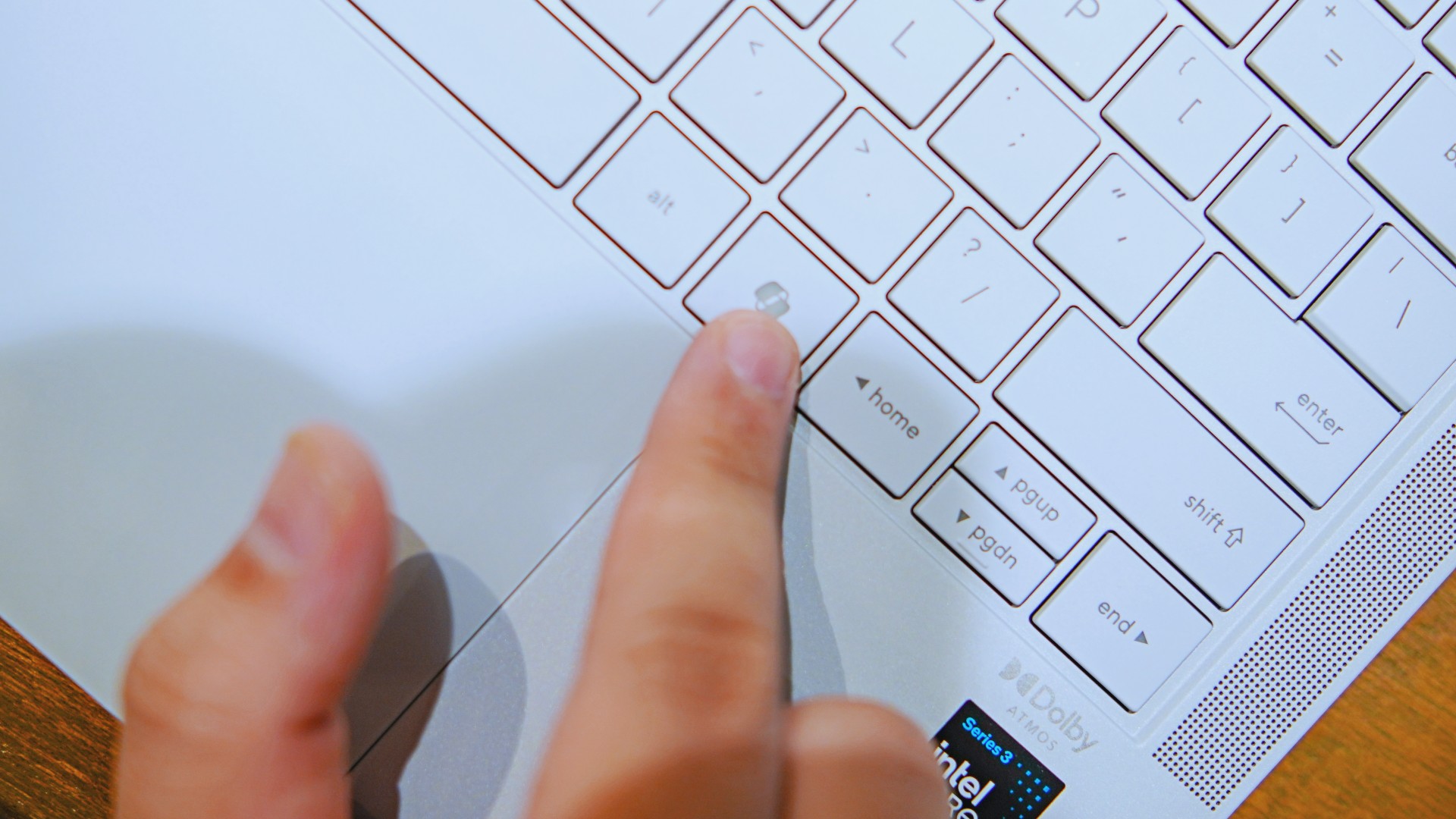
As for me personally, this is one area I’d have to dig deeper into to actually find ways to integrate them into my workflow and general usage.
And honestly, that’s okay. The AI features weren’t the reason I kept reaching for the laptop.
Who is this actually for?

That’s a loaded question. Really, it’s built for anyone who can afford it.
With a starting price of PhP 129,995, this device comfortably sits in aspirational territory.
What I know for sure is that this is a machine for someone who’s already built some momentum in their chosen field and would like to level up.
The ASUS ExpertBook Ultra gives you a machine that can handle your business now and inspire you to dream bigger about your future.
Is the ASUS ExpertBook Ultra your GadgetMatch?
The thing I kept coming back to with the ExpertBook Ultra is that there is no one thing that made me turn to it.
Instead, it’s the combination of everything that it brings to the table. The premium-feeling build, lightweight design, wonderful display, excellent keyboard and touchpad. efficient performance, and the thoughtful extras. Together, they make it a laptop that’s easy to recommend to anyone who’s ready for it.
But what does ready for it actually mean?

It means it’s for people who have leveled up quite a bit in their grind and want a machine that matches their current status and future aspirations.
That’s what the ASUS ExpertBook Ultra represents. A modern classic that’s ready for now and whatever comes next.
That’s why it didn’t wow me. But it certainly won me over.

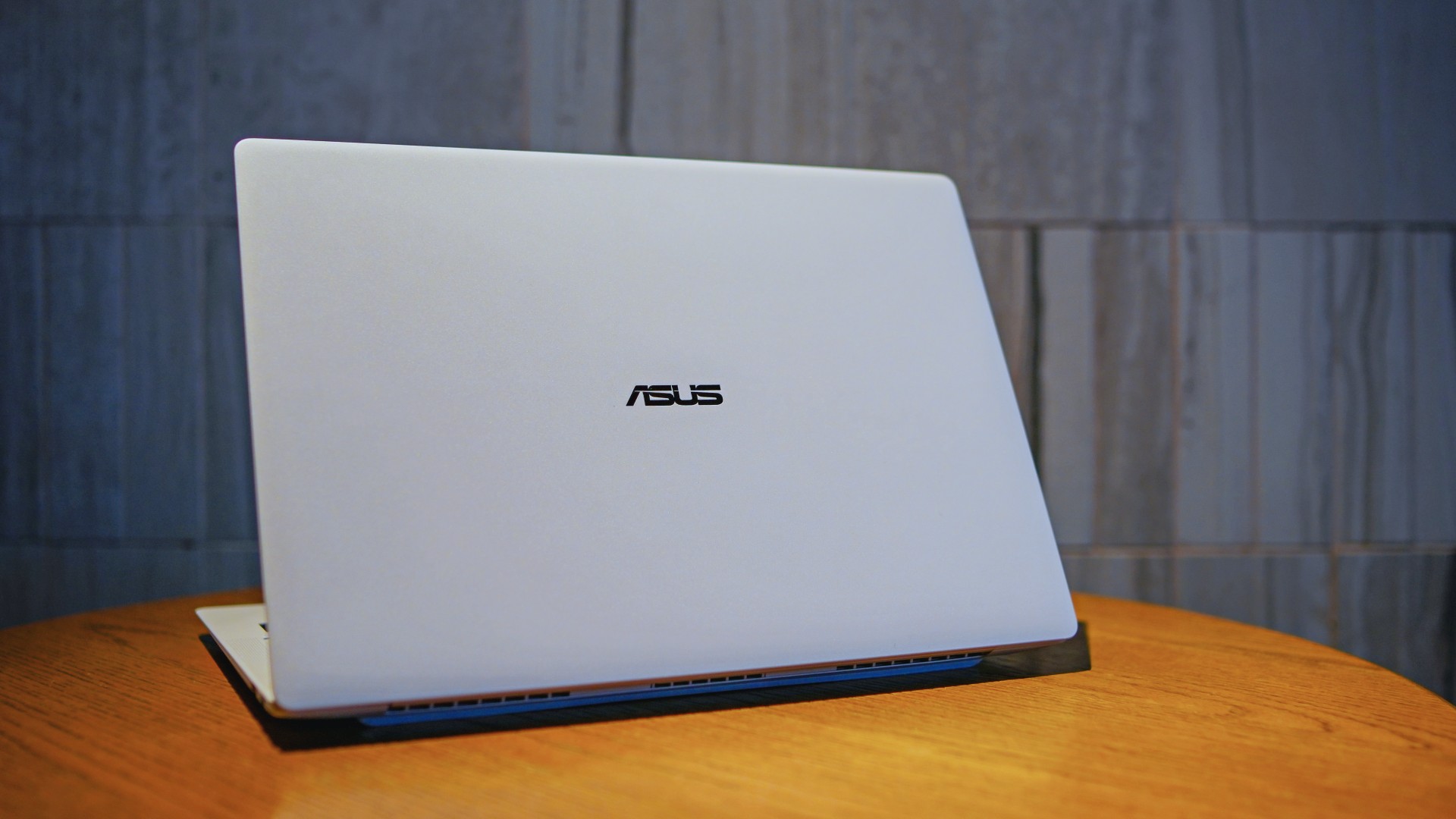
The ASUS ExpertBook Ultra is now available in the Philippines. It is ASUS’ latest AI-powered business laptop for professionals who want a lightweight machine without sacrificing performance.
Positioned as the flagship of the ASUS ExpertBook lineup, it combines a sub-1kg chassis with Intel Core Ultra processors, enterprise-grade security, and AI features. ASUS is targeting executives, business users, and creators with the new laptop.
Built for portability and performance
The ASUS ExpertBook Ultra weighs as little as 0.99kg. It measures just 10.9mm thick. The laptop uses an aerospace-grade magnesium-aluminum chassis with ASUS Nano Ceramic Technology. ASUS says the finish delivers five times greater scratch resistance than the industry standard.
Despite its slim profile, the laptop packs a 70Wh battery. ASUS rates it for up to 26 hours of battery life.
Power comes from Intel Core Ultra Series 3 processors. The lineup is topped by the Intel Core Ultra X9-388H. Buyers can configure the laptop with up to 64GB of LPDDR5X memory running at 9600 MT/s and up to a 2TB PCIe Gen 5 SSD.
ASUS also highlights its ExpertCool Pro thermal system. It allows the processor to sustain up to 50W of CPU performance while keeping fan noise low.
Tandem OLED display and premium hardware
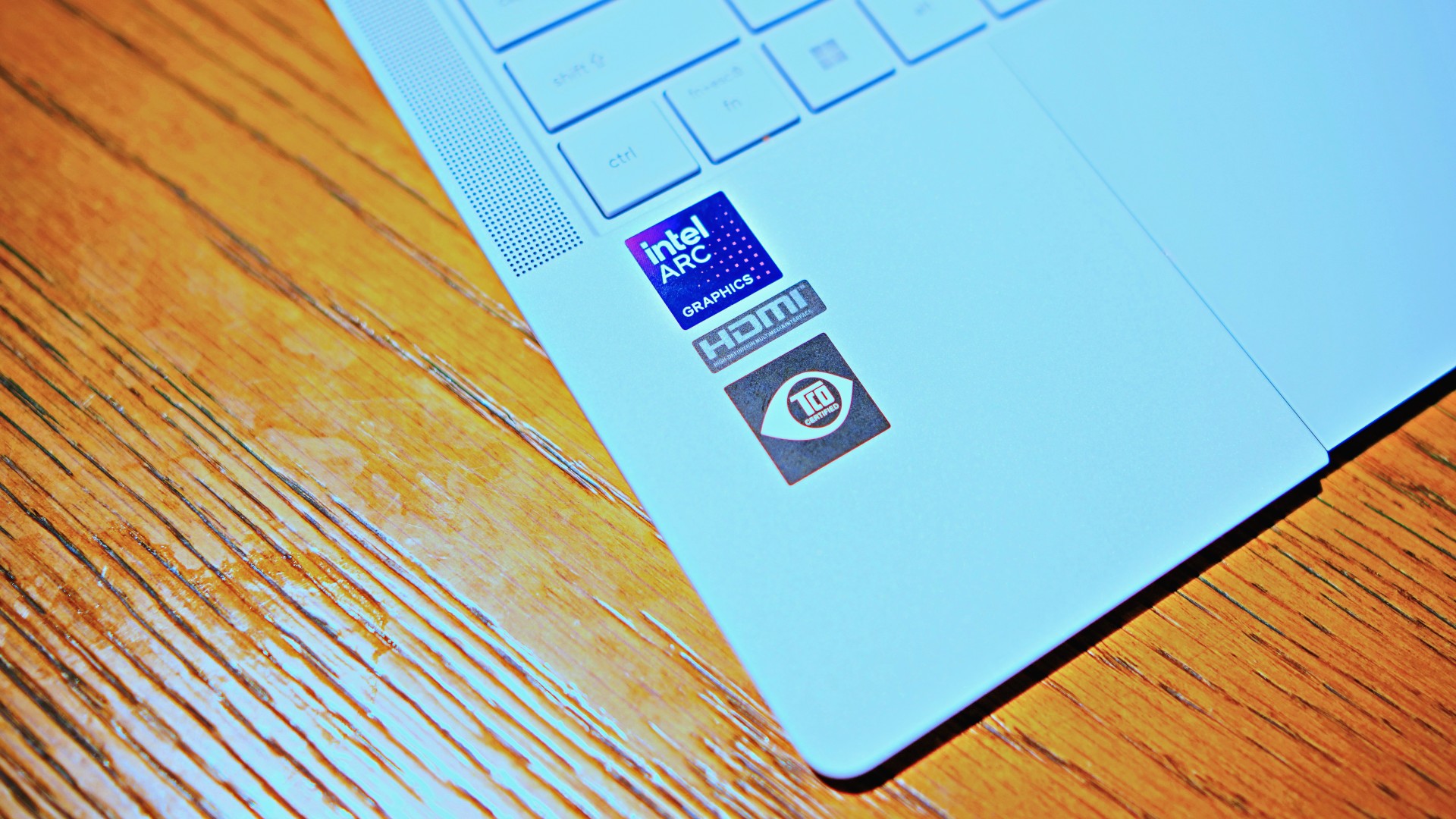
The ExpertBook Ultra features a 14-inch 3K Tandem OLED touchscreen. It offers a 120Hz refresh rate and up to 1,400 nits of HDR brightness. Corning Gorilla Glass Matte helps reduce reflections while preserving image quality.
Other hardware highlights include:
- 1.5mm travel spill-resistant keyboard
- Edge-to-edge haptic touchpad
- Six-speaker Dolby Atmos audio system
- Dual Thunderbolt 4 ports
- Two USB-A ports
- HDMI 2.1
- 3.5mm audio jack
AI and enterprise security
As a Copilot+ PC, the ASUS ExpertBook Ultra includes AI-powered tools through the MyExpert suite. These include AI ExpertMeet and a local Knowledge Hub.
The laptop also focuses on enterprise security. Features include dual biometric authentication, a physical webcam shutter, self-healing BIOS, TPM 2.0, Microsoft Pluton, and compliance with the NIST SP 800-193 firmware security standard.
Price and availability
The ASUS ExpertBook Ultra is now available through ASUS authorized stores and select retailers nationwide.
Pricing starts at PhP 129,995. Higher-end configurations go up to PhP 215,995.
ASUS is also offering an Early Bird Bundle until July 31, 2026. Eligible purchases include an ASUS 100W GaN charger and PhP 10,000 worth of SSI gift vouchers.

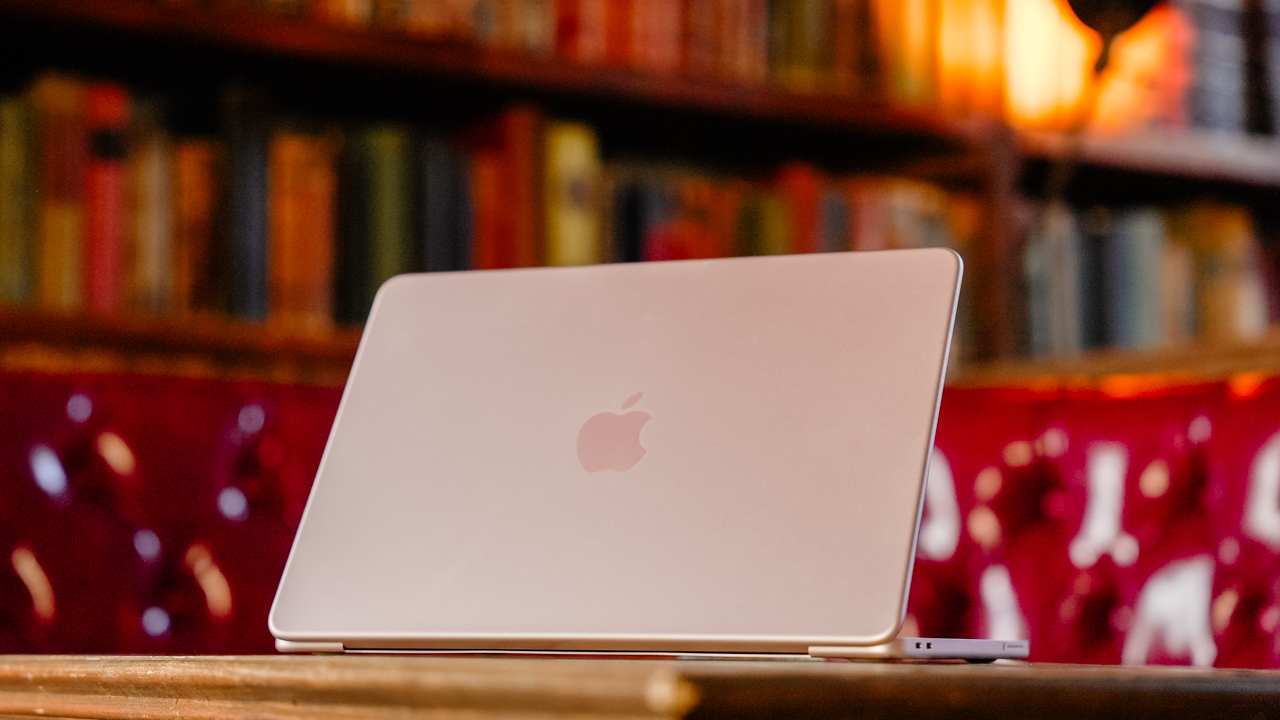
Hey, remember when Apple launched the MacBook Neo, and it had the most attractive price for an Apple-branded laptop? Those were good times. Unfortunately, it was too good to be true. Responding to the ongoing RAM crisis, Apple has now increased the prices of its hardware, starting with the MacBook and the iPad lineups (via Reuters).
The “highlight” here is the price of the MacBook Neo. To be fair, the affordable MacBook is still the cheapest one of the lot, but that’s not saying much. From a starting price of US$ 599, the Neo now costs US$ 699.
Now, we’d love to say that a US$ 100 price hike is the most you can expect across the board. But that’s not true at all. Most will bring up the price by a few hundreds and up to a whopping US$ 1,300. Here’s a list of devices you’re going to see changes for:
| Model | Original price | New price |
| MacBook Neo | $599 | $699 |
| MacBook Air (13-inch) | $1,099 | $1,299 |
| MacBook Air (15-inch) | $1,299 | $1,499 |
| MacBook Pro (M5) | $1,699 | $1,999 |
| MacBook Pro (M5 Pro) | $2,199 | $2,499 |
| MacBook Pro (M5 Max) | $3,599 | $4,099 |
| iMac | $1,299 | $1,499 |
| Mac Studio (M4 Max) | $1,999 | $2,499 |
| Mac Studio (M3 Ultra) | $3,999 | $5,299 |
| iPad | $349 | $449 |
| iPad mini | $499 | $599 |
| iPad Air (11-inch) | $599 | $749 |
| iPad Air (13-inch) | $749 | $949 |
| iPad Pro (11-inch) | $999 | $1,199 |
| iPad Pro (13-inch) | $1,299 | $1,499 |
| Vision Pro | $3,499 | $3,699 |
The current price hikes do not include the iPhone lineup. It might only be a matter of time, though. Recently, Tim Cook confirmed that Apple can no longer shoulder the expenses of the RAM crisis by themselves, essentially signaling a huge wave of price hikes. The brand will likely continue the increases heading into the iPhone launches in September.


realme C100: Enduring and durable in spite of entry-level realities
Enough power but needs more agility


The ASUS ExpertBook Ultra wins you over
The laptop sneaks up on you


Nexal Watch Sport review: A rugged watch for small budgets
I couldn't believe that watches this good could come for this cheap.

CASETiFY drops Samsung Galaxy Z8 series collection

Hamilton Beach brings Air Grill to this tropical market

UNDERTALE: The Determination Symphony hits Makati in October

Inside London’s biggest Samsung experience space

Qualcomm is raising its prices this year


-

 News2 weeks ago
Samsung releases teaser with Spider-Man: Brand New Day Easter eggs
-

 Wearables7 days ago
Garmin launches its first screenless fitness band
-

 Gaming2 weeks ago
Most of the world’s PlayStations will be officially useless by 2028
-

 Automotive2 weeks ago
Mercedes-Benz celebrates 140th anniversary at the Presidential Car Museum
-

 Apps2 weeks ago
Plot twist: Starbucks PH is letting you actually pick your reward now
-

 Hands-On6 days ago
Hands-on: Samsung Galaxy Z Fold8, Flip8, Ultra
-

 Apps2 weeks ago
iOS 27 public beta gives us our first taste of Siri AI
-

 Accessories5 days ago
CASETiFY revives Spider-Man collection for Brand New Day