



At this point you’re either sick of or are just used to all the mentions of AI in literally everything tech. Safe to say it’s here to stay. And Acer’s approach at Computex 2025 is to break its barriers.
The company launched a slew of products with an “AI’ tag. That’s true from their signature Aspire and Swift series laptops, Predator Gaming devices, and other accessories and peripherals.
From everything they showed, here’s a quick list of our favorites.
Predator Triton 14 AI
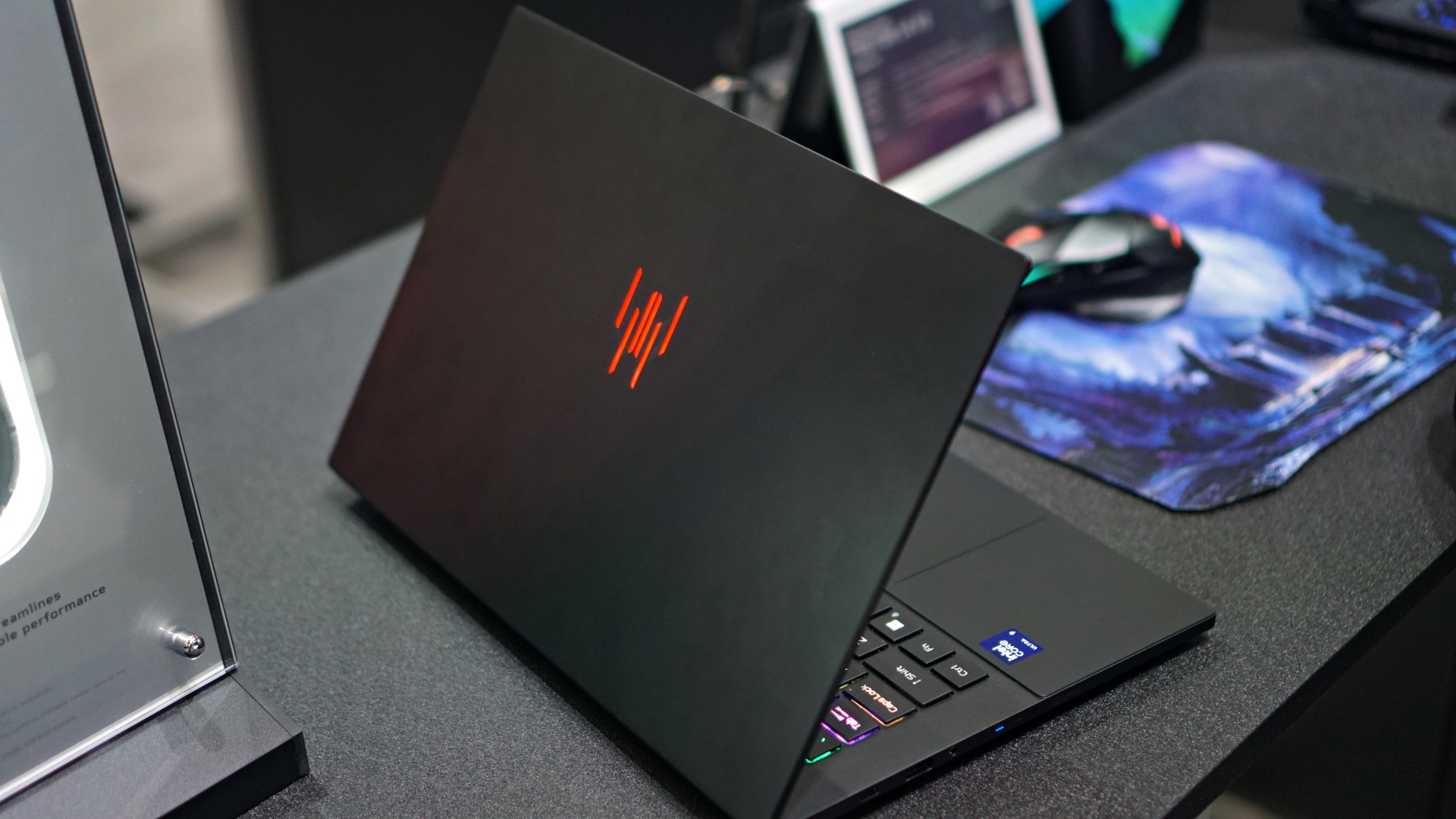

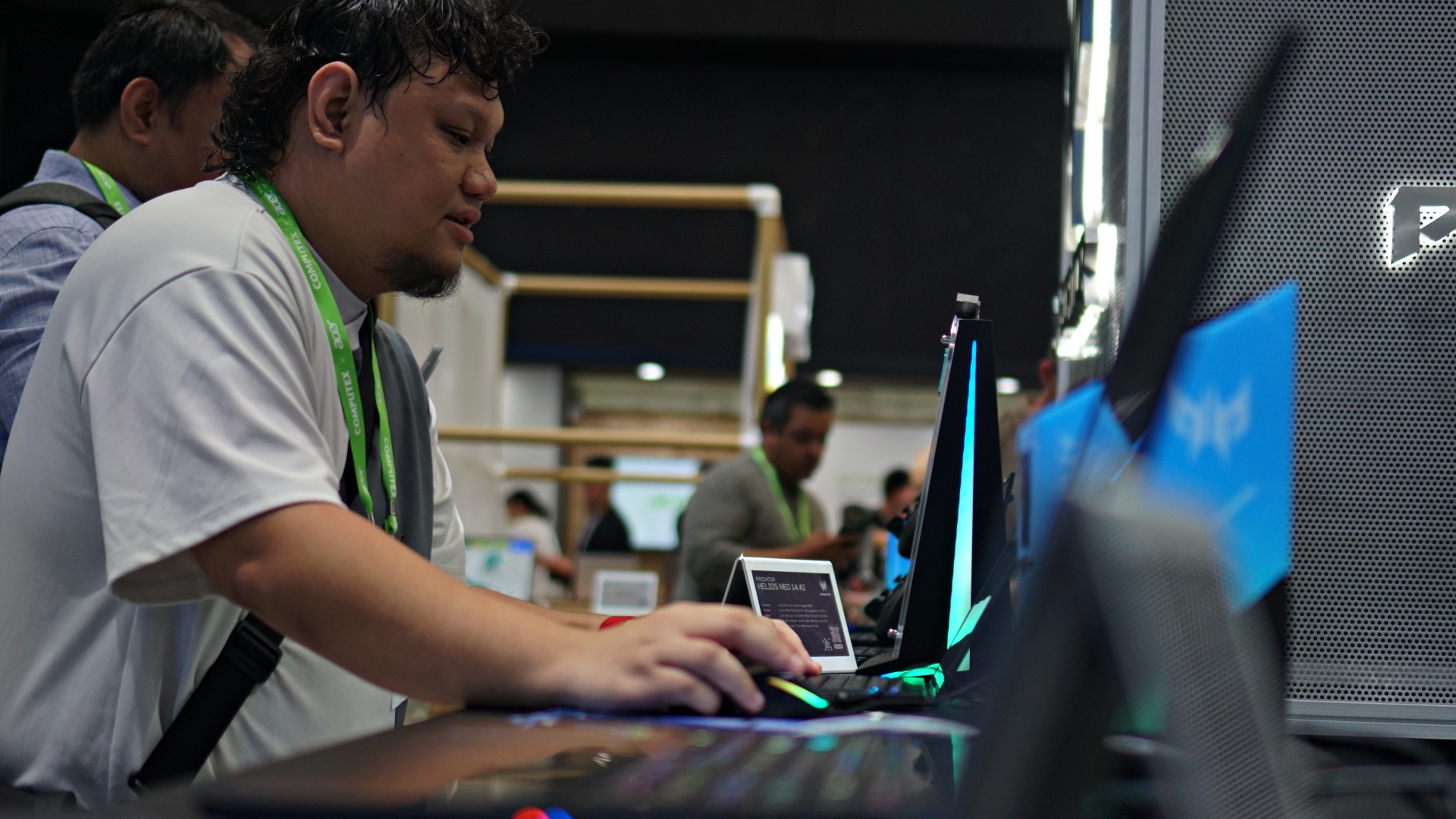
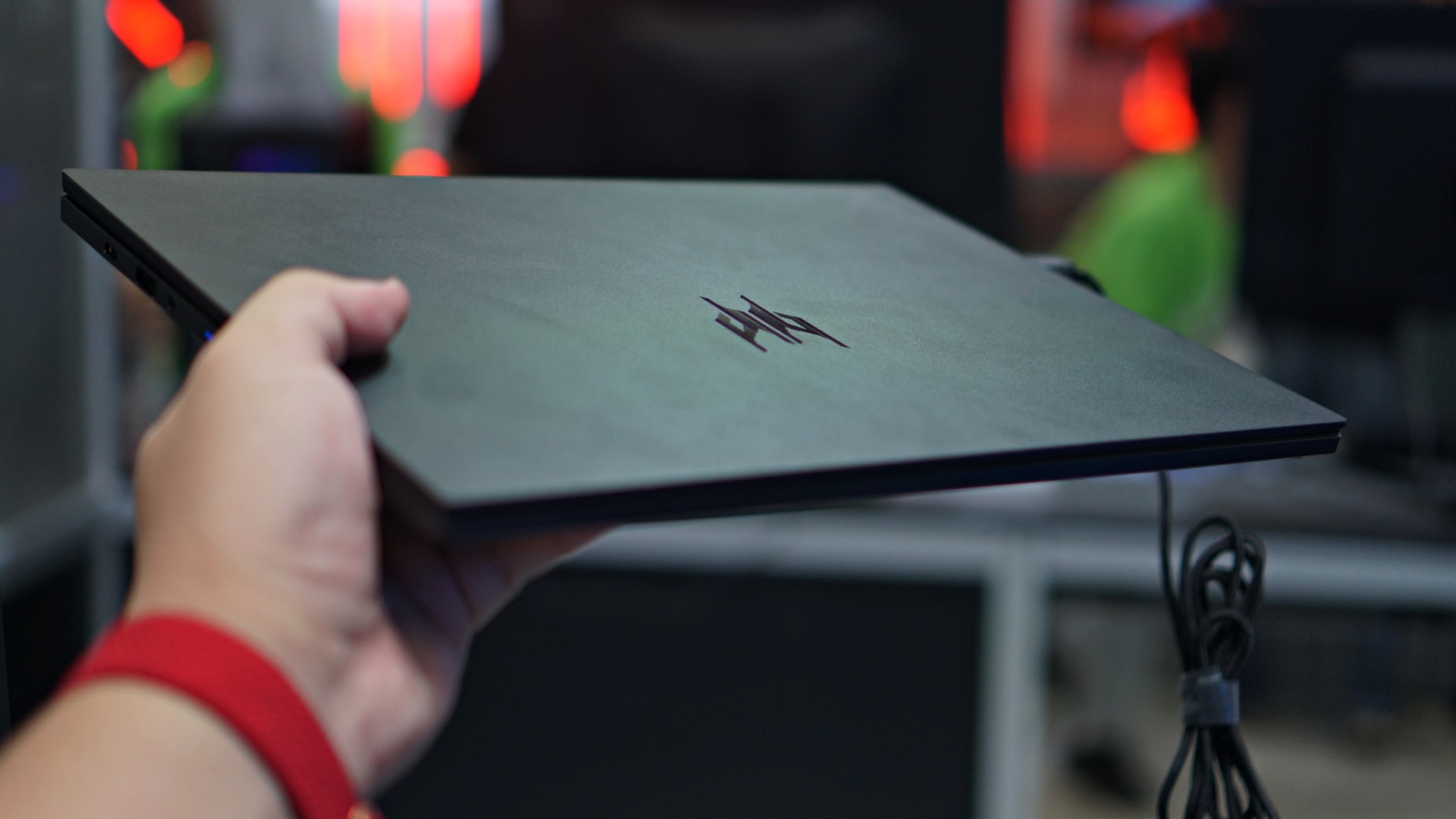
I can still clearly remember the very first edition of the Predator Triton. It was a new category that promised a thin frame – something unheard of for gaming rigs at the time.
While the original Triton was indeed thin for its time, I feel like it is the Predator Triton 14 AI that has finally, truly, fulfilled the promise of a gaming laptop in a slim profile.
The specs are top of the line. Intel Core Ultra 9 processor 288V, NVIDIA GeForce RTX 5070 GPU, up to 32GB of LPDDR5X memory and up to 2TB of PCIe Gen 4 storage, and many more.
It also boasts of other features like AI Vision Sensor on the laptop’s webcam, Copilot+ for exclusive experiences like Live Captions, Image Creator.
The Predator Triton 14 AI is a sexy beast and I’m dying to get my hands on it for an extended period.
FreeSense Ring
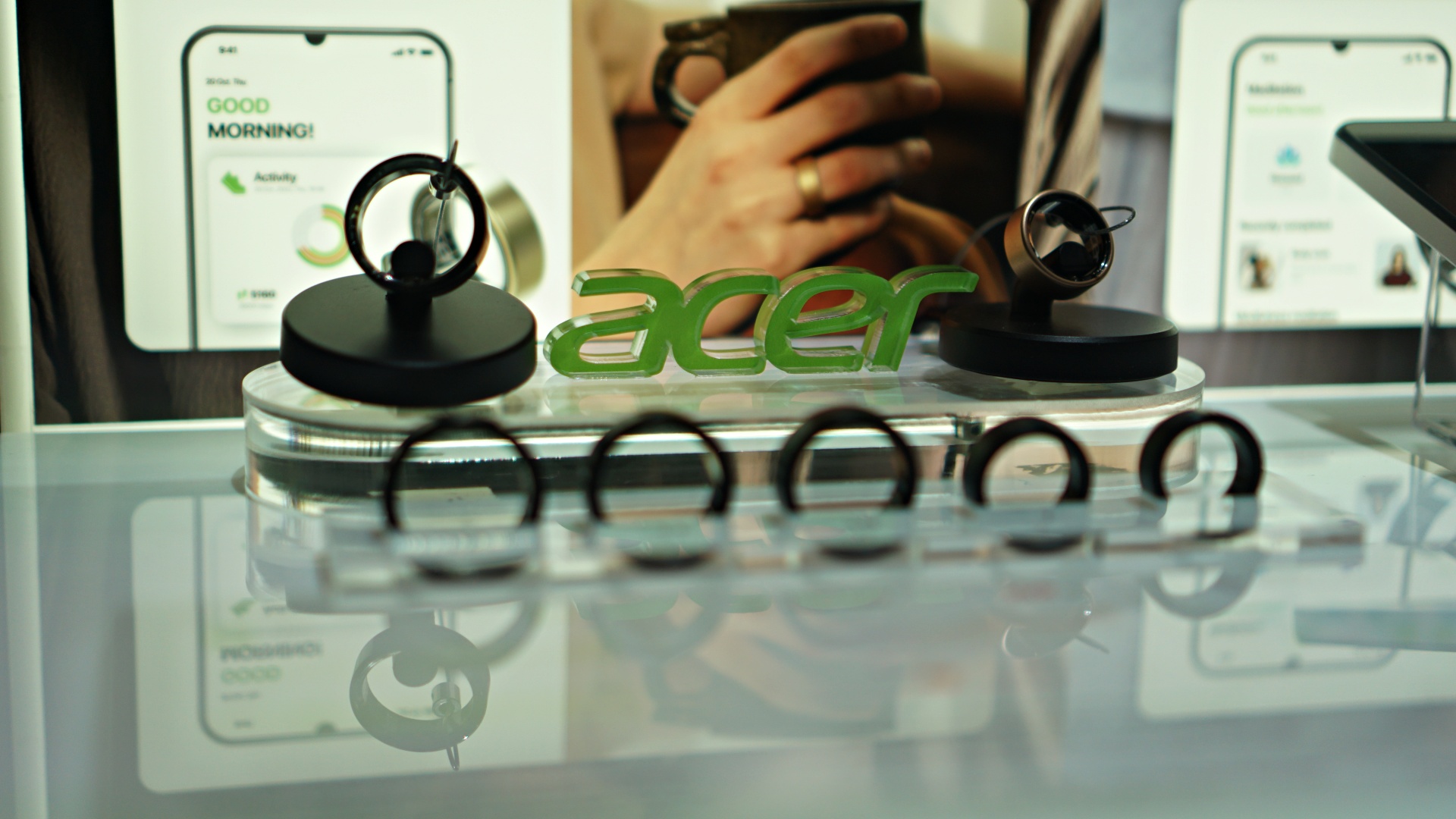
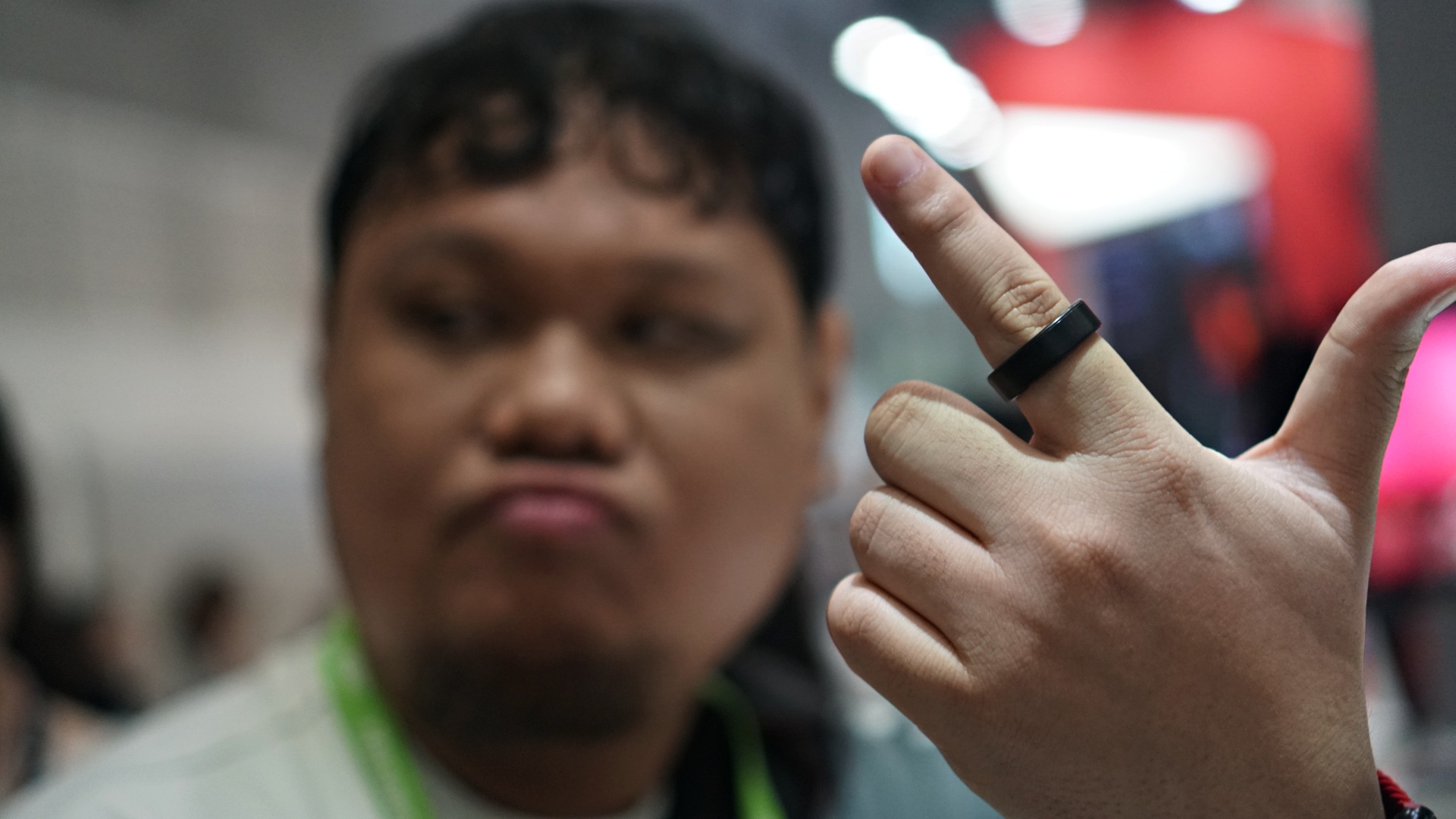


Acer producing a health monitoring smart ring wasn’t on my bingo card but here we are. The FreeSense ring isn’t reinventing anything. It’s a steadfast biometric sensing ring meant to help you monitor your general health.
It can track vital metrics like heart rate, blood oxygen levels, heart rate variability, and sleep quality.
The data can be analyzed through a companion mobile app that generates insights and provides suggestions.
Nitro Google TV monitors
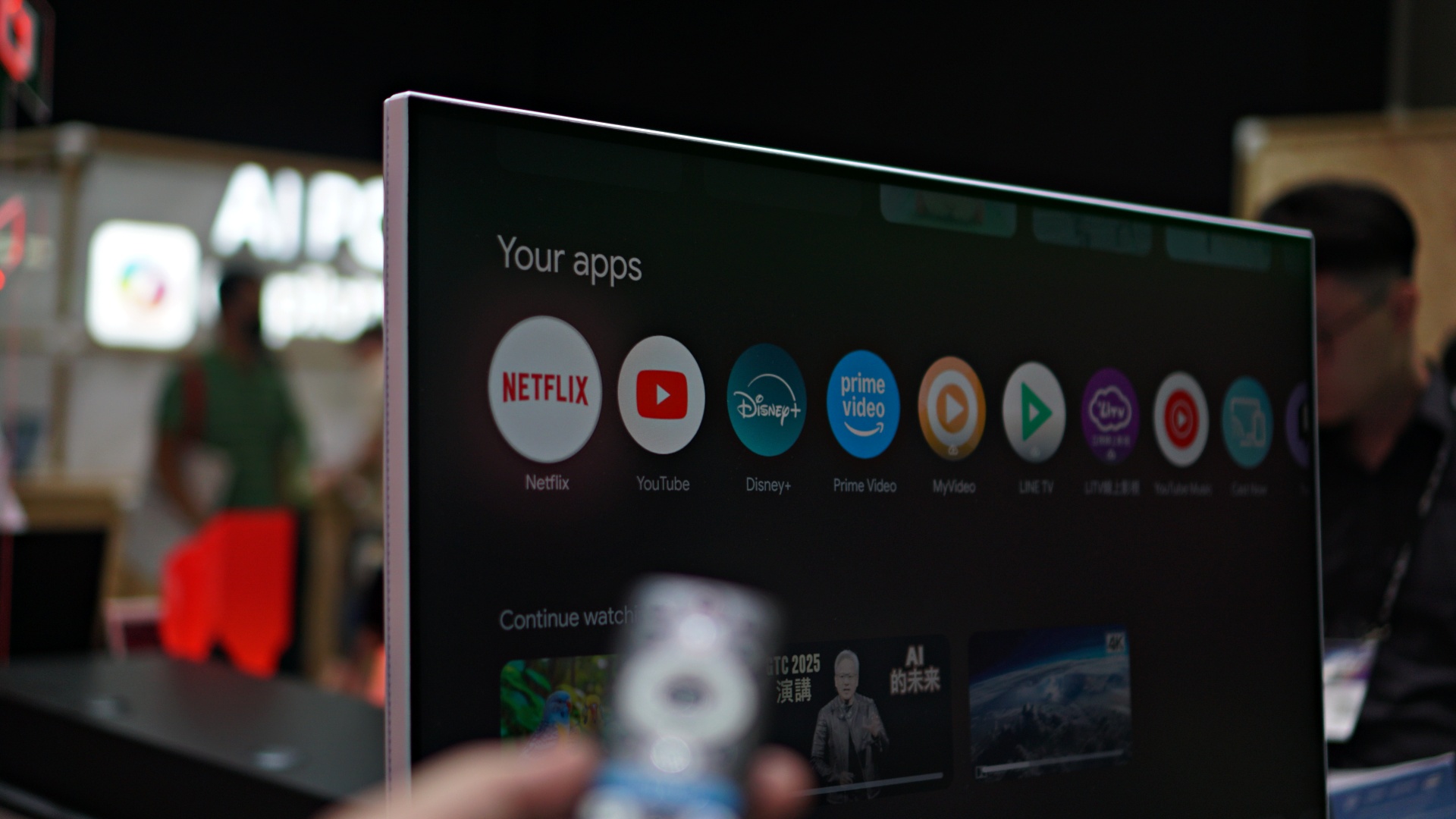
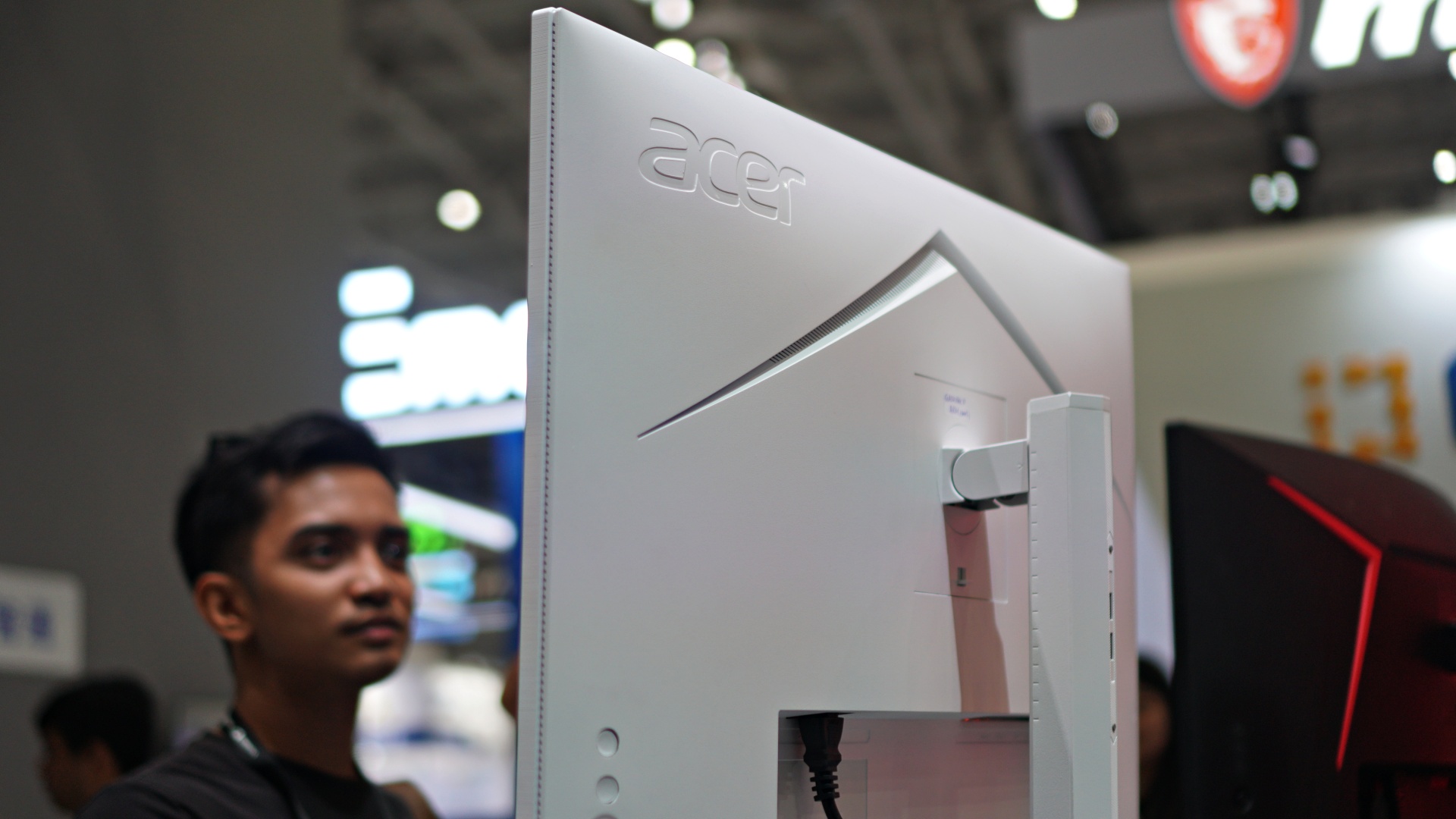


Is this becoming a trend? Display makers Samsung and LG have already started adding some form of TV OS on some of their monitors. Now, it’s Acer’s turn putting Google TV on a couple of their monitors. One’s standard, the other ultrawide.
It’s a nice touch and adds more welcome functionality on what otherwise would have been a dead device without the aid of a laptop or computer.
Acer SpatialLabs View Pro 27 3D
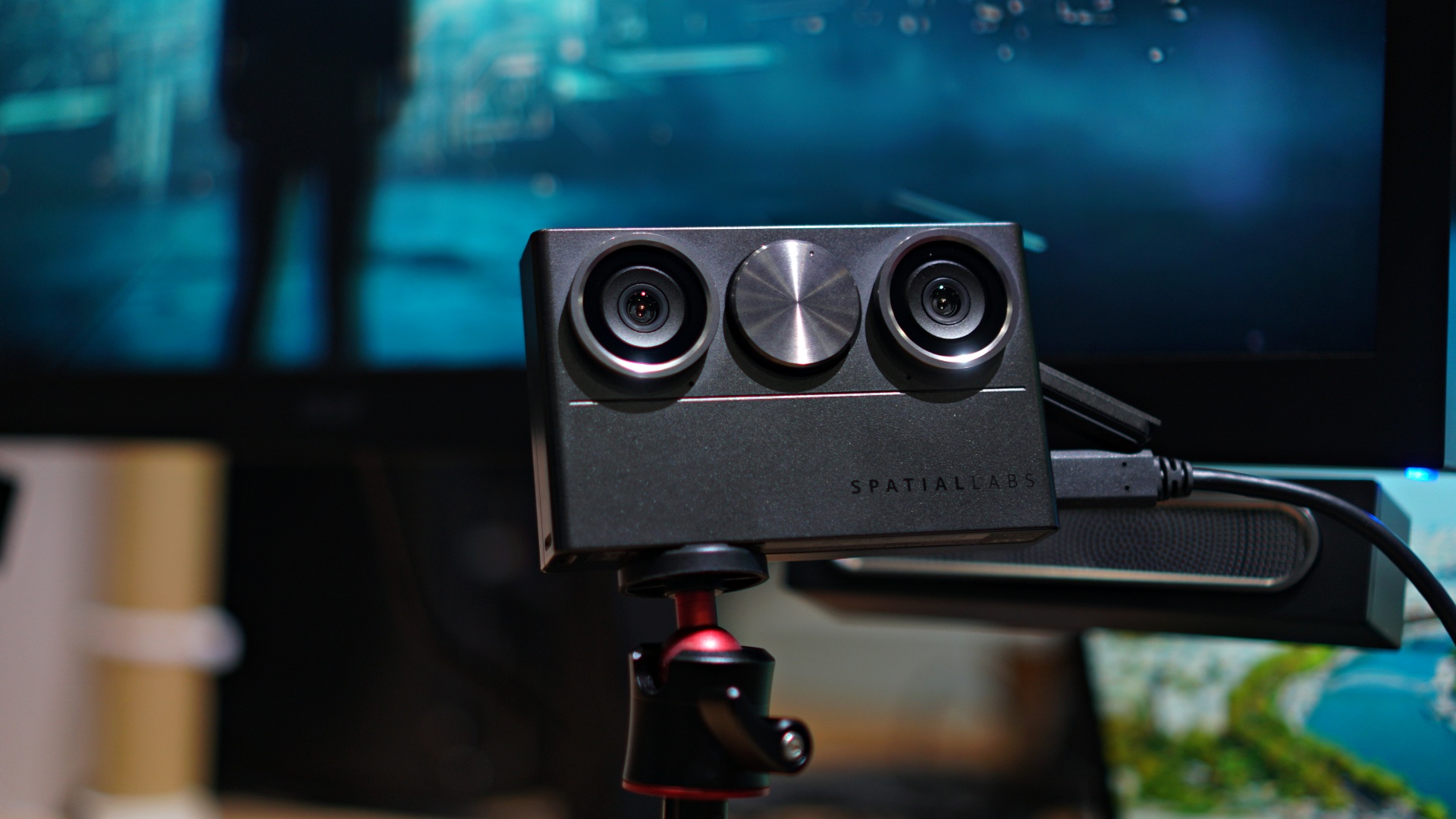
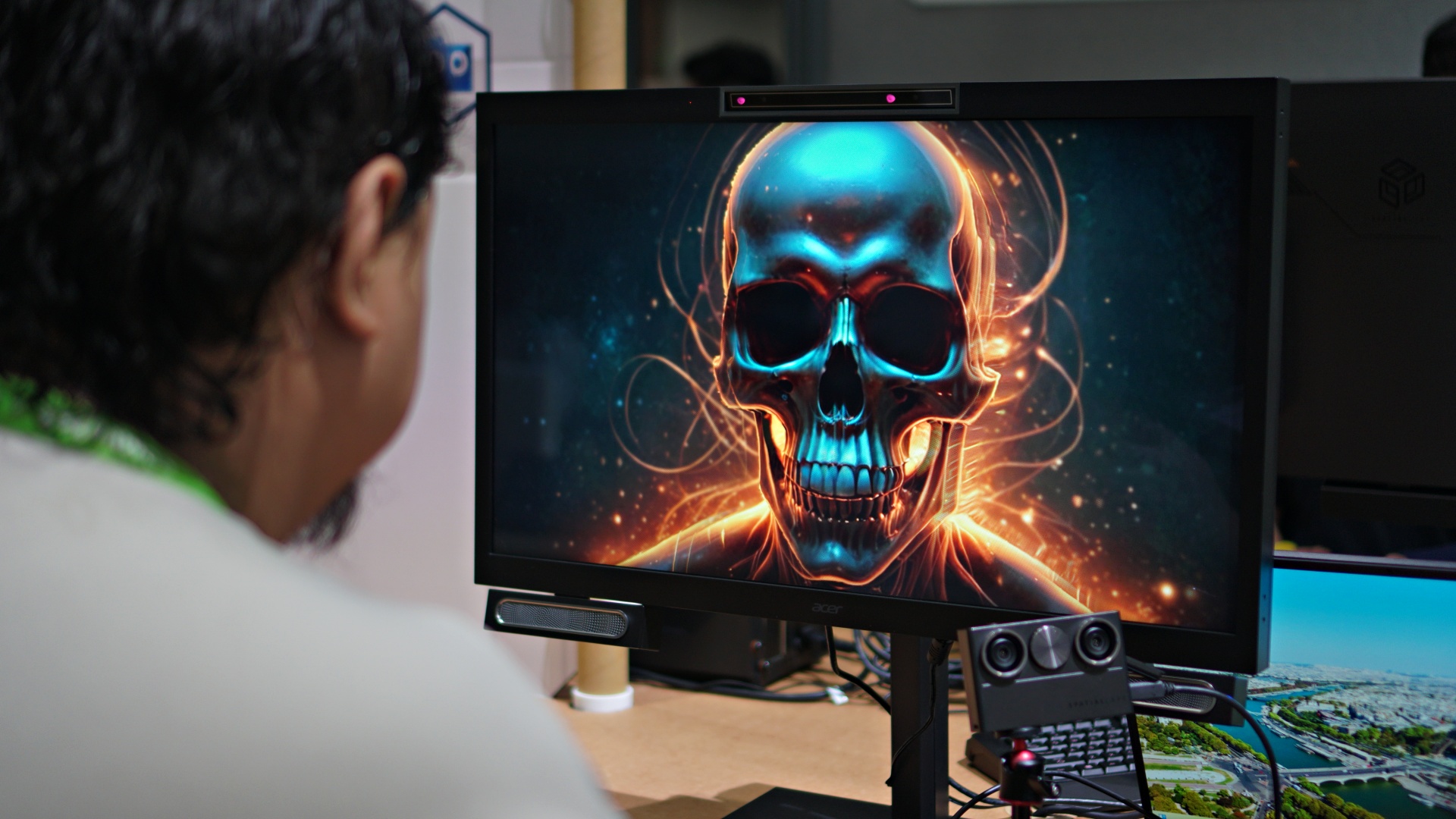

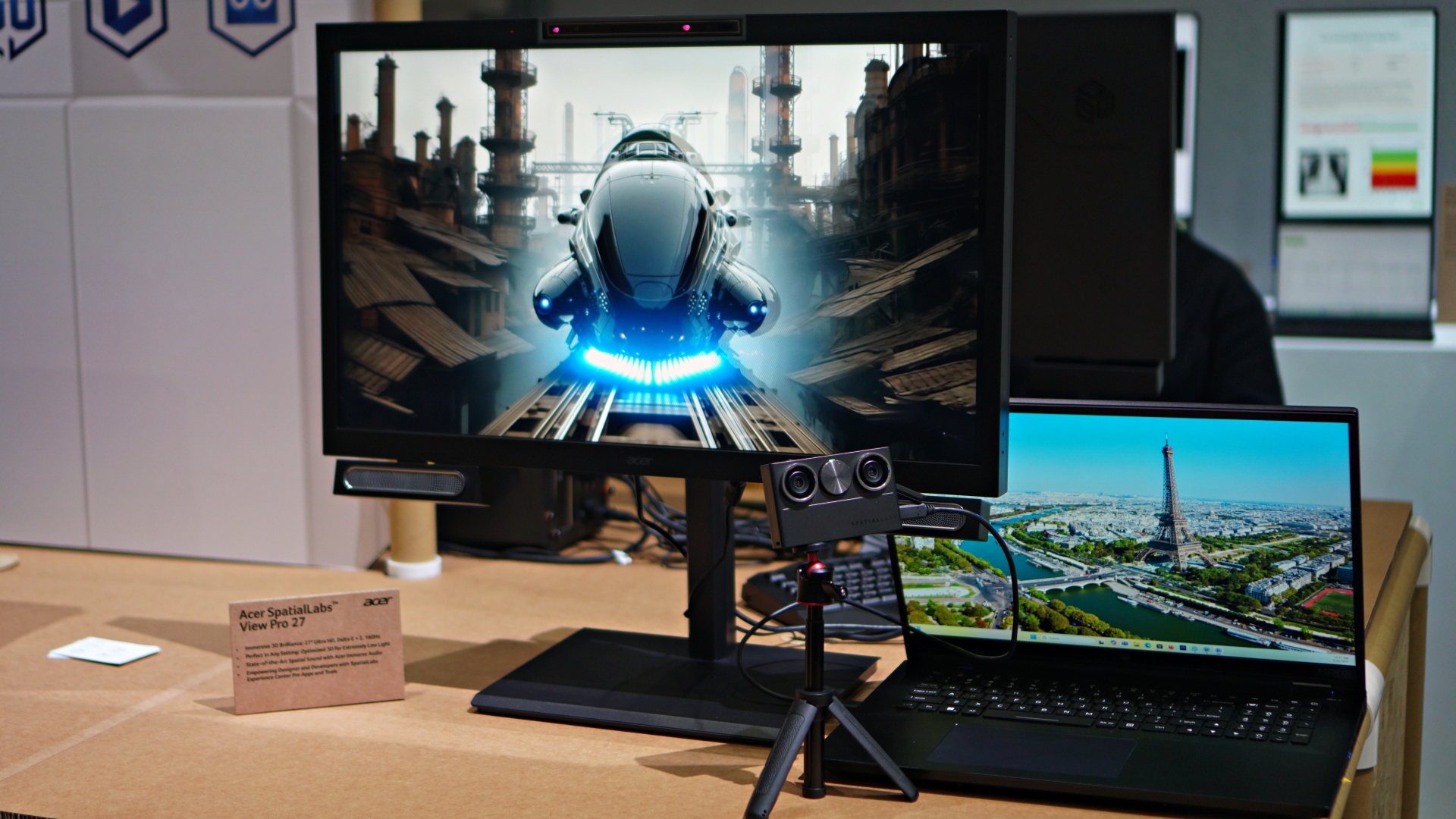
This was a quirky and a little bit dizzying experience… but still fun all things considered. The tech was first showcased in 2023 and now it’s been mixed with AI.
The many images and videos we were shown taking advantage of the 3D visuals were AI-generated. Some were a little unsettling, sure, but focusing on how far the tech has come, it’s pretty impressive.
I can’t imagine a big number of people having some use for this. But if you can dream it, you should try to make it, and Acer did. It’s cool and we’re excited to see where the tech goes.
Acer AI Translate Buds
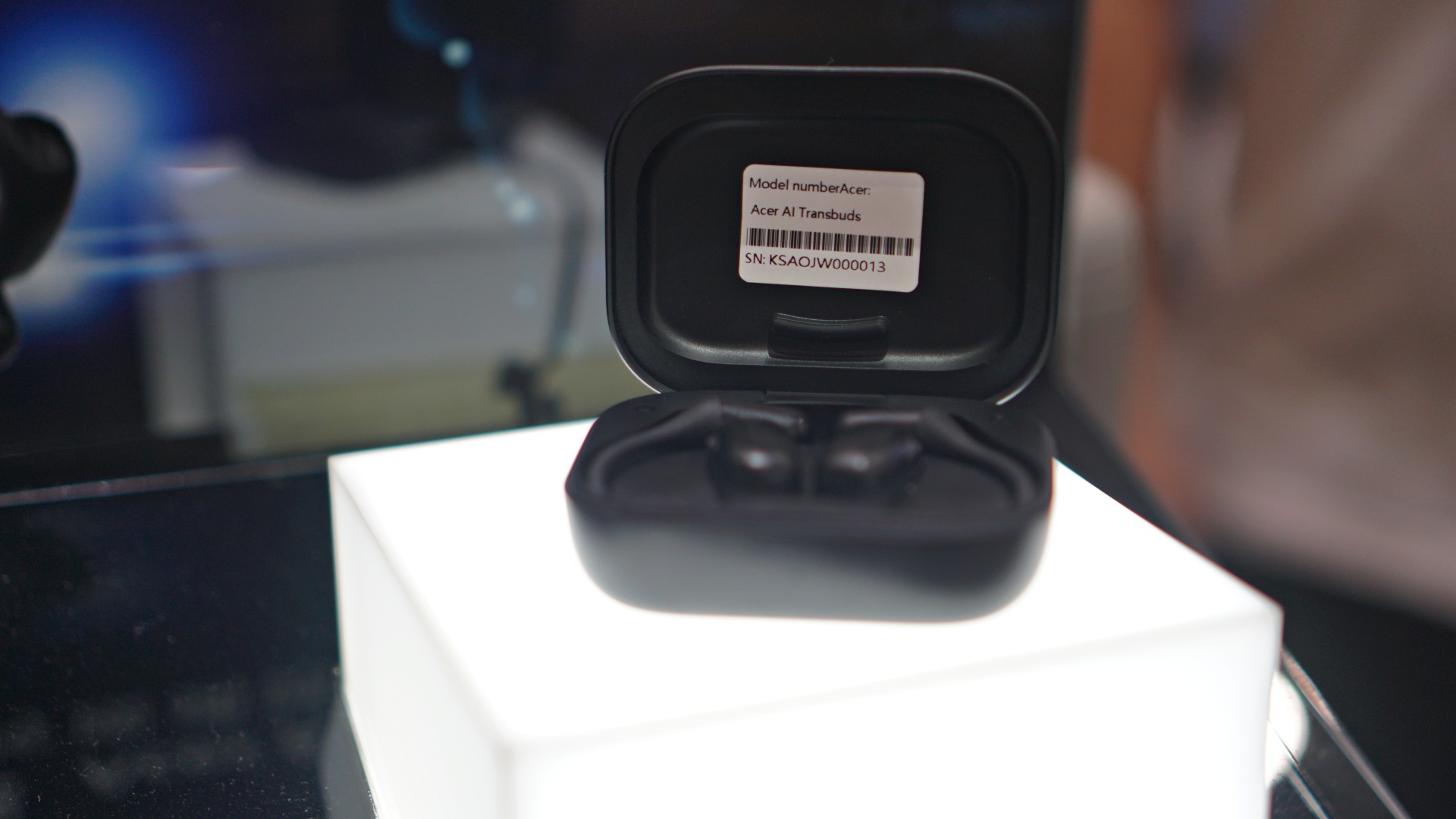
Here’s another device that I didn’t exactly expect from Acer. And another one that’s promising but definitely needs a little more time in the oven. The premise is cool, and the demo was nice, but the translation needs work.
Translation is a tricky thing. It’s not always straightforward and some cultural context might get lost in, well, translation. But I’m hopeful, with the aid of AI, that this is one use-case that will soon reach a satisfactory level of useability.
Honorable mentions
There were plenty more on display at the Acer Booth in Computex 2025 and here’s a quick fire round of the things that caught our eye.
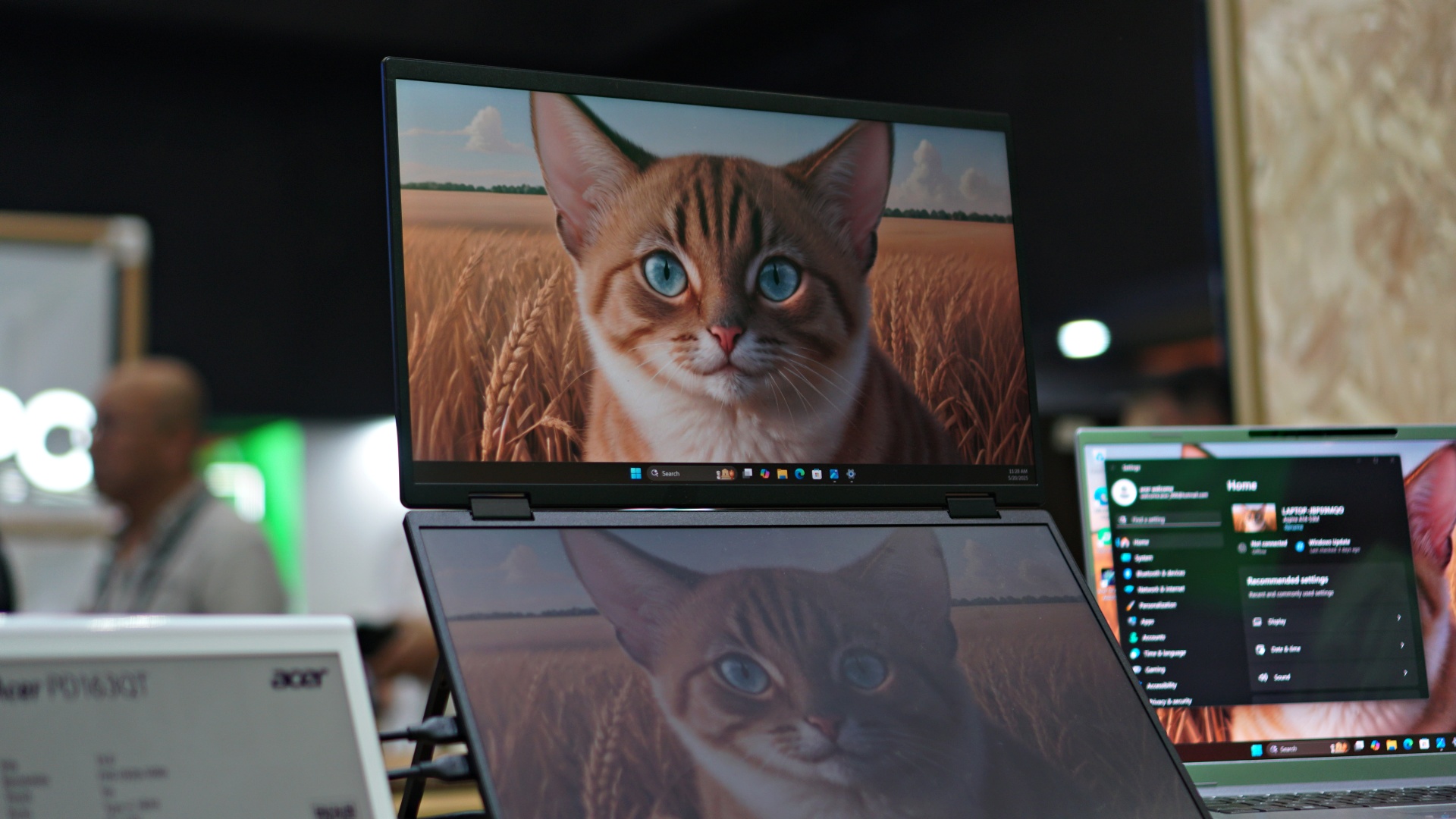
Not sure if we like it for the cat or for the dual monitors.




Indiana Jones skin on a Helios machine.
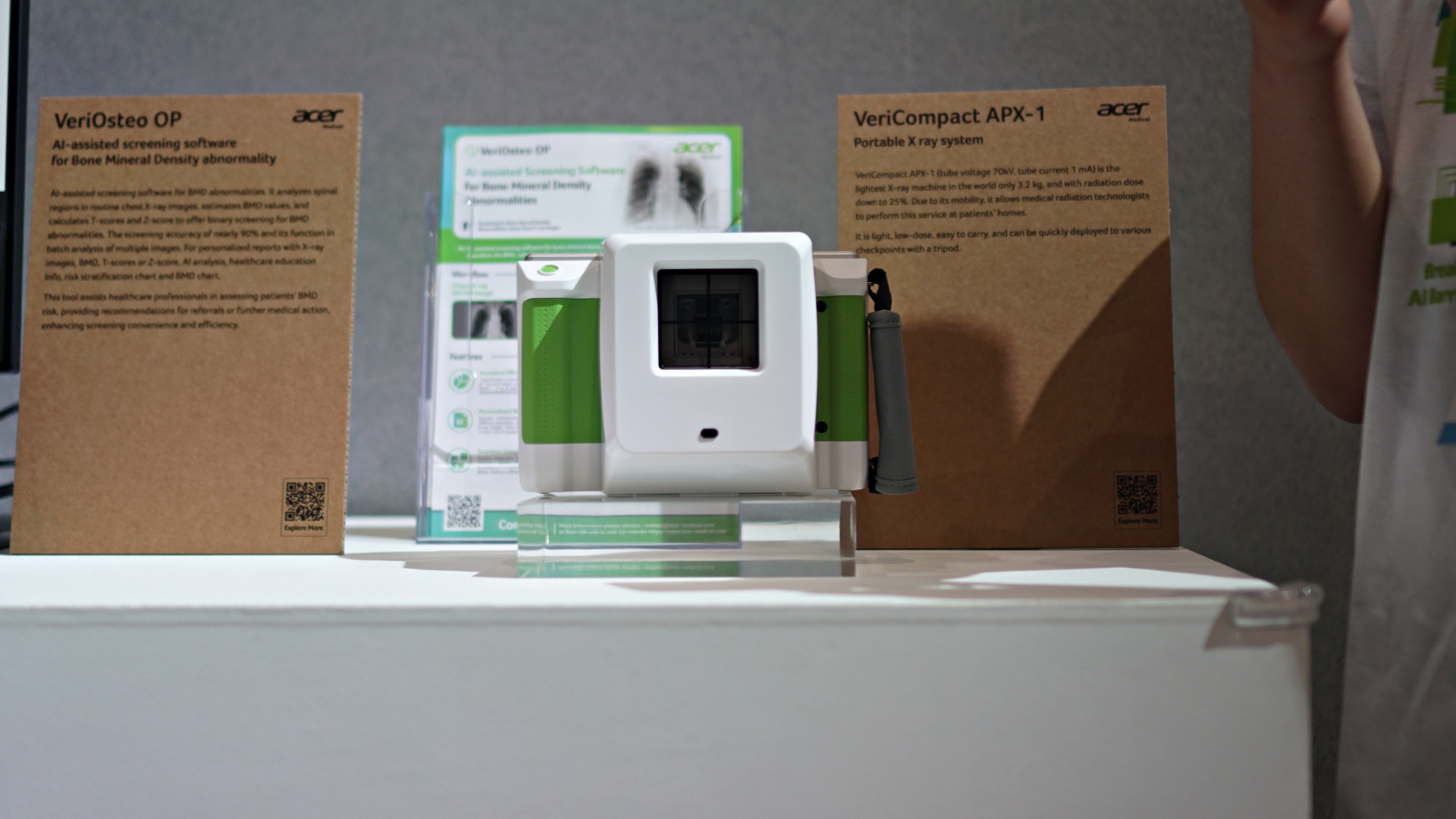

Acer Medical things.
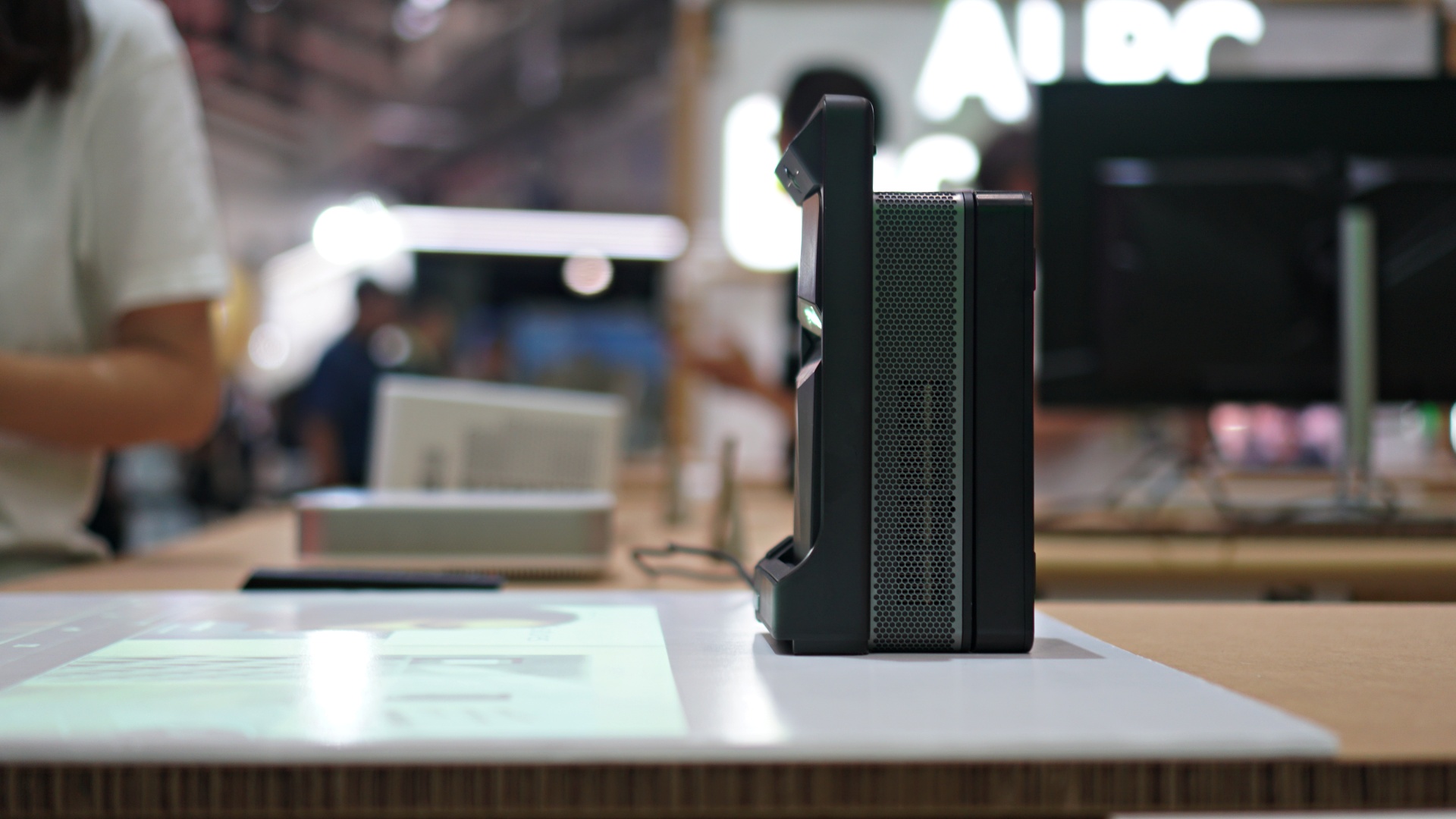

This tiny projector.
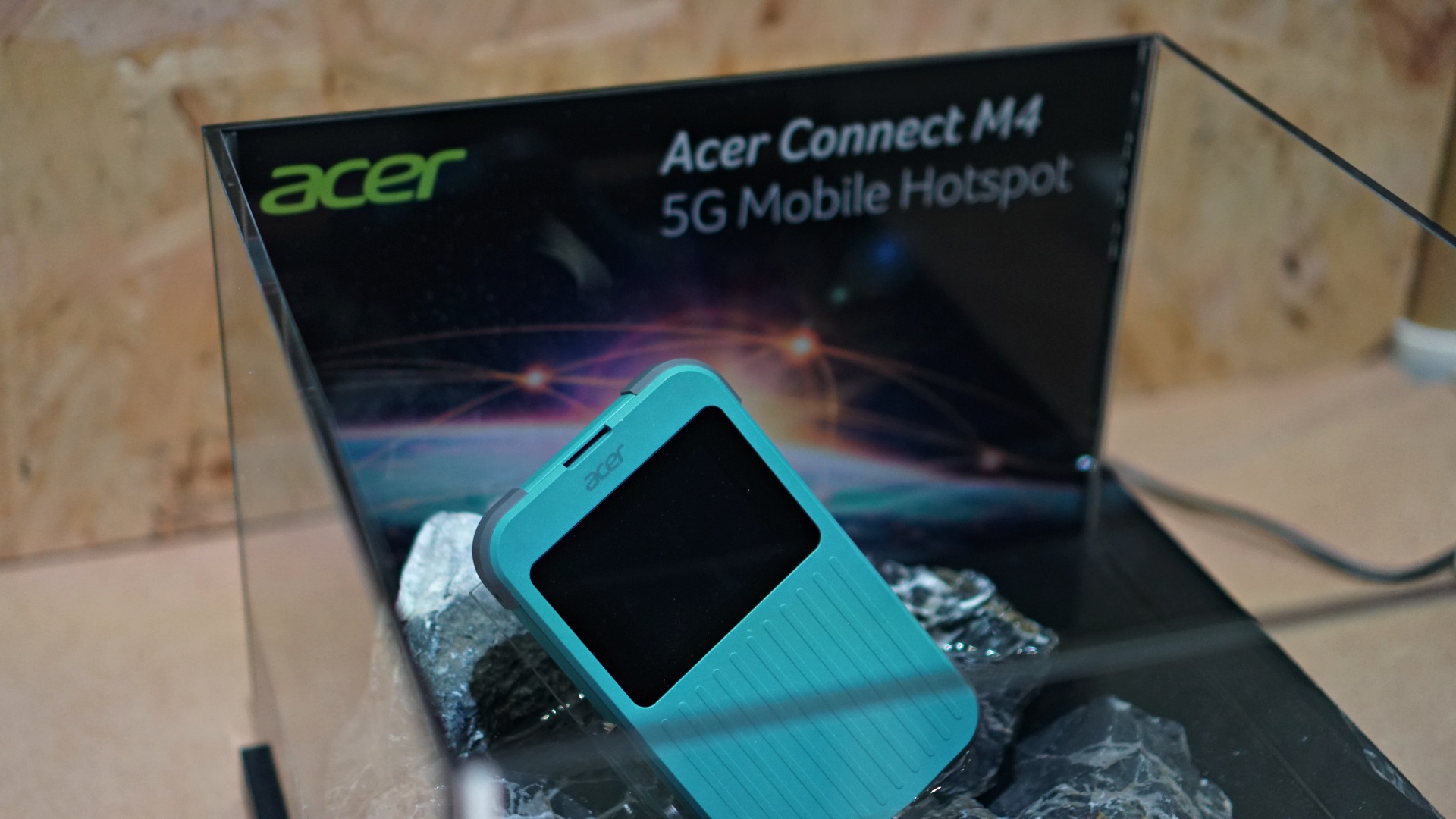

And the Acer Connect M4 – a mobile hotspot.
Check out more of Acer at Computex 2025.





Accessories
Samsung joins the clip-on earbud trend with the Galaxy Buds On
But it’s exclusive to South Korea for now.

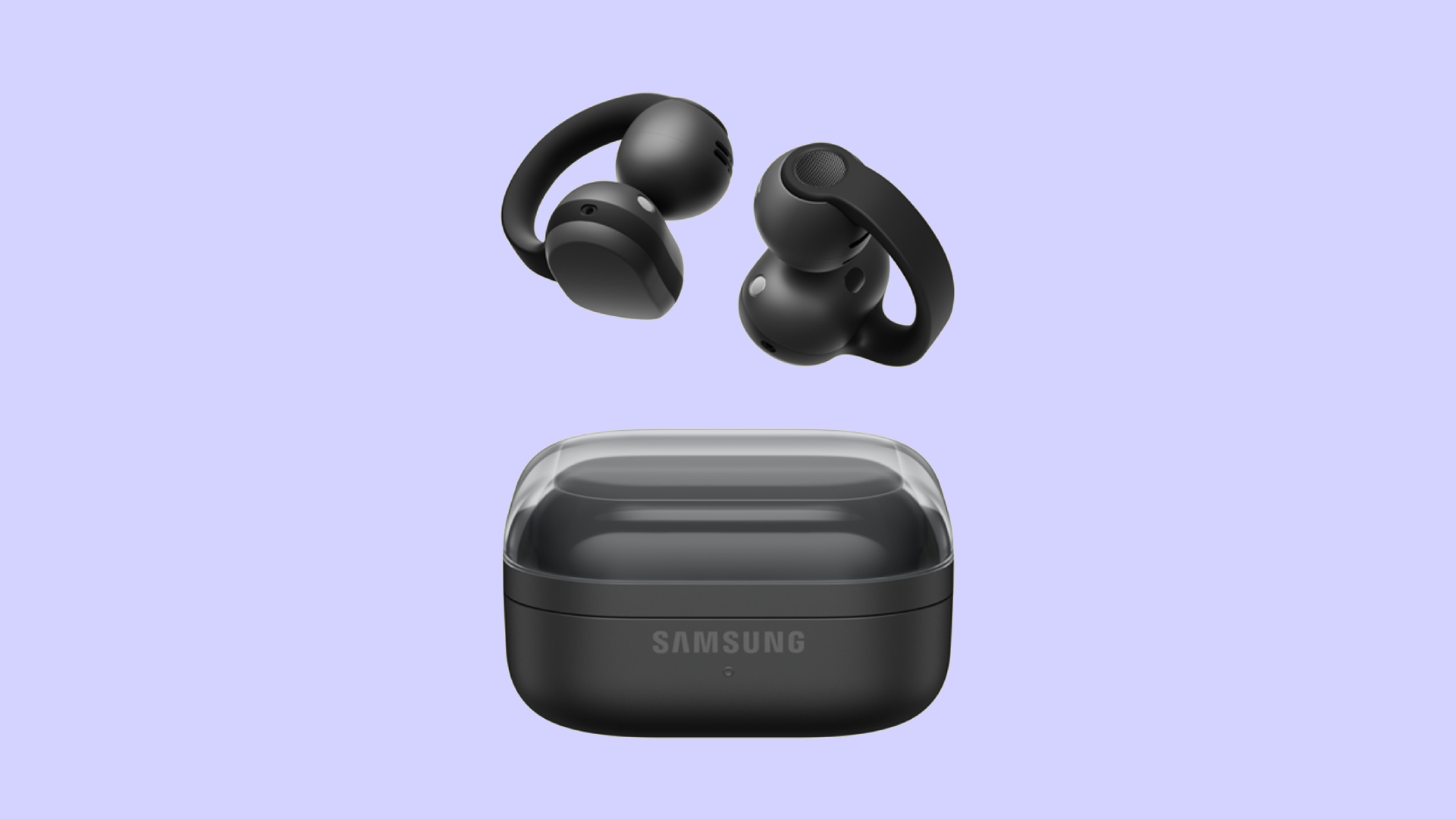
Audio wearables have been getting makeovers as of late. Besides the traditional form factors, the segment is experimenting with bone conduction and clip-on headphones. Today, Samsung is joining that trend with the Galaxy Buds On.
Debuting in South Korea, the Galaxy Buds On is Samsung’s first-ever clip-on earbuds. You’re likely familiar with how these earbuds look like, having seen them grace the ears of many a passerby today. Instead of plugging right into your ear canals, they actually do clip onto your earlobes. Samsung’s take, however, is a little bit heftier, which the brand claims gives it a wider surface area to balance the weight for your ears.
Additionally, the new earbuds has a TwinBoost speaker system. While the system adds better bass to the earbuds, it also adds automatic voice adjustments to better attune the sound according to your environment. It also has an Audio Leakage Reduction feature, so others won’t be able to hear what you’re listening to.
The Galaxy Buds On has a charging case almost identical to the Galaxy Buds4 case. Powered by the Snapdragon S7 Gen 1 Sound Platform, the earbuds can reportedly last up to 9.5 hours on a single charge.
Right now, the wearable is exclusive to South Korea, but Samsung says that a global rollout will happen in the future. In South Korea, the Galaxy Buds On costs KRW 299,000 (or approximately US$ 220).
SEE ALSO: Galaxy Buds4 Pro review: I thought I was done with in-ears


Between YouTube, travel, work, and marathon training, life gets chaotic.
So THE Michael Josh tried the Nori AI Family Hub to see if it could actually help him stay organized.
He let a digital calendar manage his schedules, marathon training, and daily tasks.
Check out @Nori-family and see how it can simplify your everyday life too.
* Visit https://go.heynori.com/Gadget23 and use code Gadget23 to get the best deal possible.
Accessories
UGREEN Nexode Pro 160W review: One mighty brick with a powerful trick
All the speed you need in one charging brick

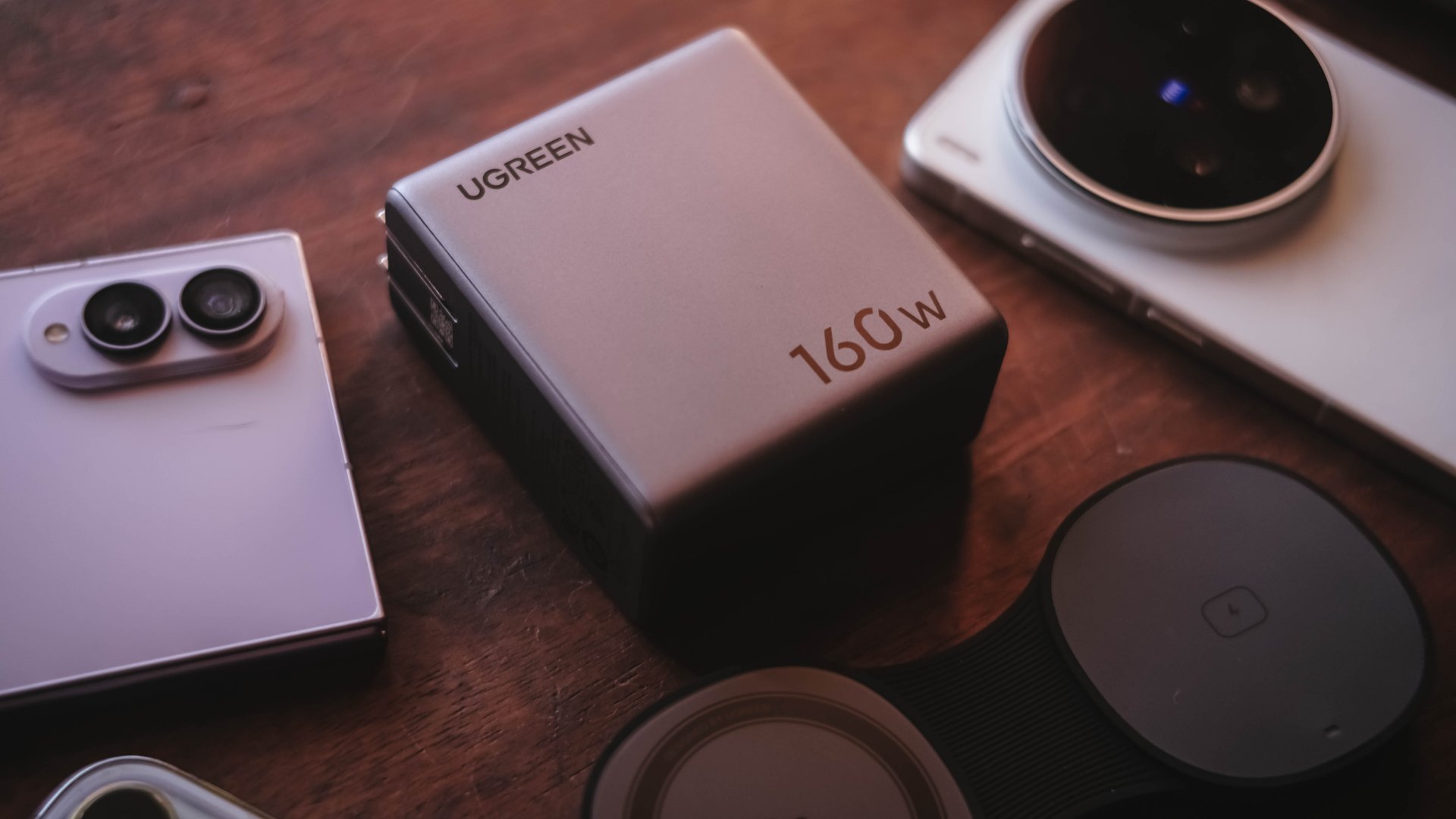
Chargers aren’t just tiny bricks we plug into the wall anymore.
As our everyday gadgets become hungrier in power, chargers have gotten mightier, too.
More wattage, more ports, and apparently, more brains. The UGREEN Nexode Pro 160W takes all of those in one thicc body.
A heavy charger with plenty of power
Let’s address the elephant in the room — literally and figuratively. The UGREEN Nexode Pro 160W is one CHONKY charger.
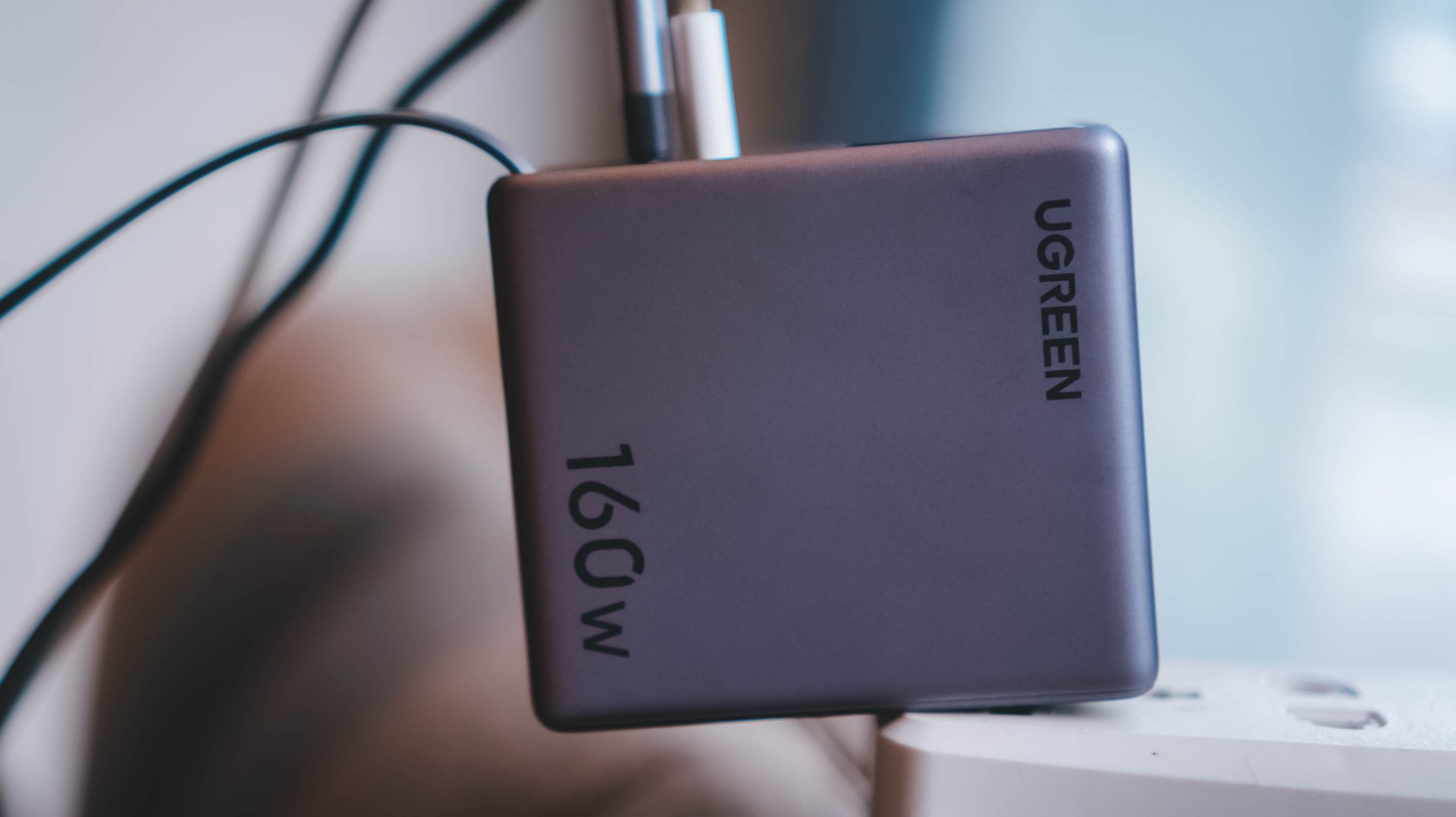
The US version weighs 310 grams, which is heavier than usual charging bricks you’d bring with you.
Visual comparison alone, this is how it tries to dwarf its 100W Uno cousin.

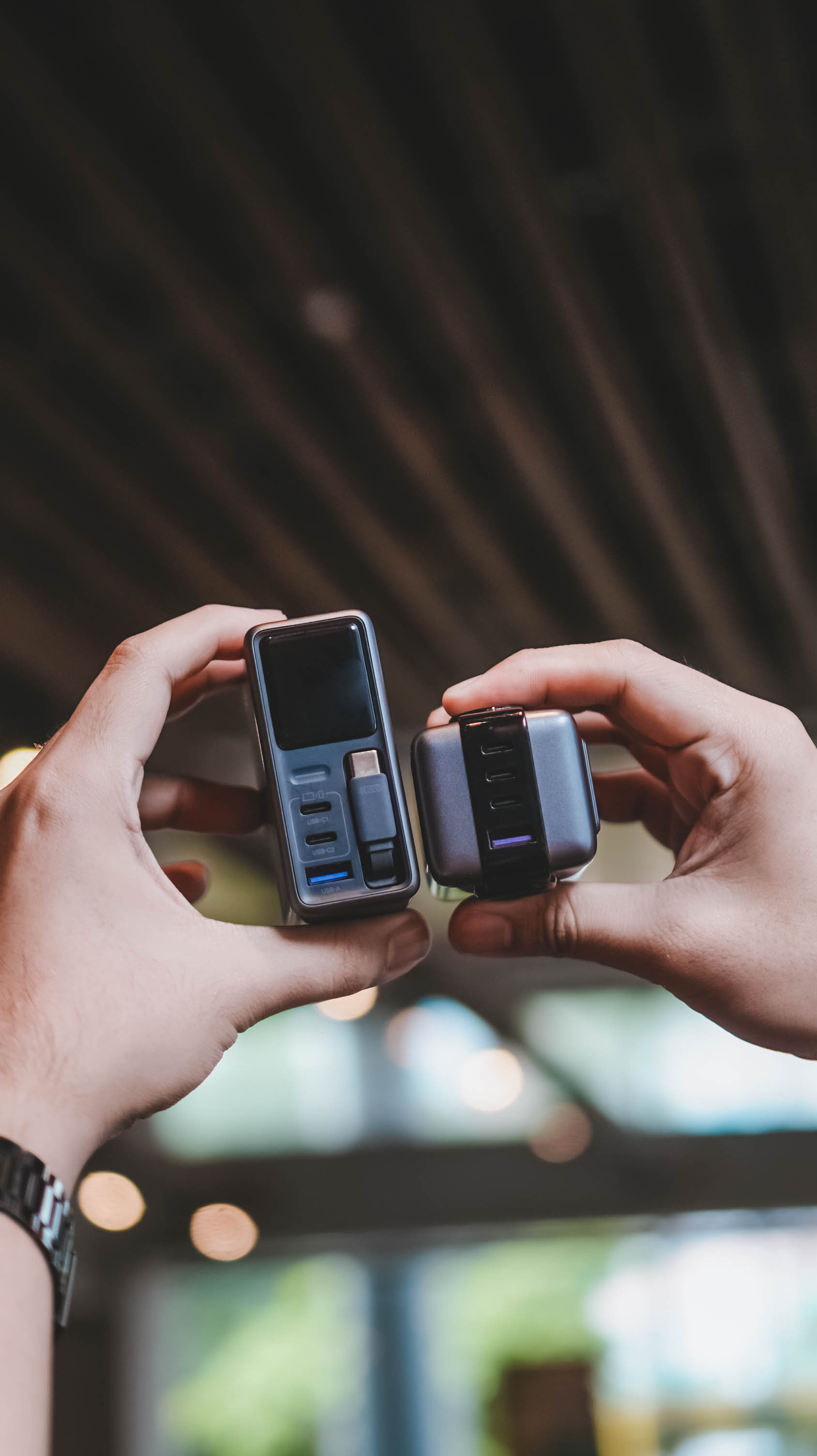
Then again, UGREEN’s Nexode Pro isn’t your conventional charger. And by that, it boasts a total output of 160W — though not saying every port gives a 160W output.
The first USB-C port (C1) is capable of delivering up to 140W. Meanwhile, USB-C2 supports up to 100W, while the lonesome USB-A port can supply up to 22.5W.
To make it even crazier, it also has a retractable USB-C cable — more on that later.
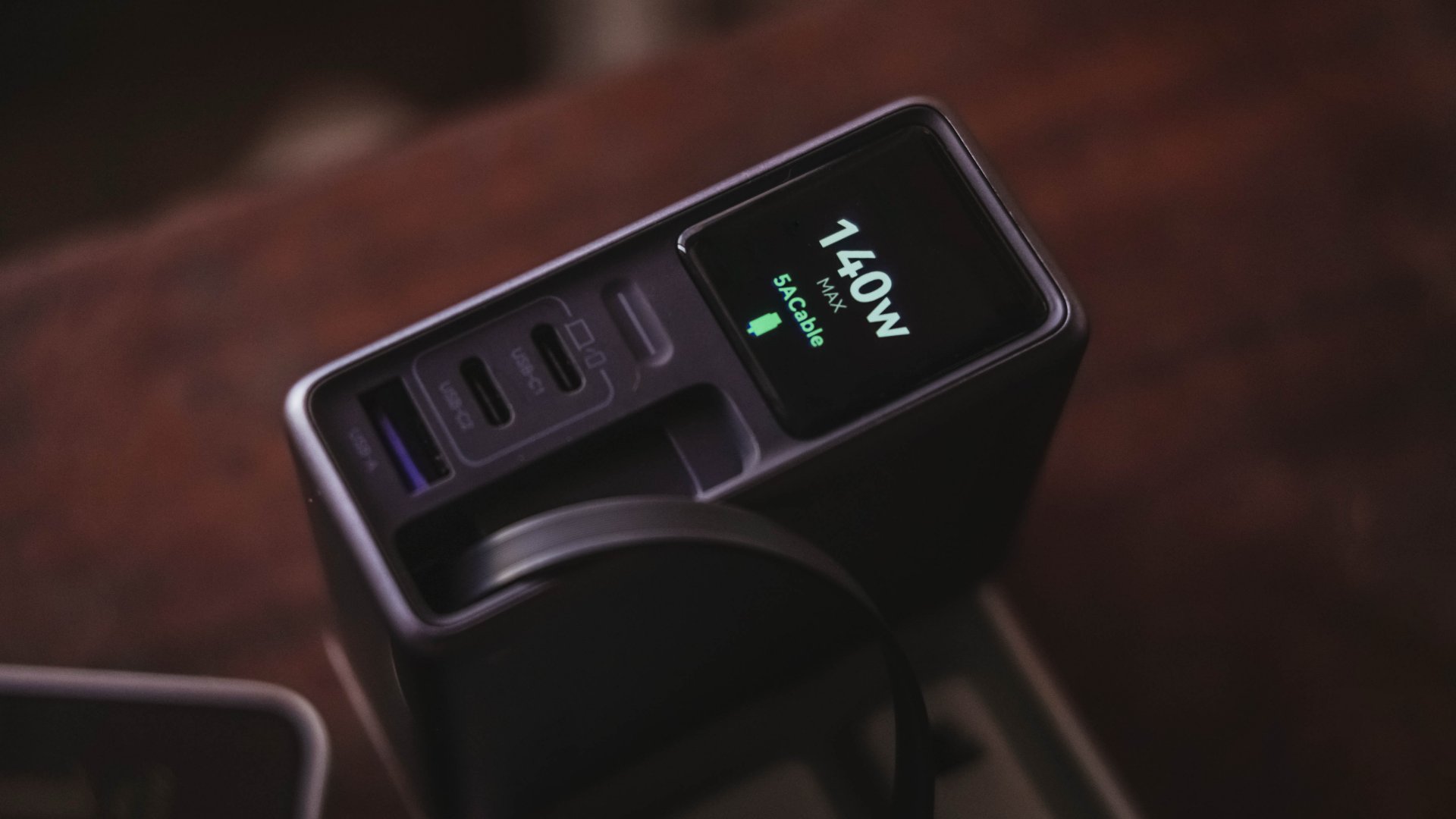
These all mean I can plug in my MacBook Pro, high-end Android flagship, iPhone, and other accessories without ever bringing separate charging bricks for each one.
And honestly, when there’s so much power inside one brick, I’ll generously accept that added heft.
Watt you see is watt you get
One trick up in Nexode Pro 160W’s sleeves is that, it has a front display.
With a touch capacitive button above the USB-C1 port, the display can show not just the general (or combined) charging wattage. It can also show real-time speeds in watts (W), voltage (V), and even ampere (A).
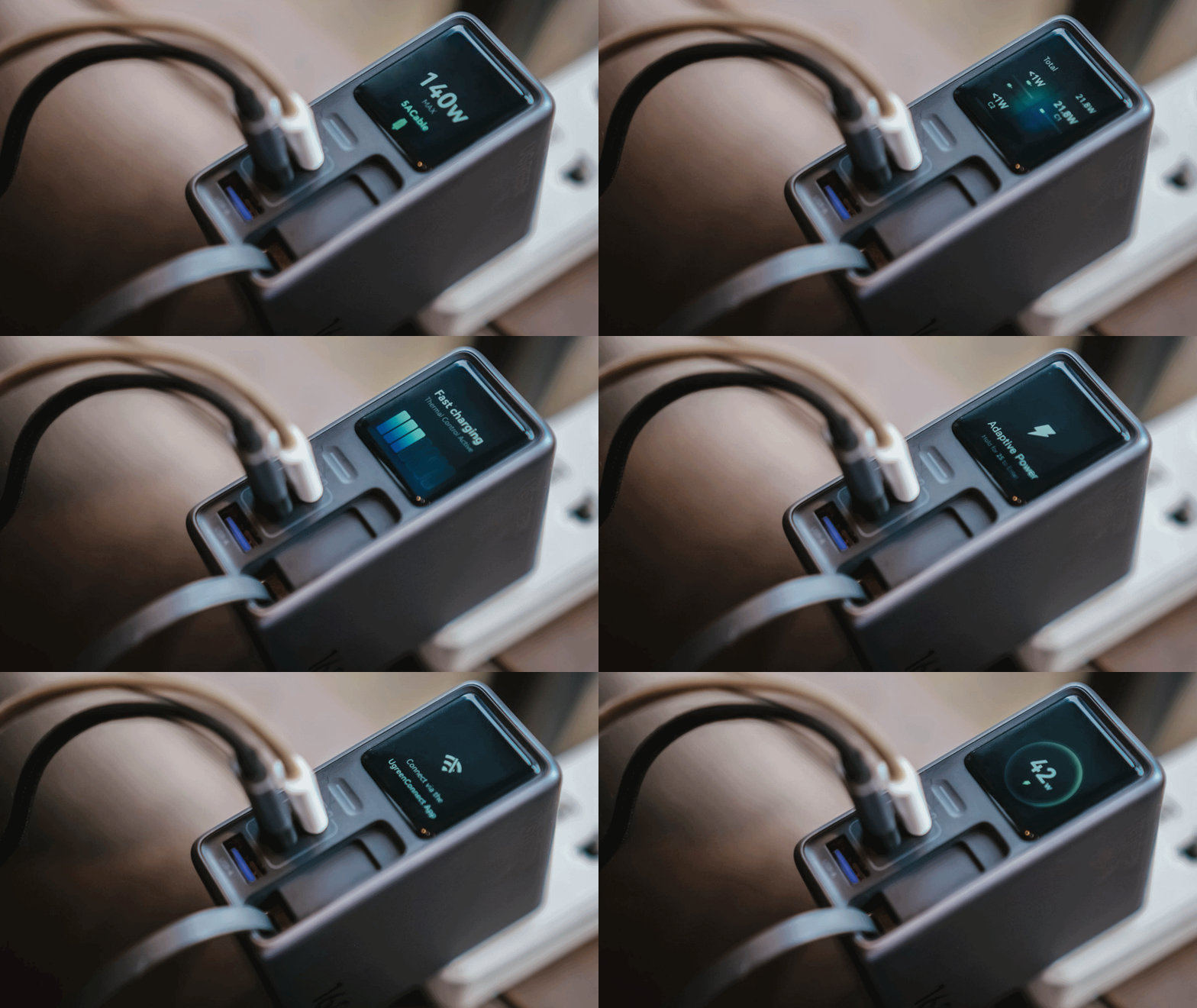
For regular users, it’s probably something you’ll glance at occasionally. For stats nerds? It’s eye candy. For a gadget reviewer like me? A charge test companion.
Seeing real-time charging data gives me a better idea if I have the best charging cable possible for each device. More so, if those devices actually get the charging speeds they require.
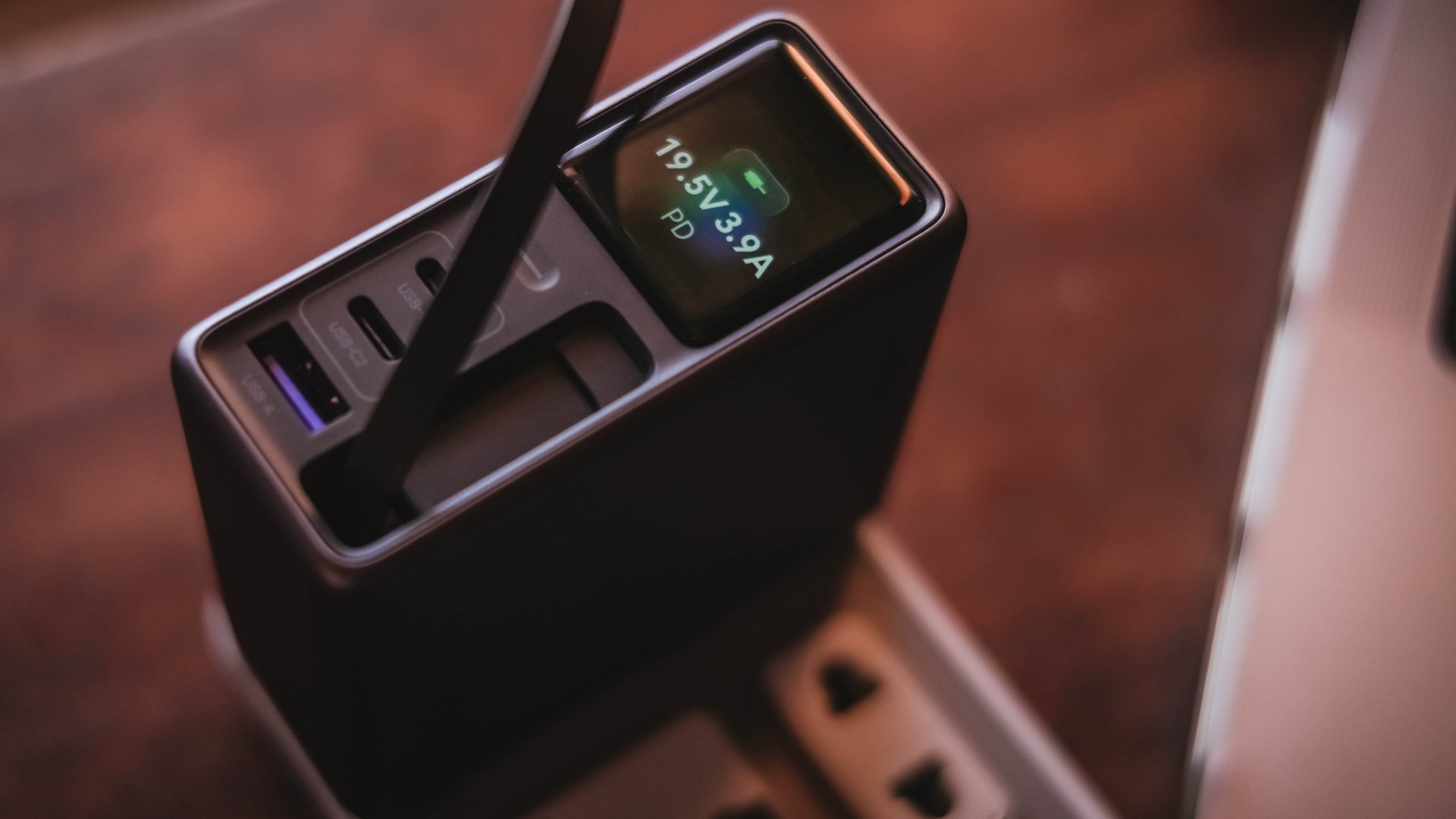
And, if something suddenly starts charging slower than usual, those numbers can help me determine whether the device, charger, or cable might be the culprit.
I can only have my sigh of relief when I see it’s pulling the amount of power I expect.
Even if I always say numbers aren’t everything, the real-time charging data I see with my two eyes is more believable than just relying on that “Fast Charging” indicator.
So, watt did I even get?
Of course, I couldn’t just take that 160W figure just at its face value.
In a not-so-typical GadgetMatch Charge Test, I tried and tested the charger by occupying all ports with the devices I regularly use and watched the numbers fly.
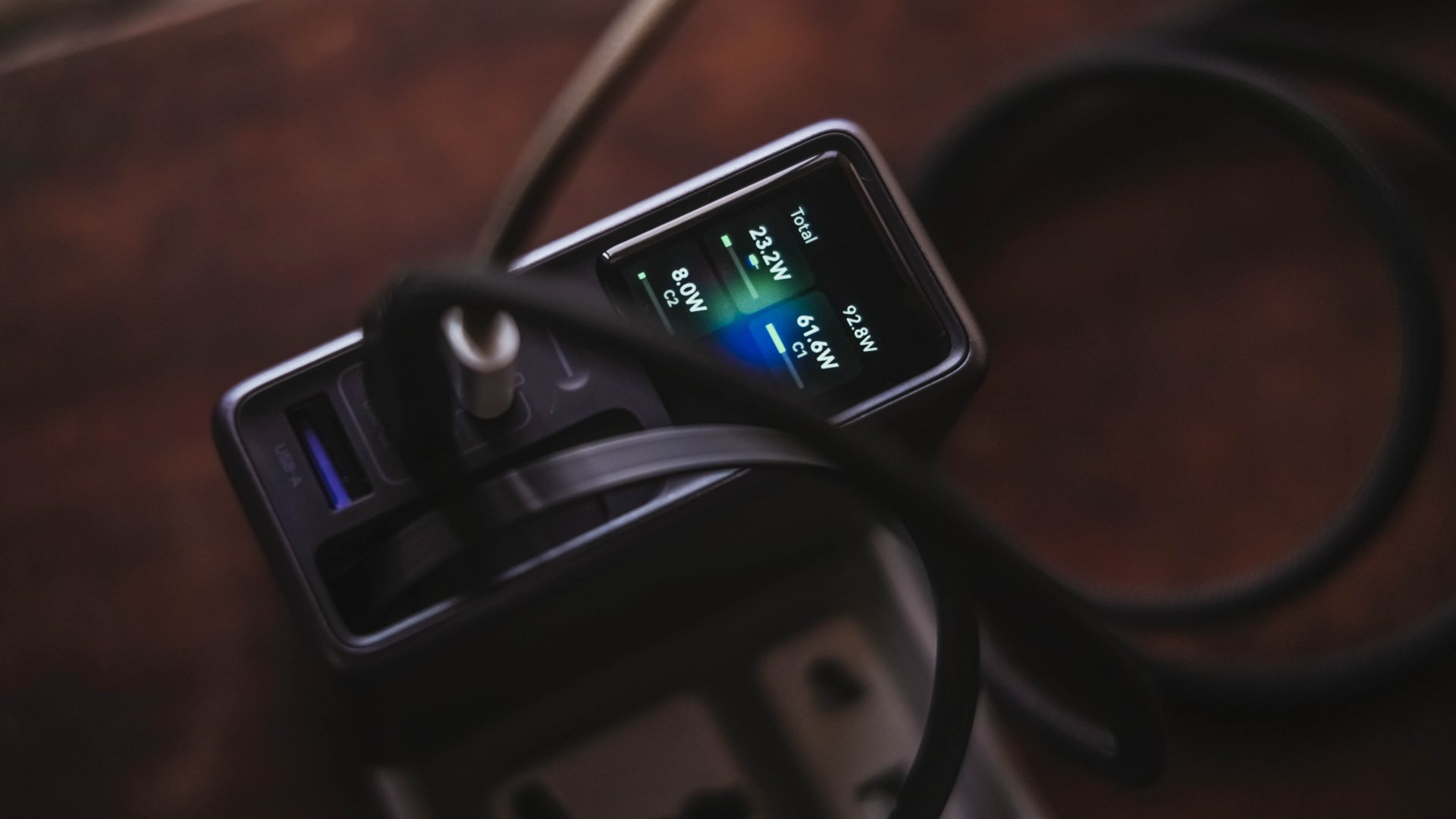
Mind you, I tried my best to make them as equal as possible by draining every device down to 0%. Just so the actual charge test starts at the very base.
From a lengthy documentations in my Notes app, I tried simplifying the results into these table instead:
| Port | Device | Cable Type | 10-minute charge | 30-minute charge | 1-hour charge |
| USB-C1 | 14” M2 Max MacBook Pro | Apple MagSafe 3 to USB-C | 15% | 45% | 84% |
| USB-C2 | Apple iPhone 13 Pro Max | USB-C to Lightning | 7% | 21% | 42% |
| Retractable USB-C | vivo X300 Ultra* *wireless charging |
USB-C to UGREEN MagFlow 2-in-1 Foldable Magnetic Wireless Charger | 2% | 3% | 7% |
| USB-A | HONOR Watch 5 Ultra | USB-A to wireless charging base | 18% | 58% | 76% |
Aside from the charger itself, there are more factors that contribute to a device’s charging output.
One is basically how many devices are connected. Another would be the type of cable used (standard 3A cable or faster yet thicker 5A or 6A cord).
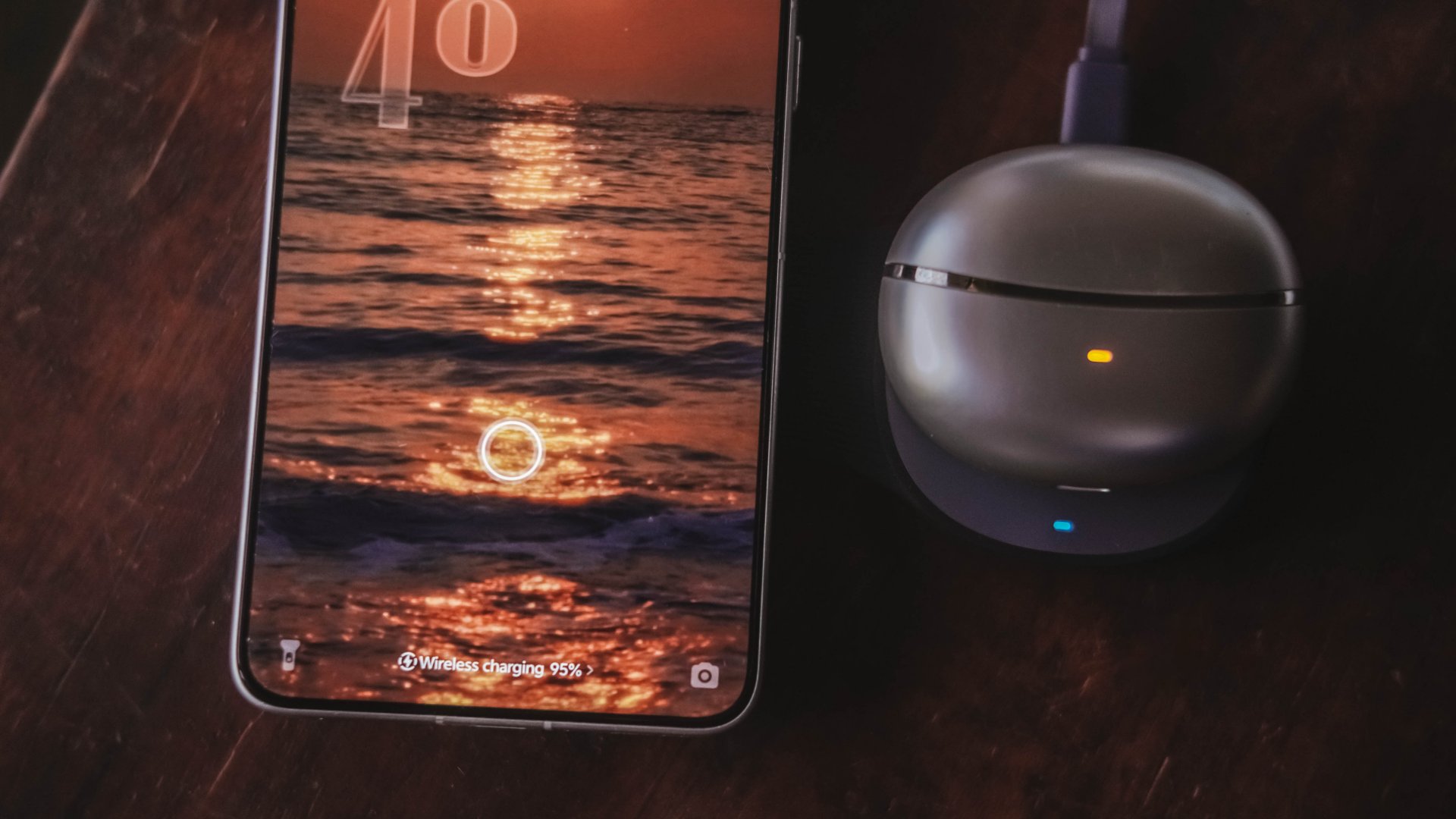
More so, if the best charging mode is used. Even actual room and device temperatures matter, too.
In easier words, a charger boasting 160W power doesn’t mean every device gets its maximum charging speeds simultaneously.
The charger still has to distribute its available power between everything connected.
Pull it, use it, and never lose it
Perhaps its most “secretive” trick is hidden within.
UGREEN has managed to fit a 70cm retractable USB-C cable in its squarish body. Pull it whenever you need it and retract it back inside once you’re done.
It’s incredibly handy when I don’t want to dig through my big and messy backpack.
Worst case scenario? Whenever I forget to bring a cable — which already happened numerous times as an aging young adult who keeps being unnecessarily forgetful.
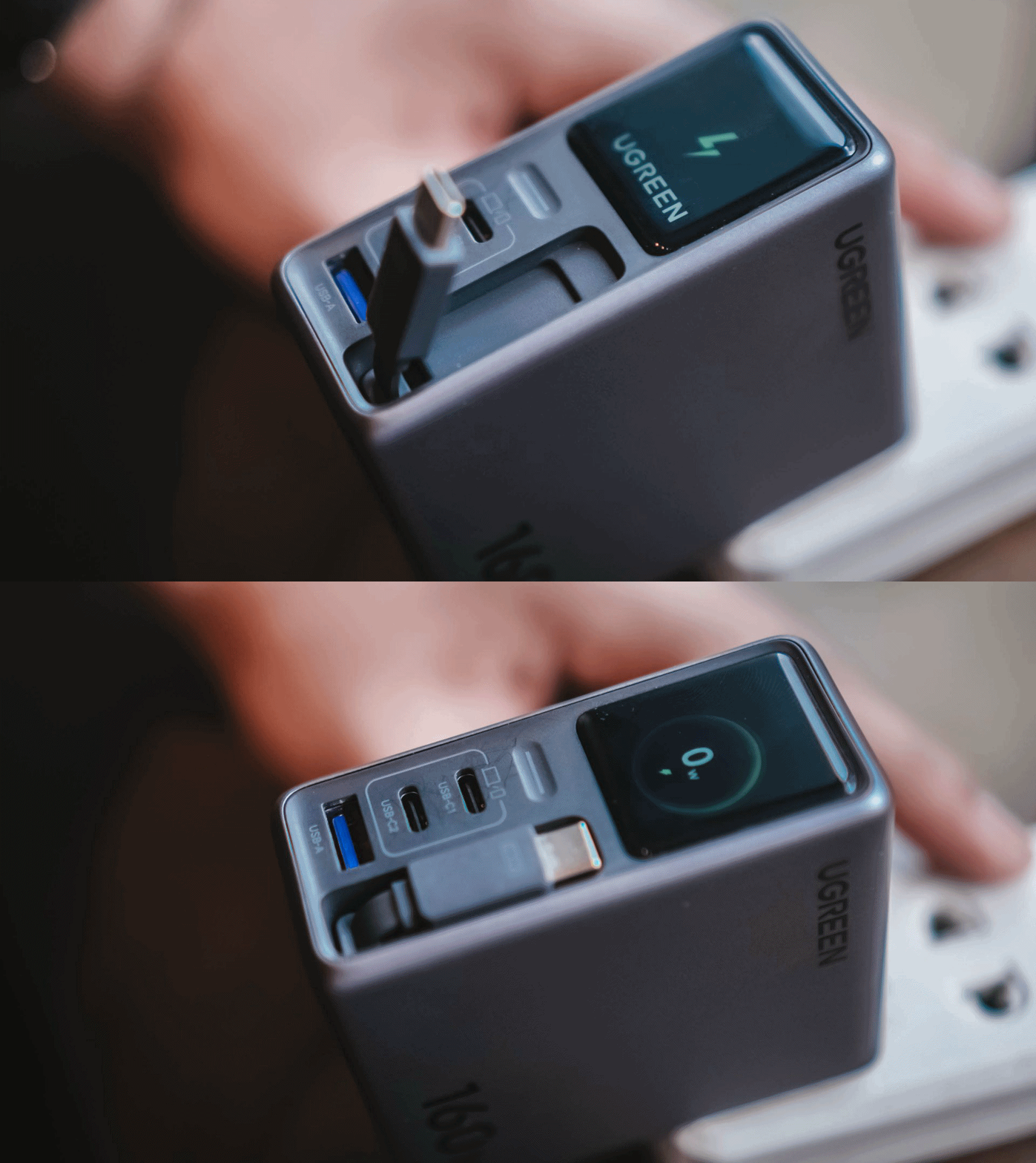
Vincenz’s two cents? He would NOT always rely on using it.
For one, there’s the matter of longevity.
A regular USB-C cable eventually breaks? Replace it. A retractable cable permanently attached to your charger? That’s a different story.
Another would be all about its actual charging speed output. Not every device behaves the same way with that built-in cable.
| Device | Max Charging | Observed Power | 30-minute charge | 1-hour charge |
| 14” M2 Max MacBook Pro | 96W | 68.6W | 53% | 87% |
| vivo X500 Pro Max | 90W | 20.2W~23.6W | 34% | 62% |
| vivo X300 Ultra | 100W | 9.6W~12.9W | 26% | 52% |
| HONOR 600 Pro | 80W | 16.5W | 35% | 64% |
| Samsung Galaxy Z Fold8 | 45W | 17.8W | 41% | 74% |
For instance, my vivo X300 Ultra supports 90W FlashCharge speeds. Yet, I observed only around below a 13W output during one test. Thus, only achieving 26% in thirty minutes.
Even the shiny new vivo X500 Pro Max wasn’t exempted in the list with only being able to achieve 34% in the same time frame.
For added context, using their bundled FlashCharge adapters would have already filled the phones way past the 60% mark.
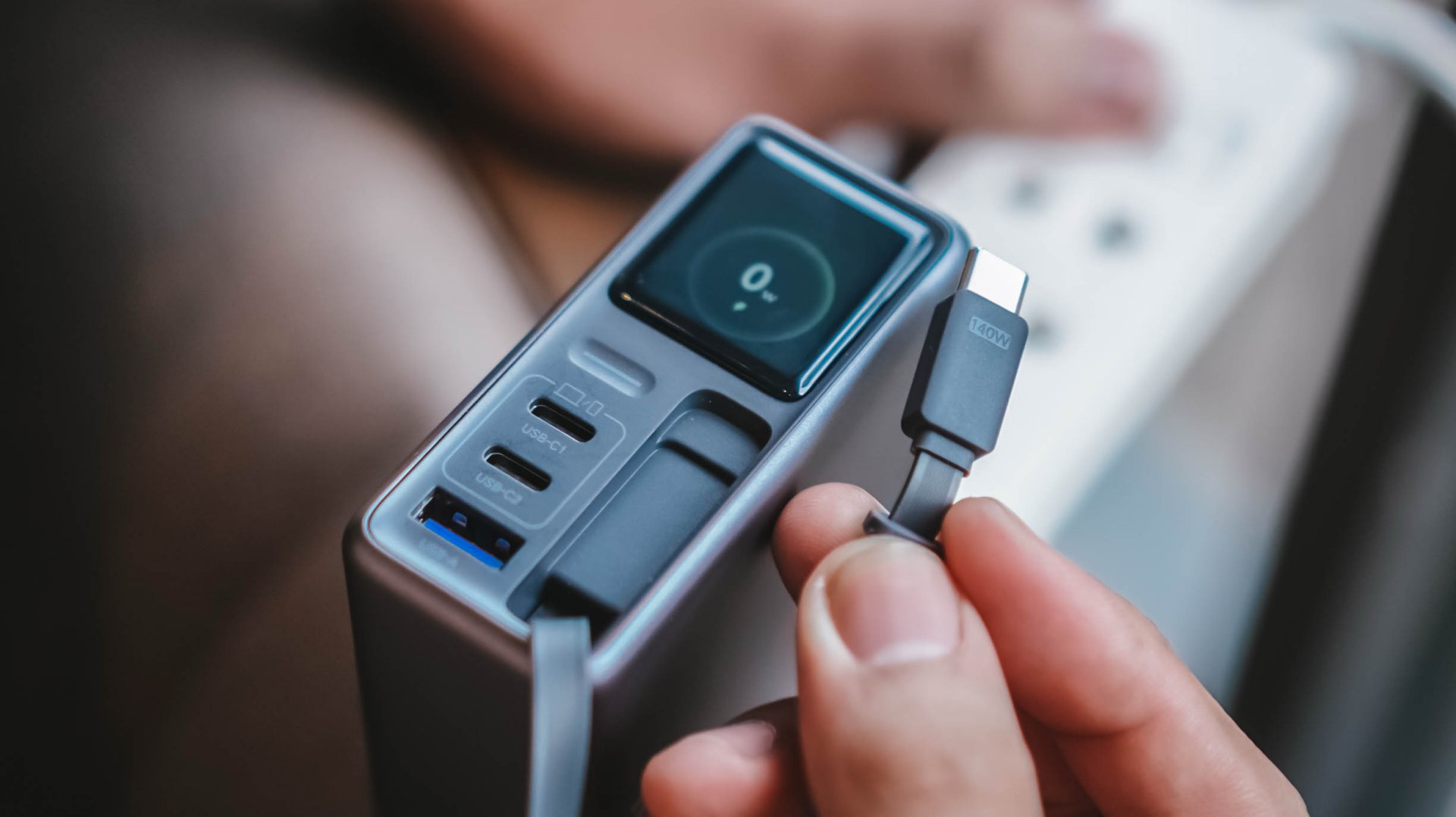
This doesn’t necessarily mean the built-in cable is bad. It just means you shouldn’t expect every proprietary charging standard to hit its advertised maximum just with the cable alone.
So while it’s one of my favorite conveniences here, I still see it as a handy backup rather than the only cable one would ever need.
Connect to inspect
I can’t believe I’m saying this. A charger can now be connected via an app.
Just like me, you’re probably scratching your head the moment you are reading this. Well, after much use, it actually made sense to me.
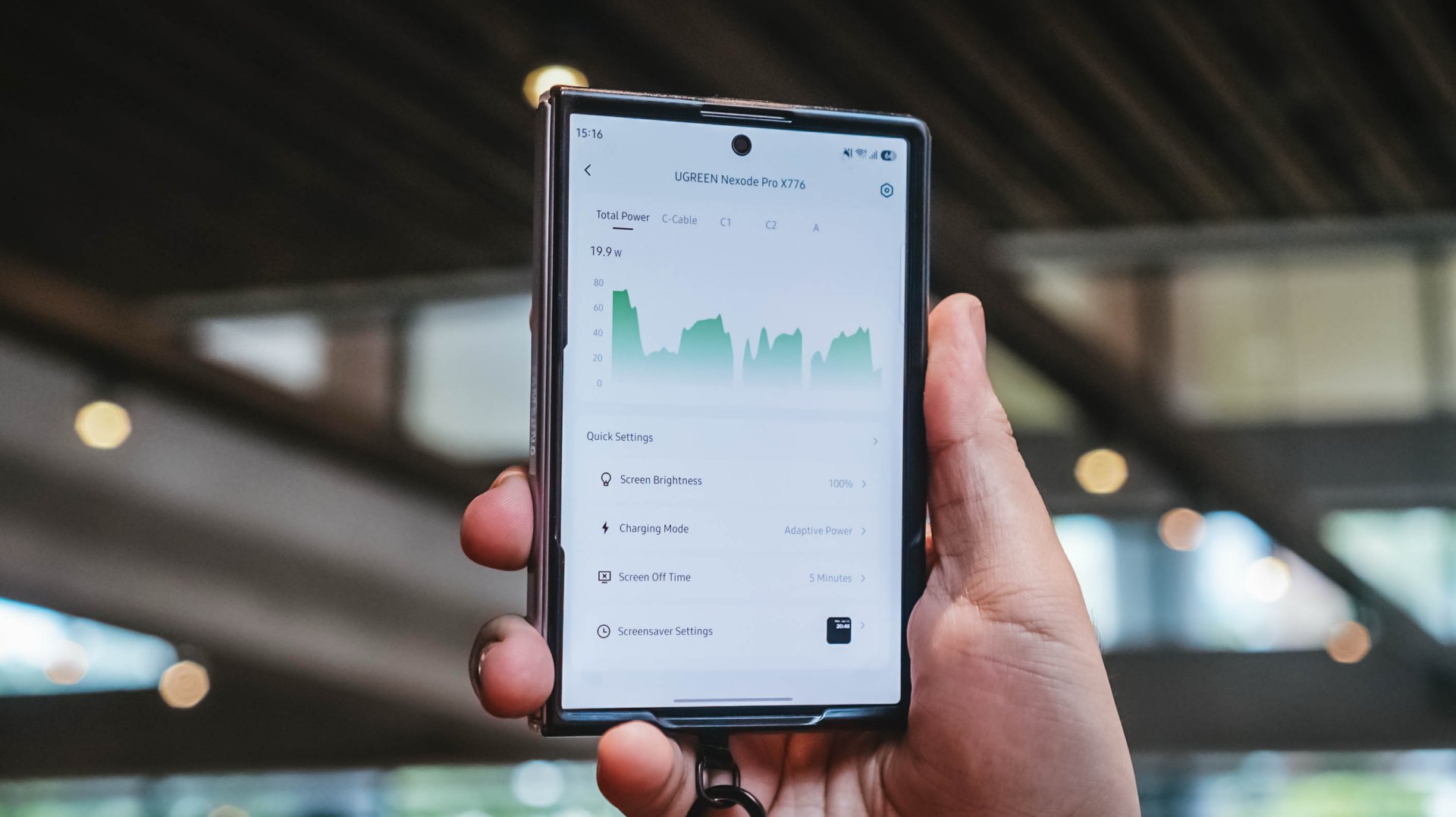
With their new and very own UgreenConnect app, not only you can see and capture charging stats, UGREEN lets you switch between charging modes as well depending on your charging needs.
Heck! You can even turn off ports individually without affecting other devices being charged.
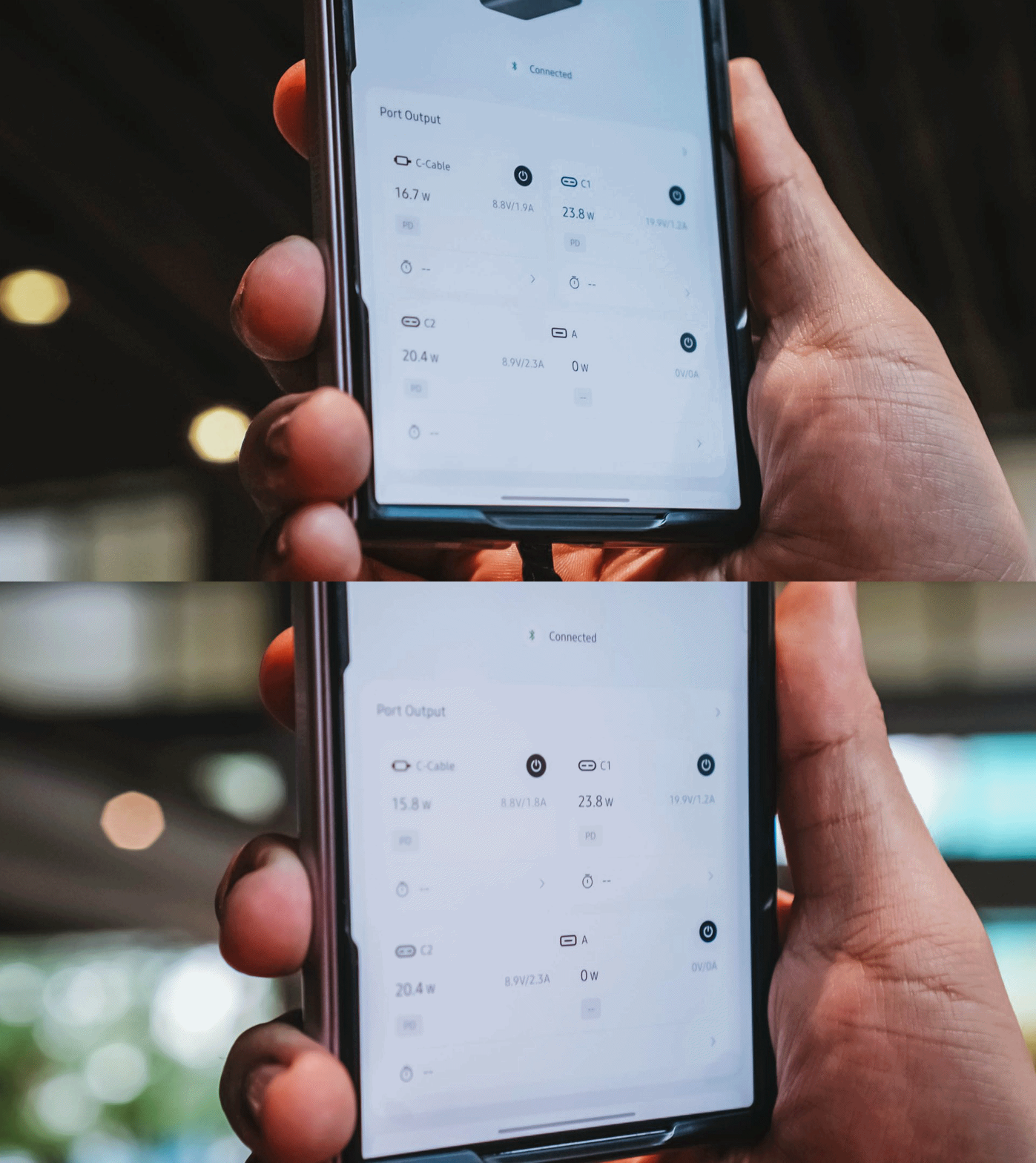
Furthermore, you can also change the display’s brightness and sleep time, customize wallpapers. The Nexode Pro 160W also supports OTA updates.
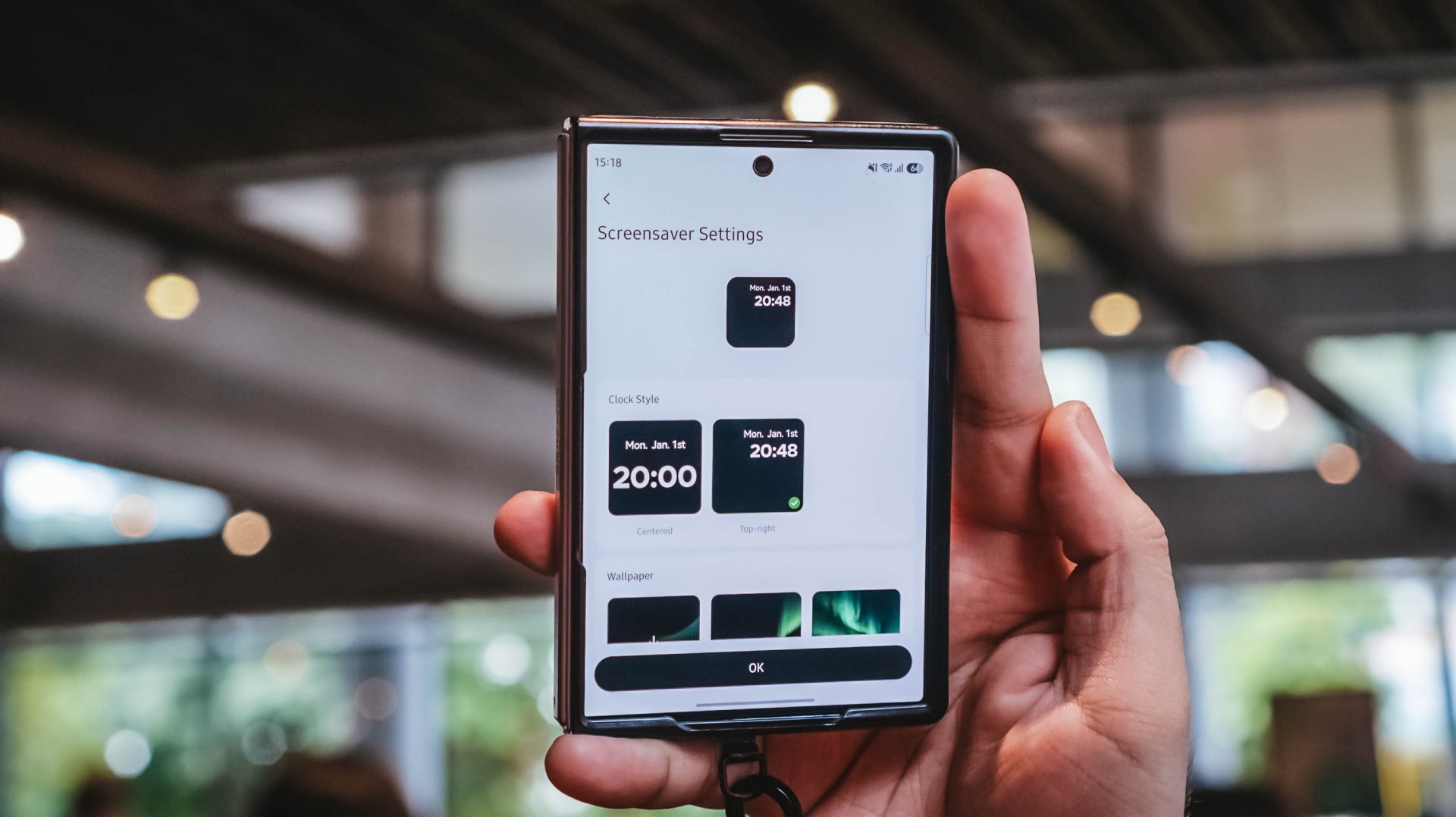
Again, it’s mostly nerdy. But that’s precisely why I like this charger more than what I already have and use.
Feel the heat, keep it neat
The Nexode Pro gets warm. Quite warm, actually.
But, with a charger this large and powerful, that’s hardly surprising given all the charging components packed inside.
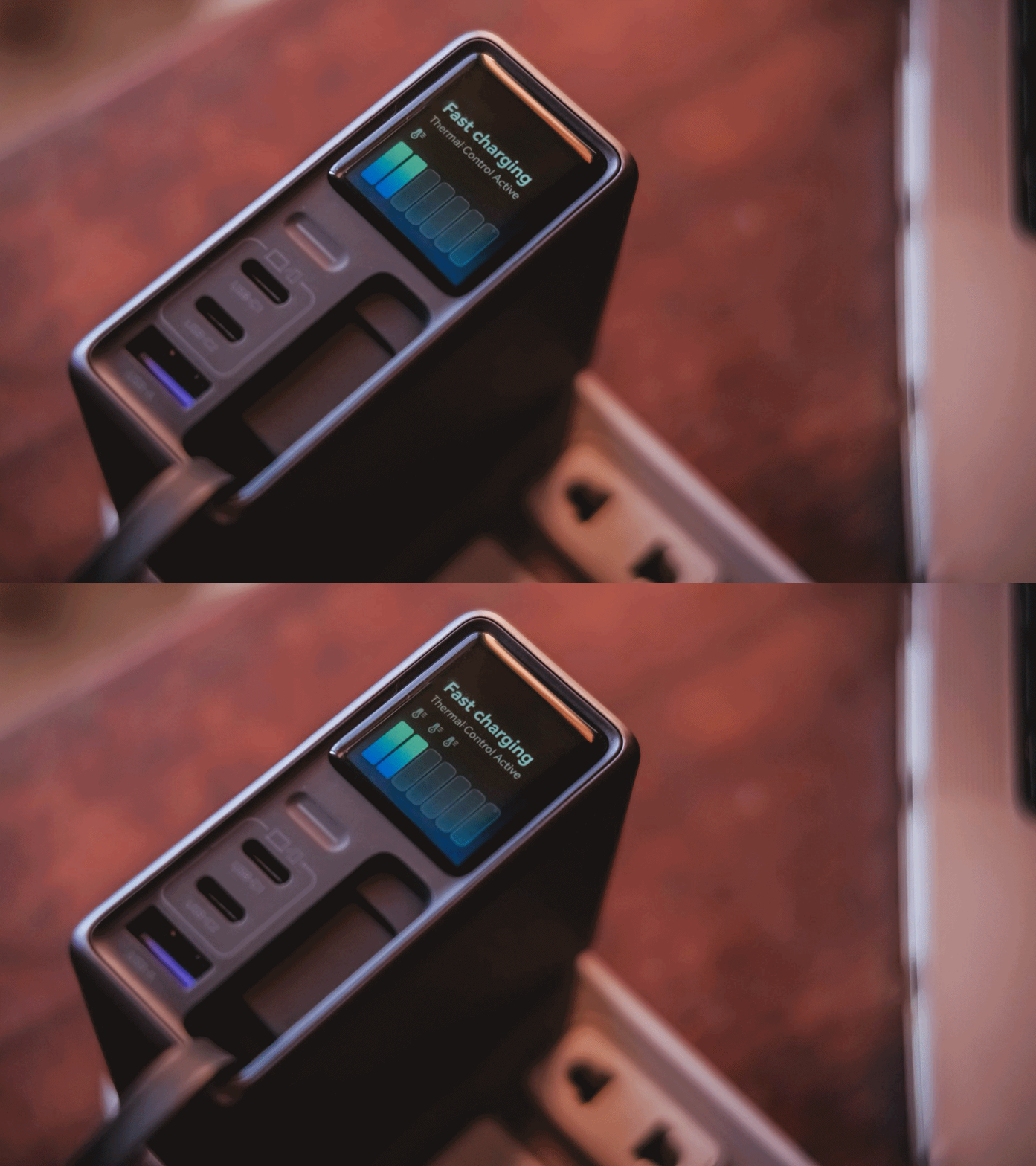
Thankfully, the temperature remained manageable throughout my use. UGREEN also lists Thermal Guard Temperature Control alongside GaN Infinity technology and SmartCharge power distribution.
The different charging modes can also help manage and lessen that heat further.
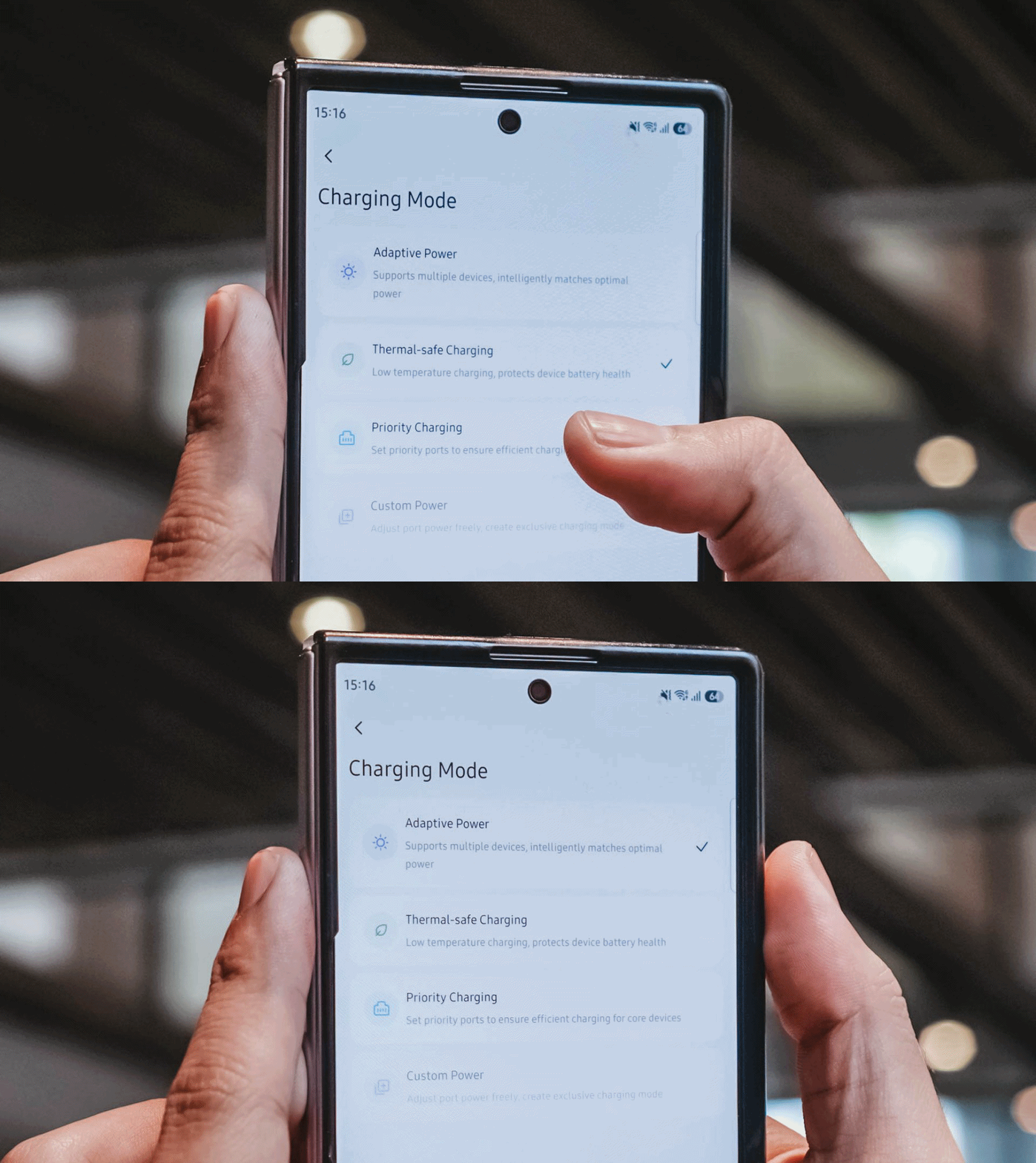
If I don’t need something charged immediately, I can opt for smarter or lower-temperature Thermal-safe charging instead of constantly pushing as much power as possible. Power when I need it. Less heat when I don’t.
Although for my day-to-day use-case, Priority Charging makes the most sense.
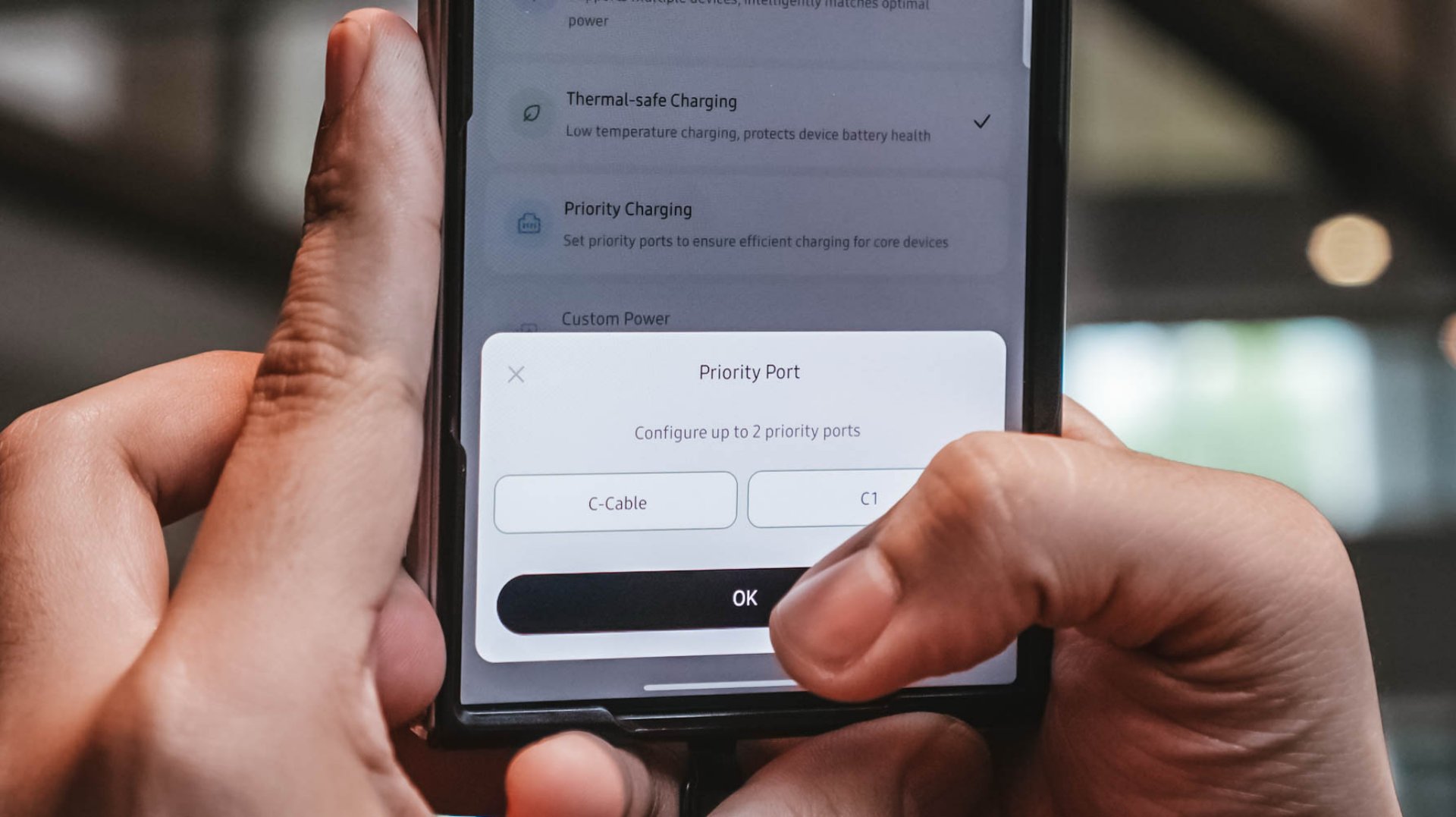
Case in point: I tested this with the vivo X300 Ultra I’m dilly dallying.
| vivo X300 Ultra | Adaptive Charging | Priority Charging |
| Charging Output | 9.6W ~ 12.9W 8.1V / 1.6A |
26.8W ~ 27.2W 7.9V / 3.5A |
| START TIME (from 0%) | 9:11PM | 12:31AM |
| 3 minutes | 4% | 6% |
| 5 minutes | 5% | 8% |
| 10 minutes | 9% | 16% |
| 15 minutes | 13% | 21% |
| 30 minutes | 26% | 42% |
| 45 minutes | 39% | 61% |
| 1 hour | 52% | 80% |
Adaptive Charging obviously charged it slower than ever. But when I enabled Priority Charging, it initially pulled around 30.8W to 31.2W for the first two minutes before settling around 26.8W to 27.2W. That’s still higher than the output through Adaptive Mode.
More so, it was able to reach 42% after 30 minutes and 80% after an hour in contrast to the 26% and 52% level of the former.
My MacBook Pro and flagship Android phones need significantly more power than smaller accessories. So, instead of letting everything fight equally for those watts, I can prioritize whichever device actually needs the extra juice.
Is the UGREEN Nexode Pro 160W your GadgetMatch?
At PhP 4999 / SG$ 140 / MYR 419, the UGREEN Nexode Pro 160W might sound like an overkill if all you need is something to charge your phone every night.
But, if you’re someone like me who owns lots of gadgets and constantly switches between a laptop, several smartphones, at least one tablet, a smartwatch, wireless headphones, and many other gadget ever imaginable, owning this charger quickly makes sense.
That’s most especially for the ultimate convenience it brings by only using one socket and fits right inside your bag’s tight pocket. I can fully rely on one brick instead of carrying multiple clunky chargers around.
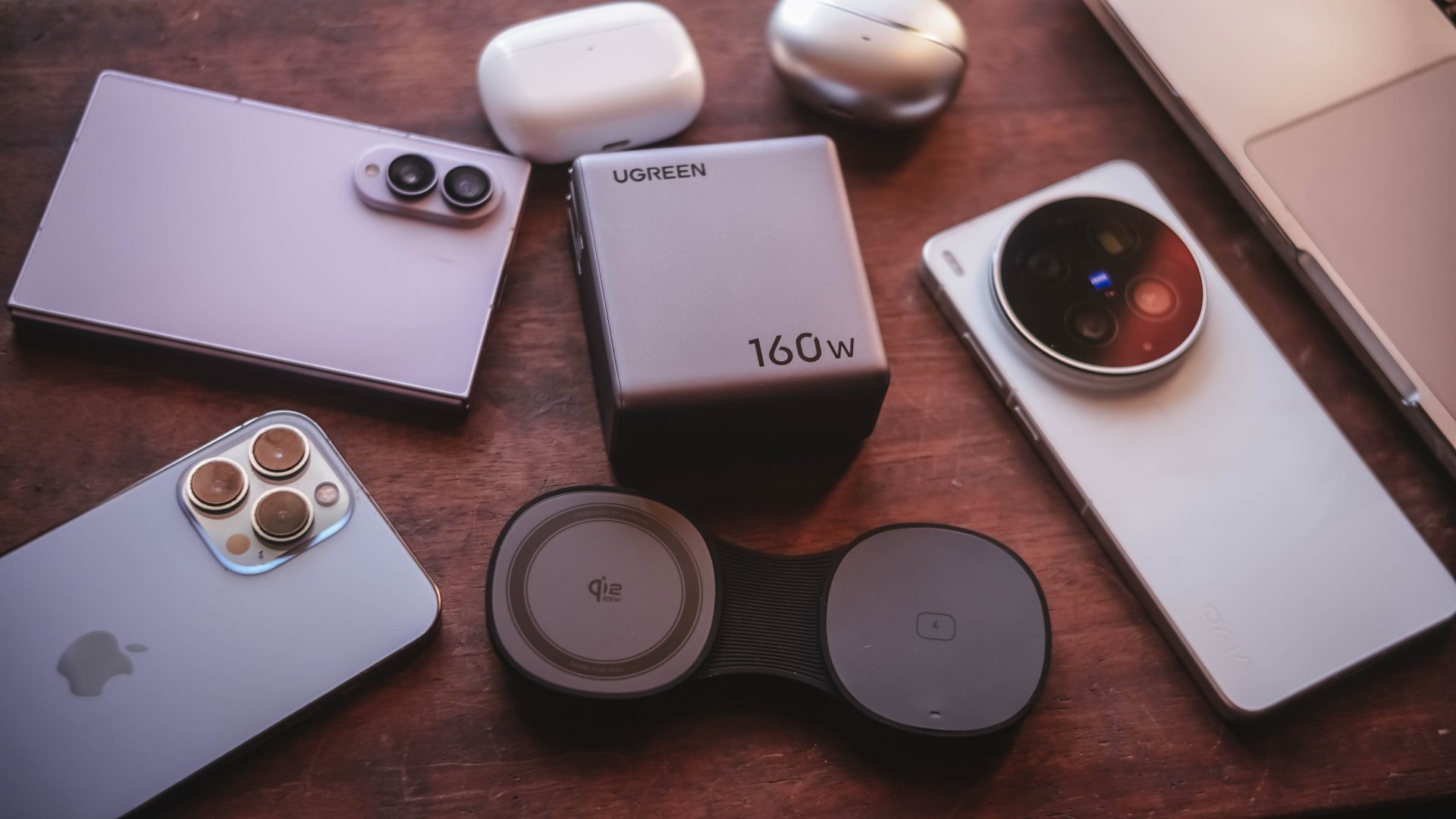
Additives include its display that lets me see stats while doubling as a useful review tool to legitimize the charge tests in the reviews I do.
Charging modes lets me decide which power-hungry device deserves more juice. Priority when I see one getting slow. Thermal-charging if I sense that it’s getting warmer than the usual.
That retractable cable? It’s a real wonder as it will truly save me whenever I forget one in another unintentional scenario.
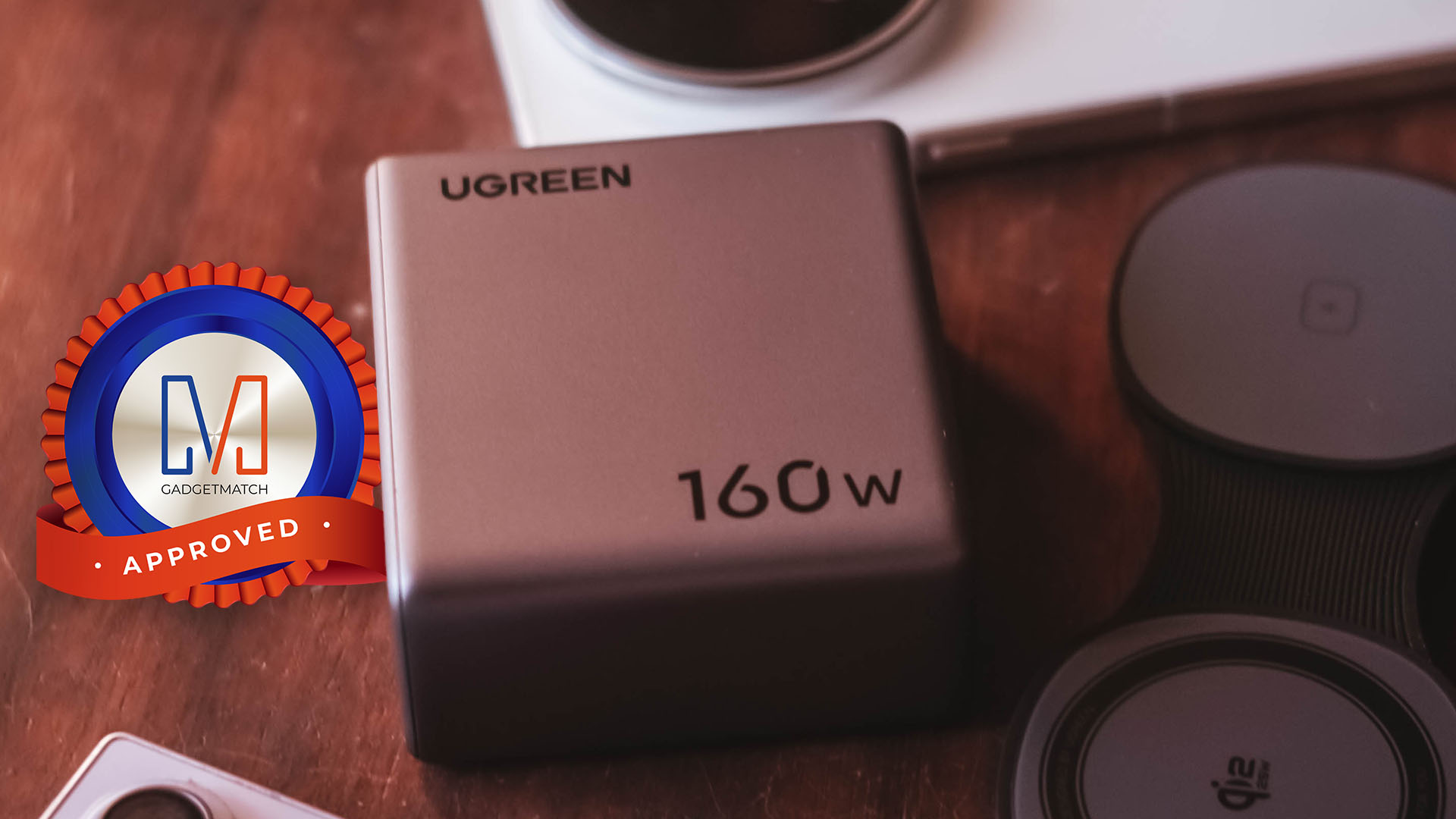
The UGREEN Nexode Pro 160W now has a permanent spot in my charging arsenal. It is a Swipe Right, Super Swipe, and definitely a worthy recipient of the GadgetMatch Seal of Approval.







Lenovo tech behind DreamWorks Animation hit ‘Forgotten Island’

Samsung joins the clip-on earbud trend with the Galaxy Buds On

vivo X Fold6 makes global debut with 200MP camera and 6900mAh battery

Smart opens iPhone 18 Series pre-orders in the Philippines

The regular PlayStation 5 is getting an AI upscaling feature

HUAWEI Pura X View is 2026’s first WIDE slab-type smartphone

The CAMON Slim 5G is TECNO’s latest ultra-slim smartphone

iPhone 18 Pro series: Price, availability in the Philippines

iPhone 18 Pro series: Price, availability in Singapore

vivo X500 Series launches with major imaging upgrades


-
 News2 weeks ago
vivo X500 Series launches with major imaging upgrades
-

 News2 weeks ago
OPPO Find X10 Pro Max is the first phone with a triple 200MP camera system
-

 Automotive5 days ago
BYD says that way better EV batteries are coming next year
-

 Singapore2 weeks ago
Epson Lifestudio Grand Plus EH-LS970B with 4K projection, more launches
-

 News2 weeks ago
vivo introduces OriginOS 7 with smarter multitasking and AI features
-
 News5 days ago
HONOR Magic9 Pro Max launches in China with ARRI-powered imaging
-
 Accessories2 weeks ago
70mai launches the A900 series with 4K front, rear recording
-
 Smartphones7 days ago
When TECNO-logy meets Tonino Lamborghini legacy