
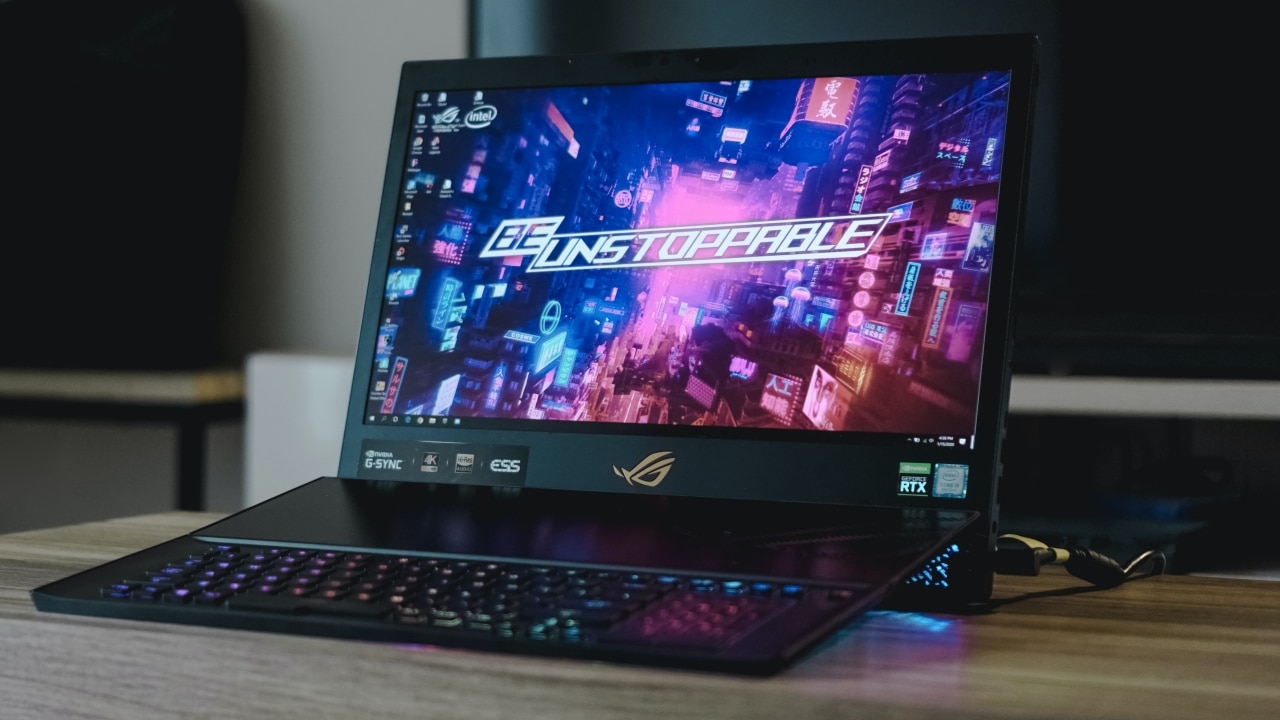

A 10-kilogram package arrived at my office one day, and at first I couldn’t believe it. I was expecting something big to come in, but a 10-kilo box that looks like a PUBG supply crate was out of the picture. Little did I know, I received ASUS ROG’s next big thing — and it’s quite literally big.
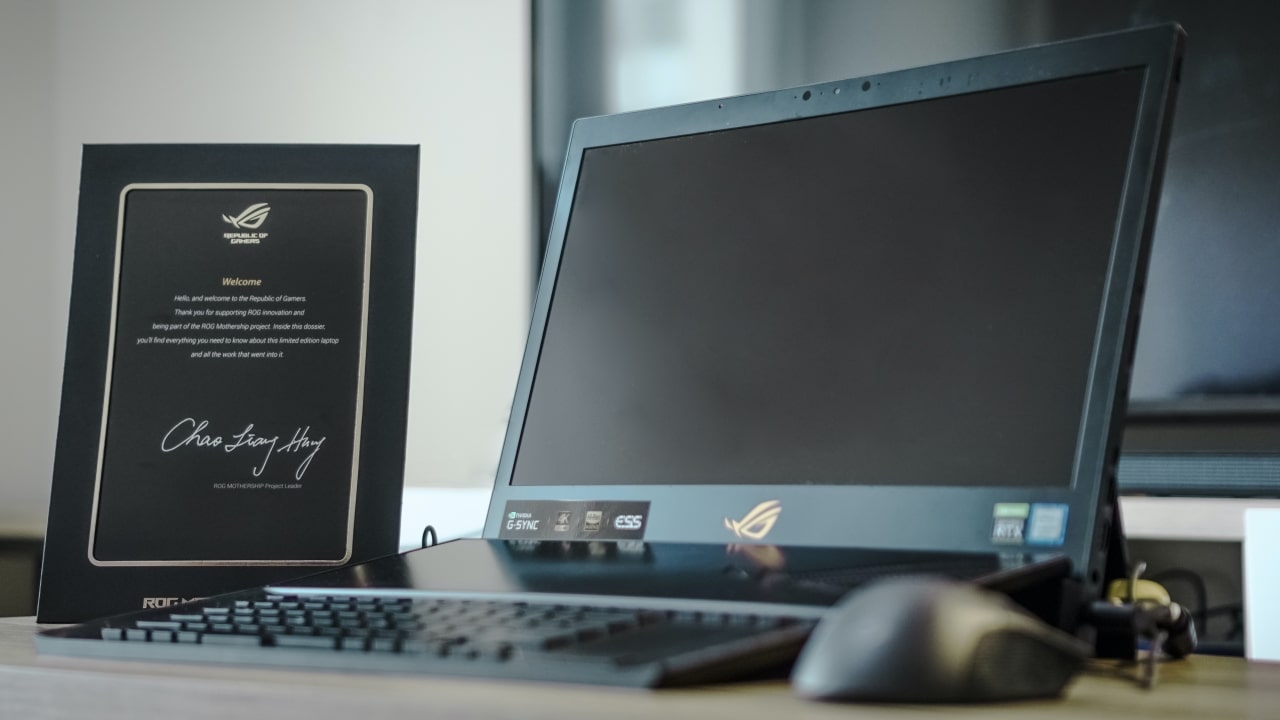
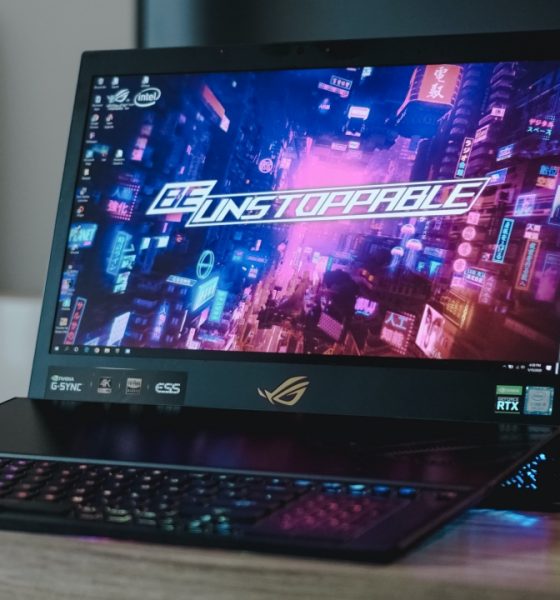
Announced back in CES 2019 (as of writing, how timely), the ASUS ROG Mothership GZ700 is the company’s next innovation in gaming laptops. I distinctly remember one famous YouTuber by the name of Linus Sebastian dubbing this the “Surface for gamers.” It comes in a form factor that I didn’t think was possible for a gaming laptop, with arguably the most powerful lineup of hardware included.
But should you be spending your hard-earned money on a monster like this? Let’s take one full tour of the ROG Mothership.
Let’s talk about the package first
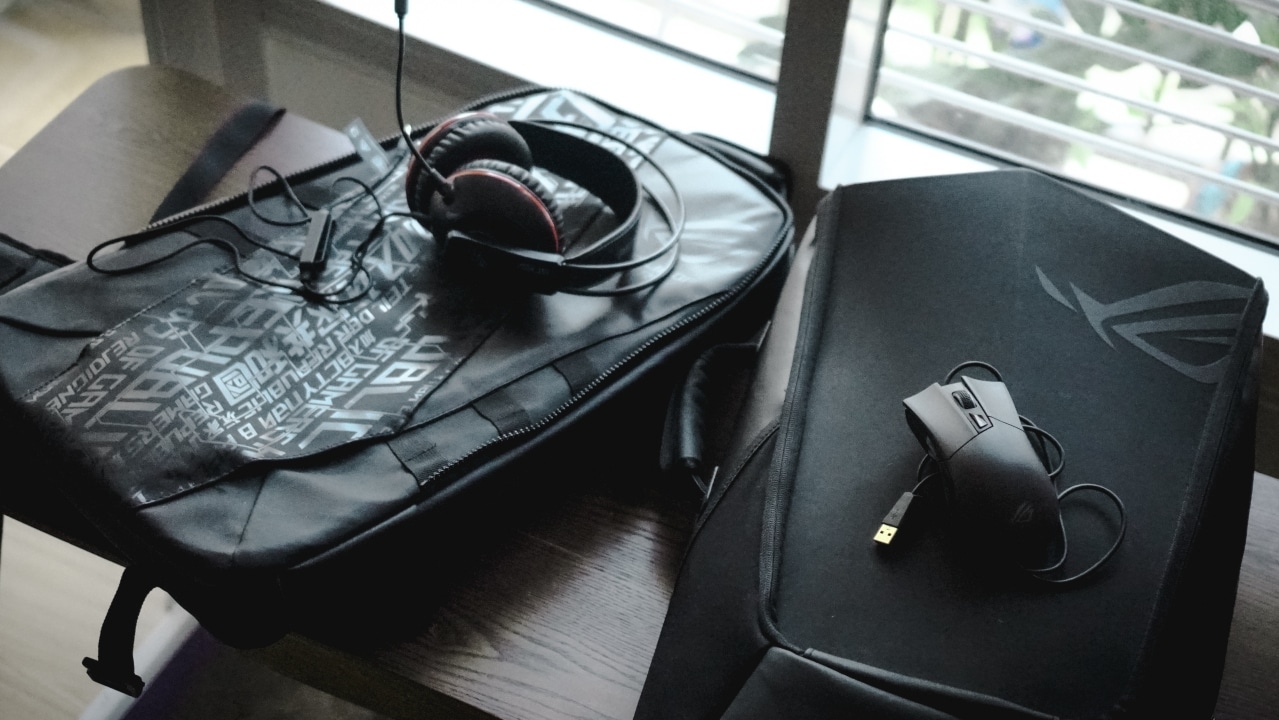
Unboxing the entire package was relatively easy, except for the fact that it’s insanely heavy. Inside the one big box are two more boxes and the large ROG Backpack that almost looks (and feels) like a shield. Apart from the ROG Mothership box, you also get the ASUS ROG Cerberus V1 headset for free! I think ASUS ROG really wanted to deliver the full gaming experience, and adding a gaming headset was a nice touch.
Removing the backpack and the headset, the big ROG Mothership box has the device and another box inside of it. It’s no joke when I tell you that the ROG Mothership is close to five kilograms in weight, which is half the weight of the entire package. Of course, the other box contains the rest of what you need for the device: the two big charging bricks, documentation and stickers, and the ASUS ROG Gladius II.

If ASUS really wanted to give you one full gamer package, to me this sort of did it. It’s basically the equivalent of getting a full-fledged gaming PC complete with all the peripherals in one box. Although, ten kilograms is just a lot of heavy-lifting that it mirrors carrying weights in the gym. Nonetheless, once you open up the box, you’re definitely in for the gaming experience of your life.
One stacked spec sheet
Before we go any further, here’s a rundown of what the ROG Mothership offers.
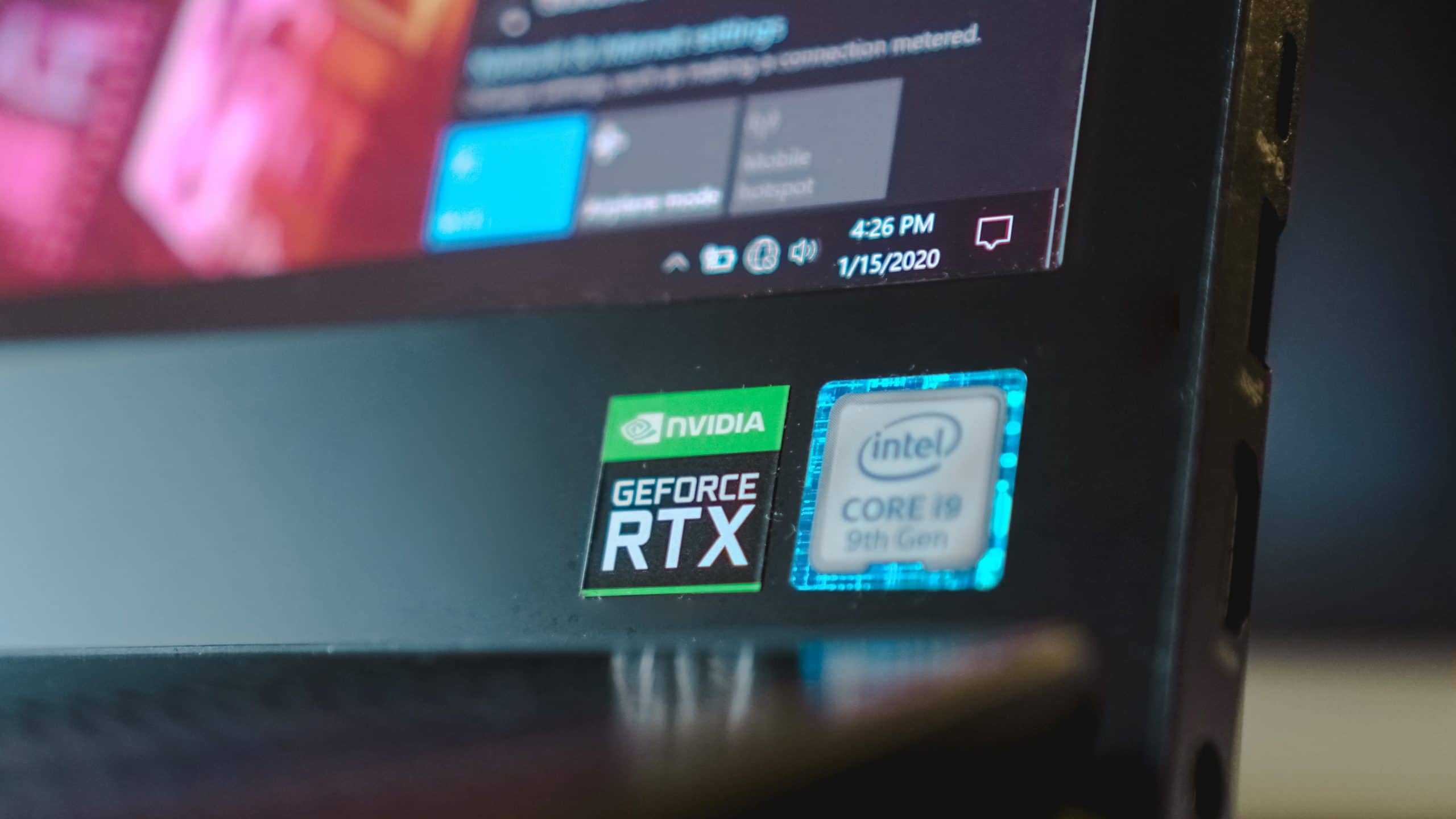
The ROG Mothership comes with a 9th-generation Intel Core i9-9980HK processor coupled with an NVIDIA GeForce RTX 2080 graphics card. To maximize the potential of a powerhouse combo, ASUS slaps in 64GB of RAM and three 512GB NVMe SSDs (in RAID 0) inside. What you get is the most powerful, quickest, and deepest gaming desktop setup, but for a laptop.
The laptop’s display comes in two options: a 4K one and a 1080p one. The unit for review was a 4K UHD 17.3-inch panel with thick bezels and a huge chin underneath. ASUS claims that the display emits rich and crisp color with a 100 percent Adobe sRGB color gamut. Also, the display supports NVIDIA’s G-Sync technology for a smoother gaming experience.

On paper, I can tell you that this machine is straight up overkill. On my first time using it, everything just seemed too quick, it’s unfair. Opening up applications, playing RAM-consuming games, hardcore video rendering — this device can handle all of those, and it hasn’t maximized all of its RAM yet.
Is it really a gaming laptop?
When I first saw images and videos of the ROG Mothership back in 2019, I couldn’t believe that ASUS was marketing it as a laptop. The build quality of the device matches that of any 2-in-1 desktop, while throwing in the hefty graphics card. The entire body is encased in CNC-machined aluminum, which is basically thick layers of metal preventing heat from spreading to other components.

Yet again, ASUS claims that it is a laptop for its portability and design. The RGB-chiclet keyboard detaches from the base of the display, and connects wirelessly upon detachment. If you like wires, the keyboard also connects via a USB Type-C cable and charges it in the process. The device itself has a kickstand at the back, almost similar to that of any Microsoft Surface.
To be quite honest, this kind of setup doesn’t feel like a laptop — and it’s not just because it’s five kilos. The metal kickstand feels a little uncomfortable, that after 30 to 40 minutes you will be looking for any flat surface. I also found it a little difficult to manage because the keyboard is in an awkward position when it’s on your lap.
Gaming that’s just extreme overkill for a “laptop”
The ROG Mothership is one massive gaming machine, and I’m not exaggerating. ASUS made the bold yet proper choice to slap in the NVIDIA RTX 2080 inside if they wanted the full gaming experience. Gaming on the device felt buttery smooth and every intense moment felt too easy to handle. But that wasn’t after I had to tweak things a bit.

For starters, gaming on a 4K panel is great and all. But the flipside is that this display only clocks a 60Hz refresh rate, which to pro-gamer standards is slow. I understand that you grab high quality images and colors while playing some video games. For the most part, you have to deal with a 60FPS cap which isn’t bad, but an RTX 2080 wasn’t built for that.
Dialing the in-game resolution down was the best workaround I could find, and it worked wonders. Shadow of the Tomb Raider sneaked in above 60FPS at its highest possible settings, while battle royale games like Fortnite and Apex Legends poured in 140 FPS. In-game details remained accurate all throughout 30 to 40 minutes of gameplay, which is what you expect from a 4K panel.

If you do plan to get this monster, I highly recommend switching to the 1080p display option. The added benefit is the fact that the 1080p option comes with a 144Hz refresh rate, rendering images significantly faster. While you sacrifice a little bit of image quality, I think it’s a worthy trade off.
An overkill gaming PC needs an equally overkill cooling system
Cooling the ROG Mothership is one hefty task, and the way ASUS did it was ideal. Apart from separating each component through CNC-machined aluminum sheets, eight heat pipes push hot air to the top and sides of the device. Through careful calibration on the ROG Armoury Crate, the fans inside will pump out as much hot air as possible to keep major components cool.
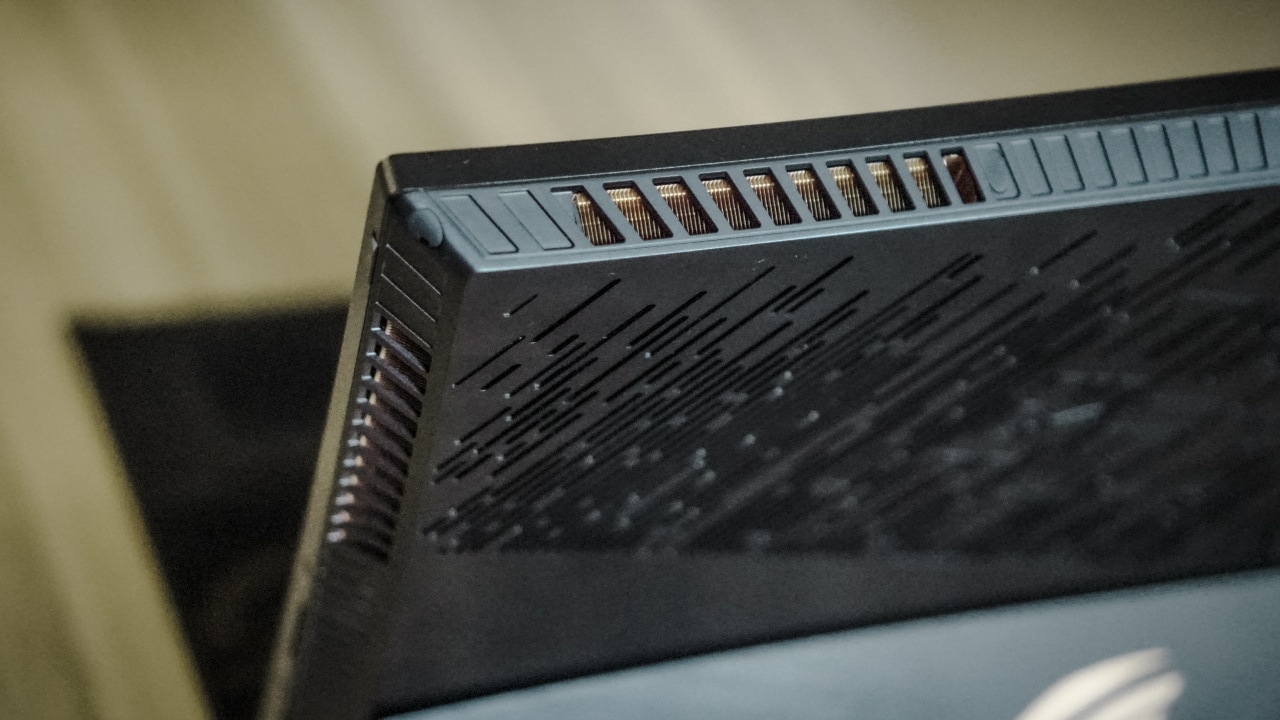
Based on my experience, it did a fairly good job with that. The device didn’t seem to experience any drastically high temperatures during prolonged activity. Although, if you plan to maximize or even overclock your CPU and GPU, you will experience that. It happens to a point of near uncomfortability, in that you wouldn’t be able to store the device for 30 more minutes.
The fans also tend to get unbearably loud during gameplay that I’m glad they included the headset with the package. Even while idle, the fans tend to kick in and force a ton of air out which shouldn’t really happen. But again, if it’s meant to cool all the heavy components inside then it’s alright.
Expected short battery life
The ROG Mothership, as powerful as it is, doesn’t last very long. As with most gaming laptops, battery life isn’t necessarily their strongest feature and this device confirms it. On most productivity uses, I got an average of three hours before completely depleting the battery. To me, that doesn’t seem too appealing by any laptop standards.

When you’re gaming full time, it actually gets much lower than that. On average, I got around two hours before having to plug one of the two charging bricks. These show that this was clearly better off as a full-fledged desktop instead. If there’s any great takeaway, it’s that one full charge is relatively fast. Using just one brick fully charged the device in three hours, while using both bricks saves about 45 minutes.
Finally, is this your GadgetMatch?
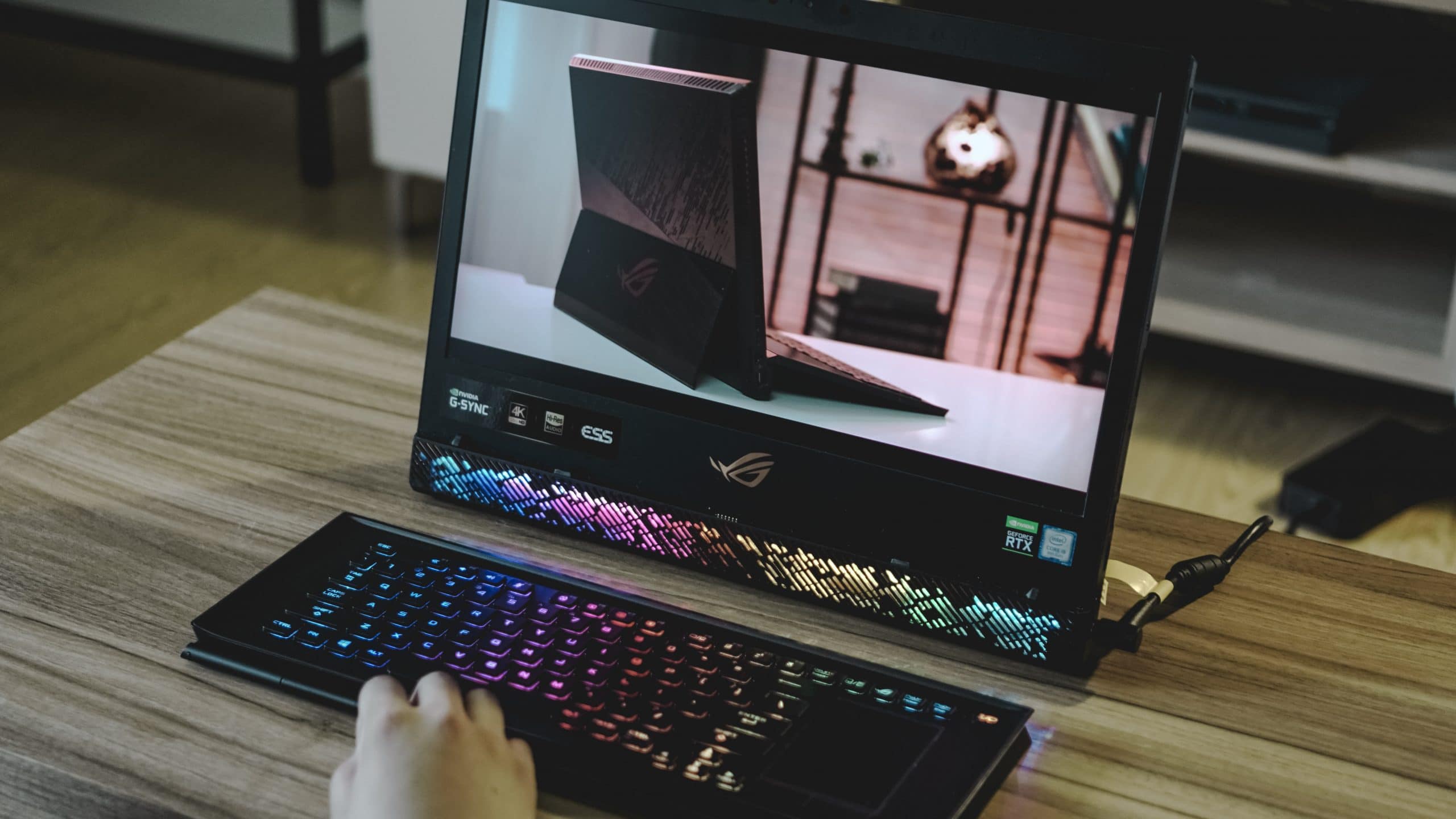
Here’s the thing: the ROG Mothership is a beast. It’s got every piece of gaming hardware anyone could ever ask for, in a form factor you wouldn’t expect it to be in. The package itself is just complete for anyone aspiring to take gaming seriously. For the most part, everything about it checks out.
But for US$ 6499.99/PhP 399,995, I feel like you would need to shell out a kidney to get this device — and it’s not worth it. Honestly, you could get every piece of hardware, or even just go for SATA SSDs and slap them into a gaming rig for way less. Heck, you could even get the same peripherals and I feel you would still be spending less than the Mothership.
All in all, the ASUS ROG Mothership is one heavy, beefy monster of a gaming laptop. The power it possesses truly fits those who want to dream of the best. But if you’re anyone who doesn’t earn one million a year, it’s best to invest in a gaming PC instead.







Resident Evil Requiem is now available worldwide, marking the ninth mainline entry in Capcom’s long-running survival horror franchise.
The game launches today on PlayStation 5, Nintendo Switch 2, Xbox Series X|S, Steam, Epic Games Store, and GeForce NOW. Set 30 years after the Raccoon City Incident, the story returns players to the ruins of a city that defined the series’ legacy.
This time, players follow two protagonists: newcomer Grace Ashcroft, an FBI intelligence analyst investigating a string of mysterious deaths tied to her mother’s murder, and returning fan favorite Leon S. Kennedy. As their paths converge at the center of a new outbreak, both must confront the lingering trauma of Raccoon City and uncover the truth behind the incident that changed the world.
First-person or third-person
For the first time in the series, players can freely switch between first-person and third-person perspectives, blending immersive horror with more dynamic action. Multiple difficulty settings are available, including a Casual mode with aim assist and a Standard (Classic) mode that reintroduces the Ink Ribbon save system while playing as Grace.
Editions available
Resident Evil Requiem is available in Standard and Deluxe editions. The Deluxe edition includes five costumes, four weapon skins, two screen filters, two charms, and additional bonus content. A Premium Steelbook Edition bundles the Deluxe content with a limited-edition lenticular card, available while supplies last.
Capcom is also celebrating the launch with a slate of collaborations and collectibles. These include a themed Nintendo Switch 2 Pro Controller, the franchise’s first-ever amiibo figures of Grace and Leon arriving July 30, 2026, limited-edition watches designed with Hamilton, a one-of-a-kind Porsche Cayenne Turbo GT created as Leon’s in-game vehicle, and 1/6 scale collectible figures launching this fall.
Resident Evil Symphony of Legacy
To mark the series’ 30th anniversary, the Resident Evil Symphony of Legacy orchestral concert series will tour Japan, North America, and Europe later this year. Meanwhile, Resident Evil 7 biohazard Gold Edition and Resident Evil Village Gold Edition also arrive on Nintendo Switch 2 today, alongside a Generation Pack bundle exclusive to the platform.
With a return to Raccoon City and a new chapter in survival horror underway, Resident Evil Requiem ushers in what Capcom calls a new era for the iconic franchise.

Bandai Namco Entertainment has announced that Tales of Berseria Remastered is out now. It’s available on Nintendo Switch, PlayStation 5, Xbox Series X|S, and PC via Steam.
The remaster brings back the 2016 action RPG with visual and quality-of-life upgrades tailored for current-generation platforms. A new launch trailer accompanies the release. It offers a fresh look at Velvet’s journey, her party members, and her fateful clash with Altorius.
In celebration of the launch, fans in Southeast Asia can join an exclusive giveaway for a chance to win signed memorabilia from their favorite cast member. Details are available via Bandai Namco Entertainment Asia’s official Facebook and Instagram pages. A special video featuring the voice cast has also been released as part of the festivities.
A revenge story returns
Originally released in 2016, Tales of Berseria stood out as the first entry in the long-running franchise to feature a solo female protagonist. Players step into the role of Velvet. Her once gentle nature gives way to a burning desire for revenge after the death of her younger brother.
The remastered edition preserves the emotional weight of that story while refining the experience for modern hardware. Players can now toggle enemy encounters in fields and dungeons and view clearer destination icons for smoother navigation. The familiar Grade Shop is also unlocked from the start, allowing for a more flexible playthrough.
More than 70 pieces of DLC from the original release are included, ranging from character outfits inspired by previous Tales titles to helpful equipment for early adventures.
Game editions and bonuses
Tales of Berseria Remastered is available in both physical and digital formats. The Digital Deluxe Edition includes the base game, a Battle BGM pack, a digital artbook and soundtrack, and a Super Growth Support Herb Set.
Early purchasers and pre-order customers receive the Super Adventuring Assistance Set, which includes Apple Gel x10, Grape Gel x10, Life Bottle x10, and Panacea Bottle x10.
Physical copies also feature a reversible inlay with two different cover designs.


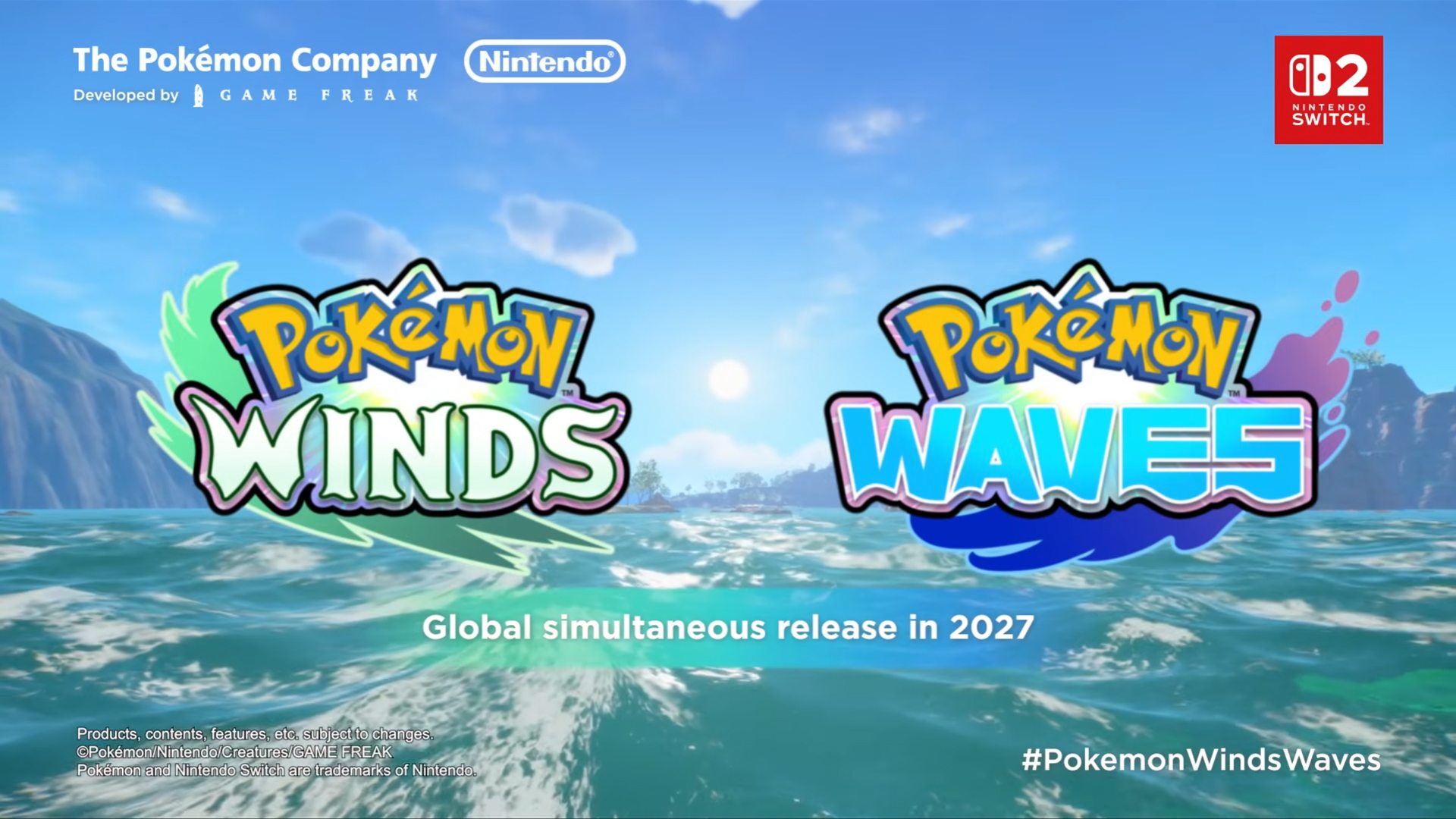
The tenth generation of Pokémon is here! Kicking off the franchise’s celebration for thirty successful years, The Pokémon Company announced the next mainline games: Pokémon Winds and Pokémon Waves.
The announcement trailer started with a nostalgic reminiscing of a Pikachu across all the different generations over the years. A sudden knock on the door breaks the protagonist’s reminiscing. At the door are two Pikachu dressed in vacation clothes, standing outside a beach house on stilts.

Pokémon Winds and Pokémon Waves isn’t just another trip to another roaring urban-to-rural region. Rather, the generation’s yet-unnamed region wants you to take a vacation in a place inspired by Southeast Asia.
Because of its tropical locale, a lot of the Pokémon featured are more nature- and animal-based. You won’t see a lot of the newer creatures inspired by objects here.
The region will also have a variety of biomes including a forest, a beach, and even an underground volcanic section. And, making a comeback for the first time in years, there will seemingly be an underwater biome filled with aquatic Pokémon.
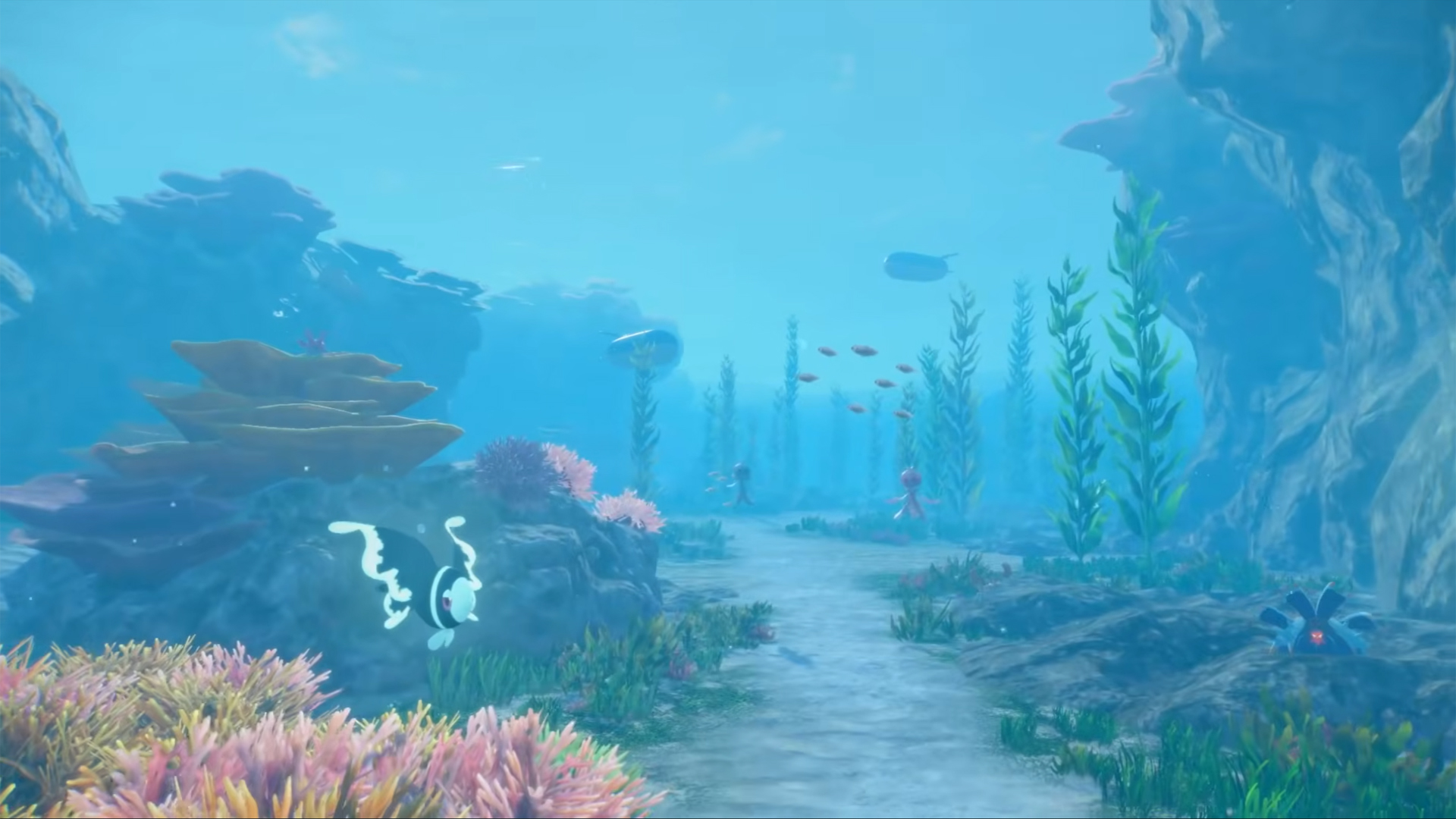
Highlighting the new generation are three new starter Pokémon: Browt, the Grass-type bird Pokémon; Pombon, the Fire-type dog Pokémon; and Gecqua, the Water-type gecko Pokémon.

Pokémon Winds and Pokémon Waves will launch for the Nintendo Switch 2 in 2027.







vivo opens pre-orders for V70 in PH; discounts, more await

HONOR unveils Robot Phone concept at MWC 2026

HONOR partners with ARRI to bring cinematic image science to smartphones

HONOR pushes embodied AI vision at MWC 2026

HONOR MagicPad4 unveiled with 3nm Snapdragon 8 Gen 5


-

 News1 day ago
Xiaomi 17 Ultra is now available outside China
-

 Camera Walkthrough1 week ago
OPPO Reno15 Pro: Camera Review
-
 First Look2 weeks ago
Match Pulse: Infinix NOTE 60 Pro
-

 Cameras2 weeks ago
Osmo Pocket 4 makes a surprising appearance in public
-

 Gaming2 weeks ago
LG unveils UltraGear evo, redefines 5K gaming with AI Upscaling
-

 News2 weeks ago
iPhone 17 Pro Max is somehow the most traded-in phone today
-

 News1 week ago
HUAWEI launches Mate X7, MatePad 11.5 S 2026, FreeClip 2
-
 Gaming2 weeks ago
PlayStation 6 reportedly delayed to 2029 because of RAM shortage