
Gaming
ASUS ROG Strix Scar 17 review: A daring proposition
Bulky-sleek, with power you’ve relied on for years

Most gaming laptops these days are going for sleeker design options even with hefty internals inside. At first, you would think that it poses several issues with thermals and heat-filled components you can fry eggs on. Obviously, the benefit for it is a power-hungry machine for great gaming performance.
I’ve seen ASUS ROG’s previous STRIX SCAR laptops that follow a similar trend of producing sleek yet power-hungry devices. Unlike their other gaming laptops, these look and feel easy to bring around while equipped with the latest gaming-ready internal hardware. Again, with sleek form factors comes the thermal issues surrounding it.
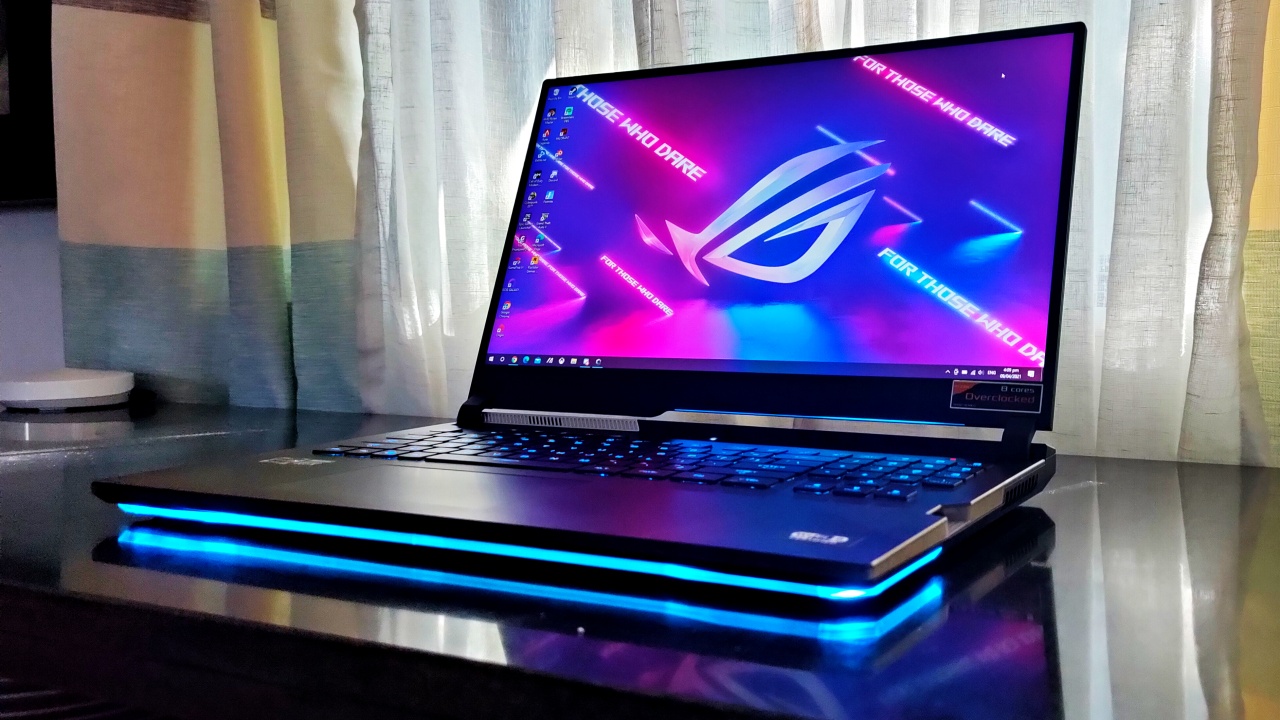
So, when the latest version of the ASUS ROG STRIX SCAR 17 (G733) was launched, I wondered “what are these guys going for this time?” It arrived at my doorstep in a rather hefty packaging, with lots of freebies inside. Right out of the box, it doesn’t seem like it’s anything different from the other STRIX SCAR laptops they’ve had.
Wait, why does it look sleek but it feels bulky?
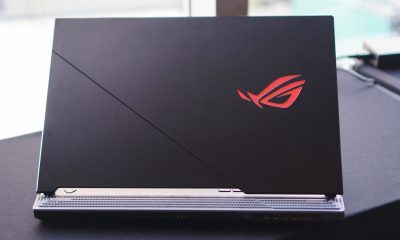
When I first removed the device from the box, it felt a little bulkier physically. Don’t get me wrong, I looked at it from all angles and it’s still quite slim and sleek compared to most gaming laptops. However, I felt that this gaming laptop has some heft to it in its sleek form factor at about 2.7 kg.
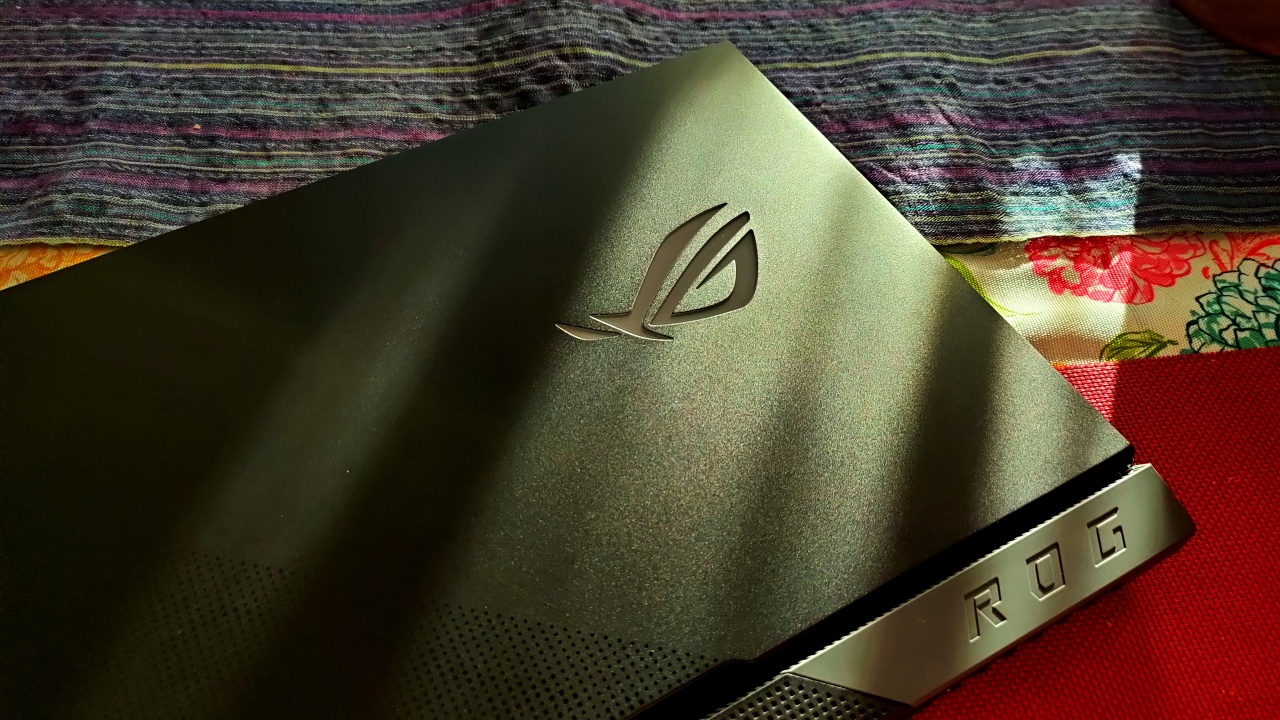
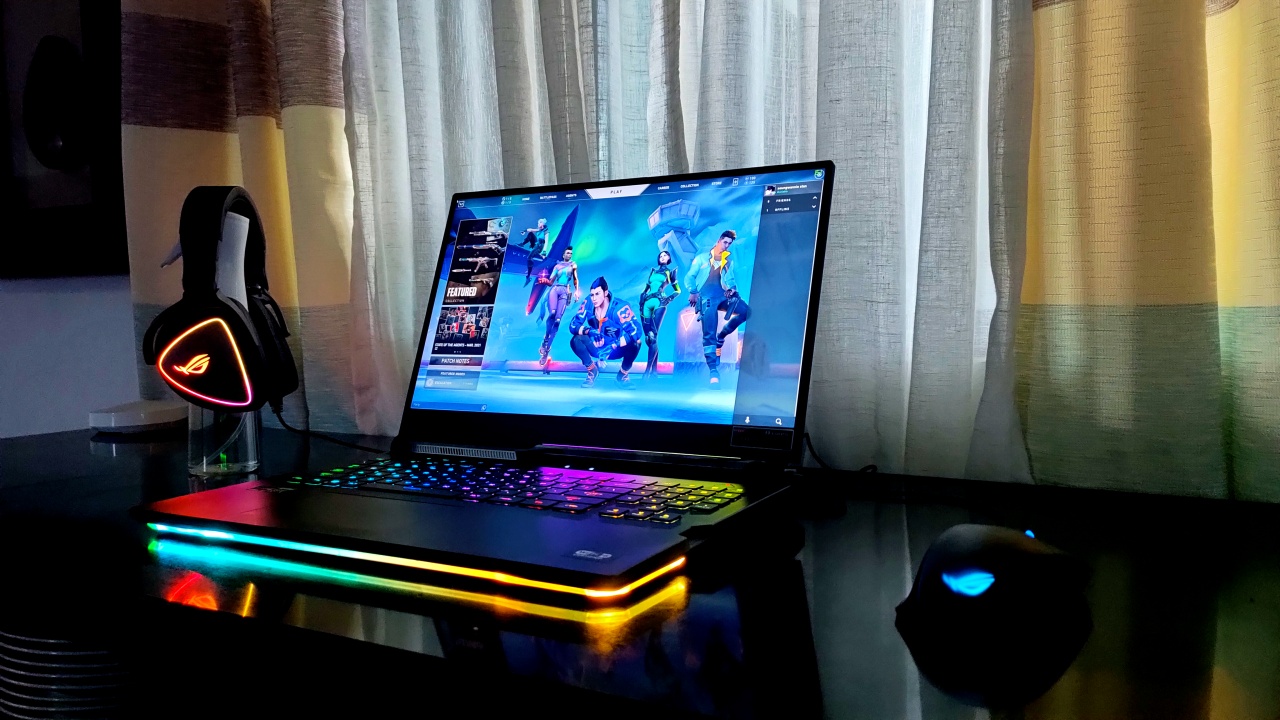
While we’re on the form factor, ASUS ROG manages to retain the same design features with one key difference. The review unit I received came in a pristine black finish, with the LED ROG logo on the lid. Of course, you can’t really take any of the RGB LED strips away from the bottom of the laptop. For ergonomic reasons, most of the ports are at the back, which is a great touch.
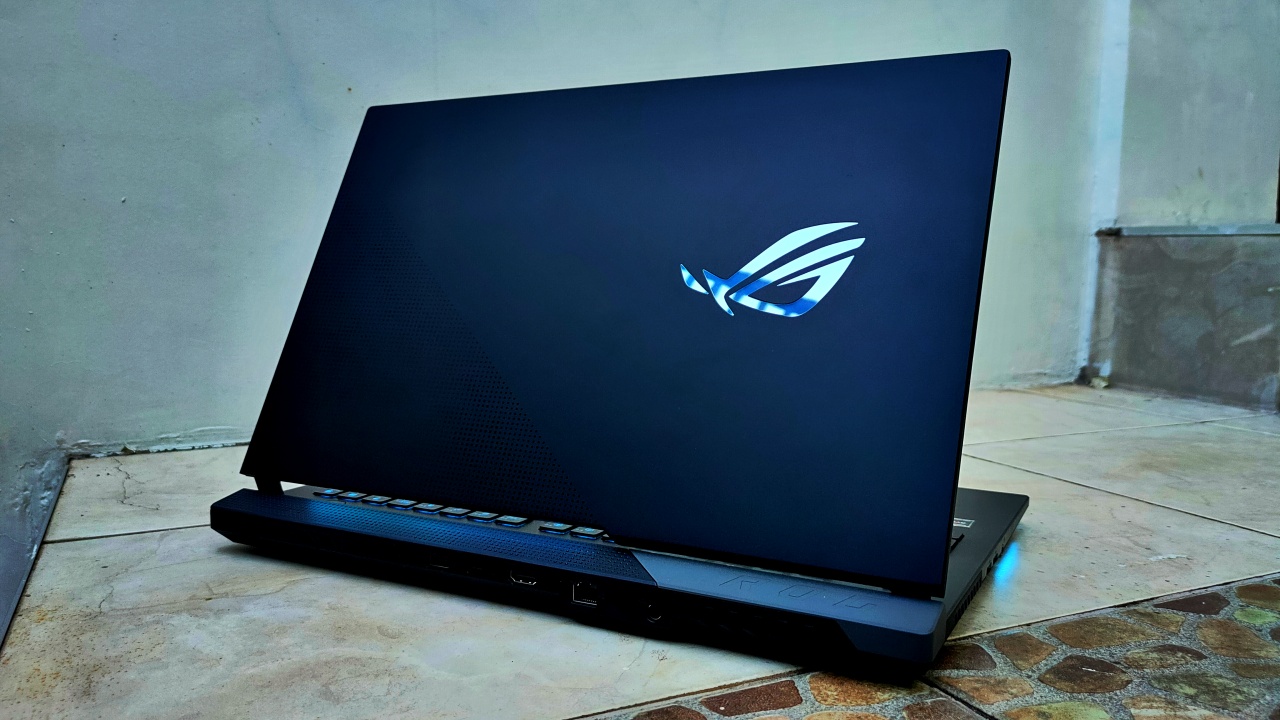
Unlike the previous models, ASUS ROG’s main gimmick here is the customizable Armor Caps for added customization. Essentially, they’re just a part of the hinge mechanism for the display that you can customize with any color or logo. Plus, you can 3D print your own cap if you’re not really a fan of the ones they have in the box. Personally, it’s not something I’d completely rave about but it’s nice that they extended the customization to that level.
Gaming performance, as expected, delivers well
One thing I would completely rave about the ROG STRIX SCAR 17 is its gaming performance. See, the device comes with an AMD Ryzen 9 5900HX processor and an NVIDIA RTX 3080 inside the bulky-sleek form factor. Ideally, what you’re getting is, quite simply, a power-efficient gaming setup fit for the competitive scene.
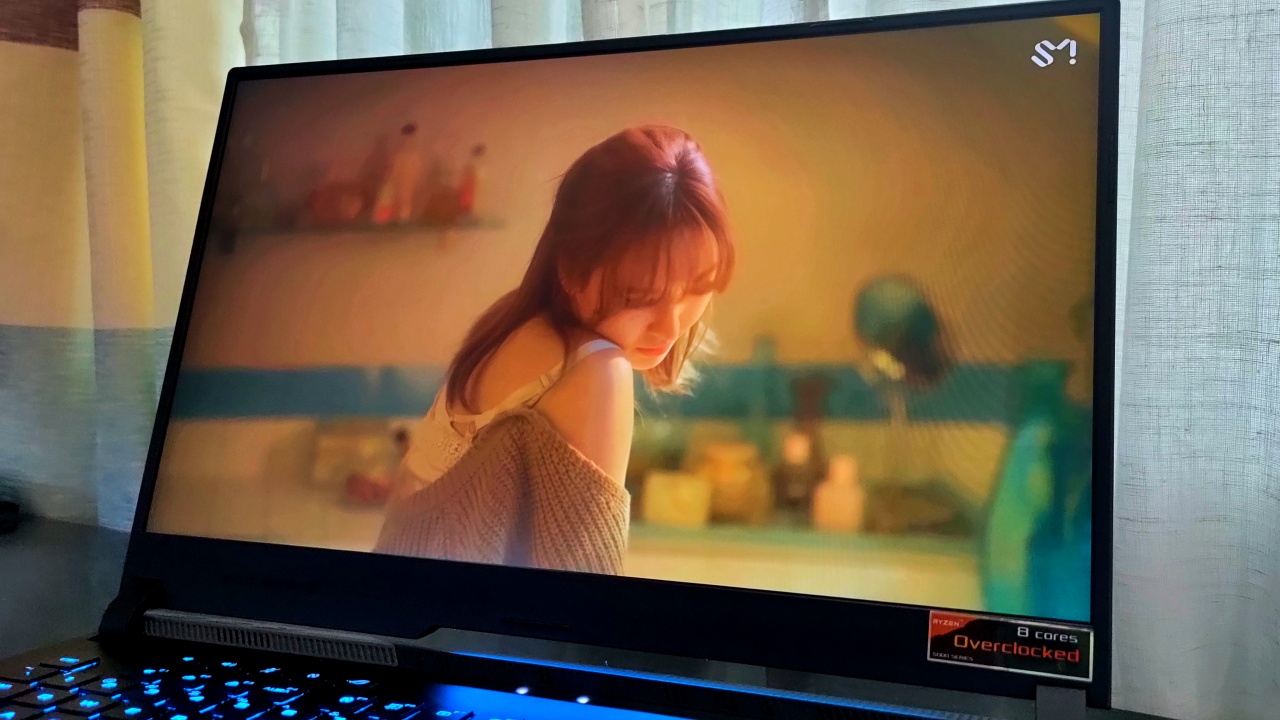
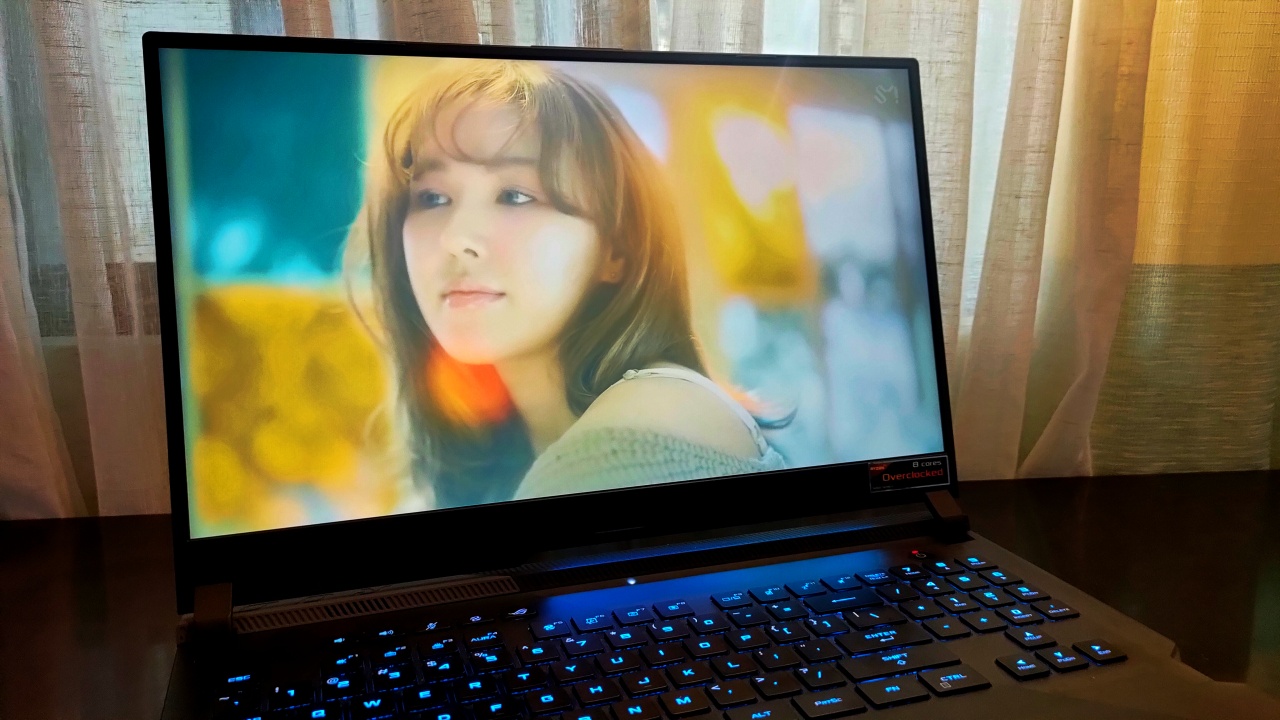
Most of the games I played through this machine ran quite well, all things considered. Part of the reason is also because the FHD anti-glare display also came with a 300Hz refresh rate, which is pretty smooth. Although, it does come with a 3ms response rate so you may have a little bit of difficulty reacting to somebody one-tapping you.
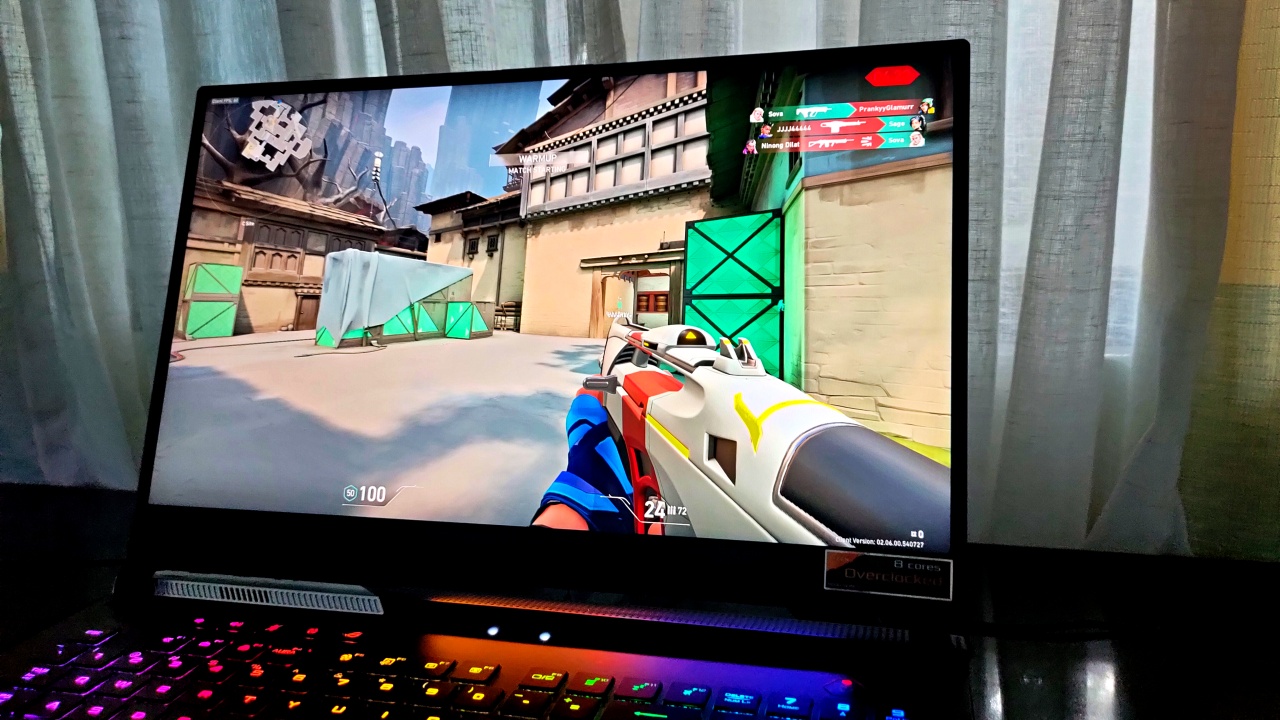
Now, because this device came with a more modern RTX card, I figured that I should look at some games a bit separately. Hopefully, I’m painting a good whole picture here:
Standard, old-fashioned, high quality gameplay
Without even turning any RTX setting on, most games fared more than well on the ROG STRIX SCAR 17. Here’s just a bit of a run down of how some of the games I played ran with their respective game settings:
| Title | Graphics Settings | Avg. FPS |
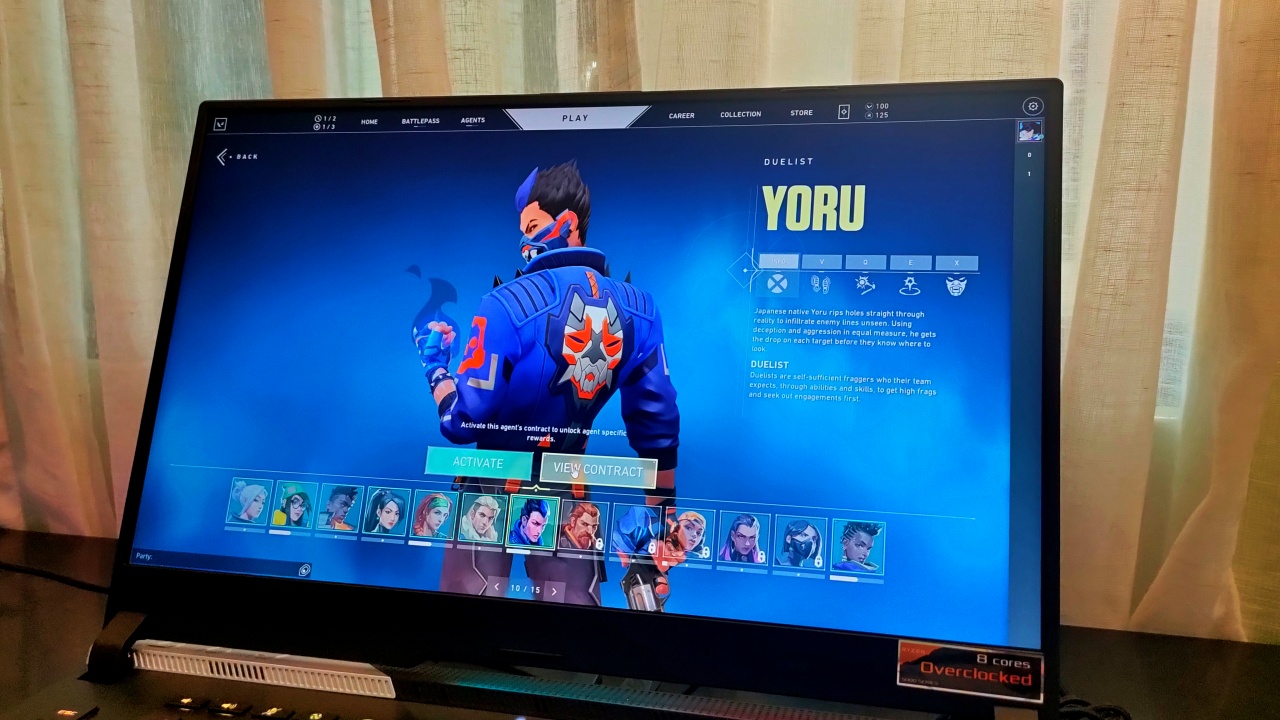
| VALORANT | Max. Settings | Agent Select: 367 FPS
In-Game: 210 FPS |
| Fortnite Battle Royale | Epic Settings | 119-133 FPS |
| Apex Legends | Max. Settings using all 16GB of VRAM | Lobby: 125-130 FPS
In-Game: 155-170 FPS |
| Call of Duty: Warzone | Max. Settings | 107-110 FPS |
| Cyberpunk 2077 | High Settings | 67-74 FPS |
| Rocket League | High Quality Settings | 255-264 FPS |
| GTA V | Max. Settings | 91-103 FPS, depending on the environment |
| Shadow of the Tomb Raider | Ultra Settings | 91 FPS |
Clearly, the RTX 3080 slayed in most competitive and casual games alike, while also providing accurate colors and details. There were some instances of momentary lag due to too many things happening — especially with intense gameplay. However, for the most part, it’s a gaming machine fit for every possible game you could throw at it.
Turn on the ray-tracing power
Admittedly, among all of the games I played, only four of them support any RTX functionality of any kind. Whether it was shadows or immense lighting effects, my assumption is that the RTX 3080 can simply handle all of it. My goal here was to, at the very least, achieve a playable frame rate given how beefy ray-tracing is:
| Title | RTX Compatible | Graphics Settings | Avg. FPS |
| Fortnite Battle Royale | Yes | Epic Settings
For RTX: set to Quality and all set to highest |
50-57 FPS |
| Call of Duty: Warzone | Yes | Max. Settings | 98-105 FPS |
| Cyberpunk 2077 | Yes | High Settings
DLSS on Quality For RTX: set to Ultra |
54-58 FPS |
| Shadow of the Tomb Raider | Yes | Ultra Settings
For RTX: no option for it, but there is RTX for Shadow Quality |
94 FPS |
While I was playing these games, it was a pleasure just taking in all the visual enhancements ray-tracing brings. Reflections and shadows are present and in roughly full detail, and I still got close to 60 FPS on games with the ray-tracing turned up high. Then again, I’m playing on a FHD display so I still prefer replicating this on higher resolutions.
Pumping the brakes for a little bit
With an AMD chip inside this machine, I was expecting that it would last quite well under significant load. During my entire usage of it, I got about 6-7 hours using it for productivity purposes and a little bit of gaming. When you’re gaming full time at 60 FPS, I only got about 2 hours worth of juice on it — right around most gaming laptops.
Although, when you do need to fill it up again, it doesn’t take that long. In my tests, it took close to 2 hours for one full charge provided you’re not doing anything else. While you’re using it while charging, it takes just an hour and 45 minutes longer on average. It’s still quite fast, but it’s probably also a reminder for you to take a break from intense gameplay.
Now, the package also came with a 100W USB-C charger that you can use for both your phone and laptop. Although it doesn’t charge your bulky laptop that fast, it’s something quite nice to include as a multi-device charger.
Staying cool under pressure
I touched on this earlier about how most sleek gaming laptops have some thermal issues with it. If it comes with heavy-duty components, the devices tend to get pretty warm and uncomfortable to use for a lengthy period of time. Sometimes, it would feel like you could fry eggs on your keyboard, but please don’t try to do that.
In the ROG STRIX SCAR 17’s case, it does feel warm around the sides and rear end — where most of the ports are found. When you’re playing for longer hours or under all that ray-tracing workload, it heats up significantly. I mean, just the air coming out of the heatsinks at the sides feels enough to burn my hand. Also, the fans tend to get quite loud at times, so prepare your headphones.
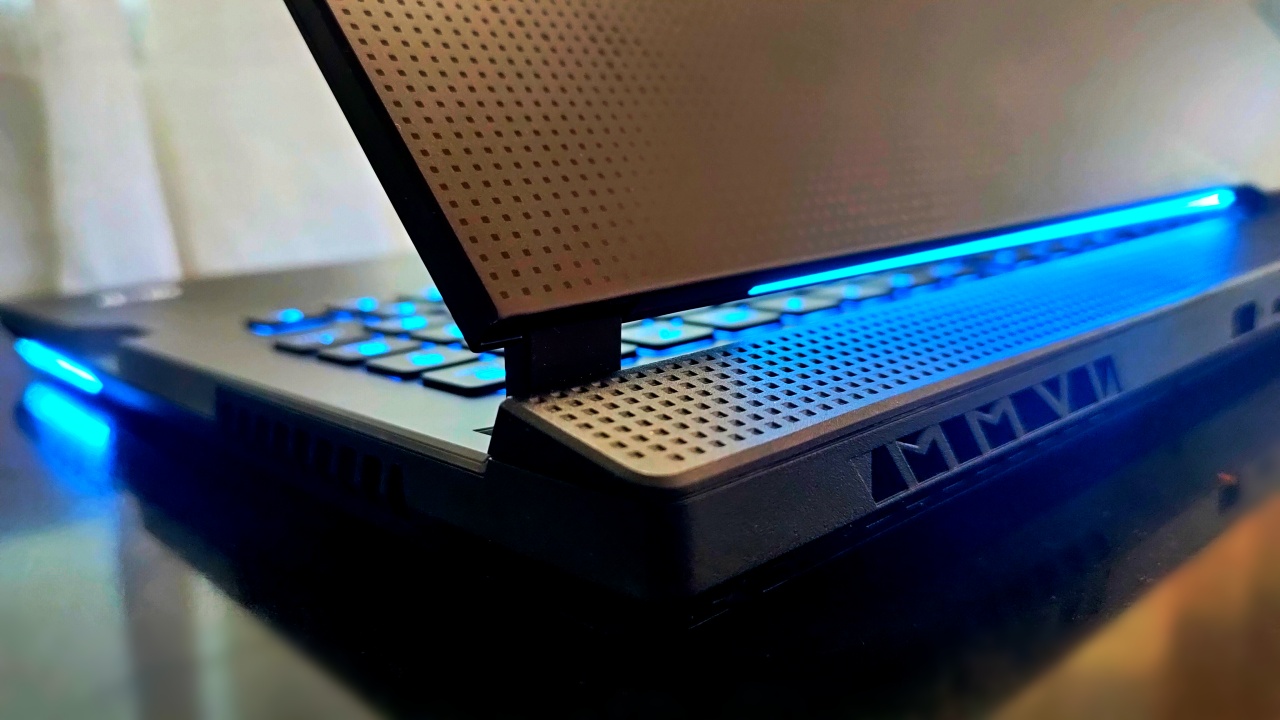
However, for some reason, it wasn’t uncomfortable, especially around the keyboard. See, ASUS used its patent Liquid Metal cooling technology for the powerful CPU and GPU inside. Even while boosting the GPU to push out better performance, the device remained warm enough not to make the keyboard an uncomfortable, hot piece of equipment.
About the other assets in the package
Apart from everything I’ve mentioned above, I feel there are a lot of other things to highlight for this device. First off, I thoroughly enjoyed using the mechanical keyboard of the ROG STRIX SCAR 17. It uses optical mechanical switches that act a level of clickiness with every key press, and they’re also quite accurate.

One other thing I liked was the inclusion of more ROG peripherals within the package itself. When I took everything out of the box, the ROG STRIX SCAR 17 came with the ROG Chakram Core, the ROG Delta RGB Headset, and the ROG Eye. All in all, it feels like a complete package that you can also give content creation or streaming a go for this device.
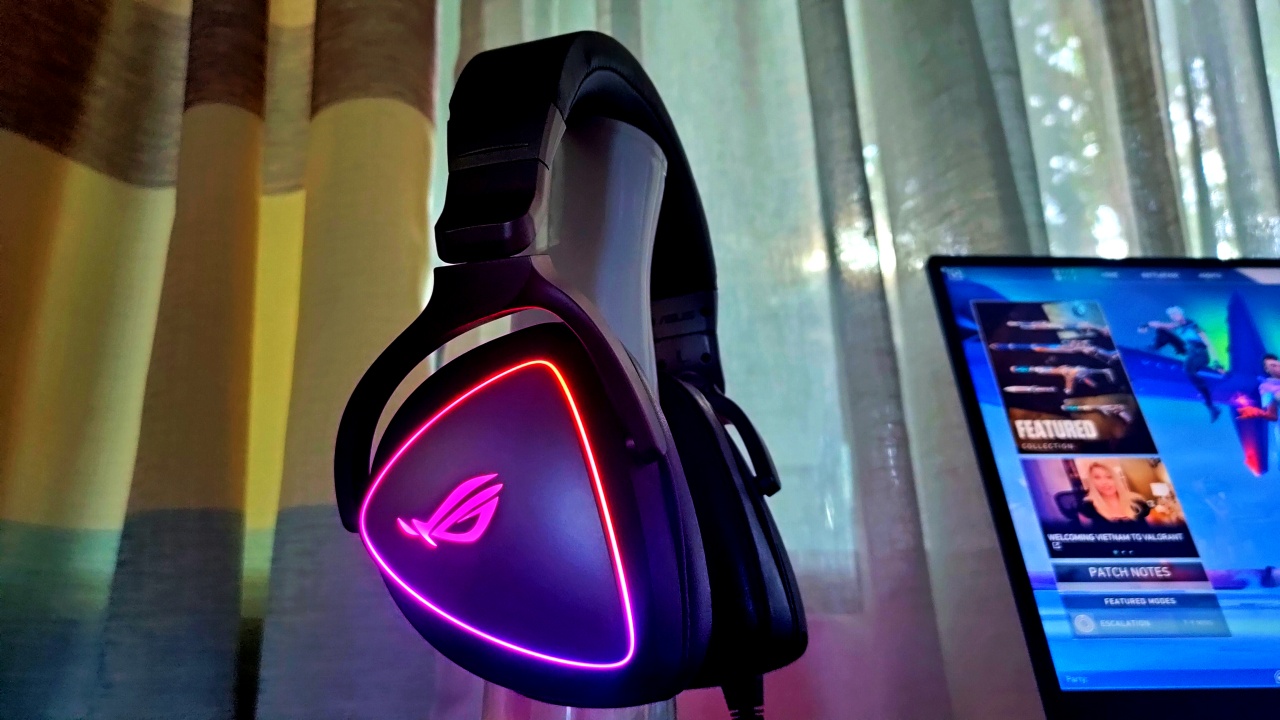
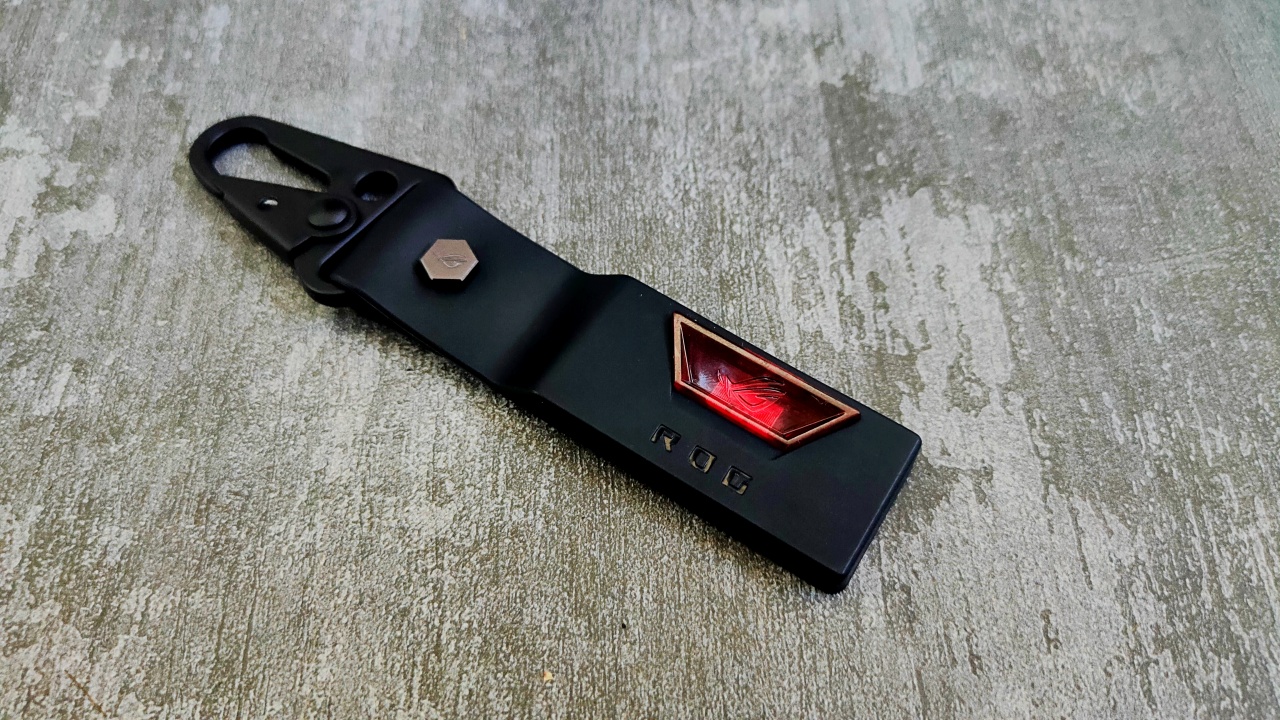
Also, inside the package is the Keystone II in a nifty keychain. Essentially, if you’ve had any of your Aura Sync settings or you just need a ghost drive, this is one of ASUS’s technologies that will surely be useful.
Is this your GadgetMatch?
At PhP 199,995, the ASUS ROG STRIX SCAR 17 has a daring proposition for the competitive gamer. On the outside, it’s a bulky-sleek gaming machine with a ton of RGB to go around and customization options galore. Inside, you will find one of the bulkiest and hottest sets of components assembled for competitive gaming performance.
Stream Like Water for better health!
It’s a package that ASUS ROG has delivered in many forms for years on end. Yes, they will come with the usual thermal issues and even a little too much RGB for others. Although it is at a hefty price point, it is still a device worth your hard-earned money in the long run.
Quite simply, the ROG STRIX SCAR 17 is a gaming laptop — to quote ASUS ROG on this — “for those who dare.” It’s something they’ve said for their ASUS ROG Phone 5, but I think it extends even further to their gaming laptops.



Gaming
The hunt begins: The Witcher in Concert hits Manila with surprises in tow
The Continent comes alive


If you’ve ever heard a haunting chant echo through a battlefield or felt the weight of a choice that isn’t as simple as good or evil, then you already know—the Path has a way of calling you back.
And if you haven’t stepped into that world just yet, consider this your invitation.
With less than two weeks to go, The Witcher in Concert is set to take over Manila for a one-night-only performance. It’s happening on March 28, 2026 at The Theatre at Solaire—bringing with it not just the music of a beloved RPG, but a full-on return to the Continent.
Celebrating the 10th anniversary of The Witcher 3: Wild Hunt, the concert transforms one of gaming’s most iconic soundtracks into a live experience. Expect performances from selected musicians of the Filharmonika Orchestra alongside Percival Schuttenbach—the Polish folk-metal band whose distinct sound helped define the game’s identity. Paired with in-game visuals, it’s a show designed to feel both nostalgic and entirely new.
As the night draws closer, here are three things fans can look forward to:
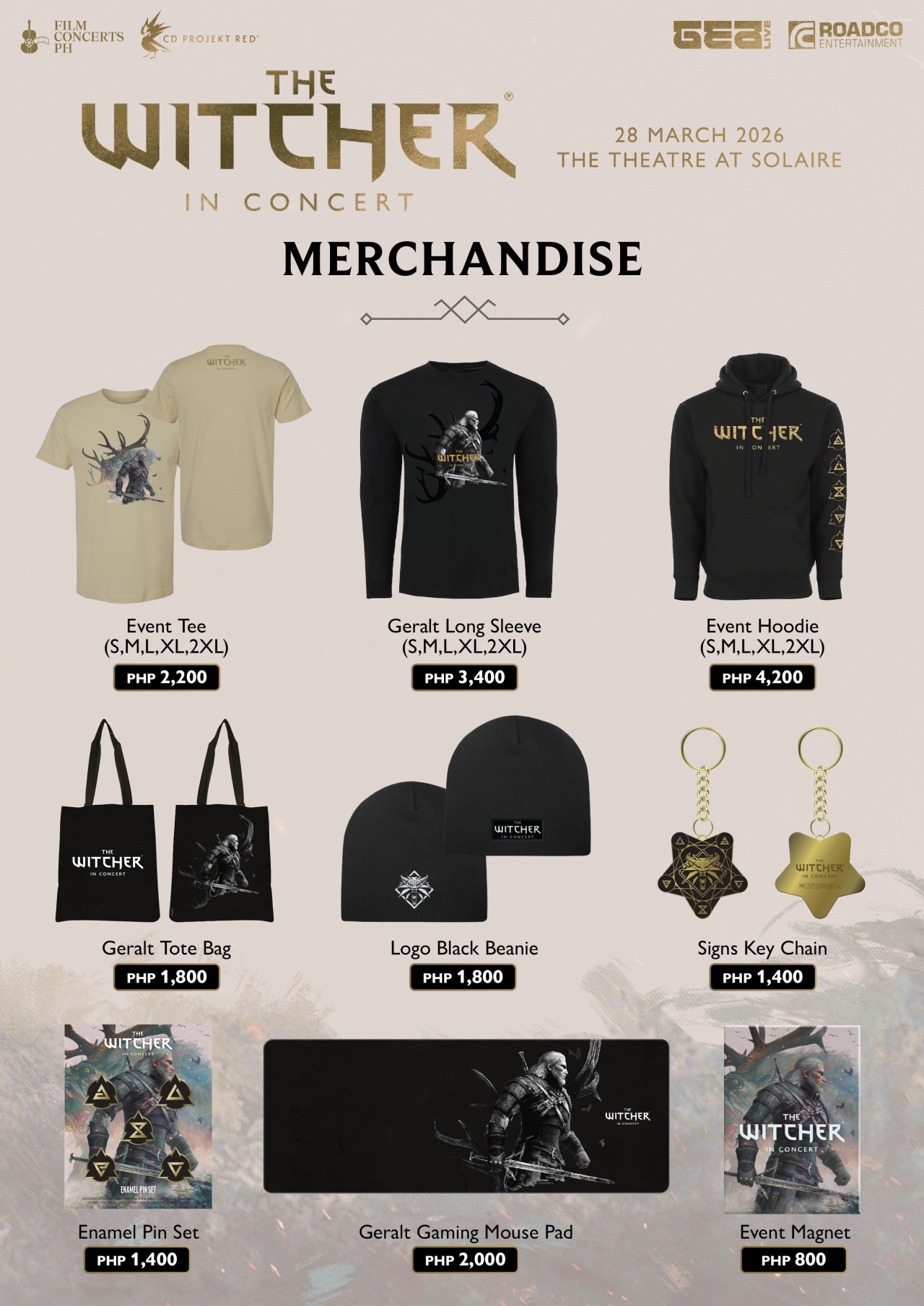
Relics from the Continent: official merchandise
For those who want to take a piece of the experience home, exclusive event merchandise will be available in limited quantities.
This includes the following:
- Event Tee (PhP2,200)
- Geralt Long Sleeve (PhP3,400)
- Event Hoodie (PhP4,200)
- Beanie (PhP1,800)
- Tote bag (PhP1,800)
- Key chain (PhP1,400)
- Enamel pin set (PhP1,400)
- Event magnet (PhP800)
- Geralt gaming mouse pad (PhP2,000)
It’s the kind of loot drop fans won’t want to miss.
The path to Solaire: getting there made easier
Getting to the venue is part of the journey—and this time, it’s a little easier. Attendees can use the Grab code FCPH2026 to get 20% off rides (up to PhP75). With the condition of a minimum fare of PhP250. The promo is valid for two rides per user and applies to trips to and from Solaire Entertainment City.
A rare encounter: meet Percival Schuttenbach
For a handful of lucky fans, the experience goes beyond the stage. Ten winners will get the chance to meet Percival Schuttenbach and receive an autographed CD.
To join, ticket holders need to share any official The Witcher in Concert post on their Instagram Story. They need to write what they’re most excited to hear live and tag @filmconcerts.ph. They need to submit their entry before March 24, 2026 at 5:00 PM. Winners will be announced on March 25.
Answer the call
As the Continent arrives in Manila, fans are encouraged to lean all the way in—whether that means coming in cosplay as a monster hunter, mage, bard, or something far more dangerous.
Tickets are available via TicketWorld and participating outlets nationwide.
The Path is open. The question is—will you answer the call?
Gaming
Monopoly: Star Wars Heroes vs. Villains launching on June 11
Introducing a team-based, cinematic twist to the classic board game
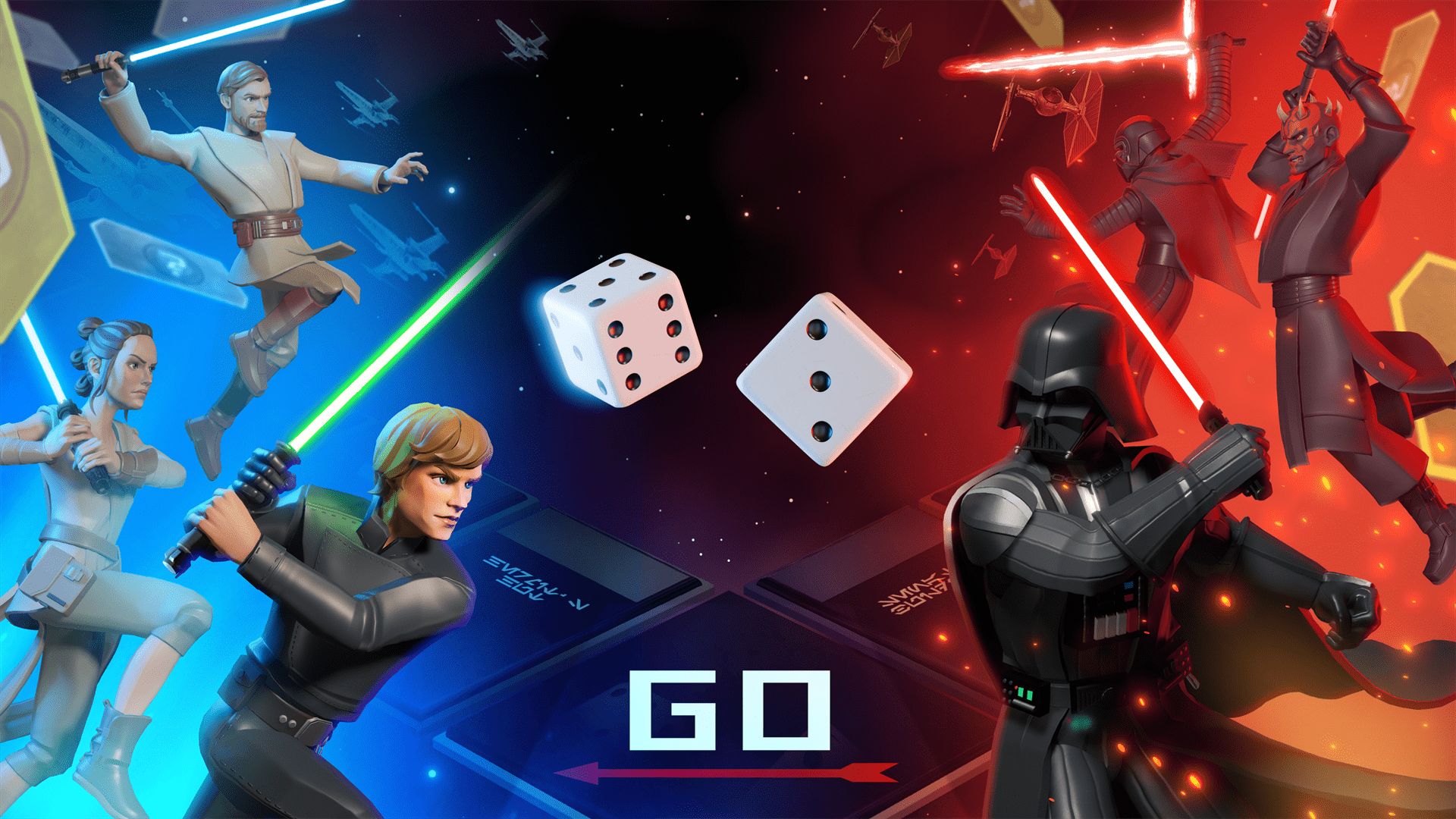
Monopoly: Star Wars Heroes vs. Villains will launch on June 11, Ubisoft has announced. It will debut on PlayStation 5, Xbox Series X|S, Nintendo Switch 1 and 2, GeForce Now, and PC through Steam, Epic Games, and the Ubisoft Store.
The Behavior Interactive title introduces a team-based combat twist to the traditional real estate board game. It includes competitive 2v2 and 3v3 modes, available online and through couch co-op.
This transforms the classic Monopoly gameplay into an action-packed, strategic showdown where teamwork and hero combinations matter.
Every turn carries high stakes as properties change hands in an instant. Dynamic GO events also introduce game-altering twists.
The full reveal will be on April 29.

Monopoly: Star Wars Heroes vs. Villains transports players into the Star Wars galaxy with a custom Monopoly board, packed with iconic locations from across the saga.
The gameplay is reimagined with thrilling cinematic moments, themed spaces, and dynamic elements. These make up for a refreshed experience from start to finish.
Players can choose from a wide roster of Star Wars heroes and villains. There’s plenty of options, from Luke Skywalker and Princess Leia to Darth Vader and Darth Maul.
Each character brings unique abilities to shape the team’s strategy and affect the match’s complexion with every roll of the dice.
Gaming
Switch 2 now lets you play old games in 1080p
It tricks old games into thinking that the console is docked.

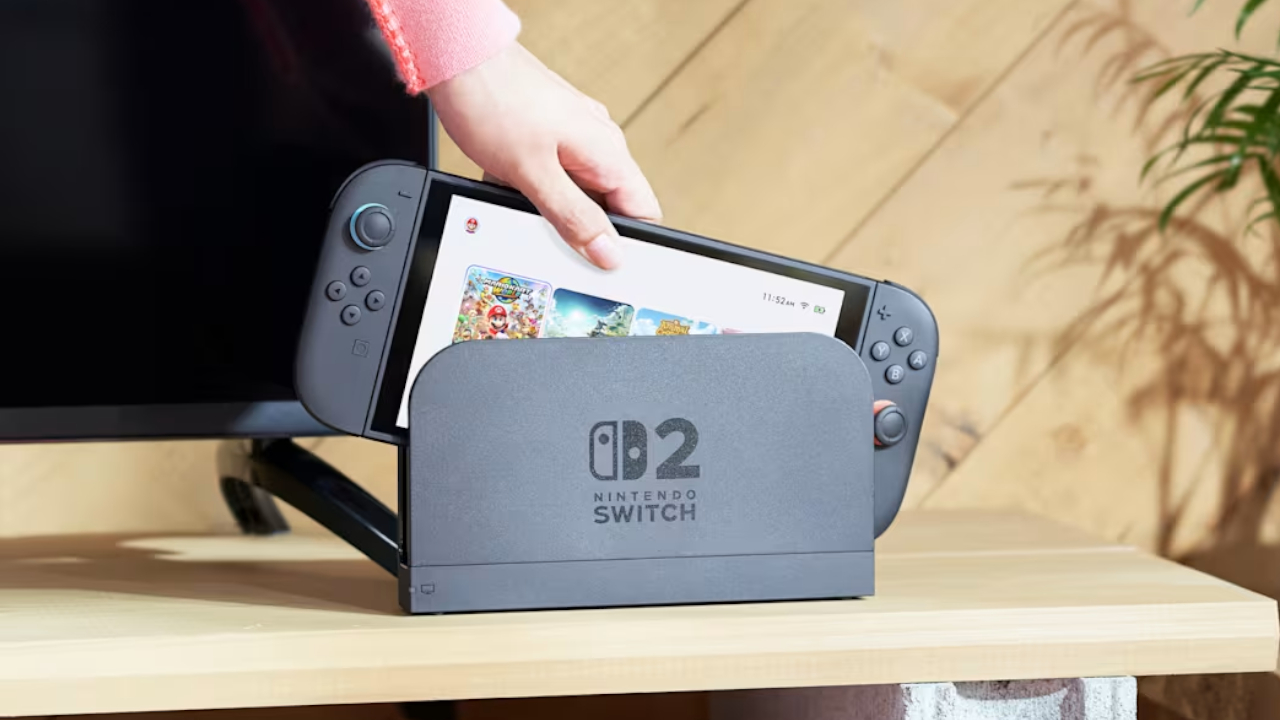
The Switch 2’s popularity is astonishing, to say the least. Just recently, a single game, Pokémon Pokopia, was responsible for taking the free times of over two million players on the Switch 2. Now, Nintendo has released a new feature which should make the console much more playable, especially for those who already had the original Switch.
Today, the Switch 2 received the 22.0.0 system update. Though the update is mostly a variety of smaller updates, one feature, called the Handheld Mode Boost, stands out among the rest. As per the patch notes, “Handheld Mode Boost will cause compatible Nintendo Switch software to run as if the console is being played in TV mode.” Put simply, the feature will unlock 1080p resolution for older games.
For gamers who had the original Switch, game resolution was a huge problem. The first console lived on a 720p screen, so the early games supported only lower resolutions. The only exception is when the console was docked, which allows 1080p resolution.
Now, the Switch 2 supports backwards compatibility. Players can access their older Switch games on the new console. The catch, however, is that these games are still stuck in 720p. Some titles, at least, have released an update to increase resolution on the new console.
Handheld Mode Boost tricks the console into thinking that it’s hooked up to the dock. In effect, the game will play in 1080p. The catch, however, is that it also thinks that the Joy-Cons are a single Pro controller, so players might lose some game features. It’s still a decent price to pay, though.
In other news, the update has also updated the naming of the “Hong Kong/Taiwan/South Korea” to “Hong Kong/Taiwan/South Korea/Southeast Asia,” potentially hinting that Southeast Asia might finally get an online store.
SEE ALSO: Now Playing: Yakuza 0 on Switch 2




Hermès launches a $5,000 MagSafe charger

REDMI Note 15 Series named Presenting Partner for Spartan Race Philippines 2026 season

Stylish, student-friendly HONOR X8d launches

The HONOR X8d is serviceable

Why the OPPO Reno15 5G series is a creator’s essential


-

 Reviews2 weeks ago
The Xiaomi 17 shoots Leica dream
-

 Reviews4 days ago
POCO X8 Pro Max review: A new beast from the far east
-

 News4 days ago
POCO X8 Pro Series: Price, availability in the Philippines
-

 Laptops1 week ago
Apple MacBook Neo Review
-

 Computers2 weeks ago
GIGABYTE collaborates with Capcom for RE Requiem custom PC
-

 Apps1 week ago
Google Maps is finally getting a 3D mode
-

 Entertainment1 week ago
The internet is thirsting over the One Piece Season 2 cast
-

 News2 weeks ago
Globe postpaid opens pre-orders for Samsung Galaxy S26 series