


Hands-On
ASUS ZenBook 13 UX325 Unboxing and Quick Hands-On

When we’re asked what’s a good notebook for general work and some play, the first thing that comes to mind is the ZenBook 13. This line from ASUS just simply embodies everything you could be in the hunt for when you want a capable and reliable laptop. So here we are, unboxing it for you.
The box has ASUS’ signature concentric circle design.
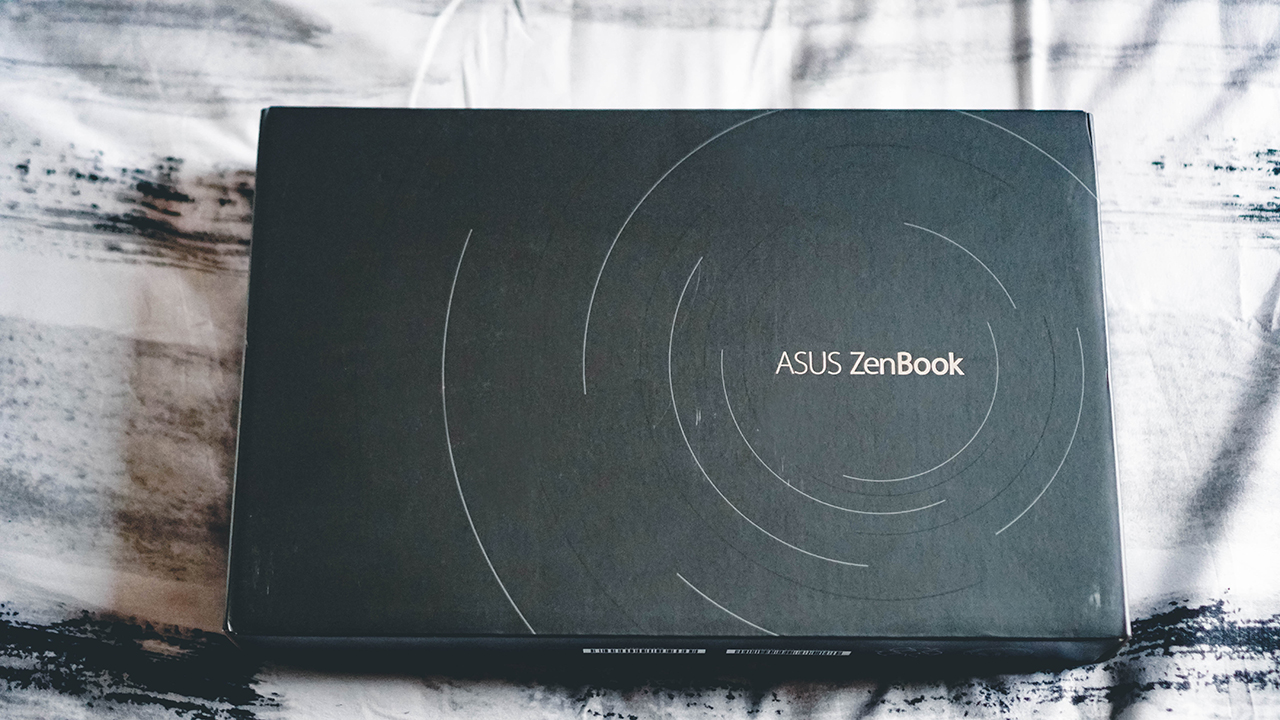
When you lift that box open, you immediately see the ZenBook 13 UX235…
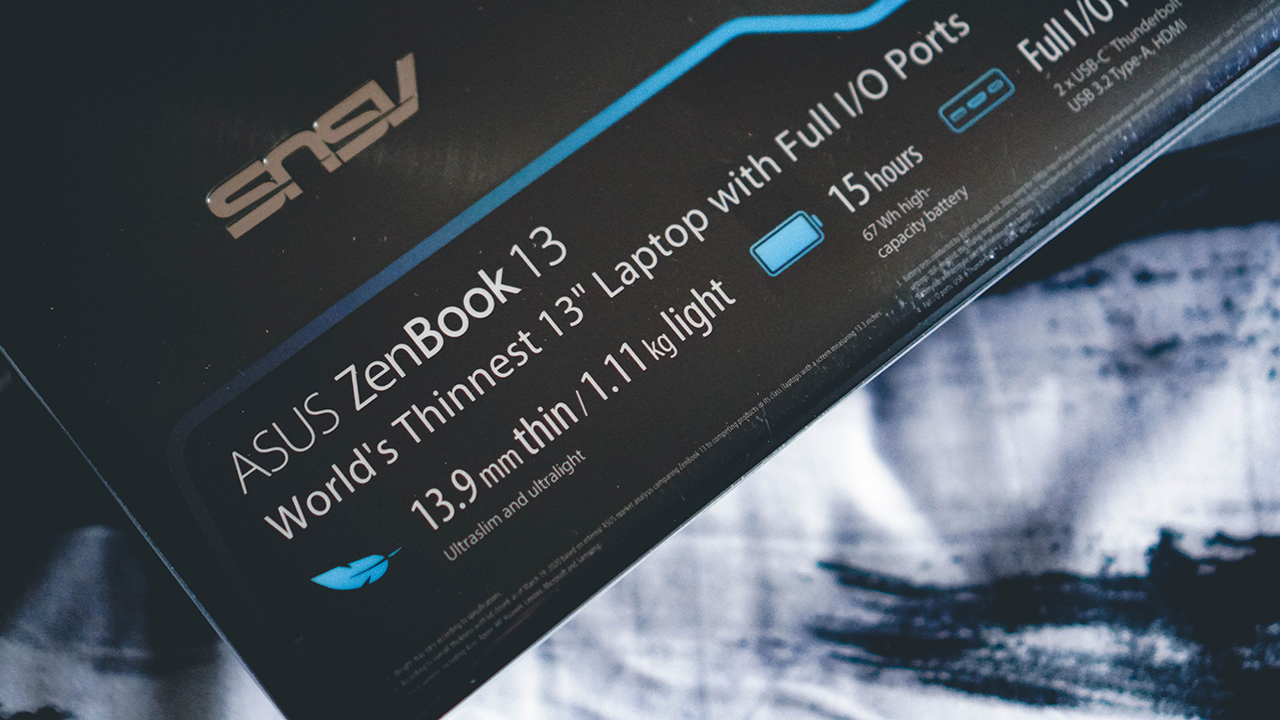
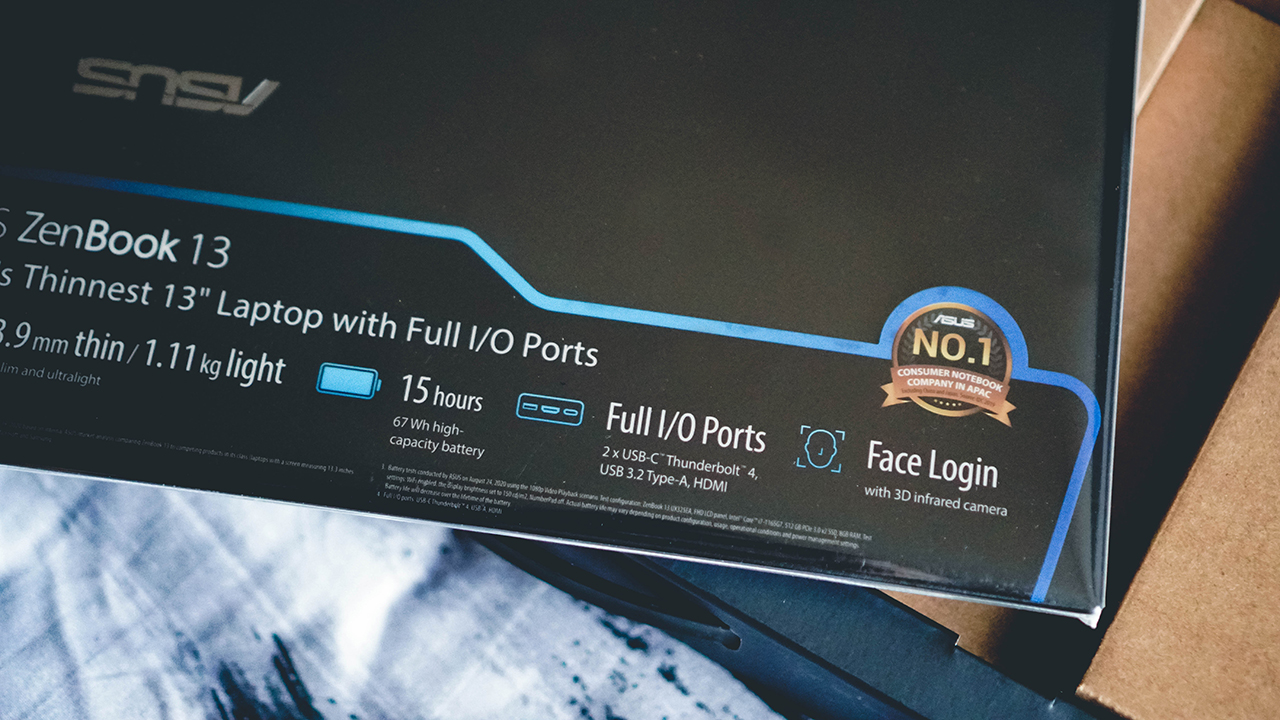
…along with a marketing sticker thing detailing some if its specs and features.
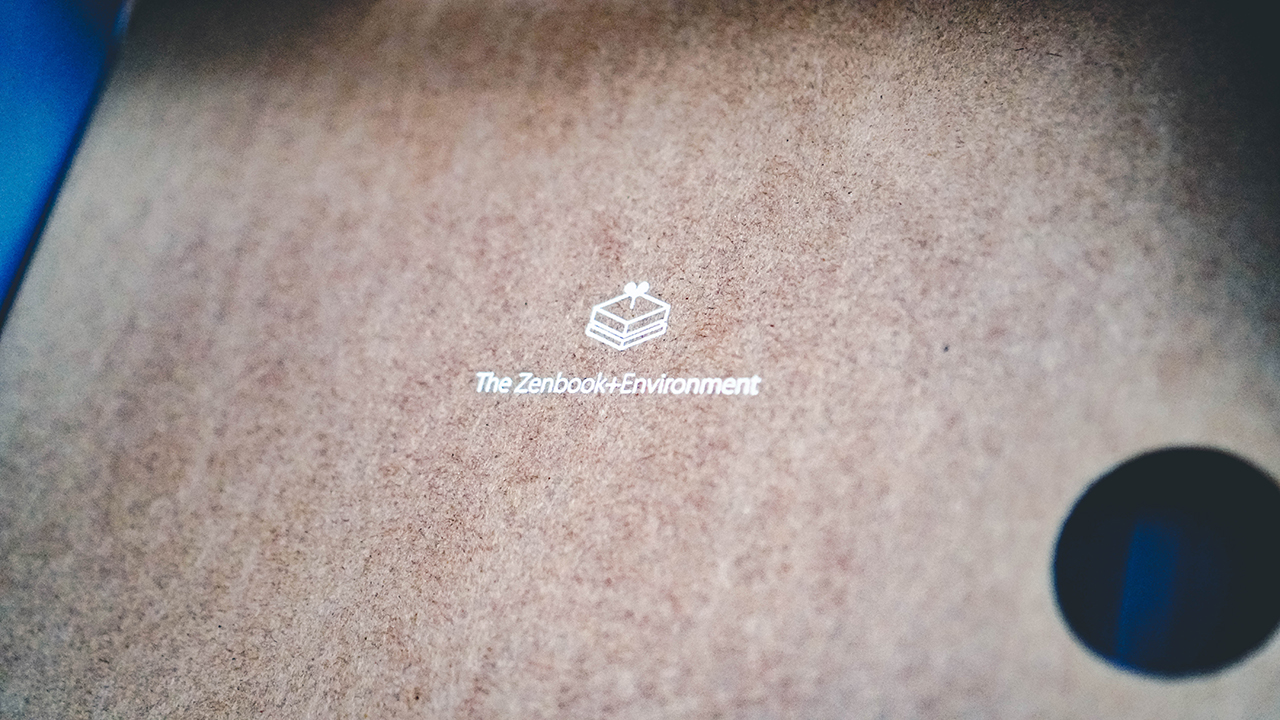
If you turn your attention to the ‘ceiling’ part of the box, you’ll this ZenBook+Environment text. And that there’s something behind it.
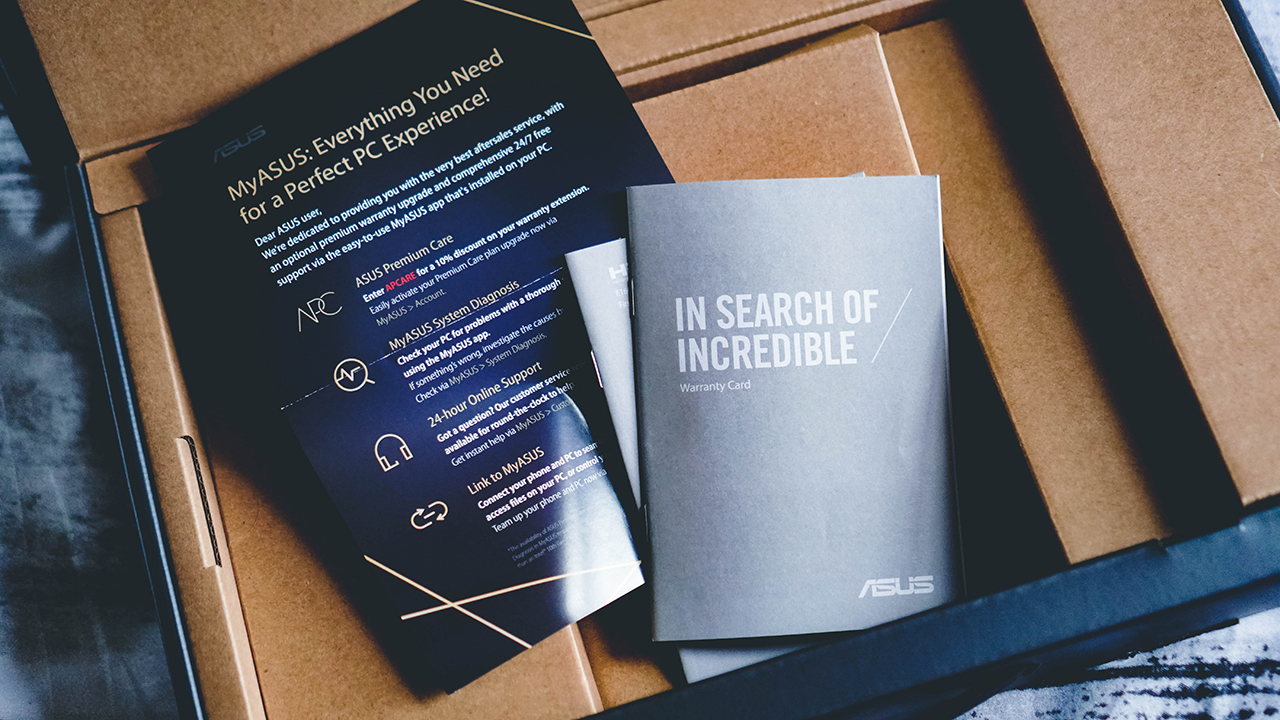
But let’s first turn our attention to the rest of the box’s contents. Right underneath the laptop is some important documentation that not many people read. (Admit it).
Over to the right side of the box are connection essentials.

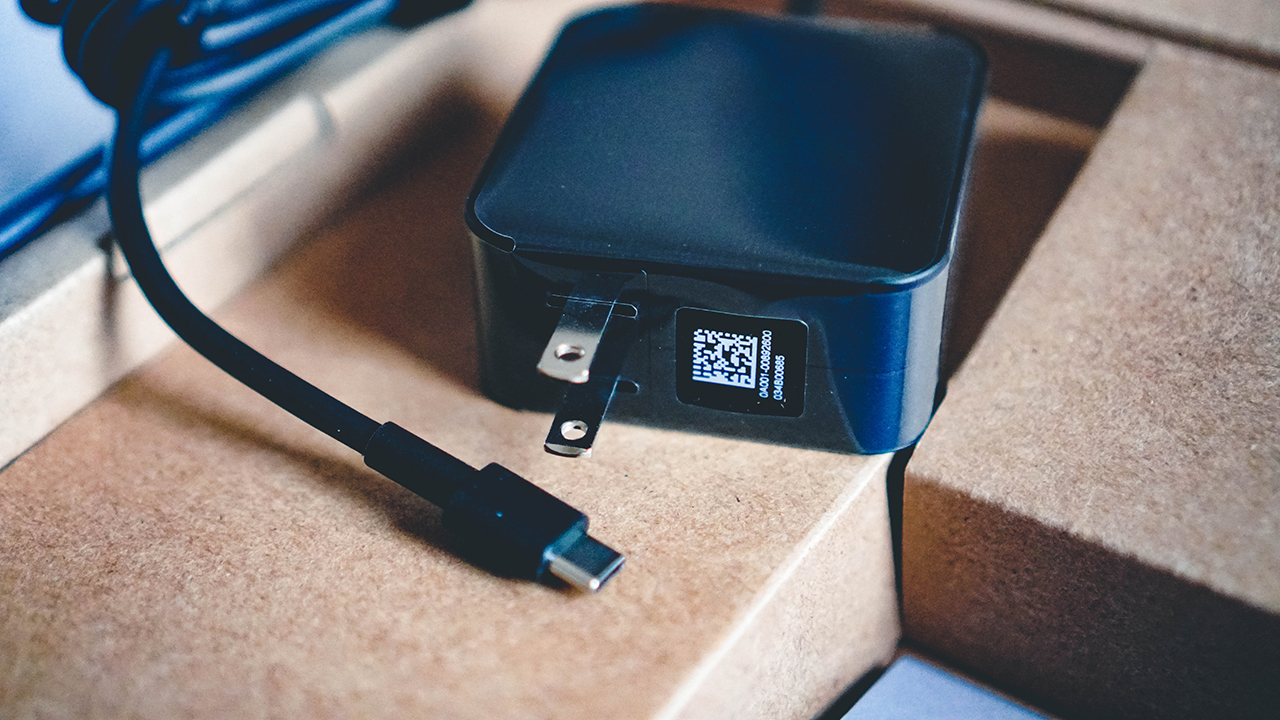
We have here the power brick with a USB-cable.
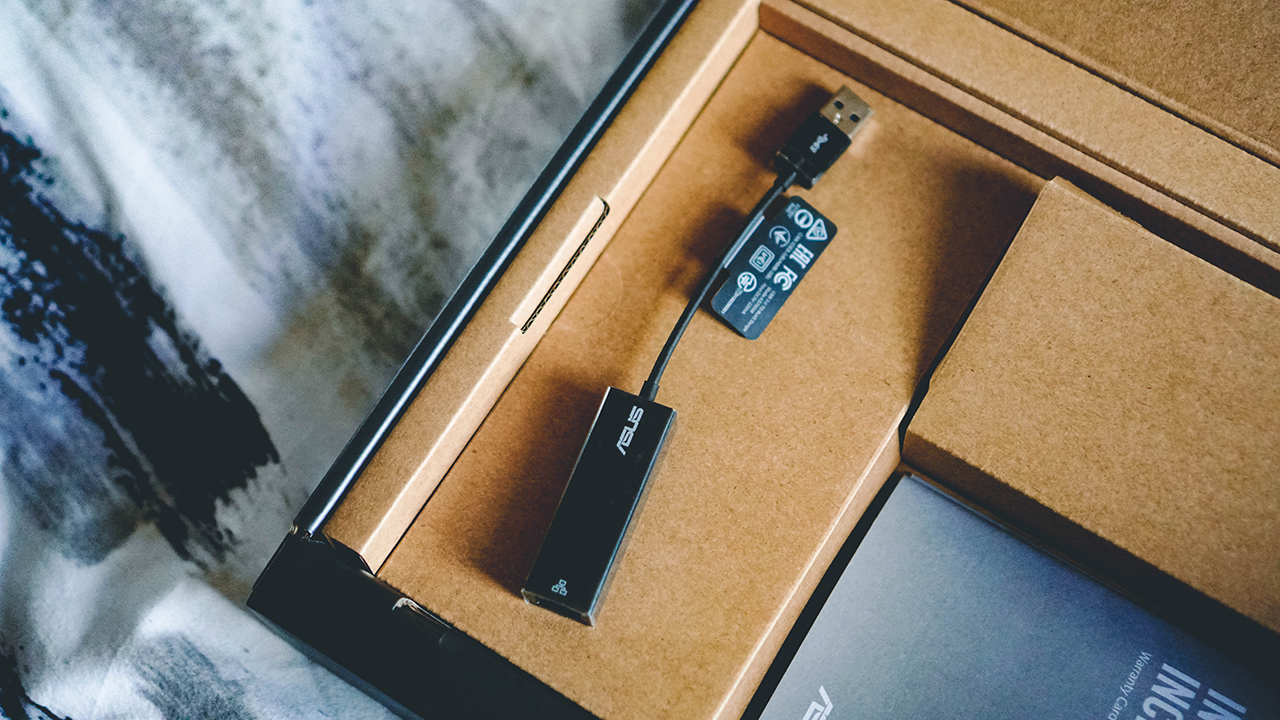
A LAN to USB-A Cable.
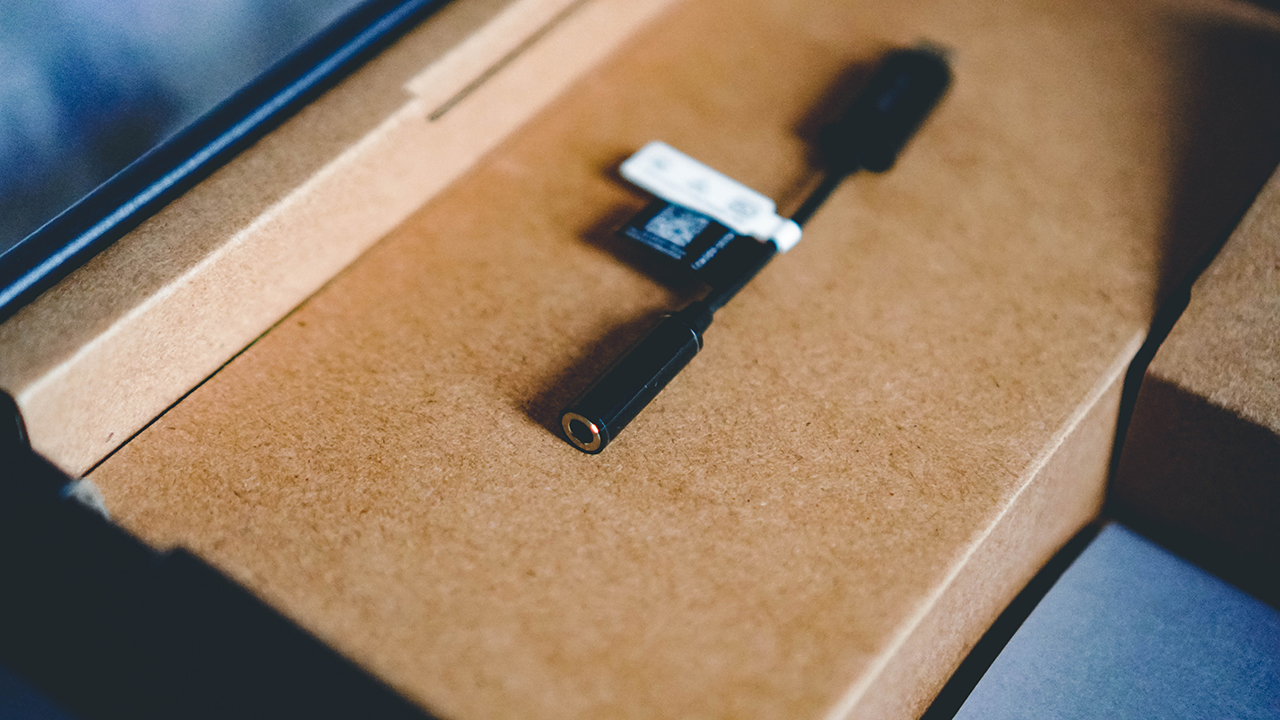
And a 3.5mm jack to USB-C cable.
Going back to the upper part of the box, behind it is this sleek carrying case. This appears to be a ZenBook staple.

And voila! The ZenBook 13 UX235. Just like on the box, the concentric circle is quite visible.
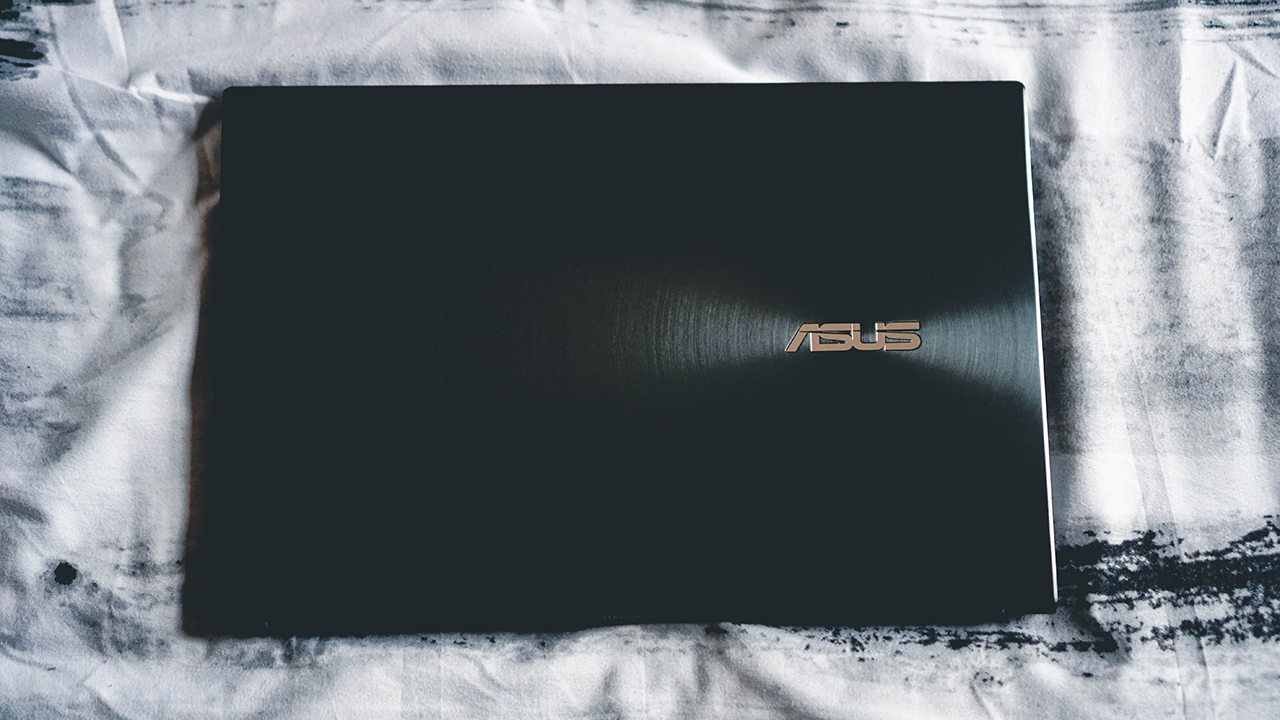
Open it up and you see the laptop in all its glory.
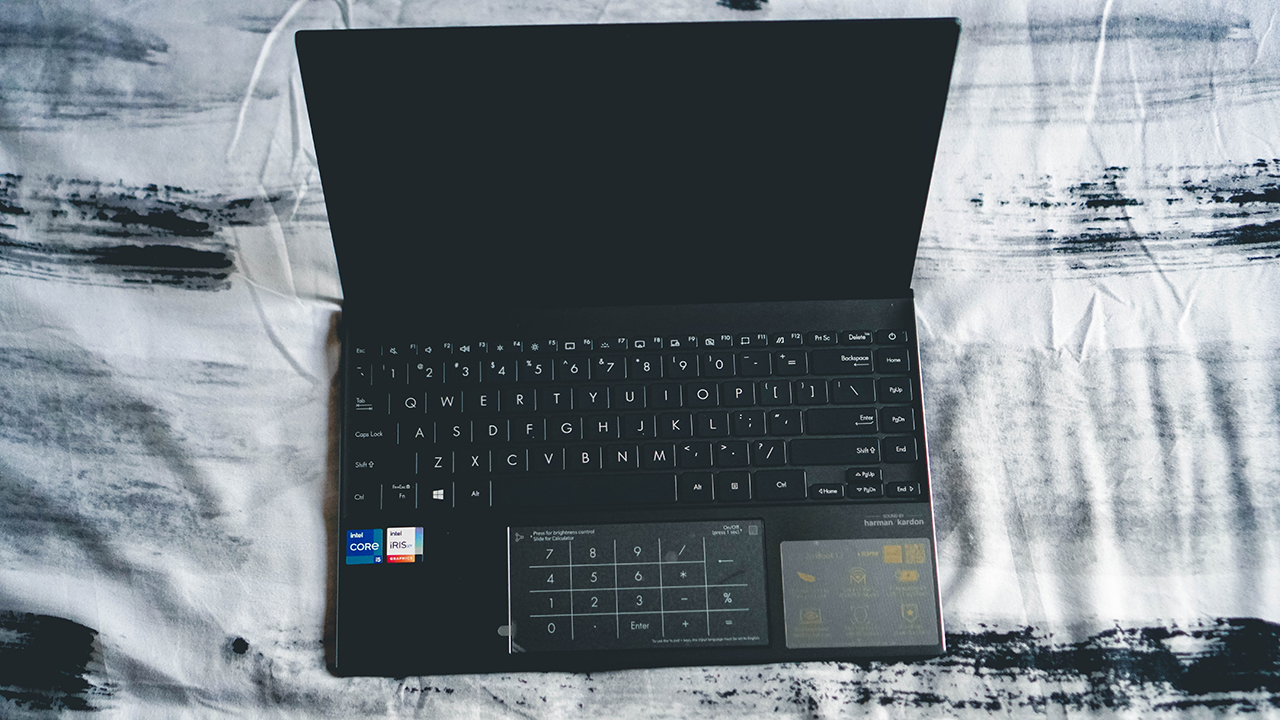
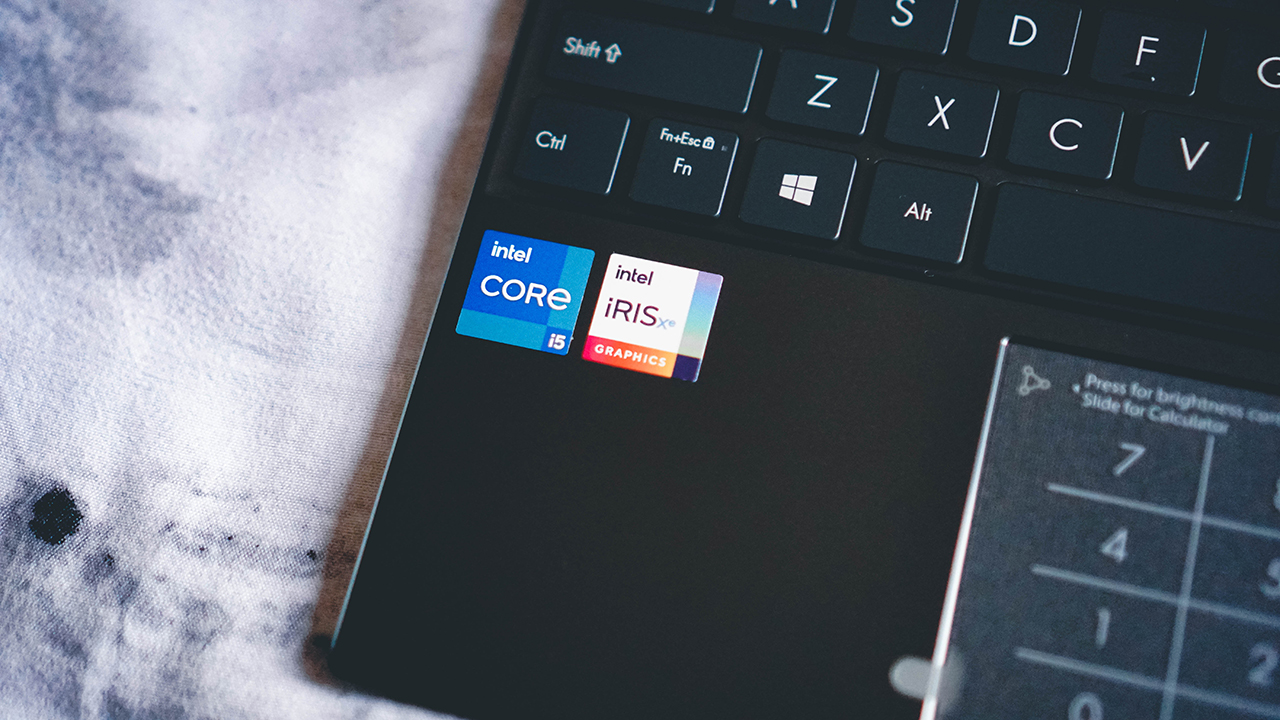
It has Intel 11th Gen inside along with Intel Iris Graphics.
Like most recent ZenBooks, this also features the ASUS signature numpad.

Over to its right is a sticker detailing more features of the product.
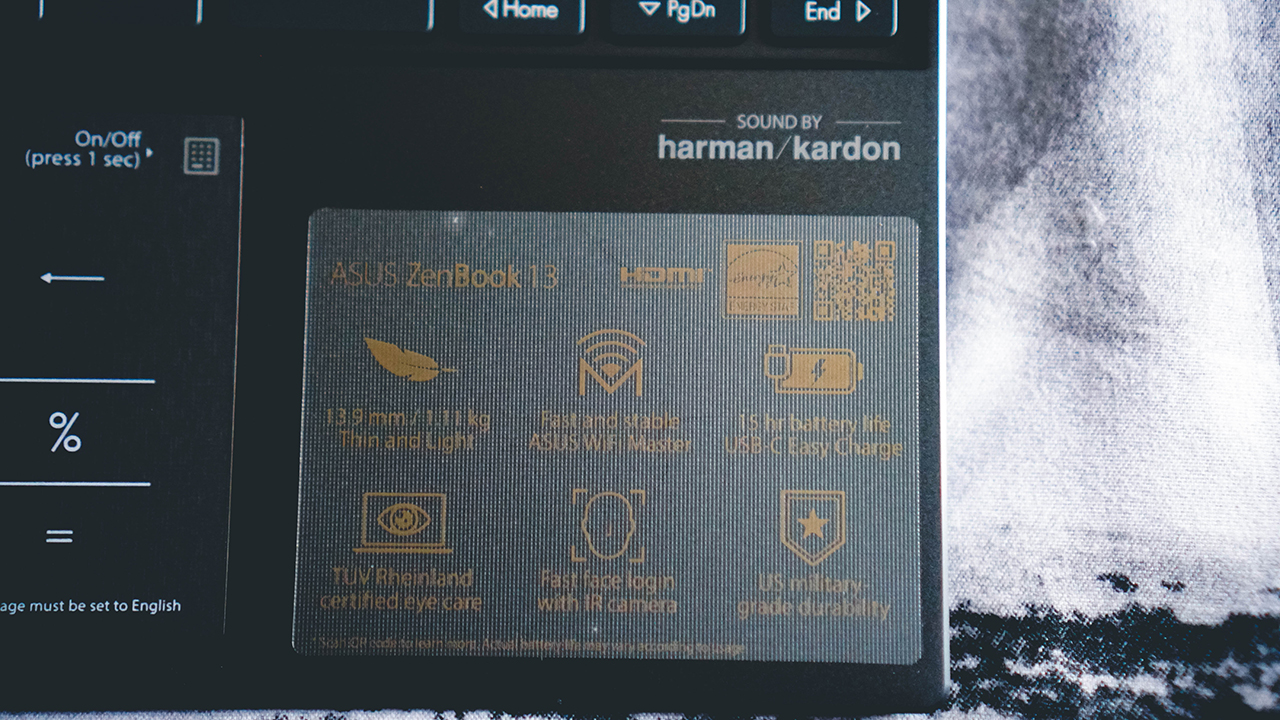
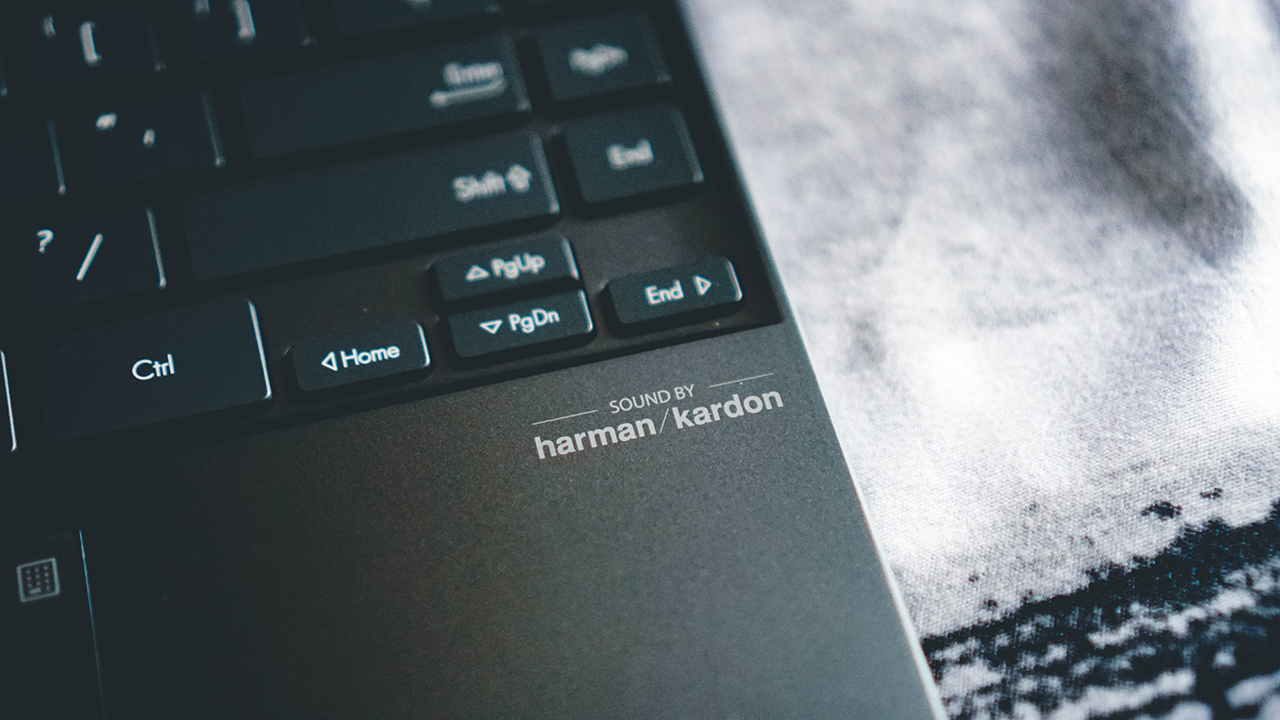
Here’s a shot without the sticker. It’s cleaner and the “Sound by Harman/Kardon” stands out.
Here’s the laptop sitting comfortably on the bed.

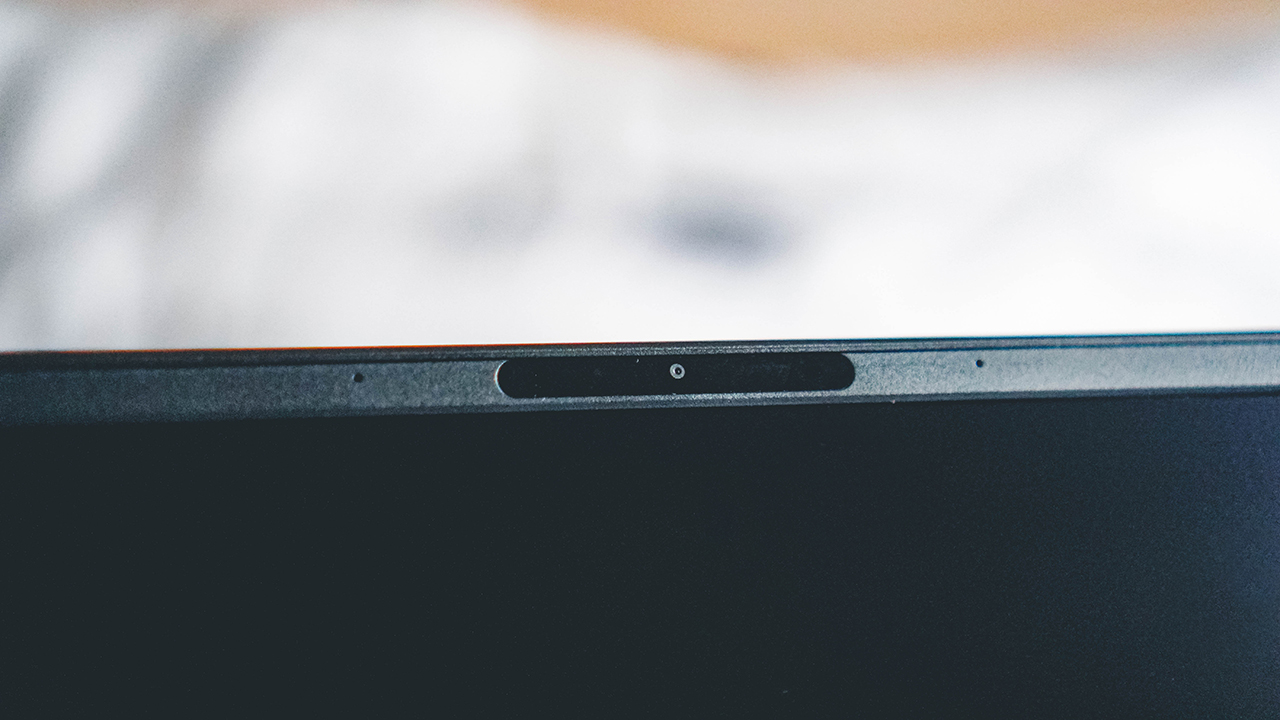
A closer inspection shows the webcam. There’s no built in way to cover it which is a bit of a bummer.
Here we have the oh so satisfying Ergo Lift hinge.
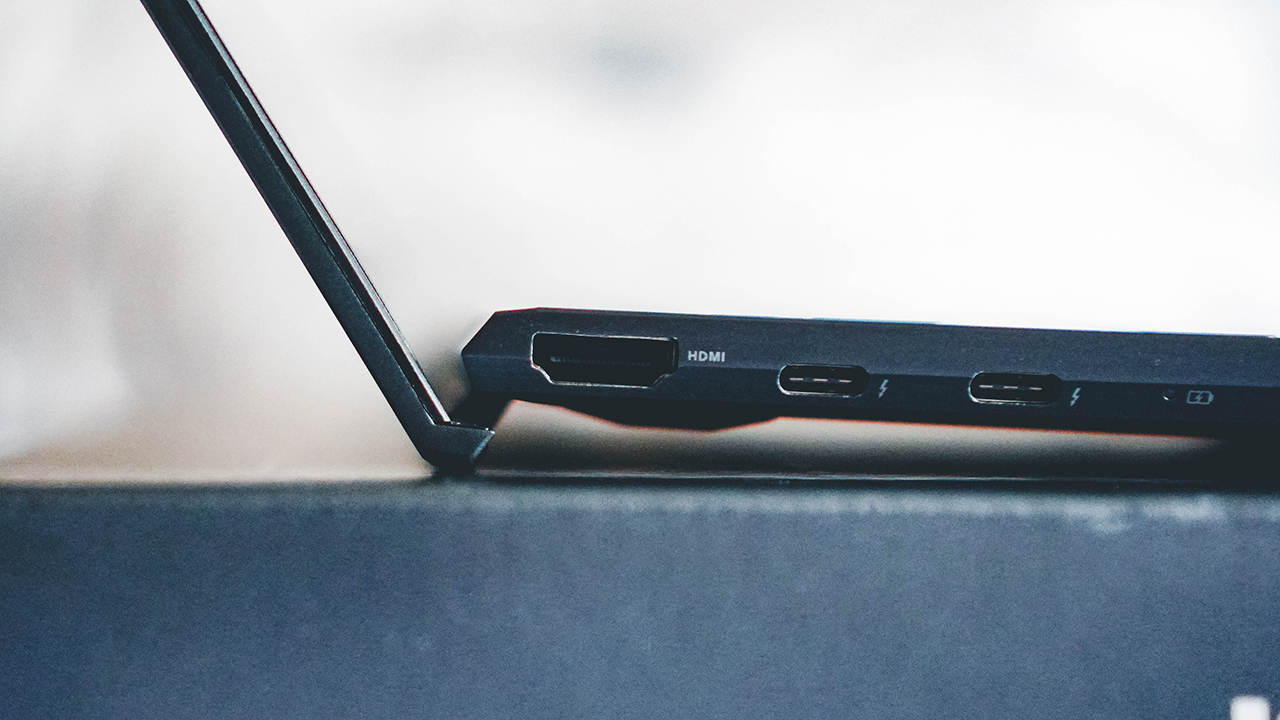
While we’re at it, you can also see here the HDMI port and the two USB-C ports.

On the other side is a USB-A port and the SD Card slot.

That’s the button you need to press for when you switch from regular trackpad to numpad.

Here’s what the numpad looks like when turned on.

The keyboard is, naturally, backlit.

Quick Hands-On
The ZenBook 13 UX235 is pretty much everything that you can expect from a ZenBook. This damn thing is sleek and light but is not at all short on performance. The keyboard is easy to get used to no matter what laptop you’re coming from. And that’s not something you can say about every laptop keyboard.

If your work involves a lot of dabbling into some form of the usual word processing, spreadsheets, and presentation slides, this will have zero problems running those things for you. We didn’t really have to do any tasks that would push the processor to the limit during my hands-on time with the device, but every basic thing, it handled like a breeze.

I imagine you’ll be doing some Netflix and Chillin’ with this thing too. Happy to report that the display is fantastic for watching and the audio won’t leave you wanting.

This next photo is here just to showcase how fine a human being Jun Ji-hyun is. Check out The Thieves. It’s a nice and easy lazy Sunday watch.

There you have it. That’s our Unboxing and Quick Hands-On with the ZenBook 13 UX235. For specs and pricing, you can check our earlier article here. If that isn’t enough for you, go right ahead and visit the official product page.

This feature is a collaboration between GadgetMatch and ASUS Philippines






The OPPO Reno15 Series 5G made its way to the Philippines last month, and reception has been pretty great so far.
With a powerful camera package, AI, and a slew of upgrades, there’s a lot to love and not much negative to say. But that’s with both the standard and Pro models.
On the other hand, with the Reno15 F 5G — the series’ supposed budget-friendly “lite” variant —there were more question marks than exclamation points.
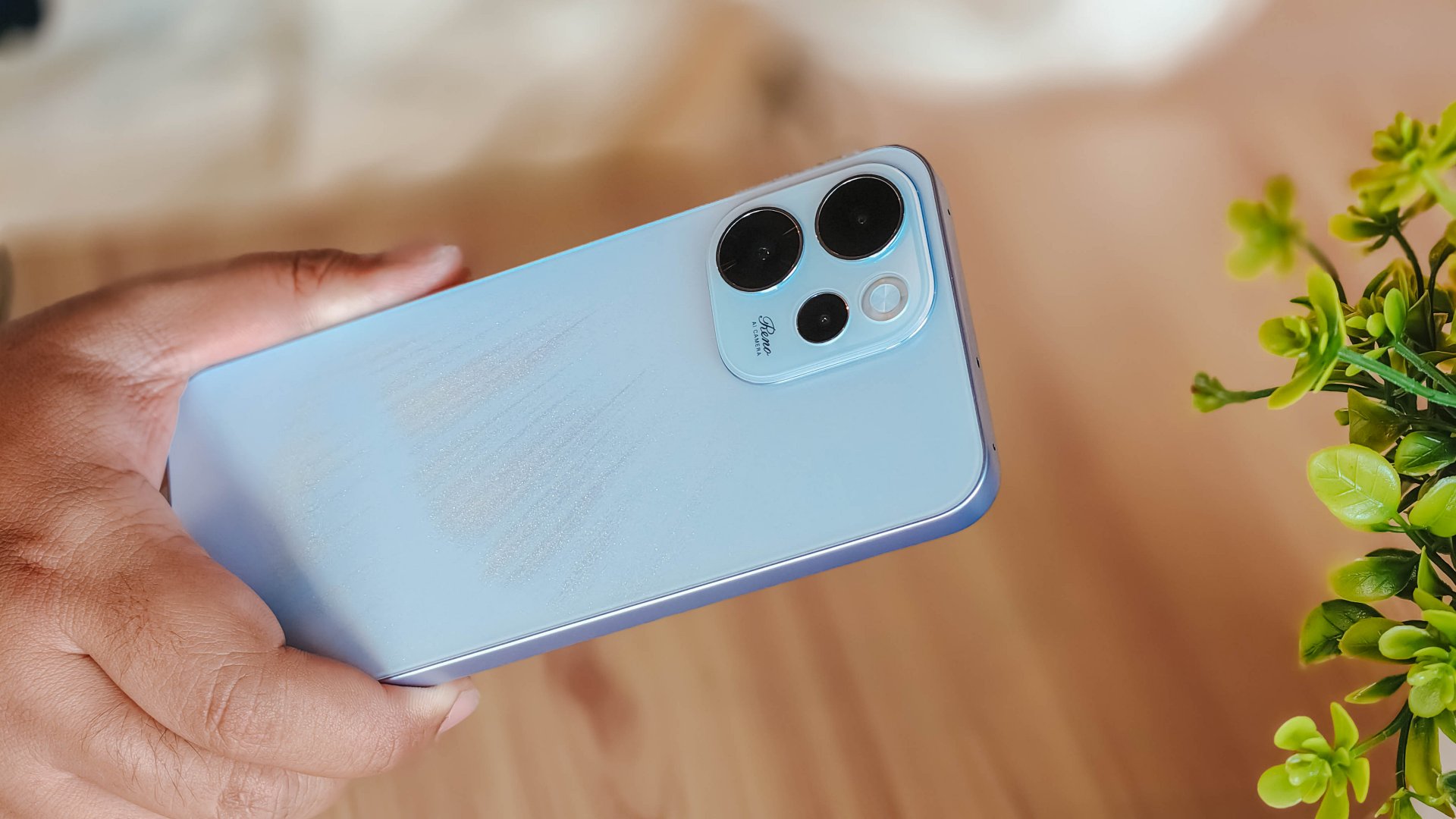
I attack this piece once more from a consumer standpoint: shelling out PhP 23,000 to PhP 26,000 for a midrange smartphone that feels and performs like it’s a few notches below its segment doesn’t sound too pleasant.
Performance
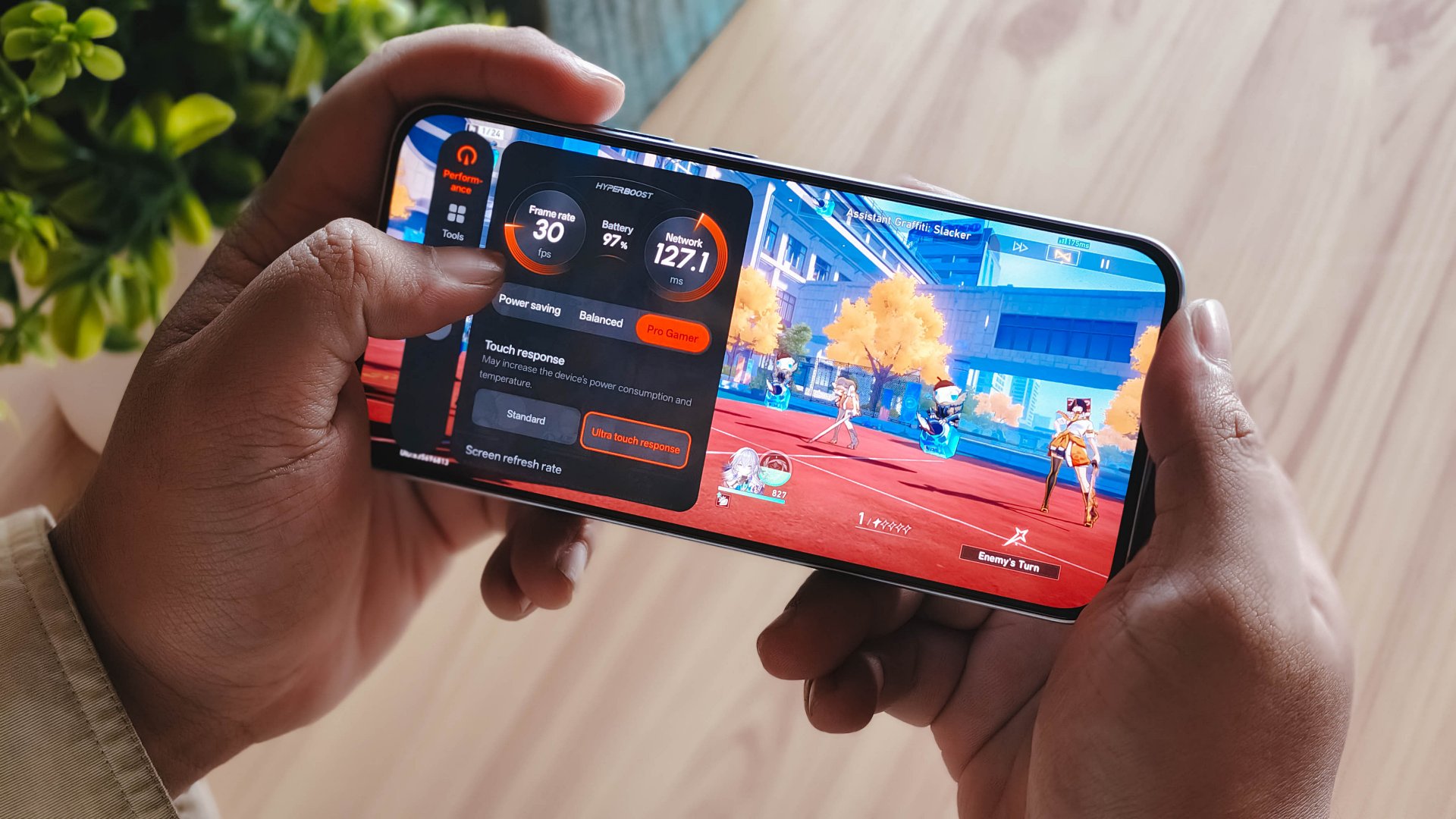
With a Snapdragon 6 Gen 1 processor, the OPPO Reno15 F performs pretty much like any sub PhP 20,000 mid-ranger. It’s acceptable, but does not punch above its weight as expected.
No major hiccups for light and casual usage. But performance struggles a lot for demanding video games.
It also heats up significantly just 10 minutes into a title like Honkai: Star Rail. This is a stark contrast to the marketed 25℃ and up to 10 hours straight of smooth gameplay.
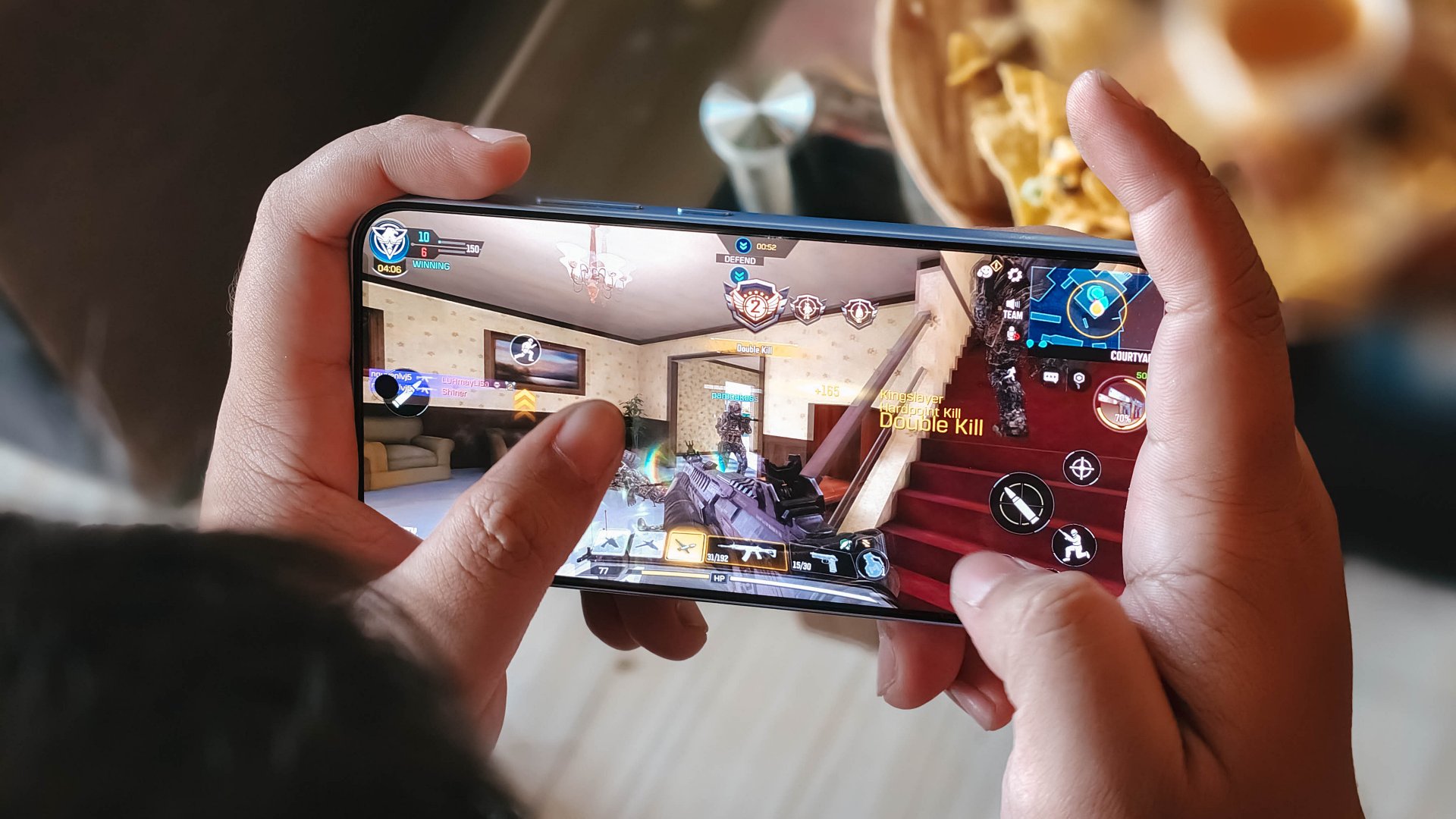
Although, the experience was still enjoyable with several wins and MVP runs in Call of Duty Mobile. It only means the F variant remains a more camera-centric phone rather than an a hard-hitting all-arounder.
As with other devices, the 7000mAh battery with 80W SUPERVOOC is a strong suit. You’re fueled from dawn ’til dusk, with much to spare. Recharging takes a breeze, too.
Display
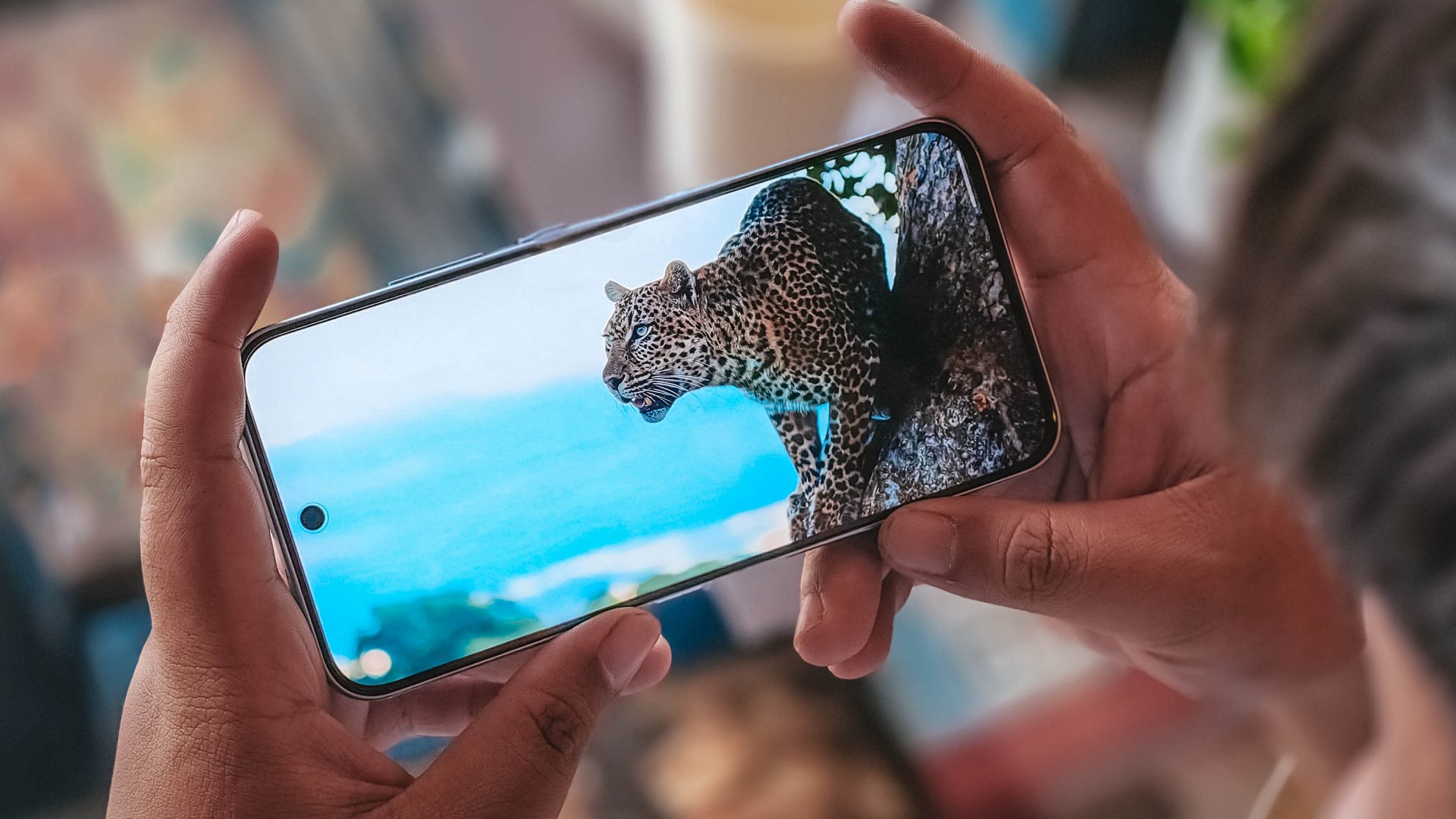
The OPPO Reno15 F has a 6.57-inch 120Hz display, with a 92.8% screen-to-body ratio. At least, that allows you to focus on content on the screen.
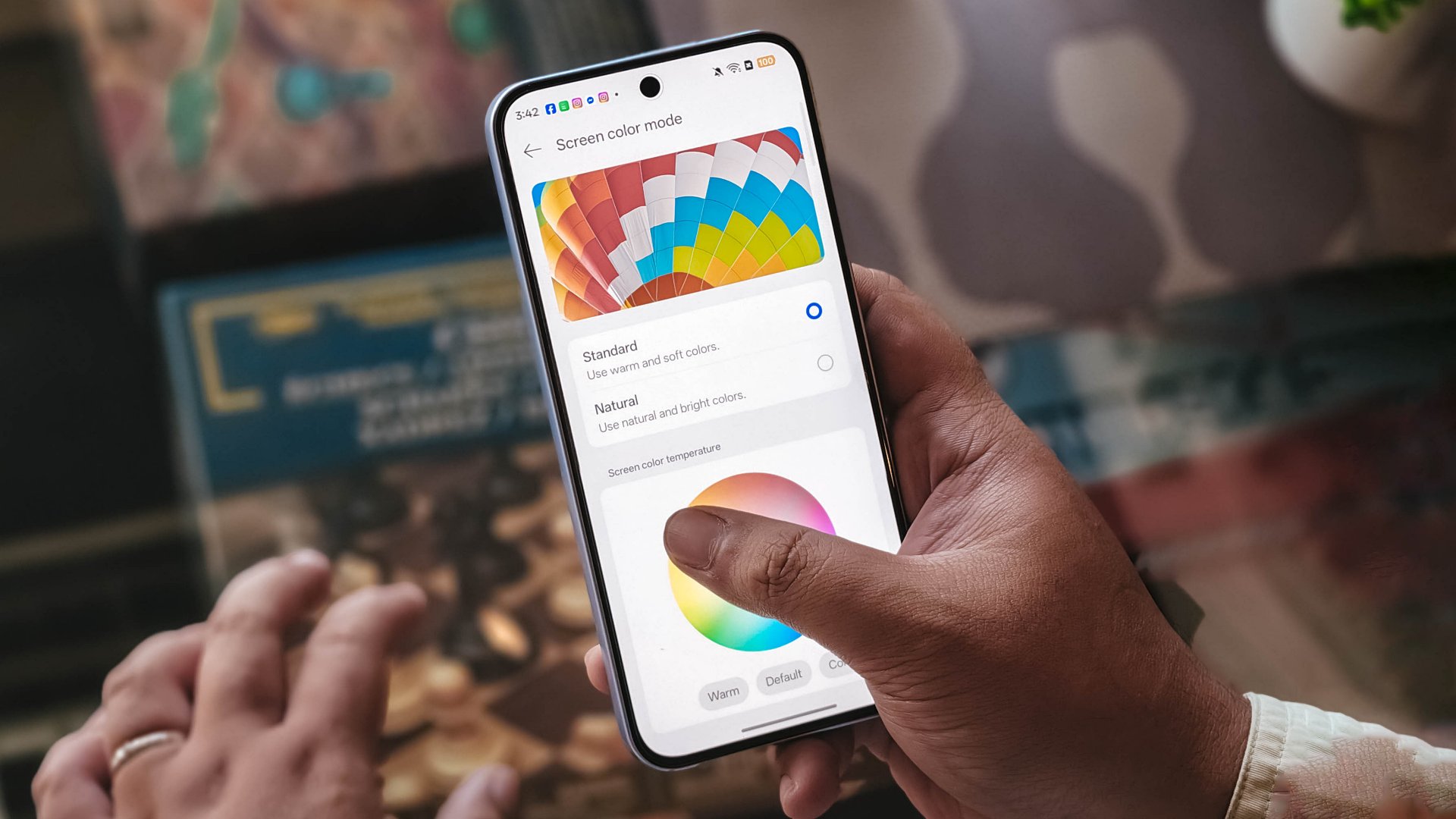
Content leans more towards the cooler tone, so you’ll have to adjust it manually if you want a warmer or more vivid look.
The 397ppi pixel density is fine to ensure sharper visuals, while the 1400 nits peak brightness is helpful outdoors.
Camera
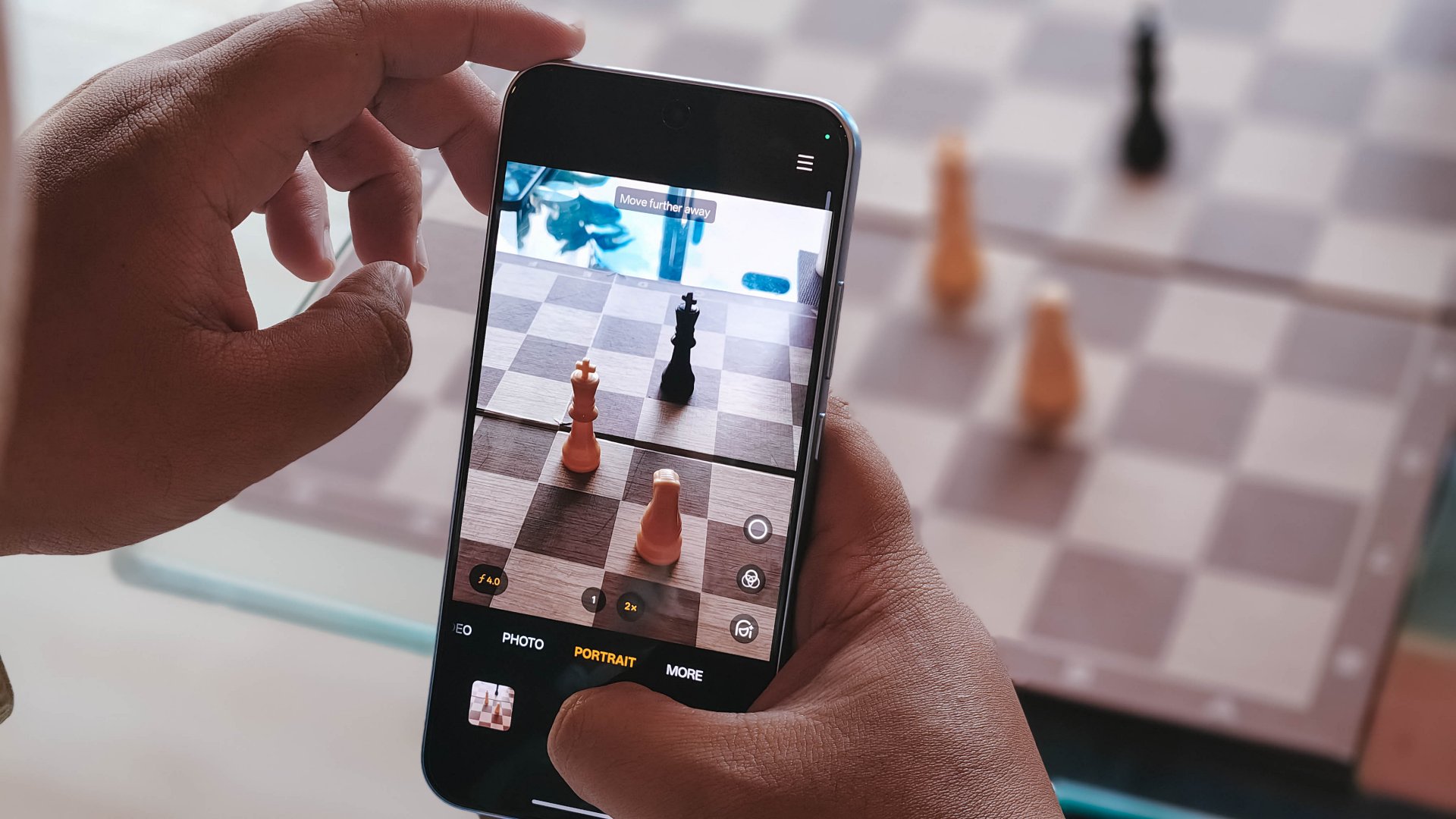
The device’s 50MP main camera captures decent quality. The color science leans on being natural anew, without being too dull nor washed out. You can pull off smooth portraits too.
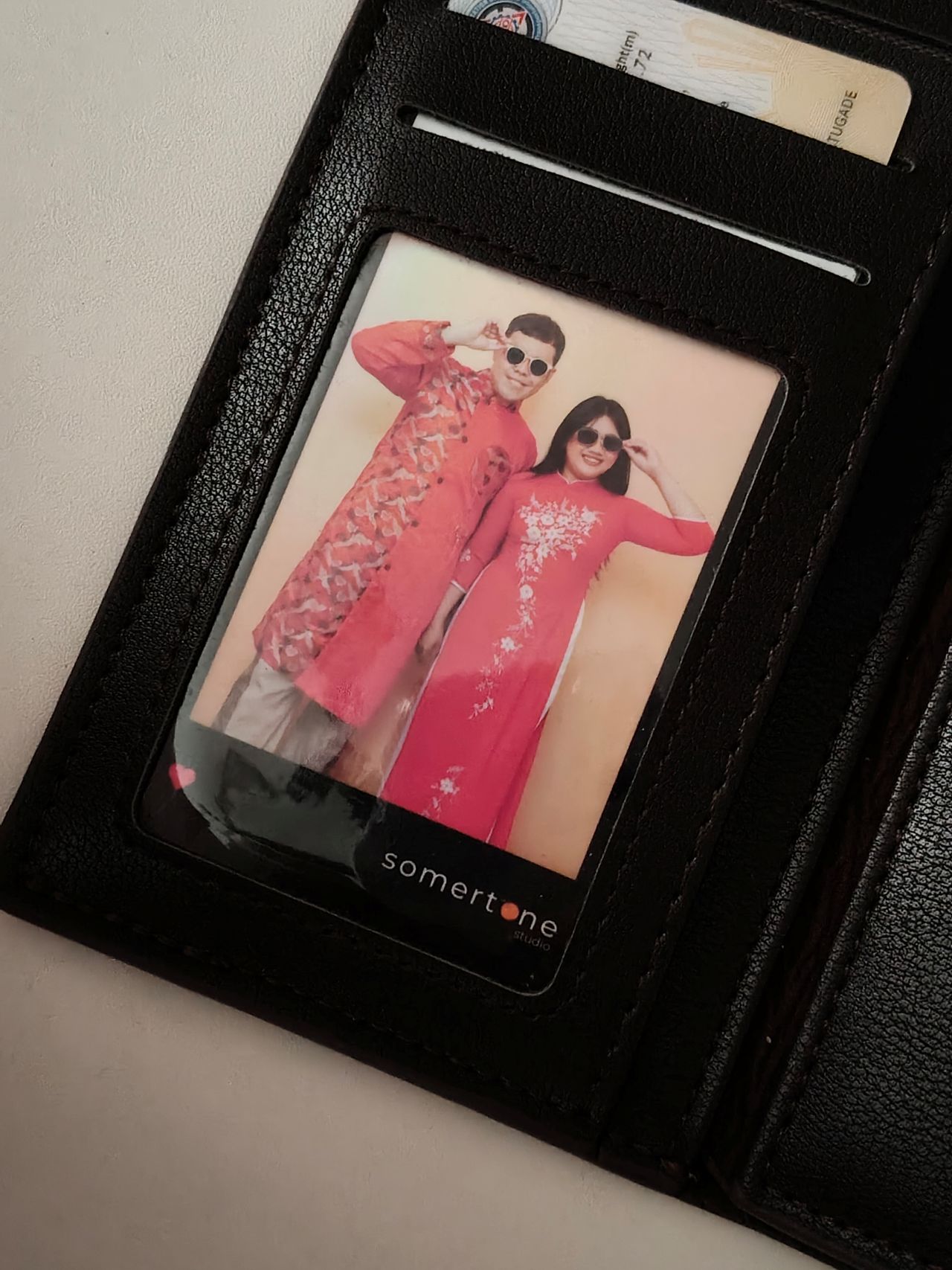
I hardly used the phone for stills as I focused on videos, but here are some samples, on the occasions I was able to take the handset with me:











The 50MP front camera is an intriguing add-on, as it is capable of up to 4K video and a wide 100° field of view.
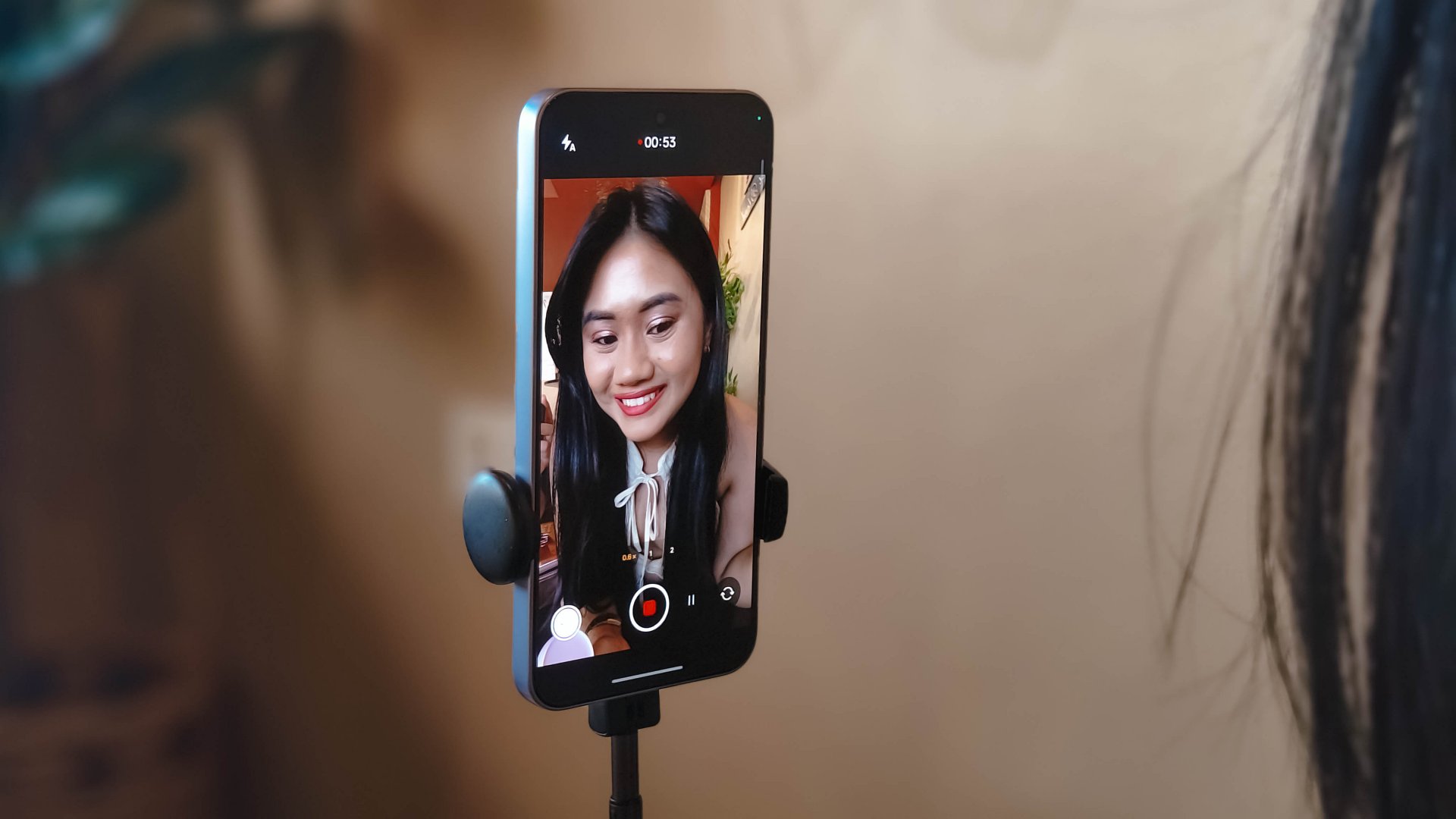
What this does is it essentially removes the need to flip your phone for the popular “0.5” shots. And the quality doesn’t get compromised given the pixel count.
Here are some selfies from different focal lengths:




To its credit, filming with the back camera at 60fps does look and feel smooth, although it can be improved.

Same with the front camera; and the zoom range can be switched from 0.6 to 2x without cutting the recording.
Although, it’s still best to use a selfie stick or small tripod if you’re just after talking head videos.
Speaking of which, here are a few I’ve made with just this device:
@manilaconnoisseur Naka 99 pesos pala ‘yung large Golden Milk Tea ni @highlandscoffeeph until February 28! Oolong base, cream, and okay pala ang chickpeas as sinker along with red jelly. #highlandscoffee #goldenmilktea #oolongmilktea #freeupsize
@manilaconnoisseur Laging sold out ‘yung fun run? Try The Conqueror Virtual Challenges. Stay motivated in your running era, make every run count, and get cool medals after every completed challenge. You can even get a free run or discounted bundles! @theconquerorchallenges #virtualrun #funrun #runningera #staymotivated
But for travel and on-the-go captures, as OPPO markets for the series in general, even the Reno15 F can cover a lot of background along with your or your groups’ faces.

Make no mistake, there are some useful AI editing features here. In particular, AI Portrait Glow gives your raw capture an effect to make it look it was taken with flash.
I do not recall the device heating up as well when taking many photos or videos, so you can say it’s more optimized for that task rather than gaming.
Connectivity issues
Meanwhile, AI LinkBoost 3.0, as in the case of the OPPO A6 Pro, doesn’t seem to punch above its weight either.
Once, I also played Mobile Legends: Bang Bang and the session opened to a jittery start despite being on Wi-Fi and having a stable connection. I don’t know what triggered this.
Design, feel
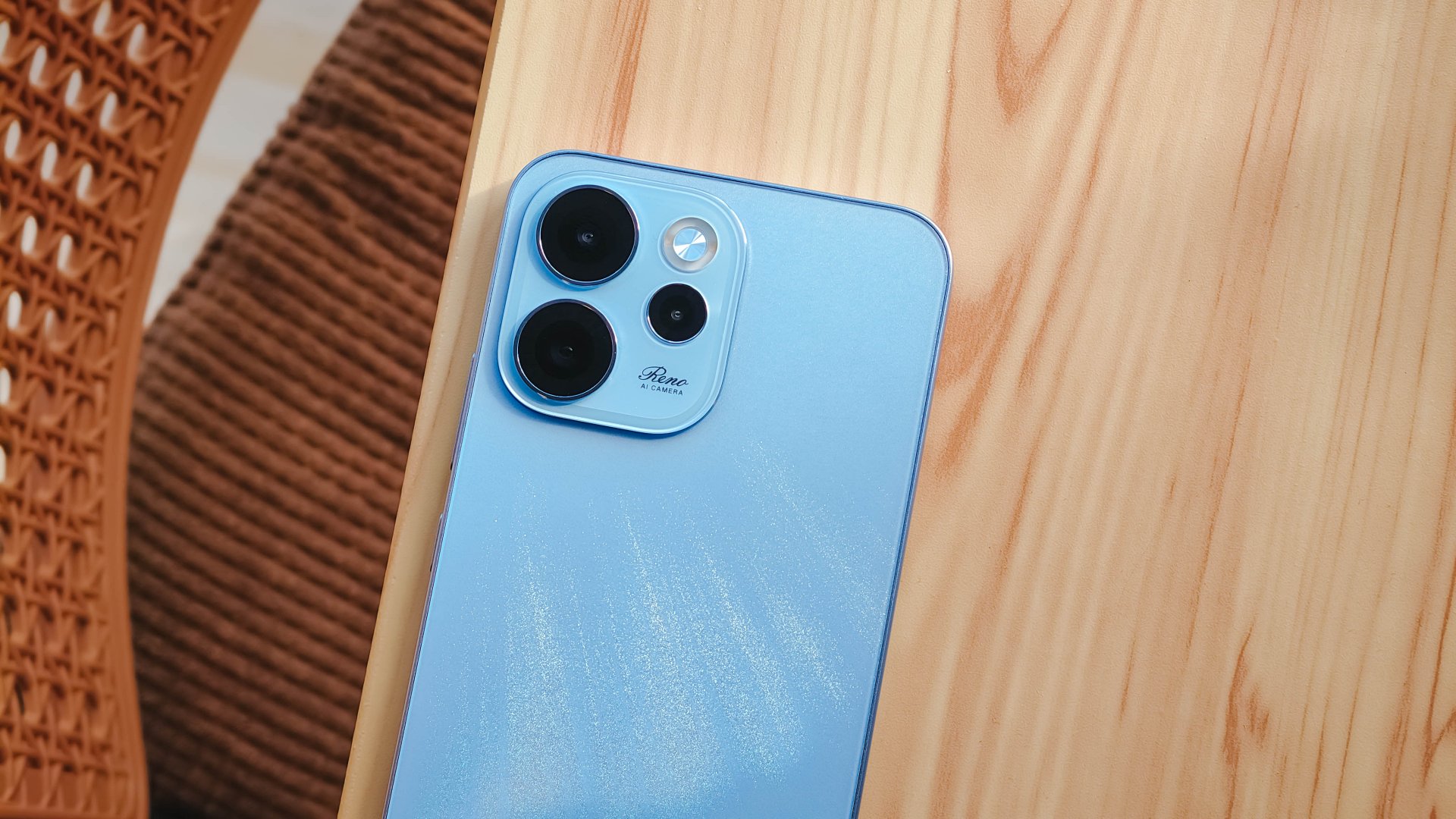
We got the Aurora Blue variant which does kind of resemble the northern lights when you tilt the phone a certain way and when light hits its back panel.
The cursive “Reno” on the large, protruding camera island gives it more style.
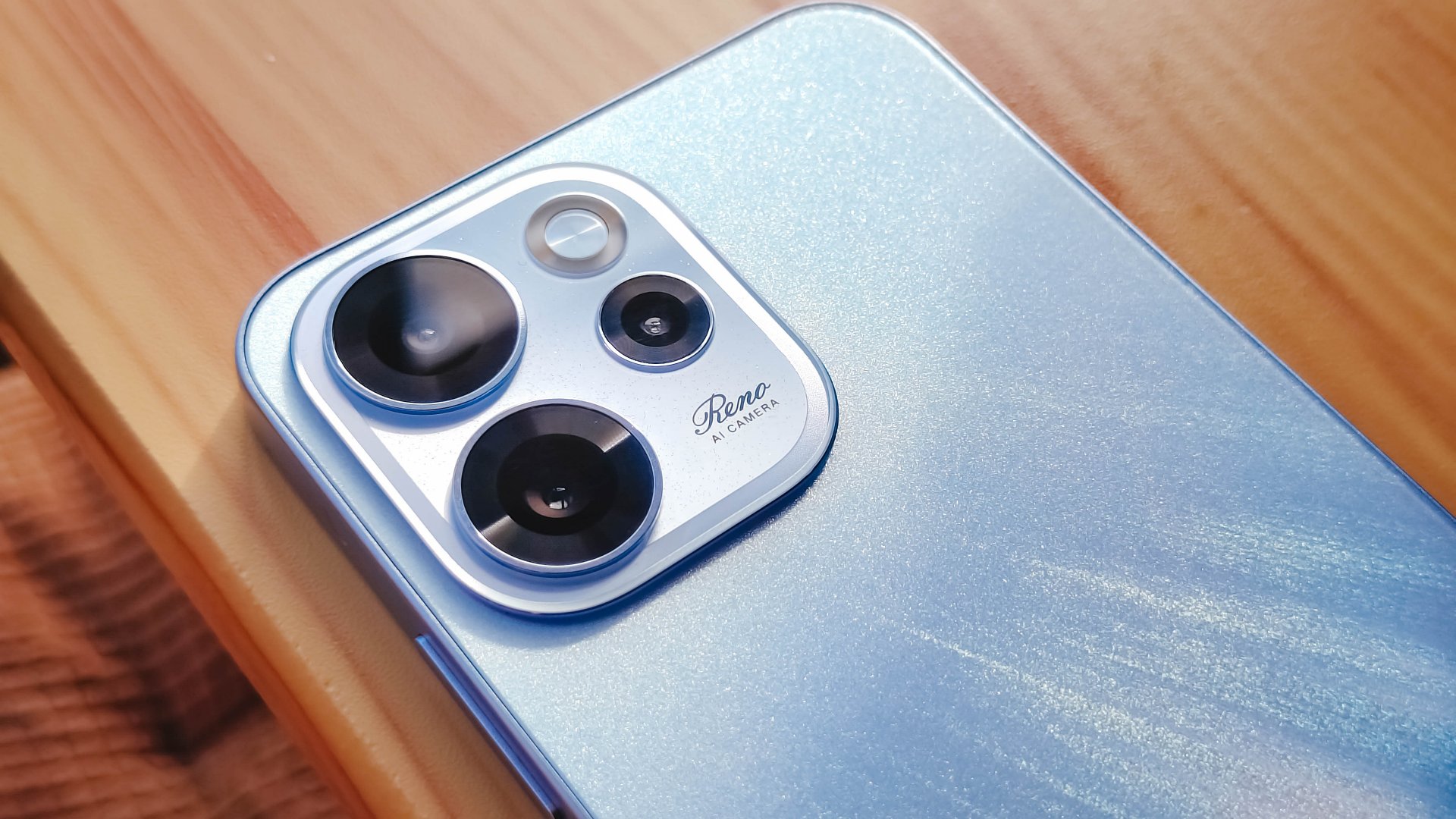
However, it’s all just aesthetics. On the downside, the phone is all sorts of slippery.

I couldn’t hold it properly without think of it slipping away from my hands; nor could I put it on my lap with confidence.
So I guess it’s good that it has structural integrity and waterproofing, because you’ll need that.
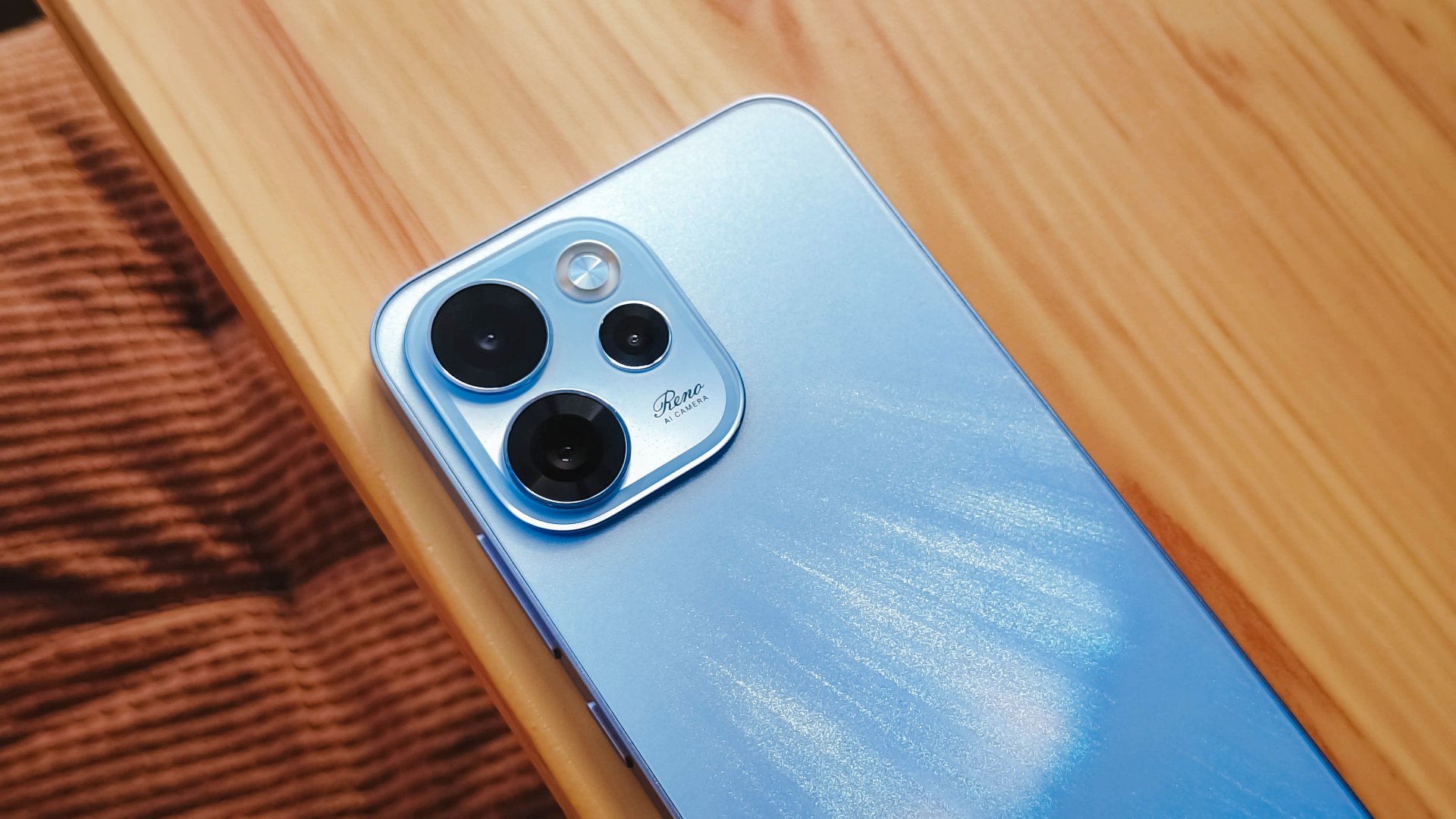
oplus_16
The 6.57-inch body does have a good balance between being too compact and too large, like ultras and pro maxes.
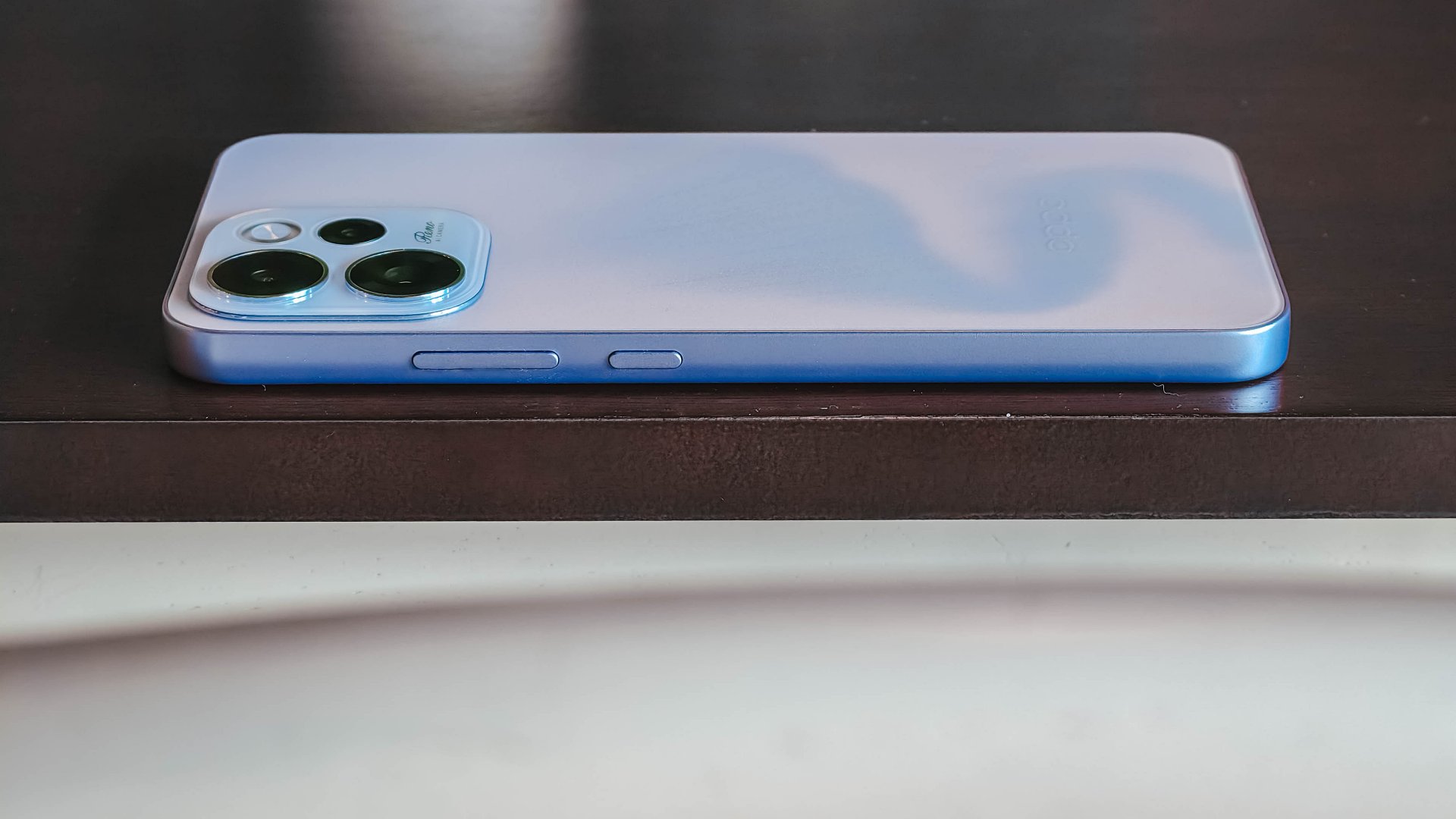
It has a squarish body and has already adapted to the premium, aluminum frame look from the sides.

Is this your GadgetMatch?
Sadly, the OPPO Reno15 F 5G is a Swipe Left unlike its bigger, more capable siblings. There are plenty of plus points for the camera package but take that away, and I don’t see much difference between the Reno15 F and something like the A6 Pro.
Granted, the asking price of this phone will drop significantly in a few months. But throw in a little more, and you’ve got a legitimate mid-ranger that’s more on the premium side rather than the cheap end of the spectrum.

Apple finally has a MacBook for the budget-conscious!
In this video, we take a look at the latest MacBook Neo — Apple’s most affordable laptop at $599.
It’s the perfect first computer for students, families, and anyone who’s always wanted a Mac but couldn’t justify the price.
Here’s our exclusive hands-on with the all-new MacBook Neo for you to check out.
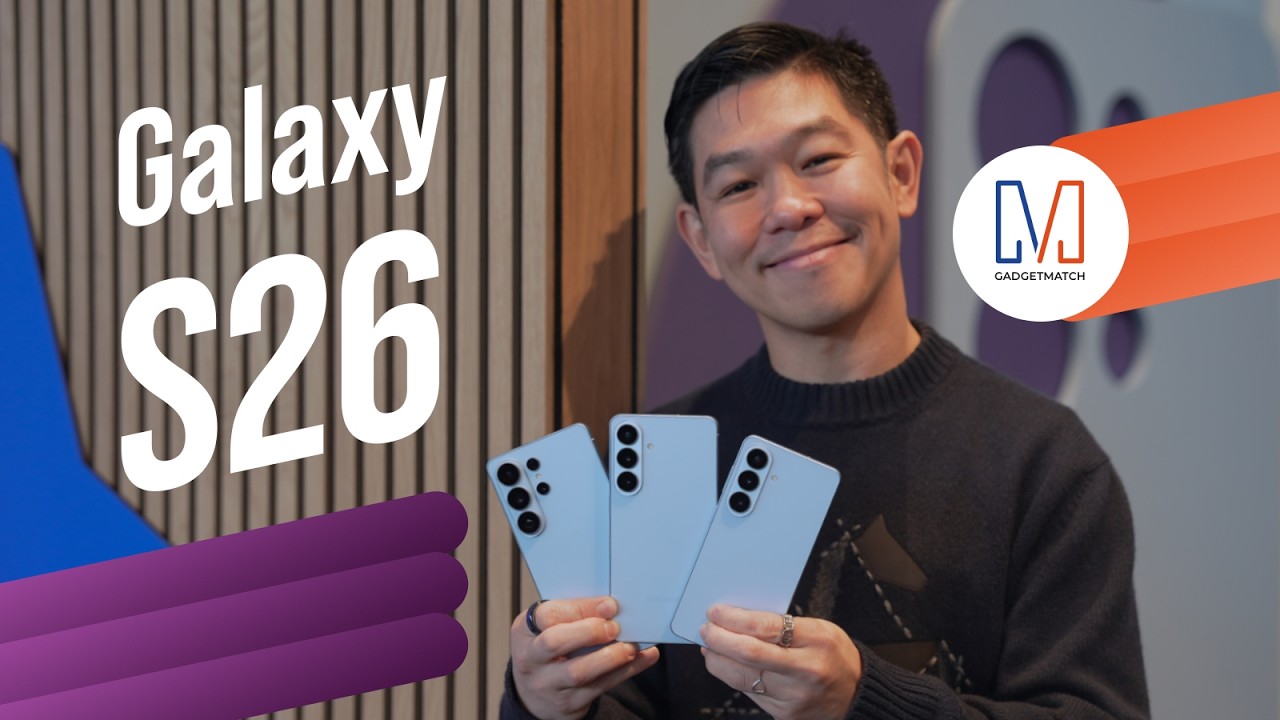
Did Samsung push forward or play it safe with the Samsung Galaxy S26 Series? Well, it’s a little bit of both.
Here’s our Hands-on with the new Samsung Galaxy S26 series to find out.
PRE-ORDER and SAVE up to $900 with enhanced trade-in credit:


POCO X8 Pro Max review: A new beast from the far east
That "Pro Max" naming superlative is more than justified


POCO X8 Pro Iron Man Edition review: Midrange phone in superhero armor
POCO x MK15


Now Playing: Project Hail Mary
It's a treat for those who loved the original book.

GoTyme Bank, Visa partner for FIFA World Cup 2026 raffle giveaway

Spider-Man: Brand New Day first trailer hits hard — and gets weird

TUMI’s “Mediterranean Escape” brings vacation energy to Spring 2026 lineup

Switch 2 now lets you play old games in 1080p

OPPO Find N6 launches globally with near crease-free foldable display


-

 Reviews2 weeks ago
The Xiaomi 17 shoots Leica dream
-

 Gaming2 weeks ago
Ubisoft confirms Assassin’s Creed: Black Flag remake
-

 Gaming2 weeks ago
PlayStation will stop releasing its games on PC
-

 Hands-On2 weeks ago
OPPO Reno15 F 5G hands-on
-
 Gaming2 weeks ago
Project Helix is Xbox’s next console, and it plays PC games
-

 Computers1 week ago
GIGABYTE collaborates with Capcom for RE Requiem custom PC
-

 Entertainment7 days ago
The internet is thirsting over the One Piece Season 2 cast
-
 News2 weeks ago
Globe postpaid opens pre-orders for Samsung Galaxy S26 series