
Laptops
ASUS Zenbook 14X OLED review: Serious-looking champ
This serious looker made me want to skip work

When it comes to displays, OLED panels are usually considered the best of the best. Whether it’s a TV, monitor, smartphone, or even a laptop.
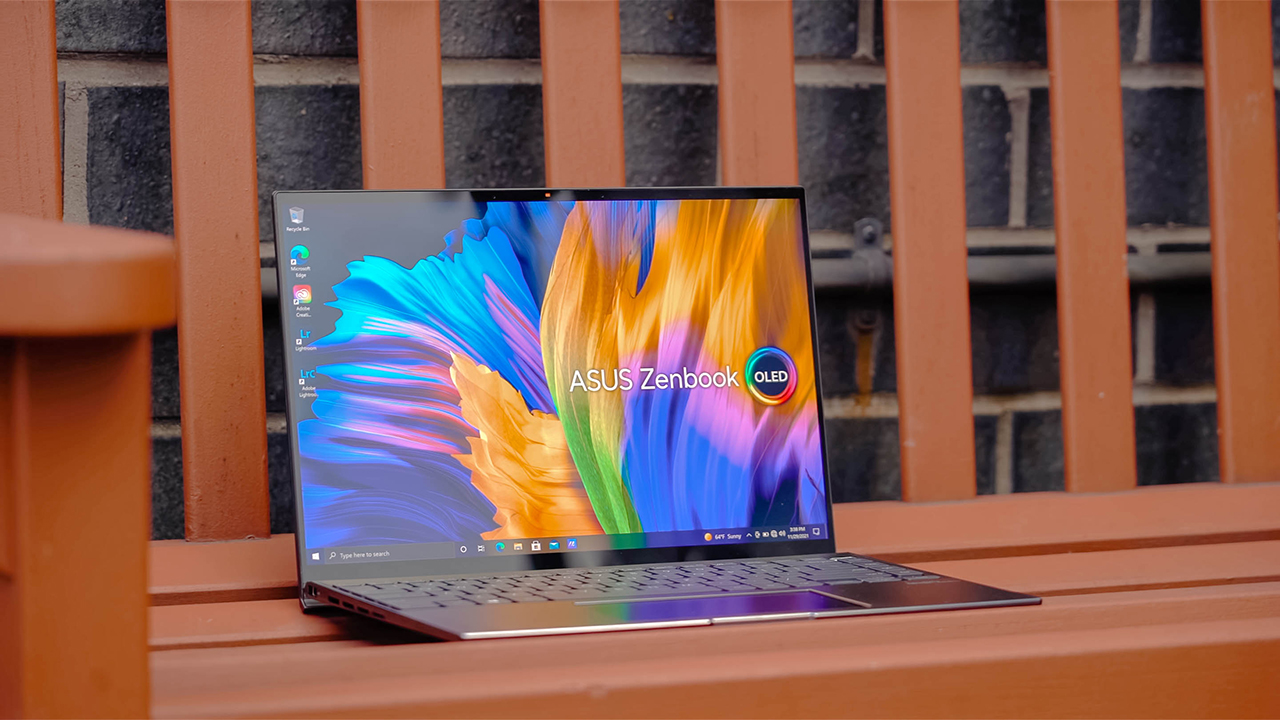
Hopping on the opportunity of bringing a visual spectacle, ASUS unveiled a full range of notebook computers — all sporting OLED displays. What came to my lap is the sleek-looking Zenbook 14X OLED, gearing up to be a machine for professionals on the go.
Looks that really mean business
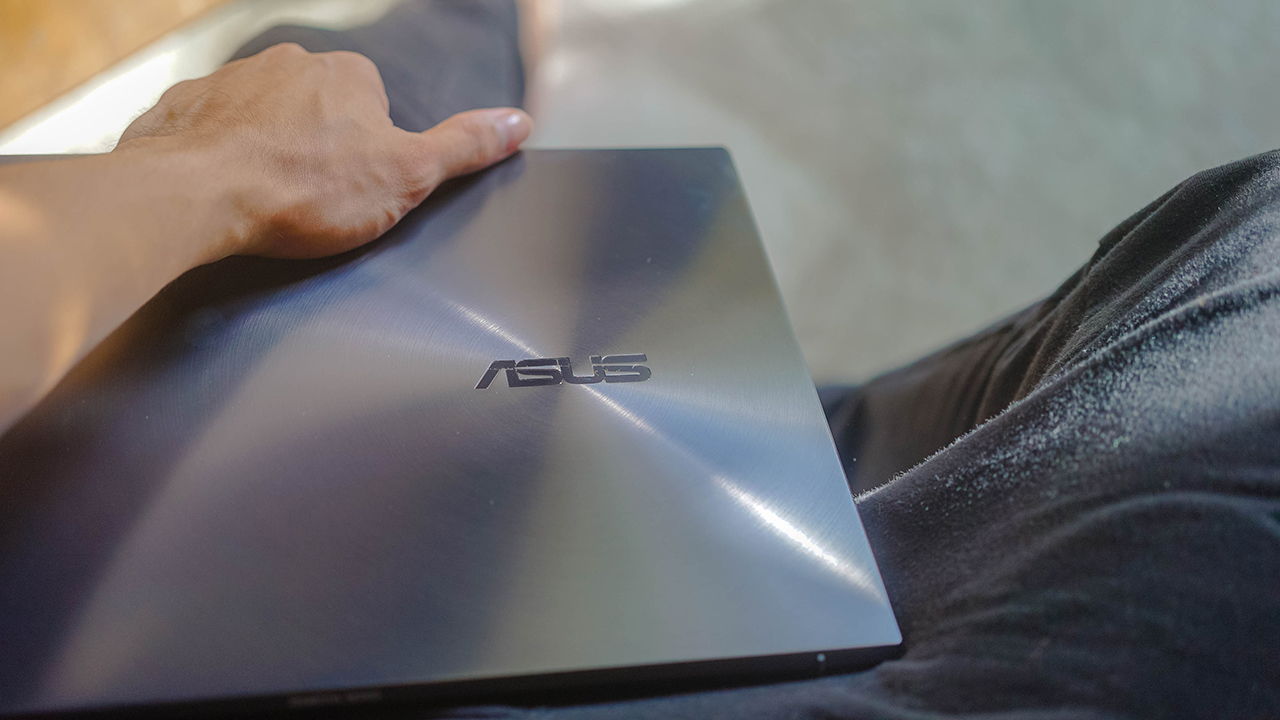
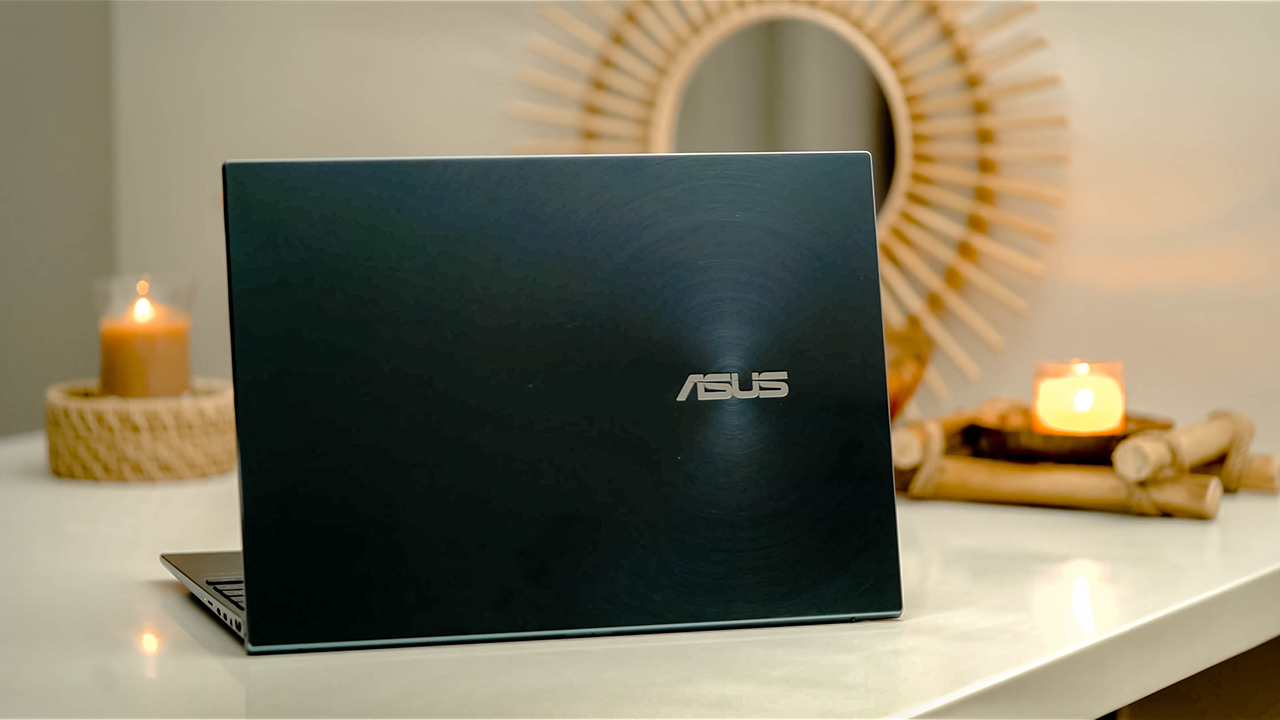
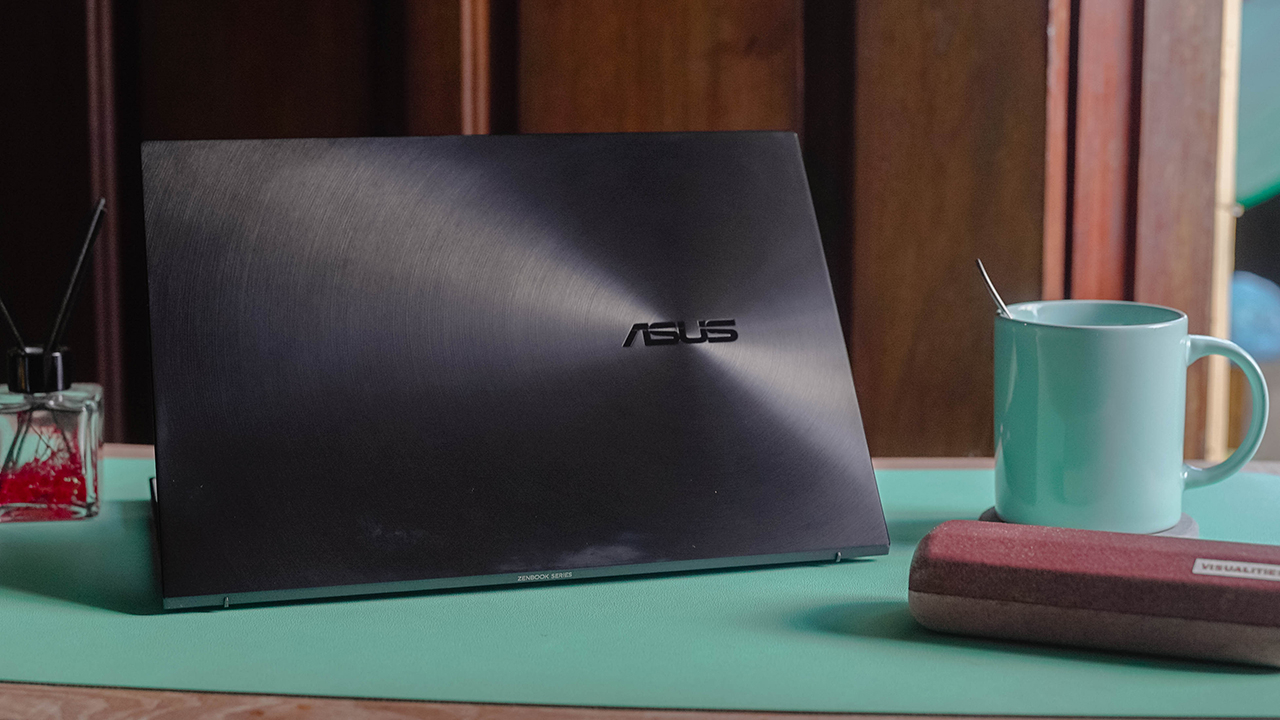
The Zenbook 14X OLED looks like your familiar clamshell notebook, carrying a distinct style that screams ASUS. It evokes a serious vibe, parading a glossy shade adorned with an off-center version of the iconic ZenBook spun-metal finish.
It’s more evident in the Jade Black colorway. It’s not my cup of tea, but it projects a serious mood. Showing off this laptop can mean business for anyone who’ll see it.
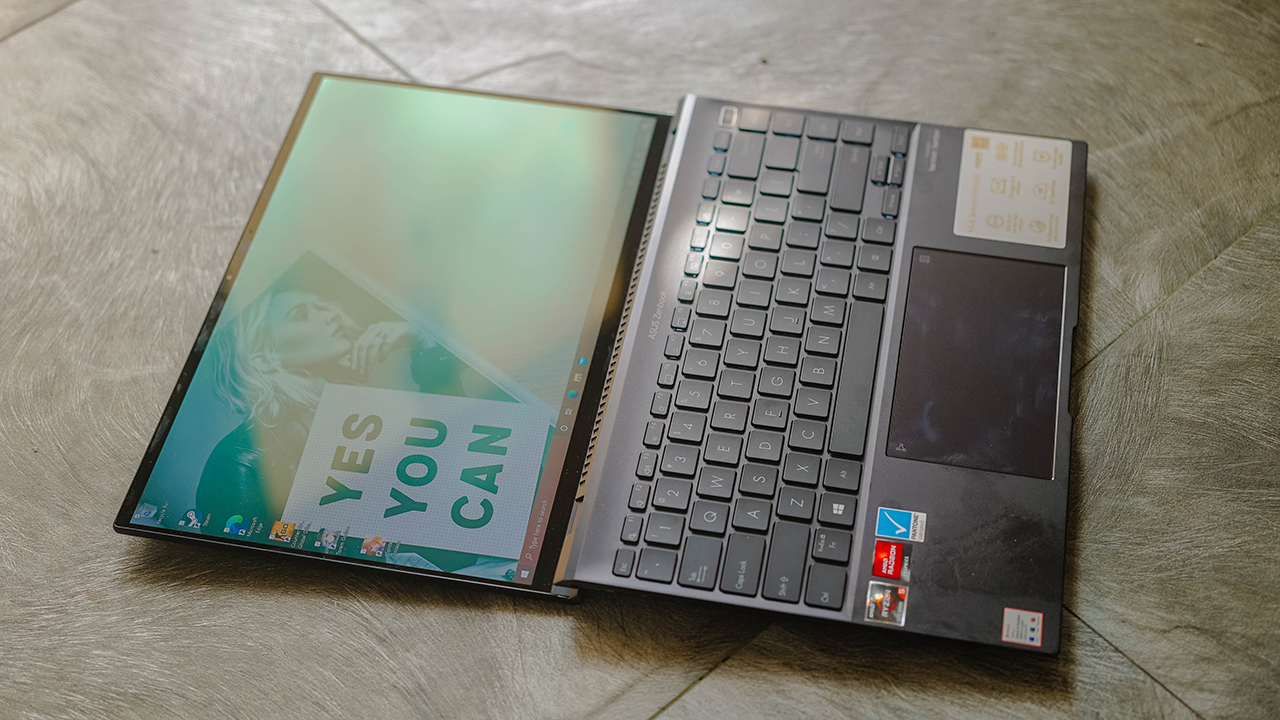
Especially when you lay it flat with its 180-degree ErgoLift hinge — perfect for when you’re sharing information and presenting to your clients.
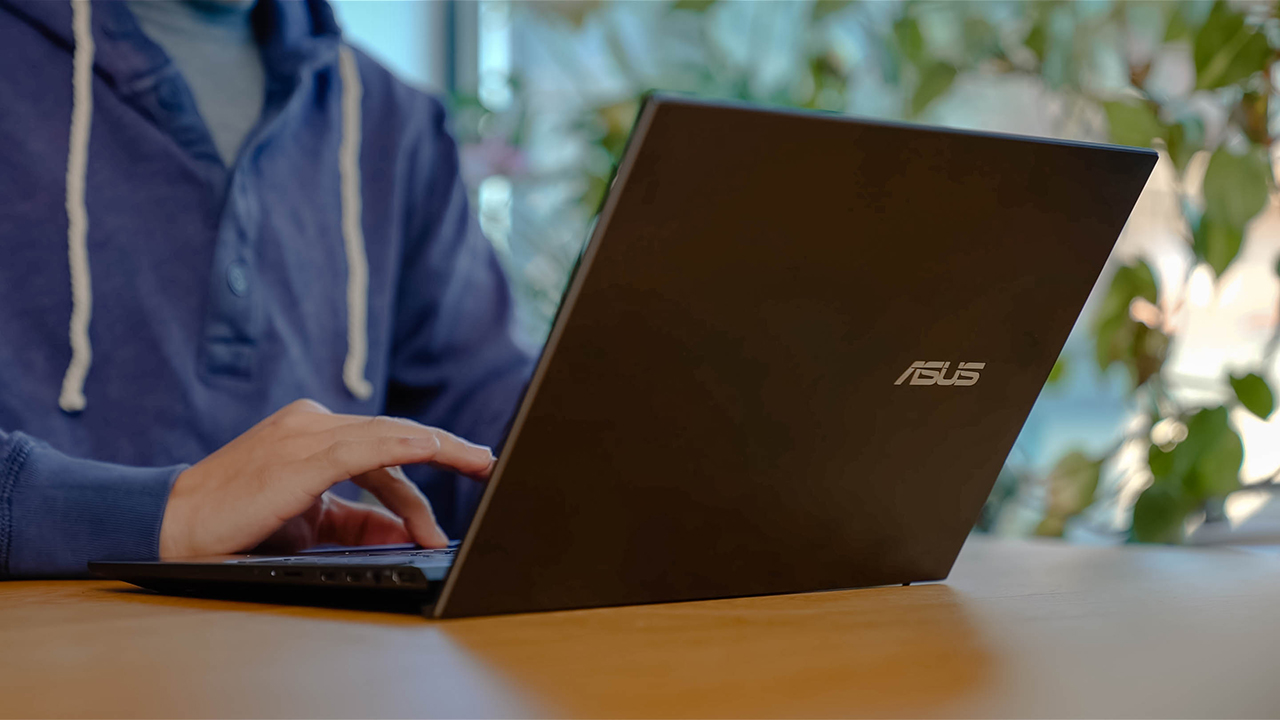
You can also conveniently type when you tilt the rear of the laptop a little bit. The arrangement of the keys, together with the slightly elevated platform, helped me in writing my stories and preparing documents.

Build that can take a beating
I haven’t been stuck to a desktop ever since I started working. It’s why I’ve always been fascinated with the desire to learn about laptops and other portable machines. I don’t want to be tied down in one place, ruminating over papers and a messy desk.
Before the pandemic, I used to work in airport lounges, restaurants, cafes, and even inside a car while I travel between provinces. For professionals on the go, having a thin and lightweight laptop means a lot.
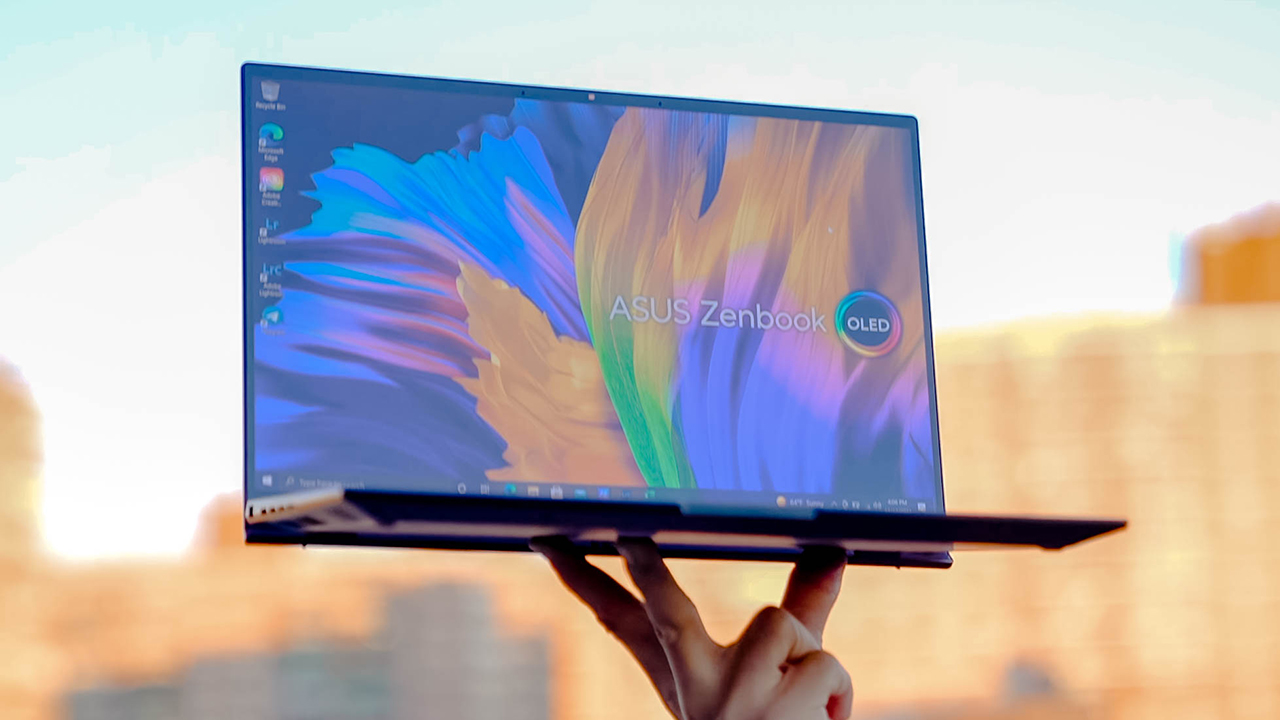
While I barely work outside these days, the Zenbook 14X OLED — despite carrying a design that I find bland — still amuses me with its thin and light form factor. It weighs only 1.4kg and measures only 16.9mm. You can easily carry it in between your meetings, or fit it inside your everyday bag without straining your shoulder and arms.
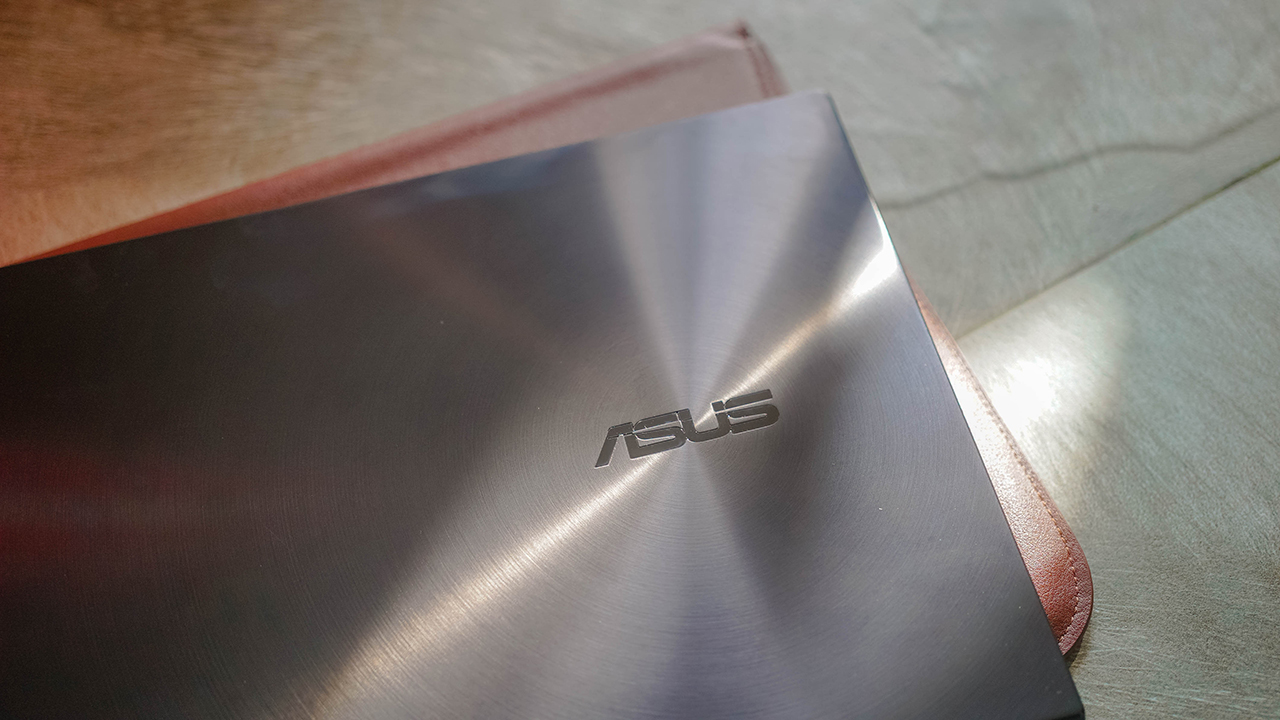
The chassis and lid are made of military-grade diamond-cut aluminum alloy. That’s why it felt sturdy even if it is lightweight. The Zenbook 14X OLED is built extra durable, it can probably take a beating when it gets thrown into bins at airports during security checks.
Display that makes you want to stare at it all day
One of the most underrated parts of a laptop is the screen. Most people go after power and performance, and I can’t argue with that. But a good display can elevate your experience.

We spend a lot of time staring at our screens. The work we do, the shows we watch, the games we play — all of these activities can be made more fascinating if you have a display that brings out the best in whatever you do.
And that’s why I enjoyed using the Zenbook 14X OLED. Its 14-inch 4K OLED touchscreen display is perfect for accompanying me in my pursuit of a work-life balance.

The slim, 3mm bezels and 92 percent screen-to-body ratio made my favorite Netflix shows immersive. Games look expansive, as well
It’s like watching on an OLED TV but on a smaller machine. The colors reproduced are so rich and vivid, and I like how it exhibits the same amount of color detail even at a lower brightness setting.

If it’s easy switching gears, I could probably move back to a Windows laptop. Except, the display alone isn’t enough to make me switch, no matter how spectacular it looks.
Sadly, no secondary screen
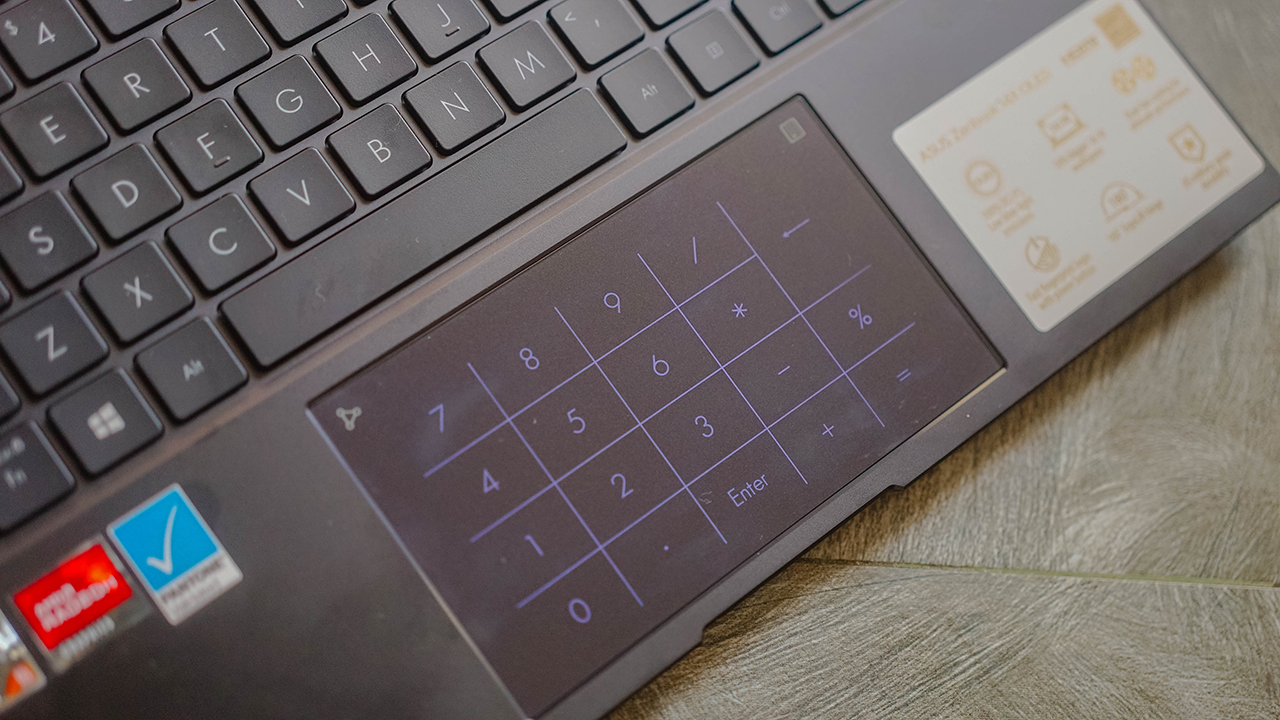
Unlike the Intel version of the Zenbook 14X OLED, the Ryzen variant uses the proprietary NumberPad 2.0 instead of a second-screen built into the touchpad.
It would’ve been nice to get a secondary display, but it’s not necessary especially when the 4K OLED touchscreen takes so much battery life.
Lose yourself in that audio-visual experience
What I enjoyed the most is the audio-visual experience that the Zenbook 14X OLED brought me. When you parade a visually-stunning display together with a stereo sound system tuned by Harman Kardon, you could lose yourself in awe.

I had a pleasant time watching Single All The Way on Netflix, I forgot I was working. Sometimes, I end up zoning out when I play “La Vie En Rose” on YouTube Music. The experience is simply spectacular, it helps you enjoy a bit of life.
Professional laptop that lets you work and literally play
Like many guys out there, I care for power — especially when talking about a Windows laptop. Maybe it was me growing up tinkering with computers, but I have so many high expectations on Windows laptops.
When I got the Zenbook 14X OLED, I knew right away it’s a multi-tasking powerhouse. And it certainly did not disappoint despite having a unit that only has 8GB of RAM and 512GB of Internal Storage. My only gripe is how there’s a one- or two-second delay opening up important programs like the file explorer and anything related to the system settings.

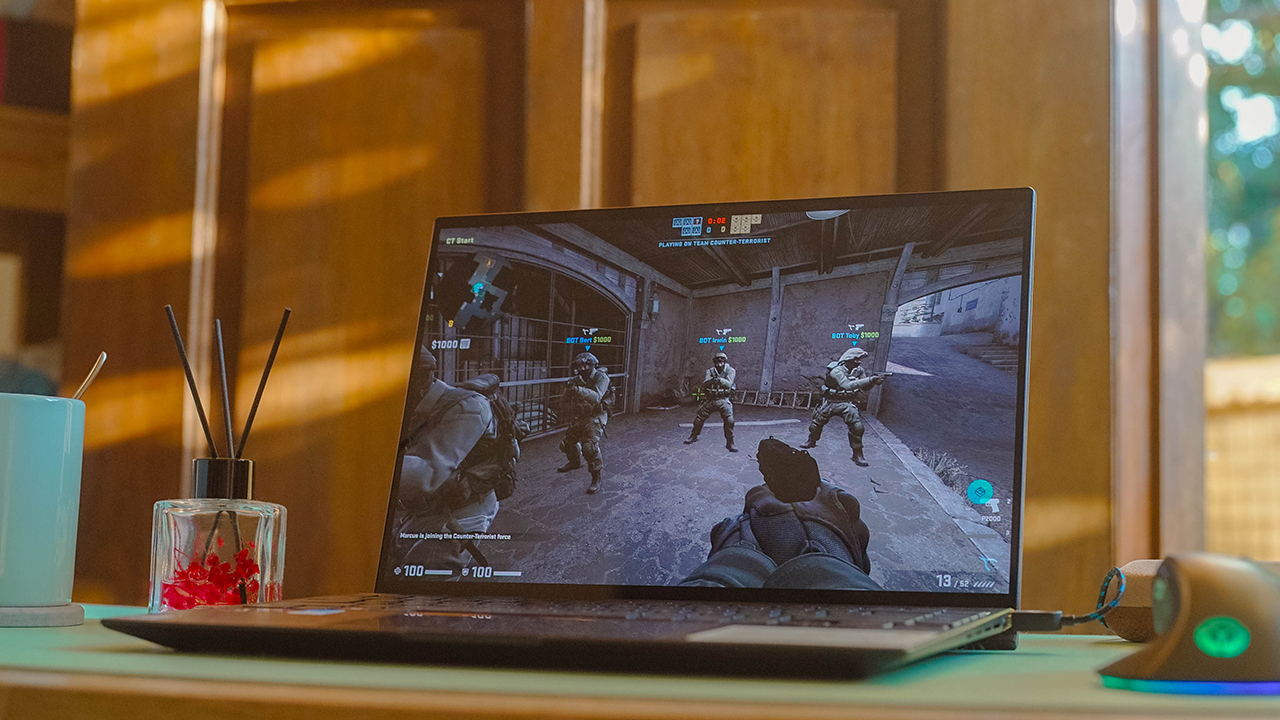
It’s not the case when you’re browsing, switching apps, or even playing games. Yes, I did install Steam and re-downloaded my favorite games. My exact unit uses an AMD Ryzen 5 5600H clocking up to 3.3GHz, so it made me wonder if a professional-looking laptop can handle my desire to blow off some steam.
I played some of my favorite MMORPGs, Dota 2, and of course, Counter-Strike: Global Offensive. I’d say the machine handled everything well — keeping up with graphics-intensive gameplay, high resolution, vivid colors, and staying lag-free.
Excessive heat and shorter runtime
What bothered me was the excessive heat the Zenbook 14X OLED produced when I was playing for only a few minutes. I guess I pushed it harder than what’s expected, but happy to report that you can balance work and play.
Its new, thermal design and smart sensors — like the ones in the ProArt Studio — helped maintain high performance at optimal power efficiency. No. Throttling. Involved.
Its heat pipes and 90-blade fan tried their best, so props to that. What’s funny though, is how the Zenbook 14X OLED promises up to 8.3 hours of work and play unplugged, but it actually has a shorter runtime. Much shorter when you play a game. My 100 percent battery went down to 51 percent in just 30 minutes of playtime.
It is, however, important to note that this laptop isn’t exactly built for gaming. So, if you’re looking to play, perhaps keep it to more casual games.

For everyday tasks, the laptop lasted me around five to six hours. That includes writing my stories on moderate brightness, watching videos, music playback, hopping on virtual meetings, and browsing on the web.
Charging it for one hour with its thick yet compact power brick gave me enough juice to power through the day. From 20 percent, I was able to fill the battery up to 82 percent.
Ready to keep you connected whenever, wherever
If you’re the type of professional who needs a lot of ports for different devices and peripherals, the Zenbook 14X OLED is packed with relevant input and output ports. There are two (2) reversible USB-C 3.2 Gen 2 ports, supporting up to 10Gbps of data transfers. There’s also your regular HDMI port and even a USB 3.2 Gen 2 Type-A port for your connectivity needs.

My favorite would be the 3.5mm combo audio jack and the microSD card reader — which I still deem essential for transferring confidential files obtained using my smartphones and cameras.

Is this your GadgetMatch?
If you’re a professional in need of a machine that lets you balance work and life, the Zenbook 14X OLED can surely keep up. And it’s probably the way to go, especially when you’re in the market for a new laptop.
The Zenbook 14X OLED simply means business from the way it looks. And it can carry its duties excellently whether it’s sharing presentations, a half-day worth of video meetings, or even doing creative work.

It can run hot when playing since it’s not really a gaming machine. But it can surely deliver the power, audio-visual experience, and performance that can keep up with your fast-paced lifestyle and go-getter personality.
The ASUS Zenbook 14X OLED (UM5401) retails for PhP 64,995 for the 8GB/512GB variant. Meanwhile, it costs PhP 66,995 for the 16GB/512GB configuration.






Laptops
Alienware celebrates 30th anniversary with new Area-51 laptops
The series features Alienware 30, an all-new design language.

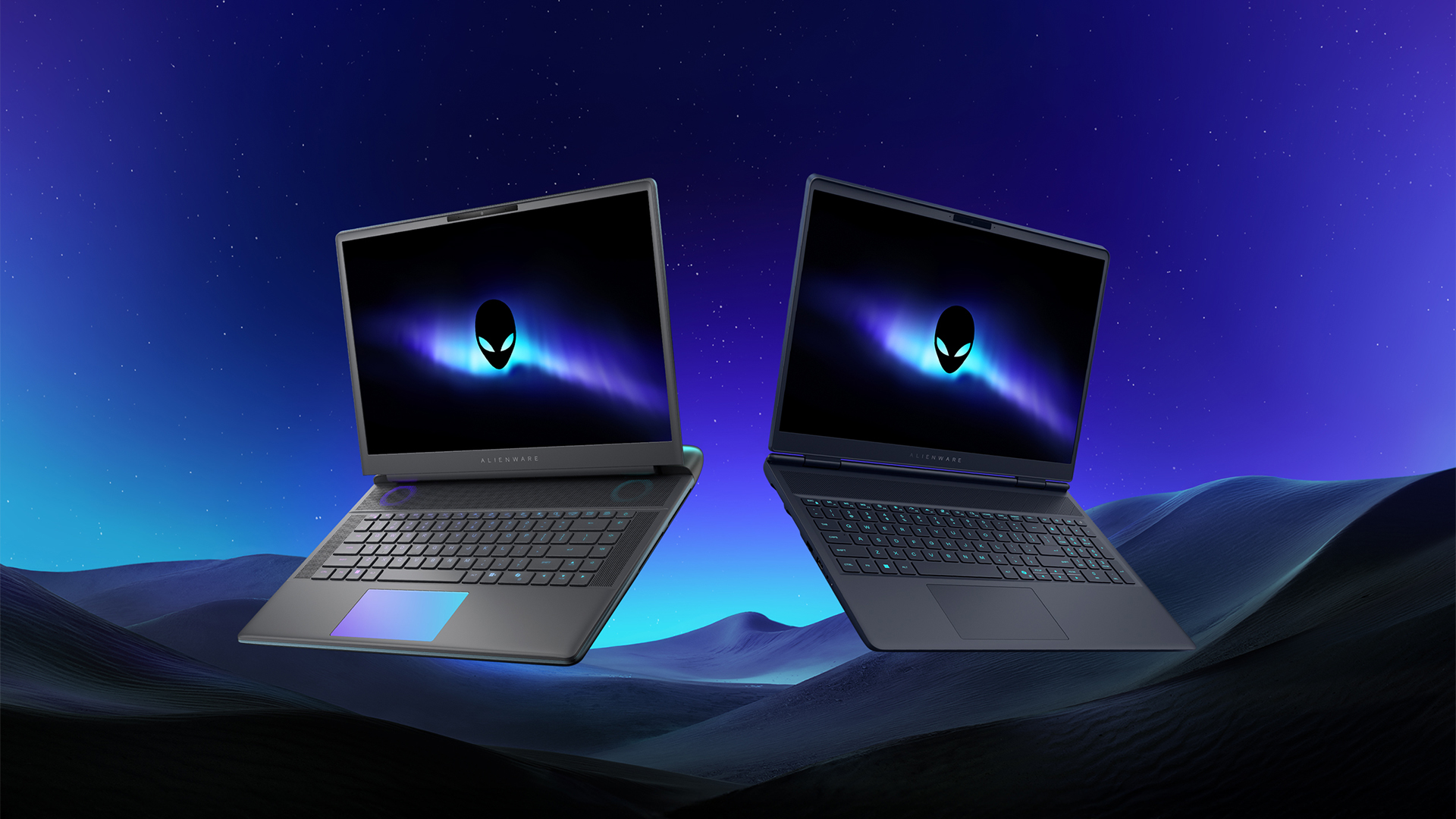
Despite the rise of more gaming brands, Alienware is still one of the most recognizable names for gamers who want dedicated hardware. This year, the brand is celebrating its 30th anniversary. To commemorate the milestone, Alienware has launched the new Area-51 and Aurora notebooks.
Alienware Area-51
Alienware’s Area-51 lineup is the brand’s flagship line of notebooks, packing in the best of the best from the industry. This time is no different.
First of all, the new series will rock Alienware 30, a new design philosophy made especially for the 30th anniversary. On the outside, the laptops have fluid contours, emphasizing curves opposed to the industry’s more angular contemporaries. It also has a Zero Hinge, which hides the laptop’s hinge from view. Finally, it has pillowed palm rests to make usage easy for long gaming sessions.
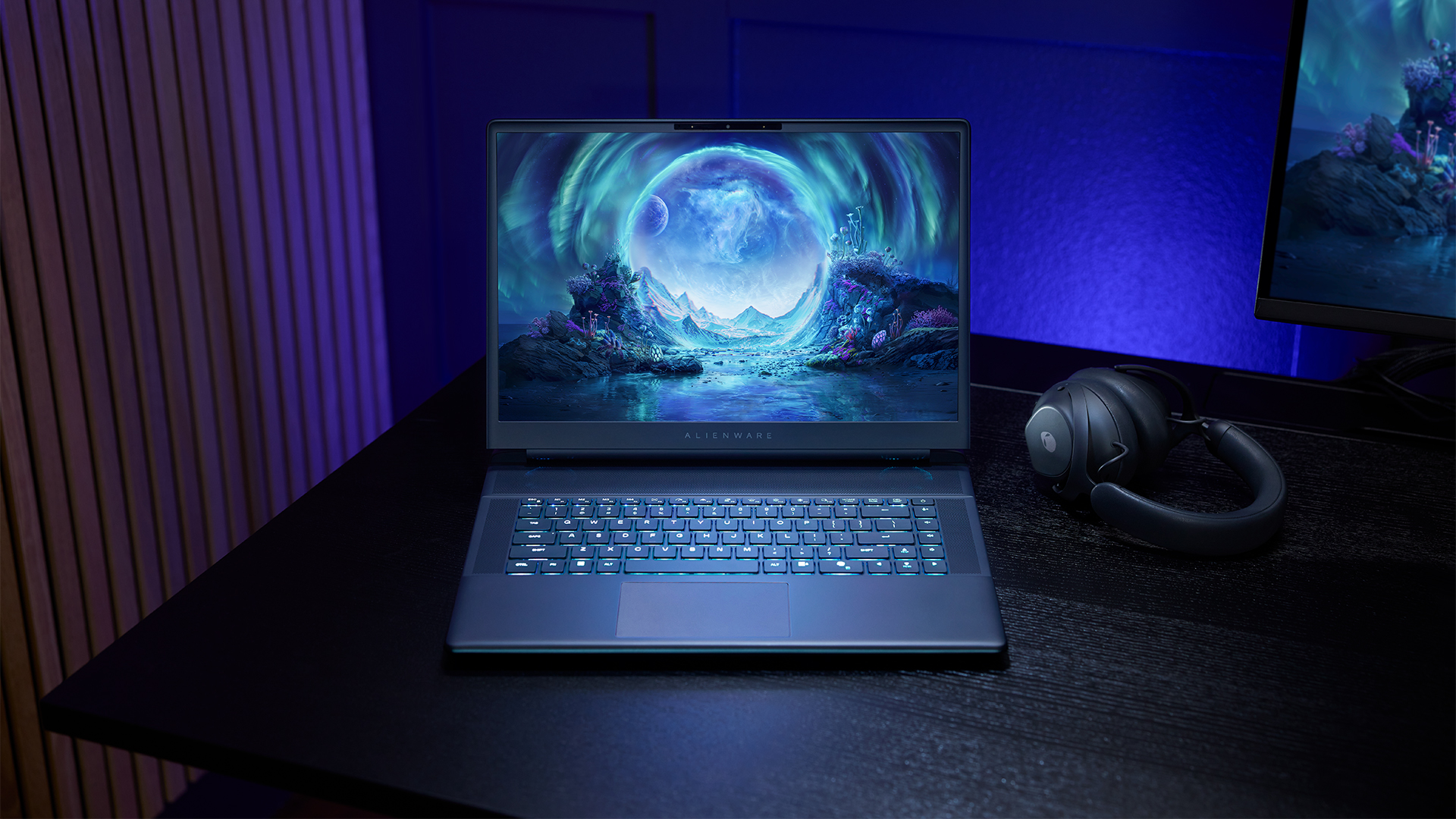
The 16-inch model can rock up to a WQXGA Anti-Glare OLED screen, featuring 240Hz refresh rate and 620 peak HDR nits. It will also have an LCD option. Alternatively, the 18-inch model has a WQXGA screen, featuring 300Hz refresh rate and 500 nits of brightness.
Inside, the Alienware Area-51 boasts up to an Intel Core Ultra 9 290HX processor and up to an NVIDIA GeForce RTX 5090 24GB GPU. For memory, gamers can enjoy up to 64GB Dual-Channel DDR5. Finally, for storage, the series can rock up to 2TB SSD natively but can support up to 3 slots, allowing for up to 12TB of internal storage.
The series will have a sizable 96Whr battery. This is complemented by a 280W adapter and the brand’s largest fans by volume to keep things cool.
Alienware 16X Aurora
For those who portability over raw power, the new Alienware 16X Aurora fits inside any day-to-day kit. For example, it ditches the thermal shelf typical of most gaming notebooks today to increase portability. It has rounded edges to make it easier to grasp and to create a slightly pillowed palm rest, similar to its flagship counterpart.
The 16-inch WQXGA OLED panel touts 240Hz refresh rate, 0.2ms response time, and 620 nits HDR peak brightness.
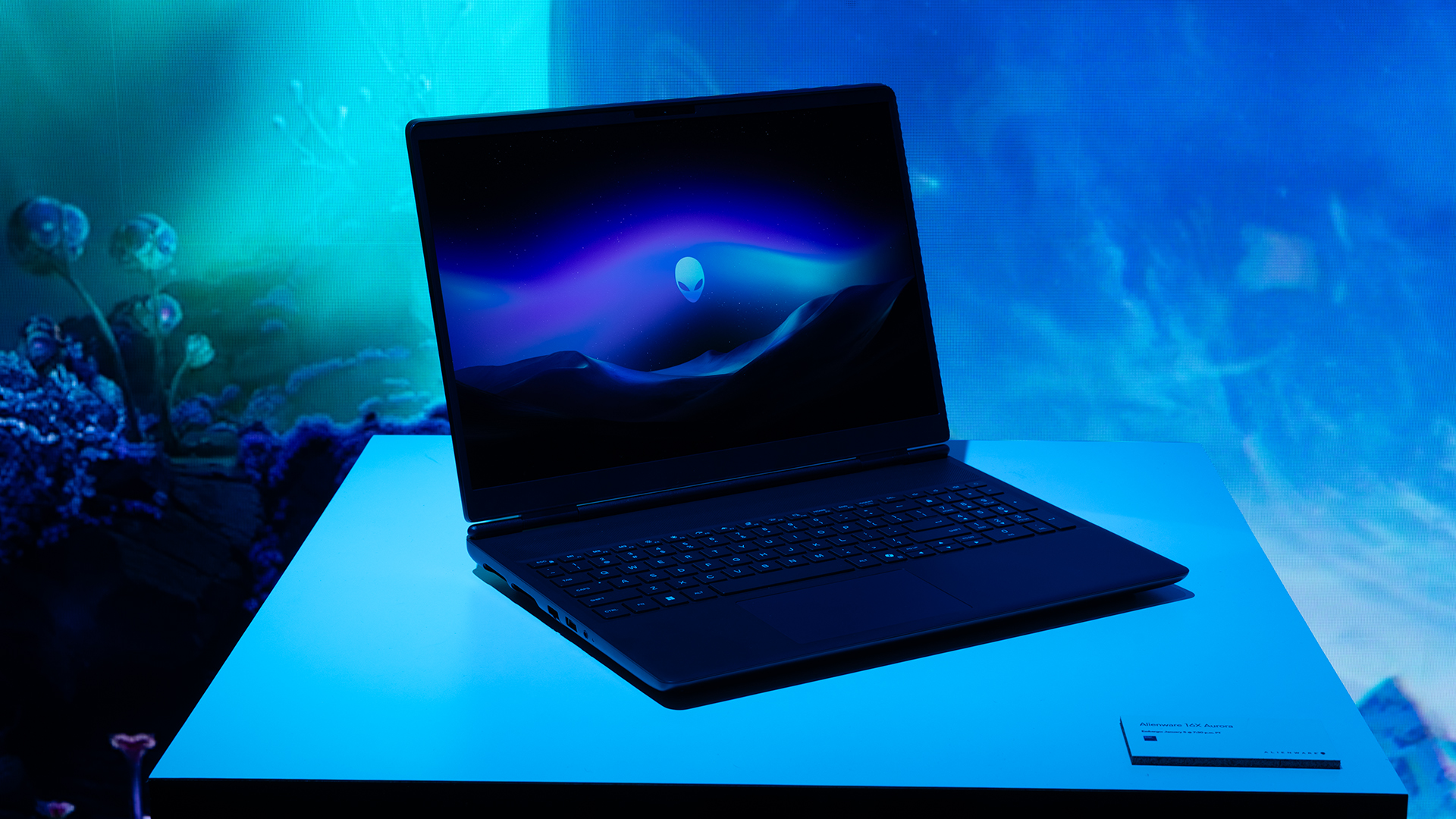
Inside, the notebook has up to an Intel Core Ultra 9 275HX processor and up to an NVIDIA GeForce RTX 5070 Ti GPU. These specs are paired with up to 64GB Dual-Channel DDR5 memory and up to 2TB SSD.
Finally, the Alienware 16X Aurora will have a 90Whr battery. This is supported by up to a 280W charger (for the RTX 5070 variant).
Price, availability
Both series are available starting today, March 17.

Apple disrupts the industry with their latest MacBook — an affordable to say the very least.
If you’re a student, a first-time Mac owner, someone who’s been priced out of this ecosystem their whole life, someone who just needs a laptop for basic tasks but one that looks great, without slowing them down, this is it!
Or maybe you’re torn choosing between the MacBook Neo and the more powerful M5 MacBook Air?
Well, that’s what we’re here for. Here’s our review with the all-new MacBook Neo.
Laptops
Hands-on: NEW iPhone 17e, iPad Air, MacBooks, Studio Displays
What Apple has announced other than the MacBook Neo


The MacBook Neo was the star of yesterday’s Apple event, and it has every right to be but it’s been a big week for Apple.
So as promised, we also went hands-on with every other device announced this week: iPhone 17e, M4 iPad Air, M5 MacBook Air, MacBook Pro with M5 Pro and M5 Max chips, and the new Studio Displays.


Galaxy Buds4 Pro review: I thought I was done with in-ears
This Buds4 you


WWE 2K26 lets you live out all the fantasy matches you could want
But you have to play for hours and hours to unlock everyone.


The HONOR X8d is serviceable
Steady but slow?

More iPhone switchers this year than Android switchers, report says

Marvel’s Wonder Man greenlit for a rare second season

Apple’s WWDC 2026 will be from June 8 to 12
Galaxy Buds4 Pro review: I thought I was done with in-ears
WWE 2K26 lets you live out all the fantasy matches you could want


-

 Reviews1 week ago
POCO X8 Pro Max review: A new beast from the far east
-

 News1 week ago
POCO X8 Pro Series: Price, availability in the Philippines
-

 Laptops2 weeks ago
Apple MacBook Neo Review
-

 Apps2 weeks ago
Google Maps is finally getting a 3D mode
-

 Features2 weeks ago
Galaxy AI on the Samsung Galaxy S26 Ultra
-

 Entertainment2 weeks ago
The internet is thirsting over the One Piece Season 2 cast
-

 Automotive2 weeks ago
BYD is reportedly considering an F1 team
-

 Gaming2 weeks ago
Resident Evil Requiem will get a story expansion