


Laptops
ASUS ZenBook 15 review: Everything you need in a laptop?
With great power, comes all the caveats in between

Very few laptops have everything a person would ever need out of it. Whether it’s just for typing Word documents or playing all the latest games, only a handful of laptops fit the bill. ASUS has one laptop to offer, which was announced back in IFA 2018.
The ASUS ZenBook 15 has almost every piece of hardware for everyone. But is a device powered by a powerful Intel processor and a gaming-ready graphics card really worth it? Let’s find out.

Same premium design through the years

ASUS dubs their ZenBook lineup as its top-of-the-line Ultrabook. Through the years, ZenBooks have retained their premium design and feel. So when I got the chance to try the new ZenBook 15 (UX533) out, I expected nothing less — and I was impressed. The build quality of the device is great, with a sturdy metal-plastic chassis that shows little to no flex. It even feels light to bring around, at only 1.59kg.
My unit has the Icicle Silver finish that shows off the elegance of the laptop. There is an option to get it in the bolder Royal Blue color, but it will definitely feel like you own a premium device the moment you set your eyes on it.

The only real change the company implemented was the addition of the ErgoLift. Essentially, it frees up space for the laptop to release hot air instead of blasting them on the table or your lap. It’s also supposed to make the bottom-facing speakers sound better, although this really wasn’t the case when I used it.
It almost has everything for everyone
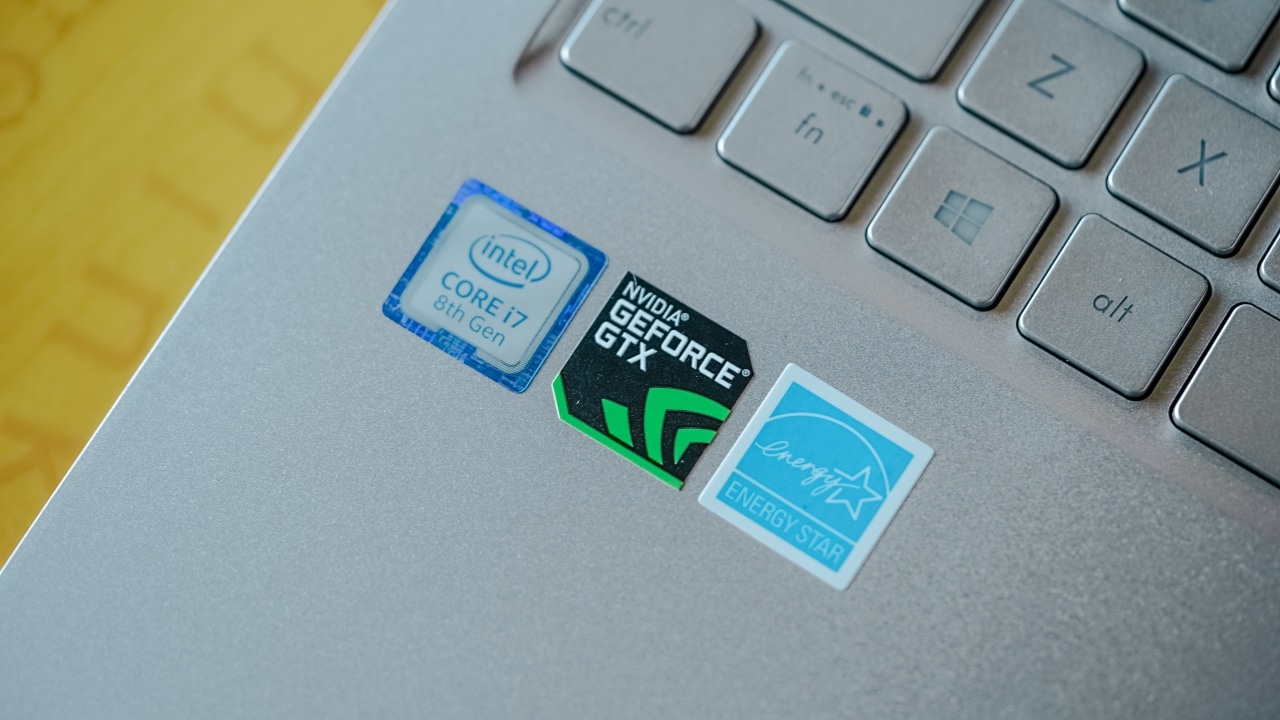
The ZenBook 15 is one powerful machine, from the inside out. My unit comes with an eighth-generation Intel Core i7-8565U processor and 16GB of RAM. This configuration alone guarantees superb performance, and the ZenBook 15 did not disappoint. Typing Word documents, surfing the web, even photo and video editing felt like a breeze with this machine. You can play games here too, but let’s save that discussion for later.

On the outside, you have a 15-inch Full HD anti-glare NanoEdge display — perfect for outdoor use at full brightness. It comes in a resolution of 1920 by 1080, a full 16:9 display with tiny bezels on the side.

It’s also equipped with a full-size backlit keyboard, with the number pad separated from the trackpad — unlike its 13-inch and 14-inch variants.

The ZenBook 15 does come with three USB Type-A ports and one USB Type-C port that supports external displays; however, it would have been better to make it as Thunderbolt port to fully maximize the potential. The laptop also comes with a dual-band Wi-Fi card, although an additional Ethernet port would have been nice, as well.
It’s got game, but it really destroys your battery life

Perhaps the most surprising aspect of the ZenBook 15 is the fact that it comes with an NVIDIA GeForce GTX 1050 Max-Q. With this graphics chip, gaming on this laptop actually feels pretty damn good. It managed to get competitive frame rates for fast-paced games like Fortnite, PUBG, and Rocket League, all with high settings. But, don’t expect the same from AAA titles like Shadow of the Tomb Raider.
Also, there is a significant increase in the laptop’s overall temperature with longer than 30 minutes of play time. The left side of the laptop felt so hot, it’s almost like you could fry an egg on it. Of course, playing for long hours on this device drains the 73Wh battery significantly faster. I got about nine to ten hours on regular use, and only two to three hours on full game mode.
The camera is honestly only good for Windows Hello

The ZenBook 15 comes with an 3D infrared HD camera that supports Windows Hello. The infrared sensors were great at facial recognition, and Windows Hello felt really easy to set up and use. But, the camera was lackluster when taking photos and videos. It only seems passable to use for video calls, but the overall image quality just doesn’t equate to HD.
The bottom-facing speakers could be better

The two Harman/Kardon speakers on the ZenBook 15 are placed on the bottom side, facing the table or your lap. Sound quality is impressive until you turn it to maximum. Apart from that, I was expecting that they would sound better because of what ErgoLift supposedly does for them.
Is this your GadgetMatch?

For PhP 89,995 (US$ 1,720), the ASUS ZenBook 15 jams almost everything you need in a premium device. And for that price you get the highest, most powerful configuration possible. Anyone can do pretty much anything with the hardware that comes with it. Apart from that, its elegant design and lightweight body make it a perfect on-the-go device.
If you’re low on cash, you can also get the 14-inch ZenBook 14 for PhP 77,995. It only has 8GB of RAM and an NVIDIA GeForce MX150 graphics card that offers similar, but less powerful overall performance. But, you do get the illuminated number pad on the touchpad.
Of course, that is if you don’t mind the otherwise average camera and fryer-like temperatures with heavy gaming. However, if you’re looking for a laptop that can handle anything, the ZenBook 15 is for you!









THE Michael Josh just got back from the Consumer Electronics Show (CES) in Las Vegas — the annual tech event that attracts all the biggest tech brands.
One of which is none other than ASUS, Taiwan’s biggest computing giant. They have launched the first wave of Windows laptops for 2026. There’s a full lineup — models for everyday folks, creators, and gamers.
However, we are focusing on these Zenbooks favorites the show: the updated 2026 Zenbook DUO and Zenbook A14, as well as a bigger Zenbook A16 model.
Eager to know more about them? Here’s our Spotlight on the three power-packed ASUS Zenbooks at CES 2026.
CES 2026
Lenovo Legion Pro Rollable Concept was possible thanks to TCL
Also responsible behind the foldable display of the new motorola razr fold

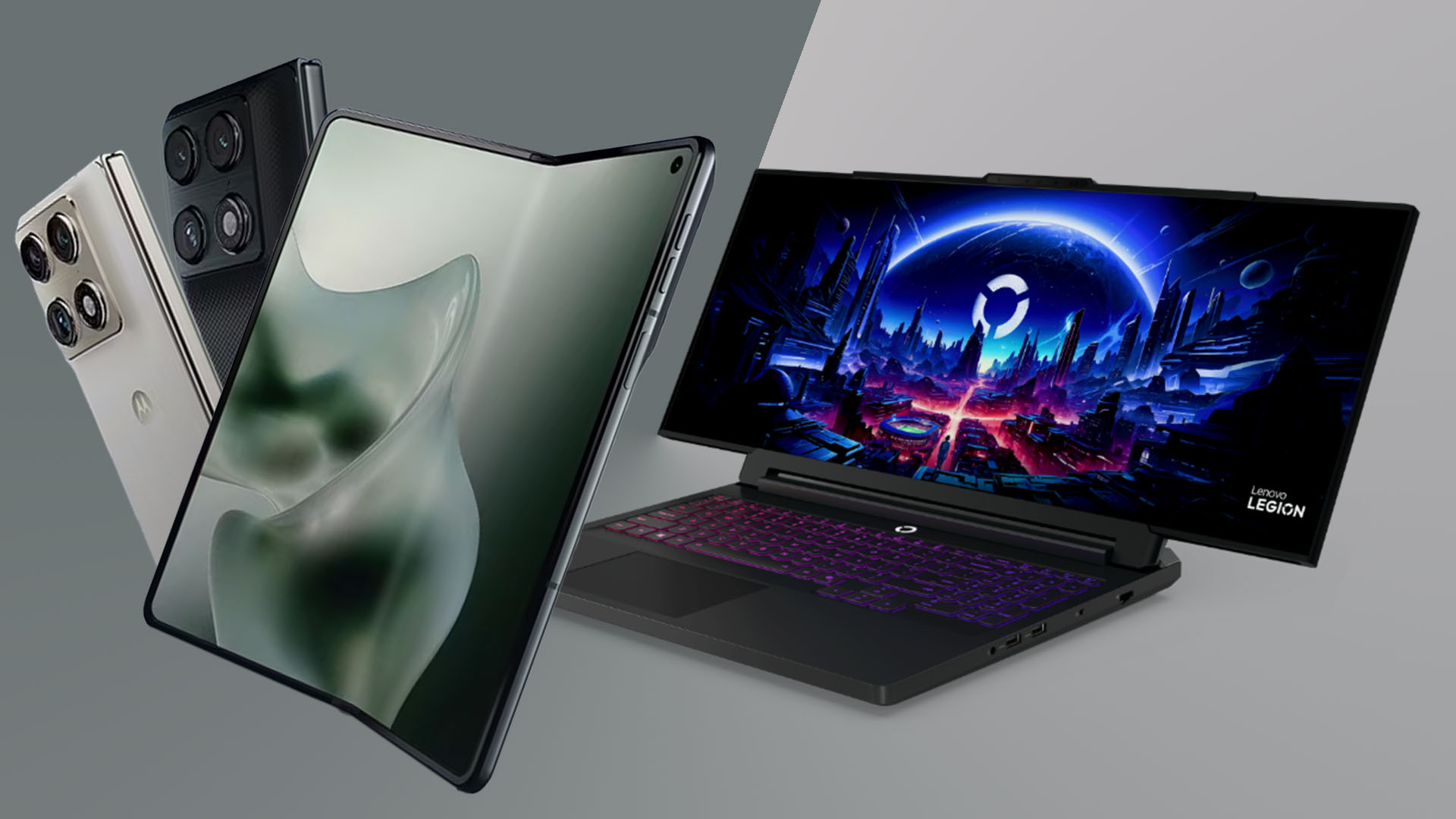
At this year’s CES 2026 in Las Vegas, TCL CSOT (China Star Optoelectronics Technology) and Lenovo have further proved their long-term partnership. The newest Lenovo Legion Pro Rollable Concept and the motorola razr fold are equipped with displays by TCL CSOT.
Lenovo Legion Pro Rollable Concept
The continuous collaboration of the two mighty Chinese companies bring out something that has been envisioned in laptops for quite a while now.
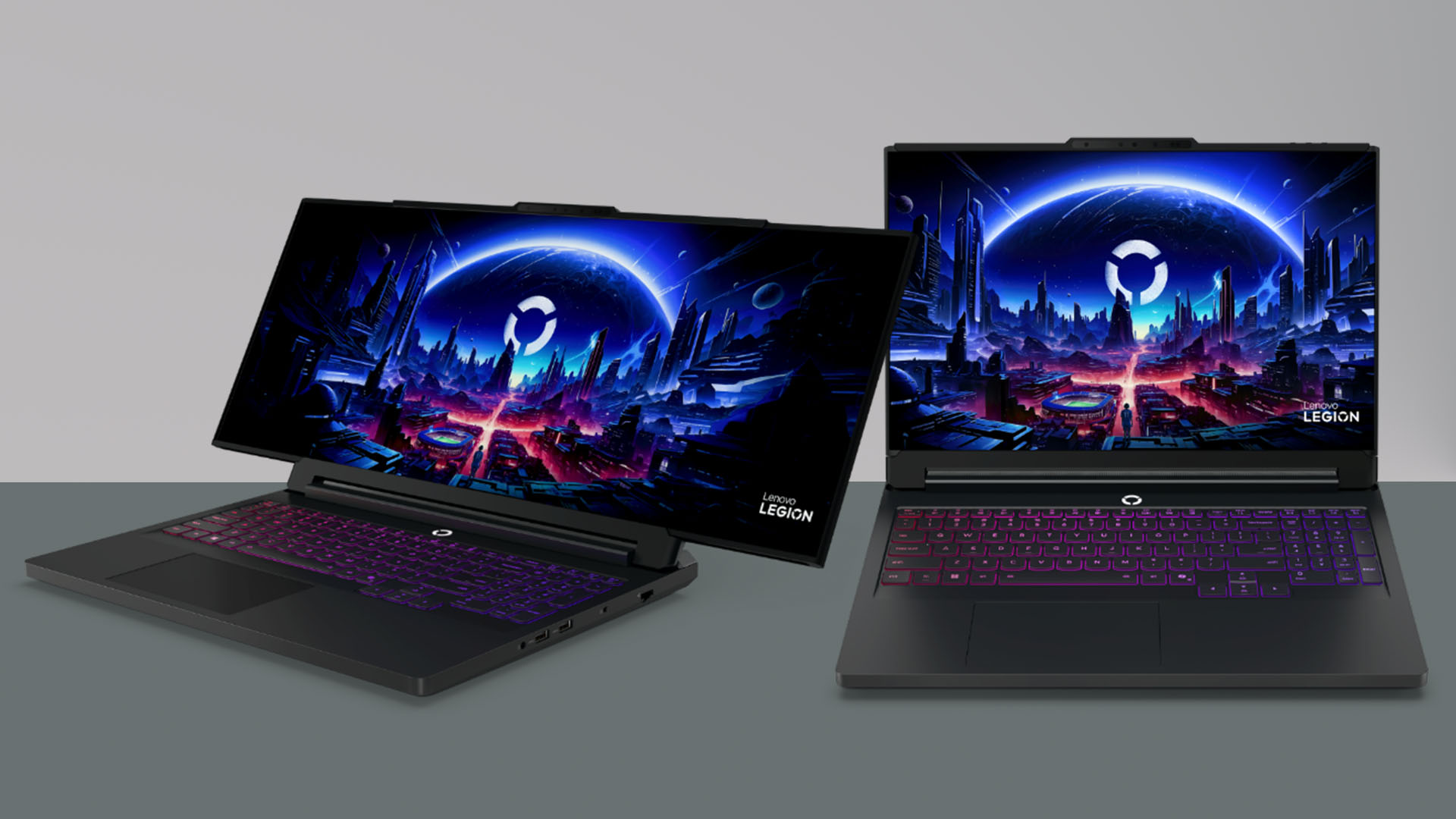
Ever imagined of a conventional laptop with standard 16:9 display that can instantly stretch into a 21:9 widescreen monitor? Well, the Lenovo Legion Pro Rollable Concept proves it’s more than possible.
Graphics by Vincenz Lee | GadgetMatch
Pioneering this partnership starts with TCL CSOT’s rollable display. Dubbed as the Lenovo PureSight OLED Gaming display. From a regular 16-inch 16:9 display, it completely transforms into an ultra-wide screen — stretching between 21.5 all the way to 24 inches.
For gamers and even e-sports athletes who seek visual flexibility (literally and figuratively), the display adapts to three (3) different training phases.
- Focus Mode (16 inches) for honing reflexes
- Tactical Mode (21.5 inches) for enhanced situational awareness
- Arena Mode (24 inches) for full-scale competitive simulation
Behind that rollable display tech by TCL CSOT lies a dual-motor, tension-based system. This not only means that the rollable display can unroll smoothly, the expansion is not just controlled, its contraction also delivers minimal vibration and noise.
There’s also a dedicated tensioning mechanism that ensures consistent tautness across the OLED panel. Low-friction materials then secures durability throughout the rolling cycle.
motorola razr fold
Finally, after a long wait, motorola finally unveils their first ever book-style foldable.
The motorola razr fold headlines TCL CSOT’s 8.1-inch 2K LTPO flexible inner display. And unlike most foldable offerings in the market today, it supports a stylus!

When closed, its 6.6-inch external display delivers the familiarity of a candy-bar smartphone. Furthermore, its sleek, striking, and slim silhouette will feel comfortable in one’s hands.
Not much has been shared but more details will soon be unfolded by motorola.
The Co-Innovation Legacy
The steady legacy of TCL CSOT and Lenovo has already delivered consumer-ready products past the convention center show floor showcase.
Those include the Lenovo Yoga Slim 9i with a flexible 4K OLED display unveiled at CES 2025. Even the motorola razr 60 series flip-style foldables launched last July 2025 was not missed.
And, with the introduction of the Legion Pro Rollable Concept and the motorola razr fold, both companies continue to turn advanced display research into practical, user-focused products — setting new standards for performance, comfort, and sustainability.

With past display innovations, these newer advancements offer a more immersive viewing experience, better eye comfort, and flexiblility across various user applications.
This continuous collaboration highlights the companies shared commitment to advancing display technology and elevating the visual experience for users worldwide.
TCL CSOT’s constant strive for innovation is mainly driven by their APEX values:
- A-mazing Display Experience
- P-rotective of Eye Health
- E-co-Friendly to build and use; and
- X-Unlimited Imaginative Potential
Jun Zhao, the Senior Vice President of TCL Technology and CEO of TCL CSOT, states that the company is dedicated in providing Lenovo high-quality displays and custom diplay solutions that turn advanced technology into something “We are dedicated to providing Lenovo with high-quality, custom display solutions that turn advanced technology into everyday excellence, and
He also says “they look forward to exploring new frontiers together.”
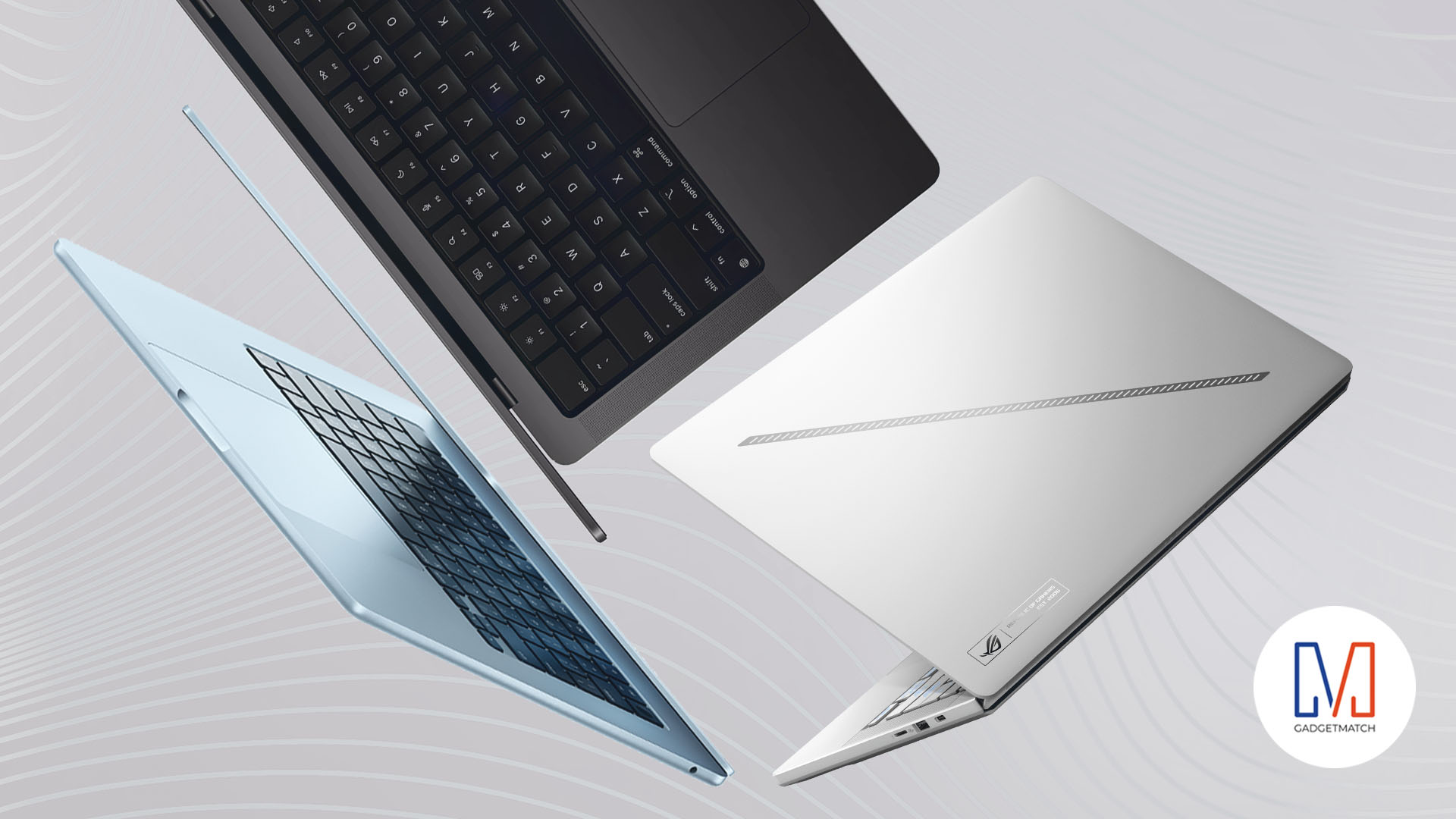
The mystique of laptops has not abated since the pandemic. Portable PCs are still finding niches in today’s market. Whether you need an on-the-go office machine or a plug-and-play gaming rig, there is a laptop out there for you. This year is no different. As the year closes, it’s time to show some love to our Favorite Laptops of 2025.
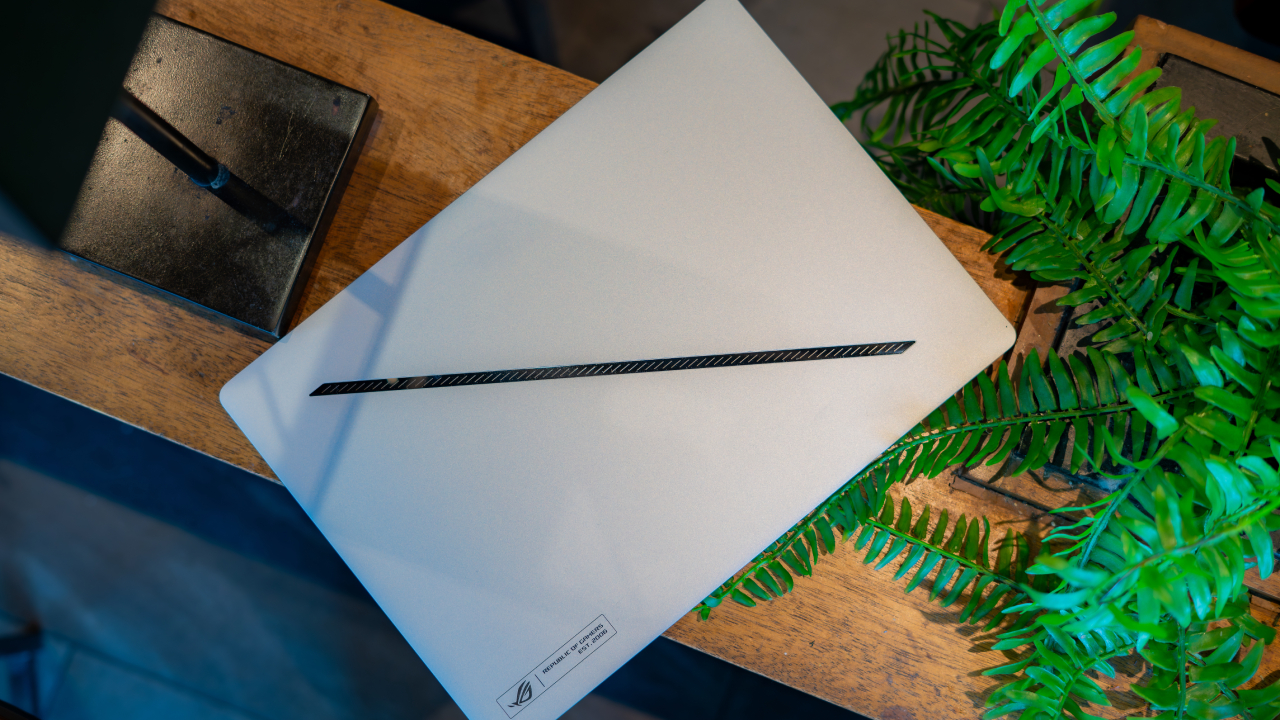
ROG Zephyrus G14
As a gaming laptop, the ROG Zephyrus G14 brandishes a lot of the industry’s most powerful hardware. Shining with only a little more accoutrements as a MacBook, this notebook is sleek but a force to be reckoned with under its aluminum chassis.
We described the Zephyrus G14 as a laptop’s equivalent of “quiet luxury”; it doesn’t stand out, but anyone who knows the brand will give you a silent nod of approval. As part of the premium luxury segment, it does have a pretty high price tag, but that’s about the only thing that stops this laptop from being an immediate buy. Everything else is perfect.
Apple M5 MacBook Pro
Before the year ended, Apple dropped a surprising bombshell for its fans. The M5 MacBook Pro brings out a more powerful processor for Apple’s notebook segment. A premium alternative to the M4 MacBook Air, the notebook is “Pro but without the overkill.”
Obviously, it’s not for everyone. But, to those who need an additional jolt of power, the M5 MacBook Pro delivers everything you need and more.

Lenovo Yoga 7i Aura Edition
If you’ve dabbled in notebooks over the past decade, you should recognize Lenovo’s Yoga lineup. The 2-in-1 notebook popularized foldables before foldables were even a thing. With a 360-degree hinge, users can fold the notebook back into a tablet and vice versa.
The Lenovo Yoga 7i Aura Edition is the perfection of this technology, infused with today’s hardware. It’s not a perfect laptop or a perfect tablet, but if you need both, this notebook saves you the hassle of shopping for two separate devices. It’s a great deal.

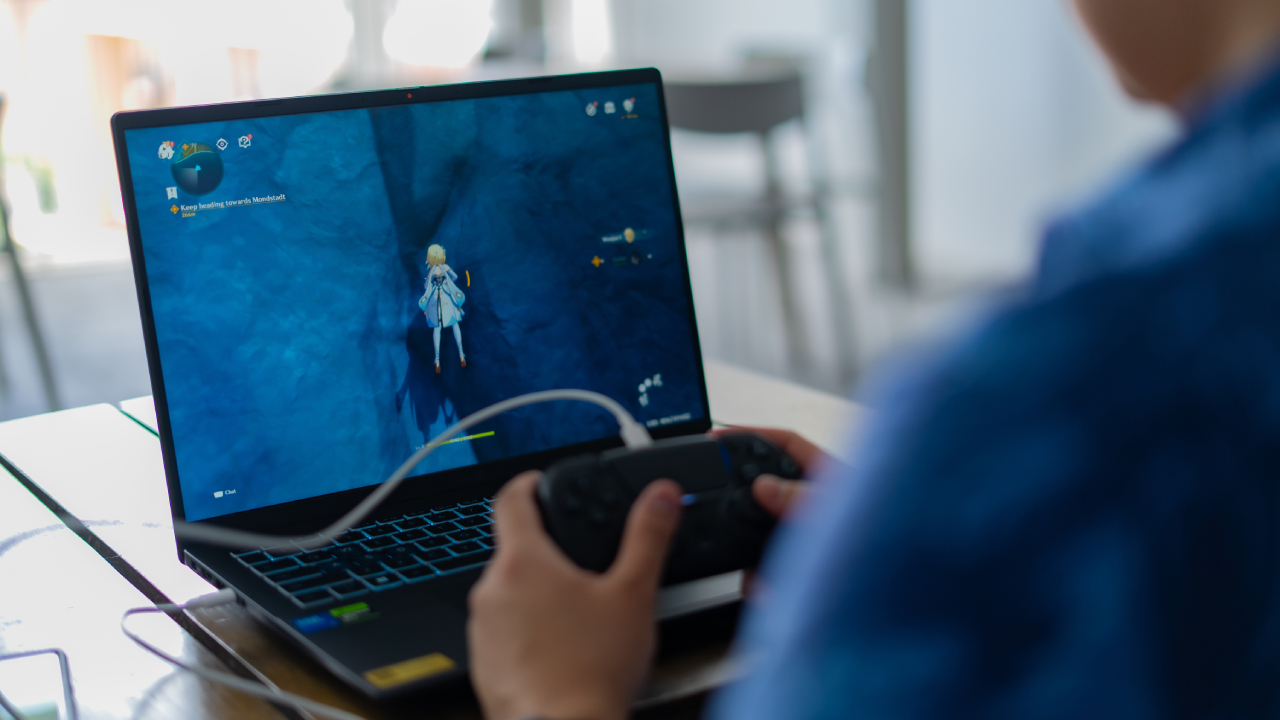
ASUS Gaming V16
A robust gaming rig might be one of the most expensive things you can spend on today, especially because of rising RAM prices. Thankfully, being a gamer doesn’t have to be just as pricey. The new ASUS Gaming series brings decent gaming performance for a fraction of the price.
The ASUS Gaming V16 is your gateway drug to portable gaming. Starting at only PhP 59,995, the notebook offers users a taste of what the gaming world can do. It has a decent Intel Core 5 chipset and an RTX 40 series GPU. Plus, with a 63Whr battery, it’s built for grinding.
Apple M4 MacBook Air
If the MacBook Pro is too much power for you, this year’s M4 MacBook Air might fit your needs more. Though it doesn’t have Apple’s latest chipset, it’s still a decent all-around notebook for everyday use.
Because it doesn’t have the most robust hardware, the new MacBook Air is a master of portability. Even if it came out in the first quarter of this year, we were quick to call it one of the best laptops of 2025. As the year winds down, we’re still not taking away that distinction.

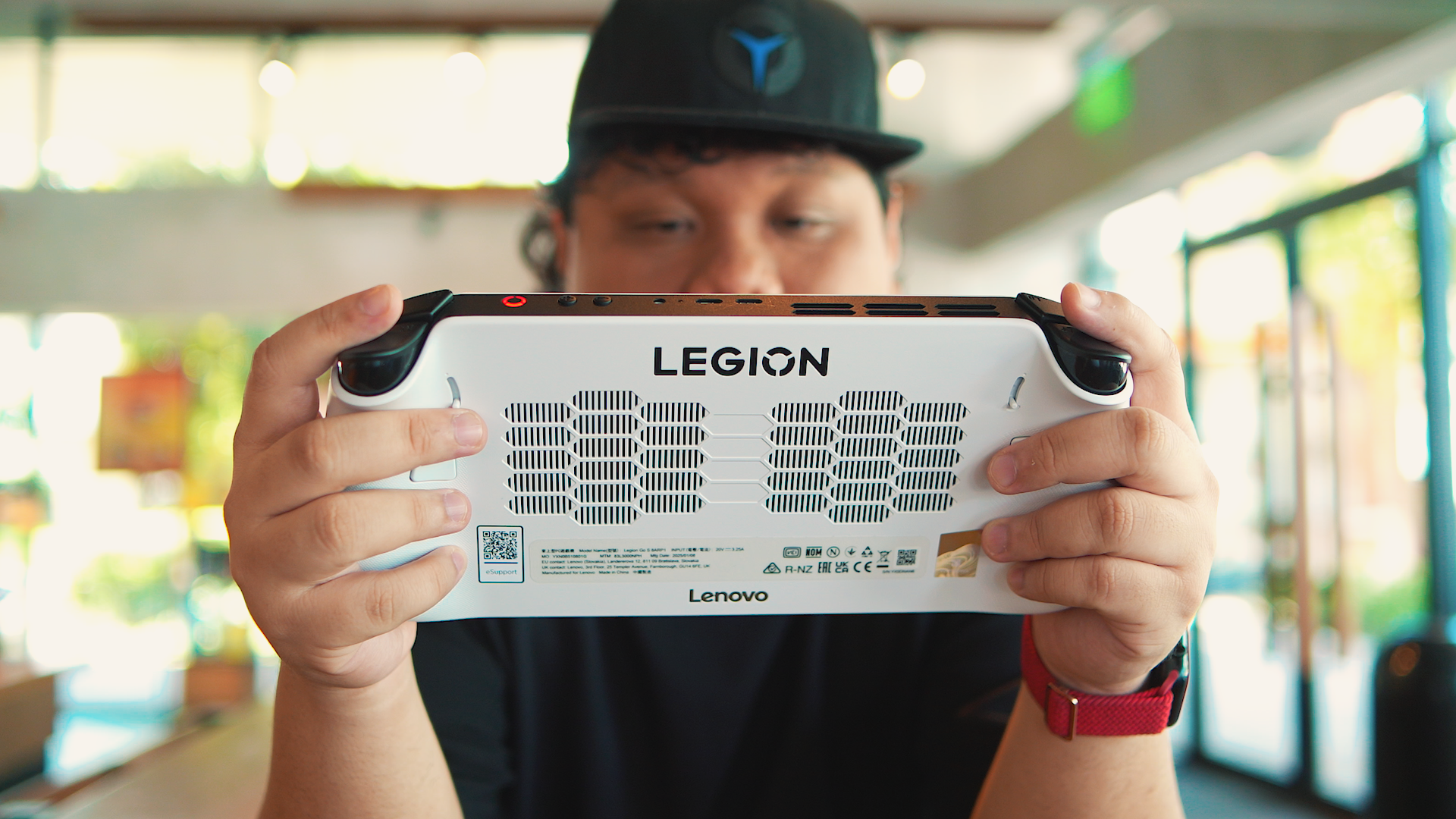
Lenovo Legion Go S
In the strictest sense of the word, the Legion Go S technically is not a laptop. Hear us out, though: Being a Windows-powered device, the handheld gaming device can act like a notebook in a pinch. Most importantly, it deserves some love as a computer, too.
For those who were expecting more traditional laptop fare, here’s a refresher: The Legion Go S is a portable gaming device that’s shaped like a Nintendo Switch. One version comes with Windows and can do much of what a laptop can do. Though it doesn’t have a standard keyboard, the power lurking underneath earns it a spot on this list.
ASUS Zenbook A14
There’s only so many ways you can differentiate a laptop from another, while keeping its essence as a notebook intact. In the case of the Zenbook A14, beauty takes center stage. Yes, it looks like any run-of-the-mill notebook, but it will still feel like one of the most premium devices you’ve ever touched.
The notebook sports ASUS’s iconic Ceraluminum which gives the Zenbook A14 a smooth, tactile finish that feels great to lug around. Plus, it weighs only 899 grams, making it handy for portability. If that’s not enough, the PhP 65,996 price tag is so affordable for its quality.


Breaking up with Adobe Photoshop after 20 years
Wedding planning and Apple Creator Studio made me realize it was time


Now playing: Final Fantasy VII Remake INTERGRADE on Switch 2
Final Fantasy VII Remake, handheld again


HONOR X9d 5G review: Tougher, more long-lasting and optimized
Beyond all the marketing, it's a compelling all-around smartphone that actually works well
Breaking up with Adobe Photoshop after 20 years

Esports Nations Cup 2026 secures US$ 45M funding

CODE VEIN II now available for consoles, PC

Samsung is teasing smart glasses again

Nothing will not release a Phone (4) this year

HONOR X9d 5G launches in the Philippines: Price, preorder, availability

POCO M8 Pro review: Goin’ loco over this POCO

OPPO A6 Pro: Adequate tool, no definitive punch

Infinix NOTE Edge debuts: High-end features for accessible pricing

HONOR Magic8 Pro review: What sorcery is this?


-
 News2 weeks ago
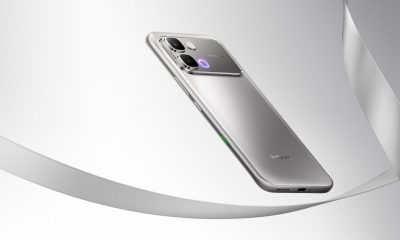
Infinix NOTE Edge debuts: High-end features for accessible pricing
-
Reviews1 week ago
HONOR X9d 5G review: Tougher, more long-lasting and optimized
-

 Automotive2 weeks ago
BYD expands PH presence with entry of DENZA luxury EVs
-

 News2 weeks ago
HONOR slaps the iPhone Air with the all-new Magic8 Pro Air
-
Gaming1 week ago
Now playing: Final Fantasy VII Remake INTERGRADE on Switch 2
-

 News2 weeks ago
Beyond the Box, Digital Walker turn over Tesla Model Y to iPhone 17 raffle winner
-

 Accessories1 week ago
Razer fully unwraps these limited BLACKPINK Edition gaming gear
-

 Accessories1 week ago
G-DRAGON is CASETiFY’s first ever Global Brand Ambassador