
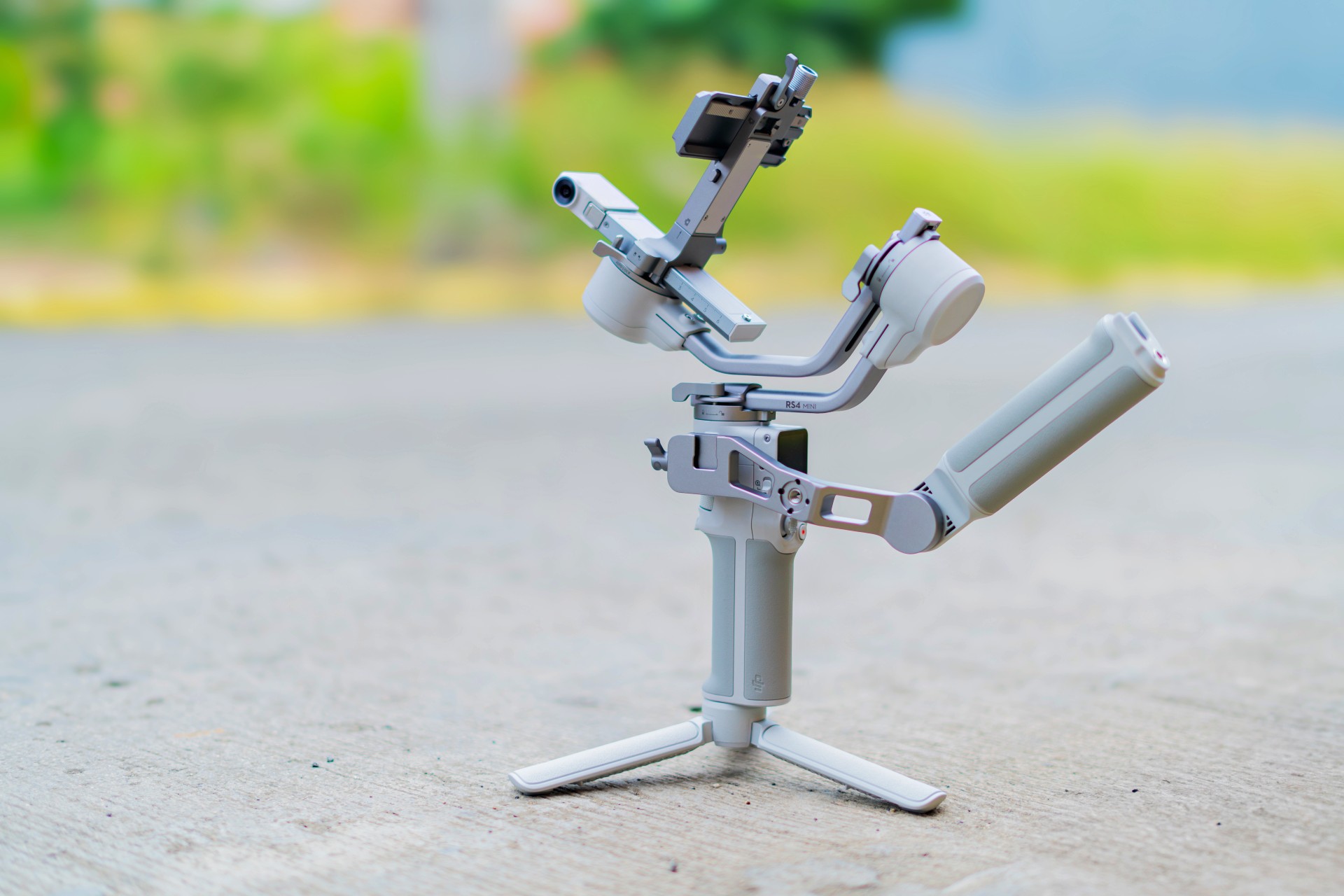
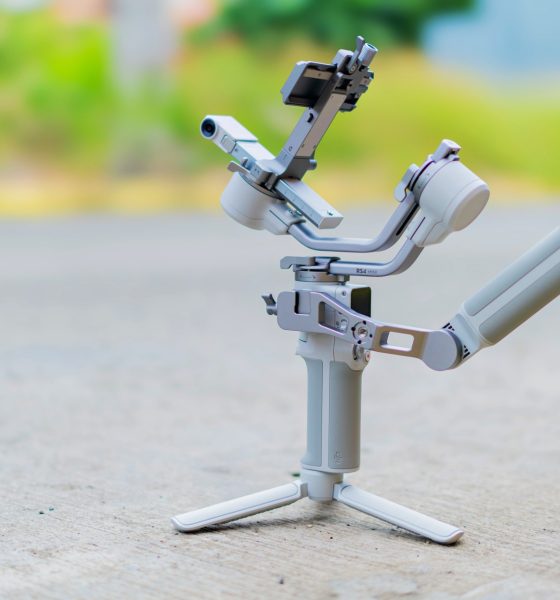

We’re not exactly gimbal virgins but it’s been a while since we’ve used one. So, when DJI reached out for us to try the DJI RS 4 Mini, we had our reservations. Still, it seemed like a nice addition to our set of production tools so we dove in headfirst.
The DJI RS x Mini series is meant for full-time content creators who have to deal with a plenty of movement in their shots and want the movement to be smoother and steadier. In the review guide provided by DJI, they listed the following as potential uses:
- Travel Portrait Vlogs
- City Hopping Vlogging
- Wedding Filming
- Real Estate Video
We had to bring in our production specialist Deric for this review. He’s a DJI RS3 user. We’ll sprinkle in his comments as we tackle what it’s like to use the RS 4 Mini.
Balancing Act
Like most things, it’s gonna be somewhat easier to set up if you have experience with Gimbals. If not, you’re probably gonna need YouTube to show you how. Here’s a quick one we found:
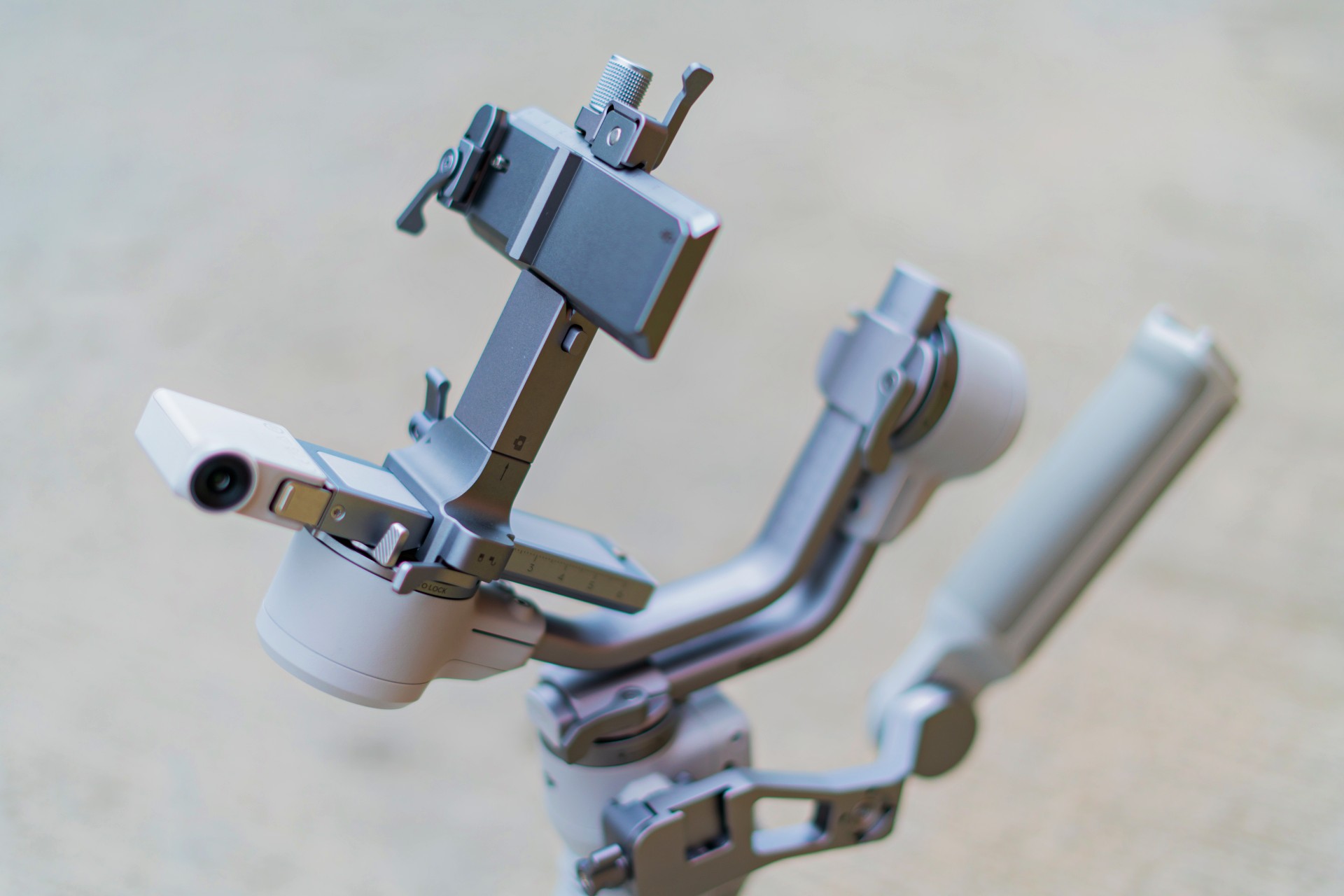
Setting up is a balancing act. There are levers you have to adjust to make sure the gimbal works properly with the camera you’re mounting.
There are a significant number of moving parts that you have to add to the main body. Once you figure that out, you’re not going to want to take it apart anymore.
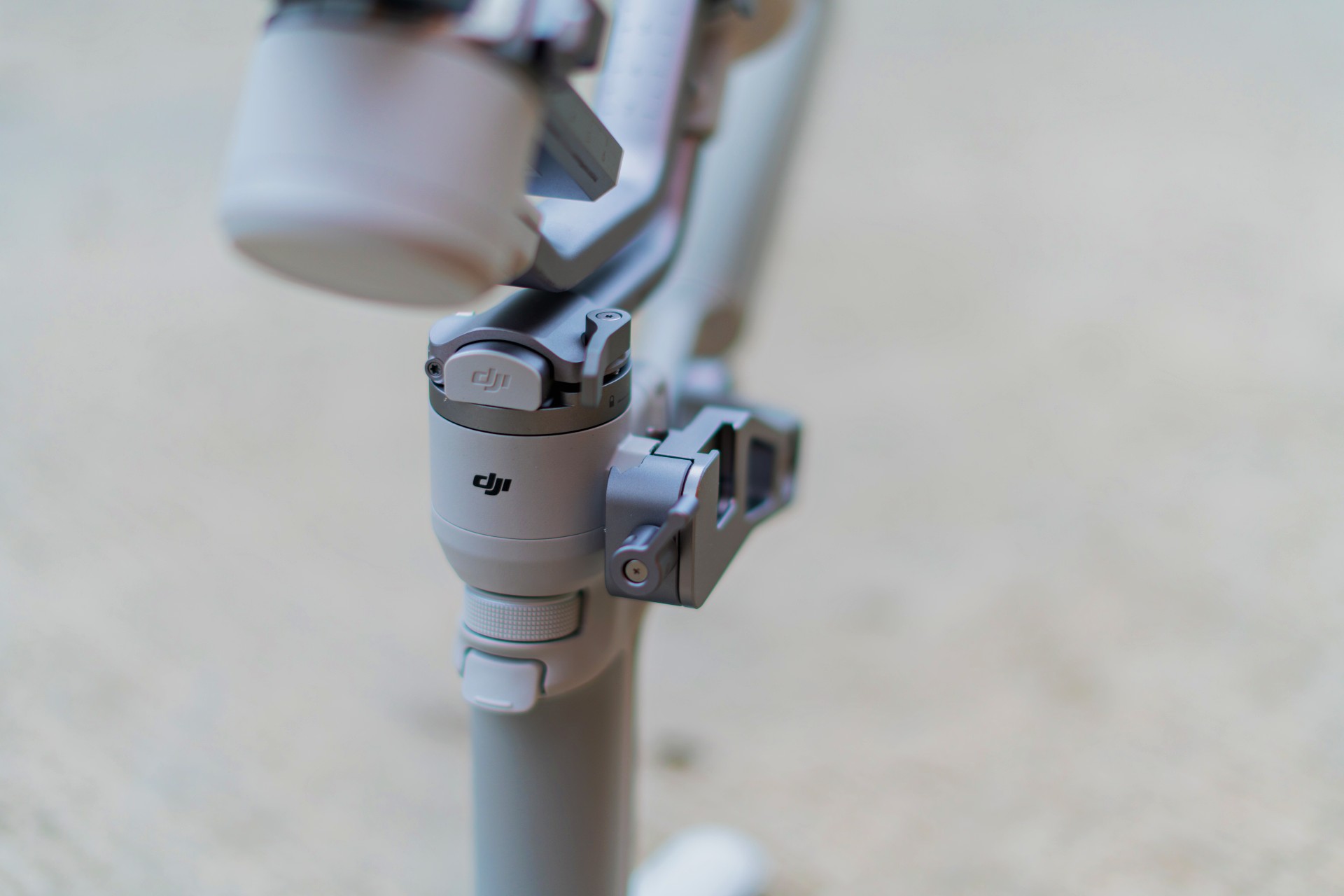
Set-up time depends on how comfortable you are with gimbals. For us, it took roughly around seven minutes to set up initially. That’s a rough guesstimate.
Seven minutes is a significant amount of time to set-up depending on the scenario you’re shooting in. Naturally, that would be faster as you grow more familiar with the RS 4 Mini. This should certainly play a part in the decision to get one.
DJI noted that it did have workflow in mind. Its 2nd-Gen auto-axis locks can unlock the gimbal’s three-axis locks in one second to speed up the filming, transition, and storage processes.
A key thing to remember is that it’s only able to balance and carry cameras/phones that weigh up to 2kg. It’s a key consideration especially when choosing which gimbal is the right one for you. Most mirrorless cameras with non-superzoom lenses should fit this category.
For our part we shot with both an a6500 with 35mm lens and another full-frame Sony Alpha camera and lens that weighs around 1.5kg. Still well within the weight limit.
Watch this unboxing, quick setup and showcase reel:
Handling and usage
Once everything has been set up, the actual usage mostly feels like a breeze.
The thing about this gimbal being mini means it’s incredibly lighter than most other gimbals. At just 890g, the DJI RS 4 Mini should be easy to carry for most people.
DJI hit the nail on the head with who they are targeting this for. If you’re a solo shooter, it won’t feel as strenuous using this on your planned shoots.
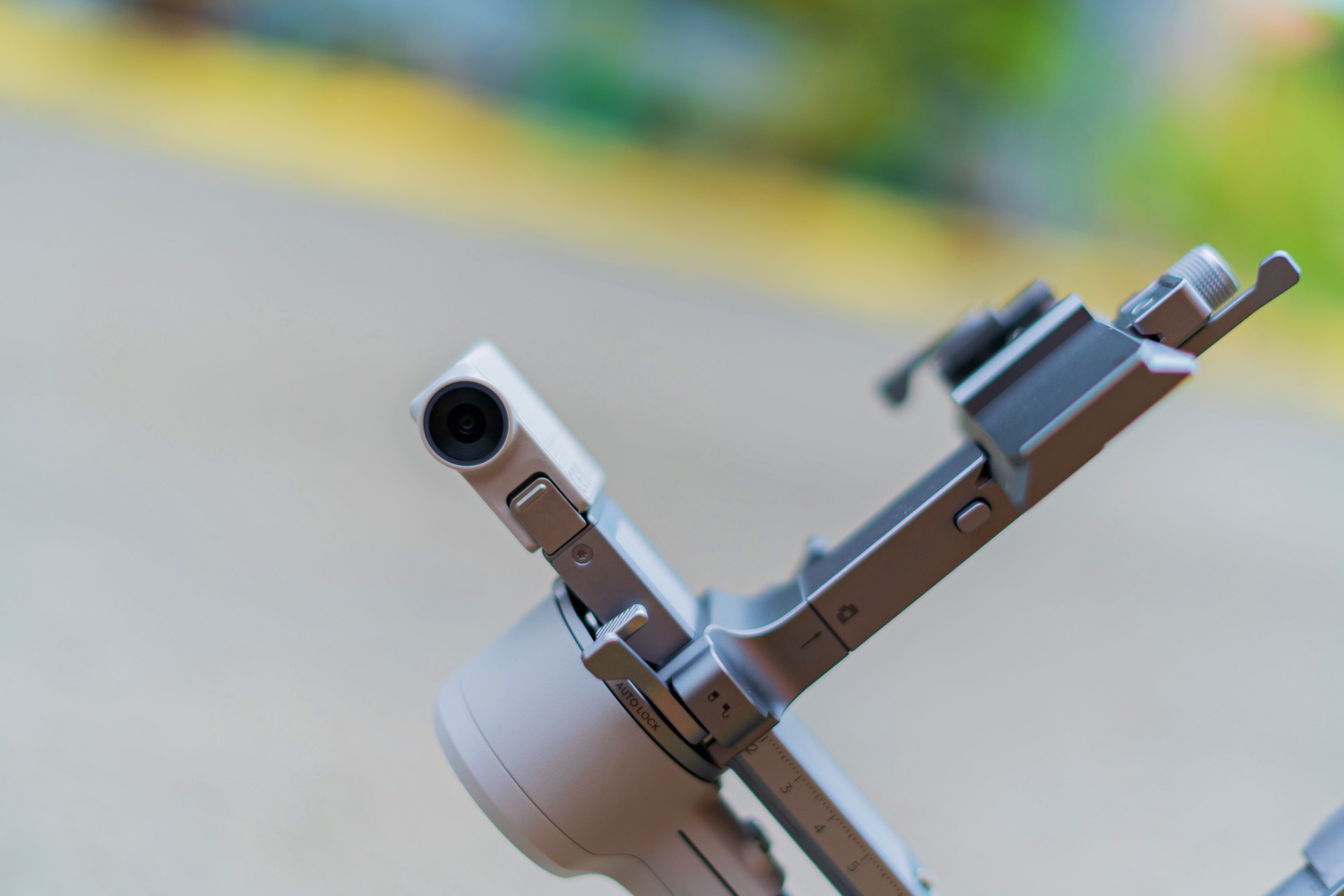
The tracking is superb. If you’re the type who needs shots where you have to be in the frame for vlogs and what not, you will absolutely love the tracking feature. It keeps you in frame and follows along quickly and accurately. On paper, it’s supposed to be able to keep the subject in frame for up to 10 meters. Our experience is mostly consistent with this metric.
It also helps that it works in either landscape or portrait orientation. So, whether you’re shooting long form stuff for YouTube or short form Reels, you’ll find that the DJI RS 4 Mini will be extremely helpful.
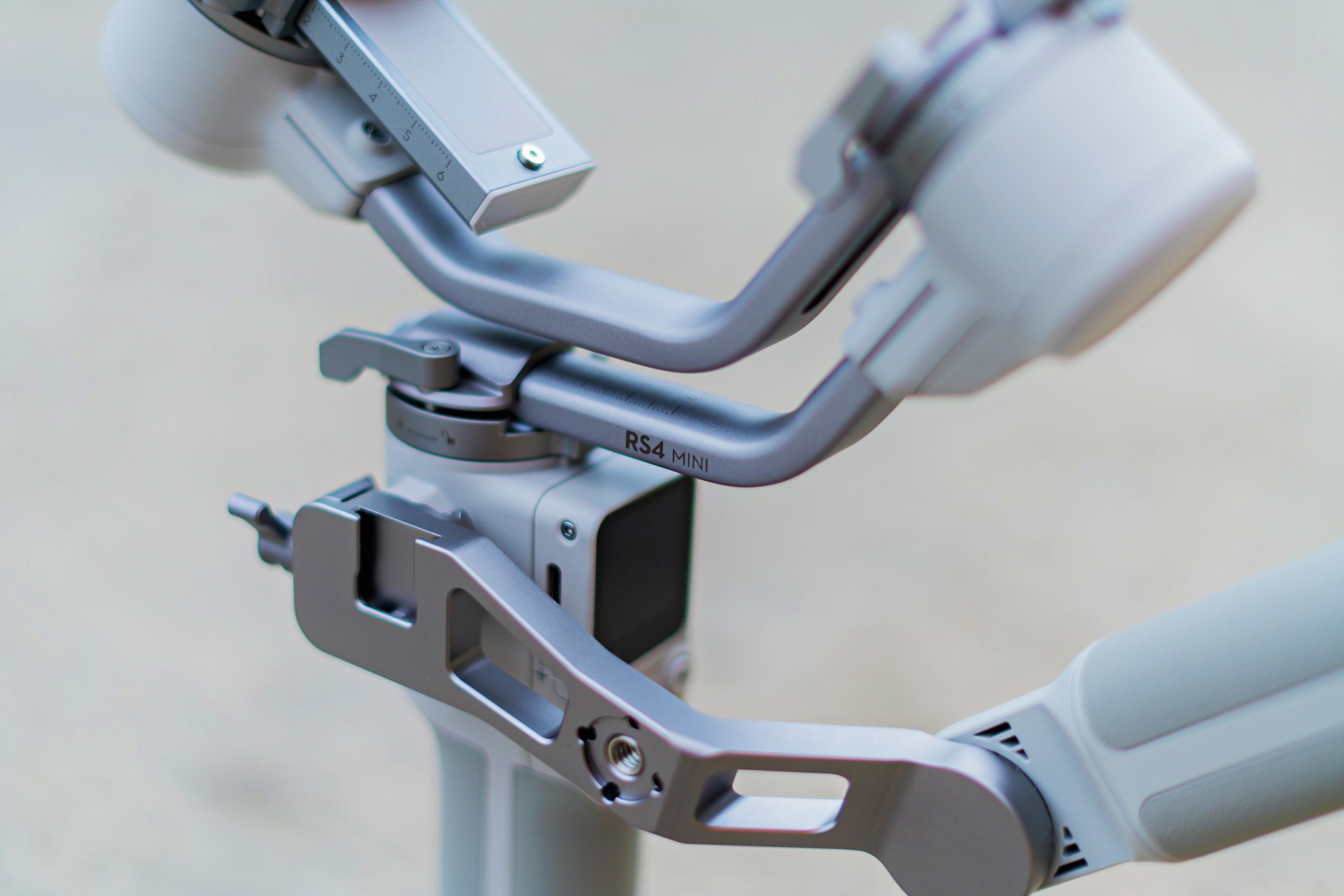
We did run into a minor issue. If you’re using the extra arm for balancing, it blocks parts of the screen on the gimbal. It’s a minor inconvenience that we mostly didn’t mind since we didn’t really make much use of that particular screen when taking footage.
Here’s a quick sample of how steady shots look with the DJI RS4 Mini:
Is the DJI RS 4 Mini your GadgetMatch?
The DJI RS 4 Mini is a swipe right. It would certainly be a nice addition to your production arsenal. However, only consider getting it if you know you really, absolutely need it.
This gimbal is for solo or small team video creators who want to elevate their production value. Starting at PhP 16,590 (The Combo sells for PhP 20,690), it’s a relatively affordable addition depending on where you are in your content creation journey.
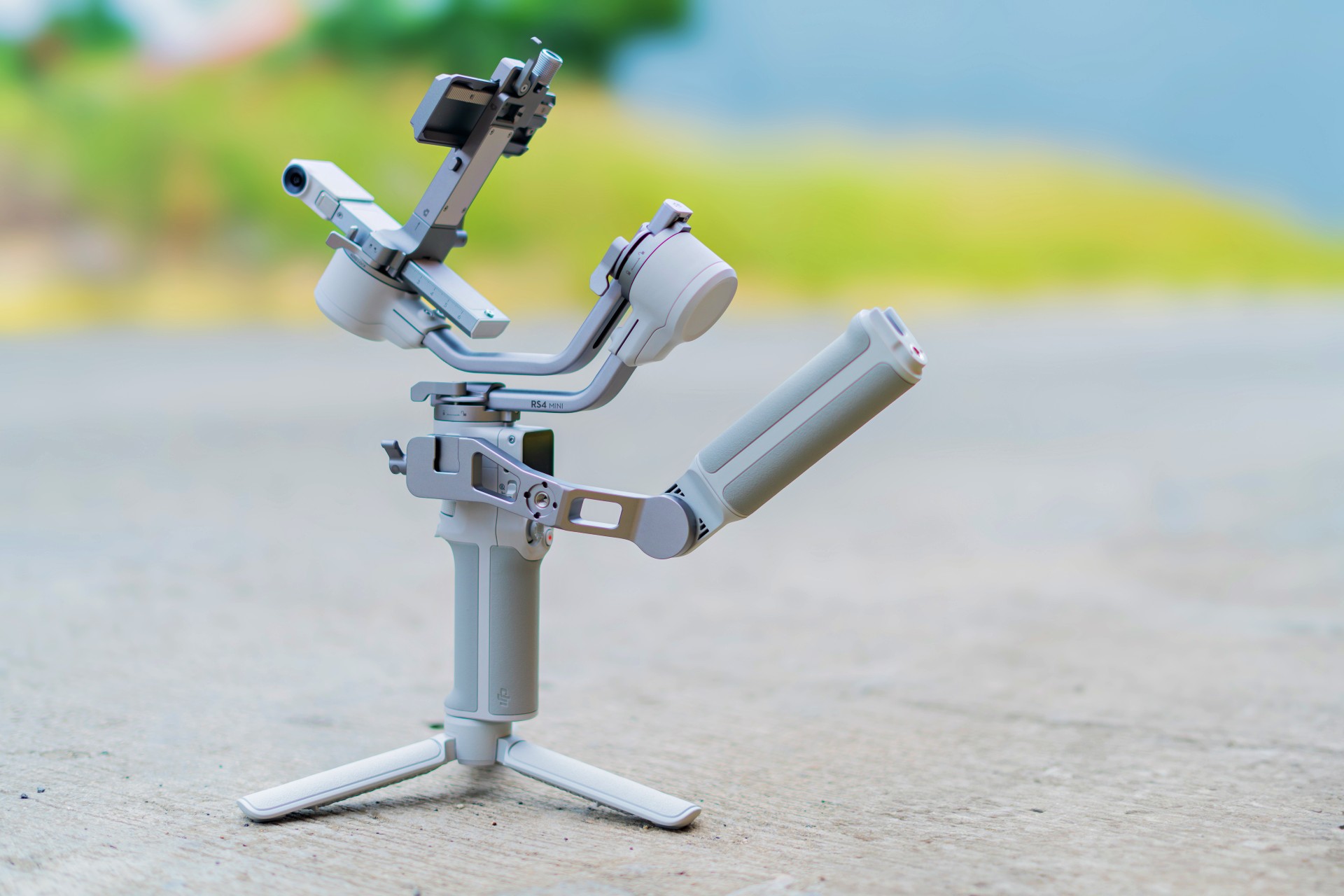
Only get this when you feel like you have absolutely maximized the current set of tools you already have. If that’s the case, you’ll know for sure when and where you’ll need a tool like this and how it can elevate the production value of your videos.




Accessories
Bringing Care-a-Lot to my daily carry
This is why my gizmos and workspace finally feel like a warm hug!

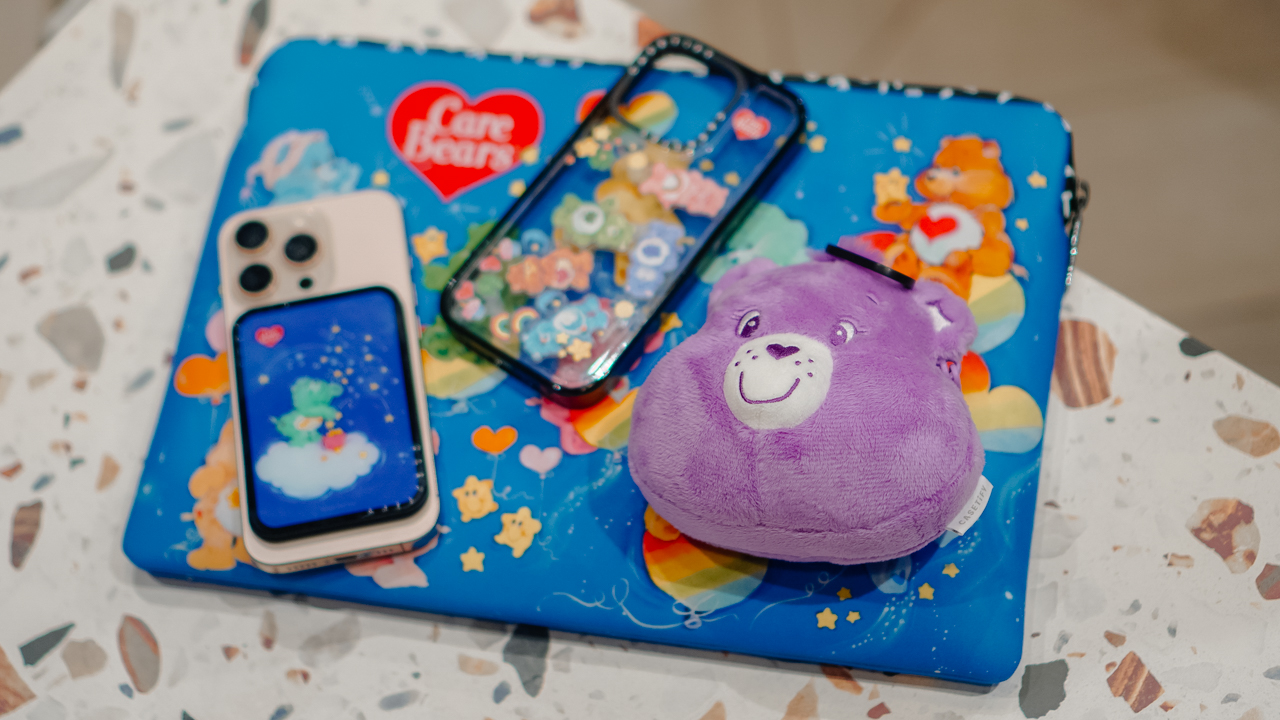
Growing up, the Care Bears taught us that sharing was a superpower and that every emotion had a color.
For many of us, the Care Bears weren’t just characters on a screen; they represented a language of kindness and colorful dreams.
Bringing the CASETiFY x Care Bears collection into my daily rotation feels like carrying a small piece of that “Care-a-Lot” magic wherever I go.
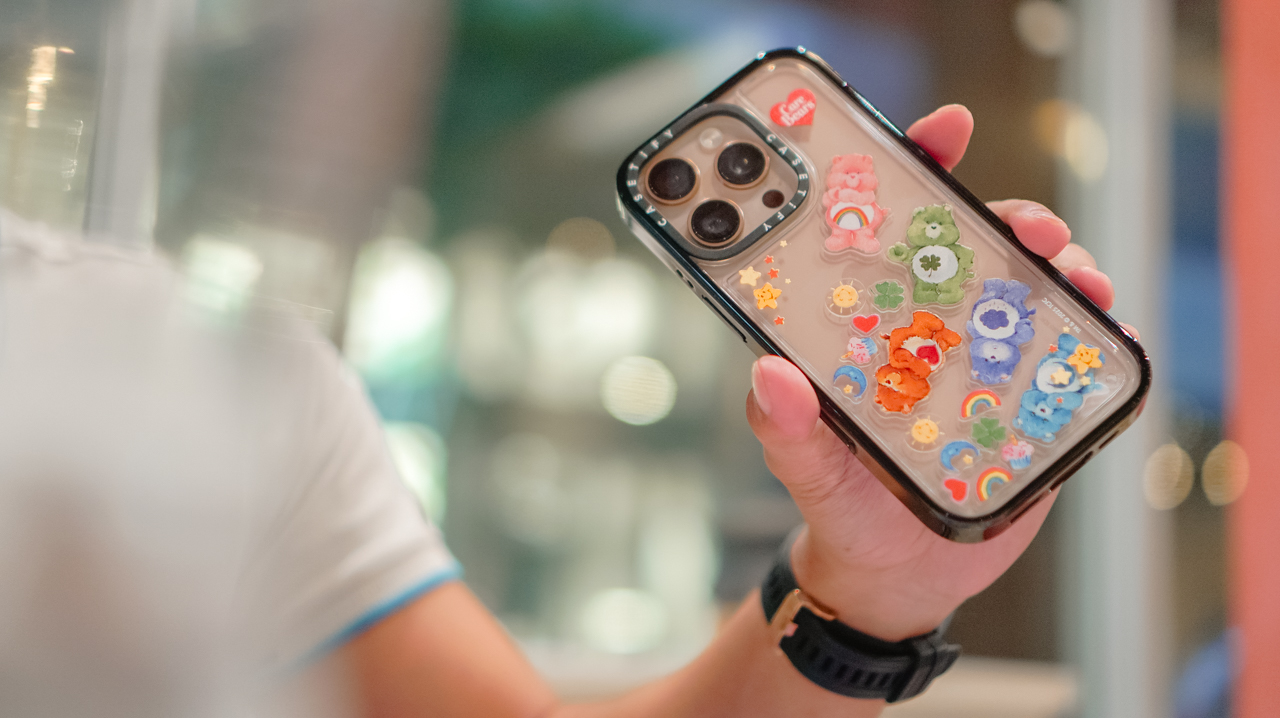
My iPhone 16 Pro now lives in the Care Bears Shake Shake Case (PhP 3,990). It’s a tactile reminder of playfulness in the middle of a busy workday.
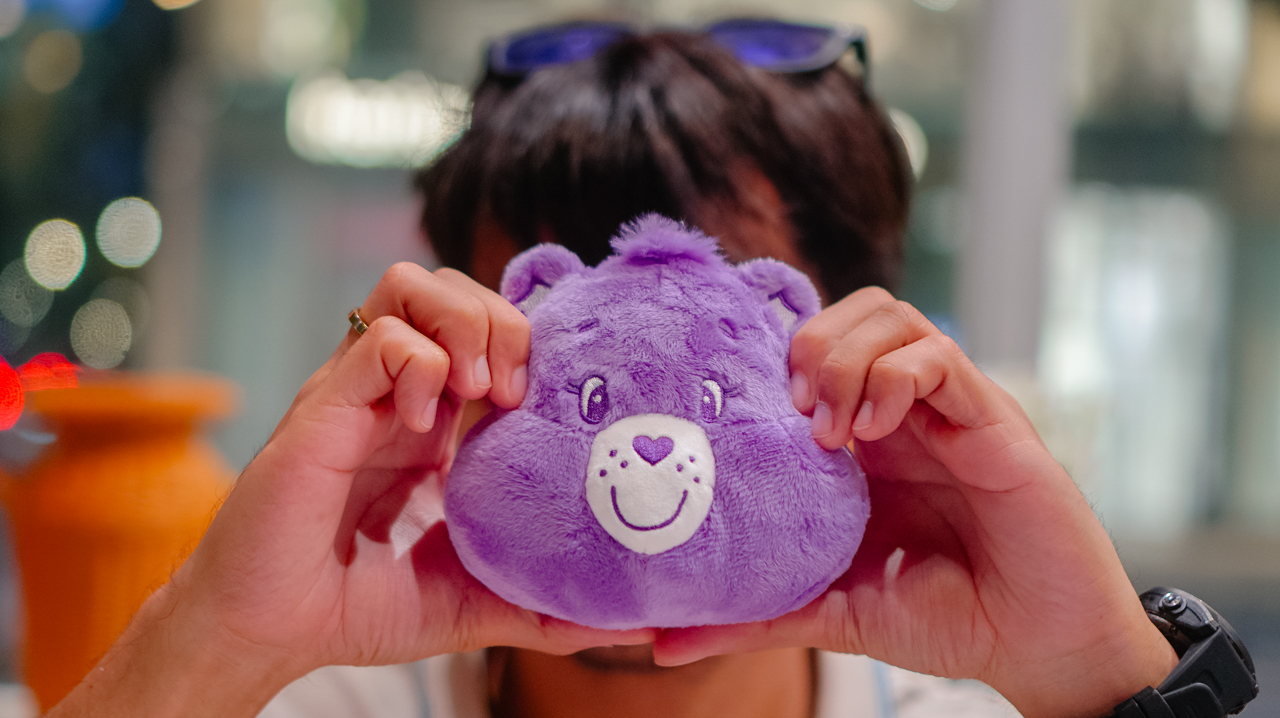
When I’m heading out, the Share Bear Earbuds Pouch (PhP 2,990) clips onto my bag. It keeps my music close while reminding me of the value of sharing. It’s surprisingly versatile, too, fitting my Shokz OpenFit 2+ or even the bulkier case of the JBL Sense Pro.
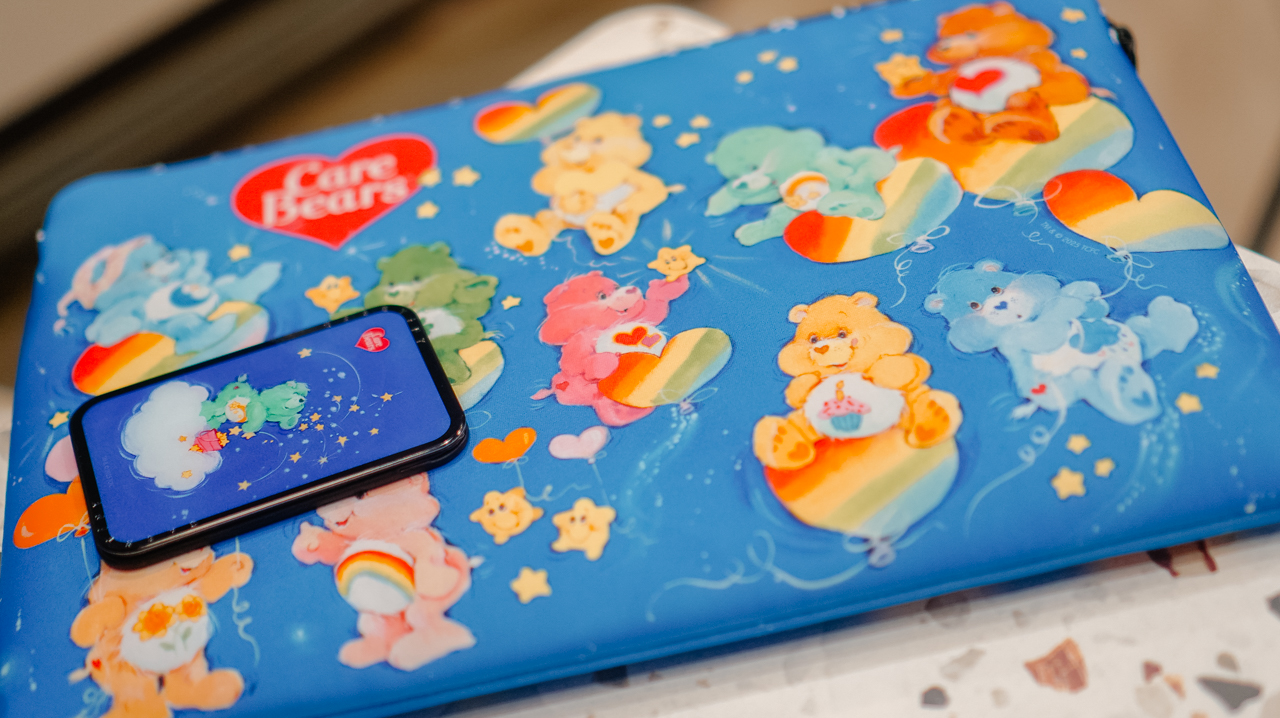
When I switch to a different MagSafe case, the Starry Night Snappy Cardholder Stand (PhP 2,490) magnetically attaches to the back of my phone, adding a bit of celestial whimsy to my day
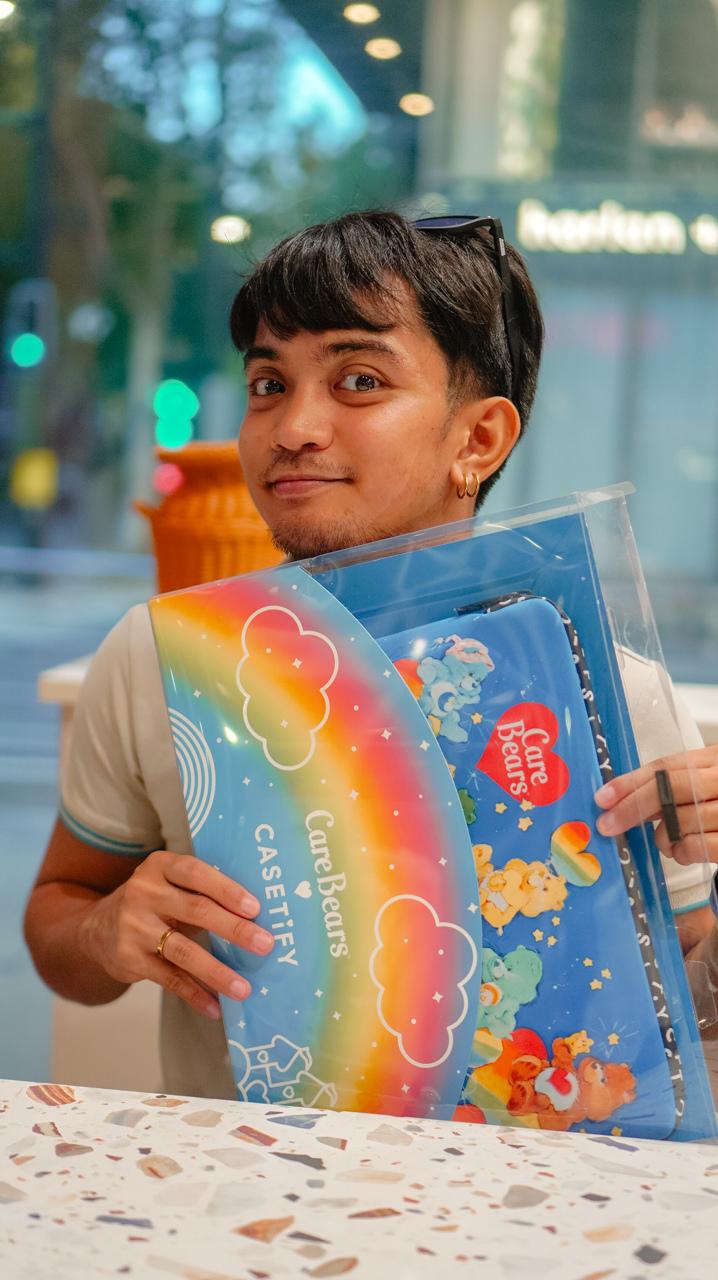
Even my workspace has a new glow. The Twilight Dreams Laptop Sleeve (PhP 3,090) fits my 13-inch MacBook perfectly, wrapping my most important work tool in nostalgic, soft-toned illustrations.
We often look for tech that performs, but we rarely look for accessories that hugs back. This collection does both.
It turns my everyday essentials into a canvas for positivity, proving that even in a digital world, there’s always room for a little more care.
Accessories
CASETiFY relaunches Evangelion collab for 30th anniversary
Fans can now customize their own NERV-ready cases
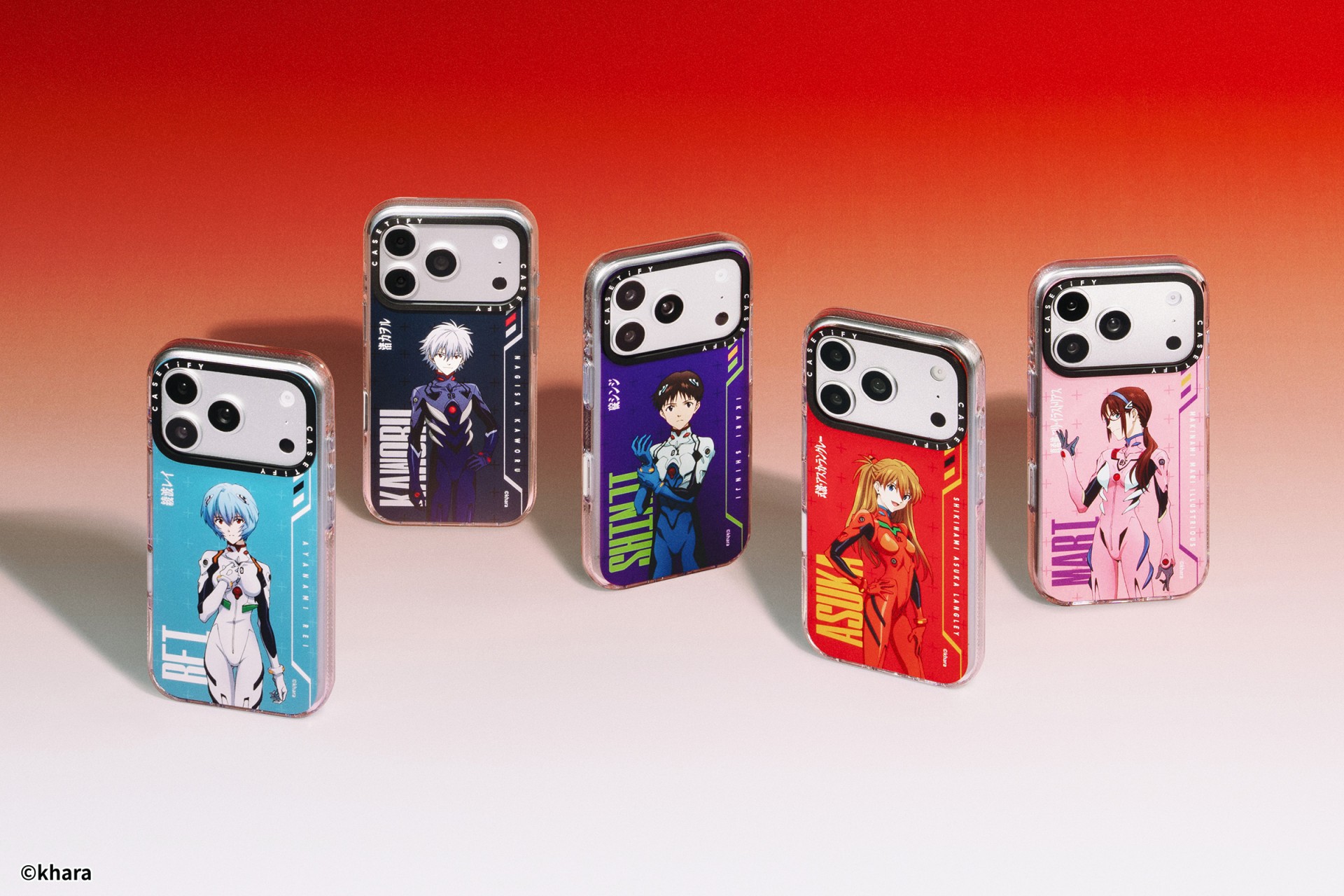
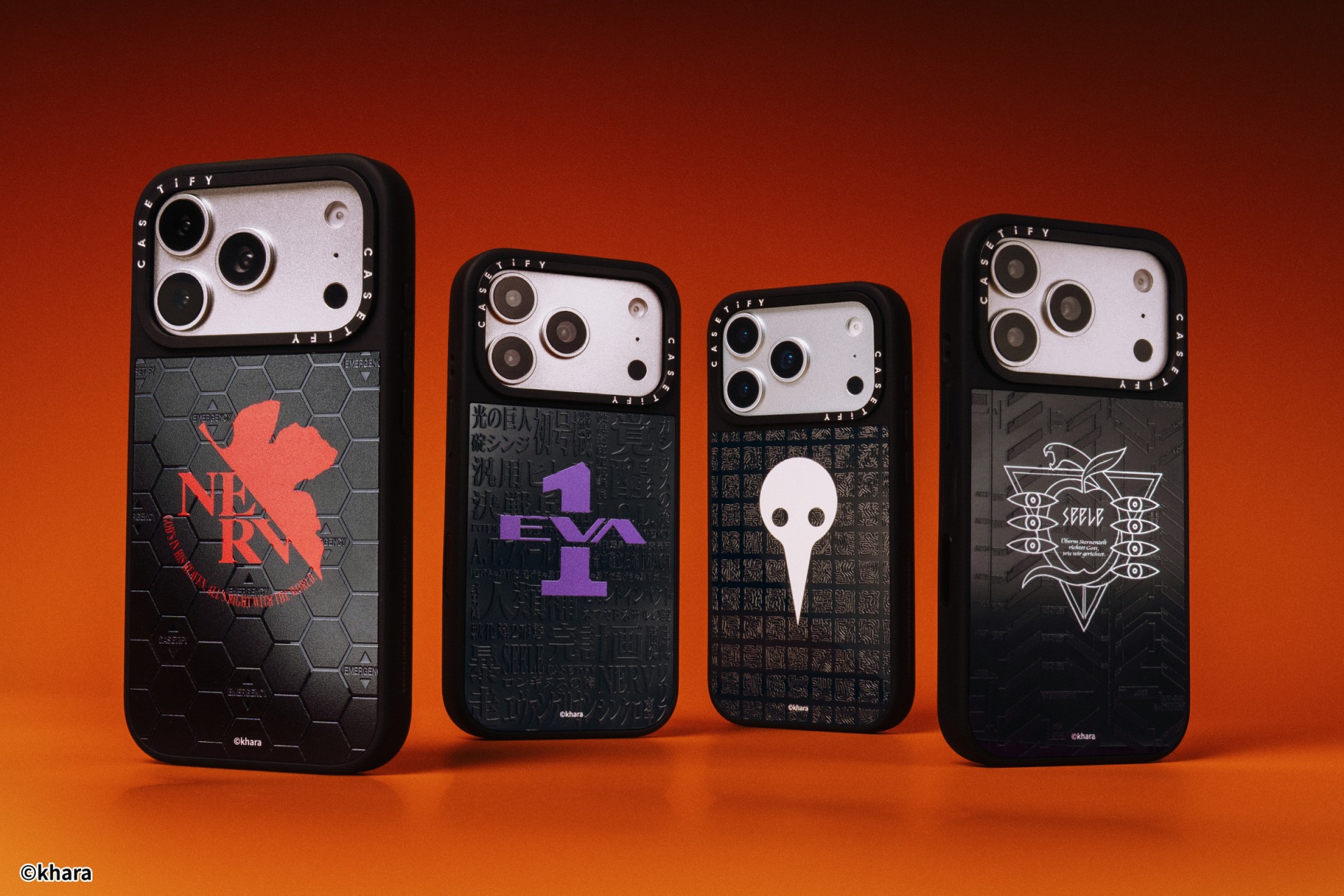
The A.T. Field is activated. To mark 30 years of Neon Genesis Evangelion, CASETiFY has relaunched its highly popular Evangelion collaboration. This time, fans control the sync rate.
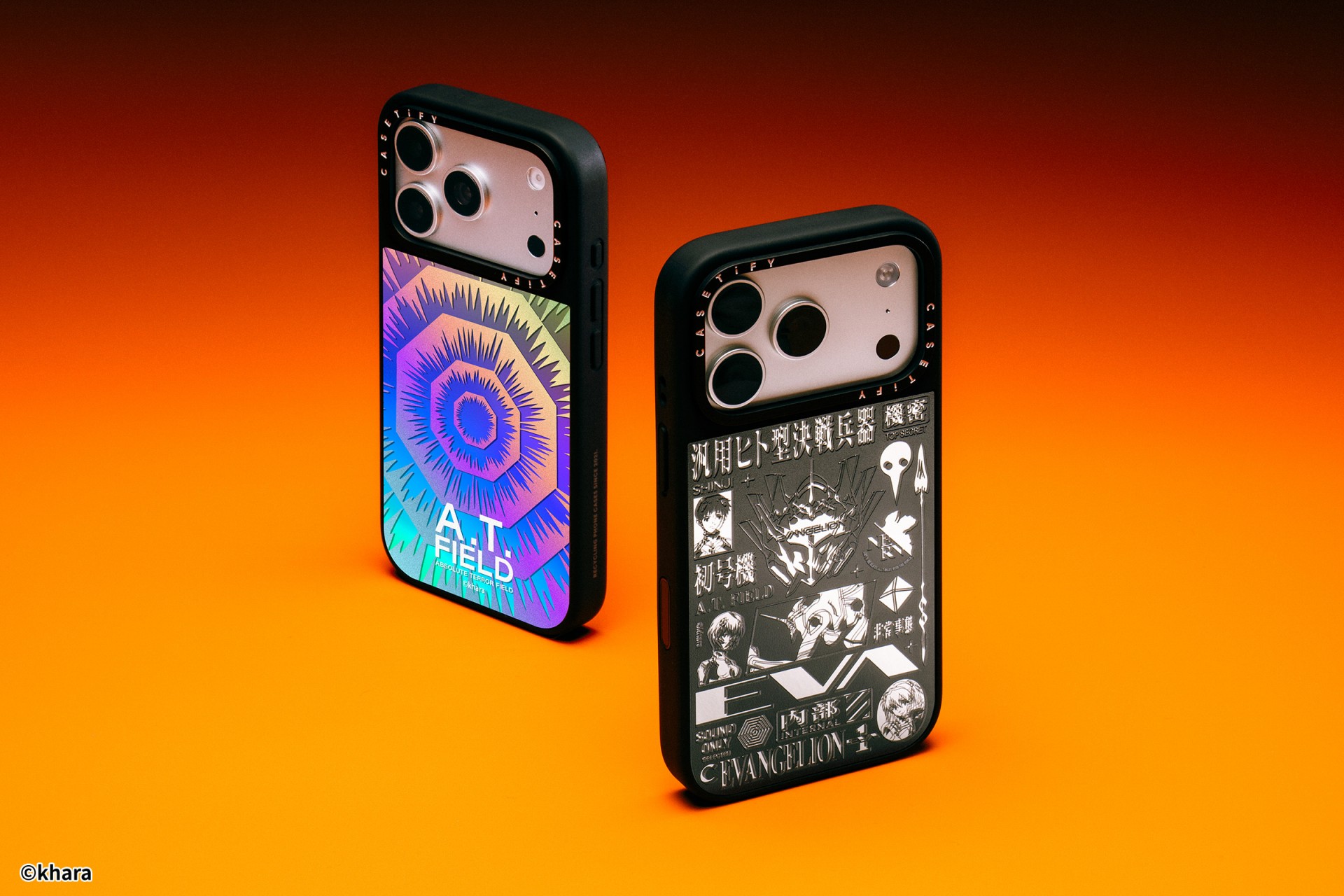
For the first time, buyers can fully customize their Evangelion cases. The drop lets fans mix and match NERV logos, the 4th Angel, character art featuring Shinji Ikari and Rei Ayanami, and bold background graphics. The result is a case that feels like a personal unit build, straight out of the series’ control room.
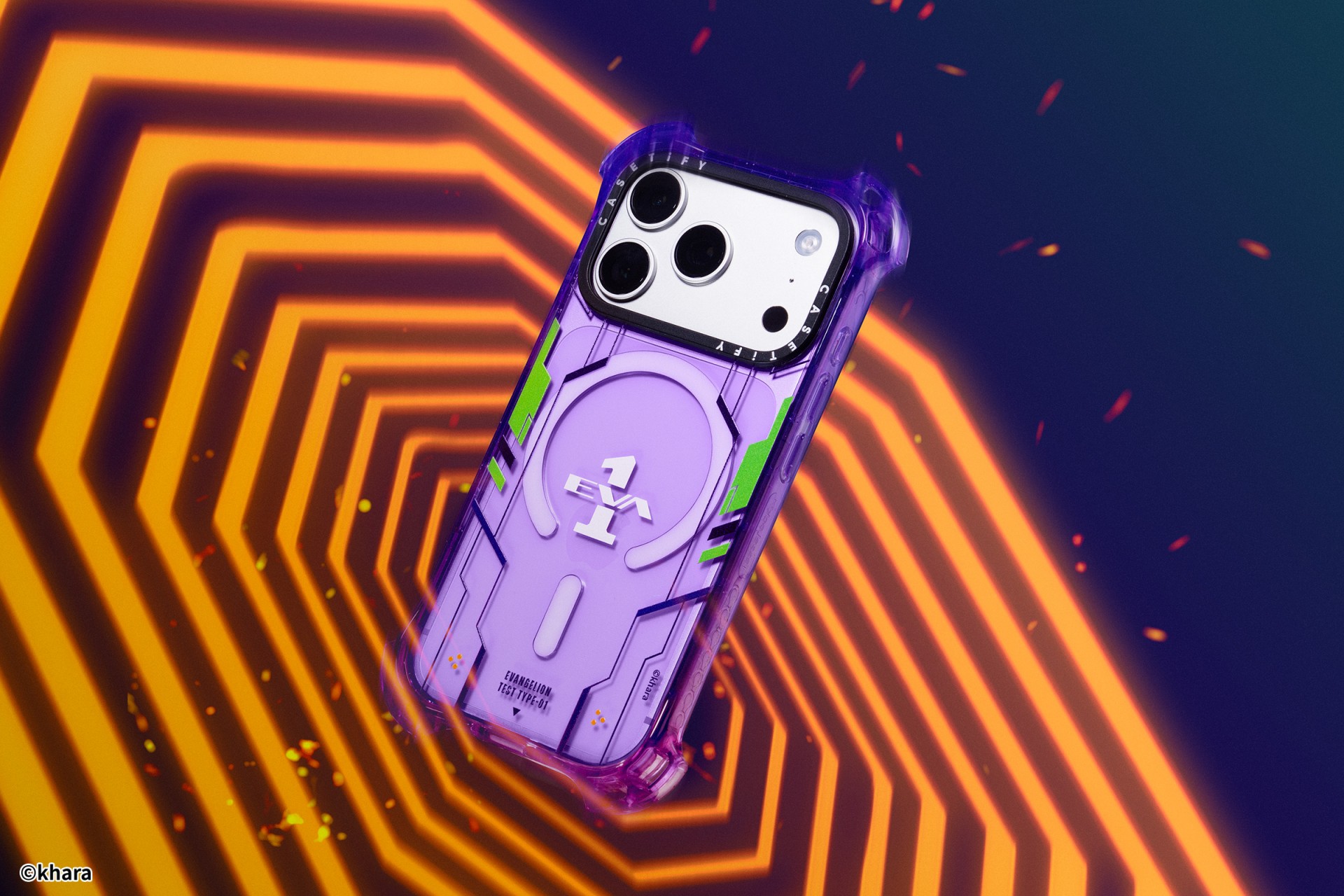
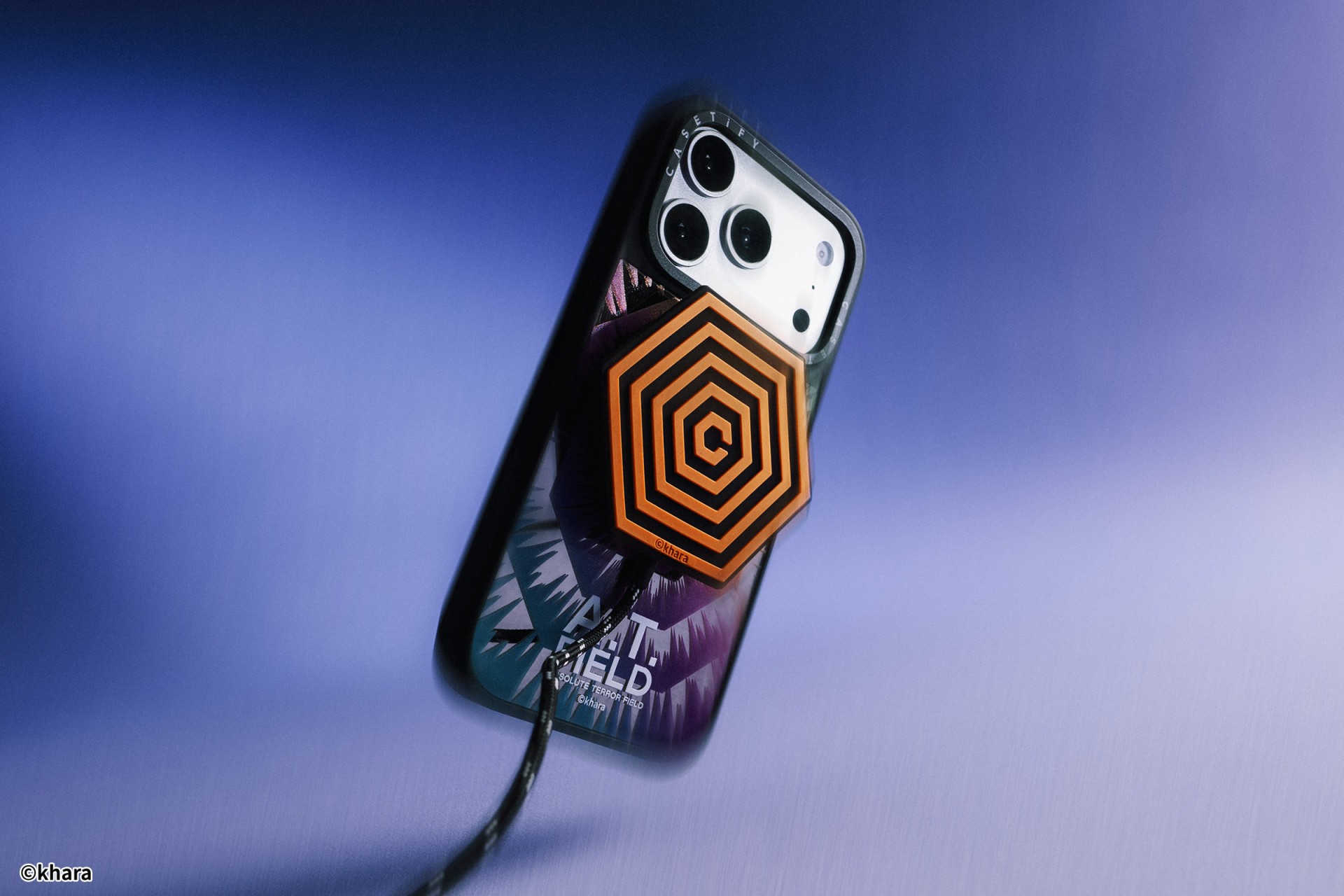
The lineup pulls directly from Evangelion iconography. Designs include classic NERV insignias, holographic “A.T. Field” defense graphics, “Active Time Limit” warnings, and the official 30th Anniversary emblem. Each case uses CASETiFY’s signature impact protection, turning your device into a pocket-sized defensive barrier.
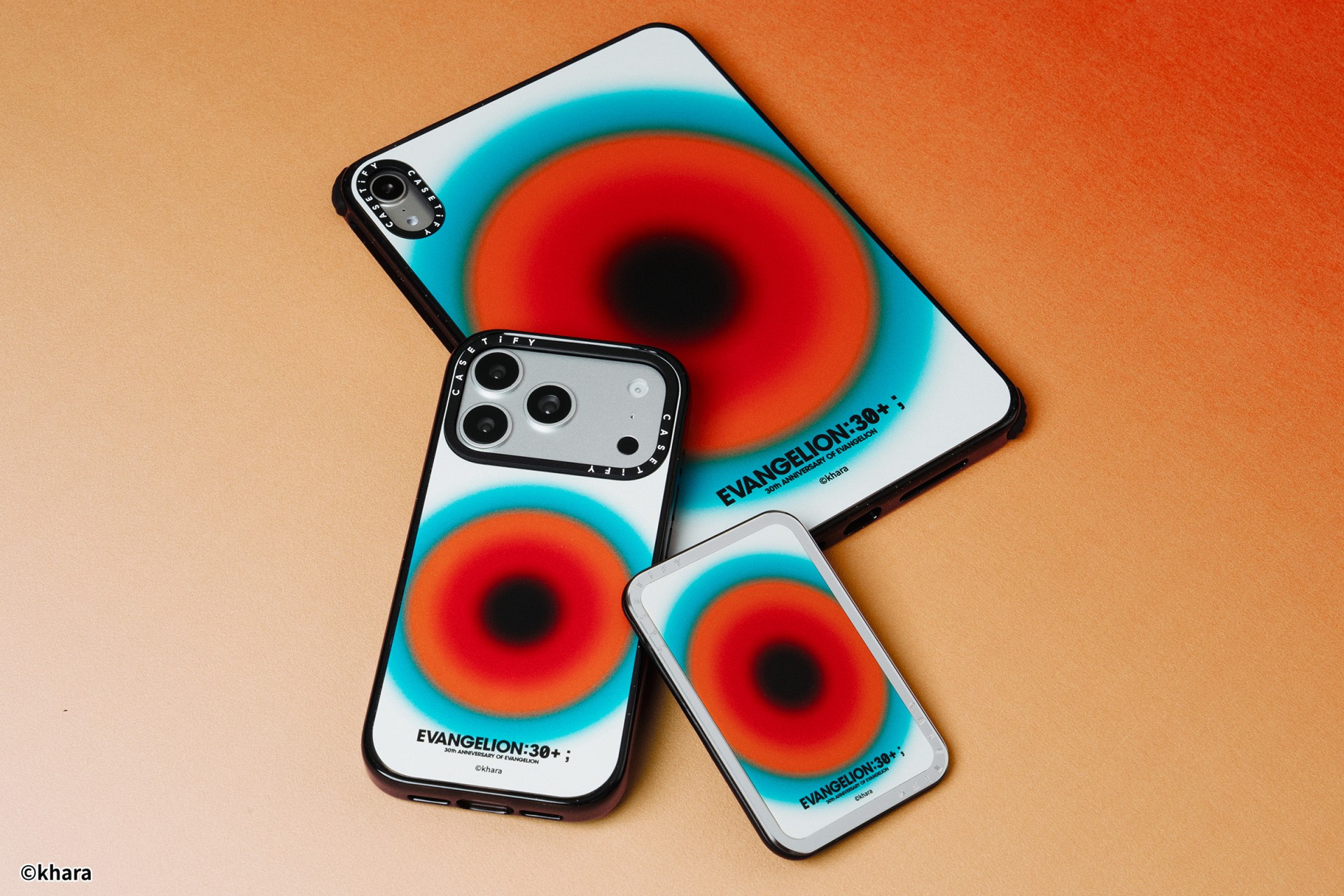
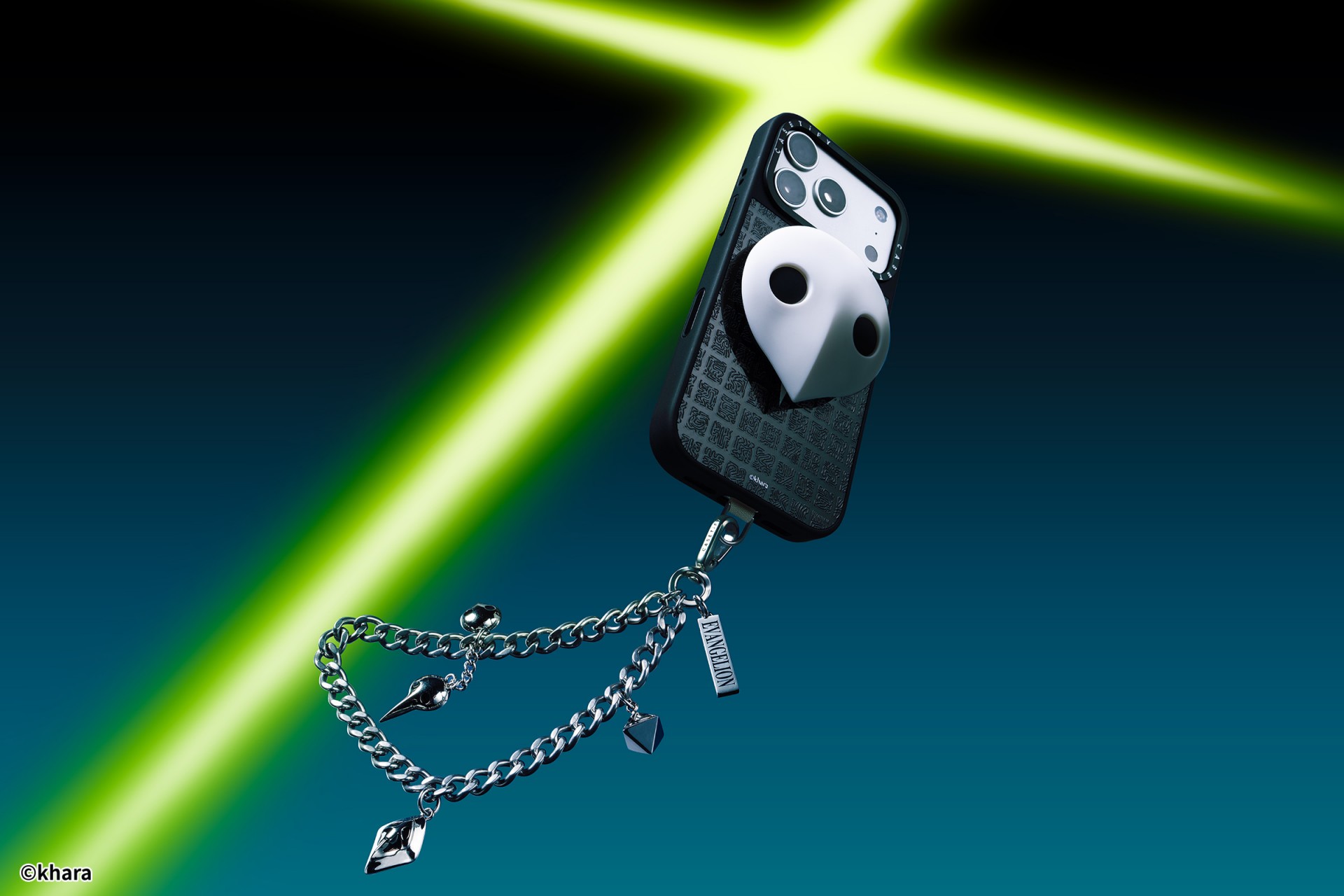
The collection goes beyond phone cases. Fans can also pick up matching AirPods cases, MagSafe wallets, watch bands, and laptop and tablet sleeves to complete their everyday tech setup.
Android users are included in the rollout. The collection supports devices like the newly released Samsung Galaxy S26 series, making it a timely drop for those looking to suit up their latest flagship.
The Evangelion collection is now available via the official CASETiFY website.

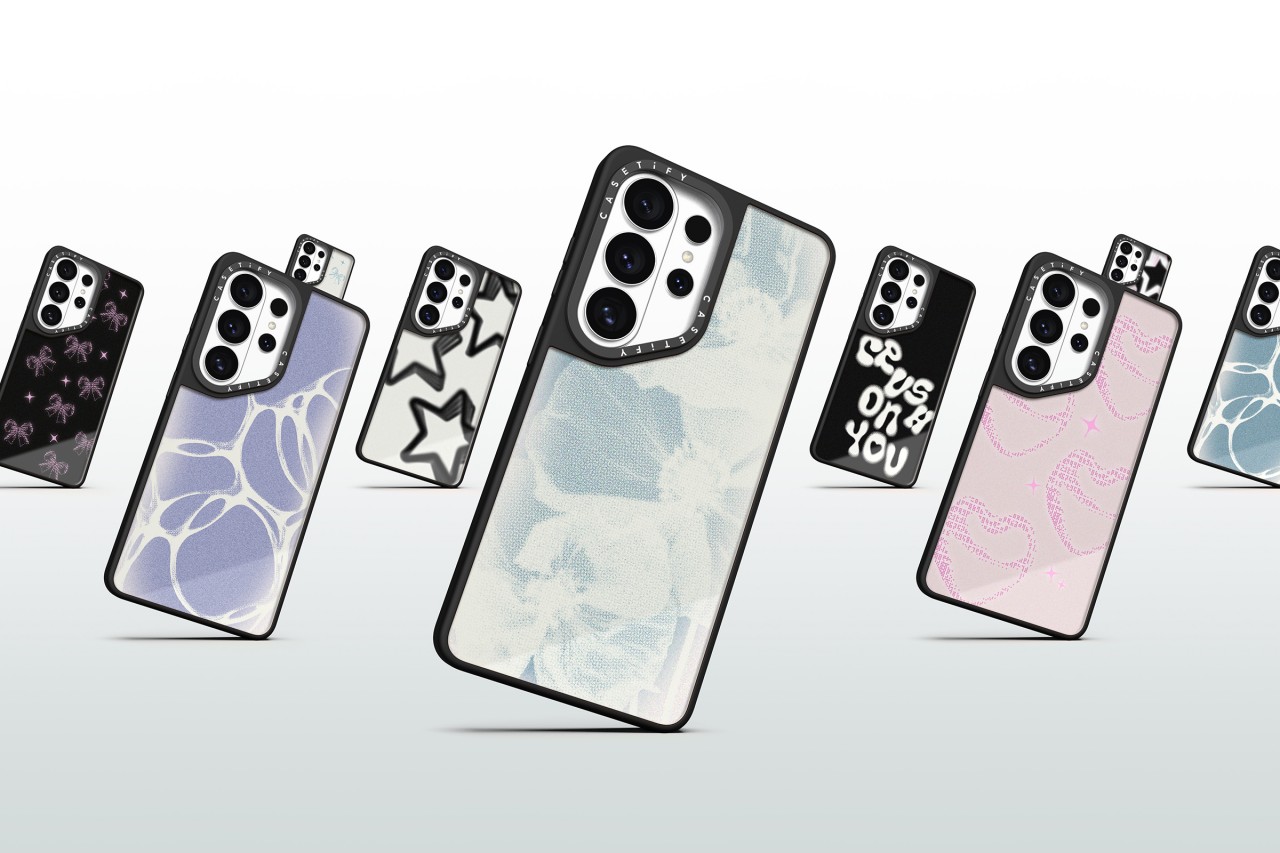
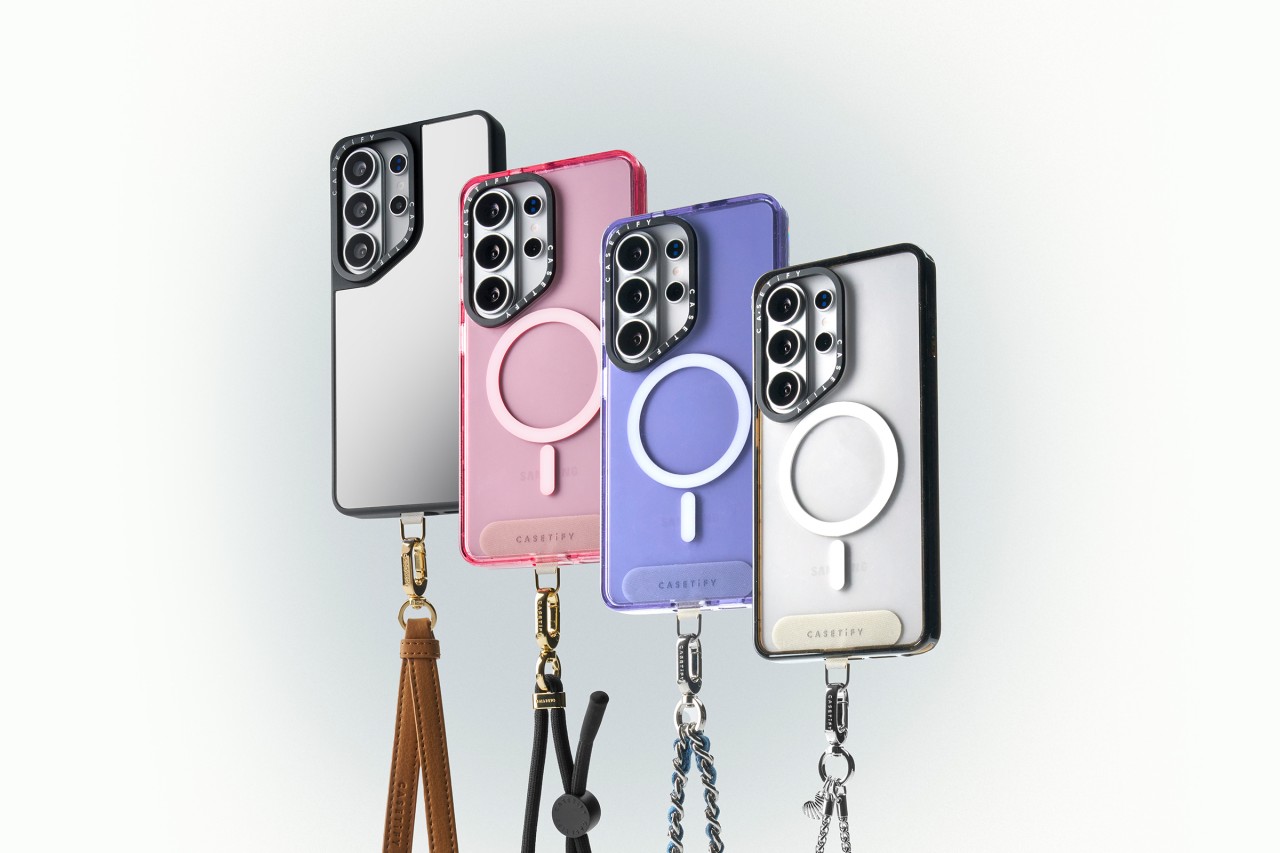
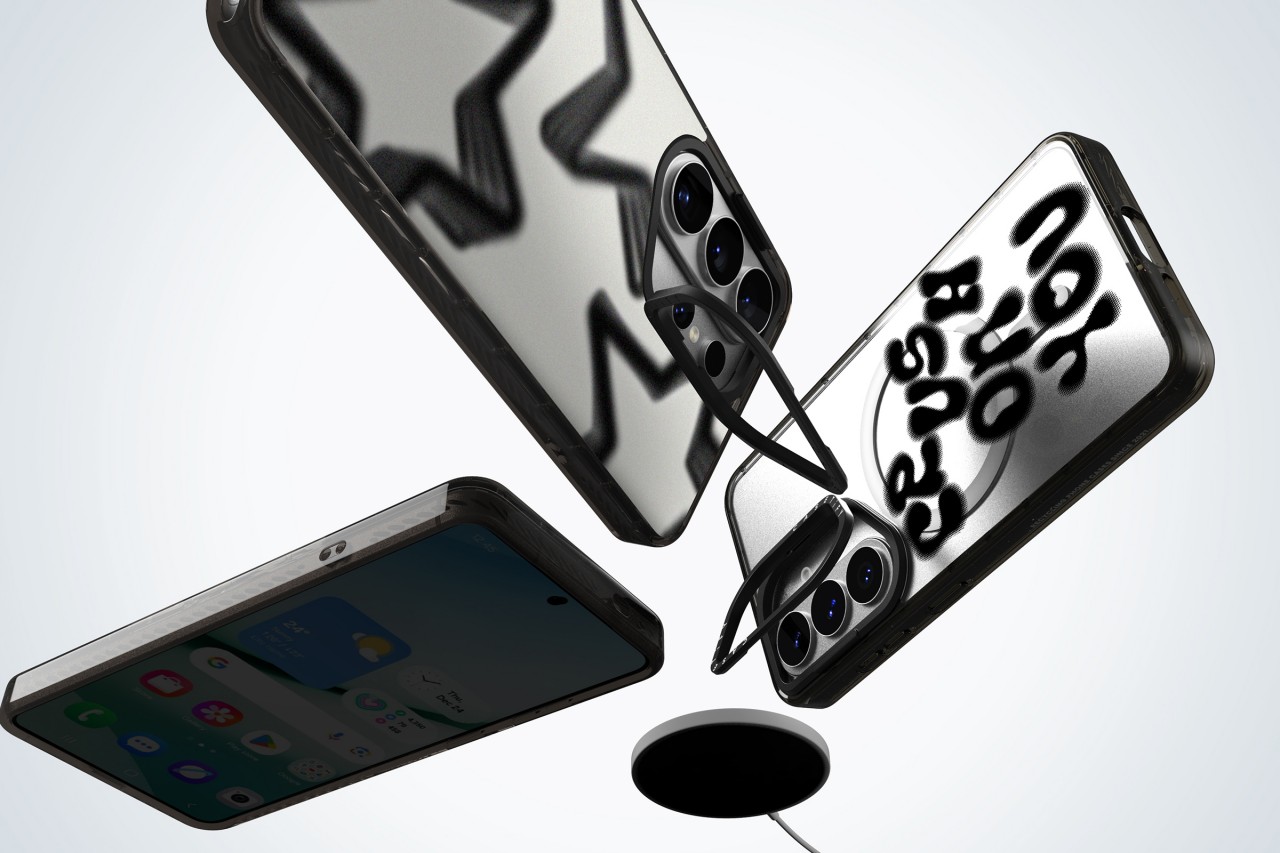
CASETiFY has unveiled its full lineup of cases and accessories for the Samsung Galaxy S26, timed with the flagship’s global debut.
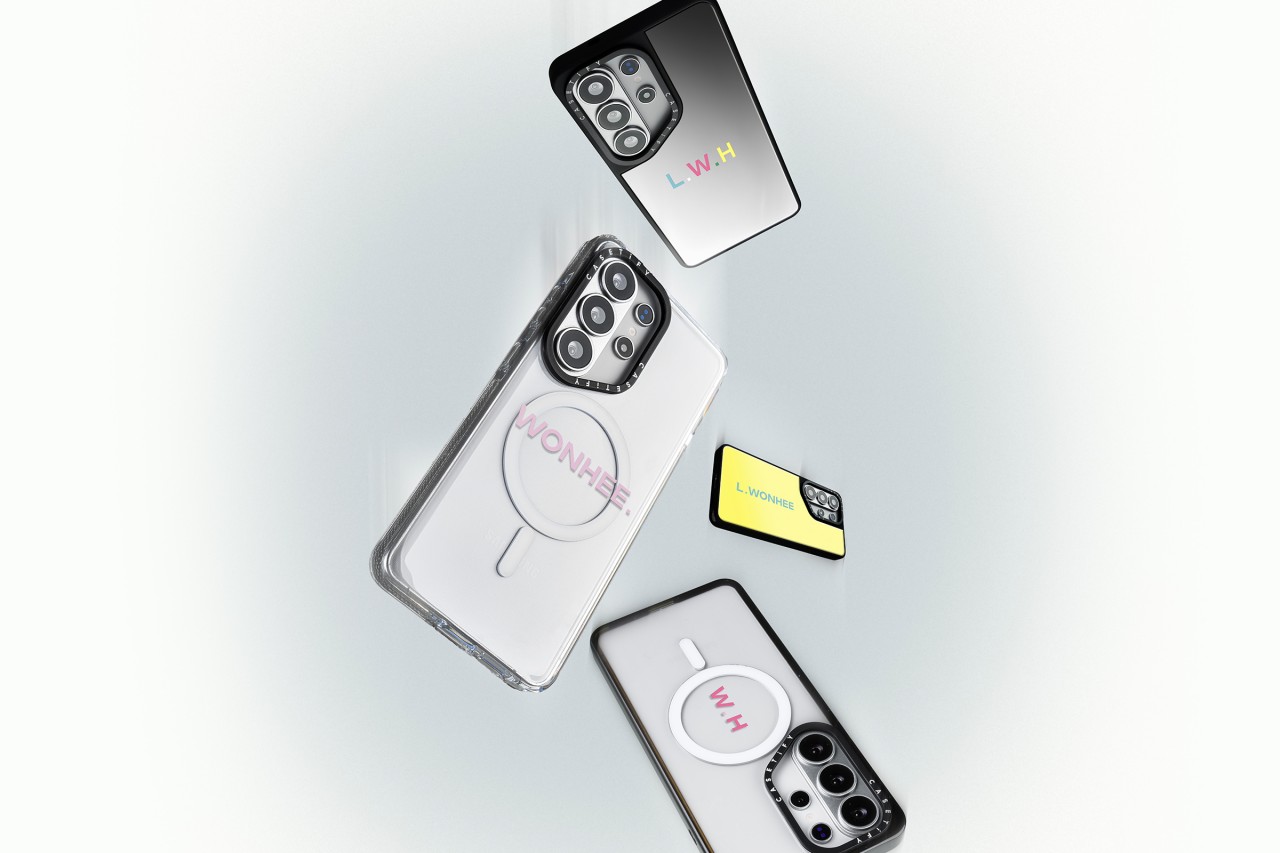
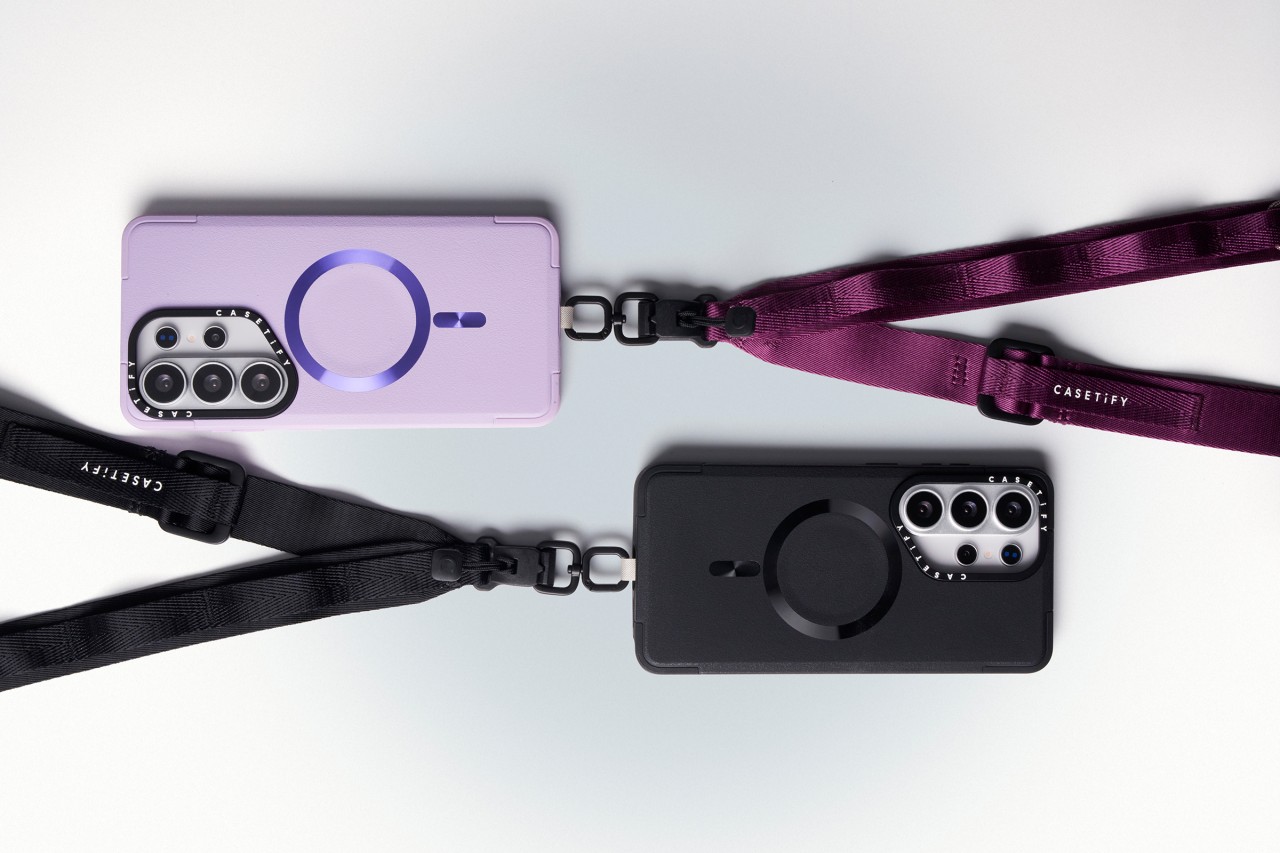
The new collection blends protection with personalization. Users can customize cases with photos and text or choose from bold, artistic prints across multiple case styles. The lineup also includes phone charms, body straps, magnetic accessories, screen protectors, and camera lens covers built specifically for the Galaxy S26.
Orders opened on February 25, 2026 via CASETiFY’s website.
Built for protection and everyday use
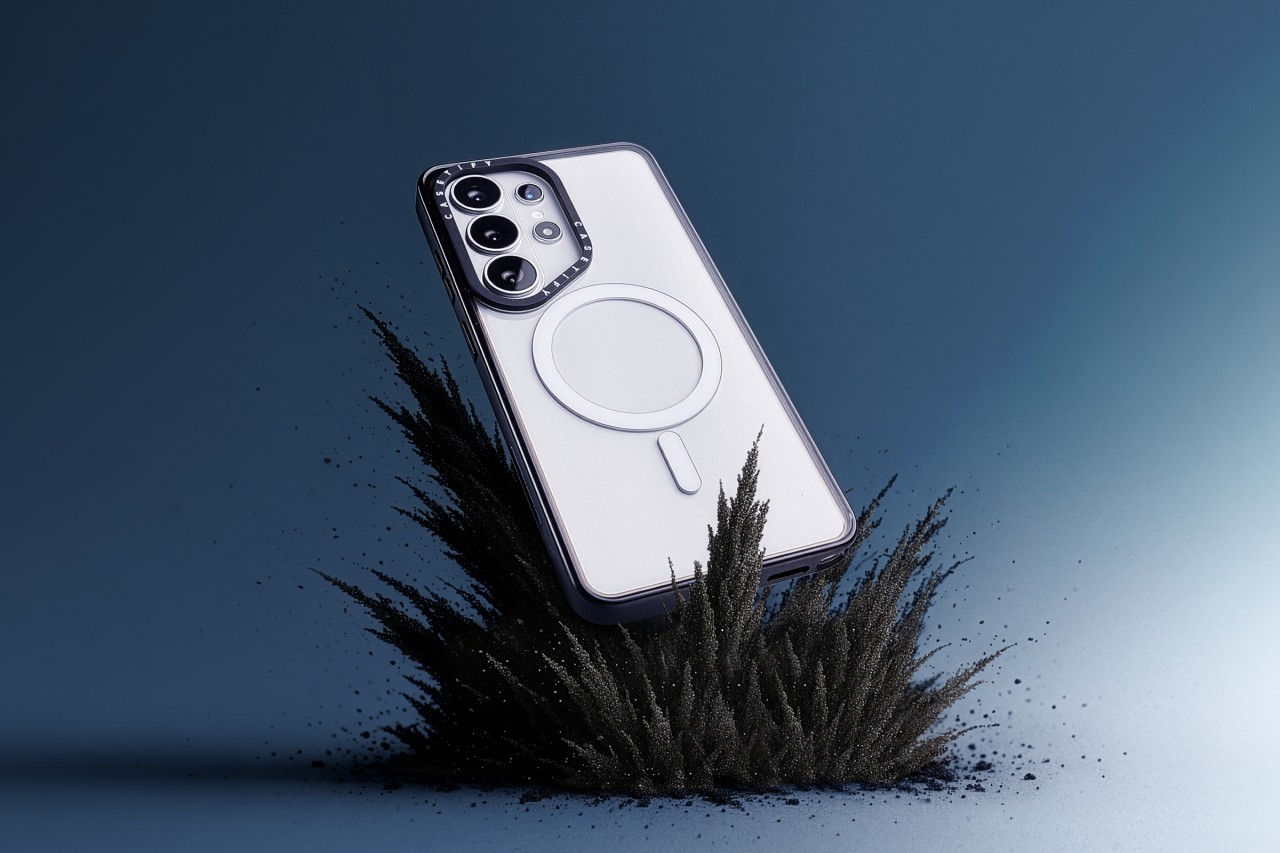
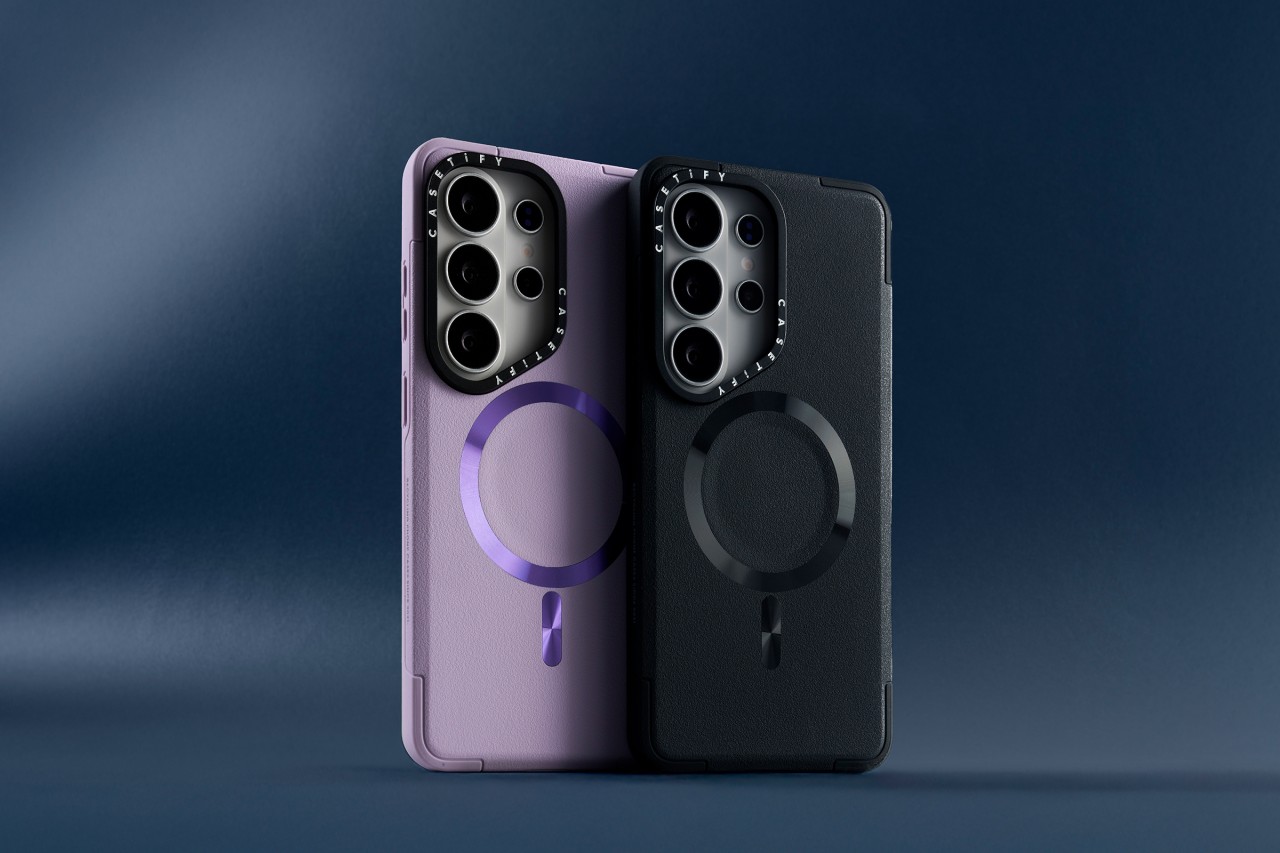
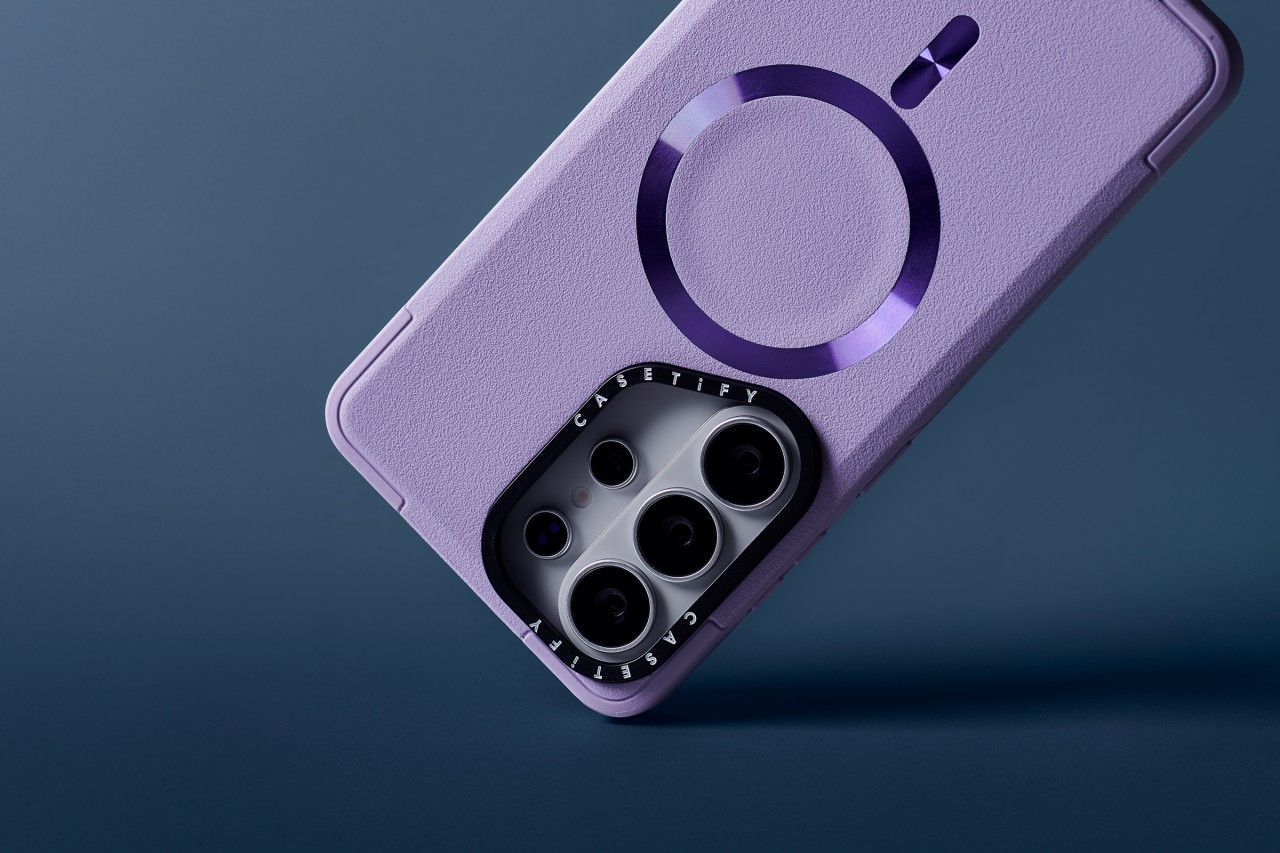
Leading the lineup is the Impact Ring Stand Magnetic Case ($85). It features a lifted camera ring with a built-in stand that adjusts from 0 to 150 degrees for hands-free viewing. The case carries 6.6-foot drop protection, 3x MIL-STD-810G certification, EcoShock cushioning, and CASETiFY’s Duo-Lock bonding system. It also supports wireless charging and magnetic accessories.
The Impact Magnetic Case ($70) increases drop protection to 8.2 feet with 4x MIL-STD-810G certification. It adds side sockets for charms and a raised bezel for screen protection.
For those who prefer a transparent look, the Impact Clear Magnetic Case ($70) focuses on long-lasting clarity and anti-yellowing materials. It offers 6.6-foot drop protection and 3x MIL-STD-810G certification.
Slim, glossy, and grip-focused options
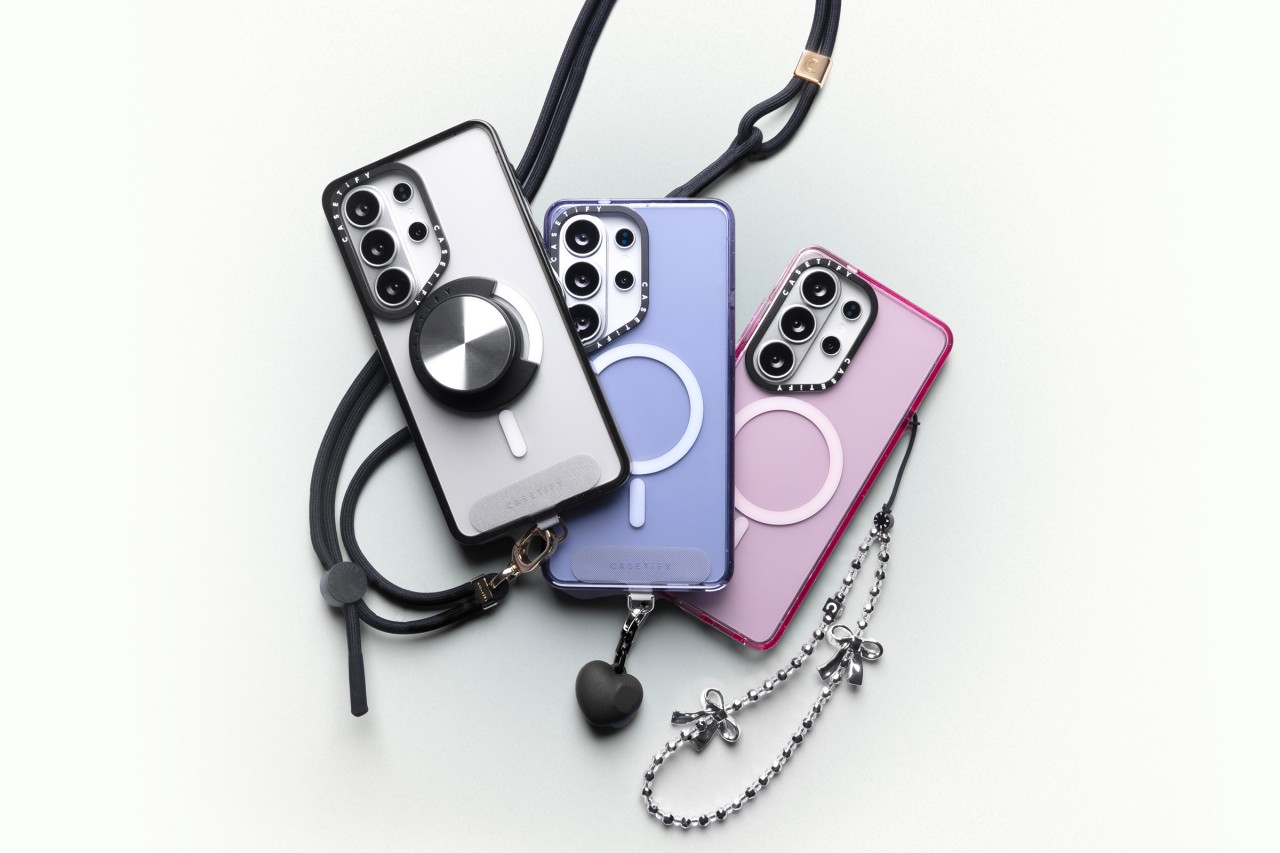
The Mirror Magnetic Case ($70) adds reflective functionality with 4.9-foot drop protection, while the Compact Magnetic Case ($55) targets users who want a lightweight, slim profile with 4-foot drop protection.
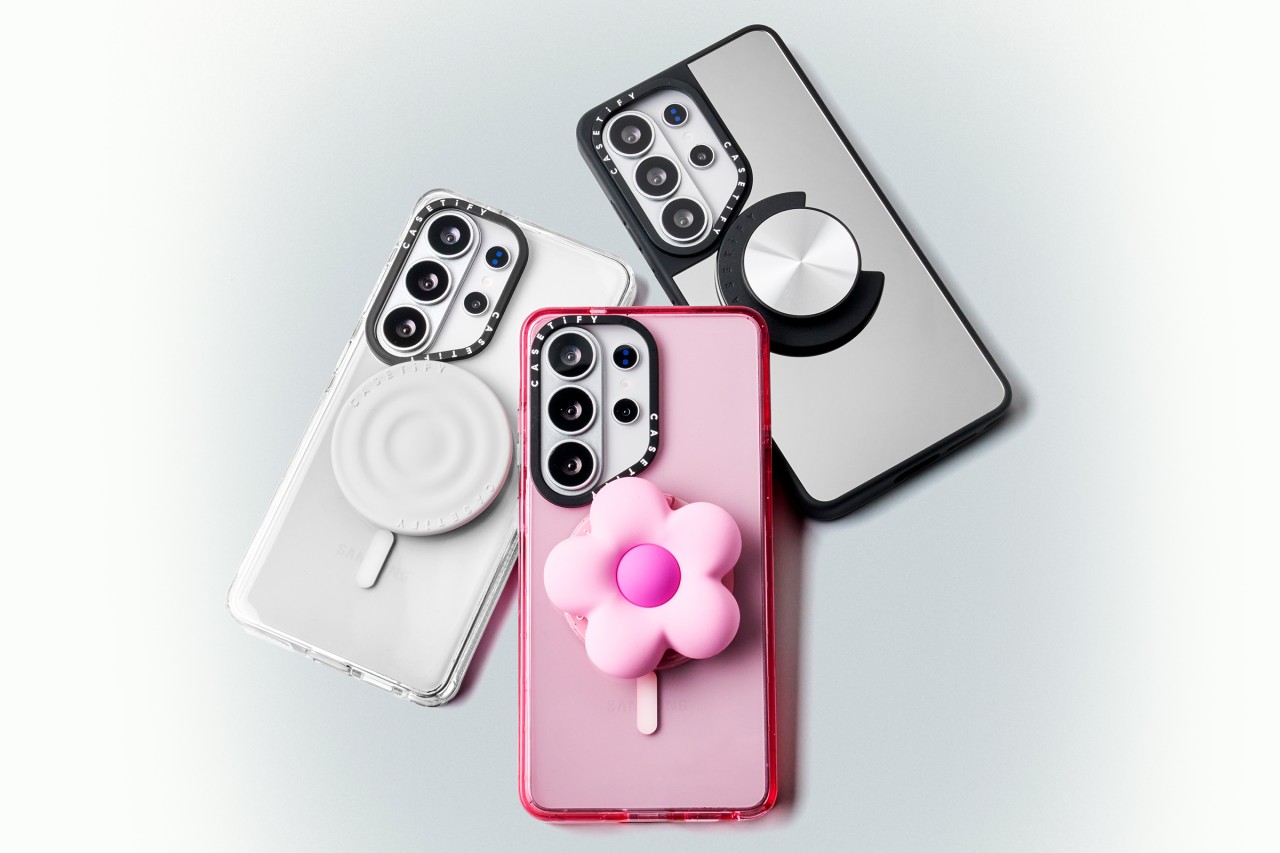
The Glaze Magnetic Case ($70) stands out with a scratch-resistant glossy finish and anti-print peel-off technology, paired with mirror functionality and magnetic compatibility.
Rounding out the collection is the Force Case by CASETiFY ($55), designed for enhanced grip and durability. It delivers 6.6-foot drop protection, 3x MIL-STD-810G certification, Duo-Lock bonding, and full wireless charging support.
With multiple case styles and accessory options, CASETiFY’s Galaxy S26 collection gives users room to match their device to their personality without compromising protection.



Disney+ launches a TikTok-coded vertical feed called Verts

Google Maps is finally getting a 3D mode

KPop Demon Hunters is officially getting a sequel

Bringing Care-a-Lot to my daily carry

Galaxy AI on the Samsung Galaxy S26 Ultra


-

 News2 weeks ago
Xiaomi 17 Ultra is now available outside China
-

 MWC 20261 week ago
Infinix NOTE 60 Ultra makes a motorsport-inspired debut
-

 Reviews1 week ago
TECNO CAMON 50 Ultra review: End of an era?
-

 MWC 20261 week ago
TECNO launches the all-new CAMON 50 series
-

 MWC 20262 weeks ago
TECNO showcases cool concepts at MWC 2026
-

 Reviews2 weeks ago
Xiaomi Pad 8 review: Slab that slaps!
-

 Reviews2 weeks ago
Forget the Phone: Xiaomi 17 Ultra Is A CAMERA!
-
 MWC 20261 week ago
TECNO unleashes Tonino Lamborghini collection