

Computers
The best portable display for the multi-passionate
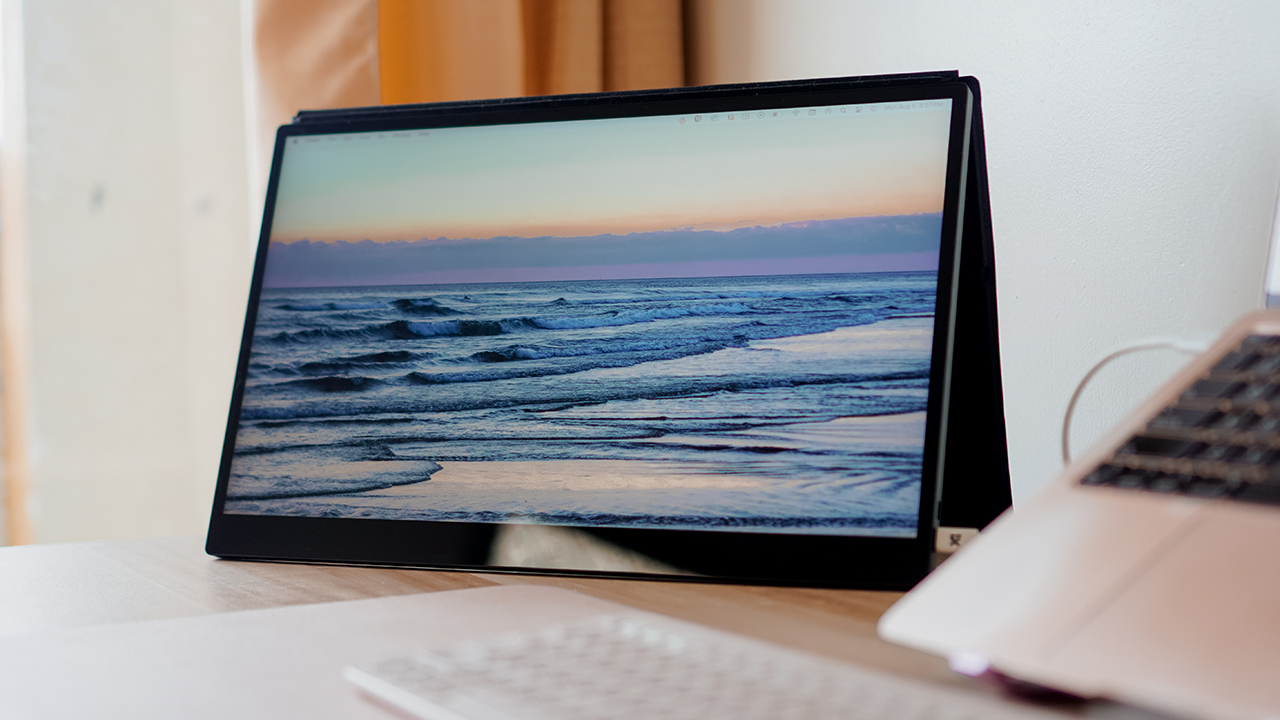
BRB, traveling again with my espresso 17 Pro

Life took a big twist when I started living in a suitcase. For months, I’ve been traveling from one place to another, bringing only my MacBook Air and iPad Pro.
I’m not going to lie, I find it challenging to deliver my tasks when I’m always on the go. I find it hard to stay on my toes and on top of my business when a lot of variables pull my energy.
When everything’s uncertain and unpredictable, I crave some sort of control. Perhaps, the secret to working remotely is setting up a station akin to the ones I have at home.
I get to bring most peripherals and accessories, except one thing that I miss the most: My 34-inch monitor. With that in mind, I turned into the espresso 17 Pro.
Dubbed as the world’s thinnest portable touchscreen monitor, I brought it with me for nearly six months of traveling.
Best in portability
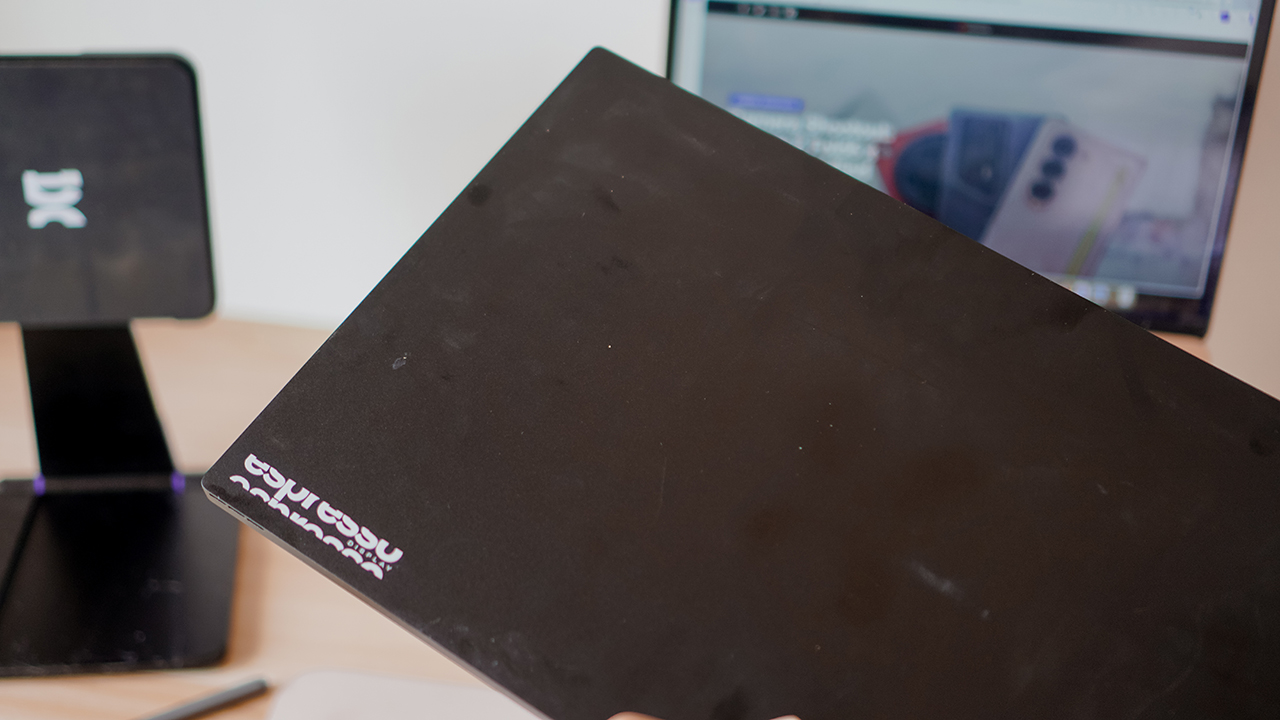
The espresso 17 Pro is a 17-inch 4K touch display with an ultra-thin and extra lightweight design. It works well with any laptop, particularly my MacBook Air.
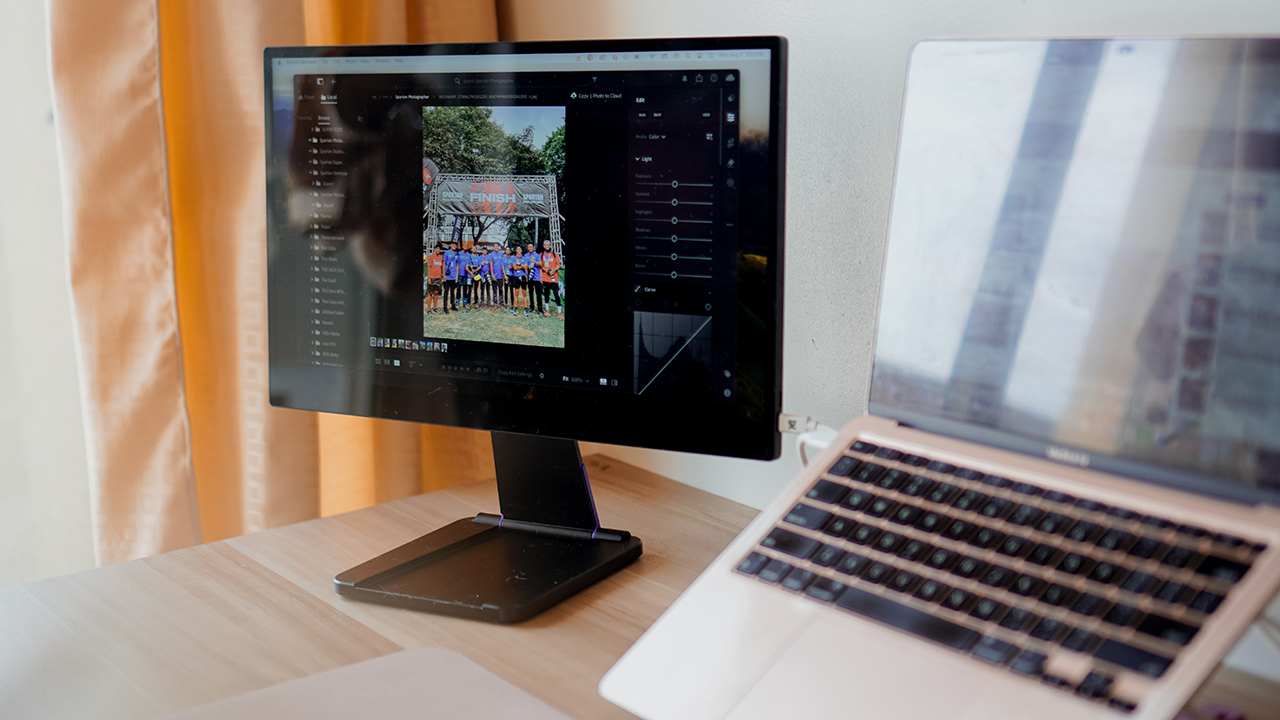
I got to put it inside a dedicated Herschel briefcase that I bring along in my flights or in road trips. Along with its accessories such as a portable stand, a magnetic case, and a pen, I made any table my own remote working station.
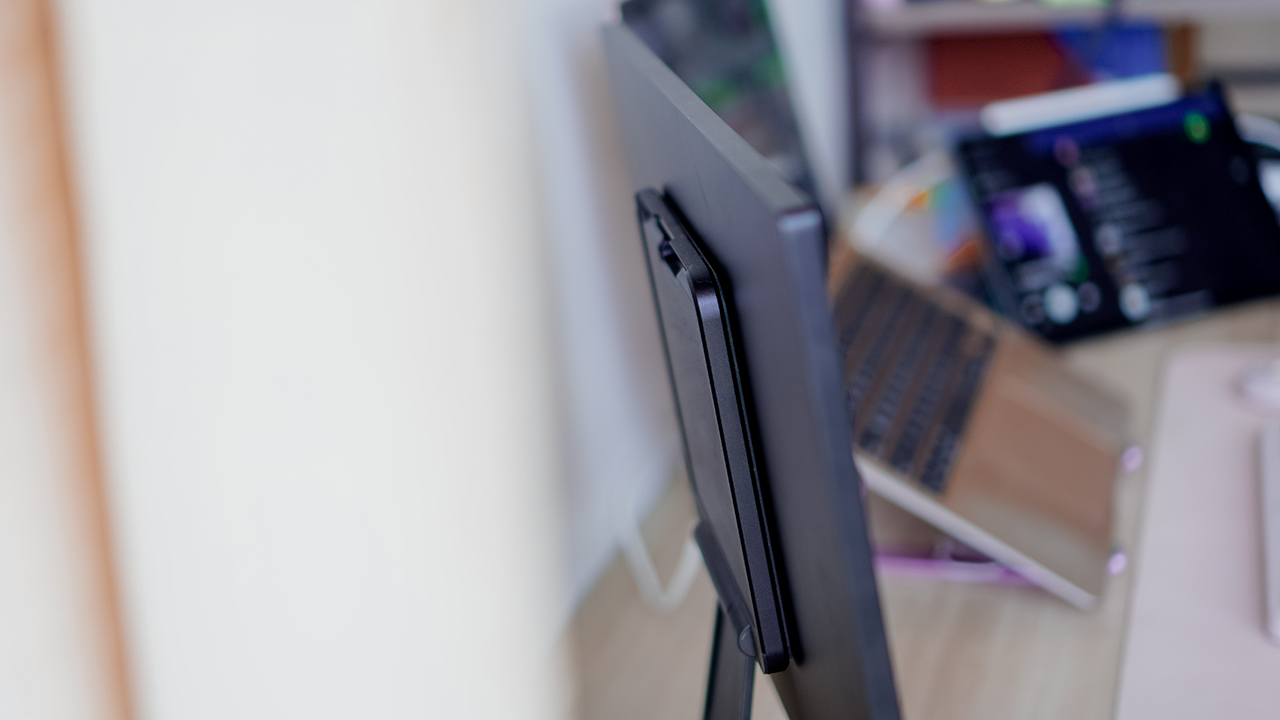
So far, I brought it with me when I was living on the road for a few weeks — driving to different provinces mounting events while also doing my day job. I also took it to the skies — hopping off to China, Hong Kong, and Vietnam.
While I cannot take out the display inside the planes and trains, I made sure to use it as an extra screen real estate when I’m settled in a hotel.
Made for creatives on the go

The espresso Display uses an aerospace aluminum with scratch-resistant glass, which enabled me to work even at the harshest conditions.
It has a 4K resolution display and even though it doesn’t use an OLED panel, it looks like it uses Apple’s displays.
I personally believe that one of its strength is replicating a professional-grade color similar to what my MacBook Air provides. The experience felt like my MacBook’s display really extended to a secondary monitor.

But if you use a different laptop, there are various display settings that you can choose from.
Though it uses a professional-grade color and screen calibration, the 450 nits brightness proved to be challenging for most creative professionals working outdoors.
I once worked inside a canopy tent during a Spartan Race when I was under duty at their media team. We were stationed in Areza, a vast estate in Lipa City, Batangas, where sandstorms whirled during the day.

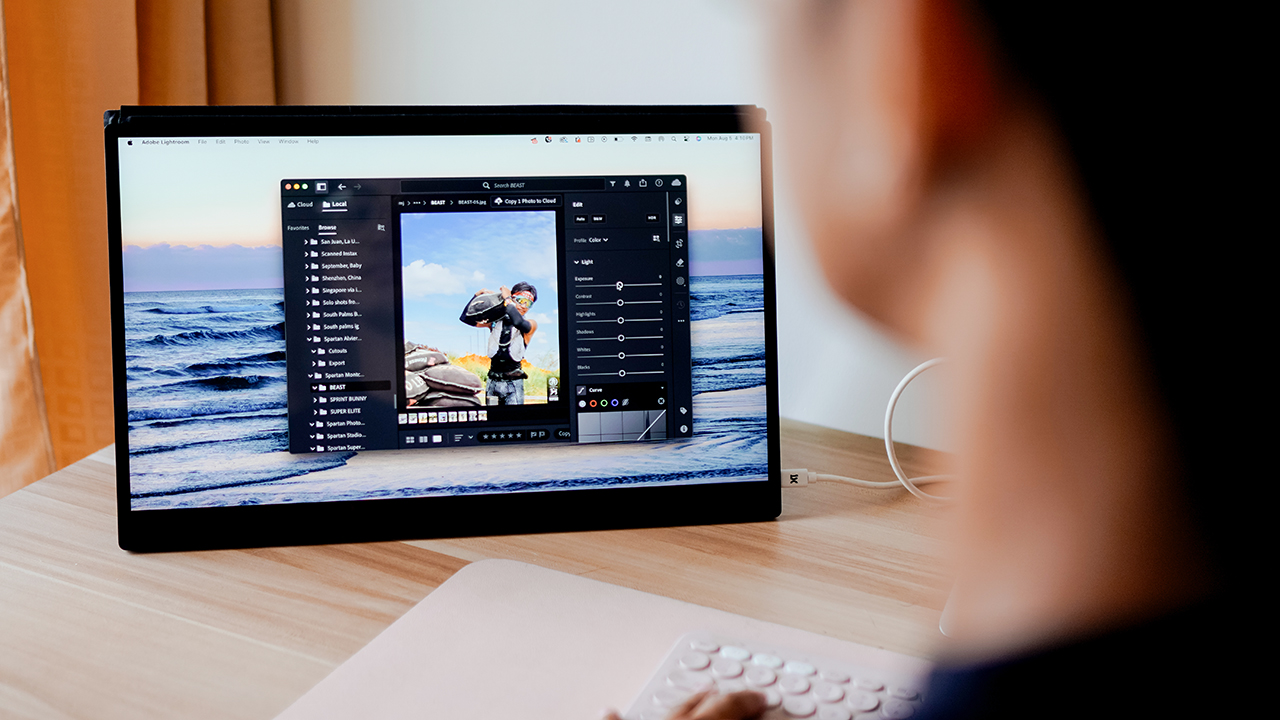
Even when the sun was scorching hot and I was under the mercy of a small shade, I still managed to edit over a thousand photographs through Adobe Lightroom while using the espresso Display.
Although, I had to squint my eyes multiple times to do a quality assurance check for every photo we’ll be submitting.
Hungry for power
Regardless of the weather conditions, I get to show up through various work I need to do with its display’s capabilities.
Whether it’s writing a piece on the latest gadget, a review on the recent automobile I drove, drafting project proposals, editing short-form videos, or color-correcting photographs, the espresso 17 Pro allowed me to put my best work wherever I am.

My only gripe is how power-hungry the display is. My MacBook Air typically lasts a day in a single charge even with all the types of work that I do.
Connecting the espresso Display gave my machine around two hours of battery life, prompting me to charge my device for another hour or two.

Although, the espresso Display sports two (2) USB-C ports which you can use to power the device and connect the display. The espresso Display can transfer the power to the MacBook Air, albeit at a snail pace.
What I do instead is try to finish my work in batches, so I can take a pause and enjoy the outdoor while my devices charges.
An artist’s friend
Fun fact: the espresso Display acts like a 17-inch touchpad. I find it amusing that I have a 17-inch display that works like a tablet, a monitor, and a trackpad when I don’t feel like using a mouse.
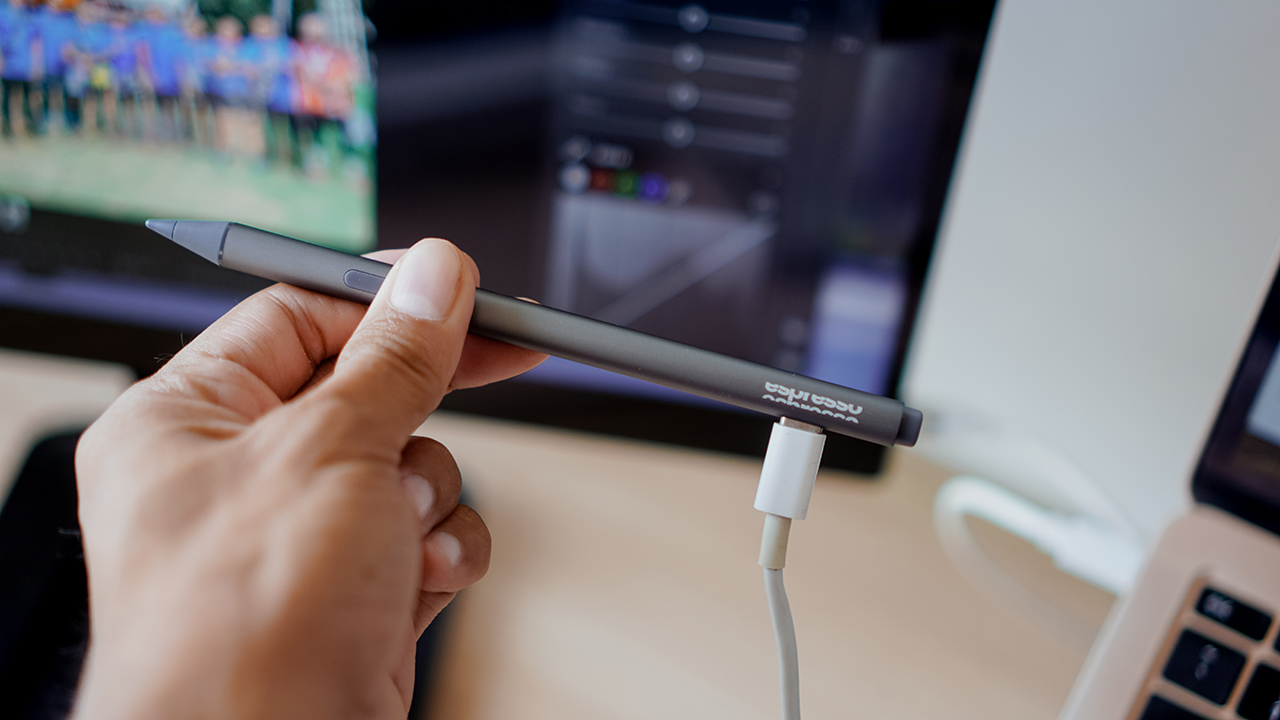
It’s particularly helpful for illustrators, since you can pair the display with an espresso Pen. It made me remember my artist life from a decade ago, when I used to spend hours playing with my Wacom Interactive Displays just to draw and sketch my musings. But that’s not who I am anymore.

The Creator is a paper-like surface that makes the espresso feel like its a paper notepad.
Of all the features of the espresso Display, I didn’t bother with the espresso Pen and its software such as Jot and espressoFlow. While it makes the experience more personalized, I revel in the fact that I have a secondary display that allows me to work whenever, wherever.
That alone is enough for me to consider the espresso Display. For its extra features, I’m sure artists would marvel at the display and its capabilities.
The price of an investment
The espresso 17 Pro retails at US$ 799. Though it’s quite expensive, the device is still a worthy investment. I swear, I’m never traveling for work again without this.
For the same bundle that I used, the Pro bundle retails at US$ 1016 and contains the espresso 17 Pro, a Stand Pro, a magnetic microfibre case, the espresso Pen, a paper-esque surface called Creator, and a USB-C to USB-C port.
Is this your GadgetMatch?
There’s a reason why the espresso 17 Pro buzzes among creators. It’s marked with freedom — enabling any professionals, creators, artists, or just any user to show up in their work in the best way possible.
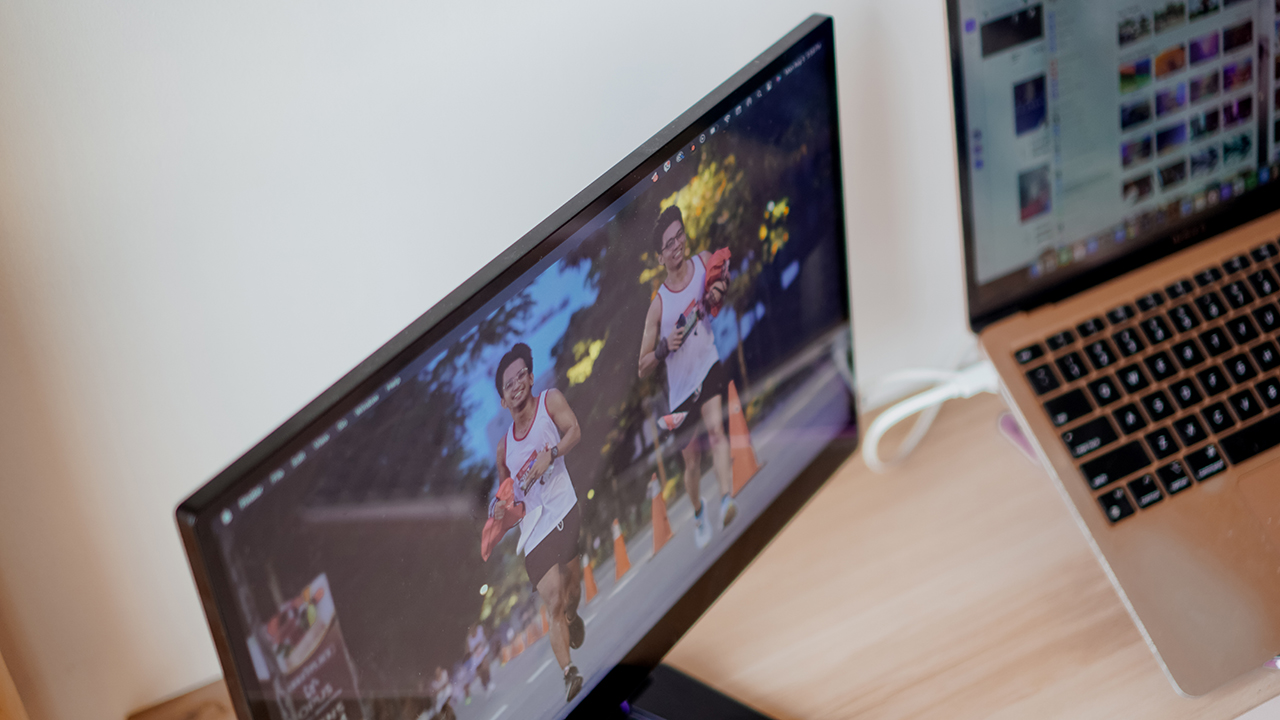
Whatever type of work you do, the espresso 17 Pro is versatile enough to take on your demands. Calling it the world’s thinnest portable touchscreen monitor is an understatement.
With professional-grade resolution, extra-fine design, and interactive features, the espresso 17 Pro is no doubt the best portable display for the multi-passionate.
The espresso 17 Pro deserves the GadgetMatch Seal of Approval.
Editor’s Note: This review was written while listening to Sabrina Carpenter’s hit song, ‘Espresso’.






Computers
CIPTA debuts AI GPU server, edge workstation at CloudFest 2026
Malaysia-made AI infrastructure

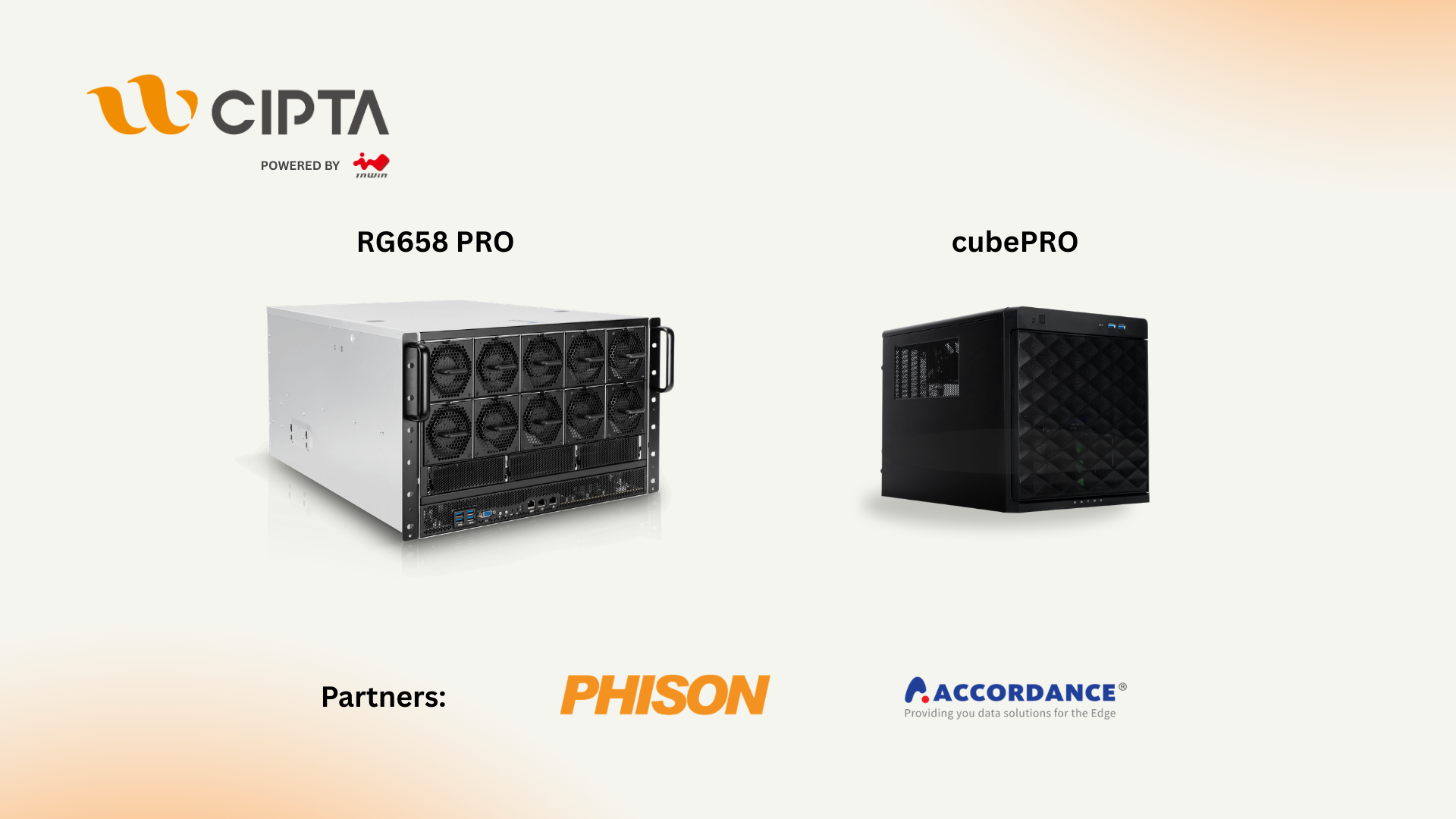
CIPTA Industrial Sdn Bhd steps onto the global stage with its European debut at CloudFest 2026. They introduced high-density AI infrastructure and edge-ready systems built for modern enterprise workloads.
Held at Europa-Park in Rust, Germany from March 23 to 26, the event marks the company’s first major international showcase under its own brand. Backed by InWin Development Inc., CIPTA positions itself as a new-generation EMS provider focused on AI, cloud, and enterprise systems.
At Booth R41, the company is highlighting two key platforms: the RG658 PRO GPU server developed with Phison, and the cubePRO edge workstation created in collaboration with Accordance.
Built for scalable AI workloads
Leading the showcase is the RG658 PRO, a high-density GPU server designed to handle large-scale AI training and inference without pushing costs out of reach for enterprises.
The system supports up to eight high-performance GPUs and integrates Phison’s Pascari aiDAPTIV alongside its PASCARI enterprise SSD lineup. This combination aims to improve data throughput, reduce latency, and streamline AI pipelines.
Thermal performance is a key focus. The RG658 PRO uses a dual-chamber design to separate heat zones, paired with up to 14 high-speed PWM fans for sustained cooling under heavy workloads. Power delivery is handled by a 3+1 redundant configuration of 80PLUS Titanium PSUs, scaling up to 9600W.
The result is a platform built to scale AI deployments on-site while maintaining efficiency and reliability.
Edge computing without downtime
Alongside its GPU server, CIPTA is introducing the cubePRO, a compact edge workstation designed for environments where uptime and data integrity are critical.
The system supports up to four PCIe slots for GPU configurations, making it suitable for AI workloads at the edge. It also features high-capacity multi-SSD setups and optimized airflow for continuous 24/7 operation.
Through its partnership with Accordance, the cubePRO integrates the Disk Array ARAID M500 solution, enabling high-availability storage and data protection. This ensures uninterrupted performance for use cases such as industrial systems, remote nodes, and enterprise branch deployments.
The focus here is clear: bring AI processing closer to where data is generated, without sacrificing reliability.
Strengthening Malaysia’s role in AI infrastructure
CIPTA’s debut also reflects a broader shift in global supply chains. Operating from Malaysia, the company offers end-to-end services—from concept to production—along with flexible manufacturing cycles and cost-efficient operations tailored for Southeast Asia and international markets.
With access to InWin’s server chassis ecosystem and infrastructure solutions, CIPTA combines global platform capabilities with localized integration. The goal is to help enterprises deploy AI and cloud infrastructure faster while diversifying their supply chain footprint.
As demand for AI systems continues to grow, CIPTA is positioning Malaysia as a key hub for scalable, production-ready infrastructure.
Visitors can find CIPTA at Booth R41 during CloudFest 2026 in Europa-Park, Rust, Germany.
Computers
AMD expands Ryzen AI Embedded P100 series lineup
Scalable, efficient AI compute for industrial, edge solutions
AMD has recently announced the expansion of its AMD Ryzen AI Embedded P100 Series processor lineup.
This enables scalable and power-efficient AI compute tailor-built for industrial and AI edge systems. Scenarios include factory automation, physical AI in mobile robotics, and other AI-driven edge applications.
With eight to 12 high-performance Zen 5 cores, AMD ROCm support, and up to 80 total system TOPS, the new x86 embedded APUs deliver up to:
- 2x more CPU core counts
- 8x higher GPU compute
- 36% higher system TOPS
This way, developers and system designers get an expanded and scalable portfolio of power-efficient edge computing solutions. These processors support real-time AI from vision to control and reasoning, as well as offer advanced graphics capabilities.
On a single chip, clients get up to 80 TOPS physical AI acceleration, AMD RDNA 3.5 graphics for real-time visualization, and an NPU based on the AMD XDNA 2 architecture.
Moreover, the processors can withstand industrial temperature ranges (-40° C to 105° C) and can support continuous 24/7 operations for up to 10-year life cycles. That’s along with low-latency and power-efficient AI inference.
Real-life applications include intelligent factories, autonomous robots, and medical imaging devices. For instance, the processors can deliver CPU performance required for real-time inspection and process optimization.
For mobile robots, meanwhile, processors can manage navigation, motion, control, and route planning while the GPU processes multi-camera feeds for spatial awareness.
Furthermore, for 3D health imaging, the processors can enable the powering of 3D imaging for ultrasounds, endoscopes, tissue classification, and tumor detection at the edge. This is done with models like U-Net, nnU-Net, and MONAI.
The processors then accelerate image-to-report workflows with MedSigLIP and support clinical reasoning and Q&A with Med-PaLM 2.

GIGABYTE and Capcom have collaborated for a limited time Resident Evil Requiem-inspired custom PC giveaway.
The setup is inspired by the title, which recently released, and includes an exclusive monitor game bundle to bring players closer to the experience.
Headlining the collaboration is the Umbrella Corporation — Level 3 Access custom rig giveaway. It is one of a kind, fully-built desktop featuring a Z890M AORUS ELITE WIFI7 ICE motherboard and RTX 5080 AERO OC SFF graphics.
Of course, it draws inspiration from the visual identity and atmosphere of Resident Evil Requiem. It also features a GIGABYTE C102 GLASS ICE chassis design and custom GIGABYTE MO27Q28G gaming monitor to complete the setup.

The giveaway runs from March 2 to March 31 via the official campaign website. Fans can enter for a chance to win the custom rig, with no purchase necessary. The only caveat is that they have to be a United States or Canada resident.
Such experience is designed to invite players and PC enthusiasts alike to engage with the collaboration while highlighting GIGABYTE’s premium hardware craftmanship and attention to detail.
In addition to the giveaway, GIGABYTE is also offering a Resident Evil Requiem game bundle with select gaming monitors. Included are AORUS brand monitors, ranging from 27 to 55 inches in size.
This bundle is available until March 31. Customers who purchase eligible models can redeem a digital game code through GIGABYTE’s official redemption platform.
The featured monitor is the MO27Q28G, which has fourth generation WOLED panel with 280Hz refresh rate and 0.03ms response time. It is an ideal monitor to experience the spine-chilling terror and death-defying action of the title.


Galaxy Buds4 Pro review: I thought I was done with in-ears
This Buds4 you


WWE 2K26 lets you live out all the fantasy matches you could want
But you have to play for hours and hours to unlock everyone.


The HONOR X8d is serviceable
Steady but slow?

Samsung Galaxy A57, A37 bring Galaxy AI closer to more users

ASUS launches Zenbook DUO and S14 in the Philippines

Logitech G debuts PRO X2 SUPERSTRIKE with faster click tech

More iPhone switchers this year than Android switchers, report says

Marvel’s Wonder Man greenlit for a rare second season


-

 Reviews1 week ago
POCO X8 Pro Max review: A new beast from the far east
-

 News1 week ago
POCO X8 Pro Series: Price, availability in the Philippines
-

 Laptops2 weeks ago
Apple MacBook Neo Review
-

 Features2 weeks ago
Galaxy AI on the Samsung Galaxy S26 Ultra
-

 Apps2 weeks ago
Google Maps is finally getting a 3D mode
-

 Entertainment2 weeks ago
The internet is thirsting over the One Piece Season 2 cast
-

 Reviews1 week ago
POCO X8 Pro Iron Man Edition review: Midrange phone in superhero armor
-

 Reviews1 week ago
Samsung Galaxy S26 Ultra review: A phone you live with