
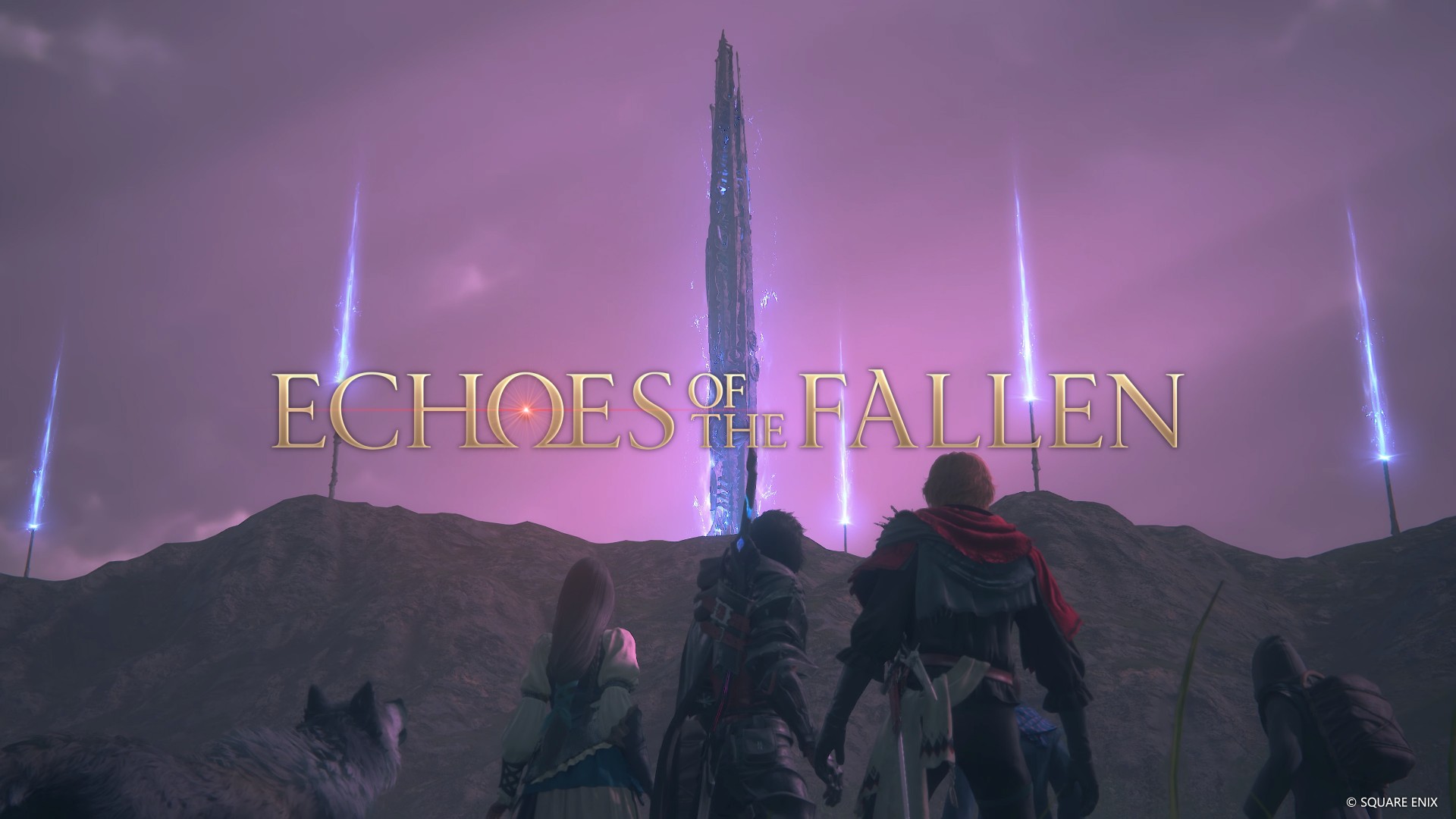

If you need a reason to head back to Valisthea, this may just be it. Announced at The Game Awards 2023, Echoes of the Fallen is ½ of the first paid DLC Expansion Pass of Final Fantasy XVI. The second installment, The Rising Tide, will come later in Spring 2024.
MILD SPOILERS AHEAD.

SKIP IF YOU WANT TO GO INTO THE DLC WITH FRESH EYES.
The Fallen were often referenced in many parts of the main FFXVI story. Most prominently, they were mentioned in The Desert which featured a Niagara-falls like body of water. This was supposedly a result of the aftermath of the battle between The Fallen and Ultima.
Echoes of the Fallen tells us more about this group of people and what they were able to achieve in their quest to challenge Ultima.
To access the DLC, you must have already completed the following side quests:
- Cut from the Cloth
- Phoenix Heal Thyself
- Where There’s a Will
- Priceless
These are available in the Back to their Origin segment of the Main Story.
Lore-building
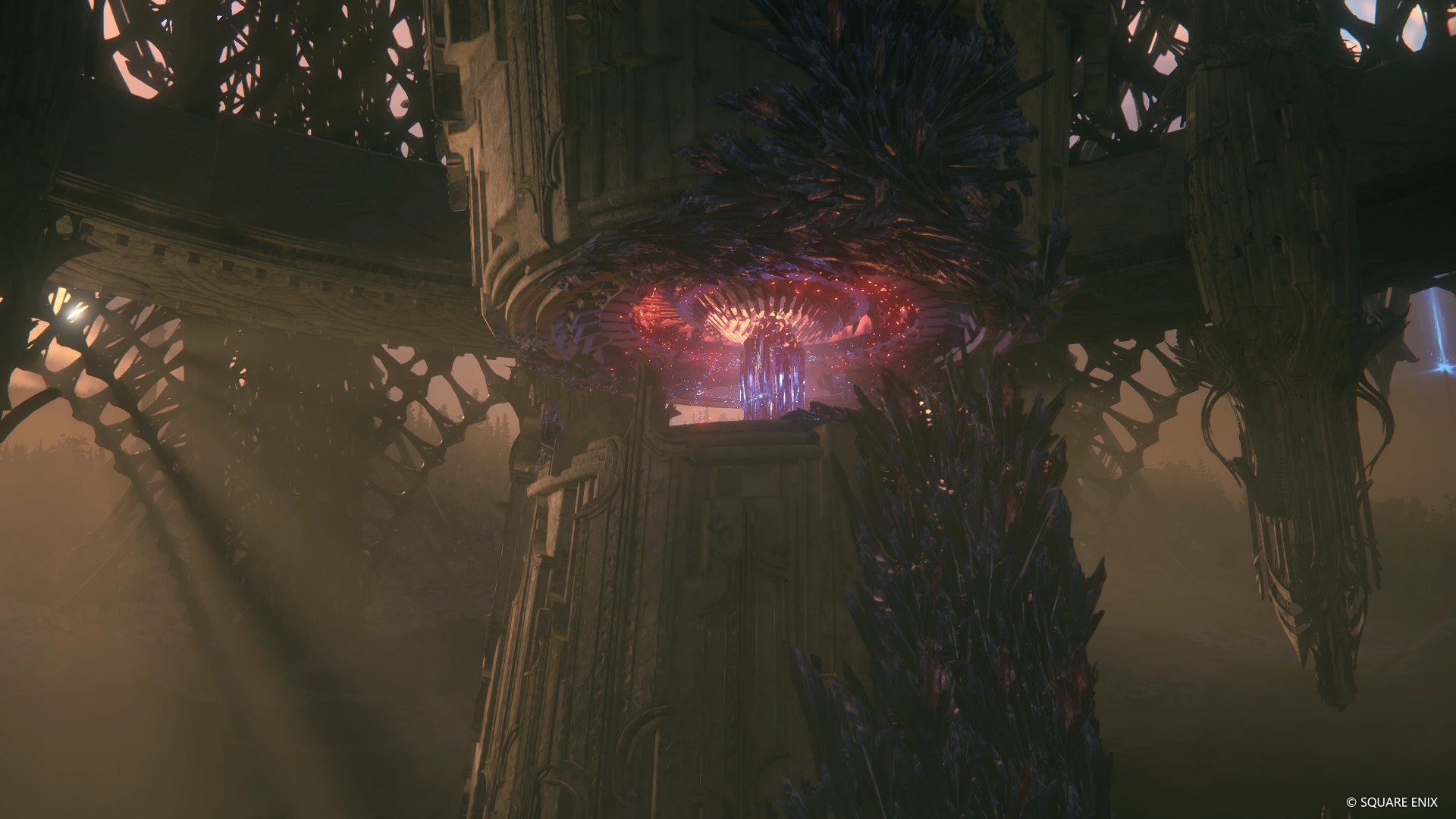
The entire Echoes of the Fallen story is mostly just lore-building akin to the many side quests towards the tail-end of Final Fantasy XVI. However, it definitely feels larger in scale and takes longer to complete than any of those sidequests.
As mentioned earlier, the DLC tells us more about the fallen. Specifically, we learn about what they did to challenge Ultima. An endeavor that ultimately failed.
It’s hard to discuss the story details without spoiling so we’ll skip that. It does make you a little bit curious as to how the fallen developed the things you encounter in the game.
Gameplay and stages
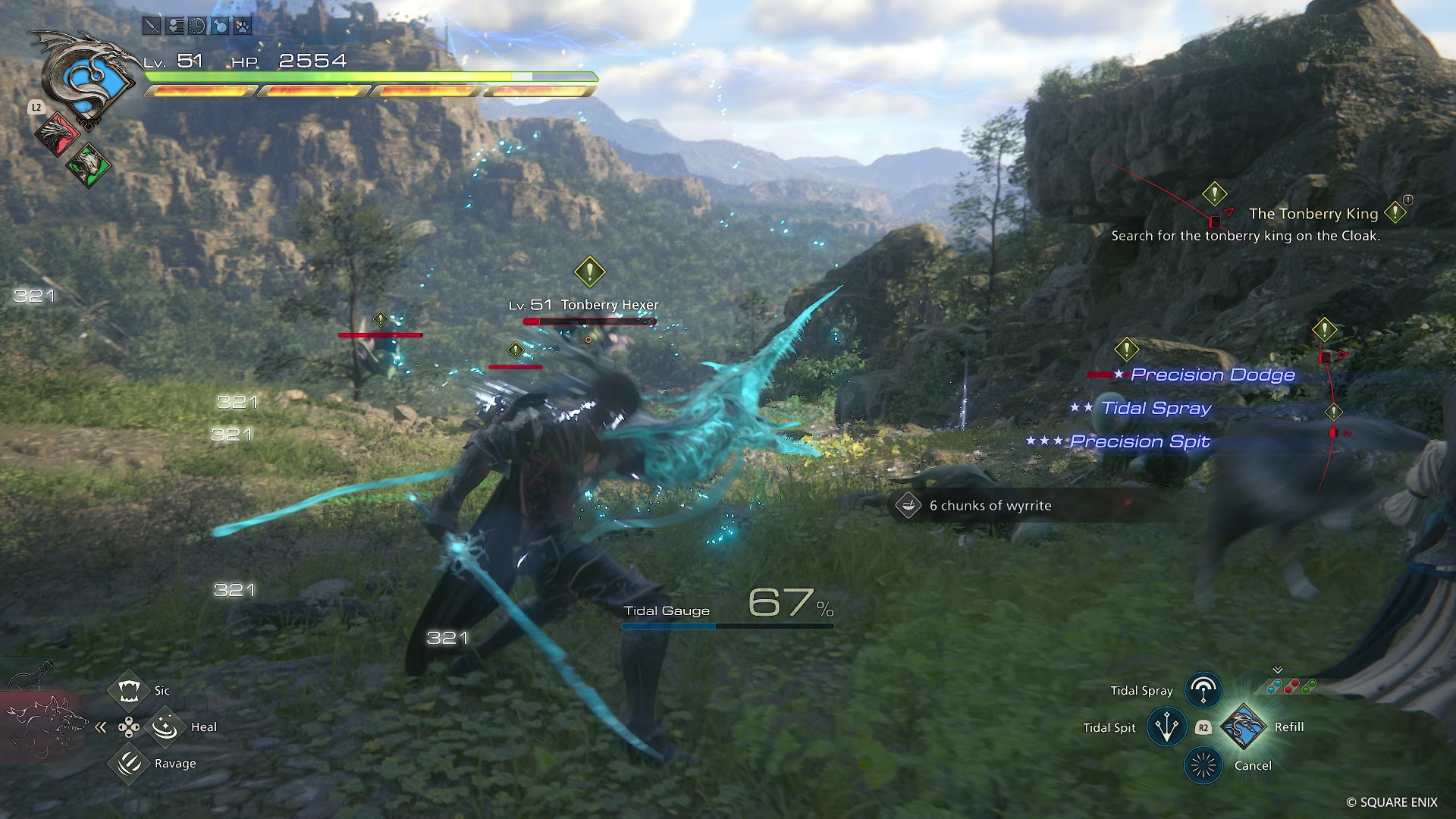
Like most DLCs, Echoes of the Fallen gives you more FFXVI. That is, to say, if you enjoyed the base game, there’s about enough here to warrant a trip back to Valisthea.
Gameplay takes you from one story beat to the next fairly quickly. Soon enough, you’ll find yourself tussling against mini-bosses to uncover more of the story.
If you haven’t played for FFXVI for a while, it’s a good idea to refresh your skills with the enemy fodder you’ll encounter along the way. That said, I can say I couldn’t reach the skill level I had when I first beat the game. Which is why I found myself struggling a bit against the DLC’s final boss.
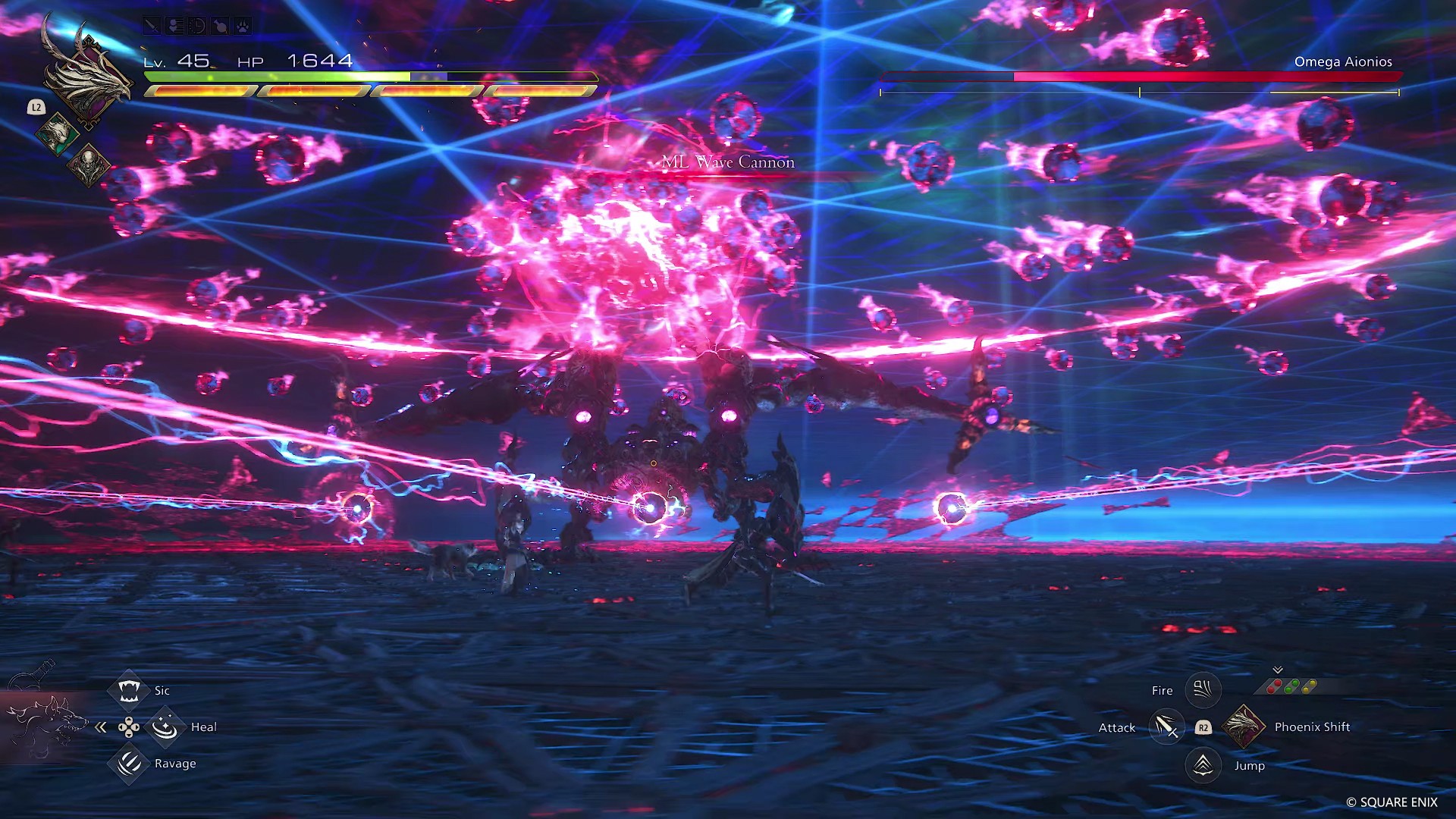
It’s worth noting that you do get a weapon fairly early on. After beating the DLC, you’ll have collected the materials to forge yet another weapon that would be perfect for a New Game Plus run or even just completing other tasks like clearing out the Hunt Board list.
Should you get the FFXVI Expansion Pass?

Echoes of the Fallen is a nice bit of lore-building for FFXVI. It doesn’t quite get the heights that the main story hits – which is understandable. But it’s a good enough reason to step back into Valisthea and tide you over until the release of The Rising Tide DLC which promises to be a larger encounter with the Eikon Leviathan
SEE ALSO: Final Fantasy XVI review: Reigniting the embers of a waning flame




Gaming
Xiaomi SU7 Ultra makes Gran Turismo 7 debut
Xiaomi’s premium, high-performing electric sedan joins the GT7 roster

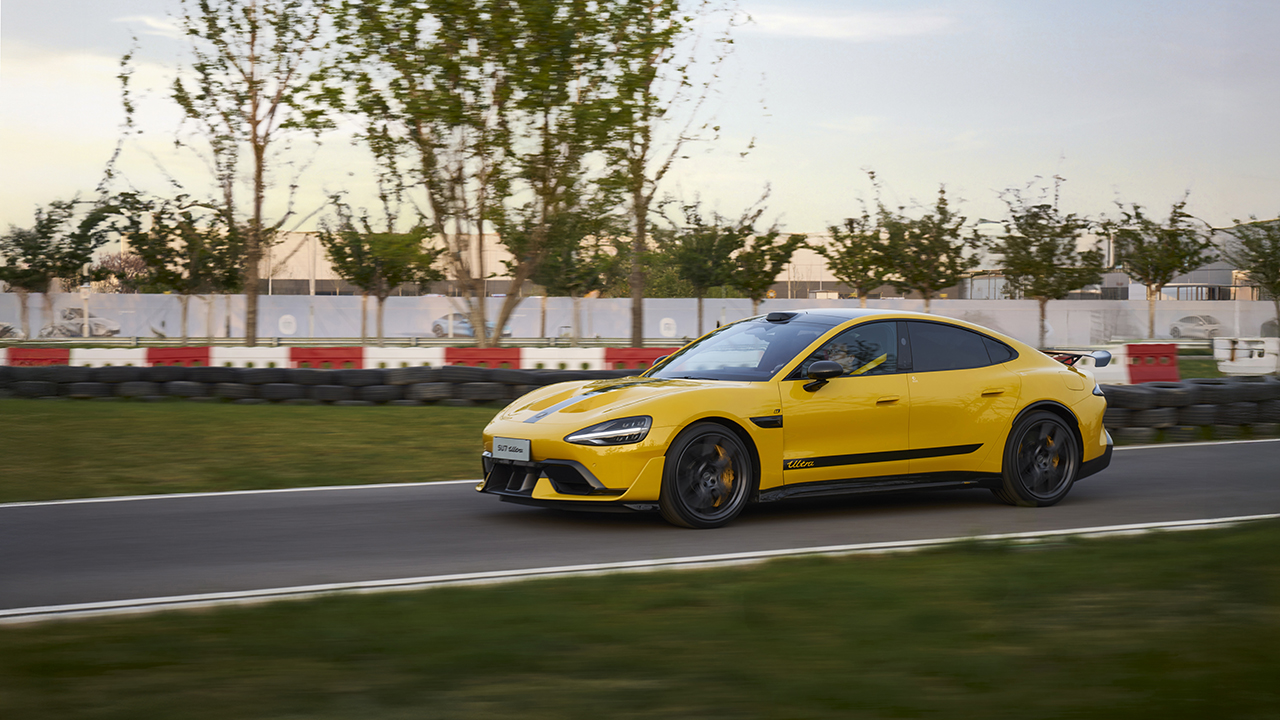
Xiaomi’s high-performing electric sedan, the Xiaomi SU7 Ultra, is now on the acclaimed racing simulation, Gran Turismo 7.
The premium EV debuted as part of the “Update 1.67” patch, marking Xiaomi’s first entry into the storied Gran Turismo franchise.
Players worldwide can now experience the prowess of the high-performance luxury car on the game’s virtual tracks.
The Xiaomi SU7 Ultra represents a new addition to the series’ curated lineup, following an official collaboration announcement last June 2025.
As a benchmark in racing simulations, the Gran Turismo series is recognized for its hyper-realistic driving experience and stringent vehicle selection criteria.
The EV was test-driven on multiple occasions in several locations, including Beijing, the Nürburgring Nordschleife, and the Tsukuba Circuit.
To ensure an authentic experience, Xiaomi EV’s vehicle dynamics performance team traveled to Polyphony Digital’s studio for the final driving experience validation.
In reality, the SU7 Ultra is powered by an in-house developed Dual V8s + V6s Xiaomi Hyper TRi-Motor system.
It delivers 1,548 horsepower and achieves 0-100km/h in 1.98 seconds. The production version previously set a lap time of 7:04.957 at the Nürburgring Nordschleife.
To celebrate the launch, Gran Turismo 7’s developer will host a two-week official lap-time challenge on the title’s historic Monza circuit.
Gaming
Blizzard will host four major game showcases starting this week
They will feature World of Warcraft, Overwatch 2, Diablo, and Hearthstone.

It’s been a while since the last BlizzCon. For a couple of years now, Blizzard decided to skip the formerly annual event for smaller announcements throughout the year. This year, however, the company is celebrating its 35th anniversary, and it has a lot of plans to celebrate.
For one, BlizzCon will return this year. The event’s return should be a good one, especially since the last one even featured LE SSERAFIM performing live for fans. For its 35th anniversary, the company is likely pulling all the stops.
But right now, to whet our appetite for what’s to come, Blizzard will host four spotlight streams for almost all its franchises: World of Warcraft (January 29), Overwatch (February 4), Hearthstone (February 9), and Diablo (February 11). Sorry, StarCraft fans!
Each stream, watchable on YouTube and Twitch, will feature major announcements for each franchise. This shouldn’t be a surprise because three of the four franchises are set to launch major content soon.
World of Warcraft, for example, will launch the new Midnight expansion on March 2. Overwatch 2 is teasing a Talon takeover. Diablo IV, finally, will launch the new Lord of Hatred expansion on April 28.
If you’re sad about the lack of StarCraft content, there is a rumor that the RTS franchise will get the spotlight for the upcoming BlizzCon happening later this year.
SEE ALSO: Diablo IV introduces Chaos in tenth season, Infernal Chaos

Bandai Namco Entertainment Asia has announced a new DRAGON BALL game project titled “AGE 1000,” set to launch in 2027. The reveal took place during the Dragon Ball Genkidamatsuri event held on January 25, 2026.
The project introduces an entirely new DRAGON BALL world featuring original characters designed by Akira Toriyama himself. Bandai Namco describes AGE 1000 as a fresh expansion of the DRAGON BALL universe. It has more characters and story elements set to be revealed as development continues.
As part of the announcement, the company also unveiled a brand-new character making its debut in the AGE 1000 world. The character designed by Toriyama appears in the newly released teaser trailer. It’s the first glimpse of the project’s tone and visual direction.
More details on DRAGON BALL Game Project “AGE 1000” will be shared during Dragon Ball Games Battle Hour 2026, scheduled to take place in the United States on April 19–20, 2026 (SGT).
Dragon Ball Games Battle Hour 2026 returns
Now in its sixth year, Dragon Ball Games Battle Hour continues to serve as a global showcase for the franchise, spanning manga, anime, films, games, figures, and collectibles.
This year’s event will feature a special stage dedicated to the latest DRAGON BALL announcements, along with competitive tournaments for DRAGON BALL FighterZ, DRAGON BALL SUPER CARD GAME MASTERS, DRAGON BALL SUPER CARD GAME FUSION WORLD, and DRAGON BALL SUPER CARD GAME Fusion World Digital.
Fans can also expect booth exhibits for multiple DRAGON BALL games, including DRAGON BALL GEKISHIN SQUADRA and DRAGON BALL: Sparking! ZERO, as well as merchandise sales and other on-site activities.
More information about the event will be shared through the official Dragon Ball Games Battle Hour website.

Now playing: Final Fantasy VII Remake INTERGRADE on Switch 2
Final Fantasy VII Remake, handheld again


HONOR X9d 5G review: Tougher, more long-lasting and optimized
Beyond all the marketing, it's a compelling all-around smartphone that actually works well


Redmi Note 15 Pro+ 5G review: The midrange fashion piece
Work-ready and style-friendly!

VinFast updates battery subscription policy for large upfront savings

Xiaomi SU7 Ultra makes Gran Turismo 7 debut

3D printing made accessible: Bambu Lab enters Philippine market

OBSBOT launches AI-powered 4K Tiny 3 series webcams

Soundtrack for the city: HIDDEN.NY x AIAIAI TMA-2 headphones

HONOR X9d 5G launches in the Philippines: Price, preorder, availability

OPPO A6 Pro: Adequate tool, no definitive punch

POCO M8 Pro review: Goin’ loco over this POCO

Infinix NOTE Edge debuts: High-end features for accessible pricing

HONOR Magic8 Pro review: What sorcery is this?


-
 News2 weeks ago
Infinix NOTE Edge debuts: High-end features for accessible pricing
-
Reviews2 weeks ago
Redmi Note 15 Pro+ 5G review: The midrange fashion piece
-

 Features2 weeks ago
Can the REDMI Note 15 Pro+ 5G Survive?
-
Reviews1 week ago
HONOR X9d 5G review: Tougher, more long-lasting and optimized
-
 Gaming2 weeks ago
Civilization VII coming to Apple Arcade this February 5th
-

 Automotive1 week ago
BYD expands PH presence with entry of DENZA luxury EVs
-

 News1 week ago
HONOR slaps the iPhone Air with the all-new Magic8 Pro Air
-

 News1 week ago
Beyond the Box, Digital Walker turn over Tesla Model Y to iPhone 17 raffle winner