
Gaming
Genshin Impact, Duolingo partner for limited-time quest
Win various rewards by going on a 3-day streak

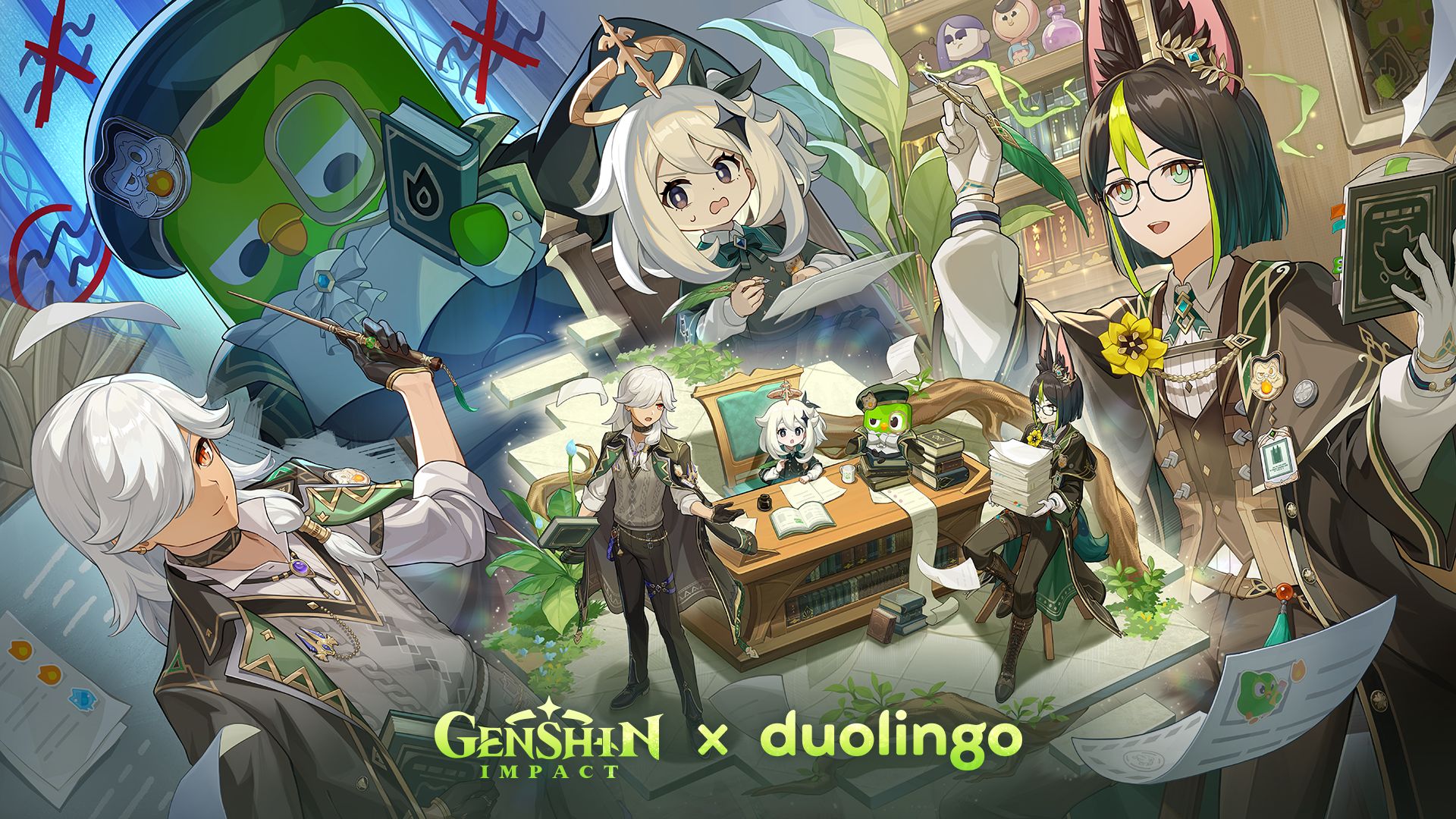
Genshin Impact has partnered with Duolingo for a limited-time 3-Day Streak Quest in the Duolingo app.
The collaboration between the popular open-world RPG and the educational app features Teyvat’s travel companion Paimon.
Genshin Impact characters Tighnari and Cyno also make an appearance, as well as Duolingo’s beloved green owl Duo.
From December 8 to 27, players and learners from select regions can unlock the “Genshin Impact Quest” in any course on the Duolingo app.
Users who complete learning exercises for three straight days with receive the following in-game rewards:
- Custom avatar “Diligent Study”
- Themed namecard “Celebration: Dream Reader”
- Unique Sumeru-style dish “Spiced Fried Chicken” and recipe
- Collectible in-app statue of Paimon and Duo
- Primogems
The reward redemption code can be claimed from the “Shop” page in the Duolingo app before December 30 and redeemed on the title before January 31.
To make the challenges more exciting, all four characters will show up on each quest to cheer on learners.
The collaboration follows the recently released Genshin Impact Version Luna III, which introduced Durin, a new 5-Star Pyro character with dual battle forms. There is also a new story chapter set in Nod-Krai.







Gaming
NVIDIA’s DLSS 5 can turn your favorite AAA game into AI slop
DLSS 5 will launch on select games.

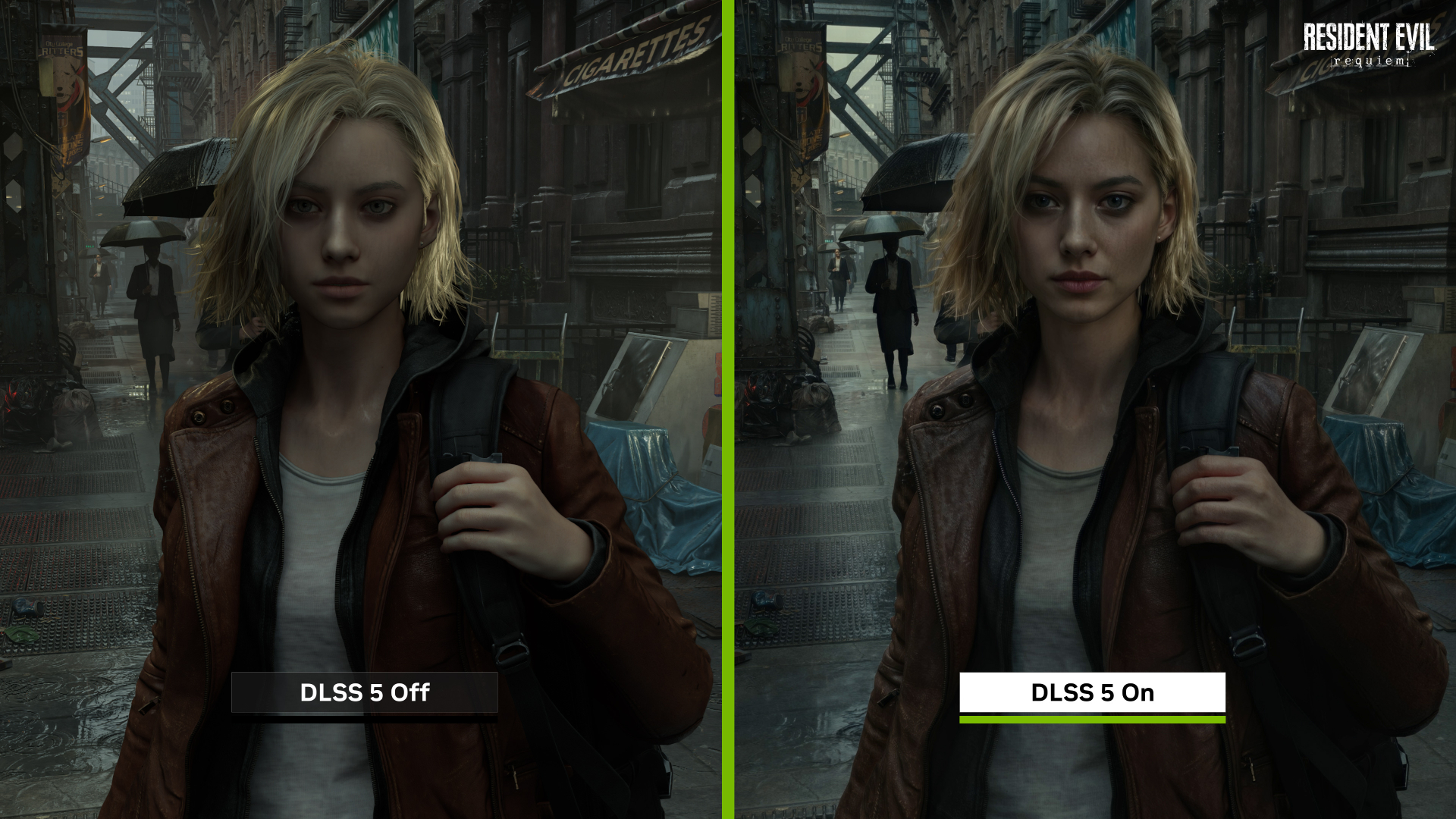
Have you ever wondered why RAM prices are going up this year? Everyone is rightfully saying that AI is the reason for the price hike, but it’s hard to palpably see why. Today, NVIDIA is showing off where its hard-earned profits are going by revealing DLSS 5.
For gamers who don’t have a particularly strong machine, NVIDIA’s DLSS technology upscales a game’s graphics quality and frame rate to artificially keep up with newer hardware. A few months ago, the company unveiled DLSS 4.5, which marks the latest step to help games sparkle. Today, with DLSS 5, the technology is going all-in on AI.
In a tech demo, NVIDIA showcased the latest version of the technology. This time, the feature will use photoreal lighting and materials to alter graphics. It can allegedly analyze a scene’s elements — including hair, fabric, and translucent skin — based simply on a single frame.
The demo’s most prominent example is Resident Evil Requiem. Grace Ashcroft, the gamer’s protagonist, evolves from her doll-like appearance into… well, something you might see on an AI-generated mobile game ad.
NVIDIA claims that the new version will make games look closer to real life. The jury is still out, especially with such a low sample size. However, in this writer’s humble opinion, it’s gonna be a no for me, dawg. I’d rather play with what the developer originally intended for their game than with yet another generic AI filter.
The new feature is rolling out to some of the biggest games today including Assassin’s Creed Shadows, Hogwarts Legacy, Resident Evil Requiem, and Where Winds Meet.
Gaming
Honkai: Star Rail Version 4.1: Dark secrets within the Phantasmoon Games
Ashveil becomes playable character
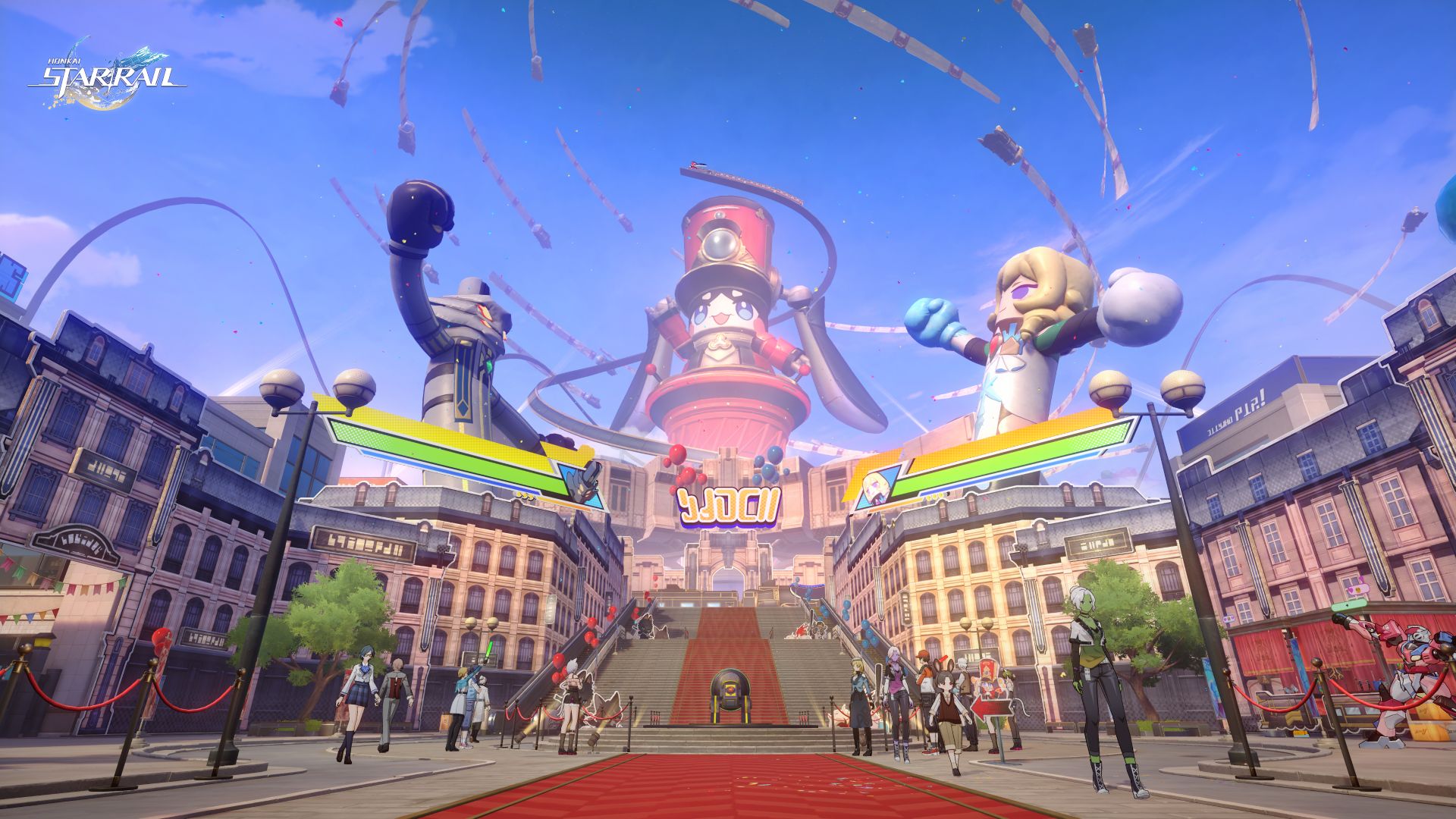
The Version 4.1 update for Honkai: Star Rail will be available on March 25. Called “Unraveled for Daybreak”, the update will continue to revolve around the story of Planarcadia.
Here, the Astral Express Crew is invited to attend the grand Star Rail FEST, a fan festival inspired by their past interstellar journeys.
In the process, they will join a new 5-Star Character, Ashveil, as they uncover the dark secrets lurking during the Phantasmoon Games.
Star Rail FEST
This festival features three major open zones: the Belobog Zone, Xianzhou Luofu Zone, and Penacony Zone.
The festival is set-up after the Trailblazer has successfully obtained the mask of the supplicant to participate in the Phantasmoon Games. Pearl, the CEO of Planarcadia, then collaborates with the Astral Experss Crew to hold a grand exposition.
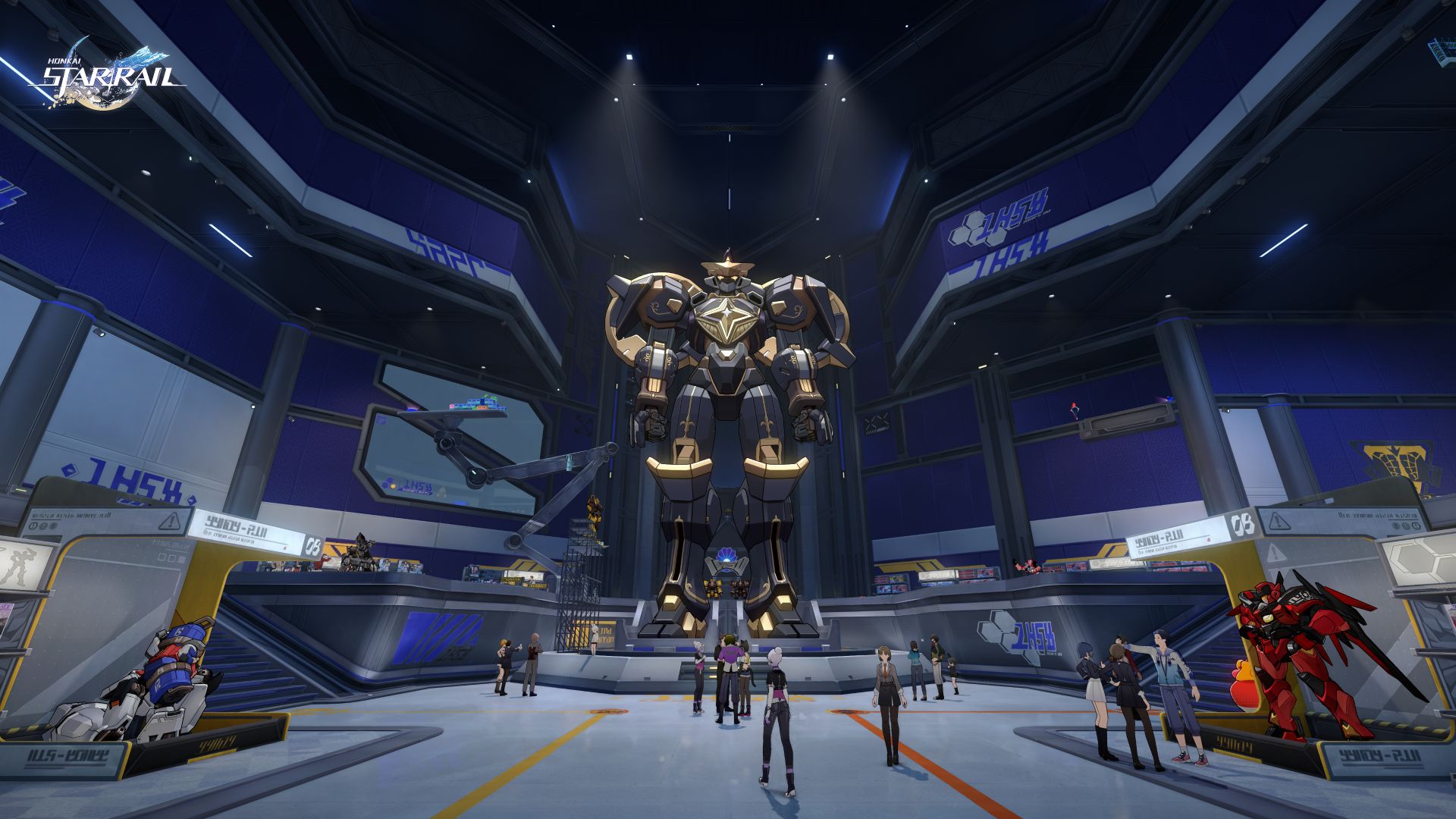
Citizens of Planarcadia can board a special Pom-Pom front shuttle express through Interplanar Jump to enjoy the highlights of their trailblaze journey.
Trailblazers can witness giant balloon figures, immerse themselves in a duel against the Lord Ravager Phantylia, and charge headlong at The Great Septimus.
Meanwhile, the festival’s organizer, Pearluxe Corp, will also have an area unlocked: Pearluxe Tower. Inside is a newly ultra-poseable model, “Alloy King Pom-Pom” and a variety of mechatron-themed interactive activities.
However, beneath the revelry, conspiracies are abound, and various crises will soon follow.
Ashveil joins the list of playable characters
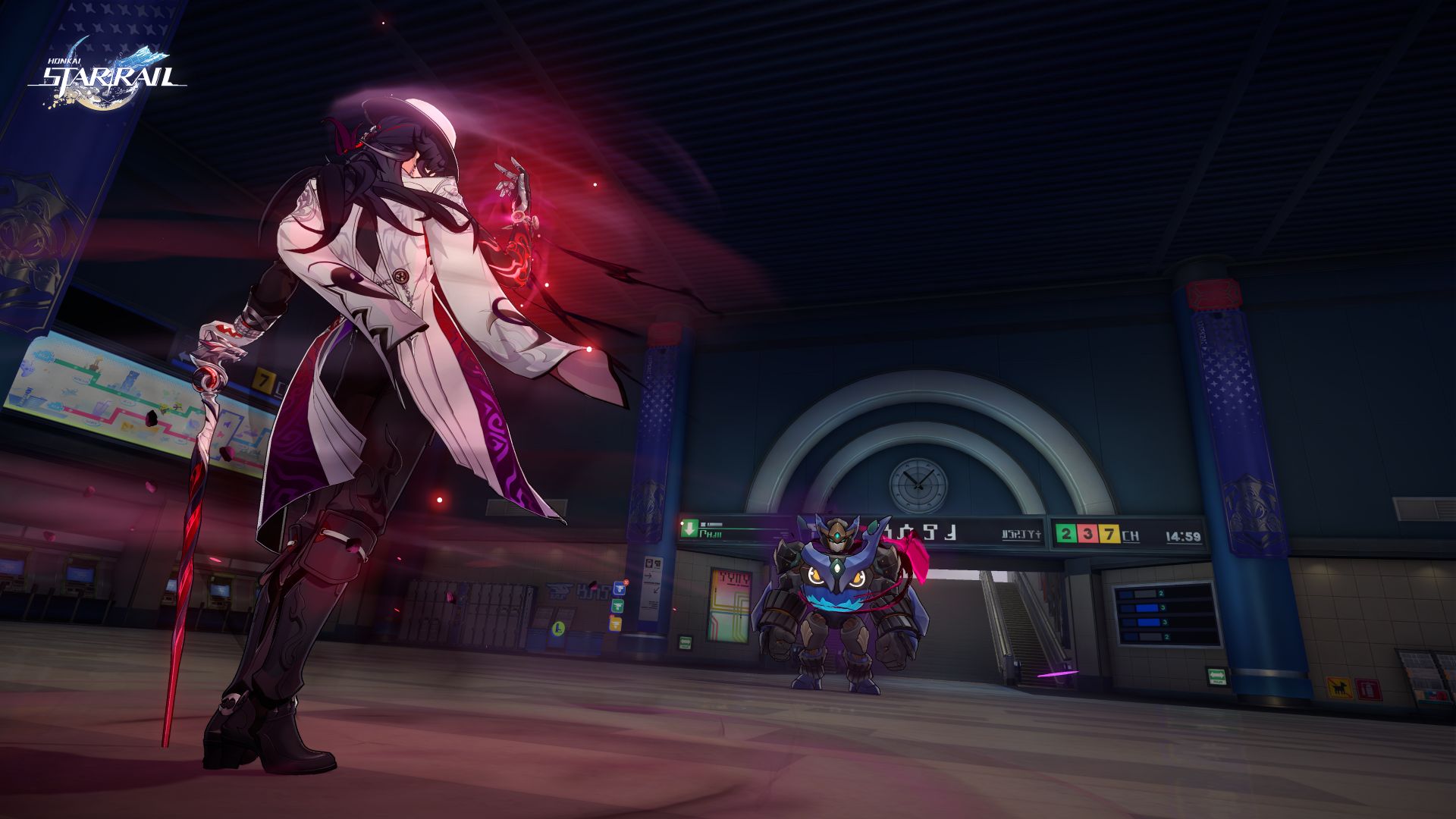
This marks the start of a new adventure for the Trailblazers, to be joined by famous detective, Ashveil.
This 5-star Lightning-Type (Path of The Hunt) “detective unreliable” will showcase his serious and dependable side as a playable character.
Ashveil uses his Technique to inflict a Stunned state on enemies within a certain range. After entering combat, he can increase the CRIT DMG of all allies and selects one enemy to be the Bait.
As long as the Bait is on the field, the DEF of all enemies will be reduced. And when Ashveil uses his Skill on the Bait again, he will deal extra DMG and recover Skill Points for the entire team.
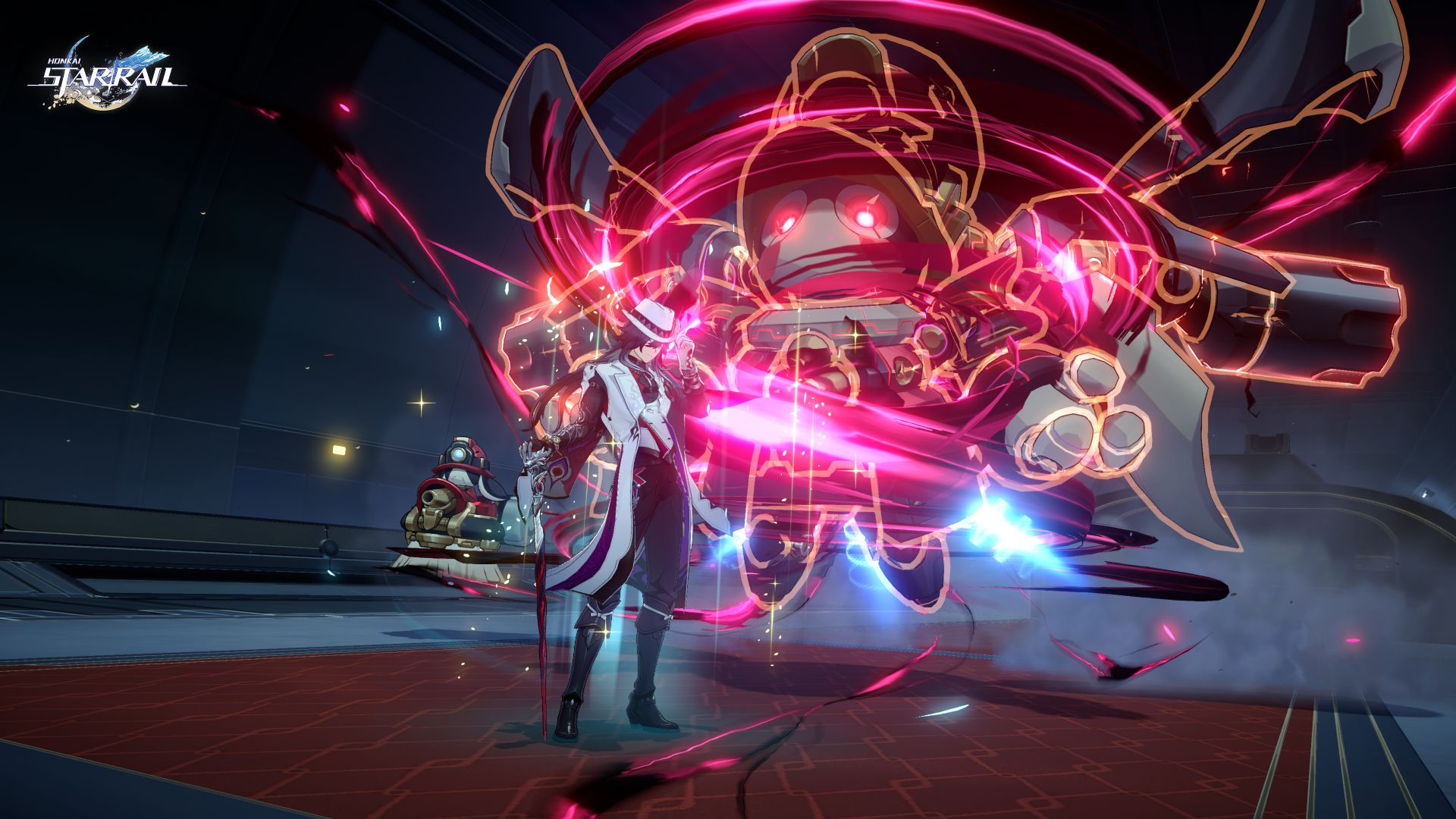
Moreover, when a teammate attacks the same Bait, Ashveil unleashes a Follow-Up ATK and gradually accumulates Gluttony in combat. Consuming this can further enhance the unit’s Follow-Up capabilities.
At the end of the last story stage, he will enter the Phantasmoon Games and begin investigating the murder case that occurred in the Dovebrook District.
He will work alongside the Astral Express Crew to uncover the conspiracy hidden beneath the surface of the elation feast to deliver justice for the fallen.
More features
In addition, Honkai: Star Rail Version 4.1 will launch with the Wispae War Saga. The Trailblazer can lead various types of wispae soldiers to battle in the Graphia Academy.
Here, they can defeat powerful champions by employing different strategies, upgrading wispae, and using spell cards and capsules with different effects.
Players can acquire both rewards and engage in even more challenging matches against outsider adversaries.
Gaming
Zenless Zone Zero Version 2.7 available on March 24
Featuring Hollow Champions tournament, new Agents
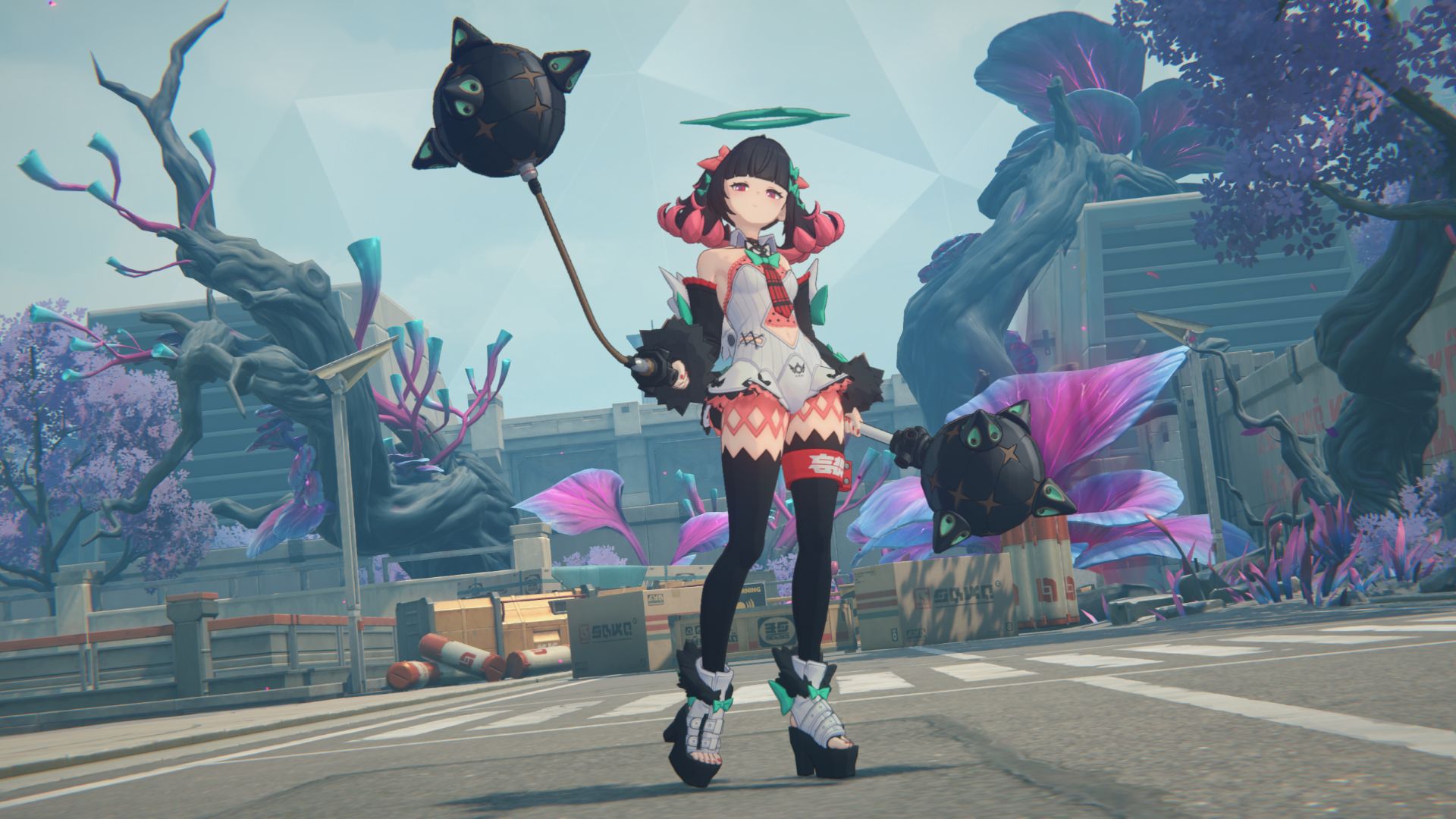
Version 2.7 of Zenless Zone Zero will become available on March 24 across platforms. Called “Champions Never Fall to the Past”, the update features the Hollow Champion competition and new agents.
The Hollow Champion competition sweeps across New Eridu — hosted by TOPS — spreading excitement as far as beyond the city center.
Competitors can take home high-stakes rewards, including the rare Porcelloy W-Engine. The tournament’s scale draws not only familiar allies, but even several unexpected participants.
There’s the Public Security’s Metropolitan Order Division, aside from the Cunning Hares and Sons of Calydon. It is said that the Calydon’s Sweepers will also step into the competition.
New Agents emerge
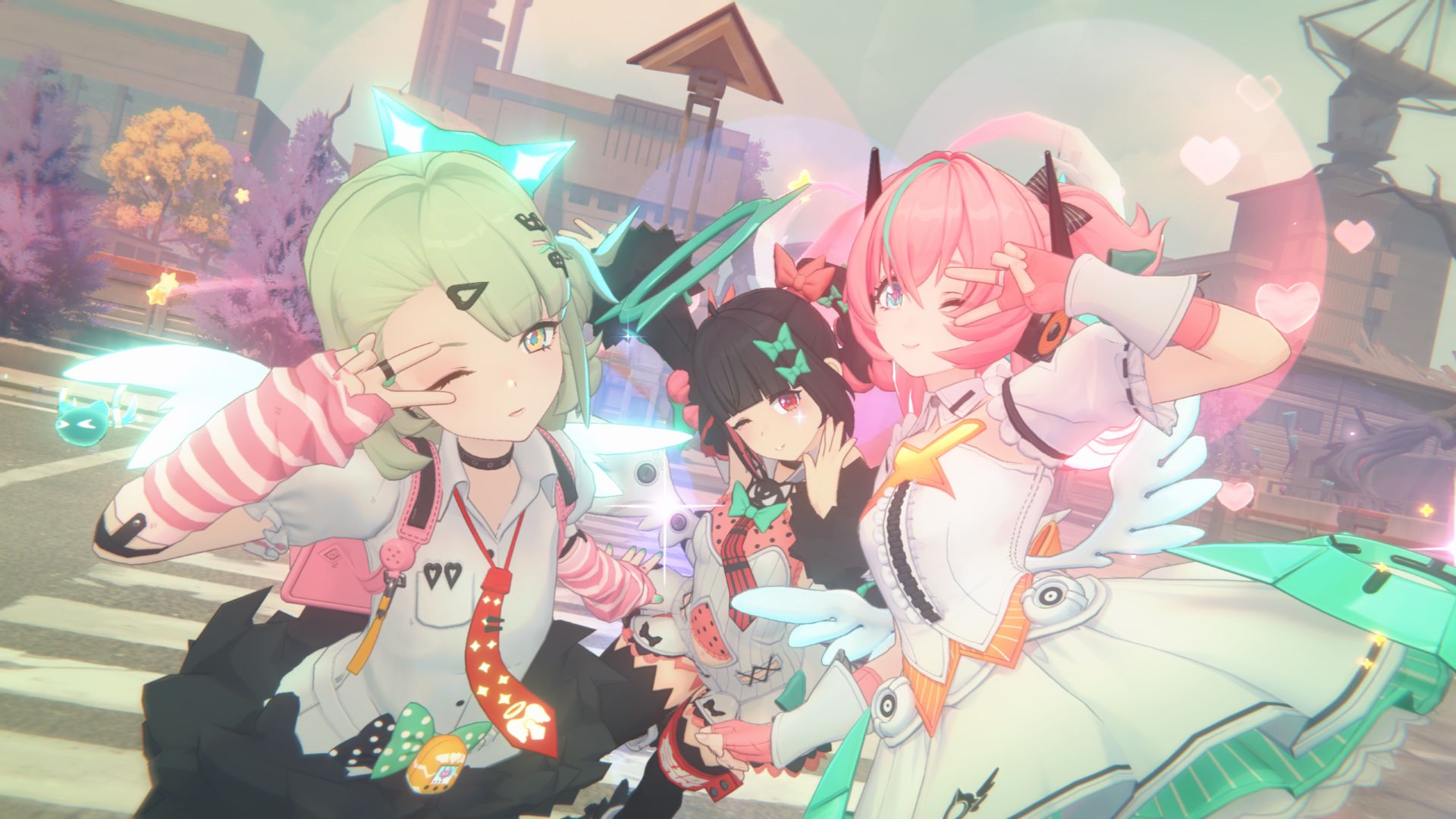
Furthermore, among the figures emerging from the shadows is the infamous Black Wolf Romeul. In battle, Romeul can activate a Corruptive Barrier for increased CRIT Damage Resistance and Interruption Resistance. This also causes opponents to continuously lose HP.
To break through this barrier, teams must be capable of delivering sustained Anomaly damage. This adds a new tactical layer for those wanting to challenge him.
Moreover, Cissia of the Metropolitan Order Division will also enter the race. As an S-Rank Electric Attack agent, Cissia gains three stacks of Venom upon entering battle.
Each stack deals Electric damage, while temporarily increasing her own CRIT Rate. The Venom gradually dissipates over time, but Cissia can also generate additional stacks through her EX Special Attack. As the stacks accumulate, she may expend them with her Basic Attack, Serpent’s Kiss.
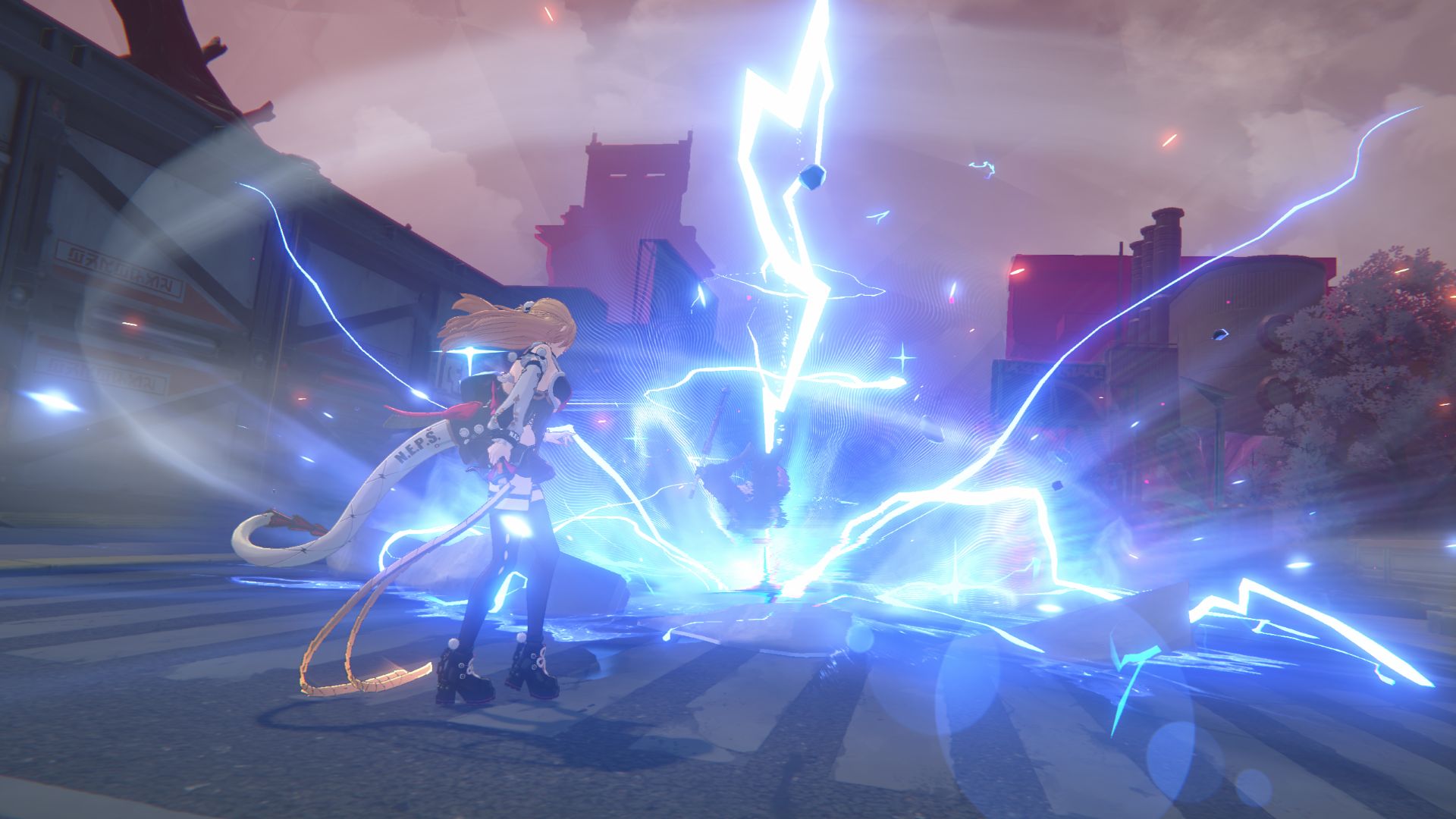
Joining Cissia is the Angels of Delusion lineup, captained by their dancer, Nangong Yu. The S-Rank Ether Stun Agent enhances her team’s Anomaly Buildup Rate against Stunned enemies.
During combat, she automatically regenerates Downbeat over time. Additional Downbeat is also restored whenever a squad member inflicts Anomaly on enemies.
Once the Downbeat is sufficient, she can unleash powerful charged attacks to extend the enemy’s Stun duration. This is while her own Stun and Anomaly buildup accelerates. Meanwhile, her Ultimate can activate Ether Veil: Delusion Reprise to boost the squad’s entire Attack.
Proxies can unlock an exclusive faction wallpaper after collecting all members of Angels of Delusion. In addition, S-Rank Ice Rupture Agent Yidhari and Electric Attack Agent Seed will also return to Zenless Zone Zero Version 2.7.


POCO X8 Pro Max review: A new beast from the far east
That "Pro Max" naming superlative is more than justified


POCO X8 Pro Iron Man Edition review: Midrange phone in superhero armor
POCO x MK15


Now Playing: Project Hail Mary
It's a treat for those who loved the original book.

OPPO Find N6 launches globally with near crease-free foldable display
POCO X8 Pro Max review: A new beast from the far east
POCO X8 Pro Iron Man Edition review: Midrange phone in superhero armor

POCO X8 Pro Series launches in Singapore with early bird prices

POCO X8 Pro Series: Price, availability in the Philippines


-

 MWC 20262 weeks ago
Infinix NOTE 60 Ultra makes a motorsport-inspired debut
-

 Computers2 weeks ago
AMD announces Ryzen AI 400, AI 400 PRO series at MWC 2026
-

 Reviews1 week ago
The Xiaomi 17 shoots Leica dream
-

 Laptops2 weeks ago
Apple unveils MacBook Pro with M5 Pro and M5 Max
-

 Gaming2 weeks ago
Ubisoft confirms Assassin’s Creed: Black Flag remake
-

 Hands-On2 weeks ago
OPPO Reno15 F 5G hands-on
-

 Gaming2 weeks ago
PlayStation will stop releasing its games on PC
-

 Computers2 weeks ago
Apple unveils Studio Display and all-new Studio Display XDR