
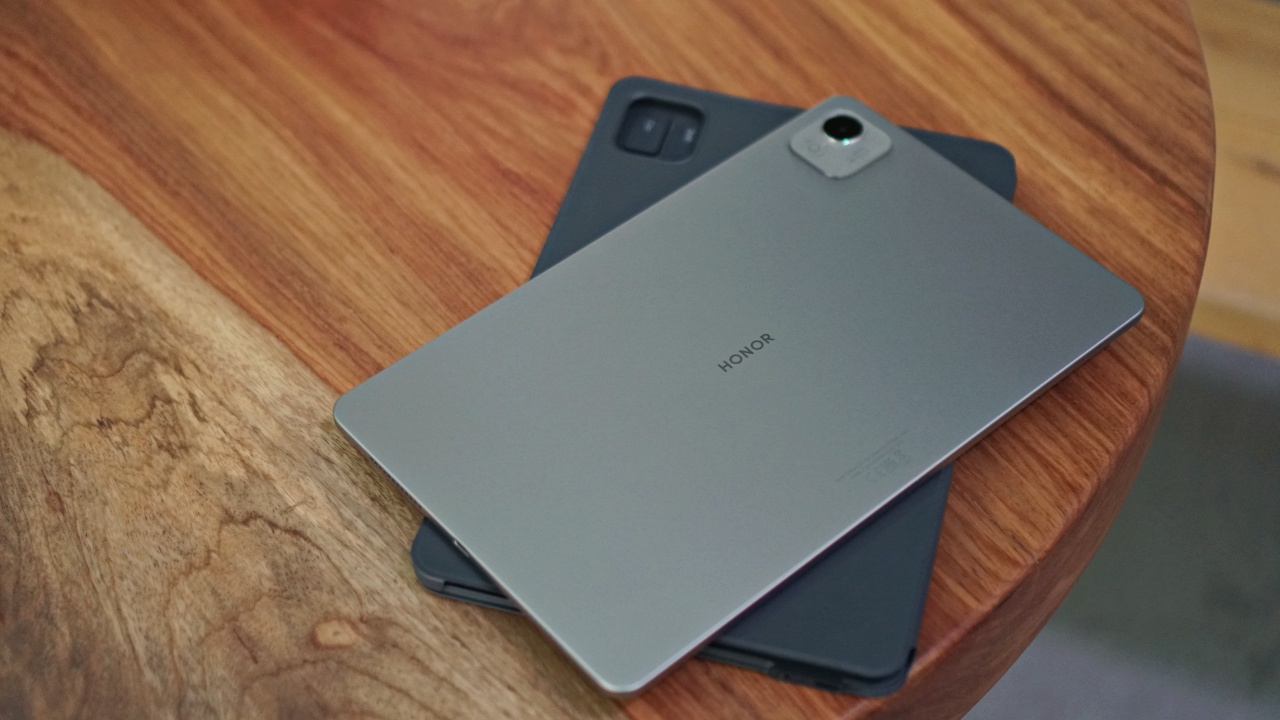

As far as entry-level tablets go, the HONOR Pad X9a is about as good as it gets. It’s great for doing some light office work and for some chill Netflix time afterwards.
Here’s a quick look at the tablet’s specs:
- Display: 11.5” TFT LCD, 120Hz, 400 nits (peak)
- Processor: Qualcomm SM6225 Snapdragon 685
- OS: Android 15, MagicOS 9
- RAM and Storage: 8GB, 128GB, no MicroSD card slot
- Main camera: 8MP, f/2.0, (wide), 1/5.0″
- Selfie camera: 5MP, f/2.2
- Battery and charging: 8300mAh and 35W wired charging
Admittedly, it looks kind of bland on paper. Nothing in here will absolutely jump at you. But the HONOR Pad X9a is one of those devices that’s greater than the sum of its parts. What you get for the overall package at its price point is fair value.
Price and availability
Speaking of pricing, the HONOR Pad X9a retails for PhP 11,999. That’s including the Smart Bluetooth Keyboard which is the package that we recommend you get. That’s especially true if you truly want to get the most out of the tablet.
If, in case, you’re the type who already has a low profile keyboard that you carry around, you can snap up the tablet for only PhP 10,999.
You can get one at any HONOR Experience and Partner stores or online via:
- Shopee (https://bit.ly/Shop_PadX9a_PR)
- Lazada (https://bit.ly/Laz_PadX9a_PR)
- TikTok Shop (https://bit.ly/TikTok_PadX9a_PR)
Office-type work companion

The reason we insist that you get this one with a keyboard is because that’s how you’ll be able to maximize its value.
You can stick with Google’s Office Suite or opt to use the built-in HONOR Office Apps which function a lot like their Microsoft Office counterparts. Whatever you decide, know that you’re getting access to tools like Docs/Word, Sheets, Presentations – the basic ones you’ll need for nearly every type of office work.
During our time with the HONOR Pad X9a, we used it to write a handful of articles, craft lengthy email replies, and jump to chat and messaging apps to coordinate work things.
It’s an affordable alternative to buying a laptop for basic functions. At 11.5 inches, it also has a large enough screen to appropriate the feeling of working on a laptop.

The keyboard has decent travel and feels adequately satisfying to use. While it doesn’t feel premium by any stretch of the imagination, you won’t feel like you got shortchanged on what you paid for.
MagicOS 9


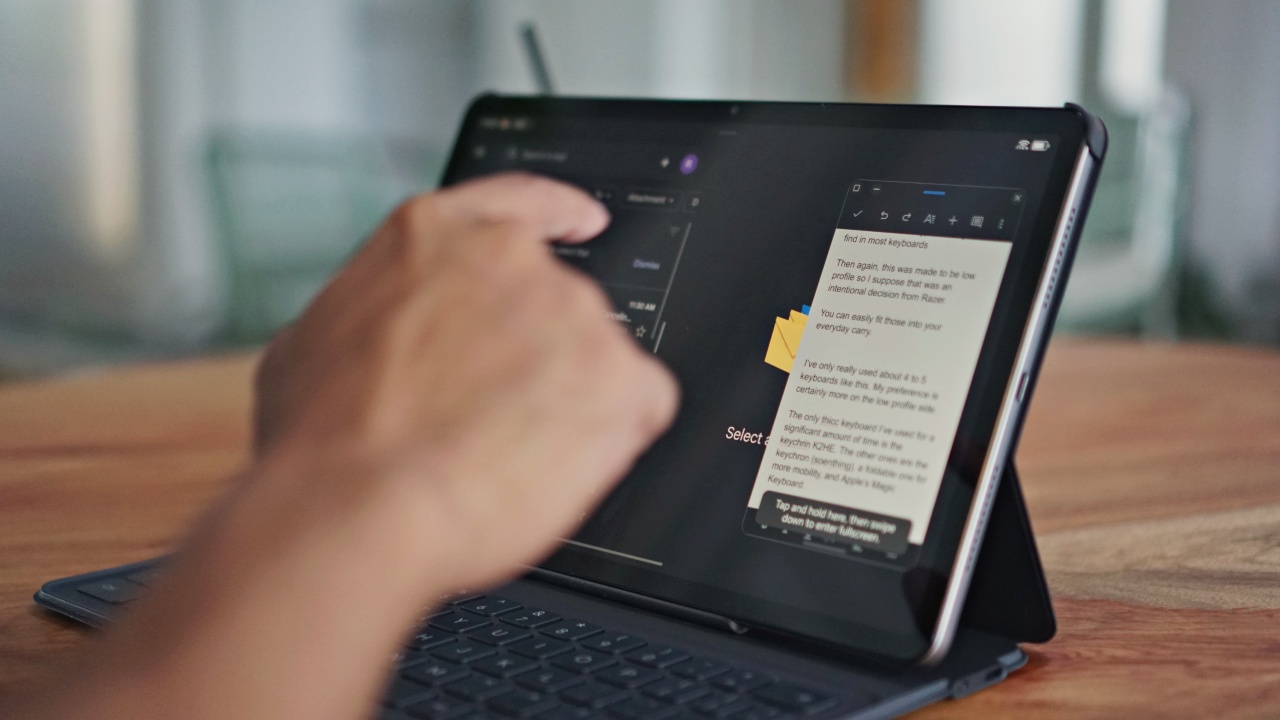
MagicOS 9 is doing a lot of heavy lifting in terms of functionality. Most specifically, the muti-window feature is a godsend for productivity.
With it, we can easily reference the material we’re working on while we have a Word/Document app on the other side.
If you want to work and relax at the same time, you can instead run any other streaming or social app alongside what you’re working on to maintain some sort of work x life balance.
Gemini a big help
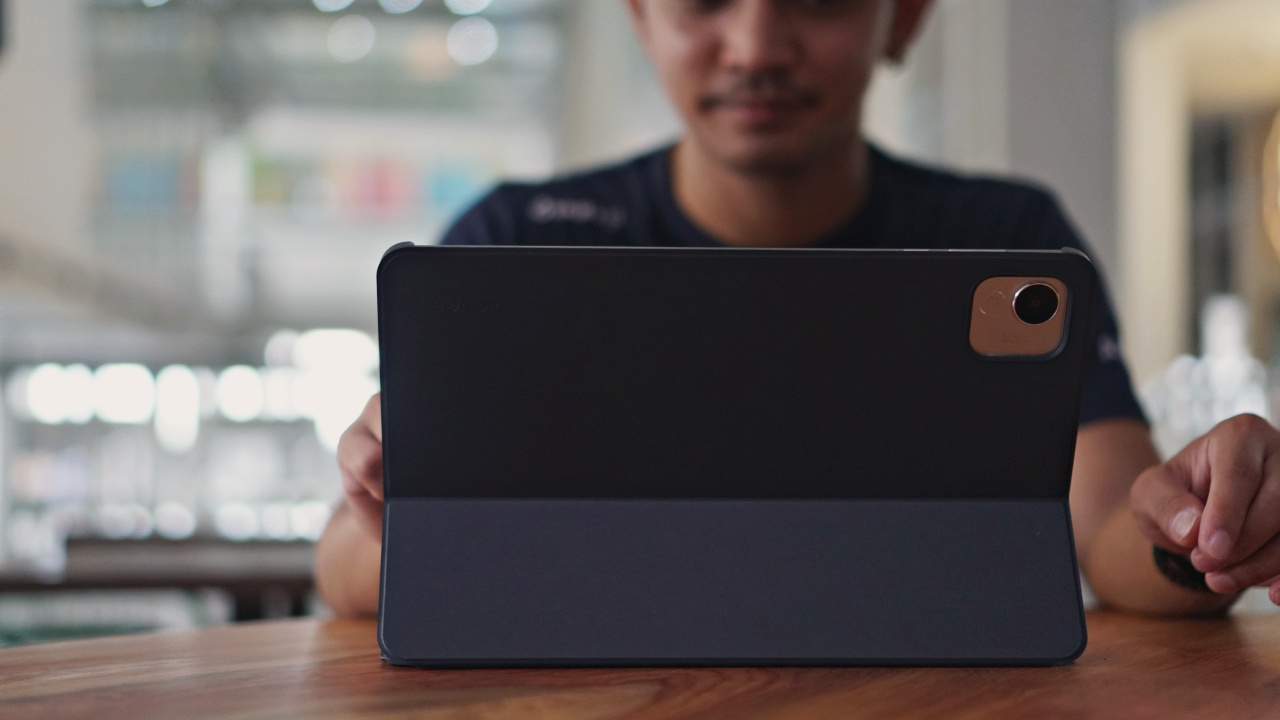
The HONOR Pad X9a also supports Google’s Gemini AI. This can work for you in various different ways.
You can talk to Gemini to bounce ideas off of no matter what you’re working on. Just make sure to treat its answers as mild suggestions rather than absolute answers.
It’s been very helpful to us on a number of occasions: whether that’s generating content ideas for our projects, helping us find a cafe to work at, and even helping us plan trips.
Not for demanding games
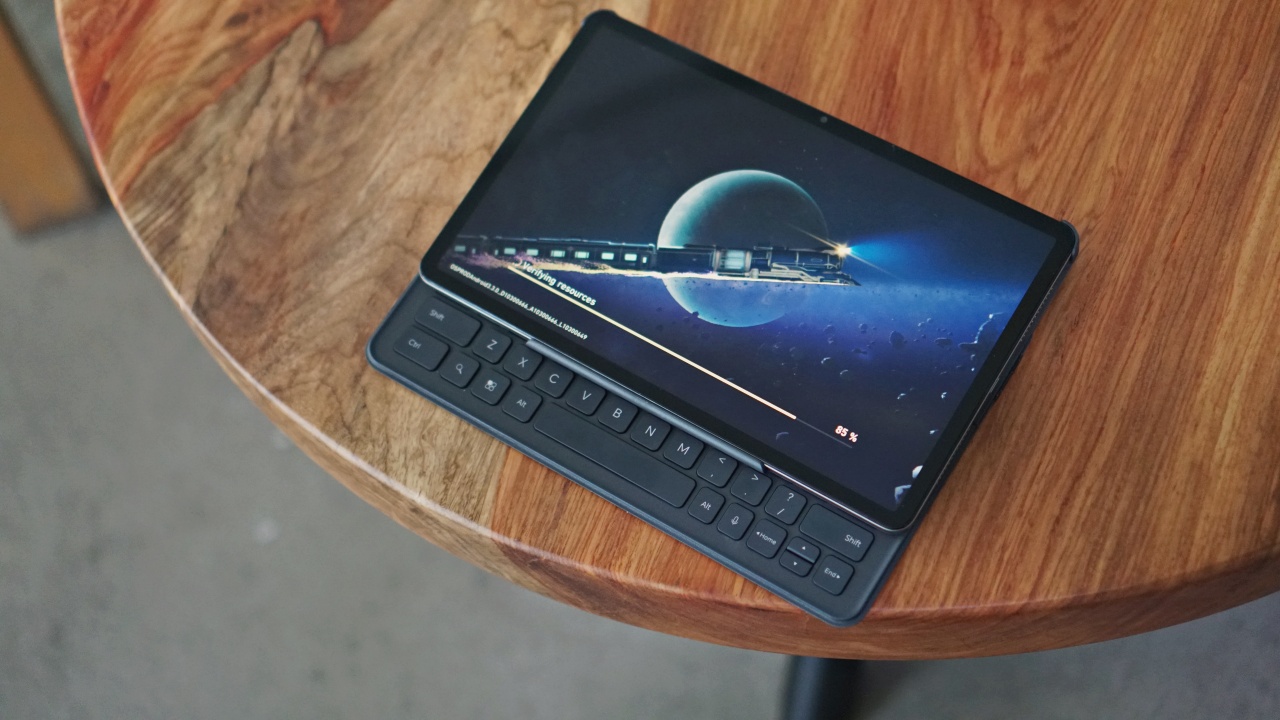


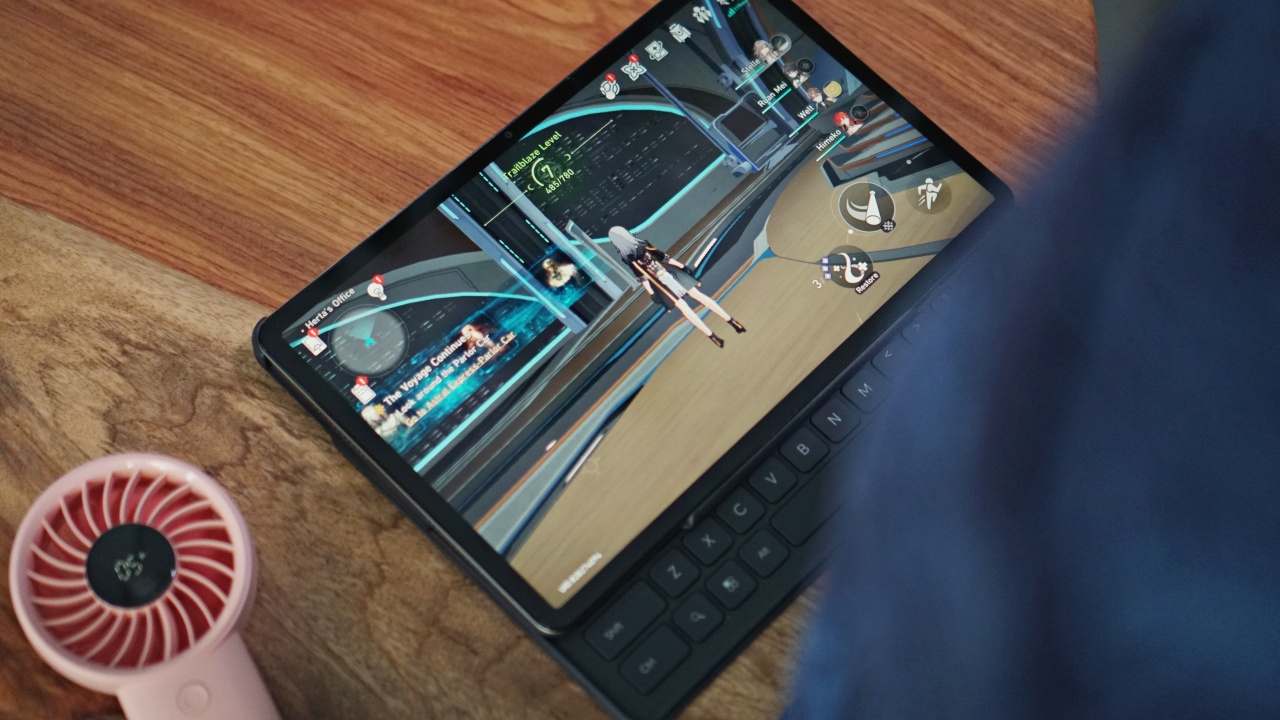
One drawback of being an entry-level device is that it simply lacks the power to adequately run graphically demanding games.
We downloaded Honkai Star Rail on this thing and it struggled mightily despite already having the graphics at very low. You can still probably find games to play on the tablet but make sure it’s of the low-power variety.
Netflix, chill, and more
That said, if your preferred form of entertainment is more passive than interactive, then the HONOR Pad X9a will do just fine.
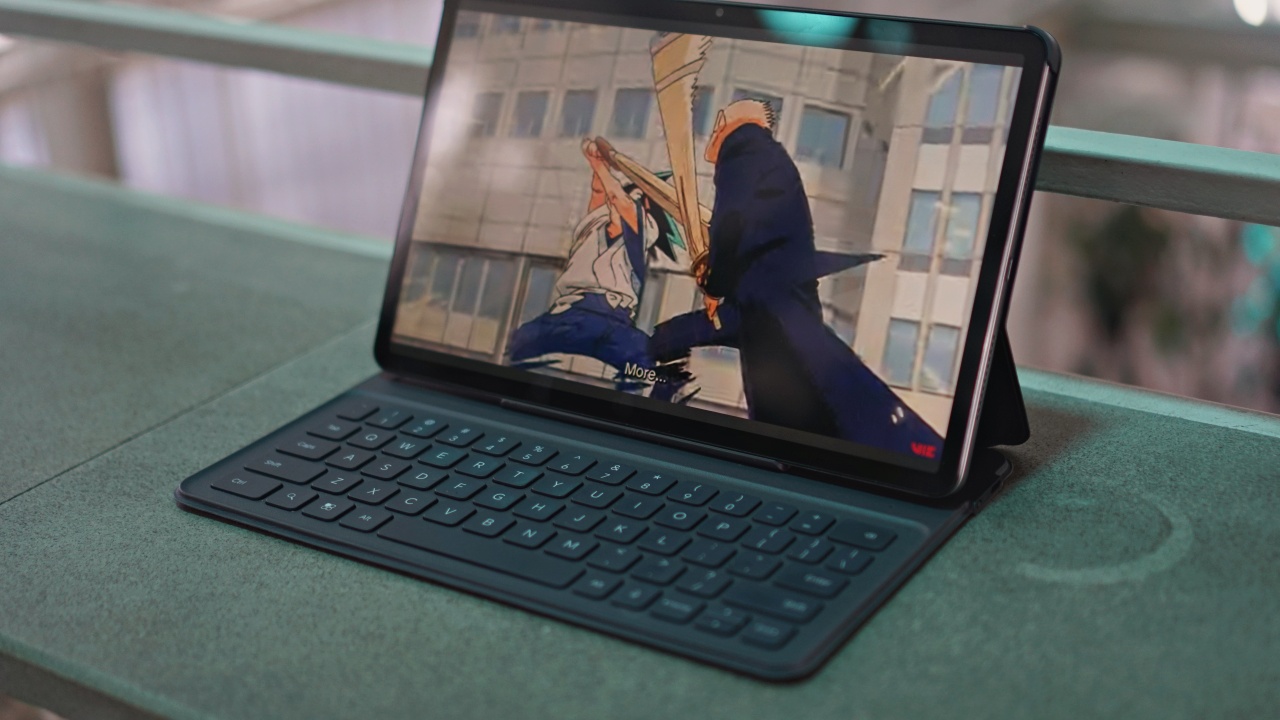
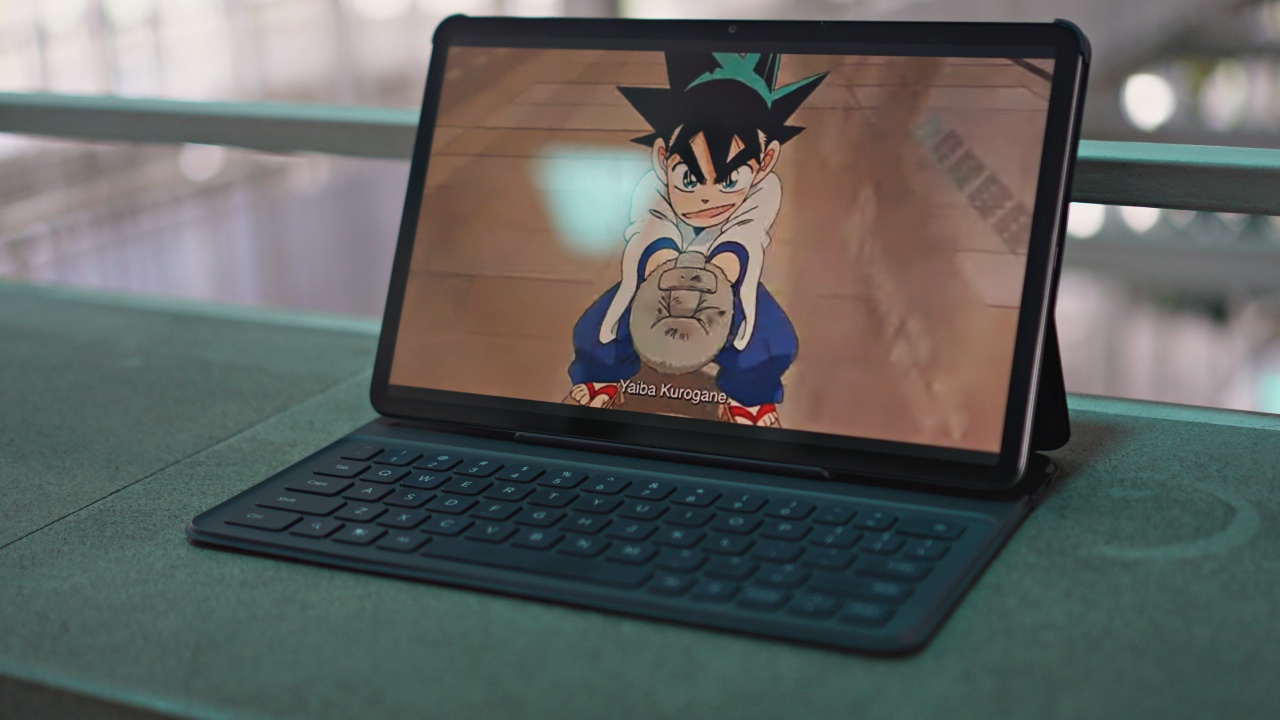
We had a grand time catching up on Yaiba which is currently streaming on Netflix.



We also couldn’t get enough of this IVE Rei fancam. She looks extra fine in this one for sure.


The NBA Playoffs is also on, and we’ve been watching the highlights here while checking out Daily Fantasy.

Carrying it can be a little tricky though. It doesn’t quite fit our Alpaka Go Sling which can only slot in 10-inch tablet max. While most other daily carry bags might be too big, that might be the way to go.
We’ve also brought this around on more Alpaka Elements Tote (M). It’s small enough that you can still close the tote magnetically when carrying it.
Is the HONOR Pad X9a your GadgetMatch?

The HONOR Pad X9a is one of those low risk, high yield devices. It makes for a capable laptop alternative with the keyboard bundle. If you just want to check if a tablet of this size fits your workflow and lifestyle, its relatively affordable price makes it an easy buy.
What you’re getting for what you’re forking out is a plenty capable entry-level tablet. It’s perfect for getting some quick typing work done and for sitting back to watch whatever relaxes you after you’re done with work.




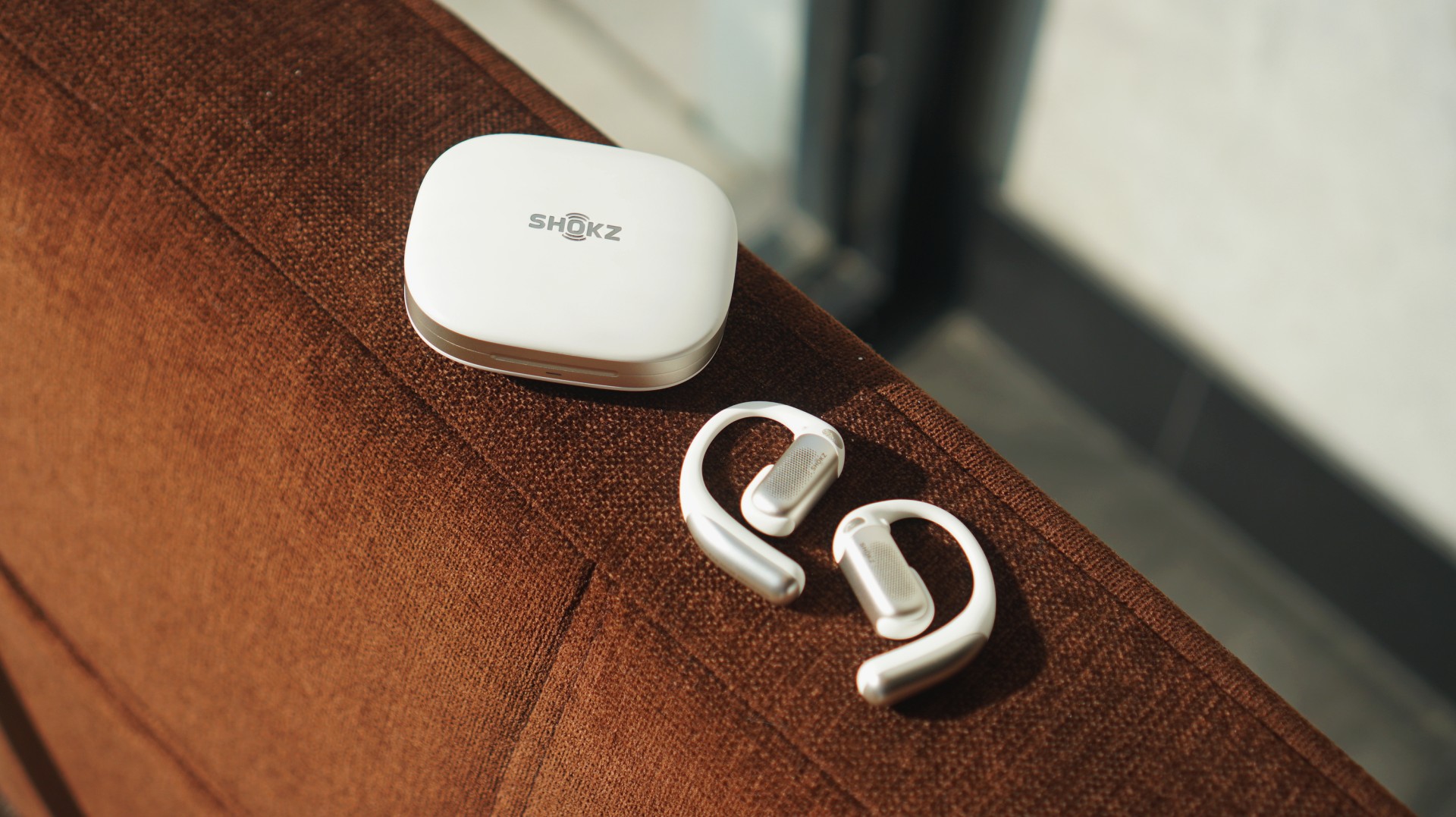
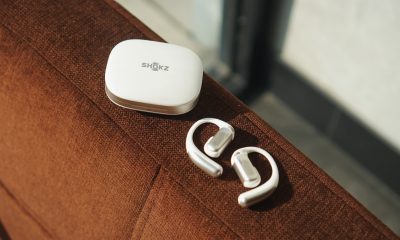
Somewhere between “stay aware” and “tune things out.” That’s exactly where the Shokz OpenFit Pro lands. It didn’t fully make sense to me at first. But after about a week of using it almost everywhere, it started to click.
First impressions: familiar, but better
For context, I’ve only used a couple of open-ear options before — the HONOR Earbuds Open and the Shokz OpenDots One. I also heard from a colleague that “Pro” versions tend to feel heavier.
That wasn’t my experience here.
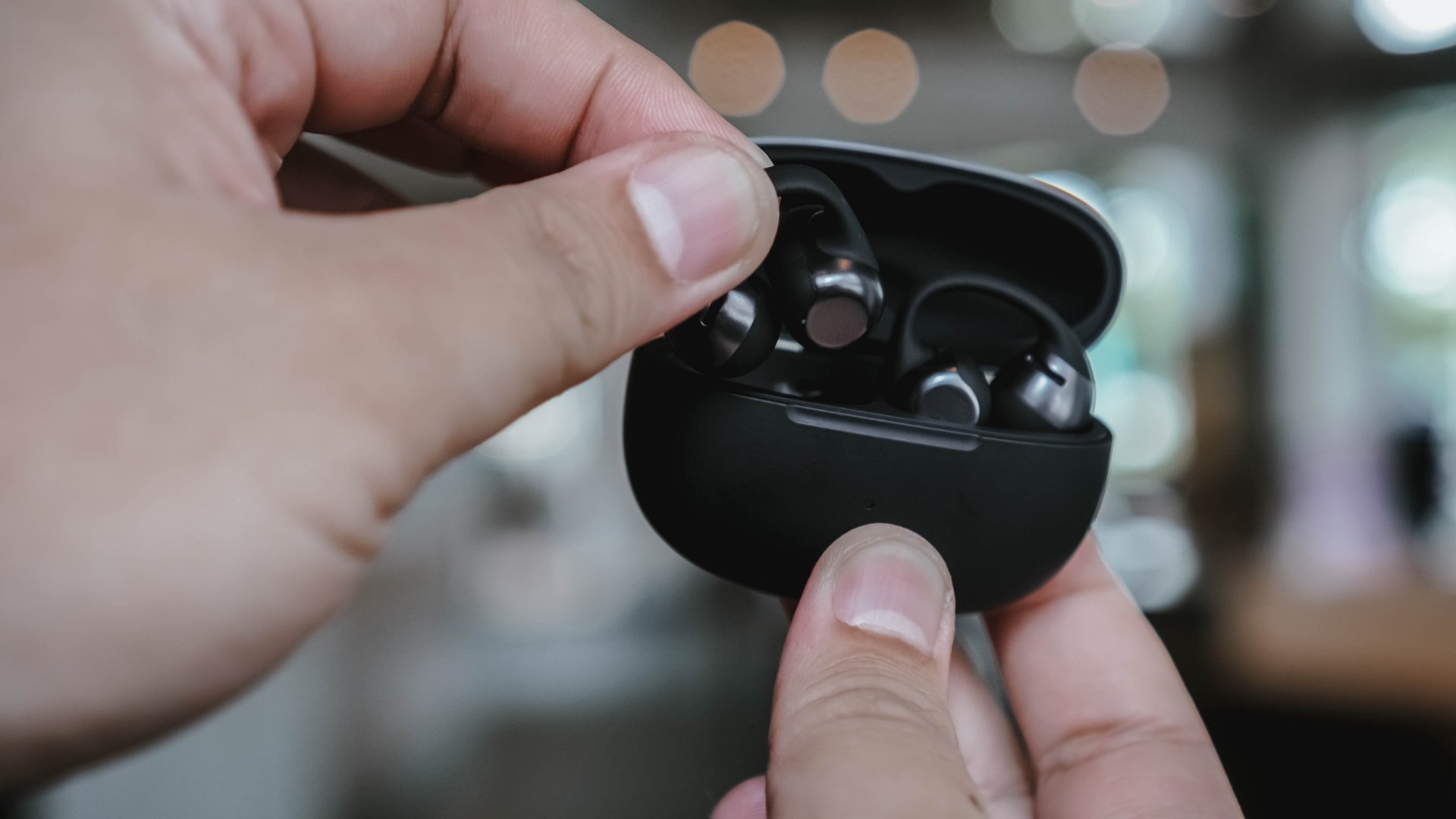
The first few minutes with the OpenFit Pro felt just right. Not too heavy, not awkward. Just… there. In a good way.
What stood out more immediately was how visible they are. These aren’t the kind of earbuds that blend in or pass off as accessories. If someone looks at you, they’ll know you’re wearing earphones.
And then there’s the sound.
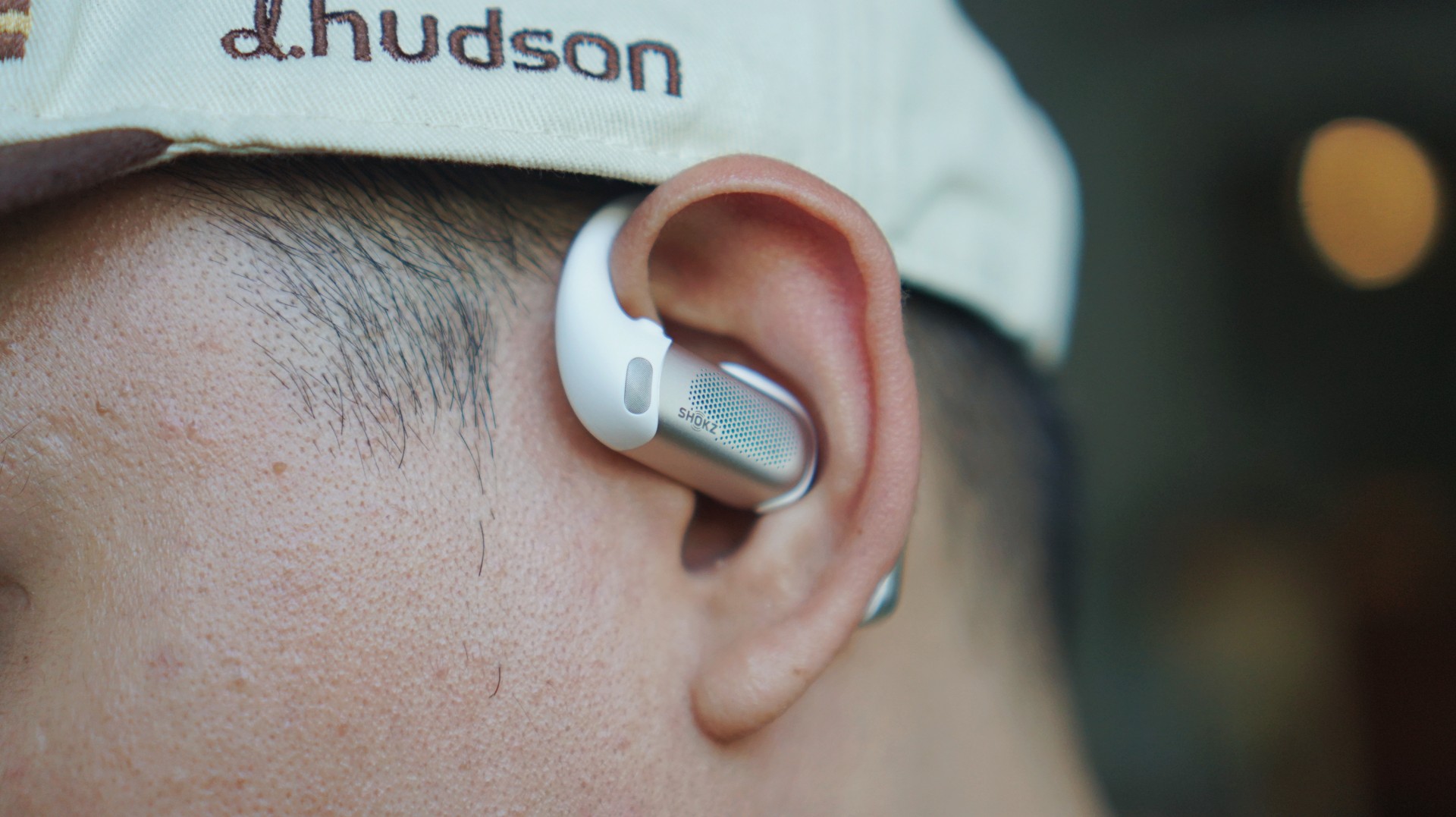
I could immediately tell they were better than both the Earbuds Open and OpenDots One. That was the first real “okay” moment.
It just fit into my day

Since unboxing, I’ve kind of just been using the OpenFit Pro everywhere.
I worked at a café for about four hours with it on. Took calls — both work and casual. Wore it while walking around.
In the week or so that I’ve used it, it felt appropriate in pretty much every scenario I found myself in. Mostly casual ones, but still.
There are moments where I’d still reach for something like the OpenDots One — especially when I want something more subtle, like at events or even on a date.
But lately, I’ve been picking up the OpenFit Pro more. Mostly because of the sound quality and the flexibility you get with the noise reduction options.
The kind of sound that lets you sit in it
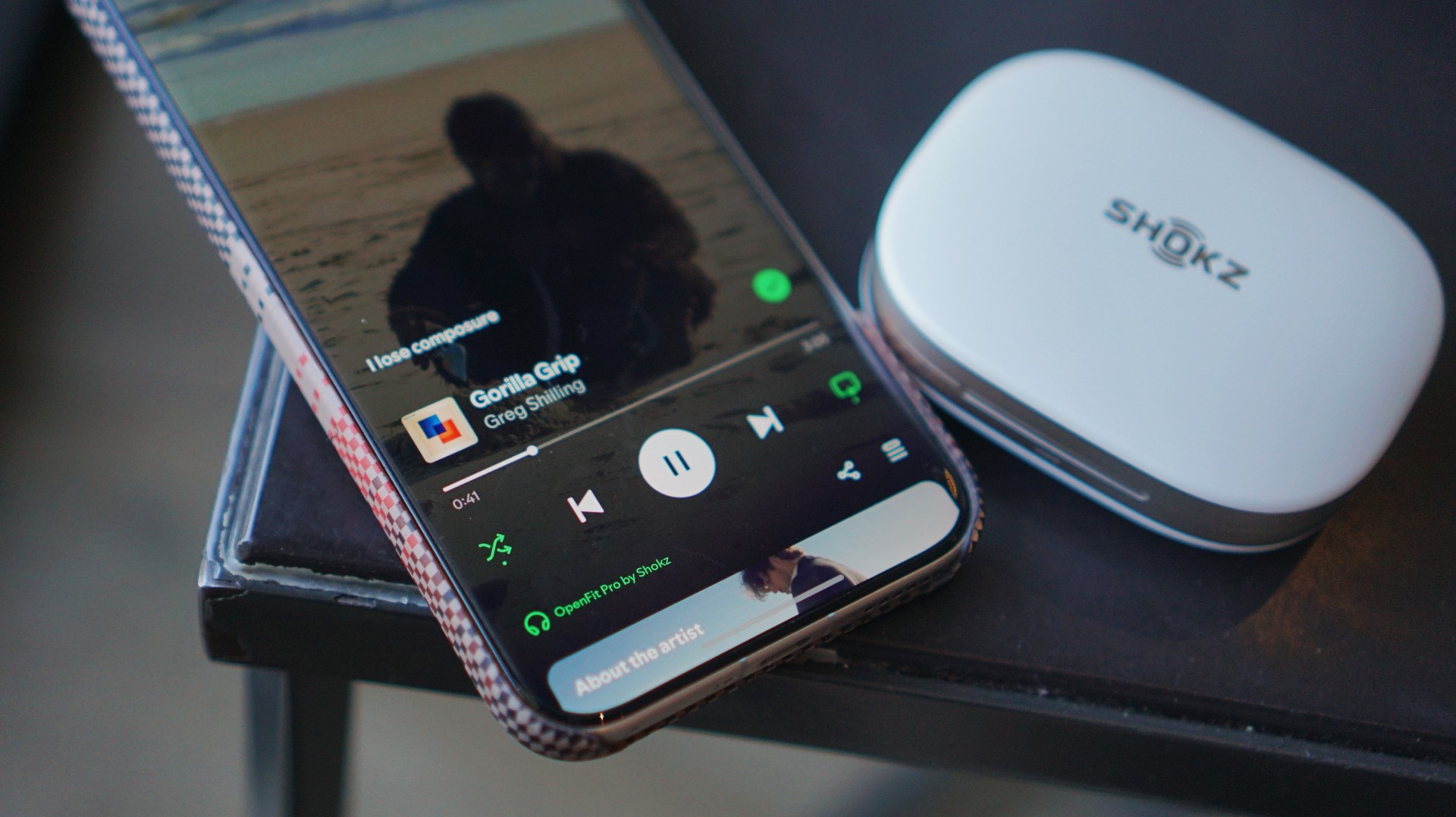
I’ve been stuck on a single playlist lately — a mix of chill neo soul and indie pop. Tracks like “Gorilla Grip” by Greg Shilling and “Psychosomatic” by Azkal. That’s been my vibe and the OpenFit Pro fits right into that.
At this price point (PhP 14,990 / USD 249.95), I expected it to sound good. Thankfully, it does.
The sound is clean, clear, and crisp. That’s really the best way to describe it.
Bass doesn’t hit you in a physical, “thumpin’” way, but it’s present. It rings. It sits where it should.
I usually test with “Turn It Up” by TWICE and “Summer Romance (Anti-Gravity Love Song)” by Incubus, and both come through nicely.
What I appreciated most is how easy it is to isolate sounds in your head. If you’re the type to mentally pick apart layers in a track, this makes that easy.
Dolby Atmos adds another layer to that experience. Tracks like “Sobakasu” by Judy and Mary and “⅓ No Junjo Na Kanjo” by Siam Shade feel like they move around you.
It’s the kind of sound that makes you want to move a little. Nothing dramatic. Just enough to groove.
Noise reduction, but still open

The main feature here is open-ear noise reduction. I turned it on right away during a café work session. It works best for tuning down general noise — conversations, ambient chatter, the usual café sounds. It doesn’t eliminate them, and that’s the point.
Vehicle noise gets reduced too, but to a lesser extent. It doesn’t fight your music. It just sits behind it. I wouldn’t say it feels weird or unnatural. It just does what it says it does.
You still hear the world. Just… less of it when you want to.
Awareness that feels intentional

This is probably the core of the experience. It never really felt like I was “half-present.” It felt intentional.
If I’m semi-engaged in conversation, I can turn noise reduction off and just let everything in. If I want a bit more focus, I turn it on.
Walking was where I appreciated it most.
I walked quite a bit with these on, and it helped me stay aware of my surroundings. I moved pretty much the same way I normally would — just with a bit more awareness in the background.
And if I’m locked into work, the outside noise fades anyway.
Comfortable, with a presence

On my first day, I wore it for four straight hours and honestly forgot about it.
After that, I started to feel it around the two-hour mark — not in a bad way. More like a reminder that it’s there.
But it never got to the point where it felt tiring or uncomfortable.
It only fell off once, and that was after taking off a helmet from a moto taxi. Outside of that, it stayed put no matter how I moved.
And I didn’t exactly take it easy either — there was some random dancing in the elevator and a bit of headbanging in my room.
It held up.
Calls that just work

I took several calls using the OpenFit Pro — all indoors, mostly with minimal background noise.
Here’s the feedback I got:
“It was pretty clear. There wasn’t much noise except for during the start of the call. It’s like there’s just one layer. Then noise cancellation was good because there was no background noise. I wouldn’t know if phone or earbuds in that sense.”
That last part stands out. If the person on the other end can’t tell whether you’re using earbuds or just your phone, that’s usually a good sign.
I’d trust this for important calls.
Battery that just exists
Battery life is one of those things I didn’t really have to think about.
I used it throughout the day and charged it when I got home. That’s it.
There was even a day I forgot to charge it, and it still had enough battery for my usual usage the next day.
No stress. No adjustments needed.
The trade-offs are mostly visual

If there’s one thing you’re giving up here, it’s subtlety. These are not discreet. People will notice you’re wearing them. If that matters to you, this might be a dealbreaker.
The black version helps if you want something more low-key. The white one stands out more — which I personally like.
Beyond that, there weren’t any real frustrations. Maybe the price, but given the tech and overall experience, it makes sense.
A lifestyle fit that makes sense
This feels like it’s made for people who move around a lot and don’t mind being seen.
Active, unbothered, always in motion.
It’s so easy to use and comfortable enough that I found myself listening to more music during short walks. I didn’t have to worry about it falling off the way I sometimes do with in-ear options.
It just fits into that kind of lifestyle naturally.
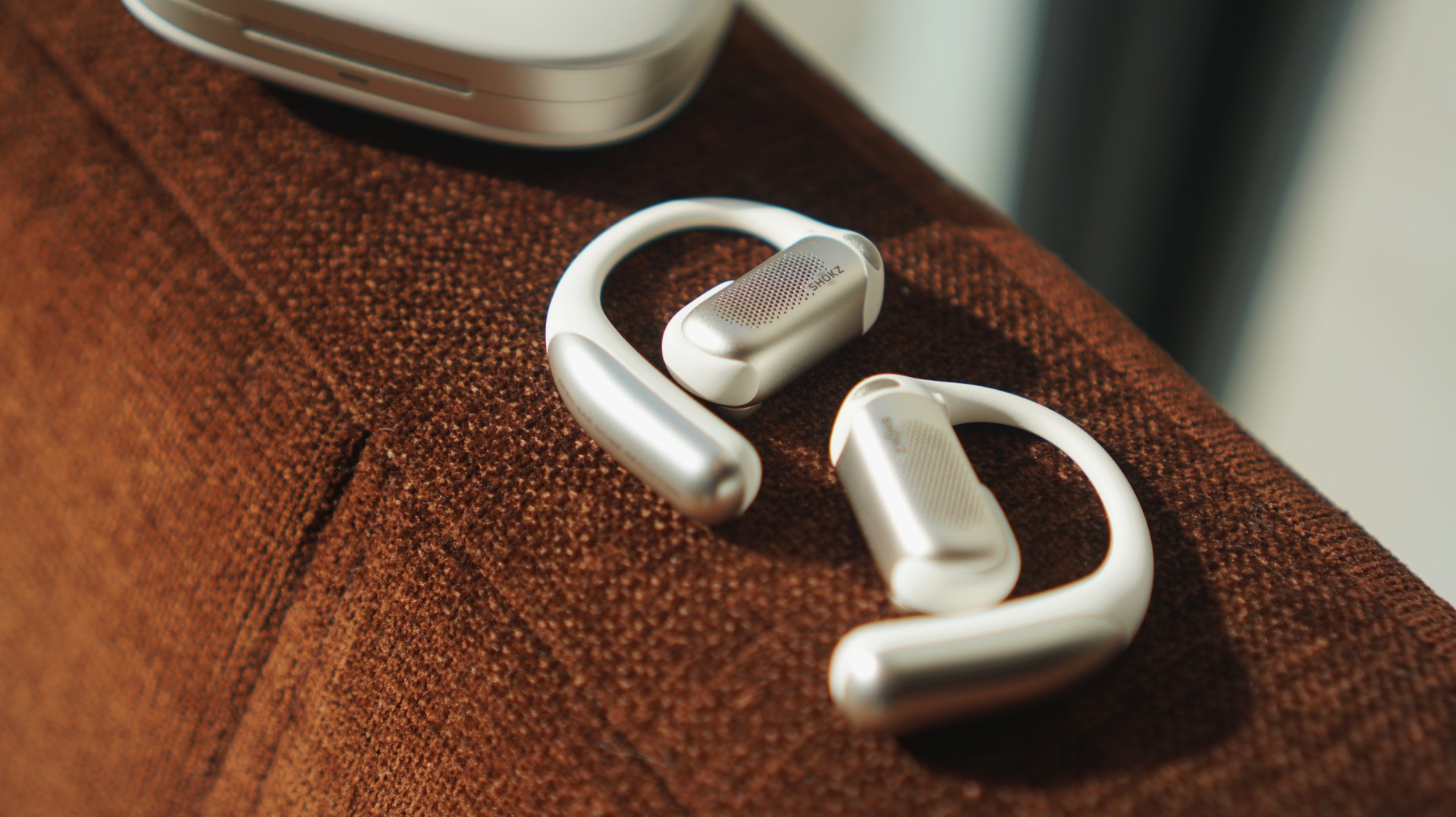
The moment it clicked
For me, it clicked right after setup. I connected it to the app, tried the head tracking, toggled noise cancellation on and off, even tested it without anything playing. Shook my head like a crazy person. The works.
From there, everything just lined up.
I liked the sound immediately. The comfort made sense. The controls were simple and easy to learn.
It felt like something I’d actually want to keep using.
Is the Shokz OpenFit Pro your GadgetMatch?

At this price, the OpenFit Pro positions itself as a main pair of earbuds — and it can absolutely be that.
It fits into most situations where you’d want to wear headphones.
Especially if you’re someone who likes music as a constant companion — whether you’re working out, walking around, or just moving through your day like you’re in your own little movie.
For people like that, this is a Swipe Right.
If the open-ear look isn’t your thing, though, that’s an easy Swipe Left.
Bonus: choosing this over traditional earbuds

This is funny, but I haven’t picked up my Galaxy Buds4 Pro at all since I started using the OpenFit Pro. The Buds4 Pro are still better in terms of overall sound and features. But I just find open-ear headphones more comfortable to wear.
At the end of the day, it comes down to comfort and how you want to show up. And right now, this is the one I keep reaching for.
Practical Smart Home
Why this 180-degree gimbal projector is a “small win” for solo living
At $200, the XGODY N6 Pro transformed my one-bedroom apartment into a sanctuary of independence

For a long time, I didn’t have a home entertainment setup.
As a young adult navigating the nuances of solo living, my iPad Pro was my constant companion. It was my theater and my window to the world, especially on those nights when the silence of a one-bedroom apartment hit a little too hard.
I’ve spent countless hours with that 11-inch screen as my only guest, filling the void with comfort shows while I worked, even though my space was perfectly capable of housing a real Smart TV.
But buying a TV felt like… commitment. A TV is a centerpiece you decorate around; an invitation for people to gather.
If you walked into my apartment, you’d see it doesn’t scream “hosting duties.” It screams sleep, train, grind, recover, and repeat.
There is no plush couch, no mahogany entertainment center. While it might look unusually sparse to others, it is mine.
And one of the best parts of living alone is making the final call on what actually fills your space. On one of my loneliest nights, the XGODY N6 Pro arrived, and suddenly, it shifted my state of mind from merely surviving to actually thriving in the life I built.
$200 of freedom
At US$ 200, the XGODY N6 Pro isn’t a casual purchase. When you’re living independently, every dollar is a tactical decision. There’s no safety net, no “calling home” if the budget breaks.
But even when you’re grinding, you deserve to have small luxuries; something that makes your life feel bigger than the room you are in.
For instance, watching your favorite shows projected across your own walls is the ultimate treat after a day spent exhausted.
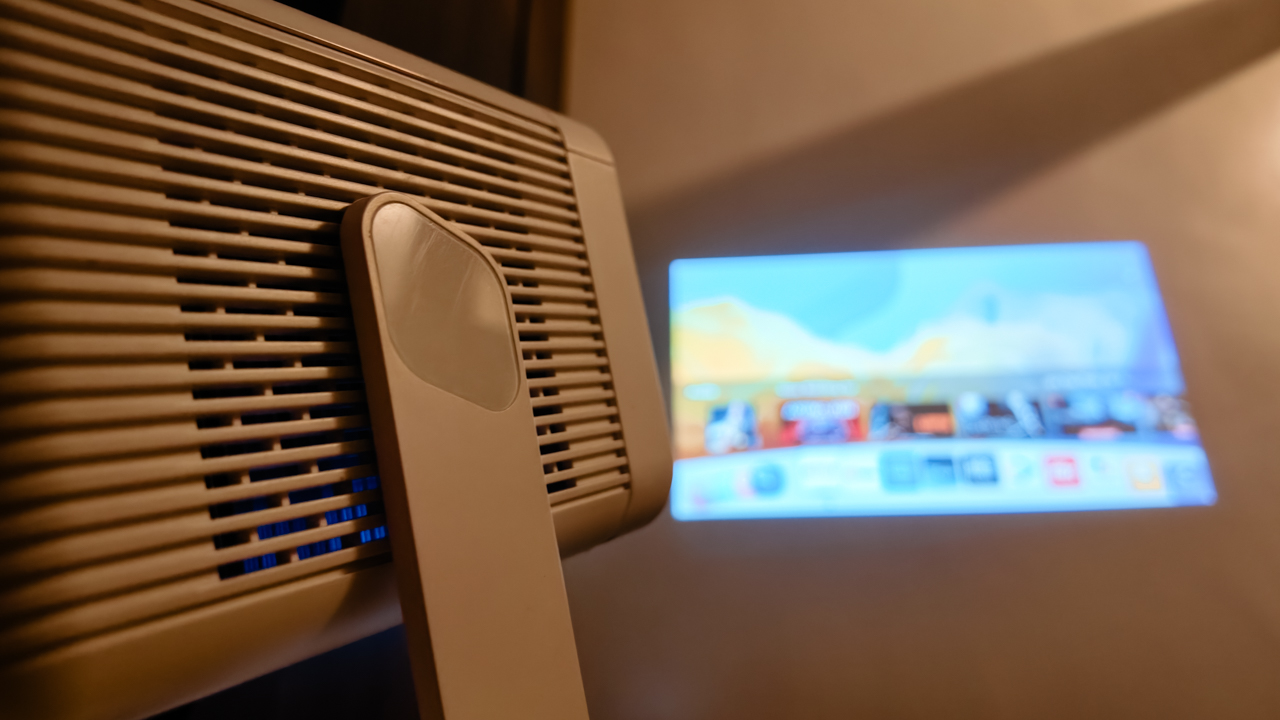
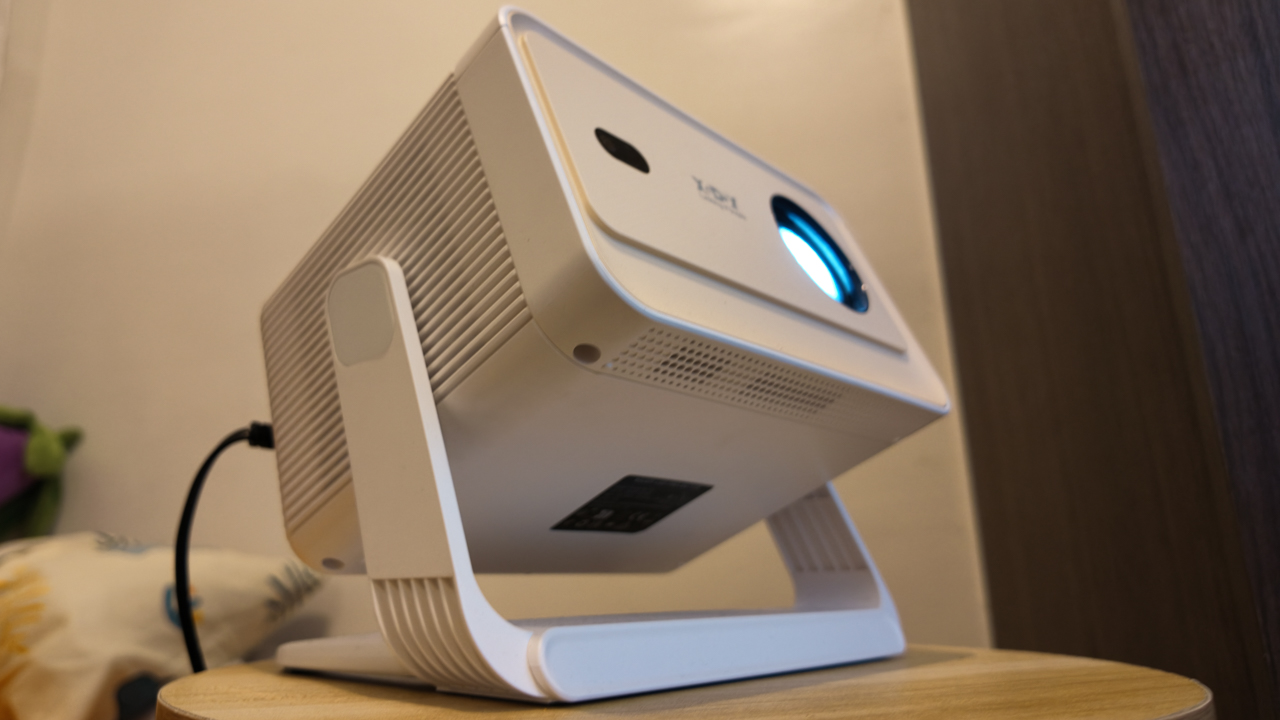
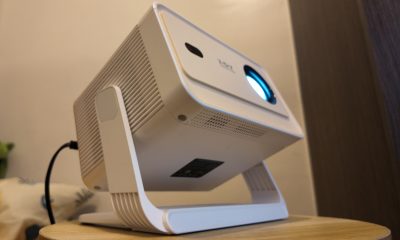
What surprised me most was how the projector adjusted to me, not the other way around. The 180-degree gimbal design sounds technical, but in reality, it simply means freedom.
I don’t have a proper tech setup, so I used my bar stool as a stand. It didn’t matter. Whether I’m sitting on my fabric gaming chair or tucked into bed, I just pivot the lens to whatever surface works best.
For once, I’m not craning my neck over a screen and I’m not adjusting myself to fit the device. It fits into my life exactly as it is.
Seamlessly self-sufficient
Independence changes the way you see technology. When your brain is fried from a long day, you just need life to be a tad easier. I don’t want complicated or demanding; I just want things that do their job so I can breathe.
The remote-controlled electric focus and Auto Keystone Correction, in a way, are life-savers. I didn’t have to do anything, because the N6 Pro automatically squares the image as I pivot from wall to ceiling.
Its screen can stretch up to 200 inches, which still feels surreal to say out loud, though it’s smart enough to shrink if it detects an obstruction like a light switch.
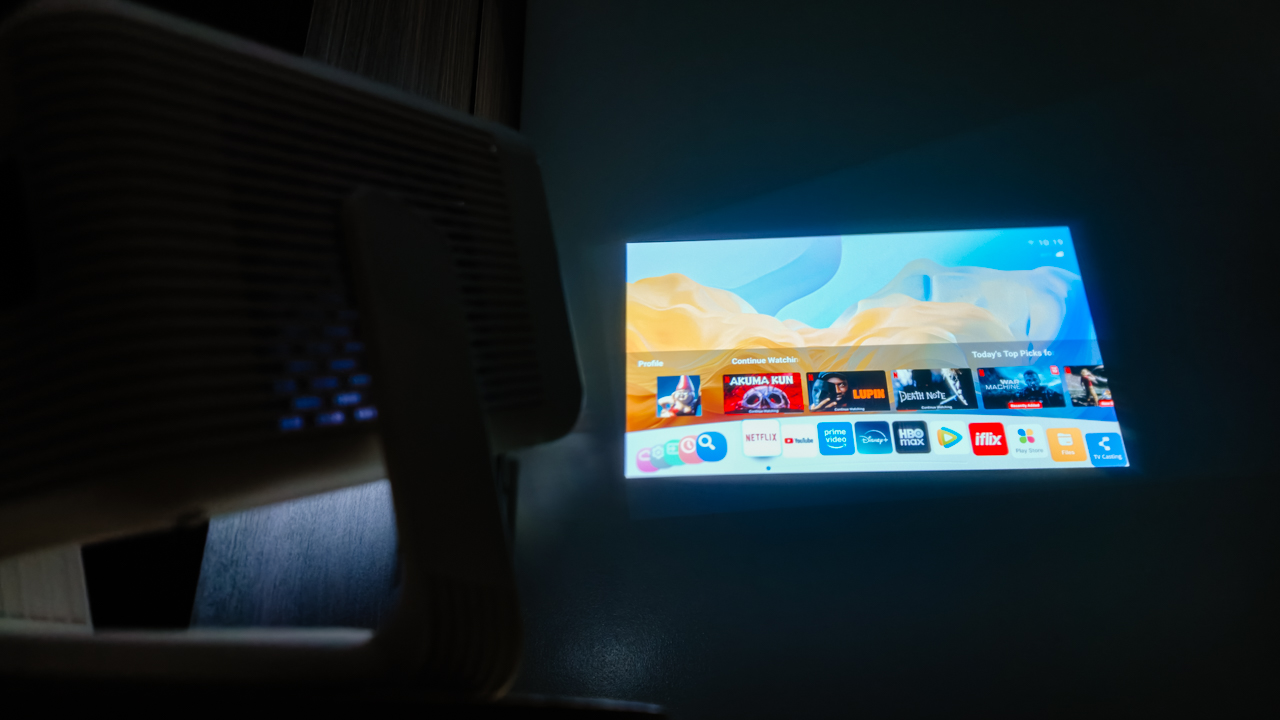
Sometimes, it takes a moment to fully lock into clarity, though I have learned to appreciate that pause. It reminds me that not everything has to be instant to be worth it. (Especially since this is a budget device, I don’t want to ask too much.)
What truly impressed me was the WiFi 6 support. Streaming is smooth, and screen mirroring feels effortless. It reduces lag significantly, meaning my comfort shows never buffer.
With WhaleOS and 8,000+ apps built-in, I have everything I need right there.
Now Playing: People We Meet On Vacation
While I was getting used to the XGODY N6 Pro, Netflix dropped People We Meet On Vacation. And somehow, it felt personal.
Poppy, the main character, spends her life chasing the next experience. Her avoidance of settling mirrors my own desire for freedom. Always “catching flights, not feelings.”
Right now, every home is just a layover before my next destination. But having a projector like the N6 Pro makes me feel like I can take my sanctuary anywhere.

Poppy eventually found her happy ending, but I’m still in the chapters where I enjoy meeting new people and seeing new places.
For now, this projector is a companion; it’s there for the mundane moments when I return home from a long trip and need to decompress after the vacation ends.
Turning into a ritual
Even with 15,000 lumens, let’s be real: this is a creature of the night. It’s vibrant and clear in a dark room, but like most budget LEDs, it struggles when the sun peaks in.
I’ve turned my movie time into a ritual: closing the curtains and letting the night soak in, so I can watch the colors come alive.

The 10,000:1 contrast ratio and 4K decoding provide enough depth to make the scenes feel sincere. Though, I’m happy with the 1080p native resolution already.
While the built-in 5W Hi-Fi speaker isn’t going to shake the walls, it’s enough for the eerie silence of a solo apartment. With Bluetooth 5.2, I usually pair my JBL Charge 6 for a fuller sound, but honestly, there are nights where the built-in audio is just enough.
Is the XGODY N6 Pro your GadgetMatch?
Living alone is made up of small wins.
Cooking your own meals. Keeping your space clean. Learning how to sit with yourself. And sometimes, turning a blank wall into your own home theater.
At US$200, the XGODY N6 Pro projects the pride of a life built on my own terms. It’s a reminder that you don’t need a massive living room to live a massive life.
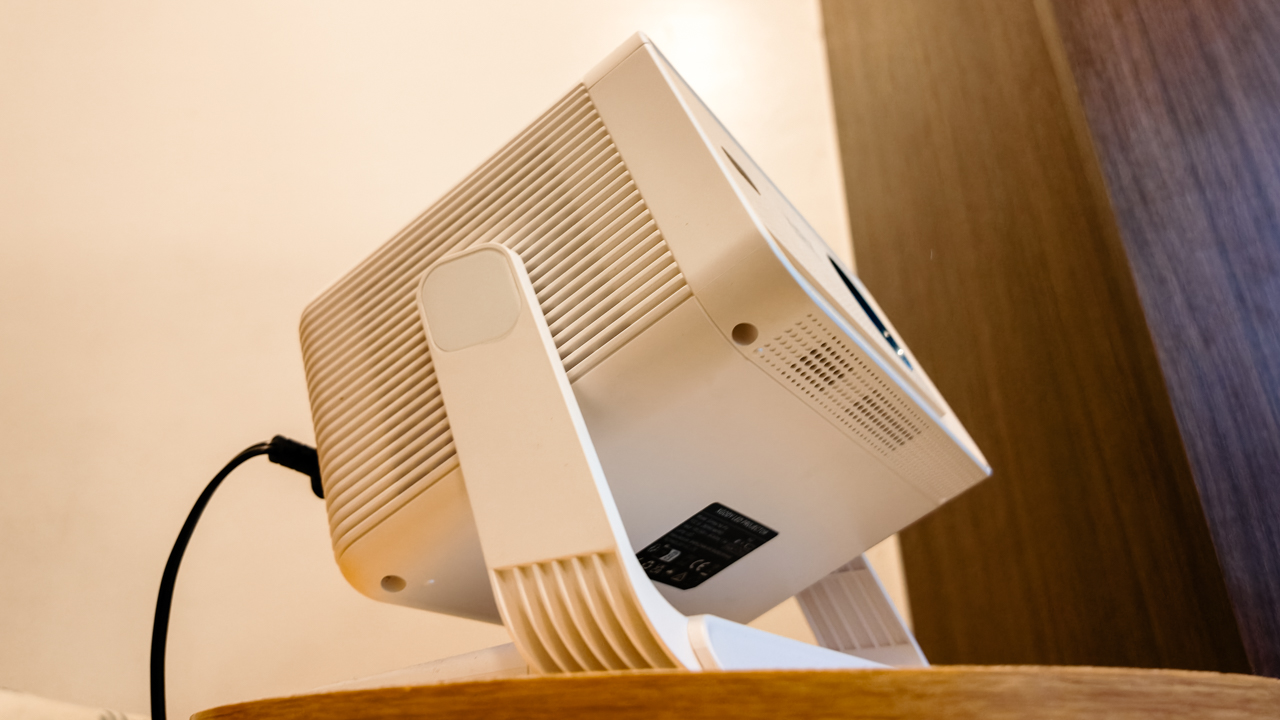
Swipe Right if you’re a young adult trying to make it in the city, living in a space where every square inch is precious real estate.
It’s for the independent soul who wants the “Smart TV” experience through Android TV 11 and WiFi 6 without the bulky furniture that usually comes with it. It offers an excellent price-to-performance ratio for anyone who treats their home like a sanctuary, or a temporary layover.
Swipe Left if you are the kind of person who needs absolute technical perfection to feel satisfied. Similarly, if you’re an audiophile who expects a 5W built-in speaker to mimic a Dolby Atmos theater, you’ll find the sound a bit thin.
This isn’t the device for those who want a permanent, high-end home theater installation; it’s too scrappy and mobile for that kind of rigidity.
As I look up at the ceiling, I appreciate how far I’ve come from that 11-inch screen. And I realize I am no longer passing through. I am home.
The XGODY N6 Pro is available through its official website and online retailers like Amazon.
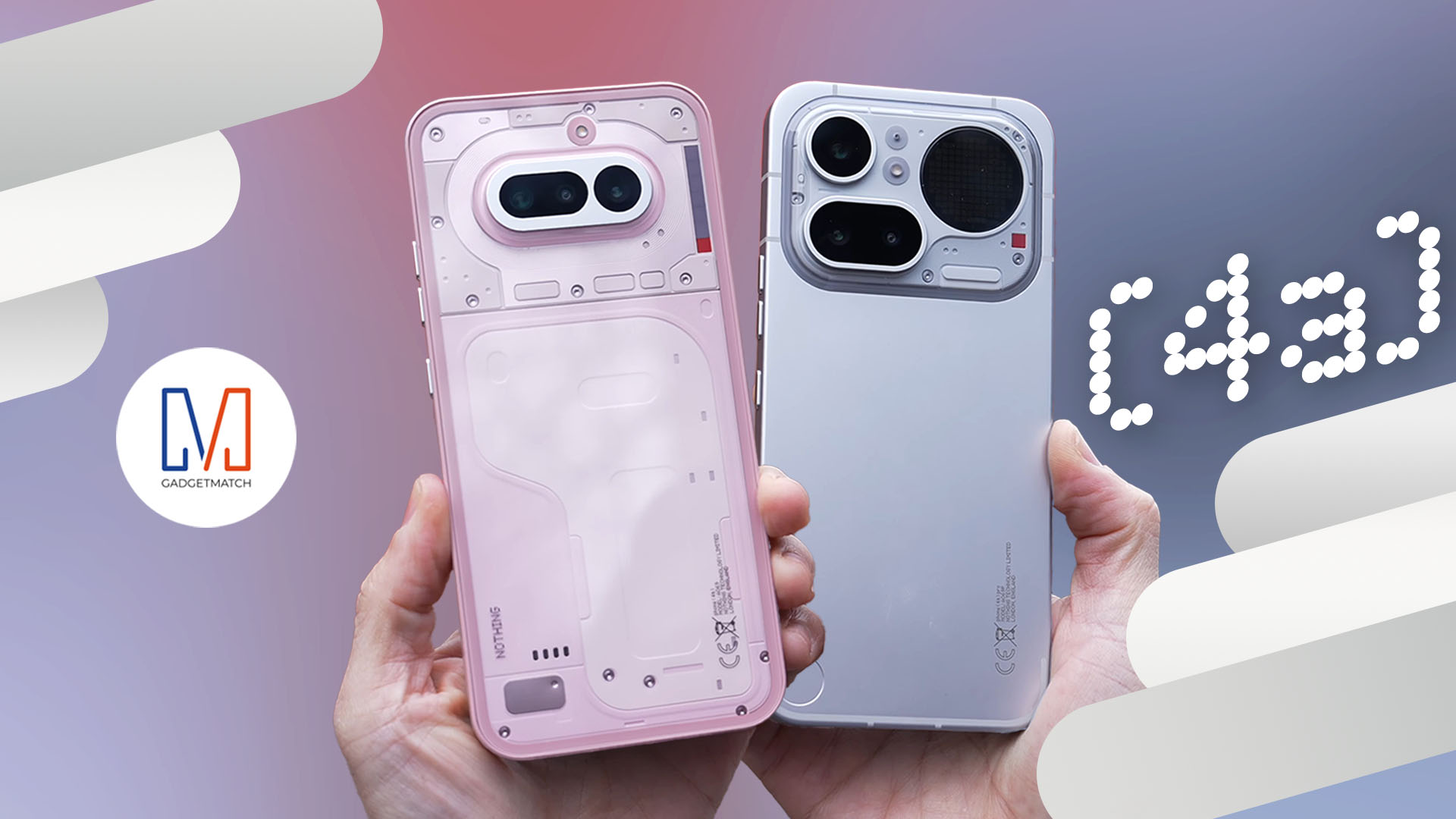
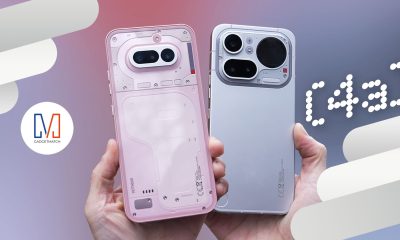
Starting at $499, the Nothing Phone (4a) Pro is taking a massive swing at Apple’s iPhone 17e and Google’s Pixel 10a.
With a new aluminum unibody, a 50MP periscope telephoto camera, and a slightly toned-down Glyph Matrix, Nothing is making a case that “mid-range” doesn’t have to mean “boring.”
And, after testing these on the streets of London and New York, can a brand that prides itself on being “different” actually survive?
In this Nothing Phone (4a) + (4a) Pro review, we’re going deep not just on its design and upgraded cameras, we also want to talk about how Nothing is becoming the “Balenciaga of Tech” under Charlie Smith’s vision — or LOEWE’s former executive.

Shokz OpenFit Pro: Somewhere between awareness and focus
Find your balance

Why this 180-degree gimbal projector is a “small win” for solo living
At $200, the XGODY N6 Pro transformed my one-bedroom apartment into a sanctuary of independence

Nothing Phone (4a) + (4a) Pro review
Is "different" actually better?
Shokz OpenFit Pro: Somewhere between awareness and focus

Nintendo might be working on an Ocarina of Time remake

Global tech leaders to convene in Singapore for GITEX AI Asia 2026

Fujifilm Philippines introduces instax Mini Evo Cinema, Mini Link+
Why this 180-degree gimbal projector is a “small win” for solo living


-

 Reviews2 weeks ago
POCO X8 Pro Max review: A new beast from the far east
-

 News2 weeks ago
POCO X8 Pro Series: Price, availability in the Philippines
-

 Reviews2 weeks ago
POCO X8 Pro Iron Man Edition review: Midrange phone in superhero armor
-

 Automotive2 weeks ago
VinFast extends free unlimited charging in 3 markets amid rising fuel prices
-

 Philippines2 weeks ago
The HONOR X8d is serviceable
-
 News2 weeks ago
POCO X8 Pro Series launches in Singapore with early bird prices
-
 News2 weeks ago
POCO introduces X8 Pro Series with Dimensity 9500s
-

 Gaming1 week ago
WWE 2K26 lets you live out all the fantasy matches you could want