

Intimate partner violence is a problem for 1 in 4 women and 1 in 10 men. If you’re a victim, we hope this provides you with some practical tools for how to protect yourself from unwanted surveillance.
Spyware is software that enables a user to obtain information about another’s computer activities by transmitting data covertly from their hard drive.
To keep on top of what’s happening in your phone it’s a good idea to check out the apps installed on your phone every once in a while. On Android, it’s the Apps menu in Settings. On iOS, you can go to General then Apps to see what’s installed. Then, use a quick web search to look up anything you don’t recognize or remember installing.
By its very nature, stalkerware is designed to be well-hidden and hard to detect. However, it’s also difficult for something to stay on your laptop or smartphone for long if you’re specifically looking for it.
Below are the best steps to getting as much spyware off of your phone. Do note that the only way to really get your phone to be free from spyware is to do a factory reset.
Remove spy software from Android
If you want to check spying tools on an Android device, go to the Settings and proceed to Applications. Then, go to Running Services and see what services are currently running. If you find any unknown service, tap it and uninstall it after clearing the cache.
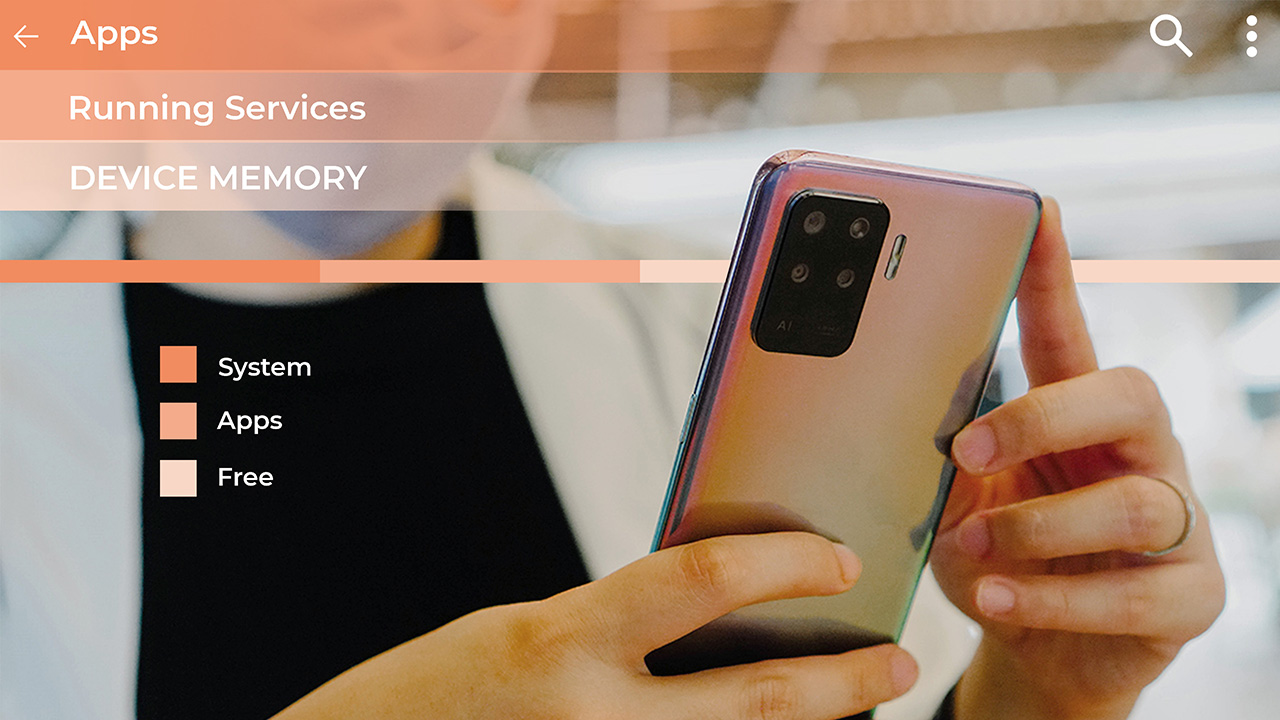
You can also check for spying software in the Manage Application screen and follow the same process if you come across any malicious tool.
Again, the best chance you have of being spyware free is to do a factory reset.
Remove spy software from iPhone
The simplest way of removing spyware from an Apple mobile device is to simply do a software update. If you’ve jailbroken your phone, you’ll want to restore it to the original operating system.
Jailbroken phones are actually much less secure. The vast majority of commercially available iPhone spyware requires the device to be jailbroken in order to function. Jailbreaking is the process of un-restricting the device so that third party applications that have not been approved by Apple, like spyware, can be installed.
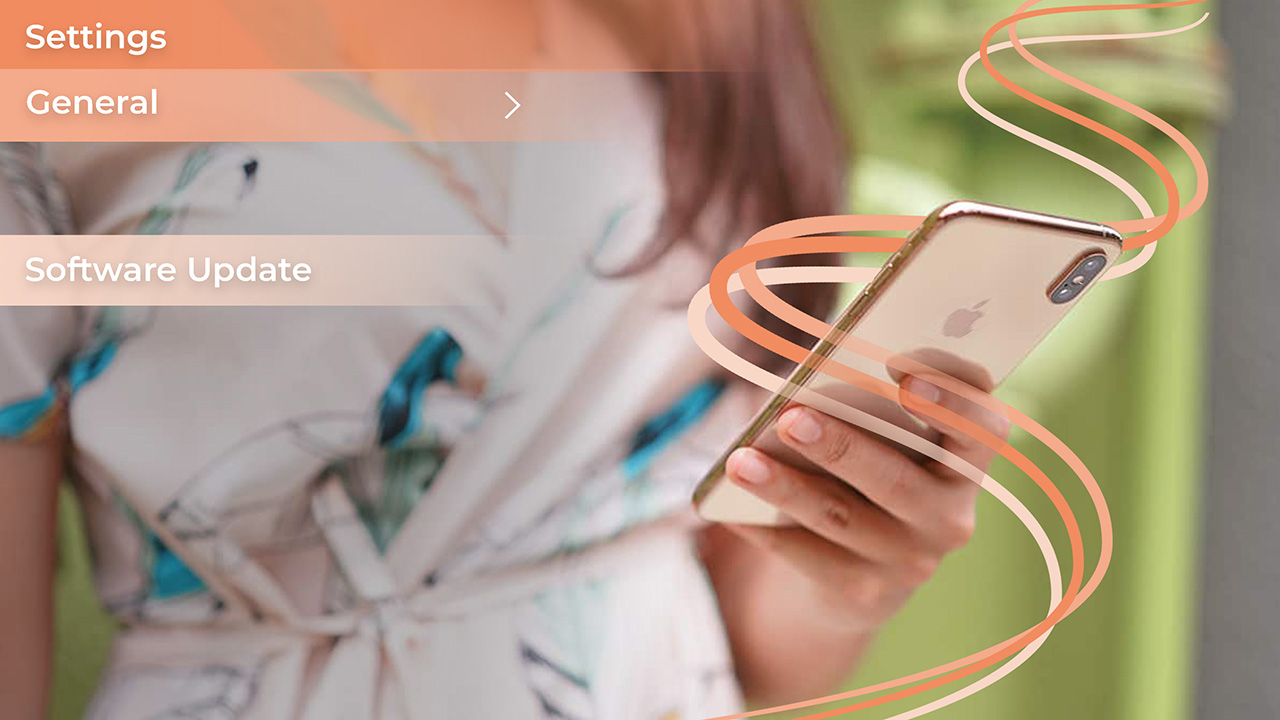
Installing the latest iOS update removes the jailbreak, thus causing any spyware installed on the device to no longer function.
On the device:
1. Go to “Settings”
2. Tap “General”
3. Then tap “Software Update”
OR
On your computer:
1. Open iTunes on your PC or Mac
2. Connect your iOS device
3. Select your iPhone or iPad when it appears on iTunes
4. In the summary pane click “Check for Update”
To be extra safe, perform a factory reset
This is a more thorough removal method. This erases all data from the device and installs the latest iOS software, returning it to its original ‘factory’ state. You should perform a backup of your device using iTunes or iCloud before doing a factory reset so that you can restore all of your personal data again when finished.
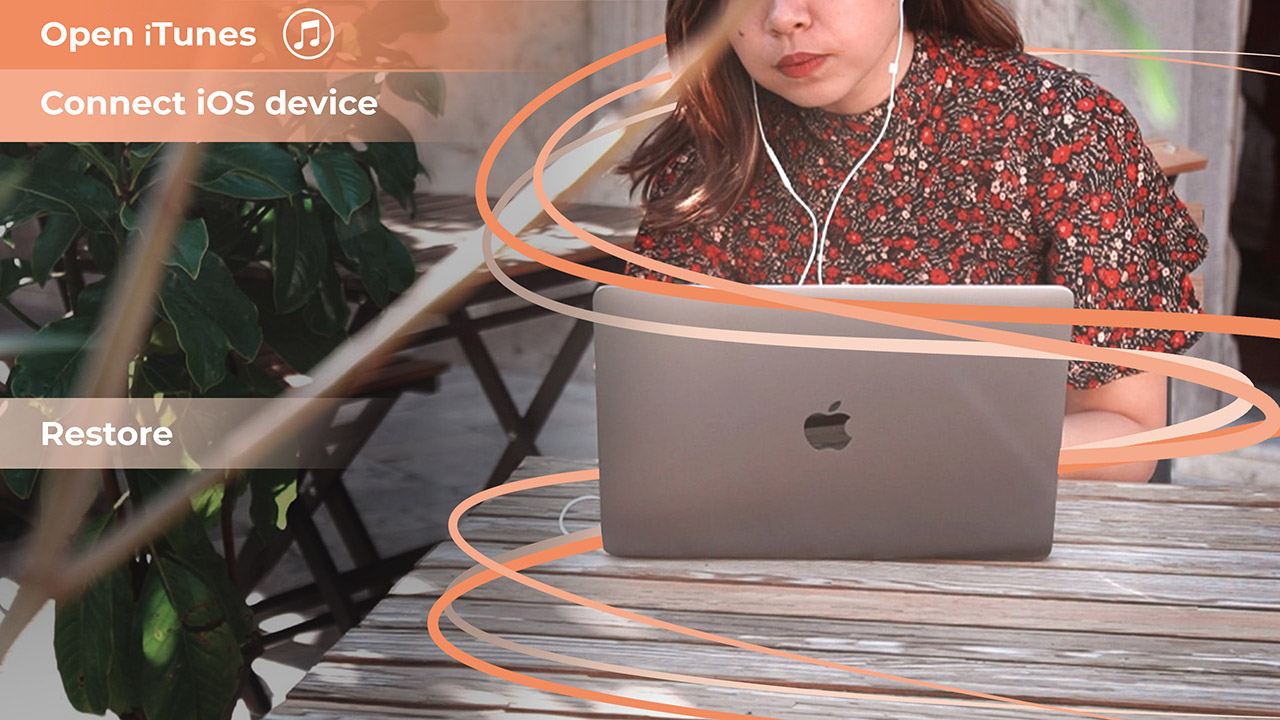
1. Open iTunes on your PC or Mac
2. Connect your iOS device
3. Select your iPhone or iPad when it appears in iTunes
4. In the summary pane click “Restore iPhone” or “Restore iPad” depending on your device
5. Click “Restore” again to confirm
6. The device will then restore to factory settings and restart, this may take several minutes to complete
7. When completed you will have the option to restore from a backup to restore all of your personal data to the device
Parental monitoring
There are many other products that are similar to spyware, such as parental monitoring programs. Unlike spyware, most parental monitoring programs are visible on the phone. This means that you can see that some type of monitoring service is running on the phone.
Go through your phone to see if an app was installed without your knowledge. There are some parental monitoring programs that are hidden and can’t be seen by scrolling through the phone’s apps. In this case, resetting the phone to factory setting should also remove the parental monitoring program.
When a factory reset is not enough
While the best chance you have of removing spyware is to do a factory reset, this isn’t a guarantee either. From my time in China, some friend of mine would just get a new phone when they figured out my device had spyware on it.
If you’re dealing with sensitive information, I know many executives that have a secondary phone for travel to countries where spyware is a greater risk.
How do I preserve evidence of mobile spyware?
If you’re a victim of intimate partner abuse you may want preserve evidence. It is illegal to install spyware on devices for the purpose of spying or stalking another person. If you choose to remove the spyware, it will also remove the evidence.
If your goal is to preserve the phone for evidence, it is important to work with local police, who may have a specific process on analyzing mobile phones for evidence purposes. Until you speak to the police, it is best to put the phone in airplane mode and keep the phone’s battery charged.
This article also appears on Mobile Geeks in German







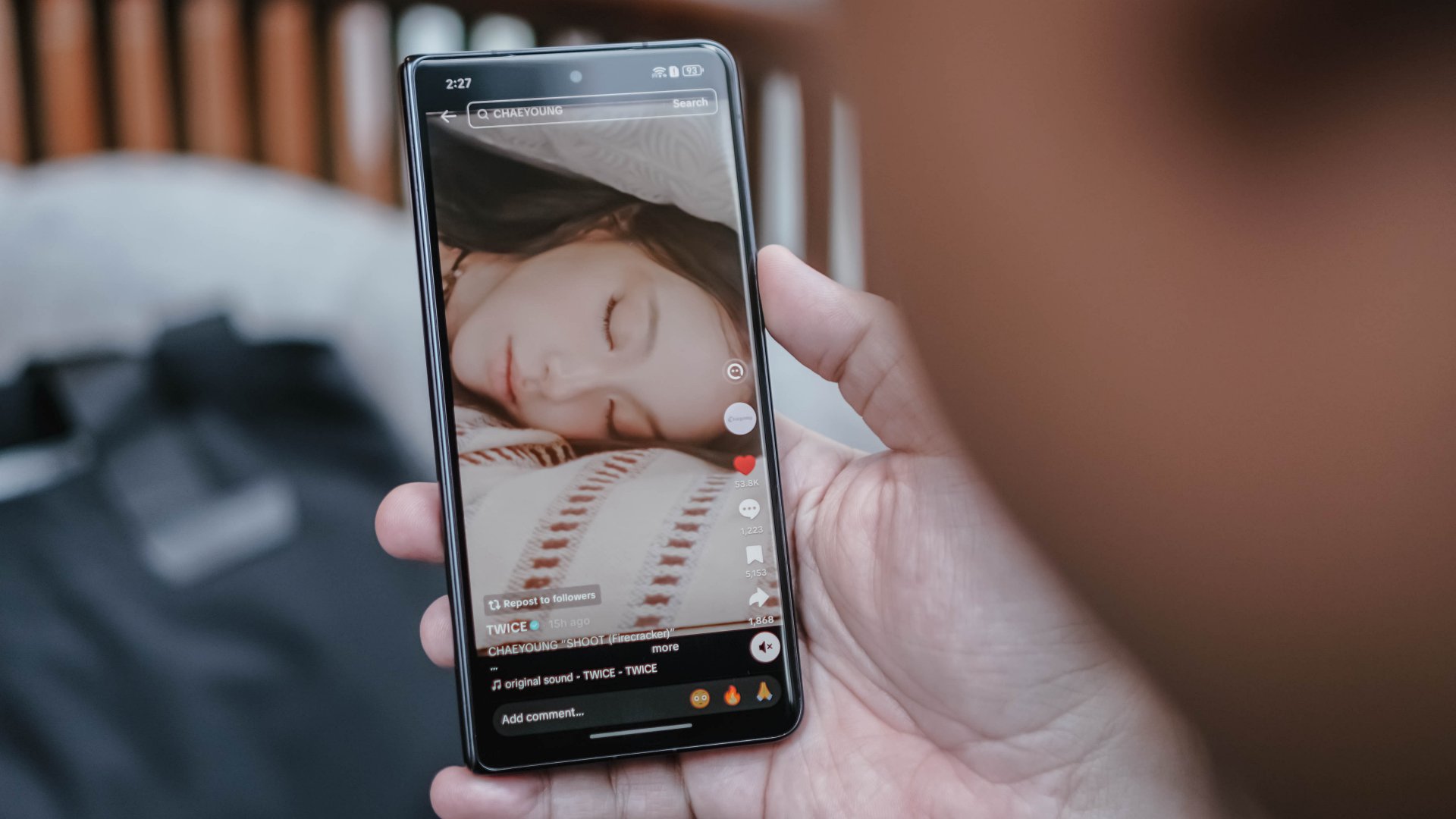
Doomscrolling is the greatest enemy to everyone’s productivity today. The temptation to keep on scrolling for hours is an ever-present temptation. Taking a very strong stance against the phenomenon, the European Commission is now investigating TikTok for having an addictive interface.
Via Politico, Brussels is now prodding TikTok to change its interface. Very technically, the European Commission is not out to get doomscrolling, specifically. However, the major changes that they want to introduce “disabling infinite scrolling, setting strict screen time breaks, and changing its recommender systems.”
App addiction is a persistent problem today. Besides concerned parents, governments around the world have been trying to regulate addiction, especially when it comes to children. The European Commission, as is apparent from this new initiative, is at the forefront of preventing addiction.
Though the target is explicitly TikTok right now, changing addictive interfaces will also affect other social media platforms including Facebook, Instagram, and X. Most platforms nowadays thrive on encouraging users to keep scrolling through more content.
Right now, TikTok isn’t set to change just yet. However, the report states that the European Commission is willing to work with platforms for a better, non-addictive interface. It’s less abrasive than the region’s recent privacy initiatives, which requires users to verify their age before accessing mature content.
Apps
Breaking up with Adobe Photoshop after 20 years
Wedding planning and Apple Creator Studio made me realize it was time


Planning a wedding, even a small and intimate one, has a way of sharpening your sense of priorities. Right as my fiancé and I were making decisions for our city hall wedding here in New York City, Apple announced Creator Studio.
Creator Studio is a subscription service that gets you access to eight creative pro and productivity apps for US$12.99 a month, or US$2.99 if you’re a student or educator. The design app included in the subscription, Pixelmator Pro, is also available as a standalone purchase for US$49.99. Adobe Photoshop, my design software of choice for over two decades costs me US$22.99 a month.
Seeing those numbers next to each other made me pause. It’s not that I was unhappy with Photoshop. I was just suddenly made aware how expensive it is. I’d been paying more for a single tool than I could for an entire creative ecosystem.
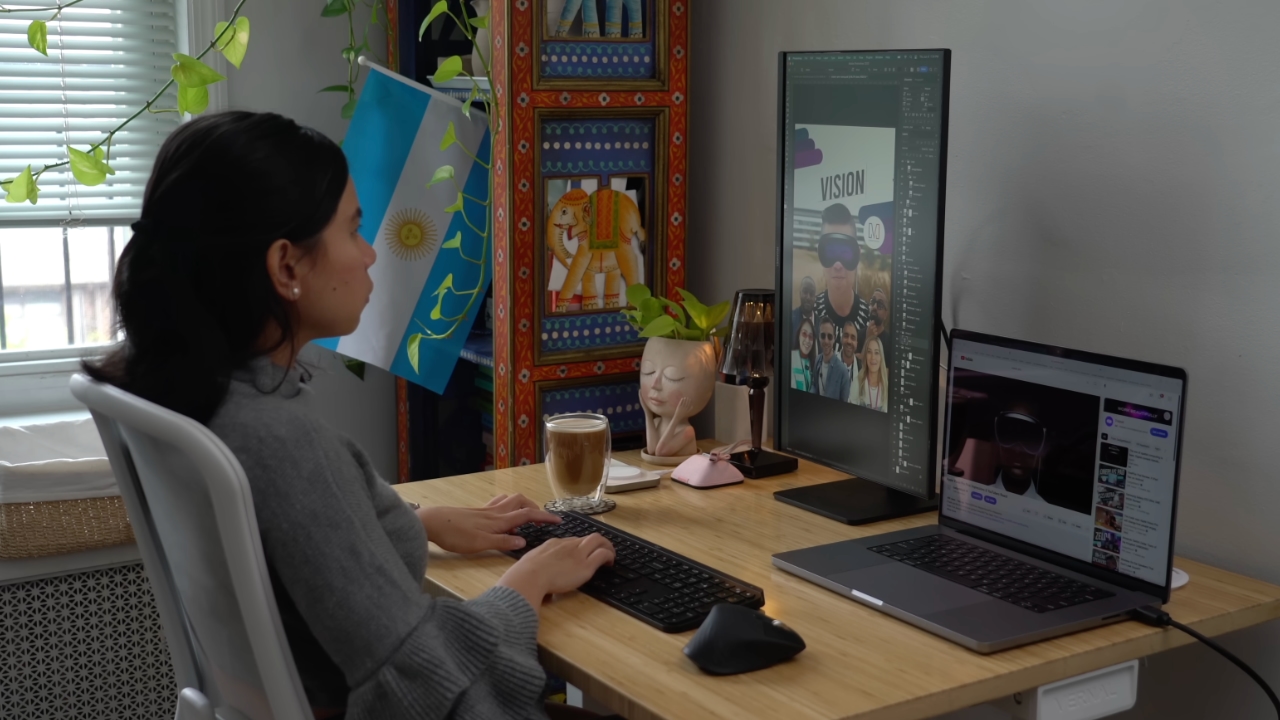
Adobe Photoshop was my first foray into the world of graphic design
Creative Studio’s lower price point, along with the free trial, made me consider switching to Pixelmator Pro altogether. That’s something I never thought I would do. Photoshop was how I got into graphic design. It was my first love, and up until recently, I truly thought it would be my ride or die.
Getting to know Pixelmator Pro
If you’re not familiar, Apple’s Pixelmator Pro is a graphic design and image editing app that’s similar to Adobe Photoshop. In practice, it covers a huge amount of the same ground but with a very different philosophy around usability and design.
I tried Pixelmator Pro, mostly as a challenge because we were doing a YouTube video on Apple Creator Studio. Personally, I was lowkey excited to try something new.
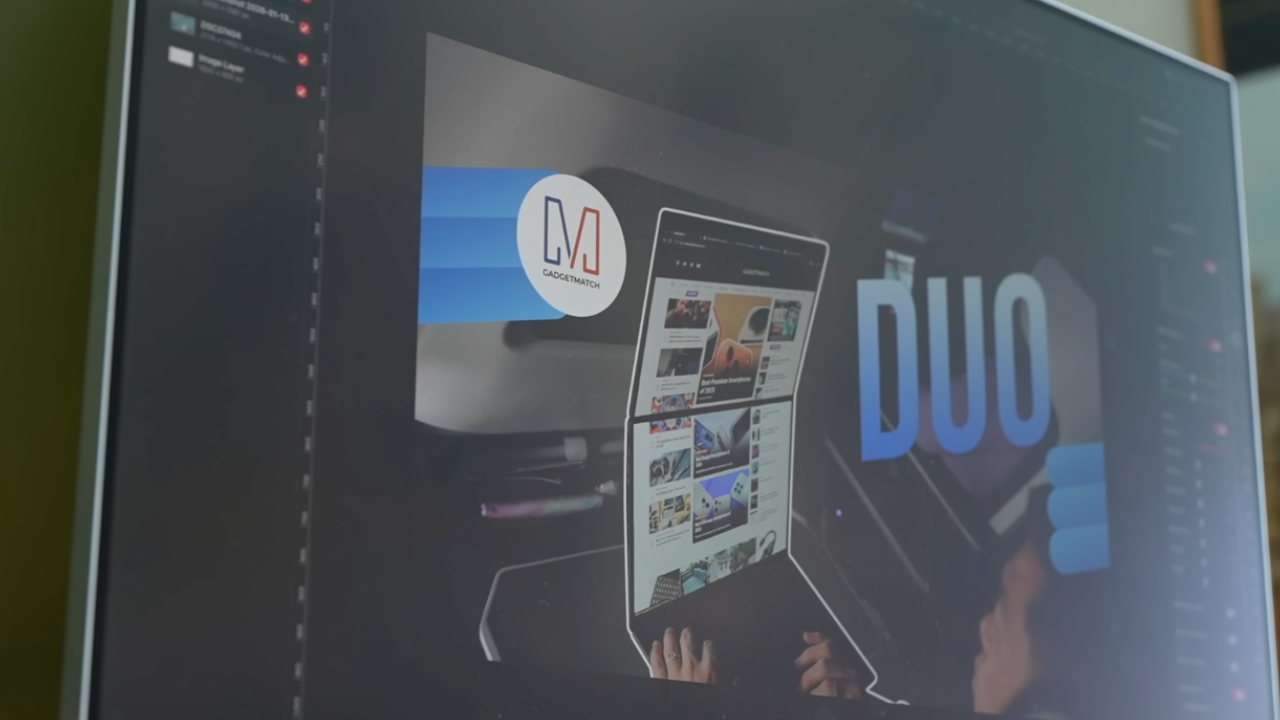
The first time I loaded the app, I recreated our YouTube thumbnail template — all within 10 minutes — and I haven’t looked back since.
Familiar enough to feel effortless
One of the biggest reasons my transition to Pixelmator Pro was so easy is muscle memory. Many shortcuts behave the same way: cmd+T for transform, cmd+R to show rulers, cmd+J to duplicate layers, just to name a few.
Having used Photoshop since high school, it felt familiar and intuitive — the complete opposite of how it felt to try and switch to Adobe Illustrator many years ago.
Photoshop is how I got into graphic design. It was my first love, and up until recently, I truly thought it would be my ride or die.
Later, I learned that you can import PSD (Photoshop) files directly to Pixelmator Pro. Apparently I didn’t even need to recreate the GadgetMatch assets. It does a good job of converting and preserving layers.
Photoshop now feels archaic

After using Pixelmator Pro for a few days, going back to Photoshop felt jarring. The sharp edges of the UI felt cold and rigid. Everything was layered with popups, panels, and tiny interruptions.
Pixelmator Pro, in comparison feels warm, smooth and frictionless. Its user interface is very Apple-like — rounded edges, softer icons and buttons. The Creator Studio version also gets the new Liquid Design touch, with transparent menus and elements that feel dynamic.
I especially love the little things. Color adjustments live in one simple panel instead of being scattered across different windows. There’s an eyedropper tool beside every color picker with a magnifier built-in.
When you hover over tools, it shows you the shortcut (e.g. “R” for Repair). There are also subtle animations, like when you use the Color Fill tool to change your canvas color.
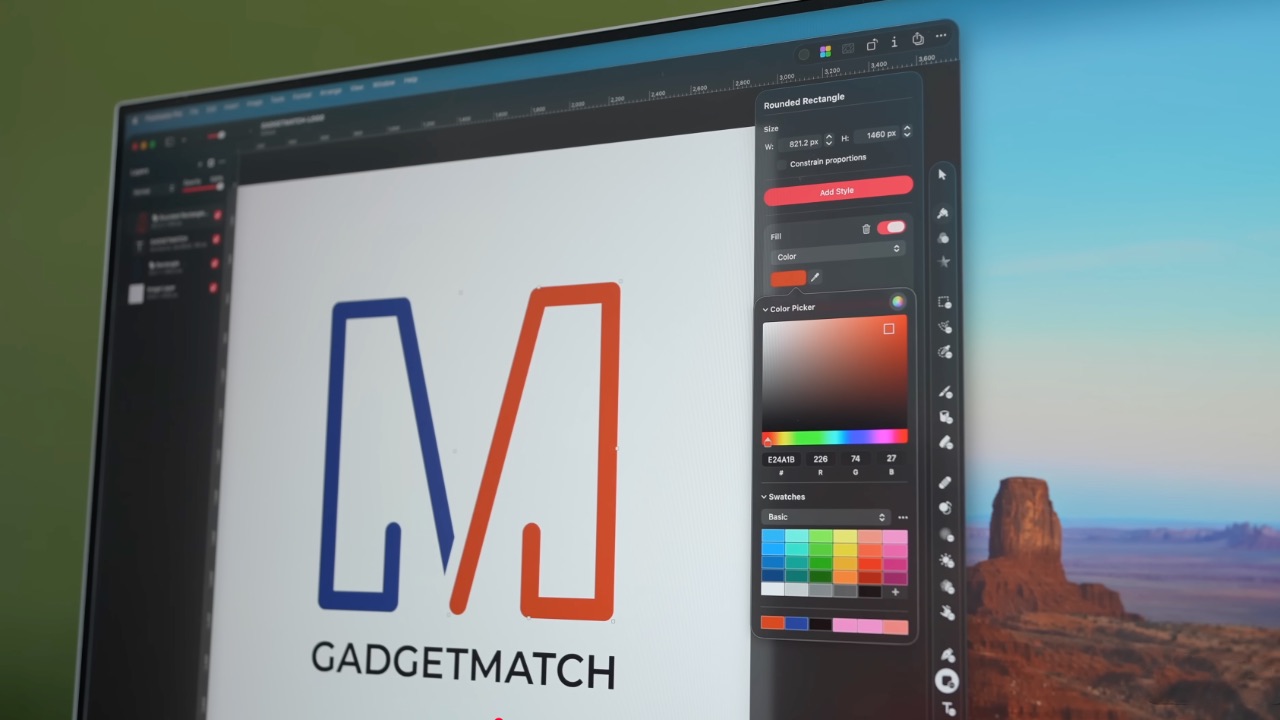
Pixelmator Pro’s UI is warm, snappy, and approachable
The differences in user experience are stark. Photoshop’s animations either don’t exist or are too abrupt for one to notice.
Smart tools without the noise
Photoshop has one clear advantage over Pixelmator Pro: Generative AI. It’s great and powerful especially when you need to save time.
I personally used it a couple of times before to save time on cloning, erasing, or expanding elements. Am I going to miss it with this switch? Something tells me I won’t.
Pixelmator Pro’s clone and repair tools, though seemingly so simple, work like a charm. And for how I usually manipulate images, those two are more than enough.
From digital to physical
If Pixelmator Pro was going to replace Photoshop in my workflow, wedding prep was the perfect time to give it a real world test — and it more than held its own. Its ease of use gave me permission to think outside the box, because I knew I had a reliable tool that can help me make it happen.
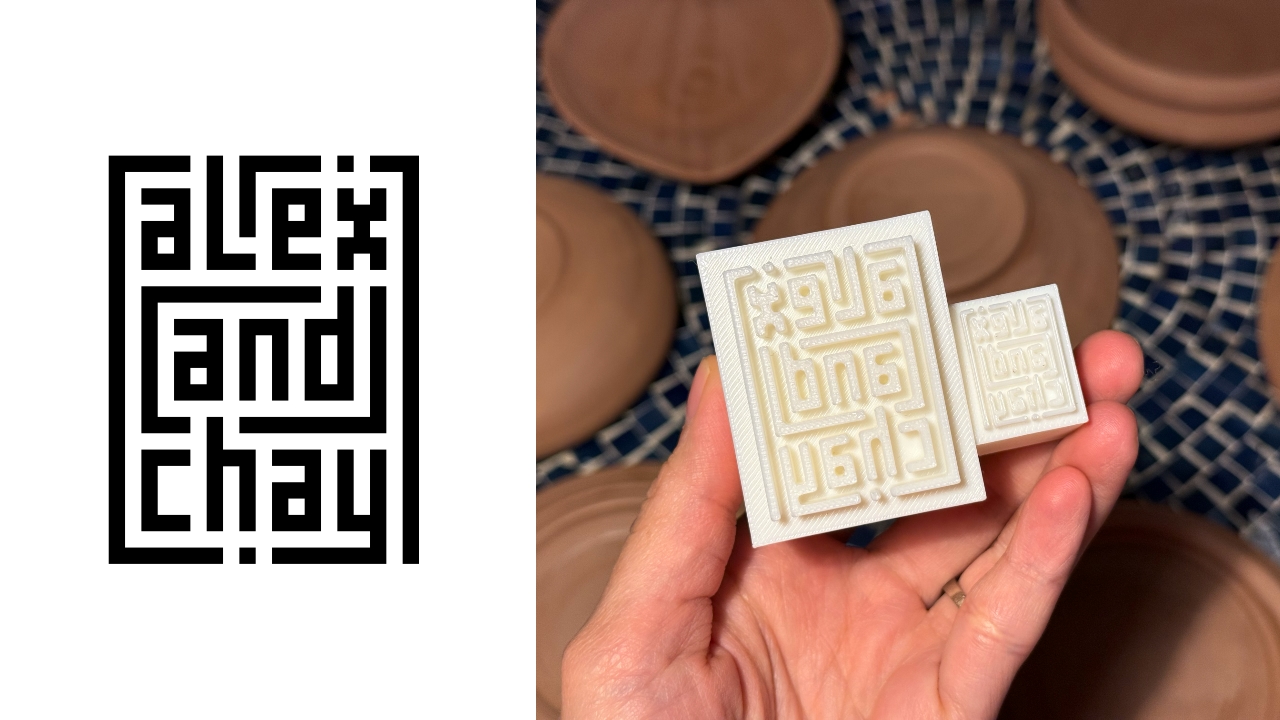
On the left, a Kufic-inspired wedding logo designed on Pixelmator Pro; on the right, 3D printed stamps
Since my fiancé is half-Iranian, I designed a logo combining our names, inspired by Kufic calligraphy, and I did it entirely in Pixelmator Pro. I developed that same logo further and designed a save the date, with color, also inspired by Kufic calligraphy. I went through a few iterations to come up with the final designs, which were made easier by the Shape tool and grid overlays.
My fiancé then took the logo I designed in Pixelmator Pro, converted it to 3D on Revit, and printed it into stamps in different sizes. One way we’re using it is to deboss the handmade pottery he’s making as one of our party favors.
There are a few more wedding pieces I’m designing on Pixelmator Pro in the coming weeks: our final invitation, and the custom stationery for the dinner that follows the ceremony.
Through this whole process, Pixelmator Pro never felt like it got in the way, or that it was limited. On the contrary, it feels like that enabler friend who says yes to every idea I have, and can actually help make them real.
Powerful, but approachable
The best way I can describe what using Pixelmator Pro is like is this: it’s a mix of Photoshop’s professional tools, Canva’s free library of assets, and Apple’s UI sensibility.
Shortly after Apple announced Creator Studio, Adobe rolled out significant Creative Cloud discounts. Are they threatened? They better be.
That makes it great for beginners, small business owners, and casual creators. Like Canva, it comes with some beautiful templates to help someone with zero experience come up with something good.
But unlike Canva, it still feels like a serious design tool. I can do so much of what I need using Pixelmator Pro but with UI that’s so much more approachable compared to Photoshop.
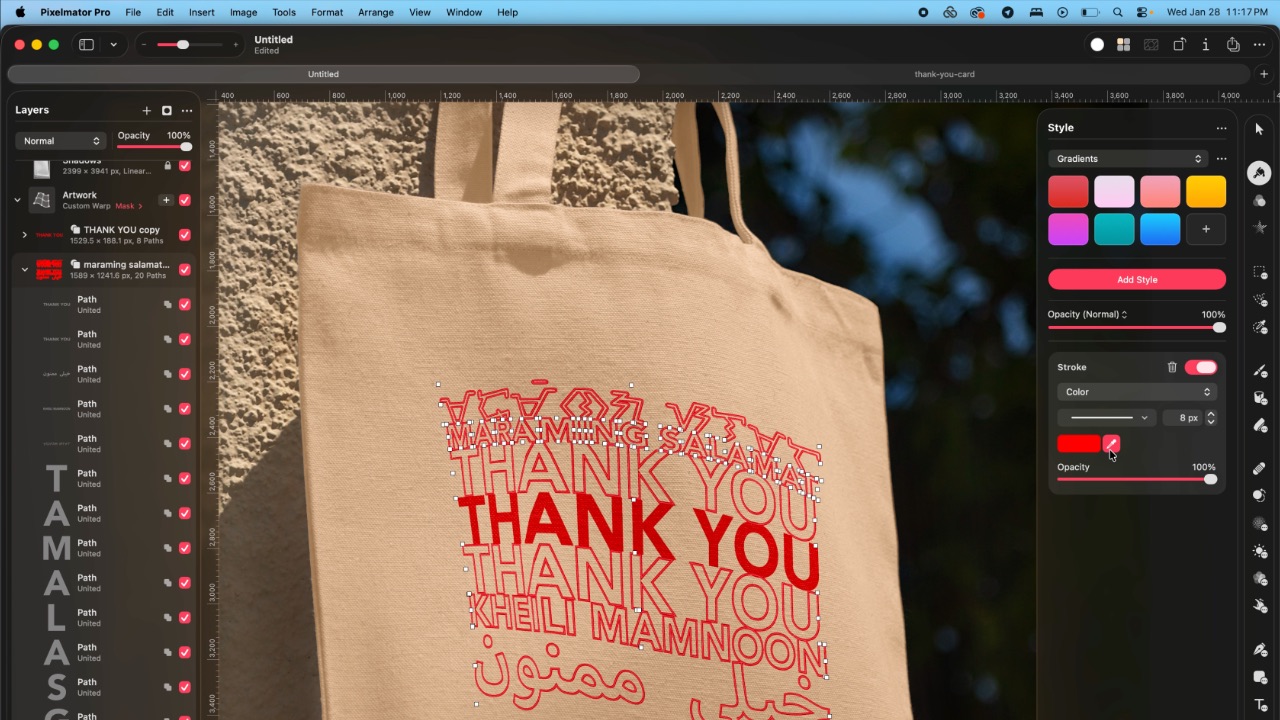
As the great philosopher Ariana Grande once said, “Thank U, Next”
I remember meeting Canva’s founders before launch and not fully understanding their mission to make graphic design accessible to everyone. Now I do.
It was never about replacing Adobe products and pro designers. What Canva did was fill a huge void we didn’t know existed. They democratized something that used to be reserved only for the privileged few.

Pixelmator Pro comes with free templates, assets, and mockups like this MacBook Pro and coffee packaging
Pixelmator Pro’s lower barrier to entry has potential to make a significant impact. My hope is it opens doors for people who were previously shut out of the graphic design world, and that it becomes something they can grow with, just as I did with Photoshop.
Adobe is still the industry standard
Switching to Pixelmator Pro wasn’t about rejecting Adobe, in the same way that Canva’s success did not kill Photoshop.
It’s worth noting that Adobe products are still the standard in the industry. A lot of companies rely on them, and most schools teach them. In a traditional design or agency environment, Photoshop and Illustrator are still the default language.
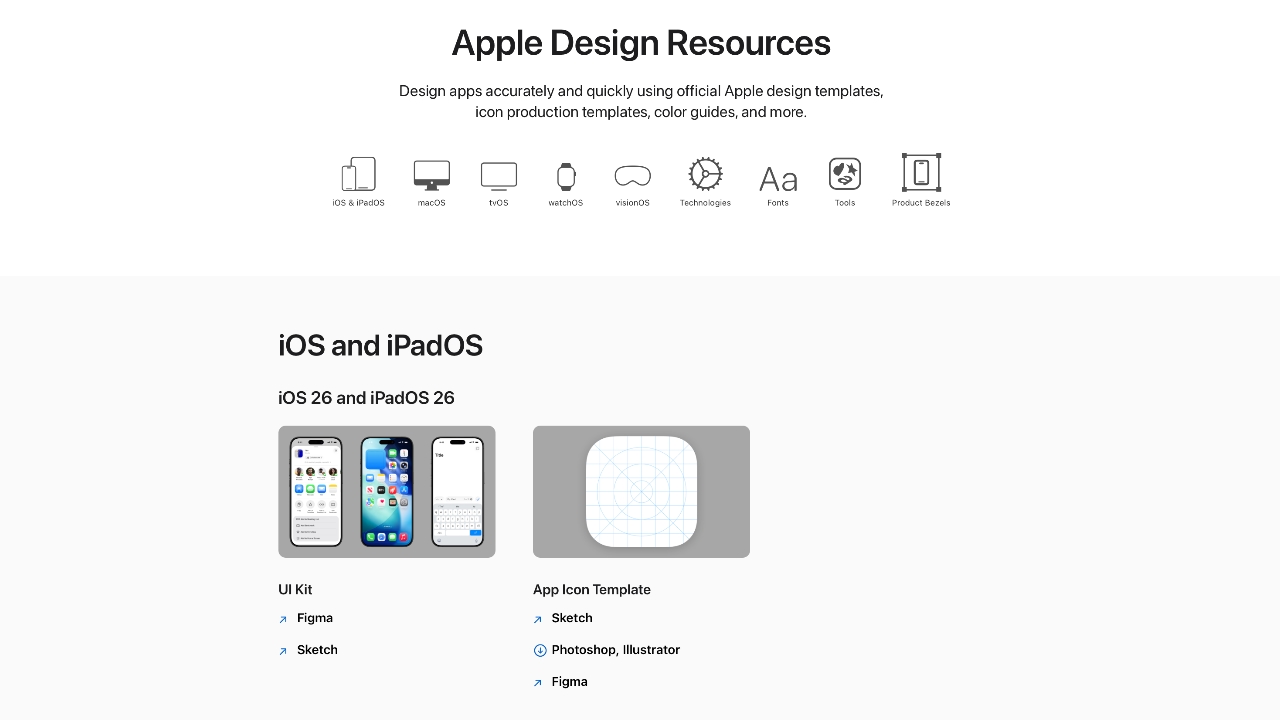
Even on Apple’s own Design Resources site for developers, the official design templates are built for Adobe Photoshop and Illustrator, not Pixelmator Pro. That says a lot about how embedded Adobe is in professional workflows.
Competition makes the space better
Apple Creator Studio, and tools like Pixelmator Pro, challenge Adobe’s near-monopoly in a really healthy way.
It’s not lost on me that trading Photoshop with Apple software actually keeps me locked into one ecosystem. But having more pro creatives try Pixelmator Pro can put pressure on the industry. A strong alternative that’s more cost effective can force titans and dinosaurs to evolve in a way the likes of Corel was never able to do.
Ideally, that means better products and fairer pricing for everyone. Shortly after Apple announced Creator Studio, Adobe rolled out significant Creative Cloud discounts. Are they threatened? They better be.

Pixelmator Pro’s intuitive UI makes switching from Photoshop easy peasy
Access matters, and at the end of the day, with a healthy competition in the market, it’s consumers that win. Canva is a great example of this. It made design tools accessible to those who aren’t professionals. It didn’t make everyone a great designer, just as a novice who tries Final Cut Pro today won’t become a pro video editor tomorrow. Design is still a craft you develop over time with practice.
Is Pixelmator Pro my GadgetMatch?
Photoshop still has its place. But for my everyday work, and occasional personal projects, Pixelmator Pro can do everything that I need to accomplish, at a fraction of the cost.
It feels faster, lighter, and more alive. Honestly learning my way around new software has been so enjoyable — so much so that I feel a renewed sense of eagerness to try other design software like Blender and Figma.
Pixelmator Pro never felt like it got in the way, or that it was limited. On the contrary, it feels like that enabler friend who says yes to every idea I have, and can actually help make them real.
Wedding planning and Apple Creator Studio didn’t just make me switch to a new software. They also made me question how much I’ve been missing out on. How much of what I do is simply due to inertia?
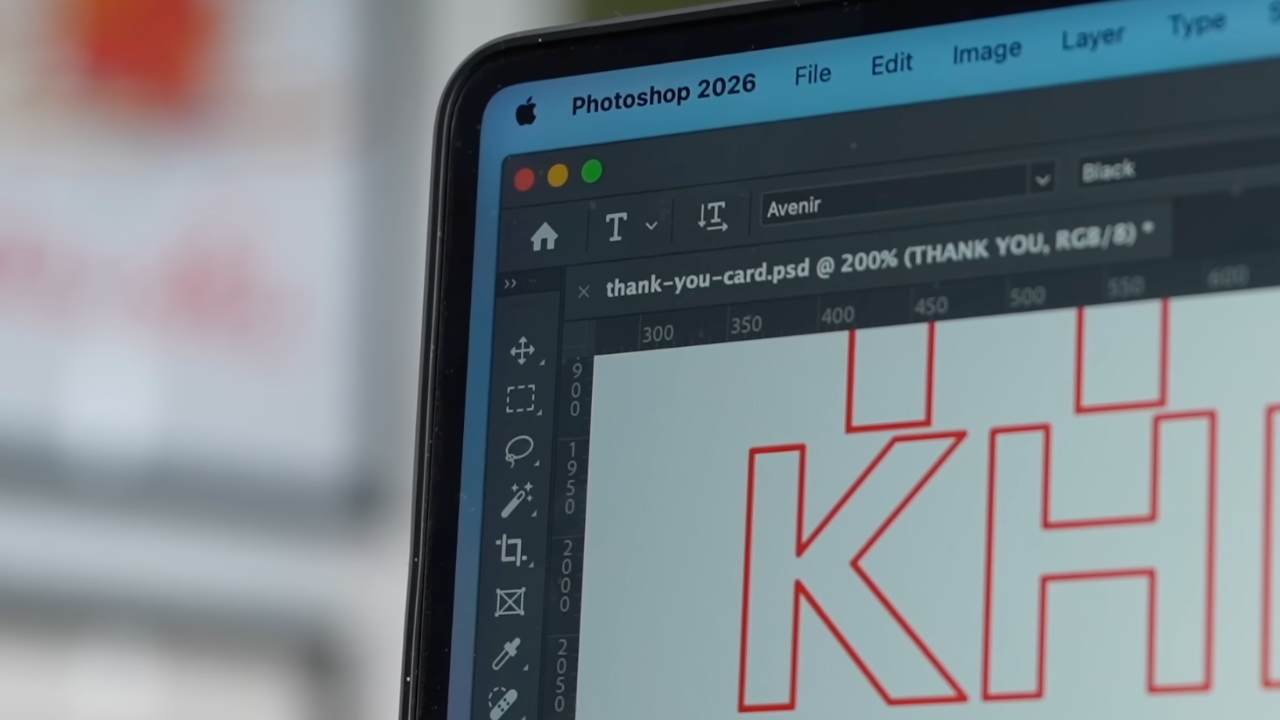
Ending my longest relationship doesn’t mean it failed. I’m grateful for what Photoshop taught me. It helped shape the creative professional that I am today.
But alas, this is one area where my practicality wins over loyalty. Relationships — with people or with tools — only work when both parties keep showing up. There’s no room for complacency, despite the history.
Walking away from something that taught me so much feels bittersweet, but Pixelmator Pro fits the way I work now, and I hope it grows with me as I turn the next page.
Apps
Apple Creator Studio: Creative apps bundled into single subscription
All the tools you need, one payment

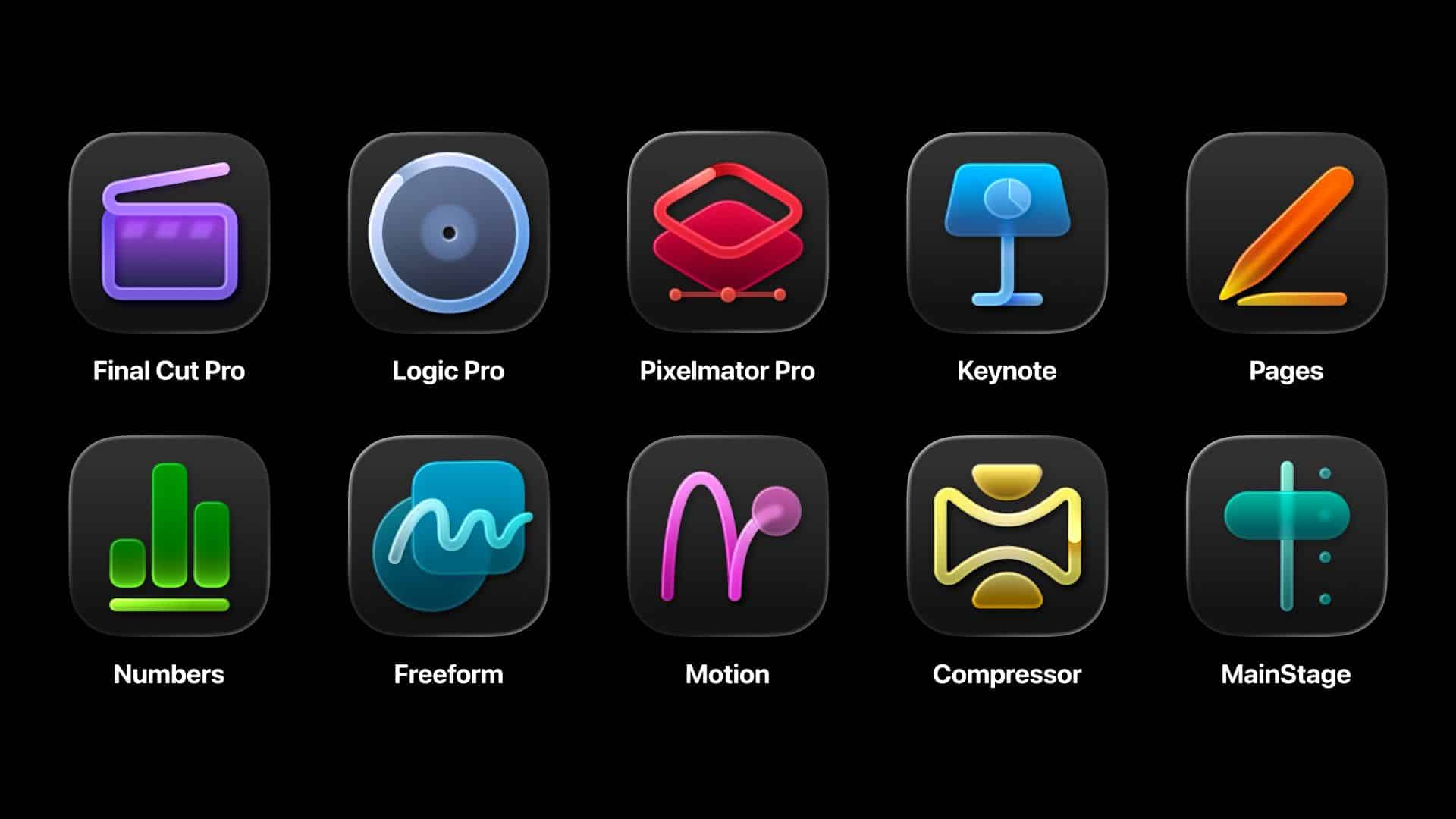
Apple has officially streamlined its popular creative apps into one single subscription suite with the introduction of Apple Creator Studio.
The collection includes some of the most useful apps for today’s creators: Final Cut Pro, Logic Pro, Pixelmator Pro, Motion, Compressor, and MainStage.
New AI features and premium content in Keynote, Pages, and Numbers also make the Apple Creator Studio an exciting subscription suite. Freeform will eventually be added to the lineup.
The groundbreaking collection is designed to put studio-grade power into the hands of everyone. It builds on the essential role Apple devices play in the lives of millions of creators worldwide.
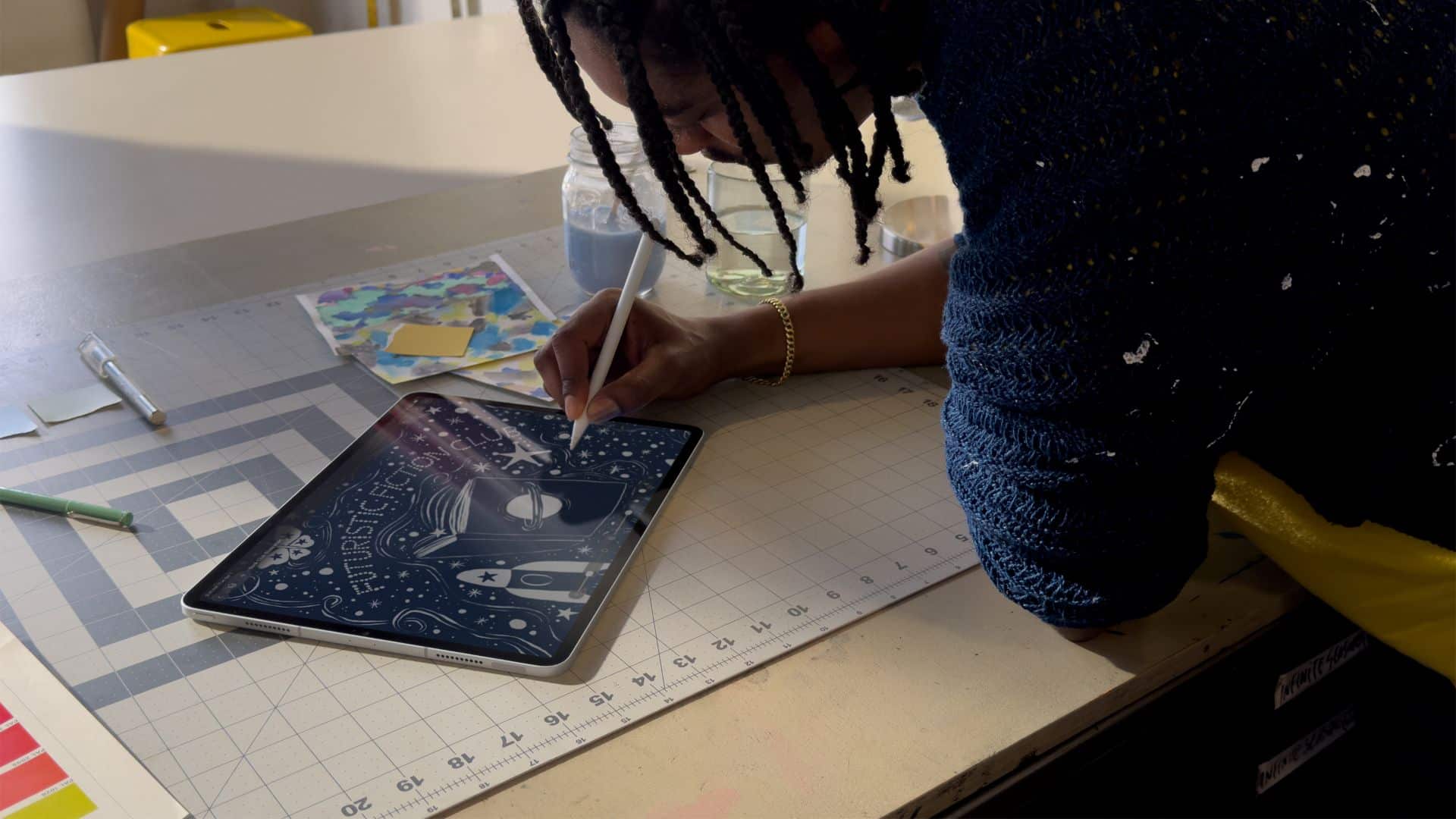
The apps included cover video editing, music making, creative imaging, and visual productivity to give modern creators the features and capabilities they need.
Final Cut Pro introduces exceptional new video editing tools and intelligent features for Mac and iPad.
For the first time, Pixelmator Pro is also coming to iPad with a uniquely crafted experience optimized for touch and Apple Pencil.
Logic Pro, meanwhile, for Mac and iPad introduces more intelligent features like Synth Player and Chord ID.
Apple Creator Studio will be available on the App Store beginning January 29. In the Philippines, the rates are PhP 399 a month or PhP 3,990 annually.
There is also a free one-month trial which includes access to:
- Final Cut Pro, Logic Pro, and Pixelmator Pro on Mac and iPad
- Motion, Compressor, and MainStage on Mac
- Intelligent features and premium content for Keynote, Pages, Numbers, and later Freeform for iPhone, iPad, and Mac
College students and educators can subscribe for a discounted price of PhP 149 per month or PhP 1,490 per year.


Now Playing: Iron Lung
The premise will leave you wanting for more.


Infinix NOTE Edge: Stellar at street photography
Despite trailing in other specs, the Infinix NOTE Edge was built for point-and-shoot photography.


OPPO Reno15 Pro: Camera Review
Why is this even considered a "Reno"?

Resident Evil Requiem is out now

Unboxing: HONOR Magic8 Pro Photography Kit

Tales of Berseria Remastered is out now on consoles and PC

Pokémon Winds and Pokémon Waves will launch in 2027

ITZY’s YUNA is Infinix’s first ever global brand ambassador

Breaking up with Adobe Photoshop after 20 years

TECNO will showcase the CAMON 50 and POVA 8 series at MWC 2026

PlayStation, LE SSERAFIM Chaewon team for the ‘Love of Play’ campaign

VinFast updates battery subscription policy for large upfront savings

The art of being in and behind the frame


-

 Accessories2 weeks ago
Apple AirTag 2 Review
-
 First Look1 week ago
Match Pulse: Infinix NOTE 60 Pro
-

 Cameras1 week ago
Osmo Pocket 4 makes a surprising appearance in public
-
Camera Walkthrough6 days ago
OPPO Reno15 Pro: Camera Review
-

 Gaming2 weeks ago
Star Wars: Galactic Racer shows off new gameplay at State of Play
-

 News1 week ago
iPhone 17 Pro Max is somehow the most traded-in phone today
-

 Gaming1 week ago
LG unveils UltraGear evo, redefines 5K gaming with AI Upscaling
-

 News1 week ago
HUAWEI launches Mate X7, MatePad 11.5 S 2026, FreeClip 2