
Laptops
Huawei announces new lineup of watches, tablets, more
Europe and UK price, availability, offers

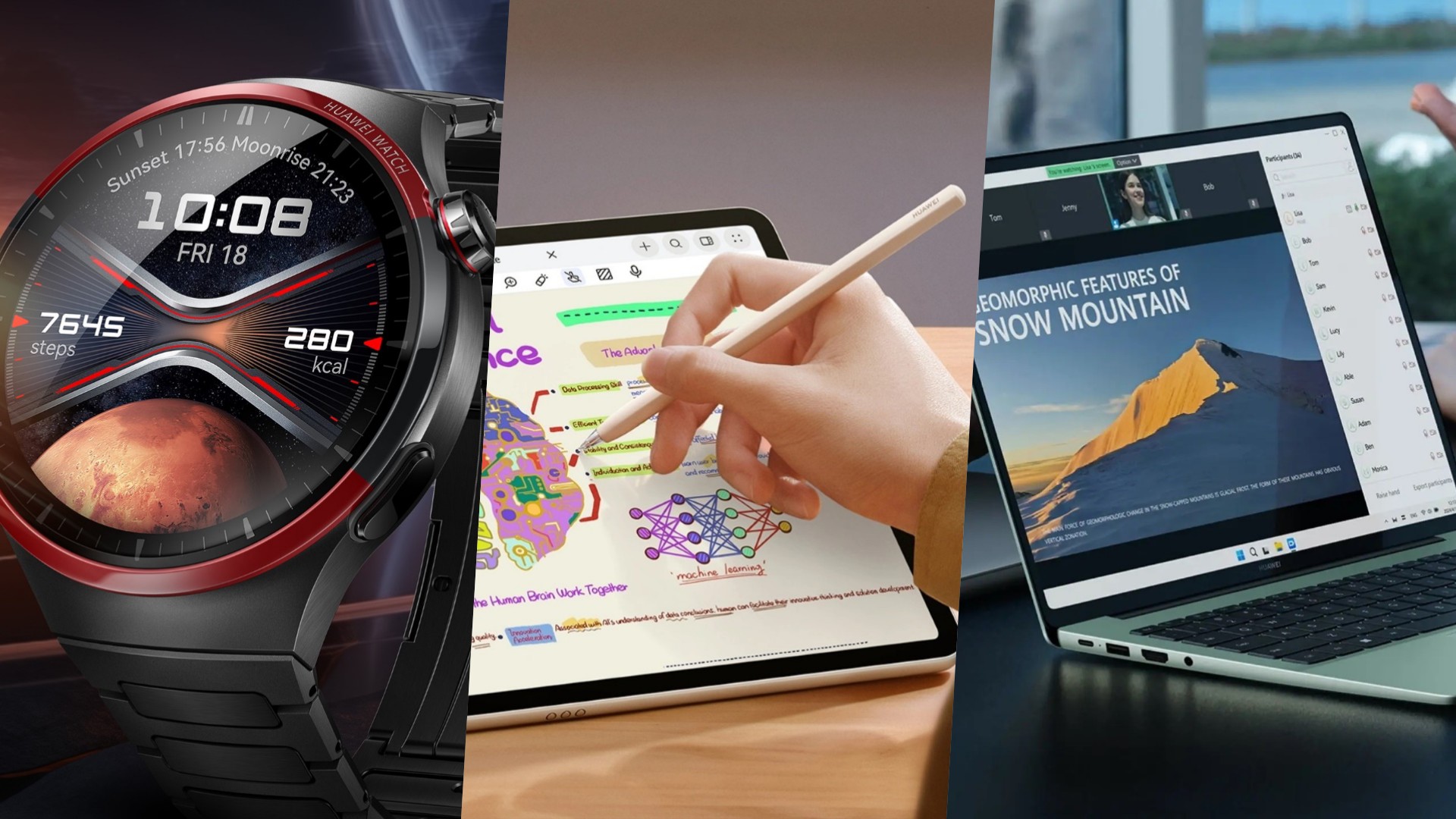
Huawei has announced its latest range of tech devices during a launch event in Dubai, United Arab Emirates. The lineup includes the new Huawei WATCH 4 Pro Space Edition, WATCH FIT 3, and Freebuds 6i wearables. The company also revealed its new MatePad 11.5-inch S tablet and MateBook X Pro and MateBook 14 laptops. Furthermore, Huawei mentioned new colors for the WATCH GT 4 and FreeClip.
Huawei WATCH 4 Pro Space Edition

The new iteration of Huawei’s flagship smartwatch is made of aerospace-grade DLC titanium. This makes the watch true to its identity of being a space-themed wearable. Its most notable aesthetic detail, in particular, is the exclusive interactive LAVAL watch face. This is inspired by the de Laval nozzle used in rockets and spacecrafts. Additionally, the watch face is surrounded by a nanocrystalline ceramic bezel.
Usage wise, among the watch’s improvements are the introduction of Huawei TruSeen 5.5+ and Health Overview 2.0. The enhanced health report feature now makes new health data and trend analysis functions available. This will allow users to test several basic indicators in just a minute.
The WATCH 4 Pro Space Edition is now available for EUR 649 / GBP 549.99. Customers purchasing from the UK Huawei Store until June 3 will get 10% off and a free Huawei FreeBuds 5.
Huawei WATCH FIT 3

The Huawei WATCH FIT 3 combines fashion and technology. It retains the classic squared design from previous FIT models for its 1.82-inch HD floating display. The wearable has been made sleeker and lighter at 9.9mm thin and 26 grams, respectively. There are also more strap colors available.
Users will benefit from the WATCH FIT 3’s comprehensive health monitoring features including TruSleep 4.0 and TruSeen 5.5. The watch also debuts Smart Sports suggestion that recommends certain exercises depending on the user’s habits.
The WATCH FIT 3 is now available for the following prices:
- Black, Pink, Green, or Moon White Floroelastomer Strap: EUR 159 / GBP 139.99
- Grey Nylon Strap: EUR 159 / GBP 139.99
- Pearl White Leather Strap: EUR 179 / GBP 159.99
The product also comes with a complimentary FreeBuds SE 2 when purchased on the UK Store until June 18.
Huawei MatePad 11.5-inch S

Following last year’s launch of the MatePad 11.5-inch PaperMatte and MatePad Pro 13.2-inch, Huawei is back with another tablet offering. The new MatePad 11.5-inch S comes with the company’s second generation PaperMatte display.
Among its improvements are bringing surface reflectivity down to below 2%. Moreover, it eliminates light interference up to 99%. These capabilities allow users to comfortably read, watch, scribble, and do more even when outdoors or in other brightly-lit environments. The display also features 2.8K resolution and 144Hz refresh rate.
The MatePad 11.5-inch S’s general availability will be on June 18, 2024. Customers may preorder starting June 4 starting at EUR 399 / GBP 349.99. They may also save 10% off when they sign up for the UK Store newsletter here before June 3.
Huawei FreeBuds 6i
To complete the new lineup of wearables, Huawei has announced the new FreeBuds 6i. The wireless earphones supports Intelligent Dynamic Active Noise Cancellation (ANC) 3.0 and up to 35 hours of battery life. They also have a more punchy bass, thanks to their 11mm quad-magnet dynamic drivers that are 50% more powerful than the previous generation.
Aside from the three aforementioned wearables, Huawei has also released a new color option for the WATCH GT 4 and the FreeClip (Beige). Customers may get discounts on these products when they purchase via the UK Huawei Store until June 3, 2024.
- WATCH GT 4 (41mm Green): EUR 249 / GBP 229.99 (GBP 30 off until June 3)
- FreeClip (Beige): EUR 199 / GBP 179.99 (GBP 20 off until June 3)
- FreeBuds 6i: Price and availability to be announced later
Huawei MateBook X Pro

Meanwhile, the newest version of the MateBook X Pro has a revamped and upgraded aesthetic design and performance. It has been made lighter and thinner at 980 gram and 13.5mm. It is also the only sub-1 kilogram laptop with an Intel Core Ultra 9 processor.
The MateBook X Pro promises better GPU performance, cooling, and connectivity with the 3D Metalline Antenna. It also features a 14.2-inch flexible OLED 120Hz display with anti-reflective coating and better contrast. The screen is complemented by SOUND 6 speakers for an immersive audiovisual experience. On top of these, the laptop has a beauty camera and SOUND 4 microphones for richer video conferences.
The MateBook X Pro is priced at EUR 1,999 (16GB+1TB) / GBP 2,099.99 (32GB+2TB). It will be available for preorder from June 4, before general sale on June 18. Customers may get 10% off when they sign up for the UK Store newsletter by June 3.
Huawei MateBook 14

Lastly, the MateBook 14 features a light and thin form factor and a crisp 2.8K touch-control OLED display. It is powered by Intel Core Ultra processors, has a 70Wh large battery, and supports multi-device collaboration.
The new MateBook 14 will retail starting at EUR 1,099 (16GB+512GB) and GBP 1,199.99 (16GB+1TB). Customers may preorder from June 4 before it goes on sale from June 18. They may likewise sign up for the UK Store newsletter before June 3 for a 10% off discount.
GoPaint app
Along with the release of the new MatePad 11.5-inch S, Huawei has officially debuted its GoPaint app. The self-developed app eliminates the need for users to download third-party creation apps.
Specifically designed for Huawei’s tablets, GoPaint comes with a wealth of brushes, and brings easy-to-use features for painting. Its integration, along with the company’s hardware-software architecture, pushes Huawei to be a go-to for creatives who want to get started.





Gaming
HP OMEN Max 16 review: Gamer-maxxing in deep black
Peripherals deemed necessary to max this out

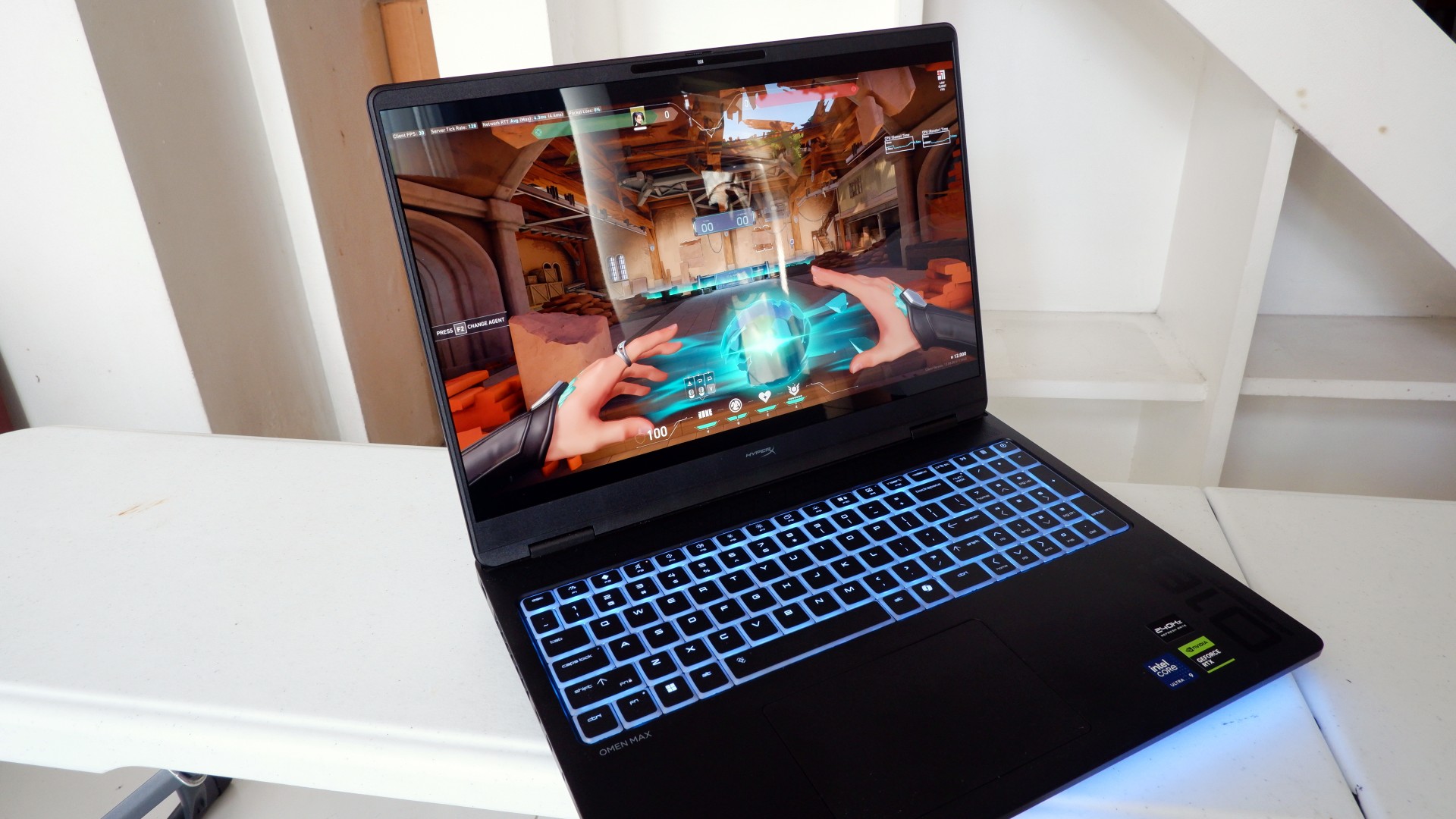
It’s not every day that you come across a machine that looks good and plays even better. Oftentimes, subtle aesthetics take a back seat to sheer performance and power. Whenever a gaming machine looks sleeker, it seems to lack the power to push it forward. Simply put, you can’t have the best of both worlds these days.
But what if you could have it all? Not just money, fame, and other fortunes, but also a machine with everything you’re looking for! Gone are the days of wanting only power to keep you playing all day or wanting to look good while playing. On paper, this is what the HP OMEN Max 16 promises: the best of both worlds.
Unboxing a beast inside
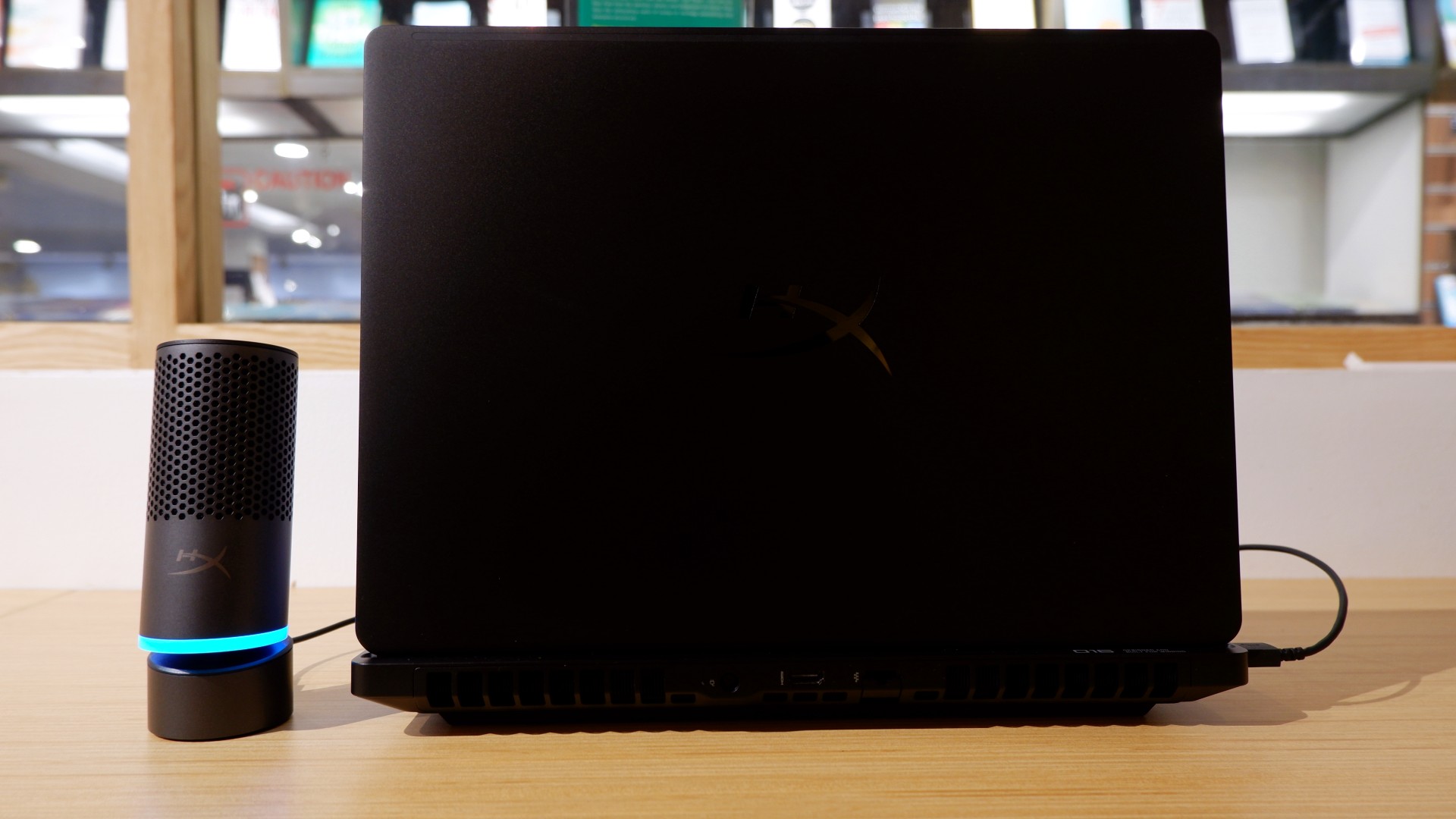
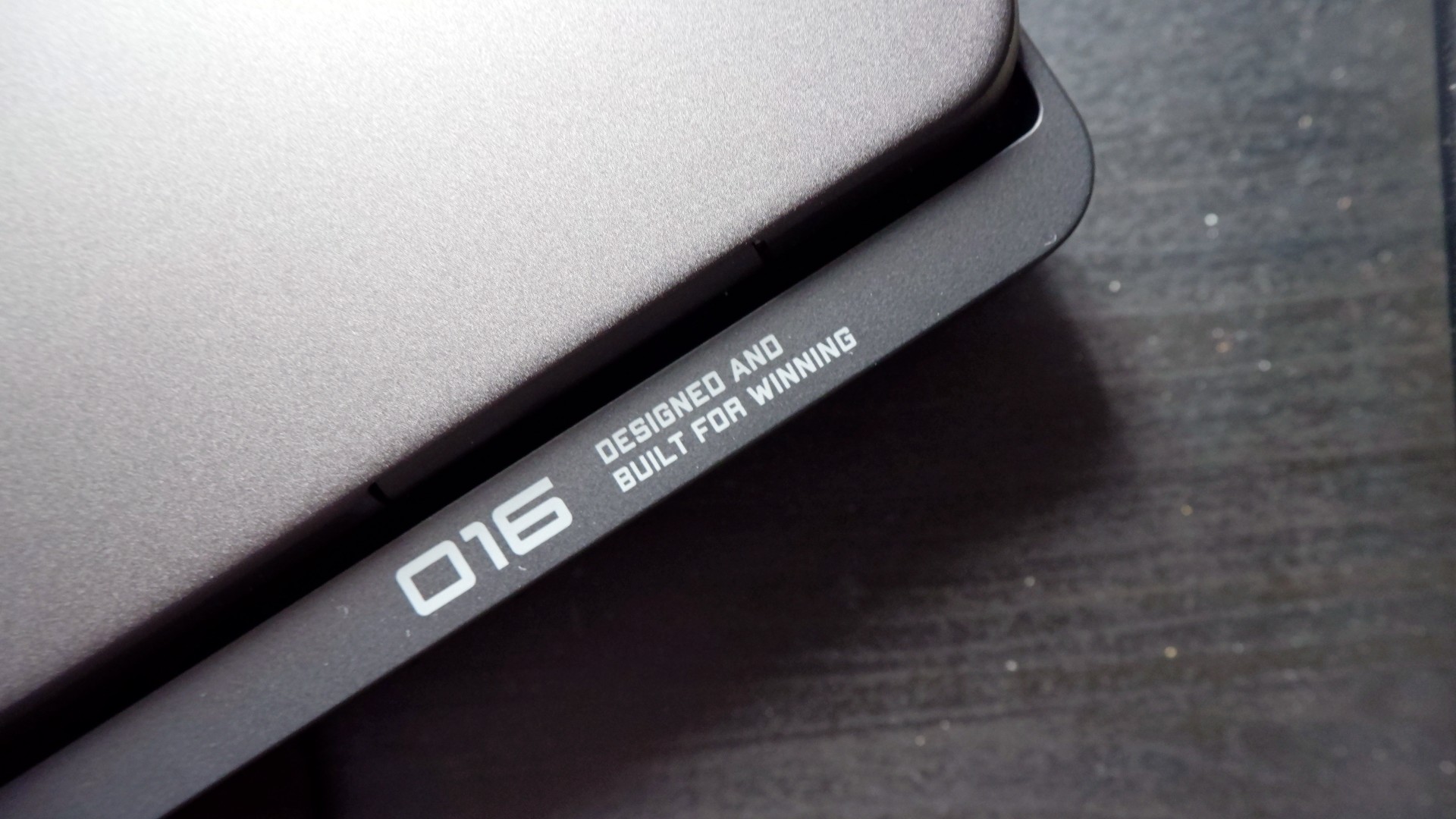
When you first take it out of the box, the HP OMEN Max 16 looks unassuming in its overall design. It’s bulky yet sleek in its Shadow Black colorway, with nothing too fancy or flashy while powered down. From the outside, the machine screams premium, even though its dark color can attract more visible dirt than lighter finishes.

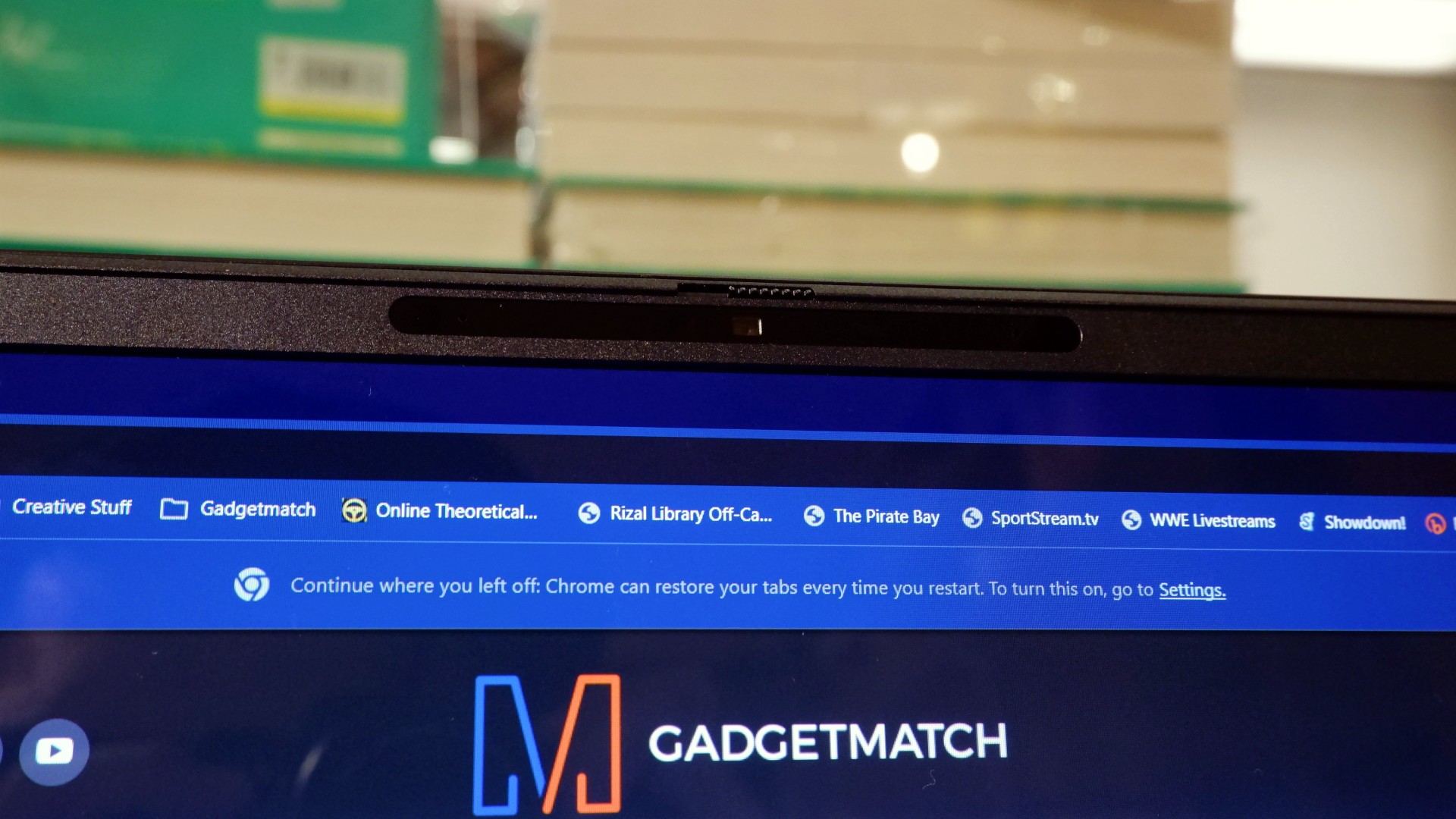
Opening it up reveals a 16-inch OLED display with a peak refresh rate of 240Hz, seamlessly connected to a base with a full-sized keyboard and a large trackpad. The bright, seemingly anti-glare display makes colors pop when watching or editing videos on the go.

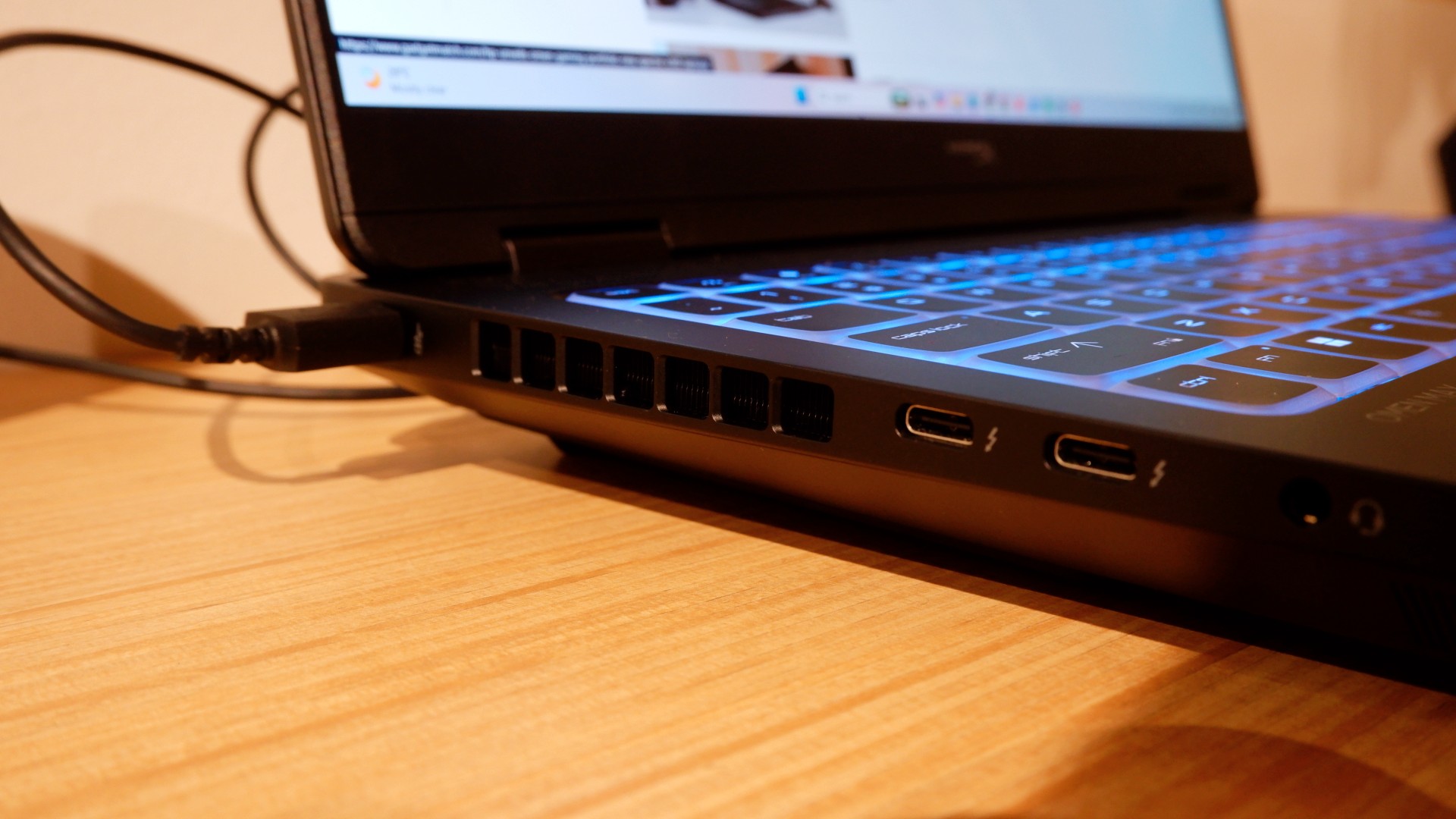
Furthermore, HP places the ports in convenient spots along the rear and sides of the laptop. This makes it incredibly easy to set up and manage external peripherals while providing more room for ventilation under heavy loads.
Of course, the device’s biggest features lie in the hardware powering it from within. An Intel Core Ultra 9 processor, 32GB of RAM, and an NVIDIA RTX 5090 Laptop GPU should give you an idea of how well this machine can perform. It’s also a great combination for demanding productivity tasks and creative work!
Power that AI can only hope to replicate
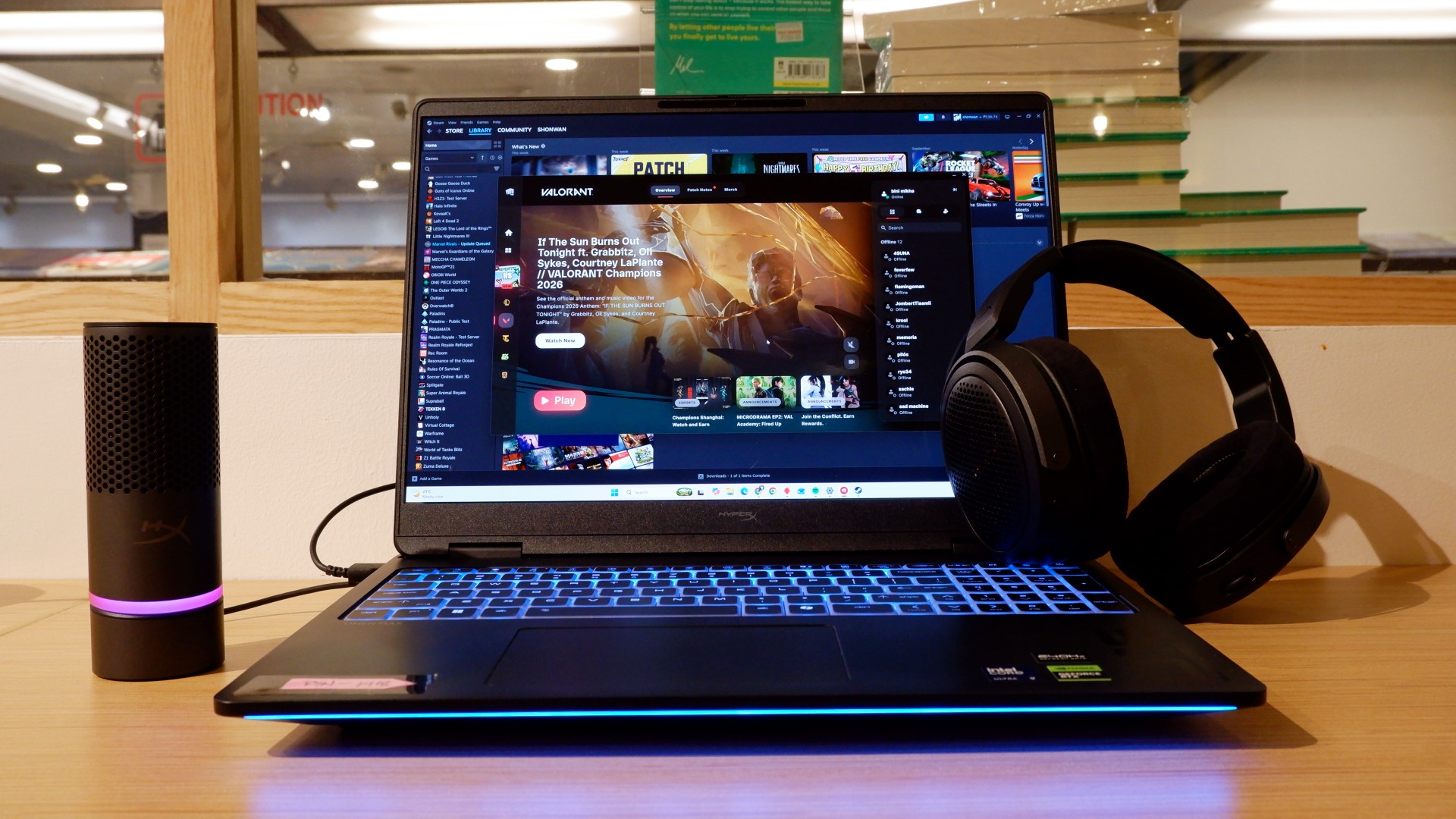
The HP OMEN Max 16 lived up to many of our expectations in terms of performance. From startup to shutdown, it delivered on what its hardware promised. You can watch videos for longer, edit photos and videos to your heart’s content, and enjoy casual gaming without slowing down. Furthermore, the wide display gives you plenty of space to accommodate all these activities.

When you step up to more competitive gaming, the machine doesn’t miss a beat. Most titles deliver high frame rates regardless of the quality or performance settings you choose. With more advanced visual settings enabled, the RTX 5090 does a fantastic job of keeping supported games within a solid 40–50 FPS range. Pair it with a high-refresh-rate OLED display, and you get crisp details and faster input response to help you get ahead in ranked games all day long.
If there’s one thing to complain about, it’s the extra optimization required through the OMEN Gaming Hub. Features such as network prioritization, automatic power-mode switching, and system optimization are useful, but you’ll need to spend time configuring them during initial setup. The laptop also comes with OMEN AI, which promises to maximize FPS with a single click. However, it was only okay at best.
Runs longer, cools off smoother
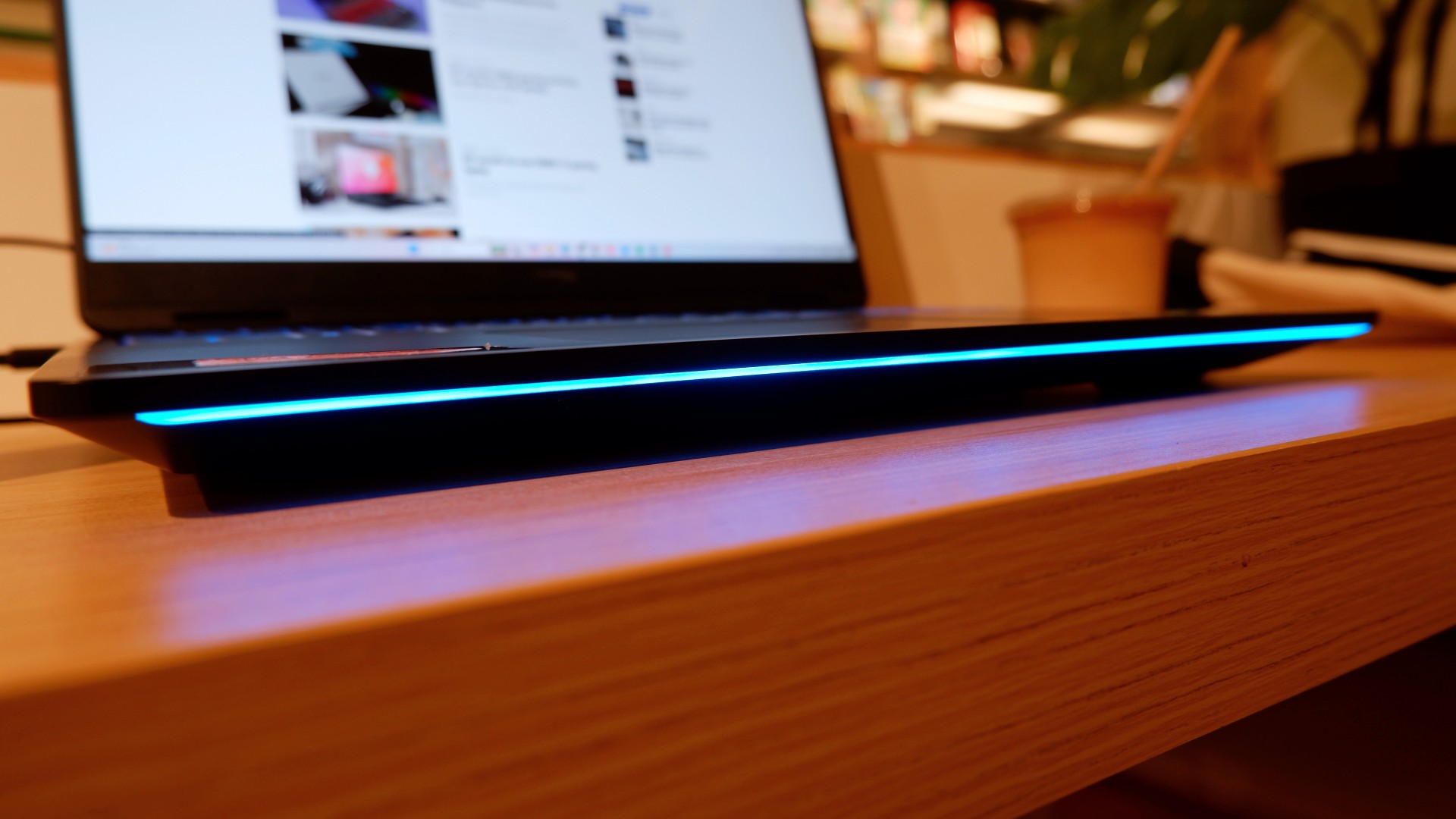
Surely, a gaming laptop this bulky and powerful can’t last that long on battery, right? Well, the HP OMEN Max 16 averages around three hours of battery life during intensive gaming, which gives you a decent amount of playing time. For general use, battery life extends to around five and a half hours with Balanced power settings. It holds up reasonably well if you forget to bring your charger.
When you do have the massive 330W charger with you, charging doesn’t take too long either. During our tests, a full charge took two hours, with charging progressing slightly faster when we left the laptop idle. Charging the battery to 50% took around 20 minutes, giving you enough juice to squeeze in another game!
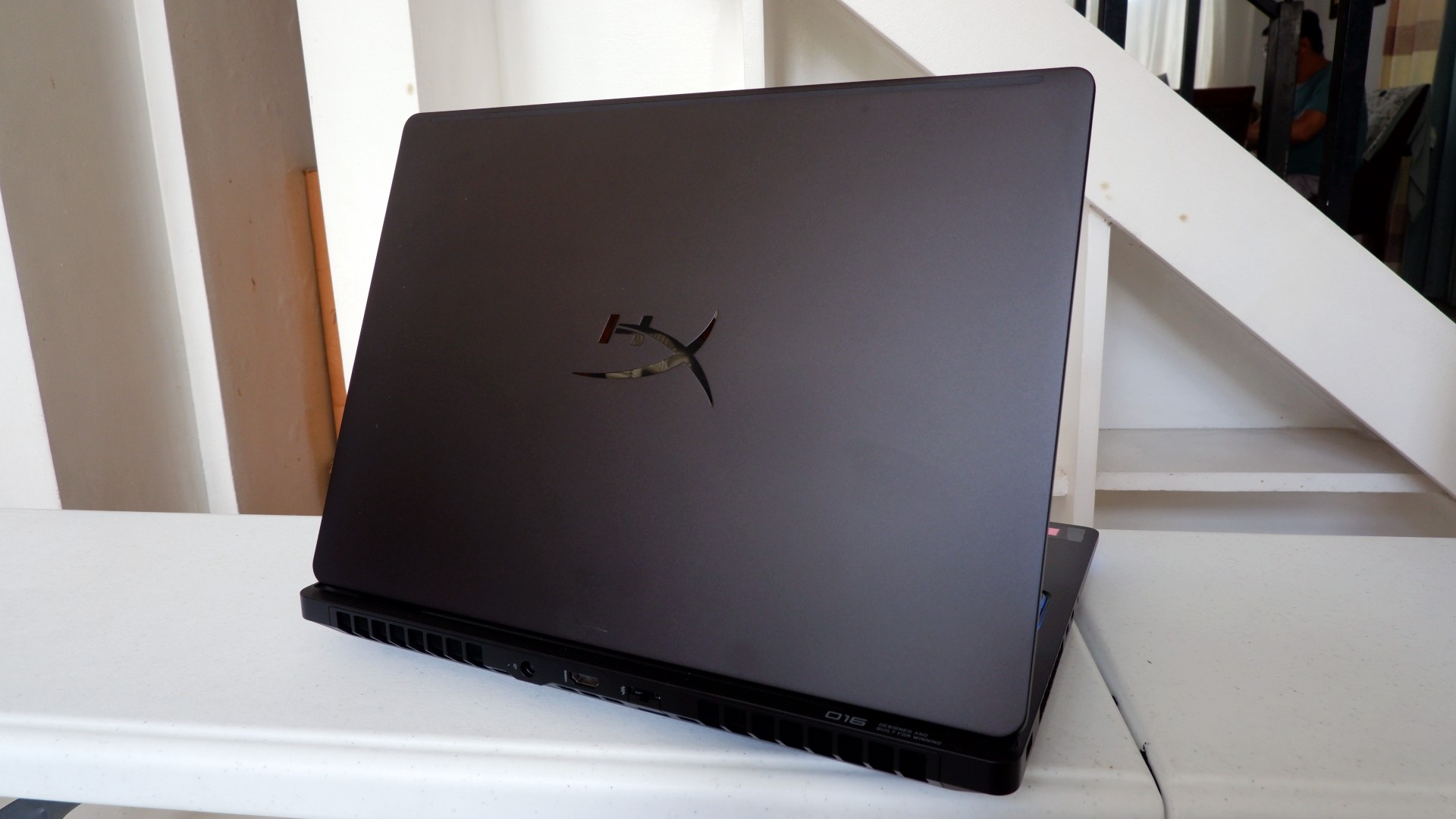
Another factor in prolonged use is how the device expels hot air through its sides and rear. We touched on this earlier, but it bears repeating: the laptop provides plenty of ventilation through its vapor chamber and multiple external vents. Instead of directing heat toward the keyboard, it pushes hot air through the vents, where it can hit your hands or peripherals. At least the keyboard stays cooler, right?
Is this your GadgetMatch?
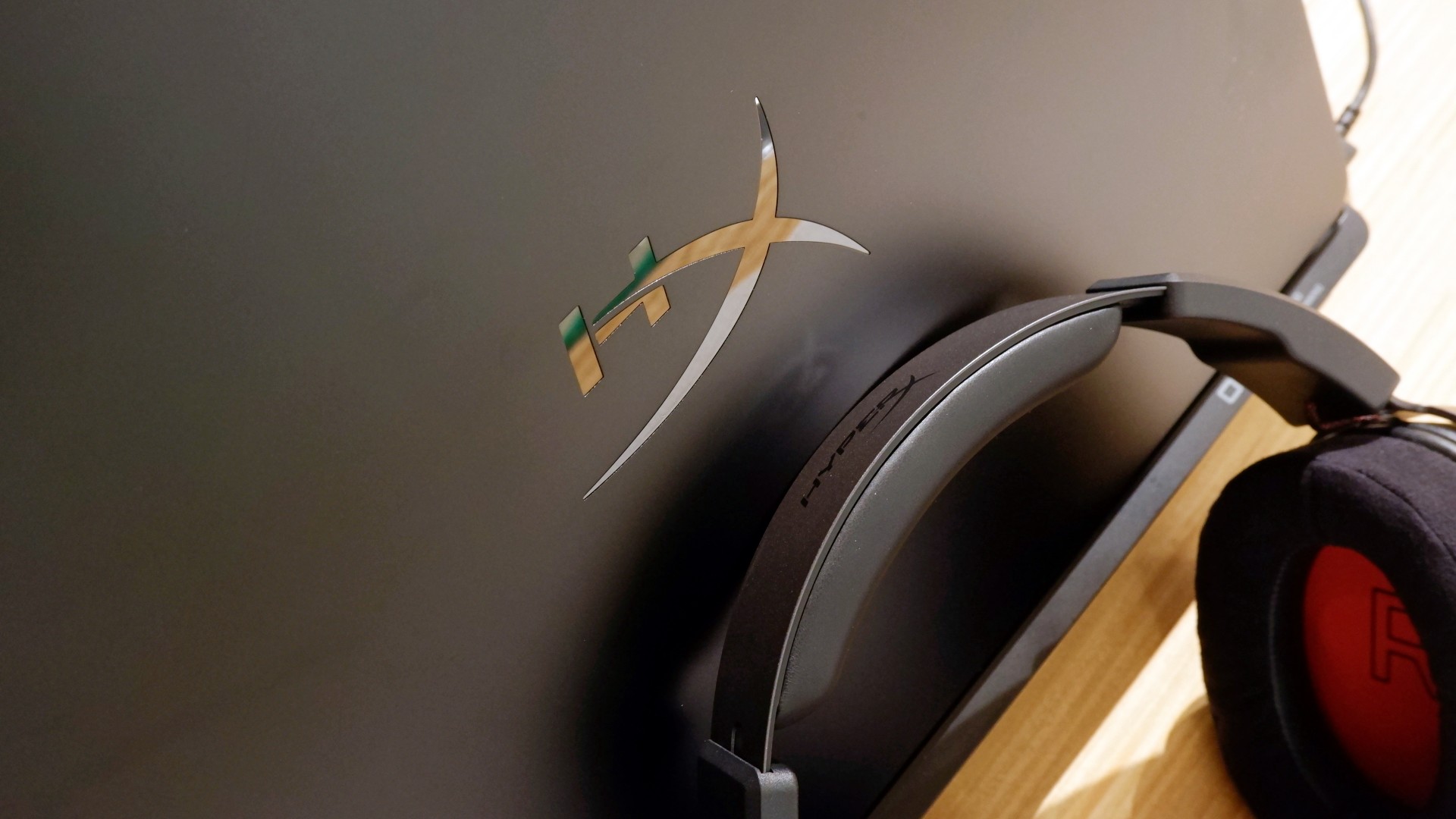
At PHP 229,990, the HP OMEN Max 16 is a sleek-looking machine with incredible power under the hood. Despite its initial bulk, it delivers impressive performance for both casual and competitive gamers. Inside and out, it packs plenty of hardware and features to let you tailor the experience to your needs.
If you’re looking for a gaming laptop with decent battery life, this is a solid choice, but don’t expect it to last half a day. Of course, you wouldn’t use this machine entirely on its own, even if the unboxing experience might suggest otherwise.
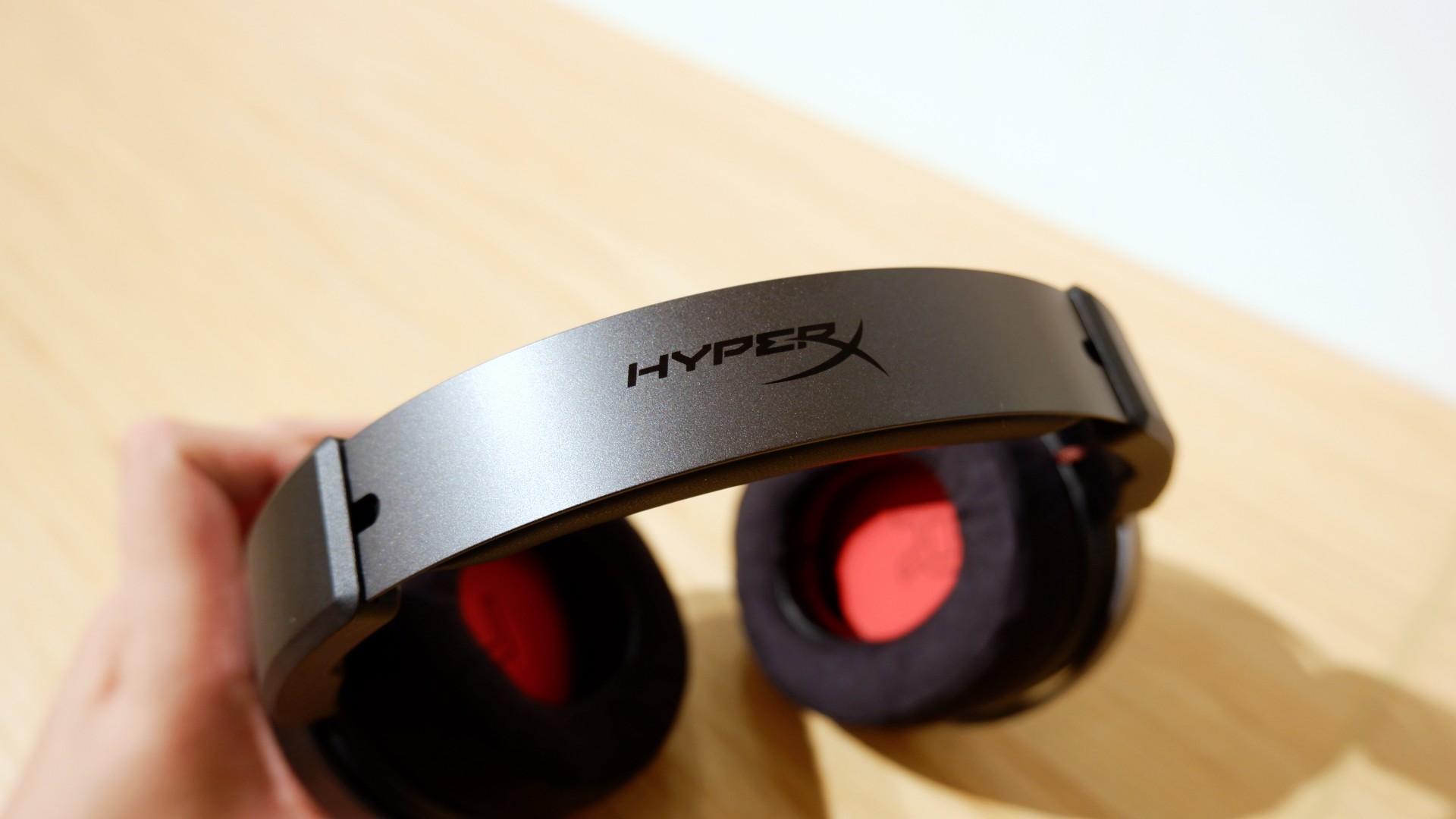
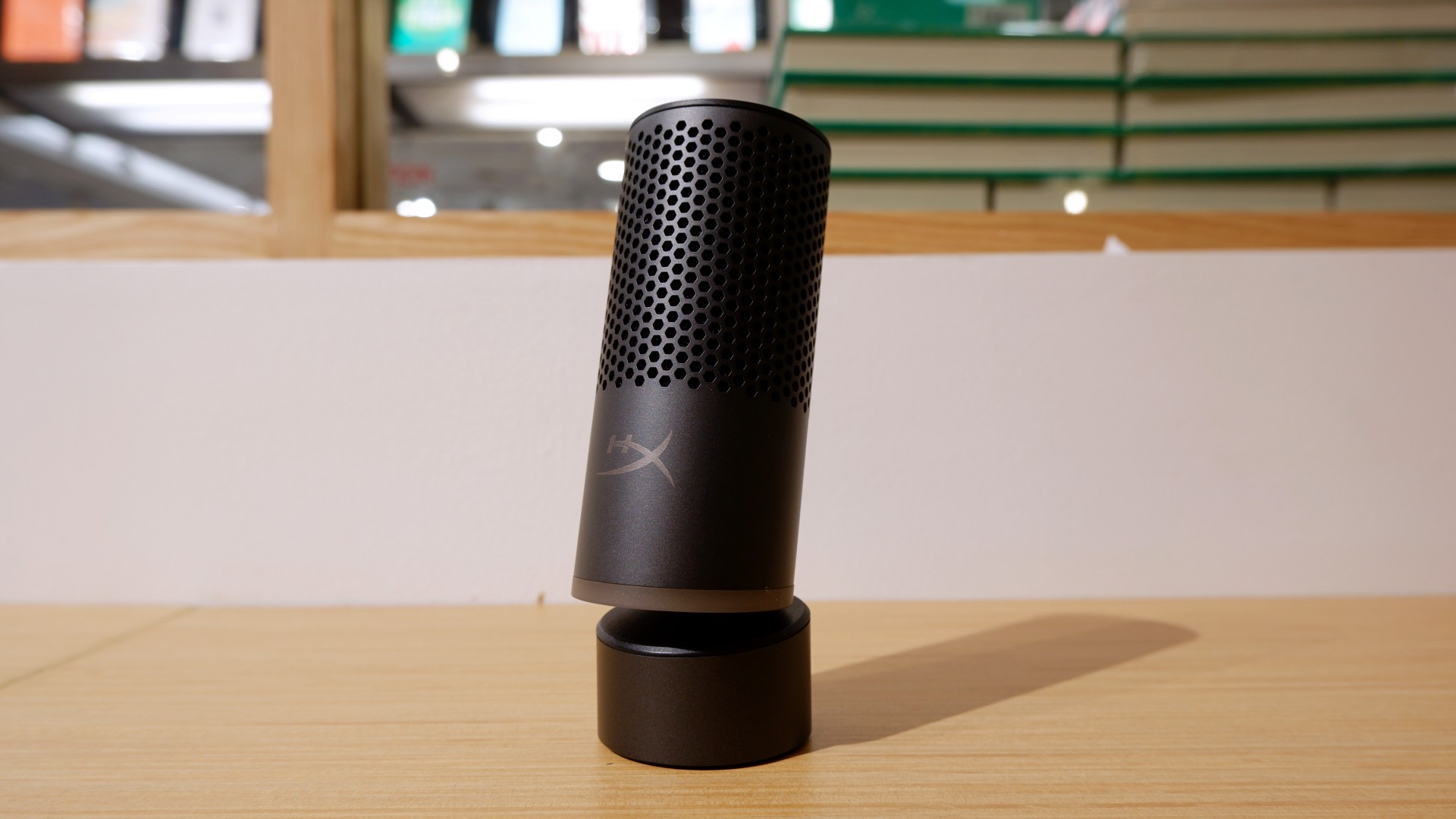

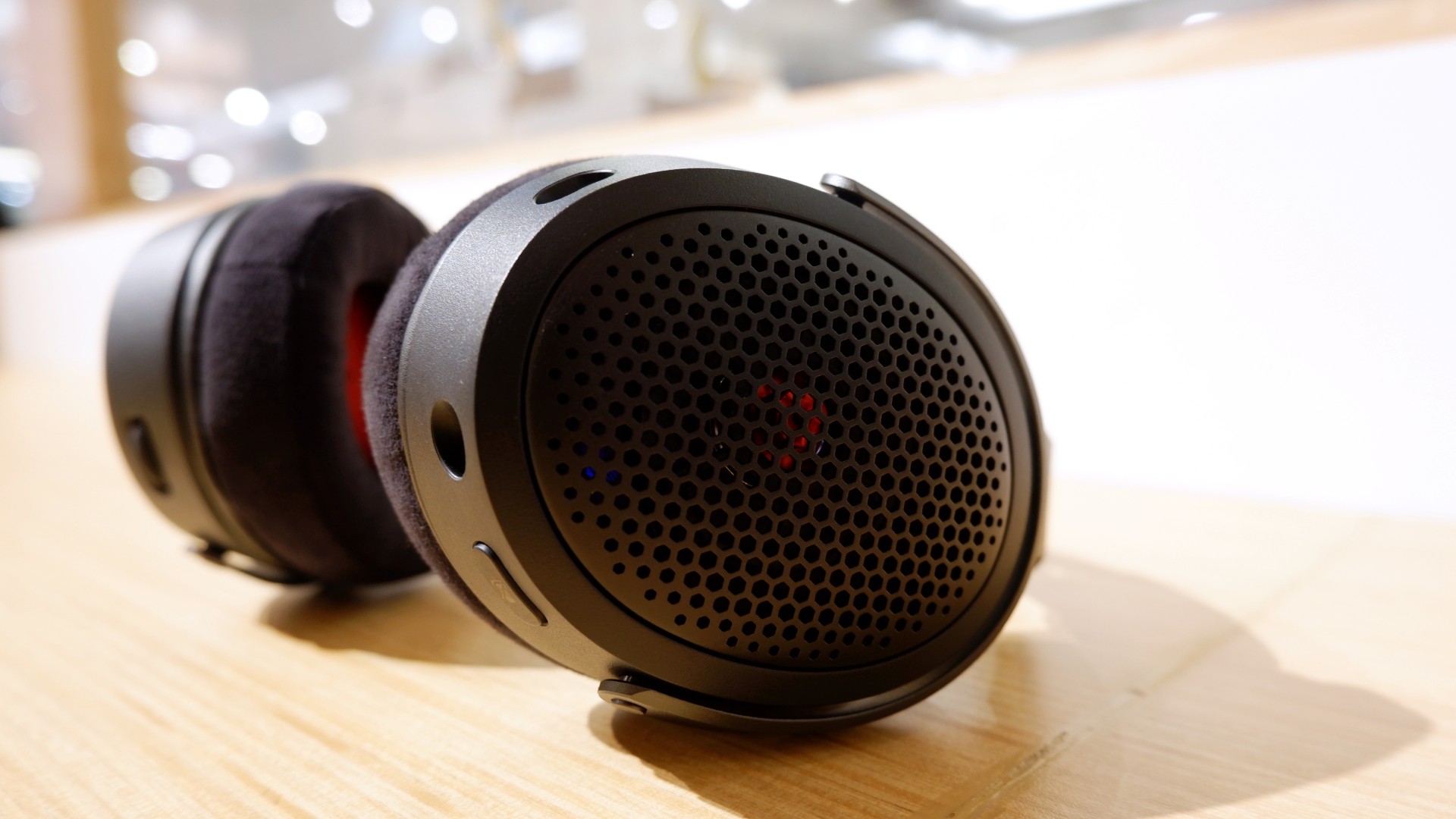
Peripherals such as the HyperX Cloud Alpha Air and Solocast 2 Pro can further enhance the experience.
Overall, this is a Swipe Right for its features, performance, and premium design. However, if you don’t have an infinite money glitch to buy it right now, you’re better off saving up for this beast of a machine!
Laptops
ASUS ProArt P14, P16 laptops with NVIDIA RTX Spark now available
Powerful AI, wherever you create

ASUS has introduced the ProArt P14 and P16, two creator laptops powered by NVIDIA RTX Spark. They combine high-capacity unified memory, RTX graphics, and AI tools to help creators and developers run demanding workloads locally.
The new laptops pair NVIDIA’s Blackwell RTX GPU and Grace CPU architecture with up to 128GB of unified memory. ASUS says the platform delivers up to one petaflop of AI performance, enabling users to run large AI models and generative workflows without relying entirely on cloud services.
Portable workstations for creators
The ProArt P16 measures 12.9mm thick and weighs 1.77kg, making it the thinnest 16-inch ProArt laptop to date. The ProArt P14 measures 13.9mm thick and weighs 1.48kg, making it the lightest ProArt laptop currently available.
Both models feature ASUS Lumina Pro OLED displays with a 120Hz variable refresh rate, Delta E<1 color accuracy, and peak brightness of up to 1,600 nits. The P16 supports up to 4K resolution with NVIDIA G-SYNC, while the P14 offers up to 3K resolution.
The P16 packs a 99Wh battery, while the P14 has a 90Wh battery. Both laptops also feature high-speed connectivity and haptic touchpads designed for photo editing, video production, and 3D modeling.
Run AI workflows locally
The ProArt P14 and P16 support local AI workloads through NVIDIA’s CUDA ecosystem and RTX acceleration. Their unified memory configurations allow users to run larger AI models and more complex generative workflows directly on their laptops.
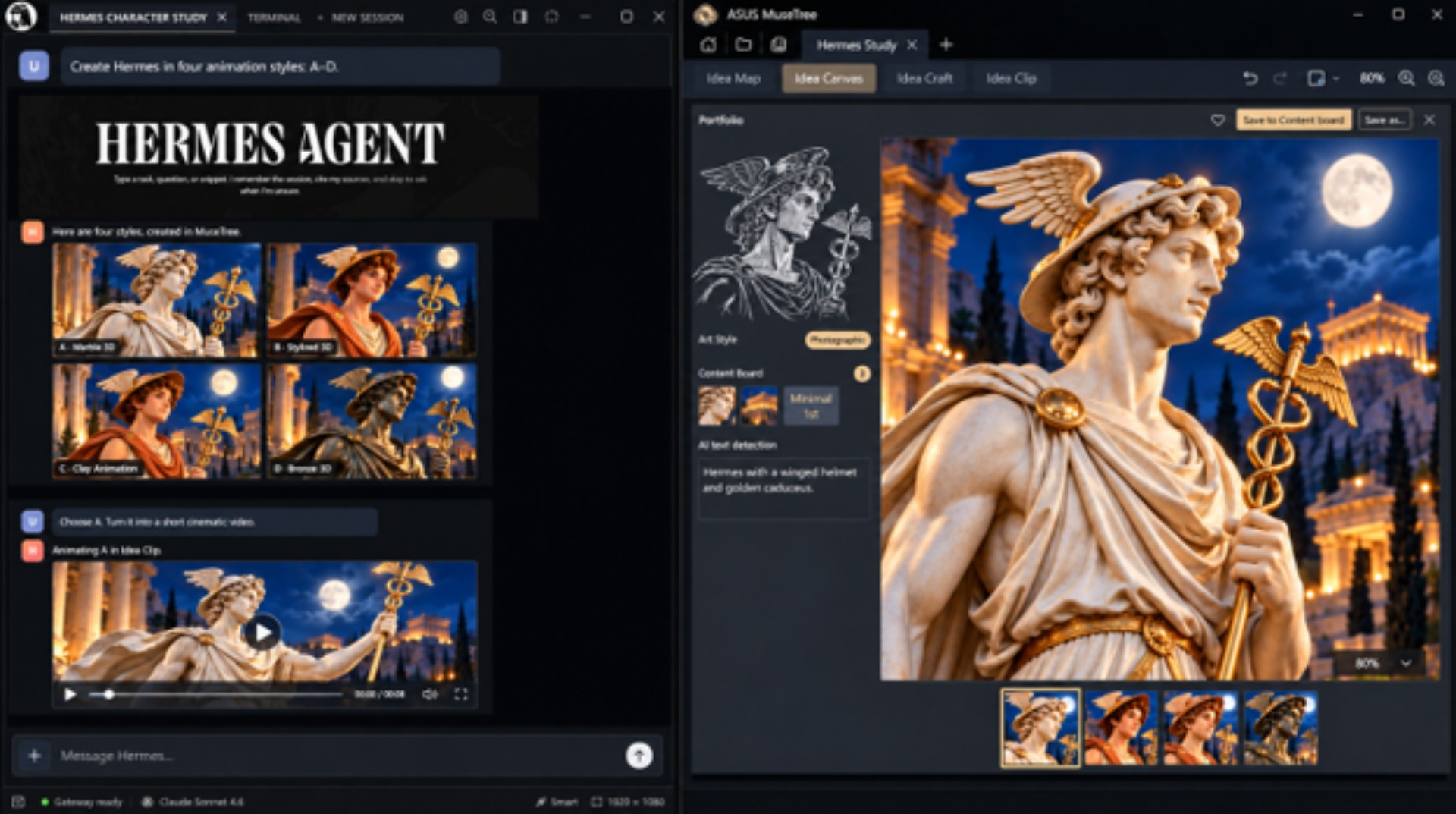
ASUS also offers several creative and productivity tools. MuseTree supports local image generation using FLUX and WAN models, while StoryCube uses AI to organize media and manage creative assets. Zenni Claw provides an AI assistant for everyday productivity, content management, and ASUS device controls.
Users can also work with third-party tools such as ComfyUI and Hermes Agent. The laptops support hybrid workflows, allowing creators to switch between local processing and cloud-based services based on their performance, privacy, and project requirements.
Pricing and availability
The ASUS ProArt P14 and P16 are now available at select ASUS Exclusive Stores, including locations in Glorietta, SM Makati, SM Mall of Asia, SM Megamall, and SM North EDSA.
Here are the available configurations and their suggested retail prices:
- ASUS ProArt P14 (32GB RAM, 1TB SSD): PhP 224,995
- ASUS ProArt P16 (48GB RAM, 1TB SSD): PhP 269,995
- ASUS ProArt P16 (128GB RAM, 1TB SSD): PhP 429,995
The 128GB ProArt P16 configuration is available by special order.
Both laptops include three months of Adobe Creative Cloud and Google AI Pro with 5TB of cloud storage. Buyers also receive a lifetime license for Office 2024 Home, one year of Microsoft 365 Basic with 100GB of cloud storage, and up to 700GB of ASUS cloud storage.
ASUS includes a three-year local and international warranty with local on-site support, a 14-day extended replacement policy, up to six free device-cleaning claims, and one year of accidental damage protection.

Lenovo has expanded its Yoga portfolio with new AI-powered laptops, tablets, and cross-device experiences designed for creators and developers.
The latest lineup includes the Lenovo Yoga Pro 9n (15-inch, Gen 11), Yoga 9n 2-in-1 (16-inch, Gen 11), Yoga Tab Plus Gen 2, and Yoga Tab Gen 2. Lenovo also introduced Smart Canvas Concept, a cross-device experience, and new features for its Qira ambient intelligence platform.
New Yoga laptops focus on local AI workloads
The Lenovo Yoga Pro 9n is designed for demanding creative and development tasks, including AI development, video editing, software development, and 3D rendering. Powered by NVIDIA RTX Spark, it offers up to 128GB of unified memory and supports local AI workloads alongside RTX gaming.
The laptop features a 15.3-inch 2.5K PureSight Pro OLED display with a variable refresh rate of up to 165Hz. It also includes Lenovo X Power thermal technology, a haptic Force Pad with pen support, and connectivity options for professional peripherals and external displays.
Meanwhile, the Lenovo Yoga 9n 2-in-1 combines NVIDIA RTX Spark with a convertible design. Its 16-inch 2.8K PureSight Pro OLED display supports a variable refresh rate of up to 120Hz.
The convertible’s dual-surface pen experience lets users write or draw on either the display or the haptic Force Pad. Paired with the Yoga Pen Gen 2, it supports tasks such as illustration, annotation, and detailed editing. Its 360-degree hinge also allows users to switch between laptop, tablet, tent, stand, and canvas modes.
Yoga tablets add AI-powered creative tools
Lenovo also unveiled two tablets designed for note-taking, illustration, productivity, and collaboration.
The Lenovo Yoga Tab Plus Gen 2 features a 13-inch 4K PureSight Pro display and the Snapdragon 8 Elite Mobile Platform. It supports up to 16GB of RAM and 512GB of storage, with an optional magnetic clamshell keyboard for productivity tasks.
The smaller Lenovo Yoga Tab Gen 2 uses a MediaTek Dimensity 9500s processor and an 11.1-inch 4K display. Weighing approximately 480 grams, it prioritizes portability while supporting pen-based creation and keyboard-based work through its detachable keyboard pack.
Both tablets support Lenovo’s native AI features, including Lenovo AI Vision, Smart AI Input, AI Creation Tools, AI Note, and Live Transcript. Their pen features include 8,192 pressure levels, tilt detection, and palm rejection. The Tab Pen Pro 2 also supports gesture-based controls for drawing, selecting, recording, and erasing.
The tablets launch with Android 17, with Lenovo promising seven operating system upgrades through Android 24 and up to seven years of security updates through 2033.
Lenovo introduces cross-device creative tools
Beyond its new hardware, Lenovo introduced Smart Canvas Concept, which aims to help users capture ideas and continue working across compatible devices. It combines voice, pen, camera, and touch input, allowing users to move between devices as projects develop.
Lenovo demonstrated the concept using the Yoga AIO i Aura Edition (32-inch, Gen 11) and Yoga Tab Gen 2 at Lenovo Innovation World.
Lenovo Qira also brings a context-aware AI experience to supported Yoga PCs and tablets. It is designed to help users capture inspiration, retain relevant context, and resume work across devices.
Together, the new products expand Lenovo’s Yoga lineup across high-performance computing, portable creative tools, and connected workflows.


HP OMEN Max 16 review: Gamer-maxxing in deep black
Peripherals deemed necessary to max this out


vivo V80 review: Good phone, tough sell
A capable travel companion


Ghost of Yōtei Complete Edition review: More of a great thing
Picking up where Atsu left off

Nintendo eShop will finally launch in the Philippines

Apple unveils its biggest iPad mini update yet

TechLife’s Pad Neo SE is coming with a 10.1-inch screen built for learning

Visa: 79% of Filipinos want to learn about stablecoins

CASETiFY Match: Finding the right case for your Galaxy Z8 Series phone

TECNO CAMON Slim 5G review: Slim on size, big on surprise

TECNO CAMON Slim 5G: Price, availability in the Philippines

HONOR Magic9 Pro Max launches in China with ARRI-powered imaging

BYD says that way better EV batteries are coming next year

HONOR 600S review


-

 News2 weeks ago
vivo V80 debuts with ZEISS cameras
-

 Philippines2 weeks ago
TECNO CAMON Slim 5G gets launch discounts, free MagBadge
-

 News2 weeks ago
Samsung: Galaxy Z Fold8 demand rose because of iPhone Duo
-
Reviews1 week ago
vivo V80 review: Good phone, tough sell
-

 Features2 weeks ago
I don’t want a phone that unfolds — the Galaxy Z Fold8 gets why
-

 News6 days ago
OPPO Find X10 Series: Price, availability in the Philippines
-

 Buyer's Guide1 week ago
iPhone Duo Philippines: Prices, installments, and where to buy
-
![KINGDOM HEARTS Collection [I-III]](https://www.gadgetmatch.com/wp-content/uploads/2026/10/kingdom-hearts-colletion-I-III-202610-400x240.png)
![KINGDOM HEARTS Collection [I-III]](https://www.gadgetmatch.com/wp-content/uploads/2026/10/kingdom-hearts-colletion-I-III-202610-80x80.png) Gaming1 week ago
Gaming1 week agoKINGDOM HEARTS Collection [I–III] now available on PS5, Switch 2