
Features
Why people can’t stop talking about the 2021 Huawei MateBook D 15
Now with 11th Gen Intel Core and 16GB RAM

Huawei has always been known to be that powerful force in innovation. The bezel-less display, Huawei Free Touch and the recessed camera are just some of the many instances when Huawei have revolutionized and leveled up the playing field for the PC industry.
I think it goes without saying that Huawei’s premium brand, the MateBook family, is one that has truly set a new standard for intelligence when it comes to laptops.
It has been five years since the inception of the MateBook and ‘till this day, the MateBook family pushes on to be the perfect tool for the challenges we are faced with. From enhanced connectivity for online classes, immersive audio for work-from-home conferences to engaging visuals for Netflix nights, the MateBook family has got you covered and that’s exactly what we’ll be talking about here as we move further.
As they celebrate their fifth year of the MateBook series, they introduce to us another line of technological advancement with the 2021’s MateBook series.
With this comes the revamp of the very popular MateBook D 15 with the HUAWEI MateBook D 15 2021 11th Gen along with the powerfully sharp MateBook 14 2021 11th Gen and the borderless MateBook X Pro 2021.
Talk of the town with its elegance
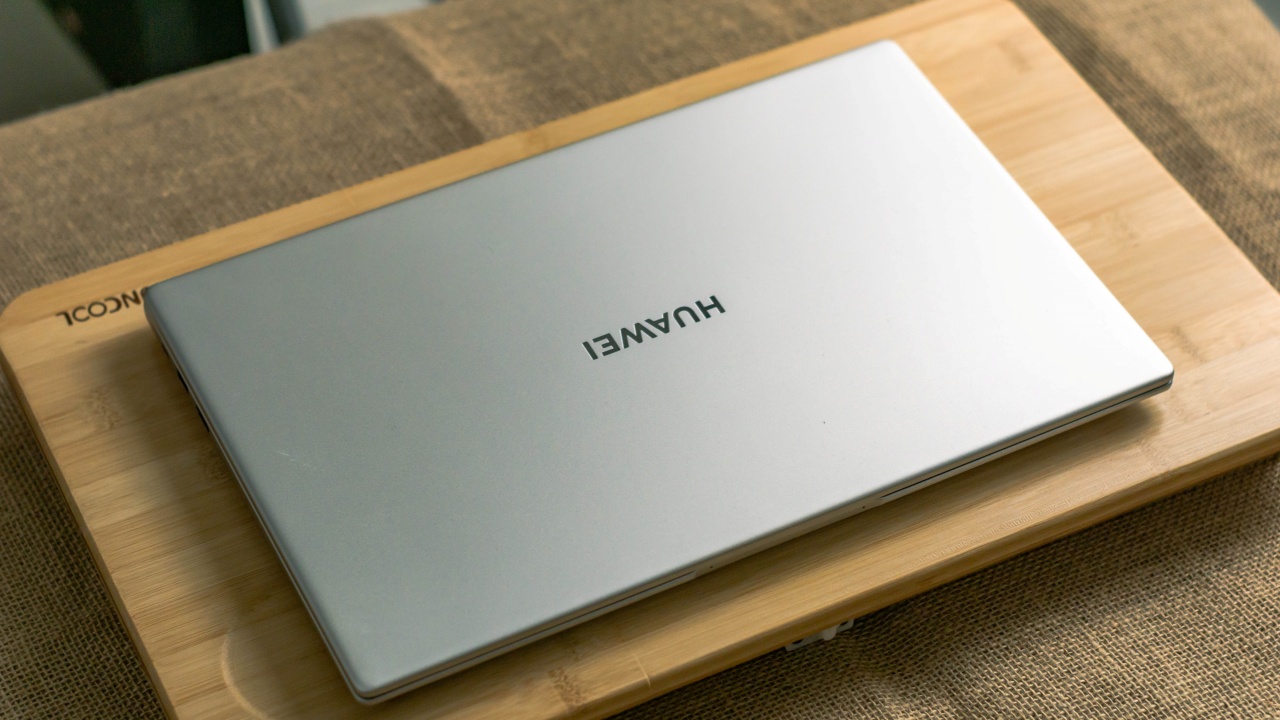
There’s no denying that the MatebBook D 15 2021 is a dazzling piece of machinery. And being one that has been used to plastic laptop bodies, the all aluminum alloy body of the D 15 had me drooling over it. A prominent indication of its quality also, was how this MateBook’s body had rounded edges and a very solid build which are admittedly satisfying to the touch.
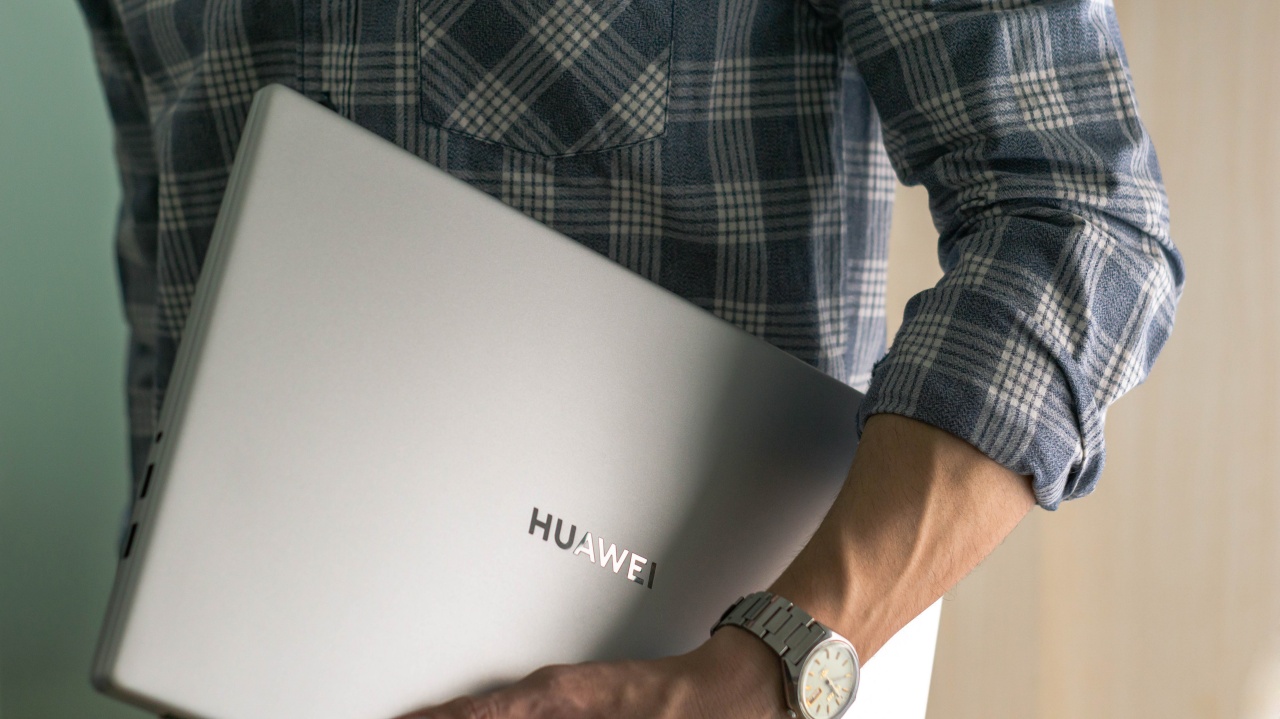
Carrying the device, it’s impossible not to notice just how feather light this MateBook D 15 is. For 1.56kg and only 16.9mm thin, it’s amazing just how this laptop carries a ton of horsepower and 15.6-inches of screen real estate.
Feature packed FullView display
Relatively bezel-less at only 5.3mm of bezel width, the MateBook D 15 2021 sports the iconic FullView display of the MateBook family. At 87% screen to body ratio, this 15.6-inch FHD IPS display panel is a feast for your eyes.
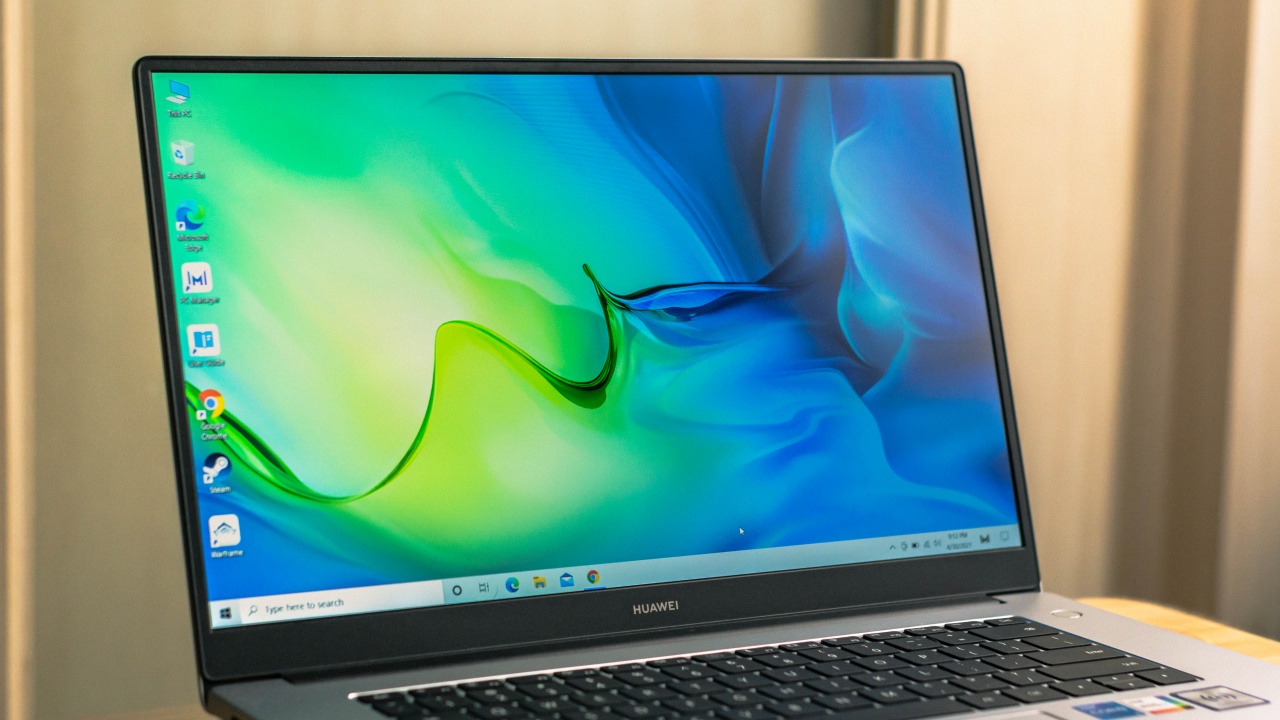
Given that we mostly look at our computer screens most of the time, eye strain is often the setback. A noteworthy feature the D 15 has with its display is that it has been certified under TÜV Rheinland’s Low Blue Light emittance and Flicker Free qualifications which makes it perfect for binge watching K-dramas on Netflix. Top that with 100% sRGB rating, there’s no reason to doubt the color representation this display outputs when doing creative work.
Much to flex under the hood
At the heart of this laptop is Intel’s 11th Gen Core i5 processor and the Intel Iris XE graphics that it comes with. While most of us are already familiar with the power of the Core i5 processor, this newest generation of Intel’s offering takes this up a notch. Running four cores and eight processing threads, Intel’s newest architecture delivers 31 percent faster multi-core performance from its predecessor.
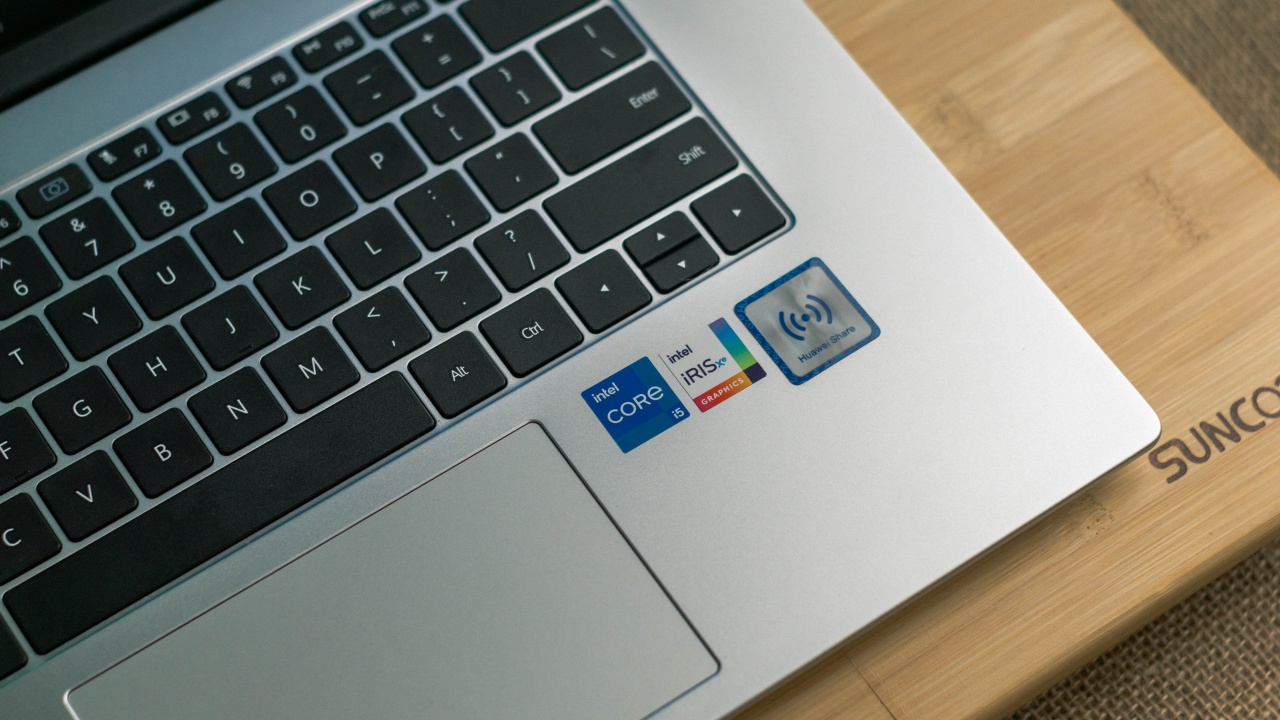
I believe many would agree that a lot of us do try to get some form of gaming done on their school or work laptop. The Intel Iris XE graphics is perfect for sneaking in some play time with our favorite games as well as for running some multimedia tasks.
Swamped with work or just juggling multiple tabs on your web browser, expect the experience to be as smooth as it can be as there’s now 16GB of DDR4 RAM packed in this slim body.
Smart power button
I guess you won’t have time to make coffee while waiting for your laptop to start up as with the D 15’s smart fingerprint power button, keying in your log on password is now a thing of the past. The moment you press on the D 15’s fingerprint power button automatically authenticates your identity and jumps you directly to your home screen, saving you the hassle of typing in your password.
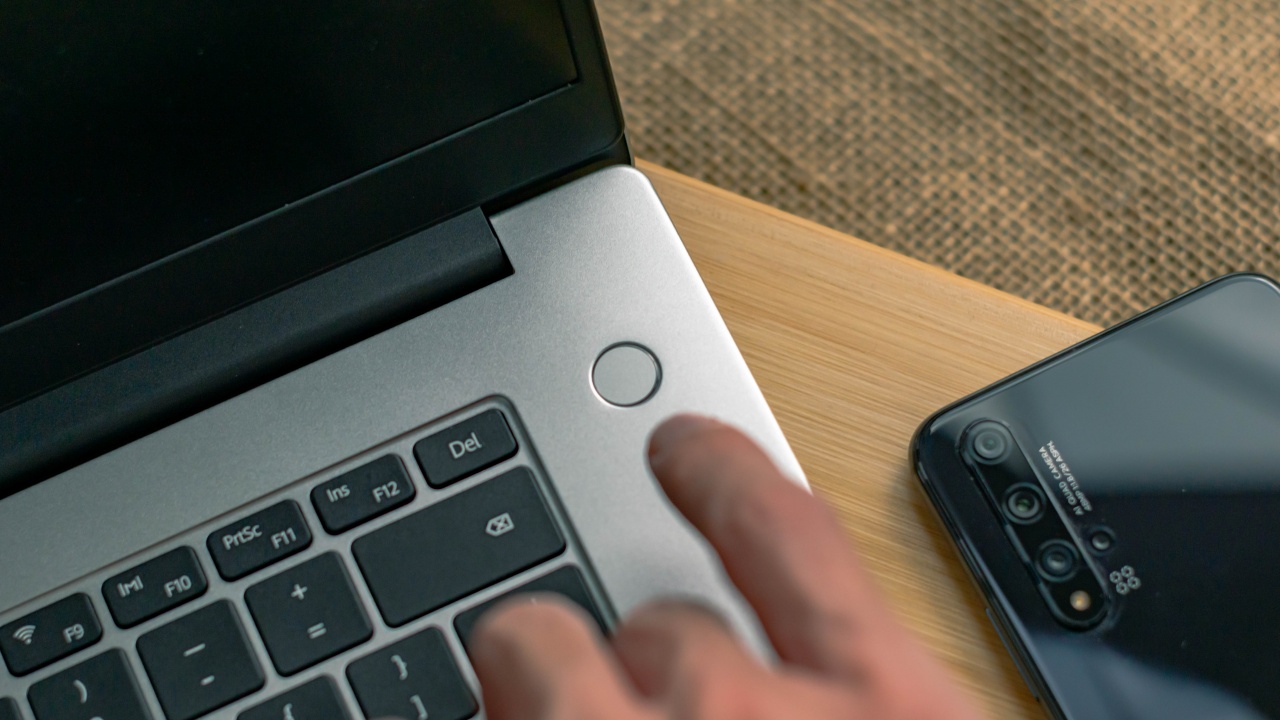
At only 2.5 seconds as recorded by Windows for its start up, this has been the fastest power on time I have yet encountered on a laptop. Seriously, a boot up time this fast would make you doubt if you’ve left the laptop on sleep mode or if it was from a coldboot.
Cool and quiet
Despite the size of the MateBook D 15, it did not become noticeably hot. In fact, the palm rest felt cool to rest your palms on.
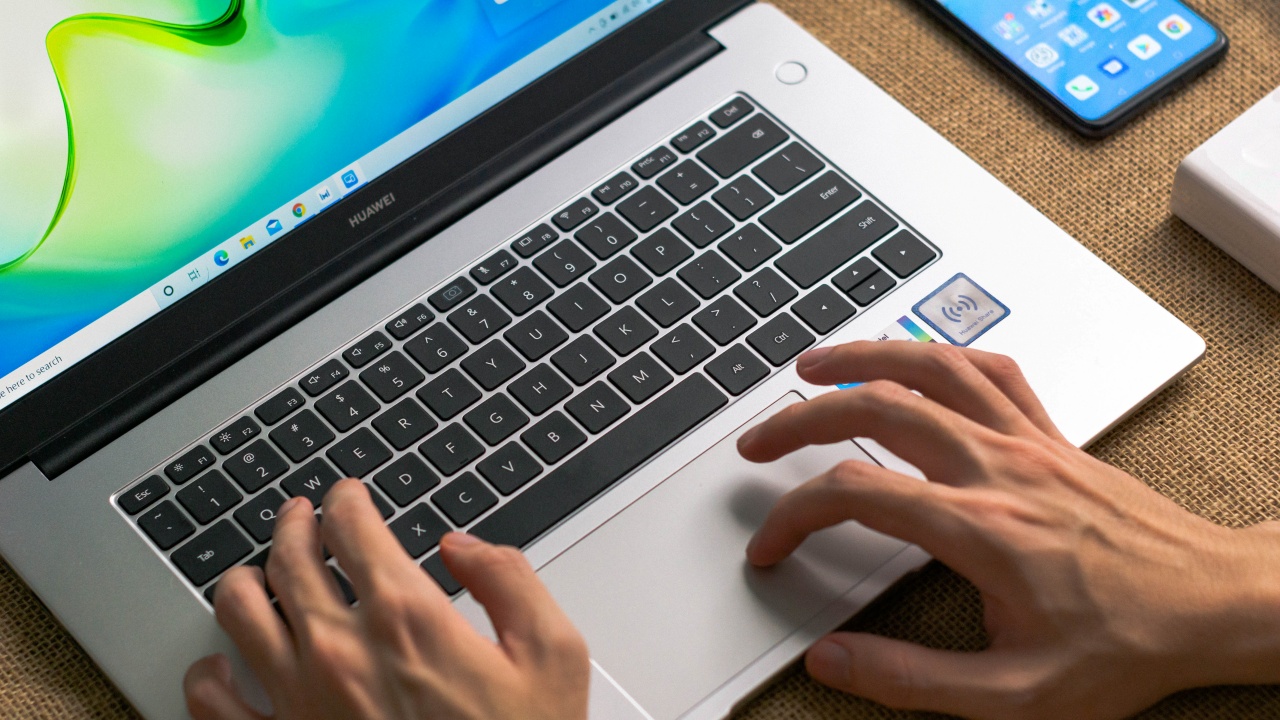
You know what they say: work smart and not hard. Huawei definitely worked smart with the ingenious fan design of its Shark fin fan. Designed with higher density and thinner fan blades, the need for increasing fan speed to cool the whole laptop has been drastically minimized. This resulted in the device to use less power, run cooler and operate quieter as this Shark fin fan contributes to 24% better cooling performance from its last-gen counterpart.
Next Generation WI-FI 6
I couldn’t help but geek out on this feature as I’m sure many I.T. professionals would as well. This next generation Wi-Fi 6 is actually known to be the successor to the standard 802.11ac or Wi-Fi 5 that most of our devices use.

The inclusion of Wi-Fi 6 on the D 15 means that this device is able to operate at more stable Wi-Fi frequency bands to eliminate interference and reach significantly faster speeds. This ensures that the MateBook D 15 is ready for crowded scenarios such as what you would experience in shopping malls, corporate offices or even populated areas.
Not your ordinary charger
I just can’t count how many people I know who’ve asked me where to buy a new charger for their laptop simply because its cable is broken. I’m happy to say that that problem is pretty much gone with this one as the D 15’s charger features a detachable USB-C cable.
Surprisingly, it took exactly 9 hours and 30 minutes for the D 15’s battery to shift to power saving mode and with Huawei’s Supercharge feature built-in, this 65w charger was able to fully charge the D 15 in just an hour. That’s insanely fast for such a long run time if you ask me.
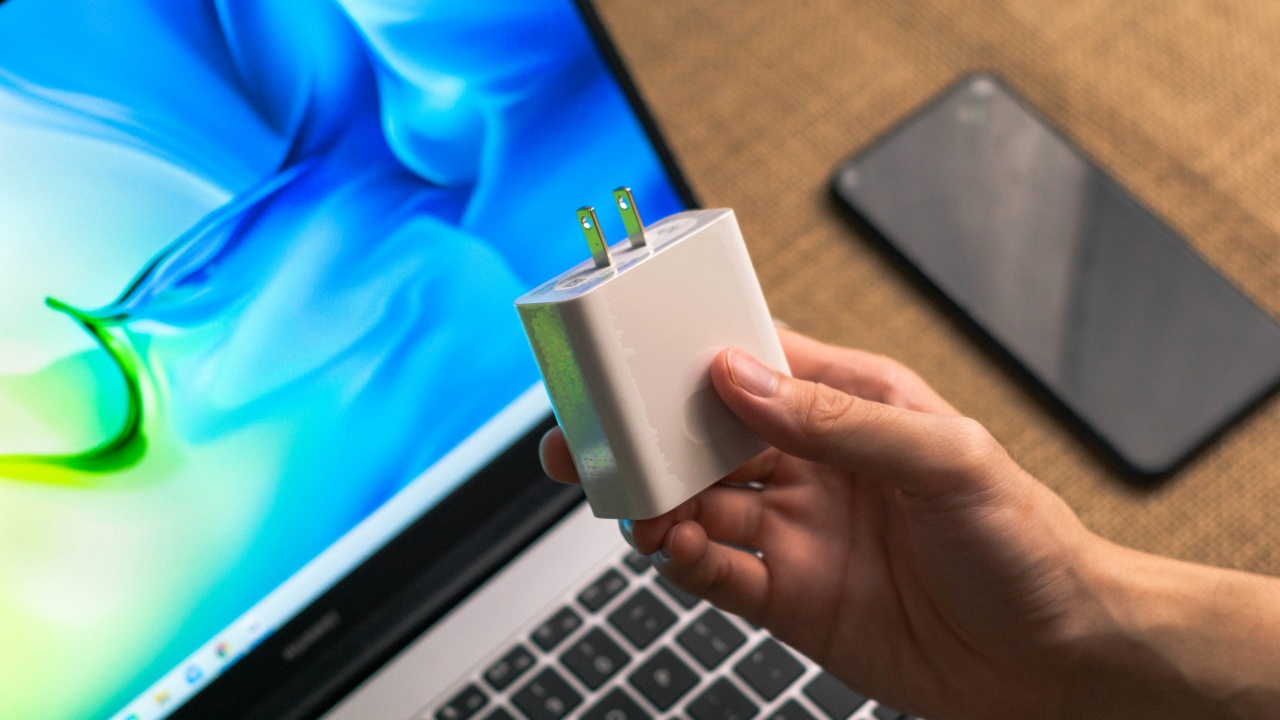
But that’s not all. Weighing only 160g, this charger isn’t much bigger and heavier than a smartphone charger.
Speaking of smartphones, this charger can also charge your USB-C compatible smartphone. Talk about #PowerInLightness .
Hear and be heard with Dual Mic and Immersive sound
By this time, we’ve all probably been on an online meeting or conference of some kind. Personally, I’m one who could tolerate bad video signals but bad audio is really something that would really ruin the experience for me. Thankfully, the dual front facing microphones of the MateBook D 15 ensures our voice would be picked up clearly even at longer distances.
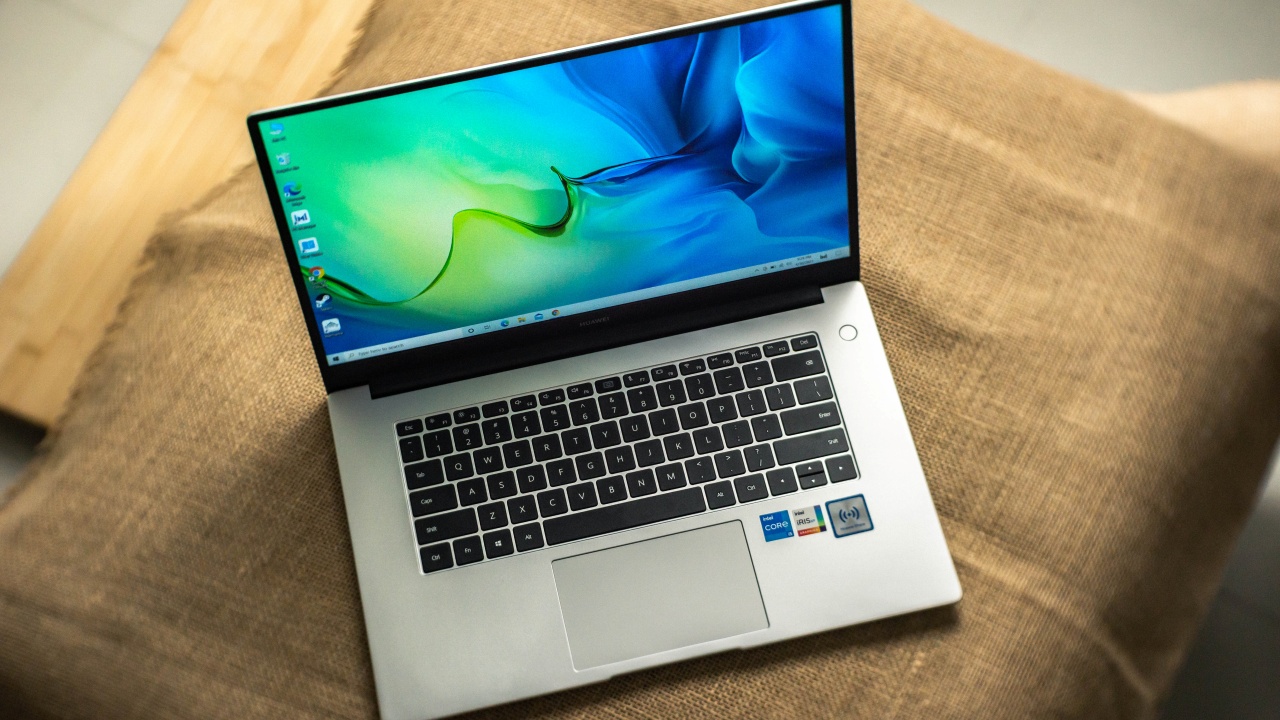
Guaranteed to give you an immersive experience, the 2W dual-speaker audio system can simulate both 5.1 and 7.1 surround sound performance.
Tap and share with HUAWEI Share
If you’re fortunately among the proud owners of a Huawei smartphone then you’d be able to maximize this very handy feature of the 2021 MateBook D 15.
Huawei Share lets you cast your smartphone screen on your laptop, transfer files wirelessly and basically use almost all features and apps of your smartphone onto your laptop. With just a tap of your Huawei smartphone on the Huawei Share label on the D 15, the two devices are all set. It’s that easy.
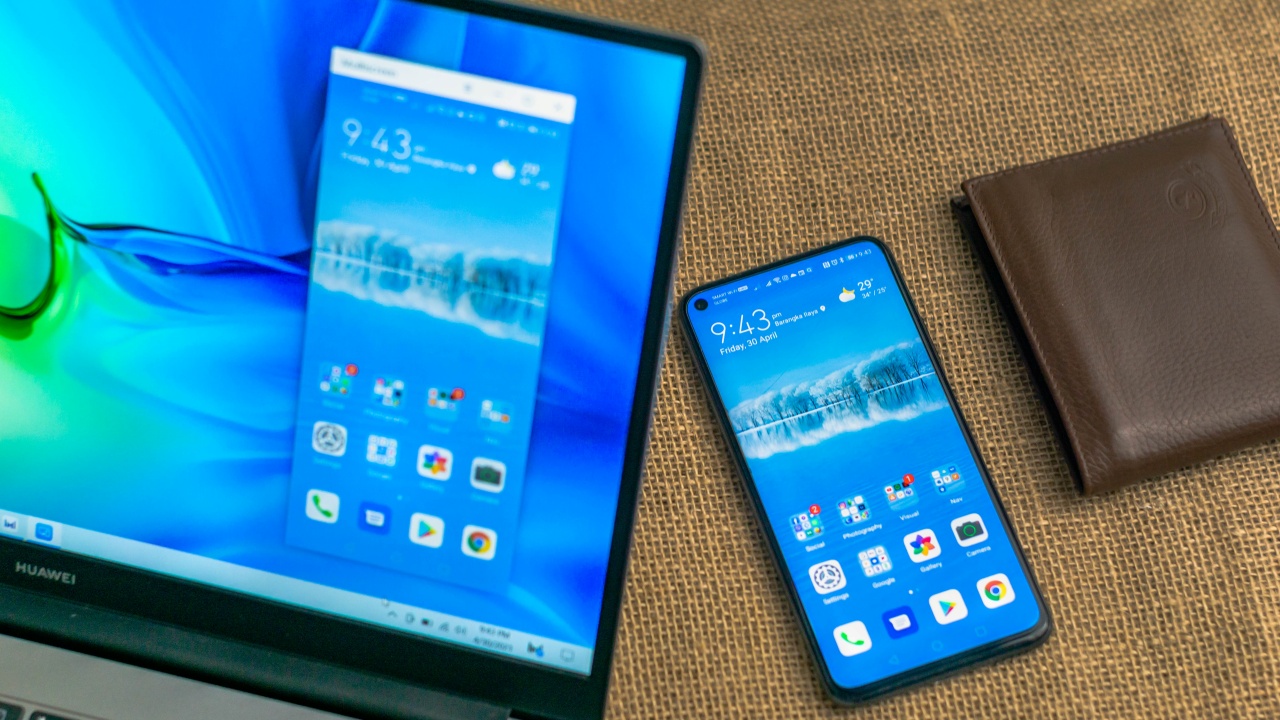
I can’t emphasize how convenient this is for people like me who always transfer footage I took with my smartphone. No cables for data transfer and no switching from two devices to get things done, just tap and you’re wirelessly connected.
Fast is the word that I think best describes the 2021 HUAWEI MateBook D 15 11th Gen.
The fast new processor, large amount of RAM, next generation Wi-Fi 6, ultraportable charger with SuperCharge, thin and light size, Huawei Share and an ingenious smart fingerprint power button, every bit contributes to everything being faster and just getting things done faster.
With so many features loaded in one package, I understand why it’s hard not to talk about these new offerings of the MateBook family and why there’s no need to think twice on getting a hold of this awesome device.
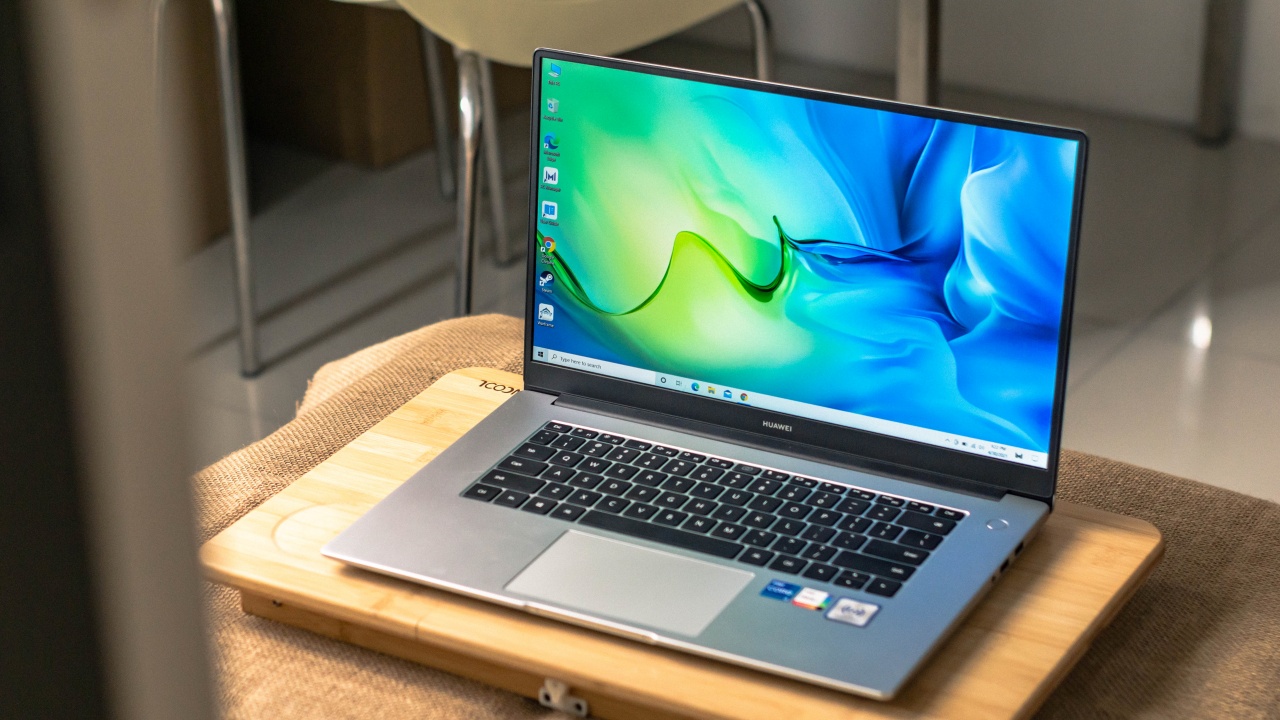
The Huawei MateBook D 15 2021 retails for PhP 52,999. Interested buyers may purchase from any of the following: Huawei Store, Lazada, Shopee.
This feature is a collaboration between GadgetMatch and Huawei Philippines.






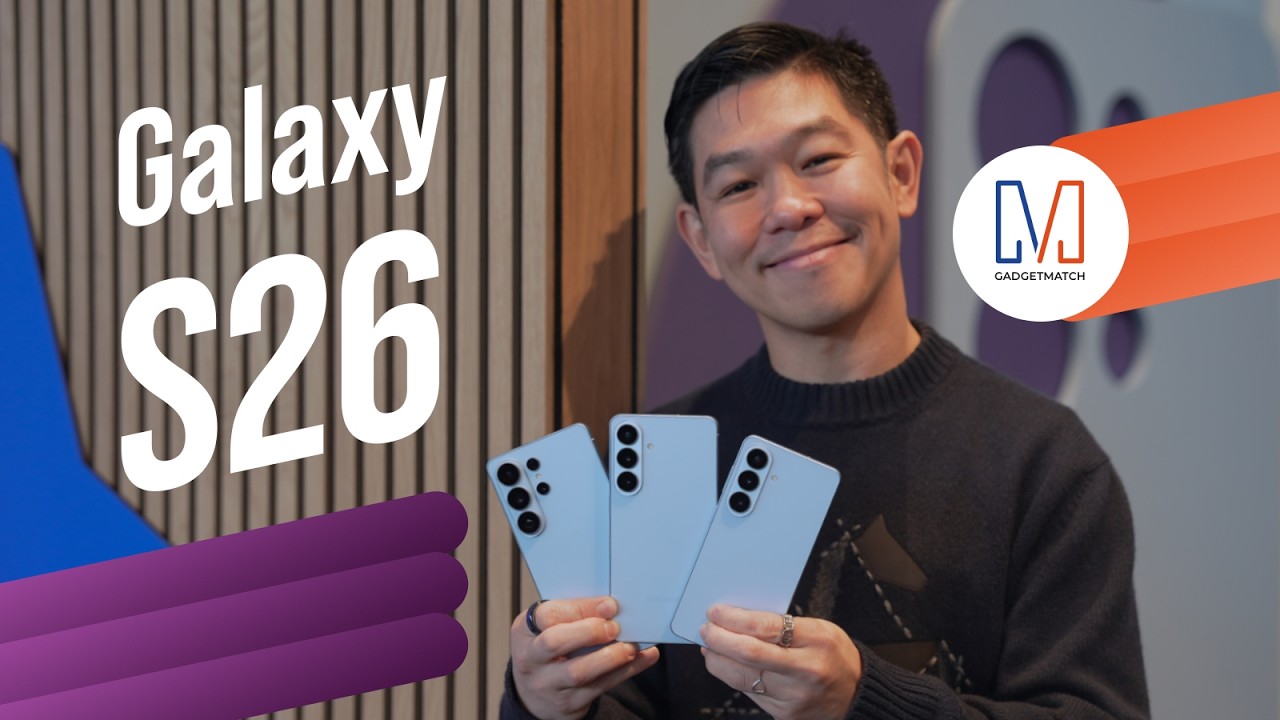
Did Samsung push forward or play it safe with the Samsung Galaxy S26 Series? Well, it’s a little bit of both.
Here’s our Hands-on with the new Samsung Galaxy S26 series to find out.
PRE-ORDER and SAVE up to $900 with enhanced trade-in credit:

“Our philosophy has never been about chasing specs.”
That line from Samsung’s presentation captures the Galaxy S26 Series better than any spec table.
This isn’t a year of radical hardware shifts. Battery capacities remain unchanged. Megapixel counts are familiar. The design language evolves rather than transforms.
But incremental doesn’t automatically mean irrelevant.
The S26 Ultra feels like Samsung refining its priorities — usability, privacy, and AI integration — instead of pursuing headline-grabbing numbers.
Hardware refinement, not reinvention
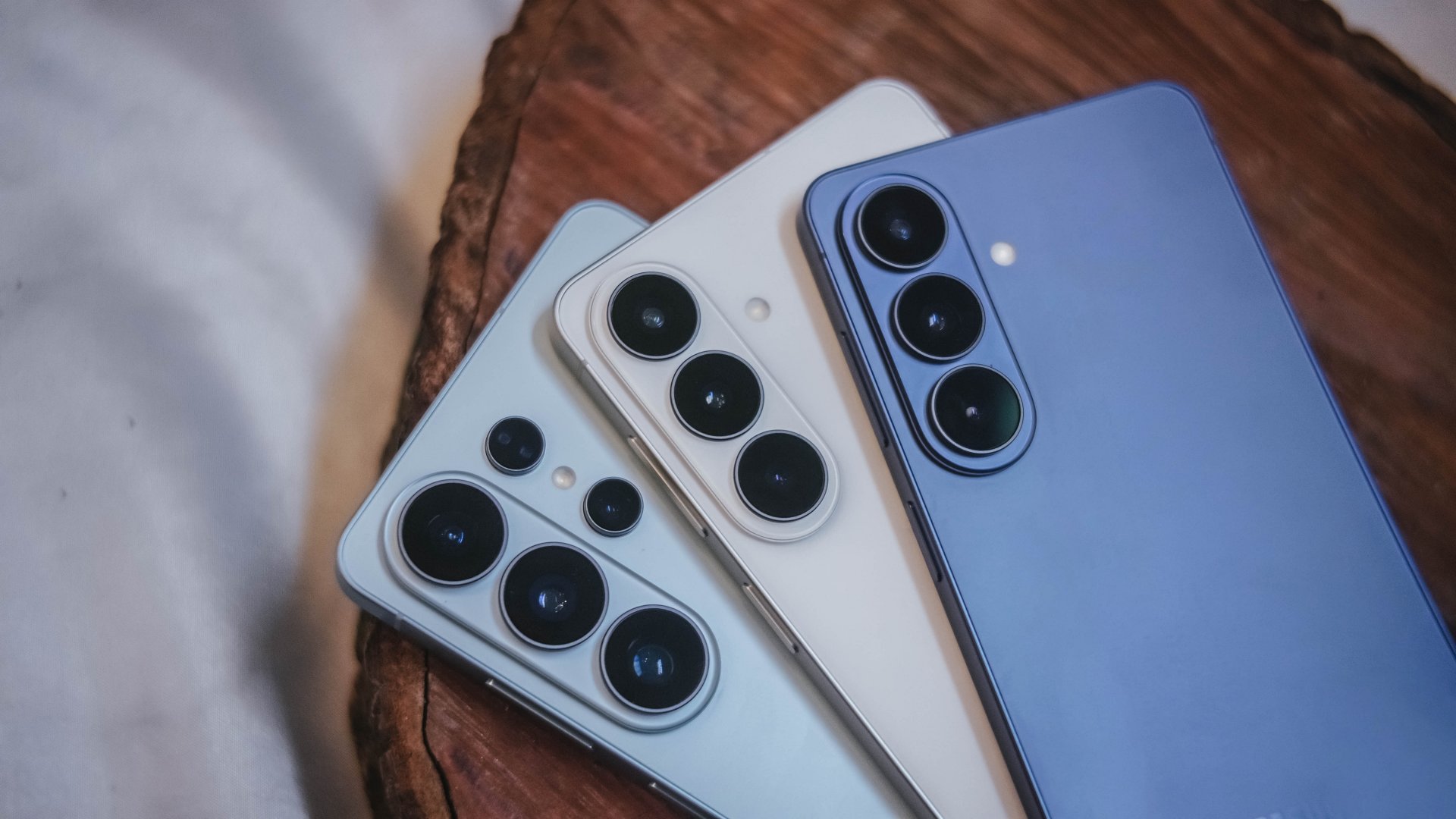
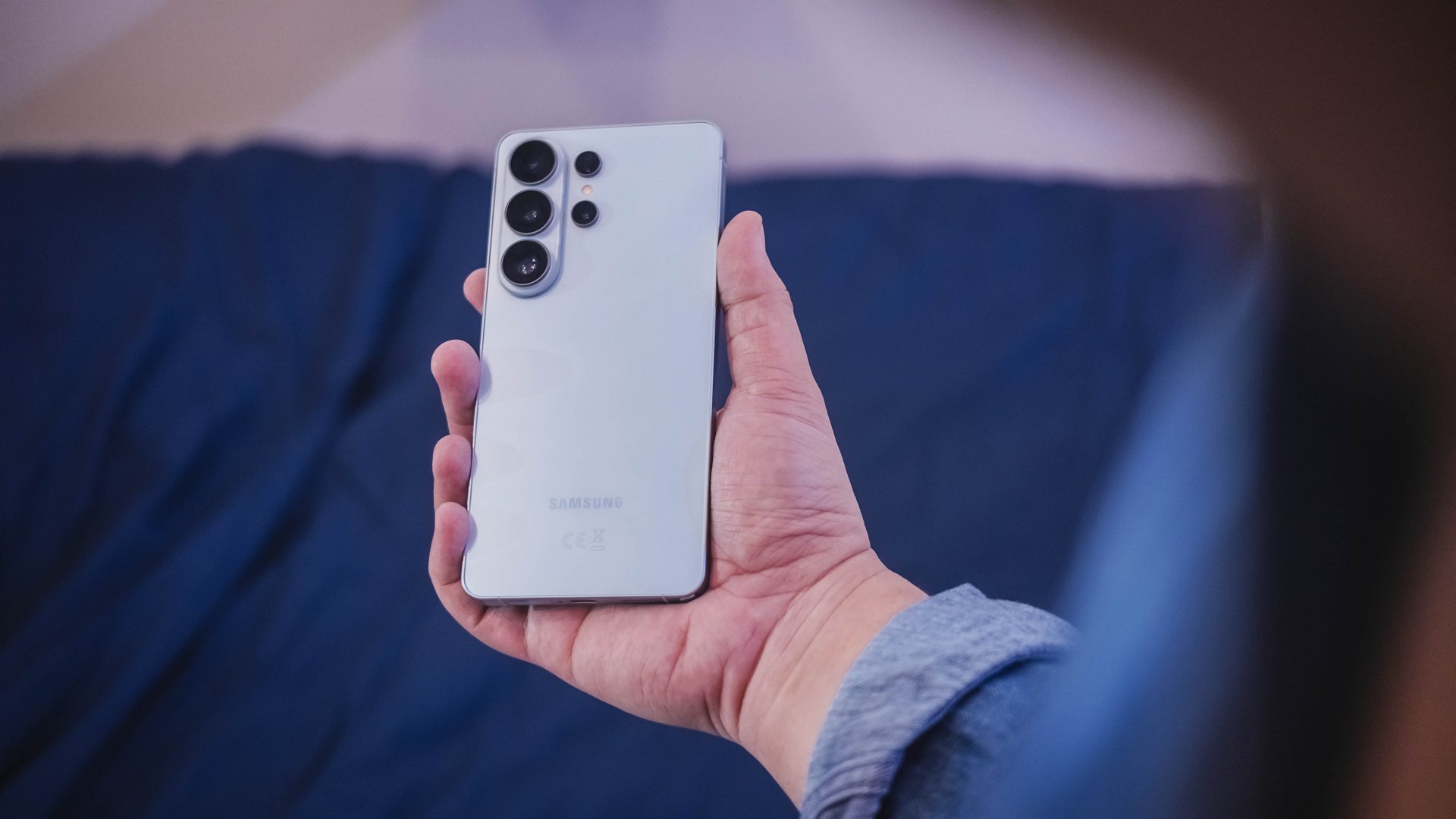
The Galaxy S26 series looks more unified. All three models now share the same corner radius, creating a consistent visual identity. The Ultra no longer stands apart with sharper edges. It’s a small change, but it makes the lineup feel cohesive.
The camera module sits on a more defined island rather than blending into the rear panel. It’s subtle, but noticeable in person.
Samsung also trimmed weight and thickness on the Ultra. At 7.9mm and 214 grams, it handles slightly better than last year’s model. The company switched to Light Armor Aluminum, which it claims improves heat dissipation and weight. The difference in hand isn’t dramatic, but it’s appreciated during extended use.
Charging finally moves forward. The Ultra supports 60W wired charging, up from 45W. Samsung says you can reach 75 percent in around 30 minutes. That’s a meaningful improvement for quick top-ups.
However, 60W isn’t industry-leading in 2026. Competing brands have offered similar or faster speeds for years. This feels less like Samsung setting a new benchmark and more like closing a gap.
Battery capacity remains 5,000mAh. That’s consistent with previous models. While fast charging helps daily convenience, endurance gains will depend on software optimization and real-world usage.
AI and software remain the headline
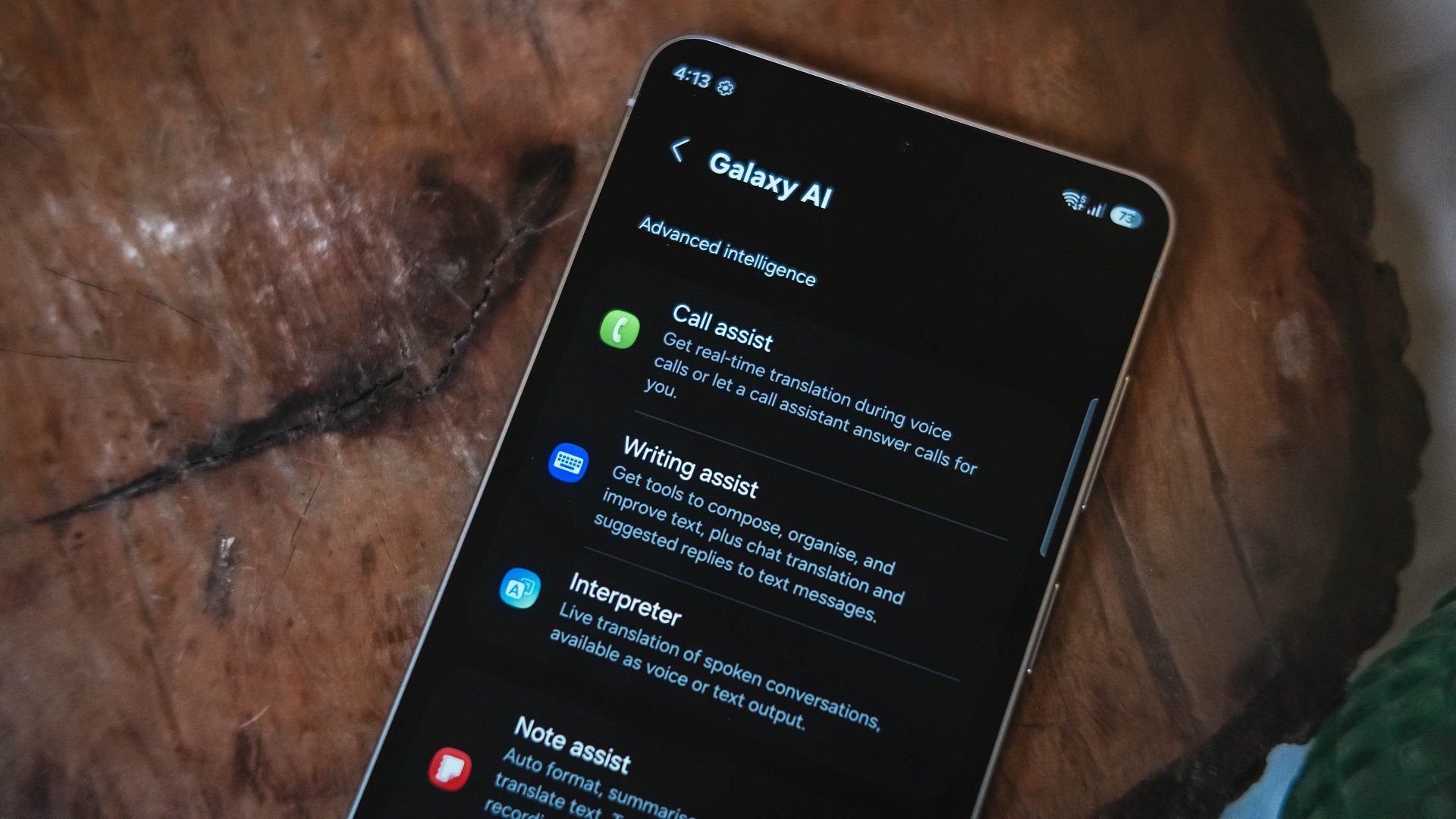
Like recent Galaxy generations, the S26 Series leans heavily on software features.
Privacy Display is one of the more practical additions. It restricts viewing angles at the pixel level, functioning like a built-in privacy filter. If you’re using your phone in public spaces, people nearby will struggle to see what’s on screen.
You can toggle the feature or enable it only for specific apps. That flexibility matters. It allows privacy protection for sensitive apps while keeping general use unaffected.
This addresses a real-world problem. Public screens are inherently visible. Privacy Display doesn’t eliminate that risk, but it reduces casual glances and unwanted observation.
Audio Eraser also gets an upgrade. It now works across third-party apps. We tested it on a noisy K-pop fancam from YouTube, and the background noise reduction was noticeable without destroying audio quality.
It’s not perfect. Overprocessing can occur in extreme cases. But for cleaning up shared videos or reducing ambient noise, it proves useful.
AI Photo Assist introduces text-prompt editing directly inside the Gallery app. Users can describe edits in natural language — remove objects, expand backgrounds, or modify elements — without exporting images to external tools.
This isn’t groundbreaking technology. Similar generative edits exist in other AI platforms. The difference is integration.
By embedding generative tools inside the Gallery, Samsung turns them into part of the default workflow. Photo editing becomes more accessible rather than requiring specialized knowledge or separate apps.
That shift is meaningful. It signals that generative AI editing is becoming a standard smartphone feature rather than an experimental add-on.
Cameras: computational evolution
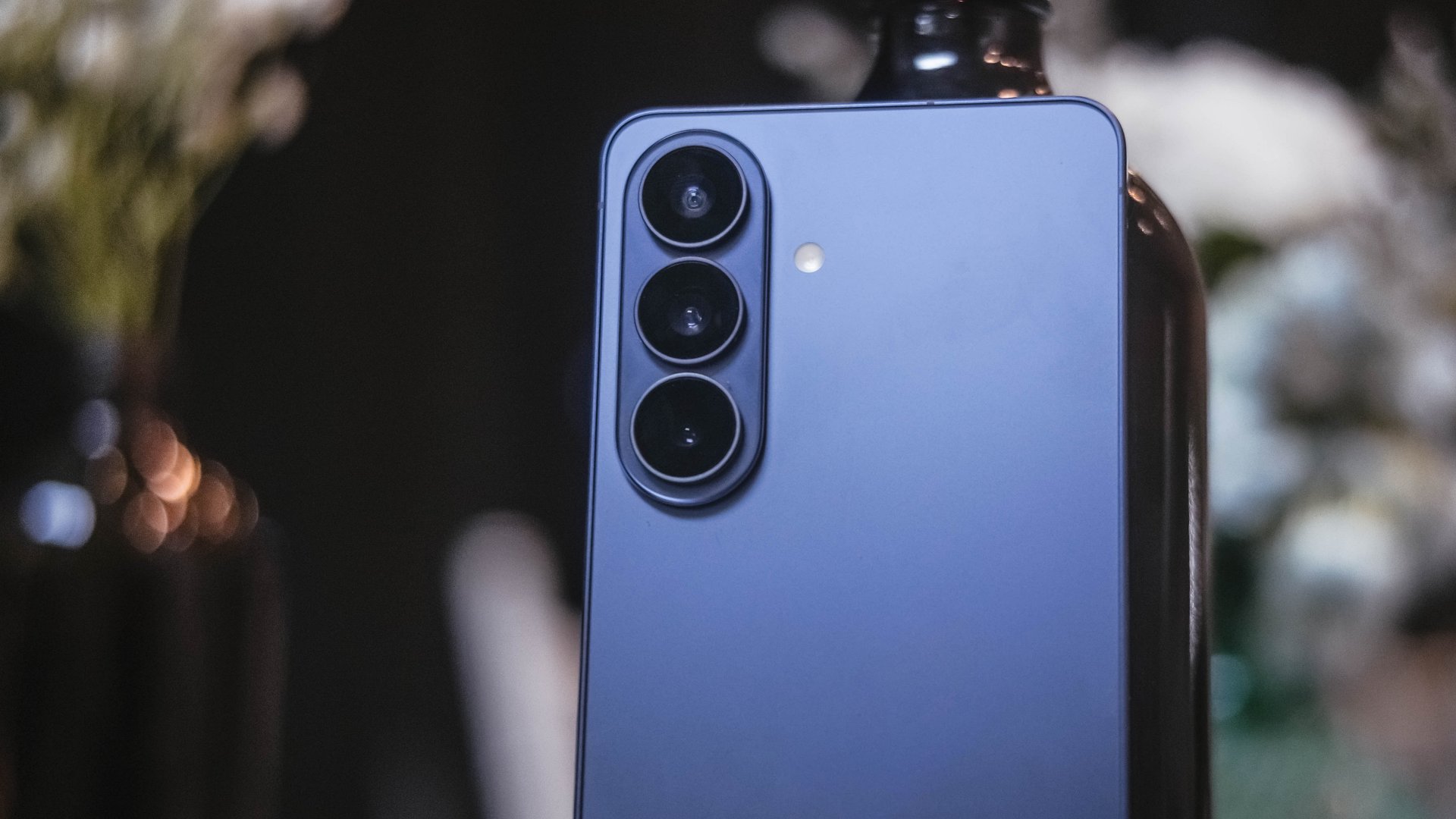
The camera hardware remains familiar. The Ultra continues with a 200MP main sensor and telephoto configurations similar to last year.
Improvements focus on computational photography.
Samsung widened apertures to allow more light. Stabilization has been refined. AI sharpening and Nightography processing aim to produce cleaner images with reduced noise.
From samples shown during the presentation, low-light shots appear brighter and cleaner. However, the processing can feel aggressive. Details sometimes look overly smoothed, and textures can appear artificial.
This reflects Samsung’s long-standing approach — prioritize computational enhancements over megapixel increases. The S26 continues that philosophy.
For video creators, APV (Advanced Professional Video) enables 8K recording with minimal quality degradation during edits. Super Steady Video also improves handheld stabilization.
These features cater to content creation workflows rather than casual snapshots.
Incremental but intentional

The Galaxy S26 Ultra doesn’t try to shock. It doesn’t reinvent Samsung’s design language or introduce dramatic hardware leaps.
Instead, it refines existing ideas.
Privacy Display addresses public visibility concerns. Audio Eraser improves real-world video cleanup. AI Photo Assist integrates generative editing into everyday photo workflows. Charging speeds improve without industry-leading ambitions.
Even the design changes — unified corner radii, a defined camera island, lighter materials — emphasize cohesion.
This strategy resembles the broader shift in the smartphone industry. Hardware innovation has slowed. Software and usability improvements drive differentiation.
Samsung appears comfortable with that reality.
Of course, first impressions only tell part of the story. We still need extended testing for battery life, thermal performance, camera consistency, and AI reliability.
The S26 Ultra may not represent a revolution. But refinement can matter — especially when it targets usability and practical features.
Samsung will have to make significant hardware upgrades eventually. But for now, it feels like the company is doubling down on incremental progress. Not flashy. Not radical. But purposeful.
Whether that strategy resonates will depend on real-world performance.
Samsung Galaxy S26 Series – Specs
| Feature | Galaxy S26 Ultra | Galaxy S26+ | Galaxy S26 |
| Display | 6.9″ Dynamic AMOLED 2X
|
6.7″ Dynamic AMOLED 2X
|
6.3″ Dynamic AMOLED 2X
|
| Rear Camera: Ultra Wide | 50MP, F1.9, 0.7 µm | 12MP, F2.2, 1.4 µm | 12MP, F2.2, 1.4 µm |
| Rear Camera: Wide | 200MP, F1.4, 0.6 µm | 50MP, F1.8, 1.0 µm | 50MP, F1.8, 1.0 µm |
| Optical Quality 2x | |||
| Rear Camera: Telephoto 1 | 10MP, F2.4, 1.12 µm | 10MP, F2.4, 1.0 µm | 10MP, F2.4, 1.0 µm |
| 3x optical zoom | |||
| Rear Camera: Telephoto 2 | 50MP, F2.9, 0.7 µm
|
— | — |
| Front Camera | 12MP, F2.2, 1.12 µm | 12MP, F2.2, 1.12 µm | 12MP, F2.2, 1.12 µm |
| Processor | Snapdragon® 8 Elite Gen 5 for Galaxy (3 nm) | Exynos 2600 (2 nm)* | Exynos 2600 (2 nm)* |
| Memory (RAM) | 12GB / 16GB | 12GB | 12GB |
| Storage | 256GB / 512GB / 1TB | 256GB / 512GB | 128GB / 256GB / 512GB |
| (Micro SD: N/A) | |||
| Battery | 5,000 mAh | 4,900 mAh | 4,300 mAh |
|
|||
| Dimensions | 78.1 x 163.6 x 7.9 mm
214 g (Sub6/mmWave) |
75.8 x 158.4 x 7.3 mm
190 g (Sub6/mmWave) |
71.7 x 149.6 x 7.2 mm
167 g (Sub6) |
| Colors | Standard: Cobalt Violet (Hero), Sky Blue, Black, White
Online: Silver Shadow, Pink Gold |
Standard: Cobalt Violet (Hero), Sky Blue, Black, White
Online: Silver Shadow, Pink Gold |
Standard: Cobalt Violet (Hero), Sky Blue, Black, White
Online: Silver Shadow, Pink Gold |





Forget the Phone: Xiaomi 17 Ultra Is A CAMERA!

Xiaomi Pad 8 review: Slab that slaps!

Xiaomi 17 Ultra is now available outside China

The Xiaomi Pad 8 series is now official

Samsung Galaxy S26 Ultra OLED receives Privacy Display verification


-
 News12 hours ago
Xiaomi 17 Ultra is now available outside China
-

 Accessories2 weeks ago
Apple AirTag 2 Review
-

 Camera Walkthrough1 week ago
OPPO Reno15 Pro: Camera Review
-
 First Look2 weeks ago
Match Pulse: Infinix NOTE 60 Pro
-

 Cameras1 week ago
Osmo Pocket 4 makes a surprising appearance in public
-

 Gaming2 weeks ago
Star Wars: Galactic Racer shows off new gameplay at State of Play
-

 Gaming2 weeks ago
LG unveils UltraGear evo, redefines 5K gaming with AI Upscaling
-

 News1 week ago
iPhone 17 Pro Max is somehow the most traded-in phone today