

Laptops
Huawei MateBook D 15 2021: An all around solid choice
It’s no ‘beast’ because iit’s not trying to be

Being a dominant player in the smartphone scene, I’ve always been curious about how Huawei’s laptops perform.
Having forged their name onto the spectrum of smartphone enthusiasts with their premium Mate series, we know that Huawei has the ability to craft the same caliber for their laptops.
Carrying the Mate branding with its name, let’s take a look if the Huawei MateBook D 15 2021 11th Gen also has the right to be called premium and carry on this reputation.
Performance you didn’t see coming

The MateBook D 15 2021 is running on the 11th generation of Intel’s Core i5 processor, the 1135G7. Paired with this is the Intel Iris Xe integrated graphics, 16GB DDR4 RAM, and 512GB of SSD internal storage.
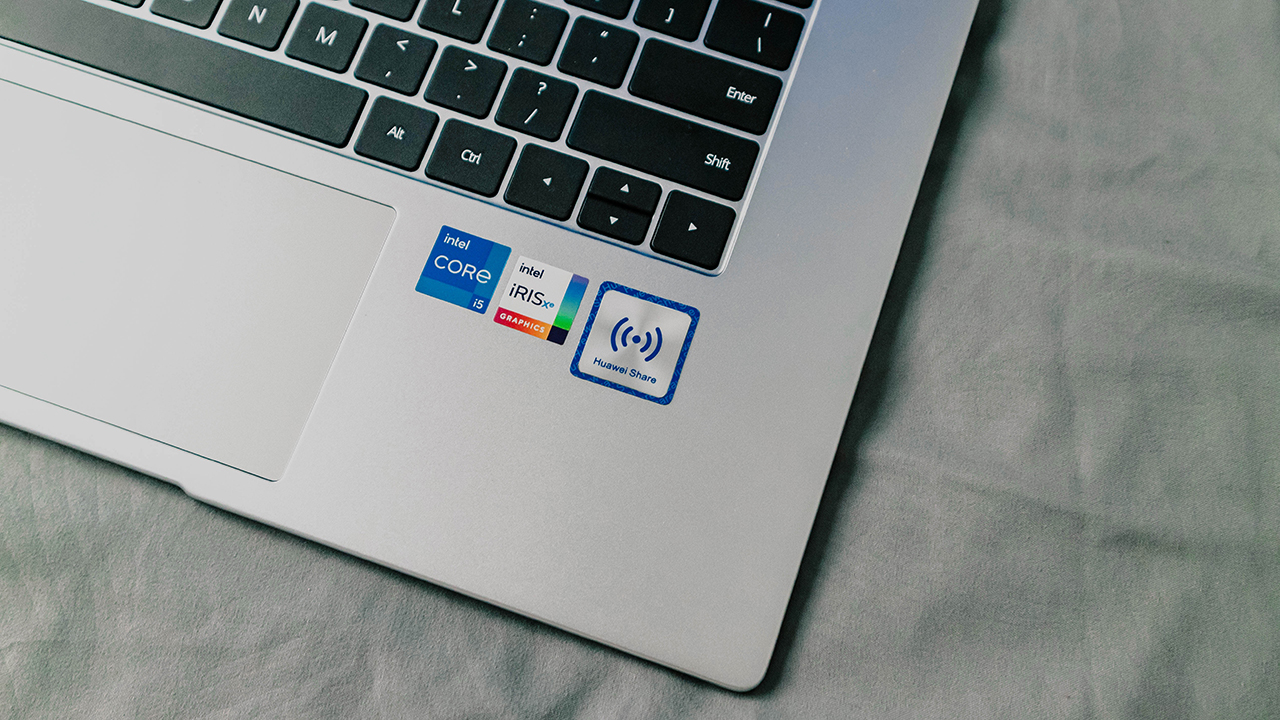
On paper, the specs of the 2021 D 15 isn’t really something many of us would consider sensational, but surely this would be more than enough for online classes or even light to heavy work.

I tend to do a lot of photo editing on Adobe Lightroom so I could say that my power requirements do demand a bit of muscle power. The 11th gen Core i5 on the D 15 is able to handle this quite smoothly even with some headroom for web browsing and other multitasking tasks thanks to the considerable amount of RAM.

As you power on the device, you’d immediately notice the swift performance of the D 15.

A surprising contributor to this is its Smart Fingerprint power button which has been carried over from the previous generations of MateBooks.
Automatically tagging your biometrics upon pressing the power button, this move eliminates the need to input your login details which drastically decreases the boot time. I understand this may vary from other users but having recorded the BIOS time at only 2.5 seconds, this has been the fastest boot up time I’ve ever encountered on a laptop.
Classic never goes out of style
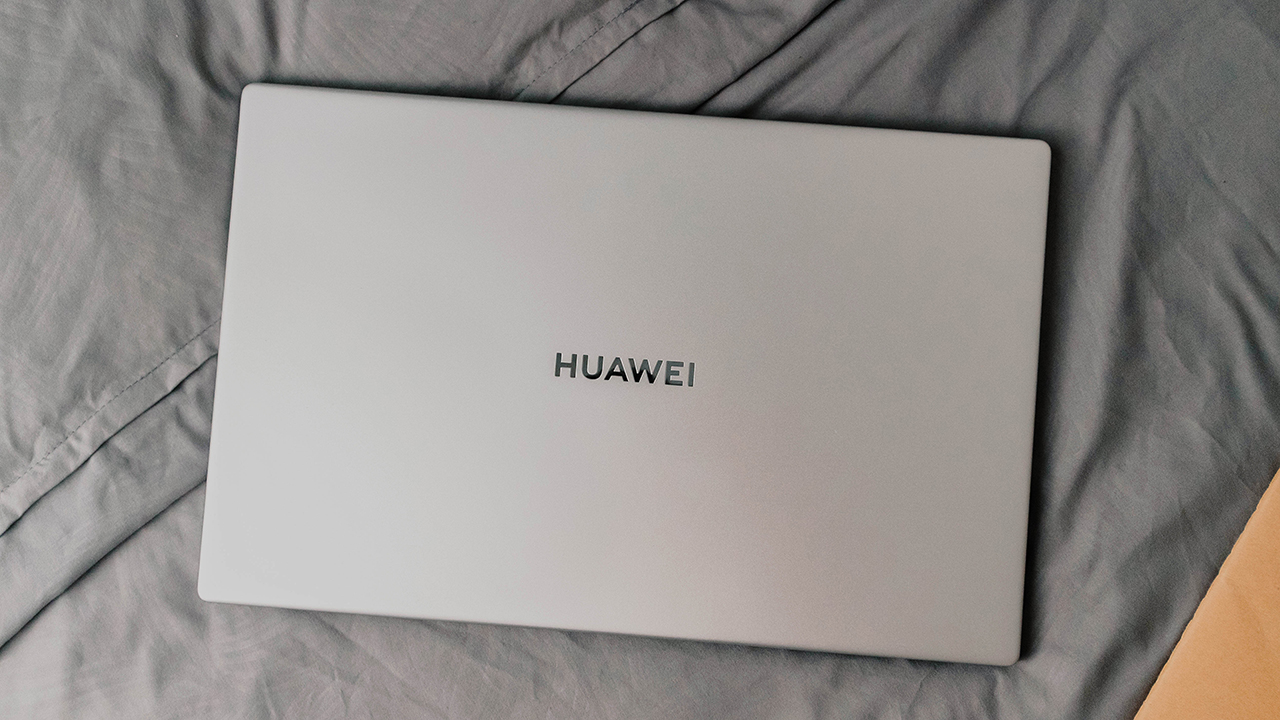
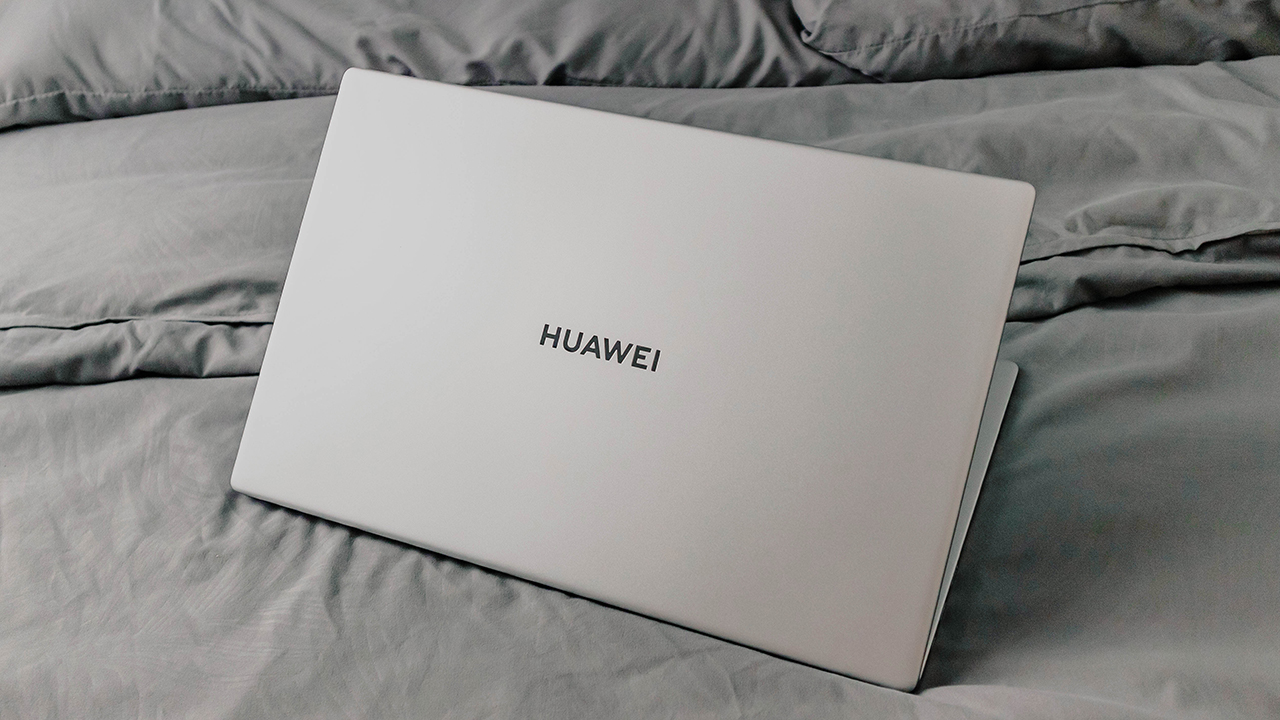
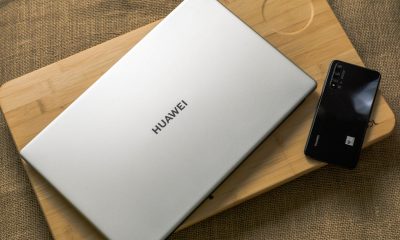
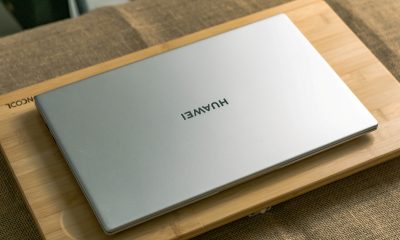
“It looks like a MacBook” was the first comment I’ve heard from the people I was with as soon as I took out the D 15 from the box. Yes, you’ll definitely see the resemblance with Apple’s MacBook line but that’s not to say that it’s a bad thing especially if there are things that Huawei has improved on. Thankfully, this is exactly the case with the MateBook D 15’s body.
The MateBook D 15 2021 has smoother and rounded edges compared to that of a MacBook Pro which makes it more comfortable for your wrists to rest on while still bringing with it that sleek and professional look that we’ve grown to love.

For a 15-inch body, you’d notice that this MateBook is incredibly thin and light weighing in only at 1.56kg and just 16.9mm thin. An easy carry to coffee shops or even just transferring from room to room at home.

Kind of a nitpick on my part though but one comment I do have with this build was it had a very slight body flex on the right hand portion of the palm rest. I don’t know if this was an issue on the particular unit I’m using but whenever my hand lands on that part, it does feel like it sinks down a tiny bit.
More screen for work and play

Mentioning the size earlier, the MateBook D 15 2021 has a 15.6-inch FHD IPS display panel. A bit bizarre though, is that at only 250 nits this display felt a lot brighter. I mostly stay just around two or three notches above the lowest brightness setting to keep it at comfortable reading levels.
I wasn’t very concerned with eye strain however, as this display has been certified under TÜV Rheinland’s reduced blue light and Flicker-free qualifications.
With super-narrow 5.3mm bezels and a rating of 100% on its sRGB color gamut, this display is just a tempting movie companion. The large size, almost bezel-less screen and accurate color reproduction truly makes video consumption an immersive experience.
No cramps for your fingers here

Looking at the D 15, you’d notice immediately that the keyboard is decently sized and its spacing is quite substantial. Key travel on this however, wasn’t very long. While I personally would prefer keyboards with longer key travel over one with a bigger size, the key travel on the D 15 was where it somewhat fell short for me. That being said, I do think this is a matter of personal preference so this isn’t really something that would ruin the MateBook experience.
You’ll also notice that for a 15.6-inch device, this doesn’t have a number pad on the side of the keyboard which I think contributes to how Huawei managed to extend the spacing of its keys and incorporate a decently sized trackpad below.
Speaking of the trackpad, I really appreciate its size as it’s able to accommodate my multi-finger gestures with precision and with only very minimal input errors.

Still placed between the F6 and F7 keys on the top is the iconic recessed 720p camera that the MateBook line pioneered.
Power overwhelming
I personally see the battery and charging features of the D 15 to be its main strength. It took me a good 9 hours and 30 minutes running off of its 42Wh battery before it shifted to power saving mode. Meaning, this laptop can easily run you for more than 10 hours under controlled conditions and once you’re able to plug it in an outlet, its fast charger would only take you about an hour to charge it back up.

The 65w charger is quite comparable to a size of a smartphone charger that would barely add weight to your everyday carry. The charger also uses a detachable USB-C to USB-C cable. This makes it easy to replace if ever it gets worn out.

Also, this same cable can be used to charge our smartphones either from the charger or from the laptop as the 2021 D 15 also has support for reverse charging.
Next level of connectivity
A neat addition also on the MateBook D 15 is the inclusion of the new Wi-Fi 6 technology. This gives the D 15 the ability to connect to more frequency ranges for a cleaner and less interrupted connection. While this does require that we connect to a Wi-Fi 6 capable wireless network to fully take advantage of it, it does give us some sort of complacency with some future proofing. Giving us more reasons to hold on to our device for a few more years from our purchase.

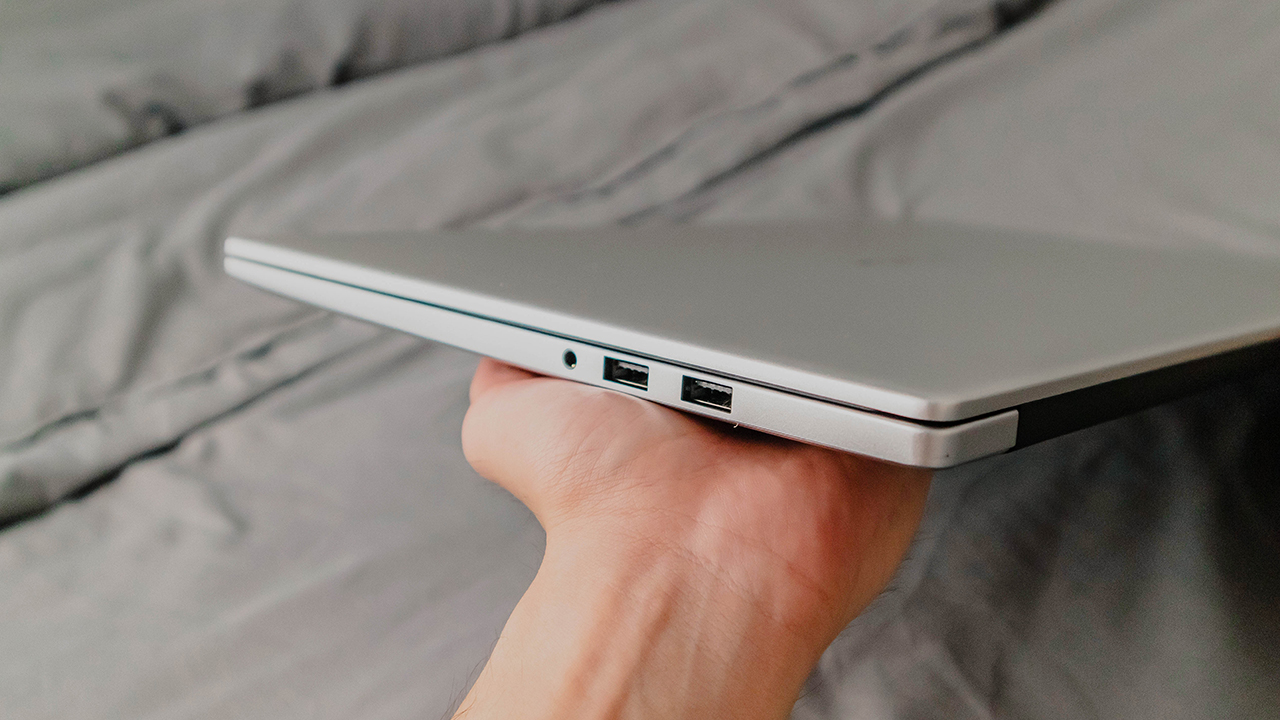
In this category we also have quite a selection of ports with the inclusion of a USB 3.2, HDMI and USB-C port on the left side and two USB 2.0 and a 3.5mm audio port on the right.
Tap and drop files? Yes please!
A handy feature for people who already belong in Huawei’s ecosystem is the Huawei Share with Multi-screen collaboration.

This feature enables Huawei smartphones to connect and share files, apps and even your phone screen with the D 15 by just tapping it on the dedicated Huawei Share portion of the laptop.
Gimmicky as it may sound at first, I have to say, it really does work. And if transferring files from other devices is something you do often, this might be a feature that you could maximize.
Is the HUAWEI MateBook D 15 2021 11th Gen your GadgetMatch?
The MateBook D 15 2021 isn’t what we may call a “beast” of a device as it really isn’t trying to be one. This is mainly designed with professionals in mind or simply people who’re looking for convenience, comfort and just an overall pleasant user experience and it does that very well.
A decent performer, sleek looker, ultraportable 15.6-inch device with a lot of nifty features with the Huawei ecosystem, Wi-Fi 6 and its smart fingerprint power button, the MateBook D 15 2021 is what we could really call a versatile machine.

But here is where it gets a little bit tricky. The MateBook D 15 2021 with the older Intel 10th Gen processor is also currently an available option from Huawei. A less powerful alternative but one that could set you back a few pesos which also gets you most of what the 11th Gen version offers.
If you’re willing to spend a little more for better performance though, the D 15 11th Gen is no doubt a solid choice.
The Huawei MateBook D 15 2021 11th Gen with 16GB RAM is available in Mystic Silver for PhP 59,999.
Buy from Lazada




Laptops
Alienware celebrates 30th anniversary with new Area-51 laptops
The series features Alienware 30, an all-new design language.

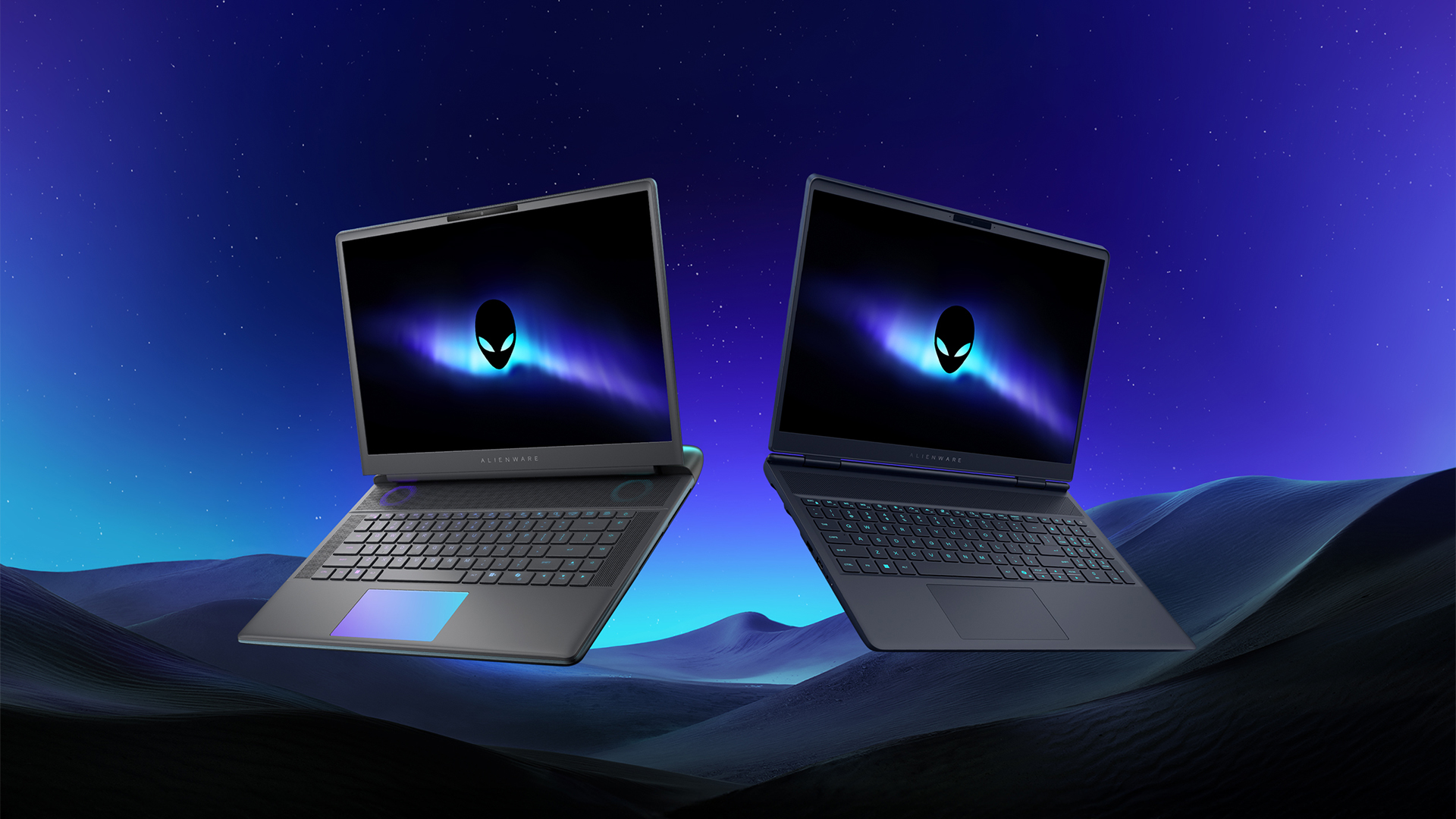
Despite the rise of more gaming brands, Alienware is still one of the most recognizable names for gamers who want dedicated hardware. This year, the brand is celebrating its 30th anniversary. To commemorate the milestone, Alienware has launched the new Area-51 and Aurora notebooks.
Alienware Area-51
Alienware’s Area-51 lineup is the brand’s flagship line of notebooks, packing in the best of the best from the industry. This time is no different.
First of all, the new series will rock Alienware 30, a new design philosophy made especially for the 30th anniversary. On the outside, the laptops have fluid contours, emphasizing curves opposed to the industry’s more angular contemporaries. It also has a Zero Hinge, which hides the laptop’s hinge from view. Finally, it has pillowed palm rests to make usage easy for long gaming sessions.
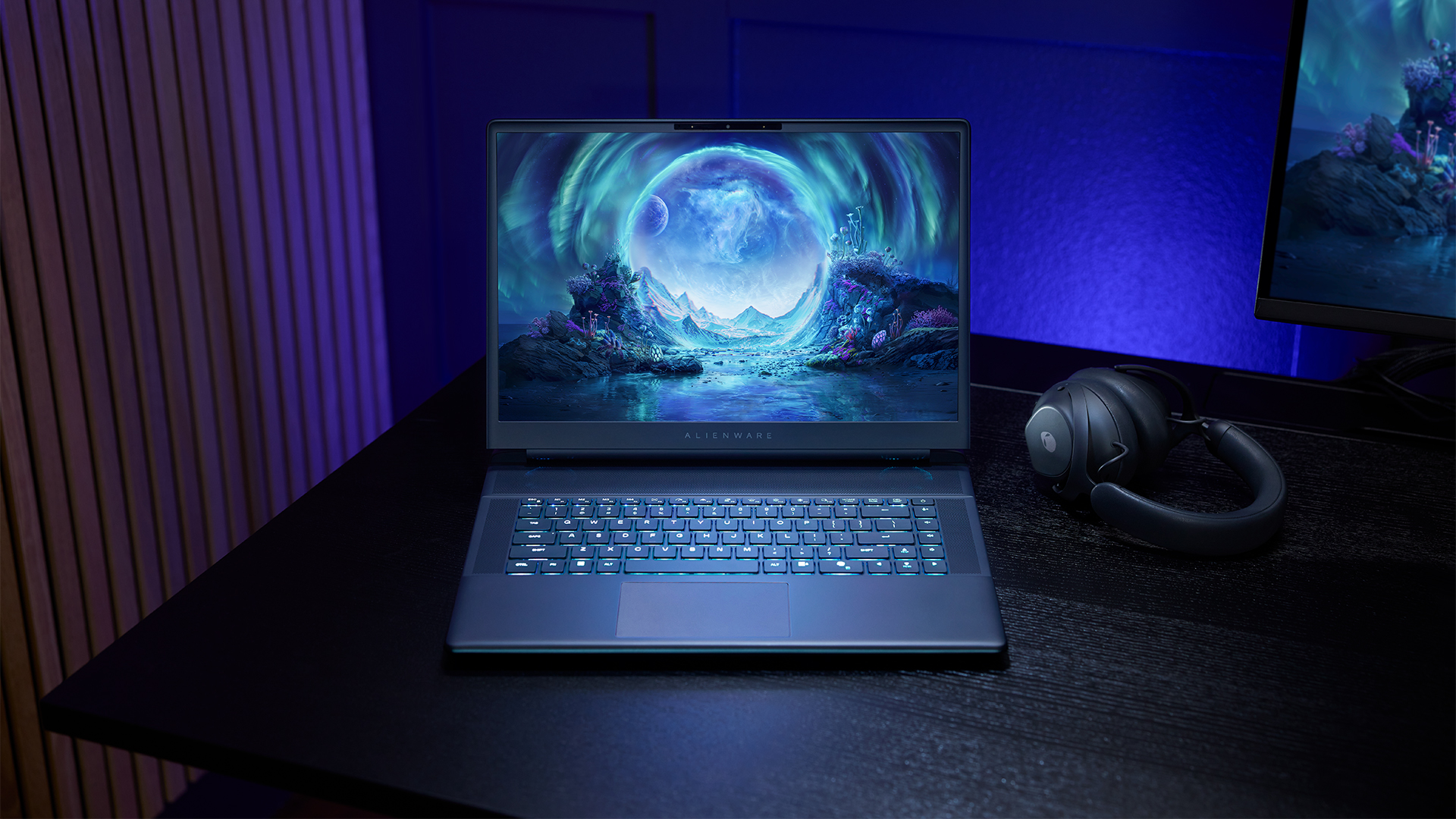
The 16-inch model can rock up to a WQXGA Anti-Glare OLED screen, featuring 240Hz refresh rate and 620 peak HDR nits. It will also have an LCD option. Alternatively, the 18-inch model has a WQXGA screen, featuring 300Hz refresh rate and 500 nits of brightness.
Inside, the Alienware Area-51 boasts up to an Intel Core Ultra 9 290HX processor and up to an NVIDIA GeForce RTX 5090 24GB GPU. For memory, gamers can enjoy up to 64GB Dual-Channel DDR5. Finally, for storage, the series can rock up to 2TB SSD natively but can support up to 3 slots, allowing for up to 12TB of internal storage.
The series will have a sizable 96Whr battery. This is complemented by a 280W adapter and the brand’s largest fans by volume to keep things cool.
Alienware 16X Aurora
For those who portability over raw power, the new Alienware 16X Aurora fits inside any day-to-day kit. For example, it ditches the thermal shelf typical of most gaming notebooks today to increase portability. It has rounded edges to make it easier to grasp and to create a slightly pillowed palm rest, similar to its flagship counterpart.
The 16-inch WQXGA OLED panel touts 240Hz refresh rate, 0.2ms response time, and 620 nits HDR peak brightness.
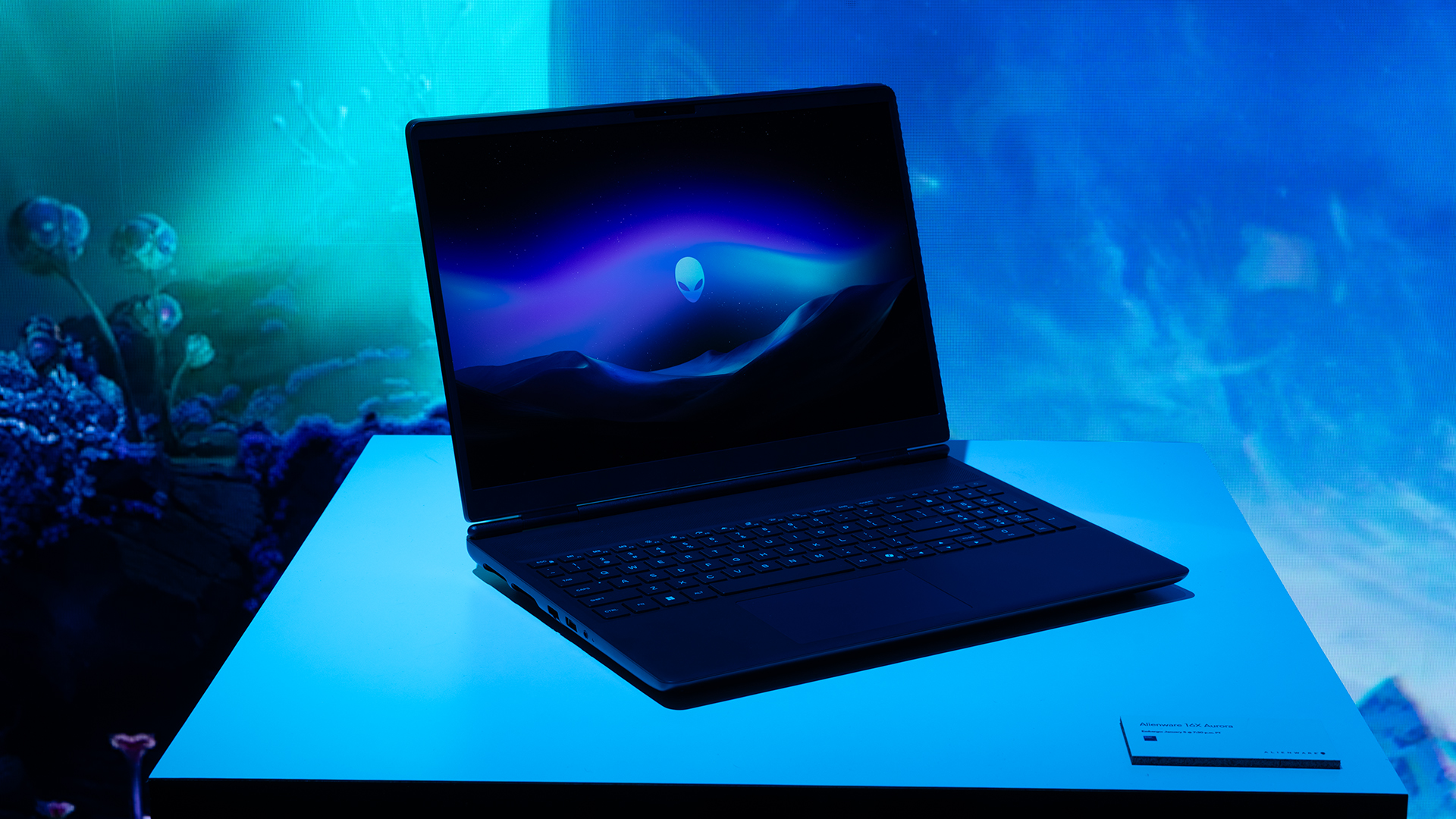
Inside, the notebook has up to an Intel Core Ultra 9 275HX processor and up to an NVIDIA GeForce RTX 5070 Ti GPU. These specs are paired with up to 64GB Dual-Channel DDR5 memory and up to 2TB SSD.
Finally, the Alienware 16X Aurora will have a 90Whr battery. This is supported by up to a 280W charger (for the RTX 5070 variant).
Price, availability
Both series are available starting today, March 17.

Apple disrupts the industry with their latest MacBook — an affordable to say the very least.
If you’re a student, a first-time Mac owner, someone who’s been priced out of this ecosystem their whole life, someone who just needs a laptop for basic tasks but one that looks great, without slowing them down, this is it!
Or maybe you’re torn choosing between the MacBook Neo and the more powerful M5 MacBook Air?
Well, that’s what we’re here for. Here’s our review with the all-new MacBook Neo.
Laptops
Hands-on: NEW iPhone 17e, iPad Air, MacBooks, Studio Displays
What Apple has announced other than the MacBook Neo


The MacBook Neo was the star of yesterday’s Apple event, and it has every right to be but it’s been a big week for Apple.
So as promised, we also went hands-on with every other device announced this week: iPhone 17e, M4 iPad Air, M5 MacBook Air, MacBook Pro with M5 Pro and M5 Max chips, and the new Studio Displays.




CIPTA debuts AI GPU server, edge workstation at CloudFest 2026

Hermès launches a $5,000 MagSafe charger

REDMI Note 15 Series named Presenting Partner for Spartan Race Philippines 2026 season

Stylish, student-friendly HONOR X8d launches

The HONOR X8d is serviceable


-

 Reviews4 days ago
POCO X8 Pro Max review: A new beast from the far east
-

 News4 days ago
POCO X8 Pro Series: Price, availability in the Philippines
-

 Laptops1 week ago
Apple MacBook Neo Review
-

 Computers2 weeks ago
GIGABYTE collaborates with Capcom for RE Requiem custom PC
-

 Apps1 week ago
Google Maps is finally getting a 3D mode
-

 Entertainment1 week ago
The internet is thirsting over the One Piece Season 2 cast
-

 News2 weeks ago
Globe postpaid opens pre-orders for Samsung Galaxy S26 series
-

 Features1 week ago
Galaxy AI on the Samsung Galaxy S26 Ultra