
Features
Huawei MateBook D14: Give the gift of possibilities
‘Tis the perfect gift for anyone who dares to dream

There’s a reason why the gift-giving season happens at the end of the year: Whatever gift we receive sets the stage for the upcoming year.
It can get tiresome looking for the right gift. Why not shake things up and give yourself or your loved one something offers endless possibilities?
The gift of timeless companion
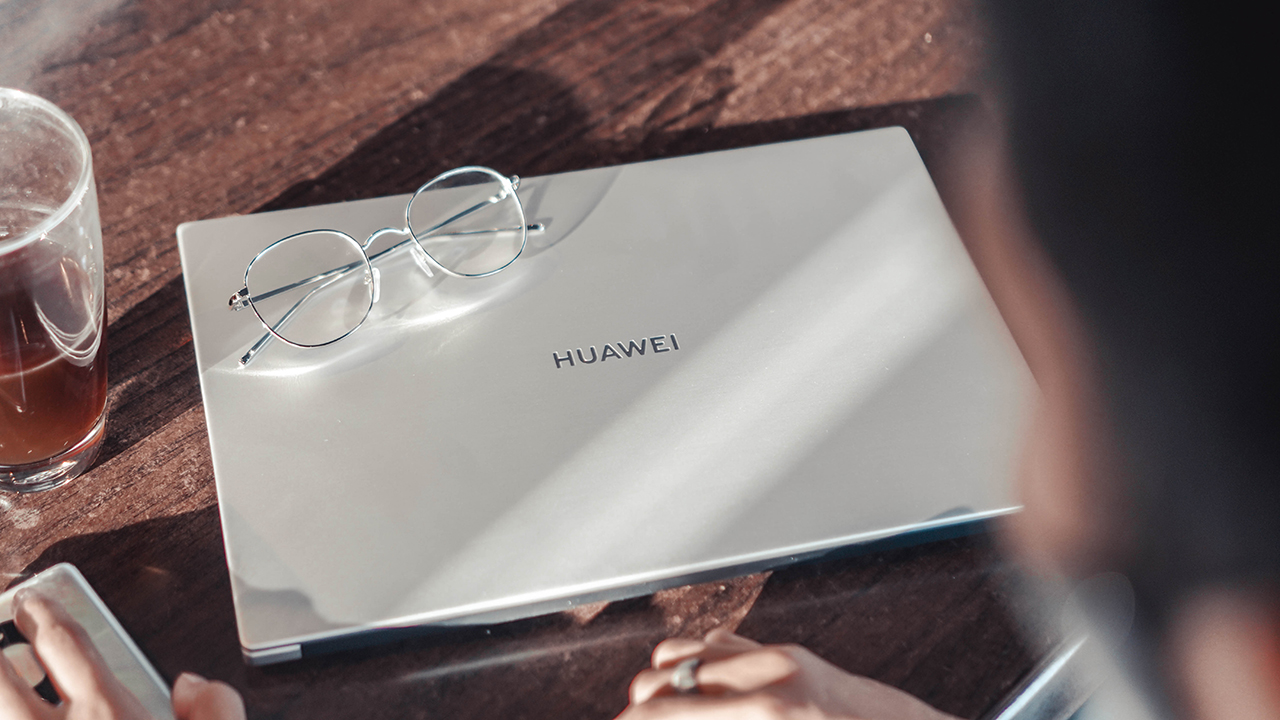
The Huawei MateBook D14 is one of Huawei’s entry-level notebooks with an exquisite design. Despite being one of it’s more affordable offerings, it looks simple and elegant.
It sports an ultra-slim design along with carefully crafted features to accompany its user in today’s inevitable work or learn from home setup. It’ll never seem outdated thanks to its classic look.

Powering it up is easy and convenient thanks to the Fingerprint Power Button. One quick press and you’re instantly on your way to better productivity.

The MateBook D14 also has a 14-inch FHD IPS display with anti-glare protection and TÜV Rheinland certified low blue light filtering. Enjoy dynamic and cinematic content without exhausting your eyes!

The gift of reliability and dependability
Huawei designed the MateBook D14 with smart features to ensure it stands the test of time. For instance, it has the Shark Fin Fan 2.0 — s-shaped fan blades designed to optimize air flow for improved cooling and laptop performance. It promises to be chill even when things are heating up.

And more importantly, it has a lot of juice to keep you going. With a 56Wh high capacity battery, the MateBook D14 can support up to 9.5 hours of battery life on a single charge — even if you continuously watch HD videos on Netflix.
Right on the box, the MateBook D14 has a portable, multi-purpose 65W USB-C charger and a USB-C to USB-C cable. Charge quickly and efficiently!

The gift of convenience
Huawei’s ecosystem makes life convenient for anyone aspiring to reach their dreams. Huawei SHARE plays a huge role in it.
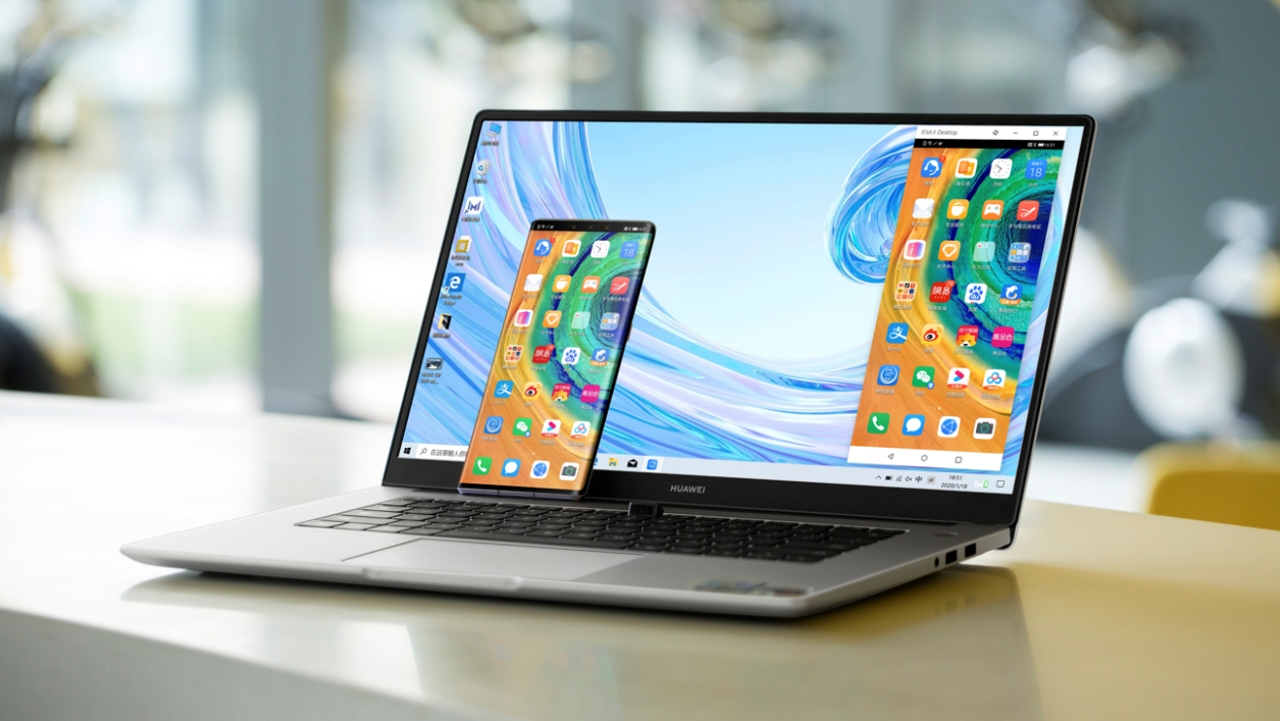
Not only can you transfer, view, and edit files seamlessly, it also allows for multi-screen collaboration. This lets you project your smartphone display to the laptop, while controlling both devices simultaneously.
The gift of strength to reach your potential
Unlike any entry-level notebooks in the same bracket, the MateBook D14 can punch above its weight class. Equipped with an AMD Ryzen chip, this laptop certainly offers the right power to achieve your goals.
It comes with an 8GB DDR4 memory, and up to 512GB SSD storage. It also sports an NVIDIA GeForce MX250. This combination of powerful internals promises a machine that can handle multiple loads, and it won’t give up on you when you’re facing challenges.

Ace your grades, propel your career, create art and videos freely, or set up a business. The possibilities are endless when you have a laptop that can accompany you in your journey.
The gift worth giving today
Truly, the Huawei MateBook D14 offers endless possibilities for anyone who dares to dream. It all begins with having the right companion that will support you in your journey in the years to come. The Huawei MateBook D14 is available in two variants: Ryzen 5 (PhP 39,990) and the Ryzen 7 (PhP 42,990).

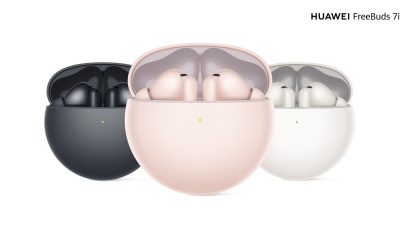
Huawei is extending its Early Christmas Promo until November 25. When you purchase the MateBook D14, you get a free FreeBuds 3i (worth PhP 5,990), and a free Huawei backpack.
Customers can pay via Home Credit or through credit card installment in all major banks starting at 12 months in official stores and authorized dealers.
This feature is a collaboration between GadgetMatch and Huawei Philippines.



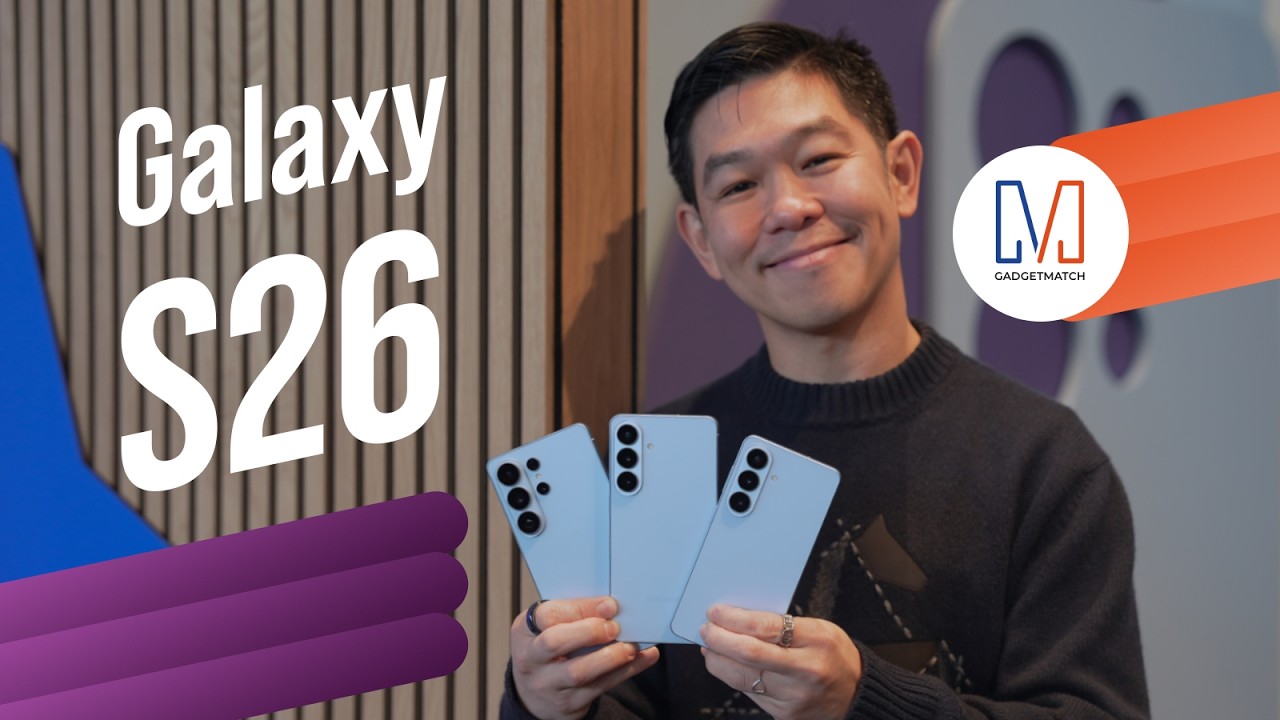
Did Samsung push forward or play it safe with the Samsung Galaxy S26 Series? Well, it’s a little bit of both.
Here’s our Hands-on with the new Samsung Galaxy S26 series to find out.
PRE-ORDER and SAVE up to $900 with enhanced trade-in credit:

“Our philosophy has never been about chasing specs.”
That line from Samsung’s presentation captures the Galaxy S26 Series better than any spec table.
This isn’t a year of radical hardware shifts. Battery capacities remain unchanged. Megapixel counts are familiar. The design language evolves rather than transforms.
But incremental doesn’t automatically mean irrelevant.
The S26 Ultra feels like Samsung refining its priorities — usability, privacy, and AI integration — instead of pursuing headline-grabbing numbers.
Hardware refinement, not reinvention
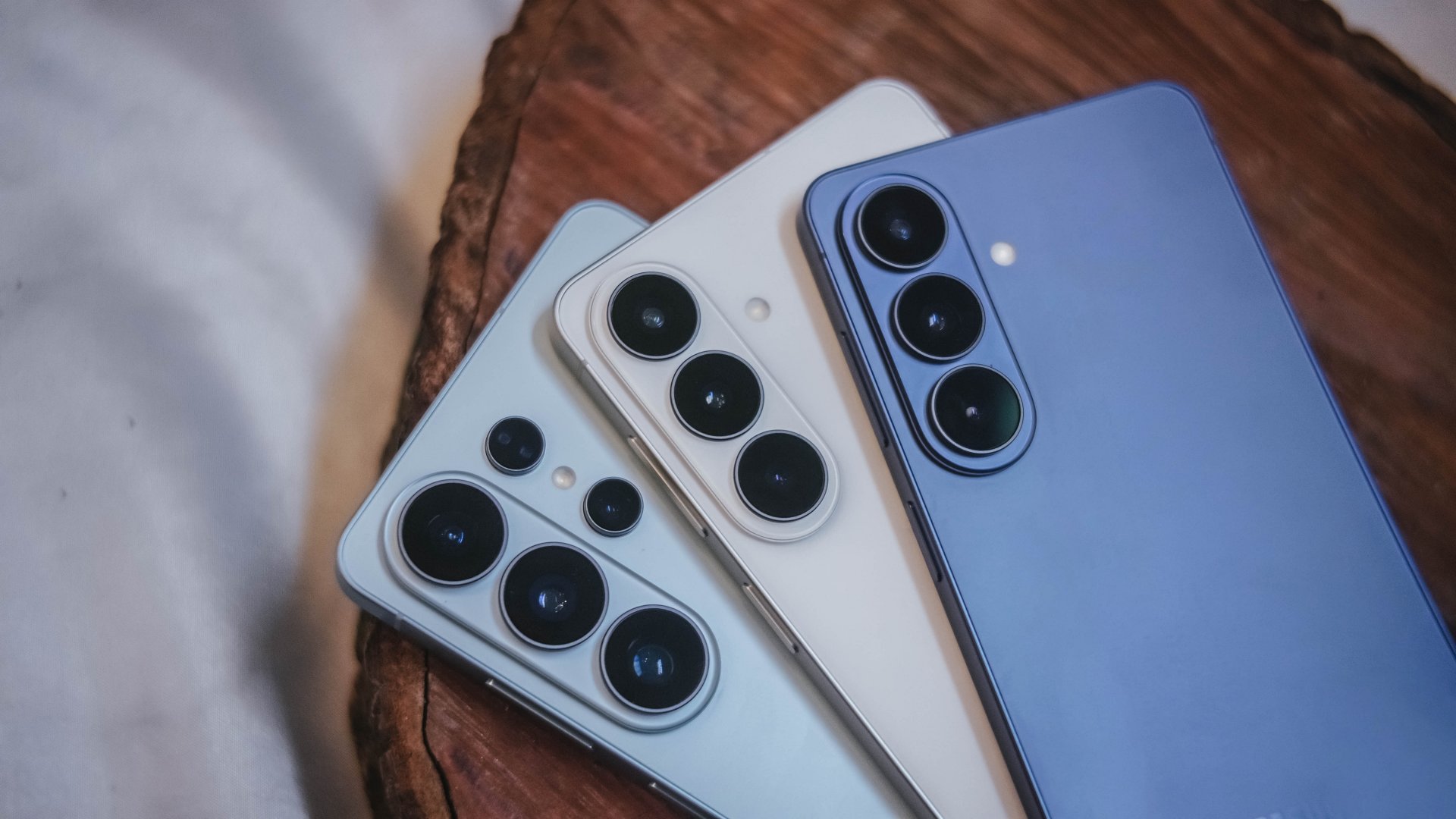
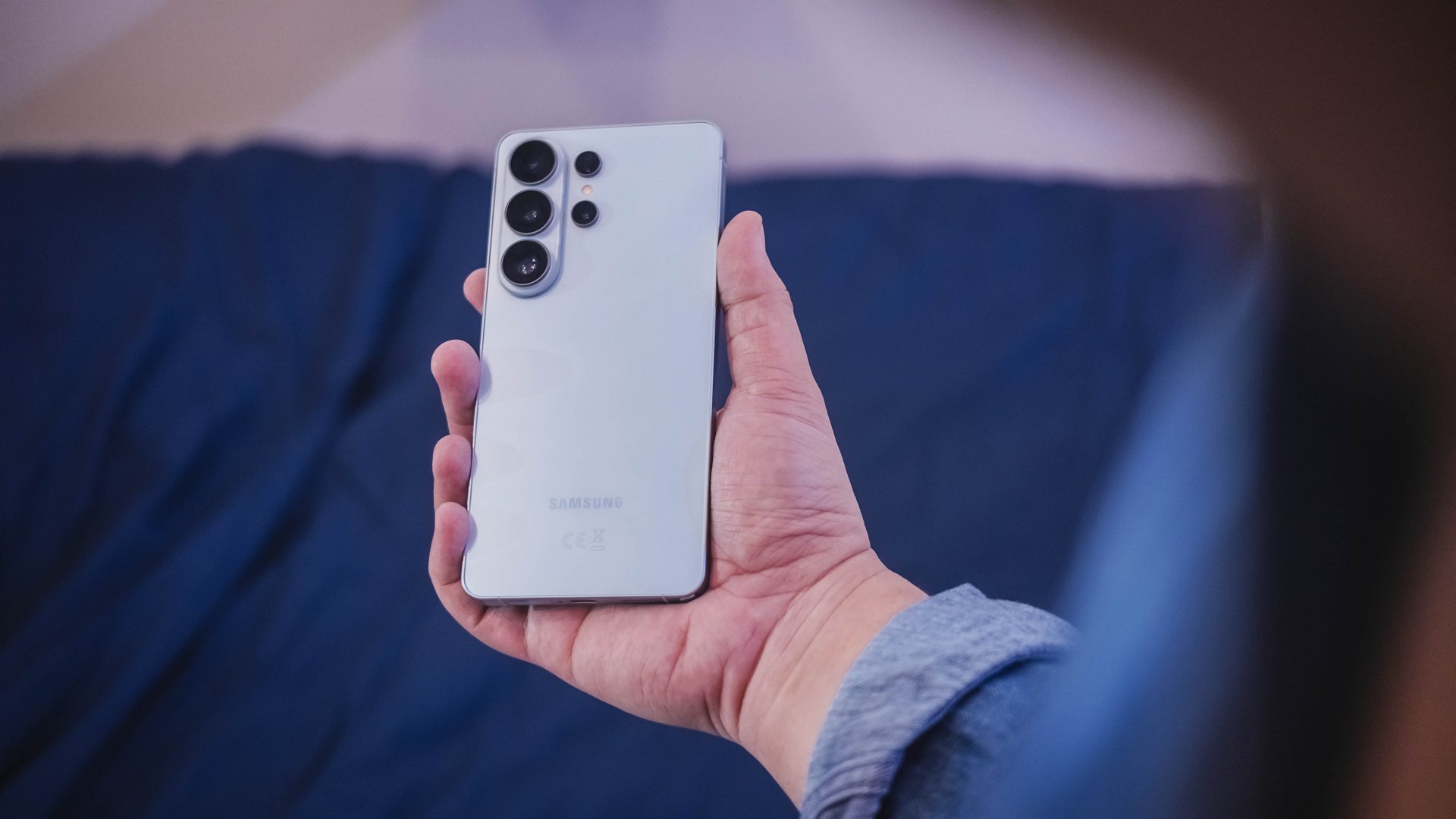
The Galaxy S26 series looks more unified. All three models now share the same corner radius, creating a consistent visual identity. The Ultra no longer stands apart with sharper edges. It’s a small change, but it makes the lineup feel cohesive.
The camera module sits on a more defined island rather than blending into the rear panel. It’s subtle, but noticeable in person.
Samsung also trimmed weight and thickness on the Ultra. At 7.9mm and 214 grams, it handles slightly better than last year’s model. The company switched to Light Armor Aluminum, which it claims improves heat dissipation and weight. The difference in hand isn’t dramatic, but it’s appreciated during extended use.
Charging finally moves forward. The Ultra supports 60W wired charging, up from 45W. Samsung says you can reach 75 percent in around 30 minutes. That’s a meaningful improvement for quick top-ups.
However, 60W isn’t industry-leading in 2026. Competing brands have offered similar or faster speeds for years. This feels less like Samsung setting a new benchmark and more like closing a gap.
Battery capacity remains 5,000mAh. That’s consistent with previous models. While fast charging helps daily convenience, endurance gains will depend on software optimization and real-world usage.
AI and software remain the headline
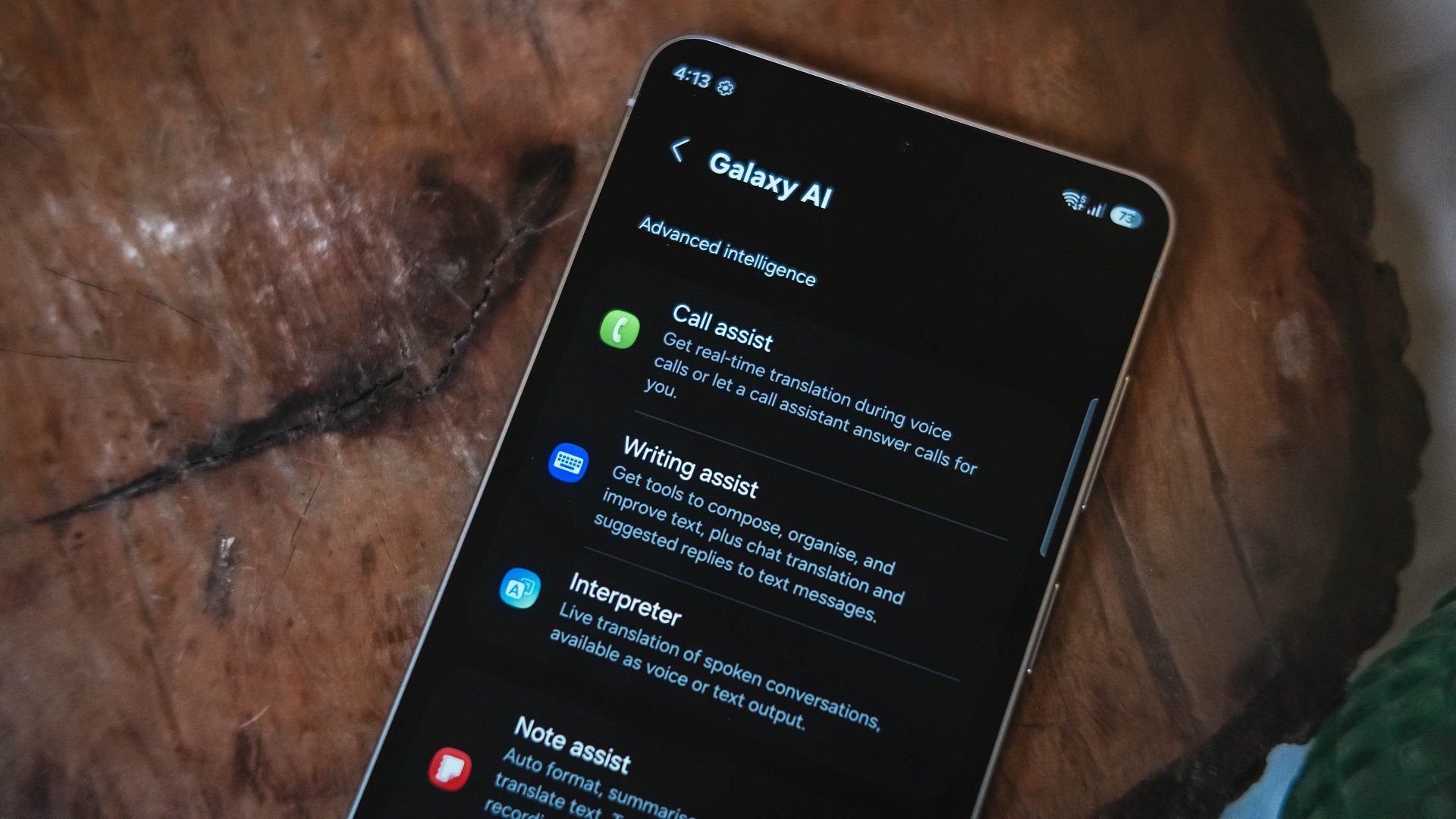
Like recent Galaxy generations, the S26 Series leans heavily on software features.
Privacy Display is one of the more practical additions. It restricts viewing angles at the pixel level, functioning like a built-in privacy filter. If you’re using your phone in public spaces, people nearby will struggle to see what’s on screen.
You can toggle the feature or enable it only for specific apps. That flexibility matters. It allows privacy protection for sensitive apps while keeping general use unaffected.
This addresses a real-world problem. Public screens are inherently visible. Privacy Display doesn’t eliminate that risk, but it reduces casual glances and unwanted observation.
Audio Eraser also gets an upgrade. It now works across third-party apps. We tested it on a noisy K-pop fancam from YouTube, and the background noise reduction was noticeable without destroying audio quality.
It’s not perfect. Overprocessing can occur in extreme cases. But for cleaning up shared videos or reducing ambient noise, it proves useful.
AI Photo Assist introduces text-prompt editing directly inside the Gallery app. Users can describe edits in natural language — remove objects, expand backgrounds, or modify elements — without exporting images to external tools.
This isn’t groundbreaking technology. Similar generative edits exist in other AI platforms. The difference is integration.
By embedding generative tools inside the Gallery, Samsung turns them into part of the default workflow. Photo editing becomes more accessible rather than requiring specialized knowledge or separate apps.
That shift is meaningful. It signals that generative AI editing is becoming a standard smartphone feature rather than an experimental add-on.
Cameras: computational evolution
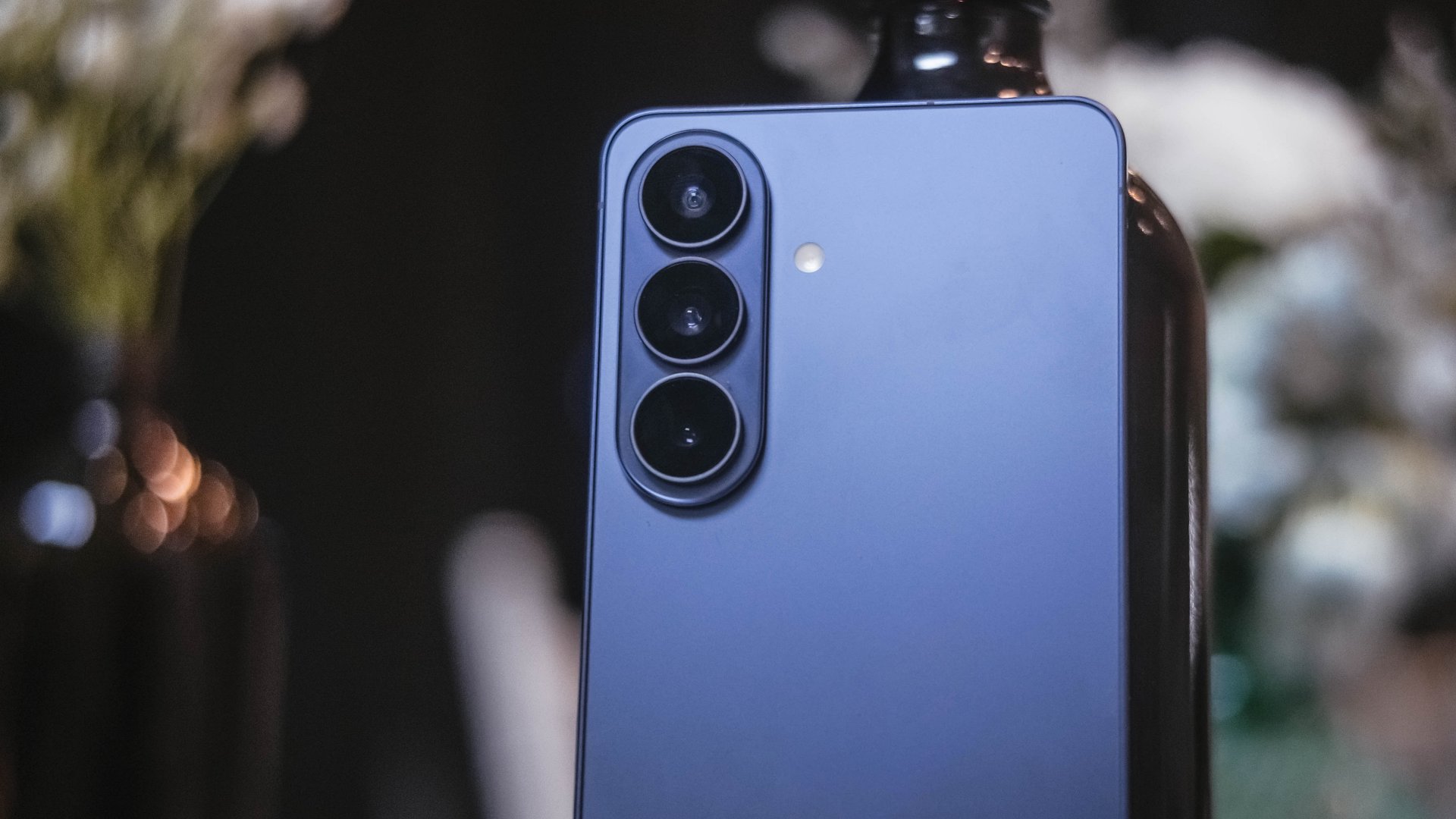
The camera hardware remains familiar. The Ultra continues with a 200MP main sensor and telephoto configurations similar to last year.
Improvements focus on computational photography.
Samsung widened apertures to allow more light. Stabilization has been refined. AI sharpening and Nightography processing aim to produce cleaner images with reduced noise.
From samples shown during the presentation, low-light shots appear brighter and cleaner. However, the processing can feel aggressive. Details sometimes look overly smoothed, and textures can appear artificial.
This reflects Samsung’s long-standing approach — prioritize computational enhancements over megapixel increases. The S26 continues that philosophy.
For video creators, APV (Advanced Professional Video) enables 8K recording with minimal quality degradation during edits. Super Steady Video also improves handheld stabilization.
These features cater to content creation workflows rather than casual snapshots.
Incremental but intentional

The Galaxy S26 Ultra doesn’t try to shock. It doesn’t reinvent Samsung’s design language or introduce dramatic hardware leaps.
Instead, it refines existing ideas.
Privacy Display addresses public visibility concerns. Audio Eraser improves real-world video cleanup. AI Photo Assist integrates generative editing into everyday photo workflows. Charging speeds improve without industry-leading ambitions.
Even the design changes — unified corner radii, a defined camera island, lighter materials — emphasize cohesion.
This strategy resembles the broader shift in the smartphone industry. Hardware innovation has slowed. Software and usability improvements drive differentiation.
Samsung appears comfortable with that reality.
Of course, first impressions only tell part of the story. We still need extended testing for battery life, thermal performance, camera consistency, and AI reliability.
The S26 Ultra may not represent a revolution. But refinement can matter — especially when it targets usability and practical features.
Samsung will have to make significant hardware upgrades eventually. But for now, it feels like the company is doubling down on incremental progress. Not flashy. Not radical. But purposeful.
Whether that strategy resonates will depend on real-world performance.
Samsung Galaxy S26 Series – Specs
| Feature | Galaxy S26 Ultra | Galaxy S26+ | Galaxy S26 |
| Display | 6.9″ Dynamic AMOLED 2X
|
6.7″ Dynamic AMOLED 2X
|
6.3″ Dynamic AMOLED 2X
|
| Rear Camera: Ultra Wide | 50MP, F1.9, 0.7 µm | 12MP, F2.2, 1.4 µm | 12MP, F2.2, 1.4 µm |
| Rear Camera: Wide | 200MP, F1.4, 0.6 µm | 50MP, F1.8, 1.0 µm | 50MP, F1.8, 1.0 µm |
| Optical Quality 2x | |||
| Rear Camera: Telephoto 1 | 10MP, F2.4, 1.12 µm | 10MP, F2.4, 1.0 µm | 10MP, F2.4, 1.0 µm |
| 3x optical zoom | |||
| Rear Camera: Telephoto 2 | 50MP, F2.9, 0.7 µm
|
— | — |
| Front Camera | 12MP, F2.2, 1.12 µm | 12MP, F2.2, 1.12 µm | 12MP, F2.2, 1.12 µm |
| Processor | Snapdragon® 8 Elite Gen 5 for Galaxy (3 nm) | Exynos 2600 (2 nm)* | Exynos 2600 (2 nm)* |
| Memory (RAM) | 12GB / 16GB | 12GB | 12GB |
| Storage | 256GB / 512GB / 1TB | 256GB / 512GB | 128GB / 256GB / 512GB |
| (Micro SD: N/A) | |||
| Battery | 5,000 mAh | 4,900 mAh | 4,300 mAh |
|
|||
| Dimensions | 78.1 x 163.6 x 7.9 mm
214 g (Sub6/mmWave) |
75.8 x 158.4 x 7.3 mm
190 g (Sub6/mmWave) |
71.7 x 149.6 x 7.2 mm
167 g (Sub6) |
| Colors | Standard: Cobalt Violet (Hero), Sky Blue, Black, White
Online: Silver Shadow, Pink Gold |
Standard: Cobalt Violet (Hero), Sky Blue, Black, White
Online: Silver Shadow, Pink Gold |
Standard: Cobalt Violet (Hero), Sky Blue, Black, White
Online: Silver Shadow, Pink Gold |







HONOR partners with ARRI to bring cinematic image science to smartphones

HONOR pushes embodied AI vision at MWC 2026

HONOR MagicPad4 unveiled with 3nm Snapdragon 8 Gen 5

Match Pulse: HONOR Magic V6

HONOR X5c Plus launches exclusively on Shopee, gets 3.3 offers


-

 News23 hours ago
Xiaomi 17 Ultra is now available outside China
-

 Camera Walkthrough1 week ago
OPPO Reno15 Pro: Camera Review
-
 First Look2 weeks ago
Match Pulse: Infinix NOTE 60 Pro
-

 Cameras1 week ago
Osmo Pocket 4 makes a surprising appearance in public
-

 Gaming2 weeks ago
LG unveils UltraGear evo, redefines 5K gaming with AI Upscaling
-

 News1 week ago
iPhone 17 Pro Max is somehow the most traded-in phone today
-

 News1 week ago
HUAWEI launches Mate X7, MatePad 11.5 S 2026, FreeClip 2
-

 Gaming2 weeks ago
PlayStation 6 reportedly delayed to 2029 because of RAM shortage