
Laptops
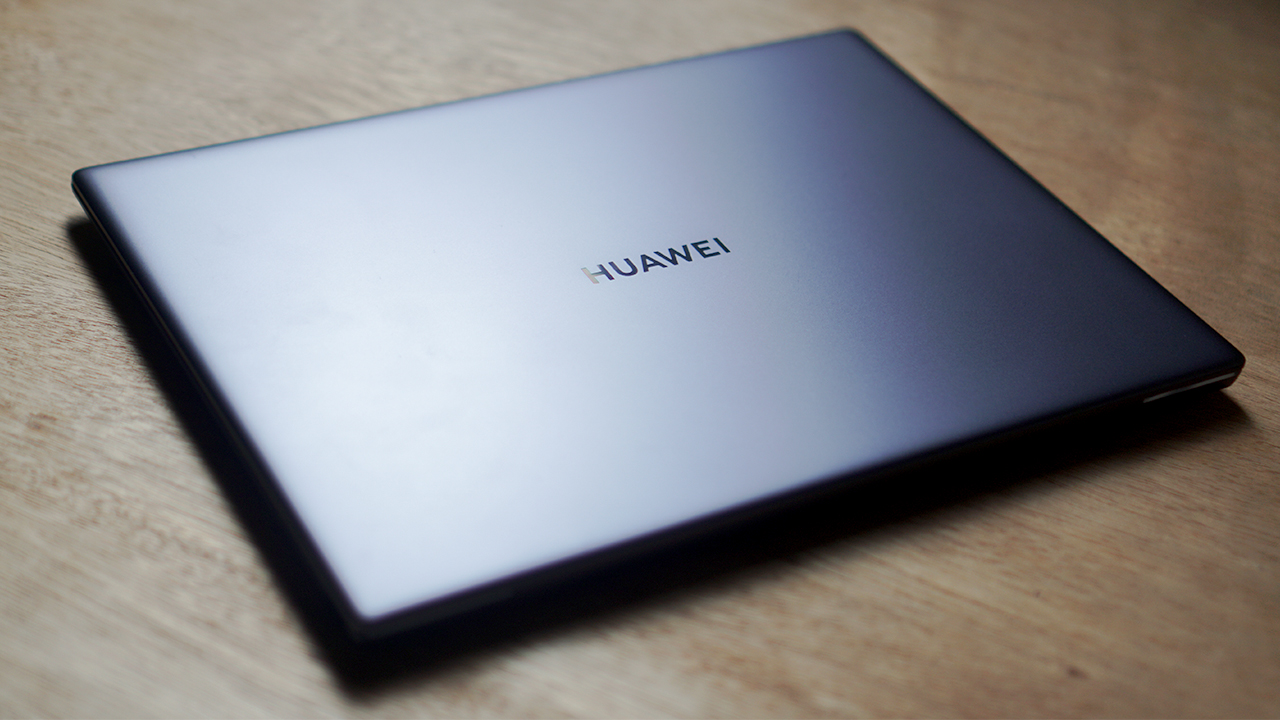
Huawei Matebook X Pro 2020 review: Nothing spectacularly new
“If it ain’t broke, don’t fix it” said Huawei, probably

Huawei is continuously stretching itself across multiple devices these days. While the company is known mostly for their smartphones and, recently privacy issues, their attempts on creating laptops has also been a success. They manage to consistently cram in a ton of nifty features over the years, that they simply don’t change it every new year.
That rings especially true for the Huawei Matebook X Pro 2020 — same device, with the only difference being the hardware. On the surface, it maintains a lot of the core features last year’s model had. The question is whether or not it’s performance across the board remains consistent with the 2019 model.
Let’s take a deep dive into the Huawei Matebook X Pro 2020:
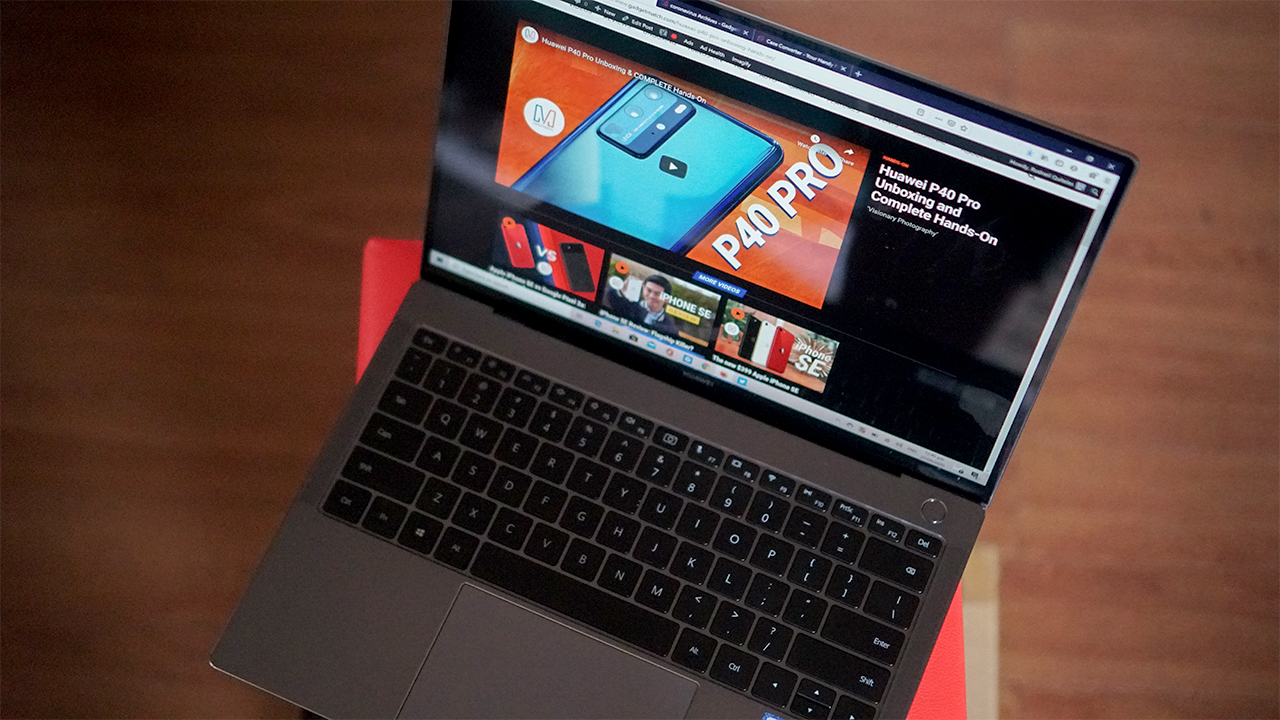
It has a 13.9-inch FHD IPS touchscreen display
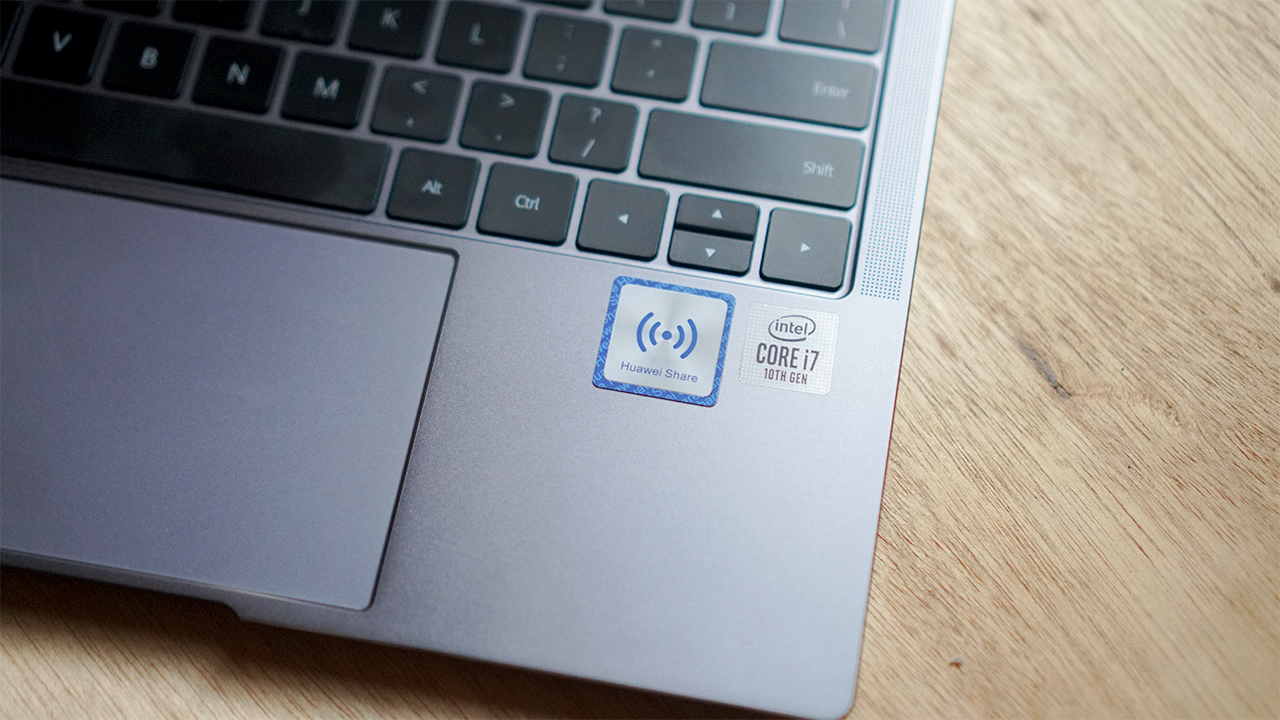
It comes with the 10th generation Intel processor inside
It has two USB Type-C ports with Thunderbolt 3 support
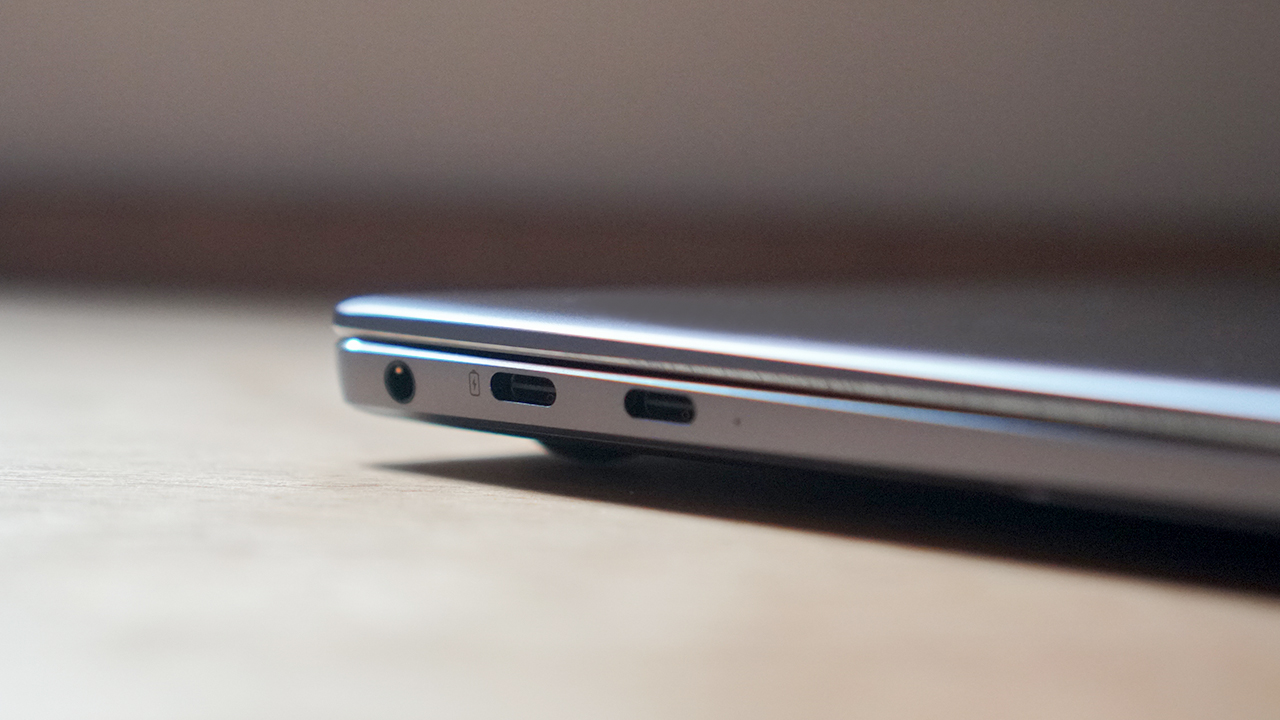
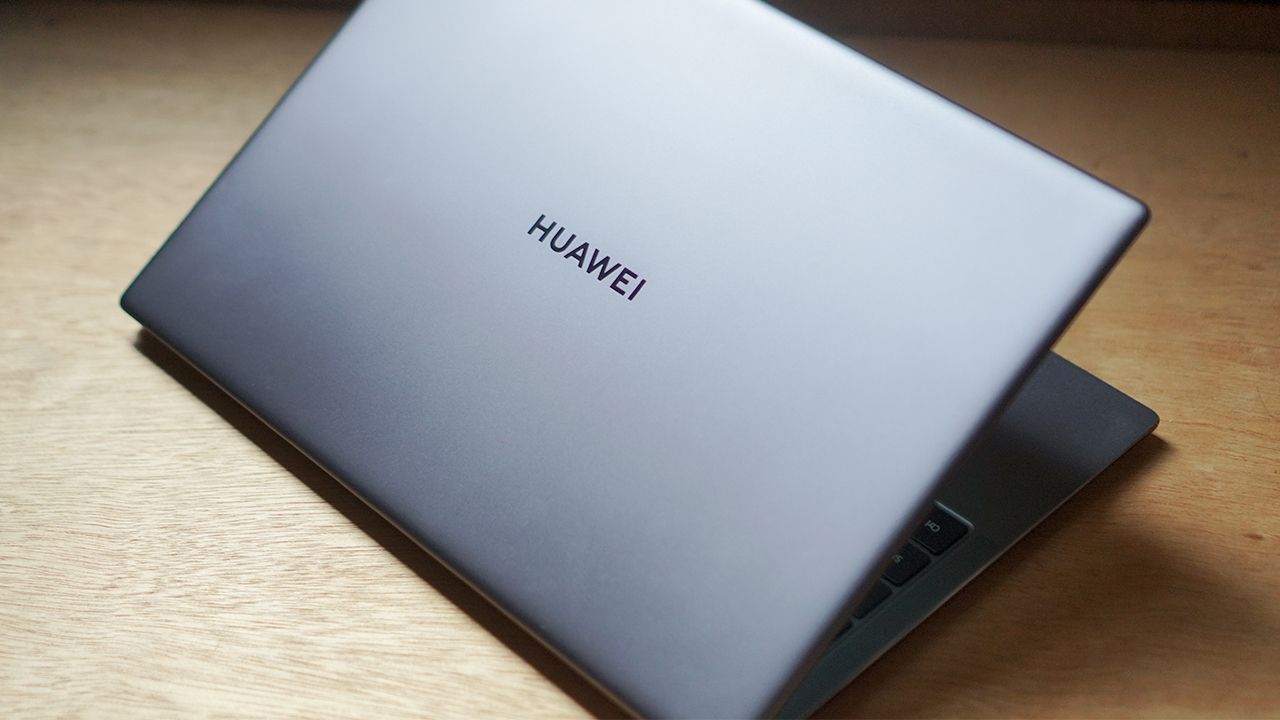
It comes only in the Space Gray color
Consistently delivers all-around great performance
The Huawei Matebook X Pro 2020 comes with the latest, 10th generation Intel Core i7 processor and 16GB of RAM. The new-gen processor does what you’d expect in performance delivery, as most applications run smoothly on the device. I’ve also noticed that the new chip improved the device’s battery life just a little bit.

There’s also an NVIDIA MX250 slapped inside this machine to handle beefy graphics work. Data presentation and analytics load quickly, photo and video editing is possible with the device. Render times for videos take a little longer, but that’s also expected from an entry-level graphics card.
You can play games on this device, but don’t expect 60 FPS levels of gaming for it. Casual games like Minecraft and CS:GO will achieve high frame rates, but it’s mostly because these games don’t require a lot of graphic work.
Consistently bright and colorful touchscreen display
The 13.9-inch display maintains its touchscreen capabilities with 450 nits of brightness at the maximum. The 3:2 aspect ratio on a relatively thin bezel works wonders, and provides a ton of space. The screen is that bright even under direct sunlight, that you can still watch Netflix on your lawn.

The touchscreen tracked my fingerprints with ease, and there’s even a gray trail to indicate it. It’s honestly my preferred way of scrolling through social media feeds instead of the trackpad. Of course, you might want to clean your hands first before touching your screen if you want to be super clean about it.
Consistently horrible thermal solution
Of course, with all that hardware and performance you need some way to keep everything cooled down. The thing is, to maximize performance means that your hardware will crank things up and produce more heat. The goal of a device’s thermal setup is to simply find a way for the hot air to flow out to keep things cool, as long as it doesn’t inconvenience you.
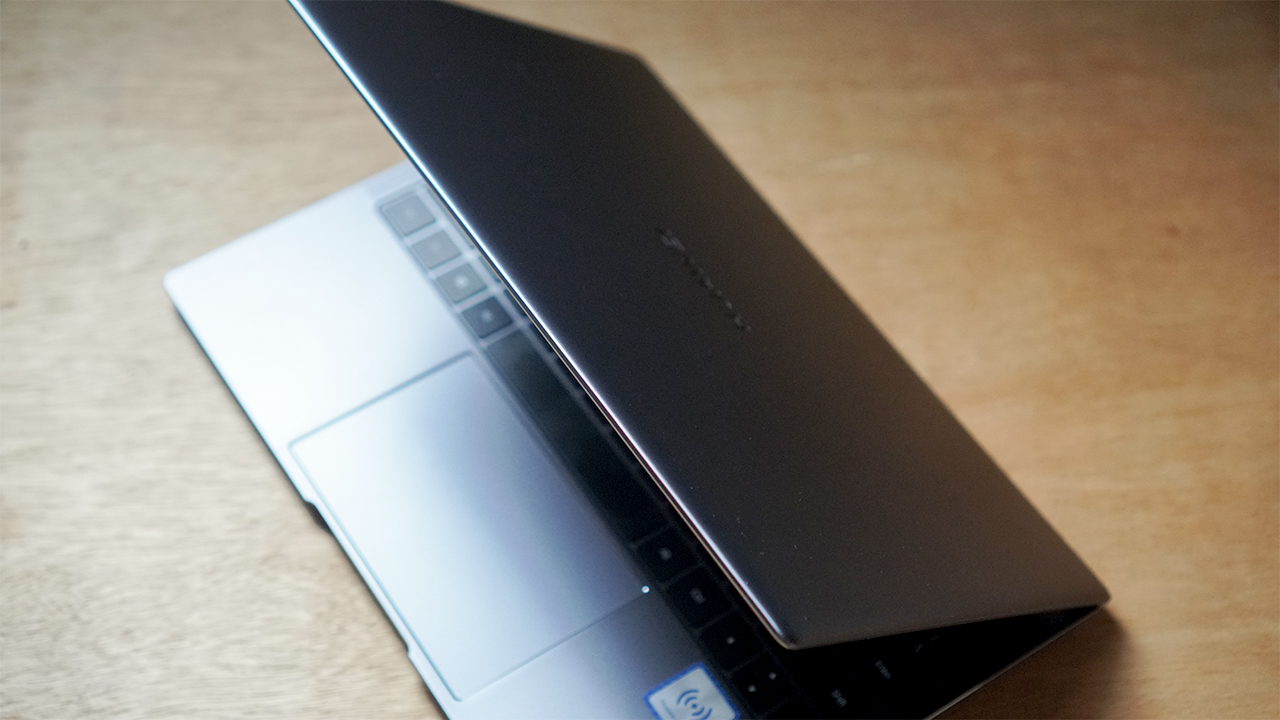
Clearly, the Huawei Matebook X Pro 2020 did not take this into consideration. To be fair, this isn’t the only premium ultrabook that heats up uncomfortably when you’re doing too much. For a laptop, I can’t even recommend you to put this on your laptop when you’re working with 50+ tabs of Chrome open.
Consistently strong battery life for an ultrabook
However, despite the bonkers of a thermal solution, the device still lasts long, as advertised. I got about close to 12 hours on a single charge when I’m just strictly working on documents, spreadsheets, and web browsing. A laptop that lasts for half a day doing work, for me feels like a luxury when you think about it.
Add other tasks like Netflix streaming, photo and video editing, and that number comes down to 10 hours. It’s pretty good, especially for a thin and light device like the Matebook X Pro 2020, especially for a 56Wh battery.

One full charge took about two and a half hours, which is pretty standard for the USB-C Thunderbolt 3 port. You can opt to charge it with a capable power bank or a smartphone that comes with an OTG feature. I just pray that your phone won’t explode from the heat.
Features that are either a consistent boom or consistent bust
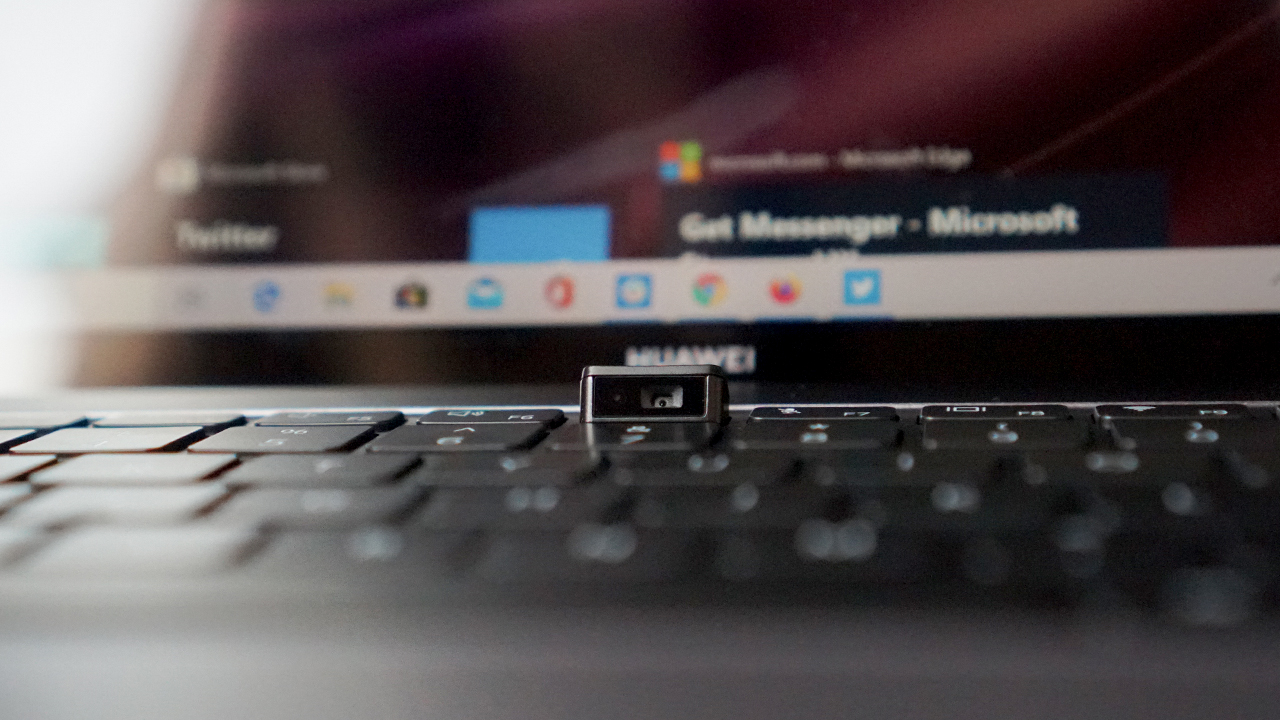
There were a lot of other things they kept in the device that still prove to be a boom or bust situation. One of these was the pop-up 1MP camera in between the F6 and F7 keys; it’s decent except that it points upward to your nose. At least there’s more space on the display, which is honestly the way I prefer my bezel-less display.
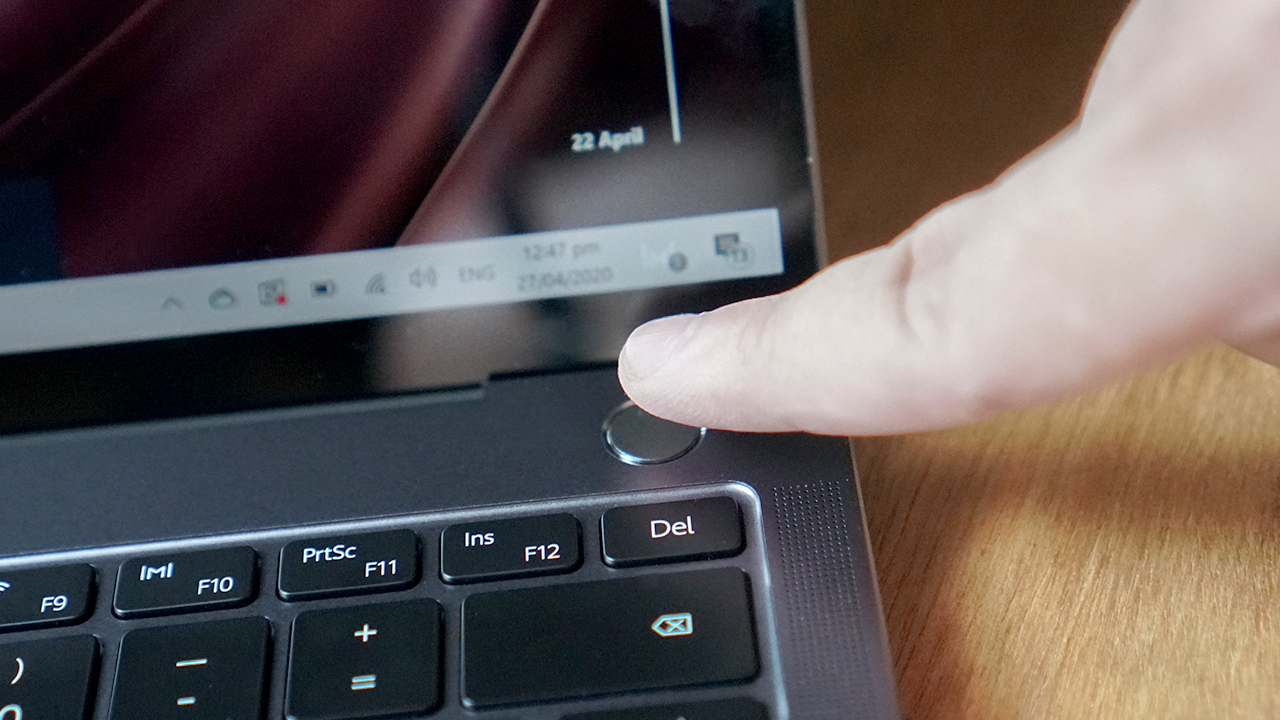
Next would be the keyboard, which has good key travel but it feels like a certain Butterfly switch. The fingerprint sensor, which is placed on the power button, was a nice touch. They managed to make the tracking relatively easy, and it unlocks the device quickly.
Is the Matebook X Pro 2020 your GadgetMatch?
At PhP 119,999, the Huawei Matebook X Pro 2020 provides consistent performance from last year’s model, even with the improved hardware inside. They stayed true to the whole “don’t fix what isn’t broken” schtick, and it continues to pay off in full. It also lasts long for work-related purposes, which is a premium in that regard.
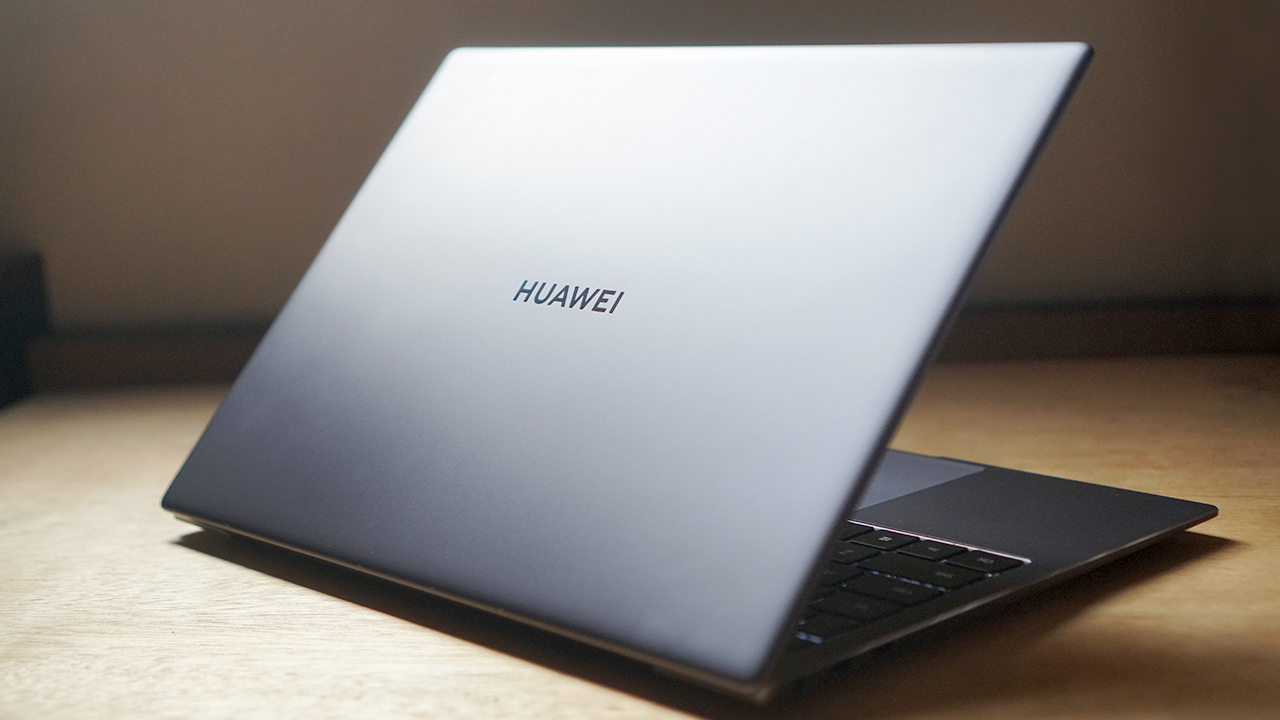
There are the expected downsides to a device like this, with thermals being the most obvious one. But that’s pretty much the trade-off of having your hardware perform at a high level. Despite this, the device is still top-notch and worth the investment.







If you’re a creative who’s always on the go, check out the ASUS ProArt GoPro Edition (PX13) .
It’s the laptop that gets things right! The portability, the workflow, the build quality, the value — those are the things that actually make a difference when you’re out there living it.
Want to know more about it? Watch our Spotlight on the ASUS ProArt GoPro Edition PX13 and see if it’s built for your type of adventure.
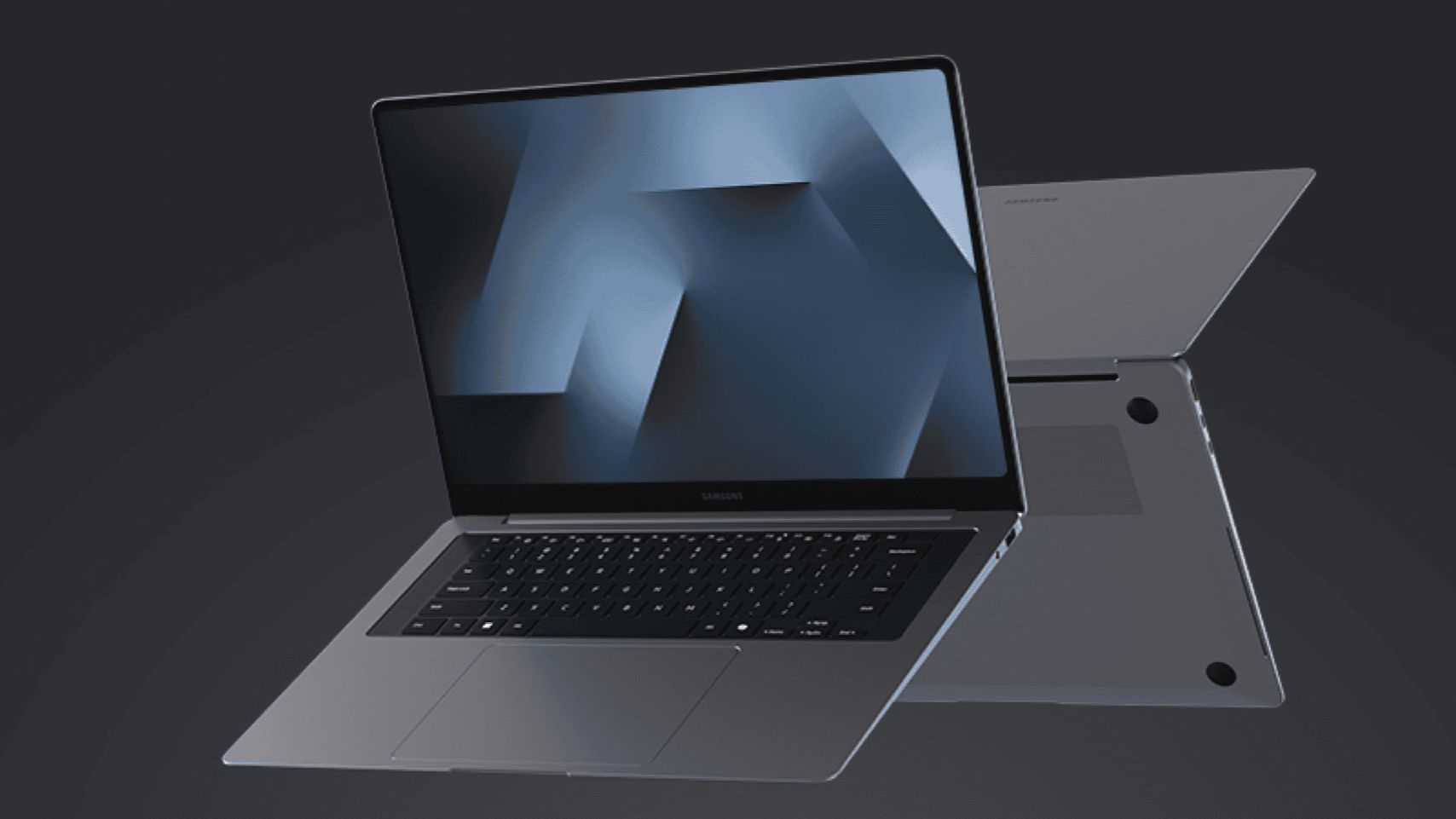
Samsung’s most advanced AI-powered PC lineup yet, the Samsung Galaxy Book6 series, will be available in the United States starting March 11.
The Samsung Galaxy Book6 Ultra, Book6 Pro, and Book6 are all powered by Intel Core Ultra Series 3 processors to deliver improved CPU, GPU, and NPU performance.
Galaxy AI features like AI Select and Intelligent Search streamline workflows, while Multi-Control and Second Screen enable seamless productivity across Galaxy devices.
Users can connect the Galaxy Book6 series to their Galaxy smartphone or tablet for multi-screen productivity. This includes accessing one’s phone storage straight from the Book6 PC.
And similar to Circle to Search on Galaxy mobile devices, the upcoming PCs have a feature wherein users can just trace whatever is on their screen and search.
In addition, the series combines ultra-thin designs with up to 30 hours of video playback.
Price, availability
Here are the pricing of the three devices under the series:
- Galaxy Book6 Ultra: Starts at US$ 2,449.99
- Galaxy Book6 Pro: Starts at US$ 1,599.99
- Galaxy Book6: Starts at US$ 1,049.99
They will be available nationwide at Samsung.com and Samsung Experience Stores beginning on March 11. Customers who reserve early will get a US$ 30 credit.
More details will be unveiled during the Samsung Galaxy Unpacked event on February 25 at 10:00 A.M. PT / 1:00 A.M. ET.
Laptops
Are you ready for a more colorful MacBook?
Apple is experimenting with quirkier colorway options for the MacBook.

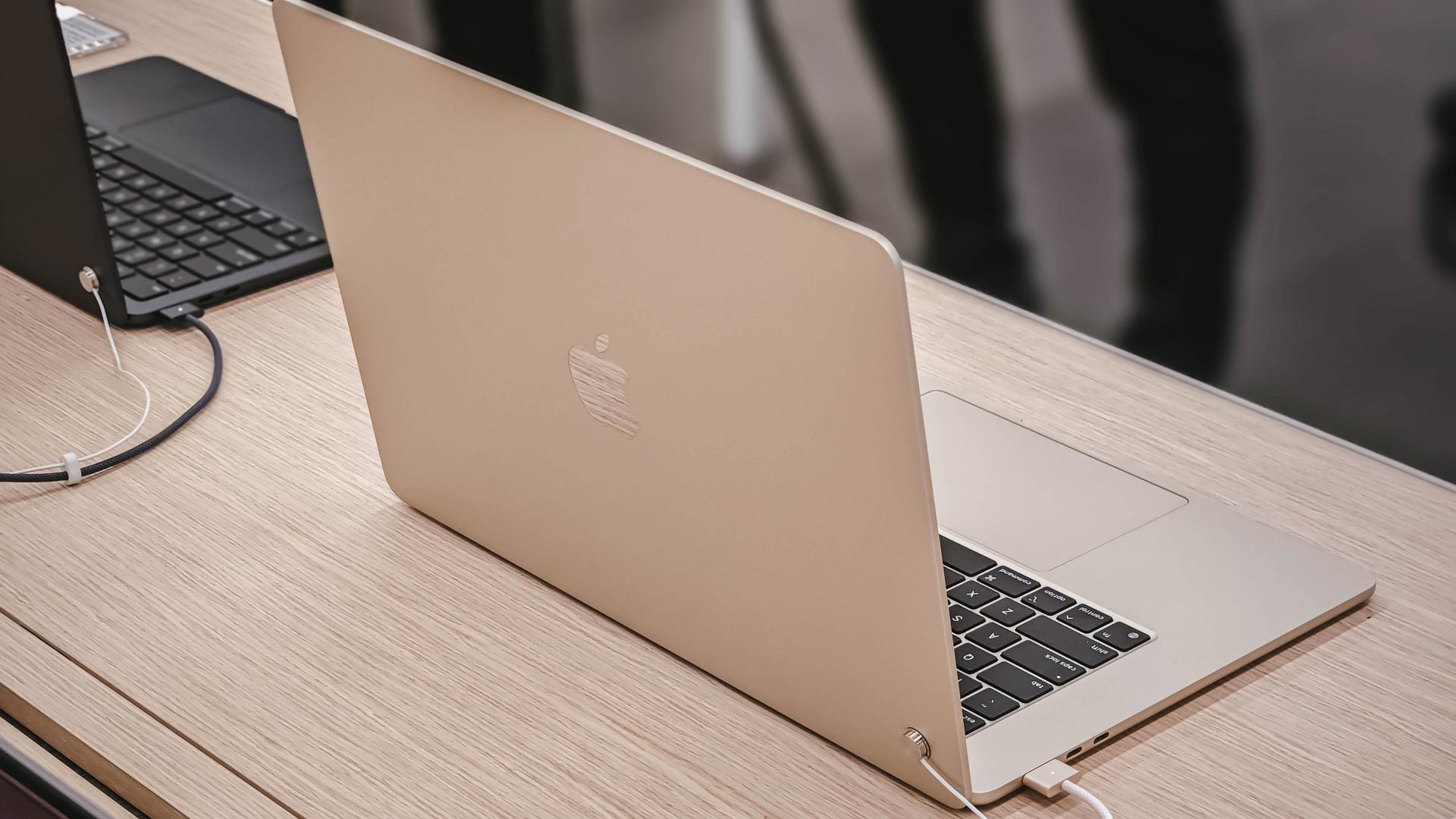
In recent years, Apple has relented on limiting the colors of its devices to only the more premium-looking options. Users can now pick quirkier colors for their iPhones, highlighted currently by the Cosmic Orange iPhone 17 Pro Max. Soon, the same splashes of color might make its way to the MacBook lineup.
According to Bloomberg’s Mark Gurman, Apple has been testing different colorway options for its upcoming entry-level MacBook. The unannounced lineup might come in pink, light yellow, light green, and blue.
It’s a big change for MacBooks. Currently, the only “quirky” option that users can get is the MacBook Air’s Sky Blue, which honestly looks more silvery than blue. Other than that, the MacBook simply seesaws from different shades of gold, silver, and black.
To be fair, the upcoming MacBook will still have the traditional colorways of the current lineup. Additionally, it’s unclear whether Apple will ultimately include all its experimental colors into the final lineup.
Reportedly, the new lineup will cost somewhere between US$ 699 to US$ 799. Of course, the lower price tag will come at the expense of some specs. Although, it should still be good if we’re talking about an entry-level laptop.
It’s even more interesting if it’s hinting at the return of truly colorful options but for the notebook. The iMac already got a similar renaissance back in 2024, which mimics the classic computer’s colorful history.
SEE ALSO: M5 MacBook Pro review





HONOR X5c Plus launches exclusively on Shopee, gets 3.3 offers

Forget the Phone: Xiaomi 17 Ultra Is A CAMERA!

Xiaomi Pad 8 review: Slab that slaps!

Xiaomi 17 Ultra is now available outside China

The Xiaomi Pad 8 series is now official


-
 News19 hours ago
Xiaomi 17 Ultra is now available outside China
-

 Camera Walkthrough1 week ago
OPPO Reno15 Pro: Camera Review
-

 First Look2 weeks ago
Match Pulse: Infinix NOTE 60 Pro
-

 Cameras1 week ago
Osmo Pocket 4 makes a surprising appearance in public
-

 Gaming2 weeks ago
LG unveils UltraGear evo, redefines 5K gaming with AI Upscaling
-

 News1 week ago
iPhone 17 Pro Max is somehow the most traded-in phone today
-

 News1 week ago
HUAWEI launches Mate X7, MatePad 11.5 S 2026, FreeClip 2
-

 Gaming2 weeks ago
PlayStation 6 reportedly delayed to 2029 because of RAM shortage