
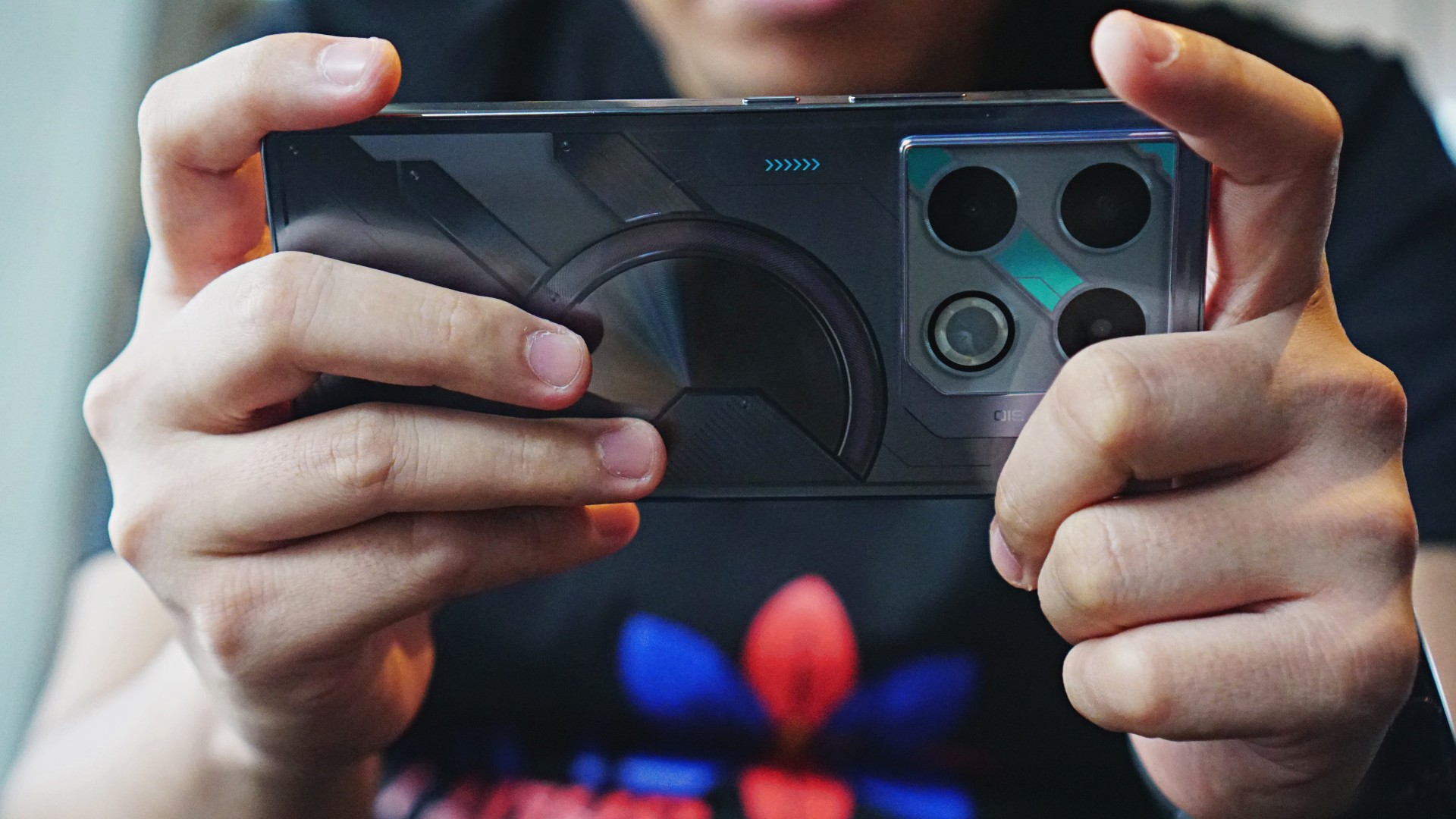

The Infinix GT 20 Pro is easily a midrange mobile gaming machine. That’s how I’ll describe it after a few months of usage. It would have been an injustice not to exhaust all of this smartphone’s features, which we’ll tackle in this article one by one.
My first rodeo with an Infinix gaming phone — the Infinix NOTE 40 Pro — went smoothly and exceeded my expectations. Naturally, the GT 20 Pro was able to provide even more when it comes to mobile gaming.
Beyond that, you’re getting a generous all-around package for an affordable price point. It’s as if getting an abundance of in-game rewards. Let’s get right into the discussion.
Infinix GT 20 Pro overview

The Infinix GT 20 Pro comes in a special Gamer Kit. Everything is unique with its packaging. The phone’s box has a distinct cover that you have to unfold to see what’s inside. The unit we reviewed came in the Mecha Blue colorway.
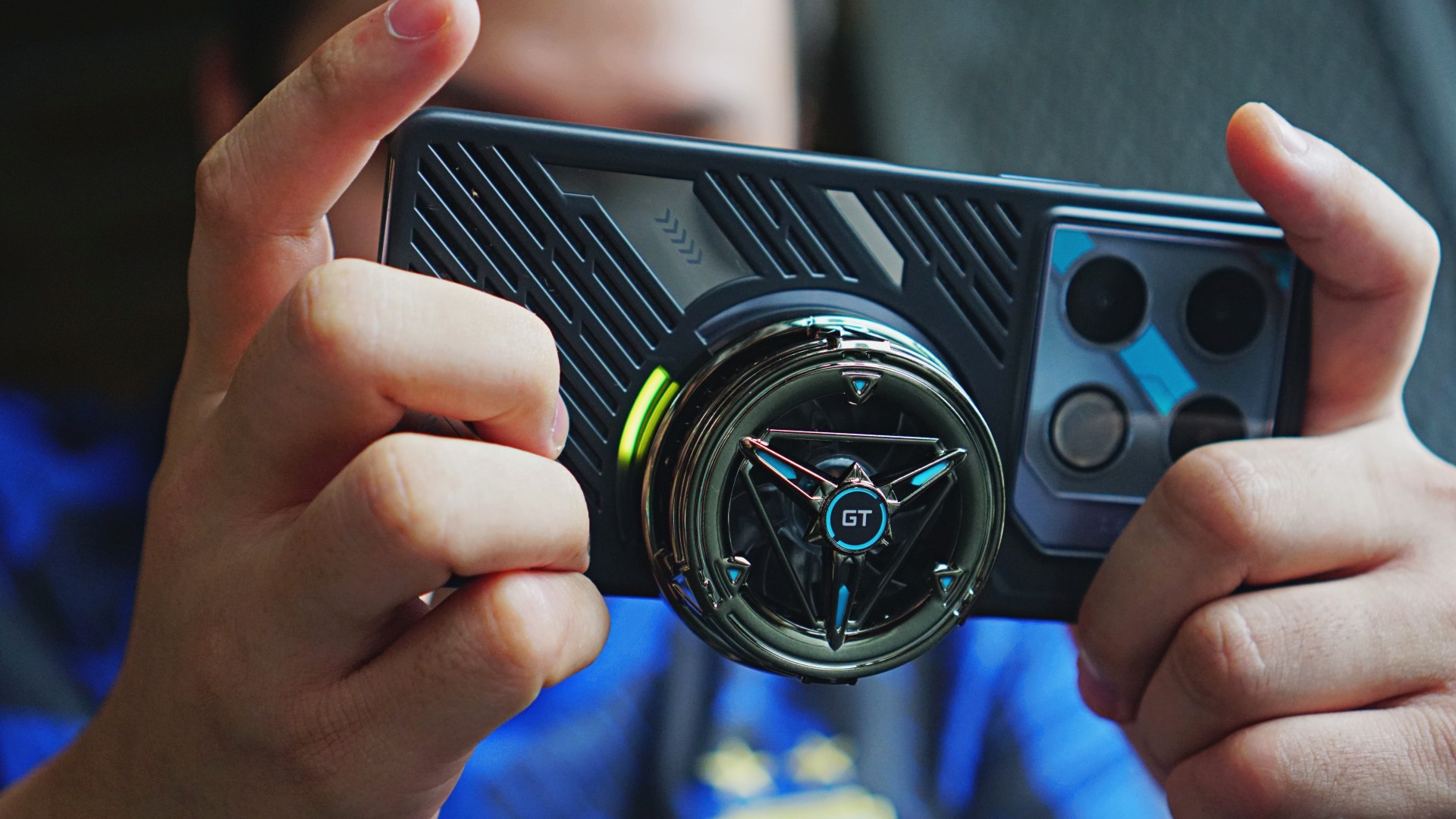
The phone’s exterior outrightly screams machine. It’s boxed and chunky, with the right feel. It comes with the familiar mecha-inspired patterns at the back, along with Mecha Loop Lighting. The sides are shining in metallic silver. Overall, it definitely has the flair for a gamer.
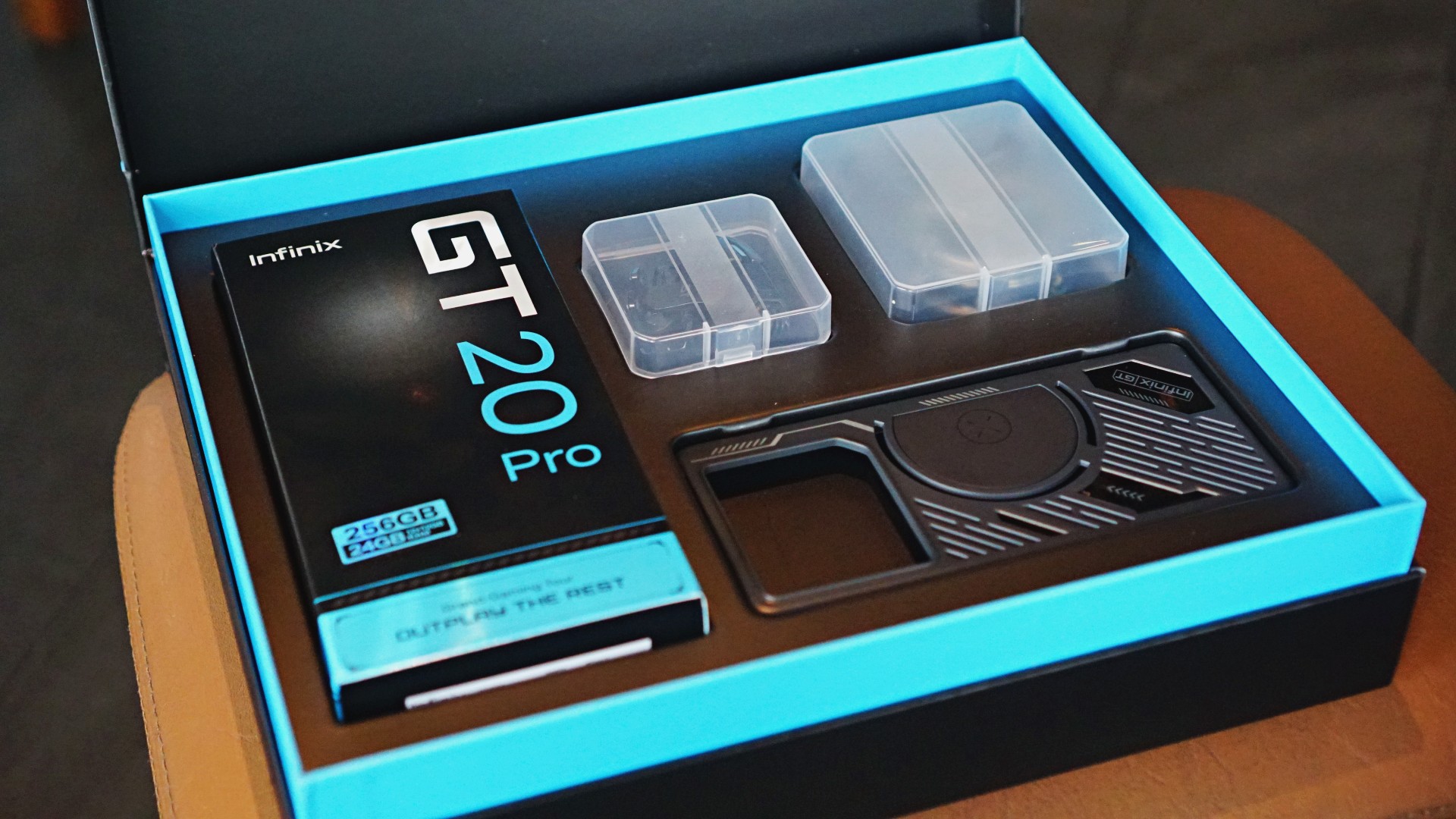
Onto its accessories, the kit includes a cooling fan, thumb sleeves, and shoulder triggers. These are all useful and not just for the added aesthetic appeal. We’ll get to that in a while.
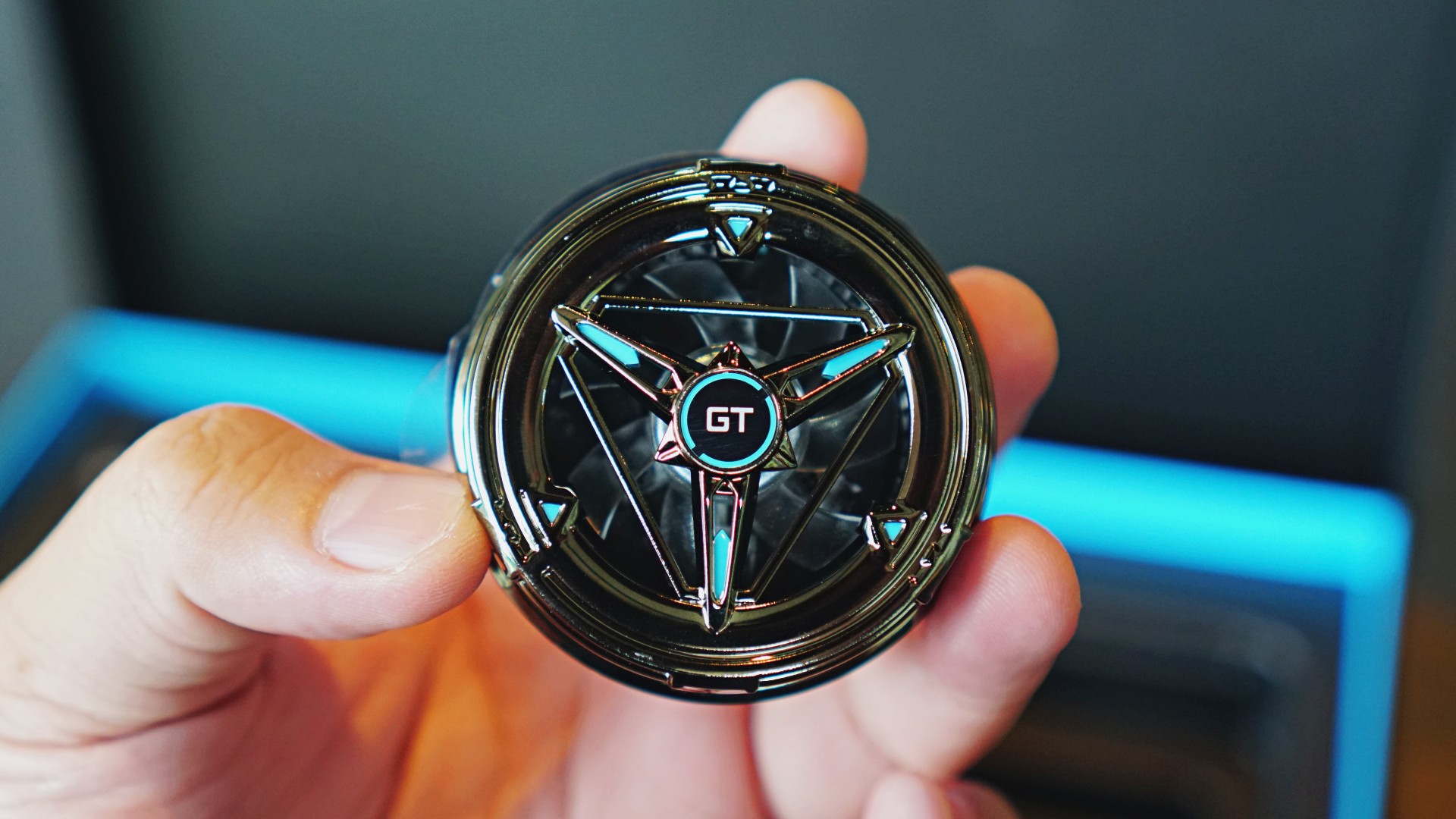
The magnetic cooling fan looks like a Power Ranger morpher if you’d ask me. It complements the entire look and is powered via USB-C charging. It lowers the temperature by about two degrees Celsius, especially for heavily demanding titles.
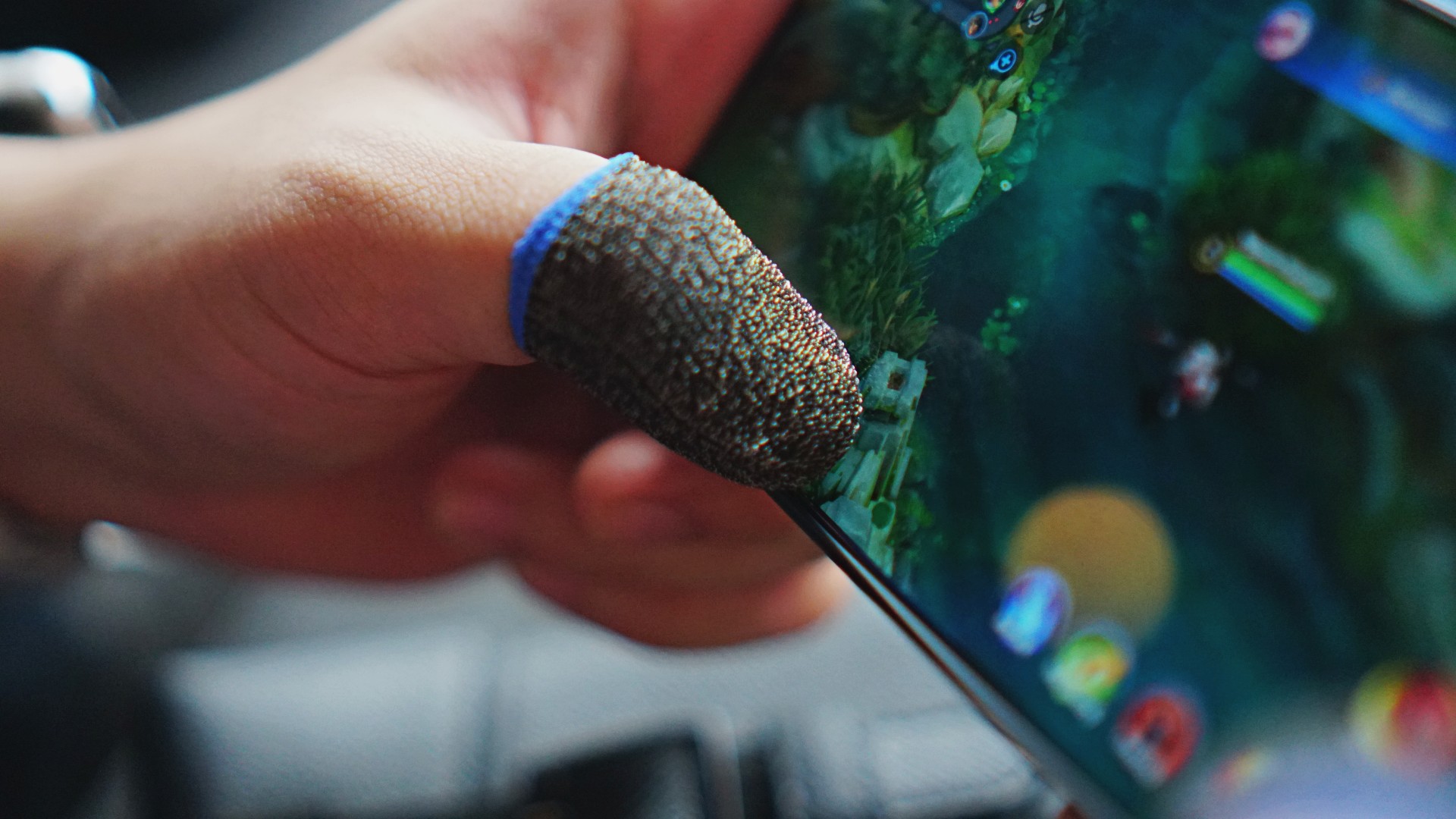
The sleeves make gliding on the screen smoother and quicker. It reduces the friction significantly, which can be distracting for character movement.
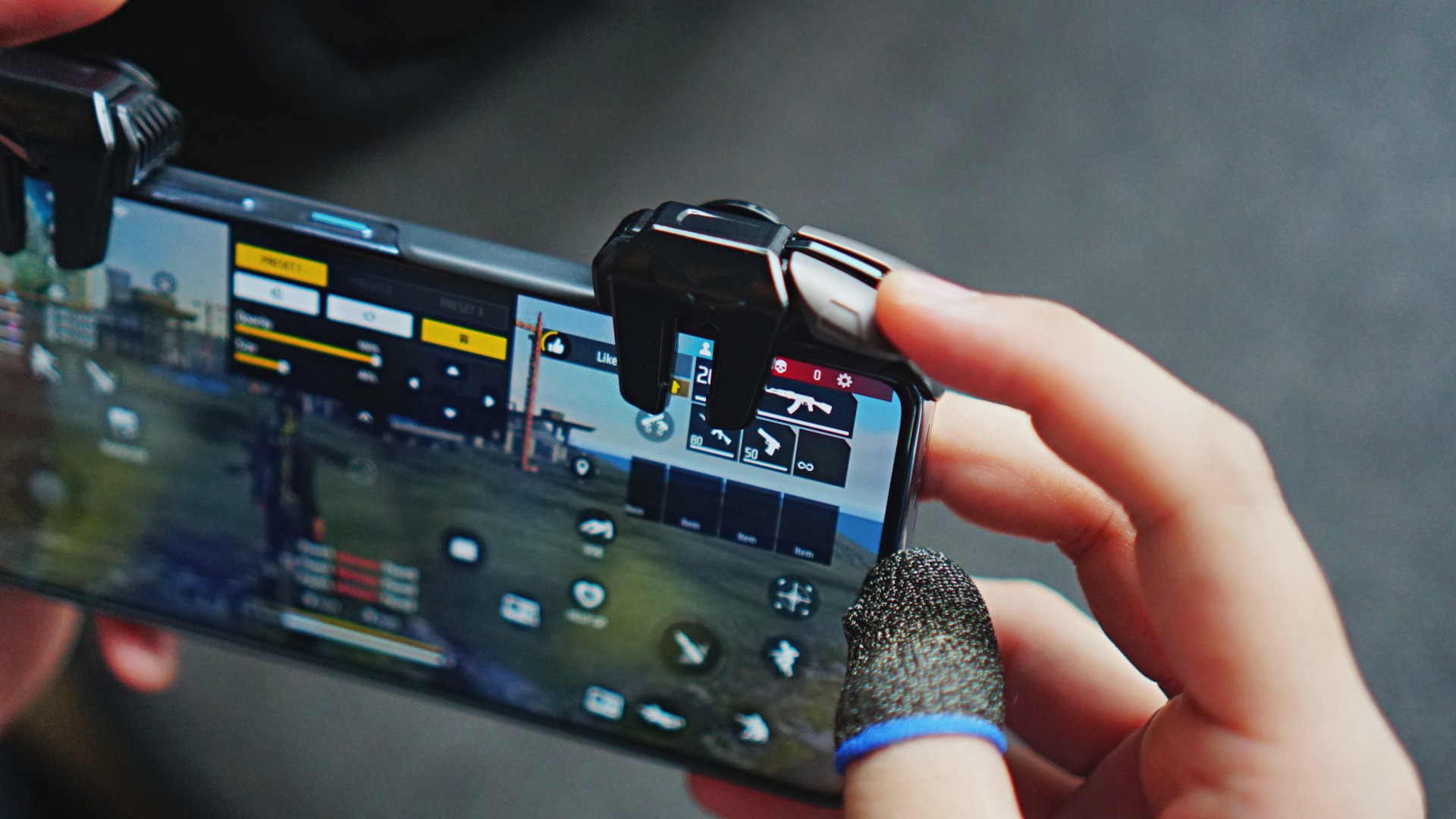
Lastly, the triggers are a simple physical addition. Rather than being connected wirelessly, they are snapped onto the phone’s upper side when playing FPS games.
While I am not much into FPS titles, it’s an intriguing add-on to improve the mobile gaming experience. They give you four extra “buttons” which can be helpful for firing a weapon or jumping. You simply have to edit the control layout on your preferred game to match the positioning of the buttons, which shall lead to the screen being tapped.
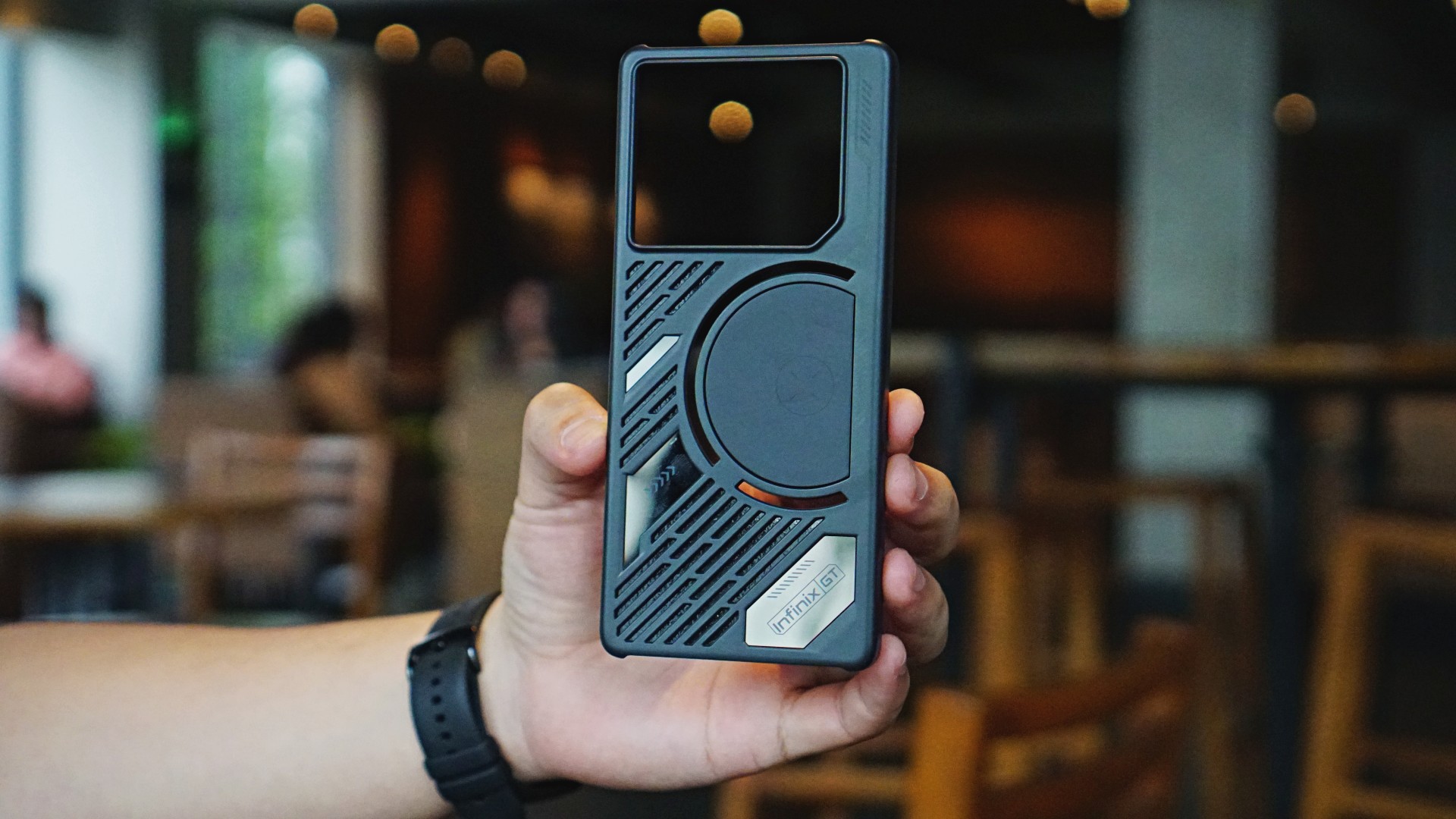
The case also blends well with the overall look. It lets the Mecha Loop Lighting stand out. The diagonal grills add another dimension to the appearance.
User Interface

For its UI, the GT 20 Pro comes preloaded with gaming-inspired themes. You may choose from a good selection for your home and lock screen displays. Even the fingerprint lock has an effect when you unlock the device.
There are many built-in live wallpapers too, like a spaceship and Johnson from Mobile Legends: Bang Bang as this is, in case you missed, the MPL’s official gaming phone. The icons are also mecha-like. But if you want a simplistic look, you may change it in the settings.
Outplay the rest

The Infinix GT 20 Pro comes with a MediaTek Dimensity 8200 Ultimate 5G processor. You get 12GB of base RAM, which can be extended to 24GB. The device also has 256GB of internal storage.
To set it apart, Infinix has equipped the GT 20 Pro with a dedicated Pixelworks X5 Turbo Dedicated Gaming Display Chip. This optimizes performance by distributing the workload between the CPU and GPU. Moreover, the phone features a Stable Frame-rate Engine which promises users of a steady 120Hz frame rate should they require such settings.
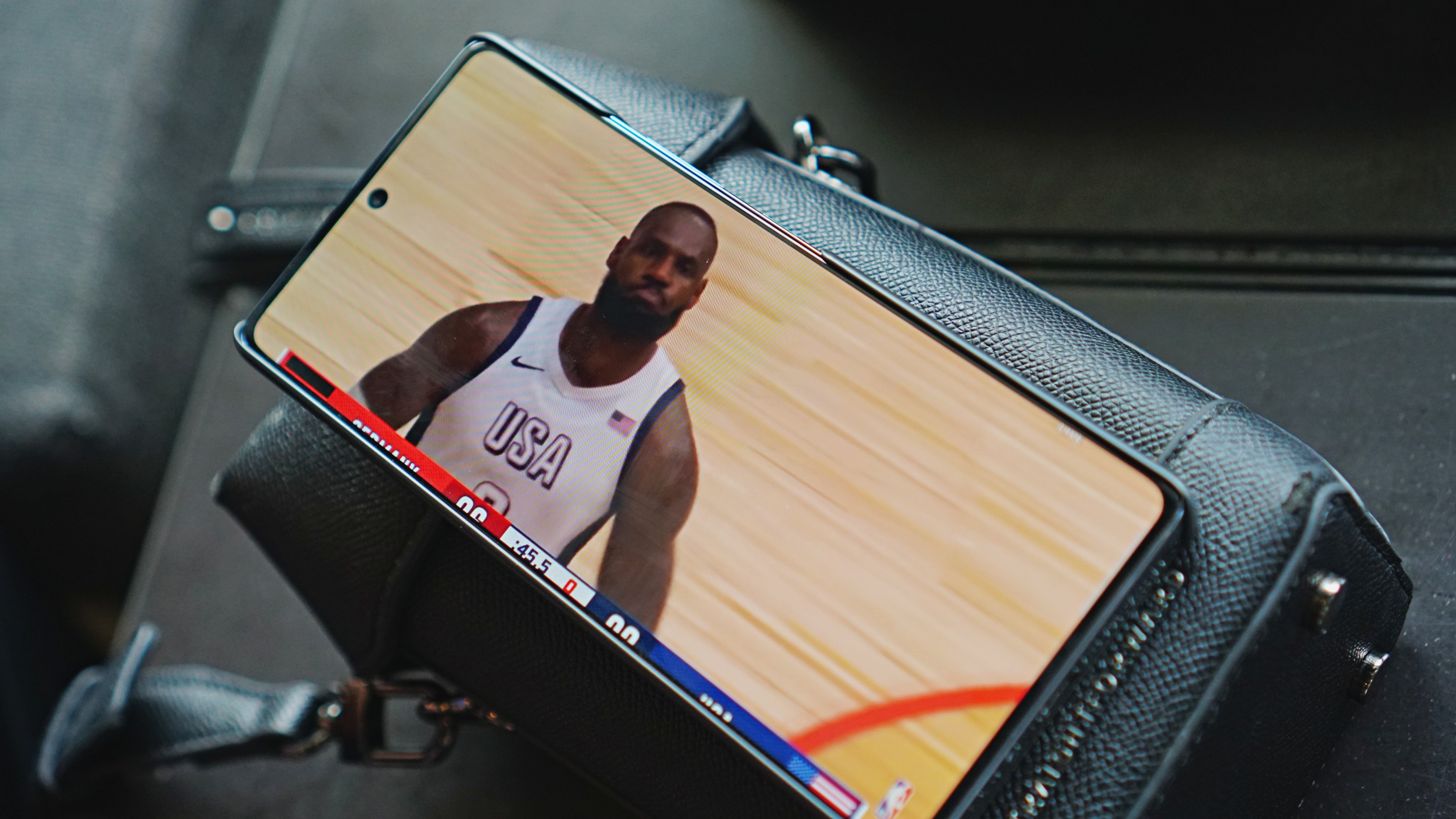
Onto its screen, the device has a 6.78-inch FHD+ AMOLED 144Hz display. This panel has a maximum brightness of 1,300 nits, and a high pixel density so details come out really sharp and elevated. It’s great both for gaming, viewing photos, and general content consumption.
Elsewhere, the phone’s speakers are boosted by JBL. I definitely felt how the sound surrounded my area, whatever title I’m on. Of course, you may still connect to an external audio device of your choice to elevate the experience further.
XArena

Another standout feature is XArena, the phone’s built-in gaming center slash task manager. This allows you to monitor your phone’s performance, customize relevant game settings, and manage the titles you play.
You will also see the estimated battery power left in hours, the device’s temperature, and its signal connection. Ultimately, you may run games straight from this app.
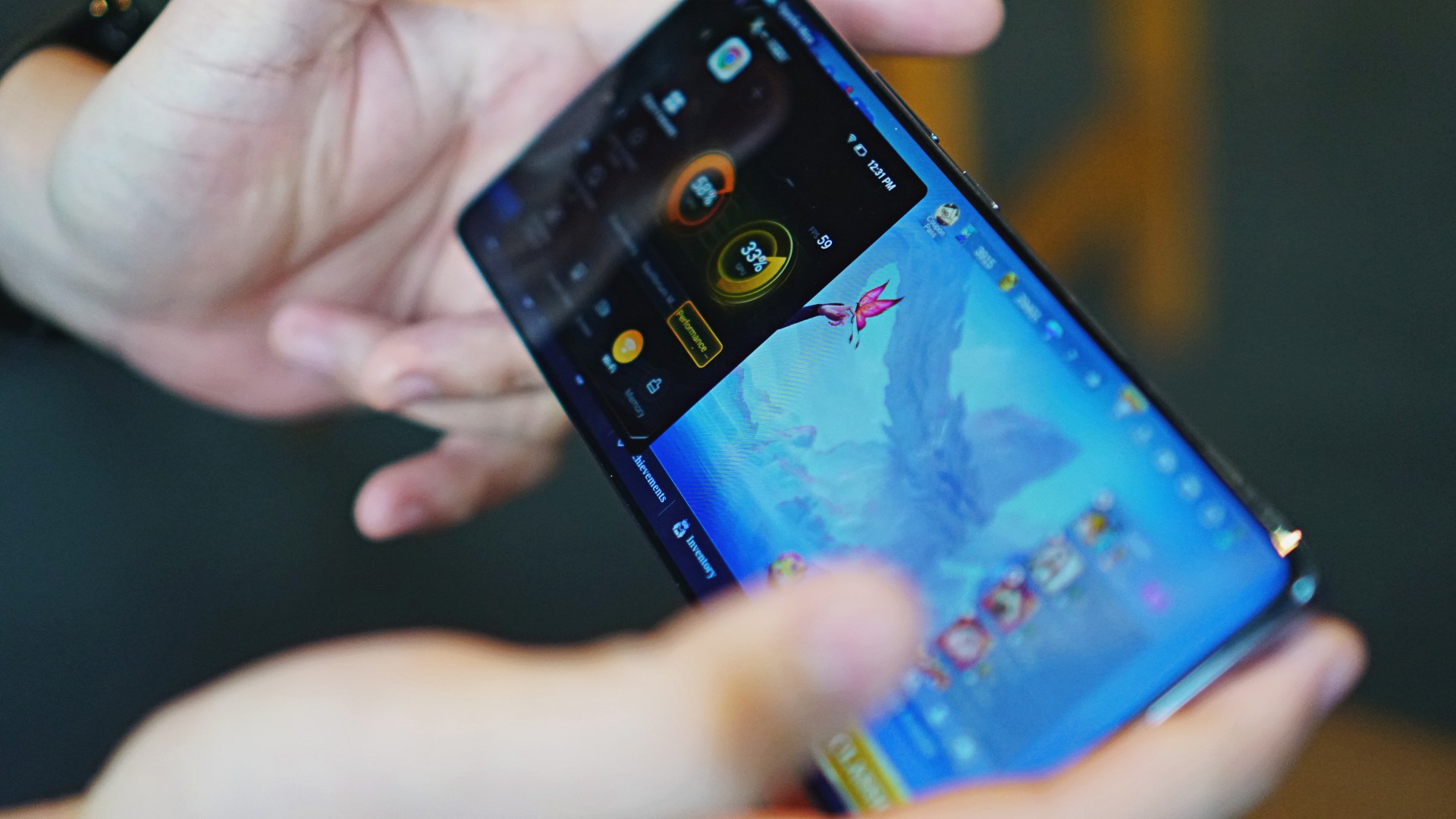
When a game is opened, users may easily swipe the left-hand side of their screens to open the X-Boost floating control panel. Here, they can choose from different Game Modes. Turning Esports Mode will allow players to focus on games and block notifications, calls, alarms, and other disturbances.
Moreover, they may toggle other settings on or off. One is Ultra Frame Rate, HDR Graphics, and Esports-grade Control to reduce touch latency. They may also tick Bypass Charging from this side panel. Anti-Inadvertent Mode is perfect for MOBA titles too, to prevent mistouches or swipes. Lastly, there’s Smart Cooling for more demanding games.
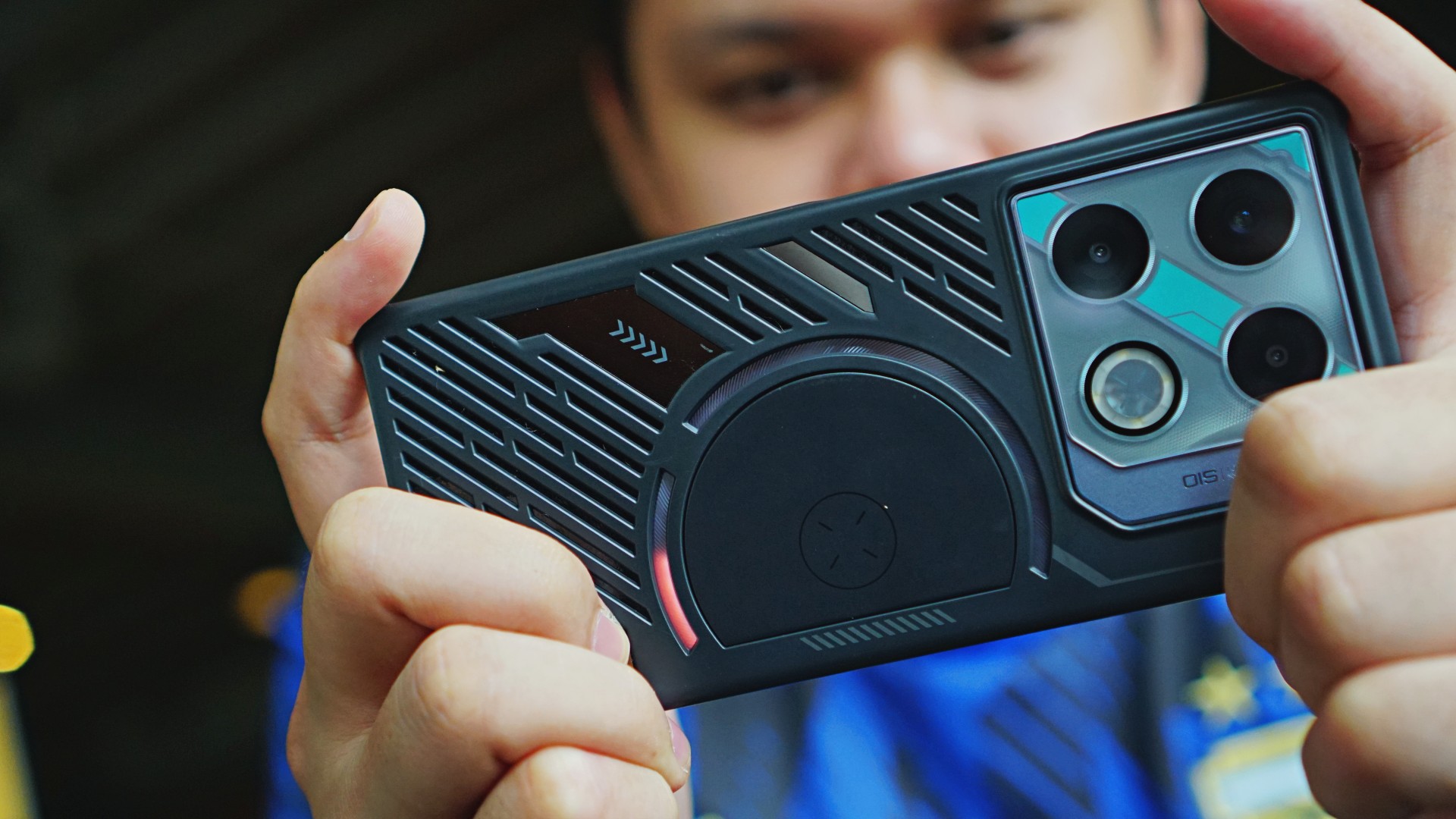
Furthermore, the Infinix GT 20 Pro’s lighting effects on the rear aren’t just for aesthetics. GT Light Effects will turn green, yellow, and good to indicate if the game is taking a high load. The light effects also vary from game to game.
Gaming performance
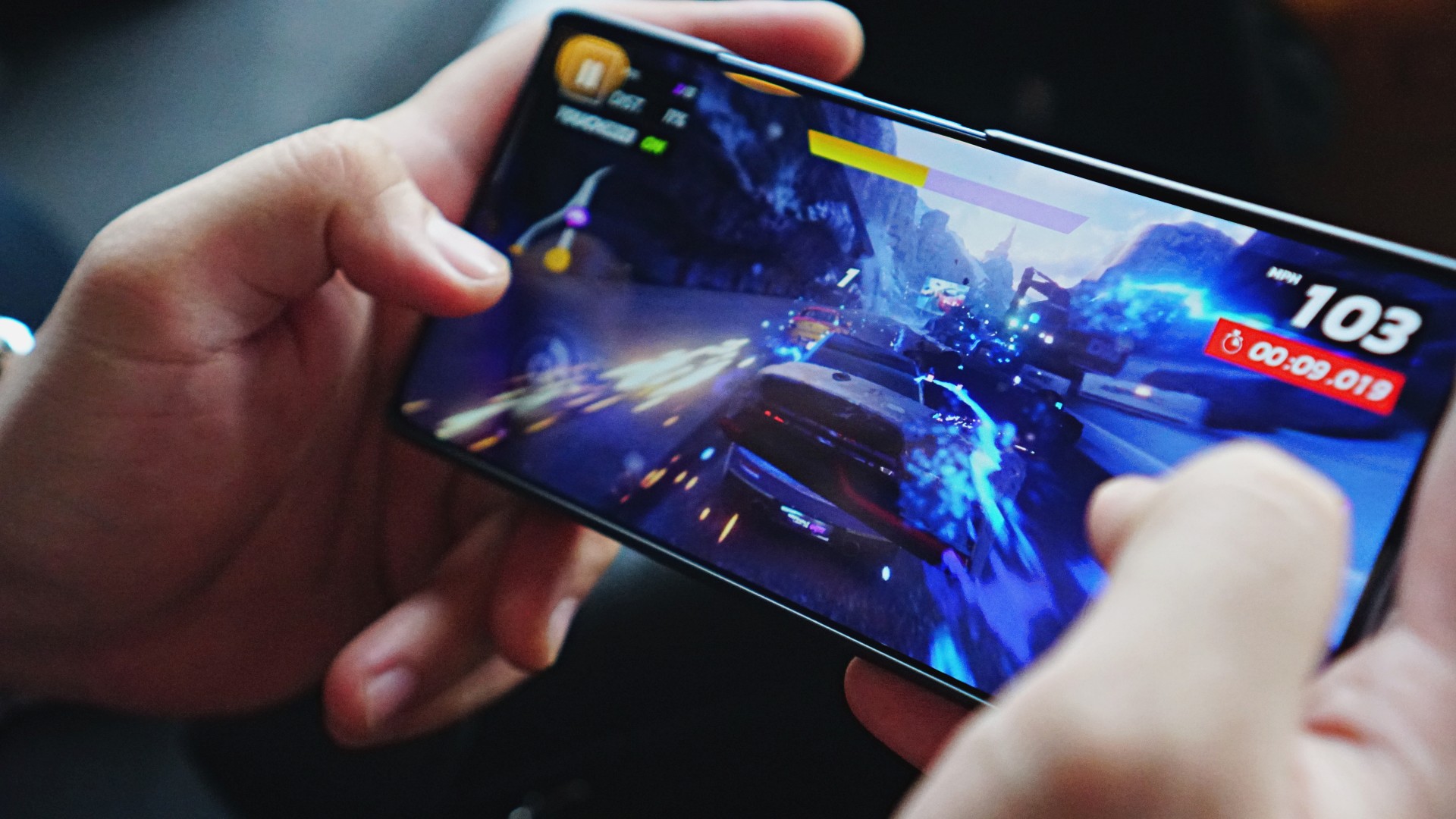
Onto the phone’s actual gaming performance. Here are some titles we ran on this device:
- Mobile Legends: Bang Bang
- Honor of Kings
- Asphalt 9: Legends
- Honkai: Star Rail
- Zenless Zone Zero
- Garena Free Fire

The GT 20 Pro handled both of my go-to MOBA titles, MLBB and HoK easily. I set the graphics for both to high, and the indicator still remained green. The phone also didn’t become hot after more than an hour of gameplay. The overall experience was smooth and immersive. The same case can be said for our standard racing title of choice for phone reviews.
As I’ve mentioned, I’m not much into FPS titles, but I did give Free Fire a try and it’s safe to say that if it wasn’t for this device, I wouldn’t have bothered trying at all. At the very least, I was able to focus on combat in the battlefield instead of worrying about whether the device will let me down or not.

Ultimately, I was impressed at how the GT 20 Pro did the heavy lifting against miHoYo’s two titles. As we all know by now, it’s these games that are very challenging to the phone’s performance. But the phone was able to push through with long sessions. I kept it on High Performance Mode whenever I played either Honkai: Star Rail or ZZZ.
And to my surprise, all sessions turned out smoothly. There wasn’t fluttering or lagging, even with the graphics set to high. That’s especially during combat scenes. I was able to enjoy the effects while progressing with the two titles’ respective stories.

That’s where the Infinix GT 20 Pro sets itself apart from, say, the NOTE 40 series. While the latter is equally impressive considering its segment, the GT 20 Pro will allow you to play more games extensively.
With a high resolution and high pixel density display, obviously, the GT 20 Pro is also a reliable tool for watching videos, like sports highlights or TV shows and series. Whatever content comes out detailed on the phone, compared to budget counterparts.
Battery and charging
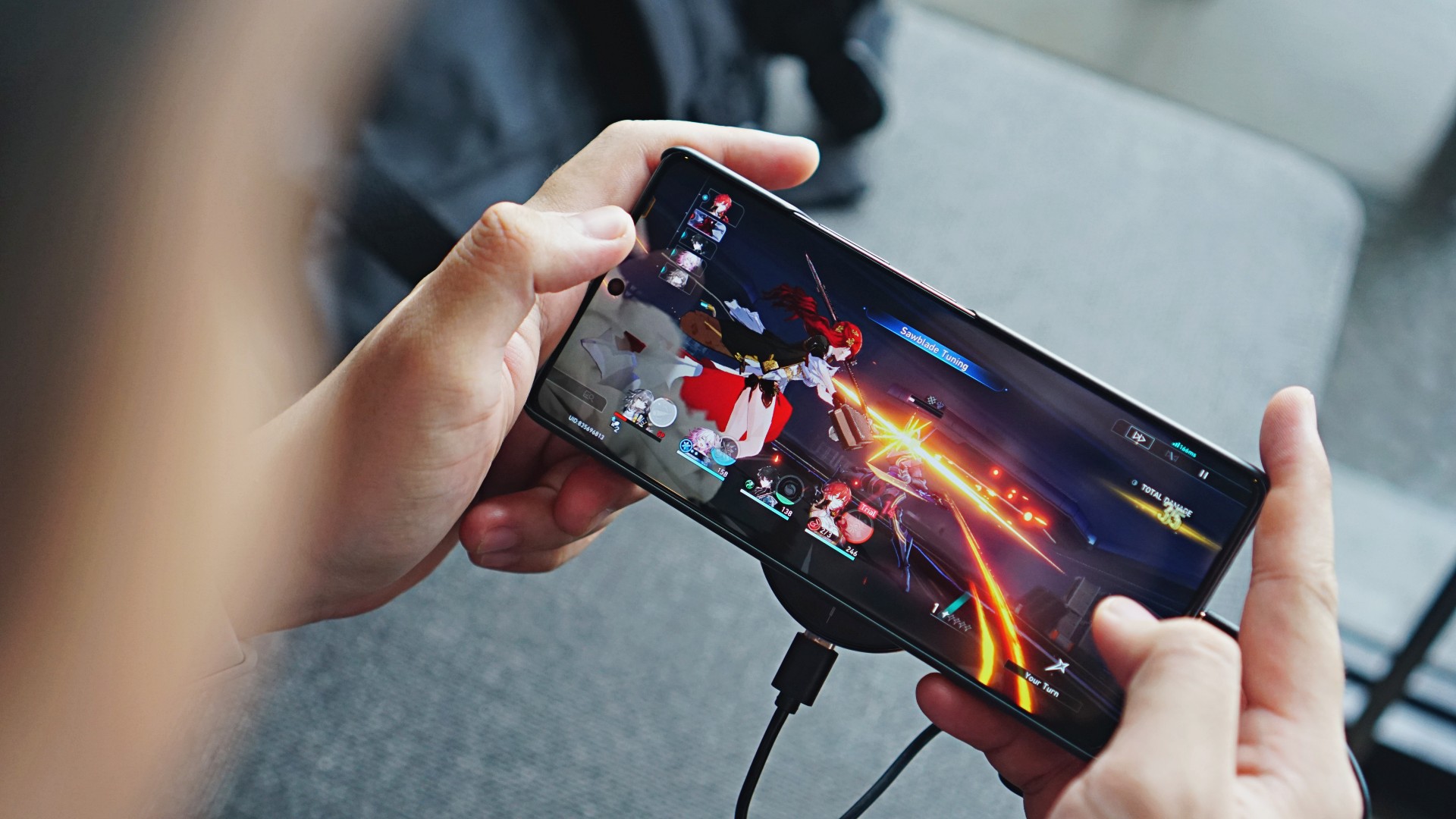
Completing the performance benefits is the handset’s 5,000mAh battery with 45W of fast charging. It comes with the same technologies as Infinix’s other offerings.
For instance, the phone automatically disconnects from the power source when it reaches full power. I like this mechanism, in case you forget about unplugging your phone right away.
Furthermore, there are still three charging modes: Low-Temp, Smart, and Hyper. Hyper is what you should select if you need a quick recharge. It takes just about half an hour to add 60% battery. Meanwhile, if you’re not in a rush, Smart Charging takes about an hour to replenish 80%, which is still impressive.
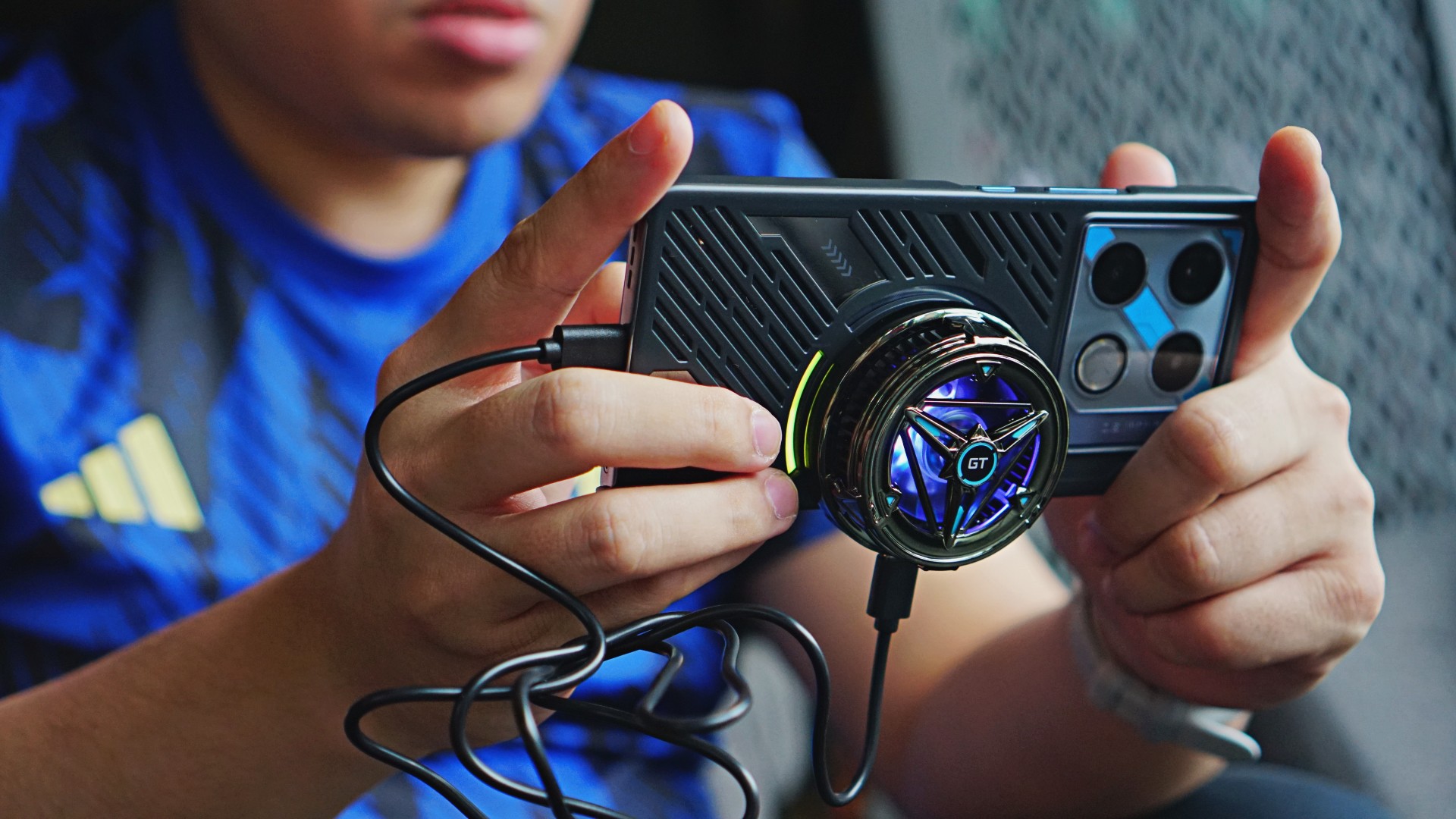
While playing or watching videos, users may turn on Bypass Charging. This technology charges the phone directly without charging the battery. This way, the temperature is maintained at a lower level yet you won’t lose battery percentage for long grinds or binge-watching sessions.
Camera: Just as impressive
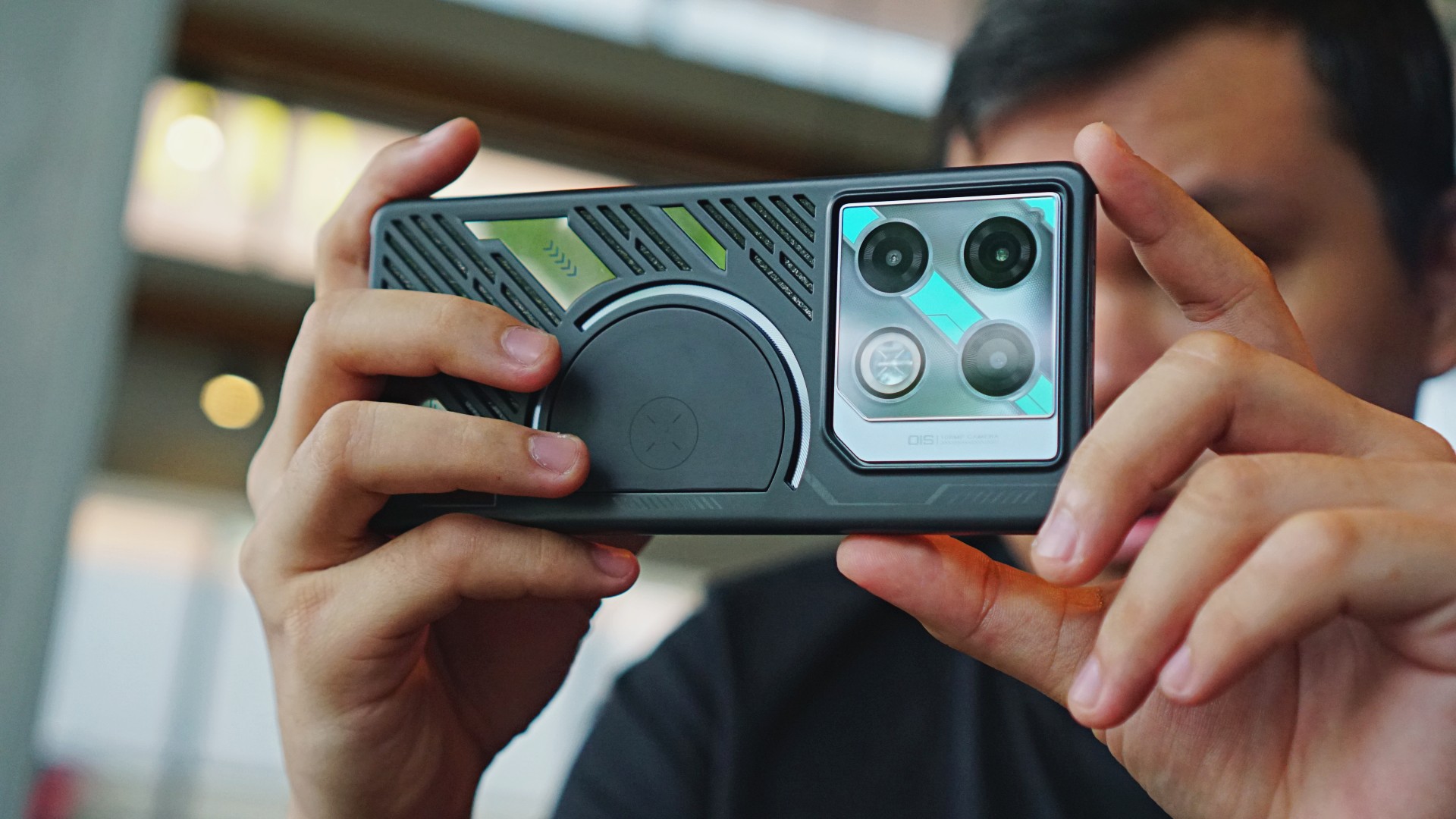
To cap everything off, the Infinix GT 20 Pro also has a 108MP Samsung HM6 sensor on its main camera. In front is a 32MP shooter as well.
It’s a reliable shooter for casual picture-taking, quick hangouts, and even staycations. Captures come out with accurate and true-to-life colors. This kind of processing makes this phone ideal for food, merch, and other subjects you need your camera to match as close to what you need with your own eyes.







Captures under portrait mode come out with good segmentation. The parts that are focused stand out from those that have been blurred intentionally. Even with just the default mode, the camera produces interesting-looking bokeh effects.


With an f/1.8 aperture, the camera does well in taking more light in to produce vivid, sharp, and well-lit photos. That’s specially for shots taken under low light conditions or at night.






Its HDR capabilities allows for commendable shots as well even when it’s against the light, indoors, or with a backlight.
On a sidenote, the selfie camera produces shots that are more on the natural and smoother side instead of sharper. They’re generally alright, but if you’re unsatisfied, simple edits should do the trick.


At night, the main shooter retains sharpness and detail too. It doesn’t smudge neon lights or warm bulbs. You’ll get considerable details on the edges of such lines.






For videos, the phone has some sort of stabilizer, based on videos I took. They did not come out shaky in any way. You may also film at up to 4K at 60fps if needed to.
Is this your GadgetMatch?
If you are completely clueless as to how much reliable gaming smartphones cost, and this device was presented to you, would you have thought that this was only PhP 15,999?
The Infinix GT 20 Pro delivers impressively. Beyond gaming, the overall usage also proved to be smooth. The display and camera system work well together. Content consumption was immersive, thanks to the device’s audiovisual hardware and software.
A package like that, as I’ve said, feels like you’ve stumbled upon generous in-game bonuses. All things considered, the Infinix GT 20 Pro is an impressive and all-around midrange machine worthy of the GadgetMatch Seal of Approval.





Not every flagship needs to reinvent the wheel.
Some phones try to wow you with dramatic hardware changes. Others focus on making the experience smoother, smarter, and easier to live with every day.
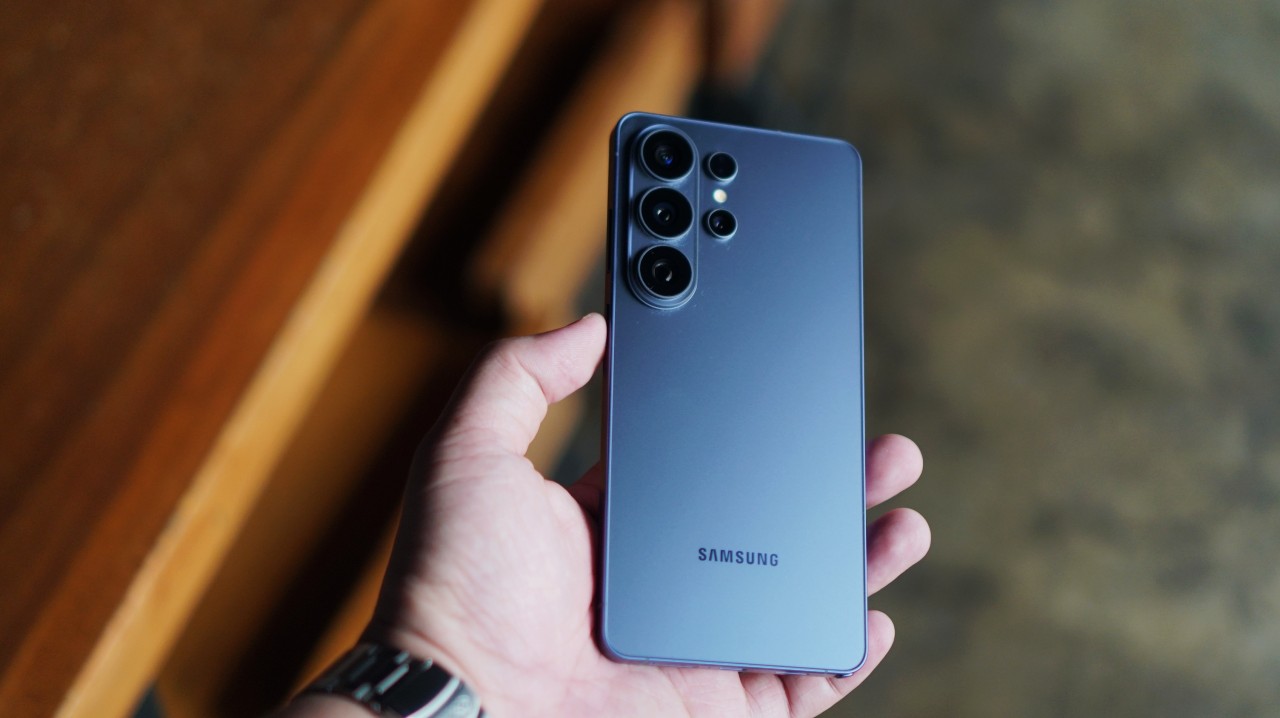
The Galaxy S26 Ultra falls squarely into the latter category.
At first glance, it doesn’t look dramatically different from last year’s model. But spend enough time with it — watching shows, listening to music, recording concerts, charging it between episodes — and the changes begin to make more sense.
A practical display trick
@gadgetmatch The Galaxy S26 Ultra introduces something we haven’t really seen on a mainstream smartphone before: a built-in Privacy Display. 🫣 #Unpacked #Unpacked2026 #SamsungGalaxyS26 #withGalaxy #GalaxyS26 ♬ original sound – GadgetMatch
The headline hardware feature this year is Privacy Display.
It’s one of those features that immediately feels useful in the real world. When activated, the screen limits viewing angles so people beside you can’t easily see what’s on your display.
Anyone who has ever used their phone on a train, plane, or crowded café will understand the appeal.
Some users might notice the display resolution dropping when the feature is active, but that’s a natural trade-off given the nature of the feature. Limiting light dispersion requires compromises, and Samsung appears to have struck a reasonable balance between usability and privacy.
More importantly, it’s a feature that solves an everyday problem instead of chasing a spec-sheet headline.
@gadgetmatch Say goodbye to prying eyes with Samsung’s newest built-in Privacy Display. 😎 #Unpacked #Unpacked2026 #SamsungGalaxyS26 #withGalaxy #GalaxyS26 ♬ original sound – GadgetMatch
A meaningful charging bump
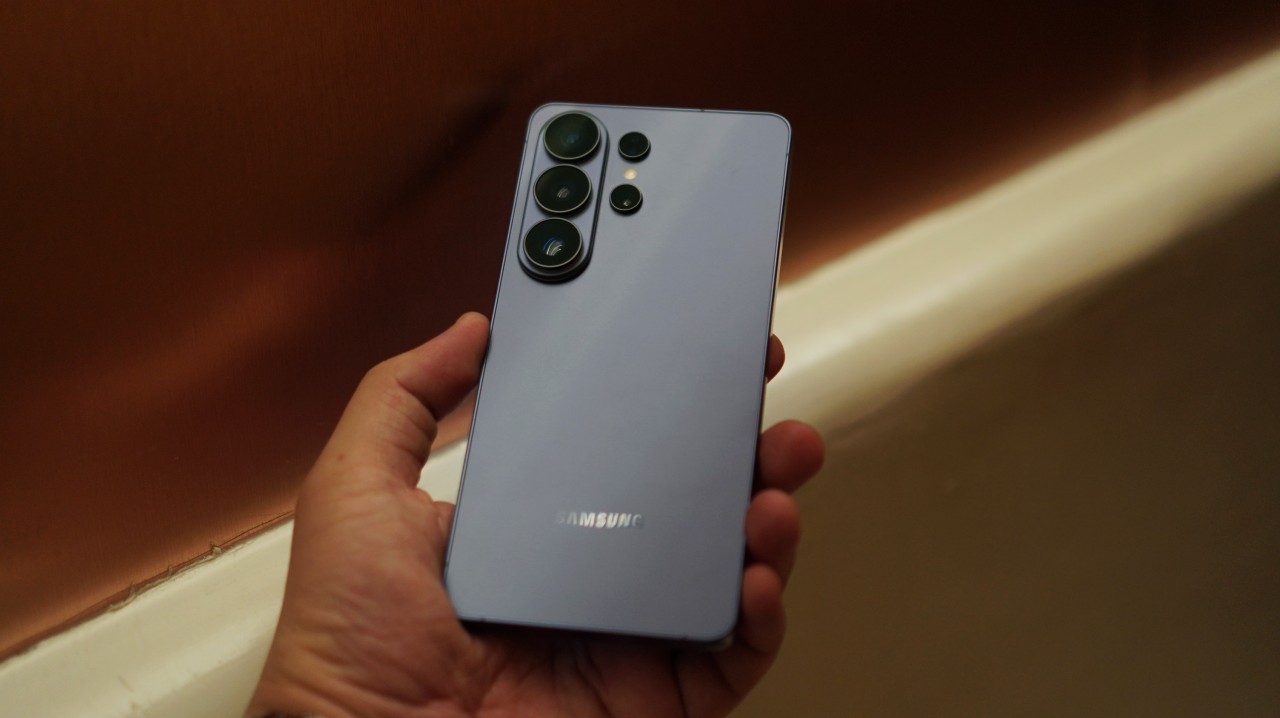
Another upgrade that quietly improves daily use is charging.
The jump from 45W to 60W charging feels significant.
Previously, I had to watch two anime episodes before the Galaxy S25 Ultra was fully charged from around 20-ish percent. With the Galaxy S26 Ultra, that’s down to roughly a single episode.
It’s a simple comparison, but it’s also how most people experience charging in real life: plugging in while watching something.
Faster charging means you spend less time thinking about battery levels and more time actually using the phone.
Now Playing: Jujutsu Kaisen Season 3
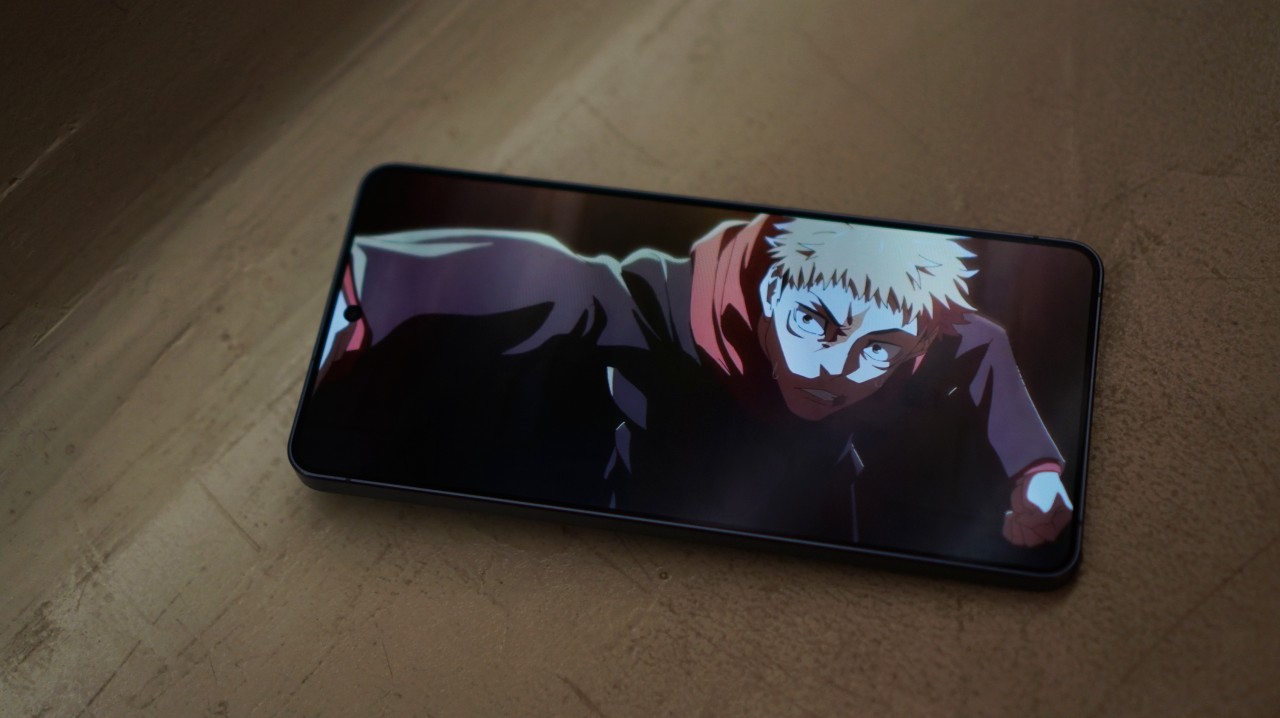
Speaking of anime, I used the phone to catch up on Season 3 of Jujutsu Kaisen.
The latest battle between Yuji Itadori and “Judge Man” Higuruma looked absolutely stunning on the large Ultra display. As is to be expected.
Samsung has long been known for excellent smartphone displays, and that reputation continues here. The panel remains one of the easiest ways to enjoy streaming content on a mobile device.
Now Playing: Steal on Prime Video

The phone also became my late-night streaming companion.
I spent a few evenings watching Steal on Prime Video as I wind down at night. It stars Sophie Turner as a rank and file investment company employee caught in a high stakes hostage situation.
It’s a steady thrill watch – one you can finish in a weekend – where you can watch Turner on Prime before she shifts gears into tomb raiding.
Phones like the Galaxy S26 Ultra increasingly double as our primary personal screens, and the large display makes that transition feel effortless.
@gadgetmatch Audio Eraser now works on third-party apps! 🤩 #Unpacked #Unpacked2026 #SamsungGalaxyS26 #withGalaxy #GalaxyS26 ♬ original sound – GadgetMatch
This also feels like the kind of scenario where Samsung’s Audio Eraser could come in handy. The feature can reduce background noise from videos — even from clips on apps like Instagram or YouTube.
While we’ve demonstrated it as a feature that works, I never really felt the need to use it during my week with the phone. Still, it’s nice knowing the tool is there if you ever need to clean up a noisy clip.
Paired with Galaxy Buds4 Pro
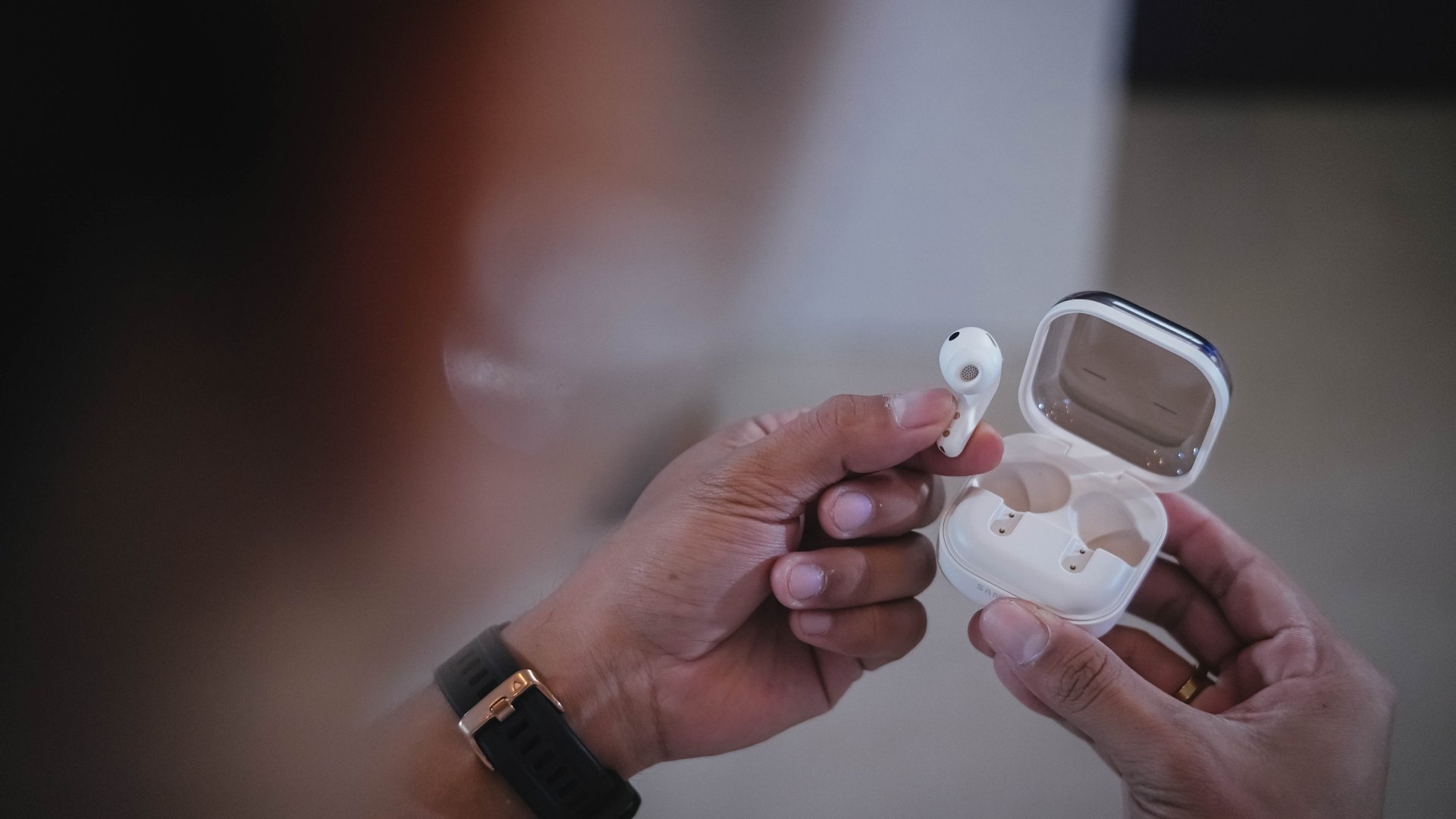
Paired with the Galaxy Buds4 Pro, I also started hearing stuff I didn’t usually hear when listening to my MyOPM playlist on Spotify.
The quality certainly feels a step higher than usual and a lot closer to lossless tracks I hear on Apple Music with my usual headphones.
It’s a subtle improvement, but one that adds up when you listen to music throughout the day.
Cameras: consistent, not dramatic
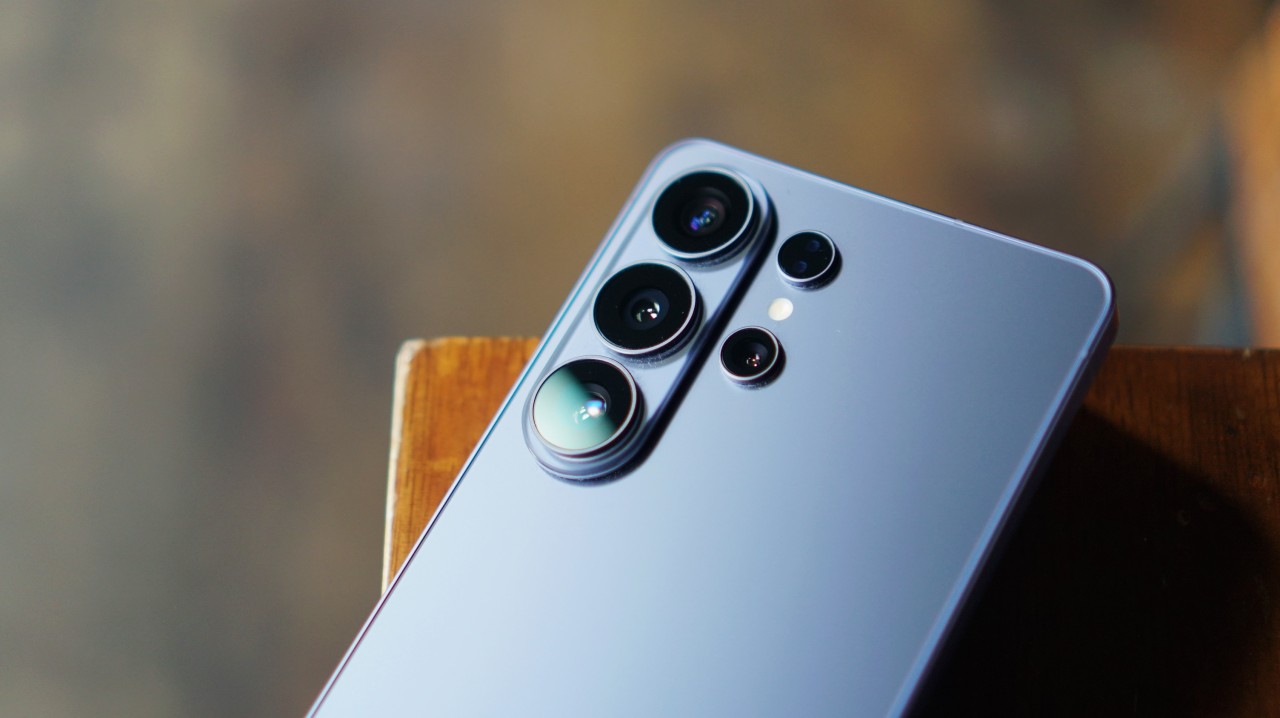
Camera performance remains largely unchanged.
The larger aperture does make a difference somewhat. But you’ll only really notice it if you’re scrutinizing the images.
View this post on Instagram
Magic8 Pro vs Galaxy S26 Ultra
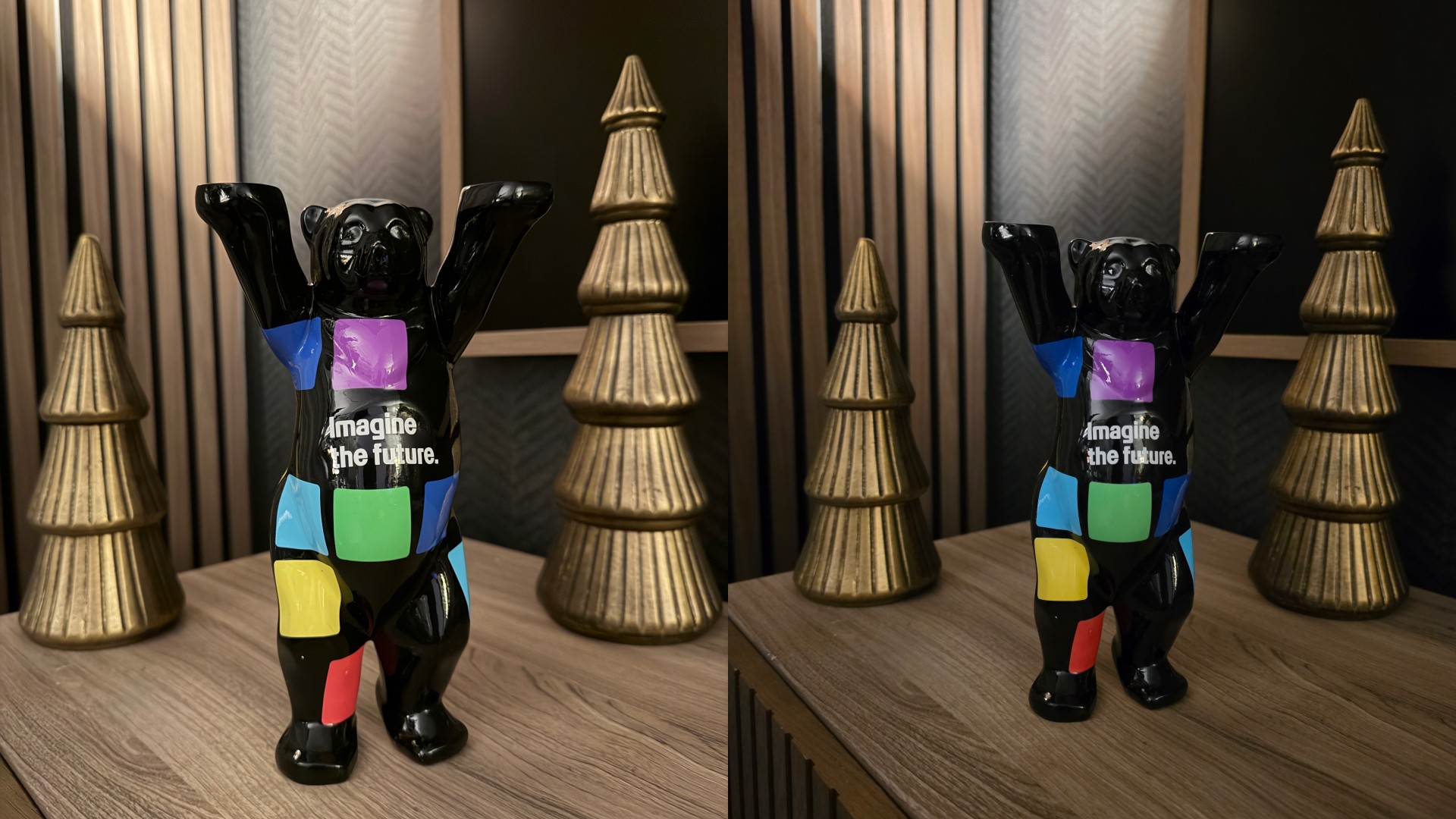
I compared it with my personal smartphone camera of choice right now – the HONOR Magic8 Pro – and the difference in color science is staggering.
We’re not going to go in-depth here, but you’ll see that even with its Vibrant shooting filter, the Magic8 Pro’s photos tend to look warmer. They also have more character, especially when you shift to the Authentic filter.
Meanwhile, the photos produced by the Galaxy S26 Ultra tend to look closer to what you see in real life. They’re also flatter.
Some photos lose character when the highs, lows, and mids look a little too close to each other. The preset filters don’t help either. They’re just there for the sake of it.
All photos on the left are from the Magic8 Pro. The Galaxy S26 Ultra are on the right.







iPhone 17 Pro Max vs Galaxy S26 Ultra
In terms of color reproduction, it’s a lot closer to the iPhone 17 Pro Max. Less warm and more true-to-life. After close examination, the Galaxy S26 Ultra photos — especially in broad daylight — tend to be brighter. That’s what causes it to look a lot more flat and feel a little soul-less.
All photos on the left are from the iPhone 17 Pro Max. The Galaxy S26 Ultra are on the right.






Still a concert buddy
That said, the zoom video capabilities are definitely still as reliable as they have always been.
If I’m going to a concert and I’m seated nowhere near the barricade, I’m making sure I have the Galaxy S26 Ultra with me to record the experience.
The Horizon Video lock is also impressive. While use-case will vary depending on the activities you engage in, it’s a nice-to-have tool in your video-taking arsenal.
Galaxy AI in daily use
View this post on Instagram
Samsung continues to push Galaxy AI as the defining layer of its latest flagship, and the Galaxy S26 Ultra adds a few new tricks to that toolkit.
One of them is Now Brief and Now Nudge, which aim to surface contextual suggestions depending on what you’re doing.
So far, Now Brief still doesn’t feel as essential as it should. But some Now Nudge suggestions already available during our week with the Galaxy S26 Ultra are actually nice.
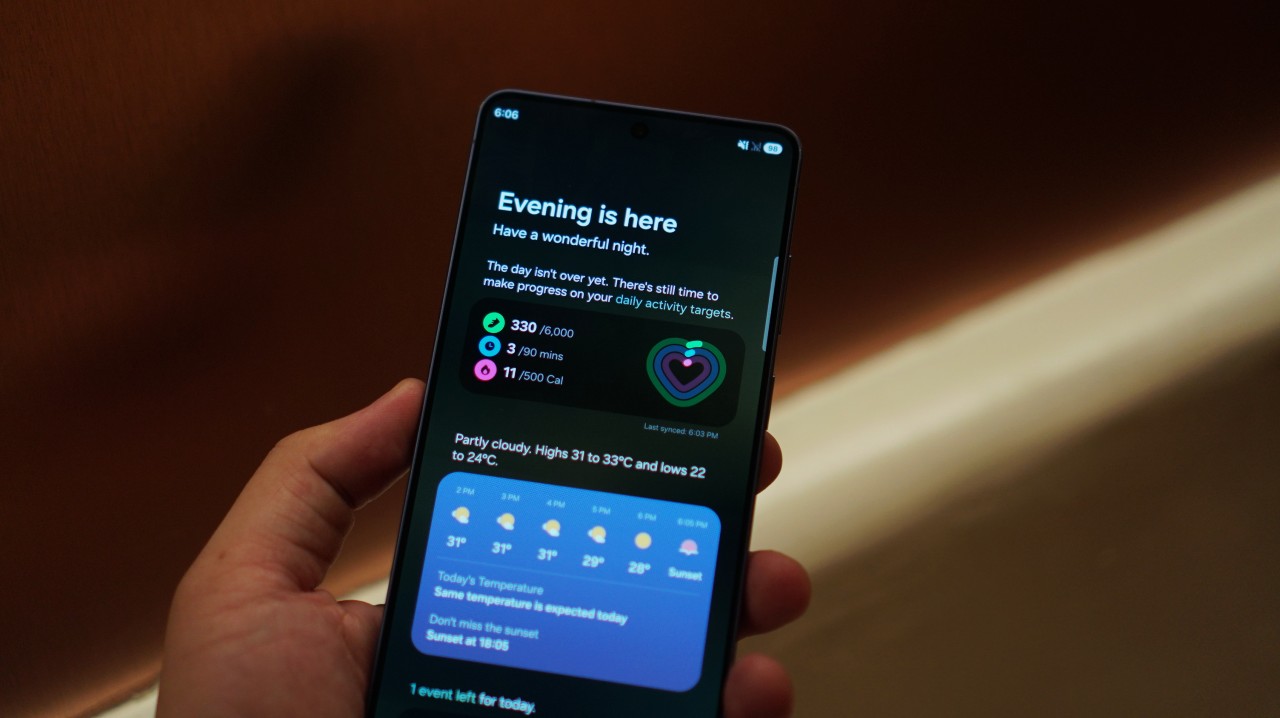
When a colleague suggested setting a meeting over on WhatsApp, the phone immediately pulled up the Calendar. It also showed if there’s a schedule conflict so you can adjust accordingly.
Next, my colleague asked if my San Francisco photos were ready and the phone immediately showed the Gallery app.
These aren’t dramatic features, but they do save a few taps. Over time, that convenience could add up.
This feature has potential. And it should only get better with time.
AI Photo Assist: promising but limited
I was less enthused by AI Photo Assist.
I thought it was promising at first but the text prompt is limited to 100 characters so you can’t really do super specific prompts.
That opens short prompts to a lot of interpretation by the AI and with my experience so far, it isn’t great.
I’d stick to using Gemini Pro for more detailed prompts and your usual photo editing apps for specific photo edits.
AI Photo Assist may improve over time, but right now it feels more like an experiment than an essential editing tool.
Heating observations

One thing worth noting is thermal behavior. The phone isn’t uncomfortable to use, but heating is definitely noticeable even when just watching a livestream. It also happens when gaming.
Interestingly, I experienced this type of heating recently on another Snapdragon 8 Elite Gen 5 device as well. It may simply be the reality of running increasingly powerful chips in compact devices.
It’s not a dealbreaker, but it’s something power users may want to keep in mind.
A phone that still feels good to hold
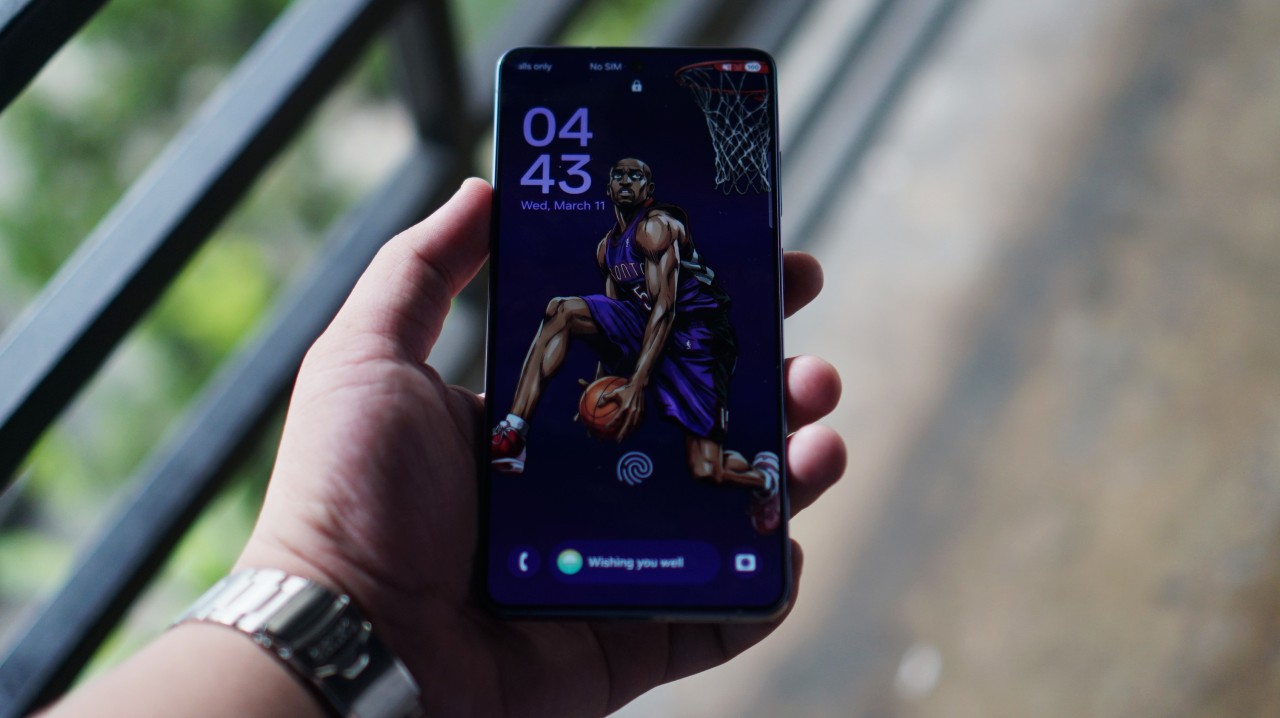
Last year I ultimately kept picking up the Galaxy S25 Ultra because of how good it feels to hold.
That aspect remains largely unchanged.
In fact, the Galaxy S26 Ultra feels slightly lighter and easier to hold. That’s true even if you add one of Samsung’s official cases with MagSafe compatibility.
Alternatively, you can use one of CASETiFY’s cases for extra protection. It’s going to feel bulkier, but that’s the tradeoff for adding to your defense stats.
Is the Galaxy S26 Ultra your GadgetMatch?
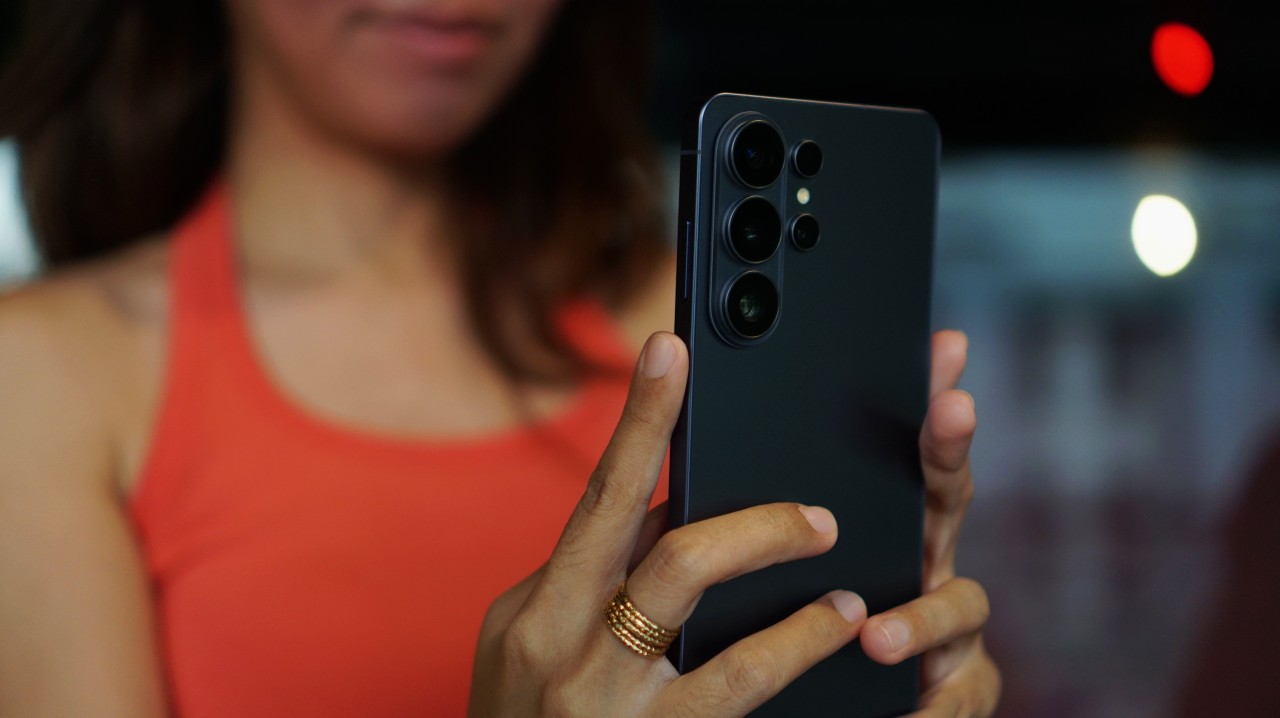
I wrote about Samsung’s philosophy of not chasing specs anymore. And while it’s a defensible direction, it’s not the “sexy” approach. At least perhaps not one that leads to massive sales or new customer acquisition.
But for anyone who’s been with the Galaxy S series for a while, they know what they’re getting – a reliable, ultra overall performer – one with kickass zoom cameras and now a nifty display trick.
Anyone coming from the Galaxy S23 Ultra or older, this is an easy swipe right.
If you’re into discount hacks and are coming from the Galaxy S25 Ultra, you might be surprised at how much you’ll save if you decide to upgrade.
The Galaxy S26 Ultra still offers good value.
Its overall balance remains the benchmark that most users will measure Android flagships by.
For that reason, Samsung’s flagship is still a Swipe Right.


Apple disrupts the industry with their latest MacBook — an affordable to say the very least.
If you’re a student, a first-time Mac owner, someone who’s been priced out of this ecosystem their whole life, someone who just needs a laptop for basic tasks but one that looks great, without slowing them down, this is it!
Or maybe you’re torn choosing between the MacBook Neo and the more powerful M5 MacBook Air?
Well, that’s what we’re here for. Here’s our review with the all-new MacBook Neo.
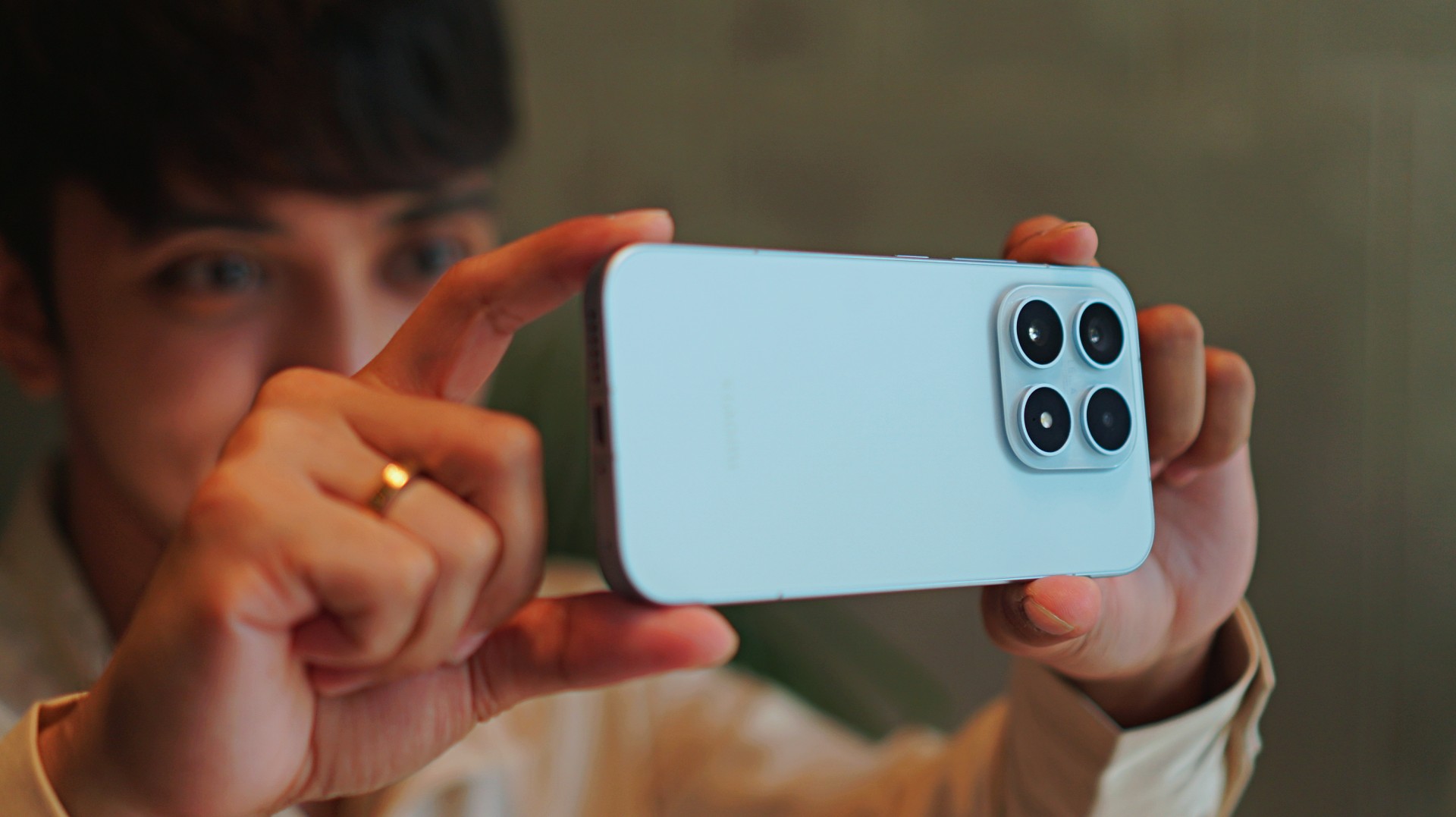
Base models are often an afterthought — even among flagship phones. And with a flashy, attention-grabbing Ultra variant in the lineup, it’s easy to overlook the smaller Xiaomi 17.
But like the base models that came before it, the Xiaomi 17 is a tiny but mighty true flagship. One that quietly delivers the core flagship experience without demanding the size, weight, or price of its bigger sibling.
It’s compact, powerful, and surprisingly capable. And perhaps more importantly, it’s a phone that makes mobile photography feel fun again.
For creators and photography enthusiasts who want a capable camera always within reach, the Xiaomi 17 feels like carrying a Leica-inspired camera in your pocket.
A phone that feels like a pocket camera

The first thing you notice about the Xiaomi 17 is how comfortable it feels.
Smartphones have steadily grown larger over the years, but the Xiaomi 17 brings things back to a more manageable size. It’s easy to grip, easy to carry, and easy to operate with one hand.
That might sound like a small thing, but it makes a big difference when you’re using the phone to take photos.
Pull it out of your pocket, frame the shot, press the shutter. The whole thing feels effortless. In many ways, it behaves more like a compact camera than a traditional flagship smartphone.

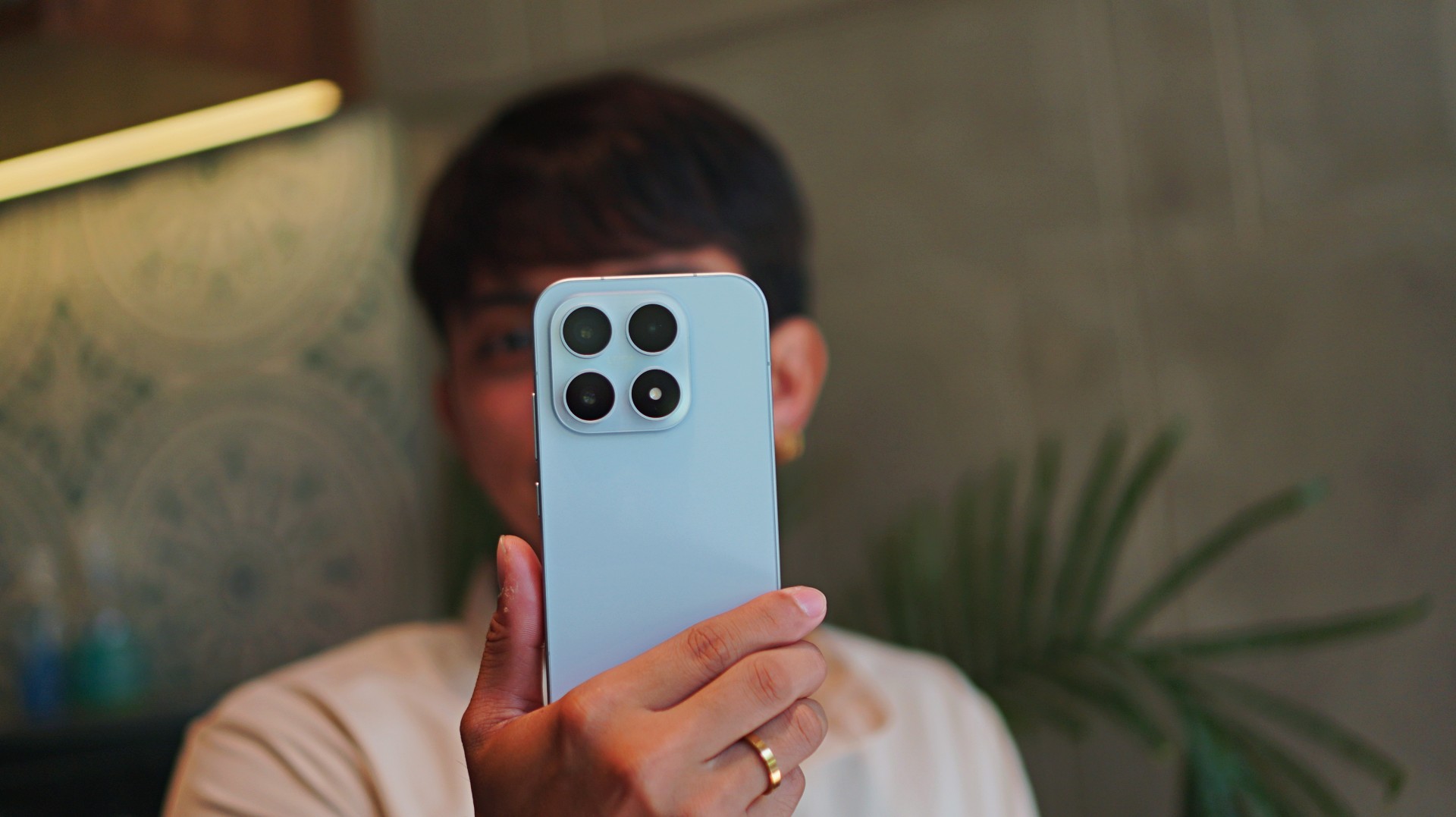
The design itself leans into that idea as well. The phone’s minimalist aesthetic, clean camera module, and smooth curves give it a polished but understated look.
Even the edges feel thoughtfully shaped, making the phone sit comfortably in your palm during longer shooting sessions.
It’s the kind of phone that doesn’t scream for attention — but once you start using it, it becomes difficult to put down.
Essential Leica imagery
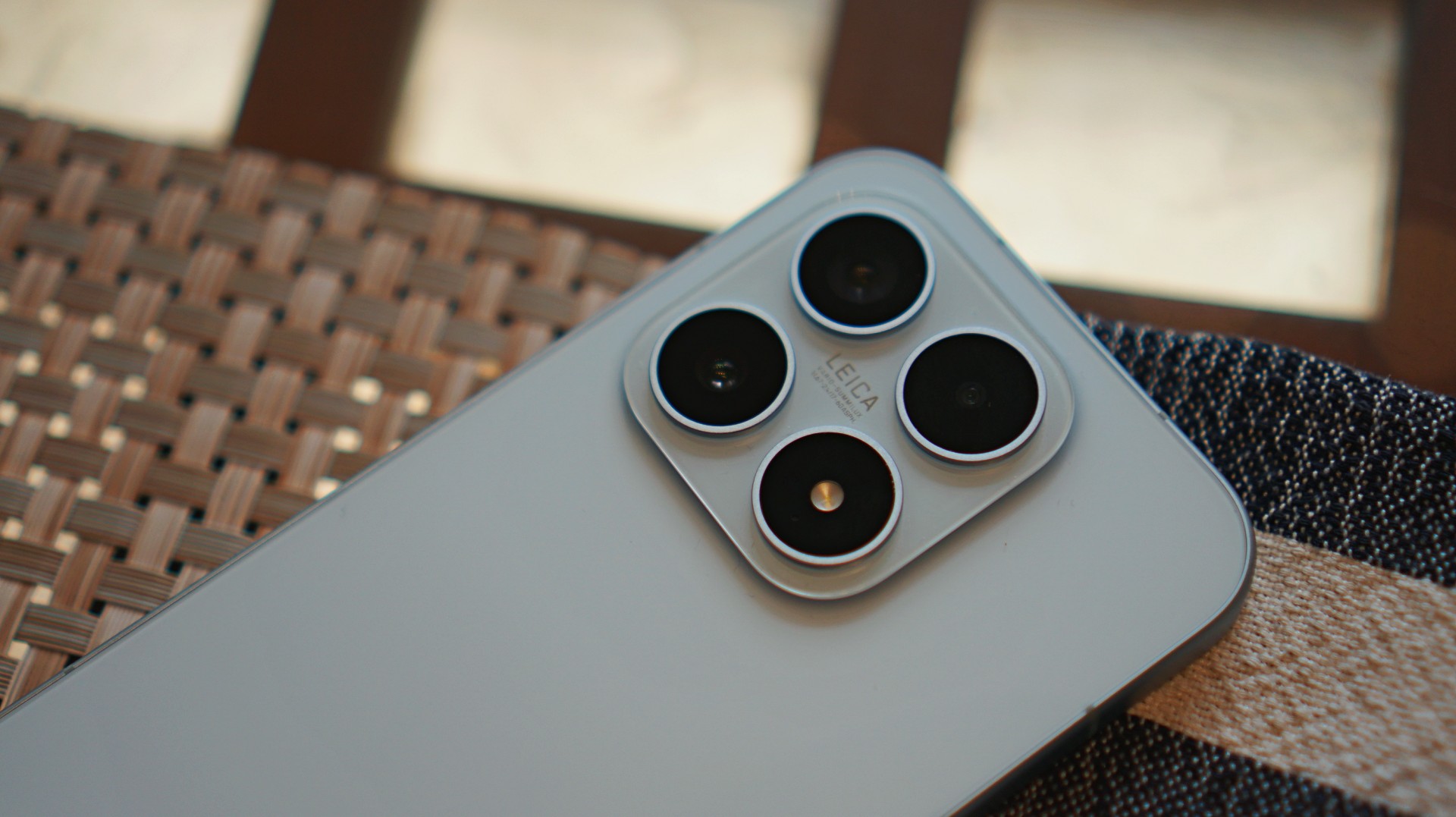
Mobile photography is where the Xiaomi 17 really shines.
It’s the kind of camera that inspires you to keep shooting. To keep capturing life stills with intent. And when the shots start coming together, that’s when you realize the Xiaomi 17 truly shoots Leica dream.
Co-engineered with Leica, the camera system focuses on capturing images with rich detail, balanced lighting, and distinctive color science.












Shots from the main camera look vibrant without feeling overly processed. Highlights stay controlled, shadows retain depth, and colors carry that signature Leica look — slightly dramatic, but still grounded in realism.
For everyday photography, the Xiaomi 17 excels.
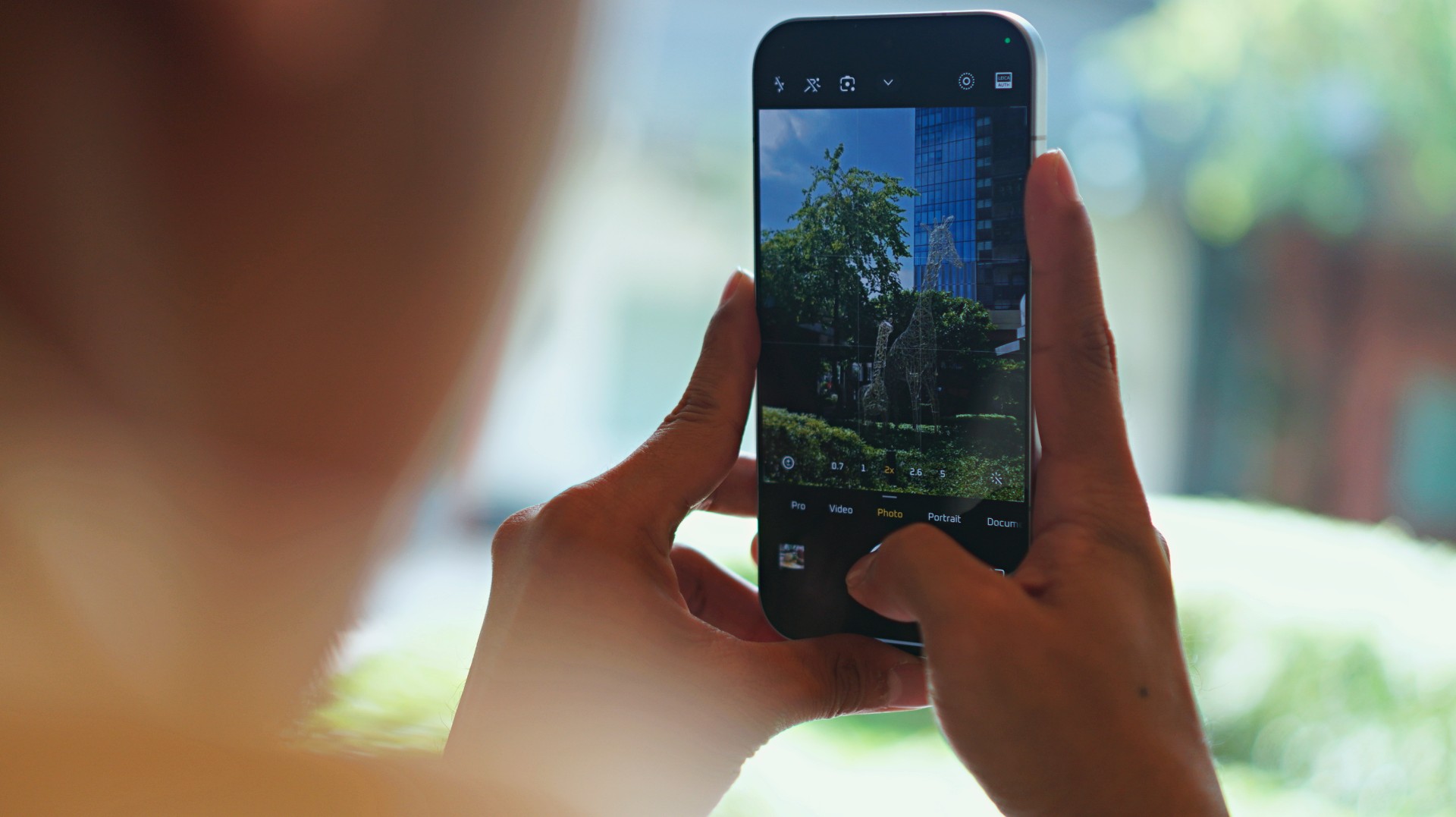
During my time with the phone, I mindlessly walked around San Francisco taking as many sample photos as I could. Most of the time I was in a bit of a hurry, just snapping shots between stops. But even then, a surprising number of those photos still turned out pretty great. It’s the kind of camera that quietly saves moments you didn’t even think twice about capturing.












The zoom range isn’t the most extensive out there, but for most real-world scenarios — especially street photography and mid-range subjects — it delivers more than enough flexibility.
And because the phone itself is so comfortable to hold, it encourages you to take photos more often.
Changing the vibe after the shot
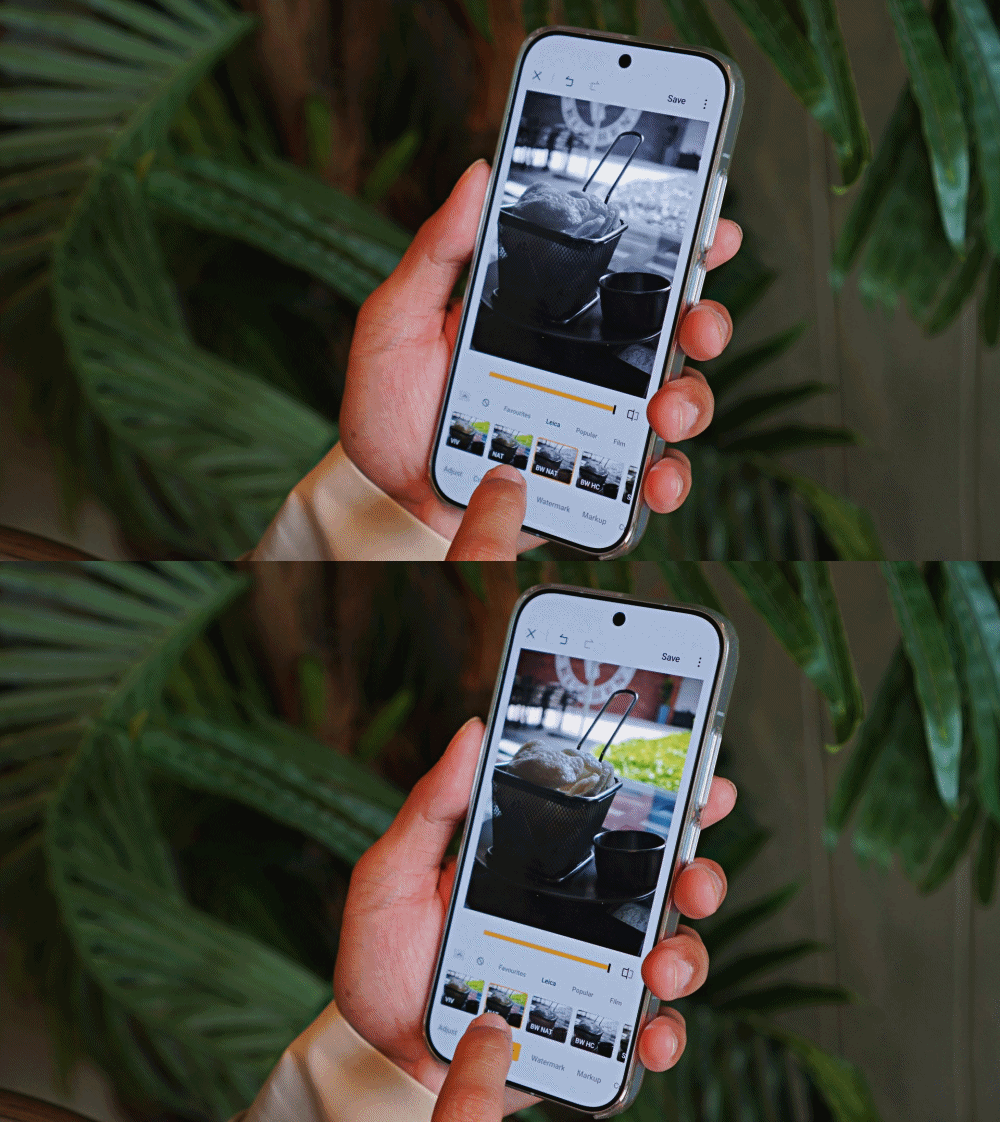
One of the coolest parts of the Xiaomi 17 camera experience is how playful it can be.
The Leica color profiles already give photos a distinctive look, but the phone also includes several creative filters that can dramatically change the mood of an image.
The existing filters look terrific. Aside from the Leica ones, personal favorites include Rhodium, Blues, Gourmand, and Cyberpunk.
What makes them even better is that you’re not stuck with the filter you used when taking the photo. After capturing the image, you can still change the style and instantly shift the entire vibe of the shot.






A photo that originally looked warm and cinematic can suddenly feel cooler and more dramatic. Another might turn vibrant and neon-like with a single tap.
It’s a simple feature, but it adds a lot of creative freedom to the photography process. And it turns editing into something enjoyable instead of something you feel obligated to do.
A compact phone with flagship power
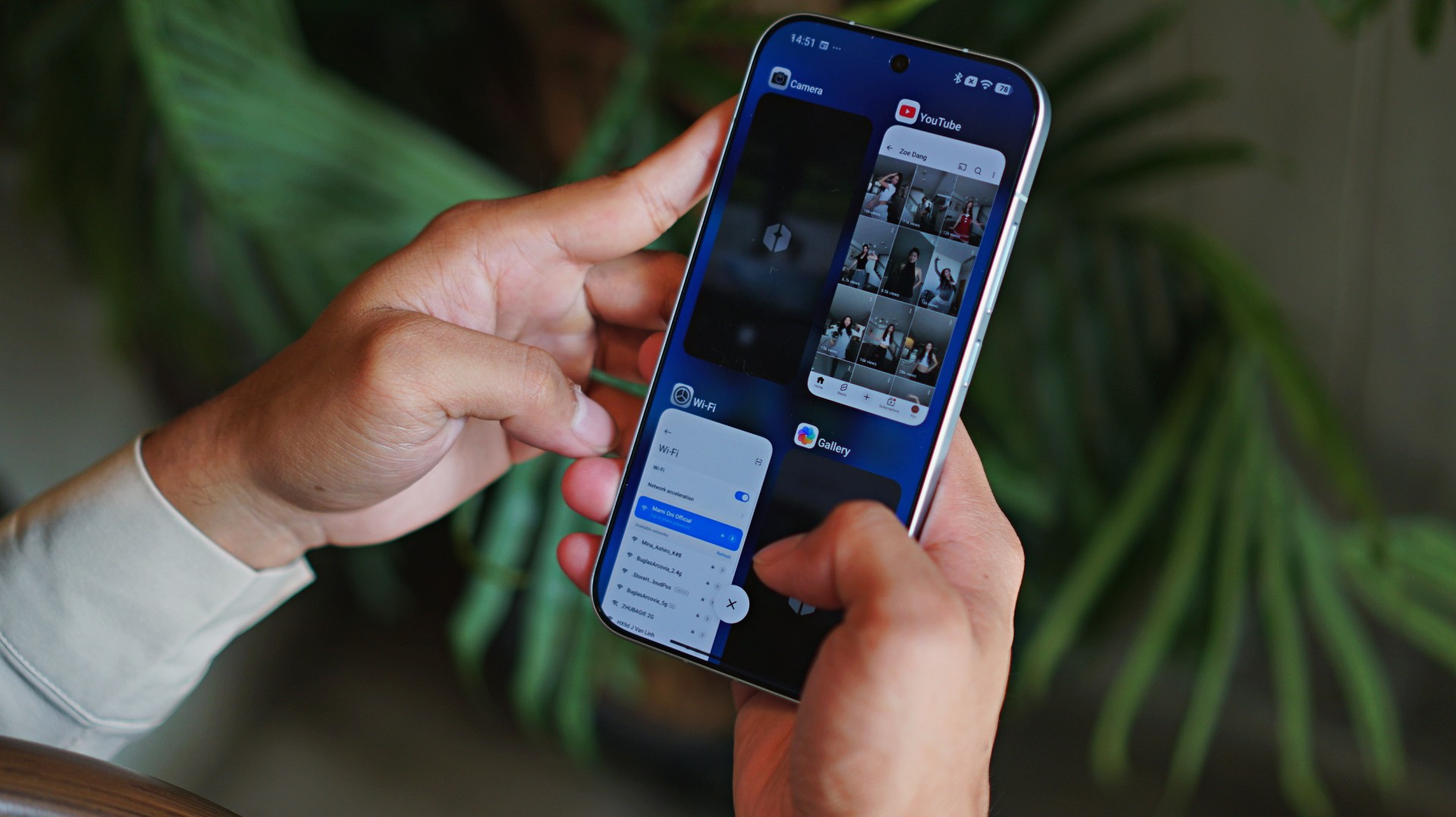
Of course, great cameras are only part of the story.
The Xiaomi 17 runs on Qualcomm’s latest Snapdragon flagship processor, and in everyday use, that power is immediately noticeable.
Apps launch quickly. Multitasking feels smooth. Games run without hesitation.
More importantly, the performance feels consistent. Whether you’re editing photos, recording videos, or jumping between several apps, the phone rarely feels like it’s struggling to keep up.
It’s the kind of performance you expect from a flagship device — just delivered in a more compact body.
Although, during a humid day but still indoors, it did uncharacteristically heat up after taking a series of photos. Happened only once but worth taking note of.
Surprisingly strong media experience
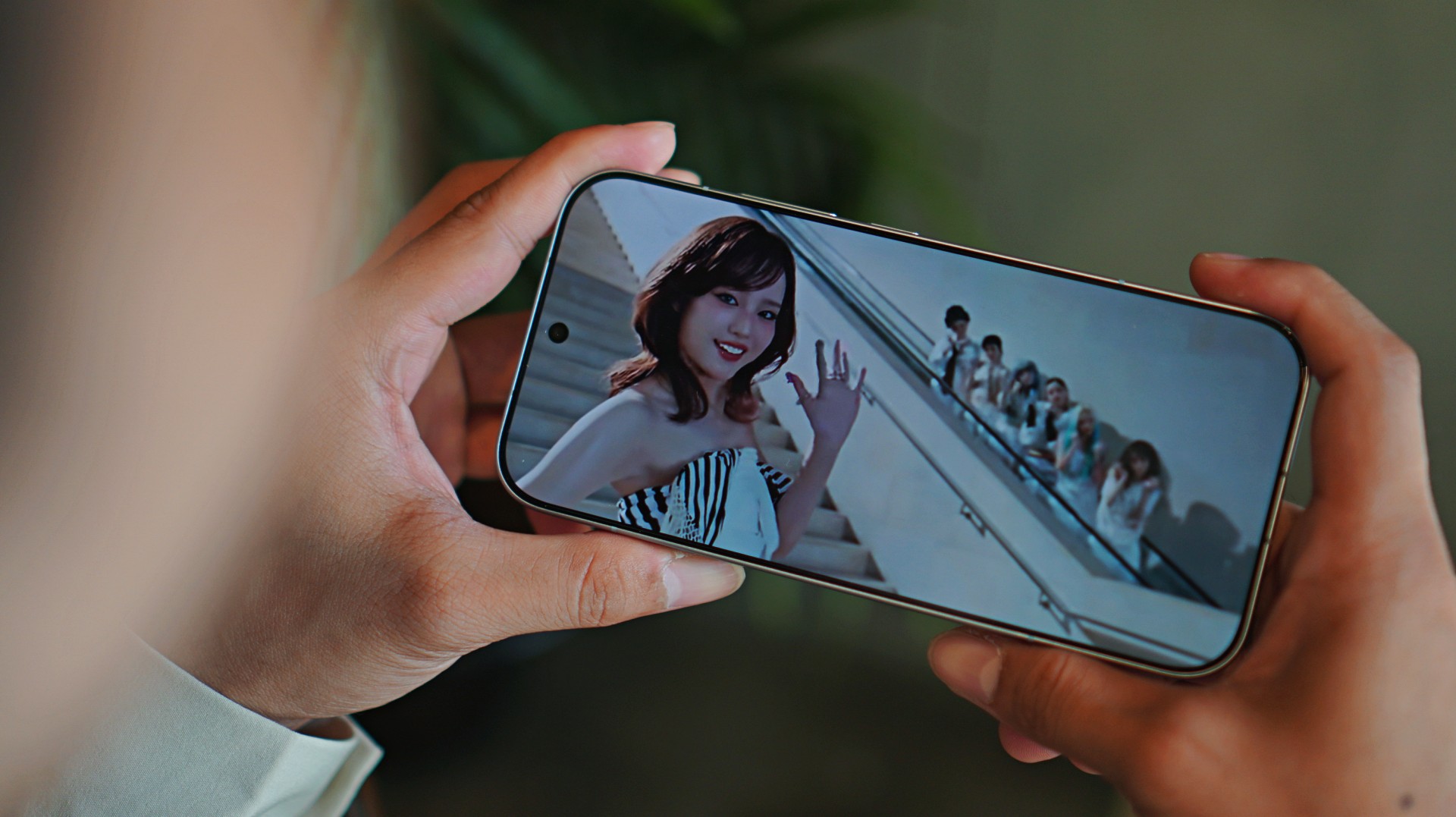
The Xiaomi 17 may be smaller than many modern smartphones, but it still manages to deliver a strong media experience.
The display is bright, colorful, and smooth. Watching videos or browsing social media feels fluid and immersive.
Interestingly, I found that the screen works best in quieter, more relaxed moments.
When held at a distance, the compact display can sometimes make smaller details harder to see. But late at night, when the lights are down and you’re catching up with shows or doom-scrolling through your feeds, the experience becomes surprisingly cozy.

I used it mostly to catch up with what XG has been putting out lately. Their track “Rock the Boat” is going platinum on my playlist.
The stereo speakers deserve a shout-out too.
Despite the phone’s more diminutive size, the speakers pack a surprising amount of punch. Music, videos, and games all sound fuller than you might expect from a phone this compact.
Battery life that keeps up

Compact phones sometimes struggle with battery life, but that’s not the case here.
The Xiaomi 17 packs a large battery that easily carries the phone through a full day of typical use.
Photography sessions, social media browsing, streaming videos, and occasional gaming didn’t seem to drain it too aggressively.
And when you do need to recharge, Xiaomi’s fast charging technology means the phone powers up quickly.
Short charging sessions can already restore a significant amount of battery life, making it easy to keep the phone ready throughout the day.
HyperOS and the familiar Xiaomi quirks
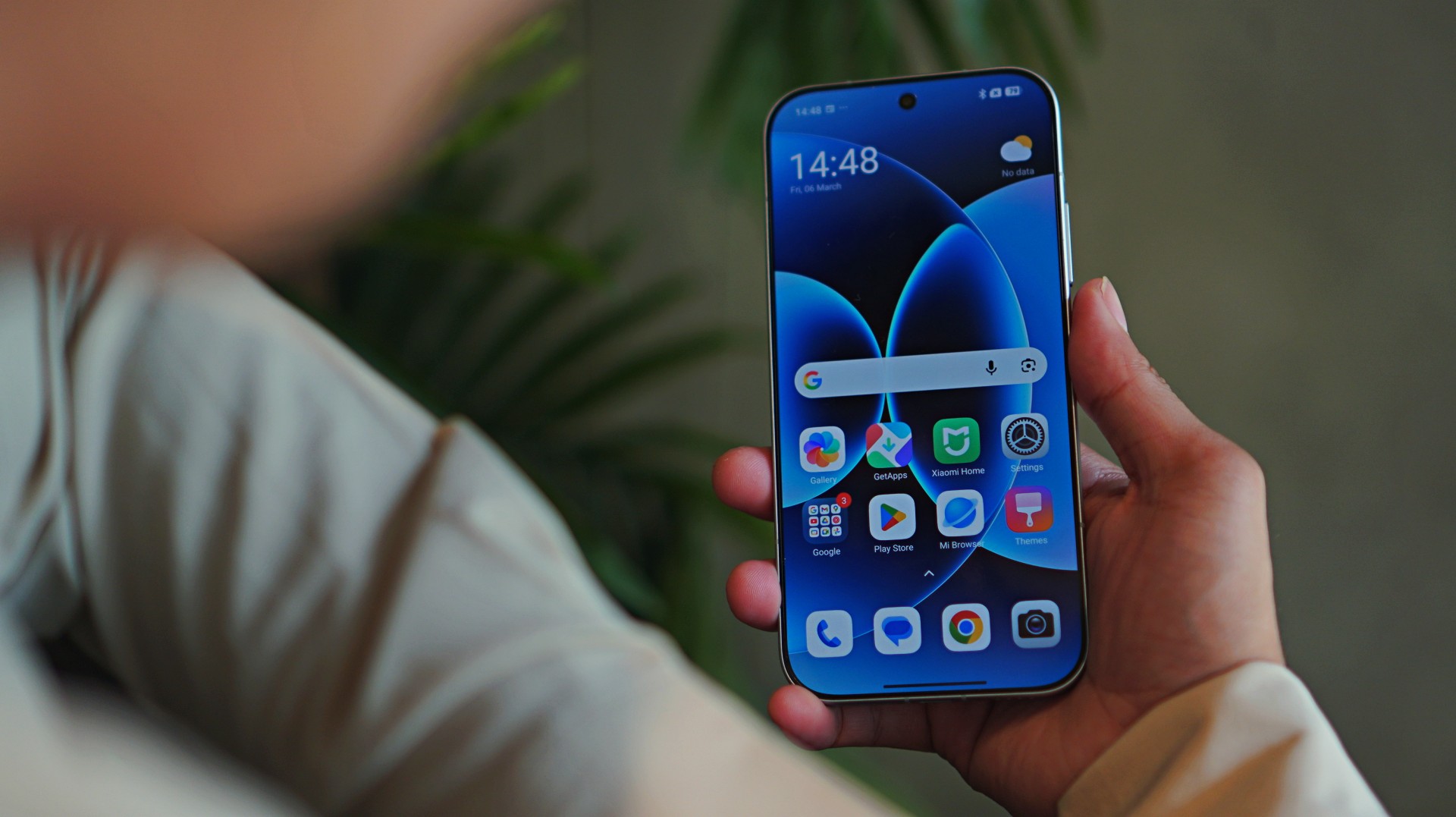
The Xiaomi 17 runs on HyperOS, Xiaomi’s latest software platform designed to connect its growing ecosystem of devices.
The system is fast and visually polished, but it does come with some familiar quirks.
By now, many users are already familiar with the bloatware and occasional ads that appear within certain system apps.
It’s something that has long been associated with Xiaomi’s software experience, and while it has improved over time, it hasn’t disappeared entirely.
Another observation is how the interface design can sometimes feel reminiscent of older smartphone aesthetics.
These are relatively minor nitpicks in the grand scheme of things, but they are still worth mentioning.
Thankfully, they don’t get in the way of the phone’s core strengths.
Xiaomi 17 specs
Display: 6.3-inch OLED, 1–120Hz refresh rate
Processor: Snapdragon 8 Elite Gen 5
RAM: 12GB
Storage: 256GB / 512GB
Battery & Charging: 6330mAh, 100W wired charging, 50W wireless charging
Size: 151.1 x 71.8 x 8.06mm, 191g
Cameras
- 50MP main camera
- 50MP telephoto
- 50MP ultra-wide
- 50MP front camera
Is the Xiaomi 17 your GadgetMatch?
The Xiaomi 17 works because it focuses on the right things.
It delivers strong performance, dependable battery life, and a camera system that genuinely encourages creativity.
More importantly, it makes photography enjoyable.
Between the Leica color science, the flexible filters, and the comfortable size, it’s a phone that invites you to take photos more often.
If you care a lot about mobile photography without compromising overall performance, the Xiaomi 17 is an easy Swipe Right.
It’s also a great option for people who prefer smaller phones but still want something that feels like a true flagship.
And if the idea of carrying a Leica-inspired camera in your pocket sounds appealing, the Xiaomi 17 might be exactly that.
A phone that turns everyday moments into photos that feel a little more Leica dream.




Zenless Zone Zero Version 2.7 available on March 24

Infinix expands SEA footprint with more official MLBB tourney partnerships

Samsung Galaxy S26 Ultra review: A phone you live with

DJI’s Inspire 3 Basic Package make 8K aerial filmmaking more accessible

Disney+ launches a TikTok-coded vertical feed called Verts


-

 Reviews2 weeks ago
TECNO CAMON 50 Ultra review: End of an era?
-

 MWC 20262 weeks ago
Infinix NOTE 60 Ultra makes a motorsport-inspired debut
-

 MWC 20262 weeks ago
TECNO launches the all-new CAMON 50 series
-
 MWC 20262 weeks ago
TECNO unleashes Tonino Lamborghini collection
-

 Computers2 weeks ago
AMD announces Ryzen AI 400, AI 400 PRO series at MWC 2026
-
 MWC 20262 weeks ago
TECNO debuts latest devices, HiOS 16, upgraded Ella at MWC 2026
-

 Automotive2 weeks ago
Xiaomi Vision Gran Turismo makes global debut at MWC 2026
-

 Reviews1 week ago
The Xiaomi 17 shoots Leica dream