
Apps
Bank on a mobile app with ING Philippines
Do everything on your phone!

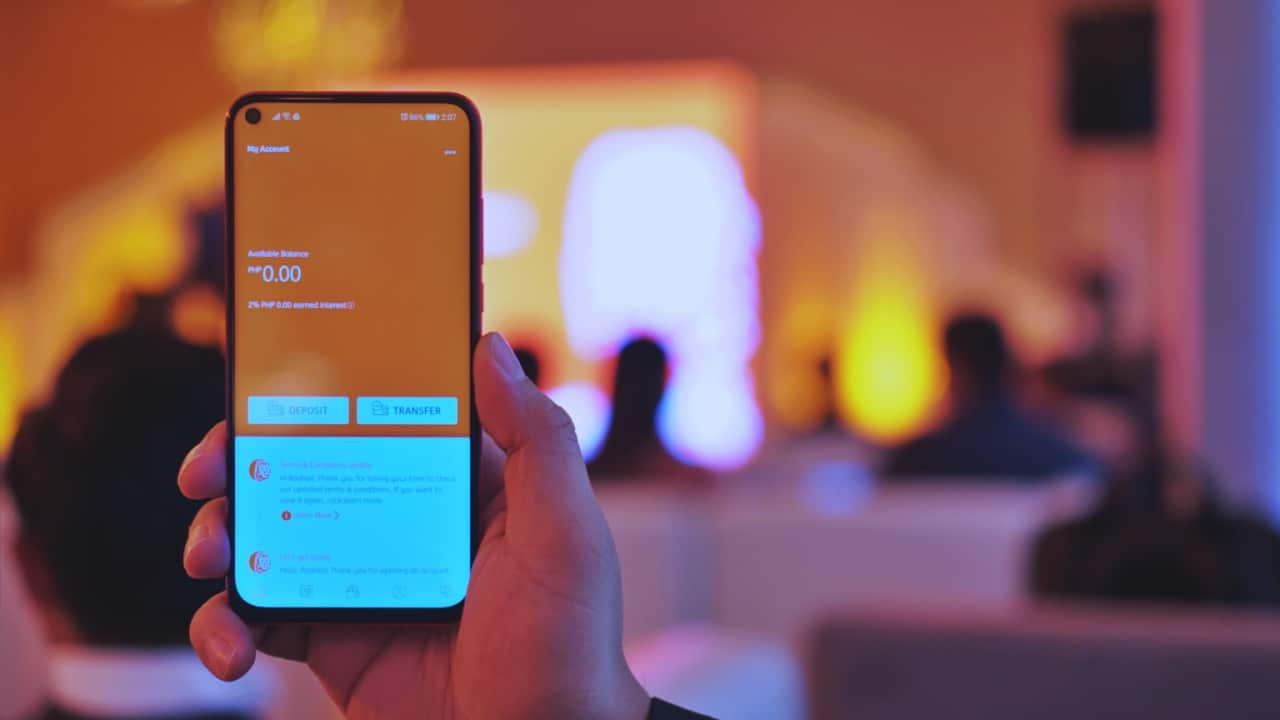
Banking is one of those chores that few people really want to think about. ING Philippines aims to reduce the hassle you experience by making sure you can do most of what you need all on your smartphone.
You’re probably thinking, “Another bank? It’s gonna take a while to set it up, and it will just get more money from me.”
This isn’t the case. ING promises a swift and frictionless experience to get you started.
Minimal requirements
To set up an account, you’ll only need the following: a smartphone, a valid government I.D. and/or any proof of billing, and — this is the kicker — zero maintaining balance.
You’ll also do the entire set up process all on the mobile app, which you can download on the App Store and Google Play. It was designed to be as easy to use as the apps we use daily like Facebook, Instagram, etc.
Set up your account in no time
Once you have all these setting up is pretty straight forward. You just need to follow the steps which include adding a five-digit passcode, putting in your information and taking a photo of your I.D. and signature.
As an additional security measure, you will also be asked to do some gestures using the front-facing camera. It’s almost like what you would do when setting up face-security features.

The gestures can be anything from nodding to opening your mouth. It sounds silly but it contributes to security. If you ever forget your passcode, you can use face verification once again to regain access. This also means simply putting a picture in front of the camera won’t work.
ING then validates your information and in just a few minutes, you’ll have an ING bank account.
Full disclosure, this writer did hit a snag while setting up his account. You just need to start the process from the top which is infinitely easier than having to line up at a bank, file a bunch of forms, only to wait for a few days before confirming that your account has been set up.
Easy transactions
Once you have your account you may proceed to put money in it. Depositing a check only requires that you take a photo of its front and back. There’s zero human intervention and no waiting-in-line involved which is great if you’re a lazy introvert like yours truly.

Another key feature is bank transfer that has absolutely no fees. This is possible through PesoNet and InstaPay. If you do have more questions, you also have access to their 24/7 chat support team within the app. Pretty convenient.
What else do you get out of it?
ING Philippines isn’t asking you to put all your eggs in their basket. As it is now, the functions are still limited so they are positioning themselves as a secondary bank.
What ING encourages you to do is to manage your savings with them. With a 2.5% interest rate per year, even one of the financial advisers they invited at the event says it’s a smart decision to keep your savings with ING.
More to come
The Philippines is the first country to have this all-digital banking service from ING. With a high smartphone penetration, the company hopes this will encourage more Filipinos to save money with them.
It doesn’t end here though. Other functions like bills payment are in the pipeline. So if you’re a digital native trying to look for a place where you can stash your hard-earned cash, ING appears to be a good place to start.
This feature was produced in collaboration between GadgetMatch and ING Philippines.




Apps
Firefox ad reunites all your favorite memes from decades ago
The Numa Numa Guy, Annoying Orange, and Chocolate Rain are back!


Before Tung Tung Tung Sahur and Skibidi Toilet, the early internet was populated by charismatic personalities looking to make their presences felt in a land that didn’t have a lot of rules yet. As early users, we danced to “Dragostea din tei,” belted out “Chocolate Rain,” and copied “Shoes” word-for-word. Today, Firefox is bringing all those good memories back for a grand reunion.
In a new ad, the web browser featured ten of the biggest stars of the early internet including the aforementioned Numa Numa Guy, Tay Zonday, and Shoes’ Kelly. You can also see Annoying Orange, Chuck Testa, Overly Attached Girlfriend, Bad Luck Brian, Where the Hell is Matt?, the Apparently Kid, and the Success Kid.
Now, this isn’t just a reunion. The ad has a clear message about today’s most concerning issue: AI. Everything has “built-in AI, always asking, asking, asking,” as the Annoying Orange said.
“They make money by following us, and somehow, I’m the creepy one?” the Overly Attached Girlfriend asked.
All these famous personalities are asking what happened to the internet today. Obviously, the big takeaway is that we should all go back to Firefox.
Compared to other browsers, Firefox has a lot of built-in features that offer a lot of control for users. For one, it has its own VPN for privacy. Secondly, reflecting the ad’s message against AI, the browser has a toggle to minimize AI features.
SEE ALSO: Google illegally destroys 250,000 trees for a single AI data center
Apps
Salesforce introduces Slack Frontline for deskless workers
Simple, secure, mobile-first way for deskless teams across retail, healthcare, manufacturing, field service

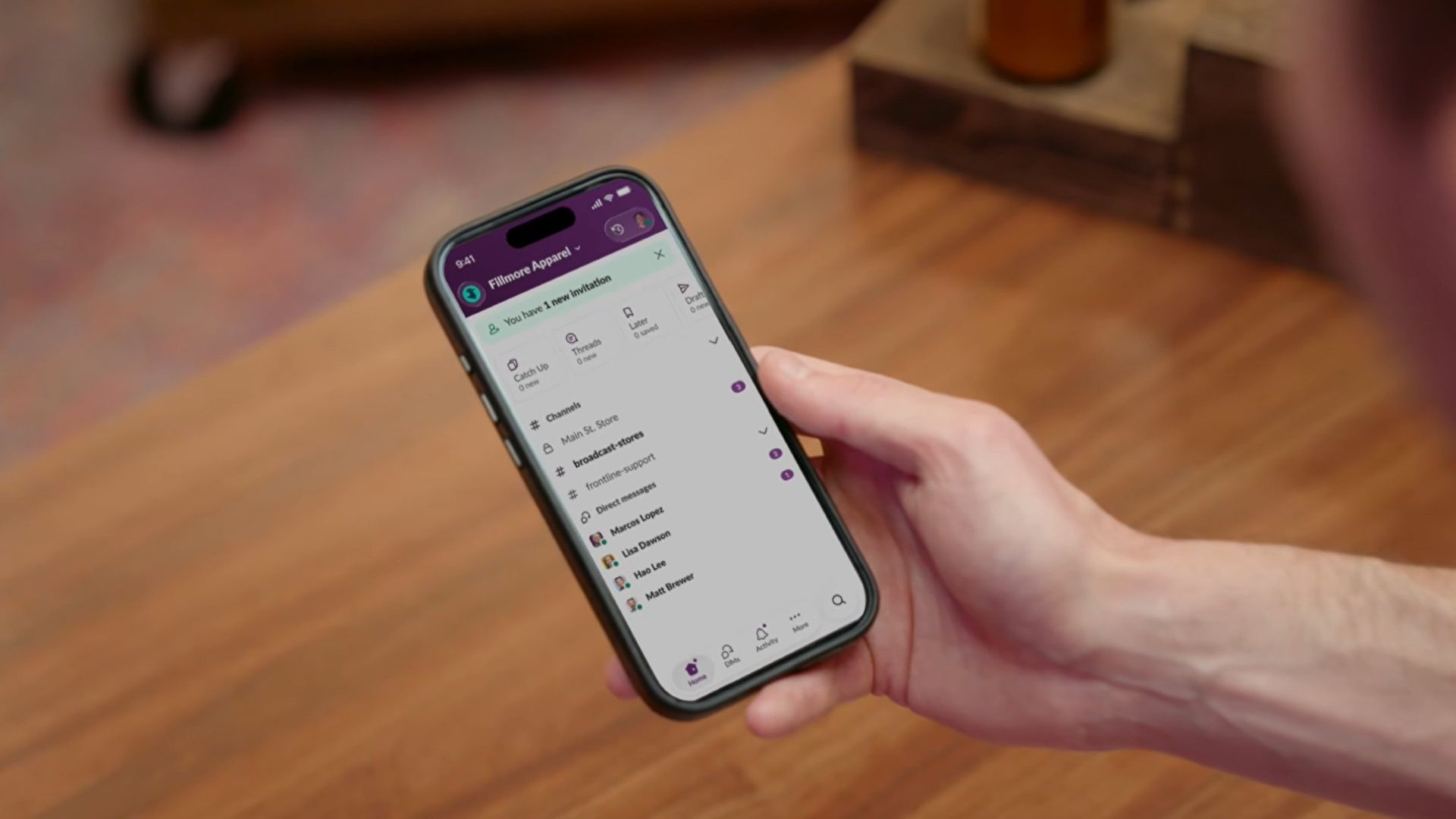
Salesforce is bridging the massive divide between corporate headquarters and deskless workers with the launch of Slack Frontline.
This new solution is designed specifically for retail associates, healthcare providers, factory workers, and field crews.
The mobile-first workspace brings communication, data, role-specific tools, and AI together in a single clutter-free app.
While frontline employees make up about 80 percent of the global workforce, they have historically been left out of workplace transformation, often relying on paper checklists, group texts, and broken communication loops.
Slack Frontline addresses these challenges by giving mobile workers up to 10 role-relevant channels, instant Huddles with headquarters, on-demand AI agents, and automated workflows.
Backed by Salesforce data and enterprise-grade security, the platform lets IT teams govern the entire workforce under one secure layer with employee ID sign-ins, multifactor authentication, and compliance configurations like HIPAA.
This ensures that critical updates, training materials, and shift handoffs reach workers directly in their pockets without needing corporate email addresses or shared terminals.
Moreover, the platform is tailored to transform operations across multiple industries, including retail, home healthcare, manufacturing, hospitality, and field services.
For instance, retail teams can instantly sync promotions and monitor inventory, while healthcare professionals can securely review patient histories and coordinate care on the go.
Manufacturing and hospitality teams benefit from drastically reduced downtime and faster issue resolution, cutting response times significantly.
Slack Frontline is available now as an add-on for businesses on the Slack Enterprise+ plan.
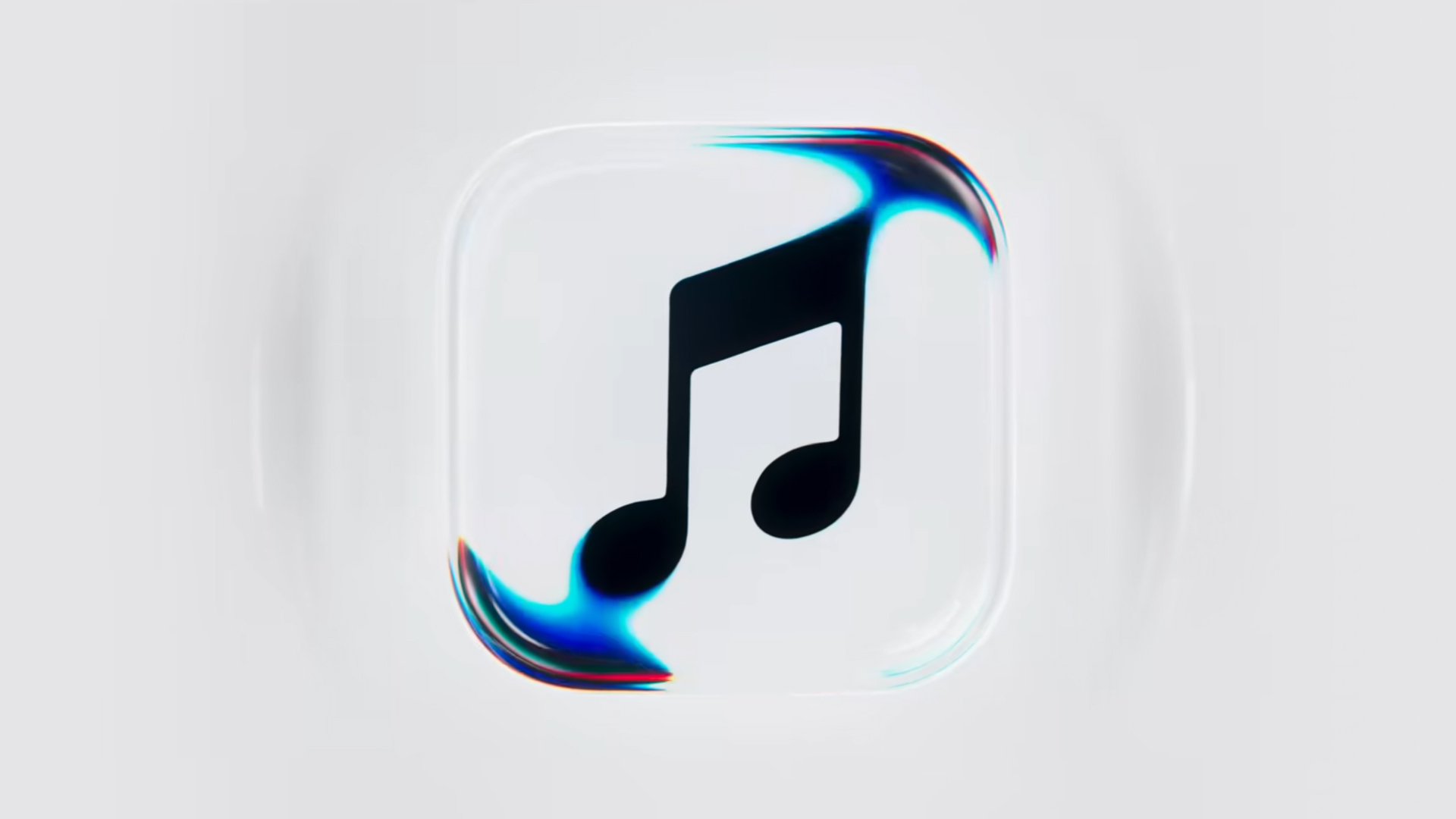
Apple Music is getting a revamp. In one of the tamer things going on with the brand today, Apple has introduced a new design language for its native music streaming platform.
In the midst of all the hubbub surrounding the iPhone Duo, Apple released a change in the visual identity of Apple Music. Rather than a static logo, the platform’s newest evolution offers a dynamic look that melds Liquid Glass and the power of sound together.
Confirmed through a behind-the-scenes video, Apple says that the new aesthetic was made with practical effects. Music producer Fred Again and NEST Acoustics submerged the platform’s logo in a tank of mineral oil and creating ripples with sound. The new language matches well with the chrome aesthetic typical of today’s trends and… well, Liquid Glass, of course.
Apple says that the more ripple-filled version will play before longer content like concert recordings (similar to Netflix’s startup stinger). Meanwhile, a black-and-white version will replace the app’s icon currently colored red and white. Current previews show off a simple logo, but it’s unknown whether Apple is adding a but more elements when the final version drops.
The updated version will debut for users after next week’s iOS 27.2 and macOS 27.2 updates.
SEE ALSO: Apple iPhone Duo Unboxing and Hands-on


ROG G700 review: The best prebuilt PC you can get off the shelf
This PC will make you stop worrying about specs.


HP OMEN Max 16 review: Gamer-maxxing in deep black
Peripherals deemed necessary to max this out


vivo V80 review: Good phone, tough sell
A capable travel companion

4 new nutribullet kitchen essentials to make holiday hosting easier

Inside Infinix’s first global concept store in Bali

Wild Rift Patch 7.3, celebrates K/DA comeback

LG showcases its latest AI TVs in the Philippines

Your coffee nook is getting a makeover with Starbucks’ holiday collections


-

 News2 weeks ago
OPPO Find X10 Series: Price, availability in the Philippines
-

 Cameras2 weeks ago
DJI Osmo Pocket 4P Pearl White now available globally
-

 News2 weeks ago
OPPO Find X10 Series: Price, availability
-
Gaming2 weeks ago
HP OMEN Max 16 review: Gamer-maxxing in deep black
-

 Entertainment2 weeks ago
Cyberpunk: Edgerunners 2 now streaming, Cyberpunk 2077 update coming
-
 Lifestyle1 day ago
Your coffee nook is getting a makeover with Starbucks’ holiday collections
-

 Laptops2 weeks ago
ASUS ProArt P14, P16 laptops with NVIDIA RTX Spark now available
-

 Lifestyle3 days ago
Sticker season is back, and so is the planner your ~friends~ might fill in for you