
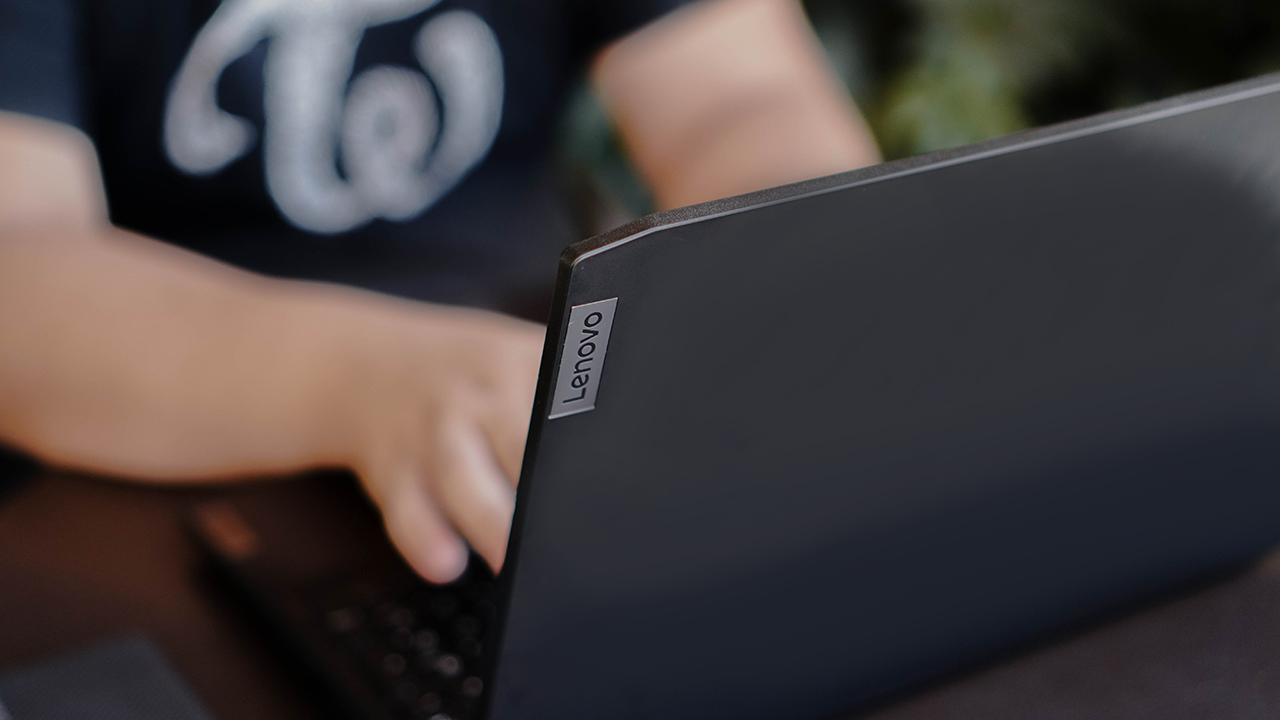


All work and no play is a sure fire formula to burn out. Nobody wants that. Especially not students. Waaaaaay back when I was still in university, I kept on wishing I had a machine that I can use for my studies but also to quench my thirst for gaming. But I never had that.
Taking the Lenovo IdeaPad Gaming 3i for a spin, this is precisely the kind of laptop I wish I had all those years ago.
No game, no life
Indulge me on a little trip down memory lane. You see, I had quite the rocky time in University. More precisely, Universities. I was doing miserably in the Engineering course I initially took up. Eventually, I gave up.
At the time, I also stepped away from gaming. I was riddled with guilt about how I was failing my parents. I eventually chose to go after a Communications degree as it was the closest to multimedia I could get. There’s a whole other chapter in between, but we’re not gonna get into that right now.
So, fast forward to my Comms student life. I was doing fairly well. But I struggled a little bit every time we had to do film/video projects. I just didn’t have the equipment to really be ultra competitive.
Not only that, by this point, I had been years removed from any kind of gaming. We had a decent PC where I lived, but it could only really handle office stuff. I mostly buckled down and just made the most of what I could with what I had.
Computer shop hopping

To get some of our multimedia requirements done, I resorted to computer shop hopping. They were still a dime a dozen during those days. Naturally, that came with some issues. Files were frequently lost, jumbled, and worse, corrupted.
I kept thinking, if I had my own machine, none of this would have happened. My files would be more secure, and I would have had instant access to them wherever I was.
Using the IdeaPad Gaming 3i for some time, I couldn’t help but think how it would have made my life a thousand times more convenient.
Why the IdeaPad Gaming 3i?
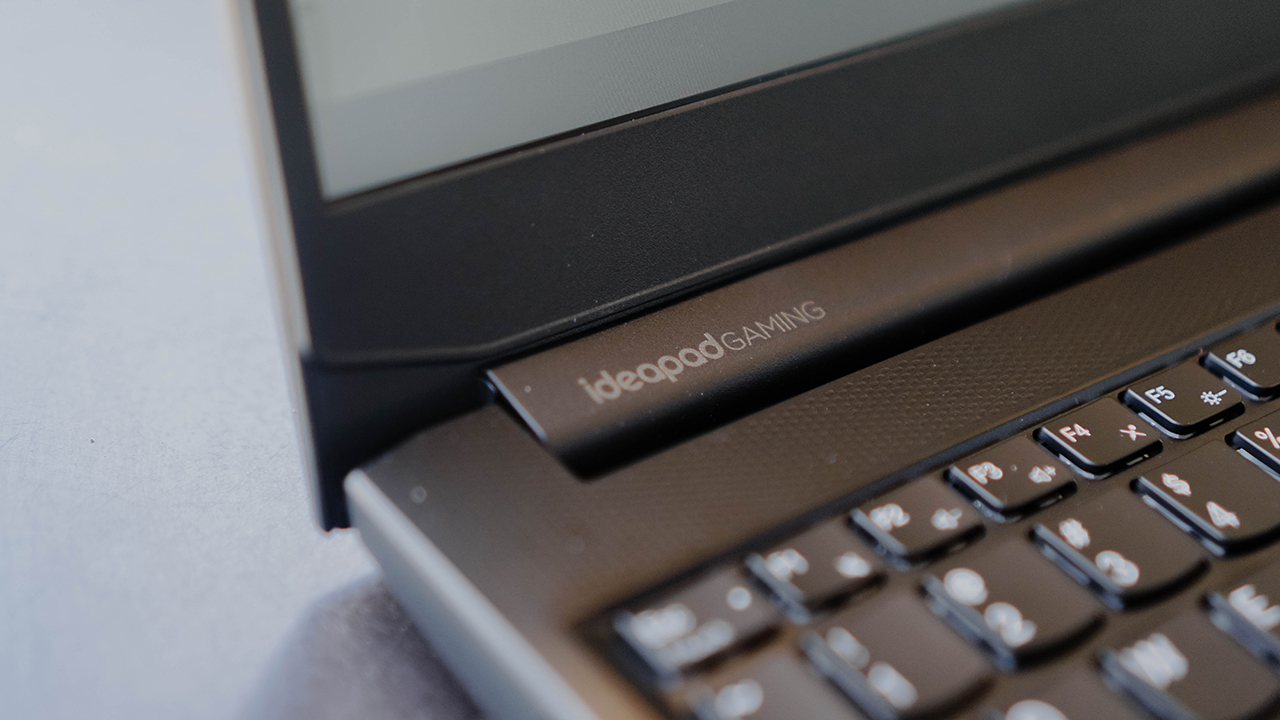
Here’s a brief overview of the specs:
- 11th Gen Intel Core i5-11320H Processor
- Windows 11
- 15.6” FHD (1920×1080) IPS 120Hz/165Hz
- 8GB RAM
- 512GB SSD
- NVIDIA GeForce RTX 3050/3050Ti1
That’s plenty powerful for a machine that starts at PhP 52,995. It’s hard to imagine how it’ll perform just by staring at an info sheet. In practice, it’s so much more convincing.
Elsewhere on the laptop, you’re also getting an ample serving of ports:
- 2x USB 3.2 Gen 1
- USB-C 3.2 Gen 1 (support data transfer only)
- HDMI 2.0
- Ethernet (RJ-45)
- Headphone / microphone combo jack (3.5mm)
- Power connector
Lenovo also has your safety and security in mind. The 720p webcam has a camera shutter so you can be at ease when it’s not in use.
When you’re just watching our YouTube videos since you have to make GadgetMatch your daily habit, it fares pretty well. The Stereo speakers (2W x2, Nahimic Audio) are plenty loud both for watching and playing.
Much as I wanted to play straight away, I had to get some work done first. I spent a couple of days typing a few articles on the IdeaPad Gaming 3i. I even had it for our Mobile World Congress grind.

The full-size keyboard and that numpad on the side was super helpful since I had to deal with typing a lot of numbers. In fact, because of my time using it, I’m even considering getting a mechanical keyboard with a numpad. I digress.
But one of my key learnings throughout the years is that taking breaks are criminally underrated.
Getting my gaming fix

After stepping away from the laptop for a bit, I browsed Steam for games I could play. I already had Control and Death Stranding in my library, but I wasn’t really down to playing those. As I browsed, I was surprised to find that DragonBall FighterZ was on a massive sale.
Bought the game right away and installed it. The game demands that you use a controller, so I paired the IdeaPad Gaming 3i with my Midnight Black DualSense controller. Afterwhich, I think I stayed up more than I should have playing the game I had always wanted to play for the past few years but somehow managed to stay away from.
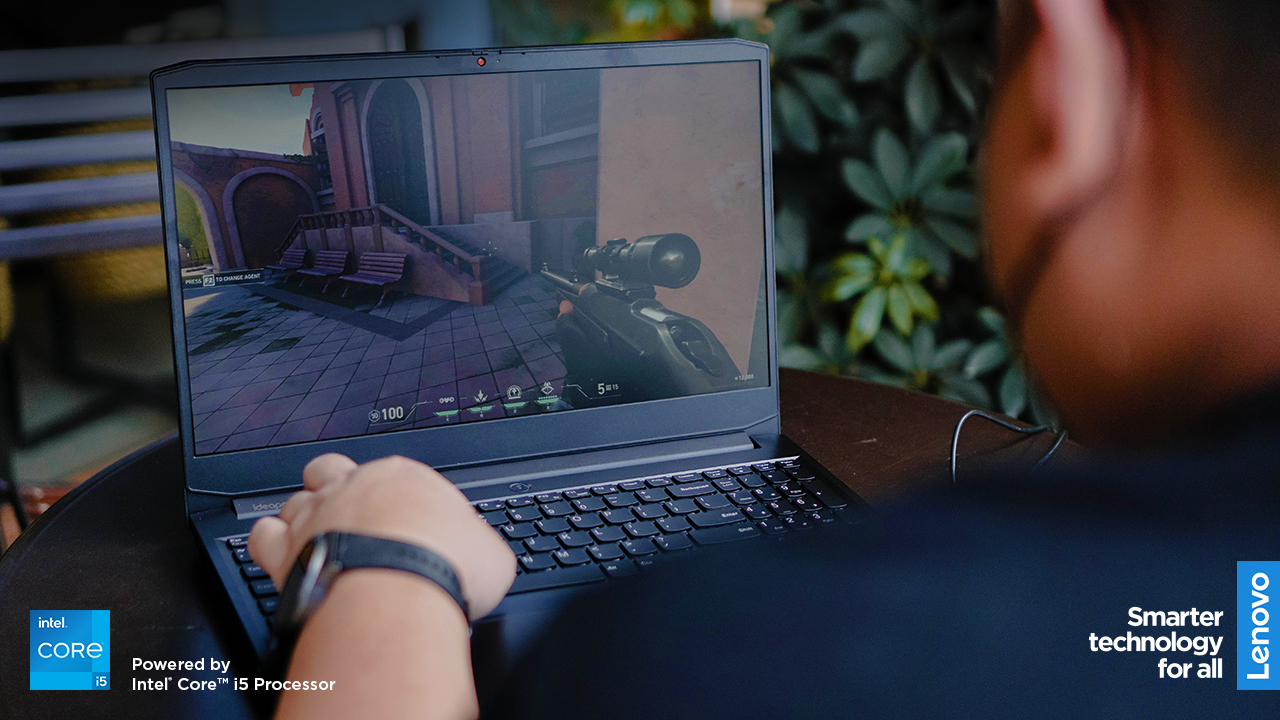
Naturally, I wanted to try other games too. So while I was giving Majin Buu a beatdown as Mystic Gohan, I was downloading and installing Valorant in the background.

My Valo experience was less joyful. Only because of the jarring realization that I one hundred percent suck at first-person shooter games. I felt bad for the people I played with. I totally dragged the team down.
You know what I didn’t mind at all during my entire gaming session? How the IdeaPad Gaming 3i performed. Personally, I think that’s the hallmark of a really good machine. When it takes a backseat to your experience of the game. It just works.

In case you were wondering, the games were running on Medium settings. I only checked this afterwards. It was more than enough for the FHD screen which really prioritizes refresh rate performance. This thing was built for gaming and it shows.
The right choice to get started

I have loftier requirements for my machines now, but the IdeaPad Gaming 3i still impressed me. If you asked me to use the laptop for the rest of the year, I probably wouldn’t mind.
It also helps knowing that if you get this now, you’re entitled to three (3) years of Lenovo Premium Care. That’s Lenovo’s superb after sales service.

They promise support from real people, real fast. And I know it’s standard practice to promise these things, but I personally know a handful of people who have experienced this first hand and it’s truly a fantastic service.
The IdeaPad Gaming 3i is built to help you finish your tasks early, so you can play more. Lenovo understands that it’s important to have that kind of balance. And this machine can help with that.
This feature is a collaboration between GadgetMatch and Lenovo Philippines.
The IdeaPad Gaming 3i starts at PhP 52,995 and is available in Legion Exclusive Stores, Lenovo Experience Stores, and authorized resellers nationwide. Visit legion.lenovo.com for more information and follow @lenovolegionph both on Facebook and Instagram




“Our philosophy has never been about chasing specs.”
That line from Samsung’s presentation captures the Galaxy S26 Series better than any spec table.
This isn’t a year of radical hardware shifts. Battery capacities remain unchanged. Megapixel counts are familiar. The design language evolves rather than transforms.
But incremental doesn’t automatically mean irrelevant.
The S26 Ultra feels like Samsung refining its priorities — usability, privacy, and AI integration — instead of pursuing headline-grabbing numbers.
Hardware refinement, not reinvention
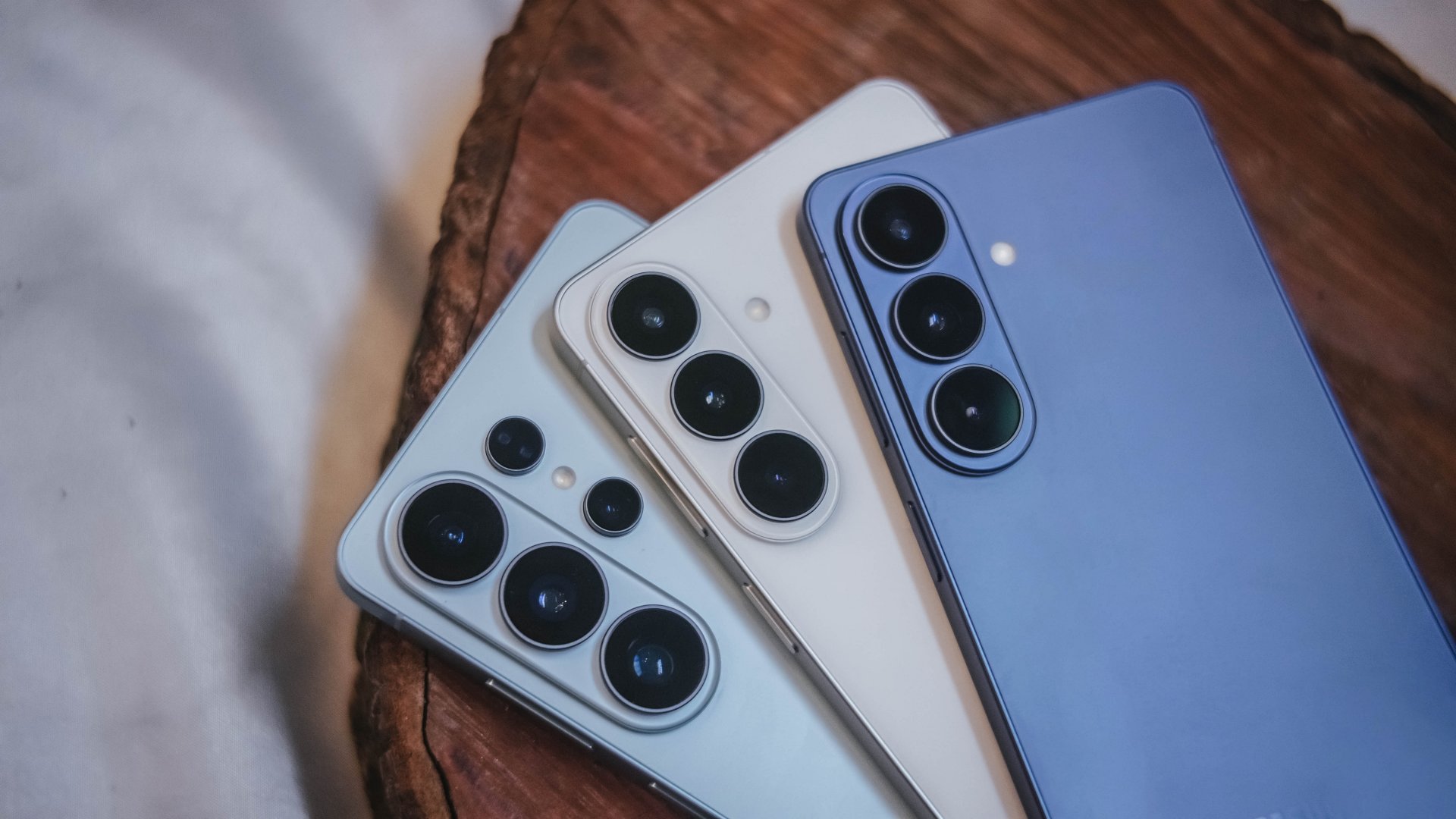
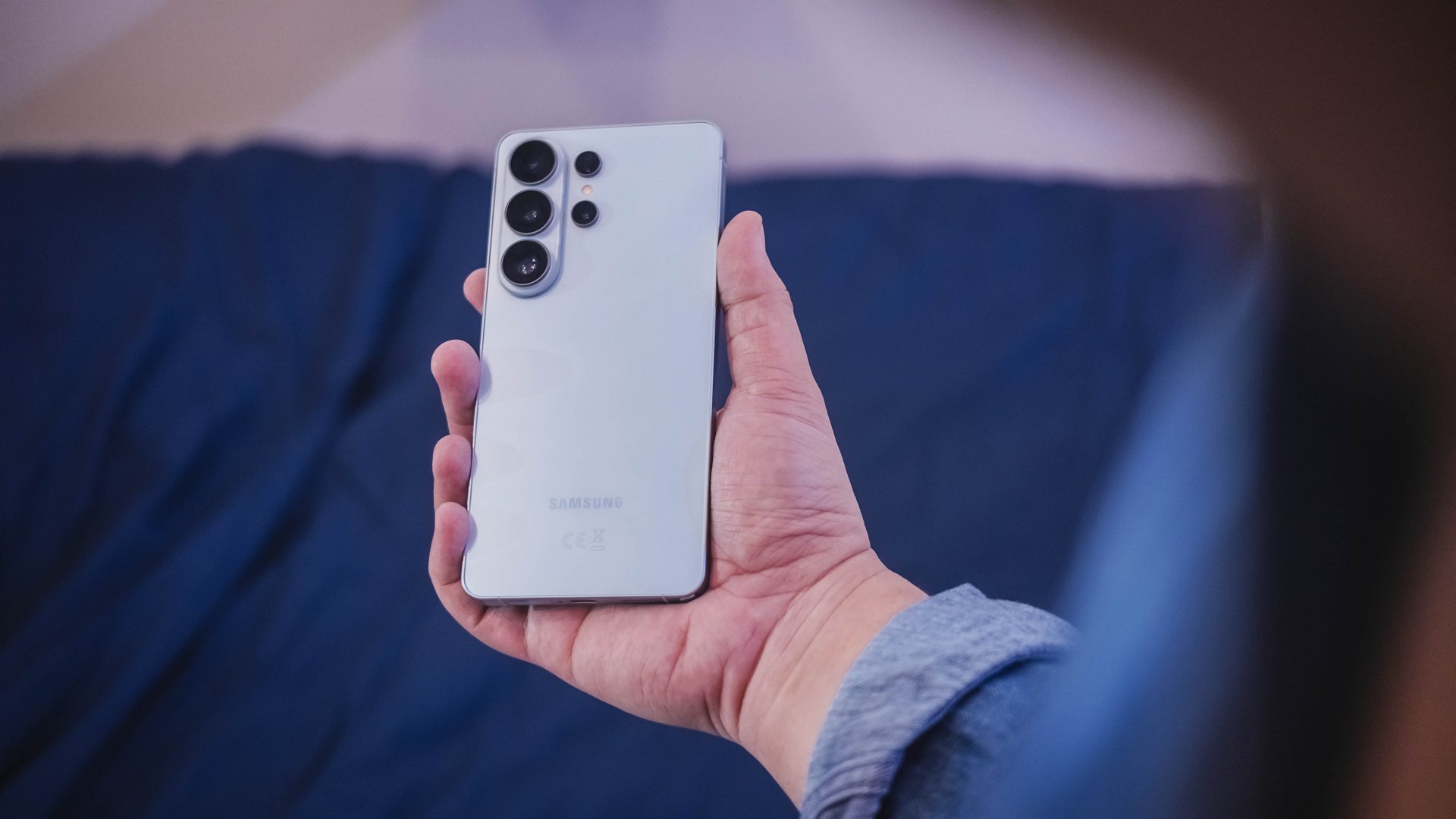
The Galaxy S26 series looks more unified. All three models now share the same corner radius, creating a consistent visual identity. The Ultra no longer stands apart with sharper edges. It’s a small change, but it makes the lineup feel cohesive.
The camera module sits on a more defined island rather than blending into the rear panel. It’s subtle, but noticeable in person.
Samsung also trimmed weight and thickness on the Ultra. At 7.9mm and 214 grams, it handles slightly better than last year’s model. The company switched to Light Armor Aluminum, which it claims improves heat dissipation and weight. The difference in hand isn’t dramatic, but it’s appreciated during extended use.
Charging finally moves forward. The Ultra supports 60W wired charging, up from 45W. Samsung says you can reach 75 percent in around 30 minutes. That’s a meaningful improvement for quick top-ups.
However, 60W isn’t industry-leading in 2026. Competing brands have offered similar or faster speeds for years. This feels less like Samsung setting a new benchmark and more like closing a gap.
Battery capacity remains 5,000mAh. That’s consistent with previous models. While fast charging helps daily convenience, endurance gains will depend on software optimization and real-world usage.
AI and software remain the headline
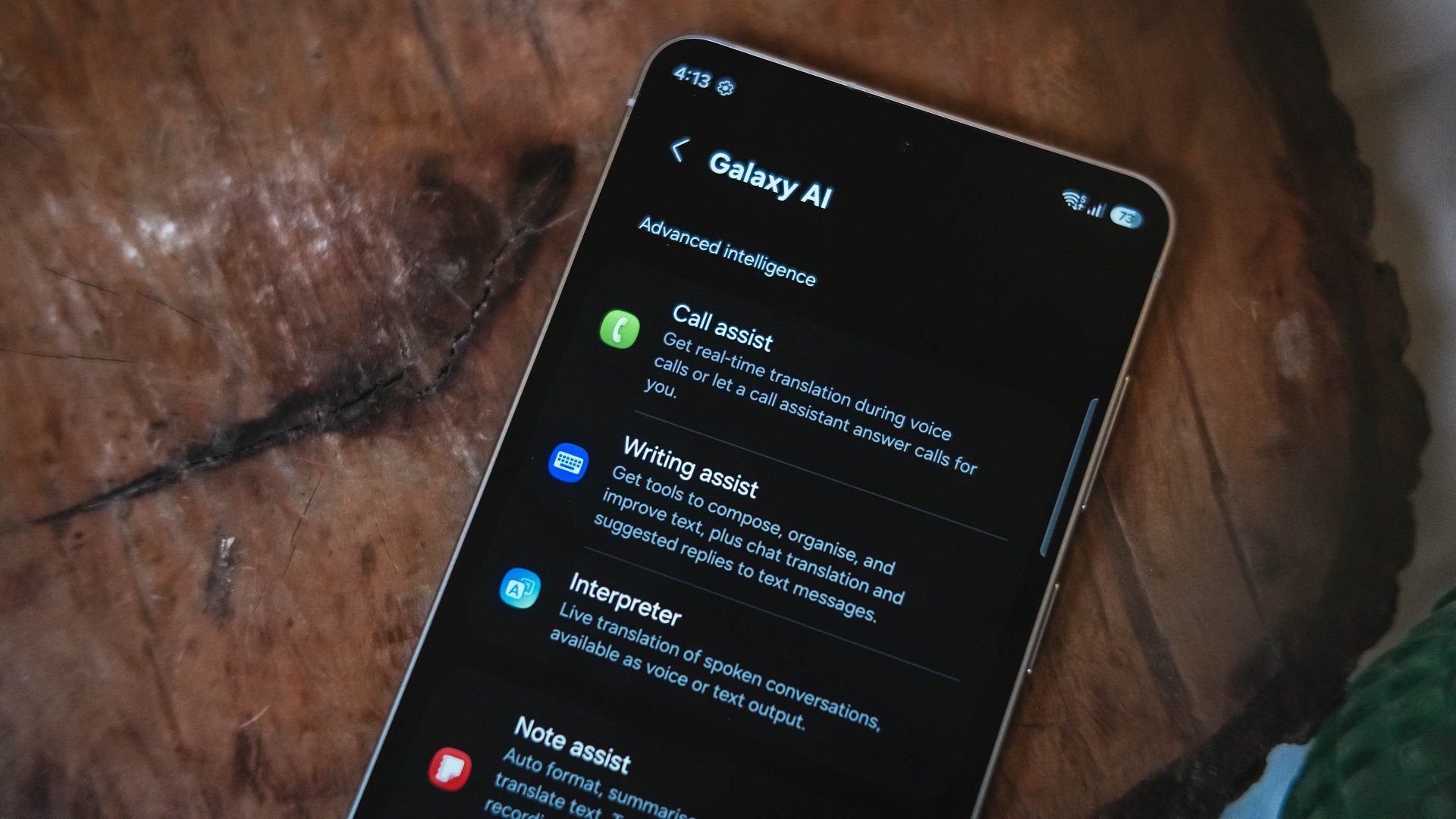
Like recent Galaxy generations, the S26 Series leans heavily on software features.
Privacy Display is one of the more practical additions. It restricts viewing angles at the pixel level, functioning like a built-in privacy filter. If you’re using your phone in public spaces, people nearby will struggle to see what’s on screen.
You can toggle the feature or enable it only for specific apps. That flexibility matters. It allows privacy protection for sensitive apps while keeping general use unaffected.
This addresses a real-world problem. Public screens are inherently visible. Privacy Display doesn’t eliminate that risk, but it reduces casual glances and unwanted observation.
Audio Eraser also gets an upgrade. It now works across third-party apps. We tested it on a noisy K-pop fancam from YouTube, and the background noise reduction was noticeable without destroying audio quality.
It’s not perfect. Overprocessing can occur in extreme cases. But for cleaning up shared videos or reducing ambient noise, it proves useful.
AI Photo Assist introduces text-prompt editing directly inside the Gallery app. Users can describe edits in natural language — remove objects, expand backgrounds, or modify elements — without exporting images to external tools.
This isn’t groundbreaking technology. Similar generative edits exist in other AI platforms. The difference is integration.
By embedding generative tools inside the Gallery, Samsung turns them into part of the default workflow. Photo editing becomes more accessible rather than requiring specialized knowledge or separate apps.
That shift is meaningful. It signals that generative AI editing is becoming a standard smartphone feature rather than an experimental add-on.
Cameras: computational evolution
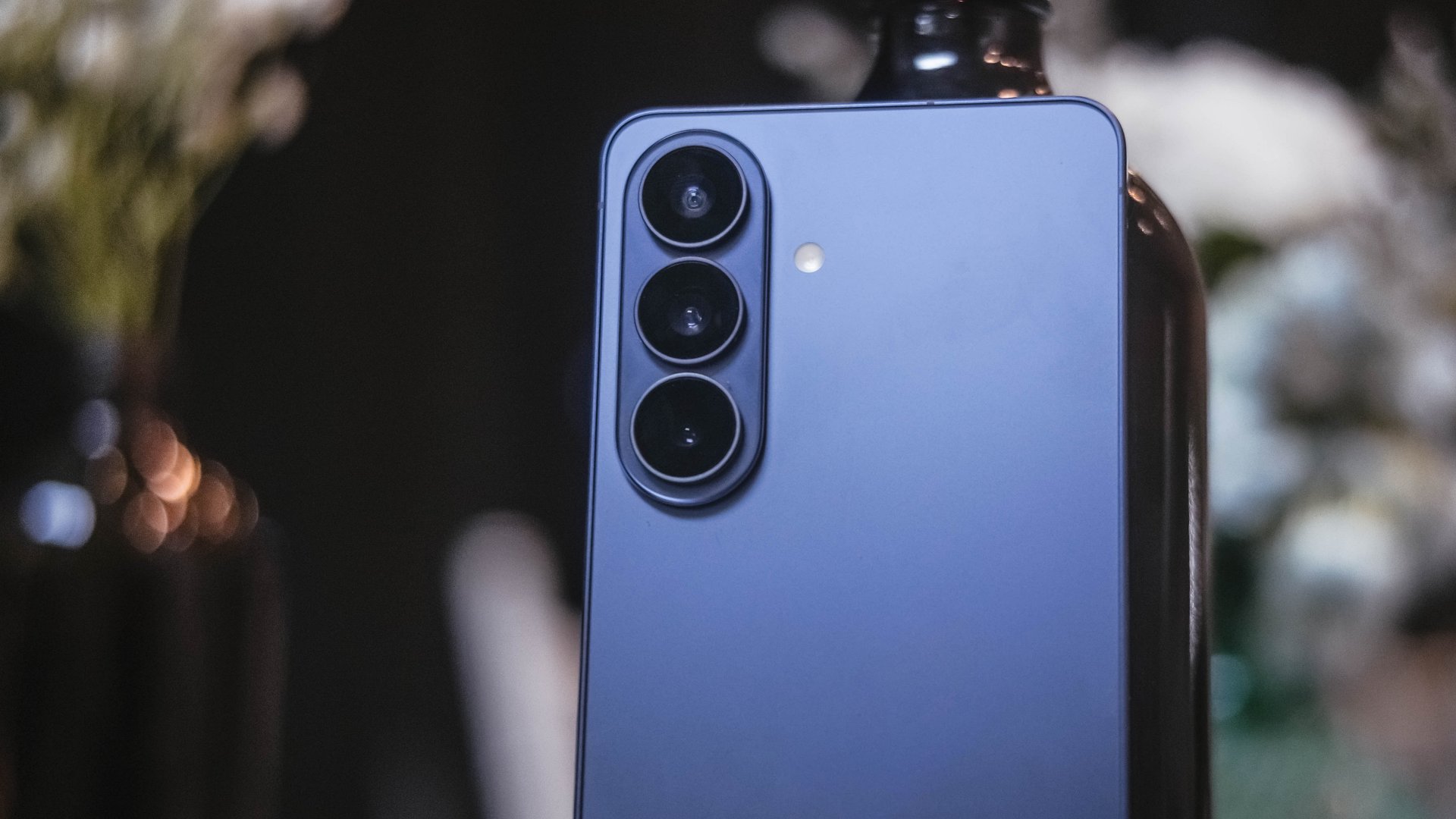
The camera hardware remains familiar. The Ultra continues with a 200MP main sensor and telephoto configurations similar to last year.
Improvements focus on computational photography.
Samsung widened apertures to allow more light. Stabilization has been refined. AI sharpening and Nightography processing aim to produce cleaner images with reduced noise.
From samples shown during the presentation, low-light shots appear brighter and cleaner. However, the processing can feel aggressive. Details sometimes look overly smoothed, and textures can appear artificial.
This reflects Samsung’s long-standing approach — prioritize computational enhancements over megapixel increases. The S26 continues that philosophy.
For video creators, APV (Advanced Professional Video) enables 8K recording with minimal quality degradation during edits. Super Steady Video also improves handheld stabilization.
These features cater to content creation workflows rather than casual snapshots.
Incremental but intentional

The Galaxy S26 Ultra doesn’t try to shock. It doesn’t reinvent Samsung’s design language or introduce dramatic hardware leaps.
Instead, it refines existing ideas.
Privacy Display addresses public visibility concerns. Audio Eraser improves real-world video cleanup. AI Photo Assist integrates generative editing into everyday photo workflows. Charging speeds improve without industry-leading ambitions.
Even the design changes — unified corner radii, a defined camera island, lighter materials — emphasize cohesion.
This strategy resembles the broader shift in the smartphone industry. Hardware innovation has slowed. Software and usability improvements drive differentiation.
Samsung appears comfortable with that reality.
Of course, first impressions only tell part of the story. We still need extended testing for battery life, thermal performance, camera consistency, and AI reliability.
The S26 Ultra may not represent a revolution. But refinement can matter — especially when it targets usability and practical features.
Samsung will have to make significant hardware upgrades eventually. But for now, it feels like the company is doubling down on incremental progress. Not flashy. Not radical. But purposeful.
Whether that strategy resonates will depend on real-world performance.
Samsung Galaxy S26 Series – Specs
| Feature | Galaxy S26 Ultra | Galaxy S26+ | Galaxy S26 |
| Display | 6.9″ Dynamic AMOLED 2X
|
6.7″ Dynamic AMOLED 2X
|
6.3″ Dynamic AMOLED 2X
|
| Rear Camera: Ultra Wide | 50MP, F1.9, 0.7 µm | 12MP, F2.2, 1.4 µm | 12MP, F2.2, 1.4 µm |
| Rear Camera: Wide | 200MP, F1.4, 0.6 µm | 50MP, F1.8, 1.0 µm | 50MP, F1.8, 1.0 µm |
| Optical Quality 2x | |||
| Rear Camera: Telephoto 1 | 10MP, F2.4, 1.12 µm | 10MP, F2.4, 1.0 µm | 10MP, F2.4, 1.0 µm |
| 3x optical zoom | |||
| Rear Camera: Telephoto 2 | 50MP, F2.9, 0.7 µm
|
— | — |
| Front Camera | 12MP, F2.2, 1.12 µm | 12MP, F2.2, 1.12 µm | 12MP, F2.2, 1.12 µm |
| Processor | Snapdragon® 8 Elite Gen 5 for Galaxy (3 nm) | Exynos 2600 (2 nm)* | Exynos 2600 (2 nm)* |
| Memory (RAM) | 12GB / 16GB | 12GB | 12GB |
| Storage | 256GB / 512GB / 1TB | 256GB / 512GB | 128GB / 256GB / 512GB |
| (Micro SD: N/A) | |||
| Battery | 5,000 mAh | 4,900 mAh | 4,300 mAh |
|
|||
| Dimensions | 78.1 x 163.6 x 7.9 mm
214 g (Sub6/mmWave) |
75.8 x 158.4 x 7.3 mm
190 g (Sub6/mmWave) |
71.7 x 149.6 x 7.2 mm
167 g (Sub6) |
| Colors | Standard: Cobalt Violet (Hero), Sky Blue, Black, White
Online: Silver Shadow, Pink Gold |
Standard: Cobalt Violet (Hero), Sky Blue, Black, White
Online: Silver Shadow, Pink Gold |
Standard: Cobalt Violet (Hero), Sky Blue, Black, White
Online: Silver Shadow, Pink Gold |
Dating
Crossing an island to see if love would show up
A 24-hour detour in Cagayan De Oro, captured on OPPO Reno15

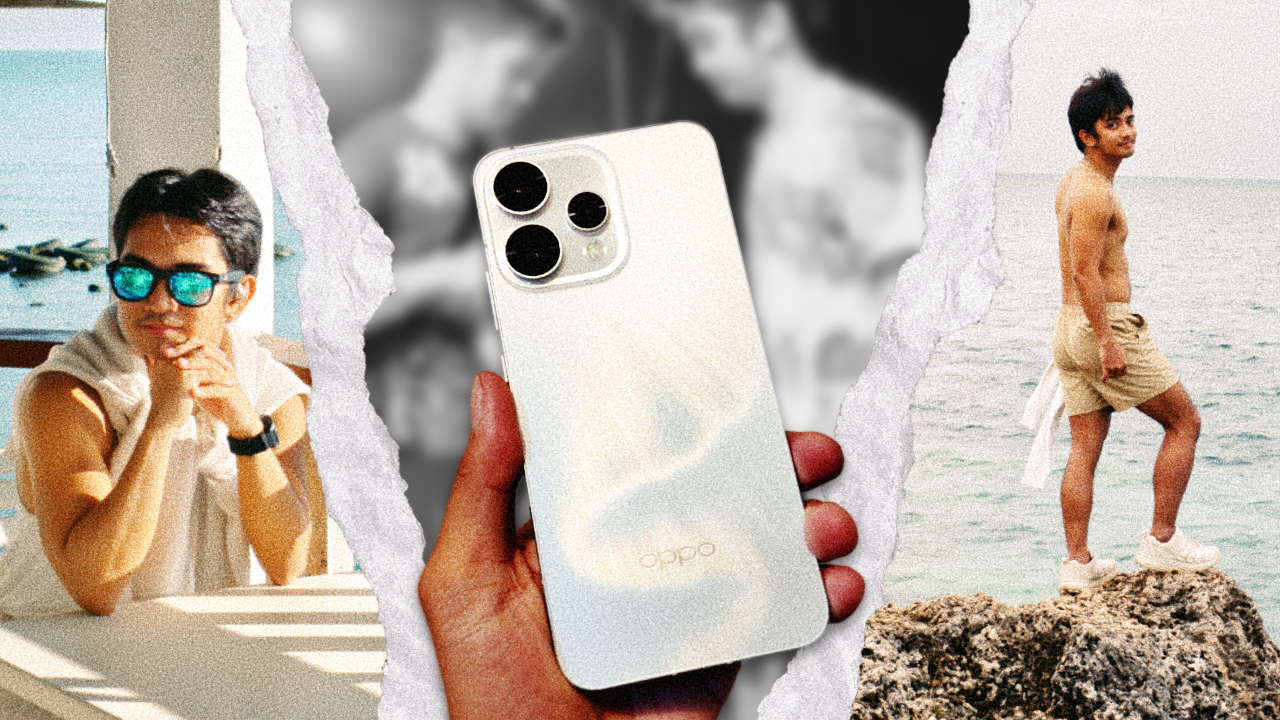
Doing things for the plot used to burn me badly. It always ended the same way: me lying on the floor, crying over choices I insisted were romantic when they were clearly reckless, while my cat stared at me with a look that suggested regret over choosing me as an owner.
I’ve gone through enough heartbreak that someone my age should have learned by now. I should know when to pause before making decisions that feel thrilling only because they are unhinged.
And yet, I still move through life the way I did in my early twenties, convinced that consequences can wait as long as I feel something in the moment.
I had always wanted to go to Cagayan de Oro. The city feels like a threshold, a gateway to Northern Mindanao, opening up to Camiguin and Bukidnon, two places I have romanticized endlessly through saved TikTok videos and screenshots meant for a future version of myself who finally had the time.
Travel felt like a good enough reason to go. It just wasn’t the real one.
It was for love
Four years ago, I noticed him after watching at finish line of an ultramarathon on one of the hardest trails in the Philippines.
There was something about that moment — about the way exhaustion and triumph lived in his body at the same time. That single image stayed with me. Attraction and curiosity followed.
After walking away from my “loml“, loss of my life, unfortunately, as Taylor Swift would put it, I decided to take a risk to start the year. I wanted to see whether my heart would open again, even slightly.

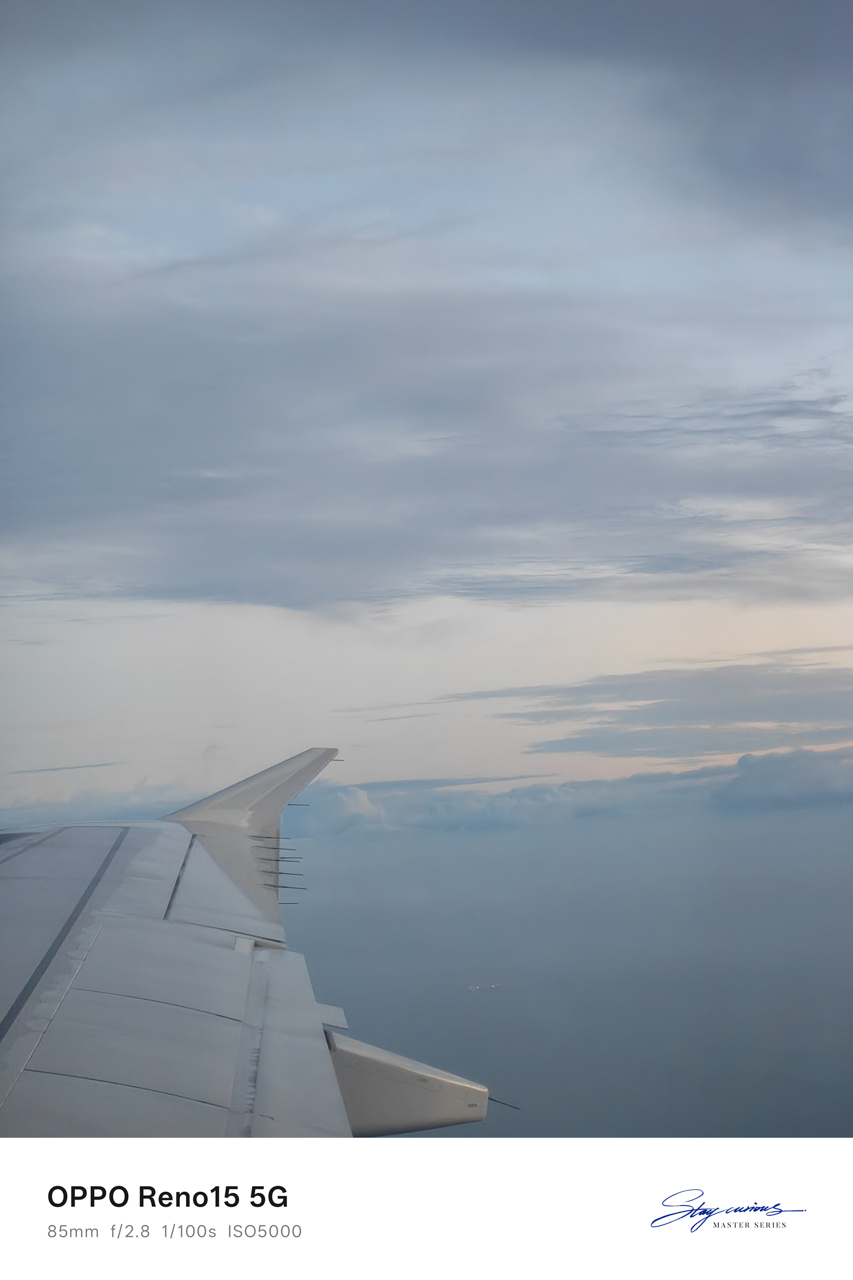
Armed with nothing but courage I wasn’t fully confident in and the OPPO Reno15 mounted on my Ulanzi tripod, I crossed 800 kilometers to see a “friend.”
I used the word carefully, knowing how much work it was doing. I also knew this trip would either become one of the best decisions I made this year or one I would have to process slowly over time.
Touchdown with intentions
I was already on assignment in Northern Mindanao. In almost a decade of traveling for work, I had never extended a stay. I flew in, did the job, and flew out because Manila always waited with something urgent.

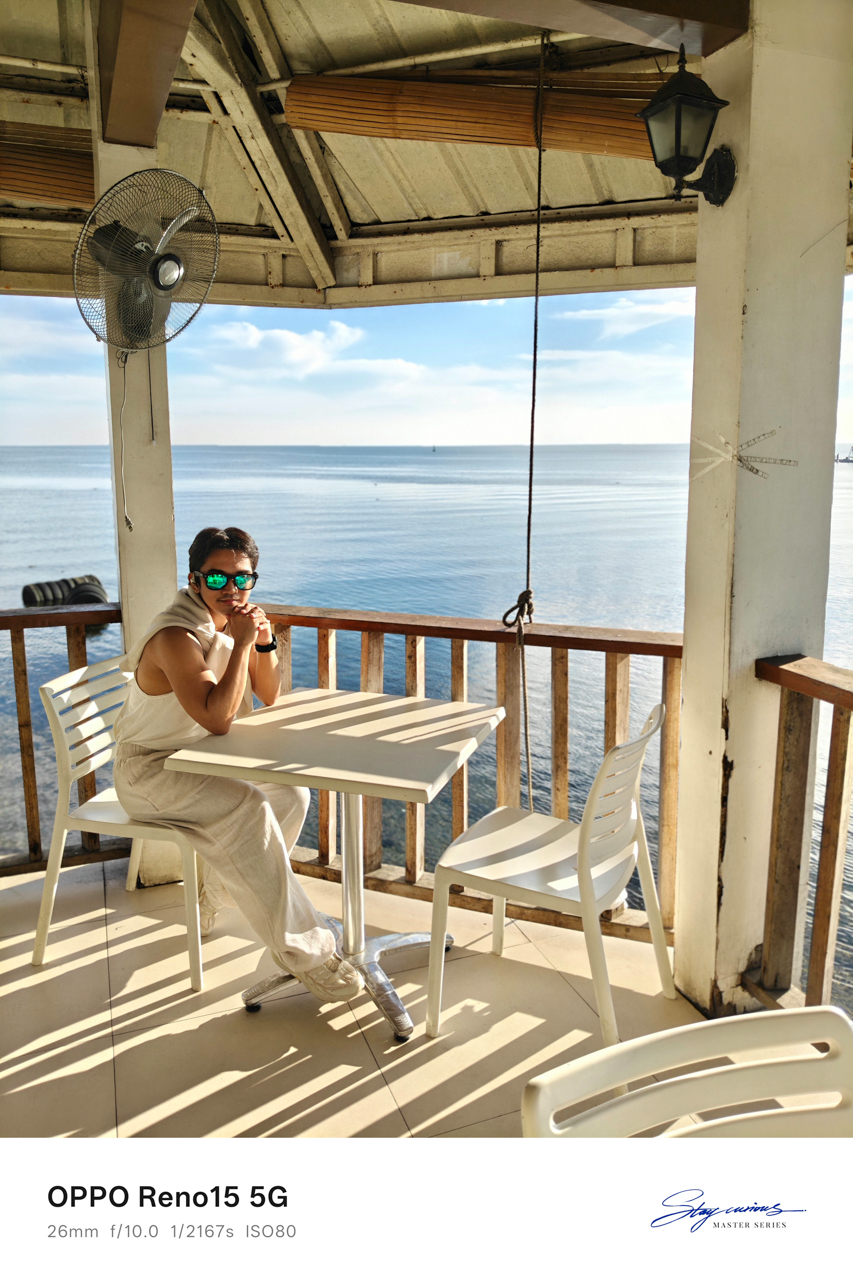

This time, I rebooked my flight for the next day, telling myself that one more day was reasonable. A stop at Panagatan Restaurant in Opol, Misamis Oriental made it feel like I had slipped into my own 1989 (Taylor’s Version)-coded vacation.
Blue skies stretched endlessly above a calm sea. The air felt cool against my skin, though there were no birds cutting through the frame.

I sat there soaking in sunlight, staring at the view as it unfolded in front of me. For the first time in a long while, I felt welcomed. I caught myself thinking that life might actually be okay. I could breathe.
Like in the song “Clean,” except this time I was twelve months sober from a love that almost broke me.
A table for one
I checked in at Red Planet because every hotel I genuinely wanted to stay at was fully booked. What remained were family rooms priced at over US$150.
The room I ended up with was simple, featuring a queen-sized bed and costing less than US$40. There was barely enough space for my drum-like American Tourister luggage, but the bed was wide and welcoming.
I spread myself out and slept like a starfish, the way you do when no one is watching.
Just under two kilometers away sat Cucina Higala, known for serving modern Filipino cuisine rooted in Mindanao heritage. A friend from Cagayan de Oro had told me never to miss it, no matter how packed it got.

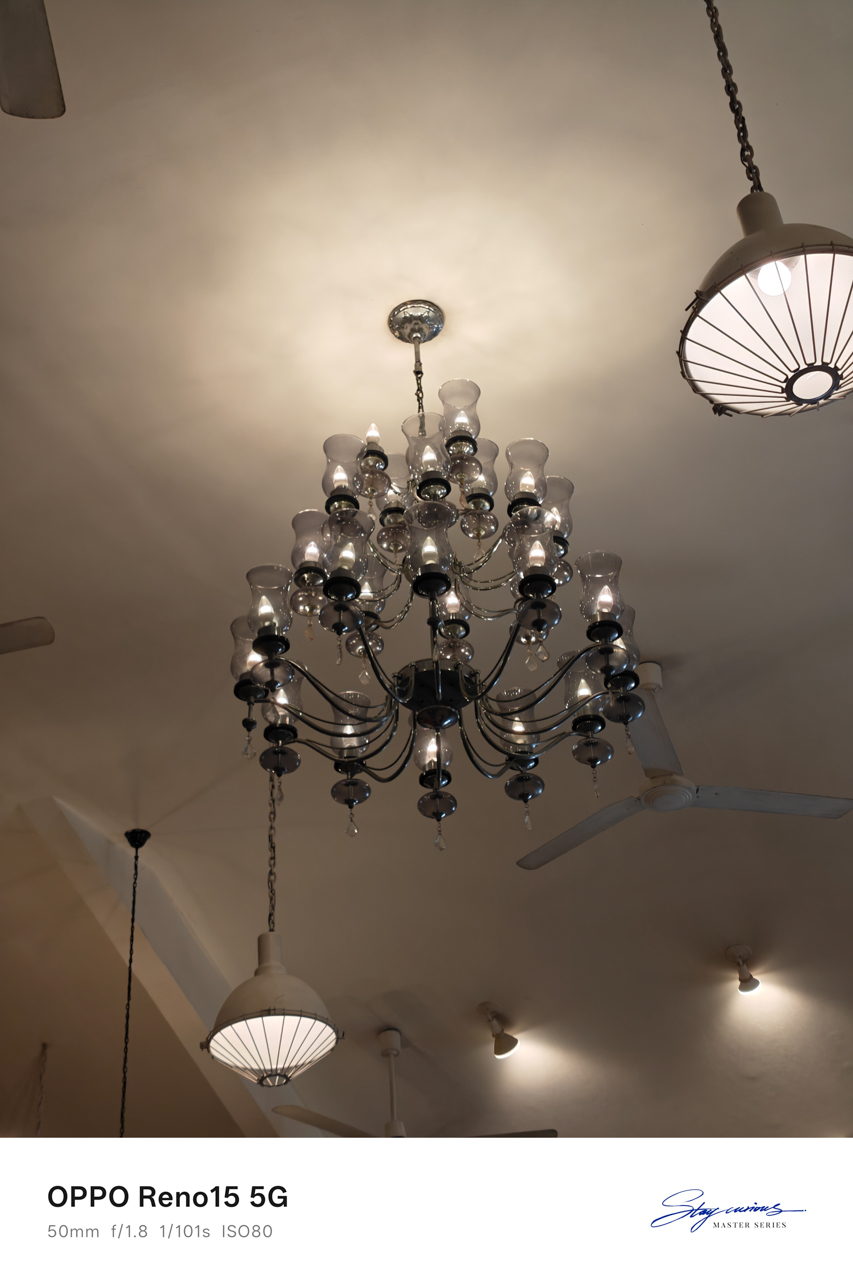
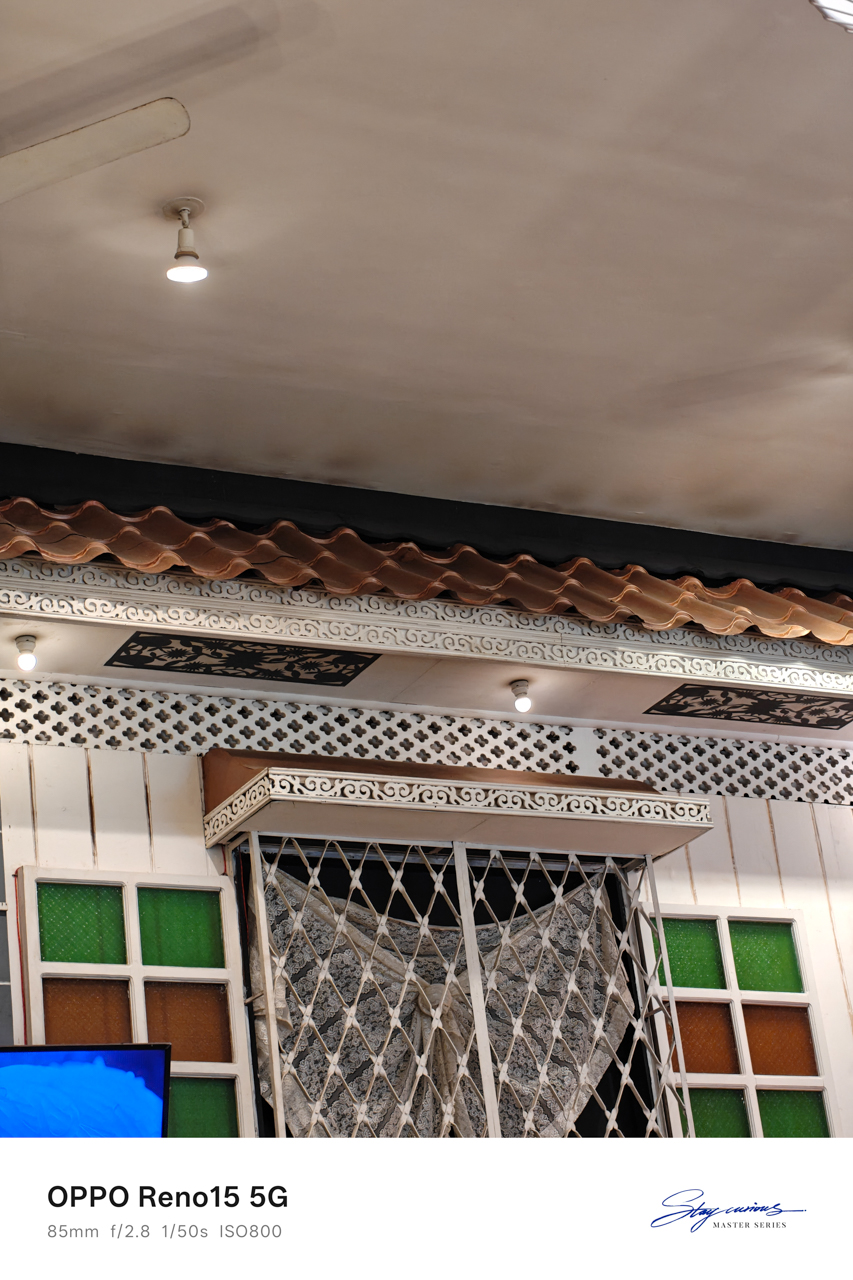
Of course, I listened.
Lunch there felt indulgent in the best way. The interiors made it feel like someone’s home rather than a restaurant. Even the bathroom caught my attention, tucked into a corner and washed in shaded daylight.
Everything worked together. The low murmur of diners layered with laughter; the smell of food arriving at nearby tables; the clink of cutlery against plates.

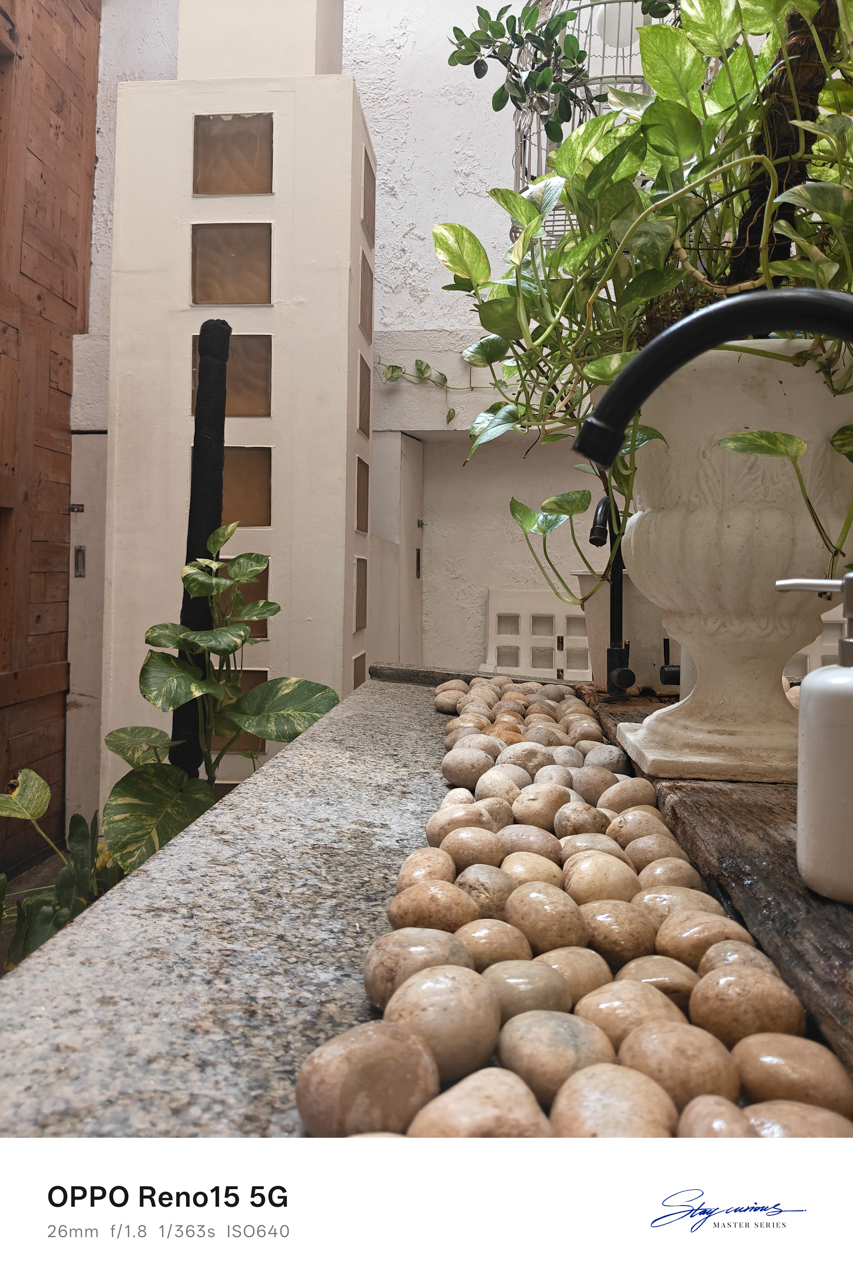
There was a sense that time moved slower here, encouraging you to stay longer than planned. I finally understood why the locals insisted going there.
Waiting at six
Before dusk settled in, I headed to Uptown to meet a friend. I wanted to catch up and ground myself. Eventually, I admitted why I was really in the city.
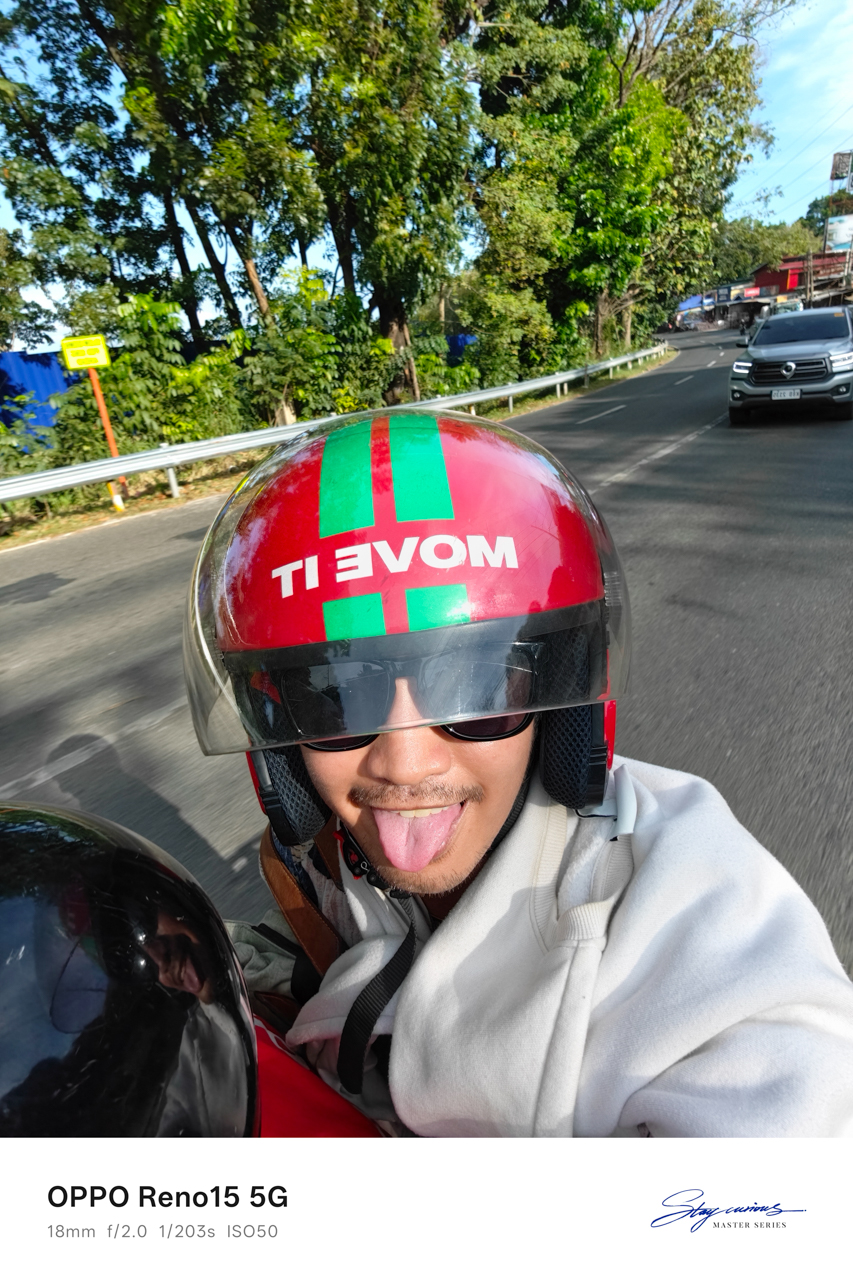
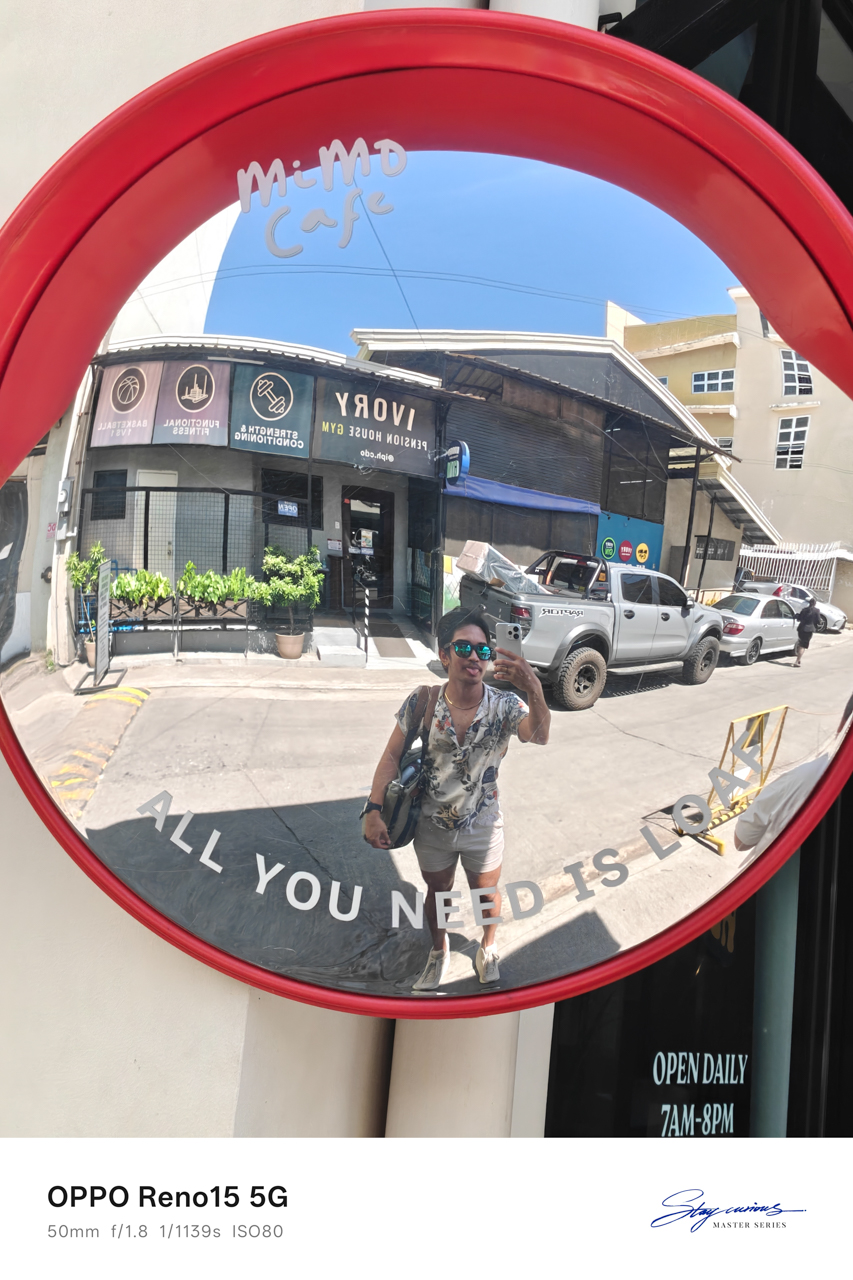
We sat at Milestone Coffee + Kitchen in Uptown, cups of tea and coffee between us. They also have a branch downtown, but Uptown felt easier, more relaxed, like the right place to unravel stories and gossip that carried weight.
The truth was simple: I was there to see someone I had an interest on for years, and we were supposed to meet at six.
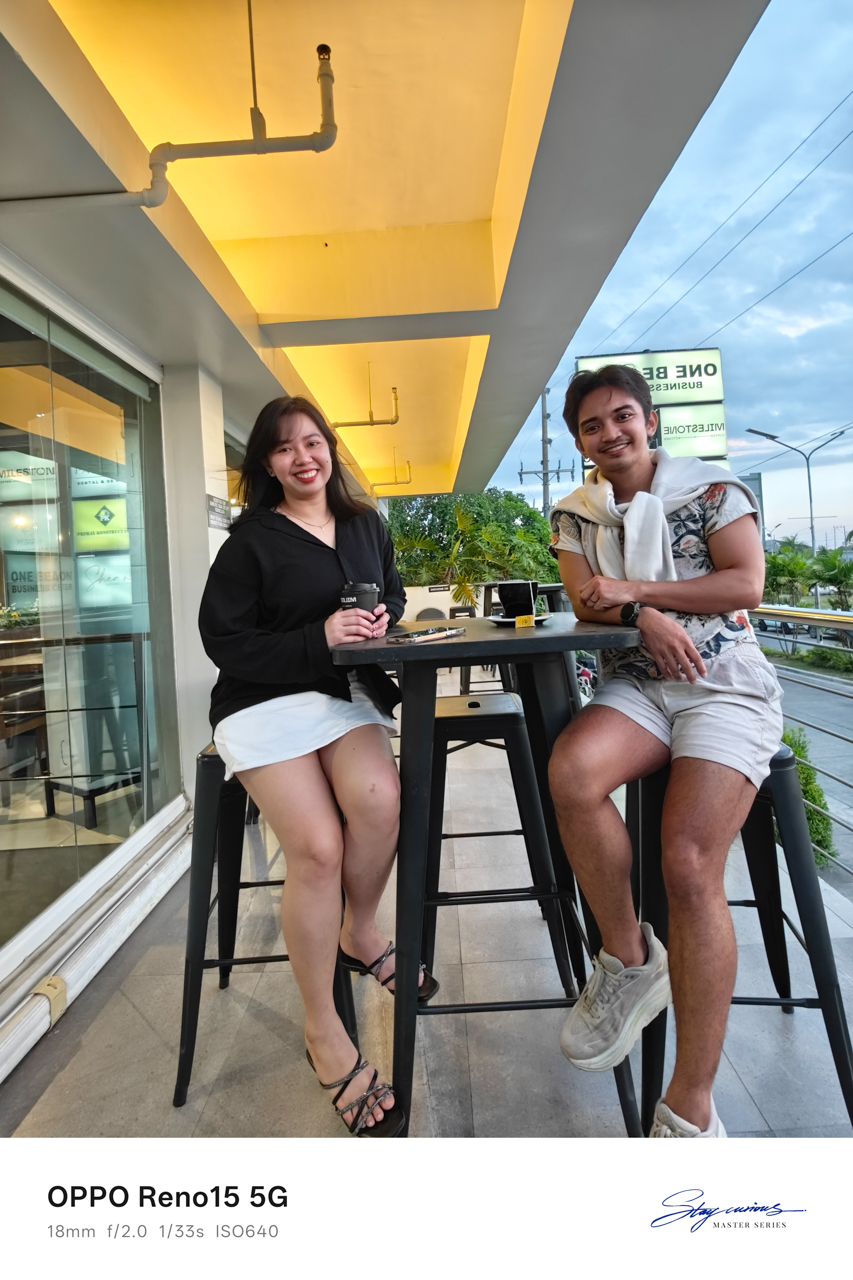
I was terrified of being stood up. Crossing land, sea, and sky for a man was something I had never done before. I believed we would meet because he said we would, but I still asked my friend for recommendations on where to go, just in case.
Backup plans felt necessary. I just needed to know there was something to hold onto if my heart cracked open in public.
After sunset
Thankfully, he picked me up at Milestone Coffee + Kitchen and met my friend. We rode back toward downtown through the diversion road, him on his brand-new Yamaha Fazzio in Matte Orange.
His motorcycle had a name. Ophelia. He bought it in October, right before Taylor Swift released her album The Life of a Showgirl and the single “The Fate of Ophelia.”
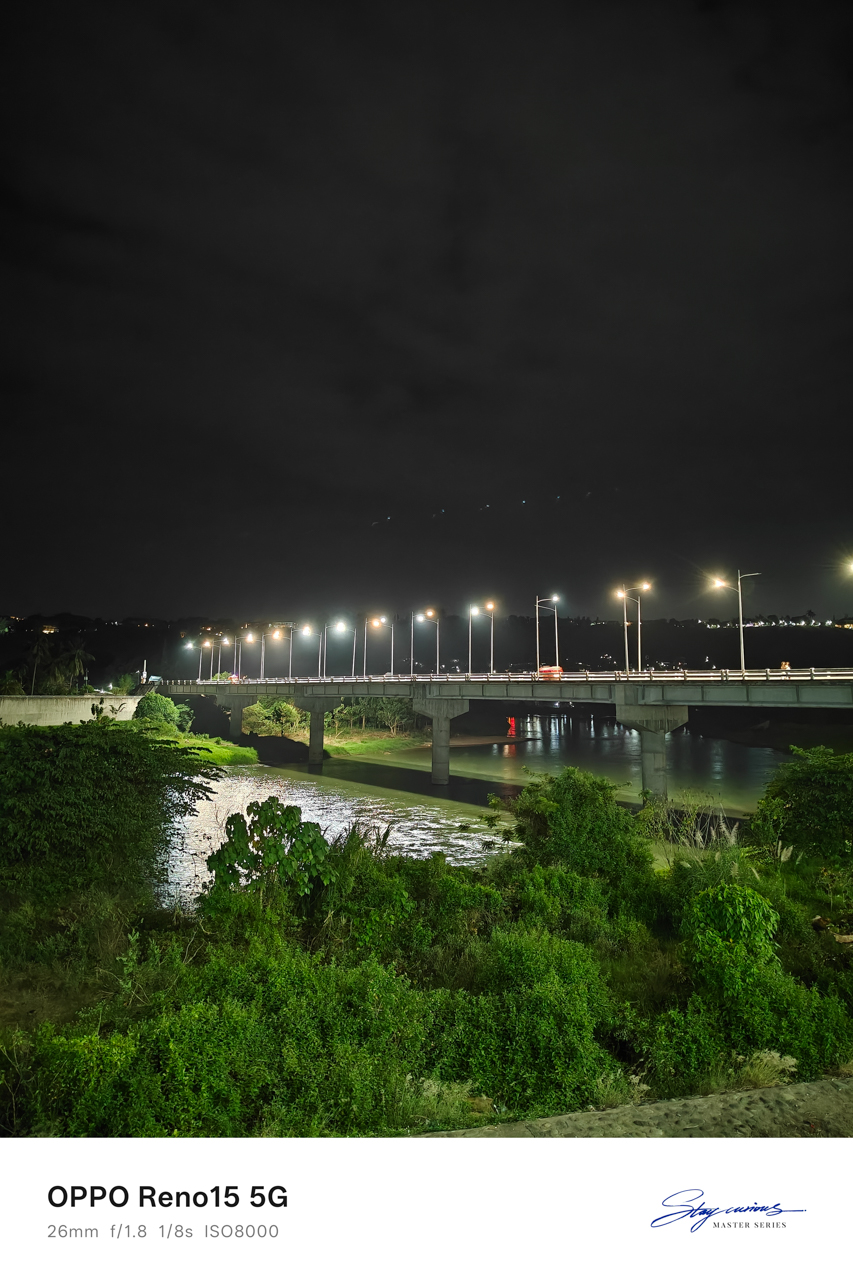
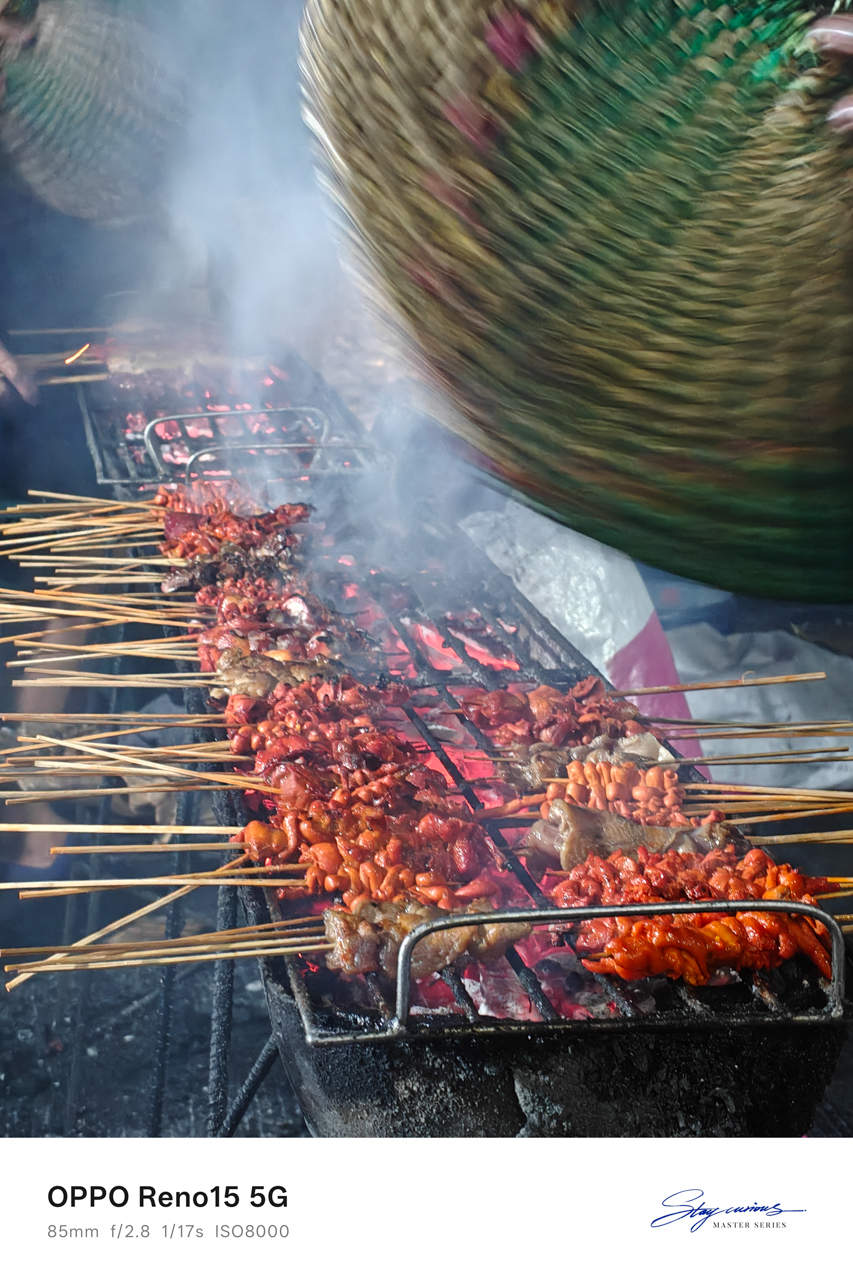
My 1989-coded escapade shifted into something “Opalite”-coded, as if I had wandered into a version of my own People We Meet on Vacation moment and somehow found my Alex Nilsen-slash-Travis Kelce.
We strolled along the boulevard where people walked, ate, laughed, and leaned into the night market energy. Some sat by the riverside, letting the evening pass without urgency.
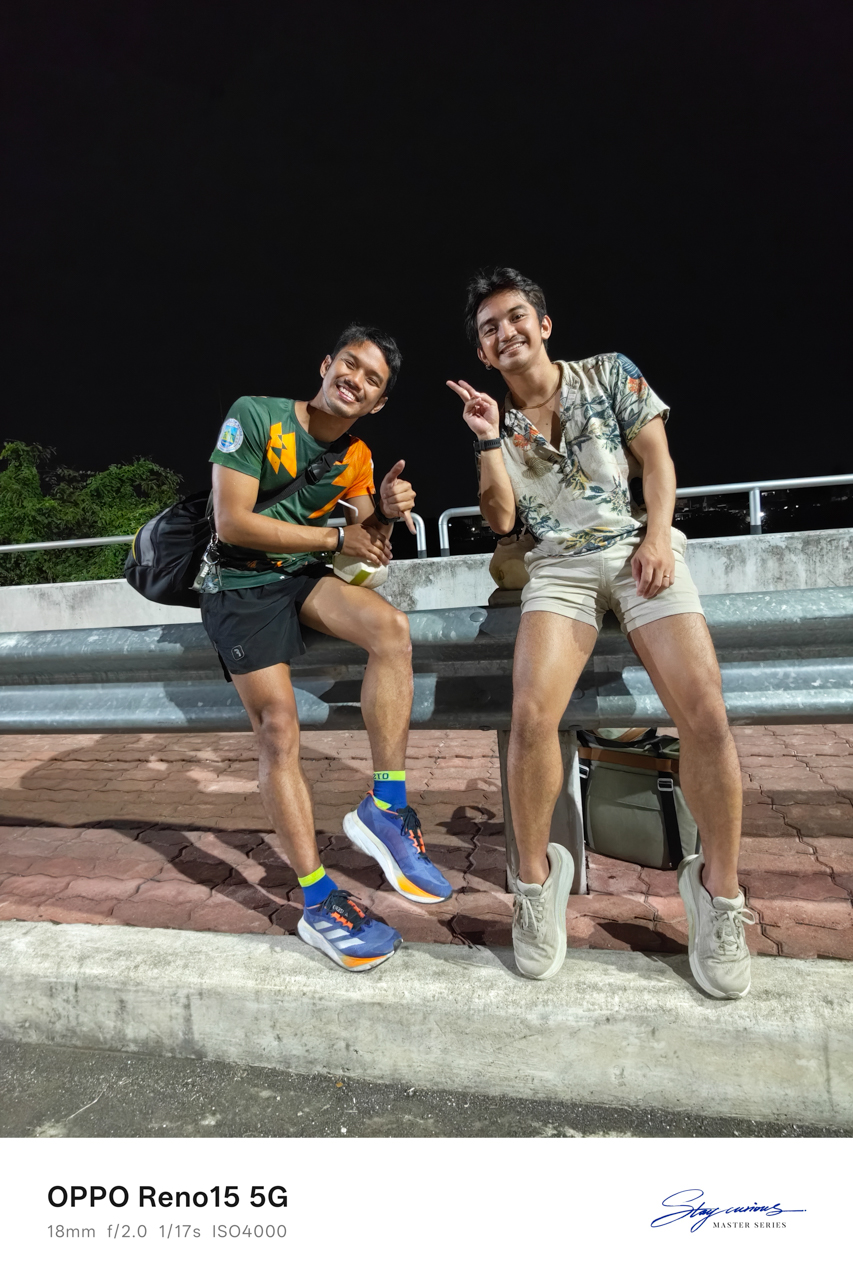
I drank fresh coconut juice from a stall that stayed busy even at ten in the evening, while everything across the street had already closed. It tasted exactly like the moment felt — unexpected and sweet.
We ended the night drinking beer we bought from a convenience store, like teenagers sneaking alcohol because our parents would disapprove. It was simple and familiar… and it tasted like home.
On borrowed time
The next morning, I knew it was already my last day in the city. While he was working, like actual adults and not the versions we see in movies, I packed up, freshened up, and walked to Limketkai to grab coffee and brunch.
I took my morning slowly. I journaled in my pocket notebook, listening to “Past Lives” by sapientdream and Slushii, sipping my coffee while watching people move through their own lives.
It felt grounding to exist without urgency, even if only for a few hours.
When my beau finally gave the signal to visit his farm, where I could leave my luggage before heading to the airport, I checked out of the hotel and went on what felt like an almost hour-long ride.

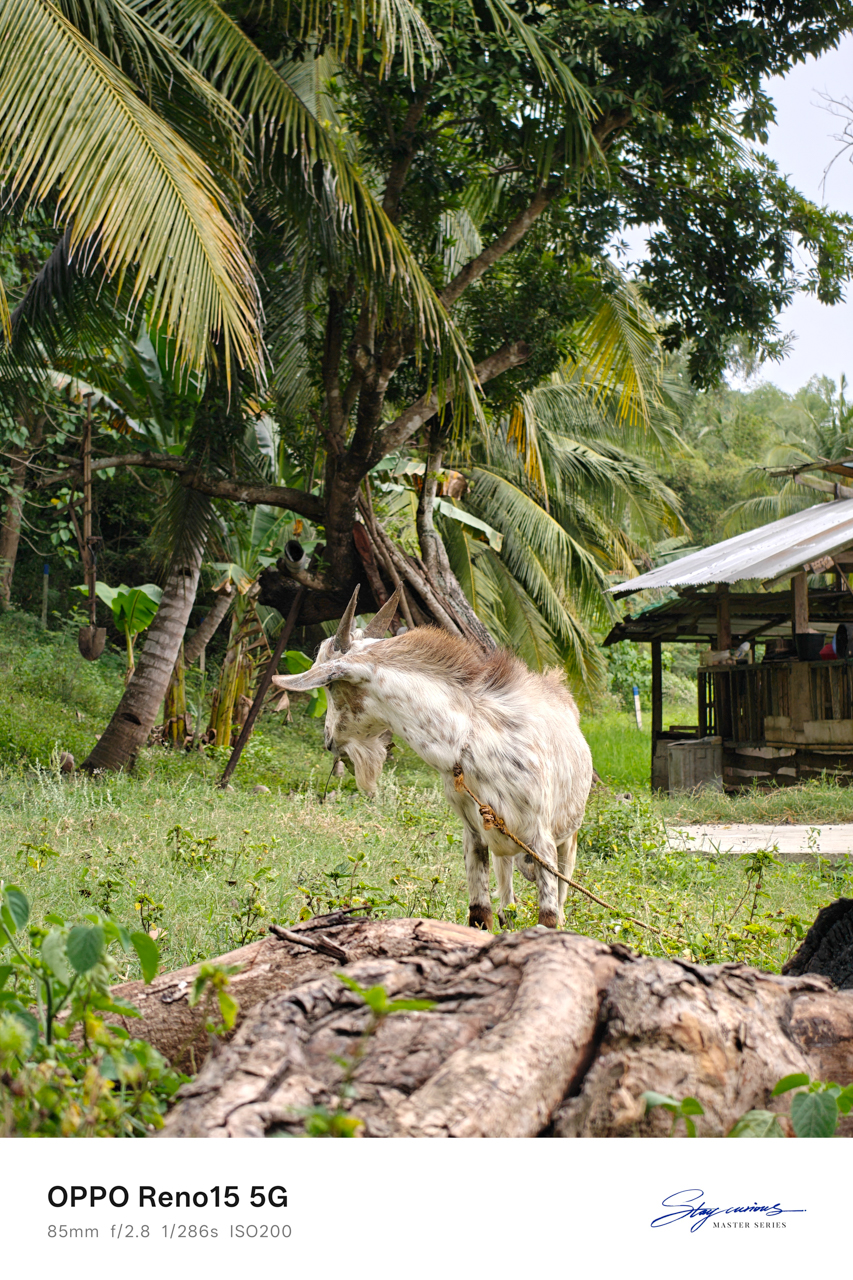
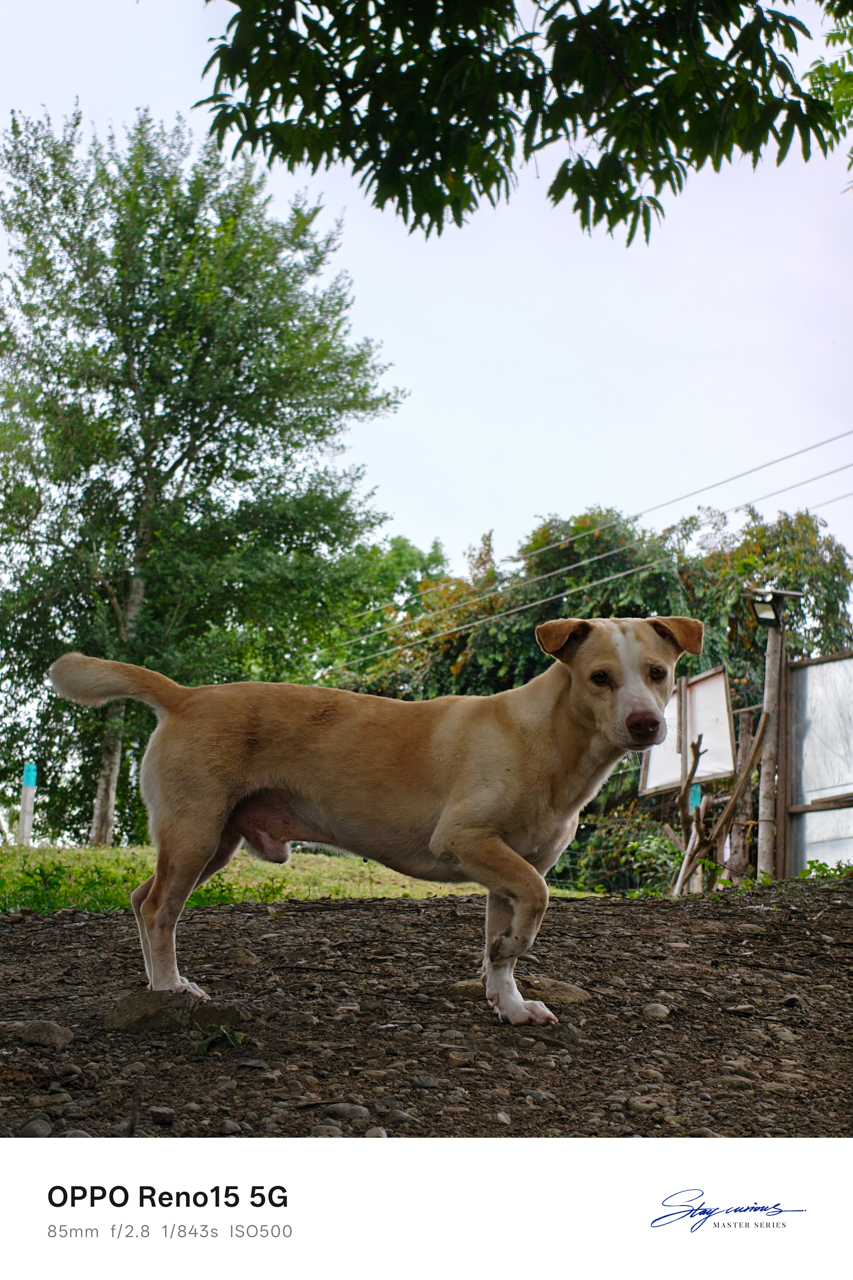
The farm was only about a fifteen-minute drive from the airport, which meant we still had time, real time, to spend the rest of the day together.
I toured his farm on foot and watched livestock being cared for with a gentleness that made me feel like I had stepped into a version of life far removed from mine.


I felt like a Disney princess playing with animals, temporarily forgetting that I had a return flight waiting for me.
We ate together, and at some point I fell asleep on the hammock, only waking up when he gently shook me so we could go to his favorite place.

At the edge of the day
The beach was so close to the airport that my heart sank the moment I saw it. Leaving the city suddenly felt very real. Leaving him even more so.
The entire encounter felt People We Meet On Vacation-coded, and yet I kept hoping this was not just a vacation fling, that he wasn’t merely a vacation boyfriend meant to exist only within a fixed timeline.
I relished the sight of the sea, his favorite spot as he told me, where he went to clear his mind whenever life felt overwhelming.

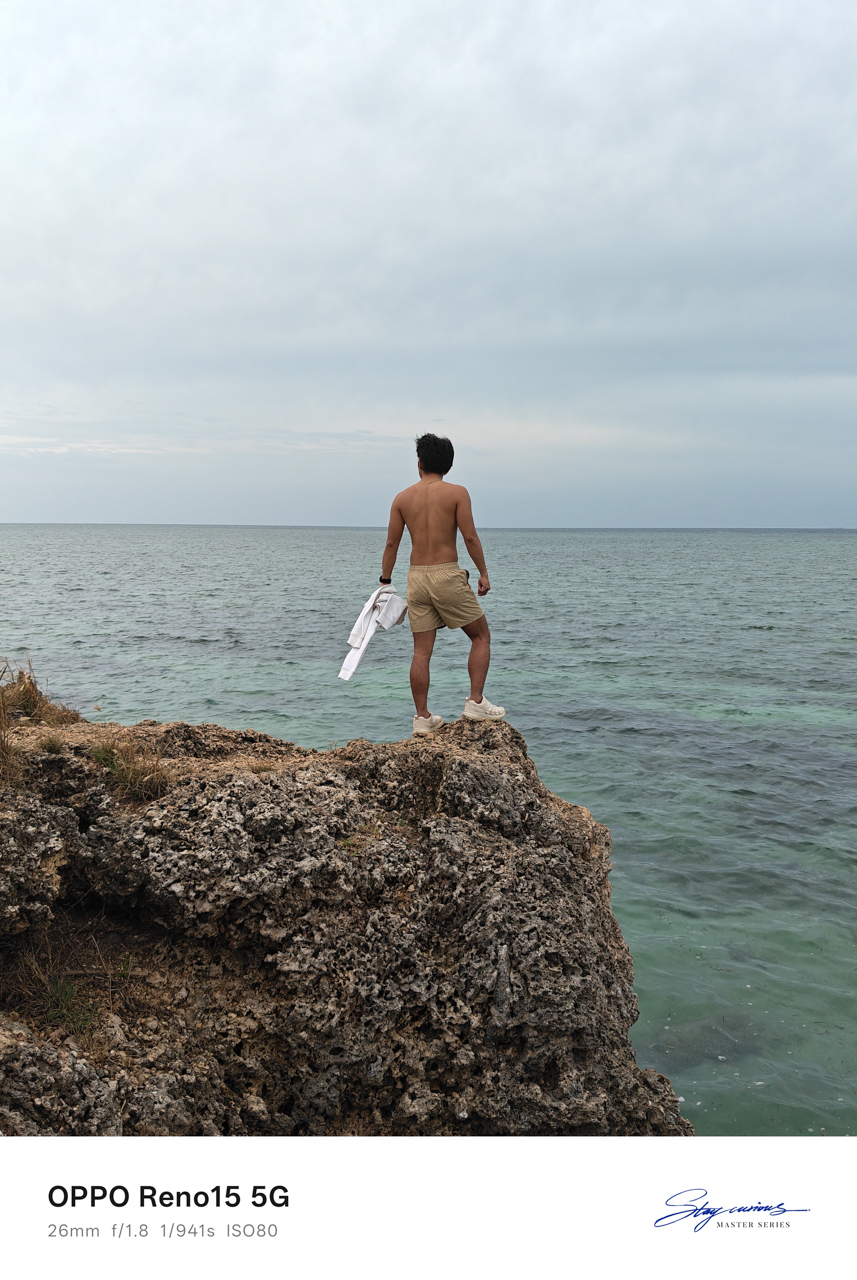
The water was turquoise, vivid against the rocks, and it was impossible to ignore. The sound of waves crashing against the cliffside rocks and the cool hum of the breeze wrapped around us as we talked.
We pondered about life, about where we were heading, about what this meant, and what it realistically could not be.
That was when I realized there was distance between us, not only measured in kilometers. We were two people meeting at different points in our lives, emotionally and mentally out of sync despite how naturally everything else fit.

We both rejected the idea of dating, even after acknowledging how rare it felt to find someone who matched our freak so effortlessly. I knew this could grow into something more if one of us was brave enough to go the distance.
I also knew that maybe neither of us was in the right place to choose someone else when our own dreams still demanded so much attention.
Goodbyes timed by the sky
The sky turned pink and purple as I headed to the airport. He followed behind me riding Ophelia, while I sat inside a tuktuk, a small motorized, three-wheeled rickshaw carrying me and my luggage through the last stretch of the city.


Rain had been forecasted all day. We both knew it. And yet somehow, the universe held it back, letting us have the beach, conversations, laughter, and pauses.
It waited until everything that mattered had already happened.
He made sure I got to the airport safely. Only after I gave him a tight squeeze and finally let go did the rain arrive, as if on cue, like it understood timing better than either of us.
It was an evening flight, and I looked like a deranged person wearing sunglasses, crying while sipping floral tea at Bo’s Coffee, staring out at the runway as planes lined up for departure.
I kept asking myself why distance suddenly frightened me when I had already crossed eight hundred kilometers for him.
Somewhere above the clouds, the answer floated heavily. I did love him. I just never said it out loud because I was afraid of what it would demand, and I was afraid of opening my heart again to someone I wasn’t even sure I would meet again.
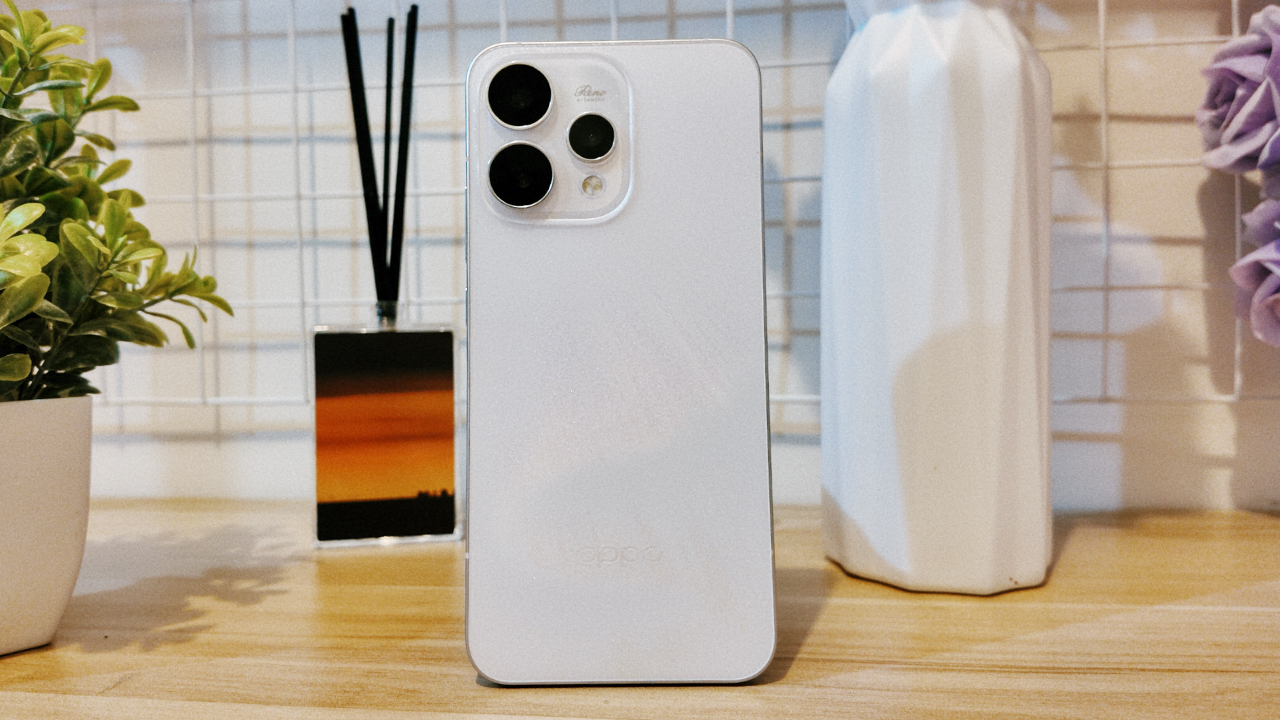
For a moment, I felt loved and desired, and remembered what it felt like to be chosen, even briefly.
When I arrived in Manila, I looked through the photos captured on my OPPO Reno15 and smiled, seeing how a smartphone held on to a fleeting moment of love, written on sand and washed away exactly in time.

Believe me or not, I only had one encounter with an OPPO Reno phone, and it was the Reno10 Pro from 2021. However, my time with it was very short.
Almost five years in, I was finally given the chance to hold the Chinese brand’s latest and greatest Reno.
Without beating around the bush, here’s my first time with the OPPO Reno15 Pro.
First Look
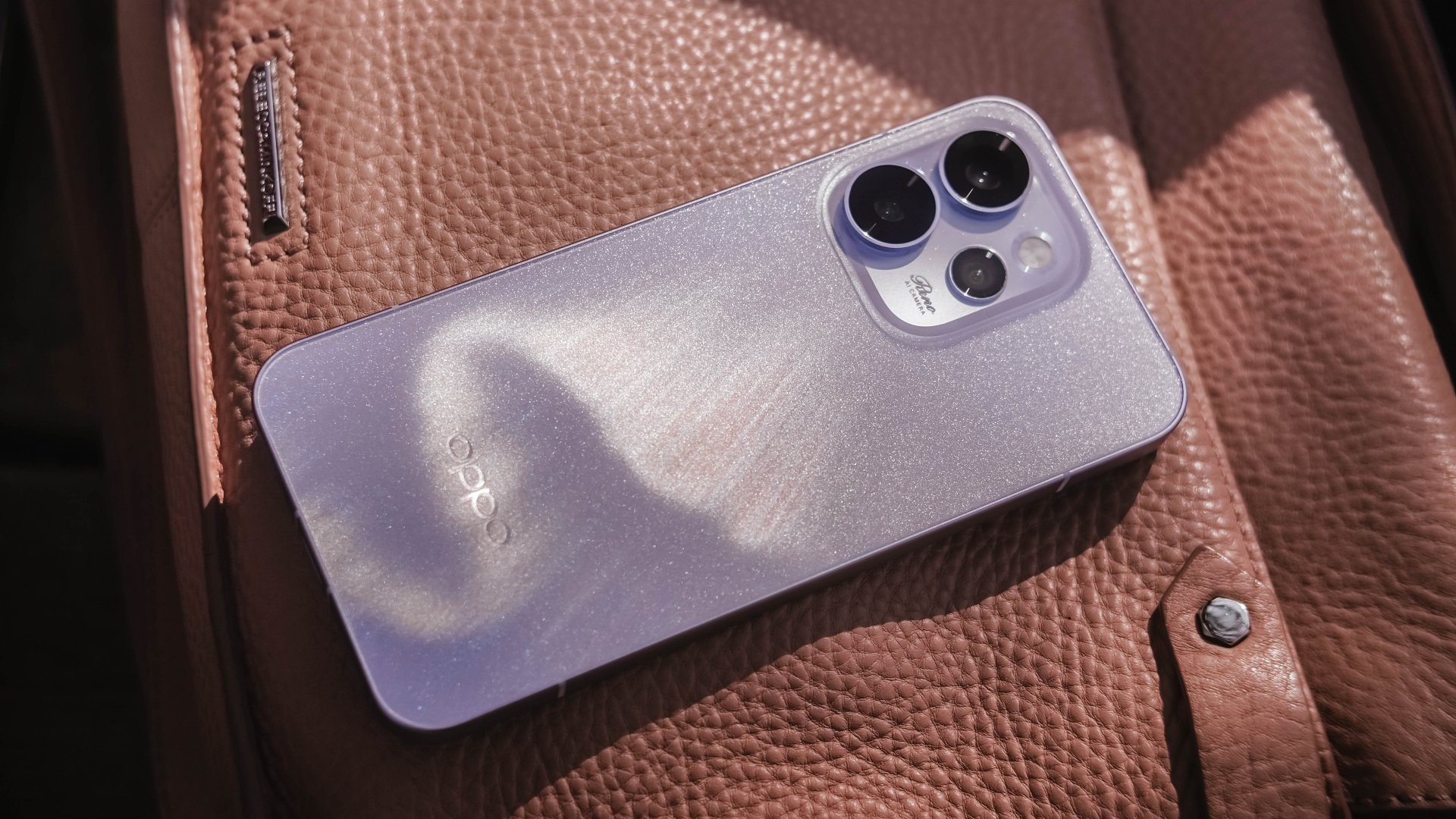
The moment I unsealed its sturdy packaging, the OPPO Reno15 Pro greeted me in this shining, shimmering blue backing.
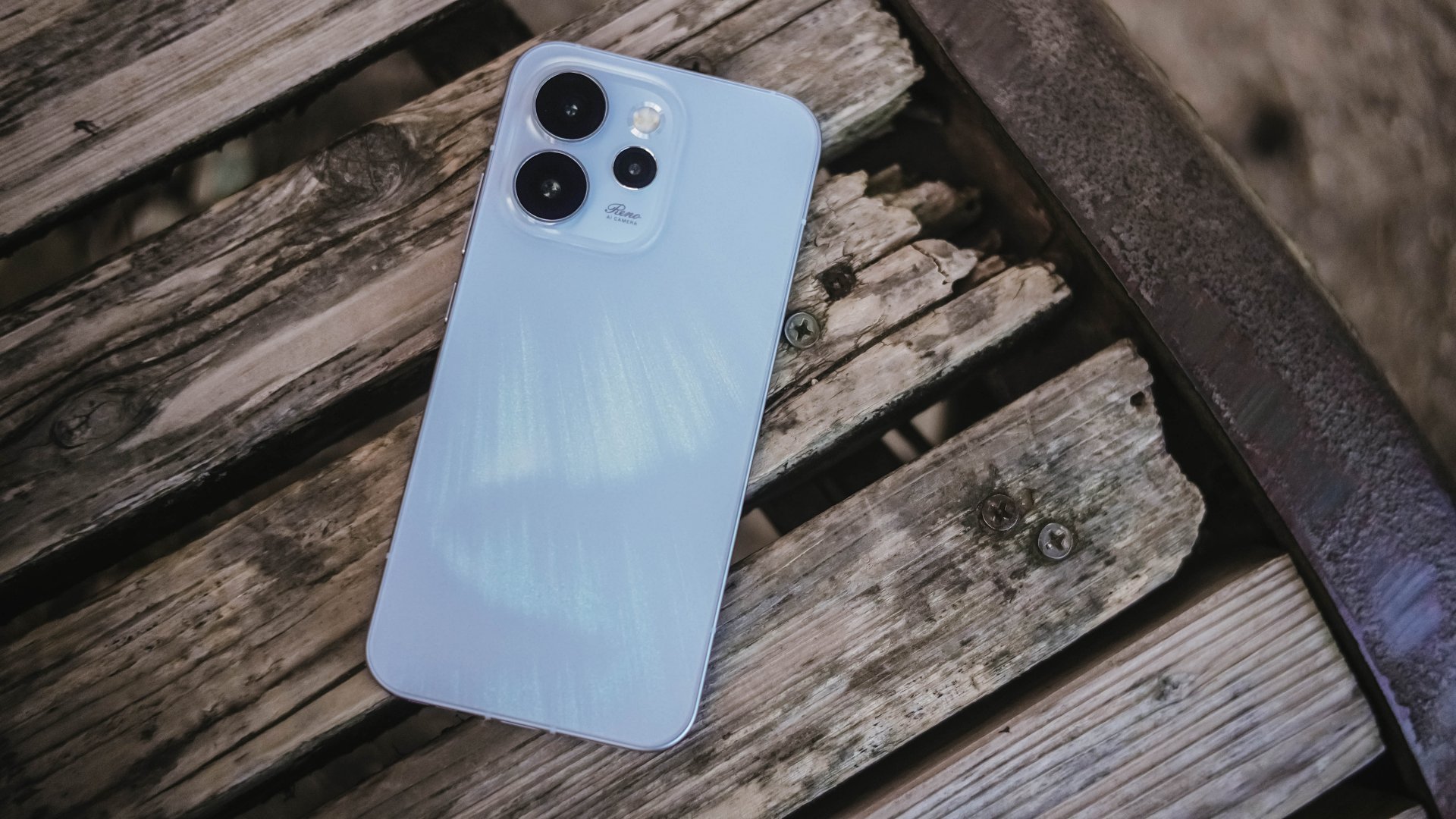
Dubbed as the “Aurora Blue” colorway, it instantly reminded me that I’m still not over that Aurora Borealis scene in the latest hit K-Drama “Can This Love Be Translated?” starred by Kim Seonho and Go Younjung.
I said it before and I’ll say it again, flashy finishes are the least of my options when choosing for a new phone. Still, this finish wins over the less impressive Dusk Brown shade.
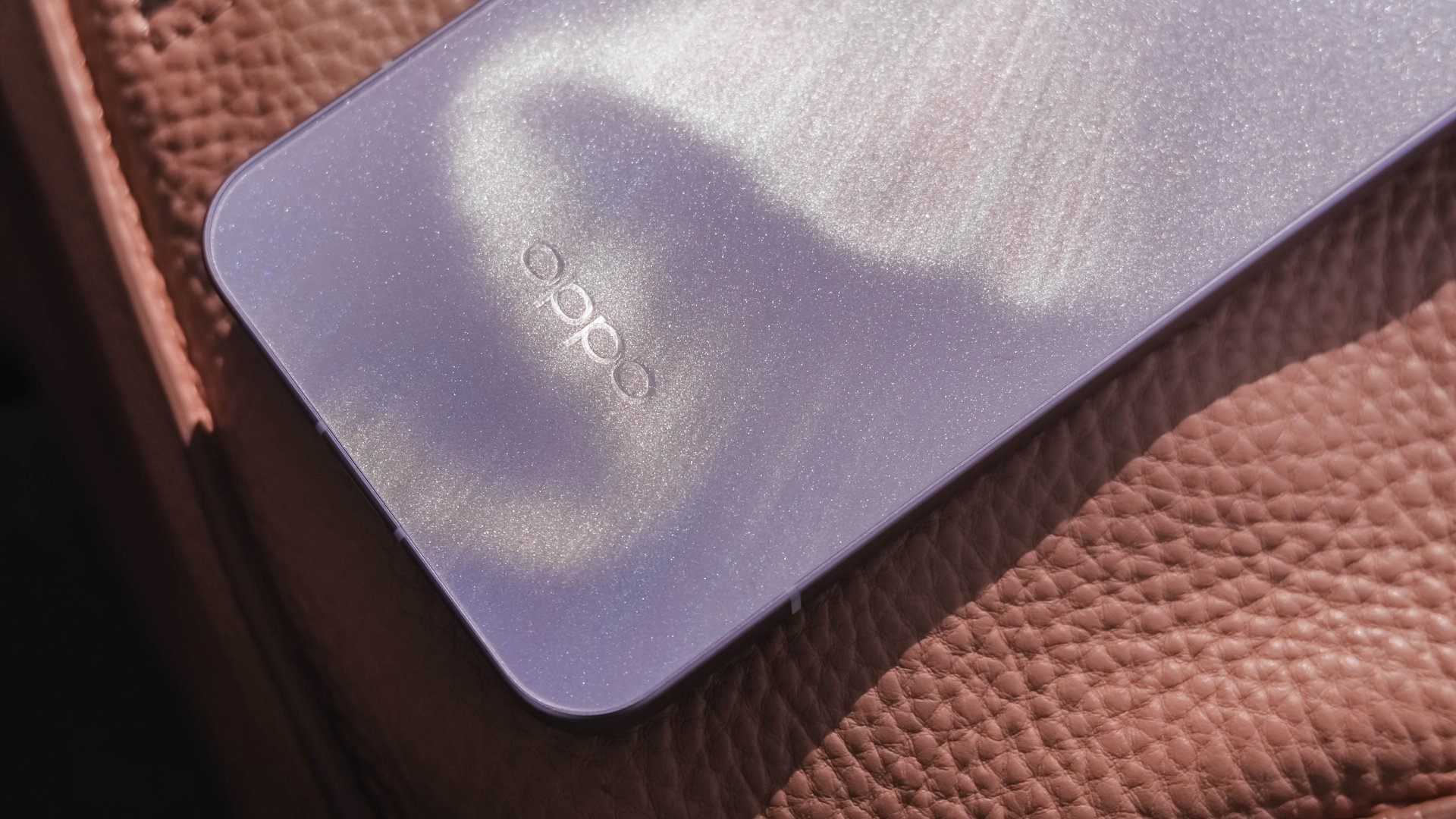
Just like that dazzling northern lights, the Reno15 Pro shows off its aurora accents depending on how the sun hits it.
In the faintest of light, that aurora simply vanishes. Even so, the OPPO Reno15 Pro still shines through with its specks of glitter.
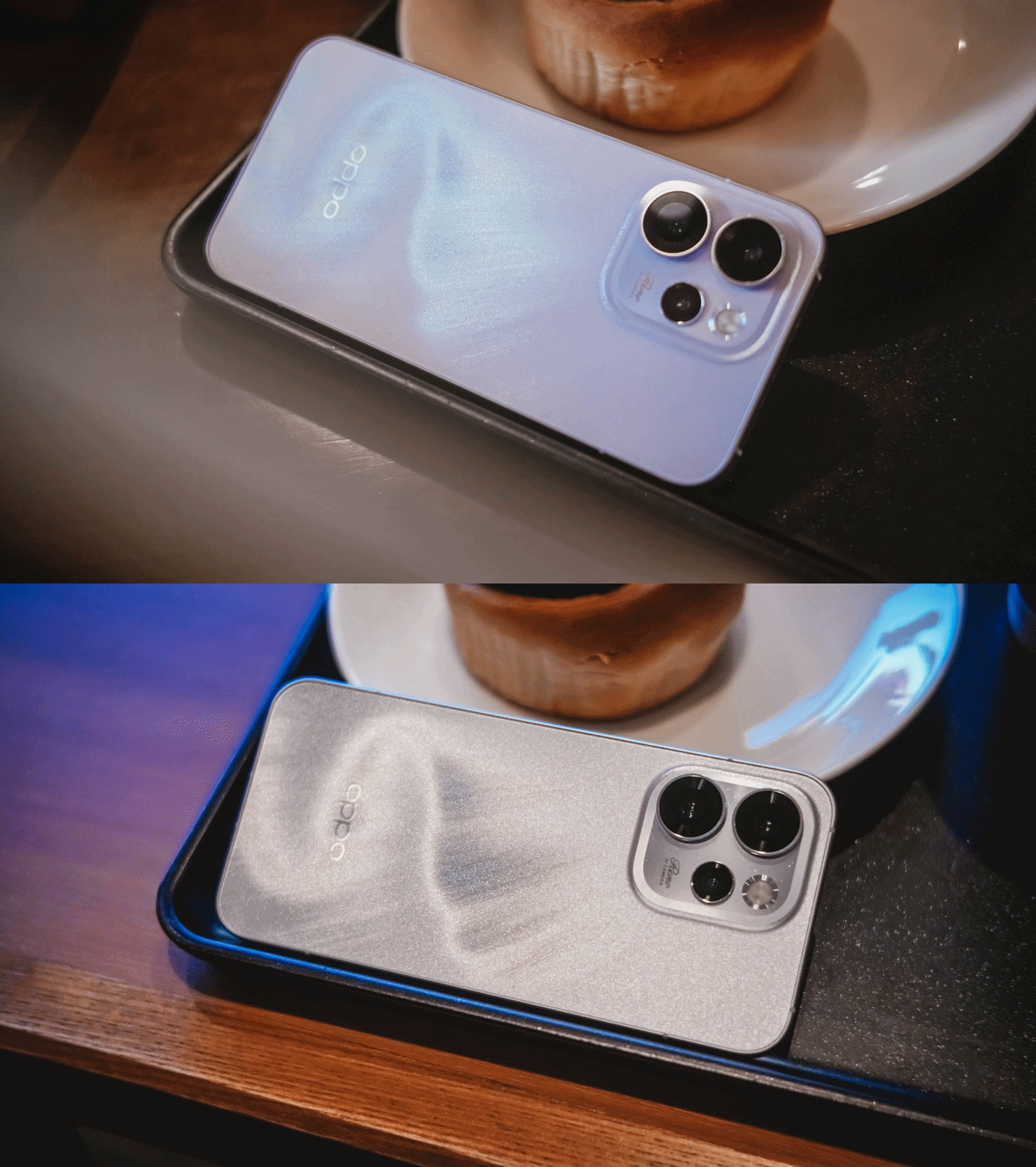
That’s more evident when you bring the OPPO Reno15 Pro indoors — be that your cool room (literally) or a warmly-lit café.
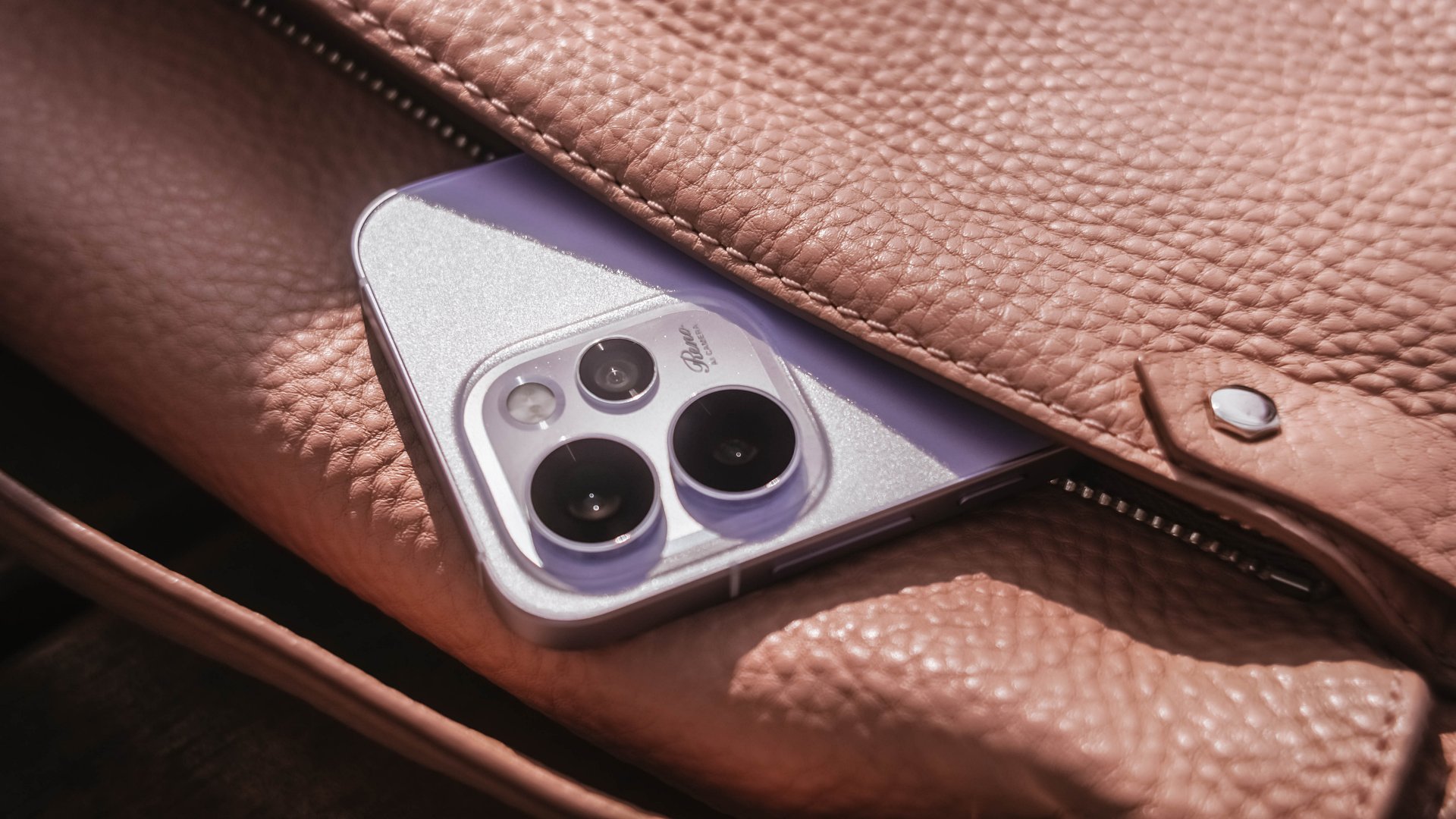
Its camera cutout may not be the most unique out there, but it’s uniformed enough to look clean. After all, a phone’s camera arrangement isn’t what defines the overall performance of its cameras.
First Date
Although 8.13mm isn’t “thin” in today’s standards, holding and keeping the OPPO Reno15 Pro for prolonged periods never felt a sore. Its aerospace-grade aluminum frame may just be one among many factors.

One after another, that 6.32-inch AMOLED 120Hz display is a huge complement to the hands. It fits my huge palms, more so, pockets of all sorts. This sweet screen size is also a breath of fresh air in a vast world of large slabs.
When hit by that harsh sunlight, it’s more than bright– up to 3600 nits of peak HDR brightness if I must insist. And, no matter what kind of content I consume, it’s truly crisp, clear, and even color-accurate.

Being powered by MediaTek’s Dimensity 8450 SoC alongside OPPO’s ColorOS 16 is what made me stuck longer. It honestly felt like I’m in a smooth ride without any road traffic.
The OPPO Reno15 Pro has a great harmony between its software snappiness and fluidity. Animations flow without feeling rushed — much like enjoying date nights without being pressured to catch the last bus trip back home.
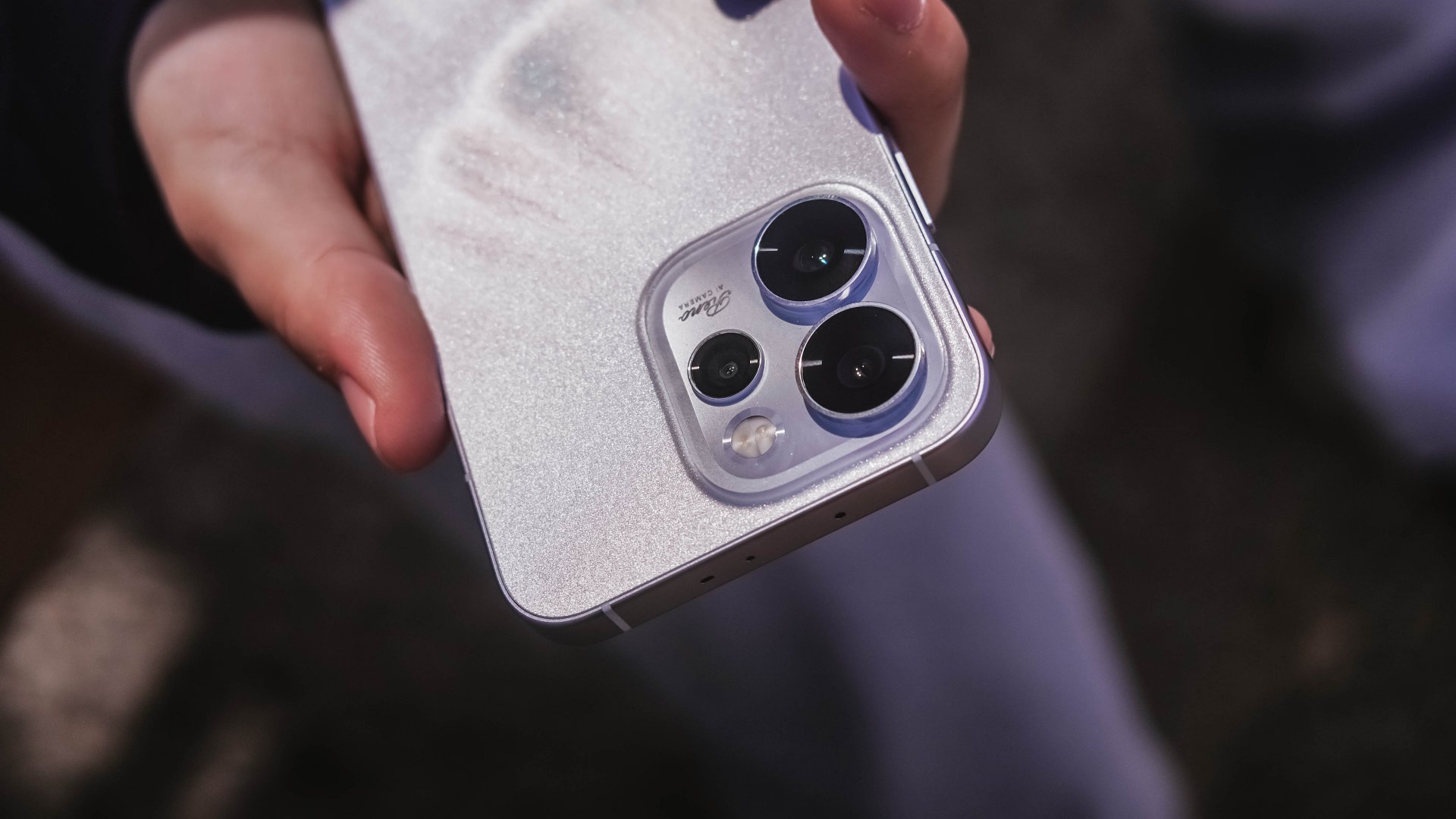
Speaking of staying out late for a date, the Reno15 Pro lasted me more than enough. And, despite its petite form, it managed to fit in a 6200mAh battery inside.
The screen size to battery ratio is just a perfect match. Not only it fits in most (if not all) hands and pockets, it also meant being able to squeeze in more battery to make the most out of your day, night, and even midnight.
If juice gets squeezed out, its 80W SuperVOOC charging will truly save the day!

That doesn’t even end there. With triple IP ratings (IP66, IP68, IP69), you’re more than assured that it’s durable enough in occasional (and accidental) phone drops.
First Impressions
The OPPO Reno15 Pro, despite being categorized as a midrange device, already feels like a solid vanilla flagship.
Much like any other first dates, its overall appearance is just on the surface level. What made me invested more to know the Reno15 Pro further are none other than its intrinsic qualities.
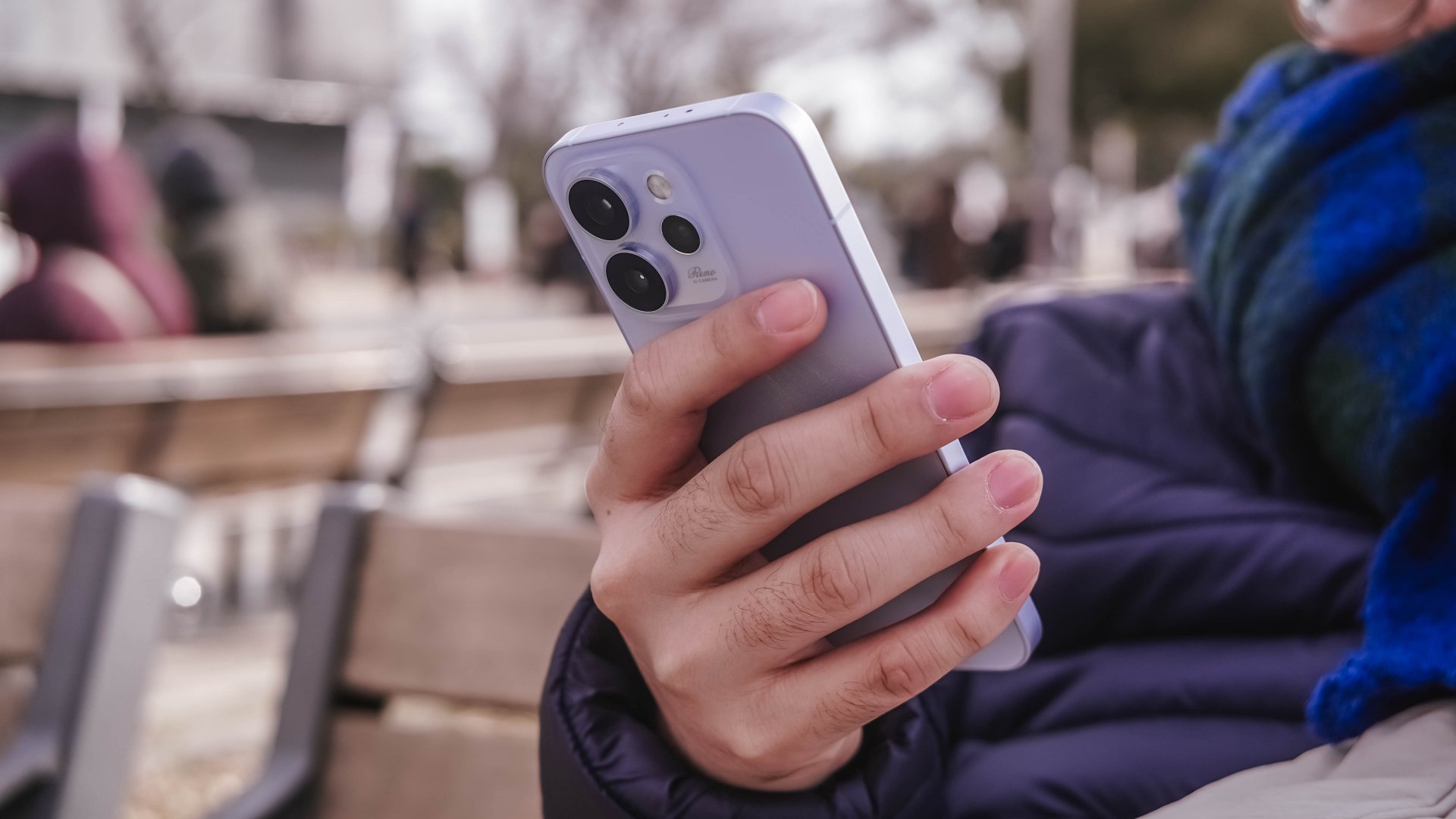
That includes that screen size (or form factor) on the sweet spot plus oh-so-fluid ColorOS. Moreover, its powerful core paired with a humongous battery that will truly last you long.
While I may not have included any photo sample in this early look, I can already assure you that it has one of the greatest camera performers for its class. And actually, it is for another story 😉.

My first time with an OPPO Reno smartphone not only made me impressed. This phone also enticed me to consider switching to the OPPO system when another review opportunity arises.


Now Playing: Iron Lung
The premise will leave you wanting for more.


Infinix NOTE Edge: Stellar at street photography
Despite trailing in other specs, the Infinix NOTE Edge was built for point-and-shoot photography.


OPPO Reno15 Pro: Camera Review
Why is this even considered a "Reno"?

Pokémon Winds and Pokémon Waves will launch in 2027

ITZY’s YUNA is Infinix’s first ever global brand ambassador

BYD’s high-end brand Denza launches in the Philippines

Smart opens pre-orders for Samsung Galaxy S26 series
Now Playing: Iron Lung

Breaking up with Adobe Photoshop after 20 years

TECNO will showcase the CAMON 50 and POVA 8 series at MWC 2026

PlayStation, LE SSERAFIM Chaewon team for the ‘Love of Play’ campaign

VinFast updates battery subscription policy for large upfront savings

The art of being in and behind the frame


-

 Accessories2 weeks ago
Apple AirTag 2 Review
-
 First Look1 week ago
Match Pulse: Infinix NOTE 60 Pro
-

 Cameras1 week ago
Osmo Pocket 4 makes a surprising appearance in public
-
Camera Walkthrough6 days ago
OPPO Reno15 Pro: Camera Review
-

 Gaming2 weeks ago
Star Wars: Galactic Racer shows off new gameplay at State of Play
-

 News1 week ago
iPhone 17 Pro Max is somehow the most traded-in phone today
-

 Gaming1 week ago
LG unveils UltraGear evo, redefines 5K gaming with AI Upscaling
-

 News1 week ago
HUAWEI launches Mate X7, MatePad 11.5 S 2026, FreeClip 2