

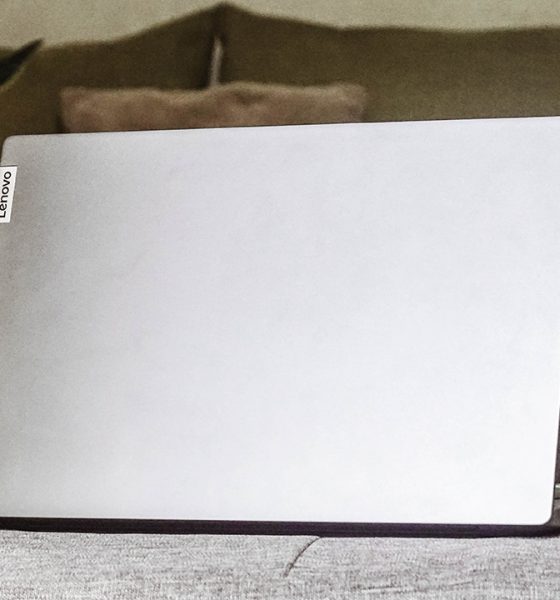

Anyone living in this age is quickly frustrated by sluggish experiences — be it through their devices, internet connection, or relationships. For most people, it’s easy to find work-life balance when everything just works; a feat you can achieve when you have the right resources.
Now that the line between our work and personal lives are blurry, our yearning to maintain a good work-life balance amplifies. However, most people forget how investing in a well-performing machine can help you fast-track your goals in achieving your desired lifestyle.
For instance, the Lenovo IdeaPad Slim 5i is a capable laptop built to help you find the balance between life and work.
The value of working smart
Gone are the days where our worth is measured by the hours we clock in. Living in this age ushered the importance of efficiency, prompting people to work smarter to free up hours for meaningful things that make them happy.
The Lenovo IdeaPad Slim 5i teaches us the same ethos — the value of working smart. This machine will let you expect a hiccup-free experience so you can multitask, be productive, perform creative tasks, and even play games to unwind.
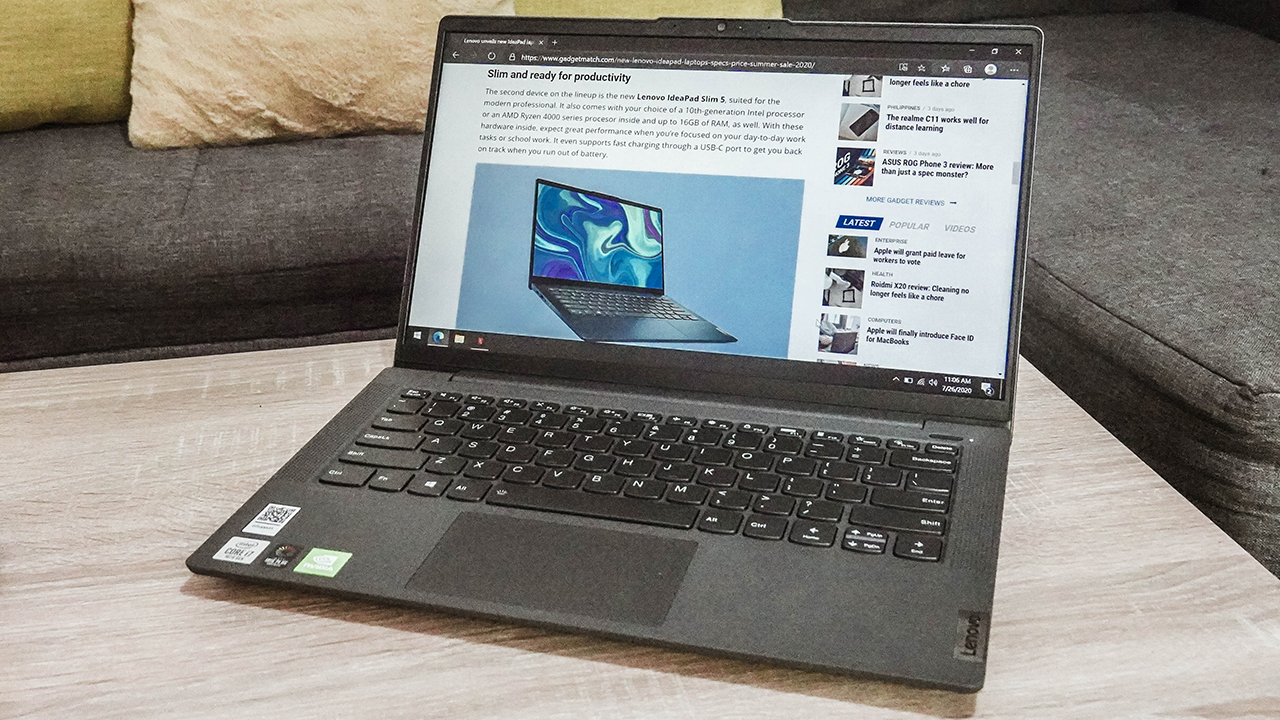
Lenovo’s smarter technology promise ensures that people can prepare for the challenges ahead, seeing how technology has become extremely important to meeting people’s basic needs, and keeping the world going even during a crisis.
The IdeaPad Slim 5i is a testament to that, as it adds to Lenovo’s innovative technologies across its vast portfolio of devices that position the company as the most prolific end-to-end global technology organization.
It is thanks to this laptop’s internals, which is powered by up to the latest 10th-gen Intel Core i7 processor and runs on NVIDIA’s GeForce MX350 GPU and Intel’s Iris Plus Graphics. It also sports an 8GB RAM and 512GB SSD storage, and up to 16GB RAM and 1TB SSD storage on some units.
Moreover, it’s equipped with WiFi-6 connectivity, ensuring a strong connection for all your online activities. Even with multiple gadgets at home, trust that the IdeaPad Slim 5i won’t give up on your connection — even when everyone else does.
Feature-packed for its price
Some features that make our lives easier are considered a luxury, especially for non-flagship and non-premium laptops. Yet the IdeaPad Slim 5i was able to pack certain features to ensure a seamless experience.
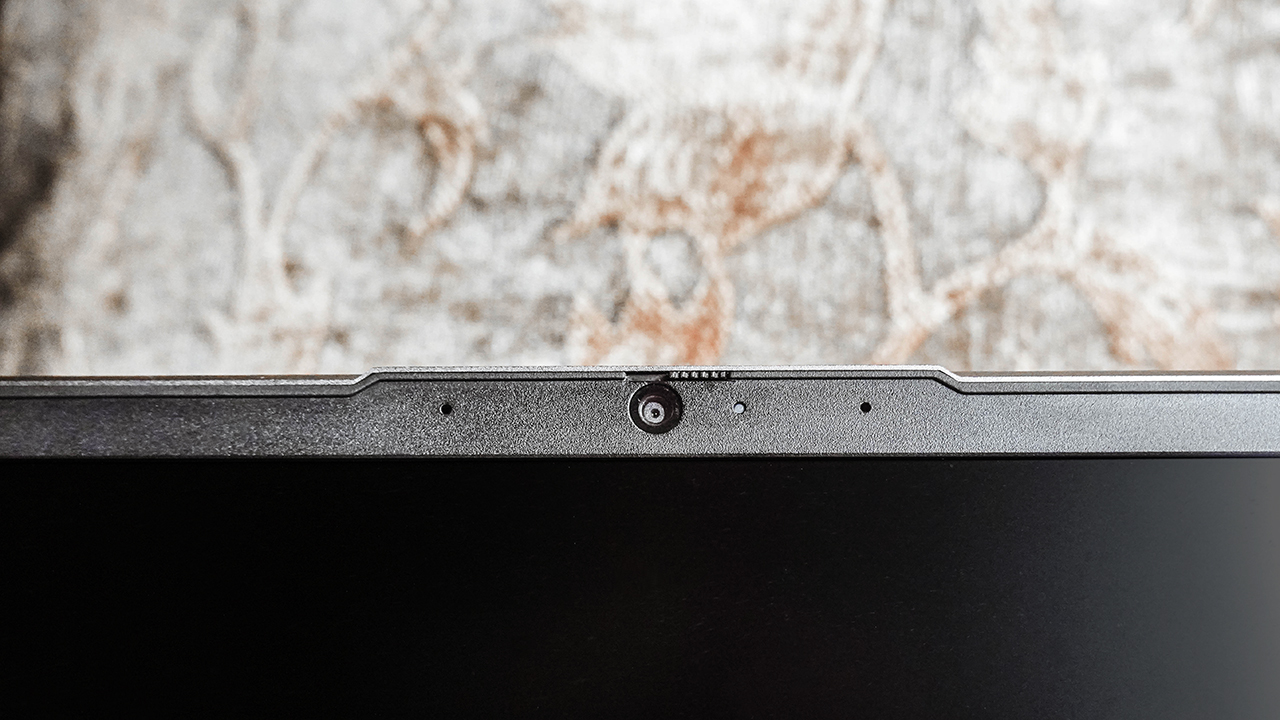
First, you can have peace of mind when it comes to your safety and security since it’s equipped with Lenovo’s distinct Privacy Shutter.
Design-wise, it’s paint-coated with fabric-like finish in colors such as platinum grey, graphite grey, or light teal; colors that won’t steal the spotlight away from you.
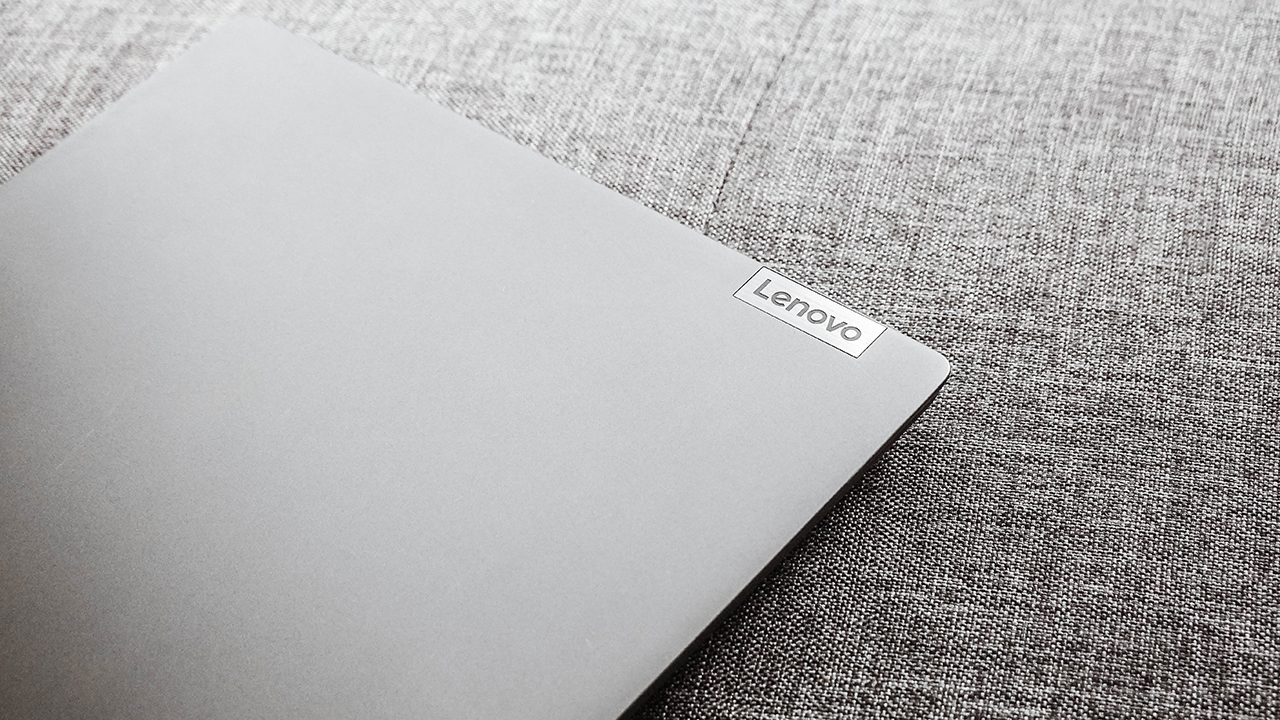
Also, it’s soft and comfortable to touch, and it’s designed to be opened with just one hand, flexing its sturdy hinges and durable build.
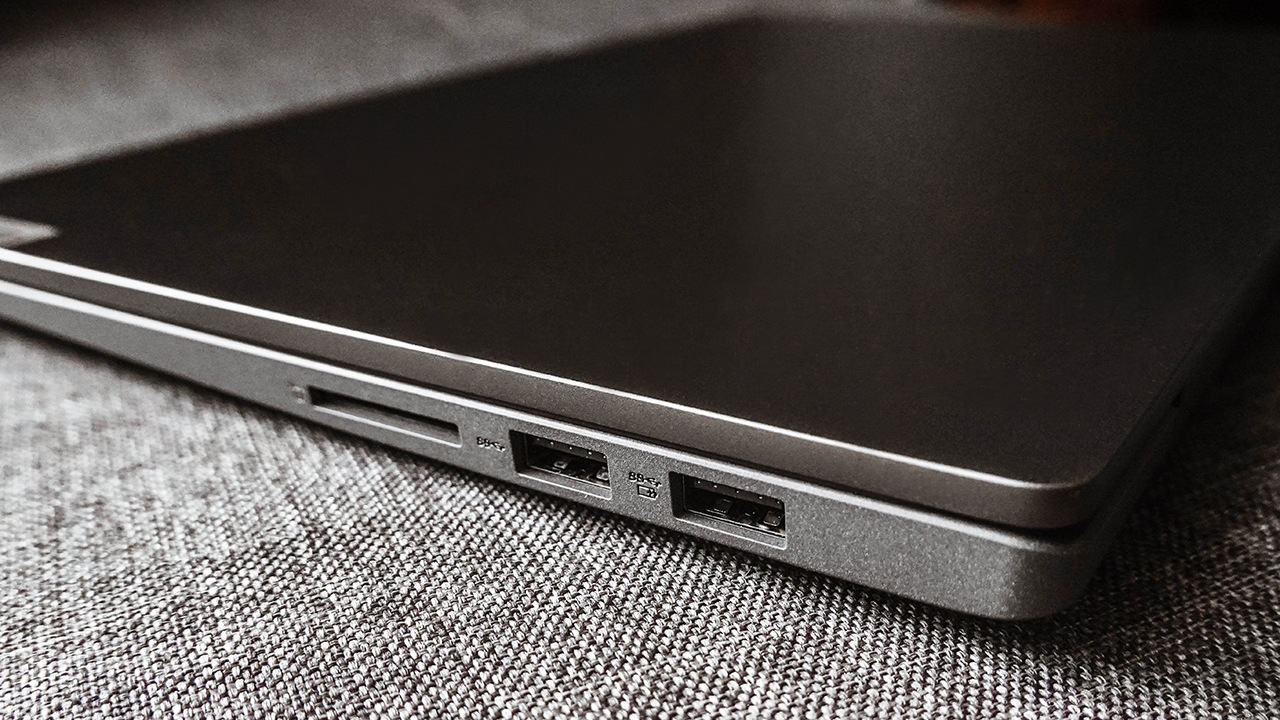
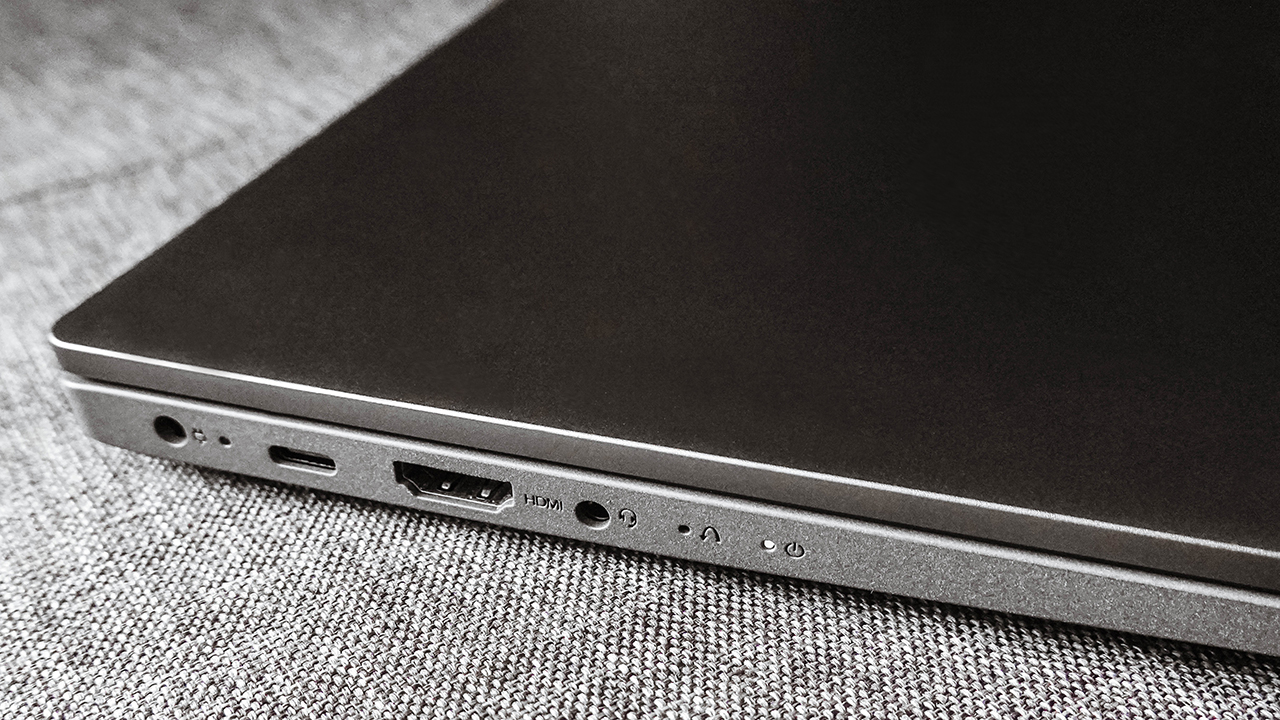
Moreover, it hosts several ports — a USB-C port, two USB 3.1 ports, a DisplayPort, an SD card reader, and an audio jack — for better connection.
Work, play, rest, repeat
When the going gets tough, you can always opt to take a break. The IdeaPad Slim 5i isn’t just a productivity powerhouse, it can be a portable entertainment hub, too!
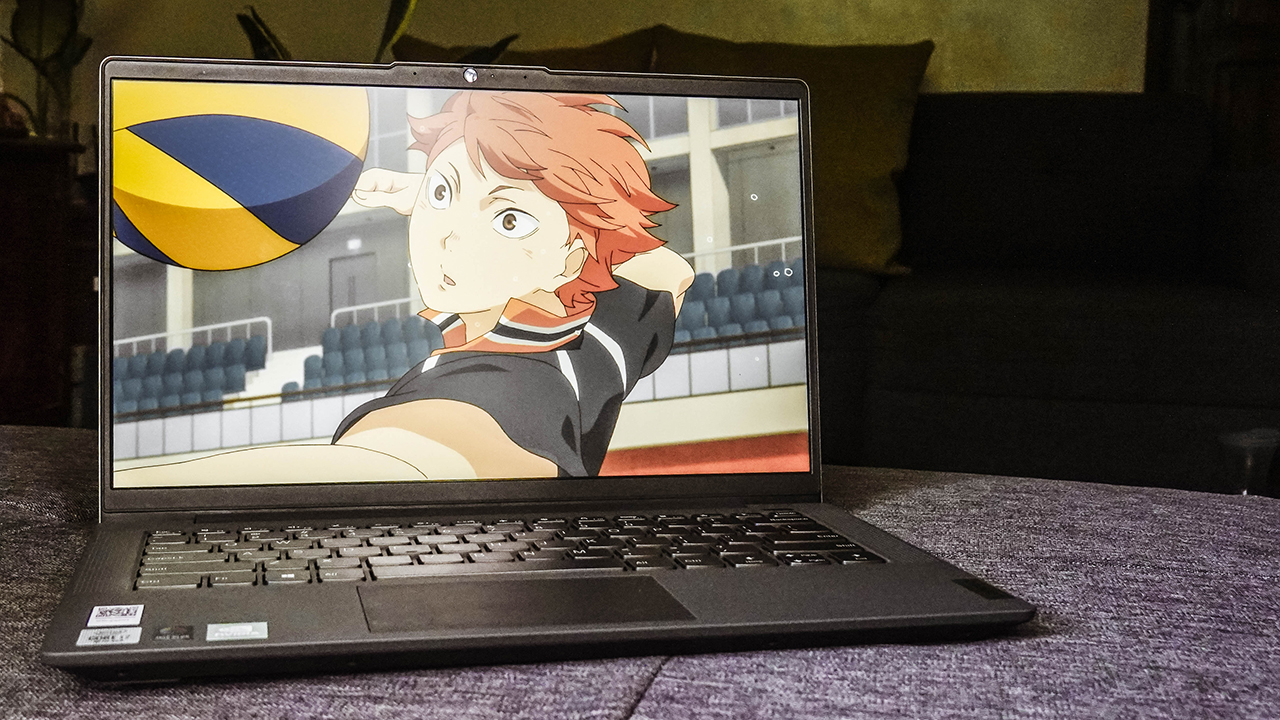
With a Dolby Audio-tuned front-facing speakers situated beside the keyboard, and partnered by an FHD display with 90% Active Area ratio, it’s set to be a perfect leisure companion. Stream your favorite tunes or binge-watch your favorite shows, wherever you want it.
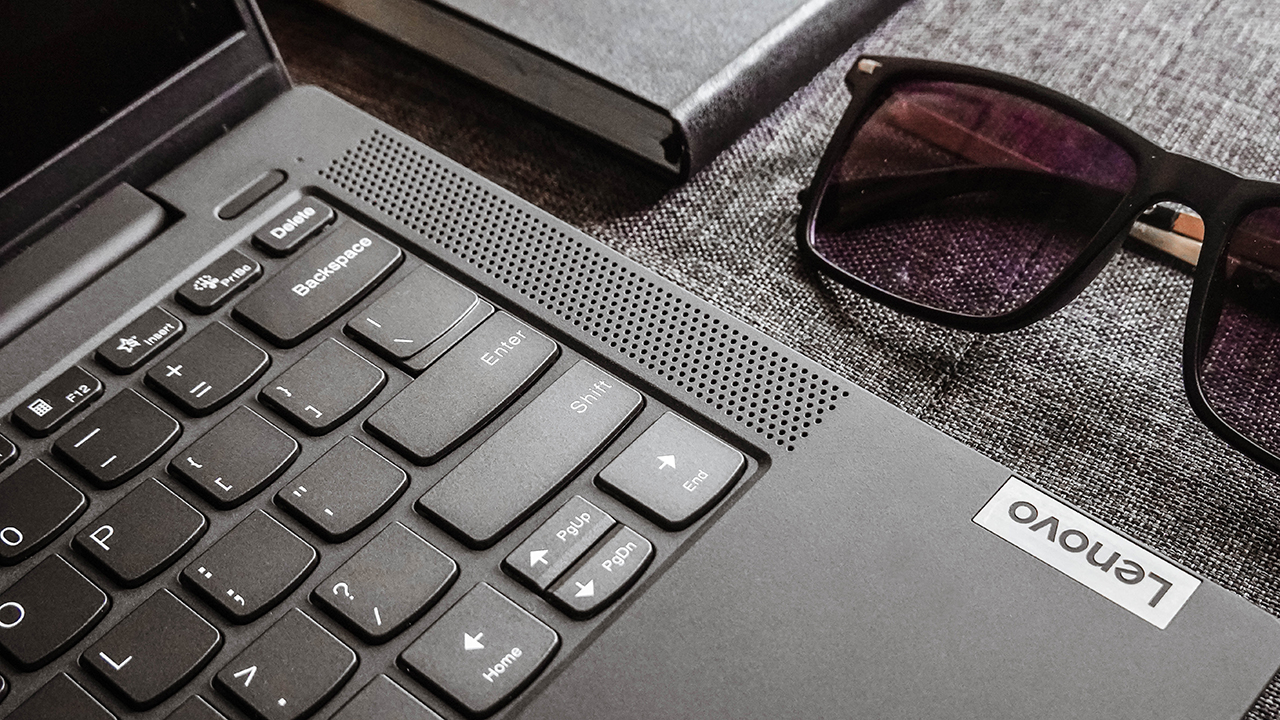
Furthermore, it lets you work or play uninterrupted for 12 hours with its 57Wh battery. If you need additional juice, you can use its Rapid Charge which gives an extra 3-hour usage within 15 minutes of charging.
As the routine gets mundane, take time to rest so you and your laptop can cool down. Taking a step away and changing your scenery can help improve your well-being. Treat your body just like how you would take care of your gizmos.
Striking a balance between life and work
Surely, the Lenovo IdeaPad Slim 5i is a great tool to help you strike a proper work-life balance. After all, it’s a no-frills laptop focused on getting the job done, so you can do the things you’ve always wanted to do in life. Moreover, it’s a feature-packed laptop with value for money.

The IdeaPad Slim 5i retails for PhP 49,995 (Intel Core i5) and PhP 59,995 (Intel Core i7) and is available in authorized stores like Silicon Valley, PC Express, Villman, Complink, Gigahertz, Octagon, and Abenson.
Lenovo is currently running a promo that offers freebies worth PhP 20,475 when you purchase the IdeaPad Slim 5i. You’ll get premium gifts such as a 65W Type-C travel adapter, a Lenovo B210 backpack, a Herschel Little America backpack, and a free Microsoft Office with a lifetime license. For more information, visit Lenovo’s Summer Sale Promo 2020.
This feature was produced in collaboration between GadgetMatch, Intel, and Lenovo Philippines.




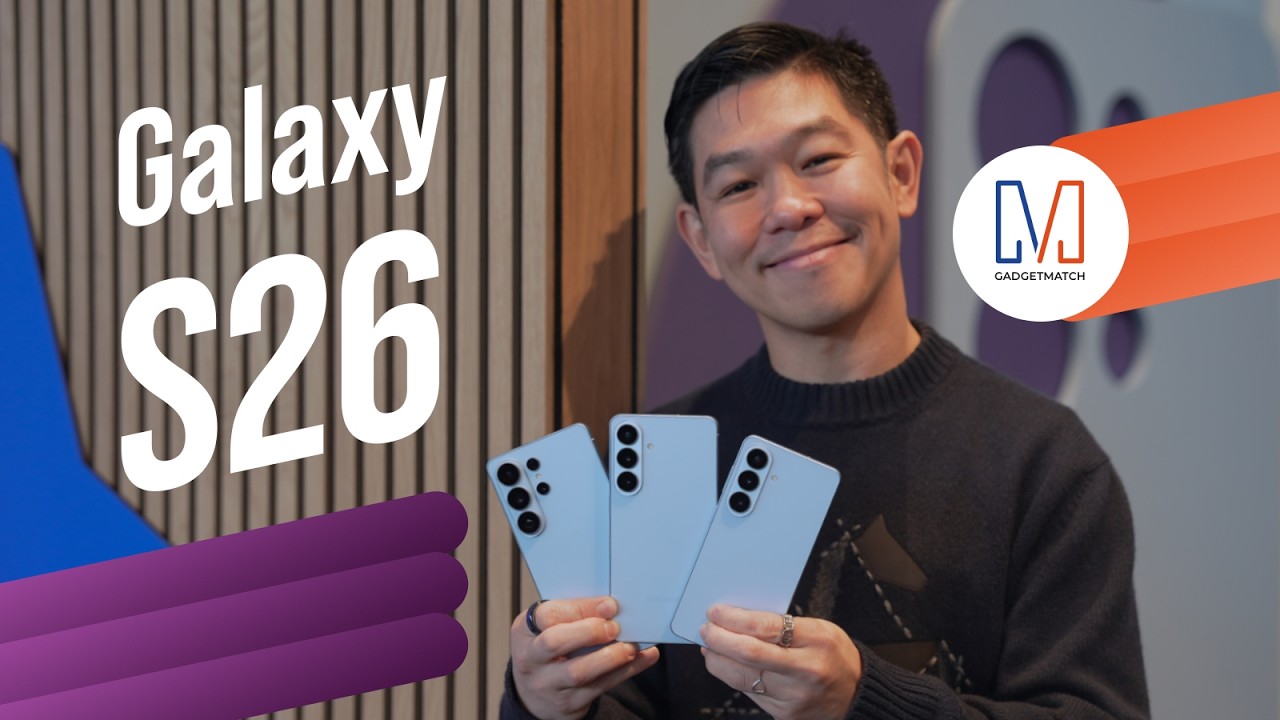
Did Samsung push forward or play it safe with the Samsung Galaxy S26 Series? Well, it’s a little bit of both.
Here’s our Hands-on with the new Samsung Galaxy S26 series to find out.
PRE-ORDER and SAVE up to $900 with enhanced trade-in credit:

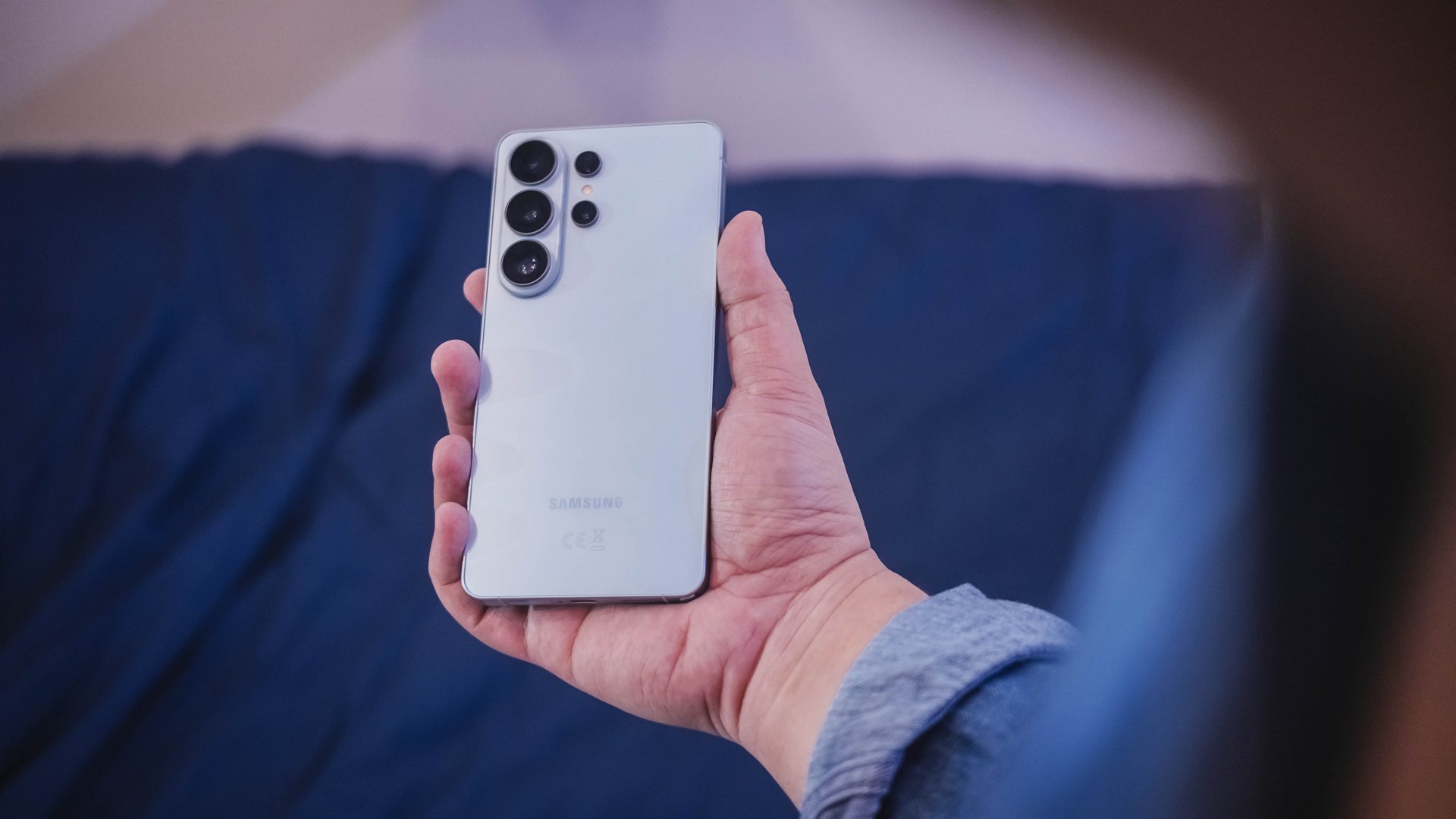
“Our philosophy has never been about chasing specs.”
That line from Samsung’s presentation captures the Galaxy S26 Series better than any spec table.
This isn’t a year of radical hardware shifts. Battery capacities remain unchanged. Megapixel counts are familiar. The design language evolves rather than transforms.
But incremental doesn’t automatically mean irrelevant.
The S26 Ultra feels like Samsung refining its priorities — usability, privacy, and AI integration — instead of pursuing headline-grabbing numbers.
Hardware refinement, not reinvention
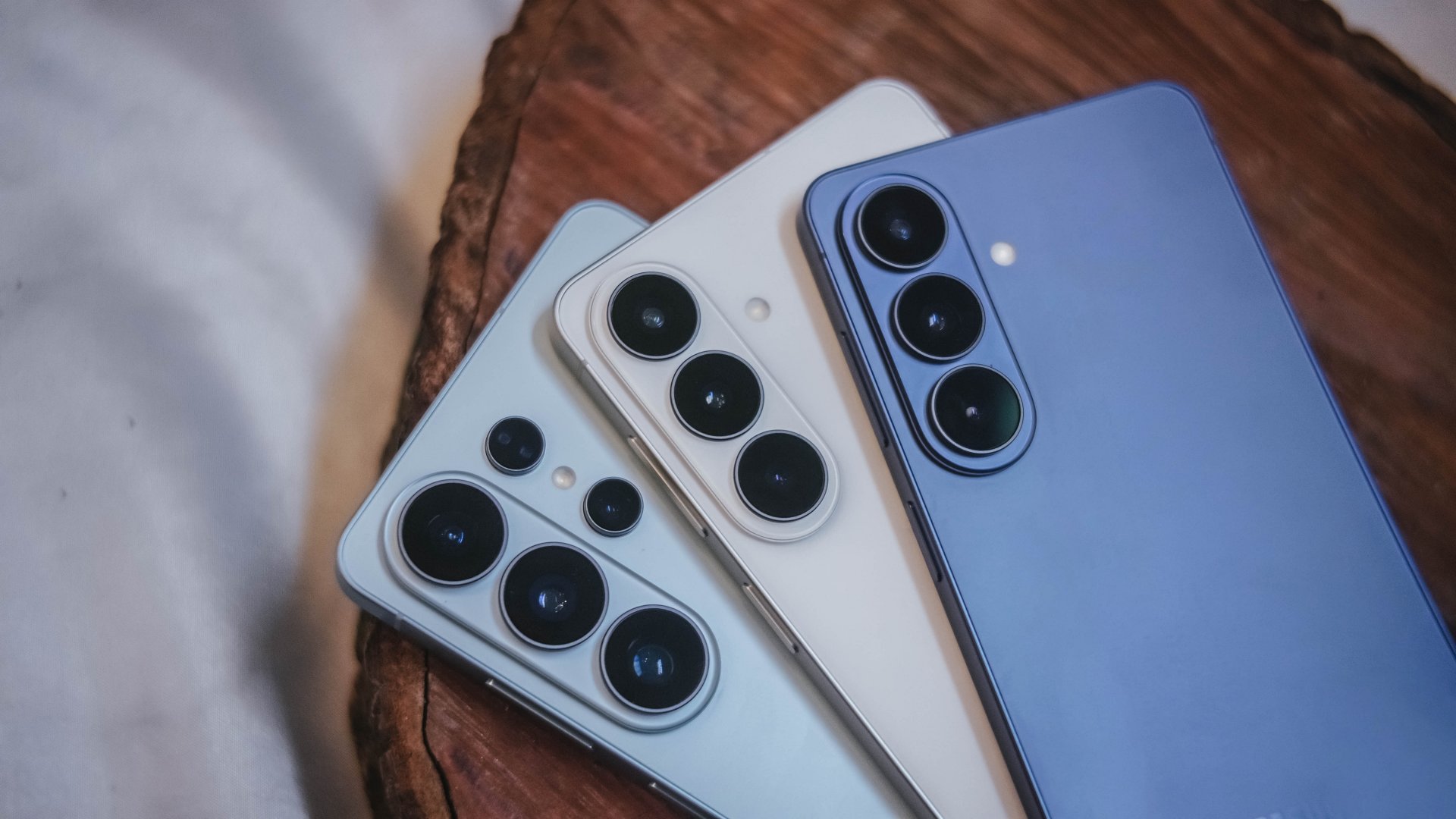
The Galaxy S26 series looks more unified. All three models now share the same corner radius, creating a consistent visual identity. The Ultra no longer stands apart with sharper edges. It’s a small change, but it makes the lineup feel cohesive.
The camera module sits on a more defined island rather than blending into the rear panel. It’s subtle, but noticeable in person.
Samsung also trimmed weight and thickness on the Ultra. At 7.9mm and 214 grams, it handles slightly better than last year’s model. The company switched to Light Armor Aluminum, which it claims improves heat dissipation and weight. The difference in hand isn’t dramatic, but it’s appreciated during extended use.
Charging finally moves forward. The Ultra supports 60W wired charging, up from 45W. Samsung says you can reach 75 percent in around 30 minutes. That’s a meaningful improvement for quick top-ups.
However, 60W isn’t industry-leading in 2026. Competing brands have offered similar or faster speeds for years. This feels less like Samsung setting a new benchmark and more like closing a gap.
Battery capacity remains 5,000mAh. That’s consistent with previous models. While fast charging helps daily convenience, endurance gains will depend on software optimization and real-world usage.
AI and software remain the headline
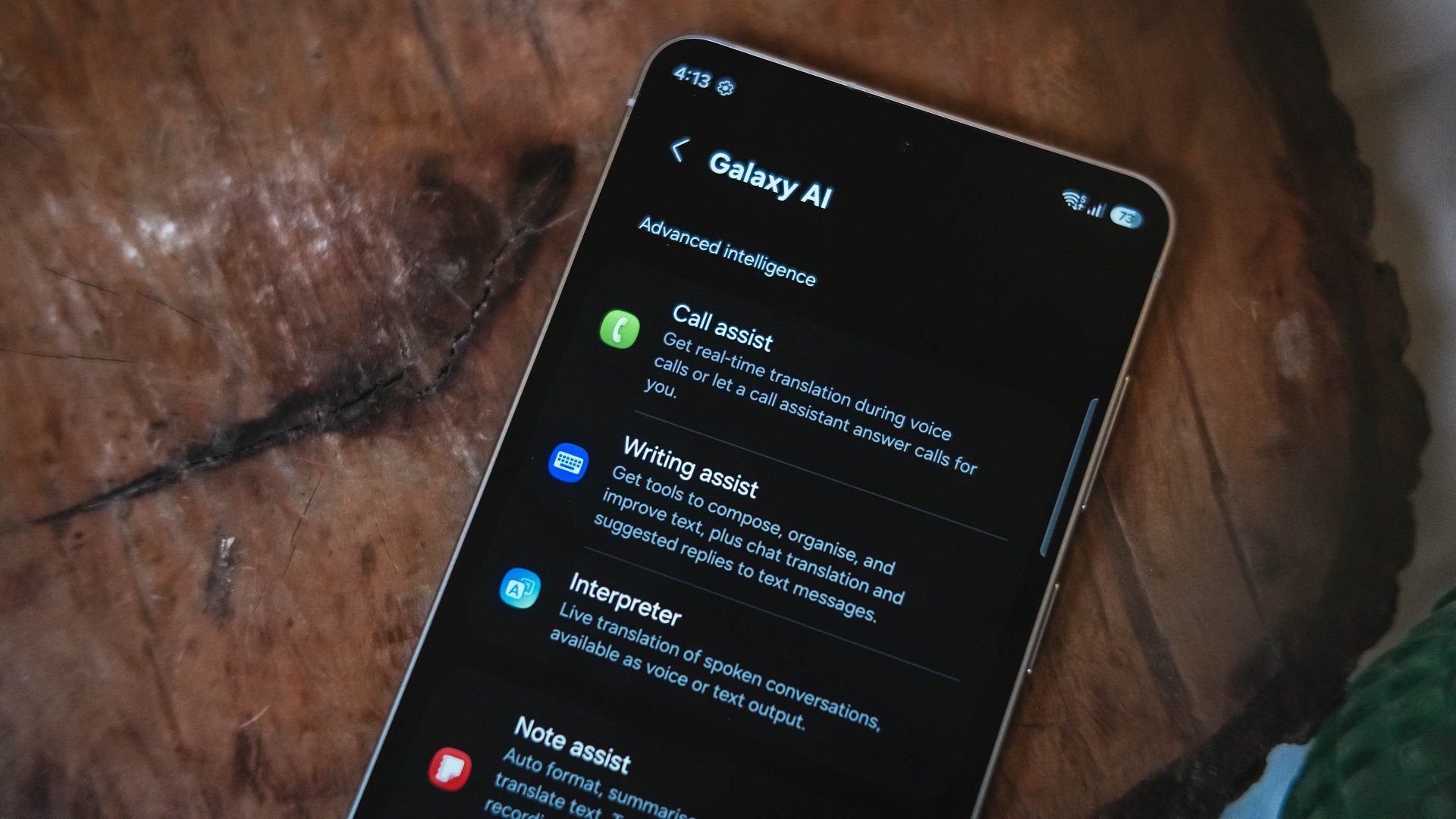
Like recent Galaxy generations, the S26 Series leans heavily on software features.
Privacy Display is one of the more practical additions. It restricts viewing angles at the pixel level, functioning like a built-in privacy filter. If you’re using your phone in public spaces, people nearby will struggle to see what’s on screen.
You can toggle the feature or enable it only for specific apps. That flexibility matters. It allows privacy protection for sensitive apps while keeping general use unaffected.
This addresses a real-world problem. Public screens are inherently visible. Privacy Display doesn’t eliminate that risk, but it reduces casual glances and unwanted observation.
Audio Eraser also gets an upgrade. It now works across third-party apps. We tested it on a noisy K-pop fancam from YouTube, and the background noise reduction was noticeable without destroying audio quality.
It’s not perfect. Overprocessing can occur in extreme cases. But for cleaning up shared videos or reducing ambient noise, it proves useful.
AI Photo Assist introduces text-prompt editing directly inside the Gallery app. Users can describe edits in natural language — remove objects, expand backgrounds, or modify elements — without exporting images to external tools.
This isn’t groundbreaking technology. Similar generative edits exist in other AI platforms. The difference is integration.
By embedding generative tools inside the Gallery, Samsung turns them into part of the default workflow. Photo editing becomes more accessible rather than requiring specialized knowledge or separate apps.
That shift is meaningful. It signals that generative AI editing is becoming a standard smartphone feature rather than an experimental add-on.
Cameras: computational evolution
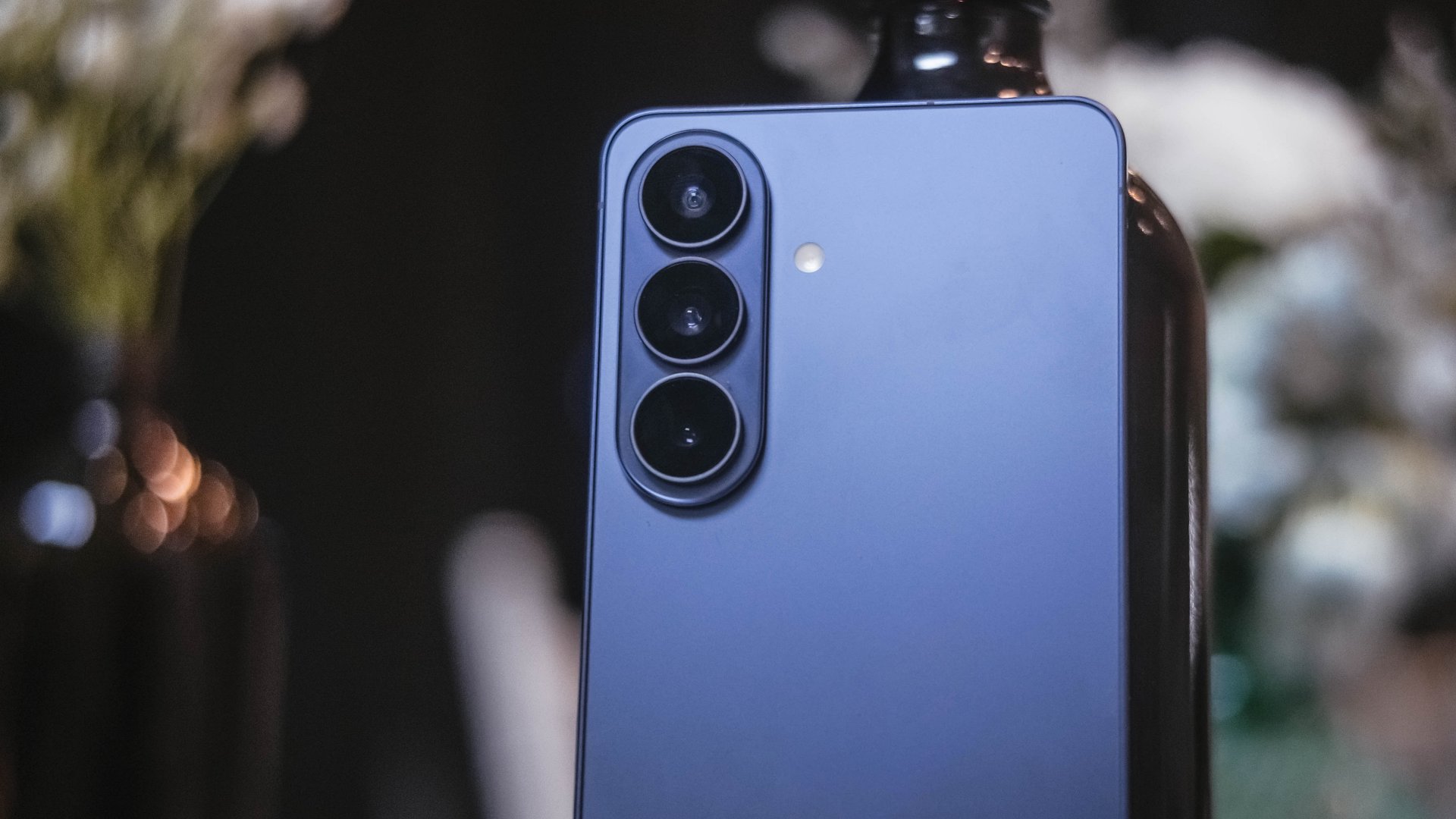
The camera hardware remains familiar. The Ultra continues with a 200MP main sensor and telephoto configurations similar to last year.
Improvements focus on computational photography.
Samsung widened apertures to allow more light. Stabilization has been refined. AI sharpening and Nightography processing aim to produce cleaner images with reduced noise.
From samples shown during the presentation, low-light shots appear brighter and cleaner. However, the processing can feel aggressive. Details sometimes look overly smoothed, and textures can appear artificial.
This reflects Samsung’s long-standing approach — prioritize computational enhancements over megapixel increases. The S26 continues that philosophy.
For video creators, APV (Advanced Professional Video) enables 8K recording with minimal quality degradation during edits. Super Steady Video also improves handheld stabilization.
These features cater to content creation workflows rather than casual snapshots.
Incremental but intentional

The Galaxy S26 Ultra doesn’t try to shock. It doesn’t reinvent Samsung’s design language or introduce dramatic hardware leaps.
Instead, it refines existing ideas.
Privacy Display addresses public visibility concerns. Audio Eraser improves real-world video cleanup. AI Photo Assist integrates generative editing into everyday photo workflows. Charging speeds improve without industry-leading ambitions.
Even the design changes — unified corner radii, a defined camera island, lighter materials — emphasize cohesion.
This strategy resembles the broader shift in the smartphone industry. Hardware innovation has slowed. Software and usability improvements drive differentiation.
Samsung appears comfortable with that reality.
Of course, first impressions only tell part of the story. We still need extended testing for battery life, thermal performance, camera consistency, and AI reliability.
The S26 Ultra may not represent a revolution. But refinement can matter — especially when it targets usability and practical features.
Samsung will have to make significant hardware upgrades eventually. But for now, it feels like the company is doubling down on incremental progress. Not flashy. Not radical. But purposeful.
Whether that strategy resonates will depend on real-world performance.
Samsung Galaxy S26 Series – Specs
| Feature | Galaxy S26 Ultra | Galaxy S26+ | Galaxy S26 |
| Display | 6.9″ Dynamic AMOLED 2X
|
6.7″ Dynamic AMOLED 2X
|
6.3″ Dynamic AMOLED 2X
|
| Rear Camera: Ultra Wide | 50MP, F1.9, 0.7 µm | 12MP, F2.2, 1.4 µm | 12MP, F2.2, 1.4 µm |
| Rear Camera: Wide | 200MP, F1.4, 0.6 µm | 50MP, F1.8, 1.0 µm | 50MP, F1.8, 1.0 µm |
| Optical Quality 2x | |||
| Rear Camera: Telephoto 1 | 10MP, F2.4, 1.12 µm | 10MP, F2.4, 1.0 µm | 10MP, F2.4, 1.0 µm |
| 3x optical zoom | |||
| Rear Camera: Telephoto 2 | 50MP, F2.9, 0.7 µm
|
— | — |
| Front Camera | 12MP, F2.2, 1.12 µm | 12MP, F2.2, 1.12 µm | 12MP, F2.2, 1.12 µm |
| Processor | Snapdragon® 8 Elite Gen 5 for Galaxy (3 nm) | Exynos 2600 (2 nm)* | Exynos 2600 (2 nm)* |
| Memory (RAM) | 12GB / 16GB | 12GB | 12GB |
| Storage | 256GB / 512GB / 1TB | 256GB / 512GB | 128GB / 256GB / 512GB |
| (Micro SD: N/A) | |||
| Battery | 5,000 mAh | 4,900 mAh | 4,300 mAh |
|
|||
| Dimensions | 78.1 x 163.6 x 7.9 mm
214 g (Sub6/mmWave) |
75.8 x 158.4 x 7.3 mm
190 g (Sub6/mmWave) |
71.7 x 149.6 x 7.2 mm
167 g (Sub6) |
| Colors | Standard: Cobalt Violet (Hero), Sky Blue, Black, White
Online: Silver Shadow, Pink Gold |
Standard: Cobalt Violet (Hero), Sky Blue, Black, White
Online: Silver Shadow, Pink Gold |
Standard: Cobalt Violet (Hero), Sky Blue, Black, White
Online: Silver Shadow, Pink Gold |







Xiaomi launches latest ecosystem devices: Watch 5, Redmi Buds 8 Pro, more

Xiaomi 17, Xiaomi Pad 8 series price, availability in PH

vivo X300 Ultra officially unveiled at MWC 2026

Smart ends 2025 with revenue growth, higher ARPU, 5G adoption

vivo opens pre-orders for V70 in PH; discounts, more await

Xiaomi 17 Ultra is now available outside China

TECNO will showcase the CAMON 50 and POVA 8 series at MWC 2026

PlayStation, LE SSERAFIM Chaewon team for the ‘Love of Play’ campaign

The art of being in and behind the frame

HUAWEI MatePad 11.5 S 2026: The better-than-ever 4-in-1 productivity tablet


-
 News2 days ago
Xiaomi 17 Ultra is now available outside China
-

 Camera Walkthrough1 week ago
OPPO Reno15 Pro: Camera Review
-
 First Look2 weeks ago
Match Pulse: Infinix NOTE 60 Pro
-

 Cameras2 weeks ago
Osmo Pocket 4 makes a surprising appearance in public
-

 Gaming2 weeks ago
LG unveils UltraGear evo, redefines 5K gaming with AI Upscaling
-

 News2 weeks ago
iPhone 17 Pro Max is somehow the most traded-in phone today
-

 News1 week ago
HUAWEI launches Mate X7, MatePad 11.5 S 2026, FreeClip 2
-
 Gaming2 weeks ago
PlayStation 6 reportedly delayed to 2029 because of RAM shortage