


Reviews
Lenovo Smart Tab M10 FHD Plus: Space saving second screen
The charging station makes things come together

I always have trouble justifying the need for a tablet. But the evolving needs of a work from home scheme has made it relatively easier. Certain gaps in the workflow needed to be filled and the Lenovo Smart Tab M10 FHD Plus bridged them nicely.
In the interest of brevity, I’m just gonna call it the M10 from here on out.

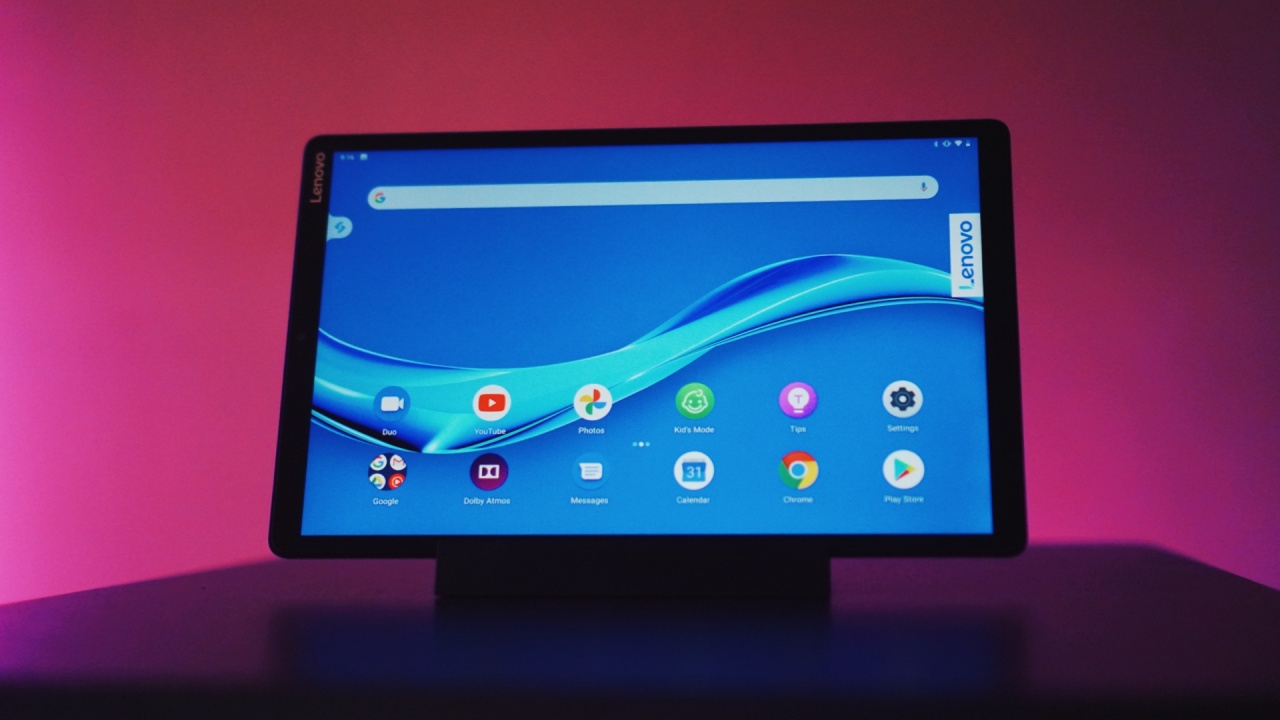
For monitoring events and briefings
Diving right in, the M10 was the help I didn’t know I needed. You see, over the course of the quarantine I’ve had to multitask even more than usual. On any given day, I could be writing, copy-editing, or coordinating all while attending an online event or briefing.
Having a tab or the zoom app open on the same laptop as I type away can be a bit disorienting. It’s easy to be distracted by the sound and feel the urge to see what’s going on in the zoom call. That leads you to shifting tabs, thereby shifting your focus from what you’re working on.
Having a separate 10.3-inch screen to physically look at just to check out what’s happening on the briefing or event might not seem a lot at first, but it helps you maintain focus.
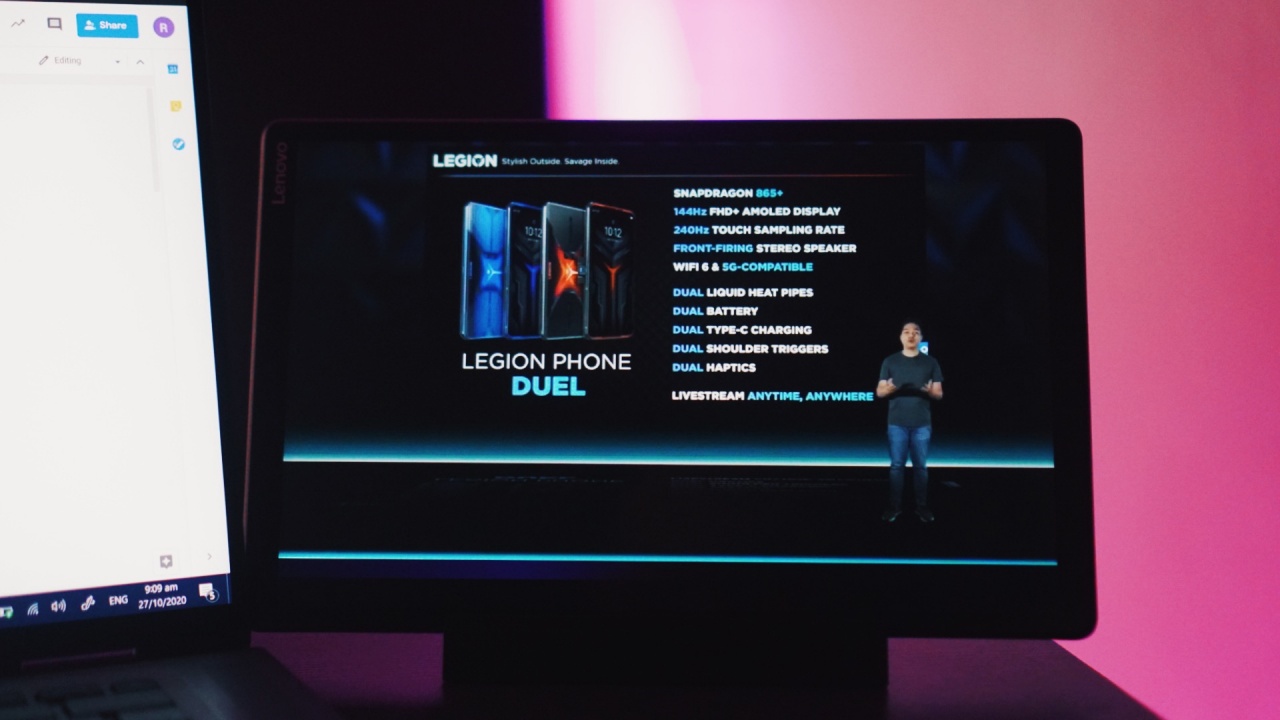
Monitoring the Legion Phone Duel launch on the Smart Tab M10
I need to only shift my glance a couple of inches to the right to look at the M10, instead of completely shifting the entire screen of a 13-inch laptop.
It also makes it easier to take notes on important details from a briefing while maintaining a visual on what’s going on. There’s a lot less shifting happening and that’s a big boon in keeping your focus.
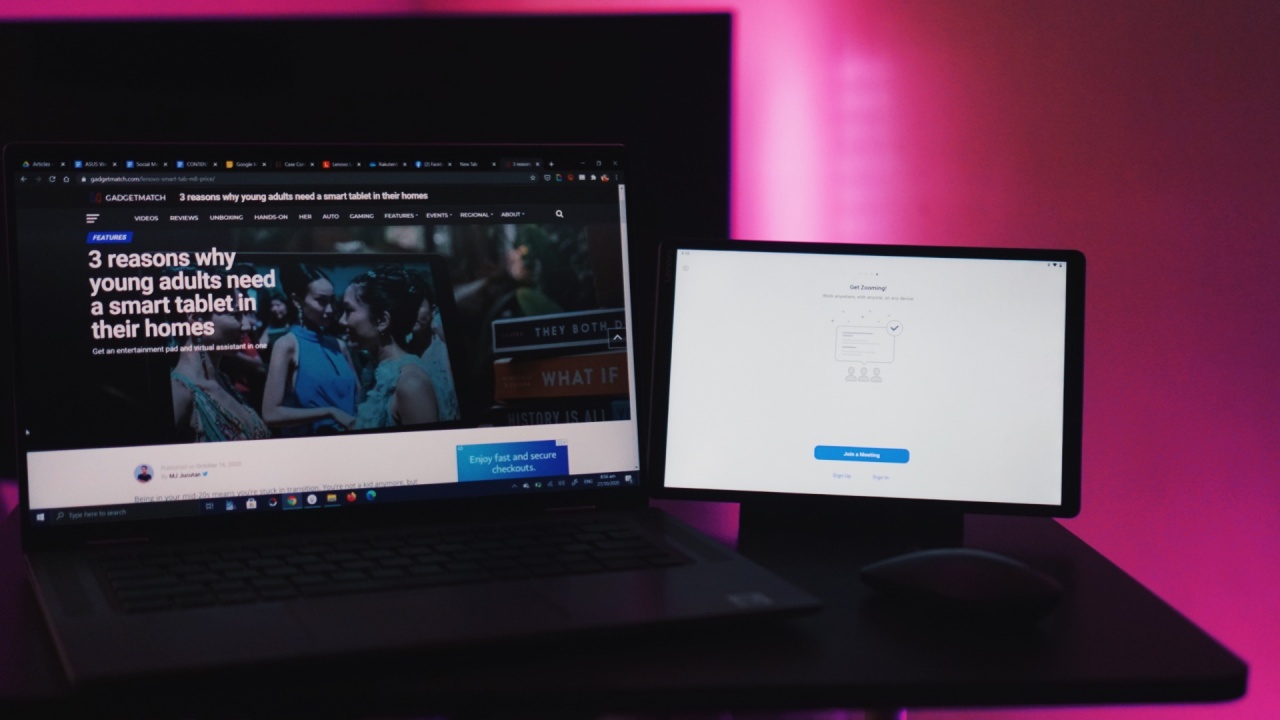
It also makes it easier for you to prepare and/or look up references should you need to cite some if you’re going to ask a question during a briefing.
Enough power on its own
It also helps that it’s not eating up more processing power from the laptop I’m using. Live streams, even if you’re just watching, takes a toll on your computer’s chip and RAM. If your laptop isn’t powerful enough, you will experience a slow down.
The M10 runs on MediaTek Helio P22 with 4GB of RAM and 64GB of internal storage. It’s expandable up to 256GB via MicroSD card. Being an independent device helps a ton in this situation.
You also get a 5MP front camera that’s not really all that better than regular webcams and a rear 8MP camera that you probably won’t be using much.
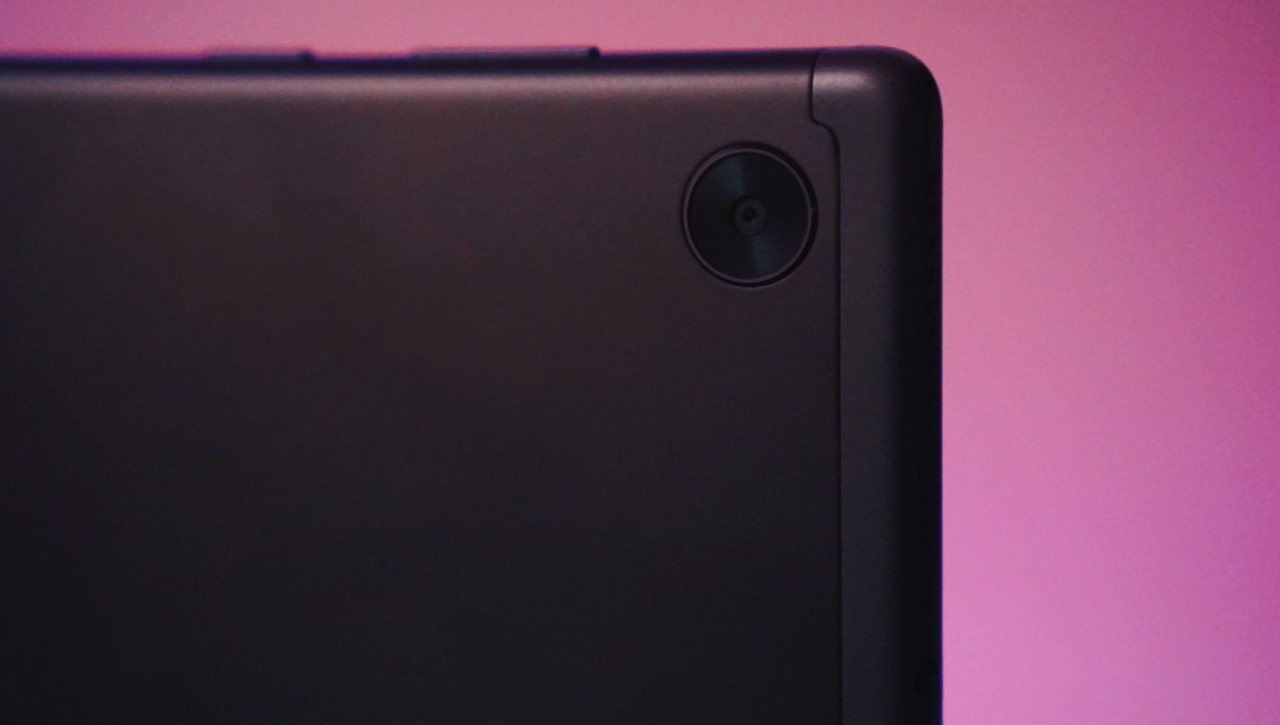
8MP rear camera
For referencing scripts while video editing
I’ve had to do a lot less video editing now, but during my time with the M10, I had to edit a video. Again, the convenience of just looking over to my side to reference the script is a low-key value-add to my workflow.
Instead of shifting my screen from the video editing app to the script, I simply need to glance on the M10 to see if I’m on the right track, following the script.
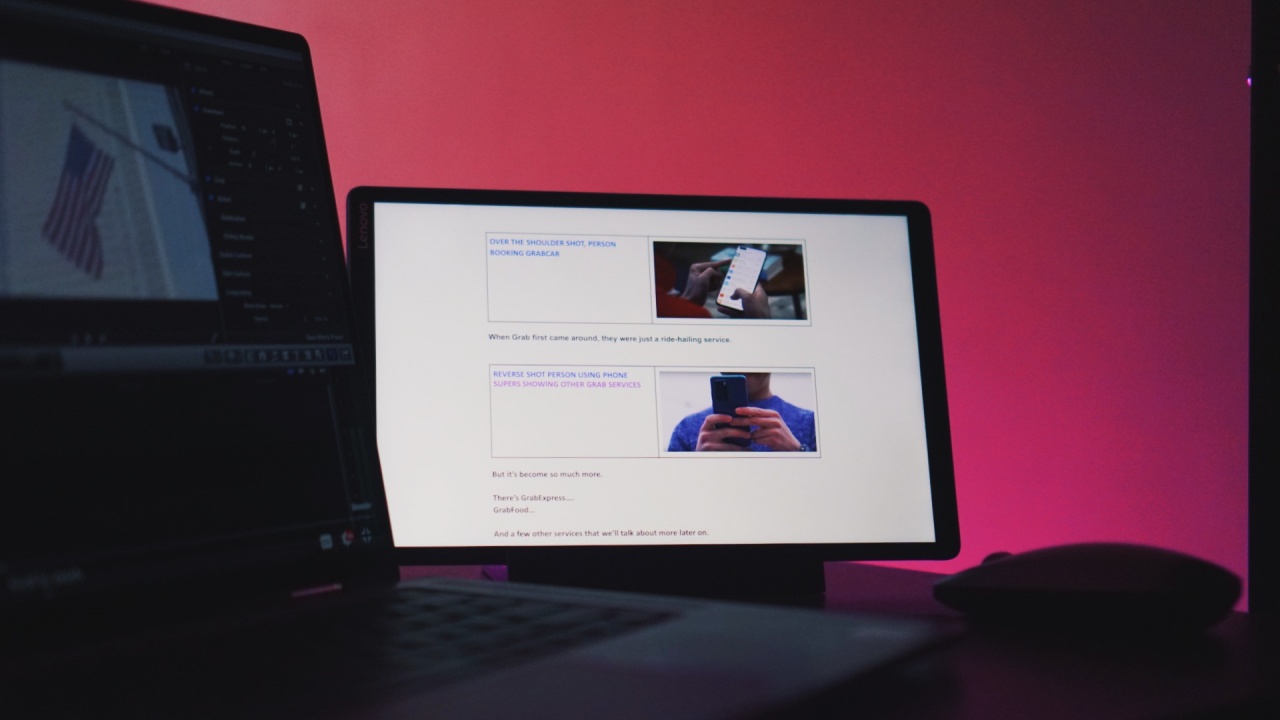
Having the script on a second screen reduces workflow friction
Why not just get a separate monitor, you ask? Like I mentioned earlier, it helps that the M10 is its own separate device that doesn’t require drawing computing power from my laptop.
There’s also the issue of physical space. Believe me, if it fit my current working area, I would have rushed to build a desktop with at least two monitors to make work so much easier for myself. Sadly, the physical space restricts me from doing so. That’s why having the M10 was the next best thing.
The bundled charging station is a godsend
Bundled is the keyword here. The charging station and its cable comes in the box when you purchase the M10 — along with a charging brick with a USB-C cable for charging the M10 independently.
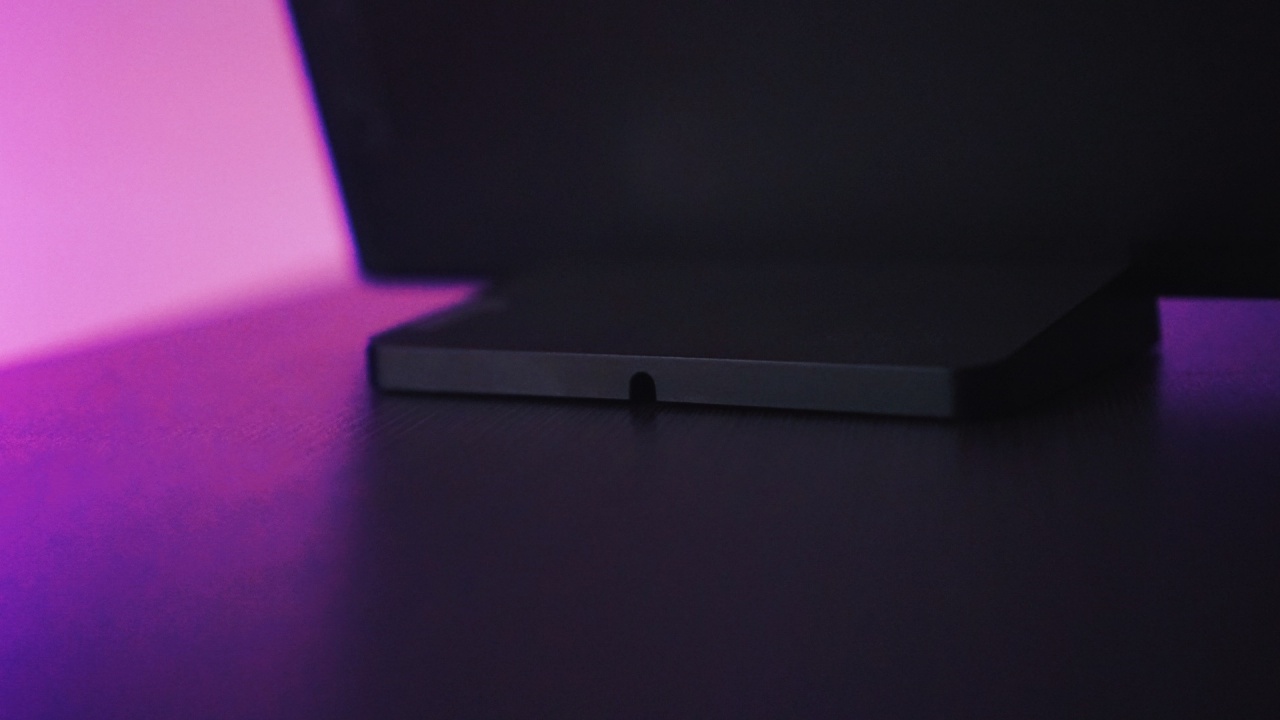
Processed with VSCO with g3 preset
Having it immediately propped up like that makes it easy-to-use in various scenarios. While I mostly had it on my work desk, you can just as easily bring it anywhere with you inside your home.
I didn’t try it myself but you could take it with you to the kitchen and follow a recipe as you try to cook yourself a meal. Theoretically, you can also take it to your workout area so you can quickly reference workouts you want to try.
For a while I even had it on my shelf. I used it once as a sort of a program guide while doing a livestream. It’s also handy in this position when I want to maintain a cleaner desk.
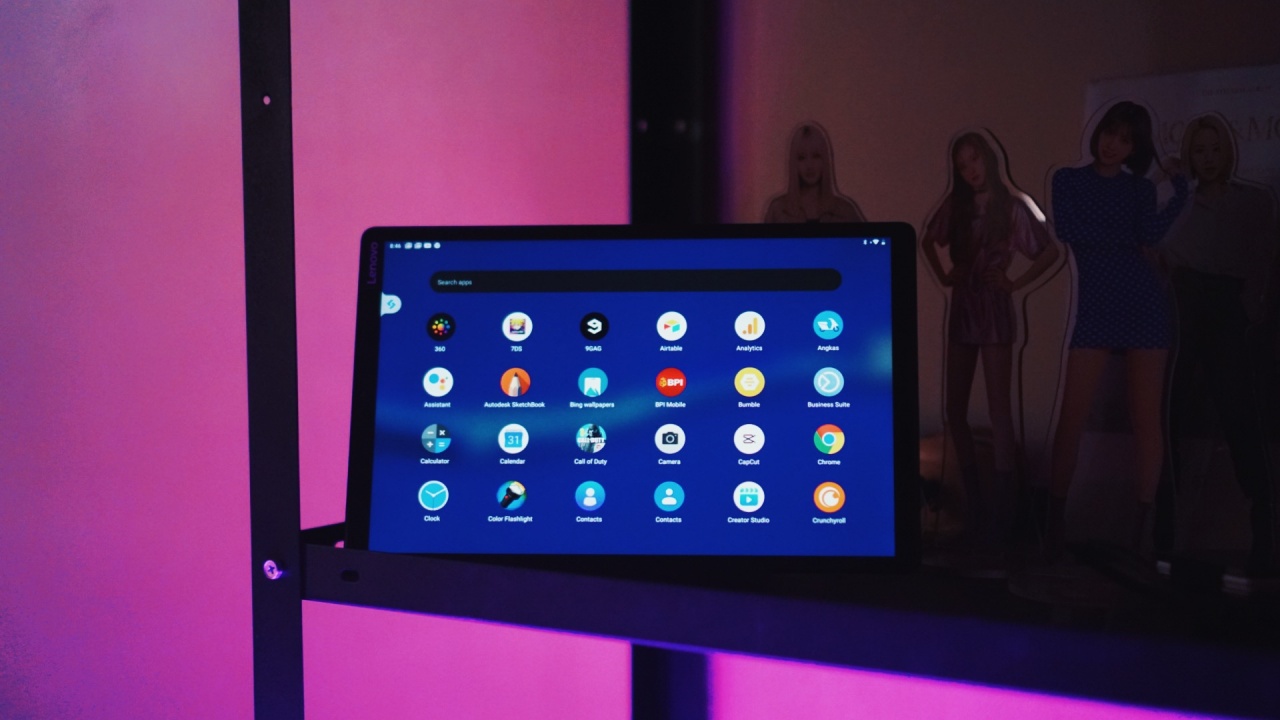
Processed with VSCO with g3 preset
It’s still one glance away and I could immediately see what’s going on in a meeting or see our website’s real time traffic without having to press alt+tab on my laptop.
A reliable standalone media device
On its own, it’s also no slouch. Since I’ve used it for monitoring zoom calls, events, and briefings, that should already give you an idea that its speakers are loud enough.
Could it have been louder? For sure, but there’s enough here to not leave you asking for more.
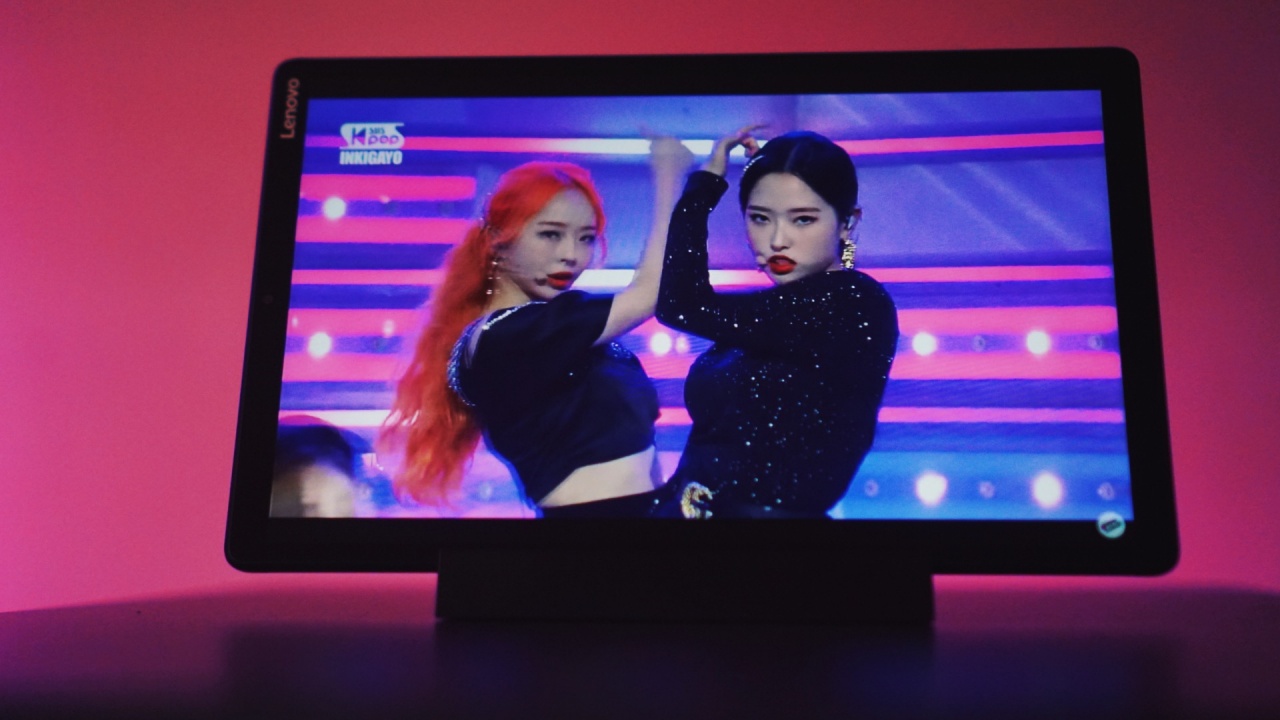
Vivi and Olivia Hye of LOONA
Watching K-Pop videos in-between work was enjoyable. It’s no bezel-less beauty but that’s something you kind of stop noticing when you’re watching LOONA do their thing on stage.

Yves of LOONA
When you’re winding down to end your day, it also makes for a nice Netflix and chill companion. At only 460g/1.01lb, it’s pretty darn light and won’t strain your hands when you hold it for as long as two hours while watching a movie.
Of course, you can always just prop it up on a desk with the charging dock. This frees your hand as you snack on something while enjoying a nice flick.
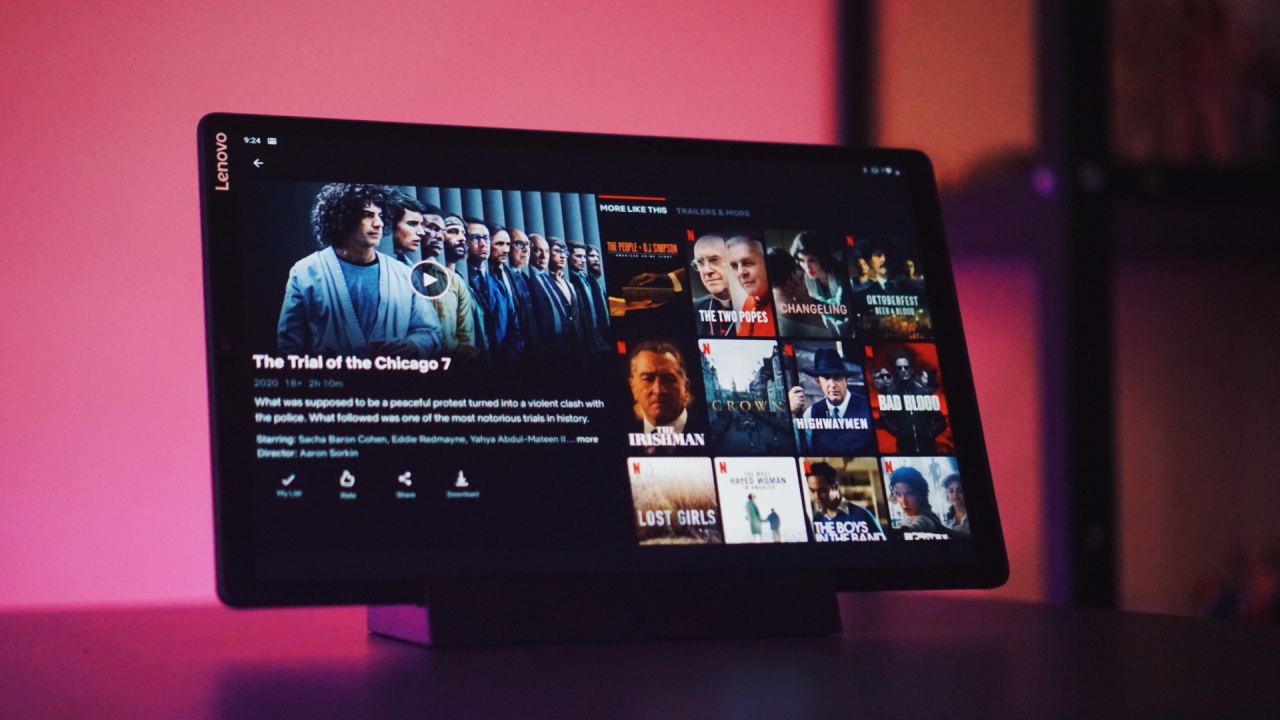
The Trial of the Chicago 7 is a must-watch!
Is the Smart Tab M10 your GadgetMatch?
The situation I laid out may seem oddly specific, but if you’re in need of a second screen but don’t necessarily have the working space to accommodate a full-on multi-monitor, the Lenovo Smart Tab M10 FHD Plus is a fine option.
At PhP 13,990 (US$ 288), you get an independent second screen with enough power to handle zoom calls and other media needs.

Heejin of LOONA
The 10.3-inch display makes sure you won’t be squinting trying to make out what’s happening which is what will happen if you do this on your smartphone. You can also opt to not install messaging and social media apps to avoid any sudden notifications that can break your rhythm.
I still maintain that having a tablet feels like a luxury — it’s a nice-to-have and most of us can make do with a phone and a laptop. However, the quality of life benefits merit giving it a consideration.







Microphones turned into essentials during the pandemic. It became impossible — or at least, unprofessional — to hold video calls while sounding like a garbled airport intercom. Personally, I chose the Blue Yeti, an affordable USB mic, for my setup. Times can quickly change, though. A microphone that seems perfect for the pandemic era might not fly as high today. So, when I got the new BOYA Magic, it felt like getting a much-needed patch.
Not a one-hit wonder
The unfortunate aspect of most microphones today is their lack of versatility. A desktop mic, for example, is usually took big to use for an outdoor interview. It’s also too much of a hassle to set up a lapel mic for desktop recording.
That said, the BOYA Magic is a rare specimen. It can be used in four different ways: as a desktop mic, a handheld, a camera accessory, or a clip-on. To be fair, you still need an external accessory to access desktop and camera modes. Still, out of the box, you’re getting a charging case shaped like a handle, a series of receivers, and the mics themselves.
I’ve tried all four modes, and none of them felt like a halfhearted addition. Even the desktop mode, which should look clunky, still feels like it belongs. Both camera and clip-on modes are easy to set up. However, my absolute favorite is the handheld mode. As someone visibly irked at vloggers holding up tiny lapel mics at their interviewee’s faces, the BOYA’s handheld mode feels natural.

All the sleeves you’ll need
Out of the box, the BOYA Magic comes with four sleeves for noise and distortion. The charging case has a foam cover and a furry wind cover. There are also two furry covers for the two transmitters.
These four sleeves are a much-welcome addition to the package. Though they’re not absolute necessities, it’s nice to have windy and noisy situations covered in a pinch.
Besides the sleeves, the package also comes with a series of short cables to cover almost all uses. There’s also three receivers for USB-C, Lightning, and 3.5mm.
Can you believe that these all come inside a small pouch as big as a pencil case? Of course, the most portable option is still just the single charging case that some other brands have. But, for the accessories available, a small pouch is perfect.
Audio quality perfect for vloggers
One of my favorite places to shoot content is inside a café. For most of the products I review, a café is the most applicable place for real-world uses. Unfortunately, staying at a café has its drawbacks. Most notably, a café can get noisy because of chatty patrons and loud coffee machines.
When I shot a video using the BOYA Magic, the world around me just magically disappeared. The AI noise cancellation easily cuts out earsplitting blenders and outside screams. I conferred with our videographer, and he agrees; the mic needed no postproduction to get rid of noise. My voice was captured flawlessly for a full-length video.
It was also enough for desktop use. I tried the mic on for simple voice calls and multiplayer gaming. Installation was easy. Plus, it’s small enough, so I can replace my clunky Blue Yeti for this.
To be fair, placement is still a factor. There were some angles where the audio quality can dip. Then again, it’s light enough to physically pick up and speak directly into the mic. Just be careful not to blow your friends’ eardrums out. That said, this is more than enough for voice calls, podcasting, and casual recording sessions.
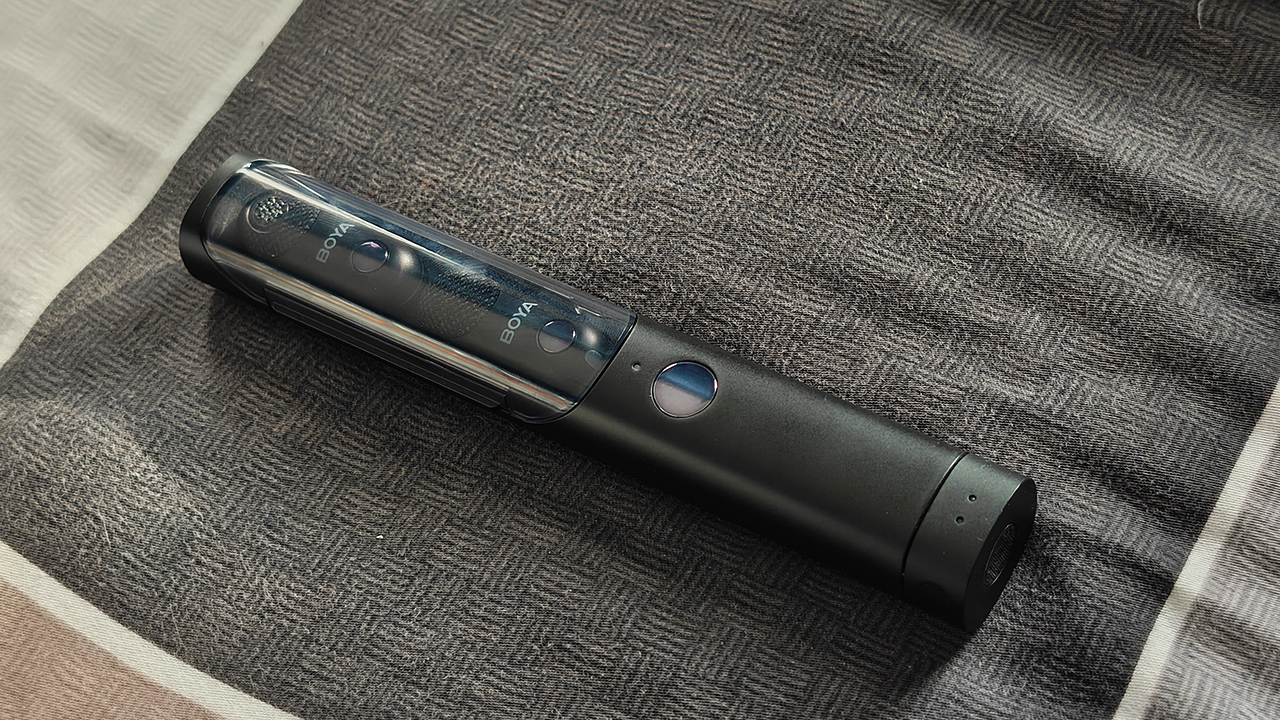
Some trouble connecting
There is one tiny thing to note, though. While I was recording something in clip-on mode, the camera I was using had a hard time connecting to both transmitters. It’s an odd contrast to how the BOYA Magic promises a quick and easy setup for devices.
I wasn’t able to replicate this again, so it might just be a one-off. You just need to note that it’s not immune to the occasional gremlin.
Enough for long shoots
Finally, the BOYA Magic promises six hours on a single charge. The charging case further extends this to 30 hours.
This is definitely a just-in-case thing. Under most scenarios, six hours is more than enough for a shooting session. But, if you do find yourself in that influencer life, the entire pack can last an entire days of being out and about. This is an essential for creators.
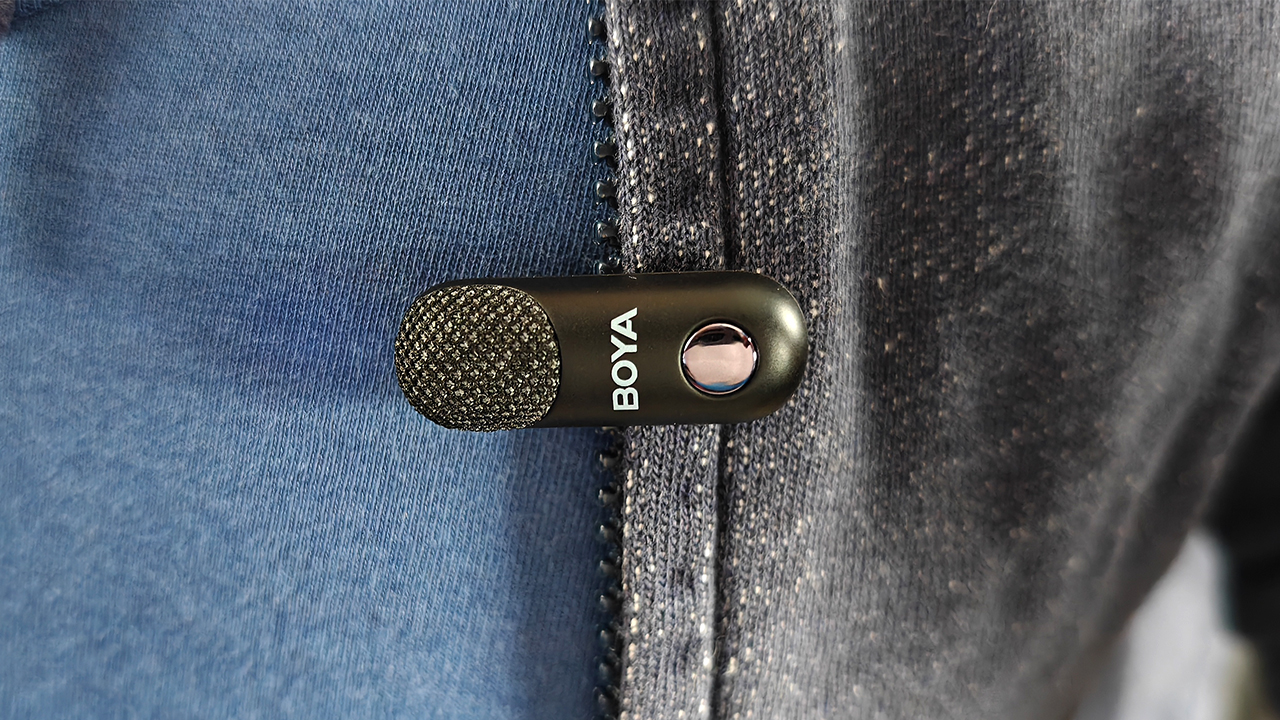
Is the BOYA Magic your InfluencerMatch?
I love the BOYA Magic. The 4-in-1 mic is easily the most versatile audio solution for any creator. The number of ways to use the mic easily trumps any other option today. Besides being a great mic, the package is also filled with several just-in-case accessories for the unpredictability of outdoor shoots.
Plus, the price is just right. The base package — with only a USB-C receiver — comes at only US$ 89.99. All three will set you back by US$ 129.99. The tripod, unfortunately, is a separate purchase, costing you US$ 30.00.
Still, just for the sheer flexibility and audio quality, the BOYA Magic is an easy Super Swipe.
Reviews
‘Quezon’ muddies the president’s legacy to inspire true change
It’s the movie that the country needs now.

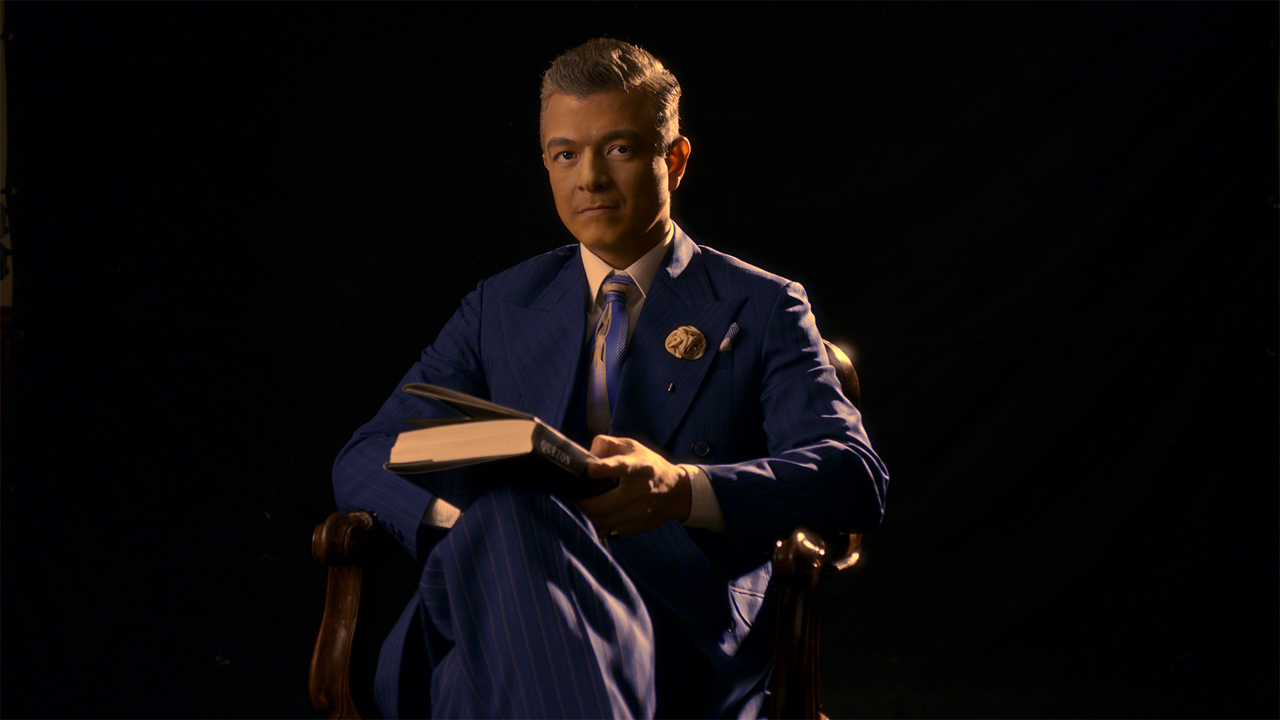
Before reading, please beware of spoilers for Quezon.
Whenever the question of who the best President of the Philippines comes up, a name that often pops up is Manuel L. Quezon. The President of the Commonwealth is credited with numerous reforms during his time and the relentless quest to free the country from the yoke of American imperialism. So, when Quezon was named as the third and final hero in Jerrold Tarog’s Bayaniverse trilogy, it made all the sense in the world.
However, contrary to the hero-making of the past two films, Quezon takes a surprising approach by cutting the former President down to a more human size. It’s the deconstruction of a myth, albeit heavily helped by fictional narratives. Yet, despite the new approach, the film is just what the country needs now, as she faces a period of political strife.
Focus on the message, not the hero
The previous two films in the trilogy, Heneral Luna and Goyo, focus on war heroism hampered by political machinations. Quezon, on the other hand, leaves the revolution behind and transitions fully into political gamesmanship.
After surviving the bloody Philippine-American War, Manuel Quezon (Jericho Rosales) plays the lofty game of politics to eventually bring the Philippines to true independence from her colonizers. However, the President’s righteous ambitions soon fall to the cruder temptations of padrino politicking and brute charm.
Quezon’s method of delivery for his charm is a campaign video, shot by his fictional goddaughter Nadia Hernando (Therese Malvar). Unbeknownst to Quezon, Nadia creates two versions. Throughout the film, audiences are shown the two opposing videos: one shows the President as the handsome savior of the Philippines, while the other reveals him as a smarmy politicking snake.
In a clever bit of cinematic doubling, Nadia’s filmmaking presents the grim reality that attractive politicians might not be as charming behind the curtain. It’s a plot element that reflects well on Tarog’s own intent in capping off his trilogy with the more political Quezon.
Sacrifice the hero
Both Luna and Goyo end in sacrifice. Luna ignores the political game of appeasement to prod the Filipino people into patriotism. His methods irk his contemporaries, causing his assassination by disgruntled Filipinos. Goyo ends his life with a more literal sacrifice, as he gives up his own safety to allow Filipino forces to escape the Americans.
In Quezon, it’s not the President who sacrifices himself for the good of the Filipino people. Rather, it’s Tarog himself, the filmmaker, who sacrifices the mystique of Manuel L. Quezon to present a message topical to today’s Filipinos.
One might feel that Quezon, as a historical figure, was shafted in service of another, especially for those who consider him as the best leader of the country. In a way, their dismay is valid. Quezon is not a character-driven biopic; the President does not have a traditional struggle or a redemption arc. In the end, as he gets carted off into forced exile in the United States, Quezon leaves kicking and screaming, desperately clinging on to the power he’s amassed.
Hope in deconstruction
Much like Luna and Goyo, hope is a scarcity in Quezon’s denouement. The President discovers his goddaughter’s secret films and successfully shuts down his naysayers. Nadia, portrayed as a headstrong filmmaker destined to reveal the truth of Quezon, is ultimately unable to effect any change.
Where is the hope?
Despite his creative license, Tarog doesn’t alter the course of history. Luna and Goyo are both historically killed. Quezon is historically shipped off to continue his term in exile. These aren’t figures who got happy endings. The mistake is seeking hope from the cruel mistress of history. Rather, the hope is in the act of deconstruction.
For fiction writers, a common rule of thumb is to never be afraid to kill your darlings. As soon as you stop worrying over the wellbeing of your characters and allow them to experience harsher realities, that’s when true change can happen.
By killing Quezon’s positive image, Tarog invites his audience to tear down their constructs of Filipino heroes, to kill our darlings. In doing so, true change can finally blossom. By stopping our worship of public figures, we can discern which of our politicians actually have the country’s best interests in mind. And that is where the hope is.
Manuel L. Quezon’s legacy seems like a small price to pay in comparison to the trillions we’ve lost over the years. No matter what you think about Quezon as a movie, it’s undeniable that the film’s message defies convention, but it is what the country needs today: a call for true change.


For years, Samsung’s Fan Edition (FE) line has been the go-to choice for users who want flagship-level performance without the flagship price tag. This year, that promise is stronger than ever. The Samsung Galaxy S25 FE brings premium design, top-tier performance, and smart AI features from the Galaxy S25 series — all at a lower price point. It’s shaping up to be Samsung’s most well-rounded FE device yet.
Before we delve deeper into the details, here’s a quick rundown of what you’re getting this year.
Samsung Galaxy S25 FE Key Specifications:
- Display: 6.7-inch Dynamic AMOLED 2X, 120Hz, peak brightness up to 1,900 nits
- Chipset: Exynos 2400 (4nm)
- RAM/Storage: 8GB RAM with 128GB / 256GB / 512GB storage options
- Rear Cameras: 50MP (wide) + 12MP (ultrawide) + 8MP (telephoto, 3x optical zoom)
- Front Camera: 12MP wide
- Battery: 4,900mAh with 45W fast charging, reverse wireless charging
- Build: Enhanced Armor Aluminum frame, Corning Gorilla Glass Victus Plus
- OS: Android 16 with One UI 8 and Galaxy AI features
- Other: IP68 water and dust resistance, under-display fingerprint sensor (optical)
Familiar yet refined
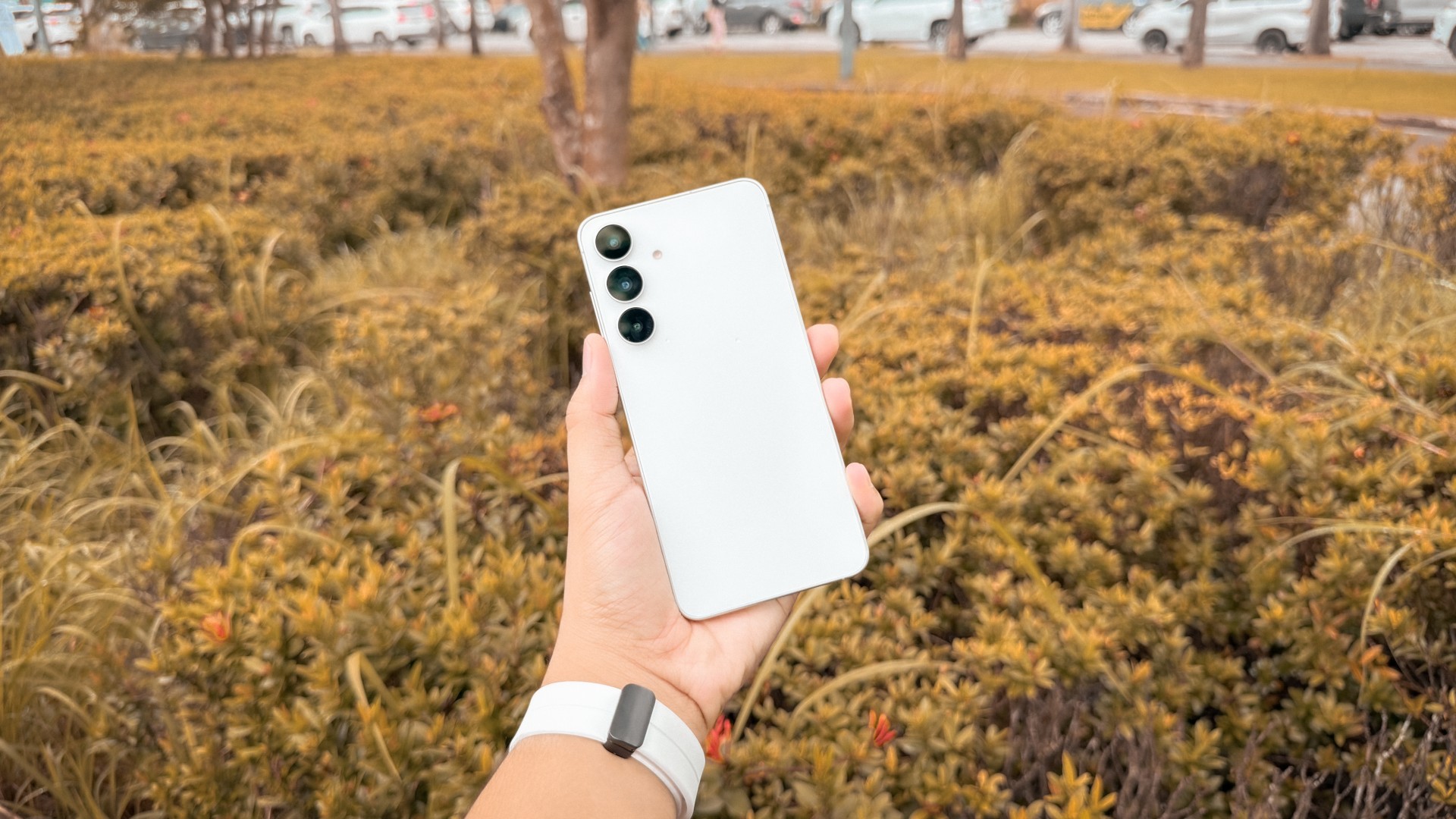
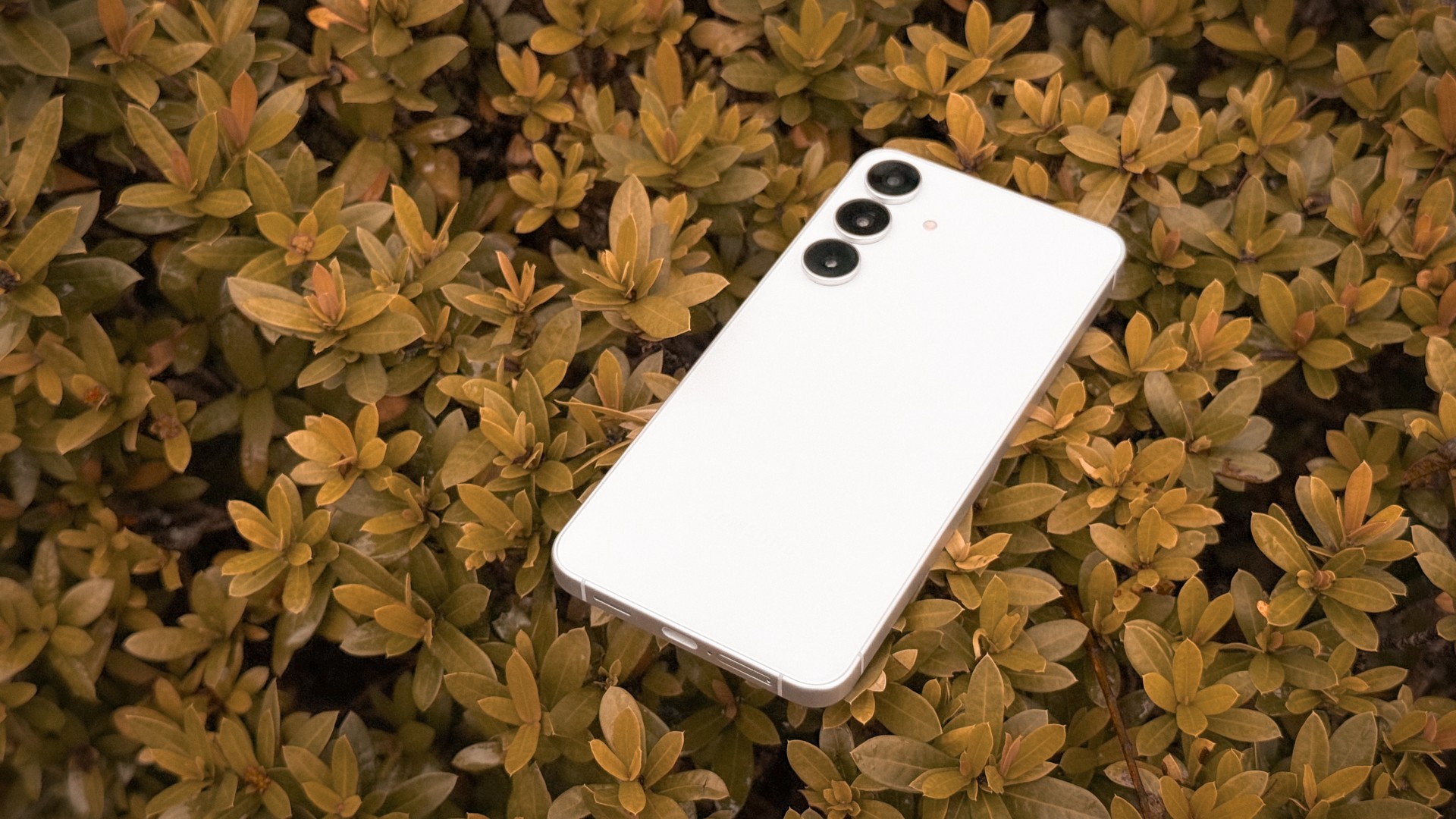
Samsung has made subtle but meaningful design tweaks to the Galaxy S25 FE. It now features an enhanced Armor Aluminum frame, offering a sturdier, more premium feel while remaining lightweight at just 190g—down from 213g last year. Despite being an FE model, it feels every bit as polished as a flagship, especially with its refined matte finish and smooth edges.
The phone comes in four colors: White, Navy, Icy Blue, and Jet Black. All options look sleek and minimal but as a white phone enthusiast, the white variant I have I think looks the best. The overall aesthetic feels more refined and flagship-like than ever before. The IP68 rating ensures protection against dust and water, while Corning Gorilla Glass Victus Plus keeps both front and back safe from scratches.
In the hand, the Galaxy S25 FE feels solid yet slim, giving off that high-end feel you’d expect from Samsung’s flagship series. However, because of its thin profile, it can be a bit slippery. I’ve had it slip a few times when I wasn’t gripping it tightly. Thankfully, I’m still not beyond my quick reflex years. Simply put, it’s one of those devices that feels so smooth and premium, you’ll want to handle it with just a bit more care.
Display: Bright, immersive, and fluid
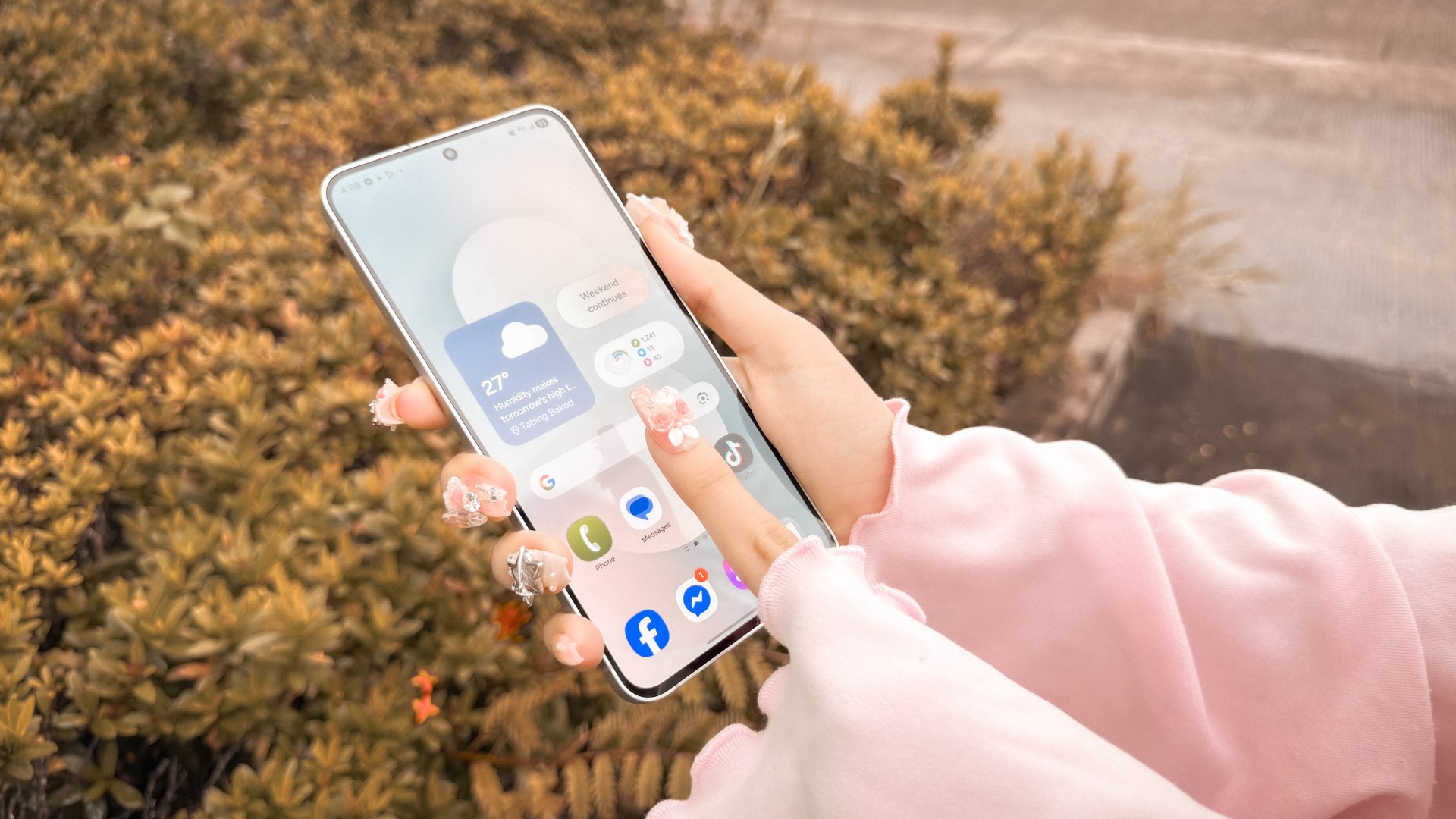
The Galaxy S25 FE’s 6.7-inch Dynamic AMOLED 2X display is one of its strongest features. Colors are rich and accurate, blacks are deep, and overall contrast is excellent. With a peak brightness of 1,900 nits, outdoor visibility is more than decent, even under harsh sunlight.
Samsung has also made the bezels slimmer this time. From last year’s 88% screen-to-body ratio, the S25 FE now reaches 89.2%, thanks to a noticeably thinner bottom bezel. It’s still slightly thicker than the rest, but the improvement is clear and adds to the phone’s more immersive look.
The display supports up to 120Hz adaptive refresh rate, which automatically adjusts depending on what you’re doing. You can also switch to the standard 60Hz mode if you prefer to extend battery life. Overall, the Galaxy S25 FE delivers a true flagship experience when it comes to display performance. It’s bright, fluid, and immersive, easily one of the best you’ll find at this price range.
Powerful but runs warm

Under the hood, the Samsung Galaxy S25 FE runs on the Exynos 2400 chipset paired with 8GB of RAM, delivering consistently smooth performance across day-to-day tasks. Multitasking feels fluid, with apps launching quickly and transitions appearing seamless whether you’re browsing, watching videos, or switching between social media apps.
Gaming is also a strong point for this phone. Titles like Asphalt Legends and Roblox run smoothly with stable frame rates and no visible lag or stuttering. The graphics look sharp, and animations remain fluid even during fast-paced moments.
However, one noticeable issue is heat buildup. The phone tends to get quite warm during extended gaming sessions or when used heavily, sometimes to the point of being uncomfortable to hold. Using a case helps reduce the heat transfer to your palms, but if you prefer using the phone without one, it might be something to watch out for.
Overall, the S25 FE offers reliable performance that feels fast and responsive in everyday use — just be mindful of the heat during intensive tasks.
Reliable shooters, great versatility
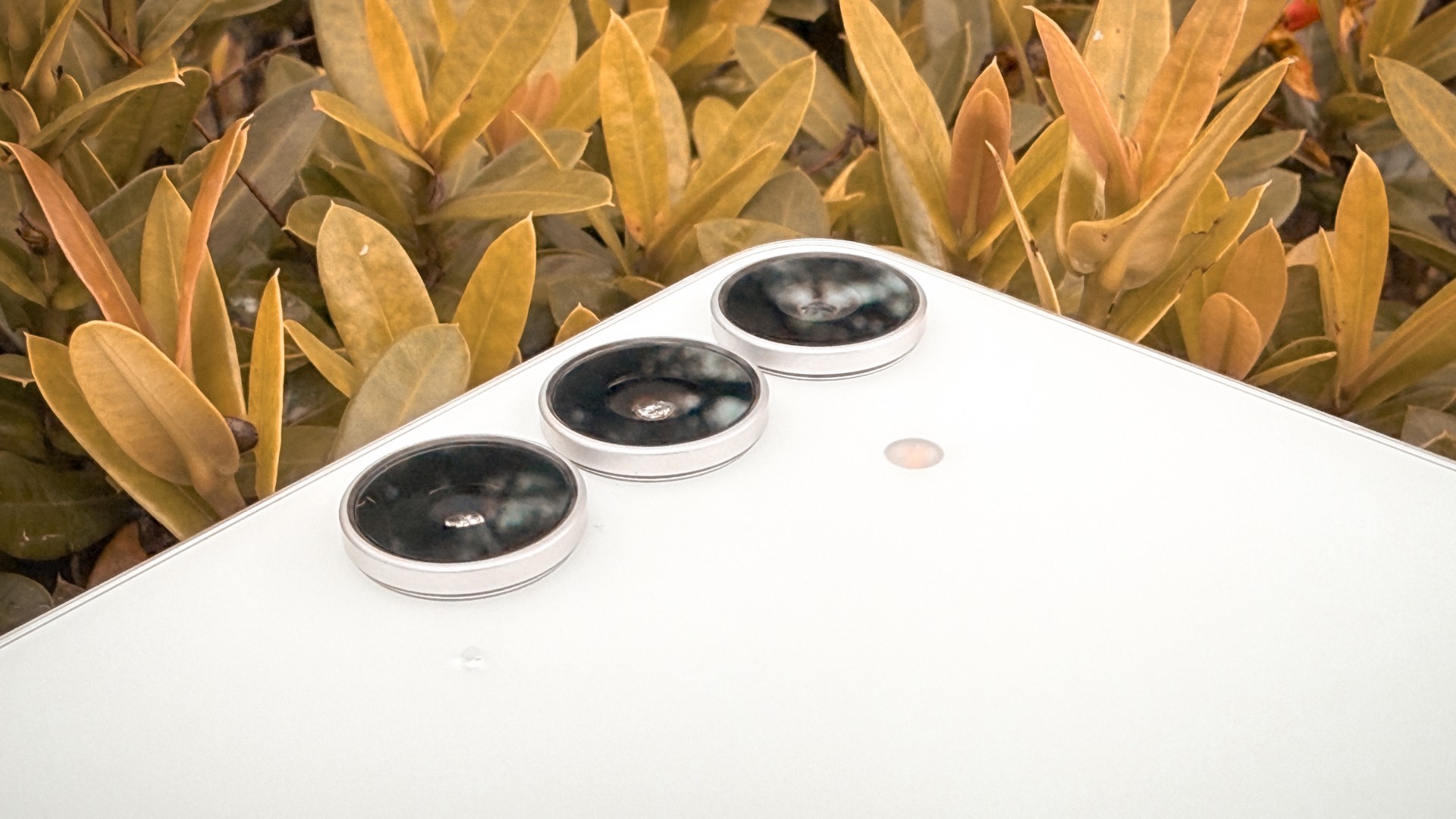
The Samsung Galaxy S25 FE carries over the same camera hardware as last year’s model — a 50MP wide, 12MP ultra-wide, and 8MP telephoto lens with 3x optical zoom. While this setup still delivers reliable performance, it’s a bit of a letdown that Samsung didn’t introduce any hardware upgrades. The company also didn’t confirm whether there were any major software or image processing improvements, so the overall shooting experience feels quite familiar if you’ve used the previous model.
That said, the cameras remain solid performers. The 50MP wide camera produces sharp, detailed photos that are processed down to 12MP by default for better dynamic range and noise control.




You can switch to full 50MP mode for higher resolution, but the results often look a bit softer — possibly due to aggressive noise reduction.
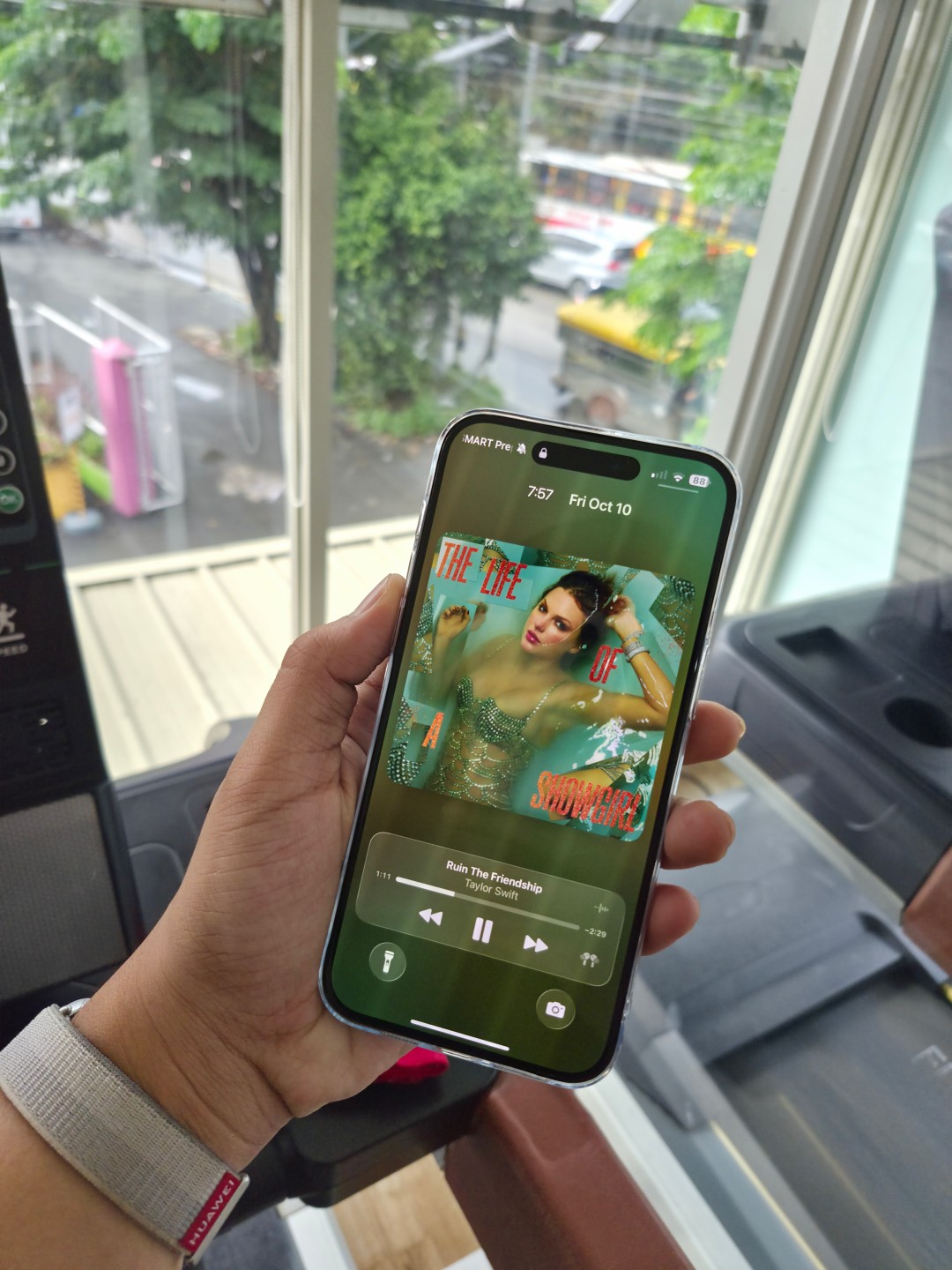
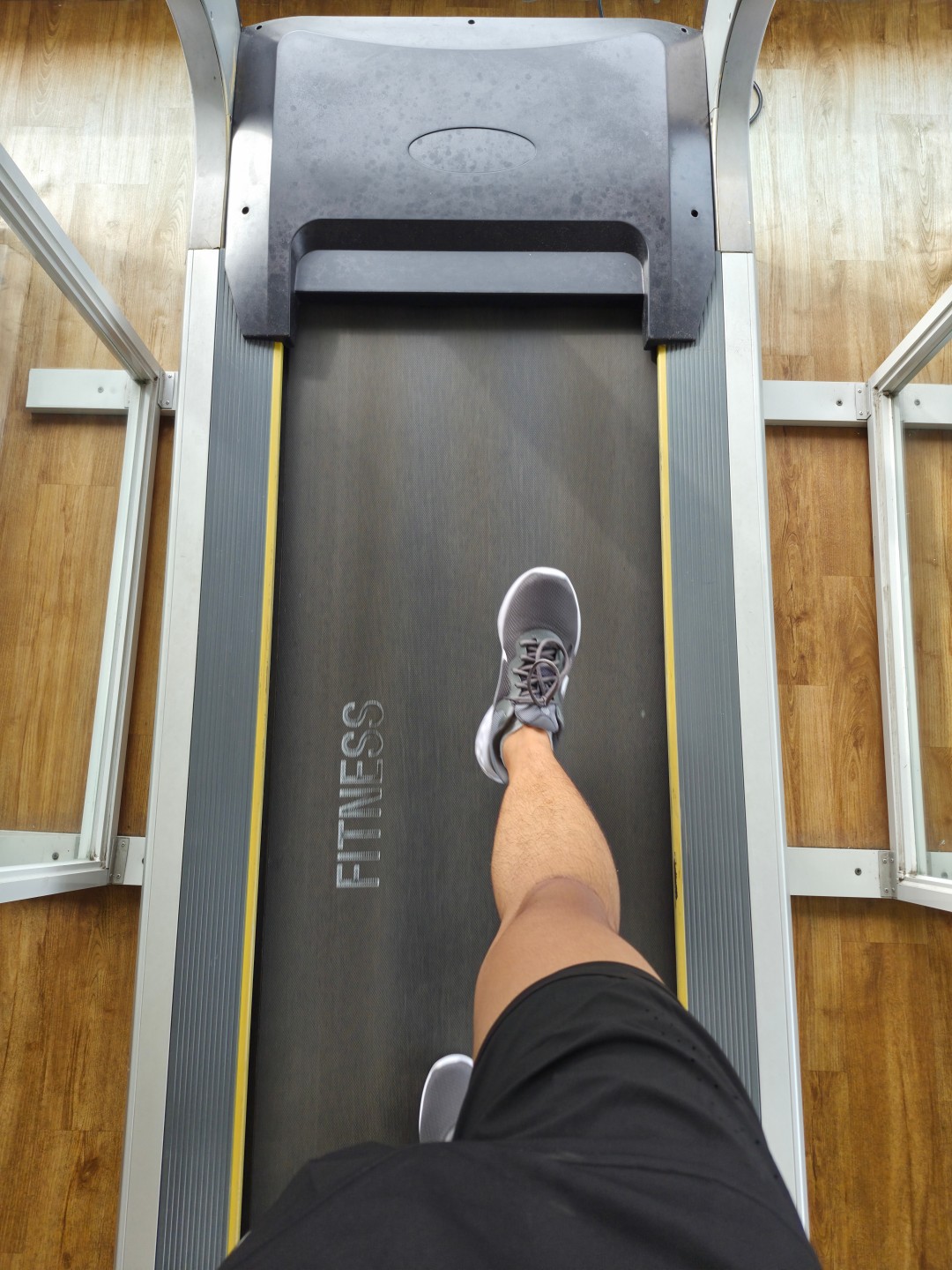
The 12MP ultra-wide lens performs well, capturing expansive shots with consistent color reproduction and minimal distortion.

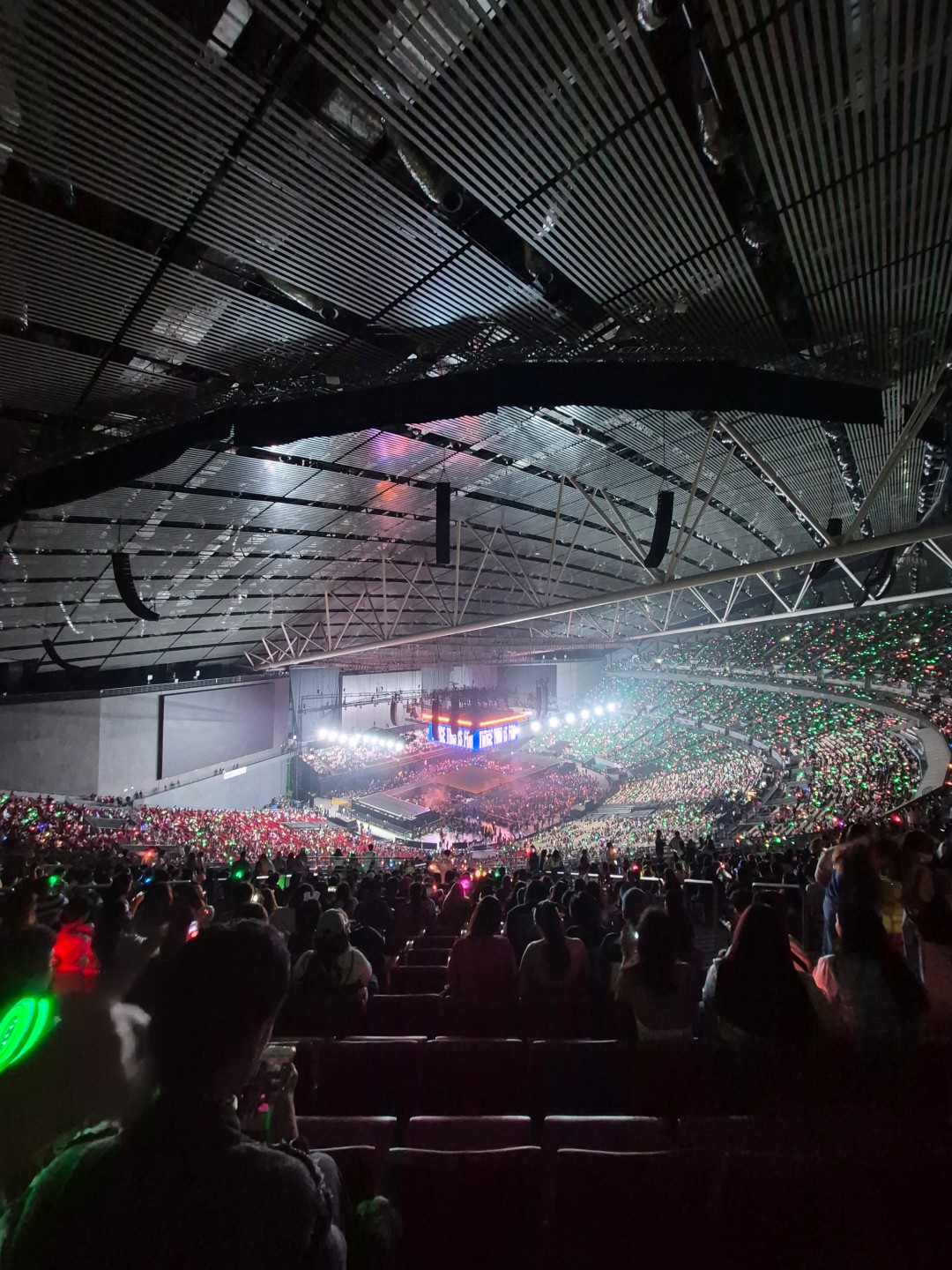
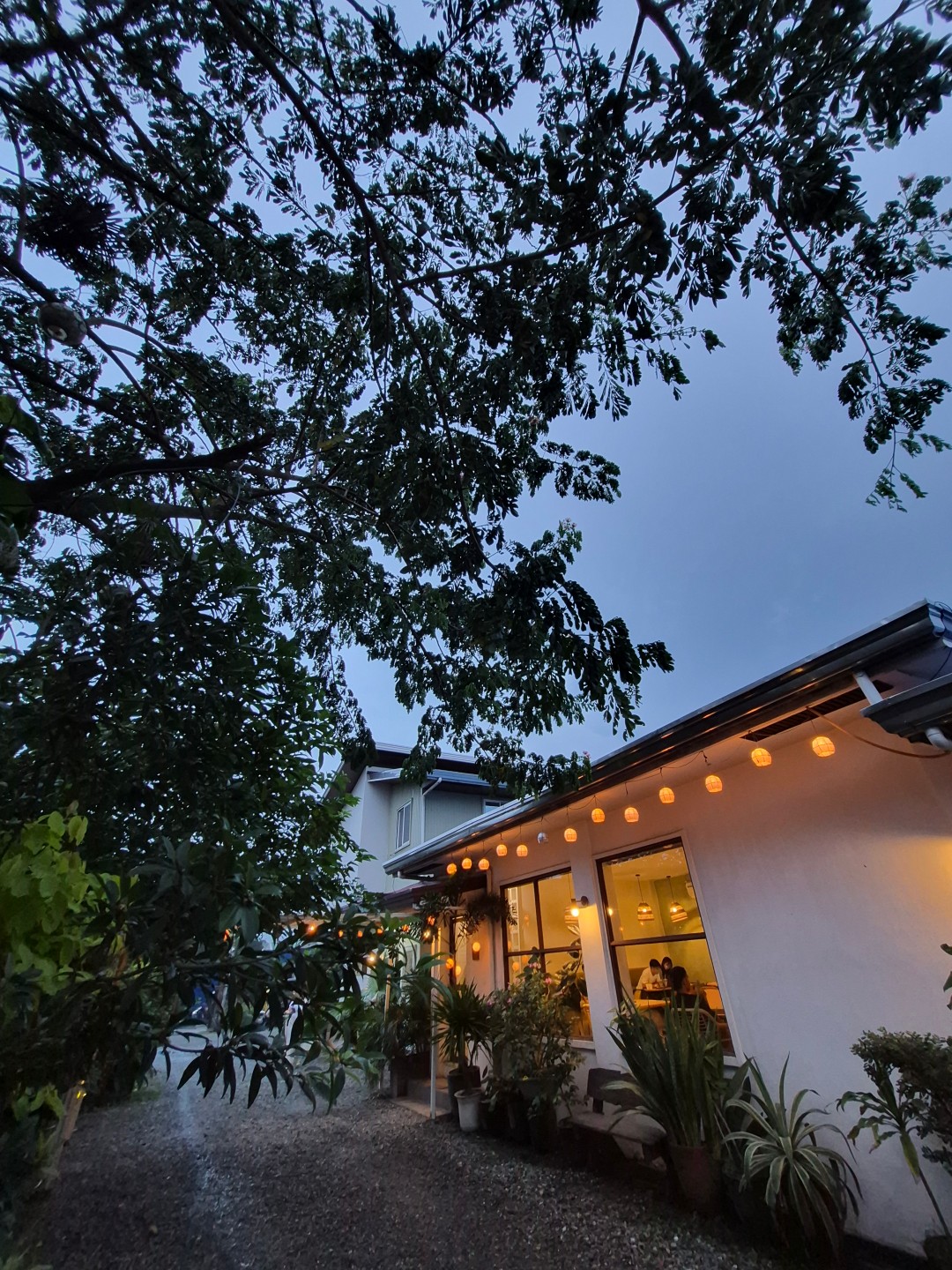
The 8MP telephoto lens handles 3x optical zoom decently, particularly in well-lit environments.



However, image quality noticeably dips in lower light or indoor settings, where details appear less defined. It’s still very usable for social media and casual photography, but the limitations of an 8MP sensor are clear.
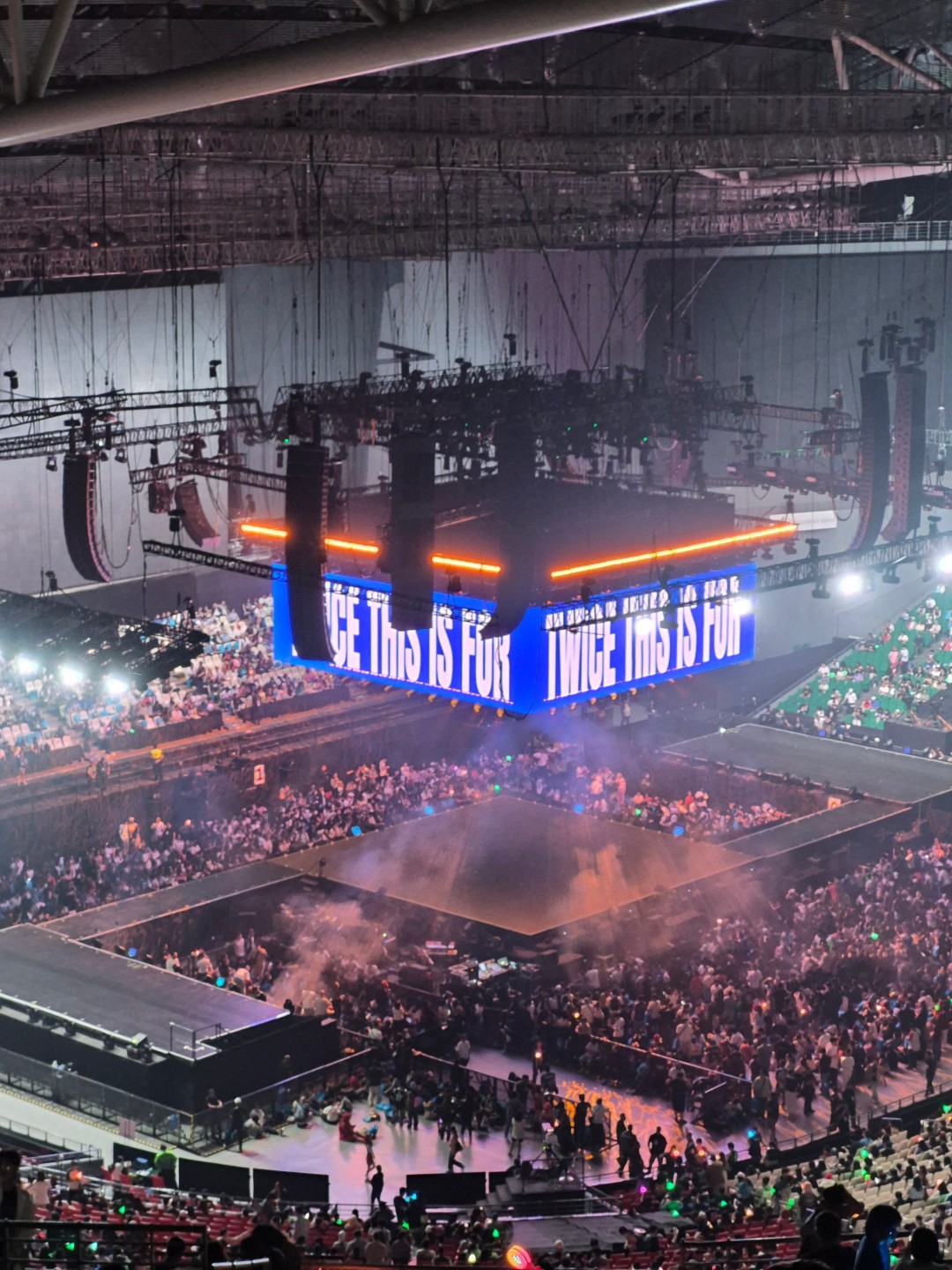
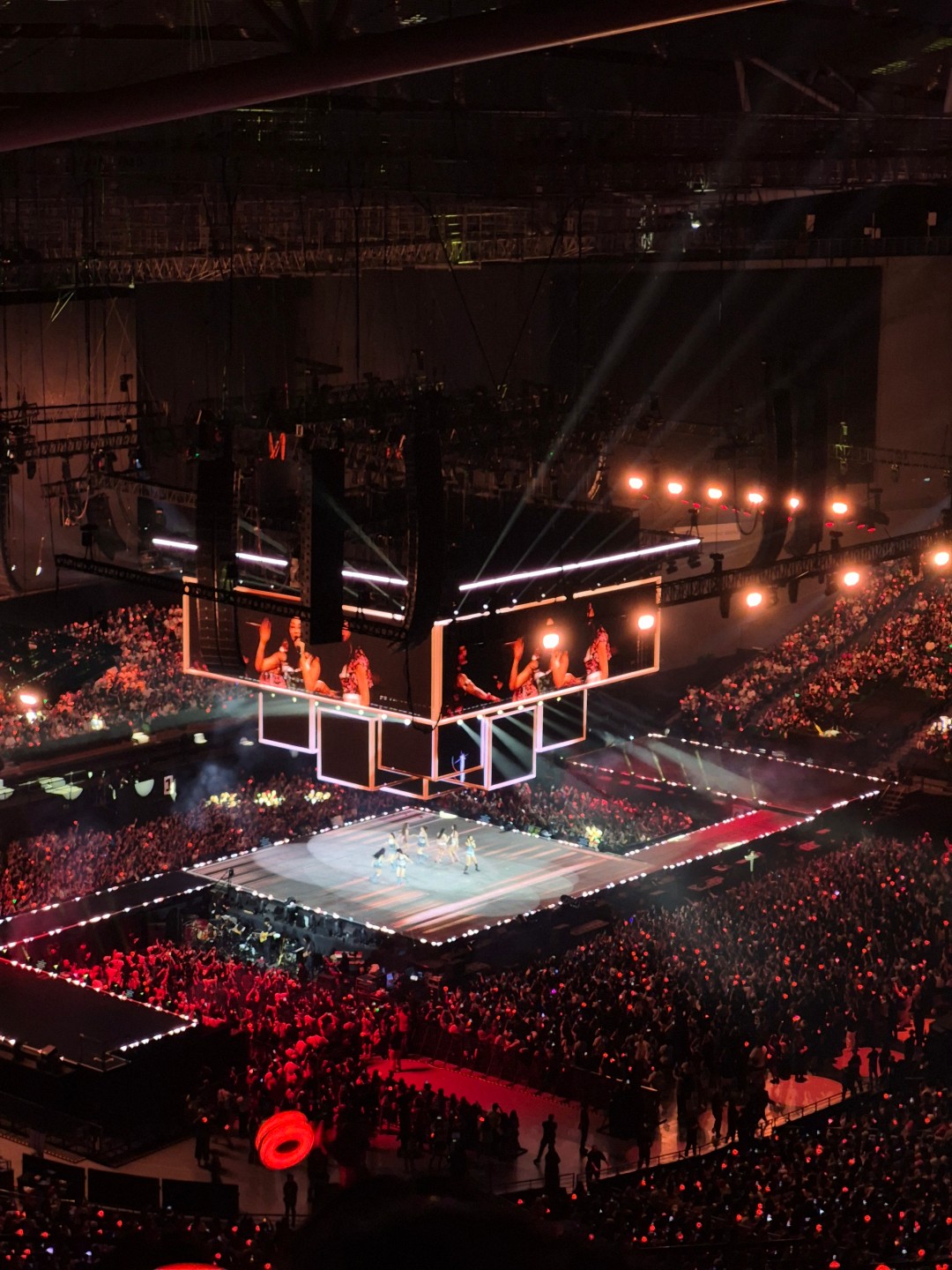
On the bright side, the 2x digital zoom delivers surprisingly clean, almost lossless results, adding flexibility to your shooting options.
Portrait mode works as expected — subject separation is good, and the background blur feels natural.



The 12MP front camera is a welcome upgrade from last year’s 10MP sensor, offering sharper selfies with improved detail and color accuracy. It can occasionally oversaturate skin tones, depending on lighting, but overall, it’s a dependable shooter for daily use.



In short, while the S25 FE’s cameras aren’t a big leap forward, they still offer a versatile, reliable setup that gets the job done across a variety of scenarios.
Battery life and charging: Reliable all-day power

The Galaxy S25 FE has a 4,900mAh battery, a small but welcome upgrade over the previous 4,700mAh cell. Real-world performance is solid: it easily lasts a full day of moderate use, including streaming, browsing, and social media.
Heavy users might find themselves needing a top-up by evening, but with 45W fast charging, getting back to 100% takes just a bit over an hour. Samsung claims similar charging speeds to the Galaxy S25+, and while it’s not the fastest on the market, it’s definitely efficient. Reverse wireless charging is another handy addition for powering accessories on the go.
Galaxy AI Features: Smarter than ever
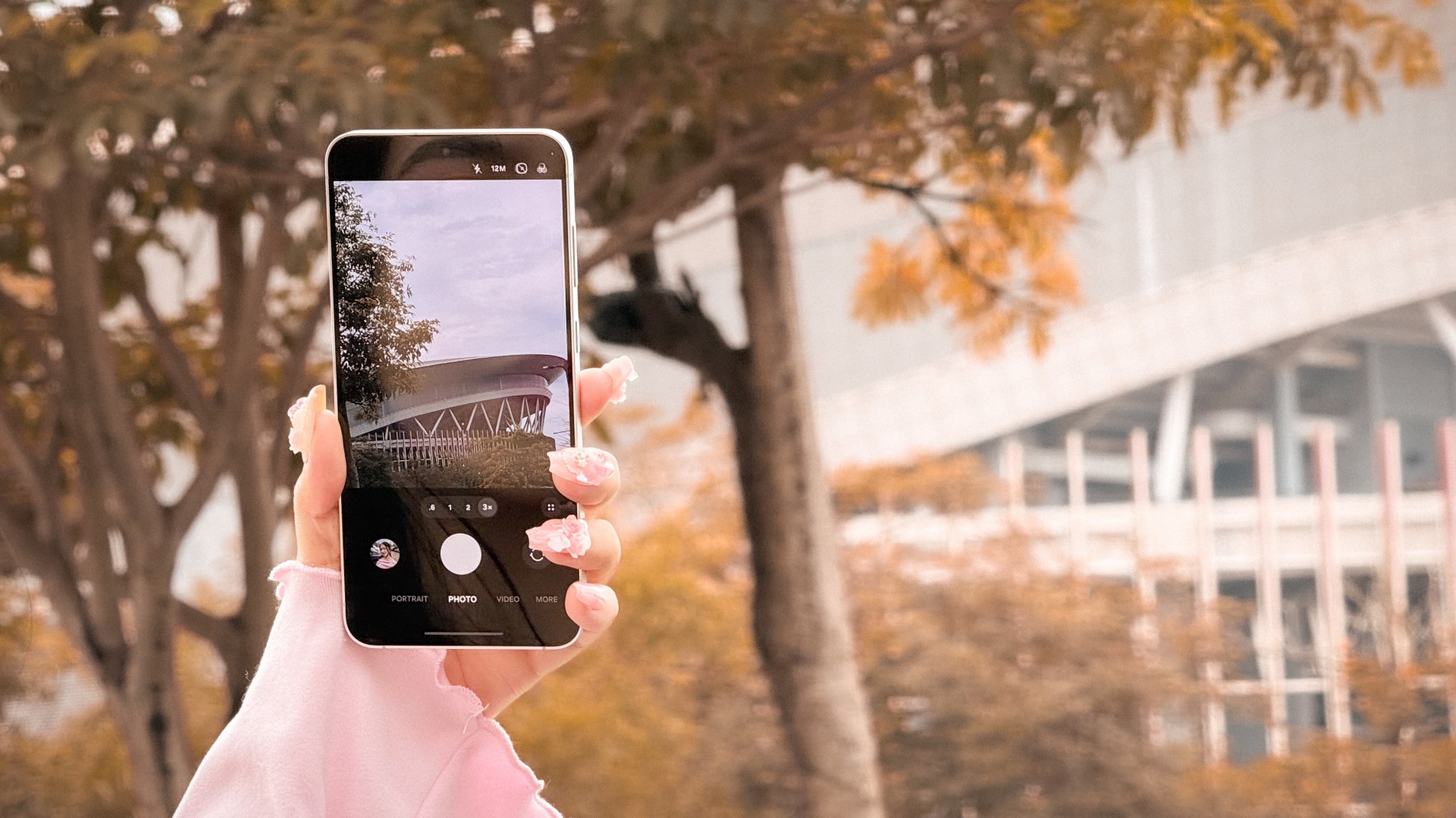
One of the biggest upgrades this year is the inclusion of Samsung Galaxy AI features, previously limited to flagship models. You now get tools like Circle to Search, AI Photo Editing, Live Translate, and Note Assist—all designed to make everyday tasks faster and smarter.
These features genuinely elevate the experience, especially if you’re into productivity or creativity. Having AI-powered tools on a Fan Edition model makes the S25 FE feel much more premium and future-proof.
Price and Availability
The Samsung Galaxy S25 FE is available in three variants:
- 8GB + 128GB – PhP 39,990
- 8GB + 256GB – PhP 44,990
- 8GB + 512GB – PhP 53,990
Is the Samsung Galaxy S25 FE your GadgetMatch?
The Samsung Galaxy S25 FE is a thoughtfully refined Fan Edition device that brings flagship-grade features within reach. Its bright display, sturdy build, versatile camera system, and Galaxy AI enhancements make it a strong all-rounder for daily use.
It’s a no-brainer Swipe Right, recommended for anyone who wants the essence of the Galaxy S25 experience in a more affordable package.
Still, for its PhP 39,990 starting price, it faces tough competition. While it does most things right, I can’t help but feel that Samsung could have pushed a bit further — especially in battery longevity and heat management.
That said, the Galaxy S25 FE delivers a flagship-like experience without going all-in on flagship prices. It’s the kind of phone that gets the essentials right and looks good doing it.


The BOYA Magic is now my go-to mic for everything
Microphones turned into essentials during the pandemic. It became impossible — or at least, unprofessional — to hold video calls...


‘Quezon’ muddies the president’s legacy to inspire true change
It's the movie that the country needs now.


Samsung Galaxy S25 FE review: Closer to flagship than ever
Thoughtfully refined
The BOYA Magic is now my go-to mic for everything

Marvel New York Comic Con: Major updates, 2026 Disney+ slate

vivo V60 Lite starts at 14,999 pesos in the Philippines

Power Mac Center iPhone 17 midnight launch draws massive crowd
‘Quezon’ muddies the president’s legacy to inspire true change

Xiaomi 17 Pro Max takes a jab at Apple’s iPhone 17 Pro Max

The Xiaomi Pad Mini is discounted until October 13

DJI Osmo Nano review

The HONOR MagicPad 3 is an almost perfect premium pad partner

Xiaomi 15T Pro review: Big battery, clean shots, smooth performance

This is the BRIGHTEST 4K Projector In Its Class!

Unboxing: Ghost of Yotei Collector’s Edition

Unboxing the latest Apple Watch × Hermès

Lenovo Yoga 7i Aura Edition: Ten generations of foldable goodness

21-Day Battery, Pro Sports Tracking: HUAWEI WATCH GT 6 Series
-
 Cameras1 week ago
DJI Osmo Nano review
-
 Reviews1 week ago
The HONOR MagicPad 3 is an almost perfect premium pad partner
-
Reviews1 week ago
Samsung Galaxy S25 FE review: Closer to flagship than ever
-
 Reviews2 weeks ago
TECNO Slim review: Smexy, Antifragile Slab
-

 News1 week ago
vivo X300 Pro headlines Dimensity 9500 and Sony’s LYT-828 image sensor
-

 Reviews2 weeks ago
The Xiaomi OpenWear Stereo Pro is a midrange wearable in premium packaging
-

 Enterprise2 weeks ago
Tim Cook might soon step down as Apple’s CEO
-
 Apps2 weeks ago
You can now connect your Spotify account to ChatGPT