
Laptops
Lenovo Yoga Duet 7i: Perfect combination of style and substance
Two halves – one good, the other great

2-in-1 laptops are now becoming a mainstream category in the tech world and are pretty much dominated by the two giants — Apple who’s crossing the 2-in-1 space with the Ipad Pro and Microsoft with generations unshaken on their Surface Pro line.
What appears to be an overlooked option though is Lenovo with their Yoga Duet 2-in-1 series.
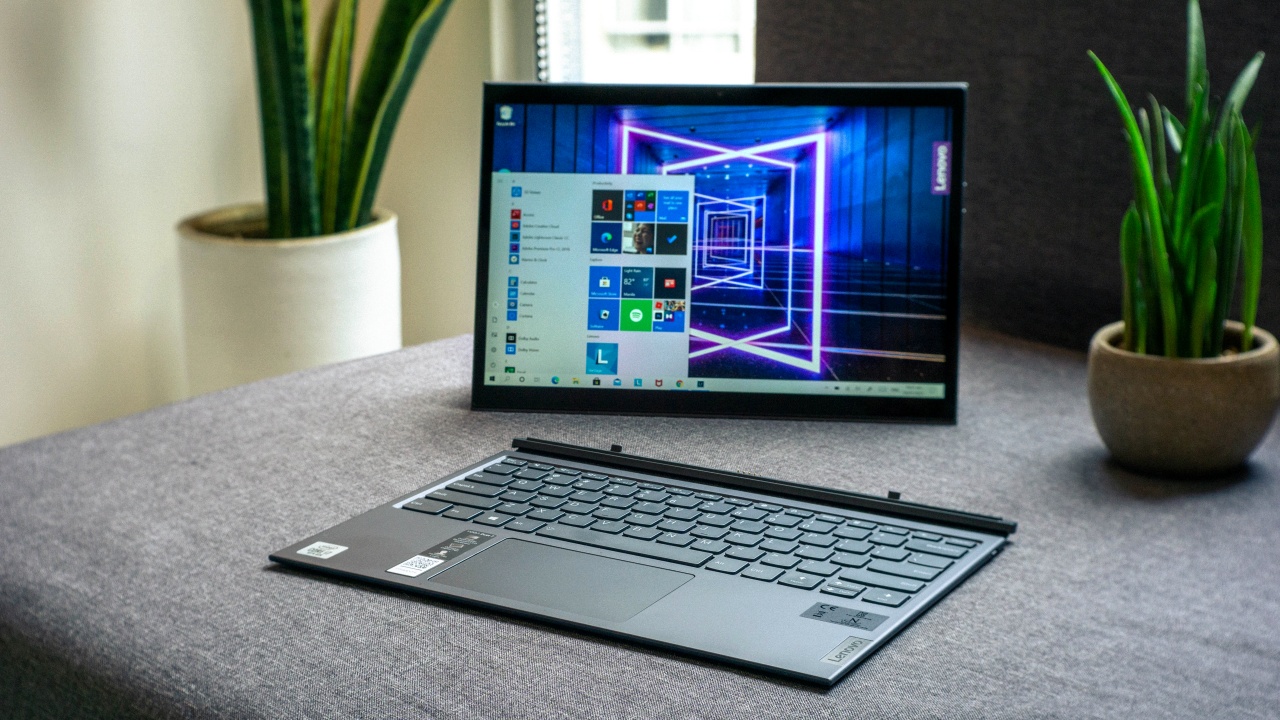
The word yoga is often associated with the ability to assume multiple forms. This is exactly the case with the Lenovo Yoga Duet 7i. It can take the form of a handheld tablet, a slim laptop, a drawing tablet and even a PC with a detached keyboard.
The good half

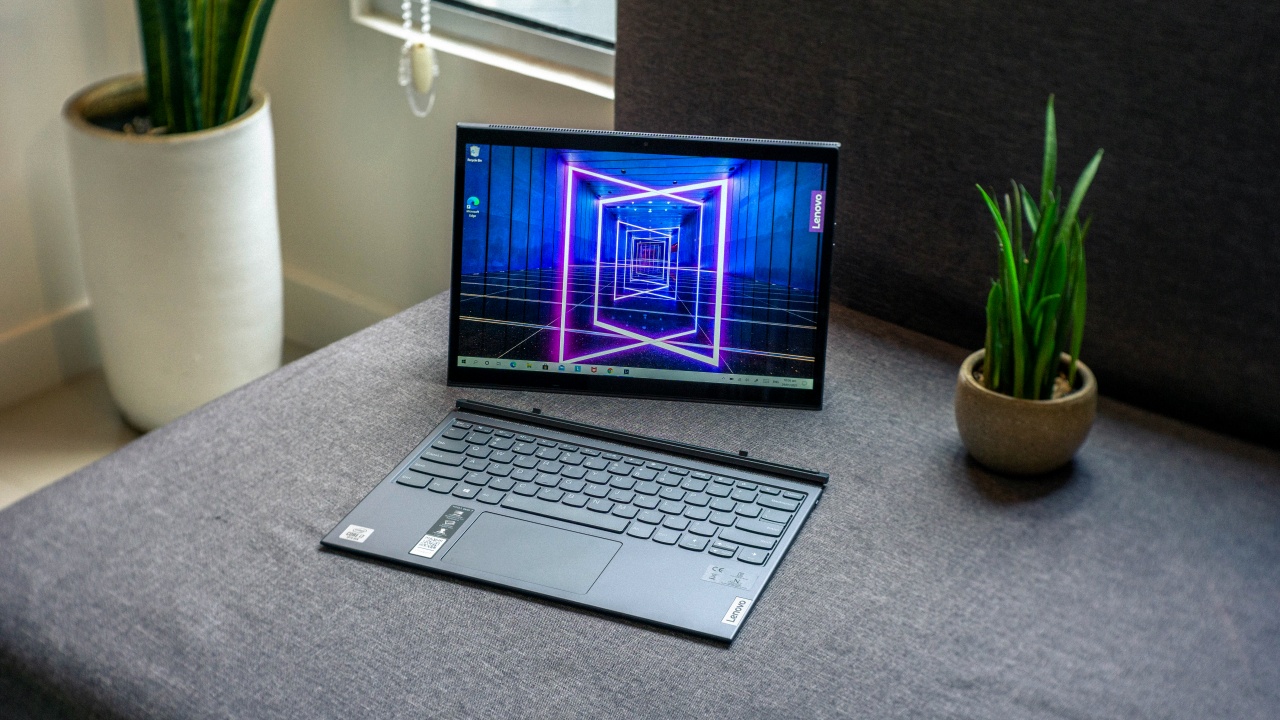
I see the Yoga Duet 7i as two halves. The first half is a tablet where the weight of all the internal components are packed in and the other half a magnetically attached Bluetooth keyboard.
A 13-inch 2K resolution IPS touch screen display, an Intel Core i7-10510U processor, 16GB memory, and 1TB of SSD storage all stored in a metal finish body of the tablet with an adjustable kickstand.
The detachable keyboard is predominantly made of plastic while its bottom is covered with fabric. The purpose behind the fabric bottom is that when clasped together, the whole device seems to mimic the look of a sophisticated planner.
There’s no denying that the Yoga Duet 7i is a handsome device. It feels really well made and the metal with fabric finish is just a luxurious touch.
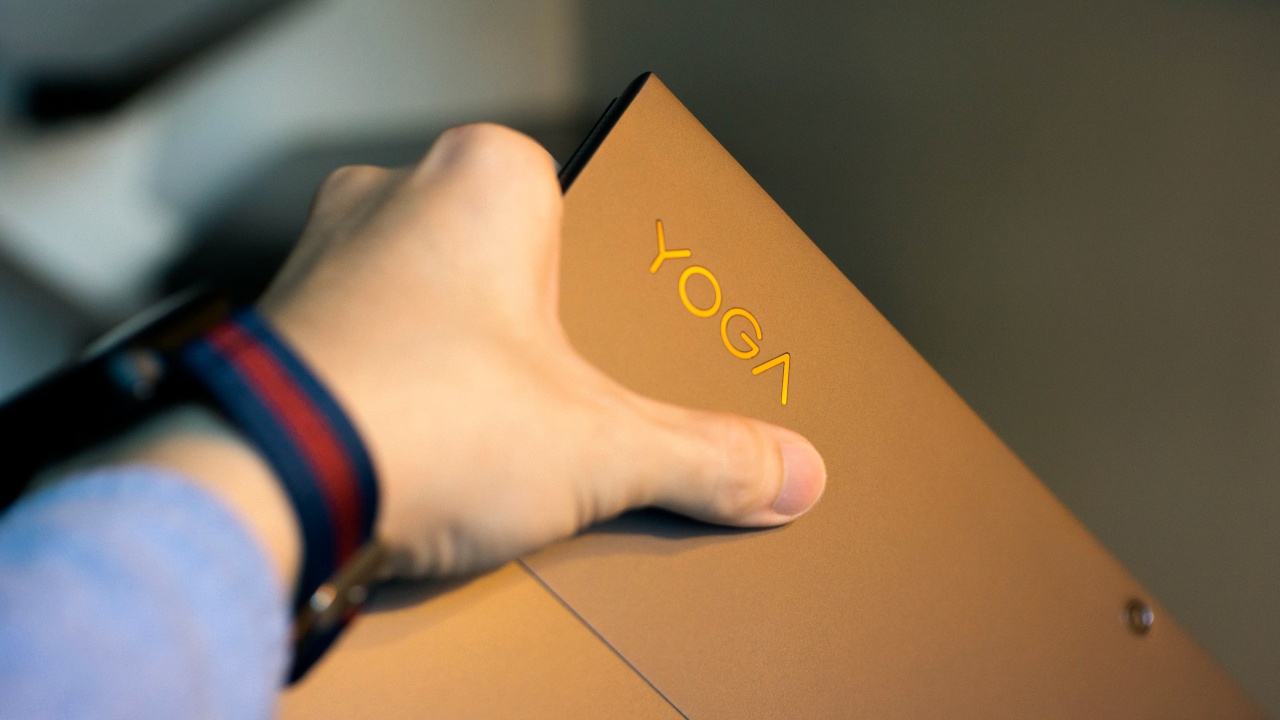
Its metal finish has this sort of rubberized coat on it. I assume this is to add a slight grip to its body making it a bit easier for our hands to hold while adding a bit more to the premium feel of the device.
Performing up to the task
On paper, the specs of the Yoga Duet 7i isn’t really what I would consider to be spectacular. Nowadays, any Core i7 powered device would most definitely breeze through word processing, spreadsheets and browsing.
The Lenovo Yoga Duet 7i isn’t any different. Despite being an upper midrange processor, the eight logical cores of the Core i7-10510U handled all tasks I threw at it without any problems. That includes some relatively heavy editing using Adobe Lightroom.
The device did quite heat up when performing tasks that were a bit more power intensive. You could hear the fans blowing out warm air from the top portion of the device. This might be a concern if you’re using the device in tablet mode as it did feel uncomfortable to a certain degree.
The better half

I have a big appreciation for good keyboards. And Lenovo just happens to be on my personal list of brands of which I’m confident would provide good ones especially with their reputation on the ThinkPad series.
Though the Yoga Duet 7i is a different story. Since this device isn’t a laptop structurally, the detachable keyboard shouldn’t be compared with a laptop. Or so I thought.
Lenovo had definitely taken some notes on laptops as the Yoga Duet 7i’s keyboard felt surprisingly similar to the ones of a MacBook Pro. The satisfying click and feedback are all there and despite its compact form, the size of the keys and its spacing are just right.
I can say the same for the trackpad. The feel certainly had a striking similarity to a MacBook Pro trackpad. I guess I can attribute this similarity in feel to its substantial size. Multitouch integration with Microsoft Gestures was seamless. I found myself navigating the Chrome browser just as how I would on a standard sized laptop.
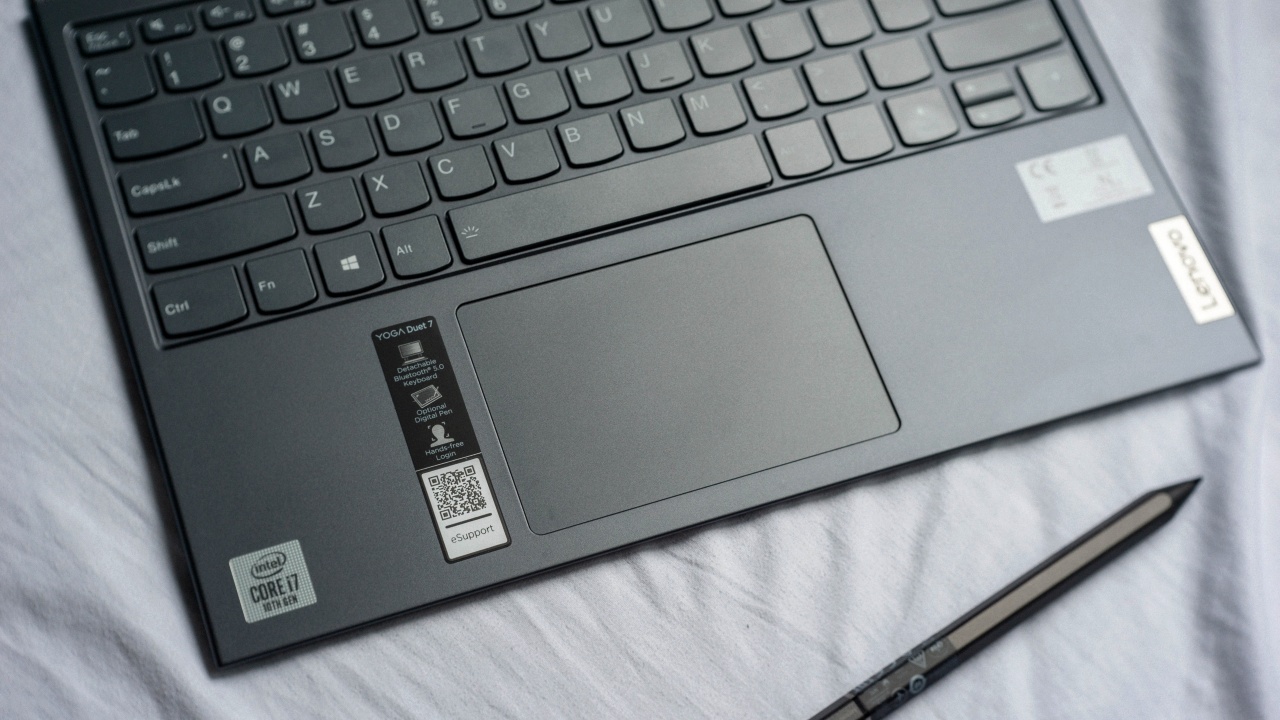
Now, imagine for a moment typing on your lap without the weight and heat of a whole laptop. Or placing the display farther or even eye level while keeping the keyboard at arms reach.
These are just some of the conveniences the Duet 7i’s keyboard can provide. It can work either attached or detached from the tablet. With a flip of the switch, the keyboard shifts to Bluetooth mode, automatically connects and draws power from its internal battery.
With homes being offices to many of us these days, this really opens up more possibilities on how we can position the device as we use it.
Faithful to your eyes

Gazing into this beautiful display was a delight. The 2K resolution on a 13-inch screen felt adequate and didn’t feel too small at all. I was surprised that I did not have the urge to transfer to a bigger monitor at any given point. Not even for photo editing.
As I have, content creators can trust color representation that would be coming from this display. Since rated 100% on sRGB color gamut means there isn’t any over saturation of colors.
Determined to last

Without conserving battery power, I was able to get the Yoga Duet 7i to reach a good eight hours before power saving mode kicked in. Pretty decent considering I tend to keep brightness levels at max. I assume I can easily squeeze in around an hour or two more on power saving mode.
A power issue that I did have with the Duet 7i though was its charging. I didn’t quite understand why there were instances when charging was really fast and then times that it wasn’t. In fact, it was very slow. Oftentimes, I’d have to observe if it was charging and have to re-plug the charger when it wasn’t. There were occasions where I left the unit plugged for hours and came back puzzled to see a very minimal increase on its charge.
Color my world
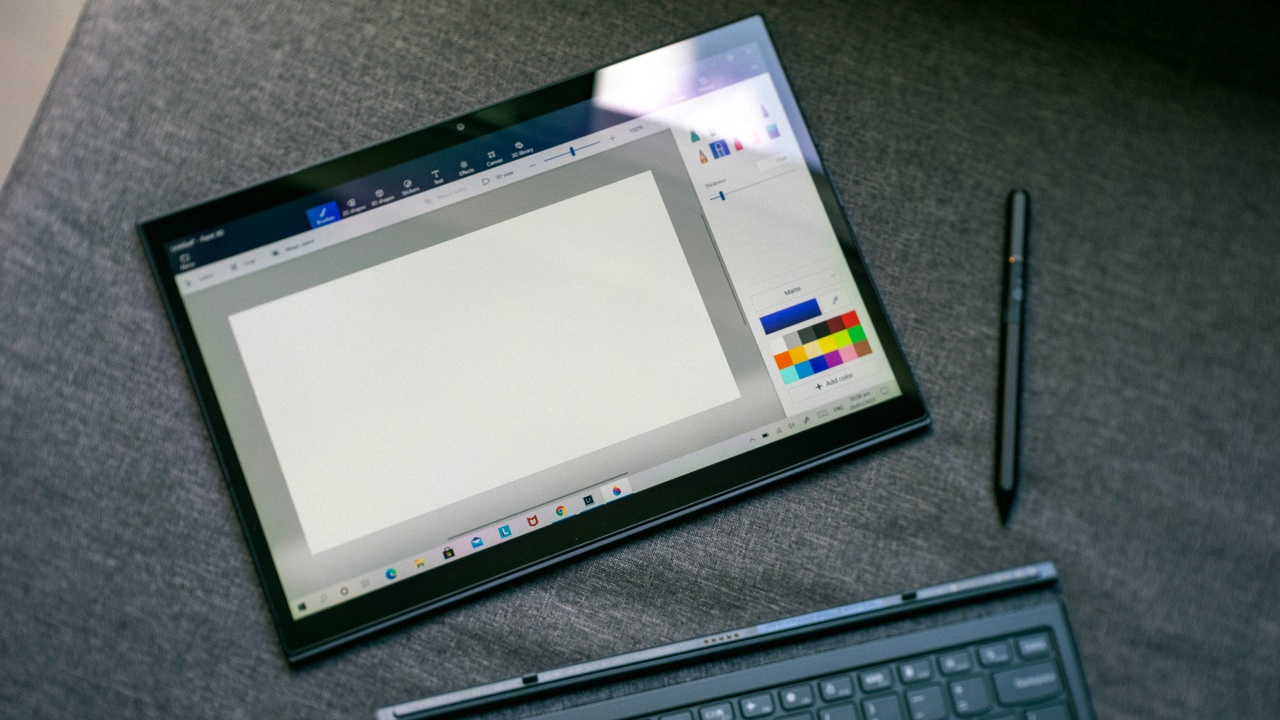
The E-Color Pen as Lenovo calls it, is the optional digital pen for the Yoga Duet 7i. And it has the ability to pick up colors from real life objects through its sensor by just touching on it. While in concept this may sound useful for creatives doing digital artwork, I was frustrated that I wasn’t able to make it work. I’m not sure if it just required a specific software for capturing color but on Paint 3D, everything else worked as it should.
Also, a nice refresh from Lenovo’s previous stylus pen, the E-Color Pen now is rechargeable through USB-C not anymore needing disposable batteries.
Is the Lenovo Yoga Duet 7i your GadgetMatch?
The Lenovo Yoga Duet 7i has a lot of tricks up its sleeve. I even doubt calling it just a 2-in-1 for its diverse capabilities. It’s attractive, has a great screen and the detachable Bluetooth keyboard is just excellent.
This gadget would certainly be a good fit for people who work for creatives and those who are always on the go for numerous meetings and presentations. If you can live with its shortcomings, the Lenovo Yoga Duet 7i is a solid choice and should definitely be among the top contenders in its class.
Available in Space Grey and Orchid colors, the Lenovo Yoga Duet 7i’s price starts at PhP 59,995 for the Intel Core i5-10210U, 8GB RAM, 256GB SSD variant up to PhP 85,995 for the Intel Core I7-10510U, 16GB RAM, 1TB SSD variant.







Apple has a new contender in the ring. And if you grew up on fighting games, the reveal almost feels like that classic moment when the screen flashes: Here comes a new challenger.
Meet the MacBook Neo — Apple’s newest and most affordable laptop yet. Starting at just US$599 (US$499 for education), it aims to bring the Mac experience to a much wider audience.
Despite the lower entry price, Apple isn’t treating this like a stripped-down Mac. The new machine still carries a full aluminum design, a vibrant display, and Apple silicon performance — the same core pillars that define the modern Mac lineup.
The goal is simple: make the Mac more accessible without losing the parts that make it feel premium.
A colorful new entry
At first glance, MacBook Neo looks every bit like a modern Mac. It features a durable aluminum enclosure with soft rounded edges and weighs just 2.7 pounds, making it easy to toss in a backpack or handbag.
Apple is also leaning into color here. The laptop comes in four finishes: blush, indigo, silver, and citrus. The Magic Keyboard matches each colorway with lighter shades, creating a cohesive look across the entire device.
Front and center is a 13-inch Liquid Retina display with a 2408 × 1506 resolution, 500 nits of brightness, and support for one billion colors. Apple says the panel delivers sharper text and brighter visuals than most laptops in this price category.
It’s a display designed to make everyday tasks — browsing, watching videos, editing photos — feel a little more vibrant.
A18 Pro powers everyday performance
Under the hood, MacBook Neo runs on Apple’s A18 Pro chip — the same architecture that powers some of Apple’s most advanced mobile devices.
Apple says the chip delivers up to 50 percent faster everyday performance compared to the bestselling PC powered by Intel Core Ultra 5. For AI-heavy tasks like applying advanced photo effects or running on-device intelligence features, the system can be up to three times faster.
The chip also includes a 16-core Neural Engine for Apple Intelligence features and a 5-core GPU for graphics workloads. The system is completely fanless, which means silent operation even under load.
In practical terms, that translates to smooth multitasking across apps like Messages, Safari, Canva, Excel, and more.
Built for all-day use
Battery life is another highlight. Thanks to the efficiency of Apple silicon, MacBook Neo can run for up to 16 hours on a single charge.
The laptop also includes a 1080p FaceTime HD camera with improved image processing, along with dual microphones that use directional beamforming to reduce background noise during calls.
For audio, dual side-firing speakers support Spatial Audio and Dolby Atmos for a more immersive listening experience.
The device features Apple’s Magic Keyboard and a large Multi-Touch trackpad, while select models include Touch ID for quick and secure logins.
Connectivity includes two USB-C ports for charging and accessories, a headphone jack, Wi-Fi 6E, and Bluetooth 6.
The Mac experience, now more accessible
MacBook Neo ships with macOS Tahoe, complete with built-in apps like Safari, Photos, Messages, and FaceTime. It also supports Apple Intelligence features such as Writing Tools and Live Translation.
For users already in the Apple ecosystem, Continuity features make switching between devices seamless. Tools like Handoff, Universal Clipboard, and iPhone Mirroring let users move between Mac and iPhone without breaking their workflow.
With its $599 starting price, MacBook Neo now becomes the most affordable entry point into the Mac lineup — a position long rumored but never quite realized until now.
In fighting game terms, Apple didn’t just add another character to the roster.
It added one meant for a whole new set of players.
Pricing and availability in Singapore and the Philippines
In Singapore, the MacBook Neo starts at S$849 and S$729 for education. Customers can pre-order the new MacBook Neo from Friday, March 6.
In the Philippines, Apple’s friendliest-to-the-budget MacBook starts at ₱39,990 and ₱33,990 for education. They will be available soon on apple.com/ph/store and Apple Authorized Resellers.
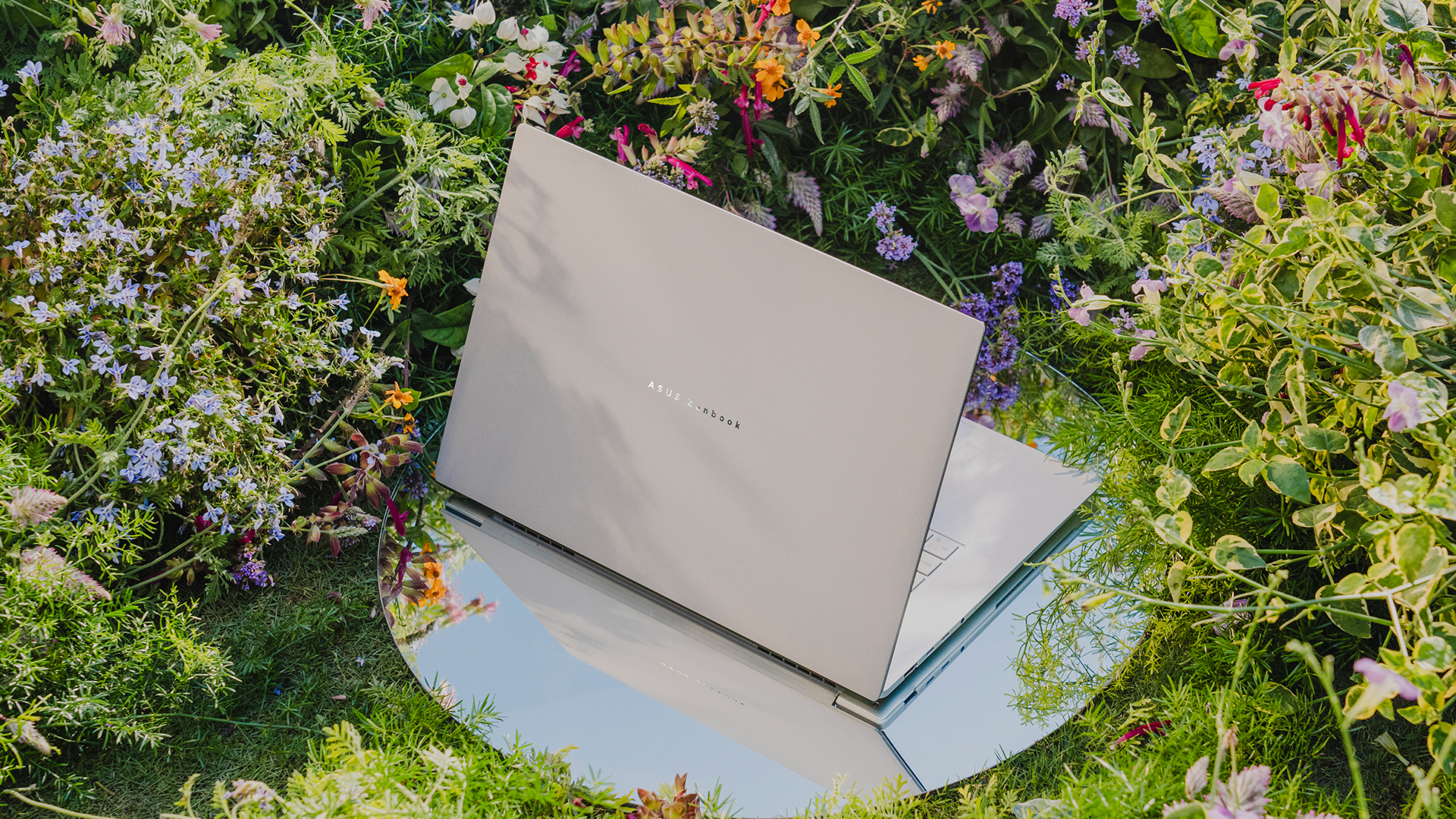
ASUS’s ultrathin notebooks are back. As first revealed during CES 2026, ASUS has officially launched the Zenbook S16, a modest upgrade to the model of the same name from almost two years ago. Accompanying it is a lesser-but-just-as-capable sibling called the Zenbook 14.
ASUS Zenbook S16
Much like its predecessor, the latest Zenbook S16 is designed for ultra portability. In terms of thinness, the notebook measures only 1.1 centimeters. Plus, it weighs only 1.5 kilograms, making it a perfect addition to your daily kit.
As is always expected from the Zenbook S lineup, the Zenbook S16 will have a tactile Ceraluminum lid, bolstered by an EasyLift hinge for ease of use. It will also have an ErgoSense keyboard with dished keycaps.
The 16-inch 3K ASUS Lumina OLED screen has touchscreen capabilities, a refresh rate of 120Hz, and 500nits of brightness. For audio, it has a six-speaker Dolby Atmos system, including four front-firing tweeters and dual woofers.
Under the hood, the new notebook will sport an AMD Ryzen AI 9 465 chipset, which can deliver up to 50 TOPS. Combined with Radeon graphics, this processor is supported by 32GB of RAM and 1TB of storage.
For battery, the notebook will have an 83 Wh battery, which can reportedly last over 21 hours.
ASUS Zenbook 14
Technically, this isn’t the Zenbook S14, but it bears a striking resemblance to that previous notebook, both in terms of design and hardware. For one, the new Zenbook 14 is 14.9mm thin and only 1.2kg light.
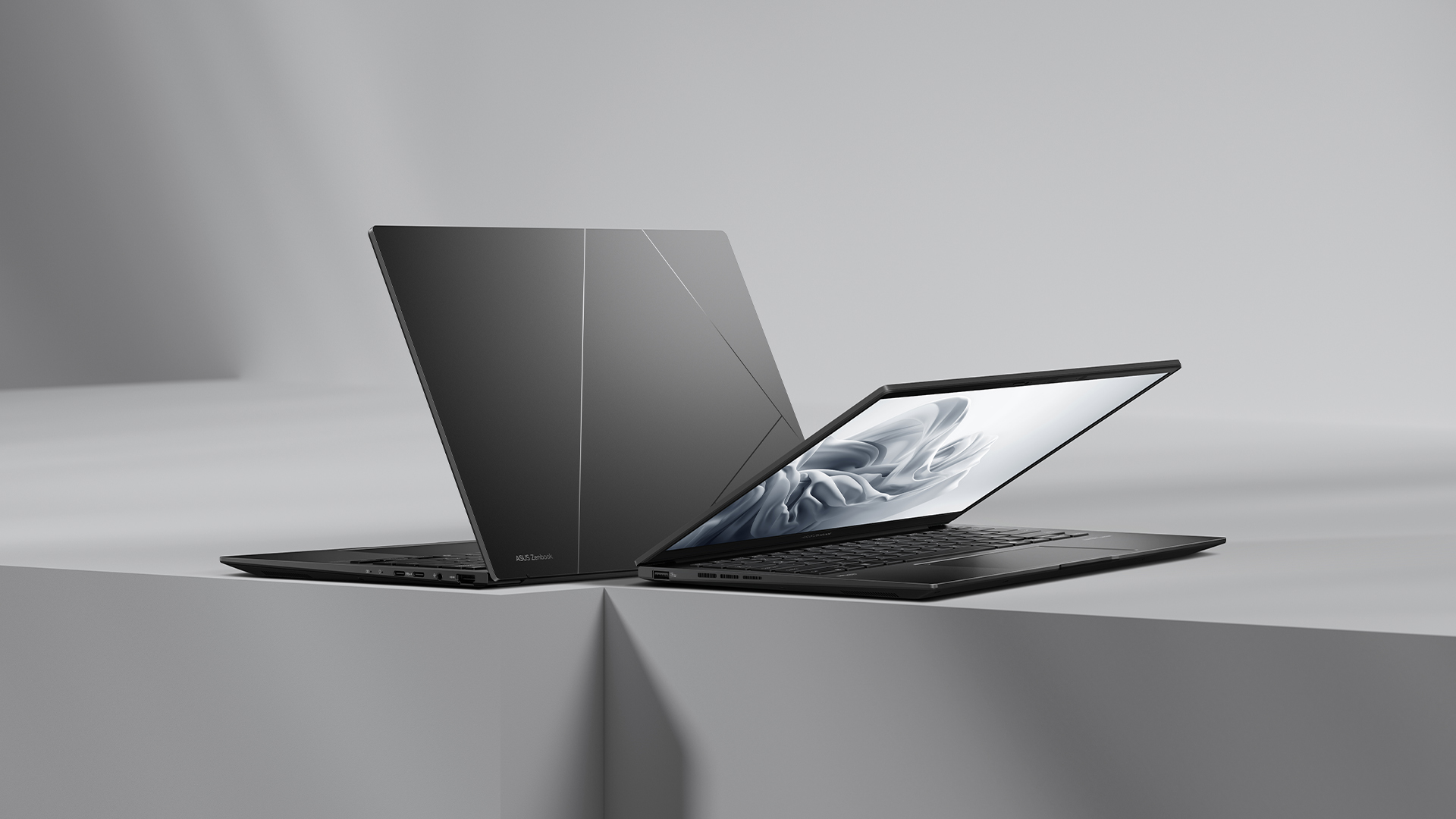
The 14-inch screen carries a WUXGA ASUS Lumina OLED display, putting out images in a 16:10 aspect ratio. The notebook also has an Ergosense keyboard and touchpad for more comfortable typing and more precise controls.
Under the hood, the Zenbook 14 trades the S14’s Intel chip for an AMD Ryzen AI 7 445 processor, capable of up to 50 TOPS. It will also have 16GB of RAM and 1TB of storage.
For battery, the notebook will have a 75 Wh battery, reportedly capable of lasting over 15 hours of unplugged use.
Price, availability
The Zenbook S16 and Zenbook 14 are available now. They both come with a lifetime license of Office 2024 Home, one-year access to Microsoft 365 with cloud storage, and ASUS Warranty (consisting of two-year International Warranty and ASUS Perfect Warranty, plus one-year accidental damage protection).
The Zenbook S16 comes in Scandinavian White and retails for PhP 134,995. Meanwhile, the Zenbook 14 comes in Jade Black and retails for PhP 79,995.
Laptops
Apple accidentally revealed something called the MacBook Neo
Is this the rumored entry-level MacBook?


We’re living in the week of Apple. Through the past few days, Apple launched a new iPhone, iPads, and now, MacBooks. But the week isn’t over, so the brand still has a few tricks up its sleeve. Now, on the cusp of its major event, a brand-new notebook lineup has seemingly been leaked ahead of time. Apple has accidentally leaked the name “MacBook Neo” on its official website.
While we’ve seen the launches of the new MacBook Air and the MacBook Pro, the year’s lineup of notebooks is still missing the highly rumored entry-level MacBook. Ahead of this week, the brand was tipped to launch a new lineup that brought the price of the notebook down and introduced quirkier colorway options. Judging by the invite for it, the event scheduled for March 4 seems to be the launch pad for this device.
Today, in a now-deleted mention on a regulatory document on the brand’s official website (via MacRumors), Apple has accidentally leaked a mention of a “MacBook Neo (Model A3404)”. Sadly, the mention did not include any details about this device. Plus, it was deleted soon after it was spotted by the public.
There isn’t much to say about this model yet, if it is indeed the budget-friendly MacBook that everyone is talking about. If anything, it’s been tipped that the lineup will feature a mobile chipset rather than the M-series silicon often prominent in the regular MacBook series. It will also add splashes of color by offering colorway options apart from the usual metallic choices.
Then again, March 4 (in the States) is right around the corner, so the device’s launch might only be a few breaths away.
SEE ALSO: Apple’s March 4 Event signals something BIG is coming


The Xiaomi 17 shoots Leica dream

Nintendo sues the United States

OPPO Reno15 F 5G hands-on

Project Helix is Xbox’s next console, and it plays PC games

Nothing adds color to its wearables with the Headphone (a)

Xiaomi 17 Ultra is now available outside China

TECNO will showcase the CAMON 50 and POVA 8 series at MWC 2026

The art of being in and behind the frame

HUAWEI MatePad 11.5 S 2026: The better-than-ever 4-in-1 productivity tablet

TECNO MEGABOOK K16s 13th review: No-frills beneath those grills


-
 News7 days ago
Xiaomi 17 Ultra is now available outside China
-

 MWC 20265 days ago
TECNO showcases cool concepts at MWC 2026
-

 MWC 20261 week ago
TECNO resurrects modular phones with this new concept
-

 Reviews7 days ago
Xiaomi Pad 8 review: Slab that slaps!
-

 MWC 20264 days ago
TECNO launches the all-new CAMON 50 series
-

 Reviews7 days ago
Forget the Phone: Xiaomi 17 Ultra Is A CAMERA!
-

 Reviews4 days ago
TECNO CAMON 50 Ultra review: End of an era?
-

 MWC 20263 days ago
Infinix NOTE 60 Ultra makes a motorsport-inspired debut