


Laptops
Apple M2 MacBook Pro review: Affordable, powerful
Looks the same outside, more powerful inside!

I love talking about new Apple hardware and I’m excited about the arrival of the new MacBook Air. It’s probably the most exciting news to come out of this year’s Worldwide Developers Conference (WWDC).
But what some folks might not have known is that another M2-powered Mac was also announced.
The 13-inch MacBook Pro.
A new 13-inch MacBook Pro?!
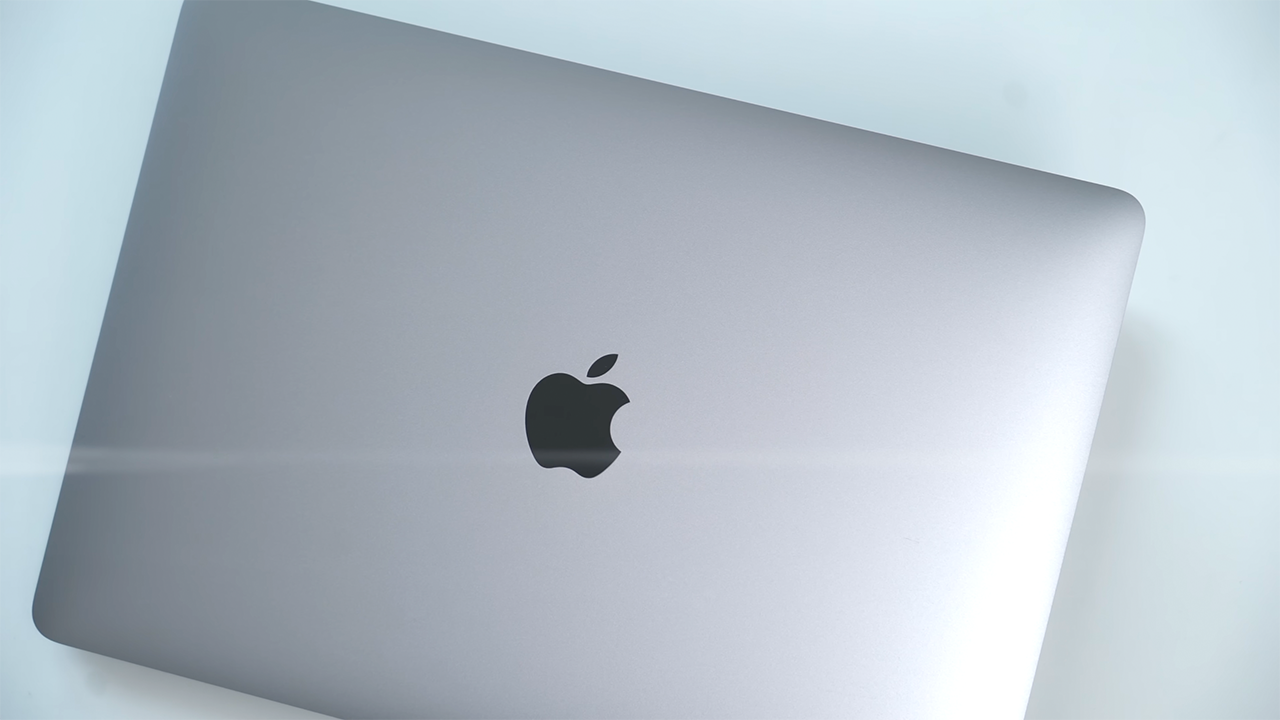
Because there are many different MacBook Pro models, let’s first take a look at how this new 13-inch MacBook Pro stands in Apple’s current lineup.
Think of this model as the entry-level MacBook Pro. It sits alongside the 14-inch MacBook Pro and the 16-inch MacBook Pro — which Apple unveiled late last year.
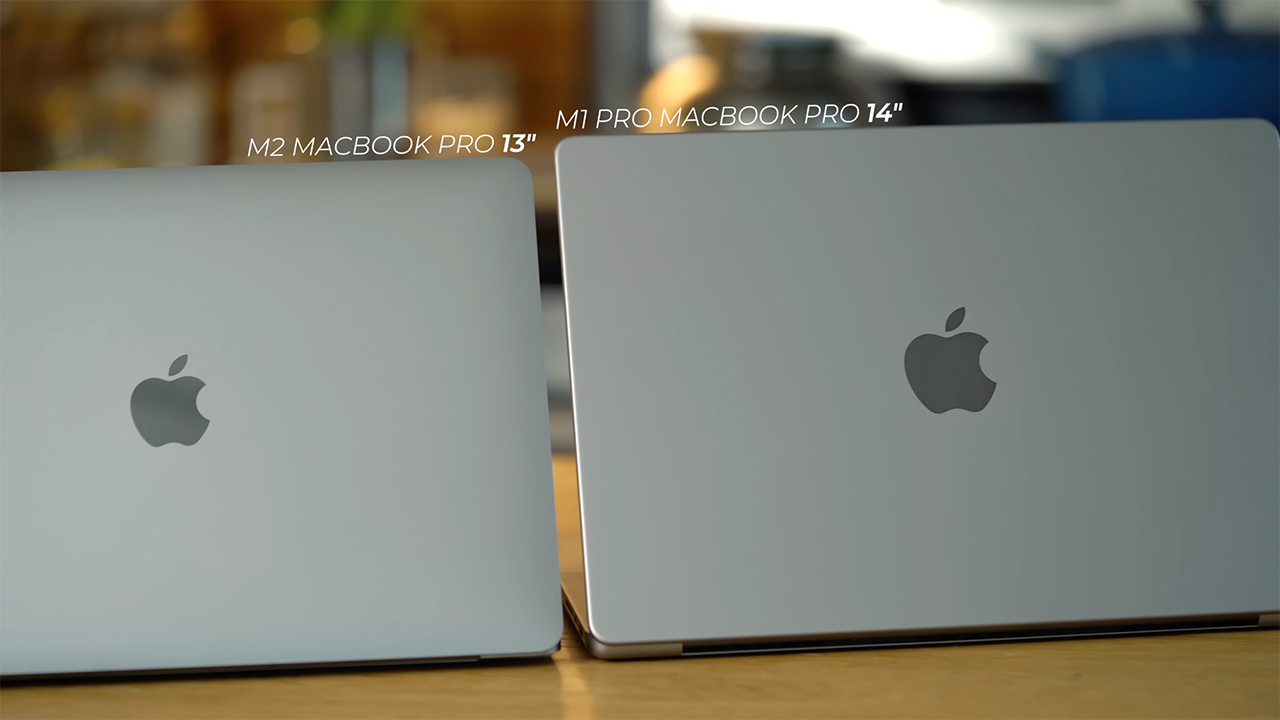
The 13-inch and 14-inch models are of a roughly similar size, but the 14-inch has a larger screen thanks to thinner bezels.
In some ways, the 13-inch model is like the iPhone SE is to the Mac. It sports an older design but comes with new insides and a lower price.
There are plenty of differences between both models, which we’ll also discuss, but TL;DR, the reason Apple is keeping this model around is choice.
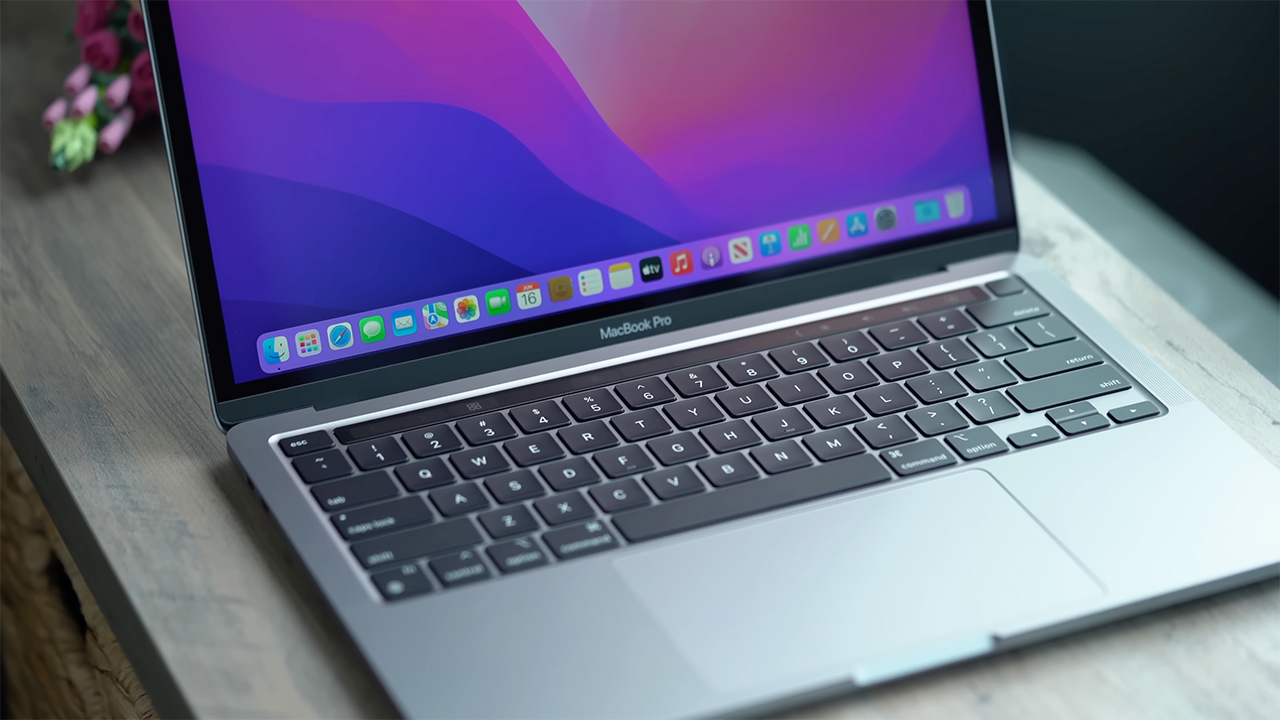
The 13-inch MacBook Pro starts at $1299. Meanwhile, the 14-inch MacBook Pro starts at $1999, and the 16-inch MacBook Pro starts at $2499. So, if you want to go pro and don’t want to break the bank, this here is your much more affordable option.
Unboxing
Alright, we might have gotten ahead of ourselves there. Let’s do a quick unboxing before we move on to our review.

Our MacBook Pro shipped in this brown box. But obviously, if you pick one up from the store it might not have this outside layer.

You know the drill by now, just look for the arrow, and rip to break the seal.
Inside here is the actual 13-inch MacBook Pro box.
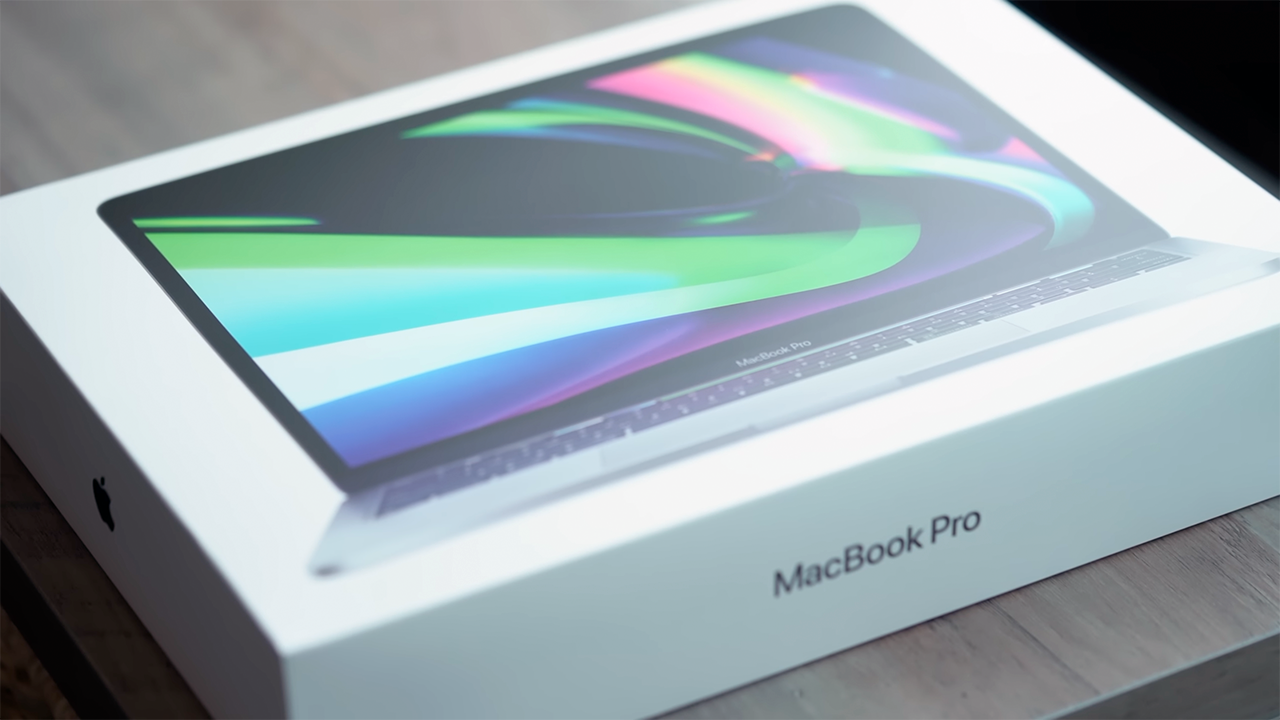
Up front, there’s a white box with a photo of the laptop.

Tug here to break the seal…

And from here we can now lift up this lid.
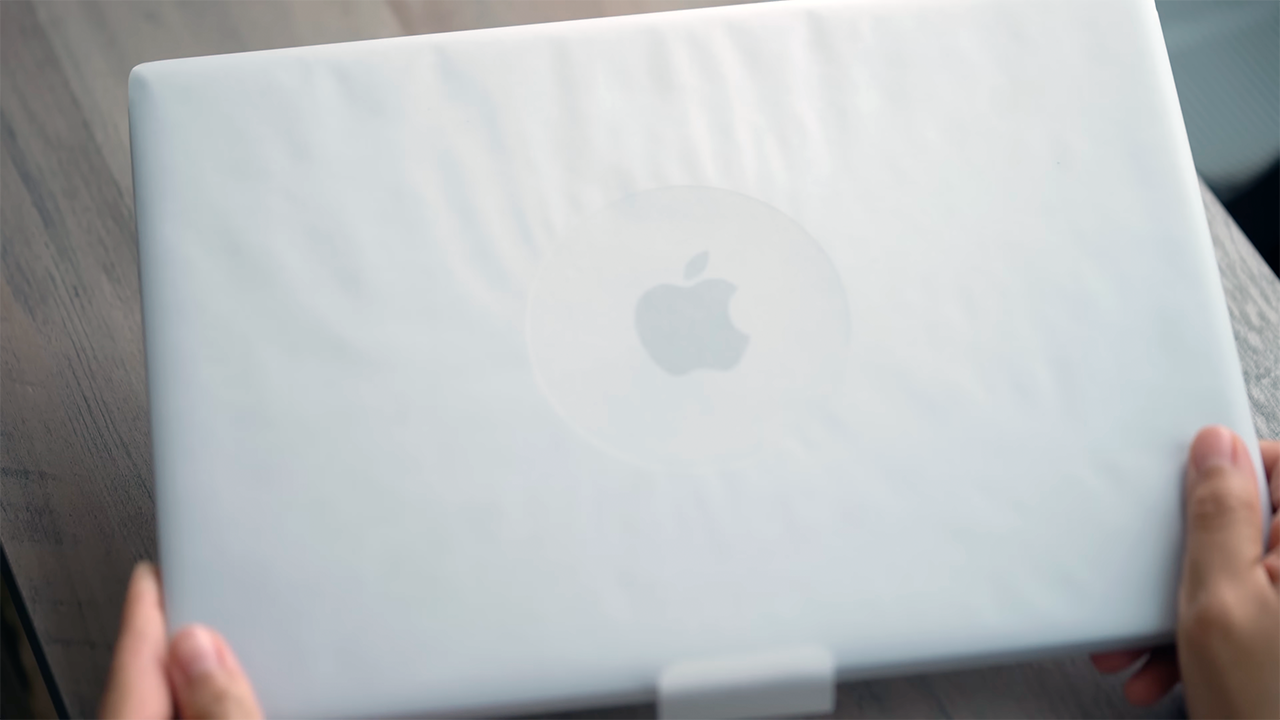
Inside is the new 13-inch MacBook Pro wrapped in environment-friendly paper instead of plastic.
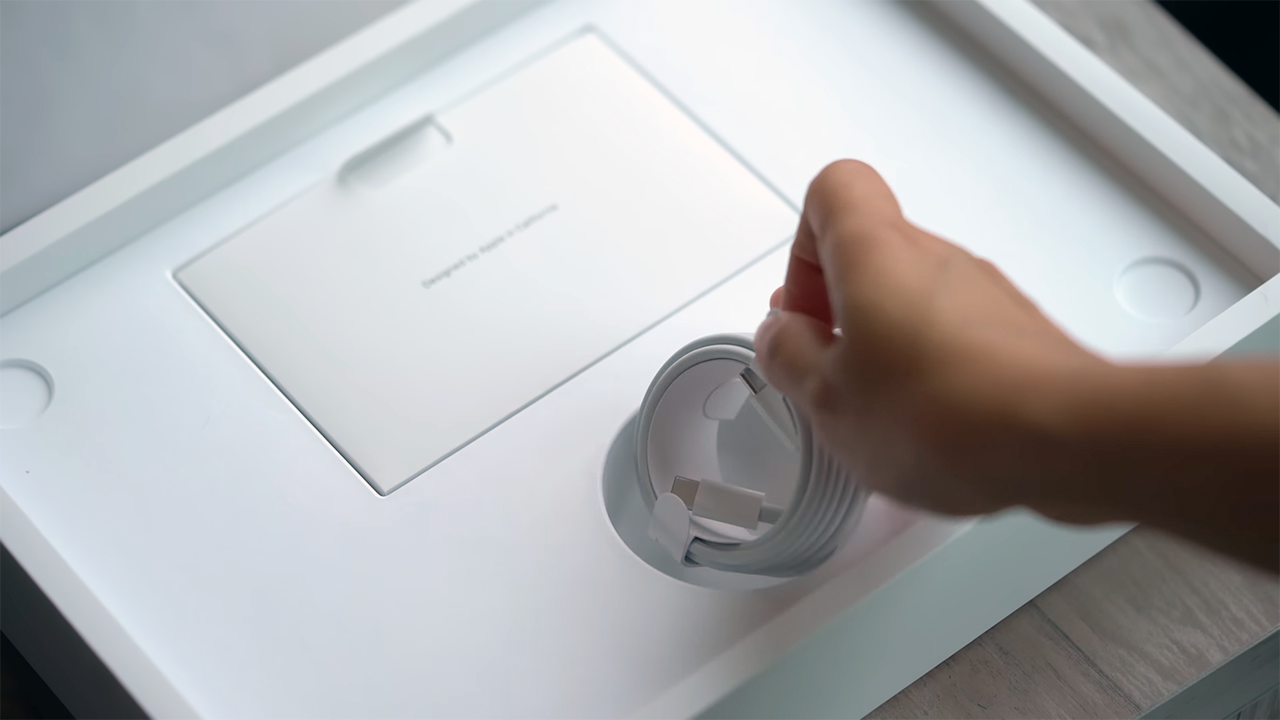
Also in the box are a USB-C to USB-C cable.
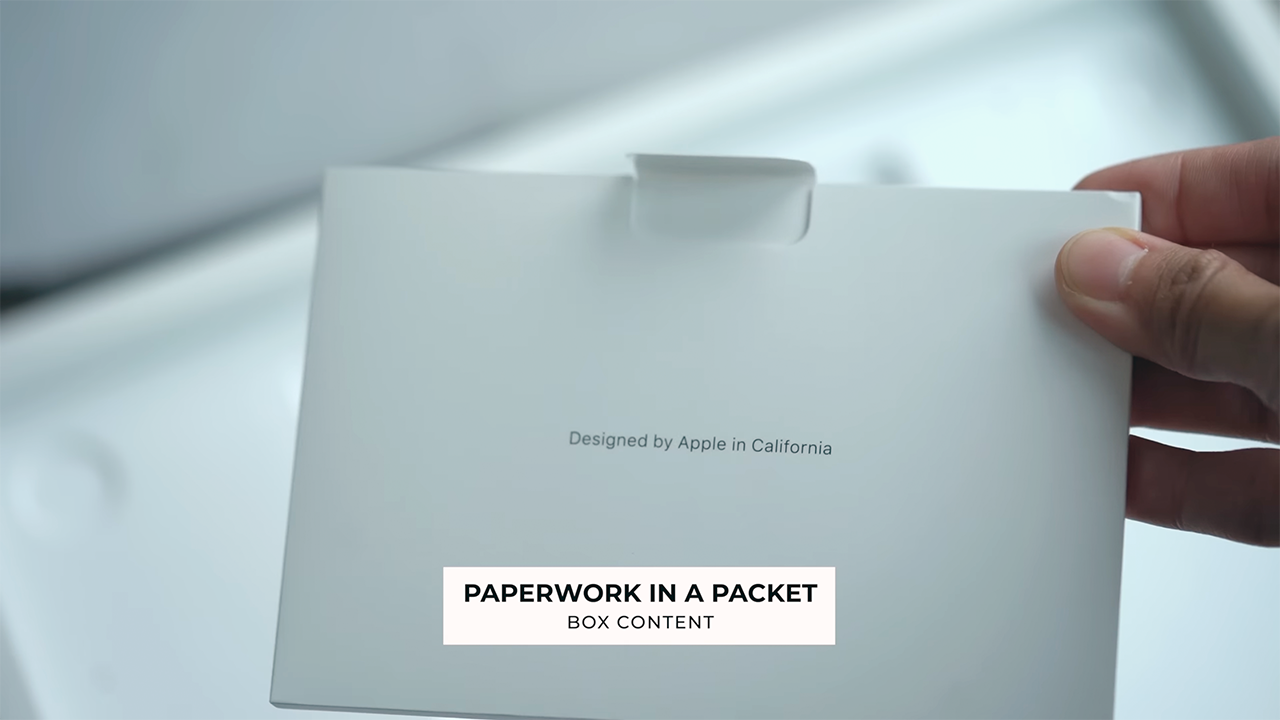
There’s a packet with some paperwork.
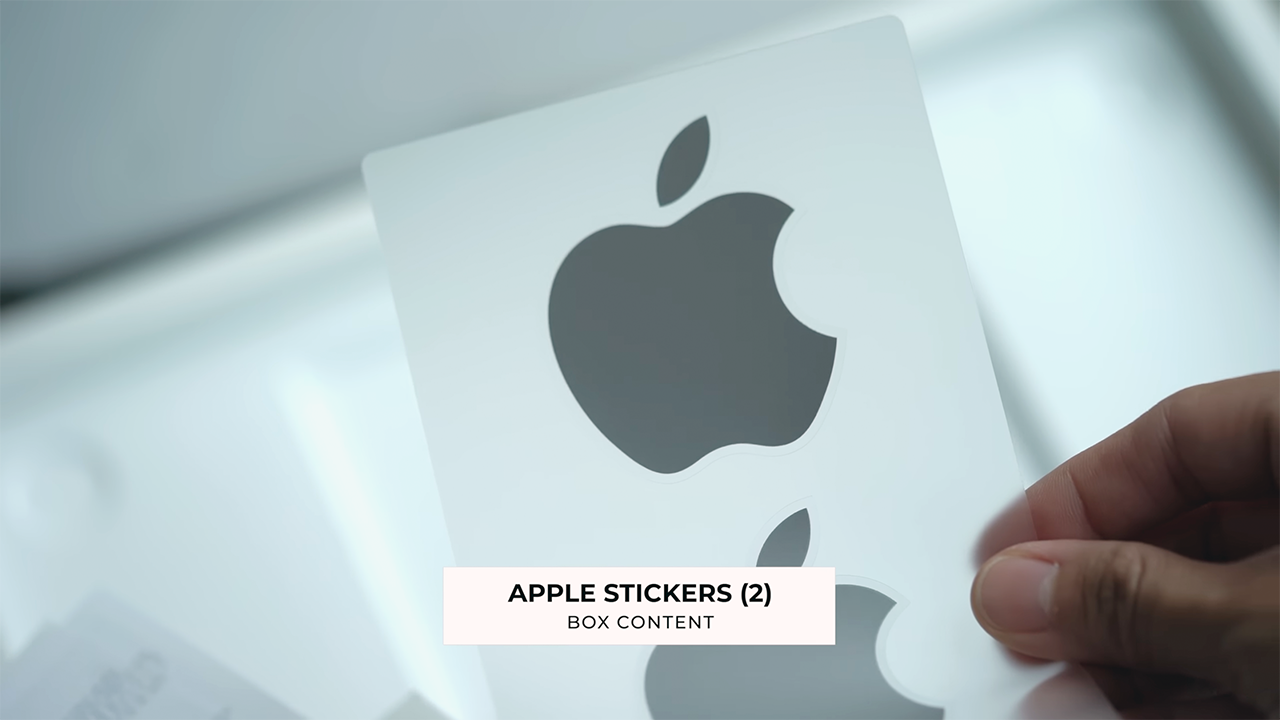
And two space gray stickers.
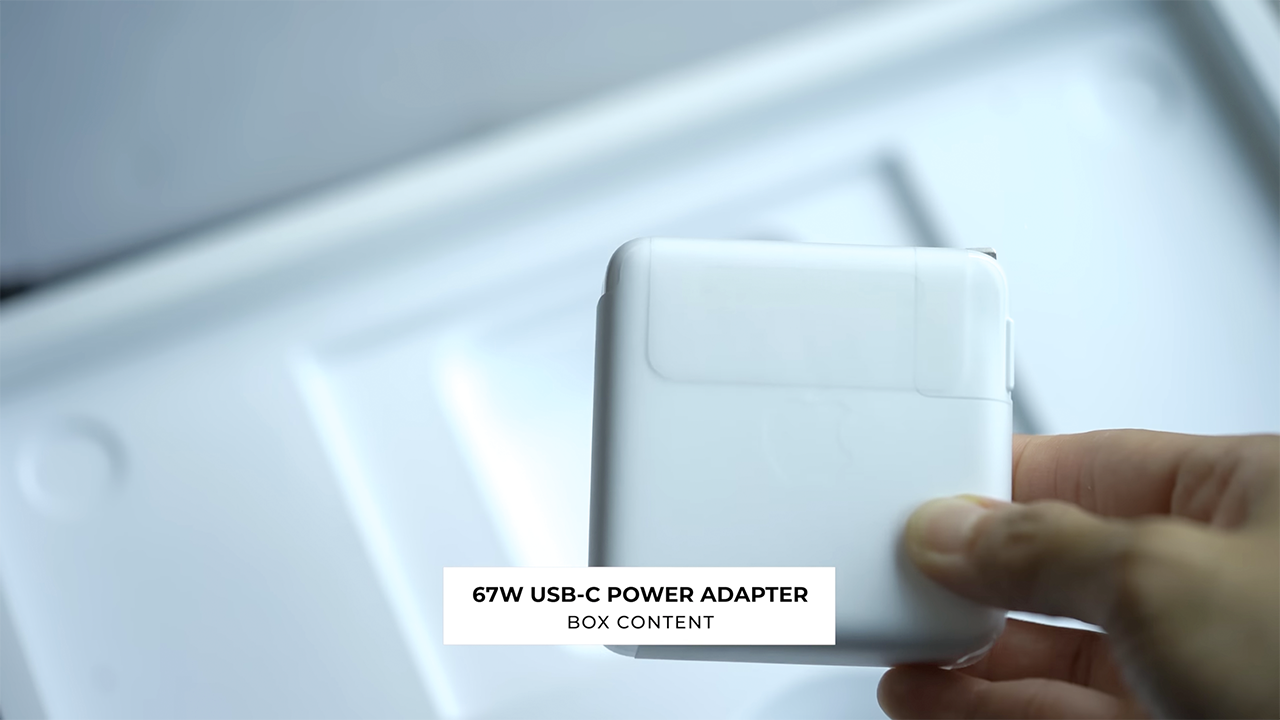
And underneath, a 67W adapter.
Still the same on the outside
Last year when Apple unveiled the 14- and 16-inch MacBook Pros, they came with a major redesign. Chamfered edges were traded in for softer, rounded ones. Four feet lifted the laptop up from surfaces and provided more airflow for cooling.
Inside, the keyboard was black on black with full-sized function keys and the display got slimmer bezels. More real estate. And a notch.
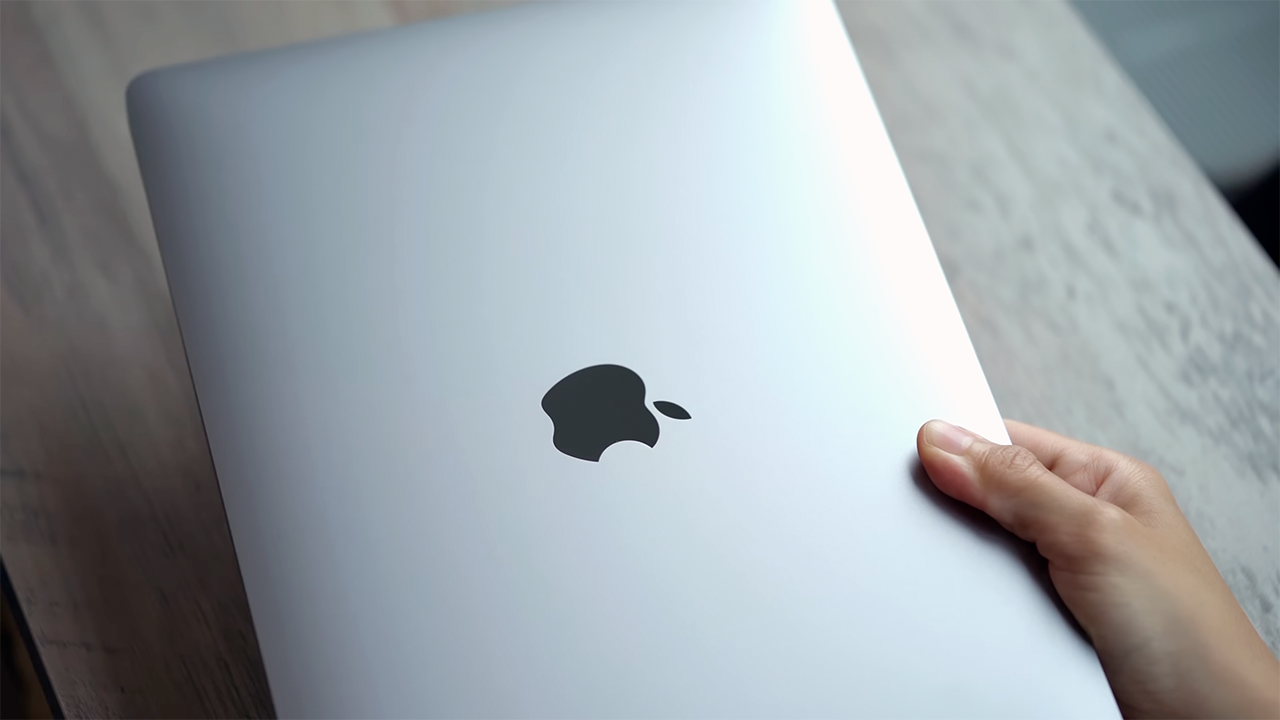
Now unlike those models though, the new 13-inch MacBook Pro sports the same design as its predecessor from 2020. What does this mean?
Well, to start, the chassis is pretty much similar to unibody MacBook Pros from the last five years or so.
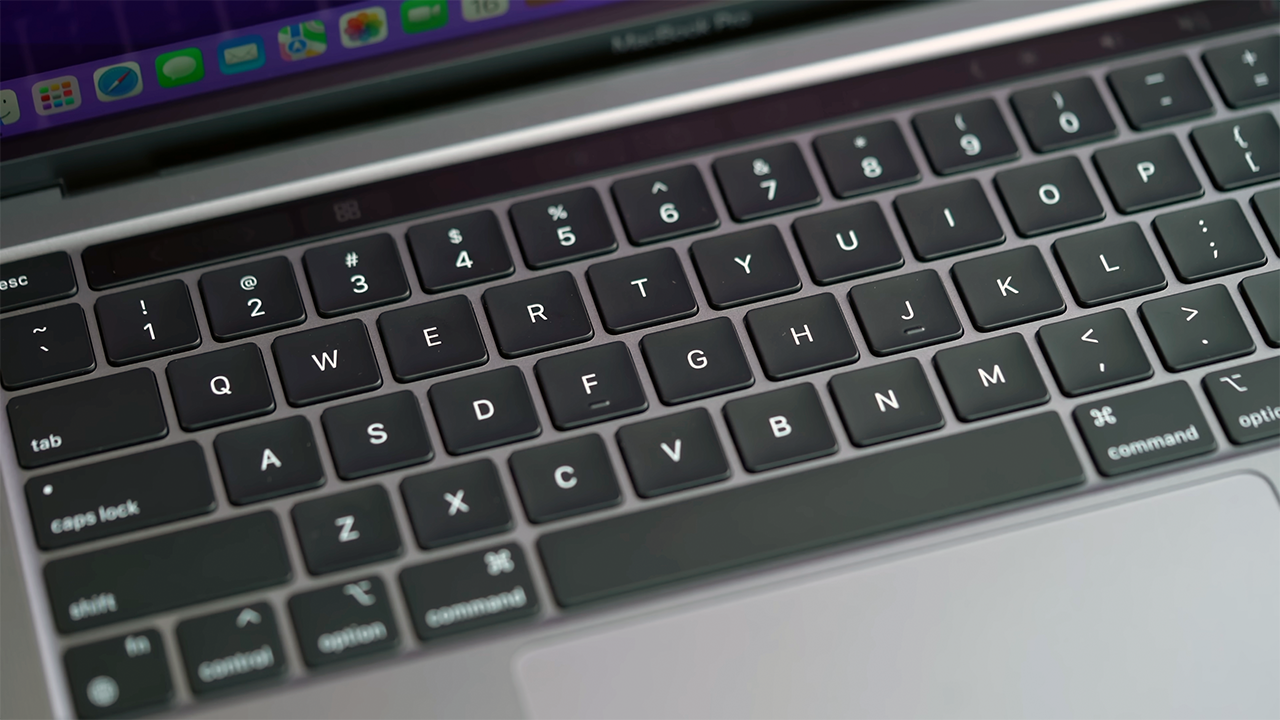
The keyboard looks like this.
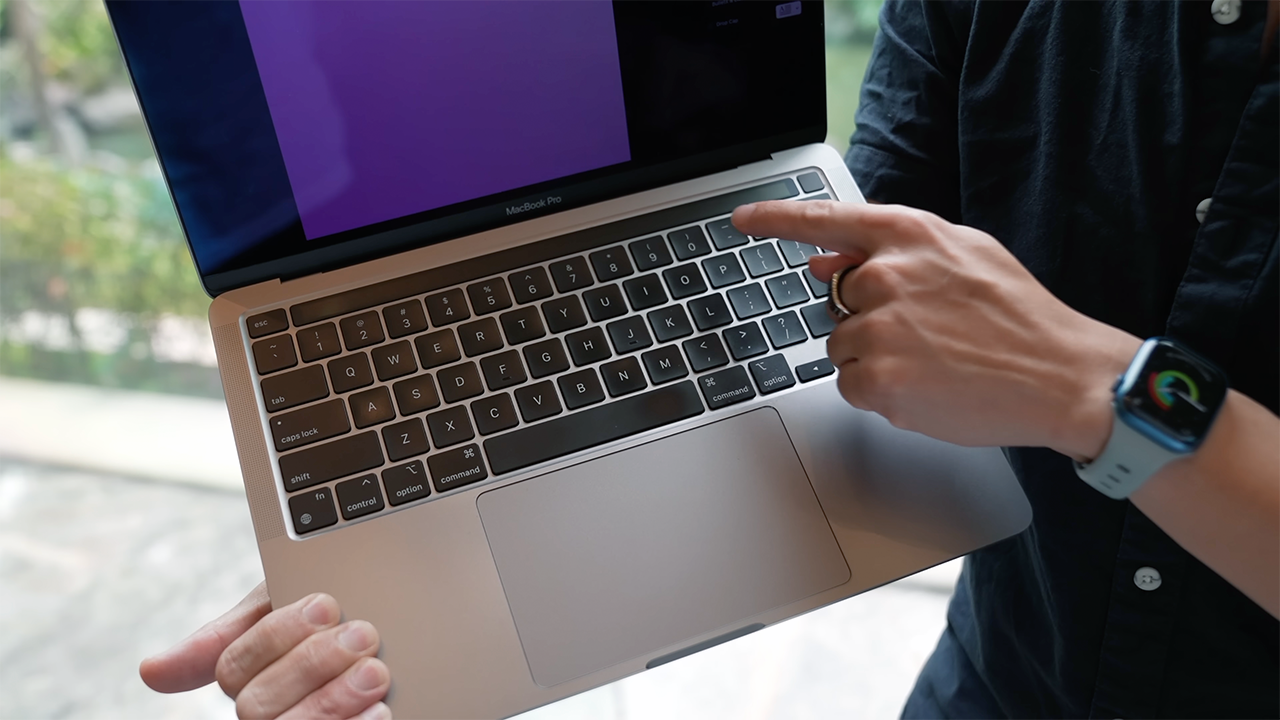
There’s still a Touch Bar up top instead of physical function keys.

There’s no notch but it’s got thicker bezels.
Having used the new 14-inch MacBook Pro for more than half a year, I don’t wanna go back. But that’s not to say there’s anything wrong with this older design. It’s truly a work of art and one that has stood the test of time, and it’s still a stunner.
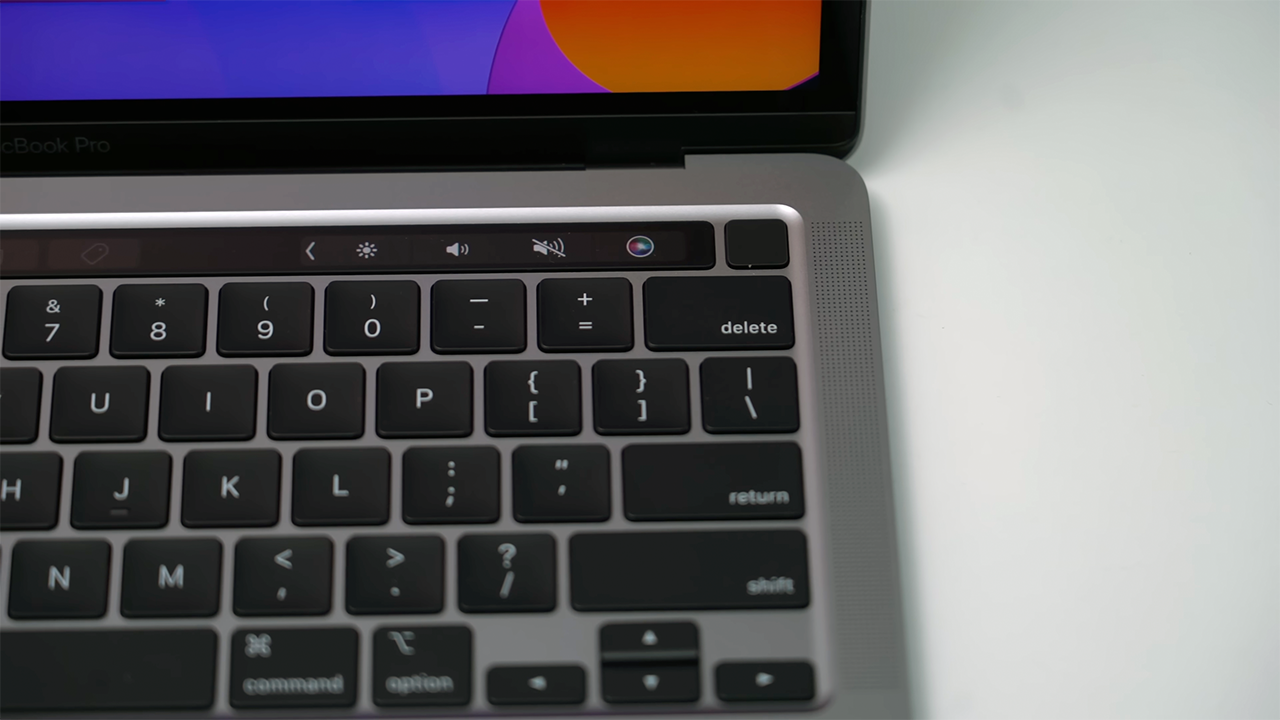
I actually like this keyboard better — particularly being able to see the aluminum frame in between the individual keys.
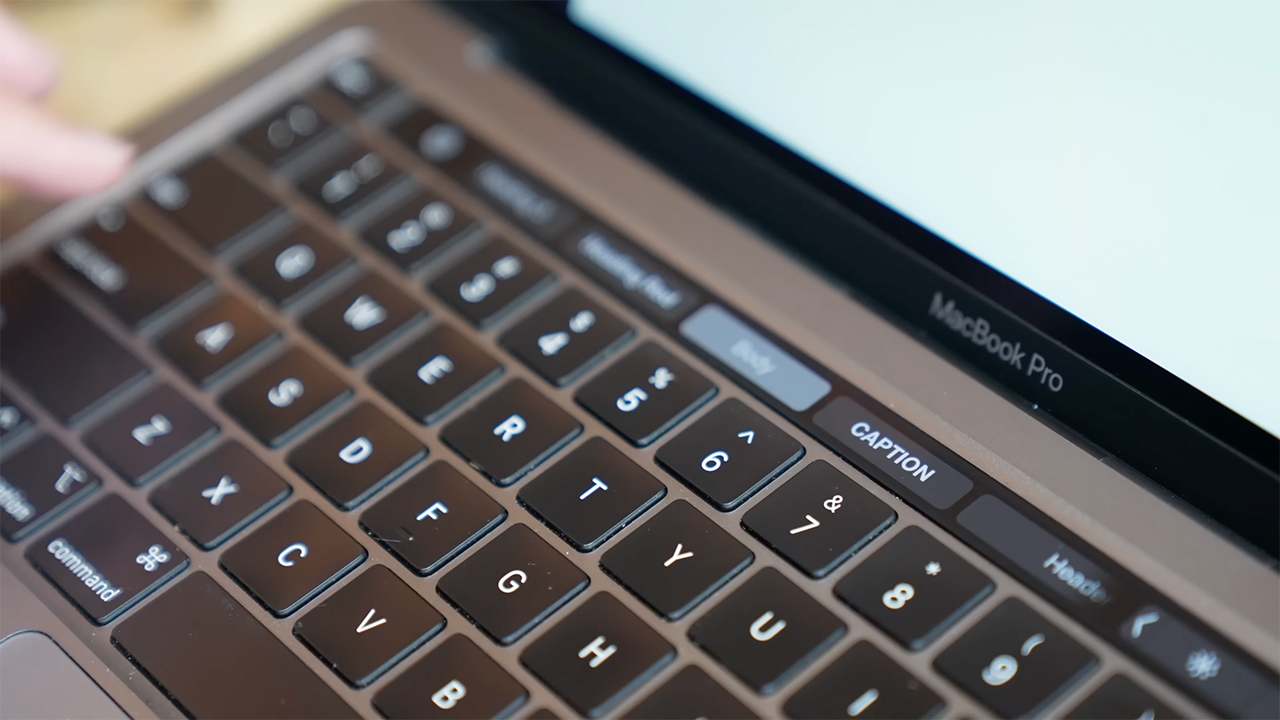
Also, if you’re a fan of the Touch Bar this is the last remaining Mac that has one. Like all MacBook Pros, it’s available only in either Space Grey or Silver.
A more powerful Mac inside
While its outsides look the same, on the inside, the new 13-inch MacBook Pro is more powerful than ever. The transition from Intel to Apple Silicon was a huge jump for the Mac in terms of performance.
Apple’s M1 chip was and is groundbreaking. Without getting too technical, picture this: My first M1 machine was an entry-level MacBook Air. A thousand-dollar machine that ran circles around my US$6000 top spec Intel-based 16-inch MacBook Pro.

The new MacBook Pro runs the even newer M2 chip, which offers even more power and better efficiency. The M2 can handle even heavier workloads much better. It also now supports up to 24GB of Unified Memory, with 8GB being the starting configuration.
Apple is promising nearly 40% faster video editing performance as compared to the M1 MacBook Pro. But of course, you’re most likely not upgrading from an M1 MacBook Pro to an M2 MacBook Pro. And in that case, Apple says to expect a 6x performance boost.
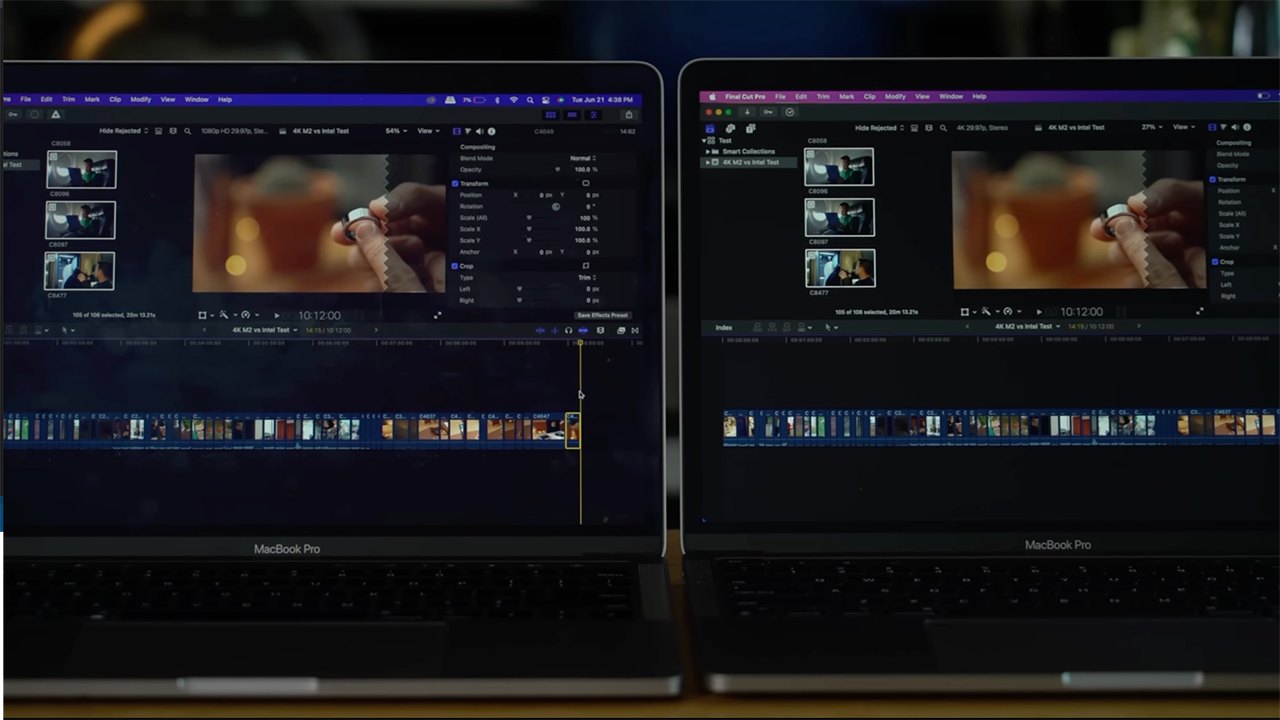
To showcase that, we exported a 10-minute, 4K, GadgetMatch video on a 2019 Intel-based 13-inch MacBook Pro and the new 2022 model.
A 10-minute and 12-second video with a 45.65GB file size gave different results. For instance, the 13-inch M2 MacBook Pro exported the video for only 3 minutes and 23 seconds. Meanwhile, the 13-inch 8th-generation Intel Core i5 MacBook Pro took 13 minutes and 16 seconds.
Clearly, from these results, you can see how much of a performance improvement the M2 chip delivers. But perhaps even more impressive is how much more power-efficient Apple Silicon is.

Apple is promising about 20 hours of battery life and in our tests, we were getting close to that.
While usage may vary depending on what you’re doing, what’s more important to note is that even if you’re working on something more resource-intensive — the laptop requires less power to complete those tasks.
So, your laptop lasts longer even if you’re pushing the system a bit harder. Compare that to a 12-core PC laptop and you’re getting about 75% less power consumption.
A simple way to illustrate this is by taking a look at the bundled power adapter of the 13-inch MacBook Air.
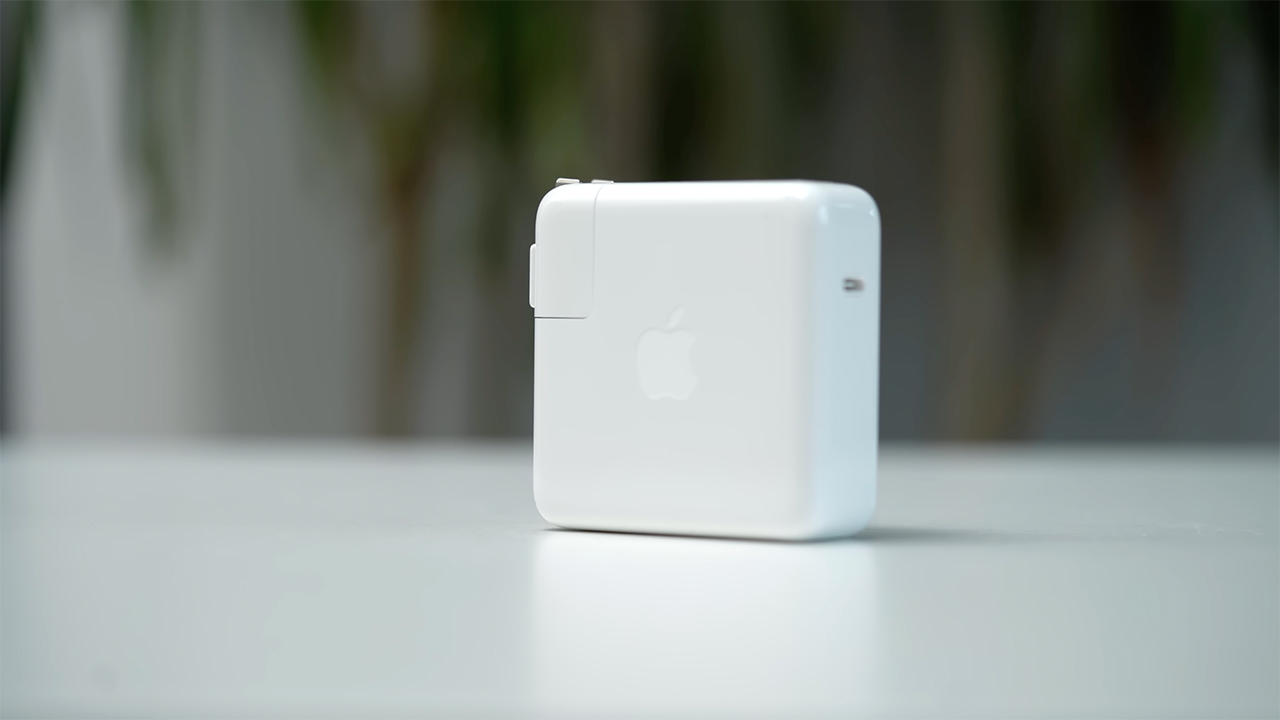
This 67W power brick is all that’s needed for the Mac to run at full performance.
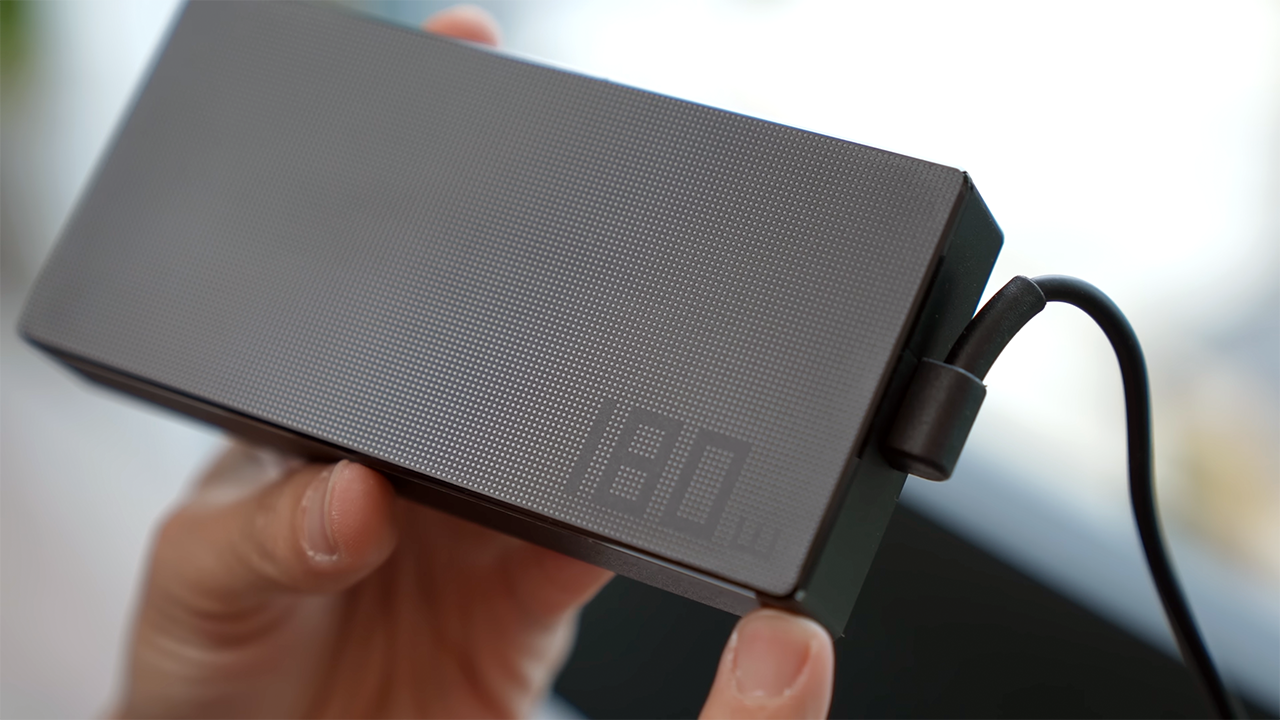
Meanwhile here’s the massive 180W power brick that comes with the new Asus ZenBook Pro 14 Duo that runs off the latest Intel i9 chip.
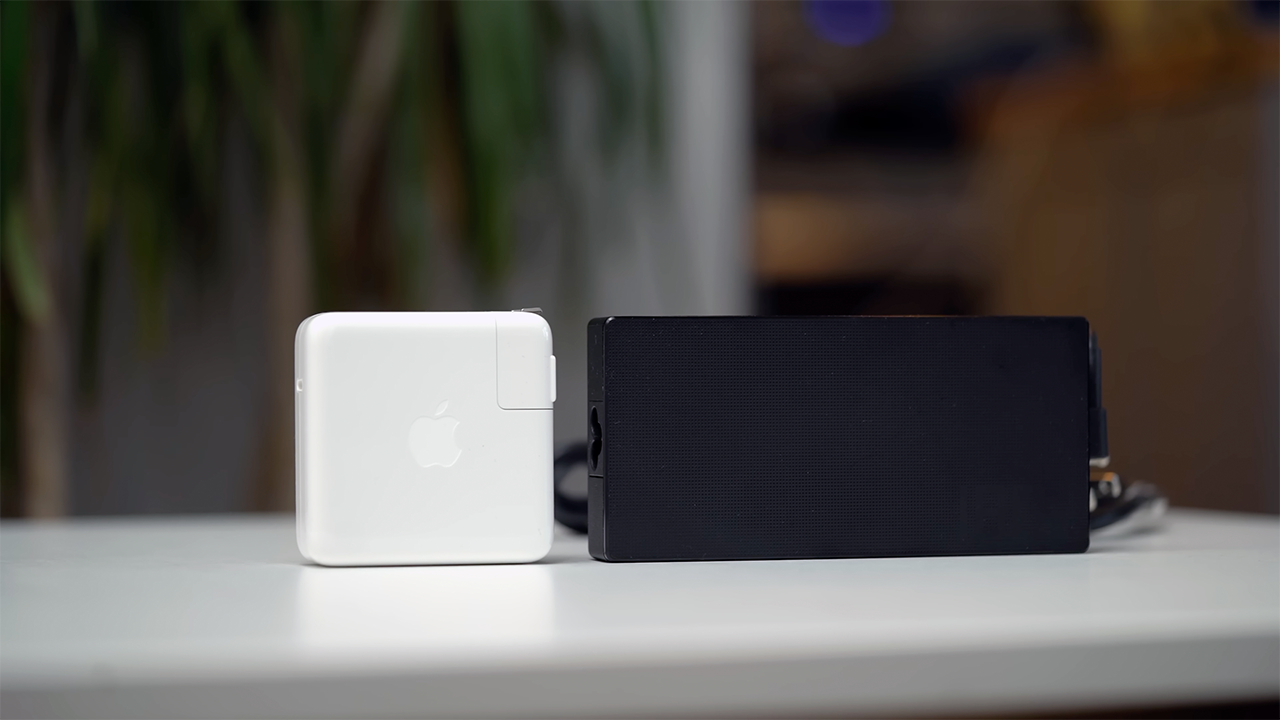
The size of the bricks illustrates how much more power is needed by a Windows machine and how much more power is consumed when you’re on battery.
MacBook Air 2022 vs MacBook Pro 13 2022
Since both the 2022 MacBook Air and 13-inch MacBook Pro have M2 chips, which one should you get?
Let’s take a look at what differentiates the two: The M2 MacBook Air starts at US$ 1199, and the M2 13-inch MacBook Pro starts at US$ 1299.
Specs-wise they are nearly identical — apart from a larger battery on the Pro which Apple says delivers two hours more battery life. What sets the MacBook pro apart and gives it a performance edge are its built-in fans.

The MacBook Air doesn’t have fans. Frankly, fans come in handy for sustained workloads. What does this mean? Well, if you’re exporting a video and it’s taking a long time, say 30 minutes, the presence of fans will mean that once your laptop starts to get warm because the workload is pushing your computer to its limits, fans can kick in to keep things cool.
It allows the laptop to perform at max capacity for longer. That in its essence is the case for the MacBook Pro.

Apple MacBook Air M2
That said, the MacBook Air also has its pros. The most obvious is portability. Its updated design makes it feel more current. It has a bigger, better screen with more colors, higher max brightness, curved corners, slimmer bezels, and a 1080p FaceTime camera.
Apple MacBook Air M2
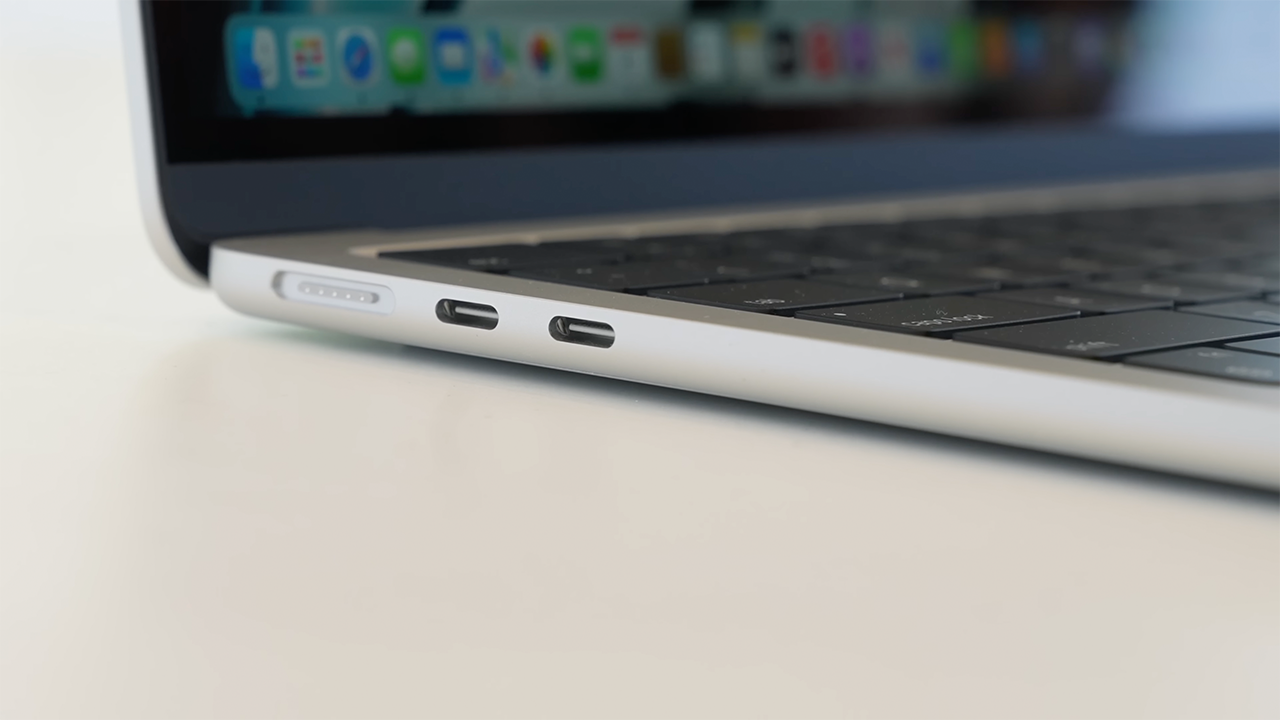
The new MacBook Air also now has MagSafe which offers fast charging as well as safety. For instance, if someone trips on your chord it won’t take the Mac down with it.
It also frees up that second USB-C port. Sans MagSafe, when the 13-inch MacBook Pro is plugged in, it effectively only has one free USB-C port. All for US$ 100 less.
Is the 13-inch MacBook Pro your GadgetMatch?
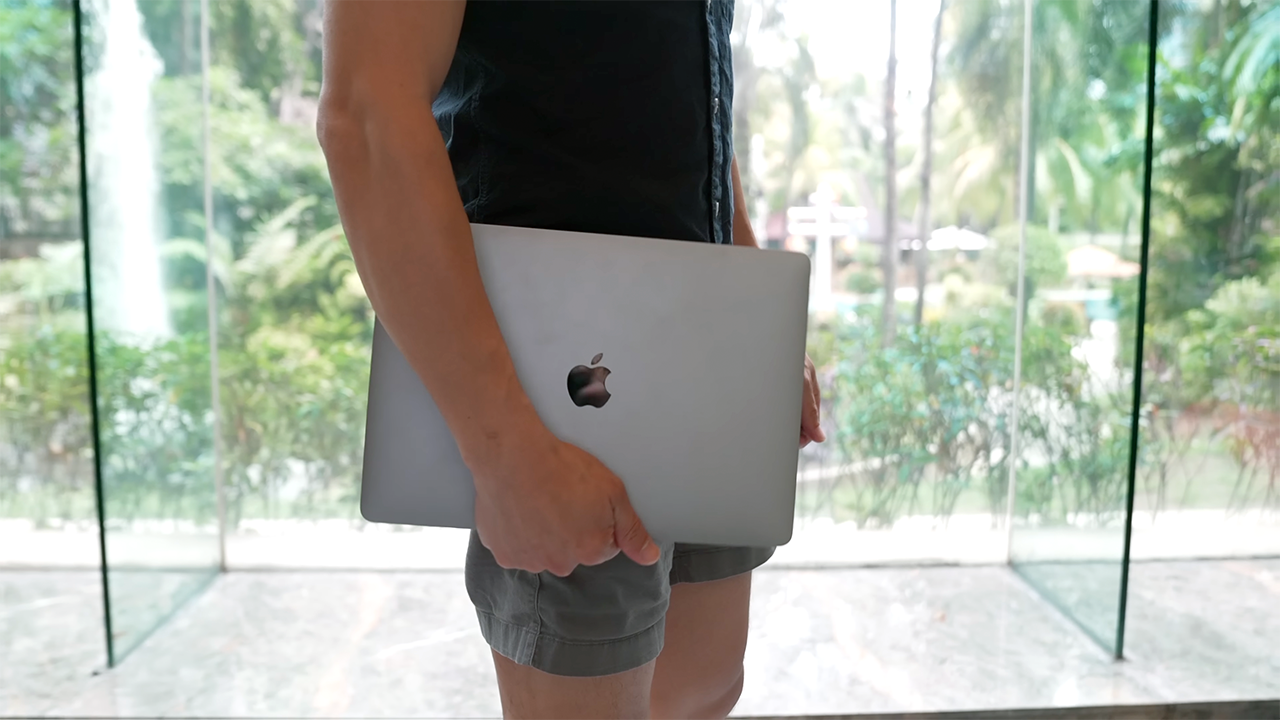
If you’re the kind of user who needs a Pro Model but doesn’t want to spend a lot of money then this is the device for you. Also, if you’ve been holding off from upgrading to Apple Silicon and wanted to wait for Gen 2, now is the time.
With an educational discount, you can get a new M2-powered Pro for US$ 1199. That said, I am of the belief that the upcoming M2-powered MacBook Air is a better value.
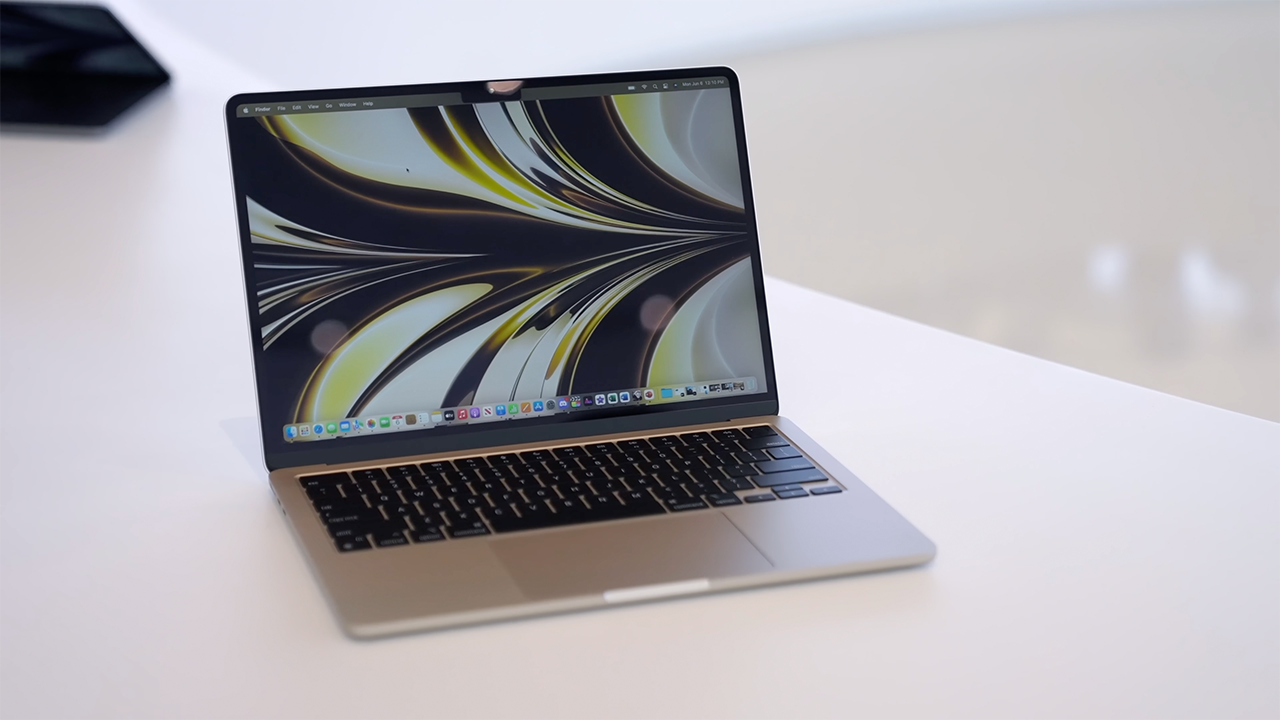
Apple MacBook Air M2
It is the Mac that most people should buy, even if, caveat, I have not reviewed one yet. So, maybe, you should wait for its release later next month.
Pro users needing more power need not worry. The M1 Pro and M1 Max-powered 14- and 16-inch MacBook Pros from last year are still more powerful computers. Get them if you need even more performance power, more USB-C ports, and more connectivity options overall.
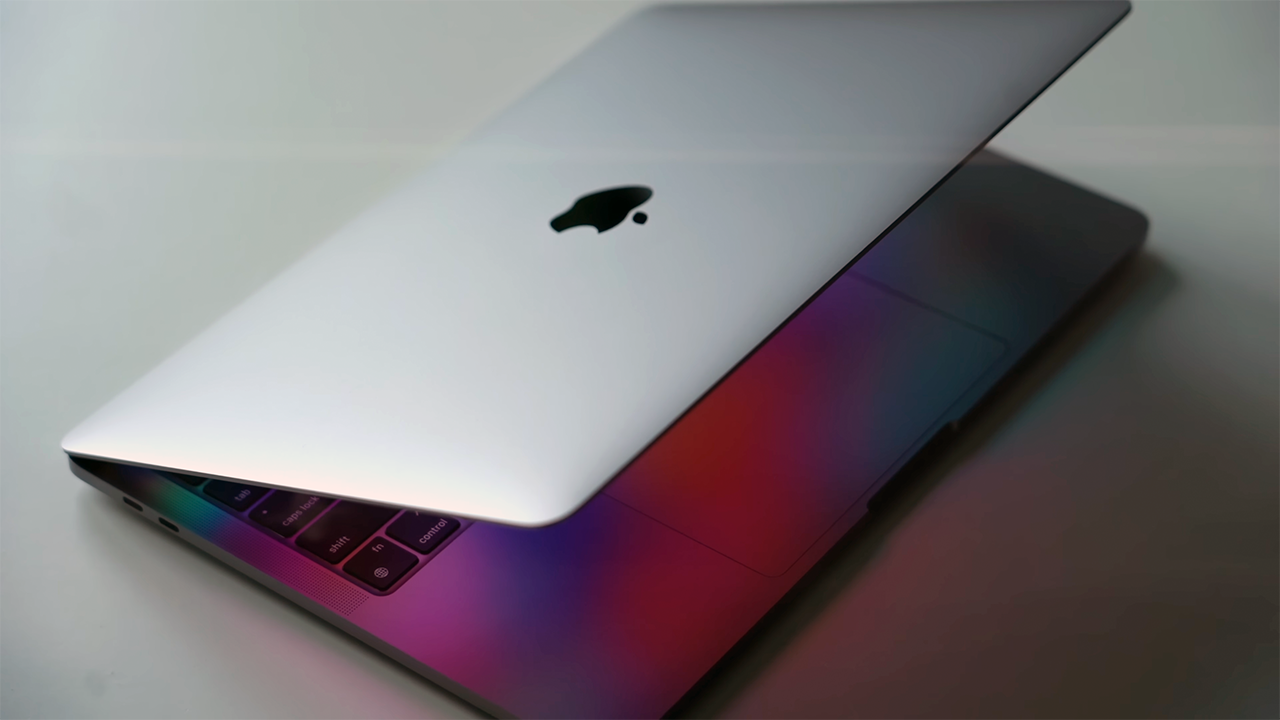
The 13-inch MacBook Pro will be available in stores starting June 24th.
Here is its official pricing:
- USD 1299
- EUR 1599/1629*
- GBP 1349
- SGD 1879
- PHP 74,990
- RUP 129,900
*countries that belong to the European Union (EU) have varying prices from region to region.






Editors' Choice
GadgetMatch Awards: Best of IFA 2026
Xiaomi 18 Fold, Govee, XGIMI, ARZOPA, Cuktech and more!


We’re back at IFA 2026 in Berlin, checking out some of the coolest and most interesting tech on the show floor.
From smart home lighting and portable displays to projectors, power solutions, foldables, and more, these are some of the products and brands that caught our attention this year.
In this video, we take a look at:
- AI Lighting https://bit.ly/4xmY342
- Z3FC Portable Monitor https://bit.ly/4gRk7wD
- D14 Digital Photo Frame https://bit.ly/4qYlRJ6
- 30 Ultra Desktop Charging Station https://s.whaee.com/tXBornw
- 10 Ultra Charger https://s.whaee.com/UsWT4U2
** Use code CUKTECH09, valid until September 30
XGIMI
ASUS x NVIDIA RTX SPARK
- ProArt P16: https://asus.click/h7607_gm
- ProArt P14: https://asus.click/h7407_gm
- ProArt GR1X
Watch until the end for our favorite finds from IFA 2026!
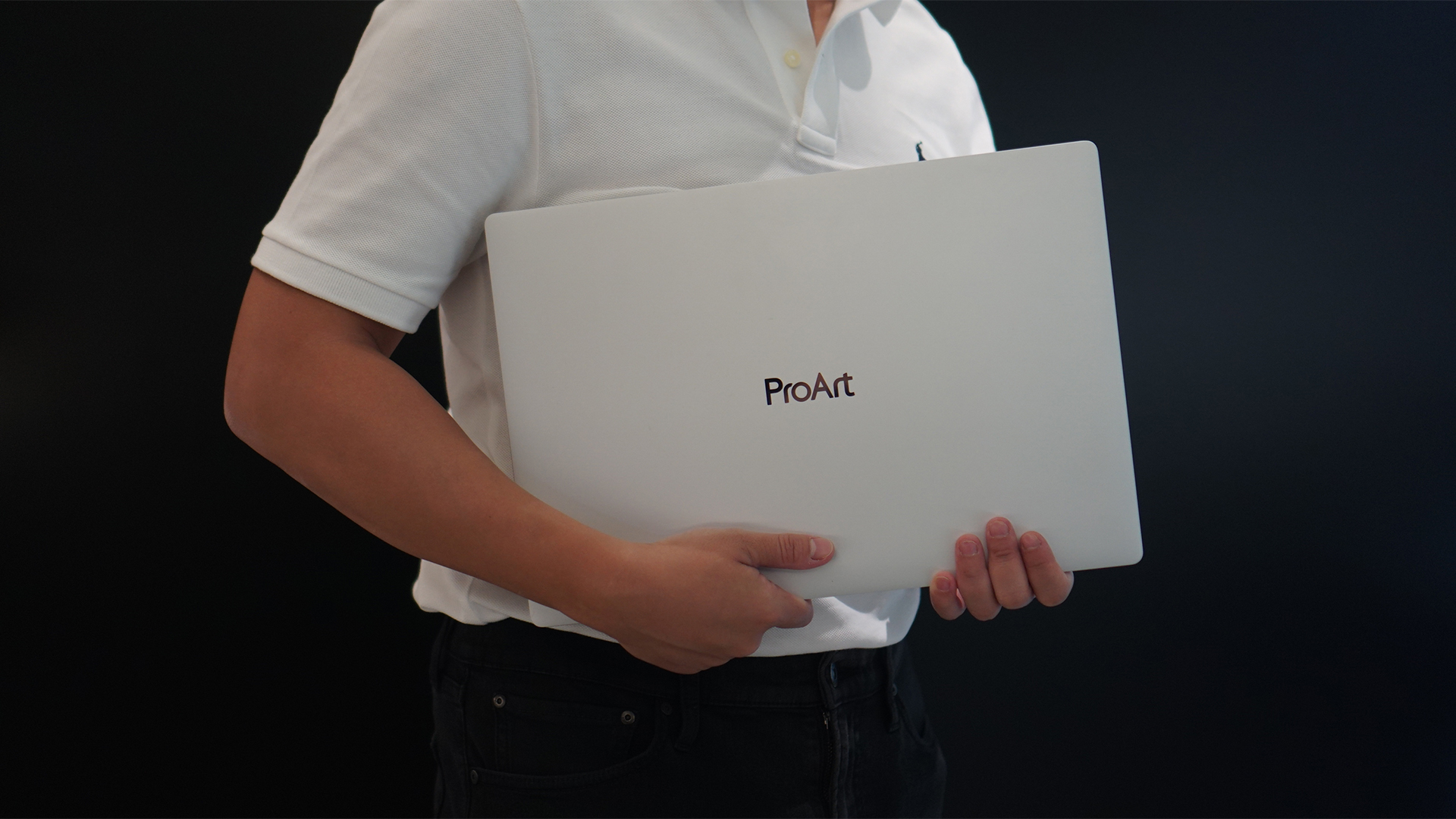
Select ASUS and ROG laptops now come with three months of Google AI Pro or Google AI Plus at no extra cost. The offer starts September 7 and covers eligible models from the 2025, 2026, and upcoming 2027 lineups.
Google AI Pro includes 5TB of cloud storage, while Google AI Plus comes with 400GB. Both plans also provide access to a range of Google’s AI-powered tools and features.
More Google AI on ASUS laptops
Eligible customers can use the Google Gemini app, Deep Research, Google Flow, Gemini in Google apps, and Gemini Notebook, among other features. Availability varies depending on the Google AI plan and supported features.
Google AI Pro offers higher usage limits and expanded access to Google’s more capable Gemini models. It also includes additional developer and agentic tools such as Google Antigravity, Jules, and AI Studio, subject to availability and plan terms.
Google AI Plus provides elevated access to Google’s AI tools alongside features for creative generation and productivity.
The offer covers more than just AI features. Google AI Pro’s 5TB of cloud storage and Google AI Plus’ 400GB give users additional space for documents, photos, videos, research, and other projects.
Available across select ASUS models
The one-year program starts September 7 and applies to selected ASUS and ROG laptops in supported markets. Eligible models span the ROG, TUF Gaming, ProArt, Zenbook, and Vivobook families, including select 2025 and 2026 models and upcoming 2027 devices.
Customers can redeem the offer exclusively through the MyASUS app. ASUS has published the full list of eligible models and the offer’s terms and conditions on its website.
Check the full list of eligible ASUS laptops
ASUS is also running its No. 1 Quality, School-Ready Deals promotion until September 15, 2026. The promo offers additional deals for students, gamers, and professionals buying select ASUS and ROG devices.
The company’s No. 1 Quality and Service package also includes up to three years of international and local warranty, service access across more than 90 countries, and over 100 ASUS Service Centers and Drop-Off Points in the Philippines. Eligible laptops also come with one year of Local Accidental Damage Protection and up to six free device cleaning claims.

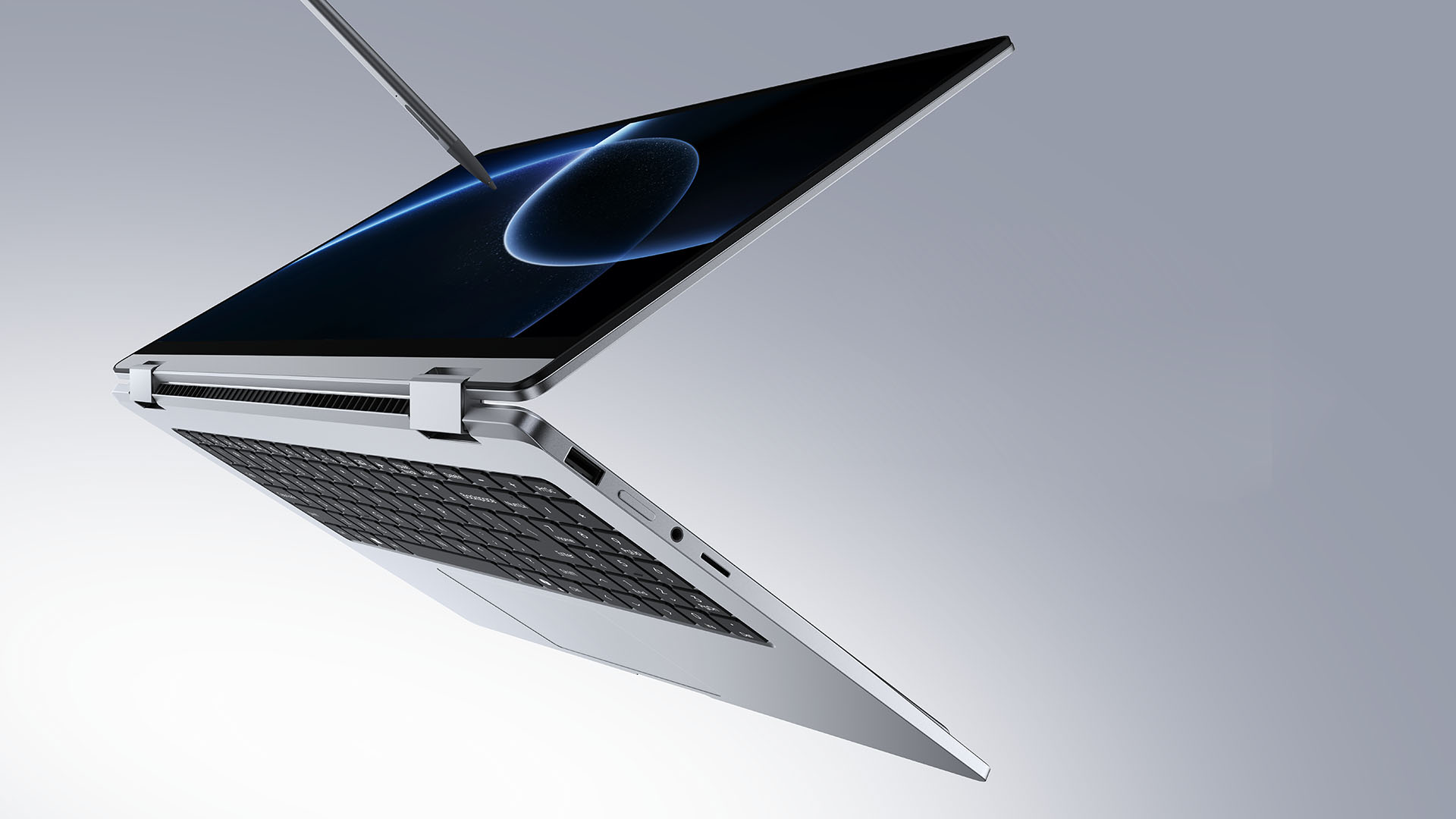
TECNO is making its MEGABOOK lineup a little more flexible.
At IFA ShowStoppers 2026, the uprising tech brand unveils the MEGABOOK T15 360 with two more laptops and three phones tagging along.
One laptop, four modes
The MEGABOOK T15 360 series is the brand’s first laptop lineup with a 360-degree hinge and touchscreen display.
By that, it’s more than just a conventional laptop. It can also be a tablet or a portable display via Tent mode or Stand mode. This added feat makes everything more versatile as TECNO’s existing laptops are only limited to the clamshell form factor.
Both models feature a 15.6-inch screen with the standard 16:9 aspect ratio. As alluded earlier, it’s a touchscreen laptop consisting of 10-point multitouch points. There’s also optional MPP 2.0 active pen support if you want to write or draw directly on the display.
So what’s the difference?
Well, the regular T15 360 gets a Full HD 60Hz panel with 320 nits brightness.
Meanwhile, the Pro version takes it up a notch with a faster 120Hz refresh rate, sharper 2.5K display resolution, full 100% sRGB coverage, and higher 350 nits brightness.
Both laptops come in an all-metal chassis made using CNC machining. The convertible design doesn’t come at the expense of a more conventional laptop build.
Performance uncompromised
TECNO isn’t treating the T15 360 as a lightweight convertible that has to compromise on performance.
You can get up to an Intel Core Ultra 9 185H processor, paired with an LPDDR5X RAM. The storage is based from PCIe M.2 2280 SSD — with select models having a secondary M.2 slot for utmost expansion.
There’s also a 70Wh battery plus support for a speedy 65W PD GaN charger. Connectivity includes up to Wi-Fi 6E and Bluetooth 5.4, alongside seven built-in ports.
Practical stuff were neither forgotten. There’s a backlit keyboard with a dedicated number pad, a fingerprint reader underneath its power button, dual speakers with DTS Ultra, a webcam, and dual digital microphones.
TECNO’s OneLeap feature also rounds things out by letting the MEGABOOK work with other TECNO’s smartphones, tablets, and other PCs for cross-device collaboration.
Two more MEGABOOKs
TECNO also brought two other MEGABOOKs to IFA.
The MEGABOOK K15S WCL is the more straightforward option. It uses Intel’s newer Wildcat Lake platform with a 16:10 display, a 70Wh battery, and 65W GaN charging — all in a premium, all-metal body.
Then there’s the MEGABOOK T17 Ultra. Ultra by its name, it goes big with a massive 17.3-inch 16:9 display. It can be configured with up to an Intel Core Ultra 9 processor and LPDDR5X memory. It also features a massive 99.99Wh battery and speedy 100W GaN PD fast charging.
Wait! There’s even more…
Beyond laptops, TECNO reveals the true form of its Next-Gen Bezelless Concept Phone at IFA 2026.
As announced more than a month ago, this concept uses a redesigned display architecture, internal stacking, structural engineering, and screen packaging to eliminate the physical black border around the display, resulting in what TECNO calls a true 0mm display border.

Beside a phone prototype, there are two consumer-ready products as well.
The POVA 8 Pro 5G Tonino Lamborghini Limited Edition combines the POVA series’ performance-focused approach with Tonino Lamborghini’s design language.
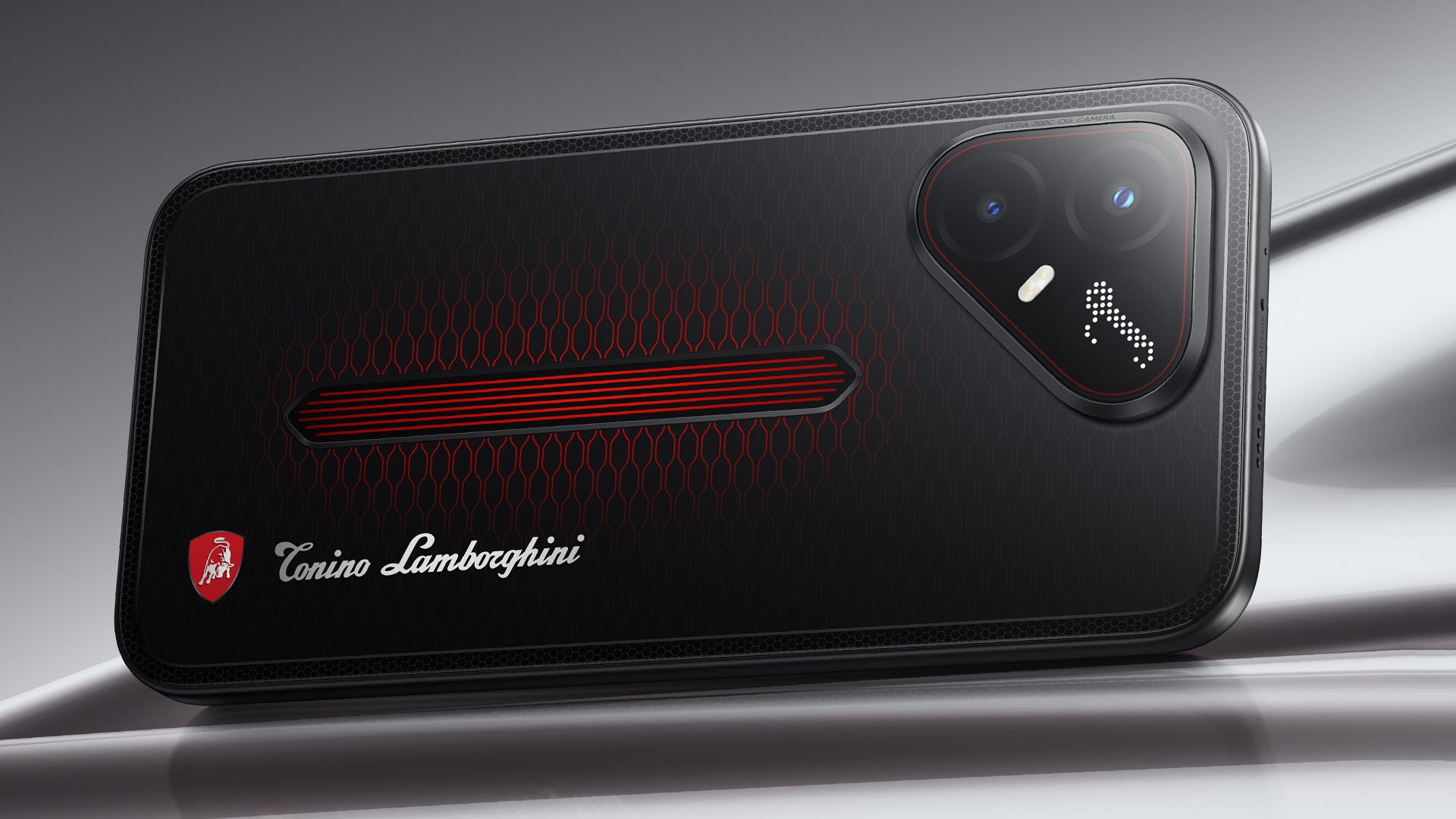
It uses a MediaTek Dimensity 7400 Ultimate 5G chipset alongside TECNO’s custom-made P1 Graphic Chip and a 5K IceShield vapor chamber cooling system. Specific details will be announced on September 4, 2026.
Meanwhile, the CAMON Slim 5G focuses on a thinner form factor, measuring just 6.39mm thick.
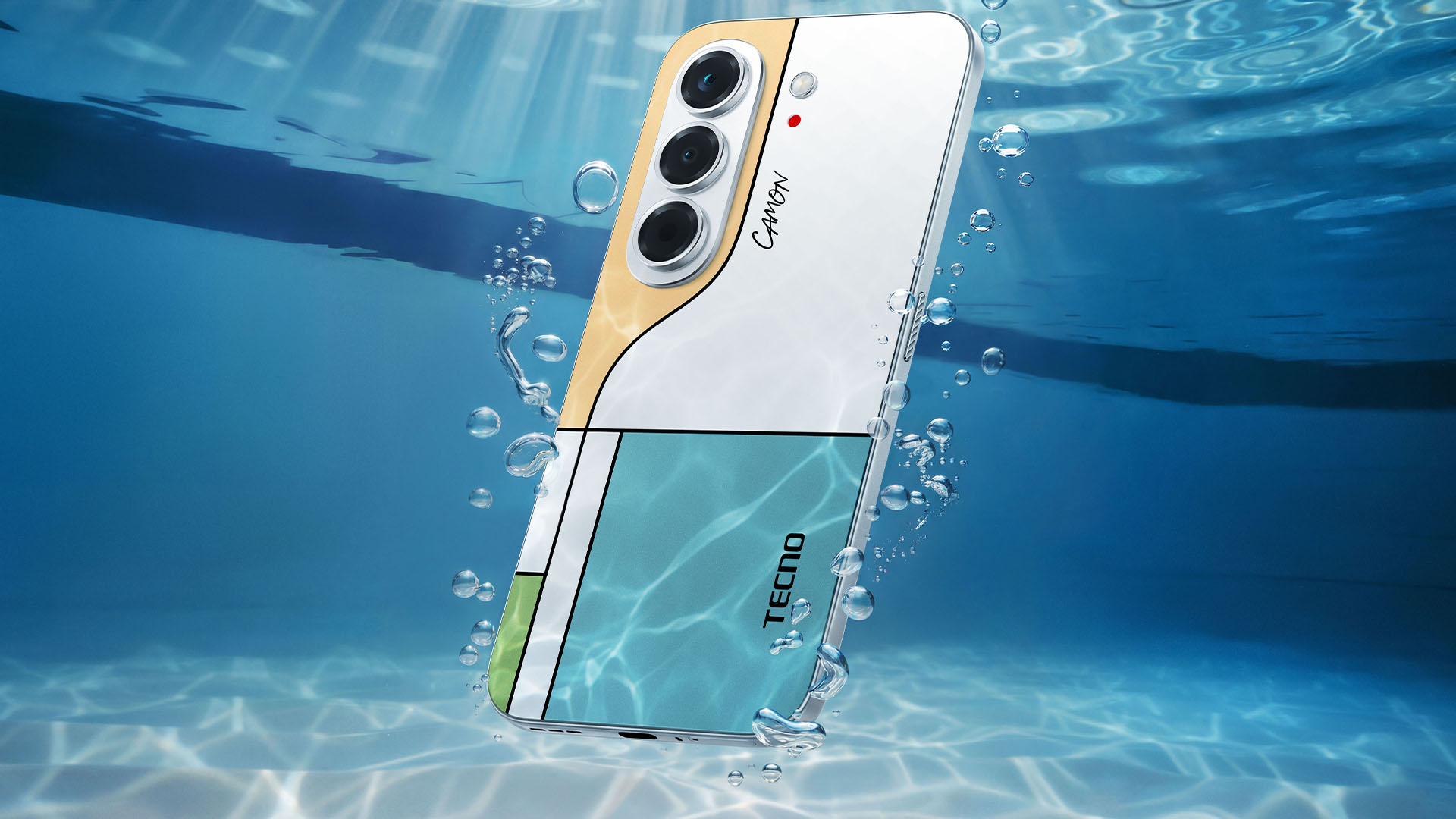
TECNO says it combines the CAMON line’s imaging features with AI capabilities and artistic colorways. More specifications will be revealed on September 7.
Pricing and Availability
The MEGABOOK T15 360 Series is expected to arrive in Europe by Q4 2026.
Depending on the configuration choice, the MEGABOOK T15 360 will start between EUR 899 ~ EUR 999. The MEGABOOK T15 360 Pro will cost as much as EUR 1099.
No pricing info were announced for the other MEGABOOKs and two phones as of writing.


REDMI Note 17 Pro Max review: A new breed born from AI greed
Welcome to the new normal


Marvel’s Wolverine review: When the claws come out
A brutal, cinematic superhero adventure


Setting your bedsheets ablaze with the Lovense Solace Pro
The closest proxy I could find where I'm guilty as sin

Now Playing: Resident Evil

HONOR, Fidesmo partner for contactless payments across Europe, Middle East

Ford revs up Truck Month with extended 5-star care offers
REDMI Note 17 Pro Max review: A new breed born from AI greed

REDMI NOTE 17 Series: Price, availability in the Philippines

TECNO MEGAPAD 2 review: Eyes on the size

realme 16T 5G with 8000mAh battery, IP69 Pro rating launches in PH

HUAWEI Pura X View is 2026’s first WIDE slab-type smartphone

REDMI reveals the refreshed Note 17 and Note 17 Pro series

REDMI Note 17 Series: Price, availability in Singapore


-
 News1 week ago
HUAWEI Pura X View is 2026’s first WIDE slab-type smartphone
-

 News1 week ago
The CAMON Slim 5G is TECNO’s latest ultra-slim smartphone
-

 Cameras2 weeks ago
DJI Osmo 360 II review: Going all-in on the ecosystem
-

 IFA 20262 weeks ago
TECNO MEGABOOK T15 360 unveiled at IFA 2026
-

 Gaming2 weeks ago
NBA 2K27 review: A two-way All-Star
-

 News7 days ago
iPhone 18 Pro series: Price, availability in the Philippines
-

 IFA 20262 weeks ago
TECNO’s POVA 8 Pro gets a stealthy makeover
-

 Automotive2 weeks ago
Ford’s new Everest lineup brings V6 engine to the top, tech down the line