
Gaming
MSI GS65 Stealth Thin Review: The company’s best yet?
A very unassuming gaming laptop


Taiwanese company MSI welcomed the year by introducing a fresh lineup of gaming laptops sporting the new 8th-gen Intel processors. One of these beasts is the GS65 Stealth Thin.
It carries the title as the world’s first laptop equipped with 144Hz display in a slim 4.9mm frame and enjoys performance perks from NVIDIA’s Max-Q design.

On paper, the GS65 has all the muscle power to be the ultimate gaming laptop. We put it to the test, so join us to see how it holds up as an everyday device for both work and play.
Let’s kick things off with its design.
The GS65 doesn’t offer anything flashy at first glance
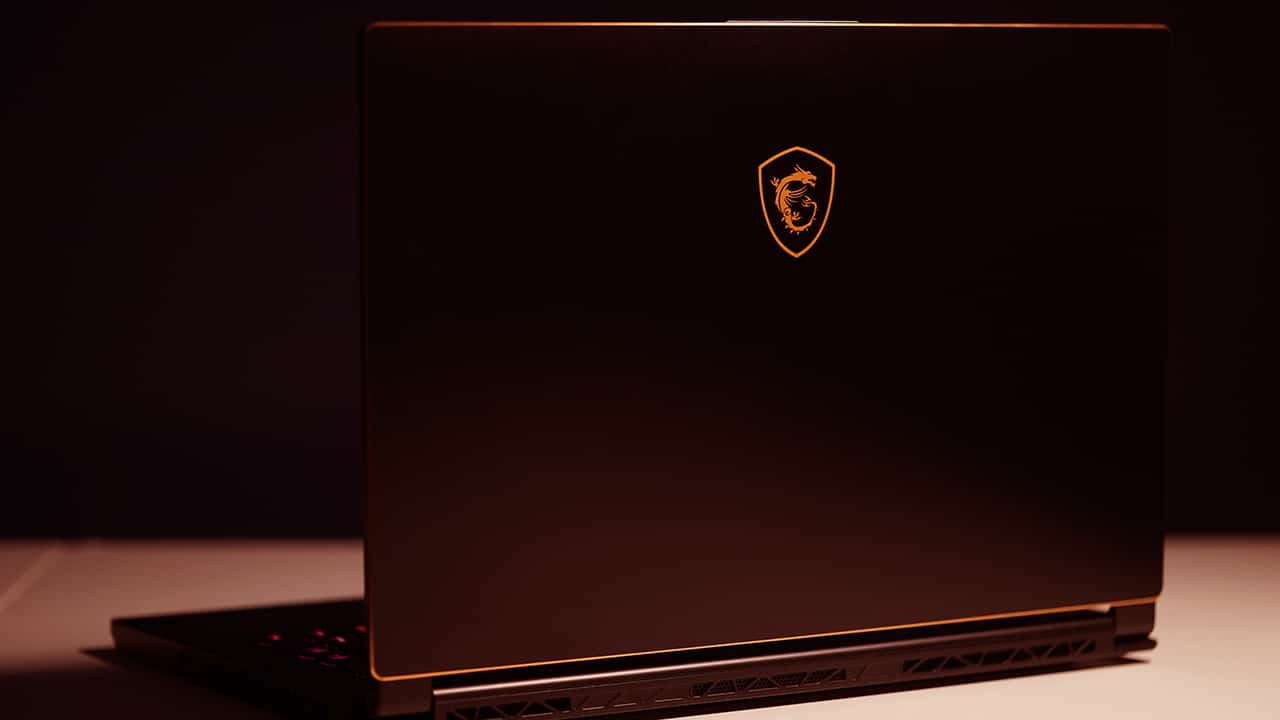
It has a minimalist approach with its black coating
It has gold edges

MSI does away with the usual red highlights for the GS65
Bezels are impressively thin

It boasts 4.9mm thin bezels with an 82 percent screen-to-body ratio
A fingerprint scanner is built in but isn’t activated yet

It’s still coming through an update
Here’s a webcam placement done right

Even with slim bezels, MSI was still able to put the webcam up top unlike on other laptops
There’s a stylish yet functional hinge

Small details like this hinge look good and serve a purpose
It’s nicely thin and light

Bringing it around is easy thanks to its light and thin form factor
Sides are lined up with ports…

USB 3.1, Thunderbolt 3, Mini DisplayPort, HDMI, charging port
One thing to note, though: Since the company made the GS65 lightweight, they used mostly plastic for the chassis. The trade-off is a flex in the panel near the power button. It’s also the same case for the palm rest that has a slight creak which could get bothersome in the long run.
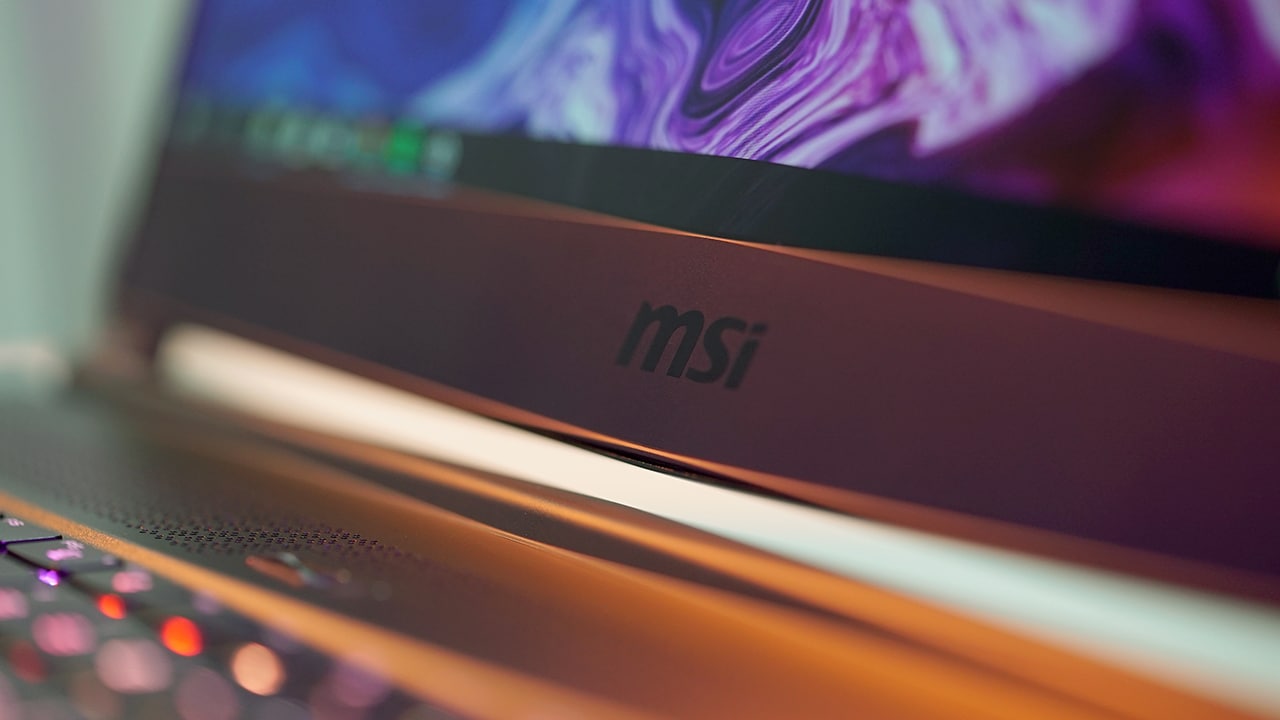
Also, if we would nitpick, we could still see a chin with the company’s logo. Even then, it’s still not an eyesore to the general aesthetics of the laptop.
Great for multimedia
The Stealth Thin touts a 15.6-inch display which is just the right size for productivity and gaming on the go. Undoubtedly, what makes the display look really appealing are the thin bezels that go with it. It just shows how the company wasted no space and maximized this area.

As mentioned earlier, the screen has a refresh rate of 144Hz and is coupled with a 7ms response time. This translates to really fluid movement, especially while playing games. It could even make or break a match.
In terms of quality, the sharpness of details adds to the overall immersion. Colors are lively and vivid without going overboard so that’s always a good thing. When outdoors, bright glares aren’t much of a problem thanks to the display’s finish.
Speakers are placed underneath, which I have mixed feelings about. Playing games or listening to music while on a table has louder than average volume and it’s all fun. Transferring to a couch or any surface with cloth, however, makes sound muffled and the volume gets greatly reduced.
Of course, audio performance is more immersive when using dedicated headphones. It also supports hi-res audio so that’s another perk when you go for the Stealth Thin.
A very customizable keyboard
The keys are made in partnership with Steel Series and it cements the idea that MSI wants its users to really enjoy using the laptop.

Where these keys shine is in lights customization. Keys that light up aren’t new, but the Stealth Thin boasts per-key RGB lighting that users can tweak.
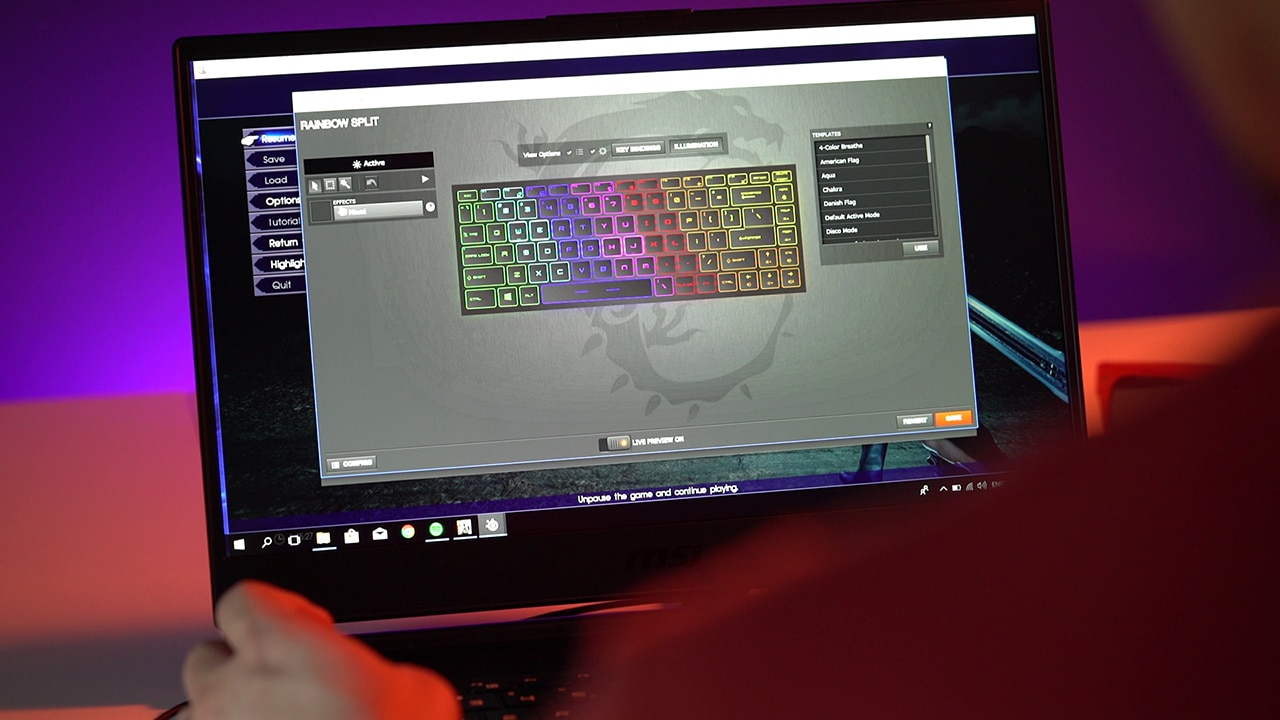
Additionally, even the behavior of lights can be altered to suit your current mood. You can have it sweeping or just a regular glow, among others. The font style is also a bit different here, and it’s a good kind of different which goes well with the overall look of the laptop.

Gamers comfortable with a full-sized mechanical keyboard might be thrown off with the GS65’s short travel keys, but these are a joy to type on and aren’t that bad for FPS games.
Interesting things under the hood
Running the show is a new Intel Core i7-8750H chipset with six cores and 16GB of RAM. From those alone, you know this portable rig isn’t just made for computing grades in Microsoft Excel.
Top those off with NVIDIA’s GeForce GTX 1070 graphics with Max-Q tech and you get a machine that doesn’t hold back when more processing power is required of it.
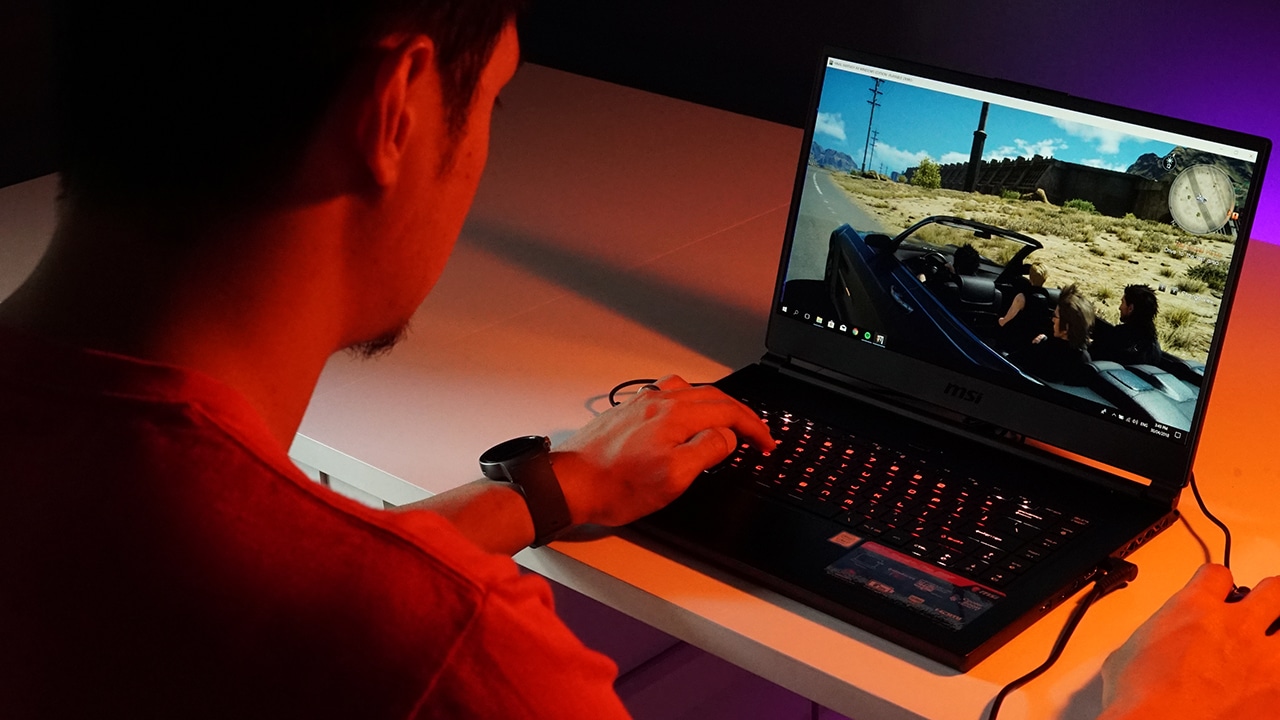
I have been using the Stealth Thin for both work and play — editing videos for GadgetMatch and exploring the land of Eos in Final Fantasy XV. The laptop hasn’t backed down while doing either.
Even without G-Sync embedded in its display, the 144Hz refresh rate made the graphics smooth and screen tearing was nonexistent throughout my time with it. Its underside gets warm but NVIDIA’s efficient Max-Q made it possible to achieve such performance while keeping things relatively cool for the chassis.
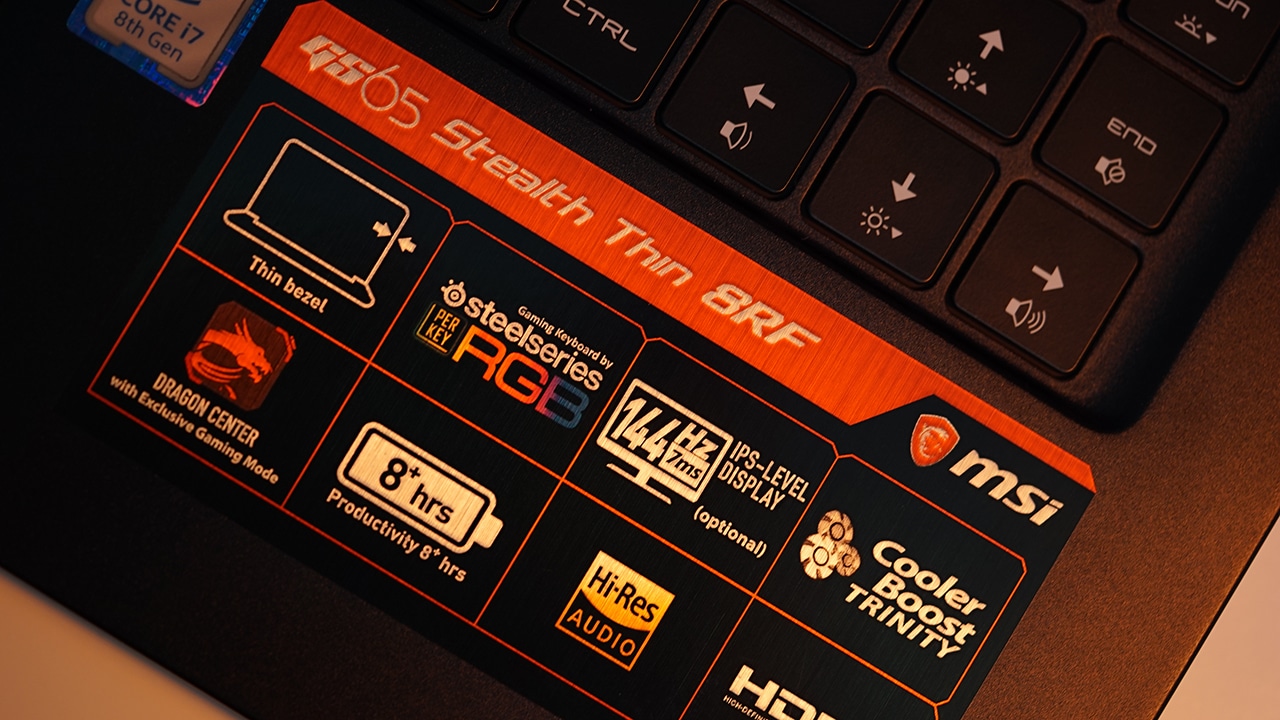
As for the battery, the GS65 is pretty much like most gaming laptops — lasting an average of less than three hours with constant usage. What’s interesting, though, is that the power brick is now smaller than usual so it’s easier to bring around.
Is this your GadgetMatch?
There’s a lot to love about the Stealth Thin. There’s the minimalist exterior with elegant gold highlights, 144Hz display with attractively slim bezels, fully customizable keys, and internals that beg to be unleashed. This laptop is basically a combo of great design, powerful specs, and an enjoyable experience all in one portable package.
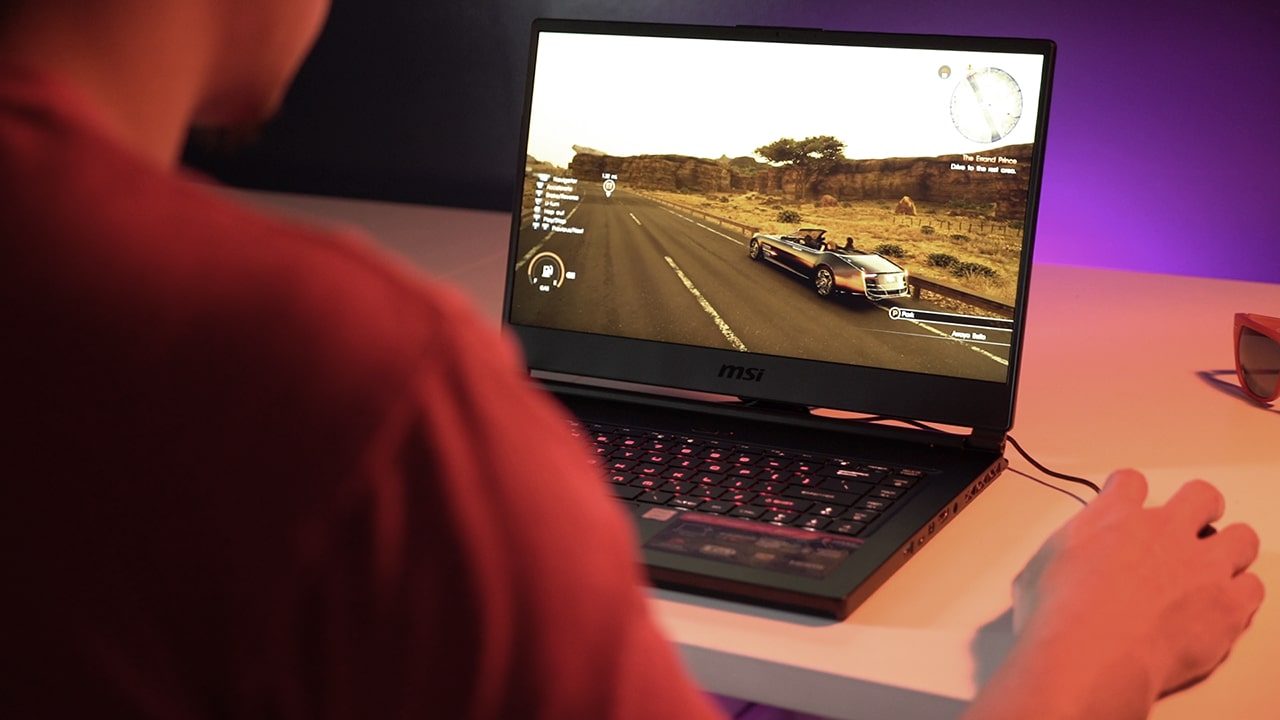
There are some drawbacks, of course. We’re not fans of how the inside panels bend and creak, and the hit-and-miss performance of its external speakers. Still, if you can look past those, we think this is one of MSI best gaming laptops yet.

The MSI GS65 Stealth Thin is available for pre-order in the Philippines for PhP 134,995 or US$ 2,612 for the GTX 1060 model with a 256GB SSD. There’s also a GTX 1070 variant (our review unit) with a 512GB SSD which retails for PhP 169,995 or US$ 3,289 when converted.
It’s cheaper in the US with a starting price of US$ 1,799. For what it offers, the GS65 is actually affordable compared to others in its league.






CES 2026
This Razer AI companion can tell you how much of a noob you are
The brand also unveiled an AI headset and an immersive gaming chair.


Whenever you’re playing a single-player game, do you miss the toxic banter of teammates telling you how bad you are? Sometimes, it feels impossible to play without another voice in your ear. For those moments, Razer reintroduced Project AVA, an AI desk companion designed to keep you company while gaming and for more.
Project AVA
Technically, Razer already introduced the AI companion during last year’s CES 2025. This year, however, the brand has added more functionalities to the upcoming product, turning the device from a mere esports coach into an actual companion.
Previously, the assistant can use your camera, eye-tracking, audio input, and the screen to tell you how to get better in your chosen game. Now, Razer has added the ability to help you with everyday tasks like organizing schedules and suggesting fits.

Additionally, users can choose between a variety of 5-inch animated holograms as avatars, such as Kira, Zane, and even Japan’s favorite salary woman SAO. Users can also pick personalities for them from sassy to friendly.
Since it’s still a concept, there’s no word on when Project AVA will be available as a finished product.
Project Motoko
Last month, we reviewed the BlackShark V3 Pro, one of the most comfortable gaming headsets we’ve tried. Not content with prioritizing comfort, Razer has now added AI to a headset.

Project Motoko showcases a headset that uses AI technology to anticipate your needs. Besides a flurry of microphones, the headset uses two cameras positioned at eye level to analyze your surroundings. Razer says it can even track how many reps you’ve done at the gym and summarize a document you’re looking at.
Because the software is specifically designed to detect your surroundings, it can reportedly heighten your senses and find things you might have missed from your peripheral vision. Additionally, it can heighten your hearing and amplify conversations and sounds you might find important.
Project Madison
To cap it all off, Razer also unveiled an immersive gaming chair. Project Madison is a chair that uses lighting, audio, and haptic feedback to deliver an immersive gaming experience.
First of all, the chair uses Razer’s iconic Chroma RGB to simulate your surroundings while playing a game. With 16.8 million colors, it makes you feel visually immersed in your game.

Secondly, the chair has THX Spatial Audio. On its own, the chair’s speakers can provide audio immersion. Further, if you pair it with front speakers, you can upgrade this to a 7.1 surround sound system.
Thirdly, Project Madison features Razer Sensa HD Haptics to deliver a tactile sensation that makes you feel every impact and explosion.
CES 2026
GameSir just made a controller with its own steering wheel
The Swift Drive Controller launches later this year.
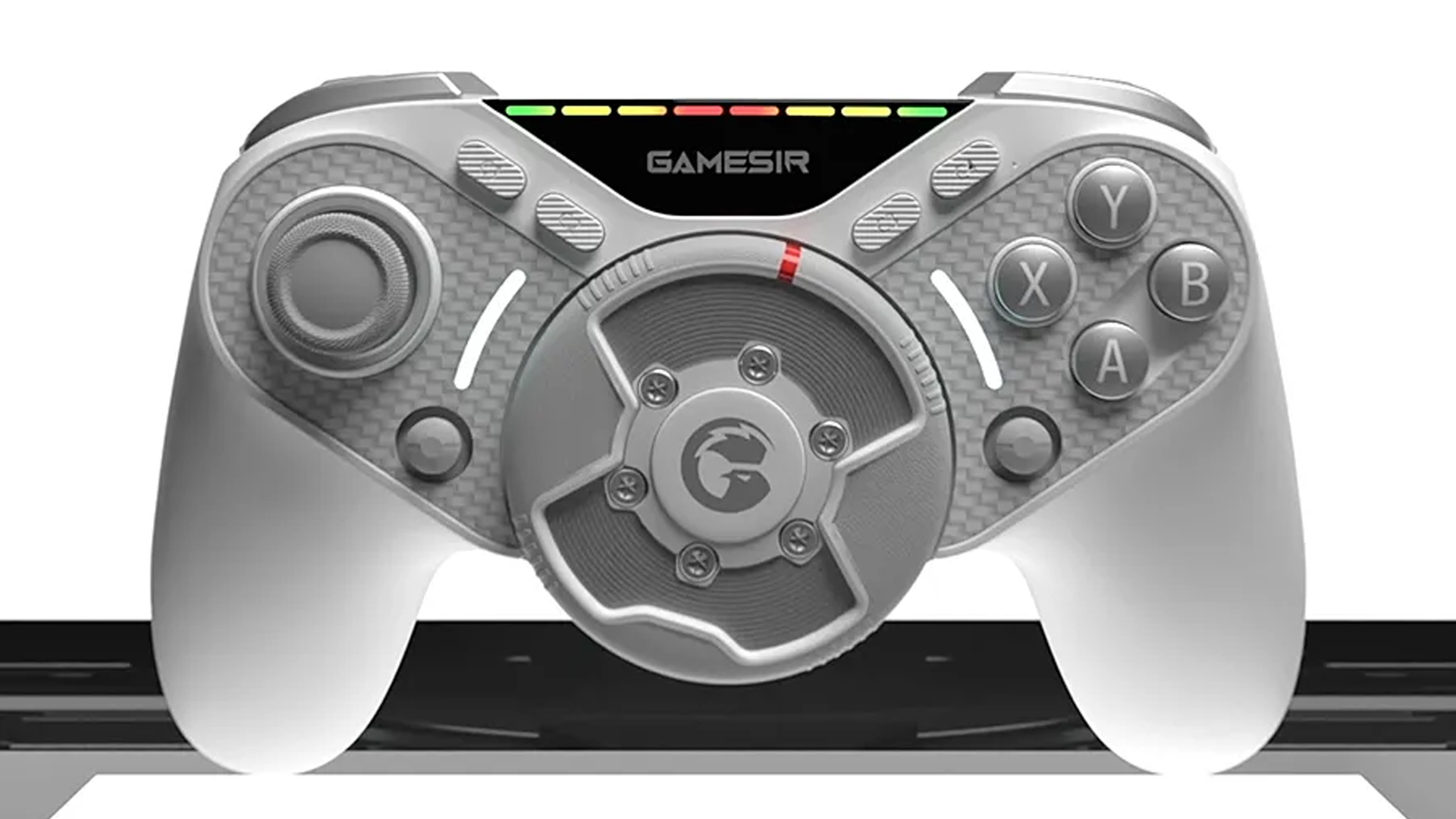
I have a love-hate relationship with racing games. Though I love the thrill of driving fast virtually, the price of a full racing rig is enough to make you crash and burn. Even worse, some of the more robust sim games practically need a steering wheel. For CES 2026, GameSir announced the Swift Drive Controller, a hopefully affordable, albeit unique, way to play racing games.
Rather than a full steering wheel, the Swift Drive Controller attaches a smaller “wheel” in the middle of a traditional handheld controller. It’s not just a spinning dial, either. The Hall effect wheel has force feedback, much like an actual wheel. It can also move from 30 to 1080 degrees, depending on the setting.
All of the other buttons and triggers also have force feedback to simulate the feeling of driving, including ABS braking and wheel spin. There’s even some RGB lighting to simulate the game’s RPM.
The controller connects using a 2.4GHz wireless connection. GameSir says that a single charge can last up to 30 hours.
Currently, the Swift Drive does not have a definitive launch date. However, the company says that the controller is coming later this year. Similarly, it doesn’t have a price tag just yet. However, it’s likely less than a full rig, which is a boon for those who want to save.
CES 2026
The ROG Flow Z13-KJP brings your Death Stranding dreams to life
The special gaming tablet was designed with Kojima Productions.

Whenever a gaming studio partners with a new device, it’s always a hit or miss. While some partnerships elevate the design of their devices, some end up with tacky decals or obnoxious themes. Thankfully, 2026 is starting off with a dose of the former. During CES 2026, ROG has announced a partnership with Kojima Productions for the ROG Flow Z13-KJP.
Especially apparent through the Death Stranding duology, Kojima Productions has a uniquely futuristic aesthetic. The studio even has a similarly clad mascot called Ludens, a knight-like EVA suit. The studio is lending its designs to a special edition of the iconic ROG Flow Z13.
The gaming tablet features the gold, black, and white designs of the studio. It incorporates carbon fiber to make the whole design lighter. It also has a uniquely shaped keyboard cover with custom font for the keys.
Plus, the package comes with a carrying case reminiscent of the packages carried by Death Stranding’s Sam Porter Bridges. It also has a custom Ludens-inspired Armoury Crate theme.
Inside, the ROG Flow Z13-KJP features the AMD Ryzen AI Max+ 395, paired with the Radeon 8060S GPU. It has up to 128GB LPDDR5X 8000 RAM and 1TB of internal storage. The touchscreen display has durable Gorilla Glass DXC protection. Finally, the 70Wh battery supports fast charging, which can juice up to 50 percent in just 30 minutes.
Pairing with the tablet, ROG is also launching KJP versions of the ROG Delta II, the ROG Scabbard II, and the ROG Keris II Origin.


OPPO A6 Pro: Adequate tool, no definitive punch
Ample, all-around, just alright — you name it — but no definitive punch anew


Inside the Next-Gen Ford Ranger Wildtrak 4×4
A closer look at the cabin that makes this truck feel smarter and more comfortable than expected.


iQOO 15 review: Made for players who take performance seriously
For people with endless games in between

GIGABYTE: New AI gaming laptops, motherboards, refreshed GiMATE, more

The HP EliteBoard G1a is a full AI PC in a keyboard form factor

This Razer AI companion can tell you how much of a noob you are

GeForce RTX 5090 Lightning Z debuts at CES 2026

GameSir just made a controller with its own steering wheel


-

 Accessories2 weeks ago
Razer teams up with BLACKPINK for limited-edition gear
-

 News2 weeks ago
HONOR WIN headlines the first 10,000mAh smartphone with built-in fan
-

 News2 weeks ago
Xiaomi 17 Ultra debuts as 2025’s last full-fledged flagship
-

 Accessories2 weeks ago
Trade doomscrolling for these 12 intentional New Year’s resolutions and side quests
-
Reviews5 days ago
OPPO A6 Pro: Adequate tool, no definitive punch
-

 Automotive2 weeks ago
The price I paid for trusting my car too much
-

 Blog1 week ago
The GadgetMatch Team’s Favorite Picks of 2025
-

 Editors' Choice1 week ago
Lifestyle Favorites of 2025