


Nokia is refusing to throw in the towel as the company tries to keep its footing, at least in the budget segment. This year, the Nokia G21 found its way to the Philippines, promising a stock Android experience without breaking the bank. But will it deliver?
Robust build
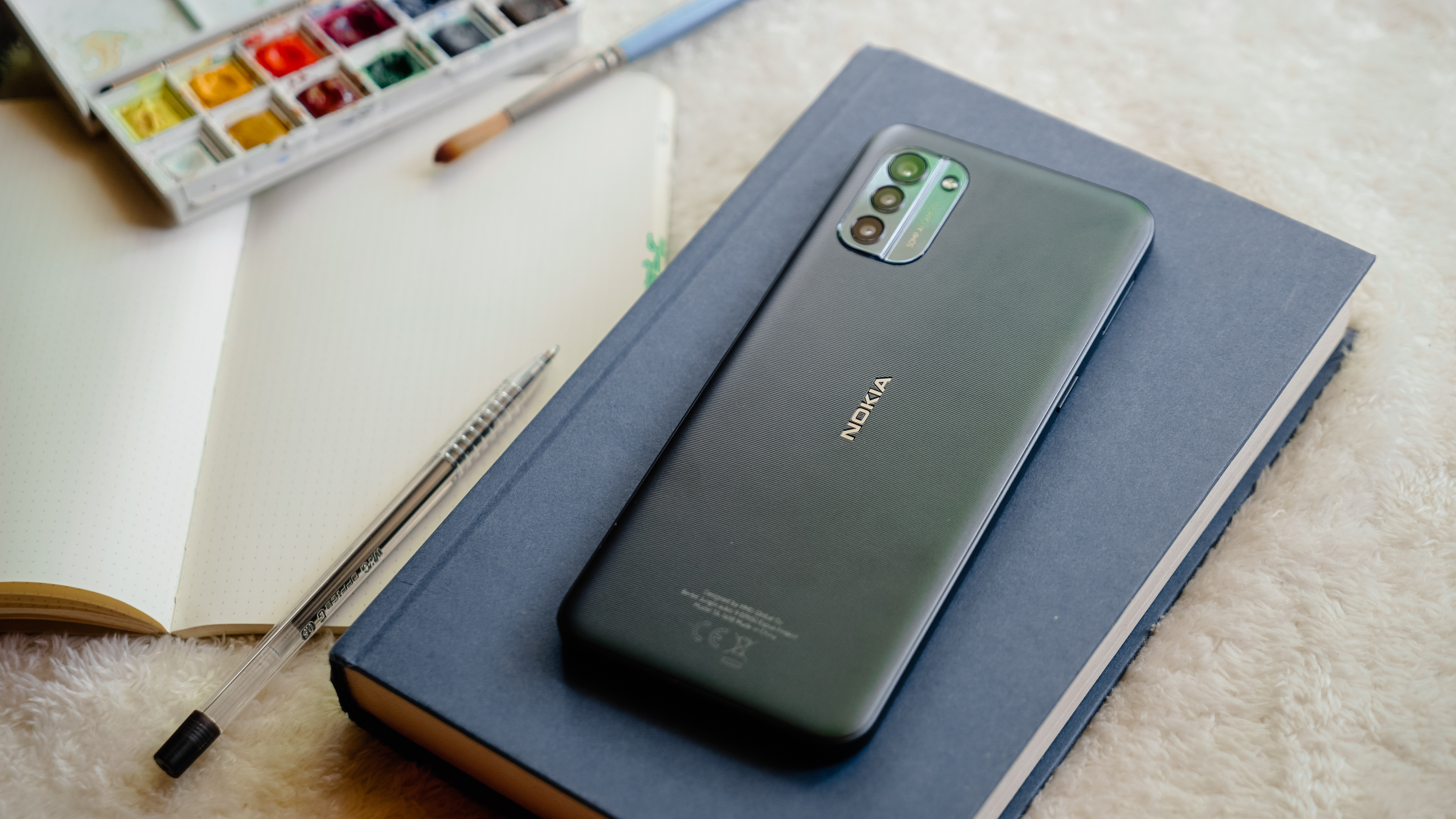
Nokia brings in what it’s good at — a robust design with a penchant for durability. The Nokia G21 looks and feels sturdy, although I’m sure it isn’t as strong as Nokia’s phones from two decades ago.

It’s painted in Nordic Blue, which seems Navy to me, and at certain lighting conditions, appears green-ish. There’s a striking, horizontal pattern that adds texture when you hold the phone and touch its rear.
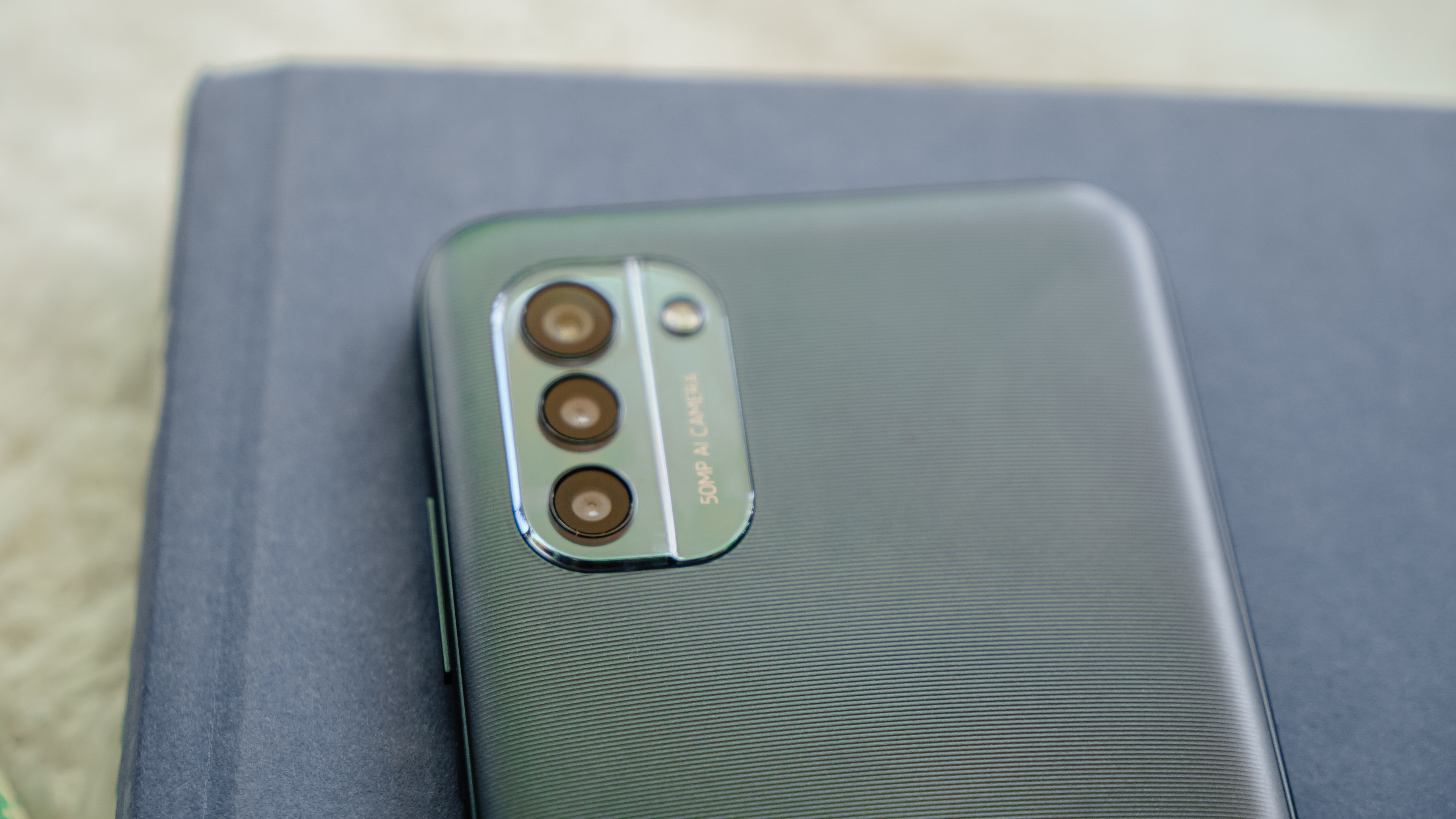
The camera island is a little bit embossed, but it doesn’t protrude that when you place the phone on a flat surface, it’s almost even. The disparity isn’t noticeable.
More importantly, the heft is quite tolerable, even for those who have tiny, frail hands like yours truly. But when compared to other budget smartphones, it’s a bit light.
Comfort features
What most people enjoy about budget phones is their comfort features — stuff you’ve always wanted to stay in a smartphone.
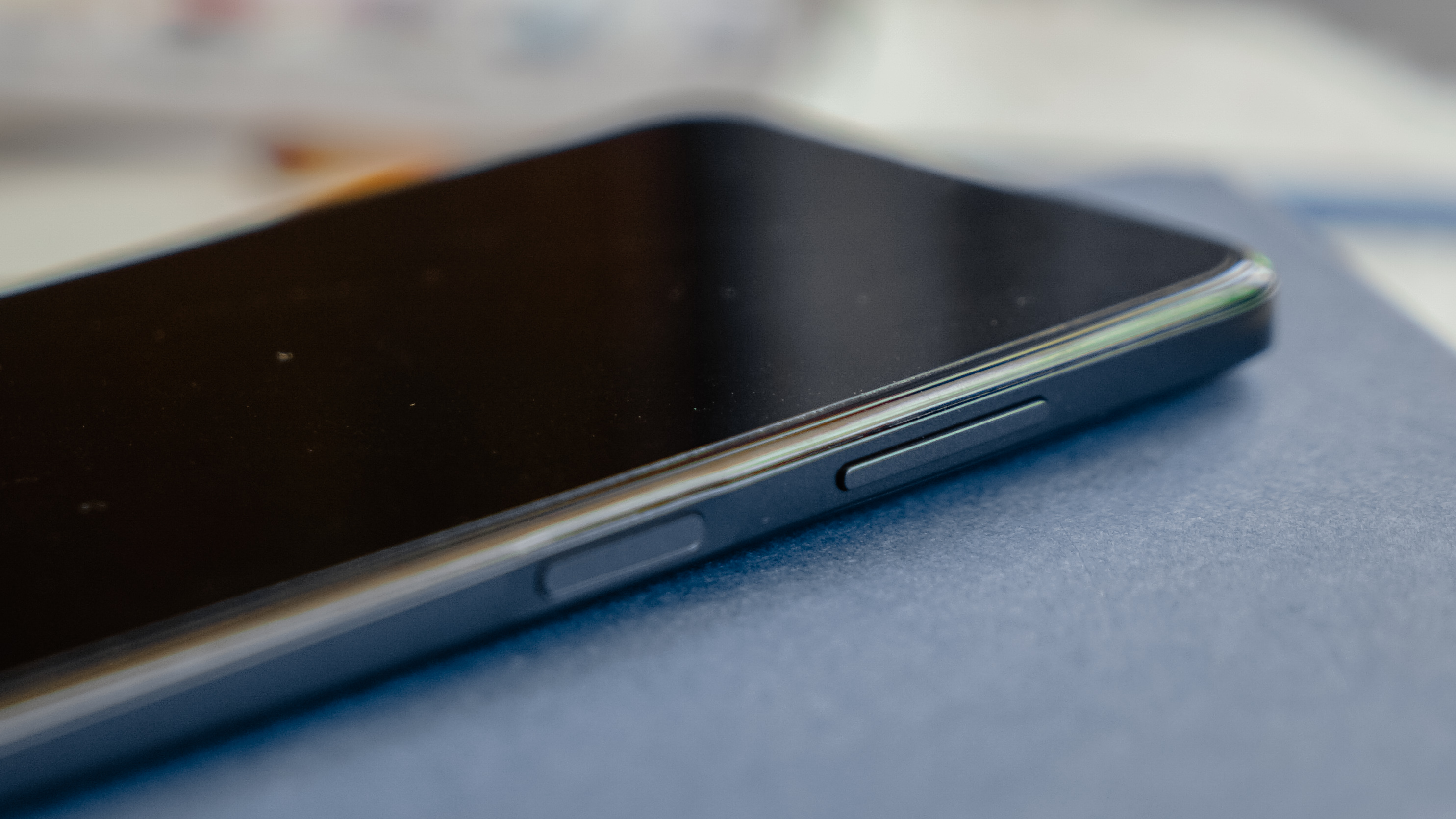
On the right, you can find the volume rockers above the fingerprint scanner which doubles as a power button.
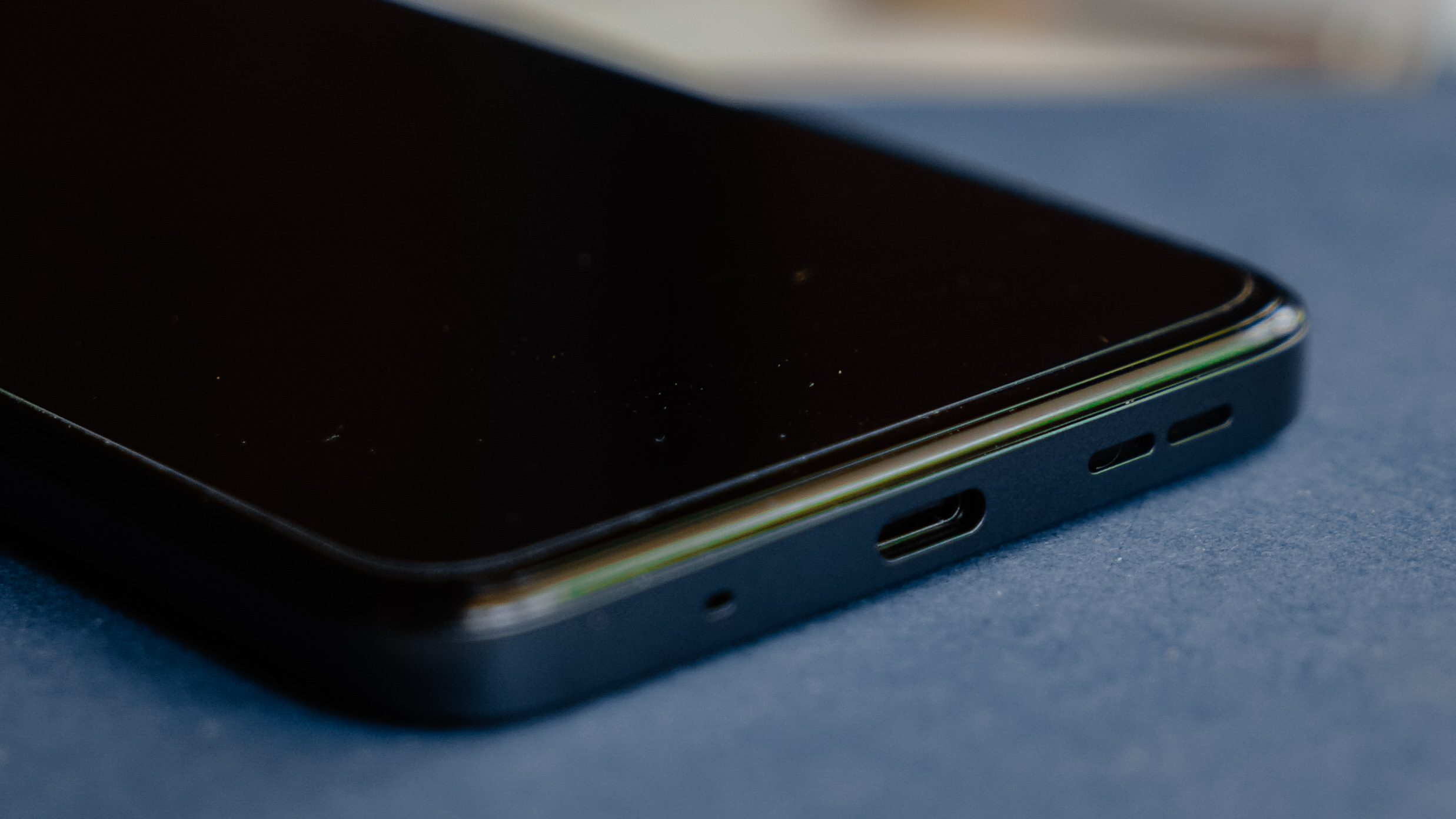
At the bottom, you’ll be glad to see a USB-C port along with the speaker grilles.
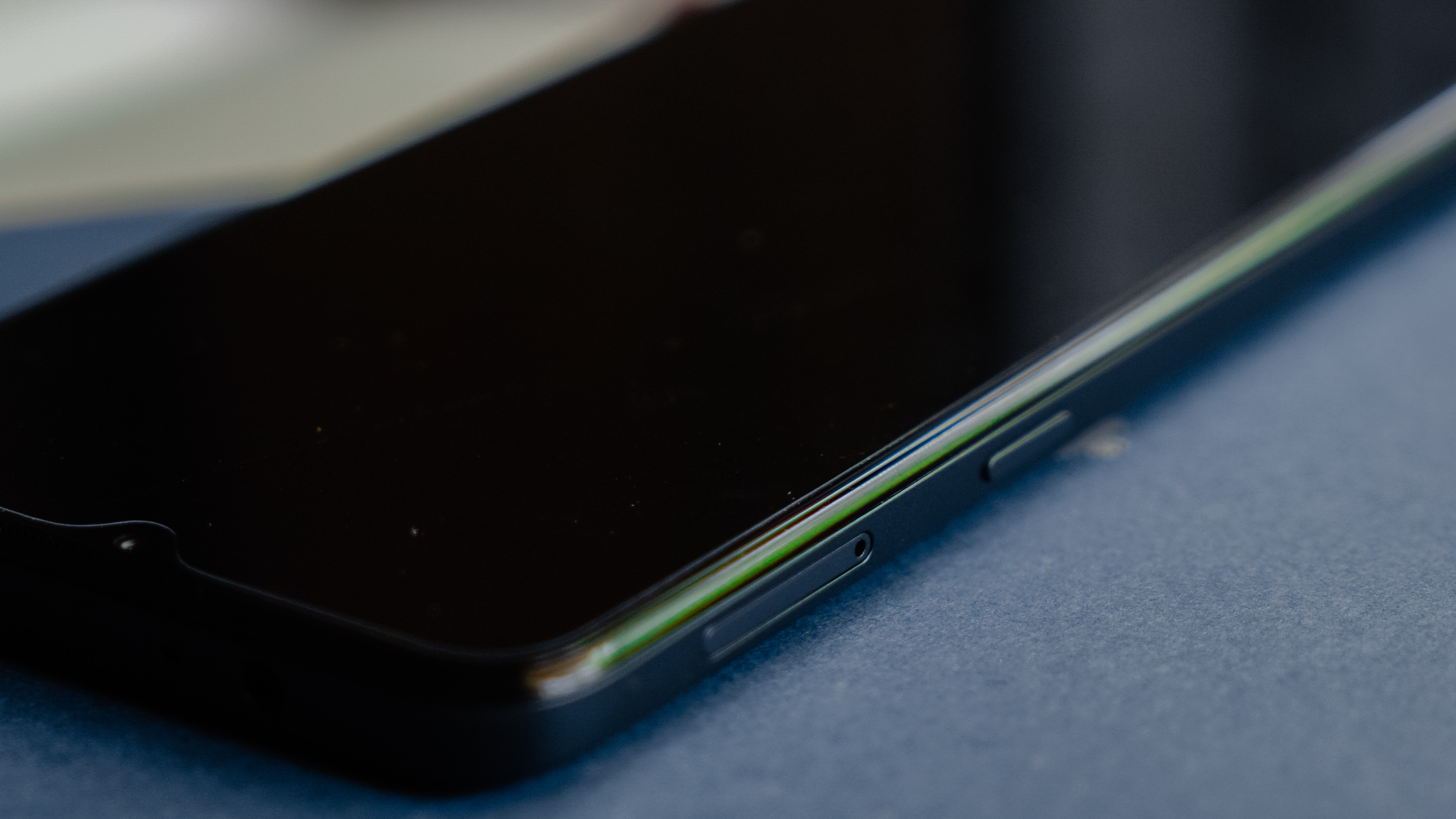
On the left side, you can find the SIM tray slot along with a quick button for Google Assistant. Up top, there’s a 3.5mm audio jack.
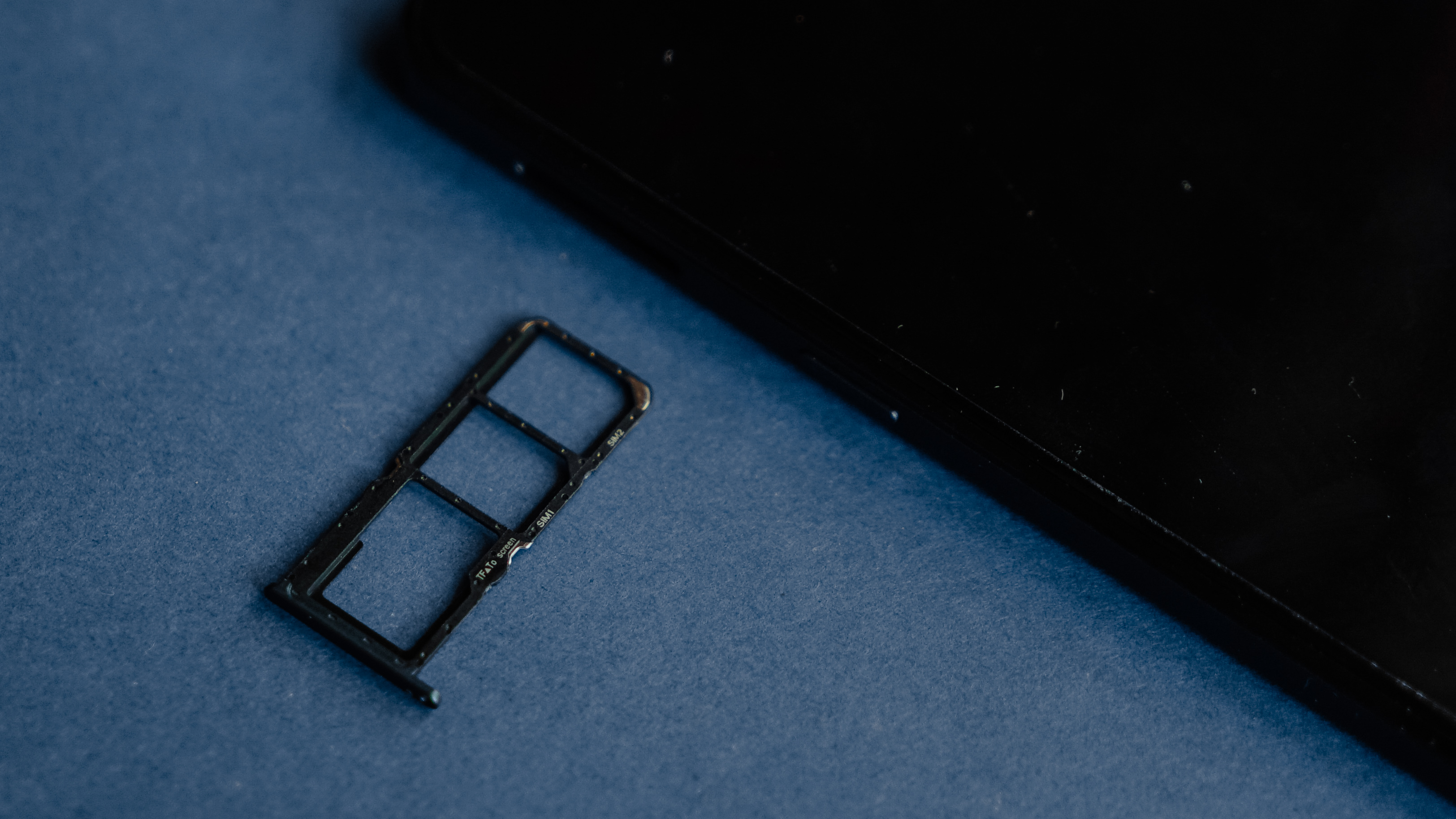
The tray offers an option for a single or dual SIM, along with a dedicated microSD card slot.
The upsides
Running on Android One, the Nokia G21 exhibits a near-stock version of Android with few modifications. It puts a focus on Google services, housing essential apps you might need for your connected lifestyle while still running on Android 11. The operating system might be a bit late considering how Android 13 started rolling out.
Nevertheless, there’s still relief in knowing that a budget phone like this — which usually doesn’t get favorable treatments from smartphone manufacturers — will get two years of OS updates and three years of security updates. After all, running on Android One means Nokia gets the updates straight from Google.

Frankly, I missed seeing the cleanliness of Android One. It’s simple and efficient — easy to the eyes and to the user experience. Every app you’ll use is basically under Google. For instance, checking images would prompt you to check Photos app because there’s no Gallery. Gmail automatically becomes your mailing app. Chrome is the default browser. Entender?

Surprisingly, it comes with the Netflix app built in so you can enjoy worthwhile content when YouTube gets tedious for you. Furthermore, you can watch your favorite shows or continue using the smartphone from day to night with its humongous 5050mAh battery. It might take a while for it to fully charge though, given that the unit ships with a 10W charger. Although, the G21 can handle up to 18W of charging. If you have a third-party Power Delivery (PD) charger, it’s high time you use it.
At the very least, let the phone charge while you sleep. Think of it as the two of you bonding by recharging through the night.
The downsides
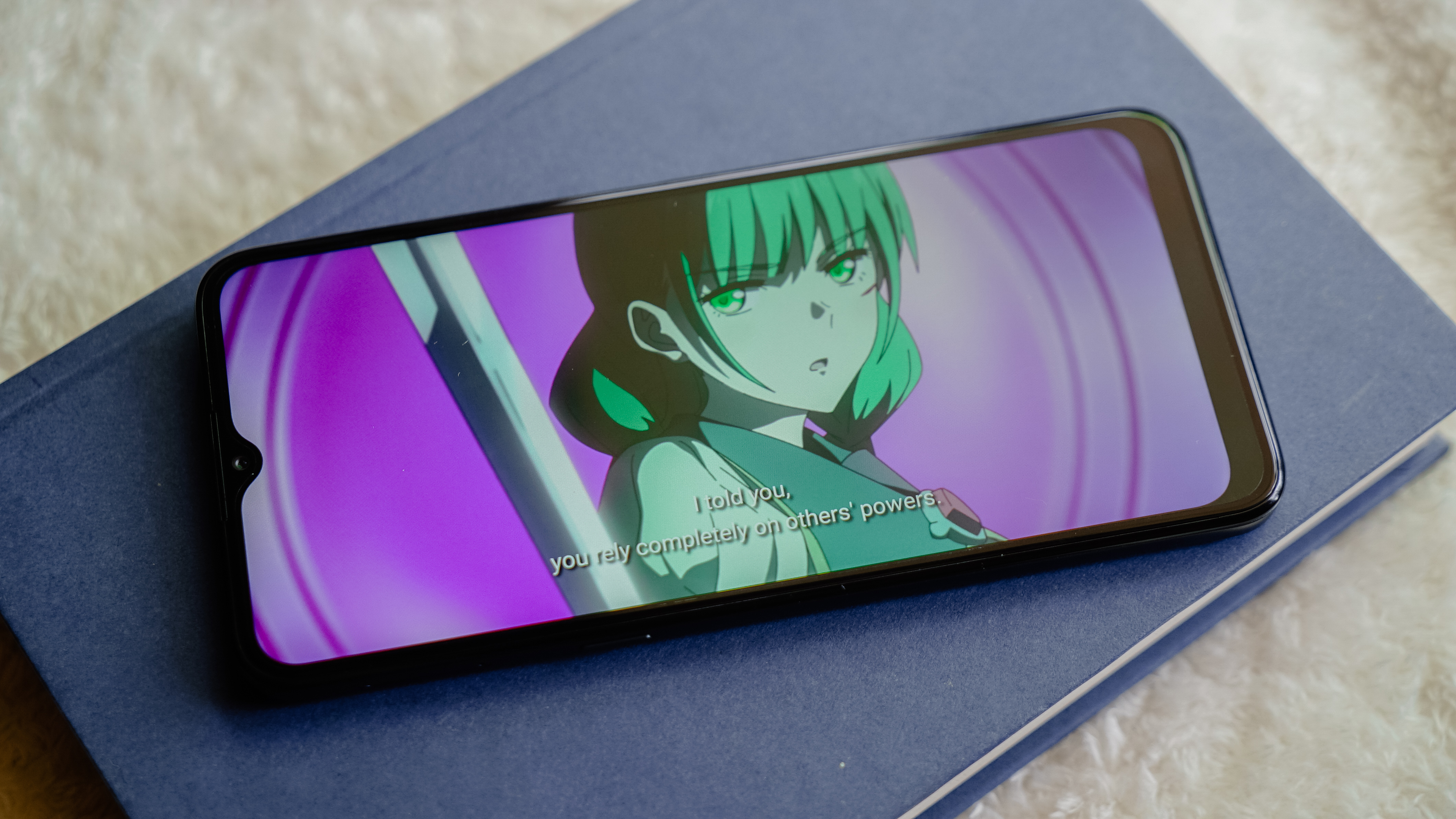
The Nokia G21 sports a 6.5-inch IPS LCD display with a 90Hz refresh rate. With a 20:9 ratio, you can enjoy your favorite shows albeit the waterdrop cutout can get distracting when watching on full-screen mode.
I was catching up with The Rising of the Shield Hero and the experience is as budget as it gets. Nothing stellar, just a smartphone delivering what’s expected out of it. Visuals aren’t vibrant and audio isn’t as loud as most smartphones in the same category.
At the very least, this smartphone is totally acceptable for anyone looking for an affordable smartphone that they can use as a daily driver.
In terms of gaming and even multitasking, the G21 struggles. It runs on a Unisoc T606 chipset, an octa-core CPU inside, and a Mali G57 Mp1 GPU. The configurations for the smartphone are 3GB/64GB, 4GB/64GB, and 4GB/128GB.
IMO, even if you get the 128GB variant, it won’t be enough. There’s a considerable delay in accessing the phone after unlocking it with facial recognition or other security measures. The same goes for the fingerprint scanner, which you’d think is the faster option among all unlocking methods.
Opening the apps usually takes a while since the phone flashes the app’s logo for a second or two before it shows the interface. While the delay is minuscule for most people, it’s still puzzling since the slow, laggy experience happens even when I haven’t consumed most of the storage.
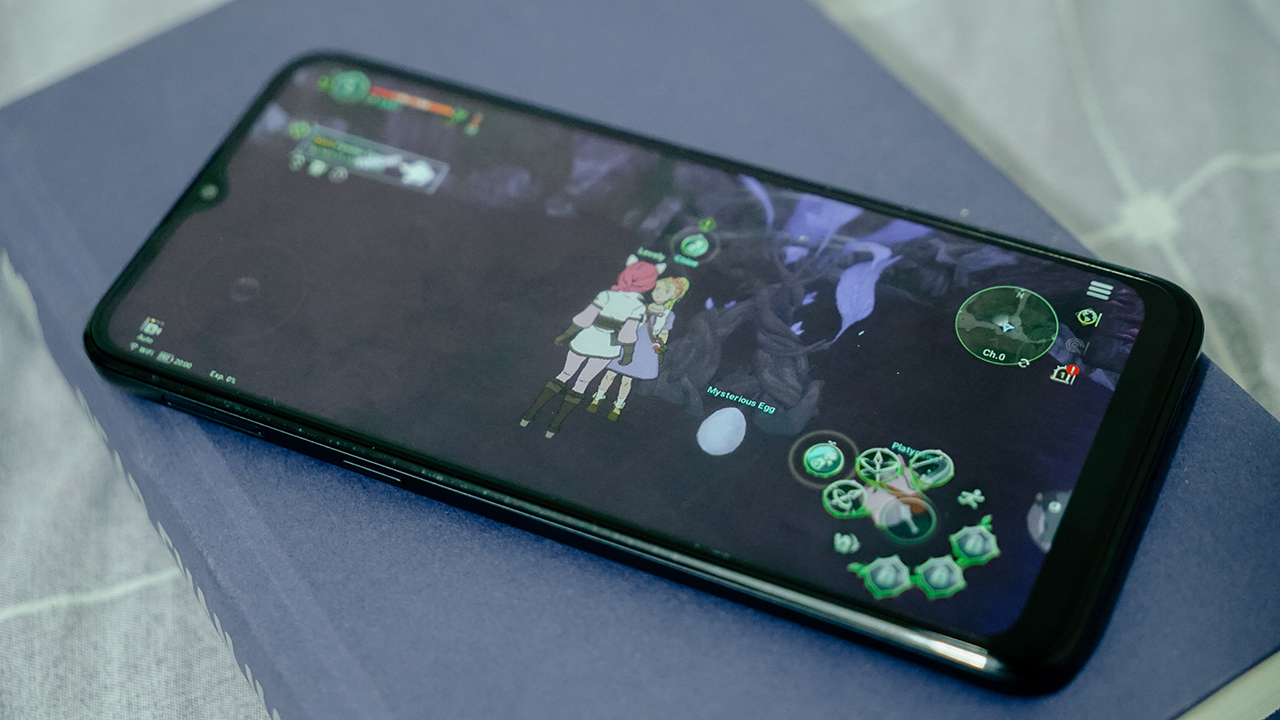
I only installed Roblox and Ni no Kuni to test the device and of course, get a dose of my favorite games. Playing Ni no Kuni is a real challenge, especially with its graphics-intensive setting.
I was able to play, of course, but it comes with annoyances when it doesn’t load as quickly as I would like it to be. I’d recommend not playing on this device unless you have the patience to deal with the inevitable delays.
Hit-or-miss cameras
Let’s get this out of the way. The Nokia G21 is equipped with a 50-megapixel primary camera, a 2-megapixel macro lens, and 2-megapixel depth sensor. Its selfie camera houses a single 8-megapixel wide lens. Here are some samples we’ve taken for you to peruse:









Is this your GadgetMatch?
The Nokia G21, by any means, can’t be considered a daily driver worth buying. It’s something you’d probably get if it’s the only phone available in the nearest stores and you badly need one. After all, it retails for PhP 9,990 and is available in a Nordic Blue colorway.
Its saving grace is the promise of OS and security updates, thanks to its Android One program. There’s a guarantee that Google will extend its lifespan as long as it can.
Ideally, there are different budget options you can get for under PhP 10,000. There’s the Redmi Note 11, the vivo T1X, and even the Infinix Note 12.
On the off chance that you already have a primary phone, the Nokia G21 has plenty of use cases as a secondary phone. For one, its long battery life and robust build give me the peace of mind that I can rely on it as a companion when I drive a motorcycle. It’s durable and can last longer when needed.
Just because it’s a budget phone with plenty of compromises doesn’t mean there are no use cases for it at all.


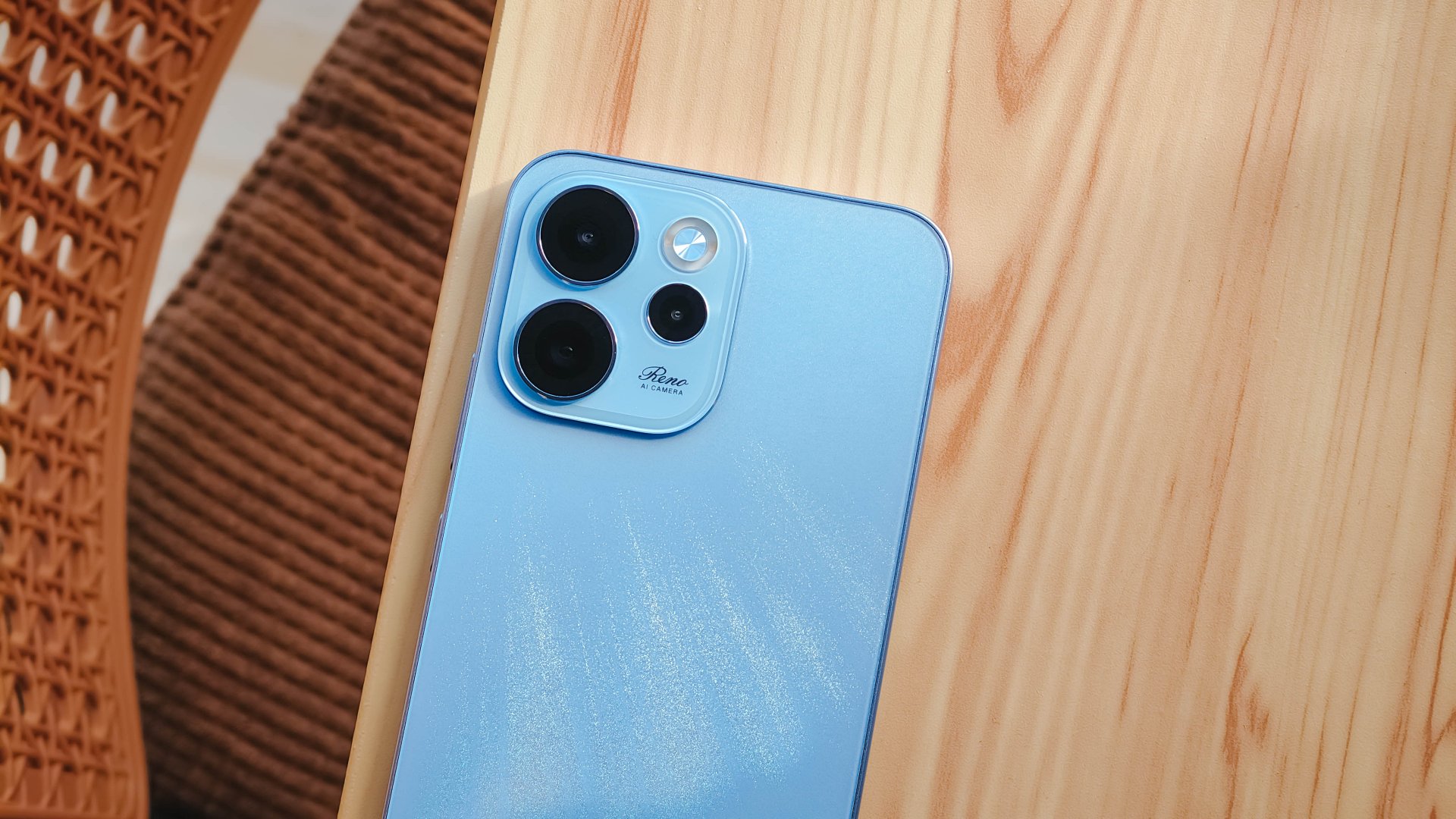
The OPPO Reno15 Series 5G made its way to the Philippines last month, and reception has been pretty great so far.
With a powerful camera package, AI, and a slew of upgrades, there’s a lot to love and not much negative to say. But that’s with both the standard and Pro models.
On the other hand, with the Reno15 F 5G — the series’ supposed budget-friendly “lite” variant —there were more question marks than exclamation points.
I attack this piece once more from a consumer standpoint: shelling out PhP 23,000 to PhP 26,000 for a midrange smartphone that feels and performs like it’s a few notches below its segment doesn’t sound too pleasant.
Performance
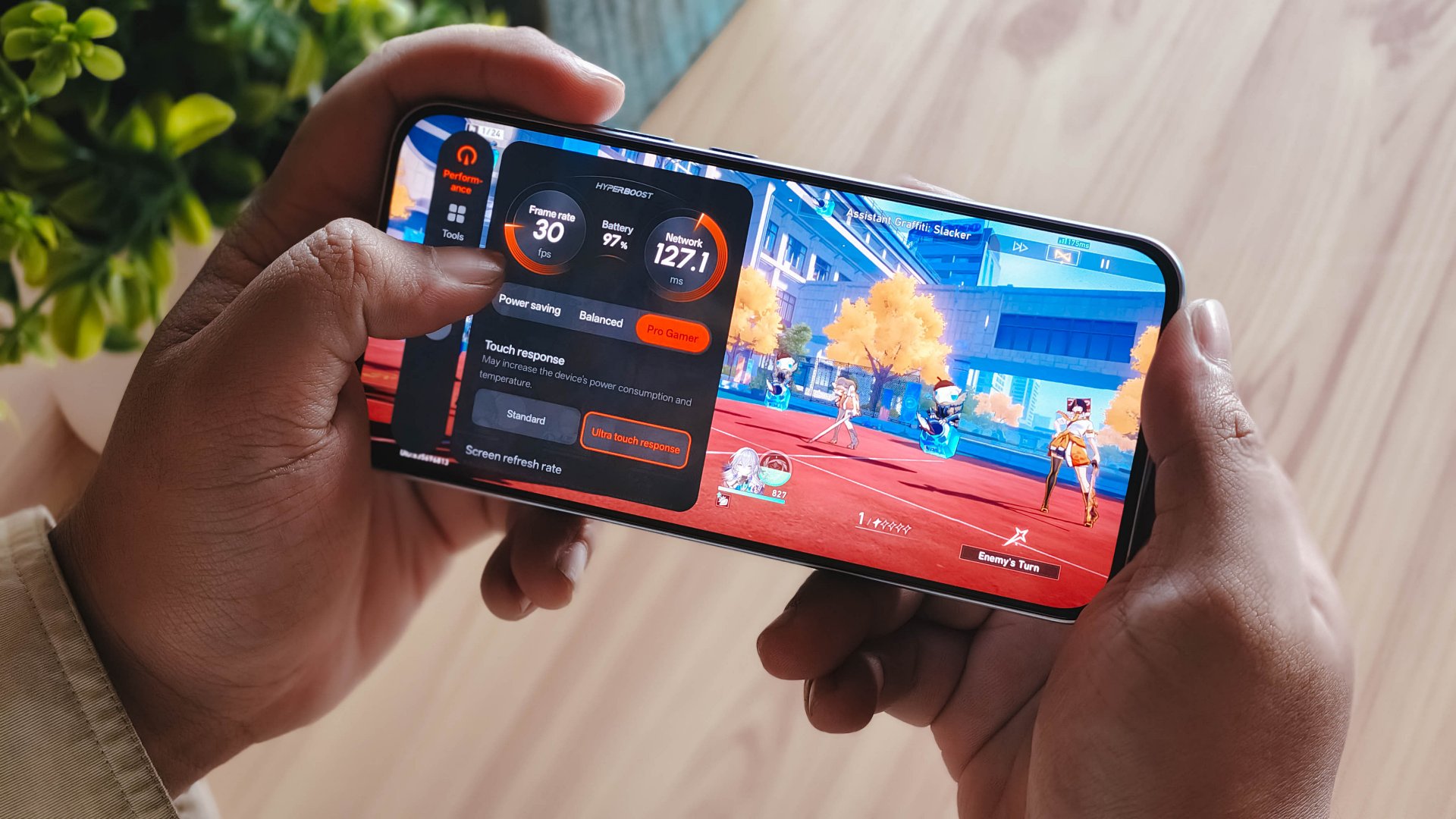
With a Snapdragon 6 Gen 1 processor, the OPPO Reno15 F performs pretty much like any sub PhP 20,000 mid-ranger. It’s acceptable, but does not punch above its weight as expected.
No major hiccups for light and casual usage. But performance struggles a lot for demanding video games.
It also heats up significantly just 10 minutes into a title like Honkai: Star Rail. This is a stark contrast to the marketed 25℃ and up to 10 hours straight of smooth gameplay.
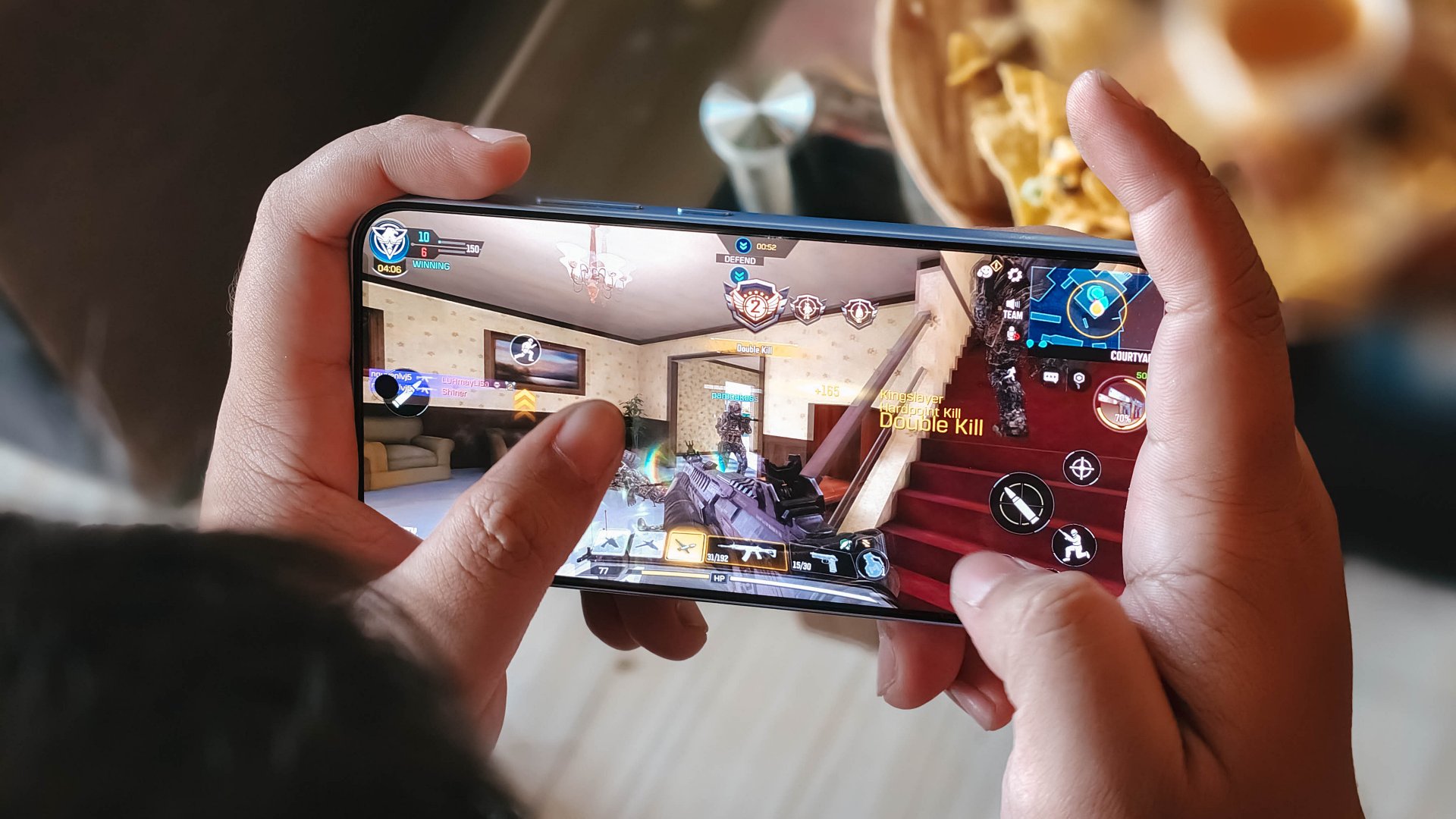
Although, the experience was still enjoyable with several wins and MVP runs in Call of Duty Mobile. It only means the F variant remains a more camera-centric phone rather than an a hard-hitting all-arounder.
As with other devices, the 7000mAh battery with 80W SUPERVOOC is a strong suit. You’re fueled from dawn ’til dusk, with much to spare. Recharging takes a breeze, too.
Display
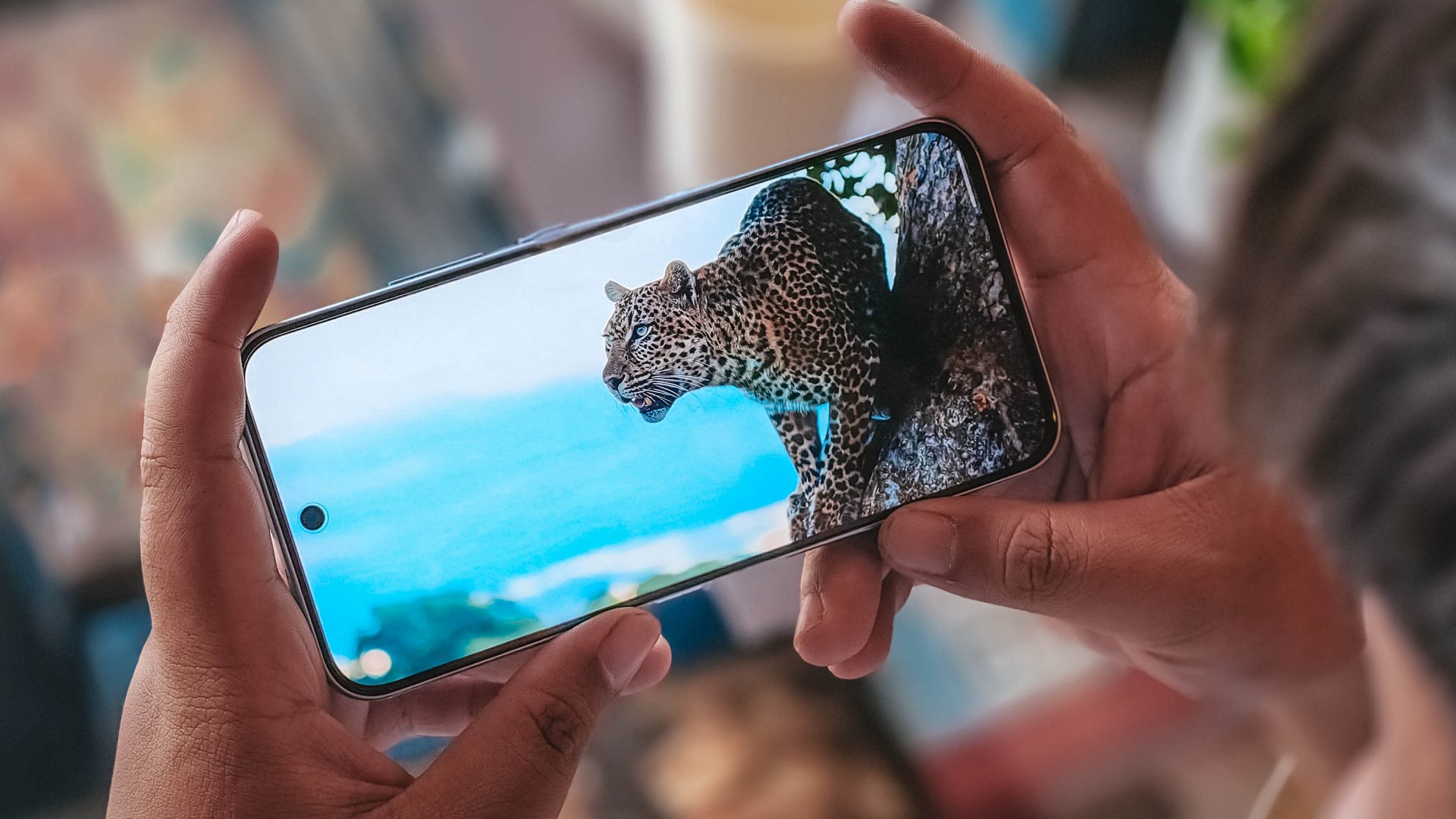
The OPPO Reno15 F has a 6.57-inch 120Hz display, with a 92.8% screen-to-body ratio. At least, that allows you to focus on content on the screen.
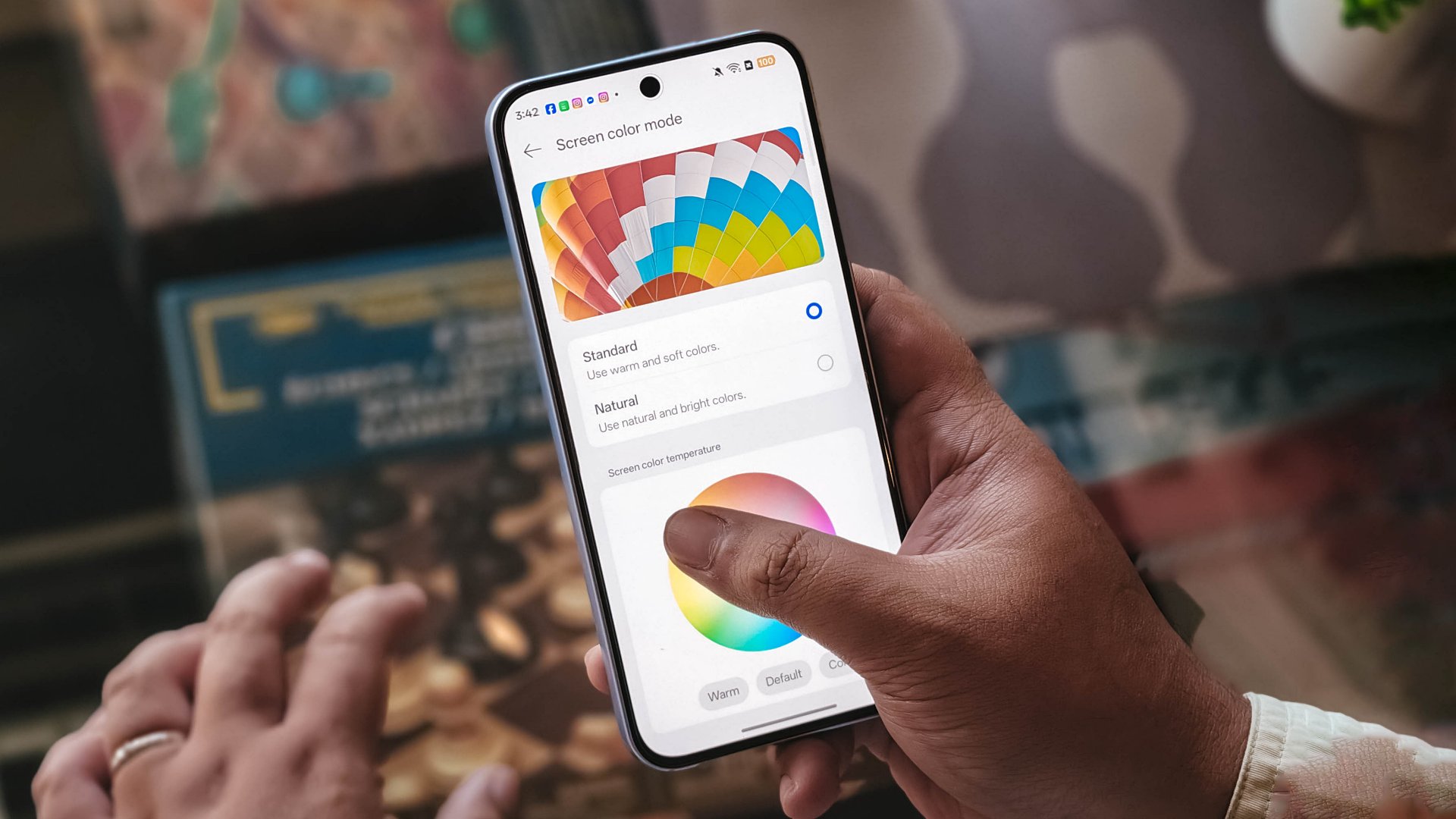
Content leans more towards the cooler tone, so you’ll have to adjust it manually if you want a warmer or more vivid look.
The 397ppi pixel density is fine to ensure sharper visuals, while the 1400 nits peak brightness is helpful outdoors.
Camera
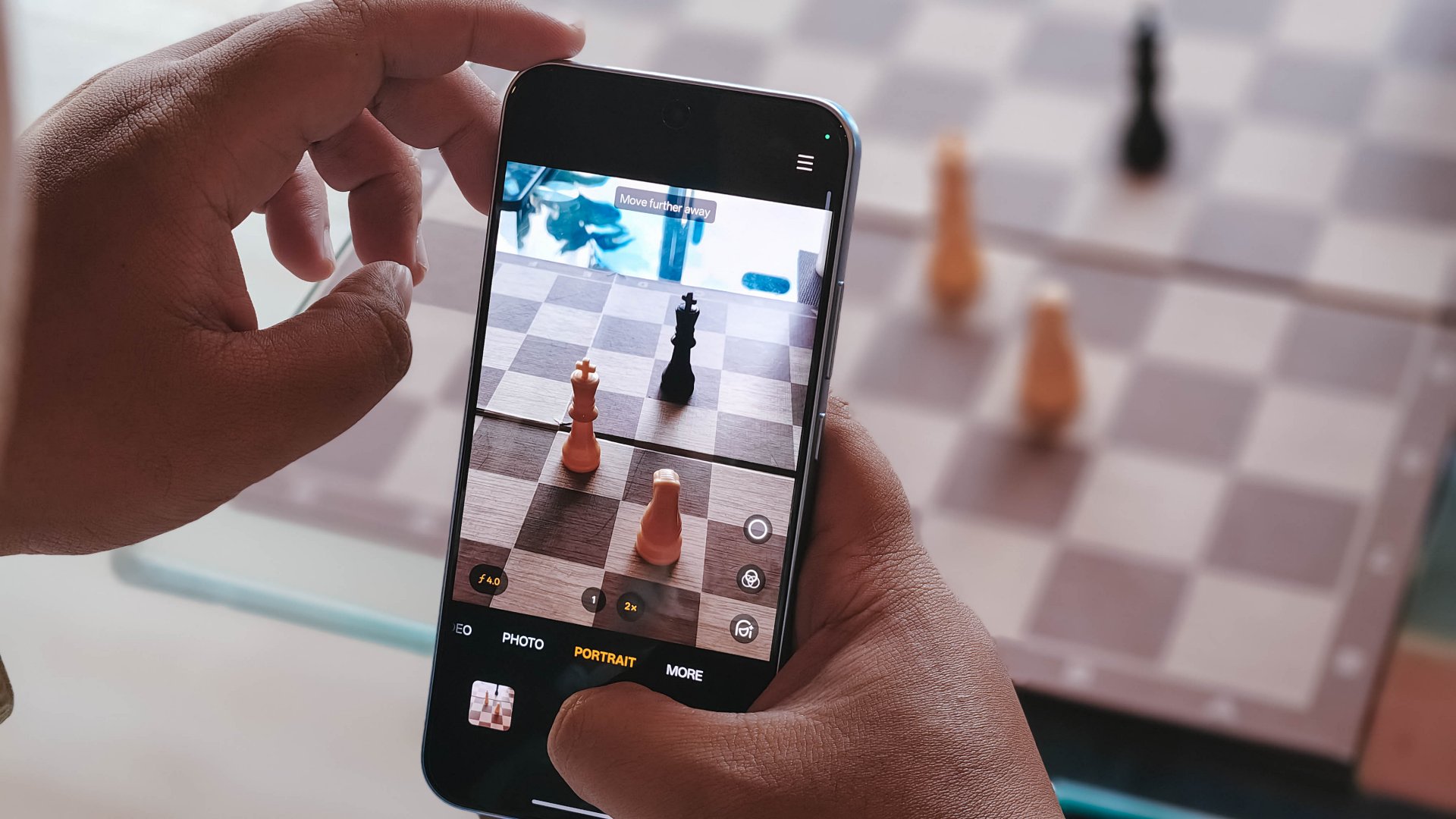
The device’s 50MP main camera captures decent quality. The color science leans on being natural anew, without being too dull nor washed out. You can pull off smooth portraits too.
I hardly used the phone for stills as I focused on videos, but here are some samples, on the occasions I was able to take the handset with me:








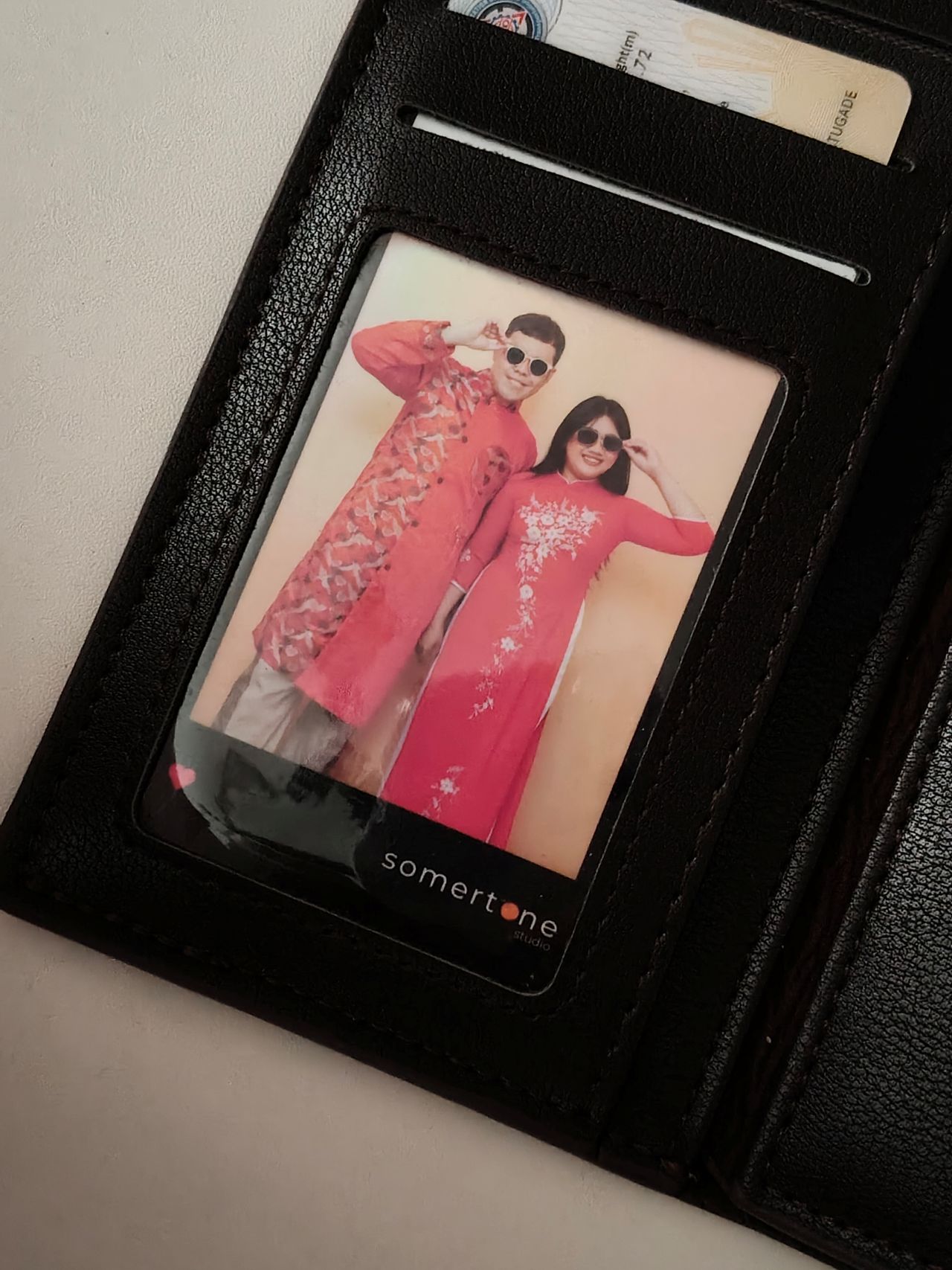



The 50MP front camera is an intriguing add-on, as it is capable of up to 4K video and a wide 100° field of view.
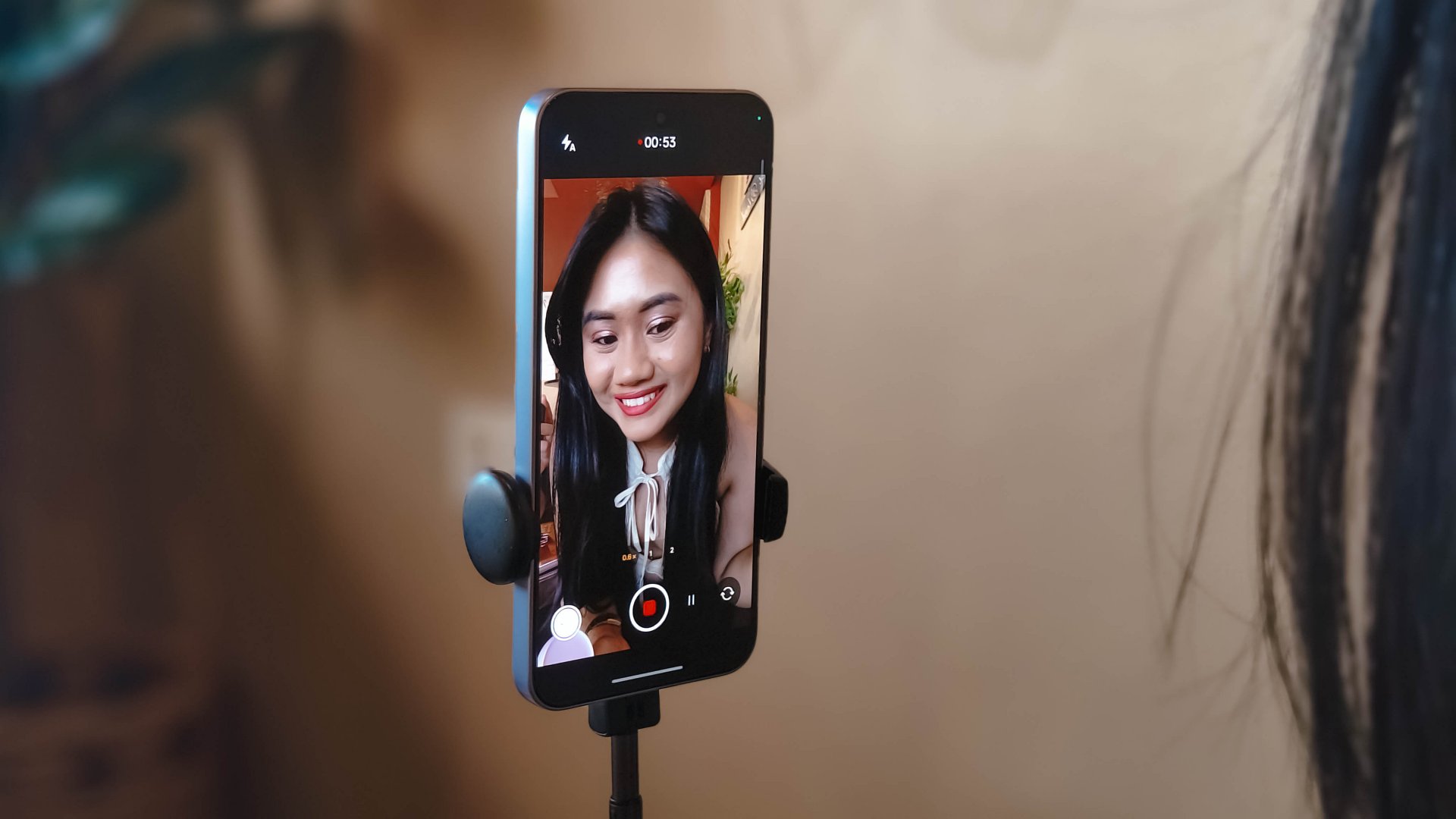
What this does is it essentially removes the need to flip your phone for the popular “0.5” shots. And the quality doesn’t get compromised given the pixel count.
Here are some selfies from different focal lengths:




To its credit, filming with the back camera at 60fps does look and feel smooth, although it can be improved.

Same with the front camera; and the zoom range can be switched from 0.6 to 2x without cutting the recording.
Although, it’s still best to use a selfie stick or small tripod if you’re just after talking head videos.
Speaking of which, here are a few I’ve made with just this device:
@manilaconnoisseur Naka 99 pesos pala ‘yung large Golden Milk Tea ni @highlandscoffeeph until February 28! Oolong base, cream, and okay pala ang chickpeas as sinker along with red jelly. #highlandscoffee #goldenmilktea #oolongmilktea #freeupsize
@manilaconnoisseur Laging sold out ‘yung fun run? Try The Conqueror Virtual Challenges. Stay motivated in your running era, make every run count, and get cool medals after every completed challenge. You can even get a free run or discounted bundles! @theconquerorchallenges #virtualrun #funrun #runningera #staymotivated
But for travel and on-the-go captures, as OPPO markets for the series in general, even the Reno15 F can cover a lot of background along with your or your groups’ faces.
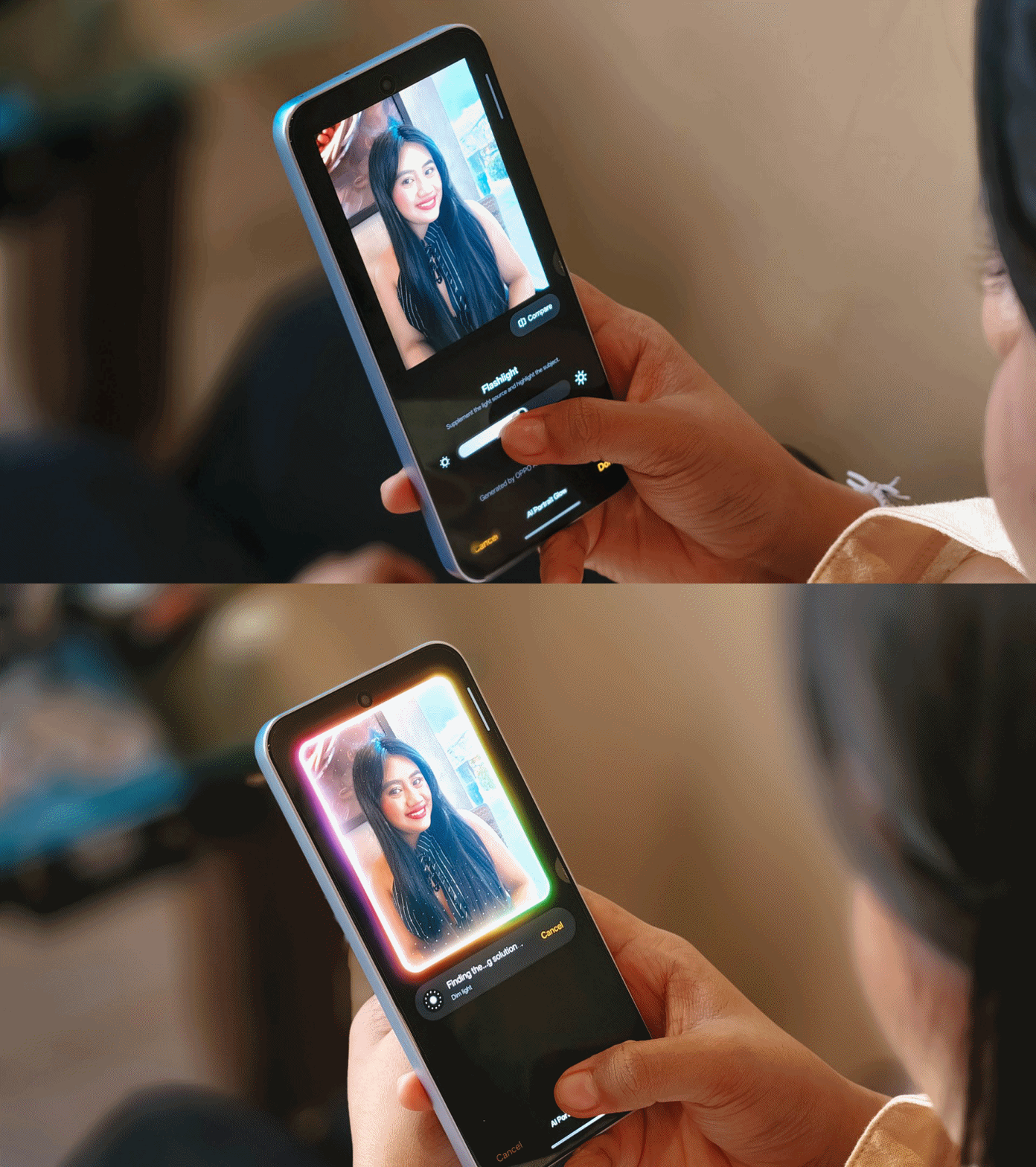
Make no mistake, there are some useful AI editing features here. In particular, AI Portrait Glow gives your raw capture an effect to make it look it was taken with flash.
I do not recall the device heating up as well when taking many photos or videos, so you can say it’s more optimized for that task rather than gaming.
Connectivity issues
Meanwhile, AI LinkBoost 3.0, as in the case of the OPPO A6 Pro, doesn’t seem to punch above its weight either.
Once, I also played Mobile Legends: Bang Bang and the session opened to a jittery start despite being on Wi-Fi and having a stable connection. I don’t know what triggered this.
Design, feel
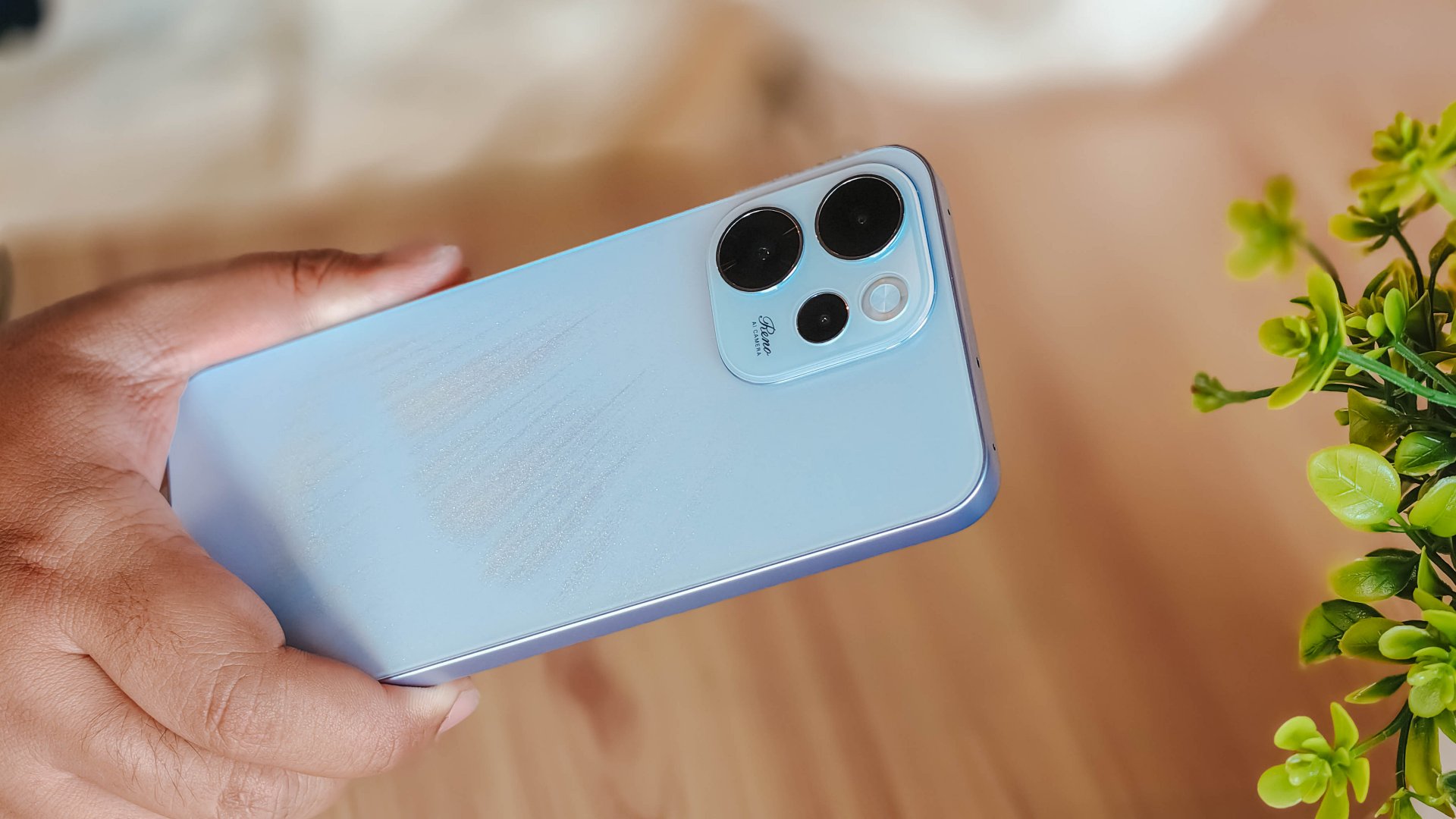
We got the Aurora Blue variant which does kind of resemble the northern lights when you tilt the phone a certain way and when light hits its back panel.
The cursive “Reno” on the large, protruding camera island gives it more style.
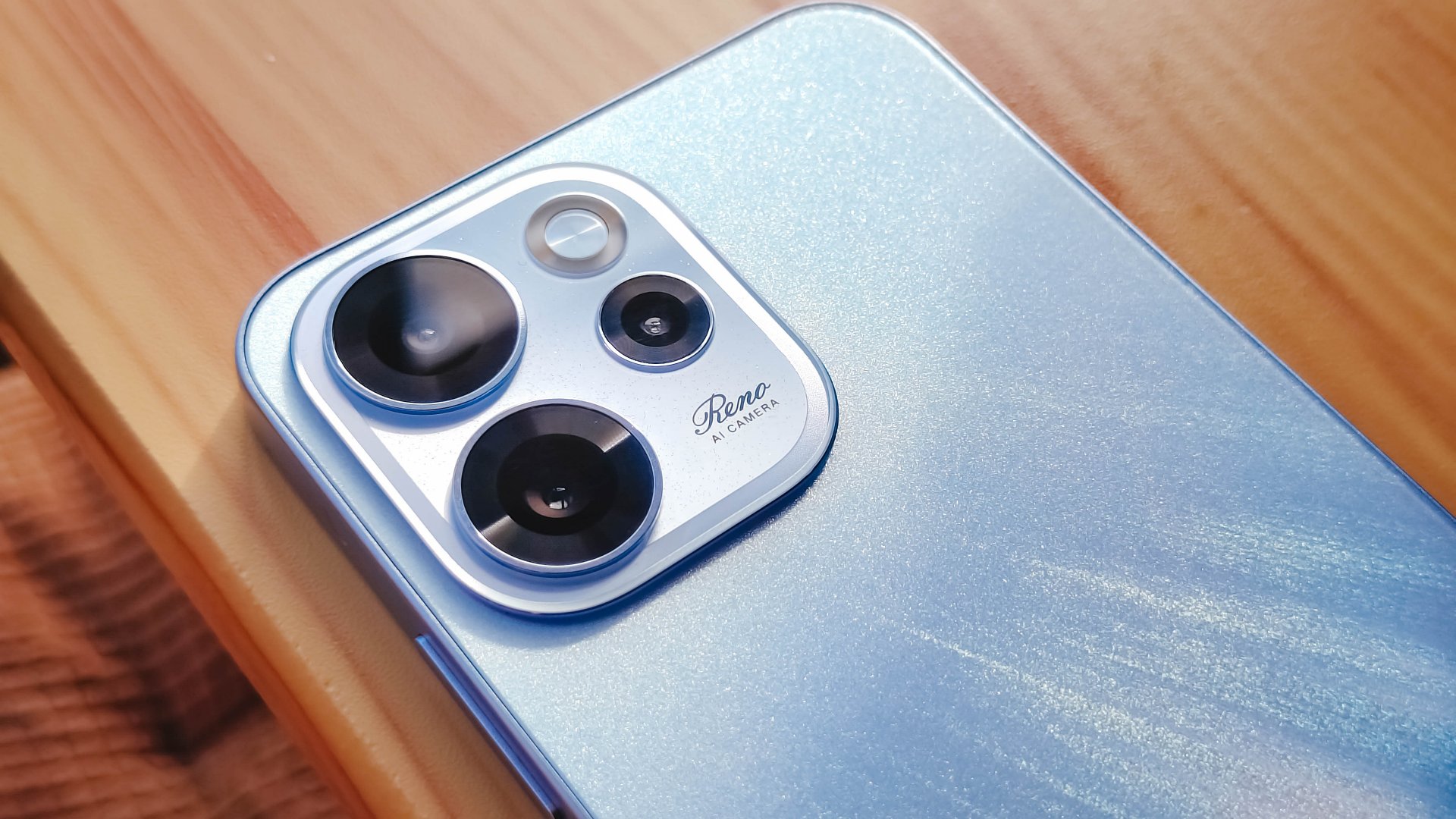
However, it’s all just aesthetics. On the downside, the phone is all sorts of slippery.

I couldn’t hold it properly without think of it slipping away from my hands; nor could I put it on my lap with confidence.
So I guess it’s good that it has structural integrity and waterproofing, because you’ll need that.
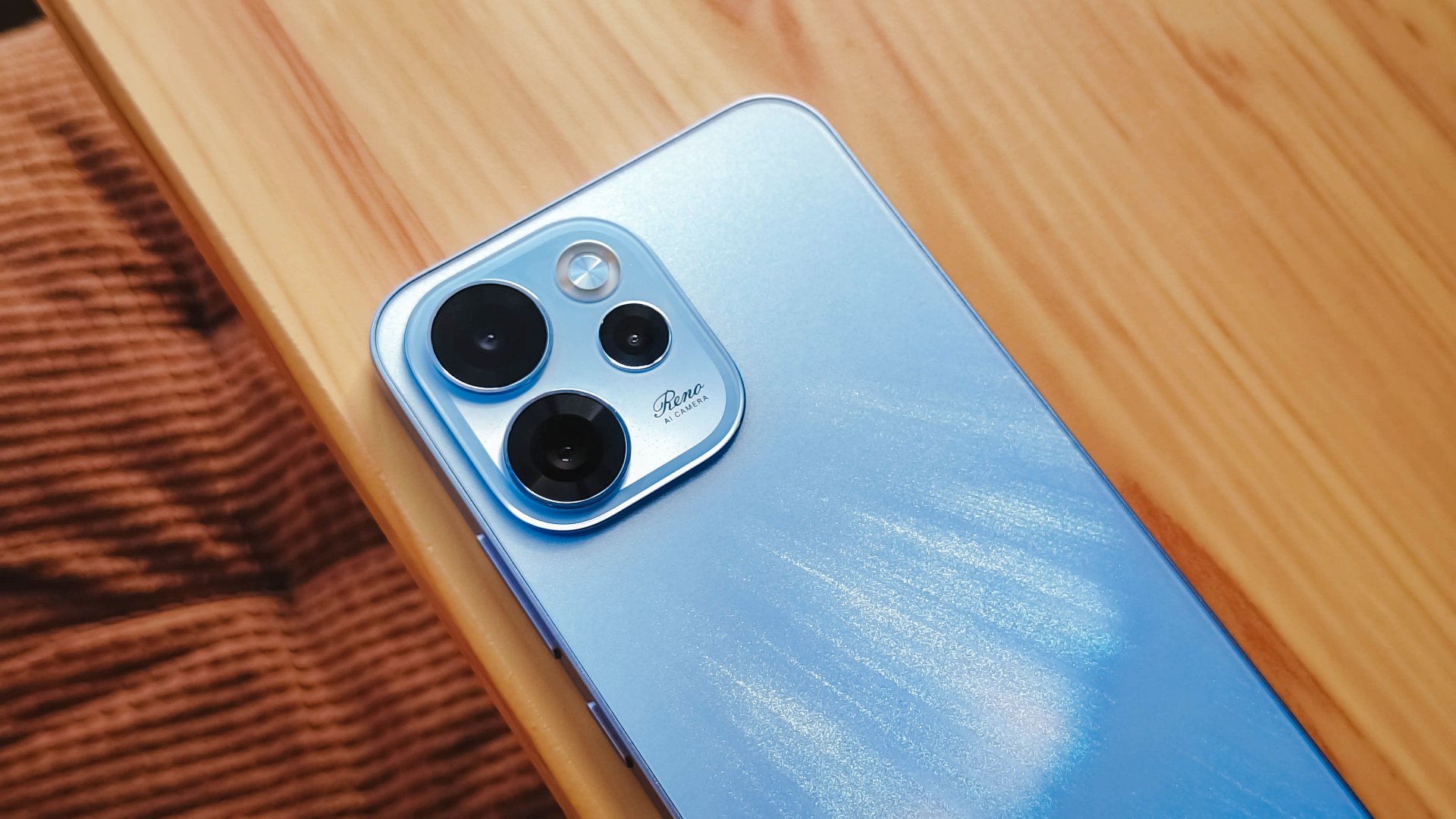
oplus_16
The 6.57-inch body does have a good balance between being too compact and too large, like ultras and pro maxes.
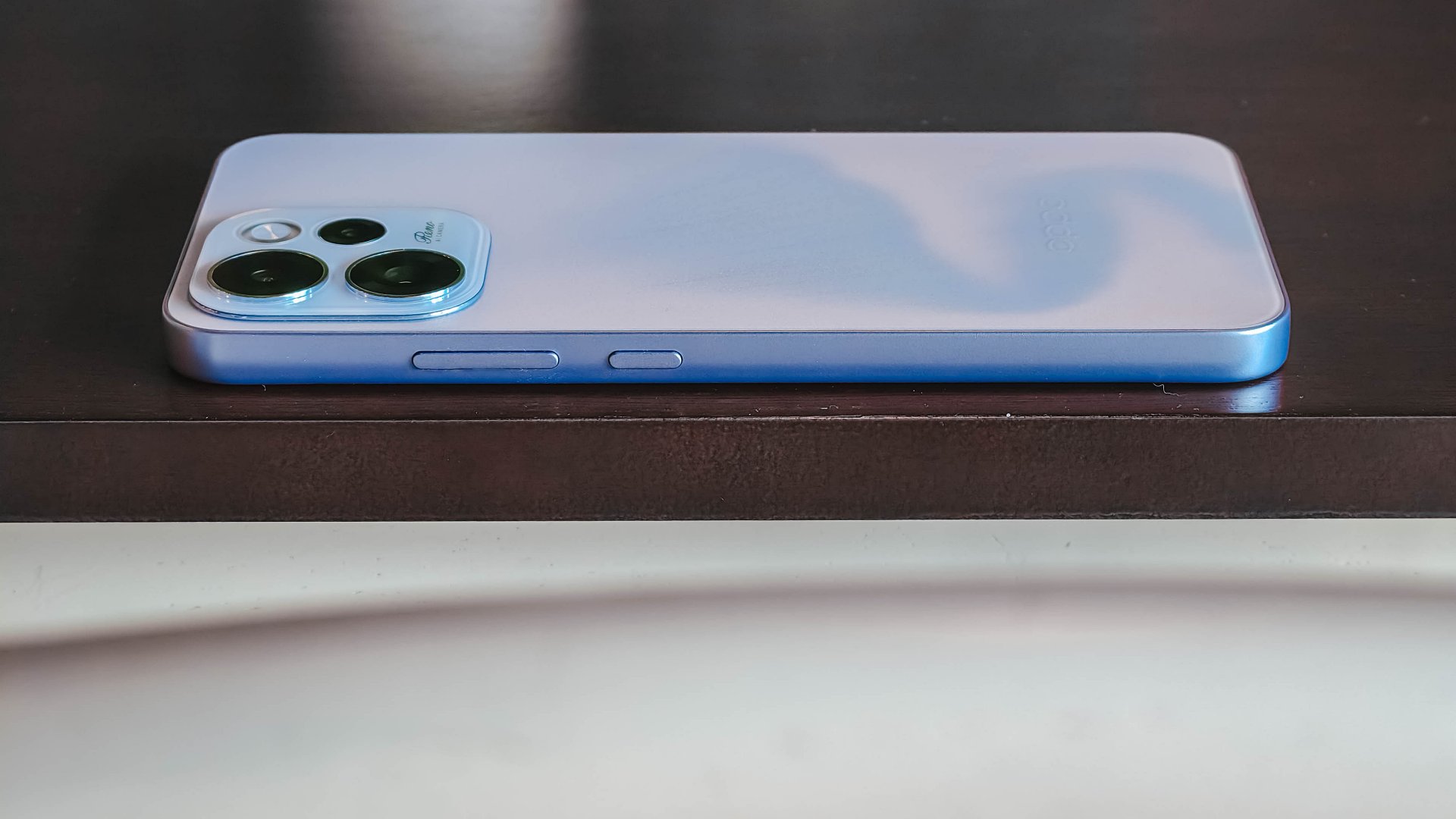
It has a squarish body and has already adapted to the premium, aluminum frame look from the sides.

Is this your GadgetMatch?
Sadly, the OPPO Reno15 F 5G is a Swipe Left unlike its bigger, more capable siblings. There are plenty of plus points for the camera package but take that away, and I don’t see much difference between the Reno15 F and something like the A6 Pro.
Granted, the asking price of this phone will drop significantly in a few months. But throw in a little more, and you’ve got a legitimate mid-ranger that’s more on the premium side rather than the cheap end of the spectrum.


Apple finally has a MacBook for the budget-conscious!
In this video, we take a look at the latest MacBook Neo — Apple’s most affordable laptop at $599.
It’s the perfect first computer for students, families, and anyone who’s always wanted a Mac but couldn’t justify the price.
Here’s our exclusive hands-on with the all-new MacBook Neo for you to check out.
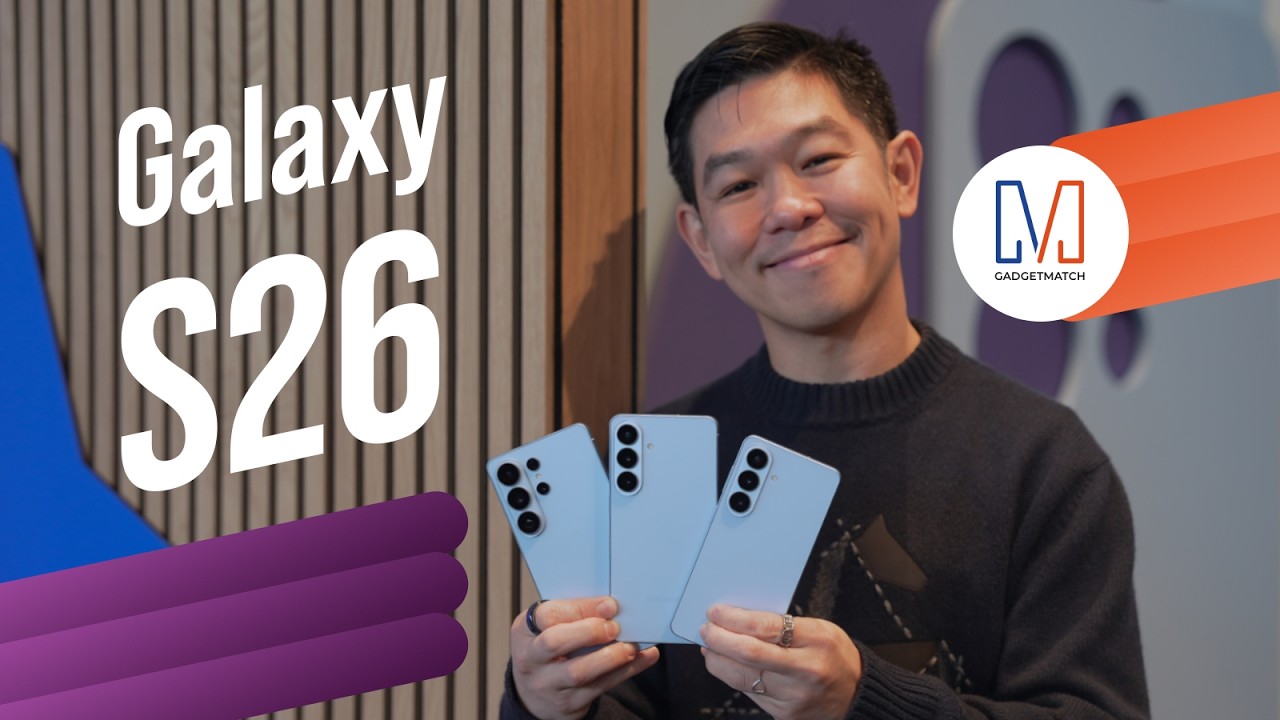
Did Samsung push forward or play it safe with the Samsung Galaxy S26 Series? Well, it’s a little bit of both.
Here’s our Hands-on with the new Samsung Galaxy S26 series to find out.
PRE-ORDER and SAVE up to $900 with enhanced trade-in credit:



Disney+ launches a TikTok-coded vertical feed called Verts

Google Maps is finally getting a 3D mode

KPop Demon Hunters is officially getting a sequel

Bringing Care-a-Lot to my daily carry

Galaxy AI on the Samsung Galaxy S26 Ultra


-

 News2 weeks ago
Xiaomi 17 Ultra is now available outside China
-

 MWC 20261 week ago
Infinix NOTE 60 Ultra makes a motorsport-inspired debut
-

 Reviews1 week ago
TECNO CAMON 50 Ultra review: End of an era?
-

 MWC 20261 week ago
TECNO launches the all-new CAMON 50 series
-

 MWC 20262 weeks ago
TECNO showcases cool concepts at MWC 2026
-

 Reviews2 weeks ago
Xiaomi Pad 8 review: Slab that slaps!
-

 Reviews2 weeks ago
Forget the Phone: Xiaomi 17 Ultra Is A CAMERA!
-
 MWC 20261 week ago
TECNO unleashes Tonino Lamborghini collection