
Accessories
Razer BlackShark V2 Pro (2023) non-eSports player review
I suck at first-person shooters

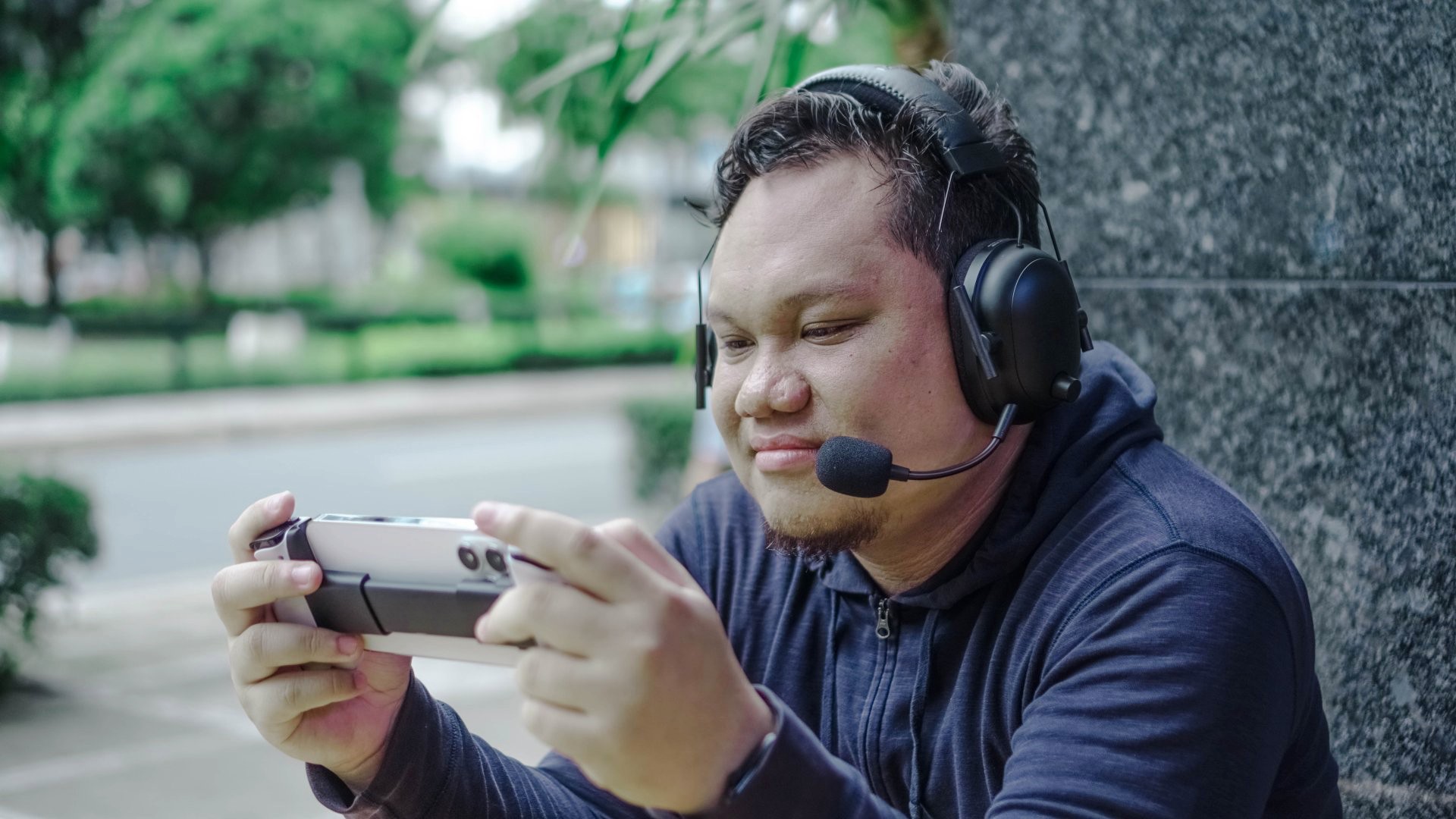
I already own one of the best pairs of cans from the last 3-4 years – the Sony WH-1000XM4. But I prefer having that on-hand and ready to go when I’m out and about. Greedy as I am, I also wanted over-ear headphones that can stay on my work desk. Thankfully, Razer came knocking with the BlackShark V2 Pro (2023) in hand.
An eSports headset

Razer made these headphones specifically for the type of gamer that I am not – a gun-slinging, slick-swervin’, first-person shooter. I felt it was important to declare that from the get-go as I had neither bandwidth nor interest to try the specific games it was made for.
That said, I still did use it playing the games I like. Those being RPGs, some action games, and NBA 2K.
So, this isn’t a review of the BlackShark V2 Pro (2023) for eSports players. This is a review by someone who is everything but.
2020 vs 2023
The particular unit I have isn’t the first version of the BlackShark V2 Pro. The first one actually came out in 2020. Here’s a table to show what’s different.
| BlackShark V2 Pro | 2020 |
2023 |
| Connectivity | USB-A Dongle
Bluetooth (with SmartSwitch) |
USB-A Dongle
3.5mm Analog |
| Microphone | Razer HyperClear Super Wideband Mic | Razer HyperClear Supercardioid Mic |
| Driver | 50mm Drivers | 50mm Drivers |
| Surround Sound | THX Spatial Audio | THX Spatial Audio |
| Audio Profiles | Pro-tuned FPS Profiles
On-Headset |
Via THX Spatial Audio |
| Weight | 320g | 320g |
| Ear Cushion Type | FlowKnit Memory Foam | FlowKnit Memory Foam |
| Ear Cushion Dimensions | 62mm x 42mm | 65mm x 40mm |
| On-Earcup Controls | Volume up/down
Mic mute on/off SmartSwitch button Audio Profiles switcher |
Volume up/down
Mic mute on/off |
| Lighting | No | No |
| Color Options | Black, White | Black, White, Six Siege Editon |
| Battery Life | Up to 70 Hours | Up to 24 hours |
| Charging | USB Type C 15 minutes charge for 6 hours of play |
Micro-USB |
On paper, the upgrades seem minimal. But looking at it now and basing on my couple of weeks with the device, the improvements are focused on quality of life things that make a huge difference in the long run.
Audio Profiles

By default, the BlackShark V2 Pro (2023) has four audio profiles. Each profile is tuned slightly differently to cater to a specific listening activity. The profiles are: Game, Movie, Music, and Custom. These profiles are pretty straightforward.
The custom one has a flat equalizer or EQ which you can tune when you connect the device via Razer’s Synapse desktop app. More on this later.
Holding the Audio Profiles button will shift the selection from the general profiles to the eSports one. These are: Fortnite, Valorant, Apex Legends, Call of Duty, and CS Go. Again, these are pretty straightforward. Just pick the profile for the game you’re playing and it should be optimized for that particular game.
I didn’t get to play these particular games during testing for a couple of reasons. One, I don’t really play them because I am terrible at these games. Two, my windows laptop was under repair for the majority of the review period.
But I did play.
Game
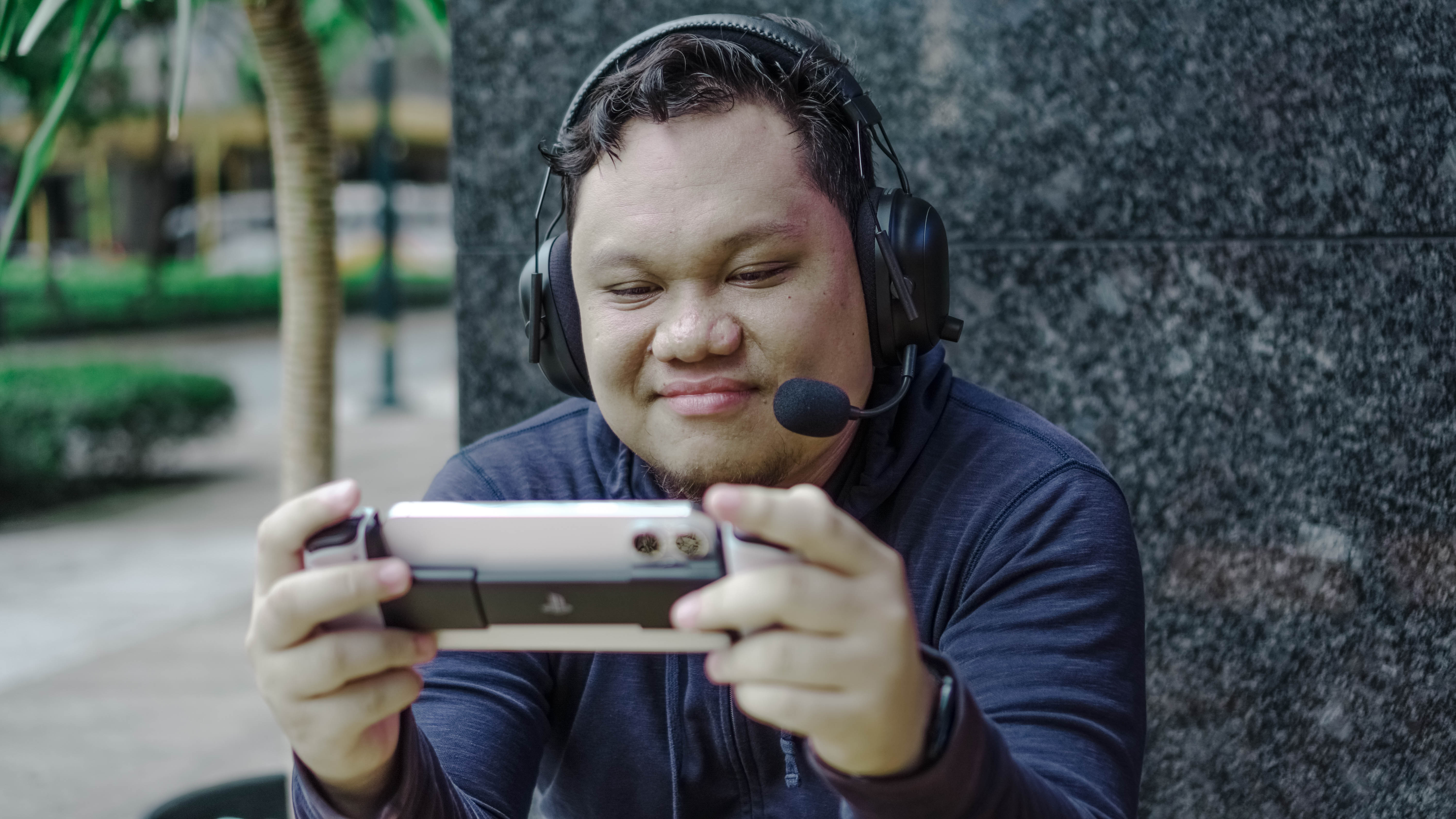
I am primarily a PlayStation gamer. And most of my game time using the BlackShark V2 Pro (2023) was split between two games: Final Fantasy XVI and NBA 2K23. I did try a couple of other games for good measure. These include Returnal, Ratchet & Clank: Rift Apart: Marvel’s Spider-Man Remastered. The first two are games I often go back when testing accessories. Returnal is especially good for audio. The other two, coincidentally from Insomniac Games, are titles I feel are easy to hop back into.
Anyway, on Game profile with the included USB-A dongle connected to the PS5, the BlackShark V2 Pro delivered clear, crisp, and full sounds. I dare say 3D Audio was in effect too. In Final Fantasy XVI, there is plenty of side chatter from NPCs. Depending on where you position main character Clive relative to NPCs having a lively banter, that’s where you’ll hear the sound from.
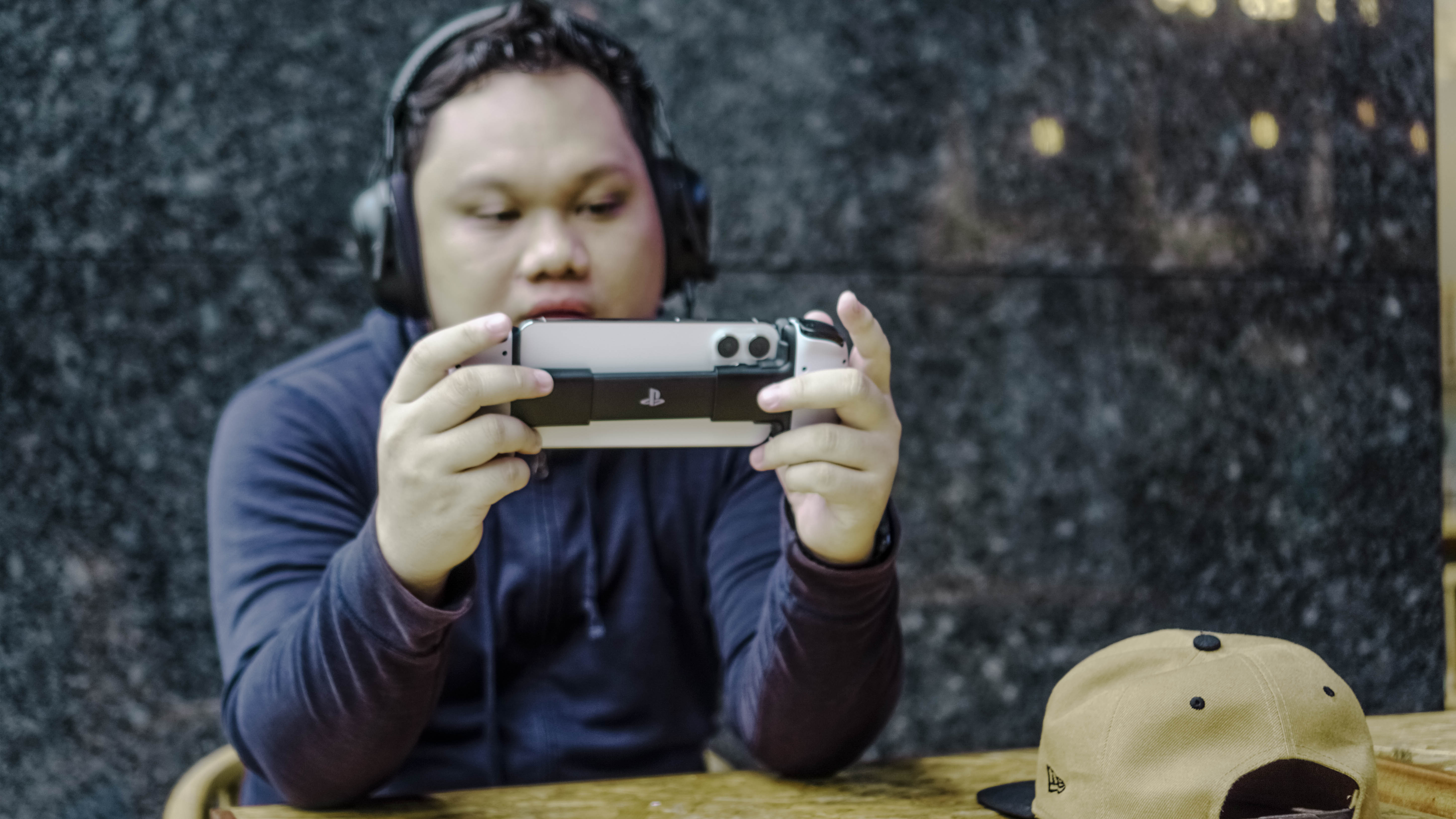
Let’s be real. Yes, I was just pretending to play here.
This was even more true with Returnal. I regard this game as the best for testing audio accessories with the PS5. Its sound design is top notch and actually helps you with identifying the general location of enemies. I imagine this is how it goes with the eSports audio profiles.
For the rest of the games, I got the same clear, crisp, and full sound.
Music, Movie, and Custom
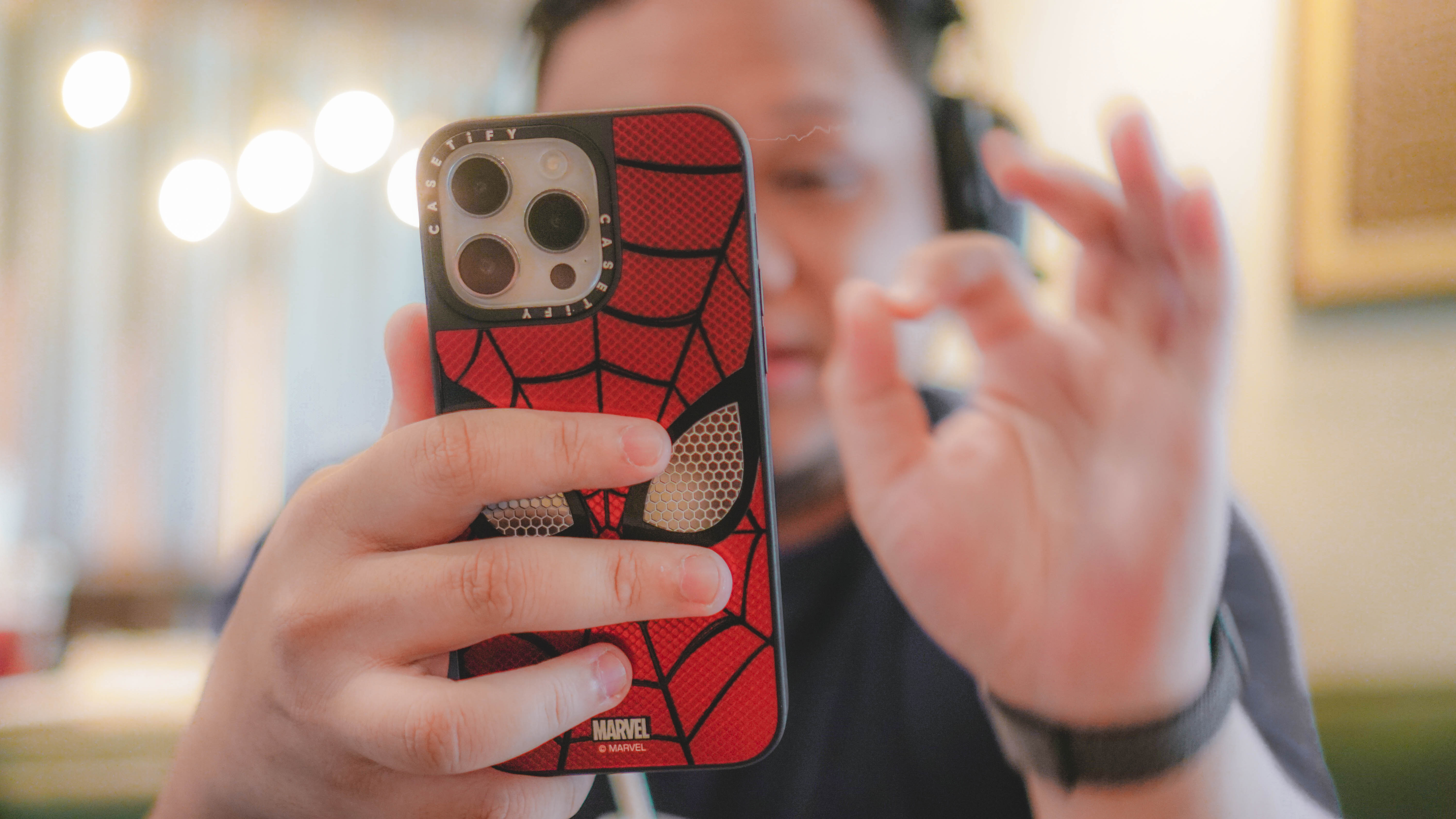
Other than gaming, I used the BlackShark V2 Pro (2023) mostly to listen to music. On days that I worked out of a café I just cycled through a few R&B and mellow tracks like Jesse Barrera’s “Strawberry Soju,” “Flower” by Johnny Stimson, and even “Thirsty” by aespa. I like to feel smooth while I work.
The Music audio profile doesn’t sound too different from Game quality-wise. For some reason, it does sound a little louder and you tend to hear higher sounds better. The audio still sounds clean and tracks with great mixing tickle your ears like any good headphones do.
I tried the Movie profile but during a game. It only mildly boosted the dialogue parts. It’s my least favorite audio profile. Even when just watching YouTube videos, I shifted to the default which is Game.
Custom, like I mentioned earlier, is just a flat EQ. And this is something I found out only after I was able to finally connect the headphones to Synapse.
Synapse and PC-isms
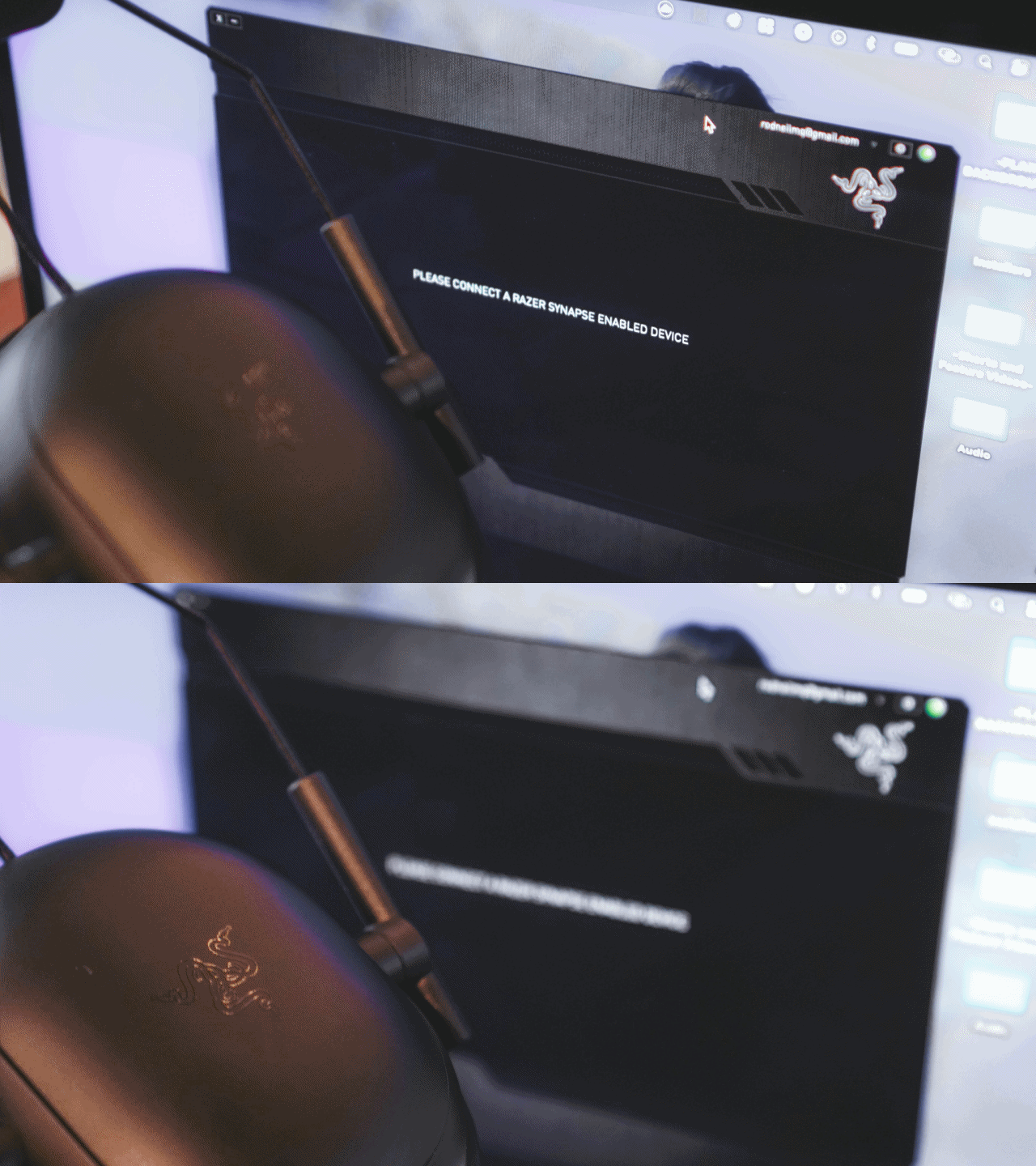
The Razer Synapse apps is software that’s used to configure Razer’s hardware lineup. Connect your Razer device to the computer where Synapse is open and it’ll detect it. Eventually.
I primarily use a MacBook Pro daily. That’s where I do most of my work. And as I mentioned earlier, my Windows laptop was under repair for the majority of my review time with the BlackShark V2 Pro (2023). Unfortunately, the version of Synapse that works on Macs isn’t compatible with the headphones.
Fast forward to when I finally got my windows laptop back. I was excited to fire it up, pair the headphones and see what settings can be tweaked. But I ran into what I will call PC-isms.
PC-isms is my personal catch-all term for all the inconvenience I have to deal with in setting up a PC. It took me until the wee hours of the morning just to get everything ready. And by that time I was too tired and sleepy to tinker with the headphones.

I don’t have a picture that matches the narrative so here’s this instead.
The following day, I finished some work and got to tinkering. Except, the BlackShark V2 Pro just wouldn’t show up on Synapse right away. It took around three to four restarts before I got the thing to work. Perhaps PC users will have more patience in this regard, but for someone like myself who juggles a lot in his schedule, this was a non-starter.
That said, I still managed to make it work. But I skipped the Audio profiles altogether and went ahead to test the mic.
Talk to me
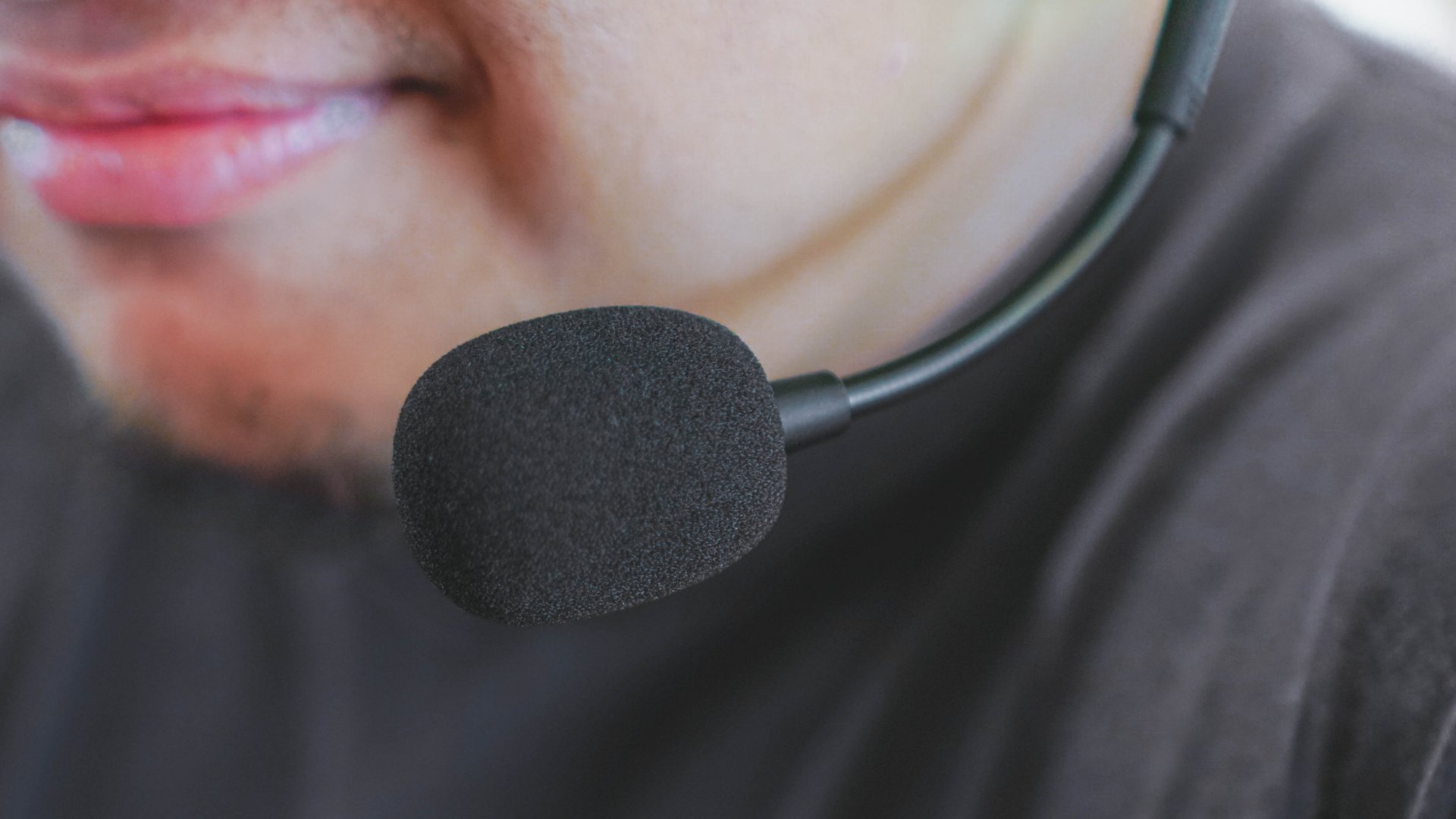
I hopped on three different calls to test the mic. Which, by the way, is one of two accessories that are easy to misplace. The other one being the USB-A dongle.
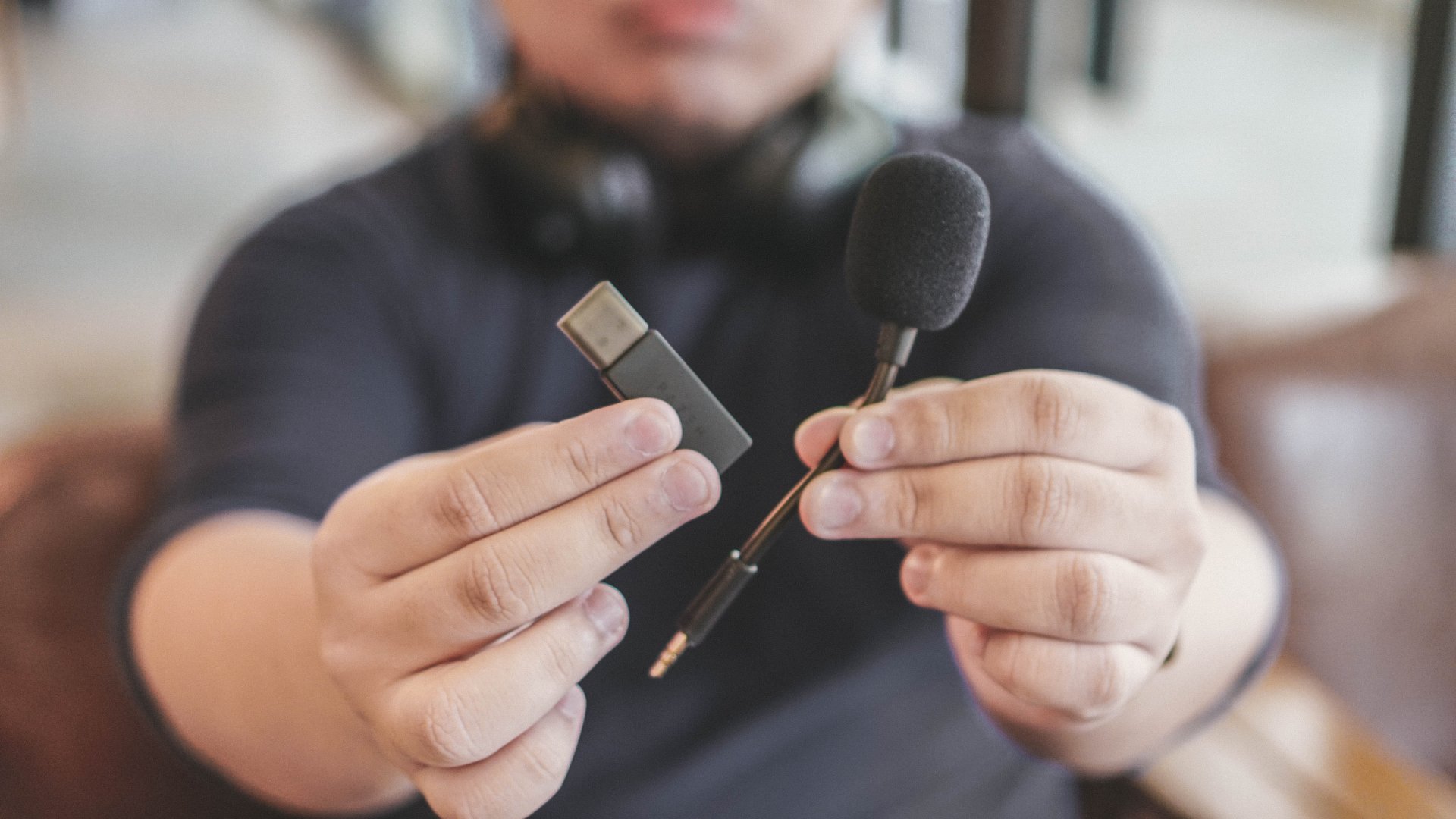
I’ll do my best to not lose these accessories.
Anyway, the first two calls all happened before I got my Windows laptop. So, the mic was just set to default. I got two different feedback.
The first call was with the headphones connected to my MacBook Pro. I was told my voice was audible but sounded muffled.
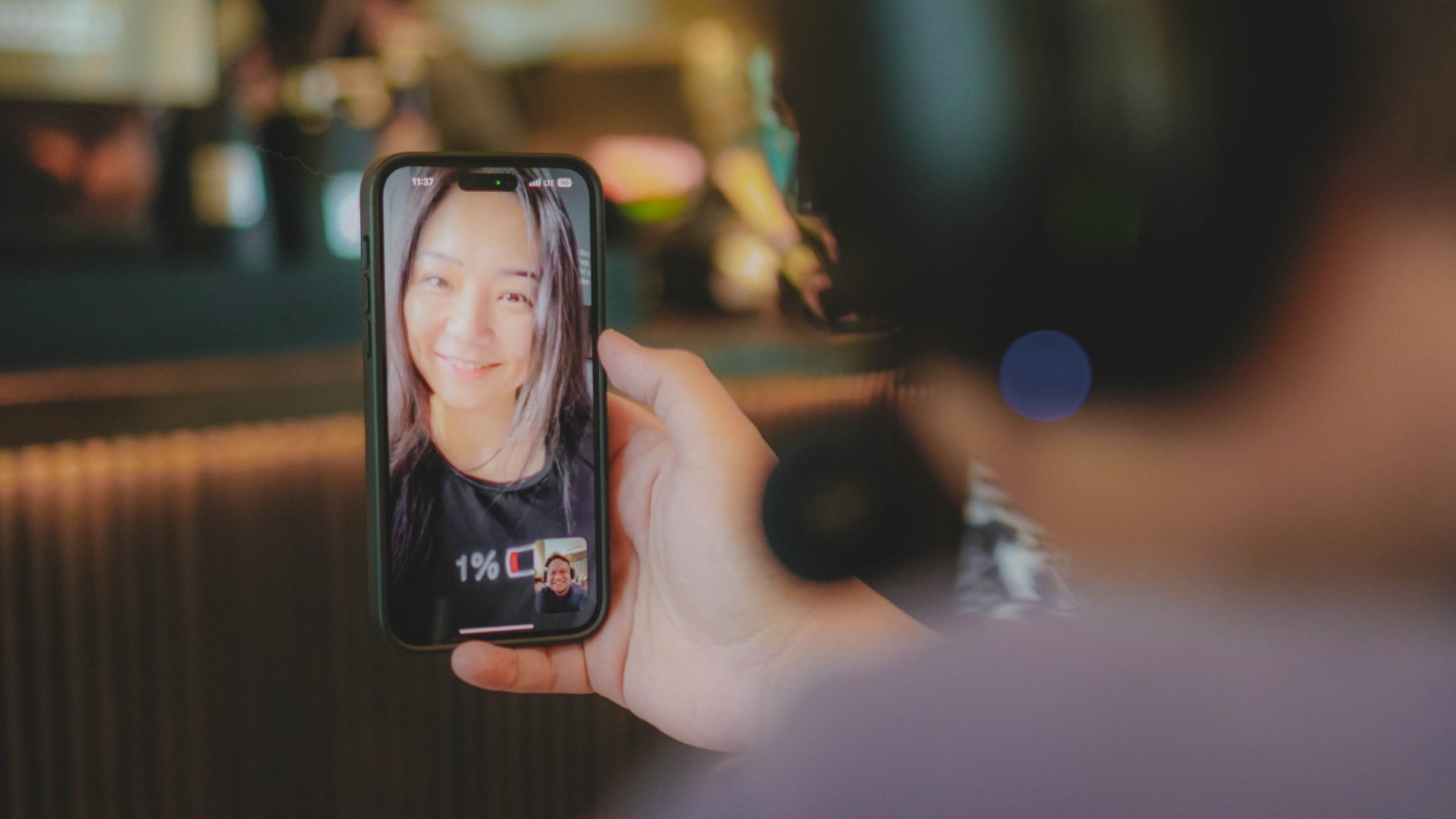
The second call, the headphones were connected to my phone. This time around, I was told I sounded clear.
Lastly, the third call was connected to the Windows laptop with me switching among the different voice equalizers. And the general feedback are:
- Default — Is loud but does sound a little muffled
- Mic Boost — Likely the best at every call scenario. Boosts the voice and overall clarity.
- Broadcast — Sounds almost like Mic Boost but less loud and more clear.
- Conference — Sounds literally like being on one of those conference phones in corporate offices. Skip this one.
Since then, I’ve had the mic on Mic Boost. Personally, I feel it works best in most settings.
Let’s get physical
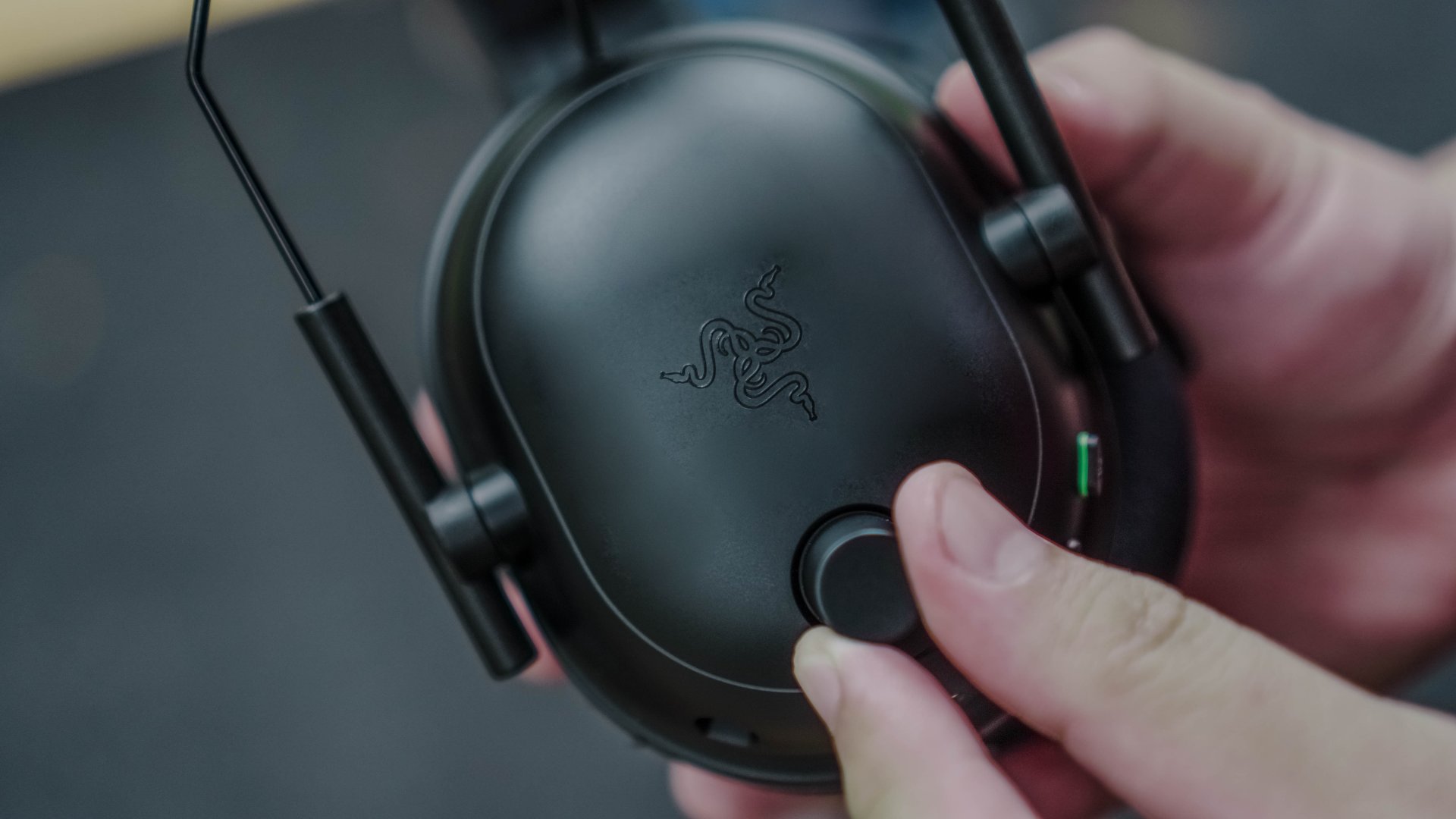
I am absolutely in love with all the physical buttons on the BlackShark V2 Pro (2023). My personal favorite is the volume knob. It’s easy to grab and turn for instant volume control. It rotates fully and just beeps if you’re at the lowest or highest volume option.
It’s such a welcome change coming from headphones and TWS earphones that are purely touch controls that can be hit or miss. In some cases, the TWS ones don’t even have volume control at all.
It isn’t the best looking since it sticks out like a sore thumb. But functionally, I am absolutely in love with it. I need better volume controls in other headphones now.

The power button sits on the left cup and is hard enough to press that you won’t mistake it for the mute button sitting right above it. That one’s a lot more tactile, making it easy to toggle between mute and unmute.
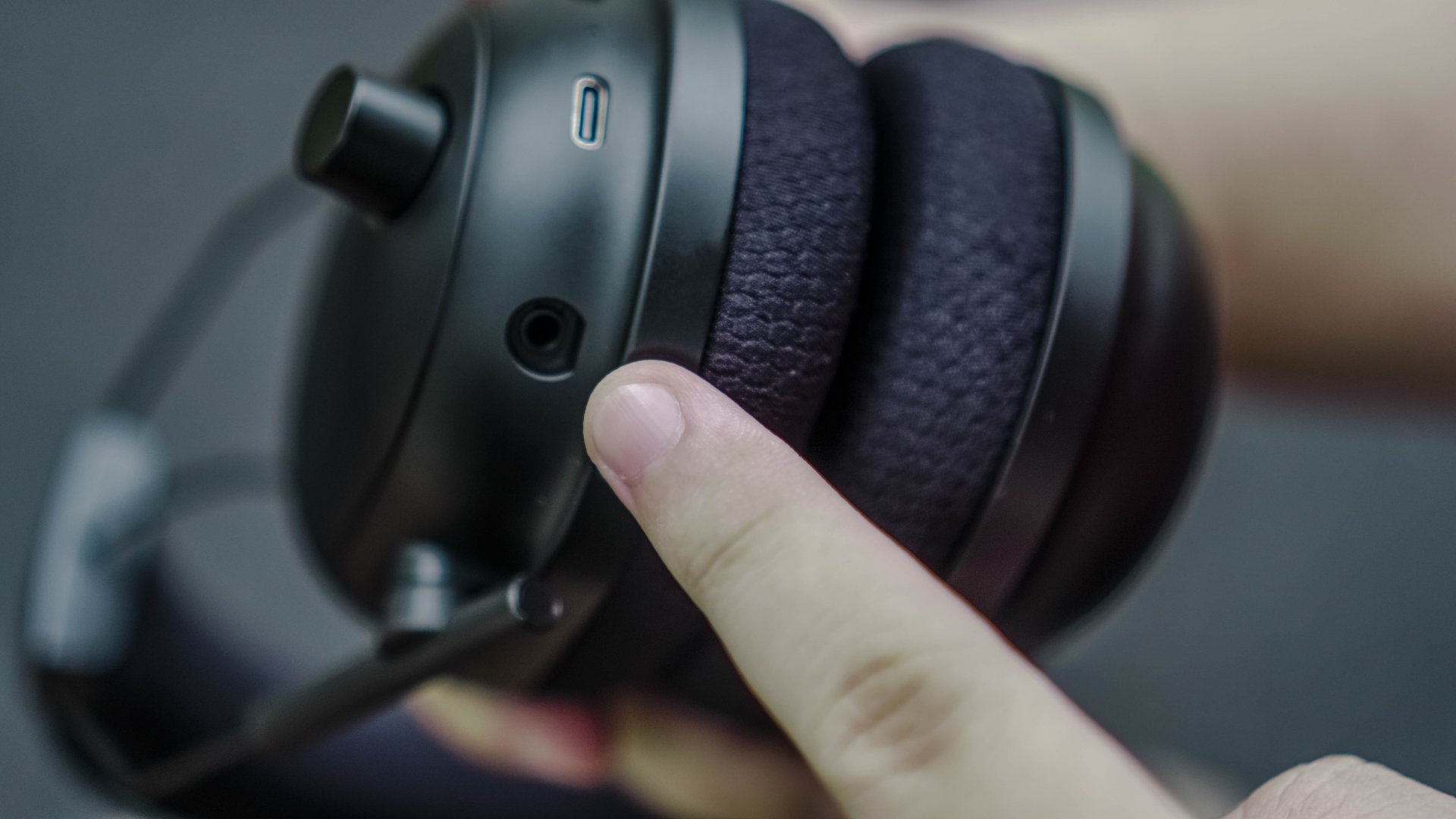
Still on the left cup, you’ll find the slot for the mic. It looks like a 3.5mm jack, but I had trouble using it with my desktop mic. If you’re hoping on quick calls, just use the included mic to make sure. And as you can see, alongside it is the USB-C port.
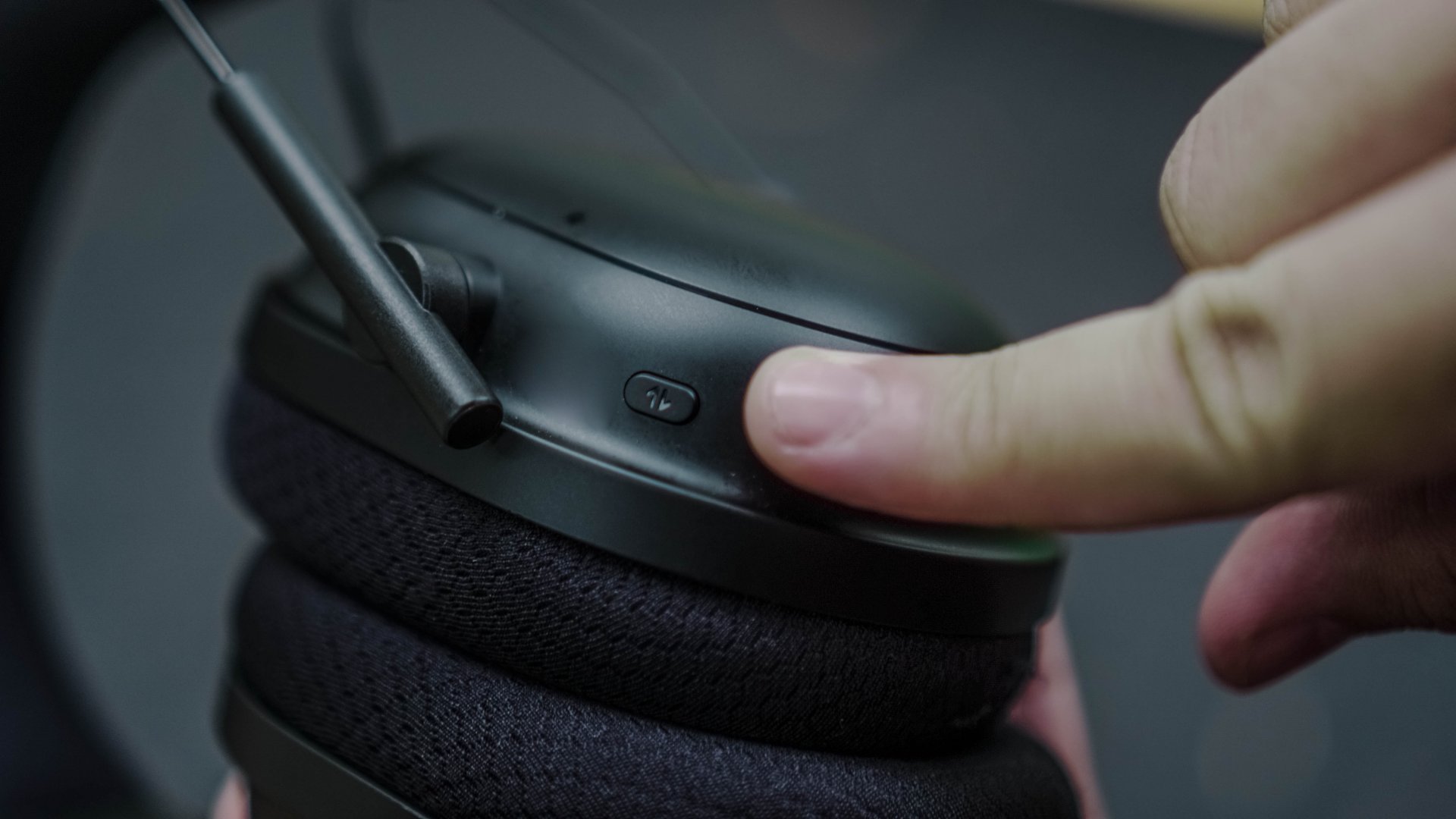
On the right cup, you’ll find the Audio profiles switcher. By default, you have the general selection. Hold it down and when you hear a beep, you’ll switch over to the eSports profiles.
Stay on longer

In my one week with the Razer BlackShark V2 Pro (2023). I only ever charged it once. And that’s from zero all the way to 100% too. I couldn’t take note of the charging time but I’m pretty sure I had plugged in for at least about an hour.
But going back to charging it only once, that’s with using it for about 4-5 hours daily. This thing lasts long and can more than keep up with you in extended play or listening sessions.
Should non-eSports players get the BlackShark V2 Pro (2023)?
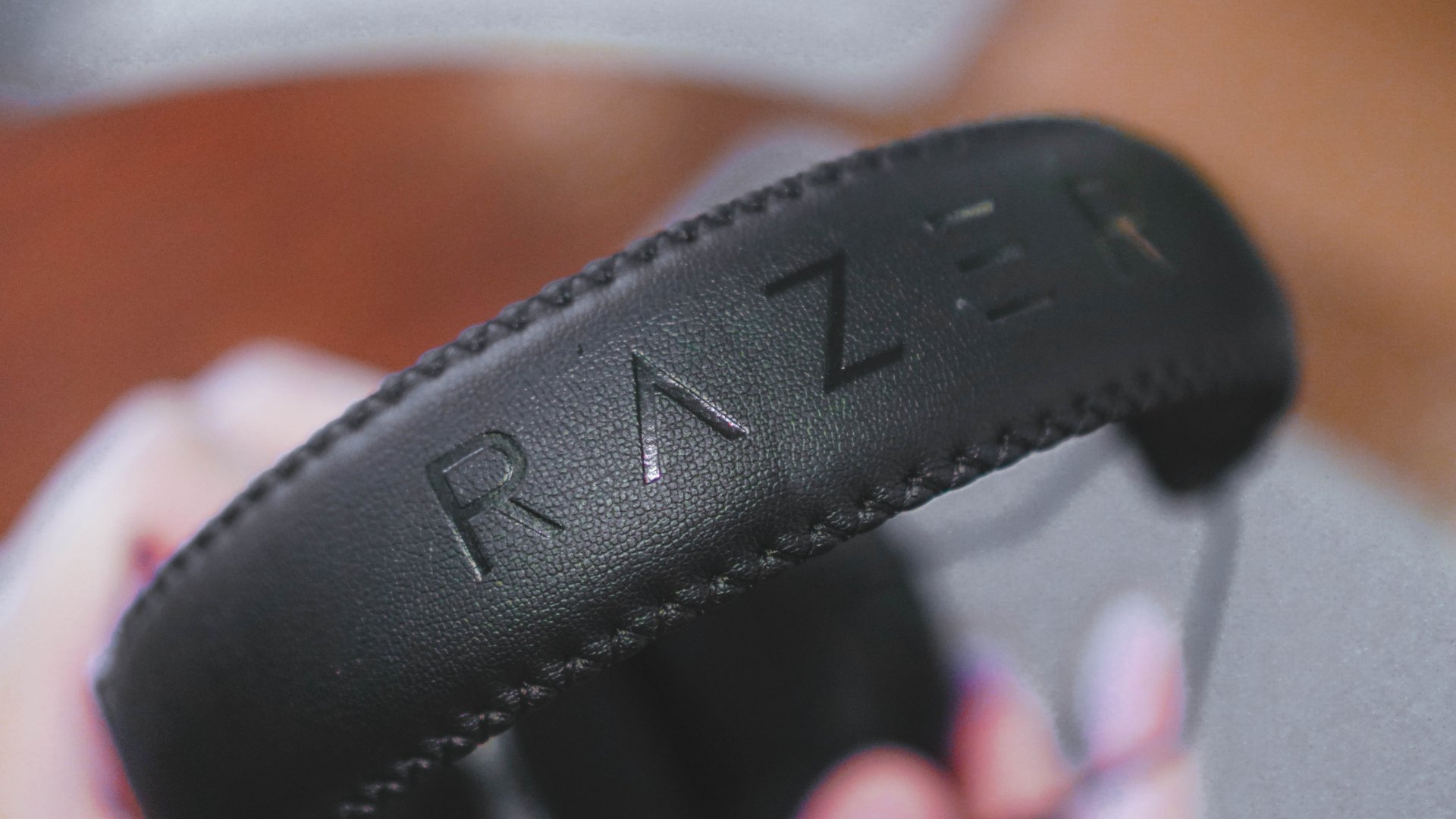
The BlackShark V2 Pro (2023) retails for US$ 199.99 in the US and PhP 13,990 in the Philippines.
If you plan to use these Razer headphones for plenty of gaming – whether on PC, PS5, or even mobile – I think you’re gonna get your money’s worth. It’s lightweight, sounds great, and is made for extended play sessions. That’s true whether you play any of the especially tuned eSports titles or not. The eSports features, to me, function as sort of an icing on top of what is already a delectable cake.
For general lifestyle, music, and movie use. Perhaps you’re better off getting something else. But if it’s gaming along with all the activities I mentioned, this is a fine set of cans to own.





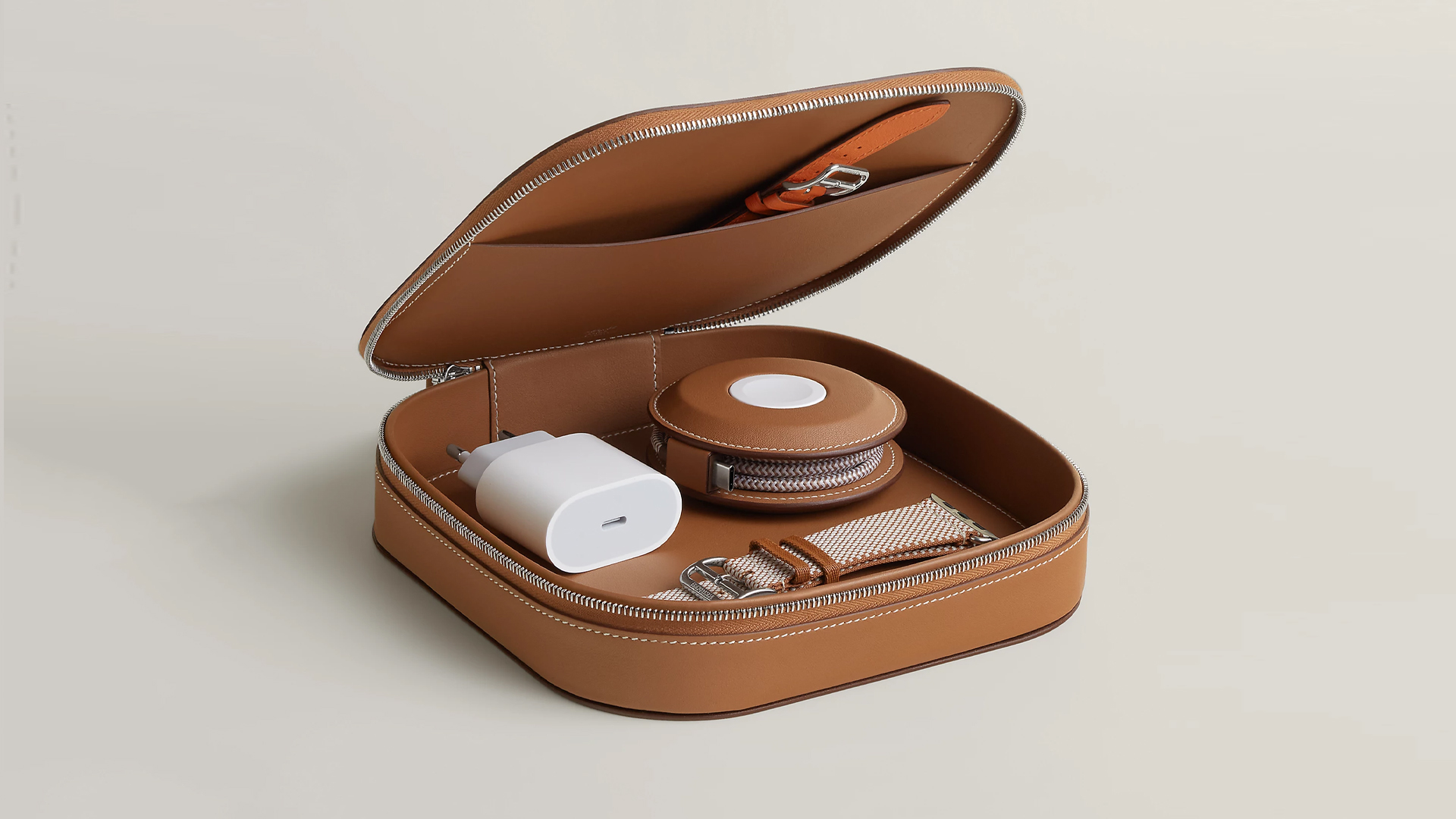
How extra are you as an Apple fan? No matter what you say, you’ll probably never be as extra as someone who buys a US$ 5,000 MagSafe charging case for their iPhone and Apple Watch. Hermès has just launched a series of leather chargers and cases specifically made for Apple fans.
Available now, Hermès has three types of MagSafe chargers for iPhone users. The cheapest one, the Paddock Solo, is a simple leather-bound puck that can charge a single device. The charger also has a braided 3.3ft USB cable. It costs an eye-watering US$ 1,250.
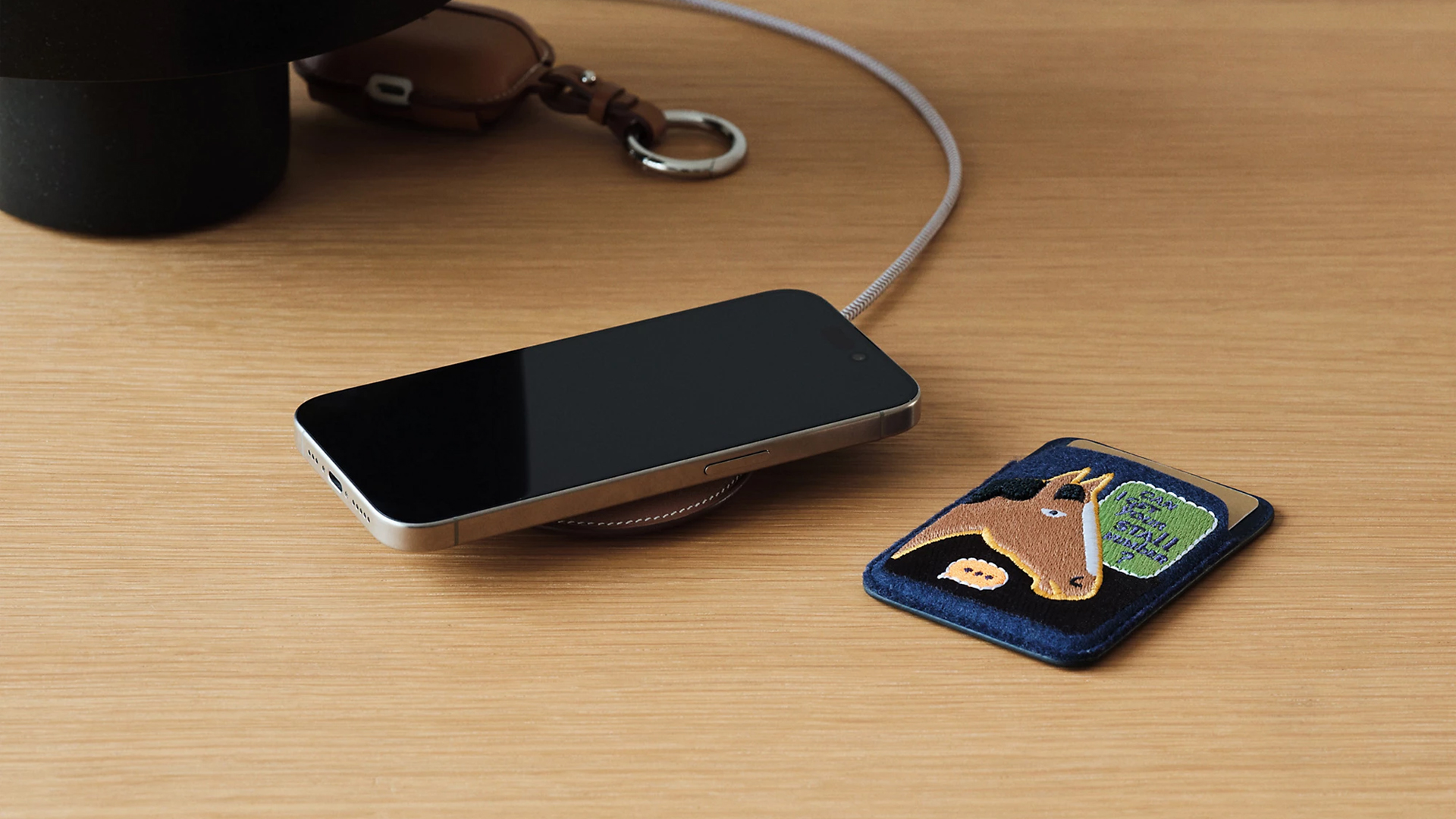
Paddock Solo charger
On the other hand, the Paddock Yoyo charger offers two charging zones for two devices simultaneously. Shaped like a yoyo (hence, the name), it allows users to roll the cable into a convenient stack. It costs US$ 1,750.
Finally, the Paddock Duo is a charging pad that allows for two devices simultaneously. It just doesn’t have a pocket for the cable. It likewise costs US$ 1,750.
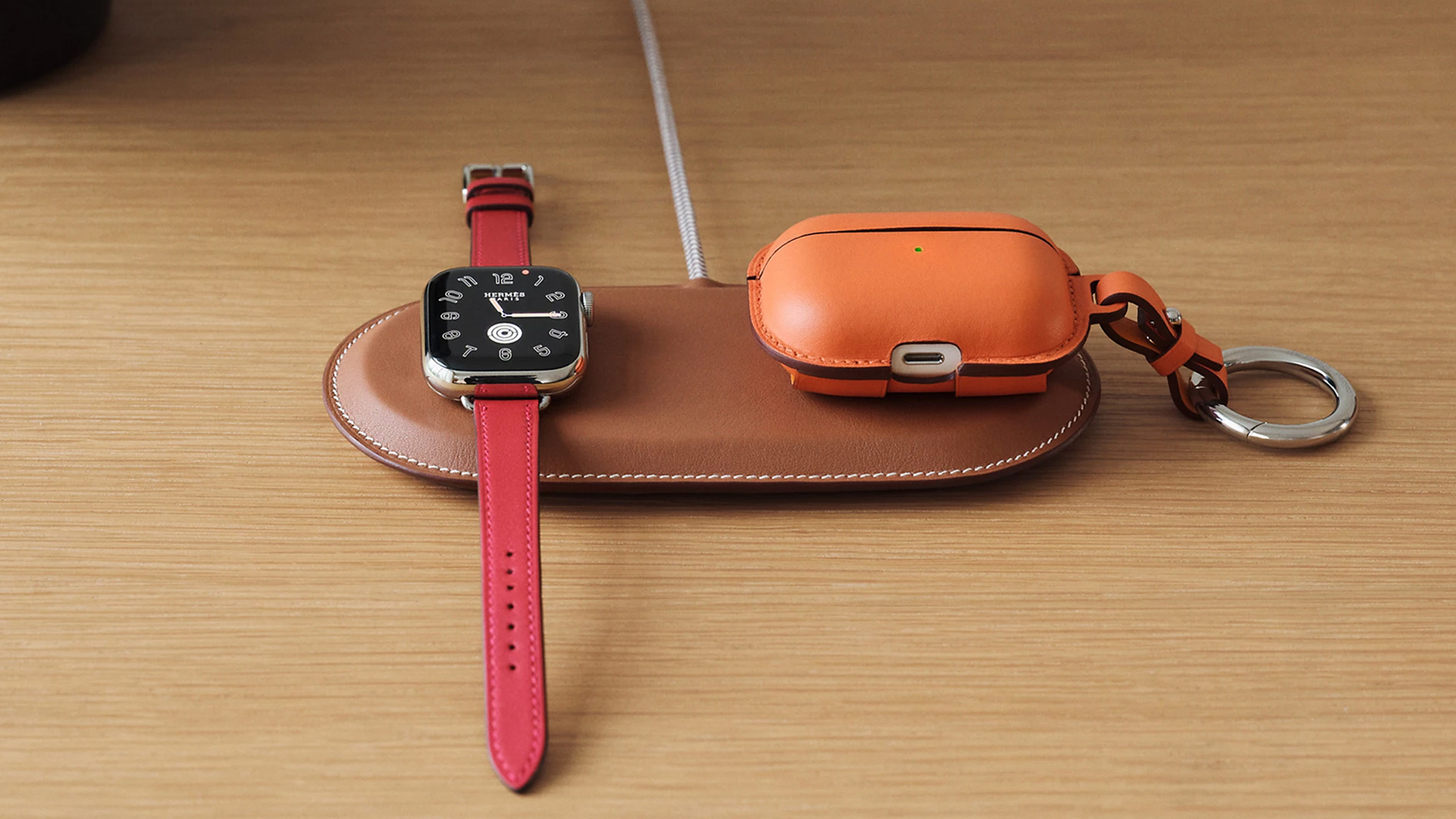
Paddock Duo charger
Now, if you want to upgrade your pricey charging kit even further, Hermès has two cases for them: the Petit Paddock case and the Grand Paddock case.
The Petit Paddock case, as the name suggest, is a snug leather case that fits only the charger (and a brick, if bundled with the Yoyo). The charger and case combo will set you back by US$ 3,725 for the Solo, and US$ 4,225 for either the Duo or the Yoyo.
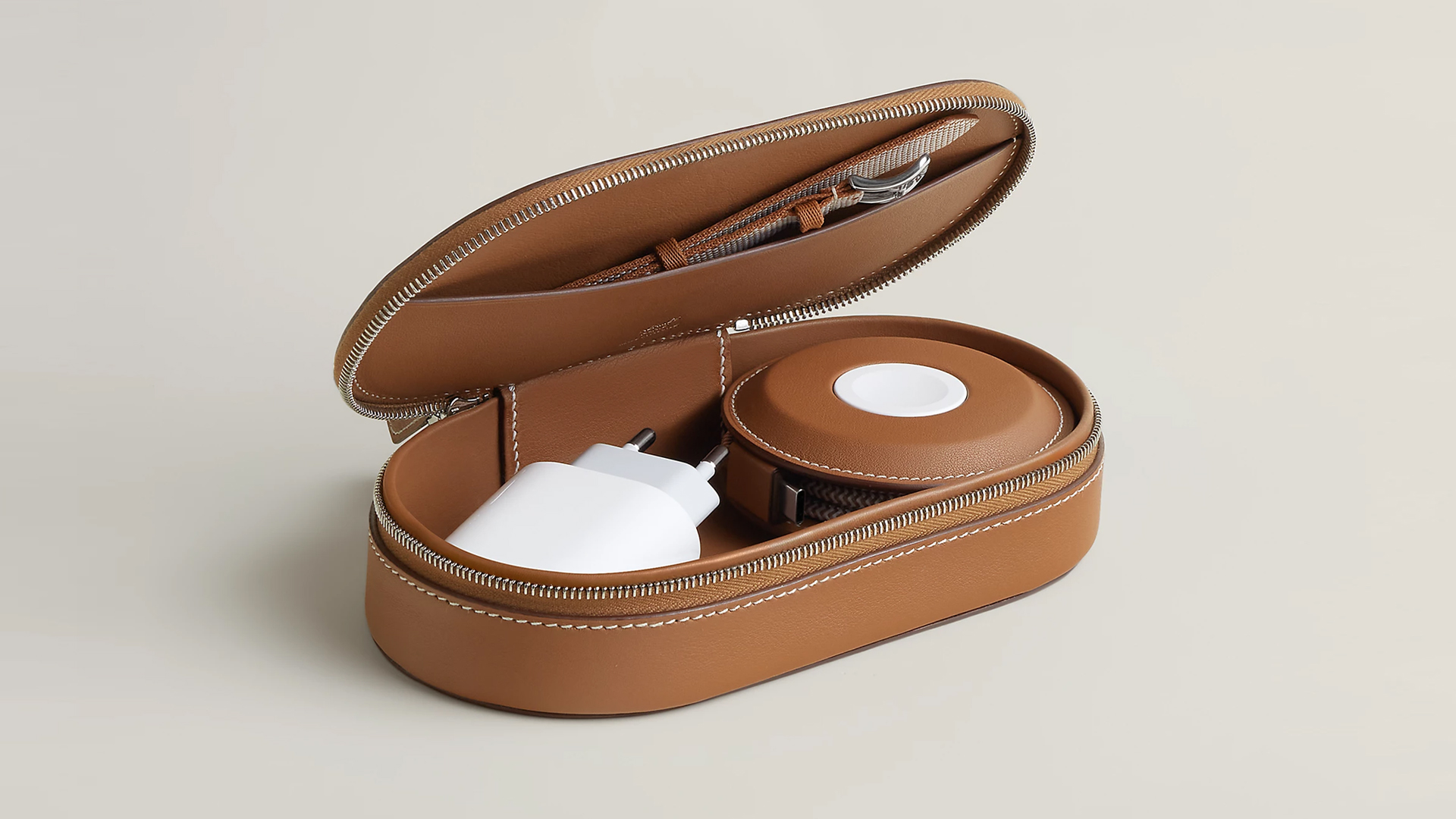
Paddock Yoyo + Petit Paddock
Alternatively, the Grand Paddock can fit much more but also costs a lot more. It costs US$ 4,650 for the Solo, and US$ 5,150 for the Duo or the Yoyo.
Of note, none of these come with a charging brick, so you’ll have to shell out a bit more to maximize the kit.
SEE ALSO: Apple unveils the iPhone 17e
Accessories
Bringing Care-a-Lot to my daily carry
This is why my gizmos and workspace finally feel like a warm hug!

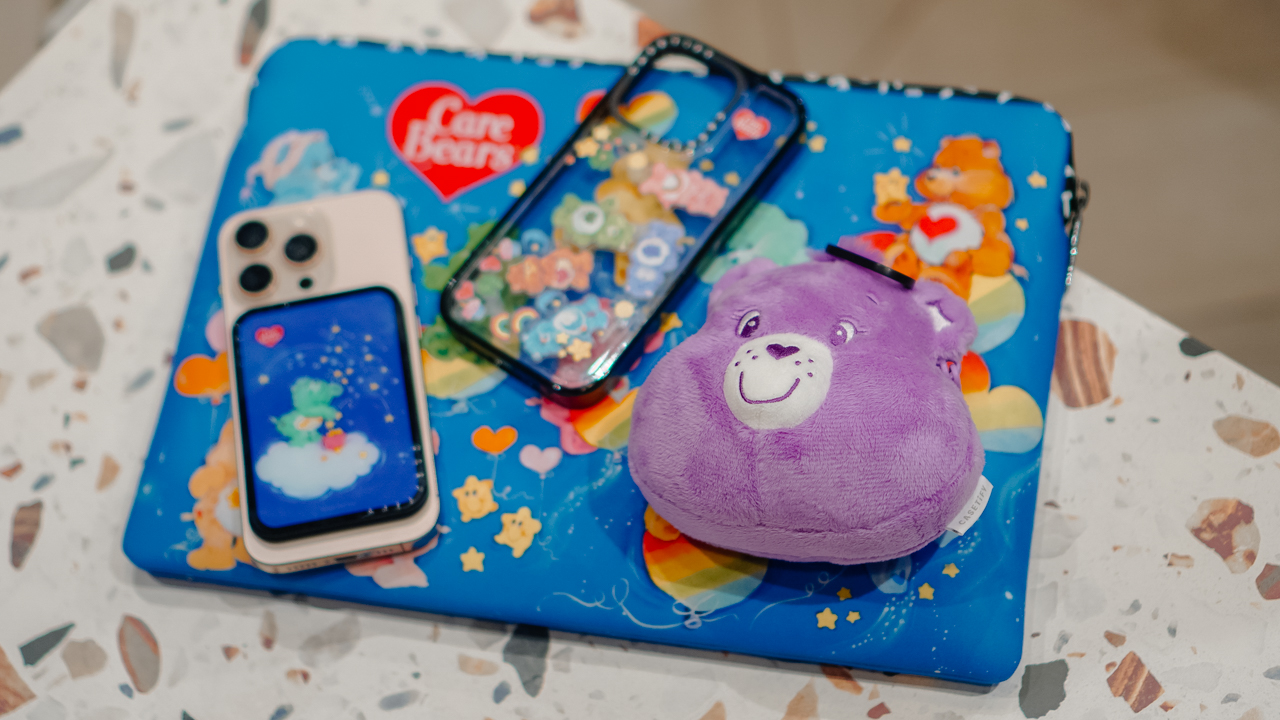
Growing up, the Care Bears taught us that sharing was a superpower and that every emotion had a color.
For many of us, the Care Bears weren’t just characters on a screen; they represented a language of kindness and colorful dreams.
Bringing the CASETiFY x Care Bears collection into my daily rotation feels like carrying a small piece of that “Care-a-Lot” magic wherever I go.
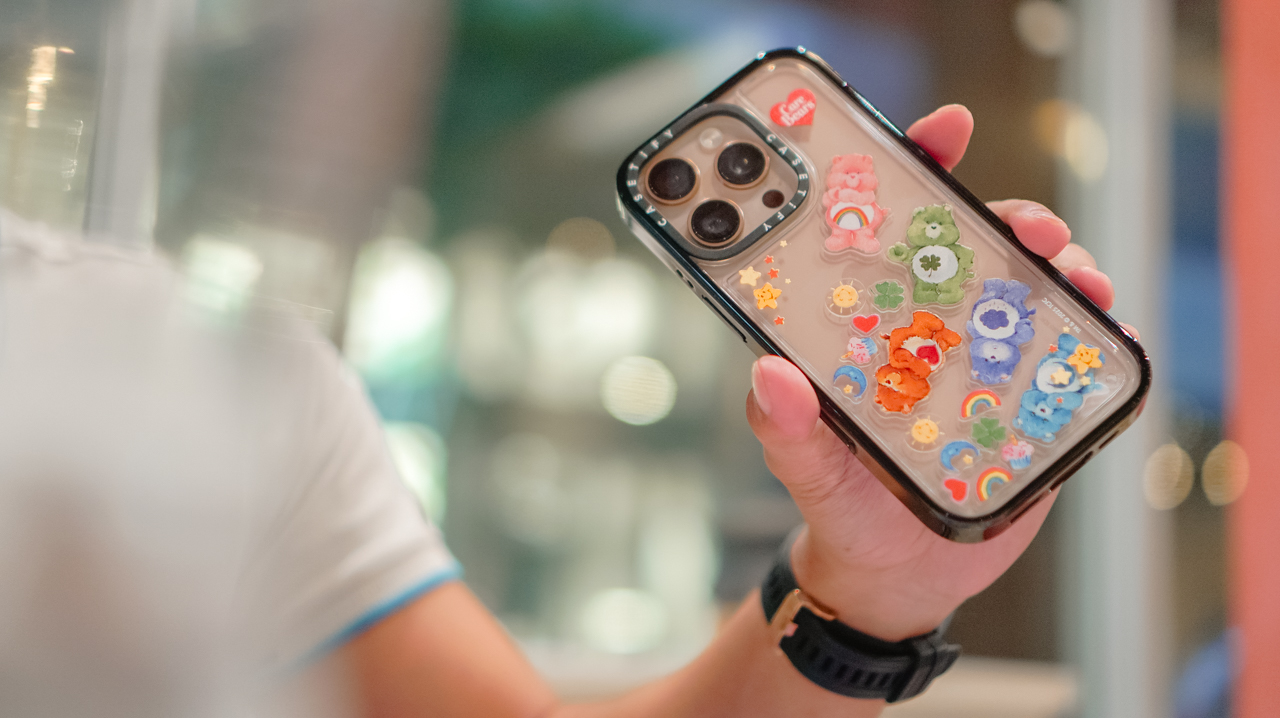
My iPhone 16 Pro now lives in the Care Bears Shake Shake Case (PhP 3,990). It’s a tactile reminder of playfulness in the middle of a busy workday.
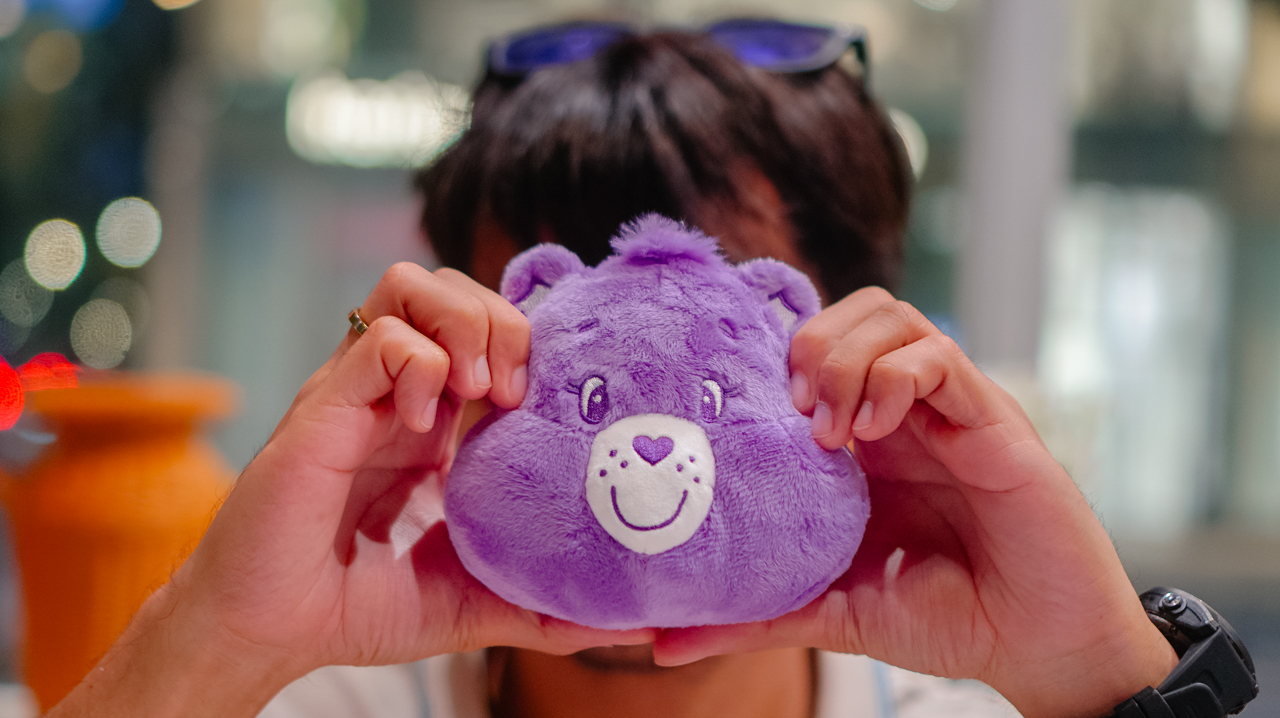
When I’m heading out, the Share Bear Earbuds Pouch (PhP 2,990) clips onto my bag. It keeps my music close while reminding me of the value of sharing. It’s surprisingly versatile, too, fitting my Shokz OpenFit 2+ or even the bulkier case of the JBL Sense Pro.
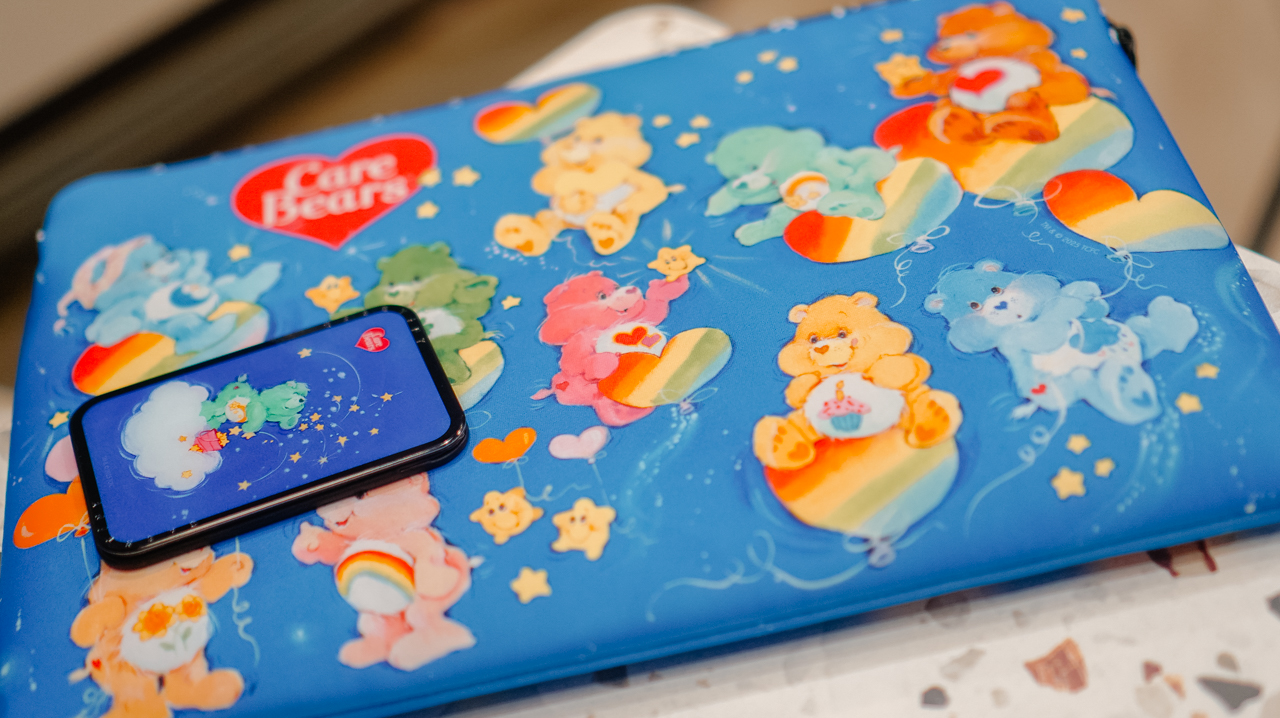
When I switch to a different MagSafe case, the Starry Night Snappy Cardholder Stand (PhP 2,490) magnetically attaches to the back of my phone, adding a bit of celestial whimsy to my day

Even my workspace has a new glow. The Twilight Dreams Laptop Sleeve (PhP 3,090) fits my 13-inch MacBook perfectly, wrapping my most important work tool in nostalgic, soft-toned illustrations.
We often look for tech that performs, but we rarely look for accessories that hugs back. This collection does both.
It turns my everyday essentials into a canvas for positivity, proving that even in a digital world, there’s always room for a little more care.
Accessories
CASETiFY relaunches Evangelion collab for 30th anniversary
Fans can now customize their own NERV-ready cases

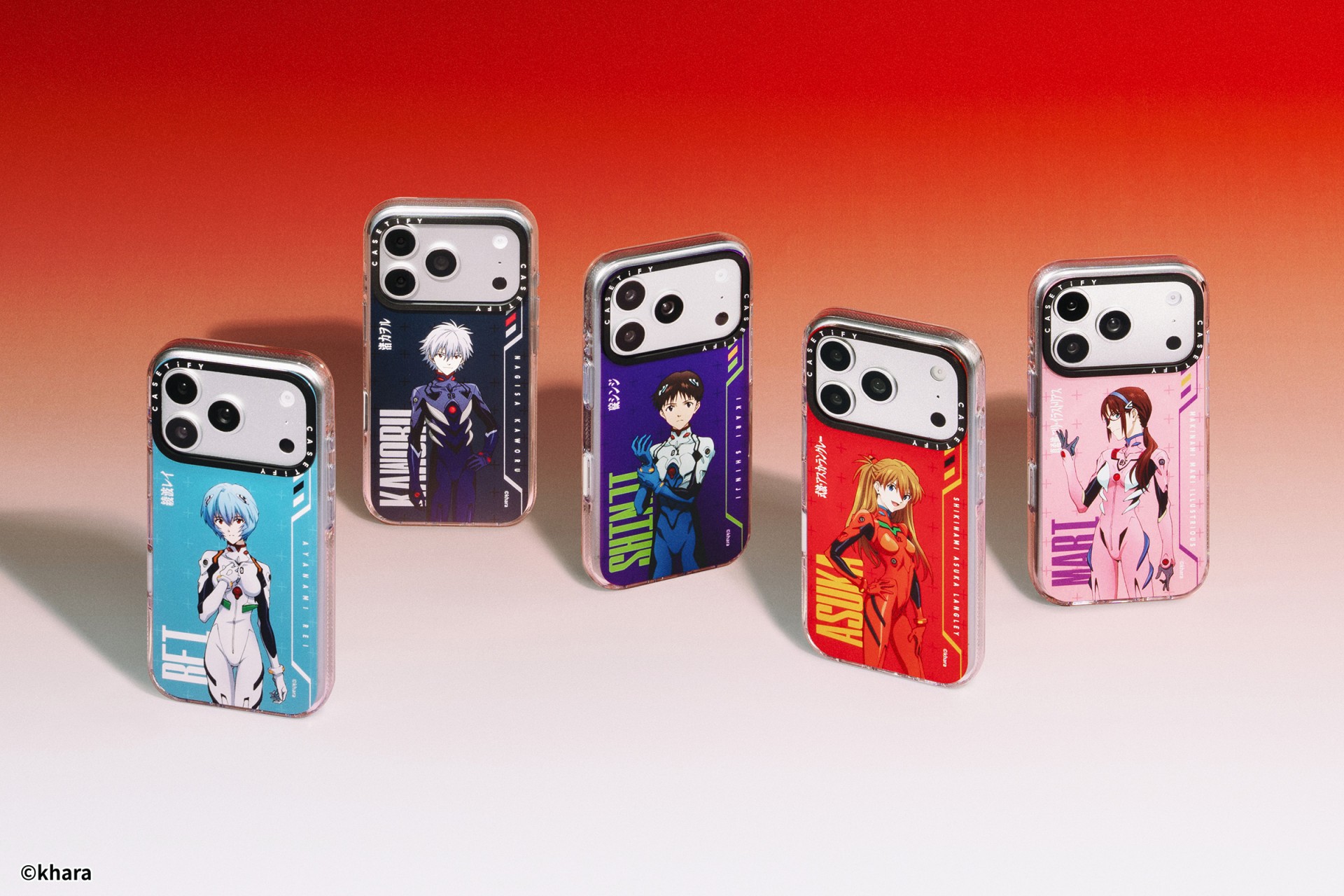
The A.T. Field is activated. To mark 30 years of Neon Genesis Evangelion, CASETiFY has relaunched its highly popular Evangelion collaboration. This time, fans control the sync rate.
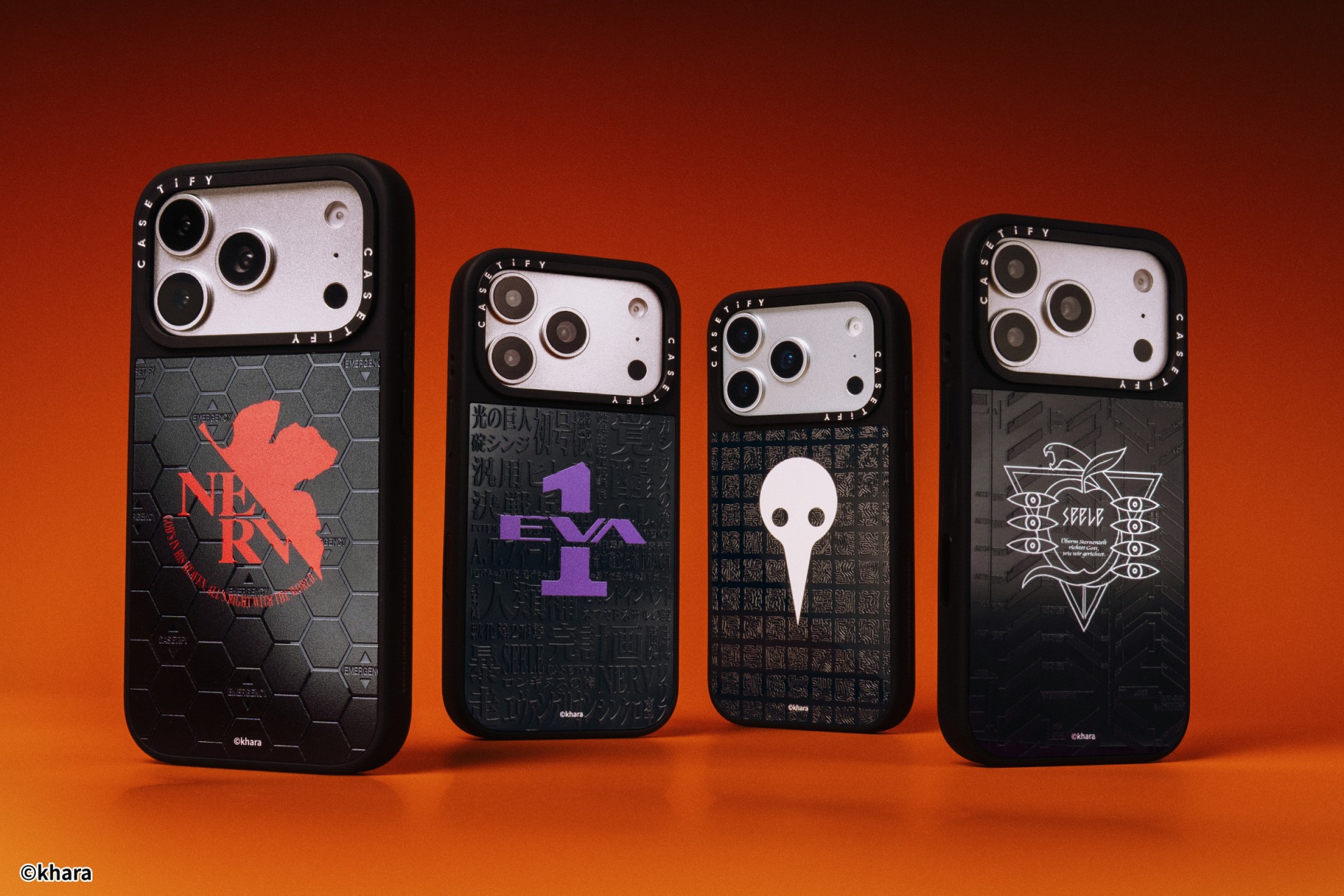
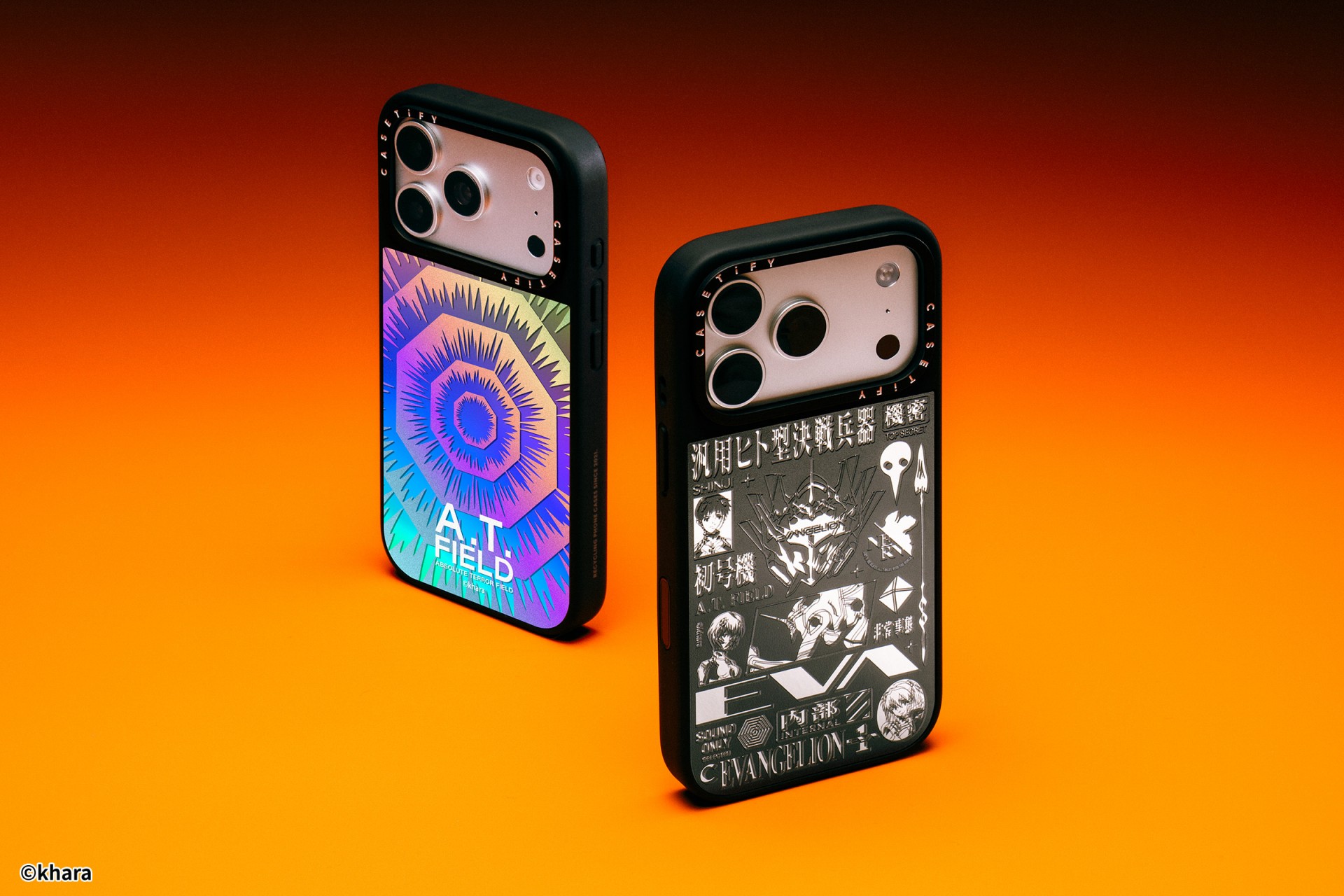
For the first time, buyers can fully customize their Evangelion cases. The drop lets fans mix and match NERV logos, the 4th Angel, character art featuring Shinji Ikari and Rei Ayanami, and bold background graphics. The result is a case that feels like a personal unit build, straight out of the series’ control room.
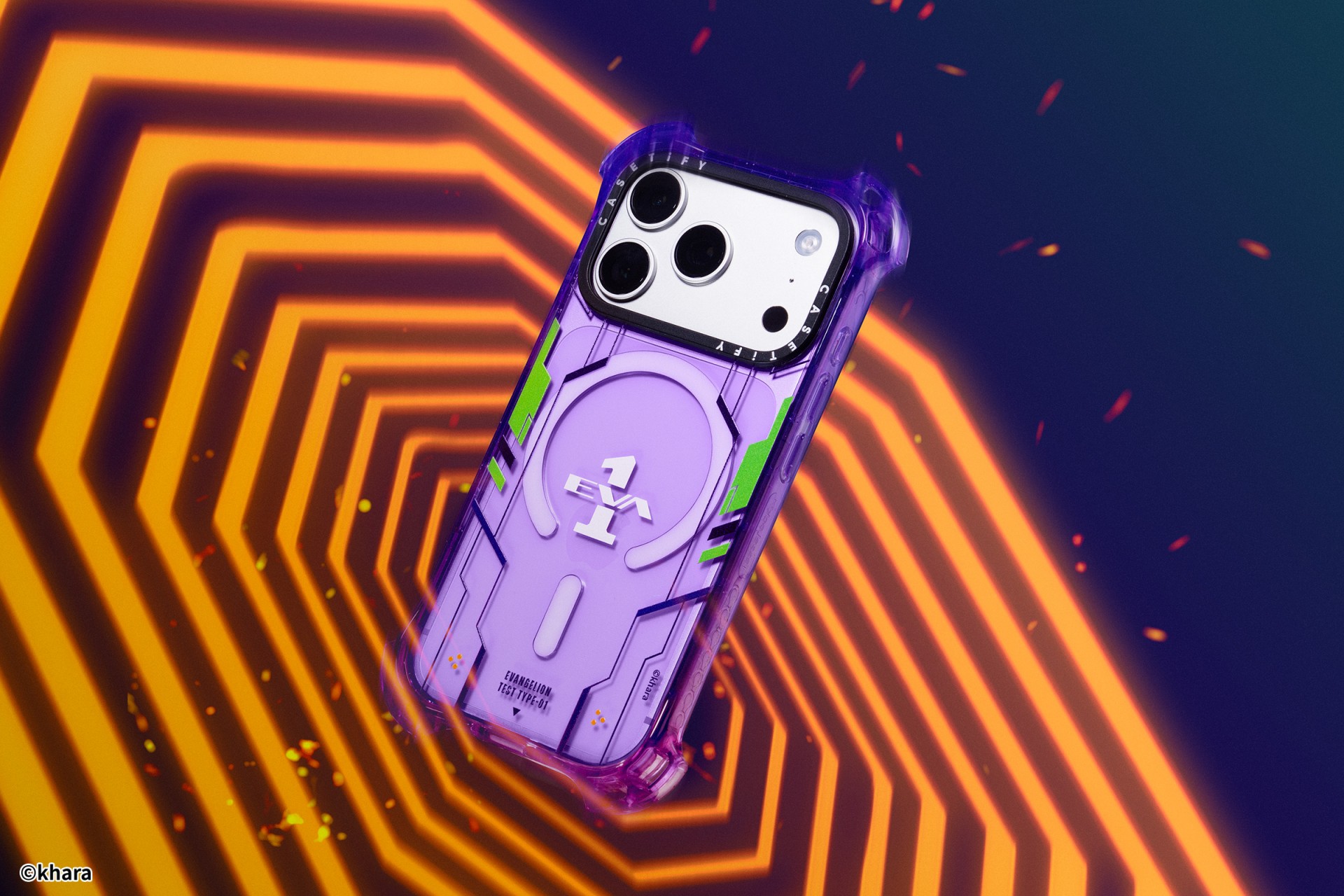
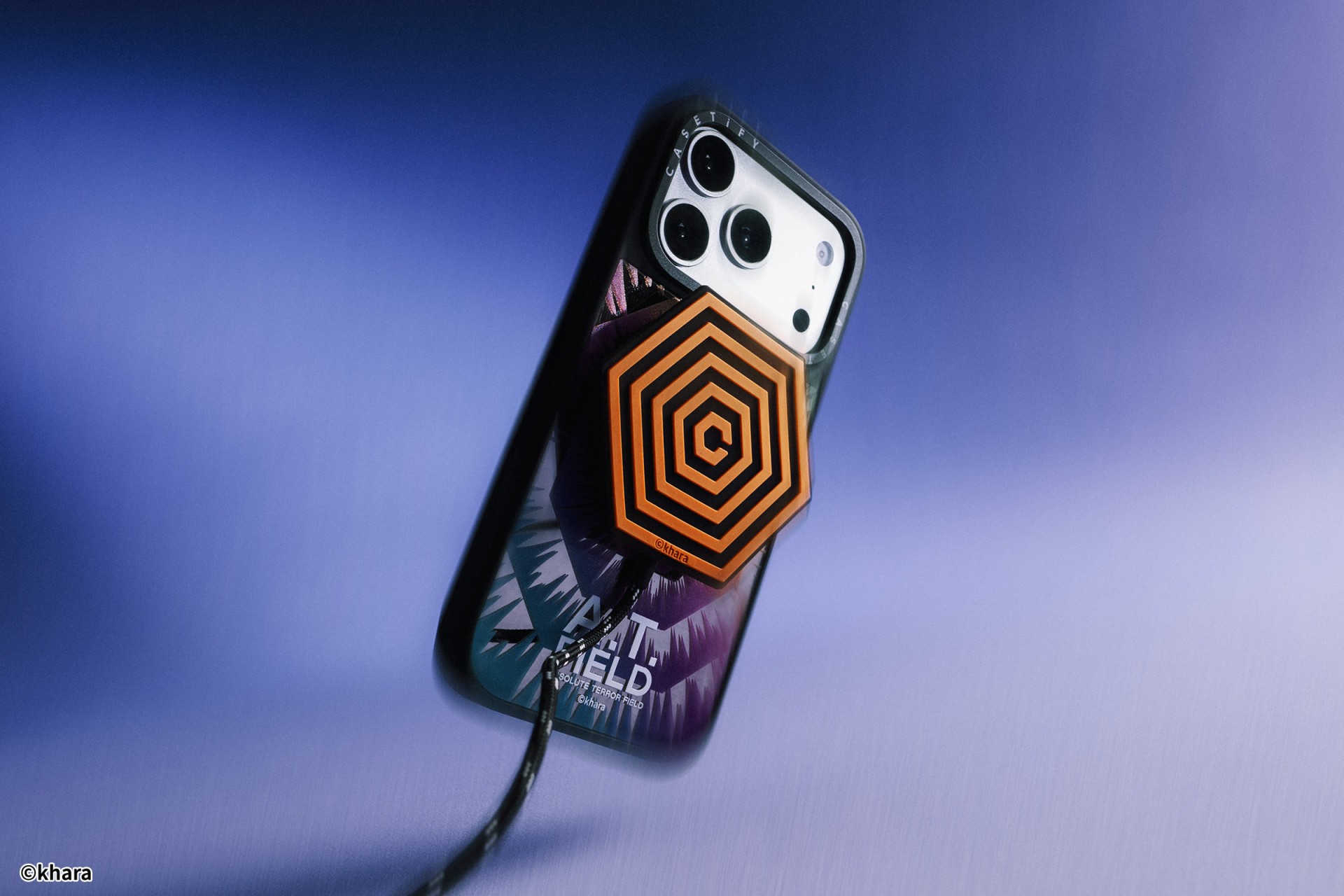
The lineup pulls directly from Evangelion iconography. Designs include classic NERV insignias, holographic “A.T. Field” defense graphics, “Active Time Limit” warnings, and the official 30th Anniversary emblem. Each case uses CASETiFY’s signature impact protection, turning your device into a pocket-sized defensive barrier.
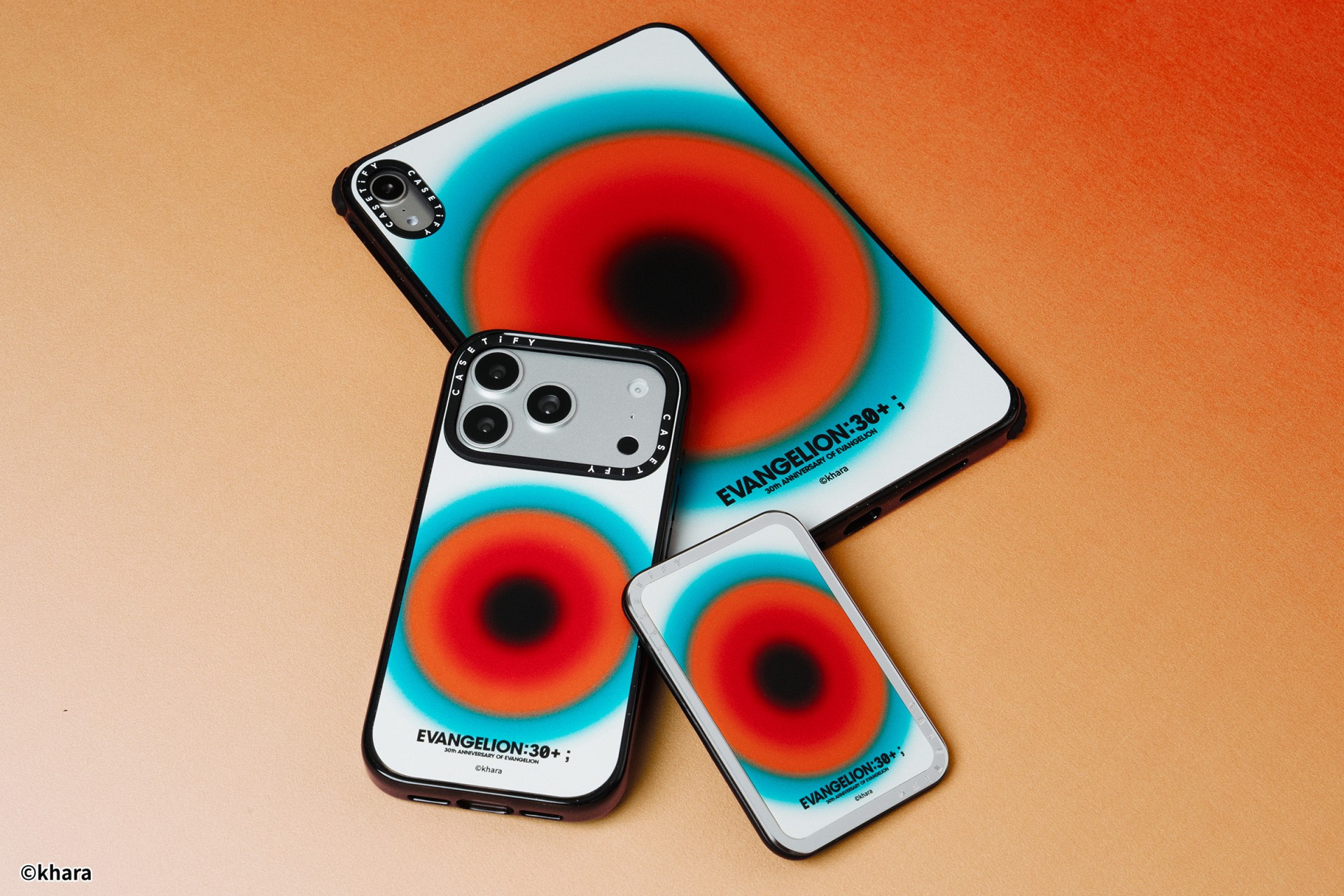
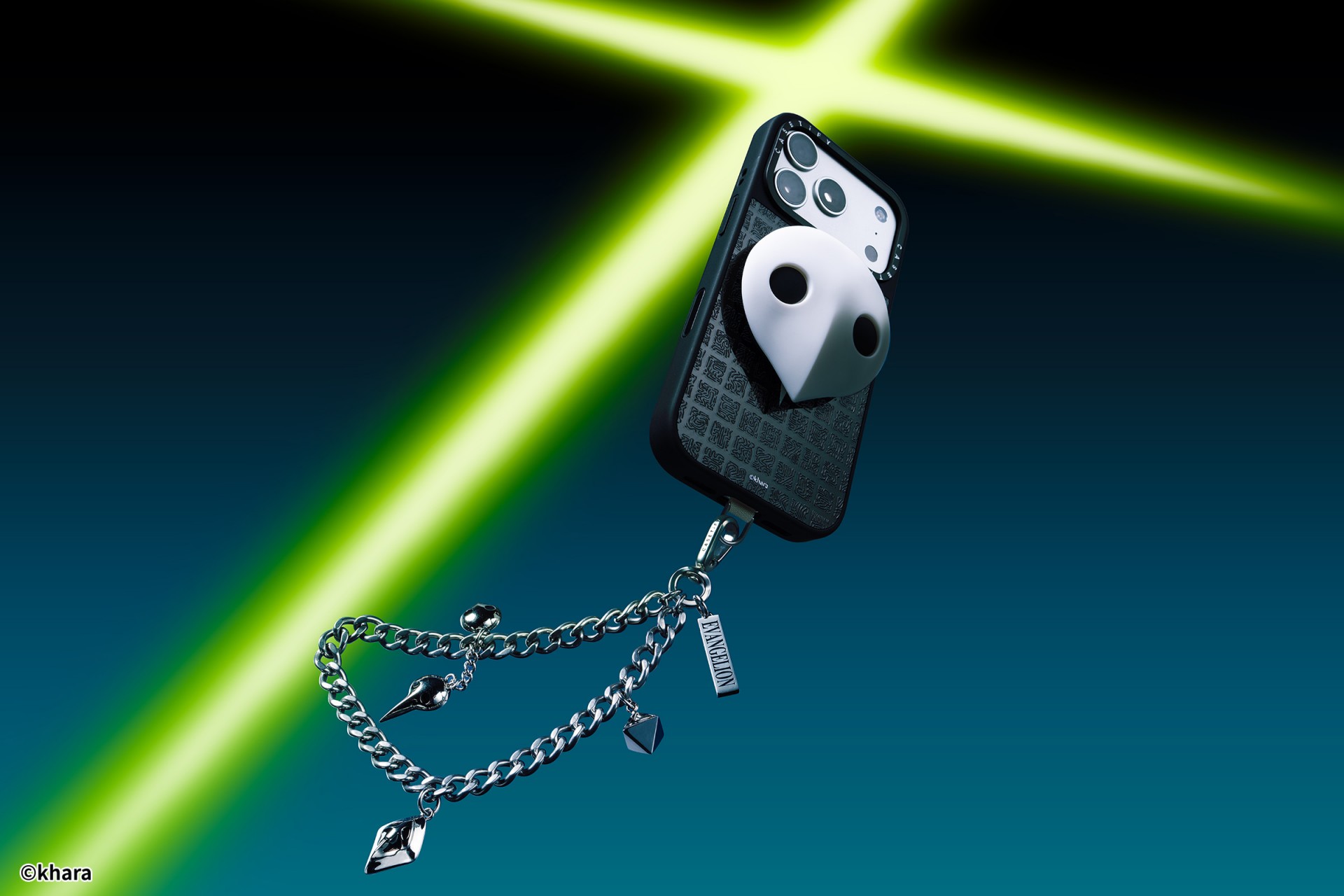
The collection goes beyond phone cases. Fans can also pick up matching AirPods cases, MagSafe wallets, watch bands, and laptop and tablet sleeves to complete their everyday tech setup.
Android users are included in the rollout. The collection supports devices like the newly released Samsung Galaxy S26 series, making it a timely drop for those looking to suit up their latest flagship.
The Evangelion collection is now available via the official CASETiFY website.





Hermès launches a $5,000 MagSafe charger

REDMI Note 15 Series named Presenting Partner for Spartan Race Philippines 2026 season

Stylish, student-friendly HONOR X8d launches

The HONOR X8d is serviceable

Why the OPPO Reno15 5G series is a creator’s essential


-

 Reviews2 weeks ago
The Xiaomi 17 shoots Leica dream
-

 Reviews3 days ago
POCO X8 Pro Max review: A new beast from the far east
-

 News4 days ago
POCO X8 Pro Series: Price, availability in the Philippines
-

 Laptops1 week ago
Apple MacBook Neo Review
-

 Computers2 weeks ago
GIGABYTE collaborates with Capcom for RE Requiem custom PC
-

 Apps1 week ago
Google Maps is finally getting a 3D mode
-

 Entertainment1 week ago
The internet is thirsting over the One Piece Season 2 cast
-
 News2 weeks ago
Globe postpaid opens pre-orders for Samsung Galaxy S26 series