
Gaming
The Razer DeathAdder V4 Pro made me believe in wireless mice

I used to turn my nose up at ultra-light wireless mice. I preferred the heft of a traditional mouse. The tactile sensation of pushing a heavier mouse makes me feel that my efforts are mechanically moving the cursor on the screen. In contrast, a lighter mouse eradicates that connection, making itself invisible. You no longer feel connected to your PC via a mouse; your hand itself becomes the cursor. I needed that connection.
It wasn’t until the Razer DeathAdder V4 Pro that I realized how silly it is to keep that extra weight.

As if nothing was there
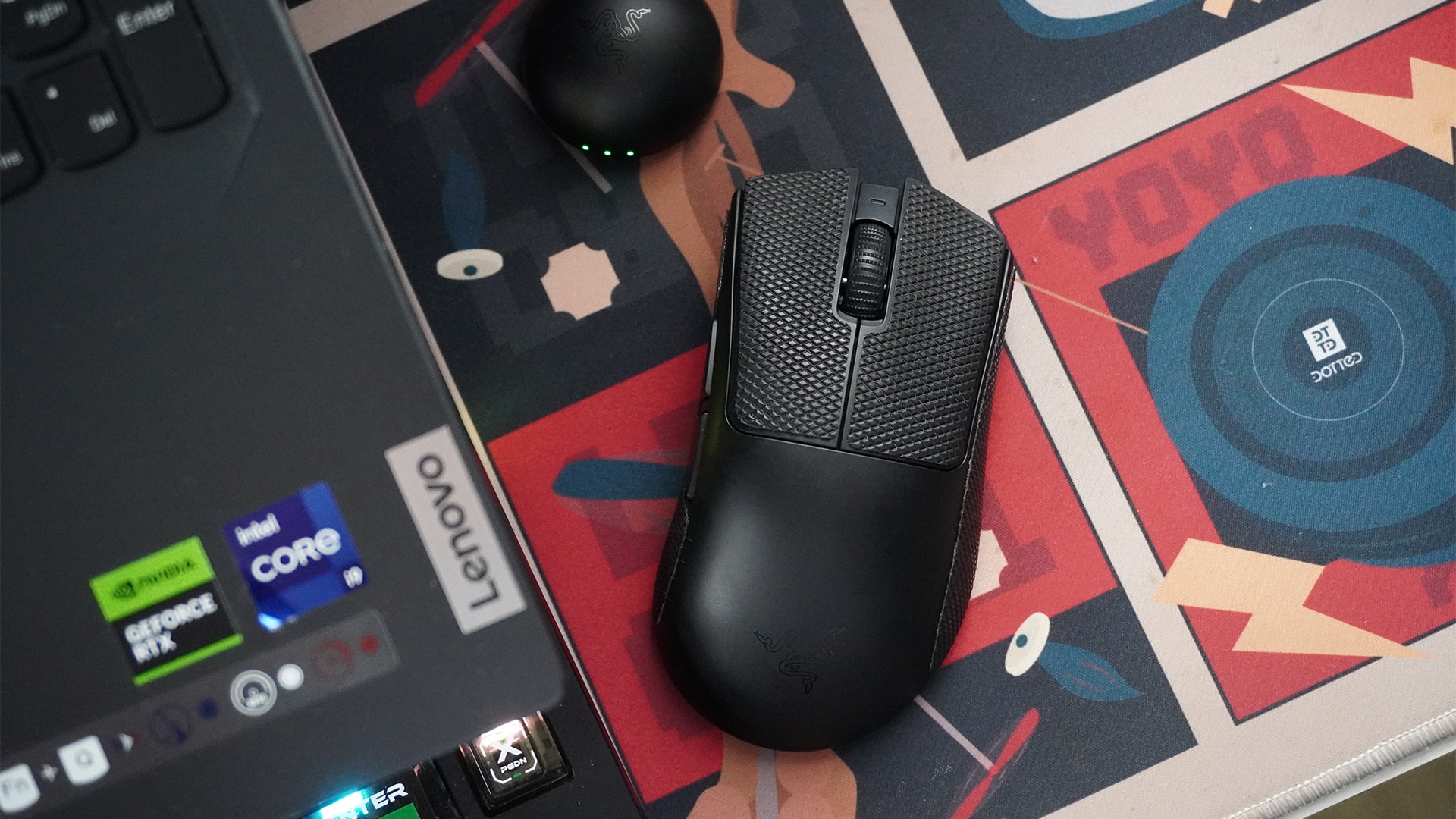
The Razer DeathAdder V4 Pro is built for pro gamers. It’s extremely lightweight and impressively fast through its wireless connection.
To be more accurate, the mouse itself, minus the wire and the dongle, weighs only 56 grams. Coming from a chunkier mouse, my hand just flies through my desk mat. It’s like taking off ankle weights and suddenly feeling the weightlessness of a run.
Despite the reduced resistance, I never felt disconnected from the cursor on the screen. The mouse has a maximum polling rate of 8,000Hz. Personally, I didn’t go beyond the default 1,000Hz much. It’s more than enough for casual to slightly more competitive gaming. And in any case, the higher settings are just there for those rare times I want to dabble in more intense games.
Immediately, the DeathAdder V4 Pro’s weight and polling rate were enough to melt my worries over ultra-light and wireless mice.
A simple, no-frills layout
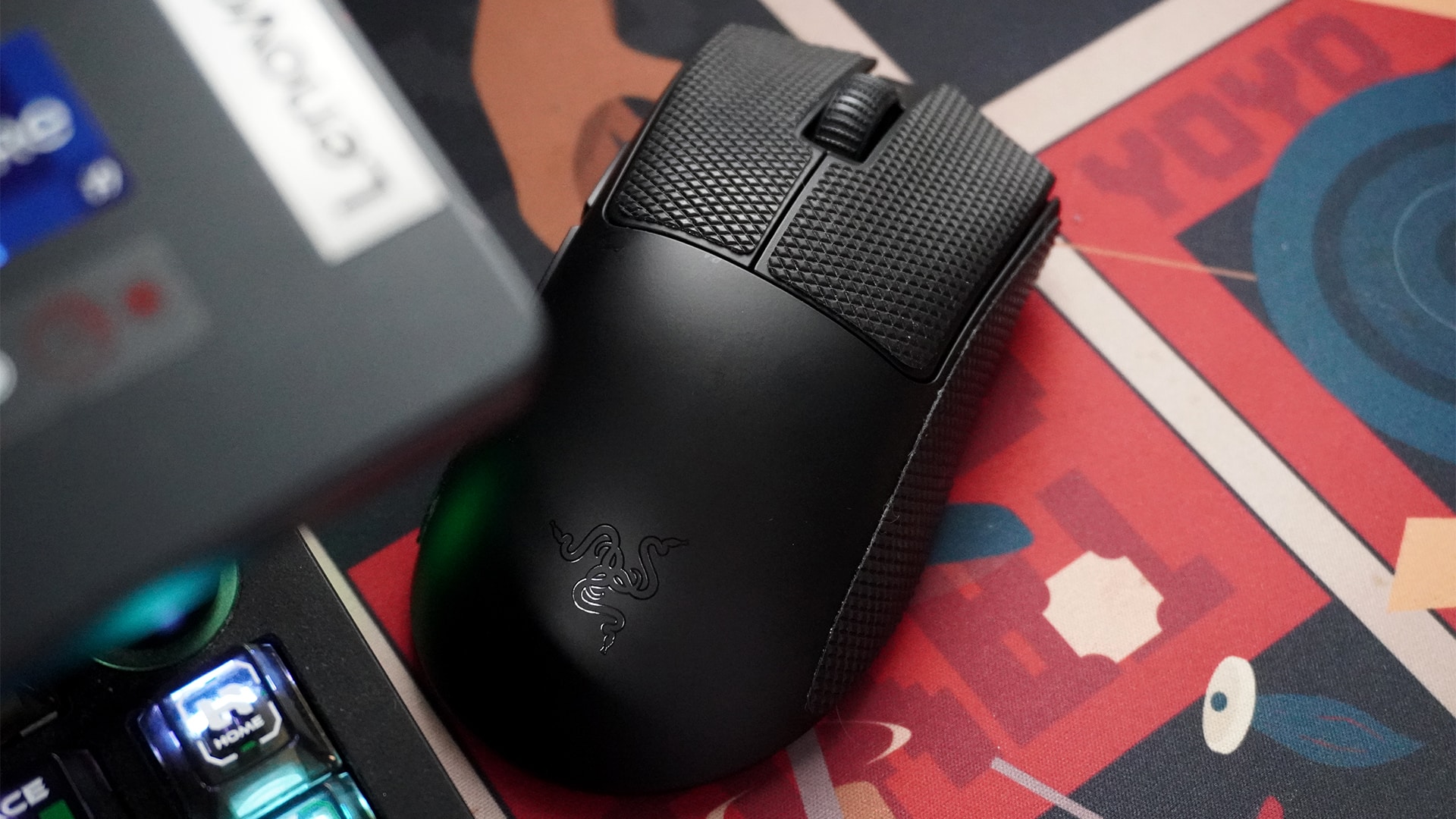
As a competitive mouse, the DeathAdder V4 Pro sheds off any extemporaneous buttons that some gaming mice have.
For input, the mouse has the two traditional left-and-right mouse buttons, a scroll wheel and middle mouse button, and two extra buttons near the thumb. For non-gaming purposes, the two extra buttons can act as the back and next buttons.
Right near the bottom’s optical sensor, you can find a button that doubles for turning the mouse off and changing the sensitivity. I adore this layout. My previous mouse had its DPI button near my grip, leading to a lot of accidental presses. Now, I understand that the layout might favor some types of games, but it just wasn’t it for me. The DeathAdder V4 Pro keeps it out of sight and out of mind.
A remarkably useful app
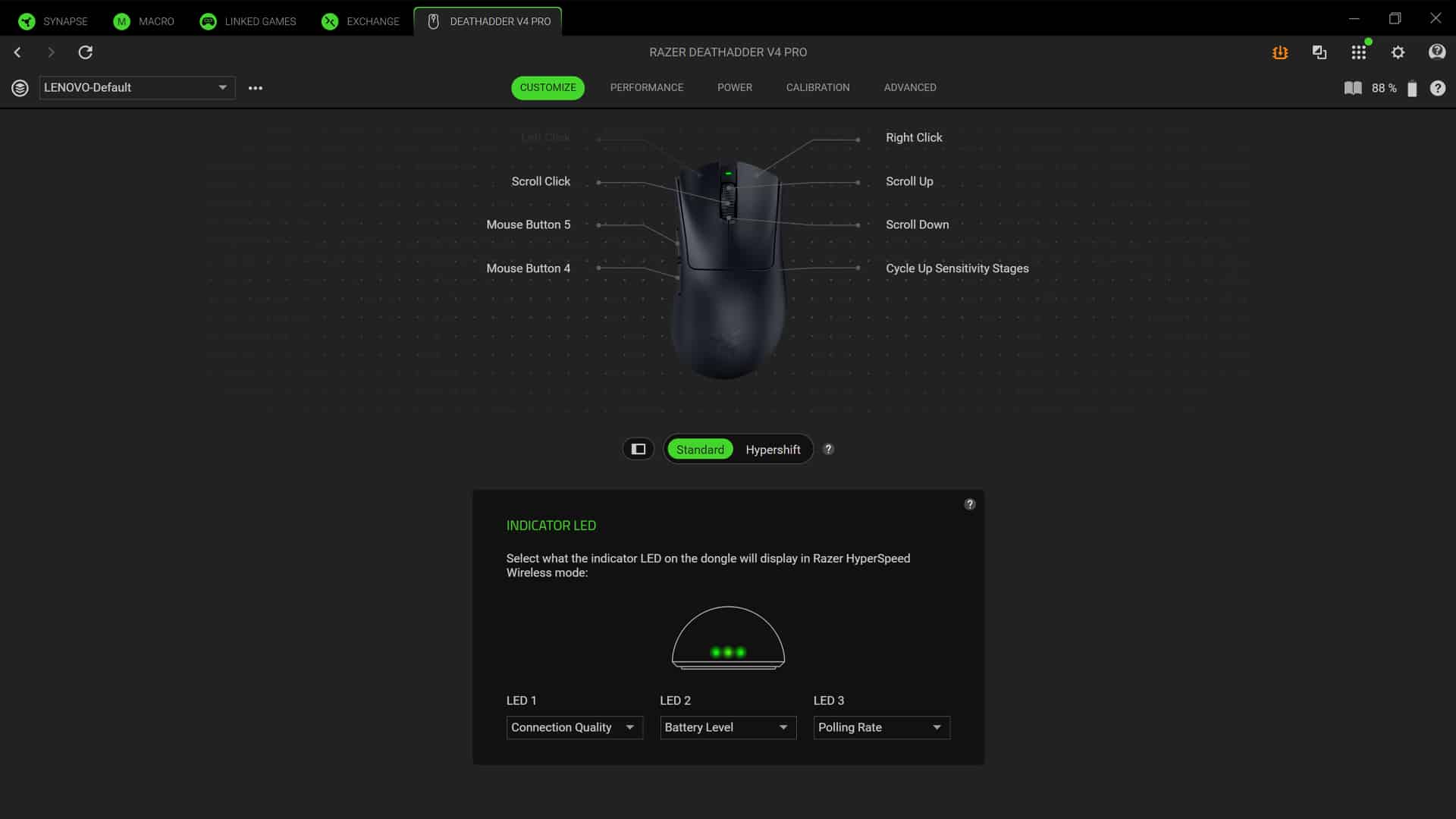
Initially, I bristled at needing another seemingly unnecessary for a new peripheral. However, the Razer Synapse app is surprisingly useful.
It’s remarkably good with fine-tuning. In the traditional DPI settings, you can adjust all the way down to the last digit. It’s all about making the experience as tailored to your tastes as is possible.
Besides the sensitivity, the app also has settings for mouse mat surface calibration for when you lift the mouse off the mat. It also has dynamic sensitivity and rotation calibration to tailor mouse movement based on what angle you hold the mouse with.
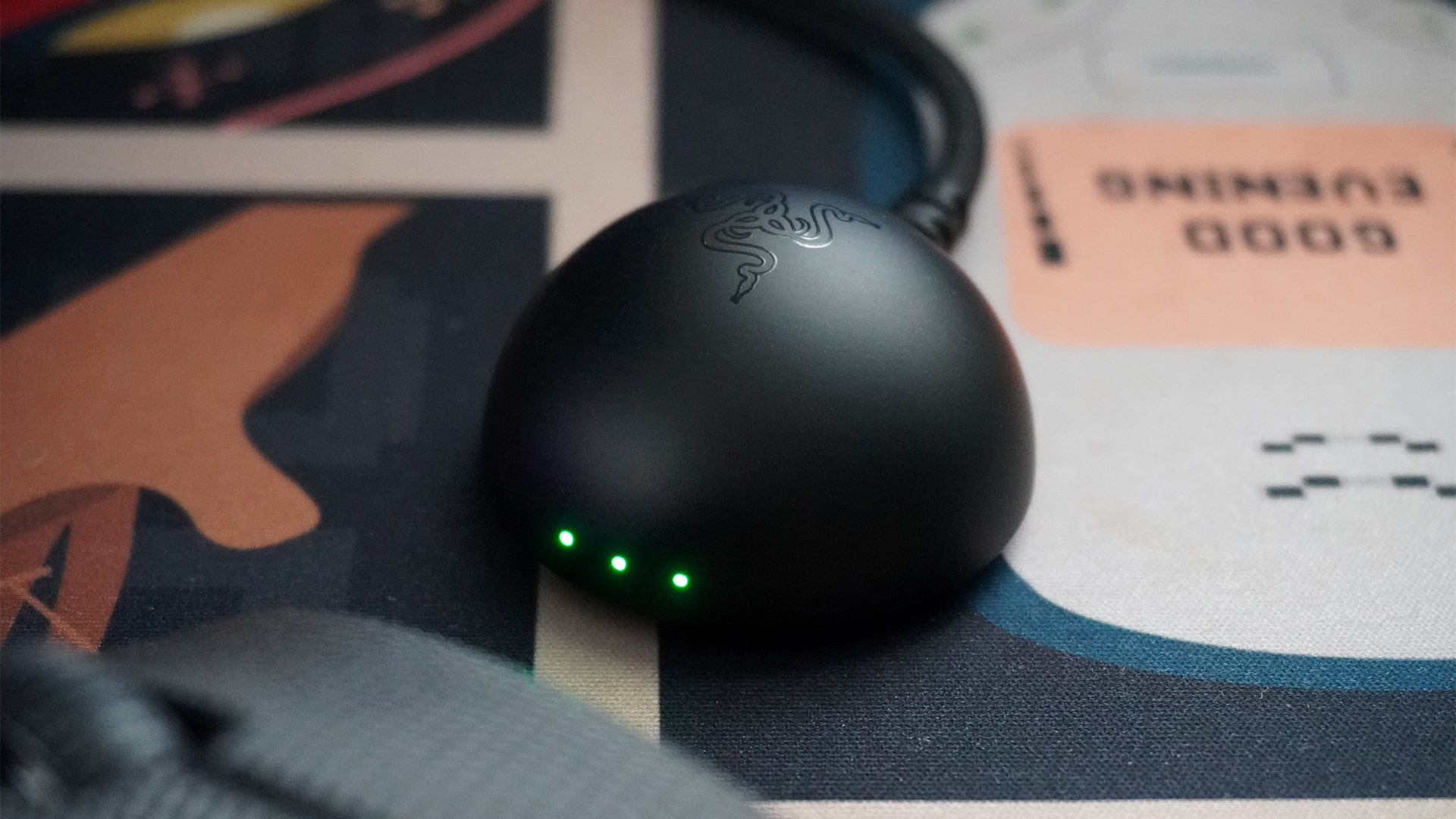
Even the dongle is useful
Traditionally, a mouse dongle is just to ensure that the mouse is well connected to the PC. The DeathAdder V4 Pro’s dongle is more useful. For one, it uses the same USB-A to USB-C wire to charge the mouse, so you don’t need to take off the wire every single time.
Secondly, it has three LED lights for three customizable displays. By default, it shows connection quality, battery level, and polling rate. You can rearrange these three, take out one to add DPI stage, or turn them off altogether. To me, these displays are very useful. They even use multiple colors and shades, so it’s not just red, orange, and green to show the battery, for example.
Most importantly, it’s small enough to keep out of the way. Since the wire is long, you can just hide the entire thing.
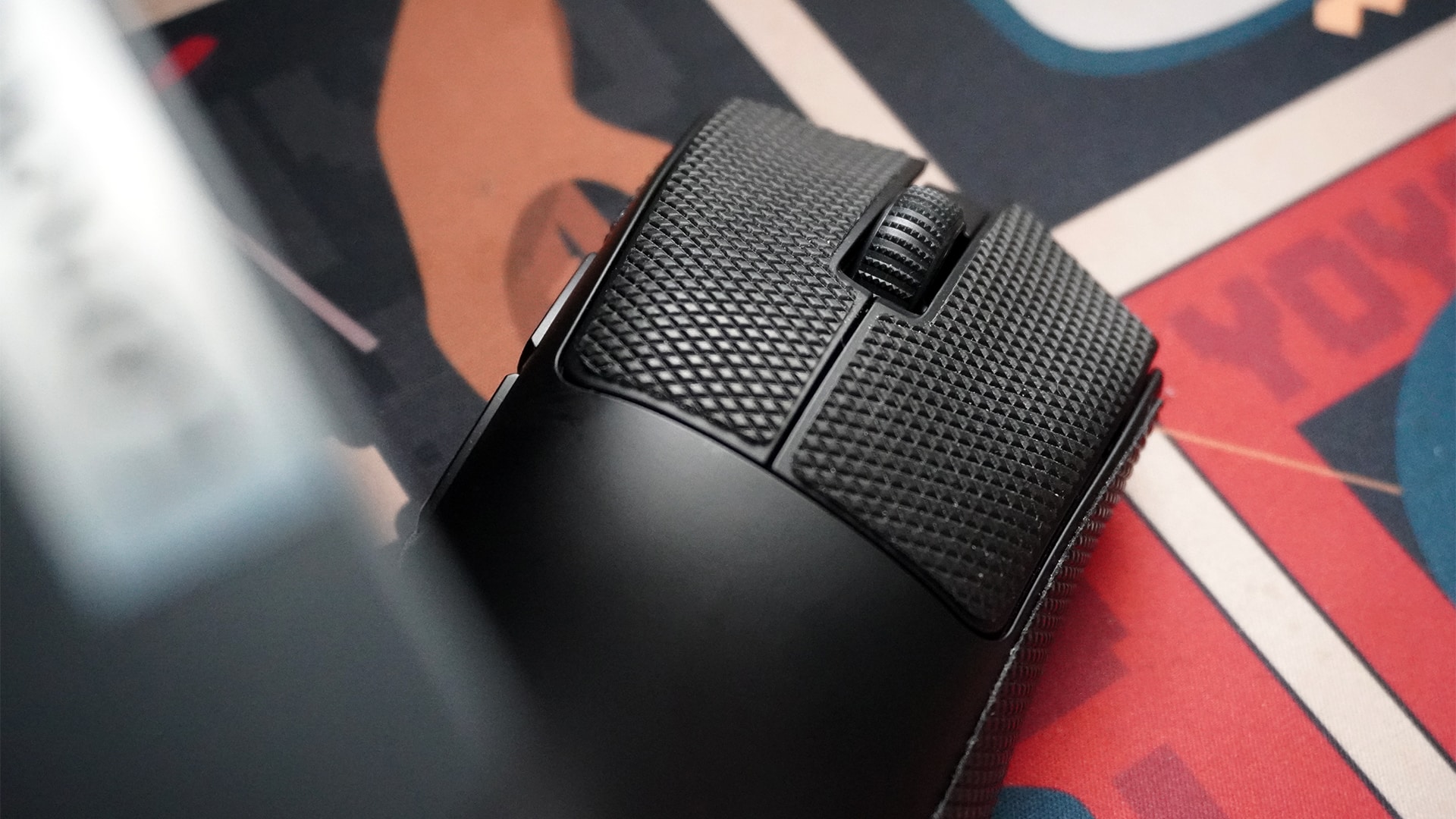
Optional grip tape
This is such a small thing to add, but I love it so much. The box includes grip tape for the left-and-right mouse buttons and both sides.
Besides adding grip, the tape also keeps the main body clean from the dirt on your hands over time.
The best part is that it’s replaceable. Some mice have the rubber built in. So, in those other mice, when your finger inevitably rub them smooth, you’re stuck with a slippery rubber piece until you replace the entire mouse. The replaceable grip tape is such a godsend against this problem.
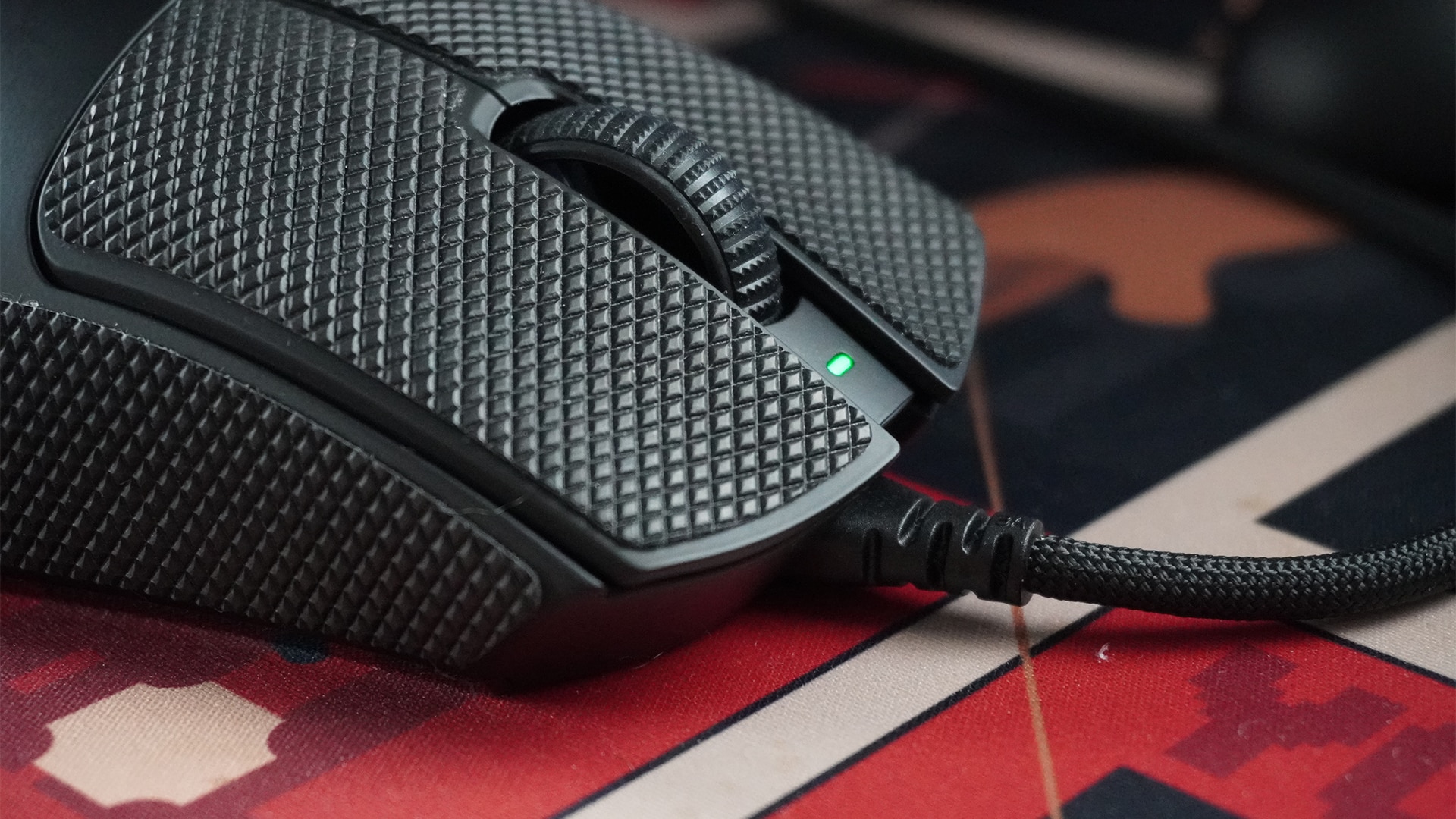
Battery for weeks
The DeathAdder V4 Pro lasts an absurdly long time. It took me two weeks before the dongle showed a color that hovered perilously closer to red. Even then, it still had juice to keep going on. For reference, I usually keep my PC on the entire day for five to six days a week. I also don’t turn the mouse off with the PC because it has a low-power state that preserves battery life.
If you keep the mouse at the default 1,000Hz, Razer promises that a full charge can last 150 hours. If you’re more diligent in turning the mouse off after every use, you can probably squeeze out a bit more, too. Alternatively, the lifespan at the maximum 8,000Hz is reportedly 22 hours, which isn’t too bad if you need the mode for long competitive sessions.
Regardless, it’s not too much of a big deal to charge the mouse. It can still work perfectly when connected to the included cable.
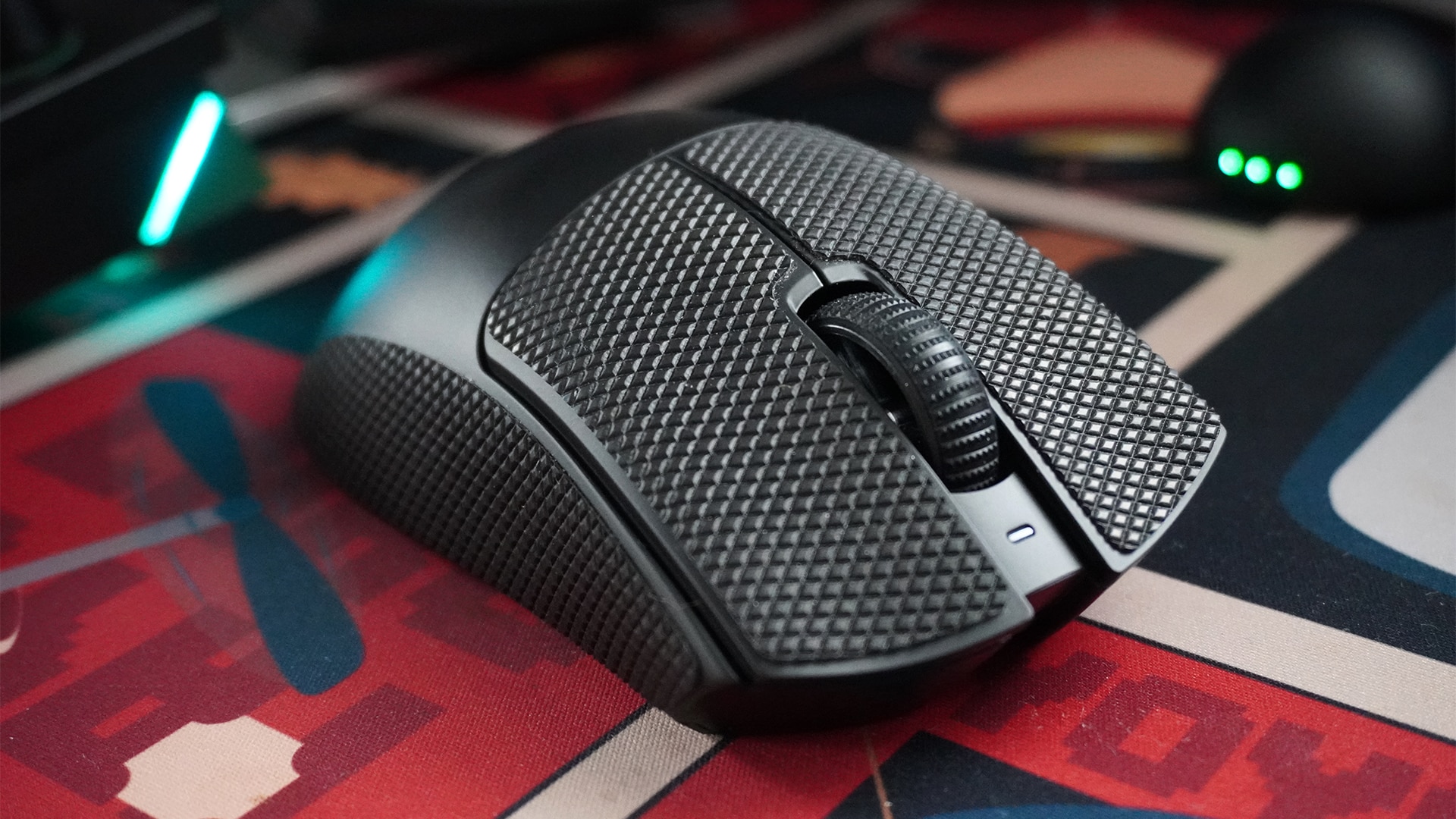
Is the Razer DeathAdder V4 Pro your GadgetMatch?
The Razer DeathAdder V4 Pro made me eat humble pie. After years of snobbery towards ultra-light wireless mice, Razer’s latest peripheral mended my ways and convinced me to drop the weightier mouse.
But that’s just me. If you’re already a fan of wireless mice, the DeathAdder V4 Pro is a no-frills gaming mouse that brilliantly prioritizes function over form. It’s simple, fast, and reliable as a plug-and-play peripheral. But when it needs to be better, it can tailor your entire experience to give you a competitive edge.
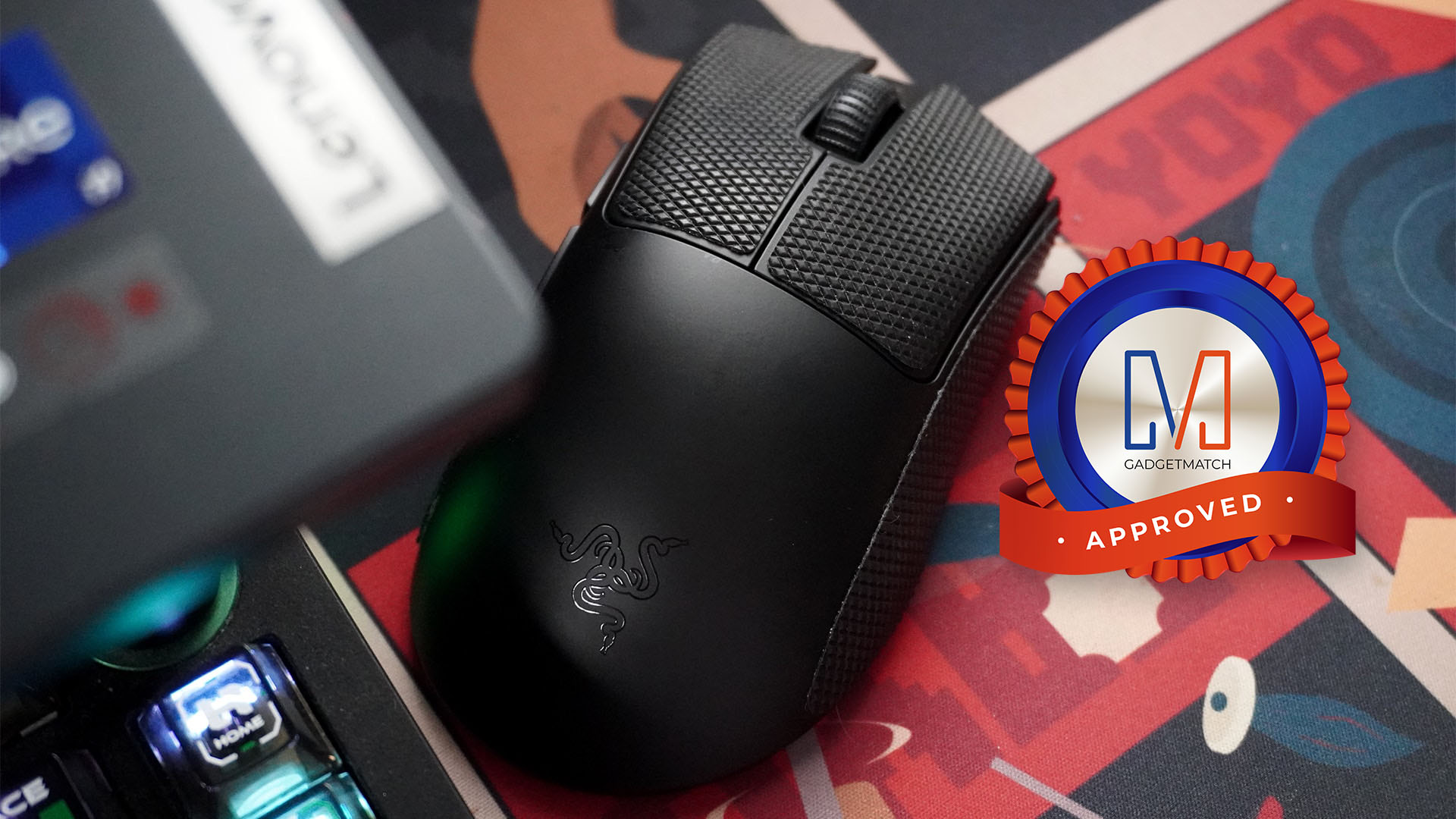
The only aspect that might make you think twice is its price. At US$ 169.99, the DeathAdder V4 Pro asks you to pay for a bit more than other alternatives. It’s still within the range of its contemporaries, but the price tag is a heavy ask.
It’s still a Super Swipe for me, though. Price aside, it’s a perfect mouse for all occasions.








Valve has been embroiled in an odd war as of late. A few weeks ago, the New York Attorney General filed a lawsuit against the gaming company for allegedly encouraging children to gamble through loot boxes primarily found in Counter-Strike 2. Today, Valve is fighting back by declaring how little its loot boxes have to do with gambling.
For years, governments have had a problem with loot boxes. To them, the mechanic makes it too easy for gamers to fall into a gambling addiction. In essence, loot boxes are earnable packs that contain a single or a number of random items that the player can use for their game. Most of the time, these items are purely cosmetic and don’t give a gameplay advantage.
Like Blizzard before it, Valve is also defending its loot boxes as non-essential to how players engage with their games. “There is no disadvantage to a player not spending money,” their statement reads.
Additionally, Valve says that their loot boxes are no different from Pokémon cards and Labubu blind boxes. As such, the company is also defending their users’ right to transfer obtained items to other users, as with two players trading cards or Pop Mart figurines.
Now, these items have monetary value in the market. In the same way, a rare Counter-Strike 2 skin can fetch thousands of dollars. However, Valve says that they are already proactive in shutting down accounts made only to gamble and avoiding pro-gambling businesses.
Valve is capping off its statement by saying that the NYAG is forcing the company to collect more information from its users, especially those using VPNs to prevent being located in New York. The company says that it will continue to protect user data, despite the demand.
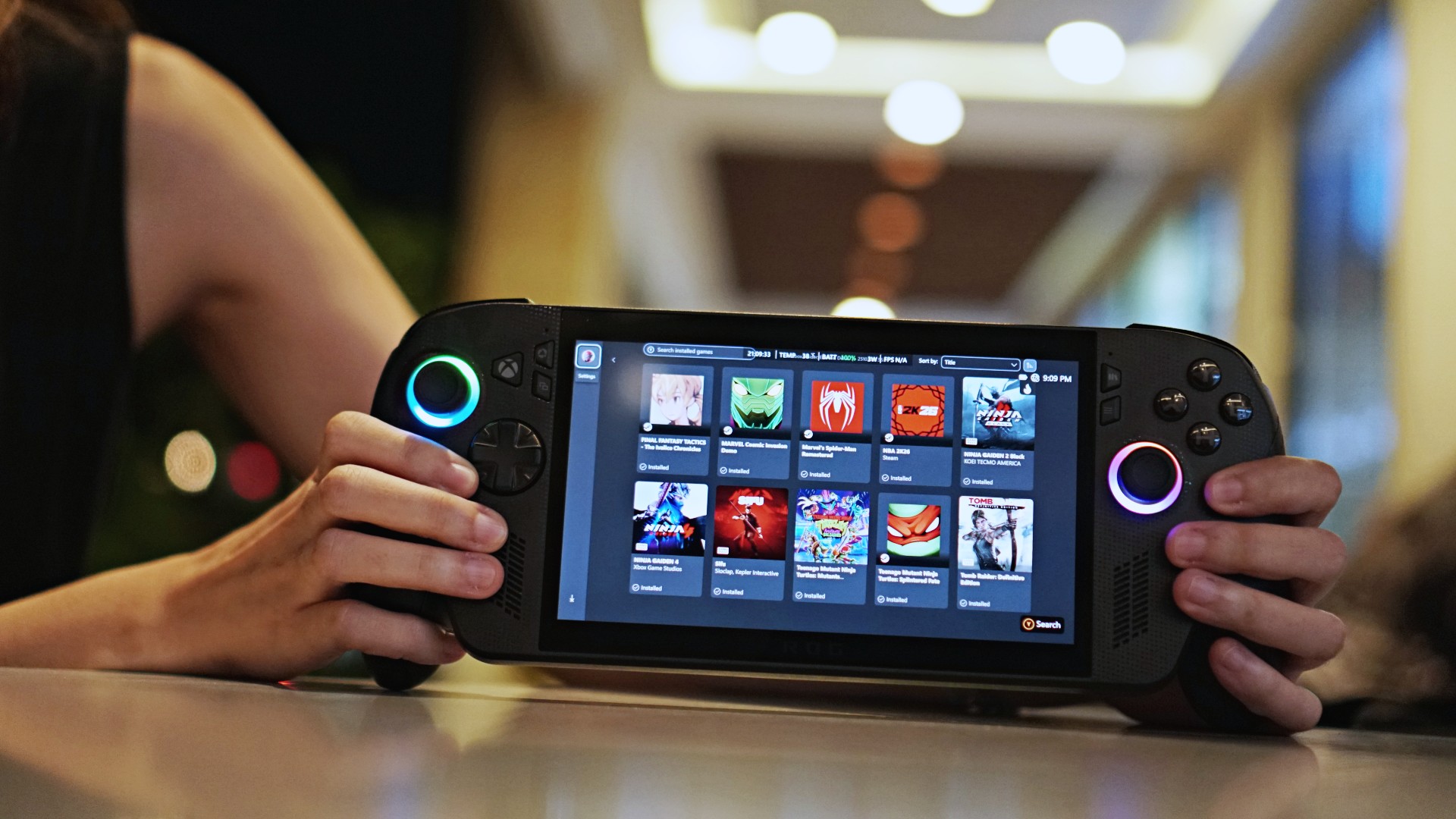
What is an Xbox? For the past year and a half, Microsoft will tell you that anything can be an Xbox. Now, with Project Helix on the horizon, Xbox wants to bring the idea of playing anywhere to the next level. Microsoft will start rolling out its new Xbox Mode to PCs in April.
Since the very first device out in the market, handheld consoles have changed how people play games. Naturally, a lot can already be said about the portability and the convenience of its hardware. But the software needs a special shoutout, too.
Though they are essentially PCs at heart, these consoles are built explicitly for gaming. Fiddling around with Windows isn’t ideal. Instead, they have special software that can collate all of a user’s games into one hub.
The new Xbox Mode, adapted from the ROG Xbox Ally X’s Xbox Full Screen Experience, will do just that but on an actual PC. As announced via an official blog post, Xbox will release the new mode to Windows 11 devices in April, starting with select markets. Like the software used in handheld consoles, Xbox Mode should include all the available games from the Game Pass, Steam, and the Epic Games Store.
Right now, the feature will likely go up against Steam’s Big Picture Mode, which does the same thing but only for Steam titles. However, it should also transition neatly to Project Helix. Xbox is now ramping up the development of its next-generation console codenamed Project Helix. The upcoming machine will be a high-end PC and a gaming console rolled into one, making it perfect for Xbox Mode.
SEE ALSO: Project Helix is Xbox’s next console, and it plays PC games
Gaming
Resident Evil Requiem will get a story expansion
There’s no word yet on when the story expansion will drop.

Resident Evil Requiem, Pokémon Pokopia, and Slay the Spire 2. Between these three, gamers today are eating well and good. Or rather, they’re not, because of how addicting of a time sink these titles are. The latter two especially are built to be played over and over for weeks and months. Now, Resident Evil Requiem is working on something, so you also won’t forget about it in a few months’ time.
Via an official post on Resident Evil’s social media platforms, Capcom has confirmed that a story expansion is coming to the horror game. Currently, the base game doesn’t take long to beat, especially when compared to other RPGs today. The expansion should add more content to explore the story’s world.
Right now, Capcom can’t share a timeline for the update’s launch. However, in the meantime, the developers are cooking up a few minor updates to keep the game alive. For one, the game will receive performance updates to improve the smoothness of gameplay and fix bugs. It will also get a photo mode for all you Leon-holics out there.
Finally, in May, the base game will get a “minigame” added to the main game. There’s no word as to what this minigame is, so we’ll have to wait for when it drops.
Resident Evil Requiem is out now on all major platforms. The game features the survival horror style of the modern Resident Evil games, while serving up the classic action gameplay with the return of Leon S. Kennedy as a co-protagonist with Grace Ashcroft.
SEE ALSO: Resident Evil Requiem is out now



Disney+ launches a TikTok-coded vertical feed called Verts

Google Maps is finally getting a 3D mode

KPop Demon Hunters is officially getting a sequel

Bringing Care-a-Lot to my daily carry

Galaxy AI on the Samsung Galaxy S26 Ultra


-

 Reviews2 weeks ago
TECNO CAMON 50 Ultra review: End of an era?
-

 MWC 20262 weeks ago
Infinix NOTE 60 Ultra makes a motorsport-inspired debut
-

 MWC 20262 weeks ago
TECNO launches the all-new CAMON 50 series
-

 MWC 20262 weeks ago
TECNO showcases cool concepts at MWC 2026
-

 MWC 20262 weeks ago
TECNO unleashes Tonino Lamborghini collection
-

 Computers2 weeks ago
AMD announces Ryzen AI 400, AI 400 PRO series at MWC 2026
-

 MWC 20262 weeks ago
TECNO debuts latest devices, HiOS 16, upgraded Ella at MWC 2026
-

 Automotive2 weeks ago
Xiaomi Vision Gran Turismo makes global debut at MWC 2026