

Reviews
Skagen Jorn Hybrid HR review: Going back to e-ink
The lifestyle watch you never thought you needed!

Years ago, smartwatches blended the beauty of analog watches and the future of cutting-edge technology. At the time, Pebble became the industry’s darling child after releasing quirky e-ink watches.
However, as we know now, the e-ink smartwatch has already surrendered to the more common screen-on-a-wrist wearable. Sadly, despite how much I wanted to, I was never able to buy into the Pebble craze. Today is a different story. Amid the current fitness tracker craze, lifestyle watches are still out there. And here’s one perfect for those in the market for it: the Skagen Jorn Hybrid HR.
Light for the grind
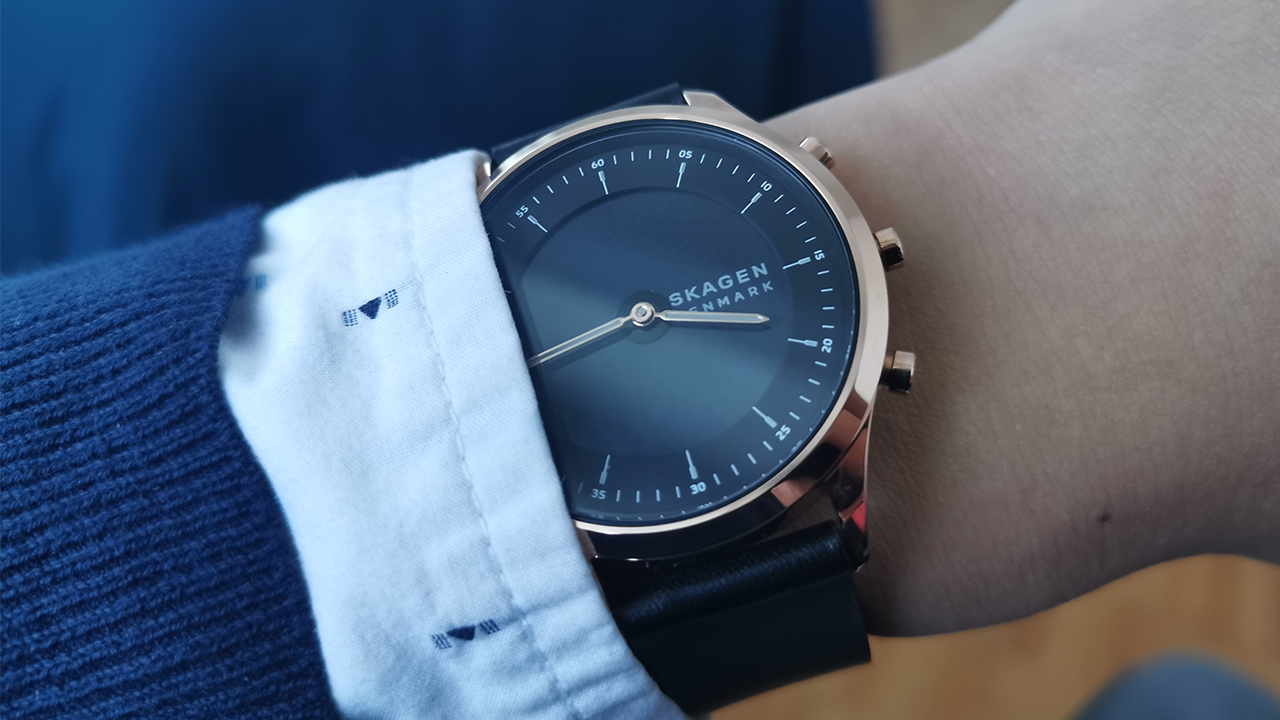
Though the Jorn Hybrid HR looks like a premium wearable, it’s remarkably light. Anyone trying it out for the first time will notice how spry it feels on their wrist. Usually, watches irritate me enough that I have to take them off while I’m sitting down working. The Jorn was light enough that I felt no such compulsion. On my relatively thin wrists, the smartwatch looks and feels like a regular watch.
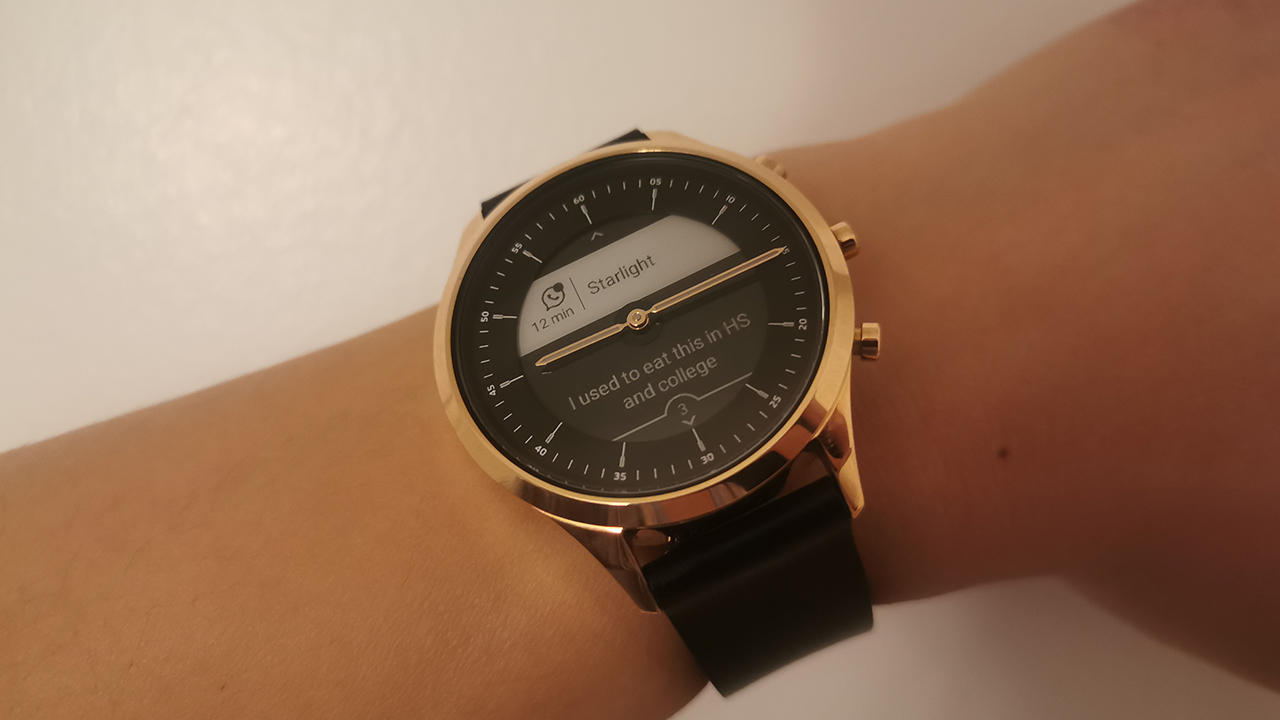
Speaking of looks, there’s nothing simpler than a three-button bezel on a watch. The Jorn doesn’t try to dazzle with out-of-this-world looks. It’s as simple as they come. Outside of the simple circular bezel, the watch sports three configurable pushers, in place of a more traditional crown. Inside, the watch still has printed hour markers while a smaller circle houses the e-ink screen.
As expected, the watch’s straps can be easily changed. My watch came with a black leather strap. Though elegant on its own, one niggle I do have is that it already has signs of wear from a few times wearing it.

Form meets function
The Jorn Hybrid HR does not try to be an all-around fitness tracker. That bodes well for its believability as a lifestyle watch. Though the watch does come with a step counter and a heartbeat tracker, the Jorn is a lifestyle watch at its core.
It comes with your standard array of smartwatch features including notifications, music control, weather, stopwatch, and timer. If you’re really pressed for it, it also comes with a dedicated workout mode. (In my opinion, it’s a misuse if you take this to the gym, rather than a more dedicated fitness tracker.)
You can easily customize which features will attach to which pusher. You can also configure watch face configurations according to your flavor of the day.
Operating the watch is a breeze. Apart from its manual configurations, the three pushers function as the up, down, and okay buttons. It’s easy to get used to.
As a lifestyle watch, the Jorn’s minimal palette of features is enough to get you through a day. It’s exactly what I’d expect from a lifestyle watch. The Jorn is truly a lesson in minimalism.
Further, because it’s so minimal, the Jorn never forces you to take it everywhere. Though it can track your sleep, I never felt compelled to take it to situations where I’d rather be watch-free, unlike a heaping of today’s fitness-oriented smartwatches. Having the option to take a watch off is so essential today when we don’t go out as often anymore. To its credit, this isn’t a 24/7 watch.
Help me connect
While the smartwatch itself is a lifestyle-oriented marvel, Skagen’s connectivity app needs a bit of tweaking. Though the app isn’t as arcane as other smartwatch apps, Skagen still keeps it fitness-oriented.
From the get-go, the app is configured to help you with workouts even if the smartwatch isn’t built for that. Personally, I didn’t find much use for the app’s Challenge mode with this watch. In fact, the app’s opt-out Auto Workout Detection got irritating fast.
Further, there aren’t any ways to fully customize how the face looks from the app. While there are six downloadable faces to choose from, the selection pales in comparison to more varied selections and customizations of other watches.
You can’t turn this into a quirky Mickey Mouse watch, unfortunately. Naturally, the small selection owes much to the limited e-ink display. However, some form of customization would’ve been welcome.
That said, the app itself is remarkably clean and easy to navigate. Connecting to my watch wasn’t a problem either. It connected to my phone easily and seamlessly as soon as I put the watch on. Navigating the app to get where I want to be is also simple.
Power for days
According to Skagen, the Jorn should last around two weeks. On its own, a two-week battery life for a watch is already impressive. However, if you use the watch as I do, you can easily churn out a lot more usage out of the device. At the time of this writing, the watch’s battery is still at a workable 32 percent. The last time I charged it was around a month ago. In today’s work-from-home world, you’ll likely crunch similar numbers as you take it out for a spin every once in a while.
Is this your GadgetWatch?
The Jorn Hybrid HR retails for US$ 195. For a smartwatch of its design, it is worth every penny. Whether you’re just a work-from-home individual or live an active lifestyle, the smartwatch can power you through all the times you need to go out for a walk, a date, or a private occasion.






If NBA 2K27 were a player, he’d be someone getting out of his rookie contract and coming back from the summer with improved defense and finishing.
Same player, but with some significant tweaks.
The general controls are the same, but there are notable changes to player collision and physics. Those changes have a real impact on how you finish shots around the rim and how you play defense.
There are also new modes you can sink your teeth into, although these could definitely use more training to reach their full potential.
That’s really the story of NBA 2K27.
It doesn’t reinvent NBA 2K. It makes the basketball better.
Call the play
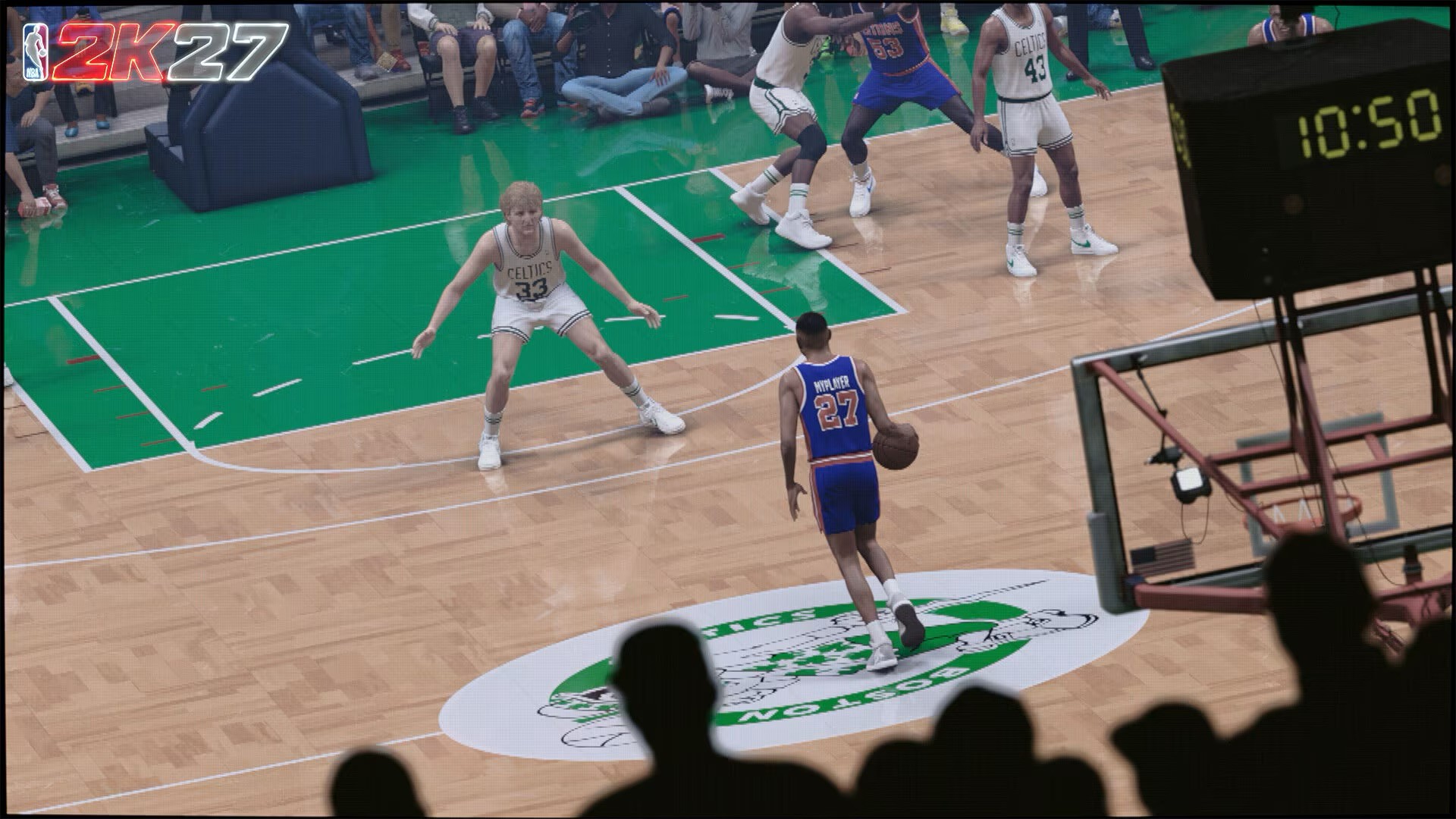
The core gameplay changes are immediately noticeable.
The pace is slower. The game feels more deliberate. It feels even more like a real basketball simulation than something arcadey.
You’ll definitely feel the change during the first few hours, especially if you’re playing on Superstar or Hall of Fame. You have to be more precise with what you’re doing, whether you’re attacking the rim, looking for a shot, or trying to stay in front of your man.
But if you’ve been playing basketball simulation games for years, the adjustment isn’t particularly difficult.
I’ve been playing all the way back from NBA Live 97 before switching over to NBA 2K12. I’m familiar with how these games work, and NBA 2K27 doesn’t completely throw that foundation out the window.
If you’ve been playing NBA 2K since the ProPLAY era, a lot of the controls and animations will feel familiar.
The changes are most obvious when you’re looking for them. After a few games, though, they start fading into your normal gameplay. You naturally adjust to the new feel and speed.
Take it to the rack
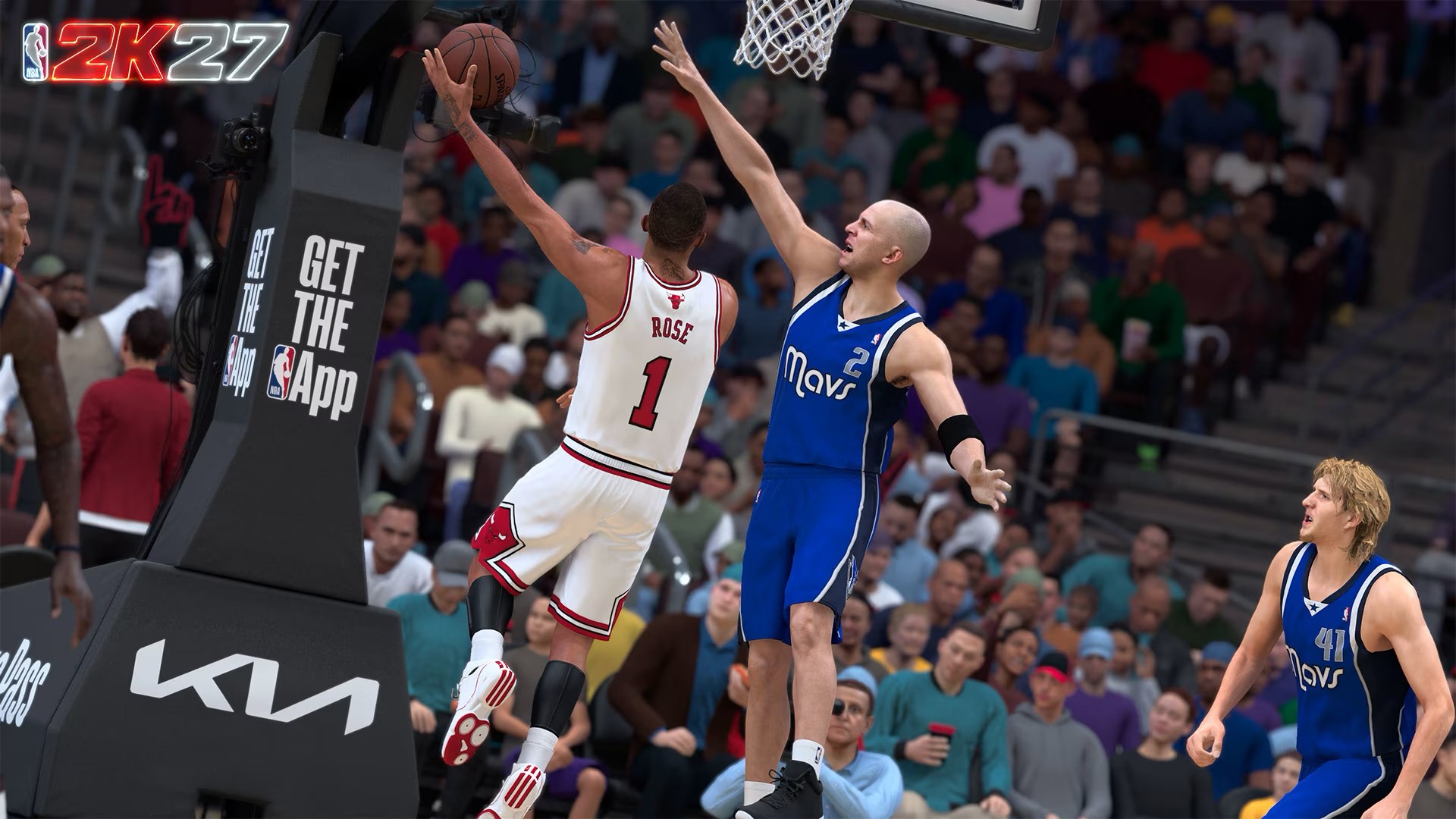
The biggest adjustment for me has been finishing.
When I first got my hands on the game, I was attacking the rim with reckless abandon.
The results weren’t great.
NBA 2K27’s changes to player collision, the Dynamic Layup Engine, and the way contact plays out around the basket mean you can’t just assume you’ll get the same result every time you drive.
You have to be more methodical.
You need to know the ability of the player you’re controlling. That means understanding their ratings, their animations, and the defense you’re going up against.
My play style was never that of a layup mixmaster, so I’m admittedly having a tougher time getting a feel for this.
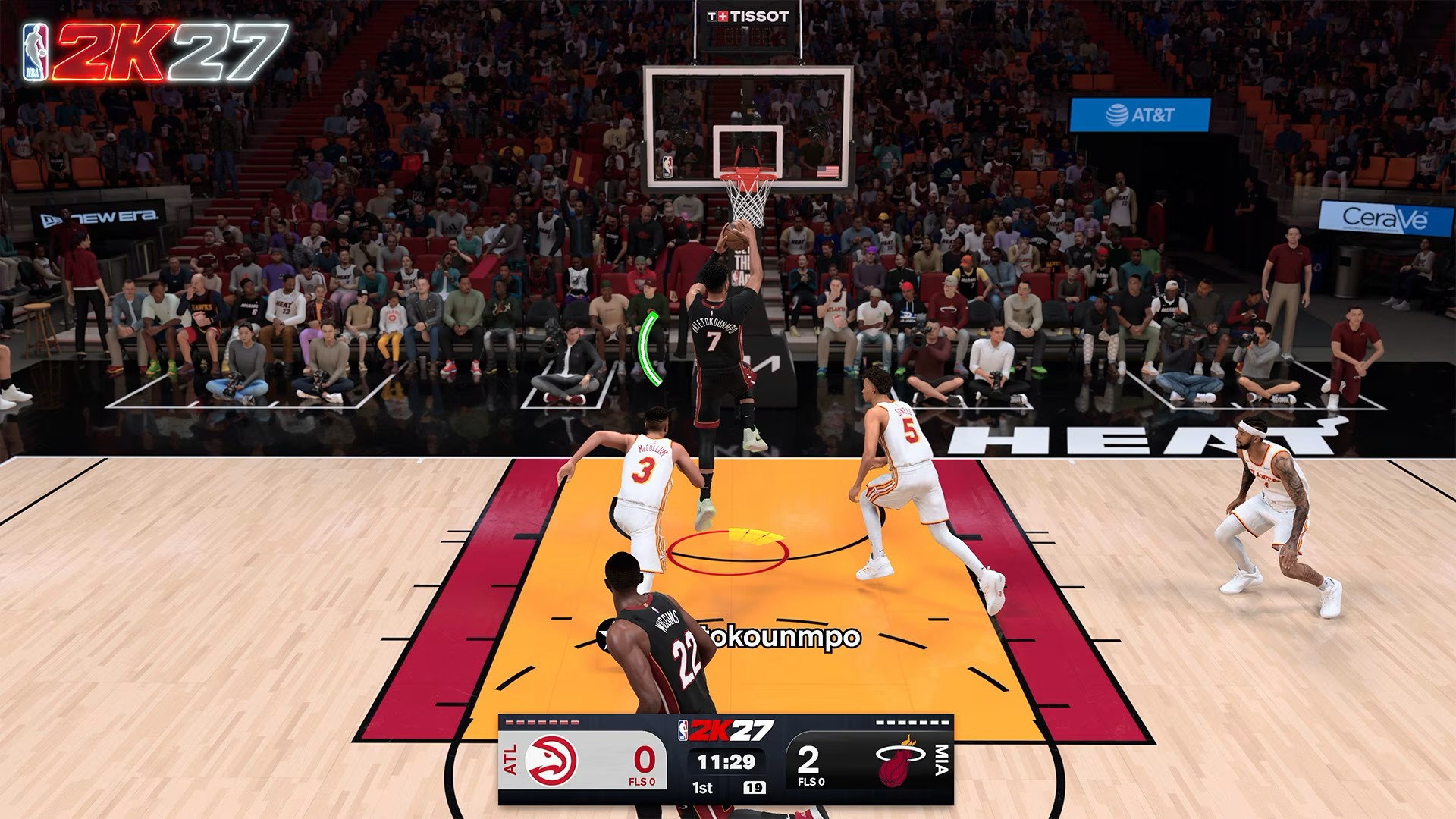
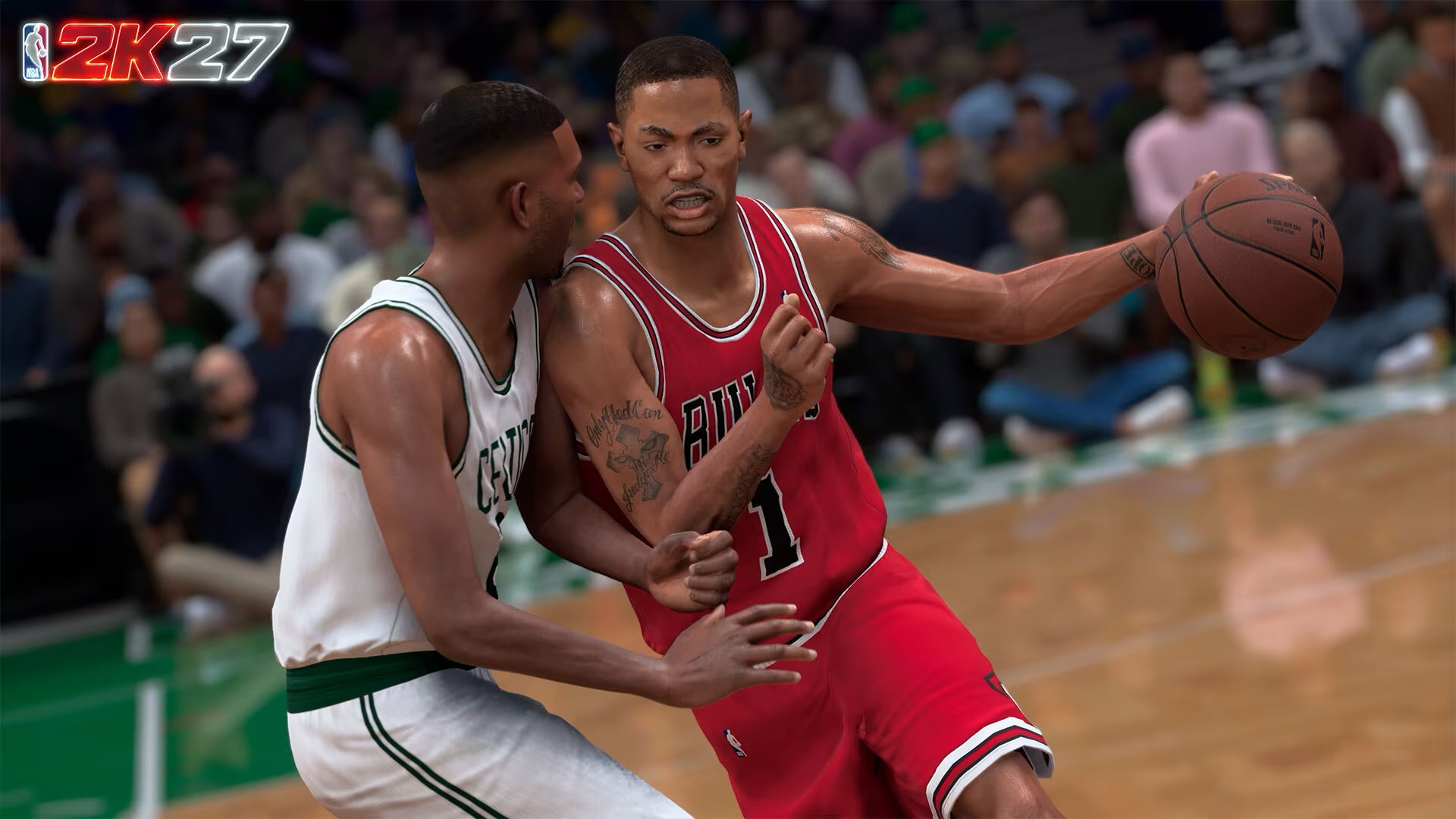
Even with players I regularly use, like Vince Carter, Derrick Rose, and Giannis Antetokounmpo, some of the layups and close-to-the-rim shots still feel awkward.
But the tools are there.
You just have to figure out when to use them.
That’s where NBA 2K27 starts feeling like actual basketball. You find where you can create an advantage, attack that point, and then adjust depending on how the defense reacts.
The Dunk Meter also gets a logic-driven overhaul, which means you can’t simply rely on forcing your way to the rim and expecting a highlight every time.
You have to read the situation.
Lock him up
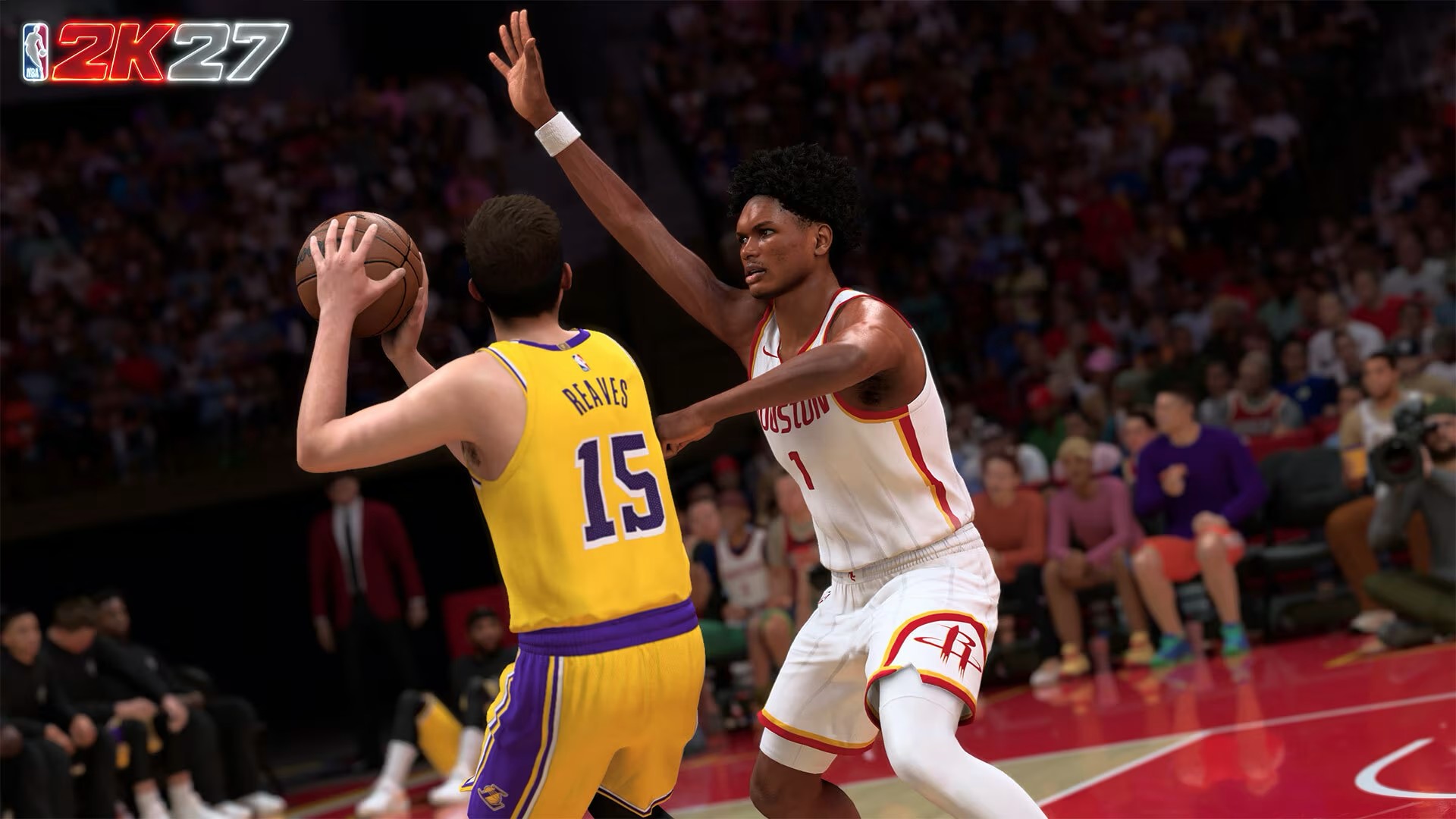
Defense is another area where I immediately felt the difference.
The AI feels smarter.
Where it used to take a while for the AI to lock in on a player who was on fire, it now makes adjustments more quickly, especially at higher difficulties.
Help defense also feels less arbitrary. It reacts to the pace of the game and adjusts accordingly.
That’s important because it makes defending feel less like you’re fighting the game and more like you’re actually reacting to what’s happening on the floor.
It also happens to fit my play style.
I’m much more interested in shot contests and blocks than steals. My MyPLAYER build reflects that too. I tend to favor a higher block rating over steals.
NBA 2K27 gives that approach more room to breathe.
Position yourself properly. Time your jump. Read the play.
You can rack up blocks.
The improved collision system plays a big part in that, as does the redesigned hands-up defense and better contest feedback. There are more situations where you can actually feel like you made the defensive play instead of simply hoping the animation goes your way.
Find your rhythm
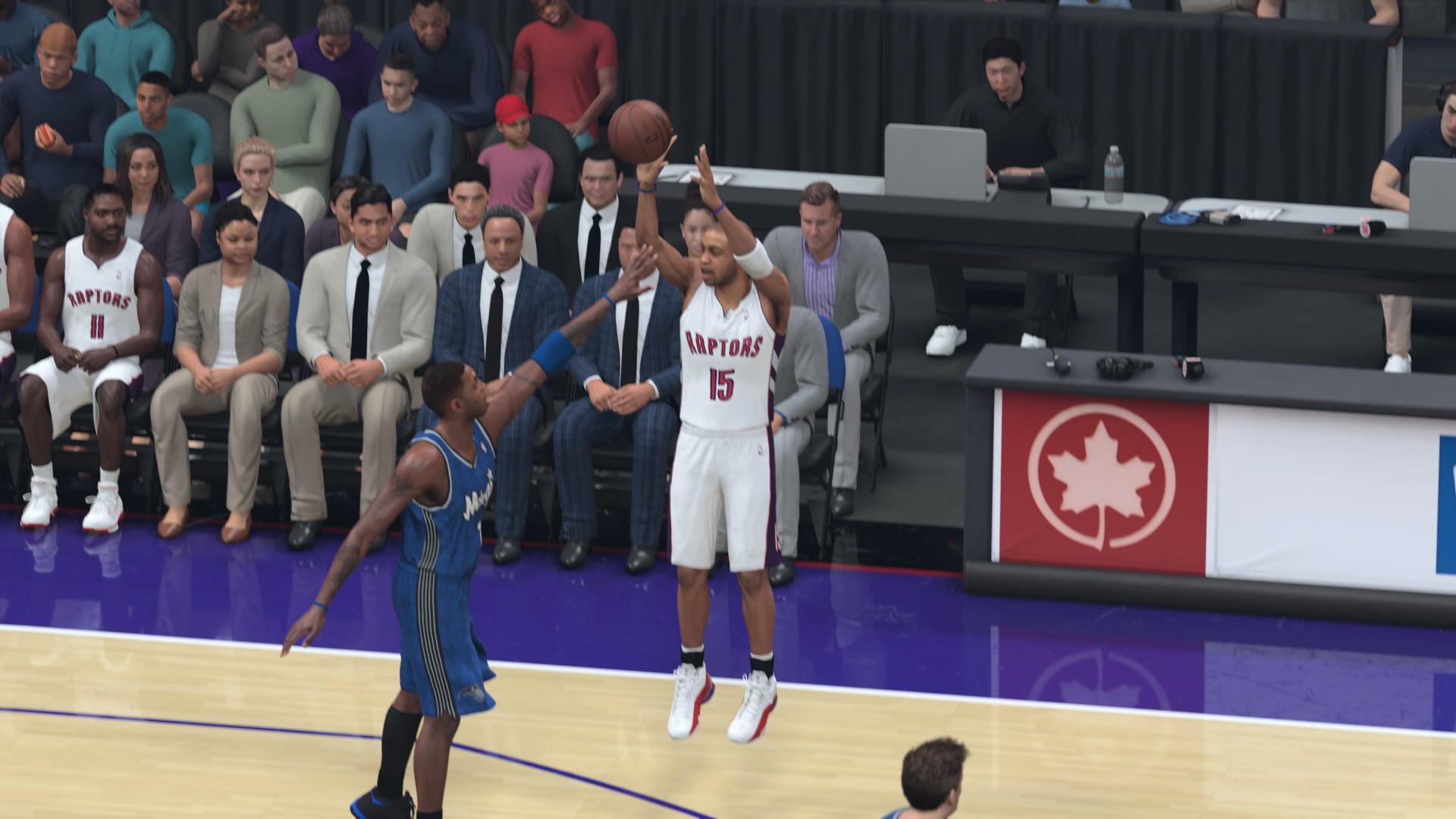
Shooting is a little different for me because I basically have two experiences with it.
In MyCAREER, I’m a deadshot.
I’ve been using mostly the same shooting animations, so I have them down to a tee whether I’m using the button or Rhythm Shooting.
Quick Play and MyNBA are trickier.
There, I’m constantly adjusting to the timing of every player I use.
But I appreciate that there’s no randomness to the shooting. It behaves pretty much exactly as 2K described it.
You have to hit the green window.
That window expands or tightens depending on the player’s ratings and the intensity of the shot contest.
So when I miss with a player I’m not familiar with, I don’t immediately feel like the game cheated me.
I probably just missed.
That’s the kind of consistency I want from a basketball simulation.
Let him cook
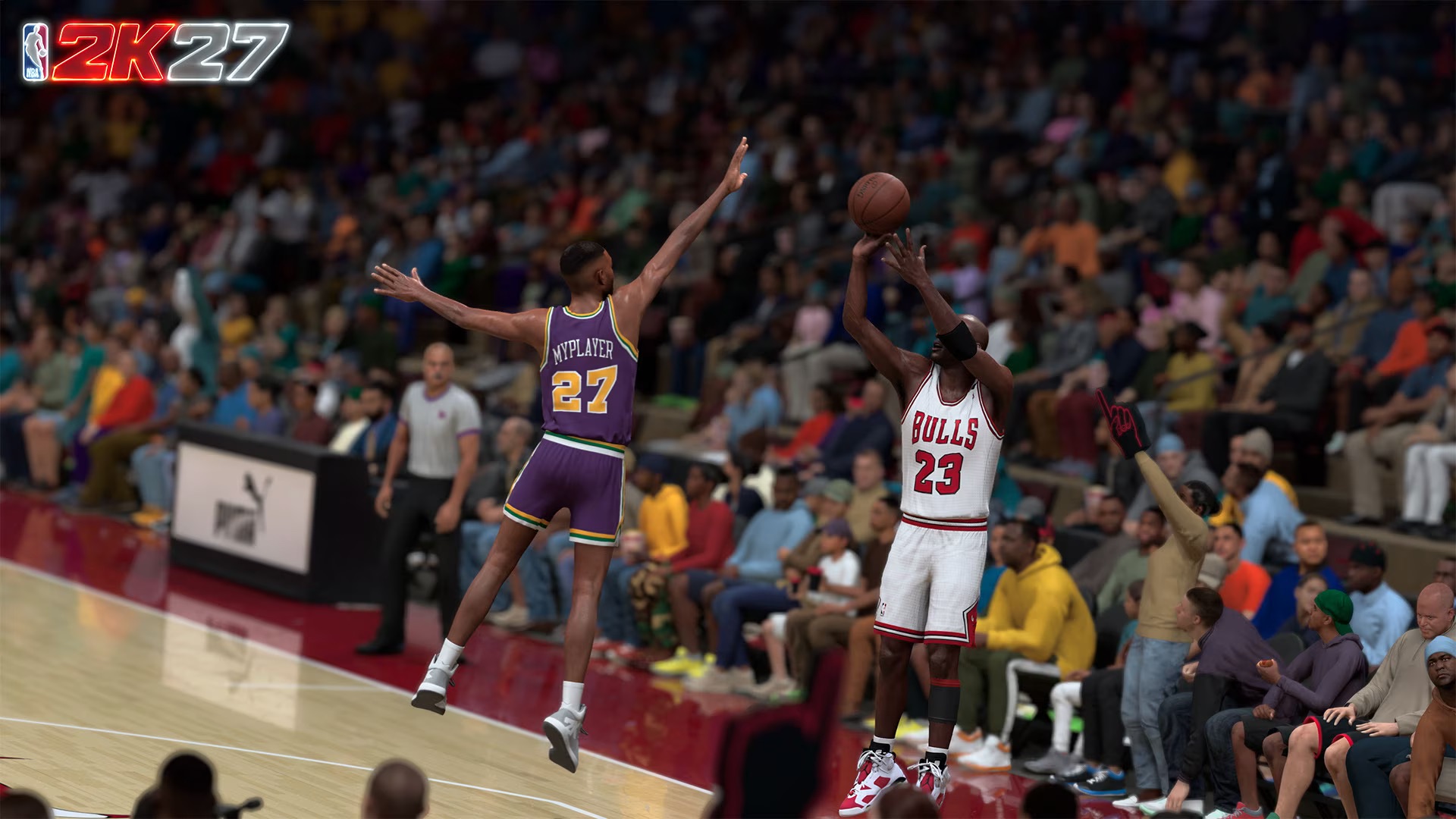
The slower pace also changes how you approach offense.
You can’t always just run your favorite action and expect it to work the same way it did last year.
The game wants you to pay attention.
That doesn’t mean every possession suddenly turns into some high-level basketball chess match. It’s still NBA 2K. You can still get into your rhythm, call the plays you like, and let your best players cook.
But when the game gets tighter, especially at higher difficulties, you have to make better reads.
There’s a significant amount of computation happening where both your own skill and the stats of the player you control affect the outcome of each action and play.
In that regard, the game feels balanced.
My brother and I used to play against each other a lot when we were younger. One of his biggest complaints was that things in the game didn’t behave the way they would in real life.
I used to think it was mostly about learning the physics of the game.
His criticism still made sense from a development standpoint, though.
And I think NBA 2K27 is closer than ever to things in the game behaving the way they would in real life.
Make the right read
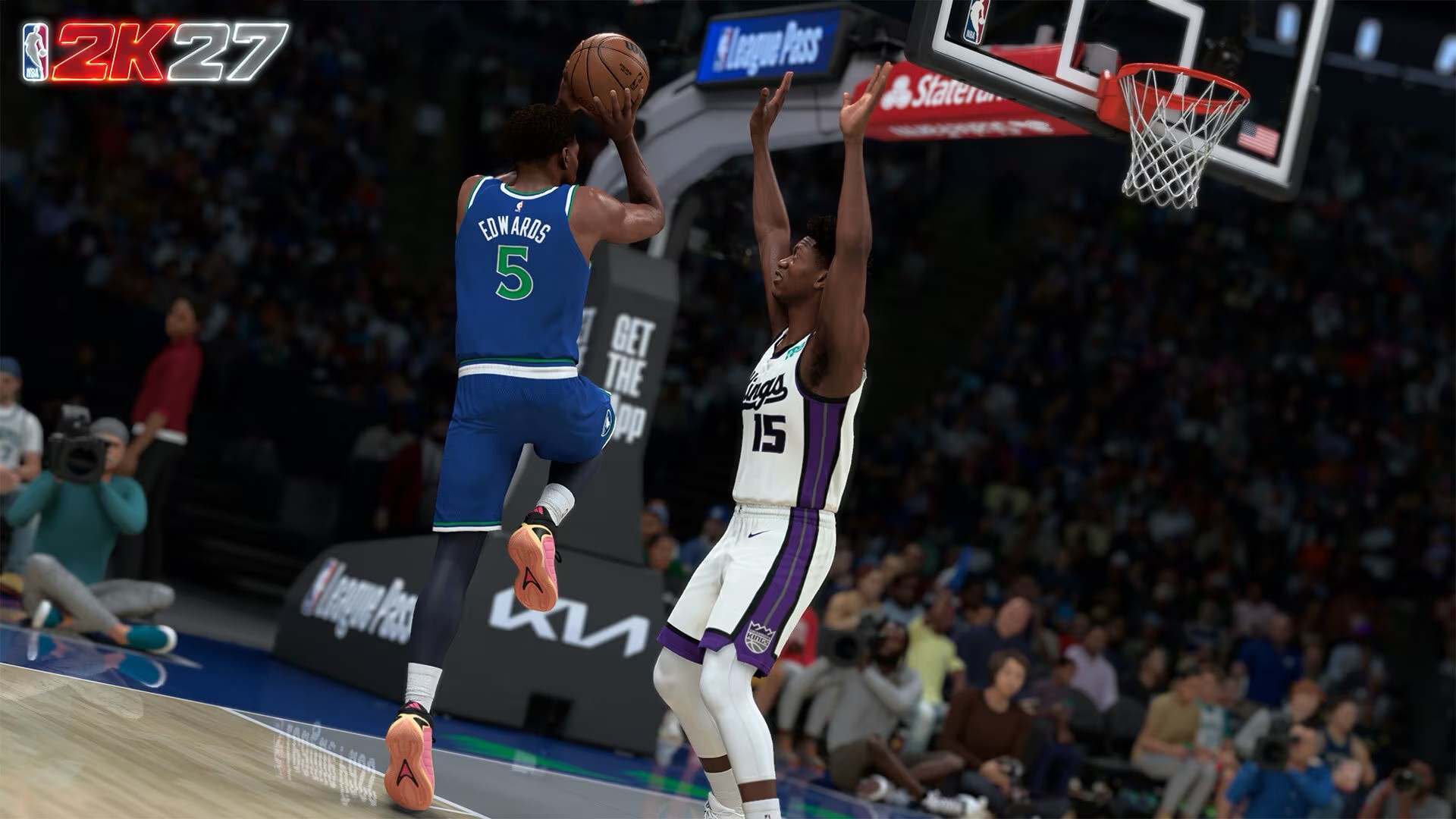
That balance is also why the new gameplay takes some getting used to.
You can be good at NBA 2K and still have to respect what your player can actually do.
You can have an elite player and still make the wrong decision.
And you can have a great matchup and still attack the wrong part of the floor.
The game gives you the tools. It’s up to you to find the advantage.
That’s especially true around the rim.
If you’re going to attack, you need to understand the player you’re using and the defender in front of you. If the defense closes one option, you need to find another.
That sounds obvious when talking about actual basketball.
It feels surprisingly refreshing when a basketball game makes you think about it in the same way.
Running the floor
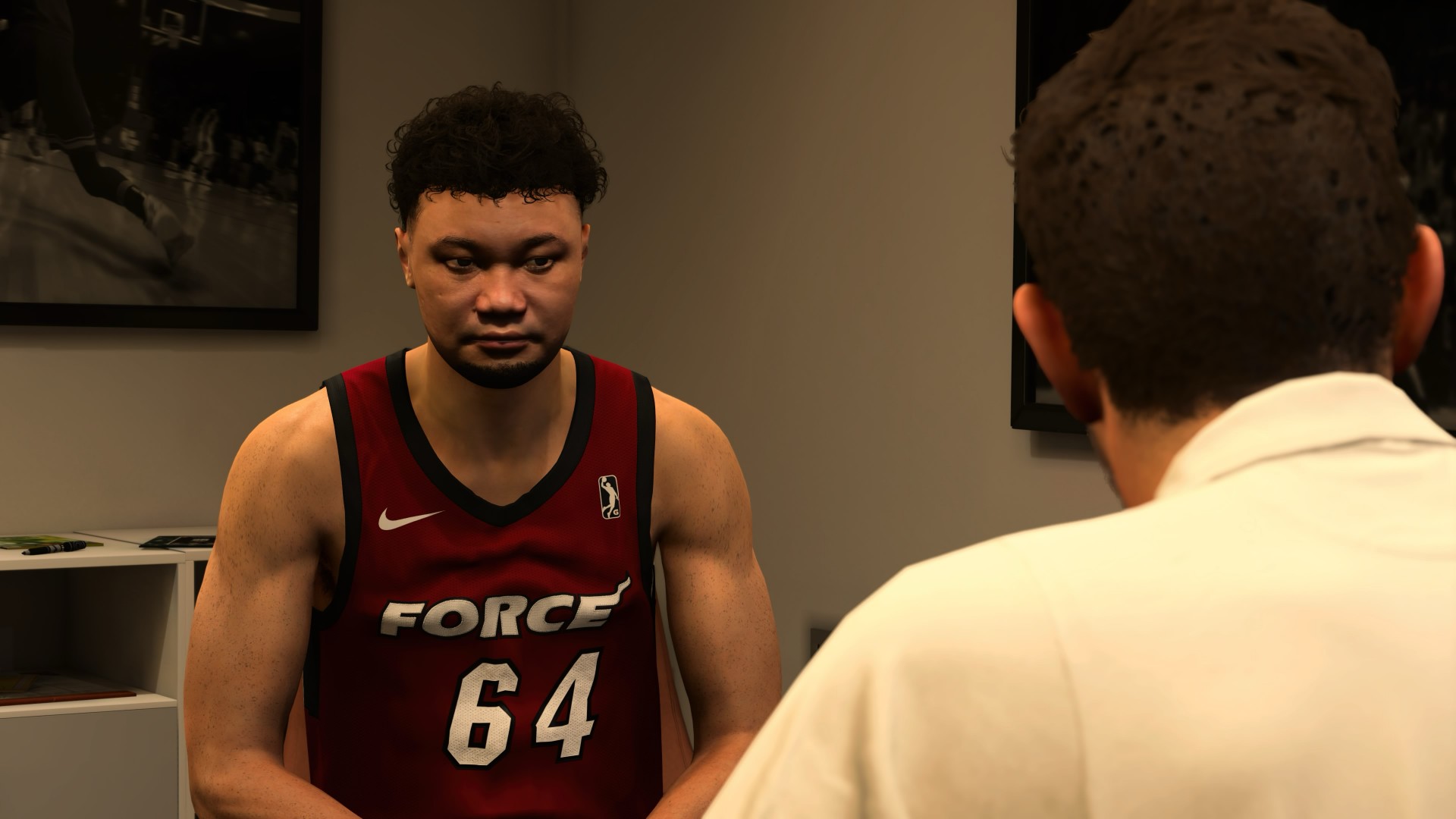
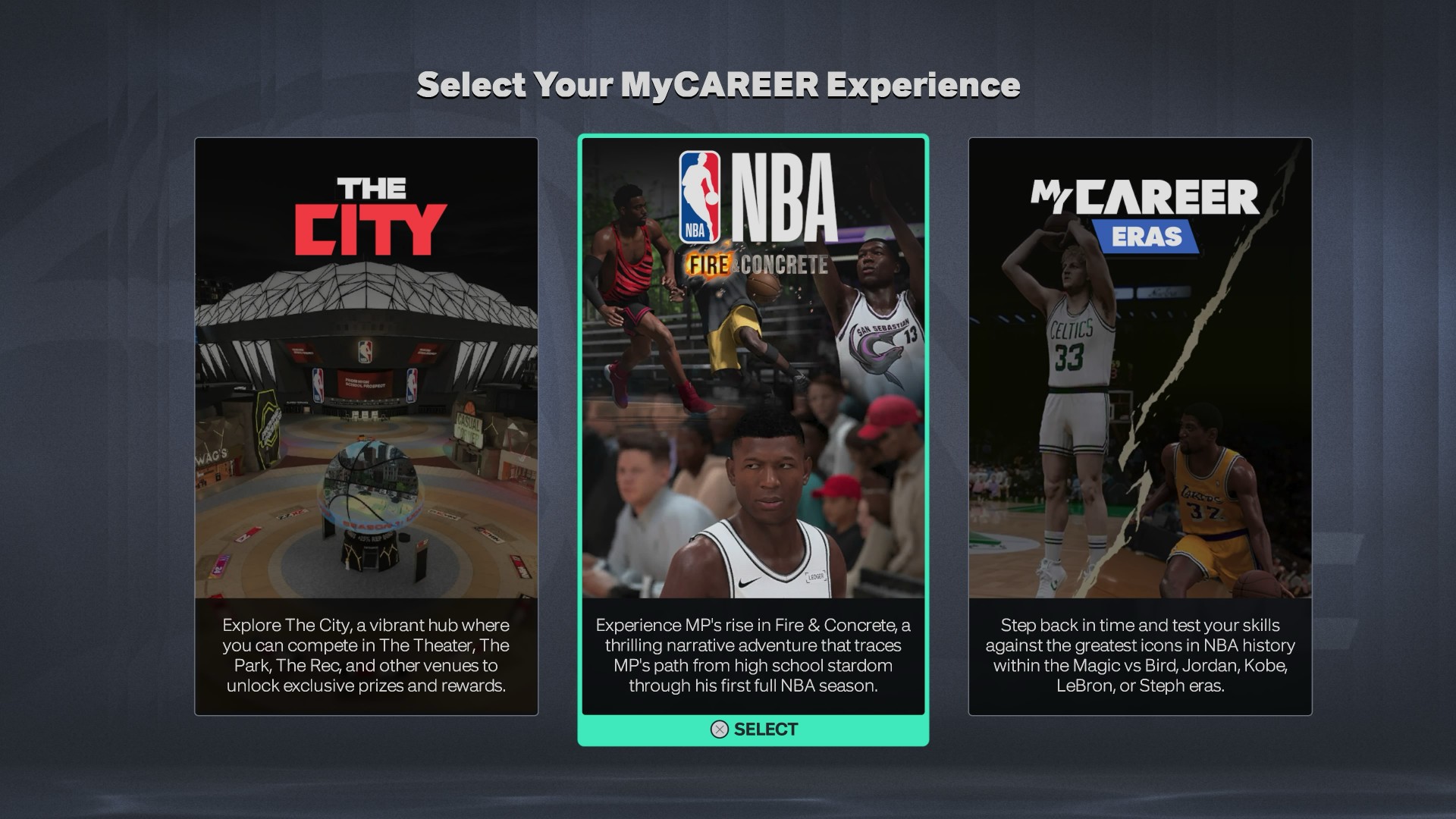
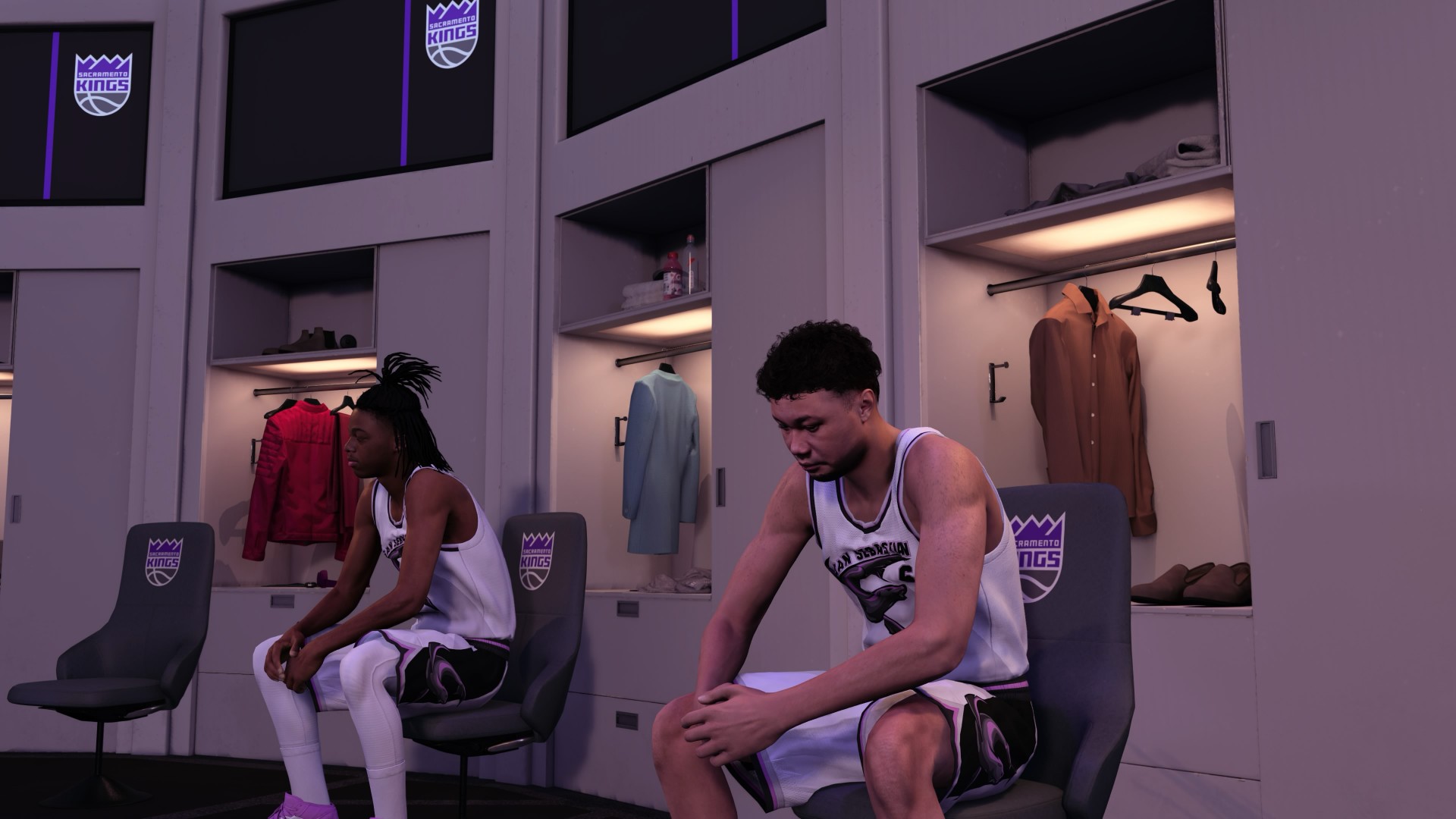
MyCAREER is where I spent the most time outside of straight-up basketball.
I put around six to seven hours into Fire & Concrete and, even while writing this review, I was still dying to get back and finish the story.
It’s nothing too new or major, but it’s been engaging enough.
There’s also more basketball this time around. The experience is mostly cutscenes and basketball, which I actually appreciate. As someone who likes story and RPG elements, I do wish there was more to it, but I also understand why 2K is leaning harder into the basketball.
Most players probably just want to hoop.
I do wish MyCAREER would give us more meaningful paths into the NBA, though.
I haven’t reached the Draft in my own playthrough, but I’ve seen videos showing that you can essentially choose where you play anyway.
That’s generally fine, but I liked the idea of previous MyCAREER games having target teams, workouts, interviews, and ways to influence where you end up.
That’s a real process draftees go through.
I’d like to see more of that.
Running Mate
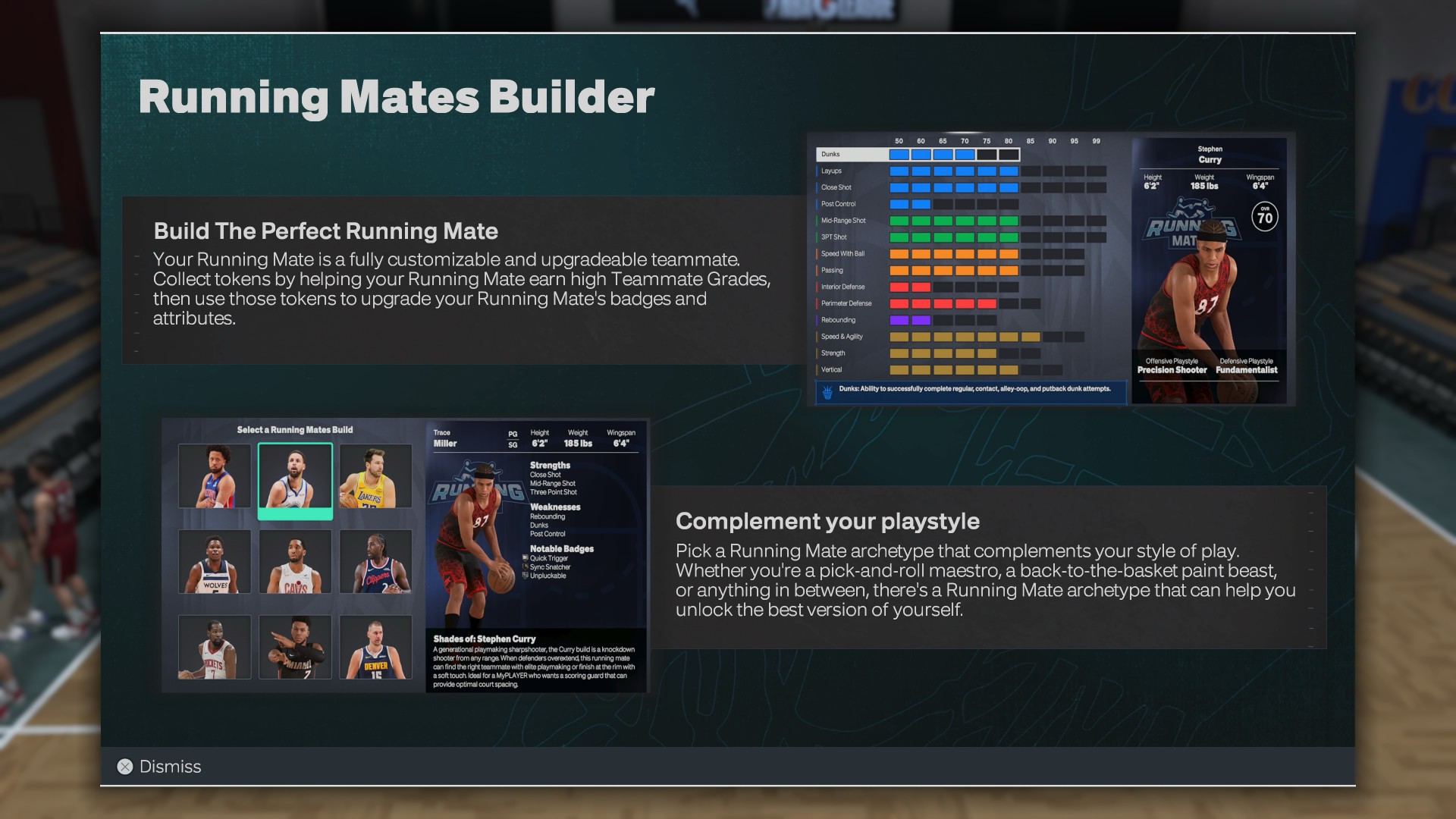
The Running Mate system is a nice new wrinkle. I completely forgot about it when I was building my MyPLAYER because I was so focused on making my own build as self-sufficient as possible.
My archetype is an “Athletic Iso Savant,” molded around Kaede Rukawa from Slam Dunk, although my actual play style leans more toward Mitsui.
Then I had to pick a Running Mate for Trace Miller.
There are nine archetypes inspired by NBA stars, with three options each for guards, wings, and bigs. Ultimately, I went with the Giannis build because it felt closest to Hanamichi Sakuragi, who would have been Rukawa’s actual running mate had Slam Dunk continued.
The Running Mate objectives were annoying at first.
But they did force me to think beyond my own player and actually use the tools 2K gives you to play within a team.
I also spent around three hours in the MyPLAYER Builder, exploring my own builds, prebuilt options, and builds I found online. I like the new badge-led approach because it feels a lot like the passive buffs you’d find in an action RPG. You build around the badges that fit how you want to play, then use Badge Tokens and other systems to further shape that build.
I haven’t spent much time with female MyPLAYERs yet, but I absolutely intend to. I’m planning to play The W with another Iso Savant build: Dance Machine Momo.
The second unit
Progression is still where NBA 2K27 loses some points with me.
It’s still very much pay to— I wouldn’t necessarily say win, but pay to have a better experience.
Starting at level 60 is insufferable for those first few games. If you want to avoid spending, your best bet is to grind some VC through places like Casual Corner and get your player somewhere around 73–75.
After that, progression starts feeling more reasonable.
I also didn’t get enough time with Co-op MyCAREER to properly judge the experience with another player. Certain personal circumstances got in the way of me actually hooping with a Player 2.
From what I did experience, though, it adds another interesting wrinkle to MyCAREER. Some early objectives require both players to perform well, which gives the mode a different dynamic from playing through the story alone.
MyCAREER Eras is another story.
I haven’t played enough of it to give it a proper verdict, but there’s one part of the mode that immediately disappointed me.
I think it’s highway robbery that you can’t just take your current leveled-up build and jump into another era.
You can take the build, yes.
But you still need to get VC, either by grinding or buying, to level that MyPLAYER up for that save.
If it’s the same build, I should be able to take that same leveled-up player into another era.
How else am I gonna help Allen Iverson get a ring?
The Hoop ‘What If’
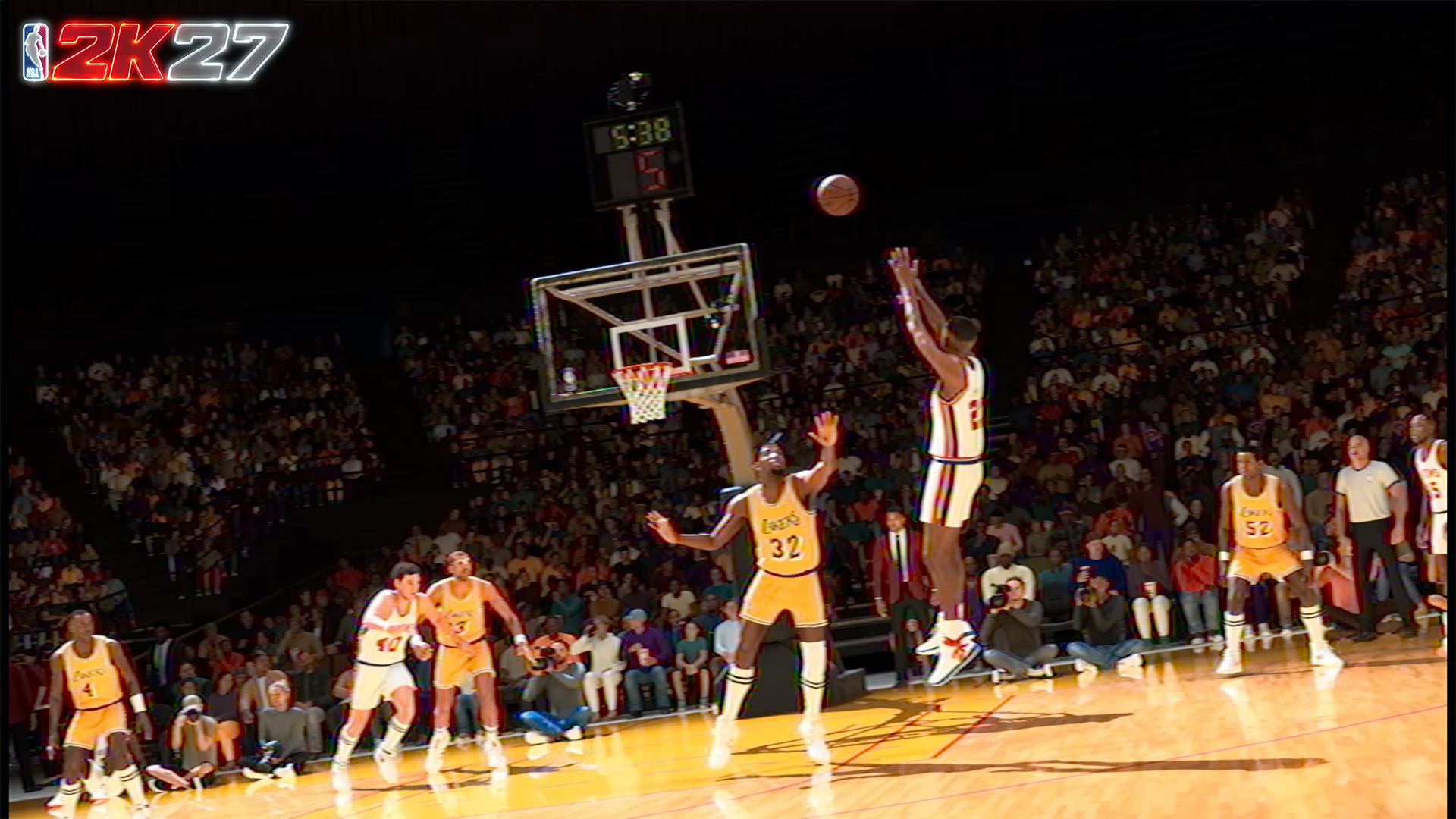
MyCareer Eras
MyNBA is my ‘What If”.
This is the mode where I usually take Jason Kidd’s Nets, add Vince Carter, keep Richard Jefferson, change up the rest of the players, and try to get them a ring.
The Kidd, Vinsanity, and the Bald Eagle.
This is also where I give D-Rose a ring and imagine what his career might have looked like if he never suffered those devastating injuries.
I’m particularly fond of the 2000s NBA, so I’ll sometimes build around the 7-seconds-or-less Suns or reunite Stephon Marbury with Kevin Garnett sooner.
That’s what I love about MyNBA.
It’s where I can rewrite NBA history however I want.
NBA 2K27 gives me more room to do that.
The biggest addition for me is the expanded number of teams and assets you can move around in Trade Proposals. That’s something I’ll get a lot of mileage out of because I’m already planning a full Kobe Era What If.
I previously used one save file for one focus team. This time, I think I’ll go all in on a couple of saves. One starting in 2002-03 and another a season or two later.
I still wish there was a simpler way to jump into a specific season, though.
I want to drop into 2005-06 with the correct rosters.
The players are already in the file.
Why can’t I just pick the season?
MyNBA Legacy
MyNBA Legacy is a much bigger commitment.
I tried it, but dipped out pretty quickly. It feels like a mode that needs more attention than I could give it during this review period.
My first instinct was to pick a retired legend and drop him into the modern NBA.
You can technically do that, but it’s a roundabout process. You’d have to add a Classic Team where that player is part of the roster and build a custom league around it.
That also means adding his teammates and creating a weird imbalance when all I really wanted was the player.
I didn’t get far enough into Legacy to properly judge the generational mechanic either. From what I’ve seen, it feels more like a G Leaguer than a regular NBA rotation player.
I’d still try a long Legacy save, though.
There’s enough here for me to be curious.
Same old ball game
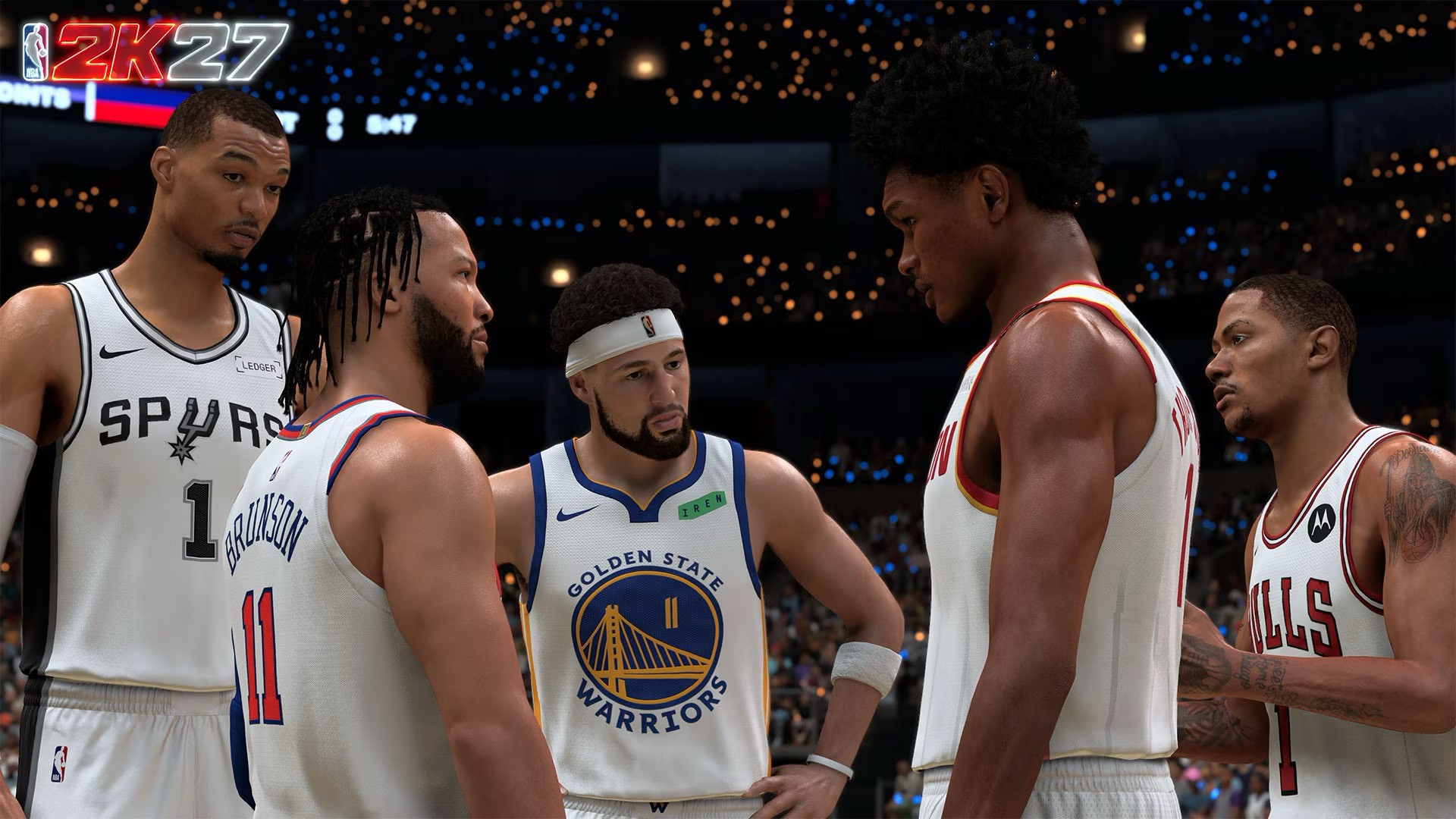
This is ultimately where NBA 2K27 gets complicated.
The basketball is better.
The rest of NBA 2K feels much more familiar.
The City is basically the same experience for me. The nighttime and neon redesign looks nice, but it also feels like a copy-paste of the last two or three years.
Casual Corner is a genuinely useful addition for someone like me, though. I consider myself a casual online player, and having a place to grind and advance my specialization without jumping straight into the deep end worked wonders.
The general menus are familiar too.
The home menu looks almost exactly like NBA 2K26, with minor changes to the look, colors, and featured players.
None of this is particularly egregious.
But you notice it after enough annual releases.
There’s an argument to be made that NBA 2K could work as a live-service game with major annual software updates instead of an entirely new release every year.
I don’t know what that would do to the business or how players would react.
But as we get closer to the next generation of consoles, I think it’s at least worth looking into.
The same goes for roster management.
I remember back in the 2000s and early 2010s when I memorized every player because I had to manually handle player movement myself. Now, I don’t necessarily want to go back to that. I just want an easier way to keep the game current.
And then there’s the Kobe-Pau Lakers.
Why are those teams still not part of Classic Teams?
That’s a HUGE and GLARING missed opportunity.
Don’t reach for the check
If you already own NBA 2K26, the strongest reason to upgrade is the gameplay.
The collision system changes how you attack the rim, how shots at the basket play out, how blocks happen, and how shot contests feel.
The smarter AI helps too.
So does the slower pace.
All of it pushes NBA 2K27 closer to the kind of basketball simulation I’ve always wanted it to be.
But if you’re short on funds, don’t make this a priority.
Wait for the inevitable Christmas or All-Star Weekend sale.
NBA 2K27 is still very much NBA 2K.
It doesn’t reinvent the franchise. The City isn’t suddenly a revelation. The menus aren’t going to make you feel like you’re playing a brand-new game. Some of the modes still feel like they need more time and attention.
But the actual basketball?
That’s where 2K made the right investments.
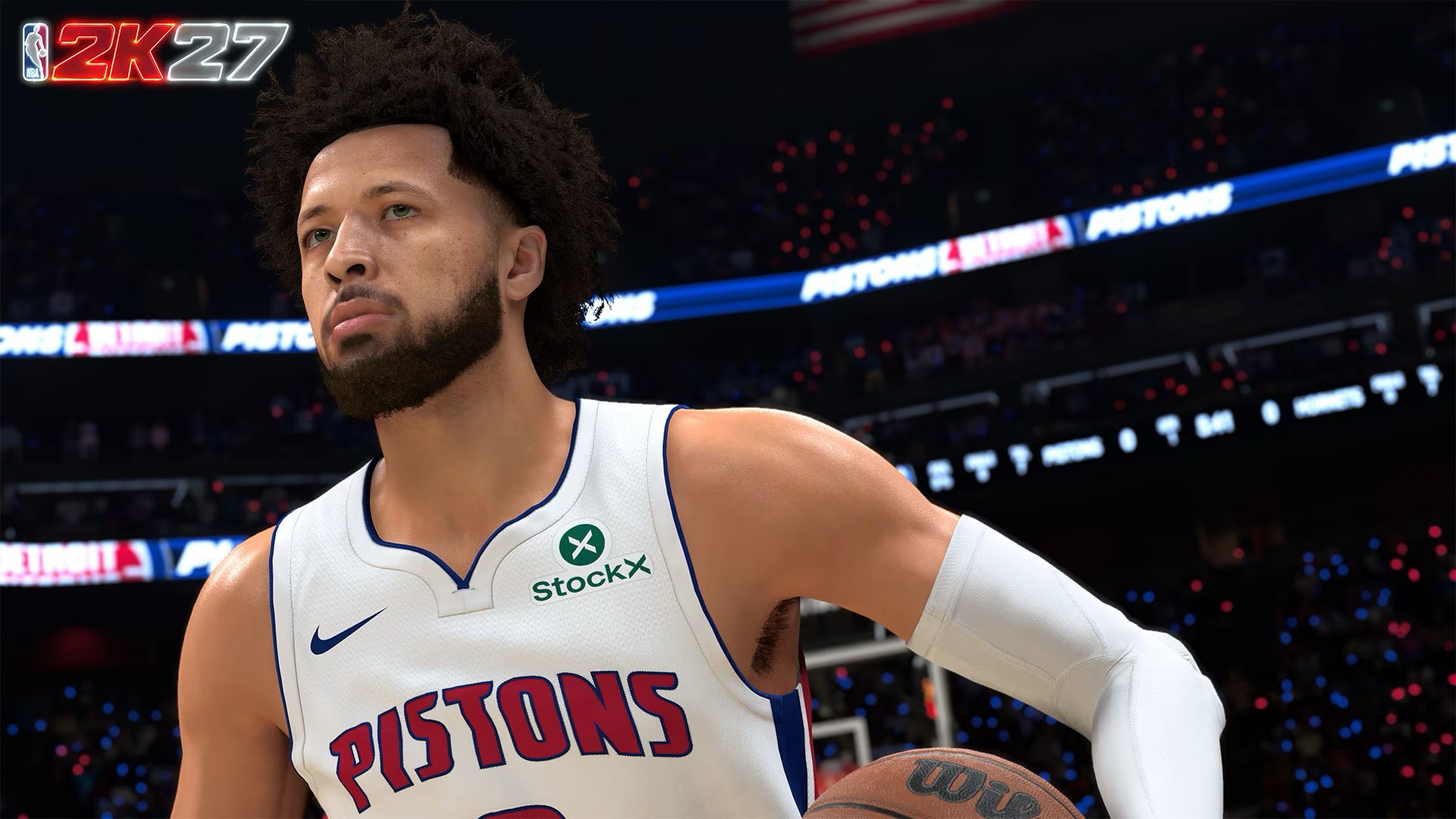
NBA 2K27 is a two-way layup mixmaster that’s a borderline perennial All-Star.
I’m giving the game a Swipe Right because as a basketball simulator, it remains uncontested.
There are certainly many things they can improve in terms of presentation, rosters, and keeping other game modes more interesting and engaging, rather than just focusing on the ones that have people spending on Virtual Currency.
But it’s still a joy to play if you’re a hoop head.
You can recreate NBA moments however you want. Maybe it’s something that just happened on a random Tuesday. Maybe it’s getting your favorite NBA star an elusive championship.
That’s what keeps me coming back.
And NBA 2K27 gives me a better basketball game to do it with.
Cameras
DJI Osmo 360 II review: Going all-in on the ecosystem
I’m finally leaving my Insta360 X5 behind!

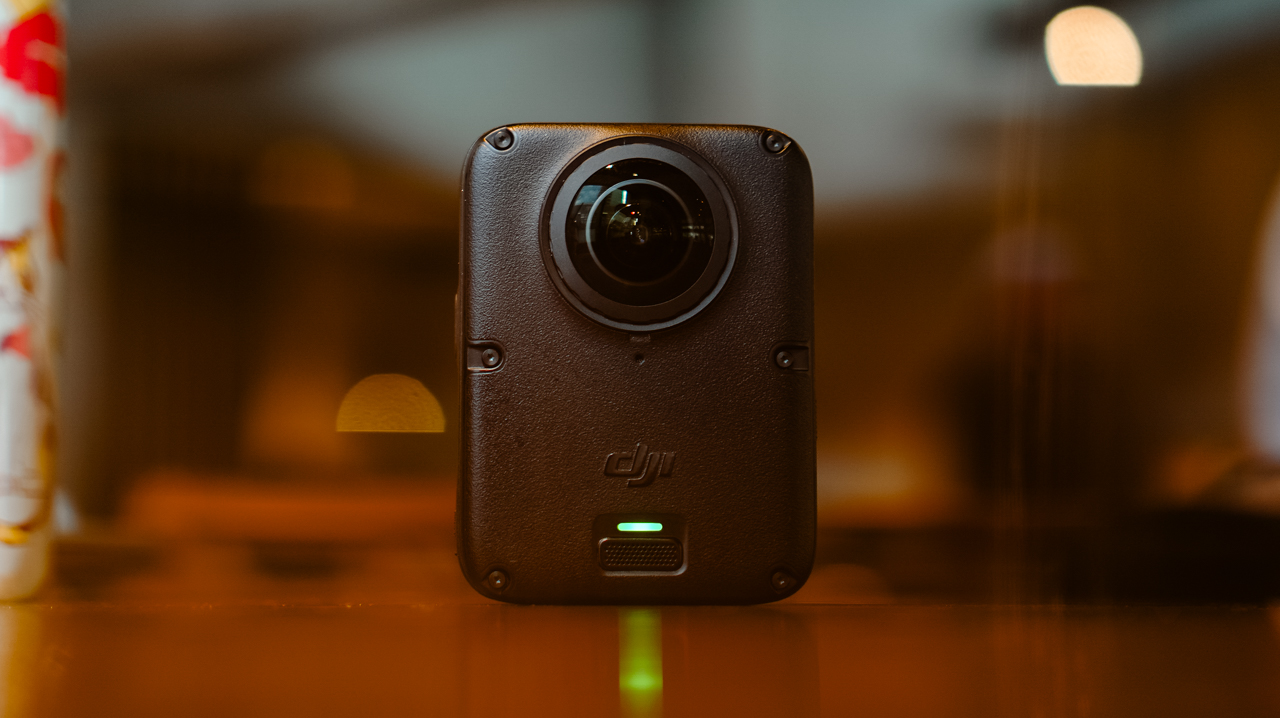
I’ve been shooting with the Insta360 X5 for a year. Trail runs, races, city trips, training sessions, all of it in 360.
I’ve held onto footage from that camera that I still watch back for no reason other than to remember what a particular morning felt like. I liked it enough that I wasn’t in a rush to switch anything.
After a month-long vacation carrying only the DJI Osmo Pocket 4P, I started thinking about consolidating it into a full DJI ecosystem instead, since I’d already tested and geared up with a Pocket, a Nano, an Action 6, and most recently, the Lito X1. The X5 was the one outlier left.
I never got to try the original Osmo 360, not until I saw my friend, Kyle Vergara, using one when we were in Boracay. Watching him shoot with it planted the idea before I even knew I wanted it.
So I waited for the DJI Osmo 360 II to see if it was worth the switch, half hoping it wouldn’t be, since switching meant admitting I was ready to let go of a camera that had been good to me.
Insta360 released the X6 around the same time, and as a creator, it was tempting. But between the workflow I already had and the cost of the gear, the math didn’t work out.
Anything leaning hard into AI these days comes with a jacked-up price tag, and the X6 wasn’t an exception. The Osmo 360 II has its own AI features, but the price is still bearable.
Price
The Standard Combo starts at PhP 32,490, with the Osmo Extreme Battery Plus, a Camera Protective Pouch, a cleaning cloth, an Osmo 360 Silicone Lens Cap, and a USB-C to USB-C PowerDelivery cable included.
@gadgetmatchThe new DJI Osmo 360 II is here with 1-inch 360° imaging, native 8K/60fps, and AI SuperNight 2.0! ✨♬ original sound – GadgetMatch
The Adventure Combo, which is what I got, runs PhP 39,490 and adds two extra Osmo Extreme Battery Plus (2150mAh), an Osmo Multifunctional Battery Case 3, an Adjustable Dual-Direction Quick-Release Adapter mount, and a 1.2m Invisible Selfie Stick.
For rider friends, there’s also a Limitless Riding Combo at PhP 34,490, which pairs the Standard Combo with an Osmo Heavy-Duty Clamp Mount kit.
Build
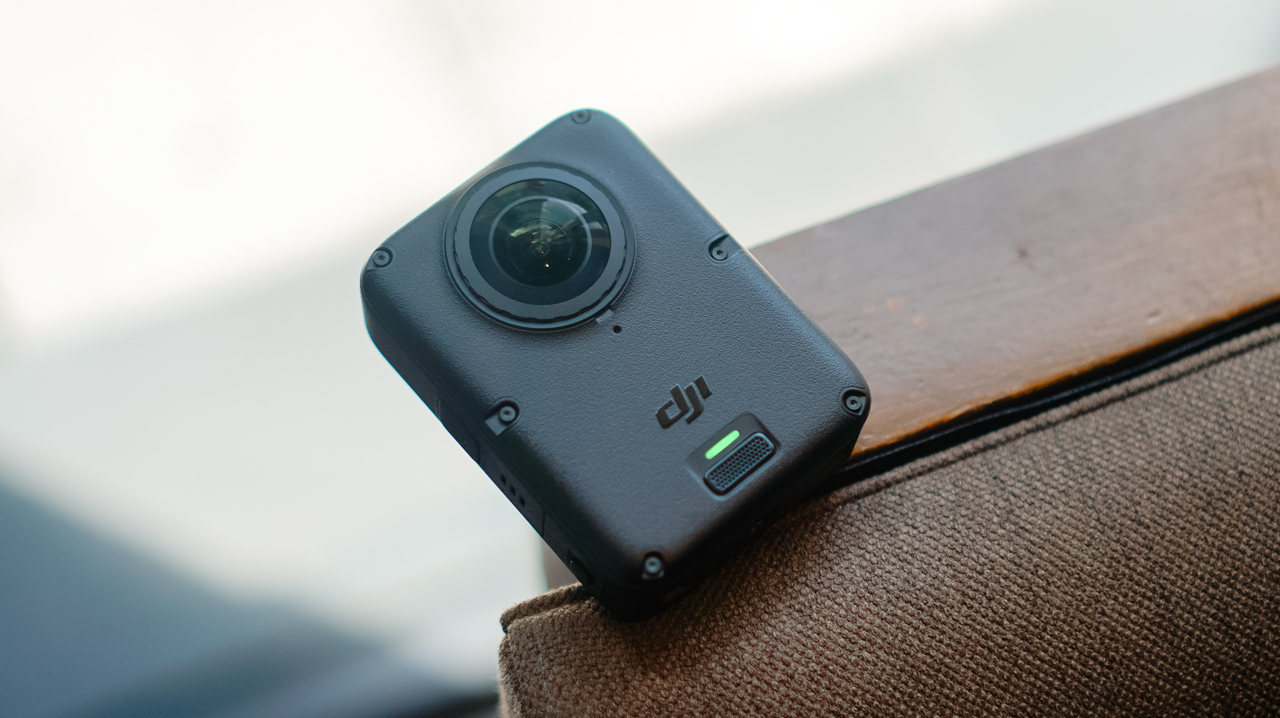
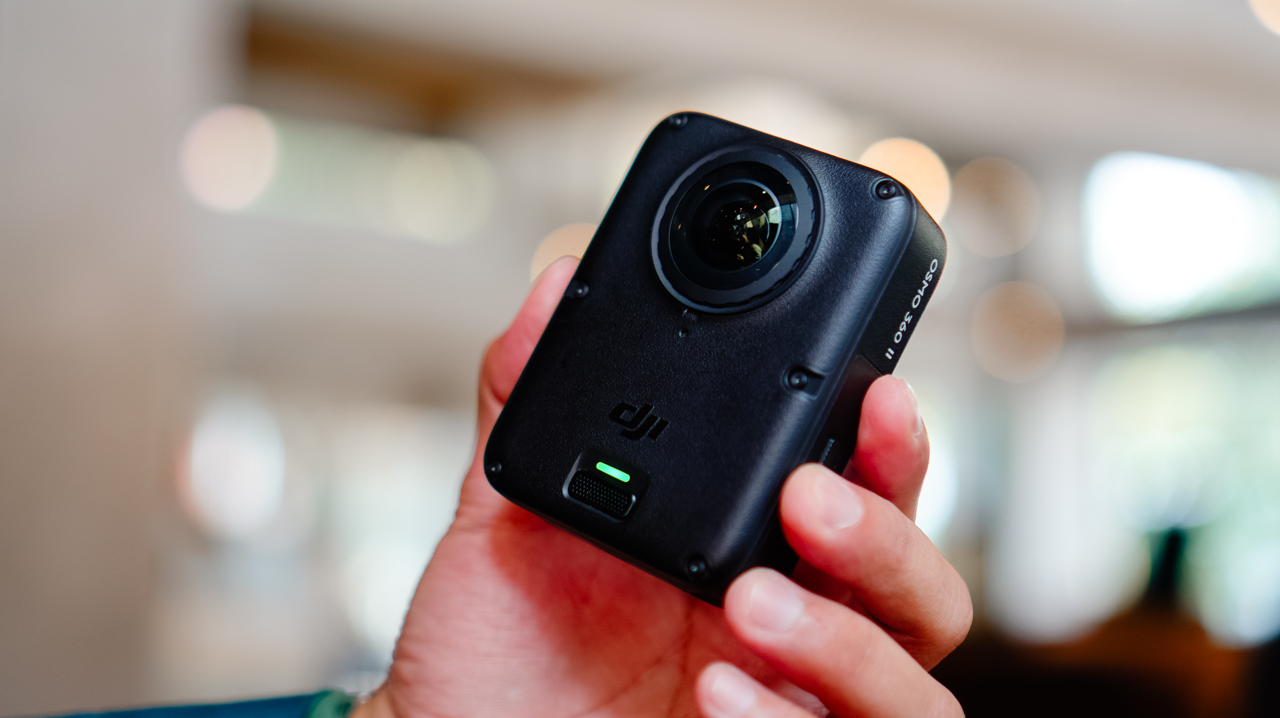
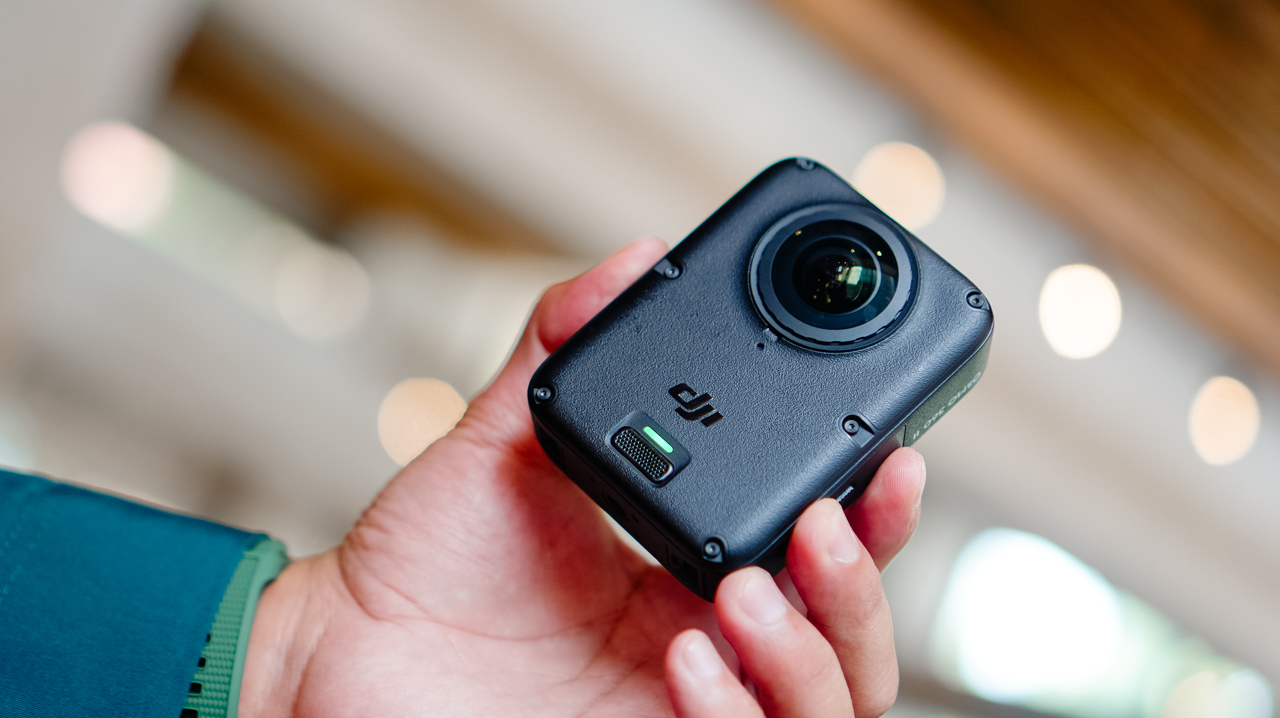
Coming from the X5’s lengthy monolith shape, the Osmo 360 II looks like a square monolith that fits in the palm of my hand.

The smaller footprint makes it easier to switch between portrait and horizontal orientation when shooting single-lens.
It’s heavier than the X5, though, and I noticed that weight almost immediately the first time I clipped it onto a mount, like the camera wanted me to know it meant business.

The design feels sturdier than its predecessor, and it now has a replaceable lens for when you scratch it, instead of a trip to a service center.
Performance
The Osmo 360 II arrived during a rough month for shooting in the Philippines. We were hit by one storm after another, with barely any sun in between, and there were days I genuinely wondered if I’d get to test this camera the way I wanted to before a deadline caught up with me.
I’d planned to test it on my usual trails, but landslides closed them off, so the next best option was a car-free Sunday in Ayala Triangle while the sun cooperated.
View this post on Instagram
It wasn’t the adventure footage I had in mind, but making a plain Sunday in the city look like it mattered turned out to be its own kind of satisfying.
360 video now shoots at 8K60, up from 8K50 on the previous model, with the bitrate raised from 170Mbps to 220Mbps.
Single-lens shooting tops out at 4K60, though 4K50 is the recommended setting. Daytime footage looks excellent, especially for anything meant for social with a slightly different perspective than the usual flat shot.
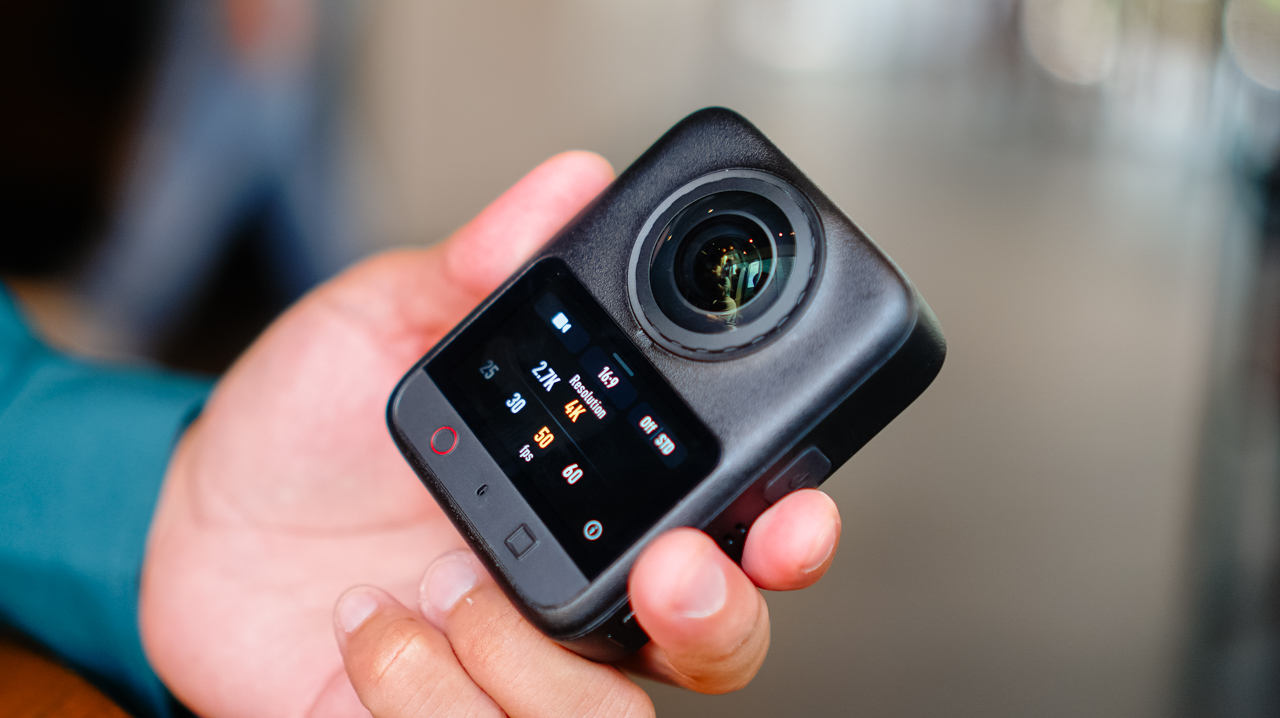
Scrolling back through those Ayala Triangle clips later that night, I caught myself smiling at angles I wouldn’t have thought to frame on a regular camera.
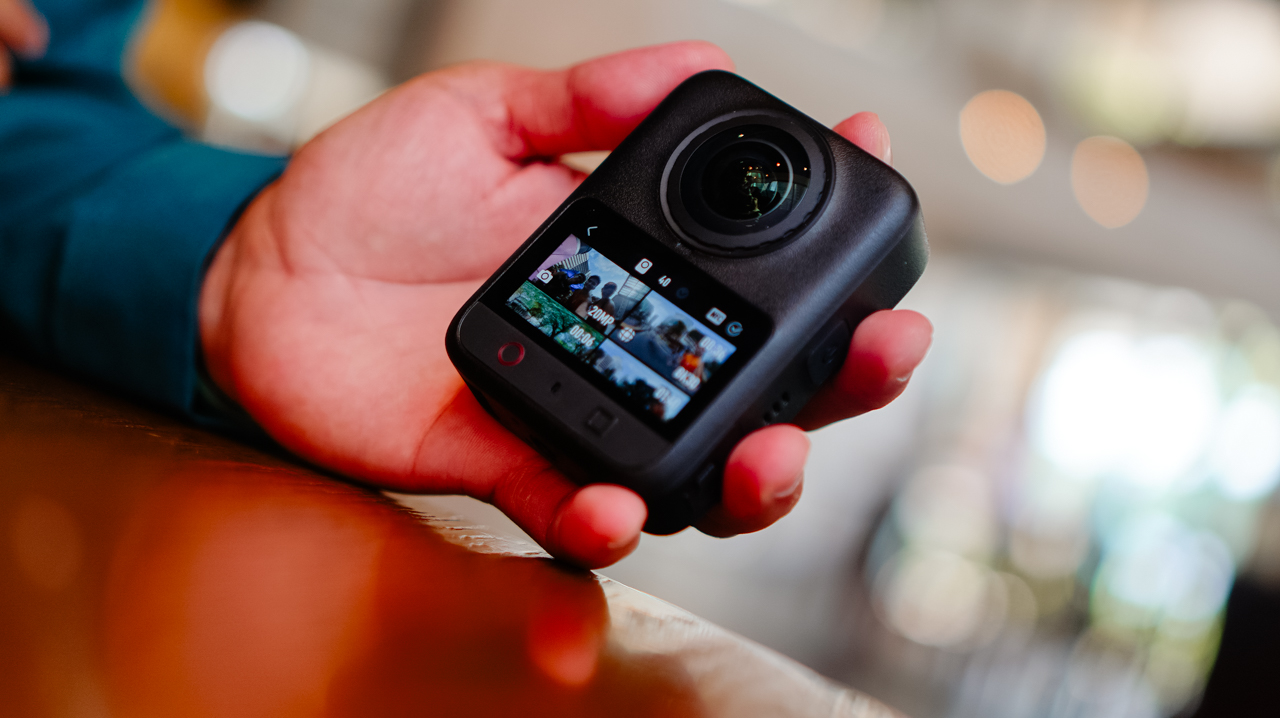
Night footage is where I’ve historically had issues with this category of camera, and I still don’t love straight Video mode after dark. But the new model claims 14.5 stops of dynamic range with its low-light processing, and shooting in Boost Video and SuperNight modes noticeably improves low-light results.
Photos hold up well too. Single-lens stills shoot ultra-wide at up to 30MP, and panoramic 360 photos go up to 120MP HDR.

RAW photo support is new this generation, and it’s this type of addition that made me want to slow down and actually shoot stills again instead of treating this as a video-only device.
Storage
AI features pushing further onto these devices has driven up demand, and prices, for RAM and storage across the board.
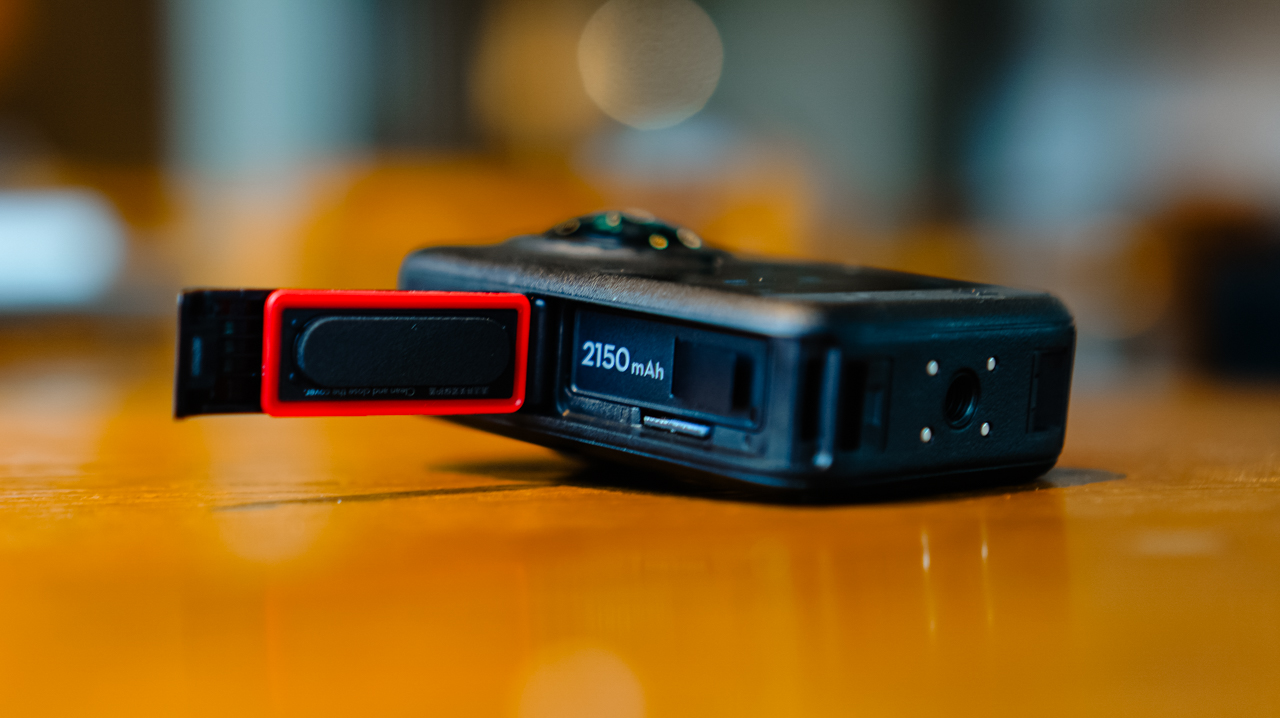
MicroSD cards, SSDs, even cloud storage all cost more than they used to, and I’ve felt that pinch every time I’ve had to buy a new card just to keep shooting through a busy week.
What I appreciate about DJI’s new lineup this year is the built-in storage, over 100GB on the Osmo 360 II. Paired with a microSD card, I’m not scrambling to back up mid-shoot just to free up space, which matters given how fast 4K and 8K footage eats through storage.
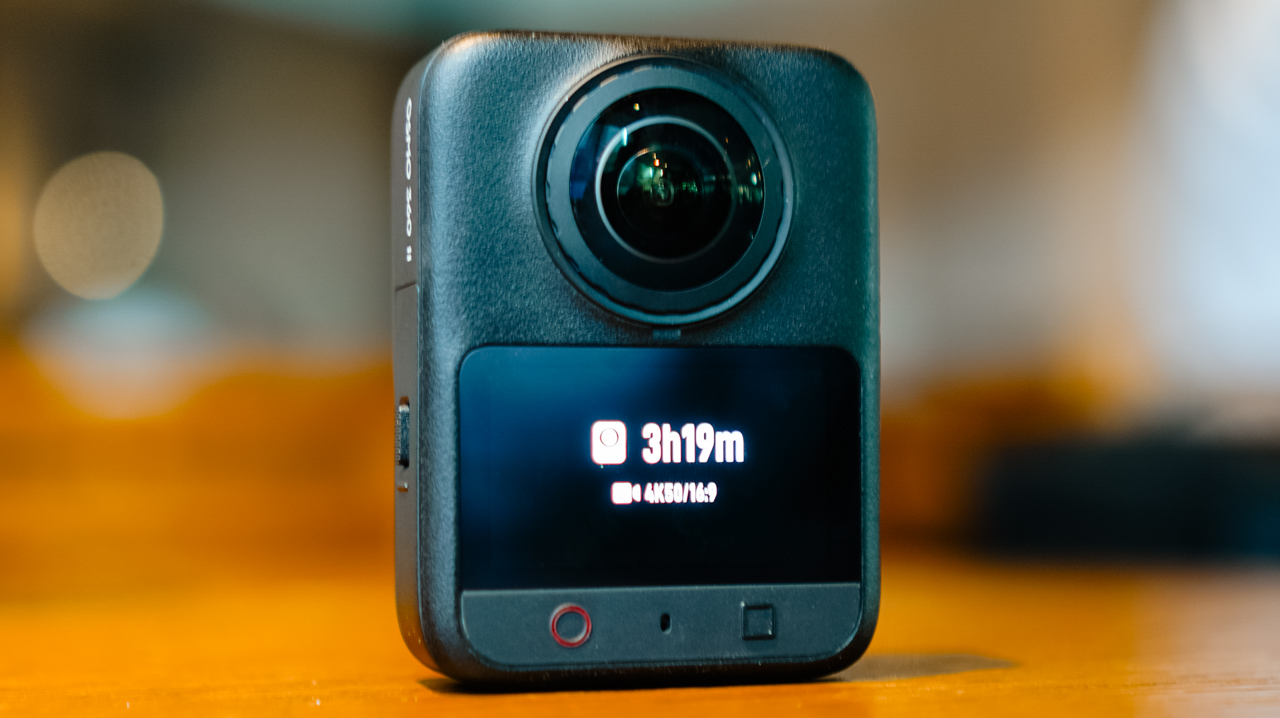
Not watching a storage warning pop up in the middle of something I can’t reshoot is a relief I didn’t know I needed.
Ecosystem
Before this, the X5 was the one device in my kit that didn’t run on DJI. Now that the Osmo 360 II is in the mix, footage lands in the DJI Mimo app the same way it does from everything else I own.
I’m not juggling two apps or two export flows anymore. Previously, files from the X5 would sit untouched longer than I wanted, simply because everything else I owned already funneled into Mimo and this one didn’t.
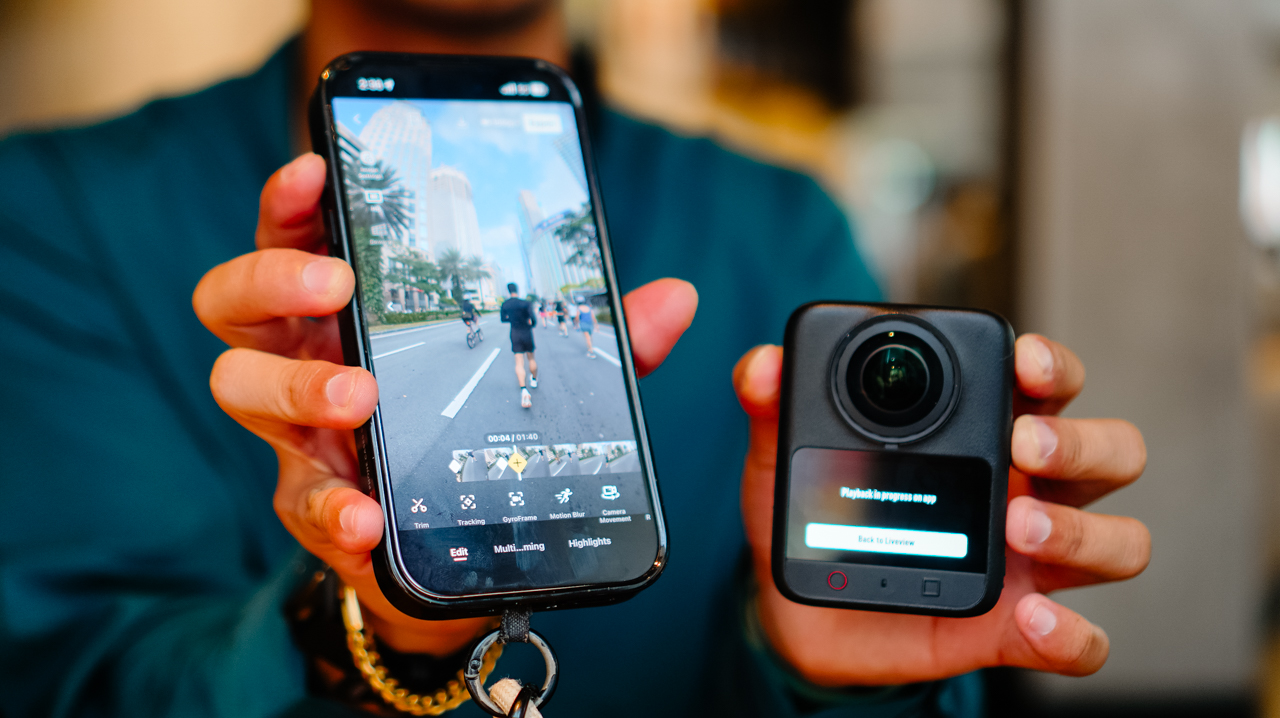
I can’t count how many times I opened my phone meaning to edit something, only to close it again because the file was sitting in the wrong app.
Editing 360 footage in the app is straightforward, with tools built for actually shaping the story rather than handing it off to AI.
Trimming, tracking, GyroFrame for dynamic movement, motion blur adjustments, multi-clip cuts and exports in one pass. If you do want AI in the loop, there’s Highlight Auto Selection to help surface usable scenes for reels.
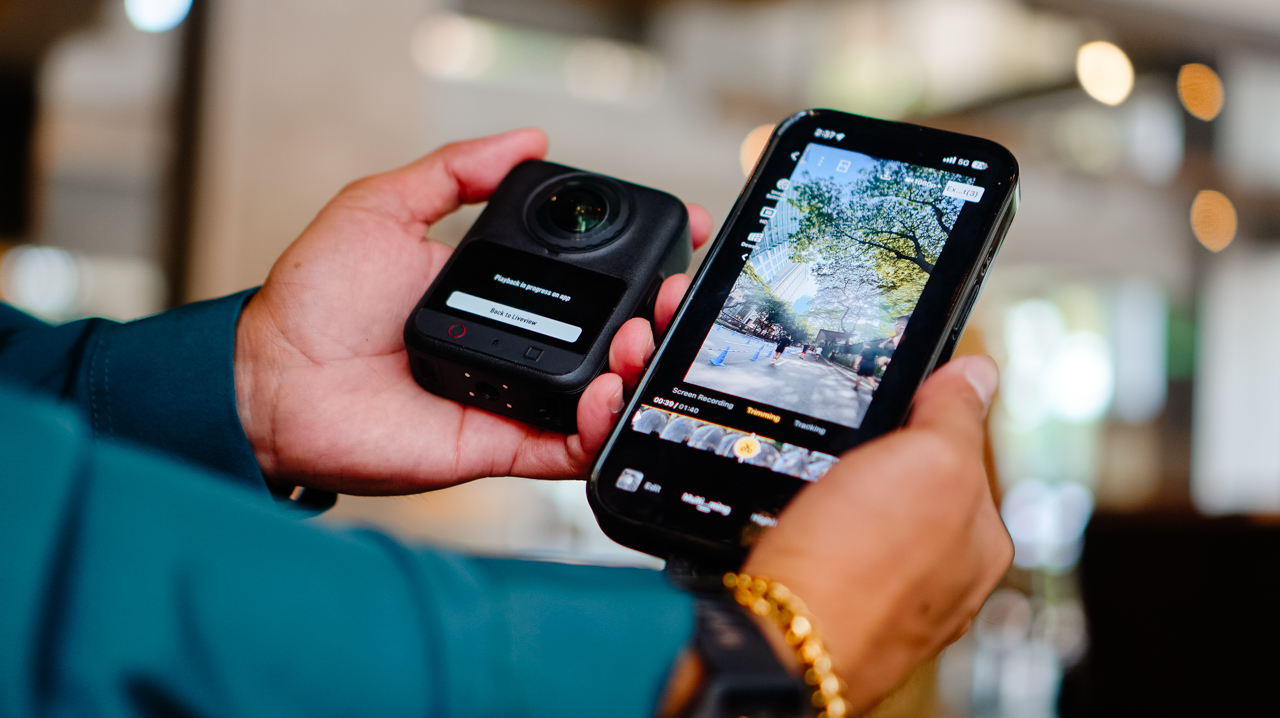
Insta360’s ecosystem likely has comparable editing depth. What’s different for me is having it all live in one app instead of splitting my workflow across two, and how much lighter that’s made the whole process feel by the end of a shoot day.
Is the DJI Osmo 360 II your GadgetMatch?
If you’re already using DJI across your gear and your workflow, the Osmo 360 II is an easy yes.
It fixes a real complaint from the first generation, folds into one ecosystem instead of two, and comes in at a price that’s hard to argue with.
Letting go of the X5 turned out to be less of a loss than I expected. It’s more like finally closing a tab I’d left open for a year.
Swipe Right if you want hardware upgrades that solve a genuine complaint from the first generation, one ecosystem instead of two, and a real price advantage.
The DJI Osmo 360 II is built for someone focused on storytelling and getting the most out of the gear they already own, rather than someone chasing the newest AI-editing tools.
Swipe Left if you want AI-driven editing front and center, or you’re already settled into Insta360’s ecosystem.
Gaming
Now Playing: The Blood of the Dawnwalker
The game lovingly cobbles together inspiration from past games.

Imitation is the sincerest form of flattery, or so they say. However, for a gamer, imitation is the sad state of the industry today. Every game is a copy of another. Every game today is a survival simulator, an extraction shooter, or a cozy organization title. The Blood of the Dawnwalker is no different. However, while it does draw inspiration from so many past titles, the unique blend makes it one of the most unique RPG experiences today.
A tale of darkness
The Blood of the Dawnwalker touts itself as the next project of the minds who came up with The Witcher 3. Rebel Wolves, a relatively small outfit, is the new home of several developers who worked on the aforementioned game. That, in itself, is already a strong reason why you should get Dawnwalker.
But it goes much deeper. And it starts with the story.

Coen of Laslea lives a relatively peaceful life in a valley called Vale Sangora. But that peace is dependent only on the whims of the valley’s vampiric rulers, a cabal of four brutal vampires who keep the peace in exchange for a monthly blood tithe, called a Blood Mass, extracted from every villager from every village once a month.
Unfortunately for Coen, this month’s Blood Mass doesn’t end as usual. Events have drawn the vampires’ ire, and — surprise, surprise — Coen gets turned into a vampire himself. Faced with a new reality, Coen goes on a rescue mission to save his family as a newly turned vampire.
Dawnwalker reverses the old trope of the hunter hunting the monster. Do you embrace the vampire within or keep being human?
A dark world
The Blood of the Dawnwalker roots itself as a traditional RPG. As a newly turned vampire, Coen doesn’t have awesome vampiric powers yet. Though he’s stronger as a vampire, a more ferocious monster can easily take him on at lower levels.
He does have a diverse skill tree pronged into three sections: Witchcraft which works only in the daytime, Vampirism which works at night, and Swordplay which works in both. Every section has its share of overpowered skills. One of my favorites heals Coen every time he executes a perfect block while in his vampire state. Coen essentially becomes invincible with some of these skills.
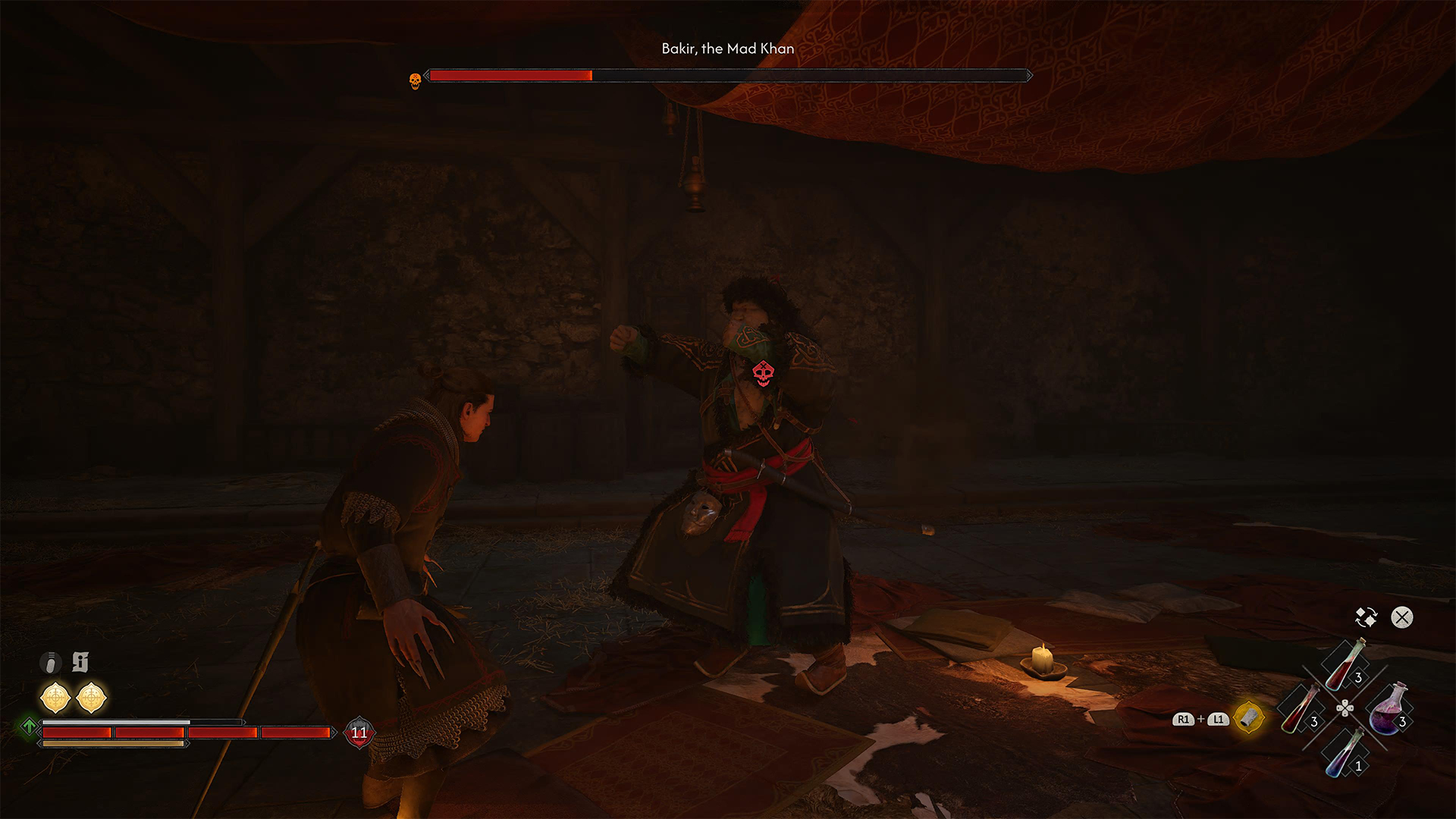
To level up, Coen must fight enemies or accomplish missions. Both of which add to how fun the game is. But let’s start with fighting.
Dawnwalker draws inspiration from Kingdom Come: Deliverance. Specifically, the game has a direction system of attacking and blocking. You can pick which of the four cardinal directions to attack and block. Pick a direction that your enemy doesn’t, and the attack lands. Alternatively, pick the direction that your attacking enemy does, and you block their attack.
Unlike Kingdom Come, Dawnwalker is much more accessible, especially with an icon that explicitly tells you where attacks are coming from. Fighting in Dawnwalker feels fun, regardless of how overpowered Coen is. Even at high levels, I don’t find it boring to enter another encampment and fight an entire army.
The Ubisoft way
Another way to bring Coen to those higher levels is by accomplishing missions. The Blood of the Dawnwalker does this in a way typical of most Ubisoft-inspired RPGs. Brencis, the big bad of the vampire posse, is supported by three lesser bosses. Each lesser boss has their own dominion with a set of objectives to “anger” their respective ruler. To fight Brencis, Coen must first kill all three lesser bosses.
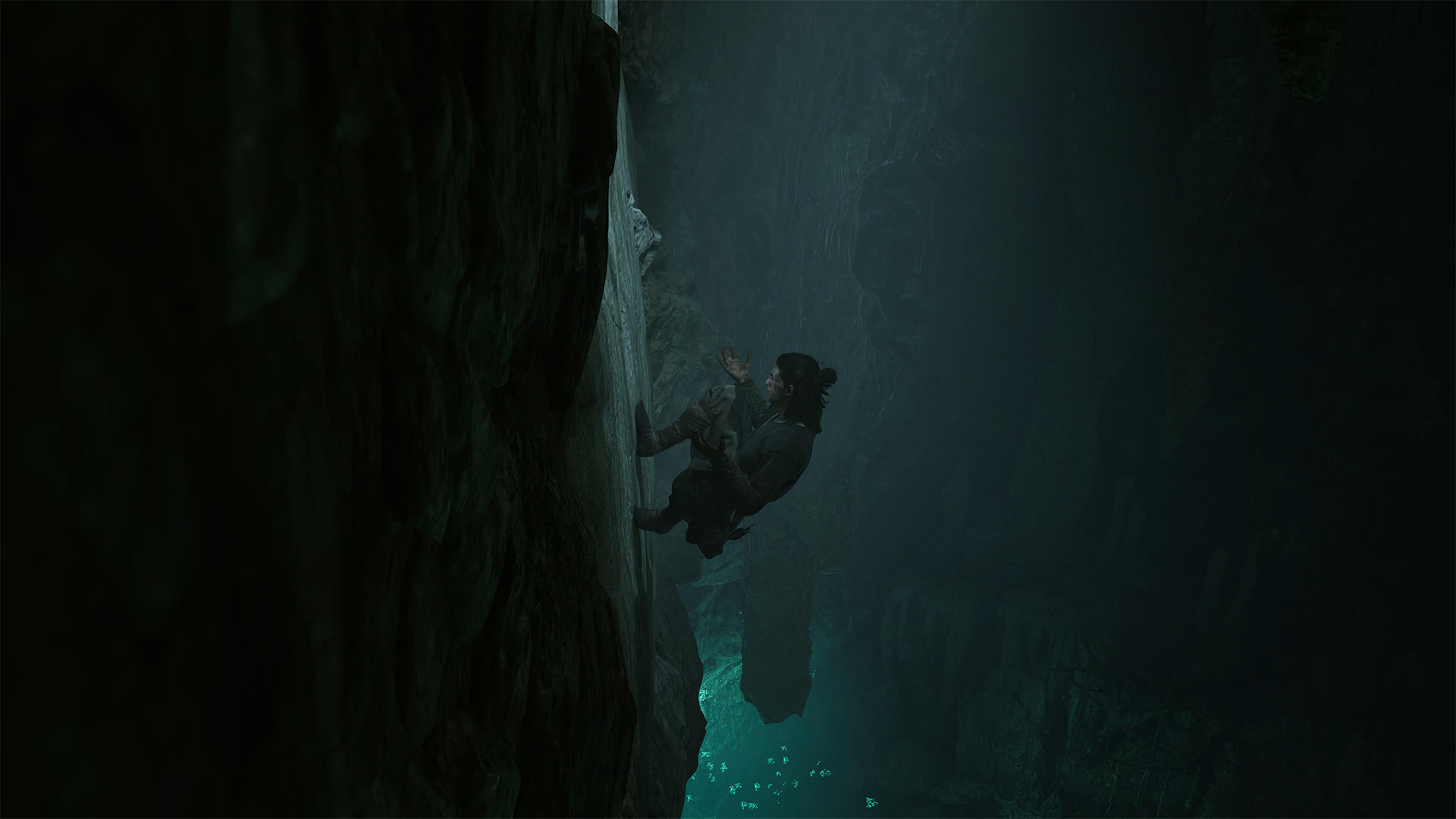
Alongside these three goals, Coen can also recruit rebels to fight against Brencis or find powerful weapons that will help against the fight. You can also reminisce about your family’s past or romance the local witch.
If Dawnwalker were just a typical RPG (and, in some cases, it is), then you can cross off these objectives like a checklist. But Dawnwalker doesn’t do that. Time is a resource here.
Losing time
Once you finish the prologue, Coen will have thirty in-game days to rescue his family from Brencis. Time doesn’t move regularly, though. It moves only after every accomplishable activity: finishing objectives and levelling up. Each day has sixteen segments, divided into two halves for day and night. A time-progressing activity can move time up by one increment (or the equivalent of one or two hours) or even six. Some activities can even progress time from day to night (or vice versa).
On a similar note, Coen has different abilities depending on the time of day. During the day, Coen uses witchcraft. During the night, he can use his vampiric claws and suck his enemies dry as a vampire.
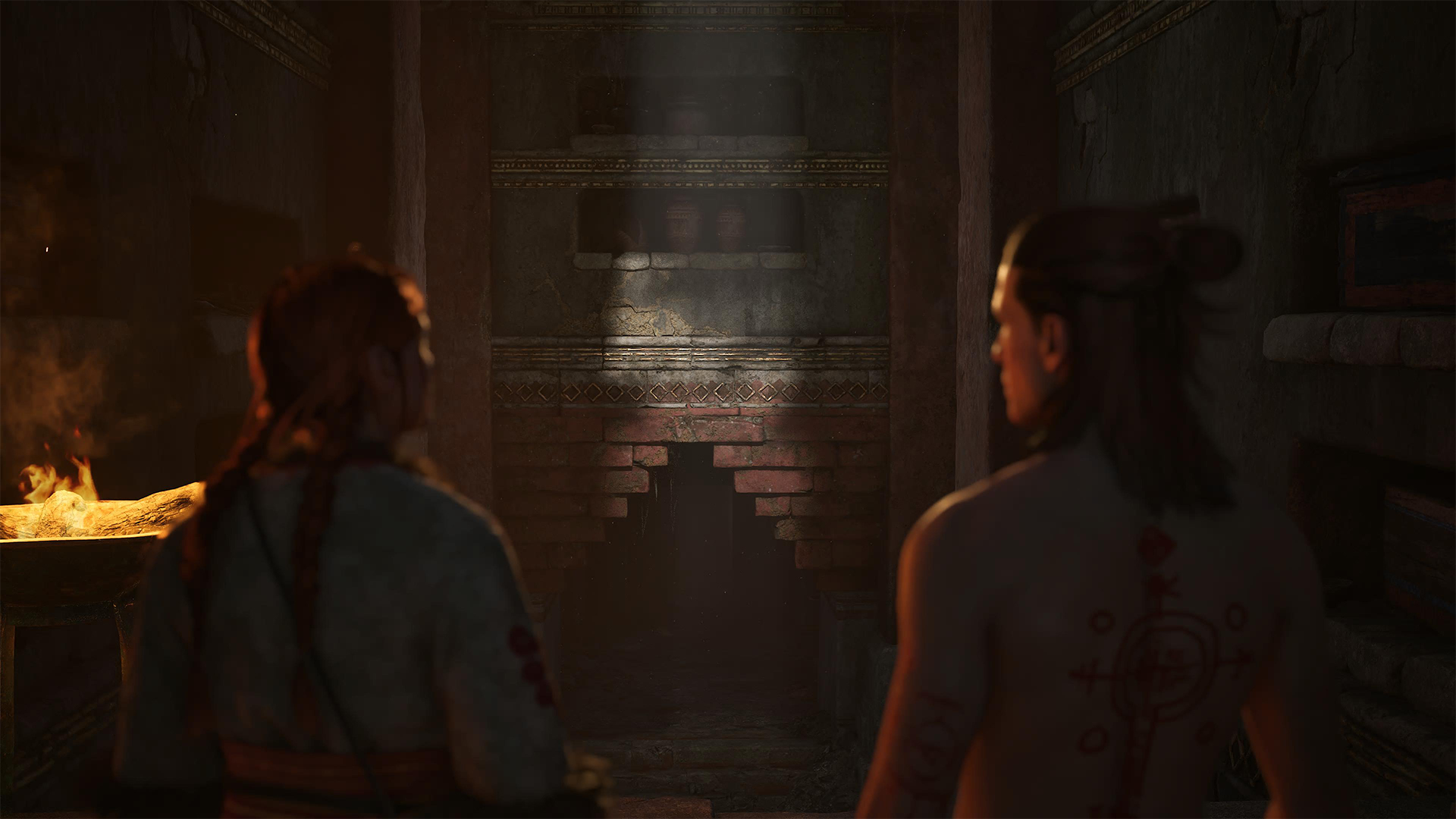
Using time as a resource is hardly a novel idea. I’ve seen it in Dead Rising and Dying Light. Dawnwalker, however, makes the march of time feel more pressing. Often, it’s a strategy game of figuring out which objectives to prioritize. Should I prioritize the other vampiric bosses? Should I hunt for more supporters to the rebel cause? Should I give time for Anca, my love interest?
Plus, with the differences between day and night, it’s important to plan when I wanted to do certain objectives. Am I strong enough during the day to beat a high-level monster, or should I wait until night when I’m much stronger?
Time is an illusion
Though the feeling of time’s passing is palpable throughout, Dawnwalker eventually makes it all an illusion. Thirty days is enough time to get stronger, find allies, and defeat all three lesser vampires. In fact, there are even ways to save a lot of time.
On my first playthrough, I accidentally discovered a way to break the sequence of the traditional RPG experience. After beating my second vampire lord, I wanted to explore the map a bit more before tackling the third and final lord. The next mission on my docket was hunting for a powerful silver sword in a cathedral, a supposedly low-stakes mission. Apparently, the third lord likes hanging around the cathedral. So, while I was minding my own business, the game gave me the opportunity to fight the third lord without needing to anger her. And why wouldn’t I take that chance?

With eighteen full days left before the deadline, I beat all three lords and angered Brencis enough to trigger his mission. I also felt strong enough to take him on.
Now, this isn’t to say that the game’s time-based mechanic is a failure. You can’t take away that feeling of having to strategize objectives, even if it’s ultimately moot. Besides, there’s still that day-night mechanic.
In that way, Dawnwalker’s time mechanic is still a success. Yes, it could have gone further, but you can’t ignore that it’s a unique approach to RPGs.
Choice is an illusion
Being a vampire, Coen is always prone to that hunger for blood. To materialize this, he has a blood hunger meter, which naturally depletes as time goes by. This is further highlighted by a “give in to the hunger” option with several NPC dialogues, which gradually becomes more difficult to ignore when the hunger gets higher. At one point, it becomes impossible to resist, so Coen feeds on that NPC and essentially kills them off.
On the choices-definitely-matter level, the game ideally wants you to balance Coen’s hunger for blood. It wants you to drink blood before NPC encounters, so you don’t accidentally drink them dry.
In my opinion, the system just doesn’t land. There was never a time when I felt crippled by that hunger. At times, I even forgot that it existed. It could be because I wasn’t shy about feeding during combat. After all, feeding has a very strong healing mechanic, which works extremely well in fights.
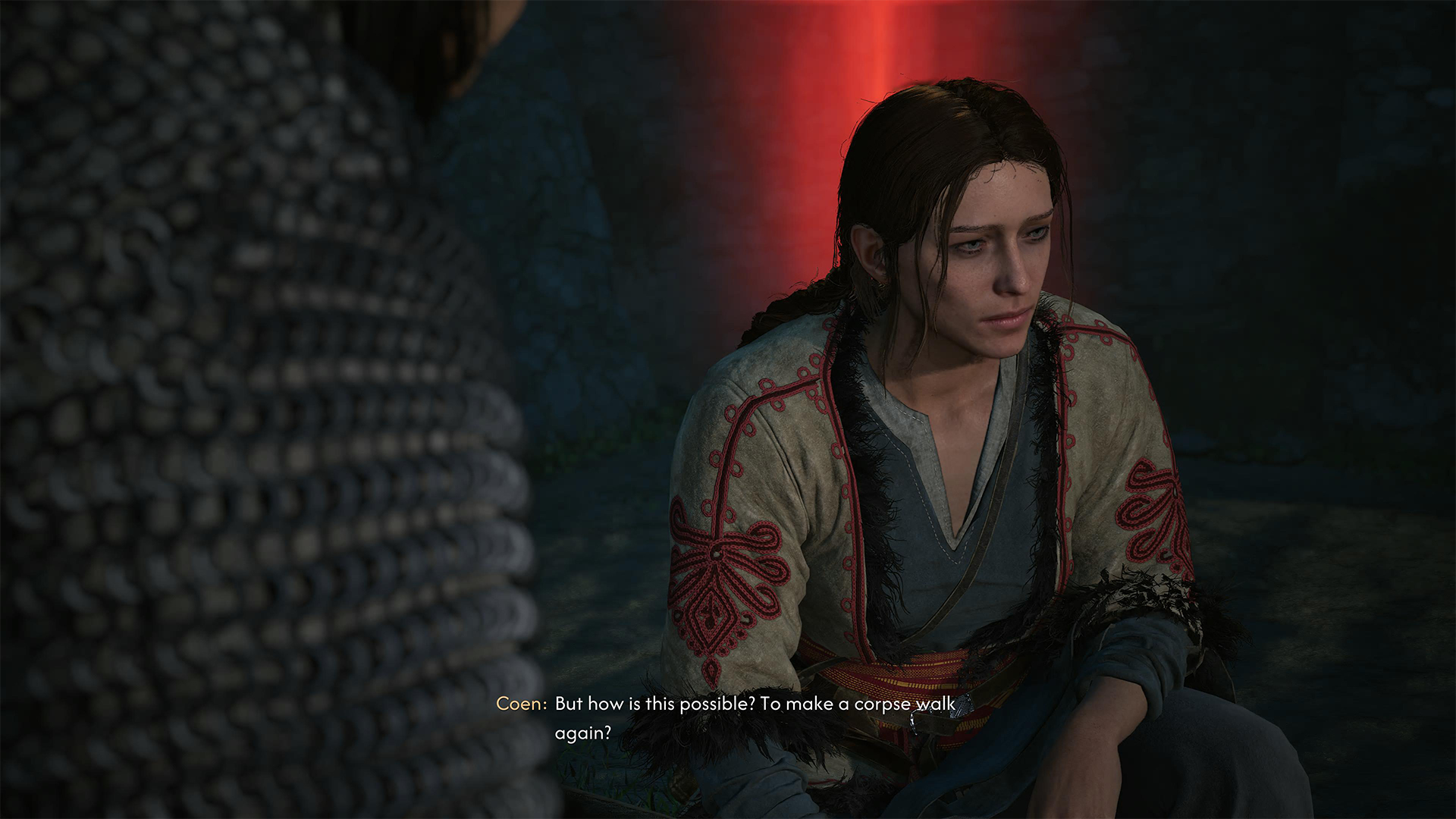
Although, I still tried the NPC feeding option on some annoying characters. And it was… meh? Sure, the drawback is that I lost dialogue options which could have led to something amazing. But I also didn’t get anything in return. I didn’t feel more powerful, nor did I feel Coen becoming more corrupted by vampirism. In essence, the hunger is more for roleplaying than something mechanically rewarding.
It’s unfortunate because Dawnwalker has something called a corruption level. The more you drink blood, the more this stat increases. The higher it is, the more vampiric powers you can unlock. If the game offered more rewards for drinking NPCs like better corruption increases (as in Vampyr, a similar vampire game), then the hunger might be more interesting.
Is The Blood of the Dawnwalker your PlayMatch?
The Blood of the Dawnwalker is easily one of the most mechanically interesting RPGs of 2026. The game patches together several unique mechanics from the past, which already worked on their own but shine even brighter when cobbled together.
Sure, it doesn’t go far enough with a few mechanics, but that’s fine enough. It’s a dark fantasy tale that keeps itself fresh throughout the playthrough. For that, this game gets a Swipe Right and a Super Swipe for those craving for a semi-lengthy, go-through-all-the-bosses RPG.

NBA 2K27 review: A two-way All-Star
Better ball game, same 2K?


DJI Osmo 360 II review: Going all-in on the ecosystem
I'm finally leaving my Insta360 X5 behind!


Now Playing: The Blood of the Dawnwalker
The game lovingly cobbles together inspiration from past games.
NBA 2K27 review: A two-way All-Star

Final Fantasy VII Revelation launches April 8, 2027

Acer announces 1st FHD 1000Hz gaming monitor: Predator XB253Q U1

Acer unveils Predator ES Thunder Pro e-Scooter

Acer expands mobile productivity lineup with Swift Blade 14, Air 16

TECNO MEGAPAD 2 review: Eyes on the size

realme 16T 5G with 8000mAh battery, IP69 Pro rating launches in PH

REDMI Note 17 Series focuses on long-term reliability

realme 16T to come with 8,000mAh battery, 7-year battery health guarantee

HUAWEI Pura X View is 2026’s first WIDE slab-type smartphone


-
 Reviews2 weeks ago
TECNO MEGAPAD 2 review: Eyes on the size
-
 News6 days ago
realme 16T 5G with 8000mAh battery, IP69 Pro rating launches in PH
-

 Cameras2 weeks ago
30 days with the DJI Osmo Pocket 4P
-

 Singapore1 week ago
REDMI Note 17 Series: Price, availability in Singapore
-

 News1 week ago
REDMI reveals the refreshed Note 17 and Note 17 Pro series
-

 Cameras1 week ago
Insta360 Luna Ultra review: My new solo coverage camera
-

 Reviews1 week ago
REDMI Note 17 Pro review: What a rollercoaster ride!
-

 News1 week ago
HONOR Magic V6: Price, availability in the Philippines