
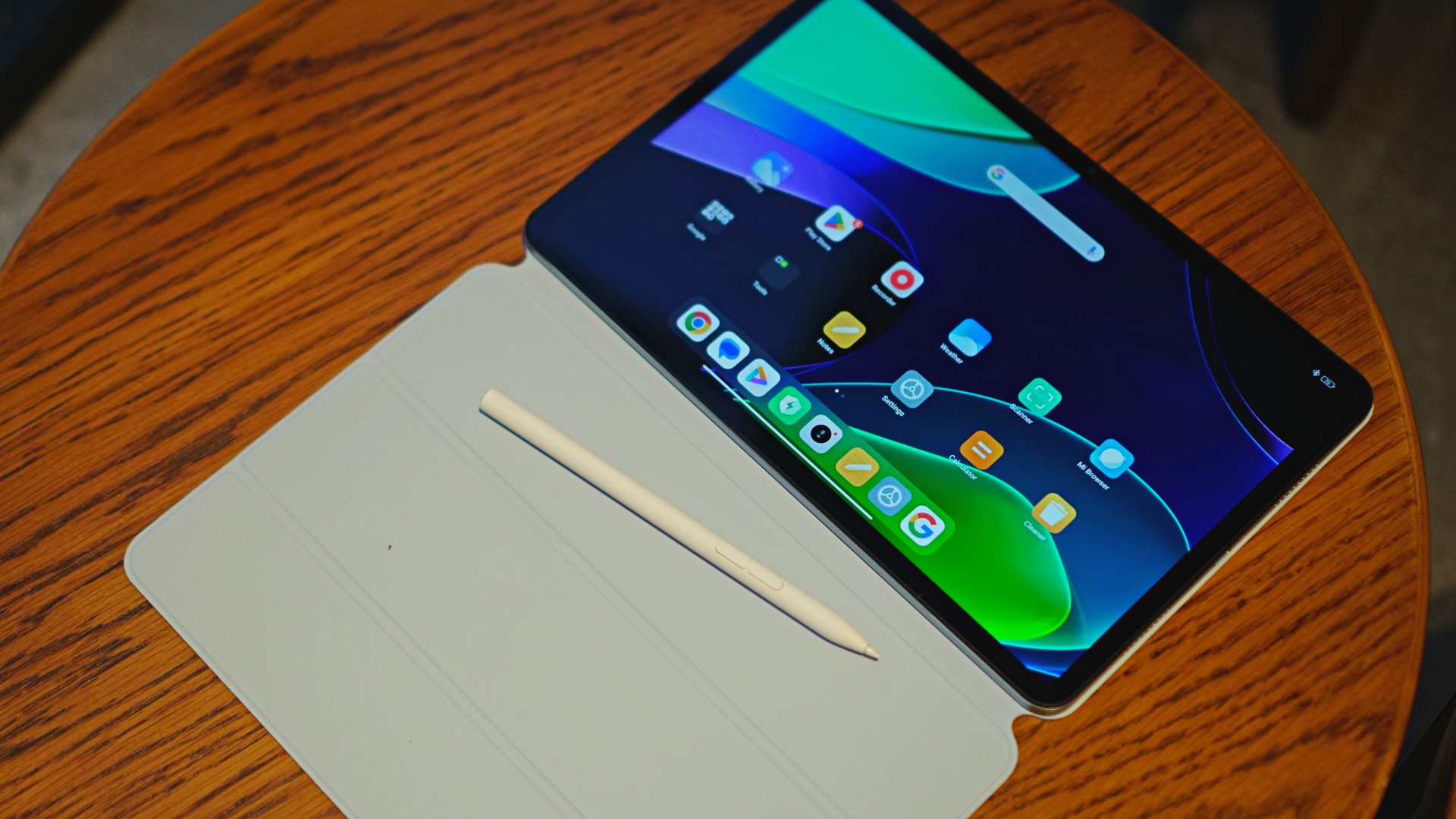
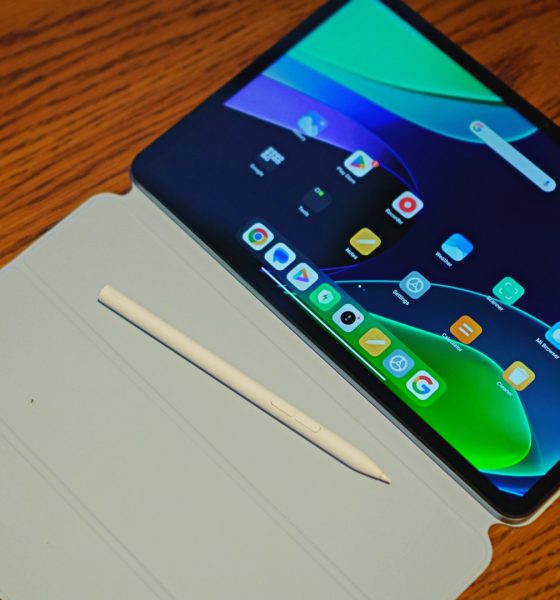

I have been on the market for a tablet for a rather specific need. You see, 2023 rolling in also marked the return of more face-to-face events. As I attended a select few of these, I’ve had to bring along my not-exactly-lightweight laptop only to end up not using it at all. In the interest of reducing my lower back pain, I needed something that was smaller, lighter, but still good enough to handle some of the tasks I might need to get to while on the go. Enter, the Xiaomi Pad 6.
Unboxing the Xiaomi Pad 6 and its accessories
Xiaomi was pretty darn generous sending over not only the tablet but also the multiple accessories you can use with it. In the video below, we unboxed the Xiaomi Pad 6, the Xiaomi Pad 6 Keyboard, the Xiaomi Pad 6 Cover, and the Xiaomi Smart Pen.
@gadgetmatch Xiaomi’s best Android tablet has just got an upgrade! #Xiaomi #XiaomiPad6 #Android #Tablet #fypシ
‘Laptop’ on the go
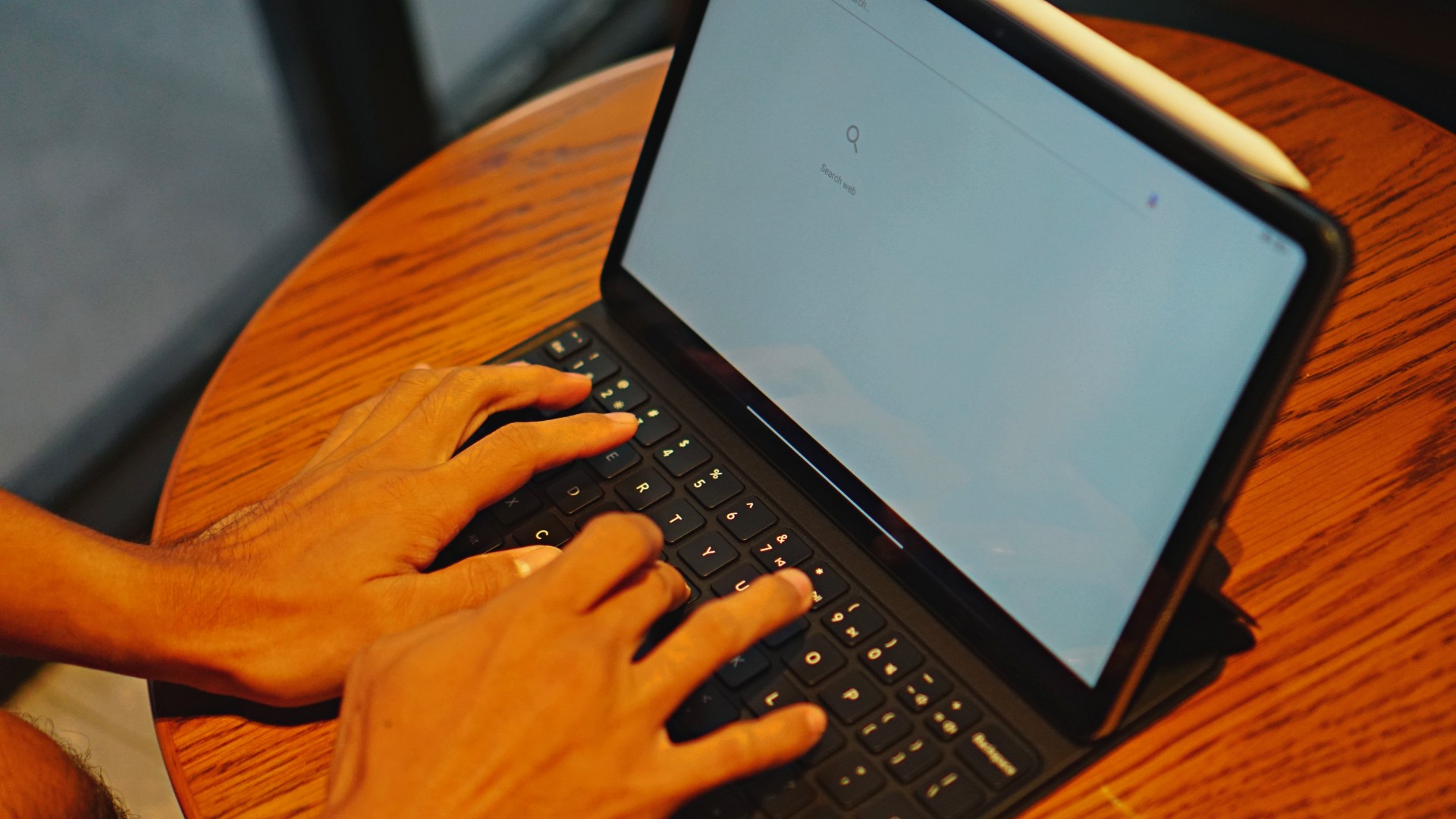
In the past couple of weeks, the Xiaomi Pad 6 fulfilled the laptop-on-the-go role that I desperately needed, and then some. Most notably, I took the tablet with me on an overseas coverage trip. True enough, I found myself in the exact same situations I would have found myself in had there been events domestically.
With the Pad 6 on hand, I didn’t have to bring a backpack with me. All I needed was the trusty Xiaomi Sling bag that I’ve had for years, my mirrorless camera, a couple of smartphones, and my mobile loadout was ready to go.
I found it much easier to move around as we traversed from one location to another during the many events spread across the week. In certain stops here or there, I was able to sit down to catch-up on some emails. Having access to a full-sized keyboard is a godsend for the number of emails and other correspondence I had to reply to.

Not only that, having the Xiaomi Pad 6 around also made it easy to copy edit a few articles here and there. As an editor that can’t exactly be glued to the desk all the time, this was a huge relief.
The typing experience is satisfactory and the general performance switching from email, to browser, to chat apps, was hiccup-free. If this is what you’re after the tablet for, know that it is more than capable for these types of tasks.
Great entertainment hub

Zom: 100 is hilarious.
The 11-inch display is the sweet spot for me. Small enough to fit in a sling bag, but large enough to serve as in-flight entertainment. Prior to flying, I downloaded episodes of Zom 100: Bucket List of the Dead, Bleach: Thousand-Year Blood War, Mushoku Tensei, as well as a couple of movies like Shin Kamen Rider.
I never realized how small the in-flight entertainment screen was in the economy flights I took until I had this 11-inch tablet with me. It’s such a better viewing experience and it allowed me to catch up to shows I was already watching versus settling for whatever’s available on the flight.
Best part? I conserved my smartphone’s battery levels by making the Xiaomi Pad 6 my primary entertainment hub. Not only did I download shows and movies, I also had plenty of storage room to spare for my main playlists on Spotify along with a handful of podcast episodes.
The pen is good for whoever will find use for it
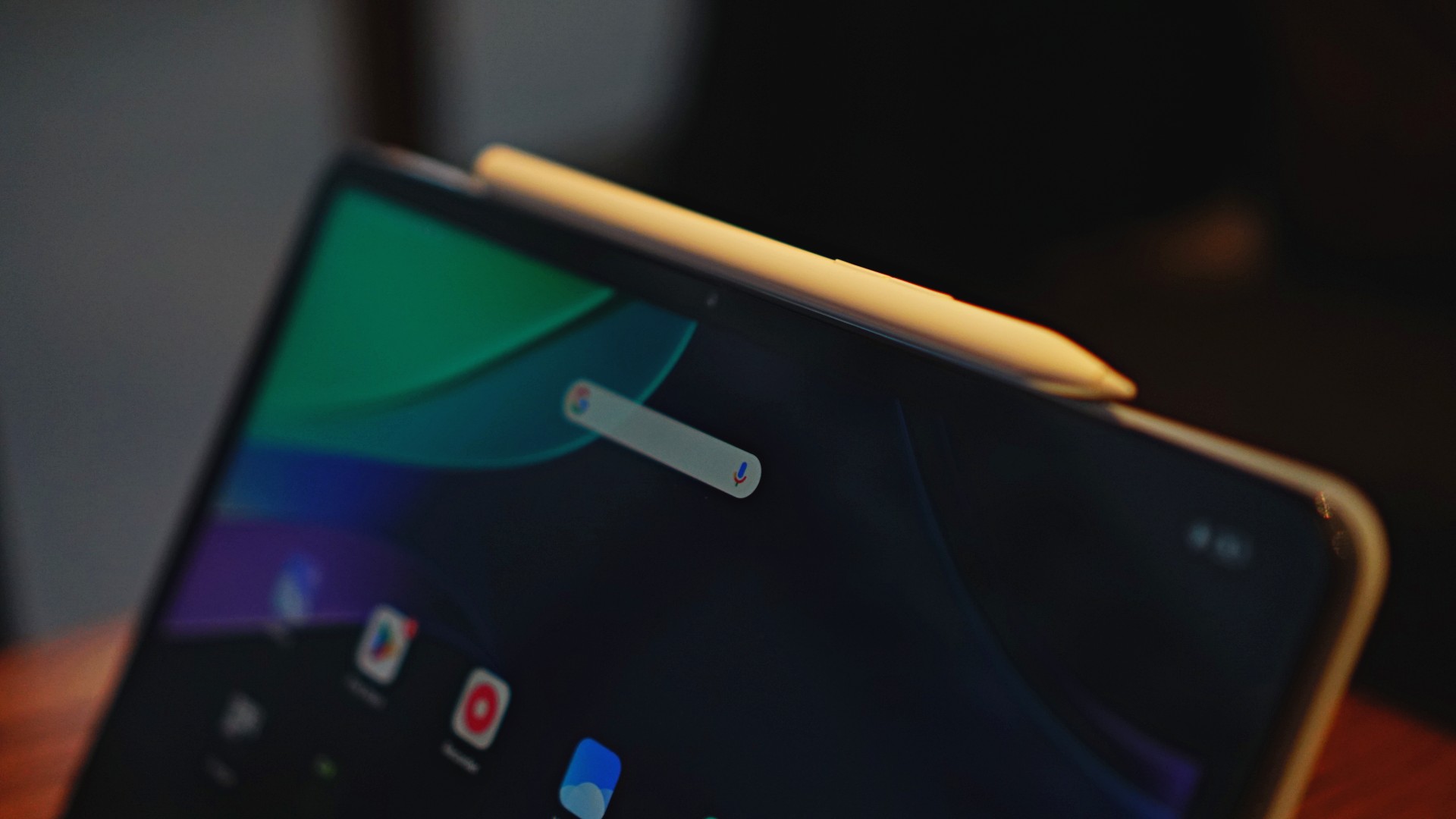
Which isn’t yours truly if I’m being honest. My days of scribbling and sketching are way, waaaay behind me. You can probably tell from my sad, sorry, attempt to sketch Mina of TWICE/MISAMO in the photo below.
What I can tell you though is that the Xiaomi Smart Pen handles great even with the limited usage I squeezed out of it. It certainly still feels like you’re sketching on glass and there’s nothing mind boggling here like the experience feeling like pen-to-paper, but it works nonetheless.
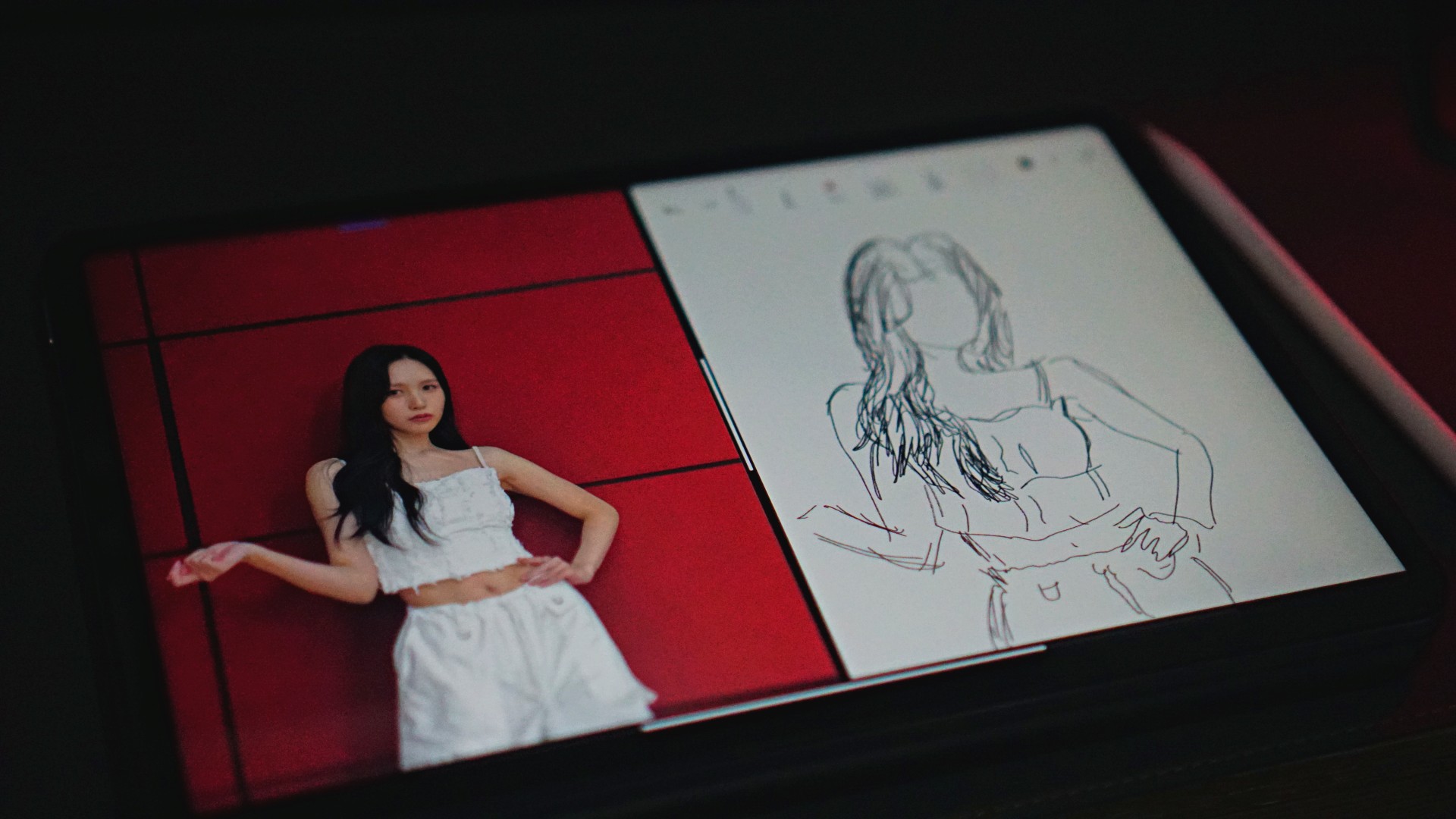
Mina stans, please don’t hate me.
If you’re into sketching, scribbling, and whatnot, it shouldn’t take too long to get used to the feeling.
And with the multi-window feature, you should, in theory, have an easier time referencing any material you’d like to draw.
Speaking of the multi-window feature, as someone who writes, it’s a great way to quickly see information at a glance and quickly add it to whatever you’re writing. It’s a handy feature that I’m sure a lot of people will be able to take advantage of.
Xiaomi Pad 6 specs
- Display – 11” WQHD+ (2880 x 1800) display at 309 ppi
- Processor – Snapdragon 870 Mobile Platform
- Battery – 8840mAh
- RAM and Storage – 6GB+128GB / 8GB+128GB /
- 8GB+256GB
- OS – MIUI Pad 14/Android 13
- Cameras – 13MP rear, 8MP front
- Connectivity – USB 3.2 Gen 1, BLUETOOTH 5.2, Wi-Fi 6
More quick notes
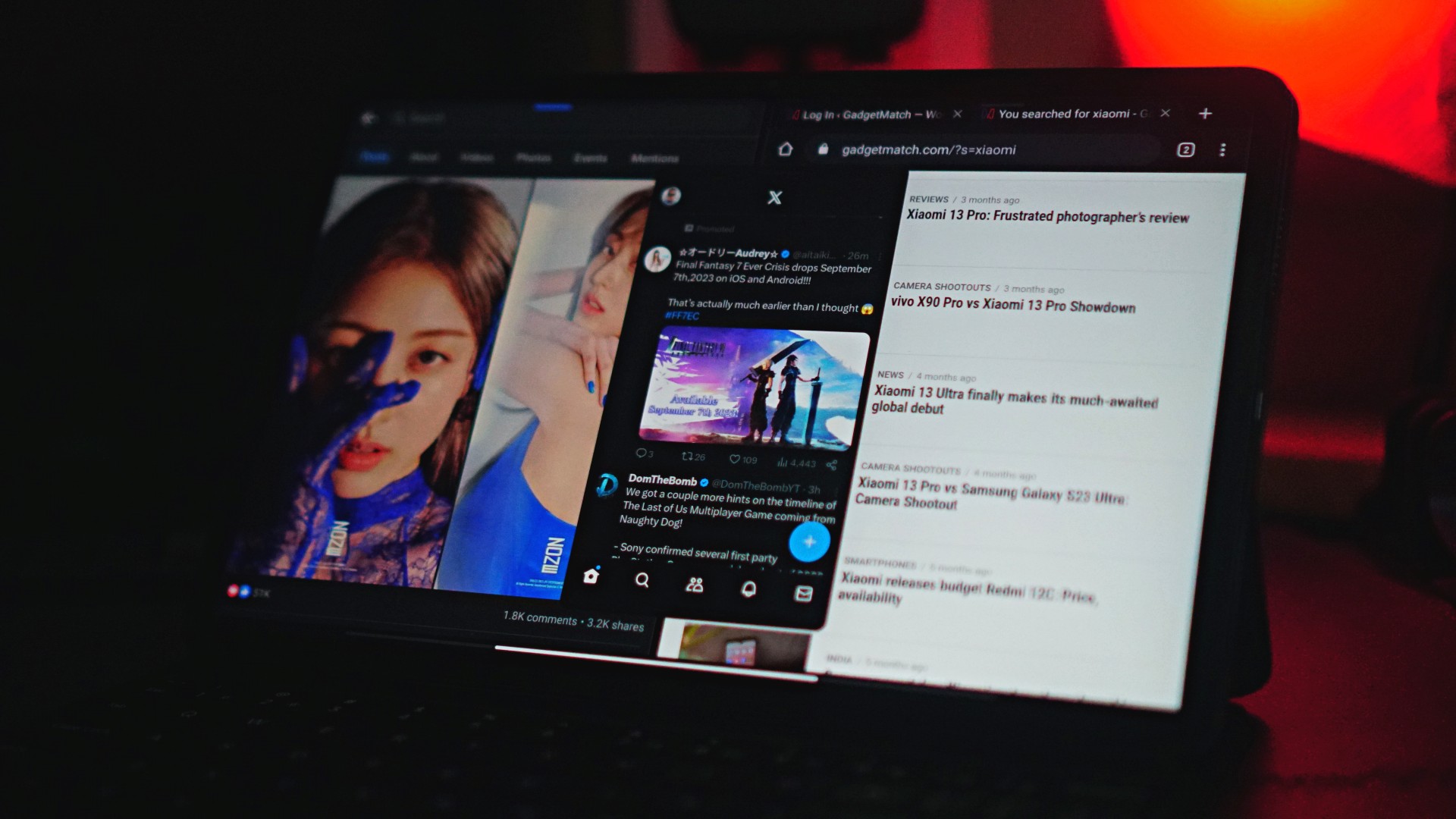
I installed a couple of games on it but never got to really, really play. It ran Asphalt 9 and Honkai: Star Rail just fine in my very, very limited play time. I personally never saw myself playing on this as much.
I also never truly exhausted the battery. The lowest it ever got was after I used it thoroughly on a 4-hour flight. And even then, I didn’t even hit 50% despite consuming plenty of media both video and audio. It supports up to 33W fast charging. If you juice it up with anything over that, you can expect the quick charge feature to kick in and top you up pretty quickly.
MIUI Pad 14 on Android 13 is fine. There’s nothing offensive about the UI and any shortcomings against the most popular tablet in the market has more to do with Android itself than the skin that Xiaomi put on top of it. It’s still good, it’s still very much functional, and pretty easy to figure out how to use if you’re at all familiar with Android.
Is the Xiaomi Pad 6 your GadgetMatch?

Like I mentioned at the start of the article, I had a very specific use-case in mind as I took the Xiaomi Pad 6 with me on my daily grind. For the editor part of my job, it worked perfectly. It’s compact, capable, and can do more than what I originally set out for it to do. With a starting price of just under PhP 30,000 for the full tablet-keyboard-pen package, it’s also one hell of a deal. Even moreso when you see the discounts during the first few days of sale.
The Xiaomi Pad 6 has to be the easiest Android tablet to recommend right now. It’s the ultimate bang-for-your-buck tablet, squeezing out plenty of features and functionality for a package price that’s more than reasonable. Xiaomi has a winner on their hands. One that deserves the GadgetMatch seal of approval.
Price, availability
The Xiaomi Pad 6 comes in Gravity Gray, Gold, and Mist Blue. The 8GB+128GB variant is priced at PhP 20,999 and the 8GB+256GB variant retails for from PhP 21,999.
The first 50 online buyers will get a free Xiaomi Smart Pen on a first come first serve basis starting August 11, 2023, and with an early bird promo:
8+128GB
- SRP: Php 20,999
- Early bird promo (August 12-20):
- Php 16,999 (Aug 11, 2023; online only)
- Php 17,999 (Aug 12-20, 2023; online only)
8+256 GB
- SRP: Php 21,999
- Early bird promo (August 18-27): Php 19,999
Xiaomi Pad 6 Keyboard
- SRP: Php 3,499
- Early bird promo (August 12-27): Php 2,499.30
Xiaomi Smart Pen
- SRP: Php 3,999
- Early bird promo: (August 12- 27) Php 2799.30






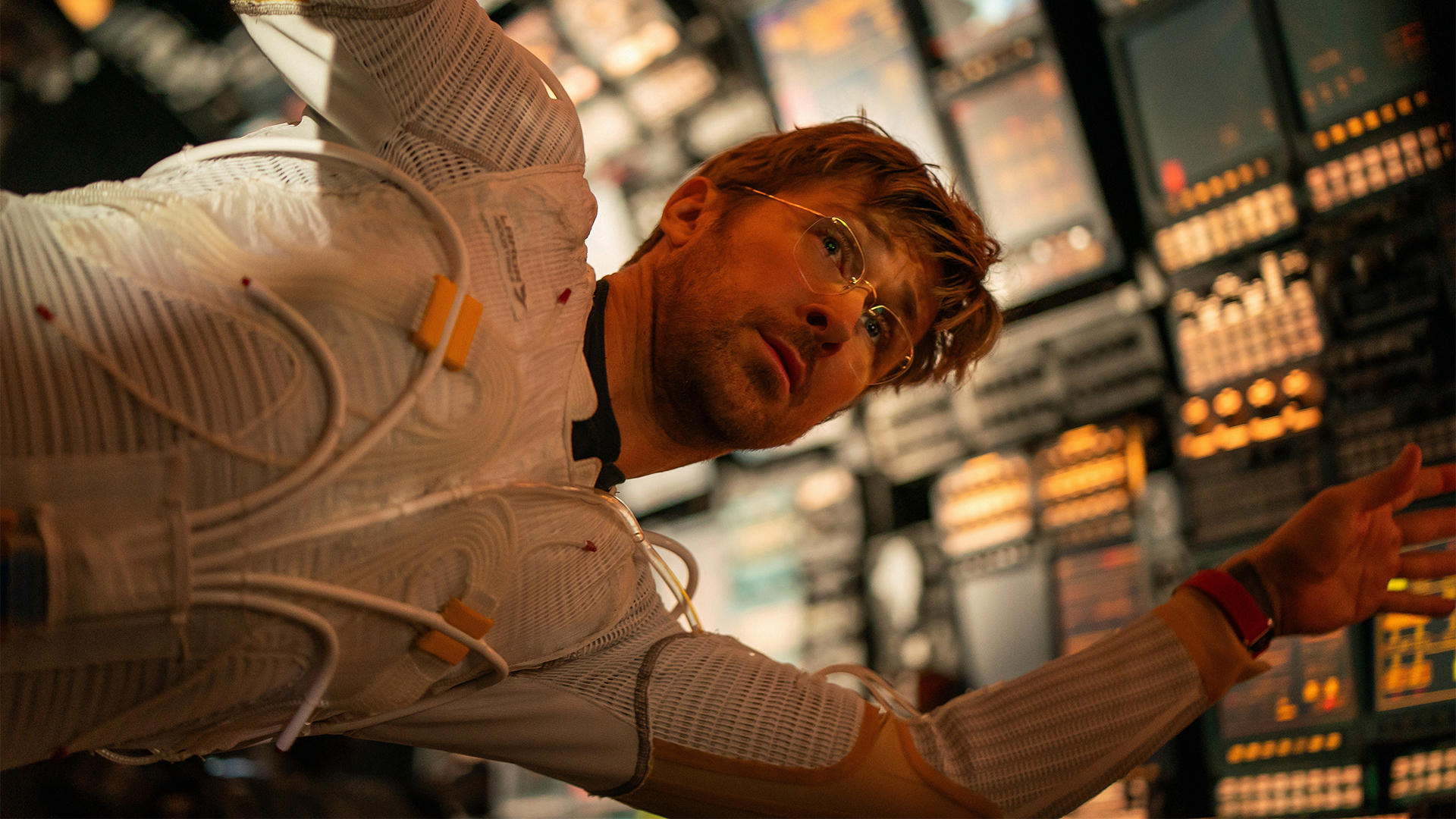
To be honest, I didn’t expect to like Project Hail Mary. I assumed that the decision to reveal the book’s biggest plot twist in the trailer was a mistake. I thought that the two-and-a-half-hour runtime might be too long. I worried that a hard sci-fi story like this one would be hard to translate into a feature-length film. Thank goodness I was wrong.
Project Hail Mary adapts Andy Weir’s novel of the same name. Indeed, that’s the same Andy Weir who wrote The Martian. Ryland Grace (Ryan Gosling), a molecular biologist, wakes up in an interstellar ship without his memory. With everyone else on board dead, he must find the answers to two questions on his own: who he is, and why he’s far away from Earth.
Though a soul-searching mystery might be entertaining in its own right, it wouldn’t be an Andy Weir story if it didn’t have some MacGyvering in space. Grace’s mission is apparently one of global importance. When a spacefaring virus starts to feed on the Sun and other surrounding stars, Earth sends a mission — that is, Ryland Grace and his deceased crewmates — to Tau Ceti, a faraway star somehow immune to the so-called astrophages.
Less problem solving, more emotion wrangling
Despite Weir’s tendencies to throw his protagonists into problem after problem, Phil Lord and Christopher Miller, who directed the adaptation, offers a more emotional story. Now, make no mistake; the original novel is already a tearjerker, but the film ups this even further by masterfully adapting the story’s most iconic character, Rocky.
Upon reaching Tau Ceti’s orbit, Grace realizes that he’s not alone. He isn’t the first visitor to the mysterious star. An alien spaceship is already orbiting the star. However, far from visions of War of the Worlds, this particular alien has a single mission: to save their own star from the same astrophages.

Rocky, as Grace calls them, looks like a living rock. Initially unable to communicate with the alien, Grave eventually builds a friendship with Rocky by translating the latter’s chirps to human words.
In the book, Rocky communicates with Grace (and the reader) through the broken English from a translating software. Naturally, the film adaptation offers more creative freedom. Instead of just text, Rocky gets a voice, thanks to James Ortiz, who offers a friendly-but-snarky character to the alien. As a result, Rocky feels more like a sidekick than just a (literally) alien entity.
Though it comes at the cost of some science-filled problem solving, Rocky’s slight change is more cinematic and can tug tighter at the heartstrings.
A healthy dose of humor
Rocky’s voice isn’t the only change. Despite the long runtime, the adaptation already prunes or shortens plot beats from the novel.
To be fair, all these changes don’t detract from the essence of the novel. Sometimes, they simplify. Other times, Lord and Miller infuse their trademark humor, which can be jarring for those expecting a more technical sci-fi story. But again, the novel’s spirit is still intact.

If anything, the added humor keeps the film entertaining throughout two-and-a-half hours. Now, if you’re tired of the so-called “Marvel humor,” there are moments of slapstick and snark sarcasm that pushes the limits of typical movie tropes. It’s just the price that an adaptation like this has to pay. Project Hail Mary’s plot is too complex to condense into the archetypal 90-minute window.
As someone who read and loved the original novel, it was difficult to see stitches between the book’s story and the screenplay’s changes. And I think that’s what makes the adaptation work so well.
Should you watch Project Hail Mary?
Project Hail Mary is as faithful as an adaptation can be. It doesn’t change the story for the sake of Hollywood. All the changes you’ll see are just ways to keep audiences engaged because of the long story. If you loved the book, there’s no way you wouldn’t love the adaptation, too.
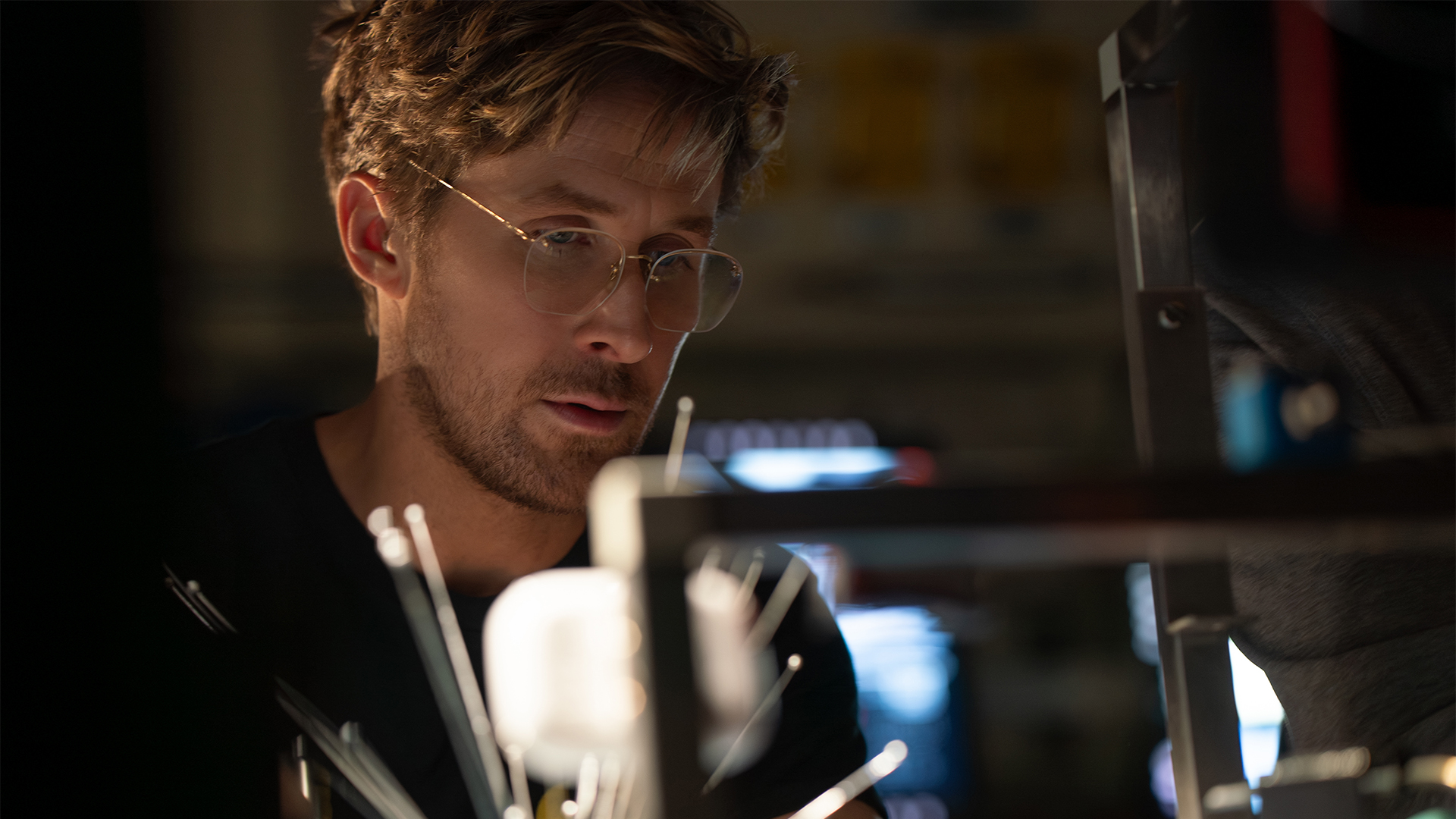
Now, if you haven’t read the book, firstly, you’ll still love this movie. It’s a highly compelling story with high stakes and an emotional rollercoaster. Secondly, read the damn book. It’s a masterpiece of science fiction.
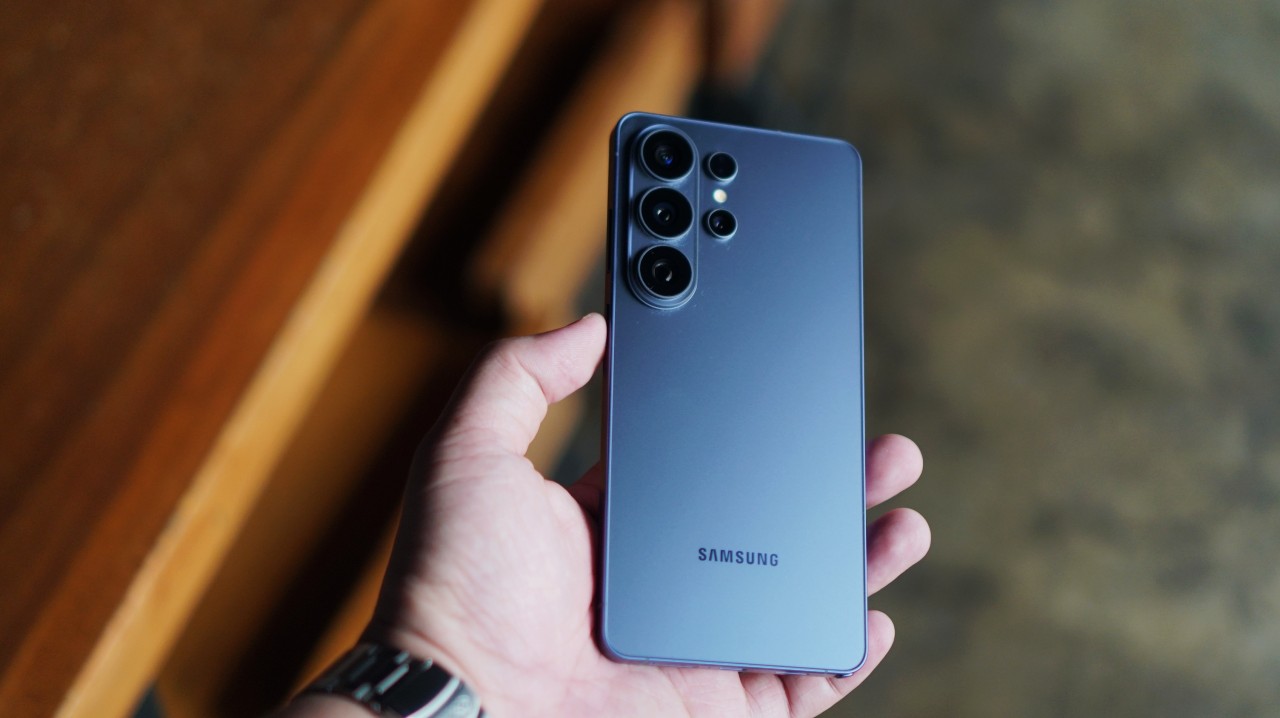
Not every flagship needs to reinvent the wheel.
Some phones try to wow you with dramatic hardware changes. Others focus on making the experience smoother, smarter, and easier to live with every day.
The Galaxy S26 Ultra falls squarely into the latter category.
At first glance, it doesn’t look dramatically different from last year’s model. But spend enough time with it — watching shows, listening to music, recording concerts, charging it between episodes — and the changes begin to make more sense.
A practical display trick
@gadgetmatch The Galaxy S26 Ultra introduces something we haven’t really seen on a mainstream smartphone before: a built-in Privacy Display. 🫣 #Unpacked #Unpacked2026 #SamsungGalaxyS26 #withGalaxy #GalaxyS26 ♬ original sound – GadgetMatch
The headline hardware feature this year is Privacy Display.
It’s one of those features that immediately feels useful in the real world. When activated, the screen limits viewing angles so people beside you can’t easily see what’s on your display.
Anyone who has ever used their phone on a train, plane, or crowded café will understand the appeal.
Some users might notice the display resolution dropping when the feature is active, but that’s a natural trade-off given the nature of the feature. Limiting light dispersion requires compromises, and Samsung appears to have struck a reasonable balance between usability and privacy.
More importantly, it’s a feature that solves an everyday problem instead of chasing a spec-sheet headline.
@gadgetmatch Say goodbye to prying eyes with Samsung’s newest built-in Privacy Display. 😎 #Unpacked #Unpacked2026 #SamsungGalaxyS26 #withGalaxy #GalaxyS26 ♬ original sound – GadgetMatch
A meaningful charging bump
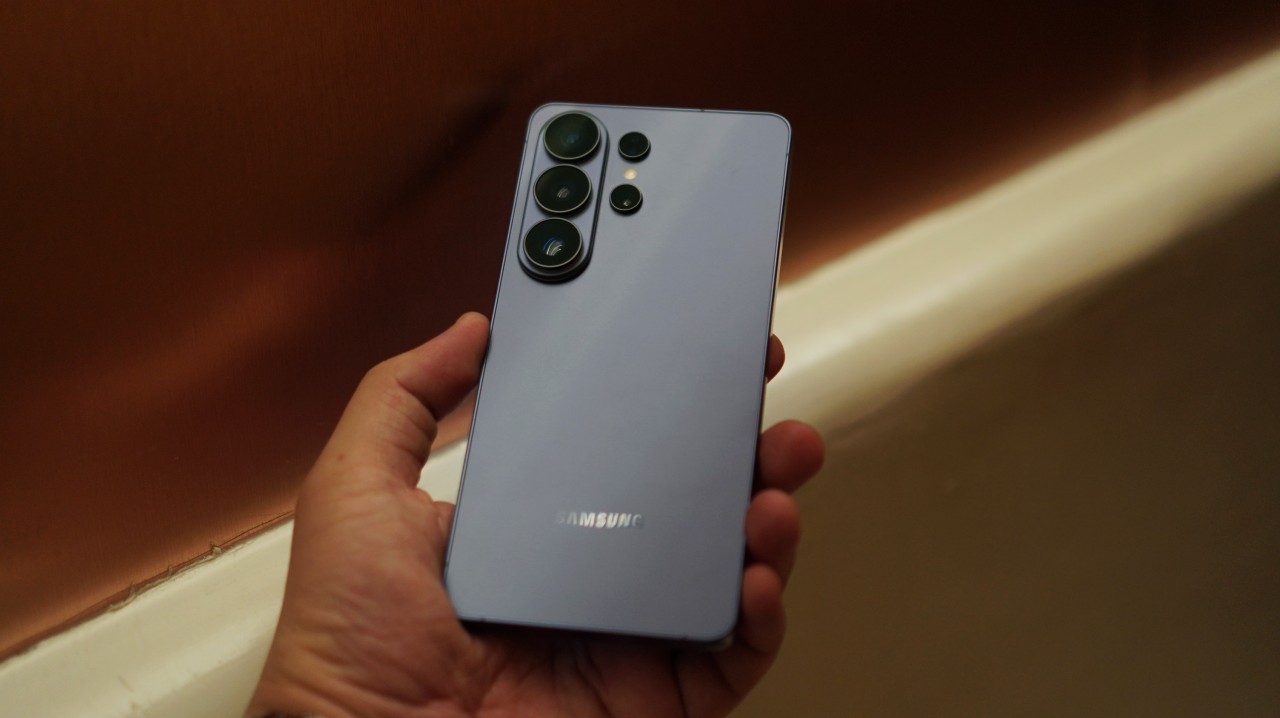
Another upgrade that quietly improves daily use is charging.
The jump from 45W to 60W charging feels significant.
Previously, I had to watch two anime episodes before the Galaxy S25 Ultra was fully charged from around 20-ish percent. With the Galaxy S26 Ultra, that’s down to roughly a single episode.
It’s a simple comparison, but it’s also how most people experience charging in real life: plugging in while watching something.
Faster charging means you spend less time thinking about battery levels and more time actually using the phone.
Now Playing: Jujutsu Kaisen Season 3
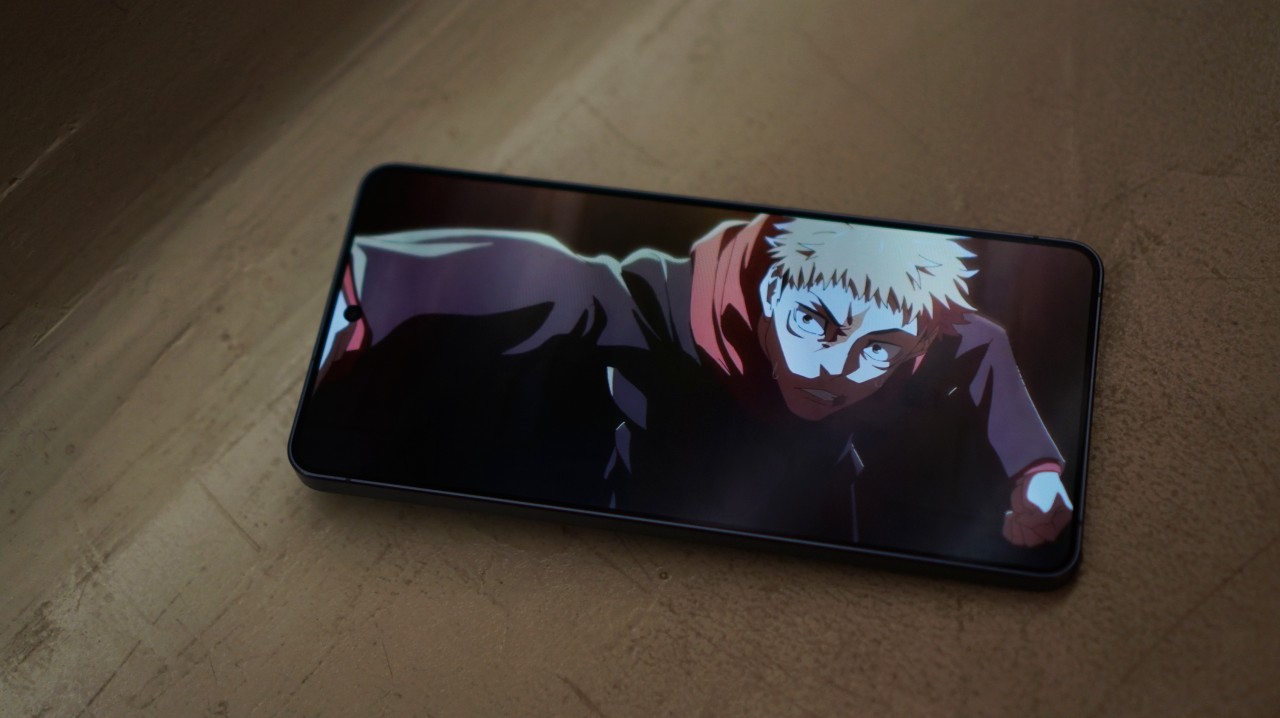
Speaking of anime, I used the phone to catch up on Season 3 of Jujutsu Kaisen.
The latest battle between Yuji Itadori and “Judge Man” Higuruma looked absolutely stunning on the large Ultra display. As is to be expected.
Samsung has long been known for excellent smartphone displays, and that reputation continues here. The panel remains one of the easiest ways to enjoy streaming content on a mobile device.
Now Playing: Steal on Prime Video

The phone also became my late-night streaming companion.
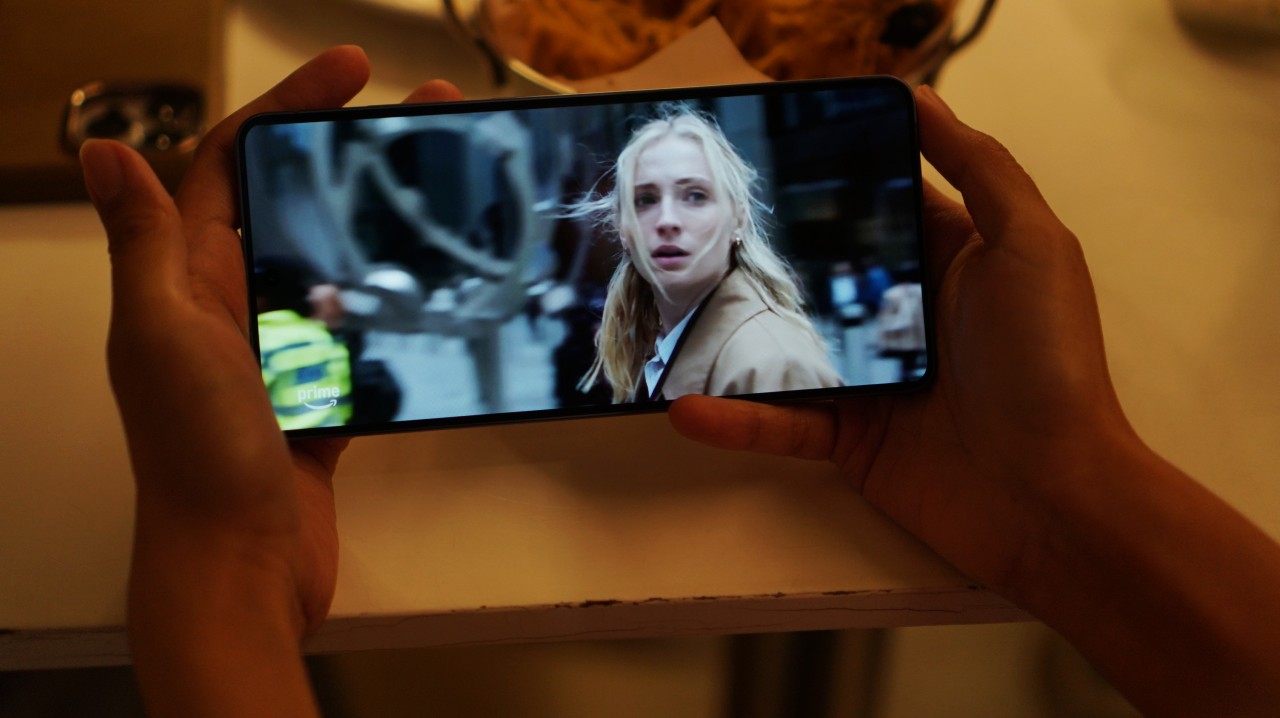
I spent a few evenings watching Steal on Prime Video as I wind down at night. It stars Sophie Turner as a rank and file investment company employee caught in a high stakes hostage situation.
It’s a steady thrill watch – one you can finish in a weekend – where you can watch Turner on Prime before she shifts gears into tomb raiding.
Phones like the Galaxy S26 Ultra increasingly double as our primary personal screens, and the large display makes that transition feel effortless.
@gadgetmatch Audio Eraser now works on third-party apps! 🤩 #Unpacked #Unpacked2026 #SamsungGalaxyS26 #withGalaxy #GalaxyS26 ♬ original sound – GadgetMatch
This also feels like the kind of scenario where Samsung’s Audio Eraser could come in handy. The feature can reduce background noise from videos — even from clips on apps like Instagram or YouTube.
While we’ve demonstrated it as a feature that works, I never really felt the need to use it during my week with the phone. Still, it’s nice knowing the tool is there if you ever need to clean up a noisy clip.
Paired with Galaxy Buds4 Pro
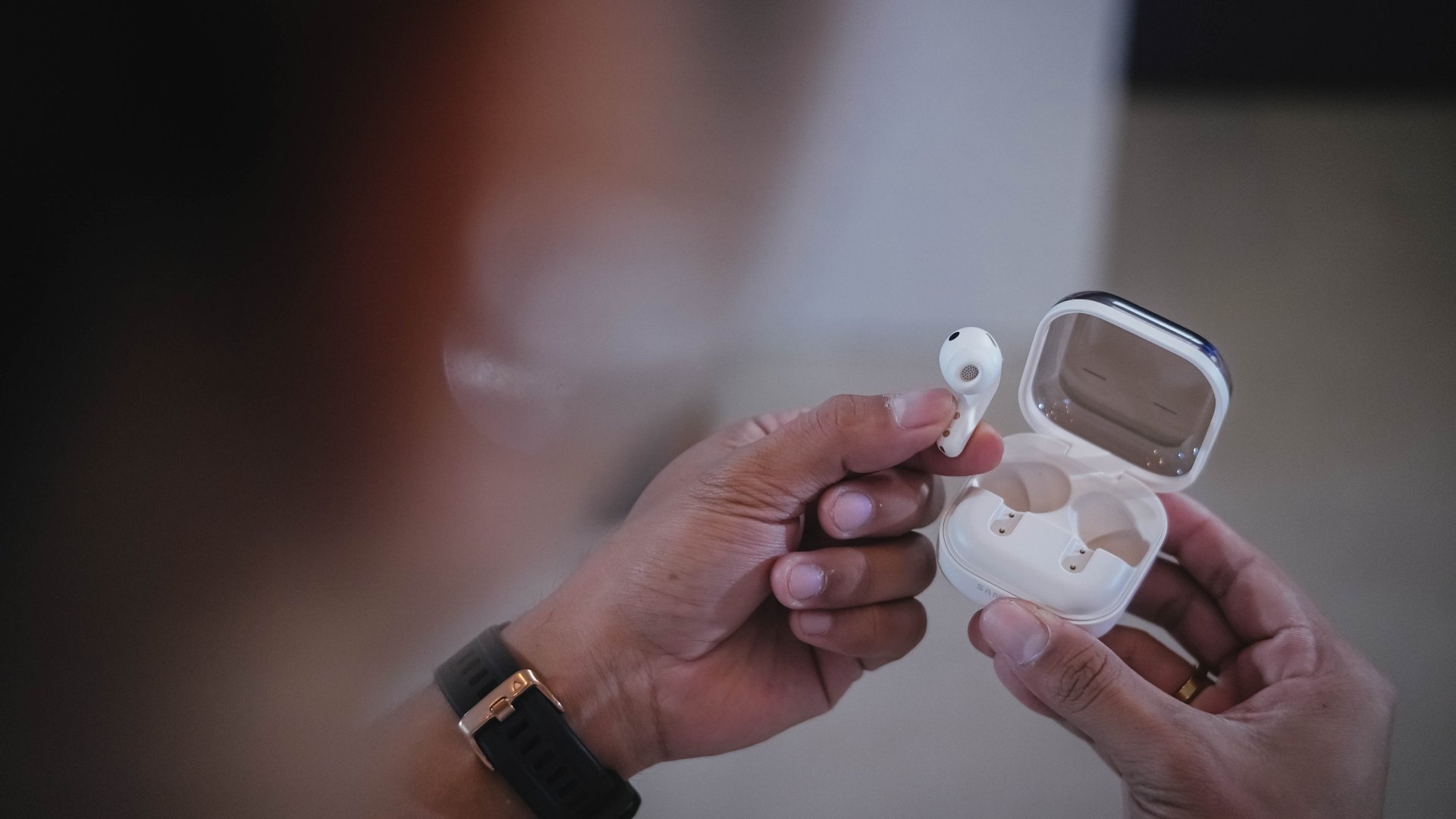
Paired with the Galaxy Buds4 Pro, I also started hearing stuff I didn’t usually hear when listening to my MyOPM playlist on Spotify.
The quality certainly feels a step higher than usual and a lot closer to lossless tracks I hear on Apple Music with my usual headphones.
It’s a subtle improvement, but one that adds up when you listen to music throughout the day.
Cameras: consistent, not dramatic
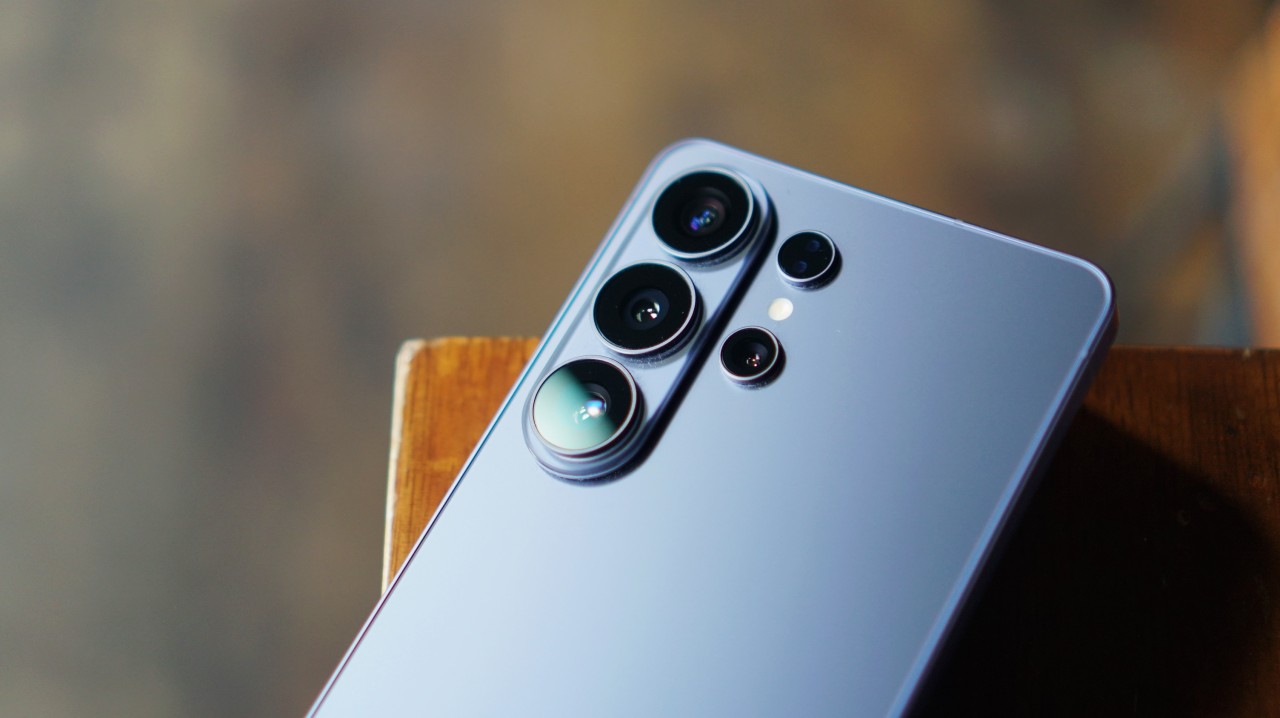
Camera performance remains largely unchanged.
The larger aperture does make a difference somewhat. But you’ll only really notice it if you’re scrutinizing the images.
View this post on Instagram
Magic8 Pro vs Galaxy S26 Ultra
I compared it with my personal smartphone camera of choice right now – the HONOR Magic8 Pro – and the difference in color science is staggering.
We’re not going to go in-depth here, but you’ll see that even with its Vibrant shooting filter, the Magic8 Pro’s photos tend to look warmer. They also have more character, especially when you shift to the Authentic filter.
Meanwhile, the photos produced by the Galaxy S26 Ultra tend to look closer to what you see in real life. They’re also flatter.
Some photos lose character when the highs, lows, and mids look a little too close to each other. The preset filters don’t help either. They’re just there for the sake of it.
All photos on the left are from the Magic8 Pro. The Galaxy S26 Ultra are on the right.




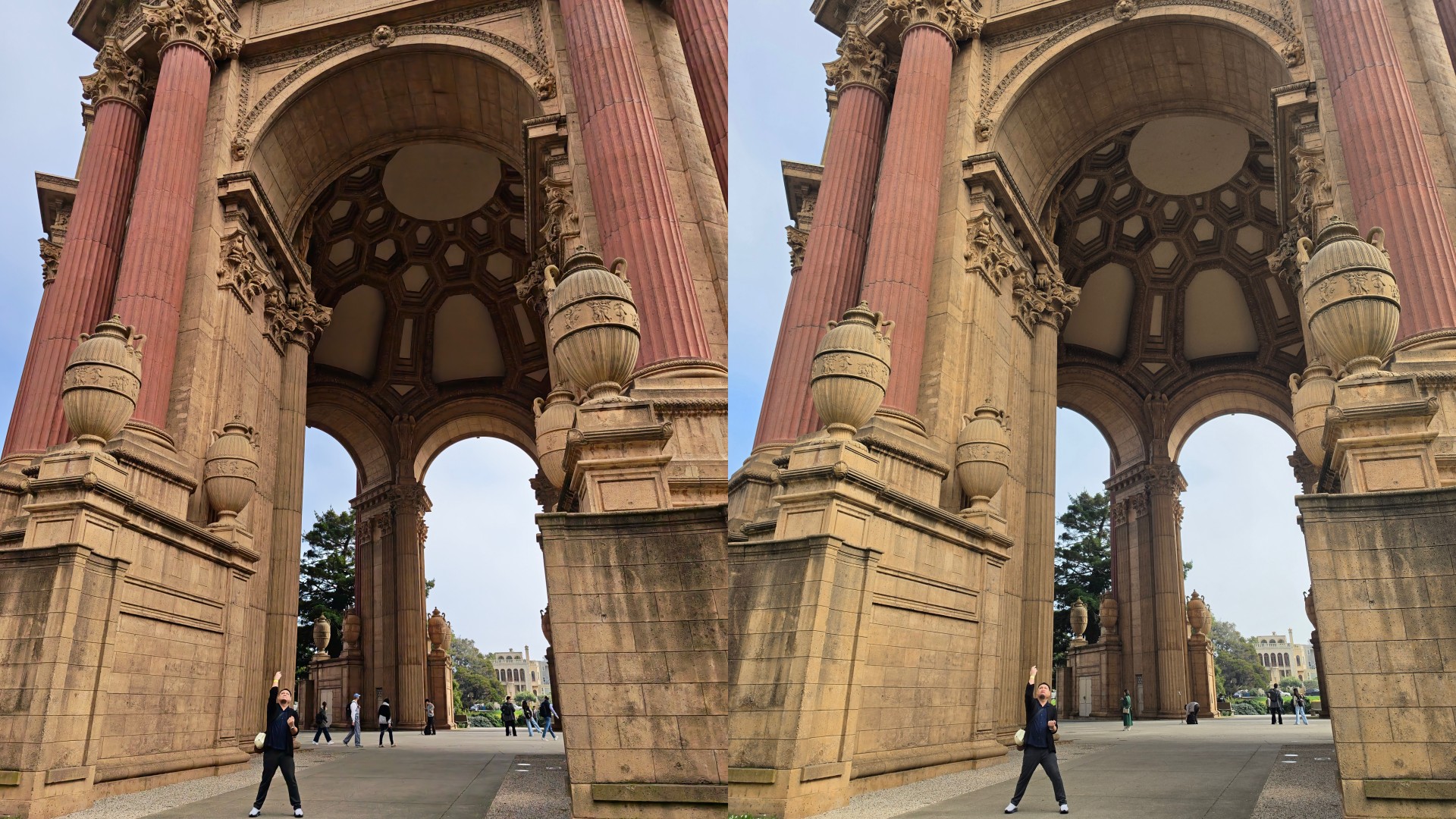


iPhone 17 Pro Max vs Galaxy S26 Ultra
In terms of color reproduction, it’s a lot closer to the iPhone 17 Pro Max. Less warm and more true-to-life. After close examination, the Galaxy S26 Ultra photos — especially in broad daylight — tend to be brighter. That’s what causes it to look a lot more flat and feel a little soul-less.
All photos on the left are from the iPhone 17 Pro Max. The Galaxy S26 Ultra are on the right.





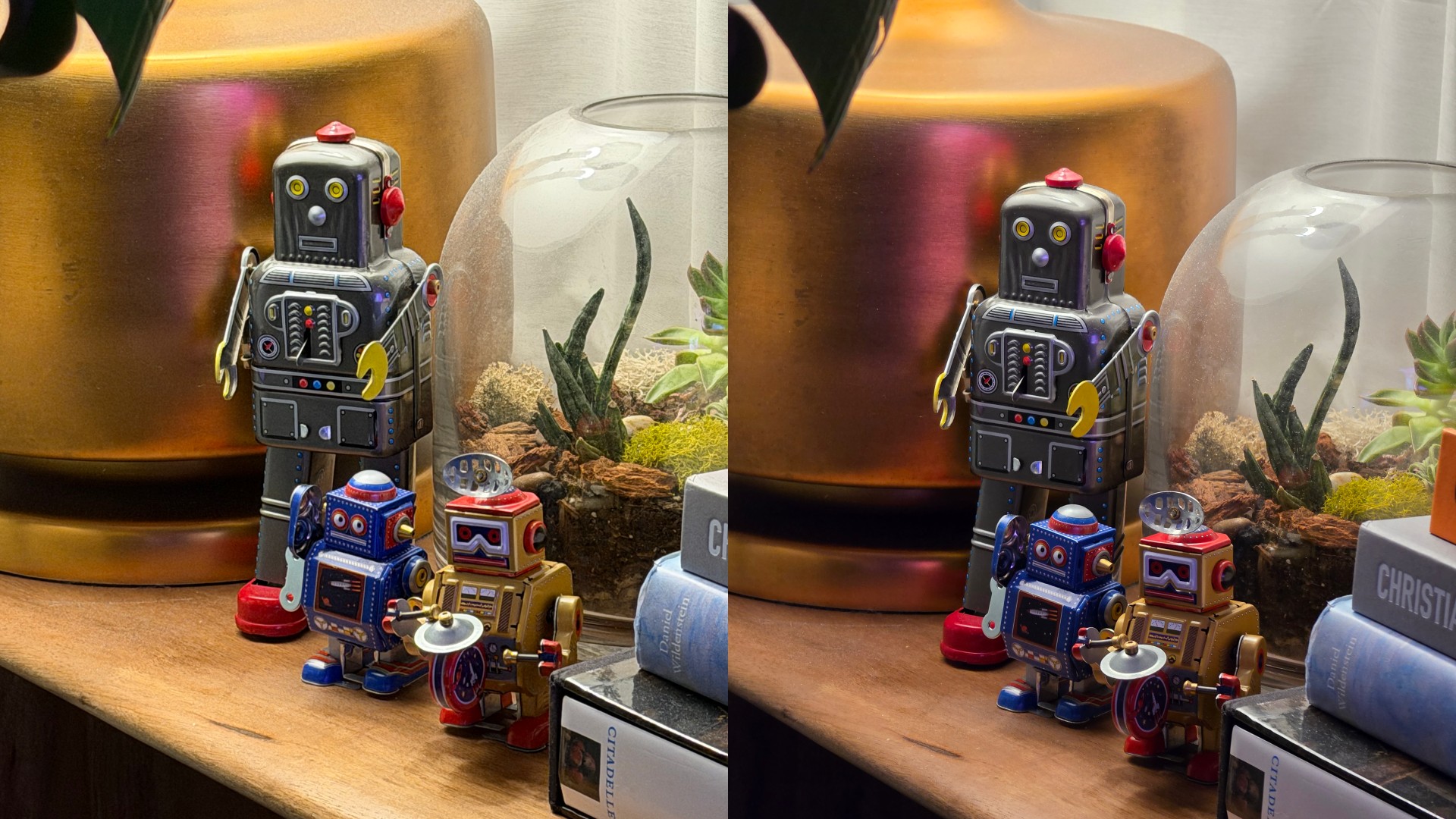
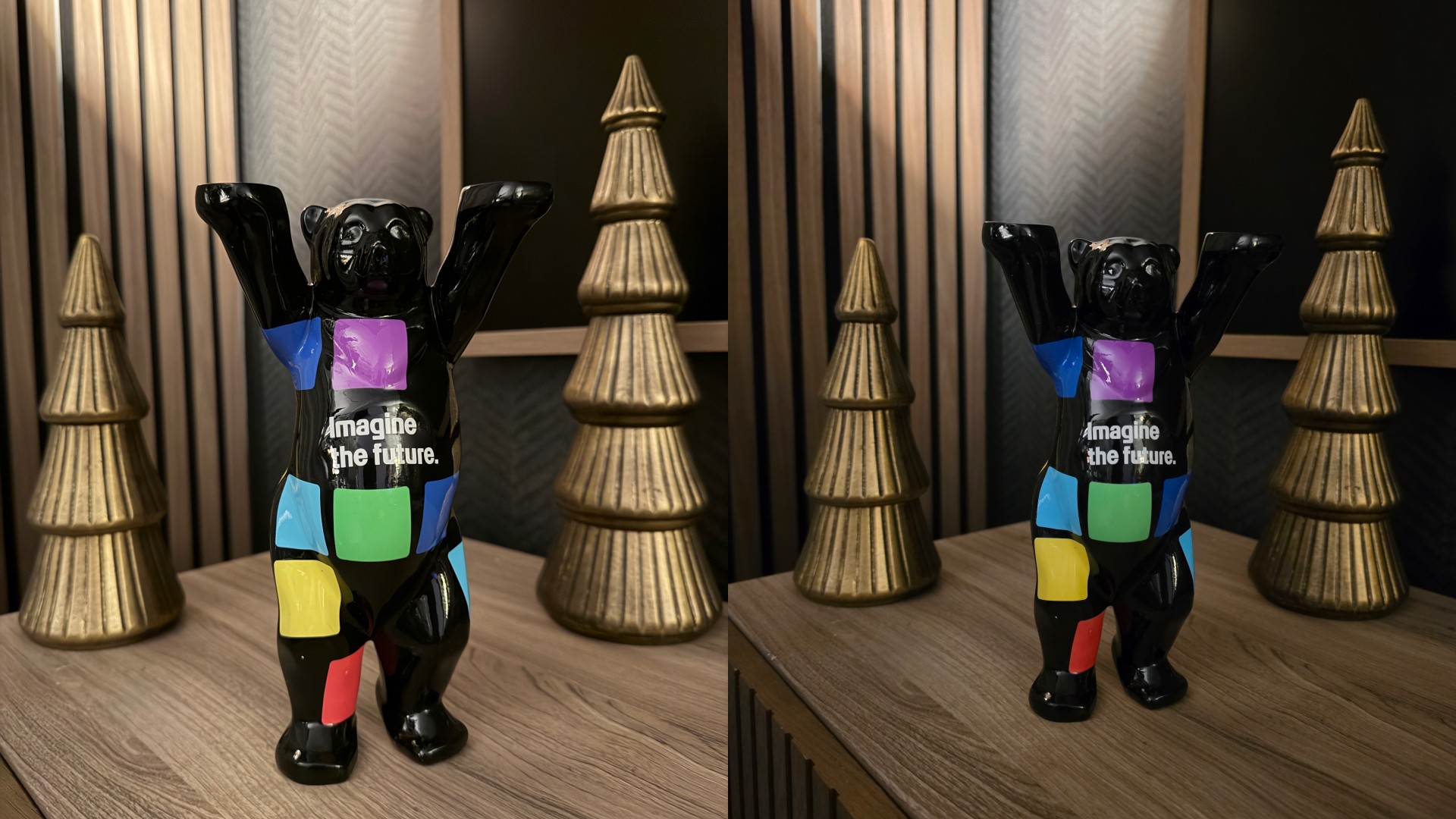
Still a concert buddy
That said, the zoom video capabilities are definitely still as reliable as they have always been.
If I’m going to a concert and I’m seated nowhere near the barricade, I’m making sure I have the Galaxy S26 Ultra with me to record the experience.
The Horizon Video lock is also impressive. While use-case will vary depending on the activities you engage in, it’s a nice-to-have tool in your video-taking arsenal.
Galaxy AI in daily use
View this post on Instagram
Samsung continues to push Galaxy AI as the defining layer of its latest flagship, and the Galaxy S26 Ultra adds a few new tricks to that toolkit.
One of them is Now Brief and Now Nudge, which aim to surface contextual suggestions depending on what you’re doing.
So far, Now Brief still doesn’t feel as essential as it should. But some Now Nudge suggestions already available during our week with the Galaxy S26 Ultra are actually nice.
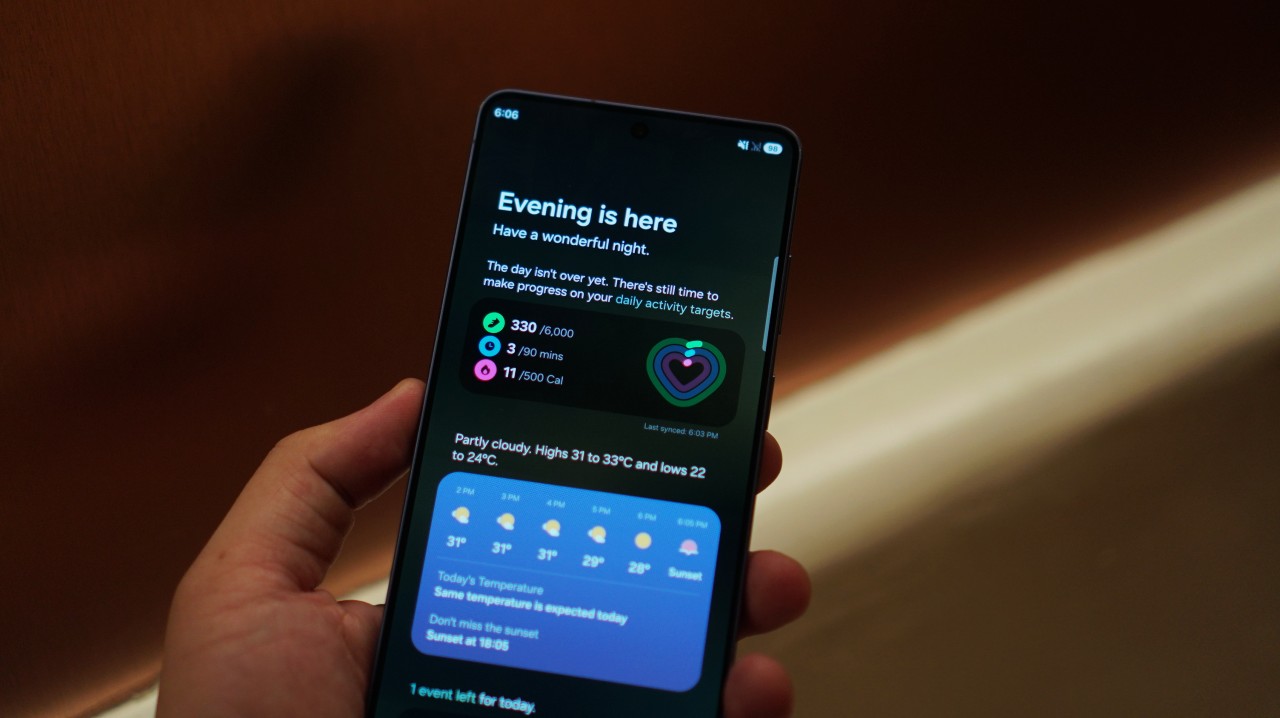
When a colleague suggested setting a meeting over on WhatsApp, the phone immediately pulled up the Calendar. It also showed if there’s a schedule conflict so you can adjust accordingly.
Next, my colleague asked if my San Francisco photos were ready and the phone immediately showed the Gallery app.
These aren’t dramatic features, but they do save a few taps. Over time, that convenience could add up.
This feature has potential. And it should only get better with time.
AI Photo Assist: promising but limited
I was less enthused by AI Photo Assist.
I thought it was promising at first but the text prompt is limited to 100 characters so you can’t really do super specific prompts.
That opens short prompts to a lot of interpretation by the AI and with my experience so far, it isn’t great.
I’d stick to using Gemini Pro for more detailed prompts and your usual photo editing apps for specific photo edits.
AI Photo Assist may improve over time, but right now it feels more like an experiment than an essential editing tool.
Heating observations
One thing worth noting is thermal behavior. The phone isn’t uncomfortable to use, but heating is definitely noticeable even when just watching a livestream. It also happens when gaming.
Interestingly, I experienced this type of heating recently on another Snapdragon 8 Elite Gen 5 device as well. It may simply be the reality of running increasingly powerful chips in compact devices.
It’s not a dealbreaker, but it’s something power users may want to keep in mind.
A phone that still feels good to hold
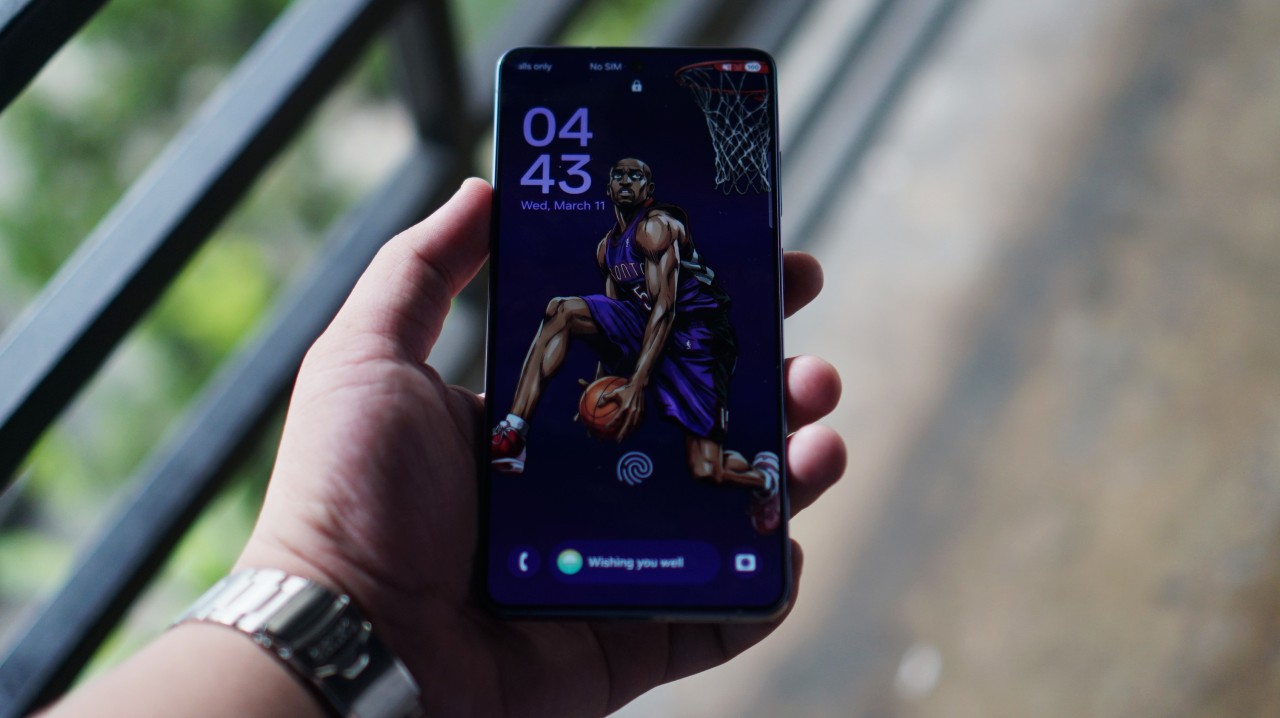
Last year I ultimately kept picking up the Galaxy S25 Ultra because of how good it feels to hold.
That aspect remains largely unchanged.
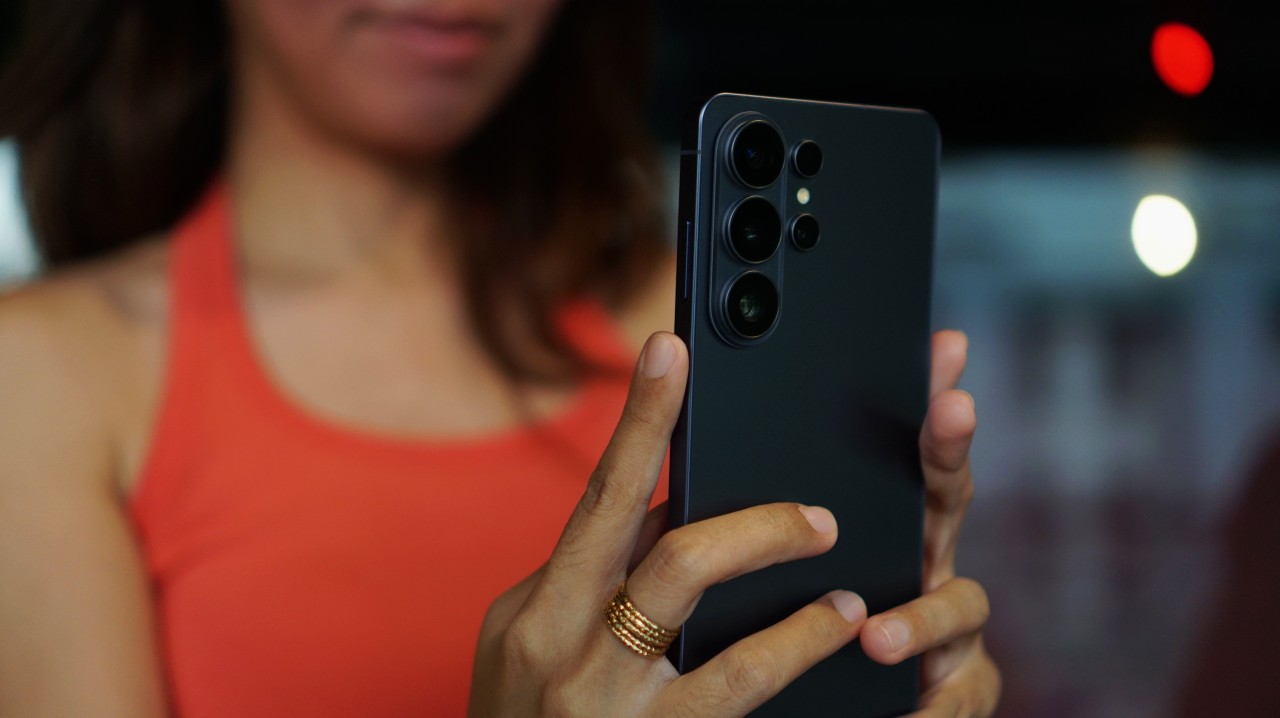
In fact, the Galaxy S26 Ultra feels slightly lighter and easier to hold. That’s true even if you add one of Samsung’s official cases with MagSafe compatibility.
Alternatively, you can use one of CASETiFY’s cases for extra protection. It’s going to feel bulkier, but that’s the tradeoff for adding to your defense stats.
Is the Galaxy S26 Ultra your GadgetMatch?
I wrote about Samsung’s philosophy of not chasing specs anymore. And while it’s a defensible direction, it’s not the “sexy” approach. At least perhaps not one that leads to massive sales or new customer acquisition.
But for anyone who’s been with the Galaxy S series for a while, they know what they’re getting – a reliable, ultra overall performer – one with kickass zoom cameras and now a nifty display trick.
Anyone coming from the Galaxy S23 Ultra or older, this is an easy swipe right.
If you’re into discount hacks and are coming from the Galaxy S25 Ultra, you might be surprised at how much you’ll save if you decide to upgrade.
The Galaxy S26 Ultra still offers good value.
Its overall balance remains the benchmark that most users will measure Android flagships by.
For that reason, Samsung’s flagship is still a Swipe Right.

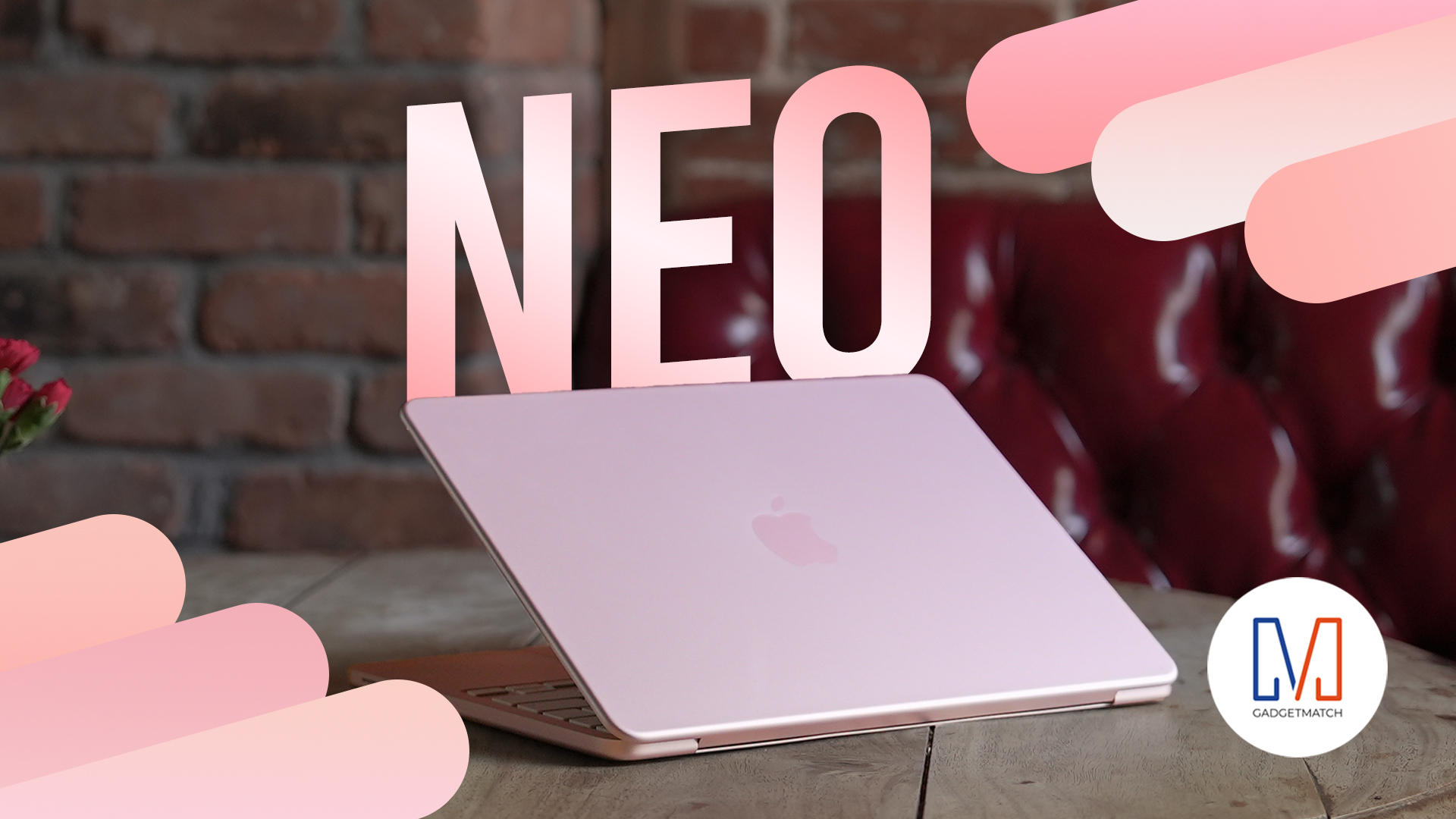
Apple disrupts the industry with their latest MacBook — an affordable to say the very least.
If you’re a student, a first-time Mac owner, someone who’s been priced out of this ecosystem their whole life, someone who just needs a laptop for basic tasks but one that looks great, without slowing them down, this is it!
Or maybe you’re torn choosing between the MacBook Neo and the more powerful M5 MacBook Air?
Well, that’s what we’re here for. Here’s our review with the all-new MacBook Neo.





Now Playing: Project Hail Mary

Zenless Zone Zero Version 2.7 available on March 24

Infinix expands SEA footprint with more official MLBB tourney partnerships

Samsung Galaxy S26 Ultra review: A phone you live with

DJI’s Inspire 3 Basic Package make 8K aerial filmmaking more accessible


-

 Reviews2 weeks ago
TECNO CAMON 50 Ultra review: End of an era?
-

 MWC 20262 weeks ago
Infinix NOTE 60 Ultra makes a motorsport-inspired debut
-

 MWC 20262 weeks ago
TECNO launches the all-new CAMON 50 series
-
 MWC 20262 weeks ago
TECNO unleashes Tonino Lamborghini collection
-
 Computers2 weeks ago
AMD announces Ryzen AI 400, AI 400 PRO series at MWC 2026
-
 MWC 20262 weeks ago
TECNO debuts latest devices, HiOS 16, upgraded Ella at MWC 2026
-

 Reviews1 week ago
The Xiaomi 17 shoots Leica dream
-
 Gaming2 weeks ago
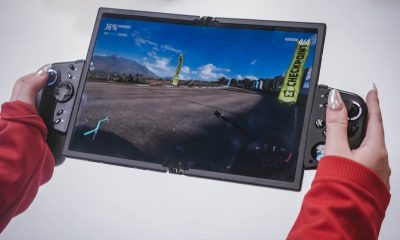
The quirky Legion Go Fold stole the show at MWC 2026