


Hands-On
Xiaomi Mi Robot Vacuum: Will it really clean my house?
Happy to report it didn’t run over my cat!

Surprisingly, or unsurprisingly, I’ve always been interested in smart home tech. I mean, what self-respecting aspiring homemaker wouldn’t be? Robot vacuums just seemed particularly appealing to me as they’re a tool that would allow me to #adult better as I indulge my obsession with all things smart home.
But, I had qualms: Will the robot really clean my home? Won’t it fall off the staircase? Would our pets get along with it? Will it kill my cat? How does it even work?
When this Xiaomi Mi Robot Vaccum, which was gifted to my dad, arrived at our house, my baby boomer parents were clueless. Of course, I was through the roof. Being the good daughter that I am, I volunteered to set it up.
A robot what?
To those uninformed about the ways of 2018 and the smart home: Yes, I said robot vacuum. The Xiaomi Mi Robot is a tiny vacuum on wheels that’s supposed to run around your home and clean it.
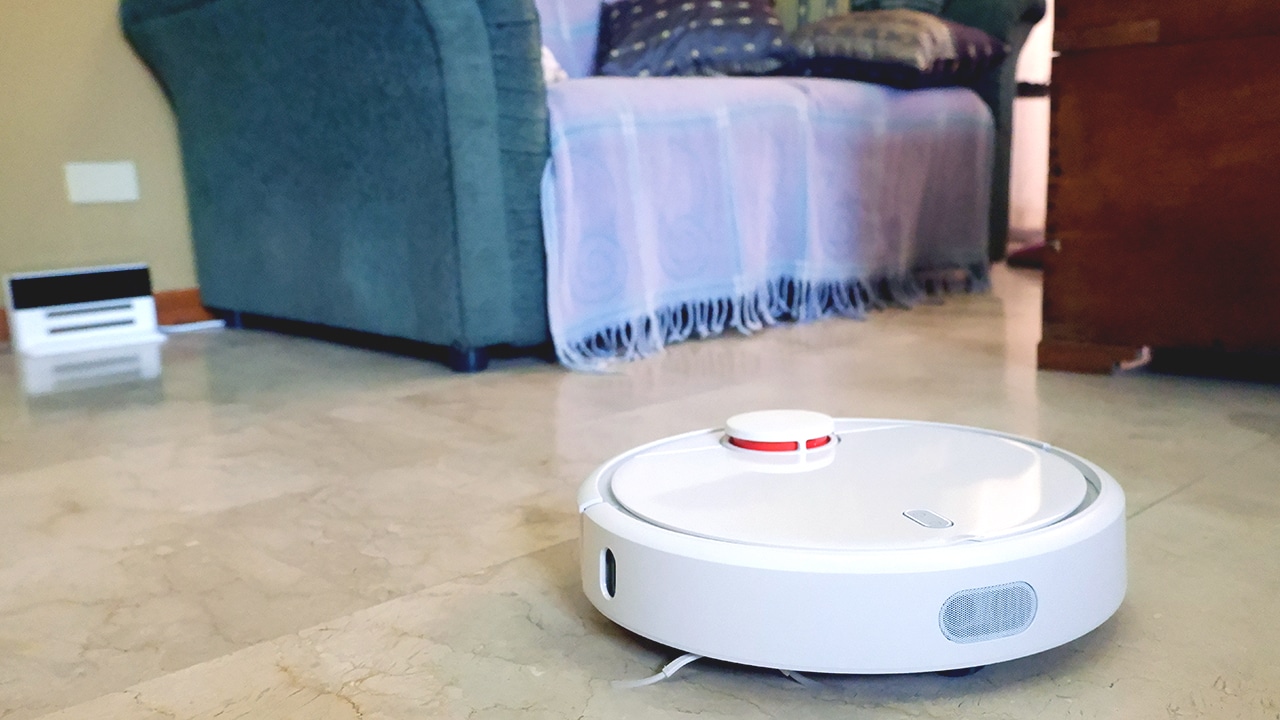
Robot vacuum in action!
Sounds simple enough, yeah? Not when you put it in the context of real homes. You see, real homes have actual stuff in it — stuff that could confuse dumber robots. Stairs and uneven steps seem potentially hazardous to an expensive robot (expensive compared to a broom, I mean!).
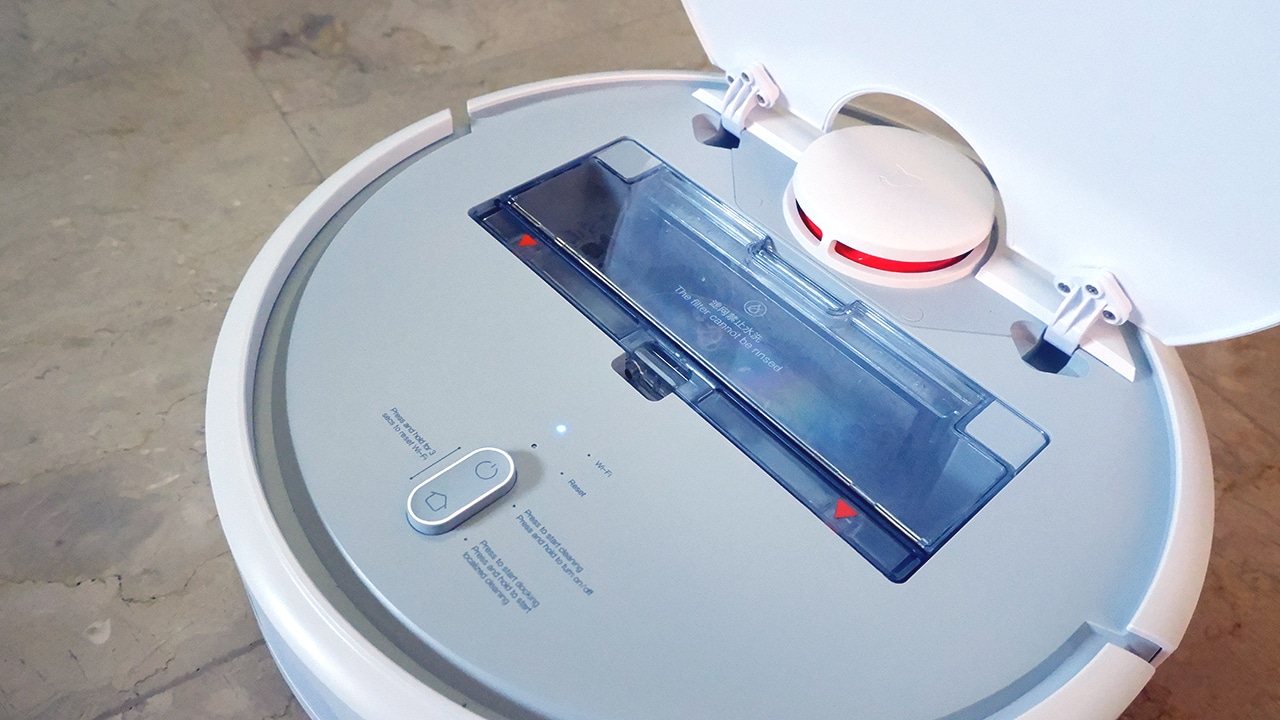
The inside of the vacuum
This thing, however, promises to recognize all these, er, obstacles and vacuum all your floors. By scanning the surrounding areas, it will be able to tell the floor area it needs to clean and proceed to cover every square inch. Obstacles in the way are supposedly avoided and you end up with clean floors without even lifting a finger.
Setting up
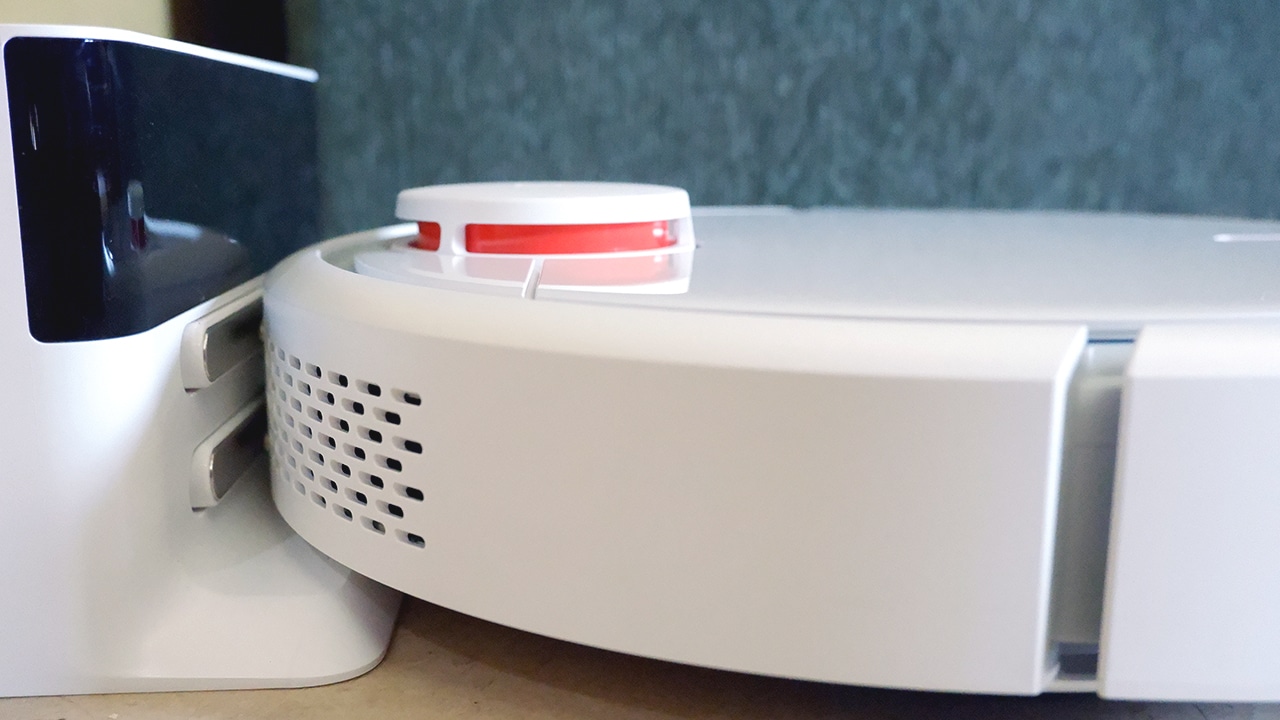
The Mi Vacuum comes with a charging dock that acts as the home base for your machine. Plug it in and set it up against a wall with enough space. This becomes your robot vacuum’s corner.
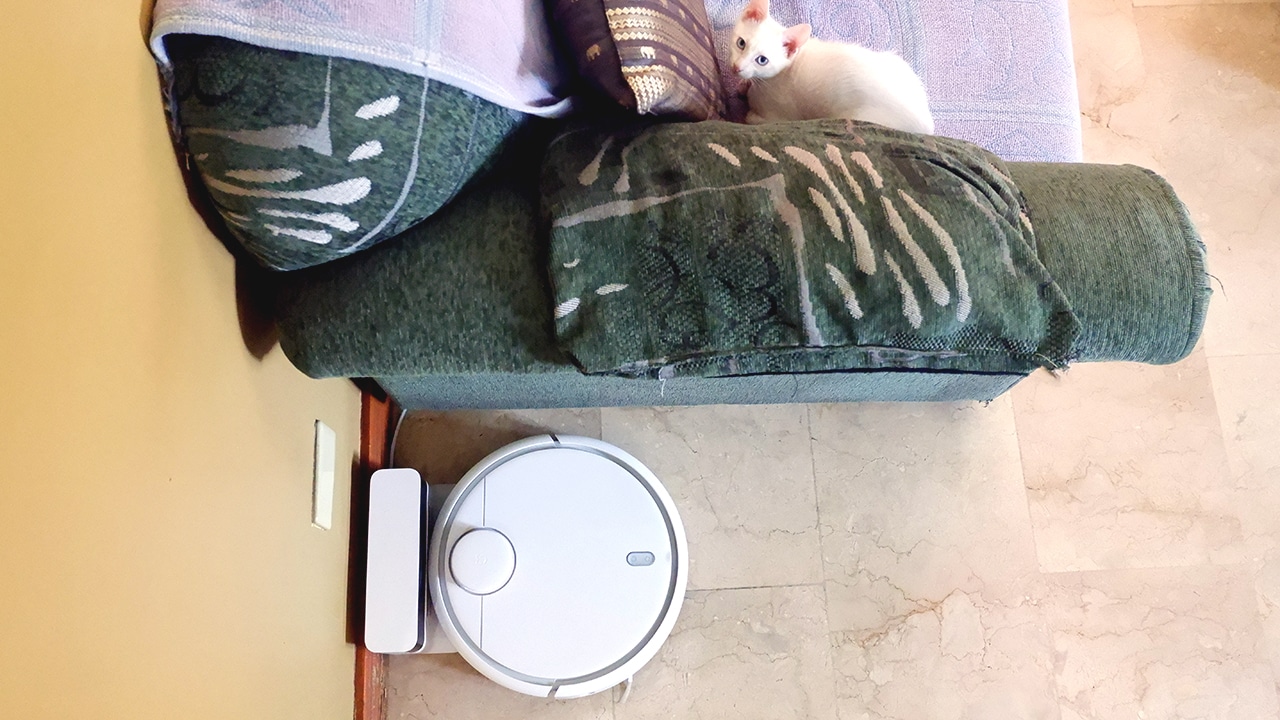
And yes, I said charging dock. When the Mi Vacuum is parked, it does charge. This means you won’t ever have to think about charging said device. Ever.
You can activate the vacuum by pressing the start button up top and it will sucking away your sins.

Cat demonstrating how to start the vacuum without the app
Like all smart tech, though, it can get more complicated — but that only means more functionalities. The Xiaomi Mi Vacuum’s true features can be unlocked by connecting it to the Mi Home app. This allows you to toggle vacuum strength settings (there are five levels), schedule and check timed cleanups, check battery percentage, and even prompt manual zoned or specific cleanups.
Time to suck!
After connecting the vacuum to the app, which was a fairly easy process (just follow the prompts), it was time to start cleaning. To top off personalization features, you get to name your vacuum and the area or room it’s in. A tap of the “Clean” button in the app starts the process.

Cat meeting the moving vacuum for the first time
As soon as you turn on the cleanup process, the vacuum scans the area so that it has an idea of what the floor plan is like. It then proceeds to go through every single spot in that area as the app tracks which places the vacuum has covered in real time.

The question everyone’s been asking: How does it deal with furniture or even stairs? Well, I’m proud to report that it hasn’t knocked over anything or died a fiery death by jumping down steps. It works by slowly moving around and when it does ever so slightly bump an obstruction, the vacuum just adjusts and moves the other way. As shown in the app screenshot and image above, it moved around our weirdly shaped furniture.

I am also glad to assuage your robot harakiri fears: No, it will not throw itself off a flight of stairs. Steep inclines are recognized, though tiny steps aren’t — the robot did get stuck in the bathroom when it went down an inch-high step difference and couldn’t get out.
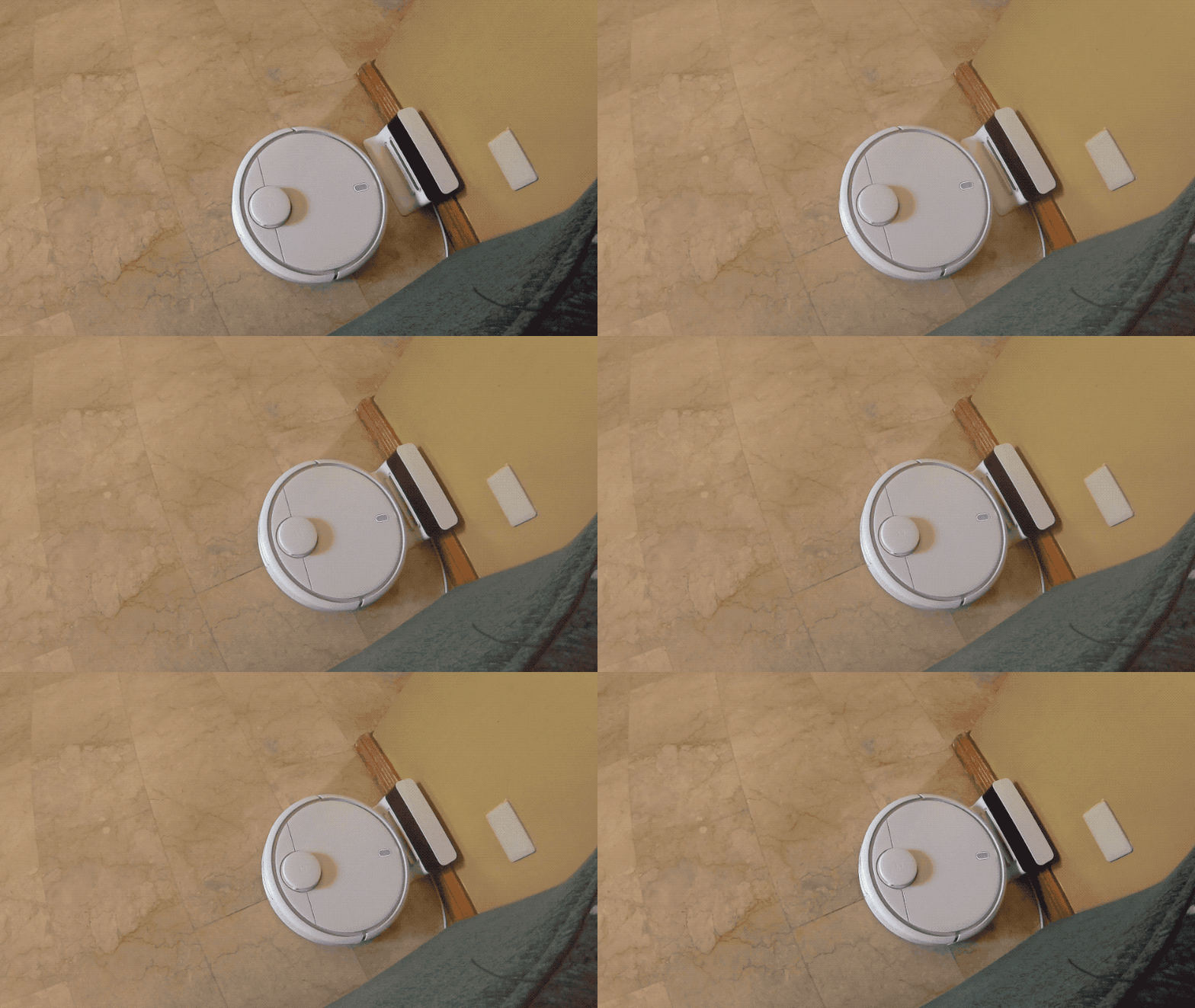
When it’s all done, the vacuum just comes home to its dock to charge. Easy peasy.
Squeaky clean
So, does it work? Well, the floor feels cleaner on my bare feet, and the cat is still alive — no fighting or running over pets had occurred.

Lifting the top flap of the Xiaomi Vacuum shows you the dirt repository.
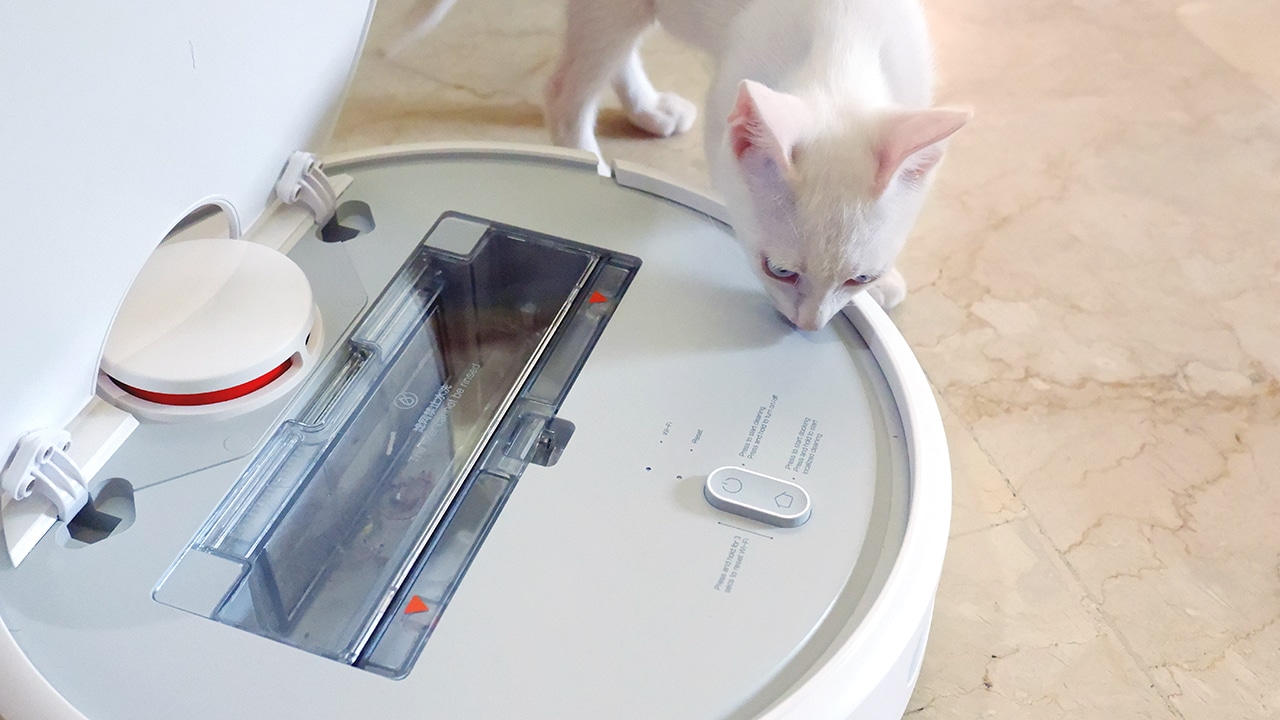
As with any vacuum, proof lies in all the gunk it’s collected. When you pull out the cartridge, you can see all the, er, stuff you had in your house. News flash: It’s gross but you’re an adult, so you have to deal with it. You can just empty this cartridge when it gets full and you’re ready to start again.
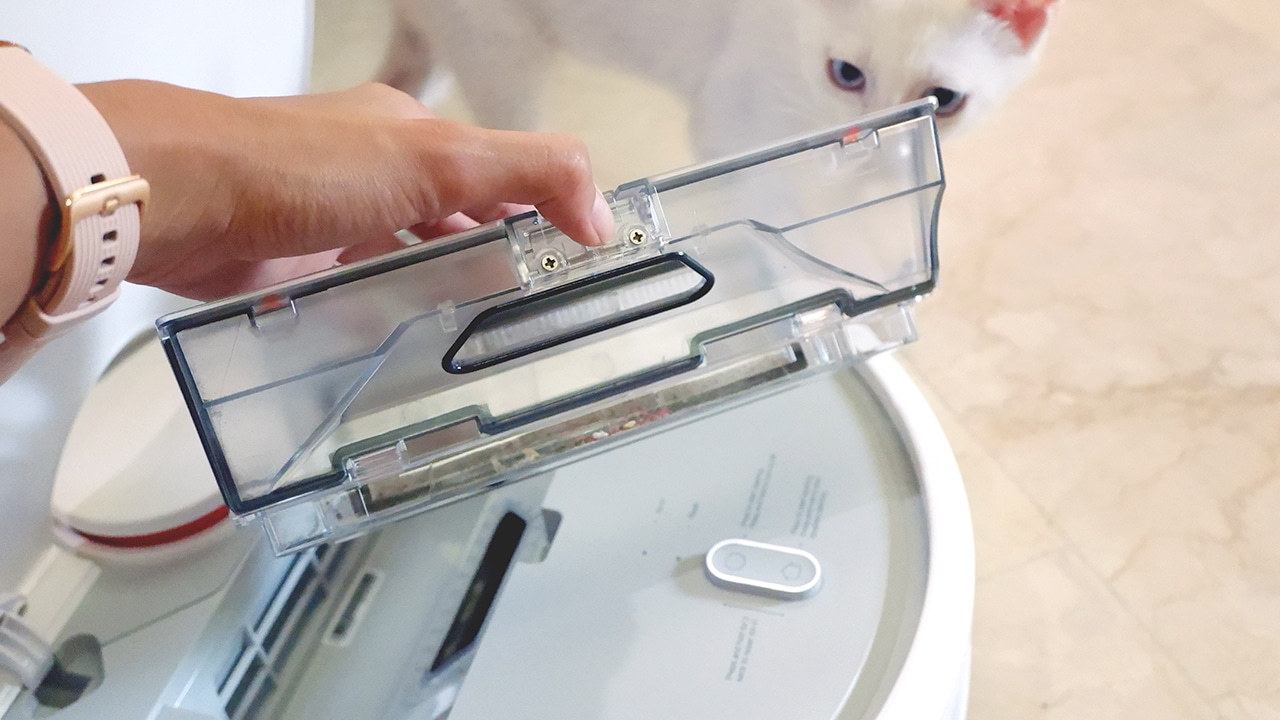
After one round of cleaning, I’m convinced I’d never need to physically vacuum the house myself again.
If you need me, I’ll be on our very clean floors enjoying my youth with one less chore to worry about.






The OPPO Reno15 Series 5G made its way to the Philippines last month, and reception has been pretty great so far.
With a powerful camera package, AI, and a slew of upgrades, there’s a lot to love and not much negative to say. But that’s with both the standard and Pro models.
On the other hand, with the Reno15 F 5G — the series’ supposed budget-friendly “lite” variant —there were more question marks than exclamation points.
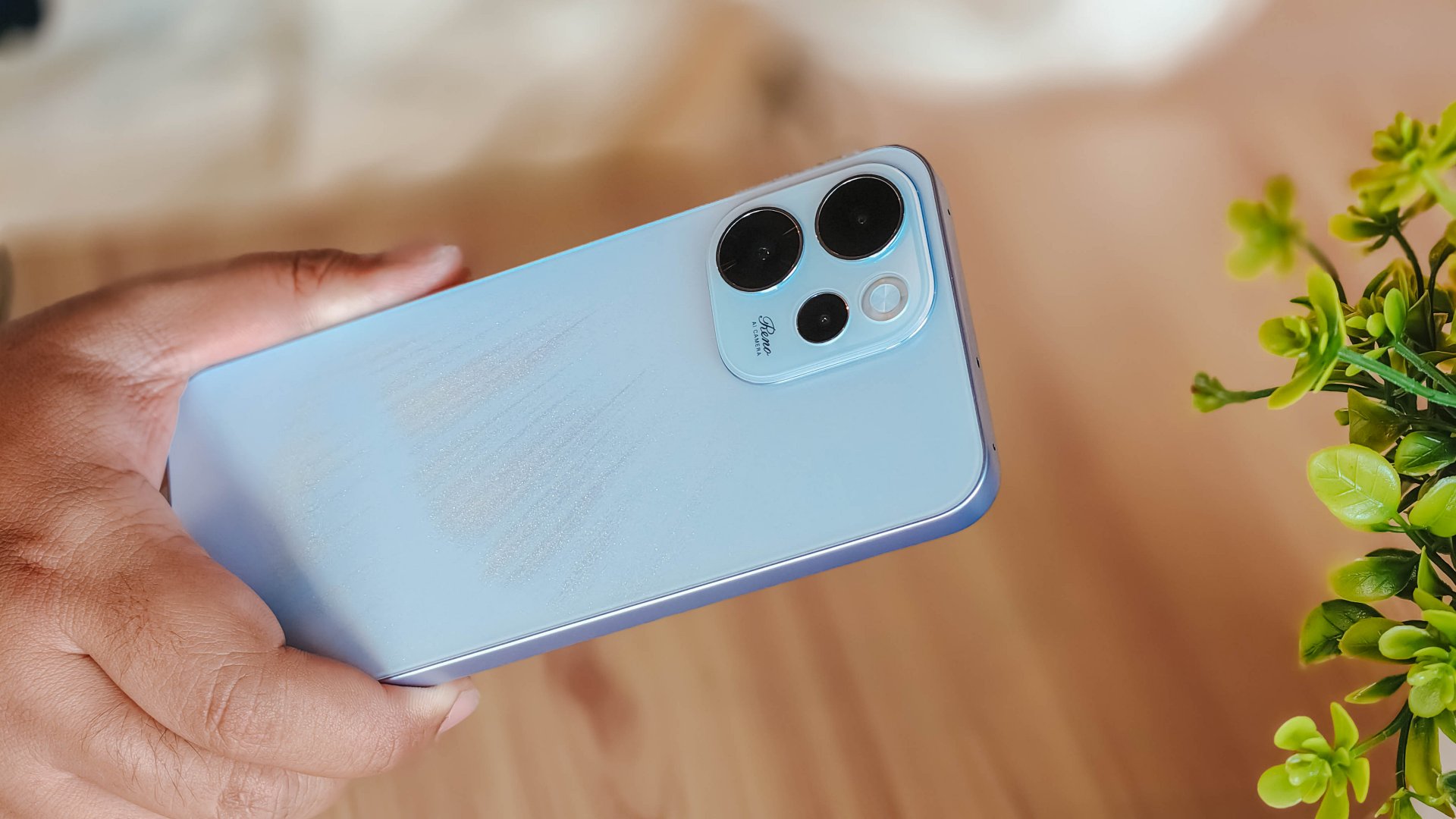
I attack this piece once more from a consumer standpoint: shelling out PhP 23,000 to PhP 26,000 for a midrange smartphone that feels and performs like it’s a few notches below its segment doesn’t sound too pleasant.
Performance

With a Snapdragon 6 Gen 1 processor, the OPPO Reno15 F performs pretty much like any sub PhP 20,000 mid-ranger. It’s acceptable, but does not punch above its weight as expected.
No major hiccups for light and casual usage. But performance struggles a lot for demanding video games.
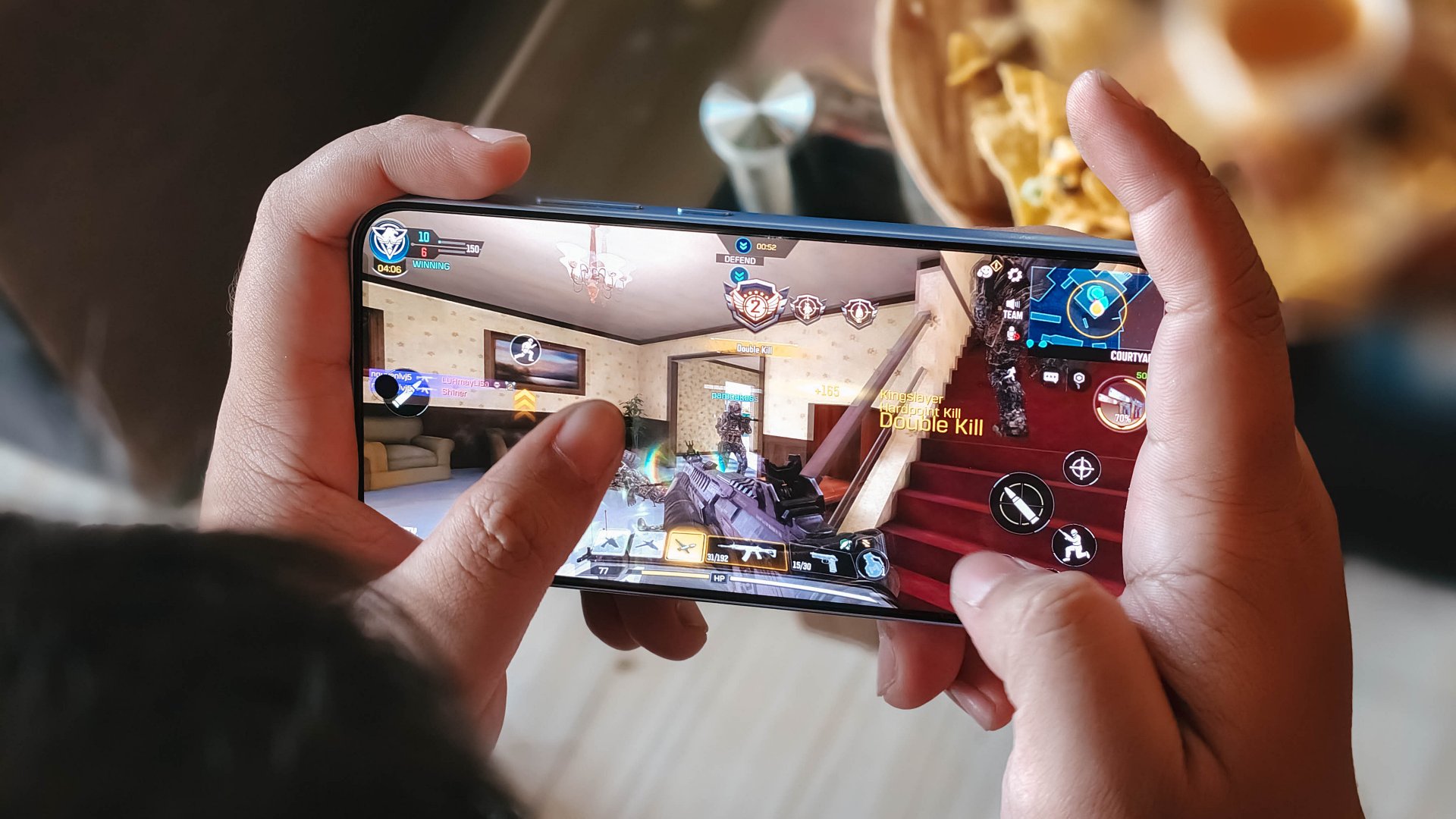
It also heats up significantly just 10 minutes into a title like Honkai: Star Rail. This is a stark contrast to the marketed 25℃ and up to 10 hours straight of smooth gameplay.
Although, the experience was still enjoyable with several wins and MVP runs in Call of Duty Mobile. It only means the F variant remains a more camera-centric phone rather than an a hard-hitting all-arounder.
As with other devices, the 7000mAh battery with 80W SUPERVOOC is a strong suit. You’re fueled from dawn ’til dusk, with much to spare. Recharging takes a breeze, too.
Display

The OPPO Reno15 F has a 6.57-inch 120Hz display, with a 92.8% screen-to-body ratio. At least, that allows you to focus on content on the screen.
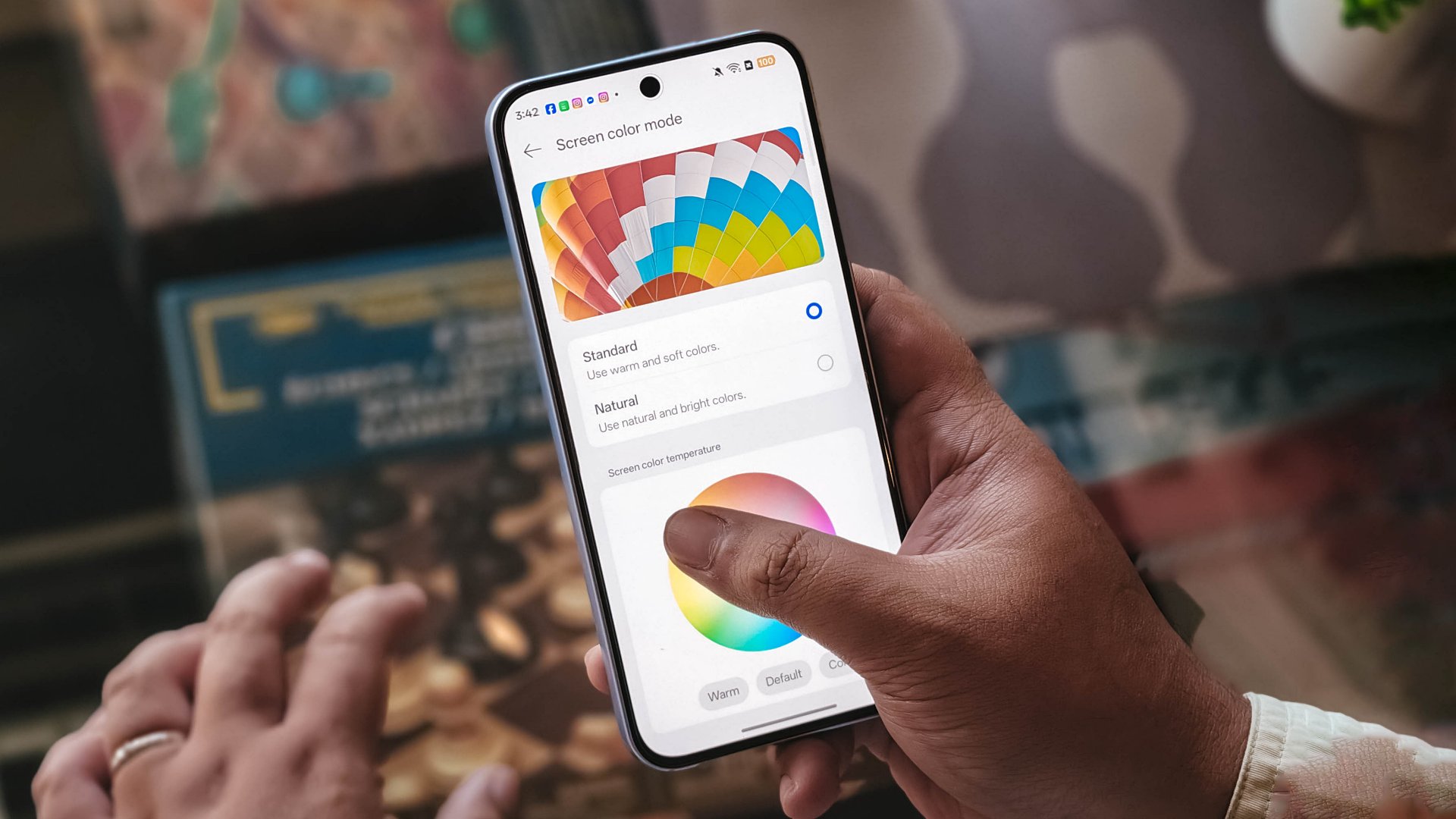
Content leans more towards the cooler tone, so you’ll have to adjust it manually if you want a warmer or more vivid look.
The 397ppi pixel density is fine to ensure sharper visuals, while the 1400 nits peak brightness is helpful outdoors.
Camera

The device’s 50MP main camera captures decent quality. The color science leans on being natural anew, without being too dull nor washed out. You can pull off smooth portraits too.
I hardly used the phone for stills as I focused on videos, but here are some samples, on the occasions I was able to take the handset with me:












The 50MP front camera is an intriguing add-on, as it is capable of up to 4K video and a wide 100° field of view.

What this does is it essentially removes the need to flip your phone for the popular “0.5” shots. And the quality doesn’t get compromised given the pixel count.
Here are some selfies from different focal lengths:




To its credit, filming with the back camera at 60fps does look and feel smooth, although it can be improved.

Same with the front camera; and the zoom range can be switched from 0.6 to 2x without cutting the recording.
Although, it’s still best to use a selfie stick or small tripod if you’re just after talking head videos.
Speaking of which, here are a few I’ve made with just this device:
@manilaconnoisseur Naka 99 pesos pala ‘yung large Golden Milk Tea ni @highlandscoffeeph until February 28! Oolong base, cream, and okay pala ang chickpeas as sinker along with red jelly. #highlandscoffee #goldenmilktea #oolongmilktea #freeupsize
@manilaconnoisseur Laging sold out ‘yung fun run? Try The Conqueror Virtual Challenges. Stay motivated in your running era, make every run count, and get cool medals after every completed challenge. You can even get a free run or discounted bundles! @theconquerorchallenges #virtualrun #funrun #runningera #staymotivated
But for travel and on-the-go captures, as OPPO markets for the series in general, even the Reno15 F can cover a lot of background along with your or your groups’ faces.

Make no mistake, there are some useful AI editing features here. In particular, AI Portrait Glow gives your raw capture an effect to make it look it was taken with flash.
I do not recall the device heating up as well when taking many photos or videos, so you can say it’s more optimized for that task rather than gaming.
Connectivity issues
Meanwhile, AI LinkBoost 3.0, as in the case of the OPPO A6 Pro, doesn’t seem to punch above its weight either.
Once, I also played Mobile Legends: Bang Bang and the session opened to a jittery start despite being on Wi-Fi and having a stable connection. I don’t know what triggered this.
Design, feel
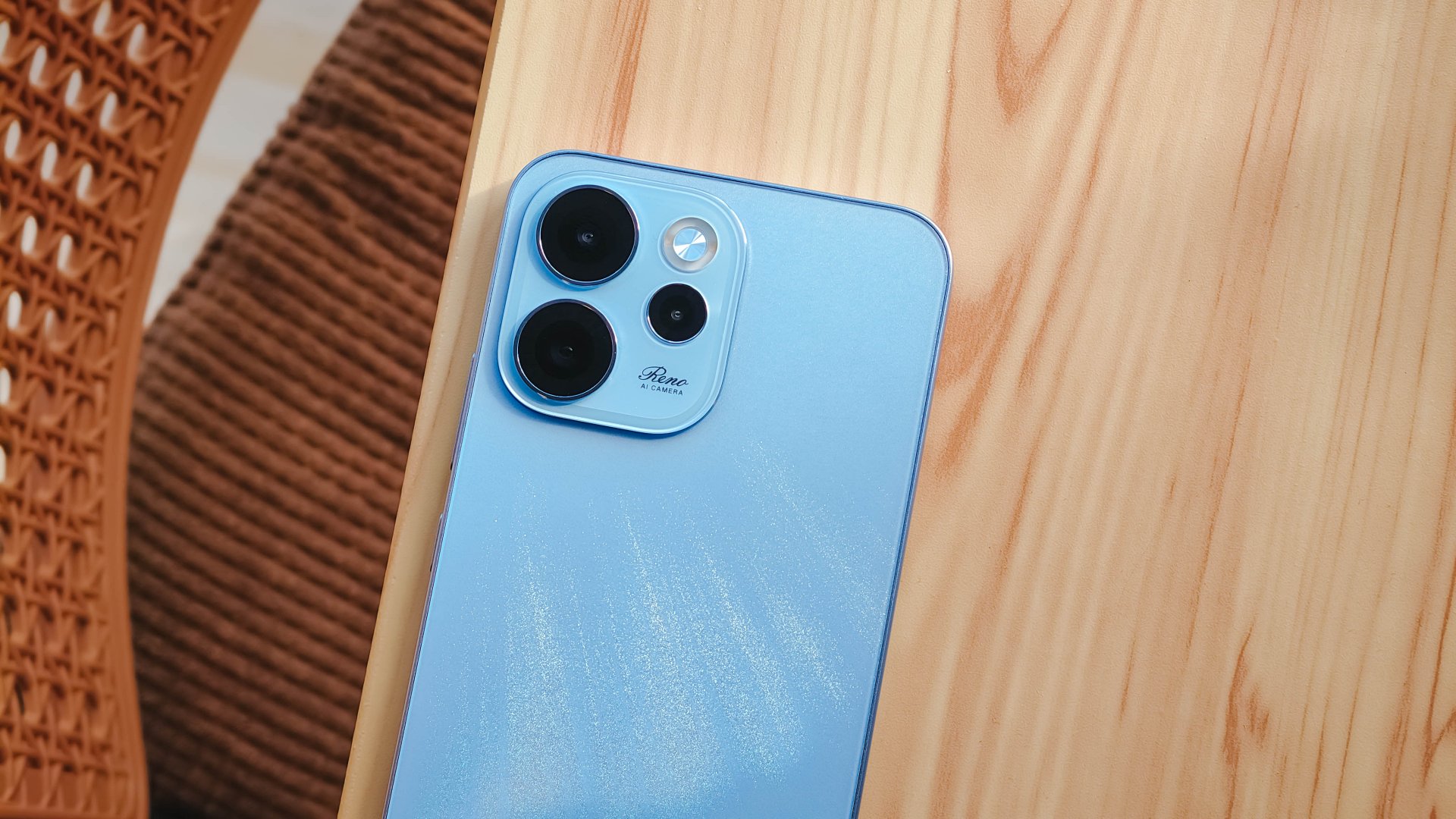
We got the Aurora Blue variant which does kind of resemble the northern lights when you tilt the phone a certain way and when light hits its back panel.
The cursive “Reno” on the large, protruding camera island gives it more style.
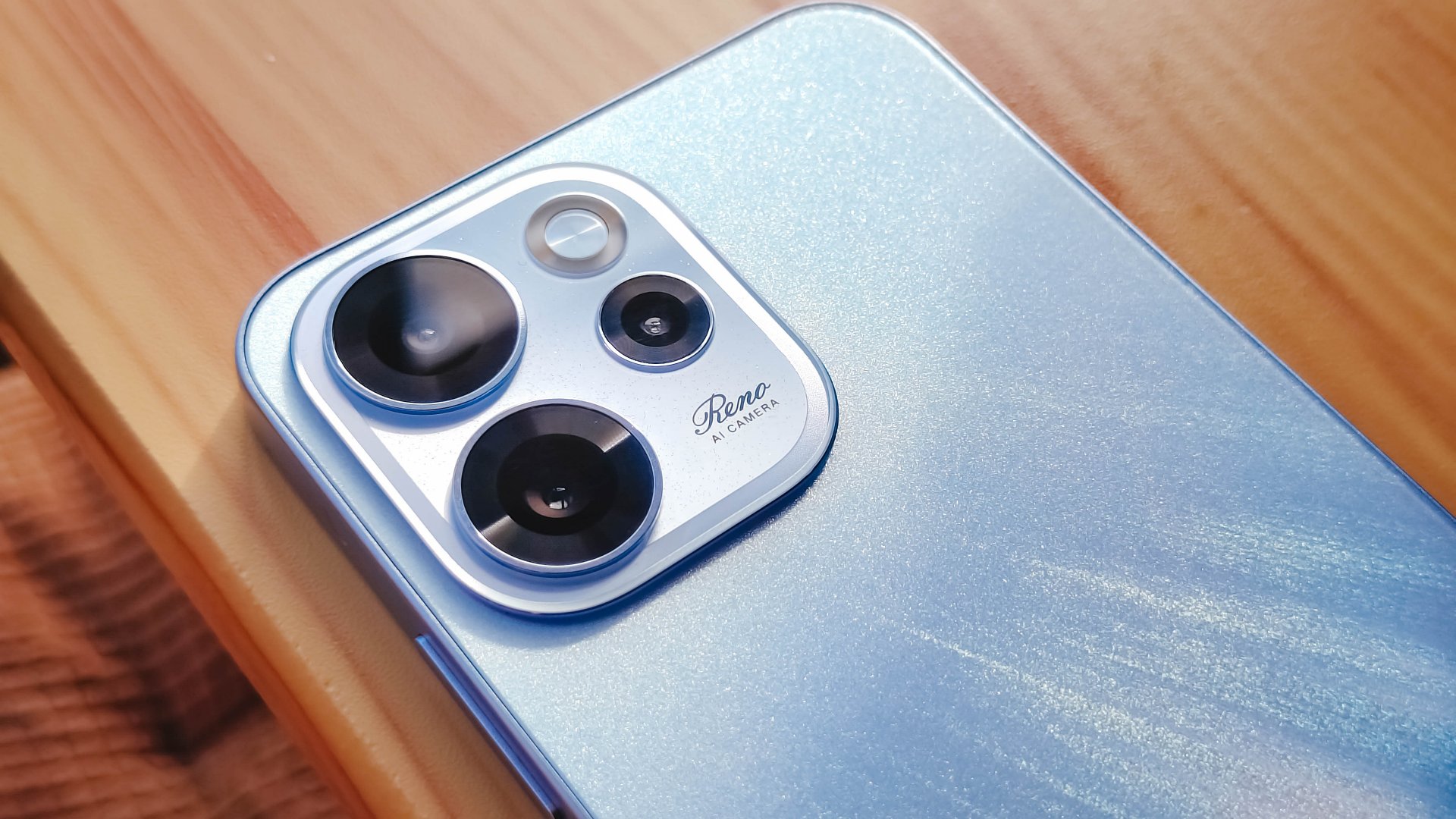
However, it’s all just aesthetics. On the downside, the phone is all sorts of slippery.

I couldn’t hold it properly without think of it slipping away from my hands; nor could I put it on my lap with confidence.
So I guess it’s good that it has structural integrity and waterproofing, because you’ll need that.
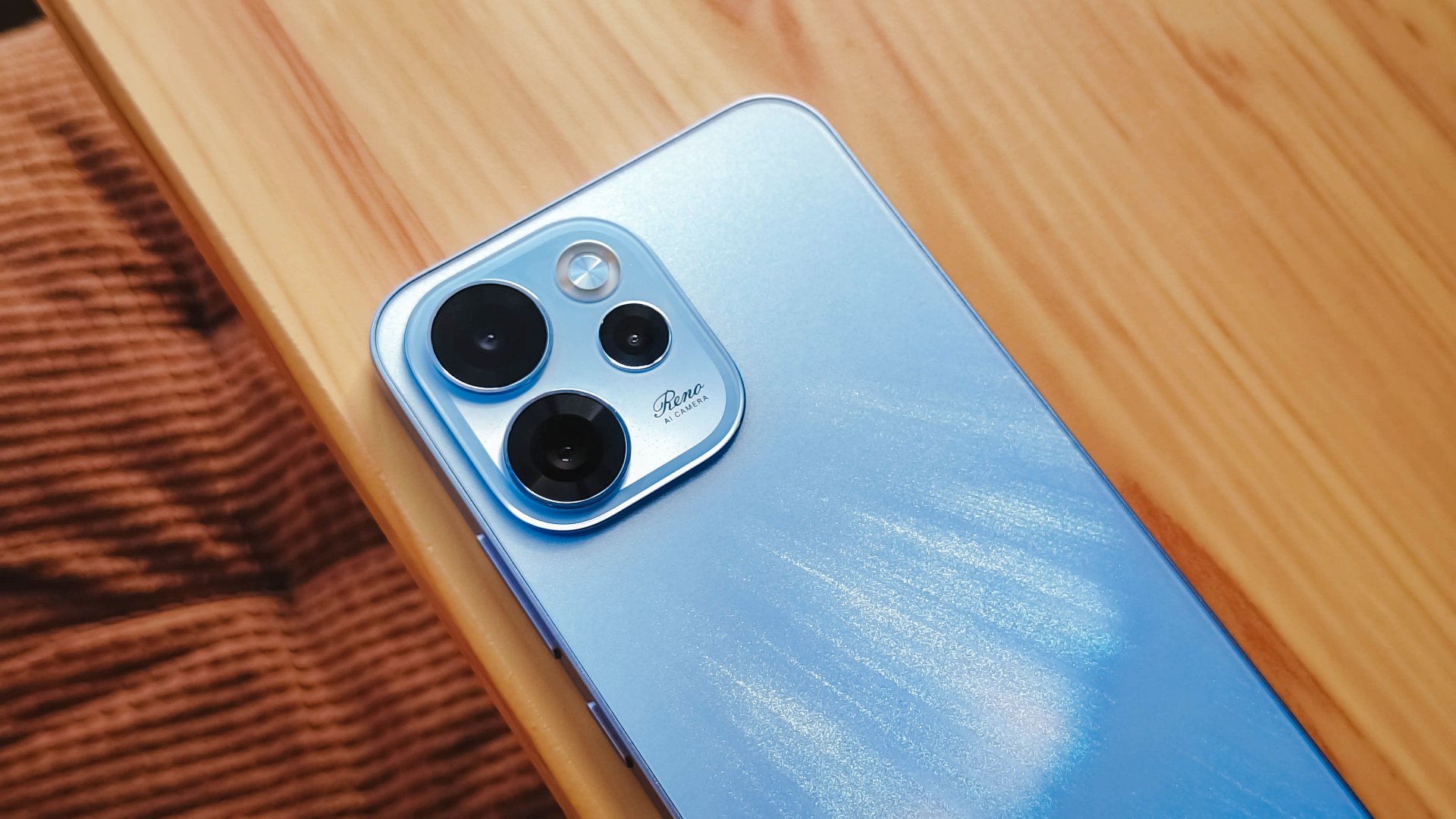
oplus_16
The 6.57-inch body does have a good balance between being too compact and too large, like ultras and pro maxes.
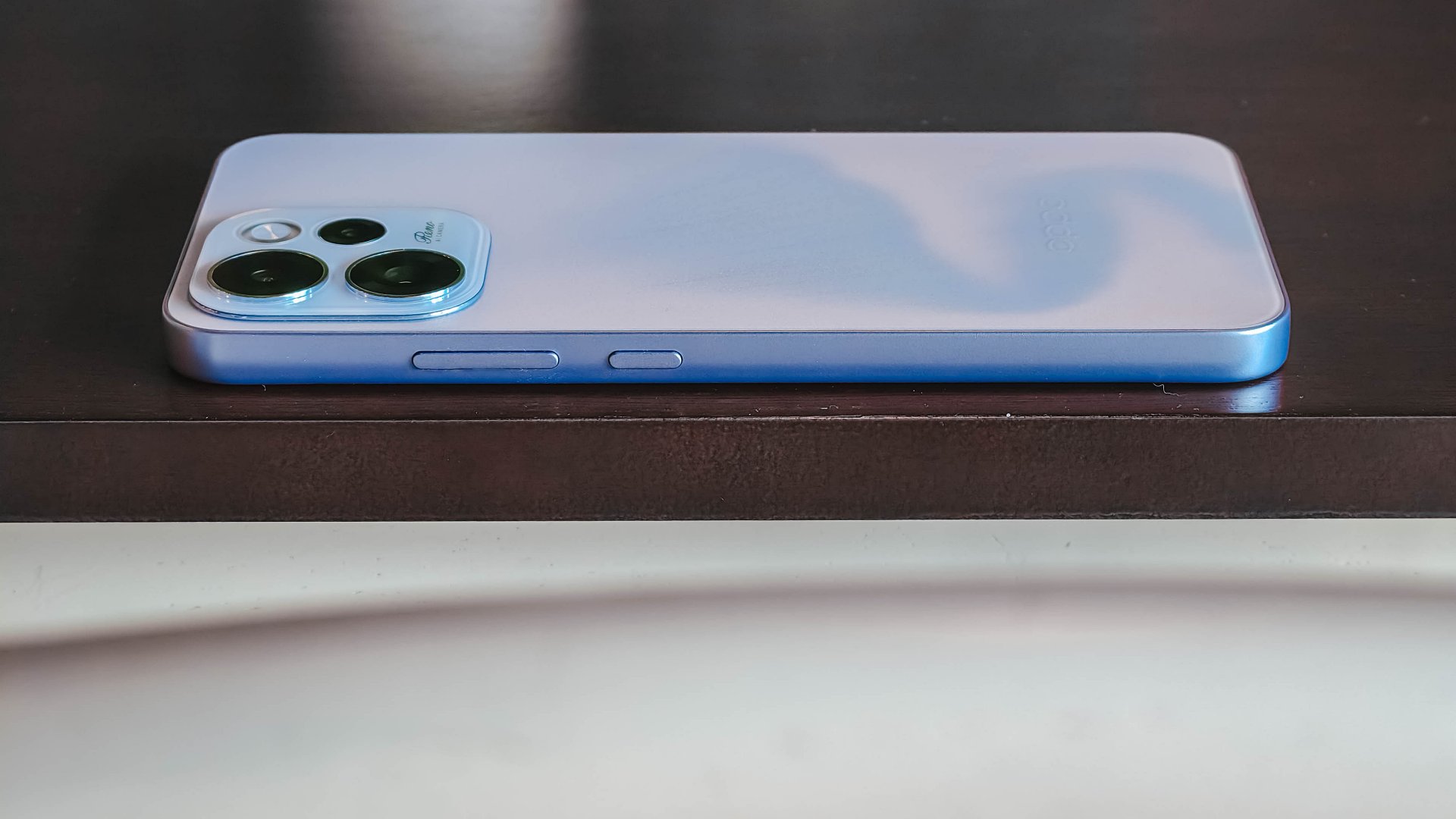
It has a squarish body and has already adapted to the premium, aluminum frame look from the sides.

Is this your GadgetMatch?
Sadly, the OPPO Reno15 F 5G is a Swipe Left unlike its bigger, more capable siblings. There are plenty of plus points for the camera package but take that away, and I don’t see much difference between the Reno15 F and something like the A6 Pro.
Granted, the asking price of this phone will drop significantly in a few months. But throw in a little more, and you’ve got a legitimate mid-ranger that’s more on the premium side rather than the cheap end of the spectrum.


Apple finally has a MacBook for the budget-conscious!
In this video, we take a look at the latest MacBook Neo — Apple’s most affordable laptop at $599.
It’s the perfect first computer for students, families, and anyone who’s always wanted a Mac but couldn’t justify the price.
Here’s our exclusive hands-on with the all-new MacBook Neo for you to check out.

Did Samsung push forward or play it safe with the Samsung Galaxy S26 Series? Well, it’s a little bit of both.
Here’s our Hands-on with the new Samsung Galaxy S26 series to find out.
PRE-ORDER and SAVE up to $900 with enhanced trade-in credit:


POCO X8 Pro Max review: A new beast from the far east
That "Pro Max" naming superlative is more than justified


POCO X8 Pro Iron Man Edition review: Midrange phone in superhero armor
POCO x MK15


Now Playing: Project Hail Mary
It's a treat for those who loved the original book.

OPPO Find N6 launches globally with near crease-free foldable display
POCO X8 Pro Max review: A new beast from the far east
POCO X8 Pro Iron Man Edition review: Midrange phone in superhero armor

POCO X8 Pro Series launches in Singapore with early bird prices

POCO X8 Pro Series: Price, availability in the Philippines


-

 Reviews2 weeks ago
TECNO CAMON 50 Ultra review: End of an era?
-

 MWC 20262 weeks ago
Infinix NOTE 60 Ultra makes a motorsport-inspired debut
-

 MWC 20262 weeks ago
TECNO launches the all-new CAMON 50 series
-

 MWC 20262 weeks ago
TECNO unleashes Tonino Lamborghini collection
-

 Computers2 weeks ago
AMD announces Ryzen AI 400, AI 400 PRO series at MWC 2026
-
 MWC 20262 weeks ago
TECNO debuts latest devices, HiOS 16, upgraded Ella at MWC 2026
-

 Reviews1 week ago
The Xiaomi 17 shoots Leica dream
-

 Laptops2 weeks ago
Apple unveils MacBook Pro with M5 Pro and M5 Max