

Entertainment
Xiaomi Mi TV P1: Home cinema for the budget-conscious
A 4K HDR Android TV you can definitely afford

I don’t want to sound like I’m an ultimate cheapskate, but I guess I kind of belong in that category as I always try and see things on-sale or those lower than their Suggested Retail Pricing.
Way back in May 2021, I was looking for an Android TV within my PhP 20,000 to 25,000 (US$ 400 – US$ 500) budget. Xiaomi’s Mi TV was one of them — the Mi LED TV 4S to be exact. But upon knowing that units bought from China with a global ROM still doesn’t support Netflix, I decided to find another (and might even be a better) alternative.

Several months later, Xiaomi announced the Mi TV P1 series — and finally a follow-up to the Mi TV 4A series almost three years ago.
Even though it’s been a while ever since I purchased that other Android TV with my hard-earned money, I still accepted this review unit to test and know the feats and defeats of the Mi TV P1 as a new Android TV in this vast TV market.
A design so tacky and lacks variety
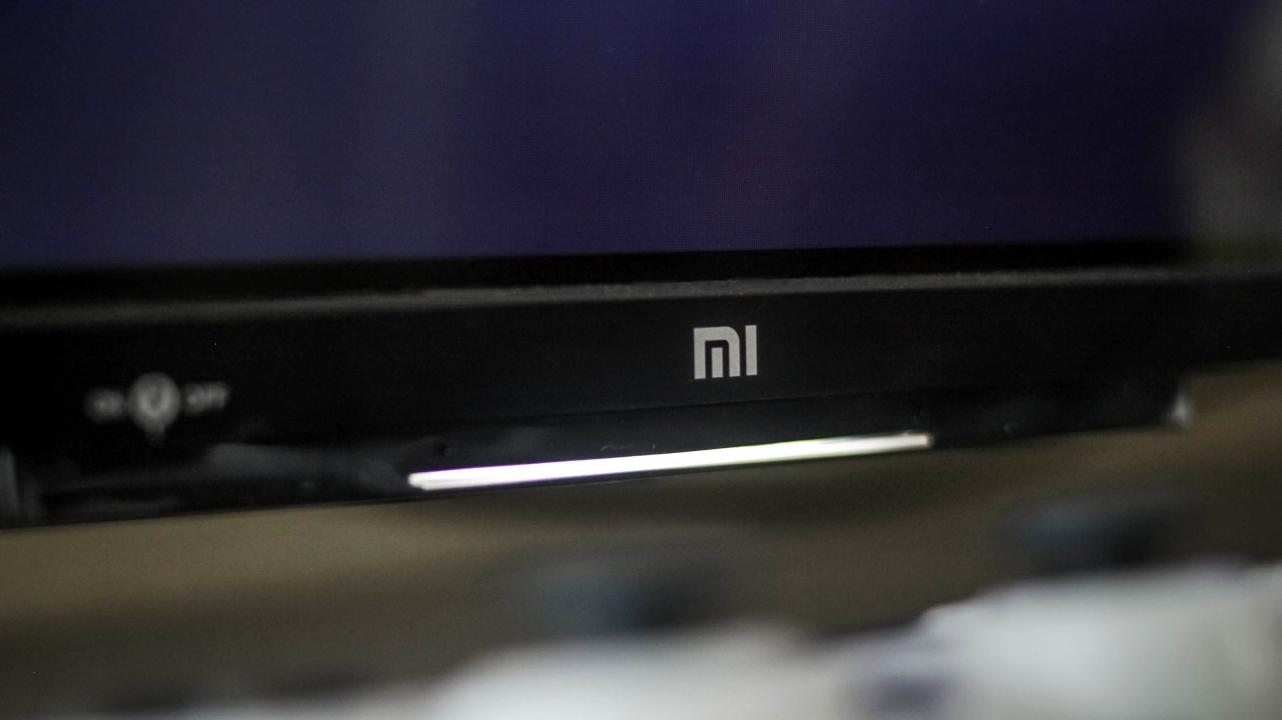
Just a static long light indicator when it’s powered on
The problem with TV nowadays is that, most of them look similar with their plasticky build. If you’re looking for a premium-looking TV on a tight budget, sorry to break it to you, but the Mi TV P1 is entirely made out of plastic. From its side bezels, chin, and even the legs/stand, they’re all in the same material and a coating that’s oh-so-glossy.
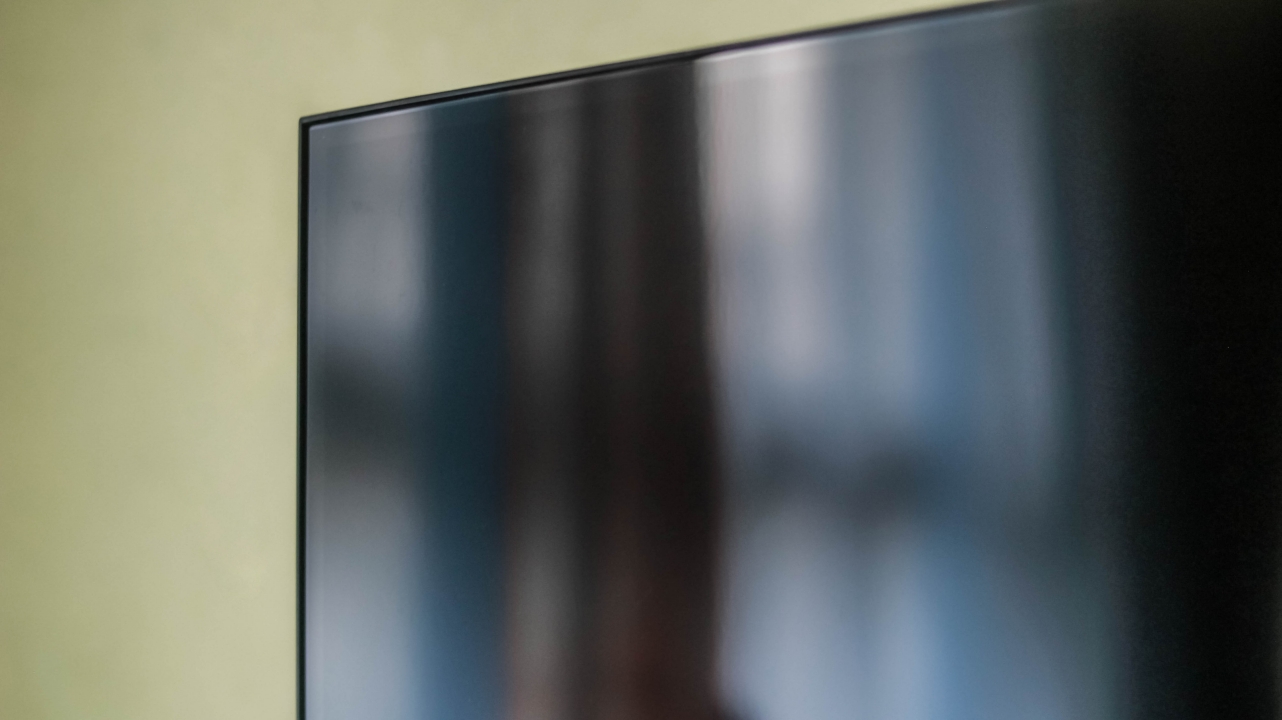
It’s almost as glossy as the protective film it came with
The panel is glossy too. You shouldn’t place this directly parallel to your window or it might bother you when watching content that are less bright or dark.
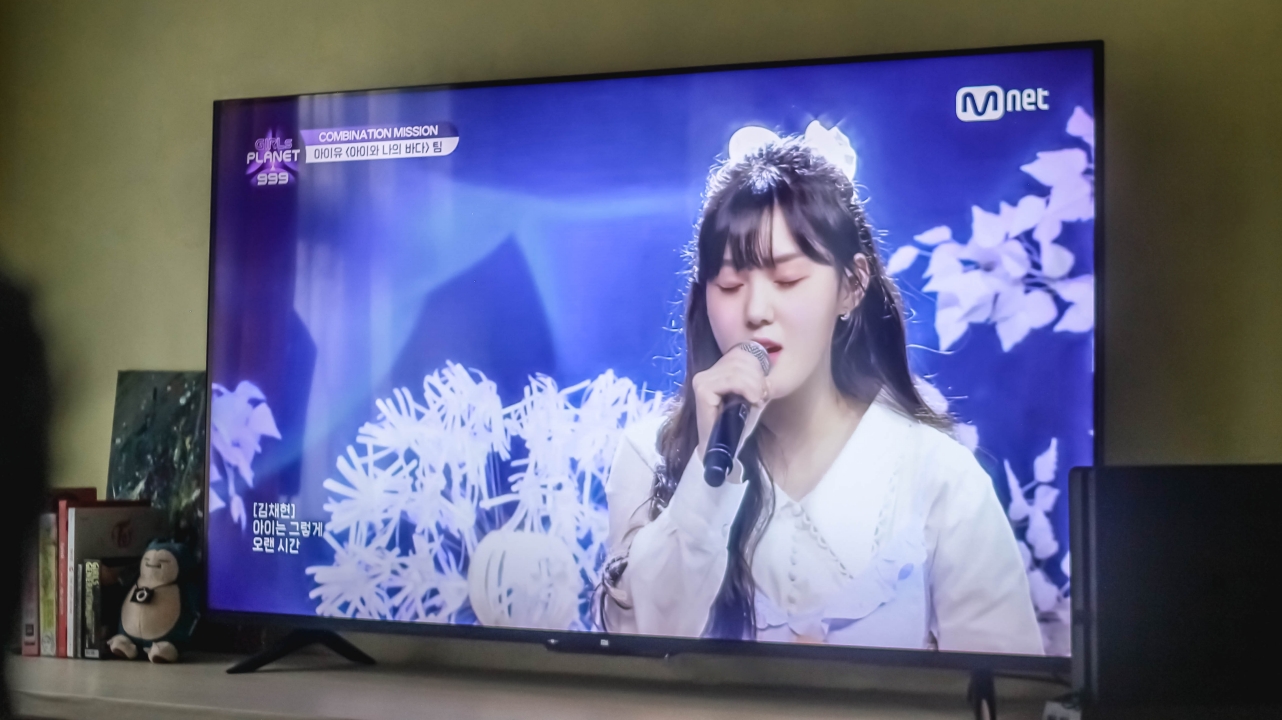
Chaehyun is the definition of a human being with an angelic voice #김채현_데뷔하자
Even the large window covered with curtains at the left side of our living room wasn’t safe from such distraction.

Not the most unique stand design ever
Not gonna lie, it looked and felt cheap. There’s literally no excuse for it being a “budget” TV. Compared to the Android TV I own at the same price point, it’s still able to have a metallic bottom bezel and aluminum stands without reducing most of the features that the Mi TV P1 possesses.
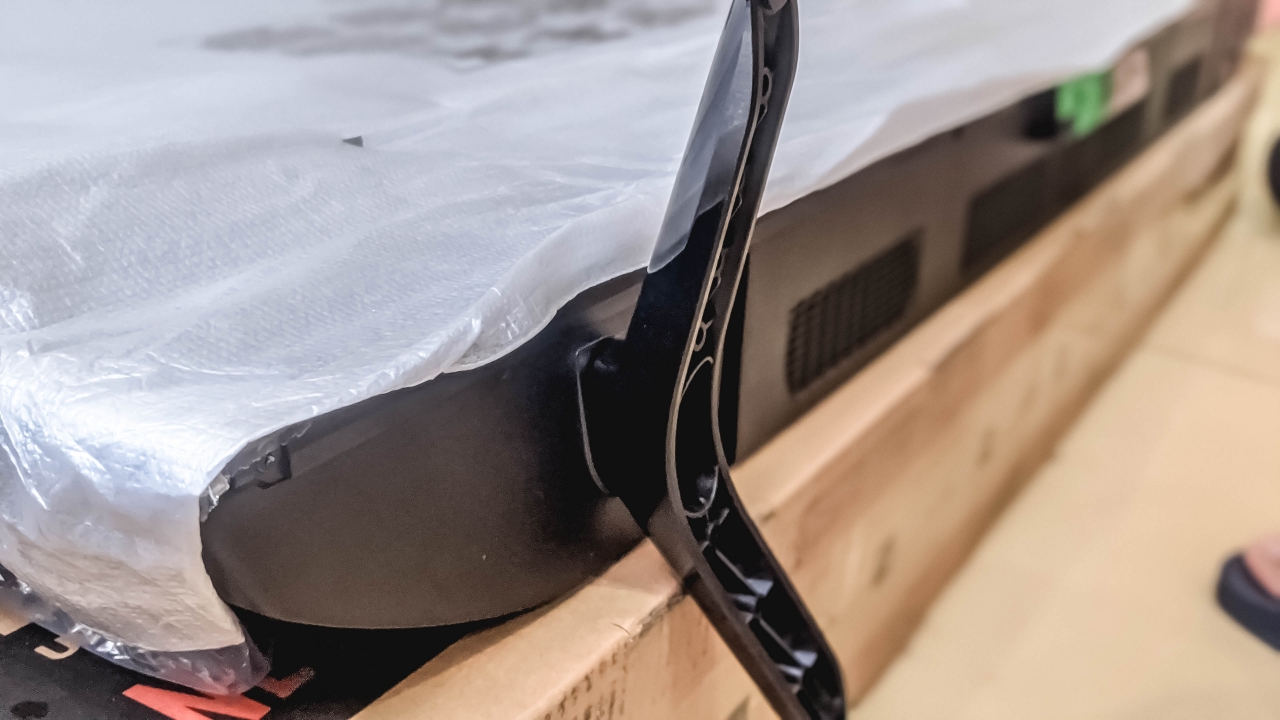
Attaching these was truly a horrifying experience
Speaking of stand, it took me around ten minutes thinking how to attach both legs. The screw holes were kind of confusing and misleading as well as the form of each leg. Instructions in the user manual about attaching both TV leg stands was vague so I have to research further online. It’s honestly one of my worst experiences of attaching screws to a product.
Sufficient ports and connections
The Mi TV P1 has a Composite In (AV), two USB-A ports, and three HDMI ports — one with eARC support. The 32-inch version has lesser though. Other ports you might be curious to know are Ethernet Port, CI Slot, Optical Digital Audio Out, and a 3.5mm headphone jack.

For wireless connectivity, the Mi TV P1 has a reliable Wi-Fi connection as it not only supports the 2.4GHz band, but the faster 5GHz band as well. That’s something my other TV doesn’t have.
There’s even the faster and latency-less Bluetooth 5.0 support. And with the bundled 360 Bluetooth remote, I can still turn off the TV even when I’m sitting and eating from the kitchen area or when I need to go to the bathroom without ever pointing at the TV itself.

Not sure if it’s just my muscle memory but the remote of the Xiaomi Mi TV P1 confuses me — and might be the same to some future users.
If you’re a heavy Android user, the default back key of smartphones is placed at the left side rather than the middle. Xiaomi could’ve just switched the button placements. They could’ve even done the same to the “O” (home) button by placing it in the middle instead.

Some button controls would’ve made more sense too if “CC”, “EPG”, “INFO”, and that “dot” weren’t placed there. And if you’re right-handed like I am, pressing the power button requires some reach as it’s placed on the upper left part instead of right.
The power of Android TV
ICYMI, the Xiaomi Mi TV P1 runs Android TV. On paper, it runs a MediaTek 9611 chipset paired with 2GB of memory and 16GB of internal storage. Those are actually enough for running and storing TV-limited Android apps that can be downloaded through the Google Play Store.
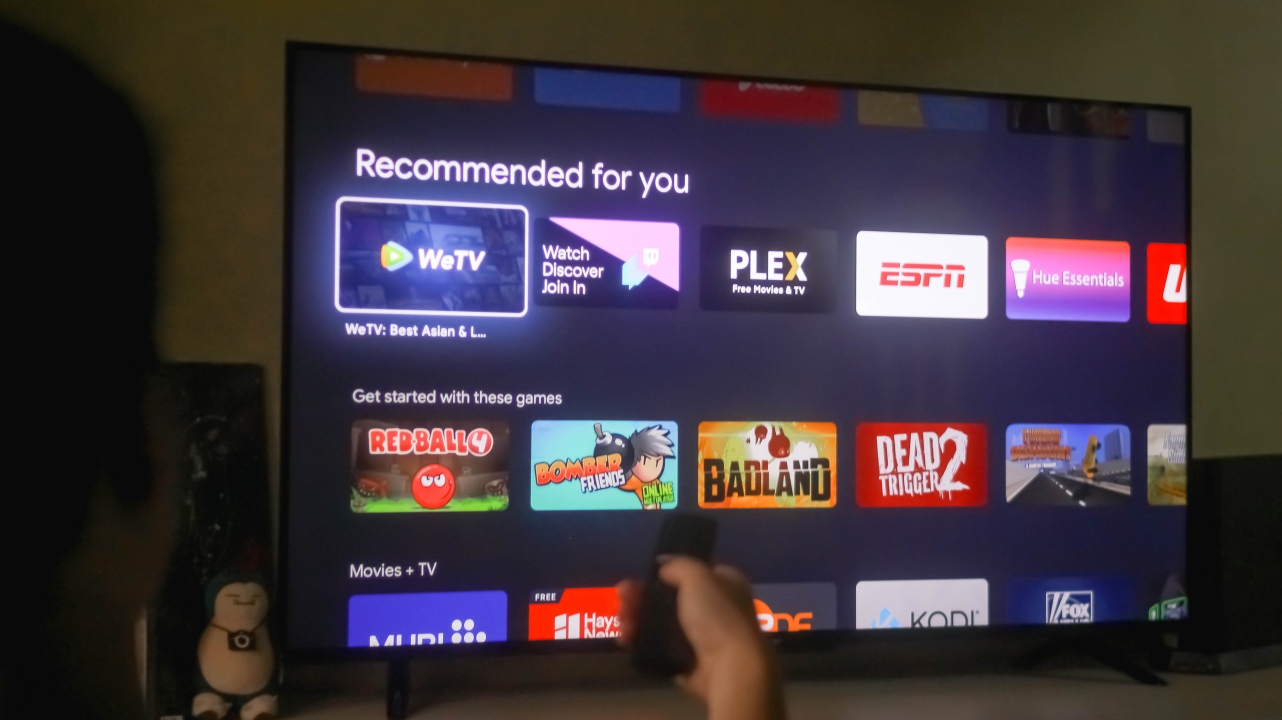
While YouTube, Netflix, and Prime Video were already installed upon first use, there are also other streaming apps you can download such as iQiyi, WeTV, Viu, Crunchyroll, HBO Go, TED, and more.

As you were already spoiled in the earlier section, the Mi TV P1 supports Google Assistant. This reduces the hassle and sore of typing each letter through the remote’s D-pad when searching content across all apps.

Google Assistant indicator
On the bottom part of that odd bar below the Mi TV P1’s chin, there’s a switch to turn on (or off) the far-field microphones of the TV.
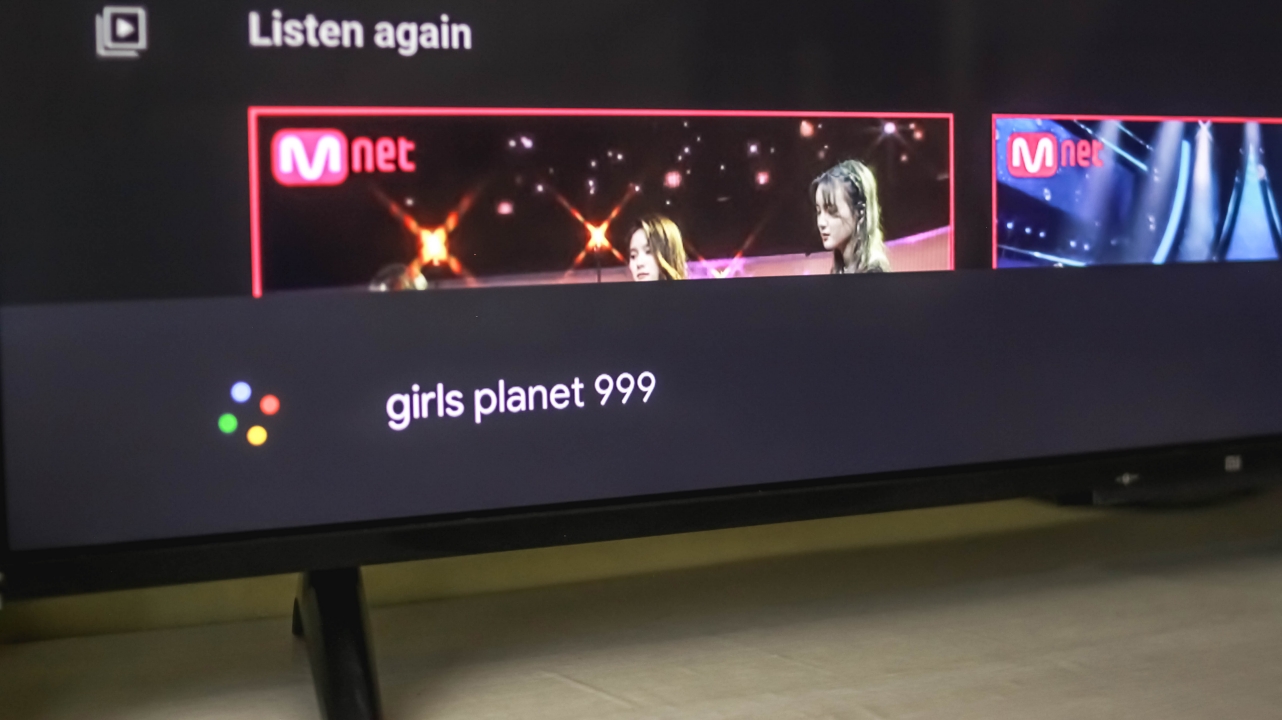
Google Assistant prompt
This enables you to use Google Assistant even when you’re roaming another area in your house. So yeah, no to pointing your mouth to the remote. People with a loud speaking voice will benefit this feature the most.
More power with Chromecast
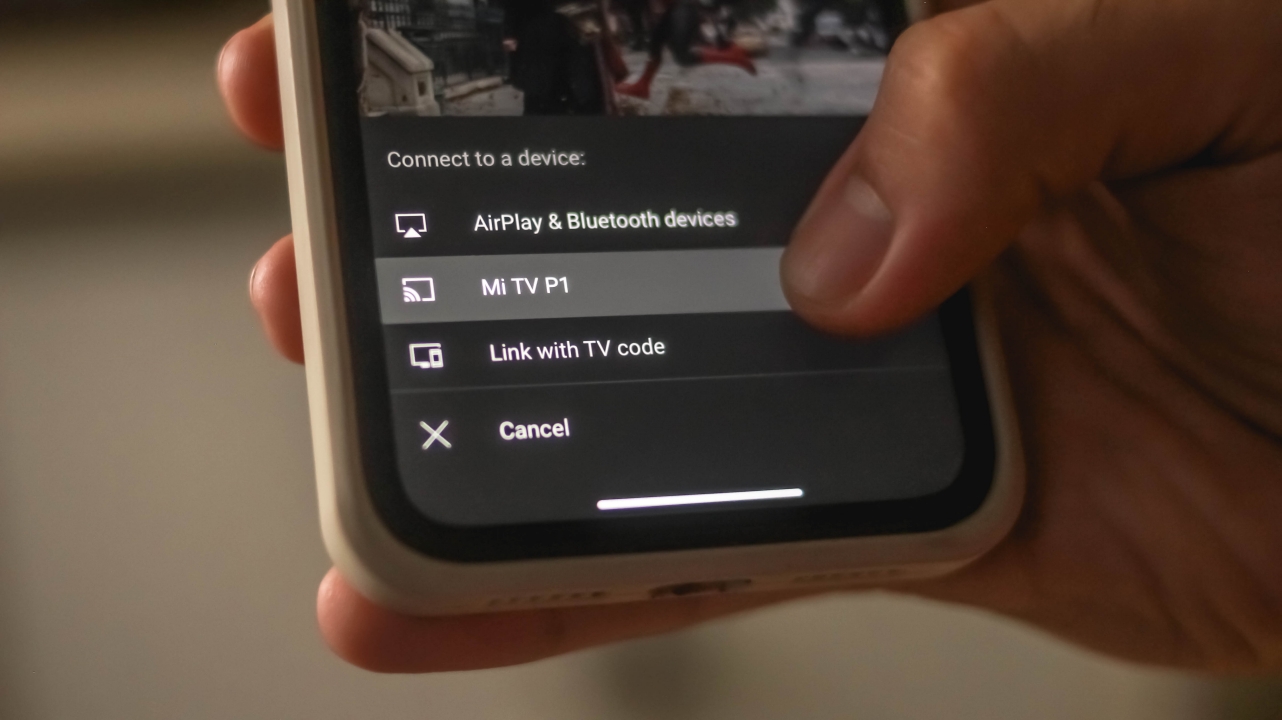
Too lazy to type? Or you just don’t want to bother your family members when you activate Google Assistant? Well, your other option is to share content from your phone to the TV — and that’s thanks to its built-in Chromecast feature.
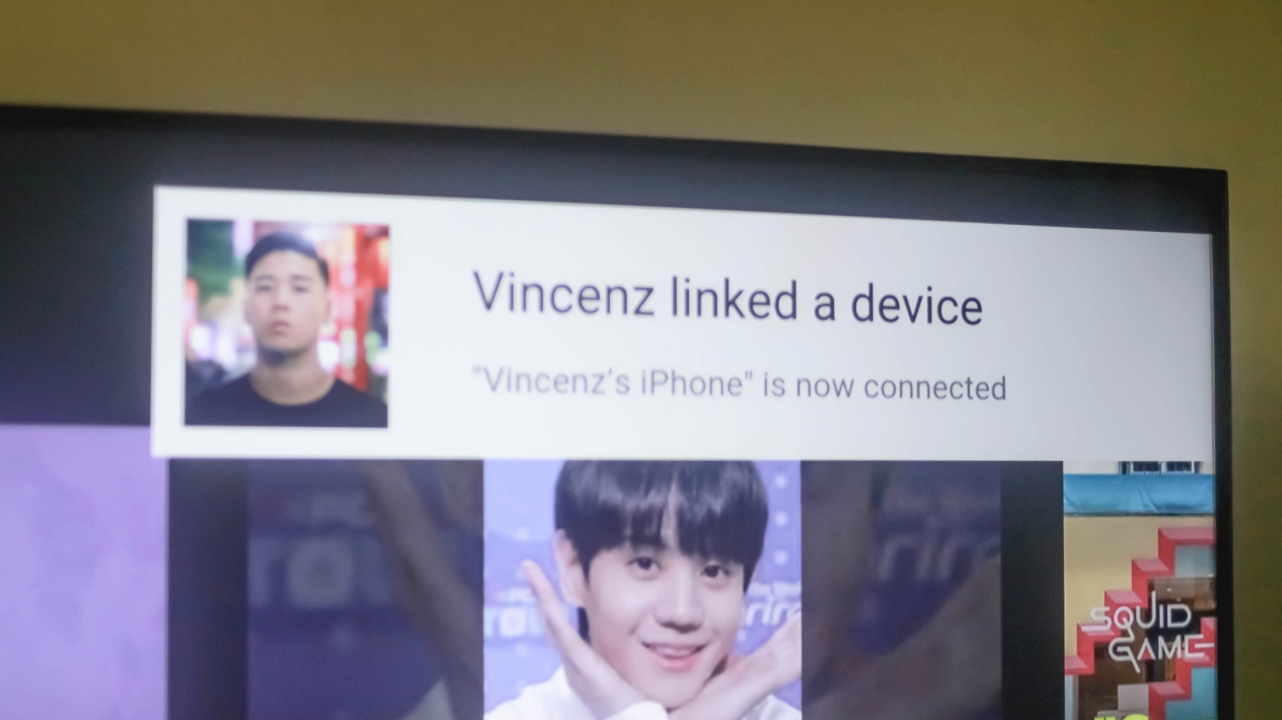
Whether you’re using an iPhone or an Android, you shouldn’t worry at all as Chromecast supports both systems.

Other than sharing content from YouTube, you can also share and stream music on a bigger screen as long as Spotify is downloaded on both devices.

Spotify being sus by cutting both Heejin and Olivia Hye out of the screen 🙄
Purely immersive
Nowadays, most Netflix titles and YouTube content come with an ultra-wide 21:9 ratio (or even in a 2.39:1 anamorphic ratio). In layman’s term, those are simply the black bars you see when watching videos in your fullscreen smartphones or standard monitors. But thanks to its slim bezels, watching on the Xiaomi Mi TV P1 felt immersive — especially if you’re watching just several meters away from the TV.
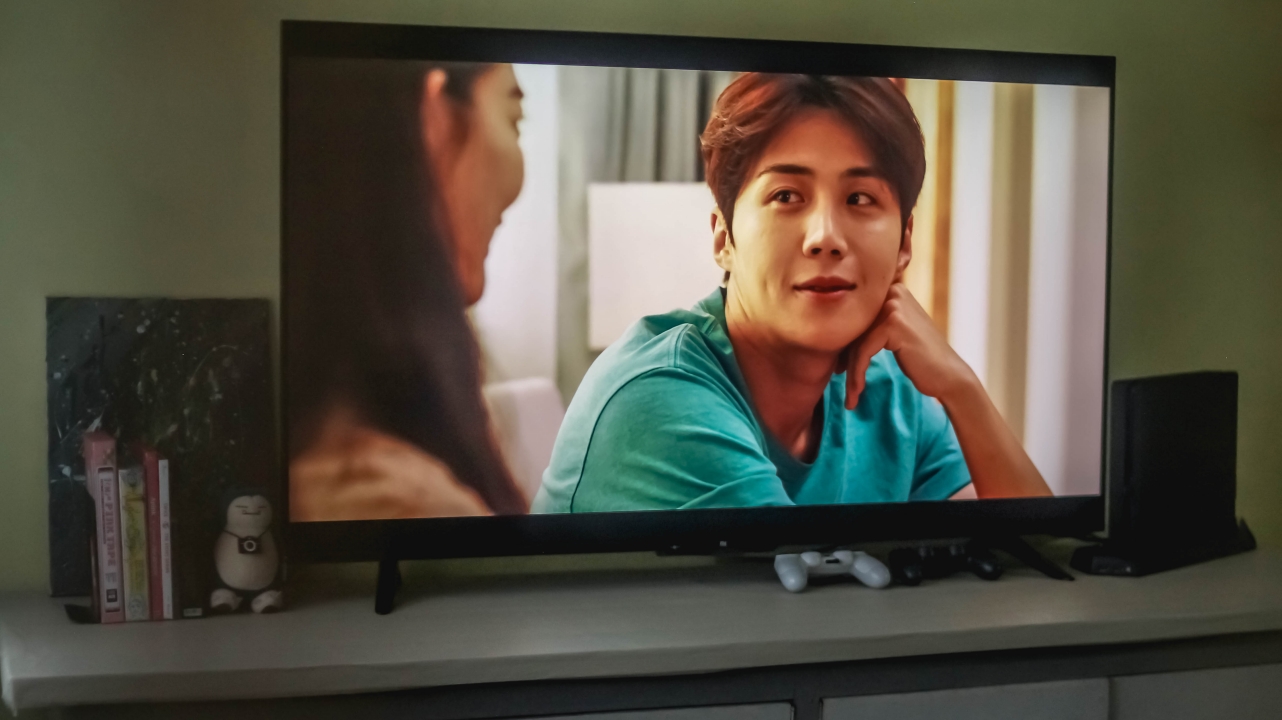
Hong Banjang just being charismatic over Yoon Chigwa #HeadOverHeels
Watching series such as Hometown Cha-Cha-Cha honestly felt more immersive as if I’m sitting along with the characters.

Isa’s visuals pops even more with this vibrant TV
Even STAYC’s Stereotype music video, despite its black bars, still made me enjoy its stunning visuals and cinematography (as well as vocals, musical arrangement, and choreography).

Speaking of pure, the “Fate” performance from Girls Planet 999 made me cry with its pureness in beauty paired with superiority in choreography
What more if it’s a 16:9 content? Whether it’s in 4K UHD or just Full HD 1080p resolution, your eyes will still enjoy every frame of what you’re watching especially if its displayed in a large screen a la cinema.

My feels for Tzuyu are definitely not over when watching and listening to #TheFeels
A 4K 16:9 content is more pleasing to look at especially with its sharp and crisp details. TWICE’s The Feels is a testament to that.

If you’re curious about sound quality. It’s double 10W speakers are loud with enough bass and clarity. But don’t expect cinema-grade audio experience even with Dolby Audio and DTS-HD support. But if you’re really into that cinema-grade experience. you still need to get at least a soundbar or invest on a better surround sound system (in which I think budget-conscious users care less about).
Excellent display for a budget TV
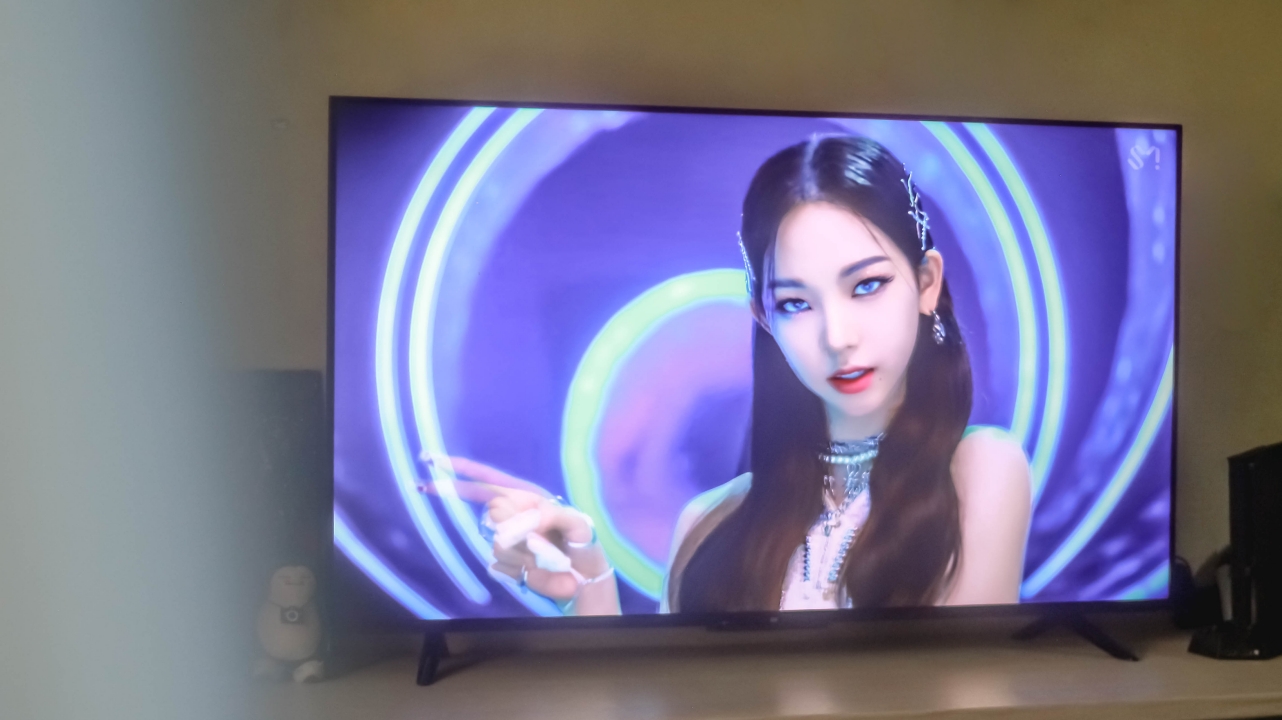
aespa’s Karina is a living goddess. Periodt. Periodism.
Apart from having an almost edge-to-edge 4K display, the Mi TV P1 also boasts HDR10+ support for displaying picture-perfect content with an even wider range of colors in the spectrum.

This isn’t for everyone but just in case someone wants to know, you can choose between various Color Spaces ranging from Standard and Native, to Adobe RGB, DCI-P3, BenQ’s BT.2020, and ITU-R’s BT.709 color gamut.
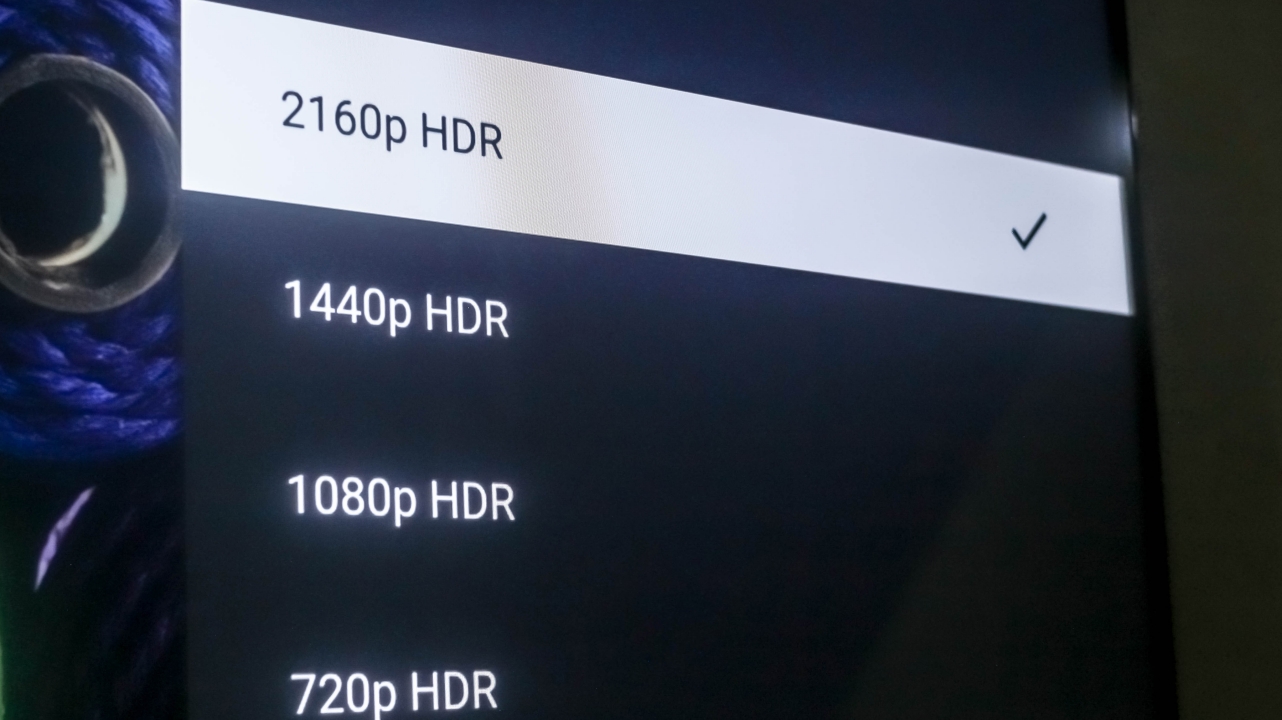
If you go and specifically search for 4K HDR content on YouTube, the Xiaomi Mi TV P1 will be able to handle and display that content to you with no frills. That’s something other TVs, monitors, and even smartphones can’t display at all.
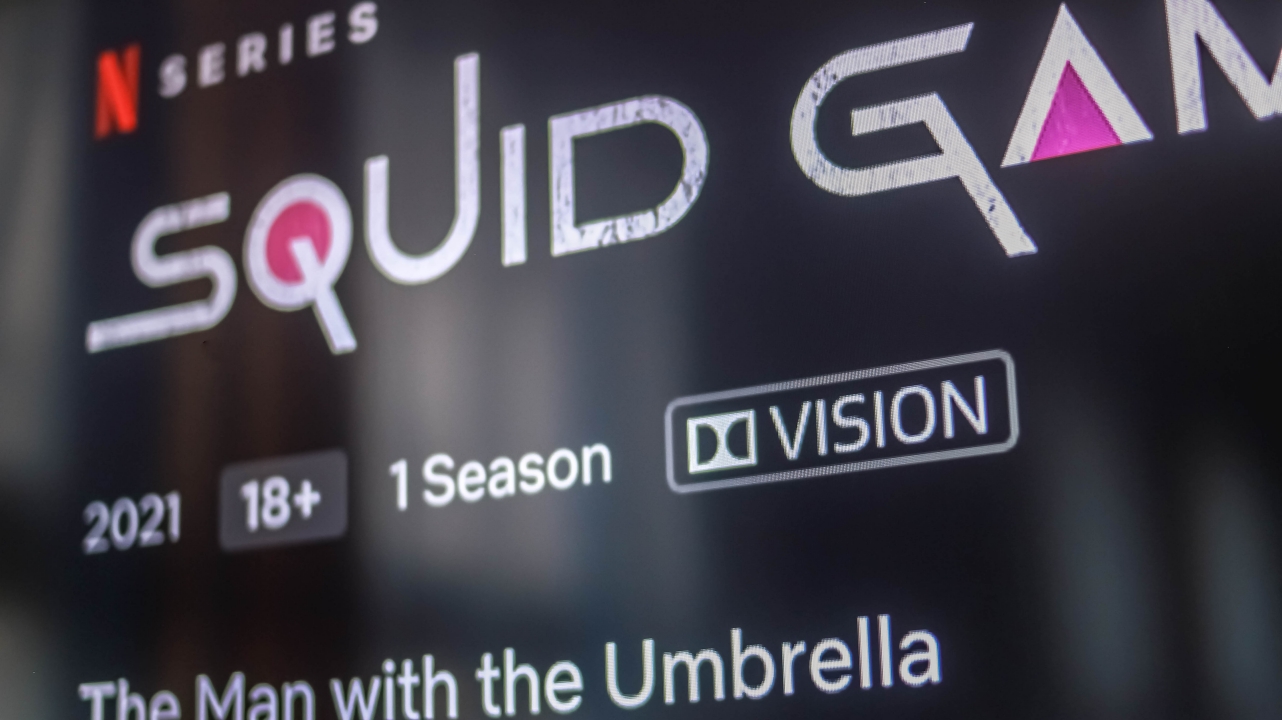
To make the display even better, it also has Dolby Vision apart from HDR10+. For this particular instance: Squid Game, which is Netflix’s hottest series right now, shows the Dolby Vision indicator right next to its parental rating info.

Not only does it show better color accuracy and output with HDR10+, this Dolby Vision feature is also able to display better dynamic range with the right amount of contrast, highlights, and shadows.

Loco might just be Yuna’s era
One noticeable aspect of this TV is the inclusion of Motion Smoothing feature out of the box that my other Android TV doesn’t have. It’s honestly a feast for the eyes but probably not everyone’s cup of tea. By default, it’s set to Standard but can be turned off.
Pretty decent for gaming, too
While the Mi TV P1 has only a 60Hz panel, playing on it still felt true-to-life. With the 55-incher that I have, details are still clear and sharp even if my PS4 Slim only supports a maximum display resolution of 1080p. With one port that supports HDMI 2.1 / eARC, people who spent their fortune on a PlayStation 5 (PS5) and are considering a less-expensive smart TV, I’m sure bumping it over 1080p will work.
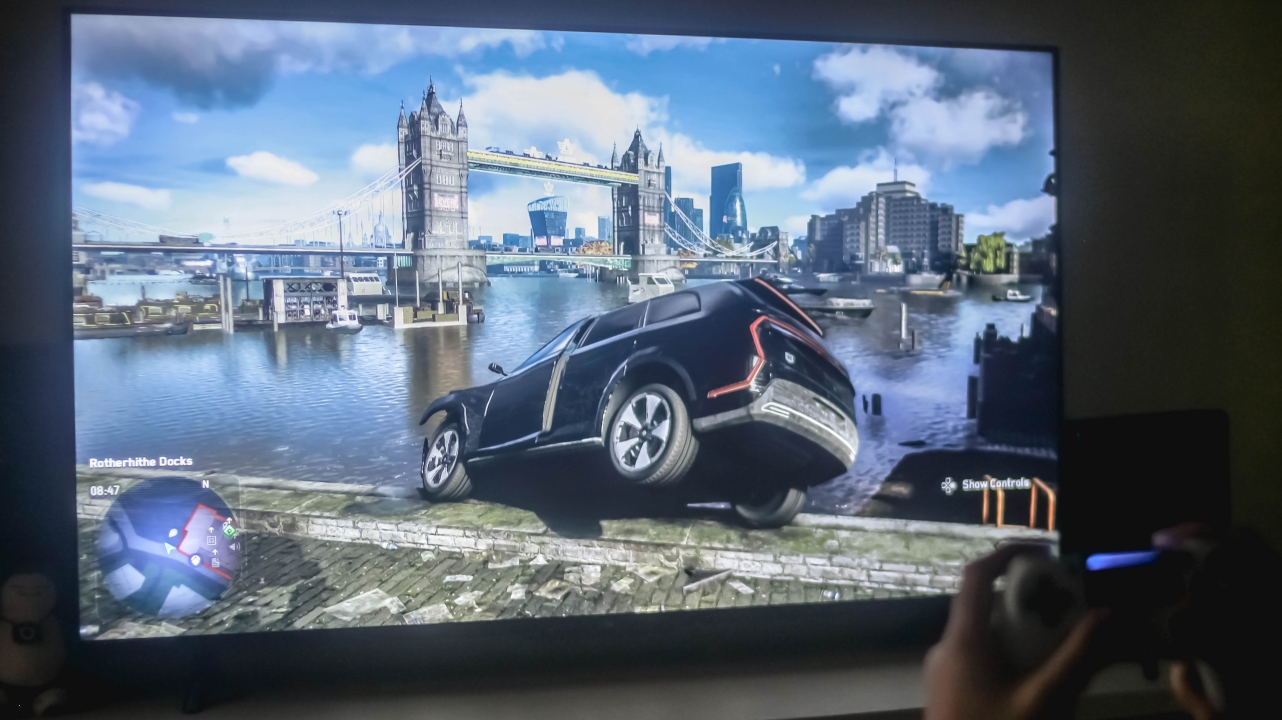
One thing to keep in mind if you’re a sucker for ultra-smooth and seamless gameplay, the Mi TV P1 doesn’t do its Motion Smoothing magic — at least on the PS4 itself. It doesn’t even work on the console’s UI.
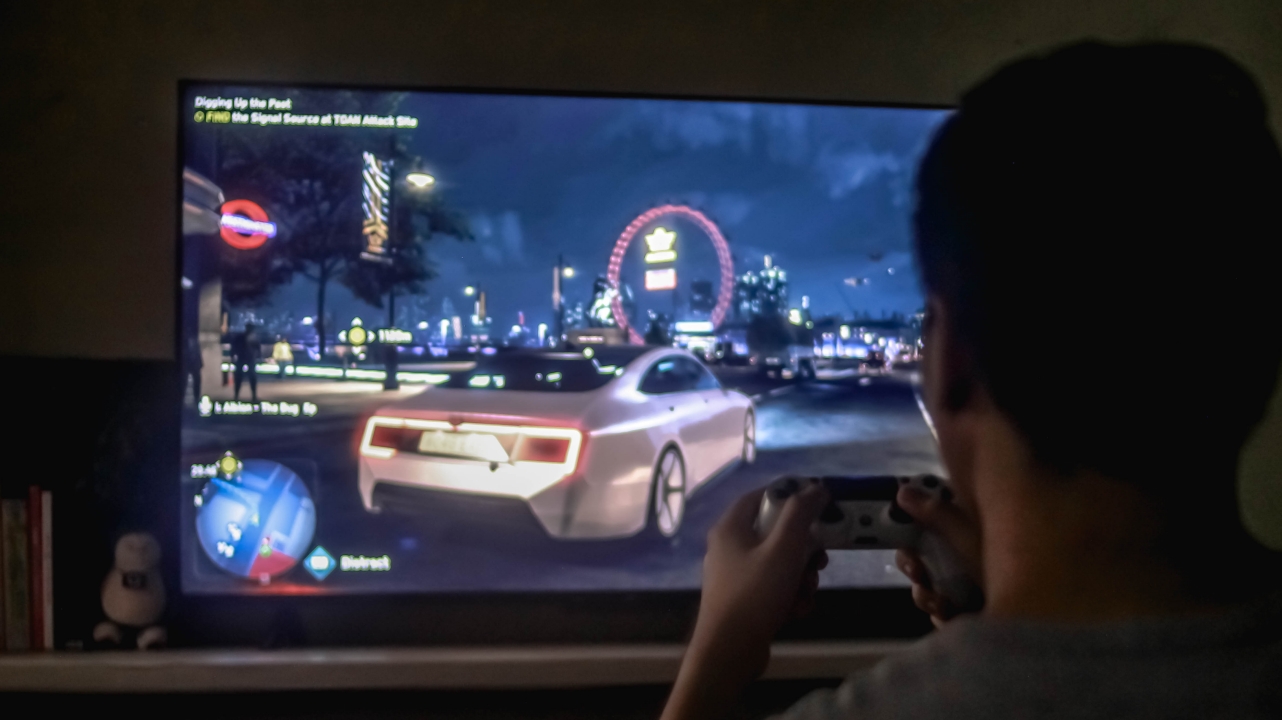
Not a biggie but some might consider that as a buying point. There are also two more limitations that I’ll talk more at the latter part of this review.

Overall, gaming on the Mi TV P1 is pretty decent for casual and gamers on a limited budget. You get to enjoy its big screen size — which still depends on the model you’ll buy and your distance from the TV.

Another thing, I tested playing games for hours starting with Watch Dogs: Legion, then Gran Turismo, Crash Team Racing, and even several Tekken 7 but my eyes haven’t strained at all.
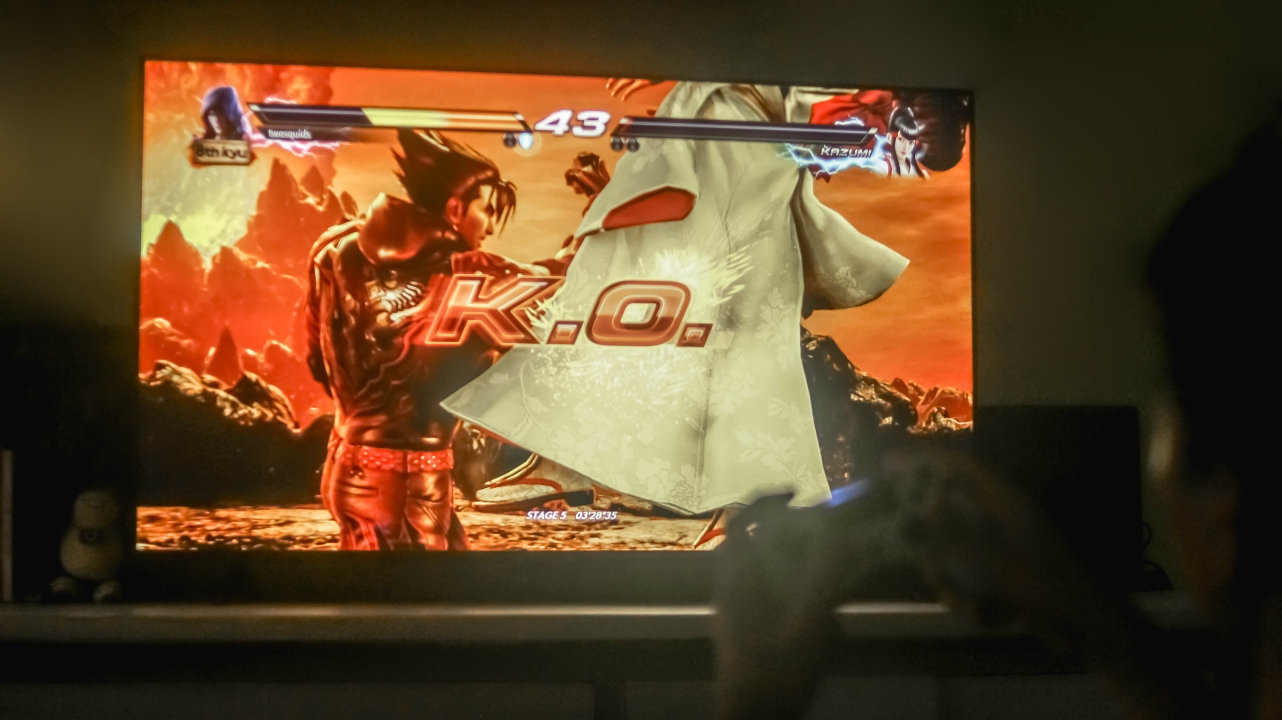
The best part is that, I’ve successfully finished all those games thanks to the Mi TV P1’s display superiority.
Some good things have bad sides, too
Aside from rants about its design and remote control, there are other things I’ve encountered during my time with this smart Android TV.
1st: PatchWall isn’t ready for the country yet
While PatchWall was already introduced to Mi TV users in India, Indonesia, and other parts of the globe, it’s unfortunately not ready in the Philippines just yet.

For those who aren’t familiar, PatchWall is Xiaomi’s special launcher that has a better UI over the stock Android TV experience. But it not being ready for the Philippine market further proves my point that the “Mi” button on the remote control is pretty useless as that one opens up PatchWall.
2nd: HDR isn’t supported for all devices
As ironic as it gets, this 4K HDR TV has some HDR limitations.

It may not be a huge deal to most but for myself who got accustomed with my own Android TV being able to display HDR even when a PlayStation 4 is hooked up, it’s such a disappointment that the Mi TV P1 doesn’t offer that HDR compatibility to my gaming console. I even tried hooking up the HDMI cable to each HDMI port but to no avail.
3rd: Display settings cannot be accessed on other HDMI devices as well
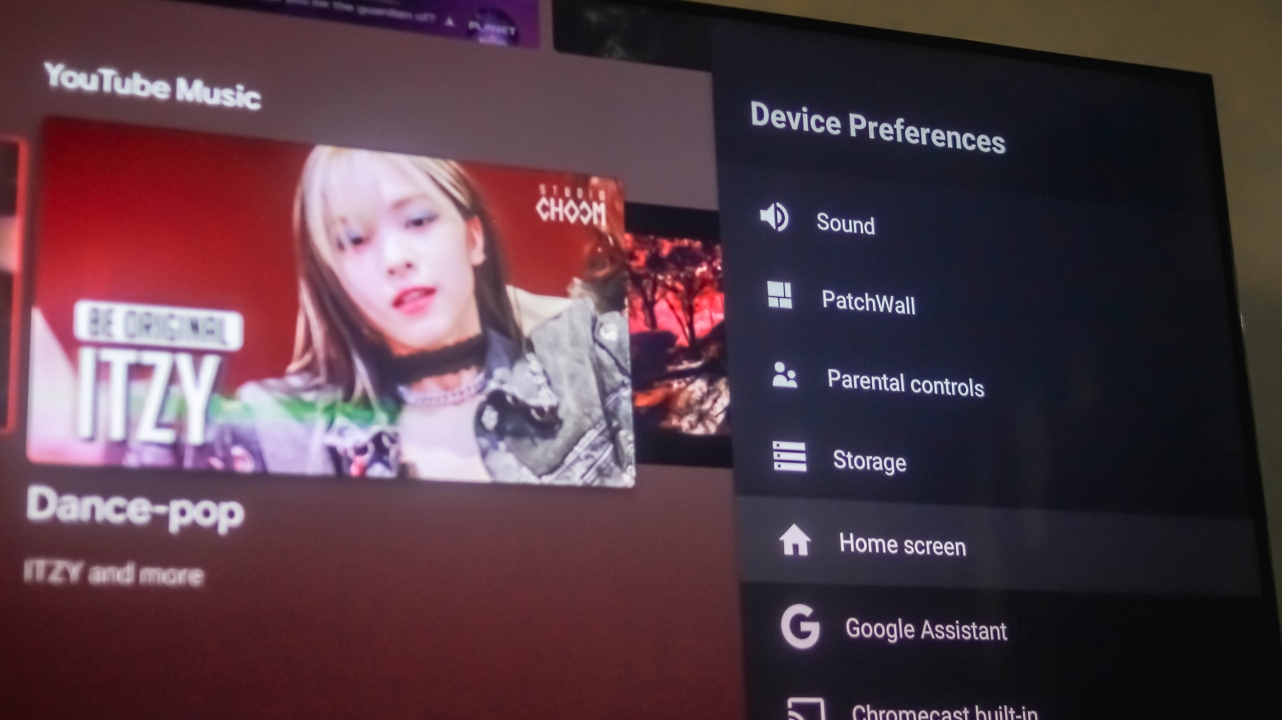
As I was trying to shoot more photos of the TV while using the PS4, I was surprised that pressing the “Settings” button doesn’t reveal the Device Preferences sidebar. Not only can I not adjust the brightness and backlight level, I also can’t pick a certain picture mode that might suit the game better. What a total waste.
Is the Xiaomi Mi TV P1 your GadgetMatch?
If you’re all in for the Mi TV P1’s excellence in image quality and immersiveness without ever minding its lackluster aesthetic and limitations in HDR support and PatchWall, the Mi TV P1 is a TV I can recommend. This product goes well for those who just recently moved to a new home and wants a TV that’s just right for their budget.

The good stuff of this Android TV still weigh more than the compromises mentioned. If you can’t wait to have your new TV in this upcoming holiday season, the Xiaomi Mi TV P1 is still a wise buy. Other than this 55-inch model which is priced at PhP 24,990, there are also 32, 43, and 50-inch variants available that retail for PhP 10,990 / PhP 18,990 / PhP 22,990 respectively.




Entertainment
One Piece: Into the Grand Line unveils final trailer ahead of premiere
All 8 episodes dropping on Netflix this March 10


Netflix has revealed the final trailer for One Piece: Into the Grand Line, exactly one week before its March 10 premiere.
The clip opens with a monologue from Monkey D. Luffy, reminding the Straw Hat crew of how far they’ve come to make it to the gates of the legendary Grand Line.
He mentions that it is time for the pirates to see what’s in store for them in the legendary stretch of sea.
Of course, that’s the treasure they’re seeking albeit encountering bizarre islands, new enemies, and unpredictable danger.
The clip then again features the larger-than-life scale of Season 2, including the towering Red Line, giant whale Laboon, Little Garden’s dinosaurs, and the giant, Brogy.
For a brief moment, the protagonist is also shown in an encounter with Smoker. Tony Tony Chopper, shown in the official trailer, once again made a quick appearance.
Just as action-packed as previous trailers, this 1:44 clip then culminates with more combat. There’s Zoro defending the crew at Whisky Peak.
Wapol and his metal-transforming Munch-Munch powers was shown in the end against Monkey D. Luffy.
The entire trailer is also set to an upbeat remix of “Come Sail Away” in the background, continuing the excitement from Season 1.
All eight episodes of One Piece: Into the Grand Line will be made available by March 10.
Entertainment
ITZY’s YUNA is Infinix’s first ever global brand ambassador
Infinix is in with YUNA in the scene

Infinix is entering a new era — and the brand is bringing one of K-Pop’s most sought-after stars along the ride.
A first for Infinix
In line with the launch of the latest NOTE 60 series, Infinix has also named YUNA of ITZY as its very first Global Brand Ambassador. The company calls this a bold step forward for both innovation and style.

For the record, this is the first time Infinix has tapped a global ambassador — and the choice makes sense. YUNA is known for her confidence, vibrant energy, and unapologetic self-expression. These qualities align closely with Infinix’s “Joy Tech, Beyond Limits” philosophy.
In a statement, YUNA shared her excitement about the partnership. She said she’s looking forward to connecting with fans in a new way and creating meaningful stories together with the brand.
For Infinix, this collaboration is more than just a celebrity endorsement. It signals a shift in how the company wants to position itself globally — not just as a smartphone maker, but as a lifestyle tech brand for expressive, tech-savvy youth.
The more, the merrier
The partnership goes along the debut of the NOTE 60 Series, further fueling Infinix’s move toward a more premium smartphone experience.
Like YUNA, the NOTE 60 line also brings notable names in the table:
- Powered by Snapdragon from Qualcomm
- Design collaboration with Pininfarina
- Audio tuned with JBL
It’s a clear attempt that Infinix wanted to elevate both performance and design by blending in flagship-level specs, more refined aesthetics, and immersive sound altogether.
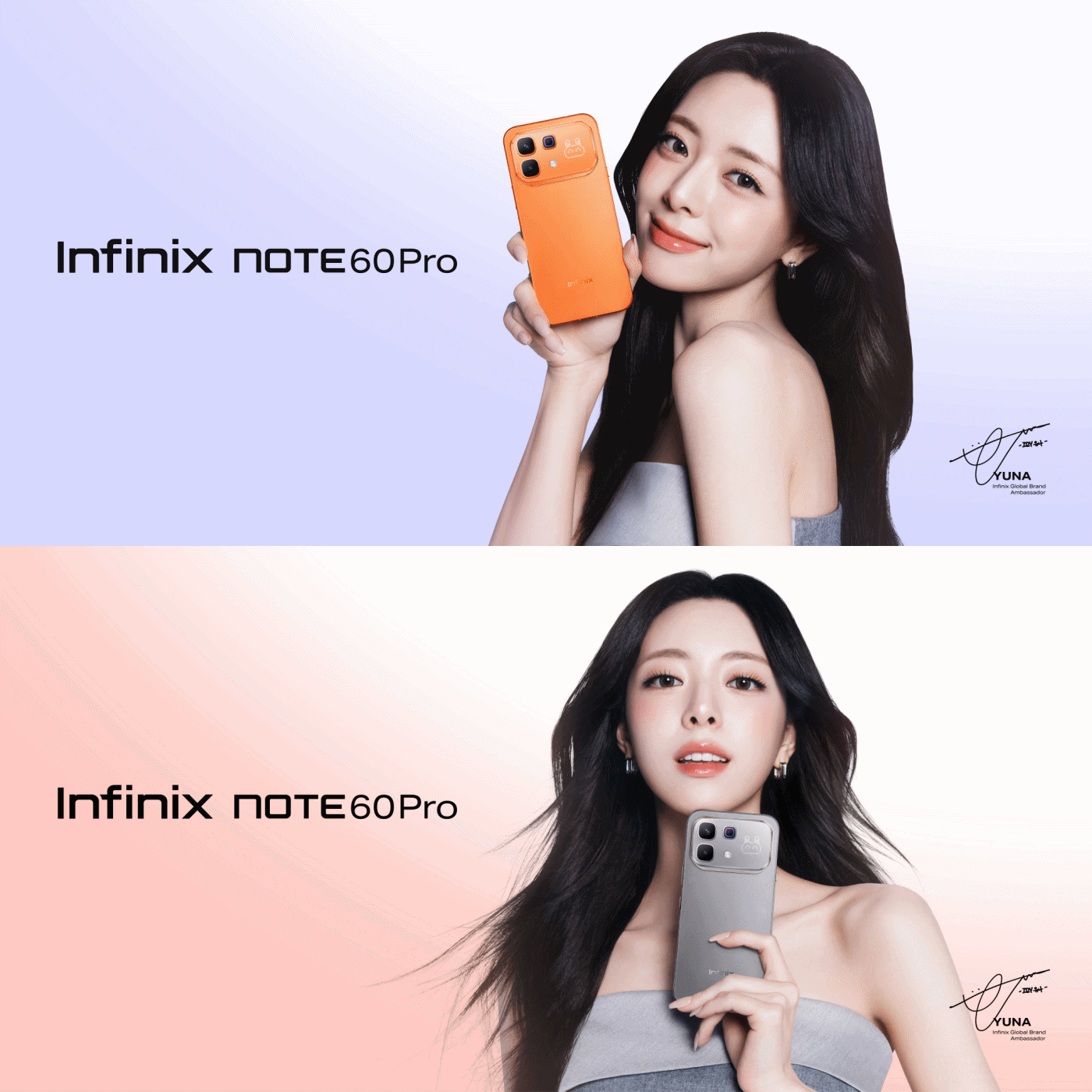
Infinix says this launch also marks its expansion into more premium international markets.
With YUNA as the face of the brand, the company hopes to strengthen its appeal among younger users who want both powerful hardware and a device that matches their personality.

Rather than focusing purely on specs, Infinix is leaning into storytelling — highlighting how technology can spark creativity, joy, and individuality.
With the NOTE 60 Series and YUNA front and center, Infinix appears ready to redefine its brand identity on a global scale.


I’m starting to think that cosmic horror is near-impossible to adapt to the big screen. Often, the point of this subgenre of horror is to showcase the unfathomable, a horror so unknowable that it’s impossible to describe. Now, for a medium that thrives on “show, don’t tell,” a full-length movie doesn’t seem like the best format for this type of horror. I’ve seen so many cosmic horror films, and a majority of them fail to land the satisfaction of a more traditional horror film.
Iron Lung, directed by and starring Markiplier, takes a stab at this elusively complex genre.
After the sudden disappearance of stars and planets in the universe, a lone space station explores a nearby moon to search for a way to save humanity. The catch is that the entire moon is covered in an ocean of blood. A convict, played by Markiplier, is tasked with exploring the moon in a one-man submersible, in exchange for his freedom.
Naturally, an ocean of blood isn’t the best place to be. The moon’s ocean hides mysteries and monsters beneath all the gore.
On the impossibility of cosmic horror
Though a movie is all about showing and not telling, Iron Lung navigates through these intricacies by not showing anything.
Because everything is just blood outside, the submarine needs a special camera that takes only grainy photos directly in front of the submersible. There’s always a sense of claustrophobic dread. What’s outside the submarine? What were those sounds? Did the camera really take a photo of something alive?
The film’s premise alone is a perfect source of horror. This is where cosmic horror thrives: on the questions, on the tiny sneak peeks of a monster lurking around the corner.

But, then again, this is also where the subgenre can paint itself into a corner. Eventually, audiences ask for more. They need to see and know the beast for real. Think Cloverfield, when the massive alien finally shows its face, or The Nun with… well, The Nun.
It’s an unwritten rule in horror films that the monster must make an appearance. It becomes a paradox for cosmic horror because the beast must also be unknowable.
When the beast finally shows up in Iron Lung, the audience never learns an understandable reason why it’s stalking the submarine. It’s not hungry, it doesn’t want revenge, and it doesn’t want to take over the world. It just is.
Is that a satisfying enough conclusion? If you’re a fan of cosmic horror, then it’s par for the course. However, if you’re more used to the more traditional horror film, it might leave you wanting more.
On madness
A mysterious monster isn’t the only thing that cosmic horror is known for. It’s also about madness and how the protagonist goes insane after seeing the unknown.
It’s apropos, then, that the convict starts hallucinating right after seeing a glimpse of the ocean’s beast. He starts to lose track of what’s real and what’s not.
In other movies, madness is an effective tool in subverting expectations and amplifying the horror. For example, in The Lighthouse, Winslow, the protagonist, also loses his sanity and questions reality. The film is all about this descent into madness and the questionable actions as a result from it. In Shutter Island, madness is a punchline, a plot twist that invites the audience to revisit the entire film and question their own perception.
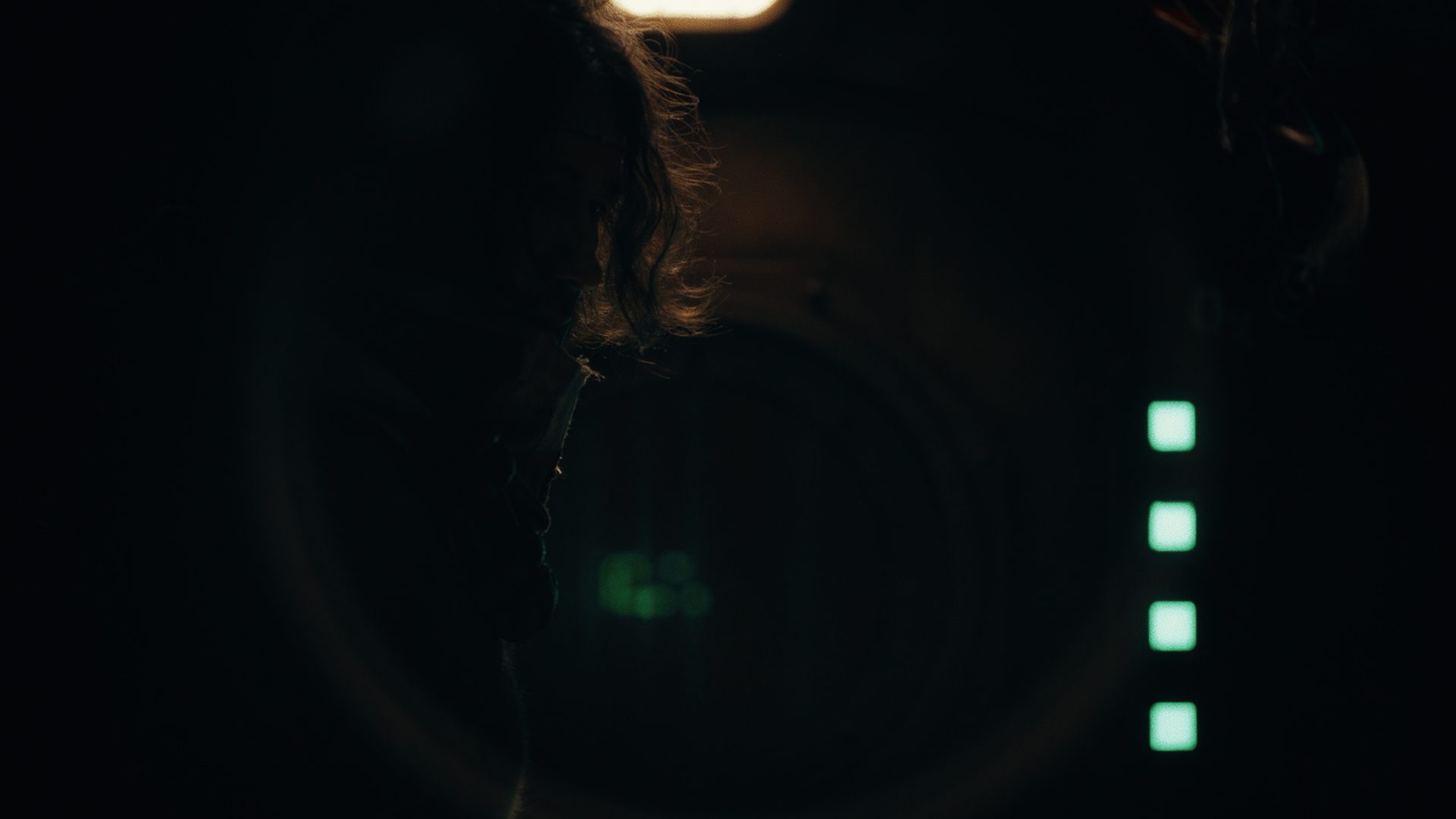
Iron Lung, however, is neither a complete descent nor a plot twist. Rather, it’s a clear third act stemming from the convict’s encounter with the monster.
Since it’s clearly delineated in the third act, it’s hard to empathize with the convict’s plight. There’s a sense of vertigo moving from a creature feature into, in the convict’s own words, “alien shit” where you’re not sure of what’s real. Likewise, it’s not a plot twist either. You don’t reevaluate whether the entire movie was a hallucination.
Madness is understandably a major plot point of the original game that the movie is based on. However, its translation into film isn’t the smoothest. It’s both too short and too long.
But is it a good film?
Despite its struggle with the format, Iron Lung is still a spirited attempt at a one-room horror film. Markiplier melds into his role and doesn’t just showcase his on-screen YouTube personality.

The premise is, at once, frightening. It’s eerie and creepy. There is always a pervasive need to figure out what comes next. That’s pretty much what you want from a movie anyway. Yes, the ending might be polarizing, especially to those more used to the usual horror film, but the journey is still worth the price of admission.
And, at the very least, the film got me interested in watching Mark’s original playthroughs.

The Xiaomi 17 shoots Leica dream

Nintendo sues the United States

OPPO Reno15 F 5G hands-on

Project Helix is Xbox’s next console, and it plays PC games

Nothing adds color to its wearables with the Headphone (a)

Xiaomi 17 Ultra is now available outside China

TECNO will showcase the CAMON 50 and POVA 8 series at MWC 2026

The art of being in and behind the frame

HUAWEI MatePad 11.5 S 2026: The better-than-ever 4-in-1 productivity tablet

TECNO MEGABOOK K16s 13th review: No-frills beneath those grills


-
 News7 days ago
Xiaomi 17 Ultra is now available outside China
-

 Camera Walkthrough2 weeks ago
OPPO Reno15 Pro: Camera Review
-

 MWC 20265 days ago
TECNO showcases cool concepts at MWC 2026
-

 MWC 20261 week ago
TECNO resurrects modular phones with this new concept
-

 Reviews7 days ago
Xiaomi Pad 8 review: Slab that slaps!
-

 MWC 20264 days ago
TECNO launches the all-new CAMON 50 series
-

 Reviews7 days ago
Forget the Phone: Xiaomi 17 Ultra Is A CAMERA!
-

 Reviews4 days ago
TECNO CAMON 50 Ultra review: End of an era?