
Hands-On
Vivo V3, V3 Max Hands-On Review


This week was one of many firsts. My first trip to India and my first formal introduction to smartphone brand Vivo, whose V3 and V3 Max smartphones marked their global debut here this week.
It’s by no mistake that these phones are unveiled in Mumbai, not New York, or London, or Beijing.
Packed with a pretty impressive feature set, specs to match, not-too-shabby looks, and sub-$300 and $400 price tags, respectively, the V3 and V3 Max are perfectly positioned for the price-sensitive but fiercely demanding Indian market. And for the rest of Southeast Asia where the phones are also slated to go on sale later this month.
The idea of a budget-friendly, premium smartphone isn’t necessarily a novel idea. Other manufacturers have built one before, but in the space, only a few have found success. To be fair, in a world where you get what you pay for, it isn’t easy to deliver a premium experience for less. But if that’s what these phones are intended to do, the Vivo V3 and V3 Max are solid efforts.
IN THIS CORNER
Like many high-end phones this year, both phones are fashioned from aluminum. The V3 Max is phablet-sized, 5.5 inches, and available in gold. Its little brother, the V3, is 5 inches, also available in gold. And because pink is the new black, rose gold also.
Apart from the size difference, everything else is aesthetically similar: white backside antenna bands; sides that are flat and angular; and a scratch-proof Gorilla Glass display that tapers off nicely on all corners. They’re not the best-looking phones we’ve seen this year, but they’re good enough to hold their own against the best of them.
The same can be said of their spec sheet. The V3 and V3 Max don’t come with the most high-end of specs, but you won’t feel like you’ve compromised either. The V3 Max, in particular, has the latest Snapdragon 652 processor and should have enough power to make even serious smartphone gamers happy. In the day I used it around Mumbai, it got the job done, and kept this demanding user satisfied.
FASTER THAN
Vivo claims its new phones are, “faster than faster.” And while someone should be fired over that silly slogan, the phones are indeed fast.
Camera startup time is under a second (0.7 seconds), and so is autofocus (0.2).
Battery charging times are fast, too. In our tests, it took just 80 minutes to get the V3 Max’s 3000mAh battery from 0 to 90 percent using the bundled charger.

But the most impressive speed stat is clocked by the fingerprint scanner, probably the fastest we’ve seen on a smartphone to date. You tap on the sensor on the back of the phone and the screen instantly lights up in an unlocked state.
BETTER THAN
Vivo differentiates both phones from each other by making the bigger model better. The V3 Max has a more powerful processor, more memory, a higher-resolution display, and a bigger battery. It’s a shame actually, because the 5-inch rose gold V3 Max is a beauty. But unless you have a distaste for phablets, I’d spend extra for the V3 Max.
Both phones come with only 32GB storage, but if that’s not enough, there’s also a hybrid card slot where you can pop in a microSD card for up to 128GB more storage. That storage slot also doubles as a nano SIM slot, so if you don’t need the extra memory, you can have a dual-SIM phone.
I like that the other SIM slot takes micro SIMs, that way when I’m traveling I have a little more flexibility when choosing a local prepaid SIM card.
SAY CHEESE
Apart from giving the V3 and V3 Max snappy cameras, Vivo’s also made sure both phones have cameras that punch above their weight. I was pleasantly surprised with shots taken using the phone’s 13-megapixel main camera; HDR mode worked great, and if you want a little more control, there’s also full manual mode. Browse through our slideshow for sample photos.
The 8-megapixel selfie camera wasn’t overlooked either. Focal length is wide enough to fit up to 4 people in a shot, but not too wide to cause any distortion. There’s also a host of beautification modes, including a set of makeup filters. Yep! One tap blush and/or gloss.






FUN TOUCH
Both phones run Android 5.1.1 Lollipop out of the box. A bit disappointing considering the latest version of Android called Marshmallow has been available for months now.
Vivo’s custom take on Android is called FunTouch OS, a highly customizable, but toned down version of Android. The interface is clean and elegant, and in may ways closer to iOS. There is no app drawer, and like on the iPhone, you summon the tools menu (on iOS its called Command Center) by swiping up from the bottom of the screen.
One tool of note is called S-Capture, that apart from screen recordings also allows you to capture extra long screenshots of web pages or chat transcripts. A similar feature is also available on the high-end Samsung Galaxy Note 5.
PRICING AND AVAILABILITY
Indian pricing for the Vivo V3 and V3 Max is Rs 17,980 (P12,500 or $270) and Rs 23,980 (P16,700 or $360), respectively.

For the price of the V3 Max, you could get the Xiaomi Mi 5, which offers top-of-the-line specs and superior design. But that phone is only officially available in India and China via limited online channels. Also in that price range is the slightly older One Plus 2, if you can somehow manage to secure the invite needed to be eligible to purchase the phone. Crazy, I know!
When both phones hit retail stores in India and China on April 15th, and Indonesia, Malaysia, Myanmar, the Philippines Thailand, and Vietnam before the end of the month, Vivo will have a leg up over its competitors because you’ll be able to walk into a store and buy one, when you want one. If only the company adjusted pricing by $100 US, they’d make an even stronger case as one of the best mid-range phones today.
[irp posts=”12138″ name=”How to take the perfect selfie”]



Hands-On
Apple iPhone 18 Pro Series Hands-on
And everything announced during Apple’s September 2026 Event


The latest Apple event isn’t just about the shiny new Apple Duo. There’s a lot to talk about!
In this video, we break down everything Apple has announced during their September 2026 keynote.
First, there’s the updated iPhone 18 Pro and 18 Pro Max. That’s alongside their design and color changes, battery and performance improvements. Even that massive camera upgrade.
There’s even the ANC-infused AirPods 5 alongside the newer Apple Watch Series 12 and Apple Watch Ultra 4. Plus, the latest software updates coming to both these wearables.
So, are these worth the upgrade?

Phones flip and fold. Now webcams do too.
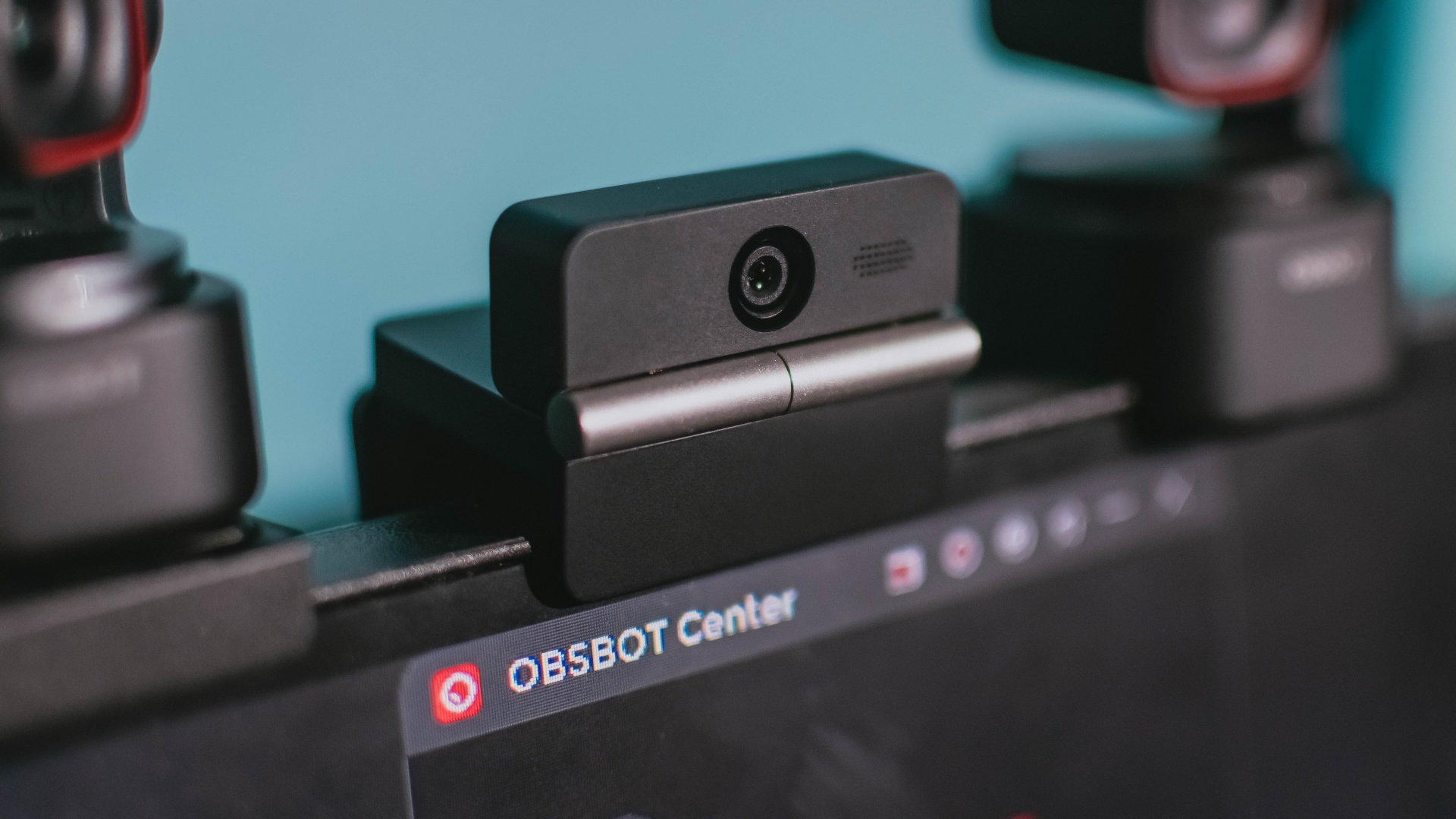
Foldable screens have found their way into phones, tablets, and laptops in recent years. Now, OBSBOT is taking that idea in a considerably smaller direction: the webcam.
The OBSBOT Meet Flip is the company’s first foldable 4K webcam packing:
- 1/2-inch stacked CMOS sensor
- intelligent audio
- a collection of AI-powered meeting tools
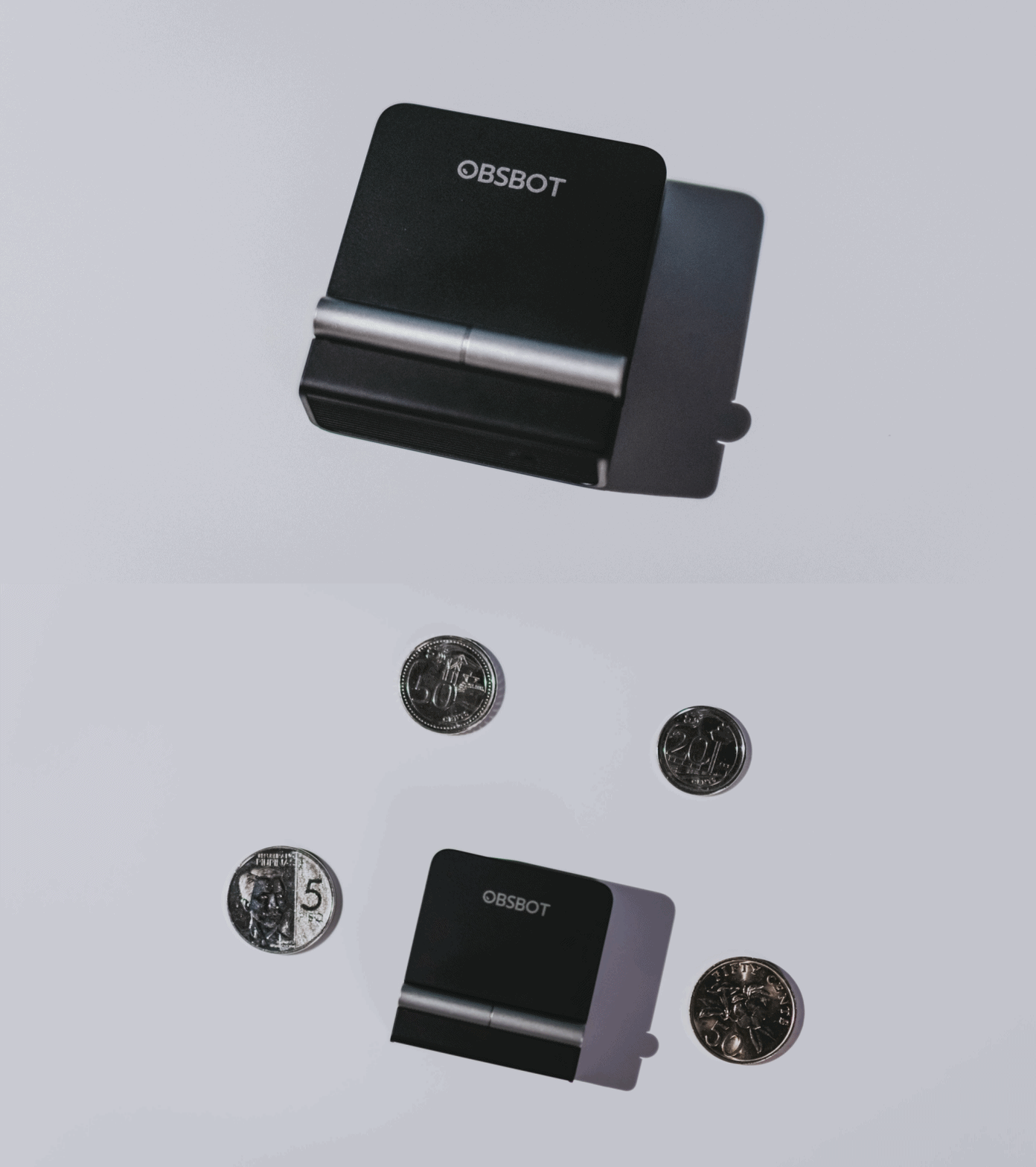
All of these inside a body weighing just 37.7 grams.
A fold that does something, not just a gimmick
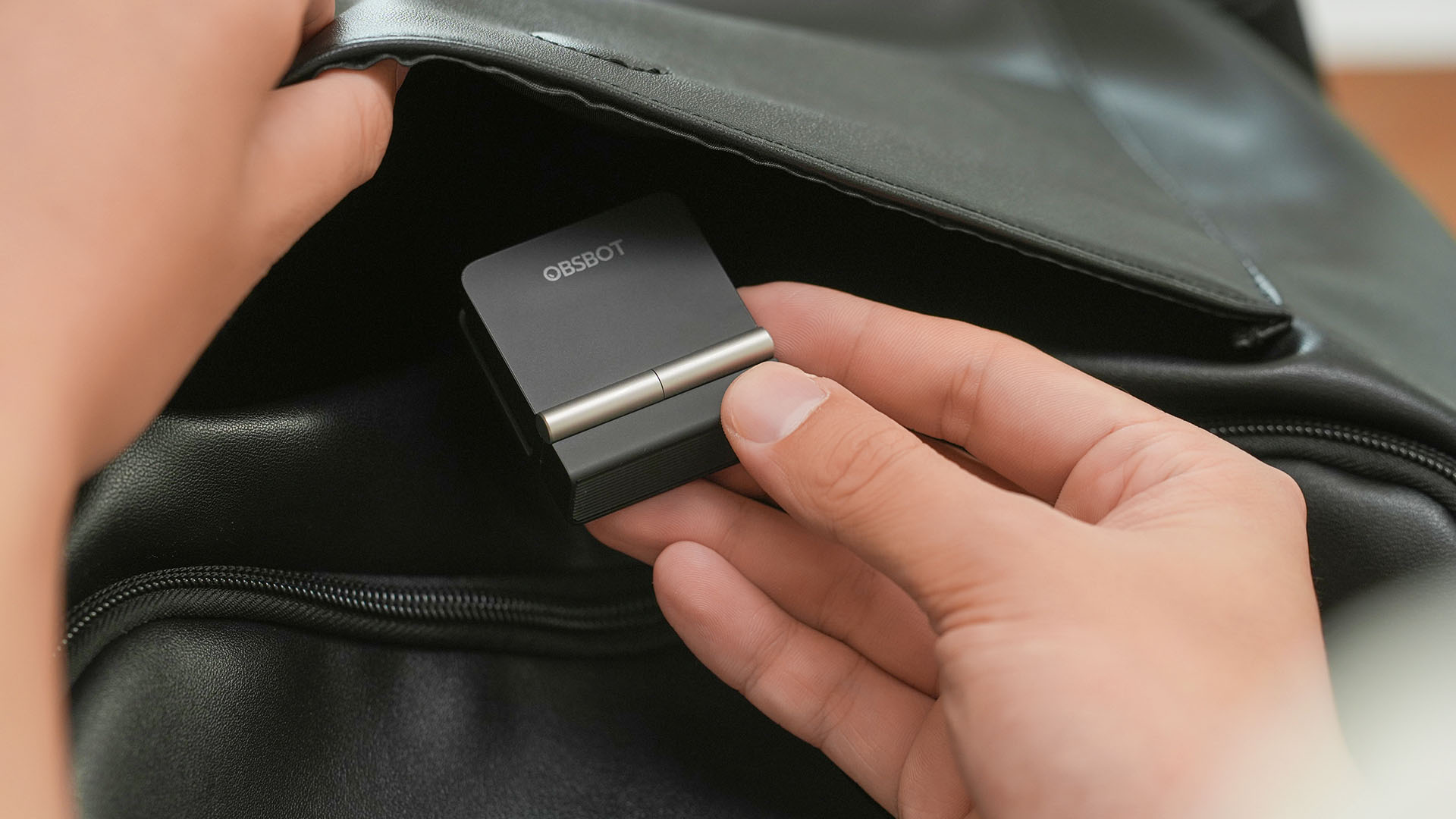
The OBSBOT Meet Flip isn’t foldable just to make it easier to throw into a bag.
Closing the webcam physically blocks the lens and puts the device into sleep mode. Open it when you want to be seen, flip it shut when you don’t.
A physical privacy cover isn’t novel in itself. What’s clever here is how it’s part of the folding design.
As someone with a love-hate relationship with data privacy, I almost always keep some physical barrier over my laptop webcam. And if I can avoid having a webcam there entirely, even better.
Serious camera hardware in a pocket-sized webcam
Despite its size, OBSBOT hasn’t treated the Meet Flip like a basic laptop-camera replacement.
Inside is a 1/2-inch Exmor RS stacked CMOS sensor with Quad Bayer technology, capable of recording 4K UHD at 30 fps or 1080p at 60 fps. It also packs an f/1.8 aperture, HDR, PDAF autofocus, ISO 100–6400, and up to 4x digital zoom.
At its core is a 1/2-inch Exmor RS stacked CMOS sensor with Quad Bayer technology.
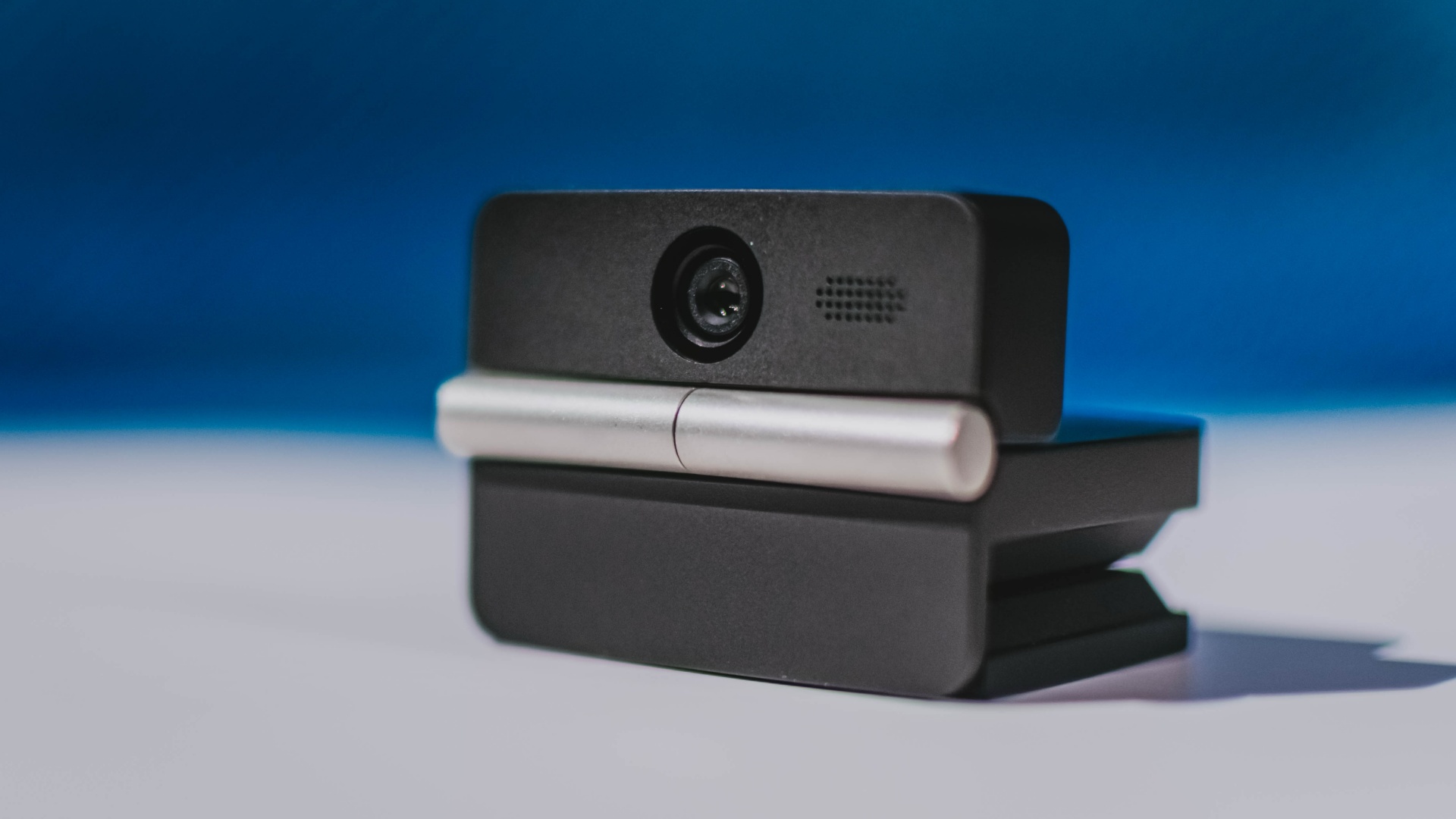
It can record:
- 4K UHD at 30fps
- 1080p at 60fps
You also get:
- f/1.8 aperture
- HDR
- PDAF autofocus
- ISO 100–6400
- up to 4x digital zoom
On paper, that gives the Meet Flip a better shot at handling the situations built-in laptop webcams often struggle with: dim rooms, harsh backlighting, changing lighting conditions, or simply moving around in front of the camera.
HDR helps keep faces visible against bright backgrounds, while PDAF autofocus continuously adjusts focus as you move closer to or farther from the lens.
The wider f/1.8 aperture should also help in less-than-ideal lighting.
The point is that once the Meet Flip is set up, you shouldn’t have to spend much time thinking about the camera itself.
It listens differently depending on the room setup
The Meet Flip also uses an intelligent dual-microphone system combining omnidirectional and directional microphones.
Instead of relying on one pickup pattern for every situation, it offers four audio modes for different setups:
Directional Mode focuses on sound coming from the front, making it the obvious choice for solo calls.
Dual-Directional Mode listens to both the front and rear of the webcam, which could be useful for interviews or conversations between two people sitting across from each other.

Smart Omni Mode is designed for group meetings, picking up voices from around the room.
And Pure Audio Mode provides unprocessed left and right stereo channels for users who would rather handle the audio themselves in post-production.
Auto Gain and AI Noise Reduction also work across the first three modes, helping clean up audio without requiring much manual adjustment.
It gives the Meet Flip more flexibility than a typical webcam microphone, especially if you regularly switch between solo calls, interviews, and group meetings.
AI that doesn’t intrude
AI has become an almost obligatory addition to new hardware in 2026, but several of the Meet Flip’s features put it to work on real-world meeting annoyances.
AI Auto Framing keeps you in frame, with options for:
- Group
- Single Close-up
- Upper Body
- Full Body
Gesture controls can also toggle Auto Framing or adjust the zoom without reaching for a keyboard or mouse.
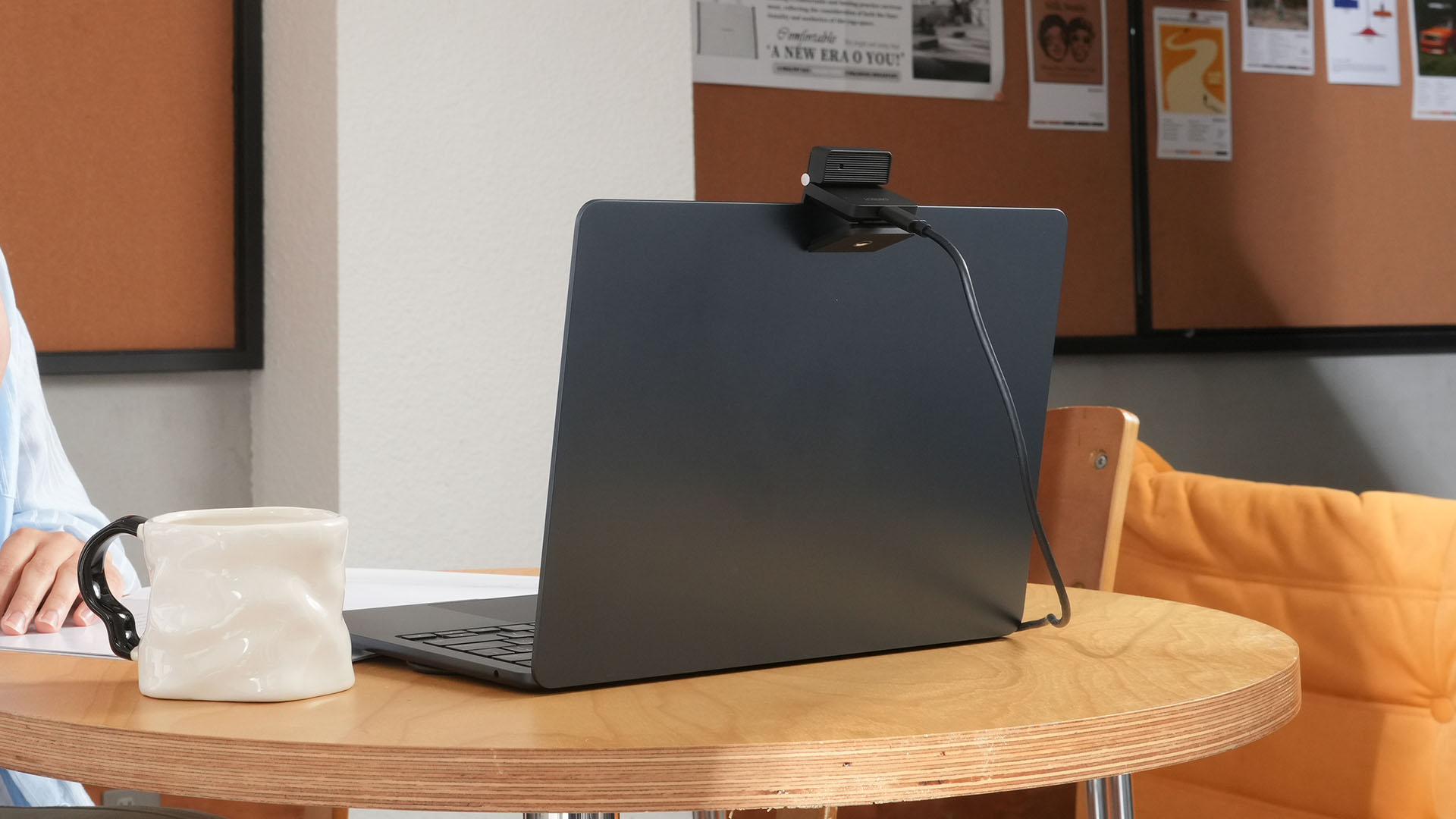
More interesting is AI Magic Notes.
Through OBSBOT Center, it provides real-time transcription and can automatically generate meeting summaries with key points, decisions, and action items. It works across Google Meet, Zoom, and Microsoft Teams.
Although AI Magic Notes is offered as a subscription service, every Meet Flip includes 120 complimentary minutes to get started.
MORE with OBSBOT Center & OBSBOT Live
There are plenty of other software features as well. OBSBOT Center includes:
- Background Blur and Background Replacement
- Real-Time Beauty Mode
- Picture-in-Picture overlays
- Smart Eye Tracking
- Teleprompter support
- Detailed image adjustments
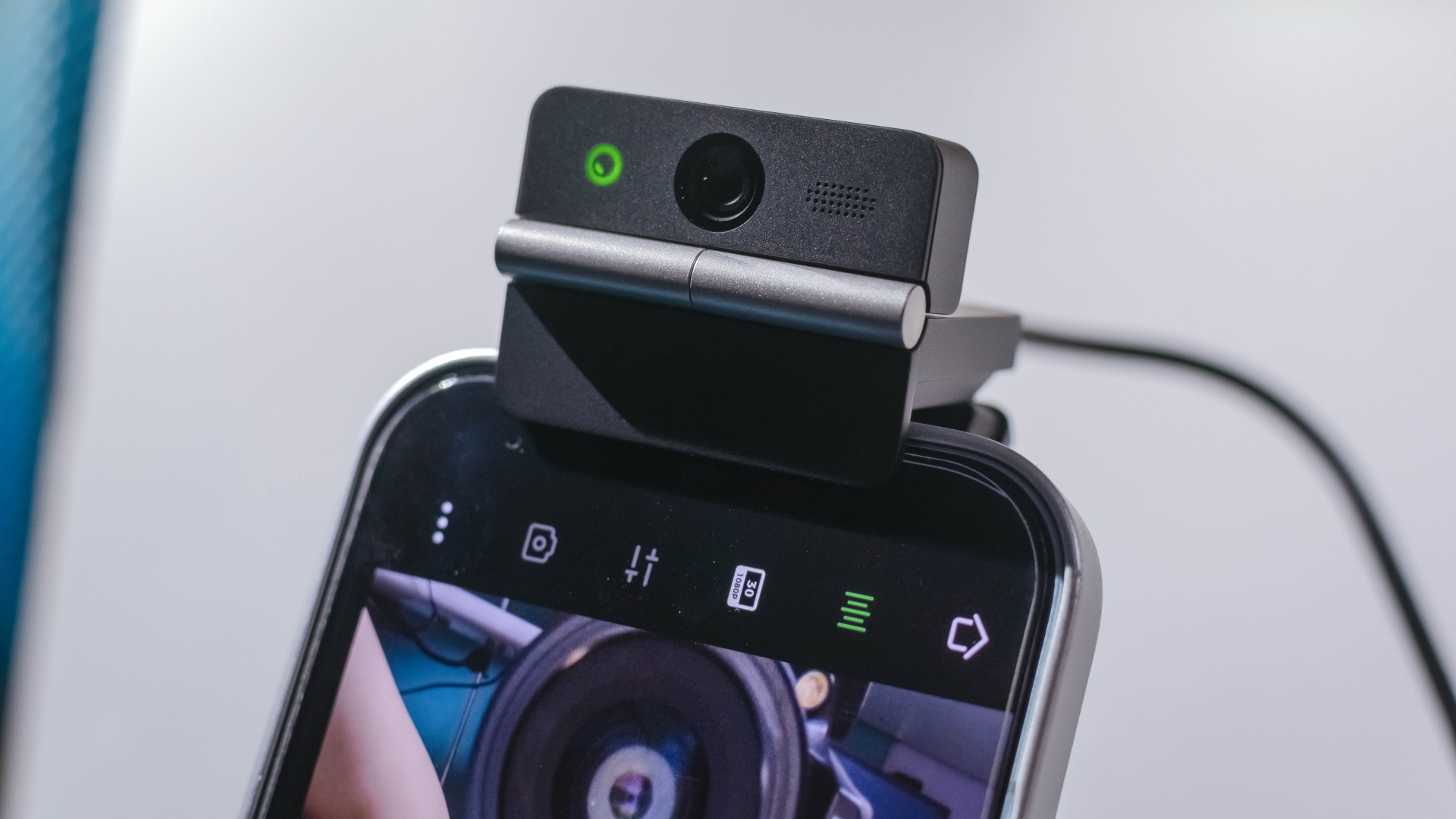
The Meet Flip isn’t limited to laptops or desktops either. Through OBSBOT Live, it can connect directly to smartphones and tablets over USB-C for mobile streaming and content creation.
Flip it open. Fold it away.
None of those features reinvent the webcam on their own.
Taken together, though, they make the Meet Flip a more thoughtful take on a piece of hardware whose basic design and features have barely changed.
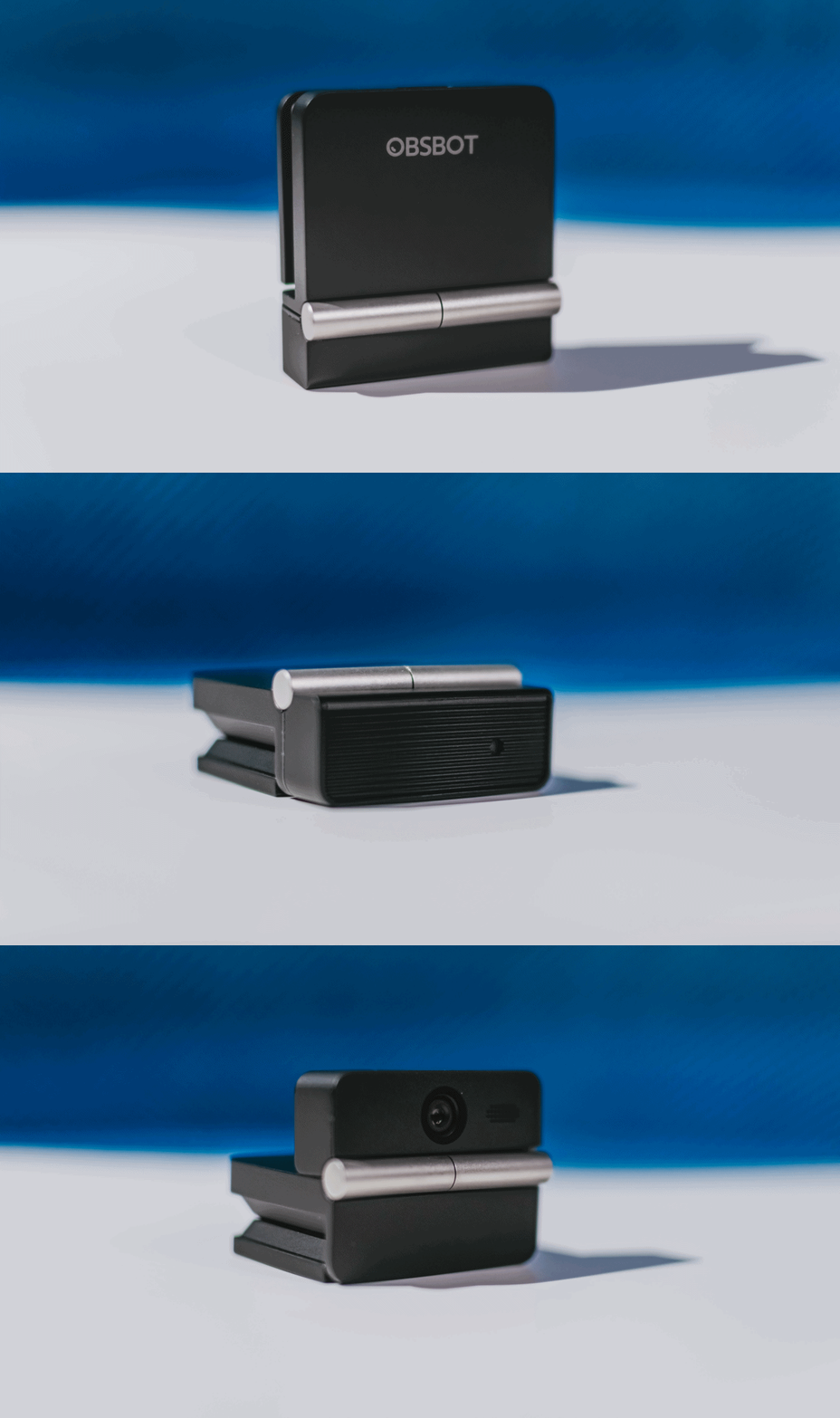
The flip may grab your attention first, but it’s how OBSBOT uses that design alongside its camera, audio, and software features that makes the Meet Flip interesting.
The OBSBOT Meet Flip is now available at US$ 119 and is currently available through OBSBOT’s official store, Amazon US, and select retailers.
&
@gadgetmatchPhones flip. Now webcams do too. 👀 Meet the OBSBOT Meet Flip, a tiny foldable 4K webcam with a lot packed inside. ✨
If you buy one, here’s what you’ll get out of the box!

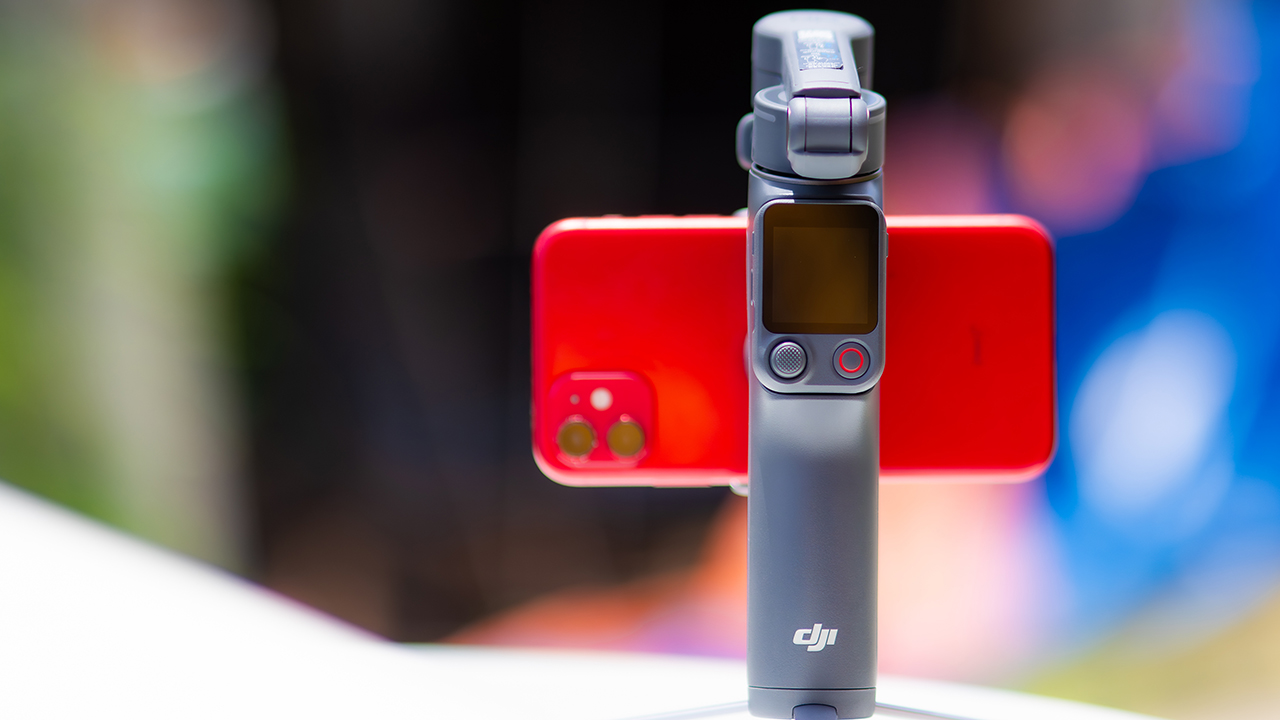
DJI’s smartphone gimbals have always chased one goal: delivering cinema-smooth footage without forcing you to carry a heavy rig.
The Osmo Mobile 8P (OM 8P) makes its priorities clear right out of the box. This is not a simple refresh. DJI rebuilt how you control the gimbal, and that decision shapes the entire shooting experience.
Freedom behind the lens
The biggest change is the FrameTap remote, and it’s the kind of upgrade that fixes a problem you didn’t realize was slowing you down until it’s gone.
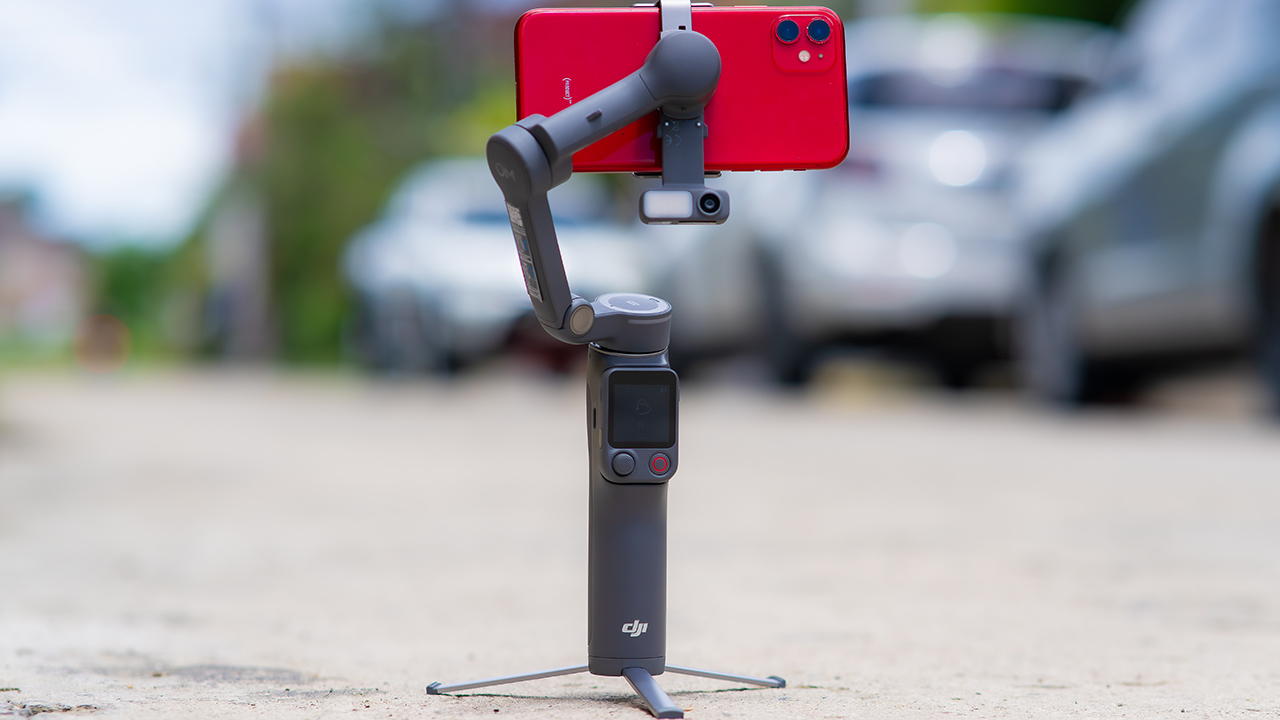
On the standard OM 8, adjusting your framing meant reaching for your phone every time, which broke the flow of shooting and pulled you out of the moment.
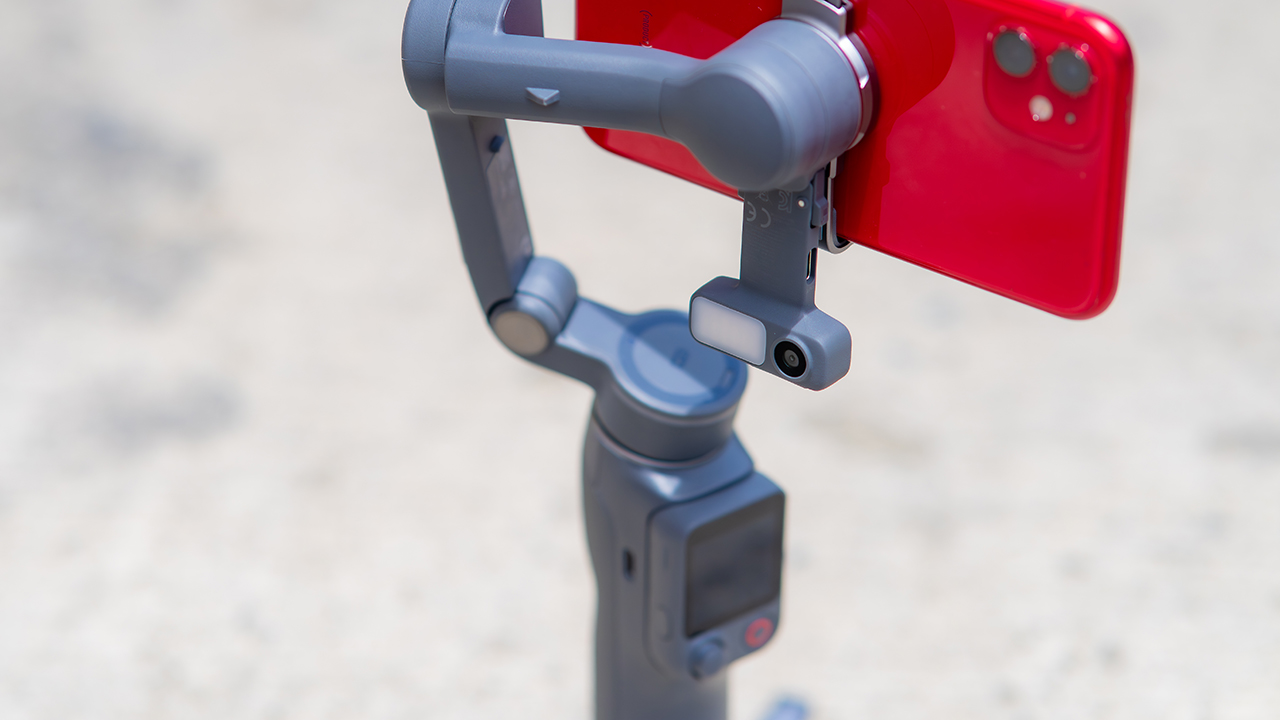
FrameTap puts that control back in your hand. You can reframe shots and manage the gimbal without touching your phone at all, and for anyone shooting solo, that alone changes how usable the whole setup feels. Tracking has taken a real step forward too.
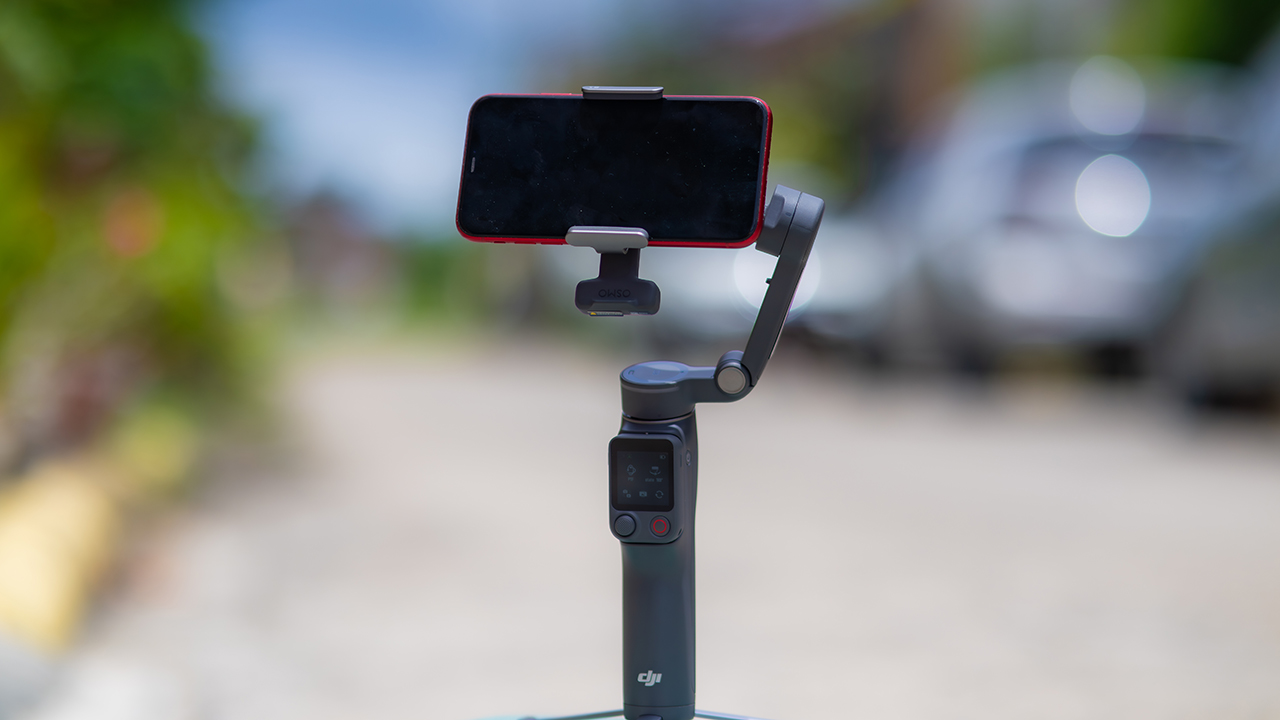
ActiveTrack 8.0, paired with Module 2, held onto its subject even after they stepped out of frame for a moment, then picked them back up without much fuss.
It also lets you sit off-center in the shot instead of forcing you into the middle every time, which gives you more room to compose something that doesn’t look like every other gimbal video.
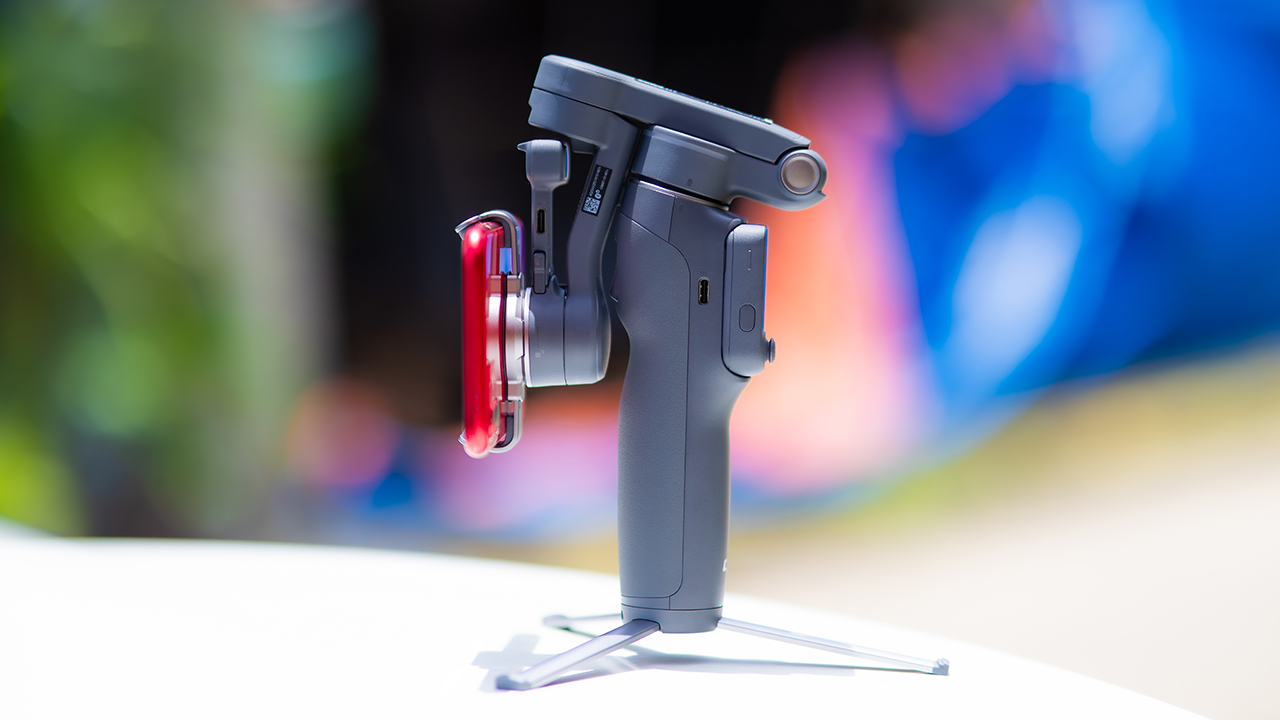
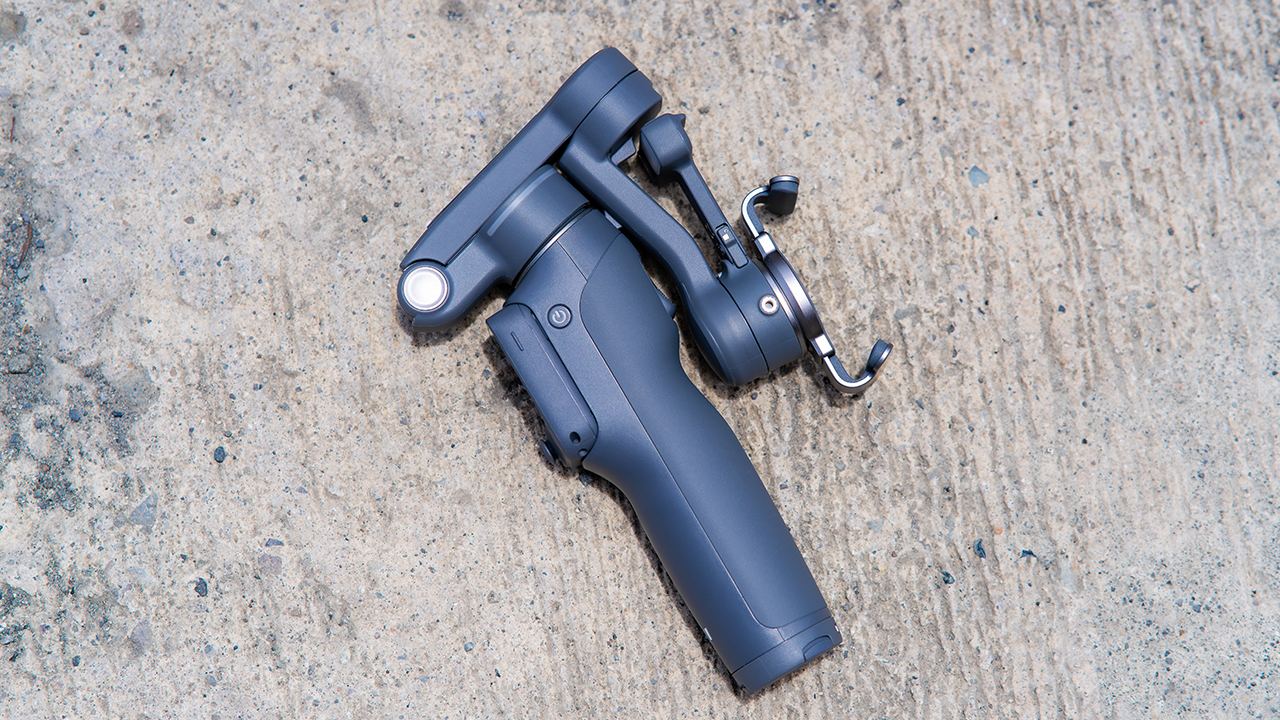
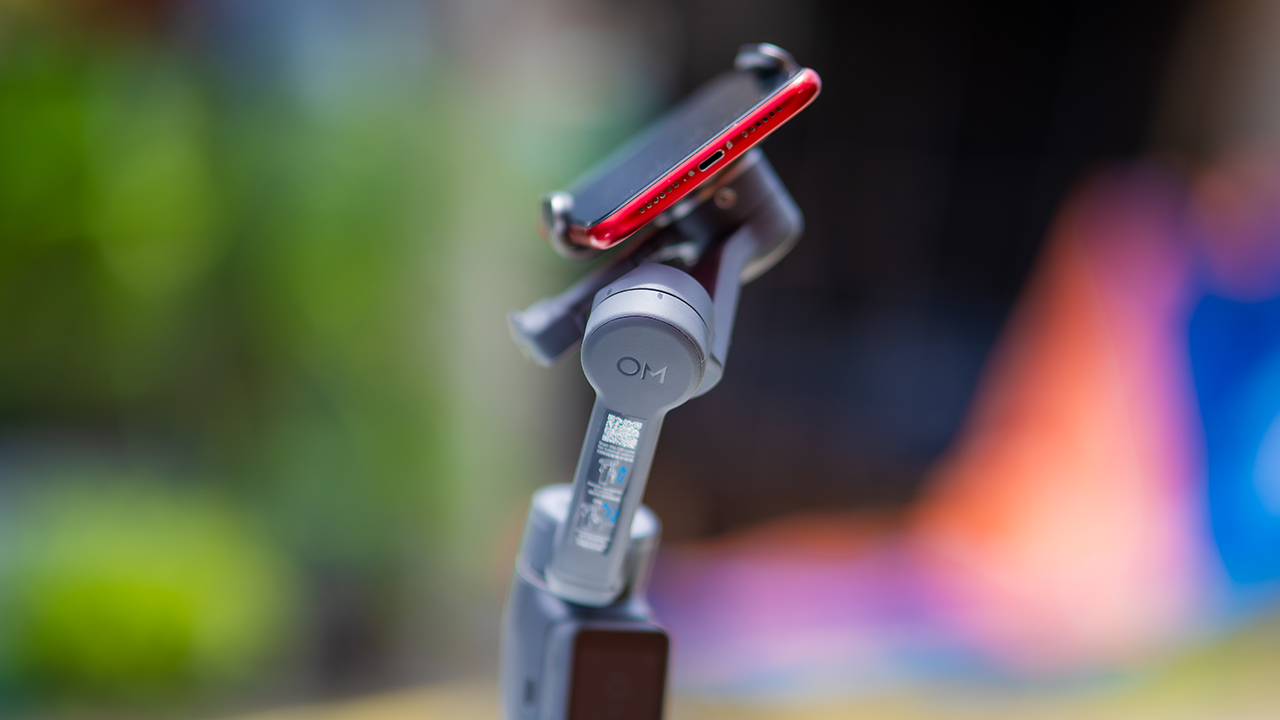
None of that would matter much if the gimbal itself wasn’t solid, and it still is. The OM 8P holds onto the same foldable design, magnetic phone clamp, and built-in tripod that made the OM 8 easy to live with.
And it remains one of the better compact options for stabilization, tracking, and portability in one package.
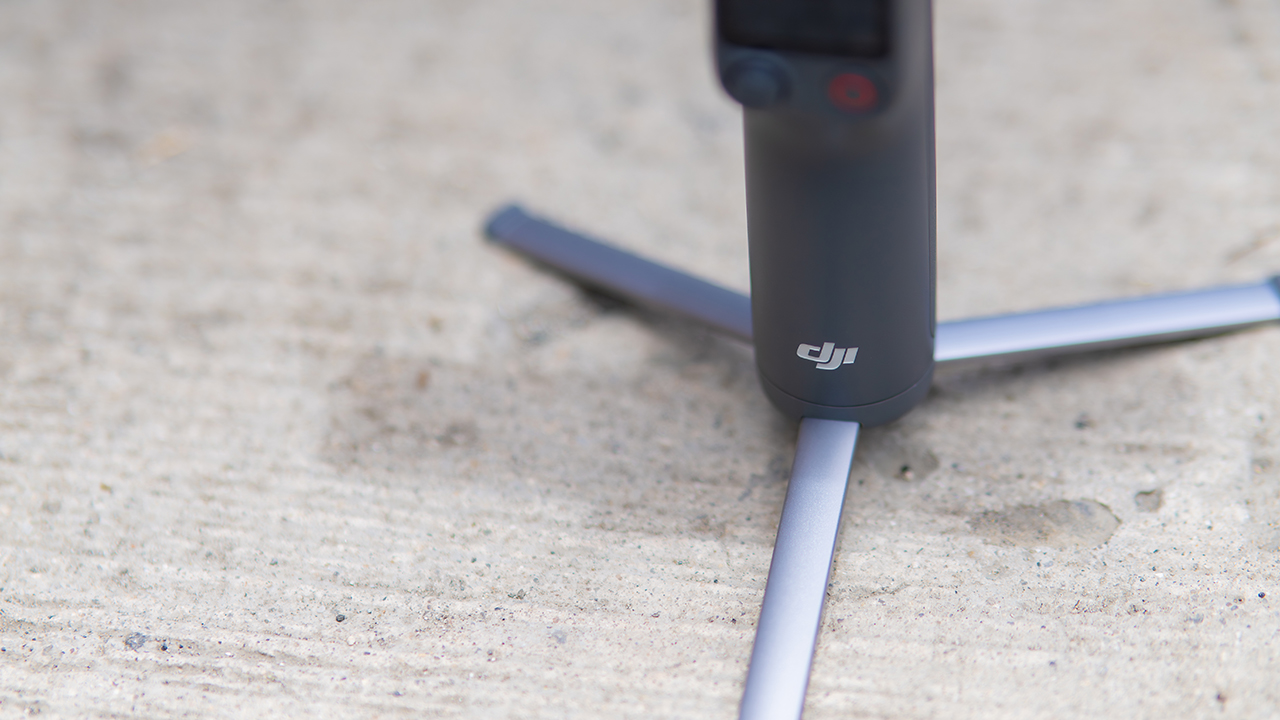
The tripod legs are a touch wider this time, and that extra width does make a noticeable difference on uneven ground.
The trade-offs in touch
The trade-off for all that new remote functionality is a control scheme that takes more getting used to. More of the gimbal’s functions now live on the FrameTap touchscreen, the joystick is smaller, and switching between shooting modes takes a few extra taps compared to the OM 8. It’s not a dealbreaker, but it’s a learning curve you’ll need to budget time for.
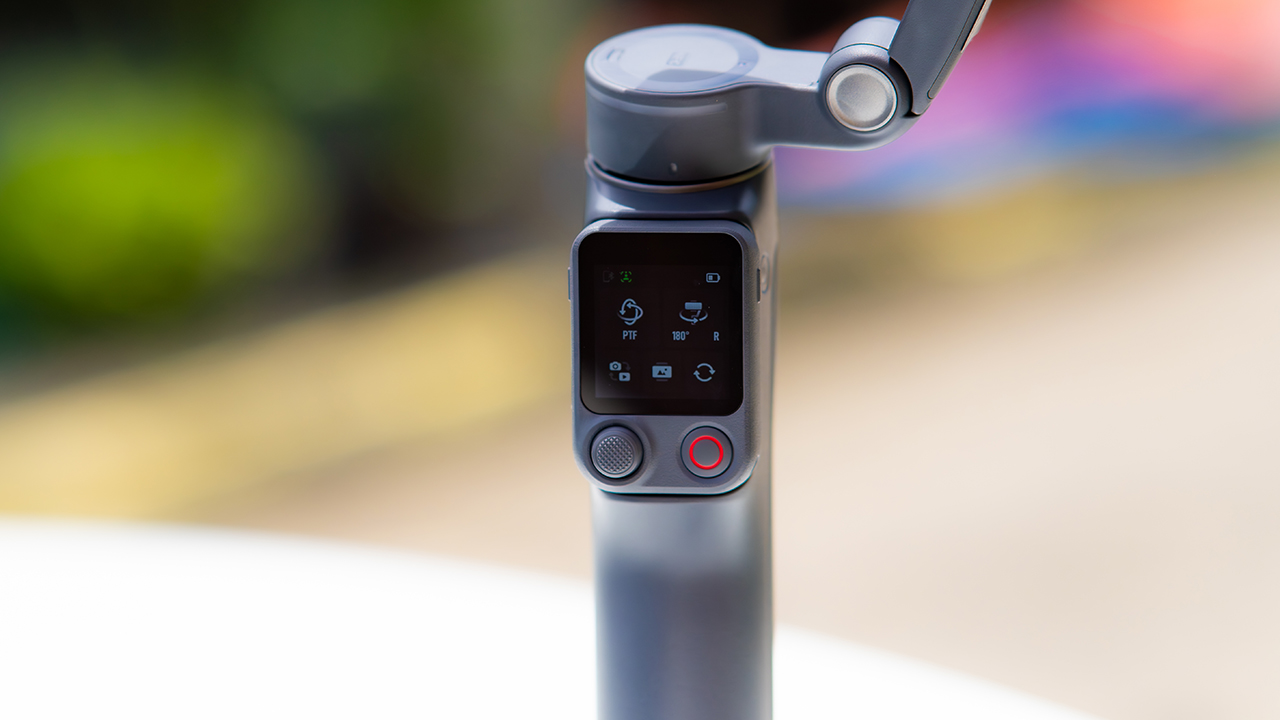
DJI also removed the zoom and focus wheel, so if you leaned on that dial for quick adjustments, you’ll feel its absence here. Module 2 no longer lets you plug a DJI wireless mic in directly either.
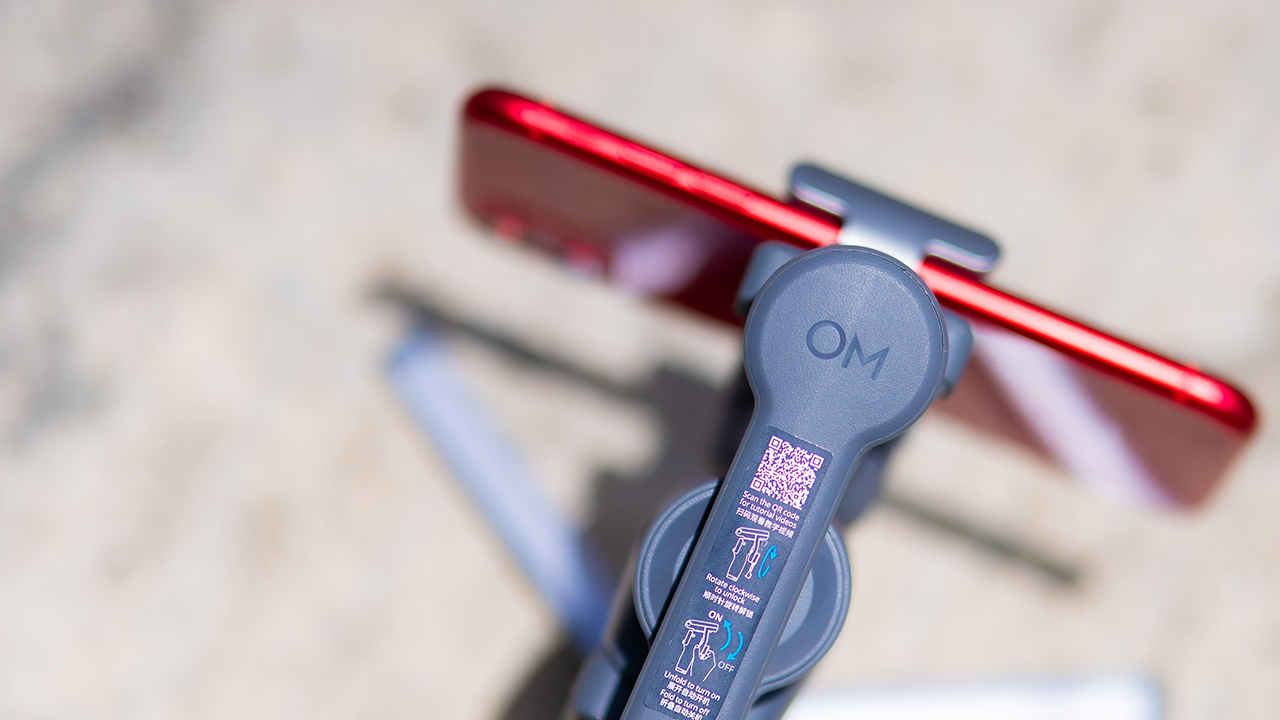
You’ll need to connect it to your phone instead, which adds a step to a setup that used to be simpler. Phone compatibility is still a limiting factor as well. DJI lists support for phones up to around 300g and 11mm thick, so bigger phones or ones in chunky cases may not clamp in properly.
Finding your ideal workflow
The OM 8P makes the most sense for solo creators who want dependable tracking and the freedom of remote framing without stepping up to a dedicated camera like the DJI Osmo Pocket.
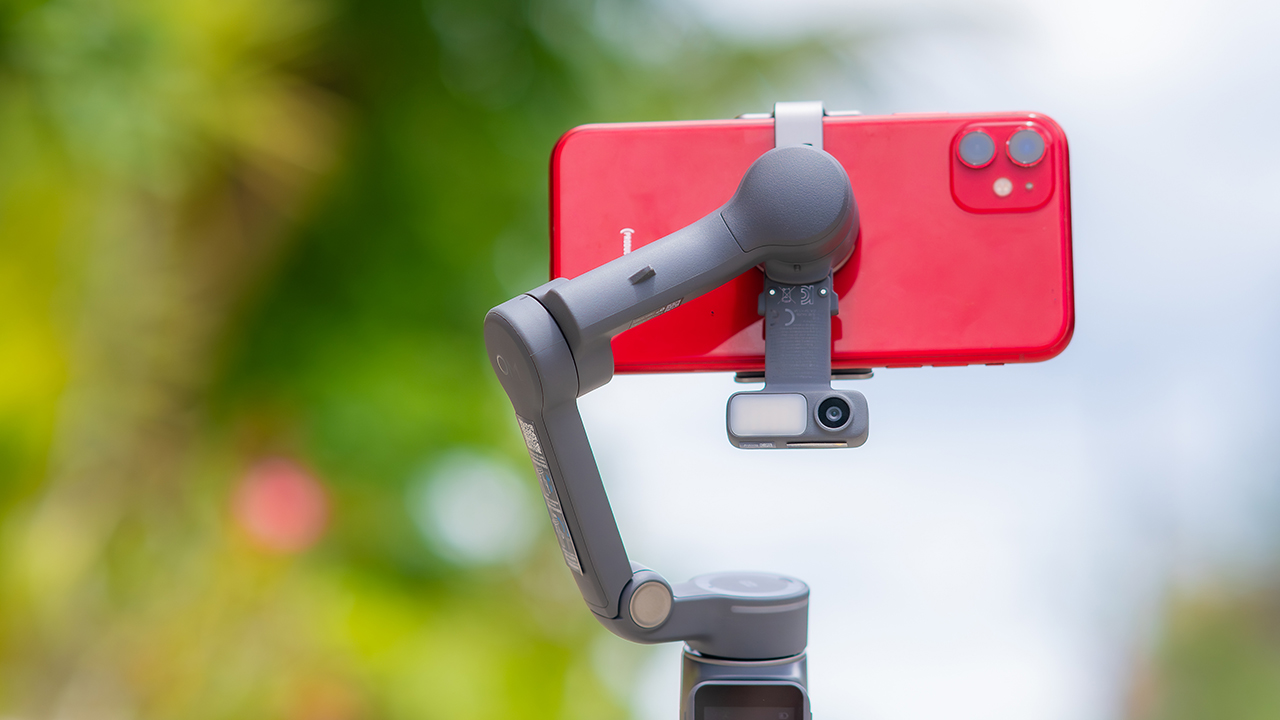
If you’re already shooting on a phone with a solid camera, this fills the gap nicely. It’s a tougher sell if you prefer physical buttons over touchscreen menus, or if your phone runs on the larger and heavier side, since fitting it onto the clamp might be a problem before you even get to shooting.
Price, availability
DJI is offering the OM 8P in three combos, so how much you pay depends on how much of the ecosystem you actually need.
- Standard Combo (PhP 7,499): the gimbal itself, with 8th-gen stabilization and the detachable FrameTap remote included.
- Advanced Tracking Combo (PhP 9,199): adds the Multifunctional Module 2 for the improved subject tracking we tested.
- Creator Combo (PhP 11,099): the full kit, built for creators who want everything DJI bundles in from the start.
Is the DJI Osmo Mobile 8P your GadgetMatch?
The DJI Osmo Mobile 8P asks you to relearn a few habits in exchange for a gimbal that finally lets go of your phone. If hands-free framing and steadier tracking matter more to you than a dedicated zoom dial, this is worth the adjustment.
If you’d rather keep things exactly as they were on the OM 8, that learning curve might be the deciding factor.
Swipe right if you shoot alone often and have been waiting for a gimbal remote that actually works. The FrameTap remote alone justifies the upgrade if reaching for your phone mid-shot has been slowing you down.
Consider this if reliable tracking matters to you, especially if you’ve had a subject wander out of frame and stay lost on older gimbals.
And of course, get this if you already own a capable phone under the weight and thickness limits, and you’d rather invest in a smartphone rig than jump to a dedicated camera like the Osmo Pocket.
Swipe left if you lean on physical dials for zoom and focus, and moving those functions to a touchscreen sounds like a downgrade rather than an upgrade.
This is not for you if you use a DJI wireless mic and want it plugged directly into the module without routing through your phone first. Or, your phone runs heavier or bulkier than DJI’s limits allow, since no amount of enthusiasm fixes a clamp that won’t close.


DJI Lito X1 review: Is this the best lightweight drone for creators?
Making a strong case as a travel companion and a capable B-cam!


REDMI Note 17 Pro Max review: A new breed born from AI greed
Welcome to the new normal


Marvel’s Wolverine review: When the claws come out
A brutal, cinematic superhero adventure

Epson Lifestudio Grand Plus EH-LS970B with 4K projection, more launches

Jackery Explorer 300D: Power and portability in one

Nike’s Alphafly 4 is built for the part of the marathon ~that actually hurts~

SEGA, Netflix announce Crazy Taxi film adaptation

Smart launches LiveSmart App for exclusive deals

TECNO MEGAPAD 2 review: Eyes on the size

realme 16T 5G with 8000mAh battery, IP69 Pro rating launches in PH

HUAWEI Pura X View is 2026’s first WIDE slab-type smartphone

REDMI reveals the refreshed Note 17 and Note 17 Pro series

REDMI Note 17 Series: Price, availability in Singapore


-
 News2 weeks ago
HUAWEI Pura X View is 2026’s first WIDE slab-type smartphone
-

 News2 weeks ago
The CAMON Slim 5G is TECNO’s latest ultra-slim smartphone
-

 News2 weeks ago
iPhone 18 Pro series: Price, availability in the Philippines
-
 Singapore2 weeks ago
iPhone 18 Pro series: Price, availability in Singapore
-
 News2 weeks ago
iPhone Duo: Price, availability in the Philippines
-
 News2 weeks ago
HUAWEI Mate XT 2 tri-fold launches with Kirin 9050 Pro
-
 News2 weeks ago
vivo introduces refurbished versions of X300 FE, X300 Ultra for less
-

 News2 weeks ago
iPhone Duo: Price, availability in Singapore