
Gaming
ASUS ROG Zephyrus G14 review: A content-creating machine
A gaming laptop that will do more & more things for you

I’m a believer in using a gaming laptop for something other than just getting dubs and raging at the L’s. It’s a huge investment that you’re just going to use strictly for one thing, when there are so many things you can do with it. Plus, it is a laptop, after all so it’s a device you can bring anywhere and show off to anyone.
But the ASUS ROG Zephyrus G14 looks to offer not just that, but so much more. It wants to offer you the all-around package everybody deserves to experience. It wants to give you a product you will gladly bring around, do anything with, and play to your heart’s content.
Well, here’s what you’re getting with it:
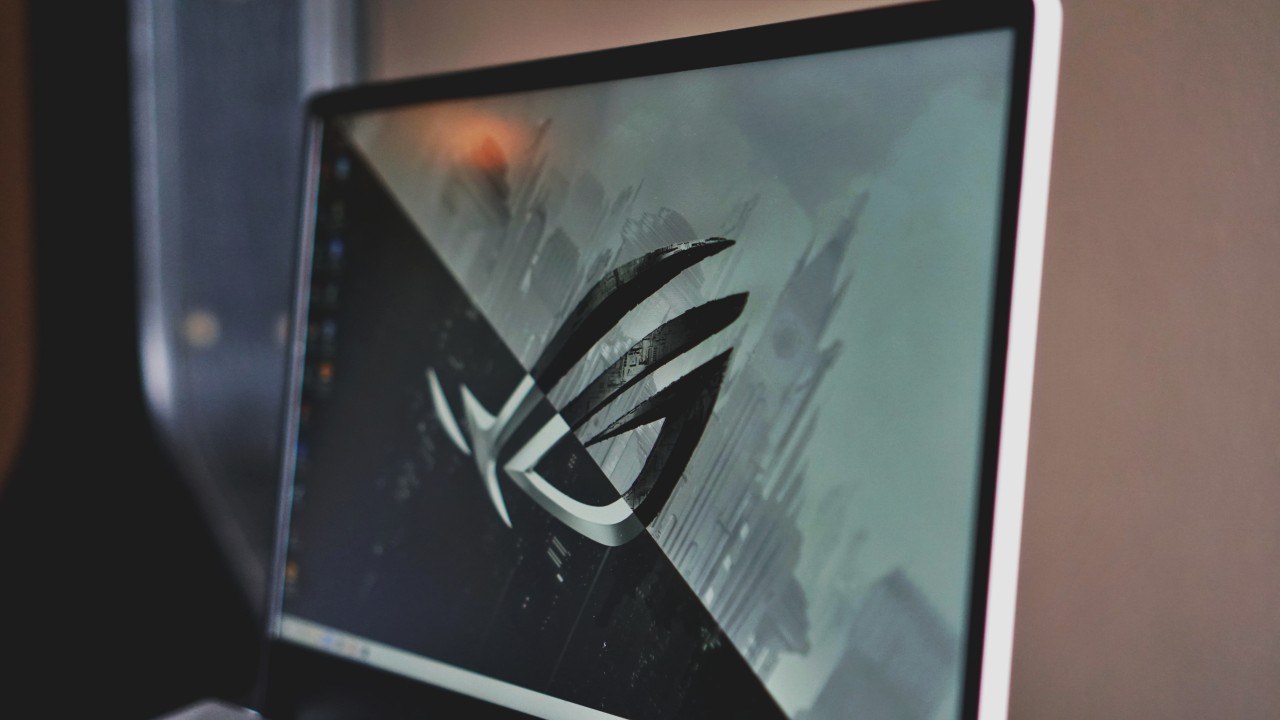
It has a 14-inch FHD IPS display with a 120Hz refresh rate

It comes with an NVIDIA RTX 2060 Max-Q inside

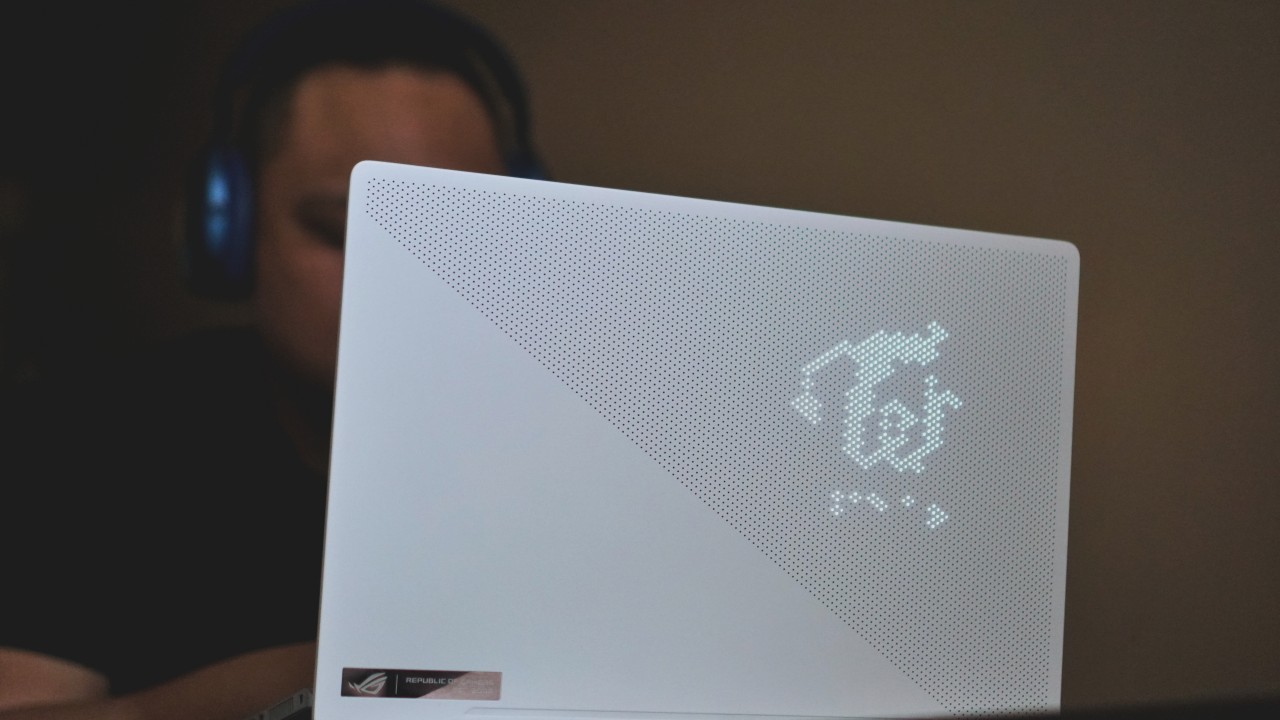
It comes in Midnight White, with the AniMe Matrix
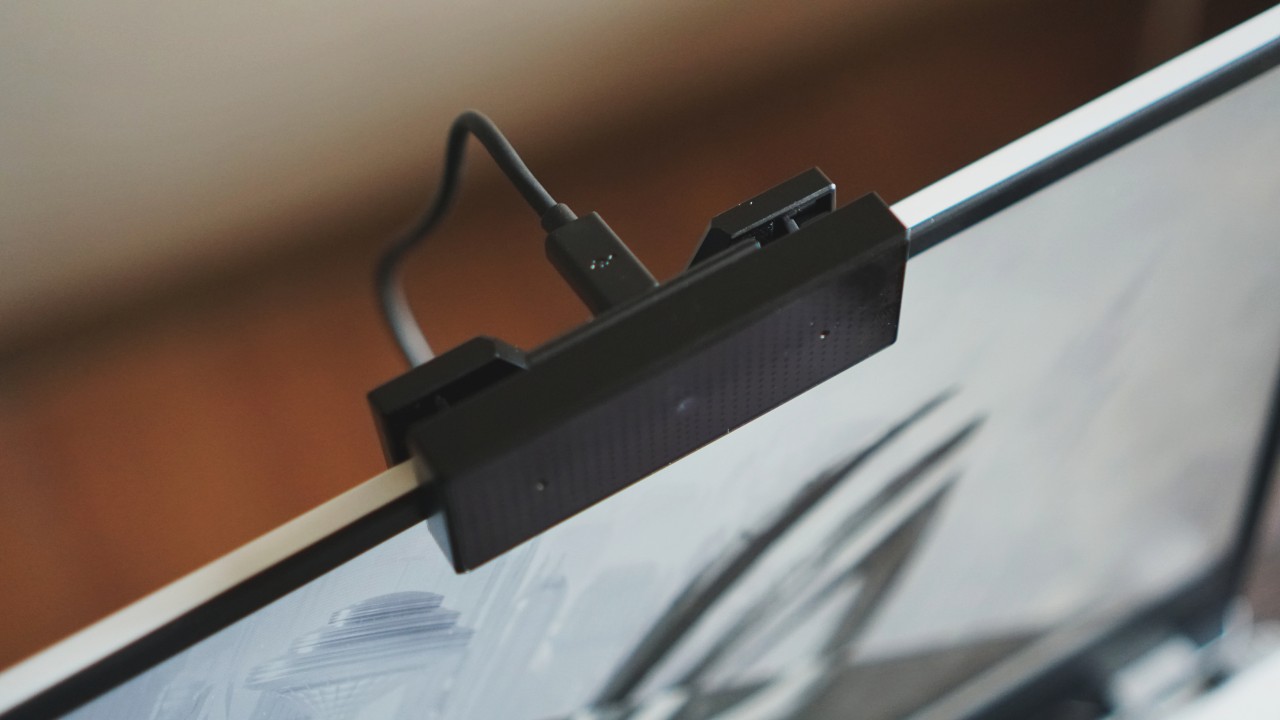
It even comes with the ASUS ROG GC21 Webcam inside
Gaming performance is already a given
Just to get the formalities out of the way: the ASUS ROG Zephyrus G14 is one game-ready device. Majority of the games I threw at it returned decent to excellent frame rates, even for competitive gamers. I honestly couldn’t think of a better way to summarize just how powerful the machine is, given the hardware inside it.
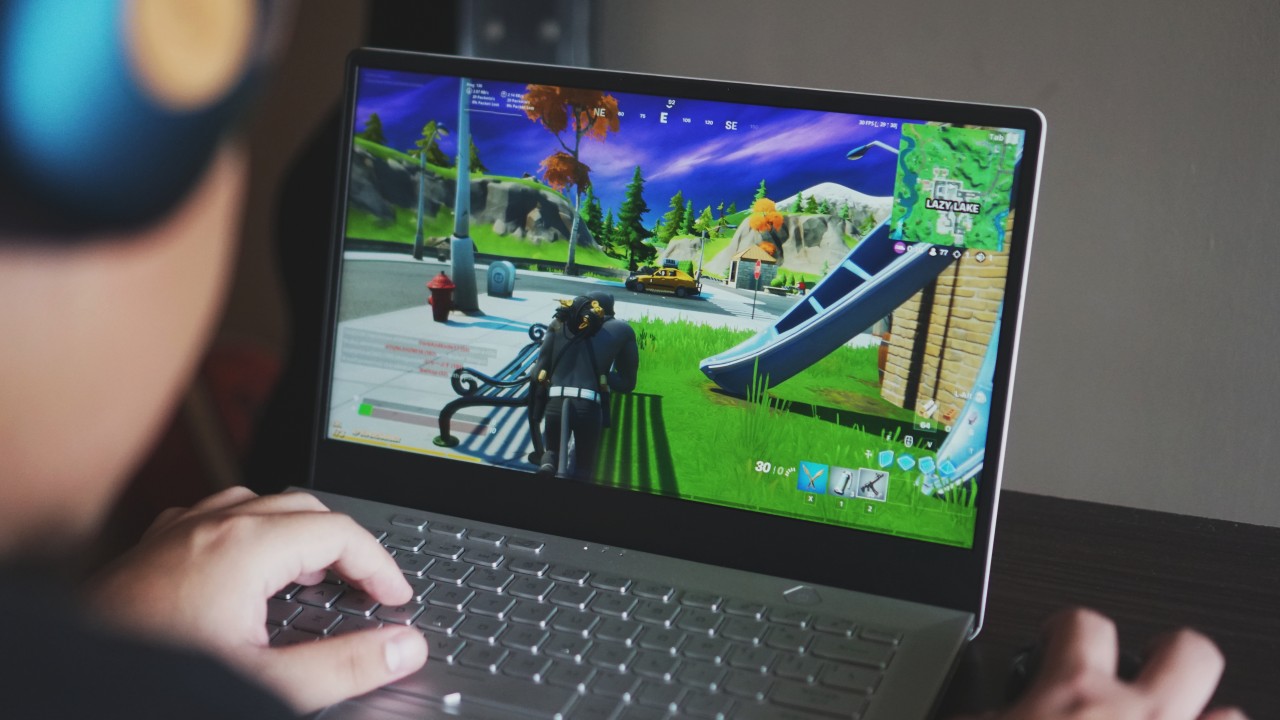
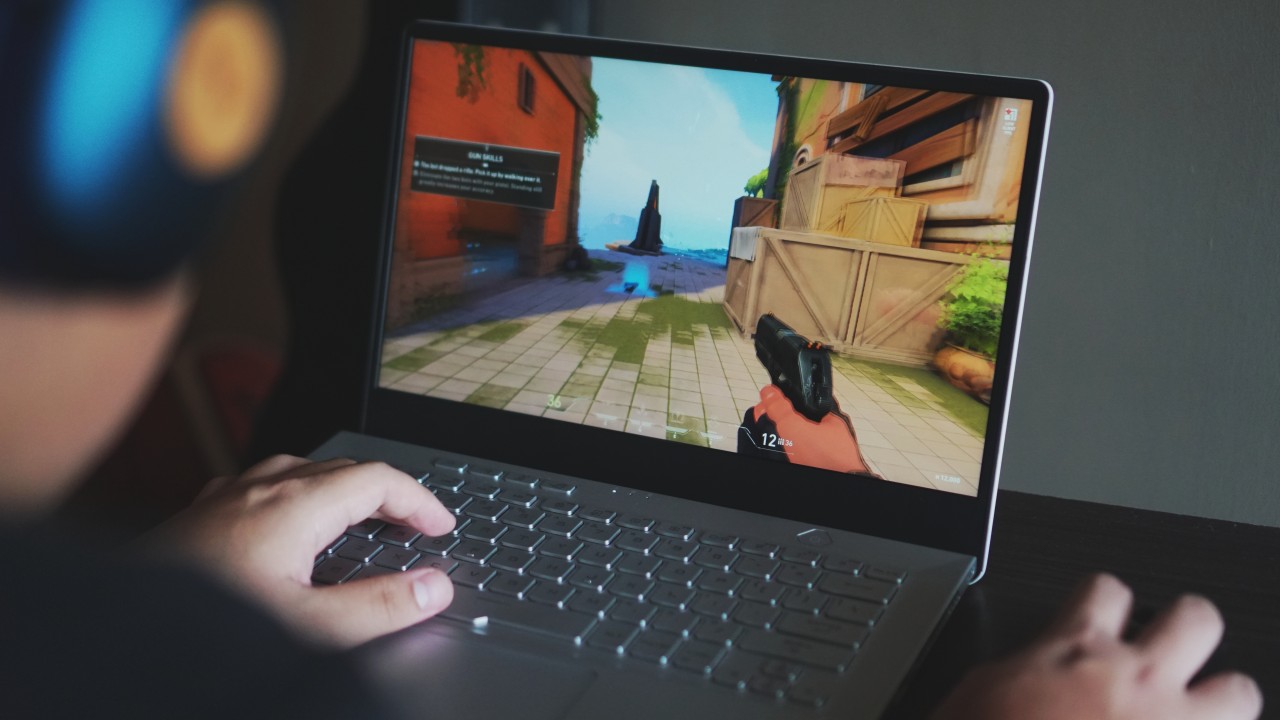
My unit came with an NVIDIA RTX 2060 Max-Q inside, prioritizing a more balanced performance setup. Most competitive shooter games like Fortnite, Apex Legends, and even GTA V produced high frame rates at their best possible settings. Even while on battery & turning off NVIDIA’s Game Ready optimization, these games still performed really well.
|
Game/Title |
Frame Rate (on Best Settings) |
| Fortnite: Battle Royale |
110 FPS |
| Apex Legends |
98 FPS |
| Grand Theft Auto V |
63 FPS |
| Call of Duty: Warzone |
32 FPS |
| Valorant |
126 FPS |
Battery management is also superb when gaming full-time because of the Max-Q design. When gaming full-time, I managed to sneak in six and a half hours before reaching for the charger. To me, that’s honestly good enough since most gaming laptops don’t last particularly long.
Your ideal workhorse machine
Unlike what was unveiled back in CES 2020, my unit came with the new AMD Ryzen 9 4900HS processor inside. Performance-wise, it ideally matches (or to some degree trumps) most high-end Intel chips while consuming less power. This, along with 16GB of RAM makes this a powerful laptop for work situations.

When you’re not gaming full time, this laptop is great for almost anything you throw at it. Normal tasks like browsing the web or having a Netflix party is made absolutely easy with the ROG Zephyrus G14. Even powerful and heavy data analytics works really well with this machine.
Hitting the nail for content creators
But where I feel this device truly shines is how it caters to its other popular use: content creation. Photo and video editing on this device was a blast thanks to its display and hardware inside. The 14-inch IPS, Pantone Validated display produced vibrant and accurate colors, which is great for achieving the best details as possible.

Video editing and rendering times were pretty solid for the device. I know that most people appreciate the 120Hz refresh rate for gaming purposes, but I’m sure video editors will give this a lot of love, too. The high refresh rate allows you to edit more accurately, leaving no detail behind. Rendering and exporting 1080p clips at 60 FPS, using Premiere Pro and Davinci Resolve , was a breeze. On average, I got about 10-12 minutes rendering a 15-minute compilation of gameplay with a ton of animations, sound bites, and facecam on.

As for streaming content, it’s not just the laptop that makes it ideal; it’s the entire package. My unit also came with the ROG GC21 Webcam, which honestly has great image quality as long as you’re in a well-lit room. Streaming gameplay at 720p, 60 FPS turned out pretty great and the device didn’t lag even for a second.
Interestingly strong battery life for a gaming laptop
I touched on this earlier but overall, the device’s battery life is pretty solid. On regular use, I got about 10 hours worth of juice out of this thing. Most gaming laptops, when used normally, don’t reach that far without going for the charger. I guess that AMD chip and Max-Q GPU proved to be the best of both worlds.
The thing is: the battery doesn’t discharge as fast as I’ve experienced with other gaming laptops. While it’s thermal setup leaves much to be desired with cooling the machine, I noticed that I was still at 50% after an hour of intense gameplay. I even checked NVIDIA’s Game Ready if I turned it to optimize performance while on battery, and I still had enough juice.
Charging the laptop didn’t take too long either, as I achieved a full charge in under two and a half hours. It even went from 0% to 60% in about 40 minutes, so that can already get you going, if you like. The device also comes with support for USB-C Power Delivery, which charges it a little longer.
My take on the inclusion of the AniMe Matrix
One of ASUS ROG’s most talked about additions to the Zephyrus G14 is the AniMe Matrix on the lid — and, rightfully so. The 1,215 mini-LED lights on the lid allow for more creativity on your end since you can display your own logo on it. And, in the dark, it’s actually pretty dope.
It’s even easy to set up since you can do it on ASUS’ Armoury Crate software. You can choose whether you want an image or scrolling text. Also, you can reposition it however you want for extra visibility. Although, you might want to use logos without a transparent background if you’re going for that.
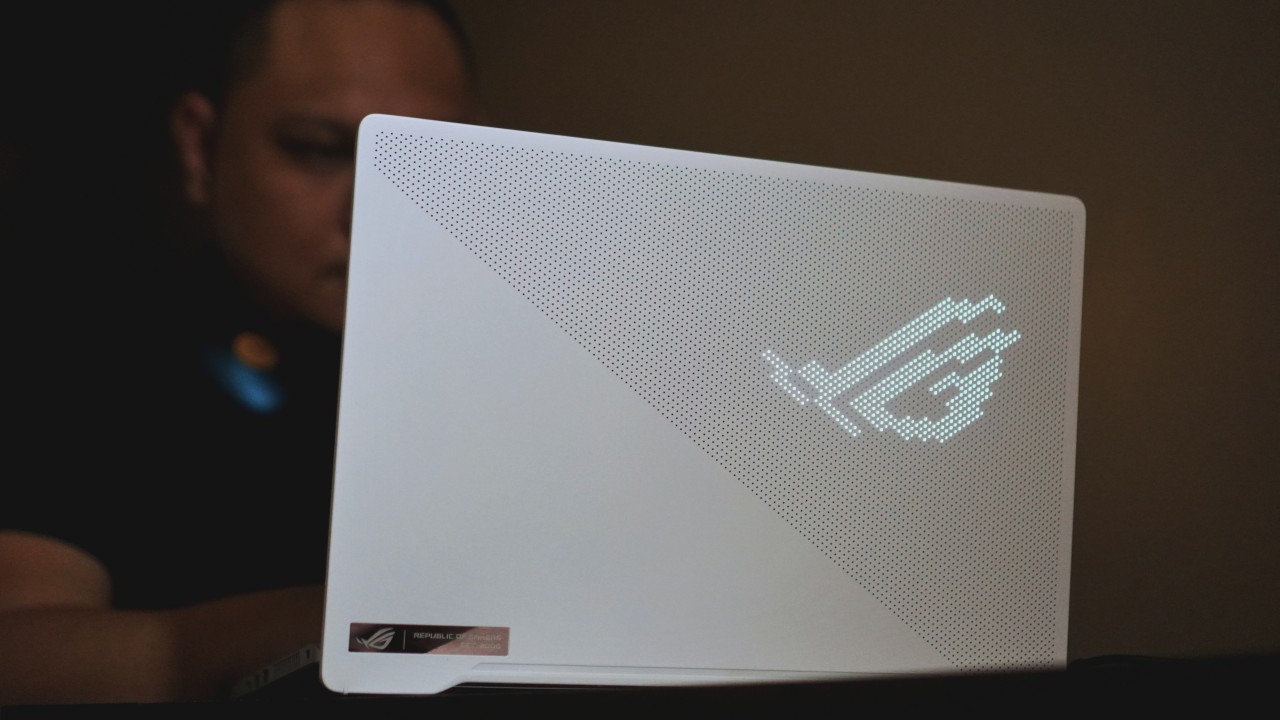
My only real criticism for it is what potential reason people will consistently use it. I say that because ASUS’ Armoury Crate was pretty explicit about how it significantly drains your battery. It’s good that you get to show off your fancy gaming machine, but think about your battery situation first.
Is this your GadgetMatch?
Starting at PhP 74,995, the ASUS ROG Zephyrus G14 is, simply put, the content-creating machine it was meant to be. ASUS was not afraid to go beyond the confines of a gaming laptop, and turned this into something more. It’s an excellent gaming laptop, and an even greater machine for everything else.
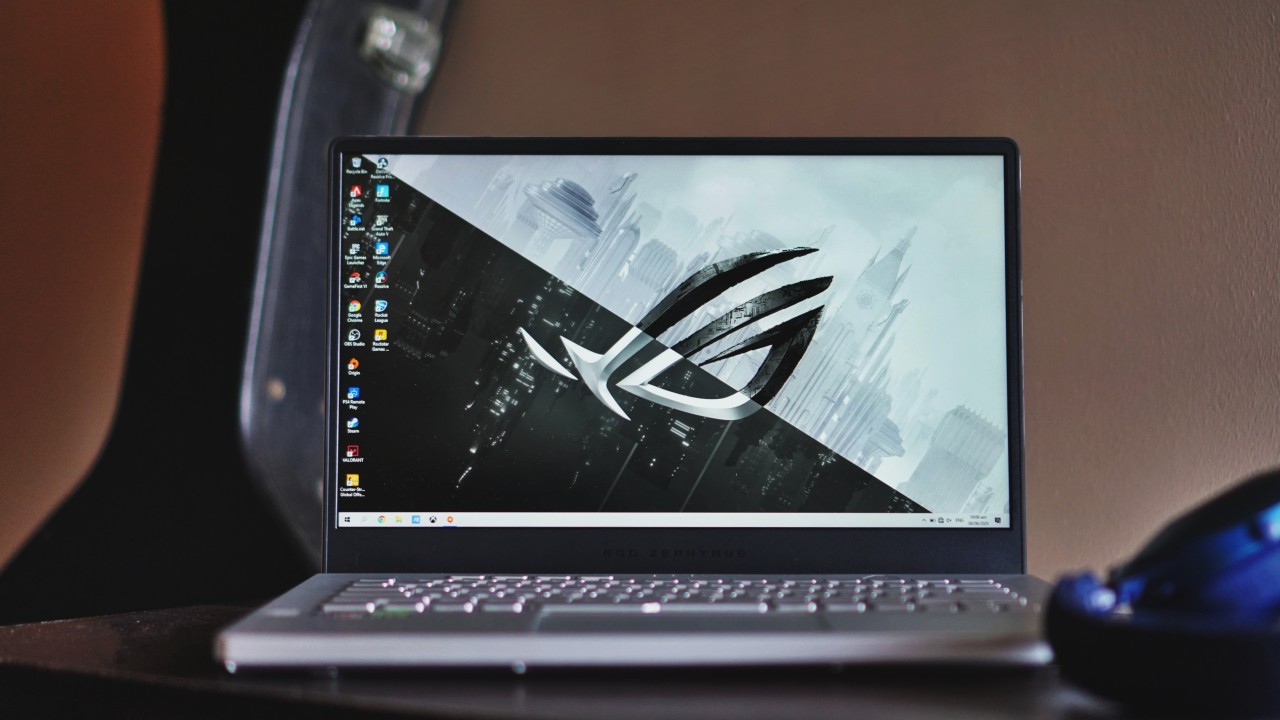
The unit I received costs PhP 109,995, and honestly it’s an investment worth having. The entire package itself was well thought of, all the way to the peripherals. Although, you only get all of them when you purchase this unit or the PhP 99,995 one that has an NVIDIA GTX 1660Ti inside.
Nonetheless, this is a machine that just gave me more & more reasons to believe that you can do anything with a gaming laptop. If you have more & more money to spend while still in quarantine, I highly recommend getting this as your go-to machine.





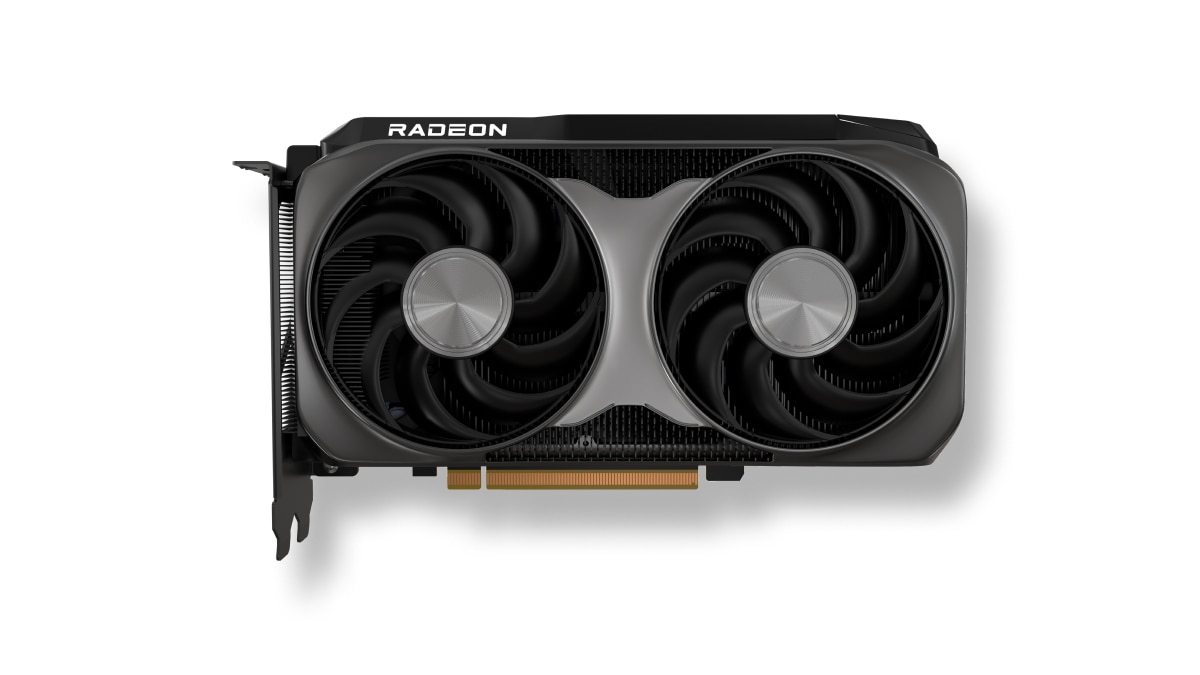
AMD has launched the new AMD Radeon RX 9050 graphics card, expanding the Radeon RX 9000 series with an affordable option.
This brings AMD RDNA 4 gaming technologies to mainstream gamers with a retail price of US$ 279.
The particular GPU is designed for responsive gameplay at 1080p. That’s for esports and modern AAA titles.
Some popular titles it can run at high frame rates on a 1080p resolution include: Cyberpunk 2077, Forza Horizon 6, Pragmata, Call of Duty: Black Ops 7, Valorant, and Tom Clancy’s Rainbow Six Siege, to name a few.
This highly efficient, drop-in upgrade features a 92W TBP and fully supports the latest AMD FSR technologies, next-gen raytracing, and high-quality AV1 video streaming.
Key specs:
- Architecture: AMD RDNA 4
- Compute Units: 16
- VRAM: 8GB GDDR6
- Game Clock / Boost Clock: 1.92 GHz / Up to 2.60 GHz
- TBP: 92W
In line with the Radeon RX 9050 launch, AMD has also released AMD Software: Adrenalin Edition 26.7.1.
This driver introduces official day-one support for Radeon RX 9050, alongside early multiplayer access for Gears of War: E-Day.
Users can download the software here.
Gaming
NBA 2K27 gameplay trailer showcases new dunk mechanics, Rucker Park, and more
First gameplay details revealed


NBA 2K27 is giving fans their first look at this year’s gameplay.
2K has released the official gameplay trailer for NBA 2K27, showcasing enhanced visuals and several gameplay updates ahead of the game’s September 4 launch. The trailer also features cover athletes Victor Wembanyama, Caitlin Clark, and Derrick Rose while teasing changes across Gameplay, MyCAREER, MyTEAM, MyNBA, and the MyPLAYER Builder.
The publisher also confirmed the Preseason Breakdown: NBA 2K27 Game Reveal, which streams on August 18 at 10:00 AM PT. During the presentation, 2K will reveal this year’s biggest gameplay innovations and mode updates before Early Access begins on August 28 for Deluxe Edition and Ultra Edition owners.
Smarter AI and a new Dunk Meter headline gameplay changes
NBA 2K27 introduces several gameplay refinements based on community feedback.
AI defenders now contest shots more effectively and hold their defensive positioning better, especially in online modes like The REC. The changes aim to create a more balanced experience on both ends of the floor.
The game also introduces a fully dynamic Dunk Meter. Instead of locking in the timing at takeoff, the meter continuously evaluates defensive positioning throughout the dunk attempt. Open driving lanes create a larger green window, while late defensive rotations shrink it, making each dunk attempt feel more responsive to the action on the court.
MyPLAYER Builder expands with more Badges
The MyPLAYER Builder now features 53 total Badges, up from 40 in last year’s game. Players can also experiment with 19 brand-new Badges designed to support more specialized builds.
Cap Breakers are also making a return. This time, players can preview attribute boosts directly inside the Builder before finalizing their character.
MyTEAM and MyNBA receive community-requested updates
MyTEAM introduces the franchise’s first unified Auction House across PlayStation 5, Xbox Series X|S, and Nintendo Switch 2. The shared marketplace creates the largest pool of community-listed cards in the mode’s history. It should also make card prices more consistent across supported platforms.
Winning an auction is now faster, too. Purchased cards go straight into your collection without a verification delay.
MyNBA also receives several franchise management updates that reflect today’s NBA. These include second apron salary cap rules from the league’s latest collective bargaining agreement and the ability to offer No-Trade Clauses to free agents.
Rucker Park comes to MyCAREER
The City returns with the same centralized layout introduced last year. This time, however, it gets a new nighttime look filled with neon lights.
NBA 2K27 also recreates the legendary Rucker Park. The iconic streetball court serves as the setting for this year’s MyCAREER prelude story, Fire & Concrete, and also appears in the Street Kings mode.
NBA 2K27 launches on September 4 for PlayStation 5, Xbox Series X|S, PC via Steam, and Nintendo Switch 2. Players who purchase the Deluxe Edition or Ultra Edition can jump in early starting August 28 through Early Access.
Gaming
God of War Laufey finally confirms its highly anticipated launch date
Set your calendars next year.


It’s about time we get excited for God of War Laufey. The upcoming entry into the acclaimed franchise takes off on a tangent as it follows Faye, Kratos’s late wife, as she traverses an afterlife filled with similarly deceased gods. It’s a different perspective but with still the same action we’ve come to expect from the series. Now, we know when to expect it: February 16.
In the ongoing Norse saga, Faye’s death is everything. Her passing pushes Kratos and Atreus towards a path that eventually led to Ragnarok. In Laufey, a deceased Faye wakes up in Everywhen, an afterlife where gods from different mythologies converge. She then discovers that the carefully laid plans she made to help her husband and her son are unravelling, so she has to find a way to save the living world from past the veil.
Laufey will still have the iconic battles that the God of War series is known for. However, because Faye is nimbler than the burly Kratos, fighting is more fast-paced with a mix of grounded and air-based fighting. All in all, there’s a lot to be excited about for Laufey, despite its different take on the series.
Over the weekend, during San Diego Comic Con, PlayStation confirmed when the title is launching. Thankfully, it’s not a long wait. God of War Laufey is launching for the PlayStation 5 on February 16 next year.
Additionally, Santa Monica Studio has also confirmed that Kratos will lead another entry after Laufey.


realme C100: Enduring and durable in spite of entry-level realities
Enough power but needs more agility


The ASUS ExpertBook Ultra wins you over
The laptop sneaks up on you


Nexal Watch Sport review: A rugged watch for small budgets
I couldn't believe that watches this good could come for this cheap.

Xiaomi debuts SkyNomad Series featuring new Kunlun platform

GAC launches new trio of MPVs

TECNO unveils the world’s first 0mm bezel-less phone

We hosted a Spider-Man block screening with Samsung — here’s what went down

Apple introduces Apple Upgrade leasing program


-

 Wearables2 weeks ago
Garmin launches its first screenless fitness band
-

 Hands-On1 week ago
Hands-on: Samsung Galaxy Z Fold8, Flip8, Ultra
-

 Gaming1 week ago
NBA 2K27 cover athletes unveiled: Wemby, Clark, DRose
-

 Accessories1 week ago
CASETiFY revives Spider-Man collection for Brand New Day
-

 Gaming2 weeks ago
Call of Duty, Aston Martin unveil Dreadnought for Modern Warfare 4
-

 Cameras1 week ago
Sony announces new FX5 full-frame camera
-

 Gaming1 week ago
FINAL FANTASY X | X-2 HD Remaster launches on Nintendo Switch 2
-

 Entertainment2 weeks ago
Avengers: Doomsday trailer assembles Marvel’s biggest heroes against Doctor Doom